Deprecated: Creation of dynamic property Yoast\WP\SEO\Context\Meta_Tags_Context::$page_type is deprecated in /var/www/staging.beencrypted.com/site/web/app/plugins/wordpress-seo/src/presentations/abstract-presentation.php on line 43
Deprecated: Creation of dynamic property Yoast\WP\SEO\Presentations\Indexable_Static_Home_Page_Presentation::$robots is deprecated in /var/www/staging.beencrypted.com/site/web/app/plugins/wordpress-seo/src/presentations/abstract-presentation.php on line 64
Deprecated: Creation of dynamic property Yoast\WP\SEO\Surfaces\Values\Meta::$canonical is deprecated in /var/www/staging.beencrypted.com/site/web/app/plugins/wordpress-seo/src/surfaces/values/meta.php on line 202
Deprecated: Using null as an array offset is deprecated, use an empty string instead in /var/www/staging.beencrypted.com/site/web/app/plugins/wordpress-seo/src/memoizers/meta-tags-context-memoizer.php on line 135
Deprecated: Using null as an array offset is deprecated, use an empty string instead in /var/www/staging.beencrypted.com/site/web/app/plugins/wordpress-seo/src/memoizers/meta-tags-context-memoizer.php on line 157
Deprecated: Creation of dynamic property Yoast\WP\SEO\Surfaces\Values\Meta::$canonical is deprecated in /var/www/staging.beencrypted.com/site/web/app/plugins/wordpress-seo/src/surfaces/values/meta.php on line 202
Deprecated: Using null as an array offset is deprecated, use an empty string instead in /var/www/staging.beencrypted.com/site/web/wp/wp-includes/class-wp-block-type-registry.php on line 168
Deprecated: Using null as an array offset is deprecated, use an empty string instead in /var/www/staging.beencrypted.com/site/web/wp/wp-includes/class-wp-block-type-registry.php on line 168
Deprecated: Using null as an array offset is deprecated, use an empty string instead in /var/www/staging.beencrypted.com/site/web/wp/wp-includes/class-wp-block-type-registry.php on line 168
Deprecated: Using null as an array offset is deprecated, use an empty string instead in /var/www/staging.beencrypted.com/site/web/wp/wp-includes/class-wp-block-type-registry.php on line 168
Deprecated: Using null as an array offset is deprecated, use an empty string instead in /var/www/staging.beencrypted.com/site/web/wp/wp-includes/class-wp-block-type-registry.php on line 168
Deprecated: Using null as an array offset is deprecated, use an empty string instead in /var/www/staging.beencrypted.com/site/web/wp/wp-includes/class-wp-block-type-registry.php on line 168
Deprecated: Using null as an array offset is deprecated, use an empty string instead in /var/www/staging.beencrypted.com/site/web/wp/wp-includes/class-wp-block-type-registry.php on line 168
Deprecated: Using null as an array offset is deprecated, use an empty string instead in /var/www/staging.beencrypted.com/site/web/wp/wp-includes/class-wp-block-type-registry.php on line 168
Deprecated: Using null as an array offset is deprecated, use an empty string instead in /var/www/staging.beencrypted.com/site/web/wp/wp-includes/class-wp-block-type-registry.php on line 168
Deprecated: Using null as an array offset is deprecated, use an empty string instead in /var/www/staging.beencrypted.com/site/web/wp/wp-includes/class-wp-block-type-registry.php on line 168
Deprecated: Using null as an array offset is deprecated, use an empty string instead in /var/www/staging.beencrypted.com/site/web/wp/wp-includes/class-wp-block-type-registry.php on line 168
Deprecated: Using null as an array offset is deprecated, use an empty string instead in /var/www/staging.beencrypted.com/site/web/wp/wp-includes/class-wp-block-type-registry.php on line 168
Deprecated: Using null as an array offset is deprecated, use an empty string instead in /var/www/staging.beencrypted.com/site/web/wp/wp-includes/class-wp-block-type-registry.php on line 168
Deprecated: Using null as an array offset is deprecated, use an empty string instead in /var/www/staging.beencrypted.com/site/web/wp/wp-includes/class-wp-block-type-registry.php on line 168
Deprecated: Using null as an array offset is deprecated, use an empty string instead in /var/www/staging.beencrypted.com/site/web/wp/wp-includes/class-wp-block-type-registry.php on line 168
Deprecated: Using null as an array offset is deprecated, use an empty string instead in /var/www/staging.beencrypted.com/site/web/wp/wp-includes/class-wp-block-type-registry.php on line 168
Deprecated: Using null as an array offset is deprecated, use an empty string instead in /var/www/staging.beencrypted.com/site/web/wp/wp-includes/class-wp-block-type-registry.php on line 168
Deprecated: Using null as an array offset is deprecated, use an empty string instead in /var/www/staging.beencrypted.com/site/web/wp/wp-includes/class-wp-block-type-registry.php on line 168
Deprecated: Using null as an array offset is deprecated, use an empty string instead in /var/www/staging.beencrypted.com/site/web/wp/wp-includes/class-wp-block-type-registry.php on line 168
Deprecated: Using null as an array offset is deprecated, use an empty string instead in /var/www/staging.beencrypted.com/site/web/wp/wp-includes/class-wp-block-type-registry.php on line 168
Deprecated: Using null as an array offset is deprecated, use an empty string instead in /var/www/staging.beencrypted.com/site/web/wp/wp-includes/class-wp-block-type-registry.php on line 168
Deprecated: Using null as an array offset is deprecated, use an empty string instead in /var/www/staging.beencrypted.com/site/web/wp/wp-includes/class-wp-block-type-registry.php on line 168
Deprecated: Using null as an array offset is deprecated, use an empty string instead in /var/www/staging.beencrypted.com/site/web/wp/wp-includes/class-wp-block-type-registry.php on line 168
Deprecated: Using null as an array offset is deprecated, use an empty string instead in /var/www/staging.beencrypted.com/site/web/wp/wp-includes/class-wp-block-type-registry.php on line 168
Deprecated: Using null as an array offset is deprecated, use an empty string instead in /var/www/staging.beencrypted.com/site/web/wp/wp-includes/class-wp-block-type-registry.php on line 168
Deprecated: Using null as an array offset is deprecated, use an empty string instead in /var/www/staging.beencrypted.com/site/web/wp/wp-includes/class-wp-block-type-registry.php on line 168
Deprecated: Using null as an array offset is deprecated, use an empty string instead in /var/www/staging.beencrypted.com/site/web/wp/wp-includes/class-wp-block-type-registry.php on line 168
Deprecated: Using null as an array offset is deprecated, use an empty string instead in /var/www/staging.beencrypted.com/site/web/wp/wp-includes/class-wp-block-type-registry.php on line 168
Deprecated: Using null as an array offset is deprecated, use an empty string instead in /var/www/staging.beencrypted.com/site/web/wp/wp-includes/class-wp-block-type-registry.php on line 168
Deprecated: Using null as an array offset is deprecated, use an empty string instead in /var/www/staging.beencrypted.com/site/web/wp/wp-includes/class-wp-block-type-registry.php on line 168
Deprecated: Using null as an array offset is deprecated, use an empty string instead in /var/www/staging.beencrypted.com/site/web/wp/wp-includes/class-wp-block-type-registry.php on line 168
Deprecated: Using null as an array offset is deprecated, use an empty string instead in /var/www/staging.beencrypted.com/site/web/wp/wp-includes/class-wp-block-type-registry.php on line 168
Deprecated: Using null as an array offset is deprecated, use an empty string instead in /var/www/staging.beencrypted.com/site/web/wp/wp-includes/class-wp-block-type-registry.php on line 168
Deprecated: Using null as an array offset is deprecated, use an empty string instead in /var/www/staging.beencrypted.com/site/web/wp/wp-includes/class-wp-block-type-registry.php on line 168
Deprecated: Using null as an array offset is deprecated, use an empty string instead in /var/www/staging.beencrypted.com/site/web/wp/wp-includes/class-wp-block-type-registry.php on line 168
Deprecated: Using null as an array offset is deprecated, use an empty string instead in /var/www/staging.beencrypted.com/site/web/wp/wp-includes/class-wp-block-type-registry.php on line 168
Deprecated: Using null as an array offset is deprecated, use an empty string instead in /var/www/staging.beencrypted.com/site/web/wp/wp-includes/class-wp-block-type-registry.php on line 168
Deprecated: Using null as an array offset is deprecated, use an empty string instead in /var/www/staging.beencrypted.com/site/web/wp/wp-includes/class-wp-block-type-registry.php on line 168
Deprecated: Using null as an array offset is deprecated, use an empty string instead in /var/www/staging.beencrypted.com/site/web/wp/wp-includes/class-wp-block-type-registry.php on line 168
Deprecated: Using null as an array offset is deprecated, use an empty string instead in /var/www/staging.beencrypted.com/site/web/wp/wp-includes/class-wp-block-type-registry.php on line 168
Deprecated: Using null as an array offset is deprecated, use an empty string instead in /var/www/staging.beencrypted.com/site/web/wp/wp-includes/class-wp-block-type-registry.php on line 168
Deprecated: Using null as an array offset is deprecated, use an empty string instead in /var/www/staging.beencrypted.com/site/web/wp/wp-includes/class-wp-block-type-registry.php on line 168
Deprecated: Using null as an array offset is deprecated, use an empty string instead in /var/www/staging.beencrypted.com/site/web/wp/wp-includes/class-wp-block-type-registry.php on line 168
Deprecated: Using null as an array offset is deprecated, use an empty string instead in /var/www/staging.beencrypted.com/site/web/wp/wp-includes/class-wp-block-type-registry.php on line 168
Deprecated: Using null as an array offset is deprecated, use an empty string instead in /var/www/staging.beencrypted.com/site/web/wp/wp-includes/class-wp-block-type-registry.php on line 168
Deprecated: Using null as an array offset is deprecated, use an empty string instead in /var/www/staging.beencrypted.com/site/web/wp/wp-includes/class-wp-block-type-registry.php on line 168
Deprecated: Using null as an array offset is deprecated, use an empty string instead in /var/www/staging.beencrypted.com/site/web/wp/wp-includes/class-wp-block-type-registry.php on line 168
Deprecated: Using null as an array offset is deprecated, use an empty string instead in /var/www/staging.beencrypted.com/site/web/wp/wp-includes/class-wp-block-type-registry.php on line 168
Deprecated: Using null as an array offset is deprecated, use an empty string instead in /var/www/staging.beencrypted.com/site/web/wp/wp-includes/class-wp-block-type-registry.php on line 168
Deprecated: Using null as an array offset is deprecated, use an empty string instead in /var/www/staging.beencrypted.com/site/web/wp/wp-includes/class-wp-block-type-registry.php on line 168
Deprecated: Using null as an array offset is deprecated, use an empty string instead in /var/www/staging.beencrypted.com/site/web/wp/wp-includes/class-wp-block-type-registry.php on line 168
Deprecated: Using null as an array offset is deprecated, use an empty string instead in /var/www/staging.beencrypted.com/site/web/wp/wp-includes/class-wp-block-type-registry.php on line 168
Deprecated: Using null as an array offset is deprecated, use an empty string instead in /var/www/staging.beencrypted.com/site/web/wp/wp-includes/class-wp-block-type-registry.php on line 168
Deprecated: Using null as an array offset is deprecated, use an empty string instead in /var/www/staging.beencrypted.com/site/web/wp/wp-includes/class-wp-block-type-registry.php on line 168
Deprecated: Using null as an array offset is deprecated, use an empty string instead in /var/www/staging.beencrypted.com/site/web/wp/wp-includes/class-wp-block-type-registry.php on line 168
Deprecated: Using null as an array offset is deprecated, use an empty string instead in /var/www/staging.beencrypted.com/site/web/wp/wp-includes/class-wp-block-type-registry.php on line 168
Deprecated: Using null as an array offset is deprecated, use an empty string instead in /var/www/staging.beencrypted.com/site/web/wp/wp-includes/class-wp-block-type-registry.php on line 168
Deprecated: Using null as an array offset is deprecated, use an empty string instead in /var/www/staging.beencrypted.com/site/web/wp/wp-includes/class-wp-block-type-registry.php on line 168
Deprecated: Using null as an array offset is deprecated, use an empty string instead in /var/www/staging.beencrypted.com/site/web/wp/wp-includes/class-wp-block-type-registry.php on line 168
Deprecated: Using null as an array offset is deprecated, use an empty string instead in /var/www/staging.beencrypted.com/site/web/wp/wp-includes/class-wp-block-type-registry.php on line 168
Deprecated: Using null as an array offset is deprecated, use an empty string instead in /var/www/staging.beencrypted.com/site/web/wp/wp-includes/class-wp-block-type-registry.php on line 168
Deprecated: Using null as an array offset is deprecated, use an empty string instead in /var/www/staging.beencrypted.com/site/web/wp/wp-includes/class-wp-block-type-registry.php on line 168
Deprecated: Using null as an array offset is deprecated, use an empty string instead in /var/www/staging.beencrypted.com/site/web/wp/wp-includes/class-wp-block-type-registry.php on line 168
Deprecated: Using null as an array offset is deprecated, use an empty string instead in /var/www/staging.beencrypted.com/site/web/wp/wp-includes/class-wp-block-type-registry.php on line 168
Deprecated: Using null as an array offset is deprecated, use an empty string instead in /var/www/staging.beencrypted.com/site/web/wp/wp-includes/class-wp-block-type-registry.php on line 168
Deprecated: Using null as an array offset is deprecated, use an empty string instead in /var/www/staging.beencrypted.com/site/web/wp/wp-includes/class-wp-block-type-registry.php on line 168
Deprecated: Using null as an array offset is deprecated, use an empty string instead in /var/www/staging.beencrypted.com/site/web/wp/wp-includes/class-wp-block-type-registry.php on line 168
Deprecated: Using null as an array offset is deprecated, use an empty string instead in /var/www/staging.beencrypted.com/site/web/wp/wp-includes/class-wp-block-type-registry.php on line 168
Deprecated: Using null as an array offset is deprecated, use an empty string instead in /var/www/staging.beencrypted.com/site/web/wp/wp-includes/class-wp-block-type-registry.php on line 168
Deprecated: Using null as an array offset is deprecated, use an empty string instead in /var/www/staging.beencrypted.com/site/web/wp/wp-includes/class-wp-block-type-registry.php on line 168
Deprecated: Using null as an array offset is deprecated, use an empty string instead in /var/www/staging.beencrypted.com/site/web/wp/wp-includes/class-wp-block-type-registry.php on line 168
Deprecated: Using null as an array offset is deprecated, use an empty string instead in /var/www/staging.beencrypted.com/site/web/wp/wp-includes/class-wp-block-type-registry.php on line 168
Deprecated: Using null as an array offset is deprecated, use an empty string instead in /var/www/staging.beencrypted.com/site/web/wp/wp-includes/class-wp-block-type-registry.php on line 168
Deprecated: Using null as an array offset is deprecated, use an empty string instead in /var/www/staging.beencrypted.com/site/web/wp/wp-includes/class-wp-block-type-registry.php on line 168
Deprecated: Using null as an array offset is deprecated, use an empty string instead in /var/www/staging.beencrypted.com/site/web/wp/wp-includes/class-wp-block-type-registry.php on line 168
Deprecated: Using null as an array offset is deprecated, use an empty string instead in /var/www/staging.beencrypted.com/site/web/wp/wp-includes/class-wp-block-type-registry.php on line 168
Deprecated: Using null as an array offset is deprecated, use an empty string instead in /var/www/staging.beencrypted.com/site/web/wp/wp-includes/class-wp-block-type-registry.php on line 168
Deprecated: Using null as an array offset is deprecated, use an empty string instead in /var/www/staging.beencrypted.com/site/web/wp/wp-includes/class-wp-block-type-registry.php on line 168
Deprecated: Using null as an array offset is deprecated, use an empty string instead in /var/www/staging.beencrypted.com/site/web/wp/wp-includes/class-wp-block-type-registry.php on line 168
Deprecated: Using null as an array offset is deprecated, use an empty string instead in /var/www/staging.beencrypted.com/site/web/wp/wp-includes/class-wp-block-type-registry.php on line 168
Deprecated: Using null as an array offset is deprecated, use an empty string instead in /var/www/staging.beencrypted.com/site/web/wp/wp-includes/class-wp-block-type-registry.php on line 168
Deprecated: Using null as an array offset is deprecated, use an empty string instead in /var/www/staging.beencrypted.com/site/web/wp/wp-includes/class-wp-block-type-registry.php on line 168
Deprecated: Using null as an array offset is deprecated, use an empty string instead in /var/www/staging.beencrypted.com/site/web/wp/wp-includes/class-wp-block-type-registry.php on line 168
Deprecated: Using null as an array offset is deprecated, use an empty string instead in /var/www/staging.beencrypted.com/site/web/wp/wp-includes/class-wp-block-type-registry.php on line 168
Deprecated: Using null as an array offset is deprecated, use an empty string instead in /var/www/staging.beencrypted.com/site/web/wp/wp-includes/class-wp-block-type-registry.php on line 168
Deprecated: Using null as an array offset is deprecated, use an empty string instead in /var/www/staging.beencrypted.com/site/web/wp/wp-includes/class-wp-block-type-registry.php on line 168
Deprecated: Using null as an array offset is deprecated, use an empty string instead in /var/www/staging.beencrypted.com/site/web/wp/wp-includes/class-wp-block-type-registry.php on line 168
Deprecated: Using null as an array offset is deprecated, use an empty string instead in /var/www/staging.beencrypted.com/site/web/wp/wp-includes/class-wp-block-type-registry.php on line 168
Deprecated: Using null as an array offset is deprecated, use an empty string instead in /var/www/staging.beencrypted.com/site/web/wp/wp-includes/class-wp-block-type-registry.php on line 168
Deprecated: Using null as an array offset is deprecated, use an empty string instead in /var/www/staging.beencrypted.com/site/web/wp/wp-includes/class-wp-block-type-registry.php on line 168
Deprecated: Using null as an array offset is deprecated, use an empty string instead in /var/www/staging.beencrypted.com/site/web/wp/wp-includes/class-wp-block-type-registry.php on line 168
Deprecated: Using null as an array offset is deprecated, use an empty string instead in /var/www/staging.beencrypted.com/site/web/wp/wp-includes/class-wp-block-type-registry.php on line 168
Deprecated: Using null as an array offset is deprecated, use an empty string instead in /var/www/staging.beencrypted.com/site/web/wp/wp-includes/class-wp-block-type-registry.php on line 168
Deprecated: Using null as an array offset is deprecated, use an empty string instead in /var/www/staging.beencrypted.com/site/web/wp/wp-includes/class-wp-block-type-registry.php on line 168
Deprecated: Using null as an array offset is deprecated, use an empty string instead in /var/www/staging.beencrypted.com/site/web/wp/wp-includes/class-wp-block-type-registry.php on line 168
Deprecated: Using null as an array offset is deprecated, use an empty string instead in /var/www/staging.beencrypted.com/site/web/wp/wp-includes/class-wp-block-type-registry.php on line 168
Deprecated: Using null as an array offset is deprecated, use an empty string instead in /var/www/staging.beencrypted.com/site/web/wp/wp-includes/class-wp-block-type-registry.php on line 168
Deprecated: Using null as an array offset is deprecated, use an empty string instead in /var/www/staging.beencrypted.com/site/web/wp/wp-includes/class-wp-block-type-registry.php on line 168
Deprecated: Using null as an array offset is deprecated, use an empty string instead in /var/www/staging.beencrypted.com/site/web/wp/wp-includes/class-wp-block-type-registry.php on line 168
Deprecated: Using null as an array offset is deprecated, use an empty string instead in /var/www/staging.beencrypted.com/site/web/wp/wp-includes/class-wp-block-type-registry.php on line 168
Deprecated: Using null as an array offset is deprecated, use an empty string instead in /var/www/staging.beencrypted.com/site/web/wp/wp-includes/class-wp-block-type-registry.php on line 168
Deprecated: Using null as an array offset is deprecated, use an empty string instead in /var/www/staging.beencrypted.com/site/web/wp/wp-includes/class-wp-block-type-registry.php on line 168
Deprecated: Using null as an array offset is deprecated, use an empty string instead in /var/www/staging.beencrypted.com/site/web/wp/wp-includes/class-wp-block-type-registry.php on line 168
Deprecated: Using null as an array offset is deprecated, use an empty string instead in /var/www/staging.beencrypted.com/site/web/wp/wp-includes/class-wp-block-type-registry.php on line 168
Deprecated: Using null as an array offset is deprecated, use an empty string instead in /var/www/staging.beencrypted.com/site/web/wp/wp-includes/class-wp-block-type-registry.php on line 168
Deprecated: Using null as an array offset is deprecated, use an empty string instead in /var/www/staging.beencrypted.com/site/web/wp/wp-includes/class-wp-block-type-registry.php on line 168
Deprecated: Using null as an array offset is deprecated, use an empty string instead in /var/www/staging.beencrypted.com/site/web/wp/wp-includes/class-wp-block-type-registry.php on line 168
Deprecated: Using null as an array offset is deprecated, use an empty string instead in /var/www/staging.beencrypted.com/site/web/wp/wp-includes/class-wp-block-type-registry.php on line 168
Deprecated: Using null as an array offset is deprecated, use an empty string instead in /var/www/staging.beencrypted.com/site/web/wp/wp-includes/class-wp-block-type-registry.php on line 168
Deprecated: Using null as an array offset is deprecated, use an empty string instead in /var/www/staging.beencrypted.com/site/web/wp/wp-includes/class-wp-block-type-registry.php on line 168
Deprecated: Using null as an array offset is deprecated, use an empty string instead in /var/www/staging.beencrypted.com/site/web/wp/wp-includes/class-wp-block-type-registry.php on line 168
Deprecated: Using null as an array offset is deprecated, use an empty string instead in /var/www/staging.beencrypted.com/site/web/wp/wp-includes/class-wp-block-type-registry.php on line 168
Deprecated: Using null as an array offset is deprecated, use an empty string instead in /var/www/staging.beencrypted.com/site/web/wp/wp-includes/class-wp-block-type-registry.php on line 168
Deprecated: Using null as an array offset is deprecated, use an empty string instead in /var/www/staging.beencrypted.com/site/web/wp/wp-includes/class-wp-block-type-registry.php on line 168
Deprecated: Using null as an array offset is deprecated, use an empty string instead in /var/www/staging.beencrypted.com/site/web/wp/wp-includes/class-wp-block-type-registry.php on line 168
Deprecated: Using null as an array offset is deprecated, use an empty string instead in /var/www/staging.beencrypted.com/site/web/wp/wp-includes/class-wp-block-type-registry.php on line 168
Deprecated: Using null as an array offset is deprecated, use an empty string instead in /var/www/staging.beencrypted.com/site/web/wp/wp-includes/class-wp-block-type-registry.php on line 168
Deprecated: Using null as an array offset is deprecated, use an empty string instead in /var/www/staging.beencrypted.com/site/web/wp/wp-includes/class-wp-block-type-registry.php on line 168
Deprecated: Using null as an array offset is deprecated, use an empty string instead in /var/www/staging.beencrypted.com/site/web/wp/wp-includes/class-wp-block-type-registry.php on line 168
Deprecated: Using null as an array offset is deprecated, use an empty string instead in /var/www/staging.beencrypted.com/site/web/wp/wp-includes/class-wp-block-type-registry.php on line 168
Deprecated: Using null as an array offset is deprecated, use an empty string instead in /var/www/staging.beencrypted.com/site/web/wp/wp-includes/class-wp-block-type-registry.php on line 168
Deprecated: Using null as an array offset is deprecated, use an empty string instead in /var/www/staging.beencrypted.com/site/web/wp/wp-includes/class-wp-block-type-registry.php on line 168
Deprecated: Using null as an array offset is deprecated, use an empty string instead in /var/www/staging.beencrypted.com/site/web/wp/wp-includes/class-wp-block-type-registry.php on line 168
Deprecated: Using null as an array offset is deprecated, use an empty string instead in /var/www/staging.beencrypted.com/site/web/wp/wp-includes/class-wp-block-type-registry.php on line 168
Deprecated: Using null as an array offset is deprecated, use an empty string instead in /var/www/staging.beencrypted.com/site/web/wp/wp-includes/class-wp-block-type-registry.php on line 168
Deprecated: Using null as an array offset is deprecated, use an empty string instead in /var/www/staging.beencrypted.com/site/web/wp/wp-includes/class-wp-block-type-registry.php on line 168
Deprecated: Using null as an array offset is deprecated, use an empty string instead in /var/www/staging.beencrypted.com/site/web/wp/wp-includes/class-wp-block-type-registry.php on line 168
Deprecated: Using null as an array offset is deprecated, use an empty string instead in /var/www/staging.beencrypted.com/site/web/wp/wp-includes/class-wp-block-type-registry.php on line 168
Deprecated: Using null as an array offset is deprecated, use an empty string instead in /var/www/staging.beencrypted.com/site/web/wp/wp-includes/class-wp-block-type-registry.php on line 168
Deprecated: Using null as an array offset is deprecated, use an empty string instead in /var/www/staging.beencrypted.com/site/web/wp/wp-includes/class-wp-block-type-registry.php on line 168
Deprecated: Using null as an array offset is deprecated, use an empty string instead in /var/www/staging.beencrypted.com/site/web/wp/wp-includes/class-wp-block-type-registry.php on line 168
Deprecated: Using null as an array offset is deprecated, use an empty string instead in /var/www/staging.beencrypted.com/site/web/wp/wp-includes/class-wp-block-type-registry.php on line 168
Deprecated: Using null as an array offset is deprecated, use an empty string instead in /var/www/staging.beencrypted.com/site/web/wp/wp-includes/class-wp-block-type-registry.php on line 168
Deprecated: Using null as an array offset is deprecated, use an empty string instead in /var/www/staging.beencrypted.com/site/web/wp/wp-includes/class-wp-block-type-registry.php on line 168
Deprecated: Using null as an array offset is deprecated, use an empty string instead in /var/www/staging.beencrypted.com/site/web/wp/wp-includes/class-wp-block-type-registry.php on line 168
Deprecated: Using null as an array offset is deprecated, use an empty string instead in /var/www/staging.beencrypted.com/site/web/wp/wp-includes/class-wp-block-type-registry.php on line 168
Deprecated: Using null as an array offset is deprecated, use an empty string instead in /var/www/staging.beencrypted.com/site/web/wp/wp-includes/class-wp-block-type-registry.php on line 168
Deprecated: Using null as an array offset is deprecated, use an empty string instead in /var/www/staging.beencrypted.com/site/web/wp/wp-includes/class-wp-block-type-registry.php on line 168
Deprecated: Using null as an array offset is deprecated, use an empty string instead in /var/www/staging.beencrypted.com/site/web/wp/wp-includes/class-wp-block-type-registry.php on line 168
Deprecated: Using null as an array offset is deprecated, use an empty string instead in /var/www/staging.beencrypted.com/site/web/wp/wp-includes/class-wp-block-type-registry.php on line 168
Deprecated: Using null as an array offset is deprecated, use an empty string instead in /var/www/staging.beencrypted.com/site/web/wp/wp-includes/class-wp-block-type-registry.php on line 168
Deprecated: Using null as an array offset is deprecated, use an empty string instead in /var/www/staging.beencrypted.com/site/web/wp/wp-includes/class-wp-block-type-registry.php on line 168
Deprecated: Using null as an array offset is deprecated, use an empty string instead in /var/www/staging.beencrypted.com/site/web/wp/wp-includes/class-wp-block-type-registry.php on line 168
Deprecated: Using null as an array offset is deprecated, use an empty string instead in /var/www/staging.beencrypted.com/site/web/wp/wp-includes/class-wp-block-type-registry.php on line 168
Deprecated: Using null as an array offset is deprecated, use an empty string instead in /var/www/staging.beencrypted.com/site/web/wp/wp-includes/class-wp-block-type-registry.php on line 168
Deprecated: Using null as an array offset is deprecated, use an empty string instead in /var/www/staging.beencrypted.com/site/web/wp/wp-includes/class-wp-block-type-registry.php on line 168
Deprecated: Using null as an array offset is deprecated, use an empty string instead in /var/www/staging.beencrypted.com/site/web/wp/wp-includes/class-wp-block-type-registry.php on line 168
Deprecated: Using null as an array offset is deprecated, use an empty string instead in /var/www/staging.beencrypted.com/site/web/wp/wp-includes/class-wp-block-type-registry.php on line 168
Deprecated: Using null as an array offset is deprecated, use an empty string instead in /var/www/staging.beencrypted.com/site/web/wp/wp-includes/class-wp-block-type-registry.php on line 168
Deprecated: Using null as an array offset is deprecated, use an empty string instead in /var/www/staging.beencrypted.com/site/web/wp/wp-includes/class-wp-block-type-registry.php on line 168
Deprecated: Using null as an array offset is deprecated, use an empty string instead in /var/www/staging.beencrypted.com/site/web/wp/wp-includes/class-wp-block-type-registry.php on line 168
Deprecated: Using null as an array offset is deprecated, use an empty string instead in /var/www/staging.beencrypted.com/site/web/wp/wp-includes/class-wp-block-type-registry.php on line 168
Deprecated: Using null as an array offset is deprecated, use an empty string instead in /var/www/staging.beencrypted.com/site/web/wp/wp-includes/class-wp-block-type-registry.php on line 168
Deprecated: Using null as an array offset is deprecated, use an empty string instead in /var/www/staging.beencrypted.com/site/web/wp/wp-includes/class-wp-block-type-registry.php on line 168
Deprecated: Using null as an array offset is deprecated, use an empty string instead in /var/www/staging.beencrypted.com/site/web/wp/wp-includes/class-wp-block-type-registry.php on line 168
Deprecated: Using null as an array offset is deprecated, use an empty string instead in /var/www/staging.beencrypted.com/site/web/wp/wp-includes/class-wp-block-type-registry.php on line 168
Deprecated: Using null as an array offset is deprecated, use an empty string instead in /var/www/staging.beencrypted.com/site/web/wp/wp-includes/class-wp-block-type-registry.php on line 168
Deprecated: Using null as an array offset is deprecated, use an empty string instead in /var/www/staging.beencrypted.com/site/web/wp/wp-includes/class-wp-block-type-registry.php on line 168
Deprecated: Using null as an array offset is deprecated, use an empty string instead in /var/www/staging.beencrypted.com/site/web/wp/wp-includes/class-wp-block-type-registry.php on line 168
Deprecated: Using null as an array offset is deprecated, use an empty string instead in /var/www/staging.beencrypted.com/site/web/wp/wp-includes/class-wp-block-type-registry.php on line 168
Deprecated: Using null as an array offset is deprecated, use an empty string instead in /var/www/staging.beencrypted.com/site/web/wp/wp-includes/class-wp-block-type-registry.php on line 168
Deprecated: Using null as an array offset is deprecated, use an empty string instead in /var/www/staging.beencrypted.com/site/web/wp/wp-includes/class-wp-block-type-registry.php on line 168
Deprecated: Using null as an array offset is deprecated, use an empty string instead in /var/www/staging.beencrypted.com/site/web/wp/wp-includes/class-wp-block-type-registry.php on line 168
Deprecated: Using null as an array offset is deprecated, use an empty string instead in /var/www/staging.beencrypted.com/site/web/wp/wp-includes/class-wp-block-type-registry.php on line 168
Deprecated: Using null as an array offset is deprecated, use an empty string instead in /var/www/staging.beencrypted.com/site/web/wp/wp-includes/class-wp-block-type-registry.php on line 168
Deprecated: Using null as an array offset is deprecated, use an empty string instead in /var/www/staging.beencrypted.com/site/web/wp/wp-includes/class-wp-block-type-registry.php on line 168
Deprecated: Using null as an array offset is deprecated, use an empty string instead in /var/www/staging.beencrypted.com/site/web/wp/wp-includes/class-wp-block-type-registry.php on line 168
Deprecated: Using null as an array offset is deprecated, use an empty string instead in /var/www/staging.beencrypted.com/site/web/wp/wp-includes/class-wp-block-type-registry.php on line 168
Deprecated: Using null as an array offset is deprecated, use an empty string instead in /var/www/staging.beencrypted.com/site/web/wp/wp-includes/class-wp-block-type-registry.php on line 168
Deprecated: Using null as an array offset is deprecated, use an empty string instead in /var/www/staging.beencrypted.com/site/web/wp/wp-includes/class-wp-block-type-registry.php on line 168
Deprecated: Using null as an array offset is deprecated, use an empty string instead in /var/www/staging.beencrypted.com/site/web/wp/wp-includes/class-wp-block-type-registry.php on line 168
Deprecated: Using null as an array offset is deprecated, use an empty string instead in /var/www/staging.beencrypted.com/site/web/wp/wp-includes/class-wp-block-type-registry.php on line 168
Deprecated: Using null as an array offset is deprecated, use an empty string instead in /var/www/staging.beencrypted.com/site/web/wp/wp-includes/class-wp-block-type-registry.php on line 168
Deprecated: Using null as an array offset is deprecated, use an empty string instead in /var/www/staging.beencrypted.com/site/web/wp/wp-includes/class-wp-block-type-registry.php on line 168
Deprecated: Using null as an array offset is deprecated, use an empty string instead in /var/www/staging.beencrypted.com/site/web/wp/wp-includes/class-wp-block-type-registry.php on line 168
Deprecated: Using null as an array offset is deprecated, use an empty string instead in /var/www/staging.beencrypted.com/site/web/wp/wp-includes/class-wp-block-type-registry.php on line 168
Deprecated: Using null as an array offset is deprecated, use an empty string instead in /var/www/staging.beencrypted.com/site/web/wp/wp-includes/class-wp-block-type-registry.php on line 168
Deprecated: Using null as an array offset is deprecated, use an empty string instead in /var/www/staging.beencrypted.com/site/web/wp/wp-includes/class-wp-block-type-registry.php on line 168
Deprecated: Using null as an array offset is deprecated, use an empty string instead in /var/www/staging.beencrypted.com/site/web/wp/wp-includes/class-wp-block-type-registry.php on line 168
Deprecated: Using null as an array offset is deprecated, use an empty string instead in /var/www/staging.beencrypted.com/site/web/wp/wp-includes/class-wp-block-type-registry.php on line 168
Deprecated: Using null as an array offset is deprecated, use an empty string instead in /var/www/staging.beencrypted.com/site/web/wp/wp-includes/class-wp-block-type-registry.php on line 168
Deprecated: Using null as an array offset is deprecated, use an empty string instead in /var/www/staging.beencrypted.com/site/web/wp/wp-includes/class-wp-block-type-registry.php on line 168
Deprecated: Using null as an array offset is deprecated, use an empty string instead in /var/www/staging.beencrypted.com/site/web/wp/wp-includes/class-wp-block-type-registry.php on line 168
Deprecated: Using null as an array offset is deprecated, use an empty string instead in /var/www/staging.beencrypted.com/site/web/wp/wp-includes/class-wp-block-type-registry.php on line 168
Deprecated: Using null as an array offset is deprecated, use an empty string instead in /var/www/staging.beencrypted.com/site/web/wp/wp-includes/class-wp-block-type-registry.php on line 168
Deprecated: Using null as an array offset is deprecated, use an empty string instead in /var/www/staging.beencrypted.com/site/web/wp/wp-includes/class-wp-block-type-registry.php on line 168
Deprecated: Using null as an array offset is deprecated, use an empty string instead in /var/www/staging.beencrypted.com/site/web/wp/wp-includes/class-wp-block-type-registry.php on line 168
Deprecated: Using null as an array offset is deprecated, use an empty string instead in /var/www/staging.beencrypted.com/site/web/wp/wp-includes/class-wp-block-type-registry.php on line 168
Deprecated: Using null as an array offset is deprecated, use an empty string instead in /var/www/staging.beencrypted.com/site/web/wp/wp-includes/class-wp-block-type-registry.php on line 168
Deprecated: Using null as an array offset is deprecated, use an empty string instead in /var/www/staging.beencrypted.com/site/web/wp/wp-includes/class-wp-block-type-registry.php on line 168
Deprecated: Using null as an array offset is deprecated, use an empty string instead in /var/www/staging.beencrypted.com/site/web/wp/wp-includes/class-wp-block-type-registry.php on line 168
Deprecated: Using null as an array offset is deprecated, use an empty string instead in /var/www/staging.beencrypted.com/site/web/wp/wp-includes/class-wp-block-type-registry.php on line 168
Deprecated: Using null as an array offset is deprecated, use an empty string instead in /var/www/staging.beencrypted.com/site/web/wp/wp-includes/class-wp-block-type-registry.php on line 168
Deprecated: Using null as an array offset is deprecated, use an empty string instead in /var/www/staging.beencrypted.com/site/web/wp/wp-includes/class-wp-block-type-registry.php on line 168
Deprecated: Using null as an array offset is deprecated, use an empty string instead in /var/www/staging.beencrypted.com/site/web/wp/wp-includes/class-wp-block-type-registry.php on line 168
Deprecated: Using null as an array offset is deprecated, use an empty string instead in /var/www/staging.beencrypted.com/site/web/wp/wp-includes/class-wp-block-type-registry.php on line 168
Deprecated: Using null as an array offset is deprecated, use an empty string instead in /var/www/staging.beencrypted.com/site/web/wp/wp-includes/class-wp-block-type-registry.php on line 168
Deprecated: Using null as an array offset is deprecated, use an empty string instead in /var/www/staging.beencrypted.com/site/web/wp/wp-includes/class-wp-block-type-registry.php on line 168
Deprecated: Using null as an array offset is deprecated, use an empty string instead in /var/www/staging.beencrypted.com/site/web/wp/wp-includes/class-wp-block-type-registry.php on line 168
Deprecated: Using null as an array offset is deprecated, use an empty string instead in /var/www/staging.beencrypted.com/site/web/wp/wp-includes/class-wp-block-type-registry.php on line 168
Deprecated: Using null as an array offset is deprecated, use an empty string instead in /var/www/staging.beencrypted.com/site/web/wp/wp-includes/class-wp-block-type-registry.php on line 168
Deprecated: Using null as an array offset is deprecated, use an empty string instead in /var/www/staging.beencrypted.com/site/web/wp/wp-includes/class-wp-block-type-registry.php on line 168
Deprecated: Using null as an array offset is deprecated, use an empty string instead in /var/www/staging.beencrypted.com/site/web/wp/wp-includes/class-wp-block-type-registry.php on line 168
Deprecated: Using null as an array offset is deprecated, use an empty string instead in /var/www/staging.beencrypted.com/site/web/wp/wp-includes/class-wp-block-type-registry.php on line 168
Deprecated: Using null as an array offset is deprecated, use an empty string instead in /var/www/staging.beencrypted.com/site/web/wp/wp-includes/class-wp-block-type-registry.php on line 168
Deprecated: Using null as an array offset is deprecated, use an empty string instead in /var/www/staging.beencrypted.com/site/web/wp/wp-includes/class-wp-block-type-registry.php on line 168
Deprecated: Using null as an array offset is deprecated, use an empty string instead in /var/www/staging.beencrypted.com/site/web/wp/wp-includes/class-wp-block-type-registry.php on line 168
Deprecated: Using null as an array offset is deprecated, use an empty string instead in /var/www/staging.beencrypted.com/site/web/wp/wp-includes/class-wp-block-type-registry.php on line 168
Deprecated: Using null as an array offset is deprecated, use an empty string instead in /var/www/staging.beencrypted.com/site/web/wp/wp-includes/class-wp-block-type-registry.php on line 168
Deprecated: Using null as an array offset is deprecated, use an empty string instead in /var/www/staging.beencrypted.com/site/web/wp/wp-includes/class-wp-block-type-registry.php on line 168
Deprecated: Using null as an array offset is deprecated, use an empty string instead in /var/www/staging.beencrypted.com/site/web/wp/wp-includes/class-wp-block-type-registry.php on line 168
Deprecated: Using null as an array offset is deprecated, use an empty string instead in /var/www/staging.beencrypted.com/site/web/wp/wp-includes/class-wp-block-type-registry.php on line 168
Deprecated: Using null as an array offset is deprecated, use an empty string instead in /var/www/staging.beencrypted.com/site/web/wp/wp-includes/class-wp-block-type-registry.php on line 168
Deprecated: Using null as an array offset is deprecated, use an empty string instead in /var/www/staging.beencrypted.com/site/web/wp/wp-includes/class-wp-block-type-registry.php on line 168
Deprecated: Using null as an array offset is deprecated, use an empty string instead in /var/www/staging.beencrypted.com/site/web/wp/wp-includes/class-wp-block-type-registry.php on line 168
Deprecated: Using null as an array offset is deprecated, use an empty string instead in /var/www/staging.beencrypted.com/site/web/wp/wp-includes/class-wp-block-type-registry.php on line 168
Deprecated: Using null as an array offset is deprecated, use an empty string instead in /var/www/staging.beencrypted.com/site/web/wp/wp-includes/class-wp-block-type-registry.php on line 168
Deprecated: Using null as an array offset is deprecated, use an empty string instead in /var/www/staging.beencrypted.com/site/web/wp/wp-includes/class-wp-block-type-registry.php on line 168
Deprecated: Using null as an array offset is deprecated, use an empty string instead in /var/www/staging.beencrypted.com/site/web/wp/wp-includes/class-wp-block-type-registry.php on line 168
Deprecated: Using null as an array offset is deprecated, use an empty string instead in /var/www/staging.beencrypted.com/site/web/wp/wp-includes/class-wp-block-type-registry.php on line 168
Deprecated: Using null as an array offset is deprecated, use an empty string instead in /var/www/staging.beencrypted.com/site/web/wp/wp-includes/class-wp-block-type-registry.php on line 168
Deprecated: Using null as an array offset is deprecated, use an empty string instead in /var/www/staging.beencrypted.com/site/web/wp/wp-includes/class-wp-block-type-registry.php on line 168
Deprecated: Using null as an array offset is deprecated, use an empty string instead in /var/www/staging.beencrypted.com/site/web/wp/wp-includes/class-wp-block-type-registry.php on line 168
Deprecated: Using null as an array offset is deprecated, use an empty string instead in /var/www/staging.beencrypted.com/site/web/wp/wp-includes/class-wp-block-type-registry.php on line 168
Deprecated: Using null as an array offset is deprecated, use an empty string instead in /var/www/staging.beencrypted.com/site/web/wp/wp-includes/class-wp-block-type-registry.php on line 168
Deprecated: Using null as an array offset is deprecated, use an empty string instead in /var/www/staging.beencrypted.com/site/web/wp/wp-includes/class-wp-block-type-registry.php on line 168
Deprecated: Using null as an array offset is deprecated, use an empty string instead in /var/www/staging.beencrypted.com/site/web/wp/wp-includes/class-wp-block-type-registry.php on line 168
Deprecated: Using null as an array offset is deprecated, use an empty string instead in /var/www/staging.beencrypted.com/site/web/wp/wp-includes/class-wp-block-type-registry.php on line 168
Deprecated: Using null as an array offset is deprecated, use an empty string instead in /var/www/staging.beencrypted.com/site/web/wp/wp-includes/class-wp-block-type-registry.php on line 168
Deprecated: Using null as an array offset is deprecated, use an empty string instead in /var/www/staging.beencrypted.com/site/web/wp/wp-includes/class-wp-block-type-registry.php on line 168
Deprecated: Using null as an array offset is deprecated, use an empty string instead in /var/www/staging.beencrypted.com/site/web/wp/wp-includes/class-wp-block-type-registry.php on line 168
Deprecated: Using null as an array offset is deprecated, use an empty string instead in /var/www/staging.beencrypted.com/site/web/wp/wp-includes/class-wp-block-type-registry.php on line 168
Deprecated: Using null as an array offset is deprecated, use an empty string instead in /var/www/staging.beencrypted.com/site/web/wp/wp-includes/class-wp-block-type-registry.php on line 168
Deprecated: Using null as an array offset is deprecated, use an empty string instead in /var/www/staging.beencrypted.com/site/web/wp/wp-includes/class-wp-block-type-registry.php on line 168
Deprecated: Using null as an array offset is deprecated, use an empty string instead in /var/www/staging.beencrypted.com/site/web/wp/wp-includes/class-wp-block-type-registry.php on line 168
Deprecated: Using null as an array offset is deprecated, use an empty string instead in /var/www/staging.beencrypted.com/site/web/wp/wp-includes/class-wp-block-type-registry.php on line 168
Deprecated: Using null as an array offset is deprecated, use an empty string instead in /var/www/staging.beencrypted.com/site/web/wp/wp-includes/class-wp-block-type-registry.php on line 168
Deprecated: Using null as an array offset is deprecated, use an empty string instead in /var/www/staging.beencrypted.com/site/web/wp/wp-includes/class-wp-block-type-registry.php on line 168
Deprecated: Using null as an array offset is deprecated, use an empty string instead in /var/www/staging.beencrypted.com/site/web/wp/wp-includes/class-wp-block-type-registry.php on line 168
Deprecated: Using null as an array offset is deprecated, use an empty string instead in /var/www/staging.beencrypted.com/site/web/wp/wp-includes/class-wp-block-type-registry.php on line 168
Deprecated: Using null as an array offset is deprecated, use an empty string instead in /var/www/staging.beencrypted.com/site/web/wp/wp-includes/class-wp-block-type-registry.php on line 168
Deprecated: Using null as an array offset is deprecated, use an empty string instead in /var/www/staging.beencrypted.com/site/web/wp/wp-includes/class-wp-block-type-registry.php on line 168
Deprecated: Using null as an array offset is deprecated, use an empty string instead in /var/www/staging.beencrypted.com/site/web/wp/wp-includes/class-wp-block-type-registry.php on line 168
Deprecated: Using null as an array offset is deprecated, use an empty string instead in /var/www/staging.beencrypted.com/site/web/wp/wp-includes/class-wp-block-type-registry.php on line 168
Deprecated: Using null as an array offset is deprecated, use an empty string instead in /var/www/staging.beencrypted.com/site/web/wp/wp-includes/class-wp-block-type-registry.php on line 168
Deprecated: Using null as an array offset is deprecated, use an empty string instead in /var/www/staging.beencrypted.com/site/web/wp/wp-includes/class-wp-block-type-registry.php on line 168
Deprecated: Using null as an array offset is deprecated, use an empty string instead in /var/www/staging.beencrypted.com/site/web/wp/wp-includes/class-wp-block-type-registry.php on line 168
Deprecated: Using null as an array offset is deprecated, use an empty string instead in /var/www/staging.beencrypted.com/site/web/wp/wp-includes/class-wp-block-type-registry.php on line 168
Deprecated: Using null as an array offset is deprecated, use an empty string instead in /var/www/staging.beencrypted.com/site/web/wp/wp-includes/class-wp-block-type-registry.php on line 168
Deprecated: Using null as an array offset is deprecated, use an empty string instead in /var/www/staging.beencrypted.com/site/web/wp/wp-includes/class-wp-block-type-registry.php on line 168
Deprecated: Using null as an array offset is deprecated, use an empty string instead in /var/www/staging.beencrypted.com/site/web/wp/wp-includes/class-wp-block-type-registry.php on line 168
Deprecated: Using null as an array offset is deprecated, use an empty string instead in /var/www/staging.beencrypted.com/site/web/wp/wp-includes/class-wp-block-type-registry.php on line 168
Deprecated: Using null as an array offset is deprecated, use an empty string instead in /var/www/staging.beencrypted.com/site/web/wp/wp-includes/class-wp-block-type-registry.php on line 168
Deprecated: Using null as an array offset is deprecated, use an empty string instead in /var/www/staging.beencrypted.com/site/web/wp/wp-includes/class-wp-block-type-registry.php on line 168
Deprecated: Using null as an array offset is deprecated, use an empty string instead in /var/www/staging.beencrypted.com/site/web/wp/wp-includes/class-wp-block-type-registry.php on line 168
Deprecated: Using null as an array offset is deprecated, use an empty string instead in /var/www/staging.beencrypted.com/site/web/wp/wp-includes/class-wp-block-type-registry.php on line 168
Deprecated: Using null as an array offset is deprecated, use an empty string instead in /var/www/staging.beencrypted.com/site/web/wp/wp-includes/class-wp-block-type-registry.php on line 168
Deprecated: Using null as an array offset is deprecated, use an empty string instead in /var/www/staging.beencrypted.com/site/web/wp/wp-includes/class-wp-block-type-registry.php on line 168
Deprecated: Using null as an array offset is deprecated, use an empty string instead in /var/www/staging.beencrypted.com/site/web/wp/wp-includes/class-wp-block-type-registry.php on line 168
Deprecated: Using null as an array offset is deprecated, use an empty string instead in /var/www/staging.beencrypted.com/site/web/wp/wp-includes/class-wp-block-type-registry.php on line 168
Deprecated: Using null as an array offset is deprecated, use an empty string instead in /var/www/staging.beencrypted.com/site/web/wp/wp-includes/class-wp-block-type-registry.php on line 168
Deprecated: Using null as an array offset is deprecated, use an empty string instead in /var/www/staging.beencrypted.com/site/web/wp/wp-includes/class-wp-block-type-registry.php on line 168
Deprecated: Using null as an array offset is deprecated, use an empty string instead in /var/www/staging.beencrypted.com/site/web/wp/wp-includes/class-wp-block-type-registry.php on line 168
Deprecated: Using null as an array offset is deprecated, use an empty string instead in /var/www/staging.beencrypted.com/site/web/wp/wp-includes/class-wp-block-type-registry.php on line 168
Deprecated: Using null as an array offset is deprecated, use an empty string instead in /var/www/staging.beencrypted.com/site/web/wp/wp-includes/class-wp-block-type-registry.php on line 168
Deprecated: Using null as an array offset is deprecated, use an empty string instead in /var/www/staging.beencrypted.com/site/web/wp/wp-includes/class-wp-block-type-registry.php on line 168
Deprecated: Using null as an array offset is deprecated, use an empty string instead in /var/www/staging.beencrypted.com/site/web/wp/wp-includes/class-wp-block-type-registry.php on line 168
Deprecated: Using null as an array offset is deprecated, use an empty string instead in /var/www/staging.beencrypted.com/site/web/wp/wp-includes/class-wp-block-type-registry.php on line 168
Deprecated: Using null as an array offset is deprecated, use an empty string instead in /var/www/staging.beencrypted.com/site/web/wp/wp-includes/class-wp-block-type-registry.php on line 168
Deprecated: Using null as an array offset is deprecated, use an empty string instead in /var/www/staging.beencrypted.com/site/web/wp/wp-includes/class-wp-block-type-registry.php on line 168
Deprecated: Using null as an array offset is deprecated, use an empty string instead in /var/www/staging.beencrypted.com/site/web/wp/wp-includes/class-wp-block-type-registry.php on line 168
Deprecated: Using null as an array offset is deprecated, use an empty string instead in /var/www/staging.beencrypted.com/site/web/wp/wp-includes/class-wp-block-type-registry.php on line 168
Deprecated: Using null as an array offset is deprecated, use an empty string instead in /var/www/staging.beencrypted.com/site/web/wp/wp-includes/class-wp-block-type-registry.php on line 168
Deprecated: Using null as an array offset is deprecated, use an empty string instead in /var/www/staging.beencrypted.com/site/web/wp/wp-includes/class-wp-block-type-registry.php on line 168
Deprecated: Using null as an array offset is deprecated, use an empty string instead in /var/www/staging.beencrypted.com/site/web/wp/wp-includes/class-wp-block-type-registry.php on line 168
Deprecated: Using null as an array offset is deprecated, use an empty string instead in /var/www/staging.beencrypted.com/site/web/wp/wp-includes/class-wp-block-type-registry.php on line 168
Deprecated: Using null as an array offset is deprecated, use an empty string instead in /var/www/staging.beencrypted.com/site/web/wp/wp-includes/class-wp-block-type-registry.php on line 168
Deprecated: Using null as an array offset is deprecated, use an empty string instead in /var/www/staging.beencrypted.com/site/web/wp/wp-includes/class-wp-block-type-registry.php on line 168
Deprecated: Using null as an array offset is deprecated, use an empty string instead in /var/www/staging.beencrypted.com/site/web/wp/wp-includes/class-wp-block-type-registry.php on line 168
Deprecated: Using null as an array offset is deprecated, use an empty string instead in /var/www/staging.beencrypted.com/site/web/wp/wp-includes/class-wp-block-type-registry.php on line 168
Deprecated: Using null as an array offset is deprecated, use an empty string instead in /var/www/staging.beencrypted.com/site/web/wp/wp-includes/class-wp-block-type-registry.php on line 168
Deprecated: Using null as an array offset is deprecated, use an empty string instead in /var/www/staging.beencrypted.com/site/web/wp/wp-includes/class-wp-block-type-registry.php on line 168
Deprecated: Using null as an array offset is deprecated, use an empty string instead in /var/www/staging.beencrypted.com/site/web/wp/wp-includes/class-wp-block-type-registry.php on line 168
Deprecated: Using null as an array offset is deprecated, use an empty string instead in /var/www/staging.beencrypted.com/site/web/wp/wp-includes/class-wp-block-type-registry.php on line 168
Deprecated: Using null as an array offset is deprecated, use an empty string instead in /var/www/staging.beencrypted.com/site/web/wp/wp-includes/class-wp-block-type-registry.php on line 168
Deprecated: Using null as an array offset is deprecated, use an empty string instead in /var/www/staging.beencrypted.com/site/web/wp/wp-includes/class-wp-block-type-registry.php on line 168
Deprecated: Using null as an array offset is deprecated, use an empty string instead in /var/www/staging.beencrypted.com/site/web/wp/wp-includes/class-wp-block-type-registry.php on line 168
Deprecated: Using null as an array offset is deprecated, use an empty string instead in /var/www/staging.beencrypted.com/site/web/wp/wp-includes/class-wp-block-type-registry.php on line 168
Deprecated: Using null as an array offset is deprecated, use an empty string instead in /var/www/staging.beencrypted.com/site/web/wp/wp-includes/class-wp-block-type-registry.php on line 168
Deprecated: Using null as an array offset is deprecated, use an empty string instead in /var/www/staging.beencrypted.com/site/web/wp/wp-includes/class-wp-block-type-registry.php on line 168
Deprecated: Using null as an array offset is deprecated, use an empty string instead in /var/www/staging.beencrypted.com/site/web/wp/wp-includes/class-wp-block-type-registry.php on line 168
Deprecated: Using null as an array offset is deprecated, use an empty string instead in /var/www/staging.beencrypted.com/site/web/wp/wp-includes/class-wp-block-type-registry.php on line 168
Deprecated: Using null as an array offset is deprecated, use an empty string instead in /var/www/staging.beencrypted.com/site/web/wp/wp-includes/class-wp-block-type-registry.php on line 168
Deprecated: Using null as an array offset is deprecated, use an empty string instead in /var/www/staging.beencrypted.com/site/web/wp/wp-includes/class-wp-block-type-registry.php on line 168
Deprecated: Using null as an array offset is deprecated, use an empty string instead in /var/www/staging.beencrypted.com/site/web/wp/wp-includes/class-wp-block-type-registry.php on line 168
Deprecated: Using null as an array offset is deprecated, use an empty string instead in /var/www/staging.beencrypted.com/site/web/wp/wp-includes/class-wp-block-type-registry.php on line 168
Deprecated: Using null as an array offset is deprecated, use an empty string instead in /var/www/staging.beencrypted.com/site/web/wp/wp-includes/class-wp-block-type-registry.php on line 168
Deprecated: Using null as an array offset is deprecated, use an empty string instead in /var/www/staging.beencrypted.com/site/web/wp/wp-includes/class-wp-block-type-registry.php on line 168
Deprecated: Using null as an array offset is deprecated, use an empty string instead in /var/www/staging.beencrypted.com/site/web/wp/wp-includes/class-wp-block-type-registry.php on line 168
Deprecated: Using null as an array offset is deprecated, use an empty string instead in /var/www/staging.beencrypted.com/site/web/wp/wp-includes/class-wp-block-type-registry.php on line 168
Deprecated: Using null as an array offset is deprecated, use an empty string instead in /var/www/staging.beencrypted.com/site/web/wp/wp-includes/class-wp-block-type-registry.php on line 168
Deprecated: Using null as an array offset is deprecated, use an empty string instead in /var/www/staging.beencrypted.com/site/web/wp/wp-includes/class-wp-block-type-registry.php on line 168
Deprecated: Using null as an array offset is deprecated, use an empty string instead in /var/www/staging.beencrypted.com/site/web/wp/wp-includes/class-wp-block-type-registry.php on line 168
Deprecated: Using null as an array offset is deprecated, use an empty string instead in /var/www/staging.beencrypted.com/site/web/wp/wp-includes/class-wp-block-type-registry.php on line 168
Deprecated: Using null as an array offset is deprecated, use an empty string instead in /var/www/staging.beencrypted.com/site/web/wp/wp-includes/class-wp-block-type-registry.php on line 168
Deprecated: Using null as an array offset is deprecated, use an empty string instead in /var/www/staging.beencrypted.com/site/web/wp/wp-includes/class-wp-block-type-registry.php on line 168
Deprecated: Using null as an array offset is deprecated, use an empty string instead in /var/www/staging.beencrypted.com/site/web/wp/wp-includes/class-wp-block-type-registry.php on line 168
Deprecated: Using null as an array offset is deprecated, use an empty string instead in /var/www/staging.beencrypted.com/site/web/wp/wp-includes/class-wp-block-type-registry.php on line 168
Deprecated: Using null as an array offset is deprecated, use an empty string instead in /var/www/staging.beencrypted.com/site/web/wp/wp-includes/class-wp-block-type-registry.php on line 168
Deprecated: Using null as an array offset is deprecated, use an empty string instead in /var/www/staging.beencrypted.com/site/web/wp/wp-includes/class-wp-block-type-registry.php on line 168
Deprecated: Using null as an array offset is deprecated, use an empty string instead in /var/www/staging.beencrypted.com/site/web/wp/wp-includes/class-wp-block-type-registry.php on line 168
Deprecated: Using null as an array offset is deprecated, use an empty string instead in /var/www/staging.beencrypted.com/site/web/wp/wp-includes/class-wp-block-type-registry.php on line 168
Deprecated: Using null as an array offset is deprecated, use an empty string instead in /var/www/staging.beencrypted.com/site/web/wp/wp-includes/class-wp-block-type-registry.php on line 168
Deprecated: Using null as an array offset is deprecated, use an empty string instead in /var/www/staging.beencrypted.com/site/web/wp/wp-includes/class-wp-block-type-registry.php on line 168
Deprecated: Using null as an array offset is deprecated, use an empty string instead in /var/www/staging.beencrypted.com/site/web/wp/wp-includes/class-wp-block-type-registry.php on line 168
Deprecated: Using null as an array offset is deprecated, use an empty string instead in /var/www/staging.beencrypted.com/site/web/wp/wp-includes/class-wp-block-type-registry.php on line 168
Deprecated: Using null as an array offset is deprecated, use an empty string instead in /var/www/staging.beencrypted.com/site/web/wp/wp-includes/class-wp-block-type-registry.php on line 168
Deprecated: Using null as an array offset is deprecated, use an empty string instead in /var/www/staging.beencrypted.com/site/web/wp/wp-includes/class-wp-block-type-registry.php on line 168
Deprecated: Using null as an array offset is deprecated, use an empty string instead in /var/www/staging.beencrypted.com/site/web/wp/wp-includes/class-wp-block-type-registry.php on line 168
Deprecated: Using null as an array offset is deprecated, use an empty string instead in /var/www/staging.beencrypted.com/site/web/wp/wp-includes/class-wp-block-type-registry.php on line 168
Deprecated: Using null as an array offset is deprecated, use an empty string instead in /var/www/staging.beencrypted.com/site/web/wp/wp-includes/class-wp-block-type-registry.php on line 168
Deprecated: Using null as an array offset is deprecated, use an empty string instead in /var/www/staging.beencrypted.com/site/web/wp/wp-includes/class-wp-block-type-registry.php on line 168
Deprecated: Using null as an array offset is deprecated, use an empty string instead in /var/www/staging.beencrypted.com/site/web/wp/wp-includes/class-wp-block-type-registry.php on line 168
Deprecated: Using null as an array offset is deprecated, use an empty string instead in /var/www/staging.beencrypted.com/site/web/wp/wp-includes/class-wp-block-type-registry.php on line 168
Deprecated: Using null as an array offset is deprecated, use an empty string instead in /var/www/staging.beencrypted.com/site/web/wp/wp-includes/class-wp-block-type-registry.php on line 168
Deprecated: Using null as an array offset is deprecated, use an empty string instead in /var/www/staging.beencrypted.com/site/web/wp/wp-includes/class-wp-block-type-registry.php on line 168
Deprecated: Using null as an array offset is deprecated, use an empty string instead in /var/www/staging.beencrypted.com/site/web/wp/wp-includes/class-wp-block-type-registry.php on line 168
Deprecated: Using null as an array offset is deprecated, use an empty string instead in /var/www/staging.beencrypted.com/site/web/wp/wp-includes/class-wp-block-type-registry.php on line 168
Deprecated: Using null as an array offset is deprecated, use an empty string instead in /var/www/staging.beencrypted.com/site/web/wp/wp-includes/class-wp-block-type-registry.php on line 168
Deprecated: Using null as an array offset is deprecated, use an empty string instead in /var/www/staging.beencrypted.com/site/web/wp/wp-includes/class-wp-block-type-registry.php on line 168
Deprecated: Using null as an array offset is deprecated, use an empty string instead in /var/www/staging.beencrypted.com/site/web/wp/wp-includes/class-wp-block-type-registry.php on line 168
Deprecated: Using null as an array offset is deprecated, use an empty string instead in /var/www/staging.beencrypted.com/site/web/wp/wp-includes/class-wp-block-type-registry.php on line 168
Deprecated: Using null as an array offset is deprecated, use an empty string instead in /var/www/staging.beencrypted.com/site/web/wp/wp-includes/class-wp-block-type-registry.php on line 168
Deprecated: Using null as an array offset is deprecated, use an empty string instead in /var/www/staging.beencrypted.com/site/web/wp/wp-includes/class-wp-block-type-registry.php on line 168
Deprecated: Using null as an array offset is deprecated, use an empty string instead in /var/www/staging.beencrypted.com/site/web/wp/wp-includes/class-wp-block-type-registry.php on line 168
Deprecated: Using null as an array offset is deprecated, use an empty string instead in /var/www/staging.beencrypted.com/site/web/wp/wp-includes/class-wp-block-type-registry.php on line 168
Deprecated: Using null as an array offset is deprecated, use an empty string instead in /var/www/staging.beencrypted.com/site/web/wp/wp-includes/class-wp-block-type-registry.php on line 168
Deprecated: Using null as an array offset is deprecated, use an empty string instead in /var/www/staging.beencrypted.com/site/web/wp/wp-includes/class-wp-block-type-registry.php on line 168
Deprecated: Using null as an array offset is deprecated, use an empty string instead in /var/www/staging.beencrypted.com/site/web/wp/wp-includes/class-wp-block-type-registry.php on line 168
Deprecated: Using null as an array offset is deprecated, use an empty string instead in /var/www/staging.beencrypted.com/site/web/wp/wp-includes/class-wp-block-type-registry.php on line 168
Deprecated: Using null as an array offset is deprecated, use an empty string instead in /var/www/staging.beencrypted.com/site/web/wp/wp-includes/class-wp-block-type-registry.php on line 168
Deprecated: Using null as an array offset is deprecated, use an empty string instead in /var/www/staging.beencrypted.com/site/web/wp/wp-includes/class-wp-block-type-registry.php on line 168
Deprecated: Using null as an array offset is deprecated, use an empty string instead in /var/www/staging.beencrypted.com/site/web/wp/wp-includes/class-wp-block-type-registry.php on line 168
Deprecated: Using null as an array offset is deprecated, use an empty string instead in /var/www/staging.beencrypted.com/site/web/wp/wp-includes/class-wp-block-type-registry.php on line 168
Deprecated: Using null as an array offset is deprecated, use an empty string instead in /var/www/staging.beencrypted.com/site/web/wp/wp-includes/class-wp-block-type-registry.php on line 168
Deprecated: Using null as an array offset is deprecated, use an empty string instead in /var/www/staging.beencrypted.com/site/web/wp/wp-includes/class-wp-block-type-registry.php on line 168
Deprecated: Using null as an array offset is deprecated, use an empty string instead in /var/www/staging.beencrypted.com/site/web/wp/wp-includes/class-wp-block-type-registry.php on line 168
Deprecated: Using null as an array offset is deprecated, use an empty string instead in /var/www/staging.beencrypted.com/site/web/wp/wp-includes/class-wp-block-type-registry.php on line 168
Deprecated: Using null as an array offset is deprecated, use an empty string instead in /var/www/staging.beencrypted.com/site/web/wp/wp-includes/class-wp-block-type-registry.php on line 168
Deprecated: Using null as an array offset is deprecated, use an empty string instead in /var/www/staging.beencrypted.com/site/web/wp/wp-includes/class-wp-block-type-registry.php on line 168
Deprecated: Using null as an array offset is deprecated, use an empty string instead in /var/www/staging.beencrypted.com/site/web/wp/wp-includes/class-wp-block-type-registry.php on line 168
Deprecated: Using null as an array offset is deprecated, use an empty string instead in /var/www/staging.beencrypted.com/site/web/wp/wp-includes/class-wp-block-type-registry.php on line 168
Deprecated: Using null as an array offset is deprecated, use an empty string instead in /var/www/staging.beencrypted.com/site/web/wp/wp-includes/class-wp-block-type-registry.php on line 168
Deprecated: Using null as an array offset is deprecated, use an empty string instead in /var/www/staging.beencrypted.com/site/web/wp/wp-includes/class-wp-block-type-registry.php on line 168
Deprecated: Using null as an array offset is deprecated, use an empty string instead in /var/www/staging.beencrypted.com/site/web/wp/wp-includes/class-wp-block-type-registry.php on line 168
Deprecated: Using null as an array offset is deprecated, use an empty string instead in /var/www/staging.beencrypted.com/site/web/wp/wp-includes/class-wp-block-type-registry.php on line 168
Deprecated: Using null as an array offset is deprecated, use an empty string instead in /var/www/staging.beencrypted.com/site/web/wp/wp-includes/class-wp-block-type-registry.php on line 168
Deprecated: Using null as an array offset is deprecated, use an empty string instead in /var/www/staging.beencrypted.com/site/web/wp/wp-includes/class-wp-block-type-registry.php on line 168
Deprecated: Using null as an array offset is deprecated, use an empty string instead in /var/www/staging.beencrypted.com/site/web/wp/wp-includes/class-wp-block-type-registry.php on line 168
Deprecated: Using null as an array offset is deprecated, use an empty string instead in /var/www/staging.beencrypted.com/site/web/wp/wp-includes/class-wp-block-type-registry.php on line 168
Deprecated: Using null as an array offset is deprecated, use an empty string instead in /var/www/staging.beencrypted.com/site/web/wp/wp-includes/class-wp-block-type-registry.php on line 168
Deprecated: Using null as an array offset is deprecated, use an empty string instead in /var/www/staging.beencrypted.com/site/web/wp/wp-includes/class-wp-block-type-registry.php on line 168
Deprecated: Using null as an array offset is deprecated, use an empty string instead in /var/www/staging.beencrypted.com/site/web/wp/wp-includes/class-wp-block-type-registry.php on line 168
Deprecated: Using null as an array offset is deprecated, use an empty string instead in /var/www/staging.beencrypted.com/site/web/wp/wp-includes/class-wp-block-type-registry.php on line 168
Deprecated: Using null as an array offset is deprecated, use an empty string instead in /var/www/staging.beencrypted.com/site/web/wp/wp-includes/class-wp-block-type-registry.php on line 168
Deprecated: Using null as an array offset is deprecated, use an empty string instead in /var/www/staging.beencrypted.com/site/web/wp/wp-includes/class-wp-block-type-registry.php on line 168
Deprecated: Using null as an array offset is deprecated, use an empty string instead in /var/www/staging.beencrypted.com/site/web/wp/wp-includes/class-wp-block-type-registry.php on line 168
Deprecated: Using null as an array offset is deprecated, use an empty string instead in /var/www/staging.beencrypted.com/site/web/wp/wp-includes/class-wp-block-type-registry.php on line 168
Deprecated: Using null as an array offset is deprecated, use an empty string instead in /var/www/staging.beencrypted.com/site/web/wp/wp-includes/class-wp-block-type-registry.php on line 168
Deprecated: Using null as an array offset is deprecated, use an empty string instead in /var/www/staging.beencrypted.com/site/web/wp/wp-includes/class-wp-block-type-registry.php on line 168
Deprecated: Using null as an array offset is deprecated, use an empty string instead in /var/www/staging.beencrypted.com/site/web/wp/wp-includes/class-wp-block-type-registry.php on line 168
Deprecated: Using null as an array offset is deprecated, use an empty string instead in /var/www/staging.beencrypted.com/site/web/wp/wp-includes/class-wp-block-type-registry.php on line 168
Deprecated: Using null as an array offset is deprecated, use an empty string instead in /var/www/staging.beencrypted.com/site/web/wp/wp-includes/class-wp-block-type-registry.php on line 168
Deprecated: Using null as an array offset is deprecated, use an empty string instead in /var/www/staging.beencrypted.com/site/web/wp/wp-includes/class-wp-block-type-registry.php on line 168
Deprecated: Using null as an array offset is deprecated, use an empty string instead in /var/www/staging.beencrypted.com/site/web/wp/wp-includes/class-wp-block-type-registry.php on line 168
Deprecated: Using null as an array offset is deprecated, use an empty string instead in /var/www/staging.beencrypted.com/site/web/wp/wp-includes/class-wp-block-type-registry.php on line 168
Deprecated: Using null as an array offset is deprecated, use an empty string instead in /var/www/staging.beencrypted.com/site/web/wp/wp-includes/class-wp-block-type-registry.php on line 168
Deprecated: Using null as an array offset is deprecated, use an empty string instead in /var/www/staging.beencrypted.com/site/web/wp/wp-includes/class-wp-block-type-registry.php on line 168
Deprecated: Using null as an array offset is deprecated, use an empty string instead in /var/www/staging.beencrypted.com/site/web/wp/wp-includes/class-wp-block-type-registry.php on line 168
Deprecated: Using null as an array offset is deprecated, use an empty string instead in /var/www/staging.beencrypted.com/site/web/wp/wp-includes/class-wp-block-type-registry.php on line 168
Deprecated: Using null as an array offset is deprecated, use an empty string instead in /var/www/staging.beencrypted.com/site/web/wp/wp-includes/class-wp-block-type-registry.php on line 168
Deprecated: Using null as an array offset is deprecated, use an empty string instead in /var/www/staging.beencrypted.com/site/web/wp/wp-includes/class-wp-block-type-registry.php on line 168
Deprecated: Using null as an array offset is deprecated, use an empty string instead in /var/www/staging.beencrypted.com/site/web/wp/wp-includes/class-wp-block-type-registry.php on line 168
Deprecated: Using null as an array offset is deprecated, use an empty string instead in /var/www/staging.beencrypted.com/site/web/wp/wp-includes/class-wp-block-type-registry.php on line 168
Deprecated: Using null as an array offset is deprecated, use an empty string instead in /var/www/staging.beencrypted.com/site/web/wp/wp-includes/class-wp-block-type-registry.php on line 168
Deprecated: Using null as an array offset is deprecated, use an empty string instead in /var/www/staging.beencrypted.com/site/web/wp/wp-includes/class-wp-block-type-registry.php on line 168
Deprecated: Using null as an array offset is deprecated, use an empty string instead in /var/www/staging.beencrypted.com/site/web/wp/wp-includes/class-wp-block-type-registry.php on line 168
Deprecated: Using null as an array offset is deprecated, use an empty string instead in /var/www/staging.beencrypted.com/site/web/wp/wp-includes/class-wp-block-type-registry.php on line 168
Deprecated: Using null as an array offset is deprecated, use an empty string instead in /var/www/staging.beencrypted.com/site/web/wp/wp-includes/class-wp-block-type-registry.php on line 168
Deprecated: Using null as an array offset is deprecated, use an empty string instead in /var/www/staging.beencrypted.com/site/web/wp/wp-includes/class-wp-block-type-registry.php on line 168
Deprecated: Using null as an array offset is deprecated, use an empty string instead in /var/www/staging.beencrypted.com/site/web/wp/wp-includes/class-wp-block-type-registry.php on line 168
Deprecated: Using null as an array offset is deprecated, use an empty string instead in /var/www/staging.beencrypted.com/site/web/wp/wp-includes/class-wp-block-type-registry.php on line 168
Deprecated: Using null as an array offset is deprecated, use an empty string instead in /var/www/staging.beencrypted.com/site/web/wp/wp-includes/class-wp-block-type-registry.php on line 168
Deprecated: Using null as an array offset is deprecated, use an empty string instead in /var/www/staging.beencrypted.com/site/web/wp/wp-includes/class-wp-block-type-registry.php on line 168
Deprecated: Using null as an array offset is deprecated, use an empty string instead in /var/www/staging.beencrypted.com/site/web/wp/wp-includes/class-wp-block-type-registry.php on line 168
Deprecated: Using null as an array offset is deprecated, use an empty string instead in /var/www/staging.beencrypted.com/site/web/wp/wp-includes/class-wp-block-type-registry.php on line 168
Deprecated: Using null as an array offset is deprecated, use an empty string instead in /var/www/staging.beencrypted.com/site/web/wp/wp-includes/class-wp-block-type-registry.php on line 168
Deprecated: Using null as an array offset is deprecated, use an empty string instead in /var/www/staging.beencrypted.com/site/web/wp/wp-includes/class-wp-block-type-registry.php on line 168
Deprecated: Using null as an array offset is deprecated, use an empty string instead in /var/www/staging.beencrypted.com/site/web/wp/wp-includes/class-wp-block-type-registry.php on line 168
Deprecated: Using null as an array offset is deprecated, use an empty string instead in /var/www/staging.beencrypted.com/site/web/wp/wp-includes/class-wp-block-type-registry.php on line 168
Deprecated: Using null as an array offset is deprecated, use an empty string instead in /var/www/staging.beencrypted.com/site/web/wp/wp-includes/class-wp-block-type-registry.php on line 168
Deprecated: Using null as an array offset is deprecated, use an empty string instead in /var/www/staging.beencrypted.com/site/web/wp/wp-includes/class-wp-block-type-registry.php on line 168
Deprecated: Using null as an array offset is deprecated, use an empty string instead in /var/www/staging.beencrypted.com/site/web/wp/wp-includes/class-wp-block-type-registry.php on line 168
Deprecated: Using null as an array offset is deprecated, use an empty string instead in /var/www/staging.beencrypted.com/site/web/wp/wp-includes/class-wp-block-type-registry.php on line 168
Deprecated: Using null as an array offset is deprecated, use an empty string instead in /var/www/staging.beencrypted.com/site/web/wp/wp-includes/class-wp-block-type-registry.php on line 168
Deprecated: Using null as an array offset is deprecated, use an empty string instead in /var/www/staging.beencrypted.com/site/web/wp/wp-includes/class-wp-block-type-registry.php on line 168
Deprecated: Using null as an array offset is deprecated, use an empty string instead in /var/www/staging.beencrypted.com/site/web/wp/wp-includes/class-wp-block-type-registry.php on line 168
Deprecated: Using null as an array offset is deprecated, use an empty string instead in /var/www/staging.beencrypted.com/site/web/wp/wp-includes/class-wp-block-type-registry.php on line 168
Deprecated: Using null as an array offset is deprecated, use an empty string instead in /var/www/staging.beencrypted.com/site/web/wp/wp-includes/class-wp-block-type-registry.php on line 168
Deprecated: Using null as an array offset is deprecated, use an empty string instead in /var/www/staging.beencrypted.com/site/web/wp/wp-includes/class-wp-block-type-registry.php on line 168
Deprecated: Using null as an array offset is deprecated, use an empty string instead in /var/www/staging.beencrypted.com/site/web/wp/wp-includes/class-wp-block-type-registry.php on line 168
Deprecated: Using null as an array offset is deprecated, use an empty string instead in /var/www/staging.beencrypted.com/site/web/wp/wp-includes/class-wp-block-type-registry.php on line 168
Deprecated: Using null as an array offset is deprecated, use an empty string instead in /var/www/staging.beencrypted.com/site/web/wp/wp-includes/class-wp-block-type-registry.php on line 168
Deprecated: Using null as an array offset is deprecated, use an empty string instead in /var/www/staging.beencrypted.com/site/web/wp/wp-includes/class-wp-block-type-registry.php on line 168
Deprecated: Using null as an array offset is deprecated, use an empty string instead in /var/www/staging.beencrypted.com/site/web/wp/wp-includes/class-wp-block-type-registry.php on line 168
Deprecated: Using null as an array offset is deprecated, use an empty string instead in /var/www/staging.beencrypted.com/site/web/wp/wp-includes/class-wp-block-type-registry.php on line 168
Deprecated: Using null as an array offset is deprecated, use an empty string instead in /var/www/staging.beencrypted.com/site/web/wp/wp-includes/class-wp-block-type-registry.php on line 168
Deprecated: Using null as an array offset is deprecated, use an empty string instead in /var/www/staging.beencrypted.com/site/web/wp/wp-includes/class-wp-block-type-registry.php on line 168
Deprecated: Using null as an array offset is deprecated, use an empty string instead in /var/www/staging.beencrypted.com/site/web/wp/wp-includes/class-wp-block-type-registry.php on line 168
Deprecated: Using null as an array offset is deprecated, use an empty string instead in /var/www/staging.beencrypted.com/site/web/wp/wp-includes/class-wp-block-type-registry.php on line 168
Deprecated: Using null as an array offset is deprecated, use an empty string instead in /var/www/staging.beencrypted.com/site/web/wp/wp-includes/class-wp-block-type-registry.php on line 168
Deprecated: Using null as an array offset is deprecated, use an empty string instead in /var/www/staging.beencrypted.com/site/web/wp/wp-includes/class-wp-block-type-registry.php on line 168
Deprecated: Using null as an array offset is deprecated, use an empty string instead in /var/www/staging.beencrypted.com/site/web/wp/wp-includes/class-wp-block-type-registry.php on line 168
Deprecated: Using null as an array offset is deprecated, use an empty string instead in /var/www/staging.beencrypted.com/site/web/wp/wp-includes/class-wp-block-type-registry.php on line 168
Deprecated: Using null as an array offset is deprecated, use an empty string instead in /var/www/staging.beencrypted.com/site/web/wp/wp-includes/class-wp-block-type-registry.php on line 168
Deprecated: Using null as an array offset is deprecated, use an empty string instead in /var/www/staging.beencrypted.com/site/web/wp/wp-includes/class-wp-block-type-registry.php on line 168
Deprecated: Using null as an array offset is deprecated, use an empty string instead in /var/www/staging.beencrypted.com/site/web/wp/wp-includes/class-wp-block-type-registry.php on line 168
Deprecated: Using null as an array offset is deprecated, use an empty string instead in /var/www/staging.beencrypted.com/site/web/wp/wp-includes/class-wp-block-type-registry.php on line 168
Deprecated: Using null as an array offset is deprecated, use an empty string instead in /var/www/staging.beencrypted.com/site/web/wp/wp-includes/class-wp-block-type-registry.php on line 168
Deprecated: Using null as an array offset is deprecated, use an empty string instead in /var/www/staging.beencrypted.com/site/web/wp/wp-includes/class-wp-block-type-registry.php on line 168
Deprecated: Using null as an array offset is deprecated, use an empty string instead in /var/www/staging.beencrypted.com/site/web/wp/wp-includes/class-wp-block-type-registry.php on line 168
Deprecated: Using null as an array offset is deprecated, use an empty string instead in /var/www/staging.beencrypted.com/site/web/wp/wp-includes/class-wp-block-type-registry.php on line 168
Deprecated: Using null as an array offset is deprecated, use an empty string instead in /var/www/staging.beencrypted.com/site/web/wp/wp-includes/class-wp-block-type-registry.php on line 168
Deprecated: Using null as an array offset is deprecated, use an empty string instead in /var/www/staging.beencrypted.com/site/web/wp/wp-includes/class-wp-block-type-registry.php on line 168
Deprecated: Using null as an array offset is deprecated, use an empty string instead in /var/www/staging.beencrypted.com/site/web/wp/wp-includes/class-wp-block-type-registry.php on line 168
Deprecated: Using null as an array offset is deprecated, use an empty string instead in /var/www/staging.beencrypted.com/site/web/wp/wp-includes/class-wp-block-type-registry.php on line 168
Deprecated: Using null as an array offset is deprecated, use an empty string instead in /var/www/staging.beencrypted.com/site/web/wp/wp-includes/class-wp-block-type-registry.php on line 168
Deprecated: Using null as an array offset is deprecated, use an empty string instead in /var/www/staging.beencrypted.com/site/web/wp/wp-includes/class-wp-block-type-registry.php on line 168
Deprecated: Using null as an array offset is deprecated, use an empty string instead in /var/www/staging.beencrypted.com/site/web/wp/wp-includes/class-wp-block-type-registry.php on line 168
Deprecated: Using null as an array offset is deprecated, use an empty string instead in /var/www/staging.beencrypted.com/site/web/wp/wp-includes/class-wp-block-type-registry.php on line 168
Deprecated: Using null as an array offset is deprecated, use an empty string instead in /var/www/staging.beencrypted.com/site/web/wp/wp-includes/class-wp-block-type-registry.php on line 168
Deprecated: Using null as an array offset is deprecated, use an empty string instead in /var/www/staging.beencrypted.com/site/web/wp/wp-includes/class-wp-block-type-registry.php on line 168
Deprecated: Using null as an array offset is deprecated, use an empty string instead in /var/www/staging.beencrypted.com/site/web/wp/wp-includes/class-wp-block-type-registry.php on line 168
Deprecated: Using null as an array offset is deprecated, use an empty string instead in /var/www/staging.beencrypted.com/site/web/wp/wp-includes/class-wp-block-type-registry.php on line 168
Deprecated: Using null as an array offset is deprecated, use an empty string instead in /var/www/staging.beencrypted.com/site/web/wp/wp-includes/class-wp-block-type-registry.php on line 168
Deprecated: Using null as an array offset is deprecated, use an empty string instead in /var/www/staging.beencrypted.com/site/web/wp/wp-includes/class-wp-block-type-registry.php on line 168
Deprecated: Using null as an array offset is deprecated, use an empty string instead in /var/www/staging.beencrypted.com/site/web/wp/wp-includes/class-wp-block-type-registry.php on line 168
Deprecated: Using null as an array offset is deprecated, use an empty string instead in /var/www/staging.beencrypted.com/site/web/wp/wp-includes/class-wp-block-type-registry.php on line 168
Deprecated: Using null as an array offset is deprecated, use an empty string instead in /var/www/staging.beencrypted.com/site/web/wp/wp-includes/class-wp-block-type-registry.php on line 168
Deprecated: Using null as an array offset is deprecated, use an empty string instead in /var/www/staging.beencrypted.com/site/web/wp/wp-includes/class-wp-block-type-registry.php on line 168
Deprecated: Using null as an array offset is deprecated, use an empty string instead in /var/www/staging.beencrypted.com/site/web/wp/wp-includes/class-wp-block-type-registry.php on line 168
Deprecated: Using null as an array offset is deprecated, use an empty string instead in /var/www/staging.beencrypted.com/site/web/wp/wp-includes/class-wp-block-type-registry.php on line 168
Deprecated: Using null as an array offset is deprecated, use an empty string instead in /var/www/staging.beencrypted.com/site/web/wp/wp-includes/class-wp-block-type-registry.php on line 168
Deprecated: Using null as an array offset is deprecated, use an empty string instead in /var/www/staging.beencrypted.com/site/web/wp/wp-includes/class-wp-block-type-registry.php on line 168
Deprecated: Using null as an array offset is deprecated, use an empty string instead in /var/www/staging.beencrypted.com/site/web/wp/wp-includes/class-wp-block-type-registry.php on line 168
Deprecated: Using null as an array offset is deprecated, use an empty string instead in /var/www/staging.beencrypted.com/site/web/wp/wp-includes/class-wp-block-type-registry.php on line 168
Deprecated: Using null as an array offset is deprecated, use an empty string instead in /var/www/staging.beencrypted.com/site/web/wp/wp-includes/class-wp-block-type-registry.php on line 168
Deprecated: Using null as an array offset is deprecated, use an empty string instead in /var/www/staging.beencrypted.com/site/web/wp/wp-includes/class-wp-block-type-registry.php on line 168
Deprecated: Using null as an array offset is deprecated, use an empty string instead in /var/www/staging.beencrypted.com/site/web/wp/wp-includes/class-wp-block-type-registry.php on line 168
Deprecated: Using null as an array offset is deprecated, use an empty string instead in /var/www/staging.beencrypted.com/site/web/wp/wp-includes/class-wp-block-type-registry.php on line 168
Deprecated: Using null as an array offset is deprecated, use an empty string instead in /var/www/staging.beencrypted.com/site/web/wp/wp-includes/class-wp-block-type-registry.php on line 168
Deprecated: Using null as an array offset is deprecated, use an empty string instead in /var/www/staging.beencrypted.com/site/web/wp/wp-includes/class-wp-block-type-registry.php on line 168
Deprecated: Using null as an array offset is deprecated, use an empty string instead in /var/www/staging.beencrypted.com/site/web/wp/wp-includes/class-wp-block-type-registry.php on line 168
Deprecated: Using null as an array offset is deprecated, use an empty string instead in /var/www/staging.beencrypted.com/site/web/wp/wp-includes/class-wp-block-type-registry.php on line 168
Deprecated: Using null as an array offset is deprecated, use an empty string instead in /var/www/staging.beencrypted.com/site/web/wp/wp-includes/class-wp-block-type-registry.php on line 168
Deprecated: Using null as an array offset is deprecated, use an empty string instead in /var/www/staging.beencrypted.com/site/web/wp/wp-includes/class-wp-block-type-registry.php on line 168
Deprecated: Using null as an array offset is deprecated, use an empty string instead in /var/www/staging.beencrypted.com/site/web/wp/wp-includes/class-wp-block-type-registry.php on line 168
Deprecated: Using null as an array offset is deprecated, use an empty string instead in /var/www/staging.beencrypted.com/site/web/wp/wp-includes/class-wp-block-type-registry.php on line 168
Deprecated: Using null as an array offset is deprecated, use an empty string instead in /var/www/staging.beencrypted.com/site/web/wp/wp-includes/class-wp-block-type-registry.php on line 168
Deprecated: Using null as an array offset is deprecated, use an empty string instead in /var/www/staging.beencrypted.com/site/web/wp/wp-includes/class-wp-block-type-registry.php on line 168
Deprecated: Using null as an array offset is deprecated, use an empty string instead in /var/www/staging.beencrypted.com/site/web/wp/wp-includes/class-wp-block-type-registry.php on line 168
Deprecated: Using null as an array offset is deprecated, use an empty string instead in /var/www/staging.beencrypted.com/site/web/wp/wp-includes/class-wp-block-type-registry.php on line 168
Deprecated: Using null as an array offset is deprecated, use an empty string instead in /var/www/staging.beencrypted.com/site/web/wp/wp-includes/class-wp-block-type-registry.php on line 168
Deprecated: Using null as an array offset is deprecated, use an empty string instead in /var/www/staging.beencrypted.com/site/web/wp/wp-includes/class-wp-block-type-registry.php on line 168
Deprecated: Using null as an array offset is deprecated, use an empty string instead in /var/www/staging.beencrypted.com/site/web/wp/wp-includes/class-wp-block-type-registry.php on line 168
Deprecated: Using null as an array offset is deprecated, use an empty string instead in /var/www/staging.beencrypted.com/site/web/wp/wp-includes/class-wp-block-type-registry.php on line 168
Deprecated: Using null as an array offset is deprecated, use an empty string instead in /var/www/staging.beencrypted.com/site/web/wp/wp-includes/class-wp-block-type-registry.php on line 168
Deprecated: Using null as an array offset is deprecated, use an empty string instead in /var/www/staging.beencrypted.com/site/web/wp/wp-includes/class-wp-block-type-registry.php on line 168
Deprecated: Using null as an array offset is deprecated, use an empty string instead in /var/www/staging.beencrypted.com/site/web/wp/wp-includes/class-wp-block-type-registry.php on line 168
Deprecated: Using null as an array offset is deprecated, use an empty string instead in /var/www/staging.beencrypted.com/site/web/wp/wp-includes/class-wp-block-type-registry.php on line 168
Deprecated: Using null as an array offset is deprecated, use an empty string instead in /var/www/staging.beencrypted.com/site/web/wp/wp-includes/class-wp-block-type-registry.php on line 168
Deprecated: Using null as an array offset is deprecated, use an empty string instead in /var/www/staging.beencrypted.com/site/web/wp/wp-includes/class-wp-block-type-registry.php on line 168
Deprecated: Using null as an array offset is deprecated, use an empty string instead in /var/www/staging.beencrypted.com/site/web/wp/wp-includes/class-wp-block-type-registry.php on line 168
Deprecated: Using null as an array offset is deprecated, use an empty string instead in /var/www/staging.beencrypted.com/site/web/wp/wp-includes/class-wp-block-type-registry.php on line 168
Deprecated: Using null as an array offset is deprecated, use an empty string instead in /var/www/staging.beencrypted.com/site/web/wp/wp-includes/class-wp-block-type-registry.php on line 168
Deprecated: Using null as an array offset is deprecated, use an empty string instead in /var/www/staging.beencrypted.com/site/web/wp/wp-includes/class-wp-block-type-registry.php on line 168
Deprecated: Using null as an array offset is deprecated, use an empty string instead in /var/www/staging.beencrypted.com/site/web/wp/wp-includes/class-wp-block-type-registry.php on line 168
Deprecated: Using null as an array offset is deprecated, use an empty string instead in /var/www/staging.beencrypted.com/site/web/wp/wp-includes/class-wp-block-type-registry.php on line 168
Deprecated: Using null as an array offset is deprecated, use an empty string instead in /var/www/staging.beencrypted.com/site/web/wp/wp-includes/class-wp-block-type-registry.php on line 168
Deprecated: Using null as an array offset is deprecated, use an empty string instead in /var/www/staging.beencrypted.com/site/web/wp/wp-includes/class-wp-block-type-registry.php on line 168
Deprecated: Using null as an array offset is deprecated, use an empty string instead in /var/www/staging.beencrypted.com/site/web/wp/wp-includes/class-wp-block-type-registry.php on line 168
Deprecated: Using null as an array offset is deprecated, use an empty string instead in /var/www/staging.beencrypted.com/site/web/wp/wp-includes/class-wp-block-type-registry.php on line 168
Deprecated: Using null as an array offset is deprecated, use an empty string instead in /var/www/staging.beencrypted.com/site/web/wp/wp-includes/class-wp-block-type-registry.php on line 168
Deprecated: Using null as an array offset is deprecated, use an empty string instead in /var/www/staging.beencrypted.com/site/web/wp/wp-includes/class-wp-block-type-registry.php on line 168
Deprecated: Using null as an array offset is deprecated, use an empty string instead in /var/www/staging.beencrypted.com/site/web/wp/wp-includes/class-wp-block-type-registry.php on line 168
Deprecated: Using null as an array offset is deprecated, use an empty string instead in /var/www/staging.beencrypted.com/site/web/wp/wp-includes/class-wp-block-type-registry.php on line 168
Deprecated: Using null as an array offset is deprecated, use an empty string instead in /var/www/staging.beencrypted.com/site/web/wp/wp-includes/class-wp-block-type-registry.php on line 168
Deprecated: Using null as an array offset is deprecated, use an empty string instead in /var/www/staging.beencrypted.com/site/web/wp/wp-includes/class-wp-block-type-registry.php on line 168
Deprecated: Using null as an array offset is deprecated, use an empty string instead in /var/www/staging.beencrypted.com/site/web/wp/wp-includes/class-wp-block-type-registry.php on line 168
Deprecated: Using null as an array offset is deprecated, use an empty string instead in /var/www/staging.beencrypted.com/site/web/wp/wp-includes/class-wp-block-type-registry.php on line 168
Deprecated: Using null as an array offset is deprecated, use an empty string instead in /var/www/staging.beencrypted.com/site/web/wp/wp-includes/class-wp-block-type-registry.php on line 168
Deprecated: Using null as an array offset is deprecated, use an empty string instead in /var/www/staging.beencrypted.com/site/web/wp/wp-includes/class-wp-block-type-registry.php on line 168
Deprecated: Using null as an array offset is deprecated, use an empty string instead in /var/www/staging.beencrypted.com/site/web/wp/wp-includes/class-wp-block-type-registry.php on line 168
Deprecated: Using null as an array offset is deprecated, use an empty string instead in /var/www/staging.beencrypted.com/site/web/wp/wp-includes/class-wp-block-type-registry.php on line 168
Deprecated: Using null as an array offset is deprecated, use an empty string instead in /var/www/staging.beencrypted.com/site/web/wp/wp-includes/class-wp-block-type-registry.php on line 168
Deprecated: Using null as an array offset is deprecated, use an empty string instead in /var/www/staging.beencrypted.com/site/web/wp/wp-includes/class-wp-block-type-registry.php on line 168
Deprecated: Using null as an array offset is deprecated, use an empty string instead in /var/www/staging.beencrypted.com/site/web/wp/wp-includes/class-wp-block-type-registry.php on line 168
Deprecated: Using null as an array offset is deprecated, use an empty string instead in /var/www/staging.beencrypted.com/site/web/wp/wp-includes/class-wp-block-type-registry.php on line 168
Deprecated: Using null as an array offset is deprecated, use an empty string instead in /var/www/staging.beencrypted.com/site/web/wp/wp-includes/class-wp-block-type-registry.php on line 168
Deprecated: Using null as an array offset is deprecated, use an empty string instead in /var/www/staging.beencrypted.com/site/web/wp/wp-includes/class-wp-block-type-registry.php on line 168
Deprecated: Using null as an array offset is deprecated, use an empty string instead in /var/www/staging.beencrypted.com/site/web/wp/wp-includes/class-wp-block-type-registry.php on line 168
Deprecated: Using null as an array offset is deprecated, use an empty string instead in /var/www/staging.beencrypted.com/site/web/wp/wp-includes/class-wp-block-type-registry.php on line 168
Deprecated: Using null as an array offset is deprecated, use an empty string instead in /var/www/staging.beencrypted.com/site/web/wp/wp-includes/class-wp-block-type-registry.php on line 168
Deprecated: Using null as an array offset is deprecated, use an empty string instead in /var/www/staging.beencrypted.com/site/web/wp/wp-includes/class-wp-block-type-registry.php on line 168
Deprecated: Using null as an array offset is deprecated, use an empty string instead in /var/www/staging.beencrypted.com/site/web/wp/wp-includes/class-wp-block-type-registry.php on line 168
Deprecated: Using null as an array offset is deprecated, use an empty string instead in /var/www/staging.beencrypted.com/site/web/wp/wp-includes/class-wp-block-type-registry.php on line 168
Deprecated: Using null as an array offset is deprecated, use an empty string instead in /var/www/staging.beencrypted.com/site/web/wp/wp-includes/class-wp-block-type-registry.php on line 168
Deprecated: Using null as an array offset is deprecated, use an empty string instead in /var/www/staging.beencrypted.com/site/web/wp/wp-includes/class-wp-block-type-registry.php on line 168
Deprecated: Using null as an array offset is deprecated, use an empty string instead in /var/www/staging.beencrypted.com/site/web/wp/wp-includes/class-wp-block-type-registry.php on line 168
Deprecated: Using null as an array offset is deprecated, use an empty string instead in /var/www/staging.beencrypted.com/site/web/wp/wp-includes/class-wp-block-type-registry.php on line 168
Deprecated: Using null as an array offset is deprecated, use an empty string instead in /var/www/staging.beencrypted.com/site/web/wp/wp-includes/class-wp-block-type-registry.php on line 168
Deprecated: Using null as an array offset is deprecated, use an empty string instead in /var/www/staging.beencrypted.com/site/web/wp/wp-includes/class-wp-block-type-registry.php on line 168
Deprecated: Using null as an array offset is deprecated, use an empty string instead in /var/www/staging.beencrypted.com/site/web/wp/wp-includes/class-wp-block-type-registry.php on line 168
Deprecated: Using null as an array offset is deprecated, use an empty string instead in /var/www/staging.beencrypted.com/site/web/wp/wp-includes/class-wp-block-type-registry.php on line 168
Deprecated: Using null as an array offset is deprecated, use an empty string instead in /var/www/staging.beencrypted.com/site/web/wp/wp-includes/class-wp-block-type-registry.php on line 168
Deprecated: Using null as an array offset is deprecated, use an empty string instead in /var/www/staging.beencrypted.com/site/web/wp/wp-includes/class-wp-block-type-registry.php on line 168
Deprecated: Using null as an array offset is deprecated, use an empty string instead in /var/www/staging.beencrypted.com/site/web/wp/wp-includes/class-wp-block-type-registry.php on line 168
Deprecated: Using null as an array offset is deprecated, use an empty string instead in /var/www/staging.beencrypted.com/site/web/wp/wp-includes/class-wp-block-type-registry.php on line 168
Deprecated: Using null as an array offset is deprecated, use an empty string instead in /var/www/staging.beencrypted.com/site/web/wp/wp-includes/class-wp-block-type-registry.php on line 168
Deprecated: Using null as an array offset is deprecated, use an empty string instead in /var/www/staging.beencrypted.com/site/web/wp/wp-includes/class-wp-block-type-registry.php on line 168
Deprecated: Using null as an array offset is deprecated, use an empty string instead in /var/www/staging.beencrypted.com/site/web/wp/wp-includes/class-wp-block-type-registry.php on line 168
Deprecated: Using null as an array offset is deprecated, use an empty string instead in /var/www/staging.beencrypted.com/site/web/wp/wp-includes/class-wp-block-type-registry.php on line 168
Deprecated: Using null as an array offset is deprecated, use an empty string instead in /var/www/staging.beencrypted.com/site/web/wp/wp-includes/class-wp-block-type-registry.php on line 168
Deprecated: Using null as an array offset is deprecated, use an empty string instead in /var/www/staging.beencrypted.com/site/web/wp/wp-includes/class-wp-block-type-registry.php on line 168
Deprecated: Using null as an array offset is deprecated, use an empty string instead in /var/www/staging.beencrypted.com/site/web/wp/wp-includes/class-wp-block-type-registry.php on line 168
Deprecated: Using null as an array offset is deprecated, use an empty string instead in /var/www/staging.beencrypted.com/site/web/wp/wp-includes/class-wp-block-type-registry.php on line 168
Deprecated: Using null as an array offset is deprecated, use an empty string instead in /var/www/staging.beencrypted.com/site/web/wp/wp-includes/class-wp-block-type-registry.php on line 168
Deprecated: Using null as an array offset is deprecated, use an empty string instead in /var/www/staging.beencrypted.com/site/web/wp/wp-includes/class-wp-block-type-registry.php on line 168
Deprecated: Using null as an array offset is deprecated, use an empty string instead in /var/www/staging.beencrypted.com/site/web/wp/wp-includes/class-wp-block-type-registry.php on line 168
Deprecated: Using null as an array offset is deprecated, use an empty string instead in /var/www/staging.beencrypted.com/site/web/wp/wp-includes/class-wp-block-type-registry.php on line 168
Deprecated: Using null as an array offset is deprecated, use an empty string instead in /var/www/staging.beencrypted.com/site/web/wp/wp-includes/class-wp-block-type-registry.php on line 168
Deprecated: Using null as an array offset is deprecated, use an empty string instead in /var/www/staging.beencrypted.com/site/web/wp/wp-includes/class-wp-block-type-registry.php on line 168
Deprecated: Using null as an array offset is deprecated, use an empty string instead in /var/www/staging.beencrypted.com/site/web/wp/wp-includes/class-wp-block-type-registry.php on line 168
Deprecated: Using null as an array offset is deprecated, use an empty string instead in /var/www/staging.beencrypted.com/site/web/wp/wp-includes/class-wp-block-type-registry.php on line 168
Deprecated: Using null as an array offset is deprecated, use an empty string instead in /var/www/staging.beencrypted.com/site/web/wp/wp-includes/class-wp-block-type-registry.php on line 168
Deprecated: Using null as an array offset is deprecated, use an empty string instead in /var/www/staging.beencrypted.com/site/web/wp/wp-includes/class-wp-block-type-registry.php on line 168
Deprecated: Using null as an array offset is deprecated, use an empty string instead in /var/www/staging.beencrypted.com/site/web/wp/wp-includes/class-wp-block-type-registry.php on line 168
Deprecated: Using null as an array offset is deprecated, use an empty string instead in /var/www/staging.beencrypted.com/site/web/wp/wp-includes/class-wp-block-type-registry.php on line 168
Deprecated: Using null as an array offset is deprecated, use an empty string instead in /var/www/staging.beencrypted.com/site/web/wp/wp-includes/class-wp-block-type-registry.php on line 168
Deprecated: Using null as an array offset is deprecated, use an empty string instead in /var/www/staging.beencrypted.com/site/web/wp/wp-includes/class-wp-block-type-registry.php on line 168
Deprecated: Using null as an array offset is deprecated, use an empty string instead in /var/www/staging.beencrypted.com/site/web/wp/wp-includes/class-wp-block-type-registry.php on line 168
Deprecated: Using null as an array offset is deprecated, use an empty string instead in /var/www/staging.beencrypted.com/site/web/wp/wp-includes/class-wp-block-type-registry.php on line 168
Deprecated: Using null as an array offset is deprecated, use an empty string instead in /var/www/staging.beencrypted.com/site/web/wp/wp-includes/class-wp-block-type-registry.php on line 168
Deprecated: Using null as an array offset is deprecated, use an empty string instead in /var/www/staging.beencrypted.com/site/web/wp/wp-includes/class-wp-block-type-registry.php on line 168
Deprecated: Using null as an array offset is deprecated, use an empty string instead in /var/www/staging.beencrypted.com/site/web/wp/wp-includes/class-wp-block-type-registry.php on line 168
Deprecated: Using null as an array offset is deprecated, use an empty string instead in /var/www/staging.beencrypted.com/site/web/wp/wp-includes/class-wp-block-type-registry.php on line 168
Deprecated: Using null as an array offset is deprecated, use an empty string instead in /var/www/staging.beencrypted.com/site/web/wp/wp-includes/class-wp-block-type-registry.php on line 168
Deprecated: Using null as an array offset is deprecated, use an empty string instead in /var/www/staging.beencrypted.com/site/web/wp/wp-includes/class-wp-block-type-registry.php on line 168
Deprecated: Using null as an array offset is deprecated, use an empty string instead in /var/www/staging.beencrypted.com/site/web/wp/wp-includes/class-wp-block-type-registry.php on line 168
Deprecated: Using null as an array offset is deprecated, use an empty string instead in /var/www/staging.beencrypted.com/site/web/wp/wp-includes/class-wp-block-type-registry.php on line 168
Deprecated: Using null as an array offset is deprecated, use an empty string instead in /var/www/staging.beencrypted.com/site/web/wp/wp-includes/class-wp-block-type-registry.php on line 168
Deprecated: Using null as an array offset is deprecated, use an empty string instead in /var/www/staging.beencrypted.com/site/web/wp/wp-includes/class-wp-block-type-registry.php on line 168
Deprecated: Using null as an array offset is deprecated, use an empty string instead in /var/www/staging.beencrypted.com/site/web/wp/wp-includes/class-wp-block-type-registry.php on line 168
Deprecated: Using null as an array offset is deprecated, use an empty string instead in /var/www/staging.beencrypted.com/site/web/wp/wp-includes/class-wp-block-type-registry.php on line 168
Deprecated: Using null as an array offset is deprecated, use an empty string instead in /var/www/staging.beencrypted.com/site/web/wp/wp-includes/class-wp-block-type-registry.php on line 168
Deprecated: Using null as an array offset is deprecated, use an empty string instead in /var/www/staging.beencrypted.com/site/web/wp/wp-includes/class-wp-block-type-registry.php on line 168
Deprecated: Using null as an array offset is deprecated, use an empty string instead in /var/www/staging.beencrypted.com/site/web/wp/wp-includes/class-wp-block-type-registry.php on line 168
Deprecated: Using null as an array offset is deprecated, use an empty string instead in /var/www/staging.beencrypted.com/site/web/wp/wp-includes/class-wp-block-type-registry.php on line 168
Deprecated: Using null as an array offset is deprecated, use an empty string instead in /var/www/staging.beencrypted.com/site/web/wp/wp-includes/class-wp-block-type-registry.php on line 168
Deprecated: Using null as an array offset is deprecated, use an empty string instead in /var/www/staging.beencrypted.com/site/web/wp/wp-includes/class-wp-block-type-registry.php on line 168
Deprecated: Using null as an array offset is deprecated, use an empty string instead in /var/www/staging.beencrypted.com/site/web/wp/wp-includes/class-wp-block-type-registry.php on line 168
Deprecated: Using null as an array offset is deprecated, use an empty string instead in /var/www/staging.beencrypted.com/site/web/wp/wp-includes/class-wp-block-type-registry.php on line 168
Deprecated: Using null as an array offset is deprecated, use an empty string instead in /var/www/staging.beencrypted.com/site/web/wp/wp-includes/class-wp-block-type-registry.php on line 168
Deprecated: Using null as an array offset is deprecated, use an empty string instead in /var/www/staging.beencrypted.com/site/web/wp/wp-includes/class-wp-block-type-registry.php on line 168
Deprecated: Using null as an array offset is deprecated, use an empty string instead in /var/www/staging.beencrypted.com/site/web/wp/wp-includes/class-wp-block-type-registry.php on line 168
Deprecated: Using null as an array offset is deprecated, use an empty string instead in /var/www/staging.beencrypted.com/site/web/wp/wp-includes/class-wp-block-type-registry.php on line 168
Deprecated: Using null as an array offset is deprecated, use an empty string instead in /var/www/staging.beencrypted.com/site/web/wp/wp-includes/class-wp-block-type-registry.php on line 168
Deprecated: Using null as an array offset is deprecated, use an empty string instead in /var/www/staging.beencrypted.com/site/web/wp/wp-includes/class-wp-block-type-registry.php on line 168
Deprecated: Using null as an array offset is deprecated, use an empty string instead in /var/www/staging.beencrypted.com/site/web/wp/wp-includes/class-wp-block-type-registry.php on line 168
Deprecated: Using null as an array offset is deprecated, use an empty string instead in /var/www/staging.beencrypted.com/site/web/wp/wp-includes/class-wp-block-type-registry.php on line 168
Deprecated: Using null as an array offset is deprecated, use an empty string instead in /var/www/staging.beencrypted.com/site/web/wp/wp-includes/class-wp-block-type-registry.php on line 168
Deprecated: Using null as an array offset is deprecated, use an empty string instead in /var/www/staging.beencrypted.com/site/web/wp/wp-includes/class-wp-block-type-registry.php on line 168
Deprecated: Using null as an array offset is deprecated, use an empty string instead in /var/www/staging.beencrypted.com/site/web/wp/wp-includes/class-wp-block-type-registry.php on line 168
Deprecated: Using null as an array offset is deprecated, use an empty string instead in /var/www/staging.beencrypted.com/site/web/wp/wp-includes/class-wp-block-type-registry.php on line 168
Deprecated: Using null as an array offset is deprecated, use an empty string instead in /var/www/staging.beencrypted.com/site/web/wp/wp-includes/class-wp-block-type-registry.php on line 168
Deprecated: Using null as an array offset is deprecated, use an empty string instead in /var/www/staging.beencrypted.com/site/web/wp/wp-includes/class-wp-block-type-registry.php on line 168
Deprecated: Using null as an array offset is deprecated, use an empty string instead in /var/www/staging.beencrypted.com/site/web/wp/wp-includes/class-wp-block-type-registry.php on line 168
Deprecated: Using null as an array offset is deprecated, use an empty string instead in /var/www/staging.beencrypted.com/site/web/wp/wp-includes/class-wp-block-type-registry.php on line 168
Deprecated: Using null as an array offset is deprecated, use an empty string instead in /var/www/staging.beencrypted.com/site/web/wp/wp-includes/class-wp-block-type-registry.php on line 168
Deprecated: Using null as an array offset is deprecated, use an empty string instead in /var/www/staging.beencrypted.com/site/web/wp/wp-includes/class-wp-block-type-registry.php on line 168
Deprecated: Using null as an array offset is deprecated, use an empty string instead in /var/www/staging.beencrypted.com/site/web/wp/wp-includes/class-wp-block-type-registry.php on line 168
Deprecated: Using null as an array offset is deprecated, use an empty string instead in /var/www/staging.beencrypted.com/site/web/wp/wp-includes/class-wp-block-type-registry.php on line 168
Deprecated: Using null as an array offset is deprecated, use an empty string instead in /var/www/staging.beencrypted.com/site/web/wp/wp-includes/class-wp-block-type-registry.php on line 168
Deprecated: Using null as an array offset is deprecated, use an empty string instead in /var/www/staging.beencrypted.com/site/web/wp/wp-includes/class-wp-block-type-registry.php on line 168
Deprecated: Using null as an array offset is deprecated, use an empty string instead in /var/www/staging.beencrypted.com/site/web/wp/wp-includes/class-wp-block-type-registry.php on line 168
Deprecated: Using null as an array offset is deprecated, use an empty string instead in /var/www/staging.beencrypted.com/site/web/wp/wp-includes/class-wp-block-type-registry.php on line 168
Deprecated: Using null as an array offset is deprecated, use an empty string instead in /var/www/staging.beencrypted.com/site/web/wp/wp-includes/class-wp-block-type-registry.php on line 168
Deprecated: Using null as an array offset is deprecated, use an empty string instead in /var/www/staging.beencrypted.com/site/web/wp/wp-includes/class-wp-block-type-registry.php on line 168
Deprecated: Using null as an array offset is deprecated, use an empty string instead in /var/www/staging.beencrypted.com/site/web/wp/wp-includes/class-wp-block-type-registry.php on line 168
Deprecated: Using null as an array offset is deprecated, use an empty string instead in /var/www/staging.beencrypted.com/site/web/wp/wp-includes/class-wp-block-type-registry.php on line 168
Deprecated: Using null as an array offset is deprecated, use an empty string instead in /var/www/staging.beencrypted.com/site/web/wp/wp-includes/class-wp-block-type-registry.php on line 168
Deprecated: Using null as an array offset is deprecated, use an empty string instead in /var/www/staging.beencrypted.com/site/web/wp/wp-includes/class-wp-block-type-registry.php on line 168
Deprecated: Using null as an array offset is deprecated, use an empty string instead in /var/www/staging.beencrypted.com/site/web/wp/wp-includes/class-wp-block-type-registry.php on line 168
Deprecated: Using null as an array offset is deprecated, use an empty string instead in /var/www/staging.beencrypted.com/site/web/wp/wp-includes/class-wp-block-type-registry.php on line 168
Deprecated: Using null as an array offset is deprecated, use an empty string instead in /var/www/staging.beencrypted.com/site/web/wp/wp-includes/class-wp-block-type-registry.php on line 168
Deprecated: Using null as an array offset is deprecated, use an empty string instead in /var/www/staging.beencrypted.com/site/web/wp/wp-includes/class-wp-block-type-registry.php on line 168
Deprecated: Using null as an array offset is deprecated, use an empty string instead in /var/www/staging.beencrypted.com/site/web/wp/wp-includes/class-wp-block-type-registry.php on line 168
Deprecated: Using null as an array offset is deprecated, use an empty string instead in /var/www/staging.beencrypted.com/site/web/wp/wp-includes/class-wp-block-type-registry.php on line 168
Deprecated: Using null as an array offset is deprecated, use an empty string instead in /var/www/staging.beencrypted.com/site/web/wp/wp-includes/class-wp-block-type-registry.php on line 168
Deprecated: Using null as an array offset is deprecated, use an empty string instead in /var/www/staging.beencrypted.com/site/web/wp/wp-includes/class-wp-block-type-registry.php on line 168
Deprecated: Using null as an array offset is deprecated, use an empty string instead in /var/www/staging.beencrypted.com/site/web/wp/wp-includes/class-wp-block-type-registry.php on line 168
Deprecated: Using null as an array offset is deprecated, use an empty string instead in /var/www/staging.beencrypted.com/site/web/wp/wp-includes/class-wp-block-type-registry.php on line 168
Deprecated: Using null as an array offset is deprecated, use an empty string instead in /var/www/staging.beencrypted.com/site/web/wp/wp-includes/class-wp-block-type-registry.php on line 168
Deprecated: Using null as an array offset is deprecated, use an empty string instead in /var/www/staging.beencrypted.com/site/web/wp/wp-includes/class-wp-block-type-registry.php on line 168
Deprecated: Using null as an array offset is deprecated, use an empty string instead in /var/www/staging.beencrypted.com/site/web/wp/wp-includes/class-wp-block-type-registry.php on line 168
Deprecated: Using null as an array offset is deprecated, use an empty string instead in /var/www/staging.beencrypted.com/site/web/wp/wp-includes/class-wp-block-type-registry.php on line 168
Deprecated: Using null as an array offset is deprecated, use an empty string instead in /var/www/staging.beencrypted.com/site/web/wp/wp-includes/class-wp-block-type-registry.php on line 168
Deprecated: Using null as an array offset is deprecated, use an empty string instead in /var/www/staging.beencrypted.com/site/web/wp/wp-includes/class-wp-block-type-registry.php on line 168
Deprecated: Using null as an array offset is deprecated, use an empty string instead in /var/www/staging.beencrypted.com/site/web/wp/wp-includes/class-wp-block-type-registry.php on line 168
Deprecated: Using null as an array offset is deprecated, use an empty string instead in /var/www/staging.beencrypted.com/site/web/wp/wp-includes/class-wp-block-type-registry.php on line 168
Deprecated: Using null as an array offset is deprecated, use an empty string instead in /var/www/staging.beencrypted.com/site/web/wp/wp-includes/class-wp-block-type-registry.php on line 168
Deprecated: Using null as an array offset is deprecated, use an empty string instead in /var/www/staging.beencrypted.com/site/web/wp/wp-includes/class-wp-block-type-registry.php on line 168
Deprecated: Using null as an array offset is deprecated, use an empty string instead in /var/www/staging.beencrypted.com/site/web/wp/wp-includes/class-wp-block-type-registry.php on line 168
Deprecated: Using null as an array offset is deprecated, use an empty string instead in /var/www/staging.beencrypted.com/site/web/wp/wp-includes/class-wp-block-type-registry.php on line 168
Deprecated: Using null as an array offset is deprecated, use an empty string instead in /var/www/staging.beencrypted.com/site/web/wp/wp-includes/class-wp-block-type-registry.php on line 168
Deprecated: Using null as an array offset is deprecated, use an empty string instead in /var/www/staging.beencrypted.com/site/web/wp/wp-includes/class-wp-block-type-registry.php on line 168
Deprecated: Using null as an array offset is deprecated, use an empty string instead in /var/www/staging.beencrypted.com/site/web/wp/wp-includes/class-wp-block-type-registry.php on line 168
Deprecated: Using null as an array offset is deprecated, use an empty string instead in /var/www/staging.beencrypted.com/site/web/wp/wp-includes/class-wp-block-type-registry.php on line 168
Deprecated: Using null as an array offset is deprecated, use an empty string instead in /var/www/staging.beencrypted.com/site/web/wp/wp-includes/class-wp-block-type-registry.php on line 168
Deprecated: Using null as an array offset is deprecated, use an empty string instead in /var/www/staging.beencrypted.com/site/web/wp/wp-includes/class-wp-block-type-registry.php on line 168
Deprecated: Using null as an array offset is deprecated, use an empty string instead in /var/www/staging.beencrypted.com/site/web/wp/wp-includes/class-wp-block-type-registry.php on line 168
Deprecated: Using null as an array offset is deprecated, use an empty string instead in /var/www/staging.beencrypted.com/site/web/wp/wp-includes/class-wp-block-type-registry.php on line 168
Deprecated: Using null as an array offset is deprecated, use an empty string instead in /var/www/staging.beencrypted.com/site/web/wp/wp-includes/class-wp-block-type-registry.php on line 168
Deprecated: Using null as an array offset is deprecated, use an empty string instead in /var/www/staging.beencrypted.com/site/web/wp/wp-includes/class-wp-block-type-registry.php on line 168
Deprecated: Using null as an array offset is deprecated, use an empty string instead in /var/www/staging.beencrypted.com/site/web/wp/wp-includes/class-wp-block-type-registry.php on line 168
Deprecated: Using null as an array offset is deprecated, use an empty string instead in /var/www/staging.beencrypted.com/site/web/wp/wp-includes/class-wp-block-type-registry.php on line 168
Deprecated: Using null as an array offset is deprecated, use an empty string instead in /var/www/staging.beencrypted.com/site/web/wp/wp-includes/class-wp-block-type-registry.php on line 168
Deprecated: Using null as an array offset is deprecated, use an empty string instead in /var/www/staging.beencrypted.com/site/web/wp/wp-includes/class-wp-block-type-registry.php on line 168
Deprecated: Using null as an array offset is deprecated, use an empty string instead in /var/www/staging.beencrypted.com/site/web/wp/wp-includes/class-wp-block-type-registry.php on line 168
Deprecated: Using null as an array offset is deprecated, use an empty string instead in /var/www/staging.beencrypted.com/site/web/wp/wp-includes/class-wp-block-type-registry.php on line 168
Deprecated: Using null as an array offset is deprecated, use an empty string instead in /var/www/staging.beencrypted.com/site/web/wp/wp-includes/class-wp-block-type-registry.php on line 168
Deprecated: Using null as an array offset is deprecated, use an empty string instead in /var/www/staging.beencrypted.com/site/web/wp/wp-includes/class-wp-block-type-registry.php on line 168
Deprecated: Using null as an array offset is deprecated, use an empty string instead in /var/www/staging.beencrypted.com/site/web/wp/wp-includes/class-wp-block-type-registry.php on line 168
Deprecated: Using null as an array offset is deprecated, use an empty string instead in /var/www/staging.beencrypted.com/site/web/wp/wp-includes/class-wp-block-type-registry.php on line 168
Deprecated: Using null as an array offset is deprecated, use an empty string instead in /var/www/staging.beencrypted.com/site/web/wp/wp-includes/class-wp-block-type-registry.php on line 168
Deprecated: Using null as an array offset is deprecated, use an empty string instead in /var/www/staging.beencrypted.com/site/web/wp/wp-includes/class-wp-block-type-registry.php on line 168
Deprecated: Using null as an array offset is deprecated, use an empty string instead in /var/www/staging.beencrypted.com/site/web/wp/wp-includes/class-wp-block-type-registry.php on line 168
Deprecated: Using null as an array offset is deprecated, use an empty string instead in /var/www/staging.beencrypted.com/site/web/wp/wp-includes/class-wp-block-type-registry.php on line 168
Deprecated: Using null as an array offset is deprecated, use an empty string instead in /var/www/staging.beencrypted.com/site/web/wp/wp-includes/class-wp-block-type-registry.php on line 168
Deprecated: Using null as an array offset is deprecated, use an empty string instead in /var/www/staging.beencrypted.com/site/web/wp/wp-includes/class-wp-block-type-registry.php on line 168
Deprecated: Using null as an array offset is deprecated, use an empty string instead in /var/www/staging.beencrypted.com/site/web/wp/wp-includes/class-wp-block-type-registry.php on line 168
Deprecated: Using null as an array offset is deprecated, use an empty string instead in /var/www/staging.beencrypted.com/site/web/wp/wp-includes/class-wp-block-type-registry.php on line 168
Deprecated: Using null as an array offset is deprecated, use an empty string instead in /var/www/staging.beencrypted.com/site/web/wp/wp-includes/class-wp-block-type-registry.php on line 168
Deprecated: Using null as an array offset is deprecated, use an empty string instead in /var/www/staging.beencrypted.com/site/web/wp/wp-includes/class-wp-block-type-registry.php on line 168
Deprecated: Using null as an array offset is deprecated, use an empty string instead in /var/www/staging.beencrypted.com/site/web/wp/wp-includes/class-wp-block-type-registry.php on line 168
Deprecated: Using null as an array offset is deprecated, use an empty string instead in /var/www/staging.beencrypted.com/site/web/wp/wp-includes/class-wp-block-type-registry.php on line 168
Deprecated: Using null as an array offset is deprecated, use an empty string instead in /var/www/staging.beencrypted.com/site/web/wp/wp-includes/class-wp-block-type-registry.php on line 168
Deprecated: Using null as an array offset is deprecated, use an empty string instead in /var/www/staging.beencrypted.com/site/web/wp/wp-includes/class-wp-block-type-registry.php on line 168
Deprecated: Using null as an array offset is deprecated, use an empty string instead in /var/www/staging.beencrypted.com/site/web/wp/wp-includes/class-wp-block-type-registry.php on line 168
Deprecated: Using null as an array offset is deprecated, use an empty string instead in /var/www/staging.beencrypted.com/site/web/wp/wp-includes/class-wp-block-type-registry.php on line 168
Deprecated: Using null as an array offset is deprecated, use an empty string instead in /var/www/staging.beencrypted.com/site/web/wp/wp-includes/class-wp-block-type-registry.php on line 168
Deprecated: Using null as an array offset is deprecated, use an empty string instead in /var/www/staging.beencrypted.com/site/web/wp/wp-includes/class-wp-block-type-registry.php on line 168
Deprecated: Using null as an array offset is deprecated, use an empty string instead in /var/www/staging.beencrypted.com/site/web/wp/wp-includes/class-wp-block-type-registry.php on line 168
Deprecated: Using null as an array offset is deprecated, use an empty string instead in /var/www/staging.beencrypted.com/site/web/wp/wp-includes/class-wp-block-type-registry.php on line 168
Deprecated: Using null as an array offset is deprecated, use an empty string instead in /var/www/staging.beencrypted.com/site/web/wp/wp-includes/class-wp-block-type-registry.php on line 168
Deprecated: Using null as an array offset is deprecated, use an empty string instead in /var/www/staging.beencrypted.com/site/web/wp/wp-includes/class-wp-block-type-registry.php on line 168
Deprecated: Using null as an array offset is deprecated, use an empty string instead in /var/www/staging.beencrypted.com/site/web/wp/wp-includes/class-wp-block-type-registry.php on line 168
Deprecated: Using null as an array offset is deprecated, use an empty string instead in /var/www/staging.beencrypted.com/site/web/wp/wp-includes/class-wp-block-type-registry.php on line 168
Deprecated: Using null as an array offset is deprecated, use an empty string instead in /var/www/staging.beencrypted.com/site/web/wp/wp-includes/class-wp-block-type-registry.php on line 168
Deprecated: Using null as an array offset is deprecated, use an empty string instead in /var/www/staging.beencrypted.com/site/web/wp/wp-includes/class-wp-block-type-registry.php on line 168
Deprecated: Using null as an array offset is deprecated, use an empty string instead in /var/www/staging.beencrypted.com/site/web/wp/wp-includes/class-wp-block-type-registry.php on line 168
Deprecated: Using null as an array offset is deprecated, use an empty string instead in /var/www/staging.beencrypted.com/site/web/wp/wp-includes/class-wp-block-type-registry.php on line 168
Deprecated: Using null as an array offset is deprecated, use an empty string instead in /var/www/staging.beencrypted.com/site/web/wp/wp-includes/class-wp-block-type-registry.php on line 168
Deprecated: Using null as an array offset is deprecated, use an empty string instead in /var/www/staging.beencrypted.com/site/web/wp/wp-includes/class-wp-block-type-registry.php on line 168
Deprecated: Using null as an array offset is deprecated, use an empty string instead in /var/www/staging.beencrypted.com/site/web/wp/wp-includes/class-wp-block-type-registry.php on line 168
Deprecated: Using null as an array offset is deprecated, use an empty string instead in /var/www/staging.beencrypted.com/site/web/wp/wp-includes/class-wp-block-type-registry.php on line 168
Deprecated: Using null as an array offset is deprecated, use an empty string instead in /var/www/staging.beencrypted.com/site/web/wp/wp-includes/class-wp-block-type-registry.php on line 168
Deprecated: Using null as an array offset is deprecated, use an empty string instead in /var/www/staging.beencrypted.com/site/web/wp/wp-includes/class-wp-block-type-registry.php on line 168
Deprecated: Using null as an array offset is deprecated, use an empty string instead in /var/www/staging.beencrypted.com/site/web/wp/wp-includes/class-wp-block-type-registry.php on line 168
Deprecated: Using null as an array offset is deprecated, use an empty string instead in /var/www/staging.beencrypted.com/site/web/wp/wp-includes/class-wp-block-type-registry.php on line 168
Deprecated: Using null as an array offset is deprecated, use an empty string instead in /var/www/staging.beencrypted.com/site/web/wp/wp-includes/class-wp-block-type-registry.php on line 168
Deprecated: Using null as an array offset is deprecated, use an empty string instead in /var/www/staging.beencrypted.com/site/web/wp/wp-includes/class-wp-block-type-registry.php on line 168
Deprecated: Using null as an array offset is deprecated, use an empty string instead in /var/www/staging.beencrypted.com/site/web/wp/wp-includes/class-wp-block-type-registry.php on line 168
Deprecated: Using null as an array offset is deprecated, use an empty string instead in /var/www/staging.beencrypted.com/site/web/wp/wp-includes/class-wp-block-type-registry.php on line 168
Deprecated: Using null as an array offset is deprecated, use an empty string instead in /var/www/staging.beencrypted.com/site/web/wp/wp-includes/class-wp-block-type-registry.php on line 168
Deprecated: Using null as an array offset is deprecated, use an empty string instead in /var/www/staging.beencrypted.com/site/web/wp/wp-includes/class-wp-block-type-registry.php on line 168
Deprecated: Using null as an array offset is deprecated, use an empty string instead in /var/www/staging.beencrypted.com/site/web/wp/wp-includes/class-wp-block-type-registry.php on line 168
Deprecated: Using null as an array offset is deprecated, use an empty string instead in /var/www/staging.beencrypted.com/site/web/wp/wp-includes/class-wp-block-type-registry.php on line 168
Deprecated: Using null as an array offset is deprecated, use an empty string instead in /var/www/staging.beencrypted.com/site/web/wp/wp-includes/class-wp-block-type-registry.php on line 168
Deprecated: Using null as an array offset is deprecated, use an empty string instead in /var/www/staging.beencrypted.com/site/web/wp/wp-includes/class-wp-block-type-registry.php on line 168
Deprecated: Using null as an array offset is deprecated, use an empty string instead in /var/www/staging.beencrypted.com/site/web/wp/wp-includes/class-wp-block-type-registry.php on line 168
Deprecated: Using null as an array offset is deprecated, use an empty string instead in /var/www/staging.beencrypted.com/site/web/wp/wp-includes/class-wp-block-type-registry.php on line 168
Deprecated: Using null as an array offset is deprecated, use an empty string instead in /var/www/staging.beencrypted.com/site/web/wp/wp-includes/class-wp-block-type-registry.php on line 168
Deprecated: Using null as an array offset is deprecated, use an empty string instead in /var/www/staging.beencrypted.com/site/web/wp/wp-includes/class-wp-block-type-registry.php on line 168
Deprecated: Using null as an array offset is deprecated, use an empty string instead in /var/www/staging.beencrypted.com/site/web/wp/wp-includes/class-wp-block-type-registry.php on line 168
Deprecated: Using null as an array offset is deprecated, use an empty string instead in /var/www/staging.beencrypted.com/site/web/wp/wp-includes/class-wp-block-type-registry.php on line 168
Deprecated: Using null as an array offset is deprecated, use an empty string instead in /var/www/staging.beencrypted.com/site/web/wp/wp-includes/class-wp-block-type-registry.php on line 168
Deprecated: Using null as an array offset is deprecated, use an empty string instead in /var/www/staging.beencrypted.com/site/web/wp/wp-includes/class-wp-block-type-registry.php on line 168
Deprecated: Using null as an array offset is deprecated, use an empty string instead in /var/www/staging.beencrypted.com/site/web/wp/wp-includes/class-wp-block-type-registry.php on line 168
Deprecated: Using null as an array offset is deprecated, use an empty string instead in /var/www/staging.beencrypted.com/site/web/wp/wp-includes/class-wp-block-type-registry.php on line 168
Deprecated: Using null as an array offset is deprecated, use an empty string instead in /var/www/staging.beencrypted.com/site/web/wp/wp-includes/class-wp-block-type-registry.php on line 168
Deprecated: Using null as an array offset is deprecated, use an empty string instead in /var/www/staging.beencrypted.com/site/web/wp/wp-includes/class-wp-block-type-registry.php on line 168
Deprecated: Using null as an array offset is deprecated, use an empty string instead in /var/www/staging.beencrypted.com/site/web/wp/wp-includes/class-wp-block-type-registry.php on line 168
Deprecated: Using null as an array offset is deprecated, use an empty string instead in /var/www/staging.beencrypted.com/site/web/wp/wp-includes/class-wp-block-type-registry.php on line 168
Deprecated: Using null as an array offset is deprecated, use an empty string instead in /var/www/staging.beencrypted.com/site/web/wp/wp-includes/class-wp-block-type-registry.php on line 168
Deprecated: Using null as an array offset is deprecated, use an empty string instead in /var/www/staging.beencrypted.com/site/web/wp/wp-includes/class-wp-block-type-registry.php on line 168
Deprecated: Using null as an array offset is deprecated, use an empty string instead in /var/www/staging.beencrypted.com/site/web/wp/wp-includes/class-wp-block-type-registry.php on line 168
Deprecated: Using null as an array offset is deprecated, use an empty string instead in /var/www/staging.beencrypted.com/site/web/wp/wp-includes/class-wp-block-type-registry.php on line 168
Deprecated: Using null as an array offset is deprecated, use an empty string instead in /var/www/staging.beencrypted.com/site/web/wp/wp-includes/class-wp-block-type-registry.php on line 168
Deprecated: Using null as an array offset is deprecated, use an empty string instead in /var/www/staging.beencrypted.com/site/web/wp/wp-includes/class-wp-block-type-registry.php on line 168
Deprecated: Using null as an array offset is deprecated, use an empty string instead in /var/www/staging.beencrypted.com/site/web/wp/wp-includes/class-wp-block-type-registry.php on line 168
Deprecated: Using null as an array offset is deprecated, use an empty string instead in /var/www/staging.beencrypted.com/site/web/wp/wp-includes/class-wp-block-type-registry.php on line 168
Deprecated: Using null as an array offset is deprecated, use an empty string instead in /var/www/staging.beencrypted.com/site/web/wp/wp-includes/class-wp-block-type-registry.php on line 168
Deprecated: Using null as an array offset is deprecated, use an empty string instead in /var/www/staging.beencrypted.com/site/web/wp/wp-includes/class-wp-block-type-registry.php on line 168
Deprecated: Using null as an array offset is deprecated, use an empty string instead in /var/www/staging.beencrypted.com/site/web/wp/wp-includes/class-wp-block-type-registry.php on line 168
Deprecated: Using null as an array offset is deprecated, use an empty string instead in /var/www/staging.beencrypted.com/site/web/wp/wp-includes/class-wp-block-type-registry.php on line 168
Deprecated: Using null as an array offset is deprecated, use an empty string instead in /var/www/staging.beencrypted.com/site/web/wp/wp-includes/class-wp-block-type-registry.php on line 168
Deprecated: Using null as an array offset is deprecated, use an empty string instead in /var/www/staging.beencrypted.com/site/web/wp/wp-includes/class-wp-block-type-registry.php on line 168
Deprecated: Using null as an array offset is deprecated, use an empty string instead in /var/www/staging.beencrypted.com/site/web/wp/wp-includes/class-wp-block-type-registry.php on line 168
Deprecated: Using null as an array offset is deprecated, use an empty string instead in /var/www/staging.beencrypted.com/site/web/wp/wp-includes/class-wp-block-type-registry.php on line 168
Deprecated: Using null as an array offset is deprecated, use an empty string instead in /var/www/staging.beencrypted.com/site/web/wp/wp-includes/class-wp-block-type-registry.php on line 168
Deprecated: Using null as an array offset is deprecated, use an empty string instead in /var/www/staging.beencrypted.com/site/web/wp/wp-includes/class-wp-block-type-registry.php on line 168
Deprecated: Using null as an array offset is deprecated, use an empty string instead in /var/www/staging.beencrypted.com/site/web/wp/wp-includes/class-wp-block-type-registry.php on line 168
Deprecated: Using null as an array offset is deprecated, use an empty string instead in /var/www/staging.beencrypted.com/site/web/wp/wp-includes/class-wp-block-type-registry.php on line 168
Deprecated: Using null as an array offset is deprecated, use an empty string instead in /var/www/staging.beencrypted.com/site/web/wp/wp-includes/class-wp-block-type-registry.php on line 168
Deprecated: Using null as an array offset is deprecated, use an empty string instead in /var/www/staging.beencrypted.com/site/web/wp/wp-includes/class-wp-block-type-registry.php on line 168
Deprecated: Using null as an array offset is deprecated, use an empty string instead in /var/www/staging.beencrypted.com/site/web/wp/wp-includes/class-wp-block-type-registry.php on line 168
Deprecated: Using null as an array offset is deprecated, use an empty string instead in /var/www/staging.beencrypted.com/site/web/wp/wp-includes/class-wp-block-type-registry.php on line 168
Deprecated: Using null as an array offset is deprecated, use an empty string instead in /var/www/staging.beencrypted.com/site/web/wp/wp-includes/class-wp-block-type-registry.php on line 168
Deprecated: Using null as an array offset is deprecated, use an empty string instead in /var/www/staging.beencrypted.com/site/web/wp/wp-includes/class-wp-block-type-registry.php on line 168
Deprecated: Using null as an array offset is deprecated, use an empty string instead in /var/www/staging.beencrypted.com/site/web/wp/wp-includes/class-wp-block-type-registry.php on line 168
Deprecated: Using null as an array offset is deprecated, use an empty string instead in /var/www/staging.beencrypted.com/site/web/wp/wp-includes/class-wp-block-type-registry.php on line 168
Deprecated: Using null as an array offset is deprecated, use an empty string instead in /var/www/staging.beencrypted.com/site/web/wp/wp-includes/class-wp-block-type-registry.php on line 168
Deprecated: Using null as an array offset is deprecated, use an empty string instead in /var/www/staging.beencrypted.com/site/web/wp/wp-includes/class-wp-block-type-registry.php on line 168
Deprecated: Using null as an array offset is deprecated, use an empty string instead in /var/www/staging.beencrypted.com/site/web/wp/wp-includes/class-wp-block-type-registry.php on line 168
Deprecated: Using null as an array offset is deprecated, use an empty string instead in /var/www/staging.beencrypted.com/site/web/wp/wp-includes/class-wp-block-type-registry.php on line 168
Deprecated: Using null as an array offset is deprecated, use an empty string instead in /var/www/staging.beencrypted.com/site/web/wp/wp-includes/class-wp-block-type-registry.php on line 168
Deprecated: Using null as an array offset is deprecated, use an empty string instead in /var/www/staging.beencrypted.com/site/web/wp/wp-includes/class-wp-block-type-registry.php on line 168
Deprecated: Using null as an array offset is deprecated, use an empty string instead in /var/www/staging.beencrypted.com/site/web/wp/wp-includes/class-wp-block-type-registry.php on line 168
Deprecated: Using null as an array offset is deprecated, use an empty string instead in /var/www/staging.beencrypted.com/site/web/wp/wp-includes/class-wp-block-type-registry.php on line 168
Deprecated: Using null as an array offset is deprecated, use an empty string instead in /var/www/staging.beencrypted.com/site/web/wp/wp-includes/class-wp-block-type-registry.php on line 168
Deprecated: Using null as an array offset is deprecated, use an empty string instead in /var/www/staging.beencrypted.com/site/web/wp/wp-includes/class-wp-block-type-registry.php on line 168
Deprecated: Using null as an array offset is deprecated, use an empty string instead in /var/www/staging.beencrypted.com/site/web/wp/wp-includes/class-wp-block-type-registry.php on line 168
Deprecated: Using null as an array offset is deprecated, use an empty string instead in /var/www/staging.beencrypted.com/site/web/wp/wp-includes/class-wp-block-type-registry.php on line 168
Deprecated: Using null as an array offset is deprecated, use an empty string instead in /var/www/staging.beencrypted.com/site/web/wp/wp-includes/class-wp-block-type-registry.php on line 168
Deprecated: Using null as an array offset is deprecated, use an empty string instead in /var/www/staging.beencrypted.com/site/web/wp/wp-includes/class-wp-block-type-registry.php on line 168
Deprecated: Using null as an array offset is deprecated, use an empty string instead in /var/www/staging.beencrypted.com/site/web/wp/wp-includes/class-wp-block-type-registry.php on line 168
Deprecated: Using null as an array offset is deprecated, use an empty string instead in /var/www/staging.beencrypted.com/site/web/wp/wp-includes/class-wp-block-type-registry.php on line 168
Deprecated: Using null as an array offset is deprecated, use an empty string instead in /var/www/staging.beencrypted.com/site/web/wp/wp-includes/class-wp-block-type-registry.php on line 168
Deprecated: Using null as an array offset is deprecated, use an empty string instead in /var/www/staging.beencrypted.com/site/web/wp/wp-includes/class-wp-block-type-registry.php on line 168
Deprecated: Using null as an array offset is deprecated, use an empty string instead in /var/www/staging.beencrypted.com/site/web/wp/wp-includes/class-wp-block-type-registry.php on line 168
Deprecated: Using null as an array offset is deprecated, use an empty string instead in /var/www/staging.beencrypted.com/site/web/wp/wp-includes/class-wp-block-type-registry.php on line 168
Deprecated: Using null as an array offset is deprecated, use an empty string instead in /var/www/staging.beencrypted.com/site/web/wp/wp-includes/class-wp-block-type-registry.php on line 168
Deprecated: Using null as an array offset is deprecated, use an empty string instead in /var/www/staging.beencrypted.com/site/web/wp/wp-includes/class-wp-block-type-registry.php on line 168
Deprecated: Using null as an array offset is deprecated, use an empty string instead in /var/www/staging.beencrypted.com/site/web/wp/wp-includes/class-wp-block-type-registry.php on line 168
Deprecated: Using null as an array offset is deprecated, use an empty string instead in /var/www/staging.beencrypted.com/site/web/wp/wp-includes/class-wp-block-type-registry.php on line 168
Deprecated: Using null as an array offset is deprecated, use an empty string instead in /var/www/staging.beencrypted.com/site/web/wp/wp-includes/class-wp-block-type-registry.php on line 168
Deprecated: Using null as an array offset is deprecated, use an empty string instead in /var/www/staging.beencrypted.com/site/web/wp/wp-includes/class-wp-block-type-registry.php on line 168
Deprecated: Using null as an array offset is deprecated, use an empty string instead in /var/www/staging.beencrypted.com/site/web/wp/wp-includes/class-wp-block-type-registry.php on line 168
Deprecated: Using null as an array offset is deprecated, use an empty string instead in /var/www/staging.beencrypted.com/site/web/wp/wp-includes/class-wp-block-type-registry.php on line 168
Deprecated: Using null as an array offset is deprecated, use an empty string instead in /var/www/staging.beencrypted.com/site/web/wp/wp-includes/class-wp-block-type-registry.php on line 168
Deprecated: Using null as an array offset is deprecated, use an empty string instead in /var/www/staging.beencrypted.com/site/web/wp/wp-includes/class-wp-block-type-registry.php on line 168
Deprecated: Using null as an array offset is deprecated, use an empty string instead in /var/www/staging.beencrypted.com/site/web/wp/wp-includes/class-wp-block-type-registry.php on line 168
Deprecated: Using null as an array offset is deprecated, use an empty string instead in /var/www/staging.beencrypted.com/site/web/wp/wp-includes/class-wp-block-type-registry.php on line 168
Deprecated: Using null as an array offset is deprecated, use an empty string instead in /var/www/staging.beencrypted.com/site/web/wp/wp-includes/class-wp-block-type-registry.php on line 168
Deprecated: Using null as an array offset is deprecated, use an empty string instead in /var/www/staging.beencrypted.com/site/web/wp/wp-includes/class-wp-block-type-registry.php on line 168
Deprecated: Using null as an array offset is deprecated, use an empty string instead in /var/www/staging.beencrypted.com/site/web/wp/wp-includes/class-wp-block-type-registry.php on line 168
Deprecated: Using null as an array offset is deprecated, use an empty string instead in /var/www/staging.beencrypted.com/site/web/wp/wp-includes/class-wp-block-type-registry.php on line 168
Deprecated: Using null as an array offset is deprecated, use an empty string instead in /var/www/staging.beencrypted.com/site/web/wp/wp-includes/class-wp-block-type-registry.php on line 168
Deprecated: Using null as an array offset is deprecated, use an empty string instead in /var/www/staging.beencrypted.com/site/web/wp/wp-includes/class-wp-block-type-registry.php on line 168
Deprecated: Using null as an array offset is deprecated, use an empty string instead in /var/www/staging.beencrypted.com/site/web/wp/wp-includes/class-wp-block-type-registry.php on line 168
Deprecated: Using null as an array offset is deprecated, use an empty string instead in /var/www/staging.beencrypted.com/site/web/wp/wp-includes/class-wp-block-type-registry.php on line 168
Deprecated: Using null as an array offset is deprecated, use an empty string instead in /var/www/staging.beencrypted.com/site/web/wp/wp-includes/class-wp-block-type-registry.php on line 168
Deprecated: Using null as an array offset is deprecated, use an empty string instead in /var/www/staging.beencrypted.com/site/web/wp/wp-includes/class-wp-block-type-registry.php on line 168
Deprecated: Using null as an array offset is deprecated, use an empty string instead in /var/www/staging.beencrypted.com/site/web/wp/wp-includes/class-wp-block-type-registry.php on line 168
Deprecated: Using null as an array offset is deprecated, use an empty string instead in /var/www/staging.beencrypted.com/site/web/wp/wp-includes/class-wp-block-type-registry.php on line 168
ExtremeVPN is relatively new in the market but is quickly gaining popularity for its ultra-fast speeds and powerful unblocking abilities. It is the ideal streaming VPN if you want to bypass the geo-restrictions of any streaming platform, including Netflix. Indeed, modern problems call for modern solutions. Netflix is one of the largest video-on-demand streaming platforms […]
The post Does ExtremeVPN Work With Netflix? Yes! appeared first on BeEncrypted.
]]>Deprecated: Using null as an array offset is deprecated, use an empty string instead in /var/www/staging.beencrypted.com/site/web/wp/wp-includes/class-wp-block-type-registry.php on line 168
Deprecated: Using null as an array offset is deprecated, use an empty string instead in /var/www/staging.beencrypted.com/site/web/wp/wp-includes/class-wp-block-type-registry.php on line 168
Deprecated: Using null as an array offset is deprecated, use an empty string instead in /var/www/staging.beencrypted.com/site/web/wp/wp-includes/class-wp-block-type-registry.php on line 168
Deprecated: Using null as an array offset is deprecated, use an empty string instead in /var/www/staging.beencrypted.com/site/web/wp/wp-includes/class-wp-block-type-registry.php on line 168
Deprecated: Using null as an array offset is deprecated, use an empty string instead in /var/www/staging.beencrypted.com/site/web/wp/wp-includes/class-wp-block-type-registry.php on line 168
Deprecated: Using null as an array offset is deprecated, use an empty string instead in /var/www/staging.beencrypted.com/site/web/wp/wp-includes/class-wp-block-type-registry.php on line 168
Deprecated: Using null as an array offset is deprecated, use an empty string instead in /var/www/staging.beencrypted.com/site/web/wp/wp-includes/class-wp-block-type-registry.php on line 168
Deprecated: Using null as an array offset is deprecated, use an empty string instead in /var/www/staging.beencrypted.com/site/web/wp/wp-includes/class-wp-block-type-registry.php on line 168
Deprecated: Using null as an array offset is deprecated, use an empty string instead in /var/www/staging.beencrypted.com/site/web/wp/wp-includes/class-wp-block-type-registry.php on line 168
Deprecated: Using null as an array offset is deprecated, use an empty string instead in /var/www/staging.beencrypted.com/site/web/wp/wp-includes/class-wp-block-type-registry.php on line 168
Deprecated: Using null as an array offset is deprecated, use an empty string instead in /var/www/staging.beencrypted.com/site/web/wp/wp-includes/class-wp-block-type-registry.php on line 168
Deprecated: Using null as an array offset is deprecated, use an empty string instead in /var/www/staging.beencrypted.com/site/web/wp/wp-includes/class-wp-block-type-registry.php on line 168
Deprecated: Using null as an array offset is deprecated, use an empty string instead in /var/www/staging.beencrypted.com/site/web/wp/wp-includes/class-wp-block-type-registry.php on line 168
Deprecated: Using null as an array offset is deprecated, use an empty string instead in /var/www/staging.beencrypted.com/site/web/wp/wp-includes/class-wp-block-type-registry.php on line 168
Deprecated: Using null as an array offset is deprecated, use an empty string instead in /var/www/staging.beencrypted.com/site/web/wp/wp-includes/class-wp-block-type-registry.php on line 168
Deprecated: Using null as an array offset is deprecated, use an empty string instead in /var/www/staging.beencrypted.com/site/web/wp/wp-includes/class-wp-block-type-registry.php on line 168
Deprecated: Using null as an array offset is deprecated, use an empty string instead in /var/www/staging.beencrypted.com/site/web/wp/wp-includes/class-wp-block-type-registry.php on line 168
Deprecated: Using null as an array offset is deprecated, use an empty string instead in /var/www/staging.beencrypted.com/site/web/wp/wp-includes/class-wp-block-type-registry.php on line 168
Deprecated: Using null as an array offset is deprecated, use an empty string instead in /var/www/staging.beencrypted.com/site/web/wp/wp-includes/class-wp-block-type-registry.php on line 168
Deprecated: Using null as an array offset is deprecated, use an empty string instead in /var/www/staging.beencrypted.com/site/web/wp/wp-includes/class-wp-block-type-registry.php on line 168
Deprecated: Using null as an array offset is deprecated, use an empty string instead in /var/www/staging.beencrypted.com/site/web/wp/wp-includes/class-wp-block-type-registry.php on line 168
Deprecated: Using null as an array offset is deprecated, use an empty string instead in /var/www/staging.beencrypted.com/site/web/wp/wp-includes/class-wp-block-type-registry.php on line 168
Deprecated: Using null as an array offset is deprecated, use an empty string instead in /var/www/staging.beencrypted.com/site/web/wp/wp-includes/class-wp-block-type-registry.php on line 168
Deprecated: Using null as an array offset is deprecated, use an empty string instead in /var/www/staging.beencrypted.com/site/web/wp/wp-includes/class-wp-block-type-registry.php on line 168
Deprecated: Using null as an array offset is deprecated, use an empty string instead in /var/www/staging.beencrypted.com/site/web/wp/wp-includes/class-wp-block-type-registry.php on line 168
Deprecated: Using null as an array offset is deprecated, use an empty string instead in /var/www/staging.beencrypted.com/site/web/wp/wp-includes/class-wp-block-type-registry.php on line 168
Deprecated: Using null as an array offset is deprecated, use an empty string instead in /var/www/staging.beencrypted.com/site/web/wp/wp-includes/class-wp-block-type-registry.php on line 168
Deprecated: Using null as an array offset is deprecated, use an empty string instead in /var/www/staging.beencrypted.com/site/web/wp/wp-includes/class-wp-block-type-registry.php on line 168
Deprecated: Using null as an array offset is deprecated, use an empty string instead in /var/www/staging.beencrypted.com/site/web/wp/wp-includes/class-wp-block-type-registry.php on line 168
Deprecated: Using null as an array offset is deprecated, use an empty string instead in /var/www/staging.beencrypted.com/site/web/wp/wp-includes/class-wp-block-type-registry.php on line 168
Deprecated: Using null as an array offset is deprecated, use an empty string instead in /var/www/staging.beencrypted.com/site/web/wp/wp-includes/class-wp-block-type-registry.php on line 168
Deprecated: Using null as an array offset is deprecated, use an empty string instead in /var/www/staging.beencrypted.com/site/web/wp/wp-includes/class-wp-block-type-registry.php on line 168
Deprecated: Using null as an array offset is deprecated, use an empty string instead in /var/www/staging.beencrypted.com/site/web/wp/wp-includes/class-wp-block-type-registry.php on line 168
Deprecated: Using null as an array offset is deprecated, use an empty string instead in /var/www/staging.beencrypted.com/site/web/wp/wp-includes/class-wp-block-type-registry.php on line 168
Deprecated: Using null as an array offset is deprecated, use an empty string instead in /var/www/staging.beencrypted.com/site/web/wp/wp-includes/class-wp-block-type-registry.php on line 168
Deprecated: Using null as an array offset is deprecated, use an empty string instead in /var/www/staging.beencrypted.com/site/web/wp/wp-includes/class-wp-block-type-registry.php on line 168
Deprecated: Using null as an array offset is deprecated, use an empty string instead in /var/www/staging.beencrypted.com/site/web/wp/wp-includes/class-wp-block-type-registry.php on line 168
Deprecated: Using null as an array offset is deprecated, use an empty string instead in /var/www/staging.beencrypted.com/site/web/wp/wp-includes/class-wp-block-type-registry.php on line 168
Deprecated: Using null as an array offset is deprecated, use an empty string instead in /var/www/staging.beencrypted.com/site/web/wp/wp-includes/class-wp-block-type-registry.php on line 168
Deprecated: Using null as an array offset is deprecated, use an empty string instead in /var/www/staging.beencrypted.com/site/web/wp/wp-includes/class-wp-block-type-registry.php on line 168
Deprecated: Using null as an array offset is deprecated, use an empty string instead in /var/www/staging.beencrypted.com/site/web/wp/wp-includes/class-wp-block-type-registry.php on line 168
Deprecated: Using null as an array offset is deprecated, use an empty string instead in /var/www/staging.beencrypted.com/site/web/wp/wp-includes/class-wp-block-type-registry.php on line 168
Deprecated: Using null as an array offset is deprecated, use an empty string instead in /var/www/staging.beencrypted.com/site/web/wp/wp-includes/class-wp-block-type-registry.php on line 168
Deprecated: Using null as an array offset is deprecated, use an empty string instead in /var/www/staging.beencrypted.com/site/web/wp/wp-includes/class-wp-block-type-registry.php on line 168
Deprecated: Using null as an array offset is deprecated, use an empty string instead in /var/www/staging.beencrypted.com/site/web/wp/wp-includes/class-wp-block-type-registry.php on line 168
Deprecated: Using null as an array offset is deprecated, use an empty string instead in /var/www/staging.beencrypted.com/site/web/wp/wp-includes/class-wp-block-type-registry.php on line 168
Deprecated: Using null as an array offset is deprecated, use an empty string instead in /var/www/staging.beencrypted.com/site/web/wp/wp-includes/class-wp-block-type-registry.php on line 168
Deprecated: Using null as an array offset is deprecated, use an empty string instead in /var/www/staging.beencrypted.com/site/web/wp/wp-includes/class-wp-block-type-registry.php on line 168
Deprecated: Using null as an array offset is deprecated, use an empty string instead in /var/www/staging.beencrypted.com/site/web/wp/wp-includes/class-wp-block-type-registry.php on line 168
Deprecated: Using null as an array offset is deprecated, use an empty string instead in /var/www/staging.beencrypted.com/site/web/wp/wp-includes/class-wp-block-type-registry.php on line 168
Deprecated: Using null as an array offset is deprecated, use an empty string instead in /var/www/staging.beencrypted.com/site/web/wp/wp-includes/class-wp-block-type-registry.php on line 168
Deprecated: Using null as an array offset is deprecated, use an empty string instead in /var/www/staging.beencrypted.com/site/web/wp/wp-includes/class-wp-block-type-registry.php on line 168
Deprecated: Using null as an array offset is deprecated, use an empty string instead in /var/www/staging.beencrypted.com/site/web/wp/wp-includes/class-wp-block-type-registry.php on line 168
Deprecated: Using null as an array offset is deprecated, use an empty string instead in /var/www/staging.beencrypted.com/site/web/wp/wp-includes/class-wp-block-type-registry.php on line 168
Deprecated: Using null as an array offset is deprecated, use an empty string instead in /var/www/staging.beencrypted.com/site/web/wp/wp-includes/class-wp-block-type-registry.php on line 168
Deprecated: Using null as an array offset is deprecated, use an empty string instead in /var/www/staging.beencrypted.com/site/web/wp/wp-includes/class-wp-block-type-registry.php on line 168
Deprecated: Using null as an array offset is deprecated, use an empty string instead in /var/www/staging.beencrypted.com/site/web/wp/wp-includes/class-wp-block-type-registry.php on line 168
Deprecated: Using null as an array offset is deprecated, use an empty string instead in /var/www/staging.beencrypted.com/site/web/wp/wp-includes/class-wp-block-type-registry.php on line 168
Deprecated: Using null as an array offset is deprecated, use an empty string instead in /var/www/staging.beencrypted.com/site/web/wp/wp-includes/class-wp-block-type-registry.php on line 168
Deprecated: Using null as an array offset is deprecated, use an empty string instead in /var/www/staging.beencrypted.com/site/web/wp/wp-includes/class-wp-block-type-registry.php on line 168
Deprecated: Using null as an array offset is deprecated, use an empty string instead in /var/www/staging.beencrypted.com/site/web/wp/wp-includes/class-wp-block-type-registry.php on line 168
Deprecated: Using null as an array offset is deprecated, use an empty string instead in /var/www/staging.beencrypted.com/site/web/wp/wp-includes/class-wp-block-type-registry.php on line 168
Deprecated: Using null as an array offset is deprecated, use an empty string instead in /var/www/staging.beencrypted.com/site/web/wp/wp-includes/class-wp-block-type-registry.php on line 168
Deprecated: Using null as an array offset is deprecated, use an empty string instead in /var/www/staging.beencrypted.com/site/web/wp/wp-includes/class-wp-block-type-registry.php on line 168
Deprecated: Using null as an array offset is deprecated, use an empty string instead in /var/www/staging.beencrypted.com/site/web/wp/wp-includes/class-wp-block-type-registry.php on line 168
Deprecated: Using null as an array offset is deprecated, use an empty string instead in /var/www/staging.beencrypted.com/site/web/wp/wp-includes/class-wp-block-type-registry.php on line 168
Deprecated: Using null as an array offset is deprecated, use an empty string instead in /var/www/staging.beencrypted.com/site/web/wp/wp-includes/class-wp-block-type-registry.php on line 168
Deprecated: Using null as an array offset is deprecated, use an empty string instead in /var/www/staging.beencrypted.com/site/web/wp/wp-includes/class-wp-block-type-registry.php on line 168
Deprecated: Using null as an array offset is deprecated, use an empty string instead in /var/www/staging.beencrypted.com/site/web/wp/wp-includes/class-wp-block-type-registry.php on line 168
Deprecated: Using null as an array offset is deprecated, use an empty string instead in /var/www/staging.beencrypted.com/site/web/wp/wp-includes/class-wp-block-type-registry.php on line 168
Deprecated: Using null as an array offset is deprecated, use an empty string instead in /var/www/staging.beencrypted.com/site/web/wp/wp-includes/class-wp-block-type-registry.php on line 168
Deprecated: Using null as an array offset is deprecated, use an empty string instead in /var/www/staging.beencrypted.com/site/web/wp/wp-includes/class-wp-block-type-registry.php on line 168
Deprecated: Using null as an array offset is deprecated, use an empty string instead in /var/www/staging.beencrypted.com/site/web/wp/wp-includes/class-wp-block-type-registry.php on line 168
Deprecated: Using null as an array offset is deprecated, use an empty string instead in /var/www/staging.beencrypted.com/site/web/wp/wp-includes/class-wp-block-type-registry.php on line 168
Deprecated: Using null as an array offset is deprecated, use an empty string instead in /var/www/staging.beencrypted.com/site/web/wp/wp-includes/class-wp-block-type-registry.php on line 168
Deprecated: Using null as an array offset is deprecated, use an empty string instead in /var/www/staging.beencrypted.com/site/web/wp/wp-includes/class-wp-block-type-registry.php on line 168
Deprecated: Using null as an array offset is deprecated, use an empty string instead in /var/www/staging.beencrypted.com/site/web/wp/wp-includes/class-wp-block-type-registry.php on line 168
Deprecated: Using null as an array offset is deprecated, use an empty string instead in /var/www/staging.beencrypted.com/site/web/wp/wp-includes/class-wp-block-type-registry.php on line 168
Deprecated: Using null as an array offset is deprecated, use an empty string instead in /var/www/staging.beencrypted.com/site/web/wp/wp-includes/class-wp-block-type-registry.php on line 168
Deprecated: Using null as an array offset is deprecated, use an empty string instead in /var/www/staging.beencrypted.com/site/web/wp/wp-includes/class-wp-block-type-registry.php on line 168
Deprecated: Using null as an array offset is deprecated, use an empty string instead in /var/www/staging.beencrypted.com/site/web/wp/wp-includes/class-wp-block-type-registry.php on line 168
Deprecated: Using null as an array offset is deprecated, use an empty string instead in /var/www/staging.beencrypted.com/site/web/wp/wp-includes/class-wp-block-type-registry.php on line 168
Deprecated: Using null as an array offset is deprecated, use an empty string instead in /var/www/staging.beencrypted.com/site/web/wp/wp-includes/class-wp-block-type-registry.php on line 168
Deprecated: Using null as an array offset is deprecated, use an empty string instead in /var/www/staging.beencrypted.com/site/web/wp/wp-includes/class-wp-block-type-registry.php on line 168
Deprecated: Using null as an array offset is deprecated, use an empty string instead in /var/www/staging.beencrypted.com/site/web/wp/wp-includes/class-wp-block-type-registry.php on line 168
Deprecated: Using null as an array offset is deprecated, use an empty string instead in /var/www/staging.beencrypted.com/site/web/wp/wp-includes/class-wp-block-type-registry.php on line 168
Deprecated: Using null as an array offset is deprecated, use an empty string instead in /var/www/staging.beencrypted.com/site/web/wp/wp-includes/class-wp-block-type-registry.php on line 168
Deprecated: Using null as an array offset is deprecated, use an empty string instead in /var/www/staging.beencrypted.com/site/web/wp/wp-includes/class-wp-block-type-registry.php on line 168
Deprecated: Using null as an array offset is deprecated, use an empty string instead in /var/www/staging.beencrypted.com/site/web/wp/wp-includes/class-wp-block-type-registry.php on line 168
Deprecated: Using null as an array offset is deprecated, use an empty string instead in /var/www/staging.beencrypted.com/site/web/wp/wp-includes/class-wp-block-type-registry.php on line 168
Deprecated: Using null as an array offset is deprecated, use an empty string instead in /var/www/staging.beencrypted.com/site/web/wp/wp-includes/class-wp-block-type-registry.php on line 168
Deprecated: Using null as an array offset is deprecated, use an empty string instead in /var/www/staging.beencrypted.com/site/web/wp/wp-includes/class-wp-block-type-registry.php on line 168
Deprecated: Using null as an array offset is deprecated, use an empty string instead in /var/www/staging.beencrypted.com/site/web/wp/wp-includes/class-wp-block-type-registry.php on line 168
Deprecated: Using null as an array offset is deprecated, use an empty string instead in /var/www/staging.beencrypted.com/site/web/wp/wp-includes/class-wp-block-type-registry.php on line 168
Deprecated: Using null as an array offset is deprecated, use an empty string instead in /var/www/staging.beencrypted.com/site/web/wp/wp-includes/class-wp-block-type-registry.php on line 168
Deprecated: Using null as an array offset is deprecated, use an empty string instead in /var/www/staging.beencrypted.com/site/web/wp/wp-includes/class-wp-block-type-registry.php on line 168
Deprecated: Using null as an array offset is deprecated, use an empty string instead in /var/www/staging.beencrypted.com/site/web/wp/wp-includes/class-wp-block-type-registry.php on line 168
Deprecated: Using null as an array offset is deprecated, use an empty string instead in /var/www/staging.beencrypted.com/site/web/wp/wp-includes/class-wp-block-type-registry.php on line 168
Deprecated: Using null as an array offset is deprecated, use an empty string instead in /var/www/staging.beencrypted.com/site/web/wp/wp-includes/class-wp-block-type-registry.php on line 168
Deprecated: Using null as an array offset is deprecated, use an empty string instead in /var/www/staging.beencrypted.com/site/web/wp/wp-includes/class-wp-block-type-registry.php on line 168
Deprecated: Using null as an array offset is deprecated, use an empty string instead in /var/www/staging.beencrypted.com/site/web/wp/wp-includes/class-wp-block-type-registry.php on line 168
Deprecated: Using null as an array offset is deprecated, use an empty string instead in /var/www/staging.beencrypted.com/site/web/wp/wp-includes/class-wp-block-type-registry.php on line 168
Deprecated: Using null as an array offset is deprecated, use an empty string instead in /var/www/staging.beencrypted.com/site/web/wp/wp-includes/class-wp-block-type-registry.php on line 168
Deprecated: Using null as an array offset is deprecated, use an empty string instead in /var/www/staging.beencrypted.com/site/web/wp/wp-includes/class-wp-block-type-registry.php on line 168
Deprecated: Using null as an array offset is deprecated, use an empty string instead in /var/www/staging.beencrypted.com/site/web/wp/wp-includes/class-wp-block-type-registry.php on line 168
Deprecated: Using null as an array offset is deprecated, use an empty string instead in /var/www/staging.beencrypted.com/site/web/wp/wp-includes/class-wp-block-type-registry.php on line 168
Deprecated: Using null as an array offset is deprecated, use an empty string instead in /var/www/staging.beencrypted.com/site/web/wp/wp-includes/class-wp-block-type-registry.php on line 168
Deprecated: Using null as an array offset is deprecated, use an empty string instead in /var/www/staging.beencrypted.com/site/web/wp/wp-includes/class-wp-block-type-registry.php on line 168
Deprecated: Using null as an array offset is deprecated, use an empty string instead in /var/www/staging.beencrypted.com/site/web/wp/wp-includes/class-wp-block-type-registry.php on line 168
Deprecated: Using null as an array offset is deprecated, use an empty string instead in /var/www/staging.beencrypted.com/site/web/wp/wp-includes/class-wp-block-type-registry.php on line 168
Deprecated: Using null as an array offset is deprecated, use an empty string instead in /var/www/staging.beencrypted.com/site/web/wp/wp-includes/class-wp-block-type-registry.php on line 168
Deprecated: Using null as an array offset is deprecated, use an empty string instead in /var/www/staging.beencrypted.com/site/web/wp/wp-includes/class-wp-block-type-registry.php on line 168
Deprecated: Using null as an array offset is deprecated, use an empty string instead in /var/www/staging.beencrypted.com/site/web/wp/wp-includes/class-wp-block-type-registry.php on line 168
Deprecated: Using null as an array offset is deprecated, use an empty string instead in /var/www/staging.beencrypted.com/site/web/wp/wp-includes/class-wp-block-type-registry.php on line 168
Deprecated: Using null as an array offset is deprecated, use an empty string instead in /var/www/staging.beencrypted.com/site/web/wp/wp-includes/class-wp-block-type-registry.php on line 168
Deprecated: Using null as an array offset is deprecated, use an empty string instead in /var/www/staging.beencrypted.com/site/web/wp/wp-includes/class-wp-block-type-registry.php on line 168
Deprecated: Using null as an array offset is deprecated, use an empty string instead in /var/www/staging.beencrypted.com/site/web/wp/wp-includes/class-wp-block-type-registry.php on line 168
Deprecated: Using null as an array offset is deprecated, use an empty string instead in /var/www/staging.beencrypted.com/site/web/wp/wp-includes/class-wp-block-type-registry.php on line 168
Deprecated: Using null as an array offset is deprecated, use an empty string instead in /var/www/staging.beencrypted.com/site/web/wp/wp-includes/class-wp-block-type-registry.php on line 168
Deprecated: Using null as an array offset is deprecated, use an empty string instead in /var/www/staging.beencrypted.com/site/web/wp/wp-includes/class-wp-block-type-registry.php on line 168
Deprecated: Using null as an array offset is deprecated, use an empty string instead in /var/www/staging.beencrypted.com/site/web/wp/wp-includes/class-wp-block-type-registry.php on line 168
Deprecated: Using null as an array offset is deprecated, use an empty string instead in /var/www/staging.beencrypted.com/site/web/wp/wp-includes/class-wp-block-type-registry.php on line 168
Deprecated: Using null as an array offset is deprecated, use an empty string instead in /var/www/staging.beencrypted.com/site/web/wp/wp-includes/class-wp-block-type-registry.php on line 168
Deprecated: Using null as an array offset is deprecated, use an empty string instead in /var/www/staging.beencrypted.com/site/web/wp/wp-includes/class-wp-block-type-registry.php on line 168
Deprecated: Using null as an array offset is deprecated, use an empty string instead in /var/www/staging.beencrypted.com/site/web/wp/wp-includes/class-wp-block-type-registry.php on line 168
Deprecated: Using null as an array offset is deprecated, use an empty string instead in /var/www/staging.beencrypted.com/site/web/wp/wp-includes/class-wp-block-type-registry.php on line 168
Deprecated: Using null as an array offset is deprecated, use an empty string instead in /var/www/staging.beencrypted.com/site/web/wp/wp-includes/class-wp-block-type-registry.php on line 168
Deprecated: Using null as an array offset is deprecated, use an empty string instead in /var/www/staging.beencrypted.com/site/web/wp/wp-includes/class-wp-block-type-registry.php on line 168
Deprecated: Using null as an array offset is deprecated, use an empty string instead in /var/www/staging.beencrypted.com/site/web/wp/wp-includes/class-wp-block-type-registry.php on line 168
Deprecated: Using null as an array offset is deprecated, use an empty string instead in /var/www/staging.beencrypted.com/site/web/wp/wp-includes/class-wp-block-type-registry.php on line 168
Deprecated: Using null as an array offset is deprecated, use an empty string instead in /var/www/staging.beencrypted.com/site/web/wp/wp-includes/class-wp-block-type-registry.php on line 168
Deprecated: Using null as an array offset is deprecated, use an empty string instead in /var/www/staging.beencrypted.com/site/web/wp/wp-includes/class-wp-block-type-registry.php on line 168
Deprecated: Using null as an array offset is deprecated, use an empty string instead in /var/www/staging.beencrypted.com/site/web/wp/wp-includes/class-wp-block-type-registry.php on line 168
Deprecated: Using null as an array offset is deprecated, use an empty string instead in /var/www/staging.beencrypted.com/site/web/wp/wp-includes/class-wp-block-type-registry.php on line 168
Deprecated: Using null as an array offset is deprecated, use an empty string instead in /var/www/staging.beencrypted.com/site/web/wp/wp-includes/class-wp-block-type-registry.php on line 168
Deprecated: Using null as an array offset is deprecated, use an empty string instead in /var/www/staging.beencrypted.com/site/web/wp/wp-includes/class-wp-block-type-registry.php on line 168
Deprecated: Using null as an array offset is deprecated, use an empty string instead in /var/www/staging.beencrypted.com/site/web/wp/wp-includes/class-wp-block-type-registry.php on line 168
Deprecated: Using null as an array offset is deprecated, use an empty string instead in /var/www/staging.beencrypted.com/site/web/wp/wp-includes/class-wp-block-type-registry.php on line 168
Deprecated: Using null as an array offset is deprecated, use an empty string instead in /var/www/staging.beencrypted.com/site/web/wp/wp-includes/class-wp-block-type-registry.php on line 168
Deprecated: Using null as an array offset is deprecated, use an empty string instead in /var/www/staging.beencrypted.com/site/web/wp/wp-includes/class-wp-block-type-registry.php on line 168
Deprecated: Using null as an array offset is deprecated, use an empty string instead in /var/www/staging.beencrypted.com/site/web/wp/wp-includes/class-wp-block-type-registry.php on line 168
Deprecated: Using null as an array offset is deprecated, use an empty string instead in /var/www/staging.beencrypted.com/site/web/wp/wp-includes/class-wp-block-type-registry.php on line 168
Deprecated: Using null as an array offset is deprecated, use an empty string instead in /var/www/staging.beencrypted.com/site/web/wp/wp-includes/class-wp-block-type-registry.php on line 168
Deprecated: Using null as an array offset is deprecated, use an empty string instead in /var/www/staging.beencrypted.com/site/web/wp/wp-includes/class-wp-block-type-registry.php on line 168
Deprecated: Using null as an array offset is deprecated, use an empty string instead in /var/www/staging.beencrypted.com/site/web/wp/wp-includes/class-wp-block-type-registry.php on line 168
Deprecated: Using null as an array offset is deprecated, use an empty string instead in /var/www/staging.beencrypted.com/site/web/wp/wp-includes/class-wp-block-type-registry.php on line 168
Deprecated: Using null as an array offset is deprecated, use an empty string instead in /var/www/staging.beencrypted.com/site/web/wp/wp-includes/class-wp-block-type-registry.php on line 168
Deprecated: Using null as an array offset is deprecated, use an empty string instead in /var/www/staging.beencrypted.com/site/web/wp/wp-includes/class-wp-block-type-registry.php on line 168
Deprecated: Using null as an array offset is deprecated, use an empty string instead in /var/www/staging.beencrypted.com/site/web/wp/wp-includes/class-wp-block-type-registry.php on line 168
Deprecated: Using null as an array offset is deprecated, use an empty string instead in /var/www/staging.beencrypted.com/site/web/wp/wp-includes/class-wp-block-type-registry.php on line 168
Deprecated: Using null as an array offset is deprecated, use an empty string instead in /var/www/staging.beencrypted.com/site/web/wp/wp-includes/class-wp-block-type-registry.php on line 168
Deprecated: Using null as an array offset is deprecated, use an empty string instead in /var/www/staging.beencrypted.com/site/web/wp/wp-includes/class-wp-block-type-registry.php on line 168
Deprecated: Using null as an array offset is deprecated, use an empty string instead in /var/www/staging.beencrypted.com/site/web/wp/wp-includes/class-wp-block-type-registry.php on line 168
Deprecated: Using null as an array offset is deprecated, use an empty string instead in /var/www/staging.beencrypted.com/site/web/wp/wp-includes/class-wp-block-type-registry.php on line 168
Deprecated: Using null as an array offset is deprecated, use an empty string instead in /var/www/staging.beencrypted.com/site/web/wp/wp-includes/class-wp-block-type-registry.php on line 168
Deprecated: Using null as an array offset is deprecated, use an empty string instead in /var/www/staging.beencrypted.com/site/web/wp/wp-includes/class-wp-block-type-registry.php on line 168
Deprecated: Using null as an array offset is deprecated, use an empty string instead in /var/www/staging.beencrypted.com/site/web/wp/wp-includes/class-wp-block-type-registry.php on line 168
Deprecated: Using null as an array offset is deprecated, use an empty string instead in /var/www/staging.beencrypted.com/site/web/wp/wp-includes/class-wp-block-type-registry.php on line 168
Deprecated: Using null as an array offset is deprecated, use an empty string instead in /var/www/staging.beencrypted.com/site/web/wp/wp-includes/class-wp-block-type-registry.php on line 168
Deprecated: Using null as an array offset is deprecated, use an empty string instead in /var/www/staging.beencrypted.com/site/web/wp/wp-includes/class-wp-block-type-registry.php on line 168
Deprecated: Using null as an array offset is deprecated, use an empty string instead in /var/www/staging.beencrypted.com/site/web/wp/wp-includes/class-wp-block-type-registry.php on line 168
Deprecated: Using null as an array offset is deprecated, use an empty string instead in /var/www/staging.beencrypted.com/site/web/wp/wp-includes/class-wp-block-type-registry.php on line 168
Deprecated: Using null as an array offset is deprecated, use an empty string instead in /var/www/staging.beencrypted.com/site/web/wp/wp-includes/class-wp-block-type-registry.php on line 168
Deprecated: Using null as an array offset is deprecated, use an empty string instead in /var/www/staging.beencrypted.com/site/web/wp/wp-includes/class-wp-block-type-registry.php on line 168
Deprecated: Using null as an array offset is deprecated, use an empty string instead in /var/www/staging.beencrypted.com/site/web/wp/wp-includes/class-wp-block-type-registry.php on line 168
Deprecated: Using null as an array offset is deprecated, use an empty string instead in /var/www/staging.beencrypted.com/site/web/wp/wp-includes/class-wp-block-type-registry.php on line 168
Deprecated: Using null as an array offset is deprecated, use an empty string instead in /var/www/staging.beencrypted.com/site/web/wp/wp-includes/class-wp-block-type-registry.php on line 168
Deprecated: Using null as an array offset is deprecated, use an empty string instead in /var/www/staging.beencrypted.com/site/web/wp/wp-includes/class-wp-block-type-registry.php on line 168
Deprecated: Using null as an array offset is deprecated, use an empty string instead in /var/www/staging.beencrypted.com/site/web/wp/wp-includes/class-wp-block-type-registry.php on line 168
Deprecated: Using null as an array offset is deprecated, use an empty string instead in /var/www/staging.beencrypted.com/site/web/wp/wp-includes/class-wp-block-type-registry.php on line 168
Deprecated: Using null as an array offset is deprecated, use an empty string instead in /var/www/staging.beencrypted.com/site/web/wp/wp-includes/class-wp-block-type-registry.php on line 168
Deprecated: Using null as an array offset is deprecated, use an empty string instead in /var/www/staging.beencrypted.com/site/web/wp/wp-includes/class-wp-block-type-registry.php on line 168
Deprecated: Using null as an array offset is deprecated, use an empty string instead in /var/www/staging.beencrypted.com/site/web/wp/wp-includes/class-wp-block-type-registry.php on line 168
Deprecated: Using null as an array offset is deprecated, use an empty string instead in /var/www/staging.beencrypted.com/site/web/wp/wp-includes/class-wp-block-type-registry.php on line 168
Deprecated: Using null as an array offset is deprecated, use an empty string instead in /var/www/staging.beencrypted.com/site/web/wp/wp-includes/class-wp-block-type-registry.php on line 168
Deprecated: Using null as an array offset is deprecated, use an empty string instead in /var/www/staging.beencrypted.com/site/web/wp/wp-includes/class-wp-block-type-registry.php on line 168
Deprecated: Using null as an array offset is deprecated, use an empty string instead in /var/www/staging.beencrypted.com/site/web/wp/wp-includes/class-wp-block-type-registry.php on line 168
Deprecated: Using null as an array offset is deprecated, use an empty string instead in /var/www/staging.beencrypted.com/site/web/wp/wp-includes/class-wp-block-type-registry.php on line 168
Deprecated: Using null as an array offset is deprecated, use an empty string instead in /var/www/staging.beencrypted.com/site/web/wp/wp-includes/class-wp-block-type-registry.php on line 168
Deprecated: Using null as an array offset is deprecated, use an empty string instead in /var/www/staging.beencrypted.com/site/web/wp/wp-includes/class-wp-block-type-registry.php on line 168
Deprecated: Using null as an array offset is deprecated, use an empty string instead in /var/www/staging.beencrypted.com/site/web/wp/wp-includes/class-wp-block-type-registry.php on line 168
Deprecated: Using null as an array offset is deprecated, use an empty string instead in /var/www/staging.beencrypted.com/site/web/wp/wp-includes/class-wp-block-type-registry.php on line 168
Deprecated: Using null as an array offset is deprecated, use an empty string instead in /var/www/staging.beencrypted.com/site/web/wp/wp-includes/class-wp-block-type-registry.php on line 168
Deprecated: Using null as an array offset is deprecated, use an empty string instead in /var/www/staging.beencrypted.com/site/web/wp/wp-includes/class-wp-block-type-registry.php on line 168
Deprecated: Using null as an array offset is deprecated, use an empty string instead in /var/www/staging.beencrypted.com/site/web/wp/wp-includes/class-wp-block-type-registry.php on line 168
Deprecated: Using null as an array offset is deprecated, use an empty string instead in /var/www/staging.beencrypted.com/site/web/wp/wp-includes/class-wp-block-type-registry.php on line 168
Deprecated: Using null as an array offset is deprecated, use an empty string instead in /var/www/staging.beencrypted.com/site/web/wp/wp-includes/class-wp-block-type-registry.php on line 168
Deprecated: Using null as an array offset is deprecated, use an empty string instead in /var/www/staging.beencrypted.com/site/web/wp/wp-includes/class-wp-block-type-registry.php on line 168
Deprecated: Using null as an array offset is deprecated, use an empty string instead in /var/www/staging.beencrypted.com/site/web/wp/wp-includes/class-wp-block-type-registry.php on line 168
Deprecated: Using null as an array offset is deprecated, use an empty string instead in /var/www/staging.beencrypted.com/site/web/wp/wp-includes/class-wp-block-type-registry.php on line 168
Deprecated: Using null as an array offset is deprecated, use an empty string instead in /var/www/staging.beencrypted.com/site/web/wp/wp-includes/class-wp-block-type-registry.php on line 168
Deprecated: Using null as an array offset is deprecated, use an empty string instead in /var/www/staging.beencrypted.com/site/web/wp/wp-includes/class-wp-block-type-registry.php on line 168
Deprecated: Using null as an array offset is deprecated, use an empty string instead in /var/www/staging.beencrypted.com/site/web/wp/wp-includes/class-wp-block-type-registry.php on line 168
Deprecated: Using null as an array offset is deprecated, use an empty string instead in /var/www/staging.beencrypted.com/site/web/wp/wp-includes/class-wp-block-type-registry.php on line 168
Deprecated: Using null as an array offset is deprecated, use an empty string instead in /var/www/staging.beencrypted.com/site/web/wp/wp-includes/class-wp-block-type-registry.php on line 168
Deprecated: Using null as an array offset is deprecated, use an empty string instead in /var/www/staging.beencrypted.com/site/web/wp/wp-includes/class-wp-block-type-registry.php on line 168
Deprecated: Using null as an array offset is deprecated, use an empty string instead in /var/www/staging.beencrypted.com/site/web/wp/wp-includes/class-wp-block-type-registry.php on line 168
Deprecated: Using null as an array offset is deprecated, use an empty string instead in /var/www/staging.beencrypted.com/site/web/wp/wp-includes/class-wp-block-type-registry.php on line 168
Deprecated: Using null as an array offset is deprecated, use an empty string instead in /var/www/staging.beencrypted.com/site/web/wp/wp-includes/class-wp-block-type-registry.php on line 168
Deprecated: Using null as an array offset is deprecated, use an empty string instead in /var/www/staging.beencrypted.com/site/web/wp/wp-includes/class-wp-block-type-registry.php on line 168
Deprecated: Using null as an array offset is deprecated, use an empty string instead in /var/www/staging.beencrypted.com/site/web/wp/wp-includes/class-wp-block-type-registry.php on line 168
Deprecated: Using null as an array offset is deprecated, use an empty string instead in /var/www/staging.beencrypted.com/site/web/wp/wp-includes/class-wp-block-type-registry.php on line 168
Deprecated: Using null as an array offset is deprecated, use an empty string instead in /var/www/staging.beencrypted.com/site/web/wp/wp-includes/class-wp-block-type-registry.php on line 168
Deprecated: Using null as an array offset is deprecated, use an empty string instead in /var/www/staging.beencrypted.com/site/web/wp/wp-includes/class-wp-block-type-registry.php on line 168
Deprecated: Using null as an array offset is deprecated, use an empty string instead in /var/www/staging.beencrypted.com/site/web/wp/wp-includes/class-wp-block-type-registry.php on line 168
Deprecated: Using null as an array offset is deprecated, use an empty string instead in /var/www/staging.beencrypted.com/site/web/wp/wp-includes/class-wp-block-type-registry.php on line 168
Deprecated: Using null as an array offset is deprecated, use an empty string instead in /var/www/staging.beencrypted.com/site/web/wp/wp-includes/class-wp-block-type-registry.php on line 168
Deprecated: Using null as an array offset is deprecated, use an empty string instead in /var/www/staging.beencrypted.com/site/web/wp/wp-includes/class-wp-block-type-registry.php on line 168
Deprecated: Using null as an array offset is deprecated, use an empty string instead in /var/www/staging.beencrypted.com/site/web/wp/wp-includes/class-wp-block-type-registry.php on line 168
Deprecated: Using null as an array offset is deprecated, use an empty string instead in /var/www/staging.beencrypted.com/site/web/wp/wp-includes/class-wp-block-type-registry.php on line 168
Deprecated: Using null as an array offset is deprecated, use an empty string instead in /var/www/staging.beencrypted.com/site/web/wp/wp-includes/class-wp-block-type-registry.php on line 168
Deprecated: Using null as an array offset is deprecated, use an empty string instead in /var/www/staging.beencrypted.com/site/web/wp/wp-includes/class-wp-block-type-registry.php on line 168
Deprecated: Using null as an array offset is deprecated, use an empty string instead in /var/www/staging.beencrypted.com/site/web/wp/wp-includes/class-wp-block-type-registry.php on line 168
Deprecated: Using null as an array offset is deprecated, use an empty string instead in /var/www/staging.beencrypted.com/site/web/wp/wp-includes/class-wp-block-type-registry.php on line 168
Deprecated: Using null as an array offset is deprecated, use an empty string instead in /var/www/staging.beencrypted.com/site/web/wp/wp-includes/class-wp-block-type-registry.php on line 168
Deprecated: Using null as an array offset is deprecated, use an empty string instead in /var/www/staging.beencrypted.com/site/web/wp/wp-includes/class-wp-block-type-registry.php on line 168
Deprecated: Using null as an array offset is deprecated, use an empty string instead in /var/www/staging.beencrypted.com/site/web/wp/wp-includes/class-wp-block-type-registry.php on line 168
Deprecated: Using null as an array offset is deprecated, use an empty string instead in /var/www/staging.beencrypted.com/site/web/wp/wp-includes/class-wp-block-type-registry.php on line 168
Deprecated: Using null as an array offset is deprecated, use an empty string instead in /var/www/staging.beencrypted.com/site/web/wp/wp-includes/class-wp-block-type-registry.php on line 168
Deprecated: Using null as an array offset is deprecated, use an empty string instead in /var/www/staging.beencrypted.com/site/web/wp/wp-includes/class-wp-block-type-registry.php on line 168
Deprecated: Using null as an array offset is deprecated, use an empty string instead in /var/www/staging.beencrypted.com/site/web/wp/wp-includes/class-wp-block-type-registry.php on line 168
Deprecated: Using null as an array offset is deprecated, use an empty string instead in /var/www/staging.beencrypted.com/site/web/wp/wp-includes/class-wp-block-type-registry.php on line 168
Deprecated: Using null as an array offset is deprecated, use an empty string instead in /var/www/staging.beencrypted.com/site/web/wp/wp-includes/class-wp-block-type-registry.php on line 168
Deprecated: Using null as an array offset is deprecated, use an empty string instead in /var/www/staging.beencrypted.com/site/web/wp/wp-includes/class-wp-block-type-registry.php on line 168
Deprecated: Using null as an array offset is deprecated, use an empty string instead in /var/www/staging.beencrypted.com/site/web/wp/wp-includes/class-wp-block-type-registry.php on line 168
Deprecated: Using null as an array offset is deprecated, use an empty string instead in /var/www/staging.beencrypted.com/site/web/wp/wp-includes/class-wp-block-type-registry.php on line 168
Deprecated: Using null as an array offset is deprecated, use an empty string instead in /var/www/staging.beencrypted.com/site/web/wp/wp-includes/class-wp-block-type-registry.php on line 168
Deprecated: Using null as an array offset is deprecated, use an empty string instead in /var/www/staging.beencrypted.com/site/web/wp/wp-includes/class-wp-block-type-registry.php on line 168
Deprecated: Using null as an array offset is deprecated, use an empty string instead in /var/www/staging.beencrypted.com/site/web/wp/wp-includes/class-wp-block-type-registry.php on line 168
Deprecated: Using null as an array offset is deprecated, use an empty string instead in /var/www/staging.beencrypted.com/site/web/wp/wp-includes/class-wp-block-type-registry.php on line 168
Deprecated: Using null as an array offset is deprecated, use an empty string instead in /var/www/staging.beencrypted.com/site/web/wp/wp-includes/class-wp-block-type-registry.php on line 168
Deprecated: Using null as an array offset is deprecated, use an empty string instead in /var/www/staging.beencrypted.com/site/web/wp/wp-includes/class-wp-block-type-registry.php on line 168
Deprecated: Using null as an array offset is deprecated, use an empty string instead in /var/www/staging.beencrypted.com/site/web/wp/wp-includes/class-wp-block-type-registry.php on line 168
Deprecated: Using null as an array offset is deprecated, use an empty string instead in /var/www/staging.beencrypted.com/site/web/wp/wp-includes/class-wp-block-type-registry.php on line 168
Deprecated: Using null as an array offset is deprecated, use an empty string instead in /var/www/staging.beencrypted.com/site/web/wp/wp-includes/class-wp-block-type-registry.php on line 168
Deprecated: Using null as an array offset is deprecated, use an empty string instead in /var/www/staging.beencrypted.com/site/web/wp/wp-includes/class-wp-block-type-registry.php on line 168
Deprecated: Using null as an array offset is deprecated, use an empty string instead in /var/www/staging.beencrypted.com/site/web/wp/wp-includes/class-wp-block-type-registry.php on line 168
Deprecated: Using null as an array offset is deprecated, use an empty string instead in /var/www/staging.beencrypted.com/site/web/wp/wp-includes/class-wp-block-type-registry.php on line 168
Deprecated: Using null as an array offset is deprecated, use an empty string instead in /var/www/staging.beencrypted.com/site/web/wp/wp-includes/class-wp-block-type-registry.php on line 168
Deprecated: Using null as an array offset is deprecated, use an empty string instead in /var/www/staging.beencrypted.com/site/web/wp/wp-includes/class-wp-block-type-registry.php on line 168
Deprecated: Using null as an array offset is deprecated, use an empty string instead in /var/www/staging.beencrypted.com/site/web/wp/wp-includes/class-wp-block-type-registry.php on line 168
Deprecated: Using null as an array offset is deprecated, use an empty string instead in /var/www/staging.beencrypted.com/site/web/wp/wp-includes/class-wp-block-type-registry.php on line 168
Deprecated: Using null as an array offset is deprecated, use an empty string instead in /var/www/staging.beencrypted.com/site/web/wp/wp-includes/class-wp-block-type-registry.php on line 168
Deprecated: Using null as an array offset is deprecated, use an empty string instead in /var/www/staging.beencrypted.com/site/web/wp/wp-includes/class-wp-block-type-registry.php on line 168
Deprecated: Using null as an array offset is deprecated, use an empty string instead in /var/www/staging.beencrypted.com/site/web/wp/wp-includes/class-wp-block-type-registry.php on line 168
Deprecated: Using null as an array offset is deprecated, use an empty string instead in /var/www/staging.beencrypted.com/site/web/wp/wp-includes/class-wp-block-type-registry.php on line 168
Deprecated: Using null as an array offset is deprecated, use an empty string instead in /var/www/staging.beencrypted.com/site/web/wp/wp-includes/class-wp-block-type-registry.php on line 168
Deprecated: Using null as an array offset is deprecated, use an empty string instead in /var/www/staging.beencrypted.com/site/web/wp/wp-includes/class-wp-block-type-registry.php on line 168
Deprecated: Using null as an array offset is deprecated, use an empty string instead in /var/www/staging.beencrypted.com/site/web/wp/wp-includes/class-wp-block-type-registry.php on line 168
Deprecated: Using null as an array offset is deprecated, use an empty string instead in /var/www/staging.beencrypted.com/site/web/wp/wp-includes/class-wp-block-type-registry.php on line 168
Deprecated: Using null as an array offset is deprecated, use an empty string instead in /var/www/staging.beencrypted.com/site/web/wp/wp-includes/class-wp-block-type-registry.php on line 168
Deprecated: Using null as an array offset is deprecated, use an empty string instead in /var/www/staging.beencrypted.com/site/web/wp/wp-includes/class-wp-block-type-registry.php on line 168
Deprecated: Using null as an array offset is deprecated, use an empty string instead in /var/www/staging.beencrypted.com/site/web/wp/wp-includes/class-wp-block-type-registry.php on line 168
Deprecated: Using null as an array offset is deprecated, use an empty string instead in /var/www/staging.beencrypted.com/site/web/wp/wp-includes/class-wp-block-type-registry.php on line 168
Deprecated: Using null as an array offset is deprecated, use an empty string instead in /var/www/staging.beencrypted.com/site/web/wp/wp-includes/class-wp-block-type-registry.php on line 168
Deprecated: Using null as an array offset is deprecated, use an empty string instead in /var/www/staging.beencrypted.com/site/web/wp/wp-includes/class-wp-block-type-registry.php on line 168
Deprecated: Using null as an array offset is deprecated, use an empty string instead in /var/www/staging.beencrypted.com/site/web/wp/wp-includes/class-wp-block-type-registry.php on line 168
Deprecated: Using null as an array offset is deprecated, use an empty string instead in /var/www/staging.beencrypted.com/site/web/wp/wp-includes/class-wp-block-type-registry.php on line 168
Deprecated: Using null as an array offset is deprecated, use an empty string instead in /var/www/staging.beencrypted.com/site/web/wp/wp-includes/class-wp-block-type-registry.php on line 168
Deprecated: Using null as an array offset is deprecated, use an empty string instead in /var/www/staging.beencrypted.com/site/web/wp/wp-includes/class-wp-block-type-registry.php on line 168
Deprecated: Using null as an array offset is deprecated, use an empty string instead in /var/www/staging.beencrypted.com/site/web/wp/wp-includes/class-wp-block-type-registry.php on line 168
Deprecated: Using null as an array offset is deprecated, use an empty string instead in /var/www/staging.beencrypted.com/site/web/wp/wp-includes/class-wp-block-type-registry.php on line 168
Deprecated: Using null as an array offset is deprecated, use an empty string instead in /var/www/staging.beencrypted.com/site/web/wp/wp-includes/class-wp-block-type-registry.php on line 168
Deprecated: Using null as an array offset is deprecated, use an empty string instead in /var/www/staging.beencrypted.com/site/web/wp/wp-includes/class-wp-block-type-registry.php on line 168
Deprecated: Using null as an array offset is deprecated, use an empty string instead in /var/www/staging.beencrypted.com/site/web/wp/wp-includes/class-wp-block-type-registry.php on line 168
Deprecated: Using null as an array offset is deprecated, use an empty string instead in /var/www/staging.beencrypted.com/site/web/wp/wp-includes/class-wp-block-type-registry.php on line 168
Deprecated: Using null as an array offset is deprecated, use an empty string instead in /var/www/staging.beencrypted.com/site/web/wp/wp-includes/class-wp-block-type-registry.php on line 168
Deprecated: Using null as an array offset is deprecated, use an empty string instead in /var/www/staging.beencrypted.com/site/web/wp/wp-includes/class-wp-block-type-registry.php on line 168
Deprecated: Using null as an array offset is deprecated, use an empty string instead in /var/www/staging.beencrypted.com/site/web/wp/wp-includes/class-wp-block-type-registry.php on line 168
Deprecated: Using null as an array offset is deprecated, use an empty string instead in /var/www/staging.beencrypted.com/site/web/wp/wp-includes/class-wp-block-type-registry.php on line 168
Deprecated: Using null as an array offset is deprecated, use an empty string instead in /var/www/staging.beencrypted.com/site/web/wp/wp-includes/class-wp-block-type-registry.php on line 168
Deprecated: Using null as an array offset is deprecated, use an empty string instead in /var/www/staging.beencrypted.com/site/web/wp/wp-includes/class-wp-block-type-registry.php on line 168
Deprecated: Using null as an array offset is deprecated, use an empty string instead in /var/www/staging.beencrypted.com/site/web/wp/wp-includes/class-wp-block-type-registry.php on line 168
Deprecated: Using null as an array offset is deprecated, use an empty string instead in /var/www/staging.beencrypted.com/site/web/wp/wp-includes/class-wp-block-type-registry.php on line 168
Deprecated: Using null as an array offset is deprecated, use an empty string instead in /var/www/staging.beencrypted.com/site/web/wp/wp-includes/class-wp-block-type-registry.php on line 168
Deprecated: Using null as an array offset is deprecated, use an empty string instead in /var/www/staging.beencrypted.com/site/web/wp/wp-includes/class-wp-block-type-registry.php on line 168
Deprecated: Using null as an array offset is deprecated, use an empty string instead in /var/www/staging.beencrypted.com/site/web/wp/wp-includes/class-wp-block-type-registry.php on line 168
Deprecated: Using null as an array offset is deprecated, use an empty string instead in /var/www/staging.beencrypted.com/site/web/wp/wp-includes/class-wp-block-type-registry.php on line 168
Deprecated: Using null as an array offset is deprecated, use an empty string instead in /var/www/staging.beencrypted.com/site/web/wp/wp-includes/class-wp-block-type-registry.php on line 168
Deprecated: Using null as an array offset is deprecated, use an empty string instead in /var/www/staging.beencrypted.com/site/web/wp/wp-includes/class-wp-block-type-registry.php on line 168
Deprecated: Using null as an array offset is deprecated, use an empty string instead in /var/www/staging.beencrypted.com/site/web/wp/wp-includes/class-wp-block-type-registry.php on line 168
Deprecated: Using null as an array offset is deprecated, use an empty string instead in /var/www/staging.beencrypted.com/site/web/wp/wp-includes/class-wp-block-type-registry.php on line 168
Deprecated: Using null as an array offset is deprecated, use an empty string instead in /var/www/staging.beencrypted.com/site/web/wp/wp-includes/class-wp-block-type-registry.php on line 168
Deprecated: Using null as an array offset is deprecated, use an empty string instead in /var/www/staging.beencrypted.com/site/web/wp/wp-includes/class-wp-block-type-registry.php on line 168
Deprecated: Using null as an array offset is deprecated, use an empty string instead in /var/www/staging.beencrypted.com/site/web/wp/wp-includes/class-wp-block-type-registry.php on line 168
Deprecated: Using null as an array offset is deprecated, use an empty string instead in /var/www/staging.beencrypted.com/site/web/wp/wp-includes/class-wp-block-type-registry.php on line 168
Deprecated: Using null as an array offset is deprecated, use an empty string instead in /var/www/staging.beencrypted.com/site/web/wp/wp-includes/class-wp-block-type-registry.php on line 168
Deprecated: Using null as an array offset is deprecated, use an empty string instead in /var/www/staging.beencrypted.com/site/web/wp/wp-includes/class-wp-block-type-registry.php on line 168
Deprecated: Using null as an array offset is deprecated, use an empty string instead in /var/www/staging.beencrypted.com/site/web/wp/wp-includes/class-wp-block-type-registry.php on line 168
Deprecated: Using null as an array offset is deprecated, use an empty string instead in /var/www/staging.beencrypted.com/site/web/wp/wp-includes/class-wp-block-type-registry.php on line 168
Deprecated: Using null as an array offset is deprecated, use an empty string instead in /var/www/staging.beencrypted.com/site/web/wp/wp-includes/class-wp-block-type-registry.php on line 168
Deprecated: Using null as an array offset is deprecated, use an empty string instead in /var/www/staging.beencrypted.com/site/web/wp/wp-includes/class-wp-block-type-registry.php on line 168
Deprecated: Using null as an array offset is deprecated, use an empty string instead in /var/www/staging.beencrypted.com/site/web/wp/wp-includes/class-wp-block-type-registry.php on line 168
Deprecated: Using null as an array offset is deprecated, use an empty string instead in /var/www/staging.beencrypted.com/site/web/wp/wp-includes/class-wp-block-type-registry.php on line 168
Deprecated: Using null as an array offset is deprecated, use an empty string instead in /var/www/staging.beencrypted.com/site/web/wp/wp-includes/class-wp-block-type-registry.php on line 168
Deprecated: Using null as an array offset is deprecated, use an empty string instead in /var/www/staging.beencrypted.com/site/web/wp/wp-includes/class-wp-block-type-registry.php on line 168
Deprecated: Using null as an array offset is deprecated, use an empty string instead in /var/www/staging.beencrypted.com/site/web/wp/wp-includes/class-wp-block-type-registry.php on line 168
Deprecated: Using null as an array offset is deprecated, use an empty string instead in /var/www/staging.beencrypted.com/site/web/wp/wp-includes/class-wp-block-type-registry.php on line 168
Deprecated: Using null as an array offset is deprecated, use an empty string instead in /var/www/staging.beencrypted.com/site/web/wp/wp-includes/class-wp-block-type-registry.php on line 168
Deprecated: Using null as an array offset is deprecated, use an empty string instead in /var/www/staging.beencrypted.com/site/web/wp/wp-includes/class-wp-block-type-registry.php on line 168
Deprecated: Using null as an array offset is deprecated, use an empty string instead in /var/www/staging.beencrypted.com/site/web/wp/wp-includes/class-wp-block-type-registry.php on line 168
Deprecated: Using null as an array offset is deprecated, use an empty string instead in /var/www/staging.beencrypted.com/site/web/wp/wp-includes/class-wp-block-type-registry.php on line 168
Deprecated: Using null as an array offset is deprecated, use an empty string instead in /var/www/staging.beencrypted.com/site/web/wp/wp-includes/class-wp-block-type-registry.php on line 168
Deprecated: Using null as an array offset is deprecated, use an empty string instead in /var/www/staging.beencrypted.com/site/web/wp/wp-includes/class-wp-block-type-registry.php on line 168
Deprecated: Using null as an array offset is deprecated, use an empty string instead in /var/www/staging.beencrypted.com/site/web/wp/wp-includes/class-wp-block-type-registry.php on line 168
Deprecated: Using null as an array offset is deprecated, use an empty string instead in /var/www/staging.beencrypted.com/site/web/wp/wp-includes/class-wp-block-type-registry.php on line 168
Deprecated: Using null as an array offset is deprecated, use an empty string instead in /var/www/staging.beencrypted.com/site/web/wp/wp-includes/class-wp-block-type-registry.php on line 168
Deprecated: Using null as an array offset is deprecated, use an empty string instead in /var/www/staging.beencrypted.com/site/web/wp/wp-includes/class-wp-block-type-registry.php on line 168
Deprecated: Using null as an array offset is deprecated, use an empty string instead in /var/www/staging.beencrypted.com/site/web/wp/wp-includes/class-wp-block-type-registry.php on line 168
Deprecated: Using null as an array offset is deprecated, use an empty string instead in /var/www/staging.beencrypted.com/site/web/wp/wp-includes/class-wp-block-type-registry.php on line 168
Deprecated: Using null as an array offset is deprecated, use an empty string instead in /var/www/staging.beencrypted.com/site/web/wp/wp-includes/class-wp-block-type-registry.php on line 168
Deprecated: Using null as an array offset is deprecated, use an empty string instead in /var/www/staging.beencrypted.com/site/web/wp/wp-includes/class-wp-block-type-registry.php on line 168
Deprecated: Using null as an array offset is deprecated, use an empty string instead in /var/www/staging.beencrypted.com/site/web/wp/wp-includes/class-wp-block-type-registry.php on line 168
Deprecated: Using null as an array offset is deprecated, use an empty string instead in /var/www/staging.beencrypted.com/site/web/wp/wp-includes/class-wp-block-type-registry.php on line 168
Deprecated: Using null as an array offset is deprecated, use an empty string instead in /var/www/staging.beencrypted.com/site/web/wp/wp-includes/class-wp-block-type-registry.php on line 168
Deprecated: Using null as an array offset is deprecated, use an empty string instead in /var/www/staging.beencrypted.com/site/web/wp/wp-includes/class-wp-block-type-registry.php on line 168
Deprecated: Using null as an array offset is deprecated, use an empty string instead in /var/www/staging.beencrypted.com/site/web/wp/wp-includes/class-wp-block-type-registry.php on line 168
Deprecated: Using null as an array offset is deprecated, use an empty string instead in /var/www/staging.beencrypted.com/site/web/wp/wp-includes/class-wp-block-type-registry.php on line 168
Deprecated: Using null as an array offset is deprecated, use an empty string instead in /var/www/staging.beencrypted.com/site/web/wp/wp-includes/class-wp-block-type-registry.php on line 168
Deprecated: Using null as an array offset is deprecated, use an empty string instead in /var/www/staging.beencrypted.com/site/web/wp/wp-includes/class-wp-block-type-registry.php on line 168
Deprecated: Using null as an array offset is deprecated, use an empty string instead in /var/www/staging.beencrypted.com/site/web/wp/wp-includes/class-wp-block-type-registry.php on line 168
Deprecated: Using null as an array offset is deprecated, use an empty string instead in /var/www/staging.beencrypted.com/site/web/wp/wp-includes/class-wp-block-type-registry.php on line 168
Deprecated: Using null as an array offset is deprecated, use an empty string instead in /var/www/staging.beencrypted.com/site/web/wp/wp-includes/class-wp-block-type-registry.php on line 168
Deprecated: Using null as an array offset is deprecated, use an empty string instead in /var/www/staging.beencrypted.com/site/web/wp/wp-includes/class-wp-block-type-registry.php on line 168
Deprecated: Using null as an array offset is deprecated, use an empty string instead in /var/www/staging.beencrypted.com/site/web/wp/wp-includes/class-wp-block-type-registry.php on line 168
Deprecated: Using null as an array offset is deprecated, use an empty string instead in /var/www/staging.beencrypted.com/site/web/wp/wp-includes/class-wp-block-type-registry.php on line 168
Deprecated: Using null as an array offset is deprecated, use an empty string instead in /var/www/staging.beencrypted.com/site/web/wp/wp-includes/class-wp-block-type-registry.php on line 168
Deprecated: Using null as an array offset is deprecated, use an empty string instead in /var/www/staging.beencrypted.com/site/web/wp/wp-includes/class-wp-block-type-registry.php on line 168
Deprecated: Using null as an array offset is deprecated, use an empty string instead in /var/www/staging.beencrypted.com/site/web/wp/wp-includes/class-wp-block-type-registry.php on line 168
Deprecated: Using null as an array offset is deprecated, use an empty string instead in /var/www/staging.beencrypted.com/site/web/wp/wp-includes/class-wp-block-type-registry.php on line 168
Deprecated: Using null as an array offset is deprecated, use an empty string instead in /var/www/staging.beencrypted.com/site/web/wp/wp-includes/class-wp-block-type-registry.php on line 168
Deprecated: Using null as an array offset is deprecated, use an empty string instead in /var/www/staging.beencrypted.com/site/web/wp/wp-includes/class-wp-block-type-registry.php on line 168
Deprecated: Using null as an array offset is deprecated, use an empty string instead in /var/www/staging.beencrypted.com/site/web/wp/wp-includes/class-wp-block-type-registry.php on line 168
Deprecated: Using null as an array offset is deprecated, use an empty string instead in /var/www/staging.beencrypted.com/site/web/wp/wp-includes/class-wp-block-type-registry.php on line 168
Deprecated: Using null as an array offset is deprecated, use an empty string instead in /var/www/staging.beencrypted.com/site/web/wp/wp-includes/class-wp-block-type-registry.php on line 168
Deprecated: Using null as an array offset is deprecated, use an empty string instead in /var/www/staging.beencrypted.com/site/web/wp/wp-includes/class-wp-block-type-registry.php on line 168
Deprecated: Using null as an array offset is deprecated, use an empty string instead in /var/www/staging.beencrypted.com/site/web/wp/wp-includes/class-wp-block-type-registry.php on line 168
Deprecated: Using null as an array offset is deprecated, use an empty string instead in /var/www/staging.beencrypted.com/site/web/wp/wp-includes/class-wp-block-type-registry.php on line 168
Deprecated: Using null as an array offset is deprecated, use an empty string instead in /var/www/staging.beencrypted.com/site/web/wp/wp-includes/class-wp-block-type-registry.php on line 168
Deprecated: Using null as an array offset is deprecated, use an empty string instead in /var/www/staging.beencrypted.com/site/web/wp/wp-includes/class-wp-block-type-registry.php on line 168
Deprecated: Using null as an array offset is deprecated, use an empty string instead in /var/www/staging.beencrypted.com/site/web/wp/wp-includes/class-wp-block-type-registry.php on line 168
Deprecated: Using null as an array offset is deprecated, use an empty string instead in /var/www/staging.beencrypted.com/site/web/wp/wp-includes/class-wp-block-type-registry.php on line 168
Deprecated: Using null as an array offset is deprecated, use an empty string instead in /var/www/staging.beencrypted.com/site/web/wp/wp-includes/class-wp-block-type-registry.php on line 168
Deprecated: Using null as an array offset is deprecated, use an empty string instead in /var/www/staging.beencrypted.com/site/web/wp/wp-includes/class-wp-block-type-registry.php on line 168
Deprecated: Using null as an array offset is deprecated, use an empty string instead in /var/www/staging.beencrypted.com/site/web/wp/wp-includes/class-wp-block-type-registry.php on line 168
Deprecated: Using null as an array offset is deprecated, use an empty string instead in /var/www/staging.beencrypted.com/site/web/wp/wp-includes/class-wp-block-type-registry.php on line 168
Deprecated: Using null as an array offset is deprecated, use an empty string instead in /var/www/staging.beencrypted.com/site/web/wp/wp-includes/class-wp-block-type-registry.php on line 168
Deprecated: Using null as an array offset is deprecated, use an empty string instead in /var/www/staging.beencrypted.com/site/web/wp/wp-includes/class-wp-block-type-registry.php on line 168
Deprecated: Using null as an array offset is deprecated, use an empty string instead in /var/www/staging.beencrypted.com/site/web/wp/wp-includes/class-wp-block-type-registry.php on line 168
Deprecated: Using null as an array offset is deprecated, use an empty string instead in /var/www/staging.beencrypted.com/site/web/wp/wp-includes/class-wp-block-type-registry.php on line 168
Deprecated: Using null as an array offset is deprecated, use an empty string instead in /var/www/staging.beencrypted.com/site/web/wp/wp-includes/class-wp-block-type-registry.php on line 168
Deprecated: Using null as an array offset is deprecated, use an empty string instead in /var/www/staging.beencrypted.com/site/web/wp/wp-includes/class-wp-block-type-registry.php on line 168
Deprecated: Using null as an array offset is deprecated, use an empty string instead in /var/www/staging.beencrypted.com/site/web/wp/wp-includes/class-wp-block-type-registry.php on line 168
Deprecated: Using null as an array offset is deprecated, use an empty string instead in /var/www/staging.beencrypted.com/site/web/wp/wp-includes/class-wp-block-type-registry.php on line 168
Deprecated: Using null as an array offset is deprecated, use an empty string instead in /var/www/staging.beencrypted.com/site/web/wp/wp-includes/class-wp-block-type-registry.php on line 168
Deprecated: Using null as an array offset is deprecated, use an empty string instead in /var/www/staging.beencrypted.com/site/web/wp/wp-includes/class-wp-block-type-registry.php on line 168
Deprecated: Using null as an array offset is deprecated, use an empty string instead in /var/www/staging.beencrypted.com/site/web/wp/wp-includes/class-wp-block-type-registry.php on line 168
Deprecated: Using null as an array offset is deprecated, use an empty string instead in /var/www/staging.beencrypted.com/site/web/wp/wp-includes/class-wp-block-type-registry.php on line 168
Deprecated: Using null as an array offset is deprecated, use an empty string instead in /var/www/staging.beencrypted.com/site/web/wp/wp-includes/class-wp-block-type-registry.php on line 168
Deprecated: Using null as an array offset is deprecated, use an empty string instead in /var/www/staging.beencrypted.com/site/web/wp/wp-includes/class-wp-block-type-registry.php on line 168
Deprecated: Using null as an array offset is deprecated, use an empty string instead in /var/www/staging.beencrypted.com/site/web/wp/wp-includes/class-wp-block-type-registry.php on line 168
Deprecated: Using null as an array offset is deprecated, use an empty string instead in /var/www/staging.beencrypted.com/site/web/wp/wp-includes/class-wp-block-type-registry.php on line 168
Deprecated: Using null as an array offset is deprecated, use an empty string instead in /var/www/staging.beencrypted.com/site/web/wp/wp-includes/class-wp-block-type-registry.php on line 168
Deprecated: Using null as an array offset is deprecated, use an empty string instead in /var/www/staging.beencrypted.com/site/web/wp/wp-includes/class-wp-block-type-registry.php on line 168
Deprecated: Using null as an array offset is deprecated, use an empty string instead in /var/www/staging.beencrypted.com/site/web/wp/wp-includes/class-wp-block-type-registry.php on line 168
Deprecated: Using null as an array offset is deprecated, use an empty string instead in /var/www/staging.beencrypted.com/site/web/wp/wp-includes/class-wp-block-type-registry.php on line 168
Deprecated: Using null as an array offset is deprecated, use an empty string instead in /var/www/staging.beencrypted.com/site/web/wp/wp-includes/class-wp-block-type-registry.php on line 168
Deprecated: Using null as an array offset is deprecated, use an empty string instead in /var/www/staging.beencrypted.com/site/web/wp/wp-includes/class-wp-block-type-registry.php on line 168
Deprecated: Using null as an array offset is deprecated, use an empty string instead in /var/www/staging.beencrypted.com/site/web/wp/wp-includes/class-wp-block-type-registry.php on line 168
Deprecated: Using null as an array offset is deprecated, use an empty string instead in /var/www/staging.beencrypted.com/site/web/wp/wp-includes/class-wp-block-type-registry.php on line 168
Deprecated: Using null as an array offset is deprecated, use an empty string instead in /var/www/staging.beencrypted.com/site/web/wp/wp-includes/class-wp-block-type-registry.php on line 168
Deprecated: Using null as an array offset is deprecated, use an empty string instead in /var/www/staging.beencrypted.com/site/web/wp/wp-includes/class-wp-block-type-registry.php on line 168
Deprecated: Using null as an array offset is deprecated, use an empty string instead in /var/www/staging.beencrypted.com/site/web/wp/wp-includes/class-wp-block-type-registry.php on line 168
Deprecated: Using null as an array offset is deprecated, use an empty string instead in /var/www/staging.beencrypted.com/site/web/wp/wp-includes/class-wp-block-type-registry.php on line 168
Deprecated: Using null as an array offset is deprecated, use an empty string instead in /var/www/staging.beencrypted.com/site/web/wp/wp-includes/class-wp-block-type-registry.php on line 168
Deprecated: Using null as an array offset is deprecated, use an empty string instead in /var/www/staging.beencrypted.com/site/web/wp/wp-includes/class-wp-block-type-registry.php on line 168
Deprecated: Using null as an array offset is deprecated, use an empty string instead in /var/www/staging.beencrypted.com/site/web/wp/wp-includes/class-wp-block-type-registry.php on line 168
Deprecated: Using null as an array offset is deprecated, use an empty string instead in /var/www/staging.beencrypted.com/site/web/wp/wp-includes/class-wp-block-type-registry.php on line 168
Deprecated: Using null as an array offset is deprecated, use an empty string instead in /var/www/staging.beencrypted.com/site/web/wp/wp-includes/class-wp-block-type-registry.php on line 168
Deprecated: Using null as an array offset is deprecated, use an empty string instead in /var/www/staging.beencrypted.com/site/web/wp/wp-includes/class-wp-block-type-registry.php on line 168
Deprecated: Using null as an array offset is deprecated, use an empty string instead in /var/www/staging.beencrypted.com/site/web/wp/wp-includes/class-wp-block-type-registry.php on line 168
Deprecated: Using null as an array offset is deprecated, use an empty string instead in /var/www/staging.beencrypted.com/site/web/wp/wp-includes/class-wp-block-type-registry.php on line 168
Deprecated: Using null as an array offset is deprecated, use an empty string instead in /var/www/staging.beencrypted.com/site/web/wp/wp-includes/class-wp-block-type-registry.php on line 168
Deprecated: Using null as an array offset is deprecated, use an empty string instead in /var/www/staging.beencrypted.com/site/web/wp/wp-includes/class-wp-block-type-registry.php on line 168
Deprecated: Using null as an array offset is deprecated, use an empty string instead in /var/www/staging.beencrypted.com/site/web/wp/wp-includes/class-wp-block-type-registry.php on line 168
Deprecated: Using null as an array offset is deprecated, use an empty string instead in /var/www/staging.beencrypted.com/site/web/wp/wp-includes/class-wp-block-type-registry.php on line 168
Deprecated: Using null as an array offset is deprecated, use an empty string instead in /var/www/staging.beencrypted.com/site/web/wp/wp-includes/class-wp-block-type-registry.php on line 168
Deprecated: Using null as an array offset is deprecated, use an empty string instead in /var/www/staging.beencrypted.com/site/web/wp/wp-includes/class-wp-block-type-registry.php on line 168
Deprecated: Using null as an array offset is deprecated, use an empty string instead in /var/www/staging.beencrypted.com/site/web/wp/wp-includes/class-wp-block-type-registry.php on line 168
Deprecated: Using null as an array offset is deprecated, use an empty string instead in /var/www/staging.beencrypted.com/site/web/wp/wp-includes/class-wp-block-type-registry.php on line 168
Deprecated: Using null as an array offset is deprecated, use an empty string instead in /var/www/staging.beencrypted.com/site/web/wp/wp-includes/class-wp-block-type-registry.php on line 168
Deprecated: Using null as an array offset is deprecated, use an empty string instead in /var/www/staging.beencrypted.com/site/web/wp/wp-includes/class-wp-block-type-registry.php on line 168
Deprecated: Using null as an array offset is deprecated, use an empty string instead in /var/www/staging.beencrypted.com/site/web/wp/wp-includes/class-wp-block-type-registry.php on line 168
Deprecated: Using null as an array offset is deprecated, use an empty string instead in /var/www/staging.beencrypted.com/site/web/wp/wp-includes/class-wp-block-type-registry.php on line 168
Deprecated: Using null as an array offset is deprecated, use an empty string instead in /var/www/staging.beencrypted.com/site/web/wp/wp-includes/class-wp-block-type-registry.php on line 168
Deprecated: Using null as an array offset is deprecated, use an empty string instead in /var/www/staging.beencrypted.com/site/web/wp/wp-includes/class-wp-block-type-registry.php on line 168
Deprecated: Using null as an array offset is deprecated, use an empty string instead in /var/www/staging.beencrypted.com/site/web/wp/wp-includes/class-wp-block-type-registry.php on line 168
Deprecated: Using null as an array offset is deprecated, use an empty string instead in /var/www/staging.beencrypted.com/site/web/wp/wp-includes/class-wp-block-type-registry.php on line 168
Deprecated: Using null as an array offset is deprecated, use an empty string instead in /var/www/staging.beencrypted.com/site/web/wp/wp-includes/class-wp-block-type-registry.php on line 168
Deprecated: Using null as an array offset is deprecated, use an empty string instead in /var/www/staging.beencrypted.com/site/web/wp/wp-includes/class-wp-block-type-registry.php on line 168
Deprecated: Using null as an array offset is deprecated, use an empty string instead in /var/www/staging.beencrypted.com/site/web/wp/wp-includes/class-wp-block-type-registry.php on line 168
Deprecated: Using null as an array offset is deprecated, use an empty string instead in /var/www/staging.beencrypted.com/site/web/wp/wp-includes/class-wp-block-type-registry.php on line 168
Deprecated: Using null as an array offset is deprecated, use an empty string instead in /var/www/staging.beencrypted.com/site/web/wp/wp-includes/class-wp-block-type-registry.php on line 168
Deprecated: Using null as an array offset is deprecated, use an empty string instead in /var/www/staging.beencrypted.com/site/web/wp/wp-includes/class-wp-block-type-registry.php on line 168
Deprecated: Using null as an array offset is deprecated, use an empty string instead in /var/www/staging.beencrypted.com/site/web/wp/wp-includes/class-wp-block-type-registry.php on line 168
Deprecated: Using null as an array offset is deprecated, use an empty string instead in /var/www/staging.beencrypted.com/site/web/wp/wp-includes/class-wp-block-type-registry.php on line 168
Deprecated: Using null as an array offset is deprecated, use an empty string instead in /var/www/staging.beencrypted.com/site/web/wp/wp-includes/class-wp-block-type-registry.php on line 168
Deprecated: Using null as an array offset is deprecated, use an empty string instead in /var/www/staging.beencrypted.com/site/web/wp/wp-includes/class-wp-block-type-registry.php on line 168
Deprecated: Using null as an array offset is deprecated, use an empty string instead in /var/www/staging.beencrypted.com/site/web/wp/wp-includes/class-wp-block-type-registry.php on line 168
Deprecated: Using null as an array offset is deprecated, use an empty string instead in /var/www/staging.beencrypted.com/site/web/wp/wp-includes/class-wp-block-type-registry.php on line 168
Deprecated: Using null as an array offset is deprecated, use an empty string instead in /var/www/staging.beencrypted.com/site/web/wp/wp-includes/class-wp-block-type-registry.php on line 168
Deprecated: Using null as an array offset is deprecated, use an empty string instead in /var/www/staging.beencrypted.com/site/web/wp/wp-includes/class-wp-block-type-registry.php on line 168
Deprecated: Using null as an array offset is deprecated, use an empty string instead in /var/www/staging.beencrypted.com/site/web/wp/wp-includes/class-wp-block-type-registry.php on line 168
Deprecated: Using null as an array offset is deprecated, use an empty string instead in /var/www/staging.beencrypted.com/site/web/wp/wp-includes/class-wp-block-type-registry.php on line 168
Deprecated: Using null as an array offset is deprecated, use an empty string instead in /var/www/staging.beencrypted.com/site/web/wp/wp-includes/class-wp-block-type-registry.php on line 168
Deprecated: Using null as an array offset is deprecated, use an empty string instead in /var/www/staging.beencrypted.com/site/web/wp/wp-includes/class-wp-block-type-registry.php on line 168
Deprecated: Using null as an array offset is deprecated, use an empty string instead in /var/www/staging.beencrypted.com/site/web/wp/wp-includes/class-wp-block-type-registry.php on line 168
Deprecated: Using null as an array offset is deprecated, use an empty string instead in /var/www/staging.beencrypted.com/site/web/wp/wp-includes/class-wp-block-type-registry.php on line 168
Deprecated: Using null as an array offset is deprecated, use an empty string instead in /var/www/staging.beencrypted.com/site/web/wp/wp-includes/class-wp-block-type-registry.php on line 168
Deprecated: Using null as an array offset is deprecated, use an empty string instead in /var/www/staging.beencrypted.com/site/web/wp/wp-includes/class-wp-block-type-registry.php on line 168
Deprecated: Using null as an array offset is deprecated, use an empty string instead in /var/www/staging.beencrypted.com/site/web/wp/wp-includes/class-wp-block-type-registry.php on line 168
Deprecated: Using null as an array offset is deprecated, use an empty string instead in /var/www/staging.beencrypted.com/site/web/wp/wp-includes/class-wp-block-type-registry.php on line 168
Deprecated: Using null as an array offset is deprecated, use an empty string instead in /var/www/staging.beencrypted.com/site/web/wp/wp-includes/class-wp-block-type-registry.php on line 168
Deprecated: Using null as an array offset is deprecated, use an empty string instead in /var/www/staging.beencrypted.com/site/web/wp/wp-includes/class-wp-block-type-registry.php on line 168
Deprecated: Using null as an array offset is deprecated, use an empty string instead in /var/www/staging.beencrypted.com/site/web/wp/wp-includes/class-wp-block-type-registry.php on line 168
Deprecated: Using null as an array offset is deprecated, use an empty string instead in /var/www/staging.beencrypted.com/site/web/wp/wp-includes/class-wp-block-type-registry.php on line 168
Deprecated: Using null as an array offset is deprecated, use an empty string instead in /var/www/staging.beencrypted.com/site/web/wp/wp-includes/class-wp-block-type-registry.php on line 168
Deprecated: Using null as an array offset is deprecated, use an empty string instead in /var/www/staging.beencrypted.com/site/web/wp/wp-includes/class-wp-block-type-registry.php on line 168
Deprecated: Using null as an array offset is deprecated, use an empty string instead in /var/www/staging.beencrypted.com/site/web/wp/wp-includes/class-wp-block-type-registry.php on line 168
Deprecated: Using null as an array offset is deprecated, use an empty string instead in /var/www/staging.beencrypted.com/site/web/wp/wp-includes/class-wp-block-type-registry.php on line 168
Deprecated: Using null as an array offset is deprecated, use an empty string instead in /var/www/staging.beencrypted.com/site/web/wp/wp-includes/class-wp-block-type-registry.php on line 168
Deprecated: Using null as an array offset is deprecated, use an empty string instead in /var/www/staging.beencrypted.com/site/web/wp/wp-includes/class-wp-block-type-registry.php on line 168
Deprecated: Using null as an array offset is deprecated, use an empty string instead in /var/www/staging.beencrypted.com/site/web/wp/wp-includes/class-wp-block-type-registry.php on line 168
Deprecated: Using null as an array offset is deprecated, use an empty string instead in /var/www/staging.beencrypted.com/site/web/wp/wp-includes/class-wp-block-type-registry.php on line 168
Deprecated: Using null as an array offset is deprecated, use an empty string instead in /var/www/staging.beencrypted.com/site/web/wp/wp-includes/class-wp-block-type-registry.php on line 168
Deprecated: Using null as an array offset is deprecated, use an empty string instead in /var/www/staging.beencrypted.com/site/web/wp/wp-includes/class-wp-block-type-registry.php on line 168
Deprecated: Using null as an array offset is deprecated, use an empty string instead in /var/www/staging.beencrypted.com/site/web/wp/wp-includes/class-wp-block-type-registry.php on line 168
Deprecated: Using null as an array offset is deprecated, use an empty string instead in /var/www/staging.beencrypted.com/site/web/wp/wp-includes/class-wp-block-type-registry.php on line 168
Deprecated: Using null as an array offset is deprecated, use an empty string instead in /var/www/staging.beencrypted.com/site/web/wp/wp-includes/class-wp-block-type-registry.php on line 168
Deprecated: Using null as an array offset is deprecated, use an empty string instead in /var/www/staging.beencrypted.com/site/web/wp/wp-includes/class-wp-block-type-registry.php on line 168
Deprecated: Using null as an array offset is deprecated, use an empty string instead in /var/www/staging.beencrypted.com/site/web/wp/wp-includes/class-wp-block-type-registry.php on line 168
Deprecated: Using null as an array offset is deprecated, use an empty string instead in /var/www/staging.beencrypted.com/site/web/wp/wp-includes/class-wp-block-type-registry.php on line 168
Deprecated: Using null as an array offset is deprecated, use an empty string instead in /var/www/staging.beencrypted.com/site/web/wp/wp-includes/class-wp-block-type-registry.php on line 168
Deprecated: Using null as an array offset is deprecated, use an empty string instead in /var/www/staging.beencrypted.com/site/web/wp/wp-includes/class-wp-block-type-registry.php on line 168
Deprecated: Using null as an array offset is deprecated, use an empty string instead in /var/www/staging.beencrypted.com/site/web/wp/wp-includes/class-wp-block-type-registry.php on line 168
Deprecated: Using null as an array offset is deprecated, use an empty string instead in /var/www/staging.beencrypted.com/site/web/wp/wp-includes/class-wp-block-type-registry.php on line 168
Deprecated: Using null as an array offset is deprecated, use an empty string instead in /var/www/staging.beencrypted.com/site/web/wp/wp-includes/class-wp-block-type-registry.php on line 168
Deprecated: Using null as an array offset is deprecated, use an empty string instead in /var/www/staging.beencrypted.com/site/web/wp/wp-includes/class-wp-block-type-registry.php on line 168
Deprecated: Using null as an array offset is deprecated, use an empty string instead in /var/www/staging.beencrypted.com/site/web/wp/wp-includes/class-wp-block-type-registry.php on line 168
Deprecated: Using null as an array offset is deprecated, use an empty string instead in /var/www/staging.beencrypted.com/site/web/wp/wp-includes/class-wp-block-type-registry.php on line 168
Deprecated: Using null as an array offset is deprecated, use an empty string instead in /var/www/staging.beencrypted.com/site/web/wp/wp-includes/class-wp-block-type-registry.php on line 168
Deprecated: Using null as an array offset is deprecated, use an empty string instead in /var/www/staging.beencrypted.com/site/web/wp/wp-includes/class-wp-block-type-registry.php on line 168
Deprecated: Using null as an array offset is deprecated, use an empty string instead in /var/www/staging.beencrypted.com/site/web/wp/wp-includes/class-wp-block-type-registry.php on line 168
Deprecated: Using null as an array offset is deprecated, use an empty string instead in /var/www/staging.beencrypted.com/site/web/wp/wp-includes/class-wp-block-type-registry.php on line 168
Deprecated: Using null as an array offset is deprecated, use an empty string instead in /var/www/staging.beencrypted.com/site/web/wp/wp-includes/class-wp-block-type-registry.php on line 168
Deprecated: Using null as an array offset is deprecated, use an empty string instead in /var/www/staging.beencrypted.com/site/web/wp/wp-includes/class-wp-block-type-registry.php on line 168
Deprecated: Using null as an array offset is deprecated, use an empty string instead in /var/www/staging.beencrypted.com/site/web/wp/wp-includes/class-wp-block-type-registry.php on line 168
Deprecated: Using null as an array offset is deprecated, use an empty string instead in /var/www/staging.beencrypted.com/site/web/wp/wp-includes/class-wp-block-type-registry.php on line 168
Deprecated: Using null as an array offset is deprecated, use an empty string instead in /var/www/staging.beencrypted.com/site/web/wp/wp-includes/class-wp-block-type-registry.php on line 168
Deprecated: Using null as an array offset is deprecated, use an empty string instead in /var/www/staging.beencrypted.com/site/web/wp/wp-includes/class-wp-block-type-registry.php on line 168
Deprecated: Using null as an array offset is deprecated, use an empty string instead in /var/www/staging.beencrypted.com/site/web/wp/wp-includes/class-wp-block-type-registry.php on line 168
Deprecated: Using null as an array offset is deprecated, use an empty string instead in /var/www/staging.beencrypted.com/site/web/wp/wp-includes/class-wp-block-type-registry.php on line 168
Deprecated: Using null as an array offset is deprecated, use an empty string instead in /var/www/staging.beencrypted.com/site/web/wp/wp-includes/class-wp-block-type-registry.php on line 168
Deprecated: Using null as an array offset is deprecated, use an empty string instead in /var/www/staging.beencrypted.com/site/web/wp/wp-includes/class-wp-block-type-registry.php on line 168
Deprecated: Using null as an array offset is deprecated, use an empty string instead in /var/www/staging.beencrypted.com/site/web/wp/wp-includes/class-wp-block-type-registry.php on line 168
Deprecated: Using null as an array offset is deprecated, use an empty string instead in /var/www/staging.beencrypted.com/site/web/wp/wp-includes/class-wp-block-type-registry.php on line 168
Deprecated: Using null as an array offset is deprecated, use an empty string instead in /var/www/staging.beencrypted.com/site/web/wp/wp-includes/class-wp-block-type-registry.php on line 168
Deprecated: Using null as an array offset is deprecated, use an empty string instead in /var/www/staging.beencrypted.com/site/web/wp/wp-includes/class-wp-block-type-registry.php on line 168
Deprecated: Using null as an array offset is deprecated, use an empty string instead in /var/www/staging.beencrypted.com/site/web/wp/wp-includes/class-wp-block-type-registry.php on line 168
Deprecated: Using null as an array offset is deprecated, use an empty string instead in /var/www/staging.beencrypted.com/site/web/wp/wp-includes/class-wp-block-type-registry.php on line 168
Deprecated: Using null as an array offset is deprecated, use an empty string instead in /var/www/staging.beencrypted.com/site/web/wp/wp-includes/class-wp-block-type-registry.php on line 168
Deprecated: Using null as an array offset is deprecated, use an empty string instead in /var/www/staging.beencrypted.com/site/web/wp/wp-includes/class-wp-block-type-registry.php on line 168
Deprecated: Using null as an array offset is deprecated, use an empty string instead in /var/www/staging.beencrypted.com/site/web/wp/wp-includes/class-wp-block-type-registry.php on line 168
Deprecated: Using null as an array offset is deprecated, use an empty string instead in /var/www/staging.beencrypted.com/site/web/wp/wp-includes/class-wp-block-type-registry.php on line 168
Deprecated: Using null as an array offset is deprecated, use an empty string instead in /var/www/staging.beencrypted.com/site/web/wp/wp-includes/class-wp-block-type-registry.php on line 168
Deprecated: Using null as an array offset is deprecated, use an empty string instead in /var/www/staging.beencrypted.com/site/web/wp/wp-includes/class-wp-block-type-registry.php on line 168
Deprecated: Using null as an array offset is deprecated, use an empty string instead in /var/www/staging.beencrypted.com/site/web/wp/wp-includes/class-wp-block-type-registry.php on line 168
Deprecated: Using null as an array offset is deprecated, use an empty string instead in /var/www/staging.beencrypted.com/site/web/wp/wp-includes/class-wp-block-type-registry.php on line 168
Deprecated: Using null as an array offset is deprecated, use an empty string instead in /var/www/staging.beencrypted.com/site/web/wp/wp-includes/class-wp-block-type-registry.php on line 168
Deprecated: Using null as an array offset is deprecated, use an empty string instead in /var/www/staging.beencrypted.com/site/web/wp/wp-includes/class-wp-block-type-registry.php on line 168
Deprecated: Using null as an array offset is deprecated, use an empty string instead in /var/www/staging.beencrypted.com/site/web/wp/wp-includes/class-wp-block-type-registry.php on line 168
Deprecated: Using null as an array offset is deprecated, use an empty string instead in /var/www/staging.beencrypted.com/site/web/wp/wp-includes/class-wp-block-type-registry.php on line 168
Deprecated: Using null as an array offset is deprecated, use an empty string instead in /var/www/staging.beencrypted.com/site/web/wp/wp-includes/class-wp-block-type-registry.php on line 168
Deprecated: Using null as an array offset is deprecated, use an empty string instead in /var/www/staging.beencrypted.com/site/web/wp/wp-includes/class-wp-block-type-registry.php on line 168
Deprecated: Using null as an array offset is deprecated, use an empty string instead in /var/www/staging.beencrypted.com/site/web/wp/wp-includes/class-wp-block-type-registry.php on line 168
Deprecated: Using null as an array offset is deprecated, use an empty string instead in /var/www/staging.beencrypted.com/site/web/wp/wp-includes/class-wp-block-type-registry.php on line 168
Deprecated: Using null as an array offset is deprecated, use an empty string instead in /var/www/staging.beencrypted.com/site/web/wp/wp-includes/class-wp-block-type-registry.php on line 168
Deprecated: Using null as an array offset is deprecated, use an empty string instead in /var/www/staging.beencrypted.com/site/web/wp/wp-includes/class-wp-block-type-registry.php on line 168
Deprecated: Using null as an array offset is deprecated, use an empty string instead in /var/www/staging.beencrypted.com/site/web/wp/wp-includes/class-wp-block-type-registry.php on line 168
Deprecated: Using null as an array offset is deprecated, use an empty string instead in /var/www/staging.beencrypted.com/site/web/wp/wp-includes/class-wp-block-type-registry.php on line 168
Deprecated: Using null as an array offset is deprecated, use an empty string instead in /var/www/staging.beencrypted.com/site/web/wp/wp-includes/class-wp-block-type-registry.php on line 168
Deprecated: Using null as an array offset is deprecated, use an empty string instead in /var/www/staging.beencrypted.com/site/web/wp/wp-includes/class-wp-block-type-registry.php on line 168
Deprecated: Using null as an array offset is deprecated, use an empty string instead in /var/www/staging.beencrypted.com/site/web/wp/wp-includes/class-wp-block-type-registry.php on line 168
Deprecated: Using null as an array offset is deprecated, use an empty string instead in /var/www/staging.beencrypted.com/site/web/wp/wp-includes/class-wp-block-type-registry.php on line 168
Deprecated: Using null as an array offset is deprecated, use an empty string instead in /var/www/staging.beencrypted.com/site/web/wp/wp-includes/class-wp-block-type-registry.php on line 168
Deprecated: Using null as an array offset is deprecated, use an empty string instead in /var/www/staging.beencrypted.com/site/web/wp/wp-includes/class-wp-block-type-registry.php on line 168
Deprecated: Using null as an array offset is deprecated, use an empty string instead in /var/www/staging.beencrypted.com/site/web/wp/wp-includes/class-wp-block-type-registry.php on line 168
Deprecated: Using null as an array offset is deprecated, use an empty string instead in /var/www/staging.beencrypted.com/site/web/wp/wp-includes/class-wp-block-type-registry.php on line 168
Deprecated: Using null as an array offset is deprecated, use an empty string instead in /var/www/staging.beencrypted.com/site/web/wp/wp-includes/class-wp-block-type-registry.php on line 168
Deprecated: Using null as an array offset is deprecated, use an empty string instead in /var/www/staging.beencrypted.com/site/web/wp/wp-includes/class-wp-block-type-registry.php on line 168
Deprecated: Using null as an array offset is deprecated, use an empty string instead in /var/www/staging.beencrypted.com/site/web/wp/wp-includes/class-wp-block-type-registry.php on line 168
Deprecated: Using null as an array offset is deprecated, use an empty string instead in /var/www/staging.beencrypted.com/site/web/wp/wp-includes/class-wp-block-type-registry.php on line 168
Deprecated: Using null as an array offset is deprecated, use an empty string instead in /var/www/staging.beencrypted.com/site/web/wp/wp-includes/class-wp-block-type-registry.php on line 168
Deprecated: Using null as an array offset is deprecated, use an empty string instead in /var/www/staging.beencrypted.com/site/web/wp/wp-includes/class-wp-block-type-registry.php on line 168
Deprecated: Using null as an array offset is deprecated, use an empty string instead in /var/www/staging.beencrypted.com/site/web/wp/wp-includes/class-wp-block-type-registry.php on line 168
Deprecated: Using null as an array offset is deprecated, use an empty string instead in /var/www/staging.beencrypted.com/site/web/wp/wp-includes/class-wp-block-type-registry.php on line 168
Deprecated: Using null as an array offset is deprecated, use an empty string instead in /var/www/staging.beencrypted.com/site/web/wp/wp-includes/class-wp-block-type-registry.php on line 168
Deprecated: Using null as an array offset is deprecated, use an empty string instead in /var/www/staging.beencrypted.com/site/web/wp/wp-includes/class-wp-block-type-registry.php on line 168
Deprecated: Using null as an array offset is deprecated, use an empty string instead in /var/www/staging.beencrypted.com/site/web/wp/wp-includes/class-wp-block-type-registry.php on line 168
Deprecated: Using null as an array offset is deprecated, use an empty string instead in /var/www/staging.beencrypted.com/site/web/wp/wp-includes/class-wp-block-type-registry.php on line 168
Deprecated: Using null as an array offset is deprecated, use an empty string instead in /var/www/staging.beencrypted.com/site/web/wp/wp-includes/class-wp-block-type-registry.php on line 168
Deprecated: Using null as an array offset is deprecated, use an empty string instead in /var/www/staging.beencrypted.com/site/web/wp/wp-includes/class-wp-block-type-registry.php on line 168
Deprecated: Using null as an array offset is deprecated, use an empty string instead in /var/www/staging.beencrypted.com/site/web/wp/wp-includes/class-wp-block-type-registry.php on line 168
Deprecated: Using null as an array offset is deprecated, use an empty string instead in /var/www/staging.beencrypted.com/site/web/wp/wp-includes/class-wp-block-type-registry.php on line 168
Deprecated: Using null as an array offset is deprecated, use an empty string instead in /var/www/staging.beencrypted.com/site/web/wp/wp-includes/class-wp-block-type-registry.php on line 168
Deprecated: Using null as an array offset is deprecated, use an empty string instead in /var/www/staging.beencrypted.com/site/web/wp/wp-includes/class-wp-block-type-registry.php on line 168
Deprecated: Using null as an array offset is deprecated, use an empty string instead in /var/www/staging.beencrypted.com/site/web/wp/wp-includes/class-wp-block-type-registry.php on line 168
Deprecated: Using null as an array offset is deprecated, use an empty string instead in /var/www/staging.beencrypted.com/site/web/wp/wp-includes/class-wp-block-type-registry.php on line 168
Deprecated: Using null as an array offset is deprecated, use an empty string instead in /var/www/staging.beencrypted.com/site/web/wp/wp-includes/class-wp-block-type-registry.php on line 168
Deprecated: Using null as an array offset is deprecated, use an empty string instead in /var/www/staging.beencrypted.com/site/web/wp/wp-includes/class-wp-block-type-registry.php on line 168
Deprecated: Using null as an array offset is deprecated, use an empty string instead in /var/www/staging.beencrypted.com/site/web/wp/wp-includes/class-wp-block-type-registry.php on line 168
Deprecated: Using null as an array offset is deprecated, use an empty string instead in /var/www/staging.beencrypted.com/site/web/wp/wp-includes/class-wp-block-type-registry.php on line 168
Deprecated: Using null as an array offset is deprecated, use an empty string instead in /var/www/staging.beencrypted.com/site/web/wp/wp-includes/class-wp-block-type-registry.php on line 168
Deprecated: Using null as an array offset is deprecated, use an empty string instead in /var/www/staging.beencrypted.com/site/web/wp/wp-includes/class-wp-block-type-registry.php on line 168
Deprecated: Using null as an array offset is deprecated, use an empty string instead in /var/www/staging.beencrypted.com/site/web/wp/wp-includes/class-wp-block-type-registry.php on line 168
Deprecated: Using null as an array offset is deprecated, use an empty string instead in /var/www/staging.beencrypted.com/site/web/wp/wp-includes/class-wp-block-type-registry.php on line 168
Deprecated: Using null as an array offset is deprecated, use an empty string instead in /var/www/staging.beencrypted.com/site/web/wp/wp-includes/class-wp-block-type-registry.php on line 168
Deprecated: Using null as an array offset is deprecated, use an empty string instead in /var/www/staging.beencrypted.com/site/web/wp/wp-includes/class-wp-block-type-registry.php on line 168
Deprecated: Using null as an array offset is deprecated, use an empty string instead in /var/www/staging.beencrypted.com/site/web/wp/wp-includes/class-wp-block-type-registry.php on line 168
Deprecated: Using null as an array offset is deprecated, use an empty string instead in /var/www/staging.beencrypted.com/site/web/wp/wp-includes/class-wp-block-type-registry.php on line 168
Deprecated: Using null as an array offset is deprecated, use an empty string instead in /var/www/staging.beencrypted.com/site/web/wp/wp-includes/class-wp-block-type-registry.php on line 168
Deprecated: Using null as an array offset is deprecated, use an empty string instead in /var/www/staging.beencrypted.com/site/web/wp/wp-includes/class-wp-block-type-registry.php on line 168
Deprecated: Using null as an array offset is deprecated, use an empty string instead in /var/www/staging.beencrypted.com/site/web/wp/wp-includes/class-wp-block-type-registry.php on line 168
Deprecated: Using null as an array offset is deprecated, use an empty string instead in /var/www/staging.beencrypted.com/site/web/wp/wp-includes/class-wp-block-type-registry.php on line 168
Deprecated: Using null as an array offset is deprecated, use an empty string instead in /var/www/staging.beencrypted.com/site/web/wp/wp-includes/class-wp-block-type-registry.php on line 168
Deprecated: Using null as an array offset is deprecated, use an empty string instead in /var/www/staging.beencrypted.com/site/web/wp/wp-includes/class-wp-block-type-registry.php on line 168
Deprecated: Using null as an array offset is deprecated, use an empty string instead in /var/www/staging.beencrypted.com/site/web/wp/wp-includes/class-wp-block-type-registry.php on line 168
Deprecated: Using null as an array offset is deprecated, use an empty string instead in /var/www/staging.beencrypted.com/site/web/wp/wp-includes/class-wp-block-type-registry.php on line 168
Deprecated: Using null as an array offset is deprecated, use an empty string instead in /var/www/staging.beencrypted.com/site/web/wp/wp-includes/class-wp-block-type-registry.php on line 168
Deprecated: Using null as an array offset is deprecated, use an empty string instead in /var/www/staging.beencrypted.com/site/web/wp/wp-includes/class-wp-block-type-registry.php on line 168
Deprecated: Using null as an array offset is deprecated, use an empty string instead in /var/www/staging.beencrypted.com/site/web/wp/wp-includes/class-wp-block-type-registry.php on line 168
Deprecated: Using null as an array offset is deprecated, use an empty string instead in /var/www/staging.beencrypted.com/site/web/wp/wp-includes/class-wp-block-type-registry.php on line 168
Deprecated: Using null as an array offset is deprecated, use an empty string instead in /var/www/staging.beencrypted.com/site/web/wp/wp-includes/class-wp-block-type-registry.php on line 168
Deprecated: Using null as an array offset is deprecated, use an empty string instead in /var/www/staging.beencrypted.com/site/web/wp/wp-includes/class-wp-block-type-registry.php on line 168
Deprecated: Using null as an array offset is deprecated, use an empty string instead in /var/www/staging.beencrypted.com/site/web/wp/wp-includes/class-wp-block-type-registry.php on line 168
Deprecated: Using null as an array offset is deprecated, use an empty string instead in /var/www/staging.beencrypted.com/site/web/wp/wp-includes/class-wp-block-type-registry.php on line 168
Deprecated: Using null as an array offset is deprecated, use an empty string instead in /var/www/staging.beencrypted.com/site/web/wp/wp-includes/class-wp-block-type-registry.php on line 168
Deprecated: Using null as an array offset is deprecated, use an empty string instead in /var/www/staging.beencrypted.com/site/web/wp/wp-includes/class-wp-block-type-registry.php on line 168
Deprecated: Using null as an array offset is deprecated, use an empty string instead in /var/www/staging.beencrypted.com/site/web/wp/wp-includes/class-wp-block-type-registry.php on line 168
Deprecated: Using null as an array offset is deprecated, use an empty string instead in /var/www/staging.beencrypted.com/site/web/wp/wp-includes/class-wp-block-type-registry.php on line 168
Deprecated: Using null as an array offset is deprecated, use an empty string instead in /var/www/staging.beencrypted.com/site/web/wp/wp-includes/class-wp-block-type-registry.php on line 168
Deprecated: Using null as an array offset is deprecated, use an empty string instead in /var/www/staging.beencrypted.com/site/web/wp/wp-includes/class-wp-block-type-registry.php on line 168
Deprecated: Using null as an array offset is deprecated, use an empty string instead in /var/www/staging.beencrypted.com/site/web/wp/wp-includes/class-wp-block-type-registry.php on line 168
Deprecated: Using null as an array offset is deprecated, use an empty string instead in /var/www/staging.beencrypted.com/site/web/wp/wp-includes/class-wp-block-type-registry.php on line 168
Deprecated: Using null as an array offset is deprecated, use an empty string instead in /var/www/staging.beencrypted.com/site/web/wp/wp-includes/class-wp-block-type-registry.php on line 168
Deprecated: Using null as an array offset is deprecated, use an empty string instead in /var/www/staging.beencrypted.com/site/web/wp/wp-includes/class-wp-block-type-registry.php on line 168
Deprecated: Using null as an array offset is deprecated, use an empty string instead in /var/www/staging.beencrypted.com/site/web/wp/wp-includes/class-wp-block-type-registry.php on line 168
Deprecated: Using null as an array offset is deprecated, use an empty string instead in /var/www/staging.beencrypted.com/site/web/wp/wp-includes/class-wp-block-type-registry.php on line 168
Deprecated: Using null as an array offset is deprecated, use an empty string instead in /var/www/staging.beencrypted.com/site/web/wp/wp-includes/class-wp-block-type-registry.php on line 168
Deprecated: Using null as an array offset is deprecated, use an empty string instead in /var/www/staging.beencrypted.com/site/web/wp/wp-includes/class-wp-block-type-registry.php on line 168
Deprecated: Using null as an array offset is deprecated, use an empty string instead in /var/www/staging.beencrypted.com/site/web/wp/wp-includes/class-wp-block-type-registry.php on line 168
Deprecated: Using null as an array offset is deprecated, use an empty string instead in /var/www/staging.beencrypted.com/site/web/wp/wp-includes/class-wp-block-type-registry.php on line 168
Deprecated: Using null as an array offset is deprecated, use an empty string instead in /var/www/staging.beencrypted.com/site/web/wp/wp-includes/class-wp-block-type-registry.php on line 168
Deprecated: Using null as an array offset is deprecated, use an empty string instead in /var/www/staging.beencrypted.com/site/web/wp/wp-includes/class-wp-block-type-registry.php on line 168
Deprecated: Using null as an array offset is deprecated, use an empty string instead in /var/www/staging.beencrypted.com/site/web/wp/wp-includes/class-wp-block-type-registry.php on line 168
Deprecated: Using null as an array offset is deprecated, use an empty string instead in /var/www/staging.beencrypted.com/site/web/wp/wp-includes/class-wp-block-type-registry.php on line 168
Deprecated: Using null as an array offset is deprecated, use an empty string instead in /var/www/staging.beencrypted.com/site/web/wp/wp-includes/class-wp-block-type-registry.php on line 168
Deprecated: Using null as an array offset is deprecated, use an empty string instead in /var/www/staging.beencrypted.com/site/web/wp/wp-includes/class-wp-block-type-registry.php on line 168
Deprecated: Using null as an array offset is deprecated, use an empty string instead in /var/www/staging.beencrypted.com/site/web/wp/wp-includes/class-wp-block-type-registry.php on line 168
Deprecated: Using null as an array offset is deprecated, use an empty string instead in /var/www/staging.beencrypted.com/site/web/wp/wp-includes/class-wp-block-type-registry.php on line 168
Deprecated: Using null as an array offset is deprecated, use an empty string instead in /var/www/staging.beencrypted.com/site/web/wp/wp-includes/class-wp-block-type-registry.php on line 168
Deprecated: Using null as an array offset is deprecated, use an empty string instead in /var/www/staging.beencrypted.com/site/web/wp/wp-includes/class-wp-block-type-registry.php on line 168
Deprecated: Using null as an array offset is deprecated, use an empty string instead in /var/www/staging.beencrypted.com/site/web/wp/wp-includes/class-wp-block-type-registry.php on line 168
Deprecated: Using null as an array offset is deprecated, use an empty string instead in /var/www/staging.beencrypted.com/site/web/wp/wp-includes/class-wp-block-type-registry.php on line 168
Deprecated: Using null as an array offset is deprecated, use an empty string instead in /var/www/staging.beencrypted.com/site/web/wp/wp-includes/class-wp-block-type-registry.php on line 168
Deprecated: Using null as an array offset is deprecated, use an empty string instead in /var/www/staging.beencrypted.com/site/web/wp/wp-includes/class-wp-block-type-registry.php on line 168
Deprecated: Using null as an array offset is deprecated, use an empty string instead in /var/www/staging.beencrypted.com/site/web/wp/wp-includes/class-wp-block-type-registry.php on line 168
Deprecated: Using null as an array offset is deprecated, use an empty string instead in /var/www/staging.beencrypted.com/site/web/wp/wp-includes/class-wp-block-type-registry.php on line 168
Deprecated: Using null as an array offset is deprecated, use an empty string instead in /var/www/staging.beencrypted.com/site/web/wp/wp-includes/class-wp-block-type-registry.php on line 168
Deprecated: Using null as an array offset is deprecated, use an empty string instead in /var/www/staging.beencrypted.com/site/web/wp/wp-includes/class-wp-block-type-registry.php on line 168
Deprecated: Using null as an array offset is deprecated, use an empty string instead in /var/www/staging.beencrypted.com/site/web/wp/wp-includes/class-wp-block-type-registry.php on line 168
Deprecated: Using null as an array offset is deprecated, use an empty string instead in /var/www/staging.beencrypted.com/site/web/wp/wp-includes/class-wp-block-type-registry.php on line 168
Deprecated: Using null as an array offset is deprecated, use an empty string instead in /var/www/staging.beencrypted.com/site/web/wp/wp-includes/class-wp-block-type-registry.php on line 168
Deprecated: Using null as an array offset is deprecated, use an empty string instead in /var/www/staging.beencrypted.com/site/web/wp/wp-includes/class-wp-block-type-registry.php on line 168
Deprecated: Using null as an array offset is deprecated, use an empty string instead in /var/www/staging.beencrypted.com/site/web/wp/wp-includes/class-wp-block-type-registry.php on line 168
Deprecated: Using null as an array offset is deprecated, use an empty string instead in /var/www/staging.beencrypted.com/site/web/wp/wp-includes/class-wp-block-type-registry.php on line 168
Deprecated: Using null as an array offset is deprecated, use an empty string instead in /var/www/staging.beencrypted.com/site/web/wp/wp-includes/class-wp-block-type-registry.php on line 168
Deprecated: Using null as an array offset is deprecated, use an empty string instead in /var/www/staging.beencrypted.com/site/web/wp/wp-includes/class-wp-block-type-registry.php on line 168
Deprecated: Using null as an array offset is deprecated, use an empty string instead in /var/www/staging.beencrypted.com/site/web/wp/wp-includes/class-wp-block-type-registry.php on line 168
Deprecated: Using null as an array offset is deprecated, use an empty string instead in /var/www/staging.beencrypted.com/site/web/wp/wp-includes/class-wp-block-type-registry.php on line 168
Deprecated: Using null as an array offset is deprecated, use an empty string instead in /var/www/staging.beencrypted.com/site/web/wp/wp-includes/class-wp-block-type-registry.php on line 168
Deprecated: Using null as an array offset is deprecated, use an empty string instead in /var/www/staging.beencrypted.com/site/web/wp/wp-includes/class-wp-block-type-registry.php on line 168
Deprecated: Using null as an array offset is deprecated, use an empty string instead in /var/www/staging.beencrypted.com/site/web/wp/wp-includes/class-wp-block-type-registry.php on line 168
Deprecated: Using null as an array offset is deprecated, use an empty string instead in /var/www/staging.beencrypted.com/site/web/wp/wp-includes/class-wp-block-type-registry.php on line 168
Deprecated: Using null as an array offset is deprecated, use an empty string instead in /var/www/staging.beencrypted.com/site/web/wp/wp-includes/class-wp-block-type-registry.php on line 168
Deprecated: Using null as an array offset is deprecated, use an empty string instead in /var/www/staging.beencrypted.com/site/web/wp/wp-includes/class-wp-block-type-registry.php on line 168
Deprecated: Using null as an array offset is deprecated, use an empty string instead in /var/www/staging.beencrypted.com/site/web/wp/wp-includes/class-wp-block-type-registry.php on line 168
Deprecated: Using null as an array offset is deprecated, use an empty string instead in /var/www/staging.beencrypted.com/site/web/wp/wp-includes/class-wp-block-type-registry.php on line 168
Deprecated: Using null as an array offset is deprecated, use an empty string instead in /var/www/staging.beencrypted.com/site/web/wp/wp-includes/class-wp-block-type-registry.php on line 168
Deprecated: Using null as an array offset is deprecated, use an empty string instead in /var/www/staging.beencrypted.com/site/web/wp/wp-includes/class-wp-block-type-registry.php on line 168
Deprecated: Using null as an array offset is deprecated, use an empty string instead in /var/www/staging.beencrypted.com/site/web/wp/wp-includes/class-wp-block-type-registry.php on line 168
Deprecated: Using null as an array offset is deprecated, use an empty string instead in /var/www/staging.beencrypted.com/site/web/wp/wp-includes/class-wp-block-type-registry.php on line 168
Deprecated: Using null as an array offset is deprecated, use an empty string instead in /var/www/staging.beencrypted.com/site/web/wp/wp-includes/class-wp-block-type-registry.php on line 168
Deprecated: Using null as an array offset is deprecated, use an empty string instead in /var/www/staging.beencrypted.com/site/web/wp/wp-includes/class-wp-block-type-registry.php on line 168
Deprecated: Using null as an array offset is deprecated, use an empty string instead in /var/www/staging.beencrypted.com/site/web/wp/wp-includes/class-wp-block-type-registry.php on line 168
Deprecated: Using null as an array offset is deprecated, use an empty string instead in /var/www/staging.beencrypted.com/site/web/wp/wp-includes/class-wp-block-type-registry.php on line 168
Deprecated: Using null as an array offset is deprecated, use an empty string instead in /var/www/staging.beencrypted.com/site/web/wp/wp-includes/class-wp-block-type-registry.php on line 168
Deprecated: Using null as an array offset is deprecated, use an empty string instead in /var/www/staging.beencrypted.com/site/web/wp/wp-includes/class-wp-block-type-registry.php on line 168
Deprecated: Using null as an array offset is deprecated, use an empty string instead in /var/www/staging.beencrypted.com/site/web/wp/wp-includes/class-wp-block-type-registry.php on line 168
Deprecated: Using null as an array offset is deprecated, use an empty string instead in /var/www/staging.beencrypted.com/site/web/wp/wp-includes/class-wp-block-type-registry.php on line 168
Deprecated: Using null as an array offset is deprecated, use an empty string instead in /var/www/staging.beencrypted.com/site/web/wp/wp-includes/class-wp-block-type-registry.php on line 168
Deprecated: Using null as an array offset is deprecated, use an empty string instead in /var/www/staging.beencrypted.com/site/web/wp/wp-includes/class-wp-block-type-registry.php on line 168
Deprecated: Using null as an array offset is deprecated, use an empty string instead in /var/www/staging.beencrypted.com/site/web/wp/wp-includes/class-wp-block-type-registry.php on line 168
Deprecated: Using null as an array offset is deprecated, use an empty string instead in /var/www/staging.beencrypted.com/site/web/wp/wp-includes/class-wp-block-type-registry.php on line 168
Deprecated: Using null as an array offset is deprecated, use an empty string instead in /var/www/staging.beencrypted.com/site/web/wp/wp-includes/class-wp-block-type-registry.php on line 168
Deprecated: Using null as an array offset is deprecated, use an empty string instead in /var/www/staging.beencrypted.com/site/web/wp/wp-includes/class-wp-block-type-registry.php on line 168
Deprecated: Using null as an array offset is deprecated, use an empty string instead in /var/www/staging.beencrypted.com/site/web/wp/wp-includes/class-wp-block-type-registry.php on line 168
Deprecated: Using null as an array offset is deprecated, use an empty string instead in /var/www/staging.beencrypted.com/site/web/wp/wp-includes/class-wp-block-type-registry.php on line 168
Deprecated: Using null as an array offset is deprecated, use an empty string instead in /var/www/staging.beencrypted.com/site/web/wp/wp-includes/class-wp-block-type-registry.php on line 168
Deprecated: Using null as an array offset is deprecated, use an empty string instead in /var/www/staging.beencrypted.com/site/web/wp/wp-includes/class-wp-block-type-registry.php on line 168
Deprecated: Using null as an array offset is deprecated, use an empty string instead in /var/www/staging.beencrypted.com/site/web/wp/wp-includes/class-wp-block-type-registry.php on line 168
Deprecated: Using null as an array offset is deprecated, use an empty string instead in /var/www/staging.beencrypted.com/site/web/wp/wp-includes/class-wp-block-type-registry.php on line 168
Deprecated: Using null as an array offset is deprecated, use an empty string instead in /var/www/staging.beencrypted.com/site/web/wp/wp-includes/class-wp-block-type-registry.php on line 168
Deprecated: Using null as an array offset is deprecated, use an empty string instead in /var/www/staging.beencrypted.com/site/web/wp/wp-includes/class-wp-block-type-registry.php on line 168
Deprecated: Using null as an array offset is deprecated, use an empty string instead in /var/www/staging.beencrypted.com/site/web/wp/wp-includes/class-wp-block-type-registry.php on line 168
Deprecated: Using null as an array offset is deprecated, use an empty string instead in /var/www/staging.beencrypted.com/site/web/wp/wp-includes/class-wp-block-type-registry.php on line 168
Deprecated: Using null as an array offset is deprecated, use an empty string instead in /var/www/staging.beencrypted.com/site/web/wp/wp-includes/class-wp-block-type-registry.php on line 168
Deprecated: Using null as an array offset is deprecated, use an empty string instead in /var/www/staging.beencrypted.com/site/web/wp/wp-includes/class-wp-block-type-registry.php on line 168
Deprecated: Using null as an array offset is deprecated, use an empty string instead in /var/www/staging.beencrypted.com/site/web/wp/wp-includes/class-wp-block-type-registry.php on line 168
Deprecated: Using null as an array offset is deprecated, use an empty string instead in /var/www/staging.beencrypted.com/site/web/wp/wp-includes/class-wp-block-type-registry.php on line 168
Deprecated: Using null as an array offset is deprecated, use an empty string instead in /var/www/staging.beencrypted.com/site/web/wp/wp-includes/class-wp-block-type-registry.php on line 168
Deprecated: Using null as an array offset is deprecated, use an empty string instead in /var/www/staging.beencrypted.com/site/web/wp/wp-includes/class-wp-block-type-registry.php on line 168
Deprecated: Using null as an array offset is deprecated, use an empty string instead in /var/www/staging.beencrypted.com/site/web/wp/wp-includes/class-wp-block-type-registry.php on line 168
Deprecated: Using null as an array offset is deprecated, use an empty string instead in /var/www/staging.beencrypted.com/site/web/wp/wp-includes/class-wp-block-type-registry.php on line 168
Deprecated: Using null as an array offset is deprecated, use an empty string instead in /var/www/staging.beencrypted.com/site/web/wp/wp-includes/class-wp-block-type-registry.php on line 168
Deprecated: Using null as an array offset is deprecated, use an empty string instead in /var/www/staging.beencrypted.com/site/web/wp/wp-includes/class-wp-block-type-registry.php on line 168
Deprecated: Using null as an array offset is deprecated, use an empty string instead in /var/www/staging.beencrypted.com/site/web/wp/wp-includes/class-wp-block-type-registry.php on line 168
Deprecated: Using null as an array offset is deprecated, use an empty string instead in /var/www/staging.beencrypted.com/site/web/wp/wp-includes/class-wp-block-type-registry.php on line 168
Deprecated: Using null as an array offset is deprecated, use an empty string instead in /var/www/staging.beencrypted.com/site/web/wp/wp-includes/class-wp-block-type-registry.php on line 168
Deprecated: Using null as an array offset is deprecated, use an empty string instead in /var/www/staging.beencrypted.com/site/web/wp/wp-includes/class-wp-block-type-registry.php on line 168
Deprecated: Using null as an array offset is deprecated, use an empty string instead in /var/www/staging.beencrypted.com/site/web/wp/wp-includes/class-wp-block-type-registry.php on line 168
Deprecated: Using null as an array offset is deprecated, use an empty string instead in /var/www/staging.beencrypted.com/site/web/wp/wp-includes/class-wp-block-type-registry.php on line 168
Deprecated: Using null as an array offset is deprecated, use an empty string instead in /var/www/staging.beencrypted.com/site/web/wp/wp-includes/class-wp-block-type-registry.php on line 168
Deprecated: Using null as an array offset is deprecated, use an empty string instead in /var/www/staging.beencrypted.com/site/web/wp/wp-includes/class-wp-block-type-registry.php on line 168
Deprecated: Using null as an array offset is deprecated, use an empty string instead in /var/www/staging.beencrypted.com/site/web/wp/wp-includes/class-wp-block-type-registry.php on line 168
Deprecated: Using null as an array offset is deprecated, use an empty string instead in /var/www/staging.beencrypted.com/site/web/wp/wp-includes/class-wp-block-type-registry.php on line 168
Deprecated: Using null as an array offset is deprecated, use an empty string instead in /var/www/staging.beencrypted.com/site/web/wp/wp-includes/class-wp-block-type-registry.php on line 168
Deprecated: Using null as an array offset is deprecated, use an empty string instead in /var/www/staging.beencrypted.com/site/web/wp/wp-includes/class-wp-block-type-registry.php on line 168
Deprecated: Using null as an array offset is deprecated, use an empty string instead in /var/www/staging.beencrypted.com/site/web/wp/wp-includes/class-wp-block-type-registry.php on line 168
Deprecated: Using null as an array offset is deprecated, use an empty string instead in /var/www/staging.beencrypted.com/site/web/wp/wp-includes/class-wp-block-type-registry.php on line 168
Deprecated: Using null as an array offset is deprecated, use an empty string instead in /var/www/staging.beencrypted.com/site/web/wp/wp-includes/class-wp-block-type-registry.php on line 168
Deprecated: Using null as an array offset is deprecated, use an empty string instead in /var/www/staging.beencrypted.com/site/web/wp/wp-includes/class-wp-block-type-registry.php on line 168
Deprecated: Using null as an array offset is deprecated, use an empty string instead in /var/www/staging.beencrypted.com/site/web/wp/wp-includes/class-wp-block-type-registry.php on line 168
Deprecated: Using null as an array offset is deprecated, use an empty string instead in /var/www/staging.beencrypted.com/site/web/wp/wp-includes/class-wp-block-type-registry.php on line 168
Deprecated: Using null as an array offset is deprecated, use an empty string instead in /var/www/staging.beencrypted.com/site/web/wp/wp-includes/class-wp-block-type-registry.php on line 168
Deprecated: Using null as an array offset is deprecated, use an empty string instead in /var/www/staging.beencrypted.com/site/web/wp/wp-includes/class-wp-block-type-registry.php on line 168
Deprecated: Using null as an array offset is deprecated, use an empty string instead in /var/www/staging.beencrypted.com/site/web/wp/wp-includes/class-wp-block-type-registry.php on line 168
Deprecated: Using null as an array offset is deprecated, use an empty string instead in /var/www/staging.beencrypted.com/site/web/wp/wp-includes/class-wp-block-type-registry.php on line 168
Deprecated: Using null as an array offset is deprecated, use an empty string instead in /var/www/staging.beencrypted.com/site/web/wp/wp-includes/class-wp-block-type-registry.php on line 168
Deprecated: Using null as an array offset is deprecated, use an empty string instead in /var/www/staging.beencrypted.com/site/web/wp/wp-includes/class-wp-block-type-registry.php on line 168
Deprecated: Using null as an array offset is deprecated, use an empty string instead in /var/www/staging.beencrypted.com/site/web/wp/wp-includes/class-wp-block-type-registry.php on line 168
Deprecated: Using null as an array offset is deprecated, use an empty string instead in /var/www/staging.beencrypted.com/site/web/wp/wp-includes/class-wp-block-type-registry.php on line 168
Deprecated: Using null as an array offset is deprecated, use an empty string instead in /var/www/staging.beencrypted.com/site/web/wp/wp-includes/class-wp-block-type-registry.php on line 168
Deprecated: Using null as an array offset is deprecated, use an empty string instead in /var/www/staging.beencrypted.com/site/web/wp/wp-includes/class-wp-block-type-registry.php on line 168
Deprecated: Using null as an array offset is deprecated, use an empty string instead in /var/www/staging.beencrypted.com/site/web/wp/wp-includes/class-wp-block-type-registry.php on line 168
Deprecated: Using null as an array offset is deprecated, use an empty string instead in /var/www/staging.beencrypted.com/site/web/wp/wp-includes/class-wp-block-type-registry.php on line 168
Deprecated: Using null as an array offset is deprecated, use an empty string instead in /var/www/staging.beencrypted.com/site/web/wp/wp-includes/class-wp-block-type-registry.php on line 168
Deprecated: Using null as an array offset is deprecated, use an empty string instead in /var/www/staging.beencrypted.com/site/web/wp/wp-includes/class-wp-block-type-registry.php on line 168
Deprecated: Using null as an array offset is deprecated, use an empty string instead in /var/www/staging.beencrypted.com/site/web/wp/wp-includes/class-wp-block-type-registry.php on line 168
Deprecated: Using null as an array offset is deprecated, use an empty string instead in /var/www/staging.beencrypted.com/site/web/wp/wp-includes/class-wp-block-type-registry.php on line 168
Deprecated: Using null as an array offset is deprecated, use an empty string instead in /var/www/staging.beencrypted.com/site/web/wp/wp-includes/class-wp-block-type-registry.php on line 168
Deprecated: Using null as an array offset is deprecated, use an empty string instead in /var/www/staging.beencrypted.com/site/web/wp/wp-includes/class-wp-block-type-registry.php on line 168
Deprecated: Using null as an array offset is deprecated, use an empty string instead in /var/www/staging.beencrypted.com/site/web/wp/wp-includes/class-wp-block-type-registry.php on line 168
Deprecated: Using null as an array offset is deprecated, use an empty string instead in /var/www/staging.beencrypted.com/site/web/wp/wp-includes/class-wp-block-type-registry.php on line 168
Deprecated: Using null as an array offset is deprecated, use an empty string instead in /var/www/staging.beencrypted.com/site/web/wp/wp-includes/class-wp-block-type-registry.php on line 168
Deprecated: Using null as an array offset is deprecated, use an empty string instead in /var/www/staging.beencrypted.com/site/web/wp/wp-includes/class-wp-block-type-registry.php on line 168
Deprecated: Using null as an array offset is deprecated, use an empty string instead in /var/www/staging.beencrypted.com/site/web/wp/wp-includes/class-wp-block-type-registry.php on line 168
Deprecated: Using null as an array offset is deprecated, use an empty string instead in /var/www/staging.beencrypted.com/site/web/wp/wp-includes/class-wp-block-type-registry.php on line 168
Deprecated: Using null as an array offset is deprecated, use an empty string instead in /var/www/staging.beencrypted.com/site/web/wp/wp-includes/class-wp-block-type-registry.php on line 168
Deprecated: Using null as an array offset is deprecated, use an empty string instead in /var/www/staging.beencrypted.com/site/web/wp/wp-includes/class-wp-block-type-registry.php on line 168
Deprecated: Using null as an array offset is deprecated, use an empty string instead in /var/www/staging.beencrypted.com/site/web/wp/wp-includes/class-wp-block-type-registry.php on line 168
Deprecated: Using null as an array offset is deprecated, use an empty string instead in /var/www/staging.beencrypted.com/site/web/wp/wp-includes/class-wp-block-type-registry.php on line 168
Deprecated: Using null as an array offset is deprecated, use an empty string instead in /var/www/staging.beencrypted.com/site/web/wp/wp-includes/class-wp-block-type-registry.php on line 168
Deprecated: Using null as an array offset is deprecated, use an empty string instead in /var/www/staging.beencrypted.com/site/web/wp/wp-includes/class-wp-block-type-registry.php on line 168
Deprecated: Using null as an array offset is deprecated, use an empty string instead in /var/www/staging.beencrypted.com/site/web/wp/wp-includes/class-wp-block-type-registry.php on line 168
Deprecated: Using null as an array offset is deprecated, use an empty string instead in /var/www/staging.beencrypted.com/site/web/wp/wp-includes/class-wp-block-type-registry.php on line 168
Deprecated: Using null as an array offset is deprecated, use an empty string instead in /var/www/staging.beencrypted.com/site/web/wp/wp-includes/class-wp-block-type-registry.php on line 168
Deprecated: Using null as an array offset is deprecated, use an empty string instead in /var/www/staging.beencrypted.com/site/web/wp/wp-includes/class-wp-block-type-registry.php on line 168
Deprecated: Using null as an array offset is deprecated, use an empty string instead in /var/www/staging.beencrypted.com/site/web/wp/wp-includes/class-wp-block-type-registry.php on line 168
Deprecated: Using null as an array offset is deprecated, use an empty string instead in /var/www/staging.beencrypted.com/site/web/wp/wp-includes/class-wp-block-type-registry.php on line 168
Deprecated: Using null as an array offset is deprecated, use an empty string instead in /var/www/staging.beencrypted.com/site/web/wp/wp-includes/class-wp-block-type-registry.php on line 168
Deprecated: Using null as an array offset is deprecated, use an empty string instead in /var/www/staging.beencrypted.com/site/web/wp/wp-includes/class-wp-block-type-registry.php on line 168
Deprecated: Using null as an array offset is deprecated, use an empty string instead in /var/www/staging.beencrypted.com/site/web/wp/wp-includes/class-wp-block-type-registry.php on line 168
Deprecated: Using null as an array offset is deprecated, use an empty string instead in /var/www/staging.beencrypted.com/site/web/wp/wp-includes/class-wp-block-type-registry.php on line 168
Deprecated: Using null as an array offset is deprecated, use an empty string instead in /var/www/staging.beencrypted.com/site/web/wp/wp-includes/class-wp-block-type-registry.php on line 168
Deprecated: Using null as an array offset is deprecated, use an empty string instead in /var/www/staging.beencrypted.com/site/web/wp/wp-includes/class-wp-block-type-registry.php on line 168
Deprecated: Using null as an array offset is deprecated, use an empty string instead in /var/www/staging.beencrypted.com/site/web/wp/wp-includes/class-wp-block-type-registry.php on line 168
Deprecated: Using null as an array offset is deprecated, use an empty string instead in /var/www/staging.beencrypted.com/site/web/wp/wp-includes/class-wp-block-type-registry.php on line 168
Deprecated: Using null as an array offset is deprecated, use an empty string instead in /var/www/staging.beencrypted.com/site/web/wp/wp-includes/class-wp-block-type-registry.php on line 168
Deprecated: Using null as an array offset is deprecated, use an empty string instead in /var/www/staging.beencrypted.com/site/web/wp/wp-includes/class-wp-block-type-registry.php on line 168
Deprecated: Using null as an array offset is deprecated, use an empty string instead in /var/www/staging.beencrypted.com/site/web/wp/wp-includes/class-wp-block-type-registry.php on line 168
Deprecated: Using null as an array offset is deprecated, use an empty string instead in /var/www/staging.beencrypted.com/site/web/wp/wp-includes/class-wp-block-type-registry.php on line 168
Deprecated: Using null as an array offset is deprecated, use an empty string instead in /var/www/staging.beencrypted.com/site/web/wp/wp-includes/class-wp-block-type-registry.php on line 168
Deprecated: Using null as an array offset is deprecated, use an empty string instead in /var/www/staging.beencrypted.com/site/web/wp/wp-includes/class-wp-block-type-registry.php on line 168
Deprecated: Using null as an array offset is deprecated, use an empty string instead in /var/www/staging.beencrypted.com/site/web/wp/wp-includes/class-wp-block-type-registry.php on line 168
Deprecated: Using null as an array offset is deprecated, use an empty string instead in /var/www/staging.beencrypted.com/site/web/wp/wp-includes/class-wp-block-type-registry.php on line 168
Deprecated: Using null as an array offset is deprecated, use an empty string instead in /var/www/staging.beencrypted.com/site/web/wp/wp-includes/class-wp-block-type-registry.php on line 168
Deprecated: Using null as an array offset is deprecated, use an empty string instead in /var/www/staging.beencrypted.com/site/web/wp/wp-includes/class-wp-block-type-registry.php on line 168
Deprecated: Using null as an array offset is deprecated, use an empty string instead in /var/www/staging.beencrypted.com/site/web/wp/wp-includes/class-wp-block-type-registry.php on line 168
Deprecated: Using null as an array offset is deprecated, use an empty string instead in /var/www/staging.beencrypted.com/site/web/wp/wp-includes/class-wp-block-type-registry.php on line 168
Deprecated: Using null as an array offset is deprecated, use an empty string instead in /var/www/staging.beencrypted.com/site/web/wp/wp-includes/class-wp-block-type-registry.php on line 168
Deprecated: Using null as an array offset is deprecated, use an empty string instead in /var/www/staging.beencrypted.com/site/web/wp/wp-includes/class-wp-block-type-registry.php on line 168
Deprecated: Using null as an array offset is deprecated, use an empty string instead in /var/www/staging.beencrypted.com/site/web/wp/wp-includes/class-wp-block-type-registry.php on line 168
Deprecated: Using null as an array offset is deprecated, use an empty string instead in /var/www/staging.beencrypted.com/site/web/wp/wp-includes/class-wp-block-type-registry.php on line 168
Deprecated: Using null as an array offset is deprecated, use an empty string instead in /var/www/staging.beencrypted.com/site/web/wp/wp-includes/class-wp-block-type-registry.php on line 168
Deprecated: Using null as an array offset is deprecated, use an empty string instead in /var/www/staging.beencrypted.com/site/web/wp/wp-includes/class-wp-block-type-registry.php on line 168
Deprecated: Using null as an array offset is deprecated, use an empty string instead in /var/www/staging.beencrypted.com/site/web/wp/wp-includes/class-wp-block-type-registry.php on line 168
Deprecated: Using null as an array offset is deprecated, use an empty string instead in /var/www/staging.beencrypted.com/site/web/wp/wp-includes/class-wp-block-type-registry.php on line 168
Deprecated: Using null as an array offset is deprecated, use an empty string instead in /var/www/staging.beencrypted.com/site/web/wp/wp-includes/class-wp-block-type-registry.php on line 168
Deprecated: Using null as an array offset is deprecated, use an empty string instead in /var/www/staging.beencrypted.com/site/web/wp/wp-includes/class-wp-block-type-registry.php on line 168
Deprecated: Using null as an array offset is deprecated, use an empty string instead in /var/www/staging.beencrypted.com/site/web/wp/wp-includes/class-wp-block-type-registry.php on line 168
Deprecated: Using null as an array offset is deprecated, use an empty string instead in /var/www/staging.beencrypted.com/site/web/wp/wp-includes/class-wp-block-type-registry.php on line 168
Deprecated: Using null as an array offset is deprecated, use an empty string instead in /var/www/staging.beencrypted.com/site/web/wp/wp-includes/class-wp-block-type-registry.php on line 168
Deprecated: Using null as an array offset is deprecated, use an empty string instead in /var/www/staging.beencrypted.com/site/web/wp/wp-includes/class-wp-block-type-registry.php on line 168
Deprecated: Using null as an array offset is deprecated, use an empty string instead in /var/www/staging.beencrypted.com/site/web/wp/wp-includes/class-wp-block-type-registry.php on line 168
Deprecated: Using null as an array offset is deprecated, use an empty string instead in /var/www/staging.beencrypted.com/site/web/wp/wp-includes/class-wp-block-type-registry.php on line 168
Deprecated: Using null as an array offset is deprecated, use an empty string instead in /var/www/staging.beencrypted.com/site/web/wp/wp-includes/class-wp-block-type-registry.php on line 168
Deprecated: Using null as an array offset is deprecated, use an empty string instead in /var/www/staging.beencrypted.com/site/web/wp/wp-includes/class-wp-block-type-registry.php on line 168
Deprecated: Using null as an array offset is deprecated, use an empty string instead in /var/www/staging.beencrypted.com/site/web/wp/wp-includes/class-wp-block-type-registry.php on line 168
Deprecated: Using null as an array offset is deprecated, use an empty string instead in /var/www/staging.beencrypted.com/site/web/wp/wp-includes/class-wp-block-type-registry.php on line 168
Deprecated: Using null as an array offset is deprecated, use an empty string instead in /var/www/staging.beencrypted.com/site/web/wp/wp-includes/class-wp-block-type-registry.php on line 168
Deprecated: Using null as an array offset is deprecated, use an empty string instead in /var/www/staging.beencrypted.com/site/web/wp/wp-includes/class-wp-block-type-registry.php on line 168
Deprecated: Using null as an array offset is deprecated, use an empty string instead in /var/www/staging.beencrypted.com/site/web/wp/wp-includes/class-wp-block-type-registry.php on line 168
Deprecated: Using null as an array offset is deprecated, use an empty string instead in /var/www/staging.beencrypted.com/site/web/wp/wp-includes/class-wp-block-type-registry.php on line 168
Deprecated: Using null as an array offset is deprecated, use an empty string instead in /var/www/staging.beencrypted.com/site/web/wp/wp-includes/class-wp-block-type-registry.php on line 168
Deprecated: Using null as an array offset is deprecated, use an empty string instead in /var/www/staging.beencrypted.com/site/web/wp/wp-includes/class-wp-block-type-registry.php on line 168
Deprecated: Using null as an array offset is deprecated, use an empty string instead in /var/www/staging.beencrypted.com/site/web/wp/wp-includes/class-wp-block-type-registry.php on line 168
Deprecated: Using null as an array offset is deprecated, use an empty string instead in /var/www/staging.beencrypted.com/site/web/wp/wp-includes/class-wp-block-type-registry.php on line 168
Deprecated: Using null as an array offset is deprecated, use an empty string instead in /var/www/staging.beencrypted.com/site/web/wp/wp-includes/class-wp-block-type-registry.php on line 168
Deprecated: Using null as an array offset is deprecated, use an empty string instead in /var/www/staging.beencrypted.com/site/web/wp/wp-includes/class-wp-block-type-registry.php on line 168
Deprecated: Using null as an array offset is deprecated, use an empty string instead in /var/www/staging.beencrypted.com/site/web/wp/wp-includes/class-wp-block-type-registry.php on line 168
Deprecated: Using null as an array offset is deprecated, use an empty string instead in /var/www/staging.beencrypted.com/site/web/wp/wp-includes/class-wp-block-type-registry.php on line 168
Deprecated: Using null as an array offset is deprecated, use an empty string instead in /var/www/staging.beencrypted.com/site/web/wp/wp-includes/class-wp-block-type-registry.php on line 168
Deprecated: Using null as an array offset is deprecated, use an empty string instead in /var/www/staging.beencrypted.com/site/web/wp/wp-includes/class-wp-block-type-registry.php on line 168
Deprecated: Using null as an array offset is deprecated, use an empty string instead in /var/www/staging.beencrypted.com/site/web/wp/wp-includes/class-wp-block-type-registry.php on line 168
Deprecated: Using null as an array offset is deprecated, use an empty string instead in /var/www/staging.beencrypted.com/site/web/wp/wp-includes/class-wp-block-type-registry.php on line 168
Deprecated: Using null as an array offset is deprecated, use an empty string instead in /var/www/staging.beencrypted.com/site/web/wp/wp-includes/class-wp-block-type-registry.php on line 168
Deprecated: Using null as an array offset is deprecated, use an empty string instead in /var/www/staging.beencrypted.com/site/web/wp/wp-includes/class-wp-block-type-registry.php on line 168
Deprecated: Using null as an array offset is deprecated, use an empty string instead in /var/www/staging.beencrypted.com/site/web/wp/wp-includes/class-wp-block-type-registry.php on line 168
Deprecated: Using null as an array offset is deprecated, use an empty string instead in /var/www/staging.beencrypted.com/site/web/wp/wp-includes/class-wp-block-type-registry.php on line 168
Deprecated: Using null as an array offset is deprecated, use an empty string instead in /var/www/staging.beencrypted.com/site/web/wp/wp-includes/class-wp-block-type-registry.php on line 168
Deprecated: Using null as an array offset is deprecated, use an empty string instead in /var/www/staging.beencrypted.com/site/web/wp/wp-includes/class-wp-block-type-registry.php on line 168
Deprecated: Using null as an array offset is deprecated, use an empty string instead in /var/www/staging.beencrypted.com/site/web/wp/wp-includes/class-wp-block-type-registry.php on line 168
Deprecated: Using null as an array offset is deprecated, use an empty string instead in /var/www/staging.beencrypted.com/site/web/wp/wp-includes/class-wp-block-type-registry.php on line 168
Deprecated: Using null as an array offset is deprecated, use an empty string instead in /var/www/staging.beencrypted.com/site/web/wp/wp-includes/class-wp-block-type-registry.php on line 168
Deprecated: Using null as an array offset is deprecated, use an empty string instead in /var/www/staging.beencrypted.com/site/web/wp/wp-includes/class-wp-block-type-registry.php on line 168
Deprecated: Using null as an array offset is deprecated, use an empty string instead in /var/www/staging.beencrypted.com/site/web/wp/wp-includes/class-wp-block-type-registry.php on line 168
Deprecated: Using null as an array offset is deprecated, use an empty string instead in /var/www/staging.beencrypted.com/site/web/wp/wp-includes/class-wp-block-type-registry.php on line 168
Deprecated: Using null as an array offset is deprecated, use an empty string instead in /var/www/staging.beencrypted.com/site/web/wp/wp-includes/class-wp-block-type-registry.php on line 168
Deprecated: Using null as an array offset is deprecated, use an empty string instead in /var/www/staging.beencrypted.com/site/web/wp/wp-includes/class-wp-block-type-registry.php on line 168
Deprecated: Using null as an array offset is deprecated, use an empty string instead in /var/www/staging.beencrypted.com/site/web/wp/wp-includes/class-wp-block-type-registry.php on line 168
Deprecated: Using null as an array offset is deprecated, use an empty string instead in /var/www/staging.beencrypted.com/site/web/wp/wp-includes/class-wp-block-type-registry.php on line 168
Deprecated: Using null as an array offset is deprecated, use an empty string instead in /var/www/staging.beencrypted.com/site/web/wp/wp-includes/class-wp-block-type-registry.php on line 168
Deprecated: Using null as an array offset is deprecated, use an empty string instead in /var/www/staging.beencrypted.com/site/web/wp/wp-includes/class-wp-block-type-registry.php on line 168
Deprecated: Using null as an array offset is deprecated, use an empty string instead in /var/www/staging.beencrypted.com/site/web/wp/wp-includes/class-wp-block-type-registry.php on line 168
Deprecated: Using null as an array offset is deprecated, use an empty string instead in /var/www/staging.beencrypted.com/site/web/wp/wp-includes/class-wp-block-type-registry.php on line 168
Deprecated: Using null as an array offset is deprecated, use an empty string instead in /var/www/staging.beencrypted.com/site/web/wp/wp-includes/class-wp-block-type-registry.php on line 168
Deprecated: Using null as an array offset is deprecated, use an empty string instead in /var/www/staging.beencrypted.com/site/web/wp/wp-includes/class-wp-block-type-registry.php on line 168
Deprecated: Using null as an array offset is deprecated, use an empty string instead in /var/www/staging.beencrypted.com/site/web/wp/wp-includes/class-wp-block-type-registry.php on line 168
Deprecated: Using null as an array offset is deprecated, use an empty string instead in /var/www/staging.beencrypted.com/site/web/wp/wp-includes/class-wp-block-type-registry.php on line 168
Deprecated: Using null as an array offset is deprecated, use an empty string instead in /var/www/staging.beencrypted.com/site/web/wp/wp-includes/class-wp-block-type-registry.php on line 168
Deprecated: Using null as an array offset is deprecated, use an empty string instead in /var/www/staging.beencrypted.com/site/web/wp/wp-includes/class-wp-block-type-registry.php on line 168
Deprecated: Using null as an array offset is deprecated, use an empty string instead in /var/www/staging.beencrypted.com/site/web/wp/wp-includes/class-wp-block-type-registry.php on line 168
Deprecated: Using null as an array offset is deprecated, use an empty string instead in /var/www/staging.beencrypted.com/site/web/wp/wp-includes/class-wp-block-type-registry.php on line 168
Deprecated: Using null as an array offset is deprecated, use an empty string instead in /var/www/staging.beencrypted.com/site/web/wp/wp-includes/class-wp-block-type-registry.php on line 168
Deprecated: Using null as an array offset is deprecated, use an empty string instead in /var/www/staging.beencrypted.com/site/web/wp/wp-includes/class-wp-block-type-registry.php on line 168
Deprecated: Using null as an array offset is deprecated, use an empty string instead in /var/www/staging.beencrypted.com/site/web/wp/wp-includes/class-wp-block-type-registry.php on line 168
Deprecated: Twig\Node\Expression\FilterExpression::__construct(): Implicitly marking parameter $tag as nullable is deprecated, the explicit nullable type must be used instead in /var/www/staging.beencrypted.com/site/vendor/twig/twig/src/Node/Expression/FilterExpression.php on line 20
Netflix is one of the largest video-on-demand streaming platforms with different regional content libraries. However, the platform locks its content geographically, and the only way to access it is by obtaining the IP addresses of the specific countries.
In this article, we will explain why you need a Netflix VPN, show you how to use ExtremeVPN for Netflix efficiently, and advise you on what to do when encountering problems.
Deprecated: Using null as an array offset is deprecated, use an empty string instead in /var/www/staging.beencrypted.com/site/web/app/plugins/wordpress-seo/src/memoizers/meta-tags-context-memoizer.php on line 135
Deprecated: Using null as an array offset is deprecated, use an empty string instead in /var/www/staging.beencrypted.com/site/web/app/plugins/wordpress-seo/src/memoizers/meta-tags-context-memoizer.php on line 157
Deprecated: Creation of dynamic property Timber\Site::$pingback is deprecated in /var/www/staging.beencrypted.com/site/vendor/timber/timber/lib/Site.php on line 180
Deprecated: Creation of dynamic property Timber\User::$name is deprecated in /var/www/staging.beencrypted.com/site/vendor/timber/timber/lib/User.php on line 118
Deprecated: Creation of dynamic property Timber\Post::$_edit_lock is deprecated in /var/www/staging.beencrypted.com/site/vendor/timber/timber/lib/Core.php on line 71
Deprecated: Creation of dynamic property Timber\Post::$yoast-structured-data-blocks-images-cache is deprecated in /var/www/staging.beencrypted.com/site/vendor/timber/timber/lib/Core.php on line 71
Deprecated: Creation of dynamic property Timber\Post::$_thumbnail_id is deprecated in /var/www/staging.beencrypted.com/site/vendor/timber/timber/lib/Core.php on line 71
Deprecated: Creation of dynamic property Timber\Post::$_edit_last is deprecated in /var/www/staging.beencrypted.com/site/vendor/timber/timber/lib/Core.php on line 71
Deprecated: Creation of dynamic property Timber\Post::$tap_disable_autolinker is deprecated in /var/www/staging.beencrypted.com/site/vendor/timber/timber/lib/Core.php on line 71
Deprecated: Creation of dynamic property Timber\Post::$tap_autolink_inside_heading is deprecated in /var/www/staging.beencrypted.com/site/vendor/timber/timber/lib/Core.php on line 71
Deprecated: Creation of dynamic property Timber\Post::$tap_autolink_random_placement is deprecated in /var/www/staging.beencrypted.com/site/vendor/timber/timber/lib/Core.php on line 71
Deprecated: Creation of dynamic property Timber\Post::$tap_post_autolinker_limit is deprecated in /var/www/staging.beencrypted.com/site/vendor/timber/timber/lib/Core.php on line 71
Deprecated: Creation of dynamic property Timber\Post::$_yoast_wpseo_content_score is deprecated in /var/www/staging.beencrypted.com/site/vendor/timber/timber/lib/Core.php on line 71
Deprecated: Creation of dynamic property Timber\Post::$_yoast_wpseo_focuskeywords is deprecated in /var/www/staging.beencrypted.com/site/vendor/timber/timber/lib/Core.php on line 71
Deprecated: Creation of dynamic property Timber\Post::$_yoast_wpseo_keywordsynonyms is deprecated in /var/www/staging.beencrypted.com/site/vendor/timber/timber/lib/Core.php on line 71
Deprecated: Creation of dynamic property Timber\Post::$_yoast_wpseo_estimated-reading-time-minutes is deprecated in /var/www/staging.beencrypted.com/site/vendor/timber/timber/lib/Core.php on line 71
Deprecated: Creation of dynamic property Timber\Post::$number_of_votes is deprecated in /var/www/staging.beencrypted.com/site/vendor/timber/timber/lib/Core.php on line 71
Deprecated: Creation of dynamic property Timber\Post::$_number_of_votes is deprecated in /var/www/staging.beencrypted.com/site/vendor/timber/timber/lib/Core.php on line 71
Deprecated: Creation of dynamic property Timber\Post::$average_rating is deprecated in /var/www/staging.beencrypted.com/site/vendor/timber/timber/lib/Core.php on line 71
Deprecated: Creation of dynamic property Timber\Post::$_average_rating is deprecated in /var/www/staging.beencrypted.com/site/vendor/timber/timber/lib/Core.php on line 71
Deprecated: Creation of dynamic property Timber\Post::$boxtitle is deprecated in /var/www/staging.beencrypted.com/site/vendor/timber/timber/lib/Core.php on line 71
Deprecated: Creation of dynamic property Timber\Post::$_boxtitle is deprecated in /var/www/staging.beencrypted.com/site/vendor/timber/timber/lib/Core.php on line 71
Deprecated: Creation of dynamic property Timber\Post::$affiliate_text is deprecated in /var/www/staging.beencrypted.com/site/vendor/timber/timber/lib/Core.php on line 71
Deprecated: Creation of dynamic property Timber\Post::$_affiliate_text is deprecated in /var/www/staging.beencrypted.com/site/vendor/timber/timber/lib/Core.php on line 71
Deprecated: Creation of dynamic property Timber\Post::$affiliate_url is deprecated in /var/www/staging.beencrypted.com/site/vendor/timber/timber/lib/Core.php on line 71
Deprecated: Creation of dynamic property Timber\Post::$_affiliate_url is deprecated in /var/www/staging.beencrypted.com/site/vendor/timber/timber/lib/Core.php on line 71
Deprecated: Creation of dynamic property Timber\Post::$anchor_affi is deprecated in /var/www/staging.beencrypted.com/site/vendor/timber/timber/lib/Core.php on line 71
Deprecated: Creation of dynamic property Timber\Post::$_anchor_affi is deprecated in /var/www/staging.beencrypted.com/site/vendor/timber/timber/lib/Core.php on line 71
Deprecated: Creation of dynamic property Timber\Post::$pointers_list is deprecated in /var/www/staging.beencrypted.com/site/vendor/timber/timber/lib/Core.php on line 71
Deprecated: Creation of dynamic property Timber\Post::$_pointers_list is deprecated in /var/www/staging.beencrypted.com/site/vendor/timber/timber/lib/Core.php on line 71
Deprecated: Creation of dynamic property Timber\Post::$affiliate_message is deprecated in /var/www/staging.beencrypted.com/site/vendor/timber/timber/lib/Core.php on line 71
Deprecated: Creation of dynamic property Timber\Post::$_affiliate_message is deprecated in /var/www/staging.beencrypted.com/site/vendor/timber/timber/lib/Core.php on line 71
Deprecated: Creation of dynamic property Timber\Post::$banner is deprecated in /var/www/staging.beencrypted.com/site/vendor/timber/timber/lib/Core.php on line 71
Deprecated: Creation of dynamic property Timber\Post::$_banner is deprecated in /var/www/staging.beencrypted.com/site/vendor/timber/timber/lib/Core.php on line 71
Deprecated: Creation of dynamic property Timber\Post::$_yoast_wpseo_primary_category is deprecated in /var/www/staging.beencrypted.com/site/vendor/timber/timber/lib/Core.php on line 71
Deprecated: Creation of dynamic property Timber\Post::$_yoast_wpseo_focuskw is deprecated in /var/www/staging.beencrypted.com/site/vendor/timber/timber/lib/Core.php on line 71
Deprecated: Creation of dynamic property Timber\Post::$_yoast_wpseo_linkdex is deprecated in /var/www/staging.beencrypted.com/site/vendor/timber/timber/lib/Core.php on line 71
Deprecated: Creation of dynamic property Timber\Post::$_yoast_wpseo_metadesc is deprecated in /var/www/staging.beencrypted.com/site/vendor/timber/timber/lib/Core.php on line 71
Deprecated: Creation of dynamic property Timber\Post::$_yoast_wpseo_wordproof_timestamp is deprecated in /var/www/staging.beencrypted.com/site/vendor/timber/timber/lib/Core.php on line 71
Deprecated: Creation of dynamic property Timber\Post::$_yoast_indexnow_last_ping is deprecated in /var/www/staging.beencrypted.com/site/vendor/timber/timber/lib/Core.php on line 71
Deprecated: Creation of dynamic property Timber\Post::$ldl_content is deprecated in /var/www/staging.beencrypted.com/site/vendor/timber/timber/lib/Core.php on line 71
Deprecated: Creation of dynamic property Timber\Post::$lrc_last_sections is deprecated in /var/www/staging.beencrypted.com/site/vendor/timber/timber/lib/Core.php on line 71
Deprecated: Creation of dynamic property Timber\Post::$post_date_gmt is deprecated in /var/www/staging.beencrypted.com/site/vendor/timber/timber/lib/Core.php on line 71
Deprecated: Creation of dynamic property Timber\Post::$comment_status is deprecated in /var/www/staging.beencrypted.com/site/vendor/timber/timber/lib/Core.php on line 71
Deprecated: Creation of dynamic property Timber\Post::$ping_status is deprecated in /var/www/staging.beencrypted.com/site/vendor/timber/timber/lib/Core.php on line 71
Deprecated: Creation of dynamic property Timber\Post::$post_password is deprecated in /var/www/staging.beencrypted.com/site/vendor/timber/timber/lib/Core.php on line 71
Deprecated: Creation of dynamic property Timber\Post::$post_name is deprecated in /var/www/staging.beencrypted.com/site/vendor/timber/timber/lib/Core.php on line 71
Deprecated: Creation of dynamic property Timber\Post::$to_ping is deprecated in /var/www/staging.beencrypted.com/site/vendor/timber/timber/lib/Core.php on line 71
Deprecated: Creation of dynamic property Timber\Post::$pinged is deprecated in /var/www/staging.beencrypted.com/site/vendor/timber/timber/lib/Core.php on line 71
Deprecated: Creation of dynamic property Timber\Post::$post_modified is deprecated in /var/www/staging.beencrypted.com/site/vendor/timber/timber/lib/Core.php on line 71
Deprecated: Creation of dynamic property Timber\Post::$post_modified_gmt is deprecated in /var/www/staging.beencrypted.com/site/vendor/timber/timber/lib/Core.php on line 71
Deprecated: Creation of dynamic property Timber\Post::$post_content_filtered is deprecated in /var/www/staging.beencrypted.com/site/vendor/timber/timber/lib/Core.php on line 71
Deprecated: Creation of dynamic property Timber\Post::$guid is deprecated in /var/www/staging.beencrypted.com/site/vendor/timber/timber/lib/Core.php on line 71
Deprecated: Creation of dynamic property Timber\Post::$menu_order is deprecated in /var/www/staging.beencrypted.com/site/vendor/timber/timber/lib/Core.php on line 71
Deprecated: Creation of dynamic property Timber\Post::$post_mime_type is deprecated in /var/www/staging.beencrypted.com/site/vendor/timber/timber/lib/Core.php on line 71
Deprecated: Creation of dynamic property Timber\Post::$comment_count is deprecated in /var/www/staging.beencrypted.com/site/vendor/timber/timber/lib/Core.php on line 71
Deprecated: Creation of dynamic property Timber\Post::$filter is deprecated in /var/www/staging.beencrypted.com/site/vendor/timber/timber/lib/Core.php on line 71
Deprecated: Creation of dynamic property Timber\Post::$status is deprecated in /var/www/staging.beencrypted.com/site/vendor/timber/timber/lib/Core.php on line 71
Deprecated: Creation of dynamic property Timber\Post::$_edit_lock is deprecated in /var/www/staging.beencrypted.com/site/vendor/timber/timber/lib/Core.php on line 71
Deprecated: Creation of dynamic property Timber\Post::$_edit_last is deprecated in /var/www/staging.beencrypted.com/site/vendor/timber/timber/lib/Core.php on line 71
Deprecated: Creation of dynamic property Timber\Post::$number_of_votes is deprecated in /var/www/staging.beencrypted.com/site/vendor/timber/timber/lib/Core.php on line 71
Deprecated: Creation of dynamic property Timber\Post::$_number_of_votes is deprecated in /var/www/staging.beencrypted.com/site/vendor/timber/timber/lib/Core.php on line 71
Deprecated: Creation of dynamic property Timber\Post::$average_rating is deprecated in /var/www/staging.beencrypted.com/site/vendor/timber/timber/lib/Core.php on line 71
Deprecated: Creation of dynamic property Timber\Post::$_average_rating is deprecated in /var/www/staging.beencrypted.com/site/vendor/timber/timber/lib/Core.php on line 71
Deprecated: Creation of dynamic property Timber\Post::$boxtitle is deprecated in /var/www/staging.beencrypted.com/site/vendor/timber/timber/lib/Core.php on line 71
Deprecated: Creation of dynamic property Timber\Post::$_boxtitle is deprecated in /var/www/staging.beencrypted.com/site/vendor/timber/timber/lib/Core.php on line 71
Deprecated: Creation of dynamic property Timber\Post::$affiliate_text is deprecated in /var/www/staging.beencrypted.com/site/vendor/timber/timber/lib/Core.php on line 71
Deprecated: Creation of dynamic property Timber\Post::$_affiliate_text is deprecated in /var/www/staging.beencrypted.com/site/vendor/timber/timber/lib/Core.php on line 71
Deprecated: Creation of dynamic property Timber\Post::$affiliate_url is deprecated in /var/www/staging.beencrypted.com/site/vendor/timber/timber/lib/Core.php on line 71
Deprecated: Creation of dynamic property Timber\Post::$_affiliate_url is deprecated in /var/www/staging.beencrypted.com/site/vendor/timber/timber/lib/Core.php on line 71
Deprecated: Creation of dynamic property Timber\Post::$anchor_affi is deprecated in /var/www/staging.beencrypted.com/site/vendor/timber/timber/lib/Core.php on line 71
Deprecated: Creation of dynamic property Timber\Post::$_anchor_affi is deprecated in /var/www/staging.beencrypted.com/site/vendor/timber/timber/lib/Core.php on line 71
Deprecated: Creation of dynamic property Timber\Post::$pointers_list is deprecated in /var/www/staging.beencrypted.com/site/vendor/timber/timber/lib/Core.php on line 71
Deprecated: Creation of dynamic property Timber\Post::$_pointers_list is deprecated in /var/www/staging.beencrypted.com/site/vendor/timber/timber/lib/Core.php on line 71
Deprecated: Creation of dynamic property Timber\Post::$affiliate_message is deprecated in /var/www/staging.beencrypted.com/site/vendor/timber/timber/lib/Core.php on line 71
Deprecated: Creation of dynamic property Timber\Post::$_affiliate_message is deprecated in /var/www/staging.beencrypted.com/site/vendor/timber/timber/lib/Core.php on line 71
Deprecated: Creation of dynamic property Timber\Post::$banner is deprecated in /var/www/staging.beencrypted.com/site/vendor/timber/timber/lib/Core.php on line 71
Deprecated: Creation of dynamic property Timber\Post::$_banner is deprecated in /var/www/staging.beencrypted.com/site/vendor/timber/timber/lib/Core.php on line 71
Deprecated: Creation of dynamic property Timber\Post::$tap_disable_autolinker is deprecated in /var/www/staging.beencrypted.com/site/vendor/timber/timber/lib/Core.php on line 71
Deprecated: Creation of dynamic property Timber\Post::$tap_autolink_inside_heading is deprecated in /var/www/staging.beencrypted.com/site/vendor/timber/timber/lib/Core.php on line 71
Deprecated: Creation of dynamic property Timber\Post::$tap_autolink_random_placement is deprecated in /var/www/staging.beencrypted.com/site/vendor/timber/timber/lib/Core.php on line 71
Deprecated: Creation of dynamic property Timber\Post::$tap_post_autolinker_limit is deprecated in /var/www/staging.beencrypted.com/site/vendor/timber/timber/lib/Core.php on line 71
Deprecated: Creation of dynamic property Timber\Post::$_yoast_wpseo_primary_category is deprecated in /var/www/staging.beencrypted.com/site/vendor/timber/timber/lib/Core.php on line 71
Deprecated: Creation of dynamic property Timber\Post::$_yoast_wpseo_content_score is deprecated in /var/www/staging.beencrypted.com/site/vendor/timber/timber/lib/Core.php on line 71
Deprecated: Creation of dynamic property Timber\Post::$_yoast_wpseo_focuskeywords is deprecated in /var/www/staging.beencrypted.com/site/vendor/timber/timber/lib/Core.php on line 71
Deprecated: Creation of dynamic property Timber\Post::$_yoast_wpseo_keywordsynonyms is deprecated in /var/www/staging.beencrypted.com/site/vendor/timber/timber/lib/Core.php on line 71
Deprecated: Creation of dynamic property Timber\Post::$_yoast_wpseo_estimated-reading-time-minutes is deprecated in /var/www/staging.beencrypted.com/site/vendor/timber/timber/lib/Core.php on line 71
Deprecated: Creation of dynamic property Timber\Post::$_yoast_wpseo_wordproof_timestamp is deprecated in /var/www/staging.beencrypted.com/site/vendor/timber/timber/lib/Core.php on line 71
Deprecated: Creation of dynamic property Timber\Post::$yoast-structured-data-blocks-images-cache is deprecated in /var/www/staging.beencrypted.com/site/vendor/timber/timber/lib/Core.php on line 71
Deprecated: Creation of dynamic property Timber\Post::$_yoast_wpseo_focuskw is deprecated in /var/www/staging.beencrypted.com/site/vendor/timber/timber/lib/Core.php on line 71
Deprecated: Creation of dynamic property Timber\Post::$_yoast_wpseo_metadesc is deprecated in /var/www/staging.beencrypted.com/site/vendor/timber/timber/lib/Core.php on line 71
Deprecated: Creation of dynamic property Timber\Post::$_yoast_wpseo_linkdex is deprecated in /var/www/staging.beencrypted.com/site/vendor/timber/timber/lib/Core.php on line 71
Deprecated: Creation of dynamic property Timber\Post::$_yoast_wpseo_title is deprecated in /var/www/staging.beencrypted.com/site/vendor/timber/timber/lib/Core.php on line 71
Deprecated: Creation of dynamic property Timber\Post::$_yoast_indexnow_last_ping is deprecated in /var/www/staging.beencrypted.com/site/vendor/timber/timber/lib/Core.php on line 71
Deprecated: Creation of dynamic property Timber\Post::$ldl_content is deprecated in /var/www/staging.beencrypted.com/site/vendor/timber/timber/lib/Core.php on line 71
Deprecated: Creation of dynamic property Timber\Post::$lrc_last_sections is deprecated in /var/www/staging.beencrypted.com/site/vendor/timber/timber/lib/Core.php on line 71
Deprecated: Creation of dynamic property Timber\Post::$_thumbnail_id is deprecated in /var/www/staging.beencrypted.com/site/vendor/timber/timber/lib/Core.php on line 71
Deprecated: Creation of dynamic property Timber\Post::$_encloseme is deprecated in /var/www/staging.beencrypted.com/site/vendor/timber/timber/lib/Core.php on line 71
Deprecated: Creation of dynamic property Timber\Post::$post_date_gmt is deprecated in /var/www/staging.beencrypted.com/site/vendor/timber/timber/lib/Core.php on line 71
Deprecated: Creation of dynamic property Timber\Post::$comment_status is deprecated in /var/www/staging.beencrypted.com/site/vendor/timber/timber/lib/Core.php on line 71
Deprecated: Creation of dynamic property Timber\Post::$ping_status is deprecated in /var/www/staging.beencrypted.com/site/vendor/timber/timber/lib/Core.php on line 71
Deprecated: Creation of dynamic property Timber\Post::$post_password is deprecated in /var/www/staging.beencrypted.com/site/vendor/timber/timber/lib/Core.php on line 71
Deprecated: Creation of dynamic property Timber\Post::$post_name is deprecated in /var/www/staging.beencrypted.com/site/vendor/timber/timber/lib/Core.php on line 71
Deprecated: Creation of dynamic property Timber\Post::$to_ping is deprecated in /var/www/staging.beencrypted.com/site/vendor/timber/timber/lib/Core.php on line 71
Deprecated: Creation of dynamic property Timber\Post::$pinged is deprecated in /var/www/staging.beencrypted.com/site/vendor/timber/timber/lib/Core.php on line 71
Deprecated: Creation of dynamic property Timber\Post::$post_modified is deprecated in /var/www/staging.beencrypted.com/site/vendor/timber/timber/lib/Core.php on line 71
Deprecated: Creation of dynamic property Timber\Post::$post_modified_gmt is deprecated in /var/www/staging.beencrypted.com/site/vendor/timber/timber/lib/Core.php on line 71
Deprecated: Creation of dynamic property Timber\Post::$post_content_filtered is deprecated in /var/www/staging.beencrypted.com/site/vendor/timber/timber/lib/Core.php on line 71
Deprecated: Creation of dynamic property Timber\Post::$guid is deprecated in /var/www/staging.beencrypted.com/site/vendor/timber/timber/lib/Core.php on line 71
Deprecated: Creation of dynamic property Timber\Post::$menu_order is deprecated in /var/www/staging.beencrypted.com/site/vendor/timber/timber/lib/Core.php on line 71
Deprecated: Creation of dynamic property Timber\Post::$post_mime_type is deprecated in /var/www/staging.beencrypted.com/site/vendor/timber/timber/lib/Core.php on line 71
Deprecated: Creation of dynamic property Timber\Post::$comment_count is deprecated in /var/www/staging.beencrypted.com/site/vendor/timber/timber/lib/Core.php on line 71
Deprecated: Creation of dynamic property Timber\Post::$filter is deprecated in /var/www/staging.beencrypted.com/site/vendor/timber/timber/lib/Core.php on line 71
Deprecated: Creation of dynamic property Timber\Post::$status is deprecated in /var/www/staging.beencrypted.com/site/vendor/timber/timber/lib/Core.php on line 71
Deprecated: Creation of dynamic property Timber\Post::$_edit_lock is deprecated in /var/www/staging.beencrypted.com/site/vendor/timber/timber/lib/Core.php on line 71
Deprecated: Creation of dynamic property Timber\Post::$_eb_reusable_block_ids is deprecated in /var/www/staging.beencrypted.com/site/vendor/timber/timber/lib/Core.php on line 71
Deprecated: Creation of dynamic property Timber\Post::$_edit_last is deprecated in /var/www/staging.beencrypted.com/site/vendor/timber/timber/lib/Core.php on line 71
Deprecated: Creation of dynamic property Timber\Post::$xs_review_overview_settings is deprecated in /var/www/staging.beencrypted.com/site/vendor/timber/timber/lib/Core.php on line 71
Deprecated: Creation of dynamic property Timber\Post::$boxtitle is deprecated in /var/www/staging.beencrypted.com/site/vendor/timber/timber/lib/Core.php on line 71
Deprecated: Creation of dynamic property Timber\Post::$_boxtitle is deprecated in /var/www/staging.beencrypted.com/site/vendor/timber/timber/lib/Core.php on line 71
Deprecated: Creation of dynamic property Timber\Post::$affiliate_url is deprecated in /var/www/staging.beencrypted.com/site/vendor/timber/timber/lib/Core.php on line 71
Deprecated: Creation of dynamic property Timber\Post::$_affiliate_url is deprecated in /var/www/staging.beencrypted.com/site/vendor/timber/timber/lib/Core.php on line 71
Deprecated: Creation of dynamic property Timber\Post::$anchor_affi is deprecated in /var/www/staging.beencrypted.com/site/vendor/timber/timber/lib/Core.php on line 71
Deprecated: Creation of dynamic property Timber\Post::$_anchor_affi is deprecated in /var/www/staging.beencrypted.com/site/vendor/timber/timber/lib/Core.php on line 71
Deprecated: Creation of dynamic property Timber\Post::$pointers_list is deprecated in /var/www/staging.beencrypted.com/site/vendor/timber/timber/lib/Core.php on line 71
Deprecated: Creation of dynamic property Timber\Post::$_pointers_list is deprecated in /var/www/staging.beencrypted.com/site/vendor/timber/timber/lib/Core.php on line 71
Deprecated: Creation of dynamic property Timber\Post::$affiliate_message is deprecated in /var/www/staging.beencrypted.com/site/vendor/timber/timber/lib/Core.php on line 71
Deprecated: Creation of dynamic property Timber\Post::$_affiliate_message is deprecated in /var/www/staging.beencrypted.com/site/vendor/timber/timber/lib/Core.php on line 71
Deprecated: Creation of dynamic property Timber\Post::$banner is deprecated in /var/www/staging.beencrypted.com/site/vendor/timber/timber/lib/Core.php on line 71
Deprecated: Creation of dynamic property Timber\Post::$_banner is deprecated in /var/www/staging.beencrypted.com/site/vendor/timber/timber/lib/Core.php on line 71
Deprecated: Creation of dynamic property Timber\Post::$_prlipro-post-options is deprecated in /var/www/staging.beencrypted.com/site/vendor/timber/timber/lib/Core.php on line 71
Deprecated: Creation of dynamic property Timber\Post::$ilj_blacklistdefinition is deprecated in /var/www/staging.beencrypted.com/site/vendor/timber/timber/lib/Core.php on line 71
Deprecated: Creation of dynamic property Timber\Post::$ilj_linkdefinition is deprecated in /var/www/staging.beencrypted.com/site/vendor/timber/timber/lib/Core.php on line 71
Deprecated: Creation of dynamic property Timber\Post::$_yoast_wpseo_primary_category is deprecated in /var/www/staging.beencrypted.com/site/vendor/timber/timber/lib/Core.php on line 71
Deprecated: Creation of dynamic property Timber\Post::$_yoast_wpseo_metadesc is deprecated in /var/www/staging.beencrypted.com/site/vendor/timber/timber/lib/Core.php on line 71
Deprecated: Creation of dynamic property Timber\Post::$_yoast_wpseo_content_score is deprecated in /var/www/staging.beencrypted.com/site/vendor/timber/timber/lib/Core.php on line 71
Deprecated: Creation of dynamic property Timber\Post::$_yoast_wpseo_focuskeywords is deprecated in /var/www/staging.beencrypted.com/site/vendor/timber/timber/lib/Core.php on line 71
Deprecated: Creation of dynamic property Timber\Post::$_yoast_wpseo_keywordsynonyms is deprecated in /var/www/staging.beencrypted.com/site/vendor/timber/timber/lib/Core.php on line 71
Deprecated: Creation of dynamic property Timber\Post::$_yoast_wpseo_estimated-reading-time-minutes is deprecated in /var/www/staging.beencrypted.com/site/vendor/timber/timber/lib/Core.php on line 71
Deprecated: Creation of dynamic property Timber\Post::$_yoast_wpseo_wordproof_timestamp is deprecated in /var/www/staging.beencrypted.com/site/vendor/timber/timber/lib/Core.php on line 71
Deprecated: Creation of dynamic property Timber\Post::$_thumbnail_id is deprecated in /var/www/staging.beencrypted.com/site/vendor/timber/timber/lib/Core.php on line 71
Deprecated: Creation of dynamic property Timber\Post::$number_of_votes is deprecated in /var/www/staging.beencrypted.com/site/vendor/timber/timber/lib/Core.php on line 71
Deprecated: Creation of dynamic property Timber\Post::$_number_of_votes is deprecated in /var/www/staging.beencrypted.com/site/vendor/timber/timber/lib/Core.php on line 71
Deprecated: Creation of dynamic property Timber\Post::$average_rating is deprecated in /var/www/staging.beencrypted.com/site/vendor/timber/timber/lib/Core.php on line 71
Deprecated: Creation of dynamic property Timber\Post::$_average_rating is deprecated in /var/www/staging.beencrypted.com/site/vendor/timber/timber/lib/Core.php on line 71
Deprecated: Creation of dynamic property Timber\Post::$affiliate_text is deprecated in /var/www/staging.beencrypted.com/site/vendor/timber/timber/lib/Core.php on line 71
Deprecated: Creation of dynamic property Timber\Post::$_affiliate_text is deprecated in /var/www/staging.beencrypted.com/site/vendor/timber/timber/lib/Core.php on line 71
Deprecated: Creation of dynamic property Timber\Post::$_yoast_wpseo_focuskw is deprecated in /var/www/staging.beencrypted.com/site/vendor/timber/timber/lib/Core.php on line 71
Deprecated: Creation of dynamic property Timber\Post::$_yoast_wpseo_linkdex is deprecated in /var/www/staging.beencrypted.com/site/vendor/timber/timber/lib/Core.php on line 71
Deprecated: Creation of dynamic property Timber\Post::$ldl_content is deprecated in /var/www/staging.beencrypted.com/site/vendor/timber/timber/lib/Core.php on line 71
Deprecated: Creation of dynamic property Timber\Post::$lrc_last_sections is deprecated in /var/www/staging.beencrypted.com/site/vendor/timber/timber/lib/Core.php on line 71
Deprecated: Creation of dynamic property Timber\Post::$_yoast_indexnow_last_ping is deprecated in /var/www/staging.beencrypted.com/site/vendor/timber/timber/lib/Core.php on line 71
Deprecated: Creation of dynamic property Timber\Post::$tap_disable_autolinker is deprecated in /var/www/staging.beencrypted.com/site/vendor/timber/timber/lib/Core.php on line 71
Deprecated: Creation of dynamic property Timber\Post::$tap_autolink_inside_heading is deprecated in /var/www/staging.beencrypted.com/site/vendor/timber/timber/lib/Core.php on line 71
Deprecated: Creation of dynamic property Timber\Post::$tap_autolink_random_placement is deprecated in /var/www/staging.beencrypted.com/site/vendor/timber/timber/lib/Core.php on line 71
Deprecated: Creation of dynamic property Timber\Post::$tap_post_autolinker_limit is deprecated in /var/www/staging.beencrypted.com/site/vendor/timber/timber/lib/Core.php on line 71
Deprecated: Creation of dynamic property Timber\Post::$post_date_gmt is deprecated in /var/www/staging.beencrypted.com/site/vendor/timber/timber/lib/Core.php on line 71
Deprecated: Creation of dynamic property Timber\Post::$comment_status is deprecated in /var/www/staging.beencrypted.com/site/vendor/timber/timber/lib/Core.php on line 71
Deprecated: Creation of dynamic property Timber\Post::$ping_status is deprecated in /var/www/staging.beencrypted.com/site/vendor/timber/timber/lib/Core.php on line 71
Deprecated: Creation of dynamic property Timber\Post::$post_password is deprecated in /var/www/staging.beencrypted.com/site/vendor/timber/timber/lib/Core.php on line 71
Deprecated: Creation of dynamic property Timber\Post::$post_name is deprecated in /var/www/staging.beencrypted.com/site/vendor/timber/timber/lib/Core.php on line 71
Deprecated: Creation of dynamic property Timber\Post::$to_ping is deprecated in /var/www/staging.beencrypted.com/site/vendor/timber/timber/lib/Core.php on line 71
Deprecated: Creation of dynamic property Timber\Post::$pinged is deprecated in /var/www/staging.beencrypted.com/site/vendor/timber/timber/lib/Core.php on line 71
Deprecated: Creation of dynamic property Timber\Post::$post_modified is deprecated in /var/www/staging.beencrypted.com/site/vendor/timber/timber/lib/Core.php on line 71
Deprecated: Creation of dynamic property Timber\Post::$post_modified_gmt is deprecated in /var/www/staging.beencrypted.com/site/vendor/timber/timber/lib/Core.php on line 71
Deprecated: Creation of dynamic property Timber\Post::$post_content_filtered is deprecated in /var/www/staging.beencrypted.com/site/vendor/timber/timber/lib/Core.php on line 71
Deprecated: Creation of dynamic property Timber\Post::$guid is deprecated in /var/www/staging.beencrypted.com/site/vendor/timber/timber/lib/Core.php on line 71
Deprecated: Creation of dynamic property Timber\Post::$menu_order is deprecated in /var/www/staging.beencrypted.com/site/vendor/timber/timber/lib/Core.php on line 71
Deprecated: Creation of dynamic property Timber\Post::$post_mime_type is deprecated in /var/www/staging.beencrypted.com/site/vendor/timber/timber/lib/Core.php on line 71
Deprecated: Creation of dynamic property Timber\Post::$comment_count is deprecated in /var/www/staging.beencrypted.com/site/vendor/timber/timber/lib/Core.php on line 71
Deprecated: Creation of dynamic property Timber\Post::$filter is deprecated in /var/www/staging.beencrypted.com/site/vendor/timber/timber/lib/Core.php on line 71
Deprecated: Creation of dynamic property Timber\Post::$status is deprecated in /var/www/staging.beencrypted.com/site/vendor/timber/timber/lib/Core.php on line 71
Deprecated: Creation of dynamic property Timber\Post::$_edit_lock is deprecated in /var/www/staging.beencrypted.com/site/vendor/timber/timber/lib/Core.php on line 71
Deprecated: Creation of dynamic property Timber\Post::$_eb_reusable_block_ids is deprecated in /var/www/staging.beencrypted.com/site/vendor/timber/timber/lib/Core.php on line 71
Deprecated: Creation of dynamic property Timber\Post::$_generateblocks_dynamic_css_version is deprecated in /var/www/staging.beencrypted.com/site/vendor/timber/timber/lib/Core.php on line 71
Deprecated: Creation of dynamic property Timber\Post::$_edit_last is deprecated in /var/www/staging.beencrypted.com/site/vendor/timber/timber/lib/Core.php on line 71
Deprecated: Creation of dynamic property Timber\Post::$xs_review_overview_settings is deprecated in /var/www/staging.beencrypted.com/site/vendor/timber/timber/lib/Core.php on line 71
Deprecated: Creation of dynamic property Timber\Post::$boxtitle is deprecated in /var/www/staging.beencrypted.com/site/vendor/timber/timber/lib/Core.php on line 71
Deprecated: Creation of dynamic property Timber\Post::$_boxtitle is deprecated in /var/www/staging.beencrypted.com/site/vendor/timber/timber/lib/Core.php on line 71
Deprecated: Creation of dynamic property Timber\Post::$affiliate_url is deprecated in /var/www/staging.beencrypted.com/site/vendor/timber/timber/lib/Core.php on line 71
Deprecated: Creation of dynamic property Timber\Post::$_affiliate_url is deprecated in /var/www/staging.beencrypted.com/site/vendor/timber/timber/lib/Core.php on line 71
Deprecated: Creation of dynamic property Timber\Post::$anchor_affi is deprecated in /var/www/staging.beencrypted.com/site/vendor/timber/timber/lib/Core.php on line 71
Deprecated: Creation of dynamic property Timber\Post::$_anchor_affi is deprecated in /var/www/staging.beencrypted.com/site/vendor/timber/timber/lib/Core.php on line 71
Deprecated: Creation of dynamic property Timber\Post::$pointers_list is deprecated in /var/www/staging.beencrypted.com/site/vendor/timber/timber/lib/Core.php on line 71
Deprecated: Creation of dynamic property Timber\Post::$_pointers_list is deprecated in /var/www/staging.beencrypted.com/site/vendor/timber/timber/lib/Core.php on line 71
Deprecated: Creation of dynamic property Timber\Post::$affiliate_message is deprecated in /var/www/staging.beencrypted.com/site/vendor/timber/timber/lib/Core.php on line 71
Deprecated: Creation of dynamic property Timber\Post::$_affiliate_message is deprecated in /var/www/staging.beencrypted.com/site/vendor/timber/timber/lib/Core.php on line 71
Deprecated: Creation of dynamic property Timber\Post::$banner is deprecated in /var/www/staging.beencrypted.com/site/vendor/timber/timber/lib/Core.php on line 71
Deprecated: Creation of dynamic property Timber\Post::$_banner is deprecated in /var/www/staging.beencrypted.com/site/vendor/timber/timber/lib/Core.php on line 71
Deprecated: Creation of dynamic property Timber\Post::$_yoast_wpseo_content_score is deprecated in /var/www/staging.beencrypted.com/site/vendor/timber/timber/lib/Core.php on line 71
Deprecated: Creation of dynamic property Timber\Post::$_yoast_wpseo_focuskeywords is deprecated in /var/www/staging.beencrypted.com/site/vendor/timber/timber/lib/Core.php on line 71
Deprecated: Creation of dynamic property Timber\Post::$_yoast_wpseo_keywordsynonyms is deprecated in /var/www/staging.beencrypted.com/site/vendor/timber/timber/lib/Core.php on line 71
Deprecated: Creation of dynamic property Timber\Post::$_yoast_wpseo_estimated-reading-time-minutes is deprecated in /var/www/staging.beencrypted.com/site/vendor/timber/timber/lib/Core.php on line 71
Deprecated: Creation of dynamic property Timber\Post::$ilj_limitincominglinks is deprecated in /var/www/staging.beencrypted.com/site/vendor/timber/timber/lib/Core.php on line 71
Deprecated: Creation of dynamic property Timber\Post::$ilj_maxincominglinks is deprecated in /var/www/staging.beencrypted.com/site/vendor/timber/timber/lib/Core.php on line 71
Deprecated: Creation of dynamic property Timber\Post::$ilj_limitlinksperparagraph is deprecated in /var/www/staging.beencrypted.com/site/vendor/timber/timber/lib/Core.php on line 71
Deprecated: Creation of dynamic property Timber\Post::$ilj_linksperparagraph is deprecated in /var/www/staging.beencrypted.com/site/vendor/timber/timber/lib/Core.php on line 71
Deprecated: Creation of dynamic property Timber\Post::$ilj_blacklistdefinition is deprecated in /var/www/staging.beencrypted.com/site/vendor/timber/timber/lib/Core.php on line 71
Deprecated: Creation of dynamic property Timber\Post::$ilj_linkdefinition is deprecated in /var/www/staging.beencrypted.com/site/vendor/timber/timber/lib/Core.php on line 71
Deprecated: Creation of dynamic property Timber\Post::$_yoast_wpseo_primary_category is deprecated in /var/www/staging.beencrypted.com/site/vendor/timber/timber/lib/Core.php on line 71
Deprecated: Creation of dynamic property Timber\Post::$_yoast_wpseo_wordproof_timestamp is deprecated in /var/www/staging.beencrypted.com/site/vendor/timber/timber/lib/Core.php on line 71
Deprecated: Creation of dynamic property Timber\Post::$rmp_vote_count is deprecated in /var/www/staging.beencrypted.com/site/vendor/timber/timber/lib/Core.php on line 71
Deprecated: Creation of dynamic property Timber\Post::$rmp_rating_val_sum is deprecated in /var/www/staging.beencrypted.com/site/vendor/timber/timber/lib/Core.php on line 71
Deprecated: Creation of dynamic property Timber\Post::$rmp_avg_rating is deprecated in /var/www/staging.beencrypted.com/site/vendor/timber/timber/lib/Core.php on line 71
Deprecated: Creation of dynamic property Timber\Post::$_yoast_wpseo_focuskw is deprecated in /var/www/staging.beencrypted.com/site/vendor/timber/timber/lib/Core.php on line 71
Deprecated: Creation of dynamic property Timber\Post::$_yoast_wpseo_title is deprecated in /var/www/staging.beencrypted.com/site/vendor/timber/timber/lib/Core.php on line 71
Deprecated: Creation of dynamic property Timber\Post::$_yoast_wpseo_metadesc is deprecated in /var/www/staging.beencrypted.com/site/vendor/timber/timber/lib/Core.php on line 71
Deprecated: Creation of dynamic property Timber\Post::$_yoast_wpseo_linkdex is deprecated in /var/www/staging.beencrypted.com/site/vendor/timber/timber/lib/Core.php on line 71
Deprecated: Creation of dynamic property Timber\Post::$_prlipro-post-options is deprecated in /var/www/staging.beencrypted.com/site/vendor/timber/timber/lib/Core.php on line 71
Deprecated: Creation of dynamic property Timber\Post::$_thumbnail_id is deprecated in /var/www/staging.beencrypted.com/site/vendor/timber/timber/lib/Core.php on line 71
Deprecated: Creation of dynamic property Timber\Post::$number_of_votes is deprecated in /var/www/staging.beencrypted.com/site/vendor/timber/timber/lib/Core.php on line 71
Deprecated: Creation of dynamic property Timber\Post::$_number_of_votes is deprecated in /var/www/staging.beencrypted.com/site/vendor/timber/timber/lib/Core.php on line 71
Deprecated: Creation of dynamic property Timber\Post::$average_rating is deprecated in /var/www/staging.beencrypted.com/site/vendor/timber/timber/lib/Core.php on line 71
Deprecated: Creation of dynamic property Timber\Post::$_average_rating is deprecated in /var/www/staging.beencrypted.com/site/vendor/timber/timber/lib/Core.php on line 71
Deprecated: Creation of dynamic property Timber\Post::$affiliate_text is deprecated in /var/www/staging.beencrypted.com/site/vendor/timber/timber/lib/Core.php on line 71
Deprecated: Creation of dynamic property Timber\Post::$_affiliate_text is deprecated in /var/www/staging.beencrypted.com/site/vendor/timber/timber/lib/Core.php on line 71
Deprecated: Creation of dynamic property Timber\Post::$yoast-structured-data-blocks-images-cache is deprecated in /var/www/staging.beencrypted.com/site/vendor/timber/timber/lib/Core.php on line 71
Deprecated: Creation of dynamic property Timber\Post::$_yoast_indexnow_last_ping is deprecated in /var/www/staging.beencrypted.com/site/vendor/timber/timber/lib/Core.php on line 71
Deprecated: Creation of dynamic property Timber\Post::$tap_disable_autolinker is deprecated in /var/www/staging.beencrypted.com/site/vendor/timber/timber/lib/Core.php on line 71
Deprecated: Creation of dynamic property Timber\Post::$tap_autolink_inside_heading is deprecated in /var/www/staging.beencrypted.com/site/vendor/timber/timber/lib/Core.php on line 71
Deprecated: Creation of dynamic property Timber\Post::$tap_autolink_random_placement is deprecated in /var/www/staging.beencrypted.com/site/vendor/timber/timber/lib/Core.php on line 71
Deprecated: Creation of dynamic property Timber\Post::$tap_post_autolinker_limit is deprecated in /var/www/staging.beencrypted.com/site/vendor/timber/timber/lib/Core.php on line 71
Deprecated: Creation of dynamic property Timber\Post::$ldl_content is deprecated in /var/www/staging.beencrypted.com/site/vendor/timber/timber/lib/Core.php on line 71
Deprecated: Creation of dynamic property Timber\Post::$lrc_last_sections is deprecated in /var/www/staging.beencrypted.com/site/vendor/timber/timber/lib/Core.php on line 71
Deprecated: Creation of dynamic property Timber\Post::$post_date_gmt is deprecated in /var/www/staging.beencrypted.com/site/vendor/timber/timber/lib/Core.php on line 71
Deprecated: Creation of dynamic property Timber\Post::$comment_status is deprecated in /var/www/staging.beencrypted.com/site/vendor/timber/timber/lib/Core.php on line 71
Deprecated: Creation of dynamic property Timber\Post::$ping_status is deprecated in /var/www/staging.beencrypted.com/site/vendor/timber/timber/lib/Core.php on line 71
Deprecated: Creation of dynamic property Timber\Post::$post_password is deprecated in /var/www/staging.beencrypted.com/site/vendor/timber/timber/lib/Core.php on line 71
Deprecated: Creation of dynamic property Timber\Post::$post_name is deprecated in /var/www/staging.beencrypted.com/site/vendor/timber/timber/lib/Core.php on line 71
Deprecated: Creation of dynamic property Timber\Post::$to_ping is deprecated in /var/www/staging.beencrypted.com/site/vendor/timber/timber/lib/Core.php on line 71
Deprecated: Creation of dynamic property Timber\Post::$pinged is deprecated in /var/www/staging.beencrypted.com/site/vendor/timber/timber/lib/Core.php on line 71
Deprecated: Creation of dynamic property Timber\Post::$post_modified is deprecated in /var/www/staging.beencrypted.com/site/vendor/timber/timber/lib/Core.php on line 71
Deprecated: Creation of dynamic property Timber\Post::$post_modified_gmt is deprecated in /var/www/staging.beencrypted.com/site/vendor/timber/timber/lib/Core.php on line 71
Deprecated: Creation of dynamic property Timber\Post::$post_content_filtered is deprecated in /var/www/staging.beencrypted.com/site/vendor/timber/timber/lib/Core.php on line 71
Deprecated: Creation of dynamic property Timber\Post::$guid is deprecated in /var/www/staging.beencrypted.com/site/vendor/timber/timber/lib/Core.php on line 71
Deprecated: Creation of dynamic property Timber\Post::$menu_order is deprecated in /var/www/staging.beencrypted.com/site/vendor/timber/timber/lib/Core.php on line 71
Deprecated: Creation of dynamic property Timber\Post::$post_mime_type is deprecated in /var/www/staging.beencrypted.com/site/vendor/timber/timber/lib/Core.php on line 71
Deprecated: Creation of dynamic property Timber\Post::$comment_count is deprecated in /var/www/staging.beencrypted.com/site/vendor/timber/timber/lib/Core.php on line 71
Deprecated: Creation of dynamic property Timber\Post::$filter is deprecated in /var/www/staging.beencrypted.com/site/vendor/timber/timber/lib/Core.php on line 71
Deprecated: Creation of dynamic property Timber\Post::$status is deprecated in /var/www/staging.beencrypted.com/site/vendor/timber/timber/lib/Core.php on line 71
Deprecated: Creation of dynamic property Timber\Post::$_edit_lock is deprecated in /var/www/staging.beencrypted.com/site/vendor/timber/timber/lib/Core.php on line 71
Deprecated: Creation of dynamic property Timber\Post::$_edit_last is deprecated in /var/www/staging.beencrypted.com/site/vendor/timber/timber/lib/Core.php on line 71
Deprecated: Creation of dynamic property Timber\Post::$xs_review_overview_settings is deprecated in /var/www/staging.beencrypted.com/site/vendor/timber/timber/lib/Core.php on line 71
Deprecated: Creation of dynamic property Timber\Post::$boxtitle is deprecated in /var/www/staging.beencrypted.com/site/vendor/timber/timber/lib/Core.php on line 71
Deprecated: Creation of dynamic property Timber\Post::$_boxtitle is deprecated in /var/www/staging.beencrypted.com/site/vendor/timber/timber/lib/Core.php on line 71
Deprecated: Creation of dynamic property Timber\Post::$affiliate_url is deprecated in /var/www/staging.beencrypted.com/site/vendor/timber/timber/lib/Core.php on line 71
Deprecated: Creation of dynamic property Timber\Post::$_affiliate_url is deprecated in /var/www/staging.beencrypted.com/site/vendor/timber/timber/lib/Core.php on line 71
Deprecated: Creation of dynamic property Timber\Post::$anchor_affi is deprecated in /var/www/staging.beencrypted.com/site/vendor/timber/timber/lib/Core.php on line 71
Deprecated: Creation of dynamic property Timber\Post::$_anchor_affi is deprecated in /var/www/staging.beencrypted.com/site/vendor/timber/timber/lib/Core.php on line 71
Deprecated: Creation of dynamic property Timber\Post::$pointers_list is deprecated in /var/www/staging.beencrypted.com/site/vendor/timber/timber/lib/Core.php on line 71
Deprecated: Creation of dynamic property Timber\Post::$_pointers_list is deprecated in /var/www/staging.beencrypted.com/site/vendor/timber/timber/lib/Core.php on line 71
Deprecated: Creation of dynamic property Timber\Post::$affiliate_message is deprecated in /var/www/staging.beencrypted.com/site/vendor/timber/timber/lib/Core.php on line 71
Deprecated: Creation of dynamic property Timber\Post::$_affiliate_message is deprecated in /var/www/staging.beencrypted.com/site/vendor/timber/timber/lib/Core.php on line 71
Deprecated: Creation of dynamic property Timber\Post::$banner is deprecated in /var/www/staging.beencrypted.com/site/vendor/timber/timber/lib/Core.php on line 71
Deprecated: Creation of dynamic property Timber\Post::$_banner is deprecated in /var/www/staging.beencrypted.com/site/vendor/timber/timber/lib/Core.php on line 71
Deprecated: Creation of dynamic property Timber\Post::$_yoast_wpseo_focuskeywords is deprecated in /var/www/staging.beencrypted.com/site/vendor/timber/timber/lib/Core.php on line 71
Deprecated: Creation of dynamic property Timber\Post::$_yoast_wpseo_keywordsynonyms is deprecated in /var/www/staging.beencrypted.com/site/vendor/timber/timber/lib/Core.php on line 71
Deprecated: Creation of dynamic property Timber\Post::$_yoast_wpseo_estimated-reading-time-minutes is deprecated in /var/www/staging.beencrypted.com/site/vendor/timber/timber/lib/Core.php on line 71
Deprecated: Creation of dynamic property Timber\Post::$_eb_reusable_block_ids is deprecated in /var/www/staging.beencrypted.com/site/vendor/timber/timber/lib/Core.php on line 71
Deprecated: Creation of dynamic property Timber\Post::$_generateblocks_dynamic_css_version is deprecated in /var/www/staging.beencrypted.com/site/vendor/timber/timber/lib/Core.php on line 71
Deprecated: Creation of dynamic property Timber\Post::$_yoast_wpseo_content_score is deprecated in /var/www/staging.beencrypted.com/site/vendor/timber/timber/lib/Core.php on line 71
Deprecated: Creation of dynamic property Timber\Post::$_yoast_wpseo_focuskw is deprecated in /var/www/staging.beencrypted.com/site/vendor/timber/timber/lib/Core.php on line 71
Deprecated: Creation of dynamic property Timber\Post::$_yoast_wpseo_metadesc is deprecated in /var/www/staging.beencrypted.com/site/vendor/timber/timber/lib/Core.php on line 71
Deprecated: Creation of dynamic property Timber\Post::$_yoast_wpseo_linkdex is deprecated in /var/www/staging.beencrypted.com/site/vendor/timber/timber/lib/Core.php on line 71
Deprecated: Creation of dynamic property Timber\Post::$_wp_old_date is deprecated in /var/www/staging.beencrypted.com/site/vendor/timber/timber/lib/Core.php on line 71
Deprecated: Creation of dynamic property Timber\Post::$ilj_limitincominglinks is deprecated in /var/www/staging.beencrypted.com/site/vendor/timber/timber/lib/Core.php on line 71
Deprecated: Creation of dynamic property Timber\Post::$ilj_maxincominglinks is deprecated in /var/www/staging.beencrypted.com/site/vendor/timber/timber/lib/Core.php on line 71
Deprecated: Creation of dynamic property Timber\Post::$ilj_limitlinksperparagraph is deprecated in /var/www/staging.beencrypted.com/site/vendor/timber/timber/lib/Core.php on line 71
Deprecated: Creation of dynamic property Timber\Post::$ilj_linksperparagraph is deprecated in /var/www/staging.beencrypted.com/site/vendor/timber/timber/lib/Core.php on line 71
Deprecated: Creation of dynamic property Timber\Post::$ilj_blacklistdefinition is deprecated in /var/www/staging.beencrypted.com/site/vendor/timber/timber/lib/Core.php on line 71
Deprecated: Creation of dynamic property Timber\Post::$ilj_linkdefinition is deprecated in /var/www/staging.beencrypted.com/site/vendor/timber/timber/lib/Core.php on line 71
Deprecated: Creation of dynamic property Timber\Post::$_yoast_wpseo_primary_category is deprecated in /var/www/staging.beencrypted.com/site/vendor/timber/timber/lib/Core.php on line 71
Deprecated: Creation of dynamic property Timber\Post::$_yoast_wpseo_title is deprecated in /var/www/staging.beencrypted.com/site/vendor/timber/timber/lib/Core.php on line 71
Deprecated: Creation of dynamic property Timber\Post::$_yoast_wpseo_wordproof_timestamp is deprecated in /var/www/staging.beencrypted.com/site/vendor/timber/timber/lib/Core.php on line 71
Deprecated: Creation of dynamic property Timber\Post::$_prlipro-post-options is deprecated in /var/www/staging.beencrypted.com/site/vendor/timber/timber/lib/Core.php on line 71
Deprecated: Creation of dynamic property Timber\Post::$_thumbnail_id is deprecated in /var/www/staging.beencrypted.com/site/vendor/timber/timber/lib/Core.php on line 71
Deprecated: Creation of dynamic property Timber\Post::$yoast-structured-data-blocks-images-cache is deprecated in /var/www/staging.beencrypted.com/site/vendor/timber/timber/lib/Core.php on line 71
Deprecated: Creation of dynamic property Timber\Post::$number_of_votes is deprecated in /var/www/staging.beencrypted.com/site/vendor/timber/timber/lib/Core.php on line 71
Deprecated: Creation of dynamic property Timber\Post::$_number_of_votes is deprecated in /var/www/staging.beencrypted.com/site/vendor/timber/timber/lib/Core.php on line 71
Deprecated: Creation of dynamic property Timber\Post::$average_rating is deprecated in /var/www/staging.beencrypted.com/site/vendor/timber/timber/lib/Core.php on line 71
Deprecated: Creation of dynamic property Timber\Post::$_average_rating is deprecated in /var/www/staging.beencrypted.com/site/vendor/timber/timber/lib/Core.php on line 71
Deprecated: Creation of dynamic property Timber\Post::$affiliate_text is deprecated in /var/www/staging.beencrypted.com/site/vendor/timber/timber/lib/Core.php on line 71
Deprecated: Creation of dynamic property Timber\Post::$_affiliate_text is deprecated in /var/www/staging.beencrypted.com/site/vendor/timber/timber/lib/Core.php on line 71
Deprecated: Creation of dynamic property Timber\Post::$_yoast_indexnow_last_ping is deprecated in /var/www/staging.beencrypted.com/site/vendor/timber/timber/lib/Core.php on line 71
Deprecated: Creation of dynamic property Timber\Post::$tap_disable_autolinker is deprecated in /var/www/staging.beencrypted.com/site/vendor/timber/timber/lib/Core.php on line 71
Deprecated: Creation of dynamic property Timber\Post::$tap_autolink_inside_heading is deprecated in /var/www/staging.beencrypted.com/site/vendor/timber/timber/lib/Core.php on line 71
Deprecated: Creation of dynamic property Timber\Post::$tap_autolink_random_placement is deprecated in /var/www/staging.beencrypted.com/site/vendor/timber/timber/lib/Core.php on line 71
Deprecated: Creation of dynamic property Timber\Post::$tap_post_autolinker_limit is deprecated in /var/www/staging.beencrypted.com/site/vendor/timber/timber/lib/Core.php on line 71
Deprecated: Creation of dynamic property Timber\Post::$ldl_content is deprecated in /var/www/staging.beencrypted.com/site/vendor/timber/timber/lib/Core.php on line 71
Deprecated: Creation of dynamic property Timber\Post::$lrc_last_sections is deprecated in /var/www/staging.beencrypted.com/site/vendor/timber/timber/lib/Core.php on line 71
Deprecated: Creation of dynamic property Timber\Post::$post_date_gmt is deprecated in /var/www/staging.beencrypted.com/site/vendor/timber/timber/lib/Core.php on line 71
Deprecated: Creation of dynamic property Timber\Post::$comment_status is deprecated in /var/www/staging.beencrypted.com/site/vendor/timber/timber/lib/Core.php on line 71
Deprecated: Creation of dynamic property Timber\Post::$ping_status is deprecated in /var/www/staging.beencrypted.com/site/vendor/timber/timber/lib/Core.php on line 71
Deprecated: Creation of dynamic property Timber\Post::$post_password is deprecated in /var/www/staging.beencrypted.com/site/vendor/timber/timber/lib/Core.php on line 71
Deprecated: Creation of dynamic property Timber\Post::$post_name is deprecated in /var/www/staging.beencrypted.com/site/vendor/timber/timber/lib/Core.php on line 71
Deprecated: Creation of dynamic property Timber\Post::$to_ping is deprecated in /var/www/staging.beencrypted.com/site/vendor/timber/timber/lib/Core.php on line 71
Deprecated: Creation of dynamic property Timber\Post::$pinged is deprecated in /var/www/staging.beencrypted.com/site/vendor/timber/timber/lib/Core.php on line 71
Deprecated: Creation of dynamic property Timber\Post::$post_modified is deprecated in /var/www/staging.beencrypted.com/site/vendor/timber/timber/lib/Core.php on line 71
Deprecated: Creation of dynamic property Timber\Post::$post_modified_gmt is deprecated in /var/www/staging.beencrypted.com/site/vendor/timber/timber/lib/Core.php on line 71
Deprecated: Creation of dynamic property Timber\Post::$post_content_filtered is deprecated in /var/www/staging.beencrypted.com/site/vendor/timber/timber/lib/Core.php on line 71
Deprecated: Creation of dynamic property Timber\Post::$guid is deprecated in /var/www/staging.beencrypted.com/site/vendor/timber/timber/lib/Core.php on line 71
Deprecated: Creation of dynamic property Timber\Post::$menu_order is deprecated in /var/www/staging.beencrypted.com/site/vendor/timber/timber/lib/Core.php on line 71
Deprecated: Creation of dynamic property Timber\Post::$post_mime_type is deprecated in /var/www/staging.beencrypted.com/site/vendor/timber/timber/lib/Core.php on line 71
Deprecated: Creation of dynamic property Timber\Post::$comment_count is deprecated in /var/www/staging.beencrypted.com/site/vendor/timber/timber/lib/Core.php on line 71
Deprecated: Creation of dynamic property Timber\Post::$filter is deprecated in /var/www/staging.beencrypted.com/site/vendor/timber/timber/lib/Core.php on line 71
Deprecated: Creation of dynamic property Timber\Post::$status is deprecated in /var/www/staging.beencrypted.com/site/vendor/timber/timber/lib/Core.php on line 71
Deprecated: Creation of dynamic property Timber\Post::$_edit_lock is deprecated in /var/www/staging.beencrypted.com/site/vendor/timber/timber/lib/Core.php on line 71
Deprecated: Creation of dynamic property Timber\Post::$_eb_reusable_block_ids is deprecated in /var/www/staging.beencrypted.com/site/vendor/timber/timber/lib/Core.php on line 71
Deprecated: Creation of dynamic property Timber\Post::$_edit_last is deprecated in /var/www/staging.beencrypted.com/site/vendor/timber/timber/lib/Core.php on line 71
Deprecated: Creation of dynamic property Timber\Post::$xs_review_overview_settings is deprecated in /var/www/staging.beencrypted.com/site/vendor/timber/timber/lib/Core.php on line 71
Deprecated: Creation of dynamic property Timber\Post::$boxtitle is deprecated in /var/www/staging.beencrypted.com/site/vendor/timber/timber/lib/Core.php on line 71
Deprecated: Creation of dynamic property Timber\Post::$_boxtitle is deprecated in /var/www/staging.beencrypted.com/site/vendor/timber/timber/lib/Core.php on line 71
Deprecated: Creation of dynamic property Timber\Post::$affiliate_url is deprecated in /var/www/staging.beencrypted.com/site/vendor/timber/timber/lib/Core.php on line 71
Deprecated: Creation of dynamic property Timber\Post::$_affiliate_url is deprecated in /var/www/staging.beencrypted.com/site/vendor/timber/timber/lib/Core.php on line 71
Deprecated: Creation of dynamic property Timber\Post::$anchor_affi is deprecated in /var/www/staging.beencrypted.com/site/vendor/timber/timber/lib/Core.php on line 71
Deprecated: Creation of dynamic property Timber\Post::$_anchor_affi is deprecated in /var/www/staging.beencrypted.com/site/vendor/timber/timber/lib/Core.php on line 71
Deprecated: Creation of dynamic property Timber\Post::$pointers_list is deprecated in /var/www/staging.beencrypted.com/site/vendor/timber/timber/lib/Core.php on line 71
Deprecated: Creation of dynamic property Timber\Post::$_pointers_list is deprecated in /var/www/staging.beencrypted.com/site/vendor/timber/timber/lib/Core.php on line 71
Deprecated: Creation of dynamic property Timber\Post::$affiliate_message is deprecated in /var/www/staging.beencrypted.com/site/vendor/timber/timber/lib/Core.php on line 71
Deprecated: Creation of dynamic property Timber\Post::$_affiliate_message is deprecated in /var/www/staging.beencrypted.com/site/vendor/timber/timber/lib/Core.php on line 71
Deprecated: Creation of dynamic property Timber\Post::$banner is deprecated in /var/www/staging.beencrypted.com/site/vendor/timber/timber/lib/Core.php on line 71
Deprecated: Creation of dynamic property Timber\Post::$_banner is deprecated in /var/www/staging.beencrypted.com/site/vendor/timber/timber/lib/Core.php on line 71
Deprecated: Creation of dynamic property Timber\Post::$_yoast_wpseo_focuskeywords is deprecated in /var/www/staging.beencrypted.com/site/vendor/timber/timber/lib/Core.php on line 71
Deprecated: Creation of dynamic property Timber\Post::$_yoast_wpseo_keywordsynonyms is deprecated in /var/www/staging.beencrypted.com/site/vendor/timber/timber/lib/Core.php on line 71
Deprecated: Creation of dynamic property Timber\Post::$_yoast_wpseo_estimated-reading-time-minutes is deprecated in /var/www/staging.beencrypted.com/site/vendor/timber/timber/lib/Core.php on line 71
Deprecated: Creation of dynamic property Timber\Post::$_generateblocks_dynamic_css_version is deprecated in /var/www/staging.beencrypted.com/site/vendor/timber/timber/lib/Core.php on line 71
Deprecated: Creation of dynamic property Timber\Post::$_thumbnail_id is deprecated in /var/www/staging.beencrypted.com/site/vendor/timber/timber/lib/Core.php on line 71
Deprecated: Creation of dynamic property Timber\Post::$_yoast_wpseo_focuskw is deprecated in /var/www/staging.beencrypted.com/site/vendor/timber/timber/lib/Core.php on line 71
Deprecated: Creation of dynamic property Timber\Post::$_yoast_wpseo_metadesc is deprecated in /var/www/staging.beencrypted.com/site/vendor/timber/timber/lib/Core.php on line 71
Deprecated: Creation of dynamic property Timber\Post::$_yoast_wpseo_linkdex is deprecated in /var/www/staging.beencrypted.com/site/vendor/timber/timber/lib/Core.php on line 71
Deprecated: Creation of dynamic property Timber\Post::$_yoast_wpseo_content_score is deprecated in /var/www/staging.beencrypted.com/site/vendor/timber/timber/lib/Core.php on line 71
Deprecated: Creation of dynamic property Timber\Post::$rmp_vote_count is deprecated in /var/www/staging.beencrypted.com/site/vendor/timber/timber/lib/Core.php on line 71
Deprecated: Creation of dynamic property Timber\Post::$rmp_rating_val_sum is deprecated in /var/www/staging.beencrypted.com/site/vendor/timber/timber/lib/Core.php on line 71
Deprecated: Creation of dynamic property Timber\Post::$rmp_avg_rating is deprecated in /var/www/staging.beencrypted.com/site/vendor/timber/timber/lib/Core.php on line 71
Deprecated: Creation of dynamic property Timber\Post::$_wp_old_date is deprecated in /var/www/staging.beencrypted.com/site/vendor/timber/timber/lib/Core.php on line 71
Deprecated: Creation of dynamic property Timber\Post::$ilj_limitincominglinks is deprecated in /var/www/staging.beencrypted.com/site/vendor/timber/timber/lib/Core.php on line 71
Deprecated: Creation of dynamic property Timber\Post::$ilj_maxincominglinks is deprecated in /var/www/staging.beencrypted.com/site/vendor/timber/timber/lib/Core.php on line 71
Deprecated: Creation of dynamic property Timber\Post::$ilj_limitlinksperparagraph is deprecated in /var/www/staging.beencrypted.com/site/vendor/timber/timber/lib/Core.php on line 71
Deprecated: Creation of dynamic property Timber\Post::$ilj_linksperparagraph is deprecated in /var/www/staging.beencrypted.com/site/vendor/timber/timber/lib/Core.php on line 71
Deprecated: Creation of dynamic property Timber\Post::$ilj_blacklistdefinition is deprecated in /var/www/staging.beencrypted.com/site/vendor/timber/timber/lib/Core.php on line 71
Deprecated: Creation of dynamic property Timber\Post::$ilj_linkdefinition is deprecated in /var/www/staging.beencrypted.com/site/vendor/timber/timber/lib/Core.php on line 71
Deprecated: Creation of dynamic property Timber\Post::$_yoast_wpseo_primary_category is deprecated in /var/www/staging.beencrypted.com/site/vendor/timber/timber/lib/Core.php on line 71
Deprecated: Creation of dynamic property Timber\Post::$_yoast_wpseo_title is deprecated in /var/www/staging.beencrypted.com/site/vendor/timber/timber/lib/Core.php on line 71
Deprecated: Creation of dynamic property Timber\Post::$_yoast_wpseo_wordproof_timestamp is deprecated in /var/www/staging.beencrypted.com/site/vendor/timber/timber/lib/Core.php on line 71
Deprecated: Creation of dynamic property Timber\Post::$_prlipro-post-options is deprecated in /var/www/staging.beencrypted.com/site/vendor/timber/timber/lib/Core.php on line 71
Deprecated: Creation of dynamic property Timber\Post::$yoast-structured-data-blocks-images-cache is deprecated in /var/www/staging.beencrypted.com/site/vendor/timber/timber/lib/Core.php on line 71
Deprecated: Creation of dynamic property Timber\Post::$number_of_votes is deprecated in /var/www/staging.beencrypted.com/site/vendor/timber/timber/lib/Core.php on line 71
Deprecated: Creation of dynamic property Timber\Post::$_number_of_votes is deprecated in /var/www/staging.beencrypted.com/site/vendor/timber/timber/lib/Core.php on line 71
Deprecated: Creation of dynamic property Timber\Post::$average_rating is deprecated in /var/www/staging.beencrypted.com/site/vendor/timber/timber/lib/Core.php on line 71
Deprecated: Creation of dynamic property Timber\Post::$_average_rating is deprecated in /var/www/staging.beencrypted.com/site/vendor/timber/timber/lib/Core.php on line 71
Deprecated: Creation of dynamic property Timber\Post::$affiliate_text is deprecated in /var/www/staging.beencrypted.com/site/vendor/timber/timber/lib/Core.php on line 71
Deprecated: Creation of dynamic property Timber\Post::$_affiliate_text is deprecated in /var/www/staging.beencrypted.com/site/vendor/timber/timber/lib/Core.php on line 71
Deprecated: Creation of dynamic property Timber\Post::$ldl_content is deprecated in /var/www/staging.beencrypted.com/site/vendor/timber/timber/lib/Core.php on line 71
Deprecated: Creation of dynamic property Timber\Post::$lrc_last_sections is deprecated in /var/www/staging.beencrypted.com/site/vendor/timber/timber/lib/Core.php on line 71
Deprecated: Creation of dynamic property Timber\Post::$_yoast_indexnow_last_ping is deprecated in /var/www/staging.beencrypted.com/site/vendor/timber/timber/lib/Core.php on line 71
Deprecated: Creation of dynamic property Timber\Post::$tap_disable_autolinker is deprecated in /var/www/staging.beencrypted.com/site/vendor/timber/timber/lib/Core.php on line 71
Deprecated: Creation of dynamic property Timber\Post::$tap_autolink_inside_heading is deprecated in /var/www/staging.beencrypted.com/site/vendor/timber/timber/lib/Core.php on line 71
Deprecated: Creation of dynamic property Timber\Post::$tap_autolink_random_placement is deprecated in /var/www/staging.beencrypted.com/site/vendor/timber/timber/lib/Core.php on line 71
Deprecated: Creation of dynamic property Timber\Post::$tap_post_autolinker_limit is deprecated in /var/www/staging.beencrypted.com/site/vendor/timber/timber/lib/Core.php on line 71
Deprecated: Creation of dynamic property Timber\Post::$post_date_gmt is deprecated in /var/www/staging.beencrypted.com/site/vendor/timber/timber/lib/Core.php on line 71
Deprecated: Creation of dynamic property Timber\Post::$comment_status is deprecated in /var/www/staging.beencrypted.com/site/vendor/timber/timber/lib/Core.php on line 71
Deprecated: Creation of dynamic property Timber\Post::$ping_status is deprecated in /var/www/staging.beencrypted.com/site/vendor/timber/timber/lib/Core.php on line 71
Deprecated: Creation of dynamic property Timber\Post::$post_password is deprecated in /var/www/staging.beencrypted.com/site/vendor/timber/timber/lib/Core.php on line 71
Deprecated: Creation of dynamic property Timber\Post::$post_name is deprecated in /var/www/staging.beencrypted.com/site/vendor/timber/timber/lib/Core.php on line 71
Deprecated: Creation of dynamic property Timber\Post::$to_ping is deprecated in /var/www/staging.beencrypted.com/site/vendor/timber/timber/lib/Core.php on line 71
Deprecated: Creation of dynamic property Timber\Post::$pinged is deprecated in /var/www/staging.beencrypted.com/site/vendor/timber/timber/lib/Core.php on line 71
Deprecated: Creation of dynamic property Timber\Post::$post_modified is deprecated in /var/www/staging.beencrypted.com/site/vendor/timber/timber/lib/Core.php on line 71
Deprecated: Creation of dynamic property Timber\Post::$post_modified_gmt is deprecated in /var/www/staging.beencrypted.com/site/vendor/timber/timber/lib/Core.php on line 71
Deprecated: Creation of dynamic property Timber\Post::$post_content_filtered is deprecated in /var/www/staging.beencrypted.com/site/vendor/timber/timber/lib/Core.php on line 71
Deprecated: Creation of dynamic property Timber\Post::$guid is deprecated in /var/www/staging.beencrypted.com/site/vendor/timber/timber/lib/Core.php on line 71
Deprecated: Creation of dynamic property Timber\Post::$menu_order is deprecated in /var/www/staging.beencrypted.com/site/vendor/timber/timber/lib/Core.php on line 71
Deprecated: Creation of dynamic property Timber\Post::$post_mime_type is deprecated in /var/www/staging.beencrypted.com/site/vendor/timber/timber/lib/Core.php on line 71
Deprecated: Creation of dynamic property Timber\Post::$comment_count is deprecated in /var/www/staging.beencrypted.com/site/vendor/timber/timber/lib/Core.php on line 71
Deprecated: Creation of dynamic property Timber\Post::$filter is deprecated in /var/www/staging.beencrypted.com/site/vendor/timber/timber/lib/Core.php on line 71
Deprecated: Creation of dynamic property Timber\Post::$status is deprecated in /var/www/staging.beencrypted.com/site/vendor/timber/timber/lib/Core.php on line 71
Deprecated: Creation of dynamic property Timber\Post::$_edit_lock is deprecated in /var/www/staging.beencrypted.com/site/vendor/timber/timber/lib/Core.php on line 71
Deprecated: Creation of dynamic property Timber\Post::$_generateblocks_dynamic_css_version is deprecated in /var/www/staging.beencrypted.com/site/vendor/timber/timber/lib/Core.php on line 71
Deprecated: Creation of dynamic property Timber\Post::$_eb_reusable_block_ids is deprecated in /var/www/staging.beencrypted.com/site/vendor/timber/timber/lib/Core.php on line 71
Deprecated: Creation of dynamic property Timber\Post::$_edit_last is deprecated in /var/www/staging.beencrypted.com/site/vendor/timber/timber/lib/Core.php on line 71
Deprecated: Creation of dynamic property Timber\Post::$xs_review_overview_settings is deprecated in /var/www/staging.beencrypted.com/site/vendor/timber/timber/lib/Core.php on line 71
Deprecated: Creation of dynamic property Timber\Post::$boxtitle is deprecated in /var/www/staging.beencrypted.com/site/vendor/timber/timber/lib/Core.php on line 71
Deprecated: Creation of dynamic property Timber\Post::$_boxtitle is deprecated in /var/www/staging.beencrypted.com/site/vendor/timber/timber/lib/Core.php on line 71
Deprecated: Creation of dynamic property Timber\Post::$affiliate_url is deprecated in /var/www/staging.beencrypted.com/site/vendor/timber/timber/lib/Core.php on line 71
Deprecated: Creation of dynamic property Timber\Post::$_affiliate_url is deprecated in /var/www/staging.beencrypted.com/site/vendor/timber/timber/lib/Core.php on line 71
Deprecated: Creation of dynamic property Timber\Post::$anchor_affi is deprecated in /var/www/staging.beencrypted.com/site/vendor/timber/timber/lib/Core.php on line 71
Deprecated: Creation of dynamic property Timber\Post::$_anchor_affi is deprecated in /var/www/staging.beencrypted.com/site/vendor/timber/timber/lib/Core.php on line 71
Deprecated: Creation of dynamic property Timber\Post::$pointers_list is deprecated in /var/www/staging.beencrypted.com/site/vendor/timber/timber/lib/Core.php on line 71
Deprecated: Creation of dynamic property Timber\Post::$_pointers_list is deprecated in /var/www/staging.beencrypted.com/site/vendor/timber/timber/lib/Core.php on line 71
Deprecated: Creation of dynamic property Timber\Post::$affiliate_message is deprecated in /var/www/staging.beencrypted.com/site/vendor/timber/timber/lib/Core.php on line 71
Deprecated: Creation of dynamic property Timber\Post::$_affiliate_message is deprecated in /var/www/staging.beencrypted.com/site/vendor/timber/timber/lib/Core.php on line 71
Deprecated: Creation of dynamic property Timber\Post::$banner is deprecated in /var/www/staging.beencrypted.com/site/vendor/timber/timber/lib/Core.php on line 71
Deprecated: Creation of dynamic property Timber\Post::$_banner is deprecated in /var/www/staging.beencrypted.com/site/vendor/timber/timber/lib/Core.php on line 71
Deprecated: Creation of dynamic property Timber\Post::$_yoast_wpseo_content_score is deprecated in /var/www/staging.beencrypted.com/site/vendor/timber/timber/lib/Core.php on line 71
Deprecated: Creation of dynamic property Timber\Post::$_yoast_wpseo_focuskeywords is deprecated in /var/www/staging.beencrypted.com/site/vendor/timber/timber/lib/Core.php on line 71
Deprecated: Creation of dynamic property Timber\Post::$_yoast_wpseo_keywordsynonyms is deprecated in /var/www/staging.beencrypted.com/site/vendor/timber/timber/lib/Core.php on line 71
Deprecated: Creation of dynamic property Timber\Post::$_yoast_wpseo_estimated-reading-time-minutes is deprecated in /var/www/staging.beencrypted.com/site/vendor/timber/timber/lib/Core.php on line 71
Deprecated: Creation of dynamic property Timber\Post::$_yoast_wpseo_primary_category is deprecated in /var/www/staging.beencrypted.com/site/vendor/timber/timber/lib/Core.php on line 71
Deprecated: Creation of dynamic property Timber\Post::$_thumbnail_id is deprecated in /var/www/staging.beencrypted.com/site/vendor/timber/timber/lib/Core.php on line 71
Deprecated: Creation of dynamic property Timber\Post::$_yoast_wpseo_focuskw is deprecated in /var/www/staging.beencrypted.com/site/vendor/timber/timber/lib/Core.php on line 71
Deprecated: Creation of dynamic property Timber\Post::$_yoast_wpseo_metadesc is deprecated in /var/www/staging.beencrypted.com/site/vendor/timber/timber/lib/Core.php on line 71
Deprecated: Creation of dynamic property Timber\Post::$_yoast_wpseo_linkdex is deprecated in /var/www/staging.beencrypted.com/site/vendor/timber/timber/lib/Core.php on line 71
Deprecated: Creation of dynamic property Timber\Post::$rmp_vote_count is deprecated in /var/www/staging.beencrypted.com/site/vendor/timber/timber/lib/Core.php on line 71
Deprecated: Creation of dynamic property Timber\Post::$rmp_rating_val_sum is deprecated in /var/www/staging.beencrypted.com/site/vendor/timber/timber/lib/Core.php on line 71
Deprecated: Creation of dynamic property Timber\Post::$rmp_avg_rating is deprecated in /var/www/staging.beencrypted.com/site/vendor/timber/timber/lib/Core.php on line 71
Deprecated: Creation of dynamic property Timber\Post::$_wp_old_date is deprecated in /var/www/staging.beencrypted.com/site/vendor/timber/timber/lib/Core.php on line 71
Deprecated: Creation of dynamic property Timber\Post::$ilj_limitincominglinks is deprecated in /var/www/staging.beencrypted.com/site/vendor/timber/timber/lib/Core.php on line 71
Deprecated: Creation of dynamic property Timber\Post::$ilj_maxincominglinks is deprecated in /var/www/staging.beencrypted.com/site/vendor/timber/timber/lib/Core.php on line 71
Deprecated: Creation of dynamic property Timber\Post::$ilj_limitlinksperparagraph is deprecated in /var/www/staging.beencrypted.com/site/vendor/timber/timber/lib/Core.php on line 71
Deprecated: Creation of dynamic property Timber\Post::$ilj_linksperparagraph is deprecated in /var/www/staging.beencrypted.com/site/vendor/timber/timber/lib/Core.php on line 71
Deprecated: Creation of dynamic property Timber\Post::$ilj_blacklistdefinition is deprecated in /var/www/staging.beencrypted.com/site/vendor/timber/timber/lib/Core.php on line 71
Deprecated: Creation of dynamic property Timber\Post::$ilj_linkdefinition is deprecated in /var/www/staging.beencrypted.com/site/vendor/timber/timber/lib/Core.php on line 71
Deprecated: Creation of dynamic property Timber\Post::$_yoast_wpseo_title is deprecated in /var/www/staging.beencrypted.com/site/vendor/timber/timber/lib/Core.php on line 71
Deprecated: Creation of dynamic property Timber\Post::$_yoast_wpseo_wordproof_timestamp is deprecated in /var/www/staging.beencrypted.com/site/vendor/timber/timber/lib/Core.php on line 71
Deprecated: Creation of dynamic property Timber\Post::$yoast-structured-data-blocks-images-cache is deprecated in /var/www/staging.beencrypted.com/site/vendor/timber/timber/lib/Core.php on line 71
Deprecated: Creation of dynamic property Timber\Post::$number_of_votes is deprecated in /var/www/staging.beencrypted.com/site/vendor/timber/timber/lib/Core.php on line 71
Deprecated: Creation of dynamic property Timber\Post::$_number_of_votes is deprecated in /var/www/staging.beencrypted.com/site/vendor/timber/timber/lib/Core.php on line 71
Deprecated: Creation of dynamic property Timber\Post::$average_rating is deprecated in /var/www/staging.beencrypted.com/site/vendor/timber/timber/lib/Core.php on line 71
Deprecated: Creation of dynamic property Timber\Post::$_average_rating is deprecated in /var/www/staging.beencrypted.com/site/vendor/timber/timber/lib/Core.php on line 71
Deprecated: Creation of dynamic property Timber\Post::$affiliate_text is deprecated in /var/www/staging.beencrypted.com/site/vendor/timber/timber/lib/Core.php on line 71
Deprecated: Creation of dynamic property Timber\Post::$_affiliate_text is deprecated in /var/www/staging.beencrypted.com/site/vendor/timber/timber/lib/Core.php on line 71
Deprecated: Creation of dynamic property Timber\Post::$ldl_content is deprecated in /var/www/staging.beencrypted.com/site/vendor/timber/timber/lib/Core.php on line 71
Deprecated: Creation of dynamic property Timber\Post::$lrc_last_sections is deprecated in /var/www/staging.beencrypted.com/site/vendor/timber/timber/lib/Core.php on line 71
Deprecated: Creation of dynamic property Timber\Post::$_yoast_indexnow_last_ping is deprecated in /var/www/staging.beencrypted.com/site/vendor/timber/timber/lib/Core.php on line 71
Deprecated: Creation of dynamic property Timber\Post::$tap_disable_autolinker is deprecated in /var/www/staging.beencrypted.com/site/vendor/timber/timber/lib/Core.php on line 71
Deprecated: Creation of dynamic property Timber\Post::$tap_autolink_inside_heading is deprecated in /var/www/staging.beencrypted.com/site/vendor/timber/timber/lib/Core.php on line 71
Deprecated: Creation of dynamic property Timber\Post::$tap_autolink_random_placement is deprecated in /var/www/staging.beencrypted.com/site/vendor/timber/timber/lib/Core.php on line 71
Deprecated: Creation of dynamic property Timber\Post::$tap_post_autolinker_limit is deprecated in /var/www/staging.beencrypted.com/site/vendor/timber/timber/lib/Core.php on line 71
Deprecated: Creation of dynamic property Timber\Post::$post_date_gmt is deprecated in /var/www/staging.beencrypted.com/site/vendor/timber/timber/lib/Core.php on line 71
Deprecated: Creation of dynamic property Timber\Post::$comment_status is deprecated in /var/www/staging.beencrypted.com/site/vendor/timber/timber/lib/Core.php on line 71
Deprecated: Creation of dynamic property Timber\Post::$ping_status is deprecated in /var/www/staging.beencrypted.com/site/vendor/timber/timber/lib/Core.php on line 71
Deprecated: Creation of dynamic property Timber\Post::$post_password is deprecated in /var/www/staging.beencrypted.com/site/vendor/timber/timber/lib/Core.php on line 71
Deprecated: Creation of dynamic property Timber\Post::$post_name is deprecated in /var/www/staging.beencrypted.com/site/vendor/timber/timber/lib/Core.php on line 71
Deprecated: Creation of dynamic property Timber\Post::$to_ping is deprecated in /var/www/staging.beencrypted.com/site/vendor/timber/timber/lib/Core.php on line 71
Deprecated: Creation of dynamic property Timber\Post::$pinged is deprecated in /var/www/staging.beencrypted.com/site/vendor/timber/timber/lib/Core.php on line 71
Deprecated: Creation of dynamic property Timber\Post::$post_modified is deprecated in /var/www/staging.beencrypted.com/site/vendor/timber/timber/lib/Core.php on line 71
Deprecated: Creation of dynamic property Timber\Post::$post_modified_gmt is deprecated in /var/www/staging.beencrypted.com/site/vendor/timber/timber/lib/Core.php on line 71
Deprecated: Creation of dynamic property Timber\Post::$post_content_filtered is deprecated in /var/www/staging.beencrypted.com/site/vendor/timber/timber/lib/Core.php on line 71
Deprecated: Creation of dynamic property Timber\Post::$guid is deprecated in /var/www/staging.beencrypted.com/site/vendor/timber/timber/lib/Core.php on line 71
Deprecated: Creation of dynamic property Timber\Post::$menu_order is deprecated in /var/www/staging.beencrypted.com/site/vendor/timber/timber/lib/Core.php on line 71
Deprecated: Creation of dynamic property Timber\Post::$post_mime_type is deprecated in /var/www/staging.beencrypted.com/site/vendor/timber/timber/lib/Core.php on line 71
Deprecated: Creation of dynamic property Timber\Post::$comment_count is deprecated in /var/www/staging.beencrypted.com/site/vendor/timber/timber/lib/Core.php on line 71
Deprecated: Creation of dynamic property Timber\Post::$filter is deprecated in /var/www/staging.beencrypted.com/site/vendor/timber/timber/lib/Core.php on line 71
Deprecated: Creation of dynamic property Timber\Post::$status is deprecated in /var/www/staging.beencrypted.com/site/vendor/timber/timber/lib/Core.php on line 71
Deprecated: Creation of dynamic property Timber\Post::$_edit_lock is deprecated in /var/www/staging.beencrypted.com/site/vendor/timber/timber/lib/Core.php on line 71
Deprecated: Creation of dynamic property Timber\Post::$_generateblocks_dynamic_css_version is deprecated in /var/www/staging.beencrypted.com/site/vendor/timber/timber/lib/Core.php on line 71
Deprecated: Creation of dynamic property Timber\Post::$_eb_reusable_block_ids is deprecated in /var/www/staging.beencrypted.com/site/vendor/timber/timber/lib/Core.php on line 71
Deprecated: Creation of dynamic property Timber\Post::$_edit_last is deprecated in /var/www/staging.beencrypted.com/site/vendor/timber/timber/lib/Core.php on line 71
Deprecated: Creation of dynamic property Timber\Post::$xs_review_overview_settings is deprecated in /var/www/staging.beencrypted.com/site/vendor/timber/timber/lib/Core.php on line 71
Deprecated: Creation of dynamic property Timber\Post::$boxtitle is deprecated in /var/www/staging.beencrypted.com/site/vendor/timber/timber/lib/Core.php on line 71
Deprecated: Creation of dynamic property Timber\Post::$_boxtitle is deprecated in /var/www/staging.beencrypted.com/site/vendor/timber/timber/lib/Core.php on line 71
Deprecated: Creation of dynamic property Timber\Post::$affiliate_url is deprecated in /var/www/staging.beencrypted.com/site/vendor/timber/timber/lib/Core.php on line 71
Deprecated: Creation of dynamic property Timber\Post::$_affiliate_url is deprecated in /var/www/staging.beencrypted.com/site/vendor/timber/timber/lib/Core.php on line 71
Deprecated: Creation of dynamic property Timber\Post::$anchor_affi is deprecated in /var/www/staging.beencrypted.com/site/vendor/timber/timber/lib/Core.php on line 71
Deprecated: Creation of dynamic property Timber\Post::$_anchor_affi is deprecated in /var/www/staging.beencrypted.com/site/vendor/timber/timber/lib/Core.php on line 71
Deprecated: Creation of dynamic property Timber\Post::$pointers_list is deprecated in /var/www/staging.beencrypted.com/site/vendor/timber/timber/lib/Core.php on line 71
Deprecated: Creation of dynamic property Timber\Post::$_pointers_list is deprecated in /var/www/staging.beencrypted.com/site/vendor/timber/timber/lib/Core.php on line 71
Deprecated: Creation of dynamic property Timber\Post::$affiliate_message is deprecated in /var/www/staging.beencrypted.com/site/vendor/timber/timber/lib/Core.php on line 71
Deprecated: Creation of dynamic property Timber\Post::$_affiliate_message is deprecated in /var/www/staging.beencrypted.com/site/vendor/timber/timber/lib/Core.php on line 71
Deprecated: Creation of dynamic property Timber\Post::$banner is deprecated in /var/www/staging.beencrypted.com/site/vendor/timber/timber/lib/Core.php on line 71
Deprecated: Creation of dynamic property Timber\Post::$_banner is deprecated in /var/www/staging.beencrypted.com/site/vendor/timber/timber/lib/Core.php on line 71
Deprecated: Creation of dynamic property Timber\Post::$_yoast_wpseo_content_score is deprecated in /var/www/staging.beencrypted.com/site/vendor/timber/timber/lib/Core.php on line 71
Deprecated: Creation of dynamic property Timber\Post::$_yoast_wpseo_focuskeywords is deprecated in /var/www/staging.beencrypted.com/site/vendor/timber/timber/lib/Core.php on line 71
Deprecated: Creation of dynamic property Timber\Post::$_yoast_wpseo_keywordsynonyms is deprecated in /var/www/staging.beencrypted.com/site/vendor/timber/timber/lib/Core.php on line 71
Deprecated: Creation of dynamic property Timber\Post::$_yoast_wpseo_estimated-reading-time-minutes is deprecated in /var/www/staging.beencrypted.com/site/vendor/timber/timber/lib/Core.php on line 71
Deprecated: Creation of dynamic property Timber\Post::$_yoast_wpseo_focuskw is deprecated in /var/www/staging.beencrypted.com/site/vendor/timber/timber/lib/Core.php on line 71
Deprecated: Creation of dynamic property Timber\Post::$_yoast_wpseo_linkdex is deprecated in /var/www/staging.beencrypted.com/site/vendor/timber/timber/lib/Core.php on line 71
Deprecated: Creation of dynamic property Timber\Post::$_yoast_wpseo_metadesc is deprecated in /var/www/staging.beencrypted.com/site/vendor/timber/timber/lib/Core.php on line 71
Deprecated: Creation of dynamic property Timber\Post::$rmp_vote_count is deprecated in /var/www/staging.beencrypted.com/site/vendor/timber/timber/lib/Core.php on line 71
Deprecated: Creation of dynamic property Timber\Post::$rmp_rating_val_sum is deprecated in /var/www/staging.beencrypted.com/site/vendor/timber/timber/lib/Core.php on line 71
Deprecated: Creation of dynamic property Timber\Post::$rmp_avg_rating is deprecated in /var/www/staging.beencrypted.com/site/vendor/timber/timber/lib/Core.php on line 71
Deprecated: Creation of dynamic property Timber\Post::$ilj_blacklistdefinition is deprecated in /var/www/staging.beencrypted.com/site/vendor/timber/timber/lib/Core.php on line 71
Deprecated: Creation of dynamic property Timber\Post::$ilj_linkdefinition is deprecated in /var/www/staging.beencrypted.com/site/vendor/timber/timber/lib/Core.php on line 71
Deprecated: Creation of dynamic property Timber\Post::$_yoast_wpseo_primary_category is deprecated in /var/www/staging.beencrypted.com/site/vendor/timber/timber/lib/Core.php on line 71
Deprecated: Creation of dynamic property Timber\Post::$_yoast_wpseo_title is deprecated in /var/www/staging.beencrypted.com/site/vendor/timber/timber/lib/Core.php on line 71
Deprecated: Creation of dynamic property Timber\Post::$_yoast_wpseo_wordproof_timestamp is deprecated in /var/www/staging.beencrypted.com/site/vendor/timber/timber/lib/Core.php on line 71
Deprecated: Creation of dynamic property Timber\Post::$ilj_limitincominglinks is deprecated in /var/www/staging.beencrypted.com/site/vendor/timber/timber/lib/Core.php on line 71
Deprecated: Creation of dynamic property Timber\Post::$ilj_maxincominglinks is deprecated in /var/www/staging.beencrypted.com/site/vendor/timber/timber/lib/Core.php on line 71
Deprecated: Creation of dynamic property Timber\Post::$ilj_limitlinksperparagraph is deprecated in /var/www/staging.beencrypted.com/site/vendor/timber/timber/lib/Core.php on line 71
Deprecated: Creation of dynamic property Timber\Post::$ilj_linksperparagraph is deprecated in /var/www/staging.beencrypted.com/site/vendor/timber/timber/lib/Core.php on line 71
Deprecated: Creation of dynamic property Timber\Post::$_prlipro-post-options is deprecated in /var/www/staging.beencrypted.com/site/vendor/timber/timber/lib/Core.php on line 71
Deprecated: Creation of dynamic property Timber\Post::$_wp_old_slug is deprecated in /var/www/staging.beencrypted.com/site/vendor/timber/timber/lib/Core.php on line 71
Deprecated: Creation of dynamic property Timber\Post::$_thumbnail_id is deprecated in /var/www/staging.beencrypted.com/site/vendor/timber/timber/lib/Core.php on line 71
Deprecated: Creation of dynamic property Timber\Post::$yoast-structured-data-blocks-images-cache is deprecated in /var/www/staging.beencrypted.com/site/vendor/timber/timber/lib/Core.php on line 71
Deprecated: Creation of dynamic property Timber\Post::$number_of_votes is deprecated in /var/www/staging.beencrypted.com/site/vendor/timber/timber/lib/Core.php on line 71
Deprecated: Creation of dynamic property Timber\Post::$_number_of_votes is deprecated in /var/www/staging.beencrypted.com/site/vendor/timber/timber/lib/Core.php on line 71
Deprecated: Creation of dynamic property Timber\Post::$average_rating is deprecated in /var/www/staging.beencrypted.com/site/vendor/timber/timber/lib/Core.php on line 71
Deprecated: Creation of dynamic property Timber\Post::$_average_rating is deprecated in /var/www/staging.beencrypted.com/site/vendor/timber/timber/lib/Core.php on line 71
Deprecated: Creation of dynamic property Timber\Post::$affiliate_text is deprecated in /var/www/staging.beencrypted.com/site/vendor/timber/timber/lib/Core.php on line 71
Deprecated: Creation of dynamic property Timber\Post::$_affiliate_text is deprecated in /var/www/staging.beencrypted.com/site/vendor/timber/timber/lib/Core.php on line 71
Deprecated: Creation of dynamic property Timber\Post::$ldl_content is deprecated in /var/www/staging.beencrypted.com/site/vendor/timber/timber/lib/Core.php on line 71
Deprecated: Creation of dynamic property Timber\Post::$lrc_last_sections is deprecated in /var/www/staging.beencrypted.com/site/vendor/timber/timber/lib/Core.php on line 71
Deprecated: Creation of dynamic property Timber\Post::$_yoast_indexnow_last_ping is deprecated in /var/www/staging.beencrypted.com/site/vendor/timber/timber/lib/Core.php on line 71
Deprecated: Creation of dynamic property Timber\Post::$tap_disable_autolinker is deprecated in /var/www/staging.beencrypted.com/site/vendor/timber/timber/lib/Core.php on line 71
Deprecated: Creation of dynamic property Timber\Post::$tap_autolink_inside_heading is deprecated in /var/www/staging.beencrypted.com/site/vendor/timber/timber/lib/Core.php on line 71
Deprecated: Creation of dynamic property Timber\Post::$tap_autolink_random_placement is deprecated in /var/www/staging.beencrypted.com/site/vendor/timber/timber/lib/Core.php on line 71
Deprecated: Creation of dynamic property Timber\Post::$tap_post_autolinker_limit is deprecated in /var/www/staging.beencrypted.com/site/vendor/timber/timber/lib/Core.php on line 71
Deprecated: Creation of dynamic property Timber\Post::$post_date_gmt is deprecated in /var/www/staging.beencrypted.com/site/vendor/timber/timber/lib/Core.php on line 71
Deprecated: Creation of dynamic property Timber\Post::$comment_status is deprecated in /var/www/staging.beencrypted.com/site/vendor/timber/timber/lib/Core.php on line 71
Deprecated: Creation of dynamic property Timber\Post::$ping_status is deprecated in /var/www/staging.beencrypted.com/site/vendor/timber/timber/lib/Core.php on line 71
Deprecated: Creation of dynamic property Timber\Post::$post_password is deprecated in /var/www/staging.beencrypted.com/site/vendor/timber/timber/lib/Core.php on line 71
Deprecated: Creation of dynamic property Timber\Post::$post_name is deprecated in /var/www/staging.beencrypted.com/site/vendor/timber/timber/lib/Core.php on line 71
Deprecated: Creation of dynamic property Timber\Post::$to_ping is deprecated in /var/www/staging.beencrypted.com/site/vendor/timber/timber/lib/Core.php on line 71
Deprecated: Creation of dynamic property Timber\Post::$pinged is deprecated in /var/www/staging.beencrypted.com/site/vendor/timber/timber/lib/Core.php on line 71
Deprecated: Creation of dynamic property Timber\Post::$post_modified is deprecated in /var/www/staging.beencrypted.com/site/vendor/timber/timber/lib/Core.php on line 71
Deprecated: Creation of dynamic property Timber\Post::$post_modified_gmt is deprecated in /var/www/staging.beencrypted.com/site/vendor/timber/timber/lib/Core.php on line 71
Deprecated: Creation of dynamic property Timber\Post::$post_content_filtered is deprecated in /var/www/staging.beencrypted.com/site/vendor/timber/timber/lib/Core.php on line 71
Deprecated: Creation of dynamic property Timber\Post::$guid is deprecated in /var/www/staging.beencrypted.com/site/vendor/timber/timber/lib/Core.php on line 71
Deprecated: Creation of dynamic property Timber\Post::$menu_order is deprecated in /var/www/staging.beencrypted.com/site/vendor/timber/timber/lib/Core.php on line 71
Deprecated: Creation of dynamic property Timber\Post::$post_mime_type is deprecated in /var/www/staging.beencrypted.com/site/vendor/timber/timber/lib/Core.php on line 71
Deprecated: Creation of dynamic property Timber\Post::$comment_count is deprecated in /var/www/staging.beencrypted.com/site/vendor/timber/timber/lib/Core.php on line 71
Deprecated: Creation of dynamic property Timber\Post::$filter is deprecated in /var/www/staging.beencrypted.com/site/vendor/timber/timber/lib/Core.php on line 71
Deprecated: Creation of dynamic property Timber\Post::$status is deprecated in /var/www/staging.beencrypted.com/site/vendor/timber/timber/lib/Core.php on line 71
Deprecated: Creation of dynamic property Timber\Post::$_edit_lock is deprecated in /var/www/staging.beencrypted.com/site/vendor/timber/timber/lib/Core.php on line 71
Deprecated: Creation of dynamic property Timber\Post::$_eb_reusable_block_ids is deprecated in /var/www/staging.beencrypted.com/site/vendor/timber/timber/lib/Core.php on line 71
Deprecated: Creation of dynamic property Timber\Post::$_edit_last is deprecated in /var/www/staging.beencrypted.com/site/vendor/timber/timber/lib/Core.php on line 71
Deprecated: Creation of dynamic property Timber\Post::$xs_review_overview_settings is deprecated in /var/www/staging.beencrypted.com/site/vendor/timber/timber/lib/Core.php on line 71
Deprecated: Creation of dynamic property Timber\Post::$boxtitle is deprecated in /var/www/staging.beencrypted.com/site/vendor/timber/timber/lib/Core.php on line 71
Deprecated: Creation of dynamic property Timber\Post::$_boxtitle is deprecated in /var/www/staging.beencrypted.com/site/vendor/timber/timber/lib/Core.php on line 71
Deprecated: Creation of dynamic property Timber\Post::$affiliate_url is deprecated in /var/www/staging.beencrypted.com/site/vendor/timber/timber/lib/Core.php on line 71
Deprecated: Creation of dynamic property Timber\Post::$_affiliate_url is deprecated in /var/www/staging.beencrypted.com/site/vendor/timber/timber/lib/Core.php on line 71
Deprecated: Creation of dynamic property Timber\Post::$anchor_affi is deprecated in /var/www/staging.beencrypted.com/site/vendor/timber/timber/lib/Core.php on line 71
Deprecated: Creation of dynamic property Timber\Post::$_anchor_affi is deprecated in /var/www/staging.beencrypted.com/site/vendor/timber/timber/lib/Core.php on line 71
Deprecated: Creation of dynamic property Timber\Post::$pointers_list is deprecated in /var/www/staging.beencrypted.com/site/vendor/timber/timber/lib/Core.php on line 71
Deprecated: Creation of dynamic property Timber\Post::$_pointers_list is deprecated in /var/www/staging.beencrypted.com/site/vendor/timber/timber/lib/Core.php on line 71
Deprecated: Creation of dynamic property Timber\Post::$affiliate_message is deprecated in /var/www/staging.beencrypted.com/site/vendor/timber/timber/lib/Core.php on line 71
Deprecated: Creation of dynamic property Timber\Post::$_affiliate_message is deprecated in /var/www/staging.beencrypted.com/site/vendor/timber/timber/lib/Core.php on line 71
Deprecated: Creation of dynamic property Timber\Post::$banner is deprecated in /var/www/staging.beencrypted.com/site/vendor/timber/timber/lib/Core.php on line 71
Deprecated: Creation of dynamic property Timber\Post::$_banner is deprecated in /var/www/staging.beencrypted.com/site/vendor/timber/timber/lib/Core.php on line 71
Deprecated: Creation of dynamic property Timber\Post::$_yoast_wpseo_content_score is deprecated in /var/www/staging.beencrypted.com/site/vendor/timber/timber/lib/Core.php on line 71
Deprecated: Creation of dynamic property Timber\Post::$_yoast_wpseo_focuskeywords is deprecated in /var/www/staging.beencrypted.com/site/vendor/timber/timber/lib/Core.php on line 71
Deprecated: Creation of dynamic property Timber\Post::$_yoast_wpseo_keywordsynonyms is deprecated in /var/www/staging.beencrypted.com/site/vendor/timber/timber/lib/Core.php on line 71
Deprecated: Creation of dynamic property Timber\Post::$_yoast_wpseo_estimated-reading-time-minutes is deprecated in /var/www/staging.beencrypted.com/site/vendor/timber/timber/lib/Core.php on line 71
Deprecated: Creation of dynamic property Timber\Post::$_generateblocks_dynamic_css_version is deprecated in /var/www/staging.beencrypted.com/site/vendor/timber/timber/lib/Core.php on line 71
Deprecated: Creation of dynamic property Timber\Post::$_yoast_wpseo_focuskw is deprecated in /var/www/staging.beencrypted.com/site/vendor/timber/timber/lib/Core.php on line 71
Deprecated: Creation of dynamic property Timber\Post::$_yoast_wpseo_linkdex is deprecated in /var/www/staging.beencrypted.com/site/vendor/timber/timber/lib/Core.php on line 71
Deprecated: Creation of dynamic property Timber\Post::$_yoast_wpseo_metadesc is deprecated in /var/www/staging.beencrypted.com/site/vendor/timber/timber/lib/Core.php on line 71
Deprecated: Creation of dynamic property Timber\Post::$ilj_blacklistdefinition is deprecated in /var/www/staging.beencrypted.com/site/vendor/timber/timber/lib/Core.php on line 71
Deprecated: Creation of dynamic property Timber\Post::$ilj_linkdefinition is deprecated in /var/www/staging.beencrypted.com/site/vendor/timber/timber/lib/Core.php on line 71
Deprecated: Creation of dynamic property Timber\Post::$_yoast_wpseo_wordproof_timestamp is deprecated in /var/www/staging.beencrypted.com/site/vendor/timber/timber/lib/Core.php on line 71
Deprecated: Creation of dynamic property Timber\Post::$rmp_vote_count is deprecated in /var/www/staging.beencrypted.com/site/vendor/timber/timber/lib/Core.php on line 71
Deprecated: Creation of dynamic property Timber\Post::$rmp_rating_val_sum is deprecated in /var/www/staging.beencrypted.com/site/vendor/timber/timber/lib/Core.php on line 71
Deprecated: Creation of dynamic property Timber\Post::$rmp_avg_rating is deprecated in /var/www/staging.beencrypted.com/site/vendor/timber/timber/lib/Core.php on line 71
Deprecated: Creation of dynamic property Timber\Post::$_wp_old_date is deprecated in /var/www/staging.beencrypted.com/site/vendor/timber/timber/lib/Core.php on line 71
Deprecated: Creation of dynamic property Timber\Post::$_yoast_wpseo_primary_category is deprecated in /var/www/staging.beencrypted.com/site/vendor/timber/timber/lib/Core.php on line 71
Deprecated: Creation of dynamic property Timber\Post::$_prlipro-post-options is deprecated in /var/www/staging.beencrypted.com/site/vendor/timber/timber/lib/Core.php on line 71
Deprecated: Creation of dynamic property Timber\Post::$_thumbnail_id is deprecated in /var/www/staging.beencrypted.com/site/vendor/timber/timber/lib/Core.php on line 71
Deprecated: Creation of dynamic property Timber\Post::$yoast-structured-data-blocks-images-cache is deprecated in /var/www/staging.beencrypted.com/site/vendor/timber/timber/lib/Core.php on line 71
Deprecated: Creation of dynamic property Timber\Post::$number_of_votes is deprecated in /var/www/staging.beencrypted.com/site/vendor/timber/timber/lib/Core.php on line 71
Deprecated: Creation of dynamic property Timber\Post::$_number_of_votes is deprecated in /var/www/staging.beencrypted.com/site/vendor/timber/timber/lib/Core.php on line 71
Deprecated: Creation of dynamic property Timber\Post::$average_rating is deprecated in /var/www/staging.beencrypted.com/site/vendor/timber/timber/lib/Core.php on line 71
Deprecated: Creation of dynamic property Timber\Post::$_average_rating is deprecated in /var/www/staging.beencrypted.com/site/vendor/timber/timber/lib/Core.php on line 71
Deprecated: Creation of dynamic property Timber\Post::$affiliate_text is deprecated in /var/www/staging.beencrypted.com/site/vendor/timber/timber/lib/Core.php on line 71
Deprecated: Creation of dynamic property Timber\Post::$_affiliate_text is deprecated in /var/www/staging.beencrypted.com/site/vendor/timber/timber/lib/Core.php on line 71
Deprecated: Creation of dynamic property Timber\Post::$_yoast_indexnow_last_ping is deprecated in /var/www/staging.beencrypted.com/site/vendor/timber/timber/lib/Core.php on line 71
Deprecated: Creation of dynamic property Timber\Post::$tap_disable_autolinker is deprecated in /var/www/staging.beencrypted.com/site/vendor/timber/timber/lib/Core.php on line 71
Deprecated: Creation of dynamic property Timber\Post::$tap_autolink_inside_heading is deprecated in /var/www/staging.beencrypted.com/site/vendor/timber/timber/lib/Core.php on line 71
Deprecated: Creation of dynamic property Timber\Post::$tap_autolink_random_placement is deprecated in /var/www/staging.beencrypted.com/site/vendor/timber/timber/lib/Core.php on line 71
Deprecated: Creation of dynamic property Timber\Post::$tap_post_autolinker_limit is deprecated in /var/www/staging.beencrypted.com/site/vendor/timber/timber/lib/Core.php on line 71
Deprecated: Creation of dynamic property Timber\Post::$ldl_content is deprecated in /var/www/staging.beencrypted.com/site/vendor/timber/timber/lib/Core.php on line 71
Deprecated: Creation of dynamic property Timber\Post::$lrc_last_sections is deprecated in /var/www/staging.beencrypted.com/site/vendor/timber/timber/lib/Core.php on line 71
Deprecated: Creation of dynamic property Timber\Post::$post_date_gmt is deprecated in /var/www/staging.beencrypted.com/site/vendor/timber/timber/lib/Core.php on line 71
Deprecated: Creation of dynamic property Timber\Post::$comment_status is deprecated in /var/www/staging.beencrypted.com/site/vendor/timber/timber/lib/Core.php on line 71
Deprecated: Creation of dynamic property Timber\Post::$ping_status is deprecated in /var/www/staging.beencrypted.com/site/vendor/timber/timber/lib/Core.php on line 71
Deprecated: Creation of dynamic property Timber\Post::$post_password is deprecated in /var/www/staging.beencrypted.com/site/vendor/timber/timber/lib/Core.php on line 71
Deprecated: Creation of dynamic property Timber\Post::$post_name is deprecated in /var/www/staging.beencrypted.com/site/vendor/timber/timber/lib/Core.php on line 71
Deprecated: Creation of dynamic property Timber\Post::$to_ping is deprecated in /var/www/staging.beencrypted.com/site/vendor/timber/timber/lib/Core.php on line 71
Deprecated: Creation of dynamic property Timber\Post::$pinged is deprecated in /var/www/staging.beencrypted.com/site/vendor/timber/timber/lib/Core.php on line 71
Deprecated: Creation of dynamic property Timber\Post::$post_modified is deprecated in /var/www/staging.beencrypted.com/site/vendor/timber/timber/lib/Core.php on line 71
Deprecated: Creation of dynamic property Timber\Post::$post_modified_gmt is deprecated in /var/www/staging.beencrypted.com/site/vendor/timber/timber/lib/Core.php on line 71
Deprecated: Creation of dynamic property Timber\Post::$post_content_filtered is deprecated in /var/www/staging.beencrypted.com/site/vendor/timber/timber/lib/Core.php on line 71
Deprecated: Creation of dynamic property Timber\Post::$guid is deprecated in /var/www/staging.beencrypted.com/site/vendor/timber/timber/lib/Core.php on line 71
Deprecated: Creation of dynamic property Timber\Post::$menu_order is deprecated in /var/www/staging.beencrypted.com/site/vendor/timber/timber/lib/Core.php on line 71
Deprecated: Creation of dynamic property Timber\Post::$post_mime_type is deprecated in /var/www/staging.beencrypted.com/site/vendor/timber/timber/lib/Core.php on line 71
Deprecated: Creation of dynamic property Timber\Post::$comment_count is deprecated in /var/www/staging.beencrypted.com/site/vendor/timber/timber/lib/Core.php on line 71
Deprecated: Creation of dynamic property Timber\Post::$filter is deprecated in /var/www/staging.beencrypted.com/site/vendor/timber/timber/lib/Core.php on line 71
Deprecated: Creation of dynamic property Timber\Post::$status is deprecated in /var/www/staging.beencrypted.com/site/vendor/timber/timber/lib/Core.php on line 71
Deprecated: Creation of dynamic property Timber\Post::$_vc_post_settings is deprecated in /var/www/staging.beencrypted.com/site/vendor/timber/timber/lib/Core.php on line 71
Deprecated: Creation of dynamic property Timber\Post::$_edit_lock is deprecated in /var/www/staging.beencrypted.com/site/vendor/timber/timber/lib/Core.php on line 71
Deprecated: Creation of dynamic property Timber\Post::$_edit_last is deprecated in /var/www/staging.beencrypted.com/site/vendor/timber/timber/lib/Core.php on line 71
Deprecated: Creation of dynamic property Timber\Post::$td_post_theme_settings is deprecated in /var/www/staging.beencrypted.com/site/vendor/timber/timber/lib/Core.php on line 71
Deprecated: Creation of dynamic property Timber\Post::$_yoast_wpseo_focuskw_text_input is deprecated in /var/www/staging.beencrypted.com/site/vendor/timber/timber/lib/Core.php on line 71
Deprecated: Creation of dynamic property Timber\Post::$_yoast_wpseo_focuskw is deprecated in /var/www/staging.beencrypted.com/site/vendor/timber/timber/lib/Core.php on line 71
Deprecated: Creation of dynamic property Timber\Post::$_yoast_wpseo_linkdex is deprecated in /var/www/staging.beencrypted.com/site/vendor/timber/timber/lib/Core.php on line 71
Deprecated: Creation of dynamic property Timber\Post::$_yoast_wpseo_content_score is deprecated in /var/www/staging.beencrypted.com/site/vendor/timber/timber/lib/Core.php on line 71
Deprecated: Creation of dynamic property Timber\Post::$_yoast_wpseo_primary_category is deprecated in /var/www/staging.beencrypted.com/site/vendor/timber/timber/lib/Core.php on line 71
Deprecated: Creation of dynamic property Timber\Post::$post_views_count is deprecated in /var/www/staging.beencrypted.com/site/vendor/timber/timber/lib/Core.php on line 71
Deprecated: Creation of dynamic property Timber\Post::$_yoast_wpseo_metadesc is deprecated in /var/www/staging.beencrypted.com/site/vendor/timber/timber/lib/Core.php on line 71
Deprecated: Creation of dynamic property Timber\Post::$_wp_old_slug is deprecated in /var/www/staging.beencrypted.com/site/vendor/timber/timber/lib/Core.php on line 71
Deprecated: Creation of dynamic property Timber\Post::$_yoast_post_redirect_info is deprecated in /var/www/staging.beencrypted.com/site/vendor/timber/timber/lib/Core.php on line 71
Deprecated: Creation of dynamic property Timber\Post::$inline_featured_image is deprecated in /var/www/staging.beencrypted.com/site/vendor/timber/timber/lib/Core.php on line 71
Deprecated: Creation of dynamic property Timber\Post::$_yoast_wpseo_focuskeywords is deprecated in /var/www/staging.beencrypted.com/site/vendor/timber/timber/lib/Core.php on line 71
Deprecated: Creation of dynamic property Timber\Post::$_yoast_wpseo_keywordsynonyms is deprecated in /var/www/staging.beencrypted.com/site/vendor/timber/timber/lib/Core.php on line 71
Deprecated: Creation of dynamic property Timber\Post::$_yoast_wpseo_estimated-reading-time-minutes is deprecated in /var/www/staging.beencrypted.com/site/vendor/timber/timber/lib/Core.php on line 71
Deprecated: Creation of dynamic property Timber\Post::$ilj_blacklistdefinition is deprecated in /var/www/staging.beencrypted.com/site/vendor/timber/timber/lib/Core.php on line 71
Deprecated: Creation of dynamic property Timber\Post::$ilj_linkdefinition is deprecated in /var/www/staging.beencrypted.com/site/vendor/timber/timber/lib/Core.php on line 71
Deprecated: Creation of dynamic property Timber\Post::$_uagb_toc_options is deprecated in /var/www/staging.beencrypted.com/site/vendor/timber/timber/lib/Core.php on line 71
Deprecated: Creation of dynamic property Timber\Post::$_oembed_b8a1bc7d7a595cbe91d6e799fd06f1ed is deprecated in /var/www/staging.beencrypted.com/site/vendor/timber/timber/lib/Core.php on line 71
Deprecated: Creation of dynamic property Timber\Post::$_oembed_time_b8a1bc7d7a595cbe91d6e799fd06f1ed is deprecated in /var/www/staging.beencrypted.com/site/vendor/timber/timber/lib/Core.php on line 71
Deprecated: Creation of dynamic property Timber\Post::$_oembed_83d3945370145387d15e227f4164f17d is deprecated in /var/www/staging.beencrypted.com/site/vendor/timber/timber/lib/Core.php on line 71
Deprecated: Creation of dynamic property Timber\Post::$_oembed_time_83d3945370145387d15e227f4164f17d is deprecated in /var/www/staging.beencrypted.com/site/vendor/timber/timber/lib/Core.php on line 71
Deprecated: Creation of dynamic property Timber\Post::$_oembed_c3da48ea402f3182f841ff98eb090b2e is deprecated in /var/www/staging.beencrypted.com/site/vendor/timber/timber/lib/Core.php on line 71
Deprecated: Creation of dynamic property Timber\Post::$_oembed_time_c3da48ea402f3182f841ff98eb090b2e is deprecated in /var/www/staging.beencrypted.com/site/vendor/timber/timber/lib/Core.php on line 71
Deprecated: Creation of dynamic property Timber\Post::$_oembed_1f12940994ca4f518231de42a89725f2 is deprecated in /var/www/staging.beencrypted.com/site/vendor/timber/timber/lib/Core.php on line 71
Deprecated: Creation of dynamic property Timber\Post::$_oembed_time_1f12940994ca4f518231de42a89725f2 is deprecated in /var/www/staging.beencrypted.com/site/vendor/timber/timber/lib/Core.php on line 71
Deprecated: Creation of dynamic property Timber\Post::$_oembed_20a96c8bab41f67122d6c911ab6047ab is deprecated in /var/www/staging.beencrypted.com/site/vendor/timber/timber/lib/Core.php on line 71
Deprecated: Creation of dynamic property Timber\Post::$_oembed_time_20a96c8bab41f67122d6c911ab6047ab is deprecated in /var/www/staging.beencrypted.com/site/vendor/timber/timber/lib/Core.php on line 71
Deprecated: Creation of dynamic property Timber\Post::$_oembed_a4cd79c21d17d7dc3edcb035e7103c6a is deprecated in /var/www/staging.beencrypted.com/site/vendor/timber/timber/lib/Core.php on line 71
Deprecated: Creation of dynamic property Timber\Post::$_oembed_9ced57270594b43f614c92356f1bcef5 is deprecated in /var/www/staging.beencrypted.com/site/vendor/timber/timber/lib/Core.php on line 71
Deprecated: Creation of dynamic property Timber\Post::$_oembed_85af562762d7a63a0278ba011385533e is deprecated in /var/www/staging.beencrypted.com/site/vendor/timber/timber/lib/Core.php on line 71
Deprecated: Creation of dynamic property Timber\Post::$_oembed_time_85af562762d7a63a0278ba011385533e is deprecated in /var/www/staging.beencrypted.com/site/vendor/timber/timber/lib/Core.php on line 71
Deprecated: Creation of dynamic property Timber\Post::$_oembed_007e929a92eed28e16e5430a566ca477 is deprecated in /var/www/staging.beencrypted.com/site/vendor/timber/timber/lib/Core.php on line 71
Deprecated: Creation of dynamic property Timber\Post::$_oembed_681faf00de692045e1f0d6ad612cc676 is deprecated in /var/www/staging.beencrypted.com/site/vendor/timber/timber/lib/Core.php on line 71
Deprecated: Creation of dynamic property Timber\Post::$_uag_page_assets is deprecated in /var/www/staging.beencrypted.com/site/vendor/timber/timber/lib/Core.php on line 71
Deprecated: Creation of dynamic property Timber\Post::$_eb_reusable_block_ids is deprecated in /var/www/staging.beencrypted.com/site/vendor/timber/timber/lib/Core.php on line 71
Deprecated: Creation of dynamic property Timber\Post::$rmp_vote_count is deprecated in /var/www/staging.beencrypted.com/site/vendor/timber/timber/lib/Core.php on line 71
Deprecated: Creation of dynamic property Timber\Post::$rmp_rating_val_sum is deprecated in /var/www/staging.beencrypted.com/site/vendor/timber/timber/lib/Core.php on line 71
Deprecated: Creation of dynamic property Timber\Post::$rmp_avg_rating is deprecated in /var/www/staging.beencrypted.com/site/vendor/timber/timber/lib/Core.php on line 71
Deprecated: Creation of dynamic property Timber\Post::$_wp_old_date is deprecated in /var/www/staging.beencrypted.com/site/vendor/timber/timber/lib/Core.php on line 71
Deprecated: Creation of dynamic property Timber\Post::$xs_review_overview_settings is deprecated in /var/www/staging.beencrypted.com/site/vendor/timber/timber/lib/Core.php on line 71
Deprecated: Creation of dynamic property Timber\Post::$boxtitle is deprecated in /var/www/staging.beencrypted.com/site/vendor/timber/timber/lib/Core.php on line 71
Deprecated: Creation of dynamic property Timber\Post::$_boxtitle is deprecated in /var/www/staging.beencrypted.com/site/vendor/timber/timber/lib/Core.php on line 71
Deprecated: Creation of dynamic property Timber\Post::$affiliate_url is deprecated in /var/www/staging.beencrypted.com/site/vendor/timber/timber/lib/Core.php on line 71
Deprecated: Creation of dynamic property Timber\Post::$_affiliate_url is deprecated in /var/www/staging.beencrypted.com/site/vendor/timber/timber/lib/Core.php on line 71
Deprecated: Creation of dynamic property Timber\Post::$anchor_affi is deprecated in /var/www/staging.beencrypted.com/site/vendor/timber/timber/lib/Core.php on line 71
Deprecated: Creation of dynamic property Timber\Post::$_anchor_affi is deprecated in /var/www/staging.beencrypted.com/site/vendor/timber/timber/lib/Core.php on line 71
Deprecated: Creation of dynamic property Timber\Post::$pointers_list is deprecated in /var/www/staging.beencrypted.com/site/vendor/timber/timber/lib/Core.php on line 71
Deprecated: Creation of dynamic property Timber\Post::$_pointers_list is deprecated in /var/www/staging.beencrypted.com/site/vendor/timber/timber/lib/Core.php on line 71
Deprecated: Creation of dynamic property Timber\Post::$affiliate_message is deprecated in /var/www/staging.beencrypted.com/site/vendor/timber/timber/lib/Core.php on line 71
Deprecated: Creation of dynamic property Timber\Post::$_affiliate_message is deprecated in /var/www/staging.beencrypted.com/site/vendor/timber/timber/lib/Core.php on line 71
Deprecated: Creation of dynamic property Timber\Post::$banner is deprecated in /var/www/staging.beencrypted.com/site/vendor/timber/timber/lib/Core.php on line 71
Deprecated: Creation of dynamic property Timber\Post::$_banner is deprecated in /var/www/staging.beencrypted.com/site/vendor/timber/timber/lib/Core.php on line 71
Deprecated: Creation of dynamic property Timber\Post::$_yoast_wpseo_title is deprecated in /var/www/staging.beencrypted.com/site/vendor/timber/timber/lib/Core.php on line 71
Deprecated: Creation of dynamic property Timber\Post::$_yoast_wpseo_wordproof_timestamp is deprecated in /var/www/staging.beencrypted.com/site/vendor/timber/timber/lib/Core.php on line 71
Deprecated: Creation of dynamic property Timber\Post::$_prlipro-post-options is deprecated in /var/www/staging.beencrypted.com/site/vendor/timber/timber/lib/Core.php on line 71
Deprecated: Creation of dynamic property Timber\Post::$_thumbnail_id is deprecated in /var/www/staging.beencrypted.com/site/vendor/timber/timber/lib/Core.php on line 71
Deprecated: Creation of dynamic property Timber\Post::$yoast-structured-data-blocks-images-cache is deprecated in /var/www/staging.beencrypted.com/site/vendor/timber/timber/lib/Core.php on line 71
Deprecated: Creation of dynamic property Timber\Post::$number_of_votes is deprecated in /var/www/staging.beencrypted.com/site/vendor/timber/timber/lib/Core.php on line 71
Deprecated: Creation of dynamic property Timber\Post::$_number_of_votes is deprecated in /var/www/staging.beencrypted.com/site/vendor/timber/timber/lib/Core.php on line 71
Deprecated: Creation of dynamic property Timber\Post::$average_rating is deprecated in /var/www/staging.beencrypted.com/site/vendor/timber/timber/lib/Core.php on line 71
Deprecated: Creation of dynamic property Timber\Post::$_average_rating is deprecated in /var/www/staging.beencrypted.com/site/vendor/timber/timber/lib/Core.php on line 71
Deprecated: Creation of dynamic property Timber\Post::$affiliate_text is deprecated in /var/www/staging.beencrypted.com/site/vendor/timber/timber/lib/Core.php on line 71
Deprecated: Creation of dynamic property Timber\Post::$_affiliate_text is deprecated in /var/www/staging.beencrypted.com/site/vendor/timber/timber/lib/Core.php on line 71
Deprecated: Creation of dynamic property Timber\Post::$ldl_content is deprecated in /var/www/staging.beencrypted.com/site/vendor/timber/timber/lib/Core.php on line 71
Deprecated: Creation of dynamic property Timber\Post::$lrc_last_sections is deprecated in /var/www/staging.beencrypted.com/site/vendor/timber/timber/lib/Core.php on line 71
Deprecated: Creation of dynamic property Timber\Post::$_yoast_indexnow_last_ping is deprecated in /var/www/staging.beencrypted.com/site/vendor/timber/timber/lib/Core.php on line 71
Deprecated: Creation of dynamic property Timber\Post::$tap_disable_autolinker is deprecated in /var/www/staging.beencrypted.com/site/vendor/timber/timber/lib/Core.php on line 71
Deprecated: Creation of dynamic property Timber\Post::$tap_autolink_inside_heading is deprecated in /var/www/staging.beencrypted.com/site/vendor/timber/timber/lib/Core.php on line 71
Deprecated: Creation of dynamic property Timber\Post::$tap_autolink_random_placement is deprecated in /var/www/staging.beencrypted.com/site/vendor/timber/timber/lib/Core.php on line 71
Deprecated: Creation of dynamic property Timber\Post::$tap_post_autolinker_limit is deprecated in /var/www/staging.beencrypted.com/site/vendor/timber/timber/lib/Core.php on line 71
Deprecated: Creation of dynamic property Timber\Post::$post_date_gmt is deprecated in /var/www/staging.beencrypted.com/site/vendor/timber/timber/lib/Core.php on line 71
Deprecated: Creation of dynamic property Timber\Post::$comment_status is deprecated in /var/www/staging.beencrypted.com/site/vendor/timber/timber/lib/Core.php on line 71
Deprecated: Creation of dynamic property Timber\Post::$ping_status is deprecated in /var/www/staging.beencrypted.com/site/vendor/timber/timber/lib/Core.php on line 71
Deprecated: Creation of dynamic property Timber\Post::$post_password is deprecated in /var/www/staging.beencrypted.com/site/vendor/timber/timber/lib/Core.php on line 71
Deprecated: Creation of dynamic property Timber\Post::$post_name is deprecated in /var/www/staging.beencrypted.com/site/vendor/timber/timber/lib/Core.php on line 71
Deprecated: Creation of dynamic property Timber\Post::$to_ping is deprecated in /var/www/staging.beencrypted.com/site/vendor/timber/timber/lib/Core.php on line 71
Deprecated: Creation of dynamic property Timber\Post::$pinged is deprecated in /var/www/staging.beencrypted.com/site/vendor/timber/timber/lib/Core.php on line 71
Deprecated: Creation of dynamic property Timber\Post::$post_modified is deprecated in /var/www/staging.beencrypted.com/site/vendor/timber/timber/lib/Core.php on line 71
Deprecated: Creation of dynamic property Timber\Post::$post_modified_gmt is deprecated in /var/www/staging.beencrypted.com/site/vendor/timber/timber/lib/Core.php on line 71
Deprecated: Creation of dynamic property Timber\Post::$post_content_filtered is deprecated in /var/www/staging.beencrypted.com/site/vendor/timber/timber/lib/Core.php on line 71
Deprecated: Creation of dynamic property Timber\Post::$guid is deprecated in /var/www/staging.beencrypted.com/site/vendor/timber/timber/lib/Core.php on line 71
Deprecated: Creation of dynamic property Timber\Post::$menu_order is deprecated in /var/www/staging.beencrypted.com/site/vendor/timber/timber/lib/Core.php on line 71
Deprecated: Creation of dynamic property Timber\Post::$post_mime_type is deprecated in /var/www/staging.beencrypted.com/site/vendor/timber/timber/lib/Core.php on line 71
Deprecated: Creation of dynamic property Timber\Post::$comment_count is deprecated in /var/www/staging.beencrypted.com/site/vendor/timber/timber/lib/Core.php on line 71
Deprecated: Creation of dynamic property Timber\Post::$filter is deprecated in /var/www/staging.beencrypted.com/site/vendor/timber/timber/lib/Core.php on line 71
Deprecated: Creation of dynamic property Timber\Post::$status is deprecated in /var/www/staging.beencrypted.com/site/vendor/timber/timber/lib/Core.php on line 71
Deprecated: Creation of dynamic property Timber\Post::$_menu_item_type is deprecated in /var/www/staging.beencrypted.com/site/vendor/timber/timber/lib/Core.php on line 71
Deprecated: Creation of dynamic property Timber\Post::$_menu_item_menu_item_parent is deprecated in /var/www/staging.beencrypted.com/site/vendor/timber/timber/lib/Core.php on line 71
Deprecated: Creation of dynamic property Timber\Post::$_menu_item_object_id is deprecated in /var/www/staging.beencrypted.com/site/vendor/timber/timber/lib/Core.php on line 71
Deprecated: Creation of dynamic property Timber\Post::$_menu_item_object is deprecated in /var/www/staging.beencrypted.com/site/vendor/timber/timber/lib/Core.php on line 71
Deprecated: Creation of dynamic property Timber\Post::$_menu_item_target is deprecated in /var/www/staging.beencrypted.com/site/vendor/timber/timber/lib/Core.php on line 71
Deprecated: Creation of dynamic property Timber\Post::$_menu_item_classes is deprecated in /var/www/staging.beencrypted.com/site/vendor/timber/timber/lib/Core.php on line 71
Deprecated: Creation of dynamic property Timber\Post::$_menu_item_xfn is deprecated in /var/www/staging.beencrypted.com/site/vendor/timber/timber/lib/Core.php on line 71
Deprecated: Creation of dynamic property Timber\Post::$_menu_item_url is deprecated in /var/www/staging.beencrypted.com/site/vendor/timber/timber/lib/Core.php on line 71
Deprecated: Creation of dynamic property Timber\Post::$post_date_gmt is deprecated in /var/www/staging.beencrypted.com/site/vendor/timber/timber/lib/Core.php on line 71
Deprecated: Creation of dynamic property Timber\Post::$comment_status is deprecated in /var/www/staging.beencrypted.com/site/vendor/timber/timber/lib/Core.php on line 71
Deprecated: Creation of dynamic property Timber\Post::$ping_status is deprecated in /var/www/staging.beencrypted.com/site/vendor/timber/timber/lib/Core.php on line 71
Deprecated: Creation of dynamic property Timber\Post::$post_password is deprecated in /var/www/staging.beencrypted.com/site/vendor/timber/timber/lib/Core.php on line 71
Deprecated: Creation of dynamic property Timber\Post::$post_name is deprecated in /var/www/staging.beencrypted.com/site/vendor/timber/timber/lib/Core.php on line 71
Deprecated: Creation of dynamic property Timber\Post::$to_ping is deprecated in /var/www/staging.beencrypted.com/site/vendor/timber/timber/lib/Core.php on line 71
Deprecated: Creation of dynamic property Timber\Post::$pinged is deprecated in /var/www/staging.beencrypted.com/site/vendor/timber/timber/lib/Core.php on line 71
Deprecated: Creation of dynamic property Timber\Post::$post_modified is deprecated in /var/www/staging.beencrypted.com/site/vendor/timber/timber/lib/Core.php on line 71
Deprecated: Creation of dynamic property Timber\Post::$post_modified_gmt is deprecated in /var/www/staging.beencrypted.com/site/vendor/timber/timber/lib/Core.php on line 71
Deprecated: Creation of dynamic property Timber\Post::$post_content_filtered is deprecated in /var/www/staging.beencrypted.com/site/vendor/timber/timber/lib/Core.php on line 71
Deprecated: Creation of dynamic property Timber\Post::$guid is deprecated in /var/www/staging.beencrypted.com/site/vendor/timber/timber/lib/Core.php on line 71
Deprecated: Creation of dynamic property Timber\Post::$menu_order is deprecated in /var/www/staging.beencrypted.com/site/vendor/timber/timber/lib/Core.php on line 71
Deprecated: Creation of dynamic property Timber\Post::$post_mime_type is deprecated in /var/www/staging.beencrypted.com/site/vendor/timber/timber/lib/Core.php on line 71
Deprecated: Creation of dynamic property Timber\Post::$comment_count is deprecated in /var/www/staging.beencrypted.com/site/vendor/timber/timber/lib/Core.php on line 71
Deprecated: Creation of dynamic property Timber\Post::$filter is deprecated in /var/www/staging.beencrypted.com/site/vendor/timber/timber/lib/Core.php on line 71
Deprecated: Creation of dynamic property Timber\Post::$db_id is deprecated in /var/www/staging.beencrypted.com/site/vendor/timber/timber/lib/Core.php on line 71
Deprecated: Creation of dynamic property Timber\Post::$menu_item_parent is deprecated in /var/www/staging.beencrypted.com/site/vendor/timber/timber/lib/Core.php on line 71
Deprecated: Creation of dynamic property Timber\Post::$object_id is deprecated in /var/www/staging.beencrypted.com/site/vendor/timber/timber/lib/Core.php on line 71
Deprecated: Creation of dynamic property Timber\Post::$object is deprecated in /var/www/staging.beencrypted.com/site/vendor/timber/timber/lib/Core.php on line 71
Deprecated: Creation of dynamic property Timber\Post::$type_label is deprecated in /var/www/staging.beencrypted.com/site/vendor/timber/timber/lib/Core.php on line 71
Deprecated: Creation of dynamic property Timber\Post::$url is deprecated in /var/www/staging.beencrypted.com/site/vendor/timber/timber/lib/Core.php on line 71
Deprecated: Creation of dynamic property Timber\Post::$target is deprecated in /var/www/staging.beencrypted.com/site/vendor/timber/timber/lib/Core.php on line 71
Deprecated: Creation of dynamic property Timber\Post::$attr_title is deprecated in /var/www/staging.beencrypted.com/site/vendor/timber/timber/lib/Core.php on line 71
Deprecated: Creation of dynamic property Timber\Post::$description is deprecated in /var/www/staging.beencrypted.com/site/vendor/timber/timber/lib/Core.php on line 71
Deprecated: Creation of dynamic property Timber\Post::$classes is deprecated in /var/www/staging.beencrypted.com/site/vendor/timber/timber/lib/Core.php on line 71
Deprecated: Creation of dynamic property Timber\Post::$xfn is deprecated in /var/www/staging.beencrypted.com/site/vendor/timber/timber/lib/Core.php on line 71
Deprecated: Creation of dynamic property Timber\Post::$current is deprecated in /var/www/staging.beencrypted.com/site/vendor/timber/timber/lib/Core.php on line 71
Deprecated: Creation of dynamic property Timber\Post::$current_item_ancestor is deprecated in /var/www/staging.beencrypted.com/site/vendor/timber/timber/lib/Core.php on line 71
Deprecated: Creation of dynamic property Timber\Post::$current_item_parent is deprecated in /var/www/staging.beencrypted.com/site/vendor/timber/timber/lib/Core.php on line 71
Deprecated: Creation of dynamic property Timber\Post::$__title is deprecated in /var/www/staging.beencrypted.com/site/vendor/timber/timber/lib/Core.php on line 71
Deprecated: Creation of dynamic property Timber\Post::$status is deprecated in /var/www/staging.beencrypted.com/site/vendor/timber/timber/lib/Core.php on line 71
Deprecated: Creation of dynamic property Timber\MenuItem::$ImageClass is deprecated in /var/www/staging.beencrypted.com/site/vendor/timber/timber/lib/Core.php on line 71
Deprecated: Creation of dynamic property Timber\MenuItem::$TermClass is deprecated in /var/www/staging.beencrypted.com/site/vendor/timber/timber/lib/Core.php on line 71
Deprecated: Creation of dynamic property Timber\MenuItem::$custom is deprecated in /var/www/staging.beencrypted.com/site/vendor/timber/timber/lib/Core.php on line 71
Deprecated: Creation of dynamic property Timber\MenuItem::$___content is deprecated in /var/www/staging.beencrypted.com/site/vendor/timber/timber/lib/Core.php on line 71
Deprecated: Creation of dynamic property Timber\MenuItem::$_permalink is deprecated in /var/www/staging.beencrypted.com/site/vendor/timber/timber/lib/Core.php on line 71
Deprecated: Creation of dynamic property Timber\MenuItem::$_next is deprecated in /var/www/staging.beencrypted.com/site/vendor/timber/timber/lib/Core.php on line 71
Deprecated: Creation of dynamic property Timber\MenuItem::$_prev is deprecated in /var/www/staging.beencrypted.com/site/vendor/timber/timber/lib/Core.php on line 71
Deprecated: Creation of dynamic property Timber\MenuItem::$_css_class is deprecated in /var/www/staging.beencrypted.com/site/vendor/timber/timber/lib/Core.php on line 71
Deprecated: Creation of dynamic property Timber\MenuItem::$post_author is deprecated in /var/www/staging.beencrypted.com/site/vendor/timber/timber/lib/Core.php on line 71
Deprecated: Creation of dynamic property Timber\MenuItem::$post_content is deprecated in /var/www/staging.beencrypted.com/site/vendor/timber/timber/lib/Core.php on line 71
Deprecated: Creation of dynamic property Timber\MenuItem::$post_date is deprecated in /var/www/staging.beencrypted.com/site/vendor/timber/timber/lib/Core.php on line 71
Deprecated: Creation of dynamic property Timber\MenuItem::$post_excerpt is deprecated in /var/www/staging.beencrypted.com/site/vendor/timber/timber/lib/Core.php on line 71
Deprecated: Creation of dynamic property Timber\MenuItem::$post_parent is deprecated in /var/www/staging.beencrypted.com/site/vendor/timber/timber/lib/Core.php on line 71
Deprecated: Creation of dynamic property Timber\MenuItem::$post_status is deprecated in /var/www/staging.beencrypted.com/site/vendor/timber/timber/lib/Core.php on line 71
Deprecated: Creation of dynamic property Timber\MenuItem::$post_title is deprecated in /var/www/staging.beencrypted.com/site/vendor/timber/timber/lib/Core.php on line 71
Deprecated: Creation of dynamic property Timber\MenuItem::$post_type is deprecated in /var/www/staging.beencrypted.com/site/vendor/timber/timber/lib/Core.php on line 71
Deprecated: Creation of dynamic property Timber\MenuItem::$__type is deprecated in /var/www/staging.beencrypted.com/site/vendor/timber/timber/lib/Core.php on line 71
Deprecated: Creation of dynamic property Timber\MenuItem::$_menu_item_type is deprecated in /var/www/staging.beencrypted.com/site/vendor/timber/timber/lib/Core.php on line 71
Deprecated: Creation of dynamic property Timber\MenuItem::$_menu_item_menu_item_parent is deprecated in /var/www/staging.beencrypted.com/site/vendor/timber/timber/lib/Core.php on line 71
Deprecated: Creation of dynamic property Timber\MenuItem::$_menu_item_object is deprecated in /var/www/staging.beencrypted.com/site/vendor/timber/timber/lib/Core.php on line 71
Deprecated: Creation of dynamic property Timber\MenuItem::$_menu_item_target is deprecated in /var/www/staging.beencrypted.com/site/vendor/timber/timber/lib/Core.php on line 71
Deprecated: Creation of dynamic property Timber\MenuItem::$_menu_item_classes is deprecated in /var/www/staging.beencrypted.com/site/vendor/timber/timber/lib/Core.php on line 71
Deprecated: Creation of dynamic property Timber\MenuItem::$_menu_item_xfn is deprecated in /var/www/staging.beencrypted.com/site/vendor/timber/timber/lib/Core.php on line 71
Deprecated: Creation of dynamic property Timber\MenuItem::$post_date_gmt is deprecated in /var/www/staging.beencrypted.com/site/vendor/timber/timber/lib/Core.php on line 71
Deprecated: Creation of dynamic property Timber\MenuItem::$comment_status is deprecated in /var/www/staging.beencrypted.com/site/vendor/timber/timber/lib/Core.php on line 71
Deprecated: Creation of dynamic property Timber\MenuItem::$ping_status is deprecated in /var/www/staging.beencrypted.com/site/vendor/timber/timber/lib/Core.php on line 71
Deprecated: Creation of dynamic property Timber\MenuItem::$post_password is deprecated in /var/www/staging.beencrypted.com/site/vendor/timber/timber/lib/Core.php on line 71
Deprecated: Creation of dynamic property Timber\MenuItem::$to_ping is deprecated in /var/www/staging.beencrypted.com/site/vendor/timber/timber/lib/Core.php on line 71
Deprecated: Creation of dynamic property Timber\MenuItem::$pinged is deprecated in /var/www/staging.beencrypted.com/site/vendor/timber/timber/lib/Core.php on line 71
Deprecated: Creation of dynamic property Timber\MenuItem::$post_modified is deprecated in /var/www/staging.beencrypted.com/site/vendor/timber/timber/lib/Core.php on line 71
Deprecated: Creation of dynamic property Timber\MenuItem::$post_modified_gmt is deprecated in /var/www/staging.beencrypted.com/site/vendor/timber/timber/lib/Core.php on line 71
Deprecated: Creation of dynamic property Timber\MenuItem::$post_content_filtered is deprecated in /var/www/staging.beencrypted.com/site/vendor/timber/timber/lib/Core.php on line 71
Deprecated: Creation of dynamic property Timber\MenuItem::$guid is deprecated in /var/www/staging.beencrypted.com/site/vendor/timber/timber/lib/Core.php on line 71
Deprecated: Creation of dynamic property Timber\MenuItem::$menu_order is deprecated in /var/www/staging.beencrypted.com/site/vendor/timber/timber/lib/Core.php on line 71
Deprecated: Creation of dynamic property Timber\MenuItem::$post_mime_type is deprecated in /var/www/staging.beencrypted.com/site/vendor/timber/timber/lib/Core.php on line 71
Deprecated: Creation of dynamic property Timber\MenuItem::$comment_count is deprecated in /var/www/staging.beencrypted.com/site/vendor/timber/timber/lib/Core.php on line 71
Deprecated: Creation of dynamic property Timber\MenuItem::$filter is deprecated in /var/www/staging.beencrypted.com/site/vendor/timber/timber/lib/Core.php on line 71
Deprecated: Creation of dynamic property Timber\MenuItem::$db_id is deprecated in /var/www/staging.beencrypted.com/site/vendor/timber/timber/lib/Core.php on line 71
Deprecated: Creation of dynamic property Timber\MenuItem::$menu_item_parent is deprecated in /var/www/staging.beencrypted.com/site/vendor/timber/timber/lib/Core.php on line 71
Deprecated: Creation of dynamic property Timber\MenuItem::$object_id is deprecated in /var/www/staging.beencrypted.com/site/vendor/timber/timber/lib/Core.php on line 71
Deprecated: Creation of dynamic property Timber\MenuItem::$object is deprecated in /var/www/staging.beencrypted.com/site/vendor/timber/timber/lib/Core.php on line 71
Deprecated: Creation of dynamic property Timber\MenuItem::$type_label is deprecated in /var/www/staging.beencrypted.com/site/vendor/timber/timber/lib/Core.php on line 71
Deprecated: Creation of dynamic property Timber\MenuItem::$target is deprecated in /var/www/staging.beencrypted.com/site/vendor/timber/timber/lib/Core.php on line 71
Deprecated: Creation of dynamic property Timber\MenuItem::$attr_title is deprecated in /var/www/staging.beencrypted.com/site/vendor/timber/timber/lib/Core.php on line 71
Deprecated: Creation of dynamic property Timber\MenuItem::$description is deprecated in /var/www/staging.beencrypted.com/site/vendor/timber/timber/lib/Core.php on line 71
Deprecated: Creation of dynamic property Timber\MenuItem::$xfn is deprecated in /var/www/staging.beencrypted.com/site/vendor/timber/timber/lib/Core.php on line 71
Deprecated: Creation of dynamic property Timber\MenuItem::$__title is deprecated in /var/www/staging.beencrypted.com/site/vendor/timber/timber/lib/Core.php on line 71
Deprecated: Creation of dynamic property Timber\MenuItem::$status is deprecated in /var/www/staging.beencrypted.com/site/vendor/timber/timber/lib/Core.php on line 71
Deprecated: Creation of dynamic property Timber\MenuItem::$name is deprecated in /var/www/staging.beencrypted.com/site/vendor/timber/timber/lib/MenuItem.php on line 92
Deprecated: Creation of dynamic property Timber\Post::$_menu_item_type is deprecated in /var/www/staging.beencrypted.com/site/vendor/timber/timber/lib/Core.php on line 71
Deprecated: Creation of dynamic property Timber\Post::$_menu_item_menu_item_parent is deprecated in /var/www/staging.beencrypted.com/site/vendor/timber/timber/lib/Core.php on line 71
Deprecated: Creation of dynamic property Timber\Post::$_menu_item_object_id is deprecated in /var/www/staging.beencrypted.com/site/vendor/timber/timber/lib/Core.php on line 71
Deprecated: Creation of dynamic property Timber\Post::$_menu_item_object is deprecated in /var/www/staging.beencrypted.com/site/vendor/timber/timber/lib/Core.php on line 71
Deprecated: Creation of dynamic property Timber\Post::$_menu_item_target is deprecated in /var/www/staging.beencrypted.com/site/vendor/timber/timber/lib/Core.php on line 71
Deprecated: Creation of dynamic property Timber\Post::$_menu_item_classes is deprecated in /var/www/staging.beencrypted.com/site/vendor/timber/timber/lib/Core.php on line 71
Deprecated: Creation of dynamic property Timber\Post::$_menu_item_xfn is deprecated in /var/www/staging.beencrypted.com/site/vendor/timber/timber/lib/Core.php on line 71
Deprecated: Creation of dynamic property Timber\Post::$_menu_item_url is deprecated in /var/www/staging.beencrypted.com/site/vendor/timber/timber/lib/Core.php on line 71
Deprecated: Creation of dynamic property Timber\Post::$post_date_gmt is deprecated in /var/www/staging.beencrypted.com/site/vendor/timber/timber/lib/Core.php on line 71
Deprecated: Creation of dynamic property Timber\Post::$comment_status is deprecated in /var/www/staging.beencrypted.com/site/vendor/timber/timber/lib/Core.php on line 71
Deprecated: Creation of dynamic property Timber\Post::$ping_status is deprecated in /var/www/staging.beencrypted.com/site/vendor/timber/timber/lib/Core.php on line 71
Deprecated: Creation of dynamic property Timber\Post::$post_password is deprecated in /var/www/staging.beencrypted.com/site/vendor/timber/timber/lib/Core.php on line 71
Deprecated: Creation of dynamic property Timber\Post::$post_name is deprecated in /var/www/staging.beencrypted.com/site/vendor/timber/timber/lib/Core.php on line 71
Deprecated: Creation of dynamic property Timber\Post::$to_ping is deprecated in /var/www/staging.beencrypted.com/site/vendor/timber/timber/lib/Core.php on line 71
Deprecated: Creation of dynamic property Timber\Post::$pinged is deprecated in /var/www/staging.beencrypted.com/site/vendor/timber/timber/lib/Core.php on line 71
Deprecated: Creation of dynamic property Timber\Post::$post_modified is deprecated in /var/www/staging.beencrypted.com/site/vendor/timber/timber/lib/Core.php on line 71
Deprecated: Creation of dynamic property Timber\Post::$post_modified_gmt is deprecated in /var/www/staging.beencrypted.com/site/vendor/timber/timber/lib/Core.php on line 71
Deprecated: Creation of dynamic property Timber\Post::$post_content_filtered is deprecated in /var/www/staging.beencrypted.com/site/vendor/timber/timber/lib/Core.php on line 71
Deprecated: Creation of dynamic property Timber\Post::$guid is deprecated in /var/www/staging.beencrypted.com/site/vendor/timber/timber/lib/Core.php on line 71
Deprecated: Creation of dynamic property Timber\Post::$menu_order is deprecated in /var/www/staging.beencrypted.com/site/vendor/timber/timber/lib/Core.php on line 71
Deprecated: Creation of dynamic property Timber\Post::$post_mime_type is deprecated in /var/www/staging.beencrypted.com/site/vendor/timber/timber/lib/Core.php on line 71
Deprecated: Creation of dynamic property Timber\Post::$comment_count is deprecated in /var/www/staging.beencrypted.com/site/vendor/timber/timber/lib/Core.php on line 71
Deprecated: Creation of dynamic property Timber\Post::$filter is deprecated in /var/www/staging.beencrypted.com/site/vendor/timber/timber/lib/Core.php on line 71
Deprecated: Creation of dynamic property Timber\Post::$db_id is deprecated in /var/www/staging.beencrypted.com/site/vendor/timber/timber/lib/Core.php on line 71
Deprecated: Creation of dynamic property Timber\Post::$menu_item_parent is deprecated in /var/www/staging.beencrypted.com/site/vendor/timber/timber/lib/Core.php on line 71
Deprecated: Creation of dynamic property Timber\Post::$object_id is deprecated in /var/www/staging.beencrypted.com/site/vendor/timber/timber/lib/Core.php on line 71
Deprecated: Creation of dynamic property Timber\Post::$object is deprecated in /var/www/staging.beencrypted.com/site/vendor/timber/timber/lib/Core.php on line 71
Deprecated: Creation of dynamic property Timber\Post::$type_label is deprecated in /var/www/staging.beencrypted.com/site/vendor/timber/timber/lib/Core.php on line 71
Deprecated: Creation of dynamic property Timber\Post::$url is deprecated in /var/www/staging.beencrypted.com/site/vendor/timber/timber/lib/Core.php on line 71
Deprecated: Creation of dynamic property Timber\Post::$target is deprecated in /var/www/staging.beencrypted.com/site/vendor/timber/timber/lib/Core.php on line 71
Deprecated: Creation of dynamic property Timber\Post::$attr_title is deprecated in /var/www/staging.beencrypted.com/site/vendor/timber/timber/lib/Core.php on line 71
Deprecated: Creation of dynamic property Timber\Post::$description is deprecated in /var/www/staging.beencrypted.com/site/vendor/timber/timber/lib/Core.php on line 71
Deprecated: Creation of dynamic property Timber\Post::$classes is deprecated in /var/www/staging.beencrypted.com/site/vendor/timber/timber/lib/Core.php on line 71
Deprecated: Creation of dynamic property Timber\Post::$xfn is deprecated in /var/www/staging.beencrypted.com/site/vendor/timber/timber/lib/Core.php on line 71
Deprecated: Creation of dynamic property Timber\Post::$current is deprecated in /var/www/staging.beencrypted.com/site/vendor/timber/timber/lib/Core.php on line 71
Deprecated: Creation of dynamic property Timber\Post::$current_item_ancestor is deprecated in /var/www/staging.beencrypted.com/site/vendor/timber/timber/lib/Core.php on line 71
Deprecated: Creation of dynamic property Timber\Post::$current_item_parent is deprecated in /var/www/staging.beencrypted.com/site/vendor/timber/timber/lib/Core.php on line 71
Deprecated: Creation of dynamic property Timber\Post::$__title is deprecated in /var/www/staging.beencrypted.com/site/vendor/timber/timber/lib/Core.php on line 71
Deprecated: Creation of dynamic property Timber\Post::$status is deprecated in /var/www/staging.beencrypted.com/site/vendor/timber/timber/lib/Core.php on line 71
Deprecated: Creation of dynamic property Timber\MenuItem::$ImageClass is deprecated in /var/www/staging.beencrypted.com/site/vendor/timber/timber/lib/Core.php on line 71
Deprecated: Creation of dynamic property Timber\MenuItem::$TermClass is deprecated in /var/www/staging.beencrypted.com/site/vendor/timber/timber/lib/Core.php on line 71
Deprecated: Creation of dynamic property Timber\MenuItem::$custom is deprecated in /var/www/staging.beencrypted.com/site/vendor/timber/timber/lib/Core.php on line 71
Deprecated: Creation of dynamic property Timber\MenuItem::$___content is deprecated in /var/www/staging.beencrypted.com/site/vendor/timber/timber/lib/Core.php on line 71
Deprecated: Creation of dynamic property Timber\MenuItem::$_permalink is deprecated in /var/www/staging.beencrypted.com/site/vendor/timber/timber/lib/Core.php on line 71
Deprecated: Creation of dynamic property Timber\MenuItem::$_next is deprecated in /var/www/staging.beencrypted.com/site/vendor/timber/timber/lib/Core.php on line 71
Deprecated: Creation of dynamic property Timber\MenuItem::$_prev is deprecated in /var/www/staging.beencrypted.com/site/vendor/timber/timber/lib/Core.php on line 71
Deprecated: Creation of dynamic property Timber\MenuItem::$_css_class is deprecated in /var/www/staging.beencrypted.com/site/vendor/timber/timber/lib/Core.php on line 71
Deprecated: Creation of dynamic property Timber\MenuItem::$post_author is deprecated in /var/www/staging.beencrypted.com/site/vendor/timber/timber/lib/Core.php on line 71
Deprecated: Creation of dynamic property Timber\MenuItem::$post_content is deprecated in /var/www/staging.beencrypted.com/site/vendor/timber/timber/lib/Core.php on line 71
Deprecated: Creation of dynamic property Timber\MenuItem::$post_date is deprecated in /var/www/staging.beencrypted.com/site/vendor/timber/timber/lib/Core.php on line 71
Deprecated: Creation of dynamic property Timber\MenuItem::$post_excerpt is deprecated in /var/www/staging.beencrypted.com/site/vendor/timber/timber/lib/Core.php on line 71
Deprecated: Creation of dynamic property Timber\MenuItem::$post_parent is deprecated in /var/www/staging.beencrypted.com/site/vendor/timber/timber/lib/Core.php on line 71
Deprecated: Creation of dynamic property Timber\MenuItem::$post_status is deprecated in /var/www/staging.beencrypted.com/site/vendor/timber/timber/lib/Core.php on line 71
Deprecated: Creation of dynamic property Timber\MenuItem::$post_title is deprecated in /var/www/staging.beencrypted.com/site/vendor/timber/timber/lib/Core.php on line 71
Deprecated: Creation of dynamic property Timber\MenuItem::$post_type is deprecated in /var/www/staging.beencrypted.com/site/vendor/timber/timber/lib/Core.php on line 71
Deprecated: Creation of dynamic property Timber\MenuItem::$__type is deprecated in /var/www/staging.beencrypted.com/site/vendor/timber/timber/lib/Core.php on line 71
Deprecated: Creation of dynamic property Timber\MenuItem::$_menu_item_type is deprecated in /var/www/staging.beencrypted.com/site/vendor/timber/timber/lib/Core.php on line 71
Deprecated: Creation of dynamic property Timber\MenuItem::$_menu_item_menu_item_parent is deprecated in /var/www/staging.beencrypted.com/site/vendor/timber/timber/lib/Core.php on line 71
Deprecated: Creation of dynamic property Timber\MenuItem::$_menu_item_object is deprecated in /var/www/staging.beencrypted.com/site/vendor/timber/timber/lib/Core.php on line 71
Deprecated: Creation of dynamic property Timber\MenuItem::$_menu_item_target is deprecated in /var/www/staging.beencrypted.com/site/vendor/timber/timber/lib/Core.php on line 71
Deprecated: Creation of dynamic property Timber\MenuItem::$_menu_item_classes is deprecated in /var/www/staging.beencrypted.com/site/vendor/timber/timber/lib/Core.php on line 71
Deprecated: Creation of dynamic property Timber\MenuItem::$_menu_item_xfn is deprecated in /var/www/staging.beencrypted.com/site/vendor/timber/timber/lib/Core.php on line 71
Deprecated: Creation of dynamic property Timber\MenuItem::$post_date_gmt is deprecated in /var/www/staging.beencrypted.com/site/vendor/timber/timber/lib/Core.php on line 71
Deprecated: Creation of dynamic property Timber\MenuItem::$comment_status is deprecated in /var/www/staging.beencrypted.com/site/vendor/timber/timber/lib/Core.php on line 71
Deprecated: Creation of dynamic property Timber\MenuItem::$ping_status is deprecated in /var/www/staging.beencrypted.com/site/vendor/timber/timber/lib/Core.php on line 71
Deprecated: Creation of dynamic property Timber\MenuItem::$post_password is deprecated in /var/www/staging.beencrypted.com/site/vendor/timber/timber/lib/Core.php on line 71
Deprecated: Creation of dynamic property Timber\MenuItem::$to_ping is deprecated in /var/www/staging.beencrypted.com/site/vendor/timber/timber/lib/Core.php on line 71
Deprecated: Creation of dynamic property Timber\MenuItem::$pinged is deprecated in /var/www/staging.beencrypted.com/site/vendor/timber/timber/lib/Core.php on line 71
Deprecated: Creation of dynamic property Timber\MenuItem::$post_modified is deprecated in /var/www/staging.beencrypted.com/site/vendor/timber/timber/lib/Core.php on line 71
Deprecated: Creation of dynamic property Timber\MenuItem::$post_modified_gmt is deprecated in /var/www/staging.beencrypted.com/site/vendor/timber/timber/lib/Core.php on line 71
Deprecated: Creation of dynamic property Timber\MenuItem::$post_content_filtered is deprecated in /var/www/staging.beencrypted.com/site/vendor/timber/timber/lib/Core.php on line 71
Deprecated: Creation of dynamic property Timber\MenuItem::$guid is deprecated in /var/www/staging.beencrypted.com/site/vendor/timber/timber/lib/Core.php on line 71
Deprecated: Creation of dynamic property Timber\MenuItem::$menu_order is deprecated in /var/www/staging.beencrypted.com/site/vendor/timber/timber/lib/Core.php on line 71
Deprecated: Creation of dynamic property Timber\MenuItem::$post_mime_type is deprecated in /var/www/staging.beencrypted.com/site/vendor/timber/timber/lib/Core.php on line 71
Deprecated: Creation of dynamic property Timber\MenuItem::$comment_count is deprecated in /var/www/staging.beencrypted.com/site/vendor/timber/timber/lib/Core.php on line 71
Deprecated: Creation of dynamic property Timber\MenuItem::$filter is deprecated in /var/www/staging.beencrypted.com/site/vendor/timber/timber/lib/Core.php on line 71
Deprecated: Creation of dynamic property Timber\MenuItem::$db_id is deprecated in /var/www/staging.beencrypted.com/site/vendor/timber/timber/lib/Core.php on line 71
Deprecated: Creation of dynamic property Timber\MenuItem::$menu_item_parent is deprecated in /var/www/staging.beencrypted.com/site/vendor/timber/timber/lib/Core.php on line 71
Deprecated: Creation of dynamic property Timber\MenuItem::$object_id is deprecated in /var/www/staging.beencrypted.com/site/vendor/timber/timber/lib/Core.php on line 71
Deprecated: Creation of dynamic property Timber\MenuItem::$object is deprecated in /var/www/staging.beencrypted.com/site/vendor/timber/timber/lib/Core.php on line 71
Deprecated: Creation of dynamic property Timber\MenuItem::$type_label is deprecated in /var/www/staging.beencrypted.com/site/vendor/timber/timber/lib/Core.php on line 71
Deprecated: Creation of dynamic property Timber\MenuItem::$target is deprecated in /var/www/staging.beencrypted.com/site/vendor/timber/timber/lib/Core.php on line 71
Deprecated: Creation of dynamic property Timber\MenuItem::$attr_title is deprecated in /var/www/staging.beencrypted.com/site/vendor/timber/timber/lib/Core.php on line 71
Deprecated: Creation of dynamic property Timber\MenuItem::$description is deprecated in /var/www/staging.beencrypted.com/site/vendor/timber/timber/lib/Core.php on line 71
Deprecated: Creation of dynamic property Timber\MenuItem::$xfn is deprecated in /var/www/staging.beencrypted.com/site/vendor/timber/timber/lib/Core.php on line 71
Deprecated: Creation of dynamic property Timber\MenuItem::$__title is deprecated in /var/www/staging.beencrypted.com/site/vendor/timber/timber/lib/Core.php on line 71
Deprecated: Creation of dynamic property Timber\MenuItem::$status is deprecated in /var/www/staging.beencrypted.com/site/vendor/timber/timber/lib/Core.php on line 71
Deprecated: Creation of dynamic property Timber\MenuItem::$name is deprecated in /var/www/staging.beencrypted.com/site/vendor/timber/timber/lib/MenuItem.php on line 92
Deprecated: Creation of dynamic property Timber\Post::$_menu_item_type is deprecated in /var/www/staging.beencrypted.com/site/vendor/timber/timber/lib/Core.php on line 71
Deprecated: Creation of dynamic property Timber\Post::$_menu_item_menu_item_parent is deprecated in /var/www/staging.beencrypted.com/site/vendor/timber/timber/lib/Core.php on line 71
Deprecated: Creation of dynamic property Timber\Post::$_menu_item_object_id is deprecated in /var/www/staging.beencrypted.com/site/vendor/timber/timber/lib/Core.php on line 71
Deprecated: Creation of dynamic property Timber\Post::$_menu_item_object is deprecated in /var/www/staging.beencrypted.com/site/vendor/timber/timber/lib/Core.php on line 71
Deprecated: Creation of dynamic property Timber\Post::$_menu_item_target is deprecated in /var/www/staging.beencrypted.com/site/vendor/timber/timber/lib/Core.php on line 71
Deprecated: Creation of dynamic property Timber\Post::$_menu_item_classes is deprecated in /var/www/staging.beencrypted.com/site/vendor/timber/timber/lib/Core.php on line 71
Deprecated: Creation of dynamic property Timber\Post::$_menu_item_xfn is deprecated in /var/www/staging.beencrypted.com/site/vendor/timber/timber/lib/Core.php on line 71
Deprecated: Creation of dynamic property Timber\Post::$_menu_item_url is deprecated in /var/www/staging.beencrypted.com/site/vendor/timber/timber/lib/Core.php on line 71
Deprecated: Creation of dynamic property Timber\Post::$post_date_gmt is deprecated in /var/www/staging.beencrypted.com/site/vendor/timber/timber/lib/Core.php on line 71
Deprecated: Creation of dynamic property Timber\Post::$comment_status is deprecated in /var/www/staging.beencrypted.com/site/vendor/timber/timber/lib/Core.php on line 71
Deprecated: Creation of dynamic property Timber\Post::$ping_status is deprecated in /var/www/staging.beencrypted.com/site/vendor/timber/timber/lib/Core.php on line 71
Deprecated: Creation of dynamic property Timber\Post::$post_password is deprecated in /var/www/staging.beencrypted.com/site/vendor/timber/timber/lib/Core.php on line 71
Deprecated: Creation of dynamic property Timber\Post::$post_name is deprecated in /var/www/staging.beencrypted.com/site/vendor/timber/timber/lib/Core.php on line 71
Deprecated: Creation of dynamic property Timber\Post::$to_ping is deprecated in /var/www/staging.beencrypted.com/site/vendor/timber/timber/lib/Core.php on line 71
Deprecated: Creation of dynamic property Timber\Post::$pinged is deprecated in /var/www/staging.beencrypted.com/site/vendor/timber/timber/lib/Core.php on line 71
Deprecated: Creation of dynamic property Timber\Post::$post_modified is deprecated in /var/www/staging.beencrypted.com/site/vendor/timber/timber/lib/Core.php on line 71
Deprecated: Creation of dynamic property Timber\Post::$post_modified_gmt is deprecated in /var/www/staging.beencrypted.com/site/vendor/timber/timber/lib/Core.php on line 71
Deprecated: Creation of dynamic property Timber\Post::$post_content_filtered is deprecated in /var/www/staging.beencrypted.com/site/vendor/timber/timber/lib/Core.php on line 71
Deprecated: Creation of dynamic property Timber\Post::$guid is deprecated in /var/www/staging.beencrypted.com/site/vendor/timber/timber/lib/Core.php on line 71
Deprecated: Creation of dynamic property Timber\Post::$menu_order is deprecated in /var/www/staging.beencrypted.com/site/vendor/timber/timber/lib/Core.php on line 71
Deprecated: Creation of dynamic property Timber\Post::$post_mime_type is deprecated in /var/www/staging.beencrypted.com/site/vendor/timber/timber/lib/Core.php on line 71
Deprecated: Creation of dynamic property Timber\Post::$comment_count is deprecated in /var/www/staging.beencrypted.com/site/vendor/timber/timber/lib/Core.php on line 71
Deprecated: Creation of dynamic property Timber\Post::$filter is deprecated in /var/www/staging.beencrypted.com/site/vendor/timber/timber/lib/Core.php on line 71
Deprecated: Creation of dynamic property Timber\Post::$db_id is deprecated in /var/www/staging.beencrypted.com/site/vendor/timber/timber/lib/Core.php on line 71
Deprecated: Creation of dynamic property Timber\Post::$menu_item_parent is deprecated in /var/www/staging.beencrypted.com/site/vendor/timber/timber/lib/Core.php on line 71
Deprecated: Creation of dynamic property Timber\Post::$object_id is deprecated in /var/www/staging.beencrypted.com/site/vendor/timber/timber/lib/Core.php on line 71
Deprecated: Creation of dynamic property Timber\Post::$object is deprecated in /var/www/staging.beencrypted.com/site/vendor/timber/timber/lib/Core.php on line 71
Deprecated: Creation of dynamic property Timber\Post::$type_label is deprecated in /var/www/staging.beencrypted.com/site/vendor/timber/timber/lib/Core.php on line 71
Deprecated: Creation of dynamic property Timber\Post::$url is deprecated in /var/www/staging.beencrypted.com/site/vendor/timber/timber/lib/Core.php on line 71
Deprecated: Creation of dynamic property Timber\Post::$target is deprecated in /var/www/staging.beencrypted.com/site/vendor/timber/timber/lib/Core.php on line 71
Deprecated: Creation of dynamic property Timber\Post::$attr_title is deprecated in /var/www/staging.beencrypted.com/site/vendor/timber/timber/lib/Core.php on line 71
Deprecated: Creation of dynamic property Timber\Post::$description is deprecated in /var/www/staging.beencrypted.com/site/vendor/timber/timber/lib/Core.php on line 71
Deprecated: Creation of dynamic property Timber\Post::$classes is deprecated in /var/www/staging.beencrypted.com/site/vendor/timber/timber/lib/Core.php on line 71
Deprecated: Creation of dynamic property Timber\Post::$xfn is deprecated in /var/www/staging.beencrypted.com/site/vendor/timber/timber/lib/Core.php on line 71
Deprecated: Creation of dynamic property Timber\Post::$current is deprecated in /var/www/staging.beencrypted.com/site/vendor/timber/timber/lib/Core.php on line 71
Deprecated: Creation of dynamic property Timber\Post::$current_item_ancestor is deprecated in /var/www/staging.beencrypted.com/site/vendor/timber/timber/lib/Core.php on line 71
Deprecated: Creation of dynamic property Timber\Post::$current_item_parent is deprecated in /var/www/staging.beencrypted.com/site/vendor/timber/timber/lib/Core.php on line 71
Deprecated: Creation of dynamic property Timber\Post::$__title is deprecated in /var/www/staging.beencrypted.com/site/vendor/timber/timber/lib/Core.php on line 71
Deprecated: Creation of dynamic property Timber\Post::$status is deprecated in /var/www/staging.beencrypted.com/site/vendor/timber/timber/lib/Core.php on line 71
Deprecated: Creation of dynamic property Timber\MenuItem::$ImageClass is deprecated in /var/www/staging.beencrypted.com/site/vendor/timber/timber/lib/Core.php on line 71
Deprecated: Creation of dynamic property Timber\MenuItem::$TermClass is deprecated in /var/www/staging.beencrypted.com/site/vendor/timber/timber/lib/Core.php on line 71
Deprecated: Creation of dynamic property Timber\MenuItem::$custom is deprecated in /var/www/staging.beencrypted.com/site/vendor/timber/timber/lib/Core.php on line 71
Deprecated: Creation of dynamic property Timber\MenuItem::$___content is deprecated in /var/www/staging.beencrypted.com/site/vendor/timber/timber/lib/Core.php on line 71
Deprecated: Creation of dynamic property Timber\MenuItem::$_permalink is deprecated in /var/www/staging.beencrypted.com/site/vendor/timber/timber/lib/Core.php on line 71
Deprecated: Creation of dynamic property Timber\MenuItem::$_next is deprecated in /var/www/staging.beencrypted.com/site/vendor/timber/timber/lib/Core.php on line 71
Deprecated: Creation of dynamic property Timber\MenuItem::$_prev is deprecated in /var/www/staging.beencrypted.com/site/vendor/timber/timber/lib/Core.php on line 71
Deprecated: Creation of dynamic property Timber\MenuItem::$_css_class is deprecated in /var/www/staging.beencrypted.com/site/vendor/timber/timber/lib/Core.php on line 71
Deprecated: Creation of dynamic property Timber\MenuItem::$post_author is deprecated in /var/www/staging.beencrypted.com/site/vendor/timber/timber/lib/Core.php on line 71
Deprecated: Creation of dynamic property Timber\MenuItem::$post_content is deprecated in /var/www/staging.beencrypted.com/site/vendor/timber/timber/lib/Core.php on line 71
Deprecated: Creation of dynamic property Timber\MenuItem::$post_date is deprecated in /var/www/staging.beencrypted.com/site/vendor/timber/timber/lib/Core.php on line 71
Deprecated: Creation of dynamic property Timber\MenuItem::$post_excerpt is deprecated in /var/www/staging.beencrypted.com/site/vendor/timber/timber/lib/Core.php on line 71
Deprecated: Creation of dynamic property Timber\MenuItem::$post_parent is deprecated in /var/www/staging.beencrypted.com/site/vendor/timber/timber/lib/Core.php on line 71
Deprecated: Creation of dynamic property Timber\MenuItem::$post_status is deprecated in /var/www/staging.beencrypted.com/site/vendor/timber/timber/lib/Core.php on line 71
Deprecated: Creation of dynamic property Timber\MenuItem::$post_title is deprecated in /var/www/staging.beencrypted.com/site/vendor/timber/timber/lib/Core.php on line 71
Deprecated: Creation of dynamic property Timber\MenuItem::$post_type is deprecated in /var/www/staging.beencrypted.com/site/vendor/timber/timber/lib/Core.php on line 71
Deprecated: Creation of dynamic property Timber\MenuItem::$__type is deprecated in /var/www/staging.beencrypted.com/site/vendor/timber/timber/lib/Core.php on line 71
Deprecated: Creation of dynamic property Timber\MenuItem::$_menu_item_type is deprecated in /var/www/staging.beencrypted.com/site/vendor/timber/timber/lib/Core.php on line 71
Deprecated: Creation of dynamic property Timber\MenuItem::$_menu_item_menu_item_parent is deprecated in /var/www/staging.beencrypted.com/site/vendor/timber/timber/lib/Core.php on line 71
Deprecated: Creation of dynamic property Timber\MenuItem::$_menu_item_object is deprecated in /var/www/staging.beencrypted.com/site/vendor/timber/timber/lib/Core.php on line 71
Deprecated: Creation of dynamic property Timber\MenuItem::$_menu_item_target is deprecated in /var/www/staging.beencrypted.com/site/vendor/timber/timber/lib/Core.php on line 71
Deprecated: Creation of dynamic property Timber\MenuItem::$_menu_item_classes is deprecated in /var/www/staging.beencrypted.com/site/vendor/timber/timber/lib/Core.php on line 71
Deprecated: Creation of dynamic property Timber\MenuItem::$_menu_item_xfn is deprecated in /var/www/staging.beencrypted.com/site/vendor/timber/timber/lib/Core.php on line 71
Deprecated: Creation of dynamic property Timber\MenuItem::$post_date_gmt is deprecated in /var/www/staging.beencrypted.com/site/vendor/timber/timber/lib/Core.php on line 71
Deprecated: Creation of dynamic property Timber\MenuItem::$comment_status is deprecated in /var/www/staging.beencrypted.com/site/vendor/timber/timber/lib/Core.php on line 71
Deprecated: Creation of dynamic property Timber\MenuItem::$ping_status is deprecated in /var/www/staging.beencrypted.com/site/vendor/timber/timber/lib/Core.php on line 71
Deprecated: Creation of dynamic property Timber\MenuItem::$post_password is deprecated in /var/www/staging.beencrypted.com/site/vendor/timber/timber/lib/Core.php on line 71
Deprecated: Creation of dynamic property Timber\MenuItem::$to_ping is deprecated in /var/www/staging.beencrypted.com/site/vendor/timber/timber/lib/Core.php on line 71
Deprecated: Creation of dynamic property Timber\MenuItem::$pinged is deprecated in /var/www/staging.beencrypted.com/site/vendor/timber/timber/lib/Core.php on line 71
Deprecated: Creation of dynamic property Timber\MenuItem::$post_modified is deprecated in /var/www/staging.beencrypted.com/site/vendor/timber/timber/lib/Core.php on line 71
Deprecated: Creation of dynamic property Timber\MenuItem::$post_modified_gmt is deprecated in /var/www/staging.beencrypted.com/site/vendor/timber/timber/lib/Core.php on line 71
Deprecated: Creation of dynamic property Timber\MenuItem::$post_content_filtered is deprecated in /var/www/staging.beencrypted.com/site/vendor/timber/timber/lib/Core.php on line 71
Deprecated: Creation of dynamic property Timber\MenuItem::$guid is deprecated in /var/www/staging.beencrypted.com/site/vendor/timber/timber/lib/Core.php on line 71
Deprecated: Creation of dynamic property Timber\MenuItem::$menu_order is deprecated in /var/www/staging.beencrypted.com/site/vendor/timber/timber/lib/Core.php on line 71
Deprecated: Creation of dynamic property Timber\MenuItem::$post_mime_type is deprecated in /var/www/staging.beencrypted.com/site/vendor/timber/timber/lib/Core.php on line 71
Deprecated: Creation of dynamic property Timber\MenuItem::$comment_count is deprecated in /var/www/staging.beencrypted.com/site/vendor/timber/timber/lib/Core.php on line 71
Deprecated: Creation of dynamic property Timber\MenuItem::$filter is deprecated in /var/www/staging.beencrypted.com/site/vendor/timber/timber/lib/Core.php on line 71
Deprecated: Creation of dynamic property Timber\MenuItem::$db_id is deprecated in /var/www/staging.beencrypted.com/site/vendor/timber/timber/lib/Core.php on line 71
Deprecated: Creation of dynamic property Timber\MenuItem::$menu_item_parent is deprecated in /var/www/staging.beencrypted.com/site/vendor/timber/timber/lib/Core.php on line 71
Deprecated: Creation of dynamic property Timber\MenuItem::$object_id is deprecated in /var/www/staging.beencrypted.com/site/vendor/timber/timber/lib/Core.php on line 71
Deprecated: Creation of dynamic property Timber\MenuItem::$object is deprecated in /var/www/staging.beencrypted.com/site/vendor/timber/timber/lib/Core.php on line 71
Deprecated: Creation of dynamic property Timber\MenuItem::$type_label is deprecated in /var/www/staging.beencrypted.com/site/vendor/timber/timber/lib/Core.php on line 71
Deprecated: Creation of dynamic property Timber\MenuItem::$target is deprecated in /var/www/staging.beencrypted.com/site/vendor/timber/timber/lib/Core.php on line 71
Deprecated: Creation of dynamic property Timber\MenuItem::$attr_title is deprecated in /var/www/staging.beencrypted.com/site/vendor/timber/timber/lib/Core.php on line 71
Deprecated: Creation of dynamic property Timber\MenuItem::$description is deprecated in /var/www/staging.beencrypted.com/site/vendor/timber/timber/lib/Core.php on line 71
Deprecated: Creation of dynamic property Timber\MenuItem::$xfn is deprecated in /var/www/staging.beencrypted.com/site/vendor/timber/timber/lib/Core.php on line 71
Deprecated: Creation of dynamic property Timber\MenuItem::$__title is deprecated in /var/www/staging.beencrypted.com/site/vendor/timber/timber/lib/Core.php on line 71
Deprecated: Creation of dynamic property Timber\MenuItem::$status is deprecated in /var/www/staging.beencrypted.com/site/vendor/timber/timber/lib/Core.php on line 71
Deprecated: Creation of dynamic property Timber\MenuItem::$name is deprecated in /var/www/staging.beencrypted.com/site/vendor/timber/timber/lib/MenuItem.php on line 92
Deprecated: Creation of dynamic property Timber\Post::$_menu_item_type is deprecated in /var/www/staging.beencrypted.com/site/vendor/timber/timber/lib/Core.php on line 71
Deprecated: Creation of dynamic property Timber\Post::$_menu_item_menu_item_parent is deprecated in /var/www/staging.beencrypted.com/site/vendor/timber/timber/lib/Core.php on line 71
Deprecated: Creation of dynamic property Timber\Post::$_menu_item_object_id is deprecated in /var/www/staging.beencrypted.com/site/vendor/timber/timber/lib/Core.php on line 71
Deprecated: Creation of dynamic property Timber\Post::$_menu_item_object is deprecated in /var/www/staging.beencrypted.com/site/vendor/timber/timber/lib/Core.php on line 71
Deprecated: Creation of dynamic property Timber\Post::$_menu_item_target is deprecated in /var/www/staging.beencrypted.com/site/vendor/timber/timber/lib/Core.php on line 71
Deprecated: Creation of dynamic property Timber\Post::$_menu_item_classes is deprecated in /var/www/staging.beencrypted.com/site/vendor/timber/timber/lib/Core.php on line 71
Deprecated: Creation of dynamic property Timber\Post::$_menu_item_xfn is deprecated in /var/www/staging.beencrypted.com/site/vendor/timber/timber/lib/Core.php on line 71
Deprecated: Creation of dynamic property Timber\Post::$_menu_item_url is deprecated in /var/www/staging.beencrypted.com/site/vendor/timber/timber/lib/Core.php on line 71
Deprecated: Creation of dynamic property Timber\Post::$post_date_gmt is deprecated in /var/www/staging.beencrypted.com/site/vendor/timber/timber/lib/Core.php on line 71
Deprecated: Creation of dynamic property Timber\Post::$comment_status is deprecated in /var/www/staging.beencrypted.com/site/vendor/timber/timber/lib/Core.php on line 71
Deprecated: Creation of dynamic property Timber\Post::$ping_status is deprecated in /var/www/staging.beencrypted.com/site/vendor/timber/timber/lib/Core.php on line 71
Deprecated: Creation of dynamic property Timber\Post::$post_password is deprecated in /var/www/staging.beencrypted.com/site/vendor/timber/timber/lib/Core.php on line 71
Deprecated: Creation of dynamic property Timber\Post::$post_name is deprecated in /var/www/staging.beencrypted.com/site/vendor/timber/timber/lib/Core.php on line 71
Deprecated: Creation of dynamic property Timber\Post::$to_ping is deprecated in /var/www/staging.beencrypted.com/site/vendor/timber/timber/lib/Core.php on line 71
Deprecated: Creation of dynamic property Timber\Post::$pinged is deprecated in /var/www/staging.beencrypted.com/site/vendor/timber/timber/lib/Core.php on line 71
Deprecated: Creation of dynamic property Timber\Post::$post_modified is deprecated in /var/www/staging.beencrypted.com/site/vendor/timber/timber/lib/Core.php on line 71
Deprecated: Creation of dynamic property Timber\Post::$post_modified_gmt is deprecated in /var/www/staging.beencrypted.com/site/vendor/timber/timber/lib/Core.php on line 71
Deprecated: Creation of dynamic property Timber\Post::$post_content_filtered is deprecated in /var/www/staging.beencrypted.com/site/vendor/timber/timber/lib/Core.php on line 71
Deprecated: Creation of dynamic property Timber\Post::$guid is deprecated in /var/www/staging.beencrypted.com/site/vendor/timber/timber/lib/Core.php on line 71
Deprecated: Creation of dynamic property Timber\Post::$menu_order is deprecated in /var/www/staging.beencrypted.com/site/vendor/timber/timber/lib/Core.php on line 71
Deprecated: Creation of dynamic property Timber\Post::$post_mime_type is deprecated in /var/www/staging.beencrypted.com/site/vendor/timber/timber/lib/Core.php on line 71
Deprecated: Creation of dynamic property Timber\Post::$comment_count is deprecated in /var/www/staging.beencrypted.com/site/vendor/timber/timber/lib/Core.php on line 71
Deprecated: Creation of dynamic property Timber\Post::$filter is deprecated in /var/www/staging.beencrypted.com/site/vendor/timber/timber/lib/Core.php on line 71
Deprecated: Creation of dynamic property Timber\Post::$db_id is deprecated in /var/www/staging.beencrypted.com/site/vendor/timber/timber/lib/Core.php on line 71
Deprecated: Creation of dynamic property Timber\Post::$menu_item_parent is deprecated in /var/www/staging.beencrypted.com/site/vendor/timber/timber/lib/Core.php on line 71
Deprecated: Creation of dynamic property Timber\Post::$object_id is deprecated in /var/www/staging.beencrypted.com/site/vendor/timber/timber/lib/Core.php on line 71
Deprecated: Creation of dynamic property Timber\Post::$object is deprecated in /var/www/staging.beencrypted.com/site/vendor/timber/timber/lib/Core.php on line 71
Deprecated: Creation of dynamic property Timber\Post::$type_label is deprecated in /var/www/staging.beencrypted.com/site/vendor/timber/timber/lib/Core.php on line 71
Deprecated: Creation of dynamic property Timber\Post::$url is deprecated in /var/www/staging.beencrypted.com/site/vendor/timber/timber/lib/Core.php on line 71
Deprecated: Creation of dynamic property Timber\Post::$target is deprecated in /var/www/staging.beencrypted.com/site/vendor/timber/timber/lib/Core.php on line 71
Deprecated: Creation of dynamic property Timber\Post::$attr_title is deprecated in /var/www/staging.beencrypted.com/site/vendor/timber/timber/lib/Core.php on line 71
Deprecated: Creation of dynamic property Timber\Post::$description is deprecated in /var/www/staging.beencrypted.com/site/vendor/timber/timber/lib/Core.php on line 71
Deprecated: Creation of dynamic property Timber\Post::$classes is deprecated in /var/www/staging.beencrypted.com/site/vendor/timber/timber/lib/Core.php on line 71
Deprecated: Creation of dynamic property Timber\Post::$xfn is deprecated in /var/www/staging.beencrypted.com/site/vendor/timber/timber/lib/Core.php on line 71
Deprecated: Creation of dynamic property Timber\Post::$current is deprecated in /var/www/staging.beencrypted.com/site/vendor/timber/timber/lib/Core.php on line 71
Deprecated: Creation of dynamic property Timber\Post::$current_item_ancestor is deprecated in /var/www/staging.beencrypted.com/site/vendor/timber/timber/lib/Core.php on line 71
Deprecated: Creation of dynamic property Timber\Post::$current_item_parent is deprecated in /var/www/staging.beencrypted.com/site/vendor/timber/timber/lib/Core.php on line 71
Deprecated: Creation of dynamic property Timber\Post::$__title is deprecated in /var/www/staging.beencrypted.com/site/vendor/timber/timber/lib/Core.php on line 71
Deprecated: Creation of dynamic property Timber\Post::$status is deprecated in /var/www/staging.beencrypted.com/site/vendor/timber/timber/lib/Core.php on line 71
Deprecated: Creation of dynamic property Timber\MenuItem::$ImageClass is deprecated in /var/www/staging.beencrypted.com/site/vendor/timber/timber/lib/Core.php on line 71
Deprecated: Creation of dynamic property Timber\MenuItem::$TermClass is deprecated in /var/www/staging.beencrypted.com/site/vendor/timber/timber/lib/Core.php on line 71
Deprecated: Creation of dynamic property Timber\MenuItem::$custom is deprecated in /var/www/staging.beencrypted.com/site/vendor/timber/timber/lib/Core.php on line 71
Deprecated: Creation of dynamic property Timber\MenuItem::$___content is deprecated in /var/www/staging.beencrypted.com/site/vendor/timber/timber/lib/Core.php on line 71
Deprecated: Creation of dynamic property Timber\MenuItem::$_permalink is deprecated in /var/www/staging.beencrypted.com/site/vendor/timber/timber/lib/Core.php on line 71
Deprecated: Creation of dynamic property Timber\MenuItem::$_next is deprecated in /var/www/staging.beencrypted.com/site/vendor/timber/timber/lib/Core.php on line 71
Deprecated: Creation of dynamic property Timber\MenuItem::$_prev is deprecated in /var/www/staging.beencrypted.com/site/vendor/timber/timber/lib/Core.php on line 71
Deprecated: Creation of dynamic property Timber\MenuItem::$_css_class is deprecated in /var/www/staging.beencrypted.com/site/vendor/timber/timber/lib/Core.php on line 71
Deprecated: Creation of dynamic property Timber\MenuItem::$post_author is deprecated in /var/www/staging.beencrypted.com/site/vendor/timber/timber/lib/Core.php on line 71
Deprecated: Creation of dynamic property Timber\MenuItem::$post_content is deprecated in /var/www/staging.beencrypted.com/site/vendor/timber/timber/lib/Core.php on line 71
Deprecated: Creation of dynamic property Timber\MenuItem::$post_date is deprecated in /var/www/staging.beencrypted.com/site/vendor/timber/timber/lib/Core.php on line 71
Deprecated: Creation of dynamic property Timber\MenuItem::$post_excerpt is deprecated in /var/www/staging.beencrypted.com/site/vendor/timber/timber/lib/Core.php on line 71
Deprecated: Creation of dynamic property Timber\MenuItem::$post_parent is deprecated in /var/www/staging.beencrypted.com/site/vendor/timber/timber/lib/Core.php on line 71
Deprecated: Creation of dynamic property Timber\MenuItem::$post_status is deprecated in /var/www/staging.beencrypted.com/site/vendor/timber/timber/lib/Core.php on line 71
Deprecated: Creation of dynamic property Timber\MenuItem::$post_title is deprecated in /var/www/staging.beencrypted.com/site/vendor/timber/timber/lib/Core.php on line 71
Deprecated: Creation of dynamic property Timber\MenuItem::$post_type is deprecated in /var/www/staging.beencrypted.com/site/vendor/timber/timber/lib/Core.php on line 71
Deprecated: Creation of dynamic property Timber\MenuItem::$__type is deprecated in /var/www/staging.beencrypted.com/site/vendor/timber/timber/lib/Core.php on line 71
Deprecated: Creation of dynamic property Timber\MenuItem::$_menu_item_type is deprecated in /var/www/staging.beencrypted.com/site/vendor/timber/timber/lib/Core.php on line 71
Deprecated: Creation of dynamic property Timber\MenuItem::$_menu_item_menu_item_parent is deprecated in /var/www/staging.beencrypted.com/site/vendor/timber/timber/lib/Core.php on line 71
Deprecated: Creation of dynamic property Timber\MenuItem::$_menu_item_object is deprecated in /var/www/staging.beencrypted.com/site/vendor/timber/timber/lib/Core.php on line 71
Deprecated: Creation of dynamic property Timber\MenuItem::$_menu_item_target is deprecated in /var/www/staging.beencrypted.com/site/vendor/timber/timber/lib/Core.php on line 71
Deprecated: Creation of dynamic property Timber\MenuItem::$_menu_item_classes is deprecated in /var/www/staging.beencrypted.com/site/vendor/timber/timber/lib/Core.php on line 71
Deprecated: Creation of dynamic property Timber\MenuItem::$_menu_item_xfn is deprecated in /var/www/staging.beencrypted.com/site/vendor/timber/timber/lib/Core.php on line 71
Deprecated: Creation of dynamic property Timber\MenuItem::$post_date_gmt is deprecated in /var/www/staging.beencrypted.com/site/vendor/timber/timber/lib/Core.php on line 71
Deprecated: Creation of dynamic property Timber\MenuItem::$comment_status is deprecated in /var/www/staging.beencrypted.com/site/vendor/timber/timber/lib/Core.php on line 71
Deprecated: Creation of dynamic property Timber\MenuItem::$ping_status is deprecated in /var/www/staging.beencrypted.com/site/vendor/timber/timber/lib/Core.php on line 71
Deprecated: Creation of dynamic property Timber\MenuItem::$post_password is deprecated in /var/www/staging.beencrypted.com/site/vendor/timber/timber/lib/Core.php on line 71
Deprecated: Creation of dynamic property Timber\MenuItem::$to_ping is deprecated in /var/www/staging.beencrypted.com/site/vendor/timber/timber/lib/Core.php on line 71
Deprecated: Creation of dynamic property Timber\MenuItem::$pinged is deprecated in /var/www/staging.beencrypted.com/site/vendor/timber/timber/lib/Core.php on line 71
Deprecated: Creation of dynamic property Timber\MenuItem::$post_modified is deprecated in /var/www/staging.beencrypted.com/site/vendor/timber/timber/lib/Core.php on line 71
Deprecated: Creation of dynamic property Timber\MenuItem::$post_modified_gmt is deprecated in /var/www/staging.beencrypted.com/site/vendor/timber/timber/lib/Core.php on line 71
Deprecated: Creation of dynamic property Timber\MenuItem::$post_content_filtered is deprecated in /var/www/staging.beencrypted.com/site/vendor/timber/timber/lib/Core.php on line 71
Deprecated: Creation of dynamic property Timber\MenuItem::$guid is deprecated in /var/www/staging.beencrypted.com/site/vendor/timber/timber/lib/Core.php on line 71
Deprecated: Creation of dynamic property Timber\MenuItem::$menu_order is deprecated in /var/www/staging.beencrypted.com/site/vendor/timber/timber/lib/Core.php on line 71
Deprecated: Creation of dynamic property Timber\MenuItem::$post_mime_type is deprecated in /var/www/staging.beencrypted.com/site/vendor/timber/timber/lib/Core.php on line 71
Deprecated: Creation of dynamic property Timber\MenuItem::$comment_count is deprecated in /var/www/staging.beencrypted.com/site/vendor/timber/timber/lib/Core.php on line 71
Deprecated: Creation of dynamic property Timber\MenuItem::$filter is deprecated in /var/www/staging.beencrypted.com/site/vendor/timber/timber/lib/Core.php on line 71
Deprecated: Creation of dynamic property Timber\MenuItem::$db_id is deprecated in /var/www/staging.beencrypted.com/site/vendor/timber/timber/lib/Core.php on line 71
Deprecated: Creation of dynamic property Timber\MenuItem::$menu_item_parent is deprecated in /var/www/staging.beencrypted.com/site/vendor/timber/timber/lib/Core.php on line 71
Deprecated: Creation of dynamic property Timber\MenuItem::$object_id is deprecated in /var/www/staging.beencrypted.com/site/vendor/timber/timber/lib/Core.php on line 71
Deprecated: Creation of dynamic property Timber\MenuItem::$object is deprecated in /var/www/staging.beencrypted.com/site/vendor/timber/timber/lib/Core.php on line 71
Deprecated: Creation of dynamic property Timber\MenuItem::$type_label is deprecated in /var/www/staging.beencrypted.com/site/vendor/timber/timber/lib/Core.php on line 71
Deprecated: Creation of dynamic property Timber\MenuItem::$target is deprecated in /var/www/staging.beencrypted.com/site/vendor/timber/timber/lib/Core.php on line 71
Deprecated: Creation of dynamic property Timber\MenuItem::$attr_title is deprecated in /var/www/staging.beencrypted.com/site/vendor/timber/timber/lib/Core.php on line 71
Deprecated: Creation of dynamic property Timber\MenuItem::$description is deprecated in /var/www/staging.beencrypted.com/site/vendor/timber/timber/lib/Core.php on line 71
Deprecated: Creation of dynamic property Timber\MenuItem::$xfn is deprecated in /var/www/staging.beencrypted.com/site/vendor/timber/timber/lib/Core.php on line 71
Deprecated: Creation of dynamic property Timber\MenuItem::$__title is deprecated in /var/www/staging.beencrypted.com/site/vendor/timber/timber/lib/Core.php on line 71
Deprecated: Creation of dynamic property Timber\MenuItem::$status is deprecated in /var/www/staging.beencrypted.com/site/vendor/timber/timber/lib/Core.php on line 71
Deprecated: Creation of dynamic property Timber\MenuItem::$name is deprecated in /var/www/staging.beencrypted.com/site/vendor/timber/timber/lib/MenuItem.php on line 92
Deprecated: Creation of dynamic property Timber\Post::$_menu_item_type is deprecated in /var/www/staging.beencrypted.com/site/vendor/timber/timber/lib/Core.php on line 71
Deprecated: Creation of dynamic property Timber\Post::$_menu_item_menu_item_parent is deprecated in /var/www/staging.beencrypted.com/site/vendor/timber/timber/lib/Core.php on line 71
Deprecated: Creation of dynamic property Timber\Post::$_menu_item_object_id is deprecated in /var/www/staging.beencrypted.com/site/vendor/timber/timber/lib/Core.php on line 71
Deprecated: Creation of dynamic property Timber\Post::$_menu_item_object is deprecated in /var/www/staging.beencrypted.com/site/vendor/timber/timber/lib/Core.php on line 71
Deprecated: Creation of dynamic property Timber\Post::$_menu_item_target is deprecated in /var/www/staging.beencrypted.com/site/vendor/timber/timber/lib/Core.php on line 71
Deprecated: Creation of dynamic property Timber\Post::$_menu_item_classes is deprecated in /var/www/staging.beencrypted.com/site/vendor/timber/timber/lib/Core.php on line 71
Deprecated: Creation of dynamic property Timber\Post::$_menu_item_xfn is deprecated in /var/www/staging.beencrypted.com/site/vendor/timber/timber/lib/Core.php on line 71
Deprecated: Creation of dynamic property Timber\Post::$_menu_item_url is deprecated in /var/www/staging.beencrypted.com/site/vendor/timber/timber/lib/Core.php on line 71
Deprecated: Creation of dynamic property Timber\Post::$post_date_gmt is deprecated in /var/www/staging.beencrypted.com/site/vendor/timber/timber/lib/Core.php on line 71
Deprecated: Creation of dynamic property Timber\Post::$comment_status is deprecated in /var/www/staging.beencrypted.com/site/vendor/timber/timber/lib/Core.php on line 71
Deprecated: Creation of dynamic property Timber\Post::$ping_status is deprecated in /var/www/staging.beencrypted.com/site/vendor/timber/timber/lib/Core.php on line 71
Deprecated: Creation of dynamic property Timber\Post::$post_password is deprecated in /var/www/staging.beencrypted.com/site/vendor/timber/timber/lib/Core.php on line 71
Deprecated: Creation of dynamic property Timber\Post::$post_name is deprecated in /var/www/staging.beencrypted.com/site/vendor/timber/timber/lib/Core.php on line 71
Deprecated: Creation of dynamic property Timber\Post::$to_ping is deprecated in /var/www/staging.beencrypted.com/site/vendor/timber/timber/lib/Core.php on line 71
Deprecated: Creation of dynamic property Timber\Post::$pinged is deprecated in /var/www/staging.beencrypted.com/site/vendor/timber/timber/lib/Core.php on line 71
Deprecated: Creation of dynamic property Timber\Post::$post_modified is deprecated in /var/www/staging.beencrypted.com/site/vendor/timber/timber/lib/Core.php on line 71
Deprecated: Creation of dynamic property Timber\Post::$post_modified_gmt is deprecated in /var/www/staging.beencrypted.com/site/vendor/timber/timber/lib/Core.php on line 71
Deprecated: Creation of dynamic property Timber\Post::$post_content_filtered is deprecated in /var/www/staging.beencrypted.com/site/vendor/timber/timber/lib/Core.php on line 71
Deprecated: Creation of dynamic property Timber\Post::$guid is deprecated in /var/www/staging.beencrypted.com/site/vendor/timber/timber/lib/Core.php on line 71
Deprecated: Creation of dynamic property Timber\Post::$menu_order is deprecated in /var/www/staging.beencrypted.com/site/vendor/timber/timber/lib/Core.php on line 71
Deprecated: Creation of dynamic property Timber\Post::$post_mime_type is deprecated in /var/www/staging.beencrypted.com/site/vendor/timber/timber/lib/Core.php on line 71
Deprecated: Creation of dynamic property Timber\Post::$comment_count is deprecated in /var/www/staging.beencrypted.com/site/vendor/timber/timber/lib/Core.php on line 71
Deprecated: Creation of dynamic property Timber\Post::$filter is deprecated in /var/www/staging.beencrypted.com/site/vendor/timber/timber/lib/Core.php on line 71
Deprecated: Creation of dynamic property Timber\Post::$db_id is deprecated in /var/www/staging.beencrypted.com/site/vendor/timber/timber/lib/Core.php on line 71
Deprecated: Creation of dynamic property Timber\Post::$menu_item_parent is deprecated in /var/www/staging.beencrypted.com/site/vendor/timber/timber/lib/Core.php on line 71
Deprecated: Creation of dynamic property Timber\Post::$object_id is deprecated in /var/www/staging.beencrypted.com/site/vendor/timber/timber/lib/Core.php on line 71
Deprecated: Creation of dynamic property Timber\Post::$object is deprecated in /var/www/staging.beencrypted.com/site/vendor/timber/timber/lib/Core.php on line 71
Deprecated: Creation of dynamic property Timber\Post::$type_label is deprecated in /var/www/staging.beencrypted.com/site/vendor/timber/timber/lib/Core.php on line 71
Deprecated: Creation of dynamic property Timber\Post::$url is deprecated in /var/www/staging.beencrypted.com/site/vendor/timber/timber/lib/Core.php on line 71
Deprecated: Creation of dynamic property Timber\Post::$target is deprecated in /var/www/staging.beencrypted.com/site/vendor/timber/timber/lib/Core.php on line 71
Deprecated: Creation of dynamic property Timber\Post::$attr_title is deprecated in /var/www/staging.beencrypted.com/site/vendor/timber/timber/lib/Core.php on line 71
Deprecated: Creation of dynamic property Timber\Post::$description is deprecated in /var/www/staging.beencrypted.com/site/vendor/timber/timber/lib/Core.php on line 71
Deprecated: Creation of dynamic property Timber\Post::$classes is deprecated in /var/www/staging.beencrypted.com/site/vendor/timber/timber/lib/Core.php on line 71
Deprecated: Creation of dynamic property Timber\Post::$xfn is deprecated in /var/www/staging.beencrypted.com/site/vendor/timber/timber/lib/Core.php on line 71
Deprecated: Creation of dynamic property Timber\Post::$current is deprecated in /var/www/staging.beencrypted.com/site/vendor/timber/timber/lib/Core.php on line 71
Deprecated: Creation of dynamic property Timber\Post::$current_item_ancestor is deprecated in /var/www/staging.beencrypted.com/site/vendor/timber/timber/lib/Core.php on line 71
Deprecated: Creation of dynamic property Timber\Post::$current_item_parent is deprecated in /var/www/staging.beencrypted.com/site/vendor/timber/timber/lib/Core.php on line 71
Deprecated: Creation of dynamic property Timber\Post::$__title is deprecated in /var/www/staging.beencrypted.com/site/vendor/timber/timber/lib/Core.php on line 71
Deprecated: Creation of dynamic property Timber\Post::$status is deprecated in /var/www/staging.beencrypted.com/site/vendor/timber/timber/lib/Core.php on line 71
Deprecated: Creation of dynamic property Timber\MenuItem::$ImageClass is deprecated in /var/www/staging.beencrypted.com/site/vendor/timber/timber/lib/Core.php on line 71
Deprecated: Creation of dynamic property Timber\MenuItem::$TermClass is deprecated in /var/www/staging.beencrypted.com/site/vendor/timber/timber/lib/Core.php on line 71
Deprecated: Creation of dynamic property Timber\MenuItem::$custom is deprecated in /var/www/staging.beencrypted.com/site/vendor/timber/timber/lib/Core.php on line 71
Deprecated: Creation of dynamic property Timber\MenuItem::$___content is deprecated in /var/www/staging.beencrypted.com/site/vendor/timber/timber/lib/Core.php on line 71
Deprecated: Creation of dynamic property Timber\MenuItem::$_permalink is deprecated in /var/www/staging.beencrypted.com/site/vendor/timber/timber/lib/Core.php on line 71
Deprecated: Creation of dynamic property Timber\MenuItem::$_next is deprecated in /var/www/staging.beencrypted.com/site/vendor/timber/timber/lib/Core.php on line 71
Deprecated: Creation of dynamic property Timber\MenuItem::$_prev is deprecated in /var/www/staging.beencrypted.com/site/vendor/timber/timber/lib/Core.php on line 71
Deprecated: Creation of dynamic property Timber\MenuItem::$_css_class is deprecated in /var/www/staging.beencrypted.com/site/vendor/timber/timber/lib/Core.php on line 71
Deprecated: Creation of dynamic property Timber\MenuItem::$post_author is deprecated in /var/www/staging.beencrypted.com/site/vendor/timber/timber/lib/Core.php on line 71
Deprecated: Creation of dynamic property Timber\MenuItem::$post_content is deprecated in /var/www/staging.beencrypted.com/site/vendor/timber/timber/lib/Core.php on line 71
Deprecated: Creation of dynamic property Timber\MenuItem::$post_date is deprecated in /var/www/staging.beencrypted.com/site/vendor/timber/timber/lib/Core.php on line 71
Deprecated: Creation of dynamic property Timber\MenuItem::$post_excerpt is deprecated in /var/www/staging.beencrypted.com/site/vendor/timber/timber/lib/Core.php on line 71
Deprecated: Creation of dynamic property Timber\MenuItem::$post_parent is deprecated in /var/www/staging.beencrypted.com/site/vendor/timber/timber/lib/Core.php on line 71
Deprecated: Creation of dynamic property Timber\MenuItem::$post_status is deprecated in /var/www/staging.beencrypted.com/site/vendor/timber/timber/lib/Core.php on line 71
Deprecated: Creation of dynamic property Timber\MenuItem::$post_title is deprecated in /var/www/staging.beencrypted.com/site/vendor/timber/timber/lib/Core.php on line 71
Deprecated: Creation of dynamic property Timber\MenuItem::$post_type is deprecated in /var/www/staging.beencrypted.com/site/vendor/timber/timber/lib/Core.php on line 71
Deprecated: Creation of dynamic property Timber\MenuItem::$__type is deprecated in /var/www/staging.beencrypted.com/site/vendor/timber/timber/lib/Core.php on line 71
Deprecated: Creation of dynamic property Timber\MenuItem::$_menu_item_type is deprecated in /var/www/staging.beencrypted.com/site/vendor/timber/timber/lib/Core.php on line 71
Deprecated: Creation of dynamic property Timber\MenuItem::$_menu_item_menu_item_parent is deprecated in /var/www/staging.beencrypted.com/site/vendor/timber/timber/lib/Core.php on line 71
Deprecated: Creation of dynamic property Timber\MenuItem::$_menu_item_object is deprecated in /var/www/staging.beencrypted.com/site/vendor/timber/timber/lib/Core.php on line 71
Deprecated: Creation of dynamic property Timber\MenuItem::$_menu_item_target is deprecated in /var/www/staging.beencrypted.com/site/vendor/timber/timber/lib/Core.php on line 71
Deprecated: Creation of dynamic property Timber\MenuItem::$_menu_item_classes is deprecated in /var/www/staging.beencrypted.com/site/vendor/timber/timber/lib/Core.php on line 71
Deprecated: Creation of dynamic property Timber\MenuItem::$_menu_item_xfn is deprecated in /var/www/staging.beencrypted.com/site/vendor/timber/timber/lib/Core.php on line 71
Deprecated: Creation of dynamic property Timber\MenuItem::$post_date_gmt is deprecated in /var/www/staging.beencrypted.com/site/vendor/timber/timber/lib/Core.php on line 71
Deprecated: Creation of dynamic property Timber\MenuItem::$comment_status is deprecated in /var/www/staging.beencrypted.com/site/vendor/timber/timber/lib/Core.php on line 71
Deprecated: Creation of dynamic property Timber\MenuItem::$ping_status is deprecated in /var/www/staging.beencrypted.com/site/vendor/timber/timber/lib/Core.php on line 71
Deprecated: Creation of dynamic property Timber\MenuItem::$post_password is deprecated in /var/www/staging.beencrypted.com/site/vendor/timber/timber/lib/Core.php on line 71
Deprecated: Creation of dynamic property Timber\MenuItem::$to_ping is deprecated in /var/www/staging.beencrypted.com/site/vendor/timber/timber/lib/Core.php on line 71
Deprecated: Creation of dynamic property Timber\MenuItem::$pinged is deprecated in /var/www/staging.beencrypted.com/site/vendor/timber/timber/lib/Core.php on line 71
Deprecated: Creation of dynamic property Timber\MenuItem::$post_modified is deprecated in /var/www/staging.beencrypted.com/site/vendor/timber/timber/lib/Core.php on line 71
Deprecated: Creation of dynamic property Timber\MenuItem::$post_modified_gmt is deprecated in /var/www/staging.beencrypted.com/site/vendor/timber/timber/lib/Core.php on line 71
Deprecated: Creation of dynamic property Timber\MenuItem::$post_content_filtered is deprecated in /var/www/staging.beencrypted.com/site/vendor/timber/timber/lib/Core.php on line 71
Deprecated: Creation of dynamic property Timber\MenuItem::$guid is deprecated in /var/www/staging.beencrypted.com/site/vendor/timber/timber/lib/Core.php on line 71
Deprecated: Creation of dynamic property Timber\MenuItem::$menu_order is deprecated in /var/www/staging.beencrypted.com/site/vendor/timber/timber/lib/Core.php on line 71
Deprecated: Creation of dynamic property Timber\MenuItem::$post_mime_type is deprecated in /var/www/staging.beencrypted.com/site/vendor/timber/timber/lib/Core.php on line 71
Deprecated: Creation of dynamic property Timber\MenuItem::$comment_count is deprecated in /var/www/staging.beencrypted.com/site/vendor/timber/timber/lib/Core.php on line 71
Deprecated: Creation of dynamic property Timber\MenuItem::$filter is deprecated in /var/www/staging.beencrypted.com/site/vendor/timber/timber/lib/Core.php on line 71
Deprecated: Creation of dynamic property Timber\MenuItem::$db_id is deprecated in /var/www/staging.beencrypted.com/site/vendor/timber/timber/lib/Core.php on line 71
Deprecated: Creation of dynamic property Timber\MenuItem::$menu_item_parent is deprecated in /var/www/staging.beencrypted.com/site/vendor/timber/timber/lib/Core.php on line 71
Deprecated: Creation of dynamic property Timber\MenuItem::$object_id is deprecated in /var/www/staging.beencrypted.com/site/vendor/timber/timber/lib/Core.php on line 71
Deprecated: Creation of dynamic property Timber\MenuItem::$object is deprecated in /var/www/staging.beencrypted.com/site/vendor/timber/timber/lib/Core.php on line 71
Deprecated: Creation of dynamic property Timber\MenuItem::$type_label is deprecated in /var/www/staging.beencrypted.com/site/vendor/timber/timber/lib/Core.php on line 71
Deprecated: Creation of dynamic property Timber\MenuItem::$target is deprecated in /var/www/staging.beencrypted.com/site/vendor/timber/timber/lib/Core.php on line 71
Deprecated: Creation of dynamic property Timber\MenuItem::$attr_title is deprecated in /var/www/staging.beencrypted.com/site/vendor/timber/timber/lib/Core.php on line 71
Deprecated: Creation of dynamic property Timber\MenuItem::$description is deprecated in /var/www/staging.beencrypted.com/site/vendor/timber/timber/lib/Core.php on line 71
Deprecated: Creation of dynamic property Timber\MenuItem::$xfn is deprecated in /var/www/staging.beencrypted.com/site/vendor/timber/timber/lib/Core.php on line 71
Deprecated: Creation of dynamic property Timber\MenuItem::$__title is deprecated in /var/www/staging.beencrypted.com/site/vendor/timber/timber/lib/Core.php on line 71
Deprecated: Creation of dynamic property Timber\MenuItem::$status is deprecated in /var/www/staging.beencrypted.com/site/vendor/timber/timber/lib/Core.php on line 71
Deprecated: Creation of dynamic property Timber\MenuItem::$name is deprecated in /var/www/staging.beencrypted.com/site/vendor/timber/timber/lib/MenuItem.php on line 92
Deprecated: Creation of dynamic property Timber\Post::$_menu_item_type is deprecated in /var/www/staging.beencrypted.com/site/vendor/timber/timber/lib/Core.php on line 71
Deprecated: Creation of dynamic property Timber\Post::$_menu_item_menu_item_parent is deprecated in /var/www/staging.beencrypted.com/site/vendor/timber/timber/lib/Core.php on line 71
Deprecated: Creation of dynamic property Timber\Post::$_menu_item_object_id is deprecated in /var/www/staging.beencrypted.com/site/vendor/timber/timber/lib/Core.php on line 71
Deprecated: Creation of dynamic property Timber\Post::$_menu_item_object is deprecated in /var/www/staging.beencrypted.com/site/vendor/timber/timber/lib/Core.php on line 71
Deprecated: Creation of dynamic property Timber\Post::$_menu_item_target is deprecated in /var/www/staging.beencrypted.com/site/vendor/timber/timber/lib/Core.php on line 71
Deprecated: Creation of dynamic property Timber\Post::$_menu_item_classes is deprecated in /var/www/staging.beencrypted.com/site/vendor/timber/timber/lib/Core.php on line 71
Deprecated: Creation of dynamic property Timber\Post::$_menu_item_xfn is deprecated in /var/www/staging.beencrypted.com/site/vendor/timber/timber/lib/Core.php on line 71
Deprecated: Creation of dynamic property Timber\Post::$_menu_item_url is deprecated in /var/www/staging.beencrypted.com/site/vendor/timber/timber/lib/Core.php on line 71
Deprecated: Creation of dynamic property Timber\Post::$post_date_gmt is deprecated in /var/www/staging.beencrypted.com/site/vendor/timber/timber/lib/Core.php on line 71
Deprecated: Creation of dynamic property Timber\Post::$comment_status is deprecated in /var/www/staging.beencrypted.com/site/vendor/timber/timber/lib/Core.php on line 71
Deprecated: Creation of dynamic property Timber\Post::$ping_status is deprecated in /var/www/staging.beencrypted.com/site/vendor/timber/timber/lib/Core.php on line 71
Deprecated: Creation of dynamic property Timber\Post::$post_password is deprecated in /var/www/staging.beencrypted.com/site/vendor/timber/timber/lib/Core.php on line 71
Deprecated: Creation of dynamic property Timber\Post::$post_name is deprecated in /var/www/staging.beencrypted.com/site/vendor/timber/timber/lib/Core.php on line 71
Deprecated: Creation of dynamic property Timber\Post::$to_ping is deprecated in /var/www/staging.beencrypted.com/site/vendor/timber/timber/lib/Core.php on line 71
Deprecated: Creation of dynamic property Timber\Post::$pinged is deprecated in /var/www/staging.beencrypted.com/site/vendor/timber/timber/lib/Core.php on line 71
Deprecated: Creation of dynamic property Timber\Post::$post_modified is deprecated in /var/www/staging.beencrypted.com/site/vendor/timber/timber/lib/Core.php on line 71
Deprecated: Creation of dynamic property Timber\Post::$post_modified_gmt is deprecated in /var/www/staging.beencrypted.com/site/vendor/timber/timber/lib/Core.php on line 71
Deprecated: Creation of dynamic property Timber\Post::$post_content_filtered is deprecated in /var/www/staging.beencrypted.com/site/vendor/timber/timber/lib/Core.php on line 71
Deprecated: Creation of dynamic property Timber\Post::$guid is deprecated in /var/www/staging.beencrypted.com/site/vendor/timber/timber/lib/Core.php on line 71
Deprecated: Creation of dynamic property Timber\Post::$menu_order is deprecated in /var/www/staging.beencrypted.com/site/vendor/timber/timber/lib/Core.php on line 71
Deprecated: Creation of dynamic property Timber\Post::$post_mime_type is deprecated in /var/www/staging.beencrypted.com/site/vendor/timber/timber/lib/Core.php on line 71
Deprecated: Creation of dynamic property Timber\Post::$comment_count is deprecated in /var/www/staging.beencrypted.com/site/vendor/timber/timber/lib/Core.php on line 71
Deprecated: Creation of dynamic property Timber\Post::$filter is deprecated in /var/www/staging.beencrypted.com/site/vendor/timber/timber/lib/Core.php on line 71
Deprecated: Creation of dynamic property Timber\Post::$db_id is deprecated in /var/www/staging.beencrypted.com/site/vendor/timber/timber/lib/Core.php on line 71
Deprecated: Creation of dynamic property Timber\Post::$menu_item_parent is deprecated in /var/www/staging.beencrypted.com/site/vendor/timber/timber/lib/Core.php on line 71
Deprecated: Creation of dynamic property Timber\Post::$object_id is deprecated in /var/www/staging.beencrypted.com/site/vendor/timber/timber/lib/Core.php on line 71
Deprecated: Creation of dynamic property Timber\Post::$object is deprecated in /var/www/staging.beencrypted.com/site/vendor/timber/timber/lib/Core.php on line 71
Deprecated: Creation of dynamic property Timber\Post::$type_label is deprecated in /var/www/staging.beencrypted.com/site/vendor/timber/timber/lib/Core.php on line 71
Deprecated: Creation of dynamic property Timber\Post::$url is deprecated in /var/www/staging.beencrypted.com/site/vendor/timber/timber/lib/Core.php on line 71
Deprecated: Creation of dynamic property Timber\Post::$target is deprecated in /var/www/staging.beencrypted.com/site/vendor/timber/timber/lib/Core.php on line 71
Deprecated: Creation of dynamic property Timber\Post::$attr_title is deprecated in /var/www/staging.beencrypted.com/site/vendor/timber/timber/lib/Core.php on line 71
Deprecated: Creation of dynamic property Timber\Post::$description is deprecated in /var/www/staging.beencrypted.com/site/vendor/timber/timber/lib/Core.php on line 71
Deprecated: Creation of dynamic property Timber\Post::$classes is deprecated in /var/www/staging.beencrypted.com/site/vendor/timber/timber/lib/Core.php on line 71
Deprecated: Creation of dynamic property Timber\Post::$xfn is deprecated in /var/www/staging.beencrypted.com/site/vendor/timber/timber/lib/Core.php on line 71
Deprecated: Creation of dynamic property Timber\Post::$current is deprecated in /var/www/staging.beencrypted.com/site/vendor/timber/timber/lib/Core.php on line 71
Deprecated: Creation of dynamic property Timber\Post::$current_item_ancestor is deprecated in /var/www/staging.beencrypted.com/site/vendor/timber/timber/lib/Core.php on line 71
Deprecated: Creation of dynamic property Timber\Post::$current_item_parent is deprecated in /var/www/staging.beencrypted.com/site/vendor/timber/timber/lib/Core.php on line 71
Deprecated: Creation of dynamic property Timber\Post::$__title is deprecated in /var/www/staging.beencrypted.com/site/vendor/timber/timber/lib/Core.php on line 71
Deprecated: Creation of dynamic property Timber\Post::$status is deprecated in /var/www/staging.beencrypted.com/site/vendor/timber/timber/lib/Core.php on line 71
Deprecated: Creation of dynamic property Timber\MenuItem::$ImageClass is deprecated in /var/www/staging.beencrypted.com/site/vendor/timber/timber/lib/Core.php on line 71
Deprecated: Creation of dynamic property Timber\MenuItem::$TermClass is deprecated in /var/www/staging.beencrypted.com/site/vendor/timber/timber/lib/Core.php on line 71
Deprecated: Creation of dynamic property Timber\MenuItem::$custom is deprecated in /var/www/staging.beencrypted.com/site/vendor/timber/timber/lib/Core.php on line 71
Deprecated: Creation of dynamic property Timber\MenuItem::$___content is deprecated in /var/www/staging.beencrypted.com/site/vendor/timber/timber/lib/Core.php on line 71
Deprecated: Creation of dynamic property Timber\MenuItem::$_permalink is deprecated in /var/www/staging.beencrypted.com/site/vendor/timber/timber/lib/Core.php on line 71
Deprecated: Creation of dynamic property Timber\MenuItem::$_next is deprecated in /var/www/staging.beencrypted.com/site/vendor/timber/timber/lib/Core.php on line 71
Deprecated: Creation of dynamic property Timber\MenuItem::$_prev is deprecated in /var/www/staging.beencrypted.com/site/vendor/timber/timber/lib/Core.php on line 71
Deprecated: Creation of dynamic property Timber\MenuItem::$_css_class is deprecated in /var/www/staging.beencrypted.com/site/vendor/timber/timber/lib/Core.php on line 71
Deprecated: Creation of dynamic property Timber\MenuItem::$post_author is deprecated in /var/www/staging.beencrypted.com/site/vendor/timber/timber/lib/Core.php on line 71
Deprecated: Creation of dynamic property Timber\MenuItem::$post_content is deprecated in /var/www/staging.beencrypted.com/site/vendor/timber/timber/lib/Core.php on line 71
Deprecated: Creation of dynamic property Timber\MenuItem::$post_date is deprecated in /var/www/staging.beencrypted.com/site/vendor/timber/timber/lib/Core.php on line 71
Deprecated: Creation of dynamic property Timber\MenuItem::$post_excerpt is deprecated in /var/www/staging.beencrypted.com/site/vendor/timber/timber/lib/Core.php on line 71
Deprecated: Creation of dynamic property Timber\MenuItem::$post_parent is deprecated in /var/www/staging.beencrypted.com/site/vendor/timber/timber/lib/Core.php on line 71
Deprecated: Creation of dynamic property Timber\MenuItem::$post_status is deprecated in /var/www/staging.beencrypted.com/site/vendor/timber/timber/lib/Core.php on line 71
Deprecated: Creation of dynamic property Timber\MenuItem::$post_title is deprecated in /var/www/staging.beencrypted.com/site/vendor/timber/timber/lib/Core.php on line 71
Deprecated: Creation of dynamic property Timber\MenuItem::$post_type is deprecated in /var/www/staging.beencrypted.com/site/vendor/timber/timber/lib/Core.php on line 71
Deprecated: Creation of dynamic property Timber\MenuItem::$__type is deprecated in /var/www/staging.beencrypted.com/site/vendor/timber/timber/lib/Core.php on line 71
Deprecated: Creation of dynamic property Timber\MenuItem::$_menu_item_type is deprecated in /var/www/staging.beencrypted.com/site/vendor/timber/timber/lib/Core.php on line 71
Deprecated: Creation of dynamic property Timber\MenuItem::$_menu_item_menu_item_parent is deprecated in /var/www/staging.beencrypted.com/site/vendor/timber/timber/lib/Core.php on line 71
Deprecated: Creation of dynamic property Timber\MenuItem::$_menu_item_object is deprecated in /var/www/staging.beencrypted.com/site/vendor/timber/timber/lib/Core.php on line 71
Deprecated: Creation of dynamic property Timber\MenuItem::$_menu_item_target is deprecated in /var/www/staging.beencrypted.com/site/vendor/timber/timber/lib/Core.php on line 71
Deprecated: Creation of dynamic property Timber\MenuItem::$_menu_item_classes is deprecated in /var/www/staging.beencrypted.com/site/vendor/timber/timber/lib/Core.php on line 71
Deprecated: Creation of dynamic property Timber\MenuItem::$_menu_item_xfn is deprecated in /var/www/staging.beencrypted.com/site/vendor/timber/timber/lib/Core.php on line 71
Deprecated: Creation of dynamic property Timber\MenuItem::$post_date_gmt is deprecated in /var/www/staging.beencrypted.com/site/vendor/timber/timber/lib/Core.php on line 71
Deprecated: Creation of dynamic property Timber\MenuItem::$comment_status is deprecated in /var/www/staging.beencrypted.com/site/vendor/timber/timber/lib/Core.php on line 71
Deprecated: Creation of dynamic property Timber\MenuItem::$ping_status is deprecated in /var/www/staging.beencrypted.com/site/vendor/timber/timber/lib/Core.php on line 71
Deprecated: Creation of dynamic property Timber\MenuItem::$post_password is deprecated in /var/www/staging.beencrypted.com/site/vendor/timber/timber/lib/Core.php on line 71
Deprecated: Creation of dynamic property Timber\MenuItem::$to_ping is deprecated in /var/www/staging.beencrypted.com/site/vendor/timber/timber/lib/Core.php on line 71
Deprecated: Creation of dynamic property Timber\MenuItem::$pinged is deprecated in /var/www/staging.beencrypted.com/site/vendor/timber/timber/lib/Core.php on line 71
Deprecated: Creation of dynamic property Timber\MenuItem::$post_modified is deprecated in /var/www/staging.beencrypted.com/site/vendor/timber/timber/lib/Core.php on line 71
Deprecated: Creation of dynamic property Timber\MenuItem::$post_modified_gmt is deprecated in /var/www/staging.beencrypted.com/site/vendor/timber/timber/lib/Core.php on line 71
Deprecated: Creation of dynamic property Timber\MenuItem::$post_content_filtered is deprecated in /var/www/staging.beencrypted.com/site/vendor/timber/timber/lib/Core.php on line 71
Deprecated: Creation of dynamic property Timber\MenuItem::$guid is deprecated in /var/www/staging.beencrypted.com/site/vendor/timber/timber/lib/Core.php on line 71
Deprecated: Creation of dynamic property Timber\MenuItem::$menu_order is deprecated in /var/www/staging.beencrypted.com/site/vendor/timber/timber/lib/Core.php on line 71
Deprecated: Creation of dynamic property Timber\MenuItem::$post_mime_type is deprecated in /var/www/staging.beencrypted.com/site/vendor/timber/timber/lib/Core.php on line 71
Deprecated: Creation of dynamic property Timber\MenuItem::$comment_count is deprecated in /var/www/staging.beencrypted.com/site/vendor/timber/timber/lib/Core.php on line 71
Deprecated: Creation of dynamic property Timber\MenuItem::$filter is deprecated in /var/www/staging.beencrypted.com/site/vendor/timber/timber/lib/Core.php on line 71
Deprecated: Creation of dynamic property Timber\MenuItem::$db_id is deprecated in /var/www/staging.beencrypted.com/site/vendor/timber/timber/lib/Core.php on line 71
Deprecated: Creation of dynamic property Timber\MenuItem::$menu_item_parent is deprecated in /var/www/staging.beencrypted.com/site/vendor/timber/timber/lib/Core.php on line 71
Deprecated: Creation of dynamic property Timber\MenuItem::$object_id is deprecated in /var/www/staging.beencrypted.com/site/vendor/timber/timber/lib/Core.php on line 71
Deprecated: Creation of dynamic property Timber\MenuItem::$object is deprecated in /var/www/staging.beencrypted.com/site/vendor/timber/timber/lib/Core.php on line 71
Deprecated: Creation of dynamic property Timber\MenuItem::$type_label is deprecated in /var/www/staging.beencrypted.com/site/vendor/timber/timber/lib/Core.php on line 71
Deprecated: Creation of dynamic property Timber\MenuItem::$target is deprecated in /var/www/staging.beencrypted.com/site/vendor/timber/timber/lib/Core.php on line 71
Deprecated: Creation of dynamic property Timber\MenuItem::$attr_title is deprecated in /var/www/staging.beencrypted.com/site/vendor/timber/timber/lib/Core.php on line 71
Deprecated: Creation of dynamic property Timber\MenuItem::$description is deprecated in /var/www/staging.beencrypted.com/site/vendor/timber/timber/lib/Core.php on line 71
Deprecated: Creation of dynamic property Timber\MenuItem::$xfn is deprecated in /var/www/staging.beencrypted.com/site/vendor/timber/timber/lib/Core.php on line 71
Deprecated: Creation of dynamic property Timber\MenuItem::$__title is deprecated in /var/www/staging.beencrypted.com/site/vendor/timber/timber/lib/Core.php on line 71
Deprecated: Creation of dynamic property Timber\MenuItem::$status is deprecated in /var/www/staging.beencrypted.com/site/vendor/timber/timber/lib/Core.php on line 71
Deprecated: Creation of dynamic property Timber\MenuItem::$name is deprecated in /var/www/staging.beencrypted.com/site/vendor/timber/timber/lib/MenuItem.php on line 92
Deprecated: Creation of dynamic property Timber\Post::$_menu_item_type is deprecated in /var/www/staging.beencrypted.com/site/vendor/timber/timber/lib/Core.php on line 71
Deprecated: Creation of dynamic property Timber\Post::$_menu_item_menu_item_parent is deprecated in /var/www/staging.beencrypted.com/site/vendor/timber/timber/lib/Core.php on line 71
Deprecated: Creation of dynamic property Timber\Post::$_menu_item_object_id is deprecated in /var/www/staging.beencrypted.com/site/vendor/timber/timber/lib/Core.php on line 71
Deprecated: Creation of dynamic property Timber\Post::$_menu_item_object is deprecated in /var/www/staging.beencrypted.com/site/vendor/timber/timber/lib/Core.php on line 71
Deprecated: Creation of dynamic property Timber\Post::$_menu_item_target is deprecated in /var/www/staging.beencrypted.com/site/vendor/timber/timber/lib/Core.php on line 71
Deprecated: Creation of dynamic property Timber\Post::$_menu_item_classes is deprecated in /var/www/staging.beencrypted.com/site/vendor/timber/timber/lib/Core.php on line 71
Deprecated: Creation of dynamic property Timber\Post::$_menu_item_xfn is deprecated in /var/www/staging.beencrypted.com/site/vendor/timber/timber/lib/Core.php on line 71
Deprecated: Creation of dynamic property Timber\Post::$_menu_item_url is deprecated in /var/www/staging.beencrypted.com/site/vendor/timber/timber/lib/Core.php on line 71
Deprecated: Creation of dynamic property Timber\Post::$post_date_gmt is deprecated in /var/www/staging.beencrypted.com/site/vendor/timber/timber/lib/Core.php on line 71
Deprecated: Creation of dynamic property Timber\Post::$comment_status is deprecated in /var/www/staging.beencrypted.com/site/vendor/timber/timber/lib/Core.php on line 71
Deprecated: Creation of dynamic property Timber\Post::$ping_status is deprecated in /var/www/staging.beencrypted.com/site/vendor/timber/timber/lib/Core.php on line 71
Deprecated: Creation of dynamic property Timber\Post::$post_password is deprecated in /var/www/staging.beencrypted.com/site/vendor/timber/timber/lib/Core.php on line 71
Deprecated: Creation of dynamic property Timber\Post::$post_name is deprecated in /var/www/staging.beencrypted.com/site/vendor/timber/timber/lib/Core.php on line 71
Deprecated: Creation of dynamic property Timber\Post::$to_ping is deprecated in /var/www/staging.beencrypted.com/site/vendor/timber/timber/lib/Core.php on line 71
Deprecated: Creation of dynamic property Timber\Post::$pinged is deprecated in /var/www/staging.beencrypted.com/site/vendor/timber/timber/lib/Core.php on line 71
Deprecated: Creation of dynamic property Timber\Post::$post_modified is deprecated in /var/www/staging.beencrypted.com/site/vendor/timber/timber/lib/Core.php on line 71
Deprecated: Creation of dynamic property Timber\Post::$post_modified_gmt is deprecated in /var/www/staging.beencrypted.com/site/vendor/timber/timber/lib/Core.php on line 71
Deprecated: Creation of dynamic property Timber\Post::$post_content_filtered is deprecated in /var/www/staging.beencrypted.com/site/vendor/timber/timber/lib/Core.php on line 71
Deprecated: Creation of dynamic property Timber\Post::$guid is deprecated in /var/www/staging.beencrypted.com/site/vendor/timber/timber/lib/Core.php on line 71
Deprecated: Creation of dynamic property Timber\Post::$menu_order is deprecated in /var/www/staging.beencrypted.com/site/vendor/timber/timber/lib/Core.php on line 71
Deprecated: Creation of dynamic property Timber\Post::$post_mime_type is deprecated in /var/www/staging.beencrypted.com/site/vendor/timber/timber/lib/Core.php on line 71
Deprecated: Creation of dynamic property Timber\Post::$comment_count is deprecated in /var/www/staging.beencrypted.com/site/vendor/timber/timber/lib/Core.php on line 71
Deprecated: Creation of dynamic property Timber\Post::$filter is deprecated in /var/www/staging.beencrypted.com/site/vendor/timber/timber/lib/Core.php on line 71
Deprecated: Creation of dynamic property Timber\Post::$db_id is deprecated in /var/www/staging.beencrypted.com/site/vendor/timber/timber/lib/Core.php on line 71
Deprecated: Creation of dynamic property Timber\Post::$menu_item_parent is deprecated in /var/www/staging.beencrypted.com/site/vendor/timber/timber/lib/Core.php on line 71
Deprecated: Creation of dynamic property Timber\Post::$object_id is deprecated in /var/www/staging.beencrypted.com/site/vendor/timber/timber/lib/Core.php on line 71
Deprecated: Creation of dynamic property Timber\Post::$object is deprecated in /var/www/staging.beencrypted.com/site/vendor/timber/timber/lib/Core.php on line 71
Deprecated: Creation of dynamic property Timber\Post::$type_label is deprecated in /var/www/staging.beencrypted.com/site/vendor/timber/timber/lib/Core.php on line 71
Deprecated: Creation of dynamic property Timber\Post::$url is deprecated in /var/www/staging.beencrypted.com/site/vendor/timber/timber/lib/Core.php on line 71
Deprecated: Creation of dynamic property Timber\Post::$target is deprecated in /var/www/staging.beencrypted.com/site/vendor/timber/timber/lib/Core.php on line 71
Deprecated: Creation of dynamic property Timber\Post::$attr_title is deprecated in /var/www/staging.beencrypted.com/site/vendor/timber/timber/lib/Core.php on line 71
Deprecated: Creation of dynamic property Timber\Post::$description is deprecated in /var/www/staging.beencrypted.com/site/vendor/timber/timber/lib/Core.php on line 71
Deprecated: Creation of dynamic property Timber\Post::$classes is deprecated in /var/www/staging.beencrypted.com/site/vendor/timber/timber/lib/Core.php on line 71
Deprecated: Creation of dynamic property Timber\Post::$xfn is deprecated in /var/www/staging.beencrypted.com/site/vendor/timber/timber/lib/Core.php on line 71
Deprecated: Creation of dynamic property Timber\Post::$current is deprecated in /var/www/staging.beencrypted.com/site/vendor/timber/timber/lib/Core.php on line 71
Deprecated: Creation of dynamic property Timber\Post::$current_item_ancestor is deprecated in /var/www/staging.beencrypted.com/site/vendor/timber/timber/lib/Core.php on line 71
Deprecated: Creation of dynamic property Timber\Post::$current_item_parent is deprecated in /var/www/staging.beencrypted.com/site/vendor/timber/timber/lib/Core.php on line 71
Deprecated: Creation of dynamic property Timber\Post::$__title is deprecated in /var/www/staging.beencrypted.com/site/vendor/timber/timber/lib/Core.php on line 71
Deprecated: Creation of dynamic property Timber\Post::$status is deprecated in /var/www/staging.beencrypted.com/site/vendor/timber/timber/lib/Core.php on line 71
Deprecated: Creation of dynamic property Timber\MenuItem::$ImageClass is deprecated in /var/www/staging.beencrypted.com/site/vendor/timber/timber/lib/Core.php on line 71
Deprecated: Creation of dynamic property Timber\MenuItem::$TermClass is deprecated in /var/www/staging.beencrypted.com/site/vendor/timber/timber/lib/Core.php on line 71
Deprecated: Creation of dynamic property Timber\MenuItem::$custom is deprecated in /var/www/staging.beencrypted.com/site/vendor/timber/timber/lib/Core.php on line 71
Deprecated: Creation of dynamic property Timber\MenuItem::$___content is deprecated in /var/www/staging.beencrypted.com/site/vendor/timber/timber/lib/Core.php on line 71
Deprecated: Creation of dynamic property Timber\MenuItem::$_permalink is deprecated in /var/www/staging.beencrypted.com/site/vendor/timber/timber/lib/Core.php on line 71
Deprecated: Creation of dynamic property Timber\MenuItem::$_next is deprecated in /var/www/staging.beencrypted.com/site/vendor/timber/timber/lib/Core.php on line 71
Deprecated: Creation of dynamic property Timber\MenuItem::$_prev is deprecated in /var/www/staging.beencrypted.com/site/vendor/timber/timber/lib/Core.php on line 71
Deprecated: Creation of dynamic property Timber\MenuItem::$_css_class is deprecated in /var/www/staging.beencrypted.com/site/vendor/timber/timber/lib/Core.php on line 71
Deprecated: Creation of dynamic property Timber\MenuItem::$post_author is deprecated in /var/www/staging.beencrypted.com/site/vendor/timber/timber/lib/Core.php on line 71
Deprecated: Creation of dynamic property Timber\MenuItem::$post_content is deprecated in /var/www/staging.beencrypted.com/site/vendor/timber/timber/lib/Core.php on line 71
Deprecated: Creation of dynamic property Timber\MenuItem::$post_date is deprecated in /var/www/staging.beencrypted.com/site/vendor/timber/timber/lib/Core.php on line 71
Deprecated: Creation of dynamic property Timber\MenuItem::$post_excerpt is deprecated in /var/www/staging.beencrypted.com/site/vendor/timber/timber/lib/Core.php on line 71
Deprecated: Creation of dynamic property Timber\MenuItem::$post_parent is deprecated in /var/www/staging.beencrypted.com/site/vendor/timber/timber/lib/Core.php on line 71
Deprecated: Creation of dynamic property Timber\MenuItem::$post_status is deprecated in /var/www/staging.beencrypted.com/site/vendor/timber/timber/lib/Core.php on line 71
Deprecated: Creation of dynamic property Timber\MenuItem::$post_title is deprecated in /var/www/staging.beencrypted.com/site/vendor/timber/timber/lib/Core.php on line 71
Deprecated: Creation of dynamic property Timber\MenuItem::$post_type is deprecated in /var/www/staging.beencrypted.com/site/vendor/timber/timber/lib/Core.php on line 71
Deprecated: Creation of dynamic property Timber\MenuItem::$__type is deprecated in /var/www/staging.beencrypted.com/site/vendor/timber/timber/lib/Core.php on line 71
Deprecated: Creation of dynamic property Timber\MenuItem::$_menu_item_type is deprecated in /var/www/staging.beencrypted.com/site/vendor/timber/timber/lib/Core.php on line 71
Deprecated: Creation of dynamic property Timber\MenuItem::$_menu_item_menu_item_parent is deprecated in /var/www/staging.beencrypted.com/site/vendor/timber/timber/lib/Core.php on line 71
Deprecated: Creation of dynamic property Timber\MenuItem::$_menu_item_object is deprecated in /var/www/staging.beencrypted.com/site/vendor/timber/timber/lib/Core.php on line 71
Deprecated: Creation of dynamic property Timber\MenuItem::$_menu_item_target is deprecated in /var/www/staging.beencrypted.com/site/vendor/timber/timber/lib/Core.php on line 71
Deprecated: Creation of dynamic property Timber\MenuItem::$_menu_item_classes is deprecated in /var/www/staging.beencrypted.com/site/vendor/timber/timber/lib/Core.php on line 71
Deprecated: Creation of dynamic property Timber\MenuItem::$_menu_item_xfn is deprecated in /var/www/staging.beencrypted.com/site/vendor/timber/timber/lib/Core.php on line 71
Deprecated: Creation of dynamic property Timber\MenuItem::$post_date_gmt is deprecated in /var/www/staging.beencrypted.com/site/vendor/timber/timber/lib/Core.php on line 71
Deprecated: Creation of dynamic property Timber\MenuItem::$comment_status is deprecated in /var/www/staging.beencrypted.com/site/vendor/timber/timber/lib/Core.php on line 71
Deprecated: Creation of dynamic property Timber\MenuItem::$ping_status is deprecated in /var/www/staging.beencrypted.com/site/vendor/timber/timber/lib/Core.php on line 71
Deprecated: Creation of dynamic property Timber\MenuItem::$post_password is deprecated in /var/www/staging.beencrypted.com/site/vendor/timber/timber/lib/Core.php on line 71
Deprecated: Creation of dynamic property Timber\MenuItem::$to_ping is deprecated in /var/www/staging.beencrypted.com/site/vendor/timber/timber/lib/Core.php on line 71
Deprecated: Creation of dynamic property Timber\MenuItem::$pinged is deprecated in /var/www/staging.beencrypted.com/site/vendor/timber/timber/lib/Core.php on line 71
Deprecated: Creation of dynamic property Timber\MenuItem::$post_modified is deprecated in /var/www/staging.beencrypted.com/site/vendor/timber/timber/lib/Core.php on line 71
Deprecated: Creation of dynamic property Timber\MenuItem::$post_modified_gmt is deprecated in /var/www/staging.beencrypted.com/site/vendor/timber/timber/lib/Core.php on line 71
Deprecated: Creation of dynamic property Timber\MenuItem::$post_content_filtered is deprecated in /var/www/staging.beencrypted.com/site/vendor/timber/timber/lib/Core.php on line 71
Deprecated: Creation of dynamic property Timber\MenuItem::$guid is deprecated in /var/www/staging.beencrypted.com/site/vendor/timber/timber/lib/Core.php on line 71
Deprecated: Creation of dynamic property Timber\MenuItem::$menu_order is deprecated in /var/www/staging.beencrypted.com/site/vendor/timber/timber/lib/Core.php on line 71
Deprecated: Creation of dynamic property Timber\MenuItem::$post_mime_type is deprecated in /var/www/staging.beencrypted.com/site/vendor/timber/timber/lib/Core.php on line 71
Deprecated: Creation of dynamic property Timber\MenuItem::$comment_count is deprecated in /var/www/staging.beencrypted.com/site/vendor/timber/timber/lib/Core.php on line 71
Deprecated: Creation of dynamic property Timber\MenuItem::$filter is deprecated in /var/www/staging.beencrypted.com/site/vendor/timber/timber/lib/Core.php on line 71
Deprecated: Creation of dynamic property Timber\MenuItem::$db_id is deprecated in /var/www/staging.beencrypted.com/site/vendor/timber/timber/lib/Core.php on line 71
Deprecated: Creation of dynamic property Timber\MenuItem::$menu_item_parent is deprecated in /var/www/staging.beencrypted.com/site/vendor/timber/timber/lib/Core.php on line 71
Deprecated: Creation of dynamic property Timber\MenuItem::$object_id is deprecated in /var/www/staging.beencrypted.com/site/vendor/timber/timber/lib/Core.php on line 71
Deprecated: Creation of dynamic property Timber\MenuItem::$object is deprecated in /var/www/staging.beencrypted.com/site/vendor/timber/timber/lib/Core.php on line 71
Deprecated: Creation of dynamic property Timber\MenuItem::$type_label is deprecated in /var/www/staging.beencrypted.com/site/vendor/timber/timber/lib/Core.php on line 71
Deprecated: Creation of dynamic property Timber\MenuItem::$target is deprecated in /var/www/staging.beencrypted.com/site/vendor/timber/timber/lib/Core.php on line 71
Deprecated: Creation of dynamic property Timber\MenuItem::$attr_title is deprecated in /var/www/staging.beencrypted.com/site/vendor/timber/timber/lib/Core.php on line 71
Deprecated: Creation of dynamic property Timber\MenuItem::$description is deprecated in /var/www/staging.beencrypted.com/site/vendor/timber/timber/lib/Core.php on line 71
Deprecated: Creation of dynamic property Timber\MenuItem::$xfn is deprecated in /var/www/staging.beencrypted.com/site/vendor/timber/timber/lib/Core.php on line 71
Deprecated: Creation of dynamic property Timber\MenuItem::$__title is deprecated in /var/www/staging.beencrypted.com/site/vendor/timber/timber/lib/Core.php on line 71
Deprecated: Creation of dynamic property Timber\MenuItem::$status is deprecated in /var/www/staging.beencrypted.com/site/vendor/timber/timber/lib/Core.php on line 71
Deprecated: Creation of dynamic property Timber\MenuItem::$name is deprecated in /var/www/staging.beencrypted.com/site/vendor/timber/timber/lib/MenuItem.php on line 92
Deprecated: Creation of dynamic property Timber\Post::$_menu_item_type is deprecated in /var/www/staging.beencrypted.com/site/vendor/timber/timber/lib/Core.php on line 71
Deprecated: Creation of dynamic property Timber\Post::$_menu_item_menu_item_parent is deprecated in /var/www/staging.beencrypted.com/site/vendor/timber/timber/lib/Core.php on line 71
Deprecated: Creation of dynamic property Timber\Post::$_menu_item_object_id is deprecated in /var/www/staging.beencrypted.com/site/vendor/timber/timber/lib/Core.php on line 71
Deprecated: Creation of dynamic property Timber\Post::$_menu_item_object is deprecated in /var/www/staging.beencrypted.com/site/vendor/timber/timber/lib/Core.php on line 71
Deprecated: Creation of dynamic property Timber\Post::$_menu_item_target is deprecated in /var/www/staging.beencrypted.com/site/vendor/timber/timber/lib/Core.php on line 71
Deprecated: Creation of dynamic property Timber\Post::$_menu_item_classes is deprecated in /var/www/staging.beencrypted.com/site/vendor/timber/timber/lib/Core.php on line 71
Deprecated: Creation of dynamic property Timber\Post::$_menu_item_xfn is deprecated in /var/www/staging.beencrypted.com/site/vendor/timber/timber/lib/Core.php on line 71
Deprecated: Creation of dynamic property Timber\Post::$_menu_item_url is deprecated in /var/www/staging.beencrypted.com/site/vendor/timber/timber/lib/Core.php on line 71
Deprecated: Creation of dynamic property Timber\Post::$post_date_gmt is deprecated in /var/www/staging.beencrypted.com/site/vendor/timber/timber/lib/Core.php on line 71
Deprecated: Creation of dynamic property Timber\Post::$comment_status is deprecated in /var/www/staging.beencrypted.com/site/vendor/timber/timber/lib/Core.php on line 71
Deprecated: Creation of dynamic property Timber\Post::$ping_status is deprecated in /var/www/staging.beencrypted.com/site/vendor/timber/timber/lib/Core.php on line 71
Deprecated: Creation of dynamic property Timber\Post::$post_password is deprecated in /var/www/staging.beencrypted.com/site/vendor/timber/timber/lib/Core.php on line 71
Deprecated: Creation of dynamic property Timber\Post::$post_name is deprecated in /var/www/staging.beencrypted.com/site/vendor/timber/timber/lib/Core.php on line 71
Deprecated: Creation of dynamic property Timber\Post::$to_ping is deprecated in /var/www/staging.beencrypted.com/site/vendor/timber/timber/lib/Core.php on line 71
Deprecated: Creation of dynamic property Timber\Post::$pinged is deprecated in /var/www/staging.beencrypted.com/site/vendor/timber/timber/lib/Core.php on line 71
Deprecated: Creation of dynamic property Timber\Post::$post_modified is deprecated in /var/www/staging.beencrypted.com/site/vendor/timber/timber/lib/Core.php on line 71
Deprecated: Creation of dynamic property Timber\Post::$post_modified_gmt is deprecated in /var/www/staging.beencrypted.com/site/vendor/timber/timber/lib/Core.php on line 71
Deprecated: Creation of dynamic property Timber\Post::$post_content_filtered is deprecated in /var/www/staging.beencrypted.com/site/vendor/timber/timber/lib/Core.php on line 71
Deprecated: Creation of dynamic property Timber\Post::$guid is deprecated in /var/www/staging.beencrypted.com/site/vendor/timber/timber/lib/Core.php on line 71
Deprecated: Creation of dynamic property Timber\Post::$menu_order is deprecated in /var/www/staging.beencrypted.com/site/vendor/timber/timber/lib/Core.php on line 71
Deprecated: Creation of dynamic property Timber\Post::$post_mime_type is deprecated in /var/www/staging.beencrypted.com/site/vendor/timber/timber/lib/Core.php on line 71
Deprecated: Creation of dynamic property Timber\Post::$comment_count is deprecated in /var/www/staging.beencrypted.com/site/vendor/timber/timber/lib/Core.php on line 71
Deprecated: Creation of dynamic property Timber\Post::$filter is deprecated in /var/www/staging.beencrypted.com/site/vendor/timber/timber/lib/Core.php on line 71
Deprecated: Creation of dynamic property Timber\Post::$db_id is deprecated in /var/www/staging.beencrypted.com/site/vendor/timber/timber/lib/Core.php on line 71
Deprecated: Creation of dynamic property Timber\Post::$menu_item_parent is deprecated in /var/www/staging.beencrypted.com/site/vendor/timber/timber/lib/Core.php on line 71
Deprecated: Creation of dynamic property Timber\Post::$object_id is deprecated in /var/www/staging.beencrypted.com/site/vendor/timber/timber/lib/Core.php on line 71
Deprecated: Creation of dynamic property Timber\Post::$object is deprecated in /var/www/staging.beencrypted.com/site/vendor/timber/timber/lib/Core.php on line 71
Deprecated: Creation of dynamic property Timber\Post::$type_label is deprecated in /var/www/staging.beencrypted.com/site/vendor/timber/timber/lib/Core.php on line 71
Deprecated: Creation of dynamic property Timber\Post::$url is deprecated in /var/www/staging.beencrypted.com/site/vendor/timber/timber/lib/Core.php on line 71
Deprecated: Creation of dynamic property Timber\Post::$target is deprecated in /var/www/staging.beencrypted.com/site/vendor/timber/timber/lib/Core.php on line 71
Deprecated: Creation of dynamic property Timber\Post::$attr_title is deprecated in /var/www/staging.beencrypted.com/site/vendor/timber/timber/lib/Core.php on line 71
Deprecated: Creation of dynamic property Timber\Post::$description is deprecated in /var/www/staging.beencrypted.com/site/vendor/timber/timber/lib/Core.php on line 71
Deprecated: Creation of dynamic property Timber\Post::$classes is deprecated in /var/www/staging.beencrypted.com/site/vendor/timber/timber/lib/Core.php on line 71
Deprecated: Creation of dynamic property Timber\Post::$xfn is deprecated in /var/www/staging.beencrypted.com/site/vendor/timber/timber/lib/Core.php on line 71
Deprecated: Creation of dynamic property Timber\Post::$current is deprecated in /var/www/staging.beencrypted.com/site/vendor/timber/timber/lib/Core.php on line 71
Deprecated: Creation of dynamic property Timber\Post::$current_item_ancestor is deprecated in /var/www/staging.beencrypted.com/site/vendor/timber/timber/lib/Core.php on line 71
Deprecated: Creation of dynamic property Timber\Post::$current_item_parent is deprecated in /var/www/staging.beencrypted.com/site/vendor/timber/timber/lib/Core.php on line 71
Deprecated: Creation of dynamic property Timber\Post::$__title is deprecated in /var/www/staging.beencrypted.com/site/vendor/timber/timber/lib/Core.php on line 71
Deprecated: Creation of dynamic property Timber\Post::$status is deprecated in /var/www/staging.beencrypted.com/site/vendor/timber/timber/lib/Core.php on line 71
Deprecated: Creation of dynamic property Timber\MenuItem::$ImageClass is deprecated in /var/www/staging.beencrypted.com/site/vendor/timber/timber/lib/Core.php on line 71
Deprecated: Creation of dynamic property Timber\MenuItem::$TermClass is deprecated in /var/www/staging.beencrypted.com/site/vendor/timber/timber/lib/Core.php on line 71
Deprecated: Creation of dynamic property Timber\MenuItem::$custom is deprecated in /var/www/staging.beencrypted.com/site/vendor/timber/timber/lib/Core.php on line 71
Deprecated: Creation of dynamic property Timber\MenuItem::$___content is deprecated in /var/www/staging.beencrypted.com/site/vendor/timber/timber/lib/Core.php on line 71
Deprecated: Creation of dynamic property Timber\MenuItem::$_permalink is deprecated in /var/www/staging.beencrypted.com/site/vendor/timber/timber/lib/Core.php on line 71
Deprecated: Creation of dynamic property Timber\MenuItem::$_next is deprecated in /var/www/staging.beencrypted.com/site/vendor/timber/timber/lib/Core.php on line 71
Deprecated: Creation of dynamic property Timber\MenuItem::$_prev is deprecated in /var/www/staging.beencrypted.com/site/vendor/timber/timber/lib/Core.php on line 71
Deprecated: Creation of dynamic property Timber\MenuItem::$_css_class is deprecated in /var/www/staging.beencrypted.com/site/vendor/timber/timber/lib/Core.php on line 71
Deprecated: Creation of dynamic property Timber\MenuItem::$post_author is deprecated in /var/www/staging.beencrypted.com/site/vendor/timber/timber/lib/Core.php on line 71
Deprecated: Creation of dynamic property Timber\MenuItem::$post_content is deprecated in /var/www/staging.beencrypted.com/site/vendor/timber/timber/lib/Core.php on line 71
Deprecated: Creation of dynamic property Timber\MenuItem::$post_date is deprecated in /var/www/staging.beencrypted.com/site/vendor/timber/timber/lib/Core.php on line 71
Deprecated: Creation of dynamic property Timber\MenuItem::$post_excerpt is deprecated in /var/www/staging.beencrypted.com/site/vendor/timber/timber/lib/Core.php on line 71
Deprecated: Creation of dynamic property Timber\MenuItem::$post_parent is deprecated in /var/www/staging.beencrypted.com/site/vendor/timber/timber/lib/Core.php on line 71
Deprecated: Creation of dynamic property Timber\MenuItem::$post_status is deprecated in /var/www/staging.beencrypted.com/site/vendor/timber/timber/lib/Core.php on line 71
Deprecated: Creation of dynamic property Timber\MenuItem::$post_title is deprecated in /var/www/staging.beencrypted.com/site/vendor/timber/timber/lib/Core.php on line 71
Deprecated: Creation of dynamic property Timber\MenuItem::$post_type is deprecated in /var/www/staging.beencrypted.com/site/vendor/timber/timber/lib/Core.php on line 71
Deprecated: Creation of dynamic property Timber\MenuItem::$__type is deprecated in /var/www/staging.beencrypted.com/site/vendor/timber/timber/lib/Core.php on line 71
Deprecated: Creation of dynamic property Timber\MenuItem::$_menu_item_type is deprecated in /var/www/staging.beencrypted.com/site/vendor/timber/timber/lib/Core.php on line 71
Deprecated: Creation of dynamic property Timber\MenuItem::$_menu_item_menu_item_parent is deprecated in /var/www/staging.beencrypted.com/site/vendor/timber/timber/lib/Core.php on line 71
Deprecated: Creation of dynamic property Timber\MenuItem::$_menu_item_object is deprecated in /var/www/staging.beencrypted.com/site/vendor/timber/timber/lib/Core.php on line 71
Deprecated: Creation of dynamic property Timber\MenuItem::$_menu_item_target is deprecated in /var/www/staging.beencrypted.com/site/vendor/timber/timber/lib/Core.php on line 71
Deprecated: Creation of dynamic property Timber\MenuItem::$_menu_item_classes is deprecated in /var/www/staging.beencrypted.com/site/vendor/timber/timber/lib/Core.php on line 71
Deprecated: Creation of dynamic property Timber\MenuItem::$_menu_item_xfn is deprecated in /var/www/staging.beencrypted.com/site/vendor/timber/timber/lib/Core.php on line 71
Deprecated: Creation of dynamic property Timber\MenuItem::$post_date_gmt is deprecated in /var/www/staging.beencrypted.com/site/vendor/timber/timber/lib/Core.php on line 71
Deprecated: Creation of dynamic property Timber\MenuItem::$comment_status is deprecated in /var/www/staging.beencrypted.com/site/vendor/timber/timber/lib/Core.php on line 71
Deprecated: Creation of dynamic property Timber\MenuItem::$ping_status is deprecated in /var/www/staging.beencrypted.com/site/vendor/timber/timber/lib/Core.php on line 71
Deprecated: Creation of dynamic property Timber\MenuItem::$post_password is deprecated in /var/www/staging.beencrypted.com/site/vendor/timber/timber/lib/Core.php on line 71
Deprecated: Creation of dynamic property Timber\MenuItem::$to_ping is deprecated in /var/www/staging.beencrypted.com/site/vendor/timber/timber/lib/Core.php on line 71
Deprecated: Creation of dynamic property Timber\MenuItem::$pinged is deprecated in /var/www/staging.beencrypted.com/site/vendor/timber/timber/lib/Core.php on line 71
Deprecated: Creation of dynamic property Timber\MenuItem::$post_modified is deprecated in /var/www/staging.beencrypted.com/site/vendor/timber/timber/lib/Core.php on line 71
Deprecated: Creation of dynamic property Timber\MenuItem::$post_modified_gmt is deprecated in /var/www/staging.beencrypted.com/site/vendor/timber/timber/lib/Core.php on line 71
Deprecated: Creation of dynamic property Timber\MenuItem::$post_content_filtered is deprecated in /var/www/staging.beencrypted.com/site/vendor/timber/timber/lib/Core.php on line 71
Deprecated: Creation of dynamic property Timber\MenuItem::$guid is deprecated in /var/www/staging.beencrypted.com/site/vendor/timber/timber/lib/Core.php on line 71
Deprecated: Creation of dynamic property Timber\MenuItem::$menu_order is deprecated in /var/www/staging.beencrypted.com/site/vendor/timber/timber/lib/Core.php on line 71
Deprecated: Creation of dynamic property Timber\MenuItem::$post_mime_type is deprecated in /var/www/staging.beencrypted.com/site/vendor/timber/timber/lib/Core.php on line 71
Deprecated: Creation of dynamic property Timber\MenuItem::$comment_count is deprecated in /var/www/staging.beencrypted.com/site/vendor/timber/timber/lib/Core.php on line 71
Deprecated: Creation of dynamic property Timber\MenuItem::$filter is deprecated in /var/www/staging.beencrypted.com/site/vendor/timber/timber/lib/Core.php on line 71
Deprecated: Creation of dynamic property Timber\MenuItem::$db_id is deprecated in /var/www/staging.beencrypted.com/site/vendor/timber/timber/lib/Core.php on line 71
Deprecated: Creation of dynamic property Timber\MenuItem::$menu_item_parent is deprecated in /var/www/staging.beencrypted.com/site/vendor/timber/timber/lib/Core.php on line 71
Deprecated: Creation of dynamic property Timber\MenuItem::$object_id is deprecated in /var/www/staging.beencrypted.com/site/vendor/timber/timber/lib/Core.php on line 71
Deprecated: Creation of dynamic property Timber\MenuItem::$object is deprecated in /var/www/staging.beencrypted.com/site/vendor/timber/timber/lib/Core.php on line 71
Deprecated: Creation of dynamic property Timber\MenuItem::$type_label is deprecated in /var/www/staging.beencrypted.com/site/vendor/timber/timber/lib/Core.php on line 71
Deprecated: Creation of dynamic property Timber\MenuItem::$target is deprecated in /var/www/staging.beencrypted.com/site/vendor/timber/timber/lib/Core.php on line 71
Deprecated: Creation of dynamic property Timber\MenuItem::$attr_title is deprecated in /var/www/staging.beencrypted.com/site/vendor/timber/timber/lib/Core.php on line 71
Deprecated: Creation of dynamic property Timber\MenuItem::$description is deprecated in /var/www/staging.beencrypted.com/site/vendor/timber/timber/lib/Core.php on line 71
Deprecated: Creation of dynamic property Timber\MenuItem::$xfn is deprecated in /var/www/staging.beencrypted.com/site/vendor/timber/timber/lib/Core.php on line 71
Deprecated: Creation of dynamic property Timber\MenuItem::$__title is deprecated in /var/www/staging.beencrypted.com/site/vendor/timber/timber/lib/Core.php on line 71
Deprecated: Creation of dynamic property Timber\MenuItem::$status is deprecated in /var/www/staging.beencrypted.com/site/vendor/timber/timber/lib/Core.php on line 71
Deprecated: Creation of dynamic property Timber\MenuItem::$name is deprecated in /var/www/staging.beencrypted.com/site/vendor/timber/timber/lib/MenuItem.php on line 92
Deprecated: Creation of dynamic property Timber\Post::$_menu_item_type is deprecated in /var/www/staging.beencrypted.com/site/vendor/timber/timber/lib/Core.php on line 71
Deprecated: Creation of dynamic property Timber\Post::$_menu_item_menu_item_parent is deprecated in /var/www/staging.beencrypted.com/site/vendor/timber/timber/lib/Core.php on line 71
Deprecated: Creation of dynamic property Timber\Post::$_menu_item_object_id is deprecated in /var/www/staging.beencrypted.com/site/vendor/timber/timber/lib/Core.php on line 71
Deprecated: Creation of dynamic property Timber\Post::$_menu_item_object is deprecated in /var/www/staging.beencrypted.com/site/vendor/timber/timber/lib/Core.php on line 71
Deprecated: Creation of dynamic property Timber\Post::$_menu_item_target is deprecated in /var/www/staging.beencrypted.com/site/vendor/timber/timber/lib/Core.php on line 71
Deprecated: Creation of dynamic property Timber\Post::$_menu_item_classes is deprecated in /var/www/staging.beencrypted.com/site/vendor/timber/timber/lib/Core.php on line 71
Deprecated: Creation of dynamic property Timber\Post::$_menu_item_xfn is deprecated in /var/www/staging.beencrypted.com/site/vendor/timber/timber/lib/Core.php on line 71
Deprecated: Creation of dynamic property Timber\Post::$_menu_item_url is deprecated in /var/www/staging.beencrypted.com/site/vendor/timber/timber/lib/Core.php on line 71
Deprecated: Creation of dynamic property Timber\Post::$post_date_gmt is deprecated in /var/www/staging.beencrypted.com/site/vendor/timber/timber/lib/Core.php on line 71
Deprecated: Creation of dynamic property Timber\Post::$comment_status is deprecated in /var/www/staging.beencrypted.com/site/vendor/timber/timber/lib/Core.php on line 71
Deprecated: Creation of dynamic property Timber\Post::$ping_status is deprecated in /var/www/staging.beencrypted.com/site/vendor/timber/timber/lib/Core.php on line 71
Deprecated: Creation of dynamic property Timber\Post::$post_password is deprecated in /var/www/staging.beencrypted.com/site/vendor/timber/timber/lib/Core.php on line 71
Deprecated: Creation of dynamic property Timber\Post::$post_name is deprecated in /var/www/staging.beencrypted.com/site/vendor/timber/timber/lib/Core.php on line 71
Deprecated: Creation of dynamic property Timber\Post::$to_ping is deprecated in /var/www/staging.beencrypted.com/site/vendor/timber/timber/lib/Core.php on line 71
Deprecated: Creation of dynamic property Timber\Post::$pinged is deprecated in /var/www/staging.beencrypted.com/site/vendor/timber/timber/lib/Core.php on line 71
Deprecated: Creation of dynamic property Timber\Post::$post_modified is deprecated in /var/www/staging.beencrypted.com/site/vendor/timber/timber/lib/Core.php on line 71
Deprecated: Creation of dynamic property Timber\Post::$post_modified_gmt is deprecated in /var/www/staging.beencrypted.com/site/vendor/timber/timber/lib/Core.php on line 71
Deprecated: Creation of dynamic property Timber\Post::$post_content_filtered is deprecated in /var/www/staging.beencrypted.com/site/vendor/timber/timber/lib/Core.php on line 71
Deprecated: Creation of dynamic property Timber\Post::$guid is deprecated in /var/www/staging.beencrypted.com/site/vendor/timber/timber/lib/Core.php on line 71
Deprecated: Creation of dynamic property Timber\Post::$menu_order is deprecated in /var/www/staging.beencrypted.com/site/vendor/timber/timber/lib/Core.php on line 71
Deprecated: Creation of dynamic property Timber\Post::$post_mime_type is deprecated in /var/www/staging.beencrypted.com/site/vendor/timber/timber/lib/Core.php on line 71
Deprecated: Creation of dynamic property Timber\Post::$comment_count is deprecated in /var/www/staging.beencrypted.com/site/vendor/timber/timber/lib/Core.php on line 71
Deprecated: Creation of dynamic property Timber\Post::$filter is deprecated in /var/www/staging.beencrypted.com/site/vendor/timber/timber/lib/Core.php on line 71
Deprecated: Creation of dynamic property Timber\Post::$db_id is deprecated in /var/www/staging.beencrypted.com/site/vendor/timber/timber/lib/Core.php on line 71
Deprecated: Creation of dynamic property Timber\Post::$menu_item_parent is deprecated in /var/www/staging.beencrypted.com/site/vendor/timber/timber/lib/Core.php on line 71
Deprecated: Creation of dynamic property Timber\Post::$object_id is deprecated in /var/www/staging.beencrypted.com/site/vendor/timber/timber/lib/Core.php on line 71
Deprecated: Creation of dynamic property Timber\Post::$object is deprecated in /var/www/staging.beencrypted.com/site/vendor/timber/timber/lib/Core.php on line 71
Deprecated: Creation of dynamic property Timber\Post::$type_label is deprecated in /var/www/staging.beencrypted.com/site/vendor/timber/timber/lib/Core.php on line 71
Deprecated: Creation of dynamic property Timber\Post::$url is deprecated in /var/www/staging.beencrypted.com/site/vendor/timber/timber/lib/Core.php on line 71
Deprecated: Creation of dynamic property Timber\Post::$target is deprecated in /var/www/staging.beencrypted.com/site/vendor/timber/timber/lib/Core.php on line 71
Deprecated: Creation of dynamic property Timber\Post::$attr_title is deprecated in /var/www/staging.beencrypted.com/site/vendor/timber/timber/lib/Core.php on line 71
Deprecated: Creation of dynamic property Timber\Post::$description is deprecated in /var/www/staging.beencrypted.com/site/vendor/timber/timber/lib/Core.php on line 71
Deprecated: Creation of dynamic property Timber\Post::$classes is deprecated in /var/www/staging.beencrypted.com/site/vendor/timber/timber/lib/Core.php on line 71
Deprecated: Creation of dynamic property Timber\Post::$xfn is deprecated in /var/www/staging.beencrypted.com/site/vendor/timber/timber/lib/Core.php on line 71
Deprecated: Creation of dynamic property Timber\Post::$current is deprecated in /var/www/staging.beencrypted.com/site/vendor/timber/timber/lib/Core.php on line 71
Deprecated: Creation of dynamic property Timber\Post::$current_item_ancestor is deprecated in /var/www/staging.beencrypted.com/site/vendor/timber/timber/lib/Core.php on line 71
Deprecated: Creation of dynamic property Timber\Post::$current_item_parent is deprecated in /var/www/staging.beencrypted.com/site/vendor/timber/timber/lib/Core.php on line 71
Deprecated: Creation of dynamic property Timber\Post::$__title is deprecated in /var/www/staging.beencrypted.com/site/vendor/timber/timber/lib/Core.php on line 71
Deprecated: Creation of dynamic property Timber\Post::$status is deprecated in /var/www/staging.beencrypted.com/site/vendor/timber/timber/lib/Core.php on line 71
Deprecated: Creation of dynamic property Timber\MenuItem::$ImageClass is deprecated in /var/www/staging.beencrypted.com/site/vendor/timber/timber/lib/Core.php on line 71
Deprecated: Creation of dynamic property Timber\MenuItem::$TermClass is deprecated in /var/www/staging.beencrypted.com/site/vendor/timber/timber/lib/Core.php on line 71
Deprecated: Creation of dynamic property Timber\MenuItem::$custom is deprecated in /var/www/staging.beencrypted.com/site/vendor/timber/timber/lib/Core.php on line 71
Deprecated: Creation of dynamic property Timber\MenuItem::$___content is deprecated in /var/www/staging.beencrypted.com/site/vendor/timber/timber/lib/Core.php on line 71
Deprecated: Creation of dynamic property Timber\MenuItem::$_permalink is deprecated in /var/www/staging.beencrypted.com/site/vendor/timber/timber/lib/Core.php on line 71
Deprecated: Creation of dynamic property Timber\MenuItem::$_next is deprecated in /var/www/staging.beencrypted.com/site/vendor/timber/timber/lib/Core.php on line 71
Deprecated: Creation of dynamic property Timber\MenuItem::$_prev is deprecated in /var/www/staging.beencrypted.com/site/vendor/timber/timber/lib/Core.php on line 71
Deprecated: Creation of dynamic property Timber\MenuItem::$_css_class is deprecated in /var/www/staging.beencrypted.com/site/vendor/timber/timber/lib/Core.php on line 71
Deprecated: Creation of dynamic property Timber\MenuItem::$post_author is deprecated in /var/www/staging.beencrypted.com/site/vendor/timber/timber/lib/Core.php on line 71
Deprecated: Creation of dynamic property Timber\MenuItem::$post_content is deprecated in /var/www/staging.beencrypted.com/site/vendor/timber/timber/lib/Core.php on line 71
Deprecated: Creation of dynamic property Timber\MenuItem::$post_date is deprecated in /var/www/staging.beencrypted.com/site/vendor/timber/timber/lib/Core.php on line 71
Deprecated: Creation of dynamic property Timber\MenuItem::$post_excerpt is deprecated in /var/www/staging.beencrypted.com/site/vendor/timber/timber/lib/Core.php on line 71
Deprecated: Creation of dynamic property Timber\MenuItem::$post_parent is deprecated in /var/www/staging.beencrypted.com/site/vendor/timber/timber/lib/Core.php on line 71
Deprecated: Creation of dynamic property Timber\MenuItem::$post_status is deprecated in /var/www/staging.beencrypted.com/site/vendor/timber/timber/lib/Core.php on line 71
Deprecated: Creation of dynamic property Timber\MenuItem::$post_title is deprecated in /var/www/staging.beencrypted.com/site/vendor/timber/timber/lib/Core.php on line 71
Deprecated: Creation of dynamic property Timber\MenuItem::$post_type is deprecated in /var/www/staging.beencrypted.com/site/vendor/timber/timber/lib/Core.php on line 71
Deprecated: Creation of dynamic property Timber\MenuItem::$__type is deprecated in /var/www/staging.beencrypted.com/site/vendor/timber/timber/lib/Core.php on line 71
Deprecated: Creation of dynamic property Timber\MenuItem::$_menu_item_type is deprecated in /var/www/staging.beencrypted.com/site/vendor/timber/timber/lib/Core.php on line 71
Deprecated: Creation of dynamic property Timber\MenuItem::$_menu_item_menu_item_parent is deprecated in /var/www/staging.beencrypted.com/site/vendor/timber/timber/lib/Core.php on line 71
Deprecated: Creation of dynamic property Timber\MenuItem::$_menu_item_object is deprecated in /var/www/staging.beencrypted.com/site/vendor/timber/timber/lib/Core.php on line 71
Deprecated: Creation of dynamic property Timber\MenuItem::$_menu_item_target is deprecated in /var/www/staging.beencrypted.com/site/vendor/timber/timber/lib/Core.php on line 71
Deprecated: Creation of dynamic property Timber\MenuItem::$_menu_item_classes is deprecated in /var/www/staging.beencrypted.com/site/vendor/timber/timber/lib/Core.php on line 71
Deprecated: Creation of dynamic property Timber\MenuItem::$_menu_item_xfn is deprecated in /var/www/staging.beencrypted.com/site/vendor/timber/timber/lib/Core.php on line 71
Deprecated: Creation of dynamic property Timber\MenuItem::$post_date_gmt is deprecated in /var/www/staging.beencrypted.com/site/vendor/timber/timber/lib/Core.php on line 71
Deprecated: Creation of dynamic property Timber\MenuItem::$comment_status is deprecated in /var/www/staging.beencrypted.com/site/vendor/timber/timber/lib/Core.php on line 71
Deprecated: Creation of dynamic property Timber\MenuItem::$ping_status is deprecated in /var/www/staging.beencrypted.com/site/vendor/timber/timber/lib/Core.php on line 71
Deprecated: Creation of dynamic property Timber\MenuItem::$post_password is deprecated in /var/www/staging.beencrypted.com/site/vendor/timber/timber/lib/Core.php on line 71
Deprecated: Creation of dynamic property Timber\MenuItem::$to_ping is deprecated in /var/www/staging.beencrypted.com/site/vendor/timber/timber/lib/Core.php on line 71
Deprecated: Creation of dynamic property Timber\MenuItem::$pinged is deprecated in /var/www/staging.beencrypted.com/site/vendor/timber/timber/lib/Core.php on line 71
Deprecated: Creation of dynamic property Timber\MenuItem::$post_modified is deprecated in /var/www/staging.beencrypted.com/site/vendor/timber/timber/lib/Core.php on line 71
Deprecated: Creation of dynamic property Timber\MenuItem::$post_modified_gmt is deprecated in /var/www/staging.beencrypted.com/site/vendor/timber/timber/lib/Core.php on line 71
Deprecated: Creation of dynamic property Timber\MenuItem::$post_content_filtered is deprecated in /var/www/staging.beencrypted.com/site/vendor/timber/timber/lib/Core.php on line 71
Deprecated: Creation of dynamic property Timber\MenuItem::$guid is deprecated in /var/www/staging.beencrypted.com/site/vendor/timber/timber/lib/Core.php on line 71
Deprecated: Creation of dynamic property Timber\MenuItem::$menu_order is deprecated in /var/www/staging.beencrypted.com/site/vendor/timber/timber/lib/Core.php on line 71
Deprecated: Creation of dynamic property Timber\MenuItem::$post_mime_type is deprecated in /var/www/staging.beencrypted.com/site/vendor/timber/timber/lib/Core.php on line 71
Deprecated: Creation of dynamic property Timber\MenuItem::$comment_count is deprecated in /var/www/staging.beencrypted.com/site/vendor/timber/timber/lib/Core.php on line 71
Deprecated: Creation of dynamic property Timber\MenuItem::$filter is deprecated in /var/www/staging.beencrypted.com/site/vendor/timber/timber/lib/Core.php on line 71
Deprecated: Creation of dynamic property Timber\MenuItem::$db_id is deprecated in /var/www/staging.beencrypted.com/site/vendor/timber/timber/lib/Core.php on line 71
Deprecated: Creation of dynamic property Timber\MenuItem::$menu_item_parent is deprecated in /var/www/staging.beencrypted.com/site/vendor/timber/timber/lib/Core.php on line 71
Deprecated: Creation of dynamic property Timber\MenuItem::$object_id is deprecated in /var/www/staging.beencrypted.com/site/vendor/timber/timber/lib/Core.php on line 71
Deprecated: Creation of dynamic property Timber\MenuItem::$object is deprecated in /var/www/staging.beencrypted.com/site/vendor/timber/timber/lib/Core.php on line 71
Deprecated: Creation of dynamic property Timber\MenuItem::$type_label is deprecated in /var/www/staging.beencrypted.com/site/vendor/timber/timber/lib/Core.php on line 71
Deprecated: Creation of dynamic property Timber\MenuItem::$target is deprecated in /var/www/staging.beencrypted.com/site/vendor/timber/timber/lib/Core.php on line 71
Deprecated: Creation of dynamic property Timber\MenuItem::$attr_title is deprecated in /var/www/staging.beencrypted.com/site/vendor/timber/timber/lib/Core.php on line 71
Deprecated: Creation of dynamic property Timber\MenuItem::$description is deprecated in /var/www/staging.beencrypted.com/site/vendor/timber/timber/lib/Core.php on line 71
Deprecated: Creation of dynamic property Timber\MenuItem::$xfn is deprecated in /var/www/staging.beencrypted.com/site/vendor/timber/timber/lib/Core.php on line 71
Deprecated: Creation of dynamic property Timber\MenuItem::$__title is deprecated in /var/www/staging.beencrypted.com/site/vendor/timber/timber/lib/Core.php on line 71
Deprecated: Creation of dynamic property Timber\MenuItem::$status is deprecated in /var/www/staging.beencrypted.com/site/vendor/timber/timber/lib/Core.php on line 71
Deprecated: Creation of dynamic property Timber\MenuItem::$name is deprecated in /var/www/staging.beencrypted.com/site/vendor/timber/timber/lib/MenuItem.php on line 92
Deprecated: Creation of dynamic property Timber\Post::$_menu_item_type is deprecated in /var/www/staging.beencrypted.com/site/vendor/timber/timber/lib/Core.php on line 71
Deprecated: Creation of dynamic property Timber\Post::$_menu_item_menu_item_parent is deprecated in /var/www/staging.beencrypted.com/site/vendor/timber/timber/lib/Core.php on line 71
Deprecated: Creation of dynamic property Timber\Post::$_menu_item_object_id is deprecated in /var/www/staging.beencrypted.com/site/vendor/timber/timber/lib/Core.php on line 71
Deprecated: Creation of dynamic property Timber\Post::$_menu_item_object is deprecated in /var/www/staging.beencrypted.com/site/vendor/timber/timber/lib/Core.php on line 71
Deprecated: Creation of dynamic property Timber\Post::$_menu_item_target is deprecated in /var/www/staging.beencrypted.com/site/vendor/timber/timber/lib/Core.php on line 71
Deprecated: Creation of dynamic property Timber\Post::$_menu_item_classes is deprecated in /var/www/staging.beencrypted.com/site/vendor/timber/timber/lib/Core.php on line 71
Deprecated: Creation of dynamic property Timber\Post::$_menu_item_xfn is deprecated in /var/www/staging.beencrypted.com/site/vendor/timber/timber/lib/Core.php on line 71
Deprecated: Creation of dynamic property Timber\Post::$_menu_item_url is deprecated in /var/www/staging.beencrypted.com/site/vendor/timber/timber/lib/Core.php on line 71
Deprecated: Creation of dynamic property Timber\Post::$post_date_gmt is deprecated in /var/www/staging.beencrypted.com/site/vendor/timber/timber/lib/Core.php on line 71
Deprecated: Creation of dynamic property Timber\Post::$comment_status is deprecated in /var/www/staging.beencrypted.com/site/vendor/timber/timber/lib/Core.php on line 71
Deprecated: Creation of dynamic property Timber\Post::$ping_status is deprecated in /var/www/staging.beencrypted.com/site/vendor/timber/timber/lib/Core.php on line 71
Deprecated: Creation of dynamic property Timber\Post::$post_password is deprecated in /var/www/staging.beencrypted.com/site/vendor/timber/timber/lib/Core.php on line 71
Deprecated: Creation of dynamic property Timber\Post::$post_name is deprecated in /var/www/staging.beencrypted.com/site/vendor/timber/timber/lib/Core.php on line 71
Deprecated: Creation of dynamic property Timber\Post::$to_ping is deprecated in /var/www/staging.beencrypted.com/site/vendor/timber/timber/lib/Core.php on line 71
Deprecated: Creation of dynamic property Timber\Post::$pinged is deprecated in /var/www/staging.beencrypted.com/site/vendor/timber/timber/lib/Core.php on line 71
Deprecated: Creation of dynamic property Timber\Post::$post_modified is deprecated in /var/www/staging.beencrypted.com/site/vendor/timber/timber/lib/Core.php on line 71
Deprecated: Creation of dynamic property Timber\Post::$post_modified_gmt is deprecated in /var/www/staging.beencrypted.com/site/vendor/timber/timber/lib/Core.php on line 71
Deprecated: Creation of dynamic property Timber\Post::$post_content_filtered is deprecated in /var/www/staging.beencrypted.com/site/vendor/timber/timber/lib/Core.php on line 71
Deprecated: Creation of dynamic property Timber\Post::$guid is deprecated in /var/www/staging.beencrypted.com/site/vendor/timber/timber/lib/Core.php on line 71
Deprecated: Creation of dynamic property Timber\Post::$menu_order is deprecated in /var/www/staging.beencrypted.com/site/vendor/timber/timber/lib/Core.php on line 71
Deprecated: Creation of dynamic property Timber\Post::$post_mime_type is deprecated in /var/www/staging.beencrypted.com/site/vendor/timber/timber/lib/Core.php on line 71
Deprecated: Creation of dynamic property Timber\Post::$comment_count is deprecated in /var/www/staging.beencrypted.com/site/vendor/timber/timber/lib/Core.php on line 71
Deprecated: Creation of dynamic property Timber\Post::$filter is deprecated in /var/www/staging.beencrypted.com/site/vendor/timber/timber/lib/Core.php on line 71
Deprecated: Creation of dynamic property Timber\Post::$db_id is deprecated in /var/www/staging.beencrypted.com/site/vendor/timber/timber/lib/Core.php on line 71
Deprecated: Creation of dynamic property Timber\Post::$menu_item_parent is deprecated in /var/www/staging.beencrypted.com/site/vendor/timber/timber/lib/Core.php on line 71
Deprecated: Creation of dynamic property Timber\Post::$object_id is deprecated in /var/www/staging.beencrypted.com/site/vendor/timber/timber/lib/Core.php on line 71
Deprecated: Creation of dynamic property Timber\Post::$object is deprecated in /var/www/staging.beencrypted.com/site/vendor/timber/timber/lib/Core.php on line 71
Deprecated: Creation of dynamic property Timber\Post::$type_label is deprecated in /var/www/staging.beencrypted.com/site/vendor/timber/timber/lib/Core.php on line 71
Deprecated: Creation of dynamic property Timber\Post::$url is deprecated in /var/www/staging.beencrypted.com/site/vendor/timber/timber/lib/Core.php on line 71
Deprecated: Creation of dynamic property Timber\Post::$target is deprecated in /var/www/staging.beencrypted.com/site/vendor/timber/timber/lib/Core.php on line 71
Deprecated: Creation of dynamic property Timber\Post::$attr_title is deprecated in /var/www/staging.beencrypted.com/site/vendor/timber/timber/lib/Core.php on line 71
Deprecated: Creation of dynamic property Timber\Post::$description is deprecated in /var/www/staging.beencrypted.com/site/vendor/timber/timber/lib/Core.php on line 71
Deprecated: Creation of dynamic property Timber\Post::$classes is deprecated in /var/www/staging.beencrypted.com/site/vendor/timber/timber/lib/Core.php on line 71
Deprecated: Creation of dynamic property Timber\Post::$xfn is deprecated in /var/www/staging.beencrypted.com/site/vendor/timber/timber/lib/Core.php on line 71
Deprecated: Creation of dynamic property Timber\Post::$current is deprecated in /var/www/staging.beencrypted.com/site/vendor/timber/timber/lib/Core.php on line 71
Deprecated: Creation of dynamic property Timber\Post::$current_item_ancestor is deprecated in /var/www/staging.beencrypted.com/site/vendor/timber/timber/lib/Core.php on line 71
Deprecated: Creation of dynamic property Timber\Post::$current_item_parent is deprecated in /var/www/staging.beencrypted.com/site/vendor/timber/timber/lib/Core.php on line 71
Deprecated: Creation of dynamic property Timber\Post::$__title is deprecated in /var/www/staging.beencrypted.com/site/vendor/timber/timber/lib/Core.php on line 71
Deprecated: Creation of dynamic property Timber\Post::$status is deprecated in /var/www/staging.beencrypted.com/site/vendor/timber/timber/lib/Core.php on line 71
Deprecated: Creation of dynamic property Timber\MenuItem::$ImageClass is deprecated in /var/www/staging.beencrypted.com/site/vendor/timber/timber/lib/Core.php on line 71
Deprecated: Creation of dynamic property Timber\MenuItem::$TermClass is deprecated in /var/www/staging.beencrypted.com/site/vendor/timber/timber/lib/Core.php on line 71
Deprecated: Creation of dynamic property Timber\MenuItem::$custom is deprecated in /var/www/staging.beencrypted.com/site/vendor/timber/timber/lib/Core.php on line 71
Deprecated: Creation of dynamic property Timber\MenuItem::$___content is deprecated in /var/www/staging.beencrypted.com/site/vendor/timber/timber/lib/Core.php on line 71
Deprecated: Creation of dynamic property Timber\MenuItem::$_permalink is deprecated in /var/www/staging.beencrypted.com/site/vendor/timber/timber/lib/Core.php on line 71
Deprecated: Creation of dynamic property Timber\MenuItem::$_next is deprecated in /var/www/staging.beencrypted.com/site/vendor/timber/timber/lib/Core.php on line 71
Deprecated: Creation of dynamic property Timber\MenuItem::$_prev is deprecated in /var/www/staging.beencrypted.com/site/vendor/timber/timber/lib/Core.php on line 71
Deprecated: Creation of dynamic property Timber\MenuItem::$_css_class is deprecated in /var/www/staging.beencrypted.com/site/vendor/timber/timber/lib/Core.php on line 71
Deprecated: Creation of dynamic property Timber\MenuItem::$post_author is deprecated in /var/www/staging.beencrypted.com/site/vendor/timber/timber/lib/Core.php on line 71
Deprecated: Creation of dynamic property Timber\MenuItem::$post_content is deprecated in /var/www/staging.beencrypted.com/site/vendor/timber/timber/lib/Core.php on line 71
Deprecated: Creation of dynamic property Timber\MenuItem::$post_date is deprecated in /var/www/staging.beencrypted.com/site/vendor/timber/timber/lib/Core.php on line 71
Deprecated: Creation of dynamic property Timber\MenuItem::$post_excerpt is deprecated in /var/www/staging.beencrypted.com/site/vendor/timber/timber/lib/Core.php on line 71
Deprecated: Creation of dynamic property Timber\MenuItem::$post_parent is deprecated in /var/www/staging.beencrypted.com/site/vendor/timber/timber/lib/Core.php on line 71
Deprecated: Creation of dynamic property Timber\MenuItem::$post_status is deprecated in /var/www/staging.beencrypted.com/site/vendor/timber/timber/lib/Core.php on line 71
Deprecated: Creation of dynamic property Timber\MenuItem::$post_title is deprecated in /var/www/staging.beencrypted.com/site/vendor/timber/timber/lib/Core.php on line 71
Deprecated: Creation of dynamic property Timber\MenuItem::$post_type is deprecated in /var/www/staging.beencrypted.com/site/vendor/timber/timber/lib/Core.php on line 71
Deprecated: Creation of dynamic property Timber\MenuItem::$__type is deprecated in /var/www/staging.beencrypted.com/site/vendor/timber/timber/lib/Core.php on line 71
Deprecated: Creation of dynamic property Timber\MenuItem::$_menu_item_type is deprecated in /var/www/staging.beencrypted.com/site/vendor/timber/timber/lib/Core.php on line 71
Deprecated: Creation of dynamic property Timber\MenuItem::$_menu_item_menu_item_parent is deprecated in /var/www/staging.beencrypted.com/site/vendor/timber/timber/lib/Core.php on line 71
Deprecated: Creation of dynamic property Timber\MenuItem::$_menu_item_object is deprecated in /var/www/staging.beencrypted.com/site/vendor/timber/timber/lib/Core.php on line 71
Deprecated: Creation of dynamic property Timber\MenuItem::$_menu_item_target is deprecated in /var/www/staging.beencrypted.com/site/vendor/timber/timber/lib/Core.php on line 71
Deprecated: Creation of dynamic property Timber\MenuItem::$_menu_item_classes is deprecated in /var/www/staging.beencrypted.com/site/vendor/timber/timber/lib/Core.php on line 71
Deprecated: Creation of dynamic property Timber\MenuItem::$_menu_item_xfn is deprecated in /var/www/staging.beencrypted.com/site/vendor/timber/timber/lib/Core.php on line 71
Deprecated: Creation of dynamic property Timber\MenuItem::$post_date_gmt is deprecated in /var/www/staging.beencrypted.com/site/vendor/timber/timber/lib/Core.php on line 71
Deprecated: Creation of dynamic property Timber\MenuItem::$comment_status is deprecated in /var/www/staging.beencrypted.com/site/vendor/timber/timber/lib/Core.php on line 71
Deprecated: Creation of dynamic property Timber\MenuItem::$ping_status is deprecated in /var/www/staging.beencrypted.com/site/vendor/timber/timber/lib/Core.php on line 71
Deprecated: Creation of dynamic property Timber\MenuItem::$post_password is deprecated in /var/www/staging.beencrypted.com/site/vendor/timber/timber/lib/Core.php on line 71
Deprecated: Creation of dynamic property Timber\MenuItem::$to_ping is deprecated in /var/www/staging.beencrypted.com/site/vendor/timber/timber/lib/Core.php on line 71
Deprecated: Creation of dynamic property Timber\MenuItem::$pinged is deprecated in /var/www/staging.beencrypted.com/site/vendor/timber/timber/lib/Core.php on line 71
Deprecated: Creation of dynamic property Timber\MenuItem::$post_modified is deprecated in /var/www/staging.beencrypted.com/site/vendor/timber/timber/lib/Core.php on line 71
Deprecated: Creation of dynamic property Timber\MenuItem::$post_modified_gmt is deprecated in /var/www/staging.beencrypted.com/site/vendor/timber/timber/lib/Core.php on line 71
Deprecated: Creation of dynamic property Timber\MenuItem::$post_content_filtered is deprecated in /var/www/staging.beencrypted.com/site/vendor/timber/timber/lib/Core.php on line 71
Deprecated: Creation of dynamic property Timber\MenuItem::$guid is deprecated in /var/www/staging.beencrypted.com/site/vendor/timber/timber/lib/Core.php on line 71
Deprecated: Creation of dynamic property Timber\MenuItem::$menu_order is deprecated in /var/www/staging.beencrypted.com/site/vendor/timber/timber/lib/Core.php on line 71
Deprecated: Creation of dynamic property Timber\MenuItem::$post_mime_type is deprecated in /var/www/staging.beencrypted.com/site/vendor/timber/timber/lib/Core.php on line 71
Deprecated: Creation of dynamic property Timber\MenuItem::$comment_count is deprecated in /var/www/staging.beencrypted.com/site/vendor/timber/timber/lib/Core.php on line 71
Deprecated: Creation of dynamic property Timber\MenuItem::$filter is deprecated in /var/www/staging.beencrypted.com/site/vendor/timber/timber/lib/Core.php on line 71
Deprecated: Creation of dynamic property Timber\MenuItem::$db_id is deprecated in /var/www/staging.beencrypted.com/site/vendor/timber/timber/lib/Core.php on line 71
Deprecated: Creation of dynamic property Timber\MenuItem::$menu_item_parent is deprecated in /var/www/staging.beencrypted.com/site/vendor/timber/timber/lib/Core.php on line 71
Deprecated: Creation of dynamic property Timber\MenuItem::$object_id is deprecated in /var/www/staging.beencrypted.com/site/vendor/timber/timber/lib/Core.php on line 71
Deprecated: Creation of dynamic property Timber\MenuItem::$object is deprecated in /var/www/staging.beencrypted.com/site/vendor/timber/timber/lib/Core.php on line 71
Deprecated: Creation of dynamic property Timber\MenuItem::$type_label is deprecated in /var/www/staging.beencrypted.com/site/vendor/timber/timber/lib/Core.php on line 71
Deprecated: Creation of dynamic property Timber\MenuItem::$target is deprecated in /var/www/staging.beencrypted.com/site/vendor/timber/timber/lib/Core.php on line 71
Deprecated: Creation of dynamic property Timber\MenuItem::$attr_title is deprecated in /var/www/staging.beencrypted.com/site/vendor/timber/timber/lib/Core.php on line 71
Deprecated: Creation of dynamic property Timber\MenuItem::$description is deprecated in /var/www/staging.beencrypted.com/site/vendor/timber/timber/lib/Core.php on line 71
Deprecated: Creation of dynamic property Timber\MenuItem::$xfn is deprecated in /var/www/staging.beencrypted.com/site/vendor/timber/timber/lib/Core.php on line 71
Deprecated: Creation of dynamic property Timber\MenuItem::$__title is deprecated in /var/www/staging.beencrypted.com/site/vendor/timber/timber/lib/Core.php on line 71
Deprecated: Creation of dynamic property Timber\MenuItem::$status is deprecated in /var/www/staging.beencrypted.com/site/vendor/timber/timber/lib/Core.php on line 71
Deprecated: Creation of dynamic property Timber\MenuItem::$name is deprecated in /var/www/staging.beencrypted.com/site/vendor/timber/timber/lib/MenuItem.php on line 92
Deprecated: Creation of dynamic property Timber\Post::$_menu_item_type is deprecated in /var/www/staging.beencrypted.com/site/vendor/timber/timber/lib/Core.php on line 71
Deprecated: Creation of dynamic property Timber\Post::$_menu_item_menu_item_parent is deprecated in /var/www/staging.beencrypted.com/site/vendor/timber/timber/lib/Core.php on line 71
Deprecated: Creation of dynamic property Timber\Post::$_menu_item_object_id is deprecated in /var/www/staging.beencrypted.com/site/vendor/timber/timber/lib/Core.php on line 71
Deprecated: Creation of dynamic property Timber\Post::$_menu_item_object is deprecated in /var/www/staging.beencrypted.com/site/vendor/timber/timber/lib/Core.php on line 71
Deprecated: Creation of dynamic property Timber\Post::$_menu_item_target is deprecated in /var/www/staging.beencrypted.com/site/vendor/timber/timber/lib/Core.php on line 71
Deprecated: Creation of dynamic property Timber\Post::$_menu_item_classes is deprecated in /var/www/staging.beencrypted.com/site/vendor/timber/timber/lib/Core.php on line 71
Deprecated: Creation of dynamic property Timber\Post::$_menu_item_xfn is deprecated in /var/www/staging.beencrypted.com/site/vendor/timber/timber/lib/Core.php on line 71
Deprecated: Creation of dynamic property Timber\Post::$_menu_item_url is deprecated in /var/www/staging.beencrypted.com/site/vendor/timber/timber/lib/Core.php on line 71
Deprecated: Creation of dynamic property Timber\Post::$post_date_gmt is deprecated in /var/www/staging.beencrypted.com/site/vendor/timber/timber/lib/Core.php on line 71
Deprecated: Creation of dynamic property Timber\Post::$comment_status is deprecated in /var/www/staging.beencrypted.com/site/vendor/timber/timber/lib/Core.php on line 71
Deprecated: Creation of dynamic property Timber\Post::$ping_status is deprecated in /var/www/staging.beencrypted.com/site/vendor/timber/timber/lib/Core.php on line 71
Deprecated: Creation of dynamic property Timber\Post::$post_password is deprecated in /var/www/staging.beencrypted.com/site/vendor/timber/timber/lib/Core.php on line 71
Deprecated: Creation of dynamic property Timber\Post::$post_name is deprecated in /var/www/staging.beencrypted.com/site/vendor/timber/timber/lib/Core.php on line 71
Deprecated: Creation of dynamic property Timber\Post::$to_ping is deprecated in /var/www/staging.beencrypted.com/site/vendor/timber/timber/lib/Core.php on line 71
Deprecated: Creation of dynamic property Timber\Post::$pinged is deprecated in /var/www/staging.beencrypted.com/site/vendor/timber/timber/lib/Core.php on line 71
Deprecated: Creation of dynamic property Timber\Post::$post_modified is deprecated in /var/www/staging.beencrypted.com/site/vendor/timber/timber/lib/Core.php on line 71
Deprecated: Creation of dynamic property Timber\Post::$post_modified_gmt is deprecated in /var/www/staging.beencrypted.com/site/vendor/timber/timber/lib/Core.php on line 71
Deprecated: Creation of dynamic property Timber\Post::$post_content_filtered is deprecated in /var/www/staging.beencrypted.com/site/vendor/timber/timber/lib/Core.php on line 71
Deprecated: Creation of dynamic property Timber\Post::$guid is deprecated in /var/www/staging.beencrypted.com/site/vendor/timber/timber/lib/Core.php on line 71
Deprecated: Creation of dynamic property Timber\Post::$menu_order is deprecated in /var/www/staging.beencrypted.com/site/vendor/timber/timber/lib/Core.php on line 71
Deprecated: Creation of dynamic property Timber\Post::$post_mime_type is deprecated in /var/www/staging.beencrypted.com/site/vendor/timber/timber/lib/Core.php on line 71
Deprecated: Creation of dynamic property Timber\Post::$comment_count is deprecated in /var/www/staging.beencrypted.com/site/vendor/timber/timber/lib/Core.php on line 71
Deprecated: Creation of dynamic property Timber\Post::$filter is deprecated in /var/www/staging.beencrypted.com/site/vendor/timber/timber/lib/Core.php on line 71
Deprecated: Creation of dynamic property Timber\Post::$db_id is deprecated in /var/www/staging.beencrypted.com/site/vendor/timber/timber/lib/Core.php on line 71
Deprecated: Creation of dynamic property Timber\Post::$menu_item_parent is deprecated in /var/www/staging.beencrypted.com/site/vendor/timber/timber/lib/Core.php on line 71
Deprecated: Creation of dynamic property Timber\Post::$object_id is deprecated in /var/www/staging.beencrypted.com/site/vendor/timber/timber/lib/Core.php on line 71
Deprecated: Creation of dynamic property Timber\Post::$object is deprecated in /var/www/staging.beencrypted.com/site/vendor/timber/timber/lib/Core.php on line 71
Deprecated: Creation of dynamic property Timber\Post::$type_label is deprecated in /var/www/staging.beencrypted.com/site/vendor/timber/timber/lib/Core.php on line 71
Deprecated: Creation of dynamic property Timber\Post::$url is deprecated in /var/www/staging.beencrypted.com/site/vendor/timber/timber/lib/Core.php on line 71
Deprecated: Creation of dynamic property Timber\Post::$target is deprecated in /var/www/staging.beencrypted.com/site/vendor/timber/timber/lib/Core.php on line 71
Deprecated: Creation of dynamic property Timber\Post::$attr_title is deprecated in /var/www/staging.beencrypted.com/site/vendor/timber/timber/lib/Core.php on line 71
Deprecated: Creation of dynamic property Timber\Post::$description is deprecated in /var/www/staging.beencrypted.com/site/vendor/timber/timber/lib/Core.php on line 71
Deprecated: Creation of dynamic property Timber\Post::$classes is deprecated in /var/www/staging.beencrypted.com/site/vendor/timber/timber/lib/Core.php on line 71
Deprecated: Creation of dynamic property Timber\Post::$xfn is deprecated in /var/www/staging.beencrypted.com/site/vendor/timber/timber/lib/Core.php on line 71
Deprecated: Creation of dynamic property Timber\Post::$current is deprecated in /var/www/staging.beencrypted.com/site/vendor/timber/timber/lib/Core.php on line 71
Deprecated: Creation of dynamic property Timber\Post::$current_item_ancestor is deprecated in /var/www/staging.beencrypted.com/site/vendor/timber/timber/lib/Core.php on line 71
Deprecated: Creation of dynamic property Timber\Post::$current_item_parent is deprecated in /var/www/staging.beencrypted.com/site/vendor/timber/timber/lib/Core.php on line 71
Deprecated: Creation of dynamic property Timber\Post::$__title is deprecated in /var/www/staging.beencrypted.com/site/vendor/timber/timber/lib/Core.php on line 71
Deprecated: Creation of dynamic property Timber\Post::$status is deprecated in /var/www/staging.beencrypted.com/site/vendor/timber/timber/lib/Core.php on line 71
Deprecated: Creation of dynamic property Timber\MenuItem::$ImageClass is deprecated in /var/www/staging.beencrypted.com/site/vendor/timber/timber/lib/Core.php on line 71
Deprecated: Creation of dynamic property Timber\MenuItem::$TermClass is deprecated in /var/www/staging.beencrypted.com/site/vendor/timber/timber/lib/Core.php on line 71
Deprecated: Creation of dynamic property Timber\MenuItem::$custom is deprecated in /var/www/staging.beencrypted.com/site/vendor/timber/timber/lib/Core.php on line 71
Deprecated: Creation of dynamic property Timber\MenuItem::$___content is deprecated in /var/www/staging.beencrypted.com/site/vendor/timber/timber/lib/Core.php on line 71
Deprecated: Creation of dynamic property Timber\MenuItem::$_permalink is deprecated in /var/www/staging.beencrypted.com/site/vendor/timber/timber/lib/Core.php on line 71
Deprecated: Creation of dynamic property Timber\MenuItem::$_next is deprecated in /var/www/staging.beencrypted.com/site/vendor/timber/timber/lib/Core.php on line 71
Deprecated: Creation of dynamic property Timber\MenuItem::$_prev is deprecated in /var/www/staging.beencrypted.com/site/vendor/timber/timber/lib/Core.php on line 71
Deprecated: Creation of dynamic property Timber\MenuItem::$_css_class is deprecated in /var/www/staging.beencrypted.com/site/vendor/timber/timber/lib/Core.php on line 71
Deprecated: Creation of dynamic property Timber\MenuItem::$post_author is deprecated in /var/www/staging.beencrypted.com/site/vendor/timber/timber/lib/Core.php on line 71
Deprecated: Creation of dynamic property Timber\MenuItem::$post_content is deprecated in /var/www/staging.beencrypted.com/site/vendor/timber/timber/lib/Core.php on line 71
Deprecated: Creation of dynamic property Timber\MenuItem::$post_date is deprecated in /var/www/staging.beencrypted.com/site/vendor/timber/timber/lib/Core.php on line 71
Deprecated: Creation of dynamic property Timber\MenuItem::$post_excerpt is deprecated in /var/www/staging.beencrypted.com/site/vendor/timber/timber/lib/Core.php on line 71
Deprecated: Creation of dynamic property Timber\MenuItem::$post_parent is deprecated in /var/www/staging.beencrypted.com/site/vendor/timber/timber/lib/Core.php on line 71
Deprecated: Creation of dynamic property Timber\MenuItem::$post_status is deprecated in /var/www/staging.beencrypted.com/site/vendor/timber/timber/lib/Core.php on line 71
Deprecated: Creation of dynamic property Timber\MenuItem::$post_title is deprecated in /var/www/staging.beencrypted.com/site/vendor/timber/timber/lib/Core.php on line 71
Deprecated: Creation of dynamic property Timber\MenuItem::$post_type is deprecated in /var/www/staging.beencrypted.com/site/vendor/timber/timber/lib/Core.php on line 71
Deprecated: Creation of dynamic property Timber\MenuItem::$__type is deprecated in /var/www/staging.beencrypted.com/site/vendor/timber/timber/lib/Core.php on line 71
Deprecated: Creation of dynamic property Timber\MenuItem::$_menu_item_type is deprecated in /var/www/staging.beencrypted.com/site/vendor/timber/timber/lib/Core.php on line 71
Deprecated: Creation of dynamic property Timber\MenuItem::$_menu_item_menu_item_parent is deprecated in /var/www/staging.beencrypted.com/site/vendor/timber/timber/lib/Core.php on line 71
Deprecated: Creation of dynamic property Timber\MenuItem::$_menu_item_object is deprecated in /var/www/staging.beencrypted.com/site/vendor/timber/timber/lib/Core.php on line 71
Deprecated: Creation of dynamic property Timber\MenuItem::$_menu_item_target is deprecated in /var/www/staging.beencrypted.com/site/vendor/timber/timber/lib/Core.php on line 71
Deprecated: Creation of dynamic property Timber\MenuItem::$_menu_item_classes is deprecated in /var/www/staging.beencrypted.com/site/vendor/timber/timber/lib/Core.php on line 71
Deprecated: Creation of dynamic property Timber\MenuItem::$_menu_item_xfn is deprecated in /var/www/staging.beencrypted.com/site/vendor/timber/timber/lib/Core.php on line 71
Deprecated: Creation of dynamic property Timber\MenuItem::$post_date_gmt is deprecated in /var/www/staging.beencrypted.com/site/vendor/timber/timber/lib/Core.php on line 71
Deprecated: Creation of dynamic property Timber\MenuItem::$comment_status is deprecated in /var/www/staging.beencrypted.com/site/vendor/timber/timber/lib/Core.php on line 71
Deprecated: Creation of dynamic property Timber\MenuItem::$ping_status is deprecated in /var/www/staging.beencrypted.com/site/vendor/timber/timber/lib/Core.php on line 71
Deprecated: Creation of dynamic property Timber\MenuItem::$post_password is deprecated in /var/www/staging.beencrypted.com/site/vendor/timber/timber/lib/Core.php on line 71
Deprecated: Creation of dynamic property Timber\MenuItem::$to_ping is deprecated in /var/www/staging.beencrypted.com/site/vendor/timber/timber/lib/Core.php on line 71
Deprecated: Creation of dynamic property Timber\MenuItem::$pinged is deprecated in /var/www/staging.beencrypted.com/site/vendor/timber/timber/lib/Core.php on line 71
Deprecated: Creation of dynamic property Timber\MenuItem::$post_modified is deprecated in /var/www/staging.beencrypted.com/site/vendor/timber/timber/lib/Core.php on line 71
Deprecated: Creation of dynamic property Timber\MenuItem::$post_modified_gmt is deprecated in /var/www/staging.beencrypted.com/site/vendor/timber/timber/lib/Core.php on line 71
Deprecated: Creation of dynamic property Timber\MenuItem::$post_content_filtered is deprecated in /var/www/staging.beencrypted.com/site/vendor/timber/timber/lib/Core.php on line 71
Deprecated: Creation of dynamic property Timber\MenuItem::$guid is deprecated in /var/www/staging.beencrypted.com/site/vendor/timber/timber/lib/Core.php on line 71
Deprecated: Creation of dynamic property Timber\MenuItem::$menu_order is deprecated in /var/www/staging.beencrypted.com/site/vendor/timber/timber/lib/Core.php on line 71
Deprecated: Creation of dynamic property Timber\MenuItem::$post_mime_type is deprecated in /var/www/staging.beencrypted.com/site/vendor/timber/timber/lib/Core.php on line 71
Deprecated: Creation of dynamic property Timber\MenuItem::$comment_count is deprecated in /var/www/staging.beencrypted.com/site/vendor/timber/timber/lib/Core.php on line 71
Deprecated: Creation of dynamic property Timber\MenuItem::$filter is deprecated in /var/www/staging.beencrypted.com/site/vendor/timber/timber/lib/Core.php on line 71
Deprecated: Creation of dynamic property Timber\MenuItem::$db_id is deprecated in /var/www/staging.beencrypted.com/site/vendor/timber/timber/lib/Core.php on line 71
Deprecated: Creation of dynamic property Timber\MenuItem::$menu_item_parent is deprecated in /var/www/staging.beencrypted.com/site/vendor/timber/timber/lib/Core.php on line 71
Deprecated: Creation of dynamic property Timber\MenuItem::$object_id is deprecated in /var/www/staging.beencrypted.com/site/vendor/timber/timber/lib/Core.php on line 71
Deprecated: Creation of dynamic property Timber\MenuItem::$object is deprecated in /var/www/staging.beencrypted.com/site/vendor/timber/timber/lib/Core.php on line 71
Deprecated: Creation of dynamic property Timber\MenuItem::$type_label is deprecated in /var/www/staging.beencrypted.com/site/vendor/timber/timber/lib/Core.php on line 71
Deprecated: Creation of dynamic property Timber\MenuItem::$target is deprecated in /var/www/staging.beencrypted.com/site/vendor/timber/timber/lib/Core.php on line 71
Deprecated: Creation of dynamic property Timber\MenuItem::$attr_title is deprecated in /var/www/staging.beencrypted.com/site/vendor/timber/timber/lib/Core.php on line 71
Deprecated: Creation of dynamic property Timber\MenuItem::$description is deprecated in /var/www/staging.beencrypted.com/site/vendor/timber/timber/lib/Core.php on line 71
Deprecated: Creation of dynamic property Timber\MenuItem::$xfn is deprecated in /var/www/staging.beencrypted.com/site/vendor/timber/timber/lib/Core.php on line 71
Deprecated: Creation of dynamic property Timber\MenuItem::$__title is deprecated in /var/www/staging.beencrypted.com/site/vendor/timber/timber/lib/Core.php on line 71
Deprecated: Creation of dynamic property Timber\MenuItem::$status is deprecated in /var/www/staging.beencrypted.com/site/vendor/timber/timber/lib/Core.php on line 71
Deprecated: Creation of dynamic property Timber\MenuItem::$name is deprecated in /var/www/staging.beencrypted.com/site/vendor/timber/timber/lib/MenuItem.php on line 92
Deprecated: Creation of dynamic property Timber\Post::$_menu_item_type is deprecated in /var/www/staging.beencrypted.com/site/vendor/timber/timber/lib/Core.php on line 71
Deprecated: Creation of dynamic property Timber\Post::$_menu_item_menu_item_parent is deprecated in /var/www/staging.beencrypted.com/site/vendor/timber/timber/lib/Core.php on line 71
Deprecated: Creation of dynamic property Timber\Post::$_menu_item_object_id is deprecated in /var/www/staging.beencrypted.com/site/vendor/timber/timber/lib/Core.php on line 71
Deprecated: Creation of dynamic property Timber\Post::$_menu_item_object is deprecated in /var/www/staging.beencrypted.com/site/vendor/timber/timber/lib/Core.php on line 71
Deprecated: Creation of dynamic property Timber\Post::$_menu_item_target is deprecated in /var/www/staging.beencrypted.com/site/vendor/timber/timber/lib/Core.php on line 71
Deprecated: Creation of dynamic property Timber\Post::$_menu_item_classes is deprecated in /var/www/staging.beencrypted.com/site/vendor/timber/timber/lib/Core.php on line 71
Deprecated: Creation of dynamic property Timber\Post::$_menu_item_xfn is deprecated in /var/www/staging.beencrypted.com/site/vendor/timber/timber/lib/Core.php on line 71
Deprecated: Creation of dynamic property Timber\Post::$_menu_item_url is deprecated in /var/www/staging.beencrypted.com/site/vendor/timber/timber/lib/Core.php on line 71
Deprecated: Creation of dynamic property Timber\Post::$post_date_gmt is deprecated in /var/www/staging.beencrypted.com/site/vendor/timber/timber/lib/Core.php on line 71
Deprecated: Creation of dynamic property Timber\Post::$comment_status is deprecated in /var/www/staging.beencrypted.com/site/vendor/timber/timber/lib/Core.php on line 71
Deprecated: Creation of dynamic property Timber\Post::$ping_status is deprecated in /var/www/staging.beencrypted.com/site/vendor/timber/timber/lib/Core.php on line 71
Deprecated: Creation of dynamic property Timber\Post::$post_password is deprecated in /var/www/staging.beencrypted.com/site/vendor/timber/timber/lib/Core.php on line 71
Deprecated: Creation of dynamic property Timber\Post::$post_name is deprecated in /var/www/staging.beencrypted.com/site/vendor/timber/timber/lib/Core.php on line 71
Deprecated: Creation of dynamic property Timber\Post::$to_ping is deprecated in /var/www/staging.beencrypted.com/site/vendor/timber/timber/lib/Core.php on line 71
Deprecated: Creation of dynamic property Timber\Post::$pinged is deprecated in /var/www/staging.beencrypted.com/site/vendor/timber/timber/lib/Core.php on line 71
Deprecated: Creation of dynamic property Timber\Post::$post_modified is deprecated in /var/www/staging.beencrypted.com/site/vendor/timber/timber/lib/Core.php on line 71
Deprecated: Creation of dynamic property Timber\Post::$post_modified_gmt is deprecated in /var/www/staging.beencrypted.com/site/vendor/timber/timber/lib/Core.php on line 71
Deprecated: Creation of dynamic property Timber\Post::$post_content_filtered is deprecated in /var/www/staging.beencrypted.com/site/vendor/timber/timber/lib/Core.php on line 71
Deprecated: Creation of dynamic property Timber\Post::$guid is deprecated in /var/www/staging.beencrypted.com/site/vendor/timber/timber/lib/Core.php on line 71
Deprecated: Creation of dynamic property Timber\Post::$menu_order is deprecated in /var/www/staging.beencrypted.com/site/vendor/timber/timber/lib/Core.php on line 71
Deprecated: Creation of dynamic property Timber\Post::$post_mime_type is deprecated in /var/www/staging.beencrypted.com/site/vendor/timber/timber/lib/Core.php on line 71
Deprecated: Creation of dynamic property Timber\Post::$comment_count is deprecated in /var/www/staging.beencrypted.com/site/vendor/timber/timber/lib/Core.php on line 71
Deprecated: Creation of dynamic property Timber\Post::$filter is deprecated in /var/www/staging.beencrypted.com/site/vendor/timber/timber/lib/Core.php on line 71
Deprecated: Creation of dynamic property Timber\Post::$db_id is deprecated in /var/www/staging.beencrypted.com/site/vendor/timber/timber/lib/Core.php on line 71
Deprecated: Creation of dynamic property Timber\Post::$menu_item_parent is deprecated in /var/www/staging.beencrypted.com/site/vendor/timber/timber/lib/Core.php on line 71
Deprecated: Creation of dynamic property Timber\Post::$object_id is deprecated in /var/www/staging.beencrypted.com/site/vendor/timber/timber/lib/Core.php on line 71
Deprecated: Creation of dynamic property Timber\Post::$object is deprecated in /var/www/staging.beencrypted.com/site/vendor/timber/timber/lib/Core.php on line 71
Deprecated: Creation of dynamic property Timber\Post::$type_label is deprecated in /var/www/staging.beencrypted.com/site/vendor/timber/timber/lib/Core.php on line 71
Deprecated: Creation of dynamic property Timber\Post::$url is deprecated in /var/www/staging.beencrypted.com/site/vendor/timber/timber/lib/Core.php on line 71
Deprecated: Creation of dynamic property Timber\Post::$target is deprecated in /var/www/staging.beencrypted.com/site/vendor/timber/timber/lib/Core.php on line 71
Deprecated: Creation of dynamic property Timber\Post::$attr_title is deprecated in /var/www/staging.beencrypted.com/site/vendor/timber/timber/lib/Core.php on line 71
Deprecated: Creation of dynamic property Timber\Post::$description is deprecated in /var/www/staging.beencrypted.com/site/vendor/timber/timber/lib/Core.php on line 71
Deprecated: Creation of dynamic property Timber\Post::$classes is deprecated in /var/www/staging.beencrypted.com/site/vendor/timber/timber/lib/Core.php on line 71
Deprecated: Creation of dynamic property Timber\Post::$xfn is deprecated in /var/www/staging.beencrypted.com/site/vendor/timber/timber/lib/Core.php on line 71
Deprecated: Creation of dynamic property Timber\Post::$current is deprecated in /var/www/staging.beencrypted.com/site/vendor/timber/timber/lib/Core.php on line 71
Deprecated: Creation of dynamic property Timber\Post::$current_item_ancestor is deprecated in /var/www/staging.beencrypted.com/site/vendor/timber/timber/lib/Core.php on line 71
Deprecated: Creation of dynamic property Timber\Post::$current_item_parent is deprecated in /var/www/staging.beencrypted.com/site/vendor/timber/timber/lib/Core.php on line 71
Deprecated: Creation of dynamic property Timber\Post::$__title is deprecated in /var/www/staging.beencrypted.com/site/vendor/timber/timber/lib/Core.php on line 71
Deprecated: Creation of dynamic property Timber\Post::$status is deprecated in /var/www/staging.beencrypted.com/site/vendor/timber/timber/lib/Core.php on line 71
Deprecated: Creation of dynamic property Timber\MenuItem::$ImageClass is deprecated in /var/www/staging.beencrypted.com/site/vendor/timber/timber/lib/Core.php on line 71
Deprecated: Creation of dynamic property Timber\MenuItem::$TermClass is deprecated in /var/www/staging.beencrypted.com/site/vendor/timber/timber/lib/Core.php on line 71
Deprecated: Creation of dynamic property Timber\MenuItem::$custom is deprecated in /var/www/staging.beencrypted.com/site/vendor/timber/timber/lib/Core.php on line 71
Deprecated: Creation of dynamic property Timber\MenuItem::$___content is deprecated in /var/www/staging.beencrypted.com/site/vendor/timber/timber/lib/Core.php on line 71
Deprecated: Creation of dynamic property Timber\MenuItem::$_permalink is deprecated in /var/www/staging.beencrypted.com/site/vendor/timber/timber/lib/Core.php on line 71
Deprecated: Creation of dynamic property Timber\MenuItem::$_next is deprecated in /var/www/staging.beencrypted.com/site/vendor/timber/timber/lib/Core.php on line 71
Deprecated: Creation of dynamic property Timber\MenuItem::$_prev is deprecated in /var/www/staging.beencrypted.com/site/vendor/timber/timber/lib/Core.php on line 71
Deprecated: Creation of dynamic property Timber\MenuItem::$_css_class is deprecated in /var/www/staging.beencrypted.com/site/vendor/timber/timber/lib/Core.php on line 71
Deprecated: Creation of dynamic property Timber\MenuItem::$post_author is deprecated in /var/www/staging.beencrypted.com/site/vendor/timber/timber/lib/Core.php on line 71
Deprecated: Creation of dynamic property Timber\MenuItem::$post_content is deprecated in /var/www/staging.beencrypted.com/site/vendor/timber/timber/lib/Core.php on line 71
Deprecated: Creation of dynamic property Timber\MenuItem::$post_date is deprecated in /var/www/staging.beencrypted.com/site/vendor/timber/timber/lib/Core.php on line 71
Deprecated: Creation of dynamic property Timber\MenuItem::$post_excerpt is deprecated in /var/www/staging.beencrypted.com/site/vendor/timber/timber/lib/Core.php on line 71
Deprecated: Creation of dynamic property Timber\MenuItem::$post_parent is deprecated in /var/www/staging.beencrypted.com/site/vendor/timber/timber/lib/Core.php on line 71
Deprecated: Creation of dynamic property Timber\MenuItem::$post_status is deprecated in /var/www/staging.beencrypted.com/site/vendor/timber/timber/lib/Core.php on line 71
Deprecated: Creation of dynamic property Timber\MenuItem::$post_title is deprecated in /var/www/staging.beencrypted.com/site/vendor/timber/timber/lib/Core.php on line 71
Deprecated: Creation of dynamic property Timber\MenuItem::$post_type is deprecated in /var/www/staging.beencrypted.com/site/vendor/timber/timber/lib/Core.php on line 71
Deprecated: Creation of dynamic property Timber\MenuItem::$__type is deprecated in /var/www/staging.beencrypted.com/site/vendor/timber/timber/lib/Core.php on line 71
Deprecated: Creation of dynamic property Timber\MenuItem::$_menu_item_type is deprecated in /var/www/staging.beencrypted.com/site/vendor/timber/timber/lib/Core.php on line 71
Deprecated: Creation of dynamic property Timber\MenuItem::$_menu_item_menu_item_parent is deprecated in /var/www/staging.beencrypted.com/site/vendor/timber/timber/lib/Core.php on line 71
Deprecated: Creation of dynamic property Timber\MenuItem::$_menu_item_object is deprecated in /var/www/staging.beencrypted.com/site/vendor/timber/timber/lib/Core.php on line 71
Deprecated: Creation of dynamic property Timber\MenuItem::$_menu_item_target is deprecated in /var/www/staging.beencrypted.com/site/vendor/timber/timber/lib/Core.php on line 71
Deprecated: Creation of dynamic property Timber\MenuItem::$_menu_item_classes is deprecated in /var/www/staging.beencrypted.com/site/vendor/timber/timber/lib/Core.php on line 71
Deprecated: Creation of dynamic property Timber\MenuItem::$_menu_item_xfn is deprecated in /var/www/staging.beencrypted.com/site/vendor/timber/timber/lib/Core.php on line 71
Deprecated: Creation of dynamic property Timber\MenuItem::$post_date_gmt is deprecated in /var/www/staging.beencrypted.com/site/vendor/timber/timber/lib/Core.php on line 71
Deprecated: Creation of dynamic property Timber\MenuItem::$comment_status is deprecated in /var/www/staging.beencrypted.com/site/vendor/timber/timber/lib/Core.php on line 71
Deprecated: Creation of dynamic property Timber\MenuItem::$ping_status is deprecated in /var/www/staging.beencrypted.com/site/vendor/timber/timber/lib/Core.php on line 71
Deprecated: Creation of dynamic property Timber\MenuItem::$post_password is deprecated in /var/www/staging.beencrypted.com/site/vendor/timber/timber/lib/Core.php on line 71
Deprecated: Creation of dynamic property Timber\MenuItem::$to_ping is deprecated in /var/www/staging.beencrypted.com/site/vendor/timber/timber/lib/Core.php on line 71
Deprecated: Creation of dynamic property Timber\MenuItem::$pinged is deprecated in /var/www/staging.beencrypted.com/site/vendor/timber/timber/lib/Core.php on line 71
Deprecated: Creation of dynamic property Timber\MenuItem::$post_modified is deprecated in /var/www/staging.beencrypted.com/site/vendor/timber/timber/lib/Core.php on line 71
Deprecated: Creation of dynamic property Timber\MenuItem::$post_modified_gmt is deprecated in /var/www/staging.beencrypted.com/site/vendor/timber/timber/lib/Core.php on line 71
Deprecated: Creation of dynamic property Timber\MenuItem::$post_content_filtered is deprecated in /var/www/staging.beencrypted.com/site/vendor/timber/timber/lib/Core.php on line 71
Deprecated: Creation of dynamic property Timber\MenuItem::$guid is deprecated in /var/www/staging.beencrypted.com/site/vendor/timber/timber/lib/Core.php on line 71
Deprecated: Creation of dynamic property Timber\MenuItem::$menu_order is deprecated in /var/www/staging.beencrypted.com/site/vendor/timber/timber/lib/Core.php on line 71
Deprecated: Creation of dynamic property Timber\MenuItem::$post_mime_type is deprecated in /var/www/staging.beencrypted.com/site/vendor/timber/timber/lib/Core.php on line 71
Deprecated: Creation of dynamic property Timber\MenuItem::$comment_count is deprecated in /var/www/staging.beencrypted.com/site/vendor/timber/timber/lib/Core.php on line 71
Deprecated: Creation of dynamic property Timber\MenuItem::$filter is deprecated in /var/www/staging.beencrypted.com/site/vendor/timber/timber/lib/Core.php on line 71
Deprecated: Creation of dynamic property Timber\MenuItem::$db_id is deprecated in /var/www/staging.beencrypted.com/site/vendor/timber/timber/lib/Core.php on line 71
Deprecated: Creation of dynamic property Timber\MenuItem::$menu_item_parent is deprecated in /var/www/staging.beencrypted.com/site/vendor/timber/timber/lib/Core.php on line 71
Deprecated: Creation of dynamic property Timber\MenuItem::$object_id is deprecated in /var/www/staging.beencrypted.com/site/vendor/timber/timber/lib/Core.php on line 71
Deprecated: Creation of dynamic property Timber\MenuItem::$object is deprecated in /var/www/staging.beencrypted.com/site/vendor/timber/timber/lib/Core.php on line 71
Deprecated: Creation of dynamic property Timber\MenuItem::$type_label is deprecated in /var/www/staging.beencrypted.com/site/vendor/timber/timber/lib/Core.php on line 71
Deprecated: Creation of dynamic property Timber\MenuItem::$target is deprecated in /var/www/staging.beencrypted.com/site/vendor/timber/timber/lib/Core.php on line 71
Deprecated: Creation of dynamic property Timber\MenuItem::$attr_title is deprecated in /var/www/staging.beencrypted.com/site/vendor/timber/timber/lib/Core.php on line 71
Deprecated: Creation of dynamic property Timber\MenuItem::$description is deprecated in /var/www/staging.beencrypted.com/site/vendor/timber/timber/lib/Core.php on line 71
Deprecated: Creation of dynamic property Timber\MenuItem::$xfn is deprecated in /var/www/staging.beencrypted.com/site/vendor/timber/timber/lib/Core.php on line 71
Deprecated: Creation of dynamic property Timber\MenuItem::$__title is deprecated in /var/www/staging.beencrypted.com/site/vendor/timber/timber/lib/Core.php on line 71
Deprecated: Creation of dynamic property Timber\MenuItem::$status is deprecated in /var/www/staging.beencrypted.com/site/vendor/timber/timber/lib/Core.php on line 71
Deprecated: Creation of dynamic property Timber\MenuItem::$name is deprecated in /var/www/staging.beencrypted.com/site/vendor/timber/timber/lib/MenuItem.php on line 92
Deprecated: Creation of dynamic property Timber\Post::$_menu_item_type is deprecated in /var/www/staging.beencrypted.com/site/vendor/timber/timber/lib/Core.php on line 71
Deprecated: Creation of dynamic property Timber\Post::$_menu_item_menu_item_parent is deprecated in /var/www/staging.beencrypted.com/site/vendor/timber/timber/lib/Core.php on line 71
Deprecated: Creation of dynamic property Timber\Post::$_menu_item_object_id is deprecated in /var/www/staging.beencrypted.com/site/vendor/timber/timber/lib/Core.php on line 71
Deprecated: Creation of dynamic property Timber\Post::$_menu_item_object is deprecated in /var/www/staging.beencrypted.com/site/vendor/timber/timber/lib/Core.php on line 71
Deprecated: Creation of dynamic property Timber\Post::$_menu_item_target is deprecated in /var/www/staging.beencrypted.com/site/vendor/timber/timber/lib/Core.php on line 71
Deprecated: Creation of dynamic property Timber\Post::$_menu_item_classes is deprecated in /var/www/staging.beencrypted.com/site/vendor/timber/timber/lib/Core.php on line 71
Deprecated: Creation of dynamic property Timber\Post::$_menu_item_xfn is deprecated in /var/www/staging.beencrypted.com/site/vendor/timber/timber/lib/Core.php on line 71
Deprecated: Creation of dynamic property Timber\Post::$_menu_item_url is deprecated in /var/www/staging.beencrypted.com/site/vendor/timber/timber/lib/Core.php on line 71
Deprecated: Creation of dynamic property Timber\Post::$post_date_gmt is deprecated in /var/www/staging.beencrypted.com/site/vendor/timber/timber/lib/Core.php on line 71
Deprecated: Creation of dynamic property Timber\Post::$comment_status is deprecated in /var/www/staging.beencrypted.com/site/vendor/timber/timber/lib/Core.php on line 71
Deprecated: Creation of dynamic property Timber\Post::$ping_status is deprecated in /var/www/staging.beencrypted.com/site/vendor/timber/timber/lib/Core.php on line 71
Deprecated: Creation of dynamic property Timber\Post::$post_password is deprecated in /var/www/staging.beencrypted.com/site/vendor/timber/timber/lib/Core.php on line 71
Deprecated: Creation of dynamic property Timber\Post::$post_name is deprecated in /var/www/staging.beencrypted.com/site/vendor/timber/timber/lib/Core.php on line 71
Deprecated: Creation of dynamic property Timber\Post::$to_ping is deprecated in /var/www/staging.beencrypted.com/site/vendor/timber/timber/lib/Core.php on line 71
Deprecated: Creation of dynamic property Timber\Post::$pinged is deprecated in /var/www/staging.beencrypted.com/site/vendor/timber/timber/lib/Core.php on line 71
Deprecated: Creation of dynamic property Timber\Post::$post_modified is deprecated in /var/www/staging.beencrypted.com/site/vendor/timber/timber/lib/Core.php on line 71
Deprecated: Creation of dynamic property Timber\Post::$post_modified_gmt is deprecated in /var/www/staging.beencrypted.com/site/vendor/timber/timber/lib/Core.php on line 71
Deprecated: Creation of dynamic property Timber\Post::$post_content_filtered is deprecated in /var/www/staging.beencrypted.com/site/vendor/timber/timber/lib/Core.php on line 71
Deprecated: Creation of dynamic property Timber\Post::$guid is deprecated in /var/www/staging.beencrypted.com/site/vendor/timber/timber/lib/Core.php on line 71
Deprecated: Creation of dynamic property Timber\Post::$menu_order is deprecated in /var/www/staging.beencrypted.com/site/vendor/timber/timber/lib/Core.php on line 71
Deprecated: Creation of dynamic property Timber\Post::$post_mime_type is deprecated in /var/www/staging.beencrypted.com/site/vendor/timber/timber/lib/Core.php on line 71
Deprecated: Creation of dynamic property Timber\Post::$comment_count is deprecated in /var/www/staging.beencrypted.com/site/vendor/timber/timber/lib/Core.php on line 71
Deprecated: Creation of dynamic property Timber\Post::$filter is deprecated in /var/www/staging.beencrypted.com/site/vendor/timber/timber/lib/Core.php on line 71
Deprecated: Creation of dynamic property Timber\Post::$db_id is deprecated in /var/www/staging.beencrypted.com/site/vendor/timber/timber/lib/Core.php on line 71
Deprecated: Creation of dynamic property Timber\Post::$menu_item_parent is deprecated in /var/www/staging.beencrypted.com/site/vendor/timber/timber/lib/Core.php on line 71
Deprecated: Creation of dynamic property Timber\Post::$object_id is deprecated in /var/www/staging.beencrypted.com/site/vendor/timber/timber/lib/Core.php on line 71
Deprecated: Creation of dynamic property Timber\Post::$object is deprecated in /var/www/staging.beencrypted.com/site/vendor/timber/timber/lib/Core.php on line 71
Deprecated: Creation of dynamic property Timber\Post::$type_label is deprecated in /var/www/staging.beencrypted.com/site/vendor/timber/timber/lib/Core.php on line 71
Deprecated: Creation of dynamic property Timber\Post::$url is deprecated in /var/www/staging.beencrypted.com/site/vendor/timber/timber/lib/Core.php on line 71
Deprecated: Creation of dynamic property Timber\Post::$target is deprecated in /var/www/staging.beencrypted.com/site/vendor/timber/timber/lib/Core.php on line 71
Deprecated: Creation of dynamic property Timber\Post::$attr_title is deprecated in /var/www/staging.beencrypted.com/site/vendor/timber/timber/lib/Core.php on line 71
Deprecated: Creation of dynamic property Timber\Post::$description is deprecated in /var/www/staging.beencrypted.com/site/vendor/timber/timber/lib/Core.php on line 71
Deprecated: Creation of dynamic property Timber\Post::$classes is deprecated in /var/www/staging.beencrypted.com/site/vendor/timber/timber/lib/Core.php on line 71
Deprecated: Creation of dynamic property Timber\Post::$xfn is deprecated in /var/www/staging.beencrypted.com/site/vendor/timber/timber/lib/Core.php on line 71
Deprecated: Creation of dynamic property Timber\Post::$current is deprecated in /var/www/staging.beencrypted.com/site/vendor/timber/timber/lib/Core.php on line 71
Deprecated: Creation of dynamic property Timber\Post::$current_item_ancestor is deprecated in /var/www/staging.beencrypted.com/site/vendor/timber/timber/lib/Core.php on line 71
Deprecated: Creation of dynamic property Timber\Post::$current_item_parent is deprecated in /var/www/staging.beencrypted.com/site/vendor/timber/timber/lib/Core.php on line 71
Deprecated: Creation of dynamic property Timber\Post::$__title is deprecated in /var/www/staging.beencrypted.com/site/vendor/timber/timber/lib/Core.php on line 71
Deprecated: Creation of dynamic property Timber\Post::$status is deprecated in /var/www/staging.beencrypted.com/site/vendor/timber/timber/lib/Core.php on line 71
Deprecated: Creation of dynamic property Timber\MenuItem::$ImageClass is deprecated in /var/www/staging.beencrypted.com/site/vendor/timber/timber/lib/Core.php on line 71
Deprecated: Creation of dynamic property Timber\MenuItem::$TermClass is deprecated in /var/www/staging.beencrypted.com/site/vendor/timber/timber/lib/Core.php on line 71
Deprecated: Creation of dynamic property Timber\MenuItem::$custom is deprecated in /var/www/staging.beencrypted.com/site/vendor/timber/timber/lib/Core.php on line 71
Deprecated: Creation of dynamic property Timber\MenuItem::$___content is deprecated in /var/www/staging.beencrypted.com/site/vendor/timber/timber/lib/Core.php on line 71
Deprecated: Creation of dynamic property Timber\MenuItem::$_permalink is deprecated in /var/www/staging.beencrypted.com/site/vendor/timber/timber/lib/Core.php on line 71
Deprecated: Creation of dynamic property Timber\MenuItem::$_next is deprecated in /var/www/staging.beencrypted.com/site/vendor/timber/timber/lib/Core.php on line 71
Deprecated: Creation of dynamic property Timber\MenuItem::$_prev is deprecated in /var/www/staging.beencrypted.com/site/vendor/timber/timber/lib/Core.php on line 71
Deprecated: Creation of dynamic property Timber\MenuItem::$_css_class is deprecated in /var/www/staging.beencrypted.com/site/vendor/timber/timber/lib/Core.php on line 71
Deprecated: Creation of dynamic property Timber\MenuItem::$post_author is deprecated in /var/www/staging.beencrypted.com/site/vendor/timber/timber/lib/Core.php on line 71
Deprecated: Creation of dynamic property Timber\MenuItem::$post_content is deprecated in /var/www/staging.beencrypted.com/site/vendor/timber/timber/lib/Core.php on line 71
Deprecated: Creation of dynamic property Timber\MenuItem::$post_date is deprecated in /var/www/staging.beencrypted.com/site/vendor/timber/timber/lib/Core.php on line 71
Deprecated: Creation of dynamic property Timber\MenuItem::$post_excerpt is deprecated in /var/www/staging.beencrypted.com/site/vendor/timber/timber/lib/Core.php on line 71
Deprecated: Creation of dynamic property Timber\MenuItem::$post_parent is deprecated in /var/www/staging.beencrypted.com/site/vendor/timber/timber/lib/Core.php on line 71
Deprecated: Creation of dynamic property Timber\MenuItem::$post_status is deprecated in /var/www/staging.beencrypted.com/site/vendor/timber/timber/lib/Core.php on line 71
Deprecated: Creation of dynamic property Timber\MenuItem::$post_title is deprecated in /var/www/staging.beencrypted.com/site/vendor/timber/timber/lib/Core.php on line 71
Deprecated: Creation of dynamic property Timber\MenuItem::$post_type is deprecated in /var/www/staging.beencrypted.com/site/vendor/timber/timber/lib/Core.php on line 71
Deprecated: Creation of dynamic property Timber\MenuItem::$__type is deprecated in /var/www/staging.beencrypted.com/site/vendor/timber/timber/lib/Core.php on line 71
Deprecated: Creation of dynamic property Timber\MenuItem::$_menu_item_type is deprecated in /var/www/staging.beencrypted.com/site/vendor/timber/timber/lib/Core.php on line 71
Deprecated: Creation of dynamic property Timber\MenuItem::$_menu_item_menu_item_parent is deprecated in /var/www/staging.beencrypted.com/site/vendor/timber/timber/lib/Core.php on line 71
Deprecated: Creation of dynamic property Timber\MenuItem::$_menu_item_object is deprecated in /var/www/staging.beencrypted.com/site/vendor/timber/timber/lib/Core.php on line 71
Deprecated: Creation of dynamic property Timber\MenuItem::$_menu_item_target is deprecated in /var/www/staging.beencrypted.com/site/vendor/timber/timber/lib/Core.php on line 71
Deprecated: Creation of dynamic property Timber\MenuItem::$_menu_item_classes is deprecated in /var/www/staging.beencrypted.com/site/vendor/timber/timber/lib/Core.php on line 71
Deprecated: Creation of dynamic property Timber\MenuItem::$_menu_item_xfn is deprecated in /var/www/staging.beencrypted.com/site/vendor/timber/timber/lib/Core.php on line 71
Deprecated: Creation of dynamic property Timber\MenuItem::$post_date_gmt is deprecated in /var/www/staging.beencrypted.com/site/vendor/timber/timber/lib/Core.php on line 71
Deprecated: Creation of dynamic property Timber\MenuItem::$comment_status is deprecated in /var/www/staging.beencrypted.com/site/vendor/timber/timber/lib/Core.php on line 71
Deprecated: Creation of dynamic property Timber\MenuItem::$ping_status is deprecated in /var/www/staging.beencrypted.com/site/vendor/timber/timber/lib/Core.php on line 71
Deprecated: Creation of dynamic property Timber\MenuItem::$post_password is deprecated in /var/www/staging.beencrypted.com/site/vendor/timber/timber/lib/Core.php on line 71
Deprecated: Creation of dynamic property Timber\MenuItem::$to_ping is deprecated in /var/www/staging.beencrypted.com/site/vendor/timber/timber/lib/Core.php on line 71
Deprecated: Creation of dynamic property Timber\MenuItem::$pinged is deprecated in /var/www/staging.beencrypted.com/site/vendor/timber/timber/lib/Core.php on line 71
Deprecated: Creation of dynamic property Timber\MenuItem::$post_modified is deprecated in /var/www/staging.beencrypted.com/site/vendor/timber/timber/lib/Core.php on line 71
Deprecated: Creation of dynamic property Timber\MenuItem::$post_modified_gmt is deprecated in /var/www/staging.beencrypted.com/site/vendor/timber/timber/lib/Core.php on line 71
Deprecated: Creation of dynamic property Timber\MenuItem::$post_content_filtered is deprecated in /var/www/staging.beencrypted.com/site/vendor/timber/timber/lib/Core.php on line 71
Deprecated: Creation of dynamic property Timber\MenuItem::$guid is deprecated in /var/www/staging.beencrypted.com/site/vendor/timber/timber/lib/Core.php on line 71
Deprecated: Creation of dynamic property Timber\MenuItem::$menu_order is deprecated in /var/www/staging.beencrypted.com/site/vendor/timber/timber/lib/Core.php on line 71
Deprecated: Creation of dynamic property Timber\MenuItem::$post_mime_type is deprecated in /var/www/staging.beencrypted.com/site/vendor/timber/timber/lib/Core.php on line 71
Deprecated: Creation of dynamic property Timber\MenuItem::$comment_count is deprecated in /var/www/staging.beencrypted.com/site/vendor/timber/timber/lib/Core.php on line 71
Deprecated: Creation of dynamic property Timber\MenuItem::$filter is deprecated in /var/www/staging.beencrypted.com/site/vendor/timber/timber/lib/Core.php on line 71
Deprecated: Creation of dynamic property Timber\MenuItem::$db_id is deprecated in /var/www/staging.beencrypted.com/site/vendor/timber/timber/lib/Core.php on line 71
Deprecated: Creation of dynamic property Timber\MenuItem::$menu_item_parent is deprecated in /var/www/staging.beencrypted.com/site/vendor/timber/timber/lib/Core.php on line 71
Deprecated: Creation of dynamic property Timber\MenuItem::$object_id is deprecated in /var/www/staging.beencrypted.com/site/vendor/timber/timber/lib/Core.php on line 71
Deprecated: Creation of dynamic property Timber\MenuItem::$object is deprecated in /var/www/staging.beencrypted.com/site/vendor/timber/timber/lib/Core.php on line 71
Deprecated: Creation of dynamic property Timber\MenuItem::$type_label is deprecated in /var/www/staging.beencrypted.com/site/vendor/timber/timber/lib/Core.php on line 71
Deprecated: Creation of dynamic property Timber\MenuItem::$target is deprecated in /var/www/staging.beencrypted.com/site/vendor/timber/timber/lib/Core.php on line 71
Deprecated: Creation of dynamic property Timber\MenuItem::$attr_title is deprecated in /var/www/staging.beencrypted.com/site/vendor/timber/timber/lib/Core.php on line 71
Deprecated: Creation of dynamic property Timber\MenuItem::$description is deprecated in /var/www/staging.beencrypted.com/site/vendor/timber/timber/lib/Core.php on line 71
Deprecated: Creation of dynamic property Timber\MenuItem::$xfn is deprecated in /var/www/staging.beencrypted.com/site/vendor/timber/timber/lib/Core.php on line 71
Deprecated: Creation of dynamic property Timber\MenuItem::$__title is deprecated in /var/www/staging.beencrypted.com/site/vendor/timber/timber/lib/Core.php on line 71
Deprecated: Creation of dynamic property Timber\MenuItem::$status is deprecated in /var/www/staging.beencrypted.com/site/vendor/timber/timber/lib/Core.php on line 71
Deprecated: Creation of dynamic property Timber\MenuItem::$name is deprecated in /var/www/staging.beencrypted.com/site/vendor/timber/timber/lib/MenuItem.php on line 92
Deprecated: Creation of dynamic property Timber\Post::$_menu_item_type is deprecated in /var/www/staging.beencrypted.com/site/vendor/timber/timber/lib/Core.php on line 71
Deprecated: Creation of dynamic property Timber\Post::$_menu_item_menu_item_parent is deprecated in /var/www/staging.beencrypted.com/site/vendor/timber/timber/lib/Core.php on line 71
Deprecated: Creation of dynamic property Timber\Post::$_menu_item_object_id is deprecated in /var/www/staging.beencrypted.com/site/vendor/timber/timber/lib/Core.php on line 71
Deprecated: Creation of dynamic property Timber\Post::$_menu_item_object is deprecated in /var/www/staging.beencrypted.com/site/vendor/timber/timber/lib/Core.php on line 71
Deprecated: Creation of dynamic property Timber\Post::$_menu_item_target is deprecated in /var/www/staging.beencrypted.com/site/vendor/timber/timber/lib/Core.php on line 71
Deprecated: Creation of dynamic property Timber\Post::$_menu_item_classes is deprecated in /var/www/staging.beencrypted.com/site/vendor/timber/timber/lib/Core.php on line 71
Deprecated: Creation of dynamic property Timber\Post::$_menu_item_xfn is deprecated in /var/www/staging.beencrypted.com/site/vendor/timber/timber/lib/Core.php on line 71
Deprecated: Creation of dynamic property Timber\Post::$_menu_item_url is deprecated in /var/www/staging.beencrypted.com/site/vendor/timber/timber/lib/Core.php on line 71
Deprecated: Creation of dynamic property Timber\Post::$post_date_gmt is deprecated in /var/www/staging.beencrypted.com/site/vendor/timber/timber/lib/Core.php on line 71
Deprecated: Creation of dynamic property Timber\Post::$comment_status is deprecated in /var/www/staging.beencrypted.com/site/vendor/timber/timber/lib/Core.php on line 71
Deprecated: Creation of dynamic property Timber\Post::$ping_status is deprecated in /var/www/staging.beencrypted.com/site/vendor/timber/timber/lib/Core.php on line 71
Deprecated: Creation of dynamic property Timber\Post::$post_password is deprecated in /var/www/staging.beencrypted.com/site/vendor/timber/timber/lib/Core.php on line 71
Deprecated: Creation of dynamic property Timber\Post::$post_name is deprecated in /var/www/staging.beencrypted.com/site/vendor/timber/timber/lib/Core.php on line 71
Deprecated: Creation of dynamic property Timber\Post::$to_ping is deprecated in /var/www/staging.beencrypted.com/site/vendor/timber/timber/lib/Core.php on line 71
Deprecated: Creation of dynamic property Timber\Post::$pinged is deprecated in /var/www/staging.beencrypted.com/site/vendor/timber/timber/lib/Core.php on line 71
Deprecated: Creation of dynamic property Timber\Post::$post_modified is deprecated in /var/www/staging.beencrypted.com/site/vendor/timber/timber/lib/Core.php on line 71
Deprecated: Creation of dynamic property Timber\Post::$post_modified_gmt is deprecated in /var/www/staging.beencrypted.com/site/vendor/timber/timber/lib/Core.php on line 71
Deprecated: Creation of dynamic property Timber\Post::$post_content_filtered is deprecated in /var/www/staging.beencrypted.com/site/vendor/timber/timber/lib/Core.php on line 71
Deprecated: Creation of dynamic property Timber\Post::$guid is deprecated in /var/www/staging.beencrypted.com/site/vendor/timber/timber/lib/Core.php on line 71
Deprecated: Creation of dynamic property Timber\Post::$menu_order is deprecated in /var/www/staging.beencrypted.com/site/vendor/timber/timber/lib/Core.php on line 71
Deprecated: Creation of dynamic property Timber\Post::$post_mime_type is deprecated in /var/www/staging.beencrypted.com/site/vendor/timber/timber/lib/Core.php on line 71
Deprecated: Creation of dynamic property Timber\Post::$comment_count is deprecated in /var/www/staging.beencrypted.com/site/vendor/timber/timber/lib/Core.php on line 71
Deprecated: Creation of dynamic property Timber\Post::$filter is deprecated in /var/www/staging.beencrypted.com/site/vendor/timber/timber/lib/Core.php on line 71
Deprecated: Creation of dynamic property Timber\Post::$db_id is deprecated in /var/www/staging.beencrypted.com/site/vendor/timber/timber/lib/Core.php on line 71
Deprecated: Creation of dynamic property Timber\Post::$menu_item_parent is deprecated in /var/www/staging.beencrypted.com/site/vendor/timber/timber/lib/Core.php on line 71
Deprecated: Creation of dynamic property Timber\Post::$object_id is deprecated in /var/www/staging.beencrypted.com/site/vendor/timber/timber/lib/Core.php on line 71
Deprecated: Creation of dynamic property Timber\Post::$object is deprecated in /var/www/staging.beencrypted.com/site/vendor/timber/timber/lib/Core.php on line 71
Deprecated: Creation of dynamic property Timber\Post::$type_label is deprecated in /var/www/staging.beencrypted.com/site/vendor/timber/timber/lib/Core.php on line 71
Deprecated: Creation of dynamic property Timber\Post::$url is deprecated in /var/www/staging.beencrypted.com/site/vendor/timber/timber/lib/Core.php on line 71
Deprecated: Creation of dynamic property Timber\Post::$target is deprecated in /var/www/staging.beencrypted.com/site/vendor/timber/timber/lib/Core.php on line 71
Deprecated: Creation of dynamic property Timber\Post::$attr_title is deprecated in /var/www/staging.beencrypted.com/site/vendor/timber/timber/lib/Core.php on line 71
Deprecated: Creation of dynamic property Timber\Post::$description is deprecated in /var/www/staging.beencrypted.com/site/vendor/timber/timber/lib/Core.php on line 71
Deprecated: Creation of dynamic property Timber\Post::$classes is deprecated in /var/www/staging.beencrypted.com/site/vendor/timber/timber/lib/Core.php on line 71
Deprecated: Creation of dynamic property Timber\Post::$xfn is deprecated in /var/www/staging.beencrypted.com/site/vendor/timber/timber/lib/Core.php on line 71
Deprecated: Creation of dynamic property Timber\Post::$current is deprecated in /var/www/staging.beencrypted.com/site/vendor/timber/timber/lib/Core.php on line 71
Deprecated: Creation of dynamic property Timber\Post::$current_item_ancestor is deprecated in /var/www/staging.beencrypted.com/site/vendor/timber/timber/lib/Core.php on line 71
Deprecated: Creation of dynamic property Timber\Post::$current_item_parent is deprecated in /var/www/staging.beencrypted.com/site/vendor/timber/timber/lib/Core.php on line 71
Deprecated: Creation of dynamic property Timber\Post::$__title is deprecated in /var/www/staging.beencrypted.com/site/vendor/timber/timber/lib/Core.php on line 71
Deprecated: Creation of dynamic property Timber\Post::$status is deprecated in /var/www/staging.beencrypted.com/site/vendor/timber/timber/lib/Core.php on line 71
Deprecated: Creation of dynamic property Timber\MenuItem::$ImageClass is deprecated in /var/www/staging.beencrypted.com/site/vendor/timber/timber/lib/Core.php on line 71
Deprecated: Creation of dynamic property Timber\MenuItem::$TermClass is deprecated in /var/www/staging.beencrypted.com/site/vendor/timber/timber/lib/Core.php on line 71
Deprecated: Creation of dynamic property Timber\MenuItem::$custom is deprecated in /var/www/staging.beencrypted.com/site/vendor/timber/timber/lib/Core.php on line 71
Deprecated: Creation of dynamic property Timber\MenuItem::$___content is deprecated in /var/www/staging.beencrypted.com/site/vendor/timber/timber/lib/Core.php on line 71
Deprecated: Creation of dynamic property Timber\MenuItem::$_permalink is deprecated in /var/www/staging.beencrypted.com/site/vendor/timber/timber/lib/Core.php on line 71
Deprecated: Creation of dynamic property Timber\MenuItem::$_next is deprecated in /var/www/staging.beencrypted.com/site/vendor/timber/timber/lib/Core.php on line 71
Deprecated: Creation of dynamic property Timber\MenuItem::$_prev is deprecated in /var/www/staging.beencrypted.com/site/vendor/timber/timber/lib/Core.php on line 71
Deprecated: Creation of dynamic property Timber\MenuItem::$_css_class is deprecated in /var/www/staging.beencrypted.com/site/vendor/timber/timber/lib/Core.php on line 71
Deprecated: Creation of dynamic property Timber\MenuItem::$post_author is deprecated in /var/www/staging.beencrypted.com/site/vendor/timber/timber/lib/Core.php on line 71
Deprecated: Creation of dynamic property Timber\MenuItem::$post_content is deprecated in /var/www/staging.beencrypted.com/site/vendor/timber/timber/lib/Core.php on line 71
Deprecated: Creation of dynamic property Timber\MenuItem::$post_date is deprecated in /var/www/staging.beencrypted.com/site/vendor/timber/timber/lib/Core.php on line 71
Deprecated: Creation of dynamic property Timber\MenuItem::$post_excerpt is deprecated in /var/www/staging.beencrypted.com/site/vendor/timber/timber/lib/Core.php on line 71
Deprecated: Creation of dynamic property Timber\MenuItem::$post_parent is deprecated in /var/www/staging.beencrypted.com/site/vendor/timber/timber/lib/Core.php on line 71
Deprecated: Creation of dynamic property Timber\MenuItem::$post_status is deprecated in /var/www/staging.beencrypted.com/site/vendor/timber/timber/lib/Core.php on line 71
Deprecated: Creation of dynamic property Timber\MenuItem::$post_title is deprecated in /var/www/staging.beencrypted.com/site/vendor/timber/timber/lib/Core.php on line 71
Deprecated: Creation of dynamic property Timber\MenuItem::$post_type is deprecated in /var/www/staging.beencrypted.com/site/vendor/timber/timber/lib/Core.php on line 71
Deprecated: Creation of dynamic property Timber\MenuItem::$__type is deprecated in /var/www/staging.beencrypted.com/site/vendor/timber/timber/lib/Core.php on line 71
Deprecated: Creation of dynamic property Timber\MenuItem::$_menu_item_type is deprecated in /var/www/staging.beencrypted.com/site/vendor/timber/timber/lib/Core.php on line 71
Deprecated: Creation of dynamic property Timber\MenuItem::$_menu_item_menu_item_parent is deprecated in /var/www/staging.beencrypted.com/site/vendor/timber/timber/lib/Core.php on line 71
Deprecated: Creation of dynamic property Timber\MenuItem::$_menu_item_object is deprecated in /var/www/staging.beencrypted.com/site/vendor/timber/timber/lib/Core.php on line 71
Deprecated: Creation of dynamic property Timber\MenuItem::$_menu_item_target is deprecated in /var/www/staging.beencrypted.com/site/vendor/timber/timber/lib/Core.php on line 71
Deprecated: Creation of dynamic property Timber\MenuItem::$_menu_item_classes is deprecated in /var/www/staging.beencrypted.com/site/vendor/timber/timber/lib/Core.php on line 71
Deprecated: Creation of dynamic property Timber\MenuItem::$_menu_item_xfn is deprecated in /var/www/staging.beencrypted.com/site/vendor/timber/timber/lib/Core.php on line 71
Deprecated: Creation of dynamic property Timber\MenuItem::$post_date_gmt is deprecated in /var/www/staging.beencrypted.com/site/vendor/timber/timber/lib/Core.php on line 71
Deprecated: Creation of dynamic property Timber\MenuItem::$comment_status is deprecated in /var/www/staging.beencrypted.com/site/vendor/timber/timber/lib/Core.php on line 71
Deprecated: Creation of dynamic property Timber\MenuItem::$ping_status is deprecated in /var/www/staging.beencrypted.com/site/vendor/timber/timber/lib/Core.php on line 71
Deprecated: Creation of dynamic property Timber\MenuItem::$post_password is deprecated in /var/www/staging.beencrypted.com/site/vendor/timber/timber/lib/Core.php on line 71
Deprecated: Creation of dynamic property Timber\MenuItem::$to_ping is deprecated in /var/www/staging.beencrypted.com/site/vendor/timber/timber/lib/Core.php on line 71
Deprecated: Creation of dynamic property Timber\MenuItem::$pinged is deprecated in /var/www/staging.beencrypted.com/site/vendor/timber/timber/lib/Core.php on line 71
Deprecated: Creation of dynamic property Timber\MenuItem::$post_modified is deprecated in /var/www/staging.beencrypted.com/site/vendor/timber/timber/lib/Core.php on line 71
Deprecated: Creation of dynamic property Timber\MenuItem::$post_modified_gmt is deprecated in /var/www/staging.beencrypted.com/site/vendor/timber/timber/lib/Core.php on line 71
Deprecated: Creation of dynamic property Timber\MenuItem::$post_content_filtered is deprecated in /var/www/staging.beencrypted.com/site/vendor/timber/timber/lib/Core.php on line 71
Deprecated: Creation of dynamic property Timber\MenuItem::$guid is deprecated in /var/www/staging.beencrypted.com/site/vendor/timber/timber/lib/Core.php on line 71
Deprecated: Creation of dynamic property Timber\MenuItem::$menu_order is deprecated in /var/www/staging.beencrypted.com/site/vendor/timber/timber/lib/Core.php on line 71
Deprecated: Creation of dynamic property Timber\MenuItem::$post_mime_type is deprecated in /var/www/staging.beencrypted.com/site/vendor/timber/timber/lib/Core.php on line 71
Deprecated: Creation of dynamic property Timber\MenuItem::$comment_count is deprecated in /var/www/staging.beencrypted.com/site/vendor/timber/timber/lib/Core.php on line 71
Deprecated: Creation of dynamic property Timber\MenuItem::$filter is deprecated in /var/www/staging.beencrypted.com/site/vendor/timber/timber/lib/Core.php on line 71
Deprecated: Creation of dynamic property Timber\MenuItem::$db_id is deprecated in /var/www/staging.beencrypted.com/site/vendor/timber/timber/lib/Core.php on line 71
Deprecated: Creation of dynamic property Timber\MenuItem::$menu_item_parent is deprecated in /var/www/staging.beencrypted.com/site/vendor/timber/timber/lib/Core.php on line 71
Deprecated: Creation of dynamic property Timber\MenuItem::$object_id is deprecated in /var/www/staging.beencrypted.com/site/vendor/timber/timber/lib/Core.php on line 71
Deprecated: Creation of dynamic property Timber\MenuItem::$object is deprecated in /var/www/staging.beencrypted.com/site/vendor/timber/timber/lib/Core.php on line 71
Deprecated: Creation of dynamic property Timber\MenuItem::$type_label is deprecated in /var/www/staging.beencrypted.com/site/vendor/timber/timber/lib/Core.php on line 71
Deprecated: Creation of dynamic property Timber\MenuItem::$target is deprecated in /var/www/staging.beencrypted.com/site/vendor/timber/timber/lib/Core.php on line 71
Deprecated: Creation of dynamic property Timber\MenuItem::$attr_title is deprecated in /var/www/staging.beencrypted.com/site/vendor/timber/timber/lib/Core.php on line 71
Deprecated: Creation of dynamic property Timber\MenuItem::$description is deprecated in /var/www/staging.beencrypted.com/site/vendor/timber/timber/lib/Core.php on line 71
Deprecated: Creation of dynamic property Timber\MenuItem::$xfn is deprecated in /var/www/staging.beencrypted.com/site/vendor/timber/timber/lib/Core.php on line 71
Deprecated: Creation of dynamic property Timber\MenuItem::$__title is deprecated in /var/www/staging.beencrypted.com/site/vendor/timber/timber/lib/Core.php on line 71
Deprecated: Creation of dynamic property Timber\MenuItem::$status is deprecated in /var/www/staging.beencrypted.com/site/vendor/timber/timber/lib/Core.php on line 71
Deprecated: Creation of dynamic property Timber\MenuItem::$name is deprecated in /var/www/staging.beencrypted.com/site/vendor/timber/timber/lib/MenuItem.php on line 92
Deprecated: Creation of dynamic property Timber\Post::$_menu_item_type is deprecated in /var/www/staging.beencrypted.com/site/vendor/timber/timber/lib/Core.php on line 71
Deprecated: Creation of dynamic property Timber\Post::$_menu_item_menu_item_parent is deprecated in /var/www/staging.beencrypted.com/site/vendor/timber/timber/lib/Core.php on line 71
Deprecated: Creation of dynamic property Timber\Post::$_menu_item_object_id is deprecated in /var/www/staging.beencrypted.com/site/vendor/timber/timber/lib/Core.php on line 71
Deprecated: Creation of dynamic property Timber\Post::$_menu_item_object is deprecated in /var/www/staging.beencrypted.com/site/vendor/timber/timber/lib/Core.php on line 71
Deprecated: Creation of dynamic property Timber\Post::$_menu_item_target is deprecated in /var/www/staging.beencrypted.com/site/vendor/timber/timber/lib/Core.php on line 71
Deprecated: Creation of dynamic property Timber\Post::$_menu_item_classes is deprecated in /var/www/staging.beencrypted.com/site/vendor/timber/timber/lib/Core.php on line 71
Deprecated: Creation of dynamic property Timber\Post::$_menu_item_xfn is deprecated in /var/www/staging.beencrypted.com/site/vendor/timber/timber/lib/Core.php on line 71
Deprecated: Creation of dynamic property Timber\Post::$_menu_item_url is deprecated in /var/www/staging.beencrypted.com/site/vendor/timber/timber/lib/Core.php on line 71
Deprecated: Creation of dynamic property Timber\Post::$post_date_gmt is deprecated in /var/www/staging.beencrypted.com/site/vendor/timber/timber/lib/Core.php on line 71
Deprecated: Creation of dynamic property Timber\Post::$comment_status is deprecated in /var/www/staging.beencrypted.com/site/vendor/timber/timber/lib/Core.php on line 71
Deprecated: Creation of dynamic property Timber\Post::$ping_status is deprecated in /var/www/staging.beencrypted.com/site/vendor/timber/timber/lib/Core.php on line 71
Deprecated: Creation of dynamic property Timber\Post::$post_password is deprecated in /var/www/staging.beencrypted.com/site/vendor/timber/timber/lib/Core.php on line 71
Deprecated: Creation of dynamic property Timber\Post::$post_name is deprecated in /var/www/staging.beencrypted.com/site/vendor/timber/timber/lib/Core.php on line 71
Deprecated: Creation of dynamic property Timber\Post::$to_ping is deprecated in /var/www/staging.beencrypted.com/site/vendor/timber/timber/lib/Core.php on line 71
Deprecated: Creation of dynamic property Timber\Post::$pinged is deprecated in /var/www/staging.beencrypted.com/site/vendor/timber/timber/lib/Core.php on line 71
Deprecated: Creation of dynamic property Timber\Post::$post_modified is deprecated in /var/www/staging.beencrypted.com/site/vendor/timber/timber/lib/Core.php on line 71
Deprecated: Creation of dynamic property Timber\Post::$post_modified_gmt is deprecated in /var/www/staging.beencrypted.com/site/vendor/timber/timber/lib/Core.php on line 71
Deprecated: Creation of dynamic property Timber\Post::$post_content_filtered is deprecated in /var/www/staging.beencrypted.com/site/vendor/timber/timber/lib/Core.php on line 71
Deprecated: Creation of dynamic property Timber\Post::$guid is deprecated in /var/www/staging.beencrypted.com/site/vendor/timber/timber/lib/Core.php on line 71
Deprecated: Creation of dynamic property Timber\Post::$menu_order is deprecated in /var/www/staging.beencrypted.com/site/vendor/timber/timber/lib/Core.php on line 71
Deprecated: Creation of dynamic property Timber\Post::$post_mime_type is deprecated in /var/www/staging.beencrypted.com/site/vendor/timber/timber/lib/Core.php on line 71
Deprecated: Creation of dynamic property Timber\Post::$comment_count is deprecated in /var/www/staging.beencrypted.com/site/vendor/timber/timber/lib/Core.php on line 71
Deprecated: Creation of dynamic property Timber\Post::$filter is deprecated in /var/www/staging.beencrypted.com/site/vendor/timber/timber/lib/Core.php on line 71
Deprecated: Creation of dynamic property Timber\Post::$db_id is deprecated in /var/www/staging.beencrypted.com/site/vendor/timber/timber/lib/Core.php on line 71
Deprecated: Creation of dynamic property Timber\Post::$menu_item_parent is deprecated in /var/www/staging.beencrypted.com/site/vendor/timber/timber/lib/Core.php on line 71
Deprecated: Creation of dynamic property Timber\Post::$object_id is deprecated in /var/www/staging.beencrypted.com/site/vendor/timber/timber/lib/Core.php on line 71
Deprecated: Creation of dynamic property Timber\Post::$object is deprecated in /var/www/staging.beencrypted.com/site/vendor/timber/timber/lib/Core.php on line 71
Deprecated: Creation of dynamic property Timber\Post::$type_label is deprecated in /var/www/staging.beencrypted.com/site/vendor/timber/timber/lib/Core.php on line 71
Deprecated: Creation of dynamic property Timber\Post::$url is deprecated in /var/www/staging.beencrypted.com/site/vendor/timber/timber/lib/Core.php on line 71
Deprecated: Creation of dynamic property Timber\Post::$target is deprecated in /var/www/staging.beencrypted.com/site/vendor/timber/timber/lib/Core.php on line 71
Deprecated: Creation of dynamic property Timber\Post::$attr_title is deprecated in /var/www/staging.beencrypted.com/site/vendor/timber/timber/lib/Core.php on line 71
Deprecated: Creation of dynamic property Timber\Post::$description is deprecated in /var/www/staging.beencrypted.com/site/vendor/timber/timber/lib/Core.php on line 71
Deprecated: Creation of dynamic property Timber\Post::$classes is deprecated in /var/www/staging.beencrypted.com/site/vendor/timber/timber/lib/Core.php on line 71
Deprecated: Creation of dynamic property Timber\Post::$xfn is deprecated in /var/www/staging.beencrypted.com/site/vendor/timber/timber/lib/Core.php on line 71
Deprecated: Creation of dynamic property Timber\Post::$current is deprecated in /var/www/staging.beencrypted.com/site/vendor/timber/timber/lib/Core.php on line 71
Deprecated: Creation of dynamic property Timber\Post::$current_item_ancestor is deprecated in /var/www/staging.beencrypted.com/site/vendor/timber/timber/lib/Core.php on line 71
Deprecated: Creation of dynamic property Timber\Post::$current_item_parent is deprecated in /var/www/staging.beencrypted.com/site/vendor/timber/timber/lib/Core.php on line 71
Deprecated: Creation of dynamic property Timber\Post::$__title is deprecated in /var/www/staging.beencrypted.com/site/vendor/timber/timber/lib/Core.php on line 71
Deprecated: Creation of dynamic property Timber\Post::$status is deprecated in /var/www/staging.beencrypted.com/site/vendor/timber/timber/lib/Core.php on line 71
Deprecated: Creation of dynamic property Timber\MenuItem::$ImageClass is deprecated in /var/www/staging.beencrypted.com/site/vendor/timber/timber/lib/Core.php on line 71
Deprecated: Creation of dynamic property Timber\MenuItem::$TermClass is deprecated in /var/www/staging.beencrypted.com/site/vendor/timber/timber/lib/Core.php on line 71
Deprecated: Creation of dynamic property Timber\MenuItem::$custom is deprecated in /var/www/staging.beencrypted.com/site/vendor/timber/timber/lib/Core.php on line 71
Deprecated: Creation of dynamic property Timber\MenuItem::$___content is deprecated in /var/www/staging.beencrypted.com/site/vendor/timber/timber/lib/Core.php on line 71
Deprecated: Creation of dynamic property Timber\MenuItem::$_permalink is deprecated in /var/www/staging.beencrypted.com/site/vendor/timber/timber/lib/Core.php on line 71
Deprecated: Creation of dynamic property Timber\MenuItem::$_next is deprecated in /var/www/staging.beencrypted.com/site/vendor/timber/timber/lib/Core.php on line 71
Deprecated: Creation of dynamic property Timber\MenuItem::$_prev is deprecated in /var/www/staging.beencrypted.com/site/vendor/timber/timber/lib/Core.php on line 71
Deprecated: Creation of dynamic property Timber\MenuItem::$_css_class is deprecated in /var/www/staging.beencrypted.com/site/vendor/timber/timber/lib/Core.php on line 71
Deprecated: Creation of dynamic property Timber\MenuItem::$post_author is deprecated in /var/www/staging.beencrypted.com/site/vendor/timber/timber/lib/Core.php on line 71
Deprecated: Creation of dynamic property Timber\MenuItem::$post_content is deprecated in /var/www/staging.beencrypted.com/site/vendor/timber/timber/lib/Core.php on line 71
Deprecated: Creation of dynamic property Timber\MenuItem::$post_date is deprecated in /var/www/staging.beencrypted.com/site/vendor/timber/timber/lib/Core.php on line 71
Deprecated: Creation of dynamic property Timber\MenuItem::$post_excerpt is deprecated in /var/www/staging.beencrypted.com/site/vendor/timber/timber/lib/Core.php on line 71
Deprecated: Creation of dynamic property Timber\MenuItem::$post_parent is deprecated in /var/www/staging.beencrypted.com/site/vendor/timber/timber/lib/Core.php on line 71
Deprecated: Creation of dynamic property Timber\MenuItem::$post_status is deprecated in /var/www/staging.beencrypted.com/site/vendor/timber/timber/lib/Core.php on line 71
Deprecated: Creation of dynamic property Timber\MenuItem::$post_title is deprecated in /var/www/staging.beencrypted.com/site/vendor/timber/timber/lib/Core.php on line 71
Deprecated: Creation of dynamic property Timber\MenuItem::$post_type is deprecated in /var/www/staging.beencrypted.com/site/vendor/timber/timber/lib/Core.php on line 71
Deprecated: Creation of dynamic property Timber\MenuItem::$__type is deprecated in /var/www/staging.beencrypted.com/site/vendor/timber/timber/lib/Core.php on line 71
Deprecated: Creation of dynamic property Timber\MenuItem::$_menu_item_type is deprecated in /var/www/staging.beencrypted.com/site/vendor/timber/timber/lib/Core.php on line 71
Deprecated: Creation of dynamic property Timber\MenuItem::$_menu_item_menu_item_parent is deprecated in /var/www/staging.beencrypted.com/site/vendor/timber/timber/lib/Core.php on line 71
Deprecated: Creation of dynamic property Timber\MenuItem::$_menu_item_object is deprecated in /var/www/staging.beencrypted.com/site/vendor/timber/timber/lib/Core.php on line 71
Deprecated: Creation of dynamic property Timber\MenuItem::$_menu_item_target is deprecated in /var/www/staging.beencrypted.com/site/vendor/timber/timber/lib/Core.php on line 71
Deprecated: Creation of dynamic property Timber\MenuItem::$_menu_item_classes is deprecated in /var/www/staging.beencrypted.com/site/vendor/timber/timber/lib/Core.php on line 71
Deprecated: Creation of dynamic property Timber\MenuItem::$_menu_item_xfn is deprecated in /var/www/staging.beencrypted.com/site/vendor/timber/timber/lib/Core.php on line 71
Deprecated: Creation of dynamic property Timber\MenuItem::$post_date_gmt is deprecated in /var/www/staging.beencrypted.com/site/vendor/timber/timber/lib/Core.php on line 71
Deprecated: Creation of dynamic property Timber\MenuItem::$comment_status is deprecated in /var/www/staging.beencrypted.com/site/vendor/timber/timber/lib/Core.php on line 71
Deprecated: Creation of dynamic property Timber\MenuItem::$ping_status is deprecated in /var/www/staging.beencrypted.com/site/vendor/timber/timber/lib/Core.php on line 71
Deprecated: Creation of dynamic property Timber\MenuItem::$post_password is deprecated in /var/www/staging.beencrypted.com/site/vendor/timber/timber/lib/Core.php on line 71
Deprecated: Creation of dynamic property Timber\MenuItem::$to_ping is deprecated in /var/www/staging.beencrypted.com/site/vendor/timber/timber/lib/Core.php on line 71
Deprecated: Creation of dynamic property Timber\MenuItem::$pinged is deprecated in /var/www/staging.beencrypted.com/site/vendor/timber/timber/lib/Core.php on line 71
Deprecated: Creation of dynamic property Timber\MenuItem::$post_modified is deprecated in /var/www/staging.beencrypted.com/site/vendor/timber/timber/lib/Core.php on line 71
Deprecated: Creation of dynamic property Timber\MenuItem::$post_modified_gmt is deprecated in /var/www/staging.beencrypted.com/site/vendor/timber/timber/lib/Core.php on line 71
Deprecated: Creation of dynamic property Timber\MenuItem::$post_content_filtered is deprecated in /var/www/staging.beencrypted.com/site/vendor/timber/timber/lib/Core.php on line 71
Deprecated: Creation of dynamic property Timber\MenuItem::$guid is deprecated in /var/www/staging.beencrypted.com/site/vendor/timber/timber/lib/Core.php on line 71
Deprecated: Creation of dynamic property Timber\MenuItem::$menu_order is deprecated in /var/www/staging.beencrypted.com/site/vendor/timber/timber/lib/Core.php on line 71
Deprecated: Creation of dynamic property Timber\MenuItem::$post_mime_type is deprecated in /var/www/staging.beencrypted.com/site/vendor/timber/timber/lib/Core.php on line 71
Deprecated: Creation of dynamic property Timber\MenuItem::$comment_count is deprecated in /var/www/staging.beencrypted.com/site/vendor/timber/timber/lib/Core.php on line 71
Deprecated: Creation of dynamic property Timber\MenuItem::$filter is deprecated in /var/www/staging.beencrypted.com/site/vendor/timber/timber/lib/Core.php on line 71
Deprecated: Creation of dynamic property Timber\MenuItem::$db_id is deprecated in /var/www/staging.beencrypted.com/site/vendor/timber/timber/lib/Core.php on line 71
Deprecated: Creation of dynamic property Timber\MenuItem::$menu_item_parent is deprecated in /var/www/staging.beencrypted.com/site/vendor/timber/timber/lib/Core.php on line 71
Deprecated: Creation of dynamic property Timber\MenuItem::$object_id is deprecated in /var/www/staging.beencrypted.com/site/vendor/timber/timber/lib/Core.php on line 71
Deprecated: Creation of dynamic property Timber\MenuItem::$object is deprecated in /var/www/staging.beencrypted.com/site/vendor/timber/timber/lib/Core.php on line 71
Deprecated: Creation of dynamic property Timber\MenuItem::$type_label is deprecated in /var/www/staging.beencrypted.com/site/vendor/timber/timber/lib/Core.php on line 71
Deprecated: Creation of dynamic property Timber\MenuItem::$target is deprecated in /var/www/staging.beencrypted.com/site/vendor/timber/timber/lib/Core.php on line 71
Deprecated: Creation of dynamic property Timber\MenuItem::$attr_title is deprecated in /var/www/staging.beencrypted.com/site/vendor/timber/timber/lib/Core.php on line 71
Deprecated: Creation of dynamic property Timber\MenuItem::$description is deprecated in /var/www/staging.beencrypted.com/site/vendor/timber/timber/lib/Core.php on line 71
Deprecated: Creation of dynamic property Timber\MenuItem::$xfn is deprecated in /var/www/staging.beencrypted.com/site/vendor/timber/timber/lib/Core.php on line 71
Deprecated: Creation of dynamic property Timber\MenuItem::$__title is deprecated in /var/www/staging.beencrypted.com/site/vendor/timber/timber/lib/Core.php on line 71
Deprecated: Creation of dynamic property Timber\MenuItem::$status is deprecated in /var/www/staging.beencrypted.com/site/vendor/timber/timber/lib/Core.php on line 71
Deprecated: Creation of dynamic property Timber\MenuItem::$name is deprecated in /var/www/staging.beencrypted.com/site/vendor/timber/timber/lib/MenuItem.php on line 92
Deprecated: Creation of dynamic property Timber\Post::$_menu_item_type is deprecated in /var/www/staging.beencrypted.com/site/vendor/timber/timber/lib/Core.php on line 71
Deprecated: Creation of dynamic property Timber\Post::$_menu_item_menu_item_parent is deprecated in /var/www/staging.beencrypted.com/site/vendor/timber/timber/lib/Core.php on line 71
Deprecated: Creation of dynamic property Timber\Post::$_menu_item_object_id is deprecated in /var/www/staging.beencrypted.com/site/vendor/timber/timber/lib/Core.php on line 71
Deprecated: Creation of dynamic property Timber\Post::$_menu_item_object is deprecated in /var/www/staging.beencrypted.com/site/vendor/timber/timber/lib/Core.php on line 71
Deprecated: Creation of dynamic property Timber\Post::$_menu_item_target is deprecated in /var/www/staging.beencrypted.com/site/vendor/timber/timber/lib/Core.php on line 71
Deprecated: Creation of dynamic property Timber\Post::$_menu_item_classes is deprecated in /var/www/staging.beencrypted.com/site/vendor/timber/timber/lib/Core.php on line 71
Deprecated: Creation of dynamic property Timber\Post::$_menu_item_xfn is deprecated in /var/www/staging.beencrypted.com/site/vendor/timber/timber/lib/Core.php on line 71
Deprecated: Creation of dynamic property Timber\Post::$_menu_item_url is deprecated in /var/www/staging.beencrypted.com/site/vendor/timber/timber/lib/Core.php on line 71
Deprecated: Creation of dynamic property Timber\Post::$post_date_gmt is deprecated in /var/www/staging.beencrypted.com/site/vendor/timber/timber/lib/Core.php on line 71
Deprecated: Creation of dynamic property Timber\Post::$comment_status is deprecated in /var/www/staging.beencrypted.com/site/vendor/timber/timber/lib/Core.php on line 71
Deprecated: Creation of dynamic property Timber\Post::$ping_status is deprecated in /var/www/staging.beencrypted.com/site/vendor/timber/timber/lib/Core.php on line 71
Deprecated: Creation of dynamic property Timber\Post::$post_password is deprecated in /var/www/staging.beencrypted.com/site/vendor/timber/timber/lib/Core.php on line 71
Deprecated: Creation of dynamic property Timber\Post::$post_name is deprecated in /var/www/staging.beencrypted.com/site/vendor/timber/timber/lib/Core.php on line 71
Deprecated: Creation of dynamic property Timber\Post::$to_ping is deprecated in /var/www/staging.beencrypted.com/site/vendor/timber/timber/lib/Core.php on line 71
Deprecated: Creation of dynamic property Timber\Post::$pinged is deprecated in /var/www/staging.beencrypted.com/site/vendor/timber/timber/lib/Core.php on line 71
Deprecated: Creation of dynamic property Timber\Post::$post_modified is deprecated in /var/www/staging.beencrypted.com/site/vendor/timber/timber/lib/Core.php on line 71
Deprecated: Creation of dynamic property Timber\Post::$post_modified_gmt is deprecated in /var/www/staging.beencrypted.com/site/vendor/timber/timber/lib/Core.php on line 71
Deprecated: Creation of dynamic property Timber\Post::$post_content_filtered is deprecated in /var/www/staging.beencrypted.com/site/vendor/timber/timber/lib/Core.php on line 71
Deprecated: Creation of dynamic property Timber\Post::$guid is deprecated in /var/www/staging.beencrypted.com/site/vendor/timber/timber/lib/Core.php on line 71
Deprecated: Creation of dynamic property Timber\Post::$menu_order is deprecated in /var/www/staging.beencrypted.com/site/vendor/timber/timber/lib/Core.php on line 71
Deprecated: Creation of dynamic property Timber\Post::$post_mime_type is deprecated in /var/www/staging.beencrypted.com/site/vendor/timber/timber/lib/Core.php on line 71
Deprecated: Creation of dynamic property Timber\Post::$comment_count is deprecated in /var/www/staging.beencrypted.com/site/vendor/timber/timber/lib/Core.php on line 71
Deprecated: Creation of dynamic property Timber\Post::$filter is deprecated in /var/www/staging.beencrypted.com/site/vendor/timber/timber/lib/Core.php on line 71
Deprecated: Creation of dynamic property Timber\Post::$db_id is deprecated in /var/www/staging.beencrypted.com/site/vendor/timber/timber/lib/Core.php on line 71
Deprecated: Creation of dynamic property Timber\Post::$menu_item_parent is deprecated in /var/www/staging.beencrypted.com/site/vendor/timber/timber/lib/Core.php on line 71
Deprecated: Creation of dynamic property Timber\Post::$object_id is deprecated in /var/www/staging.beencrypted.com/site/vendor/timber/timber/lib/Core.php on line 71
Deprecated: Creation of dynamic property Timber\Post::$object is deprecated in /var/www/staging.beencrypted.com/site/vendor/timber/timber/lib/Core.php on line 71
Deprecated: Creation of dynamic property Timber\Post::$type_label is deprecated in /var/www/staging.beencrypted.com/site/vendor/timber/timber/lib/Core.php on line 71
Deprecated: Creation of dynamic property Timber\Post::$url is deprecated in /var/www/staging.beencrypted.com/site/vendor/timber/timber/lib/Core.php on line 71
Deprecated: Creation of dynamic property Timber\Post::$target is deprecated in /var/www/staging.beencrypted.com/site/vendor/timber/timber/lib/Core.php on line 71
Deprecated: Creation of dynamic property Timber\Post::$attr_title is deprecated in /var/www/staging.beencrypted.com/site/vendor/timber/timber/lib/Core.php on line 71
Deprecated: Creation of dynamic property Timber\Post::$description is deprecated in /var/www/staging.beencrypted.com/site/vendor/timber/timber/lib/Core.php on line 71
Deprecated: Creation of dynamic property Timber\Post::$classes is deprecated in /var/www/staging.beencrypted.com/site/vendor/timber/timber/lib/Core.php on line 71
Deprecated: Creation of dynamic property Timber\Post::$xfn is deprecated in /var/www/staging.beencrypted.com/site/vendor/timber/timber/lib/Core.php on line 71
Deprecated: Creation of dynamic property Timber\Post::$current is deprecated in /var/www/staging.beencrypted.com/site/vendor/timber/timber/lib/Core.php on line 71
Deprecated: Creation of dynamic property Timber\Post::$current_item_ancestor is deprecated in /var/www/staging.beencrypted.com/site/vendor/timber/timber/lib/Core.php on line 71
Deprecated: Creation of dynamic property Timber\Post::$current_item_parent is deprecated in /var/www/staging.beencrypted.com/site/vendor/timber/timber/lib/Core.php on line 71
Deprecated: Creation of dynamic property Timber\Post::$__title is deprecated in /var/www/staging.beencrypted.com/site/vendor/timber/timber/lib/Core.php on line 71
Deprecated: Creation of dynamic property Timber\Post::$status is deprecated in /var/www/staging.beencrypted.com/site/vendor/timber/timber/lib/Core.php on line 71
Deprecated: Creation of dynamic property Timber\MenuItem::$ImageClass is deprecated in /var/www/staging.beencrypted.com/site/vendor/timber/timber/lib/Core.php on line 71
Deprecated: Creation of dynamic property Timber\MenuItem::$TermClass is deprecated in /var/www/staging.beencrypted.com/site/vendor/timber/timber/lib/Core.php on line 71
Deprecated: Creation of dynamic property Timber\MenuItem::$custom is deprecated in /var/www/staging.beencrypted.com/site/vendor/timber/timber/lib/Core.php on line 71
Deprecated: Creation of dynamic property Timber\MenuItem::$___content is deprecated in /var/www/staging.beencrypted.com/site/vendor/timber/timber/lib/Core.php on line 71
Deprecated: Creation of dynamic property Timber\MenuItem::$_permalink is deprecated in /var/www/staging.beencrypted.com/site/vendor/timber/timber/lib/Core.php on line 71
Deprecated: Creation of dynamic property Timber\MenuItem::$_next is deprecated in /var/www/staging.beencrypted.com/site/vendor/timber/timber/lib/Core.php on line 71
Deprecated: Creation of dynamic property Timber\MenuItem::$_prev is deprecated in /var/www/staging.beencrypted.com/site/vendor/timber/timber/lib/Core.php on line 71
Deprecated: Creation of dynamic property Timber\MenuItem::$_css_class is deprecated in /var/www/staging.beencrypted.com/site/vendor/timber/timber/lib/Core.php on line 71
Deprecated: Creation of dynamic property Timber\MenuItem::$post_author is deprecated in /var/www/staging.beencrypted.com/site/vendor/timber/timber/lib/Core.php on line 71
Deprecated: Creation of dynamic property Timber\MenuItem::$post_content is deprecated in /var/www/staging.beencrypted.com/site/vendor/timber/timber/lib/Core.php on line 71
Deprecated: Creation of dynamic property Timber\MenuItem::$post_date is deprecated in /var/www/staging.beencrypted.com/site/vendor/timber/timber/lib/Core.php on line 71
Deprecated: Creation of dynamic property Timber\MenuItem::$post_excerpt is deprecated in /var/www/staging.beencrypted.com/site/vendor/timber/timber/lib/Core.php on line 71
Deprecated: Creation of dynamic property Timber\MenuItem::$post_parent is deprecated in /var/www/staging.beencrypted.com/site/vendor/timber/timber/lib/Core.php on line 71
Deprecated: Creation of dynamic property Timber\MenuItem::$post_status is deprecated in /var/www/staging.beencrypted.com/site/vendor/timber/timber/lib/Core.php on line 71
Deprecated: Creation of dynamic property Timber\MenuItem::$post_title is deprecated in /var/www/staging.beencrypted.com/site/vendor/timber/timber/lib/Core.php on line 71
Deprecated: Creation of dynamic property Timber\MenuItem::$post_type is deprecated in /var/www/staging.beencrypted.com/site/vendor/timber/timber/lib/Core.php on line 71
Deprecated: Creation of dynamic property Timber\MenuItem::$__type is deprecated in /var/www/staging.beencrypted.com/site/vendor/timber/timber/lib/Core.php on line 71
Deprecated: Creation of dynamic property Timber\MenuItem::$_menu_item_type is deprecated in /var/www/staging.beencrypted.com/site/vendor/timber/timber/lib/Core.php on line 71
Deprecated: Creation of dynamic property Timber\MenuItem::$_menu_item_menu_item_parent is deprecated in /var/www/staging.beencrypted.com/site/vendor/timber/timber/lib/Core.php on line 71
Deprecated: Creation of dynamic property Timber\MenuItem::$_menu_item_object is deprecated in /var/www/staging.beencrypted.com/site/vendor/timber/timber/lib/Core.php on line 71
Deprecated: Creation of dynamic property Timber\MenuItem::$_menu_item_target is deprecated in /var/www/staging.beencrypted.com/site/vendor/timber/timber/lib/Core.php on line 71
Deprecated: Creation of dynamic property Timber\MenuItem::$_menu_item_classes is deprecated in /var/www/staging.beencrypted.com/site/vendor/timber/timber/lib/Core.php on line 71
Deprecated: Creation of dynamic property Timber\MenuItem::$_menu_item_xfn is deprecated in /var/www/staging.beencrypted.com/site/vendor/timber/timber/lib/Core.php on line 71
Deprecated: Creation of dynamic property Timber\MenuItem::$post_date_gmt is deprecated in /var/www/staging.beencrypted.com/site/vendor/timber/timber/lib/Core.php on line 71
Deprecated: Creation of dynamic property Timber\MenuItem::$comment_status is deprecated in /var/www/staging.beencrypted.com/site/vendor/timber/timber/lib/Core.php on line 71
Deprecated: Creation of dynamic property Timber\MenuItem::$ping_status is deprecated in /var/www/staging.beencrypted.com/site/vendor/timber/timber/lib/Core.php on line 71
Deprecated: Creation of dynamic property Timber\MenuItem::$post_password is deprecated in /var/www/staging.beencrypted.com/site/vendor/timber/timber/lib/Core.php on line 71
Deprecated: Creation of dynamic property Timber\MenuItem::$to_ping is deprecated in /var/www/staging.beencrypted.com/site/vendor/timber/timber/lib/Core.php on line 71
Deprecated: Creation of dynamic property Timber\MenuItem::$pinged is deprecated in /var/www/staging.beencrypted.com/site/vendor/timber/timber/lib/Core.php on line 71
Deprecated: Creation of dynamic property Timber\MenuItem::$post_modified is deprecated in /var/www/staging.beencrypted.com/site/vendor/timber/timber/lib/Core.php on line 71
Deprecated: Creation of dynamic property Timber\MenuItem::$post_modified_gmt is deprecated in /var/www/staging.beencrypted.com/site/vendor/timber/timber/lib/Core.php on line 71
Deprecated: Creation of dynamic property Timber\MenuItem::$post_content_filtered is deprecated in /var/www/staging.beencrypted.com/site/vendor/timber/timber/lib/Core.php on line 71
Deprecated: Creation of dynamic property Timber\MenuItem::$guid is deprecated in /var/www/staging.beencrypted.com/site/vendor/timber/timber/lib/Core.php on line 71
Deprecated: Creation of dynamic property Timber\MenuItem::$menu_order is deprecated in /var/www/staging.beencrypted.com/site/vendor/timber/timber/lib/Core.php on line 71
Deprecated: Creation of dynamic property Timber\MenuItem::$post_mime_type is deprecated in /var/www/staging.beencrypted.com/site/vendor/timber/timber/lib/Core.php on line 71
Deprecated: Creation of dynamic property Timber\MenuItem::$comment_count is deprecated in /var/www/staging.beencrypted.com/site/vendor/timber/timber/lib/Core.php on line 71
Deprecated: Creation of dynamic property Timber\MenuItem::$filter is deprecated in /var/www/staging.beencrypted.com/site/vendor/timber/timber/lib/Core.php on line 71
Deprecated: Creation of dynamic property Timber\MenuItem::$db_id is deprecated in /var/www/staging.beencrypted.com/site/vendor/timber/timber/lib/Core.php on line 71
Deprecated: Creation of dynamic property Timber\MenuItem::$menu_item_parent is deprecated in /var/www/staging.beencrypted.com/site/vendor/timber/timber/lib/Core.php on line 71
Deprecated: Creation of dynamic property Timber\MenuItem::$object_id is deprecated in /var/www/staging.beencrypted.com/site/vendor/timber/timber/lib/Core.php on line 71
Deprecated: Creation of dynamic property Timber\MenuItem::$object is deprecated in /var/www/staging.beencrypted.com/site/vendor/timber/timber/lib/Core.php on line 71
Deprecated: Creation of dynamic property Timber\MenuItem::$type_label is deprecated in /var/www/staging.beencrypted.com/site/vendor/timber/timber/lib/Core.php on line 71
Deprecated: Creation of dynamic property Timber\MenuItem::$target is deprecated in /var/www/staging.beencrypted.com/site/vendor/timber/timber/lib/Core.php on line 71
Deprecated: Creation of dynamic property Timber\MenuItem::$attr_title is deprecated in /var/www/staging.beencrypted.com/site/vendor/timber/timber/lib/Core.php on line 71
Deprecated: Creation of dynamic property Timber\MenuItem::$description is deprecated in /var/www/staging.beencrypted.com/site/vendor/timber/timber/lib/Core.php on line 71
Deprecated: Creation of dynamic property Timber\MenuItem::$xfn is deprecated in /var/www/staging.beencrypted.com/site/vendor/timber/timber/lib/Core.php on line 71
Deprecated: Creation of dynamic property Timber\MenuItem::$__title is deprecated in /var/www/staging.beencrypted.com/site/vendor/timber/timber/lib/Core.php on line 71
Deprecated: Creation of dynamic property Timber\MenuItem::$status is deprecated in /var/www/staging.beencrypted.com/site/vendor/timber/timber/lib/Core.php on line 71
Deprecated: Creation of dynamic property Timber\MenuItem::$name is deprecated in /var/www/staging.beencrypted.com/site/vendor/timber/timber/lib/MenuItem.php on line 92
Deprecated: Creation of dynamic property Timber\Post::$_menu_item_type is deprecated in /var/www/staging.beencrypted.com/site/vendor/timber/timber/lib/Core.php on line 71
Deprecated: Creation of dynamic property Timber\Post::$_menu_item_menu_item_parent is deprecated in /var/www/staging.beencrypted.com/site/vendor/timber/timber/lib/Core.php on line 71
Deprecated: Creation of dynamic property Timber\Post::$_menu_item_object_id is deprecated in /var/www/staging.beencrypted.com/site/vendor/timber/timber/lib/Core.php on line 71
Deprecated: Creation of dynamic property Timber\Post::$_menu_item_object is deprecated in /var/www/staging.beencrypted.com/site/vendor/timber/timber/lib/Core.php on line 71
Deprecated: Creation of dynamic property Timber\Post::$_menu_item_target is deprecated in /var/www/staging.beencrypted.com/site/vendor/timber/timber/lib/Core.php on line 71
Deprecated: Creation of dynamic property Timber\Post::$_menu_item_classes is deprecated in /var/www/staging.beencrypted.com/site/vendor/timber/timber/lib/Core.php on line 71
Deprecated: Creation of dynamic property Timber\Post::$_menu_item_xfn is deprecated in /var/www/staging.beencrypted.com/site/vendor/timber/timber/lib/Core.php on line 71
Deprecated: Creation of dynamic property Timber\Post::$_menu_item_url is deprecated in /var/www/staging.beencrypted.com/site/vendor/timber/timber/lib/Core.php on line 71
Deprecated: Creation of dynamic property Timber\Post::$post_date_gmt is deprecated in /var/www/staging.beencrypted.com/site/vendor/timber/timber/lib/Core.php on line 71
Deprecated: Creation of dynamic property Timber\Post::$comment_status is deprecated in /var/www/staging.beencrypted.com/site/vendor/timber/timber/lib/Core.php on line 71
Deprecated: Creation of dynamic property Timber\Post::$ping_status is deprecated in /var/www/staging.beencrypted.com/site/vendor/timber/timber/lib/Core.php on line 71
Deprecated: Creation of dynamic property Timber\Post::$post_password is deprecated in /var/www/staging.beencrypted.com/site/vendor/timber/timber/lib/Core.php on line 71
Deprecated: Creation of dynamic property Timber\Post::$post_name is deprecated in /var/www/staging.beencrypted.com/site/vendor/timber/timber/lib/Core.php on line 71
Deprecated: Creation of dynamic property Timber\Post::$to_ping is deprecated in /var/www/staging.beencrypted.com/site/vendor/timber/timber/lib/Core.php on line 71
Deprecated: Creation of dynamic property Timber\Post::$pinged is deprecated in /var/www/staging.beencrypted.com/site/vendor/timber/timber/lib/Core.php on line 71
Deprecated: Creation of dynamic property Timber\Post::$post_modified is deprecated in /var/www/staging.beencrypted.com/site/vendor/timber/timber/lib/Core.php on line 71
Deprecated: Creation of dynamic property Timber\Post::$post_modified_gmt is deprecated in /var/www/staging.beencrypted.com/site/vendor/timber/timber/lib/Core.php on line 71
Deprecated: Creation of dynamic property Timber\Post::$post_content_filtered is deprecated in /var/www/staging.beencrypted.com/site/vendor/timber/timber/lib/Core.php on line 71
Deprecated: Creation of dynamic property Timber\Post::$guid is deprecated in /var/www/staging.beencrypted.com/site/vendor/timber/timber/lib/Core.php on line 71
Deprecated: Creation of dynamic property Timber\Post::$menu_order is deprecated in /var/www/staging.beencrypted.com/site/vendor/timber/timber/lib/Core.php on line 71
Deprecated: Creation of dynamic property Timber\Post::$post_mime_type is deprecated in /var/www/staging.beencrypted.com/site/vendor/timber/timber/lib/Core.php on line 71
Deprecated: Creation of dynamic property Timber\Post::$comment_count is deprecated in /var/www/staging.beencrypted.com/site/vendor/timber/timber/lib/Core.php on line 71
Deprecated: Creation of dynamic property Timber\Post::$filter is deprecated in /var/www/staging.beencrypted.com/site/vendor/timber/timber/lib/Core.php on line 71
Deprecated: Creation of dynamic property Timber\Post::$db_id is deprecated in /var/www/staging.beencrypted.com/site/vendor/timber/timber/lib/Core.php on line 71
Deprecated: Creation of dynamic property Timber\Post::$menu_item_parent is deprecated in /var/www/staging.beencrypted.com/site/vendor/timber/timber/lib/Core.php on line 71
Deprecated: Creation of dynamic property Timber\Post::$object_id is deprecated in /var/www/staging.beencrypted.com/site/vendor/timber/timber/lib/Core.php on line 71
Deprecated: Creation of dynamic property Timber\Post::$object is deprecated in /var/www/staging.beencrypted.com/site/vendor/timber/timber/lib/Core.php on line 71
Deprecated: Creation of dynamic property Timber\Post::$type_label is deprecated in /var/www/staging.beencrypted.com/site/vendor/timber/timber/lib/Core.php on line 71
Deprecated: Creation of dynamic property Timber\Post::$url is deprecated in /var/www/staging.beencrypted.com/site/vendor/timber/timber/lib/Core.php on line 71
Deprecated: Creation of dynamic property Timber\Post::$target is deprecated in /var/www/staging.beencrypted.com/site/vendor/timber/timber/lib/Core.php on line 71
Deprecated: Creation of dynamic property Timber\Post::$attr_title is deprecated in /var/www/staging.beencrypted.com/site/vendor/timber/timber/lib/Core.php on line 71
Deprecated: Creation of dynamic property Timber\Post::$description is deprecated in /var/www/staging.beencrypted.com/site/vendor/timber/timber/lib/Core.php on line 71
Deprecated: Creation of dynamic property Timber\Post::$classes is deprecated in /var/www/staging.beencrypted.com/site/vendor/timber/timber/lib/Core.php on line 71
Deprecated: Creation of dynamic property Timber\Post::$xfn is deprecated in /var/www/staging.beencrypted.com/site/vendor/timber/timber/lib/Core.php on line 71
Deprecated: Creation of dynamic property Timber\Post::$current is deprecated in /var/www/staging.beencrypted.com/site/vendor/timber/timber/lib/Core.php on line 71
Deprecated: Creation of dynamic property Timber\Post::$current_item_ancestor is deprecated in /var/www/staging.beencrypted.com/site/vendor/timber/timber/lib/Core.php on line 71
Deprecated: Creation of dynamic property Timber\Post::$current_item_parent is deprecated in /var/www/staging.beencrypted.com/site/vendor/timber/timber/lib/Core.php on line 71
Deprecated: Creation of dynamic property Timber\Post::$__title is deprecated in /var/www/staging.beencrypted.com/site/vendor/timber/timber/lib/Core.php on line 71
Deprecated: Creation of dynamic property Timber\Post::$status is deprecated in /var/www/staging.beencrypted.com/site/vendor/timber/timber/lib/Core.php on line 71
Deprecated: Creation of dynamic property Timber\MenuItem::$ImageClass is deprecated in /var/www/staging.beencrypted.com/site/vendor/timber/timber/lib/Core.php on line 71
Deprecated: Creation of dynamic property Timber\MenuItem::$TermClass is deprecated in /var/www/staging.beencrypted.com/site/vendor/timber/timber/lib/Core.php on line 71
Deprecated: Creation of dynamic property Timber\MenuItem::$custom is deprecated in /var/www/staging.beencrypted.com/site/vendor/timber/timber/lib/Core.php on line 71
Deprecated: Creation of dynamic property Timber\MenuItem::$___content is deprecated in /var/www/staging.beencrypted.com/site/vendor/timber/timber/lib/Core.php on line 71
Deprecated: Creation of dynamic property Timber\MenuItem::$_permalink is deprecated in /var/www/staging.beencrypted.com/site/vendor/timber/timber/lib/Core.php on line 71
Deprecated: Creation of dynamic property Timber\MenuItem::$_next is deprecated in /var/www/staging.beencrypted.com/site/vendor/timber/timber/lib/Core.php on line 71
Deprecated: Creation of dynamic property Timber\MenuItem::$_prev is deprecated in /var/www/staging.beencrypted.com/site/vendor/timber/timber/lib/Core.php on line 71
Deprecated: Creation of dynamic property Timber\MenuItem::$_css_class is deprecated in /var/www/staging.beencrypted.com/site/vendor/timber/timber/lib/Core.php on line 71
Deprecated: Creation of dynamic property Timber\MenuItem::$post_author is deprecated in /var/www/staging.beencrypted.com/site/vendor/timber/timber/lib/Core.php on line 71
Deprecated: Creation of dynamic property Timber\MenuItem::$post_content is deprecated in /var/www/staging.beencrypted.com/site/vendor/timber/timber/lib/Core.php on line 71
Deprecated: Creation of dynamic property Timber\MenuItem::$post_date is deprecated in /var/www/staging.beencrypted.com/site/vendor/timber/timber/lib/Core.php on line 71
Deprecated: Creation of dynamic property Timber\MenuItem::$post_excerpt is deprecated in /var/www/staging.beencrypted.com/site/vendor/timber/timber/lib/Core.php on line 71
Deprecated: Creation of dynamic property Timber\MenuItem::$post_parent is deprecated in /var/www/staging.beencrypted.com/site/vendor/timber/timber/lib/Core.php on line 71
Deprecated: Creation of dynamic property Timber\MenuItem::$post_status is deprecated in /var/www/staging.beencrypted.com/site/vendor/timber/timber/lib/Core.php on line 71
Deprecated: Creation of dynamic property Timber\MenuItem::$post_title is deprecated in /var/www/staging.beencrypted.com/site/vendor/timber/timber/lib/Core.php on line 71
Deprecated: Creation of dynamic property Timber\MenuItem::$post_type is deprecated in /var/www/staging.beencrypted.com/site/vendor/timber/timber/lib/Core.php on line 71
Deprecated: Creation of dynamic property Timber\MenuItem::$__type is deprecated in /var/www/staging.beencrypted.com/site/vendor/timber/timber/lib/Core.php on line 71
Deprecated: Creation of dynamic property Timber\MenuItem::$_menu_item_type is deprecated in /var/www/staging.beencrypted.com/site/vendor/timber/timber/lib/Core.php on line 71
Deprecated: Creation of dynamic property Timber\MenuItem::$_menu_item_menu_item_parent is deprecated in /var/www/staging.beencrypted.com/site/vendor/timber/timber/lib/Core.php on line 71
Deprecated: Creation of dynamic property Timber\MenuItem::$_menu_item_object is deprecated in /var/www/staging.beencrypted.com/site/vendor/timber/timber/lib/Core.php on line 71
Deprecated: Creation of dynamic property Timber\MenuItem::$_menu_item_target is deprecated in /var/www/staging.beencrypted.com/site/vendor/timber/timber/lib/Core.php on line 71
Deprecated: Creation of dynamic property Timber\MenuItem::$_menu_item_classes is deprecated in /var/www/staging.beencrypted.com/site/vendor/timber/timber/lib/Core.php on line 71
Deprecated: Creation of dynamic property Timber\MenuItem::$_menu_item_xfn is deprecated in /var/www/staging.beencrypted.com/site/vendor/timber/timber/lib/Core.php on line 71
Deprecated: Creation of dynamic property Timber\MenuItem::$post_date_gmt is deprecated in /var/www/staging.beencrypted.com/site/vendor/timber/timber/lib/Core.php on line 71
Deprecated: Creation of dynamic property Timber\MenuItem::$comment_status is deprecated in /var/www/staging.beencrypted.com/site/vendor/timber/timber/lib/Core.php on line 71
Deprecated: Creation of dynamic property Timber\MenuItem::$ping_status is deprecated in /var/www/staging.beencrypted.com/site/vendor/timber/timber/lib/Core.php on line 71
Deprecated: Creation of dynamic property Timber\MenuItem::$post_password is deprecated in /var/www/staging.beencrypted.com/site/vendor/timber/timber/lib/Core.php on line 71
Deprecated: Creation of dynamic property Timber\MenuItem::$to_ping is deprecated in /var/www/staging.beencrypted.com/site/vendor/timber/timber/lib/Core.php on line 71
Deprecated: Creation of dynamic property Timber\MenuItem::$pinged is deprecated in /var/www/staging.beencrypted.com/site/vendor/timber/timber/lib/Core.php on line 71
Deprecated: Creation of dynamic property Timber\MenuItem::$post_modified is deprecated in /var/www/staging.beencrypted.com/site/vendor/timber/timber/lib/Core.php on line 71
Deprecated: Creation of dynamic property Timber\MenuItem::$post_modified_gmt is deprecated in /var/www/staging.beencrypted.com/site/vendor/timber/timber/lib/Core.php on line 71
Deprecated: Creation of dynamic property Timber\MenuItem::$post_content_filtered is deprecated in /var/www/staging.beencrypted.com/site/vendor/timber/timber/lib/Core.php on line 71
Deprecated: Creation of dynamic property Timber\MenuItem::$guid is deprecated in /var/www/staging.beencrypted.com/site/vendor/timber/timber/lib/Core.php on line 71
Deprecated: Creation of dynamic property Timber\MenuItem::$menu_order is deprecated in /var/www/staging.beencrypted.com/site/vendor/timber/timber/lib/Core.php on line 71
Deprecated: Creation of dynamic property Timber\MenuItem::$post_mime_type is deprecated in /var/www/staging.beencrypted.com/site/vendor/timber/timber/lib/Core.php on line 71
Deprecated: Creation of dynamic property Timber\MenuItem::$comment_count is deprecated in /var/www/staging.beencrypted.com/site/vendor/timber/timber/lib/Core.php on line 71
Deprecated: Creation of dynamic property Timber\MenuItem::$filter is deprecated in /var/www/staging.beencrypted.com/site/vendor/timber/timber/lib/Core.php on line 71
Deprecated: Creation of dynamic property Timber\MenuItem::$db_id is deprecated in /var/www/staging.beencrypted.com/site/vendor/timber/timber/lib/Core.php on line 71
Deprecated: Creation of dynamic property Timber\MenuItem::$menu_item_parent is deprecated in /var/www/staging.beencrypted.com/site/vendor/timber/timber/lib/Core.php on line 71
Deprecated: Creation of dynamic property Timber\MenuItem::$object_id is deprecated in /var/www/staging.beencrypted.com/site/vendor/timber/timber/lib/Core.php on line 71
Deprecated: Creation of dynamic property Timber\MenuItem::$object is deprecated in /var/www/staging.beencrypted.com/site/vendor/timber/timber/lib/Core.php on line 71
Deprecated: Creation of dynamic property Timber\MenuItem::$type_label is deprecated in /var/www/staging.beencrypted.com/site/vendor/timber/timber/lib/Core.php on line 71
Deprecated: Creation of dynamic property Timber\MenuItem::$target is deprecated in /var/www/staging.beencrypted.com/site/vendor/timber/timber/lib/Core.php on line 71
Deprecated: Creation of dynamic property Timber\MenuItem::$attr_title is deprecated in /var/www/staging.beencrypted.com/site/vendor/timber/timber/lib/Core.php on line 71
Deprecated: Creation of dynamic property Timber\MenuItem::$description is deprecated in /var/www/staging.beencrypted.com/site/vendor/timber/timber/lib/Core.php on line 71
Deprecated: Creation of dynamic property Timber\MenuItem::$xfn is deprecated in /var/www/staging.beencrypted.com/site/vendor/timber/timber/lib/Core.php on line 71
Deprecated: Creation of dynamic property Timber\MenuItem::$__title is deprecated in /var/www/staging.beencrypted.com/site/vendor/timber/timber/lib/Core.php on line 71
Deprecated: Creation of dynamic property Timber\MenuItem::$status is deprecated in /var/www/staging.beencrypted.com/site/vendor/timber/timber/lib/Core.php on line 71
Deprecated: Creation of dynamic property Timber\MenuItem::$name is deprecated in /var/www/staging.beencrypted.com/site/vendor/timber/timber/lib/MenuItem.php on line 92
Deprecated: Creation of dynamic property Timber\Post::$_menu_item_type is deprecated in /var/www/staging.beencrypted.com/site/vendor/timber/timber/lib/Core.php on line 71
Deprecated: Creation of dynamic property Timber\Post::$_menu_item_menu_item_parent is deprecated in /var/www/staging.beencrypted.com/site/vendor/timber/timber/lib/Core.php on line 71
Deprecated: Creation of dynamic property Timber\Post::$_menu_item_object_id is deprecated in /var/www/staging.beencrypted.com/site/vendor/timber/timber/lib/Core.php on line 71
Deprecated: Creation of dynamic property Timber\Post::$_menu_item_object is deprecated in /var/www/staging.beencrypted.com/site/vendor/timber/timber/lib/Core.php on line 71
Deprecated: Creation of dynamic property Timber\Post::$_menu_item_target is deprecated in /var/www/staging.beencrypted.com/site/vendor/timber/timber/lib/Core.php on line 71
Deprecated: Creation of dynamic property Timber\Post::$_menu_item_classes is deprecated in /var/www/staging.beencrypted.com/site/vendor/timber/timber/lib/Core.php on line 71
Deprecated: Creation of dynamic property Timber\Post::$_menu_item_xfn is deprecated in /var/www/staging.beencrypted.com/site/vendor/timber/timber/lib/Core.php on line 71
Deprecated: Creation of dynamic property Timber\Post::$_menu_item_url is deprecated in /var/www/staging.beencrypted.com/site/vendor/timber/timber/lib/Core.php on line 71
Deprecated: Creation of dynamic property Timber\Post::$post_date_gmt is deprecated in /var/www/staging.beencrypted.com/site/vendor/timber/timber/lib/Core.php on line 71
Deprecated: Creation of dynamic property Timber\Post::$comment_status is deprecated in /var/www/staging.beencrypted.com/site/vendor/timber/timber/lib/Core.php on line 71
Deprecated: Creation of dynamic property Timber\Post::$ping_status is deprecated in /var/www/staging.beencrypted.com/site/vendor/timber/timber/lib/Core.php on line 71
Deprecated: Creation of dynamic property Timber\Post::$post_password is deprecated in /var/www/staging.beencrypted.com/site/vendor/timber/timber/lib/Core.php on line 71
Deprecated: Creation of dynamic property Timber\Post::$post_name is deprecated in /var/www/staging.beencrypted.com/site/vendor/timber/timber/lib/Core.php on line 71
Deprecated: Creation of dynamic property Timber\Post::$to_ping is deprecated in /var/www/staging.beencrypted.com/site/vendor/timber/timber/lib/Core.php on line 71
Deprecated: Creation of dynamic property Timber\Post::$pinged is deprecated in /var/www/staging.beencrypted.com/site/vendor/timber/timber/lib/Core.php on line 71
Deprecated: Creation of dynamic property Timber\Post::$post_modified is deprecated in /var/www/staging.beencrypted.com/site/vendor/timber/timber/lib/Core.php on line 71
Deprecated: Creation of dynamic property Timber\Post::$post_modified_gmt is deprecated in /var/www/staging.beencrypted.com/site/vendor/timber/timber/lib/Core.php on line 71
Deprecated: Creation of dynamic property Timber\Post::$post_content_filtered is deprecated in /var/www/staging.beencrypted.com/site/vendor/timber/timber/lib/Core.php on line 71
Deprecated: Creation of dynamic property Timber\Post::$guid is deprecated in /var/www/staging.beencrypted.com/site/vendor/timber/timber/lib/Core.php on line 71
Deprecated: Creation of dynamic property Timber\Post::$menu_order is deprecated in /var/www/staging.beencrypted.com/site/vendor/timber/timber/lib/Core.php on line 71
Deprecated: Creation of dynamic property Timber\Post::$post_mime_type is deprecated in /var/www/staging.beencrypted.com/site/vendor/timber/timber/lib/Core.php on line 71
Deprecated: Creation of dynamic property Timber\Post::$comment_count is deprecated in /var/www/staging.beencrypted.com/site/vendor/timber/timber/lib/Core.php on line 71
Deprecated: Creation of dynamic property Timber\Post::$filter is deprecated in /var/www/staging.beencrypted.com/site/vendor/timber/timber/lib/Core.php on line 71
Deprecated: Creation of dynamic property Timber\Post::$db_id is deprecated in /var/www/staging.beencrypted.com/site/vendor/timber/timber/lib/Core.php on line 71
Deprecated: Creation of dynamic property Timber\Post::$menu_item_parent is deprecated in /var/www/staging.beencrypted.com/site/vendor/timber/timber/lib/Core.php on line 71
Deprecated: Creation of dynamic property Timber\Post::$object_id is deprecated in /var/www/staging.beencrypted.com/site/vendor/timber/timber/lib/Core.php on line 71
Deprecated: Creation of dynamic property Timber\Post::$object is deprecated in /var/www/staging.beencrypted.com/site/vendor/timber/timber/lib/Core.php on line 71
Deprecated: Creation of dynamic property Timber\Post::$type_label is deprecated in /var/www/staging.beencrypted.com/site/vendor/timber/timber/lib/Core.php on line 71
Deprecated: Creation of dynamic property Timber\Post::$url is deprecated in /var/www/staging.beencrypted.com/site/vendor/timber/timber/lib/Core.php on line 71
Deprecated: Creation of dynamic property Timber\Post::$target is deprecated in /var/www/staging.beencrypted.com/site/vendor/timber/timber/lib/Core.php on line 71
Deprecated: Creation of dynamic property Timber\Post::$attr_title is deprecated in /var/www/staging.beencrypted.com/site/vendor/timber/timber/lib/Core.php on line 71
Deprecated: Creation of dynamic property Timber\Post::$description is deprecated in /var/www/staging.beencrypted.com/site/vendor/timber/timber/lib/Core.php on line 71
Deprecated: Creation of dynamic property Timber\Post::$classes is deprecated in /var/www/staging.beencrypted.com/site/vendor/timber/timber/lib/Core.php on line 71
Deprecated: Creation of dynamic property Timber\Post::$xfn is deprecated in /var/www/staging.beencrypted.com/site/vendor/timber/timber/lib/Core.php on line 71
Deprecated: Creation of dynamic property Timber\Post::$current is deprecated in /var/www/staging.beencrypted.com/site/vendor/timber/timber/lib/Core.php on line 71
Deprecated: Creation of dynamic property Timber\Post::$current_item_ancestor is deprecated in /var/www/staging.beencrypted.com/site/vendor/timber/timber/lib/Core.php on line 71
Deprecated: Creation of dynamic property Timber\Post::$current_item_parent is deprecated in /var/www/staging.beencrypted.com/site/vendor/timber/timber/lib/Core.php on line 71
Deprecated: Creation of dynamic property Timber\Post::$__title is deprecated in /var/www/staging.beencrypted.com/site/vendor/timber/timber/lib/Core.php on line 71
Deprecated: Creation of dynamic property Timber\Post::$status is deprecated in /var/www/staging.beencrypted.com/site/vendor/timber/timber/lib/Core.php on line 71
Deprecated: Creation of dynamic property Timber\MenuItem::$ImageClass is deprecated in /var/www/staging.beencrypted.com/site/vendor/timber/timber/lib/Core.php on line 71
Deprecated: Creation of dynamic property Timber\MenuItem::$TermClass is deprecated in /var/www/staging.beencrypted.com/site/vendor/timber/timber/lib/Core.php on line 71
Deprecated: Creation of dynamic property Timber\MenuItem::$custom is deprecated in /var/www/staging.beencrypted.com/site/vendor/timber/timber/lib/Core.php on line 71
Deprecated: Creation of dynamic property Timber\MenuItem::$___content is deprecated in /var/www/staging.beencrypted.com/site/vendor/timber/timber/lib/Core.php on line 71
Deprecated: Creation of dynamic property Timber\MenuItem::$_permalink is deprecated in /var/www/staging.beencrypted.com/site/vendor/timber/timber/lib/Core.php on line 71
Deprecated: Creation of dynamic property Timber\MenuItem::$_next is deprecated in /var/www/staging.beencrypted.com/site/vendor/timber/timber/lib/Core.php on line 71
Deprecated: Creation of dynamic property Timber\MenuItem::$_prev is deprecated in /var/www/staging.beencrypted.com/site/vendor/timber/timber/lib/Core.php on line 71
Deprecated: Creation of dynamic property Timber\MenuItem::$_css_class is deprecated in /var/www/staging.beencrypted.com/site/vendor/timber/timber/lib/Core.php on line 71
Deprecated: Creation of dynamic property Timber\MenuItem::$post_author is deprecated in /var/www/staging.beencrypted.com/site/vendor/timber/timber/lib/Core.php on line 71
Deprecated: Creation of dynamic property Timber\MenuItem::$post_content is deprecated in /var/www/staging.beencrypted.com/site/vendor/timber/timber/lib/Core.php on line 71
Deprecated: Creation of dynamic property Timber\MenuItem::$post_date is deprecated in /var/www/staging.beencrypted.com/site/vendor/timber/timber/lib/Core.php on line 71
Deprecated: Creation of dynamic property Timber\MenuItem::$post_excerpt is deprecated in /var/www/staging.beencrypted.com/site/vendor/timber/timber/lib/Core.php on line 71
Deprecated: Creation of dynamic property Timber\MenuItem::$post_parent is deprecated in /var/www/staging.beencrypted.com/site/vendor/timber/timber/lib/Core.php on line 71
Deprecated: Creation of dynamic property Timber\MenuItem::$post_status is deprecated in /var/www/staging.beencrypted.com/site/vendor/timber/timber/lib/Core.php on line 71
Deprecated: Creation of dynamic property Timber\MenuItem::$post_title is deprecated in /var/www/staging.beencrypted.com/site/vendor/timber/timber/lib/Core.php on line 71
Deprecated: Creation of dynamic property Timber\MenuItem::$post_type is deprecated in /var/www/staging.beencrypted.com/site/vendor/timber/timber/lib/Core.php on line 71
Deprecated: Creation of dynamic property Timber\MenuItem::$__type is deprecated in /var/www/staging.beencrypted.com/site/vendor/timber/timber/lib/Core.php on line 71
Deprecated: Creation of dynamic property Timber\MenuItem::$_menu_item_type is deprecated in /var/www/staging.beencrypted.com/site/vendor/timber/timber/lib/Core.php on line 71
Deprecated: Creation of dynamic property Timber\MenuItem::$_menu_item_menu_item_parent is deprecated in /var/www/staging.beencrypted.com/site/vendor/timber/timber/lib/Core.php on line 71
Deprecated: Creation of dynamic property Timber\MenuItem::$_menu_item_object is deprecated in /var/www/staging.beencrypted.com/site/vendor/timber/timber/lib/Core.php on line 71
Deprecated: Creation of dynamic property Timber\MenuItem::$_menu_item_target is deprecated in /var/www/staging.beencrypted.com/site/vendor/timber/timber/lib/Core.php on line 71
Deprecated: Creation of dynamic property Timber\MenuItem::$_menu_item_classes is deprecated in /var/www/staging.beencrypted.com/site/vendor/timber/timber/lib/Core.php on line 71
Deprecated: Creation of dynamic property Timber\MenuItem::$_menu_item_xfn is deprecated in /var/www/staging.beencrypted.com/site/vendor/timber/timber/lib/Core.php on line 71
Deprecated: Creation of dynamic property Timber\MenuItem::$post_date_gmt is deprecated in /var/www/staging.beencrypted.com/site/vendor/timber/timber/lib/Core.php on line 71
Deprecated: Creation of dynamic property Timber\MenuItem::$comment_status is deprecated in /var/www/staging.beencrypted.com/site/vendor/timber/timber/lib/Core.php on line 71
Deprecated: Creation of dynamic property Timber\MenuItem::$ping_status is deprecated in /var/www/staging.beencrypted.com/site/vendor/timber/timber/lib/Core.php on line 71
Deprecated: Creation of dynamic property Timber\MenuItem::$post_password is deprecated in /var/www/staging.beencrypted.com/site/vendor/timber/timber/lib/Core.php on line 71
Deprecated: Creation of dynamic property Timber\MenuItem::$to_ping is deprecated in /var/www/staging.beencrypted.com/site/vendor/timber/timber/lib/Core.php on line 71
Deprecated: Creation of dynamic property Timber\MenuItem::$pinged is deprecated in /var/www/staging.beencrypted.com/site/vendor/timber/timber/lib/Core.php on line 71
Deprecated: Creation of dynamic property Timber\MenuItem::$post_modified is deprecated in /var/www/staging.beencrypted.com/site/vendor/timber/timber/lib/Core.php on line 71
Deprecated: Creation of dynamic property Timber\MenuItem::$post_modified_gmt is deprecated in /var/www/staging.beencrypted.com/site/vendor/timber/timber/lib/Core.php on line 71
Deprecated: Creation of dynamic property Timber\MenuItem::$post_content_filtered is deprecated in /var/www/staging.beencrypted.com/site/vendor/timber/timber/lib/Core.php on line 71
Deprecated: Creation of dynamic property Timber\MenuItem::$guid is deprecated in /var/www/staging.beencrypted.com/site/vendor/timber/timber/lib/Core.php on line 71
Deprecated: Creation of dynamic property Timber\MenuItem::$menu_order is deprecated in /var/www/staging.beencrypted.com/site/vendor/timber/timber/lib/Core.php on line 71
Deprecated: Creation of dynamic property Timber\MenuItem::$post_mime_type is deprecated in /var/www/staging.beencrypted.com/site/vendor/timber/timber/lib/Core.php on line 71
Deprecated: Creation of dynamic property Timber\MenuItem::$comment_count is deprecated in /var/www/staging.beencrypted.com/site/vendor/timber/timber/lib/Core.php on line 71
Deprecated: Creation of dynamic property Timber\MenuItem::$filter is deprecated in /var/www/staging.beencrypted.com/site/vendor/timber/timber/lib/Core.php on line 71
Deprecated: Creation of dynamic property Timber\MenuItem::$db_id is deprecated in /var/www/staging.beencrypted.com/site/vendor/timber/timber/lib/Core.php on line 71
Deprecated: Creation of dynamic property Timber\MenuItem::$menu_item_parent is deprecated in /var/www/staging.beencrypted.com/site/vendor/timber/timber/lib/Core.php on line 71
Deprecated: Creation of dynamic property Timber\MenuItem::$object_id is deprecated in /var/www/staging.beencrypted.com/site/vendor/timber/timber/lib/Core.php on line 71
Deprecated: Creation of dynamic property Timber\MenuItem::$object is deprecated in /var/www/staging.beencrypted.com/site/vendor/timber/timber/lib/Core.php on line 71
Deprecated: Creation of dynamic property Timber\MenuItem::$type_label is deprecated in /var/www/staging.beencrypted.com/site/vendor/timber/timber/lib/Core.php on line 71
Deprecated: Creation of dynamic property Timber\MenuItem::$target is deprecated in /var/www/staging.beencrypted.com/site/vendor/timber/timber/lib/Core.php on line 71
Deprecated: Creation of dynamic property Timber\MenuItem::$attr_title is deprecated in /var/www/staging.beencrypted.com/site/vendor/timber/timber/lib/Core.php on line 71
Deprecated: Creation of dynamic property Timber\MenuItem::$description is deprecated in /var/www/staging.beencrypted.com/site/vendor/timber/timber/lib/Core.php on line 71
Deprecated: Creation of dynamic property Timber\MenuItem::$xfn is deprecated in /var/www/staging.beencrypted.com/site/vendor/timber/timber/lib/Core.php on line 71
Deprecated: Creation of dynamic property Timber\MenuItem::$__title is deprecated in /var/www/staging.beencrypted.com/site/vendor/timber/timber/lib/Core.php on line 71
Deprecated: Creation of dynamic property Timber\MenuItem::$status is deprecated in /var/www/staging.beencrypted.com/site/vendor/timber/timber/lib/Core.php on line 71
Deprecated: Creation of dynamic property Timber\MenuItem::$name is deprecated in /var/www/staging.beencrypted.com/site/vendor/timber/timber/lib/MenuItem.php on line 92
Deprecated: Creation of dynamic property Timber\Post::$_menu_item_type is deprecated in /var/www/staging.beencrypted.com/site/vendor/timber/timber/lib/Core.php on line 71
Deprecated: Creation of dynamic property Timber\Post::$_menu_item_menu_item_parent is deprecated in /var/www/staging.beencrypted.com/site/vendor/timber/timber/lib/Core.php on line 71
Deprecated: Creation of dynamic property Timber\Post::$_menu_item_object_id is deprecated in /var/www/staging.beencrypted.com/site/vendor/timber/timber/lib/Core.php on line 71
Deprecated: Creation of dynamic property Timber\Post::$_menu_item_object is deprecated in /var/www/staging.beencrypted.com/site/vendor/timber/timber/lib/Core.php on line 71
Deprecated: Creation of dynamic property Timber\Post::$_menu_item_target is deprecated in /var/www/staging.beencrypted.com/site/vendor/timber/timber/lib/Core.php on line 71
Deprecated: Creation of dynamic property Timber\Post::$_menu_item_classes is deprecated in /var/www/staging.beencrypted.com/site/vendor/timber/timber/lib/Core.php on line 71
Deprecated: Creation of dynamic property Timber\Post::$_menu_item_xfn is deprecated in /var/www/staging.beencrypted.com/site/vendor/timber/timber/lib/Core.php on line 71
Deprecated: Creation of dynamic property Timber\Post::$_menu_item_url is deprecated in /var/www/staging.beencrypted.com/site/vendor/timber/timber/lib/Core.php on line 71
Deprecated: Creation of dynamic property Timber\Post::$post_date_gmt is deprecated in /var/www/staging.beencrypted.com/site/vendor/timber/timber/lib/Core.php on line 71
Deprecated: Creation of dynamic property Timber\Post::$comment_status is deprecated in /var/www/staging.beencrypted.com/site/vendor/timber/timber/lib/Core.php on line 71
Deprecated: Creation of dynamic property Timber\Post::$ping_status is deprecated in /var/www/staging.beencrypted.com/site/vendor/timber/timber/lib/Core.php on line 71
Deprecated: Creation of dynamic property Timber\Post::$post_password is deprecated in /var/www/staging.beencrypted.com/site/vendor/timber/timber/lib/Core.php on line 71
Deprecated: Creation of dynamic property Timber\Post::$post_name is deprecated in /var/www/staging.beencrypted.com/site/vendor/timber/timber/lib/Core.php on line 71
Deprecated: Creation of dynamic property Timber\Post::$to_ping is deprecated in /var/www/staging.beencrypted.com/site/vendor/timber/timber/lib/Core.php on line 71
Deprecated: Creation of dynamic property Timber\Post::$pinged is deprecated in /var/www/staging.beencrypted.com/site/vendor/timber/timber/lib/Core.php on line 71
Deprecated: Creation of dynamic property Timber\Post::$post_modified is deprecated in /var/www/staging.beencrypted.com/site/vendor/timber/timber/lib/Core.php on line 71
Deprecated: Creation of dynamic property Timber\Post::$post_modified_gmt is deprecated in /var/www/staging.beencrypted.com/site/vendor/timber/timber/lib/Core.php on line 71
Deprecated: Creation of dynamic property Timber\Post::$post_content_filtered is deprecated in /var/www/staging.beencrypted.com/site/vendor/timber/timber/lib/Core.php on line 71
Deprecated: Creation of dynamic property Timber\Post::$guid is deprecated in /var/www/staging.beencrypted.com/site/vendor/timber/timber/lib/Core.php on line 71
Deprecated: Creation of dynamic property Timber\Post::$menu_order is deprecated in /var/www/staging.beencrypted.com/site/vendor/timber/timber/lib/Core.php on line 71
Deprecated: Creation of dynamic property Timber\Post::$post_mime_type is deprecated in /var/www/staging.beencrypted.com/site/vendor/timber/timber/lib/Core.php on line 71
Deprecated: Creation of dynamic property Timber\Post::$comment_count is deprecated in /var/www/staging.beencrypted.com/site/vendor/timber/timber/lib/Core.php on line 71
Deprecated: Creation of dynamic property Timber\Post::$filter is deprecated in /var/www/staging.beencrypted.com/site/vendor/timber/timber/lib/Core.php on line 71
Deprecated: Creation of dynamic property Timber\Post::$db_id is deprecated in /var/www/staging.beencrypted.com/site/vendor/timber/timber/lib/Core.php on line 71
Deprecated: Creation of dynamic property Timber\Post::$menu_item_parent is deprecated in /var/www/staging.beencrypted.com/site/vendor/timber/timber/lib/Core.php on line 71
Deprecated: Creation of dynamic property Timber\Post::$object_id is deprecated in /var/www/staging.beencrypted.com/site/vendor/timber/timber/lib/Core.php on line 71
Deprecated: Creation of dynamic property Timber\Post::$object is deprecated in /var/www/staging.beencrypted.com/site/vendor/timber/timber/lib/Core.php on line 71
Deprecated: Creation of dynamic property Timber\Post::$type_label is deprecated in /var/www/staging.beencrypted.com/site/vendor/timber/timber/lib/Core.php on line 71
Deprecated: Creation of dynamic property Timber\Post::$url is deprecated in /var/www/staging.beencrypted.com/site/vendor/timber/timber/lib/Core.php on line 71
Deprecated: Creation of dynamic property Timber\Post::$target is deprecated in /var/www/staging.beencrypted.com/site/vendor/timber/timber/lib/Core.php on line 71
Deprecated: Creation of dynamic property Timber\Post::$attr_title is deprecated in /var/www/staging.beencrypted.com/site/vendor/timber/timber/lib/Core.php on line 71
Deprecated: Creation of dynamic property Timber\Post::$description is deprecated in /var/www/staging.beencrypted.com/site/vendor/timber/timber/lib/Core.php on line 71
Deprecated: Creation of dynamic property Timber\Post::$classes is deprecated in /var/www/staging.beencrypted.com/site/vendor/timber/timber/lib/Core.php on line 71
Deprecated: Creation of dynamic property Timber\Post::$xfn is deprecated in /var/www/staging.beencrypted.com/site/vendor/timber/timber/lib/Core.php on line 71
Deprecated: Creation of dynamic property Timber\Post::$current is deprecated in /var/www/staging.beencrypted.com/site/vendor/timber/timber/lib/Core.php on line 71
Deprecated: Creation of dynamic property Timber\Post::$current_item_ancestor is deprecated in /var/www/staging.beencrypted.com/site/vendor/timber/timber/lib/Core.php on line 71
Deprecated: Creation of dynamic property Timber\Post::$current_item_parent is deprecated in /var/www/staging.beencrypted.com/site/vendor/timber/timber/lib/Core.php on line 71
Deprecated: Creation of dynamic property Timber\Post::$__title is deprecated in /var/www/staging.beencrypted.com/site/vendor/timber/timber/lib/Core.php on line 71
Deprecated: Creation of dynamic property Timber\Post::$status is deprecated in /var/www/staging.beencrypted.com/site/vendor/timber/timber/lib/Core.php on line 71
Deprecated: Creation of dynamic property Timber\MenuItem::$ImageClass is deprecated in /var/www/staging.beencrypted.com/site/vendor/timber/timber/lib/Core.php on line 71
Deprecated: Creation of dynamic property Timber\MenuItem::$TermClass is deprecated in /var/www/staging.beencrypted.com/site/vendor/timber/timber/lib/Core.php on line 71
Deprecated: Creation of dynamic property Timber\MenuItem::$custom is deprecated in /var/www/staging.beencrypted.com/site/vendor/timber/timber/lib/Core.php on line 71
Deprecated: Creation of dynamic property Timber\MenuItem::$___content is deprecated in /var/www/staging.beencrypted.com/site/vendor/timber/timber/lib/Core.php on line 71
Deprecated: Creation of dynamic property Timber\MenuItem::$_permalink is deprecated in /var/www/staging.beencrypted.com/site/vendor/timber/timber/lib/Core.php on line 71
Deprecated: Creation of dynamic property Timber\MenuItem::$_next is deprecated in /var/www/staging.beencrypted.com/site/vendor/timber/timber/lib/Core.php on line 71
Deprecated: Creation of dynamic property Timber\MenuItem::$_prev is deprecated in /var/www/staging.beencrypted.com/site/vendor/timber/timber/lib/Core.php on line 71
Deprecated: Creation of dynamic property Timber\MenuItem::$_css_class is deprecated in /var/www/staging.beencrypted.com/site/vendor/timber/timber/lib/Core.php on line 71
Deprecated: Creation of dynamic property Timber\MenuItem::$post_author is deprecated in /var/www/staging.beencrypted.com/site/vendor/timber/timber/lib/Core.php on line 71
Deprecated: Creation of dynamic property Timber\MenuItem::$post_content is deprecated in /var/www/staging.beencrypted.com/site/vendor/timber/timber/lib/Core.php on line 71
Deprecated: Creation of dynamic property Timber\MenuItem::$post_date is deprecated in /var/www/staging.beencrypted.com/site/vendor/timber/timber/lib/Core.php on line 71
Deprecated: Creation of dynamic property Timber\MenuItem::$post_excerpt is deprecated in /var/www/staging.beencrypted.com/site/vendor/timber/timber/lib/Core.php on line 71
Deprecated: Creation of dynamic property Timber\MenuItem::$post_parent is deprecated in /var/www/staging.beencrypted.com/site/vendor/timber/timber/lib/Core.php on line 71
Deprecated: Creation of dynamic property Timber\MenuItem::$post_status is deprecated in /var/www/staging.beencrypted.com/site/vendor/timber/timber/lib/Core.php on line 71
Deprecated: Creation of dynamic property Timber\MenuItem::$post_title is deprecated in /var/www/staging.beencrypted.com/site/vendor/timber/timber/lib/Core.php on line 71
Deprecated: Creation of dynamic property Timber\MenuItem::$post_type is deprecated in /var/www/staging.beencrypted.com/site/vendor/timber/timber/lib/Core.php on line 71
Deprecated: Creation of dynamic property Timber\MenuItem::$__type is deprecated in /var/www/staging.beencrypted.com/site/vendor/timber/timber/lib/Core.php on line 71
Deprecated: Creation of dynamic property Timber\MenuItem::$_menu_item_type is deprecated in /var/www/staging.beencrypted.com/site/vendor/timber/timber/lib/Core.php on line 71
Deprecated: Creation of dynamic property Timber\MenuItem::$_menu_item_menu_item_parent is deprecated in /var/www/staging.beencrypted.com/site/vendor/timber/timber/lib/Core.php on line 71
Deprecated: Creation of dynamic property Timber\MenuItem::$_menu_item_object is deprecated in /var/www/staging.beencrypted.com/site/vendor/timber/timber/lib/Core.php on line 71
Deprecated: Creation of dynamic property Timber\MenuItem::$_menu_item_target is deprecated in /var/www/staging.beencrypted.com/site/vendor/timber/timber/lib/Core.php on line 71
Deprecated: Creation of dynamic property Timber\MenuItem::$_menu_item_classes is deprecated in /var/www/staging.beencrypted.com/site/vendor/timber/timber/lib/Core.php on line 71
Deprecated: Creation of dynamic property Timber\MenuItem::$_menu_item_xfn is deprecated in /var/www/staging.beencrypted.com/site/vendor/timber/timber/lib/Core.php on line 71
Deprecated: Creation of dynamic property Timber\MenuItem::$post_date_gmt is deprecated in /var/www/staging.beencrypted.com/site/vendor/timber/timber/lib/Core.php on line 71
Deprecated: Creation of dynamic property Timber\MenuItem::$comment_status is deprecated in /var/www/staging.beencrypted.com/site/vendor/timber/timber/lib/Core.php on line 71
Deprecated: Creation of dynamic property Timber\MenuItem::$ping_status is deprecated in /var/www/staging.beencrypted.com/site/vendor/timber/timber/lib/Core.php on line 71
Deprecated: Creation of dynamic property Timber\MenuItem::$post_password is deprecated in /var/www/staging.beencrypted.com/site/vendor/timber/timber/lib/Core.php on line 71
Deprecated: Creation of dynamic property Timber\MenuItem::$to_ping is deprecated in /var/www/staging.beencrypted.com/site/vendor/timber/timber/lib/Core.php on line 71
Deprecated: Creation of dynamic property Timber\MenuItem::$pinged is deprecated in /var/www/staging.beencrypted.com/site/vendor/timber/timber/lib/Core.php on line 71
Deprecated: Creation of dynamic property Timber\MenuItem::$post_modified is deprecated in /var/www/staging.beencrypted.com/site/vendor/timber/timber/lib/Core.php on line 71
Deprecated: Creation of dynamic property Timber\MenuItem::$post_modified_gmt is deprecated in /var/www/staging.beencrypted.com/site/vendor/timber/timber/lib/Core.php on line 71
Deprecated: Creation of dynamic property Timber\MenuItem::$post_content_filtered is deprecated in /var/www/staging.beencrypted.com/site/vendor/timber/timber/lib/Core.php on line 71
Deprecated: Creation of dynamic property Timber\MenuItem::$guid is deprecated in /var/www/staging.beencrypted.com/site/vendor/timber/timber/lib/Core.php on line 71
Deprecated: Creation of dynamic property Timber\MenuItem::$menu_order is deprecated in /var/www/staging.beencrypted.com/site/vendor/timber/timber/lib/Core.php on line 71
Deprecated: Creation of dynamic property Timber\MenuItem::$post_mime_type is deprecated in /var/www/staging.beencrypted.com/site/vendor/timber/timber/lib/Core.php on line 71
Deprecated: Creation of dynamic property Timber\MenuItem::$comment_count is deprecated in /var/www/staging.beencrypted.com/site/vendor/timber/timber/lib/Core.php on line 71
Deprecated: Creation of dynamic property Timber\MenuItem::$filter is deprecated in /var/www/staging.beencrypted.com/site/vendor/timber/timber/lib/Core.php on line 71
Deprecated: Creation of dynamic property Timber\MenuItem::$db_id is deprecated in /var/www/staging.beencrypted.com/site/vendor/timber/timber/lib/Core.php on line 71
Deprecated: Creation of dynamic property Timber\MenuItem::$menu_item_parent is deprecated in /var/www/staging.beencrypted.com/site/vendor/timber/timber/lib/Core.php on line 71
Deprecated: Creation of dynamic property Timber\MenuItem::$object_id is deprecated in /var/www/staging.beencrypted.com/site/vendor/timber/timber/lib/Core.php on line 71
Deprecated: Creation of dynamic property Timber\MenuItem::$object is deprecated in /var/www/staging.beencrypted.com/site/vendor/timber/timber/lib/Core.php on line 71
Deprecated: Creation of dynamic property Timber\MenuItem::$type_label is deprecated in /var/www/staging.beencrypted.com/site/vendor/timber/timber/lib/Core.php on line 71
Deprecated: Creation of dynamic property Timber\MenuItem::$target is deprecated in /var/www/staging.beencrypted.com/site/vendor/timber/timber/lib/Core.php on line 71
Deprecated: Creation of dynamic property Timber\MenuItem::$attr_title is deprecated in /var/www/staging.beencrypted.com/site/vendor/timber/timber/lib/Core.php on line 71
Deprecated: Creation of dynamic property Timber\MenuItem::$description is deprecated in /var/www/staging.beencrypted.com/site/vendor/timber/timber/lib/Core.php on line 71
Deprecated: Creation of dynamic property Timber\MenuItem::$xfn is deprecated in /var/www/staging.beencrypted.com/site/vendor/timber/timber/lib/Core.php on line 71
Deprecated: Creation of dynamic property Timber\MenuItem::$__title is deprecated in /var/www/staging.beencrypted.com/site/vendor/timber/timber/lib/Core.php on line 71
Deprecated: Creation of dynamic property Timber\MenuItem::$status is deprecated in /var/www/staging.beencrypted.com/site/vendor/timber/timber/lib/Core.php on line 71
Deprecated: Creation of dynamic property Timber\MenuItem::$name is deprecated in /var/www/staging.beencrypted.com/site/vendor/timber/timber/lib/MenuItem.php on line 92
Deprecated: Creation of dynamic property Timber\Post::$_menu_item_type is deprecated in /var/www/staging.beencrypted.com/site/vendor/timber/timber/lib/Core.php on line 71
Deprecated: Creation of dynamic property Timber\Post::$_menu_item_menu_item_parent is deprecated in /var/www/staging.beencrypted.com/site/vendor/timber/timber/lib/Core.php on line 71
Deprecated: Creation of dynamic property Timber\Post::$_menu_item_object_id is deprecated in /var/www/staging.beencrypted.com/site/vendor/timber/timber/lib/Core.php on line 71
Deprecated: Creation of dynamic property Timber\Post::$_menu_item_object is deprecated in /var/www/staging.beencrypted.com/site/vendor/timber/timber/lib/Core.php on line 71
Deprecated: Creation of dynamic property Timber\Post::$_menu_item_target is deprecated in /var/www/staging.beencrypted.com/site/vendor/timber/timber/lib/Core.php on line 71
Deprecated: Creation of dynamic property Timber\Post::$_menu_item_classes is deprecated in /var/www/staging.beencrypted.com/site/vendor/timber/timber/lib/Core.php on line 71
Deprecated: Creation of dynamic property Timber\Post::$_menu_item_xfn is deprecated in /var/www/staging.beencrypted.com/site/vendor/timber/timber/lib/Core.php on line 71
Deprecated: Creation of dynamic property Timber\Post::$_menu_item_url is deprecated in /var/www/staging.beencrypted.com/site/vendor/timber/timber/lib/Core.php on line 71
Deprecated: Creation of dynamic property Timber\Post::$post_date_gmt is deprecated in /var/www/staging.beencrypted.com/site/vendor/timber/timber/lib/Core.php on line 71
Deprecated: Creation of dynamic property Timber\Post::$comment_status is deprecated in /var/www/staging.beencrypted.com/site/vendor/timber/timber/lib/Core.php on line 71
Deprecated: Creation of dynamic property Timber\Post::$ping_status is deprecated in /var/www/staging.beencrypted.com/site/vendor/timber/timber/lib/Core.php on line 71
Deprecated: Creation of dynamic property Timber\Post::$post_password is deprecated in /var/www/staging.beencrypted.com/site/vendor/timber/timber/lib/Core.php on line 71
Deprecated: Creation of dynamic property Timber\Post::$post_name is deprecated in /var/www/staging.beencrypted.com/site/vendor/timber/timber/lib/Core.php on line 71
Deprecated: Creation of dynamic property Timber\Post::$to_ping is deprecated in /var/www/staging.beencrypted.com/site/vendor/timber/timber/lib/Core.php on line 71
Deprecated: Creation of dynamic property Timber\Post::$pinged is deprecated in /var/www/staging.beencrypted.com/site/vendor/timber/timber/lib/Core.php on line 71
Deprecated: Creation of dynamic property Timber\Post::$post_modified is deprecated in /var/www/staging.beencrypted.com/site/vendor/timber/timber/lib/Core.php on line 71
Deprecated: Creation of dynamic property Timber\Post::$post_modified_gmt is deprecated in /var/www/staging.beencrypted.com/site/vendor/timber/timber/lib/Core.php on line 71
Deprecated: Creation of dynamic property Timber\Post::$post_content_filtered is deprecated in /var/www/staging.beencrypted.com/site/vendor/timber/timber/lib/Core.php on line 71
Deprecated: Creation of dynamic property Timber\Post::$guid is deprecated in /var/www/staging.beencrypted.com/site/vendor/timber/timber/lib/Core.php on line 71
Deprecated: Creation of dynamic property Timber\Post::$menu_order is deprecated in /var/www/staging.beencrypted.com/site/vendor/timber/timber/lib/Core.php on line 71
Deprecated: Creation of dynamic property Timber\Post::$post_mime_type is deprecated in /var/www/staging.beencrypted.com/site/vendor/timber/timber/lib/Core.php on line 71
Deprecated: Creation of dynamic property Timber\Post::$comment_count is deprecated in /var/www/staging.beencrypted.com/site/vendor/timber/timber/lib/Core.php on line 71
Deprecated: Creation of dynamic property Timber\Post::$filter is deprecated in /var/www/staging.beencrypted.com/site/vendor/timber/timber/lib/Core.php on line 71
Deprecated: Creation of dynamic property Timber\Post::$db_id is deprecated in /var/www/staging.beencrypted.com/site/vendor/timber/timber/lib/Core.php on line 71
Deprecated: Creation of dynamic property Timber\Post::$menu_item_parent is deprecated in /var/www/staging.beencrypted.com/site/vendor/timber/timber/lib/Core.php on line 71
Deprecated: Creation of dynamic property Timber\Post::$object_id is deprecated in /var/www/staging.beencrypted.com/site/vendor/timber/timber/lib/Core.php on line 71
Deprecated: Creation of dynamic property Timber\Post::$object is deprecated in /var/www/staging.beencrypted.com/site/vendor/timber/timber/lib/Core.php on line 71
Deprecated: Creation of dynamic property Timber\Post::$type_label is deprecated in /var/www/staging.beencrypted.com/site/vendor/timber/timber/lib/Core.php on line 71
Deprecated: Creation of dynamic property Timber\Post::$url is deprecated in /var/www/staging.beencrypted.com/site/vendor/timber/timber/lib/Core.php on line 71
Deprecated: Creation of dynamic property Timber\Post::$target is deprecated in /var/www/staging.beencrypted.com/site/vendor/timber/timber/lib/Core.php on line 71
Deprecated: Creation of dynamic property Timber\Post::$attr_title is deprecated in /var/www/staging.beencrypted.com/site/vendor/timber/timber/lib/Core.php on line 71
Deprecated: Creation of dynamic property Timber\Post::$description is deprecated in /var/www/staging.beencrypted.com/site/vendor/timber/timber/lib/Core.php on line 71
Deprecated: Creation of dynamic property Timber\Post::$classes is deprecated in /var/www/staging.beencrypted.com/site/vendor/timber/timber/lib/Core.php on line 71
Deprecated: Creation of dynamic property Timber\Post::$xfn is deprecated in /var/www/staging.beencrypted.com/site/vendor/timber/timber/lib/Core.php on line 71
Deprecated: Creation of dynamic property Timber\Post::$current is deprecated in /var/www/staging.beencrypted.com/site/vendor/timber/timber/lib/Core.php on line 71
Deprecated: Creation of dynamic property Timber\Post::$current_item_ancestor is deprecated in /var/www/staging.beencrypted.com/site/vendor/timber/timber/lib/Core.php on line 71
Deprecated: Creation of dynamic property Timber\Post::$current_item_parent is deprecated in /var/www/staging.beencrypted.com/site/vendor/timber/timber/lib/Core.php on line 71
Deprecated: Creation of dynamic property Timber\Post::$__title is deprecated in /var/www/staging.beencrypted.com/site/vendor/timber/timber/lib/Core.php on line 71
Deprecated: Creation of dynamic property Timber\Post::$status is deprecated in /var/www/staging.beencrypted.com/site/vendor/timber/timber/lib/Core.php on line 71
Deprecated: Creation of dynamic property Timber\MenuItem::$ImageClass is deprecated in /var/www/staging.beencrypted.com/site/vendor/timber/timber/lib/Core.php on line 71
Deprecated: Creation of dynamic property Timber\MenuItem::$TermClass is deprecated in /var/www/staging.beencrypted.com/site/vendor/timber/timber/lib/Core.php on line 71
Deprecated: Creation of dynamic property Timber\MenuItem::$custom is deprecated in /var/www/staging.beencrypted.com/site/vendor/timber/timber/lib/Core.php on line 71
Deprecated: Creation of dynamic property Timber\MenuItem::$___content is deprecated in /var/www/staging.beencrypted.com/site/vendor/timber/timber/lib/Core.php on line 71
Deprecated: Creation of dynamic property Timber\MenuItem::$_permalink is deprecated in /var/www/staging.beencrypted.com/site/vendor/timber/timber/lib/Core.php on line 71
Deprecated: Creation of dynamic property Timber\MenuItem::$_next is deprecated in /var/www/staging.beencrypted.com/site/vendor/timber/timber/lib/Core.php on line 71
Deprecated: Creation of dynamic property Timber\MenuItem::$_prev is deprecated in /var/www/staging.beencrypted.com/site/vendor/timber/timber/lib/Core.php on line 71
Deprecated: Creation of dynamic property Timber\MenuItem::$_css_class is deprecated in /var/www/staging.beencrypted.com/site/vendor/timber/timber/lib/Core.php on line 71
Deprecated: Creation of dynamic property Timber\MenuItem::$post_author is deprecated in /var/www/staging.beencrypted.com/site/vendor/timber/timber/lib/Core.php on line 71
Deprecated: Creation of dynamic property Timber\MenuItem::$post_content is deprecated in /var/www/staging.beencrypted.com/site/vendor/timber/timber/lib/Core.php on line 71
Deprecated: Creation of dynamic property Timber\MenuItem::$post_date is deprecated in /var/www/staging.beencrypted.com/site/vendor/timber/timber/lib/Core.php on line 71
Deprecated: Creation of dynamic property Timber\MenuItem::$post_excerpt is deprecated in /var/www/staging.beencrypted.com/site/vendor/timber/timber/lib/Core.php on line 71
Deprecated: Creation of dynamic property Timber\MenuItem::$post_parent is deprecated in /var/www/staging.beencrypted.com/site/vendor/timber/timber/lib/Core.php on line 71
Deprecated: Creation of dynamic property Timber\MenuItem::$post_status is deprecated in /var/www/staging.beencrypted.com/site/vendor/timber/timber/lib/Core.php on line 71
Deprecated: Creation of dynamic property Timber\MenuItem::$post_title is deprecated in /var/www/staging.beencrypted.com/site/vendor/timber/timber/lib/Core.php on line 71
Deprecated: Creation of dynamic property Timber\MenuItem::$post_type is deprecated in /var/www/staging.beencrypted.com/site/vendor/timber/timber/lib/Core.php on line 71
Deprecated: Creation of dynamic property Timber\MenuItem::$__type is deprecated in /var/www/staging.beencrypted.com/site/vendor/timber/timber/lib/Core.php on line 71
Deprecated: Creation of dynamic property Timber\MenuItem::$_menu_item_type is deprecated in /var/www/staging.beencrypted.com/site/vendor/timber/timber/lib/Core.php on line 71
Deprecated: Creation of dynamic property Timber\MenuItem::$_menu_item_menu_item_parent is deprecated in /var/www/staging.beencrypted.com/site/vendor/timber/timber/lib/Core.php on line 71
Deprecated: Creation of dynamic property Timber\MenuItem::$_menu_item_object is deprecated in /var/www/staging.beencrypted.com/site/vendor/timber/timber/lib/Core.php on line 71
Deprecated: Creation of dynamic property Timber\MenuItem::$_menu_item_target is deprecated in /var/www/staging.beencrypted.com/site/vendor/timber/timber/lib/Core.php on line 71
Deprecated: Creation of dynamic property Timber\MenuItem::$_menu_item_classes is deprecated in /var/www/staging.beencrypted.com/site/vendor/timber/timber/lib/Core.php on line 71
Deprecated: Creation of dynamic property Timber\MenuItem::$_menu_item_xfn is deprecated in /var/www/staging.beencrypted.com/site/vendor/timber/timber/lib/Core.php on line 71
Deprecated: Creation of dynamic property Timber\MenuItem::$post_date_gmt is deprecated in /var/www/staging.beencrypted.com/site/vendor/timber/timber/lib/Core.php on line 71
Deprecated: Creation of dynamic property Timber\MenuItem::$comment_status is deprecated in /var/www/staging.beencrypted.com/site/vendor/timber/timber/lib/Core.php on line 71
Deprecated: Creation of dynamic property Timber\MenuItem::$ping_status is deprecated in /var/www/staging.beencrypted.com/site/vendor/timber/timber/lib/Core.php on line 71
Deprecated: Creation of dynamic property Timber\MenuItem::$post_password is deprecated in /var/www/staging.beencrypted.com/site/vendor/timber/timber/lib/Core.php on line 71
Deprecated: Creation of dynamic property Timber\MenuItem::$to_ping is deprecated in /var/www/staging.beencrypted.com/site/vendor/timber/timber/lib/Core.php on line 71
Deprecated: Creation of dynamic property Timber\MenuItem::$pinged is deprecated in /var/www/staging.beencrypted.com/site/vendor/timber/timber/lib/Core.php on line 71
Deprecated: Creation of dynamic property Timber\MenuItem::$post_modified is deprecated in /var/www/staging.beencrypted.com/site/vendor/timber/timber/lib/Core.php on line 71
Deprecated: Creation of dynamic property Timber\MenuItem::$post_modified_gmt is deprecated in /var/www/staging.beencrypted.com/site/vendor/timber/timber/lib/Core.php on line 71
Deprecated: Creation of dynamic property Timber\MenuItem::$post_content_filtered is deprecated in /var/www/staging.beencrypted.com/site/vendor/timber/timber/lib/Core.php on line 71
Deprecated: Creation of dynamic property Timber\MenuItem::$guid is deprecated in /var/www/staging.beencrypted.com/site/vendor/timber/timber/lib/Core.php on line 71
Deprecated: Creation of dynamic property Timber\MenuItem::$menu_order is deprecated in /var/www/staging.beencrypted.com/site/vendor/timber/timber/lib/Core.php on line 71
Deprecated: Creation of dynamic property Timber\MenuItem::$post_mime_type is deprecated in /var/www/staging.beencrypted.com/site/vendor/timber/timber/lib/Core.php on line 71
Deprecated: Creation of dynamic property Timber\MenuItem::$comment_count is deprecated in /var/www/staging.beencrypted.com/site/vendor/timber/timber/lib/Core.php on line 71
Deprecated: Creation of dynamic property Timber\MenuItem::$filter is deprecated in /var/www/staging.beencrypted.com/site/vendor/timber/timber/lib/Core.php on line 71
Deprecated: Creation of dynamic property Timber\MenuItem::$db_id is deprecated in /var/www/staging.beencrypted.com/site/vendor/timber/timber/lib/Core.php on line 71
Deprecated: Creation of dynamic property Timber\MenuItem::$menu_item_parent is deprecated in /var/www/staging.beencrypted.com/site/vendor/timber/timber/lib/Core.php on line 71
Deprecated: Creation of dynamic property Timber\MenuItem::$object_id is deprecated in /var/www/staging.beencrypted.com/site/vendor/timber/timber/lib/Core.php on line 71
Deprecated: Creation of dynamic property Timber\MenuItem::$object is deprecated in /var/www/staging.beencrypted.com/site/vendor/timber/timber/lib/Core.php on line 71
Deprecated: Creation of dynamic property Timber\MenuItem::$type_label is deprecated in /var/www/staging.beencrypted.com/site/vendor/timber/timber/lib/Core.php on line 71
Deprecated: Creation of dynamic property Timber\MenuItem::$target is deprecated in /var/www/staging.beencrypted.com/site/vendor/timber/timber/lib/Core.php on line 71
Deprecated: Creation of dynamic property Timber\MenuItem::$attr_title is deprecated in /var/www/staging.beencrypted.com/site/vendor/timber/timber/lib/Core.php on line 71
Deprecated: Creation of dynamic property Timber\MenuItem::$description is deprecated in /var/www/staging.beencrypted.com/site/vendor/timber/timber/lib/Core.php on line 71
Deprecated: Creation of dynamic property Timber\MenuItem::$xfn is deprecated in /var/www/staging.beencrypted.com/site/vendor/timber/timber/lib/Core.php on line 71
Deprecated: Creation of dynamic property Timber\MenuItem::$__title is deprecated in /var/www/staging.beencrypted.com/site/vendor/timber/timber/lib/Core.php on line 71
Deprecated: Creation of dynamic property Timber\MenuItem::$status is deprecated in /var/www/staging.beencrypted.com/site/vendor/timber/timber/lib/Core.php on line 71
Deprecated: Creation of dynamic property Timber\MenuItem::$name is deprecated in /var/www/staging.beencrypted.com/site/vendor/timber/timber/lib/MenuItem.php on line 92
Deprecated: Creation of dynamic property Timber\Post::$_menu_item_type is deprecated in /var/www/staging.beencrypted.com/site/vendor/timber/timber/lib/Core.php on line 71
Deprecated: Creation of dynamic property Timber\Post::$_menu_item_menu_item_parent is deprecated in /var/www/staging.beencrypted.com/site/vendor/timber/timber/lib/Core.php on line 71
Deprecated: Creation of dynamic property Timber\Post::$_menu_item_object_id is deprecated in /var/www/staging.beencrypted.com/site/vendor/timber/timber/lib/Core.php on line 71
Deprecated: Creation of dynamic property Timber\Post::$_menu_item_object is deprecated in /var/www/staging.beencrypted.com/site/vendor/timber/timber/lib/Core.php on line 71
Deprecated: Creation of dynamic property Timber\Post::$_menu_item_target is deprecated in /var/www/staging.beencrypted.com/site/vendor/timber/timber/lib/Core.php on line 71
Deprecated: Creation of dynamic property Timber\Post::$_menu_item_classes is deprecated in /var/www/staging.beencrypted.com/site/vendor/timber/timber/lib/Core.php on line 71
Deprecated: Creation of dynamic property Timber\Post::$_menu_item_xfn is deprecated in /var/www/staging.beencrypted.com/site/vendor/timber/timber/lib/Core.php on line 71
Deprecated: Creation of dynamic property Timber\Post::$_menu_item_url is deprecated in /var/www/staging.beencrypted.com/site/vendor/timber/timber/lib/Core.php on line 71
Deprecated: Creation of dynamic property Timber\Post::$post_date_gmt is deprecated in /var/www/staging.beencrypted.com/site/vendor/timber/timber/lib/Core.php on line 71
Deprecated: Creation of dynamic property Timber\Post::$comment_status is deprecated in /var/www/staging.beencrypted.com/site/vendor/timber/timber/lib/Core.php on line 71
Deprecated: Creation of dynamic property Timber\Post::$ping_status is deprecated in /var/www/staging.beencrypted.com/site/vendor/timber/timber/lib/Core.php on line 71
Deprecated: Creation of dynamic property Timber\Post::$post_password is deprecated in /var/www/staging.beencrypted.com/site/vendor/timber/timber/lib/Core.php on line 71
Deprecated: Creation of dynamic property Timber\Post::$post_name is deprecated in /var/www/staging.beencrypted.com/site/vendor/timber/timber/lib/Core.php on line 71
Deprecated: Creation of dynamic property Timber\Post::$to_ping is deprecated in /var/www/staging.beencrypted.com/site/vendor/timber/timber/lib/Core.php on line 71
Deprecated: Creation of dynamic property Timber\Post::$pinged is deprecated in /var/www/staging.beencrypted.com/site/vendor/timber/timber/lib/Core.php on line 71
Deprecated: Creation of dynamic property Timber\Post::$post_modified is deprecated in /var/www/staging.beencrypted.com/site/vendor/timber/timber/lib/Core.php on line 71
Deprecated: Creation of dynamic property Timber\Post::$post_modified_gmt is deprecated in /var/www/staging.beencrypted.com/site/vendor/timber/timber/lib/Core.php on line 71
Deprecated: Creation of dynamic property Timber\Post::$post_content_filtered is deprecated in /var/www/staging.beencrypted.com/site/vendor/timber/timber/lib/Core.php on line 71
Deprecated: Creation of dynamic property Timber\Post::$guid is deprecated in /var/www/staging.beencrypted.com/site/vendor/timber/timber/lib/Core.php on line 71
Deprecated: Creation of dynamic property Timber\Post::$menu_order is deprecated in /var/www/staging.beencrypted.com/site/vendor/timber/timber/lib/Core.php on line 71
Deprecated: Creation of dynamic property Timber\Post::$post_mime_type is deprecated in /var/www/staging.beencrypted.com/site/vendor/timber/timber/lib/Core.php on line 71
Deprecated: Creation of dynamic property Timber\Post::$comment_count is deprecated in /var/www/staging.beencrypted.com/site/vendor/timber/timber/lib/Core.php on line 71
Deprecated: Creation of dynamic property Timber\Post::$filter is deprecated in /var/www/staging.beencrypted.com/site/vendor/timber/timber/lib/Core.php on line 71
Deprecated: Creation of dynamic property Timber\Post::$db_id is deprecated in /var/www/staging.beencrypted.com/site/vendor/timber/timber/lib/Core.php on line 71
Deprecated: Creation of dynamic property Timber\Post::$menu_item_parent is deprecated in /var/www/staging.beencrypted.com/site/vendor/timber/timber/lib/Core.php on line 71
Deprecated: Creation of dynamic property Timber\Post::$object_id is deprecated in /var/www/staging.beencrypted.com/site/vendor/timber/timber/lib/Core.php on line 71
Deprecated: Creation of dynamic property Timber\Post::$object is deprecated in /var/www/staging.beencrypted.com/site/vendor/timber/timber/lib/Core.php on line 71
Deprecated: Creation of dynamic property Timber\Post::$type_label is deprecated in /var/www/staging.beencrypted.com/site/vendor/timber/timber/lib/Core.php on line 71
Deprecated: Creation of dynamic property Timber\Post::$url is deprecated in /var/www/staging.beencrypted.com/site/vendor/timber/timber/lib/Core.php on line 71
Deprecated: Creation of dynamic property Timber\Post::$target is deprecated in /var/www/staging.beencrypted.com/site/vendor/timber/timber/lib/Core.php on line 71
Deprecated: Creation of dynamic property Timber\Post::$attr_title is deprecated in /var/www/staging.beencrypted.com/site/vendor/timber/timber/lib/Core.php on line 71
Deprecated: Creation of dynamic property Timber\Post::$description is deprecated in /var/www/staging.beencrypted.com/site/vendor/timber/timber/lib/Core.php on line 71
Deprecated: Creation of dynamic property Timber\Post::$classes is deprecated in /var/www/staging.beencrypted.com/site/vendor/timber/timber/lib/Core.php on line 71
Deprecated: Creation of dynamic property Timber\Post::$xfn is deprecated in /var/www/staging.beencrypted.com/site/vendor/timber/timber/lib/Core.php on line 71
Deprecated: Creation of dynamic property Timber\Post::$current is deprecated in /var/www/staging.beencrypted.com/site/vendor/timber/timber/lib/Core.php on line 71
Deprecated: Creation of dynamic property Timber\Post::$current_item_ancestor is deprecated in /var/www/staging.beencrypted.com/site/vendor/timber/timber/lib/Core.php on line 71
Deprecated: Creation of dynamic property Timber\Post::$current_item_parent is deprecated in /var/www/staging.beencrypted.com/site/vendor/timber/timber/lib/Core.php on line 71
Deprecated: Creation of dynamic property Timber\Post::$__title is deprecated in /var/www/staging.beencrypted.com/site/vendor/timber/timber/lib/Core.php on line 71
Deprecated: Creation of dynamic property Timber\Post::$status is deprecated in /var/www/staging.beencrypted.com/site/vendor/timber/timber/lib/Core.php on line 71
Deprecated: Creation of dynamic property Timber\MenuItem::$ImageClass is deprecated in /var/www/staging.beencrypted.com/site/vendor/timber/timber/lib/Core.php on line 71
Deprecated: Creation of dynamic property Timber\MenuItem::$TermClass is deprecated in /var/www/staging.beencrypted.com/site/vendor/timber/timber/lib/Core.php on line 71
Deprecated: Creation of dynamic property Timber\MenuItem::$custom is deprecated in /var/www/staging.beencrypted.com/site/vendor/timber/timber/lib/Core.php on line 71
Deprecated: Creation of dynamic property Timber\MenuItem::$___content is deprecated in /var/www/staging.beencrypted.com/site/vendor/timber/timber/lib/Core.php on line 71
Deprecated: Creation of dynamic property Timber\MenuItem::$_permalink is deprecated in /var/www/staging.beencrypted.com/site/vendor/timber/timber/lib/Core.php on line 71
Deprecated: Creation of dynamic property Timber\MenuItem::$_next is deprecated in /var/www/staging.beencrypted.com/site/vendor/timber/timber/lib/Core.php on line 71
Deprecated: Creation of dynamic property Timber\MenuItem::$_prev is deprecated in /var/www/staging.beencrypted.com/site/vendor/timber/timber/lib/Core.php on line 71
Deprecated: Creation of dynamic property Timber\MenuItem::$_css_class is deprecated in /var/www/staging.beencrypted.com/site/vendor/timber/timber/lib/Core.php on line 71
Deprecated: Creation of dynamic property Timber\MenuItem::$post_author is deprecated in /var/www/staging.beencrypted.com/site/vendor/timber/timber/lib/Core.php on line 71
Deprecated: Creation of dynamic property Timber\MenuItem::$post_content is deprecated in /var/www/staging.beencrypted.com/site/vendor/timber/timber/lib/Core.php on line 71
Deprecated: Creation of dynamic property Timber\MenuItem::$post_date is deprecated in /var/www/staging.beencrypted.com/site/vendor/timber/timber/lib/Core.php on line 71
Deprecated: Creation of dynamic property Timber\MenuItem::$post_excerpt is deprecated in /var/www/staging.beencrypted.com/site/vendor/timber/timber/lib/Core.php on line 71
Deprecated: Creation of dynamic property Timber\MenuItem::$post_parent is deprecated in /var/www/staging.beencrypted.com/site/vendor/timber/timber/lib/Core.php on line 71
Deprecated: Creation of dynamic property Timber\MenuItem::$post_status is deprecated in /var/www/staging.beencrypted.com/site/vendor/timber/timber/lib/Core.php on line 71
Deprecated: Creation of dynamic property Timber\MenuItem::$post_title is deprecated in /var/www/staging.beencrypted.com/site/vendor/timber/timber/lib/Core.php on line 71
Deprecated: Creation of dynamic property Timber\MenuItem::$post_type is deprecated in /var/www/staging.beencrypted.com/site/vendor/timber/timber/lib/Core.php on line 71
Deprecated: Creation of dynamic property Timber\MenuItem::$__type is deprecated in /var/www/staging.beencrypted.com/site/vendor/timber/timber/lib/Core.php on line 71
Deprecated: Creation of dynamic property Timber\MenuItem::$_menu_item_type is deprecated in /var/www/staging.beencrypted.com/site/vendor/timber/timber/lib/Core.php on line 71
Deprecated: Creation of dynamic property Timber\MenuItem::$_menu_item_menu_item_parent is deprecated in /var/www/staging.beencrypted.com/site/vendor/timber/timber/lib/Core.php on line 71
Deprecated: Creation of dynamic property Timber\MenuItem::$_menu_item_object is deprecated in /var/www/staging.beencrypted.com/site/vendor/timber/timber/lib/Core.php on line 71
Deprecated: Creation of dynamic property Timber\MenuItem::$_menu_item_target is deprecated in /var/www/staging.beencrypted.com/site/vendor/timber/timber/lib/Core.php on line 71
Deprecated: Creation of dynamic property Timber\MenuItem::$_menu_item_classes is deprecated in /var/www/staging.beencrypted.com/site/vendor/timber/timber/lib/Core.php on line 71
Deprecated: Creation of dynamic property Timber\MenuItem::$_menu_item_xfn is deprecated in /var/www/staging.beencrypted.com/site/vendor/timber/timber/lib/Core.php on line 71
Deprecated: Creation of dynamic property Timber\MenuItem::$post_date_gmt is deprecated in /var/www/staging.beencrypted.com/site/vendor/timber/timber/lib/Core.php on line 71
Deprecated: Creation of dynamic property Timber\MenuItem::$comment_status is deprecated in /var/www/staging.beencrypted.com/site/vendor/timber/timber/lib/Core.php on line 71
Deprecated: Creation of dynamic property Timber\MenuItem::$ping_status is deprecated in /var/www/staging.beencrypted.com/site/vendor/timber/timber/lib/Core.php on line 71
Deprecated: Creation of dynamic property Timber\MenuItem::$post_password is deprecated in /var/www/staging.beencrypted.com/site/vendor/timber/timber/lib/Core.php on line 71
Deprecated: Creation of dynamic property Timber\MenuItem::$to_ping is deprecated in /var/www/staging.beencrypted.com/site/vendor/timber/timber/lib/Core.php on line 71
Deprecated: Creation of dynamic property Timber\MenuItem::$pinged is deprecated in /var/www/staging.beencrypted.com/site/vendor/timber/timber/lib/Core.php on line 71
Deprecated: Creation of dynamic property Timber\MenuItem::$post_modified is deprecated in /var/www/staging.beencrypted.com/site/vendor/timber/timber/lib/Core.php on line 71
Deprecated: Creation of dynamic property Timber\MenuItem::$post_modified_gmt is deprecated in /var/www/staging.beencrypted.com/site/vendor/timber/timber/lib/Core.php on line 71
Deprecated: Creation of dynamic property Timber\MenuItem::$post_content_filtered is deprecated in /var/www/staging.beencrypted.com/site/vendor/timber/timber/lib/Core.php on line 71
Deprecated: Creation of dynamic property Timber\MenuItem::$guid is deprecated in /var/www/staging.beencrypted.com/site/vendor/timber/timber/lib/Core.php on line 71
Deprecated: Creation of dynamic property Timber\MenuItem::$menu_order is deprecated in /var/www/staging.beencrypted.com/site/vendor/timber/timber/lib/Core.php on line 71
Deprecated: Creation of dynamic property Timber\MenuItem::$post_mime_type is deprecated in /var/www/staging.beencrypted.com/site/vendor/timber/timber/lib/Core.php on line 71
Deprecated: Creation of dynamic property Timber\MenuItem::$comment_count is deprecated in /var/www/staging.beencrypted.com/site/vendor/timber/timber/lib/Core.php on line 71
Deprecated: Creation of dynamic property Timber\MenuItem::$filter is deprecated in /var/www/staging.beencrypted.com/site/vendor/timber/timber/lib/Core.php on line 71
Deprecated: Creation of dynamic property Timber\MenuItem::$db_id is deprecated in /var/www/staging.beencrypted.com/site/vendor/timber/timber/lib/Core.php on line 71
Deprecated: Creation of dynamic property Timber\MenuItem::$menu_item_parent is deprecated in /var/www/staging.beencrypted.com/site/vendor/timber/timber/lib/Core.php on line 71
Deprecated: Creation of dynamic property Timber\MenuItem::$object_id is deprecated in /var/www/staging.beencrypted.com/site/vendor/timber/timber/lib/Core.php on line 71
Deprecated: Creation of dynamic property Timber\MenuItem::$object is deprecated in /var/www/staging.beencrypted.com/site/vendor/timber/timber/lib/Core.php on line 71
Deprecated: Creation of dynamic property Timber\MenuItem::$type_label is deprecated in /var/www/staging.beencrypted.com/site/vendor/timber/timber/lib/Core.php on line 71
Deprecated: Creation of dynamic property Timber\MenuItem::$target is deprecated in /var/www/staging.beencrypted.com/site/vendor/timber/timber/lib/Core.php on line 71
Deprecated: Creation of dynamic property Timber\MenuItem::$attr_title is deprecated in /var/www/staging.beencrypted.com/site/vendor/timber/timber/lib/Core.php on line 71
Deprecated: Creation of dynamic property Timber\MenuItem::$description is deprecated in /var/www/staging.beencrypted.com/site/vendor/timber/timber/lib/Core.php on line 71
Deprecated: Creation of dynamic property Timber\MenuItem::$xfn is deprecated in /var/www/staging.beencrypted.com/site/vendor/timber/timber/lib/Core.php on line 71
Deprecated: Creation of dynamic property Timber\MenuItem::$__title is deprecated in /var/www/staging.beencrypted.com/site/vendor/timber/timber/lib/Core.php on line 71
Deprecated: Creation of dynamic property Timber\MenuItem::$status is deprecated in /var/www/staging.beencrypted.com/site/vendor/timber/timber/lib/Core.php on line 71
Deprecated: Creation of dynamic property Timber\MenuItem::$name is deprecated in /var/www/staging.beencrypted.com/site/vendor/timber/timber/lib/MenuItem.php on line 92
Deprecated: Creation of dynamic property Timber\Post::$_menu_item_type is deprecated in /var/www/staging.beencrypted.com/site/vendor/timber/timber/lib/Core.php on line 71
Deprecated: Creation of dynamic property Timber\Post::$_menu_item_menu_item_parent is deprecated in /var/www/staging.beencrypted.com/site/vendor/timber/timber/lib/Core.php on line 71
Deprecated: Creation of dynamic property Timber\Post::$_menu_item_object_id is deprecated in /var/www/staging.beencrypted.com/site/vendor/timber/timber/lib/Core.php on line 71
Deprecated: Creation of dynamic property Timber\Post::$_menu_item_object is deprecated in /var/www/staging.beencrypted.com/site/vendor/timber/timber/lib/Core.php on line 71
Deprecated: Creation of dynamic property Timber\Post::$_menu_item_target is deprecated in /var/www/staging.beencrypted.com/site/vendor/timber/timber/lib/Core.php on line 71
Deprecated: Creation of dynamic property Timber\Post::$_menu_item_classes is deprecated in /var/www/staging.beencrypted.com/site/vendor/timber/timber/lib/Core.php on line 71
Deprecated: Creation of dynamic property Timber\Post::$_menu_item_xfn is deprecated in /var/www/staging.beencrypted.com/site/vendor/timber/timber/lib/Core.php on line 71
Deprecated: Creation of dynamic property Timber\Post::$_menu_item_url is deprecated in /var/www/staging.beencrypted.com/site/vendor/timber/timber/lib/Core.php on line 71
Deprecated: Creation of dynamic property Timber\Post::$post_date_gmt is deprecated in /var/www/staging.beencrypted.com/site/vendor/timber/timber/lib/Core.php on line 71
Deprecated: Creation of dynamic property Timber\Post::$comment_status is deprecated in /var/www/staging.beencrypted.com/site/vendor/timber/timber/lib/Core.php on line 71
Deprecated: Creation of dynamic property Timber\Post::$ping_status is deprecated in /var/www/staging.beencrypted.com/site/vendor/timber/timber/lib/Core.php on line 71
Deprecated: Creation of dynamic property Timber\Post::$post_password is deprecated in /var/www/staging.beencrypted.com/site/vendor/timber/timber/lib/Core.php on line 71
Deprecated: Creation of dynamic property Timber\Post::$post_name is deprecated in /var/www/staging.beencrypted.com/site/vendor/timber/timber/lib/Core.php on line 71
Deprecated: Creation of dynamic property Timber\Post::$to_ping is deprecated in /var/www/staging.beencrypted.com/site/vendor/timber/timber/lib/Core.php on line 71
Deprecated: Creation of dynamic property Timber\Post::$pinged is deprecated in /var/www/staging.beencrypted.com/site/vendor/timber/timber/lib/Core.php on line 71
Deprecated: Creation of dynamic property Timber\Post::$post_modified is deprecated in /var/www/staging.beencrypted.com/site/vendor/timber/timber/lib/Core.php on line 71
Deprecated: Creation of dynamic property Timber\Post::$post_modified_gmt is deprecated in /var/www/staging.beencrypted.com/site/vendor/timber/timber/lib/Core.php on line 71
Deprecated: Creation of dynamic property Timber\Post::$post_content_filtered is deprecated in /var/www/staging.beencrypted.com/site/vendor/timber/timber/lib/Core.php on line 71
Deprecated: Creation of dynamic property Timber\Post::$guid is deprecated in /var/www/staging.beencrypted.com/site/vendor/timber/timber/lib/Core.php on line 71
Deprecated: Creation of dynamic property Timber\Post::$menu_order is deprecated in /var/www/staging.beencrypted.com/site/vendor/timber/timber/lib/Core.php on line 71
Deprecated: Creation of dynamic property Timber\Post::$post_mime_type is deprecated in /var/www/staging.beencrypted.com/site/vendor/timber/timber/lib/Core.php on line 71
Deprecated: Creation of dynamic property Timber\Post::$comment_count is deprecated in /var/www/staging.beencrypted.com/site/vendor/timber/timber/lib/Core.php on line 71
Deprecated: Creation of dynamic property Timber\Post::$filter is deprecated in /var/www/staging.beencrypted.com/site/vendor/timber/timber/lib/Core.php on line 71
Deprecated: Creation of dynamic property Timber\Post::$db_id is deprecated in /var/www/staging.beencrypted.com/site/vendor/timber/timber/lib/Core.php on line 71
Deprecated: Creation of dynamic property Timber\Post::$menu_item_parent is deprecated in /var/www/staging.beencrypted.com/site/vendor/timber/timber/lib/Core.php on line 71
Deprecated: Creation of dynamic property Timber\Post::$object_id is deprecated in /var/www/staging.beencrypted.com/site/vendor/timber/timber/lib/Core.php on line 71
Deprecated: Creation of dynamic property Timber\Post::$object is deprecated in /var/www/staging.beencrypted.com/site/vendor/timber/timber/lib/Core.php on line 71
Deprecated: Creation of dynamic property Timber\Post::$type_label is deprecated in /var/www/staging.beencrypted.com/site/vendor/timber/timber/lib/Core.php on line 71
Deprecated: Creation of dynamic property Timber\Post::$url is deprecated in /var/www/staging.beencrypted.com/site/vendor/timber/timber/lib/Core.php on line 71
Deprecated: Creation of dynamic property Timber\Post::$target is deprecated in /var/www/staging.beencrypted.com/site/vendor/timber/timber/lib/Core.php on line 71
Deprecated: Creation of dynamic property Timber\Post::$attr_title is deprecated in /var/www/staging.beencrypted.com/site/vendor/timber/timber/lib/Core.php on line 71
Deprecated: Creation of dynamic property Timber\Post::$description is deprecated in /var/www/staging.beencrypted.com/site/vendor/timber/timber/lib/Core.php on line 71
Deprecated: Creation of dynamic property Timber\Post::$classes is deprecated in /var/www/staging.beencrypted.com/site/vendor/timber/timber/lib/Core.php on line 71
Deprecated: Creation of dynamic property Timber\Post::$xfn is deprecated in /var/www/staging.beencrypted.com/site/vendor/timber/timber/lib/Core.php on line 71
Deprecated: Creation of dynamic property Timber\Post::$current is deprecated in /var/www/staging.beencrypted.com/site/vendor/timber/timber/lib/Core.php on line 71
Deprecated: Creation of dynamic property Timber\Post::$current_item_ancestor is deprecated in /var/www/staging.beencrypted.com/site/vendor/timber/timber/lib/Core.php on line 71
Deprecated: Creation of dynamic property Timber\Post::$current_item_parent is deprecated in /var/www/staging.beencrypted.com/site/vendor/timber/timber/lib/Core.php on line 71
Deprecated: Creation of dynamic property Timber\Post::$__title is deprecated in /var/www/staging.beencrypted.com/site/vendor/timber/timber/lib/Core.php on line 71
Deprecated: Creation of dynamic property Timber\Post::$status is deprecated in /var/www/staging.beencrypted.com/site/vendor/timber/timber/lib/Core.php on line 71
Deprecated: Creation of dynamic property Timber\MenuItem::$ImageClass is deprecated in /var/www/staging.beencrypted.com/site/vendor/timber/timber/lib/Core.php on line 71
Deprecated: Creation of dynamic property Timber\MenuItem::$TermClass is deprecated in /var/www/staging.beencrypted.com/site/vendor/timber/timber/lib/Core.php on line 71
Deprecated: Creation of dynamic property Timber\MenuItem::$custom is deprecated in /var/www/staging.beencrypted.com/site/vendor/timber/timber/lib/Core.php on line 71
Deprecated: Creation of dynamic property Timber\MenuItem::$___content is deprecated in /var/www/staging.beencrypted.com/site/vendor/timber/timber/lib/Core.php on line 71
Deprecated: Creation of dynamic property Timber\MenuItem::$_permalink is deprecated in /var/www/staging.beencrypted.com/site/vendor/timber/timber/lib/Core.php on line 71
Deprecated: Creation of dynamic property Timber\MenuItem::$_next is deprecated in /var/www/staging.beencrypted.com/site/vendor/timber/timber/lib/Core.php on line 71
Deprecated: Creation of dynamic property Timber\MenuItem::$_prev is deprecated in /var/www/staging.beencrypted.com/site/vendor/timber/timber/lib/Core.php on line 71
Deprecated: Creation of dynamic property Timber\MenuItem::$_css_class is deprecated in /var/www/staging.beencrypted.com/site/vendor/timber/timber/lib/Core.php on line 71
Deprecated: Creation of dynamic property Timber\MenuItem::$post_author is deprecated in /var/www/staging.beencrypted.com/site/vendor/timber/timber/lib/Core.php on line 71
Deprecated: Creation of dynamic property Timber\MenuItem::$post_content is deprecated in /var/www/staging.beencrypted.com/site/vendor/timber/timber/lib/Core.php on line 71
Deprecated: Creation of dynamic property Timber\MenuItem::$post_date is deprecated in /var/www/staging.beencrypted.com/site/vendor/timber/timber/lib/Core.php on line 71
Deprecated: Creation of dynamic property Timber\MenuItem::$post_excerpt is deprecated in /var/www/staging.beencrypted.com/site/vendor/timber/timber/lib/Core.php on line 71
Deprecated: Creation of dynamic property Timber\MenuItem::$post_parent is deprecated in /var/www/staging.beencrypted.com/site/vendor/timber/timber/lib/Core.php on line 71
Deprecated: Creation of dynamic property Timber\MenuItem::$post_status is deprecated in /var/www/staging.beencrypted.com/site/vendor/timber/timber/lib/Core.php on line 71
Deprecated: Creation of dynamic property Timber\MenuItem::$post_title is deprecated in /var/www/staging.beencrypted.com/site/vendor/timber/timber/lib/Core.php on line 71
Deprecated: Creation of dynamic property Timber\MenuItem::$post_type is deprecated in /var/www/staging.beencrypted.com/site/vendor/timber/timber/lib/Core.php on line 71
Deprecated: Creation of dynamic property Timber\MenuItem::$__type is deprecated in /var/www/staging.beencrypted.com/site/vendor/timber/timber/lib/Core.php on line 71
Deprecated: Creation of dynamic property Timber\MenuItem::$_menu_item_type is deprecated in /var/www/staging.beencrypted.com/site/vendor/timber/timber/lib/Core.php on line 71
Deprecated: Creation of dynamic property Timber\MenuItem::$_menu_item_menu_item_parent is deprecated in /var/www/staging.beencrypted.com/site/vendor/timber/timber/lib/Core.php on line 71
Deprecated: Creation of dynamic property Timber\MenuItem::$_menu_item_object is deprecated in /var/www/staging.beencrypted.com/site/vendor/timber/timber/lib/Core.php on line 71
Deprecated: Creation of dynamic property Timber\MenuItem::$_menu_item_target is deprecated in /var/www/staging.beencrypted.com/site/vendor/timber/timber/lib/Core.php on line 71
Deprecated: Creation of dynamic property Timber\MenuItem::$_menu_item_classes is deprecated in /var/www/staging.beencrypted.com/site/vendor/timber/timber/lib/Core.php on line 71
Deprecated: Creation of dynamic property Timber\MenuItem::$_menu_item_xfn is deprecated in /var/www/staging.beencrypted.com/site/vendor/timber/timber/lib/Core.php on line 71
Deprecated: Creation of dynamic property Timber\MenuItem::$post_date_gmt is deprecated in /var/www/staging.beencrypted.com/site/vendor/timber/timber/lib/Core.php on line 71
Deprecated: Creation of dynamic property Timber\MenuItem::$comment_status is deprecated in /var/www/staging.beencrypted.com/site/vendor/timber/timber/lib/Core.php on line 71
Deprecated: Creation of dynamic property Timber\MenuItem::$ping_status is deprecated in /var/www/staging.beencrypted.com/site/vendor/timber/timber/lib/Core.php on line 71
Deprecated: Creation of dynamic property Timber\MenuItem::$post_password is deprecated in /var/www/staging.beencrypted.com/site/vendor/timber/timber/lib/Core.php on line 71
Deprecated: Creation of dynamic property Timber\MenuItem::$to_ping is deprecated in /var/www/staging.beencrypted.com/site/vendor/timber/timber/lib/Core.php on line 71
Deprecated: Creation of dynamic property Timber\MenuItem::$pinged is deprecated in /var/www/staging.beencrypted.com/site/vendor/timber/timber/lib/Core.php on line 71
Deprecated: Creation of dynamic property Timber\MenuItem::$post_modified is deprecated in /var/www/staging.beencrypted.com/site/vendor/timber/timber/lib/Core.php on line 71
Deprecated: Creation of dynamic property Timber\MenuItem::$post_modified_gmt is deprecated in /var/www/staging.beencrypted.com/site/vendor/timber/timber/lib/Core.php on line 71
Deprecated: Creation of dynamic property Timber\MenuItem::$post_content_filtered is deprecated in /var/www/staging.beencrypted.com/site/vendor/timber/timber/lib/Core.php on line 71
Deprecated: Creation of dynamic property Timber\MenuItem::$guid is deprecated in /var/www/staging.beencrypted.com/site/vendor/timber/timber/lib/Core.php on line 71
Deprecated: Creation of dynamic property Timber\MenuItem::$menu_order is deprecated in /var/www/staging.beencrypted.com/site/vendor/timber/timber/lib/Core.php on line 71
Deprecated: Creation of dynamic property Timber\MenuItem::$post_mime_type is deprecated in /var/www/staging.beencrypted.com/site/vendor/timber/timber/lib/Core.php on line 71
Deprecated: Creation of dynamic property Timber\MenuItem::$comment_count is deprecated in /var/www/staging.beencrypted.com/site/vendor/timber/timber/lib/Core.php on line 71
Deprecated: Creation of dynamic property Timber\MenuItem::$filter is deprecated in /var/www/staging.beencrypted.com/site/vendor/timber/timber/lib/Core.php on line 71
Deprecated: Creation of dynamic property Timber\MenuItem::$db_id is deprecated in /var/www/staging.beencrypted.com/site/vendor/timber/timber/lib/Core.php on line 71
Deprecated: Creation of dynamic property Timber\MenuItem::$menu_item_parent is deprecated in /var/www/staging.beencrypted.com/site/vendor/timber/timber/lib/Core.php on line 71
Deprecated: Creation of dynamic property Timber\MenuItem::$object_id is deprecated in /var/www/staging.beencrypted.com/site/vendor/timber/timber/lib/Core.php on line 71
Deprecated: Creation of dynamic property Timber\MenuItem::$object is deprecated in /var/www/staging.beencrypted.com/site/vendor/timber/timber/lib/Core.php on line 71
Deprecated: Creation of dynamic property Timber\MenuItem::$type_label is deprecated in /var/www/staging.beencrypted.com/site/vendor/timber/timber/lib/Core.php on line 71
Deprecated: Creation of dynamic property Timber\MenuItem::$target is deprecated in /var/www/staging.beencrypted.com/site/vendor/timber/timber/lib/Core.php on line 71
Deprecated: Creation of dynamic property Timber\MenuItem::$attr_title is deprecated in /var/www/staging.beencrypted.com/site/vendor/timber/timber/lib/Core.php on line 71
Deprecated: Creation of dynamic property Timber\MenuItem::$description is deprecated in /var/www/staging.beencrypted.com/site/vendor/timber/timber/lib/Core.php on line 71
Deprecated: Creation of dynamic property Timber\MenuItem::$xfn is deprecated in /var/www/staging.beencrypted.com/site/vendor/timber/timber/lib/Core.php on line 71
Deprecated: Creation of dynamic property Timber\MenuItem::$__title is deprecated in /var/www/staging.beencrypted.com/site/vendor/timber/timber/lib/Core.php on line 71
Deprecated: Creation of dynamic property Timber\MenuItem::$status is deprecated in /var/www/staging.beencrypted.com/site/vendor/timber/timber/lib/Core.php on line 71
Deprecated: Creation of dynamic property Timber\MenuItem::$name is deprecated in /var/www/staging.beencrypted.com/site/vendor/timber/timber/lib/MenuItem.php on line 92
Deprecated: Creation of dynamic property Timber\Post::$_menu_item_type is deprecated in /var/www/staging.beencrypted.com/site/vendor/timber/timber/lib/Core.php on line 71
Deprecated: Creation of dynamic property Timber\Post::$_menu_item_menu_item_parent is deprecated in /var/www/staging.beencrypted.com/site/vendor/timber/timber/lib/Core.php on line 71
Deprecated: Creation of dynamic property Timber\Post::$_menu_item_object_id is deprecated in /var/www/staging.beencrypted.com/site/vendor/timber/timber/lib/Core.php on line 71
Deprecated: Creation of dynamic property Timber\Post::$_menu_item_object is deprecated in /var/www/staging.beencrypted.com/site/vendor/timber/timber/lib/Core.php on line 71
Deprecated: Creation of dynamic property Timber\Post::$_menu_item_target is deprecated in /var/www/staging.beencrypted.com/site/vendor/timber/timber/lib/Core.php on line 71
Deprecated: Creation of dynamic property Timber\Post::$_menu_item_classes is deprecated in /var/www/staging.beencrypted.com/site/vendor/timber/timber/lib/Core.php on line 71
Deprecated: Creation of dynamic property Timber\Post::$_menu_item_xfn is deprecated in /var/www/staging.beencrypted.com/site/vendor/timber/timber/lib/Core.php on line 71
Deprecated: Creation of dynamic property Timber\Post::$_menu_item_url is deprecated in /var/www/staging.beencrypted.com/site/vendor/timber/timber/lib/Core.php on line 71
Deprecated: Creation of dynamic property Timber\Post::$post_date_gmt is deprecated in /var/www/staging.beencrypted.com/site/vendor/timber/timber/lib/Core.php on line 71
Deprecated: Creation of dynamic property Timber\Post::$comment_status is deprecated in /var/www/staging.beencrypted.com/site/vendor/timber/timber/lib/Core.php on line 71
Deprecated: Creation of dynamic property Timber\Post::$ping_status is deprecated in /var/www/staging.beencrypted.com/site/vendor/timber/timber/lib/Core.php on line 71
Deprecated: Creation of dynamic property Timber\Post::$post_password is deprecated in /var/www/staging.beencrypted.com/site/vendor/timber/timber/lib/Core.php on line 71
Deprecated: Creation of dynamic property Timber\Post::$post_name is deprecated in /var/www/staging.beencrypted.com/site/vendor/timber/timber/lib/Core.php on line 71
Deprecated: Creation of dynamic property Timber\Post::$to_ping is deprecated in /var/www/staging.beencrypted.com/site/vendor/timber/timber/lib/Core.php on line 71
Deprecated: Creation of dynamic property Timber\Post::$pinged is deprecated in /var/www/staging.beencrypted.com/site/vendor/timber/timber/lib/Core.php on line 71
Deprecated: Creation of dynamic property Timber\Post::$post_modified is deprecated in /var/www/staging.beencrypted.com/site/vendor/timber/timber/lib/Core.php on line 71
Deprecated: Creation of dynamic property Timber\Post::$post_modified_gmt is deprecated in /var/www/staging.beencrypted.com/site/vendor/timber/timber/lib/Core.php on line 71
Deprecated: Creation of dynamic property Timber\Post::$post_content_filtered is deprecated in /var/www/staging.beencrypted.com/site/vendor/timber/timber/lib/Core.php on line 71
Deprecated: Creation of dynamic property Timber\Post::$guid is deprecated in /var/www/staging.beencrypted.com/site/vendor/timber/timber/lib/Core.php on line 71
Deprecated: Creation of dynamic property Timber\Post::$menu_order is deprecated in /var/www/staging.beencrypted.com/site/vendor/timber/timber/lib/Core.php on line 71
Deprecated: Creation of dynamic property Timber\Post::$post_mime_type is deprecated in /var/www/staging.beencrypted.com/site/vendor/timber/timber/lib/Core.php on line 71
Deprecated: Creation of dynamic property Timber\Post::$comment_count is deprecated in /var/www/staging.beencrypted.com/site/vendor/timber/timber/lib/Core.php on line 71
Deprecated: Creation of dynamic property Timber\Post::$filter is deprecated in /var/www/staging.beencrypted.com/site/vendor/timber/timber/lib/Core.php on line 71
Deprecated: Creation of dynamic property Timber\Post::$db_id is deprecated in /var/www/staging.beencrypted.com/site/vendor/timber/timber/lib/Core.php on line 71
Deprecated: Creation of dynamic property Timber\Post::$menu_item_parent is deprecated in /var/www/staging.beencrypted.com/site/vendor/timber/timber/lib/Core.php on line 71
Deprecated: Creation of dynamic property Timber\Post::$object_id is deprecated in /var/www/staging.beencrypted.com/site/vendor/timber/timber/lib/Core.php on line 71
Deprecated: Creation of dynamic property Timber\Post::$object is deprecated in /var/www/staging.beencrypted.com/site/vendor/timber/timber/lib/Core.php on line 71
Deprecated: Creation of dynamic property Timber\Post::$type_label is deprecated in /var/www/staging.beencrypted.com/site/vendor/timber/timber/lib/Core.php on line 71
Deprecated: Creation of dynamic property Timber\Post::$url is deprecated in /var/www/staging.beencrypted.com/site/vendor/timber/timber/lib/Core.php on line 71
Deprecated: Creation of dynamic property Timber\Post::$target is deprecated in /var/www/staging.beencrypted.com/site/vendor/timber/timber/lib/Core.php on line 71
Deprecated: Creation of dynamic property Timber\Post::$attr_title is deprecated in /var/www/staging.beencrypted.com/site/vendor/timber/timber/lib/Core.php on line 71
Deprecated: Creation of dynamic property Timber\Post::$description is deprecated in /var/www/staging.beencrypted.com/site/vendor/timber/timber/lib/Core.php on line 71
Deprecated: Creation of dynamic property Timber\Post::$classes is deprecated in /var/www/staging.beencrypted.com/site/vendor/timber/timber/lib/Core.php on line 71
Deprecated: Creation of dynamic property Timber\Post::$xfn is deprecated in /var/www/staging.beencrypted.com/site/vendor/timber/timber/lib/Core.php on line 71
Deprecated: Creation of dynamic property Timber\Post::$current is deprecated in /var/www/staging.beencrypted.com/site/vendor/timber/timber/lib/Core.php on line 71
Deprecated: Creation of dynamic property Timber\Post::$current_item_ancestor is deprecated in /var/www/staging.beencrypted.com/site/vendor/timber/timber/lib/Core.php on line 71
Deprecated: Creation of dynamic property Timber\Post::$current_item_parent is deprecated in /var/www/staging.beencrypted.com/site/vendor/timber/timber/lib/Core.php on line 71
Deprecated: Creation of dynamic property Timber\Post::$__title is deprecated in /var/www/staging.beencrypted.com/site/vendor/timber/timber/lib/Core.php on line 71
Deprecated: Creation of dynamic property Timber\Post::$status is deprecated in /var/www/staging.beencrypted.com/site/vendor/timber/timber/lib/Core.php on line 71
Deprecated: Creation of dynamic property Timber\MenuItem::$ImageClass is deprecated in /var/www/staging.beencrypted.com/site/vendor/timber/timber/lib/Core.php on line 71
Deprecated: Creation of dynamic property Timber\MenuItem::$TermClass is deprecated in /var/www/staging.beencrypted.com/site/vendor/timber/timber/lib/Core.php on line 71
Deprecated: Creation of dynamic property Timber\MenuItem::$custom is deprecated in /var/www/staging.beencrypted.com/site/vendor/timber/timber/lib/Core.php on line 71
Deprecated: Creation of dynamic property Timber\MenuItem::$___content is deprecated in /var/www/staging.beencrypted.com/site/vendor/timber/timber/lib/Core.php on line 71
Deprecated: Creation of dynamic property Timber\MenuItem::$_permalink is deprecated in /var/www/staging.beencrypted.com/site/vendor/timber/timber/lib/Core.php on line 71
Deprecated: Creation of dynamic property Timber\MenuItem::$_next is deprecated in /var/www/staging.beencrypted.com/site/vendor/timber/timber/lib/Core.php on line 71
Deprecated: Creation of dynamic property Timber\MenuItem::$_prev is deprecated in /var/www/staging.beencrypted.com/site/vendor/timber/timber/lib/Core.php on line 71
Deprecated: Creation of dynamic property Timber\MenuItem::$_css_class is deprecated in /var/www/staging.beencrypted.com/site/vendor/timber/timber/lib/Core.php on line 71
Deprecated: Creation of dynamic property Timber\MenuItem::$post_author is deprecated in /var/www/staging.beencrypted.com/site/vendor/timber/timber/lib/Core.php on line 71
Deprecated: Creation of dynamic property Timber\MenuItem::$post_content is deprecated in /var/www/staging.beencrypted.com/site/vendor/timber/timber/lib/Core.php on line 71
Deprecated: Creation of dynamic property Timber\MenuItem::$post_date is deprecated in /var/www/staging.beencrypted.com/site/vendor/timber/timber/lib/Core.php on line 71
Deprecated: Creation of dynamic property Timber\MenuItem::$post_excerpt is deprecated in /var/www/staging.beencrypted.com/site/vendor/timber/timber/lib/Core.php on line 71
Deprecated: Creation of dynamic property Timber\MenuItem::$post_parent is deprecated in /var/www/staging.beencrypted.com/site/vendor/timber/timber/lib/Core.php on line 71
Deprecated: Creation of dynamic property Timber\MenuItem::$post_status is deprecated in /var/www/staging.beencrypted.com/site/vendor/timber/timber/lib/Core.php on line 71
Deprecated: Creation of dynamic property Timber\MenuItem::$post_title is deprecated in /var/www/staging.beencrypted.com/site/vendor/timber/timber/lib/Core.php on line 71
Deprecated: Creation of dynamic property Timber\MenuItem::$post_type is deprecated in /var/www/staging.beencrypted.com/site/vendor/timber/timber/lib/Core.php on line 71
Deprecated: Creation of dynamic property Timber\MenuItem::$__type is deprecated in /var/www/staging.beencrypted.com/site/vendor/timber/timber/lib/Core.php on line 71
Deprecated: Creation of dynamic property Timber\MenuItem::$_menu_item_type is deprecated in /var/www/staging.beencrypted.com/site/vendor/timber/timber/lib/Core.php on line 71
Deprecated: Creation of dynamic property Timber\MenuItem::$_menu_item_menu_item_parent is deprecated in /var/www/staging.beencrypted.com/site/vendor/timber/timber/lib/Core.php on line 71
Deprecated: Creation of dynamic property Timber\MenuItem::$_menu_item_object is deprecated in /var/www/staging.beencrypted.com/site/vendor/timber/timber/lib/Core.php on line 71
Deprecated: Creation of dynamic property Timber\MenuItem::$_menu_item_target is deprecated in /var/www/staging.beencrypted.com/site/vendor/timber/timber/lib/Core.php on line 71
Deprecated: Creation of dynamic property Timber\MenuItem::$_menu_item_classes is deprecated in /var/www/staging.beencrypted.com/site/vendor/timber/timber/lib/Core.php on line 71
Deprecated: Creation of dynamic property Timber\MenuItem::$_menu_item_xfn is deprecated in /var/www/staging.beencrypted.com/site/vendor/timber/timber/lib/Core.php on line 71
Deprecated: Creation of dynamic property Timber\MenuItem::$post_date_gmt is deprecated in /var/www/staging.beencrypted.com/site/vendor/timber/timber/lib/Core.php on line 71
Deprecated: Creation of dynamic property Timber\MenuItem::$comment_status is deprecated in /var/www/staging.beencrypted.com/site/vendor/timber/timber/lib/Core.php on line 71
Deprecated: Creation of dynamic property Timber\MenuItem::$ping_status is deprecated in /var/www/staging.beencrypted.com/site/vendor/timber/timber/lib/Core.php on line 71
Deprecated: Creation of dynamic property Timber\MenuItem::$post_password is deprecated in /var/www/staging.beencrypted.com/site/vendor/timber/timber/lib/Core.php on line 71
Deprecated: Creation of dynamic property Timber\MenuItem::$to_ping is deprecated in /var/www/staging.beencrypted.com/site/vendor/timber/timber/lib/Core.php on line 71
Deprecated: Creation of dynamic property Timber\MenuItem::$pinged is deprecated in /var/www/staging.beencrypted.com/site/vendor/timber/timber/lib/Core.php on line 71
Deprecated: Creation of dynamic property Timber\MenuItem::$post_modified is deprecated in /var/www/staging.beencrypted.com/site/vendor/timber/timber/lib/Core.php on line 71
Deprecated: Creation of dynamic property Timber\MenuItem::$post_modified_gmt is deprecated in /var/www/staging.beencrypted.com/site/vendor/timber/timber/lib/Core.php on line 71
Deprecated: Creation of dynamic property Timber\MenuItem::$post_content_filtered is deprecated in /var/www/staging.beencrypted.com/site/vendor/timber/timber/lib/Core.php on line 71
Deprecated: Creation of dynamic property Timber\MenuItem::$guid is deprecated in /var/www/staging.beencrypted.com/site/vendor/timber/timber/lib/Core.php on line 71
Deprecated: Creation of dynamic property Timber\MenuItem::$menu_order is deprecated in /var/www/staging.beencrypted.com/site/vendor/timber/timber/lib/Core.php on line 71
Deprecated: Creation of dynamic property Timber\MenuItem::$post_mime_type is deprecated in /var/www/staging.beencrypted.com/site/vendor/timber/timber/lib/Core.php on line 71
Deprecated: Creation of dynamic property Timber\MenuItem::$comment_count is deprecated in /var/www/staging.beencrypted.com/site/vendor/timber/timber/lib/Core.php on line 71
Deprecated: Creation of dynamic property Timber\MenuItem::$filter is deprecated in /var/www/staging.beencrypted.com/site/vendor/timber/timber/lib/Core.php on line 71
Deprecated: Creation of dynamic property Timber\MenuItem::$db_id is deprecated in /var/www/staging.beencrypted.com/site/vendor/timber/timber/lib/Core.php on line 71
Deprecated: Creation of dynamic property Timber\MenuItem::$menu_item_parent is deprecated in /var/www/staging.beencrypted.com/site/vendor/timber/timber/lib/Core.php on line 71
Deprecated: Creation of dynamic property Timber\MenuItem::$object_id is deprecated in /var/www/staging.beencrypted.com/site/vendor/timber/timber/lib/Core.php on line 71
Deprecated: Creation of dynamic property Timber\MenuItem::$object is deprecated in /var/www/staging.beencrypted.com/site/vendor/timber/timber/lib/Core.php on line 71
Deprecated: Creation of dynamic property Timber\MenuItem::$type_label is deprecated in /var/www/staging.beencrypted.com/site/vendor/timber/timber/lib/Core.php on line 71
Deprecated: Creation of dynamic property Timber\MenuItem::$target is deprecated in /var/www/staging.beencrypted.com/site/vendor/timber/timber/lib/Core.php on line 71
Deprecated: Creation of dynamic property Timber\MenuItem::$attr_title is deprecated in /var/www/staging.beencrypted.com/site/vendor/timber/timber/lib/Core.php on line 71
Deprecated: Creation of dynamic property Timber\MenuItem::$description is deprecated in /var/www/staging.beencrypted.com/site/vendor/timber/timber/lib/Core.php on line 71
Deprecated: Creation of dynamic property Timber\MenuItem::$xfn is deprecated in /var/www/staging.beencrypted.com/site/vendor/timber/timber/lib/Core.php on line 71
Deprecated: Creation of dynamic property Timber\MenuItem::$__title is deprecated in /var/www/staging.beencrypted.com/site/vendor/timber/timber/lib/Core.php on line 71
Deprecated: Creation of dynamic property Timber\MenuItem::$status is deprecated in /var/www/staging.beencrypted.com/site/vendor/timber/timber/lib/Core.php on line 71
Deprecated: Creation of dynamic property Timber\MenuItem::$name is deprecated in /var/www/staging.beencrypted.com/site/vendor/timber/timber/lib/MenuItem.php on line 92
Deprecated: Creation of dynamic property Timber\Post::$_menu_item_type is deprecated in /var/www/staging.beencrypted.com/site/vendor/timber/timber/lib/Core.php on line 71
Deprecated: Creation of dynamic property Timber\Post::$_menu_item_menu_item_parent is deprecated in /var/www/staging.beencrypted.com/site/vendor/timber/timber/lib/Core.php on line 71
Deprecated: Creation of dynamic property Timber\Post::$_menu_item_object_id is deprecated in /var/www/staging.beencrypted.com/site/vendor/timber/timber/lib/Core.php on line 71
Deprecated: Creation of dynamic property Timber\Post::$_menu_item_object is deprecated in /var/www/staging.beencrypted.com/site/vendor/timber/timber/lib/Core.php on line 71
Deprecated: Creation of dynamic property Timber\Post::$_menu_item_target is deprecated in /var/www/staging.beencrypted.com/site/vendor/timber/timber/lib/Core.php on line 71
Deprecated: Creation of dynamic property Timber\Post::$_menu_item_classes is deprecated in /var/www/staging.beencrypted.com/site/vendor/timber/timber/lib/Core.php on line 71
Deprecated: Creation of dynamic property Timber\Post::$_menu_item_xfn is deprecated in /var/www/staging.beencrypted.com/site/vendor/timber/timber/lib/Core.php on line 71
Deprecated: Creation of dynamic property Timber\Post::$_menu_item_url is deprecated in /var/www/staging.beencrypted.com/site/vendor/timber/timber/lib/Core.php on line 71
Deprecated: Creation of dynamic property Timber\Post::$post_date_gmt is deprecated in /var/www/staging.beencrypted.com/site/vendor/timber/timber/lib/Core.php on line 71
Deprecated: Creation of dynamic property Timber\Post::$comment_status is deprecated in /var/www/staging.beencrypted.com/site/vendor/timber/timber/lib/Core.php on line 71
Deprecated: Creation of dynamic property Timber\Post::$ping_status is deprecated in /var/www/staging.beencrypted.com/site/vendor/timber/timber/lib/Core.php on line 71
Deprecated: Creation of dynamic property Timber\Post::$post_password is deprecated in /var/www/staging.beencrypted.com/site/vendor/timber/timber/lib/Core.php on line 71
Deprecated: Creation of dynamic property Timber\Post::$post_name is deprecated in /var/www/staging.beencrypted.com/site/vendor/timber/timber/lib/Core.php on line 71
Deprecated: Creation of dynamic property Timber\Post::$to_ping is deprecated in /var/www/staging.beencrypted.com/site/vendor/timber/timber/lib/Core.php on line 71
Deprecated: Creation of dynamic property Timber\Post::$pinged is deprecated in /var/www/staging.beencrypted.com/site/vendor/timber/timber/lib/Core.php on line 71
Deprecated: Creation of dynamic property Timber\Post::$post_modified is deprecated in /var/www/staging.beencrypted.com/site/vendor/timber/timber/lib/Core.php on line 71
Deprecated: Creation of dynamic property Timber\Post::$post_modified_gmt is deprecated in /var/www/staging.beencrypted.com/site/vendor/timber/timber/lib/Core.php on line 71
Deprecated: Creation of dynamic property Timber\Post::$post_content_filtered is deprecated in /var/www/staging.beencrypted.com/site/vendor/timber/timber/lib/Core.php on line 71
Deprecated: Creation of dynamic property Timber\Post::$guid is deprecated in /var/www/staging.beencrypted.com/site/vendor/timber/timber/lib/Core.php on line 71
Deprecated: Creation of dynamic property Timber\Post::$menu_order is deprecated in /var/www/staging.beencrypted.com/site/vendor/timber/timber/lib/Core.php on line 71
Deprecated: Creation of dynamic property Timber\Post::$post_mime_type is deprecated in /var/www/staging.beencrypted.com/site/vendor/timber/timber/lib/Core.php on line 71
Deprecated: Creation of dynamic property Timber\Post::$comment_count is deprecated in /var/www/staging.beencrypted.com/site/vendor/timber/timber/lib/Core.php on line 71
Deprecated: Creation of dynamic property Timber\Post::$filter is deprecated in /var/www/staging.beencrypted.com/site/vendor/timber/timber/lib/Core.php on line 71
Deprecated: Creation of dynamic property Timber\Post::$db_id is deprecated in /var/www/staging.beencrypted.com/site/vendor/timber/timber/lib/Core.php on line 71
Deprecated: Creation of dynamic property Timber\Post::$menu_item_parent is deprecated in /var/www/staging.beencrypted.com/site/vendor/timber/timber/lib/Core.php on line 71
Deprecated: Creation of dynamic property Timber\Post::$object_id is deprecated in /var/www/staging.beencrypted.com/site/vendor/timber/timber/lib/Core.php on line 71
Deprecated: Creation of dynamic property Timber\Post::$object is deprecated in /var/www/staging.beencrypted.com/site/vendor/timber/timber/lib/Core.php on line 71
Deprecated: Creation of dynamic property Timber\Post::$type_label is deprecated in /var/www/staging.beencrypted.com/site/vendor/timber/timber/lib/Core.php on line 71
Deprecated: Creation of dynamic property Timber\Post::$url is deprecated in /var/www/staging.beencrypted.com/site/vendor/timber/timber/lib/Core.php on line 71
Deprecated: Creation of dynamic property Timber\Post::$target is deprecated in /var/www/staging.beencrypted.com/site/vendor/timber/timber/lib/Core.php on line 71
Deprecated: Creation of dynamic property Timber\Post::$attr_title is deprecated in /var/www/staging.beencrypted.com/site/vendor/timber/timber/lib/Core.php on line 71
Deprecated: Creation of dynamic property Timber\Post::$description is deprecated in /var/www/staging.beencrypted.com/site/vendor/timber/timber/lib/Core.php on line 71
Deprecated: Creation of dynamic property Timber\Post::$classes is deprecated in /var/www/staging.beencrypted.com/site/vendor/timber/timber/lib/Core.php on line 71
Deprecated: Creation of dynamic property Timber\Post::$xfn is deprecated in /var/www/staging.beencrypted.com/site/vendor/timber/timber/lib/Core.php on line 71
Deprecated: Creation of dynamic property Timber\Post::$current is deprecated in /var/www/staging.beencrypted.com/site/vendor/timber/timber/lib/Core.php on line 71
Deprecated: Creation of dynamic property Timber\Post::$current_item_ancestor is deprecated in /var/www/staging.beencrypted.com/site/vendor/timber/timber/lib/Core.php on line 71
Deprecated: Creation of dynamic property Timber\Post::$current_item_parent is deprecated in /var/www/staging.beencrypted.com/site/vendor/timber/timber/lib/Core.php on line 71
Deprecated: Creation of dynamic property Timber\Post::$__title is deprecated in /var/www/staging.beencrypted.com/site/vendor/timber/timber/lib/Core.php on line 71
Deprecated: Creation of dynamic property Timber\Post::$status is deprecated in /var/www/staging.beencrypted.com/site/vendor/timber/timber/lib/Core.php on line 71
Deprecated: Creation of dynamic property Timber\MenuItem::$ImageClass is deprecated in /var/www/staging.beencrypted.com/site/vendor/timber/timber/lib/Core.php on line 71
Deprecated: Creation of dynamic property Timber\MenuItem::$TermClass is deprecated in /var/www/staging.beencrypted.com/site/vendor/timber/timber/lib/Core.php on line 71
Deprecated: Creation of dynamic property Timber\MenuItem::$custom is deprecated in /var/www/staging.beencrypted.com/site/vendor/timber/timber/lib/Core.php on line 71
Deprecated: Creation of dynamic property Timber\MenuItem::$___content is deprecated in /var/www/staging.beencrypted.com/site/vendor/timber/timber/lib/Core.php on line 71
Deprecated: Creation of dynamic property Timber\MenuItem::$_permalink is deprecated in /var/www/staging.beencrypted.com/site/vendor/timber/timber/lib/Core.php on line 71
Deprecated: Creation of dynamic property Timber\MenuItem::$_next is deprecated in /var/www/staging.beencrypted.com/site/vendor/timber/timber/lib/Core.php on line 71
Deprecated: Creation of dynamic property Timber\MenuItem::$_prev is deprecated in /var/www/staging.beencrypted.com/site/vendor/timber/timber/lib/Core.php on line 71
Deprecated: Creation of dynamic property Timber\MenuItem::$_css_class is deprecated in /var/www/staging.beencrypted.com/site/vendor/timber/timber/lib/Core.php on line 71
Deprecated: Creation of dynamic property Timber\MenuItem::$post_author is deprecated in /var/www/staging.beencrypted.com/site/vendor/timber/timber/lib/Core.php on line 71
Deprecated: Creation of dynamic property Timber\MenuItem::$post_content is deprecated in /var/www/staging.beencrypted.com/site/vendor/timber/timber/lib/Core.php on line 71
Deprecated: Creation of dynamic property Timber\MenuItem::$post_date is deprecated in /var/www/staging.beencrypted.com/site/vendor/timber/timber/lib/Core.php on line 71
Deprecated: Creation of dynamic property Timber\MenuItem::$post_excerpt is deprecated in /var/www/staging.beencrypted.com/site/vendor/timber/timber/lib/Core.php on line 71
Deprecated: Creation of dynamic property Timber\MenuItem::$post_parent is deprecated in /var/www/staging.beencrypted.com/site/vendor/timber/timber/lib/Core.php on line 71
Deprecated: Creation of dynamic property Timber\MenuItem::$post_status is deprecated in /var/www/staging.beencrypted.com/site/vendor/timber/timber/lib/Core.php on line 71
Deprecated: Creation of dynamic property Timber\MenuItem::$post_title is deprecated in /var/www/staging.beencrypted.com/site/vendor/timber/timber/lib/Core.php on line 71
Deprecated: Creation of dynamic property Timber\MenuItem::$post_type is deprecated in /var/www/staging.beencrypted.com/site/vendor/timber/timber/lib/Core.php on line 71
Deprecated: Creation of dynamic property Timber\MenuItem::$__type is deprecated in /var/www/staging.beencrypted.com/site/vendor/timber/timber/lib/Core.php on line 71
Deprecated: Creation of dynamic property Timber\MenuItem::$_menu_item_type is deprecated in /var/www/staging.beencrypted.com/site/vendor/timber/timber/lib/Core.php on line 71
Deprecated: Creation of dynamic property Timber\MenuItem::$_menu_item_menu_item_parent is deprecated in /var/www/staging.beencrypted.com/site/vendor/timber/timber/lib/Core.php on line 71
Deprecated: Creation of dynamic property Timber\MenuItem::$_menu_item_object is deprecated in /var/www/staging.beencrypted.com/site/vendor/timber/timber/lib/Core.php on line 71
Deprecated: Creation of dynamic property Timber\MenuItem::$_menu_item_target is deprecated in /var/www/staging.beencrypted.com/site/vendor/timber/timber/lib/Core.php on line 71
Deprecated: Creation of dynamic property Timber\MenuItem::$_menu_item_classes is deprecated in /var/www/staging.beencrypted.com/site/vendor/timber/timber/lib/Core.php on line 71
Deprecated: Creation of dynamic property Timber\MenuItem::$_menu_item_xfn is deprecated in /var/www/staging.beencrypted.com/site/vendor/timber/timber/lib/Core.php on line 71
Deprecated: Creation of dynamic property Timber\MenuItem::$post_date_gmt is deprecated in /var/www/staging.beencrypted.com/site/vendor/timber/timber/lib/Core.php on line 71
Deprecated: Creation of dynamic property Timber\MenuItem::$comment_status is deprecated in /var/www/staging.beencrypted.com/site/vendor/timber/timber/lib/Core.php on line 71
Deprecated: Creation of dynamic property Timber\MenuItem::$ping_status is deprecated in /var/www/staging.beencrypted.com/site/vendor/timber/timber/lib/Core.php on line 71
Deprecated: Creation of dynamic property Timber\MenuItem::$post_password is deprecated in /var/www/staging.beencrypted.com/site/vendor/timber/timber/lib/Core.php on line 71
Deprecated: Creation of dynamic property Timber\MenuItem::$to_ping is deprecated in /var/www/staging.beencrypted.com/site/vendor/timber/timber/lib/Core.php on line 71
Deprecated: Creation of dynamic property Timber\MenuItem::$pinged is deprecated in /var/www/staging.beencrypted.com/site/vendor/timber/timber/lib/Core.php on line 71
Deprecated: Creation of dynamic property Timber\MenuItem::$post_modified is deprecated in /var/www/staging.beencrypted.com/site/vendor/timber/timber/lib/Core.php on line 71
Deprecated: Creation of dynamic property Timber\MenuItem::$post_modified_gmt is deprecated in /var/www/staging.beencrypted.com/site/vendor/timber/timber/lib/Core.php on line 71
Deprecated: Creation of dynamic property Timber\MenuItem::$post_content_filtered is deprecated in /var/www/staging.beencrypted.com/site/vendor/timber/timber/lib/Core.php on line 71
Deprecated: Creation of dynamic property Timber\MenuItem::$guid is deprecated in /var/www/staging.beencrypted.com/site/vendor/timber/timber/lib/Core.php on line 71
Deprecated: Creation of dynamic property Timber\MenuItem::$menu_order is deprecated in /var/www/staging.beencrypted.com/site/vendor/timber/timber/lib/Core.php on line 71
Deprecated: Creation of dynamic property Timber\MenuItem::$post_mime_type is deprecated in /var/www/staging.beencrypted.com/site/vendor/timber/timber/lib/Core.php on line 71
Deprecated: Creation of dynamic property Timber\MenuItem::$comment_count is deprecated in /var/www/staging.beencrypted.com/site/vendor/timber/timber/lib/Core.php on line 71
Deprecated: Creation of dynamic property Timber\MenuItem::$filter is deprecated in /var/www/staging.beencrypted.com/site/vendor/timber/timber/lib/Core.php on line 71
Deprecated: Creation of dynamic property Timber\MenuItem::$db_id is deprecated in /var/www/staging.beencrypted.com/site/vendor/timber/timber/lib/Core.php on line 71
Deprecated: Creation of dynamic property Timber\MenuItem::$menu_item_parent is deprecated in /var/www/staging.beencrypted.com/site/vendor/timber/timber/lib/Core.php on line 71
Deprecated: Creation of dynamic property Timber\MenuItem::$object_id is deprecated in /var/www/staging.beencrypted.com/site/vendor/timber/timber/lib/Core.php on line 71
Deprecated: Creation of dynamic property Timber\MenuItem::$object is deprecated in /var/www/staging.beencrypted.com/site/vendor/timber/timber/lib/Core.php on line 71
Deprecated: Creation of dynamic property Timber\MenuItem::$type_label is deprecated in /var/www/staging.beencrypted.com/site/vendor/timber/timber/lib/Core.php on line 71
Deprecated: Creation of dynamic property Timber\MenuItem::$target is deprecated in /var/www/staging.beencrypted.com/site/vendor/timber/timber/lib/Core.php on line 71
Deprecated: Creation of dynamic property Timber\MenuItem::$attr_title is deprecated in /var/www/staging.beencrypted.com/site/vendor/timber/timber/lib/Core.php on line 71
Deprecated: Creation of dynamic property Timber\MenuItem::$description is deprecated in /var/www/staging.beencrypted.com/site/vendor/timber/timber/lib/Core.php on line 71
Deprecated: Creation of dynamic property Timber\MenuItem::$xfn is deprecated in /var/www/staging.beencrypted.com/site/vendor/timber/timber/lib/Core.php on line 71
Deprecated: Creation of dynamic property Timber\MenuItem::$__title is deprecated in /var/www/staging.beencrypted.com/site/vendor/timber/timber/lib/Core.php on line 71
Deprecated: Creation of dynamic property Timber\MenuItem::$status is deprecated in /var/www/staging.beencrypted.com/site/vendor/timber/timber/lib/Core.php on line 71
Deprecated: Creation of dynamic property Timber\MenuItem::$name is deprecated in /var/www/staging.beencrypted.com/site/vendor/timber/timber/lib/MenuItem.php on line 92
Deprecated: Creation of dynamic property Timber\Post::$_menu_item_type is deprecated in /var/www/staging.beencrypted.com/site/vendor/timber/timber/lib/Core.php on line 71
Deprecated: Creation of dynamic property Timber\Post::$_menu_item_menu_item_parent is deprecated in /var/www/staging.beencrypted.com/site/vendor/timber/timber/lib/Core.php on line 71
Deprecated: Creation of dynamic property Timber\Post::$_menu_item_object_id is deprecated in /var/www/staging.beencrypted.com/site/vendor/timber/timber/lib/Core.php on line 71
Deprecated: Creation of dynamic property Timber\Post::$_menu_item_object is deprecated in /var/www/staging.beencrypted.com/site/vendor/timber/timber/lib/Core.php on line 71
Deprecated: Creation of dynamic property Timber\Post::$_menu_item_target is deprecated in /var/www/staging.beencrypted.com/site/vendor/timber/timber/lib/Core.php on line 71
Deprecated: Creation of dynamic property Timber\Post::$_menu_item_classes is deprecated in /var/www/staging.beencrypted.com/site/vendor/timber/timber/lib/Core.php on line 71
Deprecated: Creation of dynamic property Timber\Post::$_menu_item_xfn is deprecated in /var/www/staging.beencrypted.com/site/vendor/timber/timber/lib/Core.php on line 71
Deprecated: Creation of dynamic property Timber\Post::$_menu_item_url is deprecated in /var/www/staging.beencrypted.com/site/vendor/timber/timber/lib/Core.php on line 71
Deprecated: Creation of dynamic property Timber\Post::$post_date_gmt is deprecated in /var/www/staging.beencrypted.com/site/vendor/timber/timber/lib/Core.php on line 71
Deprecated: Creation of dynamic property Timber\Post::$comment_status is deprecated in /var/www/staging.beencrypted.com/site/vendor/timber/timber/lib/Core.php on line 71
Deprecated: Creation of dynamic property Timber\Post::$ping_status is deprecated in /var/www/staging.beencrypted.com/site/vendor/timber/timber/lib/Core.php on line 71
Deprecated: Creation of dynamic property Timber\Post::$post_password is deprecated in /var/www/staging.beencrypted.com/site/vendor/timber/timber/lib/Core.php on line 71
Deprecated: Creation of dynamic property Timber\Post::$post_name is deprecated in /var/www/staging.beencrypted.com/site/vendor/timber/timber/lib/Core.php on line 71
Deprecated: Creation of dynamic property Timber\Post::$to_ping is deprecated in /var/www/staging.beencrypted.com/site/vendor/timber/timber/lib/Core.php on line 71
Deprecated: Creation of dynamic property Timber\Post::$pinged is deprecated in /var/www/staging.beencrypted.com/site/vendor/timber/timber/lib/Core.php on line 71
Deprecated: Creation of dynamic property Timber\Post::$post_modified is deprecated in /var/www/staging.beencrypted.com/site/vendor/timber/timber/lib/Core.php on line 71
Deprecated: Creation of dynamic property Timber\Post::$post_modified_gmt is deprecated in /var/www/staging.beencrypted.com/site/vendor/timber/timber/lib/Core.php on line 71
Deprecated: Creation of dynamic property Timber\Post::$post_content_filtered is deprecated in /var/www/staging.beencrypted.com/site/vendor/timber/timber/lib/Core.php on line 71
Deprecated: Creation of dynamic property Timber\Post::$guid is deprecated in /var/www/staging.beencrypted.com/site/vendor/timber/timber/lib/Core.php on line 71
Deprecated: Creation of dynamic property Timber\Post::$menu_order is deprecated in /var/www/staging.beencrypted.com/site/vendor/timber/timber/lib/Core.php on line 71
Deprecated: Creation of dynamic property Timber\Post::$post_mime_type is deprecated in /var/www/staging.beencrypted.com/site/vendor/timber/timber/lib/Core.php on line 71
Deprecated: Creation of dynamic property Timber\Post::$comment_count is deprecated in /var/www/staging.beencrypted.com/site/vendor/timber/timber/lib/Core.php on line 71
Deprecated: Creation of dynamic property Timber\Post::$filter is deprecated in /var/www/staging.beencrypted.com/site/vendor/timber/timber/lib/Core.php on line 71
Deprecated: Creation of dynamic property Timber\Post::$db_id is deprecated in /var/www/staging.beencrypted.com/site/vendor/timber/timber/lib/Core.php on line 71
Deprecated: Creation of dynamic property Timber\Post::$menu_item_parent is deprecated in /var/www/staging.beencrypted.com/site/vendor/timber/timber/lib/Core.php on line 71
Deprecated: Creation of dynamic property Timber\Post::$object_id is deprecated in /var/www/staging.beencrypted.com/site/vendor/timber/timber/lib/Core.php on line 71
Deprecated: Creation of dynamic property Timber\Post::$object is deprecated in /var/www/staging.beencrypted.com/site/vendor/timber/timber/lib/Core.php on line 71
Deprecated: Creation of dynamic property Timber\Post::$type_label is deprecated in /var/www/staging.beencrypted.com/site/vendor/timber/timber/lib/Core.php on line 71
Deprecated: Creation of dynamic property Timber\Post::$url is deprecated in /var/www/staging.beencrypted.com/site/vendor/timber/timber/lib/Core.php on line 71
Deprecated: Creation of dynamic property Timber\Post::$target is deprecated in /var/www/staging.beencrypted.com/site/vendor/timber/timber/lib/Core.php on line 71
Deprecated: Creation of dynamic property Timber\Post::$attr_title is deprecated in /var/www/staging.beencrypted.com/site/vendor/timber/timber/lib/Core.php on line 71
Deprecated: Creation of dynamic property Timber\Post::$description is deprecated in /var/www/staging.beencrypted.com/site/vendor/timber/timber/lib/Core.php on line 71
Deprecated: Creation of dynamic property Timber\Post::$classes is deprecated in /var/www/staging.beencrypted.com/site/vendor/timber/timber/lib/Core.php on line 71
Deprecated: Creation of dynamic property Timber\Post::$xfn is deprecated in /var/www/staging.beencrypted.com/site/vendor/timber/timber/lib/Core.php on line 71
Deprecated: Creation of dynamic property Timber\Post::$current is deprecated in /var/www/staging.beencrypted.com/site/vendor/timber/timber/lib/Core.php on line 71
Deprecated: Creation of dynamic property Timber\Post::$current_item_ancestor is deprecated in /var/www/staging.beencrypted.com/site/vendor/timber/timber/lib/Core.php on line 71
Deprecated: Creation of dynamic property Timber\Post::$current_item_parent is deprecated in /var/www/staging.beencrypted.com/site/vendor/timber/timber/lib/Core.php on line 71
Deprecated: Creation of dynamic property Timber\Post::$__title is deprecated in /var/www/staging.beencrypted.com/site/vendor/timber/timber/lib/Core.php on line 71
Deprecated: Creation of dynamic property Timber\Post::$status is deprecated in /var/www/staging.beencrypted.com/site/vendor/timber/timber/lib/Core.php on line 71
Deprecated: Creation of dynamic property Timber\MenuItem::$ImageClass is deprecated in /var/www/staging.beencrypted.com/site/vendor/timber/timber/lib/Core.php on line 71
Deprecated: Creation of dynamic property Timber\MenuItem::$TermClass is deprecated in /var/www/staging.beencrypted.com/site/vendor/timber/timber/lib/Core.php on line 71
Deprecated: Creation of dynamic property Timber\MenuItem::$custom is deprecated in /var/www/staging.beencrypted.com/site/vendor/timber/timber/lib/Core.php on line 71
Deprecated: Creation of dynamic property Timber\MenuItem::$___content is deprecated in /var/www/staging.beencrypted.com/site/vendor/timber/timber/lib/Core.php on line 71
Deprecated: Creation of dynamic property Timber\MenuItem::$_permalink is deprecated in /var/www/staging.beencrypted.com/site/vendor/timber/timber/lib/Core.php on line 71
Deprecated: Creation of dynamic property Timber\MenuItem::$_next is deprecated in /var/www/staging.beencrypted.com/site/vendor/timber/timber/lib/Core.php on line 71
Deprecated: Creation of dynamic property Timber\MenuItem::$_prev is deprecated in /var/www/staging.beencrypted.com/site/vendor/timber/timber/lib/Core.php on line 71
Deprecated: Creation of dynamic property Timber\MenuItem::$_css_class is deprecated in /var/www/staging.beencrypted.com/site/vendor/timber/timber/lib/Core.php on line 71
Deprecated: Creation of dynamic property Timber\MenuItem::$post_author is deprecated in /var/www/staging.beencrypted.com/site/vendor/timber/timber/lib/Core.php on line 71
Deprecated: Creation of dynamic property Timber\MenuItem::$post_content is deprecated in /var/www/staging.beencrypted.com/site/vendor/timber/timber/lib/Core.php on line 71
Deprecated: Creation of dynamic property Timber\MenuItem::$post_date is deprecated in /var/www/staging.beencrypted.com/site/vendor/timber/timber/lib/Core.php on line 71
Deprecated: Creation of dynamic property Timber\MenuItem::$post_excerpt is deprecated in /var/www/staging.beencrypted.com/site/vendor/timber/timber/lib/Core.php on line 71
Deprecated: Creation of dynamic property Timber\MenuItem::$post_parent is deprecated in /var/www/staging.beencrypted.com/site/vendor/timber/timber/lib/Core.php on line 71
Deprecated: Creation of dynamic property Timber\MenuItem::$post_status is deprecated in /var/www/staging.beencrypted.com/site/vendor/timber/timber/lib/Core.php on line 71
Deprecated: Creation of dynamic property Timber\MenuItem::$post_title is deprecated in /var/www/staging.beencrypted.com/site/vendor/timber/timber/lib/Core.php on line 71
Deprecated: Creation of dynamic property Timber\MenuItem::$post_type is deprecated in /var/www/staging.beencrypted.com/site/vendor/timber/timber/lib/Core.php on line 71
Deprecated: Creation of dynamic property Timber\MenuItem::$__type is deprecated in /var/www/staging.beencrypted.com/site/vendor/timber/timber/lib/Core.php on line 71
Deprecated: Creation of dynamic property Timber\MenuItem::$_menu_item_type is deprecated in /var/www/staging.beencrypted.com/site/vendor/timber/timber/lib/Core.php on line 71
Deprecated: Creation of dynamic property Timber\MenuItem::$_menu_item_menu_item_parent is deprecated in /var/www/staging.beencrypted.com/site/vendor/timber/timber/lib/Core.php on line 71
Deprecated: Creation of dynamic property Timber\MenuItem::$_menu_item_object is deprecated in /var/www/staging.beencrypted.com/site/vendor/timber/timber/lib/Core.php on line 71
Deprecated: Creation of dynamic property Timber\MenuItem::$_menu_item_target is deprecated in /var/www/staging.beencrypted.com/site/vendor/timber/timber/lib/Core.php on line 71
Deprecated: Creation of dynamic property Timber\MenuItem::$_menu_item_classes is deprecated in /var/www/staging.beencrypted.com/site/vendor/timber/timber/lib/Core.php on line 71
Deprecated: Creation of dynamic property Timber\MenuItem::$_menu_item_xfn is deprecated in /var/www/staging.beencrypted.com/site/vendor/timber/timber/lib/Core.php on line 71
Deprecated: Creation of dynamic property Timber\MenuItem::$post_date_gmt is deprecated in /var/www/staging.beencrypted.com/site/vendor/timber/timber/lib/Core.php on line 71
Deprecated: Creation of dynamic property Timber\MenuItem::$comment_status is deprecated in /var/www/staging.beencrypted.com/site/vendor/timber/timber/lib/Core.php on line 71
Deprecated: Creation of dynamic property Timber\MenuItem::$ping_status is deprecated in /var/www/staging.beencrypted.com/site/vendor/timber/timber/lib/Core.php on line 71
Deprecated: Creation of dynamic property Timber\MenuItem::$post_password is deprecated in /var/www/staging.beencrypted.com/site/vendor/timber/timber/lib/Core.php on line 71
Deprecated: Creation of dynamic property Timber\MenuItem::$to_ping is deprecated in /var/www/staging.beencrypted.com/site/vendor/timber/timber/lib/Core.php on line 71
Deprecated: Creation of dynamic property Timber\MenuItem::$pinged is deprecated in /var/www/staging.beencrypted.com/site/vendor/timber/timber/lib/Core.php on line 71
Deprecated: Creation of dynamic property Timber\MenuItem::$post_modified is deprecated in /var/www/staging.beencrypted.com/site/vendor/timber/timber/lib/Core.php on line 71
Deprecated: Creation of dynamic property Timber\MenuItem::$post_modified_gmt is deprecated in /var/www/staging.beencrypted.com/site/vendor/timber/timber/lib/Core.php on line 71
Deprecated: Creation of dynamic property Timber\MenuItem::$post_content_filtered is deprecated in /var/www/staging.beencrypted.com/site/vendor/timber/timber/lib/Core.php on line 71
Deprecated: Creation of dynamic property Timber\MenuItem::$guid is deprecated in /var/www/staging.beencrypted.com/site/vendor/timber/timber/lib/Core.php on line 71
Deprecated: Creation of dynamic property Timber\MenuItem::$menu_order is deprecated in /var/www/staging.beencrypted.com/site/vendor/timber/timber/lib/Core.php on line 71
Deprecated: Creation of dynamic property Timber\MenuItem::$post_mime_type is deprecated in /var/www/staging.beencrypted.com/site/vendor/timber/timber/lib/Core.php on line 71
Deprecated: Creation of dynamic property Timber\MenuItem::$comment_count is deprecated in /var/www/staging.beencrypted.com/site/vendor/timber/timber/lib/Core.php on line 71
Deprecated: Creation of dynamic property Timber\MenuItem::$filter is deprecated in /var/www/staging.beencrypted.com/site/vendor/timber/timber/lib/Core.php on line 71
Deprecated: Creation of dynamic property Timber\MenuItem::$db_id is deprecated in /var/www/staging.beencrypted.com/site/vendor/timber/timber/lib/Core.php on line 71
Deprecated: Creation of dynamic property Timber\MenuItem::$menu_item_parent is deprecated in /var/www/staging.beencrypted.com/site/vendor/timber/timber/lib/Core.php on line 71
Deprecated: Creation of dynamic property Timber\MenuItem::$object_id is deprecated in /var/www/staging.beencrypted.com/site/vendor/timber/timber/lib/Core.php on line 71
Deprecated: Creation of dynamic property Timber\MenuItem::$object is deprecated in /var/www/staging.beencrypted.com/site/vendor/timber/timber/lib/Core.php on line 71
Deprecated: Creation of dynamic property Timber\MenuItem::$type_label is deprecated in /var/www/staging.beencrypted.com/site/vendor/timber/timber/lib/Core.php on line 71
Deprecated: Creation of dynamic property Timber\MenuItem::$target is deprecated in /var/www/staging.beencrypted.com/site/vendor/timber/timber/lib/Core.php on line 71
Deprecated: Creation of dynamic property Timber\MenuItem::$attr_title is deprecated in /var/www/staging.beencrypted.com/site/vendor/timber/timber/lib/Core.php on line 71
Deprecated: Creation of dynamic property Timber\MenuItem::$description is deprecated in /var/www/staging.beencrypted.com/site/vendor/timber/timber/lib/Core.php on line 71
Deprecated: Creation of dynamic property Timber\MenuItem::$xfn is deprecated in /var/www/staging.beencrypted.com/site/vendor/timber/timber/lib/Core.php on line 71
Deprecated: Creation of dynamic property Timber\MenuItem::$__title is deprecated in /var/www/staging.beencrypted.com/site/vendor/timber/timber/lib/Core.php on line 71
Deprecated: Creation of dynamic property Timber\MenuItem::$status is deprecated in /var/www/staging.beencrypted.com/site/vendor/timber/timber/lib/Core.php on line 71
Deprecated: Creation of dynamic property Timber\MenuItem::$name is deprecated in /var/www/staging.beencrypted.com/site/vendor/timber/timber/lib/MenuItem.php on line 92
Deprecated: Creation of dynamic property Timber\Post::$_menu_item_type is deprecated in /var/www/staging.beencrypted.com/site/vendor/timber/timber/lib/Core.php on line 71
Deprecated: Creation of dynamic property Timber\Post::$_menu_item_menu_item_parent is deprecated in /var/www/staging.beencrypted.com/site/vendor/timber/timber/lib/Core.php on line 71
Deprecated: Creation of dynamic property Timber\Post::$_menu_item_object_id is deprecated in /var/www/staging.beencrypted.com/site/vendor/timber/timber/lib/Core.php on line 71
Deprecated: Creation of dynamic property Timber\Post::$_menu_item_object is deprecated in /var/www/staging.beencrypted.com/site/vendor/timber/timber/lib/Core.php on line 71
Deprecated: Creation of dynamic property Timber\Post::$_menu_item_target is deprecated in /var/www/staging.beencrypted.com/site/vendor/timber/timber/lib/Core.php on line 71
Deprecated: Creation of dynamic property Timber\Post::$_menu_item_classes is deprecated in /var/www/staging.beencrypted.com/site/vendor/timber/timber/lib/Core.php on line 71
Deprecated: Creation of dynamic property Timber\Post::$_menu_item_xfn is deprecated in /var/www/staging.beencrypted.com/site/vendor/timber/timber/lib/Core.php on line 71
Deprecated: Creation of dynamic property Timber\Post::$_menu_item_url is deprecated in /var/www/staging.beencrypted.com/site/vendor/timber/timber/lib/Core.php on line 71
Deprecated: Creation of dynamic property Timber\Post::$post_date_gmt is deprecated in /var/www/staging.beencrypted.com/site/vendor/timber/timber/lib/Core.php on line 71
Deprecated: Creation of dynamic property Timber\Post::$comment_status is deprecated in /var/www/staging.beencrypted.com/site/vendor/timber/timber/lib/Core.php on line 71
Deprecated: Creation of dynamic property Timber\Post::$ping_status is deprecated in /var/www/staging.beencrypted.com/site/vendor/timber/timber/lib/Core.php on line 71
Deprecated: Creation of dynamic property Timber\Post::$post_password is deprecated in /var/www/staging.beencrypted.com/site/vendor/timber/timber/lib/Core.php on line 71
Deprecated: Creation of dynamic property Timber\Post::$post_name is deprecated in /var/www/staging.beencrypted.com/site/vendor/timber/timber/lib/Core.php on line 71
Deprecated: Creation of dynamic property Timber\Post::$to_ping is deprecated in /var/www/staging.beencrypted.com/site/vendor/timber/timber/lib/Core.php on line 71
Deprecated: Creation of dynamic property Timber\Post::$pinged is deprecated in /var/www/staging.beencrypted.com/site/vendor/timber/timber/lib/Core.php on line 71
Deprecated: Creation of dynamic property Timber\Post::$post_modified is deprecated in /var/www/staging.beencrypted.com/site/vendor/timber/timber/lib/Core.php on line 71
Deprecated: Creation of dynamic property Timber\Post::$post_modified_gmt is deprecated in /var/www/staging.beencrypted.com/site/vendor/timber/timber/lib/Core.php on line 71
Deprecated: Creation of dynamic property Timber\Post::$post_content_filtered is deprecated in /var/www/staging.beencrypted.com/site/vendor/timber/timber/lib/Core.php on line 71
Deprecated: Creation of dynamic property Timber\Post::$guid is deprecated in /var/www/staging.beencrypted.com/site/vendor/timber/timber/lib/Core.php on line 71
Deprecated: Creation of dynamic property Timber\Post::$menu_order is deprecated in /var/www/staging.beencrypted.com/site/vendor/timber/timber/lib/Core.php on line 71
Deprecated: Creation of dynamic property Timber\Post::$post_mime_type is deprecated in /var/www/staging.beencrypted.com/site/vendor/timber/timber/lib/Core.php on line 71
Deprecated: Creation of dynamic property Timber\Post::$comment_count is deprecated in /var/www/staging.beencrypted.com/site/vendor/timber/timber/lib/Core.php on line 71
Deprecated: Creation of dynamic property Timber\Post::$filter is deprecated in /var/www/staging.beencrypted.com/site/vendor/timber/timber/lib/Core.php on line 71
Deprecated: Creation of dynamic property Timber\Post::$db_id is deprecated in /var/www/staging.beencrypted.com/site/vendor/timber/timber/lib/Core.php on line 71
Deprecated: Creation of dynamic property Timber\Post::$menu_item_parent is deprecated in /var/www/staging.beencrypted.com/site/vendor/timber/timber/lib/Core.php on line 71
Deprecated: Creation of dynamic property Timber\Post::$object_id is deprecated in /var/www/staging.beencrypted.com/site/vendor/timber/timber/lib/Core.php on line 71
Deprecated: Creation of dynamic property Timber\Post::$object is deprecated in /var/www/staging.beencrypted.com/site/vendor/timber/timber/lib/Core.php on line 71
Deprecated: Creation of dynamic property Timber\Post::$type_label is deprecated in /var/www/staging.beencrypted.com/site/vendor/timber/timber/lib/Core.php on line 71
Deprecated: Creation of dynamic property Timber\Post::$url is deprecated in /var/www/staging.beencrypted.com/site/vendor/timber/timber/lib/Core.php on line 71
Deprecated: Creation of dynamic property Timber\Post::$target is deprecated in /var/www/staging.beencrypted.com/site/vendor/timber/timber/lib/Core.php on line 71
Deprecated: Creation of dynamic property Timber\Post::$attr_title is deprecated in /var/www/staging.beencrypted.com/site/vendor/timber/timber/lib/Core.php on line 71
Deprecated: Creation of dynamic property Timber\Post::$description is deprecated in /var/www/staging.beencrypted.com/site/vendor/timber/timber/lib/Core.php on line 71
Deprecated: Creation of dynamic property Timber\Post::$classes is deprecated in /var/www/staging.beencrypted.com/site/vendor/timber/timber/lib/Core.php on line 71
Deprecated: Creation of dynamic property Timber\Post::$xfn is deprecated in /var/www/staging.beencrypted.com/site/vendor/timber/timber/lib/Core.php on line 71
Deprecated: Creation of dynamic property Timber\Post::$current is deprecated in /var/www/staging.beencrypted.com/site/vendor/timber/timber/lib/Core.php on line 71
Deprecated: Creation of dynamic property Timber\Post::$current_item_ancestor is deprecated in /var/www/staging.beencrypted.com/site/vendor/timber/timber/lib/Core.php on line 71
Deprecated: Creation of dynamic property Timber\Post::$current_item_parent is deprecated in /var/www/staging.beencrypted.com/site/vendor/timber/timber/lib/Core.php on line 71
Deprecated: Creation of dynamic property Timber\Post::$__title is deprecated in /var/www/staging.beencrypted.com/site/vendor/timber/timber/lib/Core.php on line 71
Deprecated: Creation of dynamic property Timber\Post::$status is deprecated in /var/www/staging.beencrypted.com/site/vendor/timber/timber/lib/Core.php on line 71
Deprecated: Creation of dynamic property Timber\MenuItem::$ImageClass is deprecated in /var/www/staging.beencrypted.com/site/vendor/timber/timber/lib/Core.php on line 71
Deprecated: Creation of dynamic property Timber\MenuItem::$TermClass is deprecated in /var/www/staging.beencrypted.com/site/vendor/timber/timber/lib/Core.php on line 71
Deprecated: Creation of dynamic property Timber\MenuItem::$custom is deprecated in /var/www/staging.beencrypted.com/site/vendor/timber/timber/lib/Core.php on line 71
Deprecated: Creation of dynamic property Timber\MenuItem::$___content is deprecated in /var/www/staging.beencrypted.com/site/vendor/timber/timber/lib/Core.php on line 71
Deprecated: Creation of dynamic property Timber\MenuItem::$_permalink is deprecated in /var/www/staging.beencrypted.com/site/vendor/timber/timber/lib/Core.php on line 71
Deprecated: Creation of dynamic property Timber\MenuItem::$_next is deprecated in /var/www/staging.beencrypted.com/site/vendor/timber/timber/lib/Core.php on line 71
Deprecated: Creation of dynamic property Timber\MenuItem::$_prev is deprecated in /var/www/staging.beencrypted.com/site/vendor/timber/timber/lib/Core.php on line 71
Deprecated: Creation of dynamic property Timber\MenuItem::$_css_class is deprecated in /var/www/staging.beencrypted.com/site/vendor/timber/timber/lib/Core.php on line 71
Deprecated: Creation of dynamic property Timber\MenuItem::$post_author is deprecated in /var/www/staging.beencrypted.com/site/vendor/timber/timber/lib/Core.php on line 71
Deprecated: Creation of dynamic property Timber\MenuItem::$post_content is deprecated in /var/www/staging.beencrypted.com/site/vendor/timber/timber/lib/Core.php on line 71
Deprecated: Creation of dynamic property Timber\MenuItem::$post_date is deprecated in /var/www/staging.beencrypted.com/site/vendor/timber/timber/lib/Core.php on line 71
Deprecated: Creation of dynamic property Timber\MenuItem::$post_excerpt is deprecated in /var/www/staging.beencrypted.com/site/vendor/timber/timber/lib/Core.php on line 71
Deprecated: Creation of dynamic property Timber\MenuItem::$post_parent is deprecated in /var/www/staging.beencrypted.com/site/vendor/timber/timber/lib/Core.php on line 71
Deprecated: Creation of dynamic property Timber\MenuItem::$post_status is deprecated in /var/www/staging.beencrypted.com/site/vendor/timber/timber/lib/Core.php on line 71
Deprecated: Creation of dynamic property Timber\MenuItem::$post_title is deprecated in /var/www/staging.beencrypted.com/site/vendor/timber/timber/lib/Core.php on line 71
Deprecated: Creation of dynamic property Timber\MenuItem::$post_type is deprecated in /var/www/staging.beencrypted.com/site/vendor/timber/timber/lib/Core.php on line 71
Deprecated: Creation of dynamic property Timber\MenuItem::$__type is deprecated in /var/www/staging.beencrypted.com/site/vendor/timber/timber/lib/Core.php on line 71
Deprecated: Creation of dynamic property Timber\MenuItem::$_menu_item_type is deprecated in /var/www/staging.beencrypted.com/site/vendor/timber/timber/lib/Core.php on line 71
Deprecated: Creation of dynamic property Timber\MenuItem::$_menu_item_menu_item_parent is deprecated in /var/www/staging.beencrypted.com/site/vendor/timber/timber/lib/Core.php on line 71
Deprecated: Creation of dynamic property Timber\MenuItem::$_menu_item_object is deprecated in /var/www/staging.beencrypted.com/site/vendor/timber/timber/lib/Core.php on line 71
Deprecated: Creation of dynamic property Timber\MenuItem::$_menu_item_target is deprecated in /var/www/staging.beencrypted.com/site/vendor/timber/timber/lib/Core.php on line 71
Deprecated: Creation of dynamic property Timber\MenuItem::$_menu_item_classes is deprecated in /var/www/staging.beencrypted.com/site/vendor/timber/timber/lib/Core.php on line 71
Deprecated: Creation of dynamic property Timber\MenuItem::$_menu_item_xfn is deprecated in /var/www/staging.beencrypted.com/site/vendor/timber/timber/lib/Core.php on line 71
Deprecated: Creation of dynamic property Timber\MenuItem::$post_date_gmt is deprecated in /var/www/staging.beencrypted.com/site/vendor/timber/timber/lib/Core.php on line 71
Deprecated: Creation of dynamic property Timber\MenuItem::$comment_status is deprecated in /var/www/staging.beencrypted.com/site/vendor/timber/timber/lib/Core.php on line 71
Deprecated: Creation of dynamic property Timber\MenuItem::$ping_status is deprecated in /var/www/staging.beencrypted.com/site/vendor/timber/timber/lib/Core.php on line 71
Deprecated: Creation of dynamic property Timber\MenuItem::$post_password is deprecated in /var/www/staging.beencrypted.com/site/vendor/timber/timber/lib/Core.php on line 71
Deprecated: Creation of dynamic property Timber\MenuItem::$to_ping is deprecated in /var/www/staging.beencrypted.com/site/vendor/timber/timber/lib/Core.php on line 71
Deprecated: Creation of dynamic property Timber\MenuItem::$pinged is deprecated in /var/www/staging.beencrypted.com/site/vendor/timber/timber/lib/Core.php on line 71
Deprecated: Creation of dynamic property Timber\MenuItem::$post_modified is deprecated in /var/www/staging.beencrypted.com/site/vendor/timber/timber/lib/Core.php on line 71
Deprecated: Creation of dynamic property Timber\MenuItem::$post_modified_gmt is deprecated in /var/www/staging.beencrypted.com/site/vendor/timber/timber/lib/Core.php on line 71
Deprecated: Creation of dynamic property Timber\MenuItem::$post_content_filtered is deprecated in /var/www/staging.beencrypted.com/site/vendor/timber/timber/lib/Core.php on line 71
Deprecated: Creation of dynamic property Timber\MenuItem::$guid is deprecated in /var/www/staging.beencrypted.com/site/vendor/timber/timber/lib/Core.php on line 71
Deprecated: Creation of dynamic property Timber\MenuItem::$menu_order is deprecated in /var/www/staging.beencrypted.com/site/vendor/timber/timber/lib/Core.php on line 71
Deprecated: Creation of dynamic property Timber\MenuItem::$post_mime_type is deprecated in /var/www/staging.beencrypted.com/site/vendor/timber/timber/lib/Core.php on line 71
Deprecated: Creation of dynamic property Timber\MenuItem::$comment_count is deprecated in /var/www/staging.beencrypted.com/site/vendor/timber/timber/lib/Core.php on line 71
Deprecated: Creation of dynamic property Timber\MenuItem::$filter is deprecated in /var/www/staging.beencrypted.com/site/vendor/timber/timber/lib/Core.php on line 71
Deprecated: Creation of dynamic property Timber\MenuItem::$db_id is deprecated in /var/www/staging.beencrypted.com/site/vendor/timber/timber/lib/Core.php on line 71
Deprecated: Creation of dynamic property Timber\MenuItem::$menu_item_parent is deprecated in /var/www/staging.beencrypted.com/site/vendor/timber/timber/lib/Core.php on line 71
Deprecated: Creation of dynamic property Timber\MenuItem::$object_id is deprecated in /var/www/staging.beencrypted.com/site/vendor/timber/timber/lib/Core.php on line 71
Deprecated: Creation of dynamic property Timber\MenuItem::$object is deprecated in /var/www/staging.beencrypted.com/site/vendor/timber/timber/lib/Core.php on line 71
Deprecated: Creation of dynamic property Timber\MenuItem::$type_label is deprecated in /var/www/staging.beencrypted.com/site/vendor/timber/timber/lib/Core.php on line 71
Deprecated: Creation of dynamic property Timber\MenuItem::$target is deprecated in /var/www/staging.beencrypted.com/site/vendor/timber/timber/lib/Core.php on line 71
Deprecated: Creation of dynamic property Timber\MenuItem::$attr_title is deprecated in /var/www/staging.beencrypted.com/site/vendor/timber/timber/lib/Core.php on line 71
Deprecated: Creation of dynamic property Timber\MenuItem::$description is deprecated in /var/www/staging.beencrypted.com/site/vendor/timber/timber/lib/Core.php on line 71
Deprecated: Creation of dynamic property Timber\MenuItem::$xfn is deprecated in /var/www/staging.beencrypted.com/site/vendor/timber/timber/lib/Core.php on line 71
Deprecated: Creation of dynamic property Timber\MenuItem::$__title is deprecated in /var/www/staging.beencrypted.com/site/vendor/timber/timber/lib/Core.php on line 71
Deprecated: Creation of dynamic property Timber\MenuItem::$status is deprecated in /var/www/staging.beencrypted.com/site/vendor/timber/timber/lib/Core.php on line 71
Deprecated: Creation of dynamic property Timber\MenuItem::$name is deprecated in /var/www/staging.beencrypted.com/site/vendor/timber/timber/lib/MenuItem.php on line 92
Deprecated: Creation of dynamic property Timber\Post::$_menu_item_type is deprecated in /var/www/staging.beencrypted.com/site/vendor/timber/timber/lib/Core.php on line 71
Deprecated: Creation of dynamic property Timber\Post::$_menu_item_menu_item_parent is deprecated in /var/www/staging.beencrypted.com/site/vendor/timber/timber/lib/Core.php on line 71
Deprecated: Creation of dynamic property Timber\Post::$_menu_item_object_id is deprecated in /var/www/staging.beencrypted.com/site/vendor/timber/timber/lib/Core.php on line 71
Deprecated: Creation of dynamic property Timber\Post::$_menu_item_object is deprecated in /var/www/staging.beencrypted.com/site/vendor/timber/timber/lib/Core.php on line 71
Deprecated: Creation of dynamic property Timber\Post::$_menu_item_target is deprecated in /var/www/staging.beencrypted.com/site/vendor/timber/timber/lib/Core.php on line 71
Deprecated: Creation of dynamic property Timber\Post::$_menu_item_classes is deprecated in /var/www/staging.beencrypted.com/site/vendor/timber/timber/lib/Core.php on line 71
Deprecated: Creation of dynamic property Timber\Post::$_menu_item_xfn is deprecated in /var/www/staging.beencrypted.com/site/vendor/timber/timber/lib/Core.php on line 71
Deprecated: Creation of dynamic property Timber\Post::$_menu_item_url is deprecated in /var/www/staging.beencrypted.com/site/vendor/timber/timber/lib/Core.php on line 71
Deprecated: Creation of dynamic property Timber\Post::$post_date_gmt is deprecated in /var/www/staging.beencrypted.com/site/vendor/timber/timber/lib/Core.php on line 71
Deprecated: Creation of dynamic property Timber\Post::$comment_status is deprecated in /var/www/staging.beencrypted.com/site/vendor/timber/timber/lib/Core.php on line 71
Deprecated: Creation of dynamic property Timber\Post::$ping_status is deprecated in /var/www/staging.beencrypted.com/site/vendor/timber/timber/lib/Core.php on line 71
Deprecated: Creation of dynamic property Timber\Post::$post_password is deprecated in /var/www/staging.beencrypted.com/site/vendor/timber/timber/lib/Core.php on line 71
Deprecated: Creation of dynamic property Timber\Post::$post_name is deprecated in /var/www/staging.beencrypted.com/site/vendor/timber/timber/lib/Core.php on line 71
Deprecated: Creation of dynamic property Timber\Post::$to_ping is deprecated in /var/www/staging.beencrypted.com/site/vendor/timber/timber/lib/Core.php on line 71
Deprecated: Creation of dynamic property Timber\Post::$pinged is deprecated in /var/www/staging.beencrypted.com/site/vendor/timber/timber/lib/Core.php on line 71
Deprecated: Creation of dynamic property Timber\Post::$post_modified is deprecated in /var/www/staging.beencrypted.com/site/vendor/timber/timber/lib/Core.php on line 71
Deprecated: Creation of dynamic property Timber\Post::$post_modified_gmt is deprecated in /var/www/staging.beencrypted.com/site/vendor/timber/timber/lib/Core.php on line 71
Deprecated: Creation of dynamic property Timber\Post::$post_content_filtered is deprecated in /var/www/staging.beencrypted.com/site/vendor/timber/timber/lib/Core.php on line 71
Deprecated: Creation of dynamic property Timber\Post::$guid is deprecated in /var/www/staging.beencrypted.com/site/vendor/timber/timber/lib/Core.php on line 71
Deprecated: Creation of dynamic property Timber\Post::$menu_order is deprecated in /var/www/staging.beencrypted.com/site/vendor/timber/timber/lib/Core.php on line 71
Deprecated: Creation of dynamic property Timber\Post::$post_mime_type is deprecated in /var/www/staging.beencrypted.com/site/vendor/timber/timber/lib/Core.php on line 71
Deprecated: Creation of dynamic property Timber\Post::$comment_count is deprecated in /var/www/staging.beencrypted.com/site/vendor/timber/timber/lib/Core.php on line 71
Deprecated: Creation of dynamic property Timber\Post::$filter is deprecated in /var/www/staging.beencrypted.com/site/vendor/timber/timber/lib/Core.php on line 71
Deprecated: Creation of dynamic property Timber\Post::$db_id is deprecated in /var/www/staging.beencrypted.com/site/vendor/timber/timber/lib/Core.php on line 71
Deprecated: Creation of dynamic property Timber\Post::$menu_item_parent is deprecated in /var/www/staging.beencrypted.com/site/vendor/timber/timber/lib/Core.php on line 71
Deprecated: Creation of dynamic property Timber\Post::$object_id is deprecated in /var/www/staging.beencrypted.com/site/vendor/timber/timber/lib/Core.php on line 71
Deprecated: Creation of dynamic property Timber\Post::$object is deprecated in /var/www/staging.beencrypted.com/site/vendor/timber/timber/lib/Core.php on line 71
Deprecated: Creation of dynamic property Timber\Post::$type_label is deprecated in /var/www/staging.beencrypted.com/site/vendor/timber/timber/lib/Core.php on line 71
Deprecated: Creation of dynamic property Timber\Post::$url is deprecated in /var/www/staging.beencrypted.com/site/vendor/timber/timber/lib/Core.php on line 71
Deprecated: Creation of dynamic property Timber\Post::$target is deprecated in /var/www/staging.beencrypted.com/site/vendor/timber/timber/lib/Core.php on line 71
Deprecated: Creation of dynamic property Timber\Post::$attr_title is deprecated in /var/www/staging.beencrypted.com/site/vendor/timber/timber/lib/Core.php on line 71
Deprecated: Creation of dynamic property Timber\Post::$description is deprecated in /var/www/staging.beencrypted.com/site/vendor/timber/timber/lib/Core.php on line 71
Deprecated: Creation of dynamic property Timber\Post::$classes is deprecated in /var/www/staging.beencrypted.com/site/vendor/timber/timber/lib/Core.php on line 71
Deprecated: Creation of dynamic property Timber\Post::$xfn is deprecated in /var/www/staging.beencrypted.com/site/vendor/timber/timber/lib/Core.php on line 71
Deprecated: Creation of dynamic property Timber\Post::$current is deprecated in /var/www/staging.beencrypted.com/site/vendor/timber/timber/lib/Core.php on line 71
Deprecated: Creation of dynamic property Timber\Post::$current_item_ancestor is deprecated in /var/www/staging.beencrypted.com/site/vendor/timber/timber/lib/Core.php on line 71
Deprecated: Creation of dynamic property Timber\Post::$current_item_parent is deprecated in /var/www/staging.beencrypted.com/site/vendor/timber/timber/lib/Core.php on line 71
Deprecated: Creation of dynamic property Timber\Post::$__title is deprecated in /var/www/staging.beencrypted.com/site/vendor/timber/timber/lib/Core.php on line 71
Deprecated: Creation of dynamic property Timber\Post::$status is deprecated in /var/www/staging.beencrypted.com/site/vendor/timber/timber/lib/Core.php on line 71
Deprecated: Creation of dynamic property Timber\MenuItem::$ImageClass is deprecated in /var/www/staging.beencrypted.com/site/vendor/timber/timber/lib/Core.php on line 71
Deprecated: Creation of dynamic property Timber\MenuItem::$TermClass is deprecated in /var/www/staging.beencrypted.com/site/vendor/timber/timber/lib/Core.php on line 71
Deprecated: Creation of dynamic property Timber\MenuItem::$custom is deprecated in /var/www/staging.beencrypted.com/site/vendor/timber/timber/lib/Core.php on line 71
Deprecated: Creation of dynamic property Timber\MenuItem::$___content is deprecated in /var/www/staging.beencrypted.com/site/vendor/timber/timber/lib/Core.php on line 71
Deprecated: Creation of dynamic property Timber\MenuItem::$_permalink is deprecated in /var/www/staging.beencrypted.com/site/vendor/timber/timber/lib/Core.php on line 71
Deprecated: Creation of dynamic property Timber\MenuItem::$_next is deprecated in /var/www/staging.beencrypted.com/site/vendor/timber/timber/lib/Core.php on line 71
Deprecated: Creation of dynamic property Timber\MenuItem::$_prev is deprecated in /var/www/staging.beencrypted.com/site/vendor/timber/timber/lib/Core.php on line 71
Deprecated: Creation of dynamic property Timber\MenuItem::$_css_class is deprecated in /var/www/staging.beencrypted.com/site/vendor/timber/timber/lib/Core.php on line 71
Deprecated: Creation of dynamic property Timber\MenuItem::$post_author is deprecated in /var/www/staging.beencrypted.com/site/vendor/timber/timber/lib/Core.php on line 71
Deprecated: Creation of dynamic property Timber\MenuItem::$post_content is deprecated in /var/www/staging.beencrypted.com/site/vendor/timber/timber/lib/Core.php on line 71
Deprecated: Creation of dynamic property Timber\MenuItem::$post_date is deprecated in /var/www/staging.beencrypted.com/site/vendor/timber/timber/lib/Core.php on line 71
Deprecated: Creation of dynamic property Timber\MenuItem::$post_excerpt is deprecated in /var/www/staging.beencrypted.com/site/vendor/timber/timber/lib/Core.php on line 71
Deprecated: Creation of dynamic property Timber\MenuItem::$post_parent is deprecated in /var/www/staging.beencrypted.com/site/vendor/timber/timber/lib/Core.php on line 71
Deprecated: Creation of dynamic property Timber\MenuItem::$post_status is deprecated in /var/www/staging.beencrypted.com/site/vendor/timber/timber/lib/Core.php on line 71
Deprecated: Creation of dynamic property Timber\MenuItem::$post_title is deprecated in /var/www/staging.beencrypted.com/site/vendor/timber/timber/lib/Core.php on line 71
Deprecated: Creation of dynamic property Timber\MenuItem::$post_type is deprecated in /var/www/staging.beencrypted.com/site/vendor/timber/timber/lib/Core.php on line 71
Deprecated: Creation of dynamic property Timber\MenuItem::$__type is deprecated in /var/www/staging.beencrypted.com/site/vendor/timber/timber/lib/Core.php on line 71
Deprecated: Creation of dynamic property Timber\MenuItem::$_menu_item_type is deprecated in /var/www/staging.beencrypted.com/site/vendor/timber/timber/lib/Core.php on line 71
Deprecated: Creation of dynamic property Timber\MenuItem::$_menu_item_menu_item_parent is deprecated in /var/www/staging.beencrypted.com/site/vendor/timber/timber/lib/Core.php on line 71
Deprecated: Creation of dynamic property Timber\MenuItem::$_menu_item_object is deprecated in /var/www/staging.beencrypted.com/site/vendor/timber/timber/lib/Core.php on line 71
Deprecated: Creation of dynamic property Timber\MenuItem::$_menu_item_target is deprecated in /var/www/staging.beencrypted.com/site/vendor/timber/timber/lib/Core.php on line 71
Deprecated: Creation of dynamic property Timber\MenuItem::$_menu_item_classes is deprecated in /var/www/staging.beencrypted.com/site/vendor/timber/timber/lib/Core.php on line 71
Deprecated: Creation of dynamic property Timber\MenuItem::$_menu_item_xfn is deprecated in /var/www/staging.beencrypted.com/site/vendor/timber/timber/lib/Core.php on line 71
Deprecated: Creation of dynamic property Timber\MenuItem::$post_date_gmt is deprecated in /var/www/staging.beencrypted.com/site/vendor/timber/timber/lib/Core.php on line 71
Deprecated: Creation of dynamic property Timber\MenuItem::$comment_status is deprecated in /var/www/staging.beencrypted.com/site/vendor/timber/timber/lib/Core.php on line 71
Deprecated: Creation of dynamic property Timber\MenuItem::$ping_status is deprecated in /var/www/staging.beencrypted.com/site/vendor/timber/timber/lib/Core.php on line 71
Deprecated: Creation of dynamic property Timber\MenuItem::$post_password is deprecated in /var/www/staging.beencrypted.com/site/vendor/timber/timber/lib/Core.php on line 71
Deprecated: Creation of dynamic property Timber\MenuItem::$to_ping is deprecated in /var/www/staging.beencrypted.com/site/vendor/timber/timber/lib/Core.php on line 71
Deprecated: Creation of dynamic property Timber\MenuItem::$pinged is deprecated in /var/www/staging.beencrypted.com/site/vendor/timber/timber/lib/Core.php on line 71
Deprecated: Creation of dynamic property Timber\MenuItem::$post_modified is deprecated in /var/www/staging.beencrypted.com/site/vendor/timber/timber/lib/Core.php on line 71
Deprecated: Creation of dynamic property Timber\MenuItem::$post_modified_gmt is deprecated in /var/www/staging.beencrypted.com/site/vendor/timber/timber/lib/Core.php on line 71
Deprecated: Creation of dynamic property Timber\MenuItem::$post_content_filtered is deprecated in /var/www/staging.beencrypted.com/site/vendor/timber/timber/lib/Core.php on line 71
Deprecated: Creation of dynamic property Timber\MenuItem::$guid is deprecated in /var/www/staging.beencrypted.com/site/vendor/timber/timber/lib/Core.php on line 71
Deprecated: Creation of dynamic property Timber\MenuItem::$menu_order is deprecated in /var/www/staging.beencrypted.com/site/vendor/timber/timber/lib/Core.php on line 71
Deprecated: Creation of dynamic property Timber\MenuItem::$post_mime_type is deprecated in /var/www/staging.beencrypted.com/site/vendor/timber/timber/lib/Core.php on line 71
Deprecated: Creation of dynamic property Timber\MenuItem::$comment_count is deprecated in /var/www/staging.beencrypted.com/site/vendor/timber/timber/lib/Core.php on line 71
Deprecated: Creation of dynamic property Timber\MenuItem::$filter is deprecated in /var/www/staging.beencrypted.com/site/vendor/timber/timber/lib/Core.php on line 71
Deprecated: Creation of dynamic property Timber\MenuItem::$db_id is deprecated in /var/www/staging.beencrypted.com/site/vendor/timber/timber/lib/Core.php on line 71
Deprecated: Creation of dynamic property Timber\MenuItem::$menu_item_parent is deprecated in /var/www/staging.beencrypted.com/site/vendor/timber/timber/lib/Core.php on line 71
Deprecated: Creation of dynamic property Timber\MenuItem::$object_id is deprecated in /var/www/staging.beencrypted.com/site/vendor/timber/timber/lib/Core.php on line 71
Deprecated: Creation of dynamic property Timber\MenuItem::$object is deprecated in /var/www/staging.beencrypted.com/site/vendor/timber/timber/lib/Core.php on line 71
Deprecated: Creation of dynamic property Timber\MenuItem::$type_label is deprecated in /var/www/staging.beencrypted.com/site/vendor/timber/timber/lib/Core.php on line 71
Deprecated: Creation of dynamic property Timber\MenuItem::$target is deprecated in /var/www/staging.beencrypted.com/site/vendor/timber/timber/lib/Core.php on line 71
Deprecated: Creation of dynamic property Timber\MenuItem::$attr_title is deprecated in /var/www/staging.beencrypted.com/site/vendor/timber/timber/lib/Core.php on line 71
Deprecated: Creation of dynamic property Timber\MenuItem::$description is deprecated in /var/www/staging.beencrypted.com/site/vendor/timber/timber/lib/Core.php on line 71
Deprecated: Creation of dynamic property Timber\MenuItem::$xfn is deprecated in /var/www/staging.beencrypted.com/site/vendor/timber/timber/lib/Core.php on line 71
Deprecated: Creation of dynamic property Timber\MenuItem::$__title is deprecated in /var/www/staging.beencrypted.com/site/vendor/timber/timber/lib/Core.php on line 71
Deprecated: Creation of dynamic property Timber\MenuItem::$status is deprecated in /var/www/staging.beencrypted.com/site/vendor/timber/timber/lib/Core.php on line 71
Deprecated: Creation of dynamic property Timber\MenuItem::$name is deprecated in /var/www/staging.beencrypted.com/site/vendor/timber/timber/lib/MenuItem.php on line 92
Deprecated: Creation of dynamic property Timber\Post::$_menu_item_type is deprecated in /var/www/staging.beencrypted.com/site/vendor/timber/timber/lib/Core.php on line 71
Deprecated: Creation of dynamic property Timber\Post::$_menu_item_menu_item_parent is deprecated in /var/www/staging.beencrypted.com/site/vendor/timber/timber/lib/Core.php on line 71
Deprecated: Creation of dynamic property Timber\Post::$_menu_item_object_id is deprecated in /var/www/staging.beencrypted.com/site/vendor/timber/timber/lib/Core.php on line 71
Deprecated: Creation of dynamic property Timber\Post::$_menu_item_object is deprecated in /var/www/staging.beencrypted.com/site/vendor/timber/timber/lib/Core.php on line 71
Deprecated: Creation of dynamic property Timber\Post::$_menu_item_target is deprecated in /var/www/staging.beencrypted.com/site/vendor/timber/timber/lib/Core.php on line 71
Deprecated: Creation of dynamic property Timber\Post::$_menu_item_classes is deprecated in /var/www/staging.beencrypted.com/site/vendor/timber/timber/lib/Core.php on line 71
Deprecated: Creation of dynamic property Timber\Post::$_menu_item_xfn is deprecated in /var/www/staging.beencrypted.com/site/vendor/timber/timber/lib/Core.php on line 71
Deprecated: Creation of dynamic property Timber\Post::$_menu_item_url is deprecated in /var/www/staging.beencrypted.com/site/vendor/timber/timber/lib/Core.php on line 71
Deprecated: Creation of dynamic property Timber\Post::$post_date_gmt is deprecated in /var/www/staging.beencrypted.com/site/vendor/timber/timber/lib/Core.php on line 71
Deprecated: Creation of dynamic property Timber\Post::$comment_status is deprecated in /var/www/staging.beencrypted.com/site/vendor/timber/timber/lib/Core.php on line 71
Deprecated: Creation of dynamic property Timber\Post::$ping_status is deprecated in /var/www/staging.beencrypted.com/site/vendor/timber/timber/lib/Core.php on line 71
Deprecated: Creation of dynamic property Timber\Post::$post_password is deprecated in /var/www/staging.beencrypted.com/site/vendor/timber/timber/lib/Core.php on line 71
Deprecated: Creation of dynamic property Timber\Post::$post_name is deprecated in /var/www/staging.beencrypted.com/site/vendor/timber/timber/lib/Core.php on line 71
Deprecated: Creation of dynamic property Timber\Post::$to_ping is deprecated in /var/www/staging.beencrypted.com/site/vendor/timber/timber/lib/Core.php on line 71
Deprecated: Creation of dynamic property Timber\Post::$pinged is deprecated in /var/www/staging.beencrypted.com/site/vendor/timber/timber/lib/Core.php on line 71
Deprecated: Creation of dynamic property Timber\Post::$post_modified is deprecated in /var/www/staging.beencrypted.com/site/vendor/timber/timber/lib/Core.php on line 71
Deprecated: Creation of dynamic property Timber\Post::$post_modified_gmt is deprecated in /var/www/staging.beencrypted.com/site/vendor/timber/timber/lib/Core.php on line 71
Deprecated: Creation of dynamic property Timber\Post::$post_content_filtered is deprecated in /var/www/staging.beencrypted.com/site/vendor/timber/timber/lib/Core.php on line 71
Deprecated: Creation of dynamic property Timber\Post::$guid is deprecated in /var/www/staging.beencrypted.com/site/vendor/timber/timber/lib/Core.php on line 71
Deprecated: Creation of dynamic property Timber\Post::$menu_order is deprecated in /var/www/staging.beencrypted.com/site/vendor/timber/timber/lib/Core.php on line 71
Deprecated: Creation of dynamic property Timber\Post::$post_mime_type is deprecated in /var/www/staging.beencrypted.com/site/vendor/timber/timber/lib/Core.php on line 71
Deprecated: Creation of dynamic property Timber\Post::$comment_count is deprecated in /var/www/staging.beencrypted.com/site/vendor/timber/timber/lib/Core.php on line 71
Deprecated: Creation of dynamic property Timber\Post::$filter is deprecated in /var/www/staging.beencrypted.com/site/vendor/timber/timber/lib/Core.php on line 71
Deprecated: Creation of dynamic property Timber\Post::$db_id is deprecated in /var/www/staging.beencrypted.com/site/vendor/timber/timber/lib/Core.php on line 71
Deprecated: Creation of dynamic property Timber\Post::$menu_item_parent is deprecated in /var/www/staging.beencrypted.com/site/vendor/timber/timber/lib/Core.php on line 71
Deprecated: Creation of dynamic property Timber\Post::$object_id is deprecated in /var/www/staging.beencrypted.com/site/vendor/timber/timber/lib/Core.php on line 71
Deprecated: Creation of dynamic property Timber\Post::$object is deprecated in /var/www/staging.beencrypted.com/site/vendor/timber/timber/lib/Core.php on line 71
Deprecated: Creation of dynamic property Timber\Post::$type_label is deprecated in /var/www/staging.beencrypted.com/site/vendor/timber/timber/lib/Core.php on line 71
Deprecated: Creation of dynamic property Timber\Post::$url is deprecated in /var/www/staging.beencrypted.com/site/vendor/timber/timber/lib/Core.php on line 71
Deprecated: Creation of dynamic property Timber\Post::$target is deprecated in /var/www/staging.beencrypted.com/site/vendor/timber/timber/lib/Core.php on line 71
Deprecated: Creation of dynamic property Timber\Post::$attr_title is deprecated in /var/www/staging.beencrypted.com/site/vendor/timber/timber/lib/Core.php on line 71
Deprecated: Creation of dynamic property Timber\Post::$description is deprecated in /var/www/staging.beencrypted.com/site/vendor/timber/timber/lib/Core.php on line 71
Deprecated: Creation of dynamic property Timber\Post::$classes is deprecated in /var/www/staging.beencrypted.com/site/vendor/timber/timber/lib/Core.php on line 71
Deprecated: Creation of dynamic property Timber\Post::$xfn is deprecated in /var/www/staging.beencrypted.com/site/vendor/timber/timber/lib/Core.php on line 71
Deprecated: Creation of dynamic property Timber\Post::$current is deprecated in /var/www/staging.beencrypted.com/site/vendor/timber/timber/lib/Core.php on line 71
Deprecated: Creation of dynamic property Timber\Post::$current_item_ancestor is deprecated in /var/www/staging.beencrypted.com/site/vendor/timber/timber/lib/Core.php on line 71
Deprecated: Creation of dynamic property Timber\Post::$current_item_parent is deprecated in /var/www/staging.beencrypted.com/site/vendor/timber/timber/lib/Core.php on line 71
Deprecated: Creation of dynamic property Timber\Post::$__title is deprecated in /var/www/staging.beencrypted.com/site/vendor/timber/timber/lib/Core.php on line 71
Deprecated: Creation of dynamic property Timber\Post::$status is deprecated in /var/www/staging.beencrypted.com/site/vendor/timber/timber/lib/Core.php on line 71
Deprecated: Creation of dynamic property Timber\MenuItem::$ImageClass is deprecated in /var/www/staging.beencrypted.com/site/vendor/timber/timber/lib/Core.php on line 71
Deprecated: Creation of dynamic property Timber\MenuItem::$TermClass is deprecated in /var/www/staging.beencrypted.com/site/vendor/timber/timber/lib/Core.php on line 71
Deprecated: Creation of dynamic property Timber\MenuItem::$custom is deprecated in /var/www/staging.beencrypted.com/site/vendor/timber/timber/lib/Core.php on line 71
Deprecated: Creation of dynamic property Timber\MenuItem::$___content is deprecated in /var/www/staging.beencrypted.com/site/vendor/timber/timber/lib/Core.php on line 71
Deprecated: Creation of dynamic property Timber\MenuItem::$_permalink is deprecated in /var/www/staging.beencrypted.com/site/vendor/timber/timber/lib/Core.php on line 71
Deprecated: Creation of dynamic property Timber\MenuItem::$_next is deprecated in /var/www/staging.beencrypted.com/site/vendor/timber/timber/lib/Core.php on line 71
Deprecated: Creation of dynamic property Timber\MenuItem::$_prev is deprecated in /var/www/staging.beencrypted.com/site/vendor/timber/timber/lib/Core.php on line 71
Deprecated: Creation of dynamic property Timber\MenuItem::$_css_class is deprecated in /var/www/staging.beencrypted.com/site/vendor/timber/timber/lib/Core.php on line 71
Deprecated: Creation of dynamic property Timber\MenuItem::$post_author is deprecated in /var/www/staging.beencrypted.com/site/vendor/timber/timber/lib/Core.php on line 71
Deprecated: Creation of dynamic property Timber\MenuItem::$post_content is deprecated in /var/www/staging.beencrypted.com/site/vendor/timber/timber/lib/Core.php on line 71
Deprecated: Creation of dynamic property Timber\MenuItem::$post_date is deprecated in /var/www/staging.beencrypted.com/site/vendor/timber/timber/lib/Core.php on line 71
Deprecated: Creation of dynamic property Timber\MenuItem::$post_excerpt is deprecated in /var/www/staging.beencrypted.com/site/vendor/timber/timber/lib/Core.php on line 71
Deprecated: Creation of dynamic property Timber\MenuItem::$post_parent is deprecated in /var/www/staging.beencrypted.com/site/vendor/timber/timber/lib/Core.php on line 71
Deprecated: Creation of dynamic property Timber\MenuItem::$post_status is deprecated in /var/www/staging.beencrypted.com/site/vendor/timber/timber/lib/Core.php on line 71
Deprecated: Creation of dynamic property Timber\MenuItem::$post_title is deprecated in /var/www/staging.beencrypted.com/site/vendor/timber/timber/lib/Core.php on line 71
Deprecated: Creation of dynamic property Timber\MenuItem::$post_type is deprecated in /var/www/staging.beencrypted.com/site/vendor/timber/timber/lib/Core.php on line 71
Deprecated: Creation of dynamic property Timber\MenuItem::$__type is deprecated in /var/www/staging.beencrypted.com/site/vendor/timber/timber/lib/Core.php on line 71
Deprecated: Creation of dynamic property Timber\MenuItem::$_menu_item_type is deprecated in /var/www/staging.beencrypted.com/site/vendor/timber/timber/lib/Core.php on line 71
Deprecated: Creation of dynamic property Timber\MenuItem::$_menu_item_menu_item_parent is deprecated in /var/www/staging.beencrypted.com/site/vendor/timber/timber/lib/Core.php on line 71
Deprecated: Creation of dynamic property Timber\MenuItem::$_menu_item_object is deprecated in /var/www/staging.beencrypted.com/site/vendor/timber/timber/lib/Core.php on line 71
Deprecated: Creation of dynamic property Timber\MenuItem::$_menu_item_target is deprecated in /var/www/staging.beencrypted.com/site/vendor/timber/timber/lib/Core.php on line 71
Deprecated: Creation of dynamic property Timber\MenuItem::$_menu_item_classes is deprecated in /var/www/staging.beencrypted.com/site/vendor/timber/timber/lib/Core.php on line 71
Deprecated: Creation of dynamic property Timber\MenuItem::$_menu_item_xfn is deprecated in /var/www/staging.beencrypted.com/site/vendor/timber/timber/lib/Core.php on line 71
Deprecated: Creation of dynamic property Timber\MenuItem::$post_date_gmt is deprecated in /var/www/staging.beencrypted.com/site/vendor/timber/timber/lib/Core.php on line 71
Deprecated: Creation of dynamic property Timber\MenuItem::$comment_status is deprecated in /var/www/staging.beencrypted.com/site/vendor/timber/timber/lib/Core.php on line 71
Deprecated: Creation of dynamic property Timber\MenuItem::$ping_status is deprecated in /var/www/staging.beencrypted.com/site/vendor/timber/timber/lib/Core.php on line 71
Deprecated: Creation of dynamic property Timber\MenuItem::$post_password is deprecated in /var/www/staging.beencrypted.com/site/vendor/timber/timber/lib/Core.php on line 71
Deprecated: Creation of dynamic property Timber\MenuItem::$to_ping is deprecated in /var/www/staging.beencrypted.com/site/vendor/timber/timber/lib/Core.php on line 71
Deprecated: Creation of dynamic property Timber\MenuItem::$pinged is deprecated in /var/www/staging.beencrypted.com/site/vendor/timber/timber/lib/Core.php on line 71
Deprecated: Creation of dynamic property Timber\MenuItem::$post_modified is deprecated in /var/www/staging.beencrypted.com/site/vendor/timber/timber/lib/Core.php on line 71
Deprecated: Creation of dynamic property Timber\MenuItem::$post_modified_gmt is deprecated in /var/www/staging.beencrypted.com/site/vendor/timber/timber/lib/Core.php on line 71
Deprecated: Creation of dynamic property Timber\MenuItem::$post_content_filtered is deprecated in /var/www/staging.beencrypted.com/site/vendor/timber/timber/lib/Core.php on line 71
Deprecated: Creation of dynamic property Timber\MenuItem::$guid is deprecated in /var/www/staging.beencrypted.com/site/vendor/timber/timber/lib/Core.php on line 71
Deprecated: Creation of dynamic property Timber\MenuItem::$menu_order is deprecated in /var/www/staging.beencrypted.com/site/vendor/timber/timber/lib/Core.php on line 71
Deprecated: Creation of dynamic property Timber\MenuItem::$post_mime_type is deprecated in /var/www/staging.beencrypted.com/site/vendor/timber/timber/lib/Core.php on line 71
Deprecated: Creation of dynamic property Timber\MenuItem::$comment_count is deprecated in /var/www/staging.beencrypted.com/site/vendor/timber/timber/lib/Core.php on line 71
Deprecated: Creation of dynamic property Timber\MenuItem::$filter is deprecated in /var/www/staging.beencrypted.com/site/vendor/timber/timber/lib/Core.php on line 71
Deprecated: Creation of dynamic property Timber\MenuItem::$db_id is deprecated in /var/www/staging.beencrypted.com/site/vendor/timber/timber/lib/Core.php on line 71
Deprecated: Creation of dynamic property Timber\MenuItem::$menu_item_parent is deprecated in /var/www/staging.beencrypted.com/site/vendor/timber/timber/lib/Core.php on line 71
Deprecated: Creation of dynamic property Timber\MenuItem::$object_id is deprecated in /var/www/staging.beencrypted.com/site/vendor/timber/timber/lib/Core.php on line 71
Deprecated: Creation of dynamic property Timber\MenuItem::$object is deprecated in /var/www/staging.beencrypted.com/site/vendor/timber/timber/lib/Core.php on line 71
Deprecated: Creation of dynamic property Timber\MenuItem::$type_label is deprecated in /var/www/staging.beencrypted.com/site/vendor/timber/timber/lib/Core.php on line 71
Deprecated: Creation of dynamic property Timber\MenuItem::$target is deprecated in /var/www/staging.beencrypted.com/site/vendor/timber/timber/lib/Core.php on line 71
Deprecated: Creation of dynamic property Timber\MenuItem::$attr_title is deprecated in /var/www/staging.beencrypted.com/site/vendor/timber/timber/lib/Core.php on line 71
Deprecated: Creation of dynamic property Timber\MenuItem::$description is deprecated in /var/www/staging.beencrypted.com/site/vendor/timber/timber/lib/Core.php on line 71
Deprecated: Creation of dynamic property Timber\MenuItem::$xfn is deprecated in /var/www/staging.beencrypted.com/site/vendor/timber/timber/lib/Core.php on line 71
Deprecated: Creation of dynamic property Timber\MenuItem::$__title is deprecated in /var/www/staging.beencrypted.com/site/vendor/timber/timber/lib/Core.php on line 71
Deprecated: Creation of dynamic property Timber\MenuItem::$status is deprecated in /var/www/staging.beencrypted.com/site/vendor/timber/timber/lib/Core.php on line 71
Deprecated: Creation of dynamic property Timber\MenuItem::$name is deprecated in /var/www/staging.beencrypted.com/site/vendor/timber/timber/lib/MenuItem.php on line 92
Deprecated: Creation of dynamic property Timber\Post::$_menu_item_type is deprecated in /var/www/staging.beencrypted.com/site/vendor/timber/timber/lib/Core.php on line 71
Deprecated: Creation of dynamic property Timber\Post::$_menu_item_menu_item_parent is deprecated in /var/www/staging.beencrypted.com/site/vendor/timber/timber/lib/Core.php on line 71
Deprecated: Creation of dynamic property Timber\Post::$_menu_item_object_id is deprecated in /var/www/staging.beencrypted.com/site/vendor/timber/timber/lib/Core.php on line 71
Deprecated: Creation of dynamic property Timber\Post::$_menu_item_object is deprecated in /var/www/staging.beencrypted.com/site/vendor/timber/timber/lib/Core.php on line 71
Deprecated: Creation of dynamic property Timber\Post::$_menu_item_target is deprecated in /var/www/staging.beencrypted.com/site/vendor/timber/timber/lib/Core.php on line 71
Deprecated: Creation of dynamic property Timber\Post::$_menu_item_classes is deprecated in /var/www/staging.beencrypted.com/site/vendor/timber/timber/lib/Core.php on line 71
Deprecated: Creation of dynamic property Timber\Post::$_menu_item_xfn is deprecated in /var/www/staging.beencrypted.com/site/vendor/timber/timber/lib/Core.php on line 71
Deprecated: Creation of dynamic property Timber\Post::$_menu_item_url is deprecated in /var/www/staging.beencrypted.com/site/vendor/timber/timber/lib/Core.php on line 71
Deprecated: Creation of dynamic property Timber\Post::$post_date_gmt is deprecated in /var/www/staging.beencrypted.com/site/vendor/timber/timber/lib/Core.php on line 71
Deprecated: Creation of dynamic property Timber\Post::$comment_status is deprecated in /var/www/staging.beencrypted.com/site/vendor/timber/timber/lib/Core.php on line 71
Deprecated: Creation of dynamic property Timber\Post::$ping_status is deprecated in /var/www/staging.beencrypted.com/site/vendor/timber/timber/lib/Core.php on line 71
Deprecated: Creation of dynamic property Timber\Post::$post_password is deprecated in /var/www/staging.beencrypted.com/site/vendor/timber/timber/lib/Core.php on line 71
Deprecated: Creation of dynamic property Timber\Post::$post_name is deprecated in /var/www/staging.beencrypted.com/site/vendor/timber/timber/lib/Core.php on line 71
Deprecated: Creation of dynamic property Timber\Post::$to_ping is deprecated in /var/www/staging.beencrypted.com/site/vendor/timber/timber/lib/Core.php on line 71
Deprecated: Creation of dynamic property Timber\Post::$pinged is deprecated in /var/www/staging.beencrypted.com/site/vendor/timber/timber/lib/Core.php on line 71
Deprecated: Creation of dynamic property Timber\Post::$post_modified is deprecated in /var/www/staging.beencrypted.com/site/vendor/timber/timber/lib/Core.php on line 71
Deprecated: Creation of dynamic property Timber\Post::$post_modified_gmt is deprecated in /var/www/staging.beencrypted.com/site/vendor/timber/timber/lib/Core.php on line 71
Deprecated: Creation of dynamic property Timber\Post::$post_content_filtered is deprecated in /var/www/staging.beencrypted.com/site/vendor/timber/timber/lib/Core.php on line 71
Deprecated: Creation of dynamic property Timber\Post::$guid is deprecated in /var/www/staging.beencrypted.com/site/vendor/timber/timber/lib/Core.php on line 71
Deprecated: Creation of dynamic property Timber\Post::$menu_order is deprecated in /var/www/staging.beencrypted.com/site/vendor/timber/timber/lib/Core.php on line 71
Deprecated: Creation of dynamic property Timber\Post::$post_mime_type is deprecated in /var/www/staging.beencrypted.com/site/vendor/timber/timber/lib/Core.php on line 71
Deprecated: Creation of dynamic property Timber\Post::$comment_count is deprecated in /var/www/staging.beencrypted.com/site/vendor/timber/timber/lib/Core.php on line 71
Deprecated: Creation of dynamic property Timber\Post::$filter is deprecated in /var/www/staging.beencrypted.com/site/vendor/timber/timber/lib/Core.php on line 71
Deprecated: Creation of dynamic property Timber\Post::$db_id is deprecated in /var/www/staging.beencrypted.com/site/vendor/timber/timber/lib/Core.php on line 71
Deprecated: Creation of dynamic property Timber\Post::$menu_item_parent is deprecated in /var/www/staging.beencrypted.com/site/vendor/timber/timber/lib/Core.php on line 71
Deprecated: Creation of dynamic property Timber\Post::$object_id is deprecated in /var/www/staging.beencrypted.com/site/vendor/timber/timber/lib/Core.php on line 71
Deprecated: Creation of dynamic property Timber\Post::$object is deprecated in /var/www/staging.beencrypted.com/site/vendor/timber/timber/lib/Core.php on line 71
Deprecated: Creation of dynamic property Timber\Post::$type_label is deprecated in /var/www/staging.beencrypted.com/site/vendor/timber/timber/lib/Core.php on line 71
Deprecated: Creation of dynamic property Timber\Post::$url is deprecated in /var/www/staging.beencrypted.com/site/vendor/timber/timber/lib/Core.php on line 71
Deprecated: Creation of dynamic property Timber\Post::$target is deprecated in /var/www/staging.beencrypted.com/site/vendor/timber/timber/lib/Core.php on line 71
Deprecated: Creation of dynamic property Timber\Post::$attr_title is deprecated in /var/www/staging.beencrypted.com/site/vendor/timber/timber/lib/Core.php on line 71
Deprecated: Creation of dynamic property Timber\Post::$description is deprecated in /var/www/staging.beencrypted.com/site/vendor/timber/timber/lib/Core.php on line 71
Deprecated: Creation of dynamic property Timber\Post::$classes is deprecated in /var/www/staging.beencrypted.com/site/vendor/timber/timber/lib/Core.php on line 71
Deprecated: Creation of dynamic property Timber\Post::$xfn is deprecated in /var/www/staging.beencrypted.com/site/vendor/timber/timber/lib/Core.php on line 71
Deprecated: Creation of dynamic property Timber\Post::$current is deprecated in /var/www/staging.beencrypted.com/site/vendor/timber/timber/lib/Core.php on line 71
Deprecated: Creation of dynamic property Timber\Post::$current_item_ancestor is deprecated in /var/www/staging.beencrypted.com/site/vendor/timber/timber/lib/Core.php on line 71
Deprecated: Creation of dynamic property Timber\Post::$current_item_parent is deprecated in /var/www/staging.beencrypted.com/site/vendor/timber/timber/lib/Core.php on line 71
Deprecated: Creation of dynamic property Timber\Post::$__title is deprecated in /var/www/staging.beencrypted.com/site/vendor/timber/timber/lib/Core.php on line 71
Deprecated: Creation of dynamic property Timber\Post::$status is deprecated in /var/www/staging.beencrypted.com/site/vendor/timber/timber/lib/Core.php on line 71
Deprecated: Creation of dynamic property Timber\MenuItem::$ImageClass is deprecated in /var/www/staging.beencrypted.com/site/vendor/timber/timber/lib/Core.php on line 71
Deprecated: Creation of dynamic property Timber\MenuItem::$TermClass is deprecated in /var/www/staging.beencrypted.com/site/vendor/timber/timber/lib/Core.php on line 71
Deprecated: Creation of dynamic property Timber\MenuItem::$custom is deprecated in /var/www/staging.beencrypted.com/site/vendor/timber/timber/lib/Core.php on line 71
Deprecated: Creation of dynamic property Timber\MenuItem::$___content is deprecated in /var/www/staging.beencrypted.com/site/vendor/timber/timber/lib/Core.php on line 71
Deprecated: Creation of dynamic property Timber\MenuItem::$_permalink is deprecated in /var/www/staging.beencrypted.com/site/vendor/timber/timber/lib/Core.php on line 71
Deprecated: Creation of dynamic property Timber\MenuItem::$_next is deprecated in /var/www/staging.beencrypted.com/site/vendor/timber/timber/lib/Core.php on line 71
Deprecated: Creation of dynamic property Timber\MenuItem::$_prev is deprecated in /var/www/staging.beencrypted.com/site/vendor/timber/timber/lib/Core.php on line 71
Deprecated: Creation of dynamic property Timber\MenuItem::$_css_class is deprecated in /var/www/staging.beencrypted.com/site/vendor/timber/timber/lib/Core.php on line 71
Deprecated: Creation of dynamic property Timber\MenuItem::$post_author is deprecated in /var/www/staging.beencrypted.com/site/vendor/timber/timber/lib/Core.php on line 71
Deprecated: Creation of dynamic property Timber\MenuItem::$post_content is deprecated in /var/www/staging.beencrypted.com/site/vendor/timber/timber/lib/Core.php on line 71
Deprecated: Creation of dynamic property Timber\MenuItem::$post_date is deprecated in /var/www/staging.beencrypted.com/site/vendor/timber/timber/lib/Core.php on line 71
Deprecated: Creation of dynamic property Timber\MenuItem::$post_excerpt is deprecated in /var/www/staging.beencrypted.com/site/vendor/timber/timber/lib/Core.php on line 71
Deprecated: Creation of dynamic property Timber\MenuItem::$post_parent is deprecated in /var/www/staging.beencrypted.com/site/vendor/timber/timber/lib/Core.php on line 71
Deprecated: Creation of dynamic property Timber\MenuItem::$post_status is deprecated in /var/www/staging.beencrypted.com/site/vendor/timber/timber/lib/Core.php on line 71
Deprecated: Creation of dynamic property Timber\MenuItem::$post_title is deprecated in /var/www/staging.beencrypted.com/site/vendor/timber/timber/lib/Core.php on line 71
Deprecated: Creation of dynamic property Timber\MenuItem::$post_type is deprecated in /var/www/staging.beencrypted.com/site/vendor/timber/timber/lib/Core.php on line 71
Deprecated: Creation of dynamic property Timber\MenuItem::$__type is deprecated in /var/www/staging.beencrypted.com/site/vendor/timber/timber/lib/Core.php on line 71
Deprecated: Creation of dynamic property Timber\MenuItem::$_menu_item_type is deprecated in /var/www/staging.beencrypted.com/site/vendor/timber/timber/lib/Core.php on line 71
Deprecated: Creation of dynamic property Timber\MenuItem::$_menu_item_menu_item_parent is deprecated in /var/www/staging.beencrypted.com/site/vendor/timber/timber/lib/Core.php on line 71
Deprecated: Creation of dynamic property Timber\MenuItem::$_menu_item_object is deprecated in /var/www/staging.beencrypted.com/site/vendor/timber/timber/lib/Core.php on line 71
Deprecated: Creation of dynamic property Timber\MenuItem::$_menu_item_target is deprecated in /var/www/staging.beencrypted.com/site/vendor/timber/timber/lib/Core.php on line 71
Deprecated: Creation of dynamic property Timber\MenuItem::$_menu_item_classes is deprecated in /var/www/staging.beencrypted.com/site/vendor/timber/timber/lib/Core.php on line 71
Deprecated: Creation of dynamic property Timber\MenuItem::$_menu_item_xfn is deprecated in /var/www/staging.beencrypted.com/site/vendor/timber/timber/lib/Core.php on line 71
Deprecated: Creation of dynamic property Timber\MenuItem::$post_date_gmt is deprecated in /var/www/staging.beencrypted.com/site/vendor/timber/timber/lib/Core.php on line 71
Deprecated: Creation of dynamic property Timber\MenuItem::$comment_status is deprecated in /var/www/staging.beencrypted.com/site/vendor/timber/timber/lib/Core.php on line 71
Deprecated: Creation of dynamic property Timber\MenuItem::$ping_status is deprecated in /var/www/staging.beencrypted.com/site/vendor/timber/timber/lib/Core.php on line 71
Deprecated: Creation of dynamic property Timber\MenuItem::$post_password is deprecated in /var/www/staging.beencrypted.com/site/vendor/timber/timber/lib/Core.php on line 71
Deprecated: Creation of dynamic property Timber\MenuItem::$to_ping is deprecated in /var/www/staging.beencrypted.com/site/vendor/timber/timber/lib/Core.php on line 71
Deprecated: Creation of dynamic property Timber\MenuItem::$pinged is deprecated in /var/www/staging.beencrypted.com/site/vendor/timber/timber/lib/Core.php on line 71
Deprecated: Creation of dynamic property Timber\MenuItem::$post_modified is deprecated in /var/www/staging.beencrypted.com/site/vendor/timber/timber/lib/Core.php on line 71
Deprecated: Creation of dynamic property Timber\MenuItem::$post_modified_gmt is deprecated in /var/www/staging.beencrypted.com/site/vendor/timber/timber/lib/Core.php on line 71
Deprecated: Creation of dynamic property Timber\MenuItem::$post_content_filtered is deprecated in /var/www/staging.beencrypted.com/site/vendor/timber/timber/lib/Core.php on line 71
Deprecated: Creation of dynamic property Timber\MenuItem::$guid is deprecated in /var/www/staging.beencrypted.com/site/vendor/timber/timber/lib/Core.php on line 71
Deprecated: Creation of dynamic property Timber\MenuItem::$menu_order is deprecated in /var/www/staging.beencrypted.com/site/vendor/timber/timber/lib/Core.php on line 71
Deprecated: Creation of dynamic property Timber\MenuItem::$post_mime_type is deprecated in /var/www/staging.beencrypted.com/site/vendor/timber/timber/lib/Core.php on line 71
Deprecated: Creation of dynamic property Timber\MenuItem::$comment_count is deprecated in /var/www/staging.beencrypted.com/site/vendor/timber/timber/lib/Core.php on line 71
Deprecated: Creation of dynamic property Timber\MenuItem::$filter is deprecated in /var/www/staging.beencrypted.com/site/vendor/timber/timber/lib/Core.php on line 71
Deprecated: Creation of dynamic property Timber\MenuItem::$db_id is deprecated in /var/www/staging.beencrypted.com/site/vendor/timber/timber/lib/Core.php on line 71
Deprecated: Creation of dynamic property Timber\MenuItem::$menu_item_parent is deprecated in /var/www/staging.beencrypted.com/site/vendor/timber/timber/lib/Core.php on line 71
Deprecated: Creation of dynamic property Timber\MenuItem::$object_id is deprecated in /var/www/staging.beencrypted.com/site/vendor/timber/timber/lib/Core.php on line 71
Deprecated: Creation of dynamic property Timber\MenuItem::$object is deprecated in /var/www/staging.beencrypted.com/site/vendor/timber/timber/lib/Core.php on line 71
Deprecated: Creation of dynamic property Timber\MenuItem::$type_label is deprecated in /var/www/staging.beencrypted.com/site/vendor/timber/timber/lib/Core.php on line 71
Deprecated: Creation of dynamic property Timber\MenuItem::$target is deprecated in /var/www/staging.beencrypted.com/site/vendor/timber/timber/lib/Core.php on line 71
Deprecated: Creation of dynamic property Timber\MenuItem::$attr_title is deprecated in /var/www/staging.beencrypted.com/site/vendor/timber/timber/lib/Core.php on line 71
Deprecated: Creation of dynamic property Timber\MenuItem::$description is deprecated in /var/www/staging.beencrypted.com/site/vendor/timber/timber/lib/Core.php on line 71
Deprecated: Creation of dynamic property Timber\MenuItem::$xfn is deprecated in /var/www/staging.beencrypted.com/site/vendor/timber/timber/lib/Core.php on line 71
Deprecated: Creation of dynamic property Timber\MenuItem::$__title is deprecated in /var/www/staging.beencrypted.com/site/vendor/timber/timber/lib/Core.php on line 71
Deprecated: Creation of dynamic property Timber\MenuItem::$status is deprecated in /var/www/staging.beencrypted.com/site/vendor/timber/timber/lib/Core.php on line 71
Deprecated: Creation of dynamic property Timber\MenuItem::$name is deprecated in /var/www/staging.beencrypted.com/site/vendor/timber/timber/lib/MenuItem.php on line 92
Deprecated: Creation of dynamic property Timber\Post::$_menu_item_type is deprecated in /var/www/staging.beencrypted.com/site/vendor/timber/timber/lib/Core.php on line 71
Deprecated: Creation of dynamic property Timber\Post::$_menu_item_menu_item_parent is deprecated in /var/www/staging.beencrypted.com/site/vendor/timber/timber/lib/Core.php on line 71
Deprecated: Creation of dynamic property Timber\Post::$_menu_item_object_id is deprecated in /var/www/staging.beencrypted.com/site/vendor/timber/timber/lib/Core.php on line 71
Deprecated: Creation of dynamic property Timber\Post::$_menu_item_object is deprecated in /var/www/staging.beencrypted.com/site/vendor/timber/timber/lib/Core.php on line 71
Deprecated: Creation of dynamic property Timber\Post::$_menu_item_target is deprecated in /var/www/staging.beencrypted.com/site/vendor/timber/timber/lib/Core.php on line 71
Deprecated: Creation of dynamic property Timber\Post::$_menu_item_classes is deprecated in /var/www/staging.beencrypted.com/site/vendor/timber/timber/lib/Core.php on line 71
Deprecated: Creation of dynamic property Timber\Post::$_menu_item_xfn is deprecated in /var/www/staging.beencrypted.com/site/vendor/timber/timber/lib/Core.php on line 71
Deprecated: Creation of dynamic property Timber\Post::$_menu_item_url is deprecated in /var/www/staging.beencrypted.com/site/vendor/timber/timber/lib/Core.php on line 71
Deprecated: Creation of dynamic property Timber\Post::$post_date_gmt is deprecated in /var/www/staging.beencrypted.com/site/vendor/timber/timber/lib/Core.php on line 71
Deprecated: Creation of dynamic property Timber\Post::$comment_status is deprecated in /var/www/staging.beencrypted.com/site/vendor/timber/timber/lib/Core.php on line 71
Deprecated: Creation of dynamic property Timber\Post::$ping_status is deprecated in /var/www/staging.beencrypted.com/site/vendor/timber/timber/lib/Core.php on line 71
Deprecated: Creation of dynamic property Timber\Post::$post_password is deprecated in /var/www/staging.beencrypted.com/site/vendor/timber/timber/lib/Core.php on line 71
Deprecated: Creation of dynamic property Timber\Post::$post_name is deprecated in /var/www/staging.beencrypted.com/site/vendor/timber/timber/lib/Core.php on line 71
Deprecated: Creation of dynamic property Timber\Post::$to_ping is deprecated in /var/www/staging.beencrypted.com/site/vendor/timber/timber/lib/Core.php on line 71
Deprecated: Creation of dynamic property Timber\Post::$pinged is deprecated in /var/www/staging.beencrypted.com/site/vendor/timber/timber/lib/Core.php on line 71
Deprecated: Creation of dynamic property Timber\Post::$post_modified is deprecated in /var/www/staging.beencrypted.com/site/vendor/timber/timber/lib/Core.php on line 71
Deprecated: Creation of dynamic property Timber\Post::$post_modified_gmt is deprecated in /var/www/staging.beencrypted.com/site/vendor/timber/timber/lib/Core.php on line 71
Deprecated: Creation of dynamic property Timber\Post::$post_content_filtered is deprecated in /var/www/staging.beencrypted.com/site/vendor/timber/timber/lib/Core.php on line 71
Deprecated: Creation of dynamic property Timber\Post::$guid is deprecated in /var/www/staging.beencrypted.com/site/vendor/timber/timber/lib/Core.php on line 71
Deprecated: Creation of dynamic property Timber\Post::$menu_order is deprecated in /var/www/staging.beencrypted.com/site/vendor/timber/timber/lib/Core.php on line 71
Deprecated: Creation of dynamic property Timber\Post::$post_mime_type is deprecated in /var/www/staging.beencrypted.com/site/vendor/timber/timber/lib/Core.php on line 71
Deprecated: Creation of dynamic property Timber\Post::$comment_count is deprecated in /var/www/staging.beencrypted.com/site/vendor/timber/timber/lib/Core.php on line 71
Deprecated: Creation of dynamic property Timber\Post::$filter is deprecated in /var/www/staging.beencrypted.com/site/vendor/timber/timber/lib/Core.php on line 71
Deprecated: Creation of dynamic property Timber\Post::$db_id is deprecated in /var/www/staging.beencrypted.com/site/vendor/timber/timber/lib/Core.php on line 71
Deprecated: Creation of dynamic property Timber\Post::$menu_item_parent is deprecated in /var/www/staging.beencrypted.com/site/vendor/timber/timber/lib/Core.php on line 71
Deprecated: Creation of dynamic property Timber\Post::$object_id is deprecated in /var/www/staging.beencrypted.com/site/vendor/timber/timber/lib/Core.php on line 71
Deprecated: Creation of dynamic property Timber\Post::$object is deprecated in /var/www/staging.beencrypted.com/site/vendor/timber/timber/lib/Core.php on line 71
Deprecated: Creation of dynamic property Timber\Post::$type_label is deprecated in /var/www/staging.beencrypted.com/site/vendor/timber/timber/lib/Core.php on line 71
Deprecated: Creation of dynamic property Timber\Post::$url is deprecated in /var/www/staging.beencrypted.com/site/vendor/timber/timber/lib/Core.php on line 71
Deprecated: Creation of dynamic property Timber\Post::$target is deprecated in /var/www/staging.beencrypted.com/site/vendor/timber/timber/lib/Core.php on line 71
Deprecated: Creation of dynamic property Timber\Post::$attr_title is deprecated in /var/www/staging.beencrypted.com/site/vendor/timber/timber/lib/Core.php on line 71
Deprecated: Creation of dynamic property Timber\Post::$description is deprecated in /var/www/staging.beencrypted.com/site/vendor/timber/timber/lib/Core.php on line 71
Deprecated: Creation of dynamic property Timber\Post::$classes is deprecated in /var/www/staging.beencrypted.com/site/vendor/timber/timber/lib/Core.php on line 71
Deprecated: Creation of dynamic property Timber\Post::$xfn is deprecated in /var/www/staging.beencrypted.com/site/vendor/timber/timber/lib/Core.php on line 71
Deprecated: Creation of dynamic property Timber\Post::$current is deprecated in /var/www/staging.beencrypted.com/site/vendor/timber/timber/lib/Core.php on line 71
Deprecated: Creation of dynamic property Timber\Post::$current_item_ancestor is deprecated in /var/www/staging.beencrypted.com/site/vendor/timber/timber/lib/Core.php on line 71
Deprecated: Creation of dynamic property Timber\Post::$current_item_parent is deprecated in /var/www/staging.beencrypted.com/site/vendor/timber/timber/lib/Core.php on line 71
Deprecated: Creation of dynamic property Timber\Post::$__title is deprecated in /var/www/staging.beencrypted.com/site/vendor/timber/timber/lib/Core.php on line 71
Deprecated: Creation of dynamic property Timber\Post::$status is deprecated in /var/www/staging.beencrypted.com/site/vendor/timber/timber/lib/Core.php on line 71
Deprecated: Creation of dynamic property Timber\MenuItem::$ImageClass is deprecated in /var/www/staging.beencrypted.com/site/vendor/timber/timber/lib/Core.php on line 71
Deprecated: Creation of dynamic property Timber\MenuItem::$TermClass is deprecated in /var/www/staging.beencrypted.com/site/vendor/timber/timber/lib/Core.php on line 71
Deprecated: Creation of dynamic property Timber\MenuItem::$custom is deprecated in /var/www/staging.beencrypted.com/site/vendor/timber/timber/lib/Core.php on line 71
Deprecated: Creation of dynamic property Timber\MenuItem::$___content is deprecated in /var/www/staging.beencrypted.com/site/vendor/timber/timber/lib/Core.php on line 71
Deprecated: Creation of dynamic property Timber\MenuItem::$_permalink is deprecated in /var/www/staging.beencrypted.com/site/vendor/timber/timber/lib/Core.php on line 71
Deprecated: Creation of dynamic property Timber\MenuItem::$_next is deprecated in /var/www/staging.beencrypted.com/site/vendor/timber/timber/lib/Core.php on line 71
Deprecated: Creation of dynamic property Timber\MenuItem::$_prev is deprecated in /var/www/staging.beencrypted.com/site/vendor/timber/timber/lib/Core.php on line 71
Deprecated: Creation of dynamic property Timber\MenuItem::$_css_class is deprecated in /var/www/staging.beencrypted.com/site/vendor/timber/timber/lib/Core.php on line 71
Deprecated: Creation of dynamic property Timber\MenuItem::$post_author is deprecated in /var/www/staging.beencrypted.com/site/vendor/timber/timber/lib/Core.php on line 71
Deprecated: Creation of dynamic property Timber\MenuItem::$post_content is deprecated in /var/www/staging.beencrypted.com/site/vendor/timber/timber/lib/Core.php on line 71
Deprecated: Creation of dynamic property Timber\MenuItem::$post_date is deprecated in /var/www/staging.beencrypted.com/site/vendor/timber/timber/lib/Core.php on line 71
Deprecated: Creation of dynamic property Timber\MenuItem::$post_excerpt is deprecated in /var/www/staging.beencrypted.com/site/vendor/timber/timber/lib/Core.php on line 71
Deprecated: Creation of dynamic property Timber\MenuItem::$post_parent is deprecated in /var/www/staging.beencrypted.com/site/vendor/timber/timber/lib/Core.php on line 71
Deprecated: Creation of dynamic property Timber\MenuItem::$post_status is deprecated in /var/www/staging.beencrypted.com/site/vendor/timber/timber/lib/Core.php on line 71
Deprecated: Creation of dynamic property Timber\MenuItem::$post_title is deprecated in /var/www/staging.beencrypted.com/site/vendor/timber/timber/lib/Core.php on line 71
Deprecated: Creation of dynamic property Timber\MenuItem::$post_type is deprecated in /var/www/staging.beencrypted.com/site/vendor/timber/timber/lib/Core.php on line 71
Deprecated: Creation of dynamic property Timber\MenuItem::$__type is deprecated in /var/www/staging.beencrypted.com/site/vendor/timber/timber/lib/Core.php on line 71
Deprecated: Creation of dynamic property Timber\MenuItem::$_menu_item_type is deprecated in /var/www/staging.beencrypted.com/site/vendor/timber/timber/lib/Core.php on line 71
Deprecated: Creation of dynamic property Timber\MenuItem::$_menu_item_menu_item_parent is deprecated in /var/www/staging.beencrypted.com/site/vendor/timber/timber/lib/Core.php on line 71
Deprecated: Creation of dynamic property Timber\MenuItem::$_menu_item_object is deprecated in /var/www/staging.beencrypted.com/site/vendor/timber/timber/lib/Core.php on line 71
Deprecated: Creation of dynamic property Timber\MenuItem::$_menu_item_target is deprecated in /var/www/staging.beencrypted.com/site/vendor/timber/timber/lib/Core.php on line 71
Deprecated: Creation of dynamic property Timber\MenuItem::$_menu_item_classes is deprecated in /var/www/staging.beencrypted.com/site/vendor/timber/timber/lib/Core.php on line 71
Deprecated: Creation of dynamic property Timber\MenuItem::$_menu_item_xfn is deprecated in /var/www/staging.beencrypted.com/site/vendor/timber/timber/lib/Core.php on line 71
Deprecated: Creation of dynamic property Timber\MenuItem::$post_date_gmt is deprecated in /var/www/staging.beencrypted.com/site/vendor/timber/timber/lib/Core.php on line 71
Deprecated: Creation of dynamic property Timber\MenuItem::$comment_status is deprecated in /var/www/staging.beencrypted.com/site/vendor/timber/timber/lib/Core.php on line 71
Deprecated: Creation of dynamic property Timber\MenuItem::$ping_status is deprecated in /var/www/staging.beencrypted.com/site/vendor/timber/timber/lib/Core.php on line 71
Deprecated: Creation of dynamic property Timber\MenuItem::$post_password is deprecated in /var/www/staging.beencrypted.com/site/vendor/timber/timber/lib/Core.php on line 71
Deprecated: Creation of dynamic property Timber\MenuItem::$to_ping is deprecated in /var/www/staging.beencrypted.com/site/vendor/timber/timber/lib/Core.php on line 71
Deprecated: Creation of dynamic property Timber\MenuItem::$pinged is deprecated in /var/www/staging.beencrypted.com/site/vendor/timber/timber/lib/Core.php on line 71
Deprecated: Creation of dynamic property Timber\MenuItem::$post_modified is deprecated in /var/www/staging.beencrypted.com/site/vendor/timber/timber/lib/Core.php on line 71
Deprecated: Creation of dynamic property Timber\MenuItem::$post_modified_gmt is deprecated in /var/www/staging.beencrypted.com/site/vendor/timber/timber/lib/Core.php on line 71
Deprecated: Creation of dynamic property Timber\MenuItem::$post_content_filtered is deprecated in /var/www/staging.beencrypted.com/site/vendor/timber/timber/lib/Core.php on line 71
Deprecated: Creation of dynamic property Timber\MenuItem::$guid is deprecated in /var/www/staging.beencrypted.com/site/vendor/timber/timber/lib/Core.php on line 71
Deprecated: Creation of dynamic property Timber\MenuItem::$menu_order is deprecated in /var/www/staging.beencrypted.com/site/vendor/timber/timber/lib/Core.php on line 71
Deprecated: Creation of dynamic property Timber\MenuItem::$post_mime_type is deprecated in /var/www/staging.beencrypted.com/site/vendor/timber/timber/lib/Core.php on line 71
Deprecated: Creation of dynamic property Timber\MenuItem::$comment_count is deprecated in /var/www/staging.beencrypted.com/site/vendor/timber/timber/lib/Core.php on line 71
Deprecated: Creation of dynamic property Timber\MenuItem::$filter is deprecated in /var/www/staging.beencrypted.com/site/vendor/timber/timber/lib/Core.php on line 71
Deprecated: Creation of dynamic property Timber\MenuItem::$db_id is deprecated in /var/www/staging.beencrypted.com/site/vendor/timber/timber/lib/Core.php on line 71
Deprecated: Creation of dynamic property Timber\MenuItem::$menu_item_parent is deprecated in /var/www/staging.beencrypted.com/site/vendor/timber/timber/lib/Core.php on line 71
Deprecated: Creation of dynamic property Timber\MenuItem::$object_id is deprecated in /var/www/staging.beencrypted.com/site/vendor/timber/timber/lib/Core.php on line 71
Deprecated: Creation of dynamic property Timber\MenuItem::$object is deprecated in /var/www/staging.beencrypted.com/site/vendor/timber/timber/lib/Core.php on line 71
Deprecated: Creation of dynamic property Timber\MenuItem::$type_label is deprecated in /var/www/staging.beencrypted.com/site/vendor/timber/timber/lib/Core.php on line 71
Deprecated: Creation of dynamic property Timber\MenuItem::$target is deprecated in /var/www/staging.beencrypted.com/site/vendor/timber/timber/lib/Core.php on line 71
Deprecated: Creation of dynamic property Timber\MenuItem::$attr_title is deprecated in /var/www/staging.beencrypted.com/site/vendor/timber/timber/lib/Core.php on line 71
Deprecated: Creation of dynamic property Timber\MenuItem::$description is deprecated in /var/www/staging.beencrypted.com/site/vendor/timber/timber/lib/Core.php on line 71
Deprecated: Creation of dynamic property Timber\MenuItem::$xfn is deprecated in /var/www/staging.beencrypted.com/site/vendor/timber/timber/lib/Core.php on line 71
Deprecated: Creation of dynamic property Timber\MenuItem::$__title is deprecated in /var/www/staging.beencrypted.com/site/vendor/timber/timber/lib/Core.php on line 71
Deprecated: Creation of dynamic property Timber\MenuItem::$status is deprecated in /var/www/staging.beencrypted.com/site/vendor/timber/timber/lib/Core.php on line 71
Deprecated: Creation of dynamic property Timber\MenuItem::$name is deprecated in /var/www/staging.beencrypted.com/site/vendor/timber/timber/lib/MenuItem.php on line 92
Deprecated: Creation of dynamic property Timber\Post::$_menu_item_type is deprecated in /var/www/staging.beencrypted.com/site/vendor/timber/timber/lib/Core.php on line 71
Deprecated: Creation of dynamic property Timber\Post::$_menu_item_menu_item_parent is deprecated in /var/www/staging.beencrypted.com/site/vendor/timber/timber/lib/Core.php on line 71
Deprecated: Creation of dynamic property Timber\Post::$_menu_item_object_id is deprecated in /var/www/staging.beencrypted.com/site/vendor/timber/timber/lib/Core.php on line 71
Deprecated: Creation of dynamic property Timber\Post::$_menu_item_object is deprecated in /var/www/staging.beencrypted.com/site/vendor/timber/timber/lib/Core.php on line 71
Deprecated: Creation of dynamic property Timber\Post::$_menu_item_target is deprecated in /var/www/staging.beencrypted.com/site/vendor/timber/timber/lib/Core.php on line 71
Deprecated: Creation of dynamic property Timber\Post::$_menu_item_classes is deprecated in /var/www/staging.beencrypted.com/site/vendor/timber/timber/lib/Core.php on line 71
Deprecated: Creation of dynamic property Timber\Post::$_menu_item_xfn is deprecated in /var/www/staging.beencrypted.com/site/vendor/timber/timber/lib/Core.php on line 71
Deprecated: Creation of dynamic property Timber\Post::$_menu_item_url is deprecated in /var/www/staging.beencrypted.com/site/vendor/timber/timber/lib/Core.php on line 71
Deprecated: Creation of dynamic property Timber\Post::$post_date_gmt is deprecated in /var/www/staging.beencrypted.com/site/vendor/timber/timber/lib/Core.php on line 71
Deprecated: Creation of dynamic property Timber\Post::$comment_status is deprecated in /var/www/staging.beencrypted.com/site/vendor/timber/timber/lib/Core.php on line 71
Deprecated: Creation of dynamic property Timber\Post::$ping_status is deprecated in /var/www/staging.beencrypted.com/site/vendor/timber/timber/lib/Core.php on line 71
Deprecated: Creation of dynamic property Timber\Post::$post_password is deprecated in /var/www/staging.beencrypted.com/site/vendor/timber/timber/lib/Core.php on line 71
Deprecated: Creation of dynamic property Timber\Post::$post_name is deprecated in /var/www/staging.beencrypted.com/site/vendor/timber/timber/lib/Core.php on line 71
Deprecated: Creation of dynamic property Timber\Post::$to_ping is deprecated in /var/www/staging.beencrypted.com/site/vendor/timber/timber/lib/Core.php on line 71
Deprecated: Creation of dynamic property Timber\Post::$pinged is deprecated in /var/www/staging.beencrypted.com/site/vendor/timber/timber/lib/Core.php on line 71
Deprecated: Creation of dynamic property Timber\Post::$post_modified is deprecated in /var/www/staging.beencrypted.com/site/vendor/timber/timber/lib/Core.php on line 71
Deprecated: Creation of dynamic property Timber\Post::$post_modified_gmt is deprecated in /var/www/staging.beencrypted.com/site/vendor/timber/timber/lib/Core.php on line 71
Deprecated: Creation of dynamic property Timber\Post::$post_content_filtered is deprecated in /var/www/staging.beencrypted.com/site/vendor/timber/timber/lib/Core.php on line 71
Deprecated: Creation of dynamic property Timber\Post::$guid is deprecated in /var/www/staging.beencrypted.com/site/vendor/timber/timber/lib/Core.php on line 71
Deprecated: Creation of dynamic property Timber\Post::$menu_order is deprecated in /var/www/staging.beencrypted.com/site/vendor/timber/timber/lib/Core.php on line 71
Deprecated: Creation of dynamic property Timber\Post::$post_mime_type is deprecated in /var/www/staging.beencrypted.com/site/vendor/timber/timber/lib/Core.php on line 71
Deprecated: Creation of dynamic property Timber\Post::$comment_count is deprecated in /var/www/staging.beencrypted.com/site/vendor/timber/timber/lib/Core.php on line 71
Deprecated: Creation of dynamic property Timber\Post::$filter is deprecated in /var/www/staging.beencrypted.com/site/vendor/timber/timber/lib/Core.php on line 71
Deprecated: Creation of dynamic property Timber\Post::$db_id is deprecated in /var/www/staging.beencrypted.com/site/vendor/timber/timber/lib/Core.php on line 71
Deprecated: Creation of dynamic property Timber\Post::$menu_item_parent is deprecated in /var/www/staging.beencrypted.com/site/vendor/timber/timber/lib/Core.php on line 71
Deprecated: Creation of dynamic property Timber\Post::$object_id is deprecated in /var/www/staging.beencrypted.com/site/vendor/timber/timber/lib/Core.php on line 71
Deprecated: Creation of dynamic property Timber\Post::$object is deprecated in /var/www/staging.beencrypted.com/site/vendor/timber/timber/lib/Core.php on line 71
Deprecated: Creation of dynamic property Timber\Post::$type_label is deprecated in /var/www/staging.beencrypted.com/site/vendor/timber/timber/lib/Core.php on line 71
Deprecated: Creation of dynamic property Timber\Post::$url is deprecated in /var/www/staging.beencrypted.com/site/vendor/timber/timber/lib/Core.php on line 71
Deprecated: Creation of dynamic property Timber\Post::$target is deprecated in /var/www/staging.beencrypted.com/site/vendor/timber/timber/lib/Core.php on line 71
Deprecated: Creation of dynamic property Timber\Post::$attr_title is deprecated in /var/www/staging.beencrypted.com/site/vendor/timber/timber/lib/Core.php on line 71
Deprecated: Creation of dynamic property Timber\Post::$description is deprecated in /var/www/staging.beencrypted.com/site/vendor/timber/timber/lib/Core.php on line 71
Deprecated: Creation of dynamic property Timber\Post::$classes is deprecated in /var/www/staging.beencrypted.com/site/vendor/timber/timber/lib/Core.php on line 71
Deprecated: Creation of dynamic property Timber\Post::$xfn is deprecated in /var/www/staging.beencrypted.com/site/vendor/timber/timber/lib/Core.php on line 71
Deprecated: Creation of dynamic property Timber\Post::$current is deprecated in /var/www/staging.beencrypted.com/site/vendor/timber/timber/lib/Core.php on line 71
Deprecated: Creation of dynamic property Timber\Post::$current_item_ancestor is deprecated in /var/www/staging.beencrypted.com/site/vendor/timber/timber/lib/Core.php on line 71
Deprecated: Creation of dynamic property Timber\Post::$current_item_parent is deprecated in /var/www/staging.beencrypted.com/site/vendor/timber/timber/lib/Core.php on line 71
Deprecated: Creation of dynamic property Timber\Post::$__title is deprecated in /var/www/staging.beencrypted.com/site/vendor/timber/timber/lib/Core.php on line 71
Deprecated: Creation of dynamic property Timber\Post::$status is deprecated in /var/www/staging.beencrypted.com/site/vendor/timber/timber/lib/Core.php on line 71
Deprecated: Creation of dynamic property Timber\MenuItem::$ImageClass is deprecated in /var/www/staging.beencrypted.com/site/vendor/timber/timber/lib/Core.php on line 71
Deprecated: Creation of dynamic property Timber\MenuItem::$TermClass is deprecated in /var/www/staging.beencrypted.com/site/vendor/timber/timber/lib/Core.php on line 71
Deprecated: Creation of dynamic property Timber\MenuItem::$custom is deprecated in /var/www/staging.beencrypted.com/site/vendor/timber/timber/lib/Core.php on line 71
Deprecated: Creation of dynamic property Timber\MenuItem::$___content is deprecated in /var/www/staging.beencrypted.com/site/vendor/timber/timber/lib/Core.php on line 71
Deprecated: Creation of dynamic property Timber\MenuItem::$_permalink is deprecated in /var/www/staging.beencrypted.com/site/vendor/timber/timber/lib/Core.php on line 71
Deprecated: Creation of dynamic property Timber\MenuItem::$_next is deprecated in /var/www/staging.beencrypted.com/site/vendor/timber/timber/lib/Core.php on line 71
Deprecated: Creation of dynamic property Timber\MenuItem::$_prev is deprecated in /var/www/staging.beencrypted.com/site/vendor/timber/timber/lib/Core.php on line 71
Deprecated: Creation of dynamic property Timber\MenuItem::$_css_class is deprecated in /var/www/staging.beencrypted.com/site/vendor/timber/timber/lib/Core.php on line 71
Deprecated: Creation of dynamic property Timber\MenuItem::$post_author is deprecated in /var/www/staging.beencrypted.com/site/vendor/timber/timber/lib/Core.php on line 71
Deprecated: Creation of dynamic property Timber\MenuItem::$post_content is deprecated in /var/www/staging.beencrypted.com/site/vendor/timber/timber/lib/Core.php on line 71
Deprecated: Creation of dynamic property Timber\MenuItem::$post_date is deprecated in /var/www/staging.beencrypted.com/site/vendor/timber/timber/lib/Core.php on line 71
Deprecated: Creation of dynamic property Timber\MenuItem::$post_excerpt is deprecated in /var/www/staging.beencrypted.com/site/vendor/timber/timber/lib/Core.php on line 71
Deprecated: Creation of dynamic property Timber\MenuItem::$post_parent is deprecated in /var/www/staging.beencrypted.com/site/vendor/timber/timber/lib/Core.php on line 71
Deprecated: Creation of dynamic property Timber\MenuItem::$post_status is deprecated in /var/www/staging.beencrypted.com/site/vendor/timber/timber/lib/Core.php on line 71
Deprecated: Creation of dynamic property Timber\MenuItem::$post_title is deprecated in /var/www/staging.beencrypted.com/site/vendor/timber/timber/lib/Core.php on line 71
Deprecated: Creation of dynamic property Timber\MenuItem::$post_type is deprecated in /var/www/staging.beencrypted.com/site/vendor/timber/timber/lib/Core.php on line 71
Deprecated: Creation of dynamic property Timber\MenuItem::$__type is deprecated in /var/www/staging.beencrypted.com/site/vendor/timber/timber/lib/Core.php on line 71
Deprecated: Creation of dynamic property Timber\MenuItem::$_menu_item_type is deprecated in /var/www/staging.beencrypted.com/site/vendor/timber/timber/lib/Core.php on line 71
Deprecated: Creation of dynamic property Timber\MenuItem::$_menu_item_menu_item_parent is deprecated in /var/www/staging.beencrypted.com/site/vendor/timber/timber/lib/Core.php on line 71
Deprecated: Creation of dynamic property Timber\MenuItem::$_menu_item_object is deprecated in /var/www/staging.beencrypted.com/site/vendor/timber/timber/lib/Core.php on line 71
Deprecated: Creation of dynamic property Timber\MenuItem::$_menu_item_target is deprecated in /var/www/staging.beencrypted.com/site/vendor/timber/timber/lib/Core.php on line 71
Deprecated: Creation of dynamic property Timber\MenuItem::$_menu_item_classes is deprecated in /var/www/staging.beencrypted.com/site/vendor/timber/timber/lib/Core.php on line 71
Deprecated: Creation of dynamic property Timber\MenuItem::$_menu_item_xfn is deprecated in /var/www/staging.beencrypted.com/site/vendor/timber/timber/lib/Core.php on line 71
Deprecated: Creation of dynamic property Timber\MenuItem::$post_date_gmt is deprecated in /var/www/staging.beencrypted.com/site/vendor/timber/timber/lib/Core.php on line 71
Deprecated: Creation of dynamic property Timber\MenuItem::$comment_status is deprecated in /var/www/staging.beencrypted.com/site/vendor/timber/timber/lib/Core.php on line 71
Deprecated: Creation of dynamic property Timber\MenuItem::$ping_status is deprecated in /var/www/staging.beencrypted.com/site/vendor/timber/timber/lib/Core.php on line 71
Deprecated: Creation of dynamic property Timber\MenuItem::$post_password is deprecated in /var/www/staging.beencrypted.com/site/vendor/timber/timber/lib/Core.php on line 71
Deprecated: Creation of dynamic property Timber\MenuItem::$to_ping is deprecated in /var/www/staging.beencrypted.com/site/vendor/timber/timber/lib/Core.php on line 71
Deprecated: Creation of dynamic property Timber\MenuItem::$pinged is deprecated in /var/www/staging.beencrypted.com/site/vendor/timber/timber/lib/Core.php on line 71
Deprecated: Creation of dynamic property Timber\MenuItem::$post_modified is deprecated in /var/www/staging.beencrypted.com/site/vendor/timber/timber/lib/Core.php on line 71
Deprecated: Creation of dynamic property Timber\MenuItem::$post_modified_gmt is deprecated in /var/www/staging.beencrypted.com/site/vendor/timber/timber/lib/Core.php on line 71
Deprecated: Creation of dynamic property Timber\MenuItem::$post_content_filtered is deprecated in /var/www/staging.beencrypted.com/site/vendor/timber/timber/lib/Core.php on line 71
Deprecated: Creation of dynamic property Timber\MenuItem::$guid is deprecated in /var/www/staging.beencrypted.com/site/vendor/timber/timber/lib/Core.php on line 71
Deprecated: Creation of dynamic property Timber\MenuItem::$menu_order is deprecated in /var/www/staging.beencrypted.com/site/vendor/timber/timber/lib/Core.php on line 71
Deprecated: Creation of dynamic property Timber\MenuItem::$post_mime_type is deprecated in /var/www/staging.beencrypted.com/site/vendor/timber/timber/lib/Core.php on line 71
Deprecated: Creation of dynamic property Timber\MenuItem::$comment_count is deprecated in /var/www/staging.beencrypted.com/site/vendor/timber/timber/lib/Core.php on line 71
Deprecated: Creation of dynamic property Timber\MenuItem::$filter is deprecated in /var/www/staging.beencrypted.com/site/vendor/timber/timber/lib/Core.php on line 71
Deprecated: Creation of dynamic property Timber\MenuItem::$db_id is deprecated in /var/www/staging.beencrypted.com/site/vendor/timber/timber/lib/Core.php on line 71
Deprecated: Creation of dynamic property Timber\MenuItem::$menu_item_parent is deprecated in /var/www/staging.beencrypted.com/site/vendor/timber/timber/lib/Core.php on line 71
Deprecated: Creation of dynamic property Timber\MenuItem::$object_id is deprecated in /var/www/staging.beencrypted.com/site/vendor/timber/timber/lib/Core.php on line 71
Deprecated: Creation of dynamic property Timber\MenuItem::$object is deprecated in /var/www/staging.beencrypted.com/site/vendor/timber/timber/lib/Core.php on line 71
Deprecated: Creation of dynamic property Timber\MenuItem::$type_label is deprecated in /var/www/staging.beencrypted.com/site/vendor/timber/timber/lib/Core.php on line 71
Deprecated: Creation of dynamic property Timber\MenuItem::$target is deprecated in /var/www/staging.beencrypted.com/site/vendor/timber/timber/lib/Core.php on line 71
Deprecated: Creation of dynamic property Timber\MenuItem::$attr_title is deprecated in /var/www/staging.beencrypted.com/site/vendor/timber/timber/lib/Core.php on line 71
Deprecated: Creation of dynamic property Timber\MenuItem::$description is deprecated in /var/www/staging.beencrypted.com/site/vendor/timber/timber/lib/Core.php on line 71
Deprecated: Creation of dynamic property Timber\MenuItem::$xfn is deprecated in /var/www/staging.beencrypted.com/site/vendor/timber/timber/lib/Core.php on line 71
Deprecated: Creation of dynamic property Timber\MenuItem::$__title is deprecated in /var/www/staging.beencrypted.com/site/vendor/timber/timber/lib/Core.php on line 71
Deprecated: Creation of dynamic property Timber\MenuItem::$status is deprecated in /var/www/staging.beencrypted.com/site/vendor/timber/timber/lib/Core.php on line 71
Deprecated: Creation of dynamic property Timber\MenuItem::$name is deprecated in /var/www/staging.beencrypted.com/site/vendor/timber/timber/lib/MenuItem.php on line 92
Deprecated: Creation of dynamic property Timber\Menu::$slug is deprecated in /var/www/staging.beencrypted.com/site/vendor/timber/timber/lib/Core.php on line 71
Deprecated: Creation of dynamic property Timber\Menu::$term_group is deprecated in /var/www/staging.beencrypted.com/site/vendor/timber/timber/lib/Core.php on line 71
Deprecated: Creation of dynamic property Timber\Menu::$term_taxonomy_id is deprecated in /var/www/staging.beencrypted.com/site/vendor/timber/timber/lib/Core.php on line 71
Deprecated: Creation of dynamic property Timber\Menu::$parent is deprecated in /var/www/staging.beencrypted.com/site/vendor/timber/timber/lib/Core.php on line 71
Deprecated: Creation of dynamic property Timber\Menu::$count is deprecated in /var/www/staging.beencrypted.com/site/vendor/timber/timber/lib/Core.php on line 71
Deprecated: Creation of dynamic property Timber\Menu::$filter is deprecated in /var/www/staging.beencrypted.com/site/vendor/timber/timber/lib/Core.php on line 71
Deprecated: Creation of dynamic property Timber\Post::$_menu_item_type is deprecated in /var/www/staging.beencrypted.com/site/vendor/timber/timber/lib/Core.php on line 71
Deprecated: Creation of dynamic property Timber\Post::$_menu_item_menu_item_parent is deprecated in /var/www/staging.beencrypted.com/site/vendor/timber/timber/lib/Core.php on line 71
Deprecated: Creation of dynamic property Timber\Post::$_menu_item_object_id is deprecated in /var/www/staging.beencrypted.com/site/vendor/timber/timber/lib/Core.php on line 71
Deprecated: Creation of dynamic property Timber\Post::$_menu_item_object is deprecated in /var/www/staging.beencrypted.com/site/vendor/timber/timber/lib/Core.php on line 71
Deprecated: Creation of dynamic property Timber\Post::$_menu_item_target is deprecated in /var/www/staging.beencrypted.com/site/vendor/timber/timber/lib/Core.php on line 71
Deprecated: Creation of dynamic property Timber\Post::$_menu_item_classes is deprecated in /var/www/staging.beencrypted.com/site/vendor/timber/timber/lib/Core.php on line 71
Deprecated: Creation of dynamic property Timber\Post::$_menu_item_xfn is deprecated in /var/www/staging.beencrypted.com/site/vendor/timber/timber/lib/Core.php on line 71
Deprecated: Creation of dynamic property Timber\Post::$_menu_item_url is deprecated in /var/www/staging.beencrypted.com/site/vendor/timber/timber/lib/Core.php on line 71
Deprecated: Creation of dynamic property Timber\Post::$post_date_gmt is deprecated in /var/www/staging.beencrypted.com/site/vendor/timber/timber/lib/Core.php on line 71
Deprecated: Creation of dynamic property Timber\Post::$comment_status is deprecated in /var/www/staging.beencrypted.com/site/vendor/timber/timber/lib/Core.php on line 71
Deprecated: Creation of dynamic property Timber\Post::$ping_status is deprecated in /var/www/staging.beencrypted.com/site/vendor/timber/timber/lib/Core.php on line 71
Deprecated: Creation of dynamic property Timber\Post::$post_password is deprecated in /var/www/staging.beencrypted.com/site/vendor/timber/timber/lib/Core.php on line 71
Deprecated: Creation of dynamic property Timber\Post::$post_name is deprecated in /var/www/staging.beencrypted.com/site/vendor/timber/timber/lib/Core.php on line 71
Deprecated: Creation of dynamic property Timber\Post::$to_ping is deprecated in /var/www/staging.beencrypted.com/site/vendor/timber/timber/lib/Core.php on line 71
Deprecated: Creation of dynamic property Timber\Post::$pinged is deprecated in /var/www/staging.beencrypted.com/site/vendor/timber/timber/lib/Core.php on line 71
Deprecated: Creation of dynamic property Timber\Post::$post_modified is deprecated in /var/www/staging.beencrypted.com/site/vendor/timber/timber/lib/Core.php on line 71
Deprecated: Creation of dynamic property Timber\Post::$post_modified_gmt is deprecated in /var/www/staging.beencrypted.com/site/vendor/timber/timber/lib/Core.php on line 71
Deprecated: Creation of dynamic property Timber\Post::$post_content_filtered is deprecated in /var/www/staging.beencrypted.com/site/vendor/timber/timber/lib/Core.php on line 71
Deprecated: Creation of dynamic property Timber\Post::$guid is deprecated in /var/www/staging.beencrypted.com/site/vendor/timber/timber/lib/Core.php on line 71
Deprecated: Creation of dynamic property Timber\Post::$menu_order is deprecated in /var/www/staging.beencrypted.com/site/vendor/timber/timber/lib/Core.php on line 71
Deprecated: Creation of dynamic property Timber\Post::$post_mime_type is deprecated in /var/www/staging.beencrypted.com/site/vendor/timber/timber/lib/Core.php on line 71
Deprecated: Creation of dynamic property Timber\Post::$comment_count is deprecated in /var/www/staging.beencrypted.com/site/vendor/timber/timber/lib/Core.php on line 71
Deprecated: Creation of dynamic property Timber\Post::$filter is deprecated in /var/www/staging.beencrypted.com/site/vendor/timber/timber/lib/Core.php on line 71
Deprecated: Creation of dynamic property Timber\Post::$db_id is deprecated in /var/www/staging.beencrypted.com/site/vendor/timber/timber/lib/Core.php on line 71
Deprecated: Creation of dynamic property Timber\Post::$menu_item_parent is deprecated in /var/www/staging.beencrypted.com/site/vendor/timber/timber/lib/Core.php on line 71
Deprecated: Creation of dynamic property Timber\Post::$object_id is deprecated in /var/www/staging.beencrypted.com/site/vendor/timber/timber/lib/Core.php on line 71
Deprecated: Creation of dynamic property Timber\Post::$object is deprecated in /var/www/staging.beencrypted.com/site/vendor/timber/timber/lib/Core.php on line 71
Deprecated: Creation of dynamic property Timber\Post::$type_label is deprecated in /var/www/staging.beencrypted.com/site/vendor/timber/timber/lib/Core.php on line 71
Deprecated: Creation of dynamic property Timber\Post::$url is deprecated in /var/www/staging.beencrypted.com/site/vendor/timber/timber/lib/Core.php on line 71
Deprecated: Creation of dynamic property Timber\Post::$target is deprecated in /var/www/staging.beencrypted.com/site/vendor/timber/timber/lib/Core.php on line 71
Deprecated: Creation of dynamic property Timber\Post::$attr_title is deprecated in /var/www/staging.beencrypted.com/site/vendor/timber/timber/lib/Core.php on line 71
Deprecated: Creation of dynamic property Timber\Post::$description is deprecated in /var/www/staging.beencrypted.com/site/vendor/timber/timber/lib/Core.php on line 71
Deprecated: Creation of dynamic property Timber\Post::$classes is deprecated in /var/www/staging.beencrypted.com/site/vendor/timber/timber/lib/Core.php on line 71
Deprecated: Creation of dynamic property Timber\Post::$xfn is deprecated in /var/www/staging.beencrypted.com/site/vendor/timber/timber/lib/Core.php on line 71
Deprecated: Creation of dynamic property Timber\Post::$current is deprecated in /var/www/staging.beencrypted.com/site/vendor/timber/timber/lib/Core.php on line 71
Deprecated: Creation of dynamic property Timber\Post::$current_item_ancestor is deprecated in /var/www/staging.beencrypted.com/site/vendor/timber/timber/lib/Core.php on line 71
Deprecated: Creation of dynamic property Timber\Post::$current_item_parent is deprecated in /var/www/staging.beencrypted.com/site/vendor/timber/timber/lib/Core.php on line 71
Deprecated: Creation of dynamic property Timber\Post::$__title is deprecated in /var/www/staging.beencrypted.com/site/vendor/timber/timber/lib/Core.php on line 71
Deprecated: Creation of dynamic property Timber\Post::$status is deprecated in /var/www/staging.beencrypted.com/site/vendor/timber/timber/lib/Core.php on line 71
Deprecated: Creation of dynamic property Timber\MenuItem::$ImageClass is deprecated in /var/www/staging.beencrypted.com/site/vendor/timber/timber/lib/Core.php on line 71
Deprecated: Creation of dynamic property Timber\MenuItem::$TermClass is deprecated in /var/www/staging.beencrypted.com/site/vendor/timber/timber/lib/Core.php on line 71
Deprecated: Creation of dynamic property Timber\MenuItem::$custom is deprecated in /var/www/staging.beencrypted.com/site/vendor/timber/timber/lib/Core.php on line 71
Deprecated: Creation of dynamic property Timber\MenuItem::$___content is deprecated in /var/www/staging.beencrypted.com/site/vendor/timber/timber/lib/Core.php on line 71
Deprecated: Creation of dynamic property Timber\MenuItem::$_permalink is deprecated in /var/www/staging.beencrypted.com/site/vendor/timber/timber/lib/Core.php on line 71
Deprecated: Creation of dynamic property Timber\MenuItem::$_next is deprecated in /var/www/staging.beencrypted.com/site/vendor/timber/timber/lib/Core.php on line 71
Deprecated: Creation of dynamic property Timber\MenuItem::$_prev is deprecated in /var/www/staging.beencrypted.com/site/vendor/timber/timber/lib/Core.php on line 71
Deprecated: Creation of dynamic property Timber\MenuItem::$_css_class is deprecated in /var/www/staging.beencrypted.com/site/vendor/timber/timber/lib/Core.php on line 71
Deprecated: Creation of dynamic property Timber\MenuItem::$post_author is deprecated in /var/www/staging.beencrypted.com/site/vendor/timber/timber/lib/Core.php on line 71
Deprecated: Creation of dynamic property Timber\MenuItem::$post_content is deprecated in /var/www/staging.beencrypted.com/site/vendor/timber/timber/lib/Core.php on line 71
Deprecated: Creation of dynamic property Timber\MenuItem::$post_date is deprecated in /var/www/staging.beencrypted.com/site/vendor/timber/timber/lib/Core.php on line 71
Deprecated: Creation of dynamic property Timber\MenuItem::$post_excerpt is deprecated in /var/www/staging.beencrypted.com/site/vendor/timber/timber/lib/Core.php on line 71
Deprecated: Creation of dynamic property Timber\MenuItem::$post_parent is deprecated in /var/www/staging.beencrypted.com/site/vendor/timber/timber/lib/Core.php on line 71
Deprecated: Creation of dynamic property Timber\MenuItem::$post_status is deprecated in /var/www/staging.beencrypted.com/site/vendor/timber/timber/lib/Core.php on line 71
Deprecated: Creation of dynamic property Timber\MenuItem::$post_title is deprecated in /var/www/staging.beencrypted.com/site/vendor/timber/timber/lib/Core.php on line 71
Deprecated: Creation of dynamic property Timber\MenuItem::$post_type is deprecated in /var/www/staging.beencrypted.com/site/vendor/timber/timber/lib/Core.php on line 71
Deprecated: Creation of dynamic property Timber\MenuItem::$__type is deprecated in /var/www/staging.beencrypted.com/site/vendor/timber/timber/lib/Core.php on line 71
Deprecated: Creation of dynamic property Timber\MenuItem::$_menu_item_type is deprecated in /var/www/staging.beencrypted.com/site/vendor/timber/timber/lib/Core.php on line 71
Deprecated: Creation of dynamic property Timber\MenuItem::$_menu_item_menu_item_parent is deprecated in /var/www/staging.beencrypted.com/site/vendor/timber/timber/lib/Core.php on line 71
Deprecated: Creation of dynamic property Timber\MenuItem::$_menu_item_object is deprecated in /var/www/staging.beencrypted.com/site/vendor/timber/timber/lib/Core.php on line 71
Deprecated: Creation of dynamic property Timber\MenuItem::$_menu_item_target is deprecated in /var/www/staging.beencrypted.com/site/vendor/timber/timber/lib/Core.php on line 71
Deprecated: Creation of dynamic property Timber\MenuItem::$_menu_item_classes is deprecated in /var/www/staging.beencrypted.com/site/vendor/timber/timber/lib/Core.php on line 71
Deprecated: Creation of dynamic property Timber\MenuItem::$_menu_item_xfn is deprecated in /var/www/staging.beencrypted.com/site/vendor/timber/timber/lib/Core.php on line 71
Deprecated: Creation of dynamic property Timber\MenuItem::$post_date_gmt is deprecated in /var/www/staging.beencrypted.com/site/vendor/timber/timber/lib/Core.php on line 71
Deprecated: Creation of dynamic property Timber\MenuItem::$comment_status is deprecated in /var/www/staging.beencrypted.com/site/vendor/timber/timber/lib/Core.php on line 71
Deprecated: Creation of dynamic property Timber\MenuItem::$ping_status is deprecated in /var/www/staging.beencrypted.com/site/vendor/timber/timber/lib/Core.php on line 71
Deprecated: Creation of dynamic property Timber\MenuItem::$post_password is deprecated in /var/www/staging.beencrypted.com/site/vendor/timber/timber/lib/Core.php on line 71
Deprecated: Creation of dynamic property Timber\MenuItem::$to_ping is deprecated in /var/www/staging.beencrypted.com/site/vendor/timber/timber/lib/Core.php on line 71
Deprecated: Creation of dynamic property Timber\MenuItem::$pinged is deprecated in /var/www/staging.beencrypted.com/site/vendor/timber/timber/lib/Core.php on line 71
Deprecated: Creation of dynamic property Timber\MenuItem::$post_modified is deprecated in /var/www/staging.beencrypted.com/site/vendor/timber/timber/lib/Core.php on line 71
Deprecated: Creation of dynamic property Timber\MenuItem::$post_modified_gmt is deprecated in /var/www/staging.beencrypted.com/site/vendor/timber/timber/lib/Core.php on line 71
Deprecated: Creation of dynamic property Timber\MenuItem::$post_content_filtered is deprecated in /var/www/staging.beencrypted.com/site/vendor/timber/timber/lib/Core.php on line 71
Deprecated: Creation of dynamic property Timber\MenuItem::$guid is deprecated in /var/www/staging.beencrypted.com/site/vendor/timber/timber/lib/Core.php on line 71
Deprecated: Creation of dynamic property Timber\MenuItem::$menu_order is deprecated in /var/www/staging.beencrypted.com/site/vendor/timber/timber/lib/Core.php on line 71
Deprecated: Creation of dynamic property Timber\MenuItem::$post_mime_type is deprecated in /var/www/staging.beencrypted.com/site/vendor/timber/timber/lib/Core.php on line 71
Deprecated: Creation of dynamic property Timber\MenuItem::$comment_count is deprecated in /var/www/staging.beencrypted.com/site/vendor/timber/timber/lib/Core.php on line 71
Deprecated: Creation of dynamic property Timber\MenuItem::$filter is deprecated in /var/www/staging.beencrypted.com/site/vendor/timber/timber/lib/Core.php on line 71
Deprecated: Creation of dynamic property Timber\MenuItem::$db_id is deprecated in /var/www/staging.beencrypted.com/site/vendor/timber/timber/lib/Core.php on line 71
Deprecated: Creation of dynamic property Timber\MenuItem::$menu_item_parent is deprecated in /var/www/staging.beencrypted.com/site/vendor/timber/timber/lib/Core.php on line 71
Deprecated: Creation of dynamic property Timber\MenuItem::$object_id is deprecated in /var/www/staging.beencrypted.com/site/vendor/timber/timber/lib/Core.php on line 71
Deprecated: Creation of dynamic property Timber\MenuItem::$object is deprecated in /var/www/staging.beencrypted.com/site/vendor/timber/timber/lib/Core.php on line 71
Deprecated: Creation of dynamic property Timber\MenuItem::$type_label is deprecated in /var/www/staging.beencrypted.com/site/vendor/timber/timber/lib/Core.php on line 71
Deprecated: Creation of dynamic property Timber\MenuItem::$target is deprecated in /var/www/staging.beencrypted.com/site/vendor/timber/timber/lib/Core.php on line 71
Deprecated: Creation of dynamic property Timber\MenuItem::$attr_title is deprecated in /var/www/staging.beencrypted.com/site/vendor/timber/timber/lib/Core.php on line 71
Deprecated: Creation of dynamic property Timber\MenuItem::$description is deprecated in /var/www/staging.beencrypted.com/site/vendor/timber/timber/lib/Core.php on line 71
Deprecated: Creation of dynamic property Timber\MenuItem::$xfn is deprecated in /var/www/staging.beencrypted.com/site/vendor/timber/timber/lib/Core.php on line 71
Deprecated: Creation of dynamic property Timber\MenuItem::$__title is deprecated in /var/www/staging.beencrypted.com/site/vendor/timber/timber/lib/Core.php on line 71
Deprecated: Creation of dynamic property Timber\MenuItem::$status is deprecated in /var/www/staging.beencrypted.com/site/vendor/timber/timber/lib/Core.php on line 71
Deprecated: Creation of dynamic property Timber\MenuItem::$name is deprecated in /var/www/staging.beencrypted.com/site/vendor/timber/timber/lib/MenuItem.php on line 92
Deprecated: Creation of dynamic property Timber\Post::$_menu_item_type is deprecated in /var/www/staging.beencrypted.com/site/vendor/timber/timber/lib/Core.php on line 71
Deprecated: Creation of dynamic property Timber\Post::$_menu_item_menu_item_parent is deprecated in /var/www/staging.beencrypted.com/site/vendor/timber/timber/lib/Core.php on line 71
Deprecated: Creation of dynamic property Timber\Post::$_menu_item_object_id is deprecated in /var/www/staging.beencrypted.com/site/vendor/timber/timber/lib/Core.php on line 71
Deprecated: Creation of dynamic property Timber\Post::$_menu_item_object is deprecated in /var/www/staging.beencrypted.com/site/vendor/timber/timber/lib/Core.php on line 71
Deprecated: Creation of dynamic property Timber\Post::$_menu_item_target is deprecated in /var/www/staging.beencrypted.com/site/vendor/timber/timber/lib/Core.php on line 71
Deprecated: Creation of dynamic property Timber\Post::$_menu_item_classes is deprecated in /var/www/staging.beencrypted.com/site/vendor/timber/timber/lib/Core.php on line 71
Deprecated: Creation of dynamic property Timber\Post::$_menu_item_xfn is deprecated in /var/www/staging.beencrypted.com/site/vendor/timber/timber/lib/Core.php on line 71
Deprecated: Creation of dynamic property Timber\Post::$_menu_item_url is deprecated in /var/www/staging.beencrypted.com/site/vendor/timber/timber/lib/Core.php on line 71
Deprecated: Creation of dynamic property Timber\Post::$post_date_gmt is deprecated in /var/www/staging.beencrypted.com/site/vendor/timber/timber/lib/Core.php on line 71
Deprecated: Creation of dynamic property Timber\Post::$comment_status is deprecated in /var/www/staging.beencrypted.com/site/vendor/timber/timber/lib/Core.php on line 71
Deprecated: Creation of dynamic property Timber\Post::$ping_status is deprecated in /var/www/staging.beencrypted.com/site/vendor/timber/timber/lib/Core.php on line 71
Deprecated: Creation of dynamic property Timber\Post::$post_password is deprecated in /var/www/staging.beencrypted.com/site/vendor/timber/timber/lib/Core.php on line 71
Deprecated: Creation of dynamic property Timber\Post::$post_name is deprecated in /var/www/staging.beencrypted.com/site/vendor/timber/timber/lib/Core.php on line 71
Deprecated: Creation of dynamic property Timber\Post::$to_ping is deprecated in /var/www/staging.beencrypted.com/site/vendor/timber/timber/lib/Core.php on line 71
Deprecated: Creation of dynamic property Timber\Post::$pinged is deprecated in /var/www/staging.beencrypted.com/site/vendor/timber/timber/lib/Core.php on line 71
Deprecated: Creation of dynamic property Timber\Post::$post_modified is deprecated in /var/www/staging.beencrypted.com/site/vendor/timber/timber/lib/Core.php on line 71
Deprecated: Creation of dynamic property Timber\Post::$post_modified_gmt is deprecated in /var/www/staging.beencrypted.com/site/vendor/timber/timber/lib/Core.php on line 71
Deprecated: Creation of dynamic property Timber\Post::$post_content_filtered is deprecated in /var/www/staging.beencrypted.com/site/vendor/timber/timber/lib/Core.php on line 71
Deprecated: Creation of dynamic property Timber\Post::$guid is deprecated in /var/www/staging.beencrypted.com/site/vendor/timber/timber/lib/Core.php on line 71
Deprecated: Creation of dynamic property Timber\Post::$menu_order is deprecated in /var/www/staging.beencrypted.com/site/vendor/timber/timber/lib/Core.php on line 71
Deprecated: Creation of dynamic property Timber\Post::$post_mime_type is deprecated in /var/www/staging.beencrypted.com/site/vendor/timber/timber/lib/Core.php on line 71
Deprecated: Creation of dynamic property Timber\Post::$comment_count is deprecated in /var/www/staging.beencrypted.com/site/vendor/timber/timber/lib/Core.php on line 71
Deprecated: Creation of dynamic property Timber\Post::$filter is deprecated in /var/www/staging.beencrypted.com/site/vendor/timber/timber/lib/Core.php on line 71
Deprecated: Creation of dynamic property Timber\Post::$db_id is deprecated in /var/www/staging.beencrypted.com/site/vendor/timber/timber/lib/Core.php on line 71
Deprecated: Creation of dynamic property Timber\Post::$menu_item_parent is deprecated in /var/www/staging.beencrypted.com/site/vendor/timber/timber/lib/Core.php on line 71
Deprecated: Creation of dynamic property Timber\Post::$object_id is deprecated in /var/www/staging.beencrypted.com/site/vendor/timber/timber/lib/Core.php on line 71
Deprecated: Creation of dynamic property Timber\Post::$object is deprecated in /var/www/staging.beencrypted.com/site/vendor/timber/timber/lib/Core.php on line 71
Deprecated: Creation of dynamic property Timber\Post::$type_label is deprecated in /var/www/staging.beencrypted.com/site/vendor/timber/timber/lib/Core.php on line 71
Deprecated: Creation of dynamic property Timber\Post::$url is deprecated in /var/www/staging.beencrypted.com/site/vendor/timber/timber/lib/Core.php on line 71
Deprecated: Creation of dynamic property Timber\Post::$target is deprecated in /var/www/staging.beencrypted.com/site/vendor/timber/timber/lib/Core.php on line 71
Deprecated: Creation of dynamic property Timber\Post::$attr_title is deprecated in /var/www/staging.beencrypted.com/site/vendor/timber/timber/lib/Core.php on line 71
Deprecated: Creation of dynamic property Timber\Post::$description is deprecated in /var/www/staging.beencrypted.com/site/vendor/timber/timber/lib/Core.php on line 71
Deprecated: Creation of dynamic property Timber\Post::$classes is deprecated in /var/www/staging.beencrypted.com/site/vendor/timber/timber/lib/Core.php on line 71
Deprecated: Creation of dynamic property Timber\Post::$xfn is deprecated in /var/www/staging.beencrypted.com/site/vendor/timber/timber/lib/Core.php on line 71
Deprecated: Creation of dynamic property Timber\Post::$current is deprecated in /var/www/staging.beencrypted.com/site/vendor/timber/timber/lib/Core.php on line 71
Deprecated: Creation of dynamic property Timber\Post::$current_item_ancestor is deprecated in /var/www/staging.beencrypted.com/site/vendor/timber/timber/lib/Core.php on line 71
Deprecated: Creation of dynamic property Timber\Post::$current_item_parent is deprecated in /var/www/staging.beencrypted.com/site/vendor/timber/timber/lib/Core.php on line 71
Deprecated: Creation of dynamic property Timber\Post::$__title is deprecated in /var/www/staging.beencrypted.com/site/vendor/timber/timber/lib/Core.php on line 71
Deprecated: Creation of dynamic property Timber\Post::$status is deprecated in /var/www/staging.beencrypted.com/site/vendor/timber/timber/lib/Core.php on line 71
Deprecated: Creation of dynamic property Timber\MenuItem::$ImageClass is deprecated in /var/www/staging.beencrypted.com/site/vendor/timber/timber/lib/Core.php on line 71
Deprecated: Creation of dynamic property Timber\MenuItem::$TermClass is deprecated in /var/www/staging.beencrypted.com/site/vendor/timber/timber/lib/Core.php on line 71
Deprecated: Creation of dynamic property Timber\MenuItem::$custom is deprecated in /var/www/staging.beencrypted.com/site/vendor/timber/timber/lib/Core.php on line 71
Deprecated: Creation of dynamic property Timber\MenuItem::$___content is deprecated in /var/www/staging.beencrypted.com/site/vendor/timber/timber/lib/Core.php on line 71
Deprecated: Creation of dynamic property Timber\MenuItem::$_permalink is deprecated in /var/www/staging.beencrypted.com/site/vendor/timber/timber/lib/Core.php on line 71
Deprecated: Creation of dynamic property Timber\MenuItem::$_next is deprecated in /var/www/staging.beencrypted.com/site/vendor/timber/timber/lib/Core.php on line 71
Deprecated: Creation of dynamic property Timber\MenuItem::$_prev is deprecated in /var/www/staging.beencrypted.com/site/vendor/timber/timber/lib/Core.php on line 71
Deprecated: Creation of dynamic property Timber\MenuItem::$_css_class is deprecated in /var/www/staging.beencrypted.com/site/vendor/timber/timber/lib/Core.php on line 71
Deprecated: Creation of dynamic property Timber\MenuItem::$post_author is deprecated in /var/www/staging.beencrypted.com/site/vendor/timber/timber/lib/Core.php on line 71
Deprecated: Creation of dynamic property Timber\MenuItem::$post_content is deprecated in /var/www/staging.beencrypted.com/site/vendor/timber/timber/lib/Core.php on line 71
Deprecated: Creation of dynamic property Timber\MenuItem::$post_date is deprecated in /var/www/staging.beencrypted.com/site/vendor/timber/timber/lib/Core.php on line 71
Deprecated: Creation of dynamic property Timber\MenuItem::$post_excerpt is deprecated in /var/www/staging.beencrypted.com/site/vendor/timber/timber/lib/Core.php on line 71
Deprecated: Creation of dynamic property Timber\MenuItem::$post_parent is deprecated in /var/www/staging.beencrypted.com/site/vendor/timber/timber/lib/Core.php on line 71
Deprecated: Creation of dynamic property Timber\MenuItem::$post_status is deprecated in /var/www/staging.beencrypted.com/site/vendor/timber/timber/lib/Core.php on line 71
Deprecated: Creation of dynamic property Timber\MenuItem::$post_title is deprecated in /var/www/staging.beencrypted.com/site/vendor/timber/timber/lib/Core.php on line 71
Deprecated: Creation of dynamic property Timber\MenuItem::$post_type is deprecated in /var/www/staging.beencrypted.com/site/vendor/timber/timber/lib/Core.php on line 71
Deprecated: Creation of dynamic property Timber\MenuItem::$__type is deprecated in /var/www/staging.beencrypted.com/site/vendor/timber/timber/lib/Core.php on line 71
Deprecated: Creation of dynamic property Timber\MenuItem::$_menu_item_type is deprecated in /var/www/staging.beencrypted.com/site/vendor/timber/timber/lib/Core.php on line 71
Deprecated: Creation of dynamic property Timber\MenuItem::$_menu_item_menu_item_parent is deprecated in /var/www/staging.beencrypted.com/site/vendor/timber/timber/lib/Core.php on line 71
Deprecated: Creation of dynamic property Timber\MenuItem::$_menu_item_object is deprecated in /var/www/staging.beencrypted.com/site/vendor/timber/timber/lib/Core.php on line 71
Deprecated: Creation of dynamic property Timber\MenuItem::$_menu_item_target is deprecated in /var/www/staging.beencrypted.com/site/vendor/timber/timber/lib/Core.php on line 71
Deprecated: Creation of dynamic property Timber\MenuItem::$_menu_item_classes is deprecated in /var/www/staging.beencrypted.com/site/vendor/timber/timber/lib/Core.php on line 71
Deprecated: Creation of dynamic property Timber\MenuItem::$_menu_item_xfn is deprecated in /var/www/staging.beencrypted.com/site/vendor/timber/timber/lib/Core.php on line 71
Deprecated: Creation of dynamic property Timber\MenuItem::$post_date_gmt is deprecated in /var/www/staging.beencrypted.com/site/vendor/timber/timber/lib/Core.php on line 71
Deprecated: Creation of dynamic property Timber\MenuItem::$comment_status is deprecated in /var/www/staging.beencrypted.com/site/vendor/timber/timber/lib/Core.php on line 71
Deprecated: Creation of dynamic property Timber\MenuItem::$ping_status is deprecated in /var/www/staging.beencrypted.com/site/vendor/timber/timber/lib/Core.php on line 71
Deprecated: Creation of dynamic property Timber\MenuItem::$post_password is deprecated in /var/www/staging.beencrypted.com/site/vendor/timber/timber/lib/Core.php on line 71
Deprecated: Creation of dynamic property Timber\MenuItem::$to_ping is deprecated in /var/www/staging.beencrypted.com/site/vendor/timber/timber/lib/Core.php on line 71
Deprecated: Creation of dynamic property Timber\MenuItem::$pinged is deprecated in /var/www/staging.beencrypted.com/site/vendor/timber/timber/lib/Core.php on line 71
Deprecated: Creation of dynamic property Timber\MenuItem::$post_modified is deprecated in /var/www/staging.beencrypted.com/site/vendor/timber/timber/lib/Core.php on line 71
Deprecated: Creation of dynamic property Timber\MenuItem::$post_modified_gmt is deprecated in /var/www/staging.beencrypted.com/site/vendor/timber/timber/lib/Core.php on line 71
Deprecated: Creation of dynamic property Timber\MenuItem::$post_content_filtered is deprecated in /var/www/staging.beencrypted.com/site/vendor/timber/timber/lib/Core.php on line 71
Deprecated: Creation of dynamic property Timber\MenuItem::$guid is deprecated in /var/www/staging.beencrypted.com/site/vendor/timber/timber/lib/Core.php on line 71
Deprecated: Creation of dynamic property Timber\MenuItem::$menu_order is deprecated in /var/www/staging.beencrypted.com/site/vendor/timber/timber/lib/Core.php on line 71
Deprecated: Creation of dynamic property Timber\MenuItem::$post_mime_type is deprecated in /var/www/staging.beencrypted.com/site/vendor/timber/timber/lib/Core.php on line 71
Deprecated: Creation of dynamic property Timber\MenuItem::$comment_count is deprecated in /var/www/staging.beencrypted.com/site/vendor/timber/timber/lib/Core.php on line 71
Deprecated: Creation of dynamic property Timber\MenuItem::$filter is deprecated in /var/www/staging.beencrypted.com/site/vendor/timber/timber/lib/Core.php on line 71
Deprecated: Creation of dynamic property Timber\MenuItem::$db_id is deprecated in /var/www/staging.beencrypted.com/site/vendor/timber/timber/lib/Core.php on line 71
Deprecated: Creation of dynamic property Timber\MenuItem::$menu_item_parent is deprecated in /var/www/staging.beencrypted.com/site/vendor/timber/timber/lib/Core.php on line 71
Deprecated: Creation of dynamic property Timber\MenuItem::$object_id is deprecated in /var/www/staging.beencrypted.com/site/vendor/timber/timber/lib/Core.php on line 71
Deprecated: Creation of dynamic property Timber\MenuItem::$object is deprecated in /var/www/staging.beencrypted.com/site/vendor/timber/timber/lib/Core.php on line 71
Deprecated: Creation of dynamic property Timber\MenuItem::$type_label is deprecated in /var/www/staging.beencrypted.com/site/vendor/timber/timber/lib/Core.php on line 71
Deprecated: Creation of dynamic property Timber\MenuItem::$target is deprecated in /var/www/staging.beencrypted.com/site/vendor/timber/timber/lib/Core.php on line 71
Deprecated: Creation of dynamic property Timber\MenuItem::$attr_title is deprecated in /var/www/staging.beencrypted.com/site/vendor/timber/timber/lib/Core.php on line 71
Deprecated: Creation of dynamic property Timber\MenuItem::$description is deprecated in /var/www/staging.beencrypted.com/site/vendor/timber/timber/lib/Core.php on line 71
Deprecated: Creation of dynamic property Timber\MenuItem::$xfn is deprecated in /var/www/staging.beencrypted.com/site/vendor/timber/timber/lib/Core.php on line 71
Deprecated: Creation of dynamic property Timber\MenuItem::$__title is deprecated in /var/www/staging.beencrypted.com/site/vendor/timber/timber/lib/Core.php on line 71
Deprecated: Creation of dynamic property Timber\MenuItem::$status is deprecated in /var/www/staging.beencrypted.com/site/vendor/timber/timber/lib/Core.php on line 71
Deprecated: Creation of dynamic property Timber\MenuItem::$name is deprecated in /var/www/staging.beencrypted.com/site/vendor/timber/timber/lib/MenuItem.php on line 92
Deprecated: Creation of dynamic property Timber\Post::$_menu_item_type is deprecated in /var/www/staging.beencrypted.com/site/vendor/timber/timber/lib/Core.php on line 71
Deprecated: Creation of dynamic property Timber\Post::$_menu_item_menu_item_parent is deprecated in /var/www/staging.beencrypted.com/site/vendor/timber/timber/lib/Core.php on line 71
Deprecated: Creation of dynamic property Timber\Post::$_menu_item_object_id is deprecated in /var/www/staging.beencrypted.com/site/vendor/timber/timber/lib/Core.php on line 71
Deprecated: Creation of dynamic property Timber\Post::$_menu_item_object is deprecated in /var/www/staging.beencrypted.com/site/vendor/timber/timber/lib/Core.php on line 71
Deprecated: Creation of dynamic property Timber\Post::$_menu_item_target is deprecated in /var/www/staging.beencrypted.com/site/vendor/timber/timber/lib/Core.php on line 71
Deprecated: Creation of dynamic property Timber\Post::$_menu_item_classes is deprecated in /var/www/staging.beencrypted.com/site/vendor/timber/timber/lib/Core.php on line 71
Deprecated: Creation of dynamic property Timber\Post::$_menu_item_xfn is deprecated in /var/www/staging.beencrypted.com/site/vendor/timber/timber/lib/Core.php on line 71
Deprecated: Creation of dynamic property Timber\Post::$_menu_item_url is deprecated in /var/www/staging.beencrypted.com/site/vendor/timber/timber/lib/Core.php on line 71
Deprecated: Creation of dynamic property Timber\Post::$post_date_gmt is deprecated in /var/www/staging.beencrypted.com/site/vendor/timber/timber/lib/Core.php on line 71
Deprecated: Creation of dynamic property Timber\Post::$comment_status is deprecated in /var/www/staging.beencrypted.com/site/vendor/timber/timber/lib/Core.php on line 71
Deprecated: Creation of dynamic property Timber\Post::$ping_status is deprecated in /var/www/staging.beencrypted.com/site/vendor/timber/timber/lib/Core.php on line 71
Deprecated: Creation of dynamic property Timber\Post::$post_password is deprecated in /var/www/staging.beencrypted.com/site/vendor/timber/timber/lib/Core.php on line 71
Deprecated: Creation of dynamic property Timber\Post::$post_name is deprecated in /var/www/staging.beencrypted.com/site/vendor/timber/timber/lib/Core.php on line 71
Deprecated: Creation of dynamic property Timber\Post::$to_ping is deprecated in /var/www/staging.beencrypted.com/site/vendor/timber/timber/lib/Core.php on line 71
Deprecated: Creation of dynamic property Timber\Post::$pinged is deprecated in /var/www/staging.beencrypted.com/site/vendor/timber/timber/lib/Core.php on line 71
Deprecated: Creation of dynamic property Timber\Post::$post_modified is deprecated in /var/www/staging.beencrypted.com/site/vendor/timber/timber/lib/Core.php on line 71
Deprecated: Creation of dynamic property Timber\Post::$post_modified_gmt is deprecated in /var/www/staging.beencrypted.com/site/vendor/timber/timber/lib/Core.php on line 71
Deprecated: Creation of dynamic property Timber\Post::$post_content_filtered is deprecated in /var/www/staging.beencrypted.com/site/vendor/timber/timber/lib/Core.php on line 71
Deprecated: Creation of dynamic property Timber\Post::$guid is deprecated in /var/www/staging.beencrypted.com/site/vendor/timber/timber/lib/Core.php on line 71
Deprecated: Creation of dynamic property Timber\Post::$menu_order is deprecated in /var/www/staging.beencrypted.com/site/vendor/timber/timber/lib/Core.php on line 71
Deprecated: Creation of dynamic property Timber\Post::$post_mime_type is deprecated in /var/www/staging.beencrypted.com/site/vendor/timber/timber/lib/Core.php on line 71
Deprecated: Creation of dynamic property Timber\Post::$comment_count is deprecated in /var/www/staging.beencrypted.com/site/vendor/timber/timber/lib/Core.php on line 71
Deprecated: Creation of dynamic property Timber\Post::$filter is deprecated in /var/www/staging.beencrypted.com/site/vendor/timber/timber/lib/Core.php on line 71
Deprecated: Creation of dynamic property Timber\Post::$db_id is deprecated in /var/www/staging.beencrypted.com/site/vendor/timber/timber/lib/Core.php on line 71
Deprecated: Creation of dynamic property Timber\Post::$menu_item_parent is deprecated in /var/www/staging.beencrypted.com/site/vendor/timber/timber/lib/Core.php on line 71
Deprecated: Creation of dynamic property Timber\Post::$object_id is deprecated in /var/www/staging.beencrypted.com/site/vendor/timber/timber/lib/Core.php on line 71
Deprecated: Creation of dynamic property Timber\Post::$object is deprecated in /var/www/staging.beencrypted.com/site/vendor/timber/timber/lib/Core.php on line 71
Deprecated: Creation of dynamic property Timber\Post::$type_label is deprecated in /var/www/staging.beencrypted.com/site/vendor/timber/timber/lib/Core.php on line 71
Deprecated: Creation of dynamic property Timber\Post::$url is deprecated in /var/www/staging.beencrypted.com/site/vendor/timber/timber/lib/Core.php on line 71
Deprecated: Creation of dynamic property Timber\Post::$target is deprecated in /var/www/staging.beencrypted.com/site/vendor/timber/timber/lib/Core.php on line 71
Deprecated: Creation of dynamic property Timber\Post::$attr_title is deprecated in /var/www/staging.beencrypted.com/site/vendor/timber/timber/lib/Core.php on line 71
Deprecated: Creation of dynamic property Timber\Post::$description is deprecated in /var/www/staging.beencrypted.com/site/vendor/timber/timber/lib/Core.php on line 71
Deprecated: Creation of dynamic property Timber\Post::$classes is deprecated in /var/www/staging.beencrypted.com/site/vendor/timber/timber/lib/Core.php on line 71
Deprecated: Creation of dynamic property Timber\Post::$xfn is deprecated in /var/www/staging.beencrypted.com/site/vendor/timber/timber/lib/Core.php on line 71
Deprecated: Creation of dynamic property Timber\Post::$current is deprecated in /var/www/staging.beencrypted.com/site/vendor/timber/timber/lib/Core.php on line 71
Deprecated: Creation of dynamic property Timber\Post::$current_item_ancestor is deprecated in /var/www/staging.beencrypted.com/site/vendor/timber/timber/lib/Core.php on line 71
Deprecated: Creation of dynamic property Timber\Post::$current_item_parent is deprecated in /var/www/staging.beencrypted.com/site/vendor/timber/timber/lib/Core.php on line 71
Deprecated: Creation of dynamic property Timber\Post::$__title is deprecated in /var/www/staging.beencrypted.com/site/vendor/timber/timber/lib/Core.php on line 71
Deprecated: Creation of dynamic property Timber\Post::$status is deprecated in /var/www/staging.beencrypted.com/site/vendor/timber/timber/lib/Core.php on line 71
Deprecated: Creation of dynamic property Timber\MenuItem::$ImageClass is deprecated in /var/www/staging.beencrypted.com/site/vendor/timber/timber/lib/Core.php on line 71
Deprecated: Creation of dynamic property Timber\MenuItem::$TermClass is deprecated in /var/www/staging.beencrypted.com/site/vendor/timber/timber/lib/Core.php on line 71
Deprecated: Creation of dynamic property Timber\MenuItem::$custom is deprecated in /var/www/staging.beencrypted.com/site/vendor/timber/timber/lib/Core.php on line 71
Deprecated: Creation of dynamic property Timber\MenuItem::$___content is deprecated in /var/www/staging.beencrypted.com/site/vendor/timber/timber/lib/Core.php on line 71
Deprecated: Creation of dynamic property Timber\MenuItem::$_permalink is deprecated in /var/www/staging.beencrypted.com/site/vendor/timber/timber/lib/Core.php on line 71
Deprecated: Creation of dynamic property Timber\MenuItem::$_next is deprecated in /var/www/staging.beencrypted.com/site/vendor/timber/timber/lib/Core.php on line 71
Deprecated: Creation of dynamic property Timber\MenuItem::$_prev is deprecated in /var/www/staging.beencrypted.com/site/vendor/timber/timber/lib/Core.php on line 71
Deprecated: Creation of dynamic property Timber\MenuItem::$_css_class is deprecated in /var/www/staging.beencrypted.com/site/vendor/timber/timber/lib/Core.php on line 71
Deprecated: Creation of dynamic property Timber\MenuItem::$post_author is deprecated in /var/www/staging.beencrypted.com/site/vendor/timber/timber/lib/Core.php on line 71
Deprecated: Creation of dynamic property Timber\MenuItem::$post_content is deprecated in /var/www/staging.beencrypted.com/site/vendor/timber/timber/lib/Core.php on line 71
Deprecated: Creation of dynamic property Timber\MenuItem::$post_date is deprecated in /var/www/staging.beencrypted.com/site/vendor/timber/timber/lib/Core.php on line 71
Deprecated: Creation of dynamic property Timber\MenuItem::$post_excerpt is deprecated in /var/www/staging.beencrypted.com/site/vendor/timber/timber/lib/Core.php on line 71
Deprecated: Creation of dynamic property Timber\MenuItem::$post_parent is deprecated in /var/www/staging.beencrypted.com/site/vendor/timber/timber/lib/Core.php on line 71
Deprecated: Creation of dynamic property Timber\MenuItem::$post_status is deprecated in /var/www/staging.beencrypted.com/site/vendor/timber/timber/lib/Core.php on line 71
Deprecated: Creation of dynamic property Timber\MenuItem::$post_title is deprecated in /var/www/staging.beencrypted.com/site/vendor/timber/timber/lib/Core.php on line 71
Deprecated: Creation of dynamic property Timber\MenuItem::$post_type is deprecated in /var/www/staging.beencrypted.com/site/vendor/timber/timber/lib/Core.php on line 71
Deprecated: Creation of dynamic property Timber\MenuItem::$__type is deprecated in /var/www/staging.beencrypted.com/site/vendor/timber/timber/lib/Core.php on line 71
Deprecated: Creation of dynamic property Timber\MenuItem::$_menu_item_type is deprecated in /var/www/staging.beencrypted.com/site/vendor/timber/timber/lib/Core.php on line 71
Deprecated: Creation of dynamic property Timber\MenuItem::$_menu_item_menu_item_parent is deprecated in /var/www/staging.beencrypted.com/site/vendor/timber/timber/lib/Core.php on line 71
Deprecated: Creation of dynamic property Timber\MenuItem::$_menu_item_object is deprecated in /var/www/staging.beencrypted.com/site/vendor/timber/timber/lib/Core.php on line 71
Deprecated: Creation of dynamic property Timber\MenuItem::$_menu_item_target is deprecated in /var/www/staging.beencrypted.com/site/vendor/timber/timber/lib/Core.php on line 71
Deprecated: Creation of dynamic property Timber\MenuItem::$_menu_item_classes is deprecated in /var/www/staging.beencrypted.com/site/vendor/timber/timber/lib/Core.php on line 71
Deprecated: Creation of dynamic property Timber\MenuItem::$_menu_item_xfn is deprecated in /var/www/staging.beencrypted.com/site/vendor/timber/timber/lib/Core.php on line 71
Deprecated: Creation of dynamic property Timber\MenuItem::$post_date_gmt is deprecated in /var/www/staging.beencrypted.com/site/vendor/timber/timber/lib/Core.php on line 71
Deprecated: Creation of dynamic property Timber\MenuItem::$comment_status is deprecated in /var/www/staging.beencrypted.com/site/vendor/timber/timber/lib/Core.php on line 71
Deprecated: Creation of dynamic property Timber\MenuItem::$ping_status is deprecated in /var/www/staging.beencrypted.com/site/vendor/timber/timber/lib/Core.php on line 71
Deprecated: Creation of dynamic property Timber\MenuItem::$post_password is deprecated in /var/www/staging.beencrypted.com/site/vendor/timber/timber/lib/Core.php on line 71
Deprecated: Creation of dynamic property Timber\MenuItem::$to_ping is deprecated in /var/www/staging.beencrypted.com/site/vendor/timber/timber/lib/Core.php on line 71
Deprecated: Creation of dynamic property Timber\MenuItem::$pinged is deprecated in /var/www/staging.beencrypted.com/site/vendor/timber/timber/lib/Core.php on line 71
Deprecated: Creation of dynamic property Timber\MenuItem::$post_modified is deprecated in /var/www/staging.beencrypted.com/site/vendor/timber/timber/lib/Core.php on line 71
Deprecated: Creation of dynamic property Timber\MenuItem::$post_modified_gmt is deprecated in /var/www/staging.beencrypted.com/site/vendor/timber/timber/lib/Core.php on line 71
Deprecated: Creation of dynamic property Timber\MenuItem::$post_content_filtered is deprecated in /var/www/staging.beencrypted.com/site/vendor/timber/timber/lib/Core.php on line 71
Deprecated: Creation of dynamic property Timber\MenuItem::$guid is deprecated in /var/www/staging.beencrypted.com/site/vendor/timber/timber/lib/Core.php on line 71
Deprecated: Creation of dynamic property Timber\MenuItem::$menu_order is deprecated in /var/www/staging.beencrypted.com/site/vendor/timber/timber/lib/Core.php on line 71
Deprecated: Creation of dynamic property Timber\MenuItem::$post_mime_type is deprecated in /var/www/staging.beencrypted.com/site/vendor/timber/timber/lib/Core.php on line 71
Deprecated: Creation of dynamic property Timber\MenuItem::$comment_count is deprecated in /var/www/staging.beencrypted.com/site/vendor/timber/timber/lib/Core.php on line 71
Deprecated: Creation of dynamic property Timber\MenuItem::$filter is deprecated in /var/www/staging.beencrypted.com/site/vendor/timber/timber/lib/Core.php on line 71
Deprecated: Creation of dynamic property Timber\MenuItem::$db_id is deprecated in /var/www/staging.beencrypted.com/site/vendor/timber/timber/lib/Core.php on line 71
Deprecated: Creation of dynamic property Timber\MenuItem::$menu_item_parent is deprecated in /var/www/staging.beencrypted.com/site/vendor/timber/timber/lib/Core.php on line 71
Deprecated: Creation of dynamic property Timber\MenuItem::$object_id is deprecated in /var/www/staging.beencrypted.com/site/vendor/timber/timber/lib/Core.php on line 71
Deprecated: Creation of dynamic property Timber\MenuItem::$object is deprecated in /var/www/staging.beencrypted.com/site/vendor/timber/timber/lib/Core.php on line 71
Deprecated: Creation of dynamic property Timber\MenuItem::$type_label is deprecated in /var/www/staging.beencrypted.com/site/vendor/timber/timber/lib/Core.php on line 71
Deprecated: Creation of dynamic property Timber\MenuItem::$target is deprecated in /var/www/staging.beencrypted.com/site/vendor/timber/timber/lib/Core.php on line 71
Deprecated: Creation of dynamic property Timber\MenuItem::$attr_title is deprecated in /var/www/staging.beencrypted.com/site/vendor/timber/timber/lib/Core.php on line 71
Deprecated: Creation of dynamic property Timber\MenuItem::$description is deprecated in /var/www/staging.beencrypted.com/site/vendor/timber/timber/lib/Core.php on line 71
Deprecated: Creation of dynamic property Timber\MenuItem::$xfn is deprecated in /var/www/staging.beencrypted.com/site/vendor/timber/timber/lib/Core.php on line 71
Deprecated: Creation of dynamic property Timber\MenuItem::$__title is deprecated in /var/www/staging.beencrypted.com/site/vendor/timber/timber/lib/Core.php on line 71
Deprecated: Creation of dynamic property Timber\MenuItem::$status is deprecated in /var/www/staging.beencrypted.com/site/vendor/timber/timber/lib/Core.php on line 71
Deprecated: Creation of dynamic property Timber\MenuItem::$name is deprecated in /var/www/staging.beencrypted.com/site/vendor/timber/timber/lib/MenuItem.php on line 92
Deprecated: Creation of dynamic property Timber\Post::$_menu_item_type is deprecated in /var/www/staging.beencrypted.com/site/vendor/timber/timber/lib/Core.php on line 71
Deprecated: Creation of dynamic property Timber\Post::$_menu_item_menu_item_parent is deprecated in /var/www/staging.beencrypted.com/site/vendor/timber/timber/lib/Core.php on line 71
Deprecated: Creation of dynamic property Timber\Post::$_menu_item_object_id is deprecated in /var/www/staging.beencrypted.com/site/vendor/timber/timber/lib/Core.php on line 71
Deprecated: Creation of dynamic property Timber\Post::$_menu_item_object is deprecated in /var/www/staging.beencrypted.com/site/vendor/timber/timber/lib/Core.php on line 71
Deprecated: Creation of dynamic property Timber\Post::$_menu_item_target is deprecated in /var/www/staging.beencrypted.com/site/vendor/timber/timber/lib/Core.php on line 71
Deprecated: Creation of dynamic property Timber\Post::$_menu_item_classes is deprecated in /var/www/staging.beencrypted.com/site/vendor/timber/timber/lib/Core.php on line 71
Deprecated: Creation of dynamic property Timber\Post::$_menu_item_xfn is deprecated in /var/www/staging.beencrypted.com/site/vendor/timber/timber/lib/Core.php on line 71
Deprecated: Creation of dynamic property Timber\Post::$_menu_item_url is deprecated in /var/www/staging.beencrypted.com/site/vendor/timber/timber/lib/Core.php on line 71
Deprecated: Creation of dynamic property Timber\Post::$post_date_gmt is deprecated in /var/www/staging.beencrypted.com/site/vendor/timber/timber/lib/Core.php on line 71
Deprecated: Creation of dynamic property Timber\Post::$comment_status is deprecated in /var/www/staging.beencrypted.com/site/vendor/timber/timber/lib/Core.php on line 71
Deprecated: Creation of dynamic property Timber\Post::$ping_status is deprecated in /var/www/staging.beencrypted.com/site/vendor/timber/timber/lib/Core.php on line 71
Deprecated: Creation of dynamic property Timber\Post::$post_password is deprecated in /var/www/staging.beencrypted.com/site/vendor/timber/timber/lib/Core.php on line 71
Deprecated: Creation of dynamic property Timber\Post::$post_name is deprecated in /var/www/staging.beencrypted.com/site/vendor/timber/timber/lib/Core.php on line 71
Deprecated: Creation of dynamic property Timber\Post::$to_ping is deprecated in /var/www/staging.beencrypted.com/site/vendor/timber/timber/lib/Core.php on line 71
Deprecated: Creation of dynamic property Timber\Post::$pinged is deprecated in /var/www/staging.beencrypted.com/site/vendor/timber/timber/lib/Core.php on line 71
Deprecated: Creation of dynamic property Timber\Post::$post_modified is deprecated in /var/www/staging.beencrypted.com/site/vendor/timber/timber/lib/Core.php on line 71
Deprecated: Creation of dynamic property Timber\Post::$post_modified_gmt is deprecated in /var/www/staging.beencrypted.com/site/vendor/timber/timber/lib/Core.php on line 71
Deprecated: Creation of dynamic property Timber\Post::$post_content_filtered is deprecated in /var/www/staging.beencrypted.com/site/vendor/timber/timber/lib/Core.php on line 71
Deprecated: Creation of dynamic property Timber\Post::$guid is deprecated in /var/www/staging.beencrypted.com/site/vendor/timber/timber/lib/Core.php on line 71
Deprecated: Creation of dynamic property Timber\Post::$menu_order is deprecated in /var/www/staging.beencrypted.com/site/vendor/timber/timber/lib/Core.php on line 71
Deprecated: Creation of dynamic property Timber\Post::$post_mime_type is deprecated in /var/www/staging.beencrypted.com/site/vendor/timber/timber/lib/Core.php on line 71
Deprecated: Creation of dynamic property Timber\Post::$comment_count is deprecated in /var/www/staging.beencrypted.com/site/vendor/timber/timber/lib/Core.php on line 71
Deprecated: Creation of dynamic property Timber\Post::$filter is deprecated in /var/www/staging.beencrypted.com/site/vendor/timber/timber/lib/Core.php on line 71
Deprecated: Creation of dynamic property Timber\Post::$db_id is deprecated in /var/www/staging.beencrypted.com/site/vendor/timber/timber/lib/Core.php on line 71
Deprecated: Creation of dynamic property Timber\Post::$menu_item_parent is deprecated in /var/www/staging.beencrypted.com/site/vendor/timber/timber/lib/Core.php on line 71
Deprecated: Creation of dynamic property Timber\Post::$object_id is deprecated in /var/www/staging.beencrypted.com/site/vendor/timber/timber/lib/Core.php on line 71
Deprecated: Creation of dynamic property Timber\Post::$object is deprecated in /var/www/staging.beencrypted.com/site/vendor/timber/timber/lib/Core.php on line 71
Deprecated: Creation of dynamic property Timber\Post::$type_label is deprecated in /var/www/staging.beencrypted.com/site/vendor/timber/timber/lib/Core.php on line 71
Deprecated: Creation of dynamic property Timber\Post::$url is deprecated in /var/www/staging.beencrypted.com/site/vendor/timber/timber/lib/Core.php on line 71
Deprecated: Creation of dynamic property Timber\Post::$target is deprecated in /var/www/staging.beencrypted.com/site/vendor/timber/timber/lib/Core.php on line 71
Deprecated: Creation of dynamic property Timber\Post::$attr_title is deprecated in /var/www/staging.beencrypted.com/site/vendor/timber/timber/lib/Core.php on line 71
Deprecated: Creation of dynamic property Timber\Post::$description is deprecated in /var/www/staging.beencrypted.com/site/vendor/timber/timber/lib/Core.php on line 71
Deprecated: Creation of dynamic property Timber\Post::$classes is deprecated in /var/www/staging.beencrypted.com/site/vendor/timber/timber/lib/Core.php on line 71
Deprecated: Creation of dynamic property Timber\Post::$xfn is deprecated in /var/www/staging.beencrypted.com/site/vendor/timber/timber/lib/Core.php on line 71
Deprecated: Creation of dynamic property Timber\Post::$current is deprecated in /var/www/staging.beencrypted.com/site/vendor/timber/timber/lib/Core.php on line 71
Deprecated: Creation of dynamic property Timber\Post::$current_item_ancestor is deprecated in /var/www/staging.beencrypted.com/site/vendor/timber/timber/lib/Core.php on line 71
Deprecated: Creation of dynamic property Timber\Post::$current_item_parent is deprecated in /var/www/staging.beencrypted.com/site/vendor/timber/timber/lib/Core.php on line 71
Deprecated: Creation of dynamic property Timber\Post::$__title is deprecated in /var/www/staging.beencrypted.com/site/vendor/timber/timber/lib/Core.php on line 71
Deprecated: Creation of dynamic property Timber\Post::$status is deprecated in /var/www/staging.beencrypted.com/site/vendor/timber/timber/lib/Core.php on line 71
Deprecated: Creation of dynamic property Timber\MenuItem::$ImageClass is deprecated in /var/www/staging.beencrypted.com/site/vendor/timber/timber/lib/Core.php on line 71
Deprecated: Creation of dynamic property Timber\MenuItem::$TermClass is deprecated in /var/www/staging.beencrypted.com/site/vendor/timber/timber/lib/Core.php on line 71
Deprecated: Creation of dynamic property Timber\MenuItem::$custom is deprecated in /var/www/staging.beencrypted.com/site/vendor/timber/timber/lib/Core.php on line 71
Deprecated: Creation of dynamic property Timber\MenuItem::$___content is deprecated in /var/www/staging.beencrypted.com/site/vendor/timber/timber/lib/Core.php on line 71
Deprecated: Creation of dynamic property Timber\MenuItem::$_permalink is deprecated in /var/www/staging.beencrypted.com/site/vendor/timber/timber/lib/Core.php on line 71
Deprecated: Creation of dynamic property Timber\MenuItem::$_next is deprecated in /var/www/staging.beencrypted.com/site/vendor/timber/timber/lib/Core.php on line 71
Deprecated: Creation of dynamic property Timber\MenuItem::$_prev is deprecated in /var/www/staging.beencrypted.com/site/vendor/timber/timber/lib/Core.php on line 71
Deprecated: Creation of dynamic property Timber\MenuItem::$_css_class is deprecated in /var/www/staging.beencrypted.com/site/vendor/timber/timber/lib/Core.php on line 71
Deprecated: Creation of dynamic property Timber\MenuItem::$post_author is deprecated in /var/www/staging.beencrypted.com/site/vendor/timber/timber/lib/Core.php on line 71
Deprecated: Creation of dynamic property Timber\MenuItem::$post_content is deprecated in /var/www/staging.beencrypted.com/site/vendor/timber/timber/lib/Core.php on line 71
Deprecated: Creation of dynamic property Timber\MenuItem::$post_date is deprecated in /var/www/staging.beencrypted.com/site/vendor/timber/timber/lib/Core.php on line 71
Deprecated: Creation of dynamic property Timber\MenuItem::$post_excerpt is deprecated in /var/www/staging.beencrypted.com/site/vendor/timber/timber/lib/Core.php on line 71
Deprecated: Creation of dynamic property Timber\MenuItem::$post_parent is deprecated in /var/www/staging.beencrypted.com/site/vendor/timber/timber/lib/Core.php on line 71
Deprecated: Creation of dynamic property Timber\MenuItem::$post_status is deprecated in /var/www/staging.beencrypted.com/site/vendor/timber/timber/lib/Core.php on line 71
Deprecated: Creation of dynamic property Timber\MenuItem::$post_title is deprecated in /var/www/staging.beencrypted.com/site/vendor/timber/timber/lib/Core.php on line 71
Deprecated: Creation of dynamic property Timber\MenuItem::$post_type is deprecated in /var/www/staging.beencrypted.com/site/vendor/timber/timber/lib/Core.php on line 71
Deprecated: Creation of dynamic property Timber\MenuItem::$__type is deprecated in /var/www/staging.beencrypted.com/site/vendor/timber/timber/lib/Core.php on line 71
Deprecated: Creation of dynamic property Timber\MenuItem::$_menu_item_type is deprecated in /var/www/staging.beencrypted.com/site/vendor/timber/timber/lib/Core.php on line 71
Deprecated: Creation of dynamic property Timber\MenuItem::$_menu_item_menu_item_parent is deprecated in /var/www/staging.beencrypted.com/site/vendor/timber/timber/lib/Core.php on line 71
Deprecated: Creation of dynamic property Timber\MenuItem::$_menu_item_object is deprecated in /var/www/staging.beencrypted.com/site/vendor/timber/timber/lib/Core.php on line 71
Deprecated: Creation of dynamic property Timber\MenuItem::$_menu_item_target is deprecated in /var/www/staging.beencrypted.com/site/vendor/timber/timber/lib/Core.php on line 71
Deprecated: Creation of dynamic property Timber\MenuItem::$_menu_item_classes is deprecated in /var/www/staging.beencrypted.com/site/vendor/timber/timber/lib/Core.php on line 71
Deprecated: Creation of dynamic property Timber\MenuItem::$_menu_item_xfn is deprecated in /var/www/staging.beencrypted.com/site/vendor/timber/timber/lib/Core.php on line 71
Deprecated: Creation of dynamic property Timber\MenuItem::$post_date_gmt is deprecated in /var/www/staging.beencrypted.com/site/vendor/timber/timber/lib/Core.php on line 71
Deprecated: Creation of dynamic property Timber\MenuItem::$comment_status is deprecated in /var/www/staging.beencrypted.com/site/vendor/timber/timber/lib/Core.php on line 71
Deprecated: Creation of dynamic property Timber\MenuItem::$ping_status is deprecated in /var/www/staging.beencrypted.com/site/vendor/timber/timber/lib/Core.php on line 71
Deprecated: Creation of dynamic property Timber\MenuItem::$post_password is deprecated in /var/www/staging.beencrypted.com/site/vendor/timber/timber/lib/Core.php on line 71
Deprecated: Creation of dynamic property Timber\MenuItem::$to_ping is deprecated in /var/www/staging.beencrypted.com/site/vendor/timber/timber/lib/Core.php on line 71
Deprecated: Creation of dynamic property Timber\MenuItem::$pinged is deprecated in /var/www/staging.beencrypted.com/site/vendor/timber/timber/lib/Core.php on line 71
Deprecated: Creation of dynamic property Timber\MenuItem::$post_modified is deprecated in /var/www/staging.beencrypted.com/site/vendor/timber/timber/lib/Core.php on line 71
Deprecated: Creation of dynamic property Timber\MenuItem::$post_modified_gmt is deprecated in /var/www/staging.beencrypted.com/site/vendor/timber/timber/lib/Core.php on line 71
Deprecated: Creation of dynamic property Timber\MenuItem::$post_content_filtered is deprecated in /var/www/staging.beencrypted.com/site/vendor/timber/timber/lib/Core.php on line 71
Deprecated: Creation of dynamic property Timber\MenuItem::$guid is deprecated in /var/www/staging.beencrypted.com/site/vendor/timber/timber/lib/Core.php on line 71
Deprecated: Creation of dynamic property Timber\MenuItem::$menu_order is deprecated in /var/www/staging.beencrypted.com/site/vendor/timber/timber/lib/Core.php on line 71
Deprecated: Creation of dynamic property Timber\MenuItem::$post_mime_type is deprecated in /var/www/staging.beencrypted.com/site/vendor/timber/timber/lib/Core.php on line 71
Deprecated: Creation of dynamic property Timber\MenuItem::$comment_count is deprecated in /var/www/staging.beencrypted.com/site/vendor/timber/timber/lib/Core.php on line 71
Deprecated: Creation of dynamic property Timber\MenuItem::$filter is deprecated in /var/www/staging.beencrypted.com/site/vendor/timber/timber/lib/Core.php on line 71
Deprecated: Creation of dynamic property Timber\MenuItem::$db_id is deprecated in /var/www/staging.beencrypted.com/site/vendor/timber/timber/lib/Core.php on line 71
Deprecated: Creation of dynamic property Timber\MenuItem::$menu_item_parent is deprecated in /var/www/staging.beencrypted.com/site/vendor/timber/timber/lib/Core.php on line 71
Deprecated: Creation of dynamic property Timber\MenuItem::$object_id is deprecated in /var/www/staging.beencrypted.com/site/vendor/timber/timber/lib/Core.php on line 71
Deprecated: Creation of dynamic property Timber\MenuItem::$object is deprecated in /var/www/staging.beencrypted.com/site/vendor/timber/timber/lib/Core.php on line 71
Deprecated: Creation of dynamic property Timber\MenuItem::$type_label is deprecated in /var/www/staging.beencrypted.com/site/vendor/timber/timber/lib/Core.php on line 71
Deprecated: Creation of dynamic property Timber\MenuItem::$target is deprecated in /var/www/staging.beencrypted.com/site/vendor/timber/timber/lib/Core.php on line 71
Deprecated: Creation of dynamic property Timber\MenuItem::$attr_title is deprecated in /var/www/staging.beencrypted.com/site/vendor/timber/timber/lib/Core.php on line 71
Deprecated: Creation of dynamic property Timber\MenuItem::$description is deprecated in /var/www/staging.beencrypted.com/site/vendor/timber/timber/lib/Core.php on line 71
Deprecated: Creation of dynamic property Timber\MenuItem::$xfn is deprecated in /var/www/staging.beencrypted.com/site/vendor/timber/timber/lib/Core.php on line 71
Deprecated: Creation of dynamic property Timber\MenuItem::$__title is deprecated in /var/www/staging.beencrypted.com/site/vendor/timber/timber/lib/Core.php on line 71
Deprecated: Creation of dynamic property Timber\MenuItem::$status is deprecated in /var/www/staging.beencrypted.com/site/vendor/timber/timber/lib/Core.php on line 71
Deprecated: Creation of dynamic property Timber\MenuItem::$name is deprecated in /var/www/staging.beencrypted.com/site/vendor/timber/timber/lib/MenuItem.php on line 92
Deprecated: Creation of dynamic property Timber\Menu::$slug is deprecated in /var/www/staging.beencrypted.com/site/vendor/timber/timber/lib/Core.php on line 71
Deprecated: Creation of dynamic property Timber\Menu::$term_group is deprecated in /var/www/staging.beencrypted.com/site/vendor/timber/timber/lib/Core.php on line 71
Deprecated: Creation of dynamic property Timber\Menu::$term_taxonomy_id is deprecated in /var/www/staging.beencrypted.com/site/vendor/timber/timber/lib/Core.php on line 71
Deprecated: Creation of dynamic property Timber\Menu::$parent is deprecated in /var/www/staging.beencrypted.com/site/vendor/timber/timber/lib/Core.php on line 71
Deprecated: Creation of dynamic property Timber\Menu::$count is deprecated in /var/www/staging.beencrypted.com/site/vendor/timber/timber/lib/Core.php on line 71
Deprecated: Creation of dynamic property Timber\Menu::$filter is deprecated in /var/www/staging.beencrypted.com/site/vendor/timber/timber/lib/Core.php on line 71
Deprecated: Creation of dynamic property Timber\Post::$_menu_item_type is deprecated in /var/www/staging.beencrypted.com/site/vendor/timber/timber/lib/Core.php on line 71
Deprecated: Creation of dynamic property Timber\Post::$_menu_item_menu_item_parent is deprecated in /var/www/staging.beencrypted.com/site/vendor/timber/timber/lib/Core.php on line 71
Deprecated: Creation of dynamic property Timber\Post::$_menu_item_object_id is deprecated in /var/www/staging.beencrypted.com/site/vendor/timber/timber/lib/Core.php on line 71
Deprecated: Creation of dynamic property Timber\Post::$_menu_item_object is deprecated in /var/www/staging.beencrypted.com/site/vendor/timber/timber/lib/Core.php on line 71
Deprecated: Creation of dynamic property Timber\Post::$_menu_item_target is deprecated in /var/www/staging.beencrypted.com/site/vendor/timber/timber/lib/Core.php on line 71
Deprecated: Creation of dynamic property Timber\Post::$_menu_item_classes is deprecated in /var/www/staging.beencrypted.com/site/vendor/timber/timber/lib/Core.php on line 71
Deprecated: Creation of dynamic property Timber\Post::$_menu_item_xfn is deprecated in /var/www/staging.beencrypted.com/site/vendor/timber/timber/lib/Core.php on line 71
Deprecated: Creation of dynamic property Timber\Post::$_menu_item_url is deprecated in /var/www/staging.beencrypted.com/site/vendor/timber/timber/lib/Core.php on line 71
Deprecated: Creation of dynamic property Timber\Post::$post_date_gmt is deprecated in /var/www/staging.beencrypted.com/site/vendor/timber/timber/lib/Core.php on line 71
Deprecated: Creation of dynamic property Timber\Post::$comment_status is deprecated in /var/www/staging.beencrypted.com/site/vendor/timber/timber/lib/Core.php on line 71
Deprecated: Creation of dynamic property Timber\Post::$ping_status is deprecated in /var/www/staging.beencrypted.com/site/vendor/timber/timber/lib/Core.php on line 71
Deprecated: Creation of dynamic property Timber\Post::$post_password is deprecated in /var/www/staging.beencrypted.com/site/vendor/timber/timber/lib/Core.php on line 71
Deprecated: Creation of dynamic property Timber\Post::$post_name is deprecated in /var/www/staging.beencrypted.com/site/vendor/timber/timber/lib/Core.php on line 71
Deprecated: Creation of dynamic property Timber\Post::$to_ping is deprecated in /var/www/staging.beencrypted.com/site/vendor/timber/timber/lib/Core.php on line 71
Deprecated: Creation of dynamic property Timber\Post::$pinged is deprecated in /var/www/staging.beencrypted.com/site/vendor/timber/timber/lib/Core.php on line 71
Deprecated: Creation of dynamic property Timber\Post::$post_modified is deprecated in /var/www/staging.beencrypted.com/site/vendor/timber/timber/lib/Core.php on line 71
Deprecated: Creation of dynamic property Timber\Post::$post_modified_gmt is deprecated in /var/www/staging.beencrypted.com/site/vendor/timber/timber/lib/Core.php on line 71
Deprecated: Creation of dynamic property Timber\Post::$post_content_filtered is deprecated in /var/www/staging.beencrypted.com/site/vendor/timber/timber/lib/Core.php on line 71
Deprecated: Creation of dynamic property Timber\Post::$guid is deprecated in /var/www/staging.beencrypted.com/site/vendor/timber/timber/lib/Core.php on line 71
Deprecated: Creation of dynamic property Timber\Post::$menu_order is deprecated in /var/www/staging.beencrypted.com/site/vendor/timber/timber/lib/Core.php on line 71
Deprecated: Creation of dynamic property Timber\Post::$post_mime_type is deprecated in /var/www/staging.beencrypted.com/site/vendor/timber/timber/lib/Core.php on line 71
Deprecated: Creation of dynamic property Timber\Post::$comment_count is deprecated in /var/www/staging.beencrypted.com/site/vendor/timber/timber/lib/Core.php on line 71
Deprecated: Creation of dynamic property Timber\Post::$filter is deprecated in /var/www/staging.beencrypted.com/site/vendor/timber/timber/lib/Core.php on line 71
Deprecated: Creation of dynamic property Timber\Post::$db_id is deprecated in /var/www/staging.beencrypted.com/site/vendor/timber/timber/lib/Core.php on line 71
Deprecated: Creation of dynamic property Timber\Post::$menu_item_parent is deprecated in /var/www/staging.beencrypted.com/site/vendor/timber/timber/lib/Core.php on line 71
Deprecated: Creation of dynamic property Timber\Post::$object_id is deprecated in /var/www/staging.beencrypted.com/site/vendor/timber/timber/lib/Core.php on line 71
Deprecated: Creation of dynamic property Timber\Post::$object is deprecated in /var/www/staging.beencrypted.com/site/vendor/timber/timber/lib/Core.php on line 71
Deprecated: Creation of dynamic property Timber\Post::$type_label is deprecated in /var/www/staging.beencrypted.com/site/vendor/timber/timber/lib/Core.php on line 71
Deprecated: Creation of dynamic property Timber\Post::$url is deprecated in /var/www/staging.beencrypted.com/site/vendor/timber/timber/lib/Core.php on line 71
Deprecated: Creation of dynamic property Timber\Post::$target is deprecated in /var/www/staging.beencrypted.com/site/vendor/timber/timber/lib/Core.php on line 71
Deprecated: Creation of dynamic property Timber\Post::$attr_title is deprecated in /var/www/staging.beencrypted.com/site/vendor/timber/timber/lib/Core.php on line 71
Deprecated: Creation of dynamic property Timber\Post::$description is deprecated in /var/www/staging.beencrypted.com/site/vendor/timber/timber/lib/Core.php on line 71
Deprecated: Creation of dynamic property Timber\Post::$classes is deprecated in /var/www/staging.beencrypted.com/site/vendor/timber/timber/lib/Core.php on line 71
Deprecated: Creation of dynamic property Timber\Post::$xfn is deprecated in /var/www/staging.beencrypted.com/site/vendor/timber/timber/lib/Core.php on line 71
Deprecated: Creation of dynamic property Timber\Post::$current is deprecated in /var/www/staging.beencrypted.com/site/vendor/timber/timber/lib/Core.php on line 71
Deprecated: Creation of dynamic property Timber\Post::$current_item_ancestor is deprecated in /var/www/staging.beencrypted.com/site/vendor/timber/timber/lib/Core.php on line 71
Deprecated: Creation of dynamic property Timber\Post::$current_item_parent is deprecated in /var/www/staging.beencrypted.com/site/vendor/timber/timber/lib/Core.php on line 71
Deprecated: Creation of dynamic property Timber\Post::$__title is deprecated in /var/www/staging.beencrypted.com/site/vendor/timber/timber/lib/Core.php on line 71
Deprecated: Creation of dynamic property Timber\Post::$status is deprecated in /var/www/staging.beencrypted.com/site/vendor/timber/timber/lib/Core.php on line 71
Deprecated: Creation of dynamic property Timber\MenuItem::$ImageClass is deprecated in /var/www/staging.beencrypted.com/site/vendor/timber/timber/lib/Core.php on line 71
Deprecated: Creation of dynamic property Timber\MenuItem::$TermClass is deprecated in /var/www/staging.beencrypted.com/site/vendor/timber/timber/lib/Core.php on line 71
Deprecated: Creation of dynamic property Timber\MenuItem::$custom is deprecated in /var/www/staging.beencrypted.com/site/vendor/timber/timber/lib/Core.php on line 71
Deprecated: Creation of dynamic property Timber\MenuItem::$___content is deprecated in /var/www/staging.beencrypted.com/site/vendor/timber/timber/lib/Core.php on line 71
Deprecated: Creation of dynamic property Timber\MenuItem::$_permalink is deprecated in /var/www/staging.beencrypted.com/site/vendor/timber/timber/lib/Core.php on line 71
Deprecated: Creation of dynamic property Timber\MenuItem::$_next is deprecated in /var/www/staging.beencrypted.com/site/vendor/timber/timber/lib/Core.php on line 71
Deprecated: Creation of dynamic property Timber\MenuItem::$_prev is deprecated in /var/www/staging.beencrypted.com/site/vendor/timber/timber/lib/Core.php on line 71
Deprecated: Creation of dynamic property Timber\MenuItem::$_css_class is deprecated in /var/www/staging.beencrypted.com/site/vendor/timber/timber/lib/Core.php on line 71
Deprecated: Creation of dynamic property Timber\MenuItem::$post_author is deprecated in /var/www/staging.beencrypted.com/site/vendor/timber/timber/lib/Core.php on line 71
Deprecated: Creation of dynamic property Timber\MenuItem::$post_content is deprecated in /var/www/staging.beencrypted.com/site/vendor/timber/timber/lib/Core.php on line 71
Deprecated: Creation of dynamic property Timber\MenuItem::$post_date is deprecated in /var/www/staging.beencrypted.com/site/vendor/timber/timber/lib/Core.php on line 71
Deprecated: Creation of dynamic property Timber\MenuItem::$post_excerpt is deprecated in /var/www/staging.beencrypted.com/site/vendor/timber/timber/lib/Core.php on line 71
Deprecated: Creation of dynamic property Timber\MenuItem::$post_parent is deprecated in /var/www/staging.beencrypted.com/site/vendor/timber/timber/lib/Core.php on line 71
Deprecated: Creation of dynamic property Timber\MenuItem::$post_status is deprecated in /var/www/staging.beencrypted.com/site/vendor/timber/timber/lib/Core.php on line 71
Deprecated: Creation of dynamic property Timber\MenuItem::$post_title is deprecated in /var/www/staging.beencrypted.com/site/vendor/timber/timber/lib/Core.php on line 71
Deprecated: Creation of dynamic property Timber\MenuItem::$post_type is deprecated in /var/www/staging.beencrypted.com/site/vendor/timber/timber/lib/Core.php on line 71
Deprecated: Creation of dynamic property Timber\MenuItem::$__type is deprecated in /var/www/staging.beencrypted.com/site/vendor/timber/timber/lib/Core.php on line 71
Deprecated: Creation of dynamic property Timber\MenuItem::$_menu_item_type is deprecated in /var/www/staging.beencrypted.com/site/vendor/timber/timber/lib/Core.php on line 71
Deprecated: Creation of dynamic property Timber\MenuItem::$_menu_item_menu_item_parent is deprecated in /var/www/staging.beencrypted.com/site/vendor/timber/timber/lib/Core.php on line 71
Deprecated: Creation of dynamic property Timber\MenuItem::$_menu_item_object is deprecated in /var/www/staging.beencrypted.com/site/vendor/timber/timber/lib/Core.php on line 71
Deprecated: Creation of dynamic property Timber\MenuItem::$_menu_item_target is deprecated in /var/www/staging.beencrypted.com/site/vendor/timber/timber/lib/Core.php on line 71
Deprecated: Creation of dynamic property Timber\MenuItem::$_menu_item_classes is deprecated in /var/www/staging.beencrypted.com/site/vendor/timber/timber/lib/Core.php on line 71
Deprecated: Creation of dynamic property Timber\MenuItem::$_menu_item_xfn is deprecated in /var/www/staging.beencrypted.com/site/vendor/timber/timber/lib/Core.php on line 71
Deprecated: Creation of dynamic property Timber\MenuItem::$post_date_gmt is deprecated in /var/www/staging.beencrypted.com/site/vendor/timber/timber/lib/Core.php on line 71
Deprecated: Creation of dynamic property Timber\MenuItem::$comment_status is deprecated in /var/www/staging.beencrypted.com/site/vendor/timber/timber/lib/Core.php on line 71
Deprecated: Creation of dynamic property Timber\MenuItem::$ping_status is deprecated in /var/www/staging.beencrypted.com/site/vendor/timber/timber/lib/Core.php on line 71
Deprecated: Creation of dynamic property Timber\MenuItem::$post_password is deprecated in /var/www/staging.beencrypted.com/site/vendor/timber/timber/lib/Core.php on line 71
Deprecated: Creation of dynamic property Timber\MenuItem::$to_ping is deprecated in /var/www/staging.beencrypted.com/site/vendor/timber/timber/lib/Core.php on line 71
Deprecated: Creation of dynamic property Timber\MenuItem::$pinged is deprecated in /var/www/staging.beencrypted.com/site/vendor/timber/timber/lib/Core.php on line 71
Deprecated: Creation of dynamic property Timber\MenuItem::$post_modified is deprecated in /var/www/staging.beencrypted.com/site/vendor/timber/timber/lib/Core.php on line 71
Deprecated: Creation of dynamic property Timber\MenuItem::$post_modified_gmt is deprecated in /var/www/staging.beencrypted.com/site/vendor/timber/timber/lib/Core.php on line 71
Deprecated: Creation of dynamic property Timber\MenuItem::$post_content_filtered is deprecated in /var/www/staging.beencrypted.com/site/vendor/timber/timber/lib/Core.php on line 71
Deprecated: Creation of dynamic property Timber\MenuItem::$guid is deprecated in /var/www/staging.beencrypted.com/site/vendor/timber/timber/lib/Core.php on line 71
Deprecated: Creation of dynamic property Timber\MenuItem::$menu_order is deprecated in /var/www/staging.beencrypted.com/site/vendor/timber/timber/lib/Core.php on line 71
Deprecated: Creation of dynamic property Timber\MenuItem::$post_mime_type is deprecated in /var/www/staging.beencrypted.com/site/vendor/timber/timber/lib/Core.php on line 71
Deprecated: Creation of dynamic property Timber\MenuItem::$comment_count is deprecated in /var/www/staging.beencrypted.com/site/vendor/timber/timber/lib/Core.php on line 71
Deprecated: Creation of dynamic property Timber\MenuItem::$filter is deprecated in /var/www/staging.beencrypted.com/site/vendor/timber/timber/lib/Core.php on line 71
Deprecated: Creation of dynamic property Timber\MenuItem::$db_id is deprecated in /var/www/staging.beencrypted.com/site/vendor/timber/timber/lib/Core.php on line 71
Deprecated: Creation of dynamic property Timber\MenuItem::$menu_item_parent is deprecated in /var/www/staging.beencrypted.com/site/vendor/timber/timber/lib/Core.php on line 71
Deprecated: Creation of dynamic property Timber\MenuItem::$object_id is deprecated in /var/www/staging.beencrypted.com/site/vendor/timber/timber/lib/Core.php on line 71
Deprecated: Creation of dynamic property Timber\MenuItem::$object is deprecated in /var/www/staging.beencrypted.com/site/vendor/timber/timber/lib/Core.php on line 71
Deprecated: Creation of dynamic property Timber\MenuItem::$type_label is deprecated in /var/www/staging.beencrypted.com/site/vendor/timber/timber/lib/Core.php on line 71
Deprecated: Creation of dynamic property Timber\MenuItem::$target is deprecated in /var/www/staging.beencrypted.com/site/vendor/timber/timber/lib/Core.php on line 71
Deprecated: Creation of dynamic property Timber\MenuItem::$attr_title is deprecated in /var/www/staging.beencrypted.com/site/vendor/timber/timber/lib/Core.php on line 71
Deprecated: Creation of dynamic property Timber\MenuItem::$description is deprecated in /var/www/staging.beencrypted.com/site/vendor/timber/timber/lib/Core.php on line 71
Deprecated: Creation of dynamic property Timber\MenuItem::$xfn is deprecated in /var/www/staging.beencrypted.com/site/vendor/timber/timber/lib/Core.php on line 71
Deprecated: Creation of dynamic property Timber\MenuItem::$__title is deprecated in /var/www/staging.beencrypted.com/site/vendor/timber/timber/lib/Core.php on line 71
Deprecated: Creation of dynamic property Timber\MenuItem::$status is deprecated in /var/www/staging.beencrypted.com/site/vendor/timber/timber/lib/Core.php on line 71
Deprecated: Creation of dynamic property Timber\MenuItem::$name is deprecated in /var/www/staging.beencrypted.com/site/vendor/timber/timber/lib/MenuItem.php on line 92
Deprecated: Creation of dynamic property Timber\Post::$_menu_item_type is deprecated in /var/www/staging.beencrypted.com/site/vendor/timber/timber/lib/Core.php on line 71
Deprecated: Creation of dynamic property Timber\Post::$_menu_item_menu_item_parent is deprecated in /var/www/staging.beencrypted.com/site/vendor/timber/timber/lib/Core.php on line 71
Deprecated: Creation of dynamic property Timber\Post::$_menu_item_object_id is deprecated in /var/www/staging.beencrypted.com/site/vendor/timber/timber/lib/Core.php on line 71
Deprecated: Creation of dynamic property Timber\Post::$_menu_item_object is deprecated in /var/www/staging.beencrypted.com/site/vendor/timber/timber/lib/Core.php on line 71
Deprecated: Creation of dynamic property Timber\Post::$_menu_item_target is deprecated in /var/www/staging.beencrypted.com/site/vendor/timber/timber/lib/Core.php on line 71
Deprecated: Creation of dynamic property Timber\Post::$_menu_item_classes is deprecated in /var/www/staging.beencrypted.com/site/vendor/timber/timber/lib/Core.php on line 71
Deprecated: Creation of dynamic property Timber\Post::$_menu_item_xfn is deprecated in /var/www/staging.beencrypted.com/site/vendor/timber/timber/lib/Core.php on line 71
Deprecated: Creation of dynamic property Timber\Post::$_menu_item_url is deprecated in /var/www/staging.beencrypted.com/site/vendor/timber/timber/lib/Core.php on line 71
Deprecated: Creation of dynamic property Timber\Post::$post_date_gmt is deprecated in /var/www/staging.beencrypted.com/site/vendor/timber/timber/lib/Core.php on line 71
Deprecated: Creation of dynamic property Timber\Post::$comment_status is deprecated in /var/www/staging.beencrypted.com/site/vendor/timber/timber/lib/Core.php on line 71
Deprecated: Creation of dynamic property Timber\Post::$ping_status is deprecated in /var/www/staging.beencrypted.com/site/vendor/timber/timber/lib/Core.php on line 71
Deprecated: Creation of dynamic property Timber\Post::$post_password is deprecated in /var/www/staging.beencrypted.com/site/vendor/timber/timber/lib/Core.php on line 71
Deprecated: Creation of dynamic property Timber\Post::$post_name is deprecated in /var/www/staging.beencrypted.com/site/vendor/timber/timber/lib/Core.php on line 71
Deprecated: Creation of dynamic property Timber\Post::$to_ping is deprecated in /var/www/staging.beencrypted.com/site/vendor/timber/timber/lib/Core.php on line 71
Deprecated: Creation of dynamic property Timber\Post::$pinged is deprecated in /var/www/staging.beencrypted.com/site/vendor/timber/timber/lib/Core.php on line 71
Deprecated: Creation of dynamic property Timber\Post::$post_modified is deprecated in /var/www/staging.beencrypted.com/site/vendor/timber/timber/lib/Core.php on line 71
Deprecated: Creation of dynamic property Timber\Post::$post_modified_gmt is deprecated in /var/www/staging.beencrypted.com/site/vendor/timber/timber/lib/Core.php on line 71
Deprecated: Creation of dynamic property Timber\Post::$post_content_filtered is deprecated in /var/www/staging.beencrypted.com/site/vendor/timber/timber/lib/Core.php on line 71
Deprecated: Creation of dynamic property Timber\Post::$guid is deprecated in /var/www/staging.beencrypted.com/site/vendor/timber/timber/lib/Core.php on line 71
Deprecated: Creation of dynamic property Timber\Post::$menu_order is deprecated in /var/www/staging.beencrypted.com/site/vendor/timber/timber/lib/Core.php on line 71
Deprecated: Creation of dynamic property Timber\Post::$post_mime_type is deprecated in /var/www/staging.beencrypted.com/site/vendor/timber/timber/lib/Core.php on line 71
Deprecated: Creation of dynamic property Timber\Post::$comment_count is deprecated in /var/www/staging.beencrypted.com/site/vendor/timber/timber/lib/Core.php on line 71
Deprecated: Creation of dynamic property Timber\Post::$filter is deprecated in /var/www/staging.beencrypted.com/site/vendor/timber/timber/lib/Core.php on line 71
Deprecated: Creation of dynamic property Timber\Post::$db_id is deprecated in /var/www/staging.beencrypted.com/site/vendor/timber/timber/lib/Core.php on line 71
Deprecated: Creation of dynamic property Timber\Post::$menu_item_parent is deprecated in /var/www/staging.beencrypted.com/site/vendor/timber/timber/lib/Core.php on line 71
Deprecated: Creation of dynamic property Timber\Post::$object_id is deprecated in /var/www/staging.beencrypted.com/site/vendor/timber/timber/lib/Core.php on line 71
Deprecated: Creation of dynamic property Timber\Post::$object is deprecated in /var/www/staging.beencrypted.com/site/vendor/timber/timber/lib/Core.php on line 71
Deprecated: Creation of dynamic property Timber\Post::$type_label is deprecated in /var/www/staging.beencrypted.com/site/vendor/timber/timber/lib/Core.php on line 71
Deprecated: Creation of dynamic property Timber\Post::$url is deprecated in /var/www/staging.beencrypted.com/site/vendor/timber/timber/lib/Core.php on line 71
Deprecated: Creation of dynamic property Timber\Post::$target is deprecated in /var/www/staging.beencrypted.com/site/vendor/timber/timber/lib/Core.php on line 71
Deprecated: Creation of dynamic property Timber\Post::$attr_title is deprecated in /var/www/staging.beencrypted.com/site/vendor/timber/timber/lib/Core.php on line 71
Deprecated: Creation of dynamic property Timber\Post::$description is deprecated in /var/www/staging.beencrypted.com/site/vendor/timber/timber/lib/Core.php on line 71
Deprecated: Creation of dynamic property Timber\Post::$classes is deprecated in /var/www/staging.beencrypted.com/site/vendor/timber/timber/lib/Core.php on line 71
Deprecated: Creation of dynamic property Timber\Post::$xfn is deprecated in /var/www/staging.beencrypted.com/site/vendor/timber/timber/lib/Core.php on line 71
Deprecated: Creation of dynamic property Timber\Post::$current is deprecated in /var/www/staging.beencrypted.com/site/vendor/timber/timber/lib/Core.php on line 71
Deprecated: Creation of dynamic property Timber\Post::$current_item_ancestor is deprecated in /var/www/staging.beencrypted.com/site/vendor/timber/timber/lib/Core.php on line 71
Deprecated: Creation of dynamic property Timber\Post::$current_item_parent is deprecated in /var/www/staging.beencrypted.com/site/vendor/timber/timber/lib/Core.php on line 71
Deprecated: Creation of dynamic property Timber\Post::$__title is deprecated in /var/www/staging.beencrypted.com/site/vendor/timber/timber/lib/Core.php on line 71
Deprecated: Creation of dynamic property Timber\Post::$status is deprecated in /var/www/staging.beencrypted.com/site/vendor/timber/timber/lib/Core.php on line 71
Deprecated: Creation of dynamic property Timber\MenuItem::$ImageClass is deprecated in /var/www/staging.beencrypted.com/site/vendor/timber/timber/lib/Core.php on line 71
Deprecated: Creation of dynamic property Timber\MenuItem::$TermClass is deprecated in /var/www/staging.beencrypted.com/site/vendor/timber/timber/lib/Core.php on line 71
Deprecated: Creation of dynamic property Timber\MenuItem::$custom is deprecated in /var/www/staging.beencrypted.com/site/vendor/timber/timber/lib/Core.php on line 71
Deprecated: Creation of dynamic property Timber\MenuItem::$___content is deprecated in /var/www/staging.beencrypted.com/site/vendor/timber/timber/lib/Core.php on line 71
Deprecated: Creation of dynamic property Timber\MenuItem::$_permalink is deprecated in /var/www/staging.beencrypted.com/site/vendor/timber/timber/lib/Core.php on line 71
Deprecated: Creation of dynamic property Timber\MenuItem::$_next is deprecated in /var/www/staging.beencrypted.com/site/vendor/timber/timber/lib/Core.php on line 71
Deprecated: Creation of dynamic property Timber\MenuItem::$_prev is deprecated in /var/www/staging.beencrypted.com/site/vendor/timber/timber/lib/Core.php on line 71
Deprecated: Creation of dynamic property Timber\MenuItem::$_css_class is deprecated in /var/www/staging.beencrypted.com/site/vendor/timber/timber/lib/Core.php on line 71
Deprecated: Creation of dynamic property Timber\MenuItem::$post_author is deprecated in /var/www/staging.beencrypted.com/site/vendor/timber/timber/lib/Core.php on line 71
Deprecated: Creation of dynamic property Timber\MenuItem::$post_content is deprecated in /var/www/staging.beencrypted.com/site/vendor/timber/timber/lib/Core.php on line 71
Deprecated: Creation of dynamic property Timber\MenuItem::$post_date is deprecated in /var/www/staging.beencrypted.com/site/vendor/timber/timber/lib/Core.php on line 71
Deprecated: Creation of dynamic property Timber\MenuItem::$post_excerpt is deprecated in /var/www/staging.beencrypted.com/site/vendor/timber/timber/lib/Core.php on line 71
Deprecated: Creation of dynamic property Timber\MenuItem::$post_parent is deprecated in /var/www/staging.beencrypted.com/site/vendor/timber/timber/lib/Core.php on line 71
Deprecated: Creation of dynamic property Timber\MenuItem::$post_status is deprecated in /var/www/staging.beencrypted.com/site/vendor/timber/timber/lib/Core.php on line 71
Deprecated: Creation of dynamic property Timber\MenuItem::$post_title is deprecated in /var/www/staging.beencrypted.com/site/vendor/timber/timber/lib/Core.php on line 71
Deprecated: Creation of dynamic property Timber\MenuItem::$post_type is deprecated in /var/www/staging.beencrypted.com/site/vendor/timber/timber/lib/Core.php on line 71
Deprecated: Creation of dynamic property Timber\MenuItem::$__type is deprecated in /var/www/staging.beencrypted.com/site/vendor/timber/timber/lib/Core.php on line 71
Deprecated: Creation of dynamic property Timber\MenuItem::$_menu_item_type is deprecated in /var/www/staging.beencrypted.com/site/vendor/timber/timber/lib/Core.php on line 71
Deprecated: Creation of dynamic property Timber\MenuItem::$_menu_item_menu_item_parent is deprecated in /var/www/staging.beencrypted.com/site/vendor/timber/timber/lib/Core.php on line 71
Deprecated: Creation of dynamic property Timber\MenuItem::$_menu_item_object is deprecated in /var/www/staging.beencrypted.com/site/vendor/timber/timber/lib/Core.php on line 71
Deprecated: Creation of dynamic property Timber\MenuItem::$_menu_item_target is deprecated in /var/www/staging.beencrypted.com/site/vendor/timber/timber/lib/Core.php on line 71
Deprecated: Creation of dynamic property Timber\MenuItem::$_menu_item_classes is deprecated in /var/www/staging.beencrypted.com/site/vendor/timber/timber/lib/Core.php on line 71
Deprecated: Creation of dynamic property Timber\MenuItem::$_menu_item_xfn is deprecated in /var/www/staging.beencrypted.com/site/vendor/timber/timber/lib/Core.php on line 71
Deprecated: Creation of dynamic property Timber\MenuItem::$post_date_gmt is deprecated in /var/www/staging.beencrypted.com/site/vendor/timber/timber/lib/Core.php on line 71
Deprecated: Creation of dynamic property Timber\MenuItem::$comment_status is deprecated in /var/www/staging.beencrypted.com/site/vendor/timber/timber/lib/Core.php on line 71
Deprecated: Creation of dynamic property Timber\MenuItem::$ping_status is deprecated in /var/www/staging.beencrypted.com/site/vendor/timber/timber/lib/Core.php on line 71
Deprecated: Creation of dynamic property Timber\MenuItem::$post_password is deprecated in /var/www/staging.beencrypted.com/site/vendor/timber/timber/lib/Core.php on line 71
Deprecated: Creation of dynamic property Timber\MenuItem::$to_ping is deprecated in /var/www/staging.beencrypted.com/site/vendor/timber/timber/lib/Core.php on line 71
Deprecated: Creation of dynamic property Timber\MenuItem::$pinged is deprecated in /var/www/staging.beencrypted.com/site/vendor/timber/timber/lib/Core.php on line 71
Deprecated: Creation of dynamic property Timber\MenuItem::$post_modified is deprecated in /var/www/staging.beencrypted.com/site/vendor/timber/timber/lib/Core.php on line 71
Deprecated: Creation of dynamic property Timber\MenuItem::$post_modified_gmt is deprecated in /var/www/staging.beencrypted.com/site/vendor/timber/timber/lib/Core.php on line 71
Deprecated: Creation of dynamic property Timber\MenuItem::$post_content_filtered is deprecated in /var/www/staging.beencrypted.com/site/vendor/timber/timber/lib/Core.php on line 71
Deprecated: Creation of dynamic property Timber\MenuItem::$guid is deprecated in /var/www/staging.beencrypted.com/site/vendor/timber/timber/lib/Core.php on line 71
Deprecated: Creation of dynamic property Timber\MenuItem::$menu_order is deprecated in /var/www/staging.beencrypted.com/site/vendor/timber/timber/lib/Core.php on line 71
Deprecated: Creation of dynamic property Timber\MenuItem::$post_mime_type is deprecated in /var/www/staging.beencrypted.com/site/vendor/timber/timber/lib/Core.php on line 71
Deprecated: Creation of dynamic property Timber\MenuItem::$comment_count is deprecated in /var/www/staging.beencrypted.com/site/vendor/timber/timber/lib/Core.php on line 71
Deprecated: Creation of dynamic property Timber\MenuItem::$filter is deprecated in /var/www/staging.beencrypted.com/site/vendor/timber/timber/lib/Core.php on line 71
Deprecated: Creation of dynamic property Timber\MenuItem::$db_id is deprecated in /var/www/staging.beencrypted.com/site/vendor/timber/timber/lib/Core.php on line 71
Deprecated: Creation of dynamic property Timber\MenuItem::$menu_item_parent is deprecated in /var/www/staging.beencrypted.com/site/vendor/timber/timber/lib/Core.php on line 71
Deprecated: Creation of dynamic property Timber\MenuItem::$object_id is deprecated in /var/www/staging.beencrypted.com/site/vendor/timber/timber/lib/Core.php on line 71
Deprecated: Creation of dynamic property Timber\MenuItem::$object is deprecated in /var/www/staging.beencrypted.com/site/vendor/timber/timber/lib/Core.php on line 71
Deprecated: Creation of dynamic property Timber\MenuItem::$type_label is deprecated in /var/www/staging.beencrypted.com/site/vendor/timber/timber/lib/Core.php on line 71
Deprecated: Creation of dynamic property Timber\MenuItem::$target is deprecated in /var/www/staging.beencrypted.com/site/vendor/timber/timber/lib/Core.php on line 71
Deprecated: Creation of dynamic property Timber\MenuItem::$attr_title is deprecated in /var/www/staging.beencrypted.com/site/vendor/timber/timber/lib/Core.php on line 71
Deprecated: Creation of dynamic property Timber\MenuItem::$description is deprecated in /var/www/staging.beencrypted.com/site/vendor/timber/timber/lib/Core.php on line 71
Deprecated: Creation of dynamic property Timber\MenuItem::$xfn is deprecated in /var/www/staging.beencrypted.com/site/vendor/timber/timber/lib/Core.php on line 71
Deprecated: Creation of dynamic property Timber\MenuItem::$__title is deprecated in /var/www/staging.beencrypted.com/site/vendor/timber/timber/lib/Core.php on line 71
Deprecated: Creation of dynamic property Timber\MenuItem::$status is deprecated in /var/www/staging.beencrypted.com/site/vendor/timber/timber/lib/Core.php on line 71
Deprecated: Creation of dynamic property Timber\MenuItem::$name is deprecated in /var/www/staging.beencrypted.com/site/vendor/timber/timber/lib/MenuItem.php on line 92
Deprecated: Creation of dynamic property Timber\Post::$_menu_item_type is deprecated in /var/www/staging.beencrypted.com/site/vendor/timber/timber/lib/Core.php on line 71
Deprecated: Creation of dynamic property Timber\Post::$_menu_item_menu_item_parent is deprecated in /var/www/staging.beencrypted.com/site/vendor/timber/timber/lib/Core.php on line 71
Deprecated: Creation of dynamic property Timber\Post::$_menu_item_object_id is deprecated in /var/www/staging.beencrypted.com/site/vendor/timber/timber/lib/Core.php on line 71
Deprecated: Creation of dynamic property Timber\Post::$_menu_item_object is deprecated in /var/www/staging.beencrypted.com/site/vendor/timber/timber/lib/Core.php on line 71
Deprecated: Creation of dynamic property Timber\Post::$_menu_item_target is deprecated in /var/www/staging.beencrypted.com/site/vendor/timber/timber/lib/Core.php on line 71
Deprecated: Creation of dynamic property Timber\Post::$_menu_item_classes is deprecated in /var/www/staging.beencrypted.com/site/vendor/timber/timber/lib/Core.php on line 71
Deprecated: Creation of dynamic property Timber\Post::$_menu_item_xfn is deprecated in /var/www/staging.beencrypted.com/site/vendor/timber/timber/lib/Core.php on line 71
Deprecated: Creation of dynamic property Timber\Post::$_menu_item_url is deprecated in /var/www/staging.beencrypted.com/site/vendor/timber/timber/lib/Core.php on line 71
Deprecated: Creation of dynamic property Timber\Post::$post_date_gmt is deprecated in /var/www/staging.beencrypted.com/site/vendor/timber/timber/lib/Core.php on line 71
Deprecated: Creation of dynamic property Timber\Post::$comment_status is deprecated in /var/www/staging.beencrypted.com/site/vendor/timber/timber/lib/Core.php on line 71
Deprecated: Creation of dynamic property Timber\Post::$ping_status is deprecated in /var/www/staging.beencrypted.com/site/vendor/timber/timber/lib/Core.php on line 71
Deprecated: Creation of dynamic property Timber\Post::$post_password is deprecated in /var/www/staging.beencrypted.com/site/vendor/timber/timber/lib/Core.php on line 71
Deprecated: Creation of dynamic property Timber\Post::$post_name is deprecated in /var/www/staging.beencrypted.com/site/vendor/timber/timber/lib/Core.php on line 71
Deprecated: Creation of dynamic property Timber\Post::$to_ping is deprecated in /var/www/staging.beencrypted.com/site/vendor/timber/timber/lib/Core.php on line 71
Deprecated: Creation of dynamic property Timber\Post::$pinged is deprecated in /var/www/staging.beencrypted.com/site/vendor/timber/timber/lib/Core.php on line 71
Deprecated: Creation of dynamic property Timber\Post::$post_modified is deprecated in /var/www/staging.beencrypted.com/site/vendor/timber/timber/lib/Core.php on line 71
Deprecated: Creation of dynamic property Timber\Post::$post_modified_gmt is deprecated in /var/www/staging.beencrypted.com/site/vendor/timber/timber/lib/Core.php on line 71
Deprecated: Creation of dynamic property Timber\Post::$post_content_filtered is deprecated in /var/www/staging.beencrypted.com/site/vendor/timber/timber/lib/Core.php on line 71
Deprecated: Creation of dynamic property Timber\Post::$guid is deprecated in /var/www/staging.beencrypted.com/site/vendor/timber/timber/lib/Core.php on line 71
Deprecated: Creation of dynamic property Timber\Post::$menu_order is deprecated in /var/www/staging.beencrypted.com/site/vendor/timber/timber/lib/Core.php on line 71
Deprecated: Creation of dynamic property Timber\Post::$post_mime_type is deprecated in /var/www/staging.beencrypted.com/site/vendor/timber/timber/lib/Core.php on line 71
Deprecated: Creation of dynamic property Timber\Post::$comment_count is deprecated in /var/www/staging.beencrypted.com/site/vendor/timber/timber/lib/Core.php on line 71
Deprecated: Creation of dynamic property Timber\Post::$filter is deprecated in /var/www/staging.beencrypted.com/site/vendor/timber/timber/lib/Core.php on line 71
Deprecated: Creation of dynamic property Timber\Post::$db_id is deprecated in /var/www/staging.beencrypted.com/site/vendor/timber/timber/lib/Core.php on line 71
Deprecated: Creation of dynamic property Timber\Post::$menu_item_parent is deprecated in /var/www/staging.beencrypted.com/site/vendor/timber/timber/lib/Core.php on line 71
Deprecated: Creation of dynamic property Timber\Post::$object_id is deprecated in /var/www/staging.beencrypted.com/site/vendor/timber/timber/lib/Core.php on line 71
Deprecated: Creation of dynamic property Timber\Post::$object is deprecated in /var/www/staging.beencrypted.com/site/vendor/timber/timber/lib/Core.php on line 71
Deprecated: Creation of dynamic property Timber\Post::$type_label is deprecated in /var/www/staging.beencrypted.com/site/vendor/timber/timber/lib/Core.php on line 71
Deprecated: Creation of dynamic property Timber\Post::$url is deprecated in /var/www/staging.beencrypted.com/site/vendor/timber/timber/lib/Core.php on line 71
Deprecated: Creation of dynamic property Timber\Post::$target is deprecated in /var/www/staging.beencrypted.com/site/vendor/timber/timber/lib/Core.php on line 71
Deprecated: Creation of dynamic property Timber\Post::$attr_title is deprecated in /var/www/staging.beencrypted.com/site/vendor/timber/timber/lib/Core.php on line 71
Deprecated: Creation of dynamic property Timber\Post::$description is deprecated in /var/www/staging.beencrypted.com/site/vendor/timber/timber/lib/Core.php on line 71
Deprecated: Creation of dynamic property Timber\Post::$classes is deprecated in /var/www/staging.beencrypted.com/site/vendor/timber/timber/lib/Core.php on line 71
Deprecated: Creation of dynamic property Timber\Post::$xfn is deprecated in /var/www/staging.beencrypted.com/site/vendor/timber/timber/lib/Core.php on line 71
Deprecated: Creation of dynamic property Timber\Post::$current is deprecated in /var/www/staging.beencrypted.com/site/vendor/timber/timber/lib/Core.php on line 71
Deprecated: Creation of dynamic property Timber\Post::$current_item_ancestor is deprecated in /var/www/staging.beencrypted.com/site/vendor/timber/timber/lib/Core.php on line 71
Deprecated: Creation of dynamic property Timber\Post::$current_item_parent is deprecated in /var/www/staging.beencrypted.com/site/vendor/timber/timber/lib/Core.php on line 71
Deprecated: Creation of dynamic property Timber\Post::$__title is deprecated in /var/www/staging.beencrypted.com/site/vendor/timber/timber/lib/Core.php on line 71
Deprecated: Creation of dynamic property Timber\Post::$status is deprecated in /var/www/staging.beencrypted.com/site/vendor/timber/timber/lib/Core.php on line 71
Deprecated: Creation of dynamic property Timber\MenuItem::$ImageClass is deprecated in /var/www/staging.beencrypted.com/site/vendor/timber/timber/lib/Core.php on line 71
Deprecated: Creation of dynamic property Timber\MenuItem::$TermClass is deprecated in /var/www/staging.beencrypted.com/site/vendor/timber/timber/lib/Core.php on line 71
Deprecated: Creation of dynamic property Timber\MenuItem::$custom is deprecated in /var/www/staging.beencrypted.com/site/vendor/timber/timber/lib/Core.php on line 71
Deprecated: Creation of dynamic property Timber\MenuItem::$___content is deprecated in /var/www/staging.beencrypted.com/site/vendor/timber/timber/lib/Core.php on line 71
Deprecated: Creation of dynamic property Timber\MenuItem::$_permalink is deprecated in /var/www/staging.beencrypted.com/site/vendor/timber/timber/lib/Core.php on line 71
Deprecated: Creation of dynamic property Timber\MenuItem::$_next is deprecated in /var/www/staging.beencrypted.com/site/vendor/timber/timber/lib/Core.php on line 71
Deprecated: Creation of dynamic property Timber\MenuItem::$_prev is deprecated in /var/www/staging.beencrypted.com/site/vendor/timber/timber/lib/Core.php on line 71
Deprecated: Creation of dynamic property Timber\MenuItem::$_css_class is deprecated in /var/www/staging.beencrypted.com/site/vendor/timber/timber/lib/Core.php on line 71
Deprecated: Creation of dynamic property Timber\MenuItem::$post_author is deprecated in /var/www/staging.beencrypted.com/site/vendor/timber/timber/lib/Core.php on line 71
Deprecated: Creation of dynamic property Timber\MenuItem::$post_content is deprecated in /var/www/staging.beencrypted.com/site/vendor/timber/timber/lib/Core.php on line 71
Deprecated: Creation of dynamic property Timber\MenuItem::$post_date is deprecated in /var/www/staging.beencrypted.com/site/vendor/timber/timber/lib/Core.php on line 71
Deprecated: Creation of dynamic property Timber\MenuItem::$post_excerpt is deprecated in /var/www/staging.beencrypted.com/site/vendor/timber/timber/lib/Core.php on line 71
Deprecated: Creation of dynamic property Timber\MenuItem::$post_parent is deprecated in /var/www/staging.beencrypted.com/site/vendor/timber/timber/lib/Core.php on line 71
Deprecated: Creation of dynamic property Timber\MenuItem::$post_status is deprecated in /var/www/staging.beencrypted.com/site/vendor/timber/timber/lib/Core.php on line 71
Deprecated: Creation of dynamic property Timber\MenuItem::$post_title is deprecated in /var/www/staging.beencrypted.com/site/vendor/timber/timber/lib/Core.php on line 71
Deprecated: Creation of dynamic property Timber\MenuItem::$post_type is deprecated in /var/www/staging.beencrypted.com/site/vendor/timber/timber/lib/Core.php on line 71
Deprecated: Creation of dynamic property Timber\MenuItem::$__type is deprecated in /var/www/staging.beencrypted.com/site/vendor/timber/timber/lib/Core.php on line 71
Deprecated: Creation of dynamic property Timber\MenuItem::$_menu_item_type is deprecated in /var/www/staging.beencrypted.com/site/vendor/timber/timber/lib/Core.php on line 71
Deprecated: Creation of dynamic property Timber\MenuItem::$_menu_item_menu_item_parent is deprecated in /var/www/staging.beencrypted.com/site/vendor/timber/timber/lib/Core.php on line 71
Deprecated: Creation of dynamic property Timber\MenuItem::$_menu_item_object is deprecated in /var/www/staging.beencrypted.com/site/vendor/timber/timber/lib/Core.php on line 71
Deprecated: Creation of dynamic property Timber\MenuItem::$_menu_item_target is deprecated in /var/www/staging.beencrypted.com/site/vendor/timber/timber/lib/Core.php on line 71
Deprecated: Creation of dynamic property Timber\MenuItem::$_menu_item_classes is deprecated in /var/www/staging.beencrypted.com/site/vendor/timber/timber/lib/Core.php on line 71
Deprecated: Creation of dynamic property Timber\MenuItem::$_menu_item_xfn is deprecated in /var/www/staging.beencrypted.com/site/vendor/timber/timber/lib/Core.php on line 71
Deprecated: Creation of dynamic property Timber\MenuItem::$post_date_gmt is deprecated in /var/www/staging.beencrypted.com/site/vendor/timber/timber/lib/Core.php on line 71
Deprecated: Creation of dynamic property Timber\MenuItem::$comment_status is deprecated in /var/www/staging.beencrypted.com/site/vendor/timber/timber/lib/Core.php on line 71
Deprecated: Creation of dynamic property Timber\MenuItem::$ping_status is deprecated in /var/www/staging.beencrypted.com/site/vendor/timber/timber/lib/Core.php on line 71
Deprecated: Creation of dynamic property Timber\MenuItem::$post_password is deprecated in /var/www/staging.beencrypted.com/site/vendor/timber/timber/lib/Core.php on line 71
Deprecated: Creation of dynamic property Timber\MenuItem::$to_ping is deprecated in /var/www/staging.beencrypted.com/site/vendor/timber/timber/lib/Core.php on line 71
Deprecated: Creation of dynamic property Timber\MenuItem::$pinged is deprecated in /var/www/staging.beencrypted.com/site/vendor/timber/timber/lib/Core.php on line 71
Deprecated: Creation of dynamic property Timber\MenuItem::$post_modified is deprecated in /var/www/staging.beencrypted.com/site/vendor/timber/timber/lib/Core.php on line 71
Deprecated: Creation of dynamic property Timber\MenuItem::$post_modified_gmt is deprecated in /var/www/staging.beencrypted.com/site/vendor/timber/timber/lib/Core.php on line 71
Deprecated: Creation of dynamic property Timber\MenuItem::$post_content_filtered is deprecated in /var/www/staging.beencrypted.com/site/vendor/timber/timber/lib/Core.php on line 71
Deprecated: Creation of dynamic property Timber\MenuItem::$guid is deprecated in /var/www/staging.beencrypted.com/site/vendor/timber/timber/lib/Core.php on line 71
Deprecated: Creation of dynamic property Timber\MenuItem::$menu_order is deprecated in /var/www/staging.beencrypted.com/site/vendor/timber/timber/lib/Core.php on line 71
Deprecated: Creation of dynamic property Timber\MenuItem::$post_mime_type is deprecated in /var/www/staging.beencrypted.com/site/vendor/timber/timber/lib/Core.php on line 71
Deprecated: Creation of dynamic property Timber\MenuItem::$comment_count is deprecated in /var/www/staging.beencrypted.com/site/vendor/timber/timber/lib/Core.php on line 71
Deprecated: Creation of dynamic property Timber\MenuItem::$filter is deprecated in /var/www/staging.beencrypted.com/site/vendor/timber/timber/lib/Core.php on line 71
Deprecated: Creation of dynamic property Timber\MenuItem::$db_id is deprecated in /var/www/staging.beencrypted.com/site/vendor/timber/timber/lib/Core.php on line 71
Deprecated: Creation of dynamic property Timber\MenuItem::$menu_item_parent is deprecated in /var/www/staging.beencrypted.com/site/vendor/timber/timber/lib/Core.php on line 71
Deprecated: Creation of dynamic property Timber\MenuItem::$object_id is deprecated in /var/www/staging.beencrypted.com/site/vendor/timber/timber/lib/Core.php on line 71
Deprecated: Creation of dynamic property Timber\MenuItem::$object is deprecated in /var/www/staging.beencrypted.com/site/vendor/timber/timber/lib/Core.php on line 71
Deprecated: Creation of dynamic property Timber\MenuItem::$type_label is deprecated in /var/www/staging.beencrypted.com/site/vendor/timber/timber/lib/Core.php on line 71
Deprecated: Creation of dynamic property Timber\MenuItem::$target is deprecated in /var/www/staging.beencrypted.com/site/vendor/timber/timber/lib/Core.php on line 71
Deprecated: Creation of dynamic property Timber\MenuItem::$attr_title is deprecated in /var/www/staging.beencrypted.com/site/vendor/timber/timber/lib/Core.php on line 71
Deprecated: Creation of dynamic property Timber\MenuItem::$description is deprecated in /var/www/staging.beencrypted.com/site/vendor/timber/timber/lib/Core.php on line 71
Deprecated: Creation of dynamic property Timber\MenuItem::$xfn is deprecated in /var/www/staging.beencrypted.com/site/vendor/timber/timber/lib/Core.php on line 71
Deprecated: Creation of dynamic property Timber\MenuItem::$__title is deprecated in /var/www/staging.beencrypted.com/site/vendor/timber/timber/lib/Core.php on line 71
Deprecated: Creation of dynamic property Timber\MenuItem::$status is deprecated in /var/www/staging.beencrypted.com/site/vendor/timber/timber/lib/Core.php on line 71
Deprecated: Creation of dynamic property Timber\MenuItem::$name is deprecated in /var/www/staging.beencrypted.com/site/vendor/timber/timber/lib/MenuItem.php on line 92
Deprecated: Creation of dynamic property Timber\Post::$_menu_item_type is deprecated in /var/www/staging.beencrypted.com/site/vendor/timber/timber/lib/Core.php on line 71
Deprecated: Creation of dynamic property Timber\Post::$_menu_item_menu_item_parent is deprecated in /var/www/staging.beencrypted.com/site/vendor/timber/timber/lib/Core.php on line 71
Deprecated: Creation of dynamic property Timber\Post::$_menu_item_object_id is deprecated in /var/www/staging.beencrypted.com/site/vendor/timber/timber/lib/Core.php on line 71
Deprecated: Creation of dynamic property Timber\Post::$_menu_item_object is deprecated in /var/www/staging.beencrypted.com/site/vendor/timber/timber/lib/Core.php on line 71
Deprecated: Creation of dynamic property Timber\Post::$_menu_item_target is deprecated in /var/www/staging.beencrypted.com/site/vendor/timber/timber/lib/Core.php on line 71
Deprecated: Creation of dynamic property Timber\Post::$_menu_item_classes is deprecated in /var/www/staging.beencrypted.com/site/vendor/timber/timber/lib/Core.php on line 71
Deprecated: Creation of dynamic property Timber\Post::$_menu_item_xfn is deprecated in /var/www/staging.beencrypted.com/site/vendor/timber/timber/lib/Core.php on line 71
Deprecated: Creation of dynamic property Timber\Post::$_menu_item_url is deprecated in /var/www/staging.beencrypted.com/site/vendor/timber/timber/lib/Core.php on line 71
Deprecated: Creation of dynamic property Timber\Post::$_wp_old_date is deprecated in /var/www/staging.beencrypted.com/site/vendor/timber/timber/lib/Core.php on line 71
Deprecated: Creation of dynamic property Timber\Post::$post_date_gmt is deprecated in /var/www/staging.beencrypted.com/site/vendor/timber/timber/lib/Core.php on line 71
Deprecated: Creation of dynamic property Timber\Post::$comment_status is deprecated in /var/www/staging.beencrypted.com/site/vendor/timber/timber/lib/Core.php on line 71
Deprecated: Creation of dynamic property Timber\Post::$ping_status is deprecated in /var/www/staging.beencrypted.com/site/vendor/timber/timber/lib/Core.php on line 71
Deprecated: Creation of dynamic property Timber\Post::$post_password is deprecated in /var/www/staging.beencrypted.com/site/vendor/timber/timber/lib/Core.php on line 71
Deprecated: Creation of dynamic property Timber\Post::$post_name is deprecated in /var/www/staging.beencrypted.com/site/vendor/timber/timber/lib/Core.php on line 71
Deprecated: Creation of dynamic property Timber\Post::$to_ping is deprecated in /var/www/staging.beencrypted.com/site/vendor/timber/timber/lib/Core.php on line 71
Deprecated: Creation of dynamic property Timber\Post::$pinged is deprecated in /var/www/staging.beencrypted.com/site/vendor/timber/timber/lib/Core.php on line 71
Deprecated: Creation of dynamic property Timber\Post::$post_modified is deprecated in /var/www/staging.beencrypted.com/site/vendor/timber/timber/lib/Core.php on line 71
Deprecated: Creation of dynamic property Timber\Post::$post_modified_gmt is deprecated in /var/www/staging.beencrypted.com/site/vendor/timber/timber/lib/Core.php on line 71
Deprecated: Creation of dynamic property Timber\Post::$post_content_filtered is deprecated in /var/www/staging.beencrypted.com/site/vendor/timber/timber/lib/Core.php on line 71
Deprecated: Creation of dynamic property Timber\Post::$guid is deprecated in /var/www/staging.beencrypted.com/site/vendor/timber/timber/lib/Core.php on line 71
Deprecated: Creation of dynamic property Timber\Post::$menu_order is deprecated in /var/www/staging.beencrypted.com/site/vendor/timber/timber/lib/Core.php on line 71
Deprecated: Creation of dynamic property Timber\Post::$post_mime_type is deprecated in /var/www/staging.beencrypted.com/site/vendor/timber/timber/lib/Core.php on line 71
Deprecated: Creation of dynamic property Timber\Post::$comment_count is deprecated in /var/www/staging.beencrypted.com/site/vendor/timber/timber/lib/Core.php on line 71
Deprecated: Creation of dynamic property Timber\Post::$filter is deprecated in /var/www/staging.beencrypted.com/site/vendor/timber/timber/lib/Core.php on line 71
Deprecated: Creation of dynamic property Timber\Post::$db_id is deprecated in /var/www/staging.beencrypted.com/site/vendor/timber/timber/lib/Core.php on line 71
Deprecated: Creation of dynamic property Timber\Post::$menu_item_parent is deprecated in /var/www/staging.beencrypted.com/site/vendor/timber/timber/lib/Core.php on line 71
Deprecated: Creation of dynamic property Timber\Post::$object_id is deprecated in /var/www/staging.beencrypted.com/site/vendor/timber/timber/lib/Core.php on line 71
Deprecated: Creation of dynamic property Timber\Post::$object is deprecated in /var/www/staging.beencrypted.com/site/vendor/timber/timber/lib/Core.php on line 71
Deprecated: Creation of dynamic property Timber\Post::$type_label is deprecated in /var/www/staging.beencrypted.com/site/vendor/timber/timber/lib/Core.php on line 71
Deprecated: Creation of dynamic property Timber\Post::$url is deprecated in /var/www/staging.beencrypted.com/site/vendor/timber/timber/lib/Core.php on line 71
Deprecated: Creation of dynamic property Timber\Post::$target is deprecated in /var/www/staging.beencrypted.com/site/vendor/timber/timber/lib/Core.php on line 71
Deprecated: Creation of dynamic property Timber\Post::$attr_title is deprecated in /var/www/staging.beencrypted.com/site/vendor/timber/timber/lib/Core.php on line 71
Deprecated: Creation of dynamic property Timber\Post::$description is deprecated in /var/www/staging.beencrypted.com/site/vendor/timber/timber/lib/Core.php on line 71
Deprecated: Creation of dynamic property Timber\Post::$classes is deprecated in /var/www/staging.beencrypted.com/site/vendor/timber/timber/lib/Core.php on line 71
Deprecated: Creation of dynamic property Timber\Post::$xfn is deprecated in /var/www/staging.beencrypted.com/site/vendor/timber/timber/lib/Core.php on line 71
Deprecated: Creation of dynamic property Timber\Post::$current is deprecated in /var/www/staging.beencrypted.com/site/vendor/timber/timber/lib/Core.php on line 71
Deprecated: Creation of dynamic property Timber\Post::$current_item_ancestor is deprecated in /var/www/staging.beencrypted.com/site/vendor/timber/timber/lib/Core.php on line 71
Deprecated: Creation of dynamic property Timber\Post::$current_item_parent is deprecated in /var/www/staging.beencrypted.com/site/vendor/timber/timber/lib/Core.php on line 71
Deprecated: Creation of dynamic property Timber\Post::$__title is deprecated in /var/www/staging.beencrypted.com/site/vendor/timber/timber/lib/Core.php on line 71
Deprecated: Creation of dynamic property Timber\Post::$status is deprecated in /var/www/staging.beencrypted.com/site/vendor/timber/timber/lib/Core.php on line 71
Deprecated: Creation of dynamic property Timber\MenuItem::$ImageClass is deprecated in /var/www/staging.beencrypted.com/site/vendor/timber/timber/lib/Core.php on line 71
Deprecated: Creation of dynamic property Timber\MenuItem::$TermClass is deprecated in /var/www/staging.beencrypted.com/site/vendor/timber/timber/lib/Core.php on line 71
Deprecated: Creation of dynamic property Timber\MenuItem::$custom is deprecated in /var/www/staging.beencrypted.com/site/vendor/timber/timber/lib/Core.php on line 71
Deprecated: Creation of dynamic property Timber\MenuItem::$___content is deprecated in /var/www/staging.beencrypted.com/site/vendor/timber/timber/lib/Core.php on line 71
Deprecated: Creation of dynamic property Timber\MenuItem::$_permalink is deprecated in /var/www/staging.beencrypted.com/site/vendor/timber/timber/lib/Core.php on line 71
Deprecated: Creation of dynamic property Timber\MenuItem::$_next is deprecated in /var/www/staging.beencrypted.com/site/vendor/timber/timber/lib/Core.php on line 71
Deprecated: Creation of dynamic property Timber\MenuItem::$_prev is deprecated in /var/www/staging.beencrypted.com/site/vendor/timber/timber/lib/Core.php on line 71
Deprecated: Creation of dynamic property Timber\MenuItem::$_css_class is deprecated in /var/www/staging.beencrypted.com/site/vendor/timber/timber/lib/Core.php on line 71
Deprecated: Creation of dynamic property Timber\MenuItem::$post_author is deprecated in /var/www/staging.beencrypted.com/site/vendor/timber/timber/lib/Core.php on line 71
Deprecated: Creation of dynamic property Timber\MenuItem::$post_content is deprecated in /var/www/staging.beencrypted.com/site/vendor/timber/timber/lib/Core.php on line 71
Deprecated: Creation of dynamic property Timber\MenuItem::$post_date is deprecated in /var/www/staging.beencrypted.com/site/vendor/timber/timber/lib/Core.php on line 71
Deprecated: Creation of dynamic property Timber\MenuItem::$post_excerpt is deprecated in /var/www/staging.beencrypted.com/site/vendor/timber/timber/lib/Core.php on line 71
Deprecated: Creation of dynamic property Timber\MenuItem::$post_parent is deprecated in /var/www/staging.beencrypted.com/site/vendor/timber/timber/lib/Core.php on line 71
Deprecated: Creation of dynamic property Timber\MenuItem::$post_status is deprecated in /var/www/staging.beencrypted.com/site/vendor/timber/timber/lib/Core.php on line 71
Deprecated: Creation of dynamic property Timber\MenuItem::$post_title is deprecated in /var/www/staging.beencrypted.com/site/vendor/timber/timber/lib/Core.php on line 71
Deprecated: Creation of dynamic property Timber\MenuItem::$post_type is deprecated in /var/www/staging.beencrypted.com/site/vendor/timber/timber/lib/Core.php on line 71
Deprecated: Creation of dynamic property Timber\MenuItem::$__type is deprecated in /var/www/staging.beencrypted.com/site/vendor/timber/timber/lib/Core.php on line 71
Deprecated: Creation of dynamic property Timber\MenuItem::$_menu_item_type is deprecated in /var/www/staging.beencrypted.com/site/vendor/timber/timber/lib/Core.php on line 71
Deprecated: Creation of dynamic property Timber\MenuItem::$_menu_item_menu_item_parent is deprecated in /var/www/staging.beencrypted.com/site/vendor/timber/timber/lib/Core.php on line 71
Deprecated: Creation of dynamic property Timber\MenuItem::$_menu_item_object is deprecated in /var/www/staging.beencrypted.com/site/vendor/timber/timber/lib/Core.php on line 71
Deprecated: Creation of dynamic property Timber\MenuItem::$_menu_item_target is deprecated in /var/www/staging.beencrypted.com/site/vendor/timber/timber/lib/Core.php on line 71
Deprecated: Creation of dynamic property Timber\MenuItem::$_menu_item_classes is deprecated in /var/www/staging.beencrypted.com/site/vendor/timber/timber/lib/Core.php on line 71
Deprecated: Creation of dynamic property Timber\MenuItem::$_menu_item_xfn is deprecated in /var/www/staging.beencrypted.com/site/vendor/timber/timber/lib/Core.php on line 71
Deprecated: Creation of dynamic property Timber\MenuItem::$_wp_old_date is deprecated in /var/www/staging.beencrypted.com/site/vendor/timber/timber/lib/Core.php on line 71
Deprecated: Creation of dynamic property Timber\MenuItem::$post_date_gmt is deprecated in /var/www/staging.beencrypted.com/site/vendor/timber/timber/lib/Core.php on line 71
Deprecated: Creation of dynamic property Timber\MenuItem::$comment_status is deprecated in /var/www/staging.beencrypted.com/site/vendor/timber/timber/lib/Core.php on line 71
Deprecated: Creation of dynamic property Timber\MenuItem::$ping_status is deprecated in /var/www/staging.beencrypted.com/site/vendor/timber/timber/lib/Core.php on line 71
Deprecated: Creation of dynamic property Timber\MenuItem::$post_password is deprecated in /var/www/staging.beencrypted.com/site/vendor/timber/timber/lib/Core.php on line 71
Deprecated: Creation of dynamic property Timber\MenuItem::$to_ping is deprecated in /var/www/staging.beencrypted.com/site/vendor/timber/timber/lib/Core.php on line 71
Deprecated: Creation of dynamic property Timber\MenuItem::$pinged is deprecated in /var/www/staging.beencrypted.com/site/vendor/timber/timber/lib/Core.php on line 71
Deprecated: Creation of dynamic property Timber\MenuItem::$post_modified is deprecated in /var/www/staging.beencrypted.com/site/vendor/timber/timber/lib/Core.php on line 71
Deprecated: Creation of dynamic property Timber\MenuItem::$post_modified_gmt is deprecated in /var/www/staging.beencrypted.com/site/vendor/timber/timber/lib/Core.php on line 71
Deprecated: Creation of dynamic property Timber\MenuItem::$post_content_filtered is deprecated in /var/www/staging.beencrypted.com/site/vendor/timber/timber/lib/Core.php on line 71
Deprecated: Creation of dynamic property Timber\MenuItem::$guid is deprecated in /var/www/staging.beencrypted.com/site/vendor/timber/timber/lib/Core.php on line 71
Deprecated: Creation of dynamic property Timber\MenuItem::$menu_order is deprecated in /var/www/staging.beencrypted.com/site/vendor/timber/timber/lib/Core.php on line 71
Deprecated: Creation of dynamic property Timber\MenuItem::$post_mime_type is deprecated in /var/www/staging.beencrypted.com/site/vendor/timber/timber/lib/Core.php on line 71
Deprecated: Creation of dynamic property Timber\MenuItem::$comment_count is deprecated in /var/www/staging.beencrypted.com/site/vendor/timber/timber/lib/Core.php on line 71
Deprecated: Creation of dynamic property Timber\MenuItem::$filter is deprecated in /var/www/staging.beencrypted.com/site/vendor/timber/timber/lib/Core.php on line 71
Deprecated: Creation of dynamic property Timber\MenuItem::$db_id is deprecated in /var/www/staging.beencrypted.com/site/vendor/timber/timber/lib/Core.php on line 71
Deprecated: Creation of dynamic property Timber\MenuItem::$menu_item_parent is deprecated in /var/www/staging.beencrypted.com/site/vendor/timber/timber/lib/Core.php on line 71
Deprecated: Creation of dynamic property Timber\MenuItem::$object_id is deprecated in /var/www/staging.beencrypted.com/site/vendor/timber/timber/lib/Core.php on line 71
Deprecated: Creation of dynamic property Timber\MenuItem::$object is deprecated in /var/www/staging.beencrypted.com/site/vendor/timber/timber/lib/Core.php on line 71
Deprecated: Creation of dynamic property Timber\MenuItem::$type_label is deprecated in /var/www/staging.beencrypted.com/site/vendor/timber/timber/lib/Core.php on line 71
Deprecated: Creation of dynamic property Timber\MenuItem::$target is deprecated in /var/www/staging.beencrypted.com/site/vendor/timber/timber/lib/Core.php on line 71
Deprecated: Creation of dynamic property Timber\MenuItem::$attr_title is deprecated in /var/www/staging.beencrypted.com/site/vendor/timber/timber/lib/Core.php on line 71
Deprecated: Creation of dynamic property Timber\MenuItem::$description is deprecated in /var/www/staging.beencrypted.com/site/vendor/timber/timber/lib/Core.php on line 71
Deprecated: Creation of dynamic property Timber\MenuItem::$xfn is deprecated in /var/www/staging.beencrypted.com/site/vendor/timber/timber/lib/Core.php on line 71
Deprecated: Creation of dynamic property Timber\MenuItem::$__title is deprecated in /var/www/staging.beencrypted.com/site/vendor/timber/timber/lib/Core.php on line 71
Deprecated: Creation of dynamic property Timber\MenuItem::$status is deprecated in /var/www/staging.beencrypted.com/site/vendor/timber/timber/lib/Core.php on line 71
Deprecated: Creation of dynamic property Timber\MenuItem::$name is deprecated in /var/www/staging.beencrypted.com/site/vendor/timber/timber/lib/MenuItem.php on line 92
Deprecated: Creation of dynamic property Timber\Menu::$slug is deprecated in /var/www/staging.beencrypted.com/site/vendor/timber/timber/lib/Core.php on line 71
Deprecated: Creation of dynamic property Timber\Menu::$term_group is deprecated in /var/www/staging.beencrypted.com/site/vendor/timber/timber/lib/Core.php on line 71
Deprecated: Creation of dynamic property Timber\Menu::$term_taxonomy_id is deprecated in /var/www/staging.beencrypted.com/site/vendor/timber/timber/lib/Core.php on line 71
Deprecated: Creation of dynamic property Timber\Menu::$parent is deprecated in /var/www/staging.beencrypted.com/site/vendor/timber/timber/lib/Core.php on line 71
Deprecated: Creation of dynamic property Timber\Menu::$count is deprecated in /var/www/staging.beencrypted.com/site/vendor/timber/timber/lib/Core.php on line 71
Deprecated: Creation of dynamic property Timber\Menu::$filter is deprecated in /var/www/staging.beencrypted.com/site/vendor/timber/timber/lib/Core.php on line 71
Deprecated: Twig\Loader\FilesystemLoader::__construct(): Implicitly marking parameter $rootPath as nullable is deprecated, the explicit nullable type must be used instead in /var/www/staging.beencrypted.com/site/vendor/twig/twig/src/Loader/FilesystemLoader.php on line 37
Deprecated: Twig\Environment::createTemplate(): Implicitly marking parameter $name as nullable is deprecated, the explicit nullable type must be used instead in /var/www/staging.beencrypted.com/site/vendor/twig/twig/src/Environment.php on line 446
Deprecated: Twig\Node\Node::__construct(): Implicitly marking parameter $tag as nullable is deprecated, the explicit nullable type must be used instead in /var/www/staging.beencrypted.com/site/vendor/twig/twig/src/Node/Node.php on line 39
Deprecated: twig_template_from_string(): Implicitly marking parameter $name as nullable is deprecated, the explicit nullable type must be used instead in /var/www/staging.beencrypted.com/site/vendor/twig/twig/src/Extension/StringLoaderExtension.php on line 42
Deprecated: Twig\Parser::addImportedSymbol(): Implicitly marking parameter $node as nullable is deprecated, the explicit nullable type must be used instead in /var/www/staging.beencrypted.com/site/vendor/twig/twig/src/Parser.php on line 274
Deprecated: Twig\NodeVisitor\SafeAnalysisNodeVisitor::intersectSafe(): Implicitly marking parameter $a as nullable is deprecated, the explicit nullable type must be used instead in /var/www/staging.beencrypted.com/site/vendor/twig/twig/src/NodeVisitor/SafeAnalysisNodeVisitor.php on line 137
Deprecated: Twig\NodeVisitor\SafeAnalysisNodeVisitor::intersectSafe(): Implicitly marking parameter $b as nullable is deprecated, the explicit nullable type must be used instead in /var/www/staging.beencrypted.com/site/vendor/twig/twig/src/NodeVisitor/SafeAnalysisNodeVisitor.php on line 137
Deprecated: Twig\TokenStream::__construct(): Implicitly marking parameter $source as nullable is deprecated, the explicit nullable type must be used instead in /var/www/staging.beencrypted.com/site/vendor/twig/twig/src/TokenStream.php on line 28
Deprecated: Twig\TokenStream::expect(): Implicitly marking parameter $message as nullable is deprecated, the explicit nullable type must be used instead in /var/www/staging.beencrypted.com/site/vendor/twig/twig/src/TokenStream.php on line 71
Deprecated: Twig\Node\Expression\ArrayExpression::addElement(): Implicitly marking parameter $key as nullable is deprecated, the explicit nullable type must be used instead in /var/www/staging.beencrypted.com/site/vendor/twig/twig/src/Node/Expression/ArrayExpression.php on line 59
Deprecated: Twig\Template::displayBlock(): Implicitly marking parameter $templateContext as nullable is deprecated, the explicit nullable type must be used instead in /var/www/staging.beencrypted.com/site/vendor/twig/twig/src/Template.php on line 162
Deprecated: Twig\Node\PrintNode::__construct(): Implicitly marking parameter $tag as nullable is deprecated, the explicit nullable type must be used instead in /var/www/staging.beencrypted.com/site/vendor/twig/twig/src/Node/PrintNode.php on line 25
Deprecated: Twig\Node\IncludeNode::__construct(): Implicitly marking parameter $tag as nullable is deprecated, the explicit nullable type must be used instead in /var/www/staging.beencrypted.com/site/vendor/twig/twig/src/Node/IncludeNode.php on line 25
Deprecated: Twig\Node\SetNode::__construct(): Implicitly marking parameter $tag as nullable is deprecated, the explicit nullable type must be used instead in /var/www/staging.beencrypted.com/site/vendor/twig/twig/src/Node/SetNode.php on line 24
Deprecated: Twig\Node\IfNode::__construct(): Implicitly marking parameter $tag as nullable is deprecated, the explicit nullable type must be used instead in /var/www/staging.beencrypted.com/site/vendor/twig/twig/src/Node/IfNode.php on line 24
ExtremeVPN Pros and Cons
Deprecated: Twig\Node\ForNode::__construct(): Implicitly marking parameter $tag as nullable is deprecated, the explicit nullable type must be used instead in /var/www/staging.beencrypted.com/site/vendor/twig/twig/src/Node/ForNode.php on line 28
Deprecated: Twig\Node\ForLoopNode::__construct(): Implicitly marking parameter $tag as nullable is deprecated, the explicit nullable type must be used instead in /var/www/staging.beencrypted.com/site/vendor/twig/twig/src/Node/ForLoopNode.php on line 23
Why is ExtremeVPN necessary to watch Netflix?
Despite covering more than 190 countries worldwide, Netflix is inaccessible in countries with strict censorship laws, like China, North Korea, Russia, and Crimea. If you live in such countries, you need a VPN to reroute your traffic and give you an IP address of another country where Netflix is accessible.
Moreover, Netflix categorizes video libraries geographically, and each regional library is different from the others and only accessible within the set boundaries. That is why the latest show on Netflix might not be available in your region.
The reason why Netflix enforces geo-restrictions on its content is to comply with streaming licenses from copyright holders. For instance, Netflix may have the exclusive rights to air certain content in the US. However, the rights are only restricted within the US, and offering such content outside the US would violate the terms of the license.
Popular streaming platforms like Netflix use advanced technology to enforce geo-restrictions, and that is where a quality VPN like ExtremeVPN comes in. The VPN boasts an extensive network of 6,500 servers and uses sophisticated technology to bypass Netflix geo-blocks from anywhere worldwide.
EtremeVPN Pricing Plans
You can choose from three competitive pricing plans:
- One-month plan: Gives you access to unlimited ExtremeVPN features at $10.59/month.
- Six-month plan: Charges you $5.15/month, billed as $30.9 every six months. This is a 51% discount on the monthly plan.
- Annual plan: Pay $3.29 monthly, billed as $39.48 annually. Saves you about 68% monthly costs.
As you can see, ExtremeVPN is one of the most affordable VPNs on the market. However, you may also be required to pay more than the above amount to cover extra taxes in some countries. ExtremeVPN accepts payments via PayPal and credit cards but will soon accept crypto. Additionally, the VPN has a 30-day money-back guarantee, so you can try it risk-free by canceling your subscription before 30 days if you are unsatisfied.
Does ExtremeVPN offer a free trial?
If you are unwilling to commit your funds to test ExtremeVPN for 30 days, you can try it for free for 7 days. This is a massive advantage because few premium VPNs have a free trial version.
You will access all ExtremeVPN premium features during the trial. This includes unlimited server access, unlimited data caps, and ultra-fast connection speeds. The free trial version can perform all online activities, including gaming and streaming.
The best Netflix streaming servers in ExtremeVPN
We tested various ExtremeVPN servers to determine the ones that work best with Netflix in different regions. The table below summarizes the best servers to unblock various libraries of Netflix.
| Netflix US. | Chicago, Atlanta, Charlotte, Jersey, San Jose, Phoenix, Houston, New York, Los Angeles, Miami | HD |
| Netflix libraries | Recommended ExtremeVPN Netflix servers | SD |
| Netflix UK. | London, Maidenhead, Manchester | HD |
| Netflix Australia | Brisbane, Sydney, Melbourne, Perth | HD |
| Netflix China | Beijing | HD |
| Netflix Canada | Montreal, Quebec, Vancouver, Toronto | HD |
Which Netflix libraries can I access with ExtremeVPN?
ExtremeVPN is a premium VPN; one subscription gives you unlimited access to all its features. So, you can use it to unblock all libraries of any streaming platform from anywhere in the world. This includes Netflix, Amazon Prime Video, Hulu, and many more.
Does ExtremeVPN unblock Netflix US?
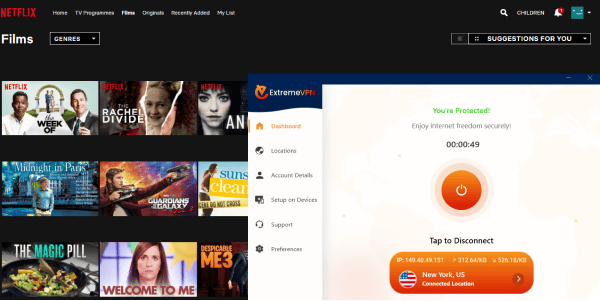
We tested ExtremeVPN’s ability to unblock Netflix US by connecting to a server in New York. We aimed to see if we could watch the newly released movie ‘Mudbound,’ which is only available on Netflix US. As expected, we could access Netflix US, and the movie loaded swiftly in HD quality.
The connection recorded the following speeds:
| Upload | 101.06 |
| Download | 82.04 |
| Ping | 140ms |
Does ExtremeVPN Unblock Netflix UK?

We were also able to unblock Netflix UK without much hassle. We connected to a Manchester server, allowing us to explore the rich UK Netflix library and watch ‘The Dig.’ The video load time was good, and we could stream in HD without buffering.
The connection recorded the following speeds:
| Upload | 79.01 |
| Download | 63.07 |
| Ping | 77ms |
Does ExtremeVPN Unblock Netflix Canada?

We also tested ExtremeVPN with the Canadian Netflix library, and we could watch different shows in HD quality. The connection was through a server in Toronto, and it had the following speed details:
| Upload | 94.05 |
| Download | 66.57 |
| Ping | 191ms |
Does ExtremeVPN Unblock Netflix Australia?

We then connected to ExtremeVPN servers in Melbourne to test if we could explore the Australian Netflix library. We were stunned by how quickly ‘True Spirit’ loaded in HD despite the high latency caused by the long distance. The connection recorded the following speeds:
| Upload | 86.84Mbps |
| Download | 76.75Mbps |
| Ping | 331 Ms |
Does ExtremeVPN have browser extensions?
ExtremeVPN has yet to launch a dedicated browser extension. However, you can download and install a Windows, Android, iOS, or Mac application and use it to protect all your traffic, including your browser’s traffic.
We reached out to the customer support team with questions about browser extensions. They explained that browser extensions for all major browsers are under development and they could be launched anytime soon.
Is ExtremeVPN not working with Netflix – Fixes
Netflix uses sophisticated anti-VPN blocks to prevent VPN users from accessing geo-restricted content. The most common method is tracking down VPN IP addresses, blocking and blacklisting them. If you encounter problems with Netflix when using ExtremeVPN, use the following troubleshooting tips:
Confirm your IP address
Web platforms use your IP address to determine your approximate location. When your ExtremeVPN application is not working properly, or your IP address leaks, Netflix can know your true location and block your connections.
You can use many online tools to check your IP address, e.g., whatsmyip.com. If it shows your true IP address, reconnect and test again.
Switch to a different server
ExtremeVPNs use shared IP addresses which are assigned to more than one user. If one IP address is assigned to many users who try to access Netflix simultaneously, it is automatically blacklisted. Also, a server could be overcrowded, resulting in performance issues.
If you have obtained a different IP address and still have trouble unblocking Netflix, try switching to a different server. Maybe the IP address you have obtained is already blacklisted. Switching to a different server should do the trick.
Clear your browser’s cache
In most cases, your browser’s cache gives up your true location. Netflix stores data like IP address and login details on your browser to help its services. Therefore, Netflix may block your connection based on the cached information regardless of your IP address.
Note that despite the VPN you use, if Netflix has some identifying data on your device, there are high chances of blocking your connection.
Switch to another protocol
The VPN’s tunneling protocol determines how the traffic is routed. Streaming platforms like Netflix detect VPN traffic differently depending on the tunneling protocol. ExtremeVPN uses three tunneling protocols (OpenVPN, IKEv2, and WireGuard).
If it is a speed issue, Wireguard is the best option, but if it is a security issue, try using the OpenVPN tunneling protocol.
Reach out to customer support
ExtremeVPN has a reliable customer support team available 24/7 via the live chat. If all the solutions we have suggested here do not work, contact the support team; they will gladly help you. The first interaction may be with a bot, but within no time, you should be connected with a customer support representative to give you personalized responses.
You can also find ExtremeVPN on different social media platforms and engage customer support representatives if you have complaints or questions. Alternatively, you can send emails, although the response may take some time.
How to fix the ExtremeVPN Netflix Proxy Error

You may have encountered a Netflix proxy error if you tried accessing Netflix without a VPN. It may seem challenging, especially if you are a beginner, but you can follow the steps outlined below to resolve it.
Remember, you must use a premium VPN like ExtremeVPN to fix this error.
How can I fix the ExtremeVPN Netflix Proxy Error on iOS and Android
Use this simple guide to fix Netflix Proxy error on iOS and Android.
- Open your iOS or Android ExtremeVPN application.
- Select a server in a region where you can access your favorite content. For example, select a server in Australia if you want to watch Netflix Australia.
- Click ‘Connect’.
- Launch your Netflix app on Android or iOS and enjoy your favorite Netflix content.
How can I fix the ExtremeVPN Netflix Proxy Error on the PC
Follow these instructions to fix the ‘ExtremeVPN Netflix proxy error’ on Mac and Windows
- Launch your ExtremeVPN desktop application.
- Select a server where the Netflix library you wish to access is unrestricted.
- Connect to the server.
- Open your Netflix app and start streaming.
Can I watch Netflix with a free VPN?
Free VPNs can also reroute your traffic to remote servers and give you an IP address of another country. However, streaming platforms easily detect them and are unlikely to unblock international Netflix libraries. Netflix uses highly complex anti-VPN blocks that can only be bypassed by quality premium VPNs.
Additionally, free VPNs will give you a poor streaming experience characterized by substandard video quality, restricted bandwidth, and prolonged load times. They are also associated with questionable data practices that could compromise your privacy and security.
What more can you do with ExtremeVPN?
ExtremeVPN is a complete privacy tool that helps to stay safe and anonymous online. Besides unblocking streaming platforms like Netflix, you can safely watch videos on free movie websites without worrying about trackers and scammers. Other benefits include;
- Public Wi-Fi protection: You don’t need to worry about anyone stealing your data over unsecured public Wi-Fi because ExtremeVPN encrypts your traffic, rendering it unreadable.
- Safe and smooth torrenting: ExtremeVPN’s ultra-fast speed allows you to download and upload torrents swiftly.
- User-friendly software application: ExtremeVPN is compatible with Windows, Mac, Android, and iOS. All its applications are almost identical and are easy to use.
- Advanced security and Privacy: The main objective of using a VPN is to achieve total privacy and security. ExtremeVPN encrypts your traffic with the AES-256 algorithm and enforces a strict no-logs policy to safeguard your privacy and security. It also protects you against IP, DNS, and WebRTC leaks.
ExtremeVPN alternatives to watch Netflix
Few VPNs can safely unblock international Netflix libraries without affecting your streaming experience. Let’s look at the best alternatives to ExtremeVPN.
1. ExpressVPN

ExpressVPN is a high-end VPN service with some of the best connection speeds in the industry. It is a great choice if you want to unblock international Netflix libraries because of its large server network and speed. It also uses sophisticated technology to avoid detection by VPN blocks and geo-restrictions enforced by streaming platforms like Netflix.
Besides Netflix, you can also use the VPN to unblock other international streaming platforms like Amazon Prime Video, Hulu, and BBC iPlayer, among others. ExpressVPN is based in the British Virgin Islands, known to many as a privacy haven.
The VPN also uses the best safety and privacy measures in the industry. It employs uncrackable AES-256 encryption to protect your data from interference by third parties. Also, it has a reliable kill switch and leak protection feature. Its biggest disadvantage is its high price, starting at $6.67/month.
2. NordVPN

NordVPN is one of the most popular VPN services in the industry. Over time, it has undergone several improvements and serious innovations to become a competitive force in the market. One of its most popular features is the NordLynx tunneling protocol, which guarantees fast speeds when streaming or downloading files.
The VPN also has top-tier security features comprising unbreakable encryption and an independently audited privacy policy. Besides its fast speed and robust security features, it has powerful unblocking powers, and you can use it to unblock all international Netflix libraries.
Moreover, it has applications for all major operating systems and platforms, including routers. Additionally, the VPN offers a competitive pricing plan, with the cheapest going for $4.99/month in 12 months. You can also try its 30-day money-back guarantee to test the service for free if you are on a budget.
3. Private Internet Access (PIA)

PIA is one of the oldest VPNs in the industry, with the largest server network. The VPN boasts over 28,000 servers in 84 countries, more than the combined number of all the VPNs covered in this article.
It is reputable for its customizable security features and fast connection speed, especially over long distances. The large server network, fast speed, and powerful unblocking abilities make PIA one of the best ExtremeVPN alternatives.
PIA has applications for all major platforms and uses RAM-only servers to ensure your data is not logged permanently. It also enforces a strict no-logs policy even though it is based in the US, which is popular for privacy infringement policies.
4. Surfshark

Surfshark is a budget-friendly VPN with a large server network and good connection speeds. Its monthly fee is $2.3; a two-year plan comes with an 82% discount. Instead of using free VPNs, you should invest a few dollars for a Surfshark subscription and be sure to get value for your money.
The VPN uses AES-256 encryption to protect your data in transit and does not keep logs about your browsing activity or identifying information. Also, it supports unlimited devices simultaneously, which is important if you share a Netflix account with friends.
Additionally, Surfshark has applications for all major operating systems and platforms, including routers. Also, Android and iOS users can enjoy a seven-day free trial.
Conclusion
Netflix is a top streaming platform serving more than 190 countries worldwide. However, it has geo-restrictions. You can’t stream the content from a different library. To bypass such restrictions, you need a robust VPN. Plenty of options promise to provide the best services with maximum security and privacy, but not all of them are what they say.
ExtremeVPN is your go-to option if you are looking for a perfect VPN to bypass Netflix’s geo-restrictions and watch your favorite content from your desired library. This newbie service has robust unblocking capabilities and boasts lightning-fast speeds for buffer-free streaming all the time.
FAQs
The post Does ExtremeVPN Work With Netflix? Yes! appeared first on BeEncrypted.
]]>Deprecated: Using null as an array offset is deprecated, use an empty string instead in /var/www/staging.beencrypted.com/site/web/wp/wp-includes/class-wp-block-type-registry.php on line 168
Deprecated: Using null as an array offset is deprecated, use an empty string instead in /var/www/staging.beencrypted.com/site/web/wp/wp-includes/class-wp-block-type-registry.php on line 168
Deprecated: Using null as an array offset is deprecated, use an empty string instead in /var/www/staging.beencrypted.com/site/web/wp/wp-includes/class-wp-block-type-registry.php on line 168
Deprecated: Using null as an array offset is deprecated, use an empty string instead in /var/www/staging.beencrypted.com/site/web/wp/wp-includes/class-wp-block-type-registry.php on line 168
Deprecated: Using null as an array offset is deprecated, use an empty string instead in /var/www/staging.beencrypted.com/site/web/wp/wp-includes/class-wp-block-type-registry.php on line 168
Deprecated: Using null as an array offset is deprecated, use an empty string instead in /var/www/staging.beencrypted.com/site/web/wp/wp-includes/class-wp-block-type-registry.php on line 168
Deprecated: Using null as an array offset is deprecated, use an empty string instead in /var/www/staging.beencrypted.com/site/web/wp/wp-includes/class-wp-block-type-registry.php on line 168
Deprecated: Using null as an array offset is deprecated, use an empty string instead in /var/www/staging.beencrypted.com/site/web/wp/wp-includes/class-wp-block-type-registry.php on line 168
Deprecated: Using null as an array offset is deprecated, use an empty string instead in /var/www/staging.beencrypted.com/site/web/wp/wp-includes/class-wp-block-type-registry.php on line 168
Deprecated: Using null as an array offset is deprecated, use an empty string instead in /var/www/staging.beencrypted.com/site/web/wp/wp-includes/class-wp-block-type-registry.php on line 168
Deprecated: Using null as an array offset is deprecated, use an empty string instead in /var/www/staging.beencrypted.com/site/web/wp/wp-includes/class-wp-block-type-registry.php on line 168
Deprecated: Using null as an array offset is deprecated, use an empty string instead in /var/www/staging.beencrypted.com/site/web/wp/wp-includes/class-wp-block-type-registry.php on line 168
Deprecated: Using null as an array offset is deprecated, use an empty string instead in /var/www/staging.beencrypted.com/site/web/wp/wp-includes/class-wp-block-type-registry.php on line 168
Deprecated: Using null as an array offset is deprecated, use an empty string instead in /var/www/staging.beencrypted.com/site/web/wp/wp-includes/class-wp-block-type-registry.php on line 168
Deprecated: Using null as an array offset is deprecated, use an empty string instead in /var/www/staging.beencrypted.com/site/web/wp/wp-includes/class-wp-block-type-registry.php on line 168
Deprecated: Using null as an array offset is deprecated, use an empty string instead in /var/www/staging.beencrypted.com/site/web/wp/wp-includes/class-wp-block-type-registry.php on line 168
Deprecated: Using null as an array offset is deprecated, use an empty string instead in /var/www/staging.beencrypted.com/site/web/wp/wp-includes/class-wp-block-type-registry.php on line 168
Deprecated: Using null as an array offset is deprecated, use an empty string instead in /var/www/staging.beencrypted.com/site/web/wp/wp-includes/class-wp-block-type-registry.php on line 168
Deprecated: Using null as an array offset is deprecated, use an empty string instead in /var/www/staging.beencrypted.com/site/web/wp/wp-includes/class-wp-block-type-registry.php on line 168
Deprecated: Using null as an array offset is deprecated, use an empty string instead in /var/www/staging.beencrypted.com/site/web/wp/wp-includes/class-wp-block-type-registry.php on line 168
Deprecated: Using null as an array offset is deprecated, use an empty string instead in /var/www/staging.beencrypted.com/site/web/wp/wp-includes/class-wp-block-type-registry.php on line 168
Deprecated: Using null as an array offset is deprecated, use an empty string instead in /var/www/staging.beencrypted.com/site/web/wp/wp-includes/class-wp-block-type-registry.php on line 168
Deprecated: Using null as an array offset is deprecated, use an empty string instead in /var/www/staging.beencrypted.com/site/web/wp/wp-includes/class-wp-block-type-registry.php on line 168
Deprecated: Using null as an array offset is deprecated, use an empty string instead in /var/www/staging.beencrypted.com/site/web/wp/wp-includes/class-wp-block-type-registry.php on line 168
Deprecated: Using null as an array offset is deprecated, use an empty string instead in /var/www/staging.beencrypted.com/site/web/wp/wp-includes/class-wp-block-type-registry.php on line 168
Deprecated: Using null as an array offset is deprecated, use an empty string instead in /var/www/staging.beencrypted.com/site/web/wp/wp-includes/class-wp-block-type-registry.php on line 168
Deprecated: Using null as an array offset is deprecated, use an empty string instead in /var/www/staging.beencrypted.com/site/web/wp/wp-includes/class-wp-block-type-registry.php on line 168
Deprecated: Using null as an array offset is deprecated, use an empty string instead in /var/www/staging.beencrypted.com/site/web/wp/wp-includes/class-wp-block-type-registry.php on line 168
Deprecated: Using null as an array offset is deprecated, use an empty string instead in /var/www/staging.beencrypted.com/site/web/wp/wp-includes/class-wp-block-type-registry.php on line 168
Deprecated: Using null as an array offset is deprecated, use an empty string instead in /var/www/staging.beencrypted.com/site/web/wp/wp-includes/class-wp-block-type-registry.php on line 168
Deprecated: Using null as an array offset is deprecated, use an empty string instead in /var/www/staging.beencrypted.com/site/web/wp/wp-includes/class-wp-block-type-registry.php on line 168
Deprecated: Using null as an array offset is deprecated, use an empty string instead in /var/www/staging.beencrypted.com/site/web/wp/wp-includes/class-wp-block-type-registry.php on line 168
Deprecated: Using null as an array offset is deprecated, use an empty string instead in /var/www/staging.beencrypted.com/site/web/wp/wp-includes/class-wp-block-type-registry.php on line 168
Deprecated: Using null as an array offset is deprecated, use an empty string instead in /var/www/staging.beencrypted.com/site/web/wp/wp-includes/class-wp-block-type-registry.php on line 168
Deprecated: Using null as an array offset is deprecated, use an empty string instead in /var/www/staging.beencrypted.com/site/web/wp/wp-includes/class-wp-block-type-registry.php on line 168
Deprecated: Using null as an array offset is deprecated, use an empty string instead in /var/www/staging.beencrypted.com/site/web/wp/wp-includes/class-wp-block-type-registry.php on line 168
Deprecated: Using null as an array offset is deprecated, use an empty string instead in /var/www/staging.beencrypted.com/site/web/wp/wp-includes/class-wp-block-type-registry.php on line 168
Deprecated: Using null as an array offset is deprecated, use an empty string instead in /var/www/staging.beencrypted.com/site/web/wp/wp-includes/class-wp-block-type-registry.php on line 168
Deprecated: Using null as an array offset is deprecated, use an empty string instead in /var/www/staging.beencrypted.com/site/web/wp/wp-includes/class-wp-block-type-registry.php on line 168
Deprecated: Using null as an array offset is deprecated, use an empty string instead in /var/www/staging.beencrypted.com/site/web/wp/wp-includes/class-wp-block-type-registry.php on line 168
Deprecated: Using null as an array offset is deprecated, use an empty string instead in /var/www/staging.beencrypted.com/site/web/wp/wp-includes/class-wp-block-type-registry.php on line 168
Deprecated: Using null as an array offset is deprecated, use an empty string instead in /var/www/staging.beencrypted.com/site/web/wp/wp-includes/class-wp-block-type-registry.php on line 168
Deprecated: Using null as an array offset is deprecated, use an empty string instead in /var/www/staging.beencrypted.com/site/web/wp/wp-includes/class-wp-block-type-registry.php on line 168
Deprecated: Using null as an array offset is deprecated, use an empty string instead in /var/www/staging.beencrypted.com/site/web/wp/wp-includes/class-wp-block-type-registry.php on line 168
Deprecated: Using null as an array offset is deprecated, use an empty string instead in /var/www/staging.beencrypted.com/site/web/wp/wp-includes/class-wp-block-type-registry.php on line 168
Deprecated: Using null as an array offset is deprecated, use an empty string instead in /var/www/staging.beencrypted.com/site/web/wp/wp-includes/class-wp-block-type-registry.php on line 168
Deprecated: Using null as an array offset is deprecated, use an empty string instead in /var/www/staging.beencrypted.com/site/web/wp/wp-includes/class-wp-block-type-registry.php on line 168
Deprecated: Using null as an array offset is deprecated, use an empty string instead in /var/www/staging.beencrypted.com/site/web/wp/wp-includes/class-wp-block-type-registry.php on line 168
Deprecated: Using null as an array offset is deprecated, use an empty string instead in /var/www/staging.beencrypted.com/site/web/wp/wp-includes/class-wp-block-type-registry.php on line 168
Deprecated: Using null as an array offset is deprecated, use an empty string instead in /var/www/staging.beencrypted.com/site/web/wp/wp-includes/class-wp-block-type-registry.php on line 168
Deprecated: Using null as an array offset is deprecated, use an empty string instead in /var/www/staging.beencrypted.com/site/web/wp/wp-includes/class-wp-block-type-registry.php on line 168
Deprecated: Using null as an array offset is deprecated, use an empty string instead in /var/www/staging.beencrypted.com/site/web/wp/wp-includes/class-wp-block-type-registry.php on line 168
Deprecated: Using null as an array offset is deprecated, use an empty string instead in /var/www/staging.beencrypted.com/site/web/wp/wp-includes/class-wp-block-type-registry.php on line 168
Deprecated: Using null as an array offset is deprecated, use an empty string instead in /var/www/staging.beencrypted.com/site/web/wp/wp-includes/class-wp-block-type-registry.php on line 168
Deprecated: Using null as an array offset is deprecated, use an empty string instead in /var/www/staging.beencrypted.com/site/web/wp/wp-includes/class-wp-block-type-registry.php on line 168
Deprecated: Using null as an array offset is deprecated, use an empty string instead in /var/www/staging.beencrypted.com/site/web/wp/wp-includes/class-wp-block-type-registry.php on line 168
Deprecated: Using null as an array offset is deprecated, use an empty string instead in /var/www/staging.beencrypted.com/site/web/wp/wp-includes/class-wp-block-type-registry.php on line 168
Deprecated: Using null as an array offset is deprecated, use an empty string instead in /var/www/staging.beencrypted.com/site/web/wp/wp-includes/class-wp-block-type-registry.php on line 168
Deprecated: Using null as an array offset is deprecated, use an empty string instead in /var/www/staging.beencrypted.com/site/web/wp/wp-includes/class-wp-block-type-registry.php on line 168
Deprecated: Using null as an array offset is deprecated, use an empty string instead in /var/www/staging.beencrypted.com/site/web/wp/wp-includes/class-wp-block-type-registry.php on line 168
Deprecated: Using null as an array offset is deprecated, use an empty string instead in /var/www/staging.beencrypted.com/site/web/wp/wp-includes/class-wp-block-type-registry.php on line 168
Deprecated: Using null as an array offset is deprecated, use an empty string instead in /var/www/staging.beencrypted.com/site/web/wp/wp-includes/class-wp-block-type-registry.php on line 168
Deprecated: Using null as an array offset is deprecated, use an empty string instead in /var/www/staging.beencrypted.com/site/web/wp/wp-includes/class-wp-block-type-registry.php on line 168
Deprecated: Using null as an array offset is deprecated, use an empty string instead in /var/www/staging.beencrypted.com/site/web/wp/wp-includes/class-wp-block-type-registry.php on line 168
Deprecated: Using null as an array offset is deprecated, use an empty string instead in /var/www/staging.beencrypted.com/site/web/wp/wp-includes/class-wp-block-type-registry.php on line 168
Deprecated: Using null as an array offset is deprecated, use an empty string instead in /var/www/staging.beencrypted.com/site/web/wp/wp-includes/class-wp-block-type-registry.php on line 168
Deprecated: Using null as an array offset is deprecated, use an empty string instead in /var/www/staging.beencrypted.com/site/web/wp/wp-includes/class-wp-block-type-registry.php on line 168
Deprecated: Using null as an array offset is deprecated, use an empty string instead in /var/www/staging.beencrypted.com/site/web/wp/wp-includes/class-wp-block-type-registry.php on line 168
Deprecated: Using null as an array offset is deprecated, use an empty string instead in /var/www/staging.beencrypted.com/site/web/wp/wp-includes/class-wp-block-type-registry.php on line 168
Deprecated: Using null as an array offset is deprecated, use an empty string instead in /var/www/staging.beencrypted.com/site/web/wp/wp-includes/class-wp-block-type-registry.php on line 168
Deprecated: Using null as an array offset is deprecated, use an empty string instead in /var/www/staging.beencrypted.com/site/web/wp/wp-includes/class-wp-block-type-registry.php on line 168
Deprecated: Using null as an array offset is deprecated, use an empty string instead in /var/www/staging.beencrypted.com/site/web/wp/wp-includes/class-wp-block-type-registry.php on line 168
Deprecated: Using null as an array offset is deprecated, use an empty string instead in /var/www/staging.beencrypted.com/site/web/wp/wp-includes/class-wp-block-type-registry.php on line 168
Deprecated: Using null as an array offset is deprecated, use an empty string instead in /var/www/staging.beencrypted.com/site/web/wp/wp-includes/class-wp-block-type-registry.php on line 168
Deprecated: Using null as an array offset is deprecated, use an empty string instead in /var/www/staging.beencrypted.com/site/web/wp/wp-includes/class-wp-block-type-registry.php on line 168
Deprecated: Using null as an array offset is deprecated, use an empty string instead in /var/www/staging.beencrypted.com/site/web/wp/wp-includes/class-wp-block-type-registry.php on line 168
Deprecated: Using null as an array offset is deprecated, use an empty string instead in /var/www/staging.beencrypted.com/site/web/wp/wp-includes/class-wp-block-type-registry.php on line 168
Deprecated: Using null as an array offset is deprecated, use an empty string instead in /var/www/staging.beencrypted.com/site/web/wp/wp-includes/class-wp-block-type-registry.php on line 168
Deprecated: Using null as an array offset is deprecated, use an empty string instead in /var/www/staging.beencrypted.com/site/web/wp/wp-includes/class-wp-block-type-registry.php on line 168
Deprecated: Using null as an array offset is deprecated, use an empty string instead in /var/www/staging.beencrypted.com/site/web/wp/wp-includes/class-wp-block-type-registry.php on line 168
Deprecated: Using null as an array offset is deprecated, use an empty string instead in /var/www/staging.beencrypted.com/site/web/wp/wp-includes/class-wp-block-type-registry.php on line 168
Deprecated: Using null as an array offset is deprecated, use an empty string instead in /var/www/staging.beencrypted.com/site/web/wp/wp-includes/class-wp-block-type-registry.php on line 168
Deprecated: Using null as an array offset is deprecated, use an empty string instead in /var/www/staging.beencrypted.com/site/web/wp/wp-includes/class-wp-block-type-registry.php on line 168
Deprecated: Using null as an array offset is deprecated, use an empty string instead in /var/www/staging.beencrypted.com/site/web/wp/wp-includes/class-wp-block-type-registry.php on line 168
Deprecated: Using null as an array offset is deprecated, use an empty string instead in /var/www/staging.beencrypted.com/site/web/wp/wp-includes/class-wp-block-type-registry.php on line 168
Deprecated: Using null as an array offset is deprecated, use an empty string instead in /var/www/staging.beencrypted.com/site/web/wp/wp-includes/class-wp-block-type-registry.php on line 168
Deprecated: Using null as an array offset is deprecated, use an empty string instead in /var/www/staging.beencrypted.com/site/web/wp/wp-includes/class-wp-block-type-registry.php on line 168
Deprecated: Using null as an array offset is deprecated, use an empty string instead in /var/www/staging.beencrypted.com/site/web/wp/wp-includes/class-wp-block-type-registry.php on line 168
Deprecated: Using null as an array offset is deprecated, use an empty string instead in /var/www/staging.beencrypted.com/site/web/wp/wp-includes/class-wp-block-type-registry.php on line 168
Deprecated: Using null as an array offset is deprecated, use an empty string instead in /var/www/staging.beencrypted.com/site/web/wp/wp-includes/class-wp-block-type-registry.php on line 168
Deprecated: Using null as an array offset is deprecated, use an empty string instead in /var/www/staging.beencrypted.com/site/web/wp/wp-includes/class-wp-block-type-registry.php on line 168
Deprecated: Using null as an array offset is deprecated, use an empty string instead in /var/www/staging.beencrypted.com/site/web/wp/wp-includes/class-wp-block-type-registry.php on line 168
Deprecated: Using null as an array offset is deprecated, use an empty string instead in /var/www/staging.beencrypted.com/site/web/wp/wp-includes/class-wp-block-type-registry.php on line 168
Deprecated: Using null as an array offset is deprecated, use an empty string instead in /var/www/staging.beencrypted.com/site/web/wp/wp-includes/class-wp-block-type-registry.php on line 168
Deprecated: Using null as an array offset is deprecated, use an empty string instead in /var/www/staging.beencrypted.com/site/web/wp/wp-includes/class-wp-block-type-registry.php on line 168
Deprecated: Using null as an array offset is deprecated, use an empty string instead in /var/www/staging.beencrypted.com/site/web/wp/wp-includes/class-wp-block-type-registry.php on line 168
Deprecated: Using null as an array offset is deprecated, use an empty string instead in /var/www/staging.beencrypted.com/site/web/wp/wp-includes/class-wp-block-type-registry.php on line 168
Deprecated: Using null as an array offset is deprecated, use an empty string instead in /var/www/staging.beencrypted.com/site/web/wp/wp-includes/class-wp-block-type-registry.php on line 168
Deprecated: Using null as an array offset is deprecated, use an empty string instead in /var/www/staging.beencrypted.com/site/web/wp/wp-includes/class-wp-block-type-registry.php on line 168
Deprecated: Using null as an array offset is deprecated, use an empty string instead in /var/www/staging.beencrypted.com/site/web/wp/wp-includes/class-wp-block-type-registry.php on line 168
Deprecated: Using null as an array offset is deprecated, use an empty string instead in /var/www/staging.beencrypted.com/site/web/wp/wp-includes/class-wp-block-type-registry.php on line 168
Deprecated: Using null as an array offset is deprecated, use an empty string instead in /var/www/staging.beencrypted.com/site/web/wp/wp-includes/class-wp-block-type-registry.php on line 168
Deprecated: Using null as an array offset is deprecated, use an empty string instead in /var/www/staging.beencrypted.com/site/web/wp/wp-includes/class-wp-block-type-registry.php on line 168
Deprecated: Using null as an array offset is deprecated, use an empty string instead in /var/www/staging.beencrypted.com/site/web/wp/wp-includes/class-wp-block-type-registry.php on line 168
Deprecated: Using null as an array offset is deprecated, use an empty string instead in /var/www/staging.beencrypted.com/site/web/wp/wp-includes/class-wp-block-type-registry.php on line 168
Deprecated: Using null as an array offset is deprecated, use an empty string instead in /var/www/staging.beencrypted.com/site/web/wp/wp-includes/class-wp-block-type-registry.php on line 168
Deprecated: Using null as an array offset is deprecated, use an empty string instead in /var/www/staging.beencrypted.com/site/web/wp/wp-includes/class-wp-block-type-registry.php on line 168
Deprecated: Using null as an array offset is deprecated, use an empty string instead in /var/www/staging.beencrypted.com/site/web/wp/wp-includes/class-wp-block-type-registry.php on line 168
Deprecated: Using null as an array offset is deprecated, use an empty string instead in /var/www/staging.beencrypted.com/site/web/wp/wp-includes/class-wp-block-type-registry.php on line 168
Deprecated: Using null as an array offset is deprecated, use an empty string instead in /var/www/staging.beencrypted.com/site/web/wp/wp-includes/class-wp-block-type-registry.php on line 168
Deprecated: Using null as an array offset is deprecated, use an empty string instead in /var/www/staging.beencrypted.com/site/web/wp/wp-includes/class-wp-block-type-registry.php on line 168
Deprecated: Using null as an array offset is deprecated, use an empty string instead in /var/www/staging.beencrypted.com/site/web/wp/wp-includes/class-wp-block-type-registry.php on line 168
Deprecated: Using null as an array offset is deprecated, use an empty string instead in /var/www/staging.beencrypted.com/site/web/wp/wp-includes/class-wp-block-type-registry.php on line 168
Deprecated: Using null as an array offset is deprecated, use an empty string instead in /var/www/staging.beencrypted.com/site/web/wp/wp-includes/class-wp-block-type-registry.php on line 168
Deprecated: Using null as an array offset is deprecated, use an empty string instead in /var/www/staging.beencrypted.com/site/web/wp/wp-includes/class-wp-block-type-registry.php on line 168
Deprecated: Using null as an array offset is deprecated, use an empty string instead in /var/www/staging.beencrypted.com/site/web/wp/wp-includes/class-wp-block-type-registry.php on line 168
Deprecated: Using null as an array offset is deprecated, use an empty string instead in /var/www/staging.beencrypted.com/site/web/wp/wp-includes/class-wp-block-type-registry.php on line 168
Deprecated: Using null as an array offset is deprecated, use an empty string instead in /var/www/staging.beencrypted.com/site/web/wp/wp-includes/class-wp-block-type-registry.php on line 168
Deprecated: Using null as an array offset is deprecated, use an empty string instead in /var/www/staging.beencrypted.com/site/web/wp/wp-includes/class-wp-block-type-registry.php on line 168
Deprecated: Using null as an array offset is deprecated, use an empty string instead in /var/www/staging.beencrypted.com/site/web/wp/wp-includes/class-wp-block-type-registry.php on line 168
Deprecated: Using null as an array offset is deprecated, use an empty string instead in /var/www/staging.beencrypted.com/site/web/wp/wp-includes/class-wp-block-type-registry.php on line 168
Deprecated: Using null as an array offset is deprecated, use an empty string instead in /var/www/staging.beencrypted.com/site/web/wp/wp-includes/class-wp-block-type-registry.php on line 168
Deprecated: Using null as an array offset is deprecated, use an empty string instead in /var/www/staging.beencrypted.com/site/web/wp/wp-includes/class-wp-block-type-registry.php on line 168
Deprecated: Using null as an array offset is deprecated, use an empty string instead in /var/www/staging.beencrypted.com/site/web/wp/wp-includes/class-wp-block-type-registry.php on line 168
Deprecated: Using null as an array offset is deprecated, use an empty string instead in /var/www/staging.beencrypted.com/site/web/wp/wp-includes/class-wp-block-type-registry.php on line 168
Deprecated: Using null as an array offset is deprecated, use an empty string instead in /var/www/staging.beencrypted.com/site/web/wp/wp-includes/class-wp-block-type-registry.php on line 168
Deprecated: Using null as an array offset is deprecated, use an empty string instead in /var/www/staging.beencrypted.com/site/web/wp/wp-includes/class-wp-block-type-registry.php on line 168
Deprecated: Using null as an array offset is deprecated, use an empty string instead in /var/www/staging.beencrypted.com/site/web/wp/wp-includes/class-wp-block-type-registry.php on line 168
Deprecated: Using null as an array offset is deprecated, use an empty string instead in /var/www/staging.beencrypted.com/site/web/wp/wp-includes/class-wp-block-type-registry.php on line 168
Deprecated: Using null as an array offset is deprecated, use an empty string instead in /var/www/staging.beencrypted.com/site/web/wp/wp-includes/class-wp-block-type-registry.php on line 168
Deprecated: Using null as an array offset is deprecated, use an empty string instead in /var/www/staging.beencrypted.com/site/web/wp/wp-includes/class-wp-block-type-registry.php on line 168
Deprecated: Using null as an array offset is deprecated, use an empty string instead in /var/www/staging.beencrypted.com/site/web/wp/wp-includes/class-wp-block-type-registry.php on line 168
Deprecated: Using null as an array offset is deprecated, use an empty string instead in /var/www/staging.beencrypted.com/site/web/wp/wp-includes/class-wp-block-type-registry.php on line 168
Deprecated: Using null as an array offset is deprecated, use an empty string instead in /var/www/staging.beencrypted.com/site/web/wp/wp-includes/class-wp-block-type-registry.php on line 168
Deprecated: Using null as an array offset is deprecated, use an empty string instead in /var/www/staging.beencrypted.com/site/web/wp/wp-includes/class-wp-block-type-registry.php on line 168
Deprecated: Using null as an array offset is deprecated, use an empty string instead in /var/www/staging.beencrypted.com/site/web/wp/wp-includes/class-wp-block-type-registry.php on line 168
Deprecated: Using null as an array offset is deprecated, use an empty string instead in /var/www/staging.beencrypted.com/site/web/wp/wp-includes/class-wp-block-type-registry.php on line 168
Deprecated: Using null as an array offset is deprecated, use an empty string instead in /var/www/staging.beencrypted.com/site/web/wp/wp-includes/class-wp-block-type-registry.php on line 168
Deprecated: Using null as an array offset is deprecated, use an empty string instead in /var/www/staging.beencrypted.com/site/web/wp/wp-includes/class-wp-block-type-registry.php on line 168
Deprecated: Using null as an array offset is deprecated, use an empty string instead in /var/www/staging.beencrypted.com/site/web/wp/wp-includes/class-wp-block-type-registry.php on line 168
Deprecated: Using null as an array offset is deprecated, use an empty string instead in /var/www/staging.beencrypted.com/site/web/wp/wp-includes/class-wp-block-type-registry.php on line 168
Deprecated: Using null as an array offset is deprecated, use an empty string instead in /var/www/staging.beencrypted.com/site/web/wp/wp-includes/class-wp-block-type-registry.php on line 168
Deprecated: Using null as an array offset is deprecated, use an empty string instead in /var/www/staging.beencrypted.com/site/web/wp/wp-includes/class-wp-block-type-registry.php on line 168
Deprecated: Using null as an array offset is deprecated, use an empty string instead in /var/www/staging.beencrypted.com/site/web/wp/wp-includes/class-wp-block-type-registry.php on line 168
Deprecated: Using null as an array offset is deprecated, use an empty string instead in /var/www/staging.beencrypted.com/site/web/wp/wp-includes/class-wp-block-type-registry.php on line 168
Deprecated: Using null as an array offset is deprecated, use an empty string instead in /var/www/staging.beencrypted.com/site/web/wp/wp-includes/class-wp-block-type-registry.php on line 168
Deprecated: Using null as an array offset is deprecated, use an empty string instead in /var/www/staging.beencrypted.com/site/web/wp/wp-includes/class-wp-block-type-registry.php on line 168
Deprecated: Using null as an array offset is deprecated, use an empty string instead in /var/www/staging.beencrypted.com/site/web/wp/wp-includes/class-wp-block-type-registry.php on line 168
Deprecated: Using null as an array offset is deprecated, use an empty string instead in /var/www/staging.beencrypted.com/site/web/wp/wp-includes/class-wp-block-type-registry.php on line 168
Deprecated: Using null as an array offset is deprecated, use an empty string instead in /var/www/staging.beencrypted.com/site/web/wp/wp-includes/class-wp-block-type-registry.php on line 168
Deprecated: Using null as an array offset is deprecated, use an empty string instead in /var/www/staging.beencrypted.com/site/web/wp/wp-includes/class-wp-block-type-registry.php on line 168
Deprecated: Using null as an array offset is deprecated, use an empty string instead in /var/www/staging.beencrypted.com/site/web/wp/wp-includes/class-wp-block-type-registry.php on line 168
Deprecated: Using null as an array offset is deprecated, use an empty string instead in /var/www/staging.beencrypted.com/site/web/wp/wp-includes/class-wp-block-type-registry.php on line 168
Deprecated: Using null as an array offset is deprecated, use an empty string instead in /var/www/staging.beencrypted.com/site/web/wp/wp-includes/class-wp-block-type-registry.php on line 168
Deprecated: Using null as an array offset is deprecated, use an empty string instead in /var/www/staging.beencrypted.com/site/web/wp/wp-includes/class-wp-block-type-registry.php on line 168
Deprecated: Using null as an array offset is deprecated, use an empty string instead in /var/www/staging.beencrypted.com/site/web/wp/wp-includes/class-wp-block-type-registry.php on line 168
Deprecated: Using null as an array offset is deprecated, use an empty string instead in /var/www/staging.beencrypted.com/site/web/wp/wp-includes/class-wp-block-type-registry.php on line 168
Deprecated: Using null as an array offset is deprecated, use an empty string instead in /var/www/staging.beencrypted.com/site/web/wp/wp-includes/class-wp-block-type-registry.php on line 168
Deprecated: Using null as an array offset is deprecated, use an empty string instead in /var/www/staging.beencrypted.com/site/web/wp/wp-includes/class-wp-block-type-registry.php on line 168
Deprecated: Using null as an array offset is deprecated, use an empty string instead in /var/www/staging.beencrypted.com/site/web/wp/wp-includes/class-wp-block-type-registry.php on line 168
Deprecated: Using null as an array offset is deprecated, use an empty string instead in /var/www/staging.beencrypted.com/site/web/wp/wp-includes/class-wp-block-type-registry.php on line 168
Deprecated: Using null as an array offset is deprecated, use an empty string instead in /var/www/staging.beencrypted.com/site/web/wp/wp-includes/class-wp-block-type-registry.php on line 168
Deprecated: Using null as an array offset is deprecated, use an empty string instead in /var/www/staging.beencrypted.com/site/web/wp/wp-includes/class-wp-block-type-registry.php on line 168
Deprecated: Using null as an array offset is deprecated, use an empty string instead in /var/www/staging.beencrypted.com/site/web/wp/wp-includes/class-wp-block-type-registry.php on line 168
Deprecated: Using null as an array offset is deprecated, use an empty string instead in /var/www/staging.beencrypted.com/site/web/wp/wp-includes/class-wp-block-type-registry.php on line 168
Deprecated: Using null as an array offset is deprecated, use an empty string instead in /var/www/staging.beencrypted.com/site/web/wp/wp-includes/class-wp-block-type-registry.php on line 168
Deprecated: Using null as an array offset is deprecated, use an empty string instead in /var/www/staging.beencrypted.com/site/web/wp/wp-includes/class-wp-block-type-registry.php on line 168
Deprecated: Using null as an array offset is deprecated, use an empty string instead in /var/www/staging.beencrypted.com/site/web/wp/wp-includes/class-wp-block-type-registry.php on line 168
Deprecated: Using null as an array offset is deprecated, use an empty string instead in /var/www/staging.beencrypted.com/site/web/wp/wp-includes/class-wp-block-type-registry.php on line 168
Deprecated: Using null as an array offset is deprecated, use an empty string instead in /var/www/staging.beencrypted.com/site/web/wp/wp-includes/class-wp-block-type-registry.php on line 168
Deprecated: Using null as an array offset is deprecated, use an empty string instead in /var/www/staging.beencrypted.com/site/web/wp/wp-includes/class-wp-block-type-registry.php on line 168
Deprecated: Using null as an array offset is deprecated, use an empty string instead in /var/www/staging.beencrypted.com/site/web/wp/wp-includes/class-wp-block-type-registry.php on line 168
Deprecated: Using null as an array offset is deprecated, use an empty string instead in /var/www/staging.beencrypted.com/site/web/wp/wp-includes/class-wp-block-type-registry.php on line 168
Deprecated: Using null as an array offset is deprecated, use an empty string instead in /var/www/staging.beencrypted.com/site/web/wp/wp-includes/class-wp-block-type-registry.php on line 168
Deprecated: Using null as an array offset is deprecated, use an empty string instead in /var/www/staging.beencrypted.com/site/web/wp/wp-includes/class-wp-block-type-registry.php on line 168
Deprecated: Using null as an array offset is deprecated, use an empty string instead in /var/www/staging.beencrypted.com/site/web/wp/wp-includes/class-wp-block-type-registry.php on line 168
Deprecated: Using null as an array offset is deprecated, use an empty string instead in /var/www/staging.beencrypted.com/site/web/wp/wp-includes/class-wp-block-type-registry.php on line 168
Deprecated: Using null as an array offset is deprecated, use an empty string instead in /var/www/staging.beencrypted.com/site/web/wp/wp-includes/class-wp-block-type-registry.php on line 168
Deprecated: Using null as an array offset is deprecated, use an empty string instead in /var/www/staging.beencrypted.com/site/web/wp/wp-includes/class-wp-block-type-registry.php on line 168
Deprecated: Using null as an array offset is deprecated, use an empty string instead in /var/www/staging.beencrypted.com/site/web/wp/wp-includes/class-wp-block-type-registry.php on line 168
Deprecated: Using null as an array offset is deprecated, use an empty string instead in /var/www/staging.beencrypted.com/site/web/wp/wp-includes/class-wp-block-type-registry.php on line 168
Deprecated: Using null as an array offset is deprecated, use an empty string instead in /var/www/staging.beencrypted.com/site/web/wp/wp-includes/class-wp-block-type-registry.php on line 168
Deprecated: Using null as an array offset is deprecated, use an empty string instead in /var/www/staging.beencrypted.com/site/web/wp/wp-includes/class-wp-block-type-registry.php on line 168
Deprecated: Using null as an array offset is deprecated, use an empty string instead in /var/www/staging.beencrypted.com/site/web/wp/wp-includes/class-wp-block-type-registry.php on line 168
Deprecated: Using null as an array offset is deprecated, use an empty string instead in /var/www/staging.beencrypted.com/site/web/wp/wp-includes/class-wp-block-type-registry.php on line 168
Deprecated: Using null as an array offset is deprecated, use an empty string instead in /var/www/staging.beencrypted.com/site/web/wp/wp-includes/class-wp-block-type-registry.php on line 168
Deprecated: Using null as an array offset is deprecated, use an empty string instead in /var/www/staging.beencrypted.com/site/web/wp/wp-includes/class-wp-block-type-registry.php on line 168
Deprecated: Using null as an array offset is deprecated, use an empty string instead in /var/www/staging.beencrypted.com/site/web/wp/wp-includes/class-wp-block-type-registry.php on line 168
Deprecated: Using null as an array offset is deprecated, use an empty string instead in /var/www/staging.beencrypted.com/site/web/wp/wp-includes/class-wp-block-type-registry.php on line 168
Deprecated: Using null as an array offset is deprecated, use an empty string instead in /var/www/staging.beencrypted.com/site/web/wp/wp-includes/class-wp-block-type-registry.php on line 168
Deprecated: Using null as an array offset is deprecated, use an empty string instead in /var/www/staging.beencrypted.com/site/web/wp/wp-includes/class-wp-block-type-registry.php on line 168
Deprecated: Using null as an array offset is deprecated, use an empty string instead in /var/www/staging.beencrypted.com/site/web/wp/wp-includes/class-wp-block-type-registry.php on line 168
Deprecated: Using null as an array offset is deprecated, use an empty string instead in /var/www/staging.beencrypted.com/site/web/wp/wp-includes/class-wp-block-type-registry.php on line 168
Deprecated: Using null as an array offset is deprecated, use an empty string instead in /var/www/staging.beencrypted.com/site/web/wp/wp-includes/class-wp-block-type-registry.php on line 168
Deprecated: Using null as an array offset is deprecated, use an empty string instead in /var/www/staging.beencrypted.com/site/web/wp/wp-includes/class-wp-block-type-registry.php on line 168
Deprecated: Using null as an array offset is deprecated, use an empty string instead in /var/www/staging.beencrypted.com/site/web/wp/wp-includes/class-wp-block-type-registry.php on line 168
Deprecated: Using null as an array offset is deprecated, use an empty string instead in /var/www/staging.beencrypted.com/site/web/wp/wp-includes/class-wp-block-type-registry.php on line 168
Deprecated: Using null as an array offset is deprecated, use an empty string instead in /var/www/staging.beencrypted.com/site/web/wp/wp-includes/class-wp-block-type-registry.php on line 168
Deprecated: Using null as an array offset is deprecated, use an empty string instead in /var/www/staging.beencrypted.com/site/web/wp/wp-includes/class-wp-block-type-registry.php on line 168
Deprecated: Using null as an array offset is deprecated, use an empty string instead in /var/www/staging.beencrypted.com/site/web/wp/wp-includes/class-wp-block-type-registry.php on line 168
Deprecated: Using null as an array offset is deprecated, use an empty string instead in /var/www/staging.beencrypted.com/site/web/wp/wp-includes/class-wp-block-type-registry.php on line 168
Deprecated: Using null as an array offset is deprecated, use an empty string instead in /var/www/staging.beencrypted.com/site/web/wp/wp-includes/class-wp-block-type-registry.php on line 168
Deprecated: Using null as an array offset is deprecated, use an empty string instead in /var/www/staging.beencrypted.com/site/web/wp/wp-includes/class-wp-block-type-registry.php on line 168
Deprecated: Using null as an array offset is deprecated, use an empty string instead in /var/www/staging.beencrypted.com/site/web/wp/wp-includes/class-wp-block-type-registry.php on line 168
Deprecated: Using null as an array offset is deprecated, use an empty string instead in /var/www/staging.beencrypted.com/site/web/wp/wp-includes/class-wp-block-type-registry.php on line 168
Deprecated: Using null as an array offset is deprecated, use an empty string instead in /var/www/staging.beencrypted.com/site/web/wp/wp-includes/class-wp-block-type-registry.php on line 168
Deprecated: Using null as an array offset is deprecated, use an empty string instead in /var/www/staging.beencrypted.com/site/web/wp/wp-includes/class-wp-block-type-registry.php on line 168
Deprecated: Using null as an array offset is deprecated, use an empty string instead in /var/www/staging.beencrypted.com/site/web/wp/wp-includes/class-wp-block-type-registry.php on line 168
Deprecated: Using null as an array offset is deprecated, use an empty string instead in /var/www/staging.beencrypted.com/site/web/wp/wp-includes/class-wp-block-type-registry.php on line 168
Deprecated: Using null as an array offset is deprecated, use an empty string instead in /var/www/staging.beencrypted.com/site/web/wp/wp-includes/class-wp-block-type-registry.php on line 168
Deprecated: Using null as an array offset is deprecated, use an empty string instead in /var/www/staging.beencrypted.com/site/web/wp/wp-includes/class-wp-block-type-registry.php on line 168
Deprecated: Using null as an array offset is deprecated, use an empty string instead in /var/www/staging.beencrypted.com/site/web/wp/wp-includes/class-wp-block-type-registry.php on line 168
Deprecated: Using null as an array offset is deprecated, use an empty string instead in /var/www/staging.beencrypted.com/site/web/wp/wp-includes/class-wp-block-type-registry.php on line 168
Deprecated: Using null as an array offset is deprecated, use an empty string instead in /var/www/staging.beencrypted.com/site/web/wp/wp-includes/class-wp-block-type-registry.php on line 168
Deprecated: Using null as an array offset is deprecated, use an empty string instead in /var/www/staging.beencrypted.com/site/web/wp/wp-includes/class-wp-block-type-registry.php on line 168
Deprecated: Using null as an array offset is deprecated, use an empty string instead in /var/www/staging.beencrypted.com/site/web/wp/wp-includes/class-wp-block-type-registry.php on line 168
Deprecated: Using null as an array offset is deprecated, use an empty string instead in /var/www/staging.beencrypted.com/site/web/wp/wp-includes/class-wp-block-type-registry.php on line 168
Deprecated: Using null as an array offset is deprecated, use an empty string instead in /var/www/staging.beencrypted.com/site/web/wp/wp-includes/class-wp-block-type-registry.php on line 168
Deprecated: Using null as an array offset is deprecated, use an empty string instead in /var/www/staging.beencrypted.com/site/web/wp/wp-includes/class-wp-block-type-registry.php on line 168
Deprecated: Using null as an array offset is deprecated, use an empty string instead in /var/www/staging.beencrypted.com/site/web/wp/wp-includes/class-wp-block-type-registry.php on line 168
Deprecated: Using null as an array offset is deprecated, use an empty string instead in /var/www/staging.beencrypted.com/site/web/wp/wp-includes/class-wp-block-type-registry.php on line 168
Deprecated: Using null as an array offset is deprecated, use an empty string instead in /var/www/staging.beencrypted.com/site/web/wp/wp-includes/class-wp-block-type-registry.php on line 168
Deprecated: Using null as an array offset is deprecated, use an empty string instead in /var/www/staging.beencrypted.com/site/web/wp/wp-includes/class-wp-block-type-registry.php on line 168
Deprecated: Using null as an array offset is deprecated, use an empty string instead in /var/www/staging.beencrypted.com/site/web/wp/wp-includes/class-wp-block-type-registry.php on line 168
Deprecated: Using null as an array offset is deprecated, use an empty string instead in /var/www/staging.beencrypted.com/site/web/wp/wp-includes/class-wp-block-type-registry.php on line 168
Deprecated: Using null as an array offset is deprecated, use an empty string instead in /var/www/staging.beencrypted.com/site/web/wp/wp-includes/class-wp-block-type-registry.php on line 168
Deprecated: Using null as an array offset is deprecated, use an empty string instead in /var/www/staging.beencrypted.com/site/web/wp/wp-includes/class-wp-block-type-registry.php on line 168
Deprecated: Using null as an array offset is deprecated, use an empty string instead in /var/www/staging.beencrypted.com/site/web/wp/wp-includes/class-wp-block-type-registry.php on line 168
Deprecated: Using null as an array offset is deprecated, use an empty string instead in /var/www/staging.beencrypted.com/site/web/wp/wp-includes/class-wp-block-type-registry.php on line 168
Deprecated: Using null as an array offset is deprecated, use an empty string instead in /var/www/staging.beencrypted.com/site/web/wp/wp-includes/class-wp-block-type-registry.php on line 168
Deprecated: Using null as an array offset is deprecated, use an empty string instead in /var/www/staging.beencrypted.com/site/web/wp/wp-includes/class-wp-block-type-registry.php on line 168
Deprecated: Using null as an array offset is deprecated, use an empty string instead in /var/www/staging.beencrypted.com/site/web/wp/wp-includes/class-wp-block-type-registry.php on line 168
Deprecated: Using null as an array offset is deprecated, use an empty string instead in /var/www/staging.beencrypted.com/site/web/wp/wp-includes/class-wp-block-type-registry.php on line 168
Deprecated: Using null as an array offset is deprecated, use an empty string instead in /var/www/staging.beencrypted.com/site/web/wp/wp-includes/class-wp-block-type-registry.php on line 168
Deprecated: Using null as an array offset is deprecated, use an empty string instead in /var/www/staging.beencrypted.com/site/web/wp/wp-includes/class-wp-block-type-registry.php on line 168
Deprecated: Using null as an array offset is deprecated, use an empty string instead in /var/www/staging.beencrypted.com/site/web/wp/wp-includes/class-wp-block-type-registry.php on line 168
Deprecated: Using null as an array offset is deprecated, use an empty string instead in /var/www/staging.beencrypted.com/site/web/wp/wp-includes/class-wp-block-type-registry.php on line 168
Deprecated: Using null as an array offset is deprecated, use an empty string instead in /var/www/staging.beencrypted.com/site/web/wp/wp-includes/class-wp-block-type-registry.php on line 168
Deprecated: Using null as an array offset is deprecated, use an empty string instead in /var/www/staging.beencrypted.com/site/web/wp/wp-includes/class-wp-block-type-registry.php on line 168
Deprecated: Using null as an array offset is deprecated, use an empty string instead in /var/www/staging.beencrypted.com/site/web/wp/wp-includes/class-wp-block-type-registry.php on line 168
Deprecated: Using null as an array offset is deprecated, use an empty string instead in /var/www/staging.beencrypted.com/site/web/wp/wp-includes/class-wp-block-type-registry.php on line 168
Deprecated: Using null as an array offset is deprecated, use an empty string instead in /var/www/staging.beencrypted.com/site/web/wp/wp-includes/class-wp-block-type-registry.php on line 168
Deprecated: Using null as an array offset is deprecated, use an empty string instead in /var/www/staging.beencrypted.com/site/web/wp/wp-includes/class-wp-block-type-registry.php on line 168
Deprecated: Using null as an array offset is deprecated, use an empty string instead in /var/www/staging.beencrypted.com/site/web/wp/wp-includes/class-wp-block-type-registry.php on line 168
Deprecated: Using null as an array offset is deprecated, use an empty string instead in /var/www/staging.beencrypted.com/site/web/wp/wp-includes/class-wp-block-type-registry.php on line 168
Deprecated: Using null as an array offset is deprecated, use an empty string instead in /var/www/staging.beencrypted.com/site/web/wp/wp-includes/class-wp-block-type-registry.php on line 168
Deprecated: Using null as an array offset is deprecated, use an empty string instead in /var/www/staging.beencrypted.com/site/web/wp/wp-includes/class-wp-block-type-registry.php on line 168
Deprecated: Using null as an array offset is deprecated, use an empty string instead in /var/www/staging.beencrypted.com/site/web/wp/wp-includes/class-wp-block-type-registry.php on line 168
Deprecated: Using null as an array offset is deprecated, use an empty string instead in /var/www/staging.beencrypted.com/site/web/wp/wp-includes/class-wp-block-type-registry.php on line 168
Deprecated: Using null as an array offset is deprecated, use an empty string instead in /var/www/staging.beencrypted.com/site/web/wp/wp-includes/class-wp-block-type-registry.php on line 168
Deprecated: Using null as an array offset is deprecated, use an empty string instead in /var/www/staging.beencrypted.com/site/web/wp/wp-includes/class-wp-block-type-registry.php on line 168
Deprecated: Using null as an array offset is deprecated, use an empty string instead in /var/www/staging.beencrypted.com/site/web/wp/wp-includes/class-wp-block-type-registry.php on line 168
Deprecated: Using null as an array offset is deprecated, use an empty string instead in /var/www/staging.beencrypted.com/site/web/wp/wp-includes/class-wp-block-type-registry.php on line 168
Deprecated: Using null as an array offset is deprecated, use an empty string instead in /var/www/staging.beencrypted.com/site/web/wp/wp-includes/class-wp-block-type-registry.php on line 168
Deprecated: Using null as an array offset is deprecated, use an empty string instead in /var/www/staging.beencrypted.com/site/web/wp/wp-includes/class-wp-block-type-registry.php on line 168
Deprecated: Using null as an array offset is deprecated, use an empty string instead in /var/www/staging.beencrypted.com/site/web/wp/wp-includes/class-wp-block-type-registry.php on line 168
Deprecated: Using null as an array offset is deprecated, use an empty string instead in /var/www/staging.beencrypted.com/site/web/wp/wp-includes/class-wp-block-type-registry.php on line 168
Deprecated: Using null as an array offset is deprecated, use an empty string instead in /var/www/staging.beencrypted.com/site/web/wp/wp-includes/class-wp-block-type-registry.php on line 168
Deprecated: Using null as an array offset is deprecated, use an empty string instead in /var/www/staging.beencrypted.com/site/web/wp/wp-includes/class-wp-block-type-registry.php on line 168
Deprecated: Using null as an array offset is deprecated, use an empty string instead in /var/www/staging.beencrypted.com/site/web/wp/wp-includes/class-wp-block-type-registry.php on line 168
Deprecated: Using null as an array offset is deprecated, use an empty string instead in /var/www/staging.beencrypted.com/site/web/wp/wp-includes/class-wp-block-type-registry.php on line 168
Deprecated: Using null as an array offset is deprecated, use an empty string instead in /var/www/staging.beencrypted.com/site/web/wp/wp-includes/class-wp-block-type-registry.php on line 168
Deprecated: Using null as an array offset is deprecated, use an empty string instead in /var/www/staging.beencrypted.com/site/web/wp/wp-includes/class-wp-block-type-registry.php on line 168
Deprecated: Using null as an array offset is deprecated, use an empty string instead in /var/www/staging.beencrypted.com/site/web/wp/wp-includes/class-wp-block-type-registry.php on line 168
Deprecated: Using null as an array offset is deprecated, use an empty string instead in /var/www/staging.beencrypted.com/site/web/wp/wp-includes/class-wp-block-type-registry.php on line 168
Deprecated: Using null as an array offset is deprecated, use an empty string instead in /var/www/staging.beencrypted.com/site/web/wp/wp-includes/class-wp-block-type-registry.php on line 168
Deprecated: Using null as an array offset is deprecated, use an empty string instead in /var/www/staging.beencrypted.com/site/web/wp/wp-includes/class-wp-block-type-registry.php on line 168
Deprecated: Using null as an array offset is deprecated, use an empty string instead in /var/www/staging.beencrypted.com/site/web/wp/wp-includes/class-wp-block-type-registry.php on line 168
Deprecated: Using null as an array offset is deprecated, use an empty string instead in /var/www/staging.beencrypted.com/site/web/wp/wp-includes/class-wp-block-type-registry.php on line 168
Deprecated: Using null as an array offset is deprecated, use an empty string instead in /var/www/staging.beencrypted.com/site/web/wp/wp-includes/class-wp-block-type-registry.php on line 168
Deprecated: Using null as an array offset is deprecated, use an empty string instead in /var/www/staging.beencrypted.com/site/web/wp/wp-includes/class-wp-block-type-registry.php on line 168
Deprecated: Using null as an array offset is deprecated, use an empty string instead in /var/www/staging.beencrypted.com/site/web/wp/wp-includes/class-wp-block-type-registry.php on line 168
Deprecated: Using null as an array offset is deprecated, use an empty string instead in /var/www/staging.beencrypted.com/site/web/wp/wp-includes/class-wp-block-type-registry.php on line 168
Deprecated: Using null as an array offset is deprecated, use an empty string instead in /var/www/staging.beencrypted.com/site/web/wp/wp-includes/class-wp-block-type-registry.php on line 168
Deprecated: Using null as an array offset is deprecated, use an empty string instead in /var/www/staging.beencrypted.com/site/web/wp/wp-includes/class-wp-block-type-registry.php on line 168
Deprecated: Using null as an array offset is deprecated, use an empty string instead in /var/www/staging.beencrypted.com/site/web/wp/wp-includes/class-wp-block-type-registry.php on line 168
Deprecated: Using null as an array offset is deprecated, use an empty string instead in /var/www/staging.beencrypted.com/site/web/wp/wp-includes/class-wp-block-type-registry.php on line 168
Deprecated: Using null as an array offset is deprecated, use an empty string instead in /var/www/staging.beencrypted.com/site/web/wp/wp-includes/class-wp-block-type-registry.php on line 168
Deprecated: Using null as an array offset is deprecated, use an empty string instead in /var/www/staging.beencrypted.com/site/web/wp/wp-includes/class-wp-block-type-registry.php on line 168
Deprecated: Using null as an array offset is deprecated, use an empty string instead in /var/www/staging.beencrypted.com/site/web/wp/wp-includes/class-wp-block-type-registry.php on line 168
Deprecated: Using null as an array offset is deprecated, use an empty string instead in /var/www/staging.beencrypted.com/site/web/wp/wp-includes/class-wp-block-type-registry.php on line 168
Deprecated: Using null as an array offset is deprecated, use an empty string instead in /var/www/staging.beencrypted.com/site/web/wp/wp-includes/class-wp-block-type-registry.php on line 168
Deprecated: Using null as an array offset is deprecated, use an empty string instead in /var/www/staging.beencrypted.com/site/web/wp/wp-includes/class-wp-block-type-registry.php on line 168
Deprecated: Using null as an array offset is deprecated, use an empty string instead in /var/www/staging.beencrypted.com/site/web/wp/wp-includes/class-wp-block-type-registry.php on line 168
Deprecated: Using null as an array offset is deprecated, use an empty string instead in /var/www/staging.beencrypted.com/site/web/wp/wp-includes/class-wp-block-type-registry.php on line 168
Deprecated: Using null as an array offset is deprecated, use an empty string instead in /var/www/staging.beencrypted.com/site/web/wp/wp-includes/class-wp-block-type-registry.php on line 168
Deprecated: Using null as an array offset is deprecated, use an empty string instead in /var/www/staging.beencrypted.com/site/web/wp/wp-includes/class-wp-block-type-registry.php on line 168
Deprecated: Using null as an array offset is deprecated, use an empty string instead in /var/www/staging.beencrypted.com/site/web/wp/wp-includes/class-wp-block-type-registry.php on line 168
Deprecated: Using null as an array offset is deprecated, use an empty string instead in /var/www/staging.beencrypted.com/site/web/wp/wp-includes/class-wp-block-type-registry.php on line 168
Deprecated: Using null as an array offset is deprecated, use an empty string instead in /var/www/staging.beencrypted.com/site/web/wp/wp-includes/class-wp-block-type-registry.php on line 168
Deprecated: Using null as an array offset is deprecated, use an empty string instead in /var/www/staging.beencrypted.com/site/web/wp/wp-includes/class-wp-block-type-registry.php on line 168
Deprecated: Using null as an array offset is deprecated, use an empty string instead in /var/www/staging.beencrypted.com/site/web/wp/wp-includes/class-wp-block-type-registry.php on line 168
Deprecated: Using null as an array offset is deprecated, use an empty string instead in /var/www/staging.beencrypted.com/site/web/wp/wp-includes/class-wp-block-type-registry.php on line 168
Deprecated: Using null as an array offset is deprecated, use an empty string instead in /var/www/staging.beencrypted.com/site/web/wp/wp-includes/class-wp-block-type-registry.php on line 168
Deprecated: Using null as an array offset is deprecated, use an empty string instead in /var/www/staging.beencrypted.com/site/web/wp/wp-includes/class-wp-block-type-registry.php on line 168
Deprecated: Using null as an array offset is deprecated, use an empty string instead in /var/www/staging.beencrypted.com/site/web/wp/wp-includes/class-wp-block-type-registry.php on line 168
Deprecated: Using null as an array offset is deprecated, use an empty string instead in /var/www/staging.beencrypted.com/site/web/wp/wp-includes/class-wp-block-type-registry.php on line 168
Deprecated: Using null as an array offset is deprecated, use an empty string instead in /var/www/staging.beencrypted.com/site/web/wp/wp-includes/class-wp-block-type-registry.php on line 168
Deprecated: Using null as an array offset is deprecated, use an empty string instead in /var/www/staging.beencrypted.com/site/web/wp/wp-includes/class-wp-block-type-registry.php on line 168
Deprecated: Using null as an array offset is deprecated, use an empty string instead in /var/www/staging.beencrypted.com/site/web/wp/wp-includes/class-wp-block-type-registry.php on line 168
Deprecated: Using null as an array offset is deprecated, use an empty string instead in /var/www/staging.beencrypted.com/site/web/wp/wp-includes/class-wp-block-type-registry.php on line 168
Deprecated: Using null as an array offset is deprecated, use an empty string instead in /var/www/staging.beencrypted.com/site/web/wp/wp-includes/class-wp-block-type-registry.php on line 168
Deprecated: Using null as an array offset is deprecated, use an empty string instead in /var/www/staging.beencrypted.com/site/web/wp/wp-includes/class-wp-block-type-registry.php on line 168
Deprecated: Using null as an array offset is deprecated, use an empty string instead in /var/www/staging.beencrypted.com/site/web/wp/wp-includes/class-wp-block-type-registry.php on line 168
Deprecated: Using null as an array offset is deprecated, use an empty string instead in /var/www/staging.beencrypted.com/site/web/wp/wp-includes/class-wp-block-type-registry.php on line 168
Deprecated: Using null as an array offset is deprecated, use an empty string instead in /var/www/staging.beencrypted.com/site/web/wp/wp-includes/class-wp-block-type-registry.php on line 168
Deprecated: Using null as an array offset is deprecated, use an empty string instead in /var/www/staging.beencrypted.com/site/web/wp/wp-includes/class-wp-block-type-registry.php on line 168
Deprecated: Using null as an array offset is deprecated, use an empty string instead in /var/www/staging.beencrypted.com/site/web/wp/wp-includes/class-wp-block-type-registry.php on line 168
Deprecated: Using null as an array offset is deprecated, use an empty string instead in /var/www/staging.beencrypted.com/site/web/wp/wp-includes/class-wp-block-type-registry.php on line 168
Deprecated: Using null as an array offset is deprecated, use an empty string instead in /var/www/staging.beencrypted.com/site/web/wp/wp-includes/class-wp-block-type-registry.php on line 168
Deprecated: Using null as an array offset is deprecated, use an empty string instead in /var/www/staging.beencrypted.com/site/web/wp/wp-includes/class-wp-block-type-registry.php on line 168
Deprecated: Using null as an array offset is deprecated, use an empty string instead in /var/www/staging.beencrypted.com/site/web/wp/wp-includes/class-wp-block-type-registry.php on line 168
Deprecated: Using null as an array offset is deprecated, use an empty string instead in /var/www/staging.beencrypted.com/site/web/wp/wp-includes/class-wp-block-type-registry.php on line 168
Deprecated: Using null as an array offset is deprecated, use an empty string instead in /var/www/staging.beencrypted.com/site/web/wp/wp-includes/class-wp-block-type-registry.php on line 168
Deprecated: Using null as an array offset is deprecated, use an empty string instead in /var/www/staging.beencrypted.com/site/web/wp/wp-includes/class-wp-block-type-registry.php on line 168
Deprecated: Using null as an array offset is deprecated, use an empty string instead in /var/www/staging.beencrypted.com/site/web/wp/wp-includes/class-wp-block-type-registry.php on line 168
Deprecated: Using null as an array offset is deprecated, use an empty string instead in /var/www/staging.beencrypted.com/site/web/wp/wp-includes/class-wp-block-type-registry.php on line 168
Deprecated: Using null as an array offset is deprecated, use an empty string instead in /var/www/staging.beencrypted.com/site/web/wp/wp-includes/class-wp-block-type-registry.php on line 168
Deprecated: Using null as an array offset is deprecated, use an empty string instead in /var/www/staging.beencrypted.com/site/web/wp/wp-includes/class-wp-block-type-registry.php on line 168
Deprecated: Using null as an array offset is deprecated, use an empty string instead in /var/www/staging.beencrypted.com/site/web/wp/wp-includes/class-wp-block-type-registry.php on line 168
Deprecated: Using null as an array offset is deprecated, use an empty string instead in /var/www/staging.beencrypted.com/site/web/wp/wp-includes/class-wp-block-type-registry.php on line 168
Deprecated: Using null as an array offset is deprecated, use an empty string instead in /var/www/staging.beencrypted.com/site/web/wp/wp-includes/class-wp-block-type-registry.php on line 168
Deprecated: Using null as an array offset is deprecated, use an empty string instead in /var/www/staging.beencrypted.com/site/web/wp/wp-includes/class-wp-block-type-registry.php on line 168
Deprecated: Using null as an array offset is deprecated, use an empty string instead in /var/www/staging.beencrypted.com/site/web/wp/wp-includes/class-wp-block-type-registry.php on line 168
Deprecated: Using null as an array offset is deprecated, use an empty string instead in /var/www/staging.beencrypted.com/site/web/wp/wp-includes/class-wp-block-type-registry.php on line 168
Deprecated: Using null as an array offset is deprecated, use an empty string instead in /var/www/staging.beencrypted.com/site/web/wp/wp-includes/class-wp-block-type-registry.php on line 168
Deprecated: Using null as an array offset is deprecated, use an empty string instead in /var/www/staging.beencrypted.com/site/web/wp/wp-includes/class-wp-block-type-registry.php on line 168
Deprecated: Using null as an array offset is deprecated, use an empty string instead in /var/www/staging.beencrypted.com/site/web/wp/wp-includes/class-wp-block-type-registry.php on line 168
Deprecated: Using null as an array offset is deprecated, use an empty string instead in /var/www/staging.beencrypted.com/site/web/wp/wp-includes/class-wp-block-type-registry.php on line 168
Deprecated: Using null as an array offset is deprecated, use an empty string instead in /var/www/staging.beencrypted.com/site/web/wp/wp-includes/class-wp-block-type-registry.php on line 168
Deprecated: Using null as an array offset is deprecated, use an empty string instead in /var/www/staging.beencrypted.com/site/web/wp/wp-includes/class-wp-block-type-registry.php on line 168
Deprecated: Using null as an array offset is deprecated, use an empty string instead in /var/www/staging.beencrypted.com/site/web/wp/wp-includes/class-wp-block-type-registry.php on line 168
Deprecated: Using null as an array offset is deprecated, use an empty string instead in /var/www/staging.beencrypted.com/site/web/wp/wp-includes/class-wp-block-type-registry.php on line 168
Deprecated: Using null as an array offset is deprecated, use an empty string instead in /var/www/staging.beencrypted.com/site/web/wp/wp-includes/class-wp-block-type-registry.php on line 168
Deprecated: Using null as an array offset is deprecated, use an empty string instead in /var/www/staging.beencrypted.com/site/web/wp/wp-includes/class-wp-block-type-registry.php on line 168
Deprecated: Using null as an array offset is deprecated, use an empty string instead in /var/www/staging.beencrypted.com/site/web/wp/wp-includes/class-wp-block-type-registry.php on line 168
Deprecated: Using null as an array offset is deprecated, use an empty string instead in /var/www/staging.beencrypted.com/site/web/wp/wp-includes/class-wp-block-type-registry.php on line 168
Deprecated: Using null as an array offset is deprecated, use an empty string instead in /var/www/staging.beencrypted.com/site/web/wp/wp-includes/class-wp-block-type-registry.php on line 168
Deprecated: Using null as an array offset is deprecated, use an empty string instead in /var/www/staging.beencrypted.com/site/web/wp/wp-includes/class-wp-block-type-registry.php on line 168
Deprecated: Using null as an array offset is deprecated, use an empty string instead in /var/www/staging.beencrypted.com/site/web/wp/wp-includes/class-wp-block-type-registry.php on line 168
Deprecated: Using null as an array offset is deprecated, use an empty string instead in /var/www/staging.beencrypted.com/site/web/wp/wp-includes/class-wp-block-type-registry.php on line 168
Deprecated: Using null as an array offset is deprecated, use an empty string instead in /var/www/staging.beencrypted.com/site/web/wp/wp-includes/class-wp-block-type-registry.php on line 168
Deprecated: Using null as an array offset is deprecated, use an empty string instead in /var/www/staging.beencrypted.com/site/web/wp/wp-includes/class-wp-block-type-registry.php on line 168
Deprecated: Using null as an array offset is deprecated, use an empty string instead in /var/www/staging.beencrypted.com/site/web/wp/wp-includes/class-wp-block-type-registry.php on line 168
Deprecated: Using null as an array offset is deprecated, use an empty string instead in /var/www/staging.beencrypted.com/site/web/wp/wp-includes/class-wp-block-type-registry.php on line 168
Deprecated: Using null as an array offset is deprecated, use an empty string instead in /var/www/staging.beencrypted.com/site/web/wp/wp-includes/class-wp-block-type-registry.php on line 168
Deprecated: Using null as an array offset is deprecated, use an empty string instead in /var/www/staging.beencrypted.com/site/web/wp/wp-includes/class-wp-block-type-registry.php on line 168
Deprecated: Using null as an array offset is deprecated, use an empty string instead in /var/www/staging.beencrypted.com/site/web/wp/wp-includes/class-wp-block-type-registry.php on line 168
Deprecated: Using null as an array offset is deprecated, use an empty string instead in /var/www/staging.beencrypted.com/site/web/wp/wp-includes/class-wp-block-type-registry.php on line 168
Deprecated: Using null as an array offset is deprecated, use an empty string instead in /var/www/staging.beencrypted.com/site/web/wp/wp-includes/class-wp-block-type-registry.php on line 168
Deprecated: Using null as an array offset is deprecated, use an empty string instead in /var/www/staging.beencrypted.com/site/web/wp/wp-includes/class-wp-block-type-registry.php on line 168
Deprecated: Using null as an array offset is deprecated, use an empty string instead in /var/www/staging.beencrypted.com/site/web/wp/wp-includes/class-wp-block-type-registry.php on line 168
Deprecated: Using null as an array offset is deprecated, use an empty string instead in /var/www/staging.beencrypted.com/site/web/wp/wp-includes/class-wp-block-type-registry.php on line 168
Deprecated: Using null as an array offset is deprecated, use an empty string instead in /var/www/staging.beencrypted.com/site/web/wp/wp-includes/class-wp-block-type-registry.php on line 168
Deprecated: Using null as an array offset is deprecated, use an empty string instead in /var/www/staging.beencrypted.com/site/web/wp/wp-includes/class-wp-block-type-registry.php on line 168
Deprecated: Using null as an array offset is deprecated, use an empty string instead in /var/www/staging.beencrypted.com/site/web/wp/wp-includes/class-wp-block-type-registry.php on line 168
Deprecated: Using null as an array offset is deprecated, use an empty string instead in /var/www/staging.beencrypted.com/site/web/wp/wp-includes/class-wp-block-type-registry.php on line 168
Deprecated: Using null as an array offset is deprecated, use an empty string instead in /var/www/staging.beencrypted.com/site/web/wp/wp-includes/class-wp-block-type-registry.php on line 168
Deprecated: Using null as an array offset is deprecated, use an empty string instead in /var/www/staging.beencrypted.com/site/web/wp/wp-includes/class-wp-block-type-registry.php on line 168
Deprecated: Using null as an array offset is deprecated, use an empty string instead in /var/www/staging.beencrypted.com/site/web/wp/wp-includes/class-wp-block-type-registry.php on line 168
Deprecated: Using null as an array offset is deprecated, use an empty string instead in /var/www/staging.beencrypted.com/site/web/wp/wp-includes/class-wp-block-type-registry.php on line 168
Deprecated: Using null as an array offset is deprecated, use an empty string instead in /var/www/staging.beencrypted.com/site/web/wp/wp-includes/class-wp-block-type-registry.php on line 168
Deprecated: Using null as an array offset is deprecated, use an empty string instead in /var/www/staging.beencrypted.com/site/web/wp/wp-includes/class-wp-block-type-registry.php on line 168
Deprecated: Using null as an array offset is deprecated, use an empty string instead in /var/www/staging.beencrypted.com/site/web/wp/wp-includes/class-wp-block-type-registry.php on line 168
Deprecated: Using null as an array offset is deprecated, use an empty string instead in /var/www/staging.beencrypted.com/site/web/wp/wp-includes/class-wp-block-type-registry.php on line 168
Deprecated: Using null as an array offset is deprecated, use an empty string instead in /var/www/staging.beencrypted.com/site/web/wp/wp-includes/class-wp-block-type-registry.php on line 168
Deprecated: Using null as an array offset is deprecated, use an empty string instead in /var/www/staging.beencrypted.com/site/web/wp/wp-includes/class-wp-block-type-registry.php on line 168
Deprecated: Using null as an array offset is deprecated, use an empty string instead in /var/www/staging.beencrypted.com/site/web/wp/wp-includes/class-wp-block-type-registry.php on line 168
Deprecated: Using null as an array offset is deprecated, use an empty string instead in /var/www/staging.beencrypted.com/site/web/wp/wp-includes/class-wp-block-type-registry.php on line 168
Deprecated: Using null as an array offset is deprecated, use an empty string instead in /var/www/staging.beencrypted.com/site/web/wp/wp-includes/class-wp-block-type-registry.php on line 168
Deprecated: Using null as an array offset is deprecated, use an empty string instead in /var/www/staging.beencrypted.com/site/web/wp/wp-includes/class-wp-block-type-registry.php on line 168
Deprecated: Using null as an array offset is deprecated, use an empty string instead in /var/www/staging.beencrypted.com/site/web/wp/wp-includes/class-wp-block-type-registry.php on line 168
Deprecated: Using null as an array offset is deprecated, use an empty string instead in /var/www/staging.beencrypted.com/site/web/wp/wp-includes/class-wp-block-type-registry.php on line 168
Deprecated: Using null as an array offset is deprecated, use an empty string instead in /var/www/staging.beencrypted.com/site/web/wp/wp-includes/class-wp-block-type-registry.php on line 168
Deprecated: Using null as an array offset is deprecated, use an empty string instead in /var/www/staging.beencrypted.com/site/web/wp/wp-includes/class-wp-block-type-registry.php on line 168
Deprecated: Using null as an array offset is deprecated, use an empty string instead in /var/www/staging.beencrypted.com/site/web/wp/wp-includes/class-wp-block-type-registry.php on line 168
Deprecated: Using null as an array offset is deprecated, use an empty string instead in /var/www/staging.beencrypted.com/site/web/wp/wp-includes/class-wp-block-type-registry.php on line 168
Deprecated: Using null as an array offset is deprecated, use an empty string instead in /var/www/staging.beencrypted.com/site/web/wp/wp-includes/class-wp-block-type-registry.php on line 168
Deprecated: Using null as an array offset is deprecated, use an empty string instead in /var/www/staging.beencrypted.com/site/web/wp/wp-includes/class-wp-block-type-registry.php on line 168
Deprecated: Using null as an array offset is deprecated, use an empty string instead in /var/www/staging.beencrypted.com/site/web/wp/wp-includes/class-wp-block-type-registry.php on line 168
Deprecated: Using null as an array offset is deprecated, use an empty string instead in /var/www/staging.beencrypted.com/site/web/wp/wp-includes/class-wp-block-type-registry.php on line 168
Deprecated: Using null as an array offset is deprecated, use an empty string instead in /var/www/staging.beencrypted.com/site/web/wp/wp-includes/class-wp-block-type-registry.php on line 168
Deprecated: Using null as an array offset is deprecated, use an empty string instead in /var/www/staging.beencrypted.com/site/web/wp/wp-includes/class-wp-block-type-registry.php on line 168
Deprecated: Using null as an array offset is deprecated, use an empty string instead in /var/www/staging.beencrypted.com/site/web/wp/wp-includes/class-wp-block-type-registry.php on line 168
Deprecated: Using null as an array offset is deprecated, use an empty string instead in /var/www/staging.beencrypted.com/site/web/wp/wp-includes/class-wp-block-type-registry.php on line 168
Deprecated: Using null as an array offset is deprecated, use an empty string instead in /var/www/staging.beencrypted.com/site/web/wp/wp-includes/class-wp-block-type-registry.php on line 168
Deprecated: Using null as an array offset is deprecated, use an empty string instead in /var/www/staging.beencrypted.com/site/web/wp/wp-includes/class-wp-block-type-registry.php on line 168
Deprecated: Using null as an array offset is deprecated, use an empty string instead in /var/www/staging.beencrypted.com/site/web/wp/wp-includes/class-wp-block-type-registry.php on line 168
Deprecated: Using null as an array offset is deprecated, use an empty string instead in /var/www/staging.beencrypted.com/site/web/wp/wp-includes/class-wp-block-type-registry.php on line 168
Deprecated: Using null as an array offset is deprecated, use an empty string instead in /var/www/staging.beencrypted.com/site/web/wp/wp-includes/class-wp-block-type-registry.php on line 168
Deprecated: Using null as an array offset is deprecated, use an empty string instead in /var/www/staging.beencrypted.com/site/web/wp/wp-includes/class-wp-block-type-registry.php on line 168
Deprecated: Using null as an array offset is deprecated, use an empty string instead in /var/www/staging.beencrypted.com/site/web/wp/wp-includes/class-wp-block-type-registry.php on line 168
Deprecated: Using null as an array offset is deprecated, use an empty string instead in /var/www/staging.beencrypted.com/site/web/wp/wp-includes/class-wp-block-type-registry.php on line 168
Deprecated: Using null as an array offset is deprecated, use an empty string instead in /var/www/staging.beencrypted.com/site/web/wp/wp-includes/class-wp-block-type-registry.php on line 168
Deprecated: Using null as an array offset is deprecated, use an empty string instead in /var/www/staging.beencrypted.com/site/web/wp/wp-includes/class-wp-block-type-registry.php on line 168
Deprecated: Using null as an array offset is deprecated, use an empty string instead in /var/www/staging.beencrypted.com/site/web/wp/wp-includes/class-wp-block-type-registry.php on line 168
Deprecated: Using null as an array offset is deprecated, use an empty string instead in /var/www/staging.beencrypted.com/site/web/wp/wp-includes/class-wp-block-type-registry.php on line 168
Deprecated: Using null as an array offset is deprecated, use an empty string instead in /var/www/staging.beencrypted.com/site/web/wp/wp-includes/class-wp-block-type-registry.php on line 168
Deprecated: Using null as an array offset is deprecated, use an empty string instead in /var/www/staging.beencrypted.com/site/web/wp/wp-includes/class-wp-block-type-registry.php on line 168
Deprecated: Using null as an array offset is deprecated, use an empty string instead in /var/www/staging.beencrypted.com/site/web/wp/wp-includes/class-wp-block-type-registry.php on line 168
Deprecated: Using null as an array offset is deprecated, use an empty string instead in /var/www/staging.beencrypted.com/site/web/wp/wp-includes/class-wp-block-type-registry.php on line 168
Deprecated: Using null as an array offset is deprecated, use an empty string instead in /var/www/staging.beencrypted.com/site/web/wp/wp-includes/class-wp-block-type-registry.php on line 168
Deprecated: Using null as an array offset is deprecated, use an empty string instead in /var/www/staging.beencrypted.com/site/web/wp/wp-includes/class-wp-block-type-registry.php on line 168
Deprecated: Using null as an array offset is deprecated, use an empty string instead in /var/www/staging.beencrypted.com/site/web/wp/wp-includes/class-wp-block-type-registry.php on line 168
Deprecated: Using null as an array offset is deprecated, use an empty string instead in /var/www/staging.beencrypted.com/site/web/wp/wp-includes/class-wp-block-type-registry.php on line 168
Deprecated: Using null as an array offset is deprecated, use an empty string instead in /var/www/staging.beencrypted.com/site/web/wp/wp-includes/class-wp-block-type-registry.php on line 168
Deprecated: Using null as an array offset is deprecated, use an empty string instead in /var/www/staging.beencrypted.com/site/web/wp/wp-includes/class-wp-block-type-registry.php on line 168
Deprecated: Using null as an array offset is deprecated, use an empty string instead in /var/www/staging.beencrypted.com/site/web/wp/wp-includes/class-wp-block-type-registry.php on line 168
Deprecated: Using null as an array offset is deprecated, use an empty string instead in /var/www/staging.beencrypted.com/site/web/wp/wp-includes/class-wp-block-type-registry.php on line 168
Deprecated: Using null as an array offset is deprecated, use an empty string instead in /var/www/staging.beencrypted.com/site/web/wp/wp-includes/class-wp-block-type-registry.php on line 168
Deprecated: Using null as an array offset is deprecated, use an empty string instead in /var/www/staging.beencrypted.com/site/web/wp/wp-includes/class-wp-block-type-registry.php on line 168
Deprecated: Using null as an array offset is deprecated, use an empty string instead in /var/www/staging.beencrypted.com/site/web/wp/wp-includes/class-wp-block-type-registry.php on line 168
Deprecated: Using null as an array offset is deprecated, use an empty string instead in /var/www/staging.beencrypted.com/site/web/wp/wp-includes/class-wp-block-type-registry.php on line 168
Deprecated: Using null as an array offset is deprecated, use an empty string instead in /var/www/staging.beencrypted.com/site/web/wp/wp-includes/class-wp-block-type-registry.php on line 168
Deprecated: Using null as an array offset is deprecated, use an empty string instead in /var/www/staging.beencrypted.com/site/web/wp/wp-includes/class-wp-block-type-registry.php on line 168
Deprecated: Using null as an array offset is deprecated, use an empty string instead in /var/www/staging.beencrypted.com/site/web/wp/wp-includes/class-wp-block-type-registry.php on line 168
Deprecated: Using null as an array offset is deprecated, use an empty string instead in /var/www/staging.beencrypted.com/site/web/wp/wp-includes/class-wp-block-type-registry.php on line 168
Deprecated: Using null as an array offset is deprecated, use an empty string instead in /var/www/staging.beencrypted.com/site/web/wp/wp-includes/class-wp-block-type-registry.php on line 168
Deprecated: Using null as an array offset is deprecated, use an empty string instead in /var/www/staging.beencrypted.com/site/web/wp/wp-includes/class-wp-block-type-registry.php on line 168
Deprecated: Using null as an array offset is deprecated, use an empty string instead in /var/www/staging.beencrypted.com/site/web/wp/wp-includes/class-wp-block-type-registry.php on line 168
Deprecated: Using null as an array offset is deprecated, use an empty string instead in /var/www/staging.beencrypted.com/site/web/wp/wp-includes/class-wp-block-type-registry.php on line 168
Deprecated: Using null as an array offset is deprecated, use an empty string instead in /var/www/staging.beencrypted.com/site/web/wp/wp-includes/class-wp-block-type-registry.php on line 168
Deprecated: Using null as an array offset is deprecated, use an empty string instead in /var/www/staging.beencrypted.com/site/web/wp/wp-includes/class-wp-block-type-registry.php on line 168
Deprecated: Using null as an array offset is deprecated, use an empty string instead in /var/www/staging.beencrypted.com/site/web/wp/wp-includes/class-wp-block-type-registry.php on line 168
Deprecated: Using null as an array offset is deprecated, use an empty string instead in /var/www/staging.beencrypted.com/site/web/wp/wp-includes/class-wp-block-type-registry.php on line 168
Deprecated: Using null as an array offset is deprecated, use an empty string instead in /var/www/staging.beencrypted.com/site/web/wp/wp-includes/class-wp-block-type-registry.php on line 168
Deprecated: Using null as an array offset is deprecated, use an empty string instead in /var/www/staging.beencrypted.com/site/web/wp/wp-includes/class-wp-block-type-registry.php on line 168
Deprecated: Using null as an array offset is deprecated, use an empty string instead in /var/www/staging.beencrypted.com/site/web/wp/wp-includes/class-wp-block-type-registry.php on line 168
Deprecated: Using null as an array offset is deprecated, use an empty string instead in /var/www/staging.beencrypted.com/site/web/wp/wp-includes/class-wp-block-type-registry.php on line 168
Deprecated: Using null as an array offset is deprecated, use an empty string instead in /var/www/staging.beencrypted.com/site/web/wp/wp-includes/class-wp-block-type-registry.php on line 168
Deprecated: Using null as an array offset is deprecated, use an empty string instead in /var/www/staging.beencrypted.com/site/web/wp/wp-includes/class-wp-block-type-registry.php on line 168
Deprecated: Using null as an array offset is deprecated, use an empty string instead in /var/www/staging.beencrypted.com/site/web/wp/wp-includes/class-wp-block-type-registry.php on line 168
Deprecated: Using null as an array offset is deprecated, use an empty string instead in /var/www/staging.beencrypted.com/site/web/wp/wp-includes/class-wp-block-type-registry.php on line 168
Deprecated: Using null as an array offset is deprecated, use an empty string instead in /var/www/staging.beencrypted.com/site/web/wp/wp-includes/class-wp-block-type-registry.php on line 168
Deprecated: Using null as an array offset is deprecated, use an empty string instead in /var/www/staging.beencrypted.com/site/web/wp/wp-includes/class-wp-block-type-registry.php on line 168
Deprecated: Using null as an array offset is deprecated, use an empty string instead in /var/www/staging.beencrypted.com/site/web/wp/wp-includes/class-wp-block-type-registry.php on line 168
Deprecated: Using null as an array offset is deprecated, use an empty string instead in /var/www/staging.beencrypted.com/site/web/wp/wp-includes/class-wp-block-type-registry.php on line 168
Deprecated: Using null as an array offset is deprecated, use an empty string instead in /var/www/staging.beencrypted.com/site/web/wp/wp-includes/class-wp-block-type-registry.php on line 168
Deprecated: Using null as an array offset is deprecated, use an empty string instead in /var/www/staging.beencrypted.com/site/web/wp/wp-includes/class-wp-block-type-registry.php on line 168
Deprecated: Using null as an array offset is deprecated, use an empty string instead in /var/www/staging.beencrypted.com/site/web/wp/wp-includes/class-wp-block-type-registry.php on line 168
Deprecated: Using null as an array offset is deprecated, use an empty string instead in /var/www/staging.beencrypted.com/site/web/wp/wp-includes/class-wp-block-type-registry.php on line 168
Deprecated: Using null as an array offset is deprecated, use an empty string instead in /var/www/staging.beencrypted.com/site/web/wp/wp-includes/class-wp-block-type-registry.php on line 168
Deprecated: Using null as an array offset is deprecated, use an empty string instead in /var/www/staging.beencrypted.com/site/web/wp/wp-includes/class-wp-block-type-registry.php on line 168
Deprecated: Using null as an array offset is deprecated, use an empty string instead in /var/www/staging.beencrypted.com/site/web/wp/wp-includes/class-wp-block-type-registry.php on line 168
Deprecated: Using null as an array offset is deprecated, use an empty string instead in /var/www/staging.beencrypted.com/site/web/wp/wp-includes/class-wp-block-type-registry.php on line 168
Deprecated: Using null as an array offset is deprecated, use an empty string instead in /var/www/staging.beencrypted.com/site/web/wp/wp-includes/class-wp-block-type-registry.php on line 168
Deprecated: Using null as an array offset is deprecated, use an empty string instead in /var/www/staging.beencrypted.com/site/web/wp/wp-includes/class-wp-block-type-registry.php on line 168
Deprecated: Using null as an array offset is deprecated, use an empty string instead in /var/www/staging.beencrypted.com/site/web/wp/wp-includes/class-wp-block-type-registry.php on line 168
Deprecated: Using null as an array offset is deprecated, use an empty string instead in /var/www/staging.beencrypted.com/site/web/wp/wp-includes/class-wp-block-type-registry.php on line 168
Deprecated: Using null as an array offset is deprecated, use an empty string instead in /var/www/staging.beencrypted.com/site/web/wp/wp-includes/class-wp-block-type-registry.php on line 168
Deprecated: Using null as an array offset is deprecated, use an empty string instead in /var/www/staging.beencrypted.com/site/web/wp/wp-includes/class-wp-block-type-registry.php on line 168
Deprecated: Using null as an array offset is deprecated, use an empty string instead in /var/www/staging.beencrypted.com/site/web/wp/wp-includes/class-wp-block-type-registry.php on line 168
Deprecated: Using null as an array offset is deprecated, use an empty string instead in /var/www/staging.beencrypted.com/site/web/wp/wp-includes/class-wp-block-type-registry.php on line 168
Deprecated: Using null as an array offset is deprecated, use an empty string instead in /var/www/staging.beencrypted.com/site/web/wp/wp-includes/class-wp-block-type-registry.php on line 168
Deprecated: Using null as an array offset is deprecated, use an empty string instead in /var/www/staging.beencrypted.com/site/web/wp/wp-includes/class-wp-block-type-registry.php on line 168
Deprecated: Using null as an array offset is deprecated, use an empty string instead in /var/www/staging.beencrypted.com/site/web/wp/wp-includes/class-wp-block-type-registry.php on line 168
Deprecated: Using null as an array offset is deprecated, use an empty string instead in /var/www/staging.beencrypted.com/site/web/wp/wp-includes/class-wp-block-type-registry.php on line 168
Deprecated: Using null as an array offset is deprecated, use an empty string instead in /var/www/staging.beencrypted.com/site/web/wp/wp-includes/class-wp-block-type-registry.php on line 168
Deprecated: Using null as an array offset is deprecated, use an empty string instead in /var/www/staging.beencrypted.com/site/web/wp/wp-includes/class-wp-block-type-registry.php on line 168
Deprecated: Using null as an array offset is deprecated, use an empty string instead in /var/www/staging.beencrypted.com/site/web/wp/wp-includes/class-wp-block-type-registry.php on line 168
Deprecated: Using null as an array offset is deprecated, use an empty string instead in /var/www/staging.beencrypted.com/site/web/wp/wp-includes/class-wp-block-type-registry.php on line 168
Deprecated: Using null as an array offset is deprecated, use an empty string instead in /var/www/staging.beencrypted.com/site/web/wp/wp-includes/class-wp-block-type-registry.php on line 168
Deprecated: Using null as an array offset is deprecated, use an empty string instead in /var/www/staging.beencrypted.com/site/web/wp/wp-includes/class-wp-block-type-registry.php on line 168
Deprecated: Using null as an array offset is deprecated, use an empty string instead in /var/www/staging.beencrypted.com/site/web/wp/wp-includes/class-wp-block-type-registry.php on line 168
Deprecated: Using null as an array offset is deprecated, use an empty string instead in /var/www/staging.beencrypted.com/site/web/wp/wp-includes/class-wp-block-type-registry.php on line 168
Deprecated: Using null as an array offset is deprecated, use an empty string instead in /var/www/staging.beencrypted.com/site/web/wp/wp-includes/class-wp-block-type-registry.php on line 168
Deprecated: Using null as an array offset is deprecated, use an empty string instead in /var/www/staging.beencrypted.com/site/web/wp/wp-includes/class-wp-block-type-registry.php on line 168
Deprecated: Using null as an array offset is deprecated, use an empty string instead in /var/www/staging.beencrypted.com/site/web/wp/wp-includes/class-wp-block-type-registry.php on line 168
Deprecated: Using null as an array offset is deprecated, use an empty string instead in /var/www/staging.beencrypted.com/site/web/wp/wp-includes/class-wp-block-type-registry.php on line 168
Deprecated: Using null as an array offset is deprecated, use an empty string instead in /var/www/staging.beencrypted.com/site/web/wp/wp-includes/class-wp-block-type-registry.php on line 168
Deprecated: Using null as an array offset is deprecated, use an empty string instead in /var/www/staging.beencrypted.com/site/web/wp/wp-includes/class-wp-block-type-registry.php on line 168
Deprecated: Using null as an array offset is deprecated, use an empty string instead in /var/www/staging.beencrypted.com/site/web/wp/wp-includes/class-wp-block-type-registry.php on line 168
Deprecated: Using null as an array offset is deprecated, use an empty string instead in /var/www/staging.beencrypted.com/site/web/wp/wp-includes/class-wp-block-type-registry.php on line 168
Deprecated: Using null as an array offset is deprecated, use an empty string instead in /var/www/staging.beencrypted.com/site/web/wp/wp-includes/class-wp-block-type-registry.php on line 168
Deprecated: Using null as an array offset is deprecated, use an empty string instead in /var/www/staging.beencrypted.com/site/web/wp/wp-includes/class-wp-block-type-registry.php on line 168
Deprecated: Using null as an array offset is deprecated, use an empty string instead in /var/www/staging.beencrypted.com/site/web/wp/wp-includes/class-wp-block-type-registry.php on line 168
Deprecated: Using null as an array offset is deprecated, use an empty string instead in /var/www/staging.beencrypted.com/site/web/wp/wp-includes/class-wp-block-type-registry.php on line 168
Deprecated: Using null as an array offset is deprecated, use an empty string instead in /var/www/staging.beencrypted.com/site/web/wp/wp-includes/class-wp-block-type-registry.php on line 168
Deprecated: Using null as an array offset is deprecated, use an empty string instead in /var/www/staging.beencrypted.com/site/web/wp/wp-includes/class-wp-block-type-registry.php on line 168
Deprecated: Using null as an array offset is deprecated, use an empty string instead in /var/www/staging.beencrypted.com/site/web/wp/wp-includes/class-wp-block-type-registry.php on line 168
Deprecated: Using null as an array offset is deprecated, use an empty string instead in /var/www/staging.beencrypted.com/site/web/wp/wp-includes/class-wp-block-type-registry.php on line 168
Deprecated: Using null as an array offset is deprecated, use an empty string instead in /var/www/staging.beencrypted.com/site/web/wp/wp-includes/class-wp-block-type-registry.php on line 168
Deprecated: Using null as an array offset is deprecated, use an empty string instead in /var/www/staging.beencrypted.com/site/web/wp/wp-includes/class-wp-block-type-registry.php on line 168
Deprecated: Using null as an array offset is deprecated, use an empty string instead in /var/www/staging.beencrypted.com/site/web/wp/wp-includes/class-wp-block-type-registry.php on line 168
Deprecated: Using null as an array offset is deprecated, use an empty string instead in /var/www/staging.beencrypted.com/site/web/wp/wp-includes/class-wp-block-type-registry.php on line 168
Deprecated: Using null as an array offset is deprecated, use an empty string instead in /var/www/staging.beencrypted.com/site/web/wp/wp-includes/class-wp-block-type-registry.php on line 168
Deprecated: Using null as an array offset is deprecated, use an empty string instead in /var/www/staging.beencrypted.com/site/web/wp/wp-includes/class-wp-block-type-registry.php on line 168
Deprecated: Using null as an array offset is deprecated, use an empty string instead in /var/www/staging.beencrypted.com/site/web/wp/wp-includes/class-wp-block-type-registry.php on line 168
Deprecated: Using null as an array offset is deprecated, use an empty string instead in /var/www/staging.beencrypted.com/site/web/wp/wp-includes/class-wp-block-type-registry.php on line 168
Deprecated: Using null as an array offset is deprecated, use an empty string instead in /var/www/staging.beencrypted.com/site/web/wp/wp-includes/class-wp-block-type-registry.php on line 168
Deprecated: Using null as an array offset is deprecated, use an empty string instead in /var/www/staging.beencrypted.com/site/web/wp/wp-includes/class-wp-block-type-registry.php on line 168
Deprecated: Using null as an array offset is deprecated, use an empty string instead in /var/www/staging.beencrypted.com/site/web/wp/wp-includes/class-wp-block-type-registry.php on line 168
Deprecated: Using null as an array offset is deprecated, use an empty string instead in /var/www/staging.beencrypted.com/site/web/wp/wp-includes/class-wp-block-type-registry.php on line 168
Deprecated: Using null as an array offset is deprecated, use an empty string instead in /var/www/staging.beencrypted.com/site/web/wp/wp-includes/class-wp-block-type-registry.php on line 168
Deprecated: Using null as an array offset is deprecated, use an empty string instead in /var/www/staging.beencrypted.com/site/web/wp/wp-includes/class-wp-block-type-registry.php on line 168
Deprecated: Using null as an array offset is deprecated, use an empty string instead in /var/www/staging.beencrypted.com/site/web/wp/wp-includes/class-wp-block-type-registry.php on line 168
Deprecated: Using null as an array offset is deprecated, use an empty string instead in /var/www/staging.beencrypted.com/site/web/wp/wp-includes/class-wp-block-type-registry.php on line 168
Deprecated: Using null as an array offset is deprecated, use an empty string instead in /var/www/staging.beencrypted.com/site/web/wp/wp-includes/class-wp-block-type-registry.php on line 168
Deprecated: Using null as an array offset is deprecated, use an empty string instead in /var/www/staging.beencrypted.com/site/web/wp/wp-includes/class-wp-block-type-registry.php on line 168
Deprecated: Using null as an array offset is deprecated, use an empty string instead in /var/www/staging.beencrypted.com/site/web/wp/wp-includes/class-wp-block-type-registry.php on line 168
Deprecated: Using null as an array offset is deprecated, use an empty string instead in /var/www/staging.beencrypted.com/site/web/wp/wp-includes/class-wp-block-type-registry.php on line 168
Deprecated: Using null as an array offset is deprecated, use an empty string instead in /var/www/staging.beencrypted.com/site/web/wp/wp-includes/class-wp-block-type-registry.php on line 168
Deprecated: Using null as an array offset is deprecated, use an empty string instead in /var/www/staging.beencrypted.com/site/web/wp/wp-includes/class-wp-block-type-registry.php on line 168
Deprecated: Using null as an array offset is deprecated, use an empty string instead in /var/www/staging.beencrypted.com/site/web/wp/wp-includes/class-wp-block-type-registry.php on line 168
Deprecated: Using null as an array offset is deprecated, use an empty string instead in /var/www/staging.beencrypted.com/site/web/wp/wp-includes/class-wp-block-type-registry.php on line 168
Deprecated: Using null as an array offset is deprecated, use an empty string instead in /var/www/staging.beencrypted.com/site/web/wp/wp-includes/class-wp-block-type-registry.php on line 168
Deprecated: Using null as an array offset is deprecated, use an empty string instead in /var/www/staging.beencrypted.com/site/web/wp/wp-includes/class-wp-block-type-registry.php on line 168
Deprecated: Using null as an array offset is deprecated, use an empty string instead in /var/www/staging.beencrypted.com/site/web/wp/wp-includes/class-wp-block-type-registry.php on line 168
Deprecated: Using null as an array offset is deprecated, use an empty string instead in /var/www/staging.beencrypted.com/site/web/wp/wp-includes/class-wp-block-type-registry.php on line 168
Deprecated: Using null as an array offset is deprecated, use an empty string instead in /var/www/staging.beencrypted.com/site/web/wp/wp-includes/class-wp-block-type-registry.php on line 168
Deprecated: Using null as an array offset is deprecated, use an empty string instead in /var/www/staging.beencrypted.com/site/web/wp/wp-includes/class-wp-block-type-registry.php on line 168
Deprecated: Using null as an array offset is deprecated, use an empty string instead in /var/www/staging.beencrypted.com/site/web/wp/wp-includes/class-wp-block-type-registry.php on line 168
Deprecated: Using null as an array offset is deprecated, use an empty string instead in /var/www/staging.beencrypted.com/site/web/wp/wp-includes/class-wp-block-type-registry.php on line 168
Deprecated: Using null as an array offset is deprecated, use an empty string instead in /var/www/staging.beencrypted.com/site/web/wp/wp-includes/class-wp-block-type-registry.php on line 168
Deprecated: Using null as an array offset is deprecated, use an empty string instead in /var/www/staging.beencrypted.com/site/web/wp/wp-includes/class-wp-block-type-registry.php on line 168
Deprecated: Using null as an array offset is deprecated, use an empty string instead in /var/www/staging.beencrypted.com/site/web/wp/wp-includes/class-wp-block-type-registry.php on line 168
Deprecated: Using null as an array offset is deprecated, use an empty string instead in /var/www/staging.beencrypted.com/site/web/wp/wp-includes/class-wp-block-type-registry.php on line 168
Deprecated: Using null as an array offset is deprecated, use an empty string instead in /var/www/staging.beencrypted.com/site/web/wp/wp-includes/class-wp-block-type-registry.php on line 168
Deprecated: Using null as an array offset is deprecated, use an empty string instead in /var/www/staging.beencrypted.com/site/web/wp/wp-includes/class-wp-block-type-registry.php on line 168
Deprecated: Using null as an array offset is deprecated, use an empty string instead in /var/www/staging.beencrypted.com/site/web/wp/wp-includes/class-wp-block-type-registry.php on line 168
Deprecated: Using null as an array offset is deprecated, use an empty string instead in /var/www/staging.beencrypted.com/site/web/wp/wp-includes/class-wp-block-type-registry.php on line 168
Deprecated: Using null as an array offset is deprecated, use an empty string instead in /var/www/staging.beencrypted.com/site/web/wp/wp-includes/class-wp-block-type-registry.php on line 168
Deprecated: Using null as an array offset is deprecated, use an empty string instead in /var/www/staging.beencrypted.com/site/web/wp/wp-includes/class-wp-block-type-registry.php on line 168
Deprecated: Using null as an array offset is deprecated, use an empty string instead in /var/www/staging.beencrypted.com/site/web/wp/wp-includes/class-wp-block-type-registry.php on line 168
Deprecated: Using null as an array offset is deprecated, use an empty string instead in /var/www/staging.beencrypted.com/site/web/wp/wp-includes/class-wp-block-type-registry.php on line 168
Deprecated: Using null as an array offset is deprecated, use an empty string instead in /var/www/staging.beencrypted.com/site/web/wp/wp-includes/class-wp-block-type-registry.php on line 168
Deprecated: Using null as an array offset is deprecated, use an empty string instead in /var/www/staging.beencrypted.com/site/web/wp/wp-includes/class-wp-block-type-registry.php on line 168
Deprecated: Using null as an array offset is deprecated, use an empty string instead in /var/www/staging.beencrypted.com/site/web/wp/wp-includes/class-wp-block-type-registry.php on line 168
Deprecated: Using null as an array offset is deprecated, use an empty string instead in /var/www/staging.beencrypted.com/site/web/wp/wp-includes/class-wp-block-type-registry.php on line 168
Deprecated: Using null as an array offset is deprecated, use an empty string instead in /var/www/staging.beencrypted.com/site/web/wp/wp-includes/class-wp-block-type-registry.php on line 168
Deprecated: Using null as an array offset is deprecated, use an empty string instead in /var/www/staging.beencrypted.com/site/web/wp/wp-includes/class-wp-block-type-registry.php on line 168
Deprecated: Using null as an array offset is deprecated, use an empty string instead in /var/www/staging.beencrypted.com/site/web/wp/wp-includes/class-wp-block-type-registry.php on line 168
Deprecated: Using null as an array offset is deprecated, use an empty string instead in /var/www/staging.beencrypted.com/site/web/wp/wp-includes/class-wp-block-type-registry.php on line 168
Deprecated: Using null as an array offset is deprecated, use an empty string instead in /var/www/staging.beencrypted.com/site/web/wp/wp-includes/class-wp-block-type-registry.php on line 168
Deprecated: Using null as an array offset is deprecated, use an empty string instead in /var/www/staging.beencrypted.com/site/web/wp/wp-includes/class-wp-block-type-registry.php on line 168
Deprecated: Using null as an array offset is deprecated, use an empty string instead in /var/www/staging.beencrypted.com/site/web/wp/wp-includes/class-wp-block-type-registry.php on line 168
Deprecated: Using null as an array offset is deprecated, use an empty string instead in /var/www/staging.beencrypted.com/site/web/wp/wp-includes/class-wp-block-type-registry.php on line 168
Deprecated: Using null as an array offset is deprecated, use an empty string instead in /var/www/staging.beencrypted.com/site/web/wp/wp-includes/class-wp-block-type-registry.php on line 168
Deprecated: Using null as an array offset is deprecated, use an empty string instead in /var/www/staging.beencrypted.com/site/web/wp/wp-includes/class-wp-block-type-registry.php on line 168
Deprecated: Using null as an array offset is deprecated, use an empty string instead in /var/www/staging.beencrypted.com/site/web/wp/wp-includes/class-wp-block-type-registry.php on line 168
Deprecated: Using null as an array offset is deprecated, use an empty string instead in /var/www/staging.beencrypted.com/site/web/wp/wp-includes/class-wp-block-type-registry.php on line 168
Deprecated: Using null as an array offset is deprecated, use an empty string instead in /var/www/staging.beencrypted.com/site/web/wp/wp-includes/class-wp-block-type-registry.php on line 168
Deprecated: Using null as an array offset is deprecated, use an empty string instead in /var/www/staging.beencrypted.com/site/web/wp/wp-includes/class-wp-block-type-registry.php on line 168
Deprecated: Using null as an array offset is deprecated, use an empty string instead in /var/www/staging.beencrypted.com/site/web/wp/wp-includes/class-wp-block-type-registry.php on line 168
Deprecated: Using null as an array offset is deprecated, use an empty string instead in /var/www/staging.beencrypted.com/site/web/wp/wp-includes/class-wp-block-type-registry.php on line 168
Deprecated: Using null as an array offset is deprecated, use an empty string instead in /var/www/staging.beencrypted.com/site/web/wp/wp-includes/class-wp-block-type-registry.php on line 168
Deprecated: Using null as an array offset is deprecated, use an empty string instead in /var/www/staging.beencrypted.com/site/web/wp/wp-includes/class-wp-block-type-registry.php on line 168
Deprecated: Using null as an array offset is deprecated, use an empty string instead in /var/www/staging.beencrypted.com/site/web/wp/wp-includes/class-wp-block-type-registry.php on line 168
Deprecated: Using null as an array offset is deprecated, use an empty string instead in /var/www/staging.beencrypted.com/site/web/wp/wp-includes/class-wp-block-type-registry.php on line 168
Deprecated: Using null as an array offset is deprecated, use an empty string instead in /var/www/staging.beencrypted.com/site/web/wp/wp-includes/class-wp-block-type-registry.php on line 168
Deprecated: Using null as an array offset is deprecated, use an empty string instead in /var/www/staging.beencrypted.com/site/web/wp/wp-includes/class-wp-block-type-registry.php on line 168
Deprecated: Using null as an array offset is deprecated, use an empty string instead in /var/www/staging.beencrypted.com/site/web/wp/wp-includes/class-wp-block-type-registry.php on line 168
Deprecated: Using null as an array offset is deprecated, use an empty string instead in /var/www/staging.beencrypted.com/site/web/wp/wp-includes/class-wp-block-type-registry.php on line 168
Deprecated: Using null as an array offset is deprecated, use an empty string instead in /var/www/staging.beencrypted.com/site/web/wp/wp-includes/class-wp-block-type-registry.php on line 168
Deprecated: Using null as an array offset is deprecated, use an empty string instead in /var/www/staging.beencrypted.com/site/web/wp/wp-includes/class-wp-block-type-registry.php on line 168
Deprecated: Using null as an array offset is deprecated, use an empty string instead in /var/www/staging.beencrypted.com/site/web/wp/wp-includes/class-wp-block-type-registry.php on line 168
Deprecated: Using null as an array offset is deprecated, use an empty string instead in /var/www/staging.beencrypted.com/site/web/wp/wp-includes/class-wp-block-type-registry.php on line 168
Deprecated: Using null as an array offset is deprecated, use an empty string instead in /var/www/staging.beencrypted.com/site/web/wp/wp-includes/class-wp-block-type-registry.php on line 168
Deprecated: Using null as an array offset is deprecated, use an empty string instead in /var/www/staging.beencrypted.com/site/web/wp/wp-includes/class-wp-block-type-registry.php on line 168
Deprecated: Using null as an array offset is deprecated, use an empty string instead in /var/www/staging.beencrypted.com/site/web/wp/wp-includes/class-wp-block-type-registry.php on line 168
Deprecated: Using null as an array offset is deprecated, use an empty string instead in /var/www/staging.beencrypted.com/site/web/wp/wp-includes/class-wp-block-type-registry.php on line 168
Deprecated: Using null as an array offset is deprecated, use an empty string instead in /var/www/staging.beencrypted.com/site/web/wp/wp-includes/class-wp-block-type-registry.php on line 168
Deprecated: Using null as an array offset is deprecated, use an empty string instead in /var/www/staging.beencrypted.com/site/web/wp/wp-includes/class-wp-block-type-registry.php on line 168
Deprecated: Using null as an array offset is deprecated, use an empty string instead in /var/www/staging.beencrypted.com/site/web/wp/wp-includes/class-wp-block-type-registry.php on line 168
Deprecated: Using null as an array offset is deprecated, use an empty string instead in /var/www/staging.beencrypted.com/site/web/wp/wp-includes/class-wp-block-type-registry.php on line 168
Deprecated: Using null as an array offset is deprecated, use an empty string instead in /var/www/staging.beencrypted.com/site/web/wp/wp-includes/class-wp-block-type-registry.php on line 168
Deprecated: Using null as an array offset is deprecated, use an empty string instead in /var/www/staging.beencrypted.com/site/web/wp/wp-includes/class-wp-block-type-registry.php on line 168
Deprecated: Using null as an array offset is deprecated, use an empty string instead in /var/www/staging.beencrypted.com/site/web/wp/wp-includes/class-wp-block-type-registry.php on line 168
Deprecated: Using null as an array offset is deprecated, use an empty string instead in /var/www/staging.beencrypted.com/site/web/wp/wp-includes/class-wp-block-type-registry.php on line 168
Deprecated: Using null as an array offset is deprecated, use an empty string instead in /var/www/staging.beencrypted.com/site/web/wp/wp-includes/class-wp-block-type-registry.php on line 168
Deprecated: Using null as an array offset is deprecated, use an empty string instead in /var/www/staging.beencrypted.com/site/web/wp/wp-includes/class-wp-block-type-registry.php on line 168
Deprecated: Using null as an array offset is deprecated, use an empty string instead in /var/www/staging.beencrypted.com/site/web/wp/wp-includes/class-wp-block-type-registry.php on line 168
Deprecated: Using null as an array offset is deprecated, use an empty string instead in /var/www/staging.beencrypted.com/site/web/wp/wp-includes/class-wp-block-type-registry.php on line 168
Deprecated: Using null as an array offset is deprecated, use an empty string instead in /var/www/staging.beencrypted.com/site/web/wp/wp-includes/class-wp-block-type-registry.php on line 168
Deprecated: Using null as an array offset is deprecated, use an empty string instead in /var/www/staging.beencrypted.com/site/web/wp/wp-includes/class-wp-block-type-registry.php on line 168
Deprecated: Using null as an array offset is deprecated, use an empty string instead in /var/www/staging.beencrypted.com/site/web/wp/wp-includes/class-wp-block-type-registry.php on line 168
Deprecated: Using null as an array offset is deprecated, use an empty string instead in /var/www/staging.beencrypted.com/site/web/wp/wp-includes/class-wp-block-type-registry.php on line 168
Deprecated: Using null as an array offset is deprecated, use an empty string instead in /var/www/staging.beencrypted.com/site/web/wp/wp-includes/class-wp-block-type-registry.php on line 168
Deprecated: Using null as an array offset is deprecated, use an empty string instead in /var/www/staging.beencrypted.com/site/web/wp/wp-includes/class-wp-block-type-registry.php on line 168
Deprecated: Using null as an array offset is deprecated, use an empty string instead in /var/www/staging.beencrypted.com/site/web/wp/wp-includes/class-wp-block-type-registry.php on line 168
Deprecated: Using null as an array offset is deprecated, use an empty string instead in /var/www/staging.beencrypted.com/site/web/wp/wp-includes/class-wp-block-type-registry.php on line 168
Deprecated: Using null as an array offset is deprecated, use an empty string instead in /var/www/staging.beencrypted.com/site/web/wp/wp-includes/class-wp-block-type-registry.php on line 168
Deprecated: Using null as an array offset is deprecated, use an empty string instead in /var/www/staging.beencrypted.com/site/web/wp/wp-includes/class-wp-block-type-registry.php on line 168
Deprecated: Using null as an array offset is deprecated, use an empty string instead in /var/www/staging.beencrypted.com/site/web/wp/wp-includes/class-wp-block-type-registry.php on line 168
Deprecated: Using null as an array offset is deprecated, use an empty string instead in /var/www/staging.beencrypted.com/site/web/wp/wp-includes/class-wp-block-type-registry.php on line 168
Deprecated: Using null as an array offset is deprecated, use an empty string instead in /var/www/staging.beencrypted.com/site/web/wp/wp-includes/class-wp-block-type-registry.php on line 168
Deprecated: Using null as an array offset is deprecated, use an empty string instead in /var/www/staging.beencrypted.com/site/web/wp/wp-includes/class-wp-block-type-registry.php on line 168
Deprecated: Using null as an array offset is deprecated, use an empty string instead in /var/www/staging.beencrypted.com/site/web/wp/wp-includes/class-wp-block-type-registry.php on line 168
Deprecated: Using null as an array offset is deprecated, use an empty string instead in /var/www/staging.beencrypted.com/site/web/wp/wp-includes/class-wp-block-type-registry.php on line 168
Deprecated: Using null as an array offset is deprecated, use an empty string instead in /var/www/staging.beencrypted.com/site/web/wp/wp-includes/class-wp-block-type-registry.php on line 168
Deprecated: Using null as an array offset is deprecated, use an empty string instead in /var/www/staging.beencrypted.com/site/web/wp/wp-includes/class-wp-block-type-registry.php on line 168
Deprecated: Using null as an array offset is deprecated, use an empty string instead in /var/www/staging.beencrypted.com/site/web/wp/wp-includes/class-wp-block-type-registry.php on line 168
Deprecated: Using null as an array offset is deprecated, use an empty string instead in /var/www/staging.beencrypted.com/site/web/wp/wp-includes/class-wp-block-type-registry.php on line 168
Deprecated: Using null as an array offset is deprecated, use an empty string instead in /var/www/staging.beencrypted.com/site/web/wp/wp-includes/class-wp-block-type-registry.php on line 168
Deprecated: Using null as an array offset is deprecated, use an empty string instead in /var/www/staging.beencrypted.com/site/web/wp/wp-includes/class-wp-block-type-registry.php on line 168
Deprecated: Using null as an array offset is deprecated, use an empty string instead in /var/www/staging.beencrypted.com/site/web/wp/wp-includes/class-wp-block-type-registry.php on line 168
Deprecated: Using null as an array offset is deprecated, use an empty string instead in /var/www/staging.beencrypted.com/site/web/wp/wp-includes/class-wp-block-type-registry.php on line 168
Deprecated: Using null as an array offset is deprecated, use an empty string instead in /var/www/staging.beencrypted.com/site/web/wp/wp-includes/class-wp-block-type-registry.php on line 168
Deprecated: Using null as an array offset is deprecated, use an empty string instead in /var/www/staging.beencrypted.com/site/web/wp/wp-includes/class-wp-block-type-registry.php on line 168
Deprecated: Using null as an array offset is deprecated, use an empty string instead in /var/www/staging.beencrypted.com/site/web/wp/wp-includes/class-wp-block-type-registry.php on line 168
Deprecated: Using null as an array offset is deprecated, use an empty string instead in /var/www/staging.beencrypted.com/site/web/wp/wp-includes/class-wp-block-type-registry.php on line 168
Deprecated: Using null as an array offset is deprecated, use an empty string instead in /var/www/staging.beencrypted.com/site/web/wp/wp-includes/class-wp-block-type-registry.php on line 168
Deprecated: Using null as an array offset is deprecated, use an empty string instead in /var/www/staging.beencrypted.com/site/web/wp/wp-includes/class-wp-block-type-registry.php on line 168
Deprecated: Using null as an array offset is deprecated, use an empty string instead in /var/www/staging.beencrypted.com/site/web/wp/wp-includes/class-wp-block-type-registry.php on line 168
Deprecated: Using null as an array offset is deprecated, use an empty string instead in /var/www/staging.beencrypted.com/site/web/wp/wp-includes/class-wp-block-type-registry.php on line 168
Deprecated: Using null as an array offset is deprecated, use an empty string instead in /var/www/staging.beencrypted.com/site/web/wp/wp-includes/class-wp-block-type-registry.php on line 168
Deprecated: Using null as an array offset is deprecated, use an empty string instead in /var/www/staging.beencrypted.com/site/web/wp/wp-includes/class-wp-block-type-registry.php on line 168
Deprecated: Using null as an array offset is deprecated, use an empty string instead in /var/www/staging.beencrypted.com/site/web/wp/wp-includes/class-wp-block-type-registry.php on line 168
Deprecated: Using null as an array offset is deprecated, use an empty string instead in /var/www/staging.beencrypted.com/site/web/wp/wp-includes/class-wp-block-type-registry.php on line 168
Deprecated: Using null as an array offset is deprecated, use an empty string instead in /var/www/staging.beencrypted.com/site/web/wp/wp-includes/class-wp-block-type-registry.php on line 168
Deprecated: Using null as an array offset is deprecated, use an empty string instead in /var/www/staging.beencrypted.com/site/web/wp/wp-includes/class-wp-block-type-registry.php on line 168
Deprecated: Using null as an array offset is deprecated, use an empty string instead in /var/www/staging.beencrypted.com/site/web/wp/wp-includes/class-wp-block-type-registry.php on line 168
Deprecated: Using null as an array offset is deprecated, use an empty string instead in /var/www/staging.beencrypted.com/site/web/wp/wp-includes/class-wp-block-type-registry.php on line 168
Deprecated: Using null as an array offset is deprecated, use an empty string instead in /var/www/staging.beencrypted.com/site/web/wp/wp-includes/class-wp-block-type-registry.php on line 168
Deprecated: Using null as an array offset is deprecated, use an empty string instead in /var/www/staging.beencrypted.com/site/web/wp/wp-includes/class-wp-block-type-registry.php on line 168
Deprecated: Using null as an array offset is deprecated, use an empty string instead in /var/www/staging.beencrypted.com/site/web/wp/wp-includes/class-wp-block-type-registry.php on line 168
Deprecated: Using null as an array offset is deprecated, use an empty string instead in /var/www/staging.beencrypted.com/site/web/wp/wp-includes/class-wp-block-type-registry.php on line 168
Deprecated: Using null as an array offset is deprecated, use an empty string instead in /var/www/staging.beencrypted.com/site/web/wp/wp-includes/class-wp-block-type-registry.php on line 168
Deprecated: Using null as an array offset is deprecated, use an empty string instead in /var/www/staging.beencrypted.com/site/web/wp/wp-includes/class-wp-block-type-registry.php on line 168
Deprecated: Using null as an array offset is deprecated, use an empty string instead in /var/www/staging.beencrypted.com/site/web/wp/wp-includes/class-wp-block-type-registry.php on line 168
Deprecated: Using null as an array offset is deprecated, use an empty string instead in /var/www/staging.beencrypted.com/site/web/wp/wp-includes/class-wp-block-type-registry.php on line 168
Deprecated: Using null as an array offset is deprecated, use an empty string instead in /var/www/staging.beencrypted.com/site/web/wp/wp-includes/class-wp-block-type-registry.php on line 168
Deprecated: Using null as an array offset is deprecated, use an empty string instead in /var/www/staging.beencrypted.com/site/web/wp/wp-includes/class-wp-block-type-registry.php on line 168
Deprecated: Using null as an array offset is deprecated, use an empty string instead in /var/www/staging.beencrypted.com/site/web/wp/wp-includes/class-wp-block-type-registry.php on line 168
Deprecated: Using null as an array offset is deprecated, use an empty string instead in /var/www/staging.beencrypted.com/site/web/wp/wp-includes/class-wp-block-type-registry.php on line 168
Deprecated: Using null as an array offset is deprecated, use an empty string instead in /var/www/staging.beencrypted.com/site/web/wp/wp-includes/class-wp-block-type-registry.php on line 168
Deprecated: Using null as an array offset is deprecated, use an empty string instead in /var/www/staging.beencrypted.com/site/web/wp/wp-includes/class-wp-block-type-registry.php on line 168
Deprecated: Using null as an array offset is deprecated, use an empty string instead in /var/www/staging.beencrypted.com/site/web/wp/wp-includes/class-wp-block-type-registry.php on line 168
Deprecated: Using null as an array offset is deprecated, use an empty string instead in /var/www/staging.beencrypted.com/site/web/wp/wp-includes/class-wp-block-type-registry.php on line 168
Deprecated: Using null as an array offset is deprecated, use an empty string instead in /var/www/staging.beencrypted.com/site/web/wp/wp-includes/class-wp-block-type-registry.php on line 168
Deprecated: Using null as an array offset is deprecated, use an empty string instead in /var/www/staging.beencrypted.com/site/web/wp/wp-includes/class-wp-block-type-registry.php on line 168
Deprecated: Using null as an array offset is deprecated, use an empty string instead in /var/www/staging.beencrypted.com/site/web/wp/wp-includes/class-wp-block-type-registry.php on line 168
Deprecated: Using null as an array offset is deprecated, use an empty string instead in /var/www/staging.beencrypted.com/site/web/wp/wp-includes/class-wp-block-type-registry.php on line 168
Deprecated: Using null as an array offset is deprecated, use an empty string instead in /var/www/staging.beencrypted.com/site/web/wp/wp-includes/class-wp-block-type-registry.php on line 168
Deprecated: Using null as an array offset is deprecated, use an empty string instead in /var/www/staging.beencrypted.com/site/web/wp/wp-includes/class-wp-block-type-registry.php on line 168
Deprecated: Using null as an array offset is deprecated, use an empty string instead in /var/www/staging.beencrypted.com/site/web/wp/wp-includes/class-wp-block-type-registry.php on line 168
Deprecated: Using null as an array offset is deprecated, use an empty string instead in /var/www/staging.beencrypted.com/site/web/wp/wp-includes/class-wp-block-type-registry.php on line 168
Deprecated: Using null as an array offset is deprecated, use an empty string instead in /var/www/staging.beencrypted.com/site/web/wp/wp-includes/class-wp-block-type-registry.php on line 168
Deprecated: Using null as an array offset is deprecated, use an empty string instead in /var/www/staging.beencrypted.com/site/web/wp/wp-includes/class-wp-block-type-registry.php on line 168
Deprecated: Using null as an array offset is deprecated, use an empty string instead in /var/www/staging.beencrypted.com/site/web/wp/wp-includes/class-wp-block-type-registry.php on line 168
Deprecated: Using null as an array offset is deprecated, use an empty string instead in /var/www/staging.beencrypted.com/site/web/wp/wp-includes/class-wp-block-type-registry.php on line 168
Deprecated: Using null as an array offset is deprecated, use an empty string instead in /var/www/staging.beencrypted.com/site/web/wp/wp-includes/class-wp-block-type-registry.php on line 168
Deprecated: Using null as an array offset is deprecated, use an empty string instead in /var/www/staging.beencrypted.com/site/web/wp/wp-includes/class-wp-block-type-registry.php on line 168
Deprecated: Using null as an array offset is deprecated, use an empty string instead in /var/www/staging.beencrypted.com/site/web/wp/wp-includes/class-wp-block-type-registry.php on line 168
Deprecated: Using null as an array offset is deprecated, use an empty string instead in /var/www/staging.beencrypted.com/site/web/wp/wp-includes/class-wp-block-type-registry.php on line 168
Deprecated: Using null as an array offset is deprecated, use an empty string instead in /var/www/staging.beencrypted.com/site/web/wp/wp-includes/class-wp-block-type-registry.php on line 168
Deprecated: Using null as an array offset is deprecated, use an empty string instead in /var/www/staging.beencrypted.com/site/web/wp/wp-includes/class-wp-block-type-registry.php on line 168
Deprecated: Using null as an array offset is deprecated, use an empty string instead in /var/www/staging.beencrypted.com/site/web/wp/wp-includes/class-wp-block-type-registry.php on line 168
Deprecated: Using null as an array offset is deprecated, use an empty string instead in /var/www/staging.beencrypted.com/site/web/wp/wp-includes/class-wp-block-type-registry.php on line 168
Deprecated: Using null as an array offset is deprecated, use an empty string instead in /var/www/staging.beencrypted.com/site/web/wp/wp-includes/class-wp-block-type-registry.php on line 168
Deprecated: Using null as an array offset is deprecated, use an empty string instead in /var/www/staging.beencrypted.com/site/web/wp/wp-includes/class-wp-block-type-registry.php on line 168
Deprecated: Using null as an array offset is deprecated, use an empty string instead in /var/www/staging.beencrypted.com/site/web/wp/wp-includes/class-wp-block-type-registry.php on line 168
Deprecated: Using null as an array offset is deprecated, use an empty string instead in /var/www/staging.beencrypted.com/site/web/wp/wp-includes/class-wp-block-type-registry.php on line 168
Deprecated: Using null as an array offset is deprecated, use an empty string instead in /var/www/staging.beencrypted.com/site/web/wp/wp-includes/class-wp-block-type-registry.php on line 168
Deprecated: Using null as an array offset is deprecated, use an empty string instead in /var/www/staging.beencrypted.com/site/web/wp/wp-includes/class-wp-block-type-registry.php on line 168
Deprecated: Using null as an array offset is deprecated, use an empty string instead in /var/www/staging.beencrypted.com/site/web/wp/wp-includes/class-wp-block-type-registry.php on line 168
Deprecated: Using null as an array offset is deprecated, use an empty string instead in /var/www/staging.beencrypted.com/site/web/wp/wp-includes/class-wp-block-type-registry.php on line 168
Deprecated: Using null as an array offset is deprecated, use an empty string instead in /var/www/staging.beencrypted.com/site/web/wp/wp-includes/class-wp-block-type-registry.php on line 168
Deprecated: Using null as an array offset is deprecated, use an empty string instead in /var/www/staging.beencrypted.com/site/web/wp/wp-includes/class-wp-block-type-registry.php on line 168
Deprecated: Using null as an array offset is deprecated, use an empty string instead in /var/www/staging.beencrypted.com/site/web/wp/wp-includes/class-wp-block-type-registry.php on line 168
Deprecated: Using null as an array offset is deprecated, use an empty string instead in /var/www/staging.beencrypted.com/site/web/wp/wp-includes/class-wp-block-type-registry.php on line 168
Deprecated: Using null as an array offset is deprecated, use an empty string instead in /var/www/staging.beencrypted.com/site/web/wp/wp-includes/class-wp-block-type-registry.php on line 168
Deprecated: Using null as an array offset is deprecated, use an empty string instead in /var/www/staging.beencrypted.com/site/web/wp/wp-includes/class-wp-block-type-registry.php on line 168
Deprecated: Using null as an array offset is deprecated, use an empty string instead in /var/www/staging.beencrypted.com/site/web/wp/wp-includes/class-wp-block-type-registry.php on line 168
Deprecated: Using null as an array offset is deprecated, use an empty string instead in /var/www/staging.beencrypted.com/site/web/wp/wp-includes/class-wp-block-type-registry.php on line 168
Deprecated: Using null as an array offset is deprecated, use an empty string instead in /var/www/staging.beencrypted.com/site/web/wp/wp-includes/class-wp-block-type-registry.php on line 168
Deprecated: Using null as an array offset is deprecated, use an empty string instead in /var/www/staging.beencrypted.com/site/web/wp/wp-includes/class-wp-block-type-registry.php on line 168
Deprecated: Using null as an array offset is deprecated, use an empty string instead in /var/www/staging.beencrypted.com/site/web/wp/wp-includes/class-wp-block-type-registry.php on line 168
Deprecated: Using null as an array offset is deprecated, use an empty string instead in /var/www/staging.beencrypted.com/site/web/wp/wp-includes/class-wp-block-type-registry.php on line 168
Deprecated: Using null as an array offset is deprecated, use an empty string instead in /var/www/staging.beencrypted.com/site/web/wp/wp-includes/class-wp-block-type-registry.php on line 168
Deprecated: Using null as an array offset is deprecated, use an empty string instead in /var/www/staging.beencrypted.com/site/web/wp/wp-includes/class-wp-block-type-registry.php on line 168
Deprecated: Using null as an array offset is deprecated, use an empty string instead in /var/www/staging.beencrypted.com/site/web/wp/wp-includes/class-wp-block-type-registry.php on line 168
Deprecated: Using null as an array offset is deprecated, use an empty string instead in /var/www/staging.beencrypted.com/site/web/wp/wp-includes/class-wp-block-type-registry.php on line 168
Deprecated: Using null as an array offset is deprecated, use an empty string instead in /var/www/staging.beencrypted.com/site/web/wp/wp-includes/class-wp-block-type-registry.php on line 168
Deprecated: Using null as an array offset is deprecated, use an empty string instead in /var/www/staging.beencrypted.com/site/web/wp/wp-includes/class-wp-block-type-registry.php on line 168
Deprecated: Using null as an array offset is deprecated, use an empty string instead in /var/www/staging.beencrypted.com/site/web/wp/wp-includes/class-wp-block-type-registry.php on line 168
Deprecated: Using null as an array offset is deprecated, use an empty string instead in /var/www/staging.beencrypted.com/site/web/wp/wp-includes/class-wp-block-type-registry.php on line 168
Deprecated: Using null as an array offset is deprecated, use an empty string instead in /var/www/staging.beencrypted.com/site/web/wp/wp-includes/class-wp-block-type-registry.php on line 168
Deprecated: Using null as an array offset is deprecated, use an empty string instead in /var/www/staging.beencrypted.com/site/web/wp/wp-includes/class-wp-block-type-registry.php on line 168
Deprecated: Using null as an array offset is deprecated, use an empty string instead in /var/www/staging.beencrypted.com/site/web/wp/wp-includes/class-wp-block-type-registry.php on line 168
Deprecated: Using null as an array offset is deprecated, use an empty string instead in /var/www/staging.beencrypted.com/site/web/wp/wp-includes/class-wp-block-type-registry.php on line 168
Deprecated: Using null as an array offset is deprecated, use an empty string instead in /var/www/staging.beencrypted.com/site/web/wp/wp-includes/class-wp-block-type-registry.php on line 168
Deprecated: Using null as an array offset is deprecated, use an empty string instead in /var/www/staging.beencrypted.com/site/web/wp/wp-includes/class-wp-block-type-registry.php on line 168
Deprecated: Using null as an array offset is deprecated, use an empty string instead in /var/www/staging.beencrypted.com/site/web/wp/wp-includes/class-wp-block-type-registry.php on line 168
Deprecated: Using null as an array offset is deprecated, use an empty string instead in /var/www/staging.beencrypted.com/site/web/wp/wp-includes/class-wp-block-type-registry.php on line 168
Deprecated: Using null as an array offset is deprecated, use an empty string instead in /var/www/staging.beencrypted.com/site/web/wp/wp-includes/class-wp-block-type-registry.php on line 168
Deprecated: Using null as an array offset is deprecated, use an empty string instead in /var/www/staging.beencrypted.com/site/web/wp/wp-includes/class-wp-block-type-registry.php on line 168
Deprecated: Using null as an array offset is deprecated, use an empty string instead in /var/www/staging.beencrypted.com/site/web/wp/wp-includes/class-wp-block-type-registry.php on line 168
Deprecated: Using null as an array offset is deprecated, use an empty string instead in /var/www/staging.beencrypted.com/site/web/wp/wp-includes/class-wp-block-type-registry.php on line 168
Deprecated: Using null as an array offset is deprecated, use an empty string instead in /var/www/staging.beencrypted.com/site/web/wp/wp-includes/class-wp-block-type-registry.php on line 168
Deprecated: Using null as an array offset is deprecated, use an empty string instead in /var/www/staging.beencrypted.com/site/web/wp/wp-includes/class-wp-block-type-registry.php on line 168
Deprecated: Using null as an array offset is deprecated, use an empty string instead in /var/www/staging.beencrypted.com/site/web/wp/wp-includes/class-wp-block-type-registry.php on line 168
Deprecated: Using null as an array offset is deprecated, use an empty string instead in /var/www/staging.beencrypted.com/site/web/wp/wp-includes/class-wp-block-type-registry.php on line 168
Deprecated: Using null as an array offset is deprecated, use an empty string instead in /var/www/staging.beencrypted.com/site/web/wp/wp-includes/class-wp-block-type-registry.php on line 168
Deprecated: Using null as an array offset is deprecated, use an empty string instead in /var/www/staging.beencrypted.com/site/web/wp/wp-includes/class-wp-block-type-registry.php on line 168
Deprecated: Using null as an array offset is deprecated, use an empty string instead in /var/www/staging.beencrypted.com/site/web/wp/wp-includes/class-wp-block-type-registry.php on line 168
Deprecated: Using null as an array offset is deprecated, use an empty string instead in /var/www/staging.beencrypted.com/site/web/wp/wp-includes/class-wp-block-type-registry.php on line 168
Deprecated: Using null as an array offset is deprecated, use an empty string instead in /var/www/staging.beencrypted.com/site/web/wp/wp-includes/class-wp-block-type-registry.php on line 168
Deprecated: Using null as an array offset is deprecated, use an empty string instead in /var/www/staging.beencrypted.com/site/web/wp/wp-includes/class-wp-block-type-registry.php on line 168
Deprecated: Using null as an array offset is deprecated, use an empty string instead in /var/www/staging.beencrypted.com/site/web/wp/wp-includes/class-wp-block-type-registry.php on line 168
Deprecated: Using null as an array offset is deprecated, use an empty string instead in /var/www/staging.beencrypted.com/site/web/wp/wp-includes/class-wp-block-type-registry.php on line 168
Deprecated: Using null as an array offset is deprecated, use an empty string instead in /var/www/staging.beencrypted.com/site/web/wp/wp-includes/class-wp-block-type-registry.php on line 168
Deprecated: Using null as an array offset is deprecated, use an empty string instead in /var/www/staging.beencrypted.com/site/web/wp/wp-includes/class-wp-block-type-registry.php on line 168
Deprecated: Using null as an array offset is deprecated, use an empty string instead in /var/www/staging.beencrypted.com/site/web/wp/wp-includes/class-wp-block-type-registry.php on line 168
Deprecated: Using null as an array offset is deprecated, use an empty string instead in /var/www/staging.beencrypted.com/site/web/wp/wp-includes/class-wp-block-type-registry.php on line 168
Deprecated: Using null as an array offset is deprecated, use an empty string instead in /var/www/staging.beencrypted.com/site/web/wp/wp-includes/class-wp-block-type-registry.php on line 168
Deprecated: Using null as an array offset is deprecated, use an empty string instead in /var/www/staging.beencrypted.com/site/web/wp/wp-includes/class-wp-block-type-registry.php on line 168
Deprecated: Using null as an array offset is deprecated, use an empty string instead in /var/www/staging.beencrypted.com/site/web/wp/wp-includes/class-wp-block-type-registry.php on line 168
Deprecated: Using null as an array offset is deprecated, use an empty string instead in /var/www/staging.beencrypted.com/site/web/wp/wp-includes/class-wp-block-type-registry.php on line 168
Deprecated: Using null as an array offset is deprecated, use an empty string instead in /var/www/staging.beencrypted.com/site/web/wp/wp-includes/class-wp-block-type-registry.php on line 168
Deprecated: Using null as an array offset is deprecated, use an empty string instead in /var/www/staging.beencrypted.com/site/web/wp/wp-includes/class-wp-block-type-registry.php on line 168
Deprecated: Using null as an array offset is deprecated, use an empty string instead in /var/www/staging.beencrypted.com/site/web/wp/wp-includes/class-wp-block-type-registry.php on line 168
Deprecated: Using null as an array offset is deprecated, use an empty string instead in /var/www/staging.beencrypted.com/site/web/wp/wp-includes/class-wp-block-type-registry.php on line 168
Deprecated: Using null as an array offset is deprecated, use an empty string instead in /var/www/staging.beencrypted.com/site/web/wp/wp-includes/class-wp-block-type-registry.php on line 168
Deprecated: Using null as an array offset is deprecated, use an empty string instead in /var/www/staging.beencrypted.com/site/web/wp/wp-includes/class-wp-block-type-registry.php on line 168
Deprecated: Using null as an array offset is deprecated, use an empty string instead in /var/www/staging.beencrypted.com/site/web/wp/wp-includes/class-wp-block-type-registry.php on line 168
Deprecated: Using null as an array offset is deprecated, use an empty string instead in /var/www/staging.beencrypted.com/site/web/wp/wp-includes/class-wp-block-type-registry.php on line 168
Deprecated: Using null as an array offset is deprecated, use an empty string instead in /var/www/staging.beencrypted.com/site/web/wp/wp-includes/class-wp-block-type-registry.php on line 168
Deprecated: Using null as an array offset is deprecated, use an empty string instead in /var/www/staging.beencrypted.com/site/web/wp/wp-includes/class-wp-block-type-registry.php on line 168
Deprecated: Using null as an array offset is deprecated, use an empty string instead in /var/www/staging.beencrypted.com/site/web/wp/wp-includes/class-wp-block-type-registry.php on line 168
Deprecated: Using null as an array offset is deprecated, use an empty string instead in /var/www/staging.beencrypted.com/site/web/wp/wp-includes/class-wp-block-type-registry.php on line 168
Deprecated: Using null as an array offset is deprecated, use an empty string instead in /var/www/staging.beencrypted.com/site/web/wp/wp-includes/class-wp-block-type-registry.php on line 168
Deprecated: Using null as an array offset is deprecated, use an empty string instead in /var/www/staging.beencrypted.com/site/web/wp/wp-includes/class-wp-block-type-registry.php on line 168
Deprecated: Using null as an array offset is deprecated, use an empty string instead in /var/www/staging.beencrypted.com/site/web/wp/wp-includes/class-wp-block-type-registry.php on line 168
Deprecated: Using null as an array offset is deprecated, use an empty string instead in /var/www/staging.beencrypted.com/site/web/wp/wp-includes/class-wp-block-type-registry.php on line 168
Deprecated: Using null as an array offset is deprecated, use an empty string instead in /var/www/staging.beencrypted.com/site/web/wp/wp-includes/class-wp-block-type-registry.php on line 168
Deprecated: Using null as an array offset is deprecated, use an empty string instead in /var/www/staging.beencrypted.com/site/web/wp/wp-includes/class-wp-block-type-registry.php on line 168
Deprecated: Using null as an array offset is deprecated, use an empty string instead in /var/www/staging.beencrypted.com/site/web/wp/wp-includes/class-wp-block-type-registry.php on line 168
Deprecated: Using null as an array offset is deprecated, use an empty string instead in /var/www/staging.beencrypted.com/site/web/wp/wp-includes/class-wp-block-type-registry.php on line 168
Deprecated: Using null as an array offset is deprecated, use an empty string instead in /var/www/staging.beencrypted.com/site/web/wp/wp-includes/class-wp-block-type-registry.php on line 168
Deprecated: Using null as an array offset is deprecated, use an empty string instead in /var/www/staging.beencrypted.com/site/web/wp/wp-includes/class-wp-block-type-registry.php on line 168
Deprecated: Using null as an array offset is deprecated, use an empty string instead in /var/www/staging.beencrypted.com/site/web/wp/wp-includes/class-wp-block-type-registry.php on line 168
Deprecated: Using null as an array offset is deprecated, use an empty string instead in /var/www/staging.beencrypted.com/site/web/wp/wp-includes/class-wp-block-type-registry.php on line 168
Deprecated: Using null as an array offset is deprecated, use an empty string instead in /var/www/staging.beencrypted.com/site/web/wp/wp-includes/class-wp-block-type-registry.php on line 168
Deprecated: Using null as an array offset is deprecated, use an empty string instead in /var/www/staging.beencrypted.com/site/web/wp/wp-includes/class-wp-block-type-registry.php on line 168
Deprecated: Using null as an array offset is deprecated, use an empty string instead in /var/www/staging.beencrypted.com/site/web/wp/wp-includes/class-wp-block-type-registry.php on line 168
Deprecated: Using null as an array offset is deprecated, use an empty string instead in /var/www/staging.beencrypted.com/site/web/wp/wp-includes/class-wp-block-type-registry.php on line 168
Deprecated: Using null as an array offset is deprecated, use an empty string instead in /var/www/staging.beencrypted.com/site/web/wp/wp-includes/class-wp-block-type-registry.php on line 168
Deprecated: Using null as an array offset is deprecated, use an empty string instead in /var/www/staging.beencrypted.com/site/web/wp/wp-includes/class-wp-block-type-registry.php on line 168
Deprecated: Using null as an array offset is deprecated, use an empty string instead in /var/www/staging.beencrypted.com/site/web/wp/wp-includes/class-wp-block-type-registry.php on line 168
Deprecated: Using null as an array offset is deprecated, use an empty string instead in /var/www/staging.beencrypted.com/site/web/wp/wp-includes/class-wp-block-type-registry.php on line 168
Deprecated: Using null as an array offset is deprecated, use an empty string instead in /var/www/staging.beencrypted.com/site/web/wp/wp-includes/class-wp-block-type-registry.php on line 168
Deprecated: Using null as an array offset is deprecated, use an empty string instead in /var/www/staging.beencrypted.com/site/web/wp/wp-includes/class-wp-block-type-registry.php on line 168
Deprecated: Using null as an array offset is deprecated, use an empty string instead in /var/www/staging.beencrypted.com/site/web/wp/wp-includes/class-wp-block-type-registry.php on line 168
Deprecated: Using null as an array offset is deprecated, use an empty string instead in /var/www/staging.beencrypted.com/site/web/wp/wp-includes/class-wp-block-type-registry.php on line 168
Deprecated: Using null as an array offset is deprecated, use an empty string instead in /var/www/staging.beencrypted.com/site/web/wp/wp-includes/class-wp-block-type-registry.php on line 168
Deprecated: Using null as an array offset is deprecated, use an empty string instead in /var/www/staging.beencrypted.com/site/web/wp/wp-includes/class-wp-block-type-registry.php on line 168
Deprecated: Using null as an array offset is deprecated, use an empty string instead in /var/www/staging.beencrypted.com/site/web/wp/wp-includes/class-wp-block-type-registry.php on line 168
Deprecated: Using null as an array offset is deprecated, use an empty string instead in /var/www/staging.beencrypted.com/site/web/wp/wp-includes/class-wp-block-type-registry.php on line 168
Deprecated: Using null as an array offset is deprecated, use an empty string instead in /var/www/staging.beencrypted.com/site/web/wp/wp-includes/class-wp-block-type-registry.php on line 168
Deprecated: Using null as an array offset is deprecated, use an empty string instead in /var/www/staging.beencrypted.com/site/web/wp/wp-includes/class-wp-block-type-registry.php on line 168
Deprecated: Using null as an array offset is deprecated, use an empty string instead in /var/www/staging.beencrypted.com/site/web/wp/wp-includes/class-wp-block-type-registry.php on line 168
Deprecated: Using null as an array offset is deprecated, use an empty string instead in /var/www/staging.beencrypted.com/site/web/wp/wp-includes/class-wp-block-type-registry.php on line 168
Deprecated: Using null as an array offset is deprecated, use an empty string instead in /var/www/staging.beencrypted.com/site/web/wp/wp-includes/class-wp-block-type-registry.php on line 168
Deprecated: Using null as an array offset is deprecated, use an empty string instead in /var/www/staging.beencrypted.com/site/web/wp/wp-includes/class-wp-block-type-registry.php on line 168
Deprecated: Using null as an array offset is deprecated, use an empty string instead in /var/www/staging.beencrypted.com/site/web/wp/wp-includes/class-wp-block-type-registry.php on line 168
Deprecated: Using null as an array offset is deprecated, use an empty string instead in /var/www/staging.beencrypted.com/site/web/wp/wp-includes/class-wp-block-type-registry.php on line 168
Deprecated: Using null as an array offset is deprecated, use an empty string instead in /var/www/staging.beencrypted.com/site/web/wp/wp-includes/class-wp-block-type-registry.php on line 168
Deprecated: Using null as an array offset is deprecated, use an empty string instead in /var/www/staging.beencrypted.com/site/web/wp/wp-includes/class-wp-block-type-registry.php on line 168
Deprecated: Using null as an array offset is deprecated, use an empty string instead in /var/www/staging.beencrypted.com/site/web/wp/wp-includes/class-wp-block-type-registry.php on line 168
Deprecated: Using null as an array offset is deprecated, use an empty string instead in /var/www/staging.beencrypted.com/site/web/wp/wp-includes/class-wp-block-type-registry.php on line 168
Deprecated: Using null as an array offset is deprecated, use an empty string instead in /var/www/staging.beencrypted.com/site/web/wp/wp-includes/class-wp-block-type-registry.php on line 168
Deprecated: Using null as an array offset is deprecated, use an empty string instead in /var/www/staging.beencrypted.com/site/web/wp/wp-includes/class-wp-block-type-registry.php on line 168
Deprecated: Using null as an array offset is deprecated, use an empty string instead in /var/www/staging.beencrypted.com/site/web/wp/wp-includes/class-wp-block-type-registry.php on line 168
Deprecated: Using null as an array offset is deprecated, use an empty string instead in /var/www/staging.beencrypted.com/site/web/wp/wp-includes/class-wp-block-type-registry.php on line 168
Deprecated: Using null as an array offset is deprecated, use an empty string instead in /var/www/staging.beencrypted.com/site/web/wp/wp-includes/class-wp-block-type-registry.php on line 168
Deprecated: Using null as an array offset is deprecated, use an empty string instead in /var/www/staging.beencrypted.com/site/web/wp/wp-includes/class-wp-block-type-registry.php on line 168
Deprecated: Using null as an array offset is deprecated, use an empty string instead in /var/www/staging.beencrypted.com/site/web/wp/wp-includes/class-wp-block-type-registry.php on line 168
Deprecated: Using null as an array offset is deprecated, use an empty string instead in /var/www/staging.beencrypted.com/site/web/wp/wp-includes/class-wp-block-type-registry.php on line 168
Deprecated: Using null as an array offset is deprecated, use an empty string instead in /var/www/staging.beencrypted.com/site/web/wp/wp-includes/class-wp-block-type-registry.php on line 168
Deprecated: Using null as an array offset is deprecated, use an empty string instead in /var/www/staging.beencrypted.com/site/web/wp/wp-includes/class-wp-block-type-registry.php on line 168
Deprecated: Using null as an array offset is deprecated, use an empty string instead in /var/www/staging.beencrypted.com/site/web/wp/wp-includes/class-wp-block-type-registry.php on line 168
Deprecated: Using null as an array offset is deprecated, use an empty string instead in /var/www/staging.beencrypted.com/site/web/wp/wp-includes/class-wp-block-type-registry.php on line 168
Deprecated: Using null as an array offset is deprecated, use an empty string instead in /var/www/staging.beencrypted.com/site/web/wp/wp-includes/class-wp-block-type-registry.php on line 168
Deprecated: Using null as an array offset is deprecated, use an empty string instead in /var/www/staging.beencrypted.com/site/web/wp/wp-includes/class-wp-block-type-registry.php on line 168
Deprecated: Using null as an array offset is deprecated, use an empty string instead in /var/www/staging.beencrypted.com/site/web/wp/wp-includes/class-wp-block-type-registry.php on line 168
Deprecated: Using null as an array offset is deprecated, use an empty string instead in /var/www/staging.beencrypted.com/site/web/wp/wp-includes/class-wp-block-type-registry.php on line 168
Deprecated: Using null as an array offset is deprecated, use an empty string instead in /var/www/staging.beencrypted.com/site/web/wp/wp-includes/class-wp-block-type-registry.php on line 168
Deprecated: Using null as an array offset is deprecated, use an empty string instead in /var/www/staging.beencrypted.com/site/web/wp/wp-includes/class-wp-block-type-registry.php on line 168
Deprecated: Using null as an array offset is deprecated, use an empty string instead in /var/www/staging.beencrypted.com/site/web/wp/wp-includes/class-wp-block-type-registry.php on line 168
Deprecated: Using null as an array offset is deprecated, use an empty string instead in /var/www/staging.beencrypted.com/site/web/wp/wp-includes/class-wp-block-type-registry.php on line 168
Deprecated: Using null as an array offset is deprecated, use an empty string instead in /var/www/staging.beencrypted.com/site/web/wp/wp-includes/class-wp-block-type-registry.php on line 168
Deprecated: Using null as an array offset is deprecated, use an empty string instead in /var/www/staging.beencrypted.com/site/web/wp/wp-includes/class-wp-block-type-registry.php on line 168
Deprecated: Using null as an array offset is deprecated, use an empty string instead in /var/www/staging.beencrypted.com/site/web/wp/wp-includes/class-wp-block-type-registry.php on line 168
Deprecated: Using null as an array offset is deprecated, use an empty string instead in /var/www/staging.beencrypted.com/site/web/wp/wp-includes/class-wp-block-type-registry.php on line 168
Deprecated: Using null as an array offset is deprecated, use an empty string instead in /var/www/staging.beencrypted.com/site/web/wp/wp-includes/class-wp-block-type-registry.php on line 168
Deprecated: Using null as an array offset is deprecated, use an empty string instead in /var/www/staging.beencrypted.com/site/web/wp/wp-includes/class-wp-block-type-registry.php on line 168
Deprecated: Using null as an array offset is deprecated, use an empty string instead in /var/www/staging.beencrypted.com/site/web/wp/wp-includes/class-wp-block-type-registry.php on line 168
Deprecated: Using null as an array offset is deprecated, use an empty string instead in /var/www/staging.beencrypted.com/site/web/wp/wp-includes/class-wp-block-type-registry.php on line 168
Deprecated: Using null as an array offset is deprecated, use an empty string instead in /var/www/staging.beencrypted.com/site/web/wp/wp-includes/class-wp-block-type-registry.php on line 168
Deprecated: Using null as an array offset is deprecated, use an empty string instead in /var/www/staging.beencrypted.com/site/web/wp/wp-includes/class-wp-block-type-registry.php on line 168
Deprecated: Using null as an array offset is deprecated, use an empty string instead in /var/www/staging.beencrypted.com/site/web/wp/wp-includes/class-wp-block-type-registry.php on line 168
Deprecated: Using null as an array offset is deprecated, use an empty string instead in /var/www/staging.beencrypted.com/site/web/wp/wp-includes/class-wp-block-type-registry.php on line 168
Deprecated: Using null as an array offset is deprecated, use an empty string instead in /var/www/staging.beencrypted.com/site/web/wp/wp-includes/class-wp-block-type-registry.php on line 168
Deprecated: Using null as an array offset is deprecated, use an empty string instead in /var/www/staging.beencrypted.com/site/web/wp/wp-includes/class-wp-block-type-registry.php on line 168
Deprecated: Using null as an array offset is deprecated, use an empty string instead in /var/www/staging.beencrypted.com/site/web/wp/wp-includes/class-wp-block-type-registry.php on line 168
Deprecated: Using null as an array offset is deprecated, use an empty string instead in /var/www/staging.beencrypted.com/site/web/wp/wp-includes/class-wp-block-type-registry.php on line 168
Deprecated: Using null as an array offset is deprecated, use an empty string instead in /var/www/staging.beencrypted.com/site/web/wp/wp-includes/class-wp-block-type-registry.php on line 168
Deprecated: Using null as an array offset is deprecated, use an empty string instead in /var/www/staging.beencrypted.com/site/web/wp/wp-includes/class-wp-block-type-registry.php on line 168
Deprecated: Using null as an array offset is deprecated, use an empty string instead in /var/www/staging.beencrypted.com/site/web/wp/wp-includes/class-wp-block-type-registry.php on line 168
Deprecated: Using null as an array offset is deprecated, use an empty string instead in /var/www/staging.beencrypted.com/site/web/wp/wp-includes/class-wp-block-type-registry.php on line 168
Deprecated: Using null as an array offset is deprecated, use an empty string instead in /var/www/staging.beencrypted.com/site/web/wp/wp-includes/class-wp-block-type-registry.php on line 168
Deprecated: Using null as an array offset is deprecated, use an empty string instead in /var/www/staging.beencrypted.com/site/web/wp/wp-includes/class-wp-block-type-registry.php on line 168
Deprecated: Using null as an array offset is deprecated, use an empty string instead in /var/www/staging.beencrypted.com/site/web/wp/wp-includes/class-wp-block-type-registry.php on line 168
Deprecated: Using null as an array offset is deprecated, use an empty string instead in /var/www/staging.beencrypted.com/site/web/wp/wp-includes/class-wp-block-type-registry.php on line 168
Deprecated: Using null as an array offset is deprecated, use an empty string instead in /var/www/staging.beencrypted.com/site/web/wp/wp-includes/class-wp-block-type-registry.php on line 168
Deprecated: Using null as an array offset is deprecated, use an empty string instead in /var/www/staging.beencrypted.com/site/web/wp/wp-includes/class-wp-block-type-registry.php on line 168
Deprecated: Using null as an array offset is deprecated, use an empty string instead in /var/www/staging.beencrypted.com/site/web/wp/wp-includes/class-wp-block-type-registry.php on line 168
Deprecated: Using null as an array offset is deprecated, use an empty string instead in /var/www/staging.beencrypted.com/site/web/wp/wp-includes/class-wp-block-type-registry.php on line 168
Deprecated: Using null as an array offset is deprecated, use an empty string instead in /var/www/staging.beencrypted.com/site/web/wp/wp-includes/class-wp-block-type-registry.php on line 168
Deprecated: Using null as an array offset is deprecated, use an empty string instead in /var/www/staging.beencrypted.com/site/web/wp/wp-includes/class-wp-block-type-registry.php on line 168
Deprecated: Using null as an array offset is deprecated, use an empty string instead in /var/www/staging.beencrypted.com/site/web/wp/wp-includes/class-wp-block-type-registry.php on line 168
Deprecated: Using null as an array offset is deprecated, use an empty string instead in /var/www/staging.beencrypted.com/site/web/wp/wp-includes/class-wp-block-type-registry.php on line 168
Deprecated: Using null as an array offset is deprecated, use an empty string instead in /var/www/staging.beencrypted.com/site/web/wp/wp-includes/class-wp-block-type-registry.php on line 168
Deprecated: Using null as an array offset is deprecated, use an empty string instead in /var/www/staging.beencrypted.com/site/web/wp/wp-includes/class-wp-block-type-registry.php on line 168
Deprecated: Using null as an array offset is deprecated, use an empty string instead in /var/www/staging.beencrypted.com/site/web/wp/wp-includes/class-wp-block-type-registry.php on line 168
Deprecated: Using null as an array offset is deprecated, use an empty string instead in /var/www/staging.beencrypted.com/site/web/wp/wp-includes/class-wp-block-type-registry.php on line 168
Deprecated: Using null as an array offset is deprecated, use an empty string instead in /var/www/staging.beencrypted.com/site/web/wp/wp-includes/class-wp-block-type-registry.php on line 168
Deprecated: Using null as an array offset is deprecated, use an empty string instead in /var/www/staging.beencrypted.com/site/web/wp/wp-includes/class-wp-block-type-registry.php on line 168
Deprecated: Using null as an array offset is deprecated, use an empty string instead in /var/www/staging.beencrypted.com/site/web/wp/wp-includes/class-wp-block-type-registry.php on line 168
Deprecated: Using null as an array offset is deprecated, use an empty string instead in /var/www/staging.beencrypted.com/site/web/wp/wp-includes/class-wp-block-type-registry.php on line 168
Deprecated: Using null as an array offset is deprecated, use an empty string instead in /var/www/staging.beencrypted.com/site/web/wp/wp-includes/class-wp-block-type-registry.php on line 168
Deprecated: Using null as an array offset is deprecated, use an empty string instead in /var/www/staging.beencrypted.com/site/web/wp/wp-includes/class-wp-block-type-registry.php on line 168
Deprecated: Using null as an array offset is deprecated, use an empty string instead in /var/www/staging.beencrypted.com/site/web/wp/wp-includes/class-wp-block-type-registry.php on line 168
Deprecated: Using null as an array offset is deprecated, use an empty string instead in /var/www/staging.beencrypted.com/site/web/wp/wp-includes/class-wp-block-type-registry.php on line 168
Deprecated: Using null as an array offset is deprecated, use an empty string instead in /var/www/staging.beencrypted.com/site/web/wp/wp-includes/class-wp-block-type-registry.php on line 168
Deprecated: Using null as an array offset is deprecated, use an empty string instead in /var/www/staging.beencrypted.com/site/web/wp/wp-includes/class-wp-block-type-registry.php on line 168
Deprecated: Using null as an array offset is deprecated, use an empty string instead in /var/www/staging.beencrypted.com/site/web/wp/wp-includes/class-wp-block-type-registry.php on line 168
Deprecated: Using null as an array offset is deprecated, use an empty string instead in /var/www/staging.beencrypted.com/site/web/wp/wp-includes/class-wp-block-type-registry.php on line 168
Deprecated: Using null as an array offset is deprecated, use an empty string instead in /var/www/staging.beencrypted.com/site/web/wp/wp-includes/class-wp-block-type-registry.php on line 168
Deprecated: Using null as an array offset is deprecated, use an empty string instead in /var/www/staging.beencrypted.com/site/web/wp/wp-includes/class-wp-block-type-registry.php on line 168
Deprecated: Using null as an array offset is deprecated, use an empty string instead in /var/www/staging.beencrypted.com/site/web/wp/wp-includes/class-wp-block-type-registry.php on line 168
Deprecated: Using null as an array offset is deprecated, use an empty string instead in /var/www/staging.beencrypted.com/site/web/wp/wp-includes/class-wp-block-type-registry.php on line 168
Deprecated: Using null as an array offset is deprecated, use an empty string instead in /var/www/staging.beencrypted.com/site/web/wp/wp-includes/class-wp-block-type-registry.php on line 168
Deprecated: Using null as an array offset is deprecated, use an empty string instead in /var/www/staging.beencrypted.com/site/web/wp/wp-includes/class-wp-block-type-registry.php on line 168
Deprecated: Using null as an array offset is deprecated, use an empty string instead in /var/www/staging.beencrypted.com/site/web/wp/wp-includes/class-wp-block-type-registry.php on line 168
Deprecated: Using null as an array offset is deprecated, use an empty string instead in /var/www/staging.beencrypted.com/site/web/wp/wp-includes/class-wp-block-type-registry.php on line 168
Deprecated: Using null as an array offset is deprecated, use an empty string instead in /var/www/staging.beencrypted.com/site/web/wp/wp-includes/class-wp-block-type-registry.php on line 168
Deprecated: Using null as an array offset is deprecated, use an empty string instead in /var/www/staging.beencrypted.com/site/web/wp/wp-includes/class-wp-block-type-registry.php on line 168
Deprecated: Using null as an array offset is deprecated, use an empty string instead in /var/www/staging.beencrypted.com/site/web/wp/wp-includes/class-wp-block-type-registry.php on line 168
Deprecated: Using null as an array offset is deprecated, use an empty string instead in /var/www/staging.beencrypted.com/site/web/wp/wp-includes/class-wp-block-type-registry.php on line 168
Deprecated: Using null as an array offset is deprecated, use an empty string instead in /var/www/staging.beencrypted.com/site/web/wp/wp-includes/class-wp-block-type-registry.php on line 168
Deprecated: Using null as an array offset is deprecated, use an empty string instead in /var/www/staging.beencrypted.com/site/web/wp/wp-includes/class-wp-block-type-registry.php on line 168
Deprecated: Using null as an array offset is deprecated, use an empty string instead in /var/www/staging.beencrypted.com/site/web/wp/wp-includes/class-wp-block-type-registry.php on line 168
Deprecated: Using null as an array offset is deprecated, use an empty string instead in /var/www/staging.beencrypted.com/site/web/wp/wp-includes/class-wp-block-type-registry.php on line 168
Deprecated: Using null as an array offset is deprecated, use an empty string instead in /var/www/staging.beencrypted.com/site/web/wp/wp-includes/class-wp-block-type-registry.php on line 168
Deprecated: Using null as an array offset is deprecated, use an empty string instead in /var/www/staging.beencrypted.com/site/web/wp/wp-includes/class-wp-block-type-registry.php on line 168
Deprecated: Using null as an array offset is deprecated, use an empty string instead in /var/www/staging.beencrypted.com/site/web/wp/wp-includes/class-wp-block-type-registry.php on line 168
Deprecated: Using null as an array offset is deprecated, use an empty string instead in /var/www/staging.beencrypted.com/site/web/wp/wp-includes/class-wp-block-type-registry.php on line 168
Deprecated: Using null as an array offset is deprecated, use an empty string instead in /var/www/staging.beencrypted.com/site/web/wp/wp-includes/class-wp-block-type-registry.php on line 168
Deprecated: Using null as an array offset is deprecated, use an empty string instead in /var/www/staging.beencrypted.com/site/web/wp/wp-includes/class-wp-block-type-registry.php on line 168
Deprecated: Using null as an array offset is deprecated, use an empty string instead in /var/www/staging.beencrypted.com/site/web/wp/wp-includes/class-wp-block-type-registry.php on line 168
Deprecated: Using null as an array offset is deprecated, use an empty string instead in /var/www/staging.beencrypted.com/site/web/wp/wp-includes/class-wp-block-type-registry.php on line 168
Deprecated: Using null as an array offset is deprecated, use an empty string instead in /var/www/staging.beencrypted.com/site/web/wp/wp-includes/class-wp-block-type-registry.php on line 168
Deprecated: Using null as an array offset is deprecated, use an empty string instead in /var/www/staging.beencrypted.com/site/web/wp/wp-includes/class-wp-block-type-registry.php on line 168
Deprecated: Using null as an array offset is deprecated, use an empty string instead in /var/www/staging.beencrypted.com/site/web/wp/wp-includes/class-wp-block-type-registry.php on line 168
Deprecated: Using null as an array offset is deprecated, use an empty string instead in /var/www/staging.beencrypted.com/site/web/wp/wp-includes/class-wp-block-type-registry.php on line 168
Deprecated: Using null as an array offset is deprecated, use an empty string instead in /var/www/staging.beencrypted.com/site/web/wp/wp-includes/class-wp-block-type-registry.php on line 168
Deprecated: Using null as an array offset is deprecated, use an empty string instead in /var/www/staging.beencrypted.com/site/web/wp/wp-includes/class-wp-block-type-registry.php on line 168
Deprecated: Using null as an array offset is deprecated, use an empty string instead in /var/www/staging.beencrypted.com/site/web/wp/wp-includes/class-wp-block-type-registry.php on line 168
ExtremeVPN is a modern VPN with some of the most fantastic privacy, security, streaming, and torrenting features at an affordable price. It is relatively new but is quickly gaining popularity, especially among streaming enthusiasts, for its powerful unblocking abilities. Is it worth the hype, or is it just a passing storm? We carefully studied the […]
The post ExtremeVPN Review (2024): Fast, Affordable, User-friendly appeared first on BeEncrypted.
]]>Deprecated: Using null as an array offset is deprecated, use an empty string instead in /var/www/staging.beencrypted.com/site/web/wp/wp-includes/class-wp-block-type-registry.php on line 168
Deprecated: Using null as an array offset is deprecated, use an empty string instead in /var/www/staging.beencrypted.com/site/web/wp/wp-includes/class-wp-block-type-registry.php on line 168
Deprecated: Using null as an array offset is deprecated, use an empty string instead in /var/www/staging.beencrypted.com/site/web/wp/wp-includes/class-wp-block-type-registry.php on line 168
Deprecated: Using null as an array offset is deprecated, use an empty string instead in /var/www/staging.beencrypted.com/site/web/wp/wp-includes/class-wp-block-type-registry.php on line 168
Deprecated: Using null as an array offset is deprecated, use an empty string instead in /var/www/staging.beencrypted.com/site/web/wp/wp-includes/class-wp-block-type-registry.php on line 168
Deprecated: Using null as an array offset is deprecated, use an empty string instead in /var/www/staging.beencrypted.com/site/web/wp/wp-includes/class-wp-block-type-registry.php on line 168
Deprecated: Using null as an array offset is deprecated, use an empty string instead in /var/www/staging.beencrypted.com/site/web/wp/wp-includes/class-wp-block-type-registry.php on line 168
Deprecated: Using null as an array offset is deprecated, use an empty string instead in /var/www/staging.beencrypted.com/site/web/wp/wp-includes/class-wp-block-type-registry.php on line 168
Deprecated: Using null as an array offset is deprecated, use an empty string instead in /var/www/staging.beencrypted.com/site/web/wp/wp-includes/class-wp-block-type-registry.php on line 168
Deprecated: Using null as an array offset is deprecated, use an empty string instead in /var/www/staging.beencrypted.com/site/web/wp/wp-includes/class-wp-block-type-registry.php on line 168
Deprecated: Using null as an array offset is deprecated, use an empty string instead in /var/www/staging.beencrypted.com/site/web/wp/wp-includes/class-wp-block-type-registry.php on line 168
Deprecated: Using null as an array offset is deprecated, use an empty string instead in /var/www/staging.beencrypted.com/site/web/wp/wp-includes/class-wp-block-type-registry.php on line 168
Deprecated: Using null as an array offset is deprecated, use an empty string instead in /var/www/staging.beencrypted.com/site/web/wp/wp-includes/class-wp-block-type-registry.php on line 168
Deprecated: Using null as an array offset is deprecated, use an empty string instead in /var/www/staging.beencrypted.com/site/web/wp/wp-includes/class-wp-block-type-registry.php on line 168
Deprecated: Using null as an array offset is deprecated, use an empty string instead in /var/www/staging.beencrypted.com/site/web/wp/wp-includes/class-wp-block-type-registry.php on line 168
Deprecated: Using null as an array offset is deprecated, use an empty string instead in /var/www/staging.beencrypted.com/site/web/wp/wp-includes/class-wp-block-type-registry.php on line 168
Deprecated: Using null as an array offset is deprecated, use an empty string instead in /var/www/staging.beencrypted.com/site/web/wp/wp-includes/class-wp-block-type-registry.php on line 168
Deprecated: Using null as an array offset is deprecated, use an empty string instead in /var/www/staging.beencrypted.com/site/web/wp/wp-includes/class-wp-block-type-registry.php on line 168
Deprecated: Using null as an array offset is deprecated, use an empty string instead in /var/www/staging.beencrypted.com/site/web/wp/wp-includes/class-wp-block-type-registry.php on line 168
Deprecated: Using null as an array offset is deprecated, use an empty string instead in /var/www/staging.beencrypted.com/site/web/wp/wp-includes/class-wp-block-type-registry.php on line 168
Deprecated: Using null as an array offset is deprecated, use an empty string instead in /var/www/staging.beencrypted.com/site/web/wp/wp-includes/class-wp-block-type-registry.php on line 168
Deprecated: Using null as an array offset is deprecated, use an empty string instead in /var/www/staging.beencrypted.com/site/web/wp/wp-includes/class-wp-block-type-registry.php on line 168
Deprecated: Using null as an array offset is deprecated, use an empty string instead in /var/www/staging.beencrypted.com/site/web/wp/wp-includes/class-wp-block-type-registry.php on line 168
Deprecated: Using null as an array offset is deprecated, use an empty string instead in /var/www/staging.beencrypted.com/site/web/wp/wp-includes/class-wp-block-type-registry.php on line 168
Deprecated: Using null as an array offset is deprecated, use an empty string instead in /var/www/staging.beencrypted.com/site/web/wp/wp-includes/class-wp-block-type-registry.php on line 168
Deprecated: Using null as an array offset is deprecated, use an empty string instead in /var/www/staging.beencrypted.com/site/web/wp/wp-includes/class-wp-block-type-registry.php on line 168
Deprecated: Using null as an array offset is deprecated, use an empty string instead in /var/www/staging.beencrypted.com/site/web/wp/wp-includes/class-wp-block-type-registry.php on line 168
Deprecated: Using null as an array offset is deprecated, use an empty string instead in /var/www/staging.beencrypted.com/site/web/wp/wp-includes/class-wp-block-type-registry.php on line 168
Deprecated: Using null as an array offset is deprecated, use an empty string instead in /var/www/staging.beencrypted.com/site/web/wp/wp-includes/class-wp-block-type-registry.php on line 168
Deprecated: Using null as an array offset is deprecated, use an empty string instead in /var/www/staging.beencrypted.com/site/web/wp/wp-includes/class-wp-block-type-registry.php on line 168
Deprecated: Using null as an array offset is deprecated, use an empty string instead in /var/www/staging.beencrypted.com/site/web/wp/wp-includes/class-wp-block-type-registry.php on line 168
Deprecated: Using null as an array offset is deprecated, use an empty string instead in /var/www/staging.beencrypted.com/site/web/wp/wp-includes/class-wp-block-type-registry.php on line 168
Deprecated: Using null as an array offset is deprecated, use an empty string instead in /var/www/staging.beencrypted.com/site/web/wp/wp-includes/class-wp-block-type-registry.php on line 168
Deprecated: Using null as an array offset is deprecated, use an empty string instead in /var/www/staging.beencrypted.com/site/web/wp/wp-includes/class-wp-block-type-registry.php on line 168
Deprecated: Using null as an array offset is deprecated, use an empty string instead in /var/www/staging.beencrypted.com/site/web/wp/wp-includes/class-wp-block-type-registry.php on line 168
Deprecated: Using null as an array offset is deprecated, use an empty string instead in /var/www/staging.beencrypted.com/site/web/wp/wp-includes/class-wp-block-type-registry.php on line 168
Deprecated: Using null as an array offset is deprecated, use an empty string instead in /var/www/staging.beencrypted.com/site/web/wp/wp-includes/class-wp-block-type-registry.php on line 168
Deprecated: Using null as an array offset is deprecated, use an empty string instead in /var/www/staging.beencrypted.com/site/web/wp/wp-includes/class-wp-block-type-registry.php on line 168
Deprecated: Using null as an array offset is deprecated, use an empty string instead in /var/www/staging.beencrypted.com/site/web/wp/wp-includes/class-wp-block-type-registry.php on line 168
Deprecated: Using null as an array offset is deprecated, use an empty string instead in /var/www/staging.beencrypted.com/site/web/wp/wp-includes/class-wp-block-type-registry.php on line 168
Deprecated: Using null as an array offset is deprecated, use an empty string instead in /var/www/staging.beencrypted.com/site/web/wp/wp-includes/class-wp-block-type-registry.php on line 168
Deprecated: Using null as an array offset is deprecated, use an empty string instead in /var/www/staging.beencrypted.com/site/web/wp/wp-includes/class-wp-block-type-registry.php on line 168
Deprecated: Using null as an array offset is deprecated, use an empty string instead in /var/www/staging.beencrypted.com/site/web/wp/wp-includes/class-wp-block-type-registry.php on line 168
Deprecated: Using null as an array offset is deprecated, use an empty string instead in /var/www/staging.beencrypted.com/site/web/wp/wp-includes/class-wp-block-type-registry.php on line 168
Deprecated: Using null as an array offset is deprecated, use an empty string instead in /var/www/staging.beencrypted.com/site/web/wp/wp-includes/class-wp-block-type-registry.php on line 168
Deprecated: Using null as an array offset is deprecated, use an empty string instead in /var/www/staging.beencrypted.com/site/web/wp/wp-includes/class-wp-block-type-registry.php on line 168
Deprecated: Using null as an array offset is deprecated, use an empty string instead in /var/www/staging.beencrypted.com/site/web/wp/wp-includes/class-wp-block-type-registry.php on line 168
Deprecated: Using null as an array offset is deprecated, use an empty string instead in /var/www/staging.beencrypted.com/site/web/wp/wp-includes/class-wp-block-type-registry.php on line 168
Deprecated: Using null as an array offset is deprecated, use an empty string instead in /var/www/staging.beencrypted.com/site/web/wp/wp-includes/class-wp-block-type-registry.php on line 168
Deprecated: Using null as an array offset is deprecated, use an empty string instead in /var/www/staging.beencrypted.com/site/web/wp/wp-includes/class-wp-block-type-registry.php on line 168
Deprecated: Using null as an array offset is deprecated, use an empty string instead in /var/www/staging.beencrypted.com/site/web/wp/wp-includes/class-wp-block-type-registry.php on line 168
Deprecated: Using null as an array offset is deprecated, use an empty string instead in /var/www/staging.beencrypted.com/site/web/wp/wp-includes/class-wp-block-type-registry.php on line 168
Deprecated: Using null as an array offset is deprecated, use an empty string instead in /var/www/staging.beencrypted.com/site/web/wp/wp-includes/class-wp-block-type-registry.php on line 168
Deprecated: Using null as an array offset is deprecated, use an empty string instead in /var/www/staging.beencrypted.com/site/web/wp/wp-includes/class-wp-block-type-registry.php on line 168
Deprecated: Using null as an array offset is deprecated, use an empty string instead in /var/www/staging.beencrypted.com/site/web/wp/wp-includes/class-wp-block-type-registry.php on line 168
Deprecated: Using null as an array offset is deprecated, use an empty string instead in /var/www/staging.beencrypted.com/site/web/wp/wp-includes/class-wp-block-type-registry.php on line 168
Deprecated: Using null as an array offset is deprecated, use an empty string instead in /var/www/staging.beencrypted.com/site/web/wp/wp-includes/class-wp-block-type-registry.php on line 168
Deprecated: Using null as an array offset is deprecated, use an empty string instead in /var/www/staging.beencrypted.com/site/web/wp/wp-includes/class-wp-block-type-registry.php on line 168
Deprecated: Using null as an array offset is deprecated, use an empty string instead in /var/www/staging.beencrypted.com/site/web/wp/wp-includes/class-wp-block-type-registry.php on line 168
Deprecated: Using null as an array offset is deprecated, use an empty string instead in /var/www/staging.beencrypted.com/site/web/wp/wp-includes/class-wp-block-type-registry.php on line 168
Deprecated: Using null as an array offset is deprecated, use an empty string instead in /var/www/staging.beencrypted.com/site/web/wp/wp-includes/class-wp-block-type-registry.php on line 168
Deprecated: Using null as an array offset is deprecated, use an empty string instead in /var/www/staging.beencrypted.com/site/web/wp/wp-includes/class-wp-block-type-registry.php on line 168
Deprecated: Using null as an array offset is deprecated, use an empty string instead in /var/www/staging.beencrypted.com/site/web/wp/wp-includes/class-wp-block-type-registry.php on line 168
Deprecated: Using null as an array offset is deprecated, use an empty string instead in /var/www/staging.beencrypted.com/site/web/wp/wp-includes/class-wp-block-type-registry.php on line 168
Deprecated: Using null as an array offset is deprecated, use an empty string instead in /var/www/staging.beencrypted.com/site/web/wp/wp-includes/class-wp-block-type-registry.php on line 168
Deprecated: Using null as an array offset is deprecated, use an empty string instead in /var/www/staging.beencrypted.com/site/web/wp/wp-includes/class-wp-block-type-registry.php on line 168
Deprecated: Using null as an array offset is deprecated, use an empty string instead in /var/www/staging.beencrypted.com/site/web/wp/wp-includes/class-wp-block-type-registry.php on line 168
Deprecated: Using null as an array offset is deprecated, use an empty string instead in /var/www/staging.beencrypted.com/site/web/wp/wp-includes/class-wp-block-type-registry.php on line 168
Deprecated: Using null as an array offset is deprecated, use an empty string instead in /var/www/staging.beencrypted.com/site/web/wp/wp-includes/class-wp-block-type-registry.php on line 168
Deprecated: Using null as an array offset is deprecated, use an empty string instead in /var/www/staging.beencrypted.com/site/web/wp/wp-includes/class-wp-block-type-registry.php on line 168
Deprecated: Using null as an array offset is deprecated, use an empty string instead in /var/www/staging.beencrypted.com/site/web/wp/wp-includes/class-wp-block-type-registry.php on line 168
Deprecated: Using null as an array offset is deprecated, use an empty string instead in /var/www/staging.beencrypted.com/site/web/wp/wp-includes/class-wp-block-type-registry.php on line 168
Deprecated: Using null as an array offset is deprecated, use an empty string instead in /var/www/staging.beencrypted.com/site/web/wp/wp-includes/class-wp-block-type-registry.php on line 168
Deprecated: Using null as an array offset is deprecated, use an empty string instead in /var/www/staging.beencrypted.com/site/web/wp/wp-includes/class-wp-block-type-registry.php on line 168
Deprecated: Using null as an array offset is deprecated, use an empty string instead in /var/www/staging.beencrypted.com/site/web/wp/wp-includes/class-wp-block-type-registry.php on line 168
Deprecated: Using null as an array offset is deprecated, use an empty string instead in /var/www/staging.beencrypted.com/site/web/wp/wp-includes/class-wp-block-type-registry.php on line 168
Deprecated: Using null as an array offset is deprecated, use an empty string instead in /var/www/staging.beencrypted.com/site/web/wp/wp-includes/class-wp-block-type-registry.php on line 168
Deprecated: Using null as an array offset is deprecated, use an empty string instead in /var/www/staging.beencrypted.com/site/web/wp/wp-includes/class-wp-block-type-registry.php on line 168
Deprecated: Using null as an array offset is deprecated, use an empty string instead in /var/www/staging.beencrypted.com/site/web/wp/wp-includes/class-wp-block-type-registry.php on line 168
Deprecated: Using null as an array offset is deprecated, use an empty string instead in /var/www/staging.beencrypted.com/site/web/wp/wp-includes/class-wp-block-type-registry.php on line 168
Deprecated: Using null as an array offset is deprecated, use an empty string instead in /var/www/staging.beencrypted.com/site/web/wp/wp-includes/class-wp-block-type-registry.php on line 168
Deprecated: Using null as an array offset is deprecated, use an empty string instead in /var/www/staging.beencrypted.com/site/web/wp/wp-includes/class-wp-block-type-registry.php on line 168
Deprecated: Using null as an array offset is deprecated, use an empty string instead in /var/www/staging.beencrypted.com/site/web/wp/wp-includes/class-wp-block-type-registry.php on line 168
Deprecated: Using null as an array offset is deprecated, use an empty string instead in /var/www/staging.beencrypted.com/site/web/wp/wp-includes/class-wp-block-type-registry.php on line 168
Deprecated: Using null as an array offset is deprecated, use an empty string instead in /var/www/staging.beencrypted.com/site/web/wp/wp-includes/class-wp-block-type-registry.php on line 168
Deprecated: Using null as an array offset is deprecated, use an empty string instead in /var/www/staging.beencrypted.com/site/web/wp/wp-includes/class-wp-block-type-registry.php on line 168
Deprecated: Using null as an array offset is deprecated, use an empty string instead in /var/www/staging.beencrypted.com/site/web/wp/wp-includes/class-wp-block-type-registry.php on line 168
Deprecated: Using null as an array offset is deprecated, use an empty string instead in /var/www/staging.beencrypted.com/site/web/wp/wp-includes/class-wp-block-type-registry.php on line 168
Deprecated: Using null as an array offset is deprecated, use an empty string instead in /var/www/staging.beencrypted.com/site/web/wp/wp-includes/class-wp-block-type-registry.php on line 168
Deprecated: Using null as an array offset is deprecated, use an empty string instead in /var/www/staging.beencrypted.com/site/web/wp/wp-includes/class-wp-block-type-registry.php on line 168
Deprecated: Using null as an array offset is deprecated, use an empty string instead in /var/www/staging.beencrypted.com/site/web/wp/wp-includes/class-wp-block-type-registry.php on line 168
Deprecated: Using null as an array offset is deprecated, use an empty string instead in /var/www/staging.beencrypted.com/site/web/wp/wp-includes/class-wp-block-type-registry.php on line 168
Deprecated: Using null as an array offset is deprecated, use an empty string instead in /var/www/staging.beencrypted.com/site/web/wp/wp-includes/class-wp-block-type-registry.php on line 168
Deprecated: Using null as an array offset is deprecated, use an empty string instead in /var/www/staging.beencrypted.com/site/web/wp/wp-includes/class-wp-block-type-registry.php on line 168
Deprecated: Using null as an array offset is deprecated, use an empty string instead in /var/www/staging.beencrypted.com/site/web/wp/wp-includes/class-wp-block-type-registry.php on line 168
Deprecated: Using null as an array offset is deprecated, use an empty string instead in /var/www/staging.beencrypted.com/site/web/wp/wp-includes/class-wp-block-type-registry.php on line 168
Deprecated: Using null as an array offset is deprecated, use an empty string instead in /var/www/staging.beencrypted.com/site/web/wp/wp-includes/class-wp-block-type-registry.php on line 168
Deprecated: Using null as an array offset is deprecated, use an empty string instead in /var/www/staging.beencrypted.com/site/web/wp/wp-includes/class-wp-block-type-registry.php on line 168
Deprecated: Using null as an array offset is deprecated, use an empty string instead in /var/www/staging.beencrypted.com/site/web/wp/wp-includes/class-wp-block-type-registry.php on line 168
Deprecated: Using null as an array offset is deprecated, use an empty string instead in /var/www/staging.beencrypted.com/site/web/wp/wp-includes/class-wp-block-type-registry.php on line 168
Deprecated: Using null as an array offset is deprecated, use an empty string instead in /var/www/staging.beencrypted.com/site/web/wp/wp-includes/class-wp-block-type-registry.php on line 168
Deprecated: Using null as an array offset is deprecated, use an empty string instead in /var/www/staging.beencrypted.com/site/web/wp/wp-includes/class-wp-block-type-registry.php on line 168
Deprecated: Using null as an array offset is deprecated, use an empty string instead in /var/www/staging.beencrypted.com/site/web/wp/wp-includes/class-wp-block-type-registry.php on line 168
Deprecated: Using null as an array offset is deprecated, use an empty string instead in /var/www/staging.beencrypted.com/site/web/wp/wp-includes/class-wp-block-type-registry.php on line 168
Deprecated: Using null as an array offset is deprecated, use an empty string instead in /var/www/staging.beencrypted.com/site/web/wp/wp-includes/class-wp-block-type-registry.php on line 168
Deprecated: Using null as an array offset is deprecated, use an empty string instead in /var/www/staging.beencrypted.com/site/web/wp/wp-includes/class-wp-block-type-registry.php on line 168
Deprecated: Using null as an array offset is deprecated, use an empty string instead in /var/www/staging.beencrypted.com/site/web/wp/wp-includes/class-wp-block-type-registry.php on line 168
Deprecated: Using null as an array offset is deprecated, use an empty string instead in /var/www/staging.beencrypted.com/site/web/wp/wp-includes/class-wp-block-type-registry.php on line 168
Deprecated: Using null as an array offset is deprecated, use an empty string instead in /var/www/staging.beencrypted.com/site/web/wp/wp-includes/class-wp-block-type-registry.php on line 168
Deprecated: Using null as an array offset is deprecated, use an empty string instead in /var/www/staging.beencrypted.com/site/web/wp/wp-includes/class-wp-block-type-registry.php on line 168
Deprecated: Using null as an array offset is deprecated, use an empty string instead in /var/www/staging.beencrypted.com/site/web/wp/wp-includes/class-wp-block-type-registry.php on line 168
Deprecated: Using null as an array offset is deprecated, use an empty string instead in /var/www/staging.beencrypted.com/site/web/wp/wp-includes/class-wp-block-type-registry.php on line 168
Deprecated: Using null as an array offset is deprecated, use an empty string instead in /var/www/staging.beencrypted.com/site/web/wp/wp-includes/class-wp-block-type-registry.php on line 168
Deprecated: Using null as an array offset is deprecated, use an empty string instead in /var/www/staging.beencrypted.com/site/web/wp/wp-includes/class-wp-block-type-registry.php on line 168
Deprecated: Using null as an array offset is deprecated, use an empty string instead in /var/www/staging.beencrypted.com/site/web/wp/wp-includes/class-wp-block-type-registry.php on line 168
Deprecated: Using null as an array offset is deprecated, use an empty string instead in /var/www/staging.beencrypted.com/site/web/wp/wp-includes/class-wp-block-type-registry.php on line 168
Deprecated: Using null as an array offset is deprecated, use an empty string instead in /var/www/staging.beencrypted.com/site/web/wp/wp-includes/class-wp-block-type-registry.php on line 168
Deprecated: Using null as an array offset is deprecated, use an empty string instead in /var/www/staging.beencrypted.com/site/web/wp/wp-includes/class-wp-block-type-registry.php on line 168
Deprecated: Using null as an array offset is deprecated, use an empty string instead in /var/www/staging.beencrypted.com/site/web/wp/wp-includes/class-wp-block-type-registry.php on line 168
Deprecated: Using null as an array offset is deprecated, use an empty string instead in /var/www/staging.beencrypted.com/site/web/wp/wp-includes/class-wp-block-type-registry.php on line 168
Deprecated: Using null as an array offset is deprecated, use an empty string instead in /var/www/staging.beencrypted.com/site/web/wp/wp-includes/class-wp-block-type-registry.php on line 168
Deprecated: Using null as an array offset is deprecated, use an empty string instead in /var/www/staging.beencrypted.com/site/web/wp/wp-includes/class-wp-block-type-registry.php on line 168
Deprecated: Using null as an array offset is deprecated, use an empty string instead in /var/www/staging.beencrypted.com/site/web/wp/wp-includes/class-wp-block-type-registry.php on line 168
Deprecated: Using null as an array offset is deprecated, use an empty string instead in /var/www/staging.beencrypted.com/site/web/wp/wp-includes/class-wp-block-type-registry.php on line 168
Deprecated: Using null as an array offset is deprecated, use an empty string instead in /var/www/staging.beencrypted.com/site/web/wp/wp-includes/class-wp-block-type-registry.php on line 168
Deprecated: Using null as an array offset is deprecated, use an empty string instead in /var/www/staging.beencrypted.com/site/web/wp/wp-includes/class-wp-block-type-registry.php on line 168
Deprecated: Using null as an array offset is deprecated, use an empty string instead in /var/www/staging.beencrypted.com/site/web/wp/wp-includes/class-wp-block-type-registry.php on line 168
Deprecated: Using null as an array offset is deprecated, use an empty string instead in /var/www/staging.beencrypted.com/site/web/wp/wp-includes/class-wp-block-type-registry.php on line 168
Deprecated: Using null as an array offset is deprecated, use an empty string instead in /var/www/staging.beencrypted.com/site/web/wp/wp-includes/class-wp-block-type-registry.php on line 168
Deprecated: Using null as an array offset is deprecated, use an empty string instead in /var/www/staging.beencrypted.com/site/web/wp/wp-includes/class-wp-block-type-registry.php on line 168
Deprecated: Using null as an array offset is deprecated, use an empty string instead in /var/www/staging.beencrypted.com/site/web/wp/wp-includes/class-wp-block-type-registry.php on line 168
Deprecated: Using null as an array offset is deprecated, use an empty string instead in /var/www/staging.beencrypted.com/site/web/wp/wp-includes/class-wp-block-type-registry.php on line 168
Deprecated: Using null as an array offset is deprecated, use an empty string instead in /var/www/staging.beencrypted.com/site/web/wp/wp-includes/class-wp-block-type-registry.php on line 168
Deprecated: Using null as an array offset is deprecated, use an empty string instead in /var/www/staging.beencrypted.com/site/web/wp/wp-includes/class-wp-block-type-registry.php on line 168
Deprecated: Using null as an array offset is deprecated, use an empty string instead in /var/www/staging.beencrypted.com/site/web/wp/wp-includes/class-wp-block-type-registry.php on line 168
Deprecated: Using null as an array offset is deprecated, use an empty string instead in /var/www/staging.beencrypted.com/site/web/wp/wp-includes/class-wp-block-type-registry.php on line 168
Deprecated: Using null as an array offset is deprecated, use an empty string instead in /var/www/staging.beencrypted.com/site/web/wp/wp-includes/class-wp-block-type-registry.php on line 168
Deprecated: Using null as an array offset is deprecated, use an empty string instead in /var/www/staging.beencrypted.com/site/web/wp/wp-includes/class-wp-block-type-registry.php on line 168
Deprecated: Using null as an array offset is deprecated, use an empty string instead in /var/www/staging.beencrypted.com/site/web/wp/wp-includes/class-wp-block-type-registry.php on line 168
Deprecated: Using null as an array offset is deprecated, use an empty string instead in /var/www/staging.beencrypted.com/site/web/wp/wp-includes/class-wp-block-type-registry.php on line 168
Deprecated: Using null as an array offset is deprecated, use an empty string instead in /var/www/staging.beencrypted.com/site/web/wp/wp-includes/class-wp-block-type-registry.php on line 168
Deprecated: Using null as an array offset is deprecated, use an empty string instead in /var/www/staging.beencrypted.com/site/web/wp/wp-includes/class-wp-block-type-registry.php on line 168
Deprecated: Using null as an array offset is deprecated, use an empty string instead in /var/www/staging.beencrypted.com/site/web/wp/wp-includes/class-wp-block-type-registry.php on line 168
Deprecated: Using null as an array offset is deprecated, use an empty string instead in /var/www/staging.beencrypted.com/site/web/wp/wp-includes/class-wp-block-type-registry.php on line 168
Deprecated: Using null as an array offset is deprecated, use an empty string instead in /var/www/staging.beencrypted.com/site/web/wp/wp-includes/class-wp-block-type-registry.php on line 168
Deprecated: Using null as an array offset is deprecated, use an empty string instead in /var/www/staging.beencrypted.com/site/web/wp/wp-includes/class-wp-block-type-registry.php on line 168
Deprecated: Using null as an array offset is deprecated, use an empty string instead in /var/www/staging.beencrypted.com/site/web/wp/wp-includes/class-wp-block-type-registry.php on line 168
Deprecated: Using null as an array offset is deprecated, use an empty string instead in /var/www/staging.beencrypted.com/site/web/wp/wp-includes/class-wp-block-type-registry.php on line 168
Deprecated: Using null as an array offset is deprecated, use an empty string instead in /var/www/staging.beencrypted.com/site/web/wp/wp-includes/class-wp-block-type-registry.php on line 168
Deprecated: Using null as an array offset is deprecated, use an empty string instead in /var/www/staging.beencrypted.com/site/web/wp/wp-includes/class-wp-block-type-registry.php on line 168
Deprecated: Using null as an array offset is deprecated, use an empty string instead in /var/www/staging.beencrypted.com/site/web/wp/wp-includes/class-wp-block-type-registry.php on line 168
Deprecated: Using null as an array offset is deprecated, use an empty string instead in /var/www/staging.beencrypted.com/site/web/wp/wp-includes/class-wp-block-type-registry.php on line 168
Deprecated: Using null as an array offset is deprecated, use an empty string instead in /var/www/staging.beencrypted.com/site/web/wp/wp-includes/class-wp-block-type-registry.php on line 168
Deprecated: Using null as an array offset is deprecated, use an empty string instead in /var/www/staging.beencrypted.com/site/web/wp/wp-includes/class-wp-block-type-registry.php on line 168
Deprecated: Using null as an array offset is deprecated, use an empty string instead in /var/www/staging.beencrypted.com/site/web/wp/wp-includes/class-wp-block-type-registry.php on line 168
Deprecated: Using null as an array offset is deprecated, use an empty string instead in /var/www/staging.beencrypted.com/site/web/wp/wp-includes/class-wp-block-type-registry.php on line 168
Deprecated: Using null as an array offset is deprecated, use an empty string instead in /var/www/staging.beencrypted.com/site/web/wp/wp-includes/class-wp-block-type-registry.php on line 168
Deprecated: Using null as an array offset is deprecated, use an empty string instead in /var/www/staging.beencrypted.com/site/web/wp/wp-includes/class-wp-block-type-registry.php on line 168
Deprecated: Using null as an array offset is deprecated, use an empty string instead in /var/www/staging.beencrypted.com/site/web/wp/wp-includes/class-wp-block-type-registry.php on line 168
Deprecated: Using null as an array offset is deprecated, use an empty string instead in /var/www/staging.beencrypted.com/site/web/wp/wp-includes/class-wp-block-type-registry.php on line 168
Deprecated: Using null as an array offset is deprecated, use an empty string instead in /var/www/staging.beencrypted.com/site/web/wp/wp-includes/class-wp-block-type-registry.php on line 168
Deprecated: Using null as an array offset is deprecated, use an empty string instead in /var/www/staging.beencrypted.com/site/web/wp/wp-includes/class-wp-block-type-registry.php on line 168
Deprecated: Using null as an array offset is deprecated, use an empty string instead in /var/www/staging.beencrypted.com/site/web/wp/wp-includes/class-wp-block-type-registry.php on line 168
Deprecated: Using null as an array offset is deprecated, use an empty string instead in /var/www/staging.beencrypted.com/site/web/wp/wp-includes/class-wp-block-type-registry.php on line 168
Deprecated: Using null as an array offset is deprecated, use an empty string instead in /var/www/staging.beencrypted.com/site/web/wp/wp-includes/class-wp-block-type-registry.php on line 168
Deprecated: Using null as an array offset is deprecated, use an empty string instead in /var/www/staging.beencrypted.com/site/web/wp/wp-includes/class-wp-block-type-registry.php on line 168
Deprecated: Using null as an array offset is deprecated, use an empty string instead in /var/www/staging.beencrypted.com/site/web/wp/wp-includes/class-wp-block-type-registry.php on line 168
Deprecated: Using null as an array offset is deprecated, use an empty string instead in /var/www/staging.beencrypted.com/site/web/wp/wp-includes/class-wp-block-type-registry.php on line 168
Deprecated: Using null as an array offset is deprecated, use an empty string instead in /var/www/staging.beencrypted.com/site/web/wp/wp-includes/class-wp-block-type-registry.php on line 168
Deprecated: Using null as an array offset is deprecated, use an empty string instead in /var/www/staging.beencrypted.com/site/web/wp/wp-includes/class-wp-block-type-registry.php on line 168
Deprecated: Using null as an array offset is deprecated, use an empty string instead in /var/www/staging.beencrypted.com/site/web/wp/wp-includes/class-wp-block-type-registry.php on line 168
Deprecated: Using null as an array offset is deprecated, use an empty string instead in /var/www/staging.beencrypted.com/site/web/wp/wp-includes/class-wp-block-type-registry.php on line 168
Deprecated: Using null as an array offset is deprecated, use an empty string instead in /var/www/staging.beencrypted.com/site/web/wp/wp-includes/class-wp-block-type-registry.php on line 168
Deprecated: Using null as an array offset is deprecated, use an empty string instead in /var/www/staging.beencrypted.com/site/web/wp/wp-includes/class-wp-block-type-registry.php on line 168
Deprecated: Using null as an array offset is deprecated, use an empty string instead in /var/www/staging.beencrypted.com/site/web/wp/wp-includes/class-wp-block-type-registry.php on line 168
Deprecated: Using null as an array offset is deprecated, use an empty string instead in /var/www/staging.beencrypted.com/site/web/wp/wp-includes/class-wp-block-type-registry.php on line 168
Deprecated: Using null as an array offset is deprecated, use an empty string instead in /var/www/staging.beencrypted.com/site/web/wp/wp-includes/class-wp-block-type-registry.php on line 168
Deprecated: Using null as an array offset is deprecated, use an empty string instead in /var/www/staging.beencrypted.com/site/web/wp/wp-includes/class-wp-block-type-registry.php on line 168
Deprecated: Using null as an array offset is deprecated, use an empty string instead in /var/www/staging.beencrypted.com/site/web/wp/wp-includes/class-wp-block-type-registry.php on line 168
Deprecated: Using null as an array offset is deprecated, use an empty string instead in /var/www/staging.beencrypted.com/site/web/wp/wp-includes/class-wp-block-type-registry.php on line 168
Deprecated: Using null as an array offset is deprecated, use an empty string instead in /var/www/staging.beencrypted.com/site/web/wp/wp-includes/class-wp-block-type-registry.php on line 168
Deprecated: Using null as an array offset is deprecated, use an empty string instead in /var/www/staging.beencrypted.com/site/web/wp/wp-includes/class-wp-block-type-registry.php on line 168
Deprecated: Using null as an array offset is deprecated, use an empty string instead in /var/www/staging.beencrypted.com/site/web/wp/wp-includes/class-wp-block-type-registry.php on line 168
Deprecated: Using null as an array offset is deprecated, use an empty string instead in /var/www/staging.beencrypted.com/site/web/wp/wp-includes/class-wp-block-type-registry.php on line 168
Deprecated: Using null as an array offset is deprecated, use an empty string instead in /var/www/staging.beencrypted.com/site/web/wp/wp-includes/class-wp-block-type-registry.php on line 168
Deprecated: Using null as an array offset is deprecated, use an empty string instead in /var/www/staging.beencrypted.com/site/web/wp/wp-includes/class-wp-block-type-registry.php on line 168
Deprecated: Using null as an array offset is deprecated, use an empty string instead in /var/www/staging.beencrypted.com/site/web/wp/wp-includes/class-wp-block-type-registry.php on line 168
Deprecated: Using null as an array offset is deprecated, use an empty string instead in /var/www/staging.beencrypted.com/site/web/wp/wp-includes/class-wp-block-type-registry.php on line 168
Deprecated: Using null as an array offset is deprecated, use an empty string instead in /var/www/staging.beencrypted.com/site/web/wp/wp-includes/class-wp-block-type-registry.php on line 168
Deprecated: Using null as an array offset is deprecated, use an empty string instead in /var/www/staging.beencrypted.com/site/web/wp/wp-includes/class-wp-block-type-registry.php on line 168
Deprecated: Using null as an array offset is deprecated, use an empty string instead in /var/www/staging.beencrypted.com/site/web/wp/wp-includes/class-wp-block-type-registry.php on line 168
Deprecated: Using null as an array offset is deprecated, use an empty string instead in /var/www/staging.beencrypted.com/site/web/wp/wp-includes/class-wp-block-type-registry.php on line 168
Deprecated: Using null as an array offset is deprecated, use an empty string instead in /var/www/staging.beencrypted.com/site/web/wp/wp-includes/class-wp-block-type-registry.php on line 168
Deprecated: Using null as an array offset is deprecated, use an empty string instead in /var/www/staging.beencrypted.com/site/web/wp/wp-includes/class-wp-block-type-registry.php on line 168
Deprecated: Using null as an array offset is deprecated, use an empty string instead in /var/www/staging.beencrypted.com/site/web/wp/wp-includes/class-wp-block-type-registry.php on line 168
Deprecated: Using null as an array offset is deprecated, use an empty string instead in /var/www/staging.beencrypted.com/site/web/wp/wp-includes/class-wp-block-type-registry.php on line 168
Deprecated: Using null as an array offset is deprecated, use an empty string instead in /var/www/staging.beencrypted.com/site/web/wp/wp-includes/class-wp-block-type-registry.php on line 168
Deprecated: Using null as an array offset is deprecated, use an empty string instead in /var/www/staging.beencrypted.com/site/web/wp/wp-includes/class-wp-block-type-registry.php on line 168
Deprecated: Using null as an array offset is deprecated, use an empty string instead in /var/www/staging.beencrypted.com/site/web/wp/wp-includes/class-wp-block-type-registry.php on line 168
Deprecated: Using null as an array offset is deprecated, use an empty string instead in /var/www/staging.beencrypted.com/site/web/wp/wp-includes/class-wp-block-type-registry.php on line 168
Deprecated: Using null as an array offset is deprecated, use an empty string instead in /var/www/staging.beencrypted.com/site/web/wp/wp-includes/class-wp-block-type-registry.php on line 168
Deprecated: Using null as an array offset is deprecated, use an empty string instead in /var/www/staging.beencrypted.com/site/web/wp/wp-includes/class-wp-block-type-registry.php on line 168
Deprecated: Using null as an array offset is deprecated, use an empty string instead in /var/www/staging.beencrypted.com/site/web/wp/wp-includes/class-wp-block-type-registry.php on line 168
Deprecated: Using null as an array offset is deprecated, use an empty string instead in /var/www/staging.beencrypted.com/site/web/wp/wp-includes/class-wp-block-type-registry.php on line 168
Deprecated: Using null as an array offset is deprecated, use an empty string instead in /var/www/staging.beencrypted.com/site/web/wp/wp-includes/class-wp-block-type-registry.php on line 168
Deprecated: Using null as an array offset is deprecated, use an empty string instead in /var/www/staging.beencrypted.com/site/web/wp/wp-includes/class-wp-block-type-registry.php on line 168
Deprecated: Using null as an array offset is deprecated, use an empty string instead in /var/www/staging.beencrypted.com/site/web/wp/wp-includes/class-wp-block-type-registry.php on line 168
Deprecated: Using null as an array offset is deprecated, use an empty string instead in /var/www/staging.beencrypted.com/site/web/wp/wp-includes/class-wp-block-type-registry.php on line 168
Deprecated: Using null as an array offset is deprecated, use an empty string instead in /var/www/staging.beencrypted.com/site/web/wp/wp-includes/class-wp-block-type-registry.php on line 168
Deprecated: Using null as an array offset is deprecated, use an empty string instead in /var/www/staging.beencrypted.com/site/web/wp/wp-includes/class-wp-block-type-registry.php on line 168
Deprecated: Using null as an array offset is deprecated, use an empty string instead in /var/www/staging.beencrypted.com/site/web/wp/wp-includes/class-wp-block-type-registry.php on line 168
Deprecated: Using null as an array offset is deprecated, use an empty string instead in /var/www/staging.beencrypted.com/site/web/wp/wp-includes/class-wp-block-type-registry.php on line 168
Deprecated: Using null as an array offset is deprecated, use an empty string instead in /var/www/staging.beencrypted.com/site/web/wp/wp-includes/class-wp-block-type-registry.php on line 168
Deprecated: Using null as an array offset is deprecated, use an empty string instead in /var/www/staging.beencrypted.com/site/web/wp/wp-includes/class-wp-block-type-registry.php on line 168
Deprecated: Using null as an array offset is deprecated, use an empty string instead in /var/www/staging.beencrypted.com/site/web/wp/wp-includes/class-wp-block-type-registry.php on line 168
Deprecated: Using null as an array offset is deprecated, use an empty string instead in /var/www/staging.beencrypted.com/site/web/wp/wp-includes/class-wp-block-type-registry.php on line 168
Deprecated: Using null as an array offset is deprecated, use an empty string instead in /var/www/staging.beencrypted.com/site/web/wp/wp-includes/class-wp-block-type-registry.php on line 168
Deprecated: Using null as an array offset is deprecated, use an empty string instead in /var/www/staging.beencrypted.com/site/web/wp/wp-includes/class-wp-block-type-registry.php on line 168
Deprecated: Using null as an array offset is deprecated, use an empty string instead in /var/www/staging.beencrypted.com/site/web/wp/wp-includes/class-wp-block-type-registry.php on line 168
Deprecated: Using null as an array offset is deprecated, use an empty string instead in /var/www/staging.beencrypted.com/site/web/wp/wp-includes/class-wp-block-type-registry.php on line 168
Deprecated: Using null as an array offset is deprecated, use an empty string instead in /var/www/staging.beencrypted.com/site/web/wp/wp-includes/class-wp-block-type-registry.php on line 168
Deprecated: Using null as an array offset is deprecated, use an empty string instead in /var/www/staging.beencrypted.com/site/web/wp/wp-includes/class-wp-block-type-registry.php on line 168
Deprecated: Using null as an array offset is deprecated, use an empty string instead in /var/www/staging.beencrypted.com/site/web/wp/wp-includes/class-wp-block-type-registry.php on line 168
Deprecated: Using null as an array offset is deprecated, use an empty string instead in /var/www/staging.beencrypted.com/site/web/wp/wp-includes/class-wp-block-type-registry.php on line 168
Deprecated: Using null as an array offset is deprecated, use an empty string instead in /var/www/staging.beencrypted.com/site/web/wp/wp-includes/class-wp-block-type-registry.php on line 168
Deprecated: Using null as an array offset is deprecated, use an empty string instead in /var/www/staging.beencrypted.com/site/web/wp/wp-includes/class-wp-block-type-registry.php on line 168
Deprecated: Using null as an array offset is deprecated, use an empty string instead in /var/www/staging.beencrypted.com/site/web/wp/wp-includes/class-wp-block-type-registry.php on line 168
Deprecated: Using null as an array offset is deprecated, use an empty string instead in /var/www/staging.beencrypted.com/site/web/wp/wp-includes/class-wp-block-type-registry.php on line 168
Deprecated: Using null as an array offset is deprecated, use an empty string instead in /var/www/staging.beencrypted.com/site/web/wp/wp-includes/class-wp-block-type-registry.php on line 168
Deprecated: Using null as an array offset is deprecated, use an empty string instead in /var/www/staging.beencrypted.com/site/web/wp/wp-includes/class-wp-block-type-registry.php on line 168
Deprecated: Using null as an array offset is deprecated, use an empty string instead in /var/www/staging.beencrypted.com/site/web/wp/wp-includes/class-wp-block-type-registry.php on line 168
Deprecated: Using null as an array offset is deprecated, use an empty string instead in /var/www/staging.beencrypted.com/site/web/wp/wp-includes/class-wp-block-type-registry.php on line 168
Deprecated: Using null as an array offset is deprecated, use an empty string instead in /var/www/staging.beencrypted.com/site/web/wp/wp-includes/class-wp-block-type-registry.php on line 168
Deprecated: Using null as an array offset is deprecated, use an empty string instead in /var/www/staging.beencrypted.com/site/web/wp/wp-includes/class-wp-block-type-registry.php on line 168
Deprecated: Using null as an array offset is deprecated, use an empty string instead in /var/www/staging.beencrypted.com/site/web/wp/wp-includes/class-wp-block-type-registry.php on line 168
Deprecated: Using null as an array offset is deprecated, use an empty string instead in /var/www/staging.beencrypted.com/site/web/wp/wp-includes/class-wp-block-type-registry.php on line 168
Deprecated: Using null as an array offset is deprecated, use an empty string instead in /var/www/staging.beencrypted.com/site/web/wp/wp-includes/class-wp-block-type-registry.php on line 168
Deprecated: Using null as an array offset is deprecated, use an empty string instead in /var/www/staging.beencrypted.com/site/web/wp/wp-includes/class-wp-block-type-registry.php on line 168
Deprecated: Using null as an array offset is deprecated, use an empty string instead in /var/www/staging.beencrypted.com/site/web/wp/wp-includes/class-wp-block-type-registry.php on line 168
Deprecated: Using null as an array offset is deprecated, use an empty string instead in /var/www/staging.beencrypted.com/site/web/wp/wp-includes/class-wp-block-type-registry.php on line 168
Deprecated: Using null as an array offset is deprecated, use an empty string instead in /var/www/staging.beencrypted.com/site/web/wp/wp-includes/class-wp-block-type-registry.php on line 168
Deprecated: Using null as an array offset is deprecated, use an empty string instead in /var/www/staging.beencrypted.com/site/web/wp/wp-includes/class-wp-block-type-registry.php on line 168
Deprecated: Using null as an array offset is deprecated, use an empty string instead in /var/www/staging.beencrypted.com/site/web/wp/wp-includes/class-wp-block-type-registry.php on line 168
Deprecated: Using null as an array offset is deprecated, use an empty string instead in /var/www/staging.beencrypted.com/site/web/wp/wp-includes/class-wp-block-type-registry.php on line 168
Deprecated: Using null as an array offset is deprecated, use an empty string instead in /var/www/staging.beencrypted.com/site/web/wp/wp-includes/class-wp-block-type-registry.php on line 168
Deprecated: Using null as an array offset is deprecated, use an empty string instead in /var/www/staging.beencrypted.com/site/web/wp/wp-includes/class-wp-block-type-registry.php on line 168
Deprecated: Using null as an array offset is deprecated, use an empty string instead in /var/www/staging.beencrypted.com/site/web/wp/wp-includes/class-wp-block-type-registry.php on line 168
Deprecated: Using null as an array offset is deprecated, use an empty string instead in /var/www/staging.beencrypted.com/site/web/wp/wp-includes/class-wp-block-type-registry.php on line 168
Deprecated: Using null as an array offset is deprecated, use an empty string instead in /var/www/staging.beencrypted.com/site/web/wp/wp-includes/class-wp-block-type-registry.php on line 168
Deprecated: Using null as an array offset is deprecated, use an empty string instead in /var/www/staging.beencrypted.com/site/web/wp/wp-includes/class-wp-block-type-registry.php on line 168
Deprecated: Using null as an array offset is deprecated, use an empty string instead in /var/www/staging.beencrypted.com/site/web/wp/wp-includes/class-wp-block-type-registry.php on line 168
Deprecated: Using null as an array offset is deprecated, use an empty string instead in /var/www/staging.beencrypted.com/site/web/wp/wp-includes/class-wp-block-type-registry.php on line 168
Deprecated: Using null as an array offset is deprecated, use an empty string instead in /var/www/staging.beencrypted.com/site/web/wp/wp-includes/class-wp-block-type-registry.php on line 168
Deprecated: Using null as an array offset is deprecated, use an empty string instead in /var/www/staging.beencrypted.com/site/web/wp/wp-includes/class-wp-block-type-registry.php on line 168
Deprecated: Using null as an array offset is deprecated, use an empty string instead in /var/www/staging.beencrypted.com/site/web/wp/wp-includes/class-wp-block-type-registry.php on line 168
Deprecated: Using null as an array offset is deprecated, use an empty string instead in /var/www/staging.beencrypted.com/site/web/wp/wp-includes/class-wp-block-type-registry.php on line 168
Deprecated: Using null as an array offset is deprecated, use an empty string instead in /var/www/staging.beencrypted.com/site/web/wp/wp-includes/class-wp-block-type-registry.php on line 168
Deprecated: Using null as an array offset is deprecated, use an empty string instead in /var/www/staging.beencrypted.com/site/web/wp/wp-includes/class-wp-block-type-registry.php on line 168
Deprecated: Using null as an array offset is deprecated, use an empty string instead in /var/www/staging.beencrypted.com/site/web/wp/wp-includes/class-wp-block-type-registry.php on line 168
Deprecated: Using null as an array offset is deprecated, use an empty string instead in /var/www/staging.beencrypted.com/site/web/wp/wp-includes/class-wp-block-type-registry.php on line 168
Deprecated: Using null as an array offset is deprecated, use an empty string instead in /var/www/staging.beencrypted.com/site/web/wp/wp-includes/class-wp-block-type-registry.php on line 168
Deprecated: Using null as an array offset is deprecated, use an empty string instead in /var/www/staging.beencrypted.com/site/web/wp/wp-includes/class-wp-block-type-registry.php on line 168
Deprecated: Using null as an array offset is deprecated, use an empty string instead in /var/www/staging.beencrypted.com/site/web/wp/wp-includes/class-wp-block-type-registry.php on line 168
Deprecated: Using null as an array offset is deprecated, use an empty string instead in /var/www/staging.beencrypted.com/site/web/wp/wp-includes/class-wp-block-type-registry.php on line 168
Deprecated: Using null as an array offset is deprecated, use an empty string instead in /var/www/staging.beencrypted.com/site/web/wp/wp-includes/class-wp-block-type-registry.php on line 168
Deprecated: Using null as an array offset is deprecated, use an empty string instead in /var/www/staging.beencrypted.com/site/web/wp/wp-includes/class-wp-block-type-registry.php on line 168
Deprecated: Using null as an array offset is deprecated, use an empty string instead in /var/www/staging.beencrypted.com/site/web/wp/wp-includes/class-wp-block-type-registry.php on line 168
Deprecated: Using null as an array offset is deprecated, use an empty string instead in /var/www/staging.beencrypted.com/site/web/wp/wp-includes/class-wp-block-type-registry.php on line 168
Deprecated: Using null as an array offset is deprecated, use an empty string instead in /var/www/staging.beencrypted.com/site/web/wp/wp-includes/class-wp-block-type-registry.php on line 168
Deprecated: Using null as an array offset is deprecated, use an empty string instead in /var/www/staging.beencrypted.com/site/web/wp/wp-includes/class-wp-block-type-registry.php on line 168
Deprecated: Using null as an array offset is deprecated, use an empty string instead in /var/www/staging.beencrypted.com/site/web/wp/wp-includes/class-wp-block-type-registry.php on line 168
Deprecated: Using null as an array offset is deprecated, use an empty string instead in /var/www/staging.beencrypted.com/site/web/wp/wp-includes/class-wp-block-type-registry.php on line 168
Deprecated: Using null as an array offset is deprecated, use an empty string instead in /var/www/staging.beencrypted.com/site/web/wp/wp-includes/class-wp-block-type-registry.php on line 168
Deprecated: Using null as an array offset is deprecated, use an empty string instead in /var/www/staging.beencrypted.com/site/web/wp/wp-includes/class-wp-block-type-registry.php on line 168
Deprecated: Using null as an array offset is deprecated, use an empty string instead in /var/www/staging.beencrypted.com/site/web/wp/wp-includes/class-wp-block-type-registry.php on line 168
Deprecated: Using null as an array offset is deprecated, use an empty string instead in /var/www/staging.beencrypted.com/site/web/wp/wp-includes/class-wp-block-type-registry.php on line 168
Deprecated: Using null as an array offset is deprecated, use an empty string instead in /var/www/staging.beencrypted.com/site/web/wp/wp-includes/class-wp-block-type-registry.php on line 168
Deprecated: Using null as an array offset is deprecated, use an empty string instead in /var/www/staging.beencrypted.com/site/web/wp/wp-includes/class-wp-block-type-registry.php on line 168
Deprecated: Using null as an array offset is deprecated, use an empty string instead in /var/www/staging.beencrypted.com/site/web/wp/wp-includes/class-wp-block-type-registry.php on line 168
Deprecated: Using null as an array offset is deprecated, use an empty string instead in /var/www/staging.beencrypted.com/site/web/wp/wp-includes/class-wp-block-type-registry.php on line 168
Deprecated: Using null as an array offset is deprecated, use an empty string instead in /var/www/staging.beencrypted.com/site/web/wp/wp-includes/class-wp-block-type-registry.php on line 168
Deprecated: Using null as an array offset is deprecated, use an empty string instead in /var/www/staging.beencrypted.com/site/web/wp/wp-includes/class-wp-block-type-registry.php on line 168
Deprecated: Using null as an array offset is deprecated, use an empty string instead in /var/www/staging.beencrypted.com/site/web/wp/wp-includes/class-wp-block-type-registry.php on line 168
Deprecated: Using null as an array offset is deprecated, use an empty string instead in /var/www/staging.beencrypted.com/site/web/wp/wp-includes/class-wp-block-type-registry.php on line 168
Deprecated: Using null as an array offset is deprecated, use an empty string instead in /var/www/staging.beencrypted.com/site/web/wp/wp-includes/class-wp-block-type-registry.php on line 168
Deprecated: Using null as an array offset is deprecated, use an empty string instead in /var/www/staging.beencrypted.com/site/web/wp/wp-includes/class-wp-block-type-registry.php on line 168
Deprecated: Using null as an array offset is deprecated, use an empty string instead in /var/www/staging.beencrypted.com/site/web/wp/wp-includes/class-wp-block-type-registry.php on line 168
Deprecated: Using null as an array offset is deprecated, use an empty string instead in /var/www/staging.beencrypted.com/site/web/wp/wp-includes/class-wp-block-type-registry.php on line 168
Deprecated: Using null as an array offset is deprecated, use an empty string instead in /var/www/staging.beencrypted.com/site/web/wp/wp-includes/class-wp-block-type-registry.php on line 168
Deprecated: Using null as an array offset is deprecated, use an empty string instead in /var/www/staging.beencrypted.com/site/web/wp/wp-includes/class-wp-block-type-registry.php on line 168
Deprecated: Using null as an array offset is deprecated, use an empty string instead in /var/www/staging.beencrypted.com/site/web/wp/wp-includes/class-wp-block-type-registry.php on line 168
Deprecated: Using null as an array offset is deprecated, use an empty string instead in /var/www/staging.beencrypted.com/site/web/wp/wp-includes/class-wp-block-type-registry.php on line 168
Deprecated: Using null as an array offset is deprecated, use an empty string instead in /var/www/staging.beencrypted.com/site/web/wp/wp-includes/class-wp-block-type-registry.php on line 168
Deprecated: Using null as an array offset is deprecated, use an empty string instead in /var/www/staging.beencrypted.com/site/web/wp/wp-includes/class-wp-block-type-registry.php on line 168
Deprecated: Using null as an array offset is deprecated, use an empty string instead in /var/www/staging.beencrypted.com/site/web/wp/wp-includes/class-wp-block-type-registry.php on line 168
Deprecated: Using null as an array offset is deprecated, use an empty string instead in /var/www/staging.beencrypted.com/site/web/wp/wp-includes/class-wp-block-type-registry.php on line 168
Deprecated: Using null as an array offset is deprecated, use an empty string instead in /var/www/staging.beencrypted.com/site/web/wp/wp-includes/class-wp-block-type-registry.php on line 168
Deprecated: Using null as an array offset is deprecated, use an empty string instead in /var/www/staging.beencrypted.com/site/web/wp/wp-includes/class-wp-block-type-registry.php on line 168
Deprecated: Using null as an array offset is deprecated, use an empty string instead in /var/www/staging.beencrypted.com/site/web/wp/wp-includes/class-wp-block-type-registry.php on line 168
Deprecated: Using null as an array offset is deprecated, use an empty string instead in /var/www/staging.beencrypted.com/site/web/wp/wp-includes/class-wp-block-type-registry.php on line 168
Deprecated: Using null as an array offset is deprecated, use an empty string instead in /var/www/staging.beencrypted.com/site/web/wp/wp-includes/class-wp-block-type-registry.php on line 168
Deprecated: Using null as an array offset is deprecated, use an empty string instead in /var/www/staging.beencrypted.com/site/web/wp/wp-includes/class-wp-block-type-registry.php on line 168
Deprecated: Using null as an array offset is deprecated, use an empty string instead in /var/www/staging.beencrypted.com/site/web/wp/wp-includes/class-wp-block-type-registry.php on line 168
Deprecated: Using null as an array offset is deprecated, use an empty string instead in /var/www/staging.beencrypted.com/site/web/wp/wp-includes/class-wp-block-type-registry.php on line 168
Deprecated: Using null as an array offset is deprecated, use an empty string instead in /var/www/staging.beencrypted.com/site/web/wp/wp-includes/class-wp-block-type-registry.php on line 168
Deprecated: Using null as an array offset is deprecated, use an empty string instead in /var/www/staging.beencrypted.com/site/web/wp/wp-includes/class-wp-block-type-registry.php on line 168
Deprecated: Using null as an array offset is deprecated, use an empty string instead in /var/www/staging.beencrypted.com/site/web/wp/wp-includes/class-wp-block-type-registry.php on line 168
Deprecated: Using null as an array offset is deprecated, use an empty string instead in /var/www/staging.beencrypted.com/site/web/wp/wp-includes/class-wp-block-type-registry.php on line 168
Deprecated: Using null as an array offset is deprecated, use an empty string instead in /var/www/staging.beencrypted.com/site/web/wp/wp-includes/class-wp-block-type-registry.php on line 168
Deprecated: Using null as an array offset is deprecated, use an empty string instead in /var/www/staging.beencrypted.com/site/web/wp/wp-includes/class-wp-block-type-registry.php on line 168
Deprecated: Using null as an array offset is deprecated, use an empty string instead in /var/www/staging.beencrypted.com/site/web/wp/wp-includes/class-wp-block-type-registry.php on line 168
Deprecated: Using null as an array offset is deprecated, use an empty string instead in /var/www/staging.beencrypted.com/site/web/wp/wp-includes/class-wp-block-type-registry.php on line 168
Deprecated: Using null as an array offset is deprecated, use an empty string instead in /var/www/staging.beencrypted.com/site/web/wp/wp-includes/class-wp-block-type-registry.php on line 168
Deprecated: Using null as an array offset is deprecated, use an empty string instead in /var/www/staging.beencrypted.com/site/web/wp/wp-includes/class-wp-block-type-registry.php on line 168
Deprecated: Using null as an array offset is deprecated, use an empty string instead in /var/www/staging.beencrypted.com/site/web/wp/wp-includes/class-wp-block-type-registry.php on line 168
Deprecated: Using null as an array offset is deprecated, use an empty string instead in /var/www/staging.beencrypted.com/site/web/wp/wp-includes/class-wp-block-type-registry.php on line 168
Deprecated: Using null as an array offset is deprecated, use an empty string instead in /var/www/staging.beencrypted.com/site/web/wp/wp-includes/class-wp-block-type-registry.php on line 168
Deprecated: Using null as an array offset is deprecated, use an empty string instead in /var/www/staging.beencrypted.com/site/web/wp/wp-includes/class-wp-block-type-registry.php on line 168
Deprecated: Using null as an array offset is deprecated, use an empty string instead in /var/www/staging.beencrypted.com/site/web/wp/wp-includes/class-wp-block-type-registry.php on line 168
Deprecated: Using null as an array offset is deprecated, use an empty string instead in /var/www/staging.beencrypted.com/site/web/wp/wp-includes/class-wp-block-type-registry.php on line 168
Deprecated: Using null as an array offset is deprecated, use an empty string instead in /var/www/staging.beencrypted.com/site/web/wp/wp-includes/class-wp-block-type-registry.php on line 168
Deprecated: Using null as an array offset is deprecated, use an empty string instead in /var/www/staging.beencrypted.com/site/web/wp/wp-includes/class-wp-block-type-registry.php on line 168
Deprecated: Using null as an array offset is deprecated, use an empty string instead in /var/www/staging.beencrypted.com/site/web/wp/wp-includes/class-wp-block-type-registry.php on line 168
Deprecated: Using null as an array offset is deprecated, use an empty string instead in /var/www/staging.beencrypted.com/site/web/wp/wp-includes/class-wp-block-type-registry.php on line 168
Deprecated: Using null as an array offset is deprecated, use an empty string instead in /var/www/staging.beencrypted.com/site/web/wp/wp-includes/class-wp-block-type-registry.php on line 168
Deprecated: Using null as an array offset is deprecated, use an empty string instead in /var/www/staging.beencrypted.com/site/web/wp/wp-includes/class-wp-block-type-registry.php on line 168
Deprecated: Using null as an array offset is deprecated, use an empty string instead in /var/www/staging.beencrypted.com/site/web/wp/wp-includes/class-wp-block-type-registry.php on line 168
Deprecated: Using null as an array offset is deprecated, use an empty string instead in /var/www/staging.beencrypted.com/site/web/wp/wp-includes/class-wp-block-type-registry.php on line 168
Deprecated: Using null as an array offset is deprecated, use an empty string instead in /var/www/staging.beencrypted.com/site/web/wp/wp-includes/class-wp-block-type-registry.php on line 168
Deprecated: Using null as an array offset is deprecated, use an empty string instead in /var/www/staging.beencrypted.com/site/web/wp/wp-includes/class-wp-block-type-registry.php on line 168
Deprecated: Using null as an array offset is deprecated, use an empty string instead in /var/www/staging.beencrypted.com/site/web/wp/wp-includes/class-wp-block-type-registry.php on line 168
Deprecated: Using null as an array offset is deprecated, use an empty string instead in /var/www/staging.beencrypted.com/site/web/wp/wp-includes/class-wp-block-type-registry.php on line 168
Deprecated: Using null as an array offset is deprecated, use an empty string instead in /var/www/staging.beencrypted.com/site/web/wp/wp-includes/class-wp-block-type-registry.php on line 168
Deprecated: Using null as an array offset is deprecated, use an empty string instead in /var/www/staging.beencrypted.com/site/web/wp/wp-includes/class-wp-block-type-registry.php on line 168
Deprecated: Using null as an array offset is deprecated, use an empty string instead in /var/www/staging.beencrypted.com/site/web/wp/wp-includes/class-wp-block-type-registry.php on line 168
Deprecated: Using null as an array offset is deprecated, use an empty string instead in /var/www/staging.beencrypted.com/site/web/wp/wp-includes/class-wp-block-type-registry.php on line 168
Deprecated: Using null as an array offset is deprecated, use an empty string instead in /var/www/staging.beencrypted.com/site/web/wp/wp-includes/class-wp-block-type-registry.php on line 168
Deprecated: Using null as an array offset is deprecated, use an empty string instead in /var/www/staging.beencrypted.com/site/web/wp/wp-includes/class-wp-block-type-registry.php on line 168
Deprecated: Using null as an array offset is deprecated, use an empty string instead in /var/www/staging.beencrypted.com/site/web/wp/wp-includes/class-wp-block-type-registry.php on line 168
Deprecated: Using null as an array offset is deprecated, use an empty string instead in /var/www/staging.beencrypted.com/site/web/wp/wp-includes/class-wp-block-type-registry.php on line 168
Deprecated: Using null as an array offset is deprecated, use an empty string instead in /var/www/staging.beencrypted.com/site/web/wp/wp-includes/class-wp-block-type-registry.php on line 168
Deprecated: Using null as an array offset is deprecated, use an empty string instead in /var/www/staging.beencrypted.com/site/web/wp/wp-includes/class-wp-block-type-registry.php on line 168
Deprecated: Using null as an array offset is deprecated, use an empty string instead in /var/www/staging.beencrypted.com/site/web/wp/wp-includes/class-wp-block-type-registry.php on line 168
Deprecated: Using null as an array offset is deprecated, use an empty string instead in /var/www/staging.beencrypted.com/site/web/wp/wp-includes/class-wp-block-type-registry.php on line 168
Deprecated: Using null as an array offset is deprecated, use an empty string instead in /var/www/staging.beencrypted.com/site/web/wp/wp-includes/class-wp-block-type-registry.php on line 168
Deprecated: Using null as an array offset is deprecated, use an empty string instead in /var/www/staging.beencrypted.com/site/web/wp/wp-includes/class-wp-block-type-registry.php on line 168
Deprecated: Using null as an array offset is deprecated, use an empty string instead in /var/www/staging.beencrypted.com/site/web/wp/wp-includes/class-wp-block-type-registry.php on line 168
Deprecated: Using null as an array offset is deprecated, use an empty string instead in /var/www/staging.beencrypted.com/site/web/wp/wp-includes/class-wp-block-type-registry.php on line 168
Deprecated: Using null as an array offset is deprecated, use an empty string instead in /var/www/staging.beencrypted.com/site/web/wp/wp-includes/class-wp-block-type-registry.php on line 168
Deprecated: Using null as an array offset is deprecated, use an empty string instead in /var/www/staging.beencrypted.com/site/web/wp/wp-includes/class-wp-block-type-registry.php on line 168
Deprecated: Using null as an array offset is deprecated, use an empty string instead in /var/www/staging.beencrypted.com/site/web/wp/wp-includes/class-wp-block-type-registry.php on line 168
Deprecated: Using null as an array offset is deprecated, use an empty string instead in /var/www/staging.beencrypted.com/site/web/wp/wp-includes/class-wp-block-type-registry.php on line 168
Deprecated: Using null as an array offset is deprecated, use an empty string instead in /var/www/staging.beencrypted.com/site/web/wp/wp-includes/class-wp-block-type-registry.php on line 168
Deprecated: Using null as an array offset is deprecated, use an empty string instead in /var/www/staging.beencrypted.com/site/web/wp/wp-includes/class-wp-block-type-registry.php on line 168
Deprecated: Using null as an array offset is deprecated, use an empty string instead in /var/www/staging.beencrypted.com/site/web/wp/wp-includes/class-wp-block-type-registry.php on line 168
Deprecated: Using null as an array offset is deprecated, use an empty string instead in /var/www/staging.beencrypted.com/site/web/wp/wp-includes/class-wp-block-type-registry.php on line 168
Deprecated: Using null as an array offset is deprecated, use an empty string instead in /var/www/staging.beencrypted.com/site/web/wp/wp-includes/class-wp-block-type-registry.php on line 168
Deprecated: Using null as an array offset is deprecated, use an empty string instead in /var/www/staging.beencrypted.com/site/web/wp/wp-includes/class-wp-block-type-registry.php on line 168
Deprecated: Using null as an array offset is deprecated, use an empty string instead in /var/www/staging.beencrypted.com/site/web/wp/wp-includes/class-wp-block-type-registry.php on line 168
Deprecated: Using null as an array offset is deprecated, use an empty string instead in /var/www/staging.beencrypted.com/site/web/wp/wp-includes/class-wp-block-type-registry.php on line 168
Deprecated: Using null as an array offset is deprecated, use an empty string instead in /var/www/staging.beencrypted.com/site/web/wp/wp-includes/class-wp-block-type-registry.php on line 168
Deprecated: Using null as an array offset is deprecated, use an empty string instead in /var/www/staging.beencrypted.com/site/web/wp/wp-includes/class-wp-block-type-registry.php on line 168
Deprecated: Using null as an array offset is deprecated, use an empty string instead in /var/www/staging.beencrypted.com/site/web/wp/wp-includes/class-wp-block-type-registry.php on line 168
Deprecated: Using null as an array offset is deprecated, use an empty string instead in /var/www/staging.beencrypted.com/site/web/wp/wp-includes/class-wp-block-type-registry.php on line 168
Deprecated: Using null as an array offset is deprecated, use an empty string instead in /var/www/staging.beencrypted.com/site/web/wp/wp-includes/class-wp-block-type-registry.php on line 168
Deprecated: Using null as an array offset is deprecated, use an empty string instead in /var/www/staging.beencrypted.com/site/web/wp/wp-includes/class-wp-block-type-registry.php on line 168
Deprecated: Using null as an array offset is deprecated, use an empty string instead in /var/www/staging.beencrypted.com/site/web/wp/wp-includes/class-wp-block-type-registry.php on line 168
Deprecated: Using null as an array offset is deprecated, use an empty string instead in /var/www/staging.beencrypted.com/site/web/wp/wp-includes/class-wp-block-type-registry.php on line 168
Deprecated: Using null as an array offset is deprecated, use an empty string instead in /var/www/staging.beencrypted.com/site/web/wp/wp-includes/class-wp-block-type-registry.php on line 168
Deprecated: Using null as an array offset is deprecated, use an empty string instead in /var/www/staging.beencrypted.com/site/web/wp/wp-includes/class-wp-block-type-registry.php on line 168
Deprecated: Using null as an array offset is deprecated, use an empty string instead in /var/www/staging.beencrypted.com/site/web/wp/wp-includes/class-wp-block-type-registry.php on line 168
Deprecated: Using null as an array offset is deprecated, use an empty string instead in /var/www/staging.beencrypted.com/site/web/wp/wp-includes/class-wp-block-type-registry.php on line 168
Deprecated: Using null as an array offset is deprecated, use an empty string instead in /var/www/staging.beencrypted.com/site/web/wp/wp-includes/class-wp-block-type-registry.php on line 168
Deprecated: Using null as an array offset is deprecated, use an empty string instead in /var/www/staging.beencrypted.com/site/web/wp/wp-includes/class-wp-block-type-registry.php on line 168
Deprecated: Using null as an array offset is deprecated, use an empty string instead in /var/www/staging.beencrypted.com/site/web/wp/wp-includes/class-wp-block-type-registry.php on line 168
Deprecated: Using null as an array offset is deprecated, use an empty string instead in /var/www/staging.beencrypted.com/site/web/wp/wp-includes/class-wp-block-type-registry.php on line 168
Deprecated: Using null as an array offset is deprecated, use an empty string instead in /var/www/staging.beencrypted.com/site/web/wp/wp-includes/class-wp-block-type-registry.php on line 168
Deprecated: Using null as an array offset is deprecated, use an empty string instead in /var/www/staging.beencrypted.com/site/web/wp/wp-includes/class-wp-block-type-registry.php on line 168
Deprecated: Using null as an array offset is deprecated, use an empty string instead in /var/www/staging.beencrypted.com/site/web/wp/wp-includes/class-wp-block-type-registry.php on line 168
Deprecated: Using null as an array offset is deprecated, use an empty string instead in /var/www/staging.beencrypted.com/site/web/wp/wp-includes/class-wp-block-type-registry.php on line 168
Deprecated: Using null as an array offset is deprecated, use an empty string instead in /var/www/staging.beencrypted.com/site/web/wp/wp-includes/class-wp-block-type-registry.php on line 168
Deprecated: Using null as an array offset is deprecated, use an empty string instead in /var/www/staging.beencrypted.com/site/web/wp/wp-includes/class-wp-block-type-registry.php on line 168
Deprecated: Using null as an array offset is deprecated, use an empty string instead in /var/www/staging.beencrypted.com/site/web/wp/wp-includes/class-wp-block-type-registry.php on line 168
Deprecated: Using null as an array offset is deprecated, use an empty string instead in /var/www/staging.beencrypted.com/site/web/wp/wp-includes/class-wp-block-type-registry.php on line 168
Deprecated: Using null as an array offset is deprecated, use an empty string instead in /var/www/staging.beencrypted.com/site/web/wp/wp-includes/class-wp-block-type-registry.php on line 168
Deprecated: Using null as an array offset is deprecated, use an empty string instead in /var/www/staging.beencrypted.com/site/web/wp/wp-includes/class-wp-block-type-registry.php on line 168
Deprecated: Using null as an array offset is deprecated, use an empty string instead in /var/www/staging.beencrypted.com/site/web/wp/wp-includes/class-wp-block-type-registry.php on line 168
Deprecated: Using null as an array offset is deprecated, use an empty string instead in /var/www/staging.beencrypted.com/site/web/wp/wp-includes/class-wp-block-type-registry.php on line 168
Deprecated: Using null as an array offset is deprecated, use an empty string instead in /var/www/staging.beencrypted.com/site/web/wp/wp-includes/class-wp-block-type-registry.php on line 168
Deprecated: Using null as an array offset is deprecated, use an empty string instead in /var/www/staging.beencrypted.com/site/web/wp/wp-includes/class-wp-block-type-registry.php on line 168
Deprecated: Using null as an array offset is deprecated, use an empty string instead in /var/www/staging.beencrypted.com/site/web/wp/wp-includes/class-wp-block-type-registry.php on line 168
Deprecated: Using null as an array offset is deprecated, use an empty string instead in /var/www/staging.beencrypted.com/site/web/wp/wp-includes/class-wp-block-type-registry.php on line 168
Deprecated: Using null as an array offset is deprecated, use an empty string instead in /var/www/staging.beencrypted.com/site/web/wp/wp-includes/class-wp-block-type-registry.php on line 168
Deprecated: Using null as an array offset is deprecated, use an empty string instead in /var/www/staging.beencrypted.com/site/web/wp/wp-includes/class-wp-block-type-registry.php on line 168
Deprecated: Using null as an array offset is deprecated, use an empty string instead in /var/www/staging.beencrypted.com/site/web/wp/wp-includes/class-wp-block-type-registry.php on line 168
Deprecated: Using null as an array offset is deprecated, use an empty string instead in /var/www/staging.beencrypted.com/site/web/wp/wp-includes/class-wp-block-type-registry.php on line 168
Deprecated: Using null as an array offset is deprecated, use an empty string instead in /var/www/staging.beencrypted.com/site/web/wp/wp-includes/class-wp-block-type-registry.php on line 168
Deprecated: Using null as an array offset is deprecated, use an empty string instead in /var/www/staging.beencrypted.com/site/web/wp/wp-includes/class-wp-block-type-registry.php on line 168
Deprecated: Using null as an array offset is deprecated, use an empty string instead in /var/www/staging.beencrypted.com/site/web/wp/wp-includes/class-wp-block-type-registry.php on line 168
Deprecated: Using null as an array offset is deprecated, use an empty string instead in /var/www/staging.beencrypted.com/site/web/wp/wp-includes/class-wp-block-type-registry.php on line 168
Deprecated: Using null as an array offset is deprecated, use an empty string instead in /var/www/staging.beencrypted.com/site/web/wp/wp-includes/class-wp-block-type-registry.php on line 168
Deprecated: Using null as an array offset is deprecated, use an empty string instead in /var/www/staging.beencrypted.com/site/web/wp/wp-includes/class-wp-block-type-registry.php on line 168
Deprecated: Using null as an array offset is deprecated, use an empty string instead in /var/www/staging.beencrypted.com/site/web/wp/wp-includes/class-wp-block-type-registry.php on line 168
Deprecated: Using null as an array offset is deprecated, use an empty string instead in /var/www/staging.beencrypted.com/site/web/wp/wp-includes/class-wp-block-type-registry.php on line 168
Deprecated: Using null as an array offset is deprecated, use an empty string instead in /var/www/staging.beencrypted.com/site/web/wp/wp-includes/class-wp-block-type-registry.php on line 168
Deprecated: Using null as an array offset is deprecated, use an empty string instead in /var/www/staging.beencrypted.com/site/web/wp/wp-includes/class-wp-block-type-registry.php on line 168
Deprecated: Using null as an array offset is deprecated, use an empty string instead in /var/www/staging.beencrypted.com/site/web/wp/wp-includes/class-wp-block-type-registry.php on line 168
Deprecated: Using null as an array offset is deprecated, use an empty string instead in /var/www/staging.beencrypted.com/site/web/wp/wp-includes/class-wp-block-type-registry.php on line 168
Deprecated: Using null as an array offset is deprecated, use an empty string instead in /var/www/staging.beencrypted.com/site/web/wp/wp-includes/class-wp-block-type-registry.php on line 168
Deprecated: Using null as an array offset is deprecated, use an empty string instead in /var/www/staging.beencrypted.com/site/web/wp/wp-includes/class-wp-block-type-registry.php on line 168
Deprecated: Using null as an array offset is deprecated, use an empty string instead in /var/www/staging.beencrypted.com/site/web/wp/wp-includes/class-wp-block-type-registry.php on line 168
Deprecated: Using null as an array offset is deprecated, use an empty string instead in /var/www/staging.beencrypted.com/site/web/wp/wp-includes/class-wp-block-type-registry.php on line 168
Deprecated: Using null as an array offset is deprecated, use an empty string instead in /var/www/staging.beencrypted.com/site/web/wp/wp-includes/class-wp-block-type-registry.php on line 168
Deprecated: Using null as an array offset is deprecated, use an empty string instead in /var/www/staging.beencrypted.com/site/web/wp/wp-includes/class-wp-block-type-registry.php on line 168
Deprecated: Using null as an array offset is deprecated, use an empty string instead in /var/www/staging.beencrypted.com/site/web/wp/wp-includes/class-wp-block-type-registry.php on line 168
Deprecated: Using null as an array offset is deprecated, use an empty string instead in /var/www/staging.beencrypted.com/site/web/wp/wp-includes/class-wp-block-type-registry.php on line 168
Deprecated: Using null as an array offset is deprecated, use an empty string instead in /var/www/staging.beencrypted.com/site/web/wp/wp-includes/class-wp-block-type-registry.php on line 168
Deprecated: Using null as an array offset is deprecated, use an empty string instead in /var/www/staging.beencrypted.com/site/web/wp/wp-includes/class-wp-block-type-registry.php on line 168
Deprecated: Using null as an array offset is deprecated, use an empty string instead in /var/www/staging.beencrypted.com/site/web/wp/wp-includes/class-wp-block-type-registry.php on line 168
Deprecated: Using null as an array offset is deprecated, use an empty string instead in /var/www/staging.beencrypted.com/site/web/wp/wp-includes/class-wp-block-type-registry.php on line 168
Deprecated: Using null as an array offset is deprecated, use an empty string instead in /var/www/staging.beencrypted.com/site/web/wp/wp-includes/class-wp-block-type-registry.php on line 168
Deprecated: Using null as an array offset is deprecated, use an empty string instead in /var/www/staging.beencrypted.com/site/web/wp/wp-includes/class-wp-block-type-registry.php on line 168
Deprecated: Using null as an array offset is deprecated, use an empty string instead in /var/www/staging.beencrypted.com/site/web/wp/wp-includes/class-wp-block-type-registry.php on line 168
Deprecated: Using null as an array offset is deprecated, use an empty string instead in /var/www/staging.beencrypted.com/site/web/wp/wp-includes/class-wp-block-type-registry.php on line 168
Deprecated: Using null as an array offset is deprecated, use an empty string instead in /var/www/staging.beencrypted.com/site/web/wp/wp-includes/class-wp-block-type-registry.php on line 168
Deprecated: Using null as an array offset is deprecated, use an empty string instead in /var/www/staging.beencrypted.com/site/web/wp/wp-includes/class-wp-block-type-registry.php on line 168
Deprecated: Using null as an array offset is deprecated, use an empty string instead in /var/www/staging.beencrypted.com/site/web/wp/wp-includes/class-wp-block-type-registry.php on line 168
Deprecated: Using null as an array offset is deprecated, use an empty string instead in /var/www/staging.beencrypted.com/site/web/wp/wp-includes/class-wp-block-type-registry.php on line 168
Deprecated: Using null as an array offset is deprecated, use an empty string instead in /var/www/staging.beencrypted.com/site/web/wp/wp-includes/class-wp-block-type-registry.php on line 168
Deprecated: Using null as an array offset is deprecated, use an empty string instead in /var/www/staging.beencrypted.com/site/web/wp/wp-includes/class-wp-block-type-registry.php on line 168
Deprecated: Using null as an array offset is deprecated, use an empty string instead in /var/www/staging.beencrypted.com/site/web/wp/wp-includes/class-wp-block-type-registry.php on line 168
Deprecated: Using null as an array offset is deprecated, use an empty string instead in /var/www/staging.beencrypted.com/site/web/wp/wp-includes/class-wp-block-type-registry.php on line 168
Deprecated: Using null as an array offset is deprecated, use an empty string instead in /var/www/staging.beencrypted.com/site/web/wp/wp-includes/class-wp-block-type-registry.php on line 168
Deprecated: Using null as an array offset is deprecated, use an empty string instead in /var/www/staging.beencrypted.com/site/web/wp/wp-includes/class-wp-block-type-registry.php on line 168
Deprecated: Using null as an array offset is deprecated, use an empty string instead in /var/www/staging.beencrypted.com/site/web/wp/wp-includes/class-wp-block-type-registry.php on line 168
Deprecated: Using null as an array offset is deprecated, use an empty string instead in /var/www/staging.beencrypted.com/site/web/wp/wp-includes/class-wp-block-type-registry.php on line 168
Deprecated: Using null as an array offset is deprecated, use an empty string instead in /var/www/staging.beencrypted.com/site/web/wp/wp-includes/class-wp-block-type-registry.php on line 168
Deprecated: Using null as an array offset is deprecated, use an empty string instead in /var/www/staging.beencrypted.com/site/web/wp/wp-includes/class-wp-block-type-registry.php on line 168
Deprecated: Using null as an array offset is deprecated, use an empty string instead in /var/www/staging.beencrypted.com/site/web/wp/wp-includes/class-wp-block-type-registry.php on line 168
Deprecated: Using null as an array offset is deprecated, use an empty string instead in /var/www/staging.beencrypted.com/site/web/wp/wp-includes/class-wp-block-type-registry.php on line 168
Deprecated: Using null as an array offset is deprecated, use an empty string instead in /var/www/staging.beencrypted.com/site/web/wp/wp-includes/class-wp-block-type-registry.php on line 168
Deprecated: Using null as an array offset is deprecated, use an empty string instead in /var/www/staging.beencrypted.com/site/web/wp/wp-includes/class-wp-block-type-registry.php on line 168
Deprecated: Using null as an array offset is deprecated, use an empty string instead in /var/www/staging.beencrypted.com/site/web/wp/wp-includes/class-wp-block-type-registry.php on line 168
Deprecated: Using null as an array offset is deprecated, use an empty string instead in /var/www/staging.beencrypted.com/site/web/wp/wp-includes/class-wp-block-type-registry.php on line 168
Deprecated: Using null as an array offset is deprecated, use an empty string instead in /var/www/staging.beencrypted.com/site/web/wp/wp-includes/class-wp-block-type-registry.php on line 168
Deprecated: Using null as an array offset is deprecated, use an empty string instead in /var/www/staging.beencrypted.com/site/web/wp/wp-includes/class-wp-block-type-registry.php on line 168
Deprecated: Using null as an array offset is deprecated, use an empty string instead in /var/www/staging.beencrypted.com/site/web/wp/wp-includes/class-wp-block-type-registry.php on line 168
Deprecated: Using null as an array offset is deprecated, use an empty string instead in /var/www/staging.beencrypted.com/site/web/wp/wp-includes/class-wp-block-type-registry.php on line 168
Deprecated: Using null as an array offset is deprecated, use an empty string instead in /var/www/staging.beencrypted.com/site/web/wp/wp-includes/class-wp-block-type-registry.php on line 168
Deprecated: Using null as an array offset is deprecated, use an empty string instead in /var/www/staging.beencrypted.com/site/web/wp/wp-includes/class-wp-block-type-registry.php on line 168
Deprecated: Using null as an array offset is deprecated, use an empty string instead in /var/www/staging.beencrypted.com/site/web/wp/wp-includes/class-wp-block-type-registry.php on line 168
Deprecated: Using null as an array offset is deprecated, use an empty string instead in /var/www/staging.beencrypted.com/site/web/wp/wp-includes/class-wp-block-type-registry.php on line 168
Deprecated: Using null as an array offset is deprecated, use an empty string instead in /var/www/staging.beencrypted.com/site/web/wp/wp-includes/class-wp-block-type-registry.php on line 168
Deprecated: Using null as an array offset is deprecated, use an empty string instead in /var/www/staging.beencrypted.com/site/web/wp/wp-includes/class-wp-block-type-registry.php on line 168
Deprecated: Using null as an array offset is deprecated, use an empty string instead in /var/www/staging.beencrypted.com/site/web/wp/wp-includes/class-wp-block-type-registry.php on line 168
Deprecated: Using null as an array offset is deprecated, use an empty string instead in /var/www/staging.beencrypted.com/site/web/wp/wp-includes/class-wp-block-type-registry.php on line 168
Deprecated: Using null as an array offset is deprecated, use an empty string instead in /var/www/staging.beencrypted.com/site/web/wp/wp-includes/class-wp-block-type-registry.php on line 168
Deprecated: Using null as an array offset is deprecated, use an empty string instead in /var/www/staging.beencrypted.com/site/web/wp/wp-includes/class-wp-block-type-registry.php on line 168
Deprecated: Using null as an array offset is deprecated, use an empty string instead in /var/www/staging.beencrypted.com/site/web/wp/wp-includes/class-wp-block-type-registry.php on line 168
Deprecated: Using null as an array offset is deprecated, use an empty string instead in /var/www/staging.beencrypted.com/site/web/wp/wp-includes/class-wp-block-type-registry.php on line 168
Deprecated: Using null as an array offset is deprecated, use an empty string instead in /var/www/staging.beencrypted.com/site/web/wp/wp-includes/class-wp-block-type-registry.php on line 168
Deprecated: Using null as an array offset is deprecated, use an empty string instead in /var/www/staging.beencrypted.com/site/web/wp/wp-includes/class-wp-block-type-registry.php on line 168
Deprecated: Using null as an array offset is deprecated, use an empty string instead in /var/www/staging.beencrypted.com/site/web/wp/wp-includes/class-wp-block-type-registry.php on line 168
Deprecated: Using null as an array offset is deprecated, use an empty string instead in /var/www/staging.beencrypted.com/site/web/wp/wp-includes/class-wp-block-type-registry.php on line 168
Deprecated: Using null as an array offset is deprecated, use an empty string instead in /var/www/staging.beencrypted.com/site/web/wp/wp-includes/class-wp-block-type-registry.php on line 168
Deprecated: Using null as an array offset is deprecated, use an empty string instead in /var/www/staging.beencrypted.com/site/web/wp/wp-includes/class-wp-block-type-registry.php on line 168
Deprecated: Using null as an array offset is deprecated, use an empty string instead in /var/www/staging.beencrypted.com/site/web/wp/wp-includes/class-wp-block-type-registry.php on line 168
Deprecated: Using null as an array offset is deprecated, use an empty string instead in /var/www/staging.beencrypted.com/site/web/wp/wp-includes/class-wp-block-type-registry.php on line 168
Deprecated: Using null as an array offset is deprecated, use an empty string instead in /var/www/staging.beencrypted.com/site/web/wp/wp-includes/class-wp-block-type-registry.php on line 168
Deprecated: Using null as an array offset is deprecated, use an empty string instead in /var/www/staging.beencrypted.com/site/web/wp/wp-includes/class-wp-block-type-registry.php on line 168
Deprecated: Using null as an array offset is deprecated, use an empty string instead in /var/www/staging.beencrypted.com/site/web/wp/wp-includes/class-wp-block-type-registry.php on line 168
Deprecated: Using null as an array offset is deprecated, use an empty string instead in /var/www/staging.beencrypted.com/site/web/wp/wp-includes/class-wp-block-type-registry.php on line 168
Deprecated: Using null as an array offset is deprecated, use an empty string instead in /var/www/staging.beencrypted.com/site/web/wp/wp-includes/class-wp-block-type-registry.php on line 168
Deprecated: Using null as an array offset is deprecated, use an empty string instead in /var/www/staging.beencrypted.com/site/web/wp/wp-includes/class-wp-block-type-registry.php on line 168
Deprecated: Using null as an array offset is deprecated, use an empty string instead in /var/www/staging.beencrypted.com/site/web/wp/wp-includes/class-wp-block-type-registry.php on line 168
Deprecated: Using null as an array offset is deprecated, use an empty string instead in /var/www/staging.beencrypted.com/site/web/wp/wp-includes/class-wp-block-type-registry.php on line 168
Deprecated: Using null as an array offset is deprecated, use an empty string instead in /var/www/staging.beencrypted.com/site/web/wp/wp-includes/class-wp-block-type-registry.php on line 168
Deprecated: Using null as an array offset is deprecated, use an empty string instead in /var/www/staging.beencrypted.com/site/web/wp/wp-includes/class-wp-block-type-registry.php on line 168
Deprecated: Using null as an array offset is deprecated, use an empty string instead in /var/www/staging.beencrypted.com/site/web/wp/wp-includes/class-wp-block-type-registry.php on line 168
Deprecated: Using null as an array offset is deprecated, use an empty string instead in /var/www/staging.beencrypted.com/site/web/wp/wp-includes/class-wp-block-type-registry.php on line 168
Deprecated: Using null as an array offset is deprecated, use an empty string instead in /var/www/staging.beencrypted.com/site/web/wp/wp-includes/class-wp-block-type-registry.php on line 168
Deprecated: Using null as an array offset is deprecated, use an empty string instead in /var/www/staging.beencrypted.com/site/web/wp/wp-includes/class-wp-block-type-registry.php on line 168
Deprecated: Using null as an array offset is deprecated, use an empty string instead in /var/www/staging.beencrypted.com/site/web/wp/wp-includes/class-wp-block-type-registry.php on line 168
Deprecated: Using null as an array offset is deprecated, use an empty string instead in /var/www/staging.beencrypted.com/site/web/wp/wp-includes/class-wp-block-type-registry.php on line 168
Deprecated: Using null as an array offset is deprecated, use an empty string instead in /var/www/staging.beencrypted.com/site/web/wp/wp-includes/class-wp-block-type-registry.php on line 168
Deprecated: Using null as an array offset is deprecated, use an empty string instead in /var/www/staging.beencrypted.com/site/web/wp/wp-includes/class-wp-block-type-registry.php on line 168
Deprecated: Using null as an array offset is deprecated, use an empty string instead in /var/www/staging.beencrypted.com/site/web/wp/wp-includes/class-wp-block-type-registry.php on line 168
Deprecated: Using null as an array offset is deprecated, use an empty string instead in /var/www/staging.beencrypted.com/site/web/wp/wp-includes/class-wp-block-type-registry.php on line 168
Deprecated: Using null as an array offset is deprecated, use an empty string instead in /var/www/staging.beencrypted.com/site/web/wp/wp-includes/class-wp-block-type-registry.php on line 168
Deprecated: Using null as an array offset is deprecated, use an empty string instead in /var/www/staging.beencrypted.com/site/web/wp/wp-includes/class-wp-block-type-registry.php on line 168
Deprecated: Using null as an array offset is deprecated, use an empty string instead in /var/www/staging.beencrypted.com/site/web/wp/wp-includes/class-wp-block-type-registry.php on line 168
Deprecated: Using null as an array offset is deprecated, use an empty string instead in /var/www/staging.beencrypted.com/site/web/wp/wp-includes/class-wp-block-type-registry.php on line 168
Deprecated: Using null as an array offset is deprecated, use an empty string instead in /var/www/staging.beencrypted.com/site/web/wp/wp-includes/class-wp-block-type-registry.php on line 168
Deprecated: Using null as an array offset is deprecated, use an empty string instead in /var/www/staging.beencrypted.com/site/web/wp/wp-includes/class-wp-block-type-registry.php on line 168
Deprecated: Using null as an array offset is deprecated, use an empty string instead in /var/www/staging.beencrypted.com/site/web/wp/wp-includes/class-wp-block-type-registry.php on line 168
Deprecated: Using null as an array offset is deprecated, use an empty string instead in /var/www/staging.beencrypted.com/site/web/wp/wp-includes/class-wp-block-type-registry.php on line 168
Deprecated: Using null as an array offset is deprecated, use an empty string instead in /var/www/staging.beencrypted.com/site/web/wp/wp-includes/class-wp-block-type-registry.php on line 168
Deprecated: Using null as an array offset is deprecated, use an empty string instead in /var/www/staging.beencrypted.com/site/web/wp/wp-includes/class-wp-block-type-registry.php on line 168
Deprecated: Using null as an array offset is deprecated, use an empty string instead in /var/www/staging.beencrypted.com/site/web/wp/wp-includes/class-wp-block-type-registry.php on line 168
Deprecated: Using null as an array offset is deprecated, use an empty string instead in /var/www/staging.beencrypted.com/site/web/wp/wp-includes/class-wp-block-type-registry.php on line 168
Deprecated: Using null as an array offset is deprecated, use an empty string instead in /var/www/staging.beencrypted.com/site/web/wp/wp-includes/class-wp-block-type-registry.php on line 168
Deprecated: Using null as an array offset is deprecated, use an empty string instead in /var/www/staging.beencrypted.com/site/web/wp/wp-includes/class-wp-block-type-registry.php on line 168
Deprecated: Using null as an array offset is deprecated, use an empty string instead in /var/www/staging.beencrypted.com/site/web/wp/wp-includes/class-wp-block-type-registry.php on line 168
Deprecated: Using null as an array offset is deprecated, use an empty string instead in /var/www/staging.beencrypted.com/site/web/wp/wp-includes/class-wp-block-type-registry.php on line 168
Deprecated: Using null as an array offset is deprecated, use an empty string instead in /var/www/staging.beencrypted.com/site/web/wp/wp-includes/class-wp-block-type-registry.php on line 168
Deprecated: Using null as an array offset is deprecated, use an empty string instead in /var/www/staging.beencrypted.com/site/web/wp/wp-includes/class-wp-block-type-registry.php on line 168
Deprecated: Using null as an array offset is deprecated, use an empty string instead in /var/www/staging.beencrypted.com/site/web/wp/wp-includes/class-wp-block-type-registry.php on line 168
Deprecated: Using null as an array offset is deprecated, use an empty string instead in /var/www/staging.beencrypted.com/site/web/wp/wp-includes/class-wp-block-type-registry.php on line 168
Deprecated: Using null as an array offset is deprecated, use an empty string instead in /var/www/staging.beencrypted.com/site/web/wp/wp-includes/class-wp-block-type-registry.php on line 168
Deprecated: Using null as an array offset is deprecated, use an empty string instead in /var/www/staging.beencrypted.com/site/web/wp/wp-includes/class-wp-block-type-registry.php on line 168
Deprecated: Using null as an array offset is deprecated, use an empty string instead in /var/www/staging.beencrypted.com/site/web/wp/wp-includes/class-wp-block-type-registry.php on line 168
Deprecated: Using null as an array offset is deprecated, use an empty string instead in /var/www/staging.beencrypted.com/site/web/wp/wp-includes/class-wp-block-type-registry.php on line 168
Deprecated: Using null as an array offset is deprecated, use an empty string instead in /var/www/staging.beencrypted.com/site/web/wp/wp-includes/class-wp-block-type-registry.php on line 168
Deprecated: Using null as an array offset is deprecated, use an empty string instead in /var/www/staging.beencrypted.com/site/web/wp/wp-includes/class-wp-block-type-registry.php on line 168
Deprecated: Using null as an array offset is deprecated, use an empty string instead in /var/www/staging.beencrypted.com/site/web/wp/wp-includes/class-wp-block-type-registry.php on line 168
Deprecated: Using null as an array offset is deprecated, use an empty string instead in /var/www/staging.beencrypted.com/site/web/wp/wp-includes/class-wp-block-type-registry.php on line 168
Deprecated: Using null as an array offset is deprecated, use an empty string instead in /var/www/staging.beencrypted.com/site/web/wp/wp-includes/class-wp-block-type-registry.php on line 168
Deprecated: Using null as an array offset is deprecated, use an empty string instead in /var/www/staging.beencrypted.com/site/web/wp/wp-includes/class-wp-block-type-registry.php on line 168
Deprecated: Using null as an array offset is deprecated, use an empty string instead in /var/www/staging.beencrypted.com/site/web/wp/wp-includes/class-wp-block-type-registry.php on line 168
Deprecated: Using null as an array offset is deprecated, use an empty string instead in /var/www/staging.beencrypted.com/site/web/wp/wp-includes/class-wp-block-type-registry.php on line 168
Deprecated: Using null as an array offset is deprecated, use an empty string instead in /var/www/staging.beencrypted.com/site/web/wp/wp-includes/class-wp-block-type-registry.php on line 168
Deprecated: Using null as an array offset is deprecated, use an empty string instead in /var/www/staging.beencrypted.com/site/web/wp/wp-includes/class-wp-block-type-registry.php on line 168
Deprecated: Using null as an array offset is deprecated, use an empty string instead in /var/www/staging.beencrypted.com/site/web/wp/wp-includes/class-wp-block-type-registry.php on line 168
Deprecated: Using null as an array offset is deprecated, use an empty string instead in /var/www/staging.beencrypted.com/site/web/wp/wp-includes/class-wp-block-type-registry.php on line 168
Deprecated: Using null as an array offset is deprecated, use an empty string instead in /var/www/staging.beencrypted.com/site/web/wp/wp-includes/class-wp-block-type-registry.php on line 168
Deprecated: Using null as an array offset is deprecated, use an empty string instead in /var/www/staging.beencrypted.com/site/web/wp/wp-includes/class-wp-block-type-registry.php on line 168
Deprecated: Using null as an array offset is deprecated, use an empty string instead in /var/www/staging.beencrypted.com/site/web/wp/wp-includes/class-wp-block-type-registry.php on line 168
Deprecated: Using null as an array offset is deprecated, use an empty string instead in /var/www/staging.beencrypted.com/site/web/wp/wp-includes/class-wp-block-type-registry.php on line 168
Deprecated: Using null as an array offset is deprecated, use an empty string instead in /var/www/staging.beencrypted.com/site/web/wp/wp-includes/class-wp-block-type-registry.php on line 168
Deprecated: Using null as an array offset is deprecated, use an empty string instead in /var/www/staging.beencrypted.com/site/web/wp/wp-includes/class-wp-block-type-registry.php on line 168
Deprecated: Using null as an array offset is deprecated, use an empty string instead in /var/www/staging.beencrypted.com/site/web/wp/wp-includes/class-wp-block-type-registry.php on line 168
Deprecated: Using null as an array offset is deprecated, use an empty string instead in /var/www/staging.beencrypted.com/site/web/wp/wp-includes/class-wp-block-type-registry.php on line 168
Deprecated: Using null as an array offset is deprecated, use an empty string instead in /var/www/staging.beencrypted.com/site/web/wp/wp-includes/class-wp-block-type-registry.php on line 168
Deprecated: Using null as an array offset is deprecated, use an empty string instead in /var/www/staging.beencrypted.com/site/web/wp/wp-includes/class-wp-block-type-registry.php on line 168
Deprecated: Using null as an array offset is deprecated, use an empty string instead in /var/www/staging.beencrypted.com/site/web/wp/wp-includes/class-wp-block-type-registry.php on line 168
Deprecated: Using null as an array offset is deprecated, use an empty string instead in /var/www/staging.beencrypted.com/site/web/wp/wp-includes/class-wp-block-type-registry.php on line 168
Deprecated: Using null as an array offset is deprecated, use an empty string instead in /var/www/staging.beencrypted.com/site/web/wp/wp-includes/class-wp-block-type-registry.php on line 168
Deprecated: Using null as an array offset is deprecated, use an empty string instead in /var/www/staging.beencrypted.com/site/web/wp/wp-includes/class-wp-block-type-registry.php on line 168
Deprecated: Using null as an array offset is deprecated, use an empty string instead in /var/www/staging.beencrypted.com/site/web/wp/wp-includes/class-wp-block-type-registry.php on line 168
Deprecated: Using null as an array offset is deprecated, use an empty string instead in /var/www/staging.beencrypted.com/site/web/wp/wp-includes/class-wp-block-type-registry.php on line 168
Deprecated: Using null as an array offset is deprecated, use an empty string instead in /var/www/staging.beencrypted.com/site/web/wp/wp-includes/class-wp-block-type-registry.php on line 168
Deprecated: Using null as an array offset is deprecated, use an empty string instead in /var/www/staging.beencrypted.com/site/web/wp/wp-includes/class-wp-block-type-registry.php on line 168
Deprecated: Using null as an array offset is deprecated, use an empty string instead in /var/www/staging.beencrypted.com/site/web/wp/wp-includes/class-wp-block-type-registry.php on line 168
Deprecated: Using null as an array offset is deprecated, use an empty string instead in /var/www/staging.beencrypted.com/site/web/wp/wp-includes/class-wp-block-type-registry.php on line 168
Deprecated: Using null as an array offset is deprecated, use an empty string instead in /var/www/staging.beencrypted.com/site/web/wp/wp-includes/class-wp-block-type-registry.php on line 168
Deprecated: Using null as an array offset is deprecated, use an empty string instead in /var/www/staging.beencrypted.com/site/web/wp/wp-includes/class-wp-block-type-registry.php on line 168
Deprecated: Using null as an array offset is deprecated, use an empty string instead in /var/www/staging.beencrypted.com/site/web/wp/wp-includes/class-wp-block-type-registry.php on line 168
Deprecated: Using null as an array offset is deprecated, use an empty string instead in /var/www/staging.beencrypted.com/site/web/wp/wp-includes/class-wp-block-type-registry.php on line 168
Deprecated: Using null as an array offset is deprecated, use an empty string instead in /var/www/staging.beencrypted.com/site/web/wp/wp-includes/class-wp-block-type-registry.php on line 168
Deprecated: Using null as an array offset is deprecated, use an empty string instead in /var/www/staging.beencrypted.com/site/web/wp/wp-includes/class-wp-block-type-registry.php on line 168
Deprecated: Using null as an array offset is deprecated, use an empty string instead in /var/www/staging.beencrypted.com/site/web/wp/wp-includes/class-wp-block-type-registry.php on line 168
Deprecated: Using null as an array offset is deprecated, use an empty string instead in /var/www/staging.beencrypted.com/site/web/wp/wp-includes/class-wp-block-type-registry.php on line 168
Deprecated: Using null as an array offset is deprecated, use an empty string instead in /var/www/staging.beencrypted.com/site/web/wp/wp-includes/class-wp-block-type-registry.php on line 168
Deprecated: Using null as an array offset is deprecated, use an empty string instead in /var/www/staging.beencrypted.com/site/web/wp/wp-includes/class-wp-block-type-registry.php on line 168
Deprecated: Using null as an array offset is deprecated, use an empty string instead in /var/www/staging.beencrypted.com/site/web/wp/wp-includes/class-wp-block-type-registry.php on line 168
Deprecated: Using null as an array offset is deprecated, use an empty string instead in /var/www/staging.beencrypted.com/site/web/wp/wp-includes/class-wp-block-type-registry.php on line 168
Deprecated: Using null as an array offset is deprecated, use an empty string instead in /var/www/staging.beencrypted.com/site/web/wp/wp-includes/class-wp-block-type-registry.php on line 168
Deprecated: Using null as an array offset is deprecated, use an empty string instead in /var/www/staging.beencrypted.com/site/web/wp/wp-includes/class-wp-block-type-registry.php on line 168
Deprecated: Using null as an array offset is deprecated, use an empty string instead in /var/www/staging.beencrypted.com/site/web/wp/wp-includes/class-wp-block-type-registry.php on line 168
Deprecated: Using null as an array offset is deprecated, use an empty string instead in /var/www/staging.beencrypted.com/site/web/wp/wp-includes/class-wp-block-type-registry.php on line 168
Deprecated: Using null as an array offset is deprecated, use an empty string instead in /var/www/staging.beencrypted.com/site/web/wp/wp-includes/class-wp-block-type-registry.php on line 168
Deprecated: Using null as an array offset is deprecated, use an empty string instead in /var/www/staging.beencrypted.com/site/web/wp/wp-includes/class-wp-block-type-registry.php on line 168
Deprecated: Using null as an array offset is deprecated, use an empty string instead in /var/www/staging.beencrypted.com/site/web/wp/wp-includes/class-wp-block-type-registry.php on line 168
Deprecated: Using null as an array offset is deprecated, use an empty string instead in /var/www/staging.beencrypted.com/site/web/wp/wp-includes/class-wp-block-type-registry.php on line 168
Deprecated: Using null as an array offset is deprecated, use an empty string instead in /var/www/staging.beencrypted.com/site/web/wp/wp-includes/class-wp-block-type-registry.php on line 168
Deprecated: Using null as an array offset is deprecated, use an empty string instead in /var/www/staging.beencrypted.com/site/web/wp/wp-includes/class-wp-block-type-registry.php on line 168
Deprecated: Using null as an array offset is deprecated, use an empty string instead in /var/www/staging.beencrypted.com/site/web/wp/wp-includes/class-wp-block-type-registry.php on line 168
Deprecated: Using null as an array offset is deprecated, use an empty string instead in /var/www/staging.beencrypted.com/site/web/wp/wp-includes/class-wp-block-type-registry.php on line 168
Deprecated: Using null as an array offset is deprecated, use an empty string instead in /var/www/staging.beencrypted.com/site/web/wp/wp-includes/class-wp-block-type-registry.php on line 168
Deprecated: Using null as an array offset is deprecated, use an empty string instead in /var/www/staging.beencrypted.com/site/web/wp/wp-includes/class-wp-block-type-registry.php on line 168
Deprecated: Using null as an array offset is deprecated, use an empty string instead in /var/www/staging.beencrypted.com/site/web/wp/wp-includes/class-wp-block-type-registry.php on line 168
Deprecated: Using null as an array offset is deprecated, use an empty string instead in /var/www/staging.beencrypted.com/site/web/wp/wp-includes/class-wp-block-type-registry.php on line 168
Deprecated: Using null as an array offset is deprecated, use an empty string instead in /var/www/staging.beencrypted.com/site/web/wp/wp-includes/class-wp-block-type-registry.php on line 168
Deprecated: Using null as an array offset is deprecated, use an empty string instead in /var/www/staging.beencrypted.com/site/web/wp/wp-includes/class-wp-block-type-registry.php on line 168
Deprecated: Using null as an array offset is deprecated, use an empty string instead in /var/www/staging.beencrypted.com/site/web/wp/wp-includes/class-wp-block-type-registry.php on line 168
Deprecated: Using null as an array offset is deprecated, use an empty string instead in /var/www/staging.beencrypted.com/site/web/wp/wp-includes/class-wp-block-type-registry.php on line 168
Deprecated: Using null as an array offset is deprecated, use an empty string instead in /var/www/staging.beencrypted.com/site/web/wp/wp-includes/class-wp-block-type-registry.php on line 168
Deprecated: Using null as an array offset is deprecated, use an empty string instead in /var/www/staging.beencrypted.com/site/web/wp/wp-includes/class-wp-block-type-registry.php on line 168
Deprecated: Using null as an array offset is deprecated, use an empty string instead in /var/www/staging.beencrypted.com/site/web/wp/wp-includes/class-wp-block-type-registry.php on line 168
Deprecated: Using null as an array offset is deprecated, use an empty string instead in /var/www/staging.beencrypted.com/site/web/wp/wp-includes/class-wp-block-type-registry.php on line 168
Deprecated: Using null as an array offset is deprecated, use an empty string instead in /var/www/staging.beencrypted.com/site/web/wp/wp-includes/class-wp-block-type-registry.php on line 168
Deprecated: Using null as an array offset is deprecated, use an empty string instead in /var/www/staging.beencrypted.com/site/web/wp/wp-includes/class-wp-block-type-registry.php on line 168
Deprecated: Using null as an array offset is deprecated, use an empty string instead in /var/www/staging.beencrypted.com/site/web/wp/wp-includes/class-wp-block-type-registry.php on line 168
Deprecated: Using null as an array offset is deprecated, use an empty string instead in /var/www/staging.beencrypted.com/site/web/wp/wp-includes/class-wp-block-type-registry.php on line 168
Deprecated: Using null as an array offset is deprecated, use an empty string instead in /var/www/staging.beencrypted.com/site/web/wp/wp-includes/class-wp-block-type-registry.php on line 168
Deprecated: Using null as an array offset is deprecated, use an empty string instead in /var/www/staging.beencrypted.com/site/web/wp/wp-includes/class-wp-block-type-registry.php on line 168
Deprecated: Using null as an array offset is deprecated, use an empty string instead in /var/www/staging.beencrypted.com/site/web/wp/wp-includes/class-wp-block-type-registry.php on line 168
Deprecated: Using null as an array offset is deprecated, use an empty string instead in /var/www/staging.beencrypted.com/site/web/wp/wp-includes/class-wp-block-type-registry.php on line 168
Deprecated: Using null as an array offset is deprecated, use an empty string instead in /var/www/staging.beencrypted.com/site/web/wp/wp-includes/class-wp-block-type-registry.php on line 168
Deprecated: Using null as an array offset is deprecated, use an empty string instead in /var/www/staging.beencrypted.com/site/web/wp/wp-includes/class-wp-block-type-registry.php on line 168
Deprecated: Using null as an array offset is deprecated, use an empty string instead in /var/www/staging.beencrypted.com/site/web/wp/wp-includes/class-wp-block-type-registry.php on line 168
Deprecated: Using null as an array offset is deprecated, use an empty string instead in /var/www/staging.beencrypted.com/site/web/wp/wp-includes/class-wp-block-type-registry.php on line 168
Deprecated: Using null as an array offset is deprecated, use an empty string instead in /var/www/staging.beencrypted.com/site/web/wp/wp-includes/class-wp-block-type-registry.php on line 168
Deprecated: Using null as an array offset is deprecated, use an empty string instead in /var/www/staging.beencrypted.com/site/web/wp/wp-includes/class-wp-block-type-registry.php on line 168
Deprecated: Using null as an array offset is deprecated, use an empty string instead in /var/www/staging.beencrypted.com/site/web/wp/wp-includes/class-wp-block-type-registry.php on line 168
Deprecated: Using null as an array offset is deprecated, use an empty string instead in /var/www/staging.beencrypted.com/site/web/wp/wp-includes/class-wp-block-type-registry.php on line 168
Deprecated: Using null as an array offset is deprecated, use an empty string instead in /var/www/staging.beencrypted.com/site/web/wp/wp-includes/class-wp-block-type-registry.php on line 168
Deprecated: Using null as an array offset is deprecated, use an empty string instead in /var/www/staging.beencrypted.com/site/web/wp/wp-includes/class-wp-block-type-registry.php on line 168
Deprecated: Using null as an array offset is deprecated, use an empty string instead in /var/www/staging.beencrypted.com/site/web/wp/wp-includes/class-wp-block-type-registry.php on line 168
Deprecated: Using null as an array offset is deprecated, use an empty string instead in /var/www/staging.beencrypted.com/site/web/wp/wp-includes/class-wp-block-type-registry.php on line 168
Deprecated: Using null as an array offset is deprecated, use an empty string instead in /var/www/staging.beencrypted.com/site/web/wp/wp-includes/class-wp-block-type-registry.php on line 168
Deprecated: Using null as an array offset is deprecated, use an empty string instead in /var/www/staging.beencrypted.com/site/web/wp/wp-includes/class-wp-block-type-registry.php on line 168
Deprecated: Using null as an array offset is deprecated, use an empty string instead in /var/www/staging.beencrypted.com/site/web/wp/wp-includes/class-wp-block-type-registry.php on line 168
Deprecated: Using null as an array offset is deprecated, use an empty string instead in /var/www/staging.beencrypted.com/site/web/wp/wp-includes/class-wp-block-type-registry.php on line 168
Deprecated: Using null as an array offset is deprecated, use an empty string instead in /var/www/staging.beencrypted.com/site/web/wp/wp-includes/class-wp-block-type-registry.php on line 168
Deprecated: Using null as an array offset is deprecated, use an empty string instead in /var/www/staging.beencrypted.com/site/web/wp/wp-includes/class-wp-block-type-registry.php on line 168
Deprecated: Using null as an array offset is deprecated, use an empty string instead in /var/www/staging.beencrypted.com/site/web/wp/wp-includes/class-wp-block-type-registry.php on line 168
Deprecated: Using null as an array offset is deprecated, use an empty string instead in /var/www/staging.beencrypted.com/site/web/wp/wp-includes/class-wp-block-type-registry.php on line 168
Deprecated: Using null as an array offset is deprecated, use an empty string instead in /var/www/staging.beencrypted.com/site/web/wp/wp-includes/class-wp-block-type-registry.php on line 168
Deprecated: Using null as an array offset is deprecated, use an empty string instead in /var/www/staging.beencrypted.com/site/web/wp/wp-includes/class-wp-block-type-registry.php on line 168
Deprecated: Using null as an array offset is deprecated, use an empty string instead in /var/www/staging.beencrypted.com/site/web/wp/wp-includes/class-wp-block-type-registry.php on line 168
Deprecated: Using null as an array offset is deprecated, use an empty string instead in /var/www/staging.beencrypted.com/site/web/wp/wp-includes/class-wp-block-type-registry.php on line 168
Deprecated: Using null as an array offset is deprecated, use an empty string instead in /var/www/staging.beencrypted.com/site/web/wp/wp-includes/class-wp-block-type-registry.php on line 168
Deprecated: Using null as an array offset is deprecated, use an empty string instead in /var/www/staging.beencrypted.com/site/web/wp/wp-includes/class-wp-block-type-registry.php on line 168
Deprecated: Using null as an array offset is deprecated, use an empty string instead in /var/www/staging.beencrypted.com/site/web/wp/wp-includes/class-wp-block-type-registry.php on line 168
Deprecated: Using null as an array offset is deprecated, use an empty string instead in /var/www/staging.beencrypted.com/site/web/wp/wp-includes/class-wp-block-type-registry.php on line 168
Deprecated: Using null as an array offset is deprecated, use an empty string instead in /var/www/staging.beencrypted.com/site/web/wp/wp-includes/class-wp-block-type-registry.php on line 168
Deprecated: Using null as an array offset is deprecated, use an empty string instead in /var/www/staging.beencrypted.com/site/web/wp/wp-includes/class-wp-block-type-registry.php on line 168
Deprecated: Using null as an array offset is deprecated, use an empty string instead in /var/www/staging.beencrypted.com/site/web/wp/wp-includes/class-wp-block-type-registry.php on line 168
Deprecated: Using null as an array offset is deprecated, use an empty string instead in /var/www/staging.beencrypted.com/site/web/wp/wp-includes/class-wp-block-type-registry.php on line 168
Deprecated: Using null as an array offset is deprecated, use an empty string instead in /var/www/staging.beencrypted.com/site/web/wp/wp-includes/class-wp-block-type-registry.php on line 168
Deprecated: Using null as an array offset is deprecated, use an empty string instead in /var/www/staging.beencrypted.com/site/web/wp/wp-includes/class-wp-block-type-registry.php on line 168
Deprecated: Using null as an array offset is deprecated, use an empty string instead in /var/www/staging.beencrypted.com/site/web/wp/wp-includes/class-wp-block-type-registry.php on line 168
Deprecated: Using null as an array offset is deprecated, use an empty string instead in /var/www/staging.beencrypted.com/site/web/wp/wp-includes/class-wp-block-type-registry.php on line 168
Deprecated: Using null as an array offset is deprecated, use an empty string instead in /var/www/staging.beencrypted.com/site/web/wp/wp-includes/class-wp-block-type-registry.php on line 168
Deprecated: Using null as an array offset is deprecated, use an empty string instead in /var/www/staging.beencrypted.com/site/web/wp/wp-includes/class-wp-block-type-registry.php on line 168
Deprecated: Using null as an array offset is deprecated, use an empty string instead in /var/www/staging.beencrypted.com/site/web/wp/wp-includes/class-wp-block-type-registry.php on line 168
Deprecated: Using null as an array offset is deprecated, use an empty string instead in /var/www/staging.beencrypted.com/site/web/wp/wp-includes/class-wp-block-type-registry.php on line 168
Deprecated: Using null as an array offset is deprecated, use an empty string instead in /var/www/staging.beencrypted.com/site/web/wp/wp-includes/class-wp-block-type-registry.php on line 168
Deprecated: Using null as an array offset is deprecated, use an empty string instead in /var/www/staging.beencrypted.com/site/web/wp/wp-includes/class-wp-block-type-registry.php on line 168
Deprecated: Using null as an array offset is deprecated, use an empty string instead in /var/www/staging.beencrypted.com/site/web/wp/wp-includes/class-wp-block-type-registry.php on line 168
Deprecated: Using null as an array offset is deprecated, use an empty string instead in /var/www/staging.beencrypted.com/site/web/wp/wp-includes/class-wp-block-type-registry.php on line 168
Deprecated: Using null as an array offset is deprecated, use an empty string instead in /var/www/staging.beencrypted.com/site/web/wp/wp-includes/class-wp-block-type-registry.php on line 168
Deprecated: Using null as an array offset is deprecated, use an empty string instead in /var/www/staging.beencrypted.com/site/web/wp/wp-includes/class-wp-block-type-registry.php on line 168
Deprecated: Using null as an array offset is deprecated, use an empty string instead in /var/www/staging.beencrypted.com/site/web/wp/wp-includes/class-wp-block-type-registry.php on line 168
Deprecated: Using null as an array offset is deprecated, use an empty string instead in /var/www/staging.beencrypted.com/site/web/wp/wp-includes/class-wp-block-type-registry.php on line 168
Deprecated: Using null as an array offset is deprecated, use an empty string instead in /var/www/staging.beencrypted.com/site/web/wp/wp-includes/class-wp-block-type-registry.php on line 168
Deprecated: Using null as an array offset is deprecated, use an empty string instead in /var/www/staging.beencrypted.com/site/web/wp/wp-includes/class-wp-block-type-registry.php on line 168
Deprecated: Using null as an array offset is deprecated, use an empty string instead in /var/www/staging.beencrypted.com/site/web/wp/wp-includes/class-wp-block-type-registry.php on line 168
Deprecated: Using null as an array offset is deprecated, use an empty string instead in /var/www/staging.beencrypted.com/site/web/wp/wp-includes/class-wp-block-type-registry.php on line 168
Deprecated: Using null as an array offset is deprecated, use an empty string instead in /var/www/staging.beencrypted.com/site/web/wp/wp-includes/class-wp-block-type-registry.php on line 168
Deprecated: Using null as an array offset is deprecated, use an empty string instead in /var/www/staging.beencrypted.com/site/web/wp/wp-includes/class-wp-block-type-registry.php on line 168
Deprecated: Using null as an array offset is deprecated, use an empty string instead in /var/www/staging.beencrypted.com/site/web/wp/wp-includes/class-wp-block-type-registry.php on line 168
Deprecated: Using null as an array offset is deprecated, use an empty string instead in /var/www/staging.beencrypted.com/site/web/wp/wp-includes/class-wp-block-type-registry.php on line 168
Deprecated: Using null as an array offset is deprecated, use an empty string instead in /var/www/staging.beencrypted.com/site/web/wp/wp-includes/class-wp-block-type-registry.php on line 168
Deprecated: Using null as an array offset is deprecated, use an empty string instead in /var/www/staging.beencrypted.com/site/web/wp/wp-includes/class-wp-block-type-registry.php on line 168
Deprecated: Using null as an array offset is deprecated, use an empty string instead in /var/www/staging.beencrypted.com/site/web/wp/wp-includes/class-wp-block-type-registry.php on line 168
Deprecated: Using null as an array offset is deprecated, use an empty string instead in /var/www/staging.beencrypted.com/site/web/wp/wp-includes/class-wp-block-type-registry.php on line 168
Deprecated: Using null as an array offset is deprecated, use an empty string instead in /var/www/staging.beencrypted.com/site/web/wp/wp-includes/class-wp-block-type-registry.php on line 168
Deprecated: Using null as an array offset is deprecated, use an empty string instead in /var/www/staging.beencrypted.com/site/web/wp/wp-includes/class-wp-block-type-registry.php on line 168
Deprecated: Using null as an array offset is deprecated, use an empty string instead in /var/www/staging.beencrypted.com/site/web/wp/wp-includes/class-wp-block-type-registry.php on line 168
Deprecated: Using null as an array offset is deprecated, use an empty string instead in /var/www/staging.beencrypted.com/site/web/wp/wp-includes/class-wp-block-type-registry.php on line 168
Deprecated: Using null as an array offset is deprecated, use an empty string instead in /var/www/staging.beencrypted.com/site/web/wp/wp-includes/class-wp-block-type-registry.php on line 168
Deprecated: Using null as an array offset is deprecated, use an empty string instead in /var/www/staging.beencrypted.com/site/web/wp/wp-includes/class-wp-block-type-registry.php on line 168
Deprecated: Using null as an array offset is deprecated, use an empty string instead in /var/www/staging.beencrypted.com/site/web/wp/wp-includes/class-wp-block-type-registry.php on line 168
Deprecated: Using null as an array offset is deprecated, use an empty string instead in /var/www/staging.beencrypted.com/site/web/wp/wp-includes/class-wp-block-type-registry.php on line 168
Deprecated: Using null as an array offset is deprecated, use an empty string instead in /var/www/staging.beencrypted.com/site/web/wp/wp-includes/class-wp-block-type-registry.php on line 168
Deprecated: Using null as an array offset is deprecated, use an empty string instead in /var/www/staging.beencrypted.com/site/web/wp/wp-includes/class-wp-block-type-registry.php on line 168
Deprecated: Using null as an array offset is deprecated, use an empty string instead in /var/www/staging.beencrypted.com/site/web/wp/wp-includes/class-wp-block-type-registry.php on line 168
Deprecated: Using null as an array offset is deprecated, use an empty string instead in /var/www/staging.beencrypted.com/site/web/wp/wp-includes/class-wp-block-type-registry.php on line 168
Deprecated: Using null as an array offset is deprecated, use an empty string instead in /var/www/staging.beencrypted.com/site/web/wp/wp-includes/class-wp-block-type-registry.php on line 168
Deprecated: Using null as an array offset is deprecated, use an empty string instead in /var/www/staging.beencrypted.com/site/web/wp/wp-includes/class-wp-block-type-registry.php on line 168
Deprecated: Using null as an array offset is deprecated, use an empty string instead in /var/www/staging.beencrypted.com/site/web/wp/wp-includes/class-wp-block-type-registry.php on line 168
Deprecated: Using null as an array offset is deprecated, use an empty string instead in /var/www/staging.beencrypted.com/site/web/wp/wp-includes/class-wp-block-type-registry.php on line 168
Deprecated: Using null as an array offset is deprecated, use an empty string instead in /var/www/staging.beencrypted.com/site/web/wp/wp-includes/class-wp-block-type-registry.php on line 168
Deprecated: Using null as an array offset is deprecated, use an empty string instead in /var/www/staging.beencrypted.com/site/web/wp/wp-includes/class-wp-block-type-registry.php on line 168
Deprecated: Using null as an array offset is deprecated, use an empty string instead in /var/www/staging.beencrypted.com/site/web/wp/wp-includes/class-wp-block-type-registry.php on line 168
Deprecated: Using null as an array offset is deprecated, use an empty string instead in /var/www/staging.beencrypted.com/site/web/wp/wp-includes/class-wp-block-type-registry.php on line 168
Deprecated: Using null as an array offset is deprecated, use an empty string instead in /var/www/staging.beencrypted.com/site/web/wp/wp-includes/class-wp-block-type-registry.php on line 168
Deprecated: Using null as an array offset is deprecated, use an empty string instead in /var/www/staging.beencrypted.com/site/web/wp/wp-includes/class-wp-block-type-registry.php on line 168
Deprecated: Using null as an array offset is deprecated, use an empty string instead in /var/www/staging.beencrypted.com/site/web/wp/wp-includes/class-wp-block-type-registry.php on line 168
Deprecated: Using null as an array offset is deprecated, use an empty string instead in /var/www/staging.beencrypted.com/site/web/wp/wp-includes/class-wp-block-type-registry.php on line 168
Deprecated: Using null as an array offset is deprecated, use an empty string instead in /var/www/staging.beencrypted.com/site/web/wp/wp-includes/class-wp-block-type-registry.php on line 168
Deprecated: Using null as an array offset is deprecated, use an empty string instead in /var/www/staging.beencrypted.com/site/web/wp/wp-includes/class-wp-block-type-registry.php on line 168
Deprecated: Using null as an array offset is deprecated, use an empty string instead in /var/www/staging.beencrypted.com/site/web/wp/wp-includes/class-wp-block-type-registry.php on line 168
Deprecated: Using null as an array offset is deprecated, use an empty string instead in /var/www/staging.beencrypted.com/site/web/wp/wp-includes/class-wp-block-type-registry.php on line 168
Deprecated: Using null as an array offset is deprecated, use an empty string instead in /var/www/staging.beencrypted.com/site/web/wp/wp-includes/class-wp-block-type-registry.php on line 168
Deprecated: Using null as an array offset is deprecated, use an empty string instead in /var/www/staging.beencrypted.com/site/web/wp/wp-includes/class-wp-block-type-registry.php on line 168
Deprecated: Using null as an array offset is deprecated, use an empty string instead in /var/www/staging.beencrypted.com/site/web/wp/wp-includes/class-wp-block-type-registry.php on line 168
Deprecated: Using null as an array offset is deprecated, use an empty string instead in /var/www/staging.beencrypted.com/site/web/wp/wp-includes/class-wp-block-type-registry.php on line 168
Deprecated: Using null as an array offset is deprecated, use an empty string instead in /var/www/staging.beencrypted.com/site/web/wp/wp-includes/class-wp-block-type-registry.php on line 168
Deprecated: Using null as an array offset is deprecated, use an empty string instead in /var/www/staging.beencrypted.com/site/web/wp/wp-includes/class-wp-block-type-registry.php on line 168
Deprecated: Using null as an array offset is deprecated, use an empty string instead in /var/www/staging.beencrypted.com/site/web/wp/wp-includes/class-wp-block-type-registry.php on line 168
Deprecated: Using null as an array offset is deprecated, use an empty string instead in /var/www/staging.beencrypted.com/site/web/wp/wp-includes/class-wp-block-type-registry.php on line 168
Deprecated: Using null as an array offset is deprecated, use an empty string instead in /var/www/staging.beencrypted.com/site/web/wp/wp-includes/class-wp-block-type-registry.php on line 168
Deprecated: Using null as an array offset is deprecated, use an empty string instead in /var/www/staging.beencrypted.com/site/web/wp/wp-includes/class-wp-block-type-registry.php on line 168
Deprecated: Using null as an array offset is deprecated, use an empty string instead in /var/www/staging.beencrypted.com/site/web/wp/wp-includes/class-wp-block-type-registry.php on line 168
Deprecated: Using null as an array offset is deprecated, use an empty string instead in /var/www/staging.beencrypted.com/site/web/wp/wp-includes/class-wp-block-type-registry.php on line 168
Deprecated: Using null as an array offset is deprecated, use an empty string instead in /var/www/staging.beencrypted.com/site/web/wp/wp-includes/class-wp-block-type-registry.php on line 168
Deprecated: Using null as an array offset is deprecated, use an empty string instead in /var/www/staging.beencrypted.com/site/web/wp/wp-includes/class-wp-block-type-registry.php on line 168
Deprecated: Using null as an array offset is deprecated, use an empty string instead in /var/www/staging.beencrypted.com/site/web/wp/wp-includes/class-wp-block-type-registry.php on line 168
Deprecated: Using null as an array offset is deprecated, use an empty string instead in /var/www/staging.beencrypted.com/site/web/wp/wp-includes/class-wp-block-type-registry.php on line 168
Deprecated: Using null as an array offset is deprecated, use an empty string instead in /var/www/staging.beencrypted.com/site/web/wp/wp-includes/class-wp-block-type-registry.php on line 168
Deprecated: Using null as an array offset is deprecated, use an empty string instead in /var/www/staging.beencrypted.com/site/web/wp/wp-includes/class-wp-block-type-registry.php on line 168
Deprecated: Using null as an array offset is deprecated, use an empty string instead in /var/www/staging.beencrypted.com/site/web/wp/wp-includes/class-wp-block-type-registry.php on line 168
Deprecated: Using null as an array offset is deprecated, use an empty string instead in /var/www/staging.beencrypted.com/site/web/wp/wp-includes/class-wp-block-type-registry.php on line 168
Deprecated: Using null as an array offset is deprecated, use an empty string instead in /var/www/staging.beencrypted.com/site/web/wp/wp-includes/class-wp-block-type-registry.php on line 168
Deprecated: Using null as an array offset is deprecated, use an empty string instead in /var/www/staging.beencrypted.com/site/web/wp/wp-includes/class-wp-block-type-registry.php on line 168
Deprecated: Using null as an array offset is deprecated, use an empty string instead in /var/www/staging.beencrypted.com/site/web/wp/wp-includes/class-wp-block-type-registry.php on line 168
Deprecated: Using null as an array offset is deprecated, use an empty string instead in /var/www/staging.beencrypted.com/site/web/wp/wp-includes/class-wp-block-type-registry.php on line 168
Deprecated: Using null as an array offset is deprecated, use an empty string instead in /var/www/staging.beencrypted.com/site/web/wp/wp-includes/class-wp-block-type-registry.php on line 168
Deprecated: Using null as an array offset is deprecated, use an empty string instead in /var/www/staging.beencrypted.com/site/web/wp/wp-includes/class-wp-block-type-registry.php on line 168
Deprecated: Using null as an array offset is deprecated, use an empty string instead in /var/www/staging.beencrypted.com/site/web/wp/wp-includes/class-wp-block-type-registry.php on line 168
Deprecated: Using null as an array offset is deprecated, use an empty string instead in /var/www/staging.beencrypted.com/site/web/wp/wp-includes/class-wp-block-type-registry.php on line 168
Deprecated: Using null as an array offset is deprecated, use an empty string instead in /var/www/staging.beencrypted.com/site/web/wp/wp-includes/class-wp-block-type-registry.php on line 168
Deprecated: Using null as an array offset is deprecated, use an empty string instead in /var/www/staging.beencrypted.com/site/web/wp/wp-includes/class-wp-block-type-registry.php on line 168
Deprecated: Using null as an array offset is deprecated, use an empty string instead in /var/www/staging.beencrypted.com/site/web/wp/wp-includes/class-wp-block-type-registry.php on line 168
Deprecated: Using null as an array offset is deprecated, use an empty string instead in /var/www/staging.beencrypted.com/site/web/wp/wp-includes/class-wp-block-type-registry.php on line 168
Deprecated: Using null as an array offset is deprecated, use an empty string instead in /var/www/staging.beencrypted.com/site/web/wp/wp-includes/class-wp-block-type-registry.php on line 168
Deprecated: Using null as an array offset is deprecated, use an empty string instead in /var/www/staging.beencrypted.com/site/web/wp/wp-includes/class-wp-block-type-registry.php on line 168
Deprecated: Using null as an array offset is deprecated, use an empty string instead in /var/www/staging.beencrypted.com/site/web/wp/wp-includes/class-wp-block-type-registry.php on line 168
Deprecated: Using null as an array offset is deprecated, use an empty string instead in /var/www/staging.beencrypted.com/site/web/wp/wp-includes/class-wp-block-type-registry.php on line 168
Deprecated: Using null as an array offset is deprecated, use an empty string instead in /var/www/staging.beencrypted.com/site/web/wp/wp-includes/class-wp-block-type-registry.php on line 168
Deprecated: Using null as an array offset is deprecated, use an empty string instead in /var/www/staging.beencrypted.com/site/web/wp/wp-includes/class-wp-block-type-registry.php on line 168
Deprecated: Using null as an array offset is deprecated, use an empty string instead in /var/www/staging.beencrypted.com/site/web/wp/wp-includes/class-wp-block-type-registry.php on line 168
Deprecated: Using null as an array offset is deprecated, use an empty string instead in /var/www/staging.beencrypted.com/site/web/wp/wp-includes/class-wp-block-type-registry.php on line 168
Deprecated: Using null as an array offset is deprecated, use an empty string instead in /var/www/staging.beencrypted.com/site/web/wp/wp-includes/class-wp-block-type-registry.php on line 168
Deprecated: Using null as an array offset is deprecated, use an empty string instead in /var/www/staging.beencrypted.com/site/web/wp/wp-includes/class-wp-block-type-registry.php on line 168
Deprecated: Using null as an array offset is deprecated, use an empty string instead in /var/www/staging.beencrypted.com/site/web/wp/wp-includes/class-wp-block-type-registry.php on line 168
Deprecated: Using null as an array offset is deprecated, use an empty string instead in /var/www/staging.beencrypted.com/site/web/wp/wp-includes/class-wp-block-type-registry.php on line 168
Deprecated: Using null as an array offset is deprecated, use an empty string instead in /var/www/staging.beencrypted.com/site/web/wp/wp-includes/class-wp-block-type-registry.php on line 168
Deprecated: Using null as an array offset is deprecated, use an empty string instead in /var/www/staging.beencrypted.com/site/web/wp/wp-includes/class-wp-block-type-registry.php on line 168
Deprecated: Using null as an array offset is deprecated, use an empty string instead in /var/www/staging.beencrypted.com/site/web/wp/wp-includes/class-wp-block-type-registry.php on line 168
Deprecated: Using null as an array offset is deprecated, use an empty string instead in /var/www/staging.beencrypted.com/site/web/wp/wp-includes/class-wp-block-type-registry.php on line 168
Deprecated: Using null as an array offset is deprecated, use an empty string instead in /var/www/staging.beencrypted.com/site/web/wp/wp-includes/class-wp-block-type-registry.php on line 168
Deprecated: Using null as an array offset is deprecated, use an empty string instead in /var/www/staging.beencrypted.com/site/web/wp/wp-includes/class-wp-block-type-registry.php on line 168
Deprecated: Using null as an array offset is deprecated, use an empty string instead in /var/www/staging.beencrypted.com/site/web/wp/wp-includes/class-wp-block-type-registry.php on line 168
Deprecated: Using null as an array offset is deprecated, use an empty string instead in /var/www/staging.beencrypted.com/site/web/wp/wp-includes/class-wp-block-type-registry.php on line 168
Deprecated: Using null as an array offset is deprecated, use an empty string instead in /var/www/staging.beencrypted.com/site/web/wp/wp-includes/class-wp-block-type-registry.php on line 168
Deprecated: Using null as an array offset is deprecated, use an empty string instead in /var/www/staging.beencrypted.com/site/web/wp/wp-includes/class-wp-block-type-registry.php on line 168
Deprecated: Using null as an array offset is deprecated, use an empty string instead in /var/www/staging.beencrypted.com/site/web/wp/wp-includes/class-wp-block-type-registry.php on line 168
Deprecated: Using null as an array offset is deprecated, use an empty string instead in /var/www/staging.beencrypted.com/site/web/wp/wp-includes/class-wp-block-type-registry.php on line 168
Deprecated: Using null as an array offset is deprecated, use an empty string instead in /var/www/staging.beencrypted.com/site/web/wp/wp-includes/class-wp-block-type-registry.php on line 168
Deprecated: Using null as an array offset is deprecated, use an empty string instead in /var/www/staging.beencrypted.com/site/web/wp/wp-includes/class-wp-block-type-registry.php on line 168
Deprecated: Using null as an array offset is deprecated, use an empty string instead in /var/www/staging.beencrypted.com/site/web/wp/wp-includes/class-wp-block-type-registry.php on line 168
Deprecated: Using null as an array offset is deprecated, use an empty string instead in /var/www/staging.beencrypted.com/site/web/wp/wp-includes/class-wp-block-type-registry.php on line 168
Deprecated: Using null as an array offset is deprecated, use an empty string instead in /var/www/staging.beencrypted.com/site/web/wp/wp-includes/class-wp-block-type-registry.php on line 168
Deprecated: Using null as an array offset is deprecated, use an empty string instead in /var/www/staging.beencrypted.com/site/web/wp/wp-includes/class-wp-block-type-registry.php on line 168
Deprecated: Using null as an array offset is deprecated, use an empty string instead in /var/www/staging.beencrypted.com/site/web/wp/wp-includes/class-wp-block-type-registry.php on line 168
Deprecated: Using null as an array offset is deprecated, use an empty string instead in /var/www/staging.beencrypted.com/site/web/wp/wp-includes/class-wp-block-type-registry.php on line 168
Deprecated: Using null as an array offset is deprecated, use an empty string instead in /var/www/staging.beencrypted.com/site/web/wp/wp-includes/class-wp-block-type-registry.php on line 168
Deprecated: Using null as an array offset is deprecated, use an empty string instead in /var/www/staging.beencrypted.com/site/web/wp/wp-includes/class-wp-block-type-registry.php on line 168
Deprecated: Using null as an array offset is deprecated, use an empty string instead in /var/www/staging.beencrypted.com/site/web/wp/wp-includes/class-wp-block-type-registry.php on line 168
Deprecated: Using null as an array offset is deprecated, use an empty string instead in /var/www/staging.beencrypted.com/site/web/wp/wp-includes/class-wp-block-type-registry.php on line 168
Deprecated: Using null as an array offset is deprecated, use an empty string instead in /var/www/staging.beencrypted.com/site/web/wp/wp-includes/class-wp-block-type-registry.php on line 168
Deprecated: Using null as an array offset is deprecated, use an empty string instead in /var/www/staging.beencrypted.com/site/web/wp/wp-includes/class-wp-block-type-registry.php on line 168
Deprecated: Using null as an array offset is deprecated, use an empty string instead in /var/www/staging.beencrypted.com/site/web/wp/wp-includes/class-wp-block-type-registry.php on line 168
Deprecated: Using null as an array offset is deprecated, use an empty string instead in /var/www/staging.beencrypted.com/site/web/wp/wp-includes/class-wp-block-type-registry.php on line 168
Deprecated: Using null as an array offset is deprecated, use an empty string instead in /var/www/staging.beencrypted.com/site/web/wp/wp-includes/class-wp-block-type-registry.php on line 168
Deprecated: Using null as an array offset is deprecated, use an empty string instead in /var/www/staging.beencrypted.com/site/web/wp/wp-includes/class-wp-block-type-registry.php on line 168
Deprecated: Using null as an array offset is deprecated, use an empty string instead in /var/www/staging.beencrypted.com/site/web/wp/wp-includes/class-wp-block-type-registry.php on line 168
Deprecated: Using null as an array offset is deprecated, use an empty string instead in /var/www/staging.beencrypted.com/site/web/wp/wp-includes/class-wp-block-type-registry.php on line 168
Deprecated: Using null as an array offset is deprecated, use an empty string instead in /var/www/staging.beencrypted.com/site/web/wp/wp-includes/class-wp-block-type-registry.php on line 168
Deprecated: Using null as an array offset is deprecated, use an empty string instead in /var/www/staging.beencrypted.com/site/web/wp/wp-includes/class-wp-block-type-registry.php on line 168
Deprecated: Using null as an array offset is deprecated, use an empty string instead in /var/www/staging.beencrypted.com/site/web/wp/wp-includes/class-wp-block-type-registry.php on line 168
Deprecated: Using null as an array offset is deprecated, use an empty string instead in /var/www/staging.beencrypted.com/site/web/wp/wp-includes/class-wp-block-type-registry.php on line 168
Deprecated: Using null as an array offset is deprecated, use an empty string instead in /var/www/staging.beencrypted.com/site/web/wp/wp-includes/class-wp-block-type-registry.php on line 168
Deprecated: Using null as an array offset is deprecated, use an empty string instead in /var/www/staging.beencrypted.com/site/web/wp/wp-includes/class-wp-block-type-registry.php on line 168
Deprecated: Using null as an array offset is deprecated, use an empty string instead in /var/www/staging.beencrypted.com/site/web/wp/wp-includes/class-wp-block-type-registry.php on line 168
Deprecated: Using null as an array offset is deprecated, use an empty string instead in /var/www/staging.beencrypted.com/site/web/wp/wp-includes/class-wp-block-type-registry.php on line 168
Deprecated: Using null as an array offset is deprecated, use an empty string instead in /var/www/staging.beencrypted.com/site/web/wp/wp-includes/class-wp-block-type-registry.php on line 168
Deprecated: Using null as an array offset is deprecated, use an empty string instead in /var/www/staging.beencrypted.com/site/web/wp/wp-includes/class-wp-block-type-registry.php on line 168
Deprecated: Using null as an array offset is deprecated, use an empty string instead in /var/www/staging.beencrypted.com/site/web/wp/wp-includes/class-wp-block-type-registry.php on line 168
Deprecated: Using null as an array offset is deprecated, use an empty string instead in /var/www/staging.beencrypted.com/site/web/wp/wp-includes/class-wp-block-type-registry.php on line 168
Deprecated: Using null as an array offset is deprecated, use an empty string instead in /var/www/staging.beencrypted.com/site/web/wp/wp-includes/class-wp-block-type-registry.php on line 168
Deprecated: Using null as an array offset is deprecated, use an empty string instead in /var/www/staging.beencrypted.com/site/web/wp/wp-includes/class-wp-block-type-registry.php on line 168
Deprecated: Using null as an array offset is deprecated, use an empty string instead in /var/www/staging.beencrypted.com/site/web/wp/wp-includes/class-wp-block-type-registry.php on line 168
Deprecated: Using null as an array offset is deprecated, use an empty string instead in /var/www/staging.beencrypted.com/site/web/wp/wp-includes/class-wp-block-type-registry.php on line 168
Deprecated: Using null as an array offset is deprecated, use an empty string instead in /var/www/staging.beencrypted.com/site/web/wp/wp-includes/class-wp-block-type-registry.php on line 168
Deprecated: Using null as an array offset is deprecated, use an empty string instead in /var/www/staging.beencrypted.com/site/web/wp/wp-includes/class-wp-block-type-registry.php on line 168
Deprecated: Using null as an array offset is deprecated, use an empty string instead in /var/www/staging.beencrypted.com/site/web/wp/wp-includes/class-wp-block-type-registry.php on line 168
Deprecated: Using null as an array offset is deprecated, use an empty string instead in /var/www/staging.beencrypted.com/site/web/wp/wp-includes/class-wp-block-type-registry.php on line 168
Deprecated: Using null as an array offset is deprecated, use an empty string instead in /var/www/staging.beencrypted.com/site/web/wp/wp-includes/class-wp-block-type-registry.php on line 168
Deprecated: Using null as an array offset is deprecated, use an empty string instead in /var/www/staging.beencrypted.com/site/web/wp/wp-includes/class-wp-block-type-registry.php on line 168
Deprecated: Using null as an array offset is deprecated, use an empty string instead in /var/www/staging.beencrypted.com/site/web/wp/wp-includes/class-wp-block-type-registry.php on line 168
Deprecated: Using null as an array offset is deprecated, use an empty string instead in /var/www/staging.beencrypted.com/site/web/wp/wp-includes/class-wp-block-type-registry.php on line 168
Deprecated: Using null as an array offset is deprecated, use an empty string instead in /var/www/staging.beencrypted.com/site/web/wp/wp-includes/class-wp-block-type-registry.php on line 168
Deprecated: Using null as an array offset is deprecated, use an empty string instead in /var/www/staging.beencrypted.com/site/web/wp/wp-includes/class-wp-block-type-registry.php on line 168
Deprecated: Using null as an array offset is deprecated, use an empty string instead in /var/www/staging.beencrypted.com/site/web/wp/wp-includes/class-wp-block-type-registry.php on line 168
Deprecated: Using null as an array offset is deprecated, use an empty string instead in /var/www/staging.beencrypted.com/site/web/wp/wp-includes/class-wp-block-type-registry.php on line 168
Deprecated: Using null as an array offset is deprecated, use an empty string instead in /var/www/staging.beencrypted.com/site/web/wp/wp-includes/class-wp-block-type-registry.php on line 168
Deprecated: Using null as an array offset is deprecated, use an empty string instead in /var/www/staging.beencrypted.com/site/web/wp/wp-includes/class-wp-block-type-registry.php on line 168
Deprecated: Using null as an array offset is deprecated, use an empty string instead in /var/www/staging.beencrypted.com/site/web/wp/wp-includes/class-wp-block-type-registry.php on line 168
Deprecated: Using null as an array offset is deprecated, use an empty string instead in /var/www/staging.beencrypted.com/site/web/wp/wp-includes/class-wp-block-type-registry.php on line 168
Deprecated: Using null as an array offset is deprecated, use an empty string instead in /var/www/staging.beencrypted.com/site/web/wp/wp-includes/class-wp-block-type-registry.php on line 168
Deprecated: Using null as an array offset is deprecated, use an empty string instead in /var/www/staging.beencrypted.com/site/web/wp/wp-includes/class-wp-block-type-registry.php on line 168
Deprecated: Using null as an array offset is deprecated, use an empty string instead in /var/www/staging.beencrypted.com/site/web/wp/wp-includes/class-wp-block-type-registry.php on line 168
Deprecated: Using null as an array offset is deprecated, use an empty string instead in /var/www/staging.beencrypted.com/site/web/wp/wp-includes/class-wp-block-type-registry.php on line 168
Deprecated: Using null as an array offset is deprecated, use an empty string instead in /var/www/staging.beencrypted.com/site/web/wp/wp-includes/class-wp-block-type-registry.php on line 168
Deprecated: Using null as an array offset is deprecated, use an empty string instead in /var/www/staging.beencrypted.com/site/web/wp/wp-includes/class-wp-block-type-registry.php on line 168
Deprecated: Using null as an array offset is deprecated, use an empty string instead in /var/www/staging.beencrypted.com/site/web/wp/wp-includes/class-wp-block-type-registry.php on line 168
Deprecated: Using null as an array offset is deprecated, use an empty string instead in /var/www/staging.beencrypted.com/site/web/wp/wp-includes/class-wp-block-type-registry.php on line 168
Deprecated: Using null as an array offset is deprecated, use an empty string instead in /var/www/staging.beencrypted.com/site/web/wp/wp-includes/class-wp-block-type-registry.php on line 168
Deprecated: Using null as an array offset is deprecated, use an empty string instead in /var/www/staging.beencrypted.com/site/web/wp/wp-includes/class-wp-block-type-registry.php on line 168
Deprecated: Using null as an array offset is deprecated, use an empty string instead in /var/www/staging.beencrypted.com/site/web/wp/wp-includes/class-wp-block-type-registry.php on line 168
Deprecated: Using null as an array offset is deprecated, use an empty string instead in /var/www/staging.beencrypted.com/site/web/wp/wp-includes/class-wp-block-type-registry.php on line 168
Deprecated: Using null as an array offset is deprecated, use an empty string instead in /var/www/staging.beencrypted.com/site/web/wp/wp-includes/class-wp-block-type-registry.php on line 168
Deprecated: Using null as an array offset is deprecated, use an empty string instead in /var/www/staging.beencrypted.com/site/web/wp/wp-includes/class-wp-block-type-registry.php on line 168
Deprecated: Using null as an array offset is deprecated, use an empty string instead in /var/www/staging.beencrypted.com/site/web/wp/wp-includes/class-wp-block-type-registry.php on line 168
Deprecated: Using null as an array offset is deprecated, use an empty string instead in /var/www/staging.beencrypted.com/site/web/wp/wp-includes/class-wp-block-type-registry.php on line 168
Deprecated: Using null as an array offset is deprecated, use an empty string instead in /var/www/staging.beencrypted.com/site/web/wp/wp-includes/class-wp-block-type-registry.php on line 168
Deprecated: Using null as an array offset is deprecated, use an empty string instead in /var/www/staging.beencrypted.com/site/web/wp/wp-includes/class-wp-block-type-registry.php on line 168
Deprecated: Using null as an array offset is deprecated, use an empty string instead in /var/www/staging.beencrypted.com/site/web/wp/wp-includes/class-wp-block-type-registry.php on line 168
Deprecated: Using null as an array offset is deprecated, use an empty string instead in /var/www/staging.beencrypted.com/site/web/wp/wp-includes/class-wp-block-type-registry.php on line 168
Deprecated: Using null as an array offset is deprecated, use an empty string instead in /var/www/staging.beencrypted.com/site/web/wp/wp-includes/class-wp-block-type-registry.php on line 168
Deprecated: Using null as an array offset is deprecated, use an empty string instead in /var/www/staging.beencrypted.com/site/web/wp/wp-includes/class-wp-block-type-registry.php on line 168
Deprecated: Using null as an array offset is deprecated, use an empty string instead in /var/www/staging.beencrypted.com/site/web/wp/wp-includes/class-wp-block-type-registry.php on line 168
Deprecated: Using null as an array offset is deprecated, use an empty string instead in /var/www/staging.beencrypted.com/site/web/wp/wp-includes/class-wp-block-type-registry.php on line 168
Deprecated: Using null as an array offset is deprecated, use an empty string instead in /var/www/staging.beencrypted.com/site/web/wp/wp-includes/class-wp-block-type-registry.php on line 168
Deprecated: Using null as an array offset is deprecated, use an empty string instead in /var/www/staging.beencrypted.com/site/web/wp/wp-includes/class-wp-block-type-registry.php on line 168
Deprecated: Using null as an array offset is deprecated, use an empty string instead in /var/www/staging.beencrypted.com/site/web/wp/wp-includes/class-wp-block-type-registry.php on line 168
Deprecated: Using null as an array offset is deprecated, use an empty string instead in /var/www/staging.beencrypted.com/site/web/wp/wp-includes/class-wp-block-type-registry.php on line 168
Deprecated: Using null as an array offset is deprecated, use an empty string instead in /var/www/staging.beencrypted.com/site/web/wp/wp-includes/class-wp-block-type-registry.php on line 168
Deprecated: Using null as an array offset is deprecated, use an empty string instead in /var/www/staging.beencrypted.com/site/web/wp/wp-includes/class-wp-block-type-registry.php on line 168
Deprecated: Using null as an array offset is deprecated, use an empty string instead in /var/www/staging.beencrypted.com/site/web/wp/wp-includes/class-wp-block-type-registry.php on line 168
Deprecated: Using null as an array offset is deprecated, use an empty string instead in /var/www/staging.beencrypted.com/site/web/wp/wp-includes/class-wp-block-type-registry.php on line 168
Deprecated: Using null as an array offset is deprecated, use an empty string instead in /var/www/staging.beencrypted.com/site/web/wp/wp-includes/class-wp-block-type-registry.php on line 168
Deprecated: Using null as an array offset is deprecated, use an empty string instead in /var/www/staging.beencrypted.com/site/web/wp/wp-includes/class-wp-block-type-registry.php on line 168
Deprecated: Using null as an array offset is deprecated, use an empty string instead in /var/www/staging.beencrypted.com/site/web/wp/wp-includes/class-wp-block-type-registry.php on line 168
Deprecated: Using null as an array offset is deprecated, use an empty string instead in /var/www/staging.beencrypted.com/site/web/wp/wp-includes/class-wp-block-type-registry.php on line 168
Deprecated: Using null as an array offset is deprecated, use an empty string instead in /var/www/staging.beencrypted.com/site/web/wp/wp-includes/class-wp-block-type-registry.php on line 168
Deprecated: Using null as an array offset is deprecated, use an empty string instead in /var/www/staging.beencrypted.com/site/web/wp/wp-includes/class-wp-block-type-registry.php on line 168
Deprecated: Using null as an array offset is deprecated, use an empty string instead in /var/www/staging.beencrypted.com/site/web/wp/wp-includes/class-wp-block-type-registry.php on line 168
Deprecated: Using null as an array offset is deprecated, use an empty string instead in /var/www/staging.beencrypted.com/site/web/wp/wp-includes/class-wp-block-type-registry.php on line 168
Deprecated: Using null as an array offset is deprecated, use an empty string instead in /var/www/staging.beencrypted.com/site/web/wp/wp-includes/class-wp-block-type-registry.php on line 168
Deprecated: Using null as an array offset is deprecated, use an empty string instead in /var/www/staging.beencrypted.com/site/web/wp/wp-includes/class-wp-block-type-registry.php on line 168
Deprecated: Using null as an array offset is deprecated, use an empty string instead in /var/www/staging.beencrypted.com/site/web/wp/wp-includes/class-wp-block-type-registry.php on line 168
Deprecated: Using null as an array offset is deprecated, use an empty string instead in /var/www/staging.beencrypted.com/site/web/wp/wp-includes/class-wp-block-type-registry.php on line 168
Deprecated: Using null as an array offset is deprecated, use an empty string instead in /var/www/staging.beencrypted.com/site/web/wp/wp-includes/class-wp-block-type-registry.php on line 168
Deprecated: Using null as an array offset is deprecated, use an empty string instead in /var/www/staging.beencrypted.com/site/web/wp/wp-includes/class-wp-block-type-registry.php on line 168
Deprecated: Using null as an array offset is deprecated, use an empty string instead in /var/www/staging.beencrypted.com/site/web/wp/wp-includes/class-wp-block-type-registry.php on line 168
Deprecated: Using null as an array offset is deprecated, use an empty string instead in /var/www/staging.beencrypted.com/site/web/wp/wp-includes/class-wp-block-type-registry.php on line 168
Deprecated: Using null as an array offset is deprecated, use an empty string instead in /var/www/staging.beencrypted.com/site/web/wp/wp-includes/class-wp-block-type-registry.php on line 168
Deprecated: Using null as an array offset is deprecated, use an empty string instead in /var/www/staging.beencrypted.com/site/web/wp/wp-includes/class-wp-block-type-registry.php on line 168
Deprecated: Using null as an array offset is deprecated, use an empty string instead in /var/www/staging.beencrypted.com/site/web/wp/wp-includes/class-wp-block-type-registry.php on line 168
Deprecated: Using null as an array offset is deprecated, use an empty string instead in /var/www/staging.beencrypted.com/site/web/wp/wp-includes/class-wp-block-type-registry.php on line 168
Deprecated: Using null as an array offset is deprecated, use an empty string instead in /var/www/staging.beencrypted.com/site/web/wp/wp-includes/class-wp-block-type-registry.php on line 168
Deprecated: Using null as an array offset is deprecated, use an empty string instead in /var/www/staging.beencrypted.com/site/web/wp/wp-includes/class-wp-block-type-registry.php on line 168
Deprecated: Using null as an array offset is deprecated, use an empty string instead in /var/www/staging.beencrypted.com/site/web/wp/wp-includes/class-wp-block-type-registry.php on line 168
Deprecated: Using null as an array offset is deprecated, use an empty string instead in /var/www/staging.beencrypted.com/site/web/wp/wp-includes/class-wp-block-type-registry.php on line 168
Deprecated: Using null as an array offset is deprecated, use an empty string instead in /var/www/staging.beencrypted.com/site/web/wp/wp-includes/class-wp-block-type-registry.php on line 168
Deprecated: Using null as an array offset is deprecated, use an empty string instead in /var/www/staging.beencrypted.com/site/web/wp/wp-includes/class-wp-block-type-registry.php on line 168
Deprecated: Using null as an array offset is deprecated, use an empty string instead in /var/www/staging.beencrypted.com/site/web/wp/wp-includes/class-wp-block-type-registry.php on line 168
Deprecated: Using null as an array offset is deprecated, use an empty string instead in /var/www/staging.beencrypted.com/site/web/wp/wp-includes/class-wp-block-type-registry.php on line 168
Deprecated: Using null as an array offset is deprecated, use an empty string instead in /var/www/staging.beencrypted.com/site/web/wp/wp-includes/class-wp-block-type-registry.php on line 168
Deprecated: Using null as an array offset is deprecated, use an empty string instead in /var/www/staging.beencrypted.com/site/web/wp/wp-includes/class-wp-block-type-registry.php on line 168
Deprecated: Using null as an array offset is deprecated, use an empty string instead in /var/www/staging.beencrypted.com/site/web/wp/wp-includes/class-wp-block-type-registry.php on line 168
Deprecated: Using null as an array offset is deprecated, use an empty string instead in /var/www/staging.beencrypted.com/site/web/wp/wp-includes/class-wp-block-type-registry.php on line 168
Deprecated: Using null as an array offset is deprecated, use an empty string instead in /var/www/staging.beencrypted.com/site/web/wp/wp-includes/class-wp-block-type-registry.php on line 168
Deprecated: Using null as an array offset is deprecated, use an empty string instead in /var/www/staging.beencrypted.com/site/web/wp/wp-includes/class-wp-block-type-registry.php on line 168
Deprecated: Using null as an array offset is deprecated, use an empty string instead in /var/www/staging.beencrypted.com/site/web/wp/wp-includes/class-wp-block-type-registry.php on line 168
Deprecated: Using null as an array offset is deprecated, use an empty string instead in /var/www/staging.beencrypted.com/site/web/wp/wp-includes/class-wp-block-type-registry.php on line 168
Deprecated: Using null as an array offset is deprecated, use an empty string instead in /var/www/staging.beencrypted.com/site/web/wp/wp-includes/class-wp-block-type-registry.php on line 168
Deprecated: Using null as an array offset is deprecated, use an empty string instead in /var/www/staging.beencrypted.com/site/web/wp/wp-includes/class-wp-block-type-registry.php on line 168
Deprecated: Using null as an array offset is deprecated, use an empty string instead in /var/www/staging.beencrypted.com/site/web/wp/wp-includes/class-wp-block-type-registry.php on line 168
Deprecated: Using null as an array offset is deprecated, use an empty string instead in /var/www/staging.beencrypted.com/site/web/wp/wp-includes/class-wp-block-type-registry.php on line 168
Deprecated: Using null as an array offset is deprecated, use an empty string instead in /var/www/staging.beencrypted.com/site/web/wp/wp-includes/class-wp-block-type-registry.php on line 168
Deprecated: Using null as an array offset is deprecated, use an empty string instead in /var/www/staging.beencrypted.com/site/web/wp/wp-includes/class-wp-block-type-registry.php on line 168
Deprecated: Using null as an array offset is deprecated, use an empty string instead in /var/www/staging.beencrypted.com/site/web/wp/wp-includes/class-wp-block-type-registry.php on line 168
Deprecated: Using null as an array offset is deprecated, use an empty string instead in /var/www/staging.beencrypted.com/site/web/wp/wp-includes/class-wp-block-type-registry.php on line 168
Deprecated: Using null as an array offset is deprecated, use an empty string instead in /var/www/staging.beencrypted.com/site/web/wp/wp-includes/class-wp-block-type-registry.php on line 168
Is it worth the hype, or is it just a passing storm? We carefully studied the VPN’s privacy policy and tested all its features to determine whether it could perform.
Surprisingly, most of our testing results were impressive, and with a few improvements, it might be the real deal. It protected our data effectively, unblocked many streaming platforms, and gave me ultra-fast connection speeds.
ExtremeVPN Pros and Cons
ExtremeVPN Features — 2024 Update
| Price | $3.29/month |
| Supports Torrenting | Yes |
| Unblocks Streaming Platforms | Yes |
| Number of Servers | 6500+ |
| Kill Switch | Yes |
| Money Back Guarantee | 30 Days |
| Keeps Logs? | No |
| Number of devices per license | 10 |
| Jurisdiction | Virgin Islands (British) |
| Support | 24/7 Live Chat, Knowledgebase, Setup guides, Email, Tickets |
Important Things to Know

Encryption
- Military-grade encryption: AES-256 bits

Jurisdiction
- British Virgin Islands

Log Policy
- Obeys a strictly no-logging policy

Security Features
- Effective Split tunneling
- An automatic Kill switch
- StrongDNS

Compatible Streaming Platforms List
- Netflix
- HBO Max
- Amazon Prime Video
- BBC iPlayer
- Disney Plus
- Plex TV
- Crunchyroll
- YouTube TV
- Kodi
- IPTV

List of Torrenting (P2P) Features
- Split tunneling
- P2P file sharing
Server network – How Vast is ExtremeVPN’s Server Bank?
An extensive server network is vital to avoid server overload cases and help users find servers near their locations. ExtremeVPN has one of the largest networks in the industry, with over 6,500 servers in 78 countries across Asia, Africa, Oceania, Europe, and America.
It is also ideal for bypassing geo-restrictions when traveling. The best part is that ExtremeVPN owns all its servers, eliminating the dangers of middlemen who may harvest your data.
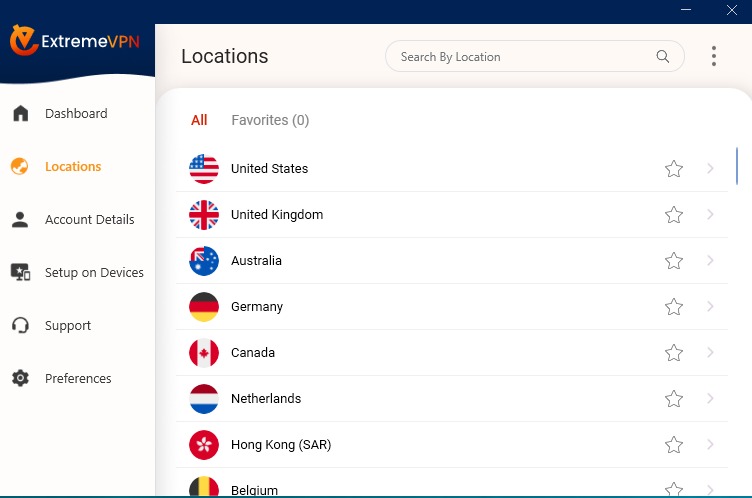
Most ExtremeVPN servers are physical, but it has some virtual servers, which give you an IP address of a different country from the server’s actual location. They help to provide an IP address in VPN-unfriendly jurisdictions without setting up physical servers in the countries. Moreover, they create stable connections, especially in countries with poor internet infrastructure.
Virtual servers are an important fix to the general distribution of servers. However, they can significantly reduce your connection speeds, especially if the physical server is far from the virtual location.
All the server locations are easily accessible on the application, and you can sort them by country and even mark some as your favorites. The VPN also has a quick connect feature connecting you to the best server based on location and connection speed.
Also, it has torrenting-optimized servers labeled P2P in mobile applications, which allows fast and safer torrenting. Nonetheless, remember that all the servers are optimized for streaming and can unblock all major streaming platforms like Netflix, Hulu, HBO Max, etc.
It assigns all its users a shared IP address, which is safer because tracing a connection back to one user is impossible. Also, customer support assured us that the VPN will roll out dedicated IP addresses soon, which assigns you one IP address for all your VPN connections.
Overall, ExtremeVPN’s server network is impressive with its massive size and support for P2P traffic, streaming, and unlocking abilities. However, adding a dedicated IP feature would give the provider a competitive edge in the market.
Location – Based in Privacy-friendly Jurisdiction
ExtremeVPN is located in the British Virgin Islands, a privacy haven. The region is outside the 5/9/14 eyes jurisdictions, which have strict data retention laws and require member states to share digital intelligence.
Therefore, the government cannot force the company to hand over your data to foreign authorities or even interfere with the VPNs operations.
Speed Test – Is ExtremeVPN Fast Enough?
ExtremeVPN has superfast and consistent speeds, even on long-distance servers. It also has a quick connect feature that connects you to the fastest server nearby.
We tested ExtremeVPN’s connection speeds in different locations worldwide, and the results were impressive. However, it is important to note that your test results may differ depending on your location, operating system, internet speed, etc.
First, we established a base connection speed by measuring our connection speed without a VPN, which recorded a download speed of 303.9 Mbps, 329.92 upload speed, and ping of 13ms. Then, we connected to a local server in the UK with all ExtremeVPN tunneling protocols. The results were as follows:
| Protocol | Download speed (Mbps) |
|---|---|
| WireGuard | 251.95 |
| IKEv2 | 141.42 |
| OpenVPN TCP | 128.94 |
| OpenVPN UDP | 141.51 |
As you can see, Wireguard recorded the best connection speeds, while IKEv2 and OpenVPN UDP were decent. Therefore, we used the WireGuard tunneling protocol in all my tests and recorded the following data.
| Server | Download Speed | Upload Speed | Ping |
|---|---|---|---|
| No VPN | 309.93 Mbps | 329.92 Mbps | 13 ms |
| London | 287.98 Mbps (8% decrease) | 311.53 Mbps (6% decrease) | 21 ms |
| Dublin | 273.46 Mbps (12% increase) | 289.52 Mbps (13% decrease) | 34ms |
| New York | 247.27 Mbps (21% decrease) | 221.53 Mbps (33% decrease) | 179 ms |
| Sydney | 213.26 Mbps (32% decrease) | 207.73 Mbps (38% decrease) | 243 ms |
Unlike some competitors, ExtremeVPN has no load balance feature to show you how crowded a server is. For this reason, you may experience some inconsistencies in speed if the server is overcrowded without your knowledge. This could be why New York recorded a 21% decrease in download speed despite being 5,560 km from the test location.
The download speeds were fantastic, especially in long-distance servers like Sydney, over 16,980 km from our test location. The speed drops during our tests did not affect our online activities, and we could load websites, stream, and torrent without difficulties.
Speeds during daily use
ExtremeVPN is ideal for your daily activities. The connection speed impact can only affect how webpages load, though it’s usually unnoticeable. For example, we could do heavy browsing, watch YouTube and stream Netflix shows from different regions without issues.
Also, we could download and upload torrents easily and quickly through the dedicated P2P servers. However, gaming was only possible with local servers due to the low level of ping required to convey reactions between players.
Streaming – Does ExtremeVPN Unblock Streaming Services?
Despite lacking specialized streaming servers, ExtremeVPN’s unblocking power is undoubtedly fascinating. We tested it with various streaming platforms, and only one gave us problems. The rest provided quality streams without buffering. Overall, it is one of the best streaming VPNs we have tested.
Unblocked: BBC iPlayer, Disney+, Amazon Prime Video, HBO Max, Hulu, and Netflix
ExtremeVPN could unlock many Netflix libraries, like Japan, France, Australia, the UK, Germany, and the US. The load time was impressive, and the overall streaming quality was excellent. Next, we tried Hulu, which has some of the toughest VPN blocks in the streaming industry, and it quickly opened with zero streaming issues.
Similarly, we quickly unblocked HBO Max and Amazon Prime Video, which have the strongest geo-blocks. We unlocked Amazon Prime’s UK and US libraries and watched movies and TV shows without hiccups.

BBC iPlayer was easy to unblock via the Manchester server, which is impressive since the platform has an extensive collection of free videos and live channels. We then tried other platforms like Disney+, Sling TV, and ESPN+, which worked perfectly.

ExtremeVPN can also unblock the following streaming platforms besides the above streaming platforms.
| YouTube | Disney+Star | ITV Player | Hotstar | CBS |
| ESPN+ | BT | 10Play | Funimation | Crackle |
| Peacock TV | Pandora | Vudu | Spotify | Discovery Go |
| Voot | SonyLIV | Pluto TV | Fubo TV | Sling TV |
| Joyn | Tubi TV | SBS on Demand | Xumo | Sky Go |
Blocked by DAZN
Unfortunately, ExtremeVPN was unable to get past DAZN’s tough geo-blocks. This comes as no surprise since not many premium VPNs can unblock DAZN.
It is safe to say that ExtremeVPN is one of the best streaming VPNs due to its powerful unblocking abilities across all its servers. However, the platform can improve the service by having dedicated streaming servers for all popular streaming platforms.
Torrenting – Does ExtremeVPN Support P2P sharing?
ExtremeVPN is one of the few VPNs with dedicated torrenting servers. These servers have additional security and privacy measures and fast speeds to upload and download torrents. The torrenting servers are marked with a P2P icon, making up almost half of the server network. Below are some of the torrenting attributes of ExtremeVPN.
| Torrenting attribute | Result |
|---|---|
| Average Download Bitrate | 8.1MiB/s |
| No. of P2P Servers | 6,500 |
| Logging Policy | Some User Logs |
| Kill Switch | Yes |
ExtremeVPN’s average torrenting speed is 8.1MiB/s which is impressive given the best torrenting VPNs, like ExpressVPN, record 9.9MiB/s.
The VPNs built-in kill switch protects your privacy by disconnecting your device from the internet when your VPN connection drops. This prevents sensitive data like your IP address from being exposed to the torrenting swarm.
The provider also does not log your sensitive data, so you can be sure copyright trolls cannot use your traffic to send you settlement letters.
Overall, ExtremeVPN helps you torrent anonymously at excellent speeds and does not keep data that might compromise your safety and privacy.
Security – How Secure is ExtremeVPN?
The security of a VPN is determined by its ability to safeguard users’ data and protect them against all types of online threats. ExtremeVPN uses a military-grade encryption algorithm to safeguard your data and transmits it using the most secure tunneling protocols.
Encryption
The level of traffic encryption determines the overall security of a VPN. Encryption converts your data into an unreadable format that can only be decrypted with the correct key. ExtremeVPN uses an AES-256-bit encryption algorithm to secure your data in the VPN tunnel. The algorithm is uncrackable even by the most advanced supercomputers.

The importance of a high level of encryption cannot be overstated in the industry. For example, your ISP cannot read your traffic or monitor your online activities. Also, even if hackers somehow intercept your traffic, your data will be unreadable without the right decryption key.
Kill Switch
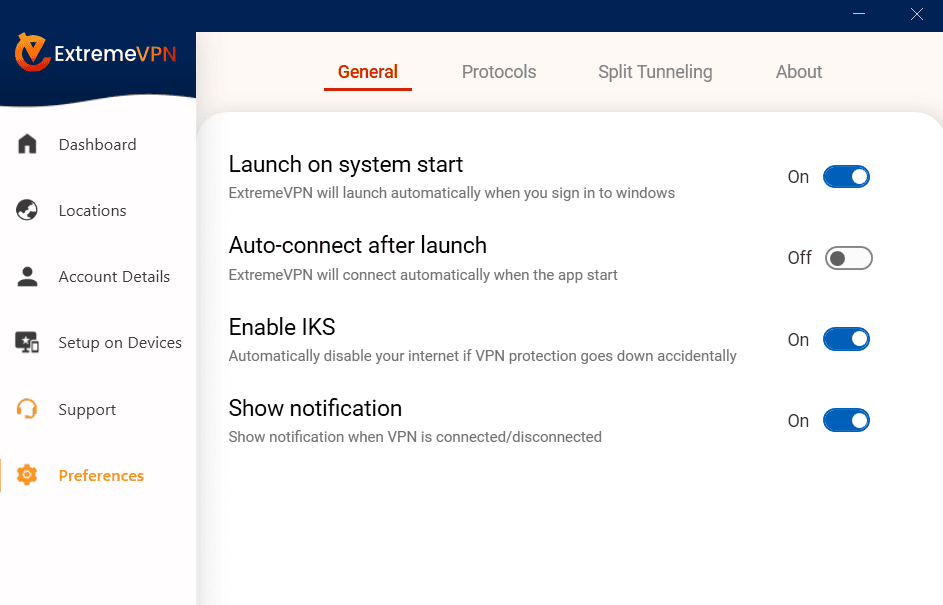
ExtremeVPN has an automatic kill switch (always on) that disconnects your device from the internet when your VPN connection drops. This is vital for security and privacy protection because it only ensures that any communication to and from your device happens through a secure VPN connection.
By disconnecting your device from the internet, the VPN ensures your IP address is not exposed, so no one can monitor your internet activities or identify you.
Protocols
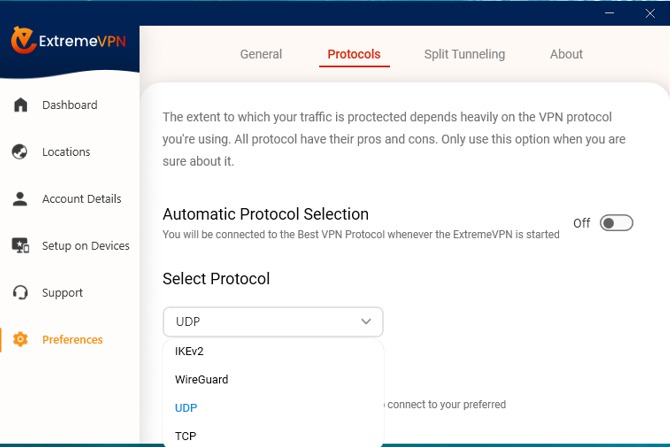
A VPN’s transmission protocols determine the safety and speed of your connection. It uses the most secure and fastest tunneling protocols to transmit data over the network. It allows you to choose from the following tunneling protocols:
- OpenVPN: OpenVPN is a highly secure and configurable open-source tunneling protocol. It comes with UDP or TCP options. The former is faster, while the latter is more secure.
- WireGuard: This is the fastest tunneling protocol supported across all ExtremeVPN versions. It is popular in the VPN industry for its balance between security and speed.
- IKEv2: Another robust tunneling protocol known for its versatility, security, and consistent speeds. Sometimes it has faster speeds than OpenVPN.
- L2TP/IPSec: Anther top VPN protocol in which L2TP pairs with IPSec for better authentication and encryption. However, it isn’t that good compared to OpenVPN.
- SSTP: One of the most recommended VPN protocols that work on almost every operating system. It provides the safest and quickest connection without compromising your online security.
ExtremeVPN uses automatic protocol selection by default, but you can toggle it off in the Advanced section of your settings. Once you turn it off, the VPN allows you to select your preferred protocol manually. OpenVPN is best when you prioritize security over speed, while Wireguard is best when you want superfast connection speed. The VPN also has a fallback option that connects you to the following best tunneling protocol if it cannot connect to your preferred protocol.
Split Tunneling
A split tunneling feature is essential to separate applications that can access the regular internet directly from those that must connect via a VPN.

The split-tunneling feature is available in both Windows and Android applications, and you can easily enable it in the advanced section of settings. However, the VPN requires you to change your tunneling protocol to OpenVPN to use the split-tunneling feature. Then, you can always add the applications you want to use a VPN and those that can connect without.
For instance, you may configure your VPN application to route your streaming app’s traffic via the VPN server and allow your banking application to connect via your ISP’s IP address. This way, the two requests will be routed separately.
IP, DNS, WebRTC, and IPv6 Leak Protection
A VPN that does not protect you against leaks is not trustworthy. VPN leaks occur when some of your requests are routed outside the secure VPN tunnel. Such leaks may expose sensitive data like IP addresses, jeopardizing your privacy and security. Luckily, our leak protection tests showed that ExtremeVPN effectively protects against all leaks. The provider protects you against the following types of leaks.
- IP leaks: They occur when your VPN is not able to hide your actual IP address. Your IP address can then be used to track your online activities, including your location.
- DNS leaks: Translating IP addresses to domain names should happen inside a secure tunnel. DNS translations outside the VPN tunnel can be used to monitor your online activities.
- WebRTC leaks: WebRTC technology allows you to make calls on your browser without installing a plugin. However, without protection, they expose your actual IP address, which can give away your identity.
Apart from the above leaks, it protects against IPV6 leaks for users with IPv6 traffic. Overall, ExtremeVPN passed all security tests, but it needs additional security features like ad-blocker and DoubleVPN to compete with the best in the VPN industry.
Privacy – How Private is ExtremeVPN?
ExtremeVPN has a pretty decent privacy policy. While it retains some customer data, none can be used to identify a user. Additionally, the provider is transparent about the collected data and how the company uses it. The company is also headquartered in a privacy-friendly friendly jurisdiction, British Virgin Islands, away from all known surveillance alliances.
Does not keep identifiable data
ExtremeVPN stores some user data for various reasons but is non-identifiable. The provider stores the amount of bandwidth used, connection length, server location, and city. The company states that the data is solely used to track the VPN performance and to ensure it works correctly.

The VPN does not store the following;
- DNS requests
- Browsing activity
- VPN session timestamps
- Assigned server IP address
- Your valid IP address
As you can see, all the stored data cannot lead to your identification. Additionally, ExtremeVPN collects your name, email address, and payment information when creating an account. For privacy purposes, you can use a bogus name or a non-identifying email address and make payment via PayPal. Always try to provide the least possible information about yourself.
Compatibility
ExtremeVPN has applications for iOS, Android, Windows, and MacOS. These are the most widely used platforms in the world, so it is impressive coverage. All the applications are visually appealing and have a similar design.

The platforms also have similar features, with only a slight difference in the absence of split tunneling features in iOS and macOS versions.
Although the compatibility is impressive, we would like more applications for Linux, gaming, and streaming devices.
Apps and Compatibility
ExtremeVPN maintains a similar design across all its versions. The applications are easy to use and configure. Also, they have almost the same features and support all tunneling protocols. The apps also have minimal options that cannot confuse beginners.
Typically, you need approximately five minutes to sign up and get started. Thankfully, the VPN’s official website has resourceful guides to help you when you get stuck. Also, you can contact customer support via 24/7 live chat if you have any queries.
Additionally, ExtremeVPN supports up to ten simultaneous connections in one account so that you can protect almost all your devices at home.
Windows
ExtremeVPN Windows application is the most complete version and is always the first to receive updates. It is simple and user-friendly, where you will find all ExtremeVPN features.
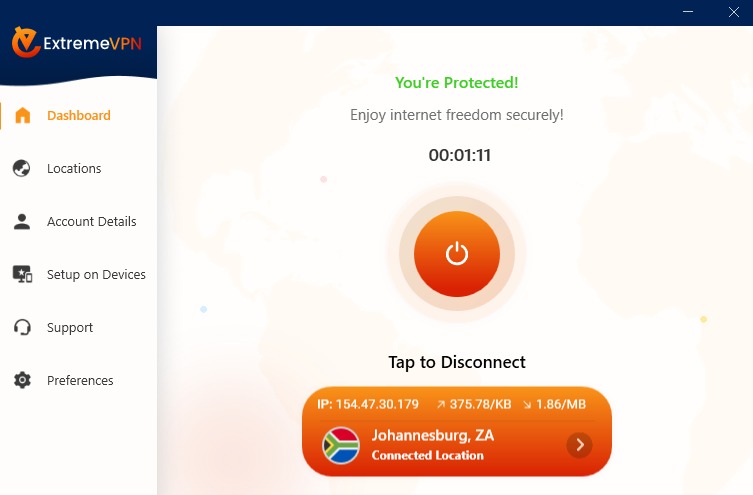
The dashboard consists of a significant connection button and, below it, a server suggested by the quick connect feature. The left pane contains a list of menu options, including server locations, where you can manually select servers or sort them according to country. It also consists of a search bar to filter servers by name.
There is also a ‘Preferences’ section to adjust your split tunneling and protocol settings. This version supports all ExtremeVPN tunneling protocols, including OpenVPN, WireGuard, and IKEv2. However, it lacks the prevent auto-sleep or auto-connect after awake options.
macOS
This is perhaps the most stripped-back ExtremeVPN version owing to the absence of most features compared to Windows. However, you will admire its simplicity and ease of use. Its design is similar to Windows’ but a bit simplistic and lightweight.
Some visibly missing options in the MacOS version include the reconnect/disconnect options, VPN on Demand/Always, and the split tunneling feature. It compensates with VPN auto-connect on launch and launches on start-up features that make the user experience better.
Mobile devices – iOS and Android
ExtremeVPN applications for iOS and Android are clean and lightweight. The applications also have a similar design, a stunning user interface, and a modern feel. However, they do not have many features like their desktop counterparts.
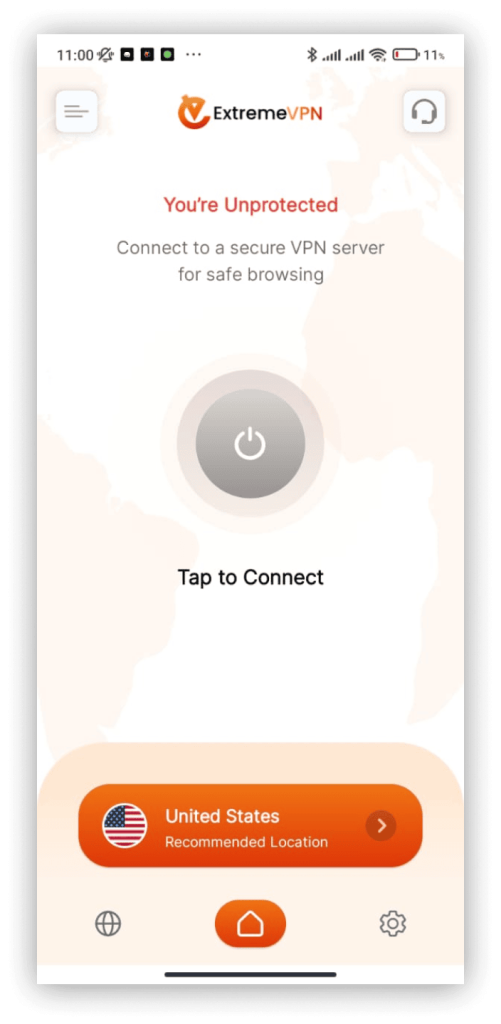
They both allow you to manually choose your tunneling protocols and have a connect fallback option to connect you to the following best protocol if your preferred protocol fails.
Both applications also have a split tunneling feature, allowing you to personalize server selection. However, the iOS application does not have a kill switch.
Pricing

ExtremeVPN has monthly, six months, and annual subscription packages costing $10.59, $5.15, and $3.29 per month, respectively. The provider supports credit card and PayPal methods of payment. You can see that you get the best value by purchasing the one-year plan, which costs $3.29 monthly.
| Version | Price |
|---|---|
| 1-year plan | $3.29 /month |
| 6-Month plan | $5.15/month |
| Monthly | $10.59/month |
Unfortunately, ExtremeVPN does not have a free version. However, the VPN has a 30-day money-back guarantee, so you can test its services and cancel the subscription before 30 days. You can enjoy all ExtremeVPN features regardless of your subscription plan, which is impressive. Alternatively, you can choose to save some money with coupons.
The support assured us that the provider would introduce a cryptocurrency, the most private payment method, soon. However, you can pay with PayPal using a non-identifying email address.
Customer Support
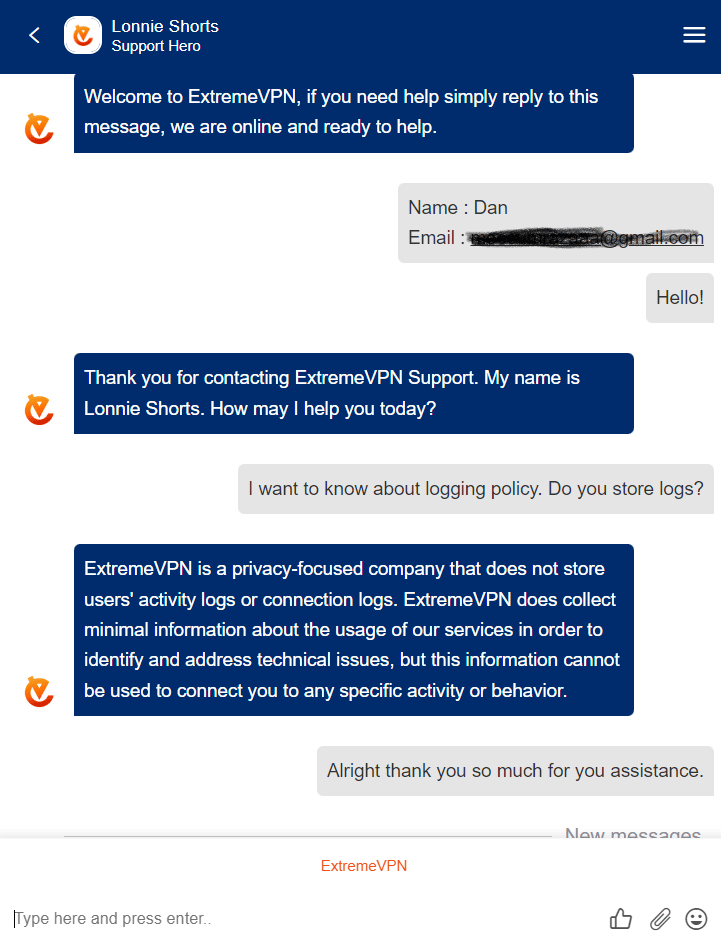
ExtremeVPN has some of the best customer support teams in the VPN industry. They are knowledgeable and responsive when you reach out with queries or technical issues.
The application has a support section listing all the frequently asked questions and their answers. You will also find a 24/7 live chat feature used to communicate with the support team in real time. Alternatively, you can go to the Support Ticket section, where you describe your issues and wait for the ExtremeVPN support team to get back to you.
Conclusion
ExtremeVPN is an excellent option for users searching anonymously and securing their connections. Also, it is excellent at unblocking streaming platforms and beating censorship in various regions. Moreover, the incredible connection speed, kill switch, and protection against all leaks place it among the best in the industry. A worthy new entry to the market.
However, it needs improvements and additional features to become the number one VPN service. For instance, introducing Cryptocurrency payment methods can allow users to pay anonymously. An ad-blocker would also be a great addition to help users browse without pesky adverts and annoying pop-ups. Overall, we recommend using ExtremeVPN.
FAQs
The post ExtremeVPN Review (2024): Fast, Affordable, User-friendly appeared first on BeEncrypted.
]]>Deprecated: Using null as an array offset is deprecated, use an empty string instead in /var/www/staging.beencrypted.com/site/web/wp/wp-includes/class-wp-block-type-registry.php on line 168
Deprecated: Using null as an array offset is deprecated, use an empty string instead in /var/www/staging.beencrypted.com/site/web/wp/wp-includes/class-wp-block-type-registry.php on line 168
Deprecated: Using null as an array offset is deprecated, use an empty string instead in /var/www/staging.beencrypted.com/site/web/wp/wp-includes/class-wp-block-type-registry.php on line 168
Deprecated: Using null as an array offset is deprecated, use an empty string instead in /var/www/staging.beencrypted.com/site/web/wp/wp-includes/class-wp-block-type-registry.php on line 168
Deprecated: Using null as an array offset is deprecated, use an empty string instead in /var/www/staging.beencrypted.com/site/web/wp/wp-includes/class-wp-block-type-registry.php on line 168
Deprecated: Using null as an array offset is deprecated, use an empty string instead in /var/www/staging.beencrypted.com/site/web/wp/wp-includes/class-wp-block-type-registry.php on line 168
Deprecated: Using null as an array offset is deprecated, use an empty string instead in /var/www/staging.beencrypted.com/site/web/wp/wp-includes/class-wp-block-type-registry.php on line 168
Deprecated: Using null as an array offset is deprecated, use an empty string instead in /var/www/staging.beencrypted.com/site/web/wp/wp-includes/class-wp-block-type-registry.php on line 168
Deprecated: Using null as an array offset is deprecated, use an empty string instead in /var/www/staging.beencrypted.com/site/web/wp/wp-includes/class-wp-block-type-registry.php on line 168
Deprecated: Using null as an array offset is deprecated, use an empty string instead in /var/www/staging.beencrypted.com/site/web/wp/wp-includes/class-wp-block-type-registry.php on line 168
Deprecated: Using null as an array offset is deprecated, use an empty string instead in /var/www/staging.beencrypted.com/site/web/wp/wp-includes/class-wp-block-type-registry.php on line 168
Deprecated: Using null as an array offset is deprecated, use an empty string instead in /var/www/staging.beencrypted.com/site/web/wp/wp-includes/class-wp-block-type-registry.php on line 168
Deprecated: Using null as an array offset is deprecated, use an empty string instead in /var/www/staging.beencrypted.com/site/web/wp/wp-includes/class-wp-block-type-registry.php on line 168
Deprecated: Using null as an array offset is deprecated, use an empty string instead in /var/www/staging.beencrypted.com/site/web/wp/wp-includes/class-wp-block-type-registry.php on line 168
Deprecated: Using null as an array offset is deprecated, use an empty string instead in /var/www/staging.beencrypted.com/site/web/wp/wp-includes/class-wp-block-type-registry.php on line 168
Deprecated: Using null as an array offset is deprecated, use an empty string instead in /var/www/staging.beencrypted.com/site/web/wp/wp-includes/class-wp-block-type-registry.php on line 168
Deprecated: Using null as an array offset is deprecated, use an empty string instead in /var/www/staging.beencrypted.com/site/web/wp/wp-includes/class-wp-block-type-registry.php on line 168
Deprecated: Using null as an array offset is deprecated, use an empty string instead in /var/www/staging.beencrypted.com/site/web/wp/wp-includes/class-wp-block-type-registry.php on line 168
Deprecated: Using null as an array offset is deprecated, use an empty string instead in /var/www/staging.beencrypted.com/site/web/wp/wp-includes/class-wp-block-type-registry.php on line 168
Deprecated: Using null as an array offset is deprecated, use an empty string instead in /var/www/staging.beencrypted.com/site/web/wp/wp-includes/class-wp-block-type-registry.php on line 168
Deprecated: Using null as an array offset is deprecated, use an empty string instead in /var/www/staging.beencrypted.com/site/web/wp/wp-includes/class-wp-block-type-registry.php on line 168
Deprecated: Using null as an array offset is deprecated, use an empty string instead in /var/www/staging.beencrypted.com/site/web/wp/wp-includes/class-wp-block-type-registry.php on line 168
Deprecated: Using null as an array offset is deprecated, use an empty string instead in /var/www/staging.beencrypted.com/site/web/wp/wp-includes/class-wp-block-type-registry.php on line 168
Deprecated: Using null as an array offset is deprecated, use an empty string instead in /var/www/staging.beencrypted.com/site/web/wp/wp-includes/class-wp-block-type-registry.php on line 168
Deprecated: Using null as an array offset is deprecated, use an empty string instead in /var/www/staging.beencrypted.com/site/web/wp/wp-includes/class-wp-block-type-registry.php on line 168
Deprecated: Using null as an array offset is deprecated, use an empty string instead in /var/www/staging.beencrypted.com/site/web/wp/wp-includes/class-wp-block-type-registry.php on line 168
Deprecated: Using null as an array offset is deprecated, use an empty string instead in /var/www/staging.beencrypted.com/site/web/wp/wp-includes/class-wp-block-type-registry.php on line 168
Deprecated: Using null as an array offset is deprecated, use an empty string instead in /var/www/staging.beencrypted.com/site/web/wp/wp-includes/class-wp-block-type-registry.php on line 168
Deprecated: Using null as an array offset is deprecated, use an empty string instead in /var/www/staging.beencrypted.com/site/web/wp/wp-includes/class-wp-block-type-registry.php on line 168
Deprecated: Using null as an array offset is deprecated, use an empty string instead in /var/www/staging.beencrypted.com/site/web/wp/wp-includes/class-wp-block-type-registry.php on line 168
Deprecated: Using null as an array offset is deprecated, use an empty string instead in /var/www/staging.beencrypted.com/site/web/wp/wp-includes/class-wp-block-type-registry.php on line 168
Deprecated: Using null as an array offset is deprecated, use an empty string instead in /var/www/staging.beencrypted.com/site/web/wp/wp-includes/class-wp-block-type-registry.php on line 168
Deprecated: Using null as an array offset is deprecated, use an empty string instead in /var/www/staging.beencrypted.com/site/web/wp/wp-includes/class-wp-block-type-registry.php on line 168
Deprecated: Using null as an array offset is deprecated, use an empty string instead in /var/www/staging.beencrypted.com/site/web/wp/wp-includes/class-wp-block-type-registry.php on line 168
Deprecated: Using null as an array offset is deprecated, use an empty string instead in /var/www/staging.beencrypted.com/site/web/wp/wp-includes/class-wp-block-type-registry.php on line 168
Deprecated: Using null as an array offset is deprecated, use an empty string instead in /var/www/staging.beencrypted.com/site/web/wp/wp-includes/class-wp-block-type-registry.php on line 168
Deprecated: Using null as an array offset is deprecated, use an empty string instead in /var/www/staging.beencrypted.com/site/web/wp/wp-includes/class-wp-block-type-registry.php on line 168
Deprecated: Using null as an array offset is deprecated, use an empty string instead in /var/www/staging.beencrypted.com/site/web/wp/wp-includes/class-wp-block-type-registry.php on line 168
Deprecated: Using null as an array offset is deprecated, use an empty string instead in /var/www/staging.beencrypted.com/site/web/wp/wp-includes/class-wp-block-type-registry.php on line 168
Deprecated: Using null as an array offset is deprecated, use an empty string instead in /var/www/staging.beencrypted.com/site/web/wp/wp-includes/class-wp-block-type-registry.php on line 168
Deprecated: Using null as an array offset is deprecated, use an empty string instead in /var/www/staging.beencrypted.com/site/web/wp/wp-includes/class-wp-block-type-registry.php on line 168
Deprecated: Using null as an array offset is deprecated, use an empty string instead in /var/www/staging.beencrypted.com/site/web/wp/wp-includes/class-wp-block-type-registry.php on line 168
Deprecated: Using null as an array offset is deprecated, use an empty string instead in /var/www/staging.beencrypted.com/site/web/wp/wp-includes/class-wp-block-type-registry.php on line 168
Deprecated: Using null as an array offset is deprecated, use an empty string instead in /var/www/staging.beencrypted.com/site/web/wp/wp-includes/class-wp-block-type-registry.php on line 168
Deprecated: Using null as an array offset is deprecated, use an empty string instead in /var/www/staging.beencrypted.com/site/web/wp/wp-includes/class-wp-block-type-registry.php on line 168
Deprecated: Using null as an array offset is deprecated, use an empty string instead in /var/www/staging.beencrypted.com/site/web/wp/wp-includes/class-wp-block-type-registry.php on line 168
Deprecated: Using null as an array offset is deprecated, use an empty string instead in /var/www/staging.beencrypted.com/site/web/wp/wp-includes/class-wp-block-type-registry.php on line 168
Deprecated: Using null as an array offset is deprecated, use an empty string instead in /var/www/staging.beencrypted.com/site/web/wp/wp-includes/class-wp-block-type-registry.php on line 168
Deprecated: Using null as an array offset is deprecated, use an empty string instead in /var/www/staging.beencrypted.com/site/web/wp/wp-includes/class-wp-block-type-registry.php on line 168
Deprecated: Using null as an array offset is deprecated, use an empty string instead in /var/www/staging.beencrypted.com/site/web/wp/wp-includes/class-wp-block-type-registry.php on line 168
Deprecated: Using null as an array offset is deprecated, use an empty string instead in /var/www/staging.beencrypted.com/site/web/wp/wp-includes/class-wp-block-type-registry.php on line 168
Deprecated: Using null as an array offset is deprecated, use an empty string instead in /var/www/staging.beencrypted.com/site/web/wp/wp-includes/class-wp-block-type-registry.php on line 168
Deprecated: Using null as an array offset is deprecated, use an empty string instead in /var/www/staging.beencrypted.com/site/web/wp/wp-includes/class-wp-block-type-registry.php on line 168
Deprecated: Using null as an array offset is deprecated, use an empty string instead in /var/www/staging.beencrypted.com/site/web/wp/wp-includes/class-wp-block-type-registry.php on line 168
Deprecated: Using null as an array offset is deprecated, use an empty string instead in /var/www/staging.beencrypted.com/site/web/wp/wp-includes/class-wp-block-type-registry.php on line 168
Deprecated: Using null as an array offset is deprecated, use an empty string instead in /var/www/staging.beencrypted.com/site/web/wp/wp-includes/class-wp-block-type-registry.php on line 168
Deprecated: Using null as an array offset is deprecated, use an empty string instead in /var/www/staging.beencrypted.com/site/web/wp/wp-includes/class-wp-block-type-registry.php on line 168
Deprecated: Using null as an array offset is deprecated, use an empty string instead in /var/www/staging.beencrypted.com/site/web/wp/wp-includes/class-wp-block-type-registry.php on line 168
Deprecated: Using null as an array offset is deprecated, use an empty string instead in /var/www/staging.beencrypted.com/site/web/wp/wp-includes/class-wp-block-type-registry.php on line 168
Deprecated: Using null as an array offset is deprecated, use an empty string instead in /var/www/staging.beencrypted.com/site/web/wp/wp-includes/class-wp-block-type-registry.php on line 168
Deprecated: Using null as an array offset is deprecated, use an empty string instead in /var/www/staging.beencrypted.com/site/web/wp/wp-includes/class-wp-block-type-registry.php on line 168
Deprecated: Using null as an array offset is deprecated, use an empty string instead in /var/www/staging.beencrypted.com/site/web/wp/wp-includes/class-wp-block-type-registry.php on line 168
Deprecated: Using null as an array offset is deprecated, use an empty string instead in /var/www/staging.beencrypted.com/site/web/wp/wp-includes/class-wp-block-type-registry.php on line 168
Deprecated: Using null as an array offset is deprecated, use an empty string instead in /var/www/staging.beencrypted.com/site/web/wp/wp-includes/class-wp-block-type-registry.php on line 168
Deprecated: Using null as an array offset is deprecated, use an empty string instead in /var/www/staging.beencrypted.com/site/web/wp/wp-includes/class-wp-block-type-registry.php on line 168
Deprecated: Using null as an array offset is deprecated, use an empty string instead in /var/www/staging.beencrypted.com/site/web/wp/wp-includes/class-wp-block-type-registry.php on line 168
Deprecated: Using null as an array offset is deprecated, use an empty string instead in /var/www/staging.beencrypted.com/site/web/wp/wp-includes/class-wp-block-type-registry.php on line 168
Deprecated: Using null as an array offset is deprecated, use an empty string instead in /var/www/staging.beencrypted.com/site/web/wp/wp-includes/class-wp-block-type-registry.php on line 168
Deprecated: Using null as an array offset is deprecated, use an empty string instead in /var/www/staging.beencrypted.com/site/web/wp/wp-includes/class-wp-block-type-registry.php on line 168
Deprecated: Using null as an array offset is deprecated, use an empty string instead in /var/www/staging.beencrypted.com/site/web/wp/wp-includes/class-wp-block-type-registry.php on line 168
Deprecated: Using null as an array offset is deprecated, use an empty string instead in /var/www/staging.beencrypted.com/site/web/wp/wp-includes/class-wp-block-type-registry.php on line 168
Deprecated: Using null as an array offset is deprecated, use an empty string instead in /var/www/staging.beencrypted.com/site/web/wp/wp-includes/class-wp-block-type-registry.php on line 168
Deprecated: Using null as an array offset is deprecated, use an empty string instead in /var/www/staging.beencrypted.com/site/web/wp/wp-includes/class-wp-block-type-registry.php on line 168
Deprecated: Using null as an array offset is deprecated, use an empty string instead in /var/www/staging.beencrypted.com/site/web/wp/wp-includes/class-wp-block-type-registry.php on line 168
Deprecated: Using null as an array offset is deprecated, use an empty string instead in /var/www/staging.beencrypted.com/site/web/wp/wp-includes/class-wp-block-type-registry.php on line 168
Deprecated: Using null as an array offset is deprecated, use an empty string instead in /var/www/staging.beencrypted.com/site/web/wp/wp-includes/class-wp-block-type-registry.php on line 168
Deprecated: Using null as an array offset is deprecated, use an empty string instead in /var/www/staging.beencrypted.com/site/web/wp/wp-includes/class-wp-block-type-registry.php on line 168
Deprecated: Using null as an array offset is deprecated, use an empty string instead in /var/www/staging.beencrypted.com/site/web/wp/wp-includes/class-wp-block-type-registry.php on line 168
Deprecated: Using null as an array offset is deprecated, use an empty string instead in /var/www/staging.beencrypted.com/site/web/wp/wp-includes/class-wp-block-type-registry.php on line 168
Deprecated: Using null as an array offset is deprecated, use an empty string instead in /var/www/staging.beencrypted.com/site/web/wp/wp-includes/class-wp-block-type-registry.php on line 168
Deprecated: Using null as an array offset is deprecated, use an empty string instead in /var/www/staging.beencrypted.com/site/web/wp/wp-includes/class-wp-block-type-registry.php on line 168
Deprecated: Using null as an array offset is deprecated, use an empty string instead in /var/www/staging.beencrypted.com/site/web/wp/wp-includes/class-wp-block-type-registry.php on line 168
Deprecated: Using null as an array offset is deprecated, use an empty string instead in /var/www/staging.beencrypted.com/site/web/wp/wp-includes/class-wp-block-type-registry.php on line 168
Deprecated: Using null as an array offset is deprecated, use an empty string instead in /var/www/staging.beencrypted.com/site/web/wp/wp-includes/class-wp-block-type-registry.php on line 168
Deprecated: Using null as an array offset is deprecated, use an empty string instead in /var/www/staging.beencrypted.com/site/web/wp/wp-includes/class-wp-block-type-registry.php on line 168
Deprecated: Using null as an array offset is deprecated, use an empty string instead in /var/www/staging.beencrypted.com/site/web/wp/wp-includes/class-wp-block-type-registry.php on line 168
Deprecated: Using null as an array offset is deprecated, use an empty string instead in /var/www/staging.beencrypted.com/site/web/wp/wp-includes/class-wp-block-type-registry.php on line 168
Deprecated: Using null as an array offset is deprecated, use an empty string instead in /var/www/staging.beencrypted.com/site/web/wp/wp-includes/class-wp-block-type-registry.php on line 168
Deprecated: Using null as an array offset is deprecated, use an empty string instead in /var/www/staging.beencrypted.com/site/web/wp/wp-includes/class-wp-block-type-registry.php on line 168
Deprecated: Using null as an array offset is deprecated, use an empty string instead in /var/www/staging.beencrypted.com/site/web/wp/wp-includes/class-wp-block-type-registry.php on line 168
Deprecated: Using null as an array offset is deprecated, use an empty string instead in /var/www/staging.beencrypted.com/site/web/wp/wp-includes/class-wp-block-type-registry.php on line 168
Deprecated: Using null as an array offset is deprecated, use an empty string instead in /var/www/staging.beencrypted.com/site/web/wp/wp-includes/class-wp-block-type-registry.php on line 168
Deprecated: Using null as an array offset is deprecated, use an empty string instead in /var/www/staging.beencrypted.com/site/web/wp/wp-includes/class-wp-block-type-registry.php on line 168
Deprecated: Using null as an array offset is deprecated, use an empty string instead in /var/www/staging.beencrypted.com/site/web/wp/wp-includes/class-wp-block-type-registry.php on line 168
Deprecated: Using null as an array offset is deprecated, use an empty string instead in /var/www/staging.beencrypted.com/site/web/wp/wp-includes/class-wp-block-type-registry.php on line 168
Deprecated: Using null as an array offset is deprecated, use an empty string instead in /var/www/staging.beencrypted.com/site/web/wp/wp-includes/class-wp-block-type-registry.php on line 168
Deprecated: Using null as an array offset is deprecated, use an empty string instead in /var/www/staging.beencrypted.com/site/web/wp/wp-includes/class-wp-block-type-registry.php on line 168
Deprecated: Using null as an array offset is deprecated, use an empty string instead in /var/www/staging.beencrypted.com/site/web/wp/wp-includes/class-wp-block-type-registry.php on line 168
Deprecated: Using null as an array offset is deprecated, use an empty string instead in /var/www/staging.beencrypted.com/site/web/wp/wp-includes/class-wp-block-type-registry.php on line 168
Deprecated: Using null as an array offset is deprecated, use an empty string instead in /var/www/staging.beencrypted.com/site/web/wp/wp-includes/class-wp-block-type-registry.php on line 168
Deprecated: Using null as an array offset is deprecated, use an empty string instead in /var/www/staging.beencrypted.com/site/web/wp/wp-includes/class-wp-block-type-registry.php on line 168
Deprecated: Using null as an array offset is deprecated, use an empty string instead in /var/www/staging.beencrypted.com/site/web/wp/wp-includes/class-wp-block-type-registry.php on line 168
Deprecated: Using null as an array offset is deprecated, use an empty string instead in /var/www/staging.beencrypted.com/site/web/wp/wp-includes/class-wp-block-type-registry.php on line 168
Deprecated: Using null as an array offset is deprecated, use an empty string instead in /var/www/staging.beencrypted.com/site/web/wp/wp-includes/class-wp-block-type-registry.php on line 168
Deprecated: Using null as an array offset is deprecated, use an empty string instead in /var/www/staging.beencrypted.com/site/web/wp/wp-includes/class-wp-block-type-registry.php on line 168
Deprecated: Using null as an array offset is deprecated, use an empty string instead in /var/www/staging.beencrypted.com/site/web/wp/wp-includes/class-wp-block-type-registry.php on line 168
Deprecated: Using null as an array offset is deprecated, use an empty string instead in /var/www/staging.beencrypted.com/site/web/wp/wp-includes/class-wp-block-type-registry.php on line 168
Deprecated: Using null as an array offset is deprecated, use an empty string instead in /var/www/staging.beencrypted.com/site/web/wp/wp-includes/class-wp-block-type-registry.php on line 168
Deprecated: Using null as an array offset is deprecated, use an empty string instead in /var/www/staging.beencrypted.com/site/web/wp/wp-includes/class-wp-block-type-registry.php on line 168
Deprecated: Using null as an array offset is deprecated, use an empty string instead in /var/www/staging.beencrypted.com/site/web/wp/wp-includes/class-wp-block-type-registry.php on line 168
Deprecated: Using null as an array offset is deprecated, use an empty string instead in /var/www/staging.beencrypted.com/site/web/wp/wp-includes/class-wp-block-type-registry.php on line 168
Deprecated: Using null as an array offset is deprecated, use an empty string instead in /var/www/staging.beencrypted.com/site/web/wp/wp-includes/class-wp-block-type-registry.php on line 168
Deprecated: Using null as an array offset is deprecated, use an empty string instead in /var/www/staging.beencrypted.com/site/web/wp/wp-includes/class-wp-block-type-registry.php on line 168
Deprecated: Using null as an array offset is deprecated, use an empty string instead in /var/www/staging.beencrypted.com/site/web/wp/wp-includes/class-wp-block-type-registry.php on line 168
Deprecated: Using null as an array offset is deprecated, use an empty string instead in /var/www/staging.beencrypted.com/site/web/wp/wp-includes/class-wp-block-type-registry.php on line 168
Deprecated: Using null as an array offset is deprecated, use an empty string instead in /var/www/staging.beencrypted.com/site/web/wp/wp-includes/class-wp-block-type-registry.php on line 168
Deprecated: Using null as an array offset is deprecated, use an empty string instead in /var/www/staging.beencrypted.com/site/web/wp/wp-includes/class-wp-block-type-registry.php on line 168
Deprecated: Using null as an array offset is deprecated, use an empty string instead in /var/www/staging.beencrypted.com/site/web/wp/wp-includes/class-wp-block-type-registry.php on line 168
Passengers must go through various airport checkpoints, presenting their tickets, IDs, and other relevant documents. The idea behind Digi Yatra is to use Facial Recognition Technology (FRT) to verify the identity associated with passengers’ boarding passes. This paperless and contactless processing is both efficient and time-saving. Digi Yatra is a biometric boarding system that uses […]
The post Passengers’ Data Stored on User Devices, not on DigiYatra Storage, says India Govt appeared first on BeEncrypted.
]]>Deprecated: Using null as an array offset is deprecated, use an empty string instead in /var/www/staging.beencrypted.com/site/web/wp/wp-includes/class-wp-block-type-registry.php on line 168
Deprecated: Using null as an array offset is deprecated, use an empty string instead in /var/www/staging.beencrypted.com/site/web/wp/wp-includes/class-wp-block-type-registry.php on line 168
Deprecated: Using null as an array offset is deprecated, use an empty string instead in /var/www/staging.beencrypted.com/site/web/wp/wp-includes/class-wp-block-type-registry.php on line 168
Deprecated: Using null as an array offset is deprecated, use an empty string instead in /var/www/staging.beencrypted.com/site/web/wp/wp-includes/class-wp-block-type-registry.php on line 168
Deprecated: Using null as an array offset is deprecated, use an empty string instead in /var/www/staging.beencrypted.com/site/web/wp/wp-includes/class-wp-block-type-registry.php on line 168
Deprecated: Using null as an array offset is deprecated, use an empty string instead in /var/www/staging.beencrypted.com/site/web/wp/wp-includes/class-wp-block-type-registry.php on line 168
Deprecated: Using null as an array offset is deprecated, use an empty string instead in /var/www/staging.beencrypted.com/site/web/wp/wp-includes/class-wp-block-type-registry.php on line 168
Deprecated: Using null as an array offset is deprecated, use an empty string instead in /var/www/staging.beencrypted.com/site/web/wp/wp-includes/class-wp-block-type-registry.php on line 168
Deprecated: Using null as an array offset is deprecated, use an empty string instead in /var/www/staging.beencrypted.com/site/web/wp/wp-includes/class-wp-block-type-registry.php on line 168
Deprecated: Using null as an array offset is deprecated, use an empty string instead in /var/www/staging.beencrypted.com/site/web/wp/wp-includes/class-wp-block-type-registry.php on line 168
Deprecated: Using null as an array offset is deprecated, use an empty string instead in /var/www/staging.beencrypted.com/site/web/wp/wp-includes/class-wp-block-type-registry.php on line 168
Deprecated: Using null as an array offset is deprecated, use an empty string instead in /var/www/staging.beencrypted.com/site/web/wp/wp-includes/class-wp-block-type-registry.php on line 168
Deprecated: Using null as an array offset is deprecated, use an empty string instead in /var/www/staging.beencrypted.com/site/web/wp/wp-includes/class-wp-block-type-registry.php on line 168
Deprecated: Using null as an array offset is deprecated, use an empty string instead in /var/www/staging.beencrypted.com/site/web/wp/wp-includes/class-wp-block-type-registry.php on line 168
Deprecated: Using null as an array offset is deprecated, use an empty string instead in /var/www/staging.beencrypted.com/site/web/wp/wp-includes/class-wp-block-type-registry.php on line 168
Deprecated: Using null as an array offset is deprecated, use an empty string instead in /var/www/staging.beencrypted.com/site/web/wp/wp-includes/class-wp-block-type-registry.php on line 168
Deprecated: Using null as an array offset is deprecated, use an empty string instead in /var/www/staging.beencrypted.com/site/web/wp/wp-includes/class-wp-block-type-registry.php on line 168
Deprecated: Using null as an array offset is deprecated, use an empty string instead in /var/www/staging.beencrypted.com/site/web/wp/wp-includes/class-wp-block-type-registry.php on line 168
Deprecated: Using null as an array offset is deprecated, use an empty string instead in /var/www/staging.beencrypted.com/site/web/wp/wp-includes/class-wp-block-type-registry.php on line 168
Deprecated: Using null as an array offset is deprecated, use an empty string instead in /var/www/staging.beencrypted.com/site/web/wp/wp-includes/class-wp-block-type-registry.php on line 168
Deprecated: Using null as an array offset is deprecated, use an empty string instead in /var/www/staging.beencrypted.com/site/web/wp/wp-includes/class-wp-block-type-registry.php on line 168
Deprecated: Using null as an array offset is deprecated, use an empty string instead in /var/www/staging.beencrypted.com/site/web/wp/wp-includes/class-wp-block-type-registry.php on line 168
Deprecated: Using null as an array offset is deprecated, use an empty string instead in /var/www/staging.beencrypted.com/site/web/wp/wp-includes/class-wp-block-type-registry.php on line 168
Deprecated: Using null as an array offset is deprecated, use an empty string instead in /var/www/staging.beencrypted.com/site/web/wp/wp-includes/class-wp-block-type-registry.php on line 168
Deprecated: Using null as an array offset is deprecated, use an empty string instead in /var/www/staging.beencrypted.com/site/web/wp/wp-includes/class-wp-block-type-registry.php on line 168
Deprecated: Using null as an array offset is deprecated, use an empty string instead in /var/www/staging.beencrypted.com/site/web/wp/wp-includes/class-wp-block-type-registry.php on line 168
Deprecated: Using null as an array offset is deprecated, use an empty string instead in /var/www/staging.beencrypted.com/site/web/wp/wp-includes/class-wp-block-type-registry.php on line 168
Deprecated: Using null as an array offset is deprecated, use an empty string instead in /var/www/staging.beencrypted.com/site/web/wp/wp-includes/class-wp-block-type-registry.php on line 168
Deprecated: Using null as an array offset is deprecated, use an empty string instead in /var/www/staging.beencrypted.com/site/web/wp/wp-includes/class-wp-block-type-registry.php on line 168
Deprecated: Using null as an array offset is deprecated, use an empty string instead in /var/www/staging.beencrypted.com/site/web/wp/wp-includes/class-wp-block-type-registry.php on line 168
Deprecated: Using null as an array offset is deprecated, use an empty string instead in /var/www/staging.beencrypted.com/site/web/wp/wp-includes/class-wp-block-type-registry.php on line 168
Deprecated: Using null as an array offset is deprecated, use an empty string instead in /var/www/staging.beencrypted.com/site/web/wp/wp-includes/class-wp-block-type-registry.php on line 168
Deprecated: Using null as an array offset is deprecated, use an empty string instead in /var/www/staging.beencrypted.com/site/web/wp/wp-includes/class-wp-block-type-registry.php on line 168
Deprecated: Using null as an array offset is deprecated, use an empty string instead in /var/www/staging.beencrypted.com/site/web/wp/wp-includes/class-wp-block-type-registry.php on line 168
Deprecated: Using null as an array offset is deprecated, use an empty string instead in /var/www/staging.beencrypted.com/site/web/wp/wp-includes/class-wp-block-type-registry.php on line 168
Deprecated: Using null as an array offset is deprecated, use an empty string instead in /var/www/staging.beencrypted.com/site/web/wp/wp-includes/class-wp-block-type-registry.php on line 168
Deprecated: Using null as an array offset is deprecated, use an empty string instead in /var/www/staging.beencrypted.com/site/web/wp/wp-includes/class-wp-block-type-registry.php on line 168
Deprecated: Using null as an array offset is deprecated, use an empty string instead in /var/www/staging.beencrypted.com/site/web/wp/wp-includes/class-wp-block-type-registry.php on line 168
Deprecated: Using null as an array offset is deprecated, use an empty string instead in /var/www/staging.beencrypted.com/site/web/wp/wp-includes/class-wp-block-type-registry.php on line 168
Deprecated: Using null as an array offset is deprecated, use an empty string instead in /var/www/staging.beencrypted.com/site/web/wp/wp-includes/class-wp-block-type-registry.php on line 168
Deprecated: Using null as an array offset is deprecated, use an empty string instead in /var/www/staging.beencrypted.com/site/web/wp/wp-includes/class-wp-block-type-registry.php on line 168
Deprecated: Using null as an array offset is deprecated, use an empty string instead in /var/www/staging.beencrypted.com/site/web/wp/wp-includes/class-wp-block-type-registry.php on line 168
Deprecated: Using null as an array offset is deprecated, use an empty string instead in /var/www/staging.beencrypted.com/site/web/wp/wp-includes/class-wp-block-type-registry.php on line 168
Deprecated: Using null as an array offset is deprecated, use an empty string instead in /var/www/staging.beencrypted.com/site/web/wp/wp-includes/class-wp-block-type-registry.php on line 168
Deprecated: Using null as an array offset is deprecated, use an empty string instead in /var/www/staging.beencrypted.com/site/web/wp/wp-includes/class-wp-block-type-registry.php on line 168
Deprecated: Using null as an array offset is deprecated, use an empty string instead in /var/www/staging.beencrypted.com/site/web/wp/wp-includes/class-wp-block-type-registry.php on line 168
Deprecated: Using null as an array offset is deprecated, use an empty string instead in /var/www/staging.beencrypted.com/site/web/wp/wp-includes/class-wp-block-type-registry.php on line 168
Deprecated: Using null as an array offset is deprecated, use an empty string instead in /var/www/staging.beencrypted.com/site/web/wp/wp-includes/class-wp-block-type-registry.php on line 168
Deprecated: Using null as an array offset is deprecated, use an empty string instead in /var/www/staging.beencrypted.com/site/web/wp/wp-includes/class-wp-block-type-registry.php on line 168
Deprecated: Using null as an array offset is deprecated, use an empty string instead in /var/www/staging.beencrypted.com/site/web/wp/wp-includes/class-wp-block-type-registry.php on line 168
Deprecated: Using null as an array offset is deprecated, use an empty string instead in /var/www/staging.beencrypted.com/site/web/wp/wp-includes/class-wp-block-type-registry.php on line 168
Deprecated: Using null as an array offset is deprecated, use an empty string instead in /var/www/staging.beencrypted.com/site/web/wp/wp-includes/class-wp-block-type-registry.php on line 168
Deprecated: Using null as an array offset is deprecated, use an empty string instead in /var/www/staging.beencrypted.com/site/web/wp/wp-includes/class-wp-block-type-registry.php on line 168
Deprecated: Using null as an array offset is deprecated, use an empty string instead in /var/www/staging.beencrypted.com/site/web/wp/wp-includes/class-wp-block-type-registry.php on line 168
Deprecated: Using null as an array offset is deprecated, use an empty string instead in /var/www/staging.beencrypted.com/site/web/wp/wp-includes/class-wp-block-type-registry.php on line 168
Deprecated: Using null as an array offset is deprecated, use an empty string instead in /var/www/staging.beencrypted.com/site/web/wp/wp-includes/class-wp-block-type-registry.php on line 168
Deprecated: Using null as an array offset is deprecated, use an empty string instead in /var/www/staging.beencrypted.com/site/web/wp/wp-includes/class-wp-block-type-registry.php on line 168
Deprecated: Using null as an array offset is deprecated, use an empty string instead in /var/www/staging.beencrypted.com/site/web/wp/wp-includes/class-wp-block-type-registry.php on line 168
Deprecated: Using null as an array offset is deprecated, use an empty string instead in /var/www/staging.beencrypted.com/site/web/wp/wp-includes/class-wp-block-type-registry.php on line 168
Deprecated: Using null as an array offset is deprecated, use an empty string instead in /var/www/staging.beencrypted.com/site/web/wp/wp-includes/class-wp-block-type-registry.php on line 168
Deprecated: Using null as an array offset is deprecated, use an empty string instead in /var/www/staging.beencrypted.com/site/web/wp/wp-includes/class-wp-block-type-registry.php on line 168
Deprecated: Using null as an array offset is deprecated, use an empty string instead in /var/www/staging.beencrypted.com/site/web/wp/wp-includes/class-wp-block-type-registry.php on line 168
Deprecated: Using null as an array offset is deprecated, use an empty string instead in /var/www/staging.beencrypted.com/site/web/wp/wp-includes/class-wp-block-type-registry.php on line 168
Deprecated: Using null as an array offset is deprecated, use an empty string instead in /var/www/staging.beencrypted.com/site/web/wp/wp-includes/class-wp-block-type-registry.php on line 168
Deprecated: Using null as an array offset is deprecated, use an empty string instead in /var/www/staging.beencrypted.com/site/web/wp/wp-includes/class-wp-block-type-registry.php on line 168
Deprecated: Using null as an array offset is deprecated, use an empty string instead in /var/www/staging.beencrypted.com/site/web/wp/wp-includes/class-wp-block-type-registry.php on line 168
Deprecated: Using null as an array offset is deprecated, use an empty string instead in /var/www/staging.beencrypted.com/site/web/wp/wp-includes/class-wp-block-type-registry.php on line 168
Deprecated: Using null as an array offset is deprecated, use an empty string instead in /var/www/staging.beencrypted.com/site/web/wp/wp-includes/class-wp-block-type-registry.php on line 168
Deprecated: Using null as an array offset is deprecated, use an empty string instead in /var/www/staging.beencrypted.com/site/web/wp/wp-includes/class-wp-block-type-registry.php on line 168
Deprecated: Using null as an array offset is deprecated, use an empty string instead in /var/www/staging.beencrypted.com/site/web/wp/wp-includes/class-wp-block-type-registry.php on line 168
Deprecated: Using null as an array offset is deprecated, use an empty string instead in /var/www/staging.beencrypted.com/site/web/wp/wp-includes/class-wp-block-type-registry.php on line 168
Deprecated: Using null as an array offset is deprecated, use an empty string instead in /var/www/staging.beencrypted.com/site/web/wp/wp-includes/class-wp-block-type-registry.php on line 168
Deprecated: Using null as an array offset is deprecated, use an empty string instead in /var/www/staging.beencrypted.com/site/web/wp/wp-includes/class-wp-block-type-registry.php on line 168
Deprecated: Using null as an array offset is deprecated, use an empty string instead in /var/www/staging.beencrypted.com/site/web/wp/wp-includes/class-wp-block-type-registry.php on line 168
Deprecated: Using null as an array offset is deprecated, use an empty string instead in /var/www/staging.beencrypted.com/site/web/wp/wp-includes/class-wp-block-type-registry.php on line 168
Deprecated: Using null as an array offset is deprecated, use an empty string instead in /var/www/staging.beencrypted.com/site/web/wp/wp-includes/class-wp-block-type-registry.php on line 168
Deprecated: Using null as an array offset is deprecated, use an empty string instead in /var/www/staging.beencrypted.com/site/web/wp/wp-includes/class-wp-block-type-registry.php on line 168
Deprecated: Using null as an array offset is deprecated, use an empty string instead in /var/www/staging.beencrypted.com/site/web/wp/wp-includes/class-wp-block-type-registry.php on line 168
Deprecated: Using null as an array offset is deprecated, use an empty string instead in /var/www/staging.beencrypted.com/site/web/wp/wp-includes/class-wp-block-type-registry.php on line 168
Deprecated: Using null as an array offset is deprecated, use an empty string instead in /var/www/staging.beencrypted.com/site/web/wp/wp-includes/class-wp-block-type-registry.php on line 168
Deprecated: Using null as an array offset is deprecated, use an empty string instead in /var/www/staging.beencrypted.com/site/web/wp/wp-includes/class-wp-block-type-registry.php on line 168
Deprecated: Using null as an array offset is deprecated, use an empty string instead in /var/www/staging.beencrypted.com/site/web/wp/wp-includes/class-wp-block-type-registry.php on line 168
Deprecated: Using null as an array offset is deprecated, use an empty string instead in /var/www/staging.beencrypted.com/site/web/wp/wp-includes/class-wp-block-type-registry.php on line 168
Deprecated: Using null as an array offset is deprecated, use an empty string instead in /var/www/staging.beencrypted.com/site/web/wp/wp-includes/class-wp-block-type-registry.php on line 168
Deprecated: Using null as an array offset is deprecated, use an empty string instead in /var/www/staging.beencrypted.com/site/web/wp/wp-includes/class-wp-block-type-registry.php on line 168
Deprecated: Using null as an array offset is deprecated, use an empty string instead in /var/www/staging.beencrypted.com/site/web/wp/wp-includes/class-wp-block-type-registry.php on line 168
Deprecated: Using null as an array offset is deprecated, use an empty string instead in /var/www/staging.beencrypted.com/site/web/wp/wp-includes/class-wp-block-type-registry.php on line 168
Deprecated: Using null as an array offset is deprecated, use an empty string instead in /var/www/staging.beencrypted.com/site/web/wp/wp-includes/class-wp-block-type-registry.php on line 168
Deprecated: Using null as an array offset is deprecated, use an empty string instead in /var/www/staging.beencrypted.com/site/web/wp/wp-includes/class-wp-block-type-registry.php on line 168
Deprecated: Using null as an array offset is deprecated, use an empty string instead in /var/www/staging.beencrypted.com/site/web/wp/wp-includes/class-wp-block-type-registry.php on line 168
Deprecated: Using null as an array offset is deprecated, use an empty string instead in /var/www/staging.beencrypted.com/site/web/wp/wp-includes/class-wp-block-type-registry.php on line 168
Deprecated: Using null as an array offset is deprecated, use an empty string instead in /var/www/staging.beencrypted.com/site/web/wp/wp-includes/class-wp-block-type-registry.php on line 168
Deprecated: Using null as an array offset is deprecated, use an empty string instead in /var/www/staging.beencrypted.com/site/web/wp/wp-includes/class-wp-block-type-registry.php on line 168
Deprecated: Using null as an array offset is deprecated, use an empty string instead in /var/www/staging.beencrypted.com/site/web/wp/wp-includes/class-wp-block-type-registry.php on line 168
Deprecated: Using null as an array offset is deprecated, use an empty string instead in /var/www/staging.beencrypted.com/site/web/wp/wp-includes/class-wp-block-type-registry.php on line 168
Deprecated: Using null as an array offset is deprecated, use an empty string instead in /var/www/staging.beencrypted.com/site/web/wp/wp-includes/class-wp-block-type-registry.php on line 168
Deprecated: Using null as an array offset is deprecated, use an empty string instead in /var/www/staging.beencrypted.com/site/web/wp/wp-includes/class-wp-block-type-registry.php on line 168
Deprecated: Using null as an array offset is deprecated, use an empty string instead in /var/www/staging.beencrypted.com/site/web/wp/wp-includes/class-wp-block-type-registry.php on line 168
Deprecated: Using null as an array offset is deprecated, use an empty string instead in /var/www/staging.beencrypted.com/site/web/wp/wp-includes/class-wp-block-type-registry.php on line 168
Deprecated: Using null as an array offset is deprecated, use an empty string instead in /var/www/staging.beencrypted.com/site/web/wp/wp-includes/class-wp-block-type-registry.php on line 168
Deprecated: Using null as an array offset is deprecated, use an empty string instead in /var/www/staging.beencrypted.com/site/web/wp/wp-includes/class-wp-block-type-registry.php on line 168
Deprecated: Using null as an array offset is deprecated, use an empty string instead in /var/www/staging.beencrypted.com/site/web/wp/wp-includes/class-wp-block-type-registry.php on line 168
Deprecated: Using null as an array offset is deprecated, use an empty string instead in /var/www/staging.beencrypted.com/site/web/wp/wp-includes/class-wp-block-type-registry.php on line 168
Deprecated: Using null as an array offset is deprecated, use an empty string instead in /var/www/staging.beencrypted.com/site/web/wp/wp-includes/class-wp-block-type-registry.php on line 168
Deprecated: Using null as an array offset is deprecated, use an empty string instead in /var/www/staging.beencrypted.com/site/web/wp/wp-includes/class-wp-block-type-registry.php on line 168
Deprecated: Using null as an array offset is deprecated, use an empty string instead in /var/www/staging.beencrypted.com/site/web/wp/wp-includes/class-wp-block-type-registry.php on line 168
Deprecated: Using null as an array offset is deprecated, use an empty string instead in /var/www/staging.beencrypted.com/site/web/wp/wp-includes/class-wp-block-type-registry.php on line 168
Deprecated: Using null as an array offset is deprecated, use an empty string instead in /var/www/staging.beencrypted.com/site/web/wp/wp-includes/class-wp-block-type-registry.php on line 168
Deprecated: Using null as an array offset is deprecated, use an empty string instead in /var/www/staging.beencrypted.com/site/web/wp/wp-includes/class-wp-block-type-registry.php on line 168
Deprecated: Using null as an array offset is deprecated, use an empty string instead in /var/www/staging.beencrypted.com/site/web/wp/wp-includes/class-wp-block-type-registry.php on line 168
Deprecated: Using null as an array offset is deprecated, use an empty string instead in /var/www/staging.beencrypted.com/site/web/wp/wp-includes/class-wp-block-type-registry.php on line 168
Deprecated: Using null as an array offset is deprecated, use an empty string instead in /var/www/staging.beencrypted.com/site/web/wp/wp-includes/class-wp-block-type-registry.php on line 168
Deprecated: Using null as an array offset is deprecated, use an empty string instead in /var/www/staging.beencrypted.com/site/web/wp/wp-includes/class-wp-block-type-registry.php on line 168
Deprecated: Using null as an array offset is deprecated, use an empty string instead in /var/www/staging.beencrypted.com/site/web/wp/wp-includes/class-wp-block-type-registry.php on line 168
Deprecated: Using null as an array offset is deprecated, use an empty string instead in /var/www/staging.beencrypted.com/site/web/wp/wp-includes/class-wp-block-type-registry.php on line 168
Deprecated: Using null as an array offset is deprecated, use an empty string instead in /var/www/staging.beencrypted.com/site/web/wp/wp-includes/class-wp-block-type-registry.php on line 168
Deprecated: Using null as an array offset is deprecated, use an empty string instead in /var/www/staging.beencrypted.com/site/web/wp/wp-includes/class-wp-block-type-registry.php on line 168
Deprecated: Using null as an array offset is deprecated, use an empty string instead in /var/www/staging.beencrypted.com/site/web/wp/wp-includes/class-wp-block-type-registry.php on line 168
Deprecated: Using null as an array offset is deprecated, use an empty string instead in /var/www/staging.beencrypted.com/site/web/wp/wp-includes/class-wp-block-type-registry.php on line 168
- The Civil Aviation Ministry stated that the Digi Yatra process has no central storage of passengers’ Personally Identifiable Information (PII).
- According to the ministry, all passengers’ data is encrypted and stored in their smartphone wallets.
- They added that Digi Yatra stores data in a decentralized manner, so there is no centralized information storage.
Passengers must go through various airport checkpoints, presenting their tickets, IDs, and other relevant documents. The idea behind Digi Yatra is to use Facial Recognition Technology (FRT) to verify the identity associated with passengers’ boarding passes. This paperless and contactless processing is both efficient and time-saving.
Digi Yatra is a biometric boarding system that uses facial recognition technology to provide passengers with a smooth and hassle-free airport experience. The initiative aims to make air travel less stressful for passengers. DigiYatra eliminates the need for physical document verification at multiple airport flash points, such as tickets and IDs.
In December 2022, the Ministry of Civil Aviation launched Digi Yatra, beginning with three airports in Delhi, Bangalore, and Varanasi. The goal is to use facial recognition technology to determine a traveler’s identity, which will link to the boarding pass. This procedure allows passengers to pass through various airport checkpoints without presenting any paper or ID.
How to use Digi Yatra
To enjoy the program’s benefits, passengers must first download the Digi Yatra app and register. The DigiYatra app registration process includes Aadhaar-based validation and self-image capture. The next step is to scan your boarding pass and share your credentials with the airport within 24 hours of your flight.
When you arrive at the airport, you must first scan your physical or mobile boarding pass and look into the FRS camera of the E-Facial Gate. The system will automatically validate your ID and travel documents with the backend before opening the E-gate and allowing you to enter the airport. Once an individual completes the process, they can enter the terminal building for check-in and security clearance without needing any paper documents.
Digi Yatra service is available at some of India’s busiest airports, including Delhi, Bangalore, and Varanasi. Kolkata, Pune, Vijayawada, and Hyderabad airports will adopt this service by April 2023. The civil aviation ministry has stated that airports nationwide will deploy this upgraded travel procedure.
Digi Yatra does not Store User Data
The Ministry of Civil Aviation has clarified that Digi Yatra does not store passenger data. They stated Digi Yatra lacks a central storage facility for storing passengers’ Personally Identifiable Information (PII). Moreover, all passenger data is encrypted and stored in their smartphone wallets. They went on to say that the data shared for validation at the airport is automatically deleted 24 hours after departure.
Similarly, the minister of civil aviation, Shri Jyotiraditya M. Scindia, reinforced this point in response to a tweet via his tweeter handle on March 15th, 2023. He reassured users that their data was secure, stating that no information was collected or stored.
“Passengers’ personal information data is not stored in any central repository or by the Digi Yatra Foundation. The data is stored in the passenger’s own phone in the Digi Yatra secure wallet. Rest assured; no data is being collected or stored.”
Digi Yatra, the face of Indian Aviation
Digi Yatra is changing the face of Indian aviation to achieve the goal of Digital India. Although the project is still in its early stages, it has received much attention, with some hailing it as efficient and innovative. According to some experts, the initiative has the potential to transform the customer experience and position Indian aviation at the forefront of global innovation.
According to the Ministry of Civil Aviation, its implementation has no budgetary support. Airport operators are responsible for the costs associated with Digi Yatra implementation.
Airport and airline operators are spreading the word about Digi Yatra through boarding passes and in-flight announcements. They also achieve publicity through social media, films, help desk support, and displaying banners at airports, among other things.
The post Passengers’ Data Stored on User Devices, not on DigiYatra Storage, says India Govt appeared first on BeEncrypted.
]]>Deprecated: Using null as an array offset is deprecated, use an empty string instead in /var/www/staging.beencrypted.com/site/web/wp/wp-includes/class-wp-block-type-registry.php on line 168
Deprecated: Using null as an array offset is deprecated, use an empty string instead in /var/www/staging.beencrypted.com/site/web/wp/wp-includes/class-wp-block-type-registry.php on line 168
Deprecated: Using null as an array offset is deprecated, use an empty string instead in /var/www/staging.beencrypted.com/site/web/wp/wp-includes/class-wp-block-type-registry.php on line 168
Deprecated: Using null as an array offset is deprecated, use an empty string instead in /var/www/staging.beencrypted.com/site/web/wp/wp-includes/class-wp-block-type-registry.php on line 168
Deprecated: Using null as an array offset is deprecated, use an empty string instead in /var/www/staging.beencrypted.com/site/web/wp/wp-includes/class-wp-block-type-registry.php on line 168
Deprecated: Using null as an array offset is deprecated, use an empty string instead in /var/www/staging.beencrypted.com/site/web/wp/wp-includes/class-wp-block-type-registry.php on line 168
Deprecated: Using null as an array offset is deprecated, use an empty string instead in /var/www/staging.beencrypted.com/site/web/wp/wp-includes/class-wp-block-type-registry.php on line 168
Deprecated: Using null as an array offset is deprecated, use an empty string instead in /var/www/staging.beencrypted.com/site/web/wp/wp-includes/class-wp-block-type-registry.php on line 168
Deprecated: Using null as an array offset is deprecated, use an empty string instead in /var/www/staging.beencrypted.com/site/web/wp/wp-includes/class-wp-block-type-registry.php on line 168
Deprecated: Using null as an array offset is deprecated, use an empty string instead in /var/www/staging.beencrypted.com/site/web/wp/wp-includes/class-wp-block-type-registry.php on line 168
Deprecated: Using null as an array offset is deprecated, use an empty string instead in /var/www/staging.beencrypted.com/site/web/wp/wp-includes/class-wp-block-type-registry.php on line 168
Deprecated: Using null as an array offset is deprecated, use an empty string instead in /var/www/staging.beencrypted.com/site/web/wp/wp-includes/class-wp-block-type-registry.php on line 168
Deprecated: Using null as an array offset is deprecated, use an empty string instead in /var/www/staging.beencrypted.com/site/web/wp/wp-includes/class-wp-block-type-registry.php on line 168
Deprecated: Using null as an array offset is deprecated, use an empty string instead in /var/www/staging.beencrypted.com/site/web/wp/wp-includes/class-wp-block-type-registry.php on line 168
Deprecated: Using null as an array offset is deprecated, use an empty string instead in /var/www/staging.beencrypted.com/site/web/wp/wp-includes/class-wp-block-type-registry.php on line 168
Deprecated: Using null as an array offset is deprecated, use an empty string instead in /var/www/staging.beencrypted.com/site/web/wp/wp-includes/class-wp-block-type-registry.php on line 168
Deprecated: Using null as an array offset is deprecated, use an empty string instead in /var/www/staging.beencrypted.com/site/web/wp/wp-includes/class-wp-block-type-registry.php on line 168
Deprecated: Using null as an array offset is deprecated, use an empty string instead in /var/www/staging.beencrypted.com/site/web/wp/wp-includes/class-wp-block-type-registry.php on line 168
Deprecated: Using null as an array offset is deprecated, use an empty string instead in /var/www/staging.beencrypted.com/site/web/wp/wp-includes/class-wp-block-type-registry.php on line 168
Deprecated: Using null as an array offset is deprecated, use an empty string instead in /var/www/staging.beencrypted.com/site/web/wp/wp-includes/class-wp-block-type-registry.php on line 168
Deprecated: Using null as an array offset is deprecated, use an empty string instead in /var/www/staging.beencrypted.com/site/web/wp/wp-includes/class-wp-block-type-registry.php on line 168
Deprecated: Using null as an array offset is deprecated, use an empty string instead in /var/www/staging.beencrypted.com/site/web/wp/wp-includes/class-wp-block-type-registry.php on line 168
Deprecated: Using null as an array offset is deprecated, use an empty string instead in /var/www/staging.beencrypted.com/site/web/wp/wp-includes/class-wp-block-type-registry.php on line 168
Deprecated: Using null as an array offset is deprecated, use an empty string instead in /var/www/staging.beencrypted.com/site/web/wp/wp-includes/class-wp-block-type-registry.php on line 168
Deprecated: Using null as an array offset is deprecated, use an empty string instead in /var/www/staging.beencrypted.com/site/web/wp/wp-includes/class-wp-block-type-registry.php on line 168
Deprecated: Using null as an array offset is deprecated, use an empty string instead in /var/www/staging.beencrypted.com/site/web/wp/wp-includes/class-wp-block-type-registry.php on line 168
Deprecated: Using null as an array offset is deprecated, use an empty string instead in /var/www/staging.beencrypted.com/site/web/wp/wp-includes/class-wp-block-type-registry.php on line 168
Deprecated: Using null as an array offset is deprecated, use an empty string instead in /var/www/staging.beencrypted.com/site/web/wp/wp-includes/class-wp-block-type-registry.php on line 168
Deprecated: Using null as an array offset is deprecated, use an empty string instead in /var/www/staging.beencrypted.com/site/web/wp/wp-includes/class-wp-block-type-registry.php on line 168
Deprecated: Using null as an array offset is deprecated, use an empty string instead in /var/www/staging.beencrypted.com/site/web/wp/wp-includes/class-wp-block-type-registry.php on line 168
Deprecated: Using null as an array offset is deprecated, use an empty string instead in /var/www/staging.beencrypted.com/site/web/wp/wp-includes/class-wp-block-type-registry.php on line 168
Deprecated: Using null as an array offset is deprecated, use an empty string instead in /var/www/staging.beencrypted.com/site/web/wp/wp-includes/class-wp-block-type-registry.php on line 168
Deprecated: Using null as an array offset is deprecated, use an empty string instead in /var/www/staging.beencrypted.com/site/web/wp/wp-includes/class-wp-block-type-registry.php on line 168
Deprecated: Using null as an array offset is deprecated, use an empty string instead in /var/www/staging.beencrypted.com/site/web/wp/wp-includes/class-wp-block-type-registry.php on line 168
Deprecated: Using null as an array offset is deprecated, use an empty string instead in /var/www/staging.beencrypted.com/site/web/wp/wp-includes/class-wp-block-type-registry.php on line 168
Deprecated: Using null as an array offset is deprecated, use an empty string instead in /var/www/staging.beencrypted.com/site/web/wp/wp-includes/class-wp-block-type-registry.php on line 168
Deprecated: Using null as an array offset is deprecated, use an empty string instead in /var/www/staging.beencrypted.com/site/web/wp/wp-includes/class-wp-block-type-registry.php on line 168
Deprecated: Using null as an array offset is deprecated, use an empty string instead in /var/www/staging.beencrypted.com/site/web/wp/wp-includes/class-wp-block-type-registry.php on line 168
Deprecated: Using null as an array offset is deprecated, use an empty string instead in /var/www/staging.beencrypted.com/site/web/wp/wp-includes/class-wp-block-type-registry.php on line 168
Deprecated: Using null as an array offset is deprecated, use an empty string instead in /var/www/staging.beencrypted.com/site/web/wp/wp-includes/class-wp-block-type-registry.php on line 168
Deprecated: Using null as an array offset is deprecated, use an empty string instead in /var/www/staging.beencrypted.com/site/web/wp/wp-includes/class-wp-block-type-registry.php on line 168
Deprecated: Using null as an array offset is deprecated, use an empty string instead in /var/www/staging.beencrypted.com/site/web/wp/wp-includes/class-wp-block-type-registry.php on line 168
Deprecated: Using null as an array offset is deprecated, use an empty string instead in /var/www/staging.beencrypted.com/site/web/wp/wp-includes/class-wp-block-type-registry.php on line 168
Deprecated: Using null as an array offset is deprecated, use an empty string instead in /var/www/staging.beencrypted.com/site/web/wp/wp-includes/class-wp-block-type-registry.php on line 168
Deprecated: Using null as an array offset is deprecated, use an empty string instead in /var/www/staging.beencrypted.com/site/web/wp/wp-includes/class-wp-block-type-registry.php on line 168
Deprecated: Using null as an array offset is deprecated, use an empty string instead in /var/www/staging.beencrypted.com/site/web/wp/wp-includes/class-wp-block-type-registry.php on line 168
Deprecated: Using null as an array offset is deprecated, use an empty string instead in /var/www/staging.beencrypted.com/site/web/wp/wp-includes/class-wp-block-type-registry.php on line 168
Deprecated: Using null as an array offset is deprecated, use an empty string instead in /var/www/staging.beencrypted.com/site/web/wp/wp-includes/class-wp-block-type-registry.php on line 168
Deprecated: Using null as an array offset is deprecated, use an empty string instead in /var/www/staging.beencrypted.com/site/web/wp/wp-includes/class-wp-block-type-registry.php on line 168
Deprecated: Using null as an array offset is deprecated, use an empty string instead in /var/www/staging.beencrypted.com/site/web/wp/wp-includes/class-wp-block-type-registry.php on line 168
Deprecated: Using null as an array offset is deprecated, use an empty string instead in /var/www/staging.beencrypted.com/site/web/wp/wp-includes/class-wp-block-type-registry.php on line 168
Deprecated: Using null as an array offset is deprecated, use an empty string instead in /var/www/staging.beencrypted.com/site/web/wp/wp-includes/class-wp-block-type-registry.php on line 168
Deprecated: Using null as an array offset is deprecated, use an empty string instead in /var/www/staging.beencrypted.com/site/web/wp/wp-includes/class-wp-block-type-registry.php on line 168
Deprecated: Using null as an array offset is deprecated, use an empty string instead in /var/www/staging.beencrypted.com/site/web/wp/wp-includes/class-wp-block-type-registry.php on line 168
Deprecated: Using null as an array offset is deprecated, use an empty string instead in /var/www/staging.beencrypted.com/site/web/wp/wp-includes/class-wp-block-type-registry.php on line 168
Deprecated: Using null as an array offset is deprecated, use an empty string instead in /var/www/staging.beencrypted.com/site/web/wp/wp-includes/class-wp-block-type-registry.php on line 168
Deprecated: Using null as an array offset is deprecated, use an empty string instead in /var/www/staging.beencrypted.com/site/web/wp/wp-includes/class-wp-block-type-registry.php on line 168
Deprecated: Using null as an array offset is deprecated, use an empty string instead in /var/www/staging.beencrypted.com/site/web/wp/wp-includes/class-wp-block-type-registry.php on line 168
Deprecated: Using null as an array offset is deprecated, use an empty string instead in /var/www/staging.beencrypted.com/site/web/wp/wp-includes/class-wp-block-type-registry.php on line 168
Deprecated: Using null as an array offset is deprecated, use an empty string instead in /var/www/staging.beencrypted.com/site/web/wp/wp-includes/class-wp-block-type-registry.php on line 168
Deprecated: Using null as an array offset is deprecated, use an empty string instead in /var/www/staging.beencrypted.com/site/web/wp/wp-includes/class-wp-block-type-registry.php on line 168
Deprecated: Using null as an array offset is deprecated, use an empty string instead in /var/www/staging.beencrypted.com/site/web/wp/wp-includes/class-wp-block-type-registry.php on line 168
Deprecated: Using null as an array offset is deprecated, use an empty string instead in /var/www/staging.beencrypted.com/site/web/wp/wp-includes/class-wp-block-type-registry.php on line 168
Deprecated: Using null as an array offset is deprecated, use an empty string instead in /var/www/staging.beencrypted.com/site/web/wp/wp-includes/class-wp-block-type-registry.php on line 168
Deprecated: Using null as an array offset is deprecated, use an empty string instead in /var/www/staging.beencrypted.com/site/web/wp/wp-includes/class-wp-block-type-registry.php on line 168
Deprecated: Using null as an array offset is deprecated, use an empty string instead in /var/www/staging.beencrypted.com/site/web/wp/wp-includes/class-wp-block-type-registry.php on line 168
Deprecated: Using null as an array offset is deprecated, use an empty string instead in /var/www/staging.beencrypted.com/site/web/wp/wp-includes/class-wp-block-type-registry.php on line 168
Deprecated: Using null as an array offset is deprecated, use an empty string instead in /var/www/staging.beencrypted.com/site/web/wp/wp-includes/class-wp-block-type-registry.php on line 168
Deprecated: Using null as an array offset is deprecated, use an empty string instead in /var/www/staging.beencrypted.com/site/web/wp/wp-includes/class-wp-block-type-registry.php on line 168
Deprecated: Using null as an array offset is deprecated, use an empty string instead in /var/www/staging.beencrypted.com/site/web/wp/wp-includes/class-wp-block-type-registry.php on line 168
Deprecated: Using null as an array offset is deprecated, use an empty string instead in /var/www/staging.beencrypted.com/site/web/wp/wp-includes/class-wp-block-type-registry.php on line 168
Deprecated: Using null as an array offset is deprecated, use an empty string instead in /var/www/staging.beencrypted.com/site/web/wp/wp-includes/class-wp-block-type-registry.php on line 168
Deprecated: Using null as an array offset is deprecated, use an empty string instead in /var/www/staging.beencrypted.com/site/web/wp/wp-includes/class-wp-block-type-registry.php on line 168
Deprecated: Using null as an array offset is deprecated, use an empty string instead in /var/www/staging.beencrypted.com/site/web/wp/wp-includes/class-wp-block-type-registry.php on line 168
Deprecated: Using null as an array offset is deprecated, use an empty string instead in /var/www/staging.beencrypted.com/site/web/wp/wp-includes/class-wp-block-type-registry.php on line 168
Deprecated: Using null as an array offset is deprecated, use an empty string instead in /var/www/staging.beencrypted.com/site/web/wp/wp-includes/class-wp-block-type-registry.php on line 168
Deprecated: Using null as an array offset is deprecated, use an empty string instead in /var/www/staging.beencrypted.com/site/web/wp/wp-includes/class-wp-block-type-registry.php on line 168
Deprecated: Using null as an array offset is deprecated, use an empty string instead in /var/www/staging.beencrypted.com/site/web/wp/wp-includes/class-wp-block-type-registry.php on line 168
Deprecated: Using null as an array offset is deprecated, use an empty string instead in /var/www/staging.beencrypted.com/site/web/wp/wp-includes/class-wp-block-type-registry.php on line 168
Deprecated: Using null as an array offset is deprecated, use an empty string instead in /var/www/staging.beencrypted.com/site/web/wp/wp-includes/class-wp-block-type-registry.php on line 168
Deprecated: Using null as an array offset is deprecated, use an empty string instead in /var/www/staging.beencrypted.com/site/web/wp/wp-includes/class-wp-block-type-registry.php on line 168
Deprecated: Using null as an array offset is deprecated, use an empty string instead in /var/www/staging.beencrypted.com/site/web/wp/wp-includes/class-wp-block-type-registry.php on line 168
Deprecated: Using null as an array offset is deprecated, use an empty string instead in /var/www/staging.beencrypted.com/site/web/wp/wp-includes/class-wp-block-type-registry.php on line 168
Deprecated: Using null as an array offset is deprecated, use an empty string instead in /var/www/staging.beencrypted.com/site/web/wp/wp-includes/class-wp-block-type-registry.php on line 168
Deprecated: Using null as an array offset is deprecated, use an empty string instead in /var/www/staging.beencrypted.com/site/web/wp/wp-includes/class-wp-block-type-registry.php on line 168
Deprecated: Using null as an array offset is deprecated, use an empty string instead in /var/www/staging.beencrypted.com/site/web/wp/wp-includes/class-wp-block-type-registry.php on line 168
Deprecated: Using null as an array offset is deprecated, use an empty string instead in /var/www/staging.beencrypted.com/site/web/wp/wp-includes/class-wp-block-type-registry.php on line 168
Deprecated: Using null as an array offset is deprecated, use an empty string instead in /var/www/staging.beencrypted.com/site/web/wp/wp-includes/class-wp-block-type-registry.php on line 168
Deprecated: Using null as an array offset is deprecated, use an empty string instead in /var/www/staging.beencrypted.com/site/web/wp/wp-includes/class-wp-block-type-registry.php on line 168
Deprecated: Using null as an array offset is deprecated, use an empty string instead in /var/www/staging.beencrypted.com/site/web/wp/wp-includes/class-wp-block-type-registry.php on line 168
Deprecated: Using null as an array offset is deprecated, use an empty string instead in /var/www/staging.beencrypted.com/site/web/wp/wp-includes/class-wp-block-type-registry.php on line 168
Deprecated: Using null as an array offset is deprecated, use an empty string instead in /var/www/staging.beencrypted.com/site/web/wp/wp-includes/class-wp-block-type-registry.php on line 168
Deprecated: Using null as an array offset is deprecated, use an empty string instead in /var/www/staging.beencrypted.com/site/web/wp/wp-includes/class-wp-block-type-registry.php on line 168
Deprecated: Using null as an array offset is deprecated, use an empty string instead in /var/www/staging.beencrypted.com/site/web/wp/wp-includes/class-wp-block-type-registry.php on line 168
Deprecated: Using null as an array offset is deprecated, use an empty string instead in /var/www/staging.beencrypted.com/site/web/wp/wp-includes/class-wp-block-type-registry.php on line 168
Deprecated: Using null as an array offset is deprecated, use an empty string instead in /var/www/staging.beencrypted.com/site/web/wp/wp-includes/class-wp-block-type-registry.php on line 168
Deprecated: Using null as an array offset is deprecated, use an empty string instead in /var/www/staging.beencrypted.com/site/web/wp/wp-includes/class-wp-block-type-registry.php on line 168
Deprecated: Using null as an array offset is deprecated, use an empty string instead in /var/www/staging.beencrypted.com/site/web/wp/wp-includes/class-wp-block-type-registry.php on line 168
Deprecated: Using null as an array offset is deprecated, use an empty string instead in /var/www/staging.beencrypted.com/site/web/wp/wp-includes/class-wp-block-type-registry.php on line 168
Deprecated: Using null as an array offset is deprecated, use an empty string instead in /var/www/staging.beencrypted.com/site/web/wp/wp-includes/class-wp-block-type-registry.php on line 168
Deprecated: Using null as an array offset is deprecated, use an empty string instead in /var/www/staging.beencrypted.com/site/web/wp/wp-includes/class-wp-block-type-registry.php on line 168
Deprecated: Using null as an array offset is deprecated, use an empty string instead in /var/www/staging.beencrypted.com/site/web/wp/wp-includes/class-wp-block-type-registry.php on line 168
Deprecated: Using null as an array offset is deprecated, use an empty string instead in /var/www/staging.beencrypted.com/site/web/wp/wp-includes/class-wp-block-type-registry.php on line 168
Deprecated: Using null as an array offset is deprecated, use an empty string instead in /var/www/staging.beencrypted.com/site/web/wp/wp-includes/class-wp-block-type-registry.php on line 168
Deprecated: Using null as an array offset is deprecated, use an empty string instead in /var/www/staging.beencrypted.com/site/web/wp/wp-includes/class-wp-block-type-registry.php on line 168
Deprecated: Using null as an array offset is deprecated, use an empty string instead in /var/www/staging.beencrypted.com/site/web/wp/wp-includes/class-wp-block-type-registry.php on line 168
Deprecated: Using null as an array offset is deprecated, use an empty string instead in /var/www/staging.beencrypted.com/site/web/wp/wp-includes/class-wp-block-type-registry.php on line 168
Deprecated: Using null as an array offset is deprecated, use an empty string instead in /var/www/staging.beencrypted.com/site/web/wp/wp-includes/class-wp-block-type-registry.php on line 168
Deprecated: Using null as an array offset is deprecated, use an empty string instead in /var/www/staging.beencrypted.com/site/web/wp/wp-includes/class-wp-block-type-registry.php on line 168
Deprecated: Using null as an array offset is deprecated, use an empty string instead in /var/www/staging.beencrypted.com/site/web/wp/wp-includes/class-wp-block-type-registry.php on line 168
Deprecated: Using null as an array offset is deprecated, use an empty string instead in /var/www/staging.beencrypted.com/site/web/wp/wp-includes/class-wp-block-type-registry.php on line 168
Deprecated: Using null as an array offset is deprecated, use an empty string instead in /var/www/staging.beencrypted.com/site/web/wp/wp-includes/class-wp-block-type-registry.php on line 168
Deprecated: Using null as an array offset is deprecated, use an empty string instead in /var/www/staging.beencrypted.com/site/web/wp/wp-includes/class-wp-block-type-registry.php on line 168
Deprecated: Using null as an array offset is deprecated, use an empty string instead in /var/www/staging.beencrypted.com/site/web/wp/wp-includes/class-wp-block-type-registry.php on line 168
Deprecated: Using null as an array offset is deprecated, use an empty string instead in /var/www/staging.beencrypted.com/site/web/wp/wp-includes/class-wp-block-type-registry.php on line 168
Deprecated: Using null as an array offset is deprecated, use an empty string instead in /var/www/staging.beencrypted.com/site/web/wp/wp-includes/class-wp-block-type-registry.php on line 168
Deprecated: Using null as an array offset is deprecated, use an empty string instead in /var/www/staging.beencrypted.com/site/web/wp/wp-includes/class-wp-block-type-registry.php on line 168
Deprecated: Using null as an array offset is deprecated, use an empty string instead in /var/www/staging.beencrypted.com/site/web/wp/wp-includes/class-wp-block-type-registry.php on line 168
Deprecated: Using null as an array offset is deprecated, use an empty string instead in /var/www/staging.beencrypted.com/site/web/wp/wp-includes/class-wp-block-type-registry.php on line 168
Deprecated: Using null as an array offset is deprecated, use an empty string instead in /var/www/staging.beencrypted.com/site/web/wp/wp-includes/class-wp-block-type-registry.php on line 168
Deprecated: Using null as an array offset is deprecated, use an empty string instead in /var/www/staging.beencrypted.com/site/web/wp/wp-includes/class-wp-block-type-registry.php on line 168
Deprecated: Using null as an array offset is deprecated, use an empty string instead in /var/www/staging.beencrypted.com/site/web/wp/wp-includes/class-wp-block-type-registry.php on line 168
Deprecated: Using null as an array offset is deprecated, use an empty string instead in /var/www/staging.beencrypted.com/site/web/wp/wp-includes/class-wp-block-type-registry.php on line 168
Deprecated: Using null as an array offset is deprecated, use an empty string instead in /var/www/staging.beencrypted.com/site/web/wp/wp-includes/class-wp-block-type-registry.php on line 168
Deprecated: Using null as an array offset is deprecated, use an empty string instead in /var/www/staging.beencrypted.com/site/web/wp/wp-includes/class-wp-block-type-registry.php on line 168
Deprecated: Using null as an array offset is deprecated, use an empty string instead in /var/www/staging.beencrypted.com/site/web/wp/wp-includes/class-wp-block-type-registry.php on line 168
Deprecated: Using null as an array offset is deprecated, use an empty string instead in /var/www/staging.beencrypted.com/site/web/wp/wp-includes/class-wp-block-type-registry.php on line 168
Deprecated: Using null as an array offset is deprecated, use an empty string instead in /var/www/staging.beencrypted.com/site/web/wp/wp-includes/class-wp-block-type-registry.php on line 168
Deprecated: Using null as an array offset is deprecated, use an empty string instead in /var/www/staging.beencrypted.com/site/web/wp/wp-includes/class-wp-block-type-registry.php on line 168
Deprecated: Using null as an array offset is deprecated, use an empty string instead in /var/www/staging.beencrypted.com/site/web/wp/wp-includes/class-wp-block-type-registry.php on line 168
Deprecated: Using null as an array offset is deprecated, use an empty string instead in /var/www/staging.beencrypted.com/site/web/wp/wp-includes/class-wp-block-type-registry.php on line 168
Deprecated: Using null as an array offset is deprecated, use an empty string instead in /var/www/staging.beencrypted.com/site/web/wp/wp-includes/class-wp-block-type-registry.php on line 168
Deprecated: Using null as an array offset is deprecated, use an empty string instead in /var/www/staging.beencrypted.com/site/web/wp/wp-includes/class-wp-block-type-registry.php on line 168
Deprecated: Using null as an array offset is deprecated, use an empty string instead in /var/www/staging.beencrypted.com/site/web/wp/wp-includes/class-wp-block-type-registry.php on line 168
Deprecated: Using null as an array offset is deprecated, use an empty string instead in /var/www/staging.beencrypted.com/site/web/wp/wp-includes/class-wp-block-type-registry.php on line 168
Deprecated: Using null as an array offset is deprecated, use an empty string instead in /var/www/staging.beencrypted.com/site/web/wp/wp-includes/class-wp-block-type-registry.php on line 168
Deprecated: Using null as an array offset is deprecated, use an empty string instead in /var/www/staging.beencrypted.com/site/web/wp/wp-includes/class-wp-block-type-registry.php on line 168
Deprecated: Using null as an array offset is deprecated, use an empty string instead in /var/www/staging.beencrypted.com/site/web/wp/wp-includes/class-wp-block-type-registry.php on line 168
Deprecated: Using null as an array offset is deprecated, use an empty string instead in /var/www/staging.beencrypted.com/site/web/wp/wp-includes/class-wp-block-type-registry.php on line 168
Deprecated: Using null as an array offset is deprecated, use an empty string instead in /var/www/staging.beencrypted.com/site/web/wp/wp-includes/class-wp-block-type-registry.php on line 168
Deprecated: Using null as an array offset is deprecated, use an empty string instead in /var/www/staging.beencrypted.com/site/web/wp/wp-includes/class-wp-block-type-registry.php on line 168
Deprecated: Using null as an array offset is deprecated, use an empty string instead in /var/www/staging.beencrypted.com/site/web/wp/wp-includes/class-wp-block-type-registry.php on line 168
Deprecated: Using null as an array offset is deprecated, use an empty string instead in /var/www/staging.beencrypted.com/site/web/wp/wp-includes/class-wp-block-type-registry.php on line 168
Deprecated: Using null as an array offset is deprecated, use an empty string instead in /var/www/staging.beencrypted.com/site/web/wp/wp-includes/class-wp-block-type-registry.php on line 168
Deprecated: Using null as an array offset is deprecated, use an empty string instead in /var/www/staging.beencrypted.com/site/web/wp/wp-includes/class-wp-block-type-registry.php on line 168
Deprecated: Using null as an array offset is deprecated, use an empty string instead in /var/www/staging.beencrypted.com/site/web/wp/wp-includes/class-wp-block-type-registry.php on line 168
Deprecated: Using null as an array offset is deprecated, use an empty string instead in /var/www/staging.beencrypted.com/site/web/wp/wp-includes/class-wp-block-type-registry.php on line 168
Deprecated: Using null as an array offset is deprecated, use an empty string instead in /var/www/staging.beencrypted.com/site/web/wp/wp-includes/class-wp-block-type-registry.php on line 168
Deprecated: Using null as an array offset is deprecated, use an empty string instead in /var/www/staging.beencrypted.com/site/web/wp/wp-includes/class-wp-block-type-registry.php on line 168
Deprecated: Using null as an array offset is deprecated, use an empty string instead in /var/www/staging.beencrypted.com/site/web/wp/wp-includes/class-wp-block-type-registry.php on line 168
Deprecated: Using null as an array offset is deprecated, use an empty string instead in /var/www/staging.beencrypted.com/site/web/wp/wp-includes/class-wp-block-type-registry.php on line 168
Deprecated: Using null as an array offset is deprecated, use an empty string instead in /var/www/staging.beencrypted.com/site/web/wp/wp-includes/class-wp-block-type-registry.php on line 168
Deprecated: Using null as an array offset is deprecated, use an empty string instead in /var/www/staging.beencrypted.com/site/web/wp/wp-includes/class-wp-block-type-registry.php on line 168
Deprecated: Using null as an array offset is deprecated, use an empty string instead in /var/www/staging.beencrypted.com/site/web/wp/wp-includes/class-wp-block-type-registry.php on line 168
Deprecated: Using null as an array offset is deprecated, use an empty string instead in /var/www/staging.beencrypted.com/site/web/wp/wp-includes/class-wp-block-type-registry.php on line 168
Deprecated: Using null as an array offset is deprecated, use an empty string instead in /var/www/staging.beencrypted.com/site/web/wp/wp-includes/class-wp-block-type-registry.php on line 168
Deprecated: Using null as an array offset is deprecated, use an empty string instead in /var/www/staging.beencrypted.com/site/web/wp/wp-includes/class-wp-block-type-registry.php on line 168
Deprecated: Using null as an array offset is deprecated, use an empty string instead in /var/www/staging.beencrypted.com/site/web/wp/wp-includes/class-wp-block-type-registry.php on line 168
Deprecated: Using null as an array offset is deprecated, use an empty string instead in /var/www/staging.beencrypted.com/site/web/wp/wp-includes/class-wp-block-type-registry.php on line 168
Deprecated: Using null as an array offset is deprecated, use an empty string instead in /var/www/staging.beencrypted.com/site/web/wp/wp-includes/class-wp-block-type-registry.php on line 168
Deprecated: Using null as an array offset is deprecated, use an empty string instead in /var/www/staging.beencrypted.com/site/web/wp/wp-includes/class-wp-block-type-registry.php on line 168
Deprecated: Using null as an array offset is deprecated, use an empty string instead in /var/www/staging.beencrypted.com/site/web/wp/wp-includes/class-wp-block-type-registry.php on line 168
Deprecated: Using null as an array offset is deprecated, use an empty string instead in /var/www/staging.beencrypted.com/site/web/wp/wp-includes/class-wp-block-type-registry.php on line 168
Deprecated: Using null as an array offset is deprecated, use an empty string instead in /var/www/staging.beencrypted.com/site/web/wp/wp-includes/class-wp-block-type-registry.php on line 168
Deprecated: Using null as an array offset is deprecated, use an empty string instead in /var/www/staging.beencrypted.com/site/web/wp/wp-includes/class-wp-block-type-registry.php on line 168
Deprecated: Using null as an array offset is deprecated, use an empty string instead in /var/www/staging.beencrypted.com/site/web/wp/wp-includes/class-wp-block-type-registry.php on line 168
Deprecated: Using null as an array offset is deprecated, use an empty string instead in /var/www/staging.beencrypted.com/site/web/wp/wp-includes/class-wp-block-type-registry.php on line 168
Deprecated: Using null as an array offset is deprecated, use an empty string instead in /var/www/staging.beencrypted.com/site/web/wp/wp-includes/class-wp-block-type-registry.php on line 168
Deprecated: Using null as an array offset is deprecated, use an empty string instead in /var/www/staging.beencrypted.com/site/web/wp/wp-includes/class-wp-block-type-registry.php on line 168
Deprecated: Using null as an array offset is deprecated, use an empty string instead in /var/www/staging.beencrypted.com/site/web/wp/wp-includes/class-wp-block-type-registry.php on line 168
Deprecated: Using null as an array offset is deprecated, use an empty string instead in /var/www/staging.beencrypted.com/site/web/wp/wp-includes/class-wp-block-type-registry.php on line 168
Deprecated: Using null as an array offset is deprecated, use an empty string instead in /var/www/staging.beencrypted.com/site/web/wp/wp-includes/class-wp-block-type-registry.php on line 168
Deprecated: Using null as an array offset is deprecated, use an empty string instead in /var/www/staging.beencrypted.com/site/web/wp/wp-includes/class-wp-block-type-registry.php on line 168
Deprecated: Using null as an array offset is deprecated, use an empty string instead in /var/www/staging.beencrypted.com/site/web/wp/wp-includes/class-wp-block-type-registry.php on line 168
Deprecated: Using null as an array offset is deprecated, use an empty string instead in /var/www/staging.beencrypted.com/site/web/wp/wp-includes/class-wp-block-type-registry.php on line 168
Deprecated: Using null as an array offset is deprecated, use an empty string instead in /var/www/staging.beencrypted.com/site/web/wp/wp-includes/class-wp-block-type-registry.php on line 168
Deprecated: Using null as an array offset is deprecated, use an empty string instead in /var/www/staging.beencrypted.com/site/web/wp/wp-includes/class-wp-block-type-registry.php on line 168
Deprecated: Using null as an array offset is deprecated, use an empty string instead in /var/www/staging.beencrypted.com/site/web/wp/wp-includes/class-wp-block-type-registry.php on line 168
Deprecated: Using null as an array offset is deprecated, use an empty string instead in /var/www/staging.beencrypted.com/site/web/wp/wp-includes/class-wp-block-type-registry.php on line 168
Deprecated: Using null as an array offset is deprecated, use an empty string instead in /var/www/staging.beencrypted.com/site/web/wp/wp-includes/class-wp-block-type-registry.php on line 168
Deprecated: Using null as an array offset is deprecated, use an empty string instead in /var/www/staging.beencrypted.com/site/web/wp/wp-includes/class-wp-block-type-registry.php on line 168
Deprecated: Using null as an array offset is deprecated, use an empty string instead in /var/www/staging.beencrypted.com/site/web/wp/wp-includes/class-wp-block-type-registry.php on line 168
Deprecated: Using null as an array offset is deprecated, use an empty string instead in /var/www/staging.beencrypted.com/site/web/wp/wp-includes/class-wp-block-type-registry.php on line 168
Deprecated: Using null as an array offset is deprecated, use an empty string instead in /var/www/staging.beencrypted.com/site/web/wp/wp-includes/class-wp-block-type-registry.php on line 168
Deprecated: Using null as an array offset is deprecated, use an empty string instead in /var/www/staging.beencrypted.com/site/web/wp/wp-includes/class-wp-block-type-registry.php on line 168
Deprecated: Using null as an array offset is deprecated, use an empty string instead in /var/www/staging.beencrypted.com/site/web/wp/wp-includes/class-wp-block-type-registry.php on line 168
Deprecated: Using null as an array offset is deprecated, use an empty string instead in /var/www/staging.beencrypted.com/site/web/wp/wp-includes/class-wp-block-type-registry.php on line 168
Deprecated: Using null as an array offset is deprecated, use an empty string instead in /var/www/staging.beencrypted.com/site/web/wp/wp-includes/class-wp-block-type-registry.php on line 168
Deprecated: Using null as an array offset is deprecated, use an empty string instead in /var/www/staging.beencrypted.com/site/web/wp/wp-includes/class-wp-block-type-registry.php on line 168
Deprecated: Using null as an array offset is deprecated, use an empty string instead in /var/www/staging.beencrypted.com/site/web/wp/wp-includes/class-wp-block-type-registry.php on line 168
Deprecated: Using null as an array offset is deprecated, use an empty string instead in /var/www/staging.beencrypted.com/site/web/wp/wp-includes/class-wp-block-type-registry.php on line 168
Deprecated: Using null as an array offset is deprecated, use an empty string instead in /var/www/staging.beencrypted.com/site/web/wp/wp-includes/class-wp-block-type-registry.php on line 168
Deprecated: Using null as an array offset is deprecated, use an empty string instead in /var/www/staging.beencrypted.com/site/web/wp/wp-includes/class-wp-block-type-registry.php on line 168
Deprecated: Using null as an array offset is deprecated, use an empty string instead in /var/www/staging.beencrypted.com/site/web/wp/wp-includes/class-wp-block-type-registry.php on line 168
Deprecated: Using null as an array offset is deprecated, use an empty string instead in /var/www/staging.beencrypted.com/site/web/wp/wp-includes/class-wp-block-type-registry.php on line 168
Deprecated: Using null as an array offset is deprecated, use an empty string instead in /var/www/staging.beencrypted.com/site/web/wp/wp-includes/class-wp-block-type-registry.php on line 168
Deprecated: Using null as an array offset is deprecated, use an empty string instead in /var/www/staging.beencrypted.com/site/web/wp/wp-includes/class-wp-block-type-registry.php on line 168
Deprecated: Using null as an array offset is deprecated, use an empty string instead in /var/www/staging.beencrypted.com/site/web/wp/wp-includes/class-wp-block-type-registry.php on line 168
Deprecated: Using null as an array offset is deprecated, use an empty string instead in /var/www/staging.beencrypted.com/site/web/wp/wp-includes/class-wp-block-type-registry.php on line 168
Deprecated: Using null as an array offset is deprecated, use an empty string instead in /var/www/staging.beencrypted.com/site/web/wp/wp-includes/class-wp-block-type-registry.php on line 168
Deprecated: Using null as an array offset is deprecated, use an empty string instead in /var/www/staging.beencrypted.com/site/web/wp/wp-includes/class-wp-block-type-registry.php on line 168
Deprecated: Using null as an array offset is deprecated, use an empty string instead in /var/www/staging.beencrypted.com/site/web/wp/wp-includes/class-wp-block-type-registry.php on line 168
Deprecated: Using null as an array offset is deprecated, use an empty string instead in /var/www/staging.beencrypted.com/site/web/wp/wp-includes/class-wp-block-type-registry.php on line 168
Deprecated: Using null as an array offset is deprecated, use an empty string instead in /var/www/staging.beencrypted.com/site/web/wp/wp-includes/class-wp-block-type-registry.php on line 168
Deprecated: Using null as an array offset is deprecated, use an empty string instead in /var/www/staging.beencrypted.com/site/web/wp/wp-includes/class-wp-block-type-registry.php on line 168
Deprecated: Using null as an array offset is deprecated, use an empty string instead in /var/www/staging.beencrypted.com/site/web/wp/wp-includes/class-wp-block-type-registry.php on line 168
Deprecated: Using null as an array offset is deprecated, use an empty string instead in /var/www/staging.beencrypted.com/site/web/wp/wp-includes/class-wp-block-type-registry.php on line 168
Deprecated: Using null as an array offset is deprecated, use an empty string instead in /var/www/staging.beencrypted.com/site/web/wp/wp-includes/class-wp-block-type-registry.php on line 168
Deprecated: Using null as an array offset is deprecated, use an empty string instead in /var/www/staging.beencrypted.com/site/web/wp/wp-includes/class-wp-block-type-registry.php on line 168
Deprecated: Using null as an array offset is deprecated, use an empty string instead in /var/www/staging.beencrypted.com/site/web/wp/wp-includes/class-wp-block-type-registry.php on line 168
Deprecated: Using null as an array offset is deprecated, use an empty string instead in /var/www/staging.beencrypted.com/site/web/wp/wp-includes/class-wp-block-type-registry.php on line 168
Deprecated: Using null as an array offset is deprecated, use an empty string instead in /var/www/staging.beencrypted.com/site/web/wp/wp-includes/class-wp-block-type-registry.php on line 168
Deprecated: Using null as an array offset is deprecated, use an empty string instead in /var/www/staging.beencrypted.com/site/web/wp/wp-includes/class-wp-block-type-registry.php on line 168
Deprecated: Using null as an array offset is deprecated, use an empty string instead in /var/www/staging.beencrypted.com/site/web/wp/wp-includes/class-wp-block-type-registry.php on line 168
Deprecated: Using null as an array offset is deprecated, use an empty string instead in /var/www/staging.beencrypted.com/site/web/wp/wp-includes/class-wp-block-type-registry.php on line 168
Deprecated: Using null as an array offset is deprecated, use an empty string instead in /var/www/staging.beencrypted.com/site/web/wp/wp-includes/class-wp-block-type-registry.php on line 168
Deprecated: Using null as an array offset is deprecated, use an empty string instead in /var/www/staging.beencrypted.com/site/web/wp/wp-includes/class-wp-block-type-registry.php on line 168
Deprecated: Using null as an array offset is deprecated, use an empty string instead in /var/www/staging.beencrypted.com/site/web/wp/wp-includes/class-wp-block-type-registry.php on line 168
Deprecated: Using null as an array offset is deprecated, use an empty string instead in /var/www/staging.beencrypted.com/site/web/wp/wp-includes/class-wp-block-type-registry.php on line 168
Deprecated: Using null as an array offset is deprecated, use an empty string instead in /var/www/staging.beencrypted.com/site/web/wp/wp-includes/class-wp-block-type-registry.php on line 168
Deprecated: Using null as an array offset is deprecated, use an empty string instead in /var/www/staging.beencrypted.com/site/web/wp/wp-includes/class-wp-block-type-registry.php on line 168
Deprecated: Using null as an array offset is deprecated, use an empty string instead in /var/www/staging.beencrypted.com/site/web/wp/wp-includes/class-wp-block-type-registry.php on line 168
Deprecated: Using null as an array offset is deprecated, use an empty string instead in /var/www/staging.beencrypted.com/site/web/wp/wp-includes/class-wp-block-type-registry.php on line 168
Deprecated: Using null as an array offset is deprecated, use an empty string instead in /var/www/staging.beencrypted.com/site/web/wp/wp-includes/class-wp-block-type-registry.php on line 168
Deprecated: Using null as an array offset is deprecated, use an empty string instead in /var/www/staging.beencrypted.com/site/web/wp/wp-includes/class-wp-block-type-registry.php on line 168
Deprecated: Using null as an array offset is deprecated, use an empty string instead in /var/www/staging.beencrypted.com/site/web/wp/wp-includes/class-wp-block-type-registry.php on line 168
Deprecated: Using null as an array offset is deprecated, use an empty string instead in /var/www/staging.beencrypted.com/site/web/wp/wp-includes/class-wp-block-type-registry.php on line 168
Deprecated: Using null as an array offset is deprecated, use an empty string instead in /var/www/staging.beencrypted.com/site/web/wp/wp-includes/class-wp-block-type-registry.php on line 168
Deprecated: Using null as an array offset is deprecated, use an empty string instead in /var/www/staging.beencrypted.com/site/web/wp/wp-includes/class-wp-block-type-registry.php on line 168
Deprecated: Using null as an array offset is deprecated, use an empty string instead in /var/www/staging.beencrypted.com/site/web/wp/wp-includes/class-wp-block-type-registry.php on line 168
Deprecated: Using null as an array offset is deprecated, use an empty string instead in /var/www/staging.beencrypted.com/site/web/wp/wp-includes/class-wp-block-type-registry.php on line 168
Deprecated: Using null as an array offset is deprecated, use an empty string instead in /var/www/staging.beencrypted.com/site/web/wp/wp-includes/class-wp-block-type-registry.php on line 168
Deprecated: Using null as an array offset is deprecated, use an empty string instead in /var/www/staging.beencrypted.com/site/web/wp/wp-includes/class-wp-block-type-registry.php on line 168
Deprecated: Using null as an array offset is deprecated, use an empty string instead in /var/www/staging.beencrypted.com/site/web/wp/wp-includes/class-wp-block-type-registry.php on line 168
Deprecated: Using null as an array offset is deprecated, use an empty string instead in /var/www/staging.beencrypted.com/site/web/wp/wp-includes/class-wp-block-type-registry.php on line 168
Deprecated: Using null as an array offset is deprecated, use an empty string instead in /var/www/staging.beencrypted.com/site/web/wp/wp-includes/class-wp-block-type-registry.php on line 168
Deprecated: Using null as an array offset is deprecated, use an empty string instead in /var/www/staging.beencrypted.com/site/web/wp/wp-includes/class-wp-block-type-registry.php on line 168
Deprecated: Using null as an array offset is deprecated, use an empty string instead in /var/www/staging.beencrypted.com/site/web/wp/wp-includes/class-wp-block-type-registry.php on line 168
Deprecated: Using null as an array offset is deprecated, use an empty string instead in /var/www/staging.beencrypted.com/site/web/wp/wp-includes/class-wp-block-type-registry.php on line 168
Deprecated: Using null as an array offset is deprecated, use an empty string instead in /var/www/staging.beencrypted.com/site/web/wp/wp-includes/class-wp-block-type-registry.php on line 168
Deprecated: Using null as an array offset is deprecated, use an empty string instead in /var/www/staging.beencrypted.com/site/web/wp/wp-includes/class-wp-block-type-registry.php on line 168
Deprecated: Using null as an array offset is deprecated, use an empty string instead in /var/www/staging.beencrypted.com/site/web/wp/wp-includes/class-wp-block-type-registry.php on line 168
Deprecated: Using null as an array offset is deprecated, use an empty string instead in /var/www/staging.beencrypted.com/site/web/wp/wp-includes/class-wp-block-type-registry.php on line 168
Deprecated: Using null as an array offset is deprecated, use an empty string instead in /var/www/staging.beencrypted.com/site/web/wp/wp-includes/class-wp-block-type-registry.php on line 168
Deprecated: Using null as an array offset is deprecated, use an empty string instead in /var/www/staging.beencrypted.com/site/web/wp/wp-includes/class-wp-block-type-registry.php on line 168
Deprecated: Using null as an array offset is deprecated, use an empty string instead in /var/www/staging.beencrypted.com/site/web/wp/wp-includes/class-wp-block-type-registry.php on line 168
Deprecated: Using null as an array offset is deprecated, use an empty string instead in /var/www/staging.beencrypted.com/site/web/wp/wp-includes/class-wp-block-type-registry.php on line 168
Deprecated: Using null as an array offset is deprecated, use an empty string instead in /var/www/staging.beencrypted.com/site/web/wp/wp-includes/class-wp-block-type-registry.php on line 168
Deprecated: Using null as an array offset is deprecated, use an empty string instead in /var/www/staging.beencrypted.com/site/web/wp/wp-includes/class-wp-block-type-registry.php on line 168
Deprecated: Using null as an array offset is deprecated, use an empty string instead in /var/www/staging.beencrypted.com/site/web/wp/wp-includes/class-wp-block-type-registry.php on line 168
Deprecated: Using null as an array offset is deprecated, use an empty string instead in /var/www/staging.beencrypted.com/site/web/wp/wp-includes/class-wp-block-type-registry.php on line 168
Deprecated: Using null as an array offset is deprecated, use an empty string instead in /var/www/staging.beencrypted.com/site/web/wp/wp-includes/class-wp-block-type-registry.php on line 168
Deprecated: Using null as an array offset is deprecated, use an empty string instead in /var/www/staging.beencrypted.com/site/web/wp/wp-includes/class-wp-block-type-registry.php on line 168
Deprecated: Using null as an array offset is deprecated, use an empty string instead in /var/www/staging.beencrypted.com/site/web/wp/wp-includes/class-wp-block-type-registry.php on line 168
Deprecated: Using null as an array offset is deprecated, use an empty string instead in /var/www/staging.beencrypted.com/site/web/wp/wp-includes/class-wp-block-type-registry.php on line 168
Deprecated: Using null as an array offset is deprecated, use an empty string instead in /var/www/staging.beencrypted.com/site/web/wp/wp-includes/class-wp-block-type-registry.php on line 168
Deprecated: Using null as an array offset is deprecated, use an empty string instead in /var/www/staging.beencrypted.com/site/web/wp/wp-includes/class-wp-block-type-registry.php on line 168
Deprecated: Using null as an array offset is deprecated, use an empty string instead in /var/www/staging.beencrypted.com/site/web/wp/wp-includes/class-wp-block-type-registry.php on line 168
Deprecated: Using null as an array offset is deprecated, use an empty string instead in /var/www/staging.beencrypted.com/site/web/wp/wp-includes/class-wp-block-type-registry.php on line 168
Deprecated: Using null as an array offset is deprecated, use an empty string instead in /var/www/staging.beencrypted.com/site/web/wp/wp-includes/class-wp-block-type-registry.php on line 168
Deprecated: Using null as an array offset is deprecated, use an empty string instead in /var/www/staging.beencrypted.com/site/web/wp/wp-includes/class-wp-block-type-registry.php on line 168
Deprecated: Using null as an array offset is deprecated, use an empty string instead in /var/www/staging.beencrypted.com/site/web/wp/wp-includes/class-wp-block-type-registry.php on line 168
Deprecated: Using null as an array offset is deprecated, use an empty string instead in /var/www/staging.beencrypted.com/site/web/wp/wp-includes/class-wp-block-type-registry.php on line 168
Deprecated: Using null as an array offset is deprecated, use an empty string instead in /var/www/staging.beencrypted.com/site/web/wp/wp-includes/class-wp-block-type-registry.php on line 168
Deprecated: Using null as an array offset is deprecated, use an empty string instead in /var/www/staging.beencrypted.com/site/web/wp/wp-includes/class-wp-block-type-registry.php on line 168
Deprecated: Using null as an array offset is deprecated, use an empty string instead in /var/www/staging.beencrypted.com/site/web/wp/wp-includes/class-wp-block-type-registry.php on line 168
Deprecated: Using null as an array offset is deprecated, use an empty string instead in /var/www/staging.beencrypted.com/site/web/wp/wp-includes/class-wp-block-type-registry.php on line 168
Deprecated: Using null as an array offset is deprecated, use an empty string instead in /var/www/staging.beencrypted.com/site/web/wp/wp-includes/class-wp-block-type-registry.php on line 168
Deprecated: Using null as an array offset is deprecated, use an empty string instead in /var/www/staging.beencrypted.com/site/web/wp/wp-includes/class-wp-block-type-registry.php on line 168
Deprecated: Using null as an array offset is deprecated, use an empty string instead in /var/www/staging.beencrypted.com/site/web/wp/wp-includes/class-wp-block-type-registry.php on line 168
Deprecated: Using null as an array offset is deprecated, use an empty string instead in /var/www/staging.beencrypted.com/site/web/wp/wp-includes/class-wp-block-type-registry.php on line 168
Deprecated: Using null as an array offset is deprecated, use an empty string instead in /var/www/staging.beencrypted.com/site/web/wp/wp-includes/class-wp-block-type-registry.php on line 168
Deprecated: Using null as an array offset is deprecated, use an empty string instead in /var/www/staging.beencrypted.com/site/web/wp/wp-includes/class-wp-block-type-registry.php on line 168
Deprecated: Using null as an array offset is deprecated, use an empty string instead in /var/www/staging.beencrypted.com/site/web/wp/wp-includes/class-wp-block-type-registry.php on line 168
Deprecated: Using null as an array offset is deprecated, use an empty string instead in /var/www/staging.beencrypted.com/site/web/wp/wp-includes/class-wp-block-type-registry.php on line 168
Deprecated: Using null as an array offset is deprecated, use an empty string instead in /var/www/staging.beencrypted.com/site/web/wp/wp-includes/class-wp-block-type-registry.php on line 168
Deprecated: Using null as an array offset is deprecated, use an empty string instead in /var/www/staging.beencrypted.com/site/web/wp/wp-includes/class-wp-block-type-registry.php on line 168
Deprecated: Using null as an array offset is deprecated, use an empty string instead in /var/www/staging.beencrypted.com/site/web/wp/wp-includes/class-wp-block-type-registry.php on line 168
Deprecated: Using null as an array offset is deprecated, use an empty string instead in /var/www/staging.beencrypted.com/site/web/wp/wp-includes/class-wp-block-type-registry.php on line 168
Deprecated: Using null as an array offset is deprecated, use an empty string instead in /var/www/staging.beencrypted.com/site/web/wp/wp-includes/class-wp-block-type-registry.php on line 168
Deprecated: Using null as an array offset is deprecated, use an empty string instead in /var/www/staging.beencrypted.com/site/web/wp/wp-includes/class-wp-block-type-registry.php on line 168
Deprecated: Using null as an array offset is deprecated, use an empty string instead in /var/www/staging.beencrypted.com/site/web/wp/wp-includes/class-wp-block-type-registry.php on line 168
Deprecated: Using null as an array offset is deprecated, use an empty string instead in /var/www/staging.beencrypted.com/site/web/wp/wp-includes/class-wp-block-type-registry.php on line 168
Deprecated: Using null as an array offset is deprecated, use an empty string instead in /var/www/staging.beencrypted.com/site/web/wp/wp-includes/class-wp-block-type-registry.php on line 168
Deprecated: Using null as an array offset is deprecated, use an empty string instead in /var/www/staging.beencrypted.com/site/web/wp/wp-includes/class-wp-block-type-registry.php on line 168
Deprecated: Using null as an array offset is deprecated, use an empty string instead in /var/www/staging.beencrypted.com/site/web/wp/wp-includes/class-wp-block-type-registry.php on line 168
Deprecated: Using null as an array offset is deprecated, use an empty string instead in /var/www/staging.beencrypted.com/site/web/wp/wp-includes/class-wp-block-type-registry.php on line 168
Deprecated: Using null as an array offset is deprecated, use an empty string instead in /var/www/staging.beencrypted.com/site/web/wp/wp-includes/class-wp-block-type-registry.php on line 168
Deprecated: Using null as an array offset is deprecated, use an empty string instead in /var/www/staging.beencrypted.com/site/web/wp/wp-includes/class-wp-block-type-registry.php on line 168
Deprecated: Using null as an array offset is deprecated, use an empty string instead in /var/www/staging.beencrypted.com/site/web/wp/wp-includes/class-wp-block-type-registry.php on line 168
Deprecated: Using null as an array offset is deprecated, use an empty string instead in /var/www/staging.beencrypted.com/site/web/wp/wp-includes/class-wp-block-type-registry.php on line 168
Deprecated: Using null as an array offset is deprecated, use an empty string instead in /var/www/staging.beencrypted.com/site/web/wp/wp-includes/class-wp-block-type-registry.php on line 168
Deprecated: Using null as an array offset is deprecated, use an empty string instead in /var/www/staging.beencrypted.com/site/web/wp/wp-includes/class-wp-block-type-registry.php on line 168
Deprecated: Using null as an array offset is deprecated, use an empty string instead in /var/www/staging.beencrypted.com/site/web/wp/wp-includes/class-wp-block-type-registry.php on line 168
Deprecated: Using null as an array offset is deprecated, use an empty string instead in /var/www/staging.beencrypted.com/site/web/wp/wp-includes/class-wp-block-type-registry.php on line 168
Deprecated: Using null as an array offset is deprecated, use an empty string instead in /var/www/staging.beencrypted.com/site/web/wp/wp-includes/class-wp-block-type-registry.php on line 168
Deprecated: Using null as an array offset is deprecated, use an empty string instead in /var/www/staging.beencrypted.com/site/web/wp/wp-includes/class-wp-block-type-registry.php on line 168
Deprecated: Using null as an array offset is deprecated, use an empty string instead in /var/www/staging.beencrypted.com/site/web/wp/wp-includes/class-wp-block-type-registry.php on line 168
Deprecated: Using null as an array offset is deprecated, use an empty string instead in /var/www/staging.beencrypted.com/site/web/wp/wp-includes/class-wp-block-type-registry.php on line 168
Deprecated: Using null as an array offset is deprecated, use an empty string instead in /var/www/staging.beencrypted.com/site/web/wp/wp-includes/class-wp-block-type-registry.php on line 168
Deprecated: Using null as an array offset is deprecated, use an empty string instead in /var/www/staging.beencrypted.com/site/web/wp/wp-includes/class-wp-block-type-registry.php on line 168
Deprecated: Using null as an array offset is deprecated, use an empty string instead in /var/www/staging.beencrypted.com/site/web/wp/wp-includes/class-wp-block-type-registry.php on line 168
Deprecated: Using null as an array offset is deprecated, use an empty string instead in /var/www/staging.beencrypted.com/site/web/wp/wp-includes/class-wp-block-type-registry.php on line 168
Deprecated: Using null as an array offset is deprecated, use an empty string instead in /var/www/staging.beencrypted.com/site/web/wp/wp-includes/class-wp-block-type-registry.php on line 168
Deprecated: Using null as an array offset is deprecated, use an empty string instead in /var/www/staging.beencrypted.com/site/web/wp/wp-includes/class-wp-block-type-registry.php on line 168
Deprecated: Using null as an array offset is deprecated, use an empty string instead in /var/www/staging.beencrypted.com/site/web/wp/wp-includes/class-wp-block-type-registry.php on line 168
Deprecated: Using null as an array offset is deprecated, use an empty string instead in /var/www/staging.beencrypted.com/site/web/wp/wp-includes/class-wp-block-type-registry.php on line 168
Deprecated: Using null as an array offset is deprecated, use an empty string instead in /var/www/staging.beencrypted.com/site/web/wp/wp-includes/class-wp-block-type-registry.php on line 168
Deprecated: Using null as an array offset is deprecated, use an empty string instead in /var/www/staging.beencrypted.com/site/web/wp/wp-includes/class-wp-block-type-registry.php on line 168
Deprecated: Using null as an array offset is deprecated, use an empty string instead in /var/www/staging.beencrypted.com/site/web/wp/wp-includes/class-wp-block-type-registry.php on line 168
Deprecated: Using null as an array offset is deprecated, use an empty string instead in /var/www/staging.beencrypted.com/site/web/wp/wp-includes/class-wp-block-type-registry.php on line 168
Deprecated: Using null as an array offset is deprecated, use an empty string instead in /var/www/staging.beencrypted.com/site/web/wp/wp-includes/class-wp-block-type-registry.php on line 168
Deprecated: Using null as an array offset is deprecated, use an empty string instead in /var/www/staging.beencrypted.com/site/web/wp/wp-includes/class-wp-block-type-registry.php on line 168
Deprecated: Using null as an array offset is deprecated, use an empty string instead in /var/www/staging.beencrypted.com/site/web/wp/wp-includes/class-wp-block-type-registry.php on line 168
Deprecated: Using null as an array offset is deprecated, use an empty string instead in /var/www/staging.beencrypted.com/site/web/wp/wp-includes/class-wp-block-type-registry.php on line 168
Deprecated: Using null as an array offset is deprecated, use an empty string instead in /var/www/staging.beencrypted.com/site/web/wp/wp-includes/class-wp-block-type-registry.php on line 168
Deprecated: Using null as an array offset is deprecated, use an empty string instead in /var/www/staging.beencrypted.com/site/web/wp/wp-includes/class-wp-block-type-registry.php on line 168
Deprecated: Using null as an array offset is deprecated, use an empty string instead in /var/www/staging.beencrypted.com/site/web/wp/wp-includes/class-wp-block-type-registry.php on line 168
Deprecated: Using null as an array offset is deprecated, use an empty string instead in /var/www/staging.beencrypted.com/site/web/wp/wp-includes/class-wp-block-type-registry.php on line 168
Deprecated: Using null as an array offset is deprecated, use an empty string instead in /var/www/staging.beencrypted.com/site/web/wp/wp-includes/class-wp-block-type-registry.php on line 168
Deprecated: Using null as an array offset is deprecated, use an empty string instead in /var/www/staging.beencrypted.com/site/web/wp/wp-includes/class-wp-block-type-registry.php on line 168
Deprecated: Using null as an array offset is deprecated, use an empty string instead in /var/www/staging.beencrypted.com/site/web/wp/wp-includes/class-wp-block-type-registry.php on line 168
Deprecated: Using null as an array offset is deprecated, use an empty string instead in /var/www/staging.beencrypted.com/site/web/wp/wp-includes/class-wp-block-type-registry.php on line 168
Deprecated: Using null as an array offset is deprecated, use an empty string instead in /var/www/staging.beencrypted.com/site/web/wp/wp-includes/class-wp-block-type-registry.php on line 168
Deprecated: Using null as an array offset is deprecated, use an empty string instead in /var/www/staging.beencrypted.com/site/web/wp/wp-includes/class-wp-block-type-registry.php on line 168
Deprecated: Using null as an array offset is deprecated, use an empty string instead in /var/www/staging.beencrypted.com/site/web/wp/wp-includes/class-wp-block-type-registry.php on line 168
Deprecated: Using null as an array offset is deprecated, use an empty string instead in /var/www/staging.beencrypted.com/site/web/wp/wp-includes/class-wp-block-type-registry.php on line 168
Deprecated: Using null as an array offset is deprecated, use an empty string instead in /var/www/staging.beencrypted.com/site/web/wp/wp-includes/class-wp-block-type-registry.php on line 168
Deprecated: Using null as an array offset is deprecated, use an empty string instead in /var/www/staging.beencrypted.com/site/web/wp/wp-includes/class-wp-block-type-registry.php on line 168
Deprecated: Using null as an array offset is deprecated, use an empty string instead in /var/www/staging.beencrypted.com/site/web/wp/wp-includes/class-wp-block-type-registry.php on line 168
Deprecated: Using null as an array offset is deprecated, use an empty string instead in /var/www/staging.beencrypted.com/site/web/wp/wp-includes/class-wp-block-type-registry.php on line 168
Deprecated: Using null as an array offset is deprecated, use an empty string instead in /var/www/staging.beencrypted.com/site/web/wp/wp-includes/class-wp-block-type-registry.php on line 168
Deprecated: Using null as an array offset is deprecated, use an empty string instead in /var/www/staging.beencrypted.com/site/web/wp/wp-includes/class-wp-block-type-registry.php on line 168
Deprecated: Using null as an array offset is deprecated, use an empty string instead in /var/www/staging.beencrypted.com/site/web/wp/wp-includes/class-wp-block-type-registry.php on line 168
Deprecated: Using null as an array offset is deprecated, use an empty string instead in /var/www/staging.beencrypted.com/site/web/wp/wp-includes/class-wp-block-type-registry.php on line 168
Deprecated: Using null as an array offset is deprecated, use an empty string instead in /var/www/staging.beencrypted.com/site/web/wp/wp-includes/class-wp-block-type-registry.php on line 168
Deprecated: Using null as an array offset is deprecated, use an empty string instead in /var/www/staging.beencrypted.com/site/web/wp/wp-includes/class-wp-block-type-registry.php on line 168
Deprecated: Using null as an array offset is deprecated, use an empty string instead in /var/www/staging.beencrypted.com/site/web/wp/wp-includes/class-wp-block-type-registry.php on line 168
Deprecated: Using null as an array offset is deprecated, use an empty string instead in /var/www/staging.beencrypted.com/site/web/wp/wp-includes/class-wp-block-type-registry.php on line 168
Deprecated: Using null as an array offset is deprecated, use an empty string instead in /var/www/staging.beencrypted.com/site/web/wp/wp-includes/class-wp-block-type-registry.php on line 168
Deprecated: Using null as an array offset is deprecated, use an empty string instead in /var/www/staging.beencrypted.com/site/web/wp/wp-includes/class-wp-block-type-registry.php on line 168
Deprecated: Using null as an array offset is deprecated, use an empty string instead in /var/www/staging.beencrypted.com/site/web/wp/wp-includes/class-wp-block-type-registry.php on line 168
Deprecated: Using null as an array offset is deprecated, use an empty string instead in /var/www/staging.beencrypted.com/site/web/wp/wp-includes/class-wp-block-type-registry.php on line 168
Deprecated: Using null as an array offset is deprecated, use an empty string instead in /var/www/staging.beencrypted.com/site/web/wp/wp-includes/class-wp-block-type-registry.php on line 168
Deprecated: Using null as an array offset is deprecated, use an empty string instead in /var/www/staging.beencrypted.com/site/web/wp/wp-includes/class-wp-block-type-registry.php on line 168
Deprecated: Using null as an array offset is deprecated, use an empty string instead in /var/www/staging.beencrypted.com/site/web/wp/wp-includes/class-wp-block-type-registry.php on line 168
Deprecated: Using null as an array offset is deprecated, use an empty string instead in /var/www/staging.beencrypted.com/site/web/wp/wp-includes/class-wp-block-type-registry.php on line 168
Deprecated: Using null as an array offset is deprecated, use an empty string instead in /var/www/staging.beencrypted.com/site/web/wp/wp-includes/class-wp-block-type-registry.php on line 168
Deprecated: Using null as an array offset is deprecated, use an empty string instead in /var/www/staging.beencrypted.com/site/web/wp/wp-includes/class-wp-block-type-registry.php on line 168
Deprecated: Using null as an array offset is deprecated, use an empty string instead in /var/www/staging.beencrypted.com/site/web/wp/wp-includes/class-wp-block-type-registry.php on line 168
Deprecated: Using null as an array offset is deprecated, use an empty string instead in /var/www/staging.beencrypted.com/site/web/wp/wp-includes/class-wp-block-type-registry.php on line 168
Deprecated: Using null as an array offset is deprecated, use an empty string instead in /var/www/staging.beencrypted.com/site/web/wp/wp-includes/class-wp-block-type-registry.php on line 168
Deprecated: Using null as an array offset is deprecated, use an empty string instead in /var/www/staging.beencrypted.com/site/web/wp/wp-includes/class-wp-block-type-registry.php on line 168
Deprecated: Using null as an array offset is deprecated, use an empty string instead in /var/www/staging.beencrypted.com/site/web/wp/wp-includes/class-wp-block-type-registry.php on line 168
Deprecated: Using null as an array offset is deprecated, use an empty string instead in /var/www/staging.beencrypted.com/site/web/wp/wp-includes/class-wp-block-type-registry.php on line 168
Deprecated: Using null as an array offset is deprecated, use an empty string instead in /var/www/staging.beencrypted.com/site/web/wp/wp-includes/class-wp-block-type-registry.php on line 168
Deprecated: Using null as an array offset is deprecated, use an empty string instead in /var/www/staging.beencrypted.com/site/web/wp/wp-includes/class-wp-block-type-registry.php on line 168
Deprecated: Using null as an array offset is deprecated, use an empty string instead in /var/www/staging.beencrypted.com/site/web/wp/wp-includes/class-wp-block-type-registry.php on line 168
Deprecated: Using null as an array offset is deprecated, use an empty string instead in /var/www/staging.beencrypted.com/site/web/wp/wp-includes/class-wp-block-type-registry.php on line 168
Deprecated: Using null as an array offset is deprecated, use an empty string instead in /var/www/staging.beencrypted.com/site/web/wp/wp-includes/class-wp-block-type-registry.php on line 168
Deprecated: Using null as an array offset is deprecated, use an empty string instead in /var/www/staging.beencrypted.com/site/web/wp/wp-includes/class-wp-block-type-registry.php on line 168
Deprecated: Using null as an array offset is deprecated, use an empty string instead in /var/www/staging.beencrypted.com/site/web/wp/wp-includes/class-wp-block-type-registry.php on line 168
Deprecated: Using null as an array offset is deprecated, use an empty string instead in /var/www/staging.beencrypted.com/site/web/wp/wp-includes/class-wp-block-type-registry.php on line 168
Deprecated: Using null as an array offset is deprecated, use an empty string instead in /var/www/staging.beencrypted.com/site/web/wp/wp-includes/class-wp-block-type-registry.php on line 168
Deprecated: Using null as an array offset is deprecated, use an empty string instead in /var/www/staging.beencrypted.com/site/web/wp/wp-includes/class-wp-block-type-registry.php on line 168
Deprecated: Using null as an array offset is deprecated, use an empty string instead in /var/www/staging.beencrypted.com/site/web/wp/wp-includes/class-wp-block-type-registry.php on line 168
Deprecated: Using null as an array offset is deprecated, use an empty string instead in /var/www/staging.beencrypted.com/site/web/wp/wp-includes/class-wp-block-type-registry.php on line 168
Deprecated: Using null as an array offset is deprecated, use an empty string instead in /var/www/staging.beencrypted.com/site/web/wp/wp-includes/class-wp-block-type-registry.php on line 168
Deprecated: Using null as an array offset is deprecated, use an empty string instead in /var/www/staging.beencrypted.com/site/web/wp/wp-includes/class-wp-block-type-registry.php on line 168
Deprecated: Using null as an array offset is deprecated, use an empty string instead in /var/www/staging.beencrypted.com/site/web/wp/wp-includes/class-wp-block-type-registry.php on line 168
Deprecated: Using null as an array offset is deprecated, use an empty string instead in /var/www/staging.beencrypted.com/site/web/wp/wp-includes/class-wp-block-type-registry.php on line 168
Deprecated: Using null as an array offset is deprecated, use an empty string instead in /var/www/staging.beencrypted.com/site/web/wp/wp-includes/class-wp-block-type-registry.php on line 168
Deprecated: Using null as an array offset is deprecated, use an empty string instead in /var/www/staging.beencrypted.com/site/web/wp/wp-includes/class-wp-block-type-registry.php on line 168
Deprecated: Using null as an array offset is deprecated, use an empty string instead in /var/www/staging.beencrypted.com/site/web/wp/wp-includes/class-wp-block-type-registry.php on line 168
Deprecated: Using null as an array offset is deprecated, use an empty string instead in /var/www/staging.beencrypted.com/site/web/wp/wp-includes/class-wp-block-type-registry.php on line 168
Deprecated: Using null as an array offset is deprecated, use an empty string instead in /var/www/staging.beencrypted.com/site/web/wp/wp-includes/class-wp-block-type-registry.php on line 168
Deprecated: Using null as an array offset is deprecated, use an empty string instead in /var/www/staging.beencrypted.com/site/web/wp/wp-includes/class-wp-block-type-registry.php on line 168
Deprecated: Using null as an array offset is deprecated, use an empty string instead in /var/www/staging.beencrypted.com/site/web/wp/wp-includes/class-wp-block-type-registry.php on line 168
Deprecated: Using null as an array offset is deprecated, use an empty string instead in /var/www/staging.beencrypted.com/site/web/wp/wp-includes/class-wp-block-type-registry.php on line 168
Deprecated: Using null as an array offset is deprecated, use an empty string instead in /var/www/staging.beencrypted.com/site/web/wp/wp-includes/class-wp-block-type-registry.php on line 168
Deprecated: Using null as an array offset is deprecated, use an empty string instead in /var/www/staging.beencrypted.com/site/web/wp/wp-includes/class-wp-block-type-registry.php on line 168
Deprecated: Using null as an array offset is deprecated, use an empty string instead in /var/www/staging.beencrypted.com/site/web/wp/wp-includes/class-wp-block-type-registry.php on line 168
Deprecated: Using null as an array offset is deprecated, use an empty string instead in /var/www/staging.beencrypted.com/site/web/wp/wp-includes/class-wp-block-type-registry.php on line 168
Deprecated: Using null as an array offset is deprecated, use an empty string instead in /var/www/staging.beencrypted.com/site/web/wp/wp-includes/class-wp-block-type-registry.php on line 168
Deprecated: Using null as an array offset is deprecated, use an empty string instead in /var/www/staging.beencrypted.com/site/web/wp/wp-includes/class-wp-block-type-registry.php on line 168
Deprecated: Using null as an array offset is deprecated, use an empty string instead in /var/www/staging.beencrypted.com/site/web/wp/wp-includes/class-wp-block-type-registry.php on line 168
Deprecated: Using null as an array offset is deprecated, use an empty string instead in /var/www/staging.beencrypted.com/site/web/wp/wp-includes/class-wp-block-type-registry.php on line 168
Deprecated: Using null as an array offset is deprecated, use an empty string instead in /var/www/staging.beencrypted.com/site/web/wp/wp-includes/class-wp-block-type-registry.php on line 168
Deprecated: Using null as an array offset is deprecated, use an empty string instead in /var/www/staging.beencrypted.com/site/web/wp/wp-includes/class-wp-block-type-registry.php on line 168
Deprecated: Using null as an array offset is deprecated, use an empty string instead in /var/www/staging.beencrypted.com/site/web/wp/wp-includes/class-wp-block-type-registry.php on line 168
Deprecated: Using null as an array offset is deprecated, use an empty string instead in /var/www/staging.beencrypted.com/site/web/wp/wp-includes/class-wp-block-type-registry.php on line 168
Deprecated: Using null as an array offset is deprecated, use an empty string instead in /var/www/staging.beencrypted.com/site/web/wp/wp-includes/class-wp-block-type-registry.php on line 168
Deprecated: Using null as an array offset is deprecated, use an empty string instead in /var/www/staging.beencrypted.com/site/web/wp/wp-includes/class-wp-block-type-registry.php on line 168
Deprecated: Using null as an array offset is deprecated, use an empty string instead in /var/www/staging.beencrypted.com/site/web/wp/wp-includes/class-wp-block-type-registry.php on line 168
Deprecated: Using null as an array offset is deprecated, use an empty string instead in /var/www/staging.beencrypted.com/site/web/wp/wp-includes/class-wp-block-type-registry.php on line 168
Deprecated: Using null as an array offset is deprecated, use an empty string instead in /var/www/staging.beencrypted.com/site/web/wp/wp-includes/class-wp-block-type-registry.php on line 168
Deprecated: Using null as an array offset is deprecated, use an empty string instead in /var/www/staging.beencrypted.com/site/web/wp/wp-includes/class-wp-block-type-registry.php on line 168
Deprecated: Using null as an array offset is deprecated, use an empty string instead in /var/www/staging.beencrypted.com/site/web/wp/wp-includes/class-wp-block-type-registry.php on line 168
Deprecated: Using null as an array offset is deprecated, use an empty string instead in /var/www/staging.beencrypted.com/site/web/wp/wp-includes/class-wp-block-type-registry.php on line 168
Deprecated: Using null as an array offset is deprecated, use an empty string instead in /var/www/staging.beencrypted.com/site/web/wp/wp-includes/class-wp-block-type-registry.php on line 168
Deprecated: Using null as an array offset is deprecated, use an empty string instead in /var/www/staging.beencrypted.com/site/web/wp/wp-includes/class-wp-block-type-registry.php on line 168
Deprecated: Using null as an array offset is deprecated, use an empty string instead in /var/www/staging.beencrypted.com/site/web/wp/wp-includes/class-wp-block-type-registry.php on line 168
Deprecated: Using null as an array offset is deprecated, use an empty string instead in /var/www/staging.beencrypted.com/site/web/wp/wp-includes/class-wp-block-type-registry.php on line 168
Deprecated: Using null as an array offset is deprecated, use an empty string instead in /var/www/staging.beencrypted.com/site/web/wp/wp-includes/class-wp-block-type-registry.php on line 168
Deprecated: Using null as an array offset is deprecated, use an empty string instead in /var/www/staging.beencrypted.com/site/web/wp/wp-includes/class-wp-block-type-registry.php on line 168
Deprecated: Using null as an array offset is deprecated, use an empty string instead in /var/www/staging.beencrypted.com/site/web/wp/wp-includes/class-wp-block-type-registry.php on line 168
Deprecated: Using null as an array offset is deprecated, use an empty string instead in /var/www/staging.beencrypted.com/site/web/wp/wp-includes/class-wp-block-type-registry.php on line 168
Deprecated: Using null as an array offset is deprecated, use an empty string instead in /var/www/staging.beencrypted.com/site/web/wp/wp-includes/class-wp-block-type-registry.php on line 168
Deprecated: Using null as an array offset is deprecated, use an empty string instead in /var/www/staging.beencrypted.com/site/web/wp/wp-includes/class-wp-block-type-registry.php on line 168
Deprecated: Using null as an array offset is deprecated, use an empty string instead in /var/www/staging.beencrypted.com/site/web/wp/wp-includes/class-wp-block-type-registry.php on line 168
Deprecated: Using null as an array offset is deprecated, use an empty string instead in /var/www/staging.beencrypted.com/site/web/wp/wp-includes/class-wp-block-type-registry.php on line 168
Deprecated: Using null as an array offset is deprecated, use an empty string instead in /var/www/staging.beencrypted.com/site/web/wp/wp-includes/class-wp-block-type-registry.php on line 168
Deprecated: Using null as an array offset is deprecated, use an empty string instead in /var/www/staging.beencrypted.com/site/web/wp/wp-includes/class-wp-block-type-registry.php on line 168
Deprecated: Using null as an array offset is deprecated, use an empty string instead in /var/www/staging.beencrypted.com/site/web/wp/wp-includes/class-wp-block-type-registry.php on line 168
Deprecated: Using null as an array offset is deprecated, use an empty string instead in /var/www/staging.beencrypted.com/site/web/wp/wp-includes/class-wp-block-type-registry.php on line 168
Deprecated: Using null as an array offset is deprecated, use an empty string instead in /var/www/staging.beencrypted.com/site/web/wp/wp-includes/class-wp-block-type-registry.php on line 168
Deprecated: Using null as an array offset is deprecated, use an empty string instead in /var/www/staging.beencrypted.com/site/web/wp/wp-includes/class-wp-block-type-registry.php on line 168
Deprecated: Using null as an array offset is deprecated, use an empty string instead in /var/www/staging.beencrypted.com/site/web/wp/wp-includes/class-wp-block-type-registry.php on line 168
Deprecated: Using null as an array offset is deprecated, use an empty string instead in /var/www/staging.beencrypted.com/site/web/wp/wp-includes/class-wp-block-type-registry.php on line 168
Deprecated: Using null as an array offset is deprecated, use an empty string instead in /var/www/staging.beencrypted.com/site/web/wp/wp-includes/class-wp-block-type-registry.php on line 168
Deprecated: Using null as an array offset is deprecated, use an empty string instead in /var/www/staging.beencrypted.com/site/web/wp/wp-includes/class-wp-block-type-registry.php on line 168
Deprecated: Using null as an array offset is deprecated, use an empty string instead in /var/www/staging.beencrypted.com/site/web/wp/wp-includes/class-wp-block-type-registry.php on line 168
Deprecated: Using null as an array offset is deprecated, use an empty string instead in /var/www/staging.beencrypted.com/site/web/wp/wp-includes/class-wp-block-type-registry.php on line 168
Deprecated: Using null as an array offset is deprecated, use an empty string instead in /var/www/staging.beencrypted.com/site/web/wp/wp-includes/class-wp-block-type-registry.php on line 168
Deprecated: Using null as an array offset is deprecated, use an empty string instead in /var/www/staging.beencrypted.com/site/web/wp/wp-includes/class-wp-block-type-registry.php on line 168
Deprecated: Using null as an array offset is deprecated, use an empty string instead in /var/www/staging.beencrypted.com/site/web/wp/wp-includes/class-wp-block-type-registry.php on line 168
Deprecated: Using null as an array offset is deprecated, use an empty string instead in /var/www/staging.beencrypted.com/site/web/wp/wp-includes/class-wp-block-type-registry.php on line 168
Deprecated: Using null as an array offset is deprecated, use an empty string instead in /var/www/staging.beencrypted.com/site/web/wp/wp-includes/class-wp-block-type-registry.php on line 168
Deprecated: Using null as an array offset is deprecated, use an empty string instead in /var/www/staging.beencrypted.com/site/web/wp/wp-includes/class-wp-block-type-registry.php on line 168
Deprecated: Using null as an array offset is deprecated, use an empty string instead in /var/www/staging.beencrypted.com/site/web/wp/wp-includes/class-wp-block-type-registry.php on line 168
Deprecated: Using null as an array offset is deprecated, use an empty string instead in /var/www/staging.beencrypted.com/site/web/wp/wp-includes/class-wp-block-type-registry.php on line 168
Deprecated: Using null as an array offset is deprecated, use an empty string instead in /var/www/staging.beencrypted.com/site/web/wp/wp-includes/class-wp-block-type-registry.php on line 168
Deprecated: Using null as an array offset is deprecated, use an empty string instead in /var/www/staging.beencrypted.com/site/web/wp/wp-includes/class-wp-block-type-registry.php on line 168
Deprecated: Using null as an array offset is deprecated, use an empty string instead in /var/www/staging.beencrypted.com/site/web/wp/wp-includes/class-wp-block-type-registry.php on line 168
Deprecated: Using null as an array offset is deprecated, use an empty string instead in /var/www/staging.beencrypted.com/site/web/wp/wp-includes/class-wp-block-type-registry.php on line 168
Deprecated: Using null as an array offset is deprecated, use an empty string instead in /var/www/staging.beencrypted.com/site/web/wp/wp-includes/class-wp-block-type-registry.php on line 168
Deprecated: Using null as an array offset is deprecated, use an empty string instead in /var/www/staging.beencrypted.com/site/web/wp/wp-includes/class-wp-block-type-registry.php on line 168
Deprecated: Using null as an array offset is deprecated, use an empty string instead in /var/www/staging.beencrypted.com/site/web/wp/wp-includes/class-wp-block-type-registry.php on line 168
Deprecated: Using null as an array offset is deprecated, use an empty string instead in /var/www/staging.beencrypted.com/site/web/wp/wp-includes/class-wp-block-type-registry.php on line 168
Deprecated: Using null as an array offset is deprecated, use an empty string instead in /var/www/staging.beencrypted.com/site/web/wp/wp-includes/class-wp-block-type-registry.php on line 168
Deprecated: Using null as an array offset is deprecated, use an empty string instead in /var/www/staging.beencrypted.com/site/web/wp/wp-includes/class-wp-block-type-registry.php on line 168
Deprecated: Using null as an array offset is deprecated, use an empty string instead in /var/www/staging.beencrypted.com/site/web/wp/wp-includes/class-wp-block-type-registry.php on line 168
Deprecated: Using null as an array offset is deprecated, use an empty string instead in /var/www/staging.beencrypted.com/site/web/wp/wp-includes/class-wp-block-type-registry.php on line 168
Deprecated: Using null as an array offset is deprecated, use an empty string instead in /var/www/staging.beencrypted.com/site/web/wp/wp-includes/class-wp-block-type-registry.php on line 168
Deprecated: Using null as an array offset is deprecated, use an empty string instead in /var/www/staging.beencrypted.com/site/web/wp/wp-includes/class-wp-block-type-registry.php on line 168
Deprecated: Using null as an array offset is deprecated, use an empty string instead in /var/www/staging.beencrypted.com/site/web/wp/wp-includes/class-wp-block-type-registry.php on line 168
Deprecated: Using null as an array offset is deprecated, use an empty string instead in /var/www/staging.beencrypted.com/site/web/wp/wp-includes/class-wp-block-type-registry.php on line 168
Deprecated: Using null as an array offset is deprecated, use an empty string instead in /var/www/staging.beencrypted.com/site/web/wp/wp-includes/class-wp-block-type-registry.php on line 168
Deprecated: Using null as an array offset is deprecated, use an empty string instead in /var/www/staging.beencrypted.com/site/web/wp/wp-includes/class-wp-block-type-registry.php on line 168
Deprecated: Using null as an array offset is deprecated, use an empty string instead in /var/www/staging.beencrypted.com/site/web/wp/wp-includes/class-wp-block-type-registry.php on line 168
Deprecated: Using null as an array offset is deprecated, use an empty string instead in /var/www/staging.beencrypted.com/site/web/wp/wp-includes/class-wp-block-type-registry.php on line 168
Deprecated: Using null as an array offset is deprecated, use an empty string instead in /var/www/staging.beencrypted.com/site/web/wp/wp-includes/class-wp-block-type-registry.php on line 168
Deprecated: Using null as an array offset is deprecated, use an empty string instead in /var/www/staging.beencrypted.com/site/web/wp/wp-includes/class-wp-block-type-registry.php on line 168
Deprecated: Using null as an array offset is deprecated, use an empty string instead in /var/www/staging.beencrypted.com/site/web/wp/wp-includes/class-wp-block-type-registry.php on line 168
Deprecated: Using null as an array offset is deprecated, use an empty string instead in /var/www/staging.beencrypted.com/site/web/wp/wp-includes/class-wp-block-type-registry.php on line 168
Deprecated: Using null as an array offset is deprecated, use an empty string instead in /var/www/staging.beencrypted.com/site/web/wp/wp-includes/class-wp-block-type-registry.php on line 168
Deprecated: Using null as an array offset is deprecated, use an empty string instead in /var/www/staging.beencrypted.com/site/web/wp/wp-includes/class-wp-block-type-registry.php on line 168
Deprecated: Using null as an array offset is deprecated, use an empty string instead in /var/www/staging.beencrypted.com/site/web/wp/wp-includes/class-wp-block-type-registry.php on line 168
Deprecated: Using null as an array offset is deprecated, use an empty string instead in /var/www/staging.beencrypted.com/site/web/wp/wp-includes/class-wp-block-type-registry.php on line 168
Deprecated: Using null as an array offset is deprecated, use an empty string instead in /var/www/staging.beencrypted.com/site/web/wp/wp-includes/class-wp-block-type-registry.php on line 168
Deprecated: Using null as an array offset is deprecated, use an empty string instead in /var/www/staging.beencrypted.com/site/web/wp/wp-includes/class-wp-block-type-registry.php on line 168
Deprecated: Using null as an array offset is deprecated, use an empty string instead in /var/www/staging.beencrypted.com/site/web/wp/wp-includes/class-wp-block-type-registry.php on line 168
Deprecated: Using null as an array offset is deprecated, use an empty string instead in /var/www/staging.beencrypted.com/site/web/wp/wp-includes/class-wp-block-type-registry.php on line 168
Deprecated: Using null as an array offset is deprecated, use an empty string instead in /var/www/staging.beencrypted.com/site/web/wp/wp-includes/class-wp-block-type-registry.php on line 168
Deprecated: Using null as an array offset is deprecated, use an empty string instead in /var/www/staging.beencrypted.com/site/web/wp/wp-includes/class-wp-block-type-registry.php on line 168
Deprecated: Using null as an array offset is deprecated, use an empty string instead in /var/www/staging.beencrypted.com/site/web/wp/wp-includes/class-wp-block-type-registry.php on line 168
Deprecated: Using null as an array offset is deprecated, use an empty string instead in /var/www/staging.beencrypted.com/site/web/wp/wp-includes/class-wp-block-type-registry.php on line 168
Deprecated: Using null as an array offset is deprecated, use an empty string instead in /var/www/staging.beencrypted.com/site/web/wp/wp-includes/class-wp-block-type-registry.php on line 168
Deprecated: Using null as an array offset is deprecated, use an empty string instead in /var/www/staging.beencrypted.com/site/web/wp/wp-includes/class-wp-block-type-registry.php on line 168
Deprecated: Using null as an array offset is deprecated, use an empty string instead in /var/www/staging.beencrypted.com/site/web/wp/wp-includes/class-wp-block-type-registry.php on line 168
Deprecated: Using null as an array offset is deprecated, use an empty string instead in /var/www/staging.beencrypted.com/site/web/wp/wp-includes/class-wp-block-type-registry.php on line 168
Deprecated: Using null as an array offset is deprecated, use an empty string instead in /var/www/staging.beencrypted.com/site/web/wp/wp-includes/class-wp-block-type-registry.php on line 168
Deprecated: Using null as an array offset is deprecated, use an empty string instead in /var/www/staging.beencrypted.com/site/web/wp/wp-includes/class-wp-block-type-registry.php on line 168
Deprecated: Using null as an array offset is deprecated, use an empty string instead in /var/www/staging.beencrypted.com/site/web/wp/wp-includes/class-wp-block-type-registry.php on line 168
Deprecated: Using null as an array offset is deprecated, use an empty string instead in /var/www/staging.beencrypted.com/site/web/wp/wp-includes/class-wp-block-type-registry.php on line 168
Deprecated: Using null as an array offset is deprecated, use an empty string instead in /var/www/staging.beencrypted.com/site/web/wp/wp-includes/class-wp-block-type-registry.php on line 168
Deprecated: Using null as an array offset is deprecated, use an empty string instead in /var/www/staging.beencrypted.com/site/web/wp/wp-includes/class-wp-block-type-registry.php on line 168
Deprecated: Using null as an array offset is deprecated, use an empty string instead in /var/www/staging.beencrypted.com/site/web/wp/wp-includes/class-wp-block-type-registry.php on line 168
Deprecated: Using null as an array offset is deprecated, use an empty string instead in /var/www/staging.beencrypted.com/site/web/wp/wp-includes/class-wp-block-type-registry.php on line 168
Deprecated: Using null as an array offset is deprecated, use an empty string instead in /var/www/staging.beencrypted.com/site/web/wp/wp-includes/class-wp-block-type-registry.php on line 168
Deprecated: Using null as an array offset is deprecated, use an empty string instead in /var/www/staging.beencrypted.com/site/web/wp/wp-includes/class-wp-block-type-registry.php on line 168
Deprecated: Using null as an array offset is deprecated, use an empty string instead in /var/www/staging.beencrypted.com/site/web/wp/wp-includes/class-wp-block-type-registry.php on line 168
Deprecated: Using null as an array offset is deprecated, use an empty string instead in /var/www/staging.beencrypted.com/site/web/wp/wp-includes/class-wp-block-type-registry.php on line 168
Deprecated: Using null as an array offset is deprecated, use an empty string instead in /var/www/staging.beencrypted.com/site/web/wp/wp-includes/class-wp-block-type-registry.php on line 168
Deprecated: Using null as an array offset is deprecated, use an empty string instead in /var/www/staging.beencrypted.com/site/web/wp/wp-includes/class-wp-block-type-registry.php on line 168
Deprecated: Using null as an array offset is deprecated, use an empty string instead in /var/www/staging.beencrypted.com/site/web/wp/wp-includes/class-wp-block-type-registry.php on line 168
Deprecated: Using null as an array offset is deprecated, use an empty string instead in /var/www/staging.beencrypted.com/site/web/wp/wp-includes/class-wp-block-type-registry.php on line 168
Deprecated: Using null as an array offset is deprecated, use an empty string instead in /var/www/staging.beencrypted.com/site/web/wp/wp-includes/class-wp-block-type-registry.php on line 168
Deprecated: Using null as an array offset is deprecated, use an empty string instead in /var/www/staging.beencrypted.com/site/web/wp/wp-includes/class-wp-block-type-registry.php on line 168
Deprecated: Using null as an array offset is deprecated, use an empty string instead in /var/www/staging.beencrypted.com/site/web/wp/wp-includes/class-wp-block-type-registry.php on line 168
Deprecated: Using null as an array offset is deprecated, use an empty string instead in /var/www/staging.beencrypted.com/site/web/wp/wp-includes/class-wp-block-type-registry.php on line 168
Deprecated: Using null as an array offset is deprecated, use an empty string instead in /var/www/staging.beencrypted.com/site/web/wp/wp-includes/class-wp-block-type-registry.php on line 168
Deprecated: Using null as an array offset is deprecated, use an empty string instead in /var/www/staging.beencrypted.com/site/web/wp/wp-includes/class-wp-block-type-registry.php on line 168
Deprecated: Using null as an array offset is deprecated, use an empty string instead in /var/www/staging.beencrypted.com/site/web/wp/wp-includes/class-wp-block-type-registry.php on line 168
Deprecated: Using null as an array offset is deprecated, use an empty string instead in /var/www/staging.beencrypted.com/site/web/wp/wp-includes/class-wp-block-type-registry.php on line 168
Deprecated: Using null as an array offset is deprecated, use an empty string instead in /var/www/staging.beencrypted.com/site/web/wp/wp-includes/class-wp-block-type-registry.php on line 168
Deprecated: Using null as an array offset is deprecated, use an empty string instead in /var/www/staging.beencrypted.com/site/web/wp/wp-includes/class-wp-block-type-registry.php on line 168
Deprecated: Using null as an array offset is deprecated, use an empty string instead in /var/www/staging.beencrypted.com/site/web/wp/wp-includes/class-wp-block-type-registry.php on line 168
Deprecated: Using null as an array offset is deprecated, use an empty string instead in /var/www/staging.beencrypted.com/site/web/wp/wp-includes/class-wp-block-type-registry.php on line 168
Deprecated: Using null as an array offset is deprecated, use an empty string instead in /var/www/staging.beencrypted.com/site/web/wp/wp-includes/class-wp-block-type-registry.php on line 168
Deprecated: Using null as an array offset is deprecated, use an empty string instead in /var/www/staging.beencrypted.com/site/web/wp/wp-includes/class-wp-block-type-registry.php on line 168
Deprecated: Using null as an array offset is deprecated, use an empty string instead in /var/www/staging.beencrypted.com/site/web/wp/wp-includes/class-wp-block-type-registry.php on line 168
Deprecated: Using null as an array offset is deprecated, use an empty string instead in /var/www/staging.beencrypted.com/site/web/wp/wp-includes/class-wp-block-type-registry.php on line 168
Deprecated: Using null as an array offset is deprecated, use an empty string instead in /var/www/staging.beencrypted.com/site/web/wp/wp-includes/class-wp-block-type-registry.php on line 168
Deprecated: Using null as an array offset is deprecated, use an empty string instead in /var/www/staging.beencrypted.com/site/web/wp/wp-includes/class-wp-block-type-registry.php on line 168
Deprecated: Using null as an array offset is deprecated, use an empty string instead in /var/www/staging.beencrypted.com/site/web/wp/wp-includes/class-wp-block-type-registry.php on line 168
Deprecated: Using null as an array offset is deprecated, use an empty string instead in /var/www/staging.beencrypted.com/site/web/wp/wp-includes/class-wp-block-type-registry.php on line 168
Deprecated: Using null as an array offset is deprecated, use an empty string instead in /var/www/staging.beencrypted.com/site/web/wp/wp-includes/class-wp-block-type-registry.php on line 168
Deprecated: Using null as an array offset is deprecated, use an empty string instead in /var/www/staging.beencrypted.com/site/web/wp/wp-includes/class-wp-block-type-registry.php on line 168
Deprecated: Using null as an array offset is deprecated, use an empty string instead in /var/www/staging.beencrypted.com/site/web/wp/wp-includes/class-wp-block-type-registry.php on line 168
Deprecated: Using null as an array offset is deprecated, use an empty string instead in /var/www/staging.beencrypted.com/site/web/wp/wp-includes/class-wp-block-type-registry.php on line 168
Deprecated: Using null as an array offset is deprecated, use an empty string instead in /var/www/staging.beencrypted.com/site/web/wp/wp-includes/class-wp-block-type-registry.php on line 168
Deprecated: Using null as an array offset is deprecated, use an empty string instead in /var/www/staging.beencrypted.com/site/web/wp/wp-includes/class-wp-block-type-registry.php on line 168
Deprecated: Using null as an array offset is deprecated, use an empty string instead in /var/www/staging.beencrypted.com/site/web/wp/wp-includes/class-wp-block-type-registry.php on line 168
Deprecated: Using null as an array offset is deprecated, use an empty string instead in /var/www/staging.beencrypted.com/site/web/wp/wp-includes/class-wp-block-type-registry.php on line 168
Deprecated: Using null as an array offset is deprecated, use an empty string instead in /var/www/staging.beencrypted.com/site/web/wp/wp-includes/class-wp-block-type-registry.php on line 168
Deprecated: Using null as an array offset is deprecated, use an empty string instead in /var/www/staging.beencrypted.com/site/web/wp/wp-includes/class-wp-block-type-registry.php on line 168
Deprecated: Using null as an array offset is deprecated, use an empty string instead in /var/www/staging.beencrypted.com/site/web/wp/wp-includes/class-wp-block-type-registry.php on line 168
Deprecated: Using null as an array offset is deprecated, use an empty string instead in /var/www/staging.beencrypted.com/site/web/wp/wp-includes/class-wp-block-type-registry.php on line 168
Deprecated: Using null as an array offset is deprecated, use an empty string instead in /var/www/staging.beencrypted.com/site/web/wp/wp-includes/class-wp-block-type-registry.php on line 168
Deprecated: Using null as an array offset is deprecated, use an empty string instead in /var/www/staging.beencrypted.com/site/web/wp/wp-includes/class-wp-block-type-registry.php on line 168
Deprecated: Using null as an array offset is deprecated, use an empty string instead in /var/www/staging.beencrypted.com/site/web/wp/wp-includes/class-wp-block-type-registry.php on line 168
Deprecated: Using null as an array offset is deprecated, use an empty string instead in /var/www/staging.beencrypted.com/site/web/wp/wp-includes/class-wp-block-type-registry.php on line 168
Deprecated: Using null as an array offset is deprecated, use an empty string instead in /var/www/staging.beencrypted.com/site/web/wp/wp-includes/class-wp-block-type-registry.php on line 168
Deprecated: Using null as an array offset is deprecated, use an empty string instead in /var/www/staging.beencrypted.com/site/web/wp/wp-includes/class-wp-block-type-registry.php on line 168
Deprecated: Using null as an array offset is deprecated, use an empty string instead in /var/www/staging.beencrypted.com/site/web/wp/wp-includes/class-wp-block-type-registry.php on line 168
Deprecated: Using null as an array offset is deprecated, use an empty string instead in /var/www/staging.beencrypted.com/site/web/wp/wp-includes/class-wp-block-type-registry.php on line 168
Deprecated: Using null as an array offset is deprecated, use an empty string instead in /var/www/staging.beencrypted.com/site/web/wp/wp-includes/class-wp-block-type-registry.php on line 168
Deprecated: Using null as an array offset is deprecated, use an empty string instead in /var/www/staging.beencrypted.com/site/web/wp/wp-includes/class-wp-block-type-registry.php on line 168
Deprecated: Using null as an array offset is deprecated, use an empty string instead in /var/www/staging.beencrypted.com/site/web/wp/wp-includes/class-wp-block-type-registry.php on line 168
Deprecated: Using null as an array offset is deprecated, use an empty string instead in /var/www/staging.beencrypted.com/site/web/wp/wp-includes/class-wp-block-type-registry.php on line 168
Deprecated: Using null as an array offset is deprecated, use an empty string instead in /var/www/staging.beencrypted.com/site/web/wp/wp-includes/class-wp-block-type-registry.php on line 168
Deprecated: Using null as an array offset is deprecated, use an empty string instead in /var/www/staging.beencrypted.com/site/web/wp/wp-includes/class-wp-block-type-registry.php on line 168
Deprecated: Using null as an array offset is deprecated, use an empty string instead in /var/www/staging.beencrypted.com/site/web/wp/wp-includes/class-wp-block-type-registry.php on line 168
Deprecated: Using null as an array offset is deprecated, use an empty string instead in /var/www/staging.beencrypted.com/site/web/wp/wp-includes/class-wp-block-type-registry.php on line 168
Deprecated: Using null as an array offset is deprecated, use an empty string instead in /var/www/staging.beencrypted.com/site/web/wp/wp-includes/class-wp-block-type-registry.php on line 168
Deprecated: Using null as an array offset is deprecated, use an empty string instead in /var/www/staging.beencrypted.com/site/web/wp/wp-includes/class-wp-block-type-registry.php on line 168
Deprecated: Using null as an array offset is deprecated, use an empty string instead in /var/www/staging.beencrypted.com/site/web/wp/wp-includes/class-wp-block-type-registry.php on line 168
Deprecated: Using null as an array offset is deprecated, use an empty string instead in /var/www/staging.beencrypted.com/site/web/wp/wp-includes/class-wp-block-type-registry.php on line 168
Deprecated: Using null as an array offset is deprecated, use an empty string instead in /var/www/staging.beencrypted.com/site/web/wp/wp-includes/class-wp-block-type-registry.php on line 168
Deprecated: Using null as an array offset is deprecated, use an empty string instead in /var/www/staging.beencrypted.com/site/web/wp/wp-includes/class-wp-block-type-registry.php on line 168
Deprecated: Using null as an array offset is deprecated, use an empty string instead in /var/www/staging.beencrypted.com/site/web/wp/wp-includes/class-wp-block-type-registry.php on line 168
Deprecated: Using null as an array offset is deprecated, use an empty string instead in /var/www/staging.beencrypted.com/site/web/wp/wp-includes/class-wp-block-type-registry.php on line 168
Deprecated: Using null as an array offset is deprecated, use an empty string instead in /var/www/staging.beencrypted.com/site/web/wp/wp-includes/class-wp-block-type-registry.php on line 168
Deprecated: Using null as an array offset is deprecated, use an empty string instead in /var/www/staging.beencrypted.com/site/web/wp/wp-includes/class-wp-block-type-registry.php on line 168
Deprecated: Using null as an array offset is deprecated, use an empty string instead in /var/www/staging.beencrypted.com/site/web/wp/wp-includes/class-wp-block-type-registry.php on line 168
Deprecated: Using null as an array offset is deprecated, use an empty string instead in /var/www/staging.beencrypted.com/site/web/wp/wp-includes/class-wp-block-type-registry.php on line 168
Deprecated: Using null as an array offset is deprecated, use an empty string instead in /var/www/staging.beencrypted.com/site/web/wp/wp-includes/class-wp-block-type-registry.php on line 168
Deprecated: Using null as an array offset is deprecated, use an empty string instead in /var/www/staging.beencrypted.com/site/web/wp/wp-includes/class-wp-block-type-registry.php on line 168
Deprecated: Using null as an array offset is deprecated, use an empty string instead in /var/www/staging.beencrypted.com/site/web/wp/wp-includes/class-wp-block-type-registry.php on line 168
Deprecated: Using null as an array offset is deprecated, use an empty string instead in /var/www/staging.beencrypted.com/site/web/wp/wp-includes/class-wp-block-type-registry.php on line 168
Deprecated: Using null as an array offset is deprecated, use an empty string instead in /var/www/staging.beencrypted.com/site/web/wp/wp-includes/class-wp-block-type-registry.php on line 168
Deprecated: Using null as an array offset is deprecated, use an empty string instead in /var/www/staging.beencrypted.com/site/web/wp/wp-includes/class-wp-block-type-registry.php on line 168
Deprecated: Using null as an array offset is deprecated, use an empty string instead in /var/www/staging.beencrypted.com/site/web/wp/wp-includes/class-wp-block-type-registry.php on line 168
Deprecated: Using null as an array offset is deprecated, use an empty string instead in /var/www/staging.beencrypted.com/site/web/wp/wp-includes/class-wp-block-type-registry.php on line 168
Deprecated: Using null as an array offset is deprecated, use an empty string instead in /var/www/staging.beencrypted.com/site/web/wp/wp-includes/class-wp-block-type-registry.php on line 168
Deprecated: Using null as an array offset is deprecated, use an empty string instead in /var/www/staging.beencrypted.com/site/web/wp/wp-includes/class-wp-block-type-registry.php on line 168
Deprecated: Using null as an array offset is deprecated, use an empty string instead in /var/www/staging.beencrypted.com/site/web/wp/wp-includes/class-wp-block-type-registry.php on line 168
Deprecated: Using null as an array offset is deprecated, use an empty string instead in /var/www/staging.beencrypted.com/site/web/wp/wp-includes/class-wp-block-type-registry.php on line 168
Deprecated: Using null as an array offset is deprecated, use an empty string instead in /var/www/staging.beencrypted.com/site/web/wp/wp-includes/class-wp-block-type-registry.php on line 168
Deprecated: Using null as an array offset is deprecated, use an empty string instead in /var/www/staging.beencrypted.com/site/web/wp/wp-includes/class-wp-block-type-registry.php on line 168
Deprecated: Using null as an array offset is deprecated, use an empty string instead in /var/www/staging.beencrypted.com/site/web/wp/wp-includes/class-wp-block-type-registry.php on line 168
Deprecated: Using null as an array offset is deprecated, use an empty string instead in /var/www/staging.beencrypted.com/site/web/wp/wp-includes/class-wp-block-type-registry.php on line 168
Deprecated: Using null as an array offset is deprecated, use an empty string instead in /var/www/staging.beencrypted.com/site/web/wp/wp-includes/class-wp-block-type-registry.php on line 168
Deprecated: Using null as an array offset is deprecated, use an empty string instead in /var/www/staging.beencrypted.com/site/web/wp/wp-includes/class-wp-block-type-registry.php on line 168
Deprecated: Using null as an array offset is deprecated, use an empty string instead in /var/www/staging.beencrypted.com/site/web/wp/wp-includes/class-wp-block-type-registry.php on line 168
Deprecated: Using null as an array offset is deprecated, use an empty string instead in /var/www/staging.beencrypted.com/site/web/wp/wp-includes/class-wp-block-type-registry.php on line 168
Deprecated: Using null as an array offset is deprecated, use an empty string instead in /var/www/staging.beencrypted.com/site/web/wp/wp-includes/class-wp-block-type-registry.php on line 168
Deprecated: Using null as an array offset is deprecated, use an empty string instead in /var/www/staging.beencrypted.com/site/web/wp/wp-includes/class-wp-block-type-registry.php on line 168
Deprecated: Using null as an array offset is deprecated, use an empty string instead in /var/www/staging.beencrypted.com/site/web/wp/wp-includes/class-wp-block-type-registry.php on line 168
Deprecated: Using null as an array offset is deprecated, use an empty string instead in /var/www/staging.beencrypted.com/site/web/wp/wp-includes/class-wp-block-type-registry.php on line 168
Deprecated: Using null as an array offset is deprecated, use an empty string instead in /var/www/staging.beencrypted.com/site/web/wp/wp-includes/class-wp-block-type-registry.php on line 168
Deprecated: Using null as an array offset is deprecated, use an empty string instead in /var/www/staging.beencrypted.com/site/web/wp/wp-includes/class-wp-block-type-registry.php on line 168
Deprecated: Using null as an array offset is deprecated, use an empty string instead in /var/www/staging.beencrypted.com/site/web/wp/wp-includes/class-wp-block-type-registry.php on line 168
Deprecated: Using null as an array offset is deprecated, use an empty string instead in /var/www/staging.beencrypted.com/site/web/wp/wp-includes/class-wp-block-type-registry.php on line 168
Deprecated: Using null as an array offset is deprecated, use an empty string instead in /var/www/staging.beencrypted.com/site/web/wp/wp-includes/class-wp-block-type-registry.php on line 168
Deprecated: Using null as an array offset is deprecated, use an empty string instead in /var/www/staging.beencrypted.com/site/web/wp/wp-includes/class-wp-block-type-registry.php on line 168
Deprecated: Using null as an array offset is deprecated, use an empty string instead in /var/www/staging.beencrypted.com/site/web/wp/wp-includes/class-wp-block-type-registry.php on line 168
Deprecated: Using null as an array offset is deprecated, use an empty string instead in /var/www/staging.beencrypted.com/site/web/wp/wp-includes/class-wp-block-type-registry.php on line 168
Deprecated: Using null as an array offset is deprecated, use an empty string instead in /var/www/staging.beencrypted.com/site/web/wp/wp-includes/class-wp-block-type-registry.php on line 168
Deprecated: Using null as an array offset is deprecated, use an empty string instead in /var/www/staging.beencrypted.com/site/web/wp/wp-includes/class-wp-block-type-registry.php on line 168
Deprecated: Using null as an array offset is deprecated, use an empty string instead in /var/www/staging.beencrypted.com/site/web/wp/wp-includes/class-wp-block-type-registry.php on line 168
Deprecated: Using null as an array offset is deprecated, use an empty string instead in /var/www/staging.beencrypted.com/site/web/wp/wp-includes/class-wp-block-type-registry.php on line 168
Deprecated: Using null as an array offset is deprecated, use an empty string instead in /var/www/staging.beencrypted.com/site/web/wp/wp-includes/class-wp-block-type-registry.php on line 168
Deprecated: Using null as an array offset is deprecated, use an empty string instead in /var/www/staging.beencrypted.com/site/web/wp/wp-includes/class-wp-block-type-registry.php on line 168
Deprecated: Using null as an array offset is deprecated, use an empty string instead in /var/www/staging.beencrypted.com/site/web/wp/wp-includes/class-wp-block-type-registry.php on line 168
Deprecated: Using null as an array offset is deprecated, use an empty string instead in /var/www/staging.beencrypted.com/site/web/wp/wp-includes/class-wp-block-type-registry.php on line 168
Deprecated: Using null as an array offset is deprecated, use an empty string instead in /var/www/staging.beencrypted.com/site/web/wp/wp-includes/class-wp-block-type-registry.php on line 168
Deprecated: Using null as an array offset is deprecated, use an empty string instead in /var/www/staging.beencrypted.com/site/web/wp/wp-includes/class-wp-block-type-registry.php on line 168
Deprecated: Using null as an array offset is deprecated, use an empty string instead in /var/www/staging.beencrypted.com/site/web/wp/wp-includes/class-wp-block-type-registry.php on line 168
Deprecated: Using null as an array offset is deprecated, use an empty string instead in /var/www/staging.beencrypted.com/site/web/wp/wp-includes/class-wp-block-type-registry.php on line 168
Deprecated: Using null as an array offset is deprecated, use an empty string instead in /var/www/staging.beencrypted.com/site/web/wp/wp-includes/class-wp-block-type-registry.php on line 168
Deprecated: Using null as an array offset is deprecated, use an empty string instead in /var/www/staging.beencrypted.com/site/web/wp/wp-includes/class-wp-block-type-registry.php on line 168
Deprecated: Using null as an array offset is deprecated, use an empty string instead in /var/www/staging.beencrypted.com/site/web/wp/wp-includes/class-wp-block-type-registry.php on line 168
Deprecated: Using null as an array offset is deprecated, use an empty string instead in /var/www/staging.beencrypted.com/site/web/wp/wp-includes/class-wp-block-type-registry.php on line 168
Deprecated: Using null as an array offset is deprecated, use an empty string instead in /var/www/staging.beencrypted.com/site/web/wp/wp-includes/class-wp-block-type-registry.php on line 168
Deprecated: Using null as an array offset is deprecated, use an empty string instead in /var/www/staging.beencrypted.com/site/web/wp/wp-includes/class-wp-block-type-registry.php on line 168
Deprecated: Using null as an array offset is deprecated, use an empty string instead in /var/www/staging.beencrypted.com/site/web/wp/wp-includes/class-wp-block-type-registry.php on line 168
Deprecated: Using null as an array offset is deprecated, use an empty string instead in /var/www/staging.beencrypted.com/site/web/wp/wp-includes/class-wp-block-type-registry.php on line 168
Deprecated: Using null as an array offset is deprecated, use an empty string instead in /var/www/staging.beencrypted.com/site/web/wp/wp-includes/class-wp-block-type-registry.php on line 168
Deprecated: Using null as an array offset is deprecated, use an empty string instead in /var/www/staging.beencrypted.com/site/web/wp/wp-includes/class-wp-block-type-registry.php on line 168
Deprecated: Using null as an array offset is deprecated, use an empty string instead in /var/www/staging.beencrypted.com/site/web/wp/wp-includes/class-wp-block-type-registry.php on line 168
Deprecated: Using null as an array offset is deprecated, use an empty string instead in /var/www/staging.beencrypted.com/site/web/wp/wp-includes/class-wp-block-type-registry.php on line 168
Deprecated: Using null as an array offset is deprecated, use an empty string instead in /var/www/staging.beencrypted.com/site/web/wp/wp-includes/class-wp-block-type-registry.php on line 168
Deprecated: Using null as an array offset is deprecated, use an empty string instead in /var/www/staging.beencrypted.com/site/web/wp/wp-includes/class-wp-block-type-registry.php on line 168
Deprecated: Using null as an array offset is deprecated, use an empty string instead in /var/www/staging.beencrypted.com/site/web/wp/wp-includes/class-wp-block-type-registry.php on line 168
Deprecated: Using null as an array offset is deprecated, use an empty string instead in /var/www/staging.beencrypted.com/site/web/wp/wp-includes/class-wp-block-type-registry.php on line 168
Deprecated: Using null as an array offset is deprecated, use an empty string instead in /var/www/staging.beencrypted.com/site/web/wp/wp-includes/class-wp-block-type-registry.php on line 168
Deprecated: Using null as an array offset is deprecated, use an empty string instead in /var/www/staging.beencrypted.com/site/web/wp/wp-includes/class-wp-block-type-registry.php on line 168
Deprecated: Using null as an array offset is deprecated, use an empty string instead in /var/www/staging.beencrypted.com/site/web/wp/wp-includes/class-wp-block-type-registry.php on line 168
Deprecated: Using null as an array offset is deprecated, use an empty string instead in /var/www/staging.beencrypted.com/site/web/wp/wp-includes/class-wp-block-type-registry.php on line 168
Deprecated: Using null as an array offset is deprecated, use an empty string instead in /var/www/staging.beencrypted.com/site/web/wp/wp-includes/class-wp-block-type-registry.php on line 168
Deprecated: Using null as an array offset is deprecated, use an empty string instead in /var/www/staging.beencrypted.com/site/web/wp/wp-includes/class-wp-block-type-registry.php on line 168
Deprecated: Using null as an array offset is deprecated, use an empty string instead in /var/www/staging.beencrypted.com/site/web/wp/wp-includes/class-wp-block-type-registry.php on line 168
Deprecated: Using null as an array offset is deprecated, use an empty string instead in /var/www/staging.beencrypted.com/site/web/wp/wp-includes/class-wp-block-type-registry.php on line 168
Deprecated: Using null as an array offset is deprecated, use an empty string instead in /var/www/staging.beencrypted.com/site/web/wp/wp-includes/class-wp-block-type-registry.php on line 168
Deprecated: Using null as an array offset is deprecated, use an empty string instead in /var/www/staging.beencrypted.com/site/web/wp/wp-includes/class-wp-block-type-registry.php on line 168
Deprecated: Using null as an array offset is deprecated, use an empty string instead in /var/www/staging.beencrypted.com/site/web/wp/wp-includes/class-wp-block-type-registry.php on line 168
Deprecated: Using null as an array offset is deprecated, use an empty string instead in /var/www/staging.beencrypted.com/site/web/wp/wp-includes/class-wp-block-type-registry.php on line 168
Deprecated: Using null as an array offset is deprecated, use an empty string instead in /var/www/staging.beencrypted.com/site/web/wp/wp-includes/class-wp-block-type-registry.php on line 168
Deprecated: Using null as an array offset is deprecated, use an empty string instead in /var/www/staging.beencrypted.com/site/web/wp/wp-includes/class-wp-block-type-registry.php on line 168
Deprecated: Using null as an array offset is deprecated, use an empty string instead in /var/www/staging.beencrypted.com/site/web/wp/wp-includes/class-wp-block-type-registry.php on line 168
Deprecated: Using null as an array offset is deprecated, use an empty string instead in /var/www/staging.beencrypted.com/site/web/wp/wp-includes/class-wp-block-type-registry.php on line 168
Deprecated: Using null as an array offset is deprecated, use an empty string instead in /var/www/staging.beencrypted.com/site/web/wp/wp-includes/class-wp-block-type-registry.php on line 168
Deprecated: Using null as an array offset is deprecated, use an empty string instead in /var/www/staging.beencrypted.com/site/web/wp/wp-includes/class-wp-block-type-registry.php on line 168
Deprecated: Using null as an array offset is deprecated, use an empty string instead in /var/www/staging.beencrypted.com/site/web/wp/wp-includes/class-wp-block-type-registry.php on line 168
Deprecated: Using null as an array offset is deprecated, use an empty string instead in /var/www/staging.beencrypted.com/site/web/wp/wp-includes/class-wp-block-type-registry.php on line 168
Deprecated: Using null as an array offset is deprecated, use an empty string instead in /var/www/staging.beencrypted.com/site/web/wp/wp-includes/class-wp-block-type-registry.php on line 168
Deprecated: Using null as an array offset is deprecated, use an empty string instead in /var/www/staging.beencrypted.com/site/web/wp/wp-includes/class-wp-block-type-registry.php on line 168
Deprecated: Using null as an array offset is deprecated, use an empty string instead in /var/www/staging.beencrypted.com/site/web/wp/wp-includes/class-wp-block-type-registry.php on line 168
Deprecated: Using null as an array offset is deprecated, use an empty string instead in /var/www/staging.beencrypted.com/site/web/wp/wp-includes/class-wp-block-type-registry.php on line 168
Deprecated: Using null as an array offset is deprecated, use an empty string instead in /var/www/staging.beencrypted.com/site/web/wp/wp-includes/class-wp-block-type-registry.php on line 168
Deprecated: Using null as an array offset is deprecated, use an empty string instead in /var/www/staging.beencrypted.com/site/web/wp/wp-includes/class-wp-block-type-registry.php on line 168
Deprecated: Using null as an array offset is deprecated, use an empty string instead in /var/www/staging.beencrypted.com/site/web/wp/wp-includes/class-wp-block-type-registry.php on line 168
Deprecated: Using null as an array offset is deprecated, use an empty string instead in /var/www/staging.beencrypted.com/site/web/wp/wp-includes/class-wp-block-type-registry.php on line 168
Deprecated: Using null as an array offset is deprecated, use an empty string instead in /var/www/staging.beencrypted.com/site/web/wp/wp-includes/class-wp-block-type-registry.php on line 168
Deprecated: Using null as an array offset is deprecated, use an empty string instead in /var/www/staging.beencrypted.com/site/web/wp/wp-includes/class-wp-block-type-registry.php on line 168
Deprecated: Using null as an array offset is deprecated, use an empty string instead in /var/www/staging.beencrypted.com/site/web/wp/wp-includes/class-wp-block-type-registry.php on line 168
Deprecated: Using null as an array offset is deprecated, use an empty string instead in /var/www/staging.beencrypted.com/site/web/wp/wp-includes/class-wp-block-type-registry.php on line 168
Deprecated: Using null as an array offset is deprecated, use an empty string instead in /var/www/staging.beencrypted.com/site/web/wp/wp-includes/class-wp-block-type-registry.php on line 168
Deprecated: Using null as an array offset is deprecated, use an empty string instead in /var/www/staging.beencrypted.com/site/web/wp/wp-includes/class-wp-block-type-registry.php on line 168
Deprecated: Using null as an array offset is deprecated, use an empty string instead in /var/www/staging.beencrypted.com/site/web/wp/wp-includes/class-wp-block-type-registry.php on line 168
Deprecated: Using null as an array offset is deprecated, use an empty string instead in /var/www/staging.beencrypted.com/site/web/wp/wp-includes/class-wp-block-type-registry.php on line 168
Deprecated: Using null as an array offset is deprecated, use an empty string instead in /var/www/staging.beencrypted.com/site/web/wp/wp-includes/class-wp-block-type-registry.php on line 168
Deprecated: Using null as an array offset is deprecated, use an empty string instead in /var/www/staging.beencrypted.com/site/web/wp/wp-includes/class-wp-block-type-registry.php on line 168
Deprecated: Using null as an array offset is deprecated, use an empty string instead in /var/www/staging.beencrypted.com/site/web/wp/wp-includes/class-wp-block-type-registry.php on line 168
Deprecated: Using null as an array offset is deprecated, use an empty string instead in /var/www/staging.beencrypted.com/site/web/wp/wp-includes/class-wp-block-type-registry.php on line 168
Deprecated: Using null as an array offset is deprecated, use an empty string instead in /var/www/staging.beencrypted.com/site/web/wp/wp-includes/class-wp-block-type-registry.php on line 168
Deprecated: Using null as an array offset is deprecated, use an empty string instead in /var/www/staging.beencrypted.com/site/web/wp/wp-includes/class-wp-block-type-registry.php on line 168
Deprecated: Using null as an array offset is deprecated, use an empty string instead in /var/www/staging.beencrypted.com/site/web/wp/wp-includes/class-wp-block-type-registry.php on line 168
Deprecated: Using null as an array offset is deprecated, use an empty string instead in /var/www/staging.beencrypted.com/site/web/wp/wp-includes/class-wp-block-type-registry.php on line 168
Deprecated: Using null as an array offset is deprecated, use an empty string instead in /var/www/staging.beencrypted.com/site/web/wp/wp-includes/class-wp-block-type-registry.php on line 168
Deprecated: Using null as an array offset is deprecated, use an empty string instead in /var/www/staging.beencrypted.com/site/web/wp/wp-includes/class-wp-block-type-registry.php on line 168
Deprecated: Using null as an array offset is deprecated, use an empty string instead in /var/www/staging.beencrypted.com/site/web/wp/wp-includes/class-wp-block-type-registry.php on line 168
Deprecated: Using null as an array offset is deprecated, use an empty string instead in /var/www/staging.beencrypted.com/site/web/wp/wp-includes/class-wp-block-type-registry.php on line 168
Deprecated: Using null as an array offset is deprecated, use an empty string instead in /var/www/staging.beencrypted.com/site/web/wp/wp-includes/class-wp-block-type-registry.php on line 168
Deprecated: Using null as an array offset is deprecated, use an empty string instead in /var/www/staging.beencrypted.com/site/web/wp/wp-includes/class-wp-block-type-registry.php on line 168
Deprecated: Using null as an array offset is deprecated, use an empty string instead in /var/www/staging.beencrypted.com/site/web/wp/wp-includes/class-wp-block-type-registry.php on line 168
Deprecated: Using null as an array offset is deprecated, use an empty string instead in /var/www/staging.beencrypted.com/site/web/wp/wp-includes/class-wp-block-type-registry.php on line 168
Deprecated: Using null as an array offset is deprecated, use an empty string instead in /var/www/staging.beencrypted.com/site/web/wp/wp-includes/class-wp-block-type-registry.php on line 168
Deprecated: Using null as an array offset is deprecated, use an empty string instead in /var/www/staging.beencrypted.com/site/web/wp/wp-includes/class-wp-block-type-registry.php on line 168
Deprecated: Using null as an array offset is deprecated, use an empty string instead in /var/www/staging.beencrypted.com/site/web/wp/wp-includes/class-wp-block-type-registry.php on line 168
Deprecated: Using null as an array offset is deprecated, use an empty string instead in /var/www/staging.beencrypted.com/site/web/wp/wp-includes/class-wp-block-type-registry.php on line 168
Deprecated: Using null as an array offset is deprecated, use an empty string instead in /var/www/staging.beencrypted.com/site/web/wp/wp-includes/class-wp-block-type-registry.php on line 168
Deprecated: Using null as an array offset is deprecated, use an empty string instead in /var/www/staging.beencrypted.com/site/web/wp/wp-includes/class-wp-block-type-registry.php on line 168
Deprecated: Using null as an array offset is deprecated, use an empty string instead in /var/www/staging.beencrypted.com/site/web/wp/wp-includes/class-wp-block-type-registry.php on line 168
Deprecated: Using null as an array offset is deprecated, use an empty string instead in /var/www/staging.beencrypted.com/site/web/wp/wp-includes/class-wp-block-type-registry.php on line 168
Deprecated: Using null as an array offset is deprecated, use an empty string instead in /var/www/staging.beencrypted.com/site/web/wp/wp-includes/class-wp-block-type-registry.php on line 168
Deprecated: Using null as an array offset is deprecated, use an empty string instead in /var/www/staging.beencrypted.com/site/web/wp/wp-includes/class-wp-block-type-registry.php on line 168
Deprecated: Using null as an array offset is deprecated, use an empty string instead in /var/www/staging.beencrypted.com/site/web/wp/wp-includes/class-wp-block-type-registry.php on line 168
Deprecated: Using null as an array offset is deprecated, use an empty string instead in /var/www/staging.beencrypted.com/site/web/wp/wp-includes/class-wp-block-type-registry.php on line 168
Deprecated: Using null as an array offset is deprecated, use an empty string instead in /var/www/staging.beencrypted.com/site/web/wp/wp-includes/class-wp-block-type-registry.php on line 168
Deprecated: Using null as an array offset is deprecated, use an empty string instead in /var/www/staging.beencrypted.com/site/web/wp/wp-includes/class-wp-block-type-registry.php on line 168
Deprecated: Using null as an array offset is deprecated, use an empty string instead in /var/www/staging.beencrypted.com/site/web/wp/wp-includes/class-wp-block-type-registry.php on line 168
Deprecated: Using null as an array offset is deprecated, use an empty string instead in /var/www/staging.beencrypted.com/site/web/wp/wp-includes/class-wp-block-type-registry.php on line 168
Deprecated: Using null as an array offset is deprecated, use an empty string instead in /var/www/staging.beencrypted.com/site/web/wp/wp-includes/class-wp-block-type-registry.php on line 168
Deprecated: Using null as an array offset is deprecated, use an empty string instead in /var/www/staging.beencrypted.com/site/web/wp/wp-includes/class-wp-block-type-registry.php on line 168
Deprecated: Using null as an array offset is deprecated, use an empty string instead in /var/www/staging.beencrypted.com/site/web/wp/wp-includes/class-wp-block-type-registry.php on line 168
Deprecated: Using null as an array offset is deprecated, use an empty string instead in /var/www/staging.beencrypted.com/site/web/wp/wp-includes/class-wp-block-type-registry.php on line 168
Deprecated: Using null as an array offset is deprecated, use an empty string instead in /var/www/staging.beencrypted.com/site/web/wp/wp-includes/class-wp-block-type-registry.php on line 168
Deprecated: Using null as an array offset is deprecated, use an empty string instead in /var/www/staging.beencrypted.com/site/web/wp/wp-includes/class-wp-block-type-registry.php on line 168
Deprecated: Using null as an array offset is deprecated, use an empty string instead in /var/www/staging.beencrypted.com/site/web/wp/wp-includes/class-wp-block-type-registry.php on line 168
Deprecated: Using null as an array offset is deprecated, use an empty string instead in /var/www/staging.beencrypted.com/site/web/wp/wp-includes/class-wp-block-type-registry.php on line 168
Deprecated: Using null as an array offset is deprecated, use an empty string instead in /var/www/staging.beencrypted.com/site/web/wp/wp-includes/class-wp-block-type-registry.php on line 168
Deprecated: Using null as an array offset is deprecated, use an empty string instead in /var/www/staging.beencrypted.com/site/web/wp/wp-includes/class-wp-block-type-registry.php on line 168
Deprecated: Using null as an array offset is deprecated, use an empty string instead in /var/www/staging.beencrypted.com/site/web/wp/wp-includes/class-wp-block-type-registry.php on line 168
Deprecated: Using null as an array offset is deprecated, use an empty string instead in /var/www/staging.beencrypted.com/site/web/wp/wp-includes/class-wp-block-type-registry.php on line 168
Deprecated: Using null as an array offset is deprecated, use an empty string instead in /var/www/staging.beencrypted.com/site/web/wp/wp-includes/class-wp-block-type-registry.php on line 168
Deprecated: Using null as an array offset is deprecated, use an empty string instead in /var/www/staging.beencrypted.com/site/web/wp/wp-includes/class-wp-block-type-registry.php on line 168
Deprecated: Using null as an array offset is deprecated, use an empty string instead in /var/www/staging.beencrypted.com/site/web/wp/wp-includes/class-wp-block-type-registry.php on line 168
Deprecated: Using null as an array offset is deprecated, use an empty string instead in /var/www/staging.beencrypted.com/site/web/wp/wp-includes/class-wp-block-type-registry.php on line 168
Deprecated: Using null as an array offset is deprecated, use an empty string instead in /var/www/staging.beencrypted.com/site/web/wp/wp-includes/class-wp-block-type-registry.php on line 168
Deprecated: Using null as an array offset is deprecated, use an empty string instead in /var/www/staging.beencrypted.com/site/web/wp/wp-includes/class-wp-block-type-registry.php on line 168
Deprecated: Using null as an array offset is deprecated, use an empty string instead in /var/www/staging.beencrypted.com/site/web/wp/wp-includes/class-wp-block-type-registry.php on line 168
Deprecated: Using null as an array offset is deprecated, use an empty string instead in /var/www/staging.beencrypted.com/site/web/wp/wp-includes/class-wp-block-type-registry.php on line 168
Deprecated: Using null as an array offset is deprecated, use an empty string instead in /var/www/staging.beencrypted.com/site/web/wp/wp-includes/class-wp-block-type-registry.php on line 168
Deprecated: Using null as an array offset is deprecated, use an empty string instead in /var/www/staging.beencrypted.com/site/web/wp/wp-includes/class-wp-block-type-registry.php on line 168
Deprecated: Using null as an array offset is deprecated, use an empty string instead in /var/www/staging.beencrypted.com/site/web/wp/wp-includes/class-wp-block-type-registry.php on line 168
Deprecated: Using null as an array offset is deprecated, use an empty string instead in /var/www/staging.beencrypted.com/site/web/wp/wp-includes/class-wp-block-type-registry.php on line 168
Deprecated: Using null as an array offset is deprecated, use an empty string instead in /var/www/staging.beencrypted.com/site/web/wp/wp-includes/class-wp-block-type-registry.php on line 168
Deprecated: Using null as an array offset is deprecated, use an empty string instead in /var/www/staging.beencrypted.com/site/web/wp/wp-includes/class-wp-block-type-registry.php on line 168
Deprecated: Using null as an array offset is deprecated, use an empty string instead in /var/www/staging.beencrypted.com/site/web/wp/wp-includes/class-wp-block-type-registry.php on line 168
Deprecated: Using null as an array offset is deprecated, use an empty string instead in /var/www/staging.beencrypted.com/site/web/wp/wp-includes/class-wp-block-type-registry.php on line 168
Deprecated: Using null as an array offset is deprecated, use an empty string instead in /var/www/staging.beencrypted.com/site/web/wp/wp-includes/class-wp-block-type-registry.php on line 168
Deprecated: Using null as an array offset is deprecated, use an empty string instead in /var/www/staging.beencrypted.com/site/web/wp/wp-includes/class-wp-block-type-registry.php on line 168
Deprecated: Using null as an array offset is deprecated, use an empty string instead in /var/www/staging.beencrypted.com/site/web/wp/wp-includes/class-wp-block-type-registry.php on line 168
Deprecated: Using null as an array offset is deprecated, use an empty string instead in /var/www/staging.beencrypted.com/site/web/wp/wp-includes/class-wp-block-type-registry.php on line 168
Deprecated: Using null as an array offset is deprecated, use an empty string instead in /var/www/staging.beencrypted.com/site/web/wp/wp-includes/class-wp-block-type-registry.php on line 168
Deprecated: Using null as an array offset is deprecated, use an empty string instead in /var/www/staging.beencrypted.com/site/web/wp/wp-includes/class-wp-block-type-registry.php on line 168
Deprecated: Using null as an array offset is deprecated, use an empty string instead in /var/www/staging.beencrypted.com/site/web/wp/wp-includes/class-wp-block-type-registry.php on line 168
Deprecated: Using null as an array offset is deprecated, use an empty string instead in /var/www/staging.beencrypted.com/site/web/wp/wp-includes/class-wp-block-type-registry.php on line 168
Deprecated: Using null as an array offset is deprecated, use an empty string instead in /var/www/staging.beencrypted.com/site/web/wp/wp-includes/class-wp-block-type-registry.php on line 168
Deprecated: Using null as an array offset is deprecated, use an empty string instead in /var/www/staging.beencrypted.com/site/web/wp/wp-includes/class-wp-block-type-registry.php on line 168
Deprecated: Using null as an array offset is deprecated, use an empty string instead in /var/www/staging.beencrypted.com/site/web/wp/wp-includes/class-wp-block-type-registry.php on line 168
Deprecated: Using null as an array offset is deprecated, use an empty string instead in /var/www/staging.beencrypted.com/site/web/wp/wp-includes/class-wp-block-type-registry.php on line 168
Deprecated: Using null as an array offset is deprecated, use an empty string instead in /var/www/staging.beencrypted.com/site/web/wp/wp-includes/class-wp-block-type-registry.php on line 168
Deprecated: Using null as an array offset is deprecated, use an empty string instead in /var/www/staging.beencrypted.com/site/web/wp/wp-includes/class-wp-block-type-registry.php on line 168
Deprecated: Using null as an array offset is deprecated, use an empty string instead in /var/www/staging.beencrypted.com/site/web/wp/wp-includes/class-wp-block-type-registry.php on line 168
Deprecated: Using null as an array offset is deprecated, use an empty string instead in /var/www/staging.beencrypted.com/site/web/wp/wp-includes/class-wp-block-type-registry.php on line 168
Deprecated: Using null as an array offset is deprecated, use an empty string instead in /var/www/staging.beencrypted.com/site/web/wp/wp-includes/class-wp-block-type-registry.php on line 168
Deprecated: Using null as an array offset is deprecated, use an empty string instead in /var/www/staging.beencrypted.com/site/web/wp/wp-includes/class-wp-block-type-registry.php on line 168
Deprecated: Using null as an array offset is deprecated, use an empty string instead in /var/www/staging.beencrypted.com/site/web/wp/wp-includes/class-wp-block-type-registry.php on line 168
Deprecated: Using null as an array offset is deprecated, use an empty string instead in /var/www/staging.beencrypted.com/site/web/wp/wp-includes/class-wp-block-type-registry.php on line 168
Deprecated: Using null as an array offset is deprecated, use an empty string instead in /var/www/staging.beencrypted.com/site/web/wp/wp-includes/class-wp-block-type-registry.php on line 168
Deprecated: Using null as an array offset is deprecated, use an empty string instead in /var/www/staging.beencrypted.com/site/web/wp/wp-includes/class-wp-block-type-registry.php on line 168
Deprecated: Using null as an array offset is deprecated, use an empty string instead in /var/www/staging.beencrypted.com/site/web/wp/wp-includes/class-wp-block-type-registry.php on line 168
Deprecated: Using null as an array offset is deprecated, use an empty string instead in /var/www/staging.beencrypted.com/site/web/wp/wp-includes/class-wp-block-type-registry.php on line 168
Deprecated: Using null as an array offset is deprecated, use an empty string instead in /var/www/staging.beencrypted.com/site/web/wp/wp-includes/class-wp-block-type-registry.php on line 168
Deprecated: Using null as an array offset is deprecated, use an empty string instead in /var/www/staging.beencrypted.com/site/web/wp/wp-includes/class-wp-block-type-registry.php on line 168
Deprecated: Using null as an array offset is deprecated, use an empty string instead in /var/www/staging.beencrypted.com/site/web/wp/wp-includes/class-wp-block-type-registry.php on line 168
Deprecated: Using null as an array offset is deprecated, use an empty string instead in /var/www/staging.beencrypted.com/site/web/wp/wp-includes/class-wp-block-type-registry.php on line 168
Deprecated: Using null as an array offset is deprecated, use an empty string instead in /var/www/staging.beencrypted.com/site/web/wp/wp-includes/class-wp-block-type-registry.php on line 168
Deprecated: Using null as an array offset is deprecated, use an empty string instead in /var/www/staging.beencrypted.com/site/web/wp/wp-includes/class-wp-block-type-registry.php on line 168
Deprecated: Using null as an array offset is deprecated, use an empty string instead in /var/www/staging.beencrypted.com/site/web/wp/wp-includes/class-wp-block-type-registry.php on line 168
Deprecated: Using null as an array offset is deprecated, use an empty string instead in /var/www/staging.beencrypted.com/site/web/wp/wp-includes/class-wp-block-type-registry.php on line 168
Deprecated: Using null as an array offset is deprecated, use an empty string instead in /var/www/staging.beencrypted.com/site/web/wp/wp-includes/class-wp-block-type-registry.php on line 168
Deprecated: Using null as an array offset is deprecated, use an empty string instead in /var/www/staging.beencrypted.com/site/web/wp/wp-includes/class-wp-block-type-registry.php on line 168
Deprecated: Using null as an array offset is deprecated, use an empty string instead in /var/www/staging.beencrypted.com/site/web/wp/wp-includes/class-wp-block-type-registry.php on line 168
Deprecated: Using null as an array offset is deprecated, use an empty string instead in /var/www/staging.beencrypted.com/site/web/wp/wp-includes/class-wp-block-type-registry.php on line 168
Deprecated: Using null as an array offset is deprecated, use an empty string instead in /var/www/staging.beencrypted.com/site/web/wp/wp-includes/class-wp-block-type-registry.php on line 168
Deprecated: Using null as an array offset is deprecated, use an empty string instead in /var/www/staging.beencrypted.com/site/web/wp/wp-includes/class-wp-block-type-registry.php on line 168
Deprecated: Using null as an array offset is deprecated, use an empty string instead in /var/www/staging.beencrypted.com/site/web/wp/wp-includes/class-wp-block-type-registry.php on line 168
Deprecated: Using null as an array offset is deprecated, use an empty string instead in /var/www/staging.beencrypted.com/site/web/wp/wp-includes/class-wp-block-type-registry.php on line 168
Deprecated: Using null as an array offset is deprecated, use an empty string instead in /var/www/staging.beencrypted.com/site/web/wp/wp-includes/class-wp-block-type-registry.php on line 168
Deprecated: Using null as an array offset is deprecated, use an empty string instead in /var/www/staging.beencrypted.com/site/web/wp/wp-includes/class-wp-block-type-registry.php on line 168
Deprecated: Using null as an array offset is deprecated, use an empty string instead in /var/www/staging.beencrypted.com/site/web/wp/wp-includes/class-wp-block-type-registry.php on line 168
Deprecated: Using null as an array offset is deprecated, use an empty string instead in /var/www/staging.beencrypted.com/site/web/wp/wp-includes/class-wp-block-type-registry.php on line 168
Deprecated: Using null as an array offset is deprecated, use an empty string instead in /var/www/staging.beencrypted.com/site/web/wp/wp-includes/class-wp-block-type-registry.php on line 168
Deprecated: Using null as an array offset is deprecated, use an empty string instead in /var/www/staging.beencrypted.com/site/web/wp/wp-includes/class-wp-block-type-registry.php on line 168
Deprecated: Using null as an array offset is deprecated, use an empty string instead in /var/www/staging.beencrypted.com/site/web/wp/wp-includes/class-wp-block-type-registry.php on line 168
Deprecated: Using null as an array offset is deprecated, use an empty string instead in /var/www/staging.beencrypted.com/site/web/wp/wp-includes/class-wp-block-type-registry.php on line 168
Deprecated: Using null as an array offset is deprecated, use an empty string instead in /var/www/staging.beencrypted.com/site/web/wp/wp-includes/class-wp-block-type-registry.php on line 168
Deprecated: Using null as an array offset is deprecated, use an empty string instead in /var/www/staging.beencrypted.com/site/web/wp/wp-includes/class-wp-block-type-registry.php on line 168
Deprecated: Using null as an array offset is deprecated, use an empty string instead in /var/www/staging.beencrypted.com/site/web/wp/wp-includes/class-wp-block-type-registry.php on line 168
Deprecated: Using null as an array offset is deprecated, use an empty string instead in /var/www/staging.beencrypted.com/site/web/wp/wp-includes/class-wp-block-type-registry.php on line 168
Deprecated: Using null as an array offset is deprecated, use an empty string instead in /var/www/staging.beencrypted.com/site/web/wp/wp-includes/class-wp-block-type-registry.php on line 168
Deprecated: Using null as an array offset is deprecated, use an empty string instead in /var/www/staging.beencrypted.com/site/web/wp/wp-includes/class-wp-block-type-registry.php on line 168
Deprecated: Using null as an array offset is deprecated, use an empty string instead in /var/www/staging.beencrypted.com/site/web/wp/wp-includes/class-wp-block-type-registry.php on line 168
Deprecated: Using null as an array offset is deprecated, use an empty string instead in /var/www/staging.beencrypted.com/site/web/wp/wp-includes/class-wp-block-type-registry.php on line 168
Deprecated: Using null as an array offset is deprecated, use an empty string instead in /var/www/staging.beencrypted.com/site/web/wp/wp-includes/class-wp-block-type-registry.php on line 168
Deprecated: Using null as an array offset is deprecated, use an empty string instead in /var/www/staging.beencrypted.com/site/web/wp/wp-includes/class-wp-block-type-registry.php on line 168
Deprecated: Using null as an array offset is deprecated, use an empty string instead in /var/www/staging.beencrypted.com/site/web/wp/wp-includes/class-wp-block-type-registry.php on line 168
Deprecated: Using null as an array offset is deprecated, use an empty string instead in /var/www/staging.beencrypted.com/site/web/wp/wp-includes/class-wp-block-type-registry.php on line 168
Deprecated: Using null as an array offset is deprecated, use an empty string instead in /var/www/staging.beencrypted.com/site/web/wp/wp-includes/class-wp-block-type-registry.php on line 168
Deprecated: Using null as an array offset is deprecated, use an empty string instead in /var/www/staging.beencrypted.com/site/web/wp/wp-includes/class-wp-block-type-registry.php on line 168
Deprecated: Using null as an array offset is deprecated, use an empty string instead in /var/www/staging.beencrypted.com/site/web/wp/wp-includes/class-wp-block-type-registry.php on line 168
Deprecated: Using null as an array offset is deprecated, use an empty string instead in /var/www/staging.beencrypted.com/site/web/wp/wp-includes/class-wp-block-type-registry.php on line 168
Deprecated: Using null as an array offset is deprecated, use an empty string instead in /var/www/staging.beencrypted.com/site/web/wp/wp-includes/class-wp-block-type-registry.php on line 168
Deprecated: Using null as an array offset is deprecated, use an empty string instead in /var/www/staging.beencrypted.com/site/web/wp/wp-includes/class-wp-block-type-registry.php on line 168
Deprecated: Using null as an array offset is deprecated, use an empty string instead in /var/www/staging.beencrypted.com/site/web/wp/wp-includes/class-wp-block-type-registry.php on line 168
Deprecated: Using null as an array offset is deprecated, use an empty string instead in /var/www/staging.beencrypted.com/site/web/wp/wp-includes/class-wp-block-type-registry.php on line 168
Deprecated: Using null as an array offset is deprecated, use an empty string instead in /var/www/staging.beencrypted.com/site/web/wp/wp-includes/class-wp-block-type-registry.php on line 168
Deprecated: Using null as an array offset is deprecated, use an empty string instead in /var/www/staging.beencrypted.com/site/web/wp/wp-includes/class-wp-block-type-registry.php on line 168
Deprecated: Using null as an array offset is deprecated, use an empty string instead in /var/www/staging.beencrypted.com/site/web/wp/wp-includes/class-wp-block-type-registry.php on line 168
Deprecated: Using null as an array offset is deprecated, use an empty string instead in /var/www/staging.beencrypted.com/site/web/wp/wp-includes/class-wp-block-type-registry.php on line 168
Deprecated: Using null as an array offset is deprecated, use an empty string instead in /var/www/staging.beencrypted.com/site/web/wp/wp-includes/class-wp-block-type-registry.php on line 168
Deprecated: Using null as an array offset is deprecated, use an empty string instead in /var/www/staging.beencrypted.com/site/web/wp/wp-includes/class-wp-block-type-registry.php on line 168
Deprecated: Using null as an array offset is deprecated, use an empty string instead in /var/www/staging.beencrypted.com/site/web/wp/wp-includes/class-wp-block-type-registry.php on line 168
Deprecated: Using null as an array offset is deprecated, use an empty string instead in /var/www/staging.beencrypted.com/site/web/wp/wp-includes/class-wp-block-type-registry.php on line 168
Deprecated: Using null as an array offset is deprecated, use an empty string instead in /var/www/staging.beencrypted.com/site/web/wp/wp-includes/class-wp-block-type-registry.php on line 168
Deprecated: Using null as an array offset is deprecated, use an empty string instead in /var/www/staging.beencrypted.com/site/web/wp/wp-includes/class-wp-block-type-registry.php on line 168
Deprecated: Using null as an array offset is deprecated, use an empty string instead in /var/www/staging.beencrypted.com/site/web/wp/wp-includes/class-wp-block-type-registry.php on line 168
Deprecated: Using null as an array offset is deprecated, use an empty string instead in /var/www/staging.beencrypted.com/site/web/wp/wp-includes/class-wp-block-type-registry.php on line 168
Deprecated: Using null as an array offset is deprecated, use an empty string instead in /var/www/staging.beencrypted.com/site/web/wp/wp-includes/class-wp-block-type-registry.php on line 168
Deprecated: Using null as an array offset is deprecated, use an empty string instead in /var/www/staging.beencrypted.com/site/web/wp/wp-includes/class-wp-block-type-registry.php on line 168
Deprecated: Using null as an array offset is deprecated, use an empty string instead in /var/www/staging.beencrypted.com/site/web/wp/wp-includes/class-wp-block-type-registry.php on line 168
Deprecated: Using null as an array offset is deprecated, use an empty string instead in /var/www/staging.beencrypted.com/site/web/wp/wp-includes/class-wp-block-type-registry.php on line 168
Deprecated: Using null as an array offset is deprecated, use an empty string instead in /var/www/staging.beencrypted.com/site/web/wp/wp-includes/class-wp-block-type-registry.php on line 168
Deprecated: Using null as an array offset is deprecated, use an empty string instead in /var/www/staging.beencrypted.com/site/web/wp/wp-includes/class-wp-block-type-registry.php on line 168
Deprecated: Using null as an array offset is deprecated, use an empty string instead in /var/www/staging.beencrypted.com/site/web/wp/wp-includes/class-wp-block-type-registry.php on line 168
Deprecated: Using null as an array offset is deprecated, use an empty string instead in /var/www/staging.beencrypted.com/site/web/wp/wp-includes/class-wp-block-type-registry.php on line 168
Deprecated: Using null as an array offset is deprecated, use an empty string instead in /var/www/staging.beencrypted.com/site/web/wp/wp-includes/class-wp-block-type-registry.php on line 168
Deprecated: Using null as an array offset is deprecated, use an empty string instead in /var/www/staging.beencrypted.com/site/web/wp/wp-includes/class-wp-block-type-registry.php on line 168
Deprecated: Using null as an array offset is deprecated, use an empty string instead in /var/www/staging.beencrypted.com/site/web/wp/wp-includes/class-wp-block-type-registry.php on line 168
Deprecated: Using null as an array offset is deprecated, use an empty string instead in /var/www/staging.beencrypted.com/site/web/wp/wp-includes/class-wp-block-type-registry.php on line 168
Deprecated: Using null as an array offset is deprecated, use an empty string instead in /var/www/staging.beencrypted.com/site/web/wp/wp-includes/class-wp-block-type-registry.php on line 168
Deprecated: Using null as an array offset is deprecated, use an empty string instead in /var/www/staging.beencrypted.com/site/web/wp/wp-includes/class-wp-block-type-registry.php on line 168
Deprecated: Using null as an array offset is deprecated, use an empty string instead in /var/www/staging.beencrypted.com/site/web/wp/wp-includes/class-wp-block-type-registry.php on line 168
Deprecated: Using null as an array offset is deprecated, use an empty string instead in /var/www/staging.beencrypted.com/site/web/wp/wp-includes/class-wp-block-type-registry.php on line 168
Deprecated: Using null as an array offset is deprecated, use an empty string instead in /var/www/staging.beencrypted.com/site/web/wp/wp-includes/class-wp-block-type-registry.php on line 168
Deprecated: Using null as an array offset is deprecated, use an empty string instead in /var/www/staging.beencrypted.com/site/web/wp/wp-includes/class-wp-block-type-registry.php on line 168
Deprecated: Using null as an array offset is deprecated, use an empty string instead in /var/www/staging.beencrypted.com/site/web/wp/wp-includes/class-wp-block-type-registry.php on line 168
Deprecated: Using null as an array offset is deprecated, use an empty string instead in /var/www/staging.beencrypted.com/site/web/wp/wp-includes/class-wp-block-type-registry.php on line 168
Deprecated: Using null as an array offset is deprecated, use an empty string instead in /var/www/staging.beencrypted.com/site/web/wp/wp-includes/class-wp-block-type-registry.php on line 168
Deprecated: Using null as an array offset is deprecated, use an empty string instead in /var/www/staging.beencrypted.com/site/web/wp/wp-includes/class-wp-block-type-registry.php on line 168
Deprecated: Using null as an array offset is deprecated, use an empty string instead in /var/www/staging.beencrypted.com/site/web/wp/wp-includes/class-wp-block-type-registry.php on line 168
Deprecated: Using null as an array offset is deprecated, use an empty string instead in /var/www/staging.beencrypted.com/site/web/wp/wp-includes/class-wp-block-type-registry.php on line 168
Deprecated: Using null as an array offset is deprecated, use an empty string instead in /var/www/staging.beencrypted.com/site/web/wp/wp-includes/class-wp-block-type-registry.php on line 168
Deprecated: Using null as an array offset is deprecated, use an empty string instead in /var/www/staging.beencrypted.com/site/web/wp/wp-includes/class-wp-block-type-registry.php on line 168
Deprecated: Using null as an array offset is deprecated, use an empty string instead in /var/www/staging.beencrypted.com/site/web/wp/wp-includes/class-wp-block-type-registry.php on line 168
Deprecated: Using null as an array offset is deprecated, use an empty string instead in /var/www/staging.beencrypted.com/site/web/wp/wp-includes/class-wp-block-type-registry.php on line 168
Deprecated: Using null as an array offset is deprecated, use an empty string instead in /var/www/staging.beencrypted.com/site/web/wp/wp-includes/class-wp-block-type-registry.php on line 168
Deprecated: Using null as an array offset is deprecated, use an empty string instead in /var/www/staging.beencrypted.com/site/web/wp/wp-includes/class-wp-block-type-registry.php on line 168
Deprecated: Using null as an array offset is deprecated, use an empty string instead in /var/www/staging.beencrypted.com/site/web/wp/wp-includes/class-wp-block-type-registry.php on line 168
Deprecated: Using null as an array offset is deprecated, use an empty string instead in /var/www/staging.beencrypted.com/site/web/wp/wp-includes/class-wp-block-type-registry.php on line 168
Deprecated: Using null as an array offset is deprecated, use an empty string instead in /var/www/staging.beencrypted.com/site/web/wp/wp-includes/class-wp-block-type-registry.php on line 168
Deprecated: Using null as an array offset is deprecated, use an empty string instead in /var/www/staging.beencrypted.com/site/web/wp/wp-includes/class-wp-block-type-registry.php on line 168
Deprecated: Using null as an array offset is deprecated, use an empty string instead in /var/www/staging.beencrypted.com/site/web/wp/wp-includes/class-wp-block-type-registry.php on line 168
Deprecated: Using null as an array offset is deprecated, use an empty string instead in /var/www/staging.beencrypted.com/site/web/wp/wp-includes/class-wp-block-type-registry.php on line 168
Deprecated: Using null as an array offset is deprecated, use an empty string instead in /var/www/staging.beencrypted.com/site/web/wp/wp-includes/class-wp-block-type-registry.php on line 168
Deprecated: Using null as an array offset is deprecated, use an empty string instead in /var/www/staging.beencrypted.com/site/web/wp/wp-includes/class-wp-block-type-registry.php on line 168
Deprecated: Using null as an array offset is deprecated, use an empty string instead in /var/www/staging.beencrypted.com/site/web/wp/wp-includes/class-wp-block-type-registry.php on line 168
Deprecated: Using null as an array offset is deprecated, use an empty string instead in /var/www/staging.beencrypted.com/site/web/wp/wp-includes/class-wp-block-type-registry.php on line 168
Deprecated: Using null as an array offset is deprecated, use an empty string instead in /var/www/staging.beencrypted.com/site/web/wp/wp-includes/class-wp-block-type-registry.php on line 168
Deprecated: Using null as an array offset is deprecated, use an empty string instead in /var/www/staging.beencrypted.com/site/web/wp/wp-includes/class-wp-block-type-registry.php on line 168
Deprecated: Using null as an array offset is deprecated, use an empty string instead in /var/www/staging.beencrypted.com/site/web/wp/wp-includes/class-wp-block-type-registry.php on line 168
Deprecated: Using null as an array offset is deprecated, use an empty string instead in /var/www/staging.beencrypted.com/site/web/wp/wp-includes/class-wp-block-type-registry.php on line 168
Deprecated: Using null as an array offset is deprecated, use an empty string instead in /var/www/staging.beencrypted.com/site/web/wp/wp-includes/class-wp-block-type-registry.php on line 168
Deprecated: Using null as an array offset is deprecated, use an empty string instead in /var/www/staging.beencrypted.com/site/web/wp/wp-includes/class-wp-block-type-registry.php on line 168
Deprecated: Using null as an array offset is deprecated, use an empty string instead in /var/www/staging.beencrypted.com/site/web/wp/wp-includes/class-wp-block-type-registry.php on line 168
Deprecated: Using null as an array offset is deprecated, use an empty string instead in /var/www/staging.beencrypted.com/site/web/wp/wp-includes/class-wp-block-type-registry.php on line 168
Deprecated: Using null as an array offset is deprecated, use an empty string instead in /var/www/staging.beencrypted.com/site/web/wp/wp-includes/class-wp-block-type-registry.php on line 168
Deprecated: Using null as an array offset is deprecated, use an empty string instead in /var/www/staging.beencrypted.com/site/web/wp/wp-includes/class-wp-block-type-registry.php on line 168
Deprecated: Using null as an array offset is deprecated, use an empty string instead in /var/www/staging.beencrypted.com/site/web/wp/wp-includes/class-wp-block-type-registry.php on line 168
Deprecated: Using null as an array offset is deprecated, use an empty string instead in /var/www/staging.beencrypted.com/site/web/wp/wp-includes/class-wp-block-type-registry.php on line 168
Deprecated: Using null as an array offset is deprecated, use an empty string instead in /var/www/staging.beencrypted.com/site/web/wp/wp-includes/class-wp-block-type-registry.php on line 168
Deprecated: Using null as an array offset is deprecated, use an empty string instead in /var/www/staging.beencrypted.com/site/web/wp/wp-includes/class-wp-block-type-registry.php on line 168
Deprecated: Using null as an array offset is deprecated, use an empty string instead in /var/www/staging.beencrypted.com/site/web/wp/wp-includes/class-wp-block-type-registry.php on line 168
Deprecated: Using null as an array offset is deprecated, use an empty string instead in /var/www/staging.beencrypted.com/site/web/wp/wp-includes/class-wp-block-type-registry.php on line 168
Deprecated: Using null as an array offset is deprecated, use an empty string instead in /var/www/staging.beencrypted.com/site/web/wp/wp-includes/class-wp-block-type-registry.php on line 168
Deprecated: Using null as an array offset is deprecated, use an empty string instead in /var/www/staging.beencrypted.com/site/web/wp/wp-includes/class-wp-block-type-registry.php on line 168
Deprecated: Using null as an array offset is deprecated, use an empty string instead in /var/www/staging.beencrypted.com/site/web/wp/wp-includes/class-wp-block-type-registry.php on line 168
Deprecated: Using null as an array offset is deprecated, use an empty string instead in /var/www/staging.beencrypted.com/site/web/wp/wp-includes/class-wp-block-type-registry.php on line 168
Deprecated: Using null as an array offset is deprecated, use an empty string instead in /var/www/staging.beencrypted.com/site/web/wp/wp-includes/class-wp-block-type-registry.php on line 168
Deprecated: Using null as an array offset is deprecated, use an empty string instead in /var/www/staging.beencrypted.com/site/web/wp/wp-includes/class-wp-block-type-registry.php on line 168
Deprecated: Using null as an array offset is deprecated, use an empty string instead in /var/www/staging.beencrypted.com/site/web/wp/wp-includes/class-wp-block-type-registry.php on line 168
Deprecated: Using null as an array offset is deprecated, use an empty string instead in /var/www/staging.beencrypted.com/site/web/wp/wp-includes/class-wp-block-type-registry.php on line 168
Deprecated: Using null as an array offset is deprecated, use an empty string instead in /var/www/staging.beencrypted.com/site/web/wp/wp-includes/class-wp-block-type-registry.php on line 168
Deprecated: Using null as an array offset is deprecated, use an empty string instead in /var/www/staging.beencrypted.com/site/web/wp/wp-includes/class-wp-block-type-registry.php on line 168
Deprecated: Using null as an array offset is deprecated, use an empty string instead in /var/www/staging.beencrypted.com/site/web/wp/wp-includes/class-wp-block-type-registry.php on line 168
Deprecated: Using null as an array offset is deprecated, use an empty string instead in /var/www/staging.beencrypted.com/site/web/wp/wp-includes/class-wp-block-type-registry.php on line 168
Deprecated: Using null as an array offset is deprecated, use an empty string instead in /var/www/staging.beencrypted.com/site/web/wp/wp-includes/class-wp-block-type-registry.php on line 168
Deprecated: Using null as an array offset is deprecated, use an empty string instead in /var/www/staging.beencrypted.com/site/web/wp/wp-includes/class-wp-block-type-registry.php on line 168
Deprecated: Using null as an array offset is deprecated, use an empty string instead in /var/www/staging.beencrypted.com/site/web/wp/wp-includes/class-wp-block-type-registry.php on line 168
Deprecated: Using null as an array offset is deprecated, use an empty string instead in /var/www/staging.beencrypted.com/site/web/wp/wp-includes/class-wp-block-type-registry.php on line 168
Deprecated: Using null as an array offset is deprecated, use an empty string instead in /var/www/staging.beencrypted.com/site/web/wp/wp-includes/class-wp-block-type-registry.php on line 168
Deprecated: Using null as an array offset is deprecated, use an empty string instead in /var/www/staging.beencrypted.com/site/web/wp/wp-includes/class-wp-block-type-registry.php on line 168
Deprecated: Using null as an array offset is deprecated, use an empty string instead in /var/www/staging.beencrypted.com/site/web/wp/wp-includes/class-wp-block-type-registry.php on line 168
Deprecated: Using null as an array offset is deprecated, use an empty string instead in /var/www/staging.beencrypted.com/site/web/wp/wp-includes/class-wp-block-type-registry.php on line 168
Deprecated: Using null as an array offset is deprecated, use an empty string instead in /var/www/staging.beencrypted.com/site/web/wp/wp-includes/class-wp-block-type-registry.php on line 168
Deprecated: Using null as an array offset is deprecated, use an empty string instead in /var/www/staging.beencrypted.com/site/web/wp/wp-includes/class-wp-block-type-registry.php on line 168
Deprecated: Using null as an array offset is deprecated, use an empty string instead in /var/www/staging.beencrypted.com/site/web/wp/wp-includes/class-wp-block-type-registry.php on line 168
Deprecated: Using null as an array offset is deprecated, use an empty string instead in /var/www/staging.beencrypted.com/site/web/wp/wp-includes/class-wp-block-type-registry.php on line 168
Deprecated: Using null as an array offset is deprecated, use an empty string instead in /var/www/staging.beencrypted.com/site/web/wp/wp-includes/class-wp-block-type-registry.php on line 168
Deprecated: Using null as an array offset is deprecated, use an empty string instead in /var/www/staging.beencrypted.com/site/web/wp/wp-includes/class-wp-block-type-registry.php on line 168
Deprecated: Using null as an array offset is deprecated, use an empty string instead in /var/www/staging.beencrypted.com/site/web/wp/wp-includes/class-wp-block-type-registry.php on line 168
Deprecated: Using null as an array offset is deprecated, use an empty string instead in /var/www/staging.beencrypted.com/site/web/wp/wp-includes/class-wp-block-type-registry.php on line 168
Deprecated: Using null as an array offset is deprecated, use an empty string instead in /var/www/staging.beencrypted.com/site/web/wp/wp-includes/class-wp-block-type-registry.php on line 168
Deprecated: Using null as an array offset is deprecated, use an empty string instead in /var/www/staging.beencrypted.com/site/web/wp/wp-includes/class-wp-block-type-registry.php on line 168
Deprecated: Using null as an array offset is deprecated, use an empty string instead in /var/www/staging.beencrypted.com/site/web/wp/wp-includes/class-wp-block-type-registry.php on line 168
Deprecated: Using null as an array offset is deprecated, use an empty string instead in /var/www/staging.beencrypted.com/site/web/wp/wp-includes/class-wp-block-type-registry.php on line 168
Deprecated: Using null as an array offset is deprecated, use an empty string instead in /var/www/staging.beencrypted.com/site/web/wp/wp-includes/class-wp-block-type-registry.php on line 168
Deprecated: Using null as an array offset is deprecated, use an empty string instead in /var/www/staging.beencrypted.com/site/web/wp/wp-includes/class-wp-block-type-registry.php on line 168
Deprecated: Using null as an array offset is deprecated, use an empty string instead in /var/www/staging.beencrypted.com/site/web/wp/wp-includes/class-wp-block-type-registry.php on line 168
Deprecated: Using null as an array offset is deprecated, use an empty string instead in /var/www/staging.beencrypted.com/site/web/wp/wp-includes/class-wp-block-type-registry.php on line 168
Deprecated: Using null as an array offset is deprecated, use an empty string instead in /var/www/staging.beencrypted.com/site/web/wp/wp-includes/class-wp-block-type-registry.php on line 168
Deprecated: Using null as an array offset is deprecated, use an empty string instead in /var/www/staging.beencrypted.com/site/web/wp/wp-includes/class-wp-block-type-registry.php on line 168
Deprecated: Using null as an array offset is deprecated, use an empty string instead in /var/www/staging.beencrypted.com/site/web/wp/wp-includes/class-wp-block-type-registry.php on line 168
Deprecated: Using null as an array offset is deprecated, use an empty string instead in /var/www/staging.beencrypted.com/site/web/wp/wp-includes/class-wp-block-type-registry.php on line 168
Deprecated: Using null as an array offset is deprecated, use an empty string instead in /var/www/staging.beencrypted.com/site/web/wp/wp-includes/class-wp-block-type-registry.php on line 168
Deprecated: Using null as an array offset is deprecated, use an empty string instead in /var/www/staging.beencrypted.com/site/web/wp/wp-includes/class-wp-block-type-registry.php on line 168
Deprecated: Using null as an array offset is deprecated, use an empty string instead in /var/www/staging.beencrypted.com/site/web/wp/wp-includes/class-wp-block-type-registry.php on line 168
Deprecated: Using null as an array offset is deprecated, use an empty string instead in /var/www/staging.beencrypted.com/site/web/wp/wp-includes/class-wp-block-type-registry.php on line 168
Deprecated: Using null as an array offset is deprecated, use an empty string instead in /var/www/staging.beencrypted.com/site/web/wp/wp-includes/class-wp-block-type-registry.php on line 168
Deprecated: Using null as an array offset is deprecated, use an empty string instead in /var/www/staging.beencrypted.com/site/web/wp/wp-includes/class-wp-block-type-registry.php on line 168
Deprecated: Using null as an array offset is deprecated, use an empty string instead in /var/www/staging.beencrypted.com/site/web/wp/wp-includes/class-wp-block-type-registry.php on line 168
Deprecated: Using null as an array offset is deprecated, use an empty string instead in /var/www/staging.beencrypted.com/site/web/wp/wp-includes/class-wp-block-type-registry.php on line 168
Deprecated: Using null as an array offset is deprecated, use an empty string instead in /var/www/staging.beencrypted.com/site/web/wp/wp-includes/class-wp-block-type-registry.php on line 168
Deprecated: Using null as an array offset is deprecated, use an empty string instead in /var/www/staging.beencrypted.com/site/web/wp/wp-includes/class-wp-block-type-registry.php on line 168
Deprecated: Using null as an array offset is deprecated, use an empty string instead in /var/www/staging.beencrypted.com/site/web/wp/wp-includes/class-wp-block-type-registry.php on line 168
Deprecated: Using null as an array offset is deprecated, use an empty string instead in /var/www/staging.beencrypted.com/site/web/wp/wp-includes/class-wp-block-type-registry.php on line 168
Deprecated: Using null as an array offset is deprecated, use an empty string instead in /var/www/staging.beencrypted.com/site/web/wp/wp-includes/class-wp-block-type-registry.php on line 168
Deprecated: Using null as an array offset is deprecated, use an empty string instead in /var/www/staging.beencrypted.com/site/web/wp/wp-includes/class-wp-block-type-registry.php on line 168
Deprecated: Using null as an array offset is deprecated, use an empty string instead in /var/www/staging.beencrypted.com/site/web/wp/wp-includes/class-wp-block-type-registry.php on line 168
Deprecated: Using null as an array offset is deprecated, use an empty string instead in /var/www/staging.beencrypted.com/site/web/wp/wp-includes/class-wp-block-type-registry.php on line 168
Deprecated: Using null as an array offset is deprecated, use an empty string instead in /var/www/staging.beencrypted.com/site/web/wp/wp-includes/class-wp-block-type-registry.php on line 168
Deprecated: Using null as an array offset is deprecated, use an empty string instead in /var/www/staging.beencrypted.com/site/web/wp/wp-includes/class-wp-block-type-registry.php on line 168
Deprecated: Using null as an array offset is deprecated, use an empty string instead in /var/www/staging.beencrypted.com/site/web/wp/wp-includes/class-wp-block-type-registry.php on line 168
Deprecated: Using null as an array offset is deprecated, use an empty string instead in /var/www/staging.beencrypted.com/site/web/wp/wp-includes/class-wp-block-type-registry.php on line 168
Deprecated: Using null as an array offset is deprecated, use an empty string instead in /var/www/staging.beencrypted.com/site/web/wp/wp-includes/class-wp-block-type-registry.php on line 168
Deprecated: Using null as an array offset is deprecated, use an empty string instead in /var/www/staging.beencrypted.com/site/web/wp/wp-includes/class-wp-block-type-registry.php on line 168
Deprecated: Using null as an array offset is deprecated, use an empty string instead in /var/www/staging.beencrypted.com/site/web/wp/wp-includes/class-wp-block-type-registry.php on line 168
Deprecated: Using null as an array offset is deprecated, use an empty string instead in /var/www/staging.beencrypted.com/site/web/wp/wp-includes/class-wp-block-type-registry.php on line 168
Deprecated: Using null as an array offset is deprecated, use an empty string instead in /var/www/staging.beencrypted.com/site/web/wp/wp-includes/class-wp-block-type-registry.php on line 168
Deprecated: Using null as an array offset is deprecated, use an empty string instead in /var/www/staging.beencrypted.com/site/web/wp/wp-includes/class-wp-block-type-registry.php on line 168
Deprecated: Using null as an array offset is deprecated, use an empty string instead in /var/www/staging.beencrypted.com/site/web/wp/wp-includes/class-wp-block-type-registry.php on line 168
Deprecated: Using null as an array offset is deprecated, use an empty string instead in /var/www/staging.beencrypted.com/site/web/wp/wp-includes/class-wp-block-type-registry.php on line 168
Deprecated: Using null as an array offset is deprecated, use an empty string instead in /var/www/staging.beencrypted.com/site/web/wp/wp-includes/class-wp-block-type-registry.php on line 168
Deprecated: Using null as an array offset is deprecated, use an empty string instead in /var/www/staging.beencrypted.com/site/web/wp/wp-includes/class-wp-block-type-registry.php on line 168
Cyber attacks are growing in severity and frequency, and businesses of all sizes are at risk. Statistics reveal global cybercrime damage will likely hit $10.5 trillion by 2025. Identifying, assessing, and remediating these risks is a significant aspect of optimizing cybersecurity, and it can be done by penetration testing. A penetration test or ethical hacking […]
The post 20 Best Penetration Testing Tools For Security Professionals appeared first on BeEncrypted.
]]>Deprecated: Using null as an array offset is deprecated, use an empty string instead in /var/www/staging.beencrypted.com/site/web/wp/wp-includes/class-wp-block-type-registry.php on line 168
Deprecated: Using null as an array offset is deprecated, use an empty string instead in /var/www/staging.beencrypted.com/site/web/wp/wp-includes/class-wp-block-type-registry.php on line 168
Deprecated: Using null as an array offset is deprecated, use an empty string instead in /var/www/staging.beencrypted.com/site/web/wp/wp-includes/class-wp-block-type-registry.php on line 168
Deprecated: Using null as an array offset is deprecated, use an empty string instead in /var/www/staging.beencrypted.com/site/web/wp/wp-includes/class-wp-block-type-registry.php on line 168
Deprecated: Using null as an array offset is deprecated, use an empty string instead in /var/www/staging.beencrypted.com/site/web/wp/wp-includes/class-wp-block-type-registry.php on line 168
Deprecated: Using null as an array offset is deprecated, use an empty string instead in /var/www/staging.beencrypted.com/site/web/wp/wp-includes/class-wp-block-type-registry.php on line 168
Deprecated: Using null as an array offset is deprecated, use an empty string instead in /var/www/staging.beencrypted.com/site/web/wp/wp-includes/class-wp-block-type-registry.php on line 168
Deprecated: Using null as an array offset is deprecated, use an empty string instead in /var/www/staging.beencrypted.com/site/web/wp/wp-includes/class-wp-block-type-registry.php on line 168
Deprecated: Using null as an array offset is deprecated, use an empty string instead in /var/www/staging.beencrypted.com/site/web/wp/wp-includes/class-wp-block-type-registry.php on line 168
Deprecated: Using null as an array offset is deprecated, use an empty string instead in /var/www/staging.beencrypted.com/site/web/wp/wp-includes/class-wp-block-type-registry.php on line 168
Deprecated: Using null as an array offset is deprecated, use an empty string instead in /var/www/staging.beencrypted.com/site/web/wp/wp-includes/class-wp-block-type-registry.php on line 168
Deprecated: Using null as an array offset is deprecated, use an empty string instead in /var/www/staging.beencrypted.com/site/web/wp/wp-includes/class-wp-block-type-registry.php on line 168
Deprecated: Using null as an array offset is deprecated, use an empty string instead in /var/www/staging.beencrypted.com/site/web/wp/wp-includes/class-wp-block-type-registry.php on line 168
Deprecated: Using null as an array offset is deprecated, use an empty string instead in /var/www/staging.beencrypted.com/site/web/wp/wp-includes/class-wp-block-type-registry.php on line 168
Deprecated: Using null as an array offset is deprecated, use an empty string instead in /var/www/staging.beencrypted.com/site/web/wp/wp-includes/class-wp-block-type-registry.php on line 168
Deprecated: Using null as an array offset is deprecated, use an empty string instead in /var/www/staging.beencrypted.com/site/web/wp/wp-includes/class-wp-block-type-registry.php on line 168
Deprecated: Using null as an array offset is deprecated, use an empty string instead in /var/www/staging.beencrypted.com/site/web/wp/wp-includes/class-wp-block-type-registry.php on line 168
Deprecated: Using null as an array offset is deprecated, use an empty string instead in /var/www/staging.beencrypted.com/site/web/wp/wp-includes/class-wp-block-type-registry.php on line 168
Deprecated: Using null as an array offset is deprecated, use an empty string instead in /var/www/staging.beencrypted.com/site/web/wp/wp-includes/class-wp-block-type-registry.php on line 168
Deprecated: Using null as an array offset is deprecated, use an empty string instead in /var/www/staging.beencrypted.com/site/web/wp/wp-includes/class-wp-block-type-registry.php on line 168
Deprecated: Using null as an array offset is deprecated, use an empty string instead in /var/www/staging.beencrypted.com/site/web/wp/wp-includes/class-wp-block-type-registry.php on line 168
Deprecated: Using null as an array offset is deprecated, use an empty string instead in /var/www/staging.beencrypted.com/site/web/wp/wp-includes/class-wp-block-type-registry.php on line 168
Deprecated: Using null as an array offset is deprecated, use an empty string instead in /var/www/staging.beencrypted.com/site/web/wp/wp-includes/class-wp-block-type-registry.php on line 168
Deprecated: Using null as an array offset is deprecated, use an empty string instead in /var/www/staging.beencrypted.com/site/web/wp/wp-includes/class-wp-block-type-registry.php on line 168
Deprecated: Using null as an array offset is deprecated, use an empty string instead in /var/www/staging.beencrypted.com/site/web/wp/wp-includes/class-wp-block-type-registry.php on line 168
Deprecated: Using null as an array offset is deprecated, use an empty string instead in /var/www/staging.beencrypted.com/site/web/wp/wp-includes/class-wp-block-type-registry.php on line 168
Deprecated: Using null as an array offset is deprecated, use an empty string instead in /var/www/staging.beencrypted.com/site/web/wp/wp-includes/class-wp-block-type-registry.php on line 168
Deprecated: Using null as an array offset is deprecated, use an empty string instead in /var/www/staging.beencrypted.com/site/web/wp/wp-includes/class-wp-block-type-registry.php on line 168
Deprecated: Using null as an array offset is deprecated, use an empty string instead in /var/www/staging.beencrypted.com/site/web/wp/wp-includes/class-wp-block-type-registry.php on line 168
Deprecated: Using null as an array offset is deprecated, use an empty string instead in /var/www/staging.beencrypted.com/site/web/wp/wp-includes/class-wp-block-type-registry.php on line 168
Deprecated: Using null as an array offset is deprecated, use an empty string instead in /var/www/staging.beencrypted.com/site/web/wp/wp-includes/class-wp-block-type-registry.php on line 168
Deprecated: Using null as an array offset is deprecated, use an empty string instead in /var/www/staging.beencrypted.com/site/web/wp/wp-includes/class-wp-block-type-registry.php on line 168
Deprecated: Using null as an array offset is deprecated, use an empty string instead in /var/www/staging.beencrypted.com/site/web/wp/wp-includes/class-wp-block-type-registry.php on line 168
Deprecated: Using null as an array offset is deprecated, use an empty string instead in /var/www/staging.beencrypted.com/site/web/wp/wp-includes/class-wp-block-type-registry.php on line 168
Deprecated: Using null as an array offset is deprecated, use an empty string instead in /var/www/staging.beencrypted.com/site/web/wp/wp-includes/class-wp-block-type-registry.php on line 168
Deprecated: Using null as an array offset is deprecated, use an empty string instead in /var/www/staging.beencrypted.com/site/web/wp/wp-includes/class-wp-block-type-registry.php on line 168
Deprecated: Using null as an array offset is deprecated, use an empty string instead in /var/www/staging.beencrypted.com/site/web/wp/wp-includes/class-wp-block-type-registry.php on line 168
Deprecated: Using null as an array offset is deprecated, use an empty string instead in /var/www/staging.beencrypted.com/site/web/wp/wp-includes/class-wp-block-type-registry.php on line 168
Deprecated: Using null as an array offset is deprecated, use an empty string instead in /var/www/staging.beencrypted.com/site/web/wp/wp-includes/class-wp-block-type-registry.php on line 168
Deprecated: Using null as an array offset is deprecated, use an empty string instead in /var/www/staging.beencrypted.com/site/web/wp/wp-includes/class-wp-block-type-registry.php on line 168
Deprecated: Using null as an array offset is deprecated, use an empty string instead in /var/www/staging.beencrypted.com/site/web/wp/wp-includes/class-wp-block-type-registry.php on line 168
Deprecated: Using null as an array offset is deprecated, use an empty string instead in /var/www/staging.beencrypted.com/site/web/wp/wp-includes/class-wp-block-type-registry.php on line 168
Deprecated: Using null as an array offset is deprecated, use an empty string instead in /var/www/staging.beencrypted.com/site/web/wp/wp-includes/class-wp-block-type-registry.php on line 168
Deprecated: Using null as an array offset is deprecated, use an empty string instead in /var/www/staging.beencrypted.com/site/web/wp/wp-includes/class-wp-block-type-registry.php on line 168
Deprecated: Using null as an array offset is deprecated, use an empty string instead in /var/www/staging.beencrypted.com/site/web/wp/wp-includes/class-wp-block-type-registry.php on line 168
Deprecated: Using null as an array offset is deprecated, use an empty string instead in /var/www/staging.beencrypted.com/site/web/wp/wp-includes/class-wp-block-type-registry.php on line 168
Deprecated: Using null as an array offset is deprecated, use an empty string instead in /var/www/staging.beencrypted.com/site/web/wp/wp-includes/class-wp-block-type-registry.php on line 168
Deprecated: Using null as an array offset is deprecated, use an empty string instead in /var/www/staging.beencrypted.com/site/web/wp/wp-includes/class-wp-block-type-registry.php on line 168
Deprecated: Using null as an array offset is deprecated, use an empty string instead in /var/www/staging.beencrypted.com/site/web/wp/wp-includes/class-wp-block-type-registry.php on line 168
Deprecated: Using null as an array offset is deprecated, use an empty string instead in /var/www/staging.beencrypted.com/site/web/wp/wp-includes/class-wp-block-type-registry.php on line 168
Deprecated: Using null as an array offset is deprecated, use an empty string instead in /var/www/staging.beencrypted.com/site/web/wp/wp-includes/class-wp-block-type-registry.php on line 168
Deprecated: Using null as an array offset is deprecated, use an empty string instead in /var/www/staging.beencrypted.com/site/web/wp/wp-includes/class-wp-block-type-registry.php on line 168
Deprecated: Using null as an array offset is deprecated, use an empty string instead in /var/www/staging.beencrypted.com/site/web/wp/wp-includes/class-wp-block-type-registry.php on line 168
Deprecated: Using null as an array offset is deprecated, use an empty string instead in /var/www/staging.beencrypted.com/site/web/wp/wp-includes/class-wp-block-type-registry.php on line 168
Deprecated: Using null as an array offset is deprecated, use an empty string instead in /var/www/staging.beencrypted.com/site/web/wp/wp-includes/class-wp-block-type-registry.php on line 168
Deprecated: Using null as an array offset is deprecated, use an empty string instead in /var/www/staging.beencrypted.com/site/web/wp/wp-includes/class-wp-block-type-registry.php on line 168
Deprecated: Using null as an array offset is deprecated, use an empty string instead in /var/www/staging.beencrypted.com/site/web/wp/wp-includes/class-wp-block-type-registry.php on line 168
Deprecated: Using null as an array offset is deprecated, use an empty string instead in /var/www/staging.beencrypted.com/site/web/wp/wp-includes/class-wp-block-type-registry.php on line 168
Deprecated: Using null as an array offset is deprecated, use an empty string instead in /var/www/staging.beencrypted.com/site/web/wp/wp-includes/class-wp-block-type-registry.php on line 168
Deprecated: Using null as an array offset is deprecated, use an empty string instead in /var/www/staging.beencrypted.com/site/web/wp/wp-includes/class-wp-block-type-registry.php on line 168
Deprecated: Using null as an array offset is deprecated, use an empty string instead in /var/www/staging.beencrypted.com/site/web/wp/wp-includes/class-wp-block-type-registry.php on line 168
Deprecated: Using null as an array offset is deprecated, use an empty string instead in /var/www/staging.beencrypted.com/site/web/wp/wp-includes/class-wp-block-type-registry.php on line 168
Deprecated: Using null as an array offset is deprecated, use an empty string instead in /var/www/staging.beencrypted.com/site/web/wp/wp-includes/class-wp-block-type-registry.php on line 168
Deprecated: Using null as an array offset is deprecated, use an empty string instead in /var/www/staging.beencrypted.com/site/web/wp/wp-includes/class-wp-block-type-registry.php on line 168
Deprecated: Using null as an array offset is deprecated, use an empty string instead in /var/www/staging.beencrypted.com/site/web/wp/wp-includes/class-wp-block-type-registry.php on line 168
Deprecated: Using null as an array offset is deprecated, use an empty string instead in /var/www/staging.beencrypted.com/site/web/wp/wp-includes/class-wp-block-type-registry.php on line 168
Deprecated: Using null as an array offset is deprecated, use an empty string instead in /var/www/staging.beencrypted.com/site/web/wp/wp-includes/class-wp-block-type-registry.php on line 168
Deprecated: Using null as an array offset is deprecated, use an empty string instead in /var/www/staging.beencrypted.com/site/web/wp/wp-includes/class-wp-block-type-registry.php on line 168
Deprecated: Using null as an array offset is deprecated, use an empty string instead in /var/www/staging.beencrypted.com/site/web/wp/wp-includes/class-wp-block-type-registry.php on line 168
Deprecated: Using null as an array offset is deprecated, use an empty string instead in /var/www/staging.beencrypted.com/site/web/wp/wp-includes/class-wp-block-type-registry.php on line 168
Deprecated: Using null as an array offset is deprecated, use an empty string instead in /var/www/staging.beencrypted.com/site/web/wp/wp-includes/class-wp-block-type-registry.php on line 168
Deprecated: Using null as an array offset is deprecated, use an empty string instead in /var/www/staging.beencrypted.com/site/web/wp/wp-includes/class-wp-block-type-registry.php on line 168
Deprecated: Using null as an array offset is deprecated, use an empty string instead in /var/www/staging.beencrypted.com/site/web/wp/wp-includes/class-wp-block-type-registry.php on line 168
Deprecated: Using null as an array offset is deprecated, use an empty string instead in /var/www/staging.beencrypted.com/site/web/wp/wp-includes/class-wp-block-type-registry.php on line 168
Deprecated: Using null as an array offset is deprecated, use an empty string instead in /var/www/staging.beencrypted.com/site/web/wp/wp-includes/class-wp-block-type-registry.php on line 168
Deprecated: Using null as an array offset is deprecated, use an empty string instead in /var/www/staging.beencrypted.com/site/web/wp/wp-includes/class-wp-block-type-registry.php on line 168
Deprecated: Using null as an array offset is deprecated, use an empty string instead in /var/www/staging.beencrypted.com/site/web/wp/wp-includes/class-wp-block-type-registry.php on line 168
Deprecated: Using null as an array offset is deprecated, use an empty string instead in /var/www/staging.beencrypted.com/site/web/wp/wp-includes/class-wp-block-type-registry.php on line 168
Deprecated: Using null as an array offset is deprecated, use an empty string instead in /var/www/staging.beencrypted.com/site/web/wp/wp-includes/class-wp-block-type-registry.php on line 168
Deprecated: Using null as an array offset is deprecated, use an empty string instead in /var/www/staging.beencrypted.com/site/web/wp/wp-includes/class-wp-block-type-registry.php on line 168
Deprecated: Using null as an array offset is deprecated, use an empty string instead in /var/www/staging.beencrypted.com/site/web/wp/wp-includes/class-wp-block-type-registry.php on line 168
Deprecated: Using null as an array offset is deprecated, use an empty string instead in /var/www/staging.beencrypted.com/site/web/wp/wp-includes/class-wp-block-type-registry.php on line 168
Deprecated: Using null as an array offset is deprecated, use an empty string instead in /var/www/staging.beencrypted.com/site/web/wp/wp-includes/class-wp-block-type-registry.php on line 168
Deprecated: Using null as an array offset is deprecated, use an empty string instead in /var/www/staging.beencrypted.com/site/web/wp/wp-includes/class-wp-block-type-registry.php on line 168
Deprecated: Using null as an array offset is deprecated, use an empty string instead in /var/www/staging.beencrypted.com/site/web/wp/wp-includes/class-wp-block-type-registry.php on line 168
Deprecated: Using null as an array offset is deprecated, use an empty string instead in /var/www/staging.beencrypted.com/site/web/wp/wp-includes/class-wp-block-type-registry.php on line 168
Deprecated: Using null as an array offset is deprecated, use an empty string instead in /var/www/staging.beencrypted.com/site/web/wp/wp-includes/class-wp-block-type-registry.php on line 168
Deprecated: Using null as an array offset is deprecated, use an empty string instead in /var/www/staging.beencrypted.com/site/web/wp/wp-includes/class-wp-block-type-registry.php on line 168
Deprecated: Using null as an array offset is deprecated, use an empty string instead in /var/www/staging.beencrypted.com/site/web/wp/wp-includes/class-wp-block-type-registry.php on line 168
Deprecated: Using null as an array offset is deprecated, use an empty string instead in /var/www/staging.beencrypted.com/site/web/wp/wp-includes/class-wp-block-type-registry.php on line 168
Deprecated: Using null as an array offset is deprecated, use an empty string instead in /var/www/staging.beencrypted.com/site/web/wp/wp-includes/class-wp-block-type-registry.php on line 168
Deprecated: Using null as an array offset is deprecated, use an empty string instead in /var/www/staging.beencrypted.com/site/web/wp/wp-includes/class-wp-block-type-registry.php on line 168
Deprecated: Using null as an array offset is deprecated, use an empty string instead in /var/www/staging.beencrypted.com/site/web/wp/wp-includes/class-wp-block-type-registry.php on line 168
Deprecated: Using null as an array offset is deprecated, use an empty string instead in /var/www/staging.beencrypted.com/site/web/wp/wp-includes/class-wp-block-type-registry.php on line 168
Deprecated: Using null as an array offset is deprecated, use an empty string instead in /var/www/staging.beencrypted.com/site/web/wp/wp-includes/class-wp-block-type-registry.php on line 168
Deprecated: Using null as an array offset is deprecated, use an empty string instead in /var/www/staging.beencrypted.com/site/web/wp/wp-includes/class-wp-block-type-registry.php on line 168
Deprecated: Using null as an array offset is deprecated, use an empty string instead in /var/www/staging.beencrypted.com/site/web/wp/wp-includes/class-wp-block-type-registry.php on line 168
Deprecated: Using null as an array offset is deprecated, use an empty string instead in /var/www/staging.beencrypted.com/site/web/wp/wp-includes/class-wp-block-type-registry.php on line 168
Deprecated: Using null as an array offset is deprecated, use an empty string instead in /var/www/staging.beencrypted.com/site/web/wp/wp-includes/class-wp-block-type-registry.php on line 168
Deprecated: Using null as an array offset is deprecated, use an empty string instead in /var/www/staging.beencrypted.com/site/web/wp/wp-includes/class-wp-block-type-registry.php on line 168
Deprecated: Using null as an array offset is deprecated, use an empty string instead in /var/www/staging.beencrypted.com/site/web/wp/wp-includes/class-wp-block-type-registry.php on line 168
Deprecated: Using null as an array offset is deprecated, use an empty string instead in /var/www/staging.beencrypted.com/site/web/wp/wp-includes/class-wp-block-type-registry.php on line 168
Deprecated: Using null as an array offset is deprecated, use an empty string instead in /var/www/staging.beencrypted.com/site/web/wp/wp-includes/class-wp-block-type-registry.php on line 168
Deprecated: Using null as an array offset is deprecated, use an empty string instead in /var/www/staging.beencrypted.com/site/web/wp/wp-includes/class-wp-block-type-registry.php on line 168
Deprecated: Using null as an array offset is deprecated, use an empty string instead in /var/www/staging.beencrypted.com/site/web/wp/wp-includes/class-wp-block-type-registry.php on line 168
Deprecated: Using null as an array offset is deprecated, use an empty string instead in /var/www/staging.beencrypted.com/site/web/wp/wp-includes/class-wp-block-type-registry.php on line 168
Deprecated: Using null as an array offset is deprecated, use an empty string instead in /var/www/staging.beencrypted.com/site/web/wp/wp-includes/class-wp-block-type-registry.php on line 168
Deprecated: Using null as an array offset is deprecated, use an empty string instead in /var/www/staging.beencrypted.com/site/web/wp/wp-includes/class-wp-block-type-registry.php on line 168
Deprecated: Using null as an array offset is deprecated, use an empty string instead in /var/www/staging.beencrypted.com/site/web/wp/wp-includes/class-wp-block-type-registry.php on line 168
Deprecated: Using null as an array offset is deprecated, use an empty string instead in /var/www/staging.beencrypted.com/site/web/wp/wp-includes/class-wp-block-type-registry.php on line 168
Deprecated: Using null as an array offset is deprecated, use an empty string instead in /var/www/staging.beencrypted.com/site/web/wp/wp-includes/class-wp-block-type-registry.php on line 168
Deprecated: Using null as an array offset is deprecated, use an empty string instead in /var/www/staging.beencrypted.com/site/web/wp/wp-includes/class-wp-block-type-registry.php on line 168
Deprecated: Using null as an array offset is deprecated, use an empty string instead in /var/www/staging.beencrypted.com/site/web/wp/wp-includes/class-wp-block-type-registry.php on line 168
Deprecated: Using null as an array offset is deprecated, use an empty string instead in /var/www/staging.beencrypted.com/site/web/wp/wp-includes/class-wp-block-type-registry.php on line 168
Deprecated: Using null as an array offset is deprecated, use an empty string instead in /var/www/staging.beencrypted.com/site/web/wp/wp-includes/class-wp-block-type-registry.php on line 168
Deprecated: Using null as an array offset is deprecated, use an empty string instead in /var/www/staging.beencrypted.com/site/web/wp/wp-includes/class-wp-block-type-registry.php on line 168
Deprecated: Using null as an array offset is deprecated, use an empty string instead in /var/www/staging.beencrypted.com/site/web/wp/wp-includes/class-wp-block-type-registry.php on line 168
Deprecated: Using null as an array offset is deprecated, use an empty string instead in /var/www/staging.beencrypted.com/site/web/wp/wp-includes/class-wp-block-type-registry.php on line 168
Deprecated: Using null as an array offset is deprecated, use an empty string instead in /var/www/staging.beencrypted.com/site/web/wp/wp-includes/class-wp-block-type-registry.php on line 168
Deprecated: Using null as an array offset is deprecated, use an empty string instead in /var/www/staging.beencrypted.com/site/web/wp/wp-includes/class-wp-block-type-registry.php on line 168
Deprecated: Using null as an array offset is deprecated, use an empty string instead in /var/www/staging.beencrypted.com/site/web/wp/wp-includes/class-wp-block-type-registry.php on line 168
Deprecated: Using null as an array offset is deprecated, use an empty string instead in /var/www/staging.beencrypted.com/site/web/wp/wp-includes/class-wp-block-type-registry.php on line 168
Deprecated: Using null as an array offset is deprecated, use an empty string instead in /var/www/staging.beencrypted.com/site/web/wp/wp-includes/class-wp-block-type-registry.php on line 168
Deprecated: Using null as an array offset is deprecated, use an empty string instead in /var/www/staging.beencrypted.com/site/web/wp/wp-includes/class-wp-block-type-registry.php on line 168
Deprecated: Using null as an array offset is deprecated, use an empty string instead in /var/www/staging.beencrypted.com/site/web/wp/wp-includes/class-wp-block-type-registry.php on line 168
Deprecated: Using null as an array offset is deprecated, use an empty string instead in /var/www/staging.beencrypted.com/site/web/wp/wp-includes/class-wp-block-type-registry.php on line 168
Deprecated: Using null as an array offset is deprecated, use an empty string instead in /var/www/staging.beencrypted.com/site/web/wp/wp-includes/class-wp-block-type-registry.php on line 168
Deprecated: Using null as an array offset is deprecated, use an empty string instead in /var/www/staging.beencrypted.com/site/web/wp/wp-includes/class-wp-block-type-registry.php on line 168
Deprecated: Using null as an array offset is deprecated, use an empty string instead in /var/www/staging.beencrypted.com/site/web/wp/wp-includes/class-wp-block-type-registry.php on line 168
Deprecated: Using null as an array offset is deprecated, use an empty string instead in /var/www/staging.beencrypted.com/site/web/wp/wp-includes/class-wp-block-type-registry.php on line 168
Deprecated: Using null as an array offset is deprecated, use an empty string instead in /var/www/staging.beencrypted.com/site/web/wp/wp-includes/class-wp-block-type-registry.php on line 168
Deprecated: Using null as an array offset is deprecated, use an empty string instead in /var/www/staging.beencrypted.com/site/web/wp/wp-includes/class-wp-block-type-registry.php on line 168
Deprecated: Using null as an array offset is deprecated, use an empty string instead in /var/www/staging.beencrypted.com/site/web/wp/wp-includes/class-wp-block-type-registry.php on line 168
Deprecated: Using null as an array offset is deprecated, use an empty string instead in /var/www/staging.beencrypted.com/site/web/wp/wp-includes/class-wp-block-type-registry.php on line 168
Deprecated: Using null as an array offset is deprecated, use an empty string instead in /var/www/staging.beencrypted.com/site/web/wp/wp-includes/class-wp-block-type-registry.php on line 168
Deprecated: Using null as an array offset is deprecated, use an empty string instead in /var/www/staging.beencrypted.com/site/web/wp/wp-includes/class-wp-block-type-registry.php on line 168
Deprecated: Using null as an array offset is deprecated, use an empty string instead in /var/www/staging.beencrypted.com/site/web/wp/wp-includes/class-wp-block-type-registry.php on line 168
Deprecated: Using null as an array offset is deprecated, use an empty string instead in /var/www/staging.beencrypted.com/site/web/wp/wp-includes/class-wp-block-type-registry.php on line 168
Deprecated: Using null as an array offset is deprecated, use an empty string instead in /var/www/staging.beencrypted.com/site/web/wp/wp-includes/class-wp-block-type-registry.php on line 168
Deprecated: Using null as an array offset is deprecated, use an empty string instead in /var/www/staging.beencrypted.com/site/web/wp/wp-includes/class-wp-block-type-registry.php on line 168
Deprecated: Using null as an array offset is deprecated, use an empty string instead in /var/www/staging.beencrypted.com/site/web/wp/wp-includes/class-wp-block-type-registry.php on line 168
Deprecated: Using null as an array offset is deprecated, use an empty string instead in /var/www/staging.beencrypted.com/site/web/wp/wp-includes/class-wp-block-type-registry.php on line 168
Deprecated: Using null as an array offset is deprecated, use an empty string instead in /var/www/staging.beencrypted.com/site/web/wp/wp-includes/class-wp-block-type-registry.php on line 168
Deprecated: Using null as an array offset is deprecated, use an empty string instead in /var/www/staging.beencrypted.com/site/web/wp/wp-includes/class-wp-block-type-registry.php on line 168
Deprecated: Using null as an array offset is deprecated, use an empty string instead in /var/www/staging.beencrypted.com/site/web/wp/wp-includes/class-wp-block-type-registry.php on line 168
Deprecated: Using null as an array offset is deprecated, use an empty string instead in /var/www/staging.beencrypted.com/site/web/wp/wp-includes/class-wp-block-type-registry.php on line 168
Deprecated: Using null as an array offset is deprecated, use an empty string instead in /var/www/staging.beencrypted.com/site/web/wp/wp-includes/class-wp-block-type-registry.php on line 168
Deprecated: Using null as an array offset is deprecated, use an empty string instead in /var/www/staging.beencrypted.com/site/web/wp/wp-includes/class-wp-block-type-registry.php on line 168
Deprecated: Using null as an array offset is deprecated, use an empty string instead in /var/www/staging.beencrypted.com/site/web/wp/wp-includes/class-wp-block-type-registry.php on line 168
Deprecated: Using null as an array offset is deprecated, use an empty string instead in /var/www/staging.beencrypted.com/site/web/wp/wp-includes/class-wp-block-type-registry.php on line 168
Deprecated: Using null as an array offset is deprecated, use an empty string instead in /var/www/staging.beencrypted.com/site/web/wp/wp-includes/class-wp-block-type-registry.php on line 168
Deprecated: Using null as an array offset is deprecated, use an empty string instead in /var/www/staging.beencrypted.com/site/web/wp/wp-includes/class-wp-block-type-registry.php on line 168
Deprecated: Using null as an array offset is deprecated, use an empty string instead in /var/www/staging.beencrypted.com/site/web/wp/wp-includes/class-wp-block-type-registry.php on line 168
Deprecated: Using null as an array offset is deprecated, use an empty string instead in /var/www/staging.beencrypted.com/site/web/wp/wp-includes/class-wp-block-type-registry.php on line 168
Deprecated: Using null as an array offset is deprecated, use an empty string instead in /var/www/staging.beencrypted.com/site/web/wp/wp-includes/class-wp-block-type-registry.php on line 168
Deprecated: Using null as an array offset is deprecated, use an empty string instead in /var/www/staging.beencrypted.com/site/web/wp/wp-includes/class-wp-block-type-registry.php on line 168
Deprecated: Using null as an array offset is deprecated, use an empty string instead in /var/www/staging.beencrypted.com/site/web/wp/wp-includes/class-wp-block-type-registry.php on line 168
Deprecated: Using null as an array offset is deprecated, use an empty string instead in /var/www/staging.beencrypted.com/site/web/wp/wp-includes/class-wp-block-type-registry.php on line 168
Deprecated: Using null as an array offset is deprecated, use an empty string instead in /var/www/staging.beencrypted.com/site/web/wp/wp-includes/class-wp-block-type-registry.php on line 168
Deprecated: Using null as an array offset is deprecated, use an empty string instead in /var/www/staging.beencrypted.com/site/web/wp/wp-includes/class-wp-block-type-registry.php on line 168
Deprecated: Using null as an array offset is deprecated, use an empty string instead in /var/www/staging.beencrypted.com/site/web/wp/wp-includes/class-wp-block-type-registry.php on line 168
Deprecated: Using null as an array offset is deprecated, use an empty string instead in /var/www/staging.beencrypted.com/site/web/wp/wp-includes/class-wp-block-type-registry.php on line 168
Deprecated: Using null as an array offset is deprecated, use an empty string instead in /var/www/staging.beencrypted.com/site/web/wp/wp-includes/class-wp-block-type-registry.php on line 168
Deprecated: Using null as an array offset is deprecated, use an empty string instead in /var/www/staging.beencrypted.com/site/web/wp/wp-includes/class-wp-block-type-registry.php on line 168
Deprecated: Using null as an array offset is deprecated, use an empty string instead in /var/www/staging.beencrypted.com/site/web/wp/wp-includes/class-wp-block-type-registry.php on line 168
Deprecated: Using null as an array offset is deprecated, use an empty string instead in /var/www/staging.beencrypted.com/site/web/wp/wp-includes/class-wp-block-type-registry.php on line 168
Deprecated: Using null as an array offset is deprecated, use an empty string instead in /var/www/staging.beencrypted.com/site/web/wp/wp-includes/class-wp-block-type-registry.php on line 168
Deprecated: Using null as an array offset is deprecated, use an empty string instead in /var/www/staging.beencrypted.com/site/web/wp/wp-includes/class-wp-block-type-registry.php on line 168
Deprecated: Using null as an array offset is deprecated, use an empty string instead in /var/www/staging.beencrypted.com/site/web/wp/wp-includes/class-wp-block-type-registry.php on line 168
Deprecated: Using null as an array offset is deprecated, use an empty string instead in /var/www/staging.beencrypted.com/site/web/wp/wp-includes/class-wp-block-type-registry.php on line 168
Deprecated: Using null as an array offset is deprecated, use an empty string instead in /var/www/staging.beencrypted.com/site/web/wp/wp-includes/class-wp-block-type-registry.php on line 168
Deprecated: Using null as an array offset is deprecated, use an empty string instead in /var/www/staging.beencrypted.com/site/web/wp/wp-includes/class-wp-block-type-registry.php on line 168
Deprecated: Using null as an array offset is deprecated, use an empty string instead in /var/www/staging.beencrypted.com/site/web/wp/wp-includes/class-wp-block-type-registry.php on line 168
Deprecated: Using null as an array offset is deprecated, use an empty string instead in /var/www/staging.beencrypted.com/site/web/wp/wp-includes/class-wp-block-type-registry.php on line 168
Deprecated: Using null as an array offset is deprecated, use an empty string instead in /var/www/staging.beencrypted.com/site/web/wp/wp-includes/class-wp-block-type-registry.php on line 168
Deprecated: Using null as an array offset is deprecated, use an empty string instead in /var/www/staging.beencrypted.com/site/web/wp/wp-includes/class-wp-block-type-registry.php on line 168
Deprecated: Using null as an array offset is deprecated, use an empty string instead in /var/www/staging.beencrypted.com/site/web/wp/wp-includes/class-wp-block-type-registry.php on line 168
Deprecated: Using null as an array offset is deprecated, use an empty string instead in /var/www/staging.beencrypted.com/site/web/wp/wp-includes/class-wp-block-type-registry.php on line 168
Deprecated: Using null as an array offset is deprecated, use an empty string instead in /var/www/staging.beencrypted.com/site/web/wp/wp-includes/class-wp-block-type-registry.php on line 168
Deprecated: Using null as an array offset is deprecated, use an empty string instead in /var/www/staging.beencrypted.com/site/web/wp/wp-includes/class-wp-block-type-registry.php on line 168
Deprecated: Using null as an array offset is deprecated, use an empty string instead in /var/www/staging.beencrypted.com/site/web/wp/wp-includes/class-wp-block-type-registry.php on line 168
Deprecated: Using null as an array offset is deprecated, use an empty string instead in /var/www/staging.beencrypted.com/site/web/wp/wp-includes/class-wp-block-type-registry.php on line 168
Deprecated: Using null as an array offset is deprecated, use an empty string instead in /var/www/staging.beencrypted.com/site/web/wp/wp-includes/class-wp-block-type-registry.php on line 168
Deprecated: Using null as an array offset is deprecated, use an empty string instead in /var/www/staging.beencrypted.com/site/web/wp/wp-includes/class-wp-block-type-registry.php on line 168
Deprecated: Using null as an array offset is deprecated, use an empty string instead in /var/www/staging.beencrypted.com/site/web/wp/wp-includes/class-wp-block-type-registry.php on line 168
Deprecated: Using null as an array offset is deprecated, use an empty string instead in /var/www/staging.beencrypted.com/site/web/wp/wp-includes/class-wp-block-type-registry.php on line 168
Deprecated: Using null as an array offset is deprecated, use an empty string instead in /var/www/staging.beencrypted.com/site/web/wp/wp-includes/class-wp-block-type-registry.php on line 168
Deprecated: Using null as an array offset is deprecated, use an empty string instead in /var/www/staging.beencrypted.com/site/web/wp/wp-includes/class-wp-block-type-registry.php on line 168
Deprecated: Using null as an array offset is deprecated, use an empty string instead in /var/www/staging.beencrypted.com/site/web/wp/wp-includes/class-wp-block-type-registry.php on line 168
Deprecated: Using null as an array offset is deprecated, use an empty string instead in /var/www/staging.beencrypted.com/site/web/wp/wp-includes/class-wp-block-type-registry.php on line 168
Deprecated: Using null as an array offset is deprecated, use an empty string instead in /var/www/staging.beencrypted.com/site/web/wp/wp-includes/class-wp-block-type-registry.php on line 168
Deprecated: Using null as an array offset is deprecated, use an empty string instead in /var/www/staging.beencrypted.com/site/web/wp/wp-includes/class-wp-block-type-registry.php on line 168
Deprecated: Using null as an array offset is deprecated, use an empty string instead in /var/www/staging.beencrypted.com/site/web/wp/wp-includes/class-wp-block-type-registry.php on line 168
Deprecated: Using null as an array offset is deprecated, use an empty string instead in /var/www/staging.beencrypted.com/site/web/wp/wp-includes/class-wp-block-type-registry.php on line 168
Deprecated: Using null as an array offset is deprecated, use an empty string instead in /var/www/staging.beencrypted.com/site/web/wp/wp-includes/class-wp-block-type-registry.php on line 168
Deprecated: Using null as an array offset is deprecated, use an empty string instead in /var/www/staging.beencrypted.com/site/web/wp/wp-includes/class-wp-block-type-registry.php on line 168
Deprecated: Using null as an array offset is deprecated, use an empty string instead in /var/www/staging.beencrypted.com/site/web/wp/wp-includes/class-wp-block-type-registry.php on line 168
Deprecated: Using null as an array offset is deprecated, use an empty string instead in /var/www/staging.beencrypted.com/site/web/wp/wp-includes/class-wp-block-type-registry.php on line 168
Deprecated: Using null as an array offset is deprecated, use an empty string instead in /var/www/staging.beencrypted.com/site/web/wp/wp-includes/class-wp-block-type-registry.php on line 168
Deprecated: Using null as an array offset is deprecated, use an empty string instead in /var/www/staging.beencrypted.com/site/web/wp/wp-includes/class-wp-block-type-registry.php on line 168
Deprecated: Using null as an array offset is deprecated, use an empty string instead in /var/www/staging.beencrypted.com/site/web/wp/wp-includes/class-wp-block-type-registry.php on line 168
Deprecated: Using null as an array offset is deprecated, use an empty string instead in /var/www/staging.beencrypted.com/site/web/wp/wp-includes/class-wp-block-type-registry.php on line 168
Deprecated: Using null as an array offset is deprecated, use an empty string instead in /var/www/staging.beencrypted.com/site/web/wp/wp-includes/class-wp-block-type-registry.php on line 168
Deprecated: Using null as an array offset is deprecated, use an empty string instead in /var/www/staging.beencrypted.com/site/web/wp/wp-includes/class-wp-block-type-registry.php on line 168
Deprecated: Using null as an array offset is deprecated, use an empty string instead in /var/www/staging.beencrypted.com/site/web/wp/wp-includes/class-wp-block-type-registry.php on line 168
Deprecated: Using null as an array offset is deprecated, use an empty string instead in /var/www/staging.beencrypted.com/site/web/wp/wp-includes/class-wp-block-type-registry.php on line 168
Deprecated: Using null as an array offset is deprecated, use an empty string instead in /var/www/staging.beencrypted.com/site/web/wp/wp-includes/class-wp-block-type-registry.php on line 168
Deprecated: Using null as an array offset is deprecated, use an empty string instead in /var/www/staging.beencrypted.com/site/web/wp/wp-includes/class-wp-block-type-registry.php on line 168
Deprecated: Using null as an array offset is deprecated, use an empty string instead in /var/www/staging.beencrypted.com/site/web/wp/wp-includes/class-wp-block-type-registry.php on line 168
Deprecated: Using null as an array offset is deprecated, use an empty string instead in /var/www/staging.beencrypted.com/site/web/wp/wp-includes/class-wp-block-type-registry.php on line 168
Deprecated: Using null as an array offset is deprecated, use an empty string instead in /var/www/staging.beencrypted.com/site/web/wp/wp-includes/class-wp-block-type-registry.php on line 168
Deprecated: Using null as an array offset is deprecated, use an empty string instead in /var/www/staging.beencrypted.com/site/web/wp/wp-includes/class-wp-block-type-registry.php on line 168
Deprecated: Using null as an array offset is deprecated, use an empty string instead in /var/www/staging.beencrypted.com/site/web/wp/wp-includes/class-wp-block-type-registry.php on line 168
Deprecated: Using null as an array offset is deprecated, use an empty string instead in /var/www/staging.beencrypted.com/site/web/wp/wp-includes/class-wp-block-type-registry.php on line 168
Deprecated: Using null as an array offset is deprecated, use an empty string instead in /var/www/staging.beencrypted.com/site/web/wp/wp-includes/class-wp-block-type-registry.php on line 168
Deprecated: Using null as an array offset is deprecated, use an empty string instead in /var/www/staging.beencrypted.com/site/web/wp/wp-includes/class-wp-block-type-registry.php on line 168
Deprecated: Using null as an array offset is deprecated, use an empty string instead in /var/www/staging.beencrypted.com/site/web/wp/wp-includes/class-wp-block-type-registry.php on line 168
Deprecated: Using null as an array offset is deprecated, use an empty string instead in /var/www/staging.beencrypted.com/site/web/wp/wp-includes/class-wp-block-type-registry.php on line 168
Deprecated: Using null as an array offset is deprecated, use an empty string instead in /var/www/staging.beencrypted.com/site/web/wp/wp-includes/class-wp-block-type-registry.php on line 168
Deprecated: Using null as an array offset is deprecated, use an empty string instead in /var/www/staging.beencrypted.com/site/web/wp/wp-includes/class-wp-block-type-registry.php on line 168
Deprecated: Using null as an array offset is deprecated, use an empty string instead in /var/www/staging.beencrypted.com/site/web/wp/wp-includes/class-wp-block-type-registry.php on line 168
Deprecated: Using null as an array offset is deprecated, use an empty string instead in /var/www/staging.beencrypted.com/site/web/wp/wp-includes/class-wp-block-type-registry.php on line 168
Deprecated: Using null as an array offset is deprecated, use an empty string instead in /var/www/staging.beencrypted.com/site/web/wp/wp-includes/class-wp-block-type-registry.php on line 168
Deprecated: Using null as an array offset is deprecated, use an empty string instead in /var/www/staging.beencrypted.com/site/web/wp/wp-includes/class-wp-block-type-registry.php on line 168
Deprecated: Using null as an array offset is deprecated, use an empty string instead in /var/www/staging.beencrypted.com/site/web/wp/wp-includes/class-wp-block-type-registry.php on line 168
Deprecated: Using null as an array offset is deprecated, use an empty string instead in /var/www/staging.beencrypted.com/site/web/wp/wp-includes/class-wp-block-type-registry.php on line 168
Deprecated: Using null as an array offset is deprecated, use an empty string instead in /var/www/staging.beencrypted.com/site/web/wp/wp-includes/class-wp-block-type-registry.php on line 168
Deprecated: Using null as an array offset is deprecated, use an empty string instead in /var/www/staging.beencrypted.com/site/web/wp/wp-includes/class-wp-block-type-registry.php on line 168
Deprecated: Using null as an array offset is deprecated, use an empty string instead in /var/www/staging.beencrypted.com/site/web/wp/wp-includes/class-wp-block-type-registry.php on line 168
Deprecated: Using null as an array offset is deprecated, use an empty string instead in /var/www/staging.beencrypted.com/site/web/wp/wp-includes/class-wp-block-type-registry.php on line 168
Deprecated: Using null as an array offset is deprecated, use an empty string instead in /var/www/staging.beencrypted.com/site/web/wp/wp-includes/class-wp-block-type-registry.php on line 168
Deprecated: Using null as an array offset is deprecated, use an empty string instead in /var/www/staging.beencrypted.com/site/web/wp/wp-includes/class-wp-block-type-registry.php on line 168
Deprecated: Using null as an array offset is deprecated, use an empty string instead in /var/www/staging.beencrypted.com/site/web/wp/wp-includes/class-wp-block-type-registry.php on line 168
Deprecated: Using null as an array offset is deprecated, use an empty string instead in /var/www/staging.beencrypted.com/site/web/wp/wp-includes/class-wp-block-type-registry.php on line 168
Deprecated: Using null as an array offset is deprecated, use an empty string instead in /var/www/staging.beencrypted.com/site/web/wp/wp-includes/class-wp-block-type-registry.php on line 168
Deprecated: Using null as an array offset is deprecated, use an empty string instead in /var/www/staging.beencrypted.com/site/web/wp/wp-includes/class-wp-block-type-registry.php on line 168
Deprecated: Using null as an array offset is deprecated, use an empty string instead in /var/www/staging.beencrypted.com/site/web/wp/wp-includes/class-wp-block-type-registry.php on line 168
Deprecated: Using null as an array offset is deprecated, use an empty string instead in /var/www/staging.beencrypted.com/site/web/wp/wp-includes/class-wp-block-type-registry.php on line 168
Deprecated: Using null as an array offset is deprecated, use an empty string instead in /var/www/staging.beencrypted.com/site/web/wp/wp-includes/class-wp-block-type-registry.php on line 168
Deprecated: Using null as an array offset is deprecated, use an empty string instead in /var/www/staging.beencrypted.com/site/web/wp/wp-includes/class-wp-block-type-registry.php on line 168
Deprecated: Using null as an array offset is deprecated, use an empty string instead in /var/www/staging.beencrypted.com/site/web/wp/wp-includes/class-wp-block-type-registry.php on line 168
Deprecated: Using null as an array offset is deprecated, use an empty string instead in /var/www/staging.beencrypted.com/site/web/wp/wp-includes/class-wp-block-type-registry.php on line 168
Deprecated: Using null as an array offset is deprecated, use an empty string instead in /var/www/staging.beencrypted.com/site/web/wp/wp-includes/class-wp-block-type-registry.php on line 168
Deprecated: Using null as an array offset is deprecated, use an empty string instead in /var/www/staging.beencrypted.com/site/web/wp/wp-includes/class-wp-block-type-registry.php on line 168
Deprecated: Using null as an array offset is deprecated, use an empty string instead in /var/www/staging.beencrypted.com/site/web/wp/wp-includes/class-wp-block-type-registry.php on line 168
Deprecated: Using null as an array offset is deprecated, use an empty string instead in /var/www/staging.beencrypted.com/site/web/wp/wp-includes/class-wp-block-type-registry.php on line 168
Deprecated: Using null as an array offset is deprecated, use an empty string instead in /var/www/staging.beencrypted.com/site/web/wp/wp-includes/class-wp-block-type-registry.php on line 168
Deprecated: Using null as an array offset is deprecated, use an empty string instead in /var/www/staging.beencrypted.com/site/web/wp/wp-includes/class-wp-block-type-registry.php on line 168
Deprecated: Using null as an array offset is deprecated, use an empty string instead in /var/www/staging.beencrypted.com/site/web/wp/wp-includes/class-wp-block-type-registry.php on line 168
Deprecated: Using null as an array offset is deprecated, use an empty string instead in /var/www/staging.beencrypted.com/site/web/wp/wp-includes/class-wp-block-type-registry.php on line 168
Deprecated: Using null as an array offset is deprecated, use an empty string instead in /var/www/staging.beencrypted.com/site/web/wp/wp-includes/class-wp-block-type-registry.php on line 168
Deprecated: Using null as an array offset is deprecated, use an empty string instead in /var/www/staging.beencrypted.com/site/web/wp/wp-includes/class-wp-block-type-registry.php on line 168
Deprecated: Using null as an array offset is deprecated, use an empty string instead in /var/www/staging.beencrypted.com/site/web/wp/wp-includes/class-wp-block-type-registry.php on line 168
Deprecated: Using null as an array offset is deprecated, use an empty string instead in /var/www/staging.beencrypted.com/site/web/wp/wp-includes/class-wp-block-type-registry.php on line 168
Deprecated: Using null as an array offset is deprecated, use an empty string instead in /var/www/staging.beencrypted.com/site/web/wp/wp-includes/class-wp-block-type-registry.php on line 168
Deprecated: Using null as an array offset is deprecated, use an empty string instead in /var/www/staging.beencrypted.com/site/web/wp/wp-includes/class-wp-block-type-registry.php on line 168
Deprecated: Using null as an array offset is deprecated, use an empty string instead in /var/www/staging.beencrypted.com/site/web/wp/wp-includes/class-wp-block-type-registry.php on line 168
Deprecated: Using null as an array offset is deprecated, use an empty string instead in /var/www/staging.beencrypted.com/site/web/wp/wp-includes/class-wp-block-type-registry.php on line 168
Deprecated: Using null as an array offset is deprecated, use an empty string instead in /var/www/staging.beencrypted.com/site/web/wp/wp-includes/class-wp-block-type-registry.php on line 168
Deprecated: Using null as an array offset is deprecated, use an empty string instead in /var/www/staging.beencrypted.com/site/web/wp/wp-includes/class-wp-block-type-registry.php on line 168
Deprecated: Using null as an array offset is deprecated, use an empty string instead in /var/www/staging.beencrypted.com/site/web/wp/wp-includes/class-wp-block-type-registry.php on line 168
Deprecated: Using null as an array offset is deprecated, use an empty string instead in /var/www/staging.beencrypted.com/site/web/wp/wp-includes/class-wp-block-type-registry.php on line 168
Deprecated: Using null as an array offset is deprecated, use an empty string instead in /var/www/staging.beencrypted.com/site/web/wp/wp-includes/class-wp-block-type-registry.php on line 168
Deprecated: Using null as an array offset is deprecated, use an empty string instead in /var/www/staging.beencrypted.com/site/web/wp/wp-includes/class-wp-block-type-registry.php on line 168
Deprecated: Using null as an array offset is deprecated, use an empty string instead in /var/www/staging.beencrypted.com/site/web/wp/wp-includes/class-wp-block-type-registry.php on line 168
Deprecated: Using null as an array offset is deprecated, use an empty string instead in /var/www/staging.beencrypted.com/site/web/wp/wp-includes/class-wp-block-type-registry.php on line 168
Deprecated: Using null as an array offset is deprecated, use an empty string instead in /var/www/staging.beencrypted.com/site/web/wp/wp-includes/class-wp-block-type-registry.php on line 168
Deprecated: Using null as an array offset is deprecated, use an empty string instead in /var/www/staging.beencrypted.com/site/web/wp/wp-includes/class-wp-block-type-registry.php on line 168
Deprecated: Using null as an array offset is deprecated, use an empty string instead in /var/www/staging.beencrypted.com/site/web/wp/wp-includes/class-wp-block-type-registry.php on line 168
Deprecated: Using null as an array offset is deprecated, use an empty string instead in /var/www/staging.beencrypted.com/site/web/wp/wp-includes/class-wp-block-type-registry.php on line 168
Deprecated: Using null as an array offset is deprecated, use an empty string instead in /var/www/staging.beencrypted.com/site/web/wp/wp-includes/class-wp-block-type-registry.php on line 168
Deprecated: Using null as an array offset is deprecated, use an empty string instead in /var/www/staging.beencrypted.com/site/web/wp/wp-includes/class-wp-block-type-registry.php on line 168
Deprecated: Using null as an array offset is deprecated, use an empty string instead in /var/www/staging.beencrypted.com/site/web/wp/wp-includes/class-wp-block-type-registry.php on line 168
Deprecated: Using null as an array offset is deprecated, use an empty string instead in /var/www/staging.beencrypted.com/site/web/wp/wp-includes/class-wp-block-type-registry.php on line 168
Deprecated: Using null as an array offset is deprecated, use an empty string instead in /var/www/staging.beencrypted.com/site/web/wp/wp-includes/class-wp-block-type-registry.php on line 168
Deprecated: Using null as an array offset is deprecated, use an empty string instead in /var/www/staging.beencrypted.com/site/web/wp/wp-includes/class-wp-block-type-registry.php on line 168
Deprecated: Using null as an array offset is deprecated, use an empty string instead in /var/www/staging.beencrypted.com/site/web/wp/wp-includes/class-wp-block-type-registry.php on line 168
Deprecated: Using null as an array offset is deprecated, use an empty string instead in /var/www/staging.beencrypted.com/site/web/wp/wp-includes/class-wp-block-type-registry.php on line 168
Deprecated: Using null as an array offset is deprecated, use an empty string instead in /var/www/staging.beencrypted.com/site/web/wp/wp-includes/class-wp-block-type-registry.php on line 168
Deprecated: Using null as an array offset is deprecated, use an empty string instead in /var/www/staging.beencrypted.com/site/web/wp/wp-includes/class-wp-block-type-registry.php on line 168
Deprecated: Using null as an array offset is deprecated, use an empty string instead in /var/www/staging.beencrypted.com/site/web/wp/wp-includes/class-wp-block-type-registry.php on line 168
Deprecated: Using null as an array offset is deprecated, use an empty string instead in /var/www/staging.beencrypted.com/site/web/wp/wp-includes/class-wp-block-type-registry.php on line 168
Deprecated: Using null as an array offset is deprecated, use an empty string instead in /var/www/staging.beencrypted.com/site/web/wp/wp-includes/class-wp-block-type-registry.php on line 168
Deprecated: Using null as an array offset is deprecated, use an empty string instead in /var/www/staging.beencrypted.com/site/web/wp/wp-includes/class-wp-block-type-registry.php on line 168
Deprecated: Using null as an array offset is deprecated, use an empty string instead in /var/www/staging.beencrypted.com/site/web/wp/wp-includes/class-wp-block-type-registry.php on line 168
Deprecated: Using null as an array offset is deprecated, use an empty string instead in /var/www/staging.beencrypted.com/site/web/wp/wp-includes/class-wp-block-type-registry.php on line 168
Deprecated: Using null as an array offset is deprecated, use an empty string instead in /var/www/staging.beencrypted.com/site/web/wp/wp-includes/class-wp-block-type-registry.php on line 168
Deprecated: Using null as an array offset is deprecated, use an empty string instead in /var/www/staging.beencrypted.com/site/web/wp/wp-includes/class-wp-block-type-registry.php on line 168
Deprecated: Using null as an array offset is deprecated, use an empty string instead in /var/www/staging.beencrypted.com/site/web/wp/wp-includes/class-wp-block-type-registry.php on line 168
Deprecated: Using null as an array offset is deprecated, use an empty string instead in /var/www/staging.beencrypted.com/site/web/wp/wp-includes/class-wp-block-type-registry.php on line 168
Deprecated: Using null as an array offset is deprecated, use an empty string instead in /var/www/staging.beencrypted.com/site/web/wp/wp-includes/class-wp-block-type-registry.php on line 168
Deprecated: Using null as an array offset is deprecated, use an empty string instead in /var/www/staging.beencrypted.com/site/web/wp/wp-includes/class-wp-block-type-registry.php on line 168
Deprecated: Using null as an array offset is deprecated, use an empty string instead in /var/www/staging.beencrypted.com/site/web/wp/wp-includes/class-wp-block-type-registry.php on line 168
Deprecated: Using null as an array offset is deprecated, use an empty string instead in /var/www/staging.beencrypted.com/site/web/wp/wp-includes/class-wp-block-type-registry.php on line 168
Deprecated: Using null as an array offset is deprecated, use an empty string instead in /var/www/staging.beencrypted.com/site/web/wp/wp-includes/class-wp-block-type-registry.php on line 168
Deprecated: Using null as an array offset is deprecated, use an empty string instead in /var/www/staging.beencrypted.com/site/web/wp/wp-includes/class-wp-block-type-registry.php on line 168
Deprecated: Using null as an array offset is deprecated, use an empty string instead in /var/www/staging.beencrypted.com/site/web/wp/wp-includes/class-wp-block-type-registry.php on line 168
Deprecated: Using null as an array offset is deprecated, use an empty string instead in /var/www/staging.beencrypted.com/site/web/wp/wp-includes/class-wp-block-type-registry.php on line 168
Deprecated: Using null as an array offset is deprecated, use an empty string instead in /var/www/staging.beencrypted.com/site/web/wp/wp-includes/class-wp-block-type-registry.php on line 168
Deprecated: Using null as an array offset is deprecated, use an empty string instead in /var/www/staging.beencrypted.com/site/web/wp/wp-includes/class-wp-block-type-registry.php on line 168
Deprecated: Using null as an array offset is deprecated, use an empty string instead in /var/www/staging.beencrypted.com/site/web/wp/wp-includes/class-wp-block-type-registry.php on line 168
Deprecated: Using null as an array offset is deprecated, use an empty string instead in /var/www/staging.beencrypted.com/site/web/wp/wp-includes/class-wp-block-type-registry.php on line 168
Deprecated: Using null as an array offset is deprecated, use an empty string instead in /var/www/staging.beencrypted.com/site/web/wp/wp-includes/class-wp-block-type-registry.php on line 168
Deprecated: Using null as an array offset is deprecated, use an empty string instead in /var/www/staging.beencrypted.com/site/web/wp/wp-includes/class-wp-block-type-registry.php on line 168
Deprecated: Using null as an array offset is deprecated, use an empty string instead in /var/www/staging.beencrypted.com/site/web/wp/wp-includes/class-wp-block-type-registry.php on line 168
Deprecated: Using null as an array offset is deprecated, use an empty string instead in /var/www/staging.beencrypted.com/site/web/wp/wp-includes/class-wp-block-type-registry.php on line 168
Deprecated: Using null as an array offset is deprecated, use an empty string instead in /var/www/staging.beencrypted.com/site/web/wp/wp-includes/class-wp-block-type-registry.php on line 168
Deprecated: Using null as an array offset is deprecated, use an empty string instead in /var/www/staging.beencrypted.com/site/web/wp/wp-includes/class-wp-block-type-registry.php on line 168
Deprecated: Using null as an array offset is deprecated, use an empty string instead in /var/www/staging.beencrypted.com/site/web/wp/wp-includes/class-wp-block-type-registry.php on line 168
Deprecated: Using null as an array offset is deprecated, use an empty string instead in /var/www/staging.beencrypted.com/site/web/wp/wp-includes/class-wp-block-type-registry.php on line 168
Deprecated: Using null as an array offset is deprecated, use an empty string instead in /var/www/staging.beencrypted.com/site/web/wp/wp-includes/class-wp-block-type-registry.php on line 168
Deprecated: Using null as an array offset is deprecated, use an empty string instead in /var/www/staging.beencrypted.com/site/web/wp/wp-includes/class-wp-block-type-registry.php on line 168
Deprecated: Using null as an array offset is deprecated, use an empty string instead in /var/www/staging.beencrypted.com/site/web/wp/wp-includes/class-wp-block-type-registry.php on line 168
Deprecated: Using null as an array offset is deprecated, use an empty string instead in /var/www/staging.beencrypted.com/site/web/wp/wp-includes/class-wp-block-type-registry.php on line 168
Deprecated: Using null as an array offset is deprecated, use an empty string instead in /var/www/staging.beencrypted.com/site/web/wp/wp-includes/class-wp-block-type-registry.php on line 168
Deprecated: Using null as an array offset is deprecated, use an empty string instead in /var/www/staging.beencrypted.com/site/web/wp/wp-includes/class-wp-block-type-registry.php on line 168
Deprecated: Using null as an array offset is deprecated, use an empty string instead in /var/www/staging.beencrypted.com/site/web/wp/wp-includes/class-wp-block-type-registry.php on line 168
Deprecated: Using null as an array offset is deprecated, use an empty string instead in /var/www/staging.beencrypted.com/site/web/wp/wp-includes/class-wp-block-type-registry.php on line 168
Deprecated: Using null as an array offset is deprecated, use an empty string instead in /var/www/staging.beencrypted.com/site/web/wp/wp-includes/class-wp-block-type-registry.php on line 168
Deprecated: Using null as an array offset is deprecated, use an empty string instead in /var/www/staging.beencrypted.com/site/web/wp/wp-includes/class-wp-block-type-registry.php on line 168
Deprecated: Using null as an array offset is deprecated, use an empty string instead in /var/www/staging.beencrypted.com/site/web/wp/wp-includes/class-wp-block-type-registry.php on line 168
Deprecated: Using null as an array offset is deprecated, use an empty string instead in /var/www/staging.beencrypted.com/site/web/wp/wp-includes/class-wp-block-type-registry.php on line 168
Deprecated: Using null as an array offset is deprecated, use an empty string instead in /var/www/staging.beencrypted.com/site/web/wp/wp-includes/class-wp-block-type-registry.php on line 168
Deprecated: Using null as an array offset is deprecated, use an empty string instead in /var/www/staging.beencrypted.com/site/web/wp/wp-includes/class-wp-block-type-registry.php on line 168
Deprecated: Using null as an array offset is deprecated, use an empty string instead in /var/www/staging.beencrypted.com/site/web/wp/wp-includes/class-wp-block-type-registry.php on line 168
Deprecated: Using null as an array offset is deprecated, use an empty string instead in /var/www/staging.beencrypted.com/site/web/wp/wp-includes/class-wp-block-type-registry.php on line 168
Deprecated: Using null as an array offset is deprecated, use an empty string instead in /var/www/staging.beencrypted.com/site/web/wp/wp-includes/class-wp-block-type-registry.php on line 168
Deprecated: Using null as an array offset is deprecated, use an empty string instead in /var/www/staging.beencrypted.com/site/web/wp/wp-includes/class-wp-block-type-registry.php on line 168
Deprecated: Using null as an array offset is deprecated, use an empty string instead in /var/www/staging.beencrypted.com/site/web/wp/wp-includes/class-wp-block-type-registry.php on line 168
Deprecated: Using null as an array offset is deprecated, use an empty string instead in /var/www/staging.beencrypted.com/site/web/wp/wp-includes/class-wp-block-type-registry.php on line 168
Deprecated: Using null as an array offset is deprecated, use an empty string instead in /var/www/staging.beencrypted.com/site/web/wp/wp-includes/class-wp-block-type-registry.php on line 168
Deprecated: Using null as an array offset is deprecated, use an empty string instead in /var/www/staging.beencrypted.com/site/web/wp/wp-includes/class-wp-block-type-registry.php on line 168
Deprecated: Using null as an array offset is deprecated, use an empty string instead in /var/www/staging.beencrypted.com/site/web/wp/wp-includes/class-wp-block-type-registry.php on line 168
Deprecated: Using null as an array offset is deprecated, use an empty string instead in /var/www/staging.beencrypted.com/site/web/wp/wp-includes/class-wp-block-type-registry.php on line 168
Deprecated: Using null as an array offset is deprecated, use an empty string instead in /var/www/staging.beencrypted.com/site/web/wp/wp-includes/class-wp-block-type-registry.php on line 168
Deprecated: Using null as an array offset is deprecated, use an empty string instead in /var/www/staging.beencrypted.com/site/web/wp/wp-includes/class-wp-block-type-registry.php on line 168
Deprecated: Using null as an array offset is deprecated, use an empty string instead in /var/www/staging.beencrypted.com/site/web/wp/wp-includes/class-wp-block-type-registry.php on line 168
Deprecated: Using null as an array offset is deprecated, use an empty string instead in /var/www/staging.beencrypted.com/site/web/wp/wp-includes/class-wp-block-type-registry.php on line 168
Deprecated: Using null as an array offset is deprecated, use an empty string instead in /var/www/staging.beencrypted.com/site/web/wp/wp-includes/class-wp-block-type-registry.php on line 168
Deprecated: Using null as an array offset is deprecated, use an empty string instead in /var/www/staging.beencrypted.com/site/web/wp/wp-includes/class-wp-block-type-registry.php on line 168
Deprecated: Using null as an array offset is deprecated, use an empty string instead in /var/www/staging.beencrypted.com/site/web/wp/wp-includes/class-wp-block-type-registry.php on line 168
Deprecated: Using null as an array offset is deprecated, use an empty string instead in /var/www/staging.beencrypted.com/site/web/wp/wp-includes/class-wp-block-type-registry.php on line 168
Deprecated: Using null as an array offset is deprecated, use an empty string instead in /var/www/staging.beencrypted.com/site/web/wp/wp-includes/class-wp-block-type-registry.php on line 168
Deprecated: Using null as an array offset is deprecated, use an empty string instead in /var/www/staging.beencrypted.com/site/web/wp/wp-includes/class-wp-block-type-registry.php on line 168
Deprecated: Using null as an array offset is deprecated, use an empty string instead in /var/www/staging.beencrypted.com/site/web/wp/wp-includes/class-wp-block-type-registry.php on line 168
Deprecated: Using null as an array offset is deprecated, use an empty string instead in /var/www/staging.beencrypted.com/site/web/wp/wp-includes/class-wp-block-type-registry.php on line 168
Deprecated: Using null as an array offset is deprecated, use an empty string instead in /var/www/staging.beencrypted.com/site/web/wp/wp-includes/class-wp-block-type-registry.php on line 168
Deprecated: Using null as an array offset is deprecated, use an empty string instead in /var/www/staging.beencrypted.com/site/web/wp/wp-includes/class-wp-block-type-registry.php on line 168
Deprecated: Using null as an array offset is deprecated, use an empty string instead in /var/www/staging.beencrypted.com/site/web/wp/wp-includes/class-wp-block-type-registry.php on line 168
Deprecated: Using null as an array offset is deprecated, use an empty string instead in /var/www/staging.beencrypted.com/site/web/wp/wp-includes/class-wp-block-type-registry.php on line 168
Deprecated: Using null as an array offset is deprecated, use an empty string instead in /var/www/staging.beencrypted.com/site/web/wp/wp-includes/class-wp-block-type-registry.php on line 168
Deprecated: Using null as an array offset is deprecated, use an empty string instead in /var/www/staging.beencrypted.com/site/web/wp/wp-includes/class-wp-block-type-registry.php on line 168
Deprecated: Using null as an array offset is deprecated, use an empty string instead in /var/www/staging.beencrypted.com/site/web/wp/wp-includes/class-wp-block-type-registry.php on line 168
Deprecated: Using null as an array offset is deprecated, use an empty string instead in /var/www/staging.beencrypted.com/site/web/wp/wp-includes/class-wp-block-type-registry.php on line 168
Deprecated: Using null as an array offset is deprecated, use an empty string instead in /var/www/staging.beencrypted.com/site/web/wp/wp-includes/class-wp-block-type-registry.php on line 168
Deprecated: Using null as an array offset is deprecated, use an empty string instead in /var/www/staging.beencrypted.com/site/web/wp/wp-includes/class-wp-block-type-registry.php on line 168
Deprecated: Using null as an array offset is deprecated, use an empty string instead in /var/www/staging.beencrypted.com/site/web/wp/wp-includes/class-wp-block-type-registry.php on line 168
Deprecated: Using null as an array offset is deprecated, use an empty string instead in /var/www/staging.beencrypted.com/site/web/wp/wp-includes/class-wp-block-type-registry.php on line 168
Deprecated: Using null as an array offset is deprecated, use an empty string instead in /var/www/staging.beencrypted.com/site/web/wp/wp-includes/class-wp-block-type-registry.php on line 168
Deprecated: Using null as an array offset is deprecated, use an empty string instead in /var/www/staging.beencrypted.com/site/web/wp/wp-includes/class-wp-block-type-registry.php on line 168
Deprecated: Using null as an array offset is deprecated, use an empty string instead in /var/www/staging.beencrypted.com/site/web/wp/wp-includes/class-wp-block-type-registry.php on line 168
Deprecated: Using null as an array offset is deprecated, use an empty string instead in /var/www/staging.beencrypted.com/site/web/wp/wp-includes/class-wp-block-type-registry.php on line 168
Deprecated: Using null as an array offset is deprecated, use an empty string instead in /var/www/staging.beencrypted.com/site/web/wp/wp-includes/class-wp-block-type-registry.php on line 168
Deprecated: Using null as an array offset is deprecated, use an empty string instead in /var/www/staging.beencrypted.com/site/web/wp/wp-includes/class-wp-block-type-registry.php on line 168
Deprecated: Using null as an array offset is deprecated, use an empty string instead in /var/www/staging.beencrypted.com/site/web/wp/wp-includes/class-wp-block-type-registry.php on line 168
Deprecated: Using null as an array offset is deprecated, use an empty string instead in /var/www/staging.beencrypted.com/site/web/wp/wp-includes/class-wp-block-type-registry.php on line 168
Deprecated: Using null as an array offset is deprecated, use an empty string instead in /var/www/staging.beencrypted.com/site/web/wp/wp-includes/class-wp-block-type-registry.php on line 168
Deprecated: Using null as an array offset is deprecated, use an empty string instead in /var/www/staging.beencrypted.com/site/web/wp/wp-includes/class-wp-block-type-registry.php on line 168
Deprecated: Using null as an array offset is deprecated, use an empty string instead in /var/www/staging.beencrypted.com/site/web/wp/wp-includes/class-wp-block-type-registry.php on line 168
Deprecated: Using null as an array offset is deprecated, use an empty string instead in /var/www/staging.beencrypted.com/site/web/wp/wp-includes/class-wp-block-type-registry.php on line 168
Deprecated: Using null as an array offset is deprecated, use an empty string instead in /var/www/staging.beencrypted.com/site/web/wp/wp-includes/class-wp-block-type-registry.php on line 168
Deprecated: Using null as an array offset is deprecated, use an empty string instead in /var/www/staging.beencrypted.com/site/web/wp/wp-includes/class-wp-block-type-registry.php on line 168
Deprecated: Using null as an array offset is deprecated, use an empty string instead in /var/www/staging.beencrypted.com/site/web/wp/wp-includes/class-wp-block-type-registry.php on line 168
Deprecated: Using null as an array offset is deprecated, use an empty string instead in /var/www/staging.beencrypted.com/site/web/wp/wp-includes/class-wp-block-type-registry.php on line 168
Deprecated: Using null as an array offset is deprecated, use an empty string instead in /var/www/staging.beencrypted.com/site/web/wp/wp-includes/class-wp-block-type-registry.php on line 168
Deprecated: Using null as an array offset is deprecated, use an empty string instead in /var/www/staging.beencrypted.com/site/web/wp/wp-includes/class-wp-block-type-registry.php on line 168
Deprecated: Using null as an array offset is deprecated, use an empty string instead in /var/www/staging.beencrypted.com/site/web/wp/wp-includes/class-wp-block-type-registry.php on line 168
Deprecated: Using null as an array offset is deprecated, use an empty string instead in /var/www/staging.beencrypted.com/site/web/wp/wp-includes/class-wp-block-type-registry.php on line 168
Deprecated: Using null as an array offset is deprecated, use an empty string instead in /var/www/staging.beencrypted.com/site/web/wp/wp-includes/class-wp-block-type-registry.php on line 168
Deprecated: Using null as an array offset is deprecated, use an empty string instead in /var/www/staging.beencrypted.com/site/web/wp/wp-includes/class-wp-block-type-registry.php on line 168
Deprecated: Using null as an array offset is deprecated, use an empty string instead in /var/www/staging.beencrypted.com/site/web/wp/wp-includes/class-wp-block-type-registry.php on line 168
Deprecated: Using null as an array offset is deprecated, use an empty string instead in /var/www/staging.beencrypted.com/site/web/wp/wp-includes/class-wp-block-type-registry.php on line 168
Deprecated: Using null as an array offset is deprecated, use an empty string instead in /var/www/staging.beencrypted.com/site/web/wp/wp-includes/class-wp-block-type-registry.php on line 168
Deprecated: Using null as an array offset is deprecated, use an empty string instead in /var/www/staging.beencrypted.com/site/web/wp/wp-includes/class-wp-block-type-registry.php on line 168
Deprecated: Using null as an array offset is deprecated, use an empty string instead in /var/www/staging.beencrypted.com/site/web/wp/wp-includes/class-wp-block-type-registry.php on line 168
Deprecated: Using null as an array offset is deprecated, use an empty string instead in /var/www/staging.beencrypted.com/site/web/wp/wp-includes/class-wp-block-type-registry.php on line 168
Deprecated: Using null as an array offset is deprecated, use an empty string instead in /var/www/staging.beencrypted.com/site/web/wp/wp-includes/class-wp-block-type-registry.php on line 168
Deprecated: Using null as an array offset is deprecated, use an empty string instead in /var/www/staging.beencrypted.com/site/web/wp/wp-includes/class-wp-block-type-registry.php on line 168
Deprecated: Using null as an array offset is deprecated, use an empty string instead in /var/www/staging.beencrypted.com/site/web/wp/wp-includes/class-wp-block-type-registry.php on line 168
Deprecated: Using null as an array offset is deprecated, use an empty string instead in /var/www/staging.beencrypted.com/site/web/wp/wp-includes/class-wp-block-type-registry.php on line 168
Deprecated: Using null as an array offset is deprecated, use an empty string instead in /var/www/staging.beencrypted.com/site/web/wp/wp-includes/class-wp-block-type-registry.php on line 168
Deprecated: Using null as an array offset is deprecated, use an empty string instead in /var/www/staging.beencrypted.com/site/web/wp/wp-includes/class-wp-block-type-registry.php on line 168
Deprecated: Using null as an array offset is deprecated, use an empty string instead in /var/www/staging.beencrypted.com/site/web/wp/wp-includes/class-wp-block-type-registry.php on line 168
Deprecated: Using null as an array offset is deprecated, use an empty string instead in /var/www/staging.beencrypted.com/site/web/wp/wp-includes/class-wp-block-type-registry.php on line 168
Deprecated: Using null as an array offset is deprecated, use an empty string instead in /var/www/staging.beencrypted.com/site/web/wp/wp-includes/class-wp-block-type-registry.php on line 168
Deprecated: Using null as an array offset is deprecated, use an empty string instead in /var/www/staging.beencrypted.com/site/web/wp/wp-includes/class-wp-block-type-registry.php on line 168
Deprecated: Using null as an array offset is deprecated, use an empty string instead in /var/www/staging.beencrypted.com/site/web/wp/wp-includes/class-wp-block-type-registry.php on line 168
Deprecated: Using null as an array offset is deprecated, use an empty string instead in /var/www/staging.beencrypted.com/site/web/wp/wp-includes/class-wp-block-type-registry.php on line 168
Deprecated: Using null as an array offset is deprecated, use an empty string instead in /var/www/staging.beencrypted.com/site/web/wp/wp-includes/class-wp-block-type-registry.php on line 168
Deprecated: Using null as an array offset is deprecated, use an empty string instead in /var/www/staging.beencrypted.com/site/web/wp/wp-includes/class-wp-block-type-registry.php on line 168
Deprecated: Using null as an array offset is deprecated, use an empty string instead in /var/www/staging.beencrypted.com/site/web/wp/wp-includes/class-wp-block-type-registry.php on line 168
Deprecated: Using null as an array offset is deprecated, use an empty string instead in /var/www/staging.beencrypted.com/site/web/wp/wp-includes/class-wp-block-type-registry.php on line 168
Deprecated: Using null as an array offset is deprecated, use an empty string instead in /var/www/staging.beencrypted.com/site/web/wp/wp-includes/class-wp-block-type-registry.php on line 168
Deprecated: Using null as an array offset is deprecated, use an empty string instead in /var/www/staging.beencrypted.com/site/web/wp/wp-includes/class-wp-block-type-registry.php on line 168
Deprecated: Using null as an array offset is deprecated, use an empty string instead in /var/www/staging.beencrypted.com/site/web/wp/wp-includes/class-wp-block-type-registry.php on line 168
Deprecated: Using null as an array offset is deprecated, use an empty string instead in /var/www/staging.beencrypted.com/site/web/wp/wp-includes/class-wp-block-type-registry.php on line 168
Deprecated: Using null as an array offset is deprecated, use an empty string instead in /var/www/staging.beencrypted.com/site/web/wp/wp-includes/class-wp-block-type-registry.php on line 168
Deprecated: Using null as an array offset is deprecated, use an empty string instead in /var/www/staging.beencrypted.com/site/web/wp/wp-includes/class-wp-block-type-registry.php on line 168
Deprecated: Using null as an array offset is deprecated, use an empty string instead in /var/www/staging.beencrypted.com/site/web/wp/wp-includes/class-wp-block-type-registry.php on line 168
Deprecated: Using null as an array offset is deprecated, use an empty string instead in /var/www/staging.beencrypted.com/site/web/wp/wp-includes/class-wp-block-type-registry.php on line 168
Deprecated: Using null as an array offset is deprecated, use an empty string instead in /var/www/staging.beencrypted.com/site/web/wp/wp-includes/class-wp-block-type-registry.php on line 168
Deprecated: Using null as an array offset is deprecated, use an empty string instead in /var/www/staging.beencrypted.com/site/web/wp/wp-includes/class-wp-block-type-registry.php on line 168
Deprecated: Using null as an array offset is deprecated, use an empty string instead in /var/www/staging.beencrypted.com/site/web/wp/wp-includes/class-wp-block-type-registry.php on line 168
Deprecated: Using null as an array offset is deprecated, use an empty string instead in /var/www/staging.beencrypted.com/site/web/wp/wp-includes/class-wp-block-type-registry.php on line 168
Deprecated: Using null as an array offset is deprecated, use an empty string instead in /var/www/staging.beencrypted.com/site/web/wp/wp-includes/class-wp-block-type-registry.php on line 168
Deprecated: Using null as an array offset is deprecated, use an empty string instead in /var/www/staging.beencrypted.com/site/web/wp/wp-includes/class-wp-block-type-registry.php on line 168
Deprecated: Using null as an array offset is deprecated, use an empty string instead in /var/www/staging.beencrypted.com/site/web/wp/wp-includes/class-wp-block-type-registry.php on line 168
Deprecated: Using null as an array offset is deprecated, use an empty string instead in /var/www/staging.beencrypted.com/site/web/wp/wp-includes/class-wp-block-type-registry.php on line 168
Deprecated: Using null as an array offset is deprecated, use an empty string instead in /var/www/staging.beencrypted.com/site/web/wp/wp-includes/class-wp-block-type-registry.php on line 168
Deprecated: Using null as an array offset is deprecated, use an empty string instead in /var/www/staging.beencrypted.com/site/web/wp/wp-includes/class-wp-block-type-registry.php on line 168
Deprecated: Using null as an array offset is deprecated, use an empty string instead in /var/www/staging.beencrypted.com/site/web/wp/wp-includes/class-wp-block-type-registry.php on line 168
Deprecated: Using null as an array offset is deprecated, use an empty string instead in /var/www/staging.beencrypted.com/site/web/wp/wp-includes/class-wp-block-type-registry.php on line 168
Deprecated: Using null as an array offset is deprecated, use an empty string instead in /var/www/staging.beencrypted.com/site/web/wp/wp-includes/class-wp-block-type-registry.php on line 168
Deprecated: Using null as an array offset is deprecated, use an empty string instead in /var/www/staging.beencrypted.com/site/web/wp/wp-includes/class-wp-block-type-registry.php on line 168
Deprecated: Using null as an array offset is deprecated, use an empty string instead in /var/www/staging.beencrypted.com/site/web/wp/wp-includes/class-wp-block-type-registry.php on line 168
Deprecated: Using null as an array offset is deprecated, use an empty string instead in /var/www/staging.beencrypted.com/site/web/wp/wp-includes/class-wp-block-type-registry.php on line 168
Deprecated: Using null as an array offset is deprecated, use an empty string instead in /var/www/staging.beencrypted.com/site/web/wp/wp-includes/class-wp-block-type-registry.php on line 168
Deprecated: Using null as an array offset is deprecated, use an empty string instead in /var/www/staging.beencrypted.com/site/web/wp/wp-includes/class-wp-block-type-registry.php on line 168
Deprecated: Using null as an array offset is deprecated, use an empty string instead in /var/www/staging.beencrypted.com/site/web/wp/wp-includes/class-wp-block-type-registry.php on line 168
Deprecated: Using null as an array offset is deprecated, use an empty string instead in /var/www/staging.beencrypted.com/site/web/wp/wp-includes/class-wp-block-type-registry.php on line 168
Deprecated: Using null as an array offset is deprecated, use an empty string instead in /var/www/staging.beencrypted.com/site/web/wp/wp-includes/class-wp-block-type-registry.php on line 168
Deprecated: Using null as an array offset is deprecated, use an empty string instead in /var/www/staging.beencrypted.com/site/web/wp/wp-includes/class-wp-block-type-registry.php on line 168
Deprecated: Using null as an array offset is deprecated, use an empty string instead in /var/www/staging.beencrypted.com/site/web/wp/wp-includes/class-wp-block-type-registry.php on line 168
Deprecated: Using null as an array offset is deprecated, use an empty string instead in /var/www/staging.beencrypted.com/site/web/wp/wp-includes/class-wp-block-type-registry.php on line 168
Deprecated: Using null as an array offset is deprecated, use an empty string instead in /var/www/staging.beencrypted.com/site/web/wp/wp-includes/class-wp-block-type-registry.php on line 168
Deprecated: Using null as an array offset is deprecated, use an empty string instead in /var/www/staging.beencrypted.com/site/web/wp/wp-includes/class-wp-block-type-registry.php on line 168
Deprecated: Using null as an array offset is deprecated, use an empty string instead in /var/www/staging.beencrypted.com/site/web/wp/wp-includes/class-wp-block-type-registry.php on line 168
Deprecated: Using null as an array offset is deprecated, use an empty string instead in /var/www/staging.beencrypted.com/site/web/wp/wp-includes/class-wp-block-type-registry.php on line 168
Deprecated: Using null as an array offset is deprecated, use an empty string instead in /var/www/staging.beencrypted.com/site/web/wp/wp-includes/class-wp-block-type-registry.php on line 168
Deprecated: Using null as an array offset is deprecated, use an empty string instead in /var/www/staging.beencrypted.com/site/web/wp/wp-includes/class-wp-block-type-registry.php on line 168
Deprecated: Using null as an array offset is deprecated, use an empty string instead in /var/www/staging.beencrypted.com/site/web/wp/wp-includes/class-wp-block-type-registry.php on line 168
Deprecated: Using null as an array offset is deprecated, use an empty string instead in /var/www/staging.beencrypted.com/site/web/wp/wp-includes/class-wp-block-type-registry.php on line 168
Deprecated: Using null as an array offset is deprecated, use an empty string instead in /var/www/staging.beencrypted.com/site/web/wp/wp-includes/class-wp-block-type-registry.php on line 168
Deprecated: Using null as an array offset is deprecated, use an empty string instead in /var/www/staging.beencrypted.com/site/web/wp/wp-includes/class-wp-block-type-registry.php on line 168
Deprecated: Using null as an array offset is deprecated, use an empty string instead in /var/www/staging.beencrypted.com/site/web/wp/wp-includes/class-wp-block-type-registry.php on line 168
Deprecated: Using null as an array offset is deprecated, use an empty string instead in /var/www/staging.beencrypted.com/site/web/wp/wp-includes/class-wp-block-type-registry.php on line 168
Deprecated: Using null as an array offset is deprecated, use an empty string instead in /var/www/staging.beencrypted.com/site/web/wp/wp-includes/class-wp-block-type-registry.php on line 168
Deprecated: Using null as an array offset is deprecated, use an empty string instead in /var/www/staging.beencrypted.com/site/web/wp/wp-includes/class-wp-block-type-registry.php on line 168
Deprecated: Using null as an array offset is deprecated, use an empty string instead in /var/www/staging.beencrypted.com/site/web/wp/wp-includes/class-wp-block-type-registry.php on line 168
Deprecated: Using null as an array offset is deprecated, use an empty string instead in /var/www/staging.beencrypted.com/site/web/wp/wp-includes/class-wp-block-type-registry.php on line 168
Deprecated: Using null as an array offset is deprecated, use an empty string instead in /var/www/staging.beencrypted.com/site/web/wp/wp-includes/class-wp-block-type-registry.php on line 168
Deprecated: Using null as an array offset is deprecated, use an empty string instead in /var/www/staging.beencrypted.com/site/web/wp/wp-includes/class-wp-block-type-registry.php on line 168
Deprecated: Using null as an array offset is deprecated, use an empty string instead in /var/www/staging.beencrypted.com/site/web/wp/wp-includes/class-wp-block-type-registry.php on line 168
Deprecated: Using null as an array offset is deprecated, use an empty string instead in /var/www/staging.beencrypted.com/site/web/wp/wp-includes/class-wp-block-type-registry.php on line 168
Deprecated: Using null as an array offset is deprecated, use an empty string instead in /var/www/staging.beencrypted.com/site/web/wp/wp-includes/class-wp-block-type-registry.php on line 168
Deprecated: Using null as an array offset is deprecated, use an empty string instead in /var/www/staging.beencrypted.com/site/web/wp/wp-includes/class-wp-block-type-registry.php on line 168
Deprecated: Using null as an array offset is deprecated, use an empty string instead in /var/www/staging.beencrypted.com/site/web/wp/wp-includes/class-wp-block-type-registry.php on line 168
Deprecated: Using null as an array offset is deprecated, use an empty string instead in /var/www/staging.beencrypted.com/site/web/wp/wp-includes/class-wp-block-type-registry.php on line 168
Deprecated: Using null as an array offset is deprecated, use an empty string instead in /var/www/staging.beencrypted.com/site/web/wp/wp-includes/class-wp-block-type-registry.php on line 168
Deprecated: Using null as an array offset is deprecated, use an empty string instead in /var/www/staging.beencrypted.com/site/web/wp/wp-includes/class-wp-block-type-registry.php on line 168
Deprecated: Using null as an array offset is deprecated, use an empty string instead in /var/www/staging.beencrypted.com/site/web/wp/wp-includes/class-wp-block-type-registry.php on line 168
Deprecated: Using null as an array offset is deprecated, use an empty string instead in /var/www/staging.beencrypted.com/site/web/wp/wp-includes/class-wp-block-type-registry.php on line 168
Deprecated: Using null as an array offset is deprecated, use an empty string instead in /var/www/staging.beencrypted.com/site/web/wp/wp-includes/class-wp-block-type-registry.php on line 168
Deprecated: Using null as an array offset is deprecated, use an empty string instead in /var/www/staging.beencrypted.com/site/web/wp/wp-includes/class-wp-block-type-registry.php on line 168
Deprecated: Using null as an array offset is deprecated, use an empty string instead in /var/www/staging.beencrypted.com/site/web/wp/wp-includes/class-wp-block-type-registry.php on line 168
Deprecated: Using null as an array offset is deprecated, use an empty string instead in /var/www/staging.beencrypted.com/site/web/wp/wp-includes/class-wp-block-type-registry.php on line 168
Deprecated: Using null as an array offset is deprecated, use an empty string instead in /var/www/staging.beencrypted.com/site/web/wp/wp-includes/class-wp-block-type-registry.php on line 168
Deprecated: Using null as an array offset is deprecated, use an empty string instead in /var/www/staging.beencrypted.com/site/web/wp/wp-includes/class-wp-block-type-registry.php on line 168
Deprecated: Using null as an array offset is deprecated, use an empty string instead in /var/www/staging.beencrypted.com/site/web/wp/wp-includes/class-wp-block-type-registry.php on line 168
Deprecated: Using null as an array offset is deprecated, use an empty string instead in /var/www/staging.beencrypted.com/site/web/wp/wp-includes/class-wp-block-type-registry.php on line 168
Deprecated: Using null as an array offset is deprecated, use an empty string instead in /var/www/staging.beencrypted.com/site/web/wp/wp-includes/class-wp-block-type-registry.php on line 168
Deprecated: Using null as an array offset is deprecated, use an empty string instead in /var/www/staging.beencrypted.com/site/web/wp/wp-includes/class-wp-block-type-registry.php on line 168
Deprecated: Using null as an array offset is deprecated, use an empty string instead in /var/www/staging.beencrypted.com/site/web/wp/wp-includes/class-wp-block-type-registry.php on line 168
Deprecated: Using null as an array offset is deprecated, use an empty string instead in /var/www/staging.beencrypted.com/site/web/wp/wp-includes/class-wp-block-type-registry.php on line 168
Deprecated: Using null as an array offset is deprecated, use an empty string instead in /var/www/staging.beencrypted.com/site/web/wp/wp-includes/class-wp-block-type-registry.php on line 168
Deprecated: Using null as an array offset is deprecated, use an empty string instead in /var/www/staging.beencrypted.com/site/web/wp/wp-includes/class-wp-block-type-registry.php on line 168
Deprecated: Using null as an array offset is deprecated, use an empty string instead in /var/www/staging.beencrypted.com/site/web/wp/wp-includes/class-wp-block-type-registry.php on line 168
Deprecated: Using null as an array offset is deprecated, use an empty string instead in /var/www/staging.beencrypted.com/site/web/wp/wp-includes/class-wp-block-type-registry.php on line 168
Deprecated: Using null as an array offset is deprecated, use an empty string instead in /var/www/staging.beencrypted.com/site/web/wp/wp-includes/class-wp-block-type-registry.php on line 168
Deprecated: Using null as an array offset is deprecated, use an empty string instead in /var/www/staging.beencrypted.com/site/web/wp/wp-includes/class-wp-block-type-registry.php on line 168
Deprecated: Using null as an array offset is deprecated, use an empty string instead in /var/www/staging.beencrypted.com/site/web/wp/wp-includes/class-wp-block-type-registry.php on line 168
Deprecated: Using null as an array offset is deprecated, use an empty string instead in /var/www/staging.beencrypted.com/site/web/wp/wp-includes/class-wp-block-type-registry.php on line 168
Deprecated: Using null as an array offset is deprecated, use an empty string instead in /var/www/staging.beencrypted.com/site/web/wp/wp-includes/class-wp-block-type-registry.php on line 168
Deprecated: Using null as an array offset is deprecated, use an empty string instead in /var/www/staging.beencrypted.com/site/web/wp/wp-includes/class-wp-block-type-registry.php on line 168
Deprecated: Using null as an array offset is deprecated, use an empty string instead in /var/www/staging.beencrypted.com/site/web/wp/wp-includes/class-wp-block-type-registry.php on line 168
Deprecated: Using null as an array offset is deprecated, use an empty string instead in /var/www/staging.beencrypted.com/site/web/wp/wp-includes/class-wp-block-type-registry.php on line 168
Deprecated: Using null as an array offset is deprecated, use an empty string instead in /var/www/staging.beencrypted.com/site/web/wp/wp-includes/class-wp-block-type-registry.php on line 168
Deprecated: Using null as an array offset is deprecated, use an empty string instead in /var/www/staging.beencrypted.com/site/web/wp/wp-includes/class-wp-block-type-registry.php on line 168
Deprecated: Using null as an array offset is deprecated, use an empty string instead in /var/www/staging.beencrypted.com/site/web/wp/wp-includes/class-wp-block-type-registry.php on line 168
Deprecated: Using null as an array offset is deprecated, use an empty string instead in /var/www/staging.beencrypted.com/site/web/wp/wp-includes/class-wp-block-type-registry.php on line 168
Deprecated: Using null as an array offset is deprecated, use an empty string instead in /var/www/staging.beencrypted.com/site/web/wp/wp-includes/class-wp-block-type-registry.php on line 168
Deprecated: Using null as an array offset is deprecated, use an empty string instead in /var/www/staging.beencrypted.com/site/web/wp/wp-includes/class-wp-block-type-registry.php on line 168
Deprecated: Using null as an array offset is deprecated, use an empty string instead in /var/www/staging.beencrypted.com/site/web/wp/wp-includes/class-wp-block-type-registry.php on line 168
Deprecated: Using null as an array offset is deprecated, use an empty string instead in /var/www/staging.beencrypted.com/site/web/wp/wp-includes/class-wp-block-type-registry.php on line 168
Deprecated: Using null as an array offset is deprecated, use an empty string instead in /var/www/staging.beencrypted.com/site/web/wp/wp-includes/class-wp-block-type-registry.php on line 168
Deprecated: Using null as an array offset is deprecated, use an empty string instead in /var/www/staging.beencrypted.com/site/web/wp/wp-includes/class-wp-block-type-registry.php on line 168
Deprecated: Using null as an array offset is deprecated, use an empty string instead in /var/www/staging.beencrypted.com/site/web/wp/wp-includes/class-wp-block-type-registry.php on line 168
Deprecated: Using null as an array offset is deprecated, use an empty string instead in /var/www/staging.beencrypted.com/site/web/wp/wp-includes/class-wp-block-type-registry.php on line 168
Deprecated: Using null as an array offset is deprecated, use an empty string instead in /var/www/staging.beencrypted.com/site/web/wp/wp-includes/class-wp-block-type-registry.php on line 168
Deprecated: Using null as an array offset is deprecated, use an empty string instead in /var/www/staging.beencrypted.com/site/web/wp/wp-includes/class-wp-block-type-registry.php on line 168
Deprecated: Using null as an array offset is deprecated, use an empty string instead in /var/www/staging.beencrypted.com/site/web/wp/wp-includes/class-wp-block-type-registry.php on line 168
Deprecated: Using null as an array offset is deprecated, use an empty string instead in /var/www/staging.beencrypted.com/site/web/wp/wp-includes/class-wp-block-type-registry.php on line 168
Deprecated: Using null as an array offset is deprecated, use an empty string instead in /var/www/staging.beencrypted.com/site/web/wp/wp-includes/class-wp-block-type-registry.php on line 168
Deprecated: Using null as an array offset is deprecated, use an empty string instead in /var/www/staging.beencrypted.com/site/web/wp/wp-includes/class-wp-block-type-registry.php on line 168
Deprecated: Using null as an array offset is deprecated, use an empty string instead in /var/www/staging.beencrypted.com/site/web/wp/wp-includes/class-wp-block-type-registry.php on line 168
Deprecated: Using null as an array offset is deprecated, use an empty string instead in /var/www/staging.beencrypted.com/site/web/wp/wp-includes/class-wp-block-type-registry.php on line 168
Deprecated: Using null as an array offset is deprecated, use an empty string instead in /var/www/staging.beencrypted.com/site/web/wp/wp-includes/class-wp-block-type-registry.php on line 168
Deprecated: Using null as an array offset is deprecated, use an empty string instead in /var/www/staging.beencrypted.com/site/web/wp/wp-includes/class-wp-block-type-registry.php on line 168
Deprecated: Using null as an array offset is deprecated, use an empty string instead in /var/www/staging.beencrypted.com/site/web/wp/wp-includes/class-wp-block-type-registry.php on line 168
Deprecated: Using null as an array offset is deprecated, use an empty string instead in /var/www/staging.beencrypted.com/site/web/wp/wp-includes/class-wp-block-type-registry.php on line 168
Deprecated: Using null as an array offset is deprecated, use an empty string instead in /var/www/staging.beencrypted.com/site/web/wp/wp-includes/class-wp-block-type-registry.php on line 168
Deprecated: Using null as an array offset is deprecated, use an empty string instead in /var/www/staging.beencrypted.com/site/web/wp/wp-includes/class-wp-block-type-registry.php on line 168
Deprecated: Using null as an array offset is deprecated, use an empty string instead in /var/www/staging.beencrypted.com/site/web/wp/wp-includes/class-wp-block-type-registry.php on line 168
Deprecated: Using null as an array offset is deprecated, use an empty string instead in /var/www/staging.beencrypted.com/site/web/wp/wp-includes/class-wp-block-type-registry.php on line 168
Deprecated: Using null as an array offset is deprecated, use an empty string instead in /var/www/staging.beencrypted.com/site/web/wp/wp-includes/class-wp-block-type-registry.php on line 168
Deprecated: Using null as an array offset is deprecated, use an empty string instead in /var/www/staging.beencrypted.com/site/web/wp/wp-includes/class-wp-block-type-registry.php on line 168
Deprecated: Using null as an array offset is deprecated, use an empty string instead in /var/www/staging.beencrypted.com/site/web/wp/wp-includes/class-wp-block-type-registry.php on line 168
Deprecated: Using null as an array offset is deprecated, use an empty string instead in /var/www/staging.beencrypted.com/site/web/wp/wp-includes/class-wp-block-type-registry.php on line 168
Deprecated: Using null as an array offset is deprecated, use an empty string instead in /var/www/staging.beencrypted.com/site/web/wp/wp-includes/class-wp-block-type-registry.php on line 168
Deprecated: Using null as an array offset is deprecated, use an empty string instead in /var/www/staging.beencrypted.com/site/web/wp/wp-includes/class-wp-block-type-registry.php on line 168
Deprecated: Using null as an array offset is deprecated, use an empty string instead in /var/www/staging.beencrypted.com/site/web/wp/wp-includes/class-wp-block-type-registry.php on line 168
Deprecated: Using null as an array offset is deprecated, use an empty string instead in /var/www/staging.beencrypted.com/site/web/wp/wp-includes/class-wp-block-type-registry.php on line 168
Deprecated: Using null as an array offset is deprecated, use an empty string instead in /var/www/staging.beencrypted.com/site/web/wp/wp-includes/class-wp-block-type-registry.php on line 168
Deprecated: Using null as an array offset is deprecated, use an empty string instead in /var/www/staging.beencrypted.com/site/web/wp/wp-includes/class-wp-block-type-registry.php on line 168
Deprecated: Using null as an array offset is deprecated, use an empty string instead in /var/www/staging.beencrypted.com/site/web/wp/wp-includes/class-wp-block-type-registry.php on line 168
Deprecated: Using null as an array offset is deprecated, use an empty string instead in /var/www/staging.beencrypted.com/site/web/wp/wp-includes/class-wp-block-type-registry.php on line 168
Deprecated: Using null as an array offset is deprecated, use an empty string instead in /var/www/staging.beencrypted.com/site/web/wp/wp-includes/class-wp-block-type-registry.php on line 168
Deprecated: Using null as an array offset is deprecated, use an empty string instead in /var/www/staging.beencrypted.com/site/web/wp/wp-includes/class-wp-block-type-registry.php on line 168
Deprecated: Using null as an array offset is deprecated, use an empty string instead in /var/www/staging.beencrypted.com/site/web/wp/wp-includes/class-wp-block-type-registry.php on line 168
Deprecated: Using null as an array offset is deprecated, use an empty string instead in /var/www/staging.beencrypted.com/site/web/wp/wp-includes/class-wp-block-type-registry.php on line 168
Deprecated: Using null as an array offset is deprecated, use an empty string instead in /var/www/staging.beencrypted.com/site/web/wp/wp-includes/class-wp-block-type-registry.php on line 168
Deprecated: Using null as an array offset is deprecated, use an empty string instead in /var/www/staging.beencrypted.com/site/web/wp/wp-includes/class-wp-block-type-registry.php on line 168
Deprecated: Using null as an array offset is deprecated, use an empty string instead in /var/www/staging.beencrypted.com/site/web/wp/wp-includes/class-wp-block-type-registry.php on line 168
Deprecated: Using null as an array offset is deprecated, use an empty string instead in /var/www/staging.beencrypted.com/site/web/wp/wp-includes/class-wp-block-type-registry.php on line 168
Deprecated: Using null as an array offset is deprecated, use an empty string instead in /var/www/staging.beencrypted.com/site/web/wp/wp-includes/class-wp-block-type-registry.php on line 168
Deprecated: Using null as an array offset is deprecated, use an empty string instead in /var/www/staging.beencrypted.com/site/web/wp/wp-includes/class-wp-block-type-registry.php on line 168
Deprecated: Using null as an array offset is deprecated, use an empty string instead in /var/www/staging.beencrypted.com/site/web/wp/wp-includes/class-wp-block-type-registry.php on line 168
Deprecated: Using null as an array offset is deprecated, use an empty string instead in /var/www/staging.beencrypted.com/site/web/wp/wp-includes/class-wp-block-type-registry.php on line 168
Deprecated: Using null as an array offset is deprecated, use an empty string instead in /var/www/staging.beencrypted.com/site/web/wp/wp-includes/class-wp-block-type-registry.php on line 168
Deprecated: Using null as an array offset is deprecated, use an empty string instead in /var/www/staging.beencrypted.com/site/web/wp/wp-includes/class-wp-block-type-registry.php on line 168
Deprecated: Using null as an array offset is deprecated, use an empty string instead in /var/www/staging.beencrypted.com/site/web/wp/wp-includes/class-wp-block-type-registry.php on line 168
Deprecated: Using null as an array offset is deprecated, use an empty string instead in /var/www/staging.beencrypted.com/site/web/wp/wp-includes/class-wp-block-type-registry.php on line 168
Deprecated: Using null as an array offset is deprecated, use an empty string instead in /var/www/staging.beencrypted.com/site/web/wp/wp-includes/class-wp-block-type-registry.php on line 168
Deprecated: Using null as an array offset is deprecated, use an empty string instead in /var/www/staging.beencrypted.com/site/web/wp/wp-includes/class-wp-block-type-registry.php on line 168
Deprecated: Using null as an array offset is deprecated, use an empty string instead in /var/www/staging.beencrypted.com/site/web/wp/wp-includes/class-wp-block-type-registry.php on line 168
Deprecated: Using null as an array offset is deprecated, use an empty string instead in /var/www/staging.beencrypted.com/site/web/wp/wp-includes/class-wp-block-type-registry.php on line 168
Deprecated: Using null as an array offset is deprecated, use an empty string instead in /var/www/staging.beencrypted.com/site/web/wp/wp-includes/class-wp-block-type-registry.php on line 168
Deprecated: Using null as an array offset is deprecated, use an empty string instead in /var/www/staging.beencrypted.com/site/web/wp/wp-includes/class-wp-block-type-registry.php on line 168
Deprecated: Using null as an array offset is deprecated, use an empty string instead in /var/www/staging.beencrypted.com/site/web/wp/wp-includes/class-wp-block-type-registry.php on line 168
Deprecated: Using null as an array offset is deprecated, use an empty string instead in /var/www/staging.beencrypted.com/site/web/wp/wp-includes/class-wp-block-type-registry.php on line 168
Deprecated: Using null as an array offset is deprecated, use an empty string instead in /var/www/staging.beencrypted.com/site/web/wp/wp-includes/class-wp-block-type-registry.php on line 168
Deprecated: Using null as an array offset is deprecated, use an empty string instead in /var/www/staging.beencrypted.com/site/web/wp/wp-includes/class-wp-block-type-registry.php on line 168
Deprecated: Using null as an array offset is deprecated, use an empty string instead in /var/www/staging.beencrypted.com/site/web/wp/wp-includes/class-wp-block-type-registry.php on line 168
Deprecated: Using null as an array offset is deprecated, use an empty string instead in /var/www/staging.beencrypted.com/site/web/wp/wp-includes/class-wp-block-type-registry.php on line 168
Deprecated: Using null as an array offset is deprecated, use an empty string instead in /var/www/staging.beencrypted.com/site/web/wp/wp-includes/class-wp-block-type-registry.php on line 168
Deprecated: Using null as an array offset is deprecated, use an empty string instead in /var/www/staging.beencrypted.com/site/web/wp/wp-includes/class-wp-block-type-registry.php on line 168
Deprecated: Using null as an array offset is deprecated, use an empty string instead in /var/www/staging.beencrypted.com/site/web/wp/wp-includes/class-wp-block-type-registry.php on line 168
Deprecated: Using null as an array offset is deprecated, use an empty string instead in /var/www/staging.beencrypted.com/site/web/wp/wp-includes/class-wp-block-type-registry.php on line 168
Deprecated: Using null as an array offset is deprecated, use an empty string instead in /var/www/staging.beencrypted.com/site/web/wp/wp-includes/class-wp-block-type-registry.php on line 168
Deprecated: Using null as an array offset is deprecated, use an empty string instead in /var/www/staging.beencrypted.com/site/web/wp/wp-includes/class-wp-block-type-registry.php on line 168
Deprecated: Using null as an array offset is deprecated, use an empty string instead in /var/www/staging.beencrypted.com/site/web/wp/wp-includes/class-wp-block-type-registry.php on line 168
Deprecated: Using null as an array offset is deprecated, use an empty string instead in /var/www/staging.beencrypted.com/site/web/wp/wp-includes/class-wp-block-type-registry.php on line 168
Deprecated: Using null as an array offset is deprecated, use an empty string instead in /var/www/staging.beencrypted.com/site/web/wp/wp-includes/class-wp-block-type-registry.php on line 168
Deprecated: Using null as an array offset is deprecated, use an empty string instead in /var/www/staging.beencrypted.com/site/web/wp/wp-includes/class-wp-block-type-registry.php on line 168
Deprecated: Using null as an array offset is deprecated, use an empty string instead in /var/www/staging.beencrypted.com/site/web/wp/wp-includes/class-wp-block-type-registry.php on line 168
Deprecated: Using null as an array offset is deprecated, use an empty string instead in /var/www/staging.beencrypted.com/site/web/wp/wp-includes/class-wp-block-type-registry.php on line 168
Deprecated: Using null as an array offset is deprecated, use an empty string instead in /var/www/staging.beencrypted.com/site/web/wp/wp-includes/class-wp-block-type-registry.php on line 168
Deprecated: Using null as an array offset is deprecated, use an empty string instead in /var/www/staging.beencrypted.com/site/web/wp/wp-includes/class-wp-block-type-registry.php on line 168
Deprecated: Using null as an array offset is deprecated, use an empty string instead in /var/www/staging.beencrypted.com/site/web/wp/wp-includes/class-wp-block-type-registry.php on line 168
Deprecated: Using null as an array offset is deprecated, use an empty string instead in /var/www/staging.beencrypted.com/site/web/wp/wp-includes/class-wp-block-type-registry.php on line 168
Deprecated: Using null as an array offset is deprecated, use an empty string instead in /var/www/staging.beencrypted.com/site/web/wp/wp-includes/class-wp-block-type-registry.php on line 168
Deprecated: Using null as an array offset is deprecated, use an empty string instead in /var/www/staging.beencrypted.com/site/web/wp/wp-includes/class-wp-block-type-registry.php on line 168
Deprecated: Using null as an array offset is deprecated, use an empty string instead in /var/www/staging.beencrypted.com/site/web/wp/wp-includes/class-wp-block-type-registry.php on line 168
Deprecated: Using null as an array offset is deprecated, use an empty string instead in /var/www/staging.beencrypted.com/site/web/wp/wp-includes/class-wp-block-type-registry.php on line 168
Deprecated: Using null as an array offset is deprecated, use an empty string instead in /var/www/staging.beencrypted.com/site/web/wp/wp-includes/class-wp-block-type-registry.php on line 168
Deprecated: Using null as an array offset is deprecated, use an empty string instead in /var/www/staging.beencrypted.com/site/web/wp/wp-includes/class-wp-block-type-registry.php on line 168
Deprecated: Using null as an array offset is deprecated, use an empty string instead in /var/www/staging.beencrypted.com/site/web/wp/wp-includes/class-wp-block-type-registry.php on line 168
Deprecated: Using null as an array offset is deprecated, use an empty string instead in /var/www/staging.beencrypted.com/site/web/wp/wp-includes/class-wp-block-type-registry.php on line 168
Deprecated: Using null as an array offset is deprecated, use an empty string instead in /var/www/staging.beencrypted.com/site/web/wp/wp-includes/class-wp-block-type-registry.php on line 168
Deprecated: Using null as an array offset is deprecated, use an empty string instead in /var/www/staging.beencrypted.com/site/web/wp/wp-includes/class-wp-block-type-registry.php on line 168
Deprecated: Using null as an array offset is deprecated, use an empty string instead in /var/www/staging.beencrypted.com/site/web/wp/wp-includes/class-wp-block-type-registry.php on line 168
Deprecated: Using null as an array offset is deprecated, use an empty string instead in /var/www/staging.beencrypted.com/site/web/wp/wp-includes/class-wp-block-type-registry.php on line 168
Deprecated: Using null as an array offset is deprecated, use an empty string instead in /var/www/staging.beencrypted.com/site/web/wp/wp-includes/class-wp-block-type-registry.php on line 168
Deprecated: Using null as an array offset is deprecated, use an empty string instead in /var/www/staging.beencrypted.com/site/web/wp/wp-includes/class-wp-block-type-registry.php on line 168
Deprecated: Using null as an array offset is deprecated, use an empty string instead in /var/www/staging.beencrypted.com/site/web/wp/wp-includes/class-wp-block-type-registry.php on line 168
Deprecated: Using null as an array offset is deprecated, use an empty string instead in /var/www/staging.beencrypted.com/site/web/wp/wp-includes/class-wp-block-type-registry.php on line 168
Deprecated: Using null as an array offset is deprecated, use an empty string instead in /var/www/staging.beencrypted.com/site/web/wp/wp-includes/class-wp-block-type-registry.php on line 168
Deprecated: Using null as an array offset is deprecated, use an empty string instead in /var/www/staging.beencrypted.com/site/web/wp/wp-includes/class-wp-block-type-registry.php on line 168
Deprecated: Using null as an array offset is deprecated, use an empty string instead in /var/www/staging.beencrypted.com/site/web/wp/wp-includes/class-wp-block-type-registry.php on line 168
Deprecated: Using null as an array offset is deprecated, use an empty string instead in /var/www/staging.beencrypted.com/site/web/wp/wp-includes/class-wp-block-type-registry.php on line 168
Deprecated: Using null as an array offset is deprecated, use an empty string instead in /var/www/staging.beencrypted.com/site/web/wp/wp-includes/class-wp-block-type-registry.php on line 168
Deprecated: Using null as an array offset is deprecated, use an empty string instead in /var/www/staging.beencrypted.com/site/web/wp/wp-includes/class-wp-block-type-registry.php on line 168
Deprecated: Using null as an array offset is deprecated, use an empty string instead in /var/www/staging.beencrypted.com/site/web/wp/wp-includes/class-wp-block-type-registry.php on line 168
Deprecated: Using null as an array offset is deprecated, use an empty string instead in /var/www/staging.beencrypted.com/site/web/wp/wp-includes/class-wp-block-type-registry.php on line 168
Deprecated: Using null as an array offset is deprecated, use an empty string instead in /var/www/staging.beencrypted.com/site/web/wp/wp-includes/class-wp-block-type-registry.php on line 168
Deprecated: Using null as an array offset is deprecated, use an empty string instead in /var/www/staging.beencrypted.com/site/web/wp/wp-includes/class-wp-block-type-registry.php on line 168
Deprecated: Using null as an array offset is deprecated, use an empty string instead in /var/www/staging.beencrypted.com/site/web/wp/wp-includes/class-wp-block-type-registry.php on line 168
Deprecated: Using null as an array offset is deprecated, use an empty string instead in /var/www/staging.beencrypted.com/site/web/wp/wp-includes/class-wp-block-type-registry.php on line 168
Deprecated: Using null as an array offset is deprecated, use an empty string instead in /var/www/staging.beencrypted.com/site/web/wp/wp-includes/class-wp-block-type-registry.php on line 168
Deprecated: Using null as an array offset is deprecated, use an empty string instead in /var/www/staging.beencrypted.com/site/web/wp/wp-includes/class-wp-block-type-registry.php on line 168
Deprecated: Using null as an array offset is deprecated, use an empty string instead in /var/www/staging.beencrypted.com/site/web/wp/wp-includes/class-wp-block-type-registry.php on line 168
Deprecated: Using null as an array offset is deprecated, use an empty string instead in /var/www/staging.beencrypted.com/site/web/wp/wp-includes/class-wp-block-type-registry.php on line 168
Deprecated: Using null as an array offset is deprecated, use an empty string instead in /var/www/staging.beencrypted.com/site/web/wp/wp-includes/class-wp-block-type-registry.php on line 168
Deprecated: Using null as an array offset is deprecated, use an empty string instead in /var/www/staging.beencrypted.com/site/web/wp/wp-includes/class-wp-block-type-registry.php on line 168
Deprecated: Using null as an array offset is deprecated, use an empty string instead in /var/www/staging.beencrypted.com/site/web/wp/wp-includes/class-wp-block-type-registry.php on line 168
Deprecated: Using null as an array offset is deprecated, use an empty string instead in /var/www/staging.beencrypted.com/site/web/wp/wp-includes/class-wp-block-type-registry.php on line 168
Deprecated: Using null as an array offset is deprecated, use an empty string instead in /var/www/staging.beencrypted.com/site/web/wp/wp-includes/class-wp-block-type-registry.php on line 168
Deprecated: Using null as an array offset is deprecated, use an empty string instead in /var/www/staging.beencrypted.com/site/web/wp/wp-includes/class-wp-block-type-registry.php on line 168
Deprecated: Using null as an array offset is deprecated, use an empty string instead in /var/www/staging.beencrypted.com/site/web/wp/wp-includes/class-wp-block-type-registry.php on line 168
Deprecated: Using null as an array offset is deprecated, use an empty string instead in /var/www/staging.beencrypted.com/site/web/wp/wp-includes/class-wp-block-type-registry.php on line 168
Deprecated: Using null as an array offset is deprecated, use an empty string instead in /var/www/staging.beencrypted.com/site/web/wp/wp-includes/class-wp-block-type-registry.php on line 168
Deprecated: Using null as an array offset is deprecated, use an empty string instead in /var/www/staging.beencrypted.com/site/web/wp/wp-includes/class-wp-block-type-registry.php on line 168
Deprecated: Using null as an array offset is deprecated, use an empty string instead in /var/www/staging.beencrypted.com/site/web/wp/wp-includes/class-wp-block-type-registry.php on line 168
Deprecated: Using null as an array offset is deprecated, use an empty string instead in /var/www/staging.beencrypted.com/site/web/wp/wp-includes/class-wp-block-type-registry.php on line 168
Deprecated: Using null as an array offset is deprecated, use an empty string instead in /var/www/staging.beencrypted.com/site/web/wp/wp-includes/class-wp-block-type-registry.php on line 168
Deprecated: Using null as an array offset is deprecated, use an empty string instead in /var/www/staging.beencrypted.com/site/web/wp/wp-includes/class-wp-block-type-registry.php on line 168
Deprecated: Using null as an array offset is deprecated, use an empty string instead in /var/www/staging.beencrypted.com/site/web/wp/wp-includes/class-wp-block-type-registry.php on line 168
Deprecated: Using null as an array offset is deprecated, use an empty string instead in /var/www/staging.beencrypted.com/site/web/wp/wp-includes/class-wp-block-type-registry.php on line 168
Deprecated: Using null as an array offset is deprecated, use an empty string instead in /var/www/staging.beencrypted.com/site/web/wp/wp-includes/class-wp-block-type-registry.php on line 168
Deprecated: Using null as an array offset is deprecated, use an empty string instead in /var/www/staging.beencrypted.com/site/web/wp/wp-includes/class-wp-block-type-registry.php on line 168
Deprecated: Using null as an array offset is deprecated, use an empty string instead in /var/www/staging.beencrypted.com/site/web/wp/wp-includes/class-wp-block-type-registry.php on line 168
Deprecated: Using null as an array offset is deprecated, use an empty string instead in /var/www/staging.beencrypted.com/site/web/wp/wp-includes/class-wp-block-type-registry.php on line 168
Deprecated: Using null as an array offset is deprecated, use an empty string instead in /var/www/staging.beencrypted.com/site/web/wp/wp-includes/class-wp-block-type-registry.php on line 168
Deprecated: Using null as an array offset is deprecated, use an empty string instead in /var/www/staging.beencrypted.com/site/web/wp/wp-includes/class-wp-block-type-registry.php on line 168
Deprecated: Using null as an array offset is deprecated, use an empty string instead in /var/www/staging.beencrypted.com/site/web/wp/wp-includes/class-wp-block-type-registry.php on line 168
Deprecated: Using null as an array offset is deprecated, use an empty string instead in /var/www/staging.beencrypted.com/site/web/wp/wp-includes/class-wp-block-type-registry.php on line 168
Deprecated: Using null as an array offset is deprecated, use an empty string instead in /var/www/staging.beencrypted.com/site/web/wp/wp-includes/class-wp-block-type-registry.php on line 168
Deprecated: Using null as an array offset is deprecated, use an empty string instead in /var/www/staging.beencrypted.com/site/web/wp/wp-includes/class-wp-block-type-registry.php on line 168
Deprecated: Using null as an array offset is deprecated, use an empty string instead in /var/www/staging.beencrypted.com/site/web/wp/wp-includes/class-wp-block-type-registry.php on line 168
Deprecated: Using null as an array offset is deprecated, use an empty string instead in /var/www/staging.beencrypted.com/site/web/wp/wp-includes/class-wp-block-type-registry.php on line 168
Deprecated: Using null as an array offset is deprecated, use an empty string instead in /var/www/staging.beencrypted.com/site/web/wp/wp-includes/class-wp-block-type-registry.php on line 168
Deprecated: Using null as an array offset is deprecated, use an empty string instead in /var/www/staging.beencrypted.com/site/web/wp/wp-includes/class-wp-block-type-registry.php on line 168
Deprecated: Using null as an array offset is deprecated, use an empty string instead in /var/www/staging.beencrypted.com/site/web/wp/wp-includes/class-wp-block-type-registry.php on line 168
Deprecated: Using null as an array offset is deprecated, use an empty string instead in /var/www/staging.beencrypted.com/site/web/wp/wp-includes/class-wp-block-type-registry.php on line 168
Deprecated: Using null as an array offset is deprecated, use an empty string instead in /var/www/staging.beencrypted.com/site/web/wp/wp-includes/class-wp-block-type-registry.php on line 168
Deprecated: Using null as an array offset is deprecated, use an empty string instead in /var/www/staging.beencrypted.com/site/web/wp/wp-includes/class-wp-block-type-registry.php on line 168
Deprecated: Using null as an array offset is deprecated, use an empty string instead in /var/www/staging.beencrypted.com/site/web/wp/wp-includes/class-wp-block-type-registry.php on line 168
Deprecated: Using null as an array offset is deprecated, use an empty string instead in /var/www/staging.beencrypted.com/site/web/wp/wp-includes/class-wp-block-type-registry.php on line 168
Deprecated: Using null as an array offset is deprecated, use an empty string instead in /var/www/staging.beencrypted.com/site/web/wp/wp-includes/class-wp-block-type-registry.php on line 168
Deprecated: Using null as an array offset is deprecated, use an empty string instead in /var/www/staging.beencrypted.com/site/web/wp/wp-includes/class-wp-block-type-registry.php on line 168
Deprecated: Using null as an array offset is deprecated, use an empty string instead in /var/www/staging.beencrypted.com/site/web/wp/wp-includes/class-wp-block-type-registry.php on line 168
Deprecated: Using null as an array offset is deprecated, use an empty string instead in /var/www/staging.beencrypted.com/site/web/wp/wp-includes/class-wp-block-type-registry.php on line 168
Deprecated: Using null as an array offset is deprecated, use an empty string instead in /var/www/staging.beencrypted.com/site/web/wp/wp-includes/class-wp-block-type-registry.php on line 168
Deprecated: Using null as an array offset is deprecated, use an empty string instead in /var/www/staging.beencrypted.com/site/web/wp/wp-includes/class-wp-block-type-registry.php on line 168
Deprecated: Using null as an array offset is deprecated, use an empty string instead in /var/www/staging.beencrypted.com/site/web/wp/wp-includes/class-wp-block-type-registry.php on line 168
Deprecated: Using null as an array offset is deprecated, use an empty string instead in /var/www/staging.beencrypted.com/site/web/wp/wp-includes/class-wp-block-type-registry.php on line 168
Deprecated: Using null as an array offset is deprecated, use an empty string instead in /var/www/staging.beencrypted.com/site/web/wp/wp-includes/class-wp-block-type-registry.php on line 168
Deprecated: Using null as an array offset is deprecated, use an empty string instead in /var/www/staging.beencrypted.com/site/web/wp/wp-includes/class-wp-block-type-registry.php on line 168
Deprecated: Using null as an array offset is deprecated, use an empty string instead in /var/www/staging.beencrypted.com/site/web/wp/wp-includes/class-wp-block-type-registry.php on line 168
Deprecated: Using null as an array offset is deprecated, use an empty string instead in /var/www/staging.beencrypted.com/site/web/wp/wp-includes/class-wp-block-type-registry.php on line 168
Deprecated: Using null as an array offset is deprecated, use an empty string instead in /var/www/staging.beencrypted.com/site/web/wp/wp-includes/class-wp-block-type-registry.php on line 168
Deprecated: Using null as an array offset is deprecated, use an empty string instead in /var/www/staging.beencrypted.com/site/web/wp/wp-includes/class-wp-block-type-registry.php on line 168
Deprecated: Using null as an array offset is deprecated, use an empty string instead in /var/www/staging.beencrypted.com/site/web/wp/wp-includes/class-wp-block-type-registry.php on line 168
Deprecated: Using null as an array offset is deprecated, use an empty string instead in /var/www/staging.beencrypted.com/site/web/wp/wp-includes/class-wp-block-type-registry.php on line 168
Deprecated: Using null as an array offset is deprecated, use an empty string instead in /var/www/staging.beencrypted.com/site/web/wp/wp-includes/class-wp-block-type-registry.php on line 168
Deprecated: Using null as an array offset is deprecated, use an empty string instead in /var/www/staging.beencrypted.com/site/web/wp/wp-includes/class-wp-block-type-registry.php on line 168
Deprecated: Using null as an array offset is deprecated, use an empty string instead in /var/www/staging.beencrypted.com/site/web/wp/wp-includes/class-wp-block-type-registry.php on line 168
Deprecated: Using null as an array offset is deprecated, use an empty string instead in /var/www/staging.beencrypted.com/site/web/wp/wp-includes/class-wp-block-type-registry.php on line 168
Deprecated: Using null as an array offset is deprecated, use an empty string instead in /var/www/staging.beencrypted.com/site/web/wp/wp-includes/class-wp-block-type-registry.php on line 168
Deprecated: Using null as an array offset is deprecated, use an empty string instead in /var/www/staging.beencrypted.com/site/web/wp/wp-includes/class-wp-block-type-registry.php on line 168
Deprecated: Using null as an array offset is deprecated, use an empty string instead in /var/www/staging.beencrypted.com/site/web/wp/wp-includes/class-wp-block-type-registry.php on line 168
Deprecated: Using null as an array offset is deprecated, use an empty string instead in /var/www/staging.beencrypted.com/site/web/wp/wp-includes/class-wp-block-type-registry.php on line 168
Deprecated: Using null as an array offset is deprecated, use an empty string instead in /var/www/staging.beencrypted.com/site/web/wp/wp-includes/class-wp-block-type-registry.php on line 168
Deprecated: Using null as an array offset is deprecated, use an empty string instead in /var/www/staging.beencrypted.com/site/web/wp/wp-includes/class-wp-block-type-registry.php on line 168
Deprecated: Using null as an array offset is deprecated, use an empty string instead in /var/www/staging.beencrypted.com/site/web/wp/wp-includes/class-wp-block-type-registry.php on line 168
Deprecated: Using null as an array offset is deprecated, use an empty string instead in /var/www/staging.beencrypted.com/site/web/wp/wp-includes/class-wp-block-type-registry.php on line 168
Deprecated: Using null as an array offset is deprecated, use an empty string instead in /var/www/staging.beencrypted.com/site/web/wp/wp-includes/class-wp-block-type-registry.php on line 168
Deprecated: Using null as an array offset is deprecated, use an empty string instead in /var/www/staging.beencrypted.com/site/web/wp/wp-includes/class-wp-block-type-registry.php on line 168
Deprecated: Using null as an array offset is deprecated, use an empty string instead in /var/www/staging.beencrypted.com/site/web/wp/wp-includes/class-wp-block-type-registry.php on line 168
Deprecated: Using null as an array offset is deprecated, use an empty string instead in /var/www/staging.beencrypted.com/site/web/wp/wp-includes/class-wp-block-type-registry.php on line 168
Deprecated: Using null as an array offset is deprecated, use an empty string instead in /var/www/staging.beencrypted.com/site/web/wp/wp-includes/class-wp-block-type-registry.php on line 168
Deprecated: Using null as an array offset is deprecated, use an empty string instead in /var/www/staging.beencrypted.com/site/web/wp/wp-includes/class-wp-block-type-registry.php on line 168
Deprecated: Using null as an array offset is deprecated, use an empty string instead in /var/www/staging.beencrypted.com/site/web/wp/wp-includes/class-wp-block-type-registry.php on line 168
Deprecated: Using null as an array offset is deprecated, use an empty string instead in /var/www/staging.beencrypted.com/site/web/wp/wp-includes/class-wp-block-type-registry.php on line 168
Deprecated: Using null as an array offset is deprecated, use an empty string instead in /var/www/staging.beencrypted.com/site/web/wp/wp-includes/class-wp-block-type-registry.php on line 168
Deprecated: Using null as an array offset is deprecated, use an empty string instead in /var/www/staging.beencrypted.com/site/web/wp/wp-includes/class-wp-block-type-registry.php on line 168
Deprecated: Using null as an array offset is deprecated, use an empty string instead in /var/www/staging.beencrypted.com/site/web/wp/wp-includes/class-wp-block-type-registry.php on line 168
Deprecated: Using null as an array offset is deprecated, use an empty string instead in /var/www/staging.beencrypted.com/site/web/wp/wp-includes/class-wp-block-type-registry.php on line 168
Deprecated: Using null as an array offset is deprecated, use an empty string instead in /var/www/staging.beencrypted.com/site/web/wp/wp-includes/class-wp-block-type-registry.php on line 168
Deprecated: Using null as an array offset is deprecated, use an empty string instead in /var/www/staging.beencrypted.com/site/web/wp/wp-includes/class-wp-block-type-registry.php on line 168
Deprecated: Using null as an array offset is deprecated, use an empty string instead in /var/www/staging.beencrypted.com/site/web/wp/wp-includes/class-wp-block-type-registry.php on line 168
Deprecated: Using null as an array offset is deprecated, use an empty string instead in /var/www/staging.beencrypted.com/site/web/wp/wp-includes/class-wp-block-type-registry.php on line 168
Deprecated: Using null as an array offset is deprecated, use an empty string instead in /var/www/staging.beencrypted.com/site/web/wp/wp-includes/class-wp-block-type-registry.php on line 168
Deprecated: Using null as an array offset is deprecated, use an empty string instead in /var/www/staging.beencrypted.com/site/web/wp/wp-includes/class-wp-block-type-registry.php on line 168
Deprecated: Using null as an array offset is deprecated, use an empty string instead in /var/www/staging.beencrypted.com/site/web/wp/wp-includes/class-wp-block-type-registry.php on line 168
Deprecated: Using null as an array offset is deprecated, use an empty string instead in /var/www/staging.beencrypted.com/site/web/wp/wp-includes/class-wp-block-type-registry.php on line 168
Deprecated: Using null as an array offset is deprecated, use an empty string instead in /var/www/staging.beencrypted.com/site/web/wp/wp-includes/class-wp-block-type-registry.php on line 168
Deprecated: Using null as an array offset is deprecated, use an empty string instead in /var/www/staging.beencrypted.com/site/web/wp/wp-includes/class-wp-block-type-registry.php on line 168
Deprecated: Using null as an array offset is deprecated, use an empty string instead in /var/www/staging.beencrypted.com/site/web/wp/wp-includes/class-wp-block-type-registry.php on line 168
Deprecated: Using null as an array offset is deprecated, use an empty string instead in /var/www/staging.beencrypted.com/site/web/wp/wp-includes/class-wp-block-type-registry.php on line 168
Deprecated: Using null as an array offset is deprecated, use an empty string instead in /var/www/staging.beencrypted.com/site/web/wp/wp-includes/class-wp-block-type-registry.php on line 168
Deprecated: Using null as an array offset is deprecated, use an empty string instead in /var/www/staging.beencrypted.com/site/web/wp/wp-includes/class-wp-block-type-registry.php on line 168
Deprecated: Using null as an array offset is deprecated, use an empty string instead in /var/www/staging.beencrypted.com/site/web/wp/wp-includes/class-wp-block-type-registry.php on line 168
Deprecated: Using null as an array offset is deprecated, use an empty string instead in /var/www/staging.beencrypted.com/site/web/wp/wp-includes/class-wp-block-type-registry.php on line 168
Deprecated: Using null as an array offset is deprecated, use an empty string instead in /var/www/staging.beencrypted.com/site/web/wp/wp-includes/class-wp-block-type-registry.php on line 168
Deprecated: Using null as an array offset is deprecated, use an empty string instead in /var/www/staging.beencrypted.com/site/web/wp/wp-includes/class-wp-block-type-registry.php on line 168
Deprecated: Using null as an array offset is deprecated, use an empty string instead in /var/www/staging.beencrypted.com/site/web/wp/wp-includes/class-wp-block-type-registry.php on line 168
Deprecated: Using null as an array offset is deprecated, use an empty string instead in /var/www/staging.beencrypted.com/site/web/wp/wp-includes/class-wp-block-type-registry.php on line 168
Deprecated: Using null as an array offset is deprecated, use an empty string instead in /var/www/staging.beencrypted.com/site/web/wp/wp-includes/class-wp-block-type-registry.php on line 168
Deprecated: Using null as an array offset is deprecated, use an empty string instead in /var/www/staging.beencrypted.com/site/web/wp/wp-includes/class-wp-block-type-registry.php on line 168
Deprecated: Using null as an array offset is deprecated, use an empty string instead in /var/www/staging.beencrypted.com/site/web/wp/wp-includes/class-wp-block-type-registry.php on line 168
Deprecated: Using null as an array offset is deprecated, use an empty string instead in /var/www/staging.beencrypted.com/site/web/wp/wp-includes/class-wp-block-type-registry.php on line 168
Deprecated: Using null as an array offset is deprecated, use an empty string instead in /var/www/staging.beencrypted.com/site/web/wp/wp-includes/class-wp-block-type-registry.php on line 168
Deprecated: Using null as an array offset is deprecated, use an empty string instead in /var/www/staging.beencrypted.com/site/web/wp/wp-includes/class-wp-block-type-registry.php on line 168
Deprecated: Using null as an array offset is deprecated, use an empty string instead in /var/www/staging.beencrypted.com/site/web/wp/wp-includes/class-wp-block-type-registry.php on line 168
Deprecated: Using null as an array offset is deprecated, use an empty string instead in /var/www/staging.beencrypted.com/site/web/wp/wp-includes/class-wp-block-type-registry.php on line 168
Deprecated: Using null as an array offset is deprecated, use an empty string instead in /var/www/staging.beencrypted.com/site/web/wp/wp-includes/class-wp-block-type-registry.php on line 168
Deprecated: Using null as an array offset is deprecated, use an empty string instead in /var/www/staging.beencrypted.com/site/web/wp/wp-includes/class-wp-block-type-registry.php on line 168
Deprecated: Using null as an array offset is deprecated, use an empty string instead in /var/www/staging.beencrypted.com/site/web/wp/wp-includes/class-wp-block-type-registry.php on line 168
Deprecated: Using null as an array offset is deprecated, use an empty string instead in /var/www/staging.beencrypted.com/site/web/wp/wp-includes/class-wp-block-type-registry.php on line 168
Deprecated: Using null as an array offset is deprecated, use an empty string instead in /var/www/staging.beencrypted.com/site/web/wp/wp-includes/class-wp-block-type-registry.php on line 168
Deprecated: Using null as an array offset is deprecated, use an empty string instead in /var/www/staging.beencrypted.com/site/web/wp/wp-includes/class-wp-block-type-registry.php on line 168
Deprecated: Using null as an array offset is deprecated, use an empty string instead in /var/www/staging.beencrypted.com/site/web/wp/wp-includes/class-wp-block-type-registry.php on line 168
Deprecated: Using null as an array offset is deprecated, use an empty string instead in /var/www/staging.beencrypted.com/site/web/wp/wp-includes/class-wp-block-type-registry.php on line 168
Deprecated: Using null as an array offset is deprecated, use an empty string instead in /var/www/staging.beencrypted.com/site/web/wp/wp-includes/class-wp-block-type-registry.php on line 168
Deprecated: Using null as an array offset is deprecated, use an empty string instead in /var/www/staging.beencrypted.com/site/web/wp/wp-includes/class-wp-block-type-registry.php on line 168
Deprecated: Using null as an array offset is deprecated, use an empty string instead in /var/www/staging.beencrypted.com/site/web/wp/wp-includes/class-wp-block-type-registry.php on line 168
Deprecated: Using null as an array offset is deprecated, use an empty string instead in /var/www/staging.beencrypted.com/site/web/wp/wp-includes/class-wp-block-type-registry.php on line 168
Deprecated: Using null as an array offset is deprecated, use an empty string instead in /var/www/staging.beencrypted.com/site/web/wp/wp-includes/class-wp-block-type-registry.php on line 168
Deprecated: Using null as an array offset is deprecated, use an empty string instead in /var/www/staging.beencrypted.com/site/web/wp/wp-includes/class-wp-block-type-registry.php on line 168
Deprecated: Using null as an array offset is deprecated, use an empty string instead in /var/www/staging.beencrypted.com/site/web/wp/wp-includes/class-wp-block-type-registry.php on line 168
Deprecated: Using null as an array offset is deprecated, use an empty string instead in /var/www/staging.beencrypted.com/site/web/wp/wp-includes/class-wp-block-type-registry.php on line 168
Deprecated: Using null as an array offset is deprecated, use an empty string instead in /var/www/staging.beencrypted.com/site/web/wp/wp-includes/class-wp-block-type-registry.php on line 168
Deprecated: Using null as an array offset is deprecated, use an empty string instead in /var/www/staging.beencrypted.com/site/web/wp/wp-includes/class-wp-block-type-registry.php on line 168
Deprecated: Using null as an array offset is deprecated, use an empty string instead in /var/www/staging.beencrypted.com/site/web/wp/wp-includes/class-wp-block-type-registry.php on line 168
Deprecated: Using null as an array offset is deprecated, use an empty string instead in /var/www/staging.beencrypted.com/site/web/wp/wp-includes/class-wp-block-type-registry.php on line 168
Deprecated: Using null as an array offset is deprecated, use an empty string instead in /var/www/staging.beencrypted.com/site/web/wp/wp-includes/class-wp-block-type-registry.php on line 168
Deprecated: Using null as an array offset is deprecated, use an empty string instead in /var/www/staging.beencrypted.com/site/web/wp/wp-includes/class-wp-block-type-registry.php on line 168
Deprecated: Using null as an array offset is deprecated, use an empty string instead in /var/www/staging.beencrypted.com/site/web/wp/wp-includes/class-wp-block-type-registry.php on line 168
Deprecated: Using null as an array offset is deprecated, use an empty string instead in /var/www/staging.beencrypted.com/site/web/wp/wp-includes/class-wp-block-type-registry.php on line 168
Deprecated: Using null as an array offset is deprecated, use an empty string instead in /var/www/staging.beencrypted.com/site/web/wp/wp-includes/class-wp-block-type-registry.php on line 168
Deprecated: Using null as an array offset is deprecated, use an empty string instead in /var/www/staging.beencrypted.com/site/web/wp/wp-includes/class-wp-block-type-registry.php on line 168
Deprecated: Using null as an array offset is deprecated, use an empty string instead in /var/www/staging.beencrypted.com/site/web/wp/wp-includes/class-wp-block-type-registry.php on line 168
Deprecated: Using null as an array offset is deprecated, use an empty string instead in /var/www/staging.beencrypted.com/site/web/wp/wp-includes/class-wp-block-type-registry.php on line 168
Deprecated: Using null as an array offset is deprecated, use an empty string instead in /var/www/staging.beencrypted.com/site/web/wp/wp-includes/class-wp-block-type-registry.php on line 168
Deprecated: Using null as an array offset is deprecated, use an empty string instead in /var/www/staging.beencrypted.com/site/web/wp/wp-includes/class-wp-block-type-registry.php on line 168
Deprecated: Using null as an array offset is deprecated, use an empty string instead in /var/www/staging.beencrypted.com/site/web/wp/wp-includes/class-wp-block-type-registry.php on line 168
Deprecated: Using null as an array offset is deprecated, use an empty string instead in /var/www/staging.beencrypted.com/site/web/wp/wp-includes/class-wp-block-type-registry.php on line 168
Deprecated: Using null as an array offset is deprecated, use an empty string instead in /var/www/staging.beencrypted.com/site/web/wp/wp-includes/class-wp-block-type-registry.php on line 168
Deprecated: Using null as an array offset is deprecated, use an empty string instead in /var/www/staging.beencrypted.com/site/web/wp/wp-includes/class-wp-block-type-registry.php on line 168
Deprecated: Using null as an array offset is deprecated, use an empty string instead in /var/www/staging.beencrypted.com/site/web/wp/wp-includes/class-wp-block-type-registry.php on line 168
Deprecated: Using null as an array offset is deprecated, use an empty string instead in /var/www/staging.beencrypted.com/site/web/wp/wp-includes/class-wp-block-type-registry.php on line 168
Deprecated: Using null as an array offset is deprecated, use an empty string instead in /var/www/staging.beencrypted.com/site/web/wp/wp-includes/class-wp-block-type-registry.php on line 168
Deprecated: Using null as an array offset is deprecated, use an empty string instead in /var/www/staging.beencrypted.com/site/web/wp/wp-includes/class-wp-block-type-registry.php on line 168
Deprecated: Using null as an array offset is deprecated, use an empty string instead in /var/www/staging.beencrypted.com/site/web/wp/wp-includes/class-wp-block-type-registry.php on line 168
Deprecated: Using null as an array offset is deprecated, use an empty string instead in /var/www/staging.beencrypted.com/site/web/wp/wp-includes/class-wp-block-type-registry.php on line 168
Deprecated: Using null as an array offset is deprecated, use an empty string instead in /var/www/staging.beencrypted.com/site/web/wp/wp-includes/class-wp-block-type-registry.php on line 168
Deprecated: Using null as an array offset is deprecated, use an empty string instead in /var/www/staging.beencrypted.com/site/web/wp/wp-includes/class-wp-block-type-registry.php on line 168
Deprecated: Using null as an array offset is deprecated, use an empty string instead in /var/www/staging.beencrypted.com/site/web/wp/wp-includes/class-wp-block-type-registry.php on line 168
Deprecated: Using null as an array offset is deprecated, use an empty string instead in /var/www/staging.beencrypted.com/site/web/wp/wp-includes/class-wp-block-type-registry.php on line 168
Deprecated: Using null as an array offset is deprecated, use an empty string instead in /var/www/staging.beencrypted.com/site/web/wp/wp-includes/class-wp-block-type-registry.php on line 168
Deprecated: Using null as an array offset is deprecated, use an empty string instead in /var/www/staging.beencrypted.com/site/web/wp/wp-includes/class-wp-block-type-registry.php on line 168
Deprecated: Using null as an array offset is deprecated, use an empty string instead in /var/www/staging.beencrypted.com/site/web/wp/wp-includes/class-wp-block-type-registry.php on line 168
Deprecated: Using null as an array offset is deprecated, use an empty string instead in /var/www/staging.beencrypted.com/site/web/wp/wp-includes/class-wp-block-type-registry.php on line 168
Deprecated: Using null as an array offset is deprecated, use an empty string instead in /var/www/staging.beencrypted.com/site/web/wp/wp-includes/class-wp-block-type-registry.php on line 168
Deprecated: Using null as an array offset is deprecated, use an empty string instead in /var/www/staging.beencrypted.com/site/web/wp/wp-includes/class-wp-block-type-registry.php on line 168
Deprecated: Using null as an array offset is deprecated, use an empty string instead in /var/www/staging.beencrypted.com/site/web/wp/wp-includes/class-wp-block-type-registry.php on line 168
Deprecated: Using null as an array offset is deprecated, use an empty string instead in /var/www/staging.beencrypted.com/site/web/wp/wp-includes/class-wp-block-type-registry.php on line 168
Deprecated: Using null as an array offset is deprecated, use an empty string instead in /var/www/staging.beencrypted.com/site/web/wp/wp-includes/class-wp-block-type-registry.php on line 168
Deprecated: Using null as an array offset is deprecated, use an empty string instead in /var/www/staging.beencrypted.com/site/web/wp/wp-includes/class-wp-block-type-registry.php on line 168
Deprecated: Using null as an array offset is deprecated, use an empty string instead in /var/www/staging.beencrypted.com/site/web/wp/wp-includes/class-wp-block-type-registry.php on line 168
Deprecated: Using null as an array offset is deprecated, use an empty string instead in /var/www/staging.beencrypted.com/site/web/wp/wp-includes/class-wp-block-type-registry.php on line 168
Deprecated: Using null as an array offset is deprecated, use an empty string instead in /var/www/staging.beencrypted.com/site/web/wp/wp-includes/class-wp-block-type-registry.php on line 168
Deprecated: Using null as an array offset is deprecated, use an empty string instead in /var/www/staging.beencrypted.com/site/web/wp/wp-includes/class-wp-block-type-registry.php on line 168
Deprecated: Using null as an array offset is deprecated, use an empty string instead in /var/www/staging.beencrypted.com/site/web/wp/wp-includes/class-wp-block-type-registry.php on line 168
Deprecated: Using null as an array offset is deprecated, use an empty string instead in /var/www/staging.beencrypted.com/site/web/wp/wp-includes/class-wp-block-type-registry.php on line 168
Deprecated: Using null as an array offset is deprecated, use an empty string instead in /var/www/staging.beencrypted.com/site/web/wp/wp-includes/class-wp-block-type-registry.php on line 168
Deprecated: Using null as an array offset is deprecated, use an empty string instead in /var/www/staging.beencrypted.com/site/web/wp/wp-includes/class-wp-block-type-registry.php on line 168
Deprecated: Using null as an array offset is deprecated, use an empty string instead in /var/www/staging.beencrypted.com/site/web/wp/wp-includes/class-wp-block-type-registry.php on line 168
Deprecated: Using null as an array offset is deprecated, use an empty string instead in /var/www/staging.beencrypted.com/site/web/wp/wp-includes/class-wp-block-type-registry.php on line 168
Deprecated: Using null as an array offset is deprecated, use an empty string instead in /var/www/staging.beencrypted.com/site/web/wp/wp-includes/class-wp-block-type-registry.php on line 168
Deprecated: Using null as an array offset is deprecated, use an empty string instead in /var/www/staging.beencrypted.com/site/web/wp/wp-includes/class-wp-block-type-registry.php on line 168
Deprecated: Using null as an array offset is deprecated, use an empty string instead in /var/www/staging.beencrypted.com/site/web/wp/wp-includes/class-wp-block-type-registry.php on line 168
Deprecated: Using null as an array offset is deprecated, use an empty string instead in /var/www/staging.beencrypted.com/site/web/wp/wp-includes/class-wp-block-type-registry.php on line 168
Deprecated: Using null as an array offset is deprecated, use an empty string instead in /var/www/staging.beencrypted.com/site/web/wp/wp-includes/class-wp-block-type-registry.php on line 168
Deprecated: Using null as an array offset is deprecated, use an empty string instead in /var/www/staging.beencrypted.com/site/web/wp/wp-includes/class-wp-block-type-registry.php on line 168
Deprecated: Using null as an array offset is deprecated, use an empty string instead in /var/www/staging.beencrypted.com/site/web/wp/wp-includes/class-wp-block-type-registry.php on line 168
Deprecated: Using null as an array offset is deprecated, use an empty string instead in /var/www/staging.beencrypted.com/site/web/wp/wp-includes/class-wp-block-type-registry.php on line 168
Deprecated: Using null as an array offset is deprecated, use an empty string instead in /var/www/staging.beencrypted.com/site/web/wp/wp-includes/class-wp-block-type-registry.php on line 168
Deprecated: Using null as an array offset is deprecated, use an empty string instead in /var/www/staging.beencrypted.com/site/web/wp/wp-includes/class-wp-block-type-registry.php on line 168
Deprecated: Using null as an array offset is deprecated, use an empty string instead in /var/www/staging.beencrypted.com/site/web/wp/wp-includes/class-wp-block-type-registry.php on line 168
Deprecated: Using null as an array offset is deprecated, use an empty string instead in /var/www/staging.beencrypted.com/site/web/wp/wp-includes/class-wp-block-type-registry.php on line 168
Deprecated: Using null as an array offset is deprecated, use an empty string instead in /var/www/staging.beencrypted.com/site/web/wp/wp-includes/class-wp-block-type-registry.php on line 168
Deprecated: Using null as an array offset is deprecated, use an empty string instead in /var/www/staging.beencrypted.com/site/web/wp/wp-includes/class-wp-block-type-registry.php on line 168
Deprecated: Using null as an array offset is deprecated, use an empty string instead in /var/www/staging.beencrypted.com/site/web/wp/wp-includes/class-wp-block-type-registry.php on line 168
Deprecated: Using null as an array offset is deprecated, use an empty string instead in /var/www/staging.beencrypted.com/site/web/wp/wp-includes/class-wp-block-type-registry.php on line 168
Deprecated: Using null as an array offset is deprecated, use an empty string instead in /var/www/staging.beencrypted.com/site/web/wp/wp-includes/class-wp-block-type-registry.php on line 168
Deprecated: Using null as an array offset is deprecated, use an empty string instead in /var/www/staging.beencrypted.com/site/web/wp/wp-includes/class-wp-block-type-registry.php on line 168
Deprecated: Using null as an array offset is deprecated, use an empty string instead in /var/www/staging.beencrypted.com/site/web/wp/wp-includes/class-wp-block-type-registry.php on line 168
Deprecated: Using null as an array offset is deprecated, use an empty string instead in /var/www/staging.beencrypted.com/site/web/wp/wp-includes/class-wp-block-type-registry.php on line 168
Deprecated: Using null as an array offset is deprecated, use an empty string instead in /var/www/staging.beencrypted.com/site/web/wp/wp-includes/class-wp-block-type-registry.php on line 168
Deprecated: Using null as an array offset is deprecated, use an empty string instead in /var/www/staging.beencrypted.com/site/web/wp/wp-includes/class-wp-block-type-registry.php on line 168
Deprecated: Using null as an array offset is deprecated, use an empty string instead in /var/www/staging.beencrypted.com/site/web/wp/wp-includes/class-wp-block-type-registry.php on line 168
Deprecated: Using null as an array offset is deprecated, use an empty string instead in /var/www/staging.beencrypted.com/site/web/wp/wp-includes/class-wp-block-type-registry.php on line 168
Deprecated: Using null as an array offset is deprecated, use an empty string instead in /var/www/staging.beencrypted.com/site/web/wp/wp-includes/class-wp-block-type-registry.php on line 168
Deprecated: Using null as an array offset is deprecated, use an empty string instead in /var/www/staging.beencrypted.com/site/web/wp/wp-includes/class-wp-block-type-registry.php on line 168
Deprecated: Using null as an array offset is deprecated, use an empty string instead in /var/www/staging.beencrypted.com/site/web/wp/wp-includes/class-wp-block-type-registry.php on line 168
Deprecated: Using null as an array offset is deprecated, use an empty string instead in /var/www/staging.beencrypted.com/site/web/wp/wp-includes/class-wp-block-type-registry.php on line 168
Deprecated: Using null as an array offset is deprecated, use an empty string instead in /var/www/staging.beencrypted.com/site/web/wp/wp-includes/class-wp-block-type-registry.php on line 168
Deprecated: Using null as an array offset is deprecated, use an empty string instead in /var/www/staging.beencrypted.com/site/web/wp/wp-includes/class-wp-block-type-registry.php on line 168
Deprecated: Using null as an array offset is deprecated, use an empty string instead in /var/www/staging.beencrypted.com/site/web/wp/wp-includes/class-wp-block-type-registry.php on line 168
Deprecated: Using null as an array offset is deprecated, use an empty string instead in /var/www/staging.beencrypted.com/site/web/wp/wp-includes/class-wp-block-type-registry.php on line 168
Deprecated: Using null as an array offset is deprecated, use an empty string instead in /var/www/staging.beencrypted.com/site/web/wp/wp-includes/class-wp-block-type-registry.php on line 168
Deprecated: Using null as an array offset is deprecated, use an empty string instead in /var/www/staging.beencrypted.com/site/web/wp/wp-includes/class-wp-block-type-registry.php on line 168
Deprecated: Using null as an array offset is deprecated, use an empty string instead in /var/www/staging.beencrypted.com/site/web/wp/wp-includes/class-wp-block-type-registry.php on line 168
Deprecated: Using null as an array offset is deprecated, use an empty string instead in /var/www/staging.beencrypted.com/site/web/wp/wp-includes/class-wp-block-type-registry.php on line 168
Deprecated: Using null as an array offset is deprecated, use an empty string instead in /var/www/staging.beencrypted.com/site/web/wp/wp-includes/class-wp-block-type-registry.php on line 168
Deprecated: Using null as an array offset is deprecated, use an empty string instead in /var/www/staging.beencrypted.com/site/web/wp/wp-includes/class-wp-block-type-registry.php on line 168
Deprecated: Using null as an array offset is deprecated, use an empty string instead in /var/www/staging.beencrypted.com/site/web/wp/wp-includes/class-wp-block-type-registry.php on line 168
Deprecated: Using null as an array offset is deprecated, use an empty string instead in /var/www/staging.beencrypted.com/site/web/wp/wp-includes/class-wp-block-type-registry.php on line 168
Deprecated: Using null as an array offset is deprecated, use an empty string instead in /var/www/staging.beencrypted.com/site/web/wp/wp-includes/class-wp-block-type-registry.php on line 168
Deprecated: Using null as an array offset is deprecated, use an empty string instead in /var/www/staging.beencrypted.com/site/web/wp/wp-includes/class-wp-block-type-registry.php on line 168
Deprecated: Using null as an array offset is deprecated, use an empty string instead in /var/www/staging.beencrypted.com/site/web/wp/wp-includes/class-wp-block-type-registry.php on line 168
Deprecated: Using null as an array offset is deprecated, use an empty string instead in /var/www/staging.beencrypted.com/site/web/wp/wp-includes/class-wp-block-type-registry.php on line 168
Deprecated: Using null as an array offset is deprecated, use an empty string instead in /var/www/staging.beencrypted.com/site/web/wp/wp-includes/class-wp-block-type-registry.php on line 168
Deprecated: Using null as an array offset is deprecated, use an empty string instead in /var/www/staging.beencrypted.com/site/web/wp/wp-includes/class-wp-block-type-registry.php on line 168
Deprecated: Using null as an array offset is deprecated, use an empty string instead in /var/www/staging.beencrypted.com/site/web/wp/wp-includes/class-wp-block-type-registry.php on line 168
Deprecated: Using null as an array offset is deprecated, use an empty string instead in /var/www/staging.beencrypted.com/site/web/wp/wp-includes/class-wp-block-type-registry.php on line 168
Deprecated: Using null as an array offset is deprecated, use an empty string instead in /var/www/staging.beencrypted.com/site/web/wp/wp-includes/class-wp-block-type-registry.php on line 168
Deprecated: Using null as an array offset is deprecated, use an empty string instead in /var/www/staging.beencrypted.com/site/web/wp/wp-includes/class-wp-block-type-registry.php on line 168
Deprecated: Using null as an array offset is deprecated, use an empty string instead in /var/www/staging.beencrypted.com/site/web/wp/wp-includes/class-wp-block-type-registry.php on line 168
Deprecated: Using null as an array offset is deprecated, use an empty string instead in /var/www/staging.beencrypted.com/site/web/wp/wp-includes/class-wp-block-type-registry.php on line 168
Deprecated: Using null as an array offset is deprecated, use an empty string instead in /var/www/staging.beencrypted.com/site/web/wp/wp-includes/class-wp-block-type-registry.php on line 168
Deprecated: Using null as an array offset is deprecated, use an empty string instead in /var/www/staging.beencrypted.com/site/web/wp/wp-includes/class-wp-block-type-registry.php on line 168
Deprecated: Using null as an array offset is deprecated, use an empty string instead in /var/www/staging.beencrypted.com/site/web/wp/wp-includes/class-wp-block-type-registry.php on line 168
Deprecated: Using null as an array offset is deprecated, use an empty string instead in /var/www/staging.beencrypted.com/site/web/wp/wp-includes/class-wp-block-type-registry.php on line 168
Deprecated: Using null as an array offset is deprecated, use an empty string instead in /var/www/staging.beencrypted.com/site/web/wp/wp-includes/class-wp-block-type-registry.php on line 168
Deprecated: Using null as an array offset is deprecated, use an empty string instead in /var/www/staging.beencrypted.com/site/web/wp/wp-includes/class-wp-block-type-registry.php on line 168
Deprecated: Using null as an array offset is deprecated, use an empty string instead in /var/www/staging.beencrypted.com/site/web/wp/wp-includes/class-wp-block-type-registry.php on line 168
Deprecated: Using null as an array offset is deprecated, use an empty string instead in /var/www/staging.beencrypted.com/site/web/wp/wp-includes/class-wp-block-type-registry.php on line 168
Deprecated: Using null as an array offset is deprecated, use an empty string instead in /var/www/staging.beencrypted.com/site/web/wp/wp-includes/class-wp-block-type-registry.php on line 168
Deprecated: Using null as an array offset is deprecated, use an empty string instead in /var/www/staging.beencrypted.com/site/web/wp/wp-includes/class-wp-block-type-registry.php on line 168
Deprecated: Using null as an array offset is deprecated, use an empty string instead in /var/www/staging.beencrypted.com/site/web/wp/wp-includes/class-wp-block-type-registry.php on line 168
Deprecated: Using null as an array offset is deprecated, use an empty string instead in /var/www/staging.beencrypted.com/site/web/wp/wp-includes/class-wp-block-type-registry.php on line 168
Deprecated: Using null as an array offset is deprecated, use an empty string instead in /var/www/staging.beencrypted.com/site/web/wp/wp-includes/class-wp-block-type-registry.php on line 168
Deprecated: Using null as an array offset is deprecated, use an empty string instead in /var/www/staging.beencrypted.com/site/web/wp/wp-includes/class-wp-block-type-registry.php on line 168
Deprecated: Using null as an array offset is deprecated, use an empty string instead in /var/www/staging.beencrypted.com/site/web/wp/wp-includes/class-wp-block-type-registry.php on line 168
Deprecated: Using null as an array offset is deprecated, use an empty string instead in /var/www/staging.beencrypted.com/site/web/wp/wp-includes/class-wp-block-type-registry.php on line 168
Deprecated: Using null as an array offset is deprecated, use an empty string instead in /var/www/staging.beencrypted.com/site/web/wp/wp-includes/class-wp-block-type-registry.php on line 168
Deprecated: Using null as an array offset is deprecated, use an empty string instead in /var/www/staging.beencrypted.com/site/web/wp/wp-includes/class-wp-block-type-registry.php on line 168
Deprecated: Using null as an array offset is deprecated, use an empty string instead in /var/www/staging.beencrypted.com/site/web/wp/wp-includes/class-wp-block-type-registry.php on line 168
Deprecated: Using null as an array offset is deprecated, use an empty string instead in /var/www/staging.beencrypted.com/site/web/wp/wp-includes/class-wp-block-type-registry.php on line 168
Deprecated: Using null as an array offset is deprecated, use an empty string instead in /var/www/staging.beencrypted.com/site/web/wp/wp-includes/class-wp-block-type-registry.php on line 168
Deprecated: Using null as an array offset is deprecated, use an empty string instead in /var/www/staging.beencrypted.com/site/web/wp/wp-includes/class-wp-block-type-registry.php on line 168
Deprecated: Using null as an array offset is deprecated, use an empty string instead in /var/www/staging.beencrypted.com/site/web/wp/wp-includes/class-wp-block-type-registry.php on line 168
Deprecated: Using null as an array offset is deprecated, use an empty string instead in /var/www/staging.beencrypted.com/site/web/wp/wp-includes/class-wp-block-type-registry.php on line 168
Deprecated: Using null as an array offset is deprecated, use an empty string instead in /var/www/staging.beencrypted.com/site/web/wp/wp-includes/class-wp-block-type-registry.php on line 168
Deprecated: Using null as an array offset is deprecated, use an empty string instead in /var/www/staging.beencrypted.com/site/web/wp/wp-includes/class-wp-block-type-registry.php on line 168
Deprecated: Using null as an array offset is deprecated, use an empty string instead in /var/www/staging.beencrypted.com/site/web/wp/wp-includes/class-wp-block-type-registry.php on line 168
Deprecated: Using null as an array offset is deprecated, use an empty string instead in /var/www/staging.beencrypted.com/site/web/wp/wp-includes/class-wp-block-type-registry.php on line 168
Deprecated: Using null as an array offset is deprecated, use an empty string instead in /var/www/staging.beencrypted.com/site/web/wp/wp-includes/class-wp-block-type-registry.php on line 168
Deprecated: Using null as an array offset is deprecated, use an empty string instead in /var/www/staging.beencrypted.com/site/web/wp/wp-includes/class-wp-block-type-registry.php on line 168
Deprecated: Using null as an array offset is deprecated, use an empty string instead in /var/www/staging.beencrypted.com/site/web/wp/wp-includes/class-wp-block-type-registry.php on line 168
Deprecated: Using null as an array offset is deprecated, use an empty string instead in /var/www/staging.beencrypted.com/site/web/wp/wp-includes/class-wp-block-type-registry.php on line 168
Deprecated: Using null as an array offset is deprecated, use an empty string instead in /var/www/staging.beencrypted.com/site/web/wp/wp-includes/class-wp-block-type-registry.php on line 168
Deprecated: Using null as an array offset is deprecated, use an empty string instead in /var/www/staging.beencrypted.com/site/web/wp/wp-includes/class-wp-block-type-registry.php on line 168
Deprecated: Using null as an array offset is deprecated, use an empty string instead in /var/www/staging.beencrypted.com/site/web/wp/wp-includes/class-wp-block-type-registry.php on line 168
Deprecated: Using null as an array offset is deprecated, use an empty string instead in /var/www/staging.beencrypted.com/site/web/wp/wp-includes/class-wp-block-type-registry.php on line 168
Deprecated: Using null as an array offset is deprecated, use an empty string instead in /var/www/staging.beencrypted.com/site/web/wp/wp-includes/class-wp-block-type-registry.php on line 168
Deprecated: Using null as an array offset is deprecated, use an empty string instead in /var/www/staging.beencrypted.com/site/web/wp/wp-includes/class-wp-block-type-registry.php on line 168
Deprecated: Using null as an array offset is deprecated, use an empty string instead in /var/www/staging.beencrypted.com/site/web/wp/wp-includes/class-wp-block-type-registry.php on line 168
Deprecated: Using null as an array offset is deprecated, use an empty string instead in /var/www/staging.beencrypted.com/site/web/wp/wp-includes/class-wp-block-type-registry.php on line 168
Deprecated: Using null as an array offset is deprecated, use an empty string instead in /var/www/staging.beencrypted.com/site/web/wp/wp-includes/class-wp-block-type-registry.php on line 168
Deprecated: Using null as an array offset is deprecated, use an empty string instead in /var/www/staging.beencrypted.com/site/web/wp/wp-includes/class-wp-block-type-registry.php on line 168
Deprecated: Using null as an array offset is deprecated, use an empty string instead in /var/www/staging.beencrypted.com/site/web/wp/wp-includes/class-wp-block-type-registry.php on line 168
Deprecated: Using null as an array offset is deprecated, use an empty string instead in /var/www/staging.beencrypted.com/site/web/wp/wp-includes/class-wp-block-type-registry.php on line 168
Deprecated: Using null as an array offset is deprecated, use an empty string instead in /var/www/staging.beencrypted.com/site/web/wp/wp-includes/class-wp-block-type-registry.php on line 168
Deprecated: Using null as an array offset is deprecated, use an empty string instead in /var/www/staging.beencrypted.com/site/web/wp/wp-includes/class-wp-block-type-registry.php on line 168
Deprecated: Using null as an array offset is deprecated, use an empty string instead in /var/www/staging.beencrypted.com/site/web/wp/wp-includes/class-wp-block-type-registry.php on line 168
Deprecated: Using null as an array offset is deprecated, use an empty string instead in /var/www/staging.beencrypted.com/site/web/wp/wp-includes/class-wp-block-type-registry.php on line 168
Deprecated: Using null as an array offset is deprecated, use an empty string instead in /var/www/staging.beencrypted.com/site/web/wp/wp-includes/class-wp-block-type-registry.php on line 168
Deprecated: Using null as an array offset is deprecated, use an empty string instead in /var/www/staging.beencrypted.com/site/web/wp/wp-includes/class-wp-block-type-registry.php on line 168
Deprecated: Using null as an array offset is deprecated, use an empty string instead in /var/www/staging.beencrypted.com/site/web/wp/wp-includes/class-wp-block-type-registry.php on line 168
Deprecated: Using null as an array offset is deprecated, use an empty string instead in /var/www/staging.beencrypted.com/site/web/wp/wp-includes/class-wp-block-type-registry.php on line 168
Deprecated: Using null as an array offset is deprecated, use an empty string instead in /var/www/staging.beencrypted.com/site/web/wp/wp-includes/class-wp-block-type-registry.php on line 168
Deprecated: Using null as an array offset is deprecated, use an empty string instead in /var/www/staging.beencrypted.com/site/web/wp/wp-includes/class-wp-block-type-registry.php on line 168
Deprecated: Using null as an array offset is deprecated, use an empty string instead in /var/www/staging.beencrypted.com/site/web/wp/wp-includes/class-wp-block-type-registry.php on line 168
Deprecated: Using null as an array offset is deprecated, use an empty string instead in /var/www/staging.beencrypted.com/site/web/wp/wp-includes/class-wp-block-type-registry.php on line 168
Deprecated: Using null as an array offset is deprecated, use an empty string instead in /var/www/staging.beencrypted.com/site/web/wp/wp-includes/class-wp-block-type-registry.php on line 168
Deprecated: Using null as an array offset is deprecated, use an empty string instead in /var/www/staging.beencrypted.com/site/web/wp/wp-includes/class-wp-block-type-registry.php on line 168
Deprecated: Using null as an array offset is deprecated, use an empty string instead in /var/www/staging.beencrypted.com/site/web/wp/wp-includes/class-wp-block-type-registry.php on line 168
Deprecated: Using null as an array offset is deprecated, use an empty string instead in /var/www/staging.beencrypted.com/site/web/wp/wp-includes/class-wp-block-type-registry.php on line 168
Deprecated: Using null as an array offset is deprecated, use an empty string instead in /var/www/staging.beencrypted.com/site/web/wp/wp-includes/class-wp-block-type-registry.php on line 168
Deprecated: Using null as an array offset is deprecated, use an empty string instead in /var/www/staging.beencrypted.com/site/web/wp/wp-includes/class-wp-block-type-registry.php on line 168
Deprecated: Using null as an array offset is deprecated, use an empty string instead in /var/www/staging.beencrypted.com/site/web/wp/wp-includes/class-wp-block-type-registry.php on line 168
Deprecated: Using null as an array offset is deprecated, use an empty string instead in /var/www/staging.beencrypted.com/site/web/wp/wp-includes/class-wp-block-type-registry.php on line 168
Deprecated: Using null as an array offset is deprecated, use an empty string instead in /var/www/staging.beencrypted.com/site/web/wp/wp-includes/class-wp-block-type-registry.php on line 168
Deprecated: Using null as an array offset is deprecated, use an empty string instead in /var/www/staging.beencrypted.com/site/web/wp/wp-includes/class-wp-block-type-registry.php on line 168
Deprecated: Using null as an array offset is deprecated, use an empty string instead in /var/www/staging.beencrypted.com/site/web/wp/wp-includes/class-wp-block-type-registry.php on line 168
Deprecated: Using null as an array offset is deprecated, use an empty string instead in /var/www/staging.beencrypted.com/site/web/wp/wp-includes/class-wp-block-type-registry.php on line 168
Deprecated: Using null as an array offset is deprecated, use an empty string instead in /var/www/staging.beencrypted.com/site/web/wp/wp-includes/class-wp-block-type-registry.php on line 168
Deprecated: Using null as an array offset is deprecated, use an empty string instead in /var/www/staging.beencrypted.com/site/web/wp/wp-includes/class-wp-block-type-registry.php on line 168
Deprecated: Using null as an array offset is deprecated, use an empty string instead in /var/www/staging.beencrypted.com/site/web/wp/wp-includes/class-wp-block-type-registry.php on line 168
Deprecated: Using null as an array offset is deprecated, use an empty string instead in /var/www/staging.beencrypted.com/site/web/wp/wp-includes/class-wp-block-type-registry.php on line 168
Deprecated: Using null as an array offset is deprecated, use an empty string instead in /var/www/staging.beencrypted.com/site/web/wp/wp-includes/class-wp-block-type-registry.php on line 168
Deprecated: Using null as an array offset is deprecated, use an empty string instead in /var/www/staging.beencrypted.com/site/web/wp/wp-includes/class-wp-block-type-registry.php on line 168
Deprecated: Using null as an array offset is deprecated, use an empty string instead in /var/www/staging.beencrypted.com/site/web/wp/wp-includes/class-wp-block-type-registry.php on line 168
Deprecated: Using null as an array offset is deprecated, use an empty string instead in /var/www/staging.beencrypted.com/site/web/wp/wp-includes/class-wp-block-type-registry.php on line 168
Deprecated: Using null as an array offset is deprecated, use an empty string instead in /var/www/staging.beencrypted.com/site/web/wp/wp-includes/class-wp-block-type-registry.php on line 168
Deprecated: Using null as an array offset is deprecated, use an empty string instead in /var/www/staging.beencrypted.com/site/web/wp/wp-includes/class-wp-block-type-registry.php on line 168
Deprecated: Using null as an array offset is deprecated, use an empty string instead in /var/www/staging.beencrypted.com/site/web/wp/wp-includes/class-wp-block-type-registry.php on line 168
Deprecated: Using null as an array offset is deprecated, use an empty string instead in /var/www/staging.beencrypted.com/site/web/wp/wp-includes/class-wp-block-type-registry.php on line 168
Deprecated: Using null as an array offset is deprecated, use an empty string instead in /var/www/staging.beencrypted.com/site/web/wp/wp-includes/class-wp-block-type-registry.php on line 168
Deprecated: Using null as an array offset is deprecated, use an empty string instead in /var/www/staging.beencrypted.com/site/web/wp/wp-includes/class-wp-block-type-registry.php on line 168
Deprecated: Using null as an array offset is deprecated, use an empty string instead in /var/www/staging.beencrypted.com/site/web/wp/wp-includes/class-wp-block-type-registry.php on line 168
Deprecated: Using null as an array offset is deprecated, use an empty string instead in /var/www/staging.beencrypted.com/site/web/wp/wp-includes/class-wp-block-type-registry.php on line 168
Deprecated: Using null as an array offset is deprecated, use an empty string instead in /var/www/staging.beencrypted.com/site/web/wp/wp-includes/class-wp-block-type-registry.php on line 168
Deprecated: Using null as an array offset is deprecated, use an empty string instead in /var/www/staging.beencrypted.com/site/web/wp/wp-includes/class-wp-block-type-registry.php on line 168
Deprecated: Using null as an array offset is deprecated, use an empty string instead in /var/www/staging.beencrypted.com/site/web/wp/wp-includes/class-wp-block-type-registry.php on line 168
Deprecated: Using null as an array offset is deprecated, use an empty string instead in /var/www/staging.beencrypted.com/site/web/wp/wp-includes/class-wp-block-type-registry.php on line 168
Cyber attacks are growing in severity and frequency, and businesses of all sizes are at risk. Statistics reveal global cybercrime damage will likely hit $10.5 trillion by 2025. Identifying, assessing, and remediating these risks is a significant aspect of optimizing cybersecurity, and it can be done by penetration testing.
A penetration test or ethical hacking is an effective cybersecurity technique organizations use to detect, test, and highlight the vulnerabilities within their security posture. Ethical hackers carry out cyberattacks against a system to uncover exploitable security vulnerabilities. Security professionals use penetration testing techniques with specialized tools to discover problems before attackers exploit them.
Penetration testing tools help ethical hackers evaluate the organization’s security infrastructure and defend against unknown or zero-day threats. Due to the high number of penetration testing tools available, it has become difficult for security professionals to pick up the best testing tool. This article provides a detailed insight into the 20 best penetration testing tools businesses can deploy within their network.
Why should businesses perform Penetration testing?
Penetration tests have become an integral part of security testing. It offers critical information that helps companies to stay ahead of hackers. The ultimate goal of penetration testing is to safeguard the organizational network and data against cyber attacks. It enables ethical hackers to assess the security framework and their ability to defend it. In addition, it provides high-risk weaknesses and common vulnerabilities within the network.
Besides this, penetration testing offers other benefits too. Below are the reasons why businesses must perform penetration tests:
- Penetration testing ensures organizations meet regulatory compliance requirements like EU GDPR, PCI DSS, and ISO 27001.
- It reduces the risk of data breaches and ensures that the clients’ and stakeholders’ data is secure and protected.
- Pen testing takes a proactive approach, so organizations know what remediations are needed.
- Penetration testing helps the decision-makers to evaluate the existing security strategy and develop ways to improve it.
As a whole, penetration tests enable organizations to discover security gaps before hackers can exploit them. Hence, security professionals must use reliable tools and maximize their security.
20 best Penetration testing tools
Penetration tools are typically used for the security assessment of a network or a service. If your company hasn’t started using one, it’s the right time. Below is a detailed insight into the 20 best penetration testing tools worth using, so look at them and decide which suits your needs the most.
1. Nmap
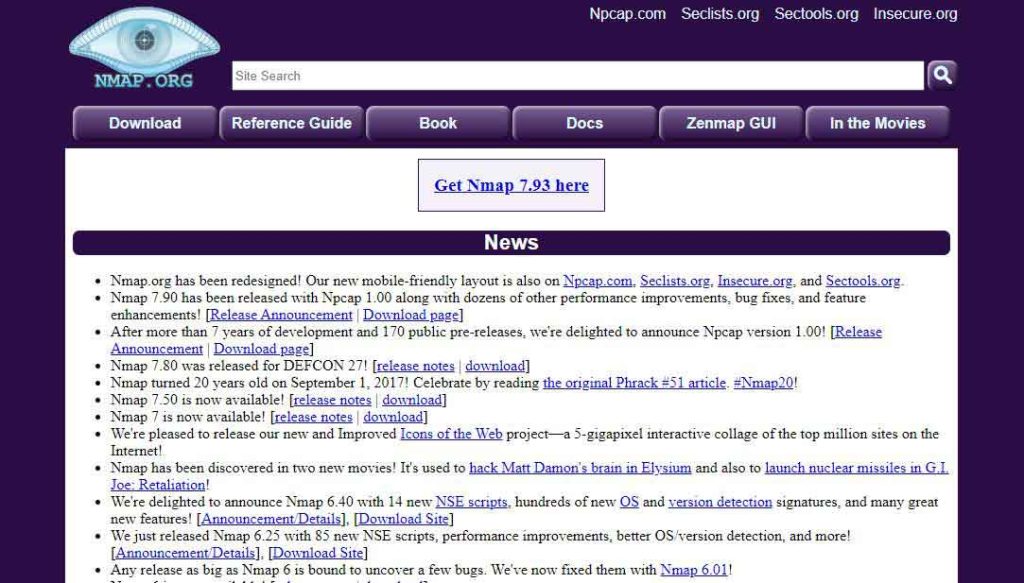
- Website URL: nmap.org
Nmap is an open-source pen-testing tool popular for discovering any holes or weaknesses within an organizational network. It comes with a debugging and comparison tool that compares the scan results and ensures the most accurate results.
Most impressively, this penetration testing tool uses IP packets to analyze what hosts are available on the network, which operating systems they use, and the services they offer. In addition, it can help audit network security issues to provide information on the servers, packet filters, firewalls, ping sweeps, and much more. Since it is open-source software, it is free to download and use and is compatible with all major operating systems like macOS, Linux, and Windows.
2. Metasploit

- Website URL: metasploit.com
Metasploit is a reliable and open-source pen tester tool that discovers the network’s and servers’ systematic vulnerabilities. Ethical hackers use custom codes to uncover network vulnerabilities and gain deep visibility of the network. This penetration testing tool is compatible with all popular operating systems like macOS, Linux, and Windows computers, having a minimum of 4GB RAM and 1GB storage.
Besides this, it comes pre-installed into the Kali Linux system and includes various anti-forensic tools for sincerely evaluating the network against existing vulnerabilities. To benefit from this tool, you can download it for free, or if you want to access all its advanced features and functionalities, you can upgrade to a paid version.
3. Burp suite professional
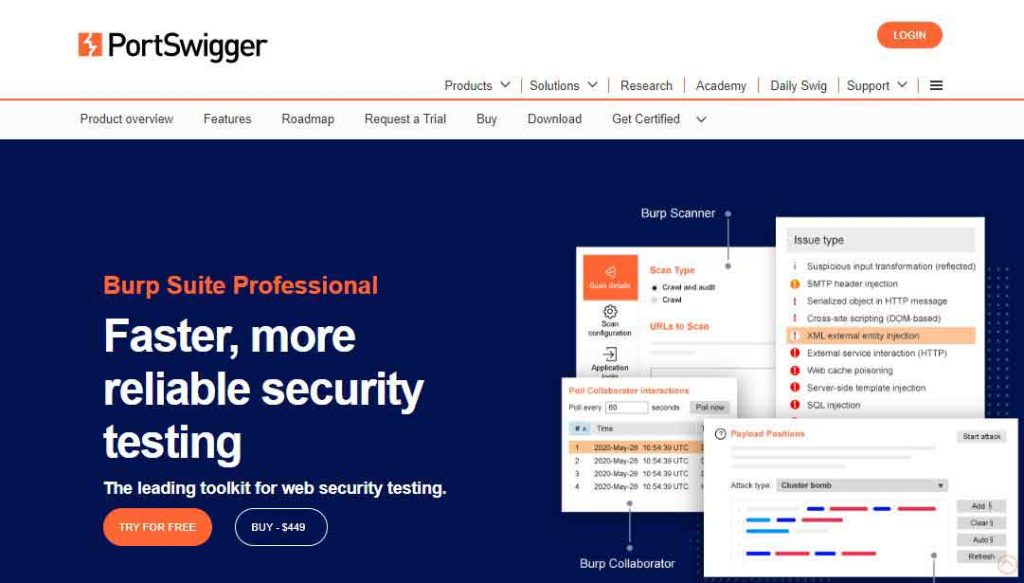
- Website URL: portswigger.net/burp/pro
Burp Suite Professional is a Java-based penetration testing tool that PortSwigger web security develops. It is a combined testing and vulnerability scanning tool designed for web applications. The tool efficiently determines and decodes the encryption used to transfer the data packets across the network and can even encode similar data within the network and ensure finding all the vulnerabilities within the attack surface.
Burp Suite Professional provides a detailed report for the pen-testers to understand the network’s vulnerabilities clearly. It comes in three different versions, and all versions run successfully on macOS, Linux, and Windows OS. Since it offers a paid version, which is quite expensive, users don’t prefer to use it.
4. Hydra
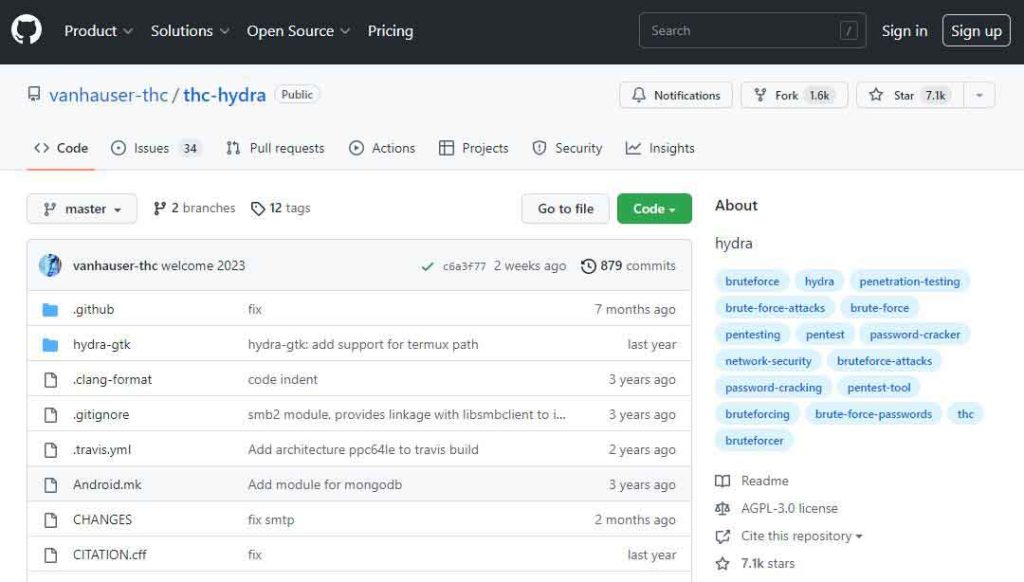
- Website URL: github.com/vanhauser-thc/thc-hydra
Hydra is a reliable password penetration testing tool that allows ethical hackers to crack network service passwords. This handy tool prevents password theft and brute force attacks and works efficiently on Windows, macOS, Linux, and Solaris operating systems. It is an easy-to-use tool that supports protocols like HTTP, HTTPS, FTP, SMB database, and more.
In addition, it supports more than one connection in parallel, reducing the time to crack a password, unlike in sequential brute-forcing and ensuring efficiency. However, the tool comes preinstalled with Parros and Kalxi Linux OS. If you use any of these tools, you can start using Hydra immediately.
5. Wireshark

- Website URL: wireshark.org
Wireshark is an open-source penetration testing tool that provides a microscopic network view. It efficiently debugs the standard TCP/IP connection problems and analyzes hundreds of protocols, including the real-time analysis and decryption of various protocols. In addition, this pen tester tool allows ethical hackers to identify the flaws within the security systems at the user authentication level.
After performing the tests, it provides a comprehensive report in a format easily understood by any operator and ensures a smooth user experience. The software is compatible with various operating systems, including Windows, macOS, Linux, and Solaris, and is available to download for free.
6. OWASP-ZAP
- Website URL: zaproxy.org
OWASP-ZAP is a free and open-source penetration testing tool that allows users to find vulnerabilities within web applications. The best thing about this tool is that it provides automated scanners and tools that enable you to find security vulnerabilities manually. It intercepts and inspects the messages sent between the browser and web applications and sends alerts about any suspicious activity.
Besides this, it is a flexible and easy-to-use tool compatible with Windows, Linux, and macOS. You can also run OWASP-ZAP in a Docker container, and its functionality is scalable with various diverse extensions published on GitHub that ensure a fantastic user experience.
7. John the Ripper
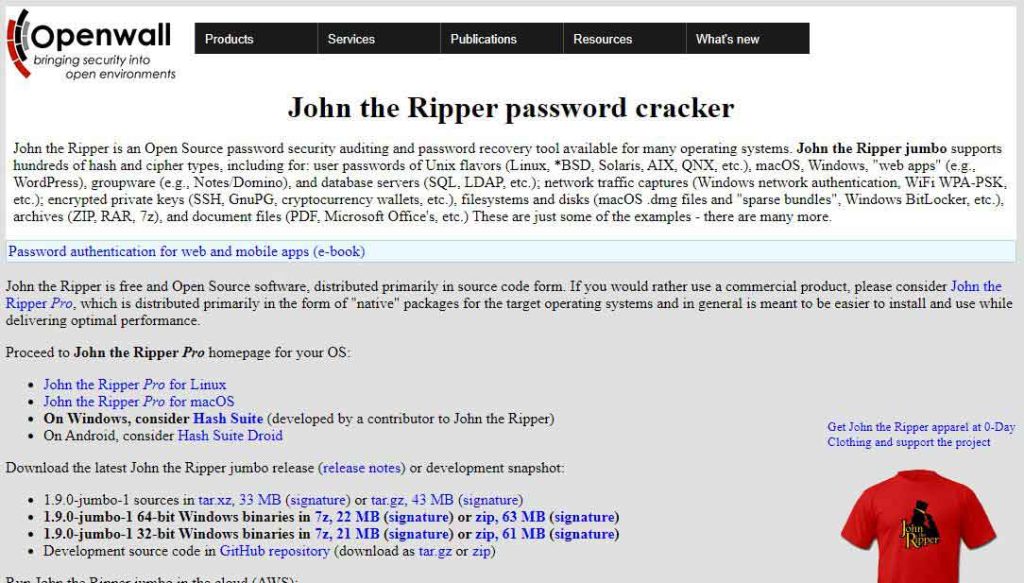
- Website URL: openwall.com/john/
John the Ripper is another password-cracking tool whose primary purpose is to detect weak passwords on a given system and expose them. One impressive feature of John the Ripper is that it uses dictionary attacks, meaning it uses random words from the dictionary to detect a password.
Also, it can access encrypted passwords and ensures that it doesn’t miss out on any password combination within a given parameter. This tool is free to download and is compatible with Windows, macOS, and Unix. However, this tool won’t allow the users to test network vulnerabilities at a deeper level.
8. Cain and Abel
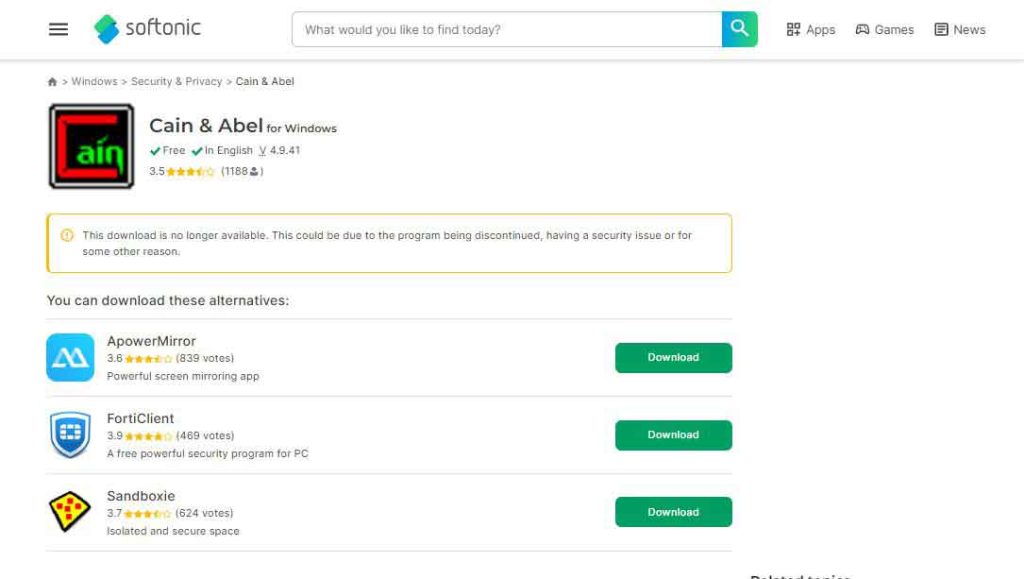
- Website URL: cain-abel.en.softonic.com
Cain and Abel are one of the best free penetration testing tools that use various methods for password recovery and packet analysis on Microsoft Windows. It allows easy recovery of different types of passwords through brute force, dictionary, and cryptanalysis attacks. In addition, it also monitors and sniffs network data packets, which they capture and analyze to get important information about the network.
The tool offers a range of impressive features like the APR, which allows sniffing on switched LANs and Man-in-the-Middle attacks and boosts efficiency. Developers created this tool to run on Microsoft Windows from Vista to the latest Windows operating system, and hence won’t work on any other platform, which might disappoint the users.
9. CANVAS by Immunity

- Website URL: immunityinc.com/products/canvas/
Canvas by Immunity is a leading security assessment tool that allows penetration testing, hostile attack stimulations, and exploit research and development. It includes hundreds of exploits that can be used by different use case categories and exploits library extendability to penetration testers and security professionals globally.
This tool is easier to use than most free and open-source tools and efficiently operates on Linux and Windows operating systems but on Android phones with certain restrictions. It is a premium penetration testing tool with yearly licensing fees, which some might find costly.
10. Kali Linux

- Website URL: kali.org
Kali Linux is an open-source penetration testing tool managed and maintained by Offensive Security. It is a free penetration testing tool for experts and visually impaired individuals using the Linux operating system. Being an open-source project, Kali Linux provides meta-packages, tool listings, and version tracking to generate software versions of their testing processes.
It offers other advanced multi-platform features that support security professionals while conducting a test on desktop, mobile, docker subsystems, and virtual machines. Besides this, Kali Linux also saves time manually setting up tools by adding an automated configuration system that optimizes the tool according to your case and ensures a smooth and hassle-free user experience.
11. SQLmap
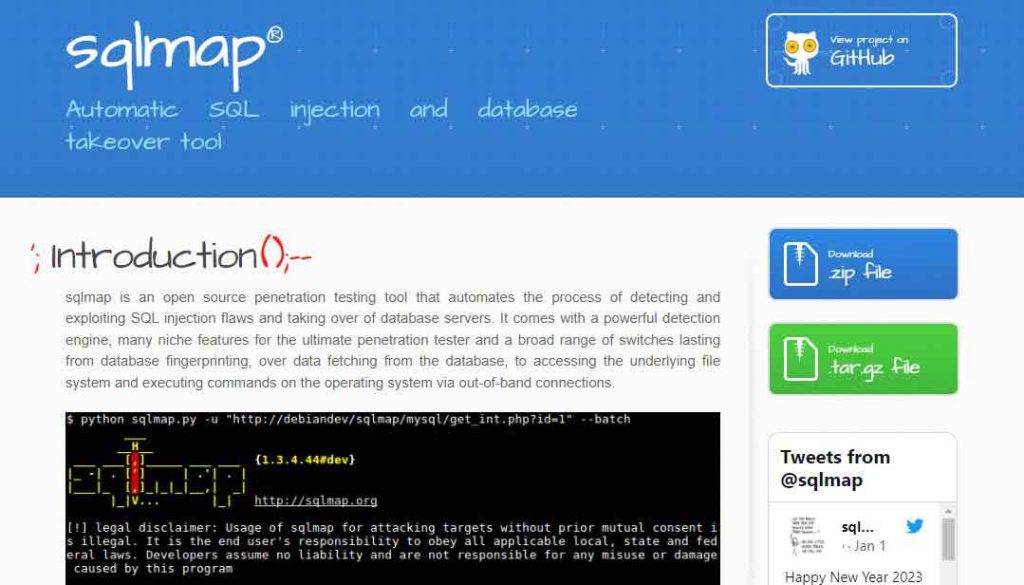
- Website URL: sqlmap.org
SQLmap is another open-source penetration testing tool used to uncover and exploit SQL injection flaws, i.e. when user input can alter the execution of the SQL query. It is an impressive automated tool with detailed features like remote commands, DB fingerprinting, and detection engines, making the search process more manageable. Ethical hackers or penetration testers utilize the tool to hack the databases and understand the depth of network vulnerabilities.
Besides this, SQLmap also works as a password-cracking tool that automatically recognizes the hash formats and uses a dictionary-based attack technique to detect vulnerable and exploited passwords. This tool is compatible with Microsoft Access, SQLite, MySQL, and IBM DB2 servers and Linux, macOS, and Windows operating systems.
12. Hashcat
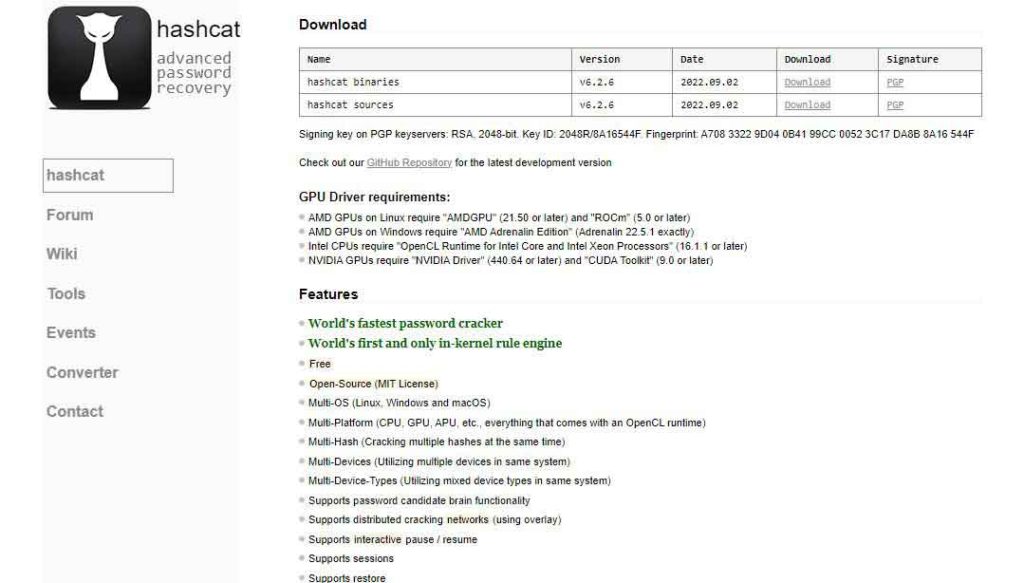
- Website URL: hashcat.net/hashcat
Hashcat is a trusted and fastest password recovery tool that supports hashing algorithms and efficiently works with various attack modes. It is an open-source, MIT-licensed, and advanced password recovery tool capable of cracking over 100 algorithms like DXX, SHA1, and UNIX. Another impressive thing about this software is its multi-device compatibility feature.
You can download this tool on macOS, Linux, and Windows to prevent password cracking and brute-force attacks, and because of its open-source nature, you can use it for free. Besides this, developers are also continuously updating this tool. Thus, the penetration testers must check their GitHub repository to use the latest version.
13. Netsparker

- Website URL: invicti.com/web-vulnerability-scanner
Netsparker Security Scanner, previously known as Invictic, is one of the best automatic web applications for penetration testing. It can identify everything from cross-site scripting to SQL injections, find websites and web services, tell which are outdated, and track their updated status.
One impressive characteristic of this pen-testing tool is that as it allows ethical hackers to scan up to 1000 web apps simultaneously, the users can customize the security scans with attack options and URL rewrite rules to ensure a more efficient process. In addition, it saves the users from conducting manual scans and instead performs continuous automated scans, which saves time and increases efficiency.
14. BeEF
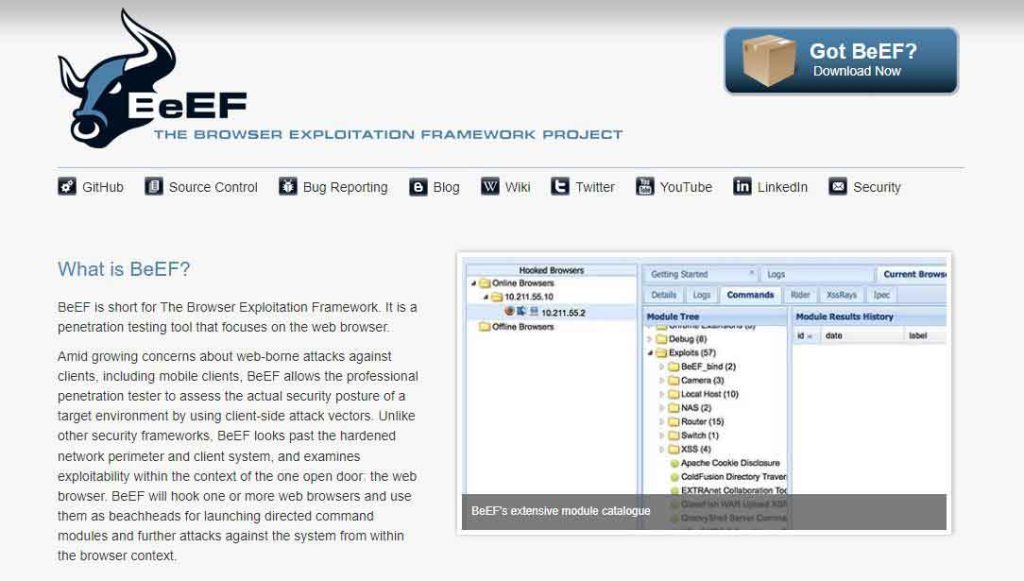
- Website URL: beefproject.com
BeEF (Browser Exploitation Framework) is a reliable penetration testing tool that uses GitHub to locate the issue and is suitable for checking a web browser. It is an advanced tool that explores weaknesses beyond the client system and network perimeter. In addition, this tool has an impressive feature that allows the pentester to use the client-side vectors to determine the security state of the web browser.
Besides this, it hooks one or more web browsers and uses them as beachheads for launching directed command modules and further attacks against the system within the browser context. As BeEF relies on the GitHub repositories to recognize the issues, it’s free to use and download. But it does accept donations to keep running its services.
15. Aircrack NG
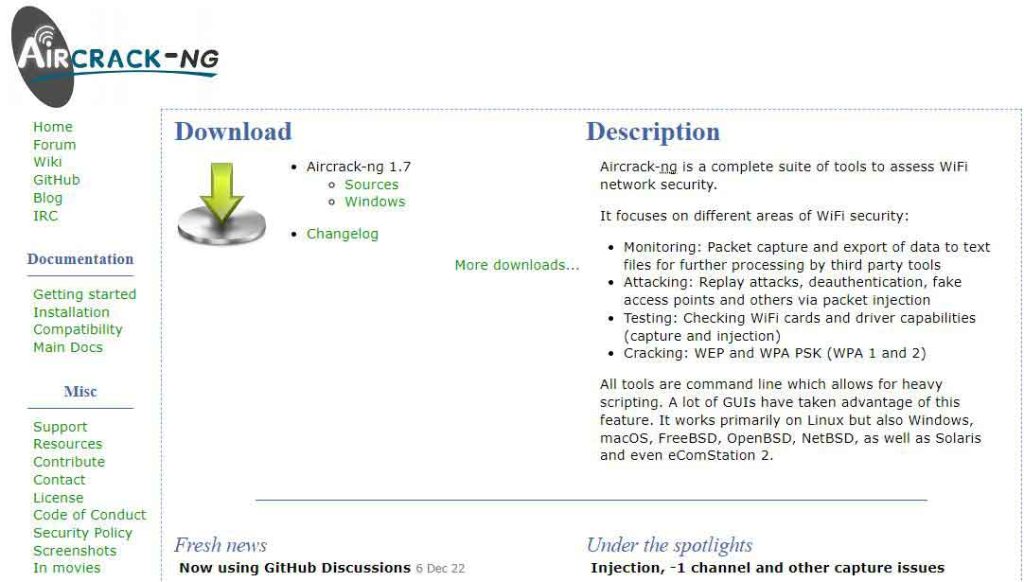
- Website URL: aircrack-ng.org
Aircrack NG is an advanced penetration testing tool for identifying flaws within wireless connections. It is a complete suite of tools to test the Wi-Fi network security. The tool efficiently monitors the given Wi-Fi network, captures the data packets, and then exports them to text files for further network analysis.
It also uses a password dictionary and statistical techniques to break into the WEP and can set up fake access points and carry out replay attacks on the network. Initially, the tool worked on Linux OS, but now it has extended its support for Windows and macOS.
16. Ettercap

- Website URL: ettercap-project.org
Ettercap is a free and open-source security suite designed to prevent man-in-the-middle attacks. It is an excellent tool for building the packets per the user’s need and performing specific tasks. It is an excellent tool for building the packets per the user’s need and performing specific tasks. The software can send invalid frames and complete techniques that are more difficult through other options.
What’s impressive is that it features sniffing of live connections, content filtering on the fly, and other exciting tricks that enhance the user experience. Also, it supports active and passive dissection of many protocols and includes several features for host and network analysis. You can use this tool for free on Windows and other supported platforms.
17. Nessus
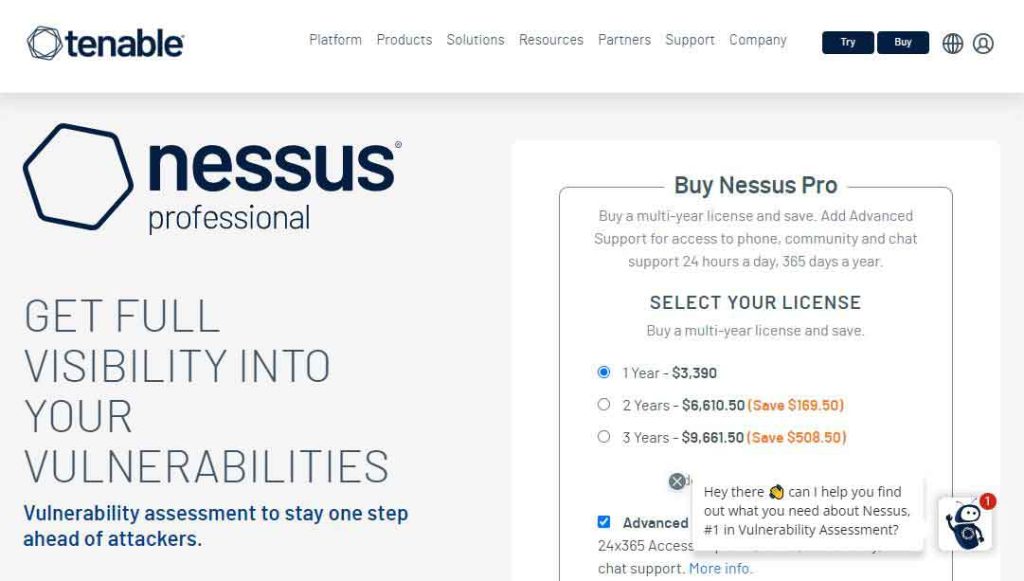
- Website URL: tenable.com/products/nessus/nessus-professional
Nessus is a penetration testing tool that enables users to perform a complete vulnerability assessment of web applications and operating systems. It is a fantastic tool that efficiently detects and fixes vulnerabilities, including missing patches and software flaws. In addition, it can perform both credential and non-credentialed scans, providing more visibility and depth into the vulnerabilities.
This way, Nessus ensures complete test coverage of your operating system and identifies every security flaw within your app. Another good thing about this tool is that it easily integrates with tools like Microsoft Azure, ServiceNow, and Google Cloud. Plus, it works on various operating systems like Windows, macOS, and Linux. However, it is not a free penetration testing tool but comes with a seven-day trial version, so you can use it and decide whether it’s worth using.
18. W3af
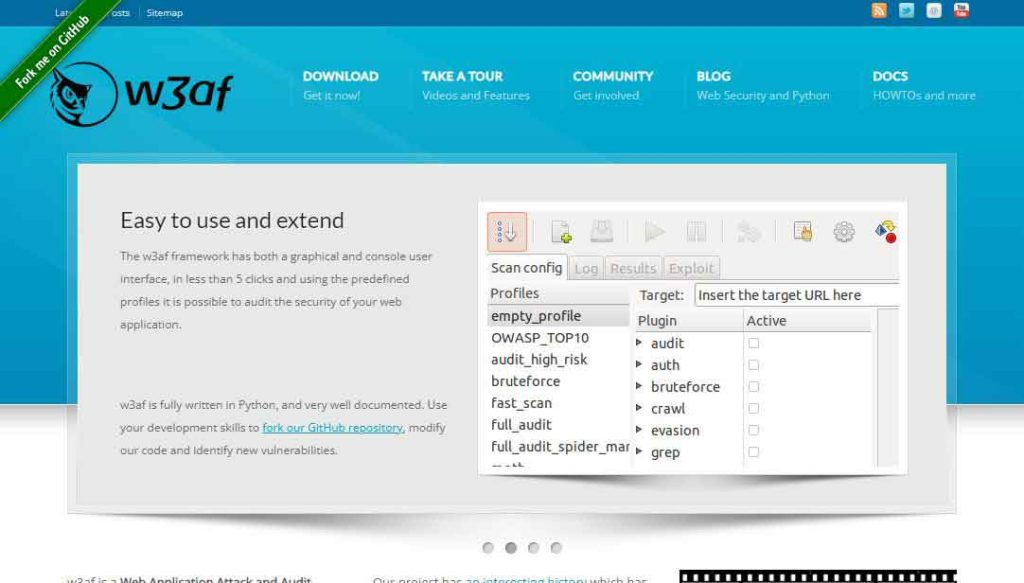
- Website URL: w3af.org
W3af is an open-source, python-driven testing suite that helps audit your frameworks and web applications for vulnerabilities. One impressive feature of W3af is that it enables the pen testers to easily exploit the SQL injections to understand the scope of security risks.
In addition, it offers a manual request generation feature that acts like a man-in-the-middle attack proxy and helps in manual web app testing. This tool is also handy for expert users who want to create custom HTTP requests and responses. Since it is an open-source tool, it is free to download on various popular devices and operating systems and attracts more users.
19. Acuntenix

- Website URL: acunetix.com/plp/penetration-testing/
Acuntenix is an automated penetration testing tool for your web application. It checks and scans for the ever-growing threat of web application vulnerabilities and ensures the security of all assets. The advanced micro recording technology is Acuntenix’s most impressive feature. It lets you scan complex multi-level forms and password-protected site areas to identify and mitigate flaws.
Besides this, it can detect over 7000 vulnerabilities, including SQL injections, weak passwords, XXS, misconfigurations, and exposed databases. The tool has a paid version, but you can contact the support team to have a demo of the product.
20. Wapiti
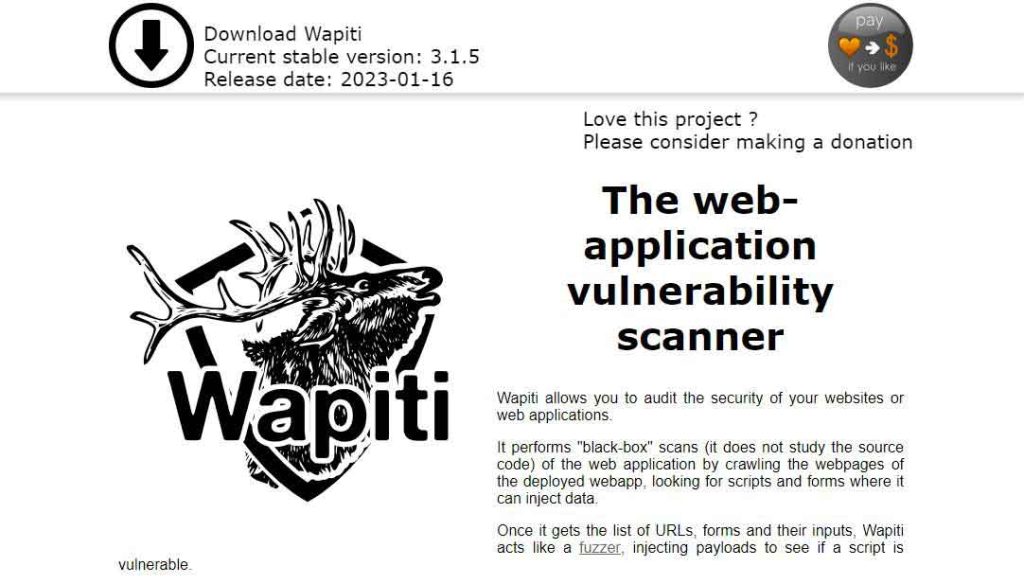
- Website URL: wapiti-scanner.github.io
Wapiti is a rare penetration testing tool that allows you to audit the security of your web applications. It performs black-box scanning of the web application by crawling the web pages of the deployed web apps. It scans the web pages and injects the testing data to check for any lapse in security.
In addition, Wapiti detects vulnerabilities in file disclosure, database injection, Command Execution detection, and XXE injection. It is a free and open-source tool, so users can download it and start using it immediately on Linux and FreeBSD.
Key features you must look into the best Penetration tools
Several pen-testing tools are available, but not all are worth using. Hence, it’s essential to choose the tool wisely. Here are some key features you must look into in the penetration testing tool before using them:
- The tool must offer a comprehensive suite of features that enables you to test and analyze every aspect of the operating system.
- Choose a penetration testing tool that performs multiple scans to discover vulnerabilities and provides a detailed report with minimum false positives.
- Ensure the tool provides a centralized customizable dashboard for experienced and non-technical users.
- The best penetration testing tool is the one that works on different devices. Select a tool compatible with various devices like Windows, Linux, and macOS.
- Passwords are the weakest link in any organization. Ensure you use penetration testing software with password cracking ability to assess the password’s strength.
You must choose a pen-testing tool with all the above features to get accurate results.
What are the stages involved in Penetration testing
Penetration testing involves hacking in to check for vulnerable spots that the malicious attackers can exploit. For this purpose, ethical hackers use manual and automated technologies to compromise servers, web applications, network devices, wireless networks, mobile devices, and other potential exposure points. The entire process comprises five different stages, and below is a brief overview of them:
- Reconnaissance: In this stage, the testers prepare a list of vulnerable areas that can result in a potential breach and rank them in order of criticality.
- Scanning: Pen testers use various tools to perform vulnerability scans to look for loopholes for unauthorized access.
- Vulnerability Analysis: The tester uses all the data gathered in the first two steps to detect potential vulnerabilities and determine whether they can be exploited.
- Exploitation: The tester attempts to access the target’s system and exploit the identified vulnerabilities to simulate real-world attacks.
- Analysis: In the last stage, the pen-tester prepares a report regarding the findings that help fix the vulnerabilities and improve the security infrastructure.
That’s it. These are the steps of a successful penetration test; ensure to use a reliable tool like the ones mentioned above.
What are the primary methodologies of Penetration testing
As there are different types of penetration tests similarly, there are various methods to carry out these tests, and below is an overview of these methods:
- External Testing: It targets the company’s assets visible on the web to gain access and extract valuable data.
- Internal Testing: Ethical hackers access an application behind its firewall or through compromised or stolen credentials.
- Double Blind Testing: Only one or two persons within an enterprise know that a test is being performed in this type of testing.
- Blind Testing: This test simulates the actions and procedures of an actual attacker by providing limited information to the team performing the test.
Companies can decide which method to use to test their assets’ security.
What are the different types of Penetration testing
Security professionals adopt different penetration testing types depending on their objective, scope, and requirements for assessing their organizational security. Below is an insight into the most common types of penetration testing software, so have a look:
- Network Penetration Test: It is of two types, i.e., internal and external penetration tests. The internal penetration test assesses the organization’s internal network configuration, while the external penetration tests include testing public IP addresses, servers, and network protocols.
- Web Application Tests: The pentester detects vulnerabilities in web applications, web services, and websites by assessing the security of the code, design, and flaws in the app’s security protocol.
- Wireless Network Tests: It detects security glitches with wireless access points like wireless devices and Wi-Fi networks by accessing vulnerabilities like weak encryption, authentication attacks, and Bluetooth to combat data breaches.
- IoT Penetration Tests: This test allows ethical hackers to look for security flaws in the connected objects such as APIs, Web Interfaces, mobile apps, hardware, and other embedded software.
- Cloud Penetration Tests: This test provides valuable insights into the strengths and weaknesses of cloud-based solutions.
- Mobile Device Penetration Tests: This helps assess the security of mobile devices and applications and uncover vulnerabilities within the application code.
Besides this, social engineering, OT, and database penetration testing are also some types of penetration testing.
Conclusion
Penetration testing or ethical hacking exposed computer systems, networks, applications, and website vulnerabilities. As cyber-attacks increase in number and sophistication, organizations must perform regular penetration testing to boost the security posture of the entire organization. The tools mentioned above are some of the best penetration testing software available. Organizations must invest in such tools to reduce risks and boost security.
FAQs
The post 20 Best Penetration Testing Tools For Security Professionals appeared first on BeEncrypted.
]]>Deprecated: Using null as an array offset is deprecated, use an empty string instead in /var/www/staging.beencrypted.com/site/web/wp/wp-includes/class-wp-block-type-registry.php on line 168
Deprecated: Using null as an array offset is deprecated, use an empty string instead in /var/www/staging.beencrypted.com/site/web/wp/wp-includes/class-wp-block-type-registry.php on line 168
Deprecated: Using null as an array offset is deprecated, use an empty string instead in /var/www/staging.beencrypted.com/site/web/wp/wp-includes/class-wp-block-type-registry.php on line 168
Deprecated: Using null as an array offset is deprecated, use an empty string instead in /var/www/staging.beencrypted.com/site/web/wp/wp-includes/class-wp-block-type-registry.php on line 168
Deprecated: Using null as an array offset is deprecated, use an empty string instead in /var/www/staging.beencrypted.com/site/web/wp/wp-includes/class-wp-block-type-registry.php on line 168
Deprecated: Using null as an array offset is deprecated, use an empty string instead in /var/www/staging.beencrypted.com/site/web/wp/wp-includes/class-wp-block-type-registry.php on line 168
Deprecated: Using null as an array offset is deprecated, use an empty string instead in /var/www/staging.beencrypted.com/site/web/wp/wp-includes/class-wp-block-type-registry.php on line 168
Deprecated: Using null as an array offset is deprecated, use an empty string instead in /var/www/staging.beencrypted.com/site/web/wp/wp-includes/class-wp-block-type-registry.php on line 168
Deprecated: Using null as an array offset is deprecated, use an empty string instead in /var/www/staging.beencrypted.com/site/web/wp/wp-includes/class-wp-block-type-registry.php on line 168
Deprecated: Using null as an array offset is deprecated, use an empty string instead in /var/www/staging.beencrypted.com/site/web/wp/wp-includes/class-wp-block-type-registry.php on line 168
Deprecated: Using null as an array offset is deprecated, use an empty string instead in /var/www/staging.beencrypted.com/site/web/wp/wp-includes/class-wp-block-type-registry.php on line 168
Deprecated: Using null as an array offset is deprecated, use an empty string instead in /var/www/staging.beencrypted.com/site/web/wp/wp-includes/class-wp-block-type-registry.php on line 168
Deprecated: Using null as an array offset is deprecated, use an empty string instead in /var/www/staging.beencrypted.com/site/web/wp/wp-includes/class-wp-block-type-registry.php on line 168
Deprecated: Using null as an array offset is deprecated, use an empty string instead in /var/www/staging.beencrypted.com/site/web/wp/wp-includes/class-wp-block-type-registry.php on line 168
Deprecated: Using null as an array offset is deprecated, use an empty string instead in /var/www/staging.beencrypted.com/site/web/wp/wp-includes/class-wp-block-type-registry.php on line 168
Deprecated: Using null as an array offset is deprecated, use an empty string instead in /var/www/staging.beencrypted.com/site/web/wp/wp-includes/class-wp-block-type-registry.php on line 168
Deprecated: Using null as an array offset is deprecated, use an empty string instead in /var/www/staging.beencrypted.com/site/web/wp/wp-includes/class-wp-block-type-registry.php on line 168
Deprecated: Using null as an array offset is deprecated, use an empty string instead in /var/www/staging.beencrypted.com/site/web/wp/wp-includes/class-wp-block-type-registry.php on line 168
Deprecated: Using null as an array offset is deprecated, use an empty string instead in /var/www/staging.beencrypted.com/site/web/wp/wp-includes/class-wp-block-type-registry.php on line 168
Deprecated: Using null as an array offset is deprecated, use an empty string instead in /var/www/staging.beencrypted.com/site/web/wp/wp-includes/class-wp-block-type-registry.php on line 168
Deprecated: Using null as an array offset is deprecated, use an empty string instead in /var/www/staging.beencrypted.com/site/web/wp/wp-includes/class-wp-block-type-registry.php on line 168
Deprecated: Using null as an array offset is deprecated, use an empty string instead in /var/www/staging.beencrypted.com/site/web/wp/wp-includes/class-wp-block-type-registry.php on line 168
Deprecated: Using null as an array offset is deprecated, use an empty string instead in /var/www/staging.beencrypted.com/site/web/wp/wp-includes/class-wp-block-type-registry.php on line 168
Deprecated: Using null as an array offset is deprecated, use an empty string instead in /var/www/staging.beencrypted.com/site/web/wp/wp-includes/class-wp-block-type-registry.php on line 168
Deprecated: Using null as an array offset is deprecated, use an empty string instead in /var/www/staging.beencrypted.com/site/web/wp/wp-includes/class-wp-block-type-registry.php on line 168
Deprecated: Using null as an array offset is deprecated, use an empty string instead in /var/www/staging.beencrypted.com/site/web/wp/wp-includes/class-wp-block-type-registry.php on line 168
Deprecated: Using null as an array offset is deprecated, use an empty string instead in /var/www/staging.beencrypted.com/site/web/wp/wp-includes/class-wp-block-type-registry.php on line 168
Deprecated: Using null as an array offset is deprecated, use an empty string instead in /var/www/staging.beencrypted.com/site/web/wp/wp-includes/class-wp-block-type-registry.php on line 168
Deprecated: Using null as an array offset is deprecated, use an empty string instead in /var/www/staging.beencrypted.com/site/web/wp/wp-includes/class-wp-block-type-registry.php on line 168
Deprecated: Using null as an array offset is deprecated, use an empty string instead in /var/www/staging.beencrypted.com/site/web/wp/wp-includes/class-wp-block-type-registry.php on line 168
Deprecated: Using null as an array offset is deprecated, use an empty string instead in /var/www/staging.beencrypted.com/site/web/wp/wp-includes/class-wp-block-type-registry.php on line 168
Deprecated: Using null as an array offset is deprecated, use an empty string instead in /var/www/staging.beencrypted.com/site/web/wp/wp-includes/class-wp-block-type-registry.php on line 168
Deprecated: Using null as an array offset is deprecated, use an empty string instead in /var/www/staging.beencrypted.com/site/web/wp/wp-includes/class-wp-block-type-registry.php on line 168
Deprecated: Using null as an array offset is deprecated, use an empty string instead in /var/www/staging.beencrypted.com/site/web/wp/wp-includes/class-wp-block-type-registry.php on line 168
Deprecated: Using null as an array offset is deprecated, use an empty string instead in /var/www/staging.beencrypted.com/site/web/wp/wp-includes/class-wp-block-type-registry.php on line 168
Deprecated: Using null as an array offset is deprecated, use an empty string instead in /var/www/staging.beencrypted.com/site/web/wp/wp-includes/class-wp-block-type-registry.php on line 168
Deprecated: Using null as an array offset is deprecated, use an empty string instead in /var/www/staging.beencrypted.com/site/web/wp/wp-includes/class-wp-block-type-registry.php on line 168
Deprecated: Using null as an array offset is deprecated, use an empty string instead in /var/www/staging.beencrypted.com/site/web/wp/wp-includes/class-wp-block-type-registry.php on line 168
Deprecated: Using null as an array offset is deprecated, use an empty string instead in /var/www/staging.beencrypted.com/site/web/wp/wp-includes/class-wp-block-type-registry.php on line 168
Deprecated: Using null as an array offset is deprecated, use an empty string instead in /var/www/staging.beencrypted.com/site/web/wp/wp-includes/class-wp-block-type-registry.php on line 168
Deprecated: Using null as an array offset is deprecated, use an empty string instead in /var/www/staging.beencrypted.com/site/web/wp/wp-includes/class-wp-block-type-registry.php on line 168
Deprecated: Using null as an array offset is deprecated, use an empty string instead in /var/www/staging.beencrypted.com/site/web/wp/wp-includes/class-wp-block-type-registry.php on line 168
Deprecated: Using null as an array offset is deprecated, use an empty string instead in /var/www/staging.beencrypted.com/site/web/wp/wp-includes/class-wp-block-type-registry.php on line 168
Deprecated: Using null as an array offset is deprecated, use an empty string instead in /var/www/staging.beencrypted.com/site/web/wp/wp-includes/class-wp-block-type-registry.php on line 168
Deprecated: Using null as an array offset is deprecated, use an empty string instead in /var/www/staging.beencrypted.com/site/web/wp/wp-includes/class-wp-block-type-registry.php on line 168
Deprecated: Using null as an array offset is deprecated, use an empty string instead in /var/www/staging.beencrypted.com/site/web/wp/wp-includes/class-wp-block-type-registry.php on line 168
Deprecated: Using null as an array offset is deprecated, use an empty string instead in /var/www/staging.beencrypted.com/site/web/wp/wp-includes/class-wp-block-type-registry.php on line 168
Deprecated: Using null as an array offset is deprecated, use an empty string instead in /var/www/staging.beencrypted.com/site/web/wp/wp-includes/class-wp-block-type-registry.php on line 168
Deprecated: Using null as an array offset is deprecated, use an empty string instead in /var/www/staging.beencrypted.com/site/web/wp/wp-includes/class-wp-block-type-registry.php on line 168
Deprecated: Using null as an array offset is deprecated, use an empty string instead in /var/www/staging.beencrypted.com/site/web/wp/wp-includes/class-wp-block-type-registry.php on line 168
Deprecated: Using null as an array offset is deprecated, use an empty string instead in /var/www/staging.beencrypted.com/site/web/wp/wp-includes/class-wp-block-type-registry.php on line 168
Deprecated: Using null as an array offset is deprecated, use an empty string instead in /var/www/staging.beencrypted.com/site/web/wp/wp-includes/class-wp-block-type-registry.php on line 168
Deprecated: Using null as an array offset is deprecated, use an empty string instead in /var/www/staging.beencrypted.com/site/web/wp/wp-includes/class-wp-block-type-registry.php on line 168
Deprecated: Using null as an array offset is deprecated, use an empty string instead in /var/www/staging.beencrypted.com/site/web/wp/wp-includes/class-wp-block-type-registry.php on line 168
Deprecated: Using null as an array offset is deprecated, use an empty string instead in /var/www/staging.beencrypted.com/site/web/wp/wp-includes/class-wp-block-type-registry.php on line 168
Deprecated: Using null as an array offset is deprecated, use an empty string instead in /var/www/staging.beencrypted.com/site/web/wp/wp-includes/class-wp-block-type-registry.php on line 168
Deprecated: Using null as an array offset is deprecated, use an empty string instead in /var/www/staging.beencrypted.com/site/web/wp/wp-includes/class-wp-block-type-registry.php on line 168
Deprecated: Using null as an array offset is deprecated, use an empty string instead in /var/www/staging.beencrypted.com/site/web/wp/wp-includes/class-wp-block-type-registry.php on line 168
Deprecated: Using null as an array offset is deprecated, use an empty string instead in /var/www/staging.beencrypted.com/site/web/wp/wp-includes/class-wp-block-type-registry.php on line 168
Deprecated: Using null as an array offset is deprecated, use an empty string instead in /var/www/staging.beencrypted.com/site/web/wp/wp-includes/class-wp-block-type-registry.php on line 168
Deprecated: Using null as an array offset is deprecated, use an empty string instead in /var/www/staging.beencrypted.com/site/web/wp/wp-includes/class-wp-block-type-registry.php on line 168
Deprecated: Using null as an array offset is deprecated, use an empty string instead in /var/www/staging.beencrypted.com/site/web/wp/wp-includes/class-wp-block-type-registry.php on line 168
Deprecated: Using null as an array offset is deprecated, use an empty string instead in /var/www/staging.beencrypted.com/site/web/wp/wp-includes/class-wp-block-type-registry.php on line 168
Deprecated: Using null as an array offset is deprecated, use an empty string instead in /var/www/staging.beencrypted.com/site/web/wp/wp-includes/class-wp-block-type-registry.php on line 168
Deprecated: Using null as an array offset is deprecated, use an empty string instead in /var/www/staging.beencrypted.com/site/web/wp/wp-includes/class-wp-block-type-registry.php on line 168
Deprecated: Using null as an array offset is deprecated, use an empty string instead in /var/www/staging.beencrypted.com/site/web/wp/wp-includes/class-wp-block-type-registry.php on line 168
Deprecated: Using null as an array offset is deprecated, use an empty string instead in /var/www/staging.beencrypted.com/site/web/wp/wp-includes/class-wp-block-type-registry.php on line 168
Deprecated: Using null as an array offset is deprecated, use an empty string instead in /var/www/staging.beencrypted.com/site/web/wp/wp-includes/class-wp-block-type-registry.php on line 168
Deprecated: Using null as an array offset is deprecated, use an empty string instead in /var/www/staging.beencrypted.com/site/web/wp/wp-includes/class-wp-block-type-registry.php on line 168
Deprecated: Using null as an array offset is deprecated, use an empty string instead in /var/www/staging.beencrypted.com/site/web/wp/wp-includes/class-wp-block-type-registry.php on line 168
Deprecated: Using null as an array offset is deprecated, use an empty string instead in /var/www/staging.beencrypted.com/site/web/wp/wp-includes/class-wp-block-type-registry.php on line 168
Deprecated: Using null as an array offset is deprecated, use an empty string instead in /var/www/staging.beencrypted.com/site/web/wp/wp-includes/class-wp-block-type-registry.php on line 168
Deprecated: Using null as an array offset is deprecated, use an empty string instead in /var/www/staging.beencrypted.com/site/web/wp/wp-includes/class-wp-block-type-registry.php on line 168
Deprecated: Using null as an array offset is deprecated, use an empty string instead in /var/www/staging.beencrypted.com/site/web/wp/wp-includes/class-wp-block-type-registry.php on line 168
Deprecated: Using null as an array offset is deprecated, use an empty string instead in /var/www/staging.beencrypted.com/site/web/wp/wp-includes/class-wp-block-type-registry.php on line 168
Deprecated: Using null as an array offset is deprecated, use an empty string instead in /var/www/staging.beencrypted.com/site/web/wp/wp-includes/class-wp-block-type-registry.php on line 168
Deprecated: Using null as an array offset is deprecated, use an empty string instead in /var/www/staging.beencrypted.com/site/web/wp/wp-includes/class-wp-block-type-registry.php on line 168
Deprecated: Using null as an array offset is deprecated, use an empty string instead in /var/www/staging.beencrypted.com/site/web/wp/wp-includes/class-wp-block-type-registry.php on line 168
Deprecated: Using null as an array offset is deprecated, use an empty string instead in /var/www/staging.beencrypted.com/site/web/wp/wp-includes/class-wp-block-type-registry.php on line 168
Deprecated: Using null as an array offset is deprecated, use an empty string instead in /var/www/staging.beencrypted.com/site/web/wp/wp-includes/class-wp-block-type-registry.php on line 168
Deprecated: Using null as an array offset is deprecated, use an empty string instead in /var/www/staging.beencrypted.com/site/web/wp/wp-includes/class-wp-block-type-registry.php on line 168
Deprecated: Using null as an array offset is deprecated, use an empty string instead in /var/www/staging.beencrypted.com/site/web/wp/wp-includes/class-wp-block-type-registry.php on line 168
Deprecated: Using null as an array offset is deprecated, use an empty string instead in /var/www/staging.beencrypted.com/site/web/wp/wp-includes/class-wp-block-type-registry.php on line 168
Deprecated: Using null as an array offset is deprecated, use an empty string instead in /var/www/staging.beencrypted.com/site/web/wp/wp-includes/class-wp-block-type-registry.php on line 168
Deprecated: Using null as an array offset is deprecated, use an empty string instead in /var/www/staging.beencrypted.com/site/web/wp/wp-includes/class-wp-block-type-registry.php on line 168
Deprecated: Using null as an array offset is deprecated, use an empty string instead in /var/www/staging.beencrypted.com/site/web/wp/wp-includes/class-wp-block-type-registry.php on line 168
Deprecated: Using null as an array offset is deprecated, use an empty string instead in /var/www/staging.beencrypted.com/site/web/wp/wp-includes/class-wp-block-type-registry.php on line 168
Deprecated: Using null as an array offset is deprecated, use an empty string instead in /var/www/staging.beencrypted.com/site/web/wp/wp-includes/class-wp-block-type-registry.php on line 168
Deprecated: Using null as an array offset is deprecated, use an empty string instead in /var/www/staging.beencrypted.com/site/web/wp/wp-includes/class-wp-block-type-registry.php on line 168
Deprecated: Using null as an array offset is deprecated, use an empty string instead in /var/www/staging.beencrypted.com/site/web/wp/wp-includes/class-wp-block-type-registry.php on line 168
Deprecated: Using null as an array offset is deprecated, use an empty string instead in /var/www/staging.beencrypted.com/site/web/wp/wp-includes/class-wp-block-type-registry.php on line 168
Deprecated: Using null as an array offset is deprecated, use an empty string instead in /var/www/staging.beencrypted.com/site/web/wp/wp-includes/class-wp-block-type-registry.php on line 168
Deprecated: Using null as an array offset is deprecated, use an empty string instead in /var/www/staging.beencrypted.com/site/web/wp/wp-includes/class-wp-block-type-registry.php on line 168
Deprecated: Using null as an array offset is deprecated, use an empty string instead in /var/www/staging.beencrypted.com/site/web/wp/wp-includes/class-wp-block-type-registry.php on line 168
Deprecated: Using null as an array offset is deprecated, use an empty string instead in /var/www/staging.beencrypted.com/site/web/wp/wp-includes/class-wp-block-type-registry.php on line 168
Deprecated: Using null as an array offset is deprecated, use an empty string instead in /var/www/staging.beencrypted.com/site/web/wp/wp-includes/class-wp-block-type-registry.php on line 168
Deprecated: Using null as an array offset is deprecated, use an empty string instead in /var/www/staging.beencrypted.com/site/web/wp/wp-includes/class-wp-block-type-registry.php on line 168
Deprecated: Using null as an array offset is deprecated, use an empty string instead in /var/www/staging.beencrypted.com/site/web/wp/wp-includes/class-wp-block-type-registry.php on line 168
Deprecated: Using null as an array offset is deprecated, use an empty string instead in /var/www/staging.beencrypted.com/site/web/wp/wp-includes/class-wp-block-type-registry.php on line 168
Deprecated: Using null as an array offset is deprecated, use an empty string instead in /var/www/staging.beencrypted.com/site/web/wp/wp-includes/class-wp-block-type-registry.php on line 168
Deprecated: Using null as an array offset is deprecated, use an empty string instead in /var/www/staging.beencrypted.com/site/web/wp/wp-includes/class-wp-block-type-registry.php on line 168
Deprecated: Using null as an array offset is deprecated, use an empty string instead in /var/www/staging.beencrypted.com/site/web/wp/wp-includes/class-wp-block-type-registry.php on line 168
Deprecated: Using null as an array offset is deprecated, use an empty string instead in /var/www/staging.beencrypted.com/site/web/wp/wp-includes/class-wp-block-type-registry.php on line 168
Deprecated: Using null as an array offset is deprecated, use an empty string instead in /var/www/staging.beencrypted.com/site/web/wp/wp-includes/class-wp-block-type-registry.php on line 168
Deprecated: Using null as an array offset is deprecated, use an empty string instead in /var/www/staging.beencrypted.com/site/web/wp/wp-includes/class-wp-block-type-registry.php on line 168
Deprecated: Using null as an array offset is deprecated, use an empty string instead in /var/www/staging.beencrypted.com/site/web/wp/wp-includes/class-wp-block-type-registry.php on line 168
Deprecated: Using null as an array offset is deprecated, use an empty string instead in /var/www/staging.beencrypted.com/site/web/wp/wp-includes/class-wp-block-type-registry.php on line 168
Deprecated: Using null as an array offset is deprecated, use an empty string instead in /var/www/staging.beencrypted.com/site/web/wp/wp-includes/class-wp-block-type-registry.php on line 168
Deprecated: Using null as an array offset is deprecated, use an empty string instead in /var/www/staging.beencrypted.com/site/web/wp/wp-includes/class-wp-block-type-registry.php on line 168
Deprecated: Using null as an array offset is deprecated, use an empty string instead in /var/www/staging.beencrypted.com/site/web/wp/wp-includes/class-wp-block-type-registry.php on line 168
Deprecated: Using null as an array offset is deprecated, use an empty string instead in /var/www/staging.beencrypted.com/site/web/wp/wp-includes/class-wp-block-type-registry.php on line 168
Deprecated: Using null as an array offset is deprecated, use an empty string instead in /var/www/staging.beencrypted.com/site/web/wp/wp-includes/class-wp-block-type-registry.php on line 168
Deprecated: Using null as an array offset is deprecated, use an empty string instead in /var/www/staging.beencrypted.com/site/web/wp/wp-includes/class-wp-block-type-registry.php on line 168
Deprecated: Using null as an array offset is deprecated, use an empty string instead in /var/www/staging.beencrypted.com/site/web/wp/wp-includes/class-wp-block-type-registry.php on line 168
Deprecated: Using null as an array offset is deprecated, use an empty string instead in /var/www/staging.beencrypted.com/site/web/wp/wp-includes/class-wp-block-type-registry.php on line 168
Deprecated: Using null as an array offset is deprecated, use an empty string instead in /var/www/staging.beencrypted.com/site/web/wp/wp-includes/class-wp-block-type-registry.php on line 168
Deprecated: Using null as an array offset is deprecated, use an empty string instead in /var/www/staging.beencrypted.com/site/web/wp/wp-includes/class-wp-block-type-registry.php on line 168
Deprecated: Using null as an array offset is deprecated, use an empty string instead in /var/www/staging.beencrypted.com/site/web/wp/wp-includes/class-wp-block-type-registry.php on line 168
Deprecated: Using null as an array offset is deprecated, use an empty string instead in /var/www/staging.beencrypted.com/site/web/wp/wp-includes/class-wp-block-type-registry.php on line 168
Deprecated: Using null as an array offset is deprecated, use an empty string instead in /var/www/staging.beencrypted.com/site/web/wp/wp-includes/class-wp-block-type-registry.php on line 168
Deprecated: Using null as an array offset is deprecated, use an empty string instead in /var/www/staging.beencrypted.com/site/web/wp/wp-includes/class-wp-block-type-registry.php on line 168
Deprecated: Using null as an array offset is deprecated, use an empty string instead in /var/www/staging.beencrypted.com/site/web/wp/wp-includes/class-wp-block-type-registry.php on line 168
Deprecated: Using null as an array offset is deprecated, use an empty string instead in /var/www/staging.beencrypted.com/site/web/wp/wp-includes/class-wp-block-type-registry.php on line 168
Deprecated: Using null as an array offset is deprecated, use an empty string instead in /var/www/staging.beencrypted.com/site/web/wp/wp-includes/class-wp-block-type-registry.php on line 168
Deprecated: Using null as an array offset is deprecated, use an empty string instead in /var/www/staging.beencrypted.com/site/web/wp/wp-includes/class-wp-block-type-registry.php on line 168
Deprecated: Using null as an array offset is deprecated, use an empty string instead in /var/www/staging.beencrypted.com/site/web/wp/wp-includes/class-wp-block-type-registry.php on line 168
Deprecated: Using null as an array offset is deprecated, use an empty string instead in /var/www/staging.beencrypted.com/site/web/wp/wp-includes/class-wp-block-type-registry.php on line 168
Deprecated: Using null as an array offset is deprecated, use an empty string instead in /var/www/staging.beencrypted.com/site/web/wp/wp-includes/class-wp-block-type-registry.php on line 168
Deprecated: Using null as an array offset is deprecated, use an empty string instead in /var/www/staging.beencrypted.com/site/web/wp/wp-includes/class-wp-block-type-registry.php on line 168
Deprecated: Using null as an array offset is deprecated, use an empty string instead in /var/www/staging.beencrypted.com/site/web/wp/wp-includes/class-wp-block-type-registry.php on line 168
Deprecated: Using null as an array offset is deprecated, use an empty string instead in /var/www/staging.beencrypted.com/site/web/wp/wp-includes/class-wp-block-type-registry.php on line 168
Deprecated: Using null as an array offset is deprecated, use an empty string instead in /var/www/staging.beencrypted.com/site/web/wp/wp-includes/class-wp-block-type-registry.php on line 168
Deprecated: Using null as an array offset is deprecated, use an empty string instead in /var/www/staging.beencrypted.com/site/web/wp/wp-includes/class-wp-block-type-registry.php on line 168
Deprecated: Using null as an array offset is deprecated, use an empty string instead in /var/www/staging.beencrypted.com/site/web/wp/wp-includes/class-wp-block-type-registry.php on line 168
Deprecated: Using null as an array offset is deprecated, use an empty string instead in /var/www/staging.beencrypted.com/site/web/wp/wp-includes/class-wp-block-type-registry.php on line 168
Deprecated: Using null as an array offset is deprecated, use an empty string instead in /var/www/staging.beencrypted.com/site/web/wp/wp-includes/class-wp-block-type-registry.php on line 168
Deprecated: Using null as an array offset is deprecated, use an empty string instead in /var/www/staging.beencrypted.com/site/web/wp/wp-includes/class-wp-block-type-registry.php on line 168
Deprecated: Using null as an array offset is deprecated, use an empty string instead in /var/www/staging.beencrypted.com/site/web/wp/wp-includes/class-wp-block-type-registry.php on line 168
Deprecated: Using null as an array offset is deprecated, use an empty string instead in /var/www/staging.beencrypted.com/site/web/wp/wp-includes/class-wp-block-type-registry.php on line 168
Deprecated: Using null as an array offset is deprecated, use an empty string instead in /var/www/staging.beencrypted.com/site/web/wp/wp-includes/class-wp-block-type-registry.php on line 168
Deprecated: Using null as an array offset is deprecated, use an empty string instead in /var/www/staging.beencrypted.com/site/web/wp/wp-includes/class-wp-block-type-registry.php on line 168
Deprecated: Using null as an array offset is deprecated, use an empty string instead in /var/www/staging.beencrypted.com/site/web/wp/wp-includes/class-wp-block-type-registry.php on line 168
Deprecated: Using null as an array offset is deprecated, use an empty string instead in /var/www/staging.beencrypted.com/site/web/wp/wp-includes/class-wp-block-type-registry.php on line 168
Deprecated: Using null as an array offset is deprecated, use an empty string instead in /var/www/staging.beencrypted.com/site/web/wp/wp-includes/class-wp-block-type-registry.php on line 168
Deprecated: Using null as an array offset is deprecated, use an empty string instead in /var/www/staging.beencrypted.com/site/web/wp/wp-includes/class-wp-block-type-registry.php on line 168
Deprecated: Using null as an array offset is deprecated, use an empty string instead in /var/www/staging.beencrypted.com/site/web/wp/wp-includes/class-wp-block-type-registry.php on line 168
Deprecated: Using null as an array offset is deprecated, use an empty string instead in /var/www/staging.beencrypted.com/site/web/wp/wp-includes/class-wp-block-type-registry.php on line 168
Deprecated: Using null as an array offset is deprecated, use an empty string instead in /var/www/staging.beencrypted.com/site/web/wp/wp-includes/class-wp-block-type-registry.php on line 168
Deprecated: Using null as an array offset is deprecated, use an empty string instead in /var/www/staging.beencrypted.com/site/web/wp/wp-includes/class-wp-block-type-registry.php on line 168
Deprecated: Using null as an array offset is deprecated, use an empty string instead in /var/www/staging.beencrypted.com/site/web/wp/wp-includes/class-wp-block-type-registry.php on line 168
Deprecated: Using null as an array offset is deprecated, use an empty string instead in /var/www/staging.beencrypted.com/site/web/wp/wp-includes/class-wp-block-type-registry.php on line 168
Deprecated: Using null as an array offset is deprecated, use an empty string instead in /var/www/staging.beencrypted.com/site/web/wp/wp-includes/class-wp-block-type-registry.php on line 168
Deprecated: Using null as an array offset is deprecated, use an empty string instead in /var/www/staging.beencrypted.com/site/web/wp/wp-includes/class-wp-block-type-registry.php on line 168
Deprecated: Using null as an array offset is deprecated, use an empty string instead in /var/www/staging.beencrypted.com/site/web/wp/wp-includes/class-wp-block-type-registry.php on line 168
Deprecated: Using null as an array offset is deprecated, use an empty string instead in /var/www/staging.beencrypted.com/site/web/wp/wp-includes/class-wp-block-type-registry.php on line 168
Deprecated: Using null as an array offset is deprecated, use an empty string instead in /var/www/staging.beencrypted.com/site/web/wp/wp-includes/class-wp-block-type-registry.php on line 168
Deprecated: Using null as an array offset is deprecated, use an empty string instead in /var/www/staging.beencrypted.com/site/web/wp/wp-includes/class-wp-block-type-registry.php on line 168
Deprecated: Using null as an array offset is deprecated, use an empty string instead in /var/www/staging.beencrypted.com/site/web/wp/wp-includes/class-wp-block-type-registry.php on line 168
Deprecated: Using null as an array offset is deprecated, use an empty string instead in /var/www/staging.beencrypted.com/site/web/wp/wp-includes/class-wp-block-type-registry.php on line 168
Deprecated: Using null as an array offset is deprecated, use an empty string instead in /var/www/staging.beencrypted.com/site/web/wp/wp-includes/class-wp-block-type-registry.php on line 168
Deprecated: Using null as an array offset is deprecated, use an empty string instead in /var/www/staging.beencrypted.com/site/web/wp/wp-includes/class-wp-block-type-registry.php on line 168
Deprecated: Using null as an array offset is deprecated, use an empty string instead in /var/www/staging.beencrypted.com/site/web/wp/wp-includes/class-wp-block-type-registry.php on line 168
Deprecated: Using null as an array offset is deprecated, use an empty string instead in /var/www/staging.beencrypted.com/site/web/wp/wp-includes/class-wp-block-type-registry.php on line 168
Deprecated: Using null as an array offset is deprecated, use an empty string instead in /var/www/staging.beencrypted.com/site/web/wp/wp-includes/class-wp-block-type-registry.php on line 168
Deprecated: Using null as an array offset is deprecated, use an empty string instead in /var/www/staging.beencrypted.com/site/web/wp/wp-includes/class-wp-block-type-registry.php on line 168
Deprecated: Using null as an array offset is deprecated, use an empty string instead in /var/www/staging.beencrypted.com/site/web/wp/wp-includes/class-wp-block-type-registry.php on line 168
Deprecated: Using null as an array offset is deprecated, use an empty string instead in /var/www/staging.beencrypted.com/site/web/wp/wp-includes/class-wp-block-type-registry.php on line 168
Deprecated: Using null as an array offset is deprecated, use an empty string instead in /var/www/staging.beencrypted.com/site/web/wp/wp-includes/class-wp-block-type-registry.php on line 168
Deprecated: Using null as an array offset is deprecated, use an empty string instead in /var/www/staging.beencrypted.com/site/web/wp/wp-includes/class-wp-block-type-registry.php on line 168
Deprecated: Using null as an array offset is deprecated, use an empty string instead in /var/www/staging.beencrypted.com/site/web/wp/wp-includes/class-wp-block-type-registry.php on line 168
Deprecated: Using null as an array offset is deprecated, use an empty string instead in /var/www/staging.beencrypted.com/site/web/wp/wp-includes/class-wp-block-type-registry.php on line 168
Deprecated: Using null as an array offset is deprecated, use an empty string instead in /var/www/staging.beencrypted.com/site/web/wp/wp-includes/class-wp-block-type-registry.php on line 168
Deprecated: Using null as an array offset is deprecated, use an empty string instead in /var/www/staging.beencrypted.com/site/web/wp/wp-includes/class-wp-block-type-registry.php on line 168
Deprecated: Using null as an array offset is deprecated, use an empty string instead in /var/www/staging.beencrypted.com/site/web/wp/wp-includes/class-wp-block-type-registry.php on line 168
Deprecated: Using null as an array offset is deprecated, use an empty string instead in /var/www/staging.beencrypted.com/site/web/wp/wp-includes/class-wp-block-type-registry.php on line 168
Deprecated: Using null as an array offset is deprecated, use an empty string instead in /var/www/staging.beencrypted.com/site/web/wp/wp-includes/class-wp-block-type-registry.php on line 168
Deprecated: Using null as an array offset is deprecated, use an empty string instead in /var/www/staging.beencrypted.com/site/web/wp/wp-includes/class-wp-block-type-registry.php on line 168
Deprecated: Using null as an array offset is deprecated, use an empty string instead in /var/www/staging.beencrypted.com/site/web/wp/wp-includes/class-wp-block-type-registry.php on line 168
Deprecated: Using null as an array offset is deprecated, use an empty string instead in /var/www/staging.beencrypted.com/site/web/wp/wp-includes/class-wp-block-type-registry.php on line 168
Deprecated: Using null as an array offset is deprecated, use an empty string instead in /var/www/staging.beencrypted.com/site/web/wp/wp-includes/class-wp-block-type-registry.php on line 168
Deprecated: Using null as an array offset is deprecated, use an empty string instead in /var/www/staging.beencrypted.com/site/web/wp/wp-includes/class-wp-block-type-registry.php on line 168
Deprecated: Using null as an array offset is deprecated, use an empty string instead in /var/www/staging.beencrypted.com/site/web/wp/wp-includes/class-wp-block-type-registry.php on line 168
Deprecated: Using null as an array offset is deprecated, use an empty string instead in /var/www/staging.beencrypted.com/site/web/wp/wp-includes/class-wp-block-type-registry.php on line 168
Deprecated: Using null as an array offset is deprecated, use an empty string instead in /var/www/staging.beencrypted.com/site/web/wp/wp-includes/class-wp-block-type-registry.php on line 168
Deprecated: Using null as an array offset is deprecated, use an empty string instead in /var/www/staging.beencrypted.com/site/web/wp/wp-includes/class-wp-block-type-registry.php on line 168
Deprecated: Using null as an array offset is deprecated, use an empty string instead in /var/www/staging.beencrypted.com/site/web/wp/wp-includes/class-wp-block-type-registry.php on line 168
Deprecated: Using null as an array offset is deprecated, use an empty string instead in /var/www/staging.beencrypted.com/site/web/wp/wp-includes/class-wp-block-type-registry.php on line 168
Deprecated: Using null as an array offset is deprecated, use an empty string instead in /var/www/staging.beencrypted.com/site/web/wp/wp-includes/class-wp-block-type-registry.php on line 168
Deprecated: Using null as an array offset is deprecated, use an empty string instead in /var/www/staging.beencrypted.com/site/web/wp/wp-includes/class-wp-block-type-registry.php on line 168
Deprecated: Using null as an array offset is deprecated, use an empty string instead in /var/www/staging.beencrypted.com/site/web/wp/wp-includes/class-wp-block-type-registry.php on line 168
Deprecated: Using null as an array offset is deprecated, use an empty string instead in /var/www/staging.beencrypted.com/site/web/wp/wp-includes/class-wp-block-type-registry.php on line 168
Deprecated: Using null as an array offset is deprecated, use an empty string instead in /var/www/staging.beencrypted.com/site/web/wp/wp-includes/class-wp-block-type-registry.php on line 168
Deprecated: Using null as an array offset is deprecated, use an empty string instead in /var/www/staging.beencrypted.com/site/web/wp/wp-includes/class-wp-block-type-registry.php on line 168
Deprecated: Using null as an array offset is deprecated, use an empty string instead in /var/www/staging.beencrypted.com/site/web/wp/wp-includes/class-wp-block-type-registry.php on line 168
Deprecated: Using null as an array offset is deprecated, use an empty string instead in /var/www/staging.beencrypted.com/site/web/wp/wp-includes/class-wp-block-type-registry.php on line 168
Deprecated: Using null as an array offset is deprecated, use an empty string instead in /var/www/staging.beencrypted.com/site/web/wp/wp-includes/class-wp-block-type-registry.php on line 168
Deprecated: Using null as an array offset is deprecated, use an empty string instead in /var/www/staging.beencrypted.com/site/web/wp/wp-includes/class-wp-block-type-registry.php on line 168
Deprecated: Using null as an array offset is deprecated, use an empty string instead in /var/www/staging.beencrypted.com/site/web/wp/wp-includes/class-wp-block-type-registry.php on line 168
Deprecated: Using null as an array offset is deprecated, use an empty string instead in /var/www/staging.beencrypted.com/site/web/wp/wp-includes/class-wp-block-type-registry.php on line 168
Deprecated: Using null as an array offset is deprecated, use an empty string instead in /var/www/staging.beencrypted.com/site/web/wp/wp-includes/class-wp-block-type-registry.php on line 168
Deprecated: Using null as an array offset is deprecated, use an empty string instead in /var/www/staging.beencrypted.com/site/web/wp/wp-includes/class-wp-block-type-registry.php on line 168
Deprecated: Using null as an array offset is deprecated, use an empty string instead in /var/www/staging.beencrypted.com/site/web/wp/wp-includes/class-wp-block-type-registry.php on line 168
Deprecated: Using null as an array offset is deprecated, use an empty string instead in /var/www/staging.beencrypted.com/site/web/wp/wp-includes/class-wp-block-type-registry.php on line 168
Deprecated: Using null as an array offset is deprecated, use an empty string instead in /var/www/staging.beencrypted.com/site/web/wp/wp-includes/class-wp-block-type-registry.php on line 168
Deprecated: Using null as an array offset is deprecated, use an empty string instead in /var/www/staging.beencrypted.com/site/web/wp/wp-includes/class-wp-block-type-registry.php on line 168
Deprecated: Using null as an array offset is deprecated, use an empty string instead in /var/www/staging.beencrypted.com/site/web/wp/wp-includes/class-wp-block-type-registry.php on line 168
Deprecated: Using null as an array offset is deprecated, use an empty string instead in /var/www/staging.beencrypted.com/site/web/wp/wp-includes/class-wp-block-type-registry.php on line 168
Deprecated: Using null as an array offset is deprecated, use an empty string instead in /var/www/staging.beencrypted.com/site/web/wp/wp-includes/class-wp-block-type-registry.php on line 168
Deprecated: Using null as an array offset is deprecated, use an empty string instead in /var/www/staging.beencrypted.com/site/web/wp/wp-includes/class-wp-block-type-registry.php on line 168
Deprecated: Using null as an array offset is deprecated, use an empty string instead in /var/www/staging.beencrypted.com/site/web/wp/wp-includes/class-wp-block-type-registry.php on line 168
Deprecated: Using null as an array offset is deprecated, use an empty string instead in /var/www/staging.beencrypted.com/site/web/wp/wp-includes/class-wp-block-type-registry.php on line 168
Deprecated: Using null as an array offset is deprecated, use an empty string instead in /var/www/staging.beencrypted.com/site/web/wp/wp-includes/class-wp-block-type-registry.php on line 168
Deprecated: Using null as an array offset is deprecated, use an empty string instead in /var/www/staging.beencrypted.com/site/web/wp/wp-includes/class-wp-block-type-registry.php on line 168
Deprecated: Using null as an array offset is deprecated, use an empty string instead in /var/www/staging.beencrypted.com/site/web/wp/wp-includes/class-wp-block-type-registry.php on line 168
Deprecated: Using null as an array offset is deprecated, use an empty string instead in /var/www/staging.beencrypted.com/site/web/wp/wp-includes/class-wp-block-type-registry.php on line 168
Deprecated: Using null as an array offset is deprecated, use an empty string instead in /var/www/staging.beencrypted.com/site/web/wp/wp-includes/class-wp-block-type-registry.php on line 168
Deprecated: Using null as an array offset is deprecated, use an empty string instead in /var/www/staging.beencrypted.com/site/web/wp/wp-includes/class-wp-block-type-registry.php on line 168
Deprecated: Using null as an array offset is deprecated, use an empty string instead in /var/www/staging.beencrypted.com/site/web/wp/wp-includes/class-wp-block-type-registry.php on line 168
Deprecated: Using null as an array offset is deprecated, use an empty string instead in /var/www/staging.beencrypted.com/site/web/wp/wp-includes/class-wp-block-type-registry.php on line 168
Deprecated: Using null as an array offset is deprecated, use an empty string instead in /var/www/staging.beencrypted.com/site/web/wp/wp-includes/class-wp-block-type-registry.php on line 168
Deprecated: Using null as an array offset is deprecated, use an empty string instead in /var/www/staging.beencrypted.com/site/web/wp/wp-includes/class-wp-block-type-registry.php on line 168
Deprecated: Using null as an array offset is deprecated, use an empty string instead in /var/www/staging.beencrypted.com/site/web/wp/wp-includes/class-wp-block-type-registry.php on line 168
Deprecated: Using null as an array offset is deprecated, use an empty string instead in /var/www/staging.beencrypted.com/site/web/wp/wp-includes/class-wp-block-type-registry.php on line 168
Deprecated: Using null as an array offset is deprecated, use an empty string instead in /var/www/staging.beencrypted.com/site/web/wp/wp-includes/class-wp-block-type-registry.php on line 168
Deprecated: Using null as an array offset is deprecated, use an empty string instead in /var/www/staging.beencrypted.com/site/web/wp/wp-includes/class-wp-block-type-registry.php on line 168
Deprecated: Using null as an array offset is deprecated, use an empty string instead in /var/www/staging.beencrypted.com/site/web/wp/wp-includes/class-wp-block-type-registry.php on line 168
Deprecated: Using null as an array offset is deprecated, use an empty string instead in /var/www/staging.beencrypted.com/site/web/wp/wp-includes/class-wp-block-type-registry.php on line 168
Deprecated: Using null as an array offset is deprecated, use an empty string instead in /var/www/staging.beencrypted.com/site/web/wp/wp-includes/class-wp-block-type-registry.php on line 168
Deprecated: Using null as an array offset is deprecated, use an empty string instead in /var/www/staging.beencrypted.com/site/web/wp/wp-includes/class-wp-block-type-registry.php on line 168
Deprecated: Using null as an array offset is deprecated, use an empty string instead in /var/www/staging.beencrypted.com/site/web/wp/wp-includes/class-wp-block-type-registry.php on line 168
Deprecated: Using null as an array offset is deprecated, use an empty string instead in /var/www/staging.beencrypted.com/site/web/wp/wp-includes/class-wp-block-type-registry.php on line 168
Deprecated: Using null as an array offset is deprecated, use an empty string instead in /var/www/staging.beencrypted.com/site/web/wp/wp-includes/class-wp-block-type-registry.php on line 168
Deprecated: Using null as an array offset is deprecated, use an empty string instead in /var/www/staging.beencrypted.com/site/web/wp/wp-includes/class-wp-block-type-registry.php on line 168
Deprecated: Using null as an array offset is deprecated, use an empty string instead in /var/www/staging.beencrypted.com/site/web/wp/wp-includes/class-wp-block-type-registry.php on line 168
Deprecated: Using null as an array offset is deprecated, use an empty string instead in /var/www/staging.beencrypted.com/site/web/wp/wp-includes/class-wp-block-type-registry.php on line 168
Deprecated: Using null as an array offset is deprecated, use an empty string instead in /var/www/staging.beencrypted.com/site/web/wp/wp-includes/class-wp-block-type-registry.php on line 168
Deprecated: Using null as an array offset is deprecated, use an empty string instead in /var/www/staging.beencrypted.com/site/web/wp/wp-includes/class-wp-block-type-registry.php on line 168
Deprecated: Using null as an array offset is deprecated, use an empty string instead in /var/www/staging.beencrypted.com/site/web/wp/wp-includes/class-wp-block-type-registry.php on line 168
Deprecated: Using null as an array offset is deprecated, use an empty string instead in /var/www/staging.beencrypted.com/site/web/wp/wp-includes/class-wp-block-type-registry.php on line 168
Deprecated: Using null as an array offset is deprecated, use an empty string instead in /var/www/staging.beencrypted.com/site/web/wp/wp-includes/class-wp-block-type-registry.php on line 168
Deprecated: Using null as an array offset is deprecated, use an empty string instead in /var/www/staging.beencrypted.com/site/web/wp/wp-includes/class-wp-block-type-registry.php on line 168
Deprecated: Using null as an array offset is deprecated, use an empty string instead in /var/www/staging.beencrypted.com/site/web/wp/wp-includes/class-wp-block-type-registry.php on line 168
Deprecated: Using null as an array offset is deprecated, use an empty string instead in /var/www/staging.beencrypted.com/site/web/wp/wp-includes/class-wp-block-type-registry.php on line 168
Deprecated: Using null as an array offset is deprecated, use an empty string instead in /var/www/staging.beencrypted.com/site/web/wp/wp-includes/class-wp-block-type-registry.php on line 168
Deprecated: Using null as an array offset is deprecated, use an empty string instead in /var/www/staging.beencrypted.com/site/web/wp/wp-includes/class-wp-block-type-registry.php on line 168
Deprecated: Using null as an array offset is deprecated, use an empty string instead in /var/www/staging.beencrypted.com/site/web/wp/wp-includes/class-wp-block-type-registry.php on line 168
Deprecated: Using null as an array offset is deprecated, use an empty string instead in /var/www/staging.beencrypted.com/site/web/wp/wp-includes/class-wp-block-type-registry.php on line 168
Deprecated: Using null as an array offset is deprecated, use an empty string instead in /var/www/staging.beencrypted.com/site/web/wp/wp-includes/class-wp-block-type-registry.php on line 168
Deprecated: Using null as an array offset is deprecated, use an empty string instead in /var/www/staging.beencrypted.com/site/web/wp/wp-includes/class-wp-block-type-registry.php on line 168
Deprecated: Using null as an array offset is deprecated, use an empty string instead in /var/www/staging.beencrypted.com/site/web/wp/wp-includes/class-wp-block-type-registry.php on line 168
Deprecated: Using null as an array offset is deprecated, use an empty string instead in /var/www/staging.beencrypted.com/site/web/wp/wp-includes/class-wp-block-type-registry.php on line 168
Deprecated: Using null as an array offset is deprecated, use an empty string instead in /var/www/staging.beencrypted.com/site/web/wp/wp-includes/class-wp-block-type-registry.php on line 168
Deprecated: Using null as an array offset is deprecated, use an empty string instead in /var/www/staging.beencrypted.com/site/web/wp/wp-includes/class-wp-block-type-registry.php on line 168
Deprecated: Using null as an array offset is deprecated, use an empty string instead in /var/www/staging.beencrypted.com/site/web/wp/wp-includes/class-wp-block-type-registry.php on line 168
Deprecated: Using null as an array offset is deprecated, use an empty string instead in /var/www/staging.beencrypted.com/site/web/wp/wp-includes/class-wp-block-type-registry.php on line 168
Deprecated: Using null as an array offset is deprecated, use an empty string instead in /var/www/staging.beencrypted.com/site/web/wp/wp-includes/class-wp-block-type-registry.php on line 168
Deprecated: Using null as an array offset is deprecated, use an empty string instead in /var/www/staging.beencrypted.com/site/web/wp/wp-includes/class-wp-block-type-registry.php on line 168
Deprecated: Using null as an array offset is deprecated, use an empty string instead in /var/www/staging.beencrypted.com/site/web/wp/wp-includes/class-wp-block-type-registry.php on line 168
Deprecated: Using null as an array offset is deprecated, use an empty string instead in /var/www/staging.beencrypted.com/site/web/wp/wp-includes/class-wp-block-type-registry.php on line 168
Deprecated: Using null as an array offset is deprecated, use an empty string instead in /var/www/staging.beencrypted.com/site/web/wp/wp-includes/class-wp-block-type-registry.php on line 168
Deprecated: Using null as an array offset is deprecated, use an empty string instead in /var/www/staging.beencrypted.com/site/web/wp/wp-includes/class-wp-block-type-registry.php on line 168
Deprecated: Using null as an array offset is deprecated, use an empty string instead in /var/www/staging.beencrypted.com/site/web/wp/wp-includes/class-wp-block-type-registry.php on line 168
Deprecated: Using null as an array offset is deprecated, use an empty string instead in /var/www/staging.beencrypted.com/site/web/wp/wp-includes/class-wp-block-type-registry.php on line 168
Deprecated: Using null as an array offset is deprecated, use an empty string instead in /var/www/staging.beencrypted.com/site/web/wp/wp-includes/class-wp-block-type-registry.php on line 168
Deprecated: Using null as an array offset is deprecated, use an empty string instead in /var/www/staging.beencrypted.com/site/web/wp/wp-includes/class-wp-block-type-registry.php on line 168
Deprecated: Using null as an array offset is deprecated, use an empty string instead in /var/www/staging.beencrypted.com/site/web/wp/wp-includes/class-wp-block-type-registry.php on line 168
Deprecated: Using null as an array offset is deprecated, use an empty string instead in /var/www/staging.beencrypted.com/site/web/wp/wp-includes/class-wp-block-type-registry.php on line 168
Deprecated: Using null as an array offset is deprecated, use an empty string instead in /var/www/staging.beencrypted.com/site/web/wp/wp-includes/class-wp-block-type-registry.php on line 168
Deprecated: Using null as an array offset is deprecated, use an empty string instead in /var/www/staging.beencrypted.com/site/web/wp/wp-includes/class-wp-block-type-registry.php on line 168
Deprecated: Using null as an array offset is deprecated, use an empty string instead in /var/www/staging.beencrypted.com/site/web/wp/wp-includes/class-wp-block-type-registry.php on line 168
Deprecated: Using null as an array offset is deprecated, use an empty string instead in /var/www/staging.beencrypted.com/site/web/wp/wp-includes/class-wp-block-type-registry.php on line 168
Deprecated: Using null as an array offset is deprecated, use an empty string instead in /var/www/staging.beencrypted.com/site/web/wp/wp-includes/class-wp-block-type-registry.php on line 168
Deprecated: Using null as an array offset is deprecated, use an empty string instead in /var/www/staging.beencrypted.com/site/web/wp/wp-includes/class-wp-block-type-registry.php on line 168
Deprecated: Using null as an array offset is deprecated, use an empty string instead in /var/www/staging.beencrypted.com/site/web/wp/wp-includes/class-wp-block-type-registry.php on line 168
Deprecated: Using null as an array offset is deprecated, use an empty string instead in /var/www/staging.beencrypted.com/site/web/wp/wp-includes/class-wp-block-type-registry.php on line 168
Deprecated: Using null as an array offset is deprecated, use an empty string instead in /var/www/staging.beencrypted.com/site/web/wp/wp-includes/class-wp-block-type-registry.php on line 168
Deprecated: Using null as an array offset is deprecated, use an empty string instead in /var/www/staging.beencrypted.com/site/web/wp/wp-includes/class-wp-block-type-registry.php on line 168
Deprecated: Using null as an array offset is deprecated, use an empty string instead in /var/www/staging.beencrypted.com/site/web/wp/wp-includes/class-wp-block-type-registry.php on line 168
Deprecated: Using null as an array offset is deprecated, use an empty string instead in /var/www/staging.beencrypted.com/site/web/wp/wp-includes/class-wp-block-type-registry.php on line 168
Deprecated: Using null as an array offset is deprecated, use an empty string instead in /var/www/staging.beencrypted.com/site/web/wp/wp-includes/class-wp-block-type-registry.php on line 168
Deprecated: Using null as an array offset is deprecated, use an empty string instead in /var/www/staging.beencrypted.com/site/web/wp/wp-includes/class-wp-block-type-registry.php on line 168
Deprecated: Using null as an array offset is deprecated, use an empty string instead in /var/www/staging.beencrypted.com/site/web/wp/wp-includes/class-wp-block-type-registry.php on line 168
Deprecated: Using null as an array offset is deprecated, use an empty string instead in /var/www/staging.beencrypted.com/site/web/wp/wp-includes/class-wp-block-type-registry.php on line 168
Deprecated: Using null as an array offset is deprecated, use an empty string instead in /var/www/staging.beencrypted.com/site/web/wp/wp-includes/class-wp-block-type-registry.php on line 168
Deprecated: Using null as an array offset is deprecated, use an empty string instead in /var/www/staging.beencrypted.com/site/web/wp/wp-includes/class-wp-block-type-registry.php on line 168
Deprecated: Using null as an array offset is deprecated, use an empty string instead in /var/www/staging.beencrypted.com/site/web/wp/wp-includes/class-wp-block-type-registry.php on line 168
Deprecated: Using null as an array offset is deprecated, use an empty string instead in /var/www/staging.beencrypted.com/site/web/wp/wp-includes/class-wp-block-type-registry.php on line 168
Deprecated: Using null as an array offset is deprecated, use an empty string instead in /var/www/staging.beencrypted.com/site/web/wp/wp-includes/class-wp-block-type-registry.php on line 168
Deprecated: Using null as an array offset is deprecated, use an empty string instead in /var/www/staging.beencrypted.com/site/web/wp/wp-includes/class-wp-block-type-registry.php on line 168
Deprecated: Using null as an array offset is deprecated, use an empty string instead in /var/www/staging.beencrypted.com/site/web/wp/wp-includes/class-wp-block-type-registry.php on line 168
Deprecated: Using null as an array offset is deprecated, use an empty string instead in /var/www/staging.beencrypted.com/site/web/wp/wp-includes/class-wp-block-type-registry.php on line 168
Deprecated: Using null as an array offset is deprecated, use an empty string instead in /var/www/staging.beencrypted.com/site/web/wp/wp-includes/class-wp-block-type-registry.php on line 168
Deprecated: Using null as an array offset is deprecated, use an empty string instead in /var/www/staging.beencrypted.com/site/web/wp/wp-includes/class-wp-block-type-registry.php on line 168
Deprecated: Using null as an array offset is deprecated, use an empty string instead in /var/www/staging.beencrypted.com/site/web/wp/wp-includes/class-wp-block-type-registry.php on line 168
Deprecated: Using null as an array offset is deprecated, use an empty string instead in /var/www/staging.beencrypted.com/site/web/wp/wp-includes/class-wp-block-type-registry.php on line 168
Deprecated: Using null as an array offset is deprecated, use an empty string instead in /var/www/staging.beencrypted.com/site/web/wp/wp-includes/class-wp-block-type-registry.php on line 168
Deprecated: Using null as an array offset is deprecated, use an empty string instead in /var/www/staging.beencrypted.com/site/web/wp/wp-includes/class-wp-block-type-registry.php on line 168
Deprecated: Using null as an array offset is deprecated, use an empty string instead in /var/www/staging.beencrypted.com/site/web/wp/wp-includes/class-wp-block-type-registry.php on line 168
Deprecated: Using null as an array offset is deprecated, use an empty string instead in /var/www/staging.beencrypted.com/site/web/wp/wp-includes/class-wp-block-type-registry.php on line 168
Deprecated: Using null as an array offset is deprecated, use an empty string instead in /var/www/staging.beencrypted.com/site/web/wp/wp-includes/class-wp-block-type-registry.php on line 168
Deprecated: Using null as an array offset is deprecated, use an empty string instead in /var/www/staging.beencrypted.com/site/web/wp/wp-includes/class-wp-block-type-registry.php on line 168
Deprecated: Using null as an array offset is deprecated, use an empty string instead in /var/www/staging.beencrypted.com/site/web/wp/wp-includes/class-wp-block-type-registry.php on line 168
Deprecated: Using null as an array offset is deprecated, use an empty string instead in /var/www/staging.beencrypted.com/site/web/wp/wp-includes/class-wp-block-type-registry.php on line 168
Deprecated: Using null as an array offset is deprecated, use an empty string instead in /var/www/staging.beencrypted.com/site/web/wp/wp-includes/class-wp-block-type-registry.php on line 168
Deprecated: Using null as an array offset is deprecated, use an empty string instead in /var/www/staging.beencrypted.com/site/web/wp/wp-includes/class-wp-block-type-registry.php on line 168
Deprecated: Using null as an array offset is deprecated, use an empty string instead in /var/www/staging.beencrypted.com/site/web/wp/wp-includes/class-wp-block-type-registry.php on line 168
Deprecated: Using null as an array offset is deprecated, use an empty string instead in /var/www/staging.beencrypted.com/site/web/wp/wp-includes/class-wp-block-type-registry.php on line 168
Deprecated: Using null as an array offset is deprecated, use an empty string instead in /var/www/staging.beencrypted.com/site/web/wp/wp-includes/class-wp-block-type-registry.php on line 168
Deprecated: Using null as an array offset is deprecated, use an empty string instead in /var/www/staging.beencrypted.com/site/web/wp/wp-includes/class-wp-block-type-registry.php on line 168
Deprecated: Using null as an array offset is deprecated, use an empty string instead in /var/www/staging.beencrypted.com/site/web/wp/wp-includes/class-wp-block-type-registry.php on line 168
Deprecated: Using null as an array offset is deprecated, use an empty string instead in /var/www/staging.beencrypted.com/site/web/wp/wp-includes/class-wp-block-type-registry.php on line 168
Deprecated: Using null as an array offset is deprecated, use an empty string instead in /var/www/staging.beencrypted.com/site/web/wp/wp-includes/class-wp-block-type-registry.php on line 168
Deprecated: Using null as an array offset is deprecated, use an empty string instead in /var/www/staging.beencrypted.com/site/web/wp/wp-includes/class-wp-block-type-registry.php on line 168
Deprecated: Using null as an array offset is deprecated, use an empty string instead in /var/www/staging.beencrypted.com/site/web/wp/wp-includes/class-wp-block-type-registry.php on line 168
Deprecated: Using null as an array offset is deprecated, use an empty string instead in /var/www/staging.beencrypted.com/site/web/wp/wp-includes/class-wp-block-type-registry.php on line 168
Deprecated: Using null as an array offset is deprecated, use an empty string instead in /var/www/staging.beencrypted.com/site/web/wp/wp-includes/class-wp-block-type-registry.php on line 168
Deprecated: Using null as an array offset is deprecated, use an empty string instead in /var/www/staging.beencrypted.com/site/web/wp/wp-includes/class-wp-block-type-registry.php on line 168
Deprecated: Using null as an array offset is deprecated, use an empty string instead in /var/www/staging.beencrypted.com/site/web/wp/wp-includes/class-wp-block-type-registry.php on line 168
Deprecated: Using null as an array offset is deprecated, use an empty string instead in /var/www/staging.beencrypted.com/site/web/wp/wp-includes/class-wp-block-type-registry.php on line 168
Deprecated: Using null as an array offset is deprecated, use an empty string instead in /var/www/staging.beencrypted.com/site/web/wp/wp-includes/class-wp-block-type-registry.php on line 168
Deprecated: Using null as an array offset is deprecated, use an empty string instead in /var/www/staging.beencrypted.com/site/web/wp/wp-includes/class-wp-block-type-registry.php on line 168
Deprecated: Using null as an array offset is deprecated, use an empty string instead in /var/www/staging.beencrypted.com/site/web/wp/wp-includes/class-wp-block-type-registry.php on line 168
Deprecated: Using null as an array offset is deprecated, use an empty string instead in /var/www/staging.beencrypted.com/site/web/wp/wp-includes/class-wp-block-type-registry.php on line 168
Deprecated: Using null as an array offset is deprecated, use an empty string instead in /var/www/staging.beencrypted.com/site/web/wp/wp-includes/class-wp-block-type-registry.php on line 168
Deprecated: Using null as an array offset is deprecated, use an empty string instead in /var/www/staging.beencrypted.com/site/web/wp/wp-includes/class-wp-block-type-registry.php on line 168
Deprecated: Using null as an array offset is deprecated, use an empty string instead in /var/www/staging.beencrypted.com/site/web/wp/wp-includes/class-wp-block-type-registry.php on line 168
Deprecated: Using null as an array offset is deprecated, use an empty string instead in /var/www/staging.beencrypted.com/site/web/wp/wp-includes/class-wp-block-type-registry.php on line 168
Deprecated: Using null as an array offset is deprecated, use an empty string instead in /var/www/staging.beencrypted.com/site/web/wp/wp-includes/class-wp-block-type-registry.php on line 168
Deprecated: Using null as an array offset is deprecated, use an empty string instead in /var/www/staging.beencrypted.com/site/web/wp/wp-includes/class-wp-block-type-registry.php on line 168
Deprecated: Using null as an array offset is deprecated, use an empty string instead in /var/www/staging.beencrypted.com/site/web/wp/wp-includes/class-wp-block-type-registry.php on line 168
Deprecated: Using null as an array offset is deprecated, use an empty string instead in /var/www/staging.beencrypted.com/site/web/wp/wp-includes/class-wp-block-type-registry.php on line 168
Deprecated: Using null as an array offset is deprecated, use an empty string instead in /var/www/staging.beencrypted.com/site/web/wp/wp-includes/class-wp-block-type-registry.php on line 168
Deprecated: Using null as an array offset is deprecated, use an empty string instead in /var/www/staging.beencrypted.com/site/web/wp/wp-includes/class-wp-block-type-registry.php on line 168
Deprecated: Using null as an array offset is deprecated, use an empty string instead in /var/www/staging.beencrypted.com/site/web/wp/wp-includes/class-wp-block-type-registry.php on line 168
Deprecated: Using null as an array offset is deprecated, use an empty string instead in /var/www/staging.beencrypted.com/site/web/wp/wp-includes/class-wp-block-type-registry.php on line 168
Deprecated: Using null as an array offset is deprecated, use an empty string instead in /var/www/staging.beencrypted.com/site/web/wp/wp-includes/class-wp-block-type-registry.php on line 168
Deprecated: Using null as an array offset is deprecated, use an empty string instead in /var/www/staging.beencrypted.com/site/web/wp/wp-includes/class-wp-block-type-registry.php on line 168
Deprecated: Using null as an array offset is deprecated, use an empty string instead in /var/www/staging.beencrypted.com/site/web/wp/wp-includes/class-wp-block-type-registry.php on line 168
Deprecated: Using null as an array offset is deprecated, use an empty string instead in /var/www/staging.beencrypted.com/site/web/wp/wp-includes/class-wp-block-type-registry.php on line 168
Deprecated: Using null as an array offset is deprecated, use an empty string instead in /var/www/staging.beencrypted.com/site/web/wp/wp-includes/class-wp-block-type-registry.php on line 168
Deprecated: Using null as an array offset is deprecated, use an empty string instead in /var/www/staging.beencrypted.com/site/web/wp/wp-includes/class-wp-block-type-registry.php on line 168
Deprecated: Using null as an array offset is deprecated, use an empty string instead in /var/www/staging.beencrypted.com/site/web/wp/wp-includes/class-wp-block-type-registry.php on line 168
Deprecated: Using null as an array offset is deprecated, use an empty string instead in /var/www/staging.beencrypted.com/site/web/wp/wp-includes/class-wp-block-type-registry.php on line 168
Deprecated: Using null as an array offset is deprecated, use an empty string instead in /var/www/staging.beencrypted.com/site/web/wp/wp-includes/class-wp-block-type-registry.php on line 168
Deprecated: Using null as an array offset is deprecated, use an empty string instead in /var/www/staging.beencrypted.com/site/web/wp/wp-includes/class-wp-block-type-registry.php on line 168
Deprecated: Using null as an array offset is deprecated, use an empty string instead in /var/www/staging.beencrypted.com/site/web/wp/wp-includes/class-wp-block-type-registry.php on line 168
Deprecated: Using null as an array offset is deprecated, use an empty string instead in /var/www/staging.beencrypted.com/site/web/wp/wp-includes/class-wp-block-type-registry.php on line 168
Deprecated: Using null as an array offset is deprecated, use an empty string instead in /var/www/staging.beencrypted.com/site/web/wp/wp-includes/class-wp-block-type-registry.php on line 168
Deprecated: Using null as an array offset is deprecated, use an empty string instead in /var/www/staging.beencrypted.com/site/web/wp/wp-includes/class-wp-block-type-registry.php on line 168
Deprecated: Using null as an array offset is deprecated, use an empty string instead in /var/www/staging.beencrypted.com/site/web/wp/wp-includes/class-wp-block-type-registry.php on line 168
Deprecated: Using null as an array offset is deprecated, use an empty string instead in /var/www/staging.beencrypted.com/site/web/wp/wp-includes/class-wp-block-type-registry.php on line 168
Deprecated: Using null as an array offset is deprecated, use an empty string instead in /var/www/staging.beencrypted.com/site/web/wp/wp-includes/class-wp-block-type-registry.php on line 168
Deprecated: Using null as an array offset is deprecated, use an empty string instead in /var/www/staging.beencrypted.com/site/web/wp/wp-includes/class-wp-block-type-registry.php on line 168
Deprecated: Using null as an array offset is deprecated, use an empty string instead in /var/www/staging.beencrypted.com/site/web/wp/wp-includes/class-wp-block-type-registry.php on line 168
Deprecated: Using null as an array offset is deprecated, use an empty string instead in /var/www/staging.beencrypted.com/site/web/wp/wp-includes/class-wp-block-type-registry.php on line 168
Deprecated: Using null as an array offset is deprecated, use an empty string instead in /var/www/staging.beencrypted.com/site/web/wp/wp-includes/class-wp-block-type-registry.php on line 168
Deprecated: Using null as an array offset is deprecated, use an empty string instead in /var/www/staging.beencrypted.com/site/web/wp/wp-includes/class-wp-block-type-registry.php on line 168
Deprecated: Using null as an array offset is deprecated, use an empty string instead in /var/www/staging.beencrypted.com/site/web/wp/wp-includes/class-wp-block-type-registry.php on line 168
Deprecated: Using null as an array offset is deprecated, use an empty string instead in /var/www/staging.beencrypted.com/site/web/wp/wp-includes/class-wp-block-type-registry.php on line 168
Deprecated: Using null as an array offset is deprecated, use an empty string instead in /var/www/staging.beencrypted.com/site/web/wp/wp-includes/class-wp-block-type-registry.php on line 168
Deprecated: Using null as an array offset is deprecated, use an empty string instead in /var/www/staging.beencrypted.com/site/web/wp/wp-includes/class-wp-block-type-registry.php on line 168
Deprecated: Using null as an array offset is deprecated, use an empty string instead in /var/www/staging.beencrypted.com/site/web/wp/wp-includes/class-wp-block-type-registry.php on line 168
Deprecated: Using null as an array offset is deprecated, use an empty string instead in /var/www/staging.beencrypted.com/site/web/wp/wp-includes/class-wp-block-type-registry.php on line 168
Deprecated: Using null as an array offset is deprecated, use an empty string instead in /var/www/staging.beencrypted.com/site/web/wp/wp-includes/class-wp-block-type-registry.php on line 168
Deprecated: Using null as an array offset is deprecated, use an empty string instead in /var/www/staging.beencrypted.com/site/web/wp/wp-includes/class-wp-block-type-registry.php on line 168
Deprecated: Using null as an array offset is deprecated, use an empty string instead in /var/www/staging.beencrypted.com/site/web/wp/wp-includes/class-wp-block-type-registry.php on line 168
Deprecated: Using null as an array offset is deprecated, use an empty string instead in /var/www/staging.beencrypted.com/site/web/wp/wp-includes/class-wp-block-type-registry.php on line 168
Deprecated: Using null as an array offset is deprecated, use an empty string instead in /var/www/staging.beencrypted.com/site/web/wp/wp-includes/class-wp-block-type-registry.php on line 168
Deprecated: Using null as an array offset is deprecated, use an empty string instead in /var/www/staging.beencrypted.com/site/web/wp/wp-includes/class-wp-block-type-registry.php on line 168
Deprecated: Using null as an array offset is deprecated, use an empty string instead in /var/www/staging.beencrypted.com/site/web/wp/wp-includes/class-wp-block-type-registry.php on line 168
Deprecated: Using null as an array offset is deprecated, use an empty string instead in /var/www/staging.beencrypted.com/site/web/wp/wp-includes/class-wp-block-type-registry.php on line 168
Deprecated: Using null as an array offset is deprecated, use an empty string instead in /var/www/staging.beencrypted.com/site/web/wp/wp-includes/class-wp-block-type-registry.php on line 168
Deprecated: Using null as an array offset is deprecated, use an empty string instead in /var/www/staging.beencrypted.com/site/web/wp/wp-includes/class-wp-block-type-registry.php on line 168
Deprecated: Using null as an array offset is deprecated, use an empty string instead in /var/www/staging.beencrypted.com/site/web/wp/wp-includes/class-wp-block-type-registry.php on line 168
Deprecated: Using null as an array offset is deprecated, use an empty string instead in /var/www/staging.beencrypted.com/site/web/wp/wp-includes/class-wp-block-type-registry.php on line 168
Deprecated: Using null as an array offset is deprecated, use an empty string instead in /var/www/staging.beencrypted.com/site/web/wp/wp-includes/class-wp-block-type-registry.php on line 168
Deprecated: Using null as an array offset is deprecated, use an empty string instead in /var/www/staging.beencrypted.com/site/web/wp/wp-includes/class-wp-block-type-registry.php on line 168
Deprecated: Using null as an array offset is deprecated, use an empty string instead in /var/www/staging.beencrypted.com/site/web/wp/wp-includes/class-wp-block-type-registry.php on line 168
Deprecated: Using null as an array offset is deprecated, use an empty string instead in /var/www/staging.beencrypted.com/site/web/wp/wp-includes/class-wp-block-type-registry.php on line 168
Deprecated: Using null as an array offset is deprecated, use an empty string instead in /var/www/staging.beencrypted.com/site/web/wp/wp-includes/class-wp-block-type-registry.php on line 168
Deprecated: Using null as an array offset is deprecated, use an empty string instead in /var/www/staging.beencrypted.com/site/web/wp/wp-includes/class-wp-block-type-registry.php on line 168
Deprecated: Using null as an array offset is deprecated, use an empty string instead in /var/www/staging.beencrypted.com/site/web/wp/wp-includes/class-wp-block-type-registry.php on line 168
Deprecated: Using null as an array offset is deprecated, use an empty string instead in /var/www/staging.beencrypted.com/site/web/wp/wp-includes/class-wp-block-type-registry.php on line 168
Deprecated: Using null as an array offset is deprecated, use an empty string instead in /var/www/staging.beencrypted.com/site/web/wp/wp-includes/class-wp-block-type-registry.php on line 168
Deprecated: Using null as an array offset is deprecated, use an empty string instead in /var/www/staging.beencrypted.com/site/web/wp/wp-includes/class-wp-block-type-registry.php on line 168
Deprecated: Using null as an array offset is deprecated, use an empty string instead in /var/www/staging.beencrypted.com/site/web/wp/wp-includes/class-wp-block-type-registry.php on line 168
Deprecated: Using null as an array offset is deprecated, use an empty string instead in /var/www/staging.beencrypted.com/site/web/wp/wp-includes/class-wp-block-type-registry.php on line 168
Deprecated: Using null as an array offset is deprecated, use an empty string instead in /var/www/staging.beencrypted.com/site/web/wp/wp-includes/class-wp-block-type-registry.php on line 168
Deprecated: Using null as an array offset is deprecated, use an empty string instead in /var/www/staging.beencrypted.com/site/web/wp/wp-includes/class-wp-block-type-registry.php on line 168
Deprecated: Using null as an array offset is deprecated, use an empty string instead in /var/www/staging.beencrypted.com/site/web/wp/wp-includes/class-wp-block-type-registry.php on line 168
Deprecated: Using null as an array offset is deprecated, use an empty string instead in /var/www/staging.beencrypted.com/site/web/wp/wp-includes/class-wp-block-type-registry.php on line 168
Deprecated: Using null as an array offset is deprecated, use an empty string instead in /var/www/staging.beencrypted.com/site/web/wp/wp-includes/class-wp-block-type-registry.php on line 168
Deprecated: Using null as an array offset is deprecated, use an empty string instead in /var/www/staging.beencrypted.com/site/web/wp/wp-includes/class-wp-block-type-registry.php on line 168
Deprecated: Using null as an array offset is deprecated, use an empty string instead in /var/www/staging.beencrypted.com/site/web/wp/wp-includes/class-wp-block-type-registry.php on line 168
Deprecated: Using null as an array offset is deprecated, use an empty string instead in /var/www/staging.beencrypted.com/site/web/wp/wp-includes/class-wp-block-type-registry.php on line 168
Deprecated: Using null as an array offset is deprecated, use an empty string instead in /var/www/staging.beencrypted.com/site/web/wp/wp-includes/class-wp-block-type-registry.php on line 168
Deprecated: Using null as an array offset is deprecated, use an empty string instead in /var/www/staging.beencrypted.com/site/web/wp/wp-includes/class-wp-block-type-registry.php on line 168
Deprecated: Using null as an array offset is deprecated, use an empty string instead in /var/www/staging.beencrypted.com/site/web/wp/wp-includes/class-wp-block-type-registry.php on line 168
Deprecated: Using null as an array offset is deprecated, use an empty string instead in /var/www/staging.beencrypted.com/site/web/wp/wp-includes/class-wp-block-type-registry.php on line 168
Deprecated: Using null as an array offset is deprecated, use an empty string instead in /var/www/staging.beencrypted.com/site/web/wp/wp-includes/class-wp-block-type-registry.php on line 168
Deprecated: Using null as an array offset is deprecated, use an empty string instead in /var/www/staging.beencrypted.com/site/web/wp/wp-includes/class-wp-block-type-registry.php on line 168
Deprecated: Using null as an array offset is deprecated, use an empty string instead in /var/www/staging.beencrypted.com/site/web/wp/wp-includes/class-wp-block-type-registry.php on line 168
Deprecated: Using null as an array offset is deprecated, use an empty string instead in /var/www/staging.beencrypted.com/site/web/wp/wp-includes/class-wp-block-type-registry.php on line 168
Deprecated: Using null as an array offset is deprecated, use an empty string instead in /var/www/staging.beencrypted.com/site/web/wp/wp-includes/class-wp-block-type-registry.php on line 168
Deprecated: Using null as an array offset is deprecated, use an empty string instead in /var/www/staging.beencrypted.com/site/web/wp/wp-includes/class-wp-block-type-registry.php on line 168
Deprecated: Using null as an array offset is deprecated, use an empty string instead in /var/www/staging.beencrypted.com/site/web/wp/wp-includes/class-wp-block-type-registry.php on line 168
Deprecated: Using null as an array offset is deprecated, use an empty string instead in /var/www/staging.beencrypted.com/site/web/wp/wp-includes/class-wp-block-type-registry.php on line 168
Deprecated: Using null as an array offset is deprecated, use an empty string instead in /var/www/staging.beencrypted.com/site/web/wp/wp-includes/class-wp-block-type-registry.php on line 168
Deprecated: Using null as an array offset is deprecated, use an empty string instead in /var/www/staging.beencrypted.com/site/web/wp/wp-includes/class-wp-block-type-registry.php on line 168
Deprecated: Using null as an array offset is deprecated, use an empty string instead in /var/www/staging.beencrypted.com/site/web/wp/wp-includes/class-wp-block-type-registry.php on line 168
Deprecated: Using null as an array offset is deprecated, use an empty string instead in /var/www/staging.beencrypted.com/site/web/wp/wp-includes/class-wp-block-type-registry.php on line 168
Deprecated: Using null as an array offset is deprecated, use an empty string instead in /var/www/staging.beencrypted.com/site/web/wp/wp-includes/class-wp-block-type-registry.php on line 168
Deprecated: Using null as an array offset is deprecated, use an empty string instead in /var/www/staging.beencrypted.com/site/web/wp/wp-includes/class-wp-block-type-registry.php on line 168
Deprecated: Using null as an array offset is deprecated, use an empty string instead in /var/www/staging.beencrypted.com/site/web/wp/wp-includes/class-wp-block-type-registry.php on line 168
Deprecated: Using null as an array offset is deprecated, use an empty string instead in /var/www/staging.beencrypted.com/site/web/wp/wp-includes/class-wp-block-type-registry.php on line 168
Deprecated: Using null as an array offset is deprecated, use an empty string instead in /var/www/staging.beencrypted.com/site/web/wp/wp-includes/class-wp-block-type-registry.php on line 168
Deprecated: Using null as an array offset is deprecated, use an empty string instead in /var/www/staging.beencrypted.com/site/web/wp/wp-includes/class-wp-block-type-registry.php on line 168
Deprecated: Using null as an array offset is deprecated, use an empty string instead in /var/www/staging.beencrypted.com/site/web/wp/wp-includes/class-wp-block-type-registry.php on line 168
Deprecated: Using null as an array offset is deprecated, use an empty string instead in /var/www/staging.beencrypted.com/site/web/wp/wp-includes/class-wp-block-type-registry.php on line 168
Deprecated: Using null as an array offset is deprecated, use an empty string instead in /var/www/staging.beencrypted.com/site/web/wp/wp-includes/class-wp-block-type-registry.php on line 168
Deprecated: Using null as an array offset is deprecated, use an empty string instead in /var/www/staging.beencrypted.com/site/web/wp/wp-includes/class-wp-block-type-registry.php on line 168
Deprecated: Using null as an array offset is deprecated, use an empty string instead in /var/www/staging.beencrypted.com/site/web/wp/wp-includes/class-wp-block-type-registry.php on line 168
Deprecated: Using null as an array offset is deprecated, use an empty string instead in /var/www/staging.beencrypted.com/site/web/wp/wp-includes/class-wp-block-type-registry.php on line 168
Deprecated: Using null as an array offset is deprecated, use an empty string instead in /var/www/staging.beencrypted.com/site/web/wp/wp-includes/class-wp-block-type-registry.php on line 168
Deprecated: Using null as an array offset is deprecated, use an empty string instead in /var/www/staging.beencrypted.com/site/web/wp/wp-includes/class-wp-block-type-registry.php on line 168
Deprecated: Using null as an array offset is deprecated, use an empty string instead in /var/www/staging.beencrypted.com/site/web/wp/wp-includes/class-wp-block-type-registry.php on line 168
Deprecated: Using null as an array offset is deprecated, use an empty string instead in /var/www/staging.beencrypted.com/site/web/wp/wp-includes/class-wp-block-type-registry.php on line 168
Deprecated: Using null as an array offset is deprecated, use an empty string instead in /var/www/staging.beencrypted.com/site/web/wp/wp-includes/class-wp-block-type-registry.php on line 168
Deprecated: Using null as an array offset is deprecated, use an empty string instead in /var/www/staging.beencrypted.com/site/web/wp/wp-includes/class-wp-block-type-registry.php on line 168
Deprecated: Using null as an array offset is deprecated, use an empty string instead in /var/www/staging.beencrypted.com/site/web/wp/wp-includes/class-wp-block-type-registry.php on line 168
Deprecated: Using null as an array offset is deprecated, use an empty string instead in /var/www/staging.beencrypted.com/site/web/wp/wp-includes/class-wp-block-type-registry.php on line 168
Deprecated: Using null as an array offset is deprecated, use an empty string instead in /var/www/staging.beencrypted.com/site/web/wp/wp-includes/class-wp-block-type-registry.php on line 168
Deprecated: Using null as an array offset is deprecated, use an empty string instead in /var/www/staging.beencrypted.com/site/web/wp/wp-includes/class-wp-block-type-registry.php on line 168
Deprecated: Using null as an array offset is deprecated, use an empty string instead in /var/www/staging.beencrypted.com/site/web/wp/wp-includes/class-wp-block-type-registry.php on line 168
Deprecated: Using null as an array offset is deprecated, use an empty string instead in /var/www/staging.beencrypted.com/site/web/wp/wp-includes/class-wp-block-type-registry.php on line 168
Deprecated: Using null as an array offset is deprecated, use an empty string instead in /var/www/staging.beencrypted.com/site/web/wp/wp-includes/class-wp-block-type-registry.php on line 168
Deprecated: Using null as an array offset is deprecated, use an empty string instead in /var/www/staging.beencrypted.com/site/web/wp/wp-includes/class-wp-block-type-registry.php on line 168
Deprecated: Using null as an array offset is deprecated, use an empty string instead in /var/www/staging.beencrypted.com/site/web/wp/wp-includes/class-wp-block-type-registry.php on line 168
Deprecated: Using null as an array offset is deprecated, use an empty string instead in /var/www/staging.beencrypted.com/site/web/wp/wp-includes/class-wp-block-type-registry.php on line 168
Deprecated: Using null as an array offset is deprecated, use an empty string instead in /var/www/staging.beencrypted.com/site/web/wp/wp-includes/class-wp-block-type-registry.php on line 168
Deprecated: Using null as an array offset is deprecated, use an empty string instead in /var/www/staging.beencrypted.com/site/web/wp/wp-includes/class-wp-block-type-registry.php on line 168
Deprecated: Using null as an array offset is deprecated, use an empty string instead in /var/www/staging.beencrypted.com/site/web/wp/wp-includes/class-wp-block-type-registry.php on line 168
Deprecated: Using null as an array offset is deprecated, use an empty string instead in /var/www/staging.beencrypted.com/site/web/wp/wp-includes/class-wp-block-type-registry.php on line 168
Deprecated: Using null as an array offset is deprecated, use an empty string instead in /var/www/staging.beencrypted.com/site/web/wp/wp-includes/class-wp-block-type-registry.php on line 168
Deprecated: Using null as an array offset is deprecated, use an empty string instead in /var/www/staging.beencrypted.com/site/web/wp/wp-includes/class-wp-block-type-registry.php on line 168
Deprecated: Using null as an array offset is deprecated, use an empty string instead in /var/www/staging.beencrypted.com/site/web/wp/wp-includes/class-wp-block-type-registry.php on line 168
Deprecated: Using null as an array offset is deprecated, use an empty string instead in /var/www/staging.beencrypted.com/site/web/wp/wp-includes/class-wp-block-type-registry.php on line 168
Deprecated: Using null as an array offset is deprecated, use an empty string instead in /var/www/staging.beencrypted.com/site/web/wp/wp-includes/class-wp-block-type-registry.php on line 168
Deprecated: Using null as an array offset is deprecated, use an empty string instead in /var/www/staging.beencrypted.com/site/web/wp/wp-includes/class-wp-block-type-registry.php on line 168
Deprecated: Using null as an array offset is deprecated, use an empty string instead in /var/www/staging.beencrypted.com/site/web/wp/wp-includes/class-wp-block-type-registry.php on line 168
Deprecated: Using null as an array offset is deprecated, use an empty string instead in /var/www/staging.beencrypted.com/site/web/wp/wp-includes/class-wp-block-type-registry.php on line 168
Deprecated: Using null as an array offset is deprecated, use an empty string instead in /var/www/staging.beencrypted.com/site/web/wp/wp-includes/class-wp-block-type-registry.php on line 168
Deprecated: Using null as an array offset is deprecated, use an empty string instead in /var/www/staging.beencrypted.com/site/web/wp/wp-includes/class-wp-block-type-registry.php on line 168
Deprecated: Using null as an array offset is deprecated, use an empty string instead in /var/www/staging.beencrypted.com/site/web/wp/wp-includes/class-wp-block-type-registry.php on line 168
Deprecated: Using null as an array offset is deprecated, use an empty string instead in /var/www/staging.beencrypted.com/site/web/wp/wp-includes/class-wp-block-type-registry.php on line 168
Deprecated: Using null as an array offset is deprecated, use an empty string instead in /var/www/staging.beencrypted.com/site/web/wp/wp-includes/class-wp-block-type-registry.php on line 168
Deprecated: Using null as an array offset is deprecated, use an empty string instead in /var/www/staging.beencrypted.com/site/web/wp/wp-includes/class-wp-block-type-registry.php on line 168
Deprecated: Using null as an array offset is deprecated, use an empty string instead in /var/www/staging.beencrypted.com/site/web/wp/wp-includes/class-wp-block-type-registry.php on line 168
Deprecated: Using null as an array offset is deprecated, use an empty string instead in /var/www/staging.beencrypted.com/site/web/wp/wp-includes/class-wp-block-type-registry.php on line 168
Deprecated: Using null as an array offset is deprecated, use an empty string instead in /var/www/staging.beencrypted.com/site/web/wp/wp-includes/class-wp-block-type-registry.php on line 168
Deprecated: Using null as an array offset is deprecated, use an empty string instead in /var/www/staging.beencrypted.com/site/web/wp/wp-includes/class-wp-block-type-registry.php on line 168
Deprecated: Using null as an array offset is deprecated, use an empty string instead in /var/www/staging.beencrypted.com/site/web/wp/wp-includes/class-wp-block-type-registry.php on line 168
Deprecated: Using null as an array offset is deprecated, use an empty string instead in /var/www/staging.beencrypted.com/site/web/wp/wp-includes/class-wp-block-type-registry.php on line 168
Deprecated: Using null as an array offset is deprecated, use an empty string instead in /var/www/staging.beencrypted.com/site/web/wp/wp-includes/class-wp-block-type-registry.php on line 168
Deprecated: Using null as an array offset is deprecated, use an empty string instead in /var/www/staging.beencrypted.com/site/web/wp/wp-includes/class-wp-block-type-registry.php on line 168
Deprecated: Using null as an array offset is deprecated, use an empty string instead in /var/www/staging.beencrypted.com/site/web/wp/wp-includes/class-wp-block-type-registry.php on line 168
Deprecated: Using null as an array offset is deprecated, use an empty string instead in /var/www/staging.beencrypted.com/site/web/wp/wp-includes/class-wp-block-type-registry.php on line 168
Deprecated: Using null as an array offset is deprecated, use an empty string instead in /var/www/staging.beencrypted.com/site/web/wp/wp-includes/class-wp-block-type-registry.php on line 168
Deprecated: Using null as an array offset is deprecated, use an empty string instead in /var/www/staging.beencrypted.com/site/web/wp/wp-includes/class-wp-block-type-registry.php on line 168
Deprecated: Using null as an array offset is deprecated, use an empty string instead in /var/www/staging.beencrypted.com/site/web/wp/wp-includes/class-wp-block-type-registry.php on line 168
Deprecated: Using null as an array offset is deprecated, use an empty string instead in /var/www/staging.beencrypted.com/site/web/wp/wp-includes/class-wp-block-type-registry.php on line 168
Deprecated: Using null as an array offset is deprecated, use an empty string instead in /var/www/staging.beencrypted.com/site/web/wp/wp-includes/class-wp-block-type-registry.php on line 168
Deprecated: Using null as an array offset is deprecated, use an empty string instead in /var/www/staging.beencrypted.com/site/web/wp/wp-includes/class-wp-block-type-registry.php on line 168
Deprecated: Using null as an array offset is deprecated, use an empty string instead in /var/www/staging.beencrypted.com/site/web/wp/wp-includes/class-wp-block-type-registry.php on line 168
Deprecated: Using null as an array offset is deprecated, use an empty string instead in /var/www/staging.beencrypted.com/site/web/wp/wp-includes/class-wp-block-type-registry.php on line 168
Deprecated: Using null as an array offset is deprecated, use an empty string instead in /var/www/staging.beencrypted.com/site/web/wp/wp-includes/class-wp-block-type-registry.php on line 168
Deprecated: Using null as an array offset is deprecated, use an empty string instead in /var/www/staging.beencrypted.com/site/web/wp/wp-includes/class-wp-block-type-registry.php on line 168
Deprecated: Using null as an array offset is deprecated, use an empty string instead in /var/www/staging.beencrypted.com/site/web/wp/wp-includes/class-wp-block-type-registry.php on line 168
Deprecated: Using null as an array offset is deprecated, use an empty string instead in /var/www/staging.beencrypted.com/site/web/wp/wp-includes/class-wp-block-type-registry.php on line 168
Deprecated: Using null as an array offset is deprecated, use an empty string instead in /var/www/staging.beencrypted.com/site/web/wp/wp-includes/class-wp-block-type-registry.php on line 168
Deprecated: Using null as an array offset is deprecated, use an empty string instead in /var/www/staging.beencrypted.com/site/web/wp/wp-includes/class-wp-block-type-registry.php on line 168
Deprecated: Using null as an array offset is deprecated, use an empty string instead in /var/www/staging.beencrypted.com/site/web/wp/wp-includes/class-wp-block-type-registry.php on line 168
Deprecated: Using null as an array offset is deprecated, use an empty string instead in /var/www/staging.beencrypted.com/site/web/wp/wp-includes/class-wp-block-type-registry.php on line 168
Deprecated: Using null as an array offset is deprecated, use an empty string instead in /var/www/staging.beencrypted.com/site/web/wp/wp-includes/class-wp-block-type-registry.php on line 168
Deprecated: Using null as an array offset is deprecated, use an empty string instead in /var/www/staging.beencrypted.com/site/web/wp/wp-includes/class-wp-block-type-registry.php on line 168
Deprecated: Using null as an array offset is deprecated, use an empty string instead in /var/www/staging.beencrypted.com/site/web/wp/wp-includes/class-wp-block-type-registry.php on line 168
Deprecated: Using null as an array offset is deprecated, use an empty string instead in /var/www/staging.beencrypted.com/site/web/wp/wp-includes/class-wp-block-type-registry.php on line 168
Deprecated: Using null as an array offset is deprecated, use an empty string instead in /var/www/staging.beencrypted.com/site/web/wp/wp-includes/class-wp-block-type-registry.php on line 168
Deprecated: Using null as an array offset is deprecated, use an empty string instead in /var/www/staging.beencrypted.com/site/web/wp/wp-includes/class-wp-block-type-registry.php on line 168
Deprecated: Using null as an array offset is deprecated, use an empty string instead in /var/www/staging.beencrypted.com/site/web/wp/wp-includes/class-wp-block-type-registry.php on line 168
Deprecated: Using null as an array offset is deprecated, use an empty string instead in /var/www/staging.beencrypted.com/site/web/wp/wp-includes/class-wp-block-type-registry.php on line 168
Deprecated: Using null as an array offset is deprecated, use an empty string instead in /var/www/staging.beencrypted.com/site/web/wp/wp-includes/class-wp-block-type-registry.php on line 168
Deprecated: Using null as an array offset is deprecated, use an empty string instead in /var/www/staging.beencrypted.com/site/web/wp/wp-includes/class-wp-block-type-registry.php on line 168
Deprecated: Using null as an array offset is deprecated, use an empty string instead in /var/www/staging.beencrypted.com/site/web/wp/wp-includes/class-wp-block-type-registry.php on line 168
Deprecated: Using null as an array offset is deprecated, use an empty string instead in /var/www/staging.beencrypted.com/site/web/wp/wp-includes/class-wp-block-type-registry.php on line 168
Deprecated: Using null as an array offset is deprecated, use an empty string instead in /var/www/staging.beencrypted.com/site/web/wp/wp-includes/class-wp-block-type-registry.php on line 168
Deprecated: Using null as an array offset is deprecated, use an empty string instead in /var/www/staging.beencrypted.com/site/web/wp/wp-includes/class-wp-block-type-registry.php on line 168
Deprecated: Using null as an array offset is deprecated, use an empty string instead in /var/www/staging.beencrypted.com/site/web/wp/wp-includes/class-wp-block-type-registry.php on line 168
Deprecated: Using null as an array offset is deprecated, use an empty string instead in /var/www/staging.beencrypted.com/site/web/wp/wp-includes/class-wp-block-type-registry.php on line 168
Deprecated: Using null as an array offset is deprecated, use an empty string instead in /var/www/staging.beencrypted.com/site/web/wp/wp-includes/class-wp-block-type-registry.php on line 168
Deprecated: Using null as an array offset is deprecated, use an empty string instead in /var/www/staging.beencrypted.com/site/web/wp/wp-includes/class-wp-block-type-registry.php on line 168
Deprecated: Using null as an array offset is deprecated, use an empty string instead in /var/www/staging.beencrypted.com/site/web/wp/wp-includes/class-wp-block-type-registry.php on line 168
Deprecated: Using null as an array offset is deprecated, use an empty string instead in /var/www/staging.beencrypted.com/site/web/wp/wp-includes/class-wp-block-type-registry.php on line 168
Deprecated: Using null as an array offset is deprecated, use an empty string instead in /var/www/staging.beencrypted.com/site/web/wp/wp-includes/class-wp-block-type-registry.php on line 168
Deprecated: Using null as an array offset is deprecated, use an empty string instead in /var/www/staging.beencrypted.com/site/web/wp/wp-includes/class-wp-block-type-registry.php on line 168
Deprecated: Using null as an array offset is deprecated, use an empty string instead in /var/www/staging.beencrypted.com/site/web/wp/wp-includes/class-wp-block-type-registry.php on line 168
Deprecated: Using null as an array offset is deprecated, use an empty string instead in /var/www/staging.beencrypted.com/site/web/wp/wp-includes/class-wp-block-type-registry.php on line 168
Deprecated: Using null as an array offset is deprecated, use an empty string instead in /var/www/staging.beencrypted.com/site/web/wp/wp-includes/class-wp-block-type-registry.php on line 168
Deprecated: Using null as an array offset is deprecated, use an empty string instead in /var/www/staging.beencrypted.com/site/web/wp/wp-includes/class-wp-block-type-registry.php on line 168
Deprecated: Using null as an array offset is deprecated, use an empty string instead in /var/www/staging.beencrypted.com/site/web/wp/wp-includes/class-wp-block-type-registry.php on line 168
Deprecated: Using null as an array offset is deprecated, use an empty string instead in /var/www/staging.beencrypted.com/site/web/wp/wp-includes/class-wp-block-type-registry.php on line 168
Deprecated: Using null as an array offset is deprecated, use an empty string instead in /var/www/staging.beencrypted.com/site/web/wp/wp-includes/class-wp-block-type-registry.php on line 168
Deprecated: Using null as an array offset is deprecated, use an empty string instead in /var/www/staging.beencrypted.com/site/web/wp/wp-includes/class-wp-block-type-registry.php on line 168
Deprecated: Using null as an array offset is deprecated, use an empty string instead in /var/www/staging.beencrypted.com/site/web/wp/wp-includes/class-wp-block-type-registry.php on line 168
Deprecated: Using null as an array offset is deprecated, use an empty string instead in /var/www/staging.beencrypted.com/site/web/wp/wp-includes/class-wp-block-type-registry.php on line 168
Deprecated: Using null as an array offset is deprecated, use an empty string instead in /var/www/staging.beencrypted.com/site/web/wp/wp-includes/class-wp-block-type-registry.php on line 168
Deprecated: Using null as an array offset is deprecated, use an empty string instead in /var/www/staging.beencrypted.com/site/web/wp/wp-includes/class-wp-block-type-registry.php on line 168
Deprecated: Using null as an array offset is deprecated, use an empty string instead in /var/www/staging.beencrypted.com/site/web/wp/wp-includes/class-wp-block-type-registry.php on line 168
Deprecated: Using null as an array offset is deprecated, use an empty string instead in /var/www/staging.beencrypted.com/site/web/wp/wp-includes/class-wp-block-type-registry.php on line 168
Deprecated: Using null as an array offset is deprecated, use an empty string instead in /var/www/staging.beencrypted.com/site/web/wp/wp-includes/class-wp-block-type-registry.php on line 168
Deprecated: Using null as an array offset is deprecated, use an empty string instead in /var/www/staging.beencrypted.com/site/web/wp/wp-includes/class-wp-block-type-registry.php on line 168
Deprecated: Using null as an array offset is deprecated, use an empty string instead in /var/www/staging.beencrypted.com/site/web/wp/wp-includes/class-wp-block-type-registry.php on line 168
Deprecated: Using null as an array offset is deprecated, use an empty string instead in /var/www/staging.beencrypted.com/site/web/wp/wp-includes/class-wp-block-type-registry.php on line 168
Deprecated: Using null as an array offset is deprecated, use an empty string instead in /var/www/staging.beencrypted.com/site/web/wp/wp-includes/class-wp-block-type-registry.php on line 168
Deprecated: Using null as an array offset is deprecated, use an empty string instead in /var/www/staging.beencrypted.com/site/web/wp/wp-includes/class-wp-block-type-registry.php on line 168
Deprecated: Using null as an array offset is deprecated, use an empty string instead in /var/www/staging.beencrypted.com/site/web/wp/wp-includes/class-wp-block-type-registry.php on line 168
Deprecated: Using null as an array offset is deprecated, use an empty string instead in /var/www/staging.beencrypted.com/site/web/wp/wp-includes/class-wp-block-type-registry.php on line 168
Deprecated: Using null as an array offset is deprecated, use an empty string instead in /var/www/staging.beencrypted.com/site/web/wp/wp-includes/class-wp-block-type-registry.php on line 168
Deprecated: Using null as an array offset is deprecated, use an empty string instead in /var/www/staging.beencrypted.com/site/web/wp/wp-includes/class-wp-block-type-registry.php on line 168
Deprecated: Using null as an array offset is deprecated, use an empty string instead in /var/www/staging.beencrypted.com/site/web/wp/wp-includes/class-wp-block-type-registry.php on line 168
Deprecated: Using null as an array offset is deprecated, use an empty string instead in /var/www/staging.beencrypted.com/site/web/wp/wp-includes/class-wp-block-type-registry.php on line 168
Deprecated: Using null as an array offset is deprecated, use an empty string instead in /var/www/staging.beencrypted.com/site/web/wp/wp-includes/class-wp-block-type-registry.php on line 168
Deprecated: Using null as an array offset is deprecated, use an empty string instead in /var/www/staging.beencrypted.com/site/web/wp/wp-includes/class-wp-block-type-registry.php on line 168
Deprecated: Using null as an array offset is deprecated, use an empty string instead in /var/www/staging.beencrypted.com/site/web/wp/wp-includes/class-wp-block-type-registry.php on line 168
Deprecated: Using null as an array offset is deprecated, use an empty string instead in /var/www/staging.beencrypted.com/site/web/wp/wp-includes/class-wp-block-type-registry.php on line 168
Deprecated: Using null as an array offset is deprecated, use an empty string instead in /var/www/staging.beencrypted.com/site/web/wp/wp-includes/class-wp-block-type-registry.php on line 168
Deprecated: Using null as an array offset is deprecated, use an empty string instead in /var/www/staging.beencrypted.com/site/web/wp/wp-includes/class-wp-block-type-registry.php on line 168
Deprecated: Using null as an array offset is deprecated, use an empty string instead in /var/www/staging.beencrypted.com/site/web/wp/wp-includes/class-wp-block-type-registry.php on line 168
Deprecated: Using null as an array offset is deprecated, use an empty string instead in /var/www/staging.beencrypted.com/site/web/wp/wp-includes/class-wp-block-type-registry.php on line 168
Deprecated: Using null as an array offset is deprecated, use an empty string instead in /var/www/staging.beencrypted.com/site/web/wp/wp-includes/class-wp-block-type-registry.php on line 168
Deprecated: Using null as an array offset is deprecated, use an empty string instead in /var/www/staging.beencrypted.com/site/web/wp/wp-includes/class-wp-block-type-registry.php on line 168
Deprecated: Using null as an array offset is deprecated, use an empty string instead in /var/www/staging.beencrypted.com/site/web/wp/wp-includes/class-wp-block-type-registry.php on line 168
Deprecated: Using null as an array offset is deprecated, use an empty string instead in /var/www/staging.beencrypted.com/site/web/wp/wp-includes/class-wp-block-type-registry.php on line 168
Deprecated: Using null as an array offset is deprecated, use an empty string instead in /var/www/staging.beencrypted.com/site/web/wp/wp-includes/class-wp-block-type-registry.php on line 168
Deprecated: Using null as an array offset is deprecated, use an empty string instead in /var/www/staging.beencrypted.com/site/web/wp/wp-includes/class-wp-block-type-registry.php on line 168
Deprecated: Using null as an array offset is deprecated, use an empty string instead in /var/www/staging.beencrypted.com/site/web/wp/wp-includes/class-wp-block-type-registry.php on line 168
Deprecated: Using null as an array offset is deprecated, use an empty string instead in /var/www/staging.beencrypted.com/site/web/wp/wp-includes/class-wp-block-type-registry.php on line 168
Deprecated: Using null as an array offset is deprecated, use an empty string instead in /var/www/staging.beencrypted.com/site/web/wp/wp-includes/class-wp-block-type-registry.php on line 168
Deprecated: Using null as an array offset is deprecated, use an empty string instead in /var/www/staging.beencrypted.com/site/web/wp/wp-includes/class-wp-block-type-registry.php on line 168
Deprecated: Using null as an array offset is deprecated, use an empty string instead in /var/www/staging.beencrypted.com/site/web/wp/wp-includes/class-wp-block-type-registry.php on line 168
Deprecated: Using null as an array offset is deprecated, use an empty string instead in /var/www/staging.beencrypted.com/site/web/wp/wp-includes/class-wp-block-type-registry.php on line 168
Deprecated: Using null as an array offset is deprecated, use an empty string instead in /var/www/staging.beencrypted.com/site/web/wp/wp-includes/class-wp-block-type-registry.php on line 168
Deprecated: Using null as an array offset is deprecated, use an empty string instead in /var/www/staging.beencrypted.com/site/web/wp/wp-includes/class-wp-block-type-registry.php on line 168
Deprecated: Using null as an array offset is deprecated, use an empty string instead in /var/www/staging.beencrypted.com/site/web/wp/wp-includes/class-wp-block-type-registry.php on line 168
Deprecated: Using null as an array offset is deprecated, use an empty string instead in /var/www/staging.beencrypted.com/site/web/wp/wp-includes/class-wp-block-type-registry.php on line 168
Deprecated: Using null as an array offset is deprecated, use an empty string instead in /var/www/staging.beencrypted.com/site/web/wp/wp-includes/class-wp-block-type-registry.php on line 168
Deprecated: Using null as an array offset is deprecated, use an empty string instead in /var/www/staging.beencrypted.com/site/web/wp/wp-includes/class-wp-block-type-registry.php on line 168
Deprecated: Using null as an array offset is deprecated, use an empty string instead in /var/www/staging.beencrypted.com/site/web/wp/wp-includes/class-wp-block-type-registry.php on line 168
Deprecated: Using null as an array offset is deprecated, use an empty string instead in /var/www/staging.beencrypted.com/site/web/wp/wp-includes/class-wp-block-type-registry.php on line 168
Deprecated: Using null as an array offset is deprecated, use an empty string instead in /var/www/staging.beencrypted.com/site/web/wp/wp-includes/class-wp-block-type-registry.php on line 168
Deprecated: Using null as an array offset is deprecated, use an empty string instead in /var/www/staging.beencrypted.com/site/web/wp/wp-includes/class-wp-block-type-registry.php on line 168
Deprecated: Using null as an array offset is deprecated, use an empty string instead in /var/www/staging.beencrypted.com/site/web/wp/wp-includes/class-wp-block-type-registry.php on line 168
Deprecated: Using null as an array offset is deprecated, use an empty string instead in /var/www/staging.beencrypted.com/site/web/wp/wp-includes/class-wp-block-type-registry.php on line 168
Deprecated: Using null as an array offset is deprecated, use an empty string instead in /var/www/staging.beencrypted.com/site/web/wp/wp-includes/class-wp-block-type-registry.php on line 168
Deprecated: Using null as an array offset is deprecated, use an empty string instead in /var/www/staging.beencrypted.com/site/web/wp/wp-includes/class-wp-block-type-registry.php on line 168
Deprecated: Using null as an array offset is deprecated, use an empty string instead in /var/www/staging.beencrypted.com/site/web/wp/wp-includes/class-wp-block-type-registry.php on line 168
Deprecated: Using null as an array offset is deprecated, use an empty string instead in /var/www/staging.beencrypted.com/site/web/wp/wp-includes/class-wp-block-type-registry.php on line 168
Deprecated: Using null as an array offset is deprecated, use an empty string instead in /var/www/staging.beencrypted.com/site/web/wp/wp-includes/class-wp-block-type-registry.php on line 168
Deprecated: Using null as an array offset is deprecated, use an empty string instead in /var/www/staging.beencrypted.com/site/web/wp/wp-includes/class-wp-block-type-registry.php on line 168
Deprecated: Using null as an array offset is deprecated, use an empty string instead in /var/www/staging.beencrypted.com/site/web/wp/wp-includes/class-wp-block-type-registry.php on line 168
Deprecated: Using null as an array offset is deprecated, use an empty string instead in /var/www/staging.beencrypted.com/site/web/wp/wp-includes/class-wp-block-type-registry.php on line 168
Deprecated: Using null as an array offset is deprecated, use an empty string instead in /var/www/staging.beencrypted.com/site/web/wp/wp-includes/class-wp-block-type-registry.php on line 168
Deprecated: Using null as an array offset is deprecated, use an empty string instead in /var/www/staging.beencrypted.com/site/web/wp/wp-includes/class-wp-block-type-registry.php on line 168
Deprecated: Using null as an array offset is deprecated, use an empty string instead in /var/www/staging.beencrypted.com/site/web/wp/wp-includes/class-wp-block-type-registry.php on line 168
Deprecated: Using null as an array offset is deprecated, use an empty string instead in /var/www/staging.beencrypted.com/site/web/wp/wp-includes/class-wp-block-type-registry.php on line 168
Deprecated: Using null as an array offset is deprecated, use an empty string instead in /var/www/staging.beencrypted.com/site/web/wp/wp-includes/class-wp-block-type-registry.php on line 168
Deprecated: Using null as an array offset is deprecated, use an empty string instead in /var/www/staging.beencrypted.com/site/web/wp/wp-includes/class-wp-block-type-registry.php on line 168
Deprecated: Using null as an array offset is deprecated, use an empty string instead in /var/www/staging.beencrypted.com/site/web/wp/wp-includes/class-wp-block-type-registry.php on line 168
Deprecated: Using null as an array offset is deprecated, use an empty string instead in /var/www/staging.beencrypted.com/site/web/wp/wp-includes/class-wp-block-type-registry.php on line 168
Deprecated: Using null as an array offset is deprecated, use an empty string instead in /var/www/staging.beencrypted.com/site/web/wp/wp-includes/class-wp-block-type-registry.php on line 168
Deprecated: Using null as an array offset is deprecated, use an empty string instead in /var/www/staging.beencrypted.com/site/web/wp/wp-includes/class-wp-block-type-registry.php on line 168
Deprecated: Using null as an array offset is deprecated, use an empty string instead in /var/www/staging.beencrypted.com/site/web/wp/wp-includes/class-wp-block-type-registry.php on line 168
Deprecated: Using null as an array offset is deprecated, use an empty string instead in /var/www/staging.beencrypted.com/site/web/wp/wp-includes/class-wp-block-type-registry.php on line 168
Deprecated: Using null as an array offset is deprecated, use an empty string instead in /var/www/staging.beencrypted.com/site/web/wp/wp-includes/class-wp-block-type-registry.php on line 168
Deprecated: Using null as an array offset is deprecated, use an empty string instead in /var/www/staging.beencrypted.com/site/web/wp/wp-includes/class-wp-block-type-registry.php on line 168
Deprecated: Using null as an array offset is deprecated, use an empty string instead in /var/www/staging.beencrypted.com/site/web/wp/wp-includes/class-wp-block-type-registry.php on line 168
Deprecated: Using null as an array offset is deprecated, use an empty string instead in /var/www/staging.beencrypted.com/site/web/wp/wp-includes/class-wp-block-type-registry.php on line 168
Deprecated: Using null as an array offset is deprecated, use an empty string instead in /var/www/staging.beencrypted.com/site/web/wp/wp-includes/class-wp-block-type-registry.php on line 168
Deprecated: Using null as an array offset is deprecated, use an empty string instead in /var/www/staging.beencrypted.com/site/web/wp/wp-includes/class-wp-block-type-registry.php on line 168
Deprecated: Using null as an array offset is deprecated, use an empty string instead in /var/www/staging.beencrypted.com/site/web/wp/wp-includes/class-wp-block-type-registry.php on line 168
Deprecated: Using null as an array offset is deprecated, use an empty string instead in /var/www/staging.beencrypted.com/site/web/wp/wp-includes/class-wp-block-type-registry.php on line 168
Deprecated: Using null as an array offset is deprecated, use an empty string instead in /var/www/staging.beencrypted.com/site/web/wp/wp-includes/class-wp-block-type-registry.php on line 168
Deprecated: Using null as an array offset is deprecated, use an empty string instead in /var/www/staging.beencrypted.com/site/web/wp/wp-includes/class-wp-block-type-registry.php on line 168
Deprecated: Using null as an array offset is deprecated, use an empty string instead in /var/www/staging.beencrypted.com/site/web/wp/wp-includes/class-wp-block-type-registry.php on line 168
Deprecated: Using null as an array offset is deprecated, use an empty string instead in /var/www/staging.beencrypted.com/site/web/wp/wp-includes/class-wp-block-type-registry.php on line 168
Deprecated: Using null as an array offset is deprecated, use an empty string instead in /var/www/staging.beencrypted.com/site/web/wp/wp-includes/class-wp-block-type-registry.php on line 168
Deprecated: Using null as an array offset is deprecated, use an empty string instead in /var/www/staging.beencrypted.com/site/web/wp/wp-includes/class-wp-block-type-registry.php on line 168
Deprecated: Using null as an array offset is deprecated, use an empty string instead in /var/www/staging.beencrypted.com/site/web/wp/wp-includes/class-wp-block-type-registry.php on line 168
Deprecated: Using null as an array offset is deprecated, use an empty string instead in /var/www/staging.beencrypted.com/site/web/wp/wp-includes/class-wp-block-type-registry.php on line 168
Deprecated: Using null as an array offset is deprecated, use an empty string instead in /var/www/staging.beencrypted.com/site/web/wp/wp-includes/class-wp-block-type-registry.php on line 168
Deprecated: Using null as an array offset is deprecated, use an empty string instead in /var/www/staging.beencrypted.com/site/web/wp/wp-includes/class-wp-block-type-registry.php on line 168
Deprecated: Using null as an array offset is deprecated, use an empty string instead in /var/www/staging.beencrypted.com/site/web/wp/wp-includes/class-wp-block-type-registry.php on line 168
Deprecated: Using null as an array offset is deprecated, use an empty string instead in /var/www/staging.beencrypted.com/site/web/wp/wp-includes/class-wp-block-type-registry.php on line 168
Deprecated: Using null as an array offset is deprecated, use an empty string instead in /var/www/staging.beencrypted.com/site/web/wp/wp-includes/class-wp-block-type-registry.php on line 168
Deprecated: Using null as an array offset is deprecated, use an empty string instead in /var/www/staging.beencrypted.com/site/web/wp/wp-includes/class-wp-block-type-registry.php on line 168
Deprecated: Using null as an array offset is deprecated, use an empty string instead in /var/www/staging.beencrypted.com/site/web/wp/wp-includes/class-wp-block-type-registry.php on line 168
Deprecated: Using null as an array offset is deprecated, use an empty string instead in /var/www/staging.beencrypted.com/site/web/wp/wp-includes/class-wp-block-type-registry.php on line 168
Deprecated: Using null as an array offset is deprecated, use an empty string instead in /var/www/staging.beencrypted.com/site/web/wp/wp-includes/class-wp-block-type-registry.php on line 168
Deprecated: Using null as an array offset is deprecated, use an empty string instead in /var/www/staging.beencrypted.com/site/web/wp/wp-includes/class-wp-block-type-registry.php on line 168
Deprecated: Using null as an array offset is deprecated, use an empty string instead in /var/www/staging.beencrypted.com/site/web/wp/wp-includes/class-wp-block-type-registry.php on line 168
Deprecated: Using null as an array offset is deprecated, use an empty string instead in /var/www/staging.beencrypted.com/site/web/wp/wp-includes/class-wp-block-type-registry.php on line 168
Deprecated: Using null as an array offset is deprecated, use an empty string instead in /var/www/staging.beencrypted.com/site/web/wp/wp-includes/class-wp-block-type-registry.php on line 168
Deprecated: Using null as an array offset is deprecated, use an empty string instead in /var/www/staging.beencrypted.com/site/web/wp/wp-includes/class-wp-block-type-registry.php on line 168
Deprecated: Using null as an array offset is deprecated, use an empty string instead in /var/www/staging.beencrypted.com/site/web/wp/wp-includes/class-wp-block-type-registry.php on line 168
Deprecated: Using null as an array offset is deprecated, use an empty string instead in /var/www/staging.beencrypted.com/site/web/wp/wp-includes/class-wp-block-type-registry.php on line 168
Deprecated: Using null as an array offset is deprecated, use an empty string instead in /var/www/staging.beencrypted.com/site/web/wp/wp-includes/class-wp-block-type-registry.php on line 168
Deprecated: Using null as an array offset is deprecated, use an empty string instead in /var/www/staging.beencrypted.com/site/web/wp/wp-includes/class-wp-block-type-registry.php on line 168
Deprecated: Using null as an array offset is deprecated, use an empty string instead in /var/www/staging.beencrypted.com/site/web/wp/wp-includes/class-wp-block-type-registry.php on line 168
Deprecated: Using null as an array offset is deprecated, use an empty string instead in /var/www/staging.beencrypted.com/site/web/wp/wp-includes/class-wp-block-type-registry.php on line 168
Deprecated: Using null as an array offset is deprecated, use an empty string instead in /var/www/staging.beencrypted.com/site/web/wp/wp-includes/class-wp-block-type-registry.php on line 168
Deprecated: Using null as an array offset is deprecated, use an empty string instead in /var/www/staging.beencrypted.com/site/web/wp/wp-includes/class-wp-block-type-registry.php on line 168
Deprecated: Using null as an array offset is deprecated, use an empty string instead in /var/www/staging.beencrypted.com/site/web/wp/wp-includes/class-wp-block-type-registry.php on line 168
Deprecated: Using null as an array offset is deprecated, use an empty string instead in /var/www/staging.beencrypted.com/site/web/wp/wp-includes/class-wp-block-type-registry.php on line 168
Deprecated: Using null as an array offset is deprecated, use an empty string instead in /var/www/staging.beencrypted.com/site/web/wp/wp-includes/class-wp-block-type-registry.php on line 168
Deprecated: Using null as an array offset is deprecated, use an empty string instead in /var/www/staging.beencrypted.com/site/web/wp/wp-includes/class-wp-block-type-registry.php on line 168
Deprecated: Using null as an array offset is deprecated, use an empty string instead in /var/www/staging.beencrypted.com/site/web/wp/wp-includes/class-wp-block-type-registry.php on line 168
Deprecated: Using null as an array offset is deprecated, use an empty string instead in /var/www/staging.beencrypted.com/site/web/wp/wp-includes/class-wp-block-type-registry.php on line 168
Deprecated: Using null as an array offset is deprecated, use an empty string instead in /var/www/staging.beencrypted.com/site/web/wp/wp-includes/class-wp-block-type-registry.php on line 168
Deprecated: Using null as an array offset is deprecated, use an empty string instead in /var/www/staging.beencrypted.com/site/web/wp/wp-includes/class-wp-block-type-registry.php on line 168
Deprecated: Using null as an array offset is deprecated, use an empty string instead in /var/www/staging.beencrypted.com/site/web/wp/wp-includes/class-wp-block-type-registry.php on line 168
Deprecated: Using null as an array offset is deprecated, use an empty string instead in /var/www/staging.beencrypted.com/site/web/wp/wp-includes/class-wp-block-type-registry.php on line 168
Deprecated: Using null as an array offset is deprecated, use an empty string instead in /var/www/staging.beencrypted.com/site/web/wp/wp-includes/class-wp-block-type-registry.php on line 168
Deprecated: Using null as an array offset is deprecated, use an empty string instead in /var/www/staging.beencrypted.com/site/web/wp/wp-includes/class-wp-block-type-registry.php on line 168
Deprecated: Using null as an array offset is deprecated, use an empty string instead in /var/www/staging.beencrypted.com/site/web/wp/wp-includes/class-wp-block-type-registry.php on line 168
Deprecated: Using null as an array offset is deprecated, use an empty string instead in /var/www/staging.beencrypted.com/site/web/wp/wp-includes/class-wp-block-type-registry.php on line 168
Deprecated: Using null as an array offset is deprecated, use an empty string instead in /var/www/staging.beencrypted.com/site/web/wp/wp-includes/class-wp-block-type-registry.php on line 168
Deprecated: Using null as an array offset is deprecated, use an empty string instead in /var/www/staging.beencrypted.com/site/web/wp/wp-includes/class-wp-block-type-registry.php on line 168
Deprecated: Using null as an array offset is deprecated, use an empty string instead in /var/www/staging.beencrypted.com/site/web/wp/wp-includes/class-wp-block-type-registry.php on line 168
Deprecated: Using null as an array offset is deprecated, use an empty string instead in /var/www/staging.beencrypted.com/site/web/wp/wp-includes/class-wp-block-type-registry.php on line 168
Deprecated: Using null as an array offset is deprecated, use an empty string instead in /var/www/staging.beencrypted.com/site/web/wp/wp-includes/class-wp-block-type-registry.php on line 168
Deprecated: Using null as an array offset is deprecated, use an empty string instead in /var/www/staging.beencrypted.com/site/web/wp/wp-includes/class-wp-block-type-registry.php on line 168
Deprecated: Using null as an array offset is deprecated, use an empty string instead in /var/www/staging.beencrypted.com/site/web/wp/wp-includes/class-wp-block-type-registry.php on line 168
Deprecated: Using null as an array offset is deprecated, use an empty string instead in /var/www/staging.beencrypted.com/site/web/wp/wp-includes/class-wp-block-type-registry.php on line 168
Deprecated: Using null as an array offset is deprecated, use an empty string instead in /var/www/staging.beencrypted.com/site/web/wp/wp-includes/class-wp-block-type-registry.php on line 168
Deprecated: Using null as an array offset is deprecated, use an empty string instead in /var/www/staging.beencrypted.com/site/web/wp/wp-includes/class-wp-block-type-registry.php on line 168
Deprecated: Using null as an array offset is deprecated, use an empty string instead in /var/www/staging.beencrypted.com/site/web/wp/wp-includes/class-wp-block-type-registry.php on line 168
Deprecated: Using null as an array offset is deprecated, use an empty string instead in /var/www/staging.beencrypted.com/site/web/wp/wp-includes/class-wp-block-type-registry.php on line 168
Deprecated: Using null as an array offset is deprecated, use an empty string instead in /var/www/staging.beencrypted.com/site/web/wp/wp-includes/class-wp-block-type-registry.php on line 168
Deprecated: Using null as an array offset is deprecated, use an empty string instead in /var/www/staging.beencrypted.com/site/web/wp/wp-includes/class-wp-block-type-registry.php on line 168
Deprecated: Using null as an array offset is deprecated, use an empty string instead in /var/www/staging.beencrypted.com/site/web/wp/wp-includes/class-wp-block-type-registry.php on line 168
Deprecated: Using null as an array offset is deprecated, use an empty string instead in /var/www/staging.beencrypted.com/site/web/wp/wp-includes/class-wp-block-type-registry.php on line 168
Deprecated: Using null as an array offset is deprecated, use an empty string instead in /var/www/staging.beencrypted.com/site/web/wp/wp-includes/class-wp-block-type-registry.php on line 168
Deprecated: Using null as an array offset is deprecated, use an empty string instead in /var/www/staging.beencrypted.com/site/web/wp/wp-includes/class-wp-block-type-registry.php on line 168
Deprecated: Using null as an array offset is deprecated, use an empty string instead in /var/www/staging.beencrypted.com/site/web/wp/wp-includes/class-wp-block-type-registry.php on line 168
Deprecated: Using null as an array offset is deprecated, use an empty string instead in /var/www/staging.beencrypted.com/site/web/wp/wp-includes/class-wp-block-type-registry.php on line 168
Deprecated: Using null as an array offset is deprecated, use an empty string instead in /var/www/staging.beencrypted.com/site/web/wp/wp-includes/class-wp-block-type-registry.php on line 168
Deprecated: Using null as an array offset is deprecated, use an empty string instead in /var/www/staging.beencrypted.com/site/web/wp/wp-includes/class-wp-block-type-registry.php on line 168
Deprecated: Using null as an array offset is deprecated, use an empty string instead in /var/www/staging.beencrypted.com/site/web/wp/wp-includes/class-wp-block-type-registry.php on line 168
Deprecated: Using null as an array offset is deprecated, use an empty string instead in /var/www/staging.beencrypted.com/site/web/wp/wp-includes/class-wp-block-type-registry.php on line 168
Deprecated: Using null as an array offset is deprecated, use an empty string instead in /var/www/staging.beencrypted.com/site/web/wp/wp-includes/class-wp-block-type-registry.php on line 168
Deprecated: Using null as an array offset is deprecated, use an empty string instead in /var/www/staging.beencrypted.com/site/web/wp/wp-includes/class-wp-block-type-registry.php on line 168
Deprecated: Using null as an array offset is deprecated, use an empty string instead in /var/www/staging.beencrypted.com/site/web/wp/wp-includes/class-wp-block-type-registry.php on line 168
Deprecated: Using null as an array offset is deprecated, use an empty string instead in /var/www/staging.beencrypted.com/site/web/wp/wp-includes/class-wp-block-type-registry.php on line 168
Deprecated: Using null as an array offset is deprecated, use an empty string instead in /var/www/staging.beencrypted.com/site/web/wp/wp-includes/class-wp-block-type-registry.php on line 168
Deprecated: Using null as an array offset is deprecated, use an empty string instead in /var/www/staging.beencrypted.com/site/web/wp/wp-includes/class-wp-block-type-registry.php on line 168
Deprecated: Using null as an array offset is deprecated, use an empty string instead in /var/www/staging.beencrypted.com/site/web/wp/wp-includes/class-wp-block-type-registry.php on line 168
Deprecated: Using null as an array offset is deprecated, use an empty string instead in /var/www/staging.beencrypted.com/site/web/wp/wp-includes/class-wp-block-type-registry.php on line 168
Deprecated: Using null as an array offset is deprecated, use an empty string instead in /var/www/staging.beencrypted.com/site/web/wp/wp-includes/class-wp-block-type-registry.php on line 168
Deprecated: Using null as an array offset is deprecated, use an empty string instead in /var/www/staging.beencrypted.com/site/web/wp/wp-includes/class-wp-block-type-registry.php on line 168
Deprecated: Using null as an array offset is deprecated, use an empty string instead in /var/www/staging.beencrypted.com/site/web/wp/wp-includes/class-wp-block-type-registry.php on line 168
Deprecated: Using null as an array offset is deprecated, use an empty string instead in /var/www/staging.beencrypted.com/site/web/wp/wp-includes/class-wp-block-type-registry.php on line 168
Deprecated: Using null as an array offset is deprecated, use an empty string instead in /var/www/staging.beencrypted.com/site/web/wp/wp-includes/class-wp-block-type-registry.php on line 168
Deprecated: Using null as an array offset is deprecated, use an empty string instead in /var/www/staging.beencrypted.com/site/web/wp/wp-includes/class-wp-block-type-registry.php on line 168
Deprecated: Using null as an array offset is deprecated, use an empty string instead in /var/www/staging.beencrypted.com/site/web/wp/wp-includes/class-wp-block-type-registry.php on line 168
Deprecated: Using null as an array offset is deprecated, use an empty string instead in /var/www/staging.beencrypted.com/site/web/wp/wp-includes/class-wp-block-type-registry.php on line 168
Deprecated: Using null as an array offset is deprecated, use an empty string instead in /var/www/staging.beencrypted.com/site/web/wp/wp-includes/class-wp-block-type-registry.php on line 168
Deprecated: Using null as an array offset is deprecated, use an empty string instead in /var/www/staging.beencrypted.com/site/web/wp/wp-includes/class-wp-block-type-registry.php on line 168
Deprecated: Using null as an array offset is deprecated, use an empty string instead in /var/www/staging.beencrypted.com/site/web/wp/wp-includes/class-wp-block-type-registry.php on line 168
Deprecated: Using null as an array offset is deprecated, use an empty string instead in /var/www/staging.beencrypted.com/site/web/wp/wp-includes/class-wp-block-type-registry.php on line 168
Deprecated: Using null as an array offset is deprecated, use an empty string instead in /var/www/staging.beencrypted.com/site/web/wp/wp-includes/class-wp-block-type-registry.php on line 168
Deprecated: Using null as an array offset is deprecated, use an empty string instead in /var/www/staging.beencrypted.com/site/web/wp/wp-includes/class-wp-block-type-registry.php on line 168
Deprecated: Using null as an array offset is deprecated, use an empty string instead in /var/www/staging.beencrypted.com/site/web/wp/wp-includes/class-wp-block-type-registry.php on line 168
Deprecated: Using null as an array offset is deprecated, use an empty string instead in /var/www/staging.beencrypted.com/site/web/wp/wp-includes/class-wp-block-type-registry.php on line 168
Deprecated: Using null as an array offset is deprecated, use an empty string instead in /var/www/staging.beencrypted.com/site/web/wp/wp-includes/class-wp-block-type-registry.php on line 168
Deprecated: Using null as an array offset is deprecated, use an empty string instead in /var/www/staging.beencrypted.com/site/web/wp/wp-includes/class-wp-block-type-registry.php on line 168
Deprecated: Using null as an array offset is deprecated, use an empty string instead in /var/www/staging.beencrypted.com/site/web/wp/wp-includes/class-wp-block-type-registry.php on line 168
Deprecated: Using null as an array offset is deprecated, use an empty string instead in /var/www/staging.beencrypted.com/site/web/wp/wp-includes/class-wp-block-type-registry.php on line 168
Deprecated: Using null as an array offset is deprecated, use an empty string instead in /var/www/staging.beencrypted.com/site/web/wp/wp-includes/class-wp-block-type-registry.php on line 168
Deprecated: Using null as an array offset is deprecated, use an empty string instead in /var/www/staging.beencrypted.com/site/web/wp/wp-includes/class-wp-block-type-registry.php on line 168
Deprecated: Using null as an array offset is deprecated, use an empty string instead in /var/www/staging.beencrypted.com/site/web/wp/wp-includes/class-wp-block-type-registry.php on line 168
Deprecated: Using null as an array offset is deprecated, use an empty string instead in /var/www/staging.beencrypted.com/site/web/wp/wp-includes/class-wp-block-type-registry.php on line 168
Deprecated: Using null as an array offset is deprecated, use an empty string instead in /var/www/staging.beencrypted.com/site/web/wp/wp-includes/class-wp-block-type-registry.php on line 168
Deprecated: Using null as an array offset is deprecated, use an empty string instead in /var/www/staging.beencrypted.com/site/web/wp/wp-includes/class-wp-block-type-registry.php on line 168
Deprecated: Using null as an array offset is deprecated, use an empty string instead in /var/www/staging.beencrypted.com/site/web/wp/wp-includes/class-wp-block-type-registry.php on line 168
Deprecated: Using null as an array offset is deprecated, use an empty string instead in /var/www/staging.beencrypted.com/site/web/wp/wp-includes/class-wp-block-type-registry.php on line 168
Deprecated: Using null as an array offset is deprecated, use an empty string instead in /var/www/staging.beencrypted.com/site/web/wp/wp-includes/class-wp-block-type-registry.php on line 168
Deprecated: Using null as an array offset is deprecated, use an empty string instead in /var/www/staging.beencrypted.com/site/web/wp/wp-includes/class-wp-block-type-registry.php on line 168
Deprecated: Using null as an array offset is deprecated, use an empty string instead in /var/www/staging.beencrypted.com/site/web/wp/wp-includes/class-wp-block-type-registry.php on line 168
Deprecated: Using null as an array offset is deprecated, use an empty string instead in /var/www/staging.beencrypted.com/site/web/wp/wp-includes/class-wp-block-type-registry.php on line 168
Deprecated: Using null as an array offset is deprecated, use an empty string instead in /var/www/staging.beencrypted.com/site/web/wp/wp-includes/class-wp-block-type-registry.php on line 168
Deprecated: Using null as an array offset is deprecated, use an empty string instead in /var/www/staging.beencrypted.com/site/web/wp/wp-includes/class-wp-block-type-registry.php on line 168
Deprecated: Using null as an array offset is deprecated, use an empty string instead in /var/www/staging.beencrypted.com/site/web/wp/wp-includes/class-wp-block-type-registry.php on line 168
Deprecated: Using null as an array offset is deprecated, use an empty string instead in /var/www/staging.beencrypted.com/site/web/wp/wp-includes/class-wp-block-type-registry.php on line 168
Deprecated: Using null as an array offset is deprecated, use an empty string instead in /var/www/staging.beencrypted.com/site/web/wp/wp-includes/class-wp-block-type-registry.php on line 168
Deprecated: Using null as an array offset is deprecated, use an empty string instead in /var/www/staging.beencrypted.com/site/web/wp/wp-includes/class-wp-block-type-registry.php on line 168
Deprecated: Using null as an array offset is deprecated, use an empty string instead in /var/www/staging.beencrypted.com/site/web/wp/wp-includes/class-wp-block-type-registry.php on line 168
Deprecated: Using null as an array offset is deprecated, use an empty string instead in /var/www/staging.beencrypted.com/site/web/wp/wp-includes/class-wp-block-type-registry.php on line 168
Deprecated: Using null as an array offset is deprecated, use an empty string instead in /var/www/staging.beencrypted.com/site/web/wp/wp-includes/class-wp-block-type-registry.php on line 168
Deprecated: Using null as an array offset is deprecated, use an empty string instead in /var/www/staging.beencrypted.com/site/web/wp/wp-includes/class-wp-block-type-registry.php on line 168
Deprecated: Using null as an array offset is deprecated, use an empty string instead in /var/www/staging.beencrypted.com/site/web/wp/wp-includes/class-wp-block-type-registry.php on line 168
Deprecated: Using null as an array offset is deprecated, use an empty string instead in /var/www/staging.beencrypted.com/site/web/wp/wp-includes/class-wp-block-type-registry.php on line 168
Deprecated: Using null as an array offset is deprecated, use an empty string instead in /var/www/staging.beencrypted.com/site/web/wp/wp-includes/class-wp-block-type-registry.php on line 168
Deprecated: Using null as an array offset is deprecated, use an empty string instead in /var/www/staging.beencrypted.com/site/web/wp/wp-includes/class-wp-block-type-registry.php on line 168
Deprecated: Using null as an array offset is deprecated, use an empty string instead in /var/www/staging.beencrypted.com/site/web/wp/wp-includes/class-wp-block-type-registry.php on line 168
Deprecated: Using null as an array offset is deprecated, use an empty string instead in /var/www/staging.beencrypted.com/site/web/wp/wp-includes/class-wp-block-type-registry.php on line 168
Deprecated: Using null as an array offset is deprecated, use an empty string instead in /var/www/staging.beencrypted.com/site/web/wp/wp-includes/class-wp-block-type-registry.php on line 168
Deprecated: Using null as an array offset is deprecated, use an empty string instead in /var/www/staging.beencrypted.com/site/web/wp/wp-includes/class-wp-block-type-registry.php on line 168
Deprecated: Using null as an array offset is deprecated, use an empty string instead in /var/www/staging.beencrypted.com/site/web/wp/wp-includes/class-wp-block-type-registry.php on line 168
Deprecated: Using null as an array offset is deprecated, use an empty string instead in /var/www/staging.beencrypted.com/site/web/wp/wp-includes/class-wp-block-type-registry.php on line 168
Deprecated: Using null as an array offset is deprecated, use an empty string instead in /var/www/staging.beencrypted.com/site/web/wp/wp-includes/class-wp-block-type-registry.php on line 168
Deprecated: Using null as an array offset is deprecated, use an empty string instead in /var/www/staging.beencrypted.com/site/web/wp/wp-includes/class-wp-block-type-registry.php on line 168
Deprecated: Using null as an array offset is deprecated, use an empty string instead in /var/www/staging.beencrypted.com/site/web/wp/wp-includes/class-wp-block-type-registry.php on line 168
Deprecated: Using null as an array offset is deprecated, use an empty string instead in /var/www/staging.beencrypted.com/site/web/wp/wp-includes/class-wp-block-type-registry.php on line 168
Deprecated: Using null as an array offset is deprecated, use an empty string instead in /var/www/staging.beencrypted.com/site/web/wp/wp-includes/class-wp-block-type-registry.php on line 168
Deprecated: Using null as an array offset is deprecated, use an empty string instead in /var/www/staging.beencrypted.com/site/web/wp/wp-includes/class-wp-block-type-registry.php on line 168
Deprecated: Using null as an array offset is deprecated, use an empty string instead in /var/www/staging.beencrypted.com/site/web/wp/wp-includes/class-wp-block-type-registry.php on line 168
Deprecated: Using null as an array offset is deprecated, use an empty string instead in /var/www/staging.beencrypted.com/site/web/wp/wp-includes/class-wp-block-type-registry.php on line 168
Deprecated: Using null as an array offset is deprecated, use an empty string instead in /var/www/staging.beencrypted.com/site/web/wp/wp-includes/class-wp-block-type-registry.php on line 168
Deprecated: Using null as an array offset is deprecated, use an empty string instead in /var/www/staging.beencrypted.com/site/web/wp/wp-includes/class-wp-block-type-registry.php on line 168
Deprecated: Using null as an array offset is deprecated, use an empty string instead in /var/www/staging.beencrypted.com/site/web/wp/wp-includes/class-wp-block-type-registry.php on line 168
Deprecated: Using null as an array offset is deprecated, use an empty string instead in /var/www/staging.beencrypted.com/site/web/wp/wp-includes/class-wp-block-type-registry.php on line 168
Deprecated: Using null as an array offset is deprecated, use an empty string instead in /var/www/staging.beencrypted.com/site/web/wp/wp-includes/class-wp-block-type-registry.php on line 168
Deprecated: Using null as an array offset is deprecated, use an empty string instead in /var/www/staging.beencrypted.com/site/web/wp/wp-includes/class-wp-block-type-registry.php on line 168
Deprecated: Using null as an array offset is deprecated, use an empty string instead in /var/www/staging.beencrypted.com/site/web/wp/wp-includes/class-wp-block-type-registry.php on line 168
Deprecated: Using null as an array offset is deprecated, use an empty string instead in /var/www/staging.beencrypted.com/site/web/wp/wp-includes/class-wp-block-type-registry.php on line 168
Deprecated: Using null as an array offset is deprecated, use an empty string instead in /var/www/staging.beencrypted.com/site/web/wp/wp-includes/class-wp-block-type-registry.php on line 168
Deprecated: Using null as an array offset is deprecated, use an empty string instead in /var/www/staging.beencrypted.com/site/web/wp/wp-includes/class-wp-block-type-registry.php on line 168
Deprecated: Using null as an array offset is deprecated, use an empty string instead in /var/www/staging.beencrypted.com/site/web/wp/wp-includes/class-wp-block-type-registry.php on line 168
Deprecated: Using null as an array offset is deprecated, use an empty string instead in /var/www/staging.beencrypted.com/site/web/wp/wp-includes/class-wp-block-type-registry.php on line 168
Deprecated: Using null as an array offset is deprecated, use an empty string instead in /var/www/staging.beencrypted.com/site/web/wp/wp-includes/class-wp-block-type-registry.php on line 168
Deprecated: Using null as an array offset is deprecated, use an empty string instead in /var/www/staging.beencrypted.com/site/web/wp/wp-includes/class-wp-block-type-registry.php on line 168
Deprecated: Using null as an array offset is deprecated, use an empty string instead in /var/www/staging.beencrypted.com/site/web/wp/wp-includes/class-wp-block-type-registry.php on line 168
Deprecated: Using null as an array offset is deprecated, use an empty string instead in /var/www/staging.beencrypted.com/site/web/wp/wp-includes/class-wp-block-type-registry.php on line 168
Deprecated: Using null as an array offset is deprecated, use an empty string instead in /var/www/staging.beencrypted.com/site/web/wp/wp-includes/class-wp-block-type-registry.php on line 168
Deprecated: Using null as an array offset is deprecated, use an empty string instead in /var/www/staging.beencrypted.com/site/web/wp/wp-includes/class-wp-block-type-registry.php on line 168
Deprecated: Using null as an array offset is deprecated, use an empty string instead in /var/www/staging.beencrypted.com/site/web/wp/wp-includes/class-wp-block-type-registry.php on line 168
Deprecated: Using null as an array offset is deprecated, use an empty string instead in /var/www/staging.beencrypted.com/site/web/wp/wp-includes/class-wp-block-type-registry.php on line 168
Deprecated: Using null as an array offset is deprecated, use an empty string instead in /var/www/staging.beencrypted.com/site/web/wp/wp-includes/class-wp-block-type-registry.php on line 168
Deprecated: Using null as an array offset is deprecated, use an empty string instead in /var/www/staging.beencrypted.com/site/web/wp/wp-includes/class-wp-block-type-registry.php on line 168
Deprecated: Using null as an array offset is deprecated, use an empty string instead in /var/www/staging.beencrypted.com/site/web/wp/wp-includes/class-wp-block-type-registry.php on line 168
Deprecated: Using null as an array offset is deprecated, use an empty string instead in /var/www/staging.beencrypted.com/site/web/wp/wp-includes/class-wp-block-type-registry.php on line 168
Deprecated: Using null as an array offset is deprecated, use an empty string instead in /var/www/staging.beencrypted.com/site/web/wp/wp-includes/class-wp-block-type-registry.php on line 168
Deprecated: Using null as an array offset is deprecated, use an empty string instead in /var/www/staging.beencrypted.com/site/web/wp/wp-includes/class-wp-block-type-registry.php on line 168
Deprecated: Using null as an array offset is deprecated, use an empty string instead in /var/www/staging.beencrypted.com/site/web/wp/wp-includes/class-wp-block-type-registry.php on line 168
Deprecated: Using null as an array offset is deprecated, use an empty string instead in /var/www/staging.beencrypted.com/site/web/wp/wp-includes/class-wp-block-type-registry.php on line 168
Deprecated: Using null as an array offset is deprecated, use an empty string instead in /var/www/staging.beencrypted.com/site/web/wp/wp-includes/class-wp-block-type-registry.php on line 168
Deprecated: Using null as an array offset is deprecated, use an empty string instead in /var/www/staging.beencrypted.com/site/web/wp/wp-includes/class-wp-block-type-registry.php on line 168
Deprecated: Using null as an array offset is deprecated, use an empty string instead in /var/www/staging.beencrypted.com/site/web/wp/wp-includes/class-wp-block-type-registry.php on line 168
Deprecated: Using null as an array offset is deprecated, use an empty string instead in /var/www/staging.beencrypted.com/site/web/wp/wp-includes/class-wp-block-type-registry.php on line 168
Deprecated: Using null as an array offset is deprecated, use an empty string instead in /var/www/staging.beencrypted.com/site/web/wp/wp-includes/class-wp-block-type-registry.php on line 168
Deprecated: Using null as an array offset is deprecated, use an empty string instead in /var/www/staging.beencrypted.com/site/web/wp/wp-includes/class-wp-block-type-registry.php on line 168
Deprecated: Using null as an array offset is deprecated, use an empty string instead in /var/www/staging.beencrypted.com/site/web/wp/wp-includes/class-wp-block-type-registry.php on line 168
Deprecated: Using null as an array offset is deprecated, use an empty string instead in /var/www/staging.beencrypted.com/site/web/wp/wp-includes/class-wp-block-type-registry.php on line 168
Deprecated: Using null as an array offset is deprecated, use an empty string instead in /var/www/staging.beencrypted.com/site/web/wp/wp-includes/class-wp-block-type-registry.php on line 168
Deprecated: Using null as an array offset is deprecated, use an empty string instead in /var/www/staging.beencrypted.com/site/web/wp/wp-includes/class-wp-block-type-registry.php on line 168
Deprecated: Using null as an array offset is deprecated, use an empty string instead in /var/www/staging.beencrypted.com/site/web/wp/wp-includes/class-wp-block-type-registry.php on line 168
Deprecated: Using null as an array offset is deprecated, use an empty string instead in /var/www/staging.beencrypted.com/site/web/wp/wp-includes/class-wp-block-type-registry.php on line 168
Deprecated: Using null as an array offset is deprecated, use an empty string instead in /var/www/staging.beencrypted.com/site/web/wp/wp-includes/class-wp-block-type-registry.php on line 168
Deprecated: Using null as an array offset is deprecated, use an empty string instead in /var/www/staging.beencrypted.com/site/web/wp/wp-includes/class-wp-block-type-registry.php on line 168
Deprecated: Using null as an array offset is deprecated, use an empty string instead in /var/www/staging.beencrypted.com/site/web/wp/wp-includes/class-wp-block-type-registry.php on line 168
Deprecated: Using null as an array offset is deprecated, use an empty string instead in /var/www/staging.beencrypted.com/site/web/wp/wp-includes/class-wp-block-type-registry.php on line 168
Deprecated: Using null as an array offset is deprecated, use an empty string instead in /var/www/staging.beencrypted.com/site/web/wp/wp-includes/class-wp-block-type-registry.php on line 168
Deprecated: Using null as an array offset is deprecated, use an empty string instead in /var/www/staging.beencrypted.com/site/web/wp/wp-includes/class-wp-block-type-registry.php on line 168
Deprecated: Using null as an array offset is deprecated, use an empty string instead in /var/www/staging.beencrypted.com/site/web/wp/wp-includes/class-wp-block-type-registry.php on line 168
Deprecated: Using null as an array offset is deprecated, use an empty string instead in /var/www/staging.beencrypted.com/site/web/wp/wp-includes/class-wp-block-type-registry.php on line 168
Deprecated: Using null as an array offset is deprecated, use an empty string instead in /var/www/staging.beencrypted.com/site/web/wp/wp-includes/class-wp-block-type-registry.php on line 168
Deprecated: Using null as an array offset is deprecated, use an empty string instead in /var/www/staging.beencrypted.com/site/web/wp/wp-includes/class-wp-block-type-registry.php on line 168
Deprecated: Using null as an array offset is deprecated, use an empty string instead in /var/www/staging.beencrypted.com/site/web/wp/wp-includes/class-wp-block-type-registry.php on line 168
Deprecated: Using null as an array offset is deprecated, use an empty string instead in /var/www/staging.beencrypted.com/site/web/wp/wp-includes/class-wp-block-type-registry.php on line 168
Deprecated: Using null as an array offset is deprecated, use an empty string instead in /var/www/staging.beencrypted.com/site/web/wp/wp-includes/class-wp-block-type-registry.php on line 168
Deprecated: Using null as an array offset is deprecated, use an empty string instead in /var/www/staging.beencrypted.com/site/web/wp/wp-includes/class-wp-block-type-registry.php on line 168
Deprecated: Using null as an array offset is deprecated, use an empty string instead in /var/www/staging.beencrypted.com/site/web/wp/wp-includes/class-wp-block-type-registry.php on line 168
Deprecated: Using null as an array offset is deprecated, use an empty string instead in /var/www/staging.beencrypted.com/site/web/wp/wp-includes/class-wp-block-type-registry.php on line 168
Deprecated: Using null as an array offset is deprecated, use an empty string instead in /var/www/staging.beencrypted.com/site/web/wp/wp-includes/class-wp-block-type-registry.php on line 168
Deprecated: Using null as an array offset is deprecated, use an empty string instead in /var/www/staging.beencrypted.com/site/web/wp/wp-includes/class-wp-block-type-registry.php on line 168
Deprecated: Using null as an array offset is deprecated, use an empty string instead in /var/www/staging.beencrypted.com/site/web/wp/wp-includes/class-wp-block-type-registry.php on line 168
Deprecated: Using null as an array offset is deprecated, use an empty string instead in /var/www/staging.beencrypted.com/site/web/wp/wp-includes/class-wp-block-type-registry.php on line 168
Deprecated: Using null as an array offset is deprecated, use an empty string instead in /var/www/staging.beencrypted.com/site/web/wp/wp-includes/class-wp-block-type-registry.php on line 168
Deprecated: Using null as an array offset is deprecated, use an empty string instead in /var/www/staging.beencrypted.com/site/web/wp/wp-includes/class-wp-block-type-registry.php on line 168
Deprecated: Using null as an array offset is deprecated, use an empty string instead in /var/www/staging.beencrypted.com/site/web/wp/wp-includes/class-wp-block-type-registry.php on line 168
Deprecated: Using null as an array offset is deprecated, use an empty string instead in /var/www/staging.beencrypted.com/site/web/wp/wp-includes/class-wp-block-type-registry.php on line 168
Deprecated: Using null as an array offset is deprecated, use an empty string instead in /var/www/staging.beencrypted.com/site/web/wp/wp-includes/class-wp-block-type-registry.php on line 168
Deprecated: Using null as an array offset is deprecated, use an empty string instead in /var/www/staging.beencrypted.com/site/web/wp/wp-includes/class-wp-block-type-registry.php on line 168
Deprecated: Using null as an array offset is deprecated, use an empty string instead in /var/www/staging.beencrypted.com/site/web/wp/wp-includes/class-wp-block-type-registry.php on line 168
Deprecated: Using null as an array offset is deprecated, use an empty string instead in /var/www/staging.beencrypted.com/site/web/wp/wp-includes/class-wp-block-type-registry.php on line 168
Deprecated: Using null as an array offset is deprecated, use an empty string instead in /var/www/staging.beencrypted.com/site/web/wp/wp-includes/class-wp-block-type-registry.php on line 168
Deprecated: Using null as an array offset is deprecated, use an empty string instead in /var/www/staging.beencrypted.com/site/web/wp/wp-includes/class-wp-block-type-registry.php on line 168
Deprecated: Using null as an array offset is deprecated, use an empty string instead in /var/www/staging.beencrypted.com/site/web/wp/wp-includes/class-wp-block-type-registry.php on line 168
Deprecated: Using null as an array offset is deprecated, use an empty string instead in /var/www/staging.beencrypted.com/site/web/wp/wp-includes/class-wp-block-type-registry.php on line 168
Deprecated: Using null as an array offset is deprecated, use an empty string instead in /var/www/staging.beencrypted.com/site/web/wp/wp-includes/class-wp-block-type-registry.php on line 168
Deprecated: Using null as an array offset is deprecated, use an empty string instead in /var/www/staging.beencrypted.com/site/web/wp/wp-includes/class-wp-block-type-registry.php on line 168
Deprecated: Using null as an array offset is deprecated, use an empty string instead in /var/www/staging.beencrypted.com/site/web/wp/wp-includes/class-wp-block-type-registry.php on line 168
Deprecated: Using null as an array offset is deprecated, use an empty string instead in /var/www/staging.beencrypted.com/site/web/wp/wp-includes/class-wp-block-type-registry.php on line 168
Deprecated: Using null as an array offset is deprecated, use an empty string instead in /var/www/staging.beencrypted.com/site/web/wp/wp-includes/class-wp-block-type-registry.php on line 168
Deprecated: Using null as an array offset is deprecated, use an empty string instead in /var/www/staging.beencrypted.com/site/web/wp/wp-includes/class-wp-block-type-registry.php on line 168
Deprecated: Using null as an array offset is deprecated, use an empty string instead in /var/www/staging.beencrypted.com/site/web/wp/wp-includes/class-wp-block-type-registry.php on line 168
Deprecated: Using null as an array offset is deprecated, use an empty string instead in /var/www/staging.beencrypted.com/site/web/wp/wp-includes/class-wp-block-type-registry.php on line 168
Deprecated: Using null as an array offset is deprecated, use an empty string instead in /var/www/staging.beencrypted.com/site/web/wp/wp-includes/class-wp-block-type-registry.php on line 168
Deprecated: Using null as an array offset is deprecated, use an empty string instead in /var/www/staging.beencrypted.com/site/web/wp/wp-includes/class-wp-block-type-registry.php on line 168
Deprecated: Using null as an array offset is deprecated, use an empty string instead in /var/www/staging.beencrypted.com/site/web/wp/wp-includes/class-wp-block-type-registry.php on line 168
Deprecated: Using null as an array offset is deprecated, use an empty string instead in /var/www/staging.beencrypted.com/site/web/wp/wp-includes/class-wp-block-type-registry.php on line 168
Deprecated: Using null as an array offset is deprecated, use an empty string instead in /var/www/staging.beencrypted.com/site/web/wp/wp-includes/class-wp-block-type-registry.php on line 168
Deprecated: Using null as an array offset is deprecated, use an empty string instead in /var/www/staging.beencrypted.com/site/web/wp/wp-includes/class-wp-block-type-registry.php on line 168
Deprecated: Using null as an array offset is deprecated, use an empty string instead in /var/www/staging.beencrypted.com/site/web/wp/wp-includes/class-wp-block-type-registry.php on line 168
Deprecated: Using null as an array offset is deprecated, use an empty string instead in /var/www/staging.beencrypted.com/site/web/wp/wp-includes/class-wp-block-type-registry.php on line 168
Deprecated: Using null as an array offset is deprecated, use an empty string instead in /var/www/staging.beencrypted.com/site/web/wp/wp-includes/class-wp-block-type-registry.php on line 168
Deprecated: Using null as an array offset is deprecated, use an empty string instead in /var/www/staging.beencrypted.com/site/web/wp/wp-includes/class-wp-block-type-registry.php on line 168
Deprecated: Using null as an array offset is deprecated, use an empty string instead in /var/www/staging.beencrypted.com/site/web/wp/wp-includes/class-wp-block-type-registry.php on line 168
Deprecated: Using null as an array offset is deprecated, use an empty string instead in /var/www/staging.beencrypted.com/site/web/wp/wp-includes/class-wp-block-type-registry.php on line 168
Deprecated: Using null as an array offset is deprecated, use an empty string instead in /var/www/staging.beencrypted.com/site/web/wp/wp-includes/class-wp-block-type-registry.php on line 168
Deprecated: Using null as an array offset is deprecated, use an empty string instead in /var/www/staging.beencrypted.com/site/web/wp/wp-includes/class-wp-block-type-registry.php on line 168
Deprecated: Using null as an array offset is deprecated, use an empty string instead in /var/www/staging.beencrypted.com/site/web/wp/wp-includes/class-wp-block-type-registry.php on line 168
Deprecated: Using null as an array offset is deprecated, use an empty string instead in /var/www/staging.beencrypted.com/site/web/wp/wp-includes/class-wp-block-type-registry.php on line 168
Deprecated: Using null as an array offset is deprecated, use an empty string instead in /var/www/staging.beencrypted.com/site/web/wp/wp-includes/class-wp-block-type-registry.php on line 168
Deprecated: Using null as an array offset is deprecated, use an empty string instead in /var/www/staging.beencrypted.com/site/web/wp/wp-includes/class-wp-block-type-registry.php on line 168
Deprecated: Using null as an array offset is deprecated, use an empty string instead in /var/www/staging.beencrypted.com/site/web/wp/wp-includes/class-wp-block-type-registry.php on line 168
Deprecated: Using null as an array offset is deprecated, use an empty string instead in /var/www/staging.beencrypted.com/site/web/wp/wp-includes/class-wp-block-type-registry.php on line 168
Deprecated: Using null as an array offset is deprecated, use an empty string instead in /var/www/staging.beencrypted.com/site/web/wp/wp-includes/class-wp-block-type-registry.php on line 168
Deprecated: Using null as an array offset is deprecated, use an empty string instead in /var/www/staging.beencrypted.com/site/web/wp/wp-includes/class-wp-block-type-registry.php on line 168
Deprecated: Using null as an array offset is deprecated, use an empty string instead in /var/www/staging.beencrypted.com/site/web/wp/wp-includes/class-wp-block-type-registry.php on line 168
Deprecated: Using null as an array offset is deprecated, use an empty string instead in /var/www/staging.beencrypted.com/site/web/wp/wp-includes/class-wp-block-type-registry.php on line 168
Deprecated: Using null as an array offset is deprecated, use an empty string instead in /var/www/staging.beencrypted.com/site/web/wp/wp-includes/class-wp-block-type-registry.php on line 168
Deprecated: Using null as an array offset is deprecated, use an empty string instead in /var/www/staging.beencrypted.com/site/web/wp/wp-includes/class-wp-block-type-registry.php on line 168
Deprecated: Using null as an array offset is deprecated, use an empty string instead in /var/www/staging.beencrypted.com/site/web/wp/wp-includes/class-wp-block-type-registry.php on line 168
Deprecated: Using null as an array offset is deprecated, use an empty string instead in /var/www/staging.beencrypted.com/site/web/wp/wp-includes/class-wp-block-type-registry.php on line 168
Deprecated: Using null as an array offset is deprecated, use an empty string instead in /var/www/staging.beencrypted.com/site/web/wp/wp-includes/class-wp-block-type-registry.php on line 168
Deprecated: Using null as an array offset is deprecated, use an empty string instead in /var/www/staging.beencrypted.com/site/web/wp/wp-includes/class-wp-block-type-registry.php on line 168
Deprecated: Using null as an array offset is deprecated, use an empty string instead in /var/www/staging.beencrypted.com/site/web/wp/wp-includes/class-wp-block-type-registry.php on line 168
Deprecated: Using null as an array offset is deprecated, use an empty string instead in /var/www/staging.beencrypted.com/site/web/wp/wp-includes/class-wp-block-type-registry.php on line 168
Deprecated: Using null as an array offset is deprecated, use an empty string instead in /var/www/staging.beencrypted.com/site/web/wp/wp-includes/class-wp-block-type-registry.php on line 168
Deprecated: Using null as an array offset is deprecated, use an empty string instead in /var/www/staging.beencrypted.com/site/web/wp/wp-includes/class-wp-block-type-registry.php on line 168
Deprecated: Using null as an array offset is deprecated, use an empty string instead in /var/www/staging.beencrypted.com/site/web/wp/wp-includes/class-wp-block-type-registry.php on line 168
Deprecated: Using null as an array offset is deprecated, use an empty string instead in /var/www/staging.beencrypted.com/site/web/wp/wp-includes/class-wp-block-type-registry.php on line 168
Deprecated: Using null as an array offset is deprecated, use an empty string instead in /var/www/staging.beencrypted.com/site/web/wp/wp-includes/class-wp-block-type-registry.php on line 168
Deprecated: Using null as an array offset is deprecated, use an empty string instead in /var/www/staging.beencrypted.com/site/web/wp/wp-includes/class-wp-block-type-registry.php on line 168
Deprecated: Using null as an array offset is deprecated, use an empty string instead in /var/www/staging.beencrypted.com/site/web/wp/wp-includes/class-wp-block-type-registry.php on line 168
Deprecated: Using null as an array offset is deprecated, use an empty string instead in /var/www/staging.beencrypted.com/site/web/wp/wp-includes/class-wp-block-type-registry.php on line 168
Deprecated: Using null as an array offset is deprecated, use an empty string instead in /var/www/staging.beencrypted.com/site/web/wp/wp-includes/class-wp-block-type-registry.php on line 168
Deprecated: Using null as an array offset is deprecated, use an empty string instead in /var/www/staging.beencrypted.com/site/web/wp/wp-includes/class-wp-block-type-registry.php on line 168
Deprecated: Using null as an array offset is deprecated, use an empty string instead in /var/www/staging.beencrypted.com/site/web/wp/wp-includes/class-wp-block-type-registry.php on line 168
Deprecated: Using null as an array offset is deprecated, use an empty string instead in /var/www/staging.beencrypted.com/site/web/wp/wp-includes/class-wp-block-type-registry.php on line 168
Deprecated: Using null as an array offset is deprecated, use an empty string instead in /var/www/staging.beencrypted.com/site/web/wp/wp-includes/class-wp-block-type-registry.php on line 168
Deprecated: Using null as an array offset is deprecated, use an empty string instead in /var/www/staging.beencrypted.com/site/web/wp/wp-includes/class-wp-block-type-registry.php on line 168
Deprecated: Using null as an array offset is deprecated, use an empty string instead in /var/www/staging.beencrypted.com/site/web/wp/wp-includes/class-wp-block-type-registry.php on line 168
Deprecated: Using null as an array offset is deprecated, use an empty string instead in /var/www/staging.beencrypted.com/site/web/wp/wp-includes/class-wp-block-type-registry.php on line 168
Deprecated: Using null as an array offset is deprecated, use an empty string instead in /var/www/staging.beencrypted.com/site/web/wp/wp-includes/class-wp-block-type-registry.php on line 168
Deprecated: Using null as an array offset is deprecated, use an empty string instead in /var/www/staging.beencrypted.com/site/web/wp/wp-includes/class-wp-block-type-registry.php on line 168
Deprecated: Using null as an array offset is deprecated, use an empty string instead in /var/www/staging.beencrypted.com/site/web/wp/wp-includes/class-wp-block-type-registry.php on line 168
Deprecated: Using null as an array offset is deprecated, use an empty string instead in /var/www/staging.beencrypted.com/site/web/wp/wp-includes/class-wp-block-type-registry.php on line 168
Deprecated: Using null as an array offset is deprecated, use an empty string instead in /var/www/staging.beencrypted.com/site/web/wp/wp-includes/class-wp-block-type-registry.php on line 168
Deprecated: Using null as an array offset is deprecated, use an empty string instead in /var/www/staging.beencrypted.com/site/web/wp/wp-includes/class-wp-block-type-registry.php on line 168
Deprecated: Using null as an array offset is deprecated, use an empty string instead in /var/www/staging.beencrypted.com/site/web/wp/wp-includes/class-wp-block-type-registry.php on line 168
Deprecated: Using null as an array offset is deprecated, use an empty string instead in /var/www/staging.beencrypted.com/site/web/wp/wp-includes/class-wp-block-type-registry.php on line 168
Deprecated: Using null as an array offset is deprecated, use an empty string instead in /var/www/staging.beencrypted.com/site/web/wp/wp-includes/class-wp-block-type-registry.php on line 168
Deprecated: Using null as an array offset is deprecated, use an empty string instead in /var/www/staging.beencrypted.com/site/web/wp/wp-includes/class-wp-block-type-registry.php on line 168
Deprecated: Using null as an array offset is deprecated, use an empty string instead in /var/www/staging.beencrypted.com/site/web/wp/wp-includes/class-wp-block-type-registry.php on line 168
Deprecated: Using null as an array offset is deprecated, use an empty string instead in /var/www/staging.beencrypted.com/site/web/wp/wp-includes/class-wp-block-type-registry.php on line 168
Deprecated: Using null as an array offset is deprecated, use an empty string instead in /var/www/staging.beencrypted.com/site/web/wp/wp-includes/class-wp-block-type-registry.php on line 168
Deprecated: Using null as an array offset is deprecated, use an empty string instead in /var/www/staging.beencrypted.com/site/web/wp/wp-includes/class-wp-block-type-registry.php on line 168
Deprecated: Using null as an array offset is deprecated, use an empty string instead in /var/www/staging.beencrypted.com/site/web/wp/wp-includes/class-wp-block-type-registry.php on line 168
Deprecated: Using null as an array offset is deprecated, use an empty string instead in /var/www/staging.beencrypted.com/site/web/wp/wp-includes/class-wp-block-type-registry.php on line 168
Deprecated: Using null as an array offset is deprecated, use an empty string instead in /var/www/staging.beencrypted.com/site/web/wp/wp-includes/class-wp-block-type-registry.php on line 168
Deprecated: Using null as an array offset is deprecated, use an empty string instead in /var/www/staging.beencrypted.com/site/web/wp/wp-includes/class-wp-block-type-registry.php on line 168
Deprecated: Using null as an array offset is deprecated, use an empty string instead in /var/www/staging.beencrypted.com/site/web/wp/wp-includes/class-wp-block-type-registry.php on line 168
Deprecated: Using null as an array offset is deprecated, use an empty string instead in /var/www/staging.beencrypted.com/site/web/wp/wp-includes/class-wp-block-type-registry.php on line 168
Deprecated: Using null as an array offset is deprecated, use an empty string instead in /var/www/staging.beencrypted.com/site/web/wp/wp-includes/class-wp-block-type-registry.php on line 168
Deprecated: Using null as an array offset is deprecated, use an empty string instead in /var/www/staging.beencrypted.com/site/web/wp/wp-includes/class-wp-block-type-registry.php on line 168
Deprecated: Using null as an array offset is deprecated, use an empty string instead in /var/www/staging.beencrypted.com/site/web/wp/wp-includes/class-wp-block-type-registry.php on line 168
Deprecated: Using null as an array offset is deprecated, use an empty string instead in /var/www/staging.beencrypted.com/site/web/wp/wp-includes/class-wp-block-type-registry.php on line 168
Deprecated: Using null as an array offset is deprecated, use an empty string instead in /var/www/staging.beencrypted.com/site/web/wp/wp-includes/class-wp-block-type-registry.php on line 168
Deprecated: Using null as an array offset is deprecated, use an empty string instead in /var/www/staging.beencrypted.com/site/web/wp/wp-includes/class-wp-block-type-registry.php on line 168
Deprecated: Using null as an array offset is deprecated, use an empty string instead in /var/www/staging.beencrypted.com/site/web/wp/wp-includes/class-wp-block-type-registry.php on line 168
Deprecated: Using null as an array offset is deprecated, use an empty string instead in /var/www/staging.beencrypted.com/site/web/wp/wp-includes/class-wp-block-type-registry.php on line 168
Deprecated: Using null as an array offset is deprecated, use an empty string instead in /var/www/staging.beencrypted.com/site/web/wp/wp-includes/class-wp-block-type-registry.php on line 168
Deprecated: Using null as an array offset is deprecated, use an empty string instead in /var/www/staging.beencrypted.com/site/web/wp/wp-includes/class-wp-block-type-registry.php on line 168
Deprecated: Using null as an array offset is deprecated, use an empty string instead in /var/www/staging.beencrypted.com/site/web/wp/wp-includes/class-wp-block-type-registry.php on line 168
Deprecated: Using null as an array offset is deprecated, use an empty string instead in /var/www/staging.beencrypted.com/site/web/wp/wp-includes/class-wp-block-type-registry.php on line 168
Deprecated: Using null as an array offset is deprecated, use an empty string instead in /var/www/staging.beencrypted.com/site/web/wp/wp-includes/class-wp-block-type-registry.php on line 168
Deprecated: Using null as an array offset is deprecated, use an empty string instead in /var/www/staging.beencrypted.com/site/web/wp/wp-includes/class-wp-block-type-registry.php on line 168
Deprecated: Using null as an array offset is deprecated, use an empty string instead in /var/www/staging.beencrypted.com/site/web/wp/wp-includes/class-wp-block-type-registry.php on line 168
Deprecated: Using null as an array offset is deprecated, use an empty string instead in /var/www/staging.beencrypted.com/site/web/wp/wp-includes/class-wp-block-type-registry.php on line 168
Deprecated: Using null as an array offset is deprecated, use an empty string instead in /var/www/staging.beencrypted.com/site/web/wp/wp-includes/class-wp-block-type-registry.php on line 168
Deprecated: Using null as an array offset is deprecated, use an empty string instead in /var/www/staging.beencrypted.com/site/web/wp/wp-includes/class-wp-block-type-registry.php on line 168
Deprecated: Using null as an array offset is deprecated, use an empty string instead in /var/www/staging.beencrypted.com/site/web/wp/wp-includes/class-wp-block-type-registry.php on line 168
Deprecated: Using null as an array offset is deprecated, use an empty string instead in /var/www/staging.beencrypted.com/site/web/wp/wp-includes/class-wp-block-type-registry.php on line 168
Deprecated: Using null as an array offset is deprecated, use an empty string instead in /var/www/staging.beencrypted.com/site/web/wp/wp-includes/class-wp-block-type-registry.php on line 168
Deprecated: Using null as an array offset is deprecated, use an empty string instead in /var/www/staging.beencrypted.com/site/web/wp/wp-includes/class-wp-block-type-registry.php on line 168
Deprecated: Using null as an array offset is deprecated, use an empty string instead in /var/www/staging.beencrypted.com/site/web/wp/wp-includes/class-wp-block-type-registry.php on line 168
Deprecated: Using null as an array offset is deprecated, use an empty string instead in /var/www/staging.beencrypted.com/site/web/wp/wp-includes/class-wp-block-type-registry.php on line 168
Deprecated: Using null as an array offset is deprecated, use an empty string instead in /var/www/staging.beencrypted.com/site/web/wp/wp-includes/class-wp-block-type-registry.php on line 168
Deprecated: Using null as an array offset is deprecated, use an empty string instead in /var/www/staging.beencrypted.com/site/web/wp/wp-includes/class-wp-block-type-registry.php on line 168
Deprecated: Using null as an array offset is deprecated, use an empty string instead in /var/www/staging.beencrypted.com/site/web/wp/wp-includes/class-wp-block-type-registry.php on line 168
Deprecated: Using null as an array offset is deprecated, use an empty string instead in /var/www/staging.beencrypted.com/site/web/wp/wp-includes/class-wp-block-type-registry.php on line 168
Deprecated: Using null as an array offset is deprecated, use an empty string instead in /var/www/staging.beencrypted.com/site/web/wp/wp-includes/class-wp-block-type-registry.php on line 168
Deprecated: Using null as an array offset is deprecated, use an empty string instead in /var/www/staging.beencrypted.com/site/web/wp/wp-includes/class-wp-block-type-registry.php on line 168
Deprecated: Using null as an array offset is deprecated, use an empty string instead in /var/www/staging.beencrypted.com/site/web/wp/wp-includes/class-wp-block-type-registry.php on line 168
Deprecated: Using null as an array offset is deprecated, use an empty string instead in /var/www/staging.beencrypted.com/site/web/wp/wp-includes/class-wp-block-type-registry.php on line 168
Deprecated: Using null as an array offset is deprecated, use an empty string instead in /var/www/staging.beencrypted.com/site/web/wp/wp-includes/class-wp-block-type-registry.php on line 168
Deprecated: Using null as an array offset is deprecated, use an empty string instead in /var/www/staging.beencrypted.com/site/web/wp/wp-includes/class-wp-block-type-registry.php on line 168
Deprecated: Using null as an array offset is deprecated, use an empty string instead in /var/www/staging.beencrypted.com/site/web/wp/wp-includes/class-wp-block-type-registry.php on line 168
Deprecated: Using null as an array offset is deprecated, use an empty string instead in /var/www/staging.beencrypted.com/site/web/wp/wp-includes/class-wp-block-type-registry.php on line 168
Deprecated: Using null as an array offset is deprecated, use an empty string instead in /var/www/staging.beencrypted.com/site/web/wp/wp-includes/class-wp-block-type-registry.php on line 168
Deprecated: Using null as an array offset is deprecated, use an empty string instead in /var/www/staging.beencrypted.com/site/web/wp/wp-includes/class-wp-block-type-registry.php on line 168
Deprecated: Using null as an array offset is deprecated, use an empty string instead in /var/www/staging.beencrypted.com/site/web/wp/wp-includes/class-wp-block-type-registry.php on line 168
Deprecated: Using null as an array offset is deprecated, use an empty string instead in /var/www/staging.beencrypted.com/site/web/wp/wp-includes/class-wp-block-type-registry.php on line 168
Deprecated: Using null as an array offset is deprecated, use an empty string instead in /var/www/staging.beencrypted.com/site/web/wp/wp-includes/class-wp-block-type-registry.php on line 168
Deprecated: Using null as an array offset is deprecated, use an empty string instead in /var/www/staging.beencrypted.com/site/web/wp/wp-includes/class-wp-block-type-registry.php on line 168
Deprecated: Using null as an array offset is deprecated, use an empty string instead in /var/www/staging.beencrypted.com/site/web/wp/wp-includes/class-wp-block-type-registry.php on line 168
Deprecated: Using null as an array offset is deprecated, use an empty string instead in /var/www/staging.beencrypted.com/site/web/wp/wp-includes/class-wp-block-type-registry.php on line 168
Deprecated: Using null as an array offset is deprecated, use an empty string instead in /var/www/staging.beencrypted.com/site/web/wp/wp-includes/class-wp-block-type-registry.php on line 168
Deprecated: Using null as an array offset is deprecated, use an empty string instead in /var/www/staging.beencrypted.com/site/web/wp/wp-includes/class-wp-block-type-registry.php on line 168
Deprecated: Using null as an array offset is deprecated, use an empty string instead in /var/www/staging.beencrypted.com/site/web/wp/wp-includes/class-wp-block-type-registry.php on line 168
Deprecated: Using null as an array offset is deprecated, use an empty string instead in /var/www/staging.beencrypted.com/site/web/wp/wp-includes/class-wp-block-type-registry.php on line 168
Deprecated: Using null as an array offset is deprecated, use an empty string instead in /var/www/staging.beencrypted.com/site/web/wp/wp-includes/class-wp-block-type-registry.php on line 168
Deprecated: Using null as an array offset is deprecated, use an empty string instead in /var/www/staging.beencrypted.com/site/web/wp/wp-includes/class-wp-block-type-registry.php on line 168
Deprecated: Using null as an array offset is deprecated, use an empty string instead in /var/www/staging.beencrypted.com/site/web/wp/wp-includes/class-wp-block-type-registry.php on line 168
Deprecated: Using null as an array offset is deprecated, use an empty string instead in /var/www/staging.beencrypted.com/site/web/wp/wp-includes/class-wp-block-type-registry.php on line 168
Deprecated: Using null as an array offset is deprecated, use an empty string instead in /var/www/staging.beencrypted.com/site/web/wp/wp-includes/class-wp-block-type-registry.php on line 168
Deprecated: Using null as an array offset is deprecated, use an empty string instead in /var/www/staging.beencrypted.com/site/web/wp/wp-includes/class-wp-block-type-registry.php on line 168
Deprecated: Using null as an array offset is deprecated, use an empty string instead in /var/www/staging.beencrypted.com/site/web/wp/wp-includes/class-wp-block-type-registry.php on line 168
Deprecated: Using null as an array offset is deprecated, use an empty string instead in /var/www/staging.beencrypted.com/site/web/wp/wp-includes/class-wp-block-type-registry.php on line 168
Deprecated: Using null as an array offset is deprecated, use an empty string instead in /var/www/staging.beencrypted.com/site/web/wp/wp-includes/class-wp-block-type-registry.php on line 168
Deprecated: Using null as an array offset is deprecated, use an empty string instead in /var/www/staging.beencrypted.com/site/web/wp/wp-includes/class-wp-block-type-registry.php on line 168
Deprecated: Using null as an array offset is deprecated, use an empty string instead in /var/www/staging.beencrypted.com/site/web/wp/wp-includes/class-wp-block-type-registry.php on line 168
Deprecated: Using null as an array offset is deprecated, use an empty string instead in /var/www/staging.beencrypted.com/site/web/wp/wp-includes/class-wp-block-type-registry.php on line 168
Deprecated: Using null as an array offset is deprecated, use an empty string instead in /var/www/staging.beencrypted.com/site/web/wp/wp-includes/class-wp-block-type-registry.php on line 168
Deprecated: Using null as an array offset is deprecated, use an empty string instead in /var/www/staging.beencrypted.com/site/web/wp/wp-includes/class-wp-block-type-registry.php on line 168
Deprecated: Using null as an array offset is deprecated, use an empty string instead in /var/www/staging.beencrypted.com/site/web/wp/wp-includes/class-wp-block-type-registry.php on line 168
Deprecated: Using null as an array offset is deprecated, use an empty string instead in /var/www/staging.beencrypted.com/site/web/wp/wp-includes/class-wp-block-type-registry.php on line 168
Deprecated: Using null as an array offset is deprecated, use an empty string instead in /var/www/staging.beencrypted.com/site/web/wp/wp-includes/class-wp-block-type-registry.php on line 168
Deprecated: Using null as an array offset is deprecated, use an empty string instead in /var/www/staging.beencrypted.com/site/web/wp/wp-includes/class-wp-block-type-registry.php on line 168
Deprecated: Using null as an array offset is deprecated, use an empty string instead in /var/www/staging.beencrypted.com/site/web/wp/wp-includes/class-wp-block-type-registry.php on line 168
Deprecated: Using null as an array offset is deprecated, use an empty string instead in /var/www/staging.beencrypted.com/site/web/wp/wp-includes/class-wp-block-type-registry.php on line 168
Deprecated: Using null as an array offset is deprecated, use an empty string instead in /var/www/staging.beencrypted.com/site/web/wp/wp-includes/class-wp-block-type-registry.php on line 168
Deprecated: Using null as an array offset is deprecated, use an empty string instead in /var/www/staging.beencrypted.com/site/web/wp/wp-includes/class-wp-block-type-registry.php on line 168
Deprecated: Using null as an array offset is deprecated, use an empty string instead in /var/www/staging.beencrypted.com/site/web/wp/wp-includes/class-wp-block-type-registry.php on line 168
Deprecated: Using null as an array offset is deprecated, use an empty string instead in /var/www/staging.beencrypted.com/site/web/wp/wp-includes/class-wp-block-type-registry.php on line 168
Deprecated: Using null as an array offset is deprecated, use an empty string instead in /var/www/staging.beencrypted.com/site/web/wp/wp-includes/class-wp-block-type-registry.php on line 168
Deprecated: Using null as an array offset is deprecated, use an empty string instead in /var/www/staging.beencrypted.com/site/web/wp/wp-includes/class-wp-block-type-registry.php on line 168
Deprecated: Using null as an array offset is deprecated, use an empty string instead in /var/www/staging.beencrypted.com/site/web/wp/wp-includes/class-wp-block-type-registry.php on line 168
Deprecated: Using null as an array offset is deprecated, use an empty string instead in /var/www/staging.beencrypted.com/site/web/wp/wp-includes/class-wp-block-type-registry.php on line 168
Deprecated: Using null as an array offset is deprecated, use an empty string instead in /var/www/staging.beencrypted.com/site/web/wp/wp-includes/class-wp-block-type-registry.php on line 168
Deprecated: Using null as an array offset is deprecated, use an empty string instead in /var/www/staging.beencrypted.com/site/web/wp/wp-includes/class-wp-block-type-registry.php on line 168
Deprecated: Using null as an array offset is deprecated, use an empty string instead in /var/www/staging.beencrypted.com/site/web/wp/wp-includes/class-wp-block-type-registry.php on line 168
Deprecated: Using null as an array offset is deprecated, use an empty string instead in /var/www/staging.beencrypted.com/site/web/wp/wp-includes/class-wp-block-type-registry.php on line 168
Deprecated: Using null as an array offset is deprecated, use an empty string instead in /var/www/staging.beencrypted.com/site/web/wp/wp-includes/class-wp-block-type-registry.php on line 168
Deprecated: Using null as an array offset is deprecated, use an empty string instead in /var/www/staging.beencrypted.com/site/web/wp/wp-includes/class-wp-block-type-registry.php on line 168
Deprecated: Using null as an array offset is deprecated, use an empty string instead in /var/www/staging.beencrypted.com/site/web/wp/wp-includes/class-wp-block-type-registry.php on line 168
Deprecated: Using null as an array offset is deprecated, use an empty string instead in /var/www/staging.beencrypted.com/site/web/wp/wp-includes/class-wp-block-type-registry.php on line 168
Deprecated: Using null as an array offset is deprecated, use an empty string instead in /var/www/staging.beencrypted.com/site/web/wp/wp-includes/class-wp-block-type-registry.php on line 168
Deprecated: Using null as an array offset is deprecated, use an empty string instead in /var/www/staging.beencrypted.com/site/web/wp/wp-includes/class-wp-block-type-registry.php on line 168
Deprecated: Using null as an array offset is deprecated, use an empty string instead in /var/www/staging.beencrypted.com/site/web/wp/wp-includes/class-wp-block-type-registry.php on line 168
Deprecated: Using null as an array offset is deprecated, use an empty string instead in /var/www/staging.beencrypted.com/site/web/wp/wp-includes/class-wp-block-type-registry.php on line 168
Deprecated: Using null as an array offset is deprecated, use an empty string instead in /var/www/staging.beencrypted.com/site/web/wp/wp-includes/class-wp-block-type-registry.php on line 168
Deprecated: Using null as an array offset is deprecated, use an empty string instead in /var/www/staging.beencrypted.com/site/web/wp/wp-includes/class-wp-block-type-registry.php on line 168
Deprecated: Using null as an array offset is deprecated, use an empty string instead in /var/www/staging.beencrypted.com/site/web/wp/wp-includes/class-wp-block-type-registry.php on line 168
Deprecated: Using null as an array offset is deprecated, use an empty string instead in /var/www/staging.beencrypted.com/site/web/wp/wp-includes/class-wp-block-type-registry.php on line 168
Deprecated: Using null as an array offset is deprecated, use an empty string instead in /var/www/staging.beencrypted.com/site/web/wp/wp-includes/class-wp-block-type-registry.php on line 168
Deprecated: Using null as an array offset is deprecated, use an empty string instead in /var/www/staging.beencrypted.com/site/web/wp/wp-includes/class-wp-block-type-registry.php on line 168
Deprecated: Using null as an array offset is deprecated, use an empty string instead in /var/www/staging.beencrypted.com/site/web/wp/wp-includes/class-wp-block-type-registry.php on line 168
Deprecated: Using null as an array offset is deprecated, use an empty string instead in /var/www/staging.beencrypted.com/site/web/wp/wp-includes/class-wp-block-type-registry.php on line 168
Deprecated: Using null as an array offset is deprecated, use an empty string instead in /var/www/staging.beencrypted.com/site/web/wp/wp-includes/class-wp-block-type-registry.php on line 168
Deprecated: Using null as an array offset is deprecated, use an empty string instead in /var/www/staging.beencrypted.com/site/web/wp/wp-includes/class-wp-block-type-registry.php on line 168
Deprecated: Using null as an array offset is deprecated, use an empty string instead in /var/www/staging.beencrypted.com/site/web/wp/wp-includes/class-wp-block-type-registry.php on line 168
Deprecated: Using null as an array offset is deprecated, use an empty string instead in /var/www/staging.beencrypted.com/site/web/wp/wp-includes/class-wp-block-type-registry.php on line 168
Deprecated: Using null as an array offset is deprecated, use an empty string instead in /var/www/staging.beencrypted.com/site/web/wp/wp-includes/class-wp-block-type-registry.php on line 168
Deprecated: Using null as an array offset is deprecated, use an empty string instead in /var/www/staging.beencrypted.com/site/web/wp/wp-includes/class-wp-block-type-registry.php on line 168
Deprecated: Using null as an array offset is deprecated, use an empty string instead in /var/www/staging.beencrypted.com/site/web/wp/wp-includes/class-wp-block-type-registry.php on line 168
Deprecated: Using null as an array offset is deprecated, use an empty string instead in /var/www/staging.beencrypted.com/site/web/wp/wp-includes/class-wp-block-type-registry.php on line 168
Deprecated: Using null as an array offset is deprecated, use an empty string instead in /var/www/staging.beencrypted.com/site/web/wp/wp-includes/class-wp-block-type-registry.php on line 168
Deprecated: Using null as an array offset is deprecated, use an empty string instead in /var/www/staging.beencrypted.com/site/web/wp/wp-includes/class-wp-block-type-registry.php on line 168
Deprecated: Using null as an array offset is deprecated, use an empty string instead in /var/www/staging.beencrypted.com/site/web/wp/wp-includes/class-wp-block-type-registry.php on line 168
Deprecated: Using null as an array offset is deprecated, use an empty string instead in /var/www/staging.beencrypted.com/site/web/wp/wp-includes/class-wp-block-type-registry.php on line 168
Deprecated: Using null as an array offset is deprecated, use an empty string instead in /var/www/staging.beencrypted.com/site/web/wp/wp-includes/class-wp-block-type-registry.php on line 168
Deprecated: Using null as an array offset is deprecated, use an empty string instead in /var/www/staging.beencrypted.com/site/web/wp/wp-includes/class-wp-block-type-registry.php on line 168
Deprecated: Using null as an array offset is deprecated, use an empty string instead in /var/www/staging.beencrypted.com/site/web/wp/wp-includes/class-wp-block-type-registry.php on line 168
Deprecated: Using null as an array offset is deprecated, use an empty string instead in /var/www/staging.beencrypted.com/site/web/wp/wp-includes/class-wp-block-type-registry.php on line 168
Deprecated: Using null as an array offset is deprecated, use an empty string instead in /var/www/staging.beencrypted.com/site/web/wp/wp-includes/class-wp-block-type-registry.php on line 168
Deprecated: Using null as an array offset is deprecated, use an empty string instead in /var/www/staging.beencrypted.com/site/web/wp/wp-includes/class-wp-block-type-registry.php on line 168
Deprecated: Using null as an array offset is deprecated, use an empty string instead in /var/www/staging.beencrypted.com/site/web/wp/wp-includes/class-wp-block-type-registry.php on line 168
Deprecated: Using null as an array offset is deprecated, use an empty string instead in /var/www/staging.beencrypted.com/site/web/wp/wp-includes/class-wp-block-type-registry.php on line 168
Deprecated: Using null as an array offset is deprecated, use an empty string instead in /var/www/staging.beencrypted.com/site/web/wp/wp-includes/class-wp-block-type-registry.php on line 168
Deprecated: Using null as an array offset is deprecated, use an empty string instead in /var/www/staging.beencrypted.com/site/web/wp/wp-includes/class-wp-block-type-registry.php on line 168
Deprecated: Using null as an array offset is deprecated, use an empty string instead in /var/www/staging.beencrypted.com/site/web/wp/wp-includes/class-wp-block-type-registry.php on line 168
Deprecated: Using null as an array offset is deprecated, use an empty string instead in /var/www/staging.beencrypted.com/site/web/wp/wp-includes/class-wp-block-type-registry.php on line 168
Deprecated: Using null as an array offset is deprecated, use an empty string instead in /var/www/staging.beencrypted.com/site/web/wp/wp-includes/class-wp-block-type-registry.php on line 168
Deprecated: Using null as an array offset is deprecated, use an empty string instead in /var/www/staging.beencrypted.com/site/web/wp/wp-includes/class-wp-block-type-registry.php on line 168
Deprecated: Using null as an array offset is deprecated, use an empty string instead in /var/www/staging.beencrypted.com/site/web/wp/wp-includes/class-wp-block-type-registry.php on line 168
Deprecated: Using null as an array offset is deprecated, use an empty string instead in /var/www/staging.beencrypted.com/site/web/wp/wp-includes/class-wp-block-type-registry.php on line 168
Deprecated: Using null as an array offset is deprecated, use an empty string instead in /var/www/staging.beencrypted.com/site/web/wp/wp-includes/class-wp-block-type-registry.php on line 168
Cybersecurity threats and vulnerabilities continuously evolve in today’s digitalized world. By November 2022, Statistica found more than 22.5 thousand new common IT vulnerabilities that affect sensitive business data and devices. Hackers identify and exploit the security flaws within the network or systems, resulting in data breaches or launching various types of cyber attacks. This is […]
The post 19 Best Vulnerability Management Software or Tools In 2024 appeared first on BeEncrypted.
]]>Deprecated: Using null as an array offset is deprecated, use an empty string instead in /var/www/staging.beencrypted.com/site/web/wp/wp-includes/class-wp-block-type-registry.php on line 168
Deprecated: Using null as an array offset is deprecated, use an empty string instead in /var/www/staging.beencrypted.com/site/web/wp/wp-includes/class-wp-block-type-registry.php on line 168
Deprecated: Using null as an array offset is deprecated, use an empty string instead in /var/www/staging.beencrypted.com/site/web/wp/wp-includes/class-wp-block-type-registry.php on line 168
Deprecated: Using null as an array offset is deprecated, use an empty string instead in /var/www/staging.beencrypted.com/site/web/wp/wp-includes/class-wp-block-type-registry.php on line 168
Deprecated: Using null as an array offset is deprecated, use an empty string instead in /var/www/staging.beencrypted.com/site/web/wp/wp-includes/class-wp-block-type-registry.php on line 168
Deprecated: Using null as an array offset is deprecated, use an empty string instead in /var/www/staging.beencrypted.com/site/web/wp/wp-includes/class-wp-block-type-registry.php on line 168
Deprecated: Using null as an array offset is deprecated, use an empty string instead in /var/www/staging.beencrypted.com/site/web/wp/wp-includes/class-wp-block-type-registry.php on line 168
Deprecated: Using null as an array offset is deprecated, use an empty string instead in /var/www/staging.beencrypted.com/site/web/wp/wp-includes/class-wp-block-type-registry.php on line 168
Deprecated: Using null as an array offset is deprecated, use an empty string instead in /var/www/staging.beencrypted.com/site/web/wp/wp-includes/class-wp-block-type-registry.php on line 168
Deprecated: Using null as an array offset is deprecated, use an empty string instead in /var/www/staging.beencrypted.com/site/web/wp/wp-includes/class-wp-block-type-registry.php on line 168
Deprecated: Using null as an array offset is deprecated, use an empty string instead in /var/www/staging.beencrypted.com/site/web/wp/wp-includes/class-wp-block-type-registry.php on line 168
Deprecated: Using null as an array offset is deprecated, use an empty string instead in /var/www/staging.beencrypted.com/site/web/wp/wp-includes/class-wp-block-type-registry.php on line 168
Deprecated: Using null as an array offset is deprecated, use an empty string instead in /var/www/staging.beencrypted.com/site/web/wp/wp-includes/class-wp-block-type-registry.php on line 168
Deprecated: Using null as an array offset is deprecated, use an empty string instead in /var/www/staging.beencrypted.com/site/web/wp/wp-includes/class-wp-block-type-registry.php on line 168
Deprecated: Using null as an array offset is deprecated, use an empty string instead in /var/www/staging.beencrypted.com/site/web/wp/wp-includes/class-wp-block-type-registry.php on line 168
Deprecated: Using null as an array offset is deprecated, use an empty string instead in /var/www/staging.beencrypted.com/site/web/wp/wp-includes/class-wp-block-type-registry.php on line 168
Deprecated: Using null as an array offset is deprecated, use an empty string instead in /var/www/staging.beencrypted.com/site/web/wp/wp-includes/class-wp-block-type-registry.php on line 168
Deprecated: Using null as an array offset is deprecated, use an empty string instead in /var/www/staging.beencrypted.com/site/web/wp/wp-includes/class-wp-block-type-registry.php on line 168
Deprecated: Using null as an array offset is deprecated, use an empty string instead in /var/www/staging.beencrypted.com/site/web/wp/wp-includes/class-wp-block-type-registry.php on line 168
Deprecated: Using null as an array offset is deprecated, use an empty string instead in /var/www/staging.beencrypted.com/site/web/wp/wp-includes/class-wp-block-type-registry.php on line 168
Deprecated: Using null as an array offset is deprecated, use an empty string instead in /var/www/staging.beencrypted.com/site/web/wp/wp-includes/class-wp-block-type-registry.php on line 168
Deprecated: Using null as an array offset is deprecated, use an empty string instead in /var/www/staging.beencrypted.com/site/web/wp/wp-includes/class-wp-block-type-registry.php on line 168
Deprecated: Using null as an array offset is deprecated, use an empty string instead in /var/www/staging.beencrypted.com/site/web/wp/wp-includes/class-wp-block-type-registry.php on line 168
Deprecated: Using null as an array offset is deprecated, use an empty string instead in /var/www/staging.beencrypted.com/site/web/wp/wp-includes/class-wp-block-type-registry.php on line 168
Deprecated: Using null as an array offset is deprecated, use an empty string instead in /var/www/staging.beencrypted.com/site/web/wp/wp-includes/class-wp-block-type-registry.php on line 168
Deprecated: Using null as an array offset is deprecated, use an empty string instead in /var/www/staging.beencrypted.com/site/web/wp/wp-includes/class-wp-block-type-registry.php on line 168
Deprecated: Using null as an array offset is deprecated, use an empty string instead in /var/www/staging.beencrypted.com/site/web/wp/wp-includes/class-wp-block-type-registry.php on line 168
Deprecated: Using null as an array offset is deprecated, use an empty string instead in /var/www/staging.beencrypted.com/site/web/wp/wp-includes/class-wp-block-type-registry.php on line 168
Deprecated: Using null as an array offset is deprecated, use an empty string instead in /var/www/staging.beencrypted.com/site/web/wp/wp-includes/class-wp-block-type-registry.php on line 168
Deprecated: Using null as an array offset is deprecated, use an empty string instead in /var/www/staging.beencrypted.com/site/web/wp/wp-includes/class-wp-block-type-registry.php on line 168
Deprecated: Using null as an array offset is deprecated, use an empty string instead in /var/www/staging.beencrypted.com/site/web/wp/wp-includes/class-wp-block-type-registry.php on line 168
Deprecated: Using null as an array offset is deprecated, use an empty string instead in /var/www/staging.beencrypted.com/site/web/wp/wp-includes/class-wp-block-type-registry.php on line 168
Deprecated: Using null as an array offset is deprecated, use an empty string instead in /var/www/staging.beencrypted.com/site/web/wp/wp-includes/class-wp-block-type-registry.php on line 168
Deprecated: Using null as an array offset is deprecated, use an empty string instead in /var/www/staging.beencrypted.com/site/web/wp/wp-includes/class-wp-block-type-registry.php on line 168
Deprecated: Using null as an array offset is deprecated, use an empty string instead in /var/www/staging.beencrypted.com/site/web/wp/wp-includes/class-wp-block-type-registry.php on line 168
Deprecated: Using null as an array offset is deprecated, use an empty string instead in /var/www/staging.beencrypted.com/site/web/wp/wp-includes/class-wp-block-type-registry.php on line 168
Deprecated: Using null as an array offset is deprecated, use an empty string instead in /var/www/staging.beencrypted.com/site/web/wp/wp-includes/class-wp-block-type-registry.php on line 168
Deprecated: Using null as an array offset is deprecated, use an empty string instead in /var/www/staging.beencrypted.com/site/web/wp/wp-includes/class-wp-block-type-registry.php on line 168
Deprecated: Using null as an array offset is deprecated, use an empty string instead in /var/www/staging.beencrypted.com/site/web/wp/wp-includes/class-wp-block-type-registry.php on line 168
Deprecated: Using null as an array offset is deprecated, use an empty string instead in /var/www/staging.beencrypted.com/site/web/wp/wp-includes/class-wp-block-type-registry.php on line 168
Deprecated: Using null as an array offset is deprecated, use an empty string instead in /var/www/staging.beencrypted.com/site/web/wp/wp-includes/class-wp-block-type-registry.php on line 168
Deprecated: Using null as an array offset is deprecated, use an empty string instead in /var/www/staging.beencrypted.com/site/web/wp/wp-includes/class-wp-block-type-registry.php on line 168
Deprecated: Using null as an array offset is deprecated, use an empty string instead in /var/www/staging.beencrypted.com/site/web/wp/wp-includes/class-wp-block-type-registry.php on line 168
Deprecated: Using null as an array offset is deprecated, use an empty string instead in /var/www/staging.beencrypted.com/site/web/wp/wp-includes/class-wp-block-type-registry.php on line 168
Deprecated: Using null as an array offset is deprecated, use an empty string instead in /var/www/staging.beencrypted.com/site/web/wp/wp-includes/class-wp-block-type-registry.php on line 168
Deprecated: Using null as an array offset is deprecated, use an empty string instead in /var/www/staging.beencrypted.com/site/web/wp/wp-includes/class-wp-block-type-registry.php on line 168
Deprecated: Using null as an array offset is deprecated, use an empty string instead in /var/www/staging.beencrypted.com/site/web/wp/wp-includes/class-wp-block-type-registry.php on line 168
Deprecated: Using null as an array offset is deprecated, use an empty string instead in /var/www/staging.beencrypted.com/site/web/wp/wp-includes/class-wp-block-type-registry.php on line 168
Deprecated: Using null as an array offset is deprecated, use an empty string instead in /var/www/staging.beencrypted.com/site/web/wp/wp-includes/class-wp-block-type-registry.php on line 168
Deprecated: Using null as an array offset is deprecated, use an empty string instead in /var/www/staging.beencrypted.com/site/web/wp/wp-includes/class-wp-block-type-registry.php on line 168
Deprecated: Using null as an array offset is deprecated, use an empty string instead in /var/www/staging.beencrypted.com/site/web/wp/wp-includes/class-wp-block-type-registry.php on line 168
Deprecated: Using null as an array offset is deprecated, use an empty string instead in /var/www/staging.beencrypted.com/site/web/wp/wp-includes/class-wp-block-type-registry.php on line 168
Deprecated: Using null as an array offset is deprecated, use an empty string instead in /var/www/staging.beencrypted.com/site/web/wp/wp-includes/class-wp-block-type-registry.php on line 168
Deprecated: Using null as an array offset is deprecated, use an empty string instead in /var/www/staging.beencrypted.com/site/web/wp/wp-includes/class-wp-block-type-registry.php on line 168
Deprecated: Using null as an array offset is deprecated, use an empty string instead in /var/www/staging.beencrypted.com/site/web/wp/wp-includes/class-wp-block-type-registry.php on line 168
Deprecated: Using null as an array offset is deprecated, use an empty string instead in /var/www/staging.beencrypted.com/site/web/wp/wp-includes/class-wp-block-type-registry.php on line 168
Deprecated: Using null as an array offset is deprecated, use an empty string instead in /var/www/staging.beencrypted.com/site/web/wp/wp-includes/class-wp-block-type-registry.php on line 168
Deprecated: Using null as an array offset is deprecated, use an empty string instead in /var/www/staging.beencrypted.com/site/web/wp/wp-includes/class-wp-block-type-registry.php on line 168
Deprecated: Using null as an array offset is deprecated, use an empty string instead in /var/www/staging.beencrypted.com/site/web/wp/wp-includes/class-wp-block-type-registry.php on line 168
Deprecated: Using null as an array offset is deprecated, use an empty string instead in /var/www/staging.beencrypted.com/site/web/wp/wp-includes/class-wp-block-type-registry.php on line 168
Deprecated: Using null as an array offset is deprecated, use an empty string instead in /var/www/staging.beencrypted.com/site/web/wp/wp-includes/class-wp-block-type-registry.php on line 168
Deprecated: Using null as an array offset is deprecated, use an empty string instead in /var/www/staging.beencrypted.com/site/web/wp/wp-includes/class-wp-block-type-registry.php on line 168
Deprecated: Using null as an array offset is deprecated, use an empty string instead in /var/www/staging.beencrypted.com/site/web/wp/wp-includes/class-wp-block-type-registry.php on line 168
Deprecated: Using null as an array offset is deprecated, use an empty string instead in /var/www/staging.beencrypted.com/site/web/wp/wp-includes/class-wp-block-type-registry.php on line 168
Deprecated: Using null as an array offset is deprecated, use an empty string instead in /var/www/staging.beencrypted.com/site/web/wp/wp-includes/class-wp-block-type-registry.php on line 168
Deprecated: Using null as an array offset is deprecated, use an empty string instead in /var/www/staging.beencrypted.com/site/web/wp/wp-includes/class-wp-block-type-registry.php on line 168
Deprecated: Using null as an array offset is deprecated, use an empty string instead in /var/www/staging.beencrypted.com/site/web/wp/wp-includes/class-wp-block-type-registry.php on line 168
Deprecated: Using null as an array offset is deprecated, use an empty string instead in /var/www/staging.beencrypted.com/site/web/wp/wp-includes/class-wp-block-type-registry.php on line 168
Deprecated: Using null as an array offset is deprecated, use an empty string instead in /var/www/staging.beencrypted.com/site/web/wp/wp-includes/class-wp-block-type-registry.php on line 168
Deprecated: Using null as an array offset is deprecated, use an empty string instead in /var/www/staging.beencrypted.com/site/web/wp/wp-includes/class-wp-block-type-registry.php on line 168
Deprecated: Using null as an array offset is deprecated, use an empty string instead in /var/www/staging.beencrypted.com/site/web/wp/wp-includes/class-wp-block-type-registry.php on line 168
Deprecated: Using null as an array offset is deprecated, use an empty string instead in /var/www/staging.beencrypted.com/site/web/wp/wp-includes/class-wp-block-type-registry.php on line 168
Deprecated: Using null as an array offset is deprecated, use an empty string instead in /var/www/staging.beencrypted.com/site/web/wp/wp-includes/class-wp-block-type-registry.php on line 168
Deprecated: Using null as an array offset is deprecated, use an empty string instead in /var/www/staging.beencrypted.com/site/web/wp/wp-includes/class-wp-block-type-registry.php on line 168
Deprecated: Using null as an array offset is deprecated, use an empty string instead in /var/www/staging.beencrypted.com/site/web/wp/wp-includes/class-wp-block-type-registry.php on line 168
Deprecated: Using null as an array offset is deprecated, use an empty string instead in /var/www/staging.beencrypted.com/site/web/wp/wp-includes/class-wp-block-type-registry.php on line 168
Deprecated: Using null as an array offset is deprecated, use an empty string instead in /var/www/staging.beencrypted.com/site/web/wp/wp-includes/class-wp-block-type-registry.php on line 168
Deprecated: Using null as an array offset is deprecated, use an empty string instead in /var/www/staging.beencrypted.com/site/web/wp/wp-includes/class-wp-block-type-registry.php on line 168
Deprecated: Using null as an array offset is deprecated, use an empty string instead in /var/www/staging.beencrypted.com/site/web/wp/wp-includes/class-wp-block-type-registry.php on line 168
Deprecated: Using null as an array offset is deprecated, use an empty string instead in /var/www/staging.beencrypted.com/site/web/wp/wp-includes/class-wp-block-type-registry.php on line 168
Deprecated: Using null as an array offset is deprecated, use an empty string instead in /var/www/staging.beencrypted.com/site/web/wp/wp-includes/class-wp-block-type-registry.php on line 168
Deprecated: Using null as an array offset is deprecated, use an empty string instead in /var/www/staging.beencrypted.com/site/web/wp/wp-includes/class-wp-block-type-registry.php on line 168
Deprecated: Using null as an array offset is deprecated, use an empty string instead in /var/www/staging.beencrypted.com/site/web/wp/wp-includes/class-wp-block-type-registry.php on line 168
Deprecated: Using null as an array offset is deprecated, use an empty string instead in /var/www/staging.beencrypted.com/site/web/wp/wp-includes/class-wp-block-type-registry.php on line 168
Deprecated: Using null as an array offset is deprecated, use an empty string instead in /var/www/staging.beencrypted.com/site/web/wp/wp-includes/class-wp-block-type-registry.php on line 168
Deprecated: Using null as an array offset is deprecated, use an empty string instead in /var/www/staging.beencrypted.com/site/web/wp/wp-includes/class-wp-block-type-registry.php on line 168
Deprecated: Using null as an array offset is deprecated, use an empty string instead in /var/www/staging.beencrypted.com/site/web/wp/wp-includes/class-wp-block-type-registry.php on line 168
Deprecated: Using null as an array offset is deprecated, use an empty string instead in /var/www/staging.beencrypted.com/site/web/wp/wp-includes/class-wp-block-type-registry.php on line 168
Deprecated: Using null as an array offset is deprecated, use an empty string instead in /var/www/staging.beencrypted.com/site/web/wp/wp-includes/class-wp-block-type-registry.php on line 168
Deprecated: Using null as an array offset is deprecated, use an empty string instead in /var/www/staging.beencrypted.com/site/web/wp/wp-includes/class-wp-block-type-registry.php on line 168
Deprecated: Using null as an array offset is deprecated, use an empty string instead in /var/www/staging.beencrypted.com/site/web/wp/wp-includes/class-wp-block-type-registry.php on line 168
Deprecated: Using null as an array offset is deprecated, use an empty string instead in /var/www/staging.beencrypted.com/site/web/wp/wp-includes/class-wp-block-type-registry.php on line 168
Deprecated: Using null as an array offset is deprecated, use an empty string instead in /var/www/staging.beencrypted.com/site/web/wp/wp-includes/class-wp-block-type-registry.php on line 168
Deprecated: Using null as an array offset is deprecated, use an empty string instead in /var/www/staging.beencrypted.com/site/web/wp/wp-includes/class-wp-block-type-registry.php on line 168
Deprecated: Using null as an array offset is deprecated, use an empty string instead in /var/www/staging.beencrypted.com/site/web/wp/wp-includes/class-wp-block-type-registry.php on line 168
Deprecated: Using null as an array offset is deprecated, use an empty string instead in /var/www/staging.beencrypted.com/site/web/wp/wp-includes/class-wp-block-type-registry.php on line 168
Deprecated: Using null as an array offset is deprecated, use an empty string instead in /var/www/staging.beencrypted.com/site/web/wp/wp-includes/class-wp-block-type-registry.php on line 168
Deprecated: Using null as an array offset is deprecated, use an empty string instead in /var/www/staging.beencrypted.com/site/web/wp/wp-includes/class-wp-block-type-registry.php on line 168
Deprecated: Using null as an array offset is deprecated, use an empty string instead in /var/www/staging.beencrypted.com/site/web/wp/wp-includes/class-wp-block-type-registry.php on line 168
Deprecated: Using null as an array offset is deprecated, use an empty string instead in /var/www/staging.beencrypted.com/site/web/wp/wp-includes/class-wp-block-type-registry.php on line 168
Deprecated: Using null as an array offset is deprecated, use an empty string instead in /var/www/staging.beencrypted.com/site/web/wp/wp-includes/class-wp-block-type-registry.php on line 168
Deprecated: Using null as an array offset is deprecated, use an empty string instead in /var/www/staging.beencrypted.com/site/web/wp/wp-includes/class-wp-block-type-registry.php on line 168
Deprecated: Using null as an array offset is deprecated, use an empty string instead in /var/www/staging.beencrypted.com/site/web/wp/wp-includes/class-wp-block-type-registry.php on line 168
Deprecated: Using null as an array offset is deprecated, use an empty string instead in /var/www/staging.beencrypted.com/site/web/wp/wp-includes/class-wp-block-type-registry.php on line 168
Deprecated: Using null as an array offset is deprecated, use an empty string instead in /var/www/staging.beencrypted.com/site/web/wp/wp-includes/class-wp-block-type-registry.php on line 168
Deprecated: Using null as an array offset is deprecated, use an empty string instead in /var/www/staging.beencrypted.com/site/web/wp/wp-includes/class-wp-block-type-registry.php on line 168
Deprecated: Using null as an array offset is deprecated, use an empty string instead in /var/www/staging.beencrypted.com/site/web/wp/wp-includes/class-wp-block-type-registry.php on line 168
Deprecated: Using null as an array offset is deprecated, use an empty string instead in /var/www/staging.beencrypted.com/site/web/wp/wp-includes/class-wp-block-type-registry.php on line 168
Deprecated: Using null as an array offset is deprecated, use an empty string instead in /var/www/staging.beencrypted.com/site/web/wp/wp-includes/class-wp-block-type-registry.php on line 168
Deprecated: Using null as an array offset is deprecated, use an empty string instead in /var/www/staging.beencrypted.com/site/web/wp/wp-includes/class-wp-block-type-registry.php on line 168
Deprecated: Using null as an array offset is deprecated, use an empty string instead in /var/www/staging.beencrypted.com/site/web/wp/wp-includes/class-wp-block-type-registry.php on line 168
Deprecated: Using null as an array offset is deprecated, use an empty string instead in /var/www/staging.beencrypted.com/site/web/wp/wp-includes/class-wp-block-type-registry.php on line 168
Deprecated: Using null as an array offset is deprecated, use an empty string instead in /var/www/staging.beencrypted.com/site/web/wp/wp-includes/class-wp-block-type-registry.php on line 168
Deprecated: Using null as an array offset is deprecated, use an empty string instead in /var/www/staging.beencrypted.com/site/web/wp/wp-includes/class-wp-block-type-registry.php on line 168
Deprecated: Using null as an array offset is deprecated, use an empty string instead in /var/www/staging.beencrypted.com/site/web/wp/wp-includes/class-wp-block-type-registry.php on line 168
Deprecated: Using null as an array offset is deprecated, use an empty string instead in /var/www/staging.beencrypted.com/site/web/wp/wp-includes/class-wp-block-type-registry.php on line 168
Deprecated: Using null as an array offset is deprecated, use an empty string instead in /var/www/staging.beencrypted.com/site/web/wp/wp-includes/class-wp-block-type-registry.php on line 168
Deprecated: Using null as an array offset is deprecated, use an empty string instead in /var/www/staging.beencrypted.com/site/web/wp/wp-includes/class-wp-block-type-registry.php on line 168
Deprecated: Using null as an array offset is deprecated, use an empty string instead in /var/www/staging.beencrypted.com/site/web/wp/wp-includes/class-wp-block-type-registry.php on line 168
Deprecated: Using null as an array offset is deprecated, use an empty string instead in /var/www/staging.beencrypted.com/site/web/wp/wp-includes/class-wp-block-type-registry.php on line 168
Deprecated: Using null as an array offset is deprecated, use an empty string instead in /var/www/staging.beencrypted.com/site/web/wp/wp-includes/class-wp-block-type-registry.php on line 168
Deprecated: Using null as an array offset is deprecated, use an empty string instead in /var/www/staging.beencrypted.com/site/web/wp/wp-includes/class-wp-block-type-registry.php on line 168
Deprecated: Using null as an array offset is deprecated, use an empty string instead in /var/www/staging.beencrypted.com/site/web/wp/wp-includes/class-wp-block-type-registry.php on line 168
Deprecated: Using null as an array offset is deprecated, use an empty string instead in /var/www/staging.beencrypted.com/site/web/wp/wp-includes/class-wp-block-type-registry.php on line 168
Deprecated: Using null as an array offset is deprecated, use an empty string instead in /var/www/staging.beencrypted.com/site/web/wp/wp-includes/class-wp-block-type-registry.php on line 168
Deprecated: Using null as an array offset is deprecated, use an empty string instead in /var/www/staging.beencrypted.com/site/web/wp/wp-includes/class-wp-block-type-registry.php on line 168
Deprecated: Using null as an array offset is deprecated, use an empty string instead in /var/www/staging.beencrypted.com/site/web/wp/wp-includes/class-wp-block-type-registry.php on line 168
Deprecated: Using null as an array offset is deprecated, use an empty string instead in /var/www/staging.beencrypted.com/site/web/wp/wp-includes/class-wp-block-type-registry.php on line 168
Deprecated: Using null as an array offset is deprecated, use an empty string instead in /var/www/staging.beencrypted.com/site/web/wp/wp-includes/class-wp-block-type-registry.php on line 168
Deprecated: Using null as an array offset is deprecated, use an empty string instead in /var/www/staging.beencrypted.com/site/web/wp/wp-includes/class-wp-block-type-registry.php on line 168
Deprecated: Using null as an array offset is deprecated, use an empty string instead in /var/www/staging.beencrypted.com/site/web/wp/wp-includes/class-wp-block-type-registry.php on line 168
Deprecated: Using null as an array offset is deprecated, use an empty string instead in /var/www/staging.beencrypted.com/site/web/wp/wp-includes/class-wp-block-type-registry.php on line 168
Deprecated: Using null as an array offset is deprecated, use an empty string instead in /var/www/staging.beencrypted.com/site/web/wp/wp-includes/class-wp-block-type-registry.php on line 168
Deprecated: Using null as an array offset is deprecated, use an empty string instead in /var/www/staging.beencrypted.com/site/web/wp/wp-includes/class-wp-block-type-registry.php on line 168
Deprecated: Using null as an array offset is deprecated, use an empty string instead in /var/www/staging.beencrypted.com/site/web/wp/wp-includes/class-wp-block-type-registry.php on line 168
Deprecated: Using null as an array offset is deprecated, use an empty string instead in /var/www/staging.beencrypted.com/site/web/wp/wp-includes/class-wp-block-type-registry.php on line 168
Deprecated: Using null as an array offset is deprecated, use an empty string instead in /var/www/staging.beencrypted.com/site/web/wp/wp-includes/class-wp-block-type-registry.php on line 168
Deprecated: Using null as an array offset is deprecated, use an empty string instead in /var/www/staging.beencrypted.com/site/web/wp/wp-includes/class-wp-block-type-registry.php on line 168
Deprecated: Using null as an array offset is deprecated, use an empty string instead in /var/www/staging.beencrypted.com/site/web/wp/wp-includes/class-wp-block-type-registry.php on line 168
Deprecated: Using null as an array offset is deprecated, use an empty string instead in /var/www/staging.beencrypted.com/site/web/wp/wp-includes/class-wp-block-type-registry.php on line 168
Deprecated: Using null as an array offset is deprecated, use an empty string instead in /var/www/staging.beencrypted.com/site/web/wp/wp-includes/class-wp-block-type-registry.php on line 168
Deprecated: Using null as an array offset is deprecated, use an empty string instead in /var/www/staging.beencrypted.com/site/web/wp/wp-includes/class-wp-block-type-registry.php on line 168
Deprecated: Using null as an array offset is deprecated, use an empty string instead in /var/www/staging.beencrypted.com/site/web/wp/wp-includes/class-wp-block-type-registry.php on line 168
Deprecated: Using null as an array offset is deprecated, use an empty string instead in /var/www/staging.beencrypted.com/site/web/wp/wp-includes/class-wp-block-type-registry.php on line 168
Deprecated: Using null as an array offset is deprecated, use an empty string instead in /var/www/staging.beencrypted.com/site/web/wp/wp-includes/class-wp-block-type-registry.php on line 168
Deprecated: Using null as an array offset is deprecated, use an empty string instead in /var/www/staging.beencrypted.com/site/web/wp/wp-includes/class-wp-block-type-registry.php on line 168
Deprecated: Using null as an array offset is deprecated, use an empty string instead in /var/www/staging.beencrypted.com/site/web/wp/wp-includes/class-wp-block-type-registry.php on line 168
Deprecated: Using null as an array offset is deprecated, use an empty string instead in /var/www/staging.beencrypted.com/site/web/wp/wp-includes/class-wp-block-type-registry.php on line 168
Deprecated: Using null as an array offset is deprecated, use an empty string instead in /var/www/staging.beencrypted.com/site/web/wp/wp-includes/class-wp-block-type-registry.php on line 168
Deprecated: Using null as an array offset is deprecated, use an empty string instead in /var/www/staging.beencrypted.com/site/web/wp/wp-includes/class-wp-block-type-registry.php on line 168
Deprecated: Using null as an array offset is deprecated, use an empty string instead in /var/www/staging.beencrypted.com/site/web/wp/wp-includes/class-wp-block-type-registry.php on line 168
Deprecated: Using null as an array offset is deprecated, use an empty string instead in /var/www/staging.beencrypted.com/site/web/wp/wp-includes/class-wp-block-type-registry.php on line 168
Deprecated: Using null as an array offset is deprecated, use an empty string instead in /var/www/staging.beencrypted.com/site/web/wp/wp-includes/class-wp-block-type-registry.php on line 168
Deprecated: Using null as an array offset is deprecated, use an empty string instead in /var/www/staging.beencrypted.com/site/web/wp/wp-includes/class-wp-block-type-registry.php on line 168
Deprecated: Using null as an array offset is deprecated, use an empty string instead in /var/www/staging.beencrypted.com/site/web/wp/wp-includes/class-wp-block-type-registry.php on line 168
Deprecated: Using null as an array offset is deprecated, use an empty string instead in /var/www/staging.beencrypted.com/site/web/wp/wp-includes/class-wp-block-type-registry.php on line 168
Deprecated: Using null as an array offset is deprecated, use an empty string instead in /var/www/staging.beencrypted.com/site/web/wp/wp-includes/class-wp-block-type-registry.php on line 168
Deprecated: Using null as an array offset is deprecated, use an empty string instead in /var/www/staging.beencrypted.com/site/web/wp/wp-includes/class-wp-block-type-registry.php on line 168
Deprecated: Using null as an array offset is deprecated, use an empty string instead in /var/www/staging.beencrypted.com/site/web/wp/wp-includes/class-wp-block-type-registry.php on line 168
Deprecated: Using null as an array offset is deprecated, use an empty string instead in /var/www/staging.beencrypted.com/site/web/wp/wp-includes/class-wp-block-type-registry.php on line 168
Deprecated: Using null as an array offset is deprecated, use an empty string instead in /var/www/staging.beencrypted.com/site/web/wp/wp-includes/class-wp-block-type-registry.php on line 168
Deprecated: Using null as an array offset is deprecated, use an empty string instead in /var/www/staging.beencrypted.com/site/web/wp/wp-includes/class-wp-block-type-registry.php on line 168
Deprecated: Using null as an array offset is deprecated, use an empty string instead in /var/www/staging.beencrypted.com/site/web/wp/wp-includes/class-wp-block-type-registry.php on line 168
Deprecated: Using null as an array offset is deprecated, use an empty string instead in /var/www/staging.beencrypted.com/site/web/wp/wp-includes/class-wp-block-type-registry.php on line 168
Deprecated: Using null as an array offset is deprecated, use an empty string instead in /var/www/staging.beencrypted.com/site/web/wp/wp-includes/class-wp-block-type-registry.php on line 168
Deprecated: Using null as an array offset is deprecated, use an empty string instead in /var/www/staging.beencrypted.com/site/web/wp/wp-includes/class-wp-block-type-registry.php on line 168
Deprecated: Using null as an array offset is deprecated, use an empty string instead in /var/www/staging.beencrypted.com/site/web/wp/wp-includes/class-wp-block-type-registry.php on line 168
Deprecated: Using null as an array offset is deprecated, use an empty string instead in /var/www/staging.beencrypted.com/site/web/wp/wp-includes/class-wp-block-type-registry.php on line 168
Deprecated: Using null as an array offset is deprecated, use an empty string instead in /var/www/staging.beencrypted.com/site/web/wp/wp-includes/class-wp-block-type-registry.php on line 168
Deprecated: Using null as an array offset is deprecated, use an empty string instead in /var/www/staging.beencrypted.com/site/web/wp/wp-includes/class-wp-block-type-registry.php on line 168
Deprecated: Using null as an array offset is deprecated, use an empty string instead in /var/www/staging.beencrypted.com/site/web/wp/wp-includes/class-wp-block-type-registry.php on line 168
Deprecated: Using null as an array offset is deprecated, use an empty string instead in /var/www/staging.beencrypted.com/site/web/wp/wp-includes/class-wp-block-type-registry.php on line 168
Deprecated: Using null as an array offset is deprecated, use an empty string instead in /var/www/staging.beencrypted.com/site/web/wp/wp-includes/class-wp-block-type-registry.php on line 168
Deprecated: Using null as an array offset is deprecated, use an empty string instead in /var/www/staging.beencrypted.com/site/web/wp/wp-includes/class-wp-block-type-registry.php on line 168
Deprecated: Using null as an array offset is deprecated, use an empty string instead in /var/www/staging.beencrypted.com/site/web/wp/wp-includes/class-wp-block-type-registry.php on line 168
Deprecated: Using null as an array offset is deprecated, use an empty string instead in /var/www/staging.beencrypted.com/site/web/wp/wp-includes/class-wp-block-type-registry.php on line 168
Deprecated: Using null as an array offset is deprecated, use an empty string instead in /var/www/staging.beencrypted.com/site/web/wp/wp-includes/class-wp-block-type-registry.php on line 168
Deprecated: Using null as an array offset is deprecated, use an empty string instead in /var/www/staging.beencrypted.com/site/web/wp/wp-includes/class-wp-block-type-registry.php on line 168
Deprecated: Using null as an array offset is deprecated, use an empty string instead in /var/www/staging.beencrypted.com/site/web/wp/wp-includes/class-wp-block-type-registry.php on line 168
Deprecated: Using null as an array offset is deprecated, use an empty string instead in /var/www/staging.beencrypted.com/site/web/wp/wp-includes/class-wp-block-type-registry.php on line 168
Deprecated: Using null as an array offset is deprecated, use an empty string instead in /var/www/staging.beencrypted.com/site/web/wp/wp-includes/class-wp-block-type-registry.php on line 168
Deprecated: Using null as an array offset is deprecated, use an empty string instead in /var/www/staging.beencrypted.com/site/web/wp/wp-includes/class-wp-block-type-registry.php on line 168
Deprecated: Using null as an array offset is deprecated, use an empty string instead in /var/www/staging.beencrypted.com/site/web/wp/wp-includes/class-wp-block-type-registry.php on line 168
Deprecated: Using null as an array offset is deprecated, use an empty string instead in /var/www/staging.beencrypted.com/site/web/wp/wp-includes/class-wp-block-type-registry.php on line 168
Deprecated: Using null as an array offset is deprecated, use an empty string instead in /var/www/staging.beencrypted.com/site/web/wp/wp-includes/class-wp-block-type-registry.php on line 168
Deprecated: Using null as an array offset is deprecated, use an empty string instead in /var/www/staging.beencrypted.com/site/web/wp/wp-includes/class-wp-block-type-registry.php on line 168
Deprecated: Using null as an array offset is deprecated, use an empty string instead in /var/www/staging.beencrypted.com/site/web/wp/wp-includes/class-wp-block-type-registry.php on line 168
Deprecated: Using null as an array offset is deprecated, use an empty string instead in /var/www/staging.beencrypted.com/site/web/wp/wp-includes/class-wp-block-type-registry.php on line 168
Deprecated: Using null as an array offset is deprecated, use an empty string instead in /var/www/staging.beencrypted.com/site/web/wp/wp-includes/class-wp-block-type-registry.php on line 168
Deprecated: Using null as an array offset is deprecated, use an empty string instead in /var/www/staging.beencrypted.com/site/web/wp/wp-includes/class-wp-block-type-registry.php on line 168
Deprecated: Using null as an array offset is deprecated, use an empty string instead in /var/www/staging.beencrypted.com/site/web/wp/wp-includes/class-wp-block-type-registry.php on line 168
Deprecated: Using null as an array offset is deprecated, use an empty string instead in /var/www/staging.beencrypted.com/site/web/wp/wp-includes/class-wp-block-type-registry.php on line 168
Deprecated: Using null as an array offset is deprecated, use an empty string instead in /var/www/staging.beencrypted.com/site/web/wp/wp-includes/class-wp-block-type-registry.php on line 168
Deprecated: Using null as an array offset is deprecated, use an empty string instead in /var/www/staging.beencrypted.com/site/web/wp/wp-includes/class-wp-block-type-registry.php on line 168
Deprecated: Using null as an array offset is deprecated, use an empty string instead in /var/www/staging.beencrypted.com/site/web/wp/wp-includes/class-wp-block-type-registry.php on line 168
Deprecated: Using null as an array offset is deprecated, use an empty string instead in /var/www/staging.beencrypted.com/site/web/wp/wp-includes/class-wp-block-type-registry.php on line 168
Deprecated: Using null as an array offset is deprecated, use an empty string instead in /var/www/staging.beencrypted.com/site/web/wp/wp-includes/class-wp-block-type-registry.php on line 168
Deprecated: Using null as an array offset is deprecated, use an empty string instead in /var/www/staging.beencrypted.com/site/web/wp/wp-includes/class-wp-block-type-registry.php on line 168
Deprecated: Using null as an array offset is deprecated, use an empty string instead in /var/www/staging.beencrypted.com/site/web/wp/wp-includes/class-wp-block-type-registry.php on line 168
Deprecated: Using null as an array offset is deprecated, use an empty string instead in /var/www/staging.beencrypted.com/site/web/wp/wp-includes/class-wp-block-type-registry.php on line 168
Deprecated: Using null as an array offset is deprecated, use an empty string instead in /var/www/staging.beencrypted.com/site/web/wp/wp-includes/class-wp-block-type-registry.php on line 168
Deprecated: Using null as an array offset is deprecated, use an empty string instead in /var/www/staging.beencrypted.com/site/web/wp/wp-includes/class-wp-block-type-registry.php on line 168
Deprecated: Using null as an array offset is deprecated, use an empty string instead in /var/www/staging.beencrypted.com/site/web/wp/wp-includes/class-wp-block-type-registry.php on line 168
Deprecated: Using null as an array offset is deprecated, use an empty string instead in /var/www/staging.beencrypted.com/site/web/wp/wp-includes/class-wp-block-type-registry.php on line 168
Deprecated: Using null as an array offset is deprecated, use an empty string instead in /var/www/staging.beencrypted.com/site/web/wp/wp-includes/class-wp-block-type-registry.php on line 168
Deprecated: Using null as an array offset is deprecated, use an empty string instead in /var/www/staging.beencrypted.com/site/web/wp/wp-includes/class-wp-block-type-registry.php on line 168
Deprecated: Using null as an array offset is deprecated, use an empty string instead in /var/www/staging.beencrypted.com/site/web/wp/wp-includes/class-wp-block-type-registry.php on line 168
Deprecated: Using null as an array offset is deprecated, use an empty string instead in /var/www/staging.beencrypted.com/site/web/wp/wp-includes/class-wp-block-type-registry.php on line 168
Deprecated: Using null as an array offset is deprecated, use an empty string instead in /var/www/staging.beencrypted.com/site/web/wp/wp-includes/class-wp-block-type-registry.php on line 168
Deprecated: Using null as an array offset is deprecated, use an empty string instead in /var/www/staging.beencrypted.com/site/web/wp/wp-includes/class-wp-block-type-registry.php on line 168
Deprecated: Using null as an array offset is deprecated, use an empty string instead in /var/www/staging.beencrypted.com/site/web/wp/wp-includes/class-wp-block-type-registry.php on line 168
Deprecated: Using null as an array offset is deprecated, use an empty string instead in /var/www/staging.beencrypted.com/site/web/wp/wp-includes/class-wp-block-type-registry.php on line 168
Deprecated: Using null as an array offset is deprecated, use an empty string instead in /var/www/staging.beencrypted.com/site/web/wp/wp-includes/class-wp-block-type-registry.php on line 168
Deprecated: Using null as an array offset is deprecated, use an empty string instead in /var/www/staging.beencrypted.com/site/web/wp/wp-includes/class-wp-block-type-registry.php on line 168
Deprecated: Using null as an array offset is deprecated, use an empty string instead in /var/www/staging.beencrypted.com/site/web/wp/wp-includes/class-wp-block-type-registry.php on line 168
Deprecated: Using null as an array offset is deprecated, use an empty string instead in /var/www/staging.beencrypted.com/site/web/wp/wp-includes/class-wp-block-type-registry.php on line 168
Deprecated: Using null as an array offset is deprecated, use an empty string instead in /var/www/staging.beencrypted.com/site/web/wp/wp-includes/class-wp-block-type-registry.php on line 168
Deprecated: Using null as an array offset is deprecated, use an empty string instead in /var/www/staging.beencrypted.com/site/web/wp/wp-includes/class-wp-block-type-registry.php on line 168
Deprecated: Using null as an array offset is deprecated, use an empty string instead in /var/www/staging.beencrypted.com/site/web/wp/wp-includes/class-wp-block-type-registry.php on line 168
Deprecated: Using null as an array offset is deprecated, use an empty string instead in /var/www/staging.beencrypted.com/site/web/wp/wp-includes/class-wp-block-type-registry.php on line 168
Deprecated: Using null as an array offset is deprecated, use an empty string instead in /var/www/staging.beencrypted.com/site/web/wp/wp-includes/class-wp-block-type-registry.php on line 168
Deprecated: Using null as an array offset is deprecated, use an empty string instead in /var/www/staging.beencrypted.com/site/web/wp/wp-includes/class-wp-block-type-registry.php on line 168
Deprecated: Using null as an array offset is deprecated, use an empty string instead in /var/www/staging.beencrypted.com/site/web/wp/wp-includes/class-wp-block-type-registry.php on line 168
Deprecated: Using null as an array offset is deprecated, use an empty string instead in /var/www/staging.beencrypted.com/site/web/wp/wp-includes/class-wp-block-type-registry.php on line 168
Deprecated: Using null as an array offset is deprecated, use an empty string instead in /var/www/staging.beencrypted.com/site/web/wp/wp-includes/class-wp-block-type-registry.php on line 168
Deprecated: Using null as an array offset is deprecated, use an empty string instead in /var/www/staging.beencrypted.com/site/web/wp/wp-includes/class-wp-block-type-registry.php on line 168
Deprecated: Using null as an array offset is deprecated, use an empty string instead in /var/www/staging.beencrypted.com/site/web/wp/wp-includes/class-wp-block-type-registry.php on line 168
Deprecated: Using null as an array offset is deprecated, use an empty string instead in /var/www/staging.beencrypted.com/site/web/wp/wp-includes/class-wp-block-type-registry.php on line 168
Deprecated: Using null as an array offset is deprecated, use an empty string instead in /var/www/staging.beencrypted.com/site/web/wp/wp-includes/class-wp-block-type-registry.php on line 168
Deprecated: Using null as an array offset is deprecated, use an empty string instead in /var/www/staging.beencrypted.com/site/web/wp/wp-includes/class-wp-block-type-registry.php on line 168
Deprecated: Using null as an array offset is deprecated, use an empty string instead in /var/www/staging.beencrypted.com/site/web/wp/wp-includes/class-wp-block-type-registry.php on line 168
Deprecated: Using null as an array offset is deprecated, use an empty string instead in /var/www/staging.beencrypted.com/site/web/wp/wp-includes/class-wp-block-type-registry.php on line 168
Deprecated: Using null as an array offset is deprecated, use an empty string instead in /var/www/staging.beencrypted.com/site/web/wp/wp-includes/class-wp-block-type-registry.php on line 168
Deprecated: Using null as an array offset is deprecated, use an empty string instead in /var/www/staging.beencrypted.com/site/web/wp/wp-includes/class-wp-block-type-registry.php on line 168
Deprecated: Using null as an array offset is deprecated, use an empty string instead in /var/www/staging.beencrypted.com/site/web/wp/wp-includes/class-wp-block-type-registry.php on line 168
Deprecated: Using null as an array offset is deprecated, use an empty string instead in /var/www/staging.beencrypted.com/site/web/wp/wp-includes/class-wp-block-type-registry.php on line 168
Deprecated: Using null as an array offset is deprecated, use an empty string instead in /var/www/staging.beencrypted.com/site/web/wp/wp-includes/class-wp-block-type-registry.php on line 168
Deprecated: Using null as an array offset is deprecated, use an empty string instead in /var/www/staging.beencrypted.com/site/web/wp/wp-includes/class-wp-block-type-registry.php on line 168
Deprecated: Using null as an array offset is deprecated, use an empty string instead in /var/www/staging.beencrypted.com/site/web/wp/wp-includes/class-wp-block-type-registry.php on line 168
Deprecated: Using null as an array offset is deprecated, use an empty string instead in /var/www/staging.beencrypted.com/site/web/wp/wp-includes/class-wp-block-type-registry.php on line 168
Deprecated: Using null as an array offset is deprecated, use an empty string instead in /var/www/staging.beencrypted.com/site/web/wp/wp-includes/class-wp-block-type-registry.php on line 168
Deprecated: Using null as an array offset is deprecated, use an empty string instead in /var/www/staging.beencrypted.com/site/web/wp/wp-includes/class-wp-block-type-registry.php on line 168
Deprecated: Using null as an array offset is deprecated, use an empty string instead in /var/www/staging.beencrypted.com/site/web/wp/wp-includes/class-wp-block-type-registry.php on line 168
Deprecated: Using null as an array offset is deprecated, use an empty string instead in /var/www/staging.beencrypted.com/site/web/wp/wp-includes/class-wp-block-type-registry.php on line 168
Deprecated: Using null as an array offset is deprecated, use an empty string instead in /var/www/staging.beencrypted.com/site/web/wp/wp-includes/class-wp-block-type-registry.php on line 168
Deprecated: Using null as an array offset is deprecated, use an empty string instead in /var/www/staging.beencrypted.com/site/web/wp/wp-includes/class-wp-block-type-registry.php on line 168
Deprecated: Using null as an array offset is deprecated, use an empty string instead in /var/www/staging.beencrypted.com/site/web/wp/wp-includes/class-wp-block-type-registry.php on line 168
Deprecated: Using null as an array offset is deprecated, use an empty string instead in /var/www/staging.beencrypted.com/site/web/wp/wp-includes/class-wp-block-type-registry.php on line 168
Deprecated: Using null as an array offset is deprecated, use an empty string instead in /var/www/staging.beencrypted.com/site/web/wp/wp-includes/class-wp-block-type-registry.php on line 168
Deprecated: Using null as an array offset is deprecated, use an empty string instead in /var/www/staging.beencrypted.com/site/web/wp/wp-includes/class-wp-block-type-registry.php on line 168
Deprecated: Using null as an array offset is deprecated, use an empty string instead in /var/www/staging.beencrypted.com/site/web/wp/wp-includes/class-wp-block-type-registry.php on line 168
Deprecated: Using null as an array offset is deprecated, use an empty string instead in /var/www/staging.beencrypted.com/site/web/wp/wp-includes/class-wp-block-type-registry.php on line 168
Deprecated: Using null as an array offset is deprecated, use an empty string instead in /var/www/staging.beencrypted.com/site/web/wp/wp-includes/class-wp-block-type-registry.php on line 168
Deprecated: Using null as an array offset is deprecated, use an empty string instead in /var/www/staging.beencrypted.com/site/web/wp/wp-includes/class-wp-block-type-registry.php on line 168
Deprecated: Using null as an array offset is deprecated, use an empty string instead in /var/www/staging.beencrypted.com/site/web/wp/wp-includes/class-wp-block-type-registry.php on line 168
Deprecated: Using null as an array offset is deprecated, use an empty string instead in /var/www/staging.beencrypted.com/site/web/wp/wp-includes/class-wp-block-type-registry.php on line 168
Deprecated: Using null as an array offset is deprecated, use an empty string instead in /var/www/staging.beencrypted.com/site/web/wp/wp-includes/class-wp-block-type-registry.php on line 168
Deprecated: Using null as an array offset is deprecated, use an empty string instead in /var/www/staging.beencrypted.com/site/web/wp/wp-includes/class-wp-block-type-registry.php on line 168
Deprecated: Using null as an array offset is deprecated, use an empty string instead in /var/www/staging.beencrypted.com/site/web/wp/wp-includes/class-wp-block-type-registry.php on line 168
Deprecated: Using null as an array offset is deprecated, use an empty string instead in /var/www/staging.beencrypted.com/site/web/wp/wp-includes/class-wp-block-type-registry.php on line 168
Deprecated: Using null as an array offset is deprecated, use an empty string instead in /var/www/staging.beencrypted.com/site/web/wp/wp-includes/class-wp-block-type-registry.php on line 168
Deprecated: Using null as an array offset is deprecated, use an empty string instead in /var/www/staging.beencrypted.com/site/web/wp/wp-includes/class-wp-block-type-registry.php on line 168
Deprecated: Using null as an array offset is deprecated, use an empty string instead in /var/www/staging.beencrypted.com/site/web/wp/wp-includes/class-wp-block-type-registry.php on line 168
Deprecated: Using null as an array offset is deprecated, use an empty string instead in /var/www/staging.beencrypted.com/site/web/wp/wp-includes/class-wp-block-type-registry.php on line 168
Deprecated: Using null as an array offset is deprecated, use an empty string instead in /var/www/staging.beencrypted.com/site/web/wp/wp-includes/class-wp-block-type-registry.php on line 168
Deprecated: Using null as an array offset is deprecated, use an empty string instead in /var/www/staging.beencrypted.com/site/web/wp/wp-includes/class-wp-block-type-registry.php on line 168
Deprecated: Using null as an array offset is deprecated, use an empty string instead in /var/www/staging.beencrypted.com/site/web/wp/wp-includes/class-wp-block-type-registry.php on line 168
Deprecated: Using null as an array offset is deprecated, use an empty string instead in /var/www/staging.beencrypted.com/site/web/wp/wp-includes/class-wp-block-type-registry.php on line 168
Deprecated: Using null as an array offset is deprecated, use an empty string instead in /var/www/staging.beencrypted.com/site/web/wp/wp-includes/class-wp-block-type-registry.php on line 168
Deprecated: Using null as an array offset is deprecated, use an empty string instead in /var/www/staging.beencrypted.com/site/web/wp/wp-includes/class-wp-block-type-registry.php on line 168
Deprecated: Using null as an array offset is deprecated, use an empty string instead in /var/www/staging.beencrypted.com/site/web/wp/wp-includes/class-wp-block-type-registry.php on line 168
Deprecated: Using null as an array offset is deprecated, use an empty string instead in /var/www/staging.beencrypted.com/site/web/wp/wp-includes/class-wp-block-type-registry.php on line 168
Deprecated: Using null as an array offset is deprecated, use an empty string instead in /var/www/staging.beencrypted.com/site/web/wp/wp-includes/class-wp-block-type-registry.php on line 168
Deprecated: Using null as an array offset is deprecated, use an empty string instead in /var/www/staging.beencrypted.com/site/web/wp/wp-includes/class-wp-block-type-registry.php on line 168
Deprecated: Using null as an array offset is deprecated, use an empty string instead in /var/www/staging.beencrypted.com/site/web/wp/wp-includes/class-wp-block-type-registry.php on line 168
Deprecated: Using null as an array offset is deprecated, use an empty string instead in /var/www/staging.beencrypted.com/site/web/wp/wp-includes/class-wp-block-type-registry.php on line 168
Deprecated: Using null as an array offset is deprecated, use an empty string instead in /var/www/staging.beencrypted.com/site/web/wp/wp-includes/class-wp-block-type-registry.php on line 168
Deprecated: Using null as an array offset is deprecated, use an empty string instead in /var/www/staging.beencrypted.com/site/web/wp/wp-includes/class-wp-block-type-registry.php on line 168
Deprecated: Using null as an array offset is deprecated, use an empty string instead in /var/www/staging.beencrypted.com/site/web/wp/wp-includes/class-wp-block-type-registry.php on line 168
Deprecated: Using null as an array offset is deprecated, use an empty string instead in /var/www/staging.beencrypted.com/site/web/wp/wp-includes/class-wp-block-type-registry.php on line 168
Deprecated: Using null as an array offset is deprecated, use an empty string instead in /var/www/staging.beencrypted.com/site/web/wp/wp-includes/class-wp-block-type-registry.php on line 168
Deprecated: Using null as an array offset is deprecated, use an empty string instead in /var/www/staging.beencrypted.com/site/web/wp/wp-includes/class-wp-block-type-registry.php on line 168
Deprecated: Using null as an array offset is deprecated, use an empty string instead in /var/www/staging.beencrypted.com/site/web/wp/wp-includes/class-wp-block-type-registry.php on line 168
Deprecated: Using null as an array offset is deprecated, use an empty string instead in /var/www/staging.beencrypted.com/site/web/wp/wp-includes/class-wp-block-type-registry.php on line 168
Deprecated: Using null as an array offset is deprecated, use an empty string instead in /var/www/staging.beencrypted.com/site/web/wp/wp-includes/class-wp-block-type-registry.php on line 168
Deprecated: Using null as an array offset is deprecated, use an empty string instead in /var/www/staging.beencrypted.com/site/web/wp/wp-includes/class-wp-block-type-registry.php on line 168
Deprecated: Using null as an array offset is deprecated, use an empty string instead in /var/www/staging.beencrypted.com/site/web/wp/wp-includes/class-wp-block-type-registry.php on line 168
Deprecated: Using null as an array offset is deprecated, use an empty string instead in /var/www/staging.beencrypted.com/site/web/wp/wp-includes/class-wp-block-type-registry.php on line 168
Deprecated: Using null as an array offset is deprecated, use an empty string instead in /var/www/staging.beencrypted.com/site/web/wp/wp-includes/class-wp-block-type-registry.php on line 168
Deprecated: Using null as an array offset is deprecated, use an empty string instead in /var/www/staging.beencrypted.com/site/web/wp/wp-includes/class-wp-block-type-registry.php on line 168
Deprecated: Using null as an array offset is deprecated, use an empty string instead in /var/www/staging.beencrypted.com/site/web/wp/wp-includes/class-wp-block-type-registry.php on line 168
Deprecated: Using null as an array offset is deprecated, use an empty string instead in /var/www/staging.beencrypted.com/site/web/wp/wp-includes/class-wp-block-type-registry.php on line 168
Deprecated: Using null as an array offset is deprecated, use an empty string instead in /var/www/staging.beencrypted.com/site/web/wp/wp-includes/class-wp-block-type-registry.php on line 168
Deprecated: Using null as an array offset is deprecated, use an empty string instead in /var/www/staging.beencrypted.com/site/web/wp/wp-includes/class-wp-block-type-registry.php on line 168
Deprecated: Using null as an array offset is deprecated, use an empty string instead in /var/www/staging.beencrypted.com/site/web/wp/wp-includes/class-wp-block-type-registry.php on line 168
Deprecated: Using null as an array offset is deprecated, use an empty string instead in /var/www/staging.beencrypted.com/site/web/wp/wp-includes/class-wp-block-type-registry.php on line 168
Deprecated: Using null as an array offset is deprecated, use an empty string instead in /var/www/staging.beencrypted.com/site/web/wp/wp-includes/class-wp-block-type-registry.php on line 168
Deprecated: Using null as an array offset is deprecated, use an empty string instead in /var/www/staging.beencrypted.com/site/web/wp/wp-includes/class-wp-block-type-registry.php on line 168
Deprecated: Using null as an array offset is deprecated, use an empty string instead in /var/www/staging.beencrypted.com/site/web/wp/wp-includes/class-wp-block-type-registry.php on line 168
Deprecated: Using null as an array offset is deprecated, use an empty string instead in /var/www/staging.beencrypted.com/site/web/wp/wp-includes/class-wp-block-type-registry.php on line 168
Deprecated: Using null as an array offset is deprecated, use an empty string instead in /var/www/staging.beencrypted.com/site/web/wp/wp-includes/class-wp-block-type-registry.php on line 168
Deprecated: Using null as an array offset is deprecated, use an empty string instead in /var/www/staging.beencrypted.com/site/web/wp/wp-includes/class-wp-block-type-registry.php on line 168
Deprecated: Using null as an array offset is deprecated, use an empty string instead in /var/www/staging.beencrypted.com/site/web/wp/wp-includes/class-wp-block-type-registry.php on line 168
Deprecated: Using null as an array offset is deprecated, use an empty string instead in /var/www/staging.beencrypted.com/site/web/wp/wp-includes/class-wp-block-type-registry.php on line 168
Deprecated: Using null as an array offset is deprecated, use an empty string instead in /var/www/staging.beencrypted.com/site/web/wp/wp-includes/class-wp-block-type-registry.php on line 168
Deprecated: Using null as an array offset is deprecated, use an empty string instead in /var/www/staging.beencrypted.com/site/web/wp/wp-includes/class-wp-block-type-registry.php on line 168
Deprecated: Using null as an array offset is deprecated, use an empty string instead in /var/www/staging.beencrypted.com/site/web/wp/wp-includes/class-wp-block-type-registry.php on line 168
Deprecated: Using null as an array offset is deprecated, use an empty string instead in /var/www/staging.beencrypted.com/site/web/wp/wp-includes/class-wp-block-type-registry.php on line 168
Deprecated: Using null as an array offset is deprecated, use an empty string instead in /var/www/staging.beencrypted.com/site/web/wp/wp-includes/class-wp-block-type-registry.php on line 168
Deprecated: Using null as an array offset is deprecated, use an empty string instead in /var/www/staging.beencrypted.com/site/web/wp/wp-includes/class-wp-block-type-registry.php on line 168
Deprecated: Using null as an array offset is deprecated, use an empty string instead in /var/www/staging.beencrypted.com/site/web/wp/wp-includes/class-wp-block-type-registry.php on line 168
Deprecated: Using null as an array offset is deprecated, use an empty string instead in /var/www/staging.beencrypted.com/site/web/wp/wp-includes/class-wp-block-type-registry.php on line 168
Deprecated: Using null as an array offset is deprecated, use an empty string instead in /var/www/staging.beencrypted.com/site/web/wp/wp-includes/class-wp-block-type-registry.php on line 168
Deprecated: Using null as an array offset is deprecated, use an empty string instead in /var/www/staging.beencrypted.com/site/web/wp/wp-includes/class-wp-block-type-registry.php on line 168
Deprecated: Using null as an array offset is deprecated, use an empty string instead in /var/www/staging.beencrypted.com/site/web/wp/wp-includes/class-wp-block-type-registry.php on line 168
Deprecated: Using null as an array offset is deprecated, use an empty string instead in /var/www/staging.beencrypted.com/site/web/wp/wp-includes/class-wp-block-type-registry.php on line 168
Deprecated: Using null as an array offset is deprecated, use an empty string instead in /var/www/staging.beencrypted.com/site/web/wp/wp-includes/class-wp-block-type-registry.php on line 168
Deprecated: Using null as an array offset is deprecated, use an empty string instead in /var/www/staging.beencrypted.com/site/web/wp/wp-includes/class-wp-block-type-registry.php on line 168
Deprecated: Using null as an array offset is deprecated, use an empty string instead in /var/www/staging.beencrypted.com/site/web/wp/wp-includes/class-wp-block-type-registry.php on line 168
Deprecated: Using null as an array offset is deprecated, use an empty string instead in /var/www/staging.beencrypted.com/site/web/wp/wp-includes/class-wp-block-type-registry.php on line 168
Deprecated: Using null as an array offset is deprecated, use an empty string instead in /var/www/staging.beencrypted.com/site/web/wp/wp-includes/class-wp-block-type-registry.php on line 168
Deprecated: Using null as an array offset is deprecated, use an empty string instead in /var/www/staging.beencrypted.com/site/web/wp/wp-includes/class-wp-block-type-registry.php on line 168
Deprecated: Using null as an array offset is deprecated, use an empty string instead in /var/www/staging.beencrypted.com/site/web/wp/wp-includes/class-wp-block-type-registry.php on line 168
Deprecated: Using null as an array offset is deprecated, use an empty string instead in /var/www/staging.beencrypted.com/site/web/wp/wp-includes/class-wp-block-type-registry.php on line 168
Deprecated: Using null as an array offset is deprecated, use an empty string instead in /var/www/staging.beencrypted.com/site/web/wp/wp-includes/class-wp-block-type-registry.php on line 168
Deprecated: Using null as an array offset is deprecated, use an empty string instead in /var/www/staging.beencrypted.com/site/web/wp/wp-includes/class-wp-block-type-registry.php on line 168
Deprecated: Using null as an array offset is deprecated, use an empty string instead in /var/www/staging.beencrypted.com/site/web/wp/wp-includes/class-wp-block-type-registry.php on line 168
Deprecated: Using null as an array offset is deprecated, use an empty string instead in /var/www/staging.beencrypted.com/site/web/wp/wp-includes/class-wp-block-type-registry.php on line 168
Deprecated: Using null as an array offset is deprecated, use an empty string instead in /var/www/staging.beencrypted.com/site/web/wp/wp-includes/class-wp-block-type-registry.php on line 168
Deprecated: Using null as an array offset is deprecated, use an empty string instead in /var/www/staging.beencrypted.com/site/web/wp/wp-includes/class-wp-block-type-registry.php on line 168
Deprecated: Using null as an array offset is deprecated, use an empty string instead in /var/www/staging.beencrypted.com/site/web/wp/wp-includes/class-wp-block-type-registry.php on line 168
Deprecated: Using null as an array offset is deprecated, use an empty string instead in /var/www/staging.beencrypted.com/site/web/wp/wp-includes/class-wp-block-type-registry.php on line 168
Deprecated: Using null as an array offset is deprecated, use an empty string instead in /var/www/staging.beencrypted.com/site/web/wp/wp-includes/class-wp-block-type-registry.php on line 168
Deprecated: Using null as an array offset is deprecated, use an empty string instead in /var/www/staging.beencrypted.com/site/web/wp/wp-includes/class-wp-block-type-registry.php on line 168
Deprecated: Using null as an array offset is deprecated, use an empty string instead in /var/www/staging.beencrypted.com/site/web/wp/wp-includes/class-wp-block-type-registry.php on line 168
Deprecated: Using null as an array offset is deprecated, use an empty string instead in /var/www/staging.beencrypted.com/site/web/wp/wp-includes/class-wp-block-type-registry.php on line 168
Deprecated: Using null as an array offset is deprecated, use an empty string instead in /var/www/staging.beencrypted.com/site/web/wp/wp-includes/class-wp-block-type-registry.php on line 168
Deprecated: Using null as an array offset is deprecated, use an empty string instead in /var/www/staging.beencrypted.com/site/web/wp/wp-includes/class-wp-block-type-registry.php on line 168
Deprecated: Using null as an array offset is deprecated, use an empty string instead in /var/www/staging.beencrypted.com/site/web/wp/wp-includes/class-wp-block-type-registry.php on line 168
Deprecated: Using null as an array offset is deprecated, use an empty string instead in /var/www/staging.beencrypted.com/site/web/wp/wp-includes/class-wp-block-type-registry.php on line 168
Deprecated: Using null as an array offset is deprecated, use an empty string instead in /var/www/staging.beencrypted.com/site/web/wp/wp-includes/class-wp-block-type-registry.php on line 168
Deprecated: Using null as an array offset is deprecated, use an empty string instead in /var/www/staging.beencrypted.com/site/web/wp/wp-includes/class-wp-block-type-registry.php on line 168
Deprecated: Using null as an array offset is deprecated, use an empty string instead in /var/www/staging.beencrypted.com/site/web/wp/wp-includes/class-wp-block-type-registry.php on line 168
Deprecated: Using null as an array offset is deprecated, use an empty string instead in /var/www/staging.beencrypted.com/site/web/wp/wp-includes/class-wp-block-type-registry.php on line 168
Deprecated: Using null as an array offset is deprecated, use an empty string instead in /var/www/staging.beencrypted.com/site/web/wp/wp-includes/class-wp-block-type-registry.php on line 168
Deprecated: Using null as an array offset is deprecated, use an empty string instead in /var/www/staging.beencrypted.com/site/web/wp/wp-includes/class-wp-block-type-registry.php on line 168
Deprecated: Using null as an array offset is deprecated, use an empty string instead in /var/www/staging.beencrypted.com/site/web/wp/wp-includes/class-wp-block-type-registry.php on line 168
Deprecated: Using null as an array offset is deprecated, use an empty string instead in /var/www/staging.beencrypted.com/site/web/wp/wp-includes/class-wp-block-type-registry.php on line 168
Deprecated: Using null as an array offset is deprecated, use an empty string instead in /var/www/staging.beencrypted.com/site/web/wp/wp-includes/class-wp-block-type-registry.php on line 168
Deprecated: Using null as an array offset is deprecated, use an empty string instead in /var/www/staging.beencrypted.com/site/web/wp/wp-includes/class-wp-block-type-registry.php on line 168
Deprecated: Using null as an array offset is deprecated, use an empty string instead in /var/www/staging.beencrypted.com/site/web/wp/wp-includes/class-wp-block-type-registry.php on line 168
Deprecated: Using null as an array offset is deprecated, use an empty string instead in /var/www/staging.beencrypted.com/site/web/wp/wp-includes/class-wp-block-type-registry.php on line 168
Deprecated: Using null as an array offset is deprecated, use an empty string instead in /var/www/staging.beencrypted.com/site/web/wp/wp-includes/class-wp-block-type-registry.php on line 168
Deprecated: Using null as an array offset is deprecated, use an empty string instead in /var/www/staging.beencrypted.com/site/web/wp/wp-includes/class-wp-block-type-registry.php on line 168
Deprecated: Using null as an array offset is deprecated, use an empty string instead in /var/www/staging.beencrypted.com/site/web/wp/wp-includes/class-wp-block-type-registry.php on line 168
Deprecated: Using null as an array offset is deprecated, use an empty string instead in /var/www/staging.beencrypted.com/site/web/wp/wp-includes/class-wp-block-type-registry.php on line 168
Deprecated: Using null as an array offset is deprecated, use an empty string instead in /var/www/staging.beencrypted.com/site/web/wp/wp-includes/class-wp-block-type-registry.php on line 168
Deprecated: Using null as an array offset is deprecated, use an empty string instead in /var/www/staging.beencrypted.com/site/web/wp/wp-includes/class-wp-block-type-registry.php on line 168
Deprecated: Using null as an array offset is deprecated, use an empty string instead in /var/www/staging.beencrypted.com/site/web/wp/wp-includes/class-wp-block-type-registry.php on line 168
Deprecated: Using null as an array offset is deprecated, use an empty string instead in /var/www/staging.beencrypted.com/site/web/wp/wp-includes/class-wp-block-type-registry.php on line 168
Deprecated: Using null as an array offset is deprecated, use an empty string instead in /var/www/staging.beencrypted.com/site/web/wp/wp-includes/class-wp-block-type-registry.php on line 168
Deprecated: Using null as an array offset is deprecated, use an empty string instead in /var/www/staging.beencrypted.com/site/web/wp/wp-includes/class-wp-block-type-registry.php on line 168
Deprecated: Using null as an array offset is deprecated, use an empty string instead in /var/www/staging.beencrypted.com/site/web/wp/wp-includes/class-wp-block-type-registry.php on line 168
Deprecated: Using null as an array offset is deprecated, use an empty string instead in /var/www/staging.beencrypted.com/site/web/wp/wp-includes/class-wp-block-type-registry.php on line 168
Deprecated: Using null as an array offset is deprecated, use an empty string instead in /var/www/staging.beencrypted.com/site/web/wp/wp-includes/class-wp-block-type-registry.php on line 168
Deprecated: Using null as an array offset is deprecated, use an empty string instead in /var/www/staging.beencrypted.com/site/web/wp/wp-includes/class-wp-block-type-registry.php on line 168
Deprecated: Using null as an array offset is deprecated, use an empty string instead in /var/www/staging.beencrypted.com/site/web/wp/wp-includes/class-wp-block-type-registry.php on line 168
Deprecated: Using null as an array offset is deprecated, use an empty string instead in /var/www/staging.beencrypted.com/site/web/wp/wp-includes/class-wp-block-type-registry.php on line 168
Deprecated: Using null as an array offset is deprecated, use an empty string instead in /var/www/staging.beencrypted.com/site/web/wp/wp-includes/class-wp-block-type-registry.php on line 168
Deprecated: Using null as an array offset is deprecated, use an empty string instead in /var/www/staging.beencrypted.com/site/web/wp/wp-includes/class-wp-block-type-registry.php on line 168
Deprecated: Using null as an array offset is deprecated, use an empty string instead in /var/www/staging.beencrypted.com/site/web/wp/wp-includes/class-wp-block-type-registry.php on line 168
Deprecated: Using null as an array offset is deprecated, use an empty string instead in /var/www/staging.beencrypted.com/site/web/wp/wp-includes/class-wp-block-type-registry.php on line 168
Deprecated: Using null as an array offset is deprecated, use an empty string instead in /var/www/staging.beencrypted.com/site/web/wp/wp-includes/class-wp-block-type-registry.php on line 168
Deprecated: Using null as an array offset is deprecated, use an empty string instead in /var/www/staging.beencrypted.com/site/web/wp/wp-includes/class-wp-block-type-registry.php on line 168
Deprecated: Using null as an array offset is deprecated, use an empty string instead in /var/www/staging.beencrypted.com/site/web/wp/wp-includes/class-wp-block-type-registry.php on line 168
Deprecated: Using null as an array offset is deprecated, use an empty string instead in /var/www/staging.beencrypted.com/site/web/wp/wp-includes/class-wp-block-type-registry.php on line 168
Deprecated: Using null as an array offset is deprecated, use an empty string instead in /var/www/staging.beencrypted.com/site/web/wp/wp-includes/class-wp-block-type-registry.php on line 168
Deprecated: Using null as an array offset is deprecated, use an empty string instead in /var/www/staging.beencrypted.com/site/web/wp/wp-includes/class-wp-block-type-registry.php on line 168
Deprecated: Using null as an array offset is deprecated, use an empty string instead in /var/www/staging.beencrypted.com/site/web/wp/wp-includes/class-wp-block-type-registry.php on line 168
Deprecated: Using null as an array offset is deprecated, use an empty string instead in /var/www/staging.beencrypted.com/site/web/wp/wp-includes/class-wp-block-type-registry.php on line 168
Deprecated: Using null as an array offset is deprecated, use an empty string instead in /var/www/staging.beencrypted.com/site/web/wp/wp-includes/class-wp-block-type-registry.php on line 168
Deprecated: Using null as an array offset is deprecated, use an empty string instead in /var/www/staging.beencrypted.com/site/web/wp/wp-includes/class-wp-block-type-registry.php on line 168
Deprecated: Using null as an array offset is deprecated, use an empty string instead in /var/www/staging.beencrypted.com/site/web/wp/wp-includes/class-wp-block-type-registry.php on line 168
Deprecated: Using null as an array offset is deprecated, use an empty string instead in /var/www/staging.beencrypted.com/site/web/wp/wp-includes/class-wp-block-type-registry.php on line 168
Deprecated: Using null as an array offset is deprecated, use an empty string instead in /var/www/staging.beencrypted.com/site/web/wp/wp-includes/class-wp-block-type-registry.php on line 168
Deprecated: Using null as an array offset is deprecated, use an empty string instead in /var/www/staging.beencrypted.com/site/web/wp/wp-includes/class-wp-block-type-registry.php on line 168
Deprecated: Using null as an array offset is deprecated, use an empty string instead in /var/www/staging.beencrypted.com/site/web/wp/wp-includes/class-wp-block-type-registry.php on line 168
Deprecated: Using null as an array offset is deprecated, use an empty string instead in /var/www/staging.beencrypted.com/site/web/wp/wp-includes/class-wp-block-type-registry.php on line 168
Deprecated: Using null as an array offset is deprecated, use an empty string instead in /var/www/staging.beencrypted.com/site/web/wp/wp-includes/class-wp-block-type-registry.php on line 168
Deprecated: Using null as an array offset is deprecated, use an empty string instead in /var/www/staging.beencrypted.com/site/web/wp/wp-includes/class-wp-block-type-registry.php on line 168
Deprecated: Using null as an array offset is deprecated, use an empty string instead in /var/www/staging.beencrypted.com/site/web/wp/wp-includes/class-wp-block-type-registry.php on line 168
Deprecated: Using null as an array offset is deprecated, use an empty string instead in /var/www/staging.beencrypted.com/site/web/wp/wp-includes/class-wp-block-type-registry.php on line 168
Deprecated: Using null as an array offset is deprecated, use an empty string instead in /var/www/staging.beencrypted.com/site/web/wp/wp-includes/class-wp-block-type-registry.php on line 168
Deprecated: Using null as an array offset is deprecated, use an empty string instead in /var/www/staging.beencrypted.com/site/web/wp/wp-includes/class-wp-block-type-registry.php on line 168
Deprecated: Using null as an array offset is deprecated, use an empty string instead in /var/www/staging.beencrypted.com/site/web/wp/wp-includes/class-wp-block-type-registry.php on line 168
Deprecated: Using null as an array offset is deprecated, use an empty string instead in /var/www/staging.beencrypted.com/site/web/wp/wp-includes/class-wp-block-type-registry.php on line 168
Deprecated: Using null as an array offset is deprecated, use an empty string instead in /var/www/staging.beencrypted.com/site/web/wp/wp-includes/class-wp-block-type-registry.php on line 168
Deprecated: Using null as an array offset is deprecated, use an empty string instead in /var/www/staging.beencrypted.com/site/web/wp/wp-includes/class-wp-block-type-registry.php on line 168
Deprecated: Using null as an array offset is deprecated, use an empty string instead in /var/www/staging.beencrypted.com/site/web/wp/wp-includes/class-wp-block-type-registry.php on line 168
Deprecated: Using null as an array offset is deprecated, use an empty string instead in /var/www/staging.beencrypted.com/site/web/wp/wp-includes/class-wp-block-type-registry.php on line 168
Deprecated: Using null as an array offset is deprecated, use an empty string instead in /var/www/staging.beencrypted.com/site/web/wp/wp-includes/class-wp-block-type-registry.php on line 168
Deprecated: Using null as an array offset is deprecated, use an empty string instead in /var/www/staging.beencrypted.com/site/web/wp/wp-includes/class-wp-block-type-registry.php on line 168
Deprecated: Using null as an array offset is deprecated, use an empty string instead in /var/www/staging.beencrypted.com/site/web/wp/wp-includes/class-wp-block-type-registry.php on line 168
Deprecated: Using null as an array offset is deprecated, use an empty string instead in /var/www/staging.beencrypted.com/site/web/wp/wp-includes/class-wp-block-type-registry.php on line 168
Deprecated: Using null as an array offset is deprecated, use an empty string instead in /var/www/staging.beencrypted.com/site/web/wp/wp-includes/class-wp-block-type-registry.php on line 168
Deprecated: Using null as an array offset is deprecated, use an empty string instead in /var/www/staging.beencrypted.com/site/web/wp/wp-includes/class-wp-block-type-registry.php on line 168
Deprecated: Using null as an array offset is deprecated, use an empty string instead in /var/www/staging.beencrypted.com/site/web/wp/wp-includes/class-wp-block-type-registry.php on line 168
Deprecated: Using null as an array offset is deprecated, use an empty string instead in /var/www/staging.beencrypted.com/site/web/wp/wp-includes/class-wp-block-type-registry.php on line 168
Deprecated: Using null as an array offset is deprecated, use an empty string instead in /var/www/staging.beencrypted.com/site/web/wp/wp-includes/class-wp-block-type-registry.php on line 168
Deprecated: Using null as an array offset is deprecated, use an empty string instead in /var/www/staging.beencrypted.com/site/web/wp/wp-includes/class-wp-block-type-registry.php on line 168
Deprecated: Using null as an array offset is deprecated, use an empty string instead in /var/www/staging.beencrypted.com/site/web/wp/wp-includes/class-wp-block-type-registry.php on line 168
Deprecated: Using null as an array offset is deprecated, use an empty string instead in /var/www/staging.beencrypted.com/site/web/wp/wp-includes/class-wp-block-type-registry.php on line 168
Deprecated: Using null as an array offset is deprecated, use an empty string instead in /var/www/staging.beencrypted.com/site/web/wp/wp-includes/class-wp-block-type-registry.php on line 168
Deprecated: Using null as an array offset is deprecated, use an empty string instead in /var/www/staging.beencrypted.com/site/web/wp/wp-includes/class-wp-block-type-registry.php on line 168
Deprecated: Using null as an array offset is deprecated, use an empty string instead in /var/www/staging.beencrypted.com/site/web/wp/wp-includes/class-wp-block-type-registry.php on line 168
Deprecated: Using null as an array offset is deprecated, use an empty string instead in /var/www/staging.beencrypted.com/site/web/wp/wp-includes/class-wp-block-type-registry.php on line 168
Deprecated: Using null as an array offset is deprecated, use an empty string instead in /var/www/staging.beencrypted.com/site/web/wp/wp-includes/class-wp-block-type-registry.php on line 168
Deprecated: Using null as an array offset is deprecated, use an empty string instead in /var/www/staging.beencrypted.com/site/web/wp/wp-includes/class-wp-block-type-registry.php on line 168
Deprecated: Using null as an array offset is deprecated, use an empty string instead in /var/www/staging.beencrypted.com/site/web/wp/wp-includes/class-wp-block-type-registry.php on line 168
Deprecated: Using null as an array offset is deprecated, use an empty string instead in /var/www/staging.beencrypted.com/site/web/wp/wp-includes/class-wp-block-type-registry.php on line 168
Deprecated: Using null as an array offset is deprecated, use an empty string instead in /var/www/staging.beencrypted.com/site/web/wp/wp-includes/class-wp-block-type-registry.php on line 168
Deprecated: Using null as an array offset is deprecated, use an empty string instead in /var/www/staging.beencrypted.com/site/web/wp/wp-includes/class-wp-block-type-registry.php on line 168
Deprecated: Using null as an array offset is deprecated, use an empty string instead in /var/www/staging.beencrypted.com/site/web/wp/wp-includes/class-wp-block-type-registry.php on line 168
Deprecated: Using null as an array offset is deprecated, use an empty string instead in /var/www/staging.beencrypted.com/site/web/wp/wp-includes/class-wp-block-type-registry.php on line 168
Deprecated: Using null as an array offset is deprecated, use an empty string instead in /var/www/staging.beencrypted.com/site/web/wp/wp-includes/class-wp-block-type-registry.php on line 168
Deprecated: Using null as an array offset is deprecated, use an empty string instead in /var/www/staging.beencrypted.com/site/web/wp/wp-includes/class-wp-block-type-registry.php on line 168
Deprecated: Using null as an array offset is deprecated, use an empty string instead in /var/www/staging.beencrypted.com/site/web/wp/wp-includes/class-wp-block-type-registry.php on line 168
Deprecated: Using null as an array offset is deprecated, use an empty string instead in /var/www/staging.beencrypted.com/site/web/wp/wp-includes/class-wp-block-type-registry.php on line 168
Deprecated: Using null as an array offset is deprecated, use an empty string instead in /var/www/staging.beencrypted.com/site/web/wp/wp-includes/class-wp-block-type-registry.php on line 168
Deprecated: Using null as an array offset is deprecated, use an empty string instead in /var/www/staging.beencrypted.com/site/web/wp/wp-includes/class-wp-block-type-registry.php on line 168
Deprecated: Using null as an array offset is deprecated, use an empty string instead in /var/www/staging.beencrypted.com/site/web/wp/wp-includes/class-wp-block-type-registry.php on line 168
Deprecated: Using null as an array offset is deprecated, use an empty string instead in /var/www/staging.beencrypted.com/site/web/wp/wp-includes/class-wp-block-type-registry.php on line 168
Deprecated: Using null as an array offset is deprecated, use an empty string instead in /var/www/staging.beencrypted.com/site/web/wp/wp-includes/class-wp-block-type-registry.php on line 168
Deprecated: Using null as an array offset is deprecated, use an empty string instead in /var/www/staging.beencrypted.com/site/web/wp/wp-includes/class-wp-block-type-registry.php on line 168
Deprecated: Using null as an array offset is deprecated, use an empty string instead in /var/www/staging.beencrypted.com/site/web/wp/wp-includes/class-wp-block-type-registry.php on line 168
Deprecated: Using null as an array offset is deprecated, use an empty string instead in /var/www/staging.beencrypted.com/site/web/wp/wp-includes/class-wp-block-type-registry.php on line 168
Deprecated: Using null as an array offset is deprecated, use an empty string instead in /var/www/staging.beencrypted.com/site/web/wp/wp-includes/class-wp-block-type-registry.php on line 168
Deprecated: Using null as an array offset is deprecated, use an empty string instead in /var/www/staging.beencrypted.com/site/web/wp/wp-includes/class-wp-block-type-registry.php on line 168
Deprecated: Using null as an array offset is deprecated, use an empty string instead in /var/www/staging.beencrypted.com/site/web/wp/wp-includes/class-wp-block-type-registry.php on line 168
Deprecated: Using null as an array offset is deprecated, use an empty string instead in /var/www/staging.beencrypted.com/site/web/wp/wp-includes/class-wp-block-type-registry.php on line 168
Deprecated: Using null as an array offset is deprecated, use an empty string instead in /var/www/staging.beencrypted.com/site/web/wp/wp-includes/class-wp-block-type-registry.php on line 168
Deprecated: Using null as an array offset is deprecated, use an empty string instead in /var/www/staging.beencrypted.com/site/web/wp/wp-includes/class-wp-block-type-registry.php on line 168
Deprecated: Using null as an array offset is deprecated, use an empty string instead in /var/www/staging.beencrypted.com/site/web/wp/wp-includes/class-wp-block-type-registry.php on line 168
Deprecated: Using null as an array offset is deprecated, use an empty string instead in /var/www/staging.beencrypted.com/site/web/wp/wp-includes/class-wp-block-type-registry.php on line 168
Deprecated: Using null as an array offset is deprecated, use an empty string instead in /var/www/staging.beencrypted.com/site/web/wp/wp-includes/class-wp-block-type-registry.php on line 168
Deprecated: Using null as an array offset is deprecated, use an empty string instead in /var/www/staging.beencrypted.com/site/web/wp/wp-includes/class-wp-block-type-registry.php on line 168
Deprecated: Using null as an array offset is deprecated, use an empty string instead in /var/www/staging.beencrypted.com/site/web/wp/wp-includes/class-wp-block-type-registry.php on line 168
Deprecated: Using null as an array offset is deprecated, use an empty string instead in /var/www/staging.beencrypted.com/site/web/wp/wp-includes/class-wp-block-type-registry.php on line 168
Deprecated: Using null as an array offset is deprecated, use an empty string instead in /var/www/staging.beencrypted.com/site/web/wp/wp-includes/class-wp-block-type-registry.php on line 168
Deprecated: Using null as an array offset is deprecated, use an empty string instead in /var/www/staging.beencrypted.com/site/web/wp/wp-includes/class-wp-block-type-registry.php on line 168
Deprecated: Using null as an array offset is deprecated, use an empty string instead in /var/www/staging.beencrypted.com/site/web/wp/wp-includes/class-wp-block-type-registry.php on line 168
Deprecated: Using null as an array offset is deprecated, use an empty string instead in /var/www/staging.beencrypted.com/site/web/wp/wp-includes/class-wp-block-type-registry.php on line 168
Deprecated: Using null as an array offset is deprecated, use an empty string instead in /var/www/staging.beencrypted.com/site/web/wp/wp-includes/class-wp-block-type-registry.php on line 168
Deprecated: Using null as an array offset is deprecated, use an empty string instead in /var/www/staging.beencrypted.com/site/web/wp/wp-includes/class-wp-block-type-registry.php on line 168
Deprecated: Using null as an array offset is deprecated, use an empty string instead in /var/www/staging.beencrypted.com/site/web/wp/wp-includes/class-wp-block-type-registry.php on line 168
Deprecated: Using null as an array offset is deprecated, use an empty string instead in /var/www/staging.beencrypted.com/site/web/wp/wp-includes/class-wp-block-type-registry.php on line 168
Deprecated: Using null as an array offset is deprecated, use an empty string instead in /var/www/staging.beencrypted.com/site/web/wp/wp-includes/class-wp-block-type-registry.php on line 168
Deprecated: Using null as an array offset is deprecated, use an empty string instead in /var/www/staging.beencrypted.com/site/web/wp/wp-includes/class-wp-block-type-registry.php on line 168
Deprecated: Using null as an array offset is deprecated, use an empty string instead in /var/www/staging.beencrypted.com/site/web/wp/wp-includes/class-wp-block-type-registry.php on line 168
Deprecated: Using null as an array offset is deprecated, use an empty string instead in /var/www/staging.beencrypted.com/site/web/wp/wp-includes/class-wp-block-type-registry.php on line 168
Deprecated: Using null as an array offset is deprecated, use an empty string instead in /var/www/staging.beencrypted.com/site/web/wp/wp-includes/class-wp-block-type-registry.php on line 168
Deprecated: Using null as an array offset is deprecated, use an empty string instead in /var/www/staging.beencrypted.com/site/web/wp/wp-includes/class-wp-block-type-registry.php on line 168
Deprecated: Using null as an array offset is deprecated, use an empty string instead in /var/www/staging.beencrypted.com/site/web/wp/wp-includes/class-wp-block-type-registry.php on line 168
Deprecated: Using null as an array offset is deprecated, use an empty string instead in /var/www/staging.beencrypted.com/site/web/wp/wp-includes/class-wp-block-type-registry.php on line 168
Deprecated: Using null as an array offset is deprecated, use an empty string instead in /var/www/staging.beencrypted.com/site/web/wp/wp-includes/class-wp-block-type-registry.php on line 168
Deprecated: Using null as an array offset is deprecated, use an empty string instead in /var/www/staging.beencrypted.com/site/web/wp/wp-includes/class-wp-block-type-registry.php on line 168
Deprecated: Using null as an array offset is deprecated, use an empty string instead in /var/www/staging.beencrypted.com/site/web/wp/wp-includes/class-wp-block-type-registry.php on line 168
Deprecated: Using null as an array offset is deprecated, use an empty string instead in /var/www/staging.beencrypted.com/site/web/wp/wp-includes/class-wp-block-type-registry.php on line 168
Deprecated: Using null as an array offset is deprecated, use an empty string instead in /var/www/staging.beencrypted.com/site/web/wp/wp-includes/class-wp-block-type-registry.php on line 168
Deprecated: Using null as an array offset is deprecated, use an empty string instead in /var/www/staging.beencrypted.com/site/web/wp/wp-includes/class-wp-block-type-registry.php on line 168
Deprecated: Using null as an array offset is deprecated, use an empty string instead in /var/www/staging.beencrypted.com/site/web/wp/wp-includes/class-wp-block-type-registry.php on line 168
Deprecated: Using null as an array offset is deprecated, use an empty string instead in /var/www/staging.beencrypted.com/site/web/wp/wp-includes/class-wp-block-type-registry.php on line 168
Deprecated: Using null as an array offset is deprecated, use an empty string instead in /var/www/staging.beencrypted.com/site/web/wp/wp-includes/class-wp-block-type-registry.php on line 168
Deprecated: Using null as an array offset is deprecated, use an empty string instead in /var/www/staging.beencrypted.com/site/web/wp/wp-includes/class-wp-block-type-registry.php on line 168
Deprecated: Using null as an array offset is deprecated, use an empty string instead in /var/www/staging.beencrypted.com/site/web/wp/wp-includes/class-wp-block-type-registry.php on line 168
Deprecated: Using null as an array offset is deprecated, use an empty string instead in /var/www/staging.beencrypted.com/site/web/wp/wp-includes/class-wp-block-type-registry.php on line 168
Deprecated: Using null as an array offset is deprecated, use an empty string instead in /var/www/staging.beencrypted.com/site/web/wp/wp-includes/class-wp-block-type-registry.php on line 168
Deprecated: Using null as an array offset is deprecated, use an empty string instead in /var/www/staging.beencrypted.com/site/web/wp/wp-includes/class-wp-block-type-registry.php on line 168
Deprecated: Using null as an array offset is deprecated, use an empty string instead in /var/www/staging.beencrypted.com/site/web/wp/wp-includes/class-wp-block-type-registry.php on line 168
Deprecated: Using null as an array offset is deprecated, use an empty string instead in /var/www/staging.beencrypted.com/site/web/wp/wp-includes/class-wp-block-type-registry.php on line 168
Deprecated: Using null as an array offset is deprecated, use an empty string instead in /var/www/staging.beencrypted.com/site/web/wp/wp-includes/class-wp-block-type-registry.php on line 168
Deprecated: Using null as an array offset is deprecated, use an empty string instead in /var/www/staging.beencrypted.com/site/web/wp/wp-includes/class-wp-block-type-registry.php on line 168
Deprecated: Using null as an array offset is deprecated, use an empty string instead in /var/www/staging.beencrypted.com/site/web/wp/wp-includes/class-wp-block-type-registry.php on line 168
Deprecated: Using null as an array offset is deprecated, use an empty string instead in /var/www/staging.beencrypted.com/site/web/wp/wp-includes/class-wp-block-type-registry.php on line 168
Deprecated: Using null as an array offset is deprecated, use an empty string instead in /var/www/staging.beencrypted.com/site/web/wp/wp-includes/class-wp-block-type-registry.php on line 168
Deprecated: Using null as an array offset is deprecated, use an empty string instead in /var/www/staging.beencrypted.com/site/web/wp/wp-includes/class-wp-block-type-registry.php on line 168
Deprecated: Using null as an array offset is deprecated, use an empty string instead in /var/www/staging.beencrypted.com/site/web/wp/wp-includes/class-wp-block-type-registry.php on line 168
Deprecated: Using null as an array offset is deprecated, use an empty string instead in /var/www/staging.beencrypted.com/site/web/wp/wp-includes/class-wp-block-type-registry.php on line 168
Deprecated: Using null as an array offset is deprecated, use an empty string instead in /var/www/staging.beencrypted.com/site/web/wp/wp-includes/class-wp-block-type-registry.php on line 168
Deprecated: Using null as an array offset is deprecated, use an empty string instead in /var/www/staging.beencrypted.com/site/web/wp/wp-includes/class-wp-block-type-registry.php on line 168
Deprecated: Using null as an array offset is deprecated, use an empty string instead in /var/www/staging.beencrypted.com/site/web/wp/wp-includes/class-wp-block-type-registry.php on line 168
Deprecated: Using null as an array offset is deprecated, use an empty string instead in /var/www/staging.beencrypted.com/site/web/wp/wp-includes/class-wp-block-type-registry.php on line 168
Deprecated: Using null as an array offset is deprecated, use an empty string instead in /var/www/staging.beencrypted.com/site/web/wp/wp-includes/class-wp-block-type-registry.php on line 168
Deprecated: Using null as an array offset is deprecated, use an empty string instead in /var/www/staging.beencrypted.com/site/web/wp/wp-includes/class-wp-block-type-registry.php on line 168
Deprecated: Using null as an array offset is deprecated, use an empty string instead in /var/www/staging.beencrypted.com/site/web/wp/wp-includes/class-wp-block-type-registry.php on line 168
Deprecated: Using null as an array offset is deprecated, use an empty string instead in /var/www/staging.beencrypted.com/site/web/wp/wp-includes/class-wp-block-type-registry.php on line 168
Deprecated: Using null as an array offset is deprecated, use an empty string instead in /var/www/staging.beencrypted.com/site/web/wp/wp-includes/class-wp-block-type-registry.php on line 168
Deprecated: Using null as an array offset is deprecated, use an empty string instead in /var/www/staging.beencrypted.com/site/web/wp/wp-includes/class-wp-block-type-registry.php on line 168
Deprecated: Using null as an array offset is deprecated, use an empty string instead in /var/www/staging.beencrypted.com/site/web/wp/wp-includes/class-wp-block-type-registry.php on line 168
Deprecated: Using null as an array offset is deprecated, use an empty string instead in /var/www/staging.beencrypted.com/site/web/wp/wp-includes/class-wp-block-type-registry.php on line 168
Deprecated: Using null as an array offset is deprecated, use an empty string instead in /var/www/staging.beencrypted.com/site/web/wp/wp-includes/class-wp-block-type-registry.php on line 168
Deprecated: Using null as an array offset is deprecated, use an empty string instead in /var/www/staging.beencrypted.com/site/web/wp/wp-includes/class-wp-block-type-registry.php on line 168
Deprecated: Using null as an array offset is deprecated, use an empty string instead in /var/www/staging.beencrypted.com/site/web/wp/wp-includes/class-wp-block-type-registry.php on line 168
Deprecated: Using null as an array offset is deprecated, use an empty string instead in /var/www/staging.beencrypted.com/site/web/wp/wp-includes/class-wp-block-type-registry.php on line 168
Deprecated: Using null as an array offset is deprecated, use an empty string instead in /var/www/staging.beencrypted.com/site/web/wp/wp-includes/class-wp-block-type-registry.php on line 168
Deprecated: Using null as an array offset is deprecated, use an empty string instead in /var/www/staging.beencrypted.com/site/web/wp/wp-includes/class-wp-block-type-registry.php on line 168
Deprecated: Using null as an array offset is deprecated, use an empty string instead in /var/www/staging.beencrypted.com/site/web/wp/wp-includes/class-wp-block-type-registry.php on line 168
Deprecated: Using null as an array offset is deprecated, use an empty string instead in /var/www/staging.beencrypted.com/site/web/wp/wp-includes/class-wp-block-type-registry.php on line 168
Deprecated: Using null as an array offset is deprecated, use an empty string instead in /var/www/staging.beencrypted.com/site/web/wp/wp-includes/class-wp-block-type-registry.php on line 168
Deprecated: Using null as an array offset is deprecated, use an empty string instead in /var/www/staging.beencrypted.com/site/web/wp/wp-includes/class-wp-block-type-registry.php on line 168
Deprecated: Using null as an array offset is deprecated, use an empty string instead in /var/www/staging.beencrypted.com/site/web/wp/wp-includes/class-wp-block-type-registry.php on line 168
Deprecated: Using null as an array offset is deprecated, use an empty string instead in /var/www/staging.beencrypted.com/site/web/wp/wp-includes/class-wp-block-type-registry.php on line 168
Deprecated: Using null as an array offset is deprecated, use an empty string instead in /var/www/staging.beencrypted.com/site/web/wp/wp-includes/class-wp-block-type-registry.php on line 168
Deprecated: Using null as an array offset is deprecated, use an empty string instead in /var/www/staging.beencrypted.com/site/web/wp/wp-includes/class-wp-block-type-registry.php on line 168
Deprecated: Using null as an array offset is deprecated, use an empty string instead in /var/www/staging.beencrypted.com/site/web/wp/wp-includes/class-wp-block-type-registry.php on line 168
Deprecated: Using null as an array offset is deprecated, use an empty string instead in /var/www/staging.beencrypted.com/site/web/wp/wp-includes/class-wp-block-type-registry.php on line 168
Deprecated: Using null as an array offset is deprecated, use an empty string instead in /var/www/staging.beencrypted.com/site/web/wp/wp-includes/class-wp-block-type-registry.php on line 168
Deprecated: Using null as an array offset is deprecated, use an empty string instead in /var/www/staging.beencrypted.com/site/web/wp/wp-includes/class-wp-block-type-registry.php on line 168
Deprecated: Using null as an array offset is deprecated, use an empty string instead in /var/www/staging.beencrypted.com/site/web/wp/wp-includes/class-wp-block-type-registry.php on line 168
Deprecated: Using null as an array offset is deprecated, use an empty string instead in /var/www/staging.beencrypted.com/site/web/wp/wp-includes/class-wp-block-type-registry.php on line 168
Deprecated: Using null as an array offset is deprecated, use an empty string instead in /var/www/staging.beencrypted.com/site/web/wp/wp-includes/class-wp-block-type-registry.php on line 168
Deprecated: Using null as an array offset is deprecated, use an empty string instead in /var/www/staging.beencrypted.com/site/web/wp/wp-includes/class-wp-block-type-registry.php on line 168
Deprecated: Using null as an array offset is deprecated, use an empty string instead in /var/www/staging.beencrypted.com/site/web/wp/wp-includes/class-wp-block-type-registry.php on line 168
Deprecated: Using null as an array offset is deprecated, use an empty string instead in /var/www/staging.beencrypted.com/site/web/wp/wp-includes/class-wp-block-type-registry.php on line 168
Deprecated: Using null as an array offset is deprecated, use an empty string instead in /var/www/staging.beencrypted.com/site/web/wp/wp-includes/class-wp-block-type-registry.php on line 168
Deprecated: Using null as an array offset is deprecated, use an empty string instead in /var/www/staging.beencrypted.com/site/web/wp/wp-includes/class-wp-block-type-registry.php on line 168
Deprecated: Using null as an array offset is deprecated, use an empty string instead in /var/www/staging.beencrypted.com/site/web/wp/wp-includes/class-wp-block-type-registry.php on line 168
Deprecated: Using null as an array offset is deprecated, use an empty string instead in /var/www/staging.beencrypted.com/site/web/wp/wp-includes/class-wp-block-type-registry.php on line 168
Deprecated: Using null as an array offset is deprecated, use an empty string instead in /var/www/staging.beencrypted.com/site/web/wp/wp-includes/class-wp-block-type-registry.php on line 168
Deprecated: Using null as an array offset is deprecated, use an empty string instead in /var/www/staging.beencrypted.com/site/web/wp/wp-includes/class-wp-block-type-registry.php on line 168
Deprecated: Using null as an array offset is deprecated, use an empty string instead in /var/www/staging.beencrypted.com/site/web/wp/wp-includes/class-wp-block-type-registry.php on line 168
Deprecated: Using null as an array offset is deprecated, use an empty string instead in /var/www/staging.beencrypted.com/site/web/wp/wp-includes/class-wp-block-type-registry.php on line 168
Deprecated: Using null as an array offset is deprecated, use an empty string instead in /var/www/staging.beencrypted.com/site/web/wp/wp-includes/class-wp-block-type-registry.php on line 168
Deprecated: Using null as an array offset is deprecated, use an empty string instead in /var/www/staging.beencrypted.com/site/web/wp/wp-includes/class-wp-block-type-registry.php on line 168
Deprecated: Using null as an array offset is deprecated, use an empty string instead in /var/www/staging.beencrypted.com/site/web/wp/wp-includes/class-wp-block-type-registry.php on line 168
Deprecated: Using null as an array offset is deprecated, use an empty string instead in /var/www/staging.beencrypted.com/site/web/wp/wp-includes/class-wp-block-type-registry.php on line 168
Deprecated: Using null as an array offset is deprecated, use an empty string instead in /var/www/staging.beencrypted.com/site/web/wp/wp-includes/class-wp-block-type-registry.php on line 168
Deprecated: Using null as an array offset is deprecated, use an empty string instead in /var/www/staging.beencrypted.com/site/web/wp/wp-includes/class-wp-block-type-registry.php on line 168
Deprecated: Using null as an array offset is deprecated, use an empty string instead in /var/www/staging.beencrypted.com/site/web/wp/wp-includes/class-wp-block-type-registry.php on line 168
Deprecated: Using null as an array offset is deprecated, use an empty string instead in /var/www/staging.beencrypted.com/site/web/wp/wp-includes/class-wp-block-type-registry.php on line 168
Deprecated: Using null as an array offset is deprecated, use an empty string instead in /var/www/staging.beencrypted.com/site/web/wp/wp-includes/class-wp-block-type-registry.php on line 168
Deprecated: Using null as an array offset is deprecated, use an empty string instead in /var/www/staging.beencrypted.com/site/web/wp/wp-includes/class-wp-block-type-registry.php on line 168
Deprecated: Using null as an array offset is deprecated, use an empty string instead in /var/www/staging.beencrypted.com/site/web/wp/wp-includes/class-wp-block-type-registry.php on line 168
Deprecated: Using null as an array offset is deprecated, use an empty string instead in /var/www/staging.beencrypted.com/site/web/wp/wp-includes/class-wp-block-type-registry.php on line 168
Deprecated: Using null as an array offset is deprecated, use an empty string instead in /var/www/staging.beencrypted.com/site/web/wp/wp-includes/class-wp-block-type-registry.php on line 168
Deprecated: Using null as an array offset is deprecated, use an empty string instead in /var/www/staging.beencrypted.com/site/web/wp/wp-includes/class-wp-block-type-registry.php on line 168
Deprecated: Using null as an array offset is deprecated, use an empty string instead in /var/www/staging.beencrypted.com/site/web/wp/wp-includes/class-wp-block-type-registry.php on line 168
Deprecated: Using null as an array offset is deprecated, use an empty string instead in /var/www/staging.beencrypted.com/site/web/wp/wp-includes/class-wp-block-type-registry.php on line 168
Deprecated: Using null as an array offset is deprecated, use an empty string instead in /var/www/staging.beencrypted.com/site/web/wp/wp-includes/class-wp-block-type-registry.php on line 168
Deprecated: Using null as an array offset is deprecated, use an empty string instead in /var/www/staging.beencrypted.com/site/web/wp/wp-includes/class-wp-block-type-registry.php on line 168
Deprecated: Using null as an array offset is deprecated, use an empty string instead in /var/www/staging.beencrypted.com/site/web/wp/wp-includes/class-wp-block-type-registry.php on line 168
Deprecated: Using null as an array offset is deprecated, use an empty string instead in /var/www/staging.beencrypted.com/site/web/wp/wp-includes/class-wp-block-type-registry.php on line 168
Deprecated: Using null as an array offset is deprecated, use an empty string instead in /var/www/staging.beencrypted.com/site/web/wp/wp-includes/class-wp-block-type-registry.php on line 168
Deprecated: Using null as an array offset is deprecated, use an empty string instead in /var/www/staging.beencrypted.com/site/web/wp/wp-includes/class-wp-block-type-registry.php on line 168
Deprecated: Using null as an array offset is deprecated, use an empty string instead in /var/www/staging.beencrypted.com/site/web/wp/wp-includes/class-wp-block-type-registry.php on line 168
Deprecated: Using null as an array offset is deprecated, use an empty string instead in /var/www/staging.beencrypted.com/site/web/wp/wp-includes/class-wp-block-type-registry.php on line 168
Deprecated: Using null as an array offset is deprecated, use an empty string instead in /var/www/staging.beencrypted.com/site/web/wp/wp-includes/class-wp-block-type-registry.php on line 168
Deprecated: Using null as an array offset is deprecated, use an empty string instead in /var/www/staging.beencrypted.com/site/web/wp/wp-includes/class-wp-block-type-registry.php on line 168
Deprecated: Using null as an array offset is deprecated, use an empty string instead in /var/www/staging.beencrypted.com/site/web/wp/wp-includes/class-wp-block-type-registry.php on line 168
Deprecated: Using null as an array offset is deprecated, use an empty string instead in /var/www/staging.beencrypted.com/site/web/wp/wp-includes/class-wp-block-type-registry.php on line 168
Deprecated: Using null as an array offset is deprecated, use an empty string instead in /var/www/staging.beencrypted.com/site/web/wp/wp-includes/class-wp-block-type-registry.php on line 168
Deprecated: Using null as an array offset is deprecated, use an empty string instead in /var/www/staging.beencrypted.com/site/web/wp/wp-includes/class-wp-block-type-registry.php on line 168
Deprecated: Using null as an array offset is deprecated, use an empty string instead in /var/www/staging.beencrypted.com/site/web/wp/wp-includes/class-wp-block-type-registry.php on line 168
Deprecated: Using null as an array offset is deprecated, use an empty string instead in /var/www/staging.beencrypted.com/site/web/wp/wp-includes/class-wp-block-type-registry.php on line 168
Deprecated: Using null as an array offset is deprecated, use an empty string instead in /var/www/staging.beencrypted.com/site/web/wp/wp-includes/class-wp-block-type-registry.php on line 168
Deprecated: Using null as an array offset is deprecated, use an empty string instead in /var/www/staging.beencrypted.com/site/web/wp/wp-includes/class-wp-block-type-registry.php on line 168
Deprecated: Using null as an array offset is deprecated, use an empty string instead in /var/www/staging.beencrypted.com/site/web/wp/wp-includes/class-wp-block-type-registry.php on line 168
Deprecated: Using null as an array offset is deprecated, use an empty string instead in /var/www/staging.beencrypted.com/site/web/wp/wp-includes/class-wp-block-type-registry.php on line 168
Deprecated: Using null as an array offset is deprecated, use an empty string instead in /var/www/staging.beencrypted.com/site/web/wp/wp-includes/class-wp-block-type-registry.php on line 168
Deprecated: Using null as an array offset is deprecated, use an empty string instead in /var/www/staging.beencrypted.com/site/web/wp/wp-includes/class-wp-block-type-registry.php on line 168
Deprecated: Using null as an array offset is deprecated, use an empty string instead in /var/www/staging.beencrypted.com/site/web/wp/wp-includes/class-wp-block-type-registry.php on line 168
Deprecated: Using null as an array offset is deprecated, use an empty string instead in /var/www/staging.beencrypted.com/site/web/wp/wp-includes/class-wp-block-type-registry.php on line 168
Deprecated: Using null as an array offset is deprecated, use an empty string instead in /var/www/staging.beencrypted.com/site/web/wp/wp-includes/class-wp-block-type-registry.php on line 168
Deprecated: Using null as an array offset is deprecated, use an empty string instead in /var/www/staging.beencrypted.com/site/web/wp/wp-includes/class-wp-block-type-registry.php on line 168
Deprecated: Using null as an array offset is deprecated, use an empty string instead in /var/www/staging.beencrypted.com/site/web/wp/wp-includes/class-wp-block-type-registry.php on line 168
Deprecated: Using null as an array offset is deprecated, use an empty string instead in /var/www/staging.beencrypted.com/site/web/wp/wp-includes/class-wp-block-type-registry.php on line 168
Deprecated: Using null as an array offset is deprecated, use an empty string instead in /var/www/staging.beencrypted.com/site/web/wp/wp-includes/class-wp-block-type-registry.php on line 168
Deprecated: Using null as an array offset is deprecated, use an empty string instead in /var/www/staging.beencrypted.com/site/web/wp/wp-includes/class-wp-block-type-registry.php on line 168
Deprecated: Using null as an array offset is deprecated, use an empty string instead in /var/www/staging.beencrypted.com/site/web/wp/wp-includes/class-wp-block-type-registry.php on line 168
Deprecated: Using null as an array offset is deprecated, use an empty string instead in /var/www/staging.beencrypted.com/site/web/wp/wp-includes/class-wp-block-type-registry.php on line 168
Deprecated: Using null as an array offset is deprecated, use an empty string instead in /var/www/staging.beencrypted.com/site/web/wp/wp-includes/class-wp-block-type-registry.php on line 168
Deprecated: Using null as an array offset is deprecated, use an empty string instead in /var/www/staging.beencrypted.com/site/web/wp/wp-includes/class-wp-block-type-registry.php on line 168
Deprecated: Using null as an array offset is deprecated, use an empty string instead in /var/www/staging.beencrypted.com/site/web/wp/wp-includes/class-wp-block-type-registry.php on line 168
Deprecated: Using null as an array offset is deprecated, use an empty string instead in /var/www/staging.beencrypted.com/site/web/wp/wp-includes/class-wp-block-type-registry.php on line 168
Deprecated: Using null as an array offset is deprecated, use an empty string instead in /var/www/staging.beencrypted.com/site/web/wp/wp-includes/class-wp-block-type-registry.php on line 168
Deprecated: Using null as an array offset is deprecated, use an empty string instead in /var/www/staging.beencrypted.com/site/web/wp/wp-includes/class-wp-block-type-registry.php on line 168
Deprecated: Using null as an array offset is deprecated, use an empty string instead in /var/www/staging.beencrypted.com/site/web/wp/wp-includes/class-wp-block-type-registry.php on line 168
Deprecated: Using null as an array offset is deprecated, use an empty string instead in /var/www/staging.beencrypted.com/site/web/wp/wp-includes/class-wp-block-type-registry.php on line 168
Deprecated: Using null as an array offset is deprecated, use an empty string instead in /var/www/staging.beencrypted.com/site/web/wp/wp-includes/class-wp-block-type-registry.php on line 168
Deprecated: Using null as an array offset is deprecated, use an empty string instead in /var/www/staging.beencrypted.com/site/web/wp/wp-includes/class-wp-block-type-registry.php on line 168
Deprecated: Using null as an array offset is deprecated, use an empty string instead in /var/www/staging.beencrypted.com/site/web/wp/wp-includes/class-wp-block-type-registry.php on line 168
Deprecated: Using null as an array offset is deprecated, use an empty string instead in /var/www/staging.beencrypted.com/site/web/wp/wp-includes/class-wp-block-type-registry.php on line 168
Deprecated: Using null as an array offset is deprecated, use an empty string instead in /var/www/staging.beencrypted.com/site/web/wp/wp-includes/class-wp-block-type-registry.php on line 168
Deprecated: Using null as an array offset is deprecated, use an empty string instead in /var/www/staging.beencrypted.com/site/web/wp/wp-includes/class-wp-block-type-registry.php on line 168
Deprecated: Using null as an array offset is deprecated, use an empty string instead in /var/www/staging.beencrypted.com/site/web/wp/wp-includes/class-wp-block-type-registry.php on line 168
Deprecated: Using null as an array offset is deprecated, use an empty string instead in /var/www/staging.beencrypted.com/site/web/wp/wp-includes/class-wp-block-type-registry.php on line 168
Deprecated: Using null as an array offset is deprecated, use an empty string instead in /var/www/staging.beencrypted.com/site/web/wp/wp-includes/class-wp-block-type-registry.php on line 168
Deprecated: Using null as an array offset is deprecated, use an empty string instead in /var/www/staging.beencrypted.com/site/web/wp/wp-includes/class-wp-block-type-registry.php on line 168
Deprecated: Using null as an array offset is deprecated, use an empty string instead in /var/www/staging.beencrypted.com/site/web/wp/wp-includes/class-wp-block-type-registry.php on line 168
Deprecated: Using null as an array offset is deprecated, use an empty string instead in /var/www/staging.beencrypted.com/site/web/wp/wp-includes/class-wp-block-type-registry.php on line 168
Deprecated: Using null as an array offset is deprecated, use an empty string instead in /var/www/staging.beencrypted.com/site/web/wp/wp-includes/class-wp-block-type-registry.php on line 168
Deprecated: Using null as an array offset is deprecated, use an empty string instead in /var/www/staging.beencrypted.com/site/web/wp/wp-includes/class-wp-block-type-registry.php on line 168
Deprecated: Using null as an array offset is deprecated, use an empty string instead in /var/www/staging.beencrypted.com/site/web/wp/wp-includes/class-wp-block-type-registry.php on line 168
Deprecated: Using null as an array offset is deprecated, use an empty string instead in /var/www/staging.beencrypted.com/site/web/wp/wp-includes/class-wp-block-type-registry.php on line 168
Deprecated: Using null as an array offset is deprecated, use an empty string instead in /var/www/staging.beencrypted.com/site/web/wp/wp-includes/class-wp-block-type-registry.php on line 168
Deprecated: Using null as an array offset is deprecated, use an empty string instead in /var/www/staging.beencrypted.com/site/web/wp/wp-includes/class-wp-block-type-registry.php on line 168
Deprecated: Using null as an array offset is deprecated, use an empty string instead in /var/www/staging.beencrypted.com/site/web/wp/wp-includes/class-wp-block-type-registry.php on line 168
Deprecated: Using null as an array offset is deprecated, use an empty string instead in /var/www/staging.beencrypted.com/site/web/wp/wp-includes/class-wp-block-type-registry.php on line 168
Deprecated: Using null as an array offset is deprecated, use an empty string instead in /var/www/staging.beencrypted.com/site/web/wp/wp-includes/class-wp-block-type-registry.php on line 168
Deprecated: Using null as an array offset is deprecated, use an empty string instead in /var/www/staging.beencrypted.com/site/web/wp/wp-includes/class-wp-block-type-registry.php on line 168
Deprecated: Using null as an array offset is deprecated, use an empty string instead in /var/www/staging.beencrypted.com/site/web/wp/wp-includes/class-wp-block-type-registry.php on line 168
Deprecated: Using null as an array offset is deprecated, use an empty string instead in /var/www/staging.beencrypted.com/site/web/wp/wp-includes/class-wp-block-type-registry.php on line 168
Deprecated: Using null as an array offset is deprecated, use an empty string instead in /var/www/staging.beencrypted.com/site/web/wp/wp-includes/class-wp-block-type-registry.php on line 168
Deprecated: Using null as an array offset is deprecated, use an empty string instead in /var/www/staging.beencrypted.com/site/web/wp/wp-includes/class-wp-block-type-registry.php on line 168
Deprecated: Using null as an array offset is deprecated, use an empty string instead in /var/www/staging.beencrypted.com/site/web/wp/wp-includes/class-wp-block-type-registry.php on line 168
Deprecated: Using null as an array offset is deprecated, use an empty string instead in /var/www/staging.beencrypted.com/site/web/wp/wp-includes/class-wp-block-type-registry.php on line 168
Deprecated: Using null as an array offset is deprecated, use an empty string instead in /var/www/staging.beencrypted.com/site/web/wp/wp-includes/class-wp-block-type-registry.php on line 168
Deprecated: Using null as an array offset is deprecated, use an empty string instead in /var/www/staging.beencrypted.com/site/web/wp/wp-includes/class-wp-block-type-registry.php on line 168
Deprecated: Using null as an array offset is deprecated, use an empty string instead in /var/www/staging.beencrypted.com/site/web/wp/wp-includes/class-wp-block-type-registry.php on line 168
Deprecated: Using null as an array offset is deprecated, use an empty string instead in /var/www/staging.beencrypted.com/site/web/wp/wp-includes/class-wp-block-type-registry.php on line 168
Deprecated: Using null as an array offset is deprecated, use an empty string instead in /var/www/staging.beencrypted.com/site/web/wp/wp-includes/class-wp-block-type-registry.php on line 168
Deprecated: Using null as an array offset is deprecated, use an empty string instead in /var/www/staging.beencrypted.com/site/web/wp/wp-includes/class-wp-block-type-registry.php on line 168
Deprecated: Using null as an array offset is deprecated, use an empty string instead in /var/www/staging.beencrypted.com/site/web/wp/wp-includes/class-wp-block-type-registry.php on line 168
Deprecated: Using null as an array offset is deprecated, use an empty string instead in /var/www/staging.beencrypted.com/site/web/wp/wp-includes/class-wp-block-type-registry.php on line 168
Deprecated: Using null as an array offset is deprecated, use an empty string instead in /var/www/staging.beencrypted.com/site/web/wp/wp-includes/class-wp-block-type-registry.php on line 168
Deprecated: Using null as an array offset is deprecated, use an empty string instead in /var/www/staging.beencrypted.com/site/web/wp/wp-includes/class-wp-block-type-registry.php on line 168
Deprecated: Using null as an array offset is deprecated, use an empty string instead in /var/www/staging.beencrypted.com/site/web/wp/wp-includes/class-wp-block-type-registry.php on line 168
Deprecated: Using null as an array offset is deprecated, use an empty string instead in /var/www/staging.beencrypted.com/site/web/wp/wp-includes/class-wp-block-type-registry.php on line 168
Deprecated: Using null as an array offset is deprecated, use an empty string instead in /var/www/staging.beencrypted.com/site/web/wp/wp-includes/class-wp-block-type-registry.php on line 168
Deprecated: Using null as an array offset is deprecated, use an empty string instead in /var/www/staging.beencrypted.com/site/web/wp/wp-includes/class-wp-block-type-registry.php on line 168
Deprecated: Using null as an array offset is deprecated, use an empty string instead in /var/www/staging.beencrypted.com/site/web/wp/wp-includes/class-wp-block-type-registry.php on line 168
Deprecated: Using null as an array offset is deprecated, use an empty string instead in /var/www/staging.beencrypted.com/site/web/wp/wp-includes/class-wp-block-type-registry.php on line 168
Deprecated: Using null as an array offset is deprecated, use an empty string instead in /var/www/staging.beencrypted.com/site/web/wp/wp-includes/class-wp-block-type-registry.php on line 168
Deprecated: Using null as an array offset is deprecated, use an empty string instead in /var/www/staging.beencrypted.com/site/web/wp/wp-includes/class-wp-block-type-registry.php on line 168
Deprecated: Using null as an array offset is deprecated, use an empty string instead in /var/www/staging.beencrypted.com/site/web/wp/wp-includes/class-wp-block-type-registry.php on line 168
Deprecated: Using null as an array offset is deprecated, use an empty string instead in /var/www/staging.beencrypted.com/site/web/wp/wp-includes/class-wp-block-type-registry.php on line 168
Deprecated: Using null as an array offset is deprecated, use an empty string instead in /var/www/staging.beencrypted.com/site/web/wp/wp-includes/class-wp-block-type-registry.php on line 168
Deprecated: Using null as an array offset is deprecated, use an empty string instead in /var/www/staging.beencrypted.com/site/web/wp/wp-includes/class-wp-block-type-registry.php on line 168
Deprecated: Using null as an array offset is deprecated, use an empty string instead in /var/www/staging.beencrypted.com/site/web/wp/wp-includes/class-wp-block-type-registry.php on line 168
Deprecated: Using null as an array offset is deprecated, use an empty string instead in /var/www/staging.beencrypted.com/site/web/wp/wp-includes/class-wp-block-type-registry.php on line 168
Deprecated: Using null as an array offset is deprecated, use an empty string instead in /var/www/staging.beencrypted.com/site/web/wp/wp-includes/class-wp-block-type-registry.php on line 168
Deprecated: Using null as an array offset is deprecated, use an empty string instead in /var/www/staging.beencrypted.com/site/web/wp/wp-includes/class-wp-block-type-registry.php on line 168
Deprecated: Using null as an array offset is deprecated, use an empty string instead in /var/www/staging.beencrypted.com/site/web/wp/wp-includes/class-wp-block-type-registry.php on line 168
Deprecated: Using null as an array offset is deprecated, use an empty string instead in /var/www/staging.beencrypted.com/site/web/wp/wp-includes/class-wp-block-type-registry.php on line 168
Deprecated: Using null as an array offset is deprecated, use an empty string instead in /var/www/staging.beencrypted.com/site/web/wp/wp-includes/class-wp-block-type-registry.php on line 168
Deprecated: Using null as an array offset is deprecated, use an empty string instead in /var/www/staging.beencrypted.com/site/web/wp/wp-includes/class-wp-block-type-registry.php on line 168
Deprecated: Using null as an array offset is deprecated, use an empty string instead in /var/www/staging.beencrypted.com/site/web/wp/wp-includes/class-wp-block-type-registry.php on line 168
Deprecated: Using null as an array offset is deprecated, use an empty string instead in /var/www/staging.beencrypted.com/site/web/wp/wp-includes/class-wp-block-type-registry.php on line 168
Deprecated: Using null as an array offset is deprecated, use an empty string instead in /var/www/staging.beencrypted.com/site/web/wp/wp-includes/class-wp-block-type-registry.php on line 168
Deprecated: Using null as an array offset is deprecated, use an empty string instead in /var/www/staging.beencrypted.com/site/web/wp/wp-includes/class-wp-block-type-registry.php on line 168
Deprecated: Using null as an array offset is deprecated, use an empty string instead in /var/www/staging.beencrypted.com/site/web/wp/wp-includes/class-wp-block-type-registry.php on line 168
Deprecated: Using null as an array offset is deprecated, use an empty string instead in /var/www/staging.beencrypted.com/site/web/wp/wp-includes/class-wp-block-type-registry.php on line 168
Deprecated: Using null as an array offset is deprecated, use an empty string instead in /var/www/staging.beencrypted.com/site/web/wp/wp-includes/class-wp-block-type-registry.php on line 168
Deprecated: Using null as an array offset is deprecated, use an empty string instead in /var/www/staging.beencrypted.com/site/web/wp/wp-includes/class-wp-block-type-registry.php on line 168
Deprecated: Using null as an array offset is deprecated, use an empty string instead in /var/www/staging.beencrypted.com/site/web/wp/wp-includes/class-wp-block-type-registry.php on line 168
Deprecated: Using null as an array offset is deprecated, use an empty string instead in /var/www/staging.beencrypted.com/site/web/wp/wp-includes/class-wp-block-type-registry.php on line 168
Deprecated: Using null as an array offset is deprecated, use an empty string instead in /var/www/staging.beencrypted.com/site/web/wp/wp-includes/class-wp-block-type-registry.php on line 168
Deprecated: Using null as an array offset is deprecated, use an empty string instead in /var/www/staging.beencrypted.com/site/web/wp/wp-includes/class-wp-block-type-registry.php on line 168
Deprecated: Using null as an array offset is deprecated, use an empty string instead in /var/www/staging.beencrypted.com/site/web/wp/wp-includes/class-wp-block-type-registry.php on line 168
Deprecated: Using null as an array offset is deprecated, use an empty string instead in /var/www/staging.beencrypted.com/site/web/wp/wp-includes/class-wp-block-type-registry.php on line 168
Deprecated: Using null as an array offset is deprecated, use an empty string instead in /var/www/staging.beencrypted.com/site/web/wp/wp-includes/class-wp-block-type-registry.php on line 168
Deprecated: Using null as an array offset is deprecated, use an empty string instead in /var/www/staging.beencrypted.com/site/web/wp/wp-includes/class-wp-block-type-registry.php on line 168
Deprecated: Using null as an array offset is deprecated, use an empty string instead in /var/www/staging.beencrypted.com/site/web/wp/wp-includes/class-wp-block-type-registry.php on line 168
Deprecated: Using null as an array offset is deprecated, use an empty string instead in /var/www/staging.beencrypted.com/site/web/wp/wp-includes/class-wp-block-type-registry.php on line 168
Deprecated: Using null as an array offset is deprecated, use an empty string instead in /var/www/staging.beencrypted.com/site/web/wp/wp-includes/class-wp-block-type-registry.php on line 168
Deprecated: Using null as an array offset is deprecated, use an empty string instead in /var/www/staging.beencrypted.com/site/web/wp/wp-includes/class-wp-block-type-registry.php on line 168
Deprecated: Using null as an array offset is deprecated, use an empty string instead in /var/www/staging.beencrypted.com/site/web/wp/wp-includes/class-wp-block-type-registry.php on line 168
Deprecated: Using null as an array offset is deprecated, use an empty string instead in /var/www/staging.beencrypted.com/site/web/wp/wp-includes/class-wp-block-type-registry.php on line 168
Deprecated: Using null as an array offset is deprecated, use an empty string instead in /var/www/staging.beencrypted.com/site/web/wp/wp-includes/class-wp-block-type-registry.php on line 168
Deprecated: Using null as an array offset is deprecated, use an empty string instead in /var/www/staging.beencrypted.com/site/web/wp/wp-includes/class-wp-block-type-registry.php on line 168
Deprecated: Using null as an array offset is deprecated, use an empty string instead in /var/www/staging.beencrypted.com/site/web/wp/wp-includes/class-wp-block-type-registry.php on line 168
Deprecated: Using null as an array offset is deprecated, use an empty string instead in /var/www/staging.beencrypted.com/site/web/wp/wp-includes/class-wp-block-type-registry.php on line 168
Deprecated: Using null as an array offset is deprecated, use an empty string instead in /var/www/staging.beencrypted.com/site/web/wp/wp-includes/class-wp-block-type-registry.php on line 168
Deprecated: Using null as an array offset is deprecated, use an empty string instead in /var/www/staging.beencrypted.com/site/web/wp/wp-includes/class-wp-block-type-registry.php on line 168
Deprecated: Using null as an array offset is deprecated, use an empty string instead in /var/www/staging.beencrypted.com/site/web/wp/wp-includes/class-wp-block-type-registry.php on line 168
Deprecated: Using null as an array offset is deprecated, use an empty string instead in /var/www/staging.beencrypted.com/site/web/wp/wp-includes/class-wp-block-type-registry.php on line 168
Deprecated: Using null as an array offset is deprecated, use an empty string instead in /var/www/staging.beencrypted.com/site/web/wp/wp-includes/class-wp-block-type-registry.php on line 168
Deprecated: Using null as an array offset is deprecated, use an empty string instead in /var/www/staging.beencrypted.com/site/web/wp/wp-includes/class-wp-block-type-registry.php on line 168
Deprecated: Using null as an array offset is deprecated, use an empty string instead in /var/www/staging.beencrypted.com/site/web/wp/wp-includes/class-wp-block-type-registry.php on line 168
Deprecated: Using null as an array offset is deprecated, use an empty string instead in /var/www/staging.beencrypted.com/site/web/wp/wp-includes/class-wp-block-type-registry.php on line 168
Deprecated: Using null as an array offset is deprecated, use an empty string instead in /var/www/staging.beencrypted.com/site/web/wp/wp-includes/class-wp-block-type-registry.php on line 168
Deprecated: Using null as an array offset is deprecated, use an empty string instead in /var/www/staging.beencrypted.com/site/web/wp/wp-includes/class-wp-block-type-registry.php on line 168
Deprecated: Using null as an array offset is deprecated, use an empty string instead in /var/www/staging.beencrypted.com/site/web/wp/wp-includes/class-wp-block-type-registry.php on line 168
Deprecated: Using null as an array offset is deprecated, use an empty string instead in /var/www/staging.beencrypted.com/site/web/wp/wp-includes/class-wp-block-type-registry.php on line 168
Deprecated: Using null as an array offset is deprecated, use an empty string instead in /var/www/staging.beencrypted.com/site/web/wp/wp-includes/class-wp-block-type-registry.php on line 168
Deprecated: Using null as an array offset is deprecated, use an empty string instead in /var/www/staging.beencrypted.com/site/web/wp/wp-includes/class-wp-block-type-registry.php on line 168
Deprecated: Using null as an array offset is deprecated, use an empty string instead in /var/www/staging.beencrypted.com/site/web/wp/wp-includes/class-wp-block-type-registry.php on line 168
Deprecated: Using null as an array offset is deprecated, use an empty string instead in /var/www/staging.beencrypted.com/site/web/wp/wp-includes/class-wp-block-type-registry.php on line 168
Deprecated: Using null as an array offset is deprecated, use an empty string instead in /var/www/staging.beencrypted.com/site/web/wp/wp-includes/class-wp-block-type-registry.php on line 168
Deprecated: Using null as an array offset is deprecated, use an empty string instead in /var/www/staging.beencrypted.com/site/web/wp/wp-includes/class-wp-block-type-registry.php on line 168
Deprecated: Using null as an array offset is deprecated, use an empty string instead in /var/www/staging.beencrypted.com/site/web/wp/wp-includes/class-wp-block-type-registry.php on line 168
Deprecated: Using null as an array offset is deprecated, use an empty string instead in /var/www/staging.beencrypted.com/site/web/wp/wp-includes/class-wp-block-type-registry.php on line 168
Deprecated: Using null as an array offset is deprecated, use an empty string instead in /var/www/staging.beencrypted.com/site/web/wp/wp-includes/class-wp-block-type-registry.php on line 168
Deprecated: Using null as an array offset is deprecated, use an empty string instead in /var/www/staging.beencrypted.com/site/web/wp/wp-includes/class-wp-block-type-registry.php on line 168
Deprecated: Using null as an array offset is deprecated, use an empty string instead in /var/www/staging.beencrypted.com/site/web/wp/wp-includes/class-wp-block-type-registry.php on line 168
Deprecated: Using null as an array offset is deprecated, use an empty string instead in /var/www/staging.beencrypted.com/site/web/wp/wp-includes/class-wp-block-type-registry.php on line 168
Deprecated: Using null as an array offset is deprecated, use an empty string instead in /var/www/staging.beencrypted.com/site/web/wp/wp-includes/class-wp-block-type-registry.php on line 168
Deprecated: Using null as an array offset is deprecated, use an empty string instead in /var/www/staging.beencrypted.com/site/web/wp/wp-includes/class-wp-block-type-registry.php on line 168
Deprecated: Using null as an array offset is deprecated, use an empty string instead in /var/www/staging.beencrypted.com/site/web/wp/wp-includes/class-wp-block-type-registry.php on line 168
Deprecated: Using null as an array offset is deprecated, use an empty string instead in /var/www/staging.beencrypted.com/site/web/wp/wp-includes/class-wp-block-type-registry.php on line 168
Deprecated: Using null as an array offset is deprecated, use an empty string instead in /var/www/staging.beencrypted.com/site/web/wp/wp-includes/class-wp-block-type-registry.php on line 168
Deprecated: Using null as an array offset is deprecated, use an empty string instead in /var/www/staging.beencrypted.com/site/web/wp/wp-includes/class-wp-block-type-registry.php on line 168
Deprecated: Using null as an array offset is deprecated, use an empty string instead in /var/www/staging.beencrypted.com/site/web/wp/wp-includes/class-wp-block-type-registry.php on line 168
Deprecated: Using null as an array offset is deprecated, use an empty string instead in /var/www/staging.beencrypted.com/site/web/wp/wp-includes/class-wp-block-type-registry.php on line 168
Deprecated: Using null as an array offset is deprecated, use an empty string instead in /var/www/staging.beencrypted.com/site/web/wp/wp-includes/class-wp-block-type-registry.php on line 168
Deprecated: Using null as an array offset is deprecated, use an empty string instead in /var/www/staging.beencrypted.com/site/web/wp/wp-includes/class-wp-block-type-registry.php on line 168
Deprecated: Using null as an array offset is deprecated, use an empty string instead in /var/www/staging.beencrypted.com/site/web/wp/wp-includes/class-wp-block-type-registry.php on line 168
Deprecated: Using null as an array offset is deprecated, use an empty string instead in /var/www/staging.beencrypted.com/site/web/wp/wp-includes/class-wp-block-type-registry.php on line 168
Deprecated: Using null as an array offset is deprecated, use an empty string instead in /var/www/staging.beencrypted.com/site/web/wp/wp-includes/class-wp-block-type-registry.php on line 168
Deprecated: Using null as an array offset is deprecated, use an empty string instead in /var/www/staging.beencrypted.com/site/web/wp/wp-includes/class-wp-block-type-registry.php on line 168
Deprecated: Using null as an array offset is deprecated, use an empty string instead in /var/www/staging.beencrypted.com/site/web/wp/wp-includes/class-wp-block-type-registry.php on line 168
Deprecated: Using null as an array offset is deprecated, use an empty string instead in /var/www/staging.beencrypted.com/site/web/wp/wp-includes/class-wp-block-type-registry.php on line 168
Deprecated: Using null as an array offset is deprecated, use an empty string instead in /var/www/staging.beencrypted.com/site/web/wp/wp-includes/class-wp-block-type-registry.php on line 168
Deprecated: Using null as an array offset is deprecated, use an empty string instead in /var/www/staging.beencrypted.com/site/web/wp/wp-includes/class-wp-block-type-registry.php on line 168
Deprecated: Using null as an array offset is deprecated, use an empty string instead in /var/www/staging.beencrypted.com/site/web/wp/wp-includes/class-wp-block-type-registry.php on line 168
Deprecated: Using null as an array offset is deprecated, use an empty string instead in /var/www/staging.beencrypted.com/site/web/wp/wp-includes/class-wp-block-type-registry.php on line 168
Deprecated: Using null as an array offset is deprecated, use an empty string instead in /var/www/staging.beencrypted.com/site/web/wp/wp-includes/class-wp-block-type-registry.php on line 168
Deprecated: Using null as an array offset is deprecated, use an empty string instead in /var/www/staging.beencrypted.com/site/web/wp/wp-includes/class-wp-block-type-registry.php on line 168
Deprecated: Using null as an array offset is deprecated, use an empty string instead in /var/www/staging.beencrypted.com/site/web/wp/wp-includes/class-wp-block-type-registry.php on line 168
Deprecated: Using null as an array offset is deprecated, use an empty string instead in /var/www/staging.beencrypted.com/site/web/wp/wp-includes/class-wp-block-type-registry.php on line 168
Deprecated: Using null as an array offset is deprecated, use an empty string instead in /var/www/staging.beencrypted.com/site/web/wp/wp-includes/class-wp-block-type-registry.php on line 168
Deprecated: Using null as an array offset is deprecated, use an empty string instead in /var/www/staging.beencrypted.com/site/web/wp/wp-includes/class-wp-block-type-registry.php on line 168
Deprecated: Using null as an array offset is deprecated, use an empty string instead in /var/www/staging.beencrypted.com/site/web/wp/wp-includes/class-wp-block-type-registry.php on line 168
Deprecated: Using null as an array offset is deprecated, use an empty string instead in /var/www/staging.beencrypted.com/site/web/wp/wp-includes/class-wp-block-type-registry.php on line 168
Deprecated: Using null as an array offset is deprecated, use an empty string instead in /var/www/staging.beencrypted.com/site/web/wp/wp-includes/class-wp-block-type-registry.php on line 168
Deprecated: Using null as an array offset is deprecated, use an empty string instead in /var/www/staging.beencrypted.com/site/web/wp/wp-includes/class-wp-block-type-registry.php on line 168
Deprecated: Using null as an array offset is deprecated, use an empty string instead in /var/www/staging.beencrypted.com/site/web/wp/wp-includes/class-wp-block-type-registry.php on line 168
Deprecated: Using null as an array offset is deprecated, use an empty string instead in /var/www/staging.beencrypted.com/site/web/wp/wp-includes/class-wp-block-type-registry.php on line 168
Deprecated: Using null as an array offset is deprecated, use an empty string instead in /var/www/staging.beencrypted.com/site/web/wp/wp-includes/class-wp-block-type-registry.php on line 168
Deprecated: Using null as an array offset is deprecated, use an empty string instead in /var/www/staging.beencrypted.com/site/web/wp/wp-includes/class-wp-block-type-registry.php on line 168
Deprecated: Using null as an array offset is deprecated, use an empty string instead in /var/www/staging.beencrypted.com/site/web/wp/wp-includes/class-wp-block-type-registry.php on line 168
Deprecated: Using null as an array offset is deprecated, use an empty string instead in /var/www/staging.beencrypted.com/site/web/wp/wp-includes/class-wp-block-type-registry.php on line 168
Deprecated: Using null as an array offset is deprecated, use an empty string instead in /var/www/staging.beencrypted.com/site/web/wp/wp-includes/class-wp-block-type-registry.php on line 168
Deprecated: Using null as an array offset is deprecated, use an empty string instead in /var/www/staging.beencrypted.com/site/web/wp/wp-includes/class-wp-block-type-registry.php on line 168
Deprecated: Using null as an array offset is deprecated, use an empty string instead in /var/www/staging.beencrypted.com/site/web/wp/wp-includes/class-wp-block-type-registry.php on line 168
Deprecated: Using null as an array offset is deprecated, use an empty string instead in /var/www/staging.beencrypted.com/site/web/wp/wp-includes/class-wp-block-type-registry.php on line 168
Deprecated: Using null as an array offset is deprecated, use an empty string instead in /var/www/staging.beencrypted.com/site/web/wp/wp-includes/class-wp-block-type-registry.php on line 168
Deprecated: Using null as an array offset is deprecated, use an empty string instead in /var/www/staging.beencrypted.com/site/web/wp/wp-includes/class-wp-block-type-registry.php on line 168
Deprecated: Using null as an array offset is deprecated, use an empty string instead in /var/www/staging.beencrypted.com/site/web/wp/wp-includes/class-wp-block-type-registry.php on line 168
Deprecated: Using null as an array offset is deprecated, use an empty string instead in /var/www/staging.beencrypted.com/site/web/wp/wp-includes/class-wp-block-type-registry.php on line 168
Deprecated: Using null as an array offset is deprecated, use an empty string instead in /var/www/staging.beencrypted.com/site/web/wp/wp-includes/class-wp-block-type-registry.php on line 168
Deprecated: Using null as an array offset is deprecated, use an empty string instead in /var/www/staging.beencrypted.com/site/web/wp/wp-includes/class-wp-block-type-registry.php on line 168
Deprecated: Using null as an array offset is deprecated, use an empty string instead in /var/www/staging.beencrypted.com/site/web/wp/wp-includes/class-wp-block-type-registry.php on line 168
Deprecated: Using null as an array offset is deprecated, use an empty string instead in /var/www/staging.beencrypted.com/site/web/wp/wp-includes/class-wp-block-type-registry.php on line 168
Deprecated: Using null as an array offset is deprecated, use an empty string instead in /var/www/staging.beencrypted.com/site/web/wp/wp-includes/class-wp-block-type-registry.php on line 168
Deprecated: Using null as an array offset is deprecated, use an empty string instead in /var/www/staging.beencrypted.com/site/web/wp/wp-includes/class-wp-block-type-registry.php on line 168
Deprecated: Using null as an array offset is deprecated, use an empty string instead in /var/www/staging.beencrypted.com/site/web/wp/wp-includes/class-wp-block-type-registry.php on line 168
Deprecated: Using null as an array offset is deprecated, use an empty string instead in /var/www/staging.beencrypted.com/site/web/wp/wp-includes/class-wp-block-type-registry.php on line 168
Deprecated: Using null as an array offset is deprecated, use an empty string instead in /var/www/staging.beencrypted.com/site/web/wp/wp-includes/class-wp-block-type-registry.php on line 168
Deprecated: Using null as an array offset is deprecated, use an empty string instead in /var/www/staging.beencrypted.com/site/web/wp/wp-includes/class-wp-block-type-registry.php on line 168
Deprecated: Using null as an array offset is deprecated, use an empty string instead in /var/www/staging.beencrypted.com/site/web/wp/wp-includes/class-wp-block-type-registry.php on line 168
Deprecated: Using null as an array offset is deprecated, use an empty string instead in /var/www/staging.beencrypted.com/site/web/wp/wp-includes/class-wp-block-type-registry.php on line 168
Deprecated: Using null as an array offset is deprecated, use an empty string instead in /var/www/staging.beencrypted.com/site/web/wp/wp-includes/class-wp-block-type-registry.php on line 168
Deprecated: Using null as an array offset is deprecated, use an empty string instead in /var/www/staging.beencrypted.com/site/web/wp/wp-includes/class-wp-block-type-registry.php on line 168
Deprecated: Using null as an array offset is deprecated, use an empty string instead in /var/www/staging.beencrypted.com/site/web/wp/wp-includes/class-wp-block-type-registry.php on line 168
Deprecated: Using null as an array offset is deprecated, use an empty string instead in /var/www/staging.beencrypted.com/site/web/wp/wp-includes/class-wp-block-type-registry.php on line 168
Deprecated: Using null as an array offset is deprecated, use an empty string instead in /var/www/staging.beencrypted.com/site/web/wp/wp-includes/class-wp-block-type-registry.php on line 168
Deprecated: Using null as an array offset is deprecated, use an empty string instead in /var/www/staging.beencrypted.com/site/web/wp/wp-includes/class-wp-block-type-registry.php on line 168
Deprecated: Using null as an array offset is deprecated, use an empty string instead in /var/www/staging.beencrypted.com/site/web/wp/wp-includes/class-wp-block-type-registry.php on line 168
Deprecated: Using null as an array offset is deprecated, use an empty string instead in /var/www/staging.beencrypted.com/site/web/wp/wp-includes/class-wp-block-type-registry.php on line 168
Deprecated: Using null as an array offset is deprecated, use an empty string instead in /var/www/staging.beencrypted.com/site/web/wp/wp-includes/class-wp-block-type-registry.php on line 168
Deprecated: Using null as an array offset is deprecated, use an empty string instead in /var/www/staging.beencrypted.com/site/web/wp/wp-includes/class-wp-block-type-registry.php on line 168
Deprecated: Using null as an array offset is deprecated, use an empty string instead in /var/www/staging.beencrypted.com/site/web/wp/wp-includes/class-wp-block-type-registry.php on line 168
Deprecated: Using null as an array offset is deprecated, use an empty string instead in /var/www/staging.beencrypted.com/site/web/wp/wp-includes/class-wp-block-type-registry.php on line 168
Deprecated: Using null as an array offset is deprecated, use an empty string instead in /var/www/staging.beencrypted.com/site/web/wp/wp-includes/class-wp-block-type-registry.php on line 168
Deprecated: Using null as an array offset is deprecated, use an empty string instead in /var/www/staging.beencrypted.com/site/web/wp/wp-includes/class-wp-block-type-registry.php on line 168
Deprecated: Using null as an array offset is deprecated, use an empty string instead in /var/www/staging.beencrypted.com/site/web/wp/wp-includes/class-wp-block-type-registry.php on line 168
Deprecated: Using null as an array offset is deprecated, use an empty string instead in /var/www/staging.beencrypted.com/site/web/wp/wp-includes/class-wp-block-type-registry.php on line 168
Deprecated: Using null as an array offset is deprecated, use an empty string instead in /var/www/staging.beencrypted.com/site/web/wp/wp-includes/class-wp-block-type-registry.php on line 168
Deprecated: Using null as an array offset is deprecated, use an empty string instead in /var/www/staging.beencrypted.com/site/web/wp/wp-includes/class-wp-block-type-registry.php on line 168
Deprecated: Using null as an array offset is deprecated, use an empty string instead in /var/www/staging.beencrypted.com/site/web/wp/wp-includes/class-wp-block-type-registry.php on line 168
Deprecated: Using null as an array offset is deprecated, use an empty string instead in /var/www/staging.beencrypted.com/site/web/wp/wp-includes/class-wp-block-type-registry.php on line 168
Deprecated: Using null as an array offset is deprecated, use an empty string instead in /var/www/staging.beencrypted.com/site/web/wp/wp-includes/class-wp-block-type-registry.php on line 168
Deprecated: Using null as an array offset is deprecated, use an empty string instead in /var/www/staging.beencrypted.com/site/web/wp/wp-includes/class-wp-block-type-registry.php on line 168
Deprecated: Using null as an array offset is deprecated, use an empty string instead in /var/www/staging.beencrypted.com/site/web/wp/wp-includes/class-wp-block-type-registry.php on line 168
Deprecated: Using null as an array offset is deprecated, use an empty string instead in /var/www/staging.beencrypted.com/site/web/wp/wp-includes/class-wp-block-type-registry.php on line 168
Deprecated: Using null as an array offset is deprecated, use an empty string instead in /var/www/staging.beencrypted.com/site/web/wp/wp-includes/class-wp-block-type-registry.php on line 168
Deprecated: Using null as an array offset is deprecated, use an empty string instead in /var/www/staging.beencrypted.com/site/web/wp/wp-includes/class-wp-block-type-registry.php on line 168
Deprecated: Using null as an array offset is deprecated, use an empty string instead in /var/www/staging.beencrypted.com/site/web/wp/wp-includes/class-wp-block-type-registry.php on line 168
Deprecated: Using null as an array offset is deprecated, use an empty string instead in /var/www/staging.beencrypted.com/site/web/wp/wp-includes/class-wp-block-type-registry.php on line 168
Deprecated: Using null as an array offset is deprecated, use an empty string instead in /var/www/staging.beencrypted.com/site/web/wp/wp-includes/class-wp-block-type-registry.php on line 168
Deprecated: Using null as an array offset is deprecated, use an empty string instead in /var/www/staging.beencrypted.com/site/web/wp/wp-includes/class-wp-block-type-registry.php on line 168
Deprecated: Using null as an array offset is deprecated, use an empty string instead in /var/www/staging.beencrypted.com/site/web/wp/wp-includes/class-wp-block-type-registry.php on line 168
Deprecated: Using null as an array offset is deprecated, use an empty string instead in /var/www/staging.beencrypted.com/site/web/wp/wp-includes/class-wp-block-type-registry.php on line 168
Deprecated: Using null as an array offset is deprecated, use an empty string instead in /var/www/staging.beencrypted.com/site/web/wp/wp-includes/class-wp-block-type-registry.php on line 168
Deprecated: Using null as an array offset is deprecated, use an empty string instead in /var/www/staging.beencrypted.com/site/web/wp/wp-includes/class-wp-block-type-registry.php on line 168
Deprecated: Using null as an array offset is deprecated, use an empty string instead in /var/www/staging.beencrypted.com/site/web/wp/wp-includes/class-wp-block-type-registry.php on line 168
Deprecated: Using null as an array offset is deprecated, use an empty string instead in /var/www/staging.beencrypted.com/site/web/wp/wp-includes/class-wp-block-type-registry.php on line 168
Deprecated: Using null as an array offset is deprecated, use an empty string instead in /var/www/staging.beencrypted.com/site/web/wp/wp-includes/class-wp-block-type-registry.php on line 168
Deprecated: Using null as an array offset is deprecated, use an empty string instead in /var/www/staging.beencrypted.com/site/web/wp/wp-includes/class-wp-block-type-registry.php on line 168
Deprecated: Using null as an array offset is deprecated, use an empty string instead in /var/www/staging.beencrypted.com/site/web/wp/wp-includes/class-wp-block-type-registry.php on line 168
Deprecated: Using null as an array offset is deprecated, use an empty string instead in /var/www/staging.beencrypted.com/site/web/wp/wp-includes/class-wp-block-type-registry.php on line 168
Deprecated: Using null as an array offset is deprecated, use an empty string instead in /var/www/staging.beencrypted.com/site/web/wp/wp-includes/class-wp-block-type-registry.php on line 168
Deprecated: Using null as an array offset is deprecated, use an empty string instead in /var/www/staging.beencrypted.com/site/web/wp/wp-includes/class-wp-block-type-registry.php on line 168
Deprecated: Using null as an array offset is deprecated, use an empty string instead in /var/www/staging.beencrypted.com/site/web/wp/wp-includes/class-wp-block-type-registry.php on line 168
Deprecated: Using null as an array offset is deprecated, use an empty string instead in /var/www/staging.beencrypted.com/site/web/wp/wp-includes/class-wp-block-type-registry.php on line 168
Deprecated: Using null as an array offset is deprecated, use an empty string instead in /var/www/staging.beencrypted.com/site/web/wp/wp-includes/class-wp-block-type-registry.php on line 168
Deprecated: Using null as an array offset is deprecated, use an empty string instead in /var/www/staging.beencrypted.com/site/web/wp/wp-includes/class-wp-block-type-registry.php on line 168
Deprecated: Using null as an array offset is deprecated, use an empty string instead in /var/www/staging.beencrypted.com/site/web/wp/wp-includes/class-wp-block-type-registry.php on line 168
Deprecated: Using null as an array offset is deprecated, use an empty string instead in /var/www/staging.beencrypted.com/site/web/wp/wp-includes/class-wp-block-type-registry.php on line 168
Deprecated: Using null as an array offset is deprecated, use an empty string instead in /var/www/staging.beencrypted.com/site/web/wp/wp-includes/class-wp-block-type-registry.php on line 168
Deprecated: Using null as an array offset is deprecated, use an empty string instead in /var/www/staging.beencrypted.com/site/web/wp/wp-includes/class-wp-block-type-registry.php on line 168
Deprecated: Using null as an array offset is deprecated, use an empty string instead in /var/www/staging.beencrypted.com/site/web/wp/wp-includes/class-wp-block-type-registry.php on line 168
Deprecated: Using null as an array offset is deprecated, use an empty string instead in /var/www/staging.beencrypted.com/site/web/wp/wp-includes/class-wp-block-type-registry.php on line 168
Deprecated: Using null as an array offset is deprecated, use an empty string instead in /var/www/staging.beencrypted.com/site/web/wp/wp-includes/class-wp-block-type-registry.php on line 168
Deprecated: Using null as an array offset is deprecated, use an empty string instead in /var/www/staging.beencrypted.com/site/web/wp/wp-includes/class-wp-block-type-registry.php on line 168
Deprecated: Using null as an array offset is deprecated, use an empty string instead in /var/www/staging.beencrypted.com/site/web/wp/wp-includes/class-wp-block-type-registry.php on line 168
Deprecated: Using null as an array offset is deprecated, use an empty string instead in /var/www/staging.beencrypted.com/site/web/wp/wp-includes/class-wp-block-type-registry.php on line 168
Deprecated: Using null as an array offset is deprecated, use an empty string instead in /var/www/staging.beencrypted.com/site/web/wp/wp-includes/class-wp-block-type-registry.php on line 168
Deprecated: Using null as an array offset is deprecated, use an empty string instead in /var/www/staging.beencrypted.com/site/web/wp/wp-includes/class-wp-block-type-registry.php on line 168
Deprecated: Using null as an array offset is deprecated, use an empty string instead in /var/www/staging.beencrypted.com/site/web/wp/wp-includes/class-wp-block-type-registry.php on line 168
Deprecated: Using null as an array offset is deprecated, use an empty string instead in /var/www/staging.beencrypted.com/site/web/wp/wp-includes/class-wp-block-type-registry.php on line 168
Deprecated: Using null as an array offset is deprecated, use an empty string instead in /var/www/staging.beencrypted.com/site/web/wp/wp-includes/class-wp-block-type-registry.php on line 168
Deprecated: Using null as an array offset is deprecated, use an empty string instead in /var/www/staging.beencrypted.com/site/web/wp/wp-includes/class-wp-block-type-registry.php on line 168
Deprecated: Using null as an array offset is deprecated, use an empty string instead in /var/www/staging.beencrypted.com/site/web/wp/wp-includes/class-wp-block-type-registry.php on line 168
Deprecated: Using null as an array offset is deprecated, use an empty string instead in /var/www/staging.beencrypted.com/site/web/wp/wp-includes/class-wp-block-type-registry.php on line 168
Deprecated: Using null as an array offset is deprecated, use an empty string instead in /var/www/staging.beencrypted.com/site/web/wp/wp-includes/class-wp-block-type-registry.php on line 168
Deprecated: Using null as an array offset is deprecated, use an empty string instead in /var/www/staging.beencrypted.com/site/web/wp/wp-includes/class-wp-block-type-registry.php on line 168
Deprecated: Using null as an array offset is deprecated, use an empty string instead in /var/www/staging.beencrypted.com/site/web/wp/wp-includes/class-wp-block-type-registry.php on line 168
Deprecated: Using null as an array offset is deprecated, use an empty string instead in /var/www/staging.beencrypted.com/site/web/wp/wp-includes/class-wp-block-type-registry.php on line 168
Deprecated: Using null as an array offset is deprecated, use an empty string instead in /var/www/staging.beencrypted.com/site/web/wp/wp-includes/class-wp-block-type-registry.php on line 168
Deprecated: Using null as an array offset is deprecated, use an empty string instead in /var/www/staging.beencrypted.com/site/web/wp/wp-includes/class-wp-block-type-registry.php on line 168
Deprecated: Using null as an array offset is deprecated, use an empty string instead in /var/www/staging.beencrypted.com/site/web/wp/wp-includes/class-wp-block-type-registry.php on line 168
Deprecated: Using null as an array offset is deprecated, use an empty string instead in /var/www/staging.beencrypted.com/site/web/wp/wp-includes/class-wp-block-type-registry.php on line 168
Deprecated: Using null as an array offset is deprecated, use an empty string instead in /var/www/staging.beencrypted.com/site/web/wp/wp-includes/class-wp-block-type-registry.php on line 168
Deprecated: Using null as an array offset is deprecated, use an empty string instead in /var/www/staging.beencrypted.com/site/web/wp/wp-includes/class-wp-block-type-registry.php on line 168
Deprecated: Using null as an array offset is deprecated, use an empty string instead in /var/www/staging.beencrypted.com/site/web/wp/wp-includes/class-wp-block-type-registry.php on line 168
Deprecated: Using null as an array offset is deprecated, use an empty string instead in /var/www/staging.beencrypted.com/site/web/wp/wp-includes/class-wp-block-type-registry.php on line 168
Deprecated: Using null as an array offset is deprecated, use an empty string instead in /var/www/staging.beencrypted.com/site/web/wp/wp-includes/class-wp-block-type-registry.php on line 168
Deprecated: Using null as an array offset is deprecated, use an empty string instead in /var/www/staging.beencrypted.com/site/web/wp/wp-includes/class-wp-block-type-registry.php on line 168
Deprecated: Using null as an array offset is deprecated, use an empty string instead in /var/www/staging.beencrypted.com/site/web/wp/wp-includes/class-wp-block-type-registry.php on line 168
Deprecated: Using null as an array offset is deprecated, use an empty string instead in /var/www/staging.beencrypted.com/site/web/wp/wp-includes/class-wp-block-type-registry.php on line 168
Deprecated: Using null as an array offset is deprecated, use an empty string instead in /var/www/staging.beencrypted.com/site/web/wp/wp-includes/class-wp-block-type-registry.php on line 168
Deprecated: Using null as an array offset is deprecated, use an empty string instead in /var/www/staging.beencrypted.com/site/web/wp/wp-includes/class-wp-block-type-registry.php on line 168
Deprecated: Using null as an array offset is deprecated, use an empty string instead in /var/www/staging.beencrypted.com/site/web/wp/wp-includes/class-wp-block-type-registry.php on line 168
Deprecated: Using null as an array offset is deprecated, use an empty string instead in /var/www/staging.beencrypted.com/site/web/wp/wp-includes/class-wp-block-type-registry.php on line 168
Deprecated: Using null as an array offset is deprecated, use an empty string instead in /var/www/staging.beencrypted.com/site/web/wp/wp-includes/class-wp-block-type-registry.php on line 168
Deprecated: Using null as an array offset is deprecated, use an empty string instead in /var/www/staging.beencrypted.com/site/web/wp/wp-includes/class-wp-block-type-registry.php on line 168
Deprecated: Using null as an array offset is deprecated, use an empty string instead in /var/www/staging.beencrypted.com/site/web/wp/wp-includes/class-wp-block-type-registry.php on line 168
Deprecated: Using null as an array offset is deprecated, use an empty string instead in /var/www/staging.beencrypted.com/site/web/wp/wp-includes/class-wp-block-type-registry.php on line 168
Deprecated: Using null as an array offset is deprecated, use an empty string instead in /var/www/staging.beencrypted.com/site/web/wp/wp-includes/class-wp-block-type-registry.php on line 168
Deprecated: Using null as an array offset is deprecated, use an empty string instead in /var/www/staging.beencrypted.com/site/web/wp/wp-includes/class-wp-block-type-registry.php on line 168
Deprecated: Using null as an array offset is deprecated, use an empty string instead in /var/www/staging.beencrypted.com/site/web/wp/wp-includes/class-wp-block-type-registry.php on line 168
Deprecated: Using null as an array offset is deprecated, use an empty string instead in /var/www/staging.beencrypted.com/site/web/wp/wp-includes/class-wp-block-type-registry.php on line 168
Deprecated: Using null as an array offset is deprecated, use an empty string instead in /var/www/staging.beencrypted.com/site/web/wp/wp-includes/class-wp-block-type-registry.php on line 168
Deprecated: Using null as an array offset is deprecated, use an empty string instead in /var/www/staging.beencrypted.com/site/web/wp/wp-includes/class-wp-block-type-registry.php on line 168
Deprecated: Using null as an array offset is deprecated, use an empty string instead in /var/www/staging.beencrypted.com/site/web/wp/wp-includes/class-wp-block-type-registry.php on line 168
Deprecated: Using null as an array offset is deprecated, use an empty string instead in /var/www/staging.beencrypted.com/site/web/wp/wp-includes/class-wp-block-type-registry.php on line 168
Deprecated: Using null as an array offset is deprecated, use an empty string instead in /var/www/staging.beencrypted.com/site/web/wp/wp-includes/class-wp-block-type-registry.php on line 168
Deprecated: Using null as an array offset is deprecated, use an empty string instead in /var/www/staging.beencrypted.com/site/web/wp/wp-includes/class-wp-block-type-registry.php on line 168
Deprecated: Using null as an array offset is deprecated, use an empty string instead in /var/www/staging.beencrypted.com/site/web/wp/wp-includes/class-wp-block-type-registry.php on line 168
Deprecated: Using null as an array offset is deprecated, use an empty string instead in /var/www/staging.beencrypted.com/site/web/wp/wp-includes/class-wp-block-type-registry.php on line 168
Deprecated: Using null as an array offset is deprecated, use an empty string instead in /var/www/staging.beencrypted.com/site/web/wp/wp-includes/class-wp-block-type-registry.php on line 168
Deprecated: Using null as an array offset is deprecated, use an empty string instead in /var/www/staging.beencrypted.com/site/web/wp/wp-includes/class-wp-block-type-registry.php on line 168
Deprecated: Using null as an array offset is deprecated, use an empty string instead in /var/www/staging.beencrypted.com/site/web/wp/wp-includes/class-wp-block-type-registry.php on line 168
Deprecated: Using null as an array offset is deprecated, use an empty string instead in /var/www/staging.beencrypted.com/site/web/wp/wp-includes/class-wp-block-type-registry.php on line 168
Deprecated: Using null as an array offset is deprecated, use an empty string instead in /var/www/staging.beencrypted.com/site/web/wp/wp-includes/class-wp-block-type-registry.php on line 168
Deprecated: Using null as an array offset is deprecated, use an empty string instead in /var/www/staging.beencrypted.com/site/web/wp/wp-includes/class-wp-block-type-registry.php on line 168
Deprecated: Using null as an array offset is deprecated, use an empty string instead in /var/www/staging.beencrypted.com/site/web/wp/wp-includes/class-wp-block-type-registry.php on line 168
Deprecated: Using null as an array offset is deprecated, use an empty string instead in /var/www/staging.beencrypted.com/site/web/wp/wp-includes/class-wp-block-type-registry.php on line 168
Deprecated: Using null as an array offset is deprecated, use an empty string instead in /var/www/staging.beencrypted.com/site/web/wp/wp-includes/class-wp-block-type-registry.php on line 168
Deprecated: Using null as an array offset is deprecated, use an empty string instead in /var/www/staging.beencrypted.com/site/web/wp/wp-includes/class-wp-block-type-registry.php on line 168
Deprecated: Using null as an array offset is deprecated, use an empty string instead in /var/www/staging.beencrypted.com/site/web/wp/wp-includes/class-wp-block-type-registry.php on line 168
Deprecated: Using null as an array offset is deprecated, use an empty string instead in /var/www/staging.beencrypted.com/site/web/wp/wp-includes/class-wp-block-type-registry.php on line 168
Deprecated: Using null as an array offset is deprecated, use an empty string instead in /var/www/staging.beencrypted.com/site/web/wp/wp-includes/class-wp-block-type-registry.php on line 168
Deprecated: Using null as an array offset is deprecated, use an empty string instead in /var/www/staging.beencrypted.com/site/web/wp/wp-includes/class-wp-block-type-registry.php on line 168
Deprecated: Using null as an array offset is deprecated, use an empty string instead in /var/www/staging.beencrypted.com/site/web/wp/wp-includes/class-wp-block-type-registry.php on line 168
Deprecated: Using null as an array offset is deprecated, use an empty string instead in /var/www/staging.beencrypted.com/site/web/wp/wp-includes/class-wp-block-type-registry.php on line 168
Deprecated: Using null as an array offset is deprecated, use an empty string instead in /var/www/staging.beencrypted.com/site/web/wp/wp-includes/class-wp-block-type-registry.php on line 168
Deprecated: Using null as an array offset is deprecated, use an empty string instead in /var/www/staging.beencrypted.com/site/web/wp/wp-includes/class-wp-block-type-registry.php on line 168
Deprecated: Using null as an array offset is deprecated, use an empty string instead in /var/www/staging.beencrypted.com/site/web/wp/wp-includes/class-wp-block-type-registry.php on line 168
Deprecated: Using null as an array offset is deprecated, use an empty string instead in /var/www/staging.beencrypted.com/site/web/wp/wp-includes/class-wp-block-type-registry.php on line 168
Deprecated: Using null as an array offset is deprecated, use an empty string instead in /var/www/staging.beencrypted.com/site/web/wp/wp-includes/class-wp-block-type-registry.php on line 168
Deprecated: Using null as an array offset is deprecated, use an empty string instead in /var/www/staging.beencrypted.com/site/web/wp/wp-includes/class-wp-block-type-registry.php on line 168
Deprecated: Using null as an array offset is deprecated, use an empty string instead in /var/www/staging.beencrypted.com/site/web/wp/wp-includes/class-wp-block-type-registry.php on line 168
Deprecated: Using null as an array offset is deprecated, use an empty string instead in /var/www/staging.beencrypted.com/site/web/wp/wp-includes/class-wp-block-type-registry.php on line 168
Deprecated: Using null as an array offset is deprecated, use an empty string instead in /var/www/staging.beencrypted.com/site/web/wp/wp-includes/class-wp-block-type-registry.php on line 168
Deprecated: Using null as an array offset is deprecated, use an empty string instead in /var/www/staging.beencrypted.com/site/web/wp/wp-includes/class-wp-block-type-registry.php on line 168
Deprecated: Using null as an array offset is deprecated, use an empty string instead in /var/www/staging.beencrypted.com/site/web/wp/wp-includes/class-wp-block-type-registry.php on line 168
Deprecated: Using null as an array offset is deprecated, use an empty string instead in /var/www/staging.beencrypted.com/site/web/wp/wp-includes/class-wp-block-type-registry.php on line 168
Deprecated: Using null as an array offset is deprecated, use an empty string instead in /var/www/staging.beencrypted.com/site/web/wp/wp-includes/class-wp-block-type-registry.php on line 168
Deprecated: Using null as an array offset is deprecated, use an empty string instead in /var/www/staging.beencrypted.com/site/web/wp/wp-includes/class-wp-block-type-registry.php on line 168
Deprecated: Using null as an array offset is deprecated, use an empty string instead in /var/www/staging.beencrypted.com/site/web/wp/wp-includes/class-wp-block-type-registry.php on line 168
Deprecated: Using null as an array offset is deprecated, use an empty string instead in /var/www/staging.beencrypted.com/site/web/wp/wp-includes/class-wp-block-type-registry.php on line 168
Deprecated: Using null as an array offset is deprecated, use an empty string instead in /var/www/staging.beencrypted.com/site/web/wp/wp-includes/class-wp-block-type-registry.php on line 168
Deprecated: Using null as an array offset is deprecated, use an empty string instead in /var/www/staging.beencrypted.com/site/web/wp/wp-includes/class-wp-block-type-registry.php on line 168
Deprecated: Using null as an array offset is deprecated, use an empty string instead in /var/www/staging.beencrypted.com/site/web/wp/wp-includes/class-wp-block-type-registry.php on line 168
Deprecated: Using null as an array offset is deprecated, use an empty string instead in /var/www/staging.beencrypted.com/site/web/wp/wp-includes/class-wp-block-type-registry.php on line 168
Deprecated: Using null as an array offset is deprecated, use an empty string instead in /var/www/staging.beencrypted.com/site/web/wp/wp-includes/class-wp-block-type-registry.php on line 168
Deprecated: Using null as an array offset is deprecated, use an empty string instead in /var/www/staging.beencrypted.com/site/web/wp/wp-includes/class-wp-block-type-registry.php on line 168
Deprecated: Using null as an array offset is deprecated, use an empty string instead in /var/www/staging.beencrypted.com/site/web/wp/wp-includes/class-wp-block-type-registry.php on line 168
Deprecated: Using null as an array offset is deprecated, use an empty string instead in /var/www/staging.beencrypted.com/site/web/wp/wp-includes/class-wp-block-type-registry.php on line 168
Deprecated: Using null as an array offset is deprecated, use an empty string instead in /var/www/staging.beencrypted.com/site/web/wp/wp-includes/class-wp-block-type-registry.php on line 168
Deprecated: Using null as an array offset is deprecated, use an empty string instead in /var/www/staging.beencrypted.com/site/web/wp/wp-includes/class-wp-block-type-registry.php on line 168
Deprecated: Using null as an array offset is deprecated, use an empty string instead in /var/www/staging.beencrypted.com/site/web/wp/wp-includes/class-wp-block-type-registry.php on line 168
Deprecated: Using null as an array offset is deprecated, use an empty string instead in /var/www/staging.beencrypted.com/site/web/wp/wp-includes/class-wp-block-type-registry.php on line 168
Deprecated: Using null as an array offset is deprecated, use an empty string instead in /var/www/staging.beencrypted.com/site/web/wp/wp-includes/class-wp-block-type-registry.php on line 168
Deprecated: Using null as an array offset is deprecated, use an empty string instead in /var/www/staging.beencrypted.com/site/web/wp/wp-includes/class-wp-block-type-registry.php on line 168
Deprecated: Using null as an array offset is deprecated, use an empty string instead in /var/www/staging.beencrypted.com/site/web/wp/wp-includes/class-wp-block-type-registry.php on line 168
Deprecated: Using null as an array offset is deprecated, use an empty string instead in /var/www/staging.beencrypted.com/site/web/wp/wp-includes/class-wp-block-type-registry.php on line 168
Deprecated: Using null as an array offset is deprecated, use an empty string instead in /var/www/staging.beencrypted.com/site/web/wp/wp-includes/class-wp-block-type-registry.php on line 168
Deprecated: Using null as an array offset is deprecated, use an empty string instead in /var/www/staging.beencrypted.com/site/web/wp/wp-includes/class-wp-block-type-registry.php on line 168
Deprecated: Using null as an array offset is deprecated, use an empty string instead in /var/www/staging.beencrypted.com/site/web/wp/wp-includes/class-wp-block-type-registry.php on line 168
Deprecated: Using null as an array offset is deprecated, use an empty string instead in /var/www/staging.beencrypted.com/site/web/wp/wp-includes/class-wp-block-type-registry.php on line 168
Deprecated: Using null as an array offset is deprecated, use an empty string instead in /var/www/staging.beencrypted.com/site/web/wp/wp-includes/class-wp-block-type-registry.php on line 168
Deprecated: Using null as an array offset is deprecated, use an empty string instead in /var/www/staging.beencrypted.com/site/web/wp/wp-includes/class-wp-block-type-registry.php on line 168
Deprecated: Using null as an array offset is deprecated, use an empty string instead in /var/www/staging.beencrypted.com/site/web/wp/wp-includes/class-wp-block-type-registry.php on line 168
Deprecated: Using null as an array offset is deprecated, use an empty string instead in /var/www/staging.beencrypted.com/site/web/wp/wp-includes/class-wp-block-type-registry.php on line 168
Deprecated: Using null as an array offset is deprecated, use an empty string instead in /var/www/staging.beencrypted.com/site/web/wp/wp-includes/class-wp-block-type-registry.php on line 168
Deprecated: Using null as an array offset is deprecated, use an empty string instead in /var/www/staging.beencrypted.com/site/web/wp/wp-includes/class-wp-block-type-registry.php on line 168
Deprecated: Using null as an array offset is deprecated, use an empty string instead in /var/www/staging.beencrypted.com/site/web/wp/wp-includes/class-wp-block-type-registry.php on line 168
Deprecated: Using null as an array offset is deprecated, use an empty string instead in /var/www/staging.beencrypted.com/site/web/wp/wp-includes/class-wp-block-type-registry.php on line 168
Deprecated: Using null as an array offset is deprecated, use an empty string instead in /var/www/staging.beencrypted.com/site/web/wp/wp-includes/class-wp-block-type-registry.php on line 168
Deprecated: Using null as an array offset is deprecated, use an empty string instead in /var/www/staging.beencrypted.com/site/web/wp/wp-includes/class-wp-block-type-registry.php on line 168
Deprecated: Using null as an array offset is deprecated, use an empty string instead in /var/www/staging.beencrypted.com/site/web/wp/wp-includes/class-wp-block-type-registry.php on line 168
Deprecated: Using null as an array offset is deprecated, use an empty string instead in /var/www/staging.beencrypted.com/site/web/wp/wp-includes/class-wp-block-type-registry.php on line 168
Deprecated: Using null as an array offset is deprecated, use an empty string instead in /var/www/staging.beencrypted.com/site/web/wp/wp-includes/class-wp-block-type-registry.php on line 168
Deprecated: Using null as an array offset is deprecated, use an empty string instead in /var/www/staging.beencrypted.com/site/web/wp/wp-includes/class-wp-block-type-registry.php on line 168
Deprecated: Using null as an array offset is deprecated, use an empty string instead in /var/www/staging.beencrypted.com/site/web/wp/wp-includes/class-wp-block-type-registry.php on line 168
Deprecated: Using null as an array offset is deprecated, use an empty string instead in /var/www/staging.beencrypted.com/site/web/wp/wp-includes/class-wp-block-type-registry.php on line 168
Deprecated: Using null as an array offset is deprecated, use an empty string instead in /var/www/staging.beencrypted.com/site/web/wp/wp-includes/class-wp-block-type-registry.php on line 168
Deprecated: Using null as an array offset is deprecated, use an empty string instead in /var/www/staging.beencrypted.com/site/web/wp/wp-includes/class-wp-block-type-registry.php on line 168
Deprecated: Using null as an array offset is deprecated, use an empty string instead in /var/www/staging.beencrypted.com/site/web/wp/wp-includes/class-wp-block-type-registry.php on line 168
Deprecated: Using null as an array offset is deprecated, use an empty string instead in /var/www/staging.beencrypted.com/site/web/wp/wp-includes/class-wp-block-type-registry.php on line 168
Deprecated: Using null as an array offset is deprecated, use an empty string instead in /var/www/staging.beencrypted.com/site/web/wp/wp-includes/class-wp-block-type-registry.php on line 168
Deprecated: Using null as an array offset is deprecated, use an empty string instead in /var/www/staging.beencrypted.com/site/web/wp/wp-includes/class-wp-block-type-registry.php on line 168
Deprecated: Using null as an array offset is deprecated, use an empty string instead in /var/www/staging.beencrypted.com/site/web/wp/wp-includes/class-wp-block-type-registry.php on line 168
Deprecated: Using null as an array offset is deprecated, use an empty string instead in /var/www/staging.beencrypted.com/site/web/wp/wp-includes/class-wp-block-type-registry.php on line 168
Deprecated: Using null as an array offset is deprecated, use an empty string instead in /var/www/staging.beencrypted.com/site/web/wp/wp-includes/class-wp-block-type-registry.php on line 168
Deprecated: Using null as an array offset is deprecated, use an empty string instead in /var/www/staging.beencrypted.com/site/web/wp/wp-includes/class-wp-block-type-registry.php on line 168
Deprecated: Using null as an array offset is deprecated, use an empty string instead in /var/www/staging.beencrypted.com/site/web/wp/wp-includes/class-wp-block-type-registry.php on line 168
Deprecated: Using null as an array offset is deprecated, use an empty string instead in /var/www/staging.beencrypted.com/site/web/wp/wp-includes/class-wp-block-type-registry.php on line 168
Deprecated: Using null as an array offset is deprecated, use an empty string instead in /var/www/staging.beencrypted.com/site/web/wp/wp-includes/class-wp-block-type-registry.php on line 168
Deprecated: Using null as an array offset is deprecated, use an empty string instead in /var/www/staging.beencrypted.com/site/web/wp/wp-includes/class-wp-block-type-registry.php on line 168
Deprecated: Using null as an array offset is deprecated, use an empty string instead in /var/www/staging.beencrypted.com/site/web/wp/wp-includes/class-wp-block-type-registry.php on line 168
Deprecated: Using null as an array offset is deprecated, use an empty string instead in /var/www/staging.beencrypted.com/site/web/wp/wp-includes/class-wp-block-type-registry.php on line 168
Deprecated: Using null as an array offset is deprecated, use an empty string instead in /var/www/staging.beencrypted.com/site/web/wp/wp-includes/class-wp-block-type-registry.php on line 168
Deprecated: Using null as an array offset is deprecated, use an empty string instead in /var/www/staging.beencrypted.com/site/web/wp/wp-includes/class-wp-block-type-registry.php on line 168
Deprecated: Using null as an array offset is deprecated, use an empty string instead in /var/www/staging.beencrypted.com/site/web/wp/wp-includes/class-wp-block-type-registry.php on line 168
Deprecated: Using null as an array offset is deprecated, use an empty string instead in /var/www/staging.beencrypted.com/site/web/wp/wp-includes/class-wp-block-type-registry.php on line 168
Deprecated: Using null as an array offset is deprecated, use an empty string instead in /var/www/staging.beencrypted.com/site/web/wp/wp-includes/class-wp-block-type-registry.php on line 168
Deprecated: Using null as an array offset is deprecated, use an empty string instead in /var/www/staging.beencrypted.com/site/web/wp/wp-includes/class-wp-block-type-registry.php on line 168
Deprecated: Using null as an array offset is deprecated, use an empty string instead in /var/www/staging.beencrypted.com/site/web/wp/wp-includes/class-wp-block-type-registry.php on line 168
Deprecated: Using null as an array offset is deprecated, use an empty string instead in /var/www/staging.beencrypted.com/site/web/wp/wp-includes/class-wp-block-type-registry.php on line 168
Deprecated: Using null as an array offset is deprecated, use an empty string instead in /var/www/staging.beencrypted.com/site/web/wp/wp-includes/class-wp-block-type-registry.php on line 168
Deprecated: Using null as an array offset is deprecated, use an empty string instead in /var/www/staging.beencrypted.com/site/web/wp/wp-includes/class-wp-block-type-registry.php on line 168
Deprecated: Using null as an array offset is deprecated, use an empty string instead in /var/www/staging.beencrypted.com/site/web/wp/wp-includes/class-wp-block-type-registry.php on line 168
Deprecated: Using null as an array offset is deprecated, use an empty string instead in /var/www/staging.beencrypted.com/site/web/wp/wp-includes/class-wp-block-type-registry.php on line 168
Deprecated: Using null as an array offset is deprecated, use an empty string instead in /var/www/staging.beencrypted.com/site/web/wp/wp-includes/class-wp-block-type-registry.php on line 168
Deprecated: Using null as an array offset is deprecated, use an empty string instead in /var/www/staging.beencrypted.com/site/web/wp/wp-includes/class-wp-block-type-registry.php on line 168
Deprecated: Using null as an array offset is deprecated, use an empty string instead in /var/www/staging.beencrypted.com/site/web/wp/wp-includes/class-wp-block-type-registry.php on line 168
Deprecated: Using null as an array offset is deprecated, use an empty string instead in /var/www/staging.beencrypted.com/site/web/wp/wp-includes/class-wp-block-type-registry.php on line 168
Deprecated: Using null as an array offset is deprecated, use an empty string instead in /var/www/staging.beencrypted.com/site/web/wp/wp-includes/class-wp-block-type-registry.php on line 168
Deprecated: Using null as an array offset is deprecated, use an empty string instead in /var/www/staging.beencrypted.com/site/web/wp/wp-includes/class-wp-block-type-registry.php on line 168
Deprecated: Using null as an array offset is deprecated, use an empty string instead in /var/www/staging.beencrypted.com/site/web/wp/wp-includes/class-wp-block-type-registry.php on line 168
Deprecated: Using null as an array offset is deprecated, use an empty string instead in /var/www/staging.beencrypted.com/site/web/wp/wp-includes/class-wp-block-type-registry.php on line 168
Deprecated: Using null as an array offset is deprecated, use an empty string instead in /var/www/staging.beencrypted.com/site/web/wp/wp-includes/class-wp-block-type-registry.php on line 168
Deprecated: Using null as an array offset is deprecated, use an empty string instead in /var/www/staging.beencrypted.com/site/web/wp/wp-includes/class-wp-block-type-registry.php on line 168
Deprecated: Using null as an array offset is deprecated, use an empty string instead in /var/www/staging.beencrypted.com/site/web/wp/wp-includes/class-wp-block-type-registry.php on line 168
Deprecated: Using null as an array offset is deprecated, use an empty string instead in /var/www/staging.beencrypted.com/site/web/wp/wp-includes/class-wp-block-type-registry.php on line 168
Deprecated: Using null as an array offset is deprecated, use an empty string instead in /var/www/staging.beencrypted.com/site/web/wp/wp-includes/class-wp-block-type-registry.php on line 168
Deprecated: Using null as an array offset is deprecated, use an empty string instead in /var/www/staging.beencrypted.com/site/web/wp/wp-includes/class-wp-block-type-registry.php on line 168
Deprecated: Using null as an array offset is deprecated, use an empty string instead in /var/www/staging.beencrypted.com/site/web/wp/wp-includes/class-wp-block-type-registry.php on line 168
Deprecated: Using null as an array offset is deprecated, use an empty string instead in /var/www/staging.beencrypted.com/site/web/wp/wp-includes/class-wp-block-type-registry.php on line 168
Deprecated: Using null as an array offset is deprecated, use an empty string instead in /var/www/staging.beencrypted.com/site/web/wp/wp-includes/class-wp-block-type-registry.php on line 168
Deprecated: Using null as an array offset is deprecated, use an empty string instead in /var/www/staging.beencrypted.com/site/web/wp/wp-includes/class-wp-block-type-registry.php on line 168
Deprecated: Using null as an array offset is deprecated, use an empty string instead in /var/www/staging.beencrypted.com/site/web/wp/wp-includes/class-wp-block-type-registry.php on line 168
Deprecated: Using null as an array offset is deprecated, use an empty string instead in /var/www/staging.beencrypted.com/site/web/wp/wp-includes/class-wp-block-type-registry.php on line 168
Deprecated: Using null as an array offset is deprecated, use an empty string instead in /var/www/staging.beencrypted.com/site/web/wp/wp-includes/class-wp-block-type-registry.php on line 168
Deprecated: Using null as an array offset is deprecated, use an empty string instead in /var/www/staging.beencrypted.com/site/web/wp/wp-includes/class-wp-block-type-registry.php on line 168
Deprecated: Using null as an array offset is deprecated, use an empty string instead in /var/www/staging.beencrypted.com/site/web/wp/wp-includes/class-wp-block-type-registry.php on line 168
Deprecated: Using null as an array offset is deprecated, use an empty string instead in /var/www/staging.beencrypted.com/site/web/wp/wp-includes/class-wp-block-type-registry.php on line 168
Deprecated: Using null as an array offset is deprecated, use an empty string instead in /var/www/staging.beencrypted.com/site/web/wp/wp-includes/class-wp-block-type-registry.php on line 168
Deprecated: Using null as an array offset is deprecated, use an empty string instead in /var/www/staging.beencrypted.com/site/web/wp/wp-includes/class-wp-block-type-registry.php on line 168
Deprecated: Using null as an array offset is deprecated, use an empty string instead in /var/www/staging.beencrypted.com/site/web/wp/wp-includes/class-wp-block-type-registry.php on line 168
Deprecated: Using null as an array offset is deprecated, use an empty string instead in /var/www/staging.beencrypted.com/site/web/wp/wp-includes/class-wp-block-type-registry.php on line 168
Deprecated: Using null as an array offset is deprecated, use an empty string instead in /var/www/staging.beencrypted.com/site/web/wp/wp-includes/class-wp-block-type-registry.php on line 168
Deprecated: Using null as an array offset is deprecated, use an empty string instead in /var/www/staging.beencrypted.com/site/web/wp/wp-includes/class-wp-block-type-registry.php on line 168
Deprecated: Using null as an array offset is deprecated, use an empty string instead in /var/www/staging.beencrypted.com/site/web/wp/wp-includes/class-wp-block-type-registry.php on line 168
Deprecated: Using null as an array offset is deprecated, use an empty string instead in /var/www/staging.beencrypted.com/site/web/wp/wp-includes/class-wp-block-type-registry.php on line 168
Deprecated: Using null as an array offset is deprecated, use an empty string instead in /var/www/staging.beencrypted.com/site/web/wp/wp-includes/class-wp-block-type-registry.php on line 168
Deprecated: Using null as an array offset is deprecated, use an empty string instead in /var/www/staging.beencrypted.com/site/web/wp/wp-includes/class-wp-block-type-registry.php on line 168
Deprecated: Using null as an array offset is deprecated, use an empty string instead in /var/www/staging.beencrypted.com/site/web/wp/wp-includes/class-wp-block-type-registry.php on line 168
Deprecated: Using null as an array offset is deprecated, use an empty string instead in /var/www/staging.beencrypted.com/site/web/wp/wp-includes/class-wp-block-type-registry.php on line 168
Deprecated: Using null as an array offset is deprecated, use an empty string instead in /var/www/staging.beencrypted.com/site/web/wp/wp-includes/class-wp-block-type-registry.php on line 168
Deprecated: Using null as an array offset is deprecated, use an empty string instead in /var/www/staging.beencrypted.com/site/web/wp/wp-includes/class-wp-block-type-registry.php on line 168
Deprecated: Using null as an array offset is deprecated, use an empty string instead in /var/www/staging.beencrypted.com/site/web/wp/wp-includes/class-wp-block-type-registry.php on line 168
Deprecated: Using null as an array offset is deprecated, use an empty string instead in /var/www/staging.beencrypted.com/site/web/wp/wp-includes/class-wp-block-type-registry.php on line 168
Deprecated: Using null as an array offset is deprecated, use an empty string instead in /var/www/staging.beencrypted.com/site/web/wp/wp-includes/class-wp-block-type-registry.php on line 168
Deprecated: Using null as an array offset is deprecated, use an empty string instead in /var/www/staging.beencrypted.com/site/web/wp/wp-includes/class-wp-block-type-registry.php on line 168
Deprecated: Using null as an array offset is deprecated, use an empty string instead in /var/www/staging.beencrypted.com/site/web/wp/wp-includes/class-wp-block-type-registry.php on line 168
Deprecated: Using null as an array offset is deprecated, use an empty string instead in /var/www/staging.beencrypted.com/site/web/wp/wp-includes/class-wp-block-type-registry.php on line 168
Deprecated: Using null as an array offset is deprecated, use an empty string instead in /var/www/staging.beencrypted.com/site/web/wp/wp-includes/class-wp-block-type-registry.php on line 168
Deprecated: Using null as an array offset is deprecated, use an empty string instead in /var/www/staging.beencrypted.com/site/web/wp/wp-includes/class-wp-block-type-registry.php on line 168
Deprecated: Using null as an array offset is deprecated, use an empty string instead in /var/www/staging.beencrypted.com/site/web/wp/wp-includes/class-wp-block-type-registry.php on line 168
Deprecated: Using null as an array offset is deprecated, use an empty string instead in /var/www/staging.beencrypted.com/site/web/wp/wp-includes/class-wp-block-type-registry.php on line 168
Deprecated: Using null as an array offset is deprecated, use an empty string instead in /var/www/staging.beencrypted.com/site/web/wp/wp-includes/class-wp-block-type-registry.php on line 168
Deprecated: Using null as an array offset is deprecated, use an empty string instead in /var/www/staging.beencrypted.com/site/web/wp/wp-includes/class-wp-block-type-registry.php on line 168
Deprecated: Using null as an array offset is deprecated, use an empty string instead in /var/www/staging.beencrypted.com/site/web/wp/wp-includes/class-wp-block-type-registry.php on line 168
Deprecated: Using null as an array offset is deprecated, use an empty string instead in /var/www/staging.beencrypted.com/site/web/wp/wp-includes/class-wp-block-type-registry.php on line 168
Deprecated: Using null as an array offset is deprecated, use an empty string instead in /var/www/staging.beencrypted.com/site/web/wp/wp-includes/class-wp-block-type-registry.php on line 168
Vulnerability Management is a continuous process designed to detect, classify, remediate, and mitigate vulnerabilities within an IT infrastructure to reduce organizational risk. Implementing vulnerability management practices is vital for organizations and requires vulnerability management software.
The software helps companies by scanning the entire network and discovering security flaws and weak points that intruders can exploit. Later, it fixes the vulnerabilities and enhances the organization’s overall security posture.
Several types of software exist, but not all vulnerability management software are equal. The following guide combines the best vulnerability management software to help you find the right solution for your organization and boost security.
Why is using vulnerability management software important
Hackers always look for vulnerabilities to exploit to access the network and compromise sensitive business data. Thus, organizations must use vulnerability management software to reduce risks and improve security posture.
The main function of vulnerability management software is to keep the business network safe from all known vulnerabilities and ensure that it isn’t easy for cyber criminals to target you. It detects, prioritizes, and remediates critical vulnerabilities before they can cause any harm.
Besides this, other reasons that signify the importance of using vulnerability management software are as follows:
- The software adds operational efficiency by reducing the manual workload and automating the process by continuous monitoring, alerting, and offering mitigation solutions.
- By detecting the vulnerabilities, the companies stay compliant with the regulatory standards, protect them from getting penalized, and thus save their reputation.
The threat vector increases as enterprises add new devices, cloud services, and applications to their network. To protect your company from these threats, it’s mandatory to use trusted vulnerability management software that can ensure maximum organizational security.
19 best vulnerability managers worth considering in 2024
The global security and vulnerability management software market will likely grow to $15.5 billion by 2025. Such drastic market growth is due to rising cyber-attacks and regulations for enterprises to follow mandatory regulatory compliance. Hence, it’s the right time if you haven’t started using any vulnerability management software for your company.
Using any vulnerability scanner tool immediately might not give you the desired results. Look at the 19 best vulnerability management software and decide which might fit your organization. The primary considerations for reviewing this software are features, prices, reliability, and ease of setup and use.
1. OpenVas
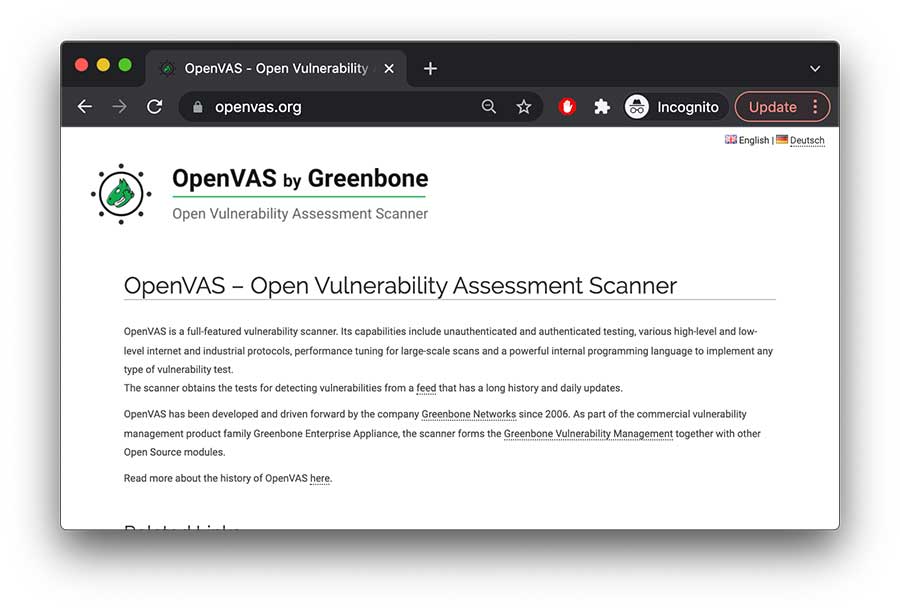
- Website URL: openvas.org
OpenVAS, also known as Open Vulnerability Assessment System, is a fully-featured vulnerability scanner that offers vulnerability scanning and management techniques. It is an easy-to-use tool with a user-friendly interface with dashboards that give details such as displaying the vulnerability list and its detailed view and give quick results. In addition, it identifies vulnerabilities in an app’s feed containing approximately 50,000 texts and updates daily.
One of the best things about OpenVAS is that a sizeable open-source community supports it and it is free of charge. It’s free to use and gets regular updates, thus making it the best option for small to mid-sized organizations searching for inexpensive tools to discover vulnerabilities.
There is a paid version called Greenbone Vulnerability Management; however, getting the premium plan is challenging. The only downside of this tool is that it doesn’t support all operating systems and only runs on the Linux environment.
2. Intruder

- Website URL: intruder.io
Intruder is a top-rated online vulnerability scanner that publicly and privately scans websites, cloud systems, servers, and endpoint devices using the industry’s leading scanning engines. In addition, it detects a wide range of vulnerabilities like missing patches, misconfigurations, application bugs, weak encryption, and other weaknesses within the digital infrastructure that cause data breaches.
The recently released Network View feature provides a more straightforward and updated picture of what attackers can see and what’s easily accessible to them that can put you at risk. The raw data taken from the scanning engines are prioritized for a holistic view, and quick action is taken that saves time and reduces the attack surface.
The software is ideal for companies who want continuous vulnerability monitoring and receive a proactive response. It offers three premium subscription plans, but you can take advantage of the 14-day free trial period to check out all the pro features and decide whether it can ensure network security.
3. Harness
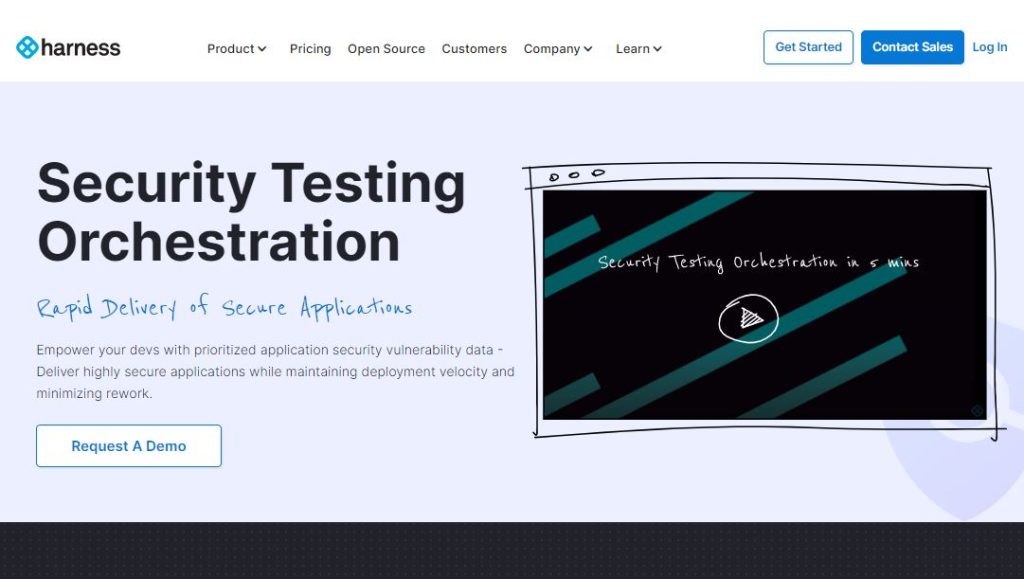
- Website URL: harness.io/products/security-testing-orchestration
To automate security testing and eliminate false positives, consider using the Security Testing and Orchestration tool, a significant service Harness offers. It automatically runs the desired security scans at the appropriate pipeline stage to deliver secure applications and minimizes the risk of potential misconfiguration and security flaws. In addition, it allows the users to repeat the scans to detect risks without changing the existing workflows and offers instant remediations.
This vulnerability management tool is handy for app testing and is mainly used by DevOps or DevSecOps engineers. It offers free and paid versions, and the free plan is available to all customers, i.e., individual developers, start-ups, and mid and large-size organizations.
On the downside, the free plan offers limited monthly scans and doesn’t allow users to access certain advanced features. Upgrade to the team or enterprise plan to get complete access to all the features.
4. ThreadFix

ThreadFix is an excellent vulnerability management software that comprehensively views applications’ risks. It applies DevOps concepts for continuous vulnerability scanning and detects, organizes, and prioritizes the risks.
Instead of using a spreadsheet, it relies on advanced patented Hybrid Analysis Mapping (HAM) technology to eliminate the need to manually merge the results of static and dynamic testing activities using efficient tools. Besides this, the software integrates with over 40 different applications and network scanners to detect vulnerabilities, making it an efficient vulnerability management tool in the market.
ThreadFix is an advanced tool that offers a seamless vulnerability management experience and is best suited for businesses searching for comprehensive vulnerability management and reporting. The software doesn’t provide a trial version or a fixed pricing plan. You need to contact the customer support team and request a demo to try out its features and functionality.
5. Rapid7 Insight VM

- Website URL: rapid7.com/products/insightvm/
Insight VM is a robust cloud-based vulnerability management software built around the Rapid7 on-premises vulnerability scanning solution known as Nexpose. It enables the security teams to run vulnerability scans across their entire environment (physical, virtual, and cloud environments) and automatically obtain data across all the endpoints. Also, it supports a proactive approach to vulnerability management with tracking and metrics that recommend remediation to fix the issues immediately.
Rapid7 InsightVM is the best tool for small to mid-sized organizations looking for end-to-end solid vulnerability management capabilities and integration with other endpoint security tools. It offers a paid subscription plan, but the prices are not fixed and depend on the number of assets covered. It also provides a free trial version, so interested people can use it and decide if it’s a good option.
6. Kenna Security
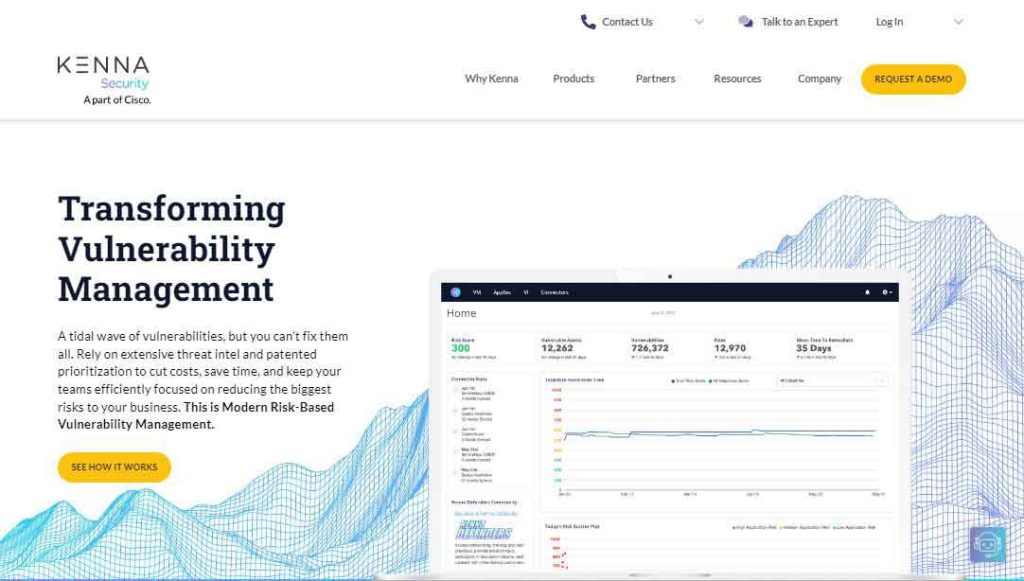
- Website URL: kennasecurity.com
Kenna Security is a pioneering vulnerability management software that relies on threat intelligence and prioritization to help security teams focus on reducing the most significant business. It uses advanced machine learning and data science techniques to analyze over 12.7 billion managed vulnerabilities and exploit intelligence feeds and business data to uncover what attackers can benefit from.
The software’s risk scoring is the most impressive and unique feature that most others lack. The discovered vulnerabilities are scored between 0-1000, with 0-330 being the lowest risk, 331-660 in medium, and 660-1000 as high-risk vulnerabilities. Its predictive modeling technology is also an outstanding feature that predicts which vulnerabilities become weaponized and can risk overall security.
Organizations of all sizes can use this software to discover and remediate security issues. It is also a paid vulnerability management tool, but to check its functioning, you can contact the sales team to start a free demo.
7. CrowdStrike Falcon Spotlight

- Website URL: crowdstrike.com/products/security-and-it-operations/falcon-spotlight-vulnerability-management
Falcon Spotlight is a vulnerability management software offered by CrowdStrike Falcon that provides robust visibility detection and management features to manage potential vulnerabilities and risks in the organization.
The software uses a combination of AI processes and a threat intelligence database to detect vulnerabilities within a network. What’s impressive is that it continuously updates the threat intelligence database with information about the latest attacks across the globe, giving users an insight into the possible dangers.
The CrowdStrike Falcon Spotlight is suitable for large organizations with various operating systems in a cloud environment. It is a subscription-based per endpoint software whose pricing plan varies. However, you can always request a free demo by contacting the support team and testing all the features.
8. ImmuniWeb Discovery

- Website URL: immuniweb.com
ImmuniWeb Discovery is a leading vulnerability scanning product by ImmuniWeb that monitors the loopholes in the network that provide easy access to the attackers and checks vulnerabilities within the web servers.
It is advanced AI-based software that performs automated scans to view network vulnerabilities comprehensively. In addition, it uses machine learning techniques to identify the weaknesses within the network and plays a crucial role in reducing the incidences of false-positive reporting.
This vulnerability management software is best suited for small or mid-sized organizations. Like other software mentioned here, ImmuniWeb Discover also offers a paid version, but you can request a demo to check its credibility and decide whether it’s worth using.
9. ManageEngine Vulnerability Manager Plus
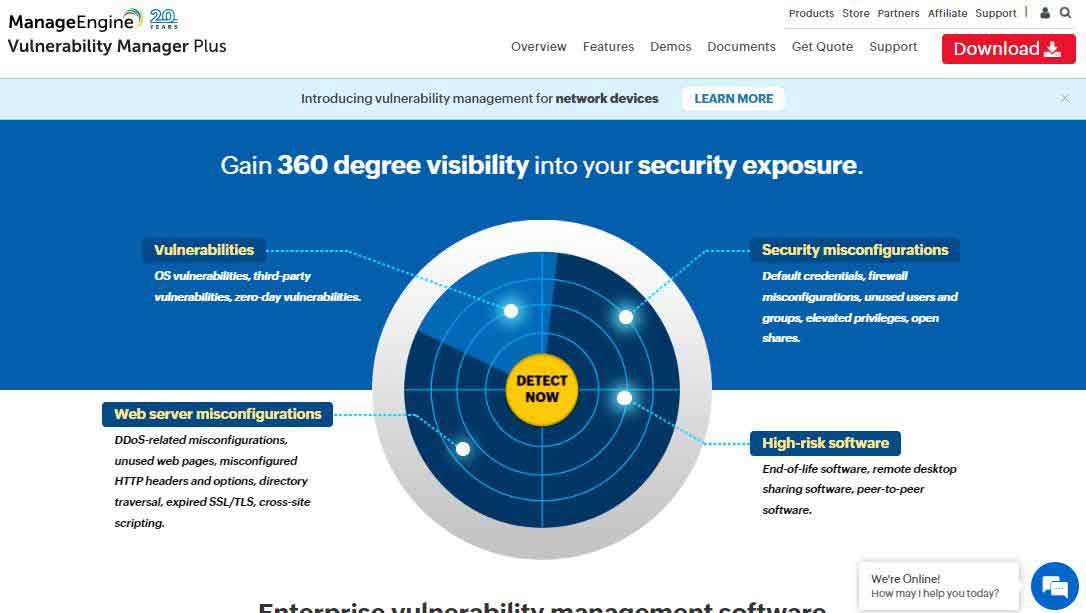
- Website URL: manageengine.com/vulnerability-management
Vulnerability Manager Plus is on-premises vulnerability management software offered by ManageEngine. It is an end-to-end vulnerability management tool that provides continuous visibility, assessment, and remediation of threats and vulnerabilities. It efficiently scans your endpoints at the local network or a remote location and ensures a safe working culture.
Also, it offers compliance and patch deployment solutions that provide visibility and remediation of existing and potential vulnerabilities. The patch deployment process is automated; just choose the criteria of patches and target systems for deployment and let the patch management system handle everything efficiently.
This vulnerability management software is ideal for businesses of all sizes that want a real-time, robust, and on-premises solution. The security-centric software is available in three editions, i.e., accessible, professional, and enterprise.
However, the features and the number of workstation devices vary; the free edition allows up to 25 devices and is best for small businesses. Companies can also use the trial version to check if the software meets their requirements.
10. Nessus Professional

Nessus Professional is a cloud-based vulnerability management software that performs active vulnerability assessment scanning and checks for compliance, websites, and IP addresses that can emerge as possible threats in the future. The software uses diverse sensors to provide unified visibility of the attack surface. It automatically gathers and analyzes vulnerable data.
Besides this, it continuously tracks and assesses the known and unknown assets for vulnerabilities and provides immediate insight through the dashboard for detailed analysis. The dashboard enables viewing the live scan results with information on the discovered vulnerabilities like low, high, medium, or critical. This way, it prioritizes the severe vulnerabilities so they are instantly fixed.
Nessus Professional software suits organizations of all sizes who want to protect their network from threats and vulnerabilities. Businesses need to buy the premium subscription plan to benefit from this tool, but if they first want to test the features and how the tool works, they can try the seven-day free trial version.
11. Paessler Network Vulnerability Monitoring With PRTG

- Website URL: paessler.com
The Paessler Network Vulnerability Monitoring, also known as PRTG, is a significant vulnerability monitoring tool that efficiently scans all the systems, devices, and applications within an organization’s environment across multiple locations.
The software scans the network with the IP address and uses a combination of packet sniffing, SNMP, and WMI to report on the network performance and discover new devices. It supports various alert methods like SMS, emails, or third-party integration, so no one can miss them.
PRTG is best suited for all businesses across all industries, regardless of size. However, when it comes to pricing, it’s not an ideal option for small or medium size organizations. The prices are relatively too high compared to other software, so it’s better if large enterprises use it.
Still, organizations interested in using this tool can download the free trial version for 30 days and get unlimited access to all the features.
12. Alert Logic MDR

- Website URL: alertlogic.com
Alert Logic MDR is a reliable vulnerability management software for organizations. It works across hybrid and public cloud environments to provide critical information on security posture and identify threats that risk business data and reputation.
With this tool, businesses can benefit from continuous attack monitoring and vulnerability scanning, including unlimited web application scans and reports on OWASP top threats and exploits targeting known vulnerabilities. Once the platform detects the vulnerabilities, it immediately provides remediation to boost organizational security.
MDR is best suited for small and medium-sized organizations that want a comprehensive MDR solution with strong vulnerability management capabilities. The security solution offers three premium packages, i.e., essentials, professional, and enterprise, and businesses can choose a plan according to their business needs.
However, you can also demand a personalized demo to view how threat intelligence and expert defenders work together to strengthen the security infrastructure.
13. Qualys VMDR

Qualys Vulnerability Management is designed for the cloud environment, providing instant visibility and remediation of the organizational security infrastructure. This software allows organizations to automatically discover every asset (devices, endpoints, and systems) within their environment and classify and tag the most critical ones.
After categorizing the assets, it applies the latest intel analysis to prioritize the exploitable vulnerabilities. Later, the Qualys VM automatically deploys the latest vulnerability patch for remediation. This way, the tool automates the entire process, improves organizations’ ability to respond to threats, and stops potential exploitation.
Qualys vulnerability management is an excellent tool for small, medium, and large-size organizations across all industries. This security-enhancing software doesn’t offer a free version but does offer a trial period that enables companies to decide whether it’s worth using.
14. Astra Pentest

- Website URL: getastra.com
Astra Pentest is a trusted penetration testing solution with an automated vulnerability scanner that analyzes the organization’s network security in-depth. It performs automated vulnerability scans to cover CVEs and the top 10 OWASP threats and guarantees to keep the business data safe and secure.
The software analyzes the vulnerabilities by showing the risk scores of each vulnerability in the dashboard and their impact on the business. It then assigns the vulnerabilities to the team members for collaboration with the security teams and offers them suggestions for fixes.
Small and medium-sized businesses with less dedicated security teams can consider using this tool and improve their security infrastructure. It is available in three premium subscription packages with no free version, which might disappoint the users.
15. Acunetix
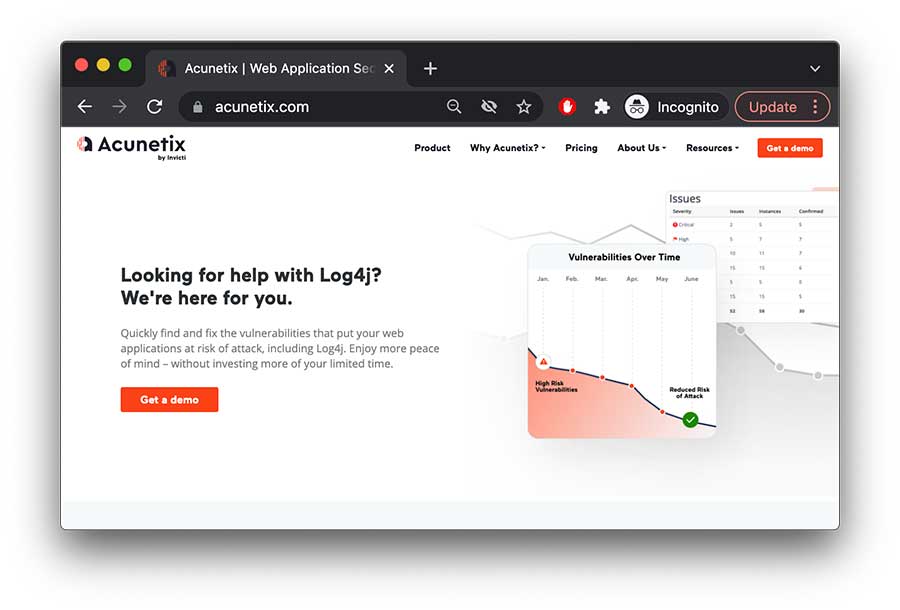
- Website URL: acunetix.com
Organizations who want to improve web application security can use the Acunetix vulnerability scanner. The software uses an advanced yet unique AcuSensor Technology that allows you to detect more vulnerabilities than other web app scanners. It provides exact information about the vulnerability, like its source code line number and affected SQL query, and locates and fixes the vulnerabilities faster.
One impressive trait of this platform is that it offers multiple scanning engines, increasing efficiency and ensuring an excellent user experience. Besides this, it can detect over 7000 vulnerabilities and scan the system at an incredibly high speed without overloading the servers. It also reduces false positives by verifying the vulnerabilities before reporting on them.
Acunetix is one of the best vulnerability management software for APIs, web applications, and secure websites. Businesses must invest in a premium plan to benefit from this software. However, it doesn’t offer any fixed pricing plan, so contact the support team and get the pricing quote per your needs.
16. SolarWinds Network Configuration Manager
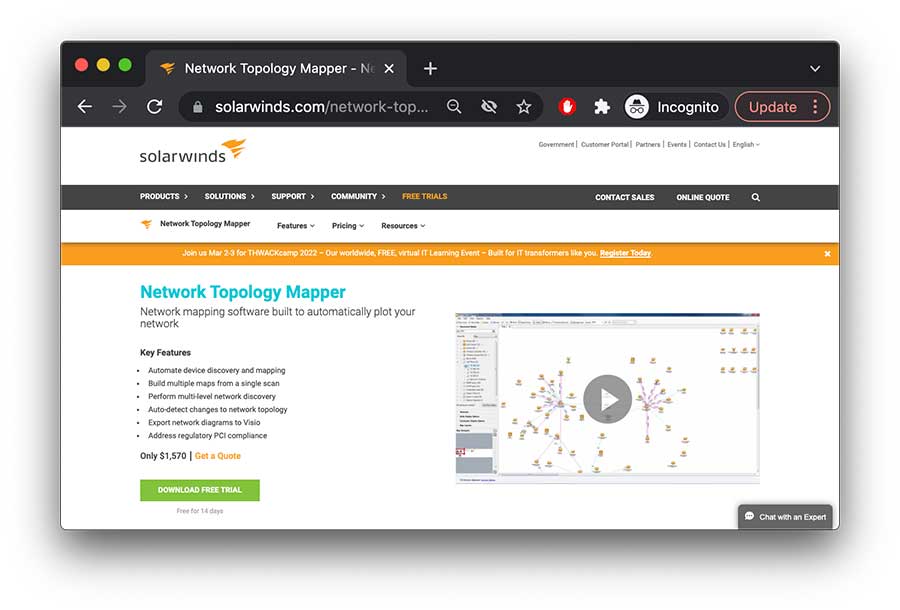
SolarWinds Network Configuration Manager is a vulnerability manager software that scans and manages vulnerabilities related to configurations of Internetwork Operating Systems and Cisco Adaptive Security Appliance-based devices. In addition, it scans the vulnerabilities associated with switch and router configuration.
An impressive feature of this tool is that it provides management and backup of all the network devices, thus minimizing the management of several devices. Besides this, it offers features like compliance security auditing and runs remediation scripts when it detects vulnerabilities related to configuration errors.
This software is ideal for businesses of all sizes; however, the prices are pretty high, and it doesn’t offer any free version. If you’re hesitant to buy the premium subscription, you can download the free trial version and test its features for 30 days.
17. Hexway Vampy
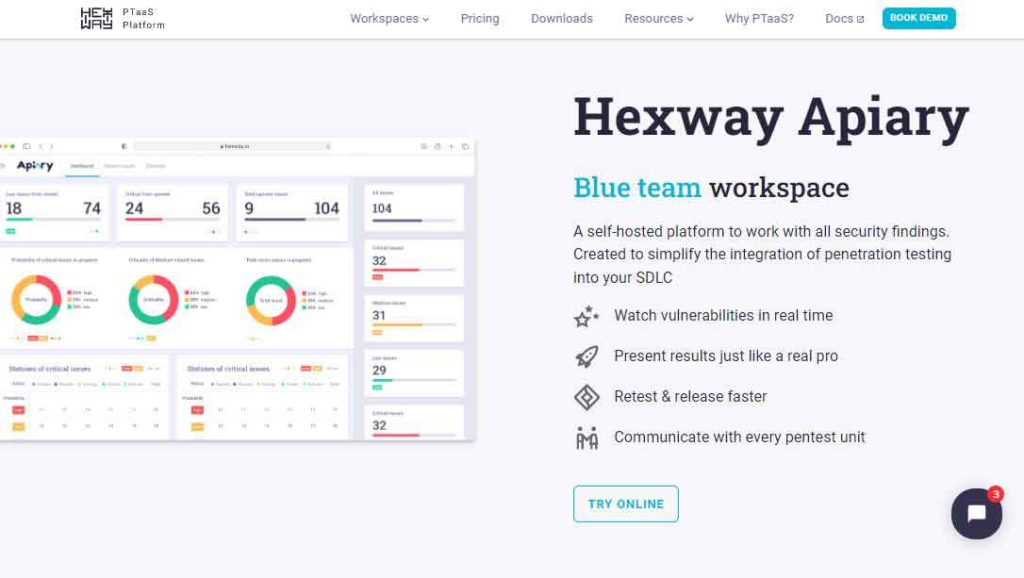
- Website URL: hexway.io/apiary
Hexway Vampy is a tool for pen testers that increases vulnerability management efficiency by integrating various tools, making the entire process engaging rather than dull. It gathers data from different sources and gives real-time insight into the vulnerabilities to take remediation steps instantaneously.
This software is ideal for DevSecOps orchestration, application security testing, and CI/CD automation. It is available in three editions, i.e., community, pentest, and enterprise. The community edition is free and best suited for bug hunters and freelance pen testers who want to increase efficiency. The large-size enterprises must contact the support team for the pricing quote.
18. Automax

- Website URL: automox.com
Automax is another great option for organizations to manage vulnerability. It is a cloud-native platform that allows organizations to automate critical patching, security configurations, software updates, and custom scripting across various endpoints and remediates vulnerabilities. It comes with automated patching policies, so within a few clicks, you can create a patch for specific targets and schedule it to run automatically without disturbing the user.
The software best suits small, medium, and large-scale organizations looking to automate their Linus, MacOS, and Windows OS configurations and comply with one cloud-native platform. The tool offers three premium packages, i.e., basic, standard, and complete. Also, you can use the free trial version for 15 days and check out the software’s credibility.
19. Tripwire IP360
- Website URL: tripwire.com/products/tripwire-ip360
Tripwire IP360 is the best vulnerability management software that provides complete visibility into organizations’ on-premises and cloud environments. Prioritization and vulnerability scoring are its most impressive features that discover the most critical vulnerabilities that need immediate patching.
The vulnerability management software best suits large organizations that want highly accurate detection and remediations for vulnerabilities. It is a license-based premium software, and you can contact the support team for the pricing quote and start a demo to test the software’s credibility.
Things that make the best vulnerability manager tool
As several vulnerability scanners are available, deciding the best and most reliable one is challenging. Below are some necessary factors in the best vulnerability manager software, so have a look:
- Ensure that the software relies on automation and runs continuous scans to send real-time alerts about vulnerabilities.
- The software must be easy to use, install, configure, and integrate within the operating system. A central project dashboard that provides the threat’s location, severity, and nature is essential.
- Select software that provides comprehensive reporting and analysis about the vulnerability with recommendations to prevent the issue in the future.
- Look for software with various vulnerability scanning features that help proactively detect weak points in a system, endpoints, and devices and fix the most critical ones first.
- Ensure you choose a VM software compatible with all major operating systems and applications.
- Look for vulnerability management software with affordable subscription plans and all the necessary features.
It is best to use the vulnerability management tool with all the above features for instant addressing vulnerabilities.
How to do vulnerability management tools work
The vulnerability management software ensures the network system and protects the organization from data breaches. As a continuous process, the tools follow a lifecycle as its working model. The lifecycle consists of five stages, with each fulfilling a vital task. Below is an insight into each process that makes up the vulnerability management software work:
- Discovering Vulnerabilities: The first step is identifying vulnerabilities within the existing systems that involve automated scanning to assess the system, network, and applications for potential flaws and vulnerabilities like cross-site scripting that hackers can exploit.
- Evaluate and Prioritize Vulnerabilities: The next step involves analyzing the network scans, firewall logs, penetration test results, and vulnerability scans to highlight the most critical weak points that can result in malicious events.
- Verifying Vulnerabilities: This includes inspecting whether hackers can exploit the vulnerable points within the servers, applications, and networks. This way, organizations can focus on the severe vulnerabilities that need immediate action.
- Patching Vulnerabilities: Once the software verifies the vulnerabilities, the next step is fixing them and reducing the attack vector. There are different ways to patch vulnerabilities, such as remediate, mitigate, and accept.
- Tracking and Reporting Vulnerabilities: It is also vital to have regular tracking metrics and to report a culture that boosts efficiency and, ultimately, the security posture. This practice enables the security teams to monitor the changing vulnerability trends in various network parts and introduce remediation techniques to fix the flaws.
As mentioned above, vulnerability management is an ongoing process, so continuous monitoring and assessments of the organizations’ assets are necessary for effective results.
How do organizations manage vulnerability management?
Vulnerability management is a continuous process requiring a well-defined proactive approach for the security IT departments and reliable tools that automate and manage the entire process. To manage vulnerabilities efficiently, it’s vital to keep the following things in mind:
- The IT teams must determine the assets to be analyzed for vulnerabilities. They must look at the internal and external potential risks and recognize the sensitive data, devices, or systems that malicious actors can likely attack or exploit.
- Determining who’s responsible for managing the entire program is also essential. This person must have deep technical knowledge about the software and technologies being used and then define the roles and responsibilities of others.
- Consider which tools are essential to use. Different organizations have different preferences, so they choose tools accordingly.
Besides this, organizations must establish a vulnerability management policy that can further define rules for reviewing and evaluating vulnerabilities and ensure the success of a vulnerability project.
Conclusion
An organization’s security solely depends on identifying and fixing the vulnerabilities before malicious actors can exploit them. Using vulnerability management software is vital for organizations to protect their network from internal and external vulnerabilities and security glitches.
There are various free and paid options available that companies can choose based on their needs and budget to maximize their security ecosystem. The software mentioned above is the most reliable one that companies can choose. If you haven’t picked one, go through this guide and select the one that meets your criteria.
FAQs
The post 19 Best Vulnerability Management Software or Tools In 2024 appeared first on BeEncrypted.
]]>Deprecated: Using null as an array offset is deprecated, use an empty string instead in /var/www/staging.beencrypted.com/site/web/wp/wp-includes/class-wp-block-type-registry.php on line 168
Deprecated: Using null as an array offset is deprecated, use an empty string instead in /var/www/staging.beencrypted.com/site/web/wp/wp-includes/class-wp-block-type-registry.php on line 168
Deprecated: Using null as an array offset is deprecated, use an empty string instead in /var/www/staging.beencrypted.com/site/web/wp/wp-includes/class-wp-block-type-registry.php on line 168
Deprecated: Using null as an array offset is deprecated, use an empty string instead in /var/www/staging.beencrypted.com/site/web/wp/wp-includes/class-wp-block-type-registry.php on line 168
Deprecated: Using null as an array offset is deprecated, use an empty string instead in /var/www/staging.beencrypted.com/site/web/wp/wp-includes/class-wp-block-type-registry.php on line 168
Deprecated: Using null as an array offset is deprecated, use an empty string instead in /var/www/staging.beencrypted.com/site/web/wp/wp-includes/class-wp-block-type-registry.php on line 168
Deprecated: Using null as an array offset is deprecated, use an empty string instead in /var/www/staging.beencrypted.com/site/web/wp/wp-includes/class-wp-block-type-registry.php on line 168
Deprecated: Using null as an array offset is deprecated, use an empty string instead in /var/www/staging.beencrypted.com/site/web/wp/wp-includes/class-wp-block-type-registry.php on line 168
Deprecated: Using null as an array offset is deprecated, use an empty string instead in /var/www/staging.beencrypted.com/site/web/wp/wp-includes/class-wp-block-type-registry.php on line 168
Deprecated: Using null as an array offset is deprecated, use an empty string instead in /var/www/staging.beencrypted.com/site/web/wp/wp-includes/class-wp-block-type-registry.php on line 168
Deprecated: Using null as an array offset is deprecated, use an empty string instead in /var/www/staging.beencrypted.com/site/web/wp/wp-includes/class-wp-block-type-registry.php on line 168
Deprecated: Using null as an array offset is deprecated, use an empty string instead in /var/www/staging.beencrypted.com/site/web/wp/wp-includes/class-wp-block-type-registry.php on line 168
Deprecated: Using null as an array offset is deprecated, use an empty string instead in /var/www/staging.beencrypted.com/site/web/wp/wp-includes/class-wp-block-type-registry.php on line 168
Deprecated: Using null as an array offset is deprecated, use an empty string instead in /var/www/staging.beencrypted.com/site/web/wp/wp-includes/class-wp-block-type-registry.php on line 168
Deprecated: Using null as an array offset is deprecated, use an empty string instead in /var/www/staging.beencrypted.com/site/web/wp/wp-includes/class-wp-block-type-registry.php on line 168
Deprecated: Using null as an array offset is deprecated, use an empty string instead in /var/www/staging.beencrypted.com/site/web/wp/wp-includes/class-wp-block-type-registry.php on line 168
Deprecated: Using null as an array offset is deprecated, use an empty string instead in /var/www/staging.beencrypted.com/site/web/wp/wp-includes/class-wp-block-type-registry.php on line 168
Deprecated: Using null as an array offset is deprecated, use an empty string instead in /var/www/staging.beencrypted.com/site/web/wp/wp-includes/class-wp-block-type-registry.php on line 168
Deprecated: Using null as an array offset is deprecated, use an empty string instead in /var/www/staging.beencrypted.com/site/web/wp/wp-includes/class-wp-block-type-registry.php on line 168
Deprecated: Using null as an array offset is deprecated, use an empty string instead in /var/www/staging.beencrypted.com/site/web/wp/wp-includes/class-wp-block-type-registry.php on line 168
Deprecated: Using null as an array offset is deprecated, use an empty string instead in /var/www/staging.beencrypted.com/site/web/wp/wp-includes/class-wp-block-type-registry.php on line 168
Deprecated: Using null as an array offset is deprecated, use an empty string instead in /var/www/staging.beencrypted.com/site/web/wp/wp-includes/class-wp-block-type-registry.php on line 168
Deprecated: Using null as an array offset is deprecated, use an empty string instead in /var/www/staging.beencrypted.com/site/web/wp/wp-includes/class-wp-block-type-registry.php on line 168
Deprecated: Using null as an array offset is deprecated, use an empty string instead in /var/www/staging.beencrypted.com/site/web/wp/wp-includes/class-wp-block-type-registry.php on line 168
Deprecated: Using null as an array offset is deprecated, use an empty string instead in /var/www/staging.beencrypted.com/site/web/wp/wp-includes/class-wp-block-type-registry.php on line 168
Deprecated: Using null as an array offset is deprecated, use an empty string instead in /var/www/staging.beencrypted.com/site/web/wp/wp-includes/class-wp-block-type-registry.php on line 168
Deprecated: Using null as an array offset is deprecated, use an empty string instead in /var/www/staging.beencrypted.com/site/web/wp/wp-includes/class-wp-block-type-registry.php on line 168
Deprecated: Using null as an array offset is deprecated, use an empty string instead in /var/www/staging.beencrypted.com/site/web/wp/wp-includes/class-wp-block-type-registry.php on line 168
Deprecated: Using null as an array offset is deprecated, use an empty string instead in /var/www/staging.beencrypted.com/site/web/wp/wp-includes/class-wp-block-type-registry.php on line 168
Deprecated: Using null as an array offset is deprecated, use an empty string instead in /var/www/staging.beencrypted.com/site/web/wp/wp-includes/class-wp-block-type-registry.php on line 168
Deprecated: Using null as an array offset is deprecated, use an empty string instead in /var/www/staging.beencrypted.com/site/web/wp/wp-includes/class-wp-block-type-registry.php on line 168
Deprecated: Using null as an array offset is deprecated, use an empty string instead in /var/www/staging.beencrypted.com/site/web/wp/wp-includes/class-wp-block-type-registry.php on line 168
Deprecated: Using null as an array offset is deprecated, use an empty string instead in /var/www/staging.beencrypted.com/site/web/wp/wp-includes/class-wp-block-type-registry.php on line 168
Deprecated: Using null as an array offset is deprecated, use an empty string instead in /var/www/staging.beencrypted.com/site/web/wp/wp-includes/class-wp-block-type-registry.php on line 168
Deprecated: Using null as an array offset is deprecated, use an empty string instead in /var/www/staging.beencrypted.com/site/web/wp/wp-includes/class-wp-block-type-registry.php on line 168
Deprecated: Using null as an array offset is deprecated, use an empty string instead in /var/www/staging.beencrypted.com/site/web/wp/wp-includes/class-wp-block-type-registry.php on line 168
Deprecated: Using null as an array offset is deprecated, use an empty string instead in /var/www/staging.beencrypted.com/site/web/wp/wp-includes/class-wp-block-type-registry.php on line 168
Deprecated: Using null as an array offset is deprecated, use an empty string instead in /var/www/staging.beencrypted.com/site/web/wp/wp-includes/class-wp-block-type-registry.php on line 168
Deprecated: Using null as an array offset is deprecated, use an empty string instead in /var/www/staging.beencrypted.com/site/web/wp/wp-includes/class-wp-block-type-registry.php on line 168
Deprecated: Using null as an array offset is deprecated, use an empty string instead in /var/www/staging.beencrypted.com/site/web/wp/wp-includes/class-wp-block-type-registry.php on line 168
Deprecated: Using null as an array offset is deprecated, use an empty string instead in /var/www/staging.beencrypted.com/site/web/wp/wp-includes/class-wp-block-type-registry.php on line 168
Deprecated: Using null as an array offset is deprecated, use an empty string instead in /var/www/staging.beencrypted.com/site/web/wp/wp-includes/class-wp-block-type-registry.php on line 168
Deprecated: Using null as an array offset is deprecated, use an empty string instead in /var/www/staging.beencrypted.com/site/web/wp/wp-includes/class-wp-block-type-registry.php on line 168
Deprecated: Using null as an array offset is deprecated, use an empty string instead in /var/www/staging.beencrypted.com/site/web/wp/wp-includes/class-wp-block-type-registry.php on line 168
Deprecated: Using null as an array offset is deprecated, use an empty string instead in /var/www/staging.beencrypted.com/site/web/wp/wp-includes/class-wp-block-type-registry.php on line 168
Deprecated: Using null as an array offset is deprecated, use an empty string instead in /var/www/staging.beencrypted.com/site/web/wp/wp-includes/class-wp-block-type-registry.php on line 168
Deprecated: Using null as an array offset is deprecated, use an empty string instead in /var/www/staging.beencrypted.com/site/web/wp/wp-includes/class-wp-block-type-registry.php on line 168
Deprecated: Using null as an array offset is deprecated, use an empty string instead in /var/www/staging.beencrypted.com/site/web/wp/wp-includes/class-wp-block-type-registry.php on line 168
Deprecated: Using null as an array offset is deprecated, use an empty string instead in /var/www/staging.beencrypted.com/site/web/wp/wp-includes/class-wp-block-type-registry.php on line 168
Deprecated: Using null as an array offset is deprecated, use an empty string instead in /var/www/staging.beencrypted.com/site/web/wp/wp-includes/class-wp-block-type-registry.php on line 168
Deprecated: Using null as an array offset is deprecated, use an empty string instead in /var/www/staging.beencrypted.com/site/web/wp/wp-includes/class-wp-block-type-registry.php on line 168
Deprecated: Using null as an array offset is deprecated, use an empty string instead in /var/www/staging.beencrypted.com/site/web/wp/wp-includes/class-wp-block-type-registry.php on line 168
Deprecated: Using null as an array offset is deprecated, use an empty string instead in /var/www/staging.beencrypted.com/site/web/wp/wp-includes/class-wp-block-type-registry.php on line 168
Deprecated: Using null as an array offset is deprecated, use an empty string instead in /var/www/staging.beencrypted.com/site/web/wp/wp-includes/class-wp-block-type-registry.php on line 168
Deprecated: Using null as an array offset is deprecated, use an empty string instead in /var/www/staging.beencrypted.com/site/web/wp/wp-includes/class-wp-block-type-registry.php on line 168
Deprecated: Using null as an array offset is deprecated, use an empty string instead in /var/www/staging.beencrypted.com/site/web/wp/wp-includes/class-wp-block-type-registry.php on line 168
Deprecated: Using null as an array offset is deprecated, use an empty string instead in /var/www/staging.beencrypted.com/site/web/wp/wp-includes/class-wp-block-type-registry.php on line 168
Deprecated: Using null as an array offset is deprecated, use an empty string instead in /var/www/staging.beencrypted.com/site/web/wp/wp-includes/class-wp-block-type-registry.php on line 168
Deprecated: Using null as an array offset is deprecated, use an empty string instead in /var/www/staging.beencrypted.com/site/web/wp/wp-includes/class-wp-block-type-registry.php on line 168
Deprecated: Using null as an array offset is deprecated, use an empty string instead in /var/www/staging.beencrypted.com/site/web/wp/wp-includes/class-wp-block-type-registry.php on line 168
Deprecated: Using null as an array offset is deprecated, use an empty string instead in /var/www/staging.beencrypted.com/site/web/wp/wp-includes/class-wp-block-type-registry.php on line 168
Deprecated: Using null as an array offset is deprecated, use an empty string instead in /var/www/staging.beencrypted.com/site/web/wp/wp-includes/class-wp-block-type-registry.php on line 168
Deprecated: Using null as an array offset is deprecated, use an empty string instead in /var/www/staging.beencrypted.com/site/web/wp/wp-includes/class-wp-block-type-registry.php on line 168
Deprecated: Using null as an array offset is deprecated, use an empty string instead in /var/www/staging.beencrypted.com/site/web/wp/wp-includes/class-wp-block-type-registry.php on line 168
Deprecated: Using null as an array offset is deprecated, use an empty string instead in /var/www/staging.beencrypted.com/site/web/wp/wp-includes/class-wp-block-type-registry.php on line 168
Deprecated: Using null as an array offset is deprecated, use an empty string instead in /var/www/staging.beencrypted.com/site/web/wp/wp-includes/class-wp-block-type-registry.php on line 168
Deprecated: Using null as an array offset is deprecated, use an empty string instead in /var/www/staging.beencrypted.com/site/web/wp/wp-includes/class-wp-block-type-registry.php on line 168
Deprecated: Using null as an array offset is deprecated, use an empty string instead in /var/www/staging.beencrypted.com/site/web/wp/wp-includes/class-wp-block-type-registry.php on line 168
Deprecated: Using null as an array offset is deprecated, use an empty string instead in /var/www/staging.beencrypted.com/site/web/wp/wp-includes/class-wp-block-type-registry.php on line 168
Deprecated: Using null as an array offset is deprecated, use an empty string instead in /var/www/staging.beencrypted.com/site/web/wp/wp-includes/class-wp-block-type-registry.php on line 168
Deprecated: Using null as an array offset is deprecated, use an empty string instead in /var/www/staging.beencrypted.com/site/web/wp/wp-includes/class-wp-block-type-registry.php on line 168
Deprecated: Using null as an array offset is deprecated, use an empty string instead in /var/www/staging.beencrypted.com/site/web/wp/wp-includes/class-wp-block-type-registry.php on line 168
Deprecated: Using null as an array offset is deprecated, use an empty string instead in /var/www/staging.beencrypted.com/site/web/wp/wp-includes/class-wp-block-type-registry.php on line 168
Deprecated: Using null as an array offset is deprecated, use an empty string instead in /var/www/staging.beencrypted.com/site/web/wp/wp-includes/class-wp-block-type-registry.php on line 168
Deprecated: Using null as an array offset is deprecated, use an empty string instead in /var/www/staging.beencrypted.com/site/web/wp/wp-includes/class-wp-block-type-registry.php on line 168
Deprecated: Using null as an array offset is deprecated, use an empty string instead in /var/www/staging.beencrypted.com/site/web/wp/wp-includes/class-wp-block-type-registry.php on line 168
Deprecated: Using null as an array offset is deprecated, use an empty string instead in /var/www/staging.beencrypted.com/site/web/wp/wp-includes/class-wp-block-type-registry.php on line 168
Deprecated: Using null as an array offset is deprecated, use an empty string instead in /var/www/staging.beencrypted.com/site/web/wp/wp-includes/class-wp-block-type-registry.php on line 168
Deprecated: Using null as an array offset is deprecated, use an empty string instead in /var/www/staging.beencrypted.com/site/web/wp/wp-includes/class-wp-block-type-registry.php on line 168
Deprecated: Using null as an array offset is deprecated, use an empty string instead in /var/www/staging.beencrypted.com/site/web/wp/wp-includes/class-wp-block-type-registry.php on line 168
Deprecated: Using null as an array offset is deprecated, use an empty string instead in /var/www/staging.beencrypted.com/site/web/wp/wp-includes/class-wp-block-type-registry.php on line 168
Deprecated: Using null as an array offset is deprecated, use an empty string instead in /var/www/staging.beencrypted.com/site/web/wp/wp-includes/class-wp-block-type-registry.php on line 168
Deprecated: Using null as an array offset is deprecated, use an empty string instead in /var/www/staging.beencrypted.com/site/web/wp/wp-includes/class-wp-block-type-registry.php on line 168
Deprecated: Using null as an array offset is deprecated, use an empty string instead in /var/www/staging.beencrypted.com/site/web/wp/wp-includes/class-wp-block-type-registry.php on line 168
Deprecated: Using null as an array offset is deprecated, use an empty string instead in /var/www/staging.beencrypted.com/site/web/wp/wp-includes/class-wp-block-type-registry.php on line 168
Deprecated: Using null as an array offset is deprecated, use an empty string instead in /var/www/staging.beencrypted.com/site/web/wp/wp-includes/class-wp-block-type-registry.php on line 168
Deprecated: Using null as an array offset is deprecated, use an empty string instead in /var/www/staging.beencrypted.com/site/web/wp/wp-includes/class-wp-block-type-registry.php on line 168
Deprecated: Using null as an array offset is deprecated, use an empty string instead in /var/www/staging.beencrypted.com/site/web/wp/wp-includes/class-wp-block-type-registry.php on line 168
Deprecated: Using null as an array offset is deprecated, use an empty string instead in /var/www/staging.beencrypted.com/site/web/wp/wp-includes/class-wp-block-type-registry.php on line 168
Deprecated: Using null as an array offset is deprecated, use an empty string instead in /var/www/staging.beencrypted.com/site/web/wp/wp-includes/class-wp-block-type-registry.php on line 168
Deprecated: Using null as an array offset is deprecated, use an empty string instead in /var/www/staging.beencrypted.com/site/web/wp/wp-includes/class-wp-block-type-registry.php on line 168
Deprecated: Using null as an array offset is deprecated, use an empty string instead in /var/www/staging.beencrypted.com/site/web/wp/wp-includes/class-wp-block-type-registry.php on line 168
Deprecated: Using null as an array offset is deprecated, use an empty string instead in /var/www/staging.beencrypted.com/site/web/wp/wp-includes/class-wp-block-type-registry.php on line 168
Deprecated: Using null as an array offset is deprecated, use an empty string instead in /var/www/staging.beencrypted.com/site/web/wp/wp-includes/class-wp-block-type-registry.php on line 168
Deprecated: Using null as an array offset is deprecated, use an empty string instead in /var/www/staging.beencrypted.com/site/web/wp/wp-includes/class-wp-block-type-registry.php on line 168
Deprecated: Using null as an array offset is deprecated, use an empty string instead in /var/www/staging.beencrypted.com/site/web/wp/wp-includes/class-wp-block-type-registry.php on line 168
Deprecated: Using null as an array offset is deprecated, use an empty string instead in /var/www/staging.beencrypted.com/site/web/wp/wp-includes/class-wp-block-type-registry.php on line 168
Deprecated: Using null as an array offset is deprecated, use an empty string instead in /var/www/staging.beencrypted.com/site/web/wp/wp-includes/class-wp-block-type-registry.php on line 168
Deprecated: Using null as an array offset is deprecated, use an empty string instead in /var/www/staging.beencrypted.com/site/web/wp/wp-includes/class-wp-block-type-registry.php on line 168
Deprecated: Using null as an array offset is deprecated, use an empty string instead in /var/www/staging.beencrypted.com/site/web/wp/wp-includes/class-wp-block-type-registry.php on line 168
Deprecated: Using null as an array offset is deprecated, use an empty string instead in /var/www/staging.beencrypted.com/site/web/wp/wp-includes/class-wp-block-type-registry.php on line 168
Deprecated: Using null as an array offset is deprecated, use an empty string instead in /var/www/staging.beencrypted.com/site/web/wp/wp-includes/class-wp-block-type-registry.php on line 168
Deprecated: Using null as an array offset is deprecated, use an empty string instead in /var/www/staging.beencrypted.com/site/web/wp/wp-includes/class-wp-block-type-registry.php on line 168
Deprecated: Using null as an array offset is deprecated, use an empty string instead in /var/www/staging.beencrypted.com/site/web/wp/wp-includes/class-wp-block-type-registry.php on line 168
Deprecated: Using null as an array offset is deprecated, use an empty string instead in /var/www/staging.beencrypted.com/site/web/wp/wp-includes/class-wp-block-type-registry.php on line 168
Deprecated: Using null as an array offset is deprecated, use an empty string instead in /var/www/staging.beencrypted.com/site/web/wp/wp-includes/class-wp-block-type-registry.php on line 168
Deprecated: Using null as an array offset is deprecated, use an empty string instead in /var/www/staging.beencrypted.com/site/web/wp/wp-includes/class-wp-block-type-registry.php on line 168
Deprecated: Using null as an array offset is deprecated, use an empty string instead in /var/www/staging.beencrypted.com/site/web/wp/wp-includes/class-wp-block-type-registry.php on line 168
Deprecated: Using null as an array offset is deprecated, use an empty string instead in /var/www/staging.beencrypted.com/site/web/wp/wp-includes/class-wp-block-type-registry.php on line 168
Deprecated: Using null as an array offset is deprecated, use an empty string instead in /var/www/staging.beencrypted.com/site/web/wp/wp-includes/class-wp-block-type-registry.php on line 168
Deprecated: Using null as an array offset is deprecated, use an empty string instead in /var/www/staging.beencrypted.com/site/web/wp/wp-includes/class-wp-block-type-registry.php on line 168
Deprecated: Using null as an array offset is deprecated, use an empty string instead in /var/www/staging.beencrypted.com/site/web/wp/wp-includes/class-wp-block-type-registry.php on line 168
Deprecated: Using null as an array offset is deprecated, use an empty string instead in /var/www/staging.beencrypted.com/site/web/wp/wp-includes/class-wp-block-type-registry.php on line 168
Deprecated: Using null as an array offset is deprecated, use an empty string instead in /var/www/staging.beencrypted.com/site/web/wp/wp-includes/class-wp-block-type-registry.php on line 168
Deprecated: Using null as an array offset is deprecated, use an empty string instead in /var/www/staging.beencrypted.com/site/web/wp/wp-includes/class-wp-block-type-registry.php on line 168
Deprecated: Using null as an array offset is deprecated, use an empty string instead in /var/www/staging.beencrypted.com/site/web/wp/wp-includes/class-wp-block-type-registry.php on line 168
Deprecated: Using null as an array offset is deprecated, use an empty string instead in /var/www/staging.beencrypted.com/site/web/wp/wp-includes/class-wp-block-type-registry.php on line 168
Deprecated: Using null as an array offset is deprecated, use an empty string instead in /var/www/staging.beencrypted.com/site/web/wp/wp-includes/class-wp-block-type-registry.php on line 168
Deprecated: Using null as an array offset is deprecated, use an empty string instead in /var/www/staging.beencrypted.com/site/web/wp/wp-includes/class-wp-block-type-registry.php on line 168
Deprecated: Using null as an array offset is deprecated, use an empty string instead in /var/www/staging.beencrypted.com/site/web/wp/wp-includes/class-wp-block-type-registry.php on line 168
Deprecated: Using null as an array offset is deprecated, use an empty string instead in /var/www/staging.beencrypted.com/site/web/wp/wp-includes/class-wp-block-type-registry.php on line 168
Deprecated: Using null as an array offset is deprecated, use an empty string instead in /var/www/staging.beencrypted.com/site/web/wp/wp-includes/class-wp-block-type-registry.php on line 168
Deprecated: Using null as an array offset is deprecated, use an empty string instead in /var/www/staging.beencrypted.com/site/web/wp/wp-includes/class-wp-block-type-registry.php on line 168
Deprecated: Using null as an array offset is deprecated, use an empty string instead in /var/www/staging.beencrypted.com/site/web/wp/wp-includes/class-wp-block-type-registry.php on line 168
Deprecated: Using null as an array offset is deprecated, use an empty string instead in /var/www/staging.beencrypted.com/site/web/wp/wp-includes/class-wp-block-type-registry.php on line 168
Deprecated: Using null as an array offset is deprecated, use an empty string instead in /var/www/staging.beencrypted.com/site/web/wp/wp-includes/class-wp-block-type-registry.php on line 168
Deprecated: Using null as an array offset is deprecated, use an empty string instead in /var/www/staging.beencrypted.com/site/web/wp/wp-includes/class-wp-block-type-registry.php on line 168
Deprecated: Using null as an array offset is deprecated, use an empty string instead in /var/www/staging.beencrypted.com/site/web/wp/wp-includes/class-wp-block-type-registry.php on line 168
Deprecated: Using null as an array offset is deprecated, use an empty string instead in /var/www/staging.beencrypted.com/site/web/wp/wp-includes/class-wp-block-type-registry.php on line 168
Deprecated: Using null as an array offset is deprecated, use an empty string instead in /var/www/staging.beencrypted.com/site/web/wp/wp-includes/class-wp-block-type-registry.php on line 168
Deprecated: Using null as an array offset is deprecated, use an empty string instead in /var/www/staging.beencrypted.com/site/web/wp/wp-includes/class-wp-block-type-registry.php on line 168
Deprecated: Using null as an array offset is deprecated, use an empty string instead in /var/www/staging.beencrypted.com/site/web/wp/wp-includes/class-wp-block-type-registry.php on line 168
Deprecated: Using null as an array offset is deprecated, use an empty string instead in /var/www/staging.beencrypted.com/site/web/wp/wp-includes/class-wp-block-type-registry.php on line 168
Deprecated: Using null as an array offset is deprecated, use an empty string instead in /var/www/staging.beencrypted.com/site/web/wp/wp-includes/class-wp-block-type-registry.php on line 168
Deprecated: Using null as an array offset is deprecated, use an empty string instead in /var/www/staging.beencrypted.com/site/web/wp/wp-includes/class-wp-block-type-registry.php on line 168
Deprecated: Using null as an array offset is deprecated, use an empty string instead in /var/www/staging.beencrypted.com/site/web/wp/wp-includes/class-wp-block-type-registry.php on line 168
Deprecated: Using null as an array offset is deprecated, use an empty string instead in /var/www/staging.beencrypted.com/site/web/wp/wp-includes/class-wp-block-type-registry.php on line 168
Deprecated: Using null as an array offset is deprecated, use an empty string instead in /var/www/staging.beencrypted.com/site/web/wp/wp-includes/class-wp-block-type-registry.php on line 168
Deprecated: Using null as an array offset is deprecated, use an empty string instead in /var/www/staging.beencrypted.com/site/web/wp/wp-includes/class-wp-block-type-registry.php on line 168
Deprecated: Using null as an array offset is deprecated, use an empty string instead in /var/www/staging.beencrypted.com/site/web/wp/wp-includes/class-wp-block-type-registry.php on line 168
Deprecated: Using null as an array offset is deprecated, use an empty string instead in /var/www/staging.beencrypted.com/site/web/wp/wp-includes/class-wp-block-type-registry.php on line 168
Deprecated: Using null as an array offset is deprecated, use an empty string instead in /var/www/staging.beencrypted.com/site/web/wp/wp-includes/class-wp-block-type-registry.php on line 168
Deprecated: Using null as an array offset is deprecated, use an empty string instead in /var/www/staging.beencrypted.com/site/web/wp/wp-includes/class-wp-block-type-registry.php on line 168
Deprecated: Using null as an array offset is deprecated, use an empty string instead in /var/www/staging.beencrypted.com/site/web/wp/wp-includes/class-wp-block-type-registry.php on line 168
Deprecated: Using null as an array offset is deprecated, use an empty string instead in /var/www/staging.beencrypted.com/site/web/wp/wp-includes/class-wp-block-type-registry.php on line 168
Deprecated: Using null as an array offset is deprecated, use an empty string instead in /var/www/staging.beencrypted.com/site/web/wp/wp-includes/class-wp-block-type-registry.php on line 168
Deprecated: Using null as an array offset is deprecated, use an empty string instead in /var/www/staging.beencrypted.com/site/web/wp/wp-includes/class-wp-block-type-registry.php on line 168
Deprecated: Using null as an array offset is deprecated, use an empty string instead in /var/www/staging.beencrypted.com/site/web/wp/wp-includes/class-wp-block-type-registry.php on line 168
Deprecated: Using null as an array offset is deprecated, use an empty string instead in /var/www/staging.beencrypted.com/site/web/wp/wp-includes/class-wp-block-type-registry.php on line 168
Deprecated: Using null as an array offset is deprecated, use an empty string instead in /var/www/staging.beencrypted.com/site/web/wp/wp-includes/class-wp-block-type-registry.php on line 168
Deprecated: Using null as an array offset is deprecated, use an empty string instead in /var/www/staging.beencrypted.com/site/web/wp/wp-includes/class-wp-block-type-registry.php on line 168
Deprecated: Using null as an array offset is deprecated, use an empty string instead in /var/www/staging.beencrypted.com/site/web/wp/wp-includes/class-wp-block-type-registry.php on line 168
Deprecated: Using null as an array offset is deprecated, use an empty string instead in /var/www/staging.beencrypted.com/site/web/wp/wp-includes/class-wp-block-type-registry.php on line 168
Deprecated: Using null as an array offset is deprecated, use an empty string instead in /var/www/staging.beencrypted.com/site/web/wp/wp-includes/class-wp-block-type-registry.php on line 168
Deprecated: Using null as an array offset is deprecated, use an empty string instead in /var/www/staging.beencrypted.com/site/web/wp/wp-includes/class-wp-block-type-registry.php on line 168
Deprecated: Using null as an array offset is deprecated, use an empty string instead in /var/www/staging.beencrypted.com/site/web/wp/wp-includes/class-wp-block-type-registry.php on line 168
Deprecated: Using null as an array offset is deprecated, use an empty string instead in /var/www/staging.beencrypted.com/site/web/wp/wp-includes/class-wp-block-type-registry.php on line 168
Deprecated: Using null as an array offset is deprecated, use an empty string instead in /var/www/staging.beencrypted.com/site/web/wp/wp-includes/class-wp-block-type-registry.php on line 168
Deprecated: Using null as an array offset is deprecated, use an empty string instead in /var/www/staging.beencrypted.com/site/web/wp/wp-includes/class-wp-block-type-registry.php on line 168
Deprecated: Using null as an array offset is deprecated, use an empty string instead in /var/www/staging.beencrypted.com/site/web/wp/wp-includes/class-wp-block-type-registry.php on line 168
Deprecated: Using null as an array offset is deprecated, use an empty string instead in /var/www/staging.beencrypted.com/site/web/wp/wp-includes/class-wp-block-type-registry.php on line 168
Deprecated: Using null as an array offset is deprecated, use an empty string instead in /var/www/staging.beencrypted.com/site/web/wp/wp-includes/class-wp-block-type-registry.php on line 168
Deprecated: Using null as an array offset is deprecated, use an empty string instead in /var/www/staging.beencrypted.com/site/web/wp/wp-includes/class-wp-block-type-registry.php on line 168
Deprecated: Using null as an array offset is deprecated, use an empty string instead in /var/www/staging.beencrypted.com/site/web/wp/wp-includes/class-wp-block-type-registry.php on line 168
Deprecated: Using null as an array offset is deprecated, use an empty string instead in /var/www/staging.beencrypted.com/site/web/wp/wp-includes/class-wp-block-type-registry.php on line 168
Deprecated: Using null as an array offset is deprecated, use an empty string instead in /var/www/staging.beencrypted.com/site/web/wp/wp-includes/class-wp-block-type-registry.php on line 168
Deprecated: Using null as an array offset is deprecated, use an empty string instead in /var/www/staging.beencrypted.com/site/web/wp/wp-includes/class-wp-block-type-registry.php on line 168
Deprecated: Using null as an array offset is deprecated, use an empty string instead in /var/www/staging.beencrypted.com/site/web/wp/wp-includes/class-wp-block-type-registry.php on line 168
Deprecated: Using null as an array offset is deprecated, use an empty string instead in /var/www/staging.beencrypted.com/site/web/wp/wp-includes/class-wp-block-type-registry.php on line 168
Deprecated: Using null as an array offset is deprecated, use an empty string instead in /var/www/staging.beencrypted.com/site/web/wp/wp-includes/class-wp-block-type-registry.php on line 168
Deprecated: Using null as an array offset is deprecated, use an empty string instead in /var/www/staging.beencrypted.com/site/web/wp/wp-includes/class-wp-block-type-registry.php on line 168
Deprecated: Using null as an array offset is deprecated, use an empty string instead in /var/www/staging.beencrypted.com/site/web/wp/wp-includes/class-wp-block-type-registry.php on line 168
Deprecated: Using null as an array offset is deprecated, use an empty string instead in /var/www/staging.beencrypted.com/site/web/wp/wp-includes/class-wp-block-type-registry.php on line 168
Deprecated: Using null as an array offset is deprecated, use an empty string instead in /var/www/staging.beencrypted.com/site/web/wp/wp-includes/class-wp-block-type-registry.php on line 168
Deprecated: Using null as an array offset is deprecated, use an empty string instead in /var/www/staging.beencrypted.com/site/web/wp/wp-includes/class-wp-block-type-registry.php on line 168
Deprecated: Using null as an array offset is deprecated, use an empty string instead in /var/www/staging.beencrypted.com/site/web/wp/wp-includes/class-wp-block-type-registry.php on line 168
Deprecated: Using null as an array offset is deprecated, use an empty string instead in /var/www/staging.beencrypted.com/site/web/wp/wp-includes/class-wp-block-type-registry.php on line 168
Deprecated: Using null as an array offset is deprecated, use an empty string instead in /var/www/staging.beencrypted.com/site/web/wp/wp-includes/class-wp-block-type-registry.php on line 168
Deprecated: Using null as an array offset is deprecated, use an empty string instead in /var/www/staging.beencrypted.com/site/web/wp/wp-includes/class-wp-block-type-registry.php on line 168
Deprecated: Using null as an array offset is deprecated, use an empty string instead in /var/www/staging.beencrypted.com/site/web/wp/wp-includes/class-wp-block-type-registry.php on line 168
Deprecated: Using null as an array offset is deprecated, use an empty string instead in /var/www/staging.beencrypted.com/site/web/wp/wp-includes/class-wp-block-type-registry.php on line 168
Deprecated: Using null as an array offset is deprecated, use an empty string instead in /var/www/staging.beencrypted.com/site/web/wp/wp-includes/class-wp-block-type-registry.php on line 168
Deprecated: Using null as an array offset is deprecated, use an empty string instead in /var/www/staging.beencrypted.com/site/web/wp/wp-includes/class-wp-block-type-registry.php on line 168
Deprecated: Using null as an array offset is deprecated, use an empty string instead in /var/www/staging.beencrypted.com/site/web/wp/wp-includes/class-wp-block-type-registry.php on line 168
Deprecated: Using null as an array offset is deprecated, use an empty string instead in /var/www/staging.beencrypted.com/site/web/wp/wp-includes/class-wp-block-type-registry.php on line 168
Deprecated: Using null as an array offset is deprecated, use an empty string instead in /var/www/staging.beencrypted.com/site/web/wp/wp-includes/class-wp-block-type-registry.php on line 168
Deprecated: Using null as an array offset is deprecated, use an empty string instead in /var/www/staging.beencrypted.com/site/web/wp/wp-includes/class-wp-block-type-registry.php on line 168
Deprecated: Using null as an array offset is deprecated, use an empty string instead in /var/www/staging.beencrypted.com/site/web/wp/wp-includes/class-wp-block-type-registry.php on line 168
Deprecated: Using null as an array offset is deprecated, use an empty string instead in /var/www/staging.beencrypted.com/site/web/wp/wp-includes/class-wp-block-type-registry.php on line 168
Deprecated: Using null as an array offset is deprecated, use an empty string instead in /var/www/staging.beencrypted.com/site/web/wp/wp-includes/class-wp-block-type-registry.php on line 168
Deprecated: Using null as an array offset is deprecated, use an empty string instead in /var/www/staging.beencrypted.com/site/web/wp/wp-includes/class-wp-block-type-registry.php on line 168
Deprecated: Using null as an array offset is deprecated, use an empty string instead in /var/www/staging.beencrypted.com/site/web/wp/wp-includes/class-wp-block-type-registry.php on line 168
Deprecated: Using null as an array offset is deprecated, use an empty string instead in /var/www/staging.beencrypted.com/site/web/wp/wp-includes/class-wp-block-type-registry.php on line 168
Deprecated: Using null as an array offset is deprecated, use an empty string instead in /var/www/staging.beencrypted.com/site/web/wp/wp-includes/class-wp-block-type-registry.php on line 168
Deprecated: Using null as an array offset is deprecated, use an empty string instead in /var/www/staging.beencrypted.com/site/web/wp/wp-includes/class-wp-block-type-registry.php on line 168
Deprecated: Using null as an array offset is deprecated, use an empty string instead in /var/www/staging.beencrypted.com/site/web/wp/wp-includes/class-wp-block-type-registry.php on line 168
Deprecated: Using null as an array offset is deprecated, use an empty string instead in /var/www/staging.beencrypted.com/site/web/wp/wp-includes/class-wp-block-type-registry.php on line 168
Deprecated: Using null as an array offset is deprecated, use an empty string instead in /var/www/staging.beencrypted.com/site/web/wp/wp-includes/class-wp-block-type-registry.php on line 168
Deprecated: Using null as an array offset is deprecated, use an empty string instead in /var/www/staging.beencrypted.com/site/web/wp/wp-includes/class-wp-block-type-registry.php on line 168
Deprecated: Using null as an array offset is deprecated, use an empty string instead in /var/www/staging.beencrypted.com/site/web/wp/wp-includes/class-wp-block-type-registry.php on line 168
Deprecated: Using null as an array offset is deprecated, use an empty string instead in /var/www/staging.beencrypted.com/site/web/wp/wp-includes/class-wp-block-type-registry.php on line 168
Deprecated: Using null as an array offset is deprecated, use an empty string instead in /var/www/staging.beencrypted.com/site/web/wp/wp-includes/class-wp-block-type-registry.php on line 168
Deprecated: Using null as an array offset is deprecated, use an empty string instead in /var/www/staging.beencrypted.com/site/web/wp/wp-includes/class-wp-block-type-registry.php on line 168
Deprecated: Using null as an array offset is deprecated, use an empty string instead in /var/www/staging.beencrypted.com/site/web/wp/wp-includes/class-wp-block-type-registry.php on line 168
Deprecated: Using null as an array offset is deprecated, use an empty string instead in /var/www/staging.beencrypted.com/site/web/wp/wp-includes/class-wp-block-type-registry.php on line 168
Deprecated: Using null as an array offset is deprecated, use an empty string instead in /var/www/staging.beencrypted.com/site/web/wp/wp-includes/class-wp-block-type-registry.php on line 168
Deprecated: Using null as an array offset is deprecated, use an empty string instead in /var/www/staging.beencrypted.com/site/web/wp/wp-includes/class-wp-block-type-registry.php on line 168
Deprecated: Using null as an array offset is deprecated, use an empty string instead in /var/www/staging.beencrypted.com/site/web/wp/wp-includes/class-wp-block-type-registry.php on line 168
Deprecated: Using null as an array offset is deprecated, use an empty string instead in /var/www/staging.beencrypted.com/site/web/wp/wp-includes/class-wp-block-type-registry.php on line 168
Deprecated: Using null as an array offset is deprecated, use an empty string instead in /var/www/staging.beencrypted.com/site/web/wp/wp-includes/class-wp-block-type-registry.php on line 168
Deprecated: Using null as an array offset is deprecated, use an empty string instead in /var/www/staging.beencrypted.com/site/web/wp/wp-includes/class-wp-block-type-registry.php on line 168
Deprecated: Using null as an array offset is deprecated, use an empty string instead in /var/www/staging.beencrypted.com/site/web/wp/wp-includes/class-wp-block-type-registry.php on line 168
Deprecated: Using null as an array offset is deprecated, use an empty string instead in /var/www/staging.beencrypted.com/site/web/wp/wp-includes/class-wp-block-type-registry.php on line 168
Deprecated: Using null as an array offset is deprecated, use an empty string instead in /var/www/staging.beencrypted.com/site/web/wp/wp-includes/class-wp-block-type-registry.php on line 168
Deprecated: Using null as an array offset is deprecated, use an empty string instead in /var/www/staging.beencrypted.com/site/web/wp/wp-includes/class-wp-block-type-registry.php on line 168
Deprecated: Using null as an array offset is deprecated, use an empty string instead in /var/www/staging.beencrypted.com/site/web/wp/wp-includes/class-wp-block-type-registry.php on line 168
Deprecated: Using null as an array offset is deprecated, use an empty string instead in /var/www/staging.beencrypted.com/site/web/wp/wp-includes/class-wp-block-type-registry.php on line 168
Deprecated: Using null as an array offset is deprecated, use an empty string instead in /var/www/staging.beencrypted.com/site/web/wp/wp-includes/class-wp-block-type-registry.php on line 168
Deprecated: Using null as an array offset is deprecated, use an empty string instead in /var/www/staging.beencrypted.com/site/web/wp/wp-includes/class-wp-block-type-registry.php on line 168
Deprecated: Using null as an array offset is deprecated, use an empty string instead in /var/www/staging.beencrypted.com/site/web/wp/wp-includes/class-wp-block-type-registry.php on line 168
Deprecated: Using null as an array offset is deprecated, use an empty string instead in /var/www/staging.beencrypted.com/site/web/wp/wp-includes/class-wp-block-type-registry.php on line 168
Deprecated: Using null as an array offset is deprecated, use an empty string instead in /var/www/staging.beencrypted.com/site/web/wp/wp-includes/class-wp-block-type-registry.php on line 168
Deprecated: Using null as an array offset is deprecated, use an empty string instead in /var/www/staging.beencrypted.com/site/web/wp/wp-includes/class-wp-block-type-registry.php on line 168
Deprecated: Using null as an array offset is deprecated, use an empty string instead in /var/www/staging.beencrypted.com/site/web/wp/wp-includes/class-wp-block-type-registry.php on line 168
Deprecated: Using null as an array offset is deprecated, use an empty string instead in /var/www/staging.beencrypted.com/site/web/wp/wp-includes/class-wp-block-type-registry.php on line 168
Deprecated: Using null as an array offset is deprecated, use an empty string instead in /var/www/staging.beencrypted.com/site/web/wp/wp-includes/class-wp-block-type-registry.php on line 168
Deprecated: Using null as an array offset is deprecated, use an empty string instead in /var/www/staging.beencrypted.com/site/web/wp/wp-includes/class-wp-block-type-registry.php on line 168
Deprecated: Using null as an array offset is deprecated, use an empty string instead in /var/www/staging.beencrypted.com/site/web/wp/wp-includes/class-wp-block-type-registry.php on line 168
Deprecated: Using null as an array offset is deprecated, use an empty string instead in /var/www/staging.beencrypted.com/site/web/wp/wp-includes/class-wp-block-type-registry.php on line 168
Deprecated: Using null as an array offset is deprecated, use an empty string instead in /var/www/staging.beencrypted.com/site/web/wp/wp-includes/class-wp-block-type-registry.php on line 168
Deprecated: Using null as an array offset is deprecated, use an empty string instead in /var/www/staging.beencrypted.com/site/web/wp/wp-includes/class-wp-block-type-registry.php on line 168
Deprecated: Using null as an array offset is deprecated, use an empty string instead in /var/www/staging.beencrypted.com/site/web/wp/wp-includes/class-wp-block-type-registry.php on line 168
Deprecated: Using null as an array offset is deprecated, use an empty string instead in /var/www/staging.beencrypted.com/site/web/wp/wp-includes/class-wp-block-type-registry.php on line 168
Deprecated: Using null as an array offset is deprecated, use an empty string instead in /var/www/staging.beencrypted.com/site/web/wp/wp-includes/class-wp-block-type-registry.php on line 168
Deprecated: Using null as an array offset is deprecated, use an empty string instead in /var/www/staging.beencrypted.com/site/web/wp/wp-includes/class-wp-block-type-registry.php on line 168
Deprecated: Using null as an array offset is deprecated, use an empty string instead in /var/www/staging.beencrypted.com/site/web/wp/wp-includes/class-wp-block-type-registry.php on line 168
Deprecated: Using null as an array offset is deprecated, use an empty string instead in /var/www/staging.beencrypted.com/site/web/wp/wp-includes/class-wp-block-type-registry.php on line 168
Deprecated: Using null as an array offset is deprecated, use an empty string instead in /var/www/staging.beencrypted.com/site/web/wp/wp-includes/class-wp-block-type-registry.php on line 168
Deprecated: Using null as an array offset is deprecated, use an empty string instead in /var/www/staging.beencrypted.com/site/web/wp/wp-includes/class-wp-block-type-registry.php on line 168
Deprecated: Using null as an array offset is deprecated, use an empty string instead in /var/www/staging.beencrypted.com/site/web/wp/wp-includes/class-wp-block-type-registry.php on line 168
Deprecated: Using null as an array offset is deprecated, use an empty string instead in /var/www/staging.beencrypted.com/site/web/wp/wp-includes/class-wp-block-type-registry.php on line 168
Deprecated: Using null as an array offset is deprecated, use an empty string instead in /var/www/staging.beencrypted.com/site/web/wp/wp-includes/class-wp-block-type-registry.php on line 168
Deprecated: Using null as an array offset is deprecated, use an empty string instead in /var/www/staging.beencrypted.com/site/web/wp/wp-includes/class-wp-block-type-registry.php on line 168
Deprecated: Using null as an array offset is deprecated, use an empty string instead in /var/www/staging.beencrypted.com/site/web/wp/wp-includes/class-wp-block-type-registry.php on line 168
Deprecated: Using null as an array offset is deprecated, use an empty string instead in /var/www/staging.beencrypted.com/site/web/wp/wp-includes/class-wp-block-type-registry.php on line 168
Deprecated: Using null as an array offset is deprecated, use an empty string instead in /var/www/staging.beencrypted.com/site/web/wp/wp-includes/class-wp-block-type-registry.php on line 168
Deprecated: Using null as an array offset is deprecated, use an empty string instead in /var/www/staging.beencrypted.com/site/web/wp/wp-includes/class-wp-block-type-registry.php on line 168
Deprecated: Using null as an array offset is deprecated, use an empty string instead in /var/www/staging.beencrypted.com/site/web/wp/wp-includes/class-wp-block-type-registry.php on line 168
Deprecated: Using null as an array offset is deprecated, use an empty string instead in /var/www/staging.beencrypted.com/site/web/wp/wp-includes/class-wp-block-type-registry.php on line 168
Deprecated: Using null as an array offset is deprecated, use an empty string instead in /var/www/staging.beencrypted.com/site/web/wp/wp-includes/class-wp-block-type-registry.php on line 168
Deprecated: Using null as an array offset is deprecated, use an empty string instead in /var/www/staging.beencrypted.com/site/web/wp/wp-includes/class-wp-block-type-registry.php on line 168
Deprecated: Using null as an array offset is deprecated, use an empty string instead in /var/www/staging.beencrypted.com/site/web/wp/wp-includes/class-wp-block-type-registry.php on line 168
Deprecated: Using null as an array offset is deprecated, use an empty string instead in /var/www/staging.beencrypted.com/site/web/wp/wp-includes/class-wp-block-type-registry.php on line 168
Deprecated: Using null as an array offset is deprecated, use an empty string instead in /var/www/staging.beencrypted.com/site/web/wp/wp-includes/class-wp-block-type-registry.php on line 168
Deprecated: Using null as an array offset is deprecated, use an empty string instead in /var/www/staging.beencrypted.com/site/web/wp/wp-includes/class-wp-block-type-registry.php on line 168
Deprecated: Using null as an array offset is deprecated, use an empty string instead in /var/www/staging.beencrypted.com/site/web/wp/wp-includes/class-wp-block-type-registry.php on line 168
Deprecated: Using null as an array offset is deprecated, use an empty string instead in /var/www/staging.beencrypted.com/site/web/wp/wp-includes/class-wp-block-type-registry.php on line 168
Deprecated: Using null as an array offset is deprecated, use an empty string instead in /var/www/staging.beencrypted.com/site/web/wp/wp-includes/class-wp-block-type-registry.php on line 168
Deprecated: Using null as an array offset is deprecated, use an empty string instead in /var/www/staging.beencrypted.com/site/web/wp/wp-includes/class-wp-block-type-registry.php on line 168
Deprecated: Using null as an array offset is deprecated, use an empty string instead in /var/www/staging.beencrypted.com/site/web/wp/wp-includes/class-wp-block-type-registry.php on line 168
Deprecated: Using null as an array offset is deprecated, use an empty string instead in /var/www/staging.beencrypted.com/site/web/wp/wp-includes/class-wp-block-type-registry.php on line 168
Deprecated: Using null as an array offset is deprecated, use an empty string instead in /var/www/staging.beencrypted.com/site/web/wp/wp-includes/class-wp-block-type-registry.php on line 168
Deprecated: Using null as an array offset is deprecated, use an empty string instead in /var/www/staging.beencrypted.com/site/web/wp/wp-includes/class-wp-block-type-registry.php on line 168
Deprecated: Using null as an array offset is deprecated, use an empty string instead in /var/www/staging.beencrypted.com/site/web/wp/wp-includes/class-wp-block-type-registry.php on line 168
Deprecated: Using null as an array offset is deprecated, use an empty string instead in /var/www/staging.beencrypted.com/site/web/wp/wp-includes/class-wp-block-type-registry.php on line 168
Deprecated: Using null as an array offset is deprecated, use an empty string instead in /var/www/staging.beencrypted.com/site/web/wp/wp-includes/class-wp-block-type-registry.php on line 168
Deprecated: Using null as an array offset is deprecated, use an empty string instead in /var/www/staging.beencrypted.com/site/web/wp/wp-includes/class-wp-block-type-registry.php on line 168
Deprecated: Using null as an array offset is deprecated, use an empty string instead in /var/www/staging.beencrypted.com/site/web/wp/wp-includes/class-wp-block-type-registry.php on line 168
Deprecated: Using null as an array offset is deprecated, use an empty string instead in /var/www/staging.beencrypted.com/site/web/wp/wp-includes/class-wp-block-type-registry.php on line 168
Deprecated: Using null as an array offset is deprecated, use an empty string instead in /var/www/staging.beencrypted.com/site/web/wp/wp-includes/class-wp-block-type-registry.php on line 168
Deprecated: Using null as an array offset is deprecated, use an empty string instead in /var/www/staging.beencrypted.com/site/web/wp/wp-includes/class-wp-block-type-registry.php on line 168
Deprecated: Using null as an array offset is deprecated, use an empty string instead in /var/www/staging.beencrypted.com/site/web/wp/wp-includes/class-wp-block-type-registry.php on line 168
Deprecated: Using null as an array offset is deprecated, use an empty string instead in /var/www/staging.beencrypted.com/site/web/wp/wp-includes/class-wp-block-type-registry.php on line 168
Deprecated: Using null as an array offset is deprecated, use an empty string instead in /var/www/staging.beencrypted.com/site/web/wp/wp-includes/class-wp-block-type-registry.php on line 168
Deprecated: Using null as an array offset is deprecated, use an empty string instead in /var/www/staging.beencrypted.com/site/web/wp/wp-includes/class-wp-block-type-registry.php on line 168
Deprecated: Using null as an array offset is deprecated, use an empty string instead in /var/www/staging.beencrypted.com/site/web/wp/wp-includes/class-wp-block-type-registry.php on line 168
Deprecated: Using null as an array offset is deprecated, use an empty string instead in /var/www/staging.beencrypted.com/site/web/wp/wp-includes/class-wp-block-type-registry.php on line 168
Deprecated: Using null as an array offset is deprecated, use an empty string instead in /var/www/staging.beencrypted.com/site/web/wp/wp-includes/class-wp-block-type-registry.php on line 168
Deprecated: Using null as an array offset is deprecated, use an empty string instead in /var/www/staging.beencrypted.com/site/web/wp/wp-includes/class-wp-block-type-registry.php on line 168
Deprecated: Using null as an array offset is deprecated, use an empty string instead in /var/www/staging.beencrypted.com/site/web/wp/wp-includes/class-wp-block-type-registry.php on line 168
Deprecated: Using null as an array offset is deprecated, use an empty string instead in /var/www/staging.beencrypted.com/site/web/wp/wp-includes/class-wp-block-type-registry.php on line 168
Deprecated: Using null as an array offset is deprecated, use an empty string instead in /var/www/staging.beencrypted.com/site/web/wp/wp-includes/class-wp-block-type-registry.php on line 168
Deprecated: Using null as an array offset is deprecated, use an empty string instead in /var/www/staging.beencrypted.com/site/web/wp/wp-includes/class-wp-block-type-registry.php on line 168
Deprecated: Using null as an array offset is deprecated, use an empty string instead in /var/www/staging.beencrypted.com/site/web/wp/wp-includes/class-wp-block-type-registry.php on line 168
Deprecated: Using null as an array offset is deprecated, use an empty string instead in /var/www/staging.beencrypted.com/site/web/wp/wp-includes/class-wp-block-type-registry.php on line 168
Deprecated: Using null as an array offset is deprecated, use an empty string instead in /var/www/staging.beencrypted.com/site/web/wp/wp-includes/class-wp-block-type-registry.php on line 168
Deprecated: Using null as an array offset is deprecated, use an empty string instead in /var/www/staging.beencrypted.com/site/web/wp/wp-includes/class-wp-block-type-registry.php on line 168
Deprecated: Using null as an array offset is deprecated, use an empty string instead in /var/www/staging.beencrypted.com/site/web/wp/wp-includes/class-wp-block-type-registry.php on line 168
Deprecated: Using null as an array offset is deprecated, use an empty string instead in /var/www/staging.beencrypted.com/site/web/wp/wp-includes/class-wp-block-type-registry.php on line 168
Deprecated: Using null as an array offset is deprecated, use an empty string instead in /var/www/staging.beencrypted.com/site/web/wp/wp-includes/class-wp-block-type-registry.php on line 168
Deprecated: Using null as an array offset is deprecated, use an empty string instead in /var/www/staging.beencrypted.com/site/web/wp/wp-includes/class-wp-block-type-registry.php on line 168
Deprecated: Using null as an array offset is deprecated, use an empty string instead in /var/www/staging.beencrypted.com/site/web/wp/wp-includes/class-wp-block-type-registry.php on line 168
Deprecated: Using null as an array offset is deprecated, use an empty string instead in /var/www/staging.beencrypted.com/site/web/wp/wp-includes/class-wp-block-type-registry.php on line 168
Deprecated: Using null as an array offset is deprecated, use an empty string instead in /var/www/staging.beencrypted.com/site/web/wp/wp-includes/class-wp-block-type-registry.php on line 168
Deprecated: Using null as an array offset is deprecated, use an empty string instead in /var/www/staging.beencrypted.com/site/web/wp/wp-includes/class-wp-block-type-registry.php on line 168
Deprecated: Using null as an array offset is deprecated, use an empty string instead in /var/www/staging.beencrypted.com/site/web/wp/wp-includes/class-wp-block-type-registry.php on line 168
Deprecated: Using null as an array offset is deprecated, use an empty string instead in /var/www/staging.beencrypted.com/site/web/wp/wp-includes/class-wp-block-type-registry.php on line 168
Deprecated: Using null as an array offset is deprecated, use an empty string instead in /var/www/staging.beencrypted.com/site/web/wp/wp-includes/class-wp-block-type-registry.php on line 168
Deprecated: Using null as an array offset is deprecated, use an empty string instead in /var/www/staging.beencrypted.com/site/web/wp/wp-includes/class-wp-block-type-registry.php on line 168
Deprecated: Using null as an array offset is deprecated, use an empty string instead in /var/www/staging.beencrypted.com/site/web/wp/wp-includes/class-wp-block-type-registry.php on line 168
Deprecated: Using null as an array offset is deprecated, use an empty string instead in /var/www/staging.beencrypted.com/site/web/wp/wp-includes/class-wp-block-type-registry.php on line 168
Deprecated: Using null as an array offset is deprecated, use an empty string instead in /var/www/staging.beencrypted.com/site/web/wp/wp-includes/class-wp-block-type-registry.php on line 168
Deprecated: Using null as an array offset is deprecated, use an empty string instead in /var/www/staging.beencrypted.com/site/web/wp/wp-includes/class-wp-block-type-registry.php on line 168
Deprecated: Using null as an array offset is deprecated, use an empty string instead in /var/www/staging.beencrypted.com/site/web/wp/wp-includes/class-wp-block-type-registry.php on line 168
Deprecated: Using null as an array offset is deprecated, use an empty string instead in /var/www/staging.beencrypted.com/site/web/wp/wp-includes/class-wp-block-type-registry.php on line 168
Deprecated: Using null as an array offset is deprecated, use an empty string instead in /var/www/staging.beencrypted.com/site/web/wp/wp-includes/class-wp-block-type-registry.php on line 168
Deprecated: Using null as an array offset is deprecated, use an empty string instead in /var/www/staging.beencrypted.com/site/web/wp/wp-includes/class-wp-block-type-registry.php on line 168
Deprecated: Using null as an array offset is deprecated, use an empty string instead in /var/www/staging.beencrypted.com/site/web/wp/wp-includes/class-wp-block-type-registry.php on line 168
Deprecated: Using null as an array offset is deprecated, use an empty string instead in /var/www/staging.beencrypted.com/site/web/wp/wp-includes/class-wp-block-type-registry.php on line 168
Deprecated: Using null as an array offset is deprecated, use an empty string instead in /var/www/staging.beencrypted.com/site/web/wp/wp-includes/class-wp-block-type-registry.php on line 168
Deprecated: Using null as an array offset is deprecated, use an empty string instead in /var/www/staging.beencrypted.com/site/web/wp/wp-includes/class-wp-block-type-registry.php on line 168
Deprecated: Using null as an array offset is deprecated, use an empty string instead in /var/www/staging.beencrypted.com/site/web/wp/wp-includes/class-wp-block-type-registry.php on line 168
Deprecated: Using null as an array offset is deprecated, use an empty string instead in /var/www/staging.beencrypted.com/site/web/wp/wp-includes/class-wp-block-type-registry.php on line 168
Deprecated: Using null as an array offset is deprecated, use an empty string instead in /var/www/staging.beencrypted.com/site/web/wp/wp-includes/class-wp-block-type-registry.php on line 168
Deprecated: Using null as an array offset is deprecated, use an empty string instead in /var/www/staging.beencrypted.com/site/web/wp/wp-includes/class-wp-block-type-registry.php on line 168
Deprecated: Using null as an array offset is deprecated, use an empty string instead in /var/www/staging.beencrypted.com/site/web/wp/wp-includes/class-wp-block-type-registry.php on line 168
Deprecated: Using null as an array offset is deprecated, use an empty string instead in /var/www/staging.beencrypted.com/site/web/wp/wp-includes/class-wp-block-type-registry.php on line 168
Deprecated: Using null as an array offset is deprecated, use an empty string instead in /var/www/staging.beencrypted.com/site/web/wp/wp-includes/class-wp-block-type-registry.php on line 168
Deprecated: Using null as an array offset is deprecated, use an empty string instead in /var/www/staging.beencrypted.com/site/web/wp/wp-includes/class-wp-block-type-registry.php on line 168
Deprecated: Using null as an array offset is deprecated, use an empty string instead in /var/www/staging.beencrypted.com/site/web/wp/wp-includes/class-wp-block-type-registry.php on line 168
Deprecated: Using null as an array offset is deprecated, use an empty string instead in /var/www/staging.beencrypted.com/site/web/wp/wp-includes/class-wp-block-type-registry.php on line 168
Deprecated: Using null as an array offset is deprecated, use an empty string instead in /var/www/staging.beencrypted.com/site/web/wp/wp-includes/class-wp-block-type-registry.php on line 168
Deprecated: Using null as an array offset is deprecated, use an empty string instead in /var/www/staging.beencrypted.com/site/web/wp/wp-includes/class-wp-block-type-registry.php on line 168
Deprecated: Using null as an array offset is deprecated, use an empty string instead in /var/www/staging.beencrypted.com/site/web/wp/wp-includes/class-wp-block-type-registry.php on line 168
Deprecated: Using null as an array offset is deprecated, use an empty string instead in /var/www/staging.beencrypted.com/site/web/wp/wp-includes/class-wp-block-type-registry.php on line 168
Deprecated: Using null as an array offset is deprecated, use an empty string instead in /var/www/staging.beencrypted.com/site/web/wp/wp-includes/class-wp-block-type-registry.php on line 168
Deprecated: Using null as an array offset is deprecated, use an empty string instead in /var/www/staging.beencrypted.com/site/web/wp/wp-includes/class-wp-block-type-registry.php on line 168
Deprecated: Using null as an array offset is deprecated, use an empty string instead in /var/www/staging.beencrypted.com/site/web/wp/wp-includes/class-wp-block-type-registry.php on line 168
Deprecated: Using null as an array offset is deprecated, use an empty string instead in /var/www/staging.beencrypted.com/site/web/wp/wp-includes/class-wp-block-type-registry.php on line 168
Deprecated: Using null as an array offset is deprecated, use an empty string instead in /var/www/staging.beencrypted.com/site/web/wp/wp-includes/class-wp-block-type-registry.php on line 168
Deprecated: Using null as an array offset is deprecated, use an empty string instead in /var/www/staging.beencrypted.com/site/web/wp/wp-includes/class-wp-block-type-registry.php on line 168
Deprecated: Using null as an array offset is deprecated, use an empty string instead in /var/www/staging.beencrypted.com/site/web/wp/wp-includes/class-wp-block-type-registry.php on line 168
Deprecated: Using null as an array offset is deprecated, use an empty string instead in /var/www/staging.beencrypted.com/site/web/wp/wp-includes/class-wp-block-type-registry.php on line 168
Deprecated: Using null as an array offset is deprecated, use an empty string instead in /var/www/staging.beencrypted.com/site/web/wp/wp-includes/class-wp-block-type-registry.php on line 168
Deprecated: Using null as an array offset is deprecated, use an empty string instead in /var/www/staging.beencrypted.com/site/web/wp/wp-includes/class-wp-block-type-registry.php on line 168
Deprecated: Using null as an array offset is deprecated, use an empty string instead in /var/www/staging.beencrypted.com/site/web/wp/wp-includes/class-wp-block-type-registry.php on line 168
Deprecated: Using null as an array offset is deprecated, use an empty string instead in /var/www/staging.beencrypted.com/site/web/wp/wp-includes/class-wp-block-type-registry.php on line 168
Deprecated: Using null as an array offset is deprecated, use an empty string instead in /var/www/staging.beencrypted.com/site/web/wp/wp-includes/class-wp-block-type-registry.php on line 168
Deprecated: Using null as an array offset is deprecated, use an empty string instead in /var/www/staging.beencrypted.com/site/web/wp/wp-includes/class-wp-block-type-registry.php on line 168
Deprecated: Using null as an array offset is deprecated, use an empty string instead in /var/www/staging.beencrypted.com/site/web/wp/wp-includes/class-wp-block-type-registry.php on line 168
Deprecated: Using null as an array offset is deprecated, use an empty string instead in /var/www/staging.beencrypted.com/site/web/wp/wp-includes/class-wp-block-type-registry.php on line 168
Deprecated: Using null as an array offset is deprecated, use an empty string instead in /var/www/staging.beencrypted.com/site/web/wp/wp-includes/class-wp-block-type-registry.php on line 168
Deprecated: Using null as an array offset is deprecated, use an empty string instead in /var/www/staging.beencrypted.com/site/web/wp/wp-includes/class-wp-block-type-registry.php on line 168
Deprecated: Using null as an array offset is deprecated, use an empty string instead in /var/www/staging.beencrypted.com/site/web/wp/wp-includes/class-wp-block-type-registry.php on line 168
Deprecated: Using null as an array offset is deprecated, use an empty string instead in /var/www/staging.beencrypted.com/site/web/wp/wp-includes/class-wp-block-type-registry.php on line 168
Deprecated: Using null as an array offset is deprecated, use an empty string instead in /var/www/staging.beencrypted.com/site/web/wp/wp-includes/class-wp-block-type-registry.php on line 168
Deprecated: Using null as an array offset is deprecated, use an empty string instead in /var/www/staging.beencrypted.com/site/web/wp/wp-includes/class-wp-block-type-registry.php on line 168
Deprecated: Using null as an array offset is deprecated, use an empty string instead in /var/www/staging.beencrypted.com/site/web/wp/wp-includes/class-wp-block-type-registry.php on line 168
Deprecated: Using null as an array offset is deprecated, use an empty string instead in /var/www/staging.beencrypted.com/site/web/wp/wp-includes/class-wp-block-type-registry.php on line 168
Deprecated: Using null as an array offset is deprecated, use an empty string instead in /var/www/staging.beencrypted.com/site/web/wp/wp-includes/class-wp-block-type-registry.php on line 168
Deprecated: Using null as an array offset is deprecated, use an empty string instead in /var/www/staging.beencrypted.com/site/web/wp/wp-includes/class-wp-block-type-registry.php on line 168
Deprecated: Using null as an array offset is deprecated, use an empty string instead in /var/www/staging.beencrypted.com/site/web/wp/wp-includes/class-wp-block-type-registry.php on line 168
Deprecated: Using null as an array offset is deprecated, use an empty string instead in /var/www/staging.beencrypted.com/site/web/wp/wp-includes/class-wp-block-type-registry.php on line 168
Deprecated: Using null as an array offset is deprecated, use an empty string instead in /var/www/staging.beencrypted.com/site/web/wp/wp-includes/class-wp-block-type-registry.php on line 168
Deprecated: Using null as an array offset is deprecated, use an empty string instead in /var/www/staging.beencrypted.com/site/web/wp/wp-includes/class-wp-block-type-registry.php on line 168
Deprecated: Using null as an array offset is deprecated, use an empty string instead in /var/www/staging.beencrypted.com/site/web/wp/wp-includes/class-wp-block-type-registry.php on line 168
Deprecated: Using null as an array offset is deprecated, use an empty string instead in /var/www/staging.beencrypted.com/site/web/wp/wp-includes/class-wp-block-type-registry.php on line 168
Deprecated: Using null as an array offset is deprecated, use an empty string instead in /var/www/staging.beencrypted.com/site/web/wp/wp-includes/class-wp-block-type-registry.php on line 168
Deprecated: Using null as an array offset is deprecated, use an empty string instead in /var/www/staging.beencrypted.com/site/web/wp/wp-includes/class-wp-block-type-registry.php on line 168
Deprecated: Using null as an array offset is deprecated, use an empty string instead in /var/www/staging.beencrypted.com/site/web/wp/wp-includes/class-wp-block-type-registry.php on line 168
Deprecated: Using null as an array offset is deprecated, use an empty string instead in /var/www/staging.beencrypted.com/site/web/wp/wp-includes/class-wp-block-type-registry.php on line 168
Deprecated: Using null as an array offset is deprecated, use an empty string instead in /var/www/staging.beencrypted.com/site/web/wp/wp-includes/class-wp-block-type-registry.php on line 168
Deprecated: Using null as an array offset is deprecated, use an empty string instead in /var/www/staging.beencrypted.com/site/web/wp/wp-includes/class-wp-block-type-registry.php on line 168
Deprecated: Using null as an array offset is deprecated, use an empty string instead in /var/www/staging.beencrypted.com/site/web/wp/wp-includes/class-wp-block-type-registry.php on line 168
Deprecated: Using null as an array offset is deprecated, use an empty string instead in /var/www/staging.beencrypted.com/site/web/wp/wp-includes/class-wp-block-type-registry.php on line 168
Deprecated: Using null as an array offset is deprecated, use an empty string instead in /var/www/staging.beencrypted.com/site/web/wp/wp-includes/class-wp-block-type-registry.php on line 168
Deprecated: Using null as an array offset is deprecated, use an empty string instead in /var/www/staging.beencrypted.com/site/web/wp/wp-includes/class-wp-block-type-registry.php on line 168
Deprecated: Using null as an array offset is deprecated, use an empty string instead in /var/www/staging.beencrypted.com/site/web/wp/wp-includes/class-wp-block-type-registry.php on line 168
Deprecated: Using null as an array offset is deprecated, use an empty string instead in /var/www/staging.beencrypted.com/site/web/wp/wp-includes/class-wp-block-type-registry.php on line 168
Deprecated: Using null as an array offset is deprecated, use an empty string instead in /var/www/staging.beencrypted.com/site/web/wp/wp-includes/class-wp-block-type-registry.php on line 168
Deprecated: Using null as an array offset is deprecated, use an empty string instead in /var/www/staging.beencrypted.com/site/web/wp/wp-includes/class-wp-block-type-registry.php on line 168
Deprecated: Using null as an array offset is deprecated, use an empty string instead in /var/www/staging.beencrypted.com/site/web/wp/wp-includes/class-wp-block-type-registry.php on line 168
Deprecated: Using null as an array offset is deprecated, use an empty string instead in /var/www/staging.beencrypted.com/site/web/wp/wp-includes/class-wp-block-type-registry.php on line 168
Deprecated: Using null as an array offset is deprecated, use an empty string instead in /var/www/staging.beencrypted.com/site/web/wp/wp-includes/class-wp-block-type-registry.php on line 168
Deprecated: Using null as an array offset is deprecated, use an empty string instead in /var/www/staging.beencrypted.com/site/web/wp/wp-includes/class-wp-block-type-registry.php on line 168
Deprecated: Using null as an array offset is deprecated, use an empty string instead in /var/www/staging.beencrypted.com/site/web/wp/wp-includes/class-wp-block-type-registry.php on line 168
Deprecated: Using null as an array offset is deprecated, use an empty string instead in /var/www/staging.beencrypted.com/site/web/wp/wp-includes/class-wp-block-type-registry.php on line 168
Deprecated: Using null as an array offset is deprecated, use an empty string instead in /var/www/staging.beencrypted.com/site/web/wp/wp-includes/class-wp-block-type-registry.php on line 168
Deprecated: Using null as an array offset is deprecated, use an empty string instead in /var/www/staging.beencrypted.com/site/web/wp/wp-includes/class-wp-block-type-registry.php on line 168
Deprecated: Using null as an array offset is deprecated, use an empty string instead in /var/www/staging.beencrypted.com/site/web/wp/wp-includes/class-wp-block-type-registry.php on line 168
Deprecated: Using null as an array offset is deprecated, use an empty string instead in /var/www/staging.beencrypted.com/site/web/wp/wp-includes/class-wp-block-type-registry.php on line 168
Deprecated: Using null as an array offset is deprecated, use an empty string instead in /var/www/staging.beencrypted.com/site/web/wp/wp-includes/class-wp-block-type-registry.php on line 168
Deprecated: Using null as an array offset is deprecated, use an empty string instead in /var/www/staging.beencrypted.com/site/web/wp/wp-includes/class-wp-block-type-registry.php on line 168
Deprecated: Using null as an array offset is deprecated, use an empty string instead in /var/www/staging.beencrypted.com/site/web/wp/wp-includes/class-wp-block-type-registry.php on line 168
Deprecated: Using null as an array offset is deprecated, use an empty string instead in /var/www/staging.beencrypted.com/site/web/wp/wp-includes/class-wp-block-type-registry.php on line 168
Deprecated: Using null as an array offset is deprecated, use an empty string instead in /var/www/staging.beencrypted.com/site/web/wp/wp-includes/class-wp-block-type-registry.php on line 168
Deprecated: Using null as an array offset is deprecated, use an empty string instead in /var/www/staging.beencrypted.com/site/web/wp/wp-includes/class-wp-block-type-registry.php on line 168
Deprecated: Using null as an array offset is deprecated, use an empty string instead in /var/www/staging.beencrypted.com/site/web/wp/wp-includes/class-wp-block-type-registry.php on line 168
Deprecated: Using null as an array offset is deprecated, use an empty string instead in /var/www/staging.beencrypted.com/site/web/wp/wp-includes/class-wp-block-type-registry.php on line 168
Deprecated: Using null as an array offset is deprecated, use an empty string instead in /var/www/staging.beencrypted.com/site/web/wp/wp-includes/class-wp-block-type-registry.php on line 168
Deprecated: Using null as an array offset is deprecated, use an empty string instead in /var/www/staging.beencrypted.com/site/web/wp/wp-includes/class-wp-block-type-registry.php on line 168
Deprecated: Using null as an array offset is deprecated, use an empty string instead in /var/www/staging.beencrypted.com/site/web/wp/wp-includes/class-wp-block-type-registry.php on line 168
Deprecated: Using null as an array offset is deprecated, use an empty string instead in /var/www/staging.beencrypted.com/site/web/wp/wp-includes/class-wp-block-type-registry.php on line 168
Deprecated: Using null as an array offset is deprecated, use an empty string instead in /var/www/staging.beencrypted.com/site/web/wp/wp-includes/class-wp-block-type-registry.php on line 168
Deprecated: Using null as an array offset is deprecated, use an empty string instead in /var/www/staging.beencrypted.com/site/web/wp/wp-includes/class-wp-block-type-registry.php on line 168
Deprecated: Using null as an array offset is deprecated, use an empty string instead in /var/www/staging.beencrypted.com/site/web/wp/wp-includes/class-wp-block-type-registry.php on line 168
Deprecated: Using null as an array offset is deprecated, use an empty string instead in /var/www/staging.beencrypted.com/site/web/wp/wp-includes/class-wp-block-type-registry.php on line 168
Deprecated: Using null as an array offset is deprecated, use an empty string instead in /var/www/staging.beencrypted.com/site/web/wp/wp-includes/class-wp-block-type-registry.php on line 168
Deprecated: Using null as an array offset is deprecated, use an empty string instead in /var/www/staging.beencrypted.com/site/web/wp/wp-includes/class-wp-block-type-registry.php on line 168
Deprecated: Using null as an array offset is deprecated, use an empty string instead in /var/www/staging.beencrypted.com/site/web/wp/wp-includes/class-wp-block-type-registry.php on line 168
Deprecated: Using null as an array offset is deprecated, use an empty string instead in /var/www/staging.beencrypted.com/site/web/wp/wp-includes/class-wp-block-type-registry.php on line 168
Deprecated: Using null as an array offset is deprecated, use an empty string instead in /var/www/staging.beencrypted.com/site/web/wp/wp-includes/class-wp-block-type-registry.php on line 168
Deprecated: Using null as an array offset is deprecated, use an empty string instead in /var/www/staging.beencrypted.com/site/web/wp/wp-includes/class-wp-block-type-registry.php on line 168
Deprecated: Using null as an array offset is deprecated, use an empty string instead in /var/www/staging.beencrypted.com/site/web/wp/wp-includes/class-wp-block-type-registry.php on line 168
Deprecated: Using null as an array offset is deprecated, use an empty string instead in /var/www/staging.beencrypted.com/site/web/wp/wp-includes/class-wp-block-type-registry.php on line 168
Deprecated: Using null as an array offset is deprecated, use an empty string instead in /var/www/staging.beencrypted.com/site/web/wp/wp-includes/class-wp-block-type-registry.php on line 168
Deprecated: Using null as an array offset is deprecated, use an empty string instead in /var/www/staging.beencrypted.com/site/web/wp/wp-includes/class-wp-block-type-registry.php on line 168
Deprecated: Using null as an array offset is deprecated, use an empty string instead in /var/www/staging.beencrypted.com/site/web/wp/wp-includes/class-wp-block-type-registry.php on line 168
Deprecated: Using null as an array offset is deprecated, use an empty string instead in /var/www/staging.beencrypted.com/site/web/wp/wp-includes/class-wp-block-type-registry.php on line 168
Deprecated: Using null as an array offset is deprecated, use an empty string instead in /var/www/staging.beencrypted.com/site/web/wp/wp-includes/class-wp-block-type-registry.php on line 168
Deprecated: Using null as an array offset is deprecated, use an empty string instead in /var/www/staging.beencrypted.com/site/web/wp/wp-includes/class-wp-block-type-registry.php on line 168
Deprecated: Using null as an array offset is deprecated, use an empty string instead in /var/www/staging.beencrypted.com/site/web/wp/wp-includes/class-wp-block-type-registry.php on line 168
Deprecated: Using null as an array offset is deprecated, use an empty string instead in /var/www/staging.beencrypted.com/site/web/wp/wp-includes/class-wp-block-type-registry.php on line 168
Deprecated: Using null as an array offset is deprecated, use an empty string instead in /var/www/staging.beencrypted.com/site/web/wp/wp-includes/class-wp-block-type-registry.php on line 168
Deprecated: Using null as an array offset is deprecated, use an empty string instead in /var/www/staging.beencrypted.com/site/web/wp/wp-includes/class-wp-block-type-registry.php on line 168
Deprecated: Using null as an array offset is deprecated, use an empty string instead in /var/www/staging.beencrypted.com/site/web/wp/wp-includes/class-wp-block-type-registry.php on line 168
Deprecated: Using null as an array offset is deprecated, use an empty string instead in /var/www/staging.beencrypted.com/site/web/wp/wp-includes/class-wp-block-type-registry.php on line 168
Deprecated: Using null as an array offset is deprecated, use an empty string instead in /var/www/staging.beencrypted.com/site/web/wp/wp-includes/class-wp-block-type-registry.php on line 168
Deprecated: Using null as an array offset is deprecated, use an empty string instead in /var/www/staging.beencrypted.com/site/web/wp/wp-includes/class-wp-block-type-registry.php on line 168
Deprecated: Using null as an array offset is deprecated, use an empty string instead in /var/www/staging.beencrypted.com/site/web/wp/wp-includes/class-wp-block-type-registry.php on line 168
Deprecated: Using null as an array offset is deprecated, use an empty string instead in /var/www/staging.beencrypted.com/site/web/wp/wp-includes/class-wp-block-type-registry.php on line 168
Deprecated: Using null as an array offset is deprecated, use an empty string instead in /var/www/staging.beencrypted.com/site/web/wp/wp-includes/class-wp-block-type-registry.php on line 168
Deprecated: Using null as an array offset is deprecated, use an empty string instead in /var/www/staging.beencrypted.com/site/web/wp/wp-includes/class-wp-block-type-registry.php on line 168
Deprecated: Using null as an array offset is deprecated, use an empty string instead in /var/www/staging.beencrypted.com/site/web/wp/wp-includes/class-wp-block-type-registry.php on line 168
Deprecated: Using null as an array offset is deprecated, use an empty string instead in /var/www/staging.beencrypted.com/site/web/wp/wp-includes/class-wp-block-type-registry.php on line 168
Deprecated: Using null as an array offset is deprecated, use an empty string instead in /var/www/staging.beencrypted.com/site/web/wp/wp-includes/class-wp-block-type-registry.php on line 168
Deprecated: Using null as an array offset is deprecated, use an empty string instead in /var/www/staging.beencrypted.com/site/web/wp/wp-includes/class-wp-block-type-registry.php on line 168
Deprecated: Using null as an array offset is deprecated, use an empty string instead in /var/www/staging.beencrypted.com/site/web/wp/wp-includes/class-wp-block-type-registry.php on line 168
Deprecated: Using null as an array offset is deprecated, use an empty string instead in /var/www/staging.beencrypted.com/site/web/wp/wp-includes/class-wp-block-type-registry.php on line 168
Deprecated: Using null as an array offset is deprecated, use an empty string instead in /var/www/staging.beencrypted.com/site/web/wp/wp-includes/class-wp-block-type-registry.php on line 168
Deprecated: Using null as an array offset is deprecated, use an empty string instead in /var/www/staging.beencrypted.com/site/web/wp/wp-includes/class-wp-block-type-registry.php on line 168
Deprecated: Using null as an array offset is deprecated, use an empty string instead in /var/www/staging.beencrypted.com/site/web/wp/wp-includes/class-wp-block-type-registry.php on line 168
Deprecated: Using null as an array offset is deprecated, use an empty string instead in /var/www/staging.beencrypted.com/site/web/wp/wp-includes/class-wp-block-type-registry.php on line 168
Deprecated: Using null as an array offset is deprecated, use an empty string instead in /var/www/staging.beencrypted.com/site/web/wp/wp-includes/class-wp-block-type-registry.php on line 168
Deprecated: Using null as an array offset is deprecated, use an empty string instead in /var/www/staging.beencrypted.com/site/web/wp/wp-includes/class-wp-block-type-registry.php on line 168
Deprecated: Using null as an array offset is deprecated, use an empty string instead in /var/www/staging.beencrypted.com/site/web/wp/wp-includes/class-wp-block-type-registry.php on line 168
Deprecated: Using null as an array offset is deprecated, use an empty string instead in /var/www/staging.beencrypted.com/site/web/wp/wp-includes/class-wp-block-type-registry.php on line 168
Deprecated: Using null as an array offset is deprecated, use an empty string instead in /var/www/staging.beencrypted.com/site/web/wp/wp-includes/class-wp-block-type-registry.php on line 168
Deprecated: Using null as an array offset is deprecated, use an empty string instead in /var/www/staging.beencrypted.com/site/web/wp/wp-includes/class-wp-block-type-registry.php on line 168
Deprecated: Using null as an array offset is deprecated, use an empty string instead in /var/www/staging.beencrypted.com/site/web/wp/wp-includes/class-wp-block-type-registry.php on line 168
Deprecated: Using null as an array offset is deprecated, use an empty string instead in /var/www/staging.beencrypted.com/site/web/wp/wp-includes/class-wp-block-type-registry.php on line 168
Deprecated: Using null as an array offset is deprecated, use an empty string instead in /var/www/staging.beencrypted.com/site/web/wp/wp-includes/class-wp-block-type-registry.php on line 168
Deprecated: Using null as an array offset is deprecated, use an empty string instead in /var/www/staging.beencrypted.com/site/web/wp/wp-includes/class-wp-block-type-registry.php on line 168
Deprecated: Using null as an array offset is deprecated, use an empty string instead in /var/www/staging.beencrypted.com/site/web/wp/wp-includes/class-wp-block-type-registry.php on line 168
Deprecated: Using null as an array offset is deprecated, use an empty string instead in /var/www/staging.beencrypted.com/site/web/wp/wp-includes/class-wp-block-type-registry.php on line 168
Deprecated: Using null as an array offset is deprecated, use an empty string instead in /var/www/staging.beencrypted.com/site/web/wp/wp-includes/class-wp-block-type-registry.php on line 168
Deprecated: Using null as an array offset is deprecated, use an empty string instead in /var/www/staging.beencrypted.com/site/web/wp/wp-includes/class-wp-block-type-registry.php on line 168
Deprecated: Using null as an array offset is deprecated, use an empty string instead in /var/www/staging.beencrypted.com/site/web/wp/wp-includes/class-wp-block-type-registry.php on line 168
Deprecated: Using null as an array offset is deprecated, use an empty string instead in /var/www/staging.beencrypted.com/site/web/wp/wp-includes/class-wp-block-type-registry.php on line 168
Deprecated: Using null as an array offset is deprecated, use an empty string instead in /var/www/staging.beencrypted.com/site/web/wp/wp-includes/class-wp-block-type-registry.php on line 168
Deprecated: Using null as an array offset is deprecated, use an empty string instead in /var/www/staging.beencrypted.com/site/web/wp/wp-includes/class-wp-block-type-registry.php on line 168
Deprecated: Using null as an array offset is deprecated, use an empty string instead in /var/www/staging.beencrypted.com/site/web/wp/wp-includes/class-wp-block-type-registry.php on line 168
Deprecated: Using null as an array offset is deprecated, use an empty string instead in /var/www/staging.beencrypted.com/site/web/wp/wp-includes/class-wp-block-type-registry.php on line 168
Deprecated: Using null as an array offset is deprecated, use an empty string instead in /var/www/staging.beencrypted.com/site/web/wp/wp-includes/class-wp-block-type-registry.php on line 168
Deprecated: Using null as an array offset is deprecated, use an empty string instead in /var/www/staging.beencrypted.com/site/web/wp/wp-includes/class-wp-block-type-registry.php on line 168
Deprecated: Using null as an array offset is deprecated, use an empty string instead in /var/www/staging.beencrypted.com/site/web/wp/wp-includes/class-wp-block-type-registry.php on line 168
Deprecated: Using null as an array offset is deprecated, use an empty string instead in /var/www/staging.beencrypted.com/site/web/wp/wp-includes/class-wp-block-type-registry.php on line 168
Deprecated: Using null as an array offset is deprecated, use an empty string instead in /var/www/staging.beencrypted.com/site/web/wp/wp-includes/class-wp-block-type-registry.php on line 168
Deprecated: Using null as an array offset is deprecated, use an empty string instead in /var/www/staging.beencrypted.com/site/web/wp/wp-includes/class-wp-block-type-registry.php on line 168
Deprecated: Using null as an array offset is deprecated, use an empty string instead in /var/www/staging.beencrypted.com/site/web/wp/wp-includes/class-wp-block-type-registry.php on line 168
Deprecated: Using null as an array offset is deprecated, use an empty string instead in /var/www/staging.beencrypted.com/site/web/wp/wp-includes/class-wp-block-type-registry.php on line 168
Deprecated: Using null as an array offset is deprecated, use an empty string instead in /var/www/staging.beencrypted.com/site/web/wp/wp-includes/class-wp-block-type-registry.php on line 168
Deprecated: Using null as an array offset is deprecated, use an empty string instead in /var/www/staging.beencrypted.com/site/web/wp/wp-includes/class-wp-block-type-registry.php on line 168
Deprecated: Using null as an array offset is deprecated, use an empty string instead in /var/www/staging.beencrypted.com/site/web/wp/wp-includes/class-wp-block-type-registry.php on line 168
Deprecated: Using null as an array offset is deprecated, use an empty string instead in /var/www/staging.beencrypted.com/site/web/wp/wp-includes/class-wp-block-type-registry.php on line 168
Deprecated: Using null as an array offset is deprecated, use an empty string instead in /var/www/staging.beencrypted.com/site/web/wp/wp-includes/class-wp-block-type-registry.php on line 168
Deprecated: Using null as an array offset is deprecated, use an empty string instead in /var/www/staging.beencrypted.com/site/web/wp/wp-includes/class-wp-block-type-registry.php on line 168
Deprecated: Using null as an array offset is deprecated, use an empty string instead in /var/www/staging.beencrypted.com/site/web/wp/wp-includes/class-wp-block-type-registry.php on line 168
Deprecated: Using null as an array offset is deprecated, use an empty string instead in /var/www/staging.beencrypted.com/site/web/wp/wp-includes/class-wp-block-type-registry.php on line 168
Deprecated: Using null as an array offset is deprecated, use an empty string instead in /var/www/staging.beencrypted.com/site/web/wp/wp-includes/class-wp-block-type-registry.php on line 168
Deprecated: Using null as an array offset is deprecated, use an empty string instead in /var/www/staging.beencrypted.com/site/web/wp/wp-includes/class-wp-block-type-registry.php on line 168
Deprecated: Using null as an array offset is deprecated, use an empty string instead in /var/www/staging.beencrypted.com/site/web/wp/wp-includes/class-wp-block-type-registry.php on line 168
Deprecated: Using null as an array offset is deprecated, use an empty string instead in /var/www/staging.beencrypted.com/site/web/wp/wp-includes/class-wp-block-type-registry.php on line 168
Deprecated: Using null as an array offset is deprecated, use an empty string instead in /var/www/staging.beencrypted.com/site/web/wp/wp-includes/class-wp-block-type-registry.php on line 168
Deprecated: Using null as an array offset is deprecated, use an empty string instead in /var/www/staging.beencrypted.com/site/web/wp/wp-includes/class-wp-block-type-registry.php on line 168
Deprecated: Using null as an array offset is deprecated, use an empty string instead in /var/www/staging.beencrypted.com/site/web/wp/wp-includes/class-wp-block-type-registry.php on line 168
Deprecated: Using null as an array offset is deprecated, use an empty string instead in /var/www/staging.beencrypted.com/site/web/wp/wp-includes/class-wp-block-type-registry.php on line 168
Deprecated: Using null as an array offset is deprecated, use an empty string instead in /var/www/staging.beencrypted.com/site/web/wp/wp-includes/class-wp-block-type-registry.php on line 168
Deprecated: Using null as an array offset is deprecated, use an empty string instead in /var/www/staging.beencrypted.com/site/web/wp/wp-includes/class-wp-block-type-registry.php on line 168
Deprecated: Using null as an array offset is deprecated, use an empty string instead in /var/www/staging.beencrypted.com/site/web/wp/wp-includes/class-wp-block-type-registry.php on line 168
Deprecated: Using null as an array offset is deprecated, use an empty string instead in /var/www/staging.beencrypted.com/site/web/wp/wp-includes/class-wp-block-type-registry.php on line 168
Deprecated: Using null as an array offset is deprecated, use an empty string instead in /var/www/staging.beencrypted.com/site/web/wp/wp-includes/class-wp-block-type-registry.php on line 168
Deprecated: Using null as an array offset is deprecated, use an empty string instead in /var/www/staging.beencrypted.com/site/web/wp/wp-includes/class-wp-block-type-registry.php on line 168
Deprecated: Using null as an array offset is deprecated, use an empty string instead in /var/www/staging.beencrypted.com/site/web/wp/wp-includes/class-wp-block-type-registry.php on line 168
Deprecated: Using null as an array offset is deprecated, use an empty string instead in /var/www/staging.beencrypted.com/site/web/wp/wp-includes/class-wp-block-type-registry.php on line 168
Deprecated: Using null as an array offset is deprecated, use an empty string instead in /var/www/staging.beencrypted.com/site/web/wp/wp-includes/class-wp-block-type-registry.php on line 168
Deprecated: Using null as an array offset is deprecated, use an empty string instead in /var/www/staging.beencrypted.com/site/web/wp/wp-includes/class-wp-block-type-registry.php on line 168
Deprecated: Using null as an array offset is deprecated, use an empty string instead in /var/www/staging.beencrypted.com/site/web/wp/wp-includes/class-wp-block-type-registry.php on line 168
Deprecated: Using null as an array offset is deprecated, use an empty string instead in /var/www/staging.beencrypted.com/site/web/wp/wp-includes/class-wp-block-type-registry.php on line 168
Deprecated: Using null as an array offset is deprecated, use an empty string instead in /var/www/staging.beencrypted.com/site/web/wp/wp-includes/class-wp-block-type-registry.php on line 168
Deprecated: Using null as an array offset is deprecated, use an empty string instead in /var/www/staging.beencrypted.com/site/web/wp/wp-includes/class-wp-block-type-registry.php on line 168
Deprecated: Using null as an array offset is deprecated, use an empty string instead in /var/www/staging.beencrypted.com/site/web/wp/wp-includes/class-wp-block-type-registry.php on line 168
Deprecated: Using null as an array offset is deprecated, use an empty string instead in /var/www/staging.beencrypted.com/site/web/wp/wp-includes/class-wp-block-type-registry.php on line 168
Deprecated: Using null as an array offset is deprecated, use an empty string instead in /var/www/staging.beencrypted.com/site/web/wp/wp-includes/class-wp-block-type-registry.php on line 168
Deprecated: Using null as an array offset is deprecated, use an empty string instead in /var/www/staging.beencrypted.com/site/web/wp/wp-includes/class-wp-block-type-registry.php on line 168
Deprecated: Using null as an array offset is deprecated, use an empty string instead in /var/www/staging.beencrypted.com/site/web/wp/wp-includes/class-wp-block-type-registry.php on line 168
Deprecated: Using null as an array offset is deprecated, use an empty string instead in /var/www/staging.beencrypted.com/site/web/wp/wp-includes/class-wp-block-type-registry.php on line 168
Deprecated: Using null as an array offset is deprecated, use an empty string instead in /var/www/staging.beencrypted.com/site/web/wp/wp-includes/class-wp-block-type-registry.php on line 168
Deprecated: Using null as an array offset is deprecated, use an empty string instead in /var/www/staging.beencrypted.com/site/web/wp/wp-includes/class-wp-block-type-registry.php on line 168
Deprecated: Using null as an array offset is deprecated, use an empty string instead in /var/www/staging.beencrypted.com/site/web/wp/wp-includes/class-wp-block-type-registry.php on line 168
Deprecated: Using null as an array offset is deprecated, use an empty string instead in /var/www/staging.beencrypted.com/site/web/wp/wp-includes/class-wp-block-type-registry.php on line 168
Deprecated: Using null as an array offset is deprecated, use an empty string instead in /var/www/staging.beencrypted.com/site/web/wp/wp-includes/class-wp-block-type-registry.php on line 168
Deprecated: Using null as an array offset is deprecated, use an empty string instead in /var/www/staging.beencrypted.com/site/web/wp/wp-includes/class-wp-block-type-registry.php on line 168
Deprecated: Using null as an array offset is deprecated, use an empty string instead in /var/www/staging.beencrypted.com/site/web/wp/wp-includes/class-wp-block-type-registry.php on line 168
Deprecated: Using null as an array offset is deprecated, use an empty string instead in /var/www/staging.beencrypted.com/site/web/wp/wp-includes/class-wp-block-type-registry.php on line 168
Deprecated: Using null as an array offset is deprecated, use an empty string instead in /var/www/staging.beencrypted.com/site/web/wp/wp-includes/class-wp-block-type-registry.php on line 168
Deprecated: Using null as an array offset is deprecated, use an empty string instead in /var/www/staging.beencrypted.com/site/web/wp/wp-includes/class-wp-block-type-registry.php on line 168
Deprecated: Using null as an array offset is deprecated, use an empty string instead in /var/www/staging.beencrypted.com/site/web/wp/wp-includes/class-wp-block-type-registry.php on line 168
Deprecated: Using null as an array offset is deprecated, use an empty string instead in /var/www/staging.beencrypted.com/site/web/wp/wp-includes/class-wp-block-type-registry.php on line 168
Deprecated: Using null as an array offset is deprecated, use an empty string instead in /var/www/staging.beencrypted.com/site/web/wp/wp-includes/class-wp-block-type-registry.php on line 168
Deprecated: Using null as an array offset is deprecated, use an empty string instead in /var/www/staging.beencrypted.com/site/web/wp/wp-includes/class-wp-block-type-registry.php on line 168
Deprecated: Using null as an array offset is deprecated, use an empty string instead in /var/www/staging.beencrypted.com/site/web/wp/wp-includes/class-wp-block-type-registry.php on line 168
Deprecated: Using null as an array offset is deprecated, use an empty string instead in /var/www/staging.beencrypted.com/site/web/wp/wp-includes/class-wp-block-type-registry.php on line 168
Deprecated: Using null as an array offset is deprecated, use an empty string instead in /var/www/staging.beencrypted.com/site/web/wp/wp-includes/class-wp-block-type-registry.php on line 168
Deprecated: Using null as an array offset is deprecated, use an empty string instead in /var/www/staging.beencrypted.com/site/web/wp/wp-includes/class-wp-block-type-registry.php on line 168
Deprecated: Using null as an array offset is deprecated, use an empty string instead in /var/www/staging.beencrypted.com/site/web/wp/wp-includes/class-wp-block-type-registry.php on line 168
Deprecated: Using null as an array offset is deprecated, use an empty string instead in /var/www/staging.beencrypted.com/site/web/wp/wp-includes/class-wp-block-type-registry.php on line 168
Deprecated: Using null as an array offset is deprecated, use an empty string instead in /var/www/staging.beencrypted.com/site/web/wp/wp-includes/class-wp-block-type-registry.php on line 168
Deprecated: Using null as an array offset is deprecated, use an empty string instead in /var/www/staging.beencrypted.com/site/web/wp/wp-includes/class-wp-block-type-registry.php on line 168
Deprecated: Using null as an array offset is deprecated, use an empty string instead in /var/www/staging.beencrypted.com/site/web/wp/wp-includes/class-wp-block-type-registry.php on line 168
Deprecated: Using null as an array offset is deprecated, use an empty string instead in /var/www/staging.beencrypted.com/site/web/wp/wp-includes/class-wp-block-type-registry.php on line 168
Deprecated: Using null as an array offset is deprecated, use an empty string instead in /var/www/staging.beencrypted.com/site/web/wp/wp-includes/class-wp-block-type-registry.php on line 168
Deprecated: Using null as an array offset is deprecated, use an empty string instead in /var/www/staging.beencrypted.com/site/web/wp/wp-includes/class-wp-block-type-registry.php on line 168
Deprecated: Using null as an array offset is deprecated, use an empty string instead in /var/www/staging.beencrypted.com/site/web/wp/wp-includes/class-wp-block-type-registry.php on line 168
Deprecated: Using null as an array offset is deprecated, use an empty string instead in /var/www/staging.beencrypted.com/site/web/wp/wp-includes/class-wp-block-type-registry.php on line 168
Deprecated: Using null as an array offset is deprecated, use an empty string instead in /var/www/staging.beencrypted.com/site/web/wp/wp-includes/class-wp-block-type-registry.php on line 168
Deprecated: Using null as an array offset is deprecated, use an empty string instead in /var/www/staging.beencrypted.com/site/web/wp/wp-includes/class-wp-block-type-registry.php on line 168
Deprecated: Using null as an array offset is deprecated, use an empty string instead in /var/www/staging.beencrypted.com/site/web/wp/wp-includes/class-wp-block-type-registry.php on line 168
Deprecated: Using null as an array offset is deprecated, use an empty string instead in /var/www/staging.beencrypted.com/site/web/wp/wp-includes/class-wp-block-type-registry.php on line 168
Deprecated: Using null as an array offset is deprecated, use an empty string instead in /var/www/staging.beencrypted.com/site/web/wp/wp-includes/class-wp-block-type-registry.php on line 168
Deprecated: Using null as an array offset is deprecated, use an empty string instead in /var/www/staging.beencrypted.com/site/web/wp/wp-includes/class-wp-block-type-registry.php on line 168
Deprecated: Using null as an array offset is deprecated, use an empty string instead in /var/www/staging.beencrypted.com/site/web/wp/wp-includes/class-wp-block-type-registry.php on line 168
Deprecated: Using null as an array offset is deprecated, use an empty string instead in /var/www/staging.beencrypted.com/site/web/wp/wp-includes/class-wp-block-type-registry.php on line 168
Deprecated: Using null as an array offset is deprecated, use an empty string instead in /var/www/staging.beencrypted.com/site/web/wp/wp-includes/class-wp-block-type-registry.php on line 168
Deprecated: Using null as an array offset is deprecated, use an empty string instead in /var/www/staging.beencrypted.com/site/web/wp/wp-includes/class-wp-block-type-registry.php on line 168
Deprecated: Using null as an array offset is deprecated, use an empty string instead in /var/www/staging.beencrypted.com/site/web/wp/wp-includes/class-wp-block-type-registry.php on line 168
Deprecated: Using null as an array offset is deprecated, use an empty string instead in /var/www/staging.beencrypted.com/site/web/wp/wp-includes/class-wp-block-type-registry.php on line 168
Deprecated: Using null as an array offset is deprecated, use an empty string instead in /var/www/staging.beencrypted.com/site/web/wp/wp-includes/class-wp-block-type-registry.php on line 168
Deprecated: Using null as an array offset is deprecated, use an empty string instead in /var/www/staging.beencrypted.com/site/web/wp/wp-includes/class-wp-block-type-registry.php on line 168
Deprecated: Using null as an array offset is deprecated, use an empty string instead in /var/www/staging.beencrypted.com/site/web/wp/wp-includes/class-wp-block-type-registry.php on line 168
Deprecated: Using null as an array offset is deprecated, use an empty string instead in /var/www/staging.beencrypted.com/site/web/wp/wp-includes/class-wp-block-type-registry.php on line 168
Deprecated: Using null as an array offset is deprecated, use an empty string instead in /var/www/staging.beencrypted.com/site/web/wp/wp-includes/class-wp-block-type-registry.php on line 168
Deprecated: Using null as an array offset is deprecated, use an empty string instead in /var/www/staging.beencrypted.com/site/web/wp/wp-includes/class-wp-block-type-registry.php on line 168
Deprecated: Using null as an array offset is deprecated, use an empty string instead in /var/www/staging.beencrypted.com/site/web/wp/wp-includes/class-wp-block-type-registry.php on line 168
Deprecated: Using null as an array offset is deprecated, use an empty string instead in /var/www/staging.beencrypted.com/site/web/wp/wp-includes/class-wp-block-type-registry.php on line 168
Deprecated: Using null as an array offset is deprecated, use an empty string instead in /var/www/staging.beencrypted.com/site/web/wp/wp-includes/class-wp-block-type-registry.php on line 168
Deprecated: Using null as an array offset is deprecated, use an empty string instead in /var/www/staging.beencrypted.com/site/web/wp/wp-includes/class-wp-block-type-registry.php on line 168
Deprecated: Using null as an array offset is deprecated, use an empty string instead in /var/www/staging.beencrypted.com/site/web/wp/wp-includes/class-wp-block-type-registry.php on line 168
Deprecated: Using null as an array offset is deprecated, use an empty string instead in /var/www/staging.beencrypted.com/site/web/wp/wp-includes/class-wp-block-type-registry.php on line 168
Deprecated: Using null as an array offset is deprecated, use an empty string instead in /var/www/staging.beencrypted.com/site/web/wp/wp-includes/class-wp-block-type-registry.php on line 168
Deprecated: Using null as an array offset is deprecated, use an empty string instead in /var/www/staging.beencrypted.com/site/web/wp/wp-includes/class-wp-block-type-registry.php on line 168
Deprecated: Using null as an array offset is deprecated, use an empty string instead in /var/www/staging.beencrypted.com/site/web/wp/wp-includes/class-wp-block-type-registry.php on line 168
Deprecated: Using null as an array offset is deprecated, use an empty string instead in /var/www/staging.beencrypted.com/site/web/wp/wp-includes/class-wp-block-type-registry.php on line 168
Deprecated: Using null as an array offset is deprecated, use an empty string instead in /var/www/staging.beencrypted.com/site/web/wp/wp-includes/class-wp-block-type-registry.php on line 168
Deprecated: Using null as an array offset is deprecated, use an empty string instead in /var/www/staging.beencrypted.com/site/web/wp/wp-includes/class-wp-block-type-registry.php on line 168
Deprecated: Using null as an array offset is deprecated, use an empty string instead in /var/www/staging.beencrypted.com/site/web/wp/wp-includes/class-wp-block-type-registry.php on line 168
Deprecated: Using null as an array offset is deprecated, use an empty string instead in /var/www/staging.beencrypted.com/site/web/wp/wp-includes/class-wp-block-type-registry.php on line 168
Deprecated: Using null as an array offset is deprecated, use an empty string instead in /var/www/staging.beencrypted.com/site/web/wp/wp-includes/class-wp-block-type-registry.php on line 168
Deprecated: Using null as an array offset is deprecated, use an empty string instead in /var/www/staging.beencrypted.com/site/web/wp/wp-includes/class-wp-block-type-registry.php on line 168
Deprecated: Using null as an array offset is deprecated, use an empty string instead in /var/www/staging.beencrypted.com/site/web/wp/wp-includes/class-wp-block-type-registry.php on line 168
Deprecated: Using null as an array offset is deprecated, use an empty string instead in /var/www/staging.beencrypted.com/site/web/wp/wp-includes/class-wp-block-type-registry.php on line 168
Deprecated: Using null as an array offset is deprecated, use an empty string instead in /var/www/staging.beencrypted.com/site/web/wp/wp-includes/class-wp-block-type-registry.php on line 168
Deprecated: Using null as an array offset is deprecated, use an empty string instead in /var/www/staging.beencrypted.com/site/web/wp/wp-includes/class-wp-block-type-registry.php on line 168
Deprecated: Using null as an array offset is deprecated, use an empty string instead in /var/www/staging.beencrypted.com/site/web/wp/wp-includes/class-wp-block-type-registry.php on line 168
Deprecated: Using null as an array offset is deprecated, use an empty string instead in /var/www/staging.beencrypted.com/site/web/wp/wp-includes/class-wp-block-type-registry.php on line 168
Deprecated: Using null as an array offset is deprecated, use an empty string instead in /var/www/staging.beencrypted.com/site/web/wp/wp-includes/class-wp-block-type-registry.php on line 168
Deprecated: Using null as an array offset is deprecated, use an empty string instead in /var/www/staging.beencrypted.com/site/web/wp/wp-includes/class-wp-block-type-registry.php on line 168
Deprecated: Using null as an array offset is deprecated, use an empty string instead in /var/www/staging.beencrypted.com/site/web/wp/wp-includes/class-wp-block-type-registry.php on line 168
Deprecated: Using null as an array offset is deprecated, use an empty string instead in /var/www/staging.beencrypted.com/site/web/wp/wp-includes/class-wp-block-type-registry.php on line 168
Deprecated: Using null as an array offset is deprecated, use an empty string instead in /var/www/staging.beencrypted.com/site/web/wp/wp-includes/class-wp-block-type-registry.php on line 168
Deprecated: Using null as an array offset is deprecated, use an empty string instead in /var/www/staging.beencrypted.com/site/web/wp/wp-includes/class-wp-block-type-registry.php on line 168
Deprecated: Using null as an array offset is deprecated, use an empty string instead in /var/www/staging.beencrypted.com/site/web/wp/wp-includes/class-wp-block-type-registry.php on line 168
Deprecated: Using null as an array offset is deprecated, use an empty string instead in /var/www/staging.beencrypted.com/site/web/wp/wp-includes/class-wp-block-type-registry.php on line 168
Deprecated: Using null as an array offset is deprecated, use an empty string instead in /var/www/staging.beencrypted.com/site/web/wp/wp-includes/class-wp-block-type-registry.php on line 168
Deprecated: Using null as an array offset is deprecated, use an empty string instead in /var/www/staging.beencrypted.com/site/web/wp/wp-includes/class-wp-block-type-registry.php on line 168
Deprecated: Using null as an array offset is deprecated, use an empty string instead in /var/www/staging.beencrypted.com/site/web/wp/wp-includes/class-wp-block-type-registry.php on line 168
Deprecated: Using null as an array offset is deprecated, use an empty string instead in /var/www/staging.beencrypted.com/site/web/wp/wp-includes/class-wp-block-type-registry.php on line 168
Deprecated: Using null as an array offset is deprecated, use an empty string instead in /var/www/staging.beencrypted.com/site/web/wp/wp-includes/class-wp-block-type-registry.php on line 168
Deprecated: Using null as an array offset is deprecated, use an empty string instead in /var/www/staging.beencrypted.com/site/web/wp/wp-includes/class-wp-block-type-registry.php on line 168
Deprecated: Using null as an array offset is deprecated, use an empty string instead in /var/www/staging.beencrypted.com/site/web/wp/wp-includes/class-wp-block-type-registry.php on line 168
Deprecated: Using null as an array offset is deprecated, use an empty string instead in /var/www/staging.beencrypted.com/site/web/wp/wp-includes/class-wp-block-type-registry.php on line 168
Deprecated: Using null as an array offset is deprecated, use an empty string instead in /var/www/staging.beencrypted.com/site/web/wp/wp-includes/class-wp-block-type-registry.php on line 168
Deprecated: Using null as an array offset is deprecated, use an empty string instead in /var/www/staging.beencrypted.com/site/web/wp/wp-includes/class-wp-block-type-registry.php on line 168
Deprecated: Using null as an array offset is deprecated, use an empty string instead in /var/www/staging.beencrypted.com/site/web/wp/wp-includes/class-wp-block-type-registry.php on line 168
Deprecated: Using null as an array offset is deprecated, use an empty string instead in /var/www/staging.beencrypted.com/site/web/wp/wp-includes/class-wp-block-type-registry.php on line 168
Deprecated: Using null as an array offset is deprecated, use an empty string instead in /var/www/staging.beencrypted.com/site/web/wp/wp-includes/class-wp-block-type-registry.php on line 168
Deprecated: Using null as an array offset is deprecated, use an empty string instead in /var/www/staging.beencrypted.com/site/web/wp/wp-includes/class-wp-block-type-registry.php on line 168
Deprecated: Using null as an array offset is deprecated, use an empty string instead in /var/www/staging.beencrypted.com/site/web/wp/wp-includes/class-wp-block-type-registry.php on line 168
Deprecated: Using null as an array offset is deprecated, use an empty string instead in /var/www/staging.beencrypted.com/site/web/wp/wp-includes/class-wp-block-type-registry.php on line 168
Deprecated: Using null as an array offset is deprecated, use an empty string instead in /var/www/staging.beencrypted.com/site/web/wp/wp-includes/class-wp-block-type-registry.php on line 168
Deprecated: Using null as an array offset is deprecated, use an empty string instead in /var/www/staging.beencrypted.com/site/web/wp/wp-includes/class-wp-block-type-registry.php on line 168
Deprecated: Using null as an array offset is deprecated, use an empty string instead in /var/www/staging.beencrypted.com/site/web/wp/wp-includes/class-wp-block-type-registry.php on line 168
Deprecated: Using null as an array offset is deprecated, use an empty string instead in /var/www/staging.beencrypted.com/site/web/wp/wp-includes/class-wp-block-type-registry.php on line 168
Deprecated: Using null as an array offset is deprecated, use an empty string instead in /var/www/staging.beencrypted.com/site/web/wp/wp-includes/class-wp-block-type-registry.php on line 168
Deprecated: Using null as an array offset is deprecated, use an empty string instead in /var/www/staging.beencrypted.com/site/web/wp/wp-includes/class-wp-block-type-registry.php on line 168
Deprecated: Using null as an array offset is deprecated, use an empty string instead in /var/www/staging.beencrypted.com/site/web/wp/wp-includes/class-wp-block-type-registry.php on line 168
Deprecated: Using null as an array offset is deprecated, use an empty string instead in /var/www/staging.beencrypted.com/site/web/wp/wp-includes/class-wp-block-type-registry.php on line 168
Deprecated: Using null as an array offset is deprecated, use an empty string instead in /var/www/staging.beencrypted.com/site/web/wp/wp-includes/class-wp-block-type-registry.php on line 168
Deprecated: Using null as an array offset is deprecated, use an empty string instead in /var/www/staging.beencrypted.com/site/web/wp/wp-includes/class-wp-block-type-registry.php on line 168
Deprecated: Using null as an array offset is deprecated, use an empty string instead in /var/www/staging.beencrypted.com/site/web/wp/wp-includes/class-wp-block-type-registry.php on line 168
Deprecated: Using null as an array offset is deprecated, use an empty string instead in /var/www/staging.beencrypted.com/site/web/wp/wp-includes/class-wp-block-type-registry.php on line 168
Deprecated: Using null as an array offset is deprecated, use an empty string instead in /var/www/staging.beencrypted.com/site/web/wp/wp-includes/class-wp-block-type-registry.php on line 168
Deprecated: Using null as an array offset is deprecated, use an empty string instead in /var/www/staging.beencrypted.com/site/web/wp/wp-includes/class-wp-block-type-registry.php on line 168
Deprecated: Using null as an array offset is deprecated, use an empty string instead in /var/www/staging.beencrypted.com/site/web/wp/wp-includes/class-wp-block-type-registry.php on line 168
Deprecated: Using null as an array offset is deprecated, use an empty string instead in /var/www/staging.beencrypted.com/site/web/wp/wp-includes/class-wp-block-type-registry.php on line 168
Deprecated: Using null as an array offset is deprecated, use an empty string instead in /var/www/staging.beencrypted.com/site/web/wp/wp-includes/class-wp-block-type-registry.php on line 168
Deprecated: Using null as an array offset is deprecated, use an empty string instead in /var/www/staging.beencrypted.com/site/web/wp/wp-includes/class-wp-block-type-registry.php on line 168
Deprecated: Using null as an array offset is deprecated, use an empty string instead in /var/www/staging.beencrypted.com/site/web/wp/wp-includes/class-wp-block-type-registry.php on line 168
Deprecated: Using null as an array offset is deprecated, use an empty string instead in /var/www/staging.beencrypted.com/site/web/wp/wp-includes/class-wp-block-type-registry.php on line 168
Deprecated: Using null as an array offset is deprecated, use an empty string instead in /var/www/staging.beencrypted.com/site/web/wp/wp-includes/class-wp-block-type-registry.php on line 168
Deprecated: Using null as an array offset is deprecated, use an empty string instead in /var/www/staging.beencrypted.com/site/web/wp/wp-includes/class-wp-block-type-registry.php on line 168
Deprecated: Using null as an array offset is deprecated, use an empty string instead in /var/www/staging.beencrypted.com/site/web/wp/wp-includes/class-wp-block-type-registry.php on line 168
Deprecated: Using null as an array offset is deprecated, use an empty string instead in /var/www/staging.beencrypted.com/site/web/wp/wp-includes/class-wp-block-type-registry.php on line 168
Deprecated: Using null as an array offset is deprecated, use an empty string instead in /var/www/staging.beencrypted.com/site/web/wp/wp-includes/class-wp-block-type-registry.php on line 168
Deprecated: Using null as an array offset is deprecated, use an empty string instead in /var/www/staging.beencrypted.com/site/web/wp/wp-includes/class-wp-block-type-registry.php on line 168
Deprecated: Using null as an array offset is deprecated, use an empty string instead in /var/www/staging.beencrypted.com/site/web/wp/wp-includes/class-wp-block-type-registry.php on line 168
Deprecated: Using null as an array offset is deprecated, use an empty string instead in /var/www/staging.beencrypted.com/site/web/wp/wp-includes/class-wp-block-type-registry.php on line 168
Deprecated: Using null as an array offset is deprecated, use an empty string instead in /var/www/staging.beencrypted.com/site/web/wp/wp-includes/class-wp-block-type-registry.php on line 168
Deprecated: Using null as an array offset is deprecated, use an empty string instead in /var/www/staging.beencrypted.com/site/web/wp/wp-includes/class-wp-block-type-registry.php on line 168
Deprecated: Using null as an array offset is deprecated, use an empty string instead in /var/www/staging.beencrypted.com/site/web/wp/wp-includes/class-wp-block-type-registry.php on line 168
Deprecated: Using null as an array offset is deprecated, use an empty string instead in /var/www/staging.beencrypted.com/site/web/wp/wp-includes/class-wp-block-type-registry.php on line 168
Deprecated: Using null as an array offset is deprecated, use an empty string instead in /var/www/staging.beencrypted.com/site/web/wp/wp-includes/class-wp-block-type-registry.php on line 168
Deprecated: Using null as an array offset is deprecated, use an empty string instead in /var/www/staging.beencrypted.com/site/web/wp/wp-includes/class-wp-block-type-registry.php on line 168
Deprecated: Using null as an array offset is deprecated, use an empty string instead in /var/www/staging.beencrypted.com/site/web/wp/wp-includes/class-wp-block-type-registry.php on line 168
Deprecated: Using null as an array offset is deprecated, use an empty string instead in /var/www/staging.beencrypted.com/site/web/wp/wp-includes/class-wp-block-type-registry.php on line 168
Deprecated: Using null as an array offset is deprecated, use an empty string instead in /var/www/staging.beencrypted.com/site/web/wp/wp-includes/class-wp-block-type-registry.php on line 168
Deprecated: Using null as an array offset is deprecated, use an empty string instead in /var/www/staging.beencrypted.com/site/web/wp/wp-includes/class-wp-block-type-registry.php on line 168
Deprecated: Using null as an array offset is deprecated, use an empty string instead in /var/www/staging.beencrypted.com/site/web/wp/wp-includes/class-wp-block-type-registry.php on line 168
Deprecated: Using null as an array offset is deprecated, use an empty string instead in /var/www/staging.beencrypted.com/site/web/wp/wp-includes/class-wp-block-type-registry.php on line 168
Deprecated: Using null as an array offset is deprecated, use an empty string instead in /var/www/staging.beencrypted.com/site/web/wp/wp-includes/class-wp-block-type-registry.php on line 168
Deprecated: Using null as an array offset is deprecated, use an empty string instead in /var/www/staging.beencrypted.com/site/web/wp/wp-includes/class-wp-block-type-registry.php on line 168
Deprecated: Using null as an array offset is deprecated, use an empty string instead in /var/www/staging.beencrypted.com/site/web/wp/wp-includes/class-wp-block-type-registry.php on line 168
Deprecated: Using null as an array offset is deprecated, use an empty string instead in /var/www/staging.beencrypted.com/site/web/wp/wp-includes/class-wp-block-type-registry.php on line 168
Deprecated: Using null as an array offset is deprecated, use an empty string instead in /var/www/staging.beencrypted.com/site/web/wp/wp-includes/class-wp-block-type-registry.php on line 168
Deprecated: Using null as an array offset is deprecated, use an empty string instead in /var/www/staging.beencrypted.com/site/web/wp/wp-includes/class-wp-block-type-registry.php on line 168
Deprecated: Using null as an array offset is deprecated, use an empty string instead in /var/www/staging.beencrypted.com/site/web/wp/wp-includes/class-wp-block-type-registry.php on line 168
Deprecated: Using null as an array offset is deprecated, use an empty string instead in /var/www/staging.beencrypted.com/site/web/wp/wp-includes/class-wp-block-type-registry.php on line 168
Deprecated: Using null as an array offset is deprecated, use an empty string instead in /var/www/staging.beencrypted.com/site/web/wp/wp-includes/class-wp-block-type-registry.php on line 168
Deprecated: Using null as an array offset is deprecated, use an empty string instead in /var/www/staging.beencrypted.com/site/web/wp/wp-includes/class-wp-block-type-registry.php on line 168
Deprecated: Using null as an array offset is deprecated, use an empty string instead in /var/www/staging.beencrypted.com/site/web/wp/wp-includes/class-wp-block-type-registry.php on line 168
Deprecated: Using null as an array offset is deprecated, use an empty string instead in /var/www/staging.beencrypted.com/site/web/wp/wp-includes/class-wp-block-type-registry.php on line 168
Deprecated: Using null as an array offset is deprecated, use an empty string instead in /var/www/staging.beencrypted.com/site/web/wp/wp-includes/class-wp-block-type-registry.php on line 168
Deprecated: Using null as an array offset is deprecated, use an empty string instead in /var/www/staging.beencrypted.com/site/web/wp/wp-includes/class-wp-block-type-registry.php on line 168
Deprecated: Using null as an array offset is deprecated, use an empty string instead in /var/www/staging.beencrypted.com/site/web/wp/wp-includes/class-wp-block-type-registry.php on line 168
Deprecated: Using null as an array offset is deprecated, use an empty string instead in /var/www/staging.beencrypted.com/site/web/wp/wp-includes/class-wp-block-type-registry.php on line 168
Deprecated: Using null as an array offset is deprecated, use an empty string instead in /var/www/staging.beencrypted.com/site/web/wp/wp-includes/class-wp-block-type-registry.php on line 168
Deprecated: Using null as an array offset is deprecated, use an empty string instead in /var/www/staging.beencrypted.com/site/web/wp/wp-includes/class-wp-block-type-registry.php on line 168
Deprecated: Using null as an array offset is deprecated, use an empty string instead in /var/www/staging.beencrypted.com/site/web/wp/wp-includes/class-wp-block-type-registry.php on line 168
Deprecated: Using null as an array offset is deprecated, use an empty string instead in /var/www/staging.beencrypted.com/site/web/wp/wp-includes/class-wp-block-type-registry.php on line 168
Deprecated: Using null as an array offset is deprecated, use an empty string instead in /var/www/staging.beencrypted.com/site/web/wp/wp-includes/class-wp-block-type-registry.php on line 168
Deprecated: Using null as an array offset is deprecated, use an empty string instead in /var/www/staging.beencrypted.com/site/web/wp/wp-includes/class-wp-block-type-registry.php on line 168
Deprecated: Using null as an array offset is deprecated, use an empty string instead in /var/www/staging.beencrypted.com/site/web/wp/wp-includes/class-wp-block-type-registry.php on line 168
Deprecated: Using null as an array offset is deprecated, use an empty string instead in /var/www/staging.beencrypted.com/site/web/wp/wp-includes/class-wp-block-type-registry.php on line 168
Deprecated: Using null as an array offset is deprecated, use an empty string instead in /var/www/staging.beencrypted.com/site/web/wp/wp-includes/class-wp-block-type-registry.php on line 168
Deprecated: Using null as an array offset is deprecated, use an empty string instead in /var/www/staging.beencrypted.com/site/web/wp/wp-includes/class-wp-block-type-registry.php on line 168
Deprecated: Using null as an array offset is deprecated, use an empty string instead in /var/www/staging.beencrypted.com/site/web/wp/wp-includes/class-wp-block-type-registry.php on line 168
Deprecated: Using null as an array offset is deprecated, use an empty string instead in /var/www/staging.beencrypted.com/site/web/wp/wp-includes/class-wp-block-type-registry.php on line 168
Deprecated: Using null as an array offset is deprecated, use an empty string instead in /var/www/staging.beencrypted.com/site/web/wp/wp-includes/class-wp-block-type-registry.php on line 168
Deprecated: Using null as an array offset is deprecated, use an empty string instead in /var/www/staging.beencrypted.com/site/web/wp/wp-includes/class-wp-block-type-registry.php on line 168
Deprecated: Using null as an array offset is deprecated, use an empty string instead in /var/www/staging.beencrypted.com/site/web/wp/wp-includes/class-wp-block-type-registry.php on line 168
Deprecated: Using null as an array offset is deprecated, use an empty string instead in /var/www/staging.beencrypted.com/site/web/wp/wp-includes/class-wp-block-type-registry.php on line 168
Deprecated: Using null as an array offset is deprecated, use an empty string instead in /var/www/staging.beencrypted.com/site/web/wp/wp-includes/class-wp-block-type-registry.php on line 168
Deprecated: Using null as an array offset is deprecated, use an empty string instead in /var/www/staging.beencrypted.com/site/web/wp/wp-includes/class-wp-block-type-registry.php on line 168
Deprecated: Using null as an array offset is deprecated, use an empty string instead in /var/www/staging.beencrypted.com/site/web/wp/wp-includes/class-wp-block-type-registry.php on line 168
Deprecated: Using null as an array offset is deprecated, use an empty string instead in /var/www/staging.beencrypted.com/site/web/wp/wp-includes/class-wp-block-type-registry.php on line 168
Deprecated: Using null as an array offset is deprecated, use an empty string instead in /var/www/staging.beencrypted.com/site/web/wp/wp-includes/class-wp-block-type-registry.php on line 168
Deprecated: Using null as an array offset is deprecated, use an empty string instead in /var/www/staging.beencrypted.com/site/web/wp/wp-includes/class-wp-block-type-registry.php on line 168
Deprecated: Using null as an array offset is deprecated, use an empty string instead in /var/www/staging.beencrypted.com/site/web/wp/wp-includes/class-wp-block-type-registry.php on line 168
Deprecated: Using null as an array offset is deprecated, use an empty string instead in /var/www/staging.beencrypted.com/site/web/wp/wp-includes/class-wp-block-type-registry.php on line 168
Deprecated: Using null as an array offset is deprecated, use an empty string instead in /var/www/staging.beencrypted.com/site/web/wp/wp-includes/class-wp-block-type-registry.php on line 168
Deprecated: Using null as an array offset is deprecated, use an empty string instead in /var/www/staging.beencrypted.com/site/web/wp/wp-includes/class-wp-block-type-registry.php on line 168
Deprecated: Using null as an array offset is deprecated, use an empty string instead in /var/www/staging.beencrypted.com/site/web/wp/wp-includes/class-wp-block-type-registry.php on line 168
Deprecated: Using null as an array offset is deprecated, use an empty string instead in /var/www/staging.beencrypted.com/site/web/wp/wp-includes/class-wp-block-type-registry.php on line 168
Deprecated: Using null as an array offset is deprecated, use an empty string instead in /var/www/staging.beencrypted.com/site/web/wp/wp-includes/class-wp-block-type-registry.php on line 168
Deprecated: Using null as an array offset is deprecated, use an empty string instead in /var/www/staging.beencrypted.com/site/web/wp/wp-includes/class-wp-block-type-registry.php on line 168
Deprecated: Using null as an array offset is deprecated, use an empty string instead in /var/www/staging.beencrypted.com/site/web/wp/wp-includes/class-wp-block-type-registry.php on line 168
Deprecated: Using null as an array offset is deprecated, use an empty string instead in /var/www/staging.beencrypted.com/site/web/wp/wp-includes/class-wp-block-type-registry.php on line 168
Deprecated: Using null as an array offset is deprecated, use an empty string instead in /var/www/staging.beencrypted.com/site/web/wp/wp-includes/class-wp-block-type-registry.php on line 168
Deprecated: Using null as an array offset is deprecated, use an empty string instead in /var/www/staging.beencrypted.com/site/web/wp/wp-includes/class-wp-block-type-registry.php on line 168
Deprecated: Using null as an array offset is deprecated, use an empty string instead in /var/www/staging.beencrypted.com/site/web/wp/wp-includes/class-wp-block-type-registry.php on line 168
Deprecated: Using null as an array offset is deprecated, use an empty string instead in /var/www/staging.beencrypted.com/site/web/wp/wp-includes/class-wp-block-type-registry.php on line 168
Deprecated: Using null as an array offset is deprecated, use an empty string instead in /var/www/staging.beencrypted.com/site/web/wp/wp-includes/class-wp-block-type-registry.php on line 168
Deprecated: Using null as an array offset is deprecated, use an empty string instead in /var/www/staging.beencrypted.com/site/web/wp/wp-includes/class-wp-block-type-registry.php on line 168
Deprecated: Using null as an array offset is deprecated, use an empty string instead in /var/www/staging.beencrypted.com/site/web/wp/wp-includes/class-wp-block-type-registry.php on line 168
Deprecated: Using null as an array offset is deprecated, use an empty string instead in /var/www/staging.beencrypted.com/site/web/wp/wp-includes/class-wp-block-type-registry.php on line 168
Deprecated: Using null as an array offset is deprecated, use an empty string instead in /var/www/staging.beencrypted.com/site/web/wp/wp-includes/class-wp-block-type-registry.php on line 168
Deprecated: Using null as an array offset is deprecated, use an empty string instead in /var/www/staging.beencrypted.com/site/web/wp/wp-includes/class-wp-block-type-registry.php on line 168
Deprecated: Using null as an array offset is deprecated, use an empty string instead in /var/www/staging.beencrypted.com/site/web/wp/wp-includes/class-wp-block-type-registry.php on line 168
Deprecated: Using null as an array offset is deprecated, use an empty string instead in /var/www/staging.beencrypted.com/site/web/wp/wp-includes/class-wp-block-type-registry.php on line 168
Deprecated: Using null as an array offset is deprecated, use an empty string instead in /var/www/staging.beencrypted.com/site/web/wp/wp-includes/class-wp-block-type-registry.php on line 168
Deprecated: Using null as an array offset is deprecated, use an empty string instead in /var/www/staging.beencrypted.com/site/web/wp/wp-includes/class-wp-block-type-registry.php on line 168
Deprecated: Using null as an array offset is deprecated, use an empty string instead in /var/www/staging.beencrypted.com/site/web/wp/wp-includes/class-wp-block-type-registry.php on line 168
Deprecated: Using null as an array offset is deprecated, use an empty string instead in /var/www/staging.beencrypted.com/site/web/wp/wp-includes/class-wp-block-type-registry.php on line 168
Deprecated: Using null as an array offset is deprecated, use an empty string instead in /var/www/staging.beencrypted.com/site/web/wp/wp-includes/class-wp-block-type-registry.php on line 168
Deprecated: Using null as an array offset is deprecated, use an empty string instead in /var/www/staging.beencrypted.com/site/web/wp/wp-includes/class-wp-block-type-registry.php on line 168
Deprecated: Using null as an array offset is deprecated, use an empty string instead in /var/www/staging.beencrypted.com/site/web/wp/wp-includes/class-wp-block-type-registry.php on line 168
Deprecated: Using null as an array offset is deprecated, use an empty string instead in /var/www/staging.beencrypted.com/site/web/wp/wp-includes/class-wp-block-type-registry.php on line 168
Deprecated: Using null as an array offset is deprecated, use an empty string instead in /var/www/staging.beencrypted.com/site/web/wp/wp-includes/class-wp-block-type-registry.php on line 168
Deprecated: Using null as an array offset is deprecated, use an empty string instead in /var/www/staging.beencrypted.com/site/web/wp/wp-includes/class-wp-block-type-registry.php on line 168
Deprecated: Using null as an array offset is deprecated, use an empty string instead in /var/www/staging.beencrypted.com/site/web/wp/wp-includes/class-wp-block-type-registry.php on line 168
Deprecated: Using null as an array offset is deprecated, use an empty string instead in /var/www/staging.beencrypted.com/site/web/wp/wp-includes/class-wp-block-type-registry.php on line 168
Deprecated: Using null as an array offset is deprecated, use an empty string instead in /var/www/staging.beencrypted.com/site/web/wp/wp-includes/class-wp-block-type-registry.php on line 168
Deprecated: Using null as an array offset is deprecated, use an empty string instead in /var/www/staging.beencrypted.com/site/web/wp/wp-includes/class-wp-block-type-registry.php on line 168
Deprecated: Using null as an array offset is deprecated, use an empty string instead in /var/www/staging.beencrypted.com/site/web/wp/wp-includes/class-wp-block-type-registry.php on line 168
Deprecated: Using null as an array offset is deprecated, use an empty string instead in /var/www/staging.beencrypted.com/site/web/wp/wp-includes/class-wp-block-type-registry.php on line 168
Deprecated: Using null as an array offset is deprecated, use an empty string instead in /var/www/staging.beencrypted.com/site/web/wp/wp-includes/class-wp-block-type-registry.php on line 168
Deprecated: Using null as an array offset is deprecated, use an empty string instead in /var/www/staging.beencrypted.com/site/web/wp/wp-includes/class-wp-block-type-registry.php on line 168
Deprecated: Using null as an array offset is deprecated, use an empty string instead in /var/www/staging.beencrypted.com/site/web/wp/wp-includes/class-wp-block-type-registry.php on line 168
Deprecated: Using null as an array offset is deprecated, use an empty string instead in /var/www/staging.beencrypted.com/site/web/wp/wp-includes/class-wp-block-type-registry.php on line 168
Deprecated: Using null as an array offset is deprecated, use an empty string instead in /var/www/staging.beencrypted.com/site/web/wp/wp-includes/class-wp-block-type-registry.php on line 168
Deprecated: Using null as an array offset is deprecated, use an empty string instead in /var/www/staging.beencrypted.com/site/web/wp/wp-includes/class-wp-block-type-registry.php on line 168
Deprecated: Using null as an array offset is deprecated, use an empty string instead in /var/www/staging.beencrypted.com/site/web/wp/wp-includes/class-wp-block-type-registry.php on line 168
Deprecated: Using null as an array offset is deprecated, use an empty string instead in /var/www/staging.beencrypted.com/site/web/wp/wp-includes/class-wp-block-type-registry.php on line 168
Deprecated: Using null as an array offset is deprecated, use an empty string instead in /var/www/staging.beencrypted.com/site/web/wp/wp-includes/class-wp-block-type-registry.php on line 168
Deprecated: Using null as an array offset is deprecated, use an empty string instead in /var/www/staging.beencrypted.com/site/web/wp/wp-includes/class-wp-block-type-registry.php on line 168
Deprecated: Using null as an array offset is deprecated, use an empty string instead in /var/www/staging.beencrypted.com/site/web/wp/wp-includes/class-wp-block-type-registry.php on line 168
Deprecated: Using null as an array offset is deprecated, use an empty string instead in /var/www/staging.beencrypted.com/site/web/wp/wp-includes/class-wp-block-type-registry.php on line 168
Deprecated: Using null as an array offset is deprecated, use an empty string instead in /var/www/staging.beencrypted.com/site/web/wp/wp-includes/class-wp-block-type-registry.php on line 168
Deprecated: Using null as an array offset is deprecated, use an empty string instead in /var/www/staging.beencrypted.com/site/web/wp/wp-includes/class-wp-block-type-registry.php on line 168
Deprecated: Using null as an array offset is deprecated, use an empty string instead in /var/www/staging.beencrypted.com/site/web/wp/wp-includes/class-wp-block-type-registry.php on line 168
Deprecated: Using null as an array offset is deprecated, use an empty string instead in /var/www/staging.beencrypted.com/site/web/wp/wp-includes/class-wp-block-type-registry.php on line 168
Deprecated: Using null as an array offset is deprecated, use an empty string instead in /var/www/staging.beencrypted.com/site/web/wp/wp-includes/class-wp-block-type-registry.php on line 168
Deprecated: Using null as an array offset is deprecated, use an empty string instead in /var/www/staging.beencrypted.com/site/web/wp/wp-includes/class-wp-block-type-registry.php on line 168
Deprecated: Using null as an array offset is deprecated, use an empty string instead in /var/www/staging.beencrypted.com/site/web/wp/wp-includes/class-wp-block-type-registry.php on line 168
Deprecated: Using null as an array offset is deprecated, use an empty string instead in /var/www/staging.beencrypted.com/site/web/wp/wp-includes/class-wp-block-type-registry.php on line 168
Deprecated: Using null as an array offset is deprecated, use an empty string instead in /var/www/staging.beencrypted.com/site/web/wp/wp-includes/class-wp-block-type-registry.php on line 168
Deprecated: Using null as an array offset is deprecated, use an empty string instead in /var/www/staging.beencrypted.com/site/web/wp/wp-includes/class-wp-block-type-registry.php on line 168
Deprecated: Using null as an array offset is deprecated, use an empty string instead in /var/www/staging.beencrypted.com/site/web/wp/wp-includes/class-wp-block-type-registry.php on line 168
Deprecated: Using null as an array offset is deprecated, use an empty string instead in /var/www/staging.beencrypted.com/site/web/wp/wp-includes/class-wp-block-type-registry.php on line 168
Deprecated: Using null as an array offset is deprecated, use an empty string instead in /var/www/staging.beencrypted.com/site/web/wp/wp-includes/class-wp-block-type-registry.php on line 168
Deprecated: Using null as an array offset is deprecated, use an empty string instead in /var/www/staging.beencrypted.com/site/web/wp/wp-includes/class-wp-block-type-registry.php on line 168
Deprecated: Using null as an array offset is deprecated, use an empty string instead in /var/www/staging.beencrypted.com/site/web/wp/wp-includes/class-wp-block-type-registry.php on line 168
Deprecated: Using null as an array offset is deprecated, use an empty string instead in /var/www/staging.beencrypted.com/site/web/wp/wp-includes/class-wp-block-type-registry.php on line 168
Deprecated: Using null as an array offset is deprecated, use an empty string instead in /var/www/staging.beencrypted.com/site/web/wp/wp-includes/class-wp-block-type-registry.php on line 168
Deprecated: Using null as an array offset is deprecated, use an empty string instead in /var/www/staging.beencrypted.com/site/web/wp/wp-includes/class-wp-block-type-registry.php on line 168
Deprecated: Using null as an array offset is deprecated, use an empty string instead in /var/www/staging.beencrypted.com/site/web/wp/wp-includes/class-wp-block-type-registry.php on line 168
Deprecated: Using null as an array offset is deprecated, use an empty string instead in /var/www/staging.beencrypted.com/site/web/wp/wp-includes/class-wp-block-type-registry.php on line 168
Deprecated: Using null as an array offset is deprecated, use an empty string instead in /var/www/staging.beencrypted.com/site/web/wp/wp-includes/class-wp-block-type-registry.php on line 168
Deprecated: Using null as an array offset is deprecated, use an empty string instead in /var/www/staging.beencrypted.com/site/web/wp/wp-includes/class-wp-block-type-registry.php on line 168
Deprecated: Using null as an array offset is deprecated, use an empty string instead in /var/www/staging.beencrypted.com/site/web/wp/wp-includes/class-wp-block-type-registry.php on line 168
Deprecated: Using null as an array offset is deprecated, use an empty string instead in /var/www/staging.beencrypted.com/site/web/wp/wp-includes/class-wp-block-type-registry.php on line 168
Deprecated: Using null as an array offset is deprecated, use an empty string instead in /var/www/staging.beencrypted.com/site/web/wp/wp-includes/class-wp-block-type-registry.php on line 168
Deprecated: Using null as an array offset is deprecated, use an empty string instead in /var/www/staging.beencrypted.com/site/web/wp/wp-includes/class-wp-block-type-registry.php on line 168
Deprecated: Using null as an array offset is deprecated, use an empty string instead in /var/www/staging.beencrypted.com/site/web/wp/wp-includes/class-wp-block-type-registry.php on line 168
Deprecated: Using null as an array offset is deprecated, use an empty string instead in /var/www/staging.beencrypted.com/site/web/wp/wp-includes/class-wp-block-type-registry.php on line 168
Deprecated: Using null as an array offset is deprecated, use an empty string instead in /var/www/staging.beencrypted.com/site/web/wp/wp-includes/class-wp-block-type-registry.php on line 168
Deprecated: Using null as an array offset is deprecated, use an empty string instead in /var/www/staging.beencrypted.com/site/web/wp/wp-includes/class-wp-block-type-registry.php on line 168
Deprecated: Using null as an array offset is deprecated, use an empty string instead in /var/www/staging.beencrypted.com/site/web/wp/wp-includes/class-wp-block-type-registry.php on line 168
Deprecated: Using null as an array offset is deprecated, use an empty string instead in /var/www/staging.beencrypted.com/site/web/wp/wp-includes/class-wp-block-type-registry.php on line 168
Deprecated: Using null as an array offset is deprecated, use an empty string instead in /var/www/staging.beencrypted.com/site/web/wp/wp-includes/class-wp-block-type-registry.php on line 168
Deprecated: Using null as an array offset is deprecated, use an empty string instead in /var/www/staging.beencrypted.com/site/web/wp/wp-includes/class-wp-block-type-registry.php on line 168
Deprecated: Using null as an array offset is deprecated, use an empty string instead in /var/www/staging.beencrypted.com/site/web/wp/wp-includes/class-wp-block-type-registry.php on line 168
Deprecated: Using null as an array offset is deprecated, use an empty string instead in /var/www/staging.beencrypted.com/site/web/wp/wp-includes/class-wp-block-type-registry.php on line 168
Deprecated: Using null as an array offset is deprecated, use an empty string instead in /var/www/staging.beencrypted.com/site/web/wp/wp-includes/class-wp-block-type-registry.php on line 168
Deprecated: Using null as an array offset is deprecated, use an empty string instead in /var/www/staging.beencrypted.com/site/web/wp/wp-includes/class-wp-block-type-registry.php on line 168
Deprecated: Using null as an array offset is deprecated, use an empty string instead in /var/www/staging.beencrypted.com/site/web/wp/wp-includes/class-wp-block-type-registry.php on line 168
Deprecated: Using null as an array offset is deprecated, use an empty string instead in /var/www/staging.beencrypted.com/site/web/wp/wp-includes/class-wp-block-type-registry.php on line 168
Deprecated: Using null as an array offset is deprecated, use an empty string instead in /var/www/staging.beencrypted.com/site/web/wp/wp-includes/class-wp-block-type-registry.php on line 168
Deprecated: Using null as an array offset is deprecated, use an empty string instead in /var/www/staging.beencrypted.com/site/web/wp/wp-includes/class-wp-block-type-registry.php on line 168
Deprecated: Using null as an array offset is deprecated, use an empty string instead in /var/www/staging.beencrypted.com/site/web/wp/wp-includes/class-wp-block-type-registry.php on line 168
Deprecated: Using null as an array offset is deprecated, use an empty string instead in /var/www/staging.beencrypted.com/site/web/wp/wp-includes/class-wp-block-type-registry.php on line 168
Deprecated: Using null as an array offset is deprecated, use an empty string instead in /var/www/staging.beencrypted.com/site/web/wp/wp-includes/class-wp-block-type-registry.php on line 168
Deprecated: Using null as an array offset is deprecated, use an empty string instead in /var/www/staging.beencrypted.com/site/web/wp/wp-includes/class-wp-block-type-registry.php on line 168
Deprecated: Using null as an array offset is deprecated, use an empty string instead in /var/www/staging.beencrypted.com/site/web/wp/wp-includes/class-wp-block-type-registry.php on line 168
Deprecated: Using null as an array offset is deprecated, use an empty string instead in /var/www/staging.beencrypted.com/site/web/wp/wp-includes/class-wp-block-type-registry.php on line 168
Deprecated: Using null as an array offset is deprecated, use an empty string instead in /var/www/staging.beencrypted.com/site/web/wp/wp-includes/class-wp-block-type-registry.php on line 168
Deprecated: Using null as an array offset is deprecated, use an empty string instead in /var/www/staging.beencrypted.com/site/web/wp/wp-includes/class-wp-block-type-registry.php on line 168
Deprecated: Using null as an array offset is deprecated, use an empty string instead in /var/www/staging.beencrypted.com/site/web/wp/wp-includes/class-wp-block-type-registry.php on line 168
Deprecated: Using null as an array offset is deprecated, use an empty string instead in /var/www/staging.beencrypted.com/site/web/wp/wp-includes/class-wp-block-type-registry.php on line 168
Deprecated: Using null as an array offset is deprecated, use an empty string instead in /var/www/staging.beencrypted.com/site/web/wp/wp-includes/class-wp-block-type-registry.php on line 168
Deprecated: Using null as an array offset is deprecated, use an empty string instead in /var/www/staging.beencrypted.com/site/web/wp/wp-includes/class-wp-block-type-registry.php on line 168
Deprecated: Using null as an array offset is deprecated, use an empty string instead in /var/www/staging.beencrypted.com/site/web/wp/wp-includes/class-wp-block-type-registry.php on line 168
Deprecated: Using null as an array offset is deprecated, use an empty string instead in /var/www/staging.beencrypted.com/site/web/wp/wp-includes/class-wp-block-type-registry.php on line 168
Deprecated: Using null as an array offset is deprecated, use an empty string instead in /var/www/staging.beencrypted.com/site/web/wp/wp-includes/class-wp-block-type-registry.php on line 168
Deprecated: Using null as an array offset is deprecated, use an empty string instead in /var/www/staging.beencrypted.com/site/web/wp/wp-includes/class-wp-block-type-registry.php on line 168
Deprecated: Using null as an array offset is deprecated, use an empty string instead in /var/www/staging.beencrypted.com/site/web/wp/wp-includes/class-wp-block-type-registry.php on line 168
Deprecated: Using null as an array offset is deprecated, use an empty string instead in /var/www/staging.beencrypted.com/site/web/wp/wp-includes/class-wp-block-type-registry.php on line 168
Deprecated: Using null as an array offset is deprecated, use an empty string instead in /var/www/staging.beencrypted.com/site/web/wp/wp-includes/class-wp-block-type-registry.php on line 168
Deprecated: Using null as an array offset is deprecated, use an empty string instead in /var/www/staging.beencrypted.com/site/web/wp/wp-includes/class-wp-block-type-registry.php on line 168
Deprecated: Using null as an array offset is deprecated, use an empty string instead in /var/www/staging.beencrypted.com/site/web/wp/wp-includes/class-wp-block-type-registry.php on line 168
Deprecated: Using null as an array offset is deprecated, use an empty string instead in /var/www/staging.beencrypted.com/site/web/wp/wp-includes/class-wp-block-type-registry.php on line 168
Deprecated: Using null as an array offset is deprecated, use an empty string instead in /var/www/staging.beencrypted.com/site/web/wp/wp-includes/class-wp-block-type-registry.php on line 168
Deprecated: Using null as an array offset is deprecated, use an empty string instead in /var/www/staging.beencrypted.com/site/web/wp/wp-includes/class-wp-block-type-registry.php on line 168
Deprecated: Using null as an array offset is deprecated, use an empty string instead in /var/www/staging.beencrypted.com/site/web/wp/wp-includes/class-wp-block-type-registry.php on line 168
Deprecated: Using null as an array offset is deprecated, use an empty string instead in /var/www/staging.beencrypted.com/site/web/wp/wp-includes/class-wp-block-type-registry.php on line 168
Deprecated: Using null as an array offset is deprecated, use an empty string instead in /var/www/staging.beencrypted.com/site/web/wp/wp-includes/class-wp-block-type-registry.php on line 168
Deprecated: Using null as an array offset is deprecated, use an empty string instead in /var/www/staging.beencrypted.com/site/web/wp/wp-includes/class-wp-block-type-registry.php on line 168
Deprecated: Using null as an array offset is deprecated, use an empty string instead in /var/www/staging.beencrypted.com/site/web/wp/wp-includes/class-wp-block-type-registry.php on line 168
Deprecated: Using null as an array offset is deprecated, use an empty string instead in /var/www/staging.beencrypted.com/site/web/wp/wp-includes/class-wp-block-type-registry.php on line 168
Deprecated: Using null as an array offset is deprecated, use an empty string instead in /var/www/staging.beencrypted.com/site/web/wp/wp-includes/class-wp-block-type-registry.php on line 168
Deprecated: Using null as an array offset is deprecated, use an empty string instead in /var/www/staging.beencrypted.com/site/web/wp/wp-includes/class-wp-block-type-registry.php on line 168
Deprecated: Using null as an array offset is deprecated, use an empty string instead in /var/www/staging.beencrypted.com/site/web/wp/wp-includes/class-wp-block-type-registry.php on line 168
Deprecated: Using null as an array offset is deprecated, use an empty string instead in /var/www/staging.beencrypted.com/site/web/wp/wp-includes/class-wp-block-type-registry.php on line 168
Deprecated: Using null as an array offset is deprecated, use an empty string instead in /var/www/staging.beencrypted.com/site/web/wp/wp-includes/class-wp-block-type-registry.php on line 168
Deprecated: Using null as an array offset is deprecated, use an empty string instead in /var/www/staging.beencrypted.com/site/web/wp/wp-includes/class-wp-block-type-registry.php on line 168
Deprecated: Using null as an array offset is deprecated, use an empty string instead in /var/www/staging.beencrypted.com/site/web/wp/wp-includes/class-wp-block-type-registry.php on line 168
Deprecated: Using null as an array offset is deprecated, use an empty string instead in /var/www/staging.beencrypted.com/site/web/wp/wp-includes/class-wp-block-type-registry.php on line 168
Deprecated: Using null as an array offset is deprecated, use an empty string instead in /var/www/staging.beencrypted.com/site/web/wp/wp-includes/class-wp-block-type-registry.php on line 168
Deprecated: Using null as an array offset is deprecated, use an empty string instead in /var/www/staging.beencrypted.com/site/web/wp/wp-includes/class-wp-block-type-registry.php on line 168
Deprecated: Using null as an array offset is deprecated, use an empty string instead in /var/www/staging.beencrypted.com/site/web/wp/wp-includes/class-wp-block-type-registry.php on line 168
Deprecated: Using null as an array offset is deprecated, use an empty string instead in /var/www/staging.beencrypted.com/site/web/wp/wp-includes/class-wp-block-type-registry.php on line 168
Deprecated: Using null as an array offset is deprecated, use an empty string instead in /var/www/staging.beencrypted.com/site/web/wp/wp-includes/class-wp-block-type-registry.php on line 168
Deprecated: Using null as an array offset is deprecated, use an empty string instead in /var/www/staging.beencrypted.com/site/web/wp/wp-includes/class-wp-block-type-registry.php on line 168
Deprecated: Using null as an array offset is deprecated, use an empty string instead in /var/www/staging.beencrypted.com/site/web/wp/wp-includes/class-wp-block-type-registry.php on line 168
Deprecated: Using null as an array offset is deprecated, use an empty string instead in /var/www/staging.beencrypted.com/site/web/wp/wp-includes/class-wp-block-type-registry.php on line 168
Deprecated: Using null as an array offset is deprecated, use an empty string instead in /var/www/staging.beencrypted.com/site/web/wp/wp-includes/class-wp-block-type-registry.php on line 168
Deprecated: Using null as an array offset is deprecated, use an empty string instead in /var/www/staging.beencrypted.com/site/web/wp/wp-includes/class-wp-block-type-registry.php on line 168
Deprecated: Using null as an array offset is deprecated, use an empty string instead in /var/www/staging.beencrypted.com/site/web/wp/wp-includes/class-wp-block-type-registry.php on line 168
Deprecated: Using null as an array offset is deprecated, use an empty string instead in /var/www/staging.beencrypted.com/site/web/wp/wp-includes/class-wp-block-type-registry.php on line 168
Deprecated: Using null as an array offset is deprecated, use an empty string instead in /var/www/staging.beencrypted.com/site/web/wp/wp-includes/class-wp-block-type-registry.php on line 168
Deprecated: Using null as an array offset is deprecated, use an empty string instead in /var/www/staging.beencrypted.com/site/web/wp/wp-includes/class-wp-block-type-registry.php on line 168
Deprecated: Using null as an array offset is deprecated, use an empty string instead in /var/www/staging.beencrypted.com/site/web/wp/wp-includes/class-wp-block-type-registry.php on line 168
Deprecated: Using null as an array offset is deprecated, use an empty string instead in /var/www/staging.beencrypted.com/site/web/wp/wp-includes/class-wp-block-type-registry.php on line 168
Deprecated: Using null as an array offset is deprecated, use an empty string instead in /var/www/staging.beencrypted.com/site/web/wp/wp-includes/class-wp-block-type-registry.php on line 168
Deprecated: Using null as an array offset is deprecated, use an empty string instead in /var/www/staging.beencrypted.com/site/web/wp/wp-includes/class-wp-block-type-registry.php on line 168
Deprecated: Using null as an array offset is deprecated, use an empty string instead in /var/www/staging.beencrypted.com/site/web/wp/wp-includes/class-wp-block-type-registry.php on line 168
Deprecated: Using null as an array offset is deprecated, use an empty string instead in /var/www/staging.beencrypted.com/site/web/wp/wp-includes/class-wp-block-type-registry.php on line 168
Deprecated: Using null as an array offset is deprecated, use an empty string instead in /var/www/staging.beencrypted.com/site/web/wp/wp-includes/class-wp-block-type-registry.php on line 168
Deprecated: Using null as an array offset is deprecated, use an empty string instead in /var/www/staging.beencrypted.com/site/web/wp/wp-includes/class-wp-block-type-registry.php on line 168
Deprecated: Using null as an array offset is deprecated, use an empty string instead in /var/www/staging.beencrypted.com/site/web/wp/wp-includes/class-wp-block-type-registry.php on line 168
Deprecated: Using null as an array offset is deprecated, use an empty string instead in /var/www/staging.beencrypted.com/site/web/wp/wp-includes/class-wp-block-type-registry.php on line 168
Deprecated: Using null as an array offset is deprecated, use an empty string instead in /var/www/staging.beencrypted.com/site/web/wp/wp-includes/class-wp-block-type-registry.php on line 168
Deprecated: Using null as an array offset is deprecated, use an empty string instead in /var/www/staging.beencrypted.com/site/web/wp/wp-includes/class-wp-block-type-registry.php on line 168
Deprecated: Using null as an array offset is deprecated, use an empty string instead in /var/www/staging.beencrypted.com/site/web/wp/wp-includes/class-wp-block-type-registry.php on line 168
Deprecated: Using null as an array offset is deprecated, use an empty string instead in /var/www/staging.beencrypted.com/site/web/wp/wp-includes/class-wp-block-type-registry.php on line 168
Deprecated: Using null as an array offset is deprecated, use an empty string instead in /var/www/staging.beencrypted.com/site/web/wp/wp-includes/class-wp-block-type-registry.php on line 168
Deprecated: Using null as an array offset is deprecated, use an empty string instead in /var/www/staging.beencrypted.com/site/web/wp/wp-includes/class-wp-block-type-registry.php on line 168
Deprecated: Using null as an array offset is deprecated, use an empty string instead in /var/www/staging.beencrypted.com/site/web/wp/wp-includes/class-wp-block-type-registry.php on line 168
Deprecated: Using null as an array offset is deprecated, use an empty string instead in /var/www/staging.beencrypted.com/site/web/wp/wp-includes/class-wp-block-type-registry.php on line 168
Deprecated: Using null as an array offset is deprecated, use an empty string instead in /var/www/staging.beencrypted.com/site/web/wp/wp-includes/class-wp-block-type-registry.php on line 168
Deprecated: Using null as an array offset is deprecated, use an empty string instead in /var/www/staging.beencrypted.com/site/web/wp/wp-includes/class-wp-block-type-registry.php on line 168
Deprecated: Using null as an array offset is deprecated, use an empty string instead in /var/www/staging.beencrypted.com/site/web/wp/wp-includes/class-wp-block-type-registry.php on line 168
Deprecated: Using null as an array offset is deprecated, use an empty string instead in /var/www/staging.beencrypted.com/site/web/wp/wp-includes/class-wp-block-type-registry.php on line 168
Deprecated: Using null as an array offset is deprecated, use an empty string instead in /var/www/staging.beencrypted.com/site/web/wp/wp-includes/class-wp-block-type-registry.php on line 168
Deprecated: Using null as an array offset is deprecated, use an empty string instead in /var/www/staging.beencrypted.com/site/web/wp/wp-includes/class-wp-block-type-registry.php on line 168
Deprecated: Using null as an array offset is deprecated, use an empty string instead in /var/www/staging.beencrypted.com/site/web/wp/wp-includes/class-wp-block-type-registry.php on line 168
Deprecated: Using null as an array offset is deprecated, use an empty string instead in /var/www/staging.beencrypted.com/site/web/wp/wp-includes/class-wp-block-type-registry.php on line 168
Deprecated: Using null as an array offset is deprecated, use an empty string instead in /var/www/staging.beencrypted.com/site/web/wp/wp-includes/class-wp-block-type-registry.php on line 168
Deprecated: Using null as an array offset is deprecated, use an empty string instead in /var/www/staging.beencrypted.com/site/web/wp/wp-includes/class-wp-block-type-registry.php on line 168
Deprecated: Using null as an array offset is deprecated, use an empty string instead in /var/www/staging.beencrypted.com/site/web/wp/wp-includes/class-wp-block-type-registry.php on line 168
Deprecated: Using null as an array offset is deprecated, use an empty string instead in /var/www/staging.beencrypted.com/site/web/wp/wp-includes/class-wp-block-type-registry.php on line 168
Deprecated: Using null as an array offset is deprecated, use an empty string instead in /var/www/staging.beencrypted.com/site/web/wp/wp-includes/class-wp-block-type-registry.php on line 168
Deprecated: Using null as an array offset is deprecated, use an empty string instead in /var/www/staging.beencrypted.com/site/web/wp/wp-includes/class-wp-block-type-registry.php on line 168
Deprecated: Using null as an array offset is deprecated, use an empty string instead in /var/www/staging.beencrypted.com/site/web/wp/wp-includes/class-wp-block-type-registry.php on line 168
Deprecated: Using null as an array offset is deprecated, use an empty string instead in /var/www/staging.beencrypted.com/site/web/wp/wp-includes/class-wp-block-type-registry.php on line 168
Deprecated: Using null as an array offset is deprecated, use an empty string instead in /var/www/staging.beencrypted.com/site/web/wp/wp-includes/class-wp-block-type-registry.php on line 168
Deprecated: Using null as an array offset is deprecated, use an empty string instead in /var/www/staging.beencrypted.com/site/web/wp/wp-includes/class-wp-block-type-registry.php on line 168
Deprecated: Using null as an array offset is deprecated, use an empty string instead in /var/www/staging.beencrypted.com/site/web/wp/wp-includes/class-wp-block-type-registry.php on line 168
Deprecated: Using null as an array offset is deprecated, use an empty string instead in /var/www/staging.beencrypted.com/site/web/wp/wp-includes/class-wp-block-type-registry.php on line 168
Deprecated: Using null as an array offset is deprecated, use an empty string instead in /var/www/staging.beencrypted.com/site/web/wp/wp-includes/class-wp-block-type-registry.php on line 168
Deprecated: Using null as an array offset is deprecated, use an empty string instead in /var/www/staging.beencrypted.com/site/web/wp/wp-includes/class-wp-block-type-registry.php on line 168
Deprecated: Using null as an array offset is deprecated, use an empty string instead in /var/www/staging.beencrypted.com/site/web/wp/wp-includes/class-wp-block-type-registry.php on line 168
Deprecated: Using null as an array offset is deprecated, use an empty string instead in /var/www/staging.beencrypted.com/site/web/wp/wp-includes/class-wp-block-type-registry.php on line 168
Deprecated: Using null as an array offset is deprecated, use an empty string instead in /var/www/staging.beencrypted.com/site/web/wp/wp-includes/class-wp-block-type-registry.php on line 168
Deprecated: Using null as an array offset is deprecated, use an empty string instead in /var/www/staging.beencrypted.com/site/web/wp/wp-includes/class-wp-block-type-registry.php on line 168
Deprecated: Using null as an array offset is deprecated, use an empty string instead in /var/www/staging.beencrypted.com/site/web/wp/wp-includes/class-wp-block-type-registry.php on line 168
Deprecated: Using null as an array offset is deprecated, use an empty string instead in /var/www/staging.beencrypted.com/site/web/wp/wp-includes/class-wp-block-type-registry.php on line 168
Deprecated: Using null as an array offset is deprecated, use an empty string instead in /var/www/staging.beencrypted.com/site/web/wp/wp-includes/class-wp-block-type-registry.php on line 168
Deprecated: Using null as an array offset is deprecated, use an empty string instead in /var/www/staging.beencrypted.com/site/web/wp/wp-includes/class-wp-block-type-registry.php on line 168
Deprecated: Using null as an array offset is deprecated, use an empty string instead in /var/www/staging.beencrypted.com/site/web/wp/wp-includes/class-wp-block-type-registry.php on line 168
Deprecated: Using null as an array offset is deprecated, use an empty string instead in /var/www/staging.beencrypted.com/site/web/wp/wp-includes/class-wp-block-type-registry.php on line 168
Deprecated: Using null as an array offset is deprecated, use an empty string instead in /var/www/staging.beencrypted.com/site/web/wp/wp-includes/class-wp-block-type-registry.php on line 168
Deprecated: Using null as an array offset is deprecated, use an empty string instead in /var/www/staging.beencrypted.com/site/web/wp/wp-includes/class-wp-block-type-registry.php on line 168
Deprecated: Using null as an array offset is deprecated, use an empty string instead in /var/www/staging.beencrypted.com/site/web/wp/wp-includes/class-wp-block-type-registry.php on line 168
Deprecated: Using null as an array offset is deprecated, use an empty string instead in /var/www/staging.beencrypted.com/site/web/wp/wp-includes/class-wp-block-type-registry.php on line 168
Deprecated: Using null as an array offset is deprecated, use an empty string instead in /var/www/staging.beencrypted.com/site/web/wp/wp-includes/class-wp-block-type-registry.php on line 168
Deprecated: Using null as an array offset is deprecated, use an empty string instead in /var/www/staging.beencrypted.com/site/web/wp/wp-includes/class-wp-block-type-registry.php on line 168
Deprecated: Using null as an array offset is deprecated, use an empty string instead in /var/www/staging.beencrypted.com/site/web/wp/wp-includes/class-wp-block-type-registry.php on line 168
Deprecated: Using null as an array offset is deprecated, use an empty string instead in /var/www/staging.beencrypted.com/site/web/wp/wp-includes/class-wp-block-type-registry.php on line 168
Deprecated: Using null as an array offset is deprecated, use an empty string instead in /var/www/staging.beencrypted.com/site/web/wp/wp-includes/class-wp-block-type-registry.php on line 168
Deprecated: Using null as an array offset is deprecated, use an empty string instead in /var/www/staging.beencrypted.com/site/web/wp/wp-includes/class-wp-block-type-registry.php on line 168
Deprecated: Using null as an array offset is deprecated, use an empty string instead in /var/www/staging.beencrypted.com/site/web/wp/wp-includes/class-wp-block-type-registry.php on line 168
Deprecated: Using null as an array offset is deprecated, use an empty string instead in /var/www/staging.beencrypted.com/site/web/wp/wp-includes/class-wp-block-type-registry.php on line 168
Deprecated: Using null as an array offset is deprecated, use an empty string instead in /var/www/staging.beencrypted.com/site/web/wp/wp-includes/class-wp-block-type-registry.php on line 168
Deprecated: Using null as an array offset is deprecated, use an empty string instead in /var/www/staging.beencrypted.com/site/web/wp/wp-includes/class-wp-block-type-registry.php on line 168
Deprecated: Using null as an array offset is deprecated, use an empty string instead in /var/www/staging.beencrypted.com/site/web/wp/wp-includes/class-wp-block-type-registry.php on line 168
Deprecated: Using null as an array offset is deprecated, use an empty string instead in /var/www/staging.beencrypted.com/site/web/wp/wp-includes/class-wp-block-type-registry.php on line 168
Deprecated: Using null as an array offset is deprecated, use an empty string instead in /var/www/staging.beencrypted.com/site/web/wp/wp-includes/class-wp-block-type-registry.php on line 168
Deprecated: Using null as an array offset is deprecated, use an empty string instead in /var/www/staging.beencrypted.com/site/web/wp/wp-includes/class-wp-block-type-registry.php on line 168
Deprecated: Using null as an array offset is deprecated, use an empty string instead in /var/www/staging.beencrypted.com/site/web/wp/wp-includes/class-wp-block-type-registry.php on line 168
Deprecated: Using null as an array offset is deprecated, use an empty string instead in /var/www/staging.beencrypted.com/site/web/wp/wp-includes/class-wp-block-type-registry.php on line 168
Deprecated: Using null as an array offset is deprecated, use an empty string instead in /var/www/staging.beencrypted.com/site/web/wp/wp-includes/class-wp-block-type-registry.php on line 168
Deprecated: Using null as an array offset is deprecated, use an empty string instead in /var/www/staging.beencrypted.com/site/web/wp/wp-includes/class-wp-block-type-registry.php on line 168
Deprecated: Using null as an array offset is deprecated, use an empty string instead in /var/www/staging.beencrypted.com/site/web/wp/wp-includes/class-wp-block-type-registry.php on line 168
Deprecated: Using null as an array offset is deprecated, use an empty string instead in /var/www/staging.beencrypted.com/site/web/wp/wp-includes/class-wp-block-type-registry.php on line 168
Deprecated: Using null as an array offset is deprecated, use an empty string instead in /var/www/staging.beencrypted.com/site/web/wp/wp-includes/class-wp-block-type-registry.php on line 168
Deprecated: Using null as an array offset is deprecated, use an empty string instead in /var/www/staging.beencrypted.com/site/web/wp/wp-includes/class-wp-block-type-registry.php on line 168
Deprecated: Using null as an array offset is deprecated, use an empty string instead in /var/www/staging.beencrypted.com/site/web/wp/wp-includes/class-wp-block-type-registry.php on line 168
Deprecated: Using null as an array offset is deprecated, use an empty string instead in /var/www/staging.beencrypted.com/site/web/wp/wp-includes/class-wp-block-type-registry.php on line 168
Deprecated: Using null as an array offset is deprecated, use an empty string instead in /var/www/staging.beencrypted.com/site/web/wp/wp-includes/class-wp-block-type-registry.php on line 168
Deprecated: Using null as an array offset is deprecated, use an empty string instead in /var/www/staging.beencrypted.com/site/web/wp/wp-includes/class-wp-block-type-registry.php on line 168
Deprecated: Using null as an array offset is deprecated, use an empty string instead in /var/www/staging.beencrypted.com/site/web/wp/wp-includes/class-wp-block-type-registry.php on line 168
Deprecated: Using null as an array offset is deprecated, use an empty string instead in /var/www/staging.beencrypted.com/site/web/wp/wp-includes/class-wp-block-type-registry.php on line 168
Deprecated: Using null as an array offset is deprecated, use an empty string instead in /var/www/staging.beencrypted.com/site/web/wp/wp-includes/class-wp-block-type-registry.php on line 168
Deprecated: Using null as an array offset is deprecated, use an empty string instead in /var/www/staging.beencrypted.com/site/web/wp/wp-includes/class-wp-block-type-registry.php on line 168
Deprecated: Using null as an array offset is deprecated, use an empty string instead in /var/www/staging.beencrypted.com/site/web/wp/wp-includes/class-wp-block-type-registry.php on line 168
Deprecated: Using null as an array offset is deprecated, use an empty string instead in /var/www/staging.beencrypted.com/site/web/wp/wp-includes/class-wp-block-type-registry.php on line 168
Deprecated: Using null as an array offset is deprecated, use an empty string instead in /var/www/staging.beencrypted.com/site/web/wp/wp-includes/class-wp-block-type-registry.php on line 168
Deprecated: Using null as an array offset is deprecated, use an empty string instead in /var/www/staging.beencrypted.com/site/web/wp/wp-includes/class-wp-block-type-registry.php on line 168
Deprecated: Using null as an array offset is deprecated, use an empty string instead in /var/www/staging.beencrypted.com/site/web/wp/wp-includes/class-wp-block-type-registry.php on line 168
Deprecated: Using null as an array offset is deprecated, use an empty string instead in /var/www/staging.beencrypted.com/site/web/wp/wp-includes/class-wp-block-type-registry.php on line 168
Deprecated: Using null as an array offset is deprecated, use an empty string instead in /var/www/staging.beencrypted.com/site/web/wp/wp-includes/class-wp-block-type-registry.php on line 168
Deprecated: Using null as an array offset is deprecated, use an empty string instead in /var/www/staging.beencrypted.com/site/web/wp/wp-includes/class-wp-block-type-registry.php on line 168
Deprecated: Using null as an array offset is deprecated, use an empty string instead in /var/www/staging.beencrypted.com/site/web/wp/wp-includes/class-wp-block-type-registry.php on line 168
Deprecated: Using null as an array offset is deprecated, use an empty string instead in /var/www/staging.beencrypted.com/site/web/wp/wp-includes/class-wp-block-type-registry.php on line 168
Deprecated: Using null as an array offset is deprecated, use an empty string instead in /var/www/staging.beencrypted.com/site/web/wp/wp-includes/class-wp-block-type-registry.php on line 168
Deprecated: Using null as an array offset is deprecated, use an empty string instead in /var/www/staging.beencrypted.com/site/web/wp/wp-includes/class-wp-block-type-registry.php on line 168
Deprecated: Using null as an array offset is deprecated, use an empty string instead in /var/www/staging.beencrypted.com/site/web/wp/wp-includes/class-wp-block-type-registry.php on line 168
Deprecated: Using null as an array offset is deprecated, use an empty string instead in /var/www/staging.beencrypted.com/site/web/wp/wp-includes/class-wp-block-type-registry.php on line 168
We all know the importance of strong passwords for our online accounts. However, creating and remembering multiple complex passwords can be a real challenge. That’s where password managers come in; it helps you generate, store, and manage your passwords. Whereas iPhones are considered much safer and immune to viruses, tons of technical ways can still […]
The post 17 Best Password Managers For iPhone In 2024 appeared first on BeEncrypted.
]]>Deprecated: Using null as an array offset is deprecated, use an empty string instead in /var/www/staging.beencrypted.com/site/web/wp/wp-includes/class-wp-block-type-registry.php on line 168
Deprecated: Using null as an array offset is deprecated, use an empty string instead in /var/www/staging.beencrypted.com/site/web/wp/wp-includes/class-wp-block-type-registry.php on line 168
Deprecated: Using null as an array offset is deprecated, use an empty string instead in /var/www/staging.beencrypted.com/site/web/wp/wp-includes/class-wp-block-type-registry.php on line 168
Deprecated: Using null as an array offset is deprecated, use an empty string instead in /var/www/staging.beencrypted.com/site/web/wp/wp-includes/class-wp-block-type-registry.php on line 168
Deprecated: Using null as an array offset is deprecated, use an empty string instead in /var/www/staging.beencrypted.com/site/web/wp/wp-includes/class-wp-block-type-registry.php on line 168
Deprecated: Using null as an array offset is deprecated, use an empty string instead in /var/www/staging.beencrypted.com/site/web/wp/wp-includes/class-wp-block-type-registry.php on line 168
Deprecated: Using null as an array offset is deprecated, use an empty string instead in /var/www/staging.beencrypted.com/site/web/wp/wp-includes/class-wp-block-type-registry.php on line 168
Deprecated: Using null as an array offset is deprecated, use an empty string instead in /var/www/staging.beencrypted.com/site/web/wp/wp-includes/class-wp-block-type-registry.php on line 168
Deprecated: Using null as an array offset is deprecated, use an empty string instead in /var/www/staging.beencrypted.com/site/web/wp/wp-includes/class-wp-block-type-registry.php on line 168
Deprecated: Using null as an array offset is deprecated, use an empty string instead in /var/www/staging.beencrypted.com/site/web/wp/wp-includes/class-wp-block-type-registry.php on line 168
Deprecated: Using null as an array offset is deprecated, use an empty string instead in /var/www/staging.beencrypted.com/site/web/wp/wp-includes/class-wp-block-type-registry.php on line 168
Deprecated: Using null as an array offset is deprecated, use an empty string instead in /var/www/staging.beencrypted.com/site/web/wp/wp-includes/class-wp-block-type-registry.php on line 168
Deprecated: Using null as an array offset is deprecated, use an empty string instead in /var/www/staging.beencrypted.com/site/web/wp/wp-includes/class-wp-block-type-registry.php on line 168
Deprecated: Using null as an array offset is deprecated, use an empty string instead in /var/www/staging.beencrypted.com/site/web/wp/wp-includes/class-wp-block-type-registry.php on line 168
Deprecated: Using null as an array offset is deprecated, use an empty string instead in /var/www/staging.beencrypted.com/site/web/wp/wp-includes/class-wp-block-type-registry.php on line 168
Deprecated: Using null as an array offset is deprecated, use an empty string instead in /var/www/staging.beencrypted.com/site/web/wp/wp-includes/class-wp-block-type-registry.php on line 168
Deprecated: Using null as an array offset is deprecated, use an empty string instead in /var/www/staging.beencrypted.com/site/web/wp/wp-includes/class-wp-block-type-registry.php on line 168
Deprecated: Using null as an array offset is deprecated, use an empty string instead in /var/www/staging.beencrypted.com/site/web/wp/wp-includes/class-wp-block-type-registry.php on line 168
Deprecated: Using null as an array offset is deprecated, use an empty string instead in /var/www/staging.beencrypted.com/site/web/wp/wp-includes/class-wp-block-type-registry.php on line 168
Deprecated: Using null as an array offset is deprecated, use an empty string instead in /var/www/staging.beencrypted.com/site/web/wp/wp-includes/class-wp-block-type-registry.php on line 168
Deprecated: Using null as an array offset is deprecated, use an empty string instead in /var/www/staging.beencrypted.com/site/web/wp/wp-includes/class-wp-block-type-registry.php on line 168
Deprecated: Using null as an array offset is deprecated, use an empty string instead in /var/www/staging.beencrypted.com/site/web/wp/wp-includes/class-wp-block-type-registry.php on line 168
Deprecated: Using null as an array offset is deprecated, use an empty string instead in /var/www/staging.beencrypted.com/site/web/wp/wp-includes/class-wp-block-type-registry.php on line 168
Deprecated: Using null as an array offset is deprecated, use an empty string instead in /var/www/staging.beencrypted.com/site/web/wp/wp-includes/class-wp-block-type-registry.php on line 168
Deprecated: Using null as an array offset is deprecated, use an empty string instead in /var/www/staging.beencrypted.com/site/web/wp/wp-includes/class-wp-block-type-registry.php on line 168
Deprecated: Using null as an array offset is deprecated, use an empty string instead in /var/www/staging.beencrypted.com/site/web/wp/wp-includes/class-wp-block-type-registry.php on line 168
Deprecated: Using null as an array offset is deprecated, use an empty string instead in /var/www/staging.beencrypted.com/site/web/wp/wp-includes/class-wp-block-type-registry.php on line 168
Deprecated: Using null as an array offset is deprecated, use an empty string instead in /var/www/staging.beencrypted.com/site/web/wp/wp-includes/class-wp-block-type-registry.php on line 168
Deprecated: Using null as an array offset is deprecated, use an empty string instead in /var/www/staging.beencrypted.com/site/web/wp/wp-includes/class-wp-block-type-registry.php on line 168
Deprecated: Using null as an array offset is deprecated, use an empty string instead in /var/www/staging.beencrypted.com/site/web/wp/wp-includes/class-wp-block-type-registry.php on line 168
Deprecated: Using null as an array offset is deprecated, use an empty string instead in /var/www/staging.beencrypted.com/site/web/wp/wp-includes/class-wp-block-type-registry.php on line 168
Deprecated: Using null as an array offset is deprecated, use an empty string instead in /var/www/staging.beencrypted.com/site/web/wp/wp-includes/class-wp-block-type-registry.php on line 168
Deprecated: Using null as an array offset is deprecated, use an empty string instead in /var/www/staging.beencrypted.com/site/web/wp/wp-includes/class-wp-block-type-registry.php on line 168
Deprecated: Using null as an array offset is deprecated, use an empty string instead in /var/www/staging.beencrypted.com/site/web/wp/wp-includes/class-wp-block-type-registry.php on line 168
Deprecated: Using null as an array offset is deprecated, use an empty string instead in /var/www/staging.beencrypted.com/site/web/wp/wp-includes/class-wp-block-type-registry.php on line 168
Deprecated: Using null as an array offset is deprecated, use an empty string instead in /var/www/staging.beencrypted.com/site/web/wp/wp-includes/class-wp-block-type-registry.php on line 168
Deprecated: Using null as an array offset is deprecated, use an empty string instead in /var/www/staging.beencrypted.com/site/web/wp/wp-includes/class-wp-block-type-registry.php on line 168
Deprecated: Using null as an array offset is deprecated, use an empty string instead in /var/www/staging.beencrypted.com/site/web/wp/wp-includes/class-wp-block-type-registry.php on line 168
Deprecated: Using null as an array offset is deprecated, use an empty string instead in /var/www/staging.beencrypted.com/site/web/wp/wp-includes/class-wp-block-type-registry.php on line 168
Deprecated: Using null as an array offset is deprecated, use an empty string instead in /var/www/staging.beencrypted.com/site/web/wp/wp-includes/class-wp-block-type-registry.php on line 168
Deprecated: Using null as an array offset is deprecated, use an empty string instead in /var/www/staging.beencrypted.com/site/web/wp/wp-includes/class-wp-block-type-registry.php on line 168
Deprecated: Using null as an array offset is deprecated, use an empty string instead in /var/www/staging.beencrypted.com/site/web/wp/wp-includes/class-wp-block-type-registry.php on line 168
Deprecated: Using null as an array offset is deprecated, use an empty string instead in /var/www/staging.beencrypted.com/site/web/wp/wp-includes/class-wp-block-type-registry.php on line 168
Deprecated: Using null as an array offset is deprecated, use an empty string instead in /var/www/staging.beencrypted.com/site/web/wp/wp-includes/class-wp-block-type-registry.php on line 168
Deprecated: Using null as an array offset is deprecated, use an empty string instead in /var/www/staging.beencrypted.com/site/web/wp/wp-includes/class-wp-block-type-registry.php on line 168
Deprecated: Using null as an array offset is deprecated, use an empty string instead in /var/www/staging.beencrypted.com/site/web/wp/wp-includes/class-wp-block-type-registry.php on line 168
Deprecated: Using null as an array offset is deprecated, use an empty string instead in /var/www/staging.beencrypted.com/site/web/wp/wp-includes/class-wp-block-type-registry.php on line 168
Deprecated: Using null as an array offset is deprecated, use an empty string instead in /var/www/staging.beencrypted.com/site/web/wp/wp-includes/class-wp-block-type-registry.php on line 168
Deprecated: Using null as an array offset is deprecated, use an empty string instead in /var/www/staging.beencrypted.com/site/web/wp/wp-includes/class-wp-block-type-registry.php on line 168
Deprecated: Using null as an array offset is deprecated, use an empty string instead in /var/www/staging.beencrypted.com/site/web/wp/wp-includes/class-wp-block-type-registry.php on line 168
Deprecated: Using null as an array offset is deprecated, use an empty string instead in /var/www/staging.beencrypted.com/site/web/wp/wp-includes/class-wp-block-type-registry.php on line 168
Deprecated: Using null as an array offset is deprecated, use an empty string instead in /var/www/staging.beencrypted.com/site/web/wp/wp-includes/class-wp-block-type-registry.php on line 168
Deprecated: Using null as an array offset is deprecated, use an empty string instead in /var/www/staging.beencrypted.com/site/web/wp/wp-includes/class-wp-block-type-registry.php on line 168
Deprecated: Using null as an array offset is deprecated, use an empty string instead in /var/www/staging.beencrypted.com/site/web/wp/wp-includes/class-wp-block-type-registry.php on line 168
Deprecated: Using null as an array offset is deprecated, use an empty string instead in /var/www/staging.beencrypted.com/site/web/wp/wp-includes/class-wp-block-type-registry.php on line 168
Deprecated: Using null as an array offset is deprecated, use an empty string instead in /var/www/staging.beencrypted.com/site/web/wp/wp-includes/class-wp-block-type-registry.php on line 168
Deprecated: Using null as an array offset is deprecated, use an empty string instead in /var/www/staging.beencrypted.com/site/web/wp/wp-includes/class-wp-block-type-registry.php on line 168
Deprecated: Using null as an array offset is deprecated, use an empty string instead in /var/www/staging.beencrypted.com/site/web/wp/wp-includes/class-wp-block-type-registry.php on line 168
Deprecated: Using null as an array offset is deprecated, use an empty string instead in /var/www/staging.beencrypted.com/site/web/wp/wp-includes/class-wp-block-type-registry.php on line 168
Deprecated: Using null as an array offset is deprecated, use an empty string instead in /var/www/staging.beencrypted.com/site/web/wp/wp-includes/class-wp-block-type-registry.php on line 168
Deprecated: Using null as an array offset is deprecated, use an empty string instead in /var/www/staging.beencrypted.com/site/web/wp/wp-includes/class-wp-block-type-registry.php on line 168
Deprecated: Using null as an array offset is deprecated, use an empty string instead in /var/www/staging.beencrypted.com/site/web/wp/wp-includes/class-wp-block-type-registry.php on line 168
Deprecated: Using null as an array offset is deprecated, use an empty string instead in /var/www/staging.beencrypted.com/site/web/wp/wp-includes/class-wp-block-type-registry.php on line 168
Deprecated: Using null as an array offset is deprecated, use an empty string instead in /var/www/staging.beencrypted.com/site/web/wp/wp-includes/class-wp-block-type-registry.php on line 168
Deprecated: Using null as an array offset is deprecated, use an empty string instead in /var/www/staging.beencrypted.com/site/web/wp/wp-includes/class-wp-block-type-registry.php on line 168
Deprecated: Using null as an array offset is deprecated, use an empty string instead in /var/www/staging.beencrypted.com/site/web/wp/wp-includes/class-wp-block-type-registry.php on line 168
Deprecated: Using null as an array offset is deprecated, use an empty string instead in /var/www/staging.beencrypted.com/site/web/wp/wp-includes/class-wp-block-type-registry.php on line 168
Deprecated: Using null as an array offset is deprecated, use an empty string instead in /var/www/staging.beencrypted.com/site/web/wp/wp-includes/class-wp-block-type-registry.php on line 168
Deprecated: Using null as an array offset is deprecated, use an empty string instead in /var/www/staging.beencrypted.com/site/web/wp/wp-includes/class-wp-block-type-registry.php on line 168
Deprecated: Using null as an array offset is deprecated, use an empty string instead in /var/www/staging.beencrypted.com/site/web/wp/wp-includes/class-wp-block-type-registry.php on line 168
Deprecated: Using null as an array offset is deprecated, use an empty string instead in /var/www/staging.beencrypted.com/site/web/wp/wp-includes/class-wp-block-type-registry.php on line 168
Deprecated: Using null as an array offset is deprecated, use an empty string instead in /var/www/staging.beencrypted.com/site/web/wp/wp-includes/class-wp-block-type-registry.php on line 168
Deprecated: Using null as an array offset is deprecated, use an empty string instead in /var/www/staging.beencrypted.com/site/web/wp/wp-includes/class-wp-block-type-registry.php on line 168
Deprecated: Using null as an array offset is deprecated, use an empty string instead in /var/www/staging.beencrypted.com/site/web/wp/wp-includes/class-wp-block-type-registry.php on line 168
Deprecated: Using null as an array offset is deprecated, use an empty string instead in /var/www/staging.beencrypted.com/site/web/wp/wp-includes/class-wp-block-type-registry.php on line 168
Deprecated: Using null as an array offset is deprecated, use an empty string instead in /var/www/staging.beencrypted.com/site/web/wp/wp-includes/class-wp-block-type-registry.php on line 168
Deprecated: Using null as an array offset is deprecated, use an empty string instead in /var/www/staging.beencrypted.com/site/web/wp/wp-includes/class-wp-block-type-registry.php on line 168
Deprecated: Using null as an array offset is deprecated, use an empty string instead in /var/www/staging.beencrypted.com/site/web/wp/wp-includes/class-wp-block-type-registry.php on line 168
Deprecated: Using null as an array offset is deprecated, use an empty string instead in /var/www/staging.beencrypted.com/site/web/wp/wp-includes/class-wp-block-type-registry.php on line 168
Deprecated: Using null as an array offset is deprecated, use an empty string instead in /var/www/staging.beencrypted.com/site/web/wp/wp-includes/class-wp-block-type-registry.php on line 168
Deprecated: Using null as an array offset is deprecated, use an empty string instead in /var/www/staging.beencrypted.com/site/web/wp/wp-includes/class-wp-block-type-registry.php on line 168
Deprecated: Using null as an array offset is deprecated, use an empty string instead in /var/www/staging.beencrypted.com/site/web/wp/wp-includes/class-wp-block-type-registry.php on line 168
Deprecated: Using null as an array offset is deprecated, use an empty string instead in /var/www/staging.beencrypted.com/site/web/wp/wp-includes/class-wp-block-type-registry.php on line 168
Deprecated: Using null as an array offset is deprecated, use an empty string instead in /var/www/staging.beencrypted.com/site/web/wp/wp-includes/class-wp-block-type-registry.php on line 168
Deprecated: Using null as an array offset is deprecated, use an empty string instead in /var/www/staging.beencrypted.com/site/web/wp/wp-includes/class-wp-block-type-registry.php on line 168
Deprecated: Using null as an array offset is deprecated, use an empty string instead in /var/www/staging.beencrypted.com/site/web/wp/wp-includes/class-wp-block-type-registry.php on line 168
Deprecated: Using null as an array offset is deprecated, use an empty string instead in /var/www/staging.beencrypted.com/site/web/wp/wp-includes/class-wp-block-type-registry.php on line 168
Deprecated: Using null as an array offset is deprecated, use an empty string instead in /var/www/staging.beencrypted.com/site/web/wp/wp-includes/class-wp-block-type-registry.php on line 168
Deprecated: Using null as an array offset is deprecated, use an empty string instead in /var/www/staging.beencrypted.com/site/web/wp/wp-includes/class-wp-block-type-registry.php on line 168
Deprecated: Using null as an array offset is deprecated, use an empty string instead in /var/www/staging.beencrypted.com/site/web/wp/wp-includes/class-wp-block-type-registry.php on line 168
Deprecated: Using null as an array offset is deprecated, use an empty string instead in /var/www/staging.beencrypted.com/site/web/wp/wp-includes/class-wp-block-type-registry.php on line 168
Deprecated: Using null as an array offset is deprecated, use an empty string instead in /var/www/staging.beencrypted.com/site/web/wp/wp-includes/class-wp-block-type-registry.php on line 168
Deprecated: Using null as an array offset is deprecated, use an empty string instead in /var/www/staging.beencrypted.com/site/web/wp/wp-includes/class-wp-block-type-registry.php on line 168
Deprecated: Using null as an array offset is deprecated, use an empty string instead in /var/www/staging.beencrypted.com/site/web/wp/wp-includes/class-wp-block-type-registry.php on line 168
Deprecated: Using null as an array offset is deprecated, use an empty string instead in /var/www/staging.beencrypted.com/site/web/wp/wp-includes/class-wp-block-type-registry.php on line 168
Deprecated: Using null as an array offset is deprecated, use an empty string instead in /var/www/staging.beencrypted.com/site/web/wp/wp-includes/class-wp-block-type-registry.php on line 168
Deprecated: Using null as an array offset is deprecated, use an empty string instead in /var/www/staging.beencrypted.com/site/web/wp/wp-includes/class-wp-block-type-registry.php on line 168
Deprecated: Using null as an array offset is deprecated, use an empty string instead in /var/www/staging.beencrypted.com/site/web/wp/wp-includes/class-wp-block-type-registry.php on line 168
Deprecated: Using null as an array offset is deprecated, use an empty string instead in /var/www/staging.beencrypted.com/site/web/wp/wp-includes/class-wp-block-type-registry.php on line 168
Deprecated: Using null as an array offset is deprecated, use an empty string instead in /var/www/staging.beencrypted.com/site/web/wp/wp-includes/class-wp-block-type-registry.php on line 168
Deprecated: Using null as an array offset is deprecated, use an empty string instead in /var/www/staging.beencrypted.com/site/web/wp/wp-includes/class-wp-block-type-registry.php on line 168
Deprecated: Using null as an array offset is deprecated, use an empty string instead in /var/www/staging.beencrypted.com/site/web/wp/wp-includes/class-wp-block-type-registry.php on line 168
Deprecated: Using null as an array offset is deprecated, use an empty string instead in /var/www/staging.beencrypted.com/site/web/wp/wp-includes/class-wp-block-type-registry.php on line 168
Deprecated: Using null as an array offset is deprecated, use an empty string instead in /var/www/staging.beencrypted.com/site/web/wp/wp-includes/class-wp-block-type-registry.php on line 168
Deprecated: Using null as an array offset is deprecated, use an empty string instead in /var/www/staging.beencrypted.com/site/web/wp/wp-includes/class-wp-block-type-registry.php on line 168
Deprecated: Using null as an array offset is deprecated, use an empty string instead in /var/www/staging.beencrypted.com/site/web/wp/wp-includes/class-wp-block-type-registry.php on line 168
Deprecated: Using null as an array offset is deprecated, use an empty string instead in /var/www/staging.beencrypted.com/site/web/wp/wp-includes/class-wp-block-type-registry.php on line 168
Deprecated: Using null as an array offset is deprecated, use an empty string instead in /var/www/staging.beencrypted.com/site/web/wp/wp-includes/class-wp-block-type-registry.php on line 168
Deprecated: Using null as an array offset is deprecated, use an empty string instead in /var/www/staging.beencrypted.com/site/web/wp/wp-includes/class-wp-block-type-registry.php on line 168
Deprecated: Using null as an array offset is deprecated, use an empty string instead in /var/www/staging.beencrypted.com/site/web/wp/wp-includes/class-wp-block-type-registry.php on line 168
Deprecated: Using null as an array offset is deprecated, use an empty string instead in /var/www/staging.beencrypted.com/site/web/wp/wp-includes/class-wp-block-type-registry.php on line 168
Deprecated: Using null as an array offset is deprecated, use an empty string instead in /var/www/staging.beencrypted.com/site/web/wp/wp-includes/class-wp-block-type-registry.php on line 168
Deprecated: Using null as an array offset is deprecated, use an empty string instead in /var/www/staging.beencrypted.com/site/web/wp/wp-includes/class-wp-block-type-registry.php on line 168
Deprecated: Using null as an array offset is deprecated, use an empty string instead in /var/www/staging.beencrypted.com/site/web/wp/wp-includes/class-wp-block-type-registry.php on line 168
Deprecated: Using null as an array offset is deprecated, use an empty string instead in /var/www/staging.beencrypted.com/site/web/wp/wp-includes/class-wp-block-type-registry.php on line 168
Deprecated: Using null as an array offset is deprecated, use an empty string instead in /var/www/staging.beencrypted.com/site/web/wp/wp-includes/class-wp-block-type-registry.php on line 168
Deprecated: Using null as an array offset is deprecated, use an empty string instead in /var/www/staging.beencrypted.com/site/web/wp/wp-includes/class-wp-block-type-registry.php on line 168
Deprecated: Using null as an array offset is deprecated, use an empty string instead in /var/www/staging.beencrypted.com/site/web/wp/wp-includes/class-wp-block-type-registry.php on line 168
Deprecated: Using null as an array offset is deprecated, use an empty string instead in /var/www/staging.beencrypted.com/site/web/wp/wp-includes/class-wp-block-type-registry.php on line 168
Deprecated: Using null as an array offset is deprecated, use an empty string instead in /var/www/staging.beencrypted.com/site/web/wp/wp-includes/class-wp-block-type-registry.php on line 168
Deprecated: Using null as an array offset is deprecated, use an empty string instead in /var/www/staging.beencrypted.com/site/web/wp/wp-includes/class-wp-block-type-registry.php on line 168
Deprecated: Using null as an array offset is deprecated, use an empty string instead in /var/www/staging.beencrypted.com/site/web/wp/wp-includes/class-wp-block-type-registry.php on line 168
Deprecated: Using null as an array offset is deprecated, use an empty string instead in /var/www/staging.beencrypted.com/site/web/wp/wp-includes/class-wp-block-type-registry.php on line 168
Deprecated: Using null as an array offset is deprecated, use an empty string instead in /var/www/staging.beencrypted.com/site/web/wp/wp-includes/class-wp-block-type-registry.php on line 168
Deprecated: Using null as an array offset is deprecated, use an empty string instead in /var/www/staging.beencrypted.com/site/web/wp/wp-includes/class-wp-block-type-registry.php on line 168
Deprecated: Using null as an array offset is deprecated, use an empty string instead in /var/www/staging.beencrypted.com/site/web/wp/wp-includes/class-wp-block-type-registry.php on line 168
Deprecated: Using null as an array offset is deprecated, use an empty string instead in /var/www/staging.beencrypted.com/site/web/wp/wp-includes/class-wp-block-type-registry.php on line 168
Deprecated: Using null as an array offset is deprecated, use an empty string instead in /var/www/staging.beencrypted.com/site/web/wp/wp-includes/class-wp-block-type-registry.php on line 168
Deprecated: Using null as an array offset is deprecated, use an empty string instead in /var/www/staging.beencrypted.com/site/web/wp/wp-includes/class-wp-block-type-registry.php on line 168
Deprecated: Using null as an array offset is deprecated, use an empty string instead in /var/www/staging.beencrypted.com/site/web/wp/wp-includes/class-wp-block-type-registry.php on line 168
Deprecated: Using null as an array offset is deprecated, use an empty string instead in /var/www/staging.beencrypted.com/site/web/wp/wp-includes/class-wp-block-type-registry.php on line 168
Deprecated: Using null as an array offset is deprecated, use an empty string instead in /var/www/staging.beencrypted.com/site/web/wp/wp-includes/class-wp-block-type-registry.php on line 168
Deprecated: Using null as an array offset is deprecated, use an empty string instead in /var/www/staging.beencrypted.com/site/web/wp/wp-includes/class-wp-block-type-registry.php on line 168
Deprecated: Using null as an array offset is deprecated, use an empty string instead in /var/www/staging.beencrypted.com/site/web/wp/wp-includes/class-wp-block-type-registry.php on line 168
Deprecated: Using null as an array offset is deprecated, use an empty string instead in /var/www/staging.beencrypted.com/site/web/wp/wp-includes/class-wp-block-type-registry.php on line 168
Deprecated: Using null as an array offset is deprecated, use an empty string instead in /var/www/staging.beencrypted.com/site/web/wp/wp-includes/class-wp-block-type-registry.php on line 168
Deprecated: Using null as an array offset is deprecated, use an empty string instead in /var/www/staging.beencrypted.com/site/web/wp/wp-includes/class-wp-block-type-registry.php on line 168
Deprecated: Using null as an array offset is deprecated, use an empty string instead in /var/www/staging.beencrypted.com/site/web/wp/wp-includes/class-wp-block-type-registry.php on line 168
Deprecated: Using null as an array offset is deprecated, use an empty string instead in /var/www/staging.beencrypted.com/site/web/wp/wp-includes/class-wp-block-type-registry.php on line 168
Deprecated: Using null as an array offset is deprecated, use an empty string instead in /var/www/staging.beencrypted.com/site/web/wp/wp-includes/class-wp-block-type-registry.php on line 168
Deprecated: Using null as an array offset is deprecated, use an empty string instead in /var/www/staging.beencrypted.com/site/web/wp/wp-includes/class-wp-block-type-registry.php on line 168
Deprecated: Using null as an array offset is deprecated, use an empty string instead in /var/www/staging.beencrypted.com/site/web/wp/wp-includes/class-wp-block-type-registry.php on line 168
Deprecated: Using null as an array offset is deprecated, use an empty string instead in /var/www/staging.beencrypted.com/site/web/wp/wp-includes/class-wp-block-type-registry.php on line 168
Deprecated: Using null as an array offset is deprecated, use an empty string instead in /var/www/staging.beencrypted.com/site/web/wp/wp-includes/class-wp-block-type-registry.php on line 168
Deprecated: Using null as an array offset is deprecated, use an empty string instead in /var/www/staging.beencrypted.com/site/web/wp/wp-includes/class-wp-block-type-registry.php on line 168
Deprecated: Using null as an array offset is deprecated, use an empty string instead in /var/www/staging.beencrypted.com/site/web/wp/wp-includes/class-wp-block-type-registry.php on line 168
Deprecated: Using null as an array offset is deprecated, use an empty string instead in /var/www/staging.beencrypted.com/site/web/wp/wp-includes/class-wp-block-type-registry.php on line 168
Deprecated: Using null as an array offset is deprecated, use an empty string instead in /var/www/staging.beencrypted.com/site/web/wp/wp-includes/class-wp-block-type-registry.php on line 168
Deprecated: Using null as an array offset is deprecated, use an empty string instead in /var/www/staging.beencrypted.com/site/web/wp/wp-includes/class-wp-block-type-registry.php on line 168
Deprecated: Using null as an array offset is deprecated, use an empty string instead in /var/www/staging.beencrypted.com/site/web/wp/wp-includes/class-wp-block-type-registry.php on line 168
Deprecated: Using null as an array offset is deprecated, use an empty string instead in /var/www/staging.beencrypted.com/site/web/wp/wp-includes/class-wp-block-type-registry.php on line 168
Deprecated: Using null as an array offset is deprecated, use an empty string instead in /var/www/staging.beencrypted.com/site/web/wp/wp-includes/class-wp-block-type-registry.php on line 168
Deprecated: Using null as an array offset is deprecated, use an empty string instead in /var/www/staging.beencrypted.com/site/web/wp/wp-includes/class-wp-block-type-registry.php on line 168
Deprecated: Using null as an array offset is deprecated, use an empty string instead in /var/www/staging.beencrypted.com/site/web/wp/wp-includes/class-wp-block-type-registry.php on line 168
Deprecated: Using null as an array offset is deprecated, use an empty string instead in /var/www/staging.beencrypted.com/site/web/wp/wp-includes/class-wp-block-type-registry.php on line 168
Deprecated: Using null as an array offset is deprecated, use an empty string instead in /var/www/staging.beencrypted.com/site/web/wp/wp-includes/class-wp-block-type-registry.php on line 168
Deprecated: Using null as an array offset is deprecated, use an empty string instead in /var/www/staging.beencrypted.com/site/web/wp/wp-includes/class-wp-block-type-registry.php on line 168
Deprecated: Using null as an array offset is deprecated, use an empty string instead in /var/www/staging.beencrypted.com/site/web/wp/wp-includes/class-wp-block-type-registry.php on line 168
Deprecated: Using null as an array offset is deprecated, use an empty string instead in /var/www/staging.beencrypted.com/site/web/wp/wp-includes/class-wp-block-type-registry.php on line 168
Deprecated: Using null as an array offset is deprecated, use an empty string instead in /var/www/staging.beencrypted.com/site/web/wp/wp-includes/class-wp-block-type-registry.php on line 168
Deprecated: Using null as an array offset is deprecated, use an empty string instead in /var/www/staging.beencrypted.com/site/web/wp/wp-includes/class-wp-block-type-registry.php on line 168
Deprecated: Using null as an array offset is deprecated, use an empty string instead in /var/www/staging.beencrypted.com/site/web/wp/wp-includes/class-wp-block-type-registry.php on line 168
Deprecated: Using null as an array offset is deprecated, use an empty string instead in /var/www/staging.beencrypted.com/site/web/wp/wp-includes/class-wp-block-type-registry.php on line 168
Deprecated: Using null as an array offset is deprecated, use an empty string instead in /var/www/staging.beencrypted.com/site/web/wp/wp-includes/class-wp-block-type-registry.php on line 168
Deprecated: Using null as an array offset is deprecated, use an empty string instead in /var/www/staging.beencrypted.com/site/web/wp/wp-includes/class-wp-block-type-registry.php on line 168
Deprecated: Using null as an array offset is deprecated, use an empty string instead in /var/www/staging.beencrypted.com/site/web/wp/wp-includes/class-wp-block-type-registry.php on line 168
Deprecated: Using null as an array offset is deprecated, use an empty string instead in /var/www/staging.beencrypted.com/site/web/wp/wp-includes/class-wp-block-type-registry.php on line 168
Deprecated: Using null as an array offset is deprecated, use an empty string instead in /var/www/staging.beencrypted.com/site/web/wp/wp-includes/class-wp-block-type-registry.php on line 168
Deprecated: Using null as an array offset is deprecated, use an empty string instead in /var/www/staging.beencrypted.com/site/web/wp/wp-includes/class-wp-block-type-registry.php on line 168
Deprecated: Using null as an array offset is deprecated, use an empty string instead in /var/www/staging.beencrypted.com/site/web/wp/wp-includes/class-wp-block-type-registry.php on line 168
Deprecated: Using null as an array offset is deprecated, use an empty string instead in /var/www/staging.beencrypted.com/site/web/wp/wp-includes/class-wp-block-type-registry.php on line 168
Deprecated: Using null as an array offset is deprecated, use an empty string instead in /var/www/staging.beencrypted.com/site/web/wp/wp-includes/class-wp-block-type-registry.php on line 168
Deprecated: Using null as an array offset is deprecated, use an empty string instead in /var/www/staging.beencrypted.com/site/web/wp/wp-includes/class-wp-block-type-registry.php on line 168
Deprecated: Using null as an array offset is deprecated, use an empty string instead in /var/www/staging.beencrypted.com/site/web/wp/wp-includes/class-wp-block-type-registry.php on line 168
Deprecated: Using null as an array offset is deprecated, use an empty string instead in /var/www/staging.beencrypted.com/site/web/wp/wp-includes/class-wp-block-type-registry.php on line 168
Deprecated: Using null as an array offset is deprecated, use an empty string instead in /var/www/staging.beencrypted.com/site/web/wp/wp-includes/class-wp-block-type-registry.php on line 168
Deprecated: Using null as an array offset is deprecated, use an empty string instead in /var/www/staging.beencrypted.com/site/web/wp/wp-includes/class-wp-block-type-registry.php on line 168
Deprecated: Using null as an array offset is deprecated, use an empty string instead in /var/www/staging.beencrypted.com/site/web/wp/wp-includes/class-wp-block-type-registry.php on line 168
Deprecated: Using null as an array offset is deprecated, use an empty string instead in /var/www/staging.beencrypted.com/site/web/wp/wp-includes/class-wp-block-type-registry.php on line 168
Deprecated: Using null as an array offset is deprecated, use an empty string instead in /var/www/staging.beencrypted.com/site/web/wp/wp-includes/class-wp-block-type-registry.php on line 168
Deprecated: Using null as an array offset is deprecated, use an empty string instead in /var/www/staging.beencrypted.com/site/web/wp/wp-includes/class-wp-block-type-registry.php on line 168
Deprecated: Using null as an array offset is deprecated, use an empty string instead in /var/www/staging.beencrypted.com/site/web/wp/wp-includes/class-wp-block-type-registry.php on line 168
Deprecated: Using null as an array offset is deprecated, use an empty string instead in /var/www/staging.beencrypted.com/site/web/wp/wp-includes/class-wp-block-type-registry.php on line 168
Deprecated: Using null as an array offset is deprecated, use an empty string instead in /var/www/staging.beencrypted.com/site/web/wp/wp-includes/class-wp-block-type-registry.php on line 168
Deprecated: Using null as an array offset is deprecated, use an empty string instead in /var/www/staging.beencrypted.com/site/web/wp/wp-includes/class-wp-block-type-registry.php on line 168
Deprecated: Using null as an array offset is deprecated, use an empty string instead in /var/www/staging.beencrypted.com/site/web/wp/wp-includes/class-wp-block-type-registry.php on line 168
Deprecated: Using null as an array offset is deprecated, use an empty string instead in /var/www/staging.beencrypted.com/site/web/wp/wp-includes/class-wp-block-type-registry.php on line 168
Deprecated: Using null as an array offset is deprecated, use an empty string instead in /var/www/staging.beencrypted.com/site/web/wp/wp-includes/class-wp-block-type-registry.php on line 168
Deprecated: Using null as an array offset is deprecated, use an empty string instead in /var/www/staging.beencrypted.com/site/web/wp/wp-includes/class-wp-block-type-registry.php on line 168
Deprecated: Using null as an array offset is deprecated, use an empty string instead in /var/www/staging.beencrypted.com/site/web/wp/wp-includes/class-wp-block-type-registry.php on line 168
Deprecated: Using null as an array offset is deprecated, use an empty string instead in /var/www/staging.beencrypted.com/site/web/wp/wp-includes/class-wp-block-type-registry.php on line 168
Deprecated: Using null as an array offset is deprecated, use an empty string instead in /var/www/staging.beencrypted.com/site/web/wp/wp-includes/class-wp-block-type-registry.php on line 168
Deprecated: Using null as an array offset is deprecated, use an empty string instead in /var/www/staging.beencrypted.com/site/web/wp/wp-includes/class-wp-block-type-registry.php on line 168
Deprecated: Using null as an array offset is deprecated, use an empty string instead in /var/www/staging.beencrypted.com/site/web/wp/wp-includes/class-wp-block-type-registry.php on line 168
Deprecated: Using null as an array offset is deprecated, use an empty string instead in /var/www/staging.beencrypted.com/site/web/wp/wp-includes/class-wp-block-type-registry.php on line 168
Deprecated: Using null as an array offset is deprecated, use an empty string instead in /var/www/staging.beencrypted.com/site/web/wp/wp-includes/class-wp-block-type-registry.php on line 168
Deprecated: Using null as an array offset is deprecated, use an empty string instead in /var/www/staging.beencrypted.com/site/web/wp/wp-includes/class-wp-block-type-registry.php on line 168
Deprecated: Using null as an array offset is deprecated, use an empty string instead in /var/www/staging.beencrypted.com/site/web/wp/wp-includes/class-wp-block-type-registry.php on line 168
Deprecated: Using null as an array offset is deprecated, use an empty string instead in /var/www/staging.beencrypted.com/site/web/wp/wp-includes/class-wp-block-type-registry.php on line 168
Deprecated: Using null as an array offset is deprecated, use an empty string instead in /var/www/staging.beencrypted.com/site/web/wp/wp-includes/class-wp-block-type-registry.php on line 168
Deprecated: Using null as an array offset is deprecated, use an empty string instead in /var/www/staging.beencrypted.com/site/web/wp/wp-includes/class-wp-block-type-registry.php on line 168
Deprecated: Using null as an array offset is deprecated, use an empty string instead in /var/www/staging.beencrypted.com/site/web/wp/wp-includes/class-wp-block-type-registry.php on line 168
Deprecated: Using null as an array offset is deprecated, use an empty string instead in /var/www/staging.beencrypted.com/site/web/wp/wp-includes/class-wp-block-type-registry.php on line 168
Deprecated: Using null as an array offset is deprecated, use an empty string instead in /var/www/staging.beencrypted.com/site/web/wp/wp-includes/class-wp-block-type-registry.php on line 168
Deprecated: Using null as an array offset is deprecated, use an empty string instead in /var/www/staging.beencrypted.com/site/web/wp/wp-includes/class-wp-block-type-registry.php on line 168
Deprecated: Using null as an array offset is deprecated, use an empty string instead in /var/www/staging.beencrypted.com/site/web/wp/wp-includes/class-wp-block-type-registry.php on line 168
Deprecated: Using null as an array offset is deprecated, use an empty string instead in /var/www/staging.beencrypted.com/site/web/wp/wp-includes/class-wp-block-type-registry.php on line 168
Deprecated: Using null as an array offset is deprecated, use an empty string instead in /var/www/staging.beencrypted.com/site/web/wp/wp-includes/class-wp-block-type-registry.php on line 168
Deprecated: Using null as an array offset is deprecated, use an empty string instead in /var/www/staging.beencrypted.com/site/web/wp/wp-includes/class-wp-block-type-registry.php on line 168
Deprecated: Using null as an array offset is deprecated, use an empty string instead in /var/www/staging.beencrypted.com/site/web/wp/wp-includes/class-wp-block-type-registry.php on line 168
Deprecated: Using null as an array offset is deprecated, use an empty string instead in /var/www/staging.beencrypted.com/site/web/wp/wp-includes/class-wp-block-type-registry.php on line 168
Deprecated: Using null as an array offset is deprecated, use an empty string instead in /var/www/staging.beencrypted.com/site/web/wp/wp-includes/class-wp-block-type-registry.php on line 168
Deprecated: Using null as an array offset is deprecated, use an empty string instead in /var/www/staging.beencrypted.com/site/web/wp/wp-includes/class-wp-block-type-registry.php on line 168
Deprecated: Using null as an array offset is deprecated, use an empty string instead in /var/www/staging.beencrypted.com/site/web/wp/wp-includes/class-wp-block-type-registry.php on line 168
Deprecated: Using null as an array offset is deprecated, use an empty string instead in /var/www/staging.beencrypted.com/site/web/wp/wp-includes/class-wp-block-type-registry.php on line 168
Deprecated: Using null as an array offset is deprecated, use an empty string instead in /var/www/staging.beencrypted.com/site/web/wp/wp-includes/class-wp-block-type-registry.php on line 168
Deprecated: Using null as an array offset is deprecated, use an empty string instead in /var/www/staging.beencrypted.com/site/web/wp/wp-includes/class-wp-block-type-registry.php on line 168
Deprecated: Using null as an array offset is deprecated, use an empty string instead in /var/www/staging.beencrypted.com/site/web/wp/wp-includes/class-wp-block-type-registry.php on line 168
Deprecated: Using null as an array offset is deprecated, use an empty string instead in /var/www/staging.beencrypted.com/site/web/wp/wp-includes/class-wp-block-type-registry.php on line 168
Deprecated: Using null as an array offset is deprecated, use an empty string instead in /var/www/staging.beencrypted.com/site/web/wp/wp-includes/class-wp-block-type-registry.php on line 168
Deprecated: Using null as an array offset is deprecated, use an empty string instead in /var/www/staging.beencrypted.com/site/web/wp/wp-includes/class-wp-block-type-registry.php on line 168
Deprecated: Using null as an array offset is deprecated, use an empty string instead in /var/www/staging.beencrypted.com/site/web/wp/wp-includes/class-wp-block-type-registry.php on line 168
Deprecated: Using null as an array offset is deprecated, use an empty string instead in /var/www/staging.beencrypted.com/site/web/wp/wp-includes/class-wp-block-type-registry.php on line 168
Deprecated: Using null as an array offset is deprecated, use an empty string instead in /var/www/staging.beencrypted.com/site/web/wp/wp-includes/class-wp-block-type-registry.php on line 168
Deprecated: Using null as an array offset is deprecated, use an empty string instead in /var/www/staging.beencrypted.com/site/web/wp/wp-includes/class-wp-block-type-registry.php on line 168
Deprecated: Using null as an array offset is deprecated, use an empty string instead in /var/www/staging.beencrypted.com/site/web/wp/wp-includes/class-wp-block-type-registry.php on line 168
Deprecated: Using null as an array offset is deprecated, use an empty string instead in /var/www/staging.beencrypted.com/site/web/wp/wp-includes/class-wp-block-type-registry.php on line 168
Deprecated: Using null as an array offset is deprecated, use an empty string instead in /var/www/staging.beencrypted.com/site/web/wp/wp-includes/class-wp-block-type-registry.php on line 168
Deprecated: Using null as an array offset is deprecated, use an empty string instead in /var/www/staging.beencrypted.com/site/web/wp/wp-includes/class-wp-block-type-registry.php on line 168
Deprecated: Using null as an array offset is deprecated, use an empty string instead in /var/www/staging.beencrypted.com/site/web/wp/wp-includes/class-wp-block-type-registry.php on line 168
Deprecated: Using null as an array offset is deprecated, use an empty string instead in /var/www/staging.beencrypted.com/site/web/wp/wp-includes/class-wp-block-type-registry.php on line 168
Deprecated: Using null as an array offset is deprecated, use an empty string instead in /var/www/staging.beencrypted.com/site/web/wp/wp-includes/class-wp-block-type-registry.php on line 168
Deprecated: Using null as an array offset is deprecated, use an empty string instead in /var/www/staging.beencrypted.com/site/web/wp/wp-includes/class-wp-block-type-registry.php on line 168
Deprecated: Using null as an array offset is deprecated, use an empty string instead in /var/www/staging.beencrypted.com/site/web/wp/wp-includes/class-wp-block-type-registry.php on line 168
Deprecated: Using null as an array offset is deprecated, use an empty string instead in /var/www/staging.beencrypted.com/site/web/wp/wp-includes/class-wp-block-type-registry.php on line 168
Deprecated: Using null as an array offset is deprecated, use an empty string instead in /var/www/staging.beencrypted.com/site/web/wp/wp-includes/class-wp-block-type-registry.php on line 168
Deprecated: Using null as an array offset is deprecated, use an empty string instead in /var/www/staging.beencrypted.com/site/web/wp/wp-includes/class-wp-block-type-registry.php on line 168
Deprecated: Using null as an array offset is deprecated, use an empty string instead in /var/www/staging.beencrypted.com/site/web/wp/wp-includes/class-wp-block-type-registry.php on line 168
Deprecated: Using null as an array offset is deprecated, use an empty string instead in /var/www/staging.beencrypted.com/site/web/wp/wp-includes/class-wp-block-type-registry.php on line 168
Deprecated: Using null as an array offset is deprecated, use an empty string instead in /var/www/staging.beencrypted.com/site/web/wp/wp-includes/class-wp-block-type-registry.php on line 168
Deprecated: Using null as an array offset is deprecated, use an empty string instead in /var/www/staging.beencrypted.com/site/web/wp/wp-includes/class-wp-block-type-registry.php on line 168
Deprecated: Using null as an array offset is deprecated, use an empty string instead in /var/www/staging.beencrypted.com/site/web/wp/wp-includes/class-wp-block-type-registry.php on line 168
Deprecated: Using null as an array offset is deprecated, use an empty string instead in /var/www/staging.beencrypted.com/site/web/wp/wp-includes/class-wp-block-type-registry.php on line 168
Deprecated: Using null as an array offset is deprecated, use an empty string instead in /var/www/staging.beencrypted.com/site/web/wp/wp-includes/class-wp-block-type-registry.php on line 168
Deprecated: Using null as an array offset is deprecated, use an empty string instead in /var/www/staging.beencrypted.com/site/web/wp/wp-includes/class-wp-block-type-registry.php on line 168
Deprecated: Using null as an array offset is deprecated, use an empty string instead in /var/www/staging.beencrypted.com/site/web/wp/wp-includes/class-wp-block-type-registry.php on line 168
Deprecated: Using null as an array offset is deprecated, use an empty string instead in /var/www/staging.beencrypted.com/site/web/wp/wp-includes/class-wp-block-type-registry.php on line 168
Deprecated: Using null as an array offset is deprecated, use an empty string instead in /var/www/staging.beencrypted.com/site/web/wp/wp-includes/class-wp-block-type-registry.php on line 168
Deprecated: Using null as an array offset is deprecated, use an empty string instead in /var/www/staging.beencrypted.com/site/web/wp/wp-includes/class-wp-block-type-registry.php on line 168
Deprecated: Using null as an array offset is deprecated, use an empty string instead in /var/www/staging.beencrypted.com/site/web/wp/wp-includes/class-wp-block-type-registry.php on line 168
Deprecated: Using null as an array offset is deprecated, use an empty string instead in /var/www/staging.beencrypted.com/site/web/wp/wp-includes/class-wp-block-type-registry.php on line 168
Deprecated: Using null as an array offset is deprecated, use an empty string instead in /var/www/staging.beencrypted.com/site/web/wp/wp-includes/class-wp-block-type-registry.php on line 168
Deprecated: Using null as an array offset is deprecated, use an empty string instead in /var/www/staging.beencrypted.com/site/web/wp/wp-includes/class-wp-block-type-registry.php on line 168
Deprecated: Using null as an array offset is deprecated, use an empty string instead in /var/www/staging.beencrypted.com/site/web/wp/wp-includes/class-wp-block-type-registry.php on line 168
Deprecated: Using null as an array offset is deprecated, use an empty string instead in /var/www/staging.beencrypted.com/site/web/wp/wp-includes/class-wp-block-type-registry.php on line 168
Deprecated: Using null as an array offset is deprecated, use an empty string instead in /var/www/staging.beencrypted.com/site/web/wp/wp-includes/class-wp-block-type-registry.php on line 168
Deprecated: Using null as an array offset is deprecated, use an empty string instead in /var/www/staging.beencrypted.com/site/web/wp/wp-includes/class-wp-block-type-registry.php on line 168
Deprecated: Using null as an array offset is deprecated, use an empty string instead in /var/www/staging.beencrypted.com/site/web/wp/wp-includes/class-wp-block-type-registry.php on line 168
Deprecated: Using null as an array offset is deprecated, use an empty string instead in /var/www/staging.beencrypted.com/site/web/wp/wp-includes/class-wp-block-type-registry.php on line 168
Deprecated: Using null as an array offset is deprecated, use an empty string instead in /var/www/staging.beencrypted.com/site/web/wp/wp-includes/class-wp-block-type-registry.php on line 168
Deprecated: Using null as an array offset is deprecated, use an empty string instead in /var/www/staging.beencrypted.com/site/web/wp/wp-includes/class-wp-block-type-registry.php on line 168
Deprecated: Using null as an array offset is deprecated, use an empty string instead in /var/www/staging.beencrypted.com/site/web/wp/wp-includes/class-wp-block-type-registry.php on line 168
Deprecated: Using null as an array offset is deprecated, use an empty string instead in /var/www/staging.beencrypted.com/site/web/wp/wp-includes/class-wp-block-type-registry.php on line 168
Deprecated: Using null as an array offset is deprecated, use an empty string instead in /var/www/staging.beencrypted.com/site/web/wp/wp-includes/class-wp-block-type-registry.php on line 168
Deprecated: Using null as an array offset is deprecated, use an empty string instead in /var/www/staging.beencrypted.com/site/web/wp/wp-includes/class-wp-block-type-registry.php on line 168
Deprecated: Using null as an array offset is deprecated, use an empty string instead in /var/www/staging.beencrypted.com/site/web/wp/wp-includes/class-wp-block-type-registry.php on line 168
Deprecated: Using null as an array offset is deprecated, use an empty string instead in /var/www/staging.beencrypted.com/site/web/wp/wp-includes/class-wp-block-type-registry.php on line 168
Deprecated: Using null as an array offset is deprecated, use an empty string instead in /var/www/staging.beencrypted.com/site/web/wp/wp-includes/class-wp-block-type-registry.php on line 168
Deprecated: Using null as an array offset is deprecated, use an empty string instead in /var/www/staging.beencrypted.com/site/web/wp/wp-includes/class-wp-block-type-registry.php on line 168
Deprecated: Using null as an array offset is deprecated, use an empty string instead in /var/www/staging.beencrypted.com/site/web/wp/wp-includes/class-wp-block-type-registry.php on line 168
Deprecated: Using null as an array offset is deprecated, use an empty string instead in /var/www/staging.beencrypted.com/site/web/wp/wp-includes/class-wp-block-type-registry.php on line 168
Deprecated: Using null as an array offset is deprecated, use an empty string instead in /var/www/staging.beencrypted.com/site/web/wp/wp-includes/class-wp-block-type-registry.php on line 168
Deprecated: Using null as an array offset is deprecated, use an empty string instead in /var/www/staging.beencrypted.com/site/web/wp/wp-includes/class-wp-block-type-registry.php on line 168
Deprecated: Using null as an array offset is deprecated, use an empty string instead in /var/www/staging.beencrypted.com/site/web/wp/wp-includes/class-wp-block-type-registry.php on line 168
Deprecated: Using null as an array offset is deprecated, use an empty string instead in /var/www/staging.beencrypted.com/site/web/wp/wp-includes/class-wp-block-type-registry.php on line 168
Deprecated: Using null as an array offset is deprecated, use an empty string instead in /var/www/staging.beencrypted.com/site/web/wp/wp-includes/class-wp-block-type-registry.php on line 168
Deprecated: Using null as an array offset is deprecated, use an empty string instead in /var/www/staging.beencrypted.com/site/web/wp/wp-includes/class-wp-block-type-registry.php on line 168
Deprecated: Using null as an array offset is deprecated, use an empty string instead in /var/www/staging.beencrypted.com/site/web/wp/wp-includes/class-wp-block-type-registry.php on line 168
Deprecated: Using null as an array offset is deprecated, use an empty string instead in /var/www/staging.beencrypted.com/site/web/wp/wp-includes/class-wp-block-type-registry.php on line 168
Deprecated: Using null as an array offset is deprecated, use an empty string instead in /var/www/staging.beencrypted.com/site/web/wp/wp-includes/class-wp-block-type-registry.php on line 168
Deprecated: Using null as an array offset is deprecated, use an empty string instead in /var/www/staging.beencrypted.com/site/web/wp/wp-includes/class-wp-block-type-registry.php on line 168
Deprecated: Using null as an array offset is deprecated, use an empty string instead in /var/www/staging.beencrypted.com/site/web/wp/wp-includes/class-wp-block-type-registry.php on line 168
Deprecated: Using null as an array offset is deprecated, use an empty string instead in /var/www/staging.beencrypted.com/site/web/wp/wp-includes/class-wp-block-type-registry.php on line 168
Deprecated: Using null as an array offset is deprecated, use an empty string instead in /var/www/staging.beencrypted.com/site/web/wp/wp-includes/class-wp-block-type-registry.php on line 168
Deprecated: Using null as an array offset is deprecated, use an empty string instead in /var/www/staging.beencrypted.com/site/web/wp/wp-includes/class-wp-block-type-registry.php on line 168
Deprecated: Using null as an array offset is deprecated, use an empty string instead in /var/www/staging.beencrypted.com/site/web/wp/wp-includes/class-wp-block-type-registry.php on line 168
Deprecated: Using null as an array offset is deprecated, use an empty string instead in /var/www/staging.beencrypted.com/site/web/wp/wp-includes/class-wp-block-type-registry.php on line 168
Deprecated: Using null as an array offset is deprecated, use an empty string instead in /var/www/staging.beencrypted.com/site/web/wp/wp-includes/class-wp-block-type-registry.php on line 168
Deprecated: Using null as an array offset is deprecated, use an empty string instead in /var/www/staging.beencrypted.com/site/web/wp/wp-includes/class-wp-block-type-registry.php on line 168
Deprecated: Using null as an array offset is deprecated, use an empty string instead in /var/www/staging.beencrypted.com/site/web/wp/wp-includes/class-wp-block-type-registry.php on line 168
Deprecated: Using null as an array offset is deprecated, use an empty string instead in /var/www/staging.beencrypted.com/site/web/wp/wp-includes/class-wp-block-type-registry.php on line 168
Deprecated: Using null as an array offset is deprecated, use an empty string instead in /var/www/staging.beencrypted.com/site/web/wp/wp-includes/class-wp-block-type-registry.php on line 168
Deprecated: Using null as an array offset is deprecated, use an empty string instead in /var/www/staging.beencrypted.com/site/web/wp/wp-includes/class-wp-block-type-registry.php on line 168
Deprecated: Using null as an array offset is deprecated, use an empty string instead in /var/www/staging.beencrypted.com/site/web/wp/wp-includes/class-wp-block-type-registry.php on line 168
Deprecated: Using null as an array offset is deprecated, use an empty string instead in /var/www/staging.beencrypted.com/site/web/wp/wp-includes/class-wp-block-type-registry.php on line 168
Deprecated: Using null as an array offset is deprecated, use an empty string instead in /var/www/staging.beencrypted.com/site/web/wp/wp-includes/class-wp-block-type-registry.php on line 168
Deprecated: Using null as an array offset is deprecated, use an empty string instead in /var/www/staging.beencrypted.com/site/web/wp/wp-includes/class-wp-block-type-registry.php on line 168
Deprecated: Using null as an array offset is deprecated, use an empty string instead in /var/www/staging.beencrypted.com/site/web/wp/wp-includes/class-wp-block-type-registry.php on line 168
Deprecated: Using null as an array offset is deprecated, use an empty string instead in /var/www/staging.beencrypted.com/site/web/wp/wp-includes/class-wp-block-type-registry.php on line 168
Deprecated: Using null as an array offset is deprecated, use an empty string instead in /var/www/staging.beencrypted.com/site/web/wp/wp-includes/class-wp-block-type-registry.php on line 168
Deprecated: Using null as an array offset is deprecated, use an empty string instead in /var/www/staging.beencrypted.com/site/web/wp/wp-includes/class-wp-block-type-registry.php on line 168
Deprecated: Using null as an array offset is deprecated, use an empty string instead in /var/www/staging.beencrypted.com/site/web/wp/wp-includes/class-wp-block-type-registry.php on line 168
Deprecated: Using null as an array offset is deprecated, use an empty string instead in /var/www/staging.beencrypted.com/site/web/wp/wp-includes/class-wp-block-type-registry.php on line 168
Deprecated: Using null as an array offset is deprecated, use an empty string instead in /var/www/staging.beencrypted.com/site/web/wp/wp-includes/class-wp-block-type-registry.php on line 168
Deprecated: Using null as an array offset is deprecated, use an empty string instead in /var/www/staging.beencrypted.com/site/web/wp/wp-includes/class-wp-block-type-registry.php on line 168
Deprecated: Using null as an array offset is deprecated, use an empty string instead in /var/www/staging.beencrypted.com/site/web/wp/wp-includes/class-wp-block-type-registry.php on line 168
Deprecated: Using null as an array offset is deprecated, use an empty string instead in /var/www/staging.beencrypted.com/site/web/wp/wp-includes/class-wp-block-type-registry.php on line 168
Deprecated: Using null as an array offset is deprecated, use an empty string instead in /var/www/staging.beencrypted.com/site/web/wp/wp-includes/class-wp-block-type-registry.php on line 168
Deprecated: Using null as an array offset is deprecated, use an empty string instead in /var/www/staging.beencrypted.com/site/web/wp/wp-includes/class-wp-block-type-registry.php on line 168
Deprecated: Using null as an array offset is deprecated, use an empty string instead in /var/www/staging.beencrypted.com/site/web/wp/wp-includes/class-wp-block-type-registry.php on line 168
Deprecated: Using null as an array offset is deprecated, use an empty string instead in /var/www/staging.beencrypted.com/site/web/wp/wp-includes/class-wp-block-type-registry.php on line 168
Deprecated: Using null as an array offset is deprecated, use an empty string instead in /var/www/staging.beencrypted.com/site/web/wp/wp-includes/class-wp-block-type-registry.php on line 168
Deprecated: Using null as an array offset is deprecated, use an empty string instead in /var/www/staging.beencrypted.com/site/web/wp/wp-includes/class-wp-block-type-registry.php on line 168
Deprecated: Using null as an array offset is deprecated, use an empty string instead in /var/www/staging.beencrypted.com/site/web/wp/wp-includes/class-wp-block-type-registry.php on line 168
Deprecated: Using null as an array offset is deprecated, use an empty string instead in /var/www/staging.beencrypted.com/site/web/wp/wp-includes/class-wp-block-type-registry.php on line 168
Deprecated: Using null as an array offset is deprecated, use an empty string instead in /var/www/staging.beencrypted.com/site/web/wp/wp-includes/class-wp-block-type-registry.php on line 168
Deprecated: Using null as an array offset is deprecated, use an empty string instead in /var/www/staging.beencrypted.com/site/web/wp/wp-includes/class-wp-block-type-registry.php on line 168
Deprecated: Using null as an array offset is deprecated, use an empty string instead in /var/www/staging.beencrypted.com/site/web/wp/wp-includes/class-wp-block-type-registry.php on line 168
Deprecated: Using null as an array offset is deprecated, use an empty string instead in /var/www/staging.beencrypted.com/site/web/wp/wp-includes/class-wp-block-type-registry.php on line 168
Deprecated: Using null as an array offset is deprecated, use an empty string instead in /var/www/staging.beencrypted.com/site/web/wp/wp-includes/class-wp-block-type-registry.php on line 168
Deprecated: Using null as an array offset is deprecated, use an empty string instead in /var/www/staging.beencrypted.com/site/web/wp/wp-includes/class-wp-block-type-registry.php on line 168
Deprecated: Using null as an array offset is deprecated, use an empty string instead in /var/www/staging.beencrypted.com/site/web/wp/wp-includes/class-wp-block-type-registry.php on line 168
Deprecated: Using null as an array offset is deprecated, use an empty string instead in /var/www/staging.beencrypted.com/site/web/wp/wp-includes/class-wp-block-type-registry.php on line 168
Deprecated: Using null as an array offset is deprecated, use an empty string instead in /var/www/staging.beencrypted.com/site/web/wp/wp-includes/class-wp-block-type-registry.php on line 168
Deprecated: Using null as an array offset is deprecated, use an empty string instead in /var/www/staging.beencrypted.com/site/web/wp/wp-includes/class-wp-block-type-registry.php on line 168
Deprecated: Using null as an array offset is deprecated, use an empty string instead in /var/www/staging.beencrypted.com/site/web/wp/wp-includes/class-wp-block-type-registry.php on line 168
Deprecated: Using null as an array offset is deprecated, use an empty string instead in /var/www/staging.beencrypted.com/site/web/wp/wp-includes/class-wp-block-type-registry.php on line 168
Deprecated: Using null as an array offset is deprecated, use an empty string instead in /var/www/staging.beencrypted.com/site/web/wp/wp-includes/class-wp-block-type-registry.php on line 168
Deprecated: Using null as an array offset is deprecated, use an empty string instead in /var/www/staging.beencrypted.com/site/web/wp/wp-includes/class-wp-block-type-registry.php on line 168
Deprecated: Using null as an array offset is deprecated, use an empty string instead in /var/www/staging.beencrypted.com/site/web/wp/wp-includes/class-wp-block-type-registry.php on line 168
Deprecated: Using null as an array offset is deprecated, use an empty string instead in /var/www/staging.beencrypted.com/site/web/wp/wp-includes/class-wp-block-type-registry.php on line 168
Deprecated: Using null as an array offset is deprecated, use an empty string instead in /var/www/staging.beencrypted.com/site/web/wp/wp-includes/class-wp-block-type-registry.php on line 168
Deprecated: Using null as an array offset is deprecated, use an empty string instead in /var/www/staging.beencrypted.com/site/web/wp/wp-includes/class-wp-block-type-registry.php on line 168
Deprecated: Using null as an array offset is deprecated, use an empty string instead in /var/www/staging.beencrypted.com/site/web/wp/wp-includes/class-wp-block-type-registry.php on line 168
Deprecated: Using null as an array offset is deprecated, use an empty string instead in /var/www/staging.beencrypted.com/site/web/wp/wp-includes/class-wp-block-type-registry.php on line 168
Deprecated: Using null as an array offset is deprecated, use an empty string instead in /var/www/staging.beencrypted.com/site/web/wp/wp-includes/class-wp-block-type-registry.php on line 168
Deprecated: Using null as an array offset is deprecated, use an empty string instead in /var/www/staging.beencrypted.com/site/web/wp/wp-includes/class-wp-block-type-registry.php on line 168
Deprecated: Using null as an array offset is deprecated, use an empty string instead in /var/www/staging.beencrypted.com/site/web/wp/wp-includes/class-wp-block-type-registry.php on line 168
Deprecated: Using null as an array offset is deprecated, use an empty string instead in /var/www/staging.beencrypted.com/site/web/wp/wp-includes/class-wp-block-type-registry.php on line 168
Deprecated: Using null as an array offset is deprecated, use an empty string instead in /var/www/staging.beencrypted.com/site/web/wp/wp-includes/class-wp-block-type-registry.php on line 168
Deprecated: Using null as an array offset is deprecated, use an empty string instead in /var/www/staging.beencrypted.com/site/web/wp/wp-includes/class-wp-block-type-registry.php on line 168
Deprecated: Using null as an array offset is deprecated, use an empty string instead in /var/www/staging.beencrypted.com/site/web/wp/wp-includes/class-wp-block-type-registry.php on line 168
Deprecated: Using null as an array offset is deprecated, use an empty string instead in /var/www/staging.beencrypted.com/site/web/wp/wp-includes/class-wp-block-type-registry.php on line 168
Deprecated: Using null as an array offset is deprecated, use an empty string instead in /var/www/staging.beencrypted.com/site/web/wp/wp-includes/class-wp-block-type-registry.php on line 168
Deprecated: Using null as an array offset is deprecated, use an empty string instead in /var/www/staging.beencrypted.com/site/web/wp/wp-includes/class-wp-block-type-registry.php on line 168
Deprecated: Using null as an array offset is deprecated, use an empty string instead in /var/www/staging.beencrypted.com/site/web/wp/wp-includes/class-wp-block-type-registry.php on line 168
Deprecated: Using null as an array offset is deprecated, use an empty string instead in /var/www/staging.beencrypted.com/site/web/wp/wp-includes/class-wp-block-type-registry.php on line 168
Deprecated: Using null as an array offset is deprecated, use an empty string instead in /var/www/staging.beencrypted.com/site/web/wp/wp-includes/class-wp-block-type-registry.php on line 168
Deprecated: Using null as an array offset is deprecated, use an empty string instead in /var/www/staging.beencrypted.com/site/web/wp/wp-includes/class-wp-block-type-registry.php on line 168
Deprecated: Using null as an array offset is deprecated, use an empty string instead in /var/www/staging.beencrypted.com/site/web/wp/wp-includes/class-wp-block-type-registry.php on line 168
Deprecated: Using null as an array offset is deprecated, use an empty string instead in /var/www/staging.beencrypted.com/site/web/wp/wp-includes/class-wp-block-type-registry.php on line 168
Deprecated: Using null as an array offset is deprecated, use an empty string instead in /var/www/staging.beencrypted.com/site/web/wp/wp-includes/class-wp-block-type-registry.php on line 168
Deprecated: Using null as an array offset is deprecated, use an empty string instead in /var/www/staging.beencrypted.com/site/web/wp/wp-includes/class-wp-block-type-registry.php on line 168
Deprecated: Using null as an array offset is deprecated, use an empty string instead in /var/www/staging.beencrypted.com/site/web/wp/wp-includes/class-wp-block-type-registry.php on line 168
Deprecated: Using null as an array offset is deprecated, use an empty string instead in /var/www/staging.beencrypted.com/site/web/wp/wp-includes/class-wp-block-type-registry.php on line 168
Deprecated: Using null as an array offset is deprecated, use an empty string instead in /var/www/staging.beencrypted.com/site/web/wp/wp-includes/class-wp-block-type-registry.php on line 168
Deprecated: Using null as an array offset is deprecated, use an empty string instead in /var/www/staging.beencrypted.com/site/web/wp/wp-includes/class-wp-block-type-registry.php on line 168
Deprecated: Using null as an array offset is deprecated, use an empty string instead in /var/www/staging.beencrypted.com/site/web/wp/wp-includes/class-wp-block-type-registry.php on line 168
Deprecated: Using null as an array offset is deprecated, use an empty string instead in /var/www/staging.beencrypted.com/site/web/wp/wp-includes/class-wp-block-type-registry.php on line 168
Deprecated: Using null as an array offset is deprecated, use an empty string instead in /var/www/staging.beencrypted.com/site/web/wp/wp-includes/class-wp-block-type-registry.php on line 168
Deprecated: Using null as an array offset is deprecated, use an empty string instead in /var/www/staging.beencrypted.com/site/web/wp/wp-includes/class-wp-block-type-registry.php on line 168
Deprecated: Using null as an array offset is deprecated, use an empty string instead in /var/www/staging.beencrypted.com/site/web/wp/wp-includes/class-wp-block-type-registry.php on line 168
Deprecated: Using null as an array offset is deprecated, use an empty string instead in /var/www/staging.beencrypted.com/site/web/wp/wp-includes/class-wp-block-type-registry.php on line 168
Deprecated: Using null as an array offset is deprecated, use an empty string instead in /var/www/staging.beencrypted.com/site/web/wp/wp-includes/class-wp-block-type-registry.php on line 168
Deprecated: Using null as an array offset is deprecated, use an empty string instead in /var/www/staging.beencrypted.com/site/web/wp/wp-includes/class-wp-block-type-registry.php on line 168
Deprecated: Using null as an array offset is deprecated, use an empty string instead in /var/www/staging.beencrypted.com/site/web/wp/wp-includes/class-wp-block-type-registry.php on line 168
Deprecated: Using null as an array offset is deprecated, use an empty string instead in /var/www/staging.beencrypted.com/site/web/wp/wp-includes/class-wp-block-type-registry.php on line 168
Deprecated: Using null as an array offset is deprecated, use an empty string instead in /var/www/staging.beencrypted.com/site/web/wp/wp-includes/class-wp-block-type-registry.php on line 168
Deprecated: Using null as an array offset is deprecated, use an empty string instead in /var/www/staging.beencrypted.com/site/web/wp/wp-includes/class-wp-block-type-registry.php on line 168
Deprecated: Using null as an array offset is deprecated, use an empty string instead in /var/www/staging.beencrypted.com/site/web/wp/wp-includes/class-wp-block-type-registry.php on line 168
Deprecated: Using null as an array offset is deprecated, use an empty string instead in /var/www/staging.beencrypted.com/site/web/wp/wp-includes/class-wp-block-type-registry.php on line 168
Deprecated: Using null as an array offset is deprecated, use an empty string instead in /var/www/staging.beencrypted.com/site/web/wp/wp-includes/class-wp-block-type-registry.php on line 168
Deprecated: Using null as an array offset is deprecated, use an empty string instead in /var/www/staging.beencrypted.com/site/web/wp/wp-includes/class-wp-block-type-registry.php on line 168
Deprecated: Using null as an array offset is deprecated, use an empty string instead in /var/www/staging.beencrypted.com/site/web/wp/wp-includes/class-wp-block-type-registry.php on line 168
Deprecated: Using null as an array offset is deprecated, use an empty string instead in /var/www/staging.beencrypted.com/site/web/wp/wp-includes/class-wp-block-type-registry.php on line 168
Deprecated: Using null as an array offset is deprecated, use an empty string instead in /var/www/staging.beencrypted.com/site/web/wp/wp-includes/class-wp-block-type-registry.php on line 168
Deprecated: Using null as an array offset is deprecated, use an empty string instead in /var/www/staging.beencrypted.com/site/web/wp/wp-includes/class-wp-block-type-registry.php on line 168
Deprecated: Using null as an array offset is deprecated, use an empty string instead in /var/www/staging.beencrypted.com/site/web/wp/wp-includes/class-wp-block-type-registry.php on line 168
Deprecated: Using null as an array offset is deprecated, use an empty string instead in /var/www/staging.beencrypted.com/site/web/wp/wp-includes/class-wp-block-type-registry.php on line 168
Deprecated: Using null as an array offset is deprecated, use an empty string instead in /var/www/staging.beencrypted.com/site/web/wp/wp-includes/class-wp-block-type-registry.php on line 168
Deprecated: Using null as an array offset is deprecated, use an empty string instead in /var/www/staging.beencrypted.com/site/web/wp/wp-includes/class-wp-block-type-registry.php on line 168
Deprecated: Using null as an array offset is deprecated, use an empty string instead in /var/www/staging.beencrypted.com/site/web/wp/wp-includes/class-wp-block-type-registry.php on line 168
Deprecated: Using null as an array offset is deprecated, use an empty string instead in /var/www/staging.beencrypted.com/site/web/wp/wp-includes/class-wp-block-type-registry.php on line 168
Deprecated: Using null as an array offset is deprecated, use an empty string instead in /var/www/staging.beencrypted.com/site/web/wp/wp-includes/class-wp-block-type-registry.php on line 168
Deprecated: Using null as an array offset is deprecated, use an empty string instead in /var/www/staging.beencrypted.com/site/web/wp/wp-includes/class-wp-block-type-registry.php on line 168
Deprecated: Using null as an array offset is deprecated, use an empty string instead in /var/www/staging.beencrypted.com/site/web/wp/wp-includes/class-wp-block-type-registry.php on line 168
Deprecated: Using null as an array offset is deprecated, use an empty string instead in /var/www/staging.beencrypted.com/site/web/wp/wp-includes/class-wp-block-type-registry.php on line 168
Deprecated: Using null as an array offset is deprecated, use an empty string instead in /var/www/staging.beencrypted.com/site/web/wp/wp-includes/class-wp-block-type-registry.php on line 168
Deprecated: Using null as an array offset is deprecated, use an empty string instead in /var/www/staging.beencrypted.com/site/web/wp/wp-includes/class-wp-block-type-registry.php on line 168
Deprecated: Using null as an array offset is deprecated, use an empty string instead in /var/www/staging.beencrypted.com/site/web/wp/wp-includes/class-wp-block-type-registry.php on line 168
Deprecated: Using null as an array offset is deprecated, use an empty string instead in /var/www/staging.beencrypted.com/site/web/wp/wp-includes/class-wp-block-type-registry.php on line 168
Deprecated: Using null as an array offset is deprecated, use an empty string instead in /var/www/staging.beencrypted.com/site/web/wp/wp-includes/class-wp-block-type-registry.php on line 168
Deprecated: Using null as an array offset is deprecated, use an empty string instead in /var/www/staging.beencrypted.com/site/web/wp/wp-includes/class-wp-block-type-registry.php on line 168
Deprecated: Using null as an array offset is deprecated, use an empty string instead in /var/www/staging.beencrypted.com/site/web/wp/wp-includes/class-wp-block-type-registry.php on line 168
Deprecated: Using null as an array offset is deprecated, use an empty string instead in /var/www/staging.beencrypted.com/site/web/wp/wp-includes/class-wp-block-type-registry.php on line 168
Deprecated: Using null as an array offset is deprecated, use an empty string instead in /var/www/staging.beencrypted.com/site/web/wp/wp-includes/class-wp-block-type-registry.php on line 168
Deprecated: Using null as an array offset is deprecated, use an empty string instead in /var/www/staging.beencrypted.com/site/web/wp/wp-includes/class-wp-block-type-registry.php on line 168
Deprecated: Using null as an array offset is deprecated, use an empty string instead in /var/www/staging.beencrypted.com/site/web/wp/wp-includes/class-wp-block-type-registry.php on line 168
Deprecated: Using null as an array offset is deprecated, use an empty string instead in /var/www/staging.beencrypted.com/site/web/wp/wp-includes/class-wp-block-type-registry.php on line 168
Deprecated: Using null as an array offset is deprecated, use an empty string instead in /var/www/staging.beencrypted.com/site/web/wp/wp-includes/class-wp-block-type-registry.php on line 168
Deprecated: Using null as an array offset is deprecated, use an empty string instead in /var/www/staging.beencrypted.com/site/web/wp/wp-includes/class-wp-block-type-registry.php on line 168
Deprecated: Using null as an array offset is deprecated, use an empty string instead in /var/www/staging.beencrypted.com/site/web/wp/wp-includes/class-wp-block-type-registry.php on line 168
Deprecated: Using null as an array offset is deprecated, use an empty string instead in /var/www/staging.beencrypted.com/site/web/wp/wp-includes/class-wp-block-type-registry.php on line 168
Deprecated: Using null as an array offset is deprecated, use an empty string instead in /var/www/staging.beencrypted.com/site/web/wp/wp-includes/class-wp-block-type-registry.php on line 168
Deprecated: Using null as an array offset is deprecated, use an empty string instead in /var/www/staging.beencrypted.com/site/web/wp/wp-includes/class-wp-block-type-registry.php on line 168
Deprecated: Using null as an array offset is deprecated, use an empty string instead in /var/www/staging.beencrypted.com/site/web/wp/wp-includes/class-wp-block-type-registry.php on line 168
Deprecated: Using null as an array offset is deprecated, use an empty string instead in /var/www/staging.beencrypted.com/site/web/wp/wp-includes/class-wp-block-type-registry.php on line 168
Deprecated: Using null as an array offset is deprecated, use an empty string instead in /var/www/staging.beencrypted.com/site/web/wp/wp-includes/class-wp-block-type-registry.php on line 168
Deprecated: Using null as an array offset is deprecated, use an empty string instead in /var/www/staging.beencrypted.com/site/web/wp/wp-includes/class-wp-block-type-registry.php on line 168
Deprecated: Using null as an array offset is deprecated, use an empty string instead in /var/www/staging.beencrypted.com/site/web/wp/wp-includes/class-wp-block-type-registry.php on line 168
Deprecated: Using null as an array offset is deprecated, use an empty string instead in /var/www/staging.beencrypted.com/site/web/wp/wp-includes/class-wp-block-type-registry.php on line 168
Deprecated: Using null as an array offset is deprecated, use an empty string instead in /var/www/staging.beencrypted.com/site/web/wp/wp-includes/class-wp-block-type-registry.php on line 168
Deprecated: Using null as an array offset is deprecated, use an empty string instead in /var/www/staging.beencrypted.com/site/web/wp/wp-includes/class-wp-block-type-registry.php on line 168
Deprecated: Using null as an array offset is deprecated, use an empty string instead in /var/www/staging.beencrypted.com/site/web/wp/wp-includes/class-wp-block-type-registry.php on line 168
Deprecated: Using null as an array offset is deprecated, use an empty string instead in /var/www/staging.beencrypted.com/site/web/wp/wp-includes/class-wp-block-type-registry.php on line 168
Deprecated: Using null as an array offset is deprecated, use an empty string instead in /var/www/staging.beencrypted.com/site/web/wp/wp-includes/class-wp-block-type-registry.php on line 168
Deprecated: Using null as an array offset is deprecated, use an empty string instead in /var/www/staging.beencrypted.com/site/web/wp/wp-includes/class-wp-block-type-registry.php on line 168
Deprecated: Using null as an array offset is deprecated, use an empty string instead in /var/www/staging.beencrypted.com/site/web/wp/wp-includes/class-wp-block-type-registry.php on line 168
Deprecated: Using null as an array offset is deprecated, use an empty string instead in /var/www/staging.beencrypted.com/site/web/wp/wp-includes/class-wp-block-type-registry.php on line 168
Deprecated: Using null as an array offset is deprecated, use an empty string instead in /var/www/staging.beencrypted.com/site/web/wp/wp-includes/class-wp-block-type-registry.php on line 168
Deprecated: Using null as an array offset is deprecated, use an empty string instead in /var/www/staging.beencrypted.com/site/web/wp/wp-includes/class-wp-block-type-registry.php on line 168
Deprecated: Using null as an array offset is deprecated, use an empty string instead in /var/www/staging.beencrypted.com/site/web/wp/wp-includes/class-wp-block-type-registry.php on line 168
Deprecated: Using null as an array offset is deprecated, use an empty string instead in /var/www/staging.beencrypted.com/site/web/wp/wp-includes/class-wp-block-type-registry.php on line 168
Deprecated: Using null as an array offset is deprecated, use an empty string instead in /var/www/staging.beencrypted.com/site/web/wp/wp-includes/class-wp-block-type-registry.php on line 168
Deprecated: Using null as an array offset is deprecated, use an empty string instead in /var/www/staging.beencrypted.com/site/web/wp/wp-includes/class-wp-block-type-registry.php on line 168
Deprecated: Using null as an array offset is deprecated, use an empty string instead in /var/www/staging.beencrypted.com/site/web/wp/wp-includes/class-wp-block-type-registry.php on line 168
Deprecated: Using null as an array offset is deprecated, use an empty string instead in /var/www/staging.beencrypted.com/site/web/wp/wp-includes/class-wp-block-type-registry.php on line 168
Deprecated: Using null as an array offset is deprecated, use an empty string instead in /var/www/staging.beencrypted.com/site/web/wp/wp-includes/class-wp-block-type-registry.php on line 168
Deprecated: Using null as an array offset is deprecated, use an empty string instead in /var/www/staging.beencrypted.com/site/web/wp/wp-includes/class-wp-block-type-registry.php on line 168
Deprecated: Using null as an array offset is deprecated, use an empty string instead in /var/www/staging.beencrypted.com/site/web/wp/wp-includes/class-wp-block-type-registry.php on line 168
Deprecated: Using null as an array offset is deprecated, use an empty string instead in /var/www/staging.beencrypted.com/site/web/wp/wp-includes/class-wp-block-type-registry.php on line 168
Deprecated: Using null as an array offset is deprecated, use an empty string instead in /var/www/staging.beencrypted.com/site/web/wp/wp-includes/class-wp-block-type-registry.php on line 168
Deprecated: Using null as an array offset is deprecated, use an empty string instead in /var/www/staging.beencrypted.com/site/web/wp/wp-includes/class-wp-block-type-registry.php on line 168
Deprecated: Using null as an array offset is deprecated, use an empty string instead in /var/www/staging.beencrypted.com/site/web/wp/wp-includes/class-wp-block-type-registry.php on line 168
Deprecated: Using null as an array offset is deprecated, use an empty string instead in /var/www/staging.beencrypted.com/site/web/wp/wp-includes/class-wp-block-type-registry.php on line 168
Deprecated: Using null as an array offset is deprecated, use an empty string instead in /var/www/staging.beencrypted.com/site/web/wp/wp-includes/class-wp-block-type-registry.php on line 168
Deprecated: Using null as an array offset is deprecated, use an empty string instead in /var/www/staging.beencrypted.com/site/web/wp/wp-includes/class-wp-block-type-registry.php on line 168
Deprecated: Using null as an array offset is deprecated, use an empty string instead in /var/www/staging.beencrypted.com/site/web/wp/wp-includes/class-wp-block-type-registry.php on line 168
Deprecated: Using null as an array offset is deprecated, use an empty string instead in /var/www/staging.beencrypted.com/site/web/wp/wp-includes/class-wp-block-type-registry.php on line 168
Deprecated: Using null as an array offset is deprecated, use an empty string instead in /var/www/staging.beencrypted.com/site/web/wp/wp-includes/class-wp-block-type-registry.php on line 168
Deprecated: Using null as an array offset is deprecated, use an empty string instead in /var/www/staging.beencrypted.com/site/web/wp/wp-includes/class-wp-block-type-registry.php on line 168
Deprecated: Using null as an array offset is deprecated, use an empty string instead in /var/www/staging.beencrypted.com/site/web/wp/wp-includes/class-wp-block-type-registry.php on line 168
Deprecated: Using null as an array offset is deprecated, use an empty string instead in /var/www/staging.beencrypted.com/site/web/wp/wp-includes/class-wp-block-type-registry.php on line 168
Deprecated: Using null as an array offset is deprecated, use an empty string instead in /var/www/staging.beencrypted.com/site/web/wp/wp-includes/class-wp-block-type-registry.php on line 168
Deprecated: Using null as an array offset is deprecated, use an empty string instead in /var/www/staging.beencrypted.com/site/web/wp/wp-includes/class-wp-block-type-registry.php on line 168
Deprecated: Using null as an array offset is deprecated, use an empty string instead in /var/www/staging.beencrypted.com/site/web/wp/wp-includes/class-wp-block-type-registry.php on line 168
Deprecated: Using null as an array offset is deprecated, use an empty string instead in /var/www/staging.beencrypted.com/site/web/wp/wp-includes/class-wp-block-type-registry.php on line 168
Deprecated: Using null as an array offset is deprecated, use an empty string instead in /var/www/staging.beencrypted.com/site/web/wp/wp-includes/class-wp-block-type-registry.php on line 168
Deprecated: Using null as an array offset is deprecated, use an empty string instead in /var/www/staging.beencrypted.com/site/web/wp/wp-includes/class-wp-block-type-registry.php on line 168
Deprecated: Using null as an array offset is deprecated, use an empty string instead in /var/www/staging.beencrypted.com/site/web/wp/wp-includes/class-wp-block-type-registry.php on line 168
Deprecated: Using null as an array offset is deprecated, use an empty string instead in /var/www/staging.beencrypted.com/site/web/wp/wp-includes/class-wp-block-type-registry.php on line 168
Deprecated: Using null as an array offset is deprecated, use an empty string instead in /var/www/staging.beencrypted.com/site/web/wp/wp-includes/class-wp-block-type-registry.php on line 168
Deprecated: Using null as an array offset is deprecated, use an empty string instead in /var/www/staging.beencrypted.com/site/web/wp/wp-includes/class-wp-block-type-registry.php on line 168
Deprecated: Using null as an array offset is deprecated, use an empty string instead in /var/www/staging.beencrypted.com/site/web/wp/wp-includes/class-wp-block-type-registry.php on line 168
Deprecated: Using null as an array offset is deprecated, use an empty string instead in /var/www/staging.beencrypted.com/site/web/wp/wp-includes/class-wp-block-type-registry.php on line 168
Deprecated: Using null as an array offset is deprecated, use an empty string instead in /var/www/staging.beencrypted.com/site/web/wp/wp-includes/class-wp-block-type-registry.php on line 168
Deprecated: Using null as an array offset is deprecated, use an empty string instead in /var/www/staging.beencrypted.com/site/web/wp/wp-includes/class-wp-block-type-registry.php on line 168
Deprecated: Using null as an array offset is deprecated, use an empty string instead in /var/www/staging.beencrypted.com/site/web/wp/wp-includes/class-wp-block-type-registry.php on line 168
Deprecated: Using null as an array offset is deprecated, use an empty string instead in /var/www/staging.beencrypted.com/site/web/wp/wp-includes/class-wp-block-type-registry.php on line 168
Deprecated: Using null as an array offset is deprecated, use an empty string instead in /var/www/staging.beencrypted.com/site/web/wp/wp-includes/class-wp-block-type-registry.php on line 168
Deprecated: Using null as an array offset is deprecated, use an empty string instead in /var/www/staging.beencrypted.com/site/web/wp/wp-includes/class-wp-block-type-registry.php on line 168
Deprecated: Using null as an array offset is deprecated, use an empty string instead in /var/www/staging.beencrypted.com/site/web/wp/wp-includes/class-wp-block-type-registry.php on line 168
Deprecated: Using null as an array offset is deprecated, use an empty string instead in /var/www/staging.beencrypted.com/site/web/wp/wp-includes/class-wp-block-type-registry.php on line 168
Deprecated: Using null as an array offset is deprecated, use an empty string instead in /var/www/staging.beencrypted.com/site/web/wp/wp-includes/class-wp-block-type-registry.php on line 168
Deprecated: Using null as an array offset is deprecated, use an empty string instead in /var/www/staging.beencrypted.com/site/web/wp/wp-includes/class-wp-block-type-registry.php on line 168
Deprecated: Using null as an array offset is deprecated, use an empty string instead in /var/www/staging.beencrypted.com/site/web/wp/wp-includes/class-wp-block-type-registry.php on line 168
Deprecated: Using null as an array offset is deprecated, use an empty string instead in /var/www/staging.beencrypted.com/site/web/wp/wp-includes/class-wp-block-type-registry.php on line 168
Deprecated: Using null as an array offset is deprecated, use an empty string instead in /var/www/staging.beencrypted.com/site/web/wp/wp-includes/class-wp-block-type-registry.php on line 168
Deprecated: Using null as an array offset is deprecated, use an empty string instead in /var/www/staging.beencrypted.com/site/web/wp/wp-includes/class-wp-block-type-registry.php on line 168
Deprecated: Using null as an array offset is deprecated, use an empty string instead in /var/www/staging.beencrypted.com/site/web/wp/wp-includes/class-wp-block-type-registry.php on line 168
Deprecated: Using null as an array offset is deprecated, use an empty string instead in /var/www/staging.beencrypted.com/site/web/wp/wp-includes/class-wp-block-type-registry.php on line 168
Deprecated: Using null as an array offset is deprecated, use an empty string instead in /var/www/staging.beencrypted.com/site/web/wp/wp-includes/class-wp-block-type-registry.php on line 168
Deprecated: Using null as an array offset is deprecated, use an empty string instead in /var/www/staging.beencrypted.com/site/web/wp/wp-includes/class-wp-block-type-registry.php on line 168
Deprecated: Using null as an array offset is deprecated, use an empty string instead in /var/www/staging.beencrypted.com/site/web/wp/wp-includes/class-wp-block-type-registry.php on line 168
Deprecated: Using null as an array offset is deprecated, use an empty string instead in /var/www/staging.beencrypted.com/site/web/wp/wp-includes/class-wp-block-type-registry.php on line 168
Deprecated: Using null as an array offset is deprecated, use an empty string instead in /var/www/staging.beencrypted.com/site/web/wp/wp-includes/class-wp-block-type-registry.php on line 168
Deprecated: Using null as an array offset is deprecated, use an empty string instead in /var/www/staging.beencrypted.com/site/web/wp/wp-includes/class-wp-block-type-registry.php on line 168
Deprecated: Using null as an array offset is deprecated, use an empty string instead in /var/www/staging.beencrypted.com/site/web/wp/wp-includes/class-wp-block-type-registry.php on line 168
Deprecated: Using null as an array offset is deprecated, use an empty string instead in /var/www/staging.beencrypted.com/site/web/wp/wp-includes/class-wp-block-type-registry.php on line 168
Deprecated: Using null as an array offset is deprecated, use an empty string instead in /var/www/staging.beencrypted.com/site/web/wp/wp-includes/class-wp-block-type-registry.php on line 168
Deprecated: Using null as an array offset is deprecated, use an empty string instead in /var/www/staging.beencrypted.com/site/web/wp/wp-includes/class-wp-block-type-registry.php on line 168
Deprecated: Using null as an array offset is deprecated, use an empty string instead in /var/www/staging.beencrypted.com/site/web/wp/wp-includes/class-wp-block-type-registry.php on line 168
Deprecated: Using null as an array offset is deprecated, use an empty string instead in /var/www/staging.beencrypted.com/site/web/wp/wp-includes/class-wp-block-type-registry.php on line 168
Deprecated: Using null as an array offset is deprecated, use an empty string instead in /var/www/staging.beencrypted.com/site/web/wp/wp-includes/class-wp-block-type-registry.php on line 168
Deprecated: Using null as an array offset is deprecated, use an empty string instead in /var/www/staging.beencrypted.com/site/web/wp/wp-includes/class-wp-block-type-registry.php on line 168
Deprecated: Using null as an array offset is deprecated, use an empty string instead in /var/www/staging.beencrypted.com/site/web/wp/wp-includes/class-wp-block-type-registry.php on line 168
Deprecated: Using null as an array offset is deprecated, use an empty string instead in /var/www/staging.beencrypted.com/site/web/wp/wp-includes/class-wp-block-type-registry.php on line 168
Deprecated: Using null as an array offset is deprecated, use an empty string instead in /var/www/staging.beencrypted.com/site/web/wp/wp-includes/class-wp-block-type-registry.php on line 168
Deprecated: Using null as an array offset is deprecated, use an empty string instead in /var/www/staging.beencrypted.com/site/web/wp/wp-includes/class-wp-block-type-registry.php on line 168
Deprecated: Using null as an array offset is deprecated, use an empty string instead in /var/www/staging.beencrypted.com/site/web/wp/wp-includes/class-wp-block-type-registry.php on line 168
Deprecated: Using null as an array offset is deprecated, use an empty string instead in /var/www/staging.beencrypted.com/site/web/wp/wp-includes/class-wp-block-type-registry.php on line 168
Deprecated: Using null as an array offset is deprecated, use an empty string instead in /var/www/staging.beencrypted.com/site/web/wp/wp-includes/class-wp-block-type-registry.php on line 168
Deprecated: Using null as an array offset is deprecated, use an empty string instead in /var/www/staging.beencrypted.com/site/web/wp/wp-includes/class-wp-block-type-registry.php on line 168
Deprecated: Using null as an array offset is deprecated, use an empty string instead in /var/www/staging.beencrypted.com/site/web/wp/wp-includes/class-wp-block-type-registry.php on line 168
Deprecated: Using null as an array offset is deprecated, use an empty string instead in /var/www/staging.beencrypted.com/site/web/wp/wp-includes/class-wp-block-type-registry.php on line 168
Deprecated: Using null as an array offset is deprecated, use an empty string instead in /var/www/staging.beencrypted.com/site/web/wp/wp-includes/class-wp-block-type-registry.php on line 168
Deprecated: Using null as an array offset is deprecated, use an empty string instead in /var/www/staging.beencrypted.com/site/web/wp/wp-includes/class-wp-block-type-registry.php on line 168
Deprecated: Using null as an array offset is deprecated, use an empty string instead in /var/www/staging.beencrypted.com/site/web/wp/wp-includes/class-wp-block-type-registry.php on line 168
Deprecated: Using null as an array offset is deprecated, use an empty string instead in /var/www/staging.beencrypted.com/site/web/wp/wp-includes/class-wp-block-type-registry.php on line 168
Deprecated: Using null as an array offset is deprecated, use an empty string instead in /var/www/staging.beencrypted.com/site/web/wp/wp-includes/class-wp-block-type-registry.php on line 168
Deprecated: Using null as an array offset is deprecated, use an empty string instead in /var/www/staging.beencrypted.com/site/web/wp/wp-includes/class-wp-block-type-registry.php on line 168
Deprecated: Using null as an array offset is deprecated, use an empty string instead in /var/www/staging.beencrypted.com/site/web/wp/wp-includes/class-wp-block-type-registry.php on line 168
Deprecated: Using null as an array offset is deprecated, use an empty string instead in /var/www/staging.beencrypted.com/site/web/wp/wp-includes/class-wp-block-type-registry.php on line 168
Deprecated: Using null as an array offset is deprecated, use an empty string instead in /var/www/staging.beencrypted.com/site/web/wp/wp-includes/class-wp-block-type-registry.php on line 168
Deprecated: Using null as an array offset is deprecated, use an empty string instead in /var/www/staging.beencrypted.com/site/web/wp/wp-includes/class-wp-block-type-registry.php on line 168
Deprecated: Using null as an array offset is deprecated, use an empty string instead in /var/www/staging.beencrypted.com/site/web/wp/wp-includes/class-wp-block-type-registry.php on line 168
Deprecated: Using null as an array offset is deprecated, use an empty string instead in /var/www/staging.beencrypted.com/site/web/wp/wp-includes/class-wp-block-type-registry.php on line 168
Deprecated: Using null as an array offset is deprecated, use an empty string instead in /var/www/staging.beencrypted.com/site/web/wp/wp-includes/class-wp-block-type-registry.php on line 168
Deprecated: Using null as an array offset is deprecated, use an empty string instead in /var/www/staging.beencrypted.com/site/web/wp/wp-includes/class-wp-block-type-registry.php on line 168
Deprecated: Using null as an array offset is deprecated, use an empty string instead in /var/www/staging.beencrypted.com/site/web/wp/wp-includes/class-wp-block-type-registry.php on line 168
Deprecated: Using null as an array offset is deprecated, use an empty string instead in /var/www/staging.beencrypted.com/site/web/wp/wp-includes/class-wp-block-type-registry.php on line 168
Deprecated: Using null as an array offset is deprecated, use an empty string instead in /var/www/staging.beencrypted.com/site/web/wp/wp-includes/class-wp-block-type-registry.php on line 168
Deprecated: Using null as an array offset is deprecated, use an empty string instead in /var/www/staging.beencrypted.com/site/web/wp/wp-includes/class-wp-block-type-registry.php on line 168
Deprecated: Using null as an array offset is deprecated, use an empty string instead in /var/www/staging.beencrypted.com/site/web/wp/wp-includes/class-wp-block-type-registry.php on line 168
Deprecated: Using null as an array offset is deprecated, use an empty string instead in /var/www/staging.beencrypted.com/site/web/wp/wp-includes/class-wp-block-type-registry.php on line 168
Deprecated: Using null as an array offset is deprecated, use an empty string instead in /var/www/staging.beencrypted.com/site/web/wp/wp-includes/class-wp-block-type-registry.php on line 168
Deprecated: Using null as an array offset is deprecated, use an empty string instead in /var/www/staging.beencrypted.com/site/web/wp/wp-includes/class-wp-block-type-registry.php on line 168
Deprecated: Using null as an array offset is deprecated, use an empty string instead in /var/www/staging.beencrypted.com/site/web/wp/wp-includes/class-wp-block-type-registry.php on line 168
Deprecated: Using null as an array offset is deprecated, use an empty string instead in /var/www/staging.beencrypted.com/site/web/wp/wp-includes/class-wp-block-type-registry.php on line 168
Deprecated: Using null as an array offset is deprecated, use an empty string instead in /var/www/staging.beencrypted.com/site/web/wp/wp-includes/class-wp-block-type-registry.php on line 168
Deprecated: Using null as an array offset is deprecated, use an empty string instead in /var/www/staging.beencrypted.com/site/web/wp/wp-includes/class-wp-block-type-registry.php on line 168
Deprecated: Using null as an array offset is deprecated, use an empty string instead in /var/www/staging.beencrypted.com/site/web/wp/wp-includes/class-wp-block-type-registry.php on line 168
Deprecated: Using null as an array offset is deprecated, use an empty string instead in /var/www/staging.beencrypted.com/site/web/wp/wp-includes/class-wp-block-type-registry.php on line 168
Deprecated: Using null as an array offset is deprecated, use an empty string instead in /var/www/staging.beencrypted.com/site/web/wp/wp-includes/class-wp-block-type-registry.php on line 168
Deprecated: Using null as an array offset is deprecated, use an empty string instead in /var/www/staging.beencrypted.com/site/web/wp/wp-includes/class-wp-block-type-registry.php on line 168
Deprecated: Using null as an array offset is deprecated, use an empty string instead in /var/www/staging.beencrypted.com/site/web/wp/wp-includes/class-wp-block-type-registry.php on line 168
Deprecated: Using null as an array offset is deprecated, use an empty string instead in /var/www/staging.beencrypted.com/site/web/wp/wp-includes/class-wp-block-type-registry.php on line 168
Deprecated: Using null as an array offset is deprecated, use an empty string instead in /var/www/staging.beencrypted.com/site/web/wp/wp-includes/class-wp-block-type-registry.php on line 168
Deprecated: Using null as an array offset is deprecated, use an empty string instead in /var/www/staging.beencrypted.com/site/web/wp/wp-includes/class-wp-block-type-registry.php on line 168
Deprecated: Using null as an array offset is deprecated, use an empty string instead in /var/www/staging.beencrypted.com/site/web/wp/wp-includes/class-wp-block-type-registry.php on line 168
Deprecated: Using null as an array offset is deprecated, use an empty string instead in /var/www/staging.beencrypted.com/site/web/wp/wp-includes/class-wp-block-type-registry.php on line 168
Deprecated: Using null as an array offset is deprecated, use an empty string instead in /var/www/staging.beencrypted.com/site/web/wp/wp-includes/class-wp-block-type-registry.php on line 168
Deprecated: Using null as an array offset is deprecated, use an empty string instead in /var/www/staging.beencrypted.com/site/web/wp/wp-includes/class-wp-block-type-registry.php on line 168
Deprecated: Using null as an array offset is deprecated, use an empty string instead in /var/www/staging.beencrypted.com/site/web/wp/wp-includes/class-wp-block-type-registry.php on line 168
Deprecated: Using null as an array offset is deprecated, use an empty string instead in /var/www/staging.beencrypted.com/site/web/wp/wp-includes/class-wp-block-type-registry.php on line 168
Deprecated: Using null as an array offset is deprecated, use an empty string instead in /var/www/staging.beencrypted.com/site/web/wp/wp-includes/class-wp-block-type-registry.php on line 168
Deprecated: Using null as an array offset is deprecated, use an empty string instead in /var/www/staging.beencrypted.com/site/web/wp/wp-includes/class-wp-block-type-registry.php on line 168
Deprecated: Using null as an array offset is deprecated, use an empty string instead in /var/www/staging.beencrypted.com/site/web/wp/wp-includes/class-wp-block-type-registry.php on line 168
Deprecated: Using null as an array offset is deprecated, use an empty string instead in /var/www/staging.beencrypted.com/site/web/wp/wp-includes/class-wp-block-type-registry.php on line 168
Deprecated: Using null as an array offset is deprecated, use an empty string instead in /var/www/staging.beencrypted.com/site/web/wp/wp-includes/class-wp-block-type-registry.php on line 168
Deprecated: Using null as an array offset is deprecated, use an empty string instead in /var/www/staging.beencrypted.com/site/web/wp/wp-includes/class-wp-block-type-registry.php on line 168
Deprecated: Using null as an array offset is deprecated, use an empty string instead in /var/www/staging.beencrypted.com/site/web/wp/wp-includes/class-wp-block-type-registry.php on line 168
Deprecated: Using null as an array offset is deprecated, use an empty string instead in /var/www/staging.beencrypted.com/site/web/wp/wp-includes/class-wp-block-type-registry.php on line 168
Deprecated: Using null as an array offset is deprecated, use an empty string instead in /var/www/staging.beencrypted.com/site/web/wp/wp-includes/class-wp-block-type-registry.php on line 168
Deprecated: Using null as an array offset is deprecated, use an empty string instead in /var/www/staging.beencrypted.com/site/web/wp/wp-includes/class-wp-block-type-registry.php on line 168
Deprecated: Using null as an array offset is deprecated, use an empty string instead in /var/www/staging.beencrypted.com/site/web/wp/wp-includes/class-wp-block-type-registry.php on line 168
Deprecated: Using null as an array offset is deprecated, use an empty string instead in /var/www/staging.beencrypted.com/site/web/wp/wp-includes/class-wp-block-type-registry.php on line 168
Deprecated: Using null as an array offset is deprecated, use an empty string instead in /var/www/staging.beencrypted.com/site/web/wp/wp-includes/class-wp-block-type-registry.php on line 168
Deprecated: Using null as an array offset is deprecated, use an empty string instead in /var/www/staging.beencrypted.com/site/web/wp/wp-includes/class-wp-block-type-registry.php on line 168
Deprecated: Using null as an array offset is deprecated, use an empty string instead in /var/www/staging.beencrypted.com/site/web/wp/wp-includes/class-wp-block-type-registry.php on line 168
Deprecated: Using null as an array offset is deprecated, use an empty string instead in /var/www/staging.beencrypted.com/site/web/wp/wp-includes/class-wp-block-type-registry.php on line 168
Deprecated: Using null as an array offset is deprecated, use an empty string instead in /var/www/staging.beencrypted.com/site/web/wp/wp-includes/class-wp-block-type-registry.php on line 168
Deprecated: Using null as an array offset is deprecated, use an empty string instead in /var/www/staging.beencrypted.com/site/web/wp/wp-includes/class-wp-block-type-registry.php on line 168
Deprecated: Using null as an array offset is deprecated, use an empty string instead in /var/www/staging.beencrypted.com/site/web/wp/wp-includes/class-wp-block-type-registry.php on line 168
Deprecated: Using null as an array offset is deprecated, use an empty string instead in /var/www/staging.beencrypted.com/site/web/wp/wp-includes/class-wp-block-type-registry.php on line 168
Deprecated: Using null as an array offset is deprecated, use an empty string instead in /var/www/staging.beencrypted.com/site/web/wp/wp-includes/class-wp-block-type-registry.php on line 168
Deprecated: Using null as an array offset is deprecated, use an empty string instead in /var/www/staging.beencrypted.com/site/web/wp/wp-includes/class-wp-block-type-registry.php on line 168
Deprecated: Using null as an array offset is deprecated, use an empty string instead in /var/www/staging.beencrypted.com/site/web/wp/wp-includes/class-wp-block-type-registry.php on line 168
Deprecated: Using null as an array offset is deprecated, use an empty string instead in /var/www/staging.beencrypted.com/site/web/wp/wp-includes/class-wp-block-type-registry.php on line 168
Deprecated: Using null as an array offset is deprecated, use an empty string instead in /var/www/staging.beencrypted.com/site/web/wp/wp-includes/class-wp-block-type-registry.php on line 168
Deprecated: Using null as an array offset is deprecated, use an empty string instead in /var/www/staging.beencrypted.com/site/web/wp/wp-includes/class-wp-block-type-registry.php on line 168
Deprecated: Using null as an array offset is deprecated, use an empty string instead in /var/www/staging.beencrypted.com/site/web/wp/wp-includes/class-wp-block-type-registry.php on line 168
Deprecated: Using null as an array offset is deprecated, use an empty string instead in /var/www/staging.beencrypted.com/site/web/wp/wp-includes/class-wp-block-type-registry.php on line 168
Deprecated: Using null as an array offset is deprecated, use an empty string instead in /var/www/staging.beencrypted.com/site/web/wp/wp-includes/class-wp-block-type-registry.php on line 168
Deprecated: Using null as an array offset is deprecated, use an empty string instead in /var/www/staging.beencrypted.com/site/web/wp/wp-includes/class-wp-block-type-registry.php on line 168
Deprecated: Using null as an array offset is deprecated, use an empty string instead in /var/www/staging.beencrypted.com/site/web/wp/wp-includes/class-wp-block-type-registry.php on line 168
Deprecated: Using null as an array offset is deprecated, use an empty string instead in /var/www/staging.beencrypted.com/site/web/wp/wp-includes/class-wp-block-type-registry.php on line 168
Deprecated: Using null as an array offset is deprecated, use an empty string instead in /var/www/staging.beencrypted.com/site/web/wp/wp-includes/class-wp-block-type-registry.php on line 168
Deprecated: Using null as an array offset is deprecated, use an empty string instead in /var/www/staging.beencrypted.com/site/web/wp/wp-includes/class-wp-block-type-registry.php on line 168
Deprecated: Using null as an array offset is deprecated, use an empty string instead in /var/www/staging.beencrypted.com/site/web/wp/wp-includes/class-wp-block-type-registry.php on line 168
Deprecated: Using null as an array offset is deprecated, use an empty string instead in /var/www/staging.beencrypted.com/site/web/wp/wp-includes/class-wp-block-type-registry.php on line 168
Deprecated: Using null as an array offset is deprecated, use an empty string instead in /var/www/staging.beencrypted.com/site/web/wp/wp-includes/class-wp-block-type-registry.php on line 168
Deprecated: Using null as an array offset is deprecated, use an empty string instead in /var/www/staging.beencrypted.com/site/web/wp/wp-includes/class-wp-block-type-registry.php on line 168
Deprecated: Using null as an array offset is deprecated, use an empty string instead in /var/www/staging.beencrypted.com/site/web/wp/wp-includes/class-wp-block-type-registry.php on line 168
Deprecated: Using null as an array offset is deprecated, use an empty string instead in /var/www/staging.beencrypted.com/site/web/wp/wp-includes/class-wp-block-type-registry.php on line 168
Deprecated: Using null as an array offset is deprecated, use an empty string instead in /var/www/staging.beencrypted.com/site/web/wp/wp-includes/class-wp-block-type-registry.php on line 168
Deprecated: Using null as an array offset is deprecated, use an empty string instead in /var/www/staging.beencrypted.com/site/web/wp/wp-includes/class-wp-block-type-registry.php on line 168
Deprecated: Using null as an array offset is deprecated, use an empty string instead in /var/www/staging.beencrypted.com/site/web/wp/wp-includes/class-wp-block-type-registry.php on line 168
Deprecated: Using null as an array offset is deprecated, use an empty string instead in /var/www/staging.beencrypted.com/site/web/wp/wp-includes/class-wp-block-type-registry.php on line 168
Deprecated: Using null as an array offset is deprecated, use an empty string instead in /var/www/staging.beencrypted.com/site/web/wp/wp-includes/class-wp-block-type-registry.php on line 168
Deprecated: Using null as an array offset is deprecated, use an empty string instead in /var/www/staging.beencrypted.com/site/web/wp/wp-includes/class-wp-block-type-registry.php on line 168
Deprecated: Using null as an array offset is deprecated, use an empty string instead in /var/www/staging.beencrypted.com/site/web/wp/wp-includes/class-wp-block-type-registry.php on line 168
Deprecated: Using null as an array offset is deprecated, use an empty string instead in /var/www/staging.beencrypted.com/site/web/wp/wp-includes/class-wp-block-type-registry.php on line 168
Deprecated: Using null as an array offset is deprecated, use an empty string instead in /var/www/staging.beencrypted.com/site/web/wp/wp-includes/class-wp-block-type-registry.php on line 168
Deprecated: Using null as an array offset is deprecated, use an empty string instead in /var/www/staging.beencrypted.com/site/web/wp/wp-includes/class-wp-block-type-registry.php on line 168
Deprecated: Using null as an array offset is deprecated, use an empty string instead in /var/www/staging.beencrypted.com/site/web/wp/wp-includes/class-wp-block-type-registry.php on line 168
Deprecated: Using null as an array offset is deprecated, use an empty string instead in /var/www/staging.beencrypted.com/site/web/wp/wp-includes/class-wp-block-type-registry.php on line 168
Deprecated: Using null as an array offset is deprecated, use an empty string instead in /var/www/staging.beencrypted.com/site/web/wp/wp-includes/class-wp-block-type-registry.php on line 168
Deprecated: Using null as an array offset is deprecated, use an empty string instead in /var/www/staging.beencrypted.com/site/web/wp/wp-includes/class-wp-block-type-registry.php on line 168
Deprecated: Using null as an array offset is deprecated, use an empty string instead in /var/www/staging.beencrypted.com/site/web/wp/wp-includes/class-wp-block-type-registry.php on line 168
Deprecated: Using null as an array offset is deprecated, use an empty string instead in /var/www/staging.beencrypted.com/site/web/wp/wp-includes/class-wp-block-type-registry.php on line 168
Deprecated: Using null as an array offset is deprecated, use an empty string instead in /var/www/staging.beencrypted.com/site/web/wp/wp-includes/class-wp-block-type-registry.php on line 168
Deprecated: Using null as an array offset is deprecated, use an empty string instead in /var/www/staging.beencrypted.com/site/web/wp/wp-includes/class-wp-block-type-registry.php on line 168
Deprecated: Using null as an array offset is deprecated, use an empty string instead in /var/www/staging.beencrypted.com/site/web/wp/wp-includes/class-wp-block-type-registry.php on line 168
Deprecated: Using null as an array offset is deprecated, use an empty string instead in /var/www/staging.beencrypted.com/site/web/wp/wp-includes/class-wp-block-type-registry.php on line 168
Deprecated: Using null as an array offset is deprecated, use an empty string instead in /var/www/staging.beencrypted.com/site/web/wp/wp-includes/class-wp-block-type-registry.php on line 168
Deprecated: Using null as an array offset is deprecated, use an empty string instead in /var/www/staging.beencrypted.com/site/web/wp/wp-includes/class-wp-block-type-registry.php on line 168
Deprecated: Using null as an array offset is deprecated, use an empty string instead in /var/www/staging.beencrypted.com/site/web/wp/wp-includes/class-wp-block-type-registry.php on line 168
Deprecated: Using null as an array offset is deprecated, use an empty string instead in /var/www/staging.beencrypted.com/site/web/wp/wp-includes/class-wp-block-type-registry.php on line 168
Deprecated: Using null as an array offset is deprecated, use an empty string instead in /var/www/staging.beencrypted.com/site/web/wp/wp-includes/class-wp-block-type-registry.php on line 168
Deprecated: Using null as an array offset is deprecated, use an empty string instead in /var/www/staging.beencrypted.com/site/web/wp/wp-includes/class-wp-block-type-registry.php on line 168
Deprecated: Using null as an array offset is deprecated, use an empty string instead in /var/www/staging.beencrypted.com/site/web/wp/wp-includes/class-wp-block-type-registry.php on line 168
Deprecated: Using null as an array offset is deprecated, use an empty string instead in /var/www/staging.beencrypted.com/site/web/wp/wp-includes/class-wp-block-type-registry.php on line 168
Deprecated: Using null as an array offset is deprecated, use an empty string instead in /var/www/staging.beencrypted.com/site/web/wp/wp-includes/class-wp-block-type-registry.php on line 168
Deprecated: Using null as an array offset is deprecated, use an empty string instead in /var/www/staging.beencrypted.com/site/web/wp/wp-includes/class-wp-block-type-registry.php on line 168
Deprecated: Using null as an array offset is deprecated, use an empty string instead in /var/www/staging.beencrypted.com/site/web/wp/wp-includes/class-wp-block-type-registry.php on line 168
Deprecated: Using null as an array offset is deprecated, use an empty string instead in /var/www/staging.beencrypted.com/site/web/wp/wp-includes/class-wp-block-type-registry.php on line 168
Deprecated: Using null as an array offset is deprecated, use an empty string instead in /var/www/staging.beencrypted.com/site/web/wp/wp-includes/class-wp-block-type-registry.php on line 168
Deprecated: Using null as an array offset is deprecated, use an empty string instead in /var/www/staging.beencrypted.com/site/web/wp/wp-includes/class-wp-block-type-registry.php on line 168
Deprecated: Using null as an array offset is deprecated, use an empty string instead in /var/www/staging.beencrypted.com/site/web/wp/wp-includes/class-wp-block-type-registry.php on line 168
Deprecated: Using null as an array offset is deprecated, use an empty string instead in /var/www/staging.beencrypted.com/site/web/wp/wp-includes/class-wp-block-type-registry.php on line 168
Deprecated: Using null as an array offset is deprecated, use an empty string instead in /var/www/staging.beencrypted.com/site/web/wp/wp-includes/class-wp-block-type-registry.php on line 168
Deprecated: Using null as an array offset is deprecated, use an empty string instead in /var/www/staging.beencrypted.com/site/web/wp/wp-includes/class-wp-block-type-registry.php on line 168
Deprecated: Using null as an array offset is deprecated, use an empty string instead in /var/www/staging.beencrypted.com/site/web/wp/wp-includes/class-wp-block-type-registry.php on line 168
Deprecated: Using null as an array offset is deprecated, use an empty string instead in /var/www/staging.beencrypted.com/site/web/wp/wp-includes/class-wp-block-type-registry.php on line 168
Deprecated: Using null as an array offset is deprecated, use an empty string instead in /var/www/staging.beencrypted.com/site/web/wp/wp-includes/class-wp-block-type-registry.php on line 168
Deprecated: Using null as an array offset is deprecated, use an empty string instead in /var/www/staging.beencrypted.com/site/web/wp/wp-includes/class-wp-block-type-registry.php on line 168
Deprecated: Using null as an array offset is deprecated, use an empty string instead in /var/www/staging.beencrypted.com/site/web/wp/wp-includes/class-wp-block-type-registry.php on line 168
Deprecated: Using null as an array offset is deprecated, use an empty string instead in /var/www/staging.beencrypted.com/site/web/wp/wp-includes/class-wp-block-type-registry.php on line 168
Deprecated: Using null as an array offset is deprecated, use an empty string instead in /var/www/staging.beencrypted.com/site/web/wp/wp-includes/class-wp-block-type-registry.php on line 168
Deprecated: Using null as an array offset is deprecated, use an empty string instead in /var/www/staging.beencrypted.com/site/web/wp/wp-includes/class-wp-block-type-registry.php on line 168
Deprecated: Using null as an array offset is deprecated, use an empty string instead in /var/www/staging.beencrypted.com/site/web/wp/wp-includes/class-wp-block-type-registry.php on line 168
Deprecated: Using null as an array offset is deprecated, use an empty string instead in /var/www/staging.beencrypted.com/site/web/wp/wp-includes/class-wp-block-type-registry.php on line 168
Deprecated: Using null as an array offset is deprecated, use an empty string instead in /var/www/staging.beencrypted.com/site/web/wp/wp-includes/class-wp-block-type-registry.php on line 168
Deprecated: Using null as an array offset is deprecated, use an empty string instead in /var/www/staging.beencrypted.com/site/web/wp/wp-includes/class-wp-block-type-registry.php on line 168
Deprecated: Using null as an array offset is deprecated, use an empty string instead in /var/www/staging.beencrypted.com/site/web/wp/wp-includes/class-wp-block-type-registry.php on line 168
Deprecated: Using null as an array offset is deprecated, use an empty string instead in /var/www/staging.beencrypted.com/site/web/wp/wp-includes/class-wp-block-type-registry.php on line 168
Deprecated: Using null as an array offset is deprecated, use an empty string instead in /var/www/staging.beencrypted.com/site/web/wp/wp-includes/class-wp-block-type-registry.php on line 168
Deprecated: Using null as an array offset is deprecated, use an empty string instead in /var/www/staging.beencrypted.com/site/web/wp/wp-includes/class-wp-block-type-registry.php on line 168
Deprecated: Using null as an array offset is deprecated, use an empty string instead in /var/www/staging.beencrypted.com/site/web/wp/wp-includes/class-wp-block-type-registry.php on line 168
Deprecated: Using null as an array offset is deprecated, use an empty string instead in /var/www/staging.beencrypted.com/site/web/wp/wp-includes/class-wp-block-type-registry.php on line 168
Deprecated: Using null as an array offset is deprecated, use an empty string instead in /var/www/staging.beencrypted.com/site/web/wp/wp-includes/class-wp-block-type-registry.php on line 168
Deprecated: Using null as an array offset is deprecated, use an empty string instead in /var/www/staging.beencrypted.com/site/web/wp/wp-includes/class-wp-block-type-registry.php on line 168
Deprecated: Using null as an array offset is deprecated, use an empty string instead in /var/www/staging.beencrypted.com/site/web/wp/wp-includes/class-wp-block-type-registry.php on line 168
Deprecated: Using null as an array offset is deprecated, use an empty string instead in /var/www/staging.beencrypted.com/site/web/wp/wp-includes/class-wp-block-type-registry.php on line 168
Deprecated: Using null as an array offset is deprecated, use an empty string instead in /var/www/staging.beencrypted.com/site/web/wp/wp-includes/class-wp-block-type-registry.php on line 168
Deprecated: Using null as an array offset is deprecated, use an empty string instead in /var/www/staging.beencrypted.com/site/web/wp/wp-includes/class-wp-block-type-registry.php on line 168
Deprecated: Using null as an array offset is deprecated, use an empty string instead in /var/www/staging.beencrypted.com/site/web/wp/wp-includes/class-wp-block-type-registry.php on line 168
Deprecated: Using null as an array offset is deprecated, use an empty string instead in /var/www/staging.beencrypted.com/site/web/wp/wp-includes/class-wp-block-type-registry.php on line 168
Deprecated: Using null as an array offset is deprecated, use an empty string instead in /var/www/staging.beencrypted.com/site/web/wp/wp-includes/class-wp-block-type-registry.php on line 168
Deprecated: Using null as an array offset is deprecated, use an empty string instead in /var/www/staging.beencrypted.com/site/web/wp/wp-includes/class-wp-block-type-registry.php on line 168
Deprecated: Using null as an array offset is deprecated, use an empty string instead in /var/www/staging.beencrypted.com/site/web/wp/wp-includes/class-wp-block-type-registry.php on line 168
Deprecated: Using null as an array offset is deprecated, use an empty string instead in /var/www/staging.beencrypted.com/site/web/wp/wp-includes/class-wp-block-type-registry.php on line 168
Deprecated: Using null as an array offset is deprecated, use an empty string instead in /var/www/staging.beencrypted.com/site/web/wp/wp-includes/class-wp-block-type-registry.php on line 168
Deprecated: Using null as an array offset is deprecated, use an empty string instead in /var/www/staging.beencrypted.com/site/web/wp/wp-includes/class-wp-block-type-registry.php on line 168
Deprecated: Using null as an array offset is deprecated, use an empty string instead in /var/www/staging.beencrypted.com/site/web/wp/wp-includes/class-wp-block-type-registry.php on line 168
Deprecated: Using null as an array offset is deprecated, use an empty string instead in /var/www/staging.beencrypted.com/site/web/wp/wp-includes/class-wp-block-type-registry.php on line 168
Deprecated: Using null as an array offset is deprecated, use an empty string instead in /var/www/staging.beencrypted.com/site/web/wp/wp-includes/class-wp-block-type-registry.php on line 168
Deprecated: Using null as an array offset is deprecated, use an empty string instead in /var/www/staging.beencrypted.com/site/web/wp/wp-includes/class-wp-block-type-registry.php on line 168
Deprecated: Using null as an array offset is deprecated, use an empty string instead in /var/www/staging.beencrypted.com/site/web/wp/wp-includes/class-wp-block-type-registry.php on line 168
Deprecated: Using null as an array offset is deprecated, use an empty string instead in /var/www/staging.beencrypted.com/site/web/wp/wp-includes/class-wp-block-type-registry.php on line 168
Deprecated: Using null as an array offset is deprecated, use an empty string instead in /var/www/staging.beencrypted.com/site/web/wp/wp-includes/class-wp-block-type-registry.php on line 168
Deprecated: Using null as an array offset is deprecated, use an empty string instead in /var/www/staging.beencrypted.com/site/web/wp/wp-includes/class-wp-block-type-registry.php on line 168
Deprecated: Using null as an array offset is deprecated, use an empty string instead in /var/www/staging.beencrypted.com/site/web/wp/wp-includes/class-wp-block-type-registry.php on line 168
Deprecated: Using null as an array offset is deprecated, use an empty string instead in /var/www/staging.beencrypted.com/site/web/wp/wp-includes/class-wp-block-type-registry.php on line 168
Deprecated: Using null as an array offset is deprecated, use an empty string instead in /var/www/staging.beencrypted.com/site/web/wp/wp-includes/class-wp-block-type-registry.php on line 168
Deprecated: Using null as an array offset is deprecated, use an empty string instead in /var/www/staging.beencrypted.com/site/web/wp/wp-includes/class-wp-block-type-registry.php on line 168
Deprecated: Using null as an array offset is deprecated, use an empty string instead in /var/www/staging.beencrypted.com/site/web/wp/wp-includes/class-wp-block-type-registry.php on line 168
Deprecated: Using null as an array offset is deprecated, use an empty string instead in /var/www/staging.beencrypted.com/site/web/wp/wp-includes/class-wp-block-type-registry.php on line 168
Deprecated: Using null as an array offset is deprecated, use an empty string instead in /var/www/staging.beencrypted.com/site/web/wp/wp-includes/class-wp-block-type-registry.php on line 168
Deprecated: Using null as an array offset is deprecated, use an empty string instead in /var/www/staging.beencrypted.com/site/web/wp/wp-includes/class-wp-block-type-registry.php on line 168
Deprecated: Using null as an array offset is deprecated, use an empty string instead in /var/www/staging.beencrypted.com/site/web/wp/wp-includes/class-wp-block-type-registry.php on line 168
Deprecated: Using null as an array offset is deprecated, use an empty string instead in /var/www/staging.beencrypted.com/site/web/wp/wp-includes/class-wp-block-type-registry.php on line 168
Deprecated: Using null as an array offset is deprecated, use an empty string instead in /var/www/staging.beencrypted.com/site/web/wp/wp-includes/class-wp-block-type-registry.php on line 168
Deprecated: Using null as an array offset is deprecated, use an empty string instead in /var/www/staging.beencrypted.com/site/web/wp/wp-includes/class-wp-block-type-registry.php on line 168
Deprecated: Using null as an array offset is deprecated, use an empty string instead in /var/www/staging.beencrypted.com/site/web/wp/wp-includes/class-wp-block-type-registry.php on line 168
Deprecated: Using null as an array offset is deprecated, use an empty string instead in /var/www/staging.beencrypted.com/site/web/wp/wp-includes/class-wp-block-type-registry.php on line 168
Deprecated: Using null as an array offset is deprecated, use an empty string instead in /var/www/staging.beencrypted.com/site/web/wp/wp-includes/class-wp-block-type-registry.php on line 168
Deprecated: Using null as an array offset is deprecated, use an empty string instead in /var/www/staging.beencrypted.com/site/web/wp/wp-includes/class-wp-block-type-registry.php on line 168
Deprecated: Using null as an array offset is deprecated, use an empty string instead in /var/www/staging.beencrypted.com/site/web/wp/wp-includes/class-wp-block-type-registry.php on line 168
Deprecated: Using null as an array offset is deprecated, use an empty string instead in /var/www/staging.beencrypted.com/site/web/wp/wp-includes/class-wp-block-type-registry.php on line 168
Deprecated: Using null as an array offset is deprecated, use an empty string instead in /var/www/staging.beencrypted.com/site/web/wp/wp-includes/class-wp-block-type-registry.php on line 168
Deprecated: Using null as an array offset is deprecated, use an empty string instead in /var/www/staging.beencrypted.com/site/web/wp/wp-includes/class-wp-block-type-registry.php on line 168
Deprecated: Using null as an array offset is deprecated, use an empty string instead in /var/www/staging.beencrypted.com/site/web/wp/wp-includes/class-wp-block-type-registry.php on line 168
Deprecated: Using null as an array offset is deprecated, use an empty string instead in /var/www/staging.beencrypted.com/site/web/wp/wp-includes/class-wp-block-type-registry.php on line 168
Deprecated: Using null as an array offset is deprecated, use an empty string instead in /var/www/staging.beencrypted.com/site/web/wp/wp-includes/class-wp-block-type-registry.php on line 168
Deprecated: Using null as an array offset is deprecated, use an empty string instead in /var/www/staging.beencrypted.com/site/web/wp/wp-includes/class-wp-block-type-registry.php on line 168
Deprecated: Using null as an array offset is deprecated, use an empty string instead in /var/www/staging.beencrypted.com/site/web/wp/wp-includes/class-wp-block-type-registry.php on line 168
Deprecated: Using null as an array offset is deprecated, use an empty string instead in /var/www/staging.beencrypted.com/site/web/wp/wp-includes/class-wp-block-type-registry.php on line 168
Deprecated: Using null as an array offset is deprecated, use an empty string instead in /var/www/staging.beencrypted.com/site/web/wp/wp-includes/class-wp-block-type-registry.php on line 168
Deprecated: Using null as an array offset is deprecated, use an empty string instead in /var/www/staging.beencrypted.com/site/web/wp/wp-includes/class-wp-block-type-registry.php on line 168
Deprecated: Using null as an array offset is deprecated, use an empty string instead in /var/www/staging.beencrypted.com/site/web/wp/wp-includes/class-wp-block-type-registry.php on line 168
Deprecated: Using null as an array offset is deprecated, use an empty string instead in /var/www/staging.beencrypted.com/site/web/wp/wp-includes/class-wp-block-type-registry.php on line 168
Deprecated: Using null as an array offset is deprecated, use an empty string instead in /var/www/staging.beencrypted.com/site/web/wp/wp-includes/class-wp-block-type-registry.php on line 168
Deprecated: Using null as an array offset is deprecated, use an empty string instead in /var/www/staging.beencrypted.com/site/web/wp/wp-includes/class-wp-block-type-registry.php on line 168
Deprecated: Using null as an array offset is deprecated, use an empty string instead in /var/www/staging.beencrypted.com/site/web/wp/wp-includes/class-wp-block-type-registry.php on line 168
Deprecated: Using null as an array offset is deprecated, use an empty string instead in /var/www/staging.beencrypted.com/site/web/wp/wp-includes/class-wp-block-type-registry.php on line 168
Deprecated: Using null as an array offset is deprecated, use an empty string instead in /var/www/staging.beencrypted.com/site/web/wp/wp-includes/class-wp-block-type-registry.php on line 168
Deprecated: Using null as an array offset is deprecated, use an empty string instead in /var/www/staging.beencrypted.com/site/web/wp/wp-includes/class-wp-block-type-registry.php on line 168
Deprecated: Using null as an array offset is deprecated, use an empty string instead in /var/www/staging.beencrypted.com/site/web/wp/wp-includes/class-wp-block-type-registry.php on line 168
Deprecated: Using null as an array offset is deprecated, use an empty string instead in /var/www/staging.beencrypted.com/site/web/wp/wp-includes/class-wp-block-type-registry.php on line 168
Deprecated: Using null as an array offset is deprecated, use an empty string instead in /var/www/staging.beencrypted.com/site/web/wp/wp-includes/class-wp-block-type-registry.php on line 168
Deprecated: Using null as an array offset is deprecated, use an empty string instead in /var/www/staging.beencrypted.com/site/web/wp/wp-includes/class-wp-block-type-registry.php on line 168
Deprecated: Using null as an array offset is deprecated, use an empty string instead in /var/www/staging.beencrypted.com/site/web/wp/wp-includes/class-wp-block-type-registry.php on line 168
Deprecated: Using null as an array offset is deprecated, use an empty string instead in /var/www/staging.beencrypted.com/site/web/wp/wp-includes/class-wp-block-type-registry.php on line 168
Deprecated: Using null as an array offset is deprecated, use an empty string instead in /var/www/staging.beencrypted.com/site/web/wp/wp-includes/class-wp-block-type-registry.php on line 168
Deprecated: Using null as an array offset is deprecated, use an empty string instead in /var/www/staging.beencrypted.com/site/web/wp/wp-includes/class-wp-block-type-registry.php on line 168
Deprecated: Using null as an array offset is deprecated, use an empty string instead in /var/www/staging.beencrypted.com/site/web/wp/wp-includes/class-wp-block-type-registry.php on line 168
Deprecated: Using null as an array offset is deprecated, use an empty string instead in /var/www/staging.beencrypted.com/site/web/wp/wp-includes/class-wp-block-type-registry.php on line 168
Deprecated: Using null as an array offset is deprecated, use an empty string instead in /var/www/staging.beencrypted.com/site/web/wp/wp-includes/class-wp-block-type-registry.php on line 168
Deprecated: Using null as an array offset is deprecated, use an empty string instead in /var/www/staging.beencrypted.com/site/web/wp/wp-includes/class-wp-block-type-registry.php on line 168
Deprecated: Using null as an array offset is deprecated, use an empty string instead in /var/www/staging.beencrypted.com/site/web/wp/wp-includes/class-wp-block-type-registry.php on line 168
Deprecated: Using null as an array offset is deprecated, use an empty string instead in /var/www/staging.beencrypted.com/site/web/wp/wp-includes/class-wp-block-type-registry.php on line 168
Deprecated: Using null as an array offset is deprecated, use an empty string instead in /var/www/staging.beencrypted.com/site/web/wp/wp-includes/class-wp-block-type-registry.php on line 168
Deprecated: Using null as an array offset is deprecated, use an empty string instead in /var/www/staging.beencrypted.com/site/web/wp/wp-includes/class-wp-block-type-registry.php on line 168
Deprecated: Using null as an array offset is deprecated, use an empty string instead in /var/www/staging.beencrypted.com/site/web/wp/wp-includes/class-wp-block-type-registry.php on line 168
Deprecated: Using null as an array offset is deprecated, use an empty string instead in /var/www/staging.beencrypted.com/site/web/wp/wp-includes/class-wp-block-type-registry.php on line 168
Deprecated: Using null as an array offset is deprecated, use an empty string instead in /var/www/staging.beencrypted.com/site/web/wp/wp-includes/class-wp-block-type-registry.php on line 168
Deprecated: Using null as an array offset is deprecated, use an empty string instead in /var/www/staging.beencrypted.com/site/web/wp/wp-includes/class-wp-block-type-registry.php on line 168
Deprecated: Using null as an array offset is deprecated, use an empty string instead in /var/www/staging.beencrypted.com/site/web/wp/wp-includes/class-wp-block-type-registry.php on line 168
Deprecated: Using null as an array offset is deprecated, use an empty string instead in /var/www/staging.beencrypted.com/site/web/wp/wp-includes/class-wp-block-type-registry.php on line 168
Deprecated: Using null as an array offset is deprecated, use an empty string instead in /var/www/staging.beencrypted.com/site/web/wp/wp-includes/class-wp-block-type-registry.php on line 168
Deprecated: Using null as an array offset is deprecated, use an empty string instead in /var/www/staging.beencrypted.com/site/web/wp/wp-includes/class-wp-block-type-registry.php on line 168
Deprecated: Using null as an array offset is deprecated, use an empty string instead in /var/www/staging.beencrypted.com/site/web/wp/wp-includes/class-wp-block-type-registry.php on line 168
Deprecated: Using null as an array offset is deprecated, use an empty string instead in /var/www/staging.beencrypted.com/site/web/wp/wp-includes/class-wp-block-type-registry.php on line 168
Deprecated: Using null as an array offset is deprecated, use an empty string instead in /var/www/staging.beencrypted.com/site/web/wp/wp-includes/class-wp-block-type-registry.php on line 168
Deprecated: Using null as an array offset is deprecated, use an empty string instead in /var/www/staging.beencrypted.com/site/web/wp/wp-includes/class-wp-block-type-registry.php on line 168
Deprecated: Using null as an array offset is deprecated, use an empty string instead in /var/www/staging.beencrypted.com/site/web/wp/wp-includes/class-wp-block-type-registry.php on line 168
Deprecated: Using null as an array offset is deprecated, use an empty string instead in /var/www/staging.beencrypted.com/site/web/wp/wp-includes/class-wp-block-type-registry.php on line 168
Deprecated: Using null as an array offset is deprecated, use an empty string instead in /var/www/staging.beencrypted.com/site/web/wp/wp-includes/class-wp-block-type-registry.php on line 168
Deprecated: Using null as an array offset is deprecated, use an empty string instead in /var/www/staging.beencrypted.com/site/web/wp/wp-includes/class-wp-block-type-registry.php on line 168
Deprecated: Using null as an array offset is deprecated, use an empty string instead in /var/www/staging.beencrypted.com/site/web/wp/wp-includes/class-wp-block-type-registry.php on line 168
Deprecated: Using null as an array offset is deprecated, use an empty string instead in /var/www/staging.beencrypted.com/site/web/wp/wp-includes/class-wp-block-type-registry.php on line 168
Deprecated: Using null as an array offset is deprecated, use an empty string instead in /var/www/staging.beencrypted.com/site/web/wp/wp-includes/class-wp-block-type-registry.php on line 168
Deprecated: Using null as an array offset is deprecated, use an empty string instead in /var/www/staging.beencrypted.com/site/web/wp/wp-includes/class-wp-block-type-registry.php on line 168
Deprecated: Using null as an array offset is deprecated, use an empty string instead in /var/www/staging.beencrypted.com/site/web/wp/wp-includes/class-wp-block-type-registry.php on line 168
Deprecated: Using null as an array offset is deprecated, use an empty string instead in /var/www/staging.beencrypted.com/site/web/wp/wp-includes/class-wp-block-type-registry.php on line 168
Deprecated: Using null as an array offset is deprecated, use an empty string instead in /var/www/staging.beencrypted.com/site/web/wp/wp-includes/class-wp-block-type-registry.php on line 168
Deprecated: Using null as an array offset is deprecated, use an empty string instead in /var/www/staging.beencrypted.com/site/web/wp/wp-includes/class-wp-block-type-registry.php on line 168
Deprecated: Using null as an array offset is deprecated, use an empty string instead in /var/www/staging.beencrypted.com/site/web/wp/wp-includes/class-wp-block-type-registry.php on line 168
Deprecated: Using null as an array offset is deprecated, use an empty string instead in /var/www/staging.beencrypted.com/site/web/wp/wp-includes/class-wp-block-type-registry.php on line 168
Deprecated: Using null as an array offset is deprecated, use an empty string instead in /var/www/staging.beencrypted.com/site/web/wp/wp-includes/class-wp-block-type-registry.php on line 168
Deprecated: Using null as an array offset is deprecated, use an empty string instead in /var/www/staging.beencrypted.com/site/web/wp/wp-includes/class-wp-block-type-registry.php on line 168
Deprecated: Using null as an array offset is deprecated, use an empty string instead in /var/www/staging.beencrypted.com/site/web/wp/wp-includes/class-wp-block-type-registry.php on line 168
Deprecated: Using null as an array offset is deprecated, use an empty string instead in /var/www/staging.beencrypted.com/site/web/wp/wp-includes/class-wp-block-type-registry.php on line 168
Deprecated: Using null as an array offset is deprecated, use an empty string instead in /var/www/staging.beencrypted.com/site/web/wp/wp-includes/class-wp-block-type-registry.php on line 168
Deprecated: Using null as an array offset is deprecated, use an empty string instead in /var/www/staging.beencrypted.com/site/web/wp/wp-includes/class-wp-block-type-registry.php on line 168
Deprecated: Using null as an array offset is deprecated, use an empty string instead in /var/www/staging.beencrypted.com/site/web/wp/wp-includes/class-wp-block-type-registry.php on line 168
Deprecated: Using null as an array offset is deprecated, use an empty string instead in /var/www/staging.beencrypted.com/site/web/wp/wp-includes/class-wp-block-type-registry.php on line 168
Deprecated: Using null as an array offset is deprecated, use an empty string instead in /var/www/staging.beencrypted.com/site/web/wp/wp-includes/class-wp-block-type-registry.php on line 168
Deprecated: Using null as an array offset is deprecated, use an empty string instead in /var/www/staging.beencrypted.com/site/web/wp/wp-includes/class-wp-block-type-registry.php on line 168
Deprecated: Using null as an array offset is deprecated, use an empty string instead in /var/www/staging.beencrypted.com/site/web/wp/wp-includes/class-wp-block-type-registry.php on line 168
Deprecated: Using null as an array offset is deprecated, use an empty string instead in /var/www/staging.beencrypted.com/site/web/wp/wp-includes/class-wp-block-type-registry.php on line 168
Deprecated: Using null as an array offset is deprecated, use an empty string instead in /var/www/staging.beencrypted.com/site/web/wp/wp-includes/class-wp-block-type-registry.php on line 168
Deprecated: Using null as an array offset is deprecated, use an empty string instead in /var/www/staging.beencrypted.com/site/web/wp/wp-includes/class-wp-block-type-registry.php on line 168
Deprecated: Using null as an array offset is deprecated, use an empty string instead in /var/www/staging.beencrypted.com/site/web/wp/wp-includes/class-wp-block-type-registry.php on line 168
Deprecated: Using null as an array offset is deprecated, use an empty string instead in /var/www/staging.beencrypted.com/site/web/wp/wp-includes/class-wp-block-type-registry.php on line 168
Deprecated: Using null as an array offset is deprecated, use an empty string instead in /var/www/staging.beencrypted.com/site/web/wp/wp-includes/class-wp-block-type-registry.php on line 168
Deprecated: Using null as an array offset is deprecated, use an empty string instead in /var/www/staging.beencrypted.com/site/web/wp/wp-includes/class-wp-block-type-registry.php on line 168
Deprecated: Using null as an array offset is deprecated, use an empty string instead in /var/www/staging.beencrypted.com/site/web/wp/wp-includes/class-wp-block-type-registry.php on line 168
Deprecated: Using null as an array offset is deprecated, use an empty string instead in /var/www/staging.beencrypted.com/site/web/wp/wp-includes/class-wp-block-type-registry.php on line 168
Deprecated: Using null as an array offset is deprecated, use an empty string instead in /var/www/staging.beencrypted.com/site/web/wp/wp-includes/class-wp-block-type-registry.php on line 168
Deprecated: Using null as an array offset is deprecated, use an empty string instead in /var/www/staging.beencrypted.com/site/web/wp/wp-includes/class-wp-block-type-registry.php on line 168
Deprecated: Using null as an array offset is deprecated, use an empty string instead in /var/www/staging.beencrypted.com/site/web/wp/wp-includes/class-wp-block-type-registry.php on line 168
Deprecated: Using null as an array offset is deprecated, use an empty string instead in /var/www/staging.beencrypted.com/site/web/wp/wp-includes/class-wp-block-type-registry.php on line 168
Deprecated: Using null as an array offset is deprecated, use an empty string instead in /var/www/staging.beencrypted.com/site/web/wp/wp-includes/class-wp-block-type-registry.php on line 168
Deprecated: Using null as an array offset is deprecated, use an empty string instead in /var/www/staging.beencrypted.com/site/web/wp/wp-includes/class-wp-block-type-registry.php on line 168
Deprecated: Using null as an array offset is deprecated, use an empty string instead in /var/www/staging.beencrypted.com/site/web/wp/wp-includes/class-wp-block-type-registry.php on line 168
Deprecated: Using null as an array offset is deprecated, use an empty string instead in /var/www/staging.beencrypted.com/site/web/wp/wp-includes/class-wp-block-type-registry.php on line 168
Deprecated: Using null as an array offset is deprecated, use an empty string instead in /var/www/staging.beencrypted.com/site/web/wp/wp-includes/class-wp-block-type-registry.php on line 168
Deprecated: Using null as an array offset is deprecated, use an empty string instead in /var/www/staging.beencrypted.com/site/web/wp/wp-includes/class-wp-block-type-registry.php on line 168
Deprecated: Using null as an array offset is deprecated, use an empty string instead in /var/www/staging.beencrypted.com/site/web/wp/wp-includes/class-wp-block-type-registry.php on line 168
Deprecated: Using null as an array offset is deprecated, use an empty string instead in /var/www/staging.beencrypted.com/site/web/wp/wp-includes/class-wp-block-type-registry.php on line 168
Deprecated: Using null as an array offset is deprecated, use an empty string instead in /var/www/staging.beencrypted.com/site/web/wp/wp-includes/class-wp-block-type-registry.php on line 168
Deprecated: Using null as an array offset is deprecated, use an empty string instead in /var/www/staging.beencrypted.com/site/web/wp/wp-includes/class-wp-block-type-registry.php on line 168
Deprecated: Using null as an array offset is deprecated, use an empty string instead in /var/www/staging.beencrypted.com/site/web/wp/wp-includes/class-wp-block-type-registry.php on line 168
Deprecated: Using null as an array offset is deprecated, use an empty string instead in /var/www/staging.beencrypted.com/site/web/wp/wp-includes/class-wp-block-type-registry.php on line 168
Deprecated: Using null as an array offset is deprecated, use an empty string instead in /var/www/staging.beencrypted.com/site/web/wp/wp-includes/class-wp-block-type-registry.php on line 168
Deprecated: Using null as an array offset is deprecated, use an empty string instead in /var/www/staging.beencrypted.com/site/web/wp/wp-includes/class-wp-block-type-registry.php on line 168
Deprecated: Using null as an array offset is deprecated, use an empty string instead in /var/www/staging.beencrypted.com/site/web/wp/wp-includes/class-wp-block-type-registry.php on line 168
Deprecated: Using null as an array offset is deprecated, use an empty string instead in /var/www/staging.beencrypted.com/site/web/wp/wp-includes/class-wp-block-type-registry.php on line 168
Deprecated: Using null as an array offset is deprecated, use an empty string instead in /var/www/staging.beencrypted.com/site/web/wp/wp-includes/class-wp-block-type-registry.php on line 168
Deprecated: Using null as an array offset is deprecated, use an empty string instead in /var/www/staging.beencrypted.com/site/web/wp/wp-includes/class-wp-block-type-registry.php on line 168
Deprecated: Using null as an array offset is deprecated, use an empty string instead in /var/www/staging.beencrypted.com/site/web/wp/wp-includes/class-wp-block-type-registry.php on line 168
Deprecated: Using null as an array offset is deprecated, use an empty string instead in /var/www/staging.beencrypted.com/site/web/wp/wp-includes/class-wp-block-type-registry.php on line 168
Deprecated: Using null as an array offset is deprecated, use an empty string instead in /var/www/staging.beencrypted.com/site/web/wp/wp-includes/class-wp-block-type-registry.php on line 168
Deprecated: Using null as an array offset is deprecated, use an empty string instead in /var/www/staging.beencrypted.com/site/web/wp/wp-includes/class-wp-block-type-registry.php on line 168
Deprecated: Using null as an array offset is deprecated, use an empty string instead in /var/www/staging.beencrypted.com/site/web/wp/wp-includes/class-wp-block-type-registry.php on line 168
Deprecated: Using null as an array offset is deprecated, use an empty string instead in /var/www/staging.beencrypted.com/site/web/wp/wp-includes/class-wp-block-type-registry.php on line 168
Deprecated: Using null as an array offset is deprecated, use an empty string instead in /var/www/staging.beencrypted.com/site/web/wp/wp-includes/class-wp-block-type-registry.php on line 168
Deprecated: Using null as an array offset is deprecated, use an empty string instead in /var/www/staging.beencrypted.com/site/web/wp/wp-includes/class-wp-block-type-registry.php on line 168
Deprecated: Using null as an array offset is deprecated, use an empty string instead in /var/www/staging.beencrypted.com/site/web/wp/wp-includes/class-wp-block-type-registry.php on line 168
Deprecated: Using null as an array offset is deprecated, use an empty string instead in /var/www/staging.beencrypted.com/site/web/wp/wp-includes/class-wp-block-type-registry.php on line 168
Deprecated: Using null as an array offset is deprecated, use an empty string instead in /var/www/staging.beencrypted.com/site/web/wp/wp-includes/class-wp-block-type-registry.php on line 168
Deprecated: Using null as an array offset is deprecated, use an empty string instead in /var/www/staging.beencrypted.com/site/web/wp/wp-includes/class-wp-block-type-registry.php on line 168
Deprecated: Using null as an array offset is deprecated, use an empty string instead in /var/www/staging.beencrypted.com/site/web/wp/wp-includes/class-wp-block-type-registry.php on line 168
Deprecated: Using null as an array offset is deprecated, use an empty string instead in /var/www/staging.beencrypted.com/site/web/wp/wp-includes/class-wp-block-type-registry.php on line 168
Deprecated: Using null as an array offset is deprecated, use an empty string instead in /var/www/staging.beencrypted.com/site/web/wp/wp-includes/class-wp-block-type-registry.php on line 168
Deprecated: Using null as an array offset is deprecated, use an empty string instead in /var/www/staging.beencrypted.com/site/web/wp/wp-includes/class-wp-block-type-registry.php on line 168
Deprecated: Using null as an array offset is deprecated, use an empty string instead in /var/www/staging.beencrypted.com/site/web/wp/wp-includes/class-wp-block-type-registry.php on line 168
Deprecated: Using null as an array offset is deprecated, use an empty string instead in /var/www/staging.beencrypted.com/site/web/wp/wp-includes/class-wp-block-type-registry.php on line 168
Deprecated: Using null as an array offset is deprecated, use an empty string instead in /var/www/staging.beencrypted.com/site/web/wp/wp-includes/class-wp-block-type-registry.php on line 168
Deprecated: Using null as an array offset is deprecated, use an empty string instead in /var/www/staging.beencrypted.com/site/web/wp/wp-includes/class-wp-block-type-registry.php on line 168
Deprecated: Using null as an array offset is deprecated, use an empty string instead in /var/www/staging.beencrypted.com/site/web/wp/wp-includes/class-wp-block-type-registry.php on line 168
Deprecated: Using null as an array offset is deprecated, use an empty string instead in /var/www/staging.beencrypted.com/site/web/wp/wp-includes/class-wp-block-type-registry.php on line 168
Deprecated: Using null as an array offset is deprecated, use an empty string instead in /var/www/staging.beencrypted.com/site/web/wp/wp-includes/class-wp-block-type-registry.php on line 168
Deprecated: Using null as an array offset is deprecated, use an empty string instead in /var/www/staging.beencrypted.com/site/web/wp/wp-includes/class-wp-block-type-registry.php on line 168
Deprecated: Using null as an array offset is deprecated, use an empty string instead in /var/www/staging.beencrypted.com/site/web/wp/wp-includes/class-wp-block-type-registry.php on line 168
Deprecated: Using null as an array offset is deprecated, use an empty string instead in /var/www/staging.beencrypted.com/site/web/wp/wp-includes/class-wp-block-type-registry.php on line 168
Deprecated: Using null as an array offset is deprecated, use an empty string instead in /var/www/staging.beencrypted.com/site/web/wp/wp-includes/class-wp-block-type-registry.php on line 168
Deprecated: Using null as an array offset is deprecated, use an empty string instead in /var/www/staging.beencrypted.com/site/web/wp/wp-includes/class-wp-block-type-registry.php on line 168
Deprecated: Using null as an array offset is deprecated, use an empty string instead in /var/www/staging.beencrypted.com/site/web/wp/wp-includes/class-wp-block-type-registry.php on line 168
Deprecated: Using null as an array offset is deprecated, use an empty string instead in /var/www/staging.beencrypted.com/site/web/wp/wp-includes/class-wp-block-type-registry.php on line 168
Deprecated: Using null as an array offset is deprecated, use an empty string instead in /var/www/staging.beencrypted.com/site/web/wp/wp-includes/class-wp-block-type-registry.php on line 168
Deprecated: Using null as an array offset is deprecated, use an empty string instead in /var/www/staging.beencrypted.com/site/web/wp/wp-includes/class-wp-block-type-registry.php on line 168
Deprecated: Using null as an array offset is deprecated, use an empty string instead in /var/www/staging.beencrypted.com/site/web/wp/wp-includes/class-wp-block-type-registry.php on line 168
Deprecated: Using null as an array offset is deprecated, use an empty string instead in /var/www/staging.beencrypted.com/site/web/wp/wp-includes/class-wp-block-type-registry.php on line 168
Deprecated: Using null as an array offset is deprecated, use an empty string instead in /var/www/staging.beencrypted.com/site/web/wp/wp-includes/class-wp-block-type-registry.php on line 168
Deprecated: Using null as an array offset is deprecated, use an empty string instead in /var/www/staging.beencrypted.com/site/web/wp/wp-includes/class-wp-block-type-registry.php on line 168
Deprecated: Using null as an array offset is deprecated, use an empty string instead in /var/www/staging.beencrypted.com/site/web/wp/wp-includes/class-wp-block-type-registry.php on line 168
Deprecated: Using null as an array offset is deprecated, use an empty string instead in /var/www/staging.beencrypted.com/site/web/wp/wp-includes/class-wp-block-type-registry.php on line 168
Deprecated: Using null as an array offset is deprecated, use an empty string instead in /var/www/staging.beencrypted.com/site/web/wp/wp-includes/class-wp-block-type-registry.php on line 168
Deprecated: Using null as an array offset is deprecated, use an empty string instead in /var/www/staging.beencrypted.com/site/web/wp/wp-includes/class-wp-block-type-registry.php on line 168
Deprecated: Using null as an array offset is deprecated, use an empty string instead in /var/www/staging.beencrypted.com/site/web/wp/wp-includes/class-wp-block-type-registry.php on line 168
Deprecated: Using null as an array offset is deprecated, use an empty string instead in /var/www/staging.beencrypted.com/site/web/wp/wp-includes/class-wp-block-type-registry.php on line 168
Deprecated: Using null as an array offset is deprecated, use an empty string instead in /var/www/staging.beencrypted.com/site/web/wp/wp-includes/class-wp-block-type-registry.php on line 168
Deprecated: Using null as an array offset is deprecated, use an empty string instead in /var/www/staging.beencrypted.com/site/web/wp/wp-includes/class-wp-block-type-registry.php on line 168
Deprecated: Using null as an array offset is deprecated, use an empty string instead in /var/www/staging.beencrypted.com/site/web/wp/wp-includes/class-wp-block-type-registry.php on line 168
Deprecated: Using null as an array offset is deprecated, use an empty string instead in /var/www/staging.beencrypted.com/site/web/wp/wp-includes/class-wp-block-type-registry.php on line 168
Deprecated: Using null as an array offset is deprecated, use an empty string instead in /var/www/staging.beencrypted.com/site/web/wp/wp-includes/class-wp-block-type-registry.php on line 168
Deprecated: Using null as an array offset is deprecated, use an empty string instead in /var/www/staging.beencrypted.com/site/web/wp/wp-includes/class-wp-block-type-registry.php on line 168
Deprecated: Using null as an array offset is deprecated, use an empty string instead in /var/www/staging.beencrypted.com/site/web/wp/wp-includes/class-wp-block-type-registry.php on line 168
Deprecated: Using null as an array offset is deprecated, use an empty string instead in /var/www/staging.beencrypted.com/site/web/wp/wp-includes/class-wp-block-type-registry.php on line 168
Deprecated: Using null as an array offset is deprecated, use an empty string instead in /var/www/staging.beencrypted.com/site/web/wp/wp-includes/class-wp-block-type-registry.php on line 168
Deprecated: Using null as an array offset is deprecated, use an empty string instead in /var/www/staging.beencrypted.com/site/web/wp/wp-includes/class-wp-block-type-registry.php on line 168
Deprecated: Using null as an array offset is deprecated, use an empty string instead in /var/www/staging.beencrypted.com/site/web/wp/wp-includes/class-wp-block-type-registry.php on line 168
Deprecated: Using null as an array offset is deprecated, use an empty string instead in /var/www/staging.beencrypted.com/site/web/wp/wp-includes/class-wp-block-type-registry.php on line 168
Deprecated: Using null as an array offset is deprecated, use an empty string instead in /var/www/staging.beencrypted.com/site/web/wp/wp-includes/class-wp-block-type-registry.php on line 168
Deprecated: Using null as an array offset is deprecated, use an empty string instead in /var/www/staging.beencrypted.com/site/web/wp/wp-includes/class-wp-block-type-registry.php on line 168
Deprecated: Using null as an array offset is deprecated, use an empty string instead in /var/www/staging.beencrypted.com/site/web/wp/wp-includes/class-wp-block-type-registry.php on line 168
Deprecated: Using null as an array offset is deprecated, use an empty string instead in /var/www/staging.beencrypted.com/site/web/wp/wp-includes/class-wp-block-type-registry.php on line 168
Deprecated: Using null as an array offset is deprecated, use an empty string instead in /var/www/staging.beencrypted.com/site/web/wp/wp-includes/class-wp-block-type-registry.php on line 168
Deprecated: Using null as an array offset is deprecated, use an empty string instead in /var/www/staging.beencrypted.com/site/web/wp/wp-includes/class-wp-block-type-registry.php on line 168
Deprecated: Using null as an array offset is deprecated, use an empty string instead in /var/www/staging.beencrypted.com/site/web/wp/wp-includes/class-wp-block-type-registry.php on line 168
Deprecated: Using null as an array offset is deprecated, use an empty string instead in /var/www/staging.beencrypted.com/site/web/wp/wp-includes/class-wp-block-type-registry.php on line 168
Deprecated: Using null as an array offset is deprecated, use an empty string instead in /var/www/staging.beencrypted.com/site/web/wp/wp-includes/class-wp-block-type-registry.php on line 168
Deprecated: Using null as an array offset is deprecated, use an empty string instead in /var/www/staging.beencrypted.com/site/web/wp/wp-includes/class-wp-block-type-registry.php on line 168
Deprecated: Using null as an array offset is deprecated, use an empty string instead in /var/www/staging.beencrypted.com/site/web/wp/wp-includes/class-wp-block-type-registry.php on line 168
Deprecated: Using null as an array offset is deprecated, use an empty string instead in /var/www/staging.beencrypted.com/site/web/wp/wp-includes/class-wp-block-type-registry.php on line 168
Deprecated: Using null as an array offset is deprecated, use an empty string instead in /var/www/staging.beencrypted.com/site/web/wp/wp-includes/class-wp-block-type-registry.php on line 168
Deprecated: Using null as an array offset is deprecated, use an empty string instead in /var/www/staging.beencrypted.com/site/web/wp/wp-includes/class-wp-block-type-registry.php on line 168
Deprecated: Using null as an array offset is deprecated, use an empty string instead in /var/www/staging.beencrypted.com/site/web/wp/wp-includes/class-wp-block-type-registry.php on line 168
Deprecated: Using null as an array offset is deprecated, use an empty string instead in /var/www/staging.beencrypted.com/site/web/wp/wp-includes/class-wp-block-type-registry.php on line 168
Deprecated: Using null as an array offset is deprecated, use an empty string instead in /var/www/staging.beencrypted.com/site/web/wp/wp-includes/class-wp-block-type-registry.php on line 168
Deprecated: Using null as an array offset is deprecated, use an empty string instead in /var/www/staging.beencrypted.com/site/web/wp/wp-includes/class-wp-block-type-registry.php on line 168
Deprecated: Using null as an array offset is deprecated, use an empty string instead in /var/www/staging.beencrypted.com/site/web/wp/wp-includes/class-wp-block-type-registry.php on line 168
Deprecated: Using null as an array offset is deprecated, use an empty string instead in /var/www/staging.beencrypted.com/site/web/wp/wp-includes/class-wp-block-type-registry.php on line 168
Deprecated: Using null as an array offset is deprecated, use an empty string instead in /var/www/staging.beencrypted.com/site/web/wp/wp-includes/class-wp-block-type-registry.php on line 168
Deprecated: Using null as an array offset is deprecated, use an empty string instead in /var/www/staging.beencrypted.com/site/web/wp/wp-includes/class-wp-block-type-registry.php on line 168
Deprecated: Using null as an array offset is deprecated, use an empty string instead in /var/www/staging.beencrypted.com/site/web/wp/wp-includes/class-wp-block-type-registry.php on line 168
Deprecated: Using null as an array offset is deprecated, use an empty string instead in /var/www/staging.beencrypted.com/site/web/wp/wp-includes/class-wp-block-type-registry.php on line 168
Deprecated: Using null as an array offset is deprecated, use an empty string instead in /var/www/staging.beencrypted.com/site/web/wp/wp-includes/class-wp-block-type-registry.php on line 168
Deprecated: Using null as an array offset is deprecated, use an empty string instead in /var/www/staging.beencrypted.com/site/web/wp/wp-includes/class-wp-block-type-registry.php on line 168
Deprecated: Using null as an array offset is deprecated, use an empty string instead in /var/www/staging.beencrypted.com/site/web/wp/wp-includes/class-wp-block-type-registry.php on line 168
Deprecated: Using null as an array offset is deprecated, use an empty string instead in /var/www/staging.beencrypted.com/site/web/wp/wp-includes/class-wp-block-type-registry.php on line 168
Deprecated: Using null as an array offset is deprecated, use an empty string instead in /var/www/staging.beencrypted.com/site/web/wp/wp-includes/class-wp-block-type-registry.php on line 168
Deprecated: Using null as an array offset is deprecated, use an empty string instead in /var/www/staging.beencrypted.com/site/web/wp/wp-includes/class-wp-block-type-registry.php on line 168
Deprecated: Using null as an array offset is deprecated, use an empty string instead in /var/www/staging.beencrypted.com/site/web/wp/wp-includes/class-wp-block-type-registry.php on line 168
Deprecated: Using null as an array offset is deprecated, use an empty string instead in /var/www/staging.beencrypted.com/site/web/wp/wp-includes/class-wp-block-type-registry.php on line 168
Deprecated: Using null as an array offset is deprecated, use an empty string instead in /var/www/staging.beencrypted.com/site/web/wp/wp-includes/class-wp-block-type-registry.php on line 168
Deprecated: Using null as an array offset is deprecated, use an empty string instead in /var/www/staging.beencrypted.com/site/web/wp/wp-includes/class-wp-block-type-registry.php on line 168
Deprecated: Using null as an array offset is deprecated, use an empty string instead in /var/www/staging.beencrypted.com/site/web/wp/wp-includes/class-wp-block-type-registry.php on line 168
Deprecated: Using null as an array offset is deprecated, use an empty string instead in /var/www/staging.beencrypted.com/site/web/wp/wp-includes/class-wp-block-type-registry.php on line 168
Deprecated: Using null as an array offset is deprecated, use an empty string instead in /var/www/staging.beencrypted.com/site/web/wp/wp-includes/class-wp-block-type-registry.php on line 168
Deprecated: Using null as an array offset is deprecated, use an empty string instead in /var/www/staging.beencrypted.com/site/web/wp/wp-includes/class-wp-block-type-registry.php on line 168
Deprecated: Using null as an array offset is deprecated, use an empty string instead in /var/www/staging.beencrypted.com/site/web/wp/wp-includes/class-wp-block-type-registry.php on line 168
Deprecated: Using null as an array offset is deprecated, use an empty string instead in /var/www/staging.beencrypted.com/site/web/wp/wp-includes/class-wp-block-type-registry.php on line 168
Deprecated: Using null as an array offset is deprecated, use an empty string instead in /var/www/staging.beencrypted.com/site/web/wp/wp-includes/class-wp-block-type-registry.php on line 168
Deprecated: Using null as an array offset is deprecated, use an empty string instead in /var/www/staging.beencrypted.com/site/web/wp/wp-includes/class-wp-block-type-registry.php on line 168
Deprecated: Using null as an array offset is deprecated, use an empty string instead in /var/www/staging.beencrypted.com/site/web/wp/wp-includes/class-wp-block-type-registry.php on line 168
Deprecated: Using null as an array offset is deprecated, use an empty string instead in /var/www/staging.beencrypted.com/site/web/wp/wp-includes/class-wp-block-type-registry.php on line 168
Deprecated: Using null as an array offset is deprecated, use an empty string instead in /var/www/staging.beencrypted.com/site/web/wp/wp-includes/class-wp-block-type-registry.php on line 168
Deprecated: Using null as an array offset is deprecated, use an empty string instead in /var/www/staging.beencrypted.com/site/web/wp/wp-includes/class-wp-block-type-registry.php on line 168
Deprecated: Using null as an array offset is deprecated, use an empty string instead in /var/www/staging.beencrypted.com/site/web/wp/wp-includes/class-wp-block-type-registry.php on line 168
Deprecated: Using null as an array offset is deprecated, use an empty string instead in /var/www/staging.beencrypted.com/site/web/wp/wp-includes/class-wp-block-type-registry.php on line 168
Deprecated: Using null as an array offset is deprecated, use an empty string instead in /var/www/staging.beencrypted.com/site/web/wp/wp-includes/class-wp-block-type-registry.php on line 168
Deprecated: Using null as an array offset is deprecated, use an empty string instead in /var/www/staging.beencrypted.com/site/web/wp/wp-includes/class-wp-block-type-registry.php on line 168
Deprecated: Using null as an array offset is deprecated, use an empty string instead in /var/www/staging.beencrypted.com/site/web/wp/wp-includes/class-wp-block-type-registry.php on line 168
Deprecated: Using null as an array offset is deprecated, use an empty string instead in /var/www/staging.beencrypted.com/site/web/wp/wp-includes/class-wp-block-type-registry.php on line 168
Deprecated: Using null as an array offset is deprecated, use an empty string instead in /var/www/staging.beencrypted.com/site/web/wp/wp-includes/class-wp-block-type-registry.php on line 168
Deprecated: Using null as an array offset is deprecated, use an empty string instead in /var/www/staging.beencrypted.com/site/web/wp/wp-includes/class-wp-block-type-registry.php on line 168
Deprecated: Using null as an array offset is deprecated, use an empty string instead in /var/www/staging.beencrypted.com/site/web/wp/wp-includes/class-wp-block-type-registry.php on line 168
Deprecated: Using null as an array offset is deprecated, use an empty string instead in /var/www/staging.beencrypted.com/site/web/wp/wp-includes/class-wp-block-type-registry.php on line 168
Deprecated: Using null as an array offset is deprecated, use an empty string instead in /var/www/staging.beencrypted.com/site/web/wp/wp-includes/class-wp-block-type-registry.php on line 168
Deprecated: Using null as an array offset is deprecated, use an empty string instead in /var/www/staging.beencrypted.com/site/web/wp/wp-includes/class-wp-block-type-registry.php on line 168
Deprecated: Using null as an array offset is deprecated, use an empty string instead in /var/www/staging.beencrypted.com/site/web/wp/wp-includes/class-wp-block-type-registry.php on line 168
Deprecated: Using null as an array offset is deprecated, use an empty string instead in /var/www/staging.beencrypted.com/site/web/wp/wp-includes/class-wp-block-type-registry.php on line 168
Deprecated: Using null as an array offset is deprecated, use an empty string instead in /var/www/staging.beencrypted.com/site/web/wp/wp-includes/class-wp-block-type-registry.php on line 168
Deprecated: Using null as an array offset is deprecated, use an empty string instead in /var/www/staging.beencrypted.com/site/web/wp/wp-includes/class-wp-block-type-registry.php on line 168
Deprecated: Using null as an array offset is deprecated, use an empty string instead in /var/www/staging.beencrypted.com/site/web/wp/wp-includes/class-wp-block-type-registry.php on line 168
Deprecated: Using null as an array offset is deprecated, use an empty string instead in /var/www/staging.beencrypted.com/site/web/wp/wp-includes/class-wp-block-type-registry.php on line 168
Deprecated: Using null as an array offset is deprecated, use an empty string instead in /var/www/staging.beencrypted.com/site/web/wp/wp-includes/class-wp-block-type-registry.php on line 168
Deprecated: Using null as an array offset is deprecated, use an empty string instead in /var/www/staging.beencrypted.com/site/web/wp/wp-includes/class-wp-block-type-registry.php on line 168
Deprecated: Using null as an array offset is deprecated, use an empty string instead in /var/www/staging.beencrypted.com/site/web/wp/wp-includes/class-wp-block-type-registry.php on line 168
Deprecated: Using null as an array offset is deprecated, use an empty string instead in /var/www/staging.beencrypted.com/site/web/wp/wp-includes/class-wp-block-type-registry.php on line 168
Deprecated: Using null as an array offset is deprecated, use an empty string instead in /var/www/staging.beencrypted.com/site/web/wp/wp-includes/class-wp-block-type-registry.php on line 168
Deprecated: Using null as an array offset is deprecated, use an empty string instead in /var/www/staging.beencrypted.com/site/web/wp/wp-includes/class-wp-block-type-registry.php on line 168
Deprecated: Using null as an array offset is deprecated, use an empty string instead in /var/www/staging.beencrypted.com/site/web/wp/wp-includes/class-wp-block-type-registry.php on line 168
Deprecated: Using null as an array offset is deprecated, use an empty string instead in /var/www/staging.beencrypted.com/site/web/wp/wp-includes/class-wp-block-type-registry.php on line 168
Deprecated: Using null as an array offset is deprecated, use an empty string instead in /var/www/staging.beencrypted.com/site/web/wp/wp-includes/class-wp-block-type-registry.php on line 168
Deprecated: Using null as an array offset is deprecated, use an empty string instead in /var/www/staging.beencrypted.com/site/web/wp/wp-includes/class-wp-block-type-registry.php on line 168
Deprecated: Using null as an array offset is deprecated, use an empty string instead in /var/www/staging.beencrypted.com/site/web/wp/wp-includes/class-wp-block-type-registry.php on line 168
Deprecated: Using null as an array offset is deprecated, use an empty string instead in /var/www/staging.beencrypted.com/site/web/wp/wp-includes/class-wp-block-type-registry.php on line 168
Deprecated: Using null as an array offset is deprecated, use an empty string instead in /var/www/staging.beencrypted.com/site/web/wp/wp-includes/class-wp-block-type-registry.php on line 168
Deprecated: Using null as an array offset is deprecated, use an empty string instead in /var/www/staging.beencrypted.com/site/web/wp/wp-includes/class-wp-block-type-registry.php on line 168
Deprecated: Using null as an array offset is deprecated, use an empty string instead in /var/www/staging.beencrypted.com/site/web/wp/wp-includes/class-wp-block-type-registry.php on line 168
Deprecated: Using null as an array offset is deprecated, use an empty string instead in /var/www/staging.beencrypted.com/site/web/wp/wp-includes/class-wp-block-type-registry.php on line 168
Deprecated: Using null as an array offset is deprecated, use an empty string instead in /var/www/staging.beencrypted.com/site/web/wp/wp-includes/class-wp-block-type-registry.php on line 168
Deprecated: Using null as an array offset is deprecated, use an empty string instead in /var/www/staging.beencrypted.com/site/web/wp/wp-includes/class-wp-block-type-registry.php on line 168
Deprecated: Using null as an array offset is deprecated, use an empty string instead in /var/www/staging.beencrypted.com/site/web/wp/wp-includes/class-wp-block-type-registry.php on line 168
Whereas iPhones are considered much safer and immune to viruses, tons of technical ways can still harm your data and privacy. However, recent Apple news reveals that even iPhones have severe security vulnerabilities that can grant the attacker complete control over your device.
A password manager is the ultimate tool to grasp total security over the essential data stored in your iPhone. While it produces strong passwords for multiple online accounts, it also stores and secures them in an encrypted digital vault, keeping them safe with a Master Key.
While the iPhone’s passcode and biometric features are undoubtedly effective and powerful, it is not enough to prevent malware from getting into your device. This article will discuss the best password managers for iPhones and their key features.
Why is there a need for a password manager in an iPhone?
Even though iPhones are considered secure, There are still many ways for cyber threats to steal your most essential data, such as trying to guess your password offline by keylogging and other technical methods. A password manager software application helps users store, manage, and organize their passwords securely. It is an essential tool for keeping track of passwords, as it allows users to create strong and unique passwords for their online accounts.
Many features make a password manager essential for iPhone users, such as creating uncrackable passwords. A strong password is difficult to guess or crack, and a unique password is one that is not used for any other online account. Another important feature of a password manager is keeping track of multiple passwords. This can be especially helpful for users with multiple email accounts, social media accounts, and online banking accounts.
Overall, a password manager provides several valuable features that make it an essential tool for iPhone users. Using a password manager ensures the security of online accounts and their information by encrypting your digital data in an encrypted private vault. There are various data breaching methods, such as brute force, crack hashes, keylogging, credential stuffing, and dictionary attacks. Therefore a password manager for iOS is the best choice to prevent password stealing threats.
The best Password managers for iPhone
Trying to figure out the best password manager for an iPhone can be challenging, but with the correct information, it becomes easier. Let’s get to the details of the best password managers for iPhone.
1. Dashlane

Dashlane is a highly secure and subscription-based password manager with a freemium pricing model that integrates with iOS perfectly. Moreover, it has the most advanced features, such as Two-Factor authentication. Also, it has a wide range of additional features, such as dark web monitoring and a built-in VPN.
- Highly secure
- Secure and unique password generator
- Most advanced features
- Dark-web monitoring
- Built-in VPN
- 2FA
- End-to-end encryption
It encrypts the data with end-to-end encryption and secures it in a private encrypted vault. Apart from that, it offers real-time security alerts with identity theft protection (for US users) in case of data breaches. In addition, it enables Two-Factor Authentication for users to protect their privacy. Dashlane stores payment details, passwords, and other sensitive details online. Moreover, it offers the best solo and business plans with premium security features.
Unfortunately, the free version of Dashlane is quite limited and requires a subscription to use its most advanced features. Also, Dashlane cannot store login information of the pages with more than one login detail.
2. RoboForm

RoboForm is a secure and private password manager easily compatible with iOS. Moreover, it has advanced features such as two-factor authentication, password auditing, and auto-filling. Also, it creates strong and random passwords for multiple online accounts and stores essential data in an encrypted vault.
- Advanced features
- Secure and unique password generator
- Encrypted vault
- Two-factor authentication
- Password auditing
Using RoboForm is simple and affordable. It encrypts and organizes passwords and securely shares passwords and soft notes. The manager offers a 30-day free trial with a money-back guarantee, so you can get your money back if you are unsatisfied with the service. It is a secure password manager whether to use it as a solo or family plan. Also, it is cheaper than many other premium plans.
Unfortunately, RoboForm offers 2FA only in the premium version, and its autofill feature fails to work sometimes. However, it is an easy and reliable password manager, but it needs improvement in many ways.
3. Keeper

Keeper is a private and secure password manager, whether used as a personal or business plan. It creates strong, random, brand-new passwords and securely stores them. Moreover, it organizes, manages, and automatically fills data stored in the vault.
- Private and secure
- Strong and unique password generator
- 2FA
- Encrypted digital vault
- Recovery codes
It has an advanced authentication system for security purposes. Another amazing feature is the ability to auto-fill the security codes. It also supports TOTP, SMS, and WebAuth as its extra features. It also has an encrypted digital vault for essential information such as online credentials, documents, passwords, credit card numbers, and other sensitive data.
However, It needs you to sign in every time you open your browser. Plus, it doesn’t have automated password updates, lacks some features in the free version, and allows basic features only.
4. 1Password
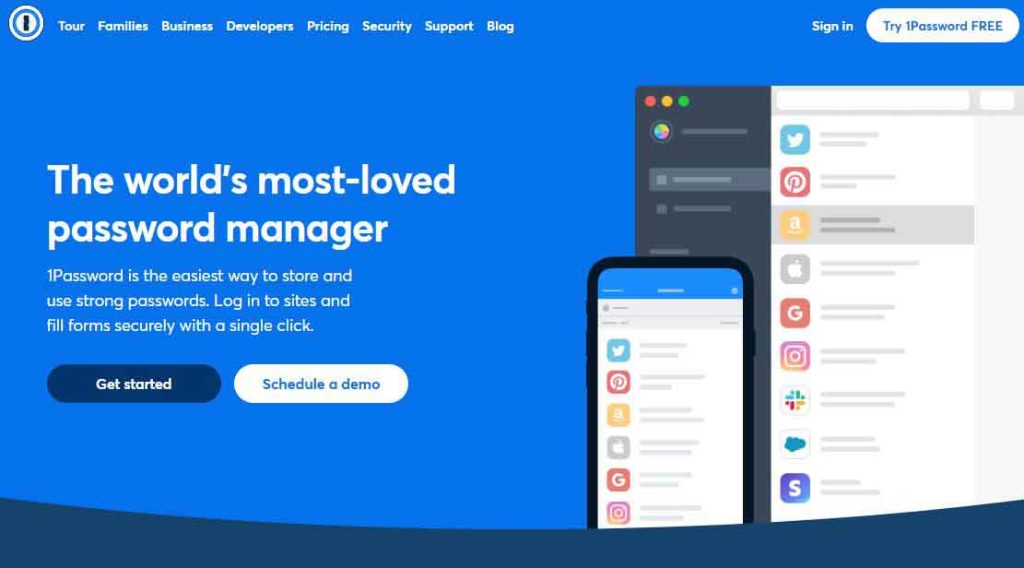
1Password is the most recommended password generator that creates strong, unique, and random passwords. Also, it automatically stores your usernames and previous passwords from apps and websites that you sign in to. Moreover, it saves all the details and answers that your bank requires. Besides, securing your online digital data and details within a secure and encrypted vault is convenient.
- Private vault
- Strong and unique password generator
- Advanced encryption
- Security check questions
- Multi-factor authentication
It encrypts all of your essential data and keeps it out of the hands of malicious hackers and cyber threats. Users can share their passwords securely with other 1Password users. Also, it offers Multi-Factor authentication and verification.
There have been unusual problems when the app stops syncing passwords and cannot share a secure note among its users. It doesn’t provide any free plan for users.
5. NordPass

NordPass is built on a zero-knowledge policy for users’ security and privacy. It is one of the best choices for individual users, with the ability to generate unique random passwords. It then stores them in an encrypted private vault. Moreover, nordpass will automatically auto-fill your credentials and import all previous passwords.
- Independent auditing
- Secure and unique password generator
- 2FA
- Real-time security alerts
- Encrypted vault
This comprehensive password manager has the highest level of security with its independent audit security system, which means your private vault is protected correctly. The premium features of NordPass offer real-time security alerts and password recovery options. It is a freemium service and also offers browser extensions.
However, NordPass has limited features available in its free version, and the auto-fill feature of this password manager only works with passwords, secure notes, and credit card details. Unfortunately, it has no team plans to offer.
6. LastPass

LastPass is a convenient and secure platform to keep your digital data safe and private. Moreover, it makes online transactions much easier by auto-filling your account details from your stored details. LastPass is known for generating unique and brand-new passwords, and it lets you securely share your details with other LastPass users.
- Secure and unique password generator
- Private vault
- Dark-web monitoring
- Online transaction details
Since it generates unique and strong passwords and creates unique user usernames, it stores passwords, email, bank account, and other social media details in a secure encrypted vault. Its additional features allow you to surf the internet with ‘dark web browsing,’ which cloaks your details during the browsing time.
Unfortunately, it has poor customer support for users, and unusual login failures are so familiar with the LastPass password manager.
7. Bitwarden

It is a reliable, free, and open source with cloud synchronization. Bitwarden is built with zero-knowledge architecture, meaning no personal information will be stored. Like best password managers, it generates different and unique passwords with no password or device limitations.
- Free and open-source
- Generates unique and random passwords
- Zero-knowledge policy
- End-to-end encryption
- Two-factor authentication
- Biometric feature
- Recovery codes
Moreover, it offers advanced security with end-to-end encryption for individual and business plans. The password manager also provides Two-factor authentication with a biometric feature for extra security precautions and recovery codes.
Unfortunately, syncing and password sharing with other users are tricky compared to password managers. Besides, it has no particular intuitive interface.
8. Avira Password Manager

Avira password manager is a simple and secure platform with high-level security. Moreover, it has basic two-factor authentication and a built-in two-factor code generator. Avira efficiently encrypts and stores your data, such as bank account numbers, passwords, credentials, and other sensitive data.on top of that, it auto-fills and saves your online account details.
- Unique and robust password manager
- High security
- Encrypted vault
- Basic 2FA
it is an excellent choice for common/non-tech people for safe and private personal use. it also offers data breach alerts to prevent your data and credentials from the reach of cyber threats. Additionally, for a better experience, you can use Avira Password Manager Pro or Avira Prime with risk-free premium features, including web protection and a VPN.
However, there are no advanced authentication features and no desktop app available. Also, users can’t share passwords through the app with other Avira users, and it is not available offline.
9. LogMeOnce

LogMeOnce is a secure and passwordless platform that values your privacy and security. It is built on a zero-knowledge architecture that ensures data protection in the vault. Moreover, it has advanced reporting, sending user security reports, and keeping records of your activities.
- Secure and unique password generator
- Zero-knowledge architecture
- Passwordless feature
- Advanced Reporting
- Two-factor authentication
Additionally, it has biometric features such as Face ID and Fingerprint. Moreover, it enables Two-factor authentication and snaps the face of anyone who tries to get into your phone. Also, it improves the speed and efficiency while browsing the web and encrypts your data securely.
The major drawback of LogMeOnce is its poor interface. It is not available offline. Also, it doesn’t offer to pay monthly, so there is a need to pay for at least a year.
10. Zoho Vault

Zoho Vault is a private and secure password manager that generates random and unique passwords. Also, you can securely share passwords with other users, friends, and family without being at any risk of losing them in the process. Zoho can remember all your passwords and store other essential data. It has both personal and business plans with overall security.
- Private and secure
- Unique and strong password generator
- Supports business plan
- Multi-Factor authentication
- 256-bit AES encryption
- Offline available
Moreover, it enables Multi-Factor authentication and biometric features such as Fingerprint or Face ID for extra security precautions. ZohoVault provides ease and comfort in using the app with its dark mode, also available offline. Also, it has strong encryption of 256-bit AES that enhances its security.
Unfortunately, its free plan could be more intuitive and has a dated design. Also, it gets tricky for personal users.
11. iCloud Keychain
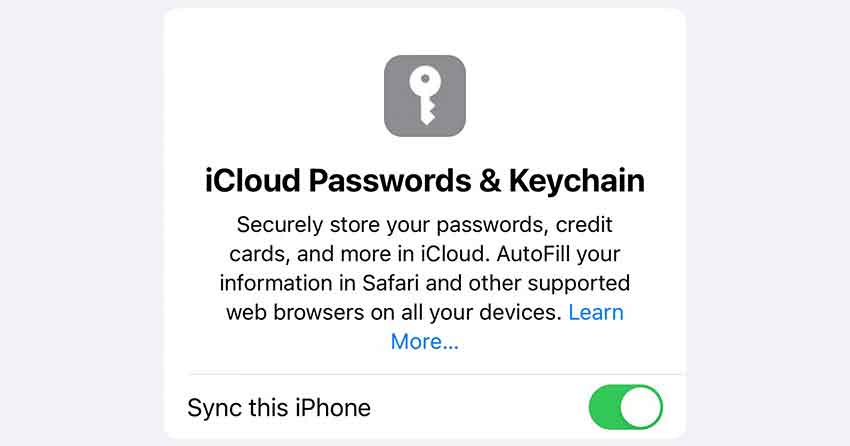
iCloud Keychain is a convenient and secure built-in feature in Apple devices introduced with macOS 9. It can store passwords, usernames, credit card details, wifi passwords, and security codes. Once the feature is activated, it automatically transfers your passwords and details.
- Secure built-in feature
- Stores and transmit passwords
- 256-bit AES encryption
- Easy to use
When using iCloud Keychain, you don’t have to pay for a solo password manager as you’re already paying for one. It is a safe and easy-to-use built-in tool with 256-bit AES encryption. Also, you can access the password manager with the same Apple ID.
However, it doesn’t offer the best management as other premium managers. Also, the auditing system must be stronger independently, and the autofill features often crash.
12. Password Safe
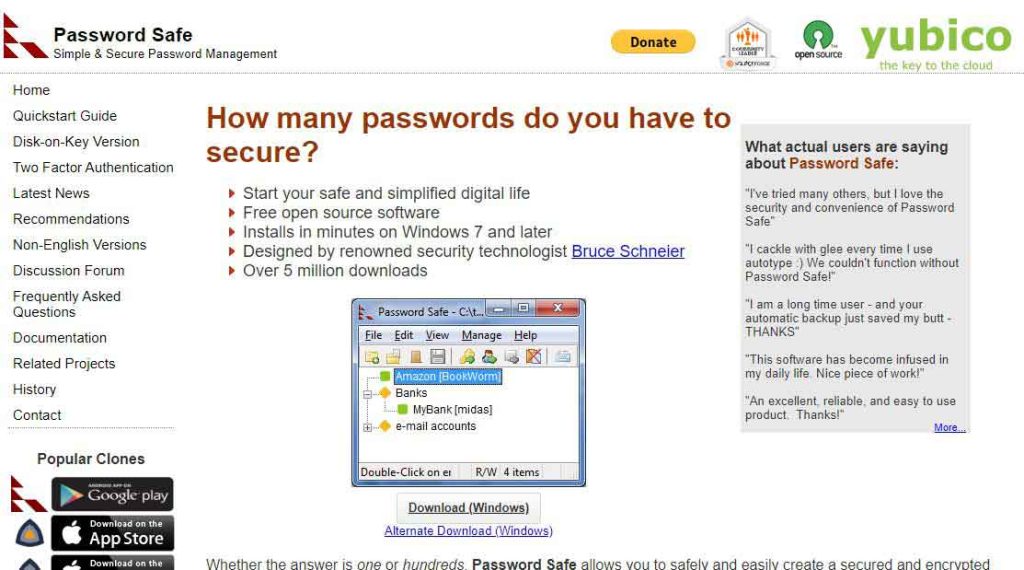
Password Safe is a secure, simple, intuitive platform that generates unique passwords and user usernames. It has smart auditing and an advanced encryption system, making it reliable software. Moreover, it is completely free and open source that provides real-time session and password management.
- Intuitive program
- Free and open-source
- Secure and simple
- Password management
- Real-time session
- The database is not stored
It provides a straightforward interface and is an important tool, especially if you have a lot of online accounts. Password Safe is one of the most popular password managers out there. It’s free on all major platforms, including Windows, Mac, iOS, and Android.
13. Kaspersky Password Manager

Fortunately, Kaspersky Password Manager offers free and paid packages with high-security features such as password management, saving credentials, and auditing. However, after you enter your master password, it automatically imports all your passwords and data, and the database is not stored online.
Sadly, it has weak browser extensions compared to other top-rated password managers.
- 256-bit -encryption
- Two-factor authentication
- Password auditing( password check)
- Password vault
Kaspersky Password Manager is a program that helps you securely manage your passwords. It stores your passwords in an encrypted format and can generate strong passwords. You can access your passwords from anywhere on any device with an internet connection, and it also supports two-factor authentication. Moreover, it also offers a handy password-sharing feature, so you can easily share passwords with other people without having to remember them yourself.
14. mSecure

mSecure is a password manager that offers a variety of features to help you keep your passwords safe and secure. It offers military-level AES-256-bit encryption along with an easy user interface. With mSecure, you can create strong passwords that are difficult to crack and store them in a secure location so they’re not easily lost or forgotten.
- Intuitive design
- Works online and offline
- Simultaneous device syncing
- Biometric logins and face scans
The password manager can also share passwords with others, and users can share password vaults. Besides, it can encrypt your passwords to be even more secure. Overall, mSecure is an excellent password manager that offers many features and benefits to users.
15. Sticky Password

Many password managers are out there, but Sticky Password is one of the best. It’s packed with features, and it’s very easy to use. Sticky Password Manager offers many features that other password managers don’t. For example, it can automatically fill in your passwords for you. It can generate strong passwords for you, so you don’t have to worry about weak passwords.
- Data synchronization
- No cloud Wi-Fi sync
- Two-factor authentication
What’s more, Sticky Password Manager is user-friendly. You can easily add, edit, manually add passwords in your vault, and delete your passwords. You can also set up multiple profiles to easily switch between them. If you’re looking for a password manager, check out Sticky Password Manager.
16. Password Boss

Password Boss is a secure and easy-to-use password manager that helps you keep track of your passwords and personal information. With Password Boss, you can create strong and unique passwords for all your online accounts, store your confidential information securely, and access it from anywhere with an internet connection.
- Free plan
- Biometric login
- Remote data wipe.
- Secure browser
- Emergency contacts
- Password generator
- 2FA
- Password sharing
Its features make it a great choice for managing passwords and personal information. It can create passwords up to 40 characters long for maximum security, and with built-in two-factor authentication features, it is one of the best password managers on the internet.
17. Norton Password Manager

Norton Password Manager is a great way to keep your passwords safe and secure. It offers a variety of features that make it a great choice for password management. Norton Password Manager can store unlimited passwords, so you’ll never have to worry about losing or forgetting a password again.
- Password generator.
- Fine print
- AES-256-bit security
- Unlimited password storage.
- Password vault auditing.
- Biometric login
- 2FA login.
- Automatic password changer.
It also includes a password generator to create strong, unique passwords for all your online accounts. And if you ever do forget your master password, Norton Password Manager provides a recovery option so you can get back into your account.
How to choose the best Password Manager for iOs
The best password manager must have solid security features, including a 256-bit AES encryption that offers real security to your essential data. Moreover, check if it enables Two-factor or Multi-factor authentication and biometric features for extra security assurance.
- Budget-friendly: the manager must be pocket-friendly. Either a freemium or with affordable plans.
- Device compatibility: a good password manager will be compatible with PCs, laptops, iOS, and Androids.
- End-to-end encryption is a necessary feature; it ensures maximum security.
- Advanced authentication, like biometric systems, helps make the software user-friendly.
- Privacy policy: zero-knowledge DNS and other privacy policies help users trust the service.
- User reviews: postove reviews indicate that the software is worthy in contrast to negative reviews.
Looking for a pocket-friendly password manager compatible with your device is best. Also, make sure to go through its user reviews and ratings before downloading the password manager, and it must suit your device’s memory.
How we tested these password managers for iPhone
We put together a comprehensive guide on testing and ranking password managers for iPhones. In order to provide the most secure service, we looked for the following features;
- Strong encryption: providers that offer robust encryption,
- Two-factor authentication: we made sure to pick out the manager switch with multi-factor authentication such as biometrics, etc.
- iOS apps: we picked feature-packed password managers with an easy user interface.
- Extra features: to make a strong password manager, it should have features like VPNs, U2FAs, and dark web scanning.
By taking all of these factors into account, we were able to create a comprehensive list of the best password managers for iPhone available.
Is iCloud Keychain safe to use as a primary password manager?
iCloud Keychain is a password manager created by Apple designed to work with its other products, such as the iPhone and iPad. While it has some appealing features, such as automatically generating strong passwords and syncing across devices, there are also some downsides. One of the biggest concerns is whether or not iCloud Keychain is safe to use as your primary password manager.
It won’t inform you if your password was leaked, and if you are using a non-iOS device, it won’t work with that. One downside of iCloud Keychain is that it lacks some features available in other password managers. For example, it does not have a VPN or dark web feature like other password managers. While these features are not essential, they could help keep your account more secure.
Overall, iCloud Keychain is not as reliable as other dedicated password managers. It has some helpful features, but there are also some drawbacks to consider before using it as your primary password manager.
Should iPhone users use third-Party Password Managers?
There are many different password managers, but why should people choose a third-party password manager over another option? One of the main reasons is that third-party password managers often have more features than built-in options. For example, many third-party password managers can automatically fill in your login information, so you don’t have to remember multiple passwords.
Moreover, they also offer features like two-factor authentication and the ability to generate strong passwords. Another reason to choose a third-party password manager is that they can be more secure than built-in options. This is because built-in options are often less frequently updated, leaving them vulnerable to security breaches.
Besides, Third-party password managers are also usually not tied to a specific browser or operating system so that you can use them on any device. Finally, third-party password managers often have free trials or money-back guarantees so that you can try them out without risk.
Final words
A password manager is essential to secure your digital data and credentials within an encrypted private vault. However, an iPhone is immune to malware and viruses. Still, there are many other ways for cybercriminals to get your device’s information and steal your data. Therefore, using a password manager is the best choice.
It is a convenient and comprehensive tool that generates unique, random, brand-new passwords for multiple online accounts and stores them in a secure vault. Moreover, a password manager offers you many additional features such as dark-web monitoring, VPN, a private vault to save documents and images, etc. Always use the best password manager by checking for all major and minor features available.
Suppose you are not already using any password manager. In that case, it’s time to go for it and give yourself a better experience in digital life.
FAQs
The post 17 Best Password Managers For iPhone In 2024 appeared first on BeEncrypted.
]]>Deprecated: Using null as an array offset is deprecated, use an empty string instead in /var/www/staging.beencrypted.com/site/web/wp/wp-includes/class-wp-block-type-registry.php on line 168
Deprecated: Using null as an array offset is deprecated, use an empty string instead in /var/www/staging.beencrypted.com/site/web/wp/wp-includes/class-wp-block-type-registry.php on line 168
Deprecated: Using null as an array offset is deprecated, use an empty string instead in /var/www/staging.beencrypted.com/site/web/wp/wp-includes/class-wp-block-type-registry.php on line 168
Deprecated: Using null as an array offset is deprecated, use an empty string instead in /var/www/staging.beencrypted.com/site/web/wp/wp-includes/class-wp-block-type-registry.php on line 168
Deprecated: Using null as an array offset is deprecated, use an empty string instead in /var/www/staging.beencrypted.com/site/web/wp/wp-includes/class-wp-block-type-registry.php on line 168
Deprecated: Using null as an array offset is deprecated, use an empty string instead in /var/www/staging.beencrypted.com/site/web/wp/wp-includes/class-wp-block-type-registry.php on line 168
Deprecated: Using null as an array offset is deprecated, use an empty string instead in /var/www/staging.beencrypted.com/site/web/wp/wp-includes/class-wp-block-type-registry.php on line 168
Deprecated: Using null as an array offset is deprecated, use an empty string instead in /var/www/staging.beencrypted.com/site/web/wp/wp-includes/class-wp-block-type-registry.php on line 168
Deprecated: Using null as an array offset is deprecated, use an empty string instead in /var/www/staging.beencrypted.com/site/web/wp/wp-includes/class-wp-block-type-registry.php on line 168
Deprecated: Using null as an array offset is deprecated, use an empty string instead in /var/www/staging.beencrypted.com/site/web/wp/wp-includes/class-wp-block-type-registry.php on line 168
Deprecated: Using null as an array offset is deprecated, use an empty string instead in /var/www/staging.beencrypted.com/site/web/wp/wp-includes/class-wp-block-type-registry.php on line 168
Deprecated: Using null as an array offset is deprecated, use an empty string instead in /var/www/staging.beencrypted.com/site/web/wp/wp-includes/class-wp-block-type-registry.php on line 168
Deprecated: Using null as an array offset is deprecated, use an empty string instead in /var/www/staging.beencrypted.com/site/web/wp/wp-includes/class-wp-block-type-registry.php on line 168
Deprecated: Using null as an array offset is deprecated, use an empty string instead in /var/www/staging.beencrypted.com/site/web/wp/wp-includes/class-wp-block-type-registry.php on line 168
Deprecated: Using null as an array offset is deprecated, use an empty string instead in /var/www/staging.beencrypted.com/site/web/wp/wp-includes/class-wp-block-type-registry.php on line 168
Deprecated: Using null as an array offset is deprecated, use an empty string instead in /var/www/staging.beencrypted.com/site/web/wp/wp-includes/class-wp-block-type-registry.php on line 168
Deprecated: Using null as an array offset is deprecated, use an empty string instead in /var/www/staging.beencrypted.com/site/web/wp/wp-includes/class-wp-block-type-registry.php on line 168
Deprecated: Using null as an array offset is deprecated, use an empty string instead in /var/www/staging.beencrypted.com/site/web/wp/wp-includes/class-wp-block-type-registry.php on line 168
Deprecated: Using null as an array offset is deprecated, use an empty string instead in /var/www/staging.beencrypted.com/site/web/wp/wp-includes/class-wp-block-type-registry.php on line 168
Deprecated: Using null as an array offset is deprecated, use an empty string instead in /var/www/staging.beencrypted.com/site/web/wp/wp-includes/class-wp-block-type-registry.php on line 168
Deprecated: Using null as an array offset is deprecated, use an empty string instead in /var/www/staging.beencrypted.com/site/web/wp/wp-includes/class-wp-block-type-registry.php on line 168
Deprecated: Using null as an array offset is deprecated, use an empty string instead in /var/www/staging.beencrypted.com/site/web/wp/wp-includes/class-wp-block-type-registry.php on line 168
Deprecated: Using null as an array offset is deprecated, use an empty string instead in /var/www/staging.beencrypted.com/site/web/wp/wp-includes/class-wp-block-type-registry.php on line 168
Deprecated: Using null as an array offset is deprecated, use an empty string instead in /var/www/staging.beencrypted.com/site/web/wp/wp-includes/class-wp-block-type-registry.php on line 168
Deprecated: Using null as an array offset is deprecated, use an empty string instead in /var/www/staging.beencrypted.com/site/web/wp/wp-includes/class-wp-block-type-registry.php on line 168
Deprecated: Using null as an array offset is deprecated, use an empty string instead in /var/www/staging.beencrypted.com/site/web/wp/wp-includes/class-wp-block-type-registry.php on line 168
Deprecated: Using null as an array offset is deprecated, use an empty string instead in /var/www/staging.beencrypted.com/site/web/wp/wp-includes/class-wp-block-type-registry.php on line 168
Deprecated: Using null as an array offset is deprecated, use an empty string instead in /var/www/staging.beencrypted.com/site/web/wp/wp-includes/class-wp-block-type-registry.php on line 168
Deprecated: Using null as an array offset is deprecated, use an empty string instead in /var/www/staging.beencrypted.com/site/web/wp/wp-includes/class-wp-block-type-registry.php on line 168
Deprecated: Using null as an array offset is deprecated, use an empty string instead in /var/www/staging.beencrypted.com/site/web/wp/wp-includes/class-wp-block-type-registry.php on line 168
Deprecated: Using null as an array offset is deprecated, use an empty string instead in /var/www/staging.beencrypted.com/site/web/wp/wp-includes/class-wp-block-type-registry.php on line 168
Deprecated: Using null as an array offset is deprecated, use an empty string instead in /var/www/staging.beencrypted.com/site/web/wp/wp-includes/class-wp-block-type-registry.php on line 168
Deprecated: Using null as an array offset is deprecated, use an empty string instead in /var/www/staging.beencrypted.com/site/web/wp/wp-includes/class-wp-block-type-registry.php on line 168
Deprecated: Using null as an array offset is deprecated, use an empty string instead in /var/www/staging.beencrypted.com/site/web/wp/wp-includes/class-wp-block-type-registry.php on line 168
Deprecated: Using null as an array offset is deprecated, use an empty string instead in /var/www/staging.beencrypted.com/site/web/wp/wp-includes/class-wp-block-type-registry.php on line 168
Deprecated: Using null as an array offset is deprecated, use an empty string instead in /var/www/staging.beencrypted.com/site/web/wp/wp-includes/class-wp-block-type-registry.php on line 168
Deprecated: Using null as an array offset is deprecated, use an empty string instead in /var/www/staging.beencrypted.com/site/web/wp/wp-includes/class-wp-block-type-registry.php on line 168
Deprecated: Using null as an array offset is deprecated, use an empty string instead in /var/www/staging.beencrypted.com/site/web/wp/wp-includes/class-wp-block-type-registry.php on line 168
Deprecated: Using null as an array offset is deprecated, use an empty string instead in /var/www/staging.beencrypted.com/site/web/wp/wp-includes/class-wp-block-type-registry.php on line 168
Deprecated: Using null as an array offset is deprecated, use an empty string instead in /var/www/staging.beencrypted.com/site/web/wp/wp-includes/class-wp-block-type-registry.php on line 168
Deprecated: Using null as an array offset is deprecated, use an empty string instead in /var/www/staging.beencrypted.com/site/web/wp/wp-includes/class-wp-block-type-registry.php on line 168
Deprecated: Using null as an array offset is deprecated, use an empty string instead in /var/www/staging.beencrypted.com/site/web/wp/wp-includes/class-wp-block-type-registry.php on line 168
Deprecated: Using null as an array offset is deprecated, use an empty string instead in /var/www/staging.beencrypted.com/site/web/wp/wp-includes/class-wp-block-type-registry.php on line 168
Deprecated: Using null as an array offset is deprecated, use an empty string instead in /var/www/staging.beencrypted.com/site/web/wp/wp-includes/class-wp-block-type-registry.php on line 168
Deprecated: Using null as an array offset is deprecated, use an empty string instead in /var/www/staging.beencrypted.com/site/web/wp/wp-includes/class-wp-block-type-registry.php on line 168
Deprecated: Using null as an array offset is deprecated, use an empty string instead in /var/www/staging.beencrypted.com/site/web/wp/wp-includes/class-wp-block-type-registry.php on line 168
Deprecated: Using null as an array offset is deprecated, use an empty string instead in /var/www/staging.beencrypted.com/site/web/wp/wp-includes/class-wp-block-type-registry.php on line 168
Deprecated: Using null as an array offset is deprecated, use an empty string instead in /var/www/staging.beencrypted.com/site/web/wp/wp-includes/class-wp-block-type-registry.php on line 168
Deprecated: Using null as an array offset is deprecated, use an empty string instead in /var/www/staging.beencrypted.com/site/web/wp/wp-includes/class-wp-block-type-registry.php on line 168
Deprecated: Using null as an array offset is deprecated, use an empty string instead in /var/www/staging.beencrypted.com/site/web/wp/wp-includes/class-wp-block-type-registry.php on line 168
Deprecated: Using null as an array offset is deprecated, use an empty string instead in /var/www/staging.beencrypted.com/site/web/wp/wp-includes/class-wp-block-type-registry.php on line 168
Deprecated: Using null as an array offset is deprecated, use an empty string instead in /var/www/staging.beencrypted.com/site/web/wp/wp-includes/class-wp-block-type-registry.php on line 168
Deprecated: Using null as an array offset is deprecated, use an empty string instead in /var/www/staging.beencrypted.com/site/web/wp/wp-includes/class-wp-block-type-registry.php on line 168
Deprecated: Using null as an array offset is deprecated, use an empty string instead in /var/www/staging.beencrypted.com/site/web/wp/wp-includes/class-wp-block-type-registry.php on line 168
Deprecated: Using null as an array offset is deprecated, use an empty string instead in /var/www/staging.beencrypted.com/site/web/wp/wp-includes/class-wp-block-type-registry.php on line 168
Deprecated: Using null as an array offset is deprecated, use an empty string instead in /var/www/staging.beencrypted.com/site/web/wp/wp-includes/class-wp-block-type-registry.php on line 168
Deprecated: Using null as an array offset is deprecated, use an empty string instead in /var/www/staging.beencrypted.com/site/web/wp/wp-includes/class-wp-block-type-registry.php on line 168
Deprecated: Using null as an array offset is deprecated, use an empty string instead in /var/www/staging.beencrypted.com/site/web/wp/wp-includes/class-wp-block-type-registry.php on line 168
Deprecated: Using null as an array offset is deprecated, use an empty string instead in /var/www/staging.beencrypted.com/site/web/wp/wp-includes/class-wp-block-type-registry.php on line 168
Deprecated: Using null as an array offset is deprecated, use an empty string instead in /var/www/staging.beencrypted.com/site/web/wp/wp-includes/class-wp-block-type-registry.php on line 168
Deprecated: Using null as an array offset is deprecated, use an empty string instead in /var/www/staging.beencrypted.com/site/web/wp/wp-includes/class-wp-block-type-registry.php on line 168
Deprecated: Using null as an array offset is deprecated, use an empty string instead in /var/www/staging.beencrypted.com/site/web/wp/wp-includes/class-wp-block-type-registry.php on line 168
Deprecated: Using null as an array offset is deprecated, use an empty string instead in /var/www/staging.beencrypted.com/site/web/wp/wp-includes/class-wp-block-type-registry.php on line 168
Deprecated: Using null as an array offset is deprecated, use an empty string instead in /var/www/staging.beencrypted.com/site/web/wp/wp-includes/class-wp-block-type-registry.php on line 168
Deprecated: Using null as an array offset is deprecated, use an empty string instead in /var/www/staging.beencrypted.com/site/web/wp/wp-includes/class-wp-block-type-registry.php on line 168
Deprecated: Using null as an array offset is deprecated, use an empty string instead in /var/www/staging.beencrypted.com/site/web/wp/wp-includes/class-wp-block-type-registry.php on line 168
Deprecated: Using null as an array offset is deprecated, use an empty string instead in /var/www/staging.beencrypted.com/site/web/wp/wp-includes/class-wp-block-type-registry.php on line 168
Deprecated: Using null as an array offset is deprecated, use an empty string instead in /var/www/staging.beencrypted.com/site/web/wp/wp-includes/class-wp-block-type-registry.php on line 168
Deprecated: Using null as an array offset is deprecated, use an empty string instead in /var/www/staging.beencrypted.com/site/web/wp/wp-includes/class-wp-block-type-registry.php on line 168
Deprecated: Using null as an array offset is deprecated, use an empty string instead in /var/www/staging.beencrypted.com/site/web/wp/wp-includes/class-wp-block-type-registry.php on line 168
Deprecated: Using null as an array offset is deprecated, use an empty string instead in /var/www/staging.beencrypted.com/site/web/wp/wp-includes/class-wp-block-type-registry.php on line 168
Deprecated: Using null as an array offset is deprecated, use an empty string instead in /var/www/staging.beencrypted.com/site/web/wp/wp-includes/class-wp-block-type-registry.php on line 168
Deprecated: Using null as an array offset is deprecated, use an empty string instead in /var/www/staging.beencrypted.com/site/web/wp/wp-includes/class-wp-block-type-registry.php on line 168
Deprecated: Using null as an array offset is deprecated, use an empty string instead in /var/www/staging.beencrypted.com/site/web/wp/wp-includes/class-wp-block-type-registry.php on line 168
Deprecated: Using null as an array offset is deprecated, use an empty string instead in /var/www/staging.beencrypted.com/site/web/wp/wp-includes/class-wp-block-type-registry.php on line 168
Deprecated: Using null as an array offset is deprecated, use an empty string instead in /var/www/staging.beencrypted.com/site/web/wp/wp-includes/class-wp-block-type-registry.php on line 168
Deprecated: Using null as an array offset is deprecated, use an empty string instead in /var/www/staging.beencrypted.com/site/web/wp/wp-includes/class-wp-block-type-registry.php on line 168
Deprecated: Using null as an array offset is deprecated, use an empty string instead in /var/www/staging.beencrypted.com/site/web/wp/wp-includes/class-wp-block-type-registry.php on line 168
Deprecated: Using null as an array offset is deprecated, use an empty string instead in /var/www/staging.beencrypted.com/site/web/wp/wp-includes/class-wp-block-type-registry.php on line 168
Deprecated: Using null as an array offset is deprecated, use an empty string instead in /var/www/staging.beencrypted.com/site/web/wp/wp-includes/class-wp-block-type-registry.php on line 168
Deprecated: Using null as an array offset is deprecated, use an empty string instead in /var/www/staging.beencrypted.com/site/web/wp/wp-includes/class-wp-block-type-registry.php on line 168
Deprecated: Using null as an array offset is deprecated, use an empty string instead in /var/www/staging.beencrypted.com/site/web/wp/wp-includes/class-wp-block-type-registry.php on line 168
Deprecated: Using null as an array offset is deprecated, use an empty string instead in /var/www/staging.beencrypted.com/site/web/wp/wp-includes/class-wp-block-type-registry.php on line 168
Deprecated: Using null as an array offset is deprecated, use an empty string instead in /var/www/staging.beencrypted.com/site/web/wp/wp-includes/class-wp-block-type-registry.php on line 168
Deprecated: Using null as an array offset is deprecated, use an empty string instead in /var/www/staging.beencrypted.com/site/web/wp/wp-includes/class-wp-block-type-registry.php on line 168
Deprecated: Using null as an array offset is deprecated, use an empty string instead in /var/www/staging.beencrypted.com/site/web/wp/wp-includes/class-wp-block-type-registry.php on line 168
Deprecated: Using null as an array offset is deprecated, use an empty string instead in /var/www/staging.beencrypted.com/site/web/wp/wp-includes/class-wp-block-type-registry.php on line 168
Deprecated: Using null as an array offset is deprecated, use an empty string instead in /var/www/staging.beencrypted.com/site/web/wp/wp-includes/class-wp-block-type-registry.php on line 168
Deprecated: Using null as an array offset is deprecated, use an empty string instead in /var/www/staging.beencrypted.com/site/web/wp/wp-includes/class-wp-block-type-registry.php on line 168
Deprecated: Using null as an array offset is deprecated, use an empty string instead in /var/www/staging.beencrypted.com/site/web/wp/wp-includes/class-wp-block-type-registry.php on line 168
Deprecated: Using null as an array offset is deprecated, use an empty string instead in /var/www/staging.beencrypted.com/site/web/wp/wp-includes/class-wp-block-type-registry.php on line 168
Deprecated: Using null as an array offset is deprecated, use an empty string instead in /var/www/staging.beencrypted.com/site/web/wp/wp-includes/class-wp-block-type-registry.php on line 168
Deprecated: Using null as an array offset is deprecated, use an empty string instead in /var/www/staging.beencrypted.com/site/web/wp/wp-includes/class-wp-block-type-registry.php on line 168
Deprecated: Using null as an array offset is deprecated, use an empty string instead in /var/www/staging.beencrypted.com/site/web/wp/wp-includes/class-wp-block-type-registry.php on line 168
Deprecated: Using null as an array offset is deprecated, use an empty string instead in /var/www/staging.beencrypted.com/site/web/wp/wp-includes/class-wp-block-type-registry.php on line 168
Deprecated: Using null as an array offset is deprecated, use an empty string instead in /var/www/staging.beencrypted.com/site/web/wp/wp-includes/class-wp-block-type-registry.php on line 168
Deprecated: Using null as an array offset is deprecated, use an empty string instead in /var/www/staging.beencrypted.com/site/web/wp/wp-includes/class-wp-block-type-registry.php on line 168
Deprecated: Using null as an array offset is deprecated, use an empty string instead in /var/www/staging.beencrypted.com/site/web/wp/wp-includes/class-wp-block-type-registry.php on line 168
Deprecated: Using null as an array offset is deprecated, use an empty string instead in /var/www/staging.beencrypted.com/site/web/wp/wp-includes/class-wp-block-type-registry.php on line 168
Deprecated: Using null as an array offset is deprecated, use an empty string instead in /var/www/staging.beencrypted.com/site/web/wp/wp-includes/class-wp-block-type-registry.php on line 168
Deprecated: Using null as an array offset is deprecated, use an empty string instead in /var/www/staging.beencrypted.com/site/web/wp/wp-includes/class-wp-block-type-registry.php on line 168
Deprecated: Using null as an array offset is deprecated, use an empty string instead in /var/www/staging.beencrypted.com/site/web/wp/wp-includes/class-wp-block-type-registry.php on line 168
Deprecated: Using null as an array offset is deprecated, use an empty string instead in /var/www/staging.beencrypted.com/site/web/wp/wp-includes/class-wp-block-type-registry.php on line 168
Deprecated: Using null as an array offset is deprecated, use an empty string instead in /var/www/staging.beencrypted.com/site/web/wp/wp-includes/class-wp-block-type-registry.php on line 168
Deprecated: Using null as an array offset is deprecated, use an empty string instead in /var/www/staging.beencrypted.com/site/web/wp/wp-includes/class-wp-block-type-registry.php on line 168
Deprecated: Using null as an array offset is deprecated, use an empty string instead in /var/www/staging.beencrypted.com/site/web/wp/wp-includes/class-wp-block-type-registry.php on line 168
Deprecated: Using null as an array offset is deprecated, use an empty string instead in /var/www/staging.beencrypted.com/site/web/wp/wp-includes/class-wp-block-type-registry.php on line 168
Deprecated: Using null as an array offset is deprecated, use an empty string instead in /var/www/staging.beencrypted.com/site/web/wp/wp-includes/class-wp-block-type-registry.php on line 168
Deprecated: Using null as an array offset is deprecated, use an empty string instead in /var/www/staging.beencrypted.com/site/web/wp/wp-includes/class-wp-block-type-registry.php on line 168
Deprecated: Using null as an array offset is deprecated, use an empty string instead in /var/www/staging.beencrypted.com/site/web/wp/wp-includes/class-wp-block-type-registry.php on line 168
Deprecated: Using null as an array offset is deprecated, use an empty string instead in /var/www/staging.beencrypted.com/site/web/wp/wp-includes/class-wp-block-type-registry.php on line 168
Deprecated: Using null as an array offset is deprecated, use an empty string instead in /var/www/staging.beencrypted.com/site/web/wp/wp-includes/class-wp-block-type-registry.php on line 168
Deprecated: Using null as an array offset is deprecated, use an empty string instead in /var/www/staging.beencrypted.com/site/web/wp/wp-includes/class-wp-block-type-registry.php on line 168
Deprecated: Using null as an array offset is deprecated, use an empty string instead in /var/www/staging.beencrypted.com/site/web/wp/wp-includes/class-wp-block-type-registry.php on line 168
Deprecated: Using null as an array offset is deprecated, use an empty string instead in /var/www/staging.beencrypted.com/site/web/wp/wp-includes/class-wp-block-type-registry.php on line 168
Deprecated: Using null as an array offset is deprecated, use an empty string instead in /var/www/staging.beencrypted.com/site/web/wp/wp-includes/class-wp-block-type-registry.php on line 168
Deprecated: Using null as an array offset is deprecated, use an empty string instead in /var/www/staging.beencrypted.com/site/web/wp/wp-includes/class-wp-block-type-registry.php on line 168
Deprecated: Using null as an array offset is deprecated, use an empty string instead in /var/www/staging.beencrypted.com/site/web/wp/wp-includes/class-wp-block-type-registry.php on line 168
Deprecated: Using null as an array offset is deprecated, use an empty string instead in /var/www/staging.beencrypted.com/site/web/wp/wp-includes/class-wp-block-type-registry.php on line 168
Deprecated: Using null as an array offset is deprecated, use an empty string instead in /var/www/staging.beencrypted.com/site/web/wp/wp-includes/class-wp-block-type-registry.php on line 168
Deprecated: Using null as an array offset is deprecated, use an empty string instead in /var/www/staging.beencrypted.com/site/web/wp/wp-includes/class-wp-block-type-registry.php on line 168
Deprecated: Using null as an array offset is deprecated, use an empty string instead in /var/www/staging.beencrypted.com/site/web/wp/wp-includes/class-wp-block-type-registry.php on line 168
Deprecated: Using null as an array offset is deprecated, use an empty string instead in /var/www/staging.beencrypted.com/site/web/wp/wp-includes/class-wp-block-type-registry.php on line 168
Deprecated: Using null as an array offset is deprecated, use an empty string instead in /var/www/staging.beencrypted.com/site/web/wp/wp-includes/class-wp-block-type-registry.php on line 168
Deprecated: Using null as an array offset is deprecated, use an empty string instead in /var/www/staging.beencrypted.com/site/web/wp/wp-includes/class-wp-block-type-registry.php on line 168
Deprecated: Using null as an array offset is deprecated, use an empty string instead in /var/www/staging.beencrypted.com/site/web/wp/wp-includes/class-wp-block-type-registry.php on line 168
Deprecated: Using null as an array offset is deprecated, use an empty string instead in /var/www/staging.beencrypted.com/site/web/wp/wp-includes/class-wp-block-type-registry.php on line 168
Deprecated: Using null as an array offset is deprecated, use an empty string instead in /var/www/staging.beencrypted.com/site/web/wp/wp-includes/class-wp-block-type-registry.php on line 168
Deprecated: Using null as an array offset is deprecated, use an empty string instead in /var/www/staging.beencrypted.com/site/web/wp/wp-includes/class-wp-block-type-registry.php on line 168
Deprecated: Using null as an array offset is deprecated, use an empty string instead in /var/www/staging.beencrypted.com/site/web/wp/wp-includes/class-wp-block-type-registry.php on line 168
Deprecated: Using null as an array offset is deprecated, use an empty string instead in /var/www/staging.beencrypted.com/site/web/wp/wp-includes/class-wp-block-type-registry.php on line 168
Deprecated: Using null as an array offset is deprecated, use an empty string instead in /var/www/staging.beencrypted.com/site/web/wp/wp-includes/class-wp-block-type-registry.php on line 168
Deprecated: Using null as an array offset is deprecated, use an empty string instead in /var/www/staging.beencrypted.com/site/web/wp/wp-includes/class-wp-block-type-registry.php on line 168
Deprecated: Using null as an array offset is deprecated, use an empty string instead in /var/www/staging.beencrypted.com/site/web/wp/wp-includes/class-wp-block-type-registry.php on line 168
Deprecated: Using null as an array offset is deprecated, use an empty string instead in /var/www/staging.beencrypted.com/site/web/wp/wp-includes/class-wp-block-type-registry.php on line 168
Deprecated: Using null as an array offset is deprecated, use an empty string instead in /var/www/staging.beencrypted.com/site/web/wp/wp-includes/class-wp-block-type-registry.php on line 168
Deprecated: Using null as an array offset is deprecated, use an empty string instead in /var/www/staging.beencrypted.com/site/web/wp/wp-includes/class-wp-block-type-registry.php on line 168
Deprecated: Using null as an array offset is deprecated, use an empty string instead in /var/www/staging.beencrypted.com/site/web/wp/wp-includes/class-wp-block-type-registry.php on line 168
Deprecated: Using null as an array offset is deprecated, use an empty string instead in /var/www/staging.beencrypted.com/site/web/wp/wp-includes/class-wp-block-type-registry.php on line 168
Deprecated: Using null as an array offset is deprecated, use an empty string instead in /var/www/staging.beencrypted.com/site/web/wp/wp-includes/class-wp-block-type-registry.php on line 168
Deprecated: Using null as an array offset is deprecated, use an empty string instead in /var/www/staging.beencrypted.com/site/web/wp/wp-includes/class-wp-block-type-registry.php on line 168
Deprecated: Using null as an array offset is deprecated, use an empty string instead in /var/www/staging.beencrypted.com/site/web/wp/wp-includes/class-wp-block-type-registry.php on line 168
Deprecated: Using null as an array offset is deprecated, use an empty string instead in /var/www/staging.beencrypted.com/site/web/wp/wp-includes/class-wp-block-type-registry.php on line 168
Deprecated: Using null as an array offset is deprecated, use an empty string instead in /var/www/staging.beencrypted.com/site/web/wp/wp-includes/class-wp-block-type-registry.php on line 168
Deprecated: Using null as an array offset is deprecated, use an empty string instead in /var/www/staging.beencrypted.com/site/web/wp/wp-includes/class-wp-block-type-registry.php on line 168
Deprecated: Using null as an array offset is deprecated, use an empty string instead in /var/www/staging.beencrypted.com/site/web/wp/wp-includes/class-wp-block-type-registry.php on line 168
Deprecated: Using null as an array offset is deprecated, use an empty string instead in /var/www/staging.beencrypted.com/site/web/wp/wp-includes/class-wp-block-type-registry.php on line 168
Deprecated: Using null as an array offset is deprecated, use an empty string instead in /var/www/staging.beencrypted.com/site/web/wp/wp-includes/class-wp-block-type-registry.php on line 168
Deprecated: Using null as an array offset is deprecated, use an empty string instead in /var/www/staging.beencrypted.com/site/web/wp/wp-includes/class-wp-block-type-registry.php on line 168
Deprecated: Using null as an array offset is deprecated, use an empty string instead in /var/www/staging.beencrypted.com/site/web/wp/wp-includes/class-wp-block-type-registry.php on line 168
Deprecated: Using null as an array offset is deprecated, use an empty string instead in /var/www/staging.beencrypted.com/site/web/wp/wp-includes/class-wp-block-type-registry.php on line 168
Deprecated: Using null as an array offset is deprecated, use an empty string instead in /var/www/staging.beencrypted.com/site/web/wp/wp-includes/class-wp-block-type-registry.php on line 168
Deprecated: Using null as an array offset is deprecated, use an empty string instead in /var/www/staging.beencrypted.com/site/web/wp/wp-includes/class-wp-block-type-registry.php on line 168
Deprecated: Using null as an array offset is deprecated, use an empty string instead in /var/www/staging.beencrypted.com/site/web/wp/wp-includes/class-wp-block-type-registry.php on line 168
Deprecated: Using null as an array offset is deprecated, use an empty string instead in /var/www/staging.beencrypted.com/site/web/wp/wp-includes/class-wp-block-type-registry.php on line 168
Deprecated: Using null as an array offset is deprecated, use an empty string instead in /var/www/staging.beencrypted.com/site/web/wp/wp-includes/class-wp-block-type-registry.php on line 168
Deprecated: Using null as an array offset is deprecated, use an empty string instead in /var/www/staging.beencrypted.com/site/web/wp/wp-includes/class-wp-block-type-registry.php on line 168
Deprecated: Using null as an array offset is deprecated, use an empty string instead in /var/www/staging.beencrypted.com/site/web/wp/wp-includes/class-wp-block-type-registry.php on line 168
Deprecated: Using null as an array offset is deprecated, use an empty string instead in /var/www/staging.beencrypted.com/site/web/wp/wp-includes/class-wp-block-type-registry.php on line 168
Deprecated: Using null as an array offset is deprecated, use an empty string instead in /var/www/staging.beencrypted.com/site/web/wp/wp-includes/class-wp-block-type-registry.php on line 168
Deprecated: Using null as an array offset is deprecated, use an empty string instead in /var/www/staging.beencrypted.com/site/web/wp/wp-includes/class-wp-block-type-registry.php on line 168
Deprecated: Using null as an array offset is deprecated, use an empty string instead in /var/www/staging.beencrypted.com/site/web/wp/wp-includes/class-wp-block-type-registry.php on line 168
Deprecated: Using null as an array offset is deprecated, use an empty string instead in /var/www/staging.beencrypted.com/site/web/wp/wp-includes/class-wp-block-type-registry.php on line 168
Deprecated: Using null as an array offset is deprecated, use an empty string instead in /var/www/staging.beencrypted.com/site/web/wp/wp-includes/class-wp-block-type-registry.php on line 168
Deprecated: Using null as an array offset is deprecated, use an empty string instead in /var/www/staging.beencrypted.com/site/web/wp/wp-includes/class-wp-block-type-registry.php on line 168
Deprecated: Using null as an array offset is deprecated, use an empty string instead in /var/www/staging.beencrypted.com/site/web/wp/wp-includes/class-wp-block-type-registry.php on line 168
Deprecated: Using null as an array offset is deprecated, use an empty string instead in /var/www/staging.beencrypted.com/site/web/wp/wp-includes/class-wp-block-type-registry.php on line 168
Deprecated: Using null as an array offset is deprecated, use an empty string instead in /var/www/staging.beencrypted.com/site/web/wp/wp-includes/class-wp-block-type-registry.php on line 168
Deprecated: Using null as an array offset is deprecated, use an empty string instead in /var/www/staging.beencrypted.com/site/web/wp/wp-includes/class-wp-block-type-registry.php on line 168
Deprecated: Using null as an array offset is deprecated, use an empty string instead in /var/www/staging.beencrypted.com/site/web/wp/wp-includes/class-wp-block-type-registry.php on line 168
Deprecated: Using null as an array offset is deprecated, use an empty string instead in /var/www/staging.beencrypted.com/site/web/wp/wp-includes/class-wp-block-type-registry.php on line 168
Deprecated: Using null as an array offset is deprecated, use an empty string instead in /var/www/staging.beencrypted.com/site/web/wp/wp-includes/class-wp-block-type-registry.php on line 168
Deprecated: Using null as an array offset is deprecated, use an empty string instead in /var/www/staging.beencrypted.com/site/web/wp/wp-includes/class-wp-block-type-registry.php on line 168
Deprecated: Using null as an array offset is deprecated, use an empty string instead in /var/www/staging.beencrypted.com/site/web/wp/wp-includes/class-wp-block-type-registry.php on line 168
Deprecated: Using null as an array offset is deprecated, use an empty string instead in /var/www/staging.beencrypted.com/site/web/wp/wp-includes/class-wp-block-type-registry.php on line 168
Deprecated: Using null as an array offset is deprecated, use an empty string instead in /var/www/staging.beencrypted.com/site/web/wp/wp-includes/class-wp-block-type-registry.php on line 168
Deprecated: Using null as an array offset is deprecated, use an empty string instead in /var/www/staging.beencrypted.com/site/web/wp/wp-includes/class-wp-block-type-registry.php on line 168
Deprecated: Using null as an array offset is deprecated, use an empty string instead in /var/www/staging.beencrypted.com/site/web/wp/wp-includes/class-wp-block-type-registry.php on line 168
Deprecated: Using null as an array offset is deprecated, use an empty string instead in /var/www/staging.beencrypted.com/site/web/wp/wp-includes/class-wp-block-type-registry.php on line 168
Deprecated: Using null as an array offset is deprecated, use an empty string instead in /var/www/staging.beencrypted.com/site/web/wp/wp-includes/class-wp-block-type-registry.php on line 168
Deprecated: Using null as an array offset is deprecated, use an empty string instead in /var/www/staging.beencrypted.com/site/web/wp/wp-includes/class-wp-block-type-registry.php on line 168
Deprecated: Using null as an array offset is deprecated, use an empty string instead in /var/www/staging.beencrypted.com/site/web/wp/wp-includes/class-wp-block-type-registry.php on line 168
Deprecated: Using null as an array offset is deprecated, use an empty string instead in /var/www/staging.beencrypted.com/site/web/wp/wp-includes/class-wp-block-type-registry.php on line 168
Deprecated: Using null as an array offset is deprecated, use an empty string instead in /var/www/staging.beencrypted.com/site/web/wp/wp-includes/class-wp-block-type-registry.php on line 168
Deprecated: Using null as an array offset is deprecated, use an empty string instead in /var/www/staging.beencrypted.com/site/web/wp/wp-includes/class-wp-block-type-registry.php on line 168
Deprecated: Using null as an array offset is deprecated, use an empty string instead in /var/www/staging.beencrypted.com/site/web/wp/wp-includes/class-wp-block-type-registry.php on line 168
Deprecated: Using null as an array offset is deprecated, use an empty string instead in /var/www/staging.beencrypted.com/site/web/wp/wp-includes/class-wp-block-type-registry.php on line 168
Deprecated: Using null as an array offset is deprecated, use an empty string instead in /var/www/staging.beencrypted.com/site/web/wp/wp-includes/class-wp-block-type-registry.php on line 168
Deprecated: Using null as an array offset is deprecated, use an empty string instead in /var/www/staging.beencrypted.com/site/web/wp/wp-includes/class-wp-block-type-registry.php on line 168
Deprecated: Using null as an array offset is deprecated, use an empty string instead in /var/www/staging.beencrypted.com/site/web/wp/wp-includes/class-wp-block-type-registry.php on line 168
Deprecated: Using null as an array offset is deprecated, use an empty string instead in /var/www/staging.beencrypted.com/site/web/wp/wp-includes/class-wp-block-type-registry.php on line 168
Deprecated: Using null as an array offset is deprecated, use an empty string instead in /var/www/staging.beencrypted.com/site/web/wp/wp-includes/class-wp-block-type-registry.php on line 168
Deprecated: Using null as an array offset is deprecated, use an empty string instead in /var/www/staging.beencrypted.com/site/web/wp/wp-includes/class-wp-block-type-registry.php on line 168
Deprecated: Using null as an array offset is deprecated, use an empty string instead in /var/www/staging.beencrypted.com/site/web/wp/wp-includes/class-wp-block-type-registry.php on line 168
Deprecated: Using null as an array offset is deprecated, use an empty string instead in /var/www/staging.beencrypted.com/site/web/wp/wp-includes/class-wp-block-type-registry.php on line 168
Deprecated: Using null as an array offset is deprecated, use an empty string instead in /var/www/staging.beencrypted.com/site/web/wp/wp-includes/class-wp-block-type-registry.php on line 168
Deprecated: Using null as an array offset is deprecated, use an empty string instead in /var/www/staging.beencrypted.com/site/web/wp/wp-includes/class-wp-block-type-registry.php on line 168
Deprecated: Using null as an array offset is deprecated, use an empty string instead in /var/www/staging.beencrypted.com/site/web/wp/wp-includes/class-wp-block-type-registry.php on line 168
Deprecated: Using null as an array offset is deprecated, use an empty string instead in /var/www/staging.beencrypted.com/site/web/wp/wp-includes/class-wp-block-type-registry.php on line 168
Deprecated: Using null as an array offset is deprecated, use an empty string instead in /var/www/staging.beencrypted.com/site/web/wp/wp-includes/class-wp-block-type-registry.php on line 168
Deprecated: Using null as an array offset is deprecated, use an empty string instead in /var/www/staging.beencrypted.com/site/web/wp/wp-includes/class-wp-block-type-registry.php on line 168
Deprecated: Using null as an array offset is deprecated, use an empty string instead in /var/www/staging.beencrypted.com/site/web/wp/wp-includes/class-wp-block-type-registry.php on line 168
Deprecated: Using null as an array offset is deprecated, use an empty string instead in /var/www/staging.beencrypted.com/site/web/wp/wp-includes/class-wp-block-type-registry.php on line 168
Deprecated: Using null as an array offset is deprecated, use an empty string instead in /var/www/staging.beencrypted.com/site/web/wp/wp-includes/class-wp-block-type-registry.php on line 168
Deprecated: Using null as an array offset is deprecated, use an empty string instead in /var/www/staging.beencrypted.com/site/web/wp/wp-includes/class-wp-block-type-registry.php on line 168
Deprecated: Using null as an array offset is deprecated, use an empty string instead in /var/www/staging.beencrypted.com/site/web/wp/wp-includes/class-wp-block-type-registry.php on line 168
Deprecated: Using null as an array offset is deprecated, use an empty string instead in /var/www/staging.beencrypted.com/site/web/wp/wp-includes/class-wp-block-type-registry.php on line 168
Deprecated: Using null as an array offset is deprecated, use an empty string instead in /var/www/staging.beencrypted.com/site/web/wp/wp-includes/class-wp-block-type-registry.php on line 168
Deprecated: Using null as an array offset is deprecated, use an empty string instead in /var/www/staging.beencrypted.com/site/web/wp/wp-includes/class-wp-block-type-registry.php on line 168
Deprecated: Using null as an array offset is deprecated, use an empty string instead in /var/www/staging.beencrypted.com/site/web/wp/wp-includes/class-wp-block-type-registry.php on line 168
Deprecated: Using null as an array offset is deprecated, use an empty string instead in /var/www/staging.beencrypted.com/site/web/wp/wp-includes/class-wp-block-type-registry.php on line 168
Deprecated: Using null as an array offset is deprecated, use an empty string instead in /var/www/staging.beencrypted.com/site/web/wp/wp-includes/class-wp-block-type-registry.php on line 168
Deprecated: Using null as an array offset is deprecated, use an empty string instead in /var/www/staging.beencrypted.com/site/web/wp/wp-includes/class-wp-block-type-registry.php on line 168
Deprecated: Using null as an array offset is deprecated, use an empty string instead in /var/www/staging.beencrypted.com/site/web/wp/wp-includes/class-wp-block-type-registry.php on line 168
Deprecated: Using null as an array offset is deprecated, use an empty string instead in /var/www/staging.beencrypted.com/site/web/wp/wp-includes/class-wp-block-type-registry.php on line 168
Deprecated: Using null as an array offset is deprecated, use an empty string instead in /var/www/staging.beencrypted.com/site/web/wp/wp-includes/class-wp-block-type-registry.php on line 168
Deprecated: Using null as an array offset is deprecated, use an empty string instead in /var/www/staging.beencrypted.com/site/web/wp/wp-includes/class-wp-block-type-registry.php on line 168
Deprecated: Using null as an array offset is deprecated, use an empty string instead in /var/www/staging.beencrypted.com/site/web/wp/wp-includes/class-wp-block-type-registry.php on line 168
Deprecated: Using null as an array offset is deprecated, use an empty string instead in /var/www/staging.beencrypted.com/site/web/wp/wp-includes/class-wp-block-type-registry.php on line 168
Deprecated: Using null as an array offset is deprecated, use an empty string instead in /var/www/staging.beencrypted.com/site/web/wp/wp-includes/class-wp-block-type-registry.php on line 168
Deprecated: Using null as an array offset is deprecated, use an empty string instead in /var/www/staging.beencrypted.com/site/web/wp/wp-includes/class-wp-block-type-registry.php on line 168
Deprecated: Using null as an array offset is deprecated, use an empty string instead in /var/www/staging.beencrypted.com/site/web/wp/wp-includes/class-wp-block-type-registry.php on line 168
Deprecated: Using null as an array offset is deprecated, use an empty string instead in /var/www/staging.beencrypted.com/site/web/wp/wp-includes/class-wp-block-type-registry.php on line 168
Deprecated: Using null as an array offset is deprecated, use an empty string instead in /var/www/staging.beencrypted.com/site/web/wp/wp-includes/class-wp-block-type-registry.php on line 168
Deprecated: Using null as an array offset is deprecated, use an empty string instead in /var/www/staging.beencrypted.com/site/web/wp/wp-includes/class-wp-block-type-registry.php on line 168
Deprecated: Using null as an array offset is deprecated, use an empty string instead in /var/www/staging.beencrypted.com/site/web/wp/wp-includes/class-wp-block-type-registry.php on line 168
Deprecated: Using null as an array offset is deprecated, use an empty string instead in /var/www/staging.beencrypted.com/site/web/wp/wp-includes/class-wp-block-type-registry.php on line 168
Deprecated: Using null as an array offset is deprecated, use an empty string instead in /var/www/staging.beencrypted.com/site/web/wp/wp-includes/class-wp-block-type-registry.php on line 168
Deprecated: Using null as an array offset is deprecated, use an empty string instead in /var/www/staging.beencrypted.com/site/web/wp/wp-includes/class-wp-block-type-registry.php on line 168
Deprecated: Using null as an array offset is deprecated, use an empty string instead in /var/www/staging.beencrypted.com/site/web/wp/wp-includes/class-wp-block-type-registry.php on line 168
Deprecated: Using null as an array offset is deprecated, use an empty string instead in /var/www/staging.beencrypted.com/site/web/wp/wp-includes/class-wp-block-type-registry.php on line 168
Deprecated: Using null as an array offset is deprecated, use an empty string instead in /var/www/staging.beencrypted.com/site/web/wp/wp-includes/class-wp-block-type-registry.php on line 168
Deprecated: Using null as an array offset is deprecated, use an empty string instead in /var/www/staging.beencrypted.com/site/web/wp/wp-includes/class-wp-block-type-registry.php on line 168
Deprecated: Using null as an array offset is deprecated, use an empty string instead in /var/www/staging.beencrypted.com/site/web/wp/wp-includes/class-wp-block-type-registry.php on line 168
Deprecated: Using null as an array offset is deprecated, use an empty string instead in /var/www/staging.beencrypted.com/site/web/wp/wp-includes/class-wp-block-type-registry.php on line 168
Deprecated: Using null as an array offset is deprecated, use an empty string instead in /var/www/staging.beencrypted.com/site/web/wp/wp-includes/class-wp-block-type-registry.php on line 168
Deprecated: Using null as an array offset is deprecated, use an empty string instead in /var/www/staging.beencrypted.com/site/web/wp/wp-includes/class-wp-block-type-registry.php on line 168
Deprecated: Using null as an array offset is deprecated, use an empty string instead in /var/www/staging.beencrypted.com/site/web/wp/wp-includes/class-wp-block-type-registry.php on line 168
Deprecated: Using null as an array offset is deprecated, use an empty string instead in /var/www/staging.beencrypted.com/site/web/wp/wp-includes/class-wp-block-type-registry.php on line 168
Deprecated: Using null as an array offset is deprecated, use an empty string instead in /var/www/staging.beencrypted.com/site/web/wp/wp-includes/class-wp-block-type-registry.php on line 168
Deprecated: Using null as an array offset is deprecated, use an empty string instead in /var/www/staging.beencrypted.com/site/web/wp/wp-includes/class-wp-block-type-registry.php on line 168
Deprecated: Using null as an array offset is deprecated, use an empty string instead in /var/www/staging.beencrypted.com/site/web/wp/wp-includes/class-wp-block-type-registry.php on line 168
Deprecated: Using null as an array offset is deprecated, use an empty string instead in /var/www/staging.beencrypted.com/site/web/wp/wp-includes/class-wp-block-type-registry.php on line 168
Deprecated: Using null as an array offset is deprecated, use an empty string instead in /var/www/staging.beencrypted.com/site/web/wp/wp-includes/class-wp-block-type-registry.php on line 168
Deprecated: Using null as an array offset is deprecated, use an empty string instead in /var/www/staging.beencrypted.com/site/web/wp/wp-includes/class-wp-block-type-registry.php on line 168
Deprecated: Using null as an array offset is deprecated, use an empty string instead in /var/www/staging.beencrypted.com/site/web/wp/wp-includes/class-wp-block-type-registry.php on line 168
Deprecated: Using null as an array offset is deprecated, use an empty string instead in /var/www/staging.beencrypted.com/site/web/wp/wp-includes/class-wp-block-type-registry.php on line 168
Deprecated: Using null as an array offset is deprecated, use an empty string instead in /var/www/staging.beencrypted.com/site/web/wp/wp-includes/class-wp-block-type-registry.php on line 168
Deprecated: Using null as an array offset is deprecated, use an empty string instead in /var/www/staging.beencrypted.com/site/web/wp/wp-includes/class-wp-block-type-registry.php on line 168
Deprecated: Using null as an array offset is deprecated, use an empty string instead in /var/www/staging.beencrypted.com/site/web/wp/wp-includes/class-wp-block-type-registry.php on line 168
Deprecated: Using null as an array offset is deprecated, use an empty string instead in /var/www/staging.beencrypted.com/site/web/wp/wp-includes/class-wp-block-type-registry.php on line 168
Deprecated: Using null as an array offset is deprecated, use an empty string instead in /var/www/staging.beencrypted.com/site/web/wp/wp-includes/class-wp-block-type-registry.php on line 168
Deprecated: Using null as an array offset is deprecated, use an empty string instead in /var/www/staging.beencrypted.com/site/web/wp/wp-includes/class-wp-block-type-registry.php on line 168
Deprecated: Using null as an array offset is deprecated, use an empty string instead in /var/www/staging.beencrypted.com/site/web/wp/wp-includes/class-wp-block-type-registry.php on line 168
Deprecated: Using null as an array offset is deprecated, use an empty string instead in /var/www/staging.beencrypted.com/site/web/wp/wp-includes/class-wp-block-type-registry.php on line 168
Deprecated: Using null as an array offset is deprecated, use an empty string instead in /var/www/staging.beencrypted.com/site/web/wp/wp-includes/class-wp-block-type-registry.php on line 168
Deprecated: Using null as an array offset is deprecated, use an empty string instead in /var/www/staging.beencrypted.com/site/web/wp/wp-includes/class-wp-block-type-registry.php on line 168
Deprecated: Using null as an array offset is deprecated, use an empty string instead in /var/www/staging.beencrypted.com/site/web/wp/wp-includes/class-wp-block-type-registry.php on line 168
Deprecated: Using null as an array offset is deprecated, use an empty string instead in /var/www/staging.beencrypted.com/site/web/wp/wp-includes/class-wp-block-type-registry.php on line 168
Deprecated: Using null as an array offset is deprecated, use an empty string instead in /var/www/staging.beencrypted.com/site/web/wp/wp-includes/class-wp-block-type-registry.php on line 168
Deprecated: Using null as an array offset is deprecated, use an empty string instead in /var/www/staging.beencrypted.com/site/web/wp/wp-includes/class-wp-block-type-registry.php on line 168
Deprecated: Using null as an array offset is deprecated, use an empty string instead in /var/www/staging.beencrypted.com/site/web/wp/wp-includes/class-wp-block-type-registry.php on line 168
Deprecated: Using null as an array offset is deprecated, use an empty string instead in /var/www/staging.beencrypted.com/site/web/wp/wp-includes/class-wp-block-type-registry.php on line 168
Deprecated: Using null as an array offset is deprecated, use an empty string instead in /var/www/staging.beencrypted.com/site/web/wp/wp-includes/class-wp-block-type-registry.php on line 168
Deprecated: Using null as an array offset is deprecated, use an empty string instead in /var/www/staging.beencrypted.com/site/web/wp/wp-includes/class-wp-block-type-registry.php on line 168
Deprecated: Using null as an array offset is deprecated, use an empty string instead in /var/www/staging.beencrypted.com/site/web/wp/wp-includes/class-wp-block-type-registry.php on line 168
Deprecated: Using null as an array offset is deprecated, use an empty string instead in /var/www/staging.beencrypted.com/site/web/wp/wp-includes/class-wp-block-type-registry.php on line 168
Deprecated: Using null as an array offset is deprecated, use an empty string instead in /var/www/staging.beencrypted.com/site/web/wp/wp-includes/class-wp-block-type-registry.php on line 168
Deprecated: Using null as an array offset is deprecated, use an empty string instead in /var/www/staging.beencrypted.com/site/web/wp/wp-includes/class-wp-block-type-registry.php on line 168
Deprecated: Using null as an array offset is deprecated, use an empty string instead in /var/www/staging.beencrypted.com/site/web/wp/wp-includes/class-wp-block-type-registry.php on line 168
Deprecated: Using null as an array offset is deprecated, use an empty string instead in /var/www/staging.beencrypted.com/site/web/wp/wp-includes/class-wp-block-type-registry.php on line 168
Deprecated: Using null as an array offset is deprecated, use an empty string instead in /var/www/staging.beencrypted.com/site/web/wp/wp-includes/class-wp-block-type-registry.php on line 168
Deprecated: Using null as an array offset is deprecated, use an empty string instead in /var/www/staging.beencrypted.com/site/web/wp/wp-includes/class-wp-block-type-registry.php on line 168
Deprecated: Using null as an array offset is deprecated, use an empty string instead in /var/www/staging.beencrypted.com/site/web/wp/wp-includes/class-wp-block-type-registry.php on line 168
Deprecated: Using null as an array offset is deprecated, use an empty string instead in /var/www/staging.beencrypted.com/site/web/wp/wp-includes/class-wp-block-type-registry.php on line 168
Deprecated: Using null as an array offset is deprecated, use an empty string instead in /var/www/staging.beencrypted.com/site/web/wp/wp-includes/class-wp-block-type-registry.php on line 168
Deprecated: Using null as an array offset is deprecated, use an empty string instead in /var/www/staging.beencrypted.com/site/web/wp/wp-includes/class-wp-block-type-registry.php on line 168
Deprecated: Using null as an array offset is deprecated, use an empty string instead in /var/www/staging.beencrypted.com/site/web/wp/wp-includes/class-wp-block-type-registry.php on line 168
Deprecated: Using null as an array offset is deprecated, use an empty string instead in /var/www/staging.beencrypted.com/site/web/wp/wp-includes/class-wp-block-type-registry.php on line 168
Deprecated: Using null as an array offset is deprecated, use an empty string instead in /var/www/staging.beencrypted.com/site/web/wp/wp-includes/class-wp-block-type-registry.php on line 168
Deprecated: Using null as an array offset is deprecated, use an empty string instead in /var/www/staging.beencrypted.com/site/web/wp/wp-includes/class-wp-block-type-registry.php on line 168
Deprecated: Using null as an array offset is deprecated, use an empty string instead in /var/www/staging.beencrypted.com/site/web/wp/wp-includes/class-wp-block-type-registry.php on line 168
Deprecated: Using null as an array offset is deprecated, use an empty string instead in /var/www/staging.beencrypted.com/site/web/wp/wp-includes/class-wp-block-type-registry.php on line 168
Deprecated: Using null as an array offset is deprecated, use an empty string instead in /var/www/staging.beencrypted.com/site/web/wp/wp-includes/class-wp-block-type-registry.php on line 168
Deprecated: Using null as an array offset is deprecated, use an empty string instead in /var/www/staging.beencrypted.com/site/web/wp/wp-includes/class-wp-block-type-registry.php on line 168
Deprecated: Using null as an array offset is deprecated, use an empty string instead in /var/www/staging.beencrypted.com/site/web/wp/wp-includes/class-wp-block-type-registry.php on line 168
Deprecated: Using null as an array offset is deprecated, use an empty string instead in /var/www/staging.beencrypted.com/site/web/wp/wp-includes/class-wp-block-type-registry.php on line 168
Deprecated: Using null as an array offset is deprecated, use an empty string instead in /var/www/staging.beencrypted.com/site/web/wp/wp-includes/class-wp-block-type-registry.php on line 168
Deprecated: Using null as an array offset is deprecated, use an empty string instead in /var/www/staging.beencrypted.com/site/web/wp/wp-includes/class-wp-block-type-registry.php on line 168
Deprecated: Using null as an array offset is deprecated, use an empty string instead in /var/www/staging.beencrypted.com/site/web/wp/wp-includes/class-wp-block-type-registry.php on line 168
Deprecated: Using null as an array offset is deprecated, use an empty string instead in /var/www/staging.beencrypted.com/site/web/wp/wp-includes/class-wp-block-type-registry.php on line 168
Deprecated: Using null as an array offset is deprecated, use an empty string instead in /var/www/staging.beencrypted.com/site/web/wp/wp-includes/class-wp-block-type-registry.php on line 168
Deprecated: Using null as an array offset is deprecated, use an empty string instead in /var/www/staging.beencrypted.com/site/web/wp/wp-includes/class-wp-block-type-registry.php on line 168
Deprecated: Using null as an array offset is deprecated, use an empty string instead in /var/www/staging.beencrypted.com/site/web/wp/wp-includes/class-wp-block-type-registry.php on line 168
Deprecated: Using null as an array offset is deprecated, use an empty string instead in /var/www/staging.beencrypted.com/site/web/wp/wp-includes/class-wp-block-type-registry.php on line 168
Deprecated: Using null as an array offset is deprecated, use an empty string instead in /var/www/staging.beencrypted.com/site/web/wp/wp-includes/class-wp-block-type-registry.php on line 168
Deprecated: Using null as an array offset is deprecated, use an empty string instead in /var/www/staging.beencrypted.com/site/web/wp/wp-includes/class-wp-block-type-registry.php on line 168
Deprecated: Using null as an array offset is deprecated, use an empty string instead in /var/www/staging.beencrypted.com/site/web/wp/wp-includes/class-wp-block-type-registry.php on line 168
Deprecated: Using null as an array offset is deprecated, use an empty string instead in /var/www/staging.beencrypted.com/site/web/wp/wp-includes/class-wp-block-type-registry.php on line 168
Deprecated: Using null as an array offset is deprecated, use an empty string instead in /var/www/staging.beencrypted.com/site/web/wp/wp-includes/class-wp-block-type-registry.php on line 168
Deprecated: Using null as an array offset is deprecated, use an empty string instead in /var/www/staging.beencrypted.com/site/web/wp/wp-includes/class-wp-block-type-registry.php on line 168
Deprecated: Using null as an array offset is deprecated, use an empty string instead in /var/www/staging.beencrypted.com/site/web/wp/wp-includes/class-wp-block-type-registry.php on line 168
Deprecated: Using null as an array offset is deprecated, use an empty string instead in /var/www/staging.beencrypted.com/site/web/wp/wp-includes/class-wp-block-type-registry.php on line 168
Deprecated: Using null as an array offset is deprecated, use an empty string instead in /var/www/staging.beencrypted.com/site/web/wp/wp-includes/class-wp-block-type-registry.php on line 168
Deprecated: Using null as an array offset is deprecated, use an empty string instead in /var/www/staging.beencrypted.com/site/web/wp/wp-includes/class-wp-block-type-registry.php on line 168
Deprecated: Using null as an array offset is deprecated, use an empty string instead in /var/www/staging.beencrypted.com/site/web/wp/wp-includes/class-wp-block-type-registry.php on line 168
Deprecated: Using null as an array offset is deprecated, use an empty string instead in /var/www/staging.beencrypted.com/site/web/wp/wp-includes/class-wp-block-type-registry.php on line 168
Deprecated: Using null as an array offset is deprecated, use an empty string instead in /var/www/staging.beencrypted.com/site/web/wp/wp-includes/class-wp-block-type-registry.php on line 168
Deprecated: Using null as an array offset is deprecated, use an empty string instead in /var/www/staging.beencrypted.com/site/web/wp/wp-includes/class-wp-block-type-registry.php on line 168
Deprecated: Using null as an array offset is deprecated, use an empty string instead in /var/www/staging.beencrypted.com/site/web/wp/wp-includes/class-wp-block-type-registry.php on line 168
Deprecated: Using null as an array offset is deprecated, use an empty string instead in /var/www/staging.beencrypted.com/site/web/wp/wp-includes/class-wp-block-type-registry.php on line 168
Deprecated: Using null as an array offset is deprecated, use an empty string instead in /var/www/staging.beencrypted.com/site/web/wp/wp-includes/class-wp-block-type-registry.php on line 168
Deprecated: Using null as an array offset is deprecated, use an empty string instead in /var/www/staging.beencrypted.com/site/web/wp/wp-includes/class-wp-block-type-registry.php on line 168
Deprecated: Using null as an array offset is deprecated, use an empty string instead in /var/www/staging.beencrypted.com/site/web/wp/wp-includes/class-wp-block-type-registry.php on line 168
Deprecated: Using null as an array offset is deprecated, use an empty string instead in /var/www/staging.beencrypted.com/site/web/wp/wp-includes/class-wp-block-type-registry.php on line 168
Deprecated: Using null as an array offset is deprecated, use an empty string instead in /var/www/staging.beencrypted.com/site/web/wp/wp-includes/class-wp-block-type-registry.php on line 168
Deprecated: Using null as an array offset is deprecated, use an empty string instead in /var/www/staging.beencrypted.com/site/web/wp/wp-includes/class-wp-block-type-registry.php on line 168
Deprecated: Using null as an array offset is deprecated, use an empty string instead in /var/www/staging.beencrypted.com/site/web/wp/wp-includes/class-wp-block-type-registry.php on line 168
Deprecated: Using null as an array offset is deprecated, use an empty string instead in /var/www/staging.beencrypted.com/site/web/wp/wp-includes/class-wp-block-type-registry.php on line 168
Deprecated: Using null as an array offset is deprecated, use an empty string instead in /var/www/staging.beencrypted.com/site/web/wp/wp-includes/class-wp-block-type-registry.php on line 168
Deprecated: Using null as an array offset is deprecated, use an empty string instead in /var/www/staging.beencrypted.com/site/web/wp/wp-includes/class-wp-block-type-registry.php on line 168
Deprecated: Using null as an array offset is deprecated, use an empty string instead in /var/www/staging.beencrypted.com/site/web/wp/wp-includes/class-wp-block-type-registry.php on line 168
Deprecated: Using null as an array offset is deprecated, use an empty string instead in /var/www/staging.beencrypted.com/site/web/wp/wp-includes/class-wp-block-type-registry.php on line 168
Deprecated: Using null as an array offset is deprecated, use an empty string instead in /var/www/staging.beencrypted.com/site/web/wp/wp-includes/class-wp-block-type-registry.php on line 168
Deprecated: Using null as an array offset is deprecated, use an empty string instead in /var/www/staging.beencrypted.com/site/web/wp/wp-includes/class-wp-block-type-registry.php on line 168
Deprecated: Using null as an array offset is deprecated, use an empty string instead in /var/www/staging.beencrypted.com/site/web/wp/wp-includes/class-wp-block-type-registry.php on line 168
Deprecated: Using null as an array offset is deprecated, use an empty string instead in /var/www/staging.beencrypted.com/site/web/wp/wp-includes/class-wp-block-type-registry.php on line 168
Deprecated: Using null as an array offset is deprecated, use an empty string instead in /var/www/staging.beencrypted.com/site/web/wp/wp-includes/class-wp-block-type-registry.php on line 168
Deprecated: Using null as an array offset is deprecated, use an empty string instead in /var/www/staging.beencrypted.com/site/web/wp/wp-includes/class-wp-block-type-registry.php on line 168
Deprecated: Using null as an array offset is deprecated, use an empty string instead in /var/www/staging.beencrypted.com/site/web/wp/wp-includes/class-wp-block-type-registry.php on line 168
Deprecated: Using null as an array offset is deprecated, use an empty string instead in /var/www/staging.beencrypted.com/site/web/wp/wp-includes/class-wp-block-type-registry.php on line 168
Deprecated: Using null as an array offset is deprecated, use an empty string instead in /var/www/staging.beencrypted.com/site/web/wp/wp-includes/class-wp-block-type-registry.php on line 168
Deprecated: Using null as an array offset is deprecated, use an empty string instead in /var/www/staging.beencrypted.com/site/web/wp/wp-includes/class-wp-block-type-registry.php on line 168
Deprecated: Using null as an array offset is deprecated, use an empty string instead in /var/www/staging.beencrypted.com/site/web/wp/wp-includes/class-wp-block-type-registry.php on line 168
Deprecated: Using null as an array offset is deprecated, use an empty string instead in /var/www/staging.beencrypted.com/site/web/wp/wp-includes/class-wp-block-type-registry.php on line 168
Deprecated: Using null as an array offset is deprecated, use an empty string instead in /var/www/staging.beencrypted.com/site/web/wp/wp-includes/class-wp-block-type-registry.php on line 168
Deprecated: Using null as an array offset is deprecated, use an empty string instead in /var/www/staging.beencrypted.com/site/web/wp/wp-includes/class-wp-block-type-registry.php on line 168
Deprecated: Using null as an array offset is deprecated, use an empty string instead in /var/www/staging.beencrypted.com/site/web/wp/wp-includes/class-wp-block-type-registry.php on line 168
Deprecated: Using null as an array offset is deprecated, use an empty string instead in /var/www/staging.beencrypted.com/site/web/wp/wp-includes/class-wp-block-type-registry.php on line 168
Deprecated: Using null as an array offset is deprecated, use an empty string instead in /var/www/staging.beencrypted.com/site/web/wp/wp-includes/class-wp-block-type-registry.php on line 168
Deprecated: Using null as an array offset is deprecated, use an empty string instead in /var/www/staging.beencrypted.com/site/web/wp/wp-includes/class-wp-block-type-registry.php on line 168
Deprecated: Using null as an array offset is deprecated, use an empty string instead in /var/www/staging.beencrypted.com/site/web/wp/wp-includes/class-wp-block-type-registry.php on line 168
Deprecated: Using null as an array offset is deprecated, use an empty string instead in /var/www/staging.beencrypted.com/site/web/wp/wp-includes/class-wp-block-type-registry.php on line 168
Deprecated: Using null as an array offset is deprecated, use an empty string instead in /var/www/staging.beencrypted.com/site/web/wp/wp-includes/class-wp-block-type-registry.php on line 168
Deprecated: Using null as an array offset is deprecated, use an empty string instead in /var/www/staging.beencrypted.com/site/web/wp/wp-includes/class-wp-block-type-registry.php on line 168
Deprecated: Using null as an array offset is deprecated, use an empty string instead in /var/www/staging.beencrypted.com/site/web/wp/wp-includes/class-wp-block-type-registry.php on line 168
Deprecated: Using null as an array offset is deprecated, use an empty string instead in /var/www/staging.beencrypted.com/site/web/wp/wp-includes/class-wp-block-type-registry.php on line 168
Deprecated: Using null as an array offset is deprecated, use an empty string instead in /var/www/staging.beencrypted.com/site/web/wp/wp-includes/class-wp-block-type-registry.php on line 168
Deprecated: Using null as an array offset is deprecated, use an empty string instead in /var/www/staging.beencrypted.com/site/web/wp/wp-includes/class-wp-block-type-registry.php on line 168
Deprecated: Using null as an array offset is deprecated, use an empty string instead in /var/www/staging.beencrypted.com/site/web/wp/wp-includes/class-wp-block-type-registry.php on line 168
Deprecated: Using null as an array offset is deprecated, use an empty string instead in /var/www/staging.beencrypted.com/site/web/wp/wp-includes/class-wp-block-type-registry.php on line 168
Deprecated: Using null as an array offset is deprecated, use an empty string instead in /var/www/staging.beencrypted.com/site/web/wp/wp-includes/class-wp-block-type-registry.php on line 168
Deprecated: Using null as an array offset is deprecated, use an empty string instead in /var/www/staging.beencrypted.com/site/web/wp/wp-includes/class-wp-block-type-registry.php on line 168
Deprecated: Using null as an array offset is deprecated, use an empty string instead in /var/www/staging.beencrypted.com/site/web/wp/wp-includes/class-wp-block-type-registry.php on line 168
Deprecated: Using null as an array offset is deprecated, use an empty string instead in /var/www/staging.beencrypted.com/site/web/wp/wp-includes/class-wp-block-type-registry.php on line 168
Deprecated: Using null as an array offset is deprecated, use an empty string instead in /var/www/staging.beencrypted.com/site/web/wp/wp-includes/class-wp-block-type-registry.php on line 168
Deprecated: Using null as an array offset is deprecated, use an empty string instead in /var/www/staging.beencrypted.com/site/web/wp/wp-includes/class-wp-block-type-registry.php on line 168
Deprecated: Using null as an array offset is deprecated, use an empty string instead in /var/www/staging.beencrypted.com/site/web/wp/wp-includes/class-wp-block-type-registry.php on line 168
Deprecated: Using null as an array offset is deprecated, use an empty string instead in /var/www/staging.beencrypted.com/site/web/wp/wp-includes/class-wp-block-type-registry.php on line 168
Deprecated: Using null as an array offset is deprecated, use an empty string instead in /var/www/staging.beencrypted.com/site/web/wp/wp-includes/class-wp-block-type-registry.php on line 168
Deprecated: Using null as an array offset is deprecated, use an empty string instead in /var/www/staging.beencrypted.com/site/web/wp/wp-includes/class-wp-block-type-registry.php on line 168
Deprecated: Using null as an array offset is deprecated, use an empty string instead in /var/www/staging.beencrypted.com/site/web/wp/wp-includes/class-wp-block-type-registry.php on line 168
Deprecated: Using null as an array offset is deprecated, use an empty string instead in /var/www/staging.beencrypted.com/site/web/wp/wp-includes/class-wp-block-type-registry.php on line 168
Deprecated: Using null as an array offset is deprecated, use an empty string instead in /var/www/staging.beencrypted.com/site/web/wp/wp-includes/class-wp-block-type-registry.php on line 168
Deprecated: Using null as an array offset is deprecated, use an empty string instead in /var/www/staging.beencrypted.com/site/web/wp/wp-includes/class-wp-block-type-registry.php on line 168
Deprecated: Using null as an array offset is deprecated, use an empty string instead in /var/www/staging.beencrypted.com/site/web/wp/wp-includes/class-wp-block-type-registry.php on line 168
Deprecated: Using null as an array offset is deprecated, use an empty string instead in /var/www/staging.beencrypted.com/site/web/wp/wp-includes/class-wp-block-type-registry.php on line 168
Deprecated: Using null as an array offset is deprecated, use an empty string instead in /var/www/staging.beencrypted.com/site/web/wp/wp-includes/class-wp-block-type-registry.php on line 168
Deprecated: Using null as an array offset is deprecated, use an empty string instead in /var/www/staging.beencrypted.com/site/web/wp/wp-includes/class-wp-block-type-registry.php on line 168
Deprecated: Using null as an array offset is deprecated, use an empty string instead in /var/www/staging.beencrypted.com/site/web/wp/wp-includes/class-wp-block-type-registry.php on line 168
Deprecated: Using null as an array offset is deprecated, use an empty string instead in /var/www/staging.beencrypted.com/site/web/wp/wp-includes/class-wp-block-type-registry.php on line 168
Deprecated: Using null as an array offset is deprecated, use an empty string instead in /var/www/staging.beencrypted.com/site/web/wp/wp-includes/class-wp-block-type-registry.php on line 168
Deprecated: Using null as an array offset is deprecated, use an empty string instead in /var/www/staging.beencrypted.com/site/web/wp/wp-includes/class-wp-block-type-registry.php on line 168
Deprecated: Using null as an array offset is deprecated, use an empty string instead in /var/www/staging.beencrypted.com/site/web/wp/wp-includes/class-wp-block-type-registry.php on line 168
Deprecated: Using null as an array offset is deprecated, use an empty string instead in /var/www/staging.beencrypted.com/site/web/wp/wp-includes/class-wp-block-type-registry.php on line 168
Deprecated: Using null as an array offset is deprecated, use an empty string instead in /var/www/staging.beencrypted.com/site/web/wp/wp-includes/class-wp-block-type-registry.php on line 168
Deprecated: Using null as an array offset is deprecated, use an empty string instead in /var/www/staging.beencrypted.com/site/web/wp/wp-includes/class-wp-block-type-registry.php on line 168
Deprecated: Using null as an array offset is deprecated, use an empty string instead in /var/www/staging.beencrypted.com/site/web/wp/wp-includes/class-wp-block-type-registry.php on line 168
Deprecated: Using null as an array offset is deprecated, use an empty string instead in /var/www/staging.beencrypted.com/site/web/wp/wp-includes/class-wp-block-type-registry.php on line 168
Deprecated: Using null as an array offset is deprecated, use an empty string instead in /var/www/staging.beencrypted.com/site/web/wp/wp-includes/class-wp-block-type-registry.php on line 168
Deprecated: Using null as an array offset is deprecated, use an empty string instead in /var/www/staging.beencrypted.com/site/web/wp/wp-includes/class-wp-block-type-registry.php on line 168
Deprecated: Using null as an array offset is deprecated, use an empty string instead in /var/www/staging.beencrypted.com/site/web/wp/wp-includes/class-wp-block-type-registry.php on line 168
Deprecated: Using null as an array offset is deprecated, use an empty string instead in /var/www/staging.beencrypted.com/site/web/wp/wp-includes/class-wp-block-type-registry.php on line 168
Deprecated: Using null as an array offset is deprecated, use an empty string instead in /var/www/staging.beencrypted.com/site/web/wp/wp-includes/class-wp-block-type-registry.php on line 168
Deprecated: Using null as an array offset is deprecated, use an empty string instead in /var/www/staging.beencrypted.com/site/web/wp/wp-includes/class-wp-block-type-registry.php on line 168
Deprecated: Using null as an array offset is deprecated, use an empty string instead in /var/www/staging.beencrypted.com/site/web/wp/wp-includes/class-wp-block-type-registry.php on line 168
Deprecated: Using null as an array offset is deprecated, use an empty string instead in /var/www/staging.beencrypted.com/site/web/wp/wp-includes/class-wp-block-type-registry.php on line 168
Deprecated: Using null as an array offset is deprecated, use an empty string instead in /var/www/staging.beencrypted.com/site/web/wp/wp-includes/class-wp-block-type-registry.php on line 168
Deprecated: Using null as an array offset is deprecated, use an empty string instead in /var/www/staging.beencrypted.com/site/web/wp/wp-includes/class-wp-block-type-registry.php on line 168
Deprecated: Using null as an array offset is deprecated, use an empty string instead in /var/www/staging.beencrypted.com/site/web/wp/wp-includes/class-wp-block-type-registry.php on line 168
Deprecated: Using null as an array offset is deprecated, use an empty string instead in /var/www/staging.beencrypted.com/site/web/wp/wp-includes/class-wp-block-type-registry.php on line 168
Deprecated: Using null as an array offset is deprecated, use an empty string instead in /var/www/staging.beencrypted.com/site/web/wp/wp-includes/class-wp-block-type-registry.php on line 168
Deprecated: Using null as an array offset is deprecated, use an empty string instead in /var/www/staging.beencrypted.com/site/web/wp/wp-includes/class-wp-block-type-registry.php on line 168
Deprecated: Using null as an array offset is deprecated, use an empty string instead in /var/www/staging.beencrypted.com/site/web/wp/wp-includes/class-wp-block-type-registry.php on line 168
Deprecated: Using null as an array offset is deprecated, use an empty string instead in /var/www/staging.beencrypted.com/site/web/wp/wp-includes/class-wp-block-type-registry.php on line 168
Deprecated: Using null as an array offset is deprecated, use an empty string instead in /var/www/staging.beencrypted.com/site/web/wp/wp-includes/class-wp-block-type-registry.php on line 168
Deprecated: Using null as an array offset is deprecated, use an empty string instead in /var/www/staging.beencrypted.com/site/web/wp/wp-includes/class-wp-block-type-registry.php on line 168
Deprecated: Using null as an array offset is deprecated, use an empty string instead in /var/www/staging.beencrypted.com/site/web/wp/wp-includes/class-wp-block-type-registry.php on line 168
Deprecated: Using null as an array offset is deprecated, use an empty string instead in /var/www/staging.beencrypted.com/site/web/wp/wp-includes/class-wp-block-type-registry.php on line 168
Deprecated: Using null as an array offset is deprecated, use an empty string instead in /var/www/staging.beencrypted.com/site/web/wp/wp-includes/class-wp-block-type-registry.php on line 168
Deprecated: Using null as an array offset is deprecated, use an empty string instead in /var/www/staging.beencrypted.com/site/web/wp/wp-includes/class-wp-block-type-registry.php on line 168
Deprecated: Using null as an array offset is deprecated, use an empty string instead in /var/www/staging.beencrypted.com/site/web/wp/wp-includes/class-wp-block-type-registry.php on line 168
Deprecated: Using null as an array offset is deprecated, use an empty string instead in /var/www/staging.beencrypted.com/site/web/wp/wp-includes/class-wp-block-type-registry.php on line 168
Deprecated: Using null as an array offset is deprecated, use an empty string instead in /var/www/staging.beencrypted.com/site/web/wp/wp-includes/class-wp-block-type-registry.php on line 168
Deprecated: Using null as an array offset is deprecated, use an empty string instead in /var/www/staging.beencrypted.com/site/web/wp/wp-includes/class-wp-block-type-registry.php on line 168
Deprecated: Using null as an array offset is deprecated, use an empty string instead in /var/www/staging.beencrypted.com/site/web/wp/wp-includes/class-wp-block-type-registry.php on line 168
Deprecated: Using null as an array offset is deprecated, use an empty string instead in /var/www/staging.beencrypted.com/site/web/wp/wp-includes/class-wp-block-type-registry.php on line 168
Deprecated: Using null as an array offset is deprecated, use an empty string instead in /var/www/staging.beencrypted.com/site/web/wp/wp-includes/class-wp-block-type-registry.php on line 168
Deprecated: Using null as an array offset is deprecated, use an empty string instead in /var/www/staging.beencrypted.com/site/web/wp/wp-includes/class-wp-block-type-registry.php on line 168
Deprecated: Using null as an array offset is deprecated, use an empty string instead in /var/www/staging.beencrypted.com/site/web/wp/wp-includes/class-wp-block-type-registry.php on line 168
Deprecated: Using null as an array offset is deprecated, use an empty string instead in /var/www/staging.beencrypted.com/site/web/wp/wp-includes/class-wp-block-type-registry.php on line 168
Deprecated: Using null as an array offset is deprecated, use an empty string instead in /var/www/staging.beencrypted.com/site/web/wp/wp-includes/class-wp-block-type-registry.php on line 168
Deprecated: Using null as an array offset is deprecated, use an empty string instead in /var/www/staging.beencrypted.com/site/web/wp/wp-includes/class-wp-block-type-registry.php on line 168
Deprecated: Using null as an array offset is deprecated, use an empty string instead in /var/www/staging.beencrypted.com/site/web/wp/wp-includes/class-wp-block-type-registry.php on line 168
Deprecated: Using null as an array offset is deprecated, use an empty string instead in /var/www/staging.beencrypted.com/site/web/wp/wp-includes/class-wp-block-type-registry.php on line 168
Deprecated: Using null as an array offset is deprecated, use an empty string instead in /var/www/staging.beencrypted.com/site/web/wp/wp-includes/class-wp-block-type-registry.php on line 168
Deprecated: Using null as an array offset is deprecated, use an empty string instead in /var/www/staging.beencrypted.com/site/web/wp/wp-includes/class-wp-block-type-registry.php on line 168
Deprecated: Using null as an array offset is deprecated, use an empty string instead in /var/www/staging.beencrypted.com/site/web/wp/wp-includes/class-wp-block-type-registry.php on line 168
Deprecated: Using null as an array offset is deprecated, use an empty string instead in /var/www/staging.beencrypted.com/site/web/wp/wp-includes/class-wp-block-type-registry.php on line 168
Deprecated: Using null as an array offset is deprecated, use an empty string instead in /var/www/staging.beencrypted.com/site/web/wp/wp-includes/class-wp-block-type-registry.php on line 168
Deprecated: Using null as an array offset is deprecated, use an empty string instead in /var/www/staging.beencrypted.com/site/web/wp/wp-includes/class-wp-block-type-registry.php on line 168
Deprecated: Using null as an array offset is deprecated, use an empty string instead in /var/www/staging.beencrypted.com/site/web/wp/wp-includes/class-wp-block-type-registry.php on line 168
Deprecated: Using null as an array offset is deprecated, use an empty string instead in /var/www/staging.beencrypted.com/site/web/wp/wp-includes/class-wp-block-type-registry.php on line 168
Deprecated: Using null as an array offset is deprecated, use an empty string instead in /var/www/staging.beencrypted.com/site/web/wp/wp-includes/class-wp-block-type-registry.php on line 168
Deprecated: Using null as an array offset is deprecated, use an empty string instead in /var/www/staging.beencrypted.com/site/web/wp/wp-includes/class-wp-block-type-registry.php on line 168
Deprecated: Using null as an array offset is deprecated, use an empty string instead in /var/www/staging.beencrypted.com/site/web/wp/wp-includes/class-wp-block-type-registry.php on line 168
Deprecated: Using null as an array offset is deprecated, use an empty string instead in /var/www/staging.beencrypted.com/site/web/wp/wp-includes/class-wp-block-type-registry.php on line 168
Deprecated: Using null as an array offset is deprecated, use an empty string instead in /var/www/staging.beencrypted.com/site/web/wp/wp-includes/class-wp-block-type-registry.php on line 168
Deprecated: Using null as an array offset is deprecated, use an empty string instead in /var/www/staging.beencrypted.com/site/web/wp/wp-includes/class-wp-block-type-registry.php on line 168
Deprecated: Using null as an array offset is deprecated, use an empty string instead in /var/www/staging.beencrypted.com/site/web/wp/wp-includes/class-wp-block-type-registry.php on line 168
Deprecated: Using null as an array offset is deprecated, use an empty string instead in /var/www/staging.beencrypted.com/site/web/wp/wp-includes/class-wp-block-type-registry.php on line 168
Deprecated: Using null as an array offset is deprecated, use an empty string instead in /var/www/staging.beencrypted.com/site/web/wp/wp-includes/class-wp-block-type-registry.php on line 168
Deprecated: Using null as an array offset is deprecated, use an empty string instead in /var/www/staging.beencrypted.com/site/web/wp/wp-includes/class-wp-block-type-registry.php on line 168
Deprecated: Using null as an array offset is deprecated, use an empty string instead in /var/www/staging.beencrypted.com/site/web/wp/wp-includes/class-wp-block-type-registry.php on line 168
Deprecated: Using null as an array offset is deprecated, use an empty string instead in /var/www/staging.beencrypted.com/site/web/wp/wp-includes/class-wp-block-type-registry.php on line 168
Deprecated: Using null as an array offset is deprecated, use an empty string instead in /var/www/staging.beencrypted.com/site/web/wp/wp-includes/class-wp-block-type-registry.php on line 168
Deprecated: Using null as an array offset is deprecated, use an empty string instead in /var/www/staging.beencrypted.com/site/web/wp/wp-includes/class-wp-block-type-registry.php on line 168
Deprecated: Using null as an array offset is deprecated, use an empty string instead in /var/www/staging.beencrypted.com/site/web/wp/wp-includes/class-wp-block-type-registry.php on line 168
Deprecated: Using null as an array offset is deprecated, use an empty string instead in /var/www/staging.beencrypted.com/site/web/wp/wp-includes/class-wp-block-type-registry.php on line 168
Deprecated: Using null as an array offset is deprecated, use an empty string instead in /var/www/staging.beencrypted.com/site/web/wp/wp-includes/class-wp-block-type-registry.php on line 168
Deprecated: Using null as an array offset is deprecated, use an empty string instead in /var/www/staging.beencrypted.com/site/web/wp/wp-includes/class-wp-block-type-registry.php on line 168
Deprecated: Using null as an array offset is deprecated, use an empty string instead in /var/www/staging.beencrypted.com/site/web/wp/wp-includes/class-wp-block-type-registry.php on line 168
Deprecated: Using null as an array offset is deprecated, use an empty string instead in /var/www/staging.beencrypted.com/site/web/wp/wp-includes/class-wp-block-type-registry.php on line 168
Deprecated: Using null as an array offset is deprecated, use an empty string instead in /var/www/staging.beencrypted.com/site/web/wp/wp-includes/class-wp-block-type-registry.php on line 168
Deprecated: Using null as an array offset is deprecated, use an empty string instead in /var/www/staging.beencrypted.com/site/web/wp/wp-includes/class-wp-block-type-registry.php on line 168
Deprecated: Using null as an array offset is deprecated, use an empty string instead in /var/www/staging.beencrypted.com/site/web/wp/wp-includes/class-wp-block-type-registry.php on line 168
Deprecated: Using null as an array offset is deprecated, use an empty string instead in /var/www/staging.beencrypted.com/site/web/wp/wp-includes/class-wp-block-type-registry.php on line 168
Deprecated: Using null as an array offset is deprecated, use an empty string instead in /var/www/staging.beencrypted.com/site/web/wp/wp-includes/class-wp-block-type-registry.php on line 168
Deprecated: Using null as an array offset is deprecated, use an empty string instead in /var/www/staging.beencrypted.com/site/web/wp/wp-includes/class-wp-block-type-registry.php on line 168
Deprecated: Using null as an array offset is deprecated, use an empty string instead in /var/www/staging.beencrypted.com/site/web/wp/wp-includes/class-wp-block-type-registry.php on line 168
Deprecated: Using null as an array offset is deprecated, use an empty string instead in /var/www/staging.beencrypted.com/site/web/wp/wp-includes/class-wp-block-type-registry.php on line 168
Deprecated: Using null as an array offset is deprecated, use an empty string instead in /var/www/staging.beencrypted.com/site/web/wp/wp-includes/class-wp-block-type-registry.php on line 168
Deprecated: Using null as an array offset is deprecated, use an empty string instead in /var/www/staging.beencrypted.com/site/web/wp/wp-includes/class-wp-block-type-registry.php on line 168
Deprecated: Using null as an array offset is deprecated, use an empty string instead in /var/www/staging.beencrypted.com/site/web/wp/wp-includes/class-wp-block-type-registry.php on line 168
Deprecated: Using null as an array offset is deprecated, use an empty string instead in /var/www/staging.beencrypted.com/site/web/wp/wp-includes/class-wp-block-type-registry.php on line 168
Deprecated: Using null as an array offset is deprecated, use an empty string instead in /var/www/staging.beencrypted.com/site/web/wp/wp-includes/class-wp-block-type-registry.php on line 168
Deprecated: Using null as an array offset is deprecated, use an empty string instead in /var/www/staging.beencrypted.com/site/web/wp/wp-includes/class-wp-block-type-registry.php on line 168
Deprecated: Using null as an array offset is deprecated, use an empty string instead in /var/www/staging.beencrypted.com/site/web/wp/wp-includes/class-wp-block-type-registry.php on line 168
Deprecated: Using null as an array offset is deprecated, use an empty string instead in /var/www/staging.beencrypted.com/site/web/wp/wp-includes/class-wp-block-type-registry.php on line 168
Deprecated: Using null as an array offset is deprecated, use an empty string instead in /var/www/staging.beencrypted.com/site/web/wp/wp-includes/class-wp-block-type-registry.php on line 168
Deprecated: Using null as an array offset is deprecated, use an empty string instead in /var/www/staging.beencrypted.com/site/web/wp/wp-includes/class-wp-block-type-registry.php on line 168
Deprecated: Using null as an array offset is deprecated, use an empty string instead in /var/www/staging.beencrypted.com/site/web/wp/wp-includes/class-wp-block-type-registry.php on line 168
Deprecated: Using null as an array offset is deprecated, use an empty string instead in /var/www/staging.beencrypted.com/site/web/wp/wp-includes/class-wp-block-type-registry.php on line 168
Deprecated: Using null as an array offset is deprecated, use an empty string instead in /var/www/staging.beencrypted.com/site/web/wp/wp-includes/class-wp-block-type-registry.php on line 168
Deprecated: Using null as an array offset is deprecated, use an empty string instead in /var/www/staging.beencrypted.com/site/web/wp/wp-includes/class-wp-block-type-registry.php on line 168
Deprecated: Using null as an array offset is deprecated, use an empty string instead in /var/www/staging.beencrypted.com/site/web/wp/wp-includes/class-wp-block-type-registry.php on line 168
Deprecated: Using null as an array offset is deprecated, use an empty string instead in /var/www/staging.beencrypted.com/site/web/wp/wp-includes/class-wp-block-type-registry.php on line 168
Deprecated: Using null as an array offset is deprecated, use an empty string instead in /var/www/staging.beencrypted.com/site/web/wp/wp-includes/class-wp-block-type-registry.php on line 168
Deprecated: Using null as an array offset is deprecated, use an empty string instead in /var/www/staging.beencrypted.com/site/web/wp/wp-includes/class-wp-block-type-registry.php on line 168
Deprecated: Using null as an array offset is deprecated, use an empty string instead in /var/www/staging.beencrypted.com/site/web/wp/wp-includes/class-wp-block-type-registry.php on line 168
Deprecated: Using null as an array offset is deprecated, use an empty string instead in /var/www/staging.beencrypted.com/site/web/wp/wp-includes/class-wp-block-type-registry.php on line 168
Deprecated: Using null as an array offset is deprecated, use an empty string instead in /var/www/staging.beencrypted.com/site/web/wp/wp-includes/class-wp-block-type-registry.php on line 168
Deprecated: Using null as an array offset is deprecated, use an empty string instead in /var/www/staging.beencrypted.com/site/web/wp/wp-includes/class-wp-block-type-registry.php on line 168
Deprecated: Using null as an array offset is deprecated, use an empty string instead in /var/www/staging.beencrypted.com/site/web/wp/wp-includes/class-wp-block-type-registry.php on line 168
Deprecated: Using null as an array offset is deprecated, use an empty string instead in /var/www/staging.beencrypted.com/site/web/wp/wp-includes/class-wp-block-type-registry.php on line 168
Deprecated: Using null as an array offset is deprecated, use an empty string instead in /var/www/staging.beencrypted.com/site/web/wp/wp-includes/class-wp-block-type-registry.php on line 168
Deprecated: Using null as an array offset is deprecated, use an empty string instead in /var/www/staging.beencrypted.com/site/web/wp/wp-includes/class-wp-block-type-registry.php on line 168
Deprecated: Using null as an array offset is deprecated, use an empty string instead in /var/www/staging.beencrypted.com/site/web/wp/wp-includes/class-wp-block-type-registry.php on line 168
Deprecated: Using null as an array offset is deprecated, use an empty string instead in /var/www/staging.beencrypted.com/site/web/wp/wp-includes/class-wp-block-type-registry.php on line 168
Deprecated: Using null as an array offset is deprecated, use an empty string instead in /var/www/staging.beencrypted.com/site/web/wp/wp-includes/class-wp-block-type-registry.php on line 168
Deprecated: Using null as an array offset is deprecated, use an empty string instead in /var/www/staging.beencrypted.com/site/web/wp/wp-includes/class-wp-block-type-registry.php on line 168
Deprecated: Using null as an array offset is deprecated, use an empty string instead in /var/www/staging.beencrypted.com/site/web/wp/wp-includes/class-wp-block-type-registry.php on line 168
Deprecated: Using null as an array offset is deprecated, use an empty string instead in /var/www/staging.beencrypted.com/site/web/wp/wp-includes/class-wp-block-type-registry.php on line 168
Deprecated: Using null as an array offset is deprecated, use an empty string instead in /var/www/staging.beencrypted.com/site/web/wp/wp-includes/class-wp-block-type-registry.php on line 168
Deprecated: Using null as an array offset is deprecated, use an empty string instead in /var/www/staging.beencrypted.com/site/web/wp/wp-includes/class-wp-block-type-registry.php on line 168
Deprecated: Using null as an array offset is deprecated, use an empty string instead in /var/www/staging.beencrypted.com/site/web/wp/wp-includes/class-wp-block-type-registry.php on line 168
Deprecated: Using null as an array offset is deprecated, use an empty string instead in /var/www/staging.beencrypted.com/site/web/wp/wp-includes/class-wp-block-type-registry.php on line 168
Deprecated: Using null as an array offset is deprecated, use an empty string instead in /var/www/staging.beencrypted.com/site/web/wp/wp-includes/class-wp-block-type-registry.php on line 168
Deprecated: Using null as an array offset is deprecated, use an empty string instead in /var/www/staging.beencrypted.com/site/web/wp/wp-includes/class-wp-block-type-registry.php on line 168
Deprecated: Using null as an array offset is deprecated, use an empty string instead in /var/www/staging.beencrypted.com/site/web/wp/wp-includes/class-wp-block-type-registry.php on line 168
Deprecated: Using null as an array offset is deprecated, use an empty string instead in /var/www/staging.beencrypted.com/site/web/wp/wp-includes/class-wp-block-type-registry.php on line 168
Deprecated: Using null as an array offset is deprecated, use an empty string instead in /var/www/staging.beencrypted.com/site/web/wp/wp-includes/class-wp-block-type-registry.php on line 168
Deprecated: Using null as an array offset is deprecated, use an empty string instead in /var/www/staging.beencrypted.com/site/web/wp/wp-includes/class-wp-block-type-registry.php on line 168
Deprecated: Using null as an array offset is deprecated, use an empty string instead in /var/www/staging.beencrypted.com/site/web/wp/wp-includes/class-wp-block-type-registry.php on line 168
Deprecated: Using null as an array offset is deprecated, use an empty string instead in /var/www/staging.beencrypted.com/site/web/wp/wp-includes/class-wp-block-type-registry.php on line 168
Deprecated: Using null as an array offset is deprecated, use an empty string instead in /var/www/staging.beencrypted.com/site/web/wp/wp-includes/class-wp-block-type-registry.php on line 168
Deprecated: Using null as an array offset is deprecated, use an empty string instead in /var/www/staging.beencrypted.com/site/web/wp/wp-includes/class-wp-block-type-registry.php on line 168
Deprecated: Using null as an array offset is deprecated, use an empty string instead in /var/www/staging.beencrypted.com/site/web/wp/wp-includes/class-wp-block-type-registry.php on line 168
Deprecated: Using null as an array offset is deprecated, use an empty string instead in /var/www/staging.beencrypted.com/site/web/wp/wp-includes/class-wp-block-type-registry.php on line 168
Deprecated: Using null as an array offset is deprecated, use an empty string instead in /var/www/staging.beencrypted.com/site/web/wp/wp-includes/class-wp-block-type-registry.php on line 168
Deprecated: Using null as an array offset is deprecated, use an empty string instead in /var/www/staging.beencrypted.com/site/web/wp/wp-includes/class-wp-block-type-registry.php on line 168
Deprecated: Using null as an array offset is deprecated, use an empty string instead in /var/www/staging.beencrypted.com/site/web/wp/wp-includes/class-wp-block-type-registry.php on line 168
Deprecated: Using null as an array offset is deprecated, use an empty string instead in /var/www/staging.beencrypted.com/site/web/wp/wp-includes/class-wp-block-type-registry.php on line 168
Deprecated: Using null as an array offset is deprecated, use an empty string instead in /var/www/staging.beencrypted.com/site/web/wp/wp-includes/class-wp-block-type-registry.php on line 168
Deprecated: Using null as an array offset is deprecated, use an empty string instead in /var/www/staging.beencrypted.com/site/web/wp/wp-includes/class-wp-block-type-registry.php on line 168
Deprecated: Using null as an array offset is deprecated, use an empty string instead in /var/www/staging.beencrypted.com/site/web/wp/wp-includes/class-wp-block-type-registry.php on line 168
Deprecated: Using null as an array offset is deprecated, use an empty string instead in /var/www/staging.beencrypted.com/site/web/wp/wp-includes/class-wp-block-type-registry.php on line 168
Deprecated: Using null as an array offset is deprecated, use an empty string instead in /var/www/staging.beencrypted.com/site/web/wp/wp-includes/class-wp-block-type-registry.php on line 168
Deprecated: Using null as an array offset is deprecated, use an empty string instead in /var/www/staging.beencrypted.com/site/web/wp/wp-includes/class-wp-block-type-registry.php on line 168
Deprecated: Using null as an array offset is deprecated, use an empty string instead in /var/www/staging.beencrypted.com/site/web/wp/wp-includes/class-wp-block-type-registry.php on line 168
Deprecated: Using null as an array offset is deprecated, use an empty string instead in /var/www/staging.beencrypted.com/site/web/wp/wp-includes/class-wp-block-type-registry.php on line 168
Deprecated: Using null as an array offset is deprecated, use an empty string instead in /var/www/staging.beencrypted.com/site/web/wp/wp-includes/class-wp-block-type-registry.php on line 168
Deprecated: Using null as an array offset is deprecated, use an empty string instead in /var/www/staging.beencrypted.com/site/web/wp/wp-includes/class-wp-block-type-registry.php on line 168
Deprecated: Using null as an array offset is deprecated, use an empty string instead in /var/www/staging.beencrypted.com/site/web/wp/wp-includes/class-wp-block-type-registry.php on line 168
Deprecated: Using null as an array offset is deprecated, use an empty string instead in /var/www/staging.beencrypted.com/site/web/wp/wp-includes/class-wp-block-type-registry.php on line 168
Deprecated: Using null as an array offset is deprecated, use an empty string instead in /var/www/staging.beencrypted.com/site/web/wp/wp-includes/class-wp-block-type-registry.php on line 168
Deprecated: Using null as an array offset is deprecated, use an empty string instead in /var/www/staging.beencrypted.com/site/web/wp/wp-includes/class-wp-block-type-registry.php on line 168
Deprecated: Using null as an array offset is deprecated, use an empty string instead in /var/www/staging.beencrypted.com/site/web/wp/wp-includes/class-wp-block-type-registry.php on line 168
Deprecated: Using null as an array offset is deprecated, use an empty string instead in /var/www/staging.beencrypted.com/site/web/wp/wp-includes/class-wp-block-type-registry.php on line 168
Deprecated: Using null as an array offset is deprecated, use an empty string instead in /var/www/staging.beencrypted.com/site/web/wp/wp-includes/class-wp-block-type-registry.php on line 168
Deprecated: Using null as an array offset is deprecated, use an empty string instead in /var/www/staging.beencrypted.com/site/web/wp/wp-includes/class-wp-block-type-registry.php on line 168
Deprecated: Using null as an array offset is deprecated, use an empty string instead in /var/www/staging.beencrypted.com/site/web/wp/wp-includes/class-wp-block-type-registry.php on line 168
Deprecated: Using null as an array offset is deprecated, use an empty string instead in /var/www/staging.beencrypted.com/site/web/wp/wp-includes/class-wp-block-type-registry.php on line 168
Deprecated: Using null as an array offset is deprecated, use an empty string instead in /var/www/staging.beencrypted.com/site/web/wp/wp-includes/class-wp-block-type-registry.php on line 168
Deprecated: Using null as an array offset is deprecated, use an empty string instead in /var/www/staging.beencrypted.com/site/web/wp/wp-includes/class-wp-block-type-registry.php on line 168
Deprecated: Using null as an array offset is deprecated, use an empty string instead in /var/www/staging.beencrypted.com/site/web/wp/wp-includes/class-wp-block-type-registry.php on line 168
Deprecated: Using null as an array offset is deprecated, use an empty string instead in /var/www/staging.beencrypted.com/site/web/wp/wp-includes/class-wp-block-type-registry.php on line 168
Deprecated: Using null as an array offset is deprecated, use an empty string instead in /var/www/staging.beencrypted.com/site/web/wp/wp-includes/class-wp-block-type-registry.php on line 168
Deprecated: Using null as an array offset is deprecated, use an empty string instead in /var/www/staging.beencrypted.com/site/web/wp/wp-includes/class-wp-block-type-registry.php on line 168
Deprecated: Using null as an array offset is deprecated, use an empty string instead in /var/www/staging.beencrypted.com/site/web/wp/wp-includes/class-wp-block-type-registry.php on line 168
Deprecated: Using null as an array offset is deprecated, use an empty string instead in /var/www/staging.beencrypted.com/site/web/wp/wp-includes/class-wp-block-type-registry.php on line 168
Deprecated: Using null as an array offset is deprecated, use an empty string instead in /var/www/staging.beencrypted.com/site/web/wp/wp-includes/class-wp-block-type-registry.php on line 168
Deprecated: Using null as an array offset is deprecated, use an empty string instead in /var/www/staging.beencrypted.com/site/web/wp/wp-includes/class-wp-block-type-registry.php on line 168
Deprecated: Using null as an array offset is deprecated, use an empty string instead in /var/www/staging.beencrypted.com/site/web/wp/wp-includes/class-wp-block-type-registry.php on line 168
Deprecated: Using null as an array offset is deprecated, use an empty string instead in /var/www/staging.beencrypted.com/site/web/wp/wp-includes/class-wp-block-type-registry.php on line 168
Deprecated: Using null as an array offset is deprecated, use an empty string instead in /var/www/staging.beencrypted.com/site/web/wp/wp-includes/class-wp-block-type-registry.php on line 168
Deprecated: Using null as an array offset is deprecated, use an empty string instead in /var/www/staging.beencrypted.com/site/web/wp/wp-includes/class-wp-block-type-registry.php on line 168
Deprecated: Using null as an array offset is deprecated, use an empty string instead in /var/www/staging.beencrypted.com/site/web/wp/wp-includes/class-wp-block-type-registry.php on line 168
Deprecated: Using null as an array offset is deprecated, use an empty string instead in /var/www/staging.beencrypted.com/site/web/wp/wp-includes/class-wp-block-type-registry.php on line 168
Deprecated: Using null as an array offset is deprecated, use an empty string instead in /var/www/staging.beencrypted.com/site/web/wp/wp-includes/class-wp-block-type-registry.php on line 168
Deprecated: Using null as an array offset is deprecated, use an empty string instead in /var/www/staging.beencrypted.com/site/web/wp/wp-includes/class-wp-block-type-registry.php on line 168
Deprecated: Using null as an array offset is deprecated, use an empty string instead in /var/www/staging.beencrypted.com/site/web/wp/wp-includes/class-wp-block-type-registry.php on line 168
Deprecated: Using null as an array offset is deprecated, use an empty string instead in /var/www/staging.beencrypted.com/site/web/wp/wp-includes/class-wp-block-type-registry.php on line 168
Deprecated: Using null as an array offset is deprecated, use an empty string instead in /var/www/staging.beencrypted.com/site/web/wp/wp-includes/class-wp-block-type-registry.php on line 168
Deprecated: Using null as an array offset is deprecated, use an empty string instead in /var/www/staging.beencrypted.com/site/web/wp/wp-includes/class-wp-block-type-registry.php on line 168
Deprecated: Using null as an array offset is deprecated, use an empty string instead in /var/www/staging.beencrypted.com/site/web/wp/wp-includes/class-wp-block-type-registry.php on line 168
Deprecated: Using null as an array offset is deprecated, use an empty string instead in /var/www/staging.beencrypted.com/site/web/wp/wp-includes/class-wp-block-type-registry.php on line 168
Deprecated: Using null as an array offset is deprecated, use an empty string instead in /var/www/staging.beencrypted.com/site/web/wp/wp-includes/class-wp-block-type-registry.php on line 168
Deprecated: Using null as an array offset is deprecated, use an empty string instead in /var/www/staging.beencrypted.com/site/web/wp/wp-includes/class-wp-block-type-registry.php on line 168
Deprecated: Using null as an array offset is deprecated, use an empty string instead in /var/www/staging.beencrypted.com/site/web/wp/wp-includes/class-wp-block-type-registry.php on line 168
Deprecated: Using null as an array offset is deprecated, use an empty string instead in /var/www/staging.beencrypted.com/site/web/wp/wp-includes/class-wp-block-type-registry.php on line 168
Deprecated: Using null as an array offset is deprecated, use an empty string instead in /var/www/staging.beencrypted.com/site/web/wp/wp-includes/class-wp-block-type-registry.php on line 168
Deprecated: Using null as an array offset is deprecated, use an empty string instead in /var/www/staging.beencrypted.com/site/web/wp/wp-includes/class-wp-block-type-registry.php on line 168
Deprecated: Using null as an array offset is deprecated, use an empty string instead in /var/www/staging.beencrypted.com/site/web/wp/wp-includes/class-wp-block-type-registry.php on line 168
Deprecated: Using null as an array offset is deprecated, use an empty string instead in /var/www/staging.beencrypted.com/site/web/wp/wp-includes/class-wp-block-type-registry.php on line 168
Deprecated: Using null as an array offset is deprecated, use an empty string instead in /var/www/staging.beencrypted.com/site/web/wp/wp-includes/class-wp-block-type-registry.php on line 168
Deprecated: Using null as an array offset is deprecated, use an empty string instead in /var/www/staging.beencrypted.com/site/web/wp/wp-includes/class-wp-block-type-registry.php on line 168
Deprecated: Using null as an array offset is deprecated, use an empty string instead in /var/www/staging.beencrypted.com/site/web/wp/wp-includes/class-wp-block-type-registry.php on line 168
Deprecated: Using null as an array offset is deprecated, use an empty string instead in /var/www/staging.beencrypted.com/site/web/wp/wp-includes/class-wp-block-type-registry.php on line 168
Deprecated: Using null as an array offset is deprecated, use an empty string instead in /var/www/staging.beencrypted.com/site/web/wp/wp-includes/class-wp-block-type-registry.php on line 168
Deprecated: Using null as an array offset is deprecated, use an empty string instead in /var/www/staging.beencrypted.com/site/web/wp/wp-includes/class-wp-block-type-registry.php on line 168
Deprecated: Using null as an array offset is deprecated, use an empty string instead in /var/www/staging.beencrypted.com/site/web/wp/wp-includes/class-wp-block-type-registry.php on line 168
Deprecated: Using null as an array offset is deprecated, use an empty string instead in /var/www/staging.beencrypted.com/site/web/wp/wp-includes/class-wp-block-type-registry.php on line 168
Deprecated: Using null as an array offset is deprecated, use an empty string instead in /var/www/staging.beencrypted.com/site/web/wp/wp-includes/class-wp-block-type-registry.php on line 168
Deprecated: Using null as an array offset is deprecated, use an empty string instead in /var/www/staging.beencrypted.com/site/web/wp/wp-includes/class-wp-block-type-registry.php on line 168
Deprecated: Using null as an array offset is deprecated, use an empty string instead in /var/www/staging.beencrypted.com/site/web/wp/wp-includes/class-wp-block-type-registry.php on line 168
Deprecated: Using null as an array offset is deprecated, use an empty string instead in /var/www/staging.beencrypted.com/site/web/wp/wp-includes/class-wp-block-type-registry.php on line 168
Deprecated: Using null as an array offset is deprecated, use an empty string instead in /var/www/staging.beencrypted.com/site/web/wp/wp-includes/class-wp-block-type-registry.php on line 168
Deprecated: Using null as an array offset is deprecated, use an empty string instead in /var/www/staging.beencrypted.com/site/web/wp/wp-includes/class-wp-block-type-registry.php on line 168
Deprecated: Using null as an array offset is deprecated, use an empty string instead in /var/www/staging.beencrypted.com/site/web/wp/wp-includes/class-wp-block-type-registry.php on line 168
Deprecated: Using null as an array offset is deprecated, use an empty string instead in /var/www/staging.beencrypted.com/site/web/wp/wp-includes/class-wp-block-type-registry.php on line 168
Deprecated: Using null as an array offset is deprecated, use an empty string instead in /var/www/staging.beencrypted.com/site/web/wp/wp-includes/class-wp-block-type-registry.php on line 168
Deprecated: Using null as an array offset is deprecated, use an empty string instead in /var/www/staging.beencrypted.com/site/web/wp/wp-includes/class-wp-block-type-registry.php on line 168
Deprecated: Using null as an array offset is deprecated, use an empty string instead in /var/www/staging.beencrypted.com/site/web/wp/wp-includes/class-wp-block-type-registry.php on line 168
Deprecated: Using null as an array offset is deprecated, use an empty string instead in /var/www/staging.beencrypted.com/site/web/wp/wp-includes/class-wp-block-type-registry.php on line 168
Deprecated: Using null as an array offset is deprecated, use an empty string instead in /var/www/staging.beencrypted.com/site/web/wp/wp-includes/class-wp-block-type-registry.php on line 168
Deprecated: Using null as an array offset is deprecated, use an empty string instead in /var/www/staging.beencrypted.com/site/web/wp/wp-includes/class-wp-block-type-registry.php on line 168
Deprecated: Using null as an array offset is deprecated, use an empty string instead in /var/www/staging.beencrypted.com/site/web/wp/wp-includes/class-wp-block-type-registry.php on line 168
Deprecated: Using null as an array offset is deprecated, use an empty string instead in /var/www/staging.beencrypted.com/site/web/wp/wp-includes/class-wp-block-type-registry.php on line 168
Deprecated: Using null as an array offset is deprecated, use an empty string instead in /var/www/staging.beencrypted.com/site/web/wp/wp-includes/class-wp-block-type-registry.php on line 168
Deprecated: Using null as an array offset is deprecated, use an empty string instead in /var/www/staging.beencrypted.com/site/web/wp/wp-includes/class-wp-block-type-registry.php on line 168
Deprecated: Using null as an array offset is deprecated, use an empty string instead in /var/www/staging.beencrypted.com/site/web/wp/wp-includes/class-wp-block-type-registry.php on line 168
Deprecated: Using null as an array offset is deprecated, use an empty string instead in /var/www/staging.beencrypted.com/site/web/wp/wp-includes/class-wp-block-type-registry.php on line 168
Deprecated: Using null as an array offset is deprecated, use an empty string instead in /var/www/staging.beencrypted.com/site/web/wp/wp-includes/class-wp-block-type-registry.php on line 168
Deprecated: Using null as an array offset is deprecated, use an empty string instead in /var/www/staging.beencrypted.com/site/web/wp/wp-includes/class-wp-block-type-registry.php on line 168
Deprecated: Using null as an array offset is deprecated, use an empty string instead in /var/www/staging.beencrypted.com/site/web/wp/wp-includes/class-wp-block-type-registry.php on line 168
Deprecated: Using null as an array offset is deprecated, use an empty string instead in /var/www/staging.beencrypted.com/site/web/wp/wp-includes/class-wp-block-type-registry.php on line 168
Deprecated: Using null as an array offset is deprecated, use an empty string instead in /var/www/staging.beencrypted.com/site/web/wp/wp-includes/class-wp-block-type-registry.php on line 168
Deprecated: Using null as an array offset is deprecated, use an empty string instead in /var/www/staging.beencrypted.com/site/web/wp/wp-includes/class-wp-block-type-registry.php on line 168
Deprecated: Using null as an array offset is deprecated, use an empty string instead in /var/www/staging.beencrypted.com/site/web/wp/wp-includes/class-wp-block-type-registry.php on line 168
Deprecated: Using null as an array offset is deprecated, use an empty string instead in /var/www/staging.beencrypted.com/site/web/wp/wp-includes/class-wp-block-type-registry.php on line 168
Deprecated: Using null as an array offset is deprecated, use an empty string instead in /var/www/staging.beencrypted.com/site/web/wp/wp-includes/class-wp-block-type-registry.php on line 168
Deprecated: Using null as an array offset is deprecated, use an empty string instead in /var/www/staging.beencrypted.com/site/web/wp/wp-includes/class-wp-block-type-registry.php on line 168
Deprecated: Using null as an array offset is deprecated, use an empty string instead in /var/www/staging.beencrypted.com/site/web/wp/wp-includes/class-wp-block-type-registry.php on line 168
Deprecated: Using null as an array offset is deprecated, use an empty string instead in /var/www/staging.beencrypted.com/site/web/wp/wp-includes/class-wp-block-type-registry.php on line 168
Deprecated: Using null as an array offset is deprecated, use an empty string instead in /var/www/staging.beencrypted.com/site/web/wp/wp-includes/class-wp-block-type-registry.php on line 168
Deprecated: Using null as an array offset is deprecated, use an empty string instead in /var/www/staging.beencrypted.com/site/web/wp/wp-includes/class-wp-block-type-registry.php on line 168
Deprecated: Using null as an array offset is deprecated, use an empty string instead in /var/www/staging.beencrypted.com/site/web/wp/wp-includes/class-wp-block-type-registry.php on line 168
Deprecated: Using null as an array offset is deprecated, use an empty string instead in /var/www/staging.beencrypted.com/site/web/wp/wp-includes/class-wp-block-type-registry.php on line 168
Deprecated: Using null as an array offset is deprecated, use an empty string instead in /var/www/staging.beencrypted.com/site/web/wp/wp-includes/class-wp-block-type-registry.php on line 168
Deprecated: Using null as an array offset is deprecated, use an empty string instead in /var/www/staging.beencrypted.com/site/web/wp/wp-includes/class-wp-block-type-registry.php on line 168
Deprecated: Using null as an array offset is deprecated, use an empty string instead in /var/www/staging.beencrypted.com/site/web/wp/wp-includes/class-wp-block-type-registry.php on line 168
Deprecated: Using null as an array offset is deprecated, use an empty string instead in /var/www/staging.beencrypted.com/site/web/wp/wp-includes/class-wp-block-type-registry.php on line 168
Deprecated: Using null as an array offset is deprecated, use an empty string instead in /var/www/staging.beencrypted.com/site/web/wp/wp-includes/class-wp-block-type-registry.php on line 168
Deprecated: Using null as an array offset is deprecated, use an empty string instead in /var/www/staging.beencrypted.com/site/web/wp/wp-includes/class-wp-block-type-registry.php on line 168
Deprecated: Using null as an array offset is deprecated, use an empty string instead in /var/www/staging.beencrypted.com/site/web/wp/wp-includes/class-wp-block-type-registry.php on line 168
Deprecated: Using null as an array offset is deprecated, use an empty string instead in /var/www/staging.beencrypted.com/site/web/wp/wp-includes/class-wp-block-type-registry.php on line 168
Deprecated: Using null as an array offset is deprecated, use an empty string instead in /var/www/staging.beencrypted.com/site/web/wp/wp-includes/class-wp-block-type-registry.php on line 168
Deprecated: Using null as an array offset is deprecated, use an empty string instead in /var/www/staging.beencrypted.com/site/web/wp/wp-includes/class-wp-block-type-registry.php on line 168
Deprecated: Using null as an array offset is deprecated, use an empty string instead in /var/www/staging.beencrypted.com/site/web/wp/wp-includes/class-wp-block-type-registry.php on line 168
Deprecated: Using null as an array offset is deprecated, use an empty string instead in /var/www/staging.beencrypted.com/site/web/wp/wp-includes/class-wp-block-type-registry.php on line 168
Deprecated: Using null as an array offset is deprecated, use an empty string instead in /var/www/staging.beencrypted.com/site/web/wp/wp-includes/class-wp-block-type-registry.php on line 168
Deprecated: Using null as an array offset is deprecated, use an empty string instead in /var/www/staging.beencrypted.com/site/web/wp/wp-includes/class-wp-block-type-registry.php on line 168
Deprecated: Using null as an array offset is deprecated, use an empty string instead in /var/www/staging.beencrypted.com/site/web/wp/wp-includes/class-wp-block-type-registry.php on line 168
Deprecated: Using null as an array offset is deprecated, use an empty string instead in /var/www/staging.beencrypted.com/site/web/wp/wp-includes/class-wp-block-type-registry.php on line 168
Deprecated: Using null as an array offset is deprecated, use an empty string instead in /var/www/staging.beencrypted.com/site/web/wp/wp-includes/class-wp-block-type-registry.php on line 168
Deprecated: Using null as an array offset is deprecated, use an empty string instead in /var/www/staging.beencrypted.com/site/web/wp/wp-includes/class-wp-block-type-registry.php on line 168
Deprecated: Using null as an array offset is deprecated, use an empty string instead in /var/www/staging.beencrypted.com/site/web/wp/wp-includes/class-wp-block-type-registry.php on line 168
Deprecated: Using null as an array offset is deprecated, use an empty string instead in /var/www/staging.beencrypted.com/site/web/wp/wp-includes/class-wp-block-type-registry.php on line 168
Deprecated: Using null as an array offset is deprecated, use an empty string instead in /var/www/staging.beencrypted.com/site/web/wp/wp-includes/class-wp-block-type-registry.php on line 168
Deprecated: Using null as an array offset is deprecated, use an empty string instead in /var/www/staging.beencrypted.com/site/web/wp/wp-includes/class-wp-block-type-registry.php on line 168
Deprecated: Using null as an array offset is deprecated, use an empty string instead in /var/www/staging.beencrypted.com/site/web/wp/wp-includes/class-wp-block-type-registry.php on line 168
Deprecated: Using null as an array offset is deprecated, use an empty string instead in /var/www/staging.beencrypted.com/site/web/wp/wp-includes/class-wp-block-type-registry.php on line 168
Deprecated: Using null as an array offset is deprecated, use an empty string instead in /var/www/staging.beencrypted.com/site/web/wp/wp-includes/class-wp-block-type-registry.php on line 168
Deprecated: Using null as an array offset is deprecated, use an empty string instead in /var/www/staging.beencrypted.com/site/web/wp/wp-includes/class-wp-block-type-registry.php on line 168
Deprecated: Using null as an array offset is deprecated, use an empty string instead in /var/www/staging.beencrypted.com/site/web/wp/wp-includes/class-wp-block-type-registry.php on line 168
Deprecated: Using null as an array offset is deprecated, use an empty string instead in /var/www/staging.beencrypted.com/site/web/wp/wp-includes/class-wp-block-type-registry.php on line 168
Deprecated: Using null as an array offset is deprecated, use an empty string instead in /var/www/staging.beencrypted.com/site/web/wp/wp-includes/class-wp-block-type-registry.php on line 168
Deprecated: Using null as an array offset is deprecated, use an empty string instead in /var/www/staging.beencrypted.com/site/web/wp/wp-includes/class-wp-block-type-registry.php on line 168
Deprecated: Using null as an array offset is deprecated, use an empty string instead in /var/www/staging.beencrypted.com/site/web/wp/wp-includes/class-wp-block-type-registry.php on line 168
Deprecated: Using null as an array offset is deprecated, use an empty string instead in /var/www/staging.beencrypted.com/site/web/wp/wp-includes/class-wp-block-type-registry.php on line 168
Deprecated: Using null as an array offset is deprecated, use an empty string instead in /var/www/staging.beencrypted.com/site/web/wp/wp-includes/class-wp-block-type-registry.php on line 168
Deprecated: Using null as an array offset is deprecated, use an empty string instead in /var/www/staging.beencrypted.com/site/web/wp/wp-includes/class-wp-block-type-registry.php on line 168
Deprecated: Using null as an array offset is deprecated, use an empty string instead in /var/www/staging.beencrypted.com/site/web/wp/wp-includes/class-wp-block-type-registry.php on line 168
Deprecated: Using null as an array offset is deprecated, use an empty string instead in /var/www/staging.beencrypted.com/site/web/wp/wp-includes/class-wp-block-type-registry.php on line 168
Deprecated: Using null as an array offset is deprecated, use an empty string instead in /var/www/staging.beencrypted.com/site/web/wp/wp-includes/class-wp-block-type-registry.php on line 168
Deprecated: Using null as an array offset is deprecated, use an empty string instead in /var/www/staging.beencrypted.com/site/web/wp/wp-includes/class-wp-block-type-registry.php on line 168
Deprecated: Using null as an array offset is deprecated, use an empty string instead in /var/www/staging.beencrypted.com/site/web/wp/wp-includes/class-wp-block-type-registry.php on line 168
Deprecated: Using null as an array offset is deprecated, use an empty string instead in /var/www/staging.beencrypted.com/site/web/wp/wp-includes/class-wp-block-type-registry.php on line 168
Deprecated: Using null as an array offset is deprecated, use an empty string instead in /var/www/staging.beencrypted.com/site/web/wp/wp-includes/class-wp-block-type-registry.php on line 168
Deprecated: Using null as an array offset is deprecated, use an empty string instead in /var/www/staging.beencrypted.com/site/web/wp/wp-includes/class-wp-block-type-registry.php on line 168
Deprecated: Using null as an array offset is deprecated, use an empty string instead in /var/www/staging.beencrypted.com/site/web/wp/wp-includes/class-wp-block-type-registry.php on line 168
Deprecated: Using null as an array offset is deprecated, use an empty string instead in /var/www/staging.beencrypted.com/site/web/wp/wp-includes/class-wp-block-type-registry.php on line 168
Deprecated: Using null as an array offset is deprecated, use an empty string instead in /var/www/staging.beencrypted.com/site/web/wp/wp-includes/class-wp-block-type-registry.php on line 168
Deprecated: Using null as an array offset is deprecated, use an empty string instead in /var/www/staging.beencrypted.com/site/web/wp/wp-includes/class-wp-block-type-registry.php on line 168
Deprecated: Using null as an array offset is deprecated, use an empty string instead in /var/www/staging.beencrypted.com/site/web/wp/wp-includes/class-wp-block-type-registry.php on line 168
Deprecated: Using null as an array offset is deprecated, use an empty string instead in /var/www/staging.beencrypted.com/site/web/wp/wp-includes/class-wp-block-type-registry.php on line 168
Deprecated: Using null as an array offset is deprecated, use an empty string instead in /var/www/staging.beencrypted.com/site/web/wp/wp-includes/class-wp-block-type-registry.php on line 168
Deprecated: Using null as an array offset is deprecated, use an empty string instead in /var/www/staging.beencrypted.com/site/web/wp/wp-includes/class-wp-block-type-registry.php on line 168
Deprecated: Using null as an array offset is deprecated, use an empty string instead in /var/www/staging.beencrypted.com/site/web/wp/wp-includes/class-wp-block-type-registry.php on line 168
Deprecated: Using null as an array offset is deprecated, use an empty string instead in /var/www/staging.beencrypted.com/site/web/wp/wp-includes/class-wp-block-type-registry.php on line 168
Deprecated: Using null as an array offset is deprecated, use an empty string instead in /var/www/staging.beencrypted.com/site/web/wp/wp-includes/class-wp-block-type-registry.php on line 168
Deprecated: Using null as an array offset is deprecated, use an empty string instead in /var/www/staging.beencrypted.com/site/web/wp/wp-includes/class-wp-block-type-registry.php on line 168
Deprecated: Using null as an array offset is deprecated, use an empty string instead in /var/www/staging.beencrypted.com/site/web/wp/wp-includes/class-wp-block-type-registry.php on line 168
Deprecated: Using null as an array offset is deprecated, use an empty string instead in /var/www/staging.beencrypted.com/site/web/wp/wp-includes/class-wp-block-type-registry.php on line 168
Deprecated: Using null as an array offset is deprecated, use an empty string instead in /var/www/staging.beencrypted.com/site/web/wp/wp-includes/class-wp-block-type-registry.php on line 168
Deprecated: Using null as an array offset is deprecated, use an empty string instead in /var/www/staging.beencrypted.com/site/web/wp/wp-includes/class-wp-block-type-registry.php on line 168
Deprecated: Using null as an array offset is deprecated, use an empty string instead in /var/www/staging.beencrypted.com/site/web/wp/wp-includes/class-wp-block-type-registry.php on line 168
Deprecated: Using null as an array offset is deprecated, use an empty string instead in /var/www/staging.beencrypted.com/site/web/wp/wp-includes/class-wp-block-type-registry.php on line 168
Deprecated: Using null as an array offset is deprecated, use an empty string instead in /var/www/staging.beencrypted.com/site/web/wp/wp-includes/class-wp-block-type-registry.php on line 168
Deprecated: Using null as an array offset is deprecated, use an empty string instead in /var/www/staging.beencrypted.com/site/web/wp/wp-includes/class-wp-block-type-registry.php on line 168
Deprecated: Using null as an array offset is deprecated, use an empty string instead in /var/www/staging.beencrypted.com/site/web/wp/wp-includes/class-wp-block-type-registry.php on line 168
Deprecated: Using null as an array offset is deprecated, use an empty string instead in /var/www/staging.beencrypted.com/site/web/wp/wp-includes/class-wp-block-type-registry.php on line 168
Deprecated: Using null as an array offset is deprecated, use an empty string instead in /var/www/staging.beencrypted.com/site/web/wp/wp-includes/class-wp-block-type-registry.php on line 168
Deprecated: Using null as an array offset is deprecated, use an empty string instead in /var/www/staging.beencrypted.com/site/web/wp/wp-includes/class-wp-block-type-registry.php on line 168
Deprecated: Using null as an array offset is deprecated, use an empty string instead in /var/www/staging.beencrypted.com/site/web/wp/wp-includes/class-wp-block-type-registry.php on line 168
Deprecated: Using null as an array offset is deprecated, use an empty string instead in /var/www/staging.beencrypted.com/site/web/wp/wp-includes/class-wp-block-type-registry.php on line 168
Deprecated: Using null as an array offset is deprecated, use an empty string instead in /var/www/staging.beencrypted.com/site/web/wp/wp-includes/class-wp-block-type-registry.php on line 168
Deprecated: Using null as an array offset is deprecated, use an empty string instead in /var/www/staging.beencrypted.com/site/web/wp/wp-includes/class-wp-block-type-registry.php on line 168
Deprecated: Using null as an array offset is deprecated, use an empty string instead in /var/www/staging.beencrypted.com/site/web/wp/wp-includes/class-wp-block-type-registry.php on line 168
Deprecated: Using null as an array offset is deprecated, use an empty string instead in /var/www/staging.beencrypted.com/site/web/wp/wp-includes/class-wp-block-type-registry.php on line 168
Cloud adoption has increased rapidly during the past few years, but the cloud environment isn’t 100% secure. During the last 18 months, 79% of companies have suffered from one data breach incident in the cloud. Cybercriminals easily hack into cloud data centers through unauthorized access, account hijacking, and exploiting misconfigurations to compromise business data. If […]
The post 12 Best Encrypted Cloud Backup Services To Consider In 2024 appeared first on BeEncrypted.
]]>Deprecated: Using null as an array offset is deprecated, use an empty string instead in /var/www/staging.beencrypted.com/site/web/wp/wp-includes/class-wp-block-type-registry.php on line 168
Deprecated: Using null as an array offset is deprecated, use an empty string instead in /var/www/staging.beencrypted.com/site/web/wp/wp-includes/class-wp-block-type-registry.php on line 168
Deprecated: Using null as an array offset is deprecated, use an empty string instead in /var/www/staging.beencrypted.com/site/web/wp/wp-includes/class-wp-block-type-registry.php on line 168
Deprecated: Using null as an array offset is deprecated, use an empty string instead in /var/www/staging.beencrypted.com/site/web/wp/wp-includes/class-wp-block-type-registry.php on line 168
Deprecated: Using null as an array offset is deprecated, use an empty string instead in /var/www/staging.beencrypted.com/site/web/wp/wp-includes/class-wp-block-type-registry.php on line 168
Deprecated: Using null as an array offset is deprecated, use an empty string instead in /var/www/staging.beencrypted.com/site/web/wp/wp-includes/class-wp-block-type-registry.php on line 168
Deprecated: Using null as an array offset is deprecated, use an empty string instead in /var/www/staging.beencrypted.com/site/web/wp/wp-includes/class-wp-block-type-registry.php on line 168
Deprecated: Using null as an array offset is deprecated, use an empty string instead in /var/www/staging.beencrypted.com/site/web/wp/wp-includes/class-wp-block-type-registry.php on line 168
Deprecated: Using null as an array offset is deprecated, use an empty string instead in /var/www/staging.beencrypted.com/site/web/wp/wp-includes/class-wp-block-type-registry.php on line 168
Deprecated: Using null as an array offset is deprecated, use an empty string instead in /var/www/staging.beencrypted.com/site/web/wp/wp-includes/class-wp-block-type-registry.php on line 168
Deprecated: Using null as an array offset is deprecated, use an empty string instead in /var/www/staging.beencrypted.com/site/web/wp/wp-includes/class-wp-block-type-registry.php on line 168
Deprecated: Using null as an array offset is deprecated, use an empty string instead in /var/www/staging.beencrypted.com/site/web/wp/wp-includes/class-wp-block-type-registry.php on line 168
Deprecated: Using null as an array offset is deprecated, use an empty string instead in /var/www/staging.beencrypted.com/site/web/wp/wp-includes/class-wp-block-type-registry.php on line 168
Deprecated: Using null as an array offset is deprecated, use an empty string instead in /var/www/staging.beencrypted.com/site/web/wp/wp-includes/class-wp-block-type-registry.php on line 168
Deprecated: Using null as an array offset is deprecated, use an empty string instead in /var/www/staging.beencrypted.com/site/web/wp/wp-includes/class-wp-block-type-registry.php on line 168
Deprecated: Using null as an array offset is deprecated, use an empty string instead in /var/www/staging.beencrypted.com/site/web/wp/wp-includes/class-wp-block-type-registry.php on line 168
Deprecated: Using null as an array offset is deprecated, use an empty string instead in /var/www/staging.beencrypted.com/site/web/wp/wp-includes/class-wp-block-type-registry.php on line 168
Deprecated: Using null as an array offset is deprecated, use an empty string instead in /var/www/staging.beencrypted.com/site/web/wp/wp-includes/class-wp-block-type-registry.php on line 168
Deprecated: Using null as an array offset is deprecated, use an empty string instead in /var/www/staging.beencrypted.com/site/web/wp/wp-includes/class-wp-block-type-registry.php on line 168
Deprecated: Using null as an array offset is deprecated, use an empty string instead in /var/www/staging.beencrypted.com/site/web/wp/wp-includes/class-wp-block-type-registry.php on line 168
Deprecated: Using null as an array offset is deprecated, use an empty string instead in /var/www/staging.beencrypted.com/site/web/wp/wp-includes/class-wp-block-type-registry.php on line 168
Deprecated: Using null as an array offset is deprecated, use an empty string instead in /var/www/staging.beencrypted.com/site/web/wp/wp-includes/class-wp-block-type-registry.php on line 168
Deprecated: Using null as an array offset is deprecated, use an empty string instead in /var/www/staging.beencrypted.com/site/web/wp/wp-includes/class-wp-block-type-registry.php on line 168
Deprecated: Using null as an array offset is deprecated, use an empty string instead in /var/www/staging.beencrypted.com/site/web/wp/wp-includes/class-wp-block-type-registry.php on line 168
Deprecated: Using null as an array offset is deprecated, use an empty string instead in /var/www/staging.beencrypted.com/site/web/wp/wp-includes/class-wp-block-type-registry.php on line 168
Deprecated: Using null as an array offset is deprecated, use an empty string instead in /var/www/staging.beencrypted.com/site/web/wp/wp-includes/class-wp-block-type-registry.php on line 168
Deprecated: Using null as an array offset is deprecated, use an empty string instead in /var/www/staging.beencrypted.com/site/web/wp/wp-includes/class-wp-block-type-registry.php on line 168
Deprecated: Using null as an array offset is deprecated, use an empty string instead in /var/www/staging.beencrypted.com/site/web/wp/wp-includes/class-wp-block-type-registry.php on line 168
Deprecated: Using null as an array offset is deprecated, use an empty string instead in /var/www/staging.beencrypted.com/site/web/wp/wp-includes/class-wp-block-type-registry.php on line 168
Deprecated: Using null as an array offset is deprecated, use an empty string instead in /var/www/staging.beencrypted.com/site/web/wp/wp-includes/class-wp-block-type-registry.php on line 168
Deprecated: Using null as an array offset is deprecated, use an empty string instead in /var/www/staging.beencrypted.com/site/web/wp/wp-includes/class-wp-block-type-registry.php on line 168
Deprecated: Using null as an array offset is deprecated, use an empty string instead in /var/www/staging.beencrypted.com/site/web/wp/wp-includes/class-wp-block-type-registry.php on line 168
Deprecated: Using null as an array offset is deprecated, use an empty string instead in /var/www/staging.beencrypted.com/site/web/wp/wp-includes/class-wp-block-type-registry.php on line 168
Deprecated: Using null as an array offset is deprecated, use an empty string instead in /var/www/staging.beencrypted.com/site/web/wp/wp-includes/class-wp-block-type-registry.php on line 168
Deprecated: Using null as an array offset is deprecated, use an empty string instead in /var/www/staging.beencrypted.com/site/web/wp/wp-includes/class-wp-block-type-registry.php on line 168
Deprecated: Using null as an array offset is deprecated, use an empty string instead in /var/www/staging.beencrypted.com/site/web/wp/wp-includes/class-wp-block-type-registry.php on line 168
Deprecated: Using null as an array offset is deprecated, use an empty string instead in /var/www/staging.beencrypted.com/site/web/wp/wp-includes/class-wp-block-type-registry.php on line 168
Deprecated: Using null as an array offset is deprecated, use an empty string instead in /var/www/staging.beencrypted.com/site/web/wp/wp-includes/class-wp-block-type-registry.php on line 168
Deprecated: Using null as an array offset is deprecated, use an empty string instead in /var/www/staging.beencrypted.com/site/web/wp/wp-includes/class-wp-block-type-registry.php on line 168
Deprecated: Using null as an array offset is deprecated, use an empty string instead in /var/www/staging.beencrypted.com/site/web/wp/wp-includes/class-wp-block-type-registry.php on line 168
Deprecated: Using null as an array offset is deprecated, use an empty string instead in /var/www/staging.beencrypted.com/site/web/wp/wp-includes/class-wp-block-type-registry.php on line 168
Deprecated: Using null as an array offset is deprecated, use an empty string instead in /var/www/staging.beencrypted.com/site/web/wp/wp-includes/class-wp-block-type-registry.php on line 168
Deprecated: Using null as an array offset is deprecated, use an empty string instead in /var/www/staging.beencrypted.com/site/web/wp/wp-includes/class-wp-block-type-registry.php on line 168
Deprecated: Using null as an array offset is deprecated, use an empty string instead in /var/www/staging.beencrypted.com/site/web/wp/wp-includes/class-wp-block-type-registry.php on line 168
Deprecated: Using null as an array offset is deprecated, use an empty string instead in /var/www/staging.beencrypted.com/site/web/wp/wp-includes/class-wp-block-type-registry.php on line 168
Deprecated: Using null as an array offset is deprecated, use an empty string instead in /var/www/staging.beencrypted.com/site/web/wp/wp-includes/class-wp-block-type-registry.php on line 168
Deprecated: Using null as an array offset is deprecated, use an empty string instead in /var/www/staging.beencrypted.com/site/web/wp/wp-includes/class-wp-block-type-registry.php on line 168
Deprecated: Using null as an array offset is deprecated, use an empty string instead in /var/www/staging.beencrypted.com/site/web/wp/wp-includes/class-wp-block-type-registry.php on line 168
Deprecated: Using null as an array offset is deprecated, use an empty string instead in /var/www/staging.beencrypted.com/site/web/wp/wp-includes/class-wp-block-type-registry.php on line 168
Deprecated: Using null as an array offset is deprecated, use an empty string instead in /var/www/staging.beencrypted.com/site/web/wp/wp-includes/class-wp-block-type-registry.php on line 168
Deprecated: Using null as an array offset is deprecated, use an empty string instead in /var/www/staging.beencrypted.com/site/web/wp/wp-includes/class-wp-block-type-registry.php on line 168
Deprecated: Using null as an array offset is deprecated, use an empty string instead in /var/www/staging.beencrypted.com/site/web/wp/wp-includes/class-wp-block-type-registry.php on line 168
Deprecated: Using null as an array offset is deprecated, use an empty string instead in /var/www/staging.beencrypted.com/site/web/wp/wp-includes/class-wp-block-type-registry.php on line 168
Deprecated: Using null as an array offset is deprecated, use an empty string instead in /var/www/staging.beencrypted.com/site/web/wp/wp-includes/class-wp-block-type-registry.php on line 168
Deprecated: Using null as an array offset is deprecated, use an empty string instead in /var/www/staging.beencrypted.com/site/web/wp/wp-includes/class-wp-block-type-registry.php on line 168
Deprecated: Using null as an array offset is deprecated, use an empty string instead in /var/www/staging.beencrypted.com/site/web/wp/wp-includes/class-wp-block-type-registry.php on line 168
Deprecated: Using null as an array offset is deprecated, use an empty string instead in /var/www/staging.beencrypted.com/site/web/wp/wp-includes/class-wp-block-type-registry.php on line 168
Deprecated: Using null as an array offset is deprecated, use an empty string instead in /var/www/staging.beencrypted.com/site/web/wp/wp-includes/class-wp-block-type-registry.php on line 168
Deprecated: Using null as an array offset is deprecated, use an empty string instead in /var/www/staging.beencrypted.com/site/web/wp/wp-includes/class-wp-block-type-registry.php on line 168
Deprecated: Using null as an array offset is deprecated, use an empty string instead in /var/www/staging.beencrypted.com/site/web/wp/wp-includes/class-wp-block-type-registry.php on line 168
Deprecated: Using null as an array offset is deprecated, use an empty string instead in /var/www/staging.beencrypted.com/site/web/wp/wp-includes/class-wp-block-type-registry.php on line 168
Deprecated: Using null as an array offset is deprecated, use an empty string instead in /var/www/staging.beencrypted.com/site/web/wp/wp-includes/class-wp-block-type-registry.php on line 168
Deprecated: Using null as an array offset is deprecated, use an empty string instead in /var/www/staging.beencrypted.com/site/web/wp/wp-includes/class-wp-block-type-registry.php on line 168
Deprecated: Using null as an array offset is deprecated, use an empty string instead in /var/www/staging.beencrypted.com/site/web/wp/wp-includes/class-wp-block-type-registry.php on line 168
Deprecated: Using null as an array offset is deprecated, use an empty string instead in /var/www/staging.beencrypted.com/site/web/wp/wp-includes/class-wp-block-type-registry.php on line 168
Deprecated: Using null as an array offset is deprecated, use an empty string instead in /var/www/staging.beencrypted.com/site/web/wp/wp-includes/class-wp-block-type-registry.php on line 168
Deprecated: Using null as an array offset is deprecated, use an empty string instead in /var/www/staging.beencrypted.com/site/web/wp/wp-includes/class-wp-block-type-registry.php on line 168
Deprecated: Using null as an array offset is deprecated, use an empty string instead in /var/www/staging.beencrypted.com/site/web/wp/wp-includes/class-wp-block-type-registry.php on line 168
Deprecated: Using null as an array offset is deprecated, use an empty string instead in /var/www/staging.beencrypted.com/site/web/wp/wp-includes/class-wp-block-type-registry.php on line 168
Deprecated: Using null as an array offset is deprecated, use an empty string instead in /var/www/staging.beencrypted.com/site/web/wp/wp-includes/class-wp-block-type-registry.php on line 168
Deprecated: Using null as an array offset is deprecated, use an empty string instead in /var/www/staging.beencrypted.com/site/web/wp/wp-includes/class-wp-block-type-registry.php on line 168
Deprecated: Using null as an array offset is deprecated, use an empty string instead in /var/www/staging.beencrypted.com/site/web/wp/wp-includes/class-wp-block-type-registry.php on line 168
Deprecated: Using null as an array offset is deprecated, use an empty string instead in /var/www/staging.beencrypted.com/site/web/wp/wp-includes/class-wp-block-type-registry.php on line 168
Deprecated: Using null as an array offset is deprecated, use an empty string instead in /var/www/staging.beencrypted.com/site/web/wp/wp-includes/class-wp-block-type-registry.php on line 168
Deprecated: Using null as an array offset is deprecated, use an empty string instead in /var/www/staging.beencrypted.com/site/web/wp/wp-includes/class-wp-block-type-registry.php on line 168
Deprecated: Using null as an array offset is deprecated, use an empty string instead in /var/www/staging.beencrypted.com/site/web/wp/wp-includes/class-wp-block-type-registry.php on line 168
Deprecated: Using null as an array offset is deprecated, use an empty string instead in /var/www/staging.beencrypted.com/site/web/wp/wp-includes/class-wp-block-type-registry.php on line 168
Deprecated: Using null as an array offset is deprecated, use an empty string instead in /var/www/staging.beencrypted.com/site/web/wp/wp-includes/class-wp-block-type-registry.php on line 168
Deprecated: Using null as an array offset is deprecated, use an empty string instead in /var/www/staging.beencrypted.com/site/web/wp/wp-includes/class-wp-block-type-registry.php on line 168
Deprecated: Using null as an array offset is deprecated, use an empty string instead in /var/www/staging.beencrypted.com/site/web/wp/wp-includes/class-wp-block-type-registry.php on line 168
Deprecated: Using null as an array offset is deprecated, use an empty string instead in /var/www/staging.beencrypted.com/site/web/wp/wp-includes/class-wp-block-type-registry.php on line 168
Deprecated: Using null as an array offset is deprecated, use an empty string instead in /var/www/staging.beencrypted.com/site/web/wp/wp-includes/class-wp-block-type-registry.php on line 168
Deprecated: Using null as an array offset is deprecated, use an empty string instead in /var/www/staging.beencrypted.com/site/web/wp/wp-includes/class-wp-block-type-registry.php on line 168
Deprecated: Using null as an array offset is deprecated, use an empty string instead in /var/www/staging.beencrypted.com/site/web/wp/wp-includes/class-wp-block-type-registry.php on line 168
Deprecated: Using null as an array offset is deprecated, use an empty string instead in /var/www/staging.beencrypted.com/site/web/wp/wp-includes/class-wp-block-type-registry.php on line 168
Deprecated: Using null as an array offset is deprecated, use an empty string instead in /var/www/staging.beencrypted.com/site/web/wp/wp-includes/class-wp-block-type-registry.php on line 168
Deprecated: Using null as an array offset is deprecated, use an empty string instead in /var/www/staging.beencrypted.com/site/web/wp/wp-includes/class-wp-block-type-registry.php on line 168
Deprecated: Using null as an array offset is deprecated, use an empty string instead in /var/www/staging.beencrypted.com/site/web/wp/wp-includes/class-wp-block-type-registry.php on line 168
Deprecated: Using null as an array offset is deprecated, use an empty string instead in /var/www/staging.beencrypted.com/site/web/wp/wp-includes/class-wp-block-type-registry.php on line 168
Deprecated: Using null as an array offset is deprecated, use an empty string instead in /var/www/staging.beencrypted.com/site/web/wp/wp-includes/class-wp-block-type-registry.php on line 168
Deprecated: Using null as an array offset is deprecated, use an empty string instead in /var/www/staging.beencrypted.com/site/web/wp/wp-includes/class-wp-block-type-registry.php on line 168
Deprecated: Using null as an array offset is deprecated, use an empty string instead in /var/www/staging.beencrypted.com/site/web/wp/wp-includes/class-wp-block-type-registry.php on line 168
Deprecated: Using null as an array offset is deprecated, use an empty string instead in /var/www/staging.beencrypted.com/site/web/wp/wp-includes/class-wp-block-type-registry.php on line 168
Deprecated: Using null as an array offset is deprecated, use an empty string instead in /var/www/staging.beencrypted.com/site/web/wp/wp-includes/class-wp-block-type-registry.php on line 168
Deprecated: Using null as an array offset is deprecated, use an empty string instead in /var/www/staging.beencrypted.com/site/web/wp/wp-includes/class-wp-block-type-registry.php on line 168
Deprecated: Using null as an array offset is deprecated, use an empty string instead in /var/www/staging.beencrypted.com/site/web/wp/wp-includes/class-wp-block-type-registry.php on line 168
Deprecated: Using null as an array offset is deprecated, use an empty string instead in /var/www/staging.beencrypted.com/site/web/wp/wp-includes/class-wp-block-type-registry.php on line 168
Deprecated: Using null as an array offset is deprecated, use an empty string instead in /var/www/staging.beencrypted.com/site/web/wp/wp-includes/class-wp-block-type-registry.php on line 168
Deprecated: Using null as an array offset is deprecated, use an empty string instead in /var/www/staging.beencrypted.com/site/web/wp/wp-includes/class-wp-block-type-registry.php on line 168
Deprecated: Using null as an array offset is deprecated, use an empty string instead in /var/www/staging.beencrypted.com/site/web/wp/wp-includes/class-wp-block-type-registry.php on line 168
Deprecated: Using null as an array offset is deprecated, use an empty string instead in /var/www/staging.beencrypted.com/site/web/wp/wp-includes/class-wp-block-type-registry.php on line 168
Deprecated: Using null as an array offset is deprecated, use an empty string instead in /var/www/staging.beencrypted.com/site/web/wp/wp-includes/class-wp-block-type-registry.php on line 168
Deprecated: Using null as an array offset is deprecated, use an empty string instead in /var/www/staging.beencrypted.com/site/web/wp/wp-includes/class-wp-block-type-registry.php on line 168
Deprecated: Using null as an array offset is deprecated, use an empty string instead in /var/www/staging.beencrypted.com/site/web/wp/wp-includes/class-wp-block-type-registry.php on line 168
Deprecated: Using null as an array offset is deprecated, use an empty string instead in /var/www/staging.beencrypted.com/site/web/wp/wp-includes/class-wp-block-type-registry.php on line 168
Deprecated: Using null as an array offset is deprecated, use an empty string instead in /var/www/staging.beencrypted.com/site/web/wp/wp-includes/class-wp-block-type-registry.php on line 168
Deprecated: Using null as an array offset is deprecated, use an empty string instead in /var/www/staging.beencrypted.com/site/web/wp/wp-includes/class-wp-block-type-registry.php on line 168
Deprecated: Using null as an array offset is deprecated, use an empty string instead in /var/www/staging.beencrypted.com/site/web/wp/wp-includes/class-wp-block-type-registry.php on line 168
Deprecated: Using null as an array offset is deprecated, use an empty string instead in /var/www/staging.beencrypted.com/site/web/wp/wp-includes/class-wp-block-type-registry.php on line 168
Deprecated: Using null as an array offset is deprecated, use an empty string instead in /var/www/staging.beencrypted.com/site/web/wp/wp-includes/class-wp-block-type-registry.php on line 168
Deprecated: Using null as an array offset is deprecated, use an empty string instead in /var/www/staging.beencrypted.com/site/web/wp/wp-includes/class-wp-block-type-registry.php on line 168
Deprecated: Using null as an array offset is deprecated, use an empty string instead in /var/www/staging.beencrypted.com/site/web/wp/wp-includes/class-wp-block-type-registry.php on line 168
Deprecated: Using null as an array offset is deprecated, use an empty string instead in /var/www/staging.beencrypted.com/site/web/wp/wp-includes/class-wp-block-type-registry.php on line 168
Deprecated: Using null as an array offset is deprecated, use an empty string instead in /var/www/staging.beencrypted.com/site/web/wp/wp-includes/class-wp-block-type-registry.php on line 168
Deprecated: Using null as an array offset is deprecated, use an empty string instead in /var/www/staging.beencrypted.com/site/web/wp/wp-includes/class-wp-block-type-registry.php on line 168
Deprecated: Using null as an array offset is deprecated, use an empty string instead in /var/www/staging.beencrypted.com/site/web/wp/wp-includes/class-wp-block-type-registry.php on line 168
Deprecated: Using null as an array offset is deprecated, use an empty string instead in /var/www/staging.beencrypted.com/site/web/wp/wp-includes/class-wp-block-type-registry.php on line 168
Deprecated: Using null as an array offset is deprecated, use an empty string instead in /var/www/staging.beencrypted.com/site/web/wp/wp-includes/class-wp-block-type-registry.php on line 168
Deprecated: Using null as an array offset is deprecated, use an empty string instead in /var/www/staging.beencrypted.com/site/web/wp/wp-includes/class-wp-block-type-registry.php on line 168
Deprecated: Using null as an array offset is deprecated, use an empty string instead in /var/www/staging.beencrypted.com/site/web/wp/wp-includes/class-wp-block-type-registry.php on line 168
Deprecated: Using null as an array offset is deprecated, use an empty string instead in /var/www/staging.beencrypted.com/site/web/wp/wp-includes/class-wp-block-type-registry.php on line 168
Deprecated: Using null as an array offset is deprecated, use an empty string instead in /var/www/staging.beencrypted.com/site/web/wp/wp-includes/class-wp-block-type-registry.php on line 168
Deprecated: Using null as an array offset is deprecated, use an empty string instead in /var/www/staging.beencrypted.com/site/web/wp/wp-includes/class-wp-block-type-registry.php on line 168
Deprecated: Using null as an array offset is deprecated, use an empty string instead in /var/www/staging.beencrypted.com/site/web/wp/wp-includes/class-wp-block-type-registry.php on line 168
Deprecated: Using null as an array offset is deprecated, use an empty string instead in /var/www/staging.beencrypted.com/site/web/wp/wp-includes/class-wp-block-type-registry.php on line 168
Deprecated: Using null as an array offset is deprecated, use an empty string instead in /var/www/staging.beencrypted.com/site/web/wp/wp-includes/class-wp-block-type-registry.php on line 168
Deprecated: Using null as an array offset is deprecated, use an empty string instead in /var/www/staging.beencrypted.com/site/web/wp/wp-includes/class-wp-block-type-registry.php on line 168
Deprecated: Using null as an array offset is deprecated, use an empty string instead in /var/www/staging.beencrypted.com/site/web/wp/wp-includes/class-wp-block-type-registry.php on line 168
Deprecated: Using null as an array offset is deprecated, use an empty string instead in /var/www/staging.beencrypted.com/site/web/wp/wp-includes/class-wp-block-type-registry.php on line 168
Deprecated: Using null as an array offset is deprecated, use an empty string instead in /var/www/staging.beencrypted.com/site/web/wp/wp-includes/class-wp-block-type-registry.php on line 168
Deprecated: Using null as an array offset is deprecated, use an empty string instead in /var/www/staging.beencrypted.com/site/web/wp/wp-includes/class-wp-block-type-registry.php on line 168
Deprecated: Using null as an array offset is deprecated, use an empty string instead in /var/www/staging.beencrypted.com/site/web/wp/wp-includes/class-wp-block-type-registry.php on line 168
Deprecated: Using null as an array offset is deprecated, use an empty string instead in /var/www/staging.beencrypted.com/site/web/wp/wp-includes/class-wp-block-type-registry.php on line 168
Deprecated: Using null as an array offset is deprecated, use an empty string instead in /var/www/staging.beencrypted.com/site/web/wp/wp-includes/class-wp-block-type-registry.php on line 168
Deprecated: Using null as an array offset is deprecated, use an empty string instead in /var/www/staging.beencrypted.com/site/web/wp/wp-includes/class-wp-block-type-registry.php on line 168
Deprecated: Using null as an array offset is deprecated, use an empty string instead in /var/www/staging.beencrypted.com/site/web/wp/wp-includes/class-wp-block-type-registry.php on line 168
Deprecated: Using null as an array offset is deprecated, use an empty string instead in /var/www/staging.beencrypted.com/site/web/wp/wp-includes/class-wp-block-type-registry.php on line 168
Deprecated: Using null as an array offset is deprecated, use an empty string instead in /var/www/staging.beencrypted.com/site/web/wp/wp-includes/class-wp-block-type-registry.php on line 168
Deprecated: Using null as an array offset is deprecated, use an empty string instead in /var/www/staging.beencrypted.com/site/web/wp/wp-includes/class-wp-block-type-registry.php on line 168
Deprecated: Using null as an array offset is deprecated, use an empty string instead in /var/www/staging.beencrypted.com/site/web/wp/wp-includes/class-wp-block-type-registry.php on line 168
Deprecated: Using null as an array offset is deprecated, use an empty string instead in /var/www/staging.beencrypted.com/site/web/wp/wp-includes/class-wp-block-type-registry.php on line 168
Deprecated: Using null as an array offset is deprecated, use an empty string instead in /var/www/staging.beencrypted.com/site/web/wp/wp-includes/class-wp-block-type-registry.php on line 168
Deprecated: Using null as an array offset is deprecated, use an empty string instead in /var/www/staging.beencrypted.com/site/web/wp/wp-includes/class-wp-block-type-registry.php on line 168
Deprecated: Using null as an array offset is deprecated, use an empty string instead in /var/www/staging.beencrypted.com/site/web/wp/wp-includes/class-wp-block-type-registry.php on line 168
Deprecated: Using null as an array offset is deprecated, use an empty string instead in /var/www/staging.beencrypted.com/site/web/wp/wp-includes/class-wp-block-type-registry.php on line 168
Deprecated: Using null as an array offset is deprecated, use an empty string instead in /var/www/staging.beencrypted.com/site/web/wp/wp-includes/class-wp-block-type-registry.php on line 168
Deprecated: Using null as an array offset is deprecated, use an empty string instead in /var/www/staging.beencrypted.com/site/web/wp/wp-includes/class-wp-block-type-registry.php on line 168
Deprecated: Using null as an array offset is deprecated, use an empty string instead in /var/www/staging.beencrypted.com/site/web/wp/wp-includes/class-wp-block-type-registry.php on line 168
Deprecated: Using null as an array offset is deprecated, use an empty string instead in /var/www/staging.beencrypted.com/site/web/wp/wp-includes/class-wp-block-type-registry.php on line 168
Deprecated: Using null as an array offset is deprecated, use an empty string instead in /var/www/staging.beencrypted.com/site/web/wp/wp-includes/class-wp-block-type-registry.php on line 168
Deprecated: Using null as an array offset is deprecated, use an empty string instead in /var/www/staging.beencrypted.com/site/web/wp/wp-includes/class-wp-block-type-registry.php on line 168
Deprecated: Using null as an array offset is deprecated, use an empty string instead in /var/www/staging.beencrypted.com/site/web/wp/wp-includes/class-wp-block-type-registry.php on line 168
Deprecated: Using null as an array offset is deprecated, use an empty string instead in /var/www/staging.beencrypted.com/site/web/wp/wp-includes/class-wp-block-type-registry.php on line 168
Deprecated: Using null as an array offset is deprecated, use an empty string instead in /var/www/staging.beencrypted.com/site/web/wp/wp-includes/class-wp-block-type-registry.php on line 168
Deprecated: Using null as an array offset is deprecated, use an empty string instead in /var/www/staging.beencrypted.com/site/web/wp/wp-includes/class-wp-block-type-registry.php on line 168
Deprecated: Using null as an array offset is deprecated, use an empty string instead in /var/www/staging.beencrypted.com/site/web/wp/wp-includes/class-wp-block-type-registry.php on line 168
Deprecated: Using null as an array offset is deprecated, use an empty string instead in /var/www/staging.beencrypted.com/site/web/wp/wp-includes/class-wp-block-type-registry.php on line 168
Deprecated: Using null as an array offset is deprecated, use an empty string instead in /var/www/staging.beencrypted.com/site/web/wp/wp-includes/class-wp-block-type-registry.php on line 168
Deprecated: Using null as an array offset is deprecated, use an empty string instead in /var/www/staging.beencrypted.com/site/web/wp/wp-includes/class-wp-block-type-registry.php on line 168
Deprecated: Using null as an array offset is deprecated, use an empty string instead in /var/www/staging.beencrypted.com/site/web/wp/wp-includes/class-wp-block-type-registry.php on line 168
Deprecated: Using null as an array offset is deprecated, use an empty string instead in /var/www/staging.beencrypted.com/site/web/wp/wp-includes/class-wp-block-type-registry.php on line 168
Deprecated: Using null as an array offset is deprecated, use an empty string instead in /var/www/staging.beencrypted.com/site/web/wp/wp-includes/class-wp-block-type-registry.php on line 168
Deprecated: Using null as an array offset is deprecated, use an empty string instead in /var/www/staging.beencrypted.com/site/web/wp/wp-includes/class-wp-block-type-registry.php on line 168
Deprecated: Using null as an array offset is deprecated, use an empty string instead in /var/www/staging.beencrypted.com/site/web/wp/wp-includes/class-wp-block-type-registry.php on line 168
Deprecated: Using null as an array offset is deprecated, use an empty string instead in /var/www/staging.beencrypted.com/site/web/wp/wp-includes/class-wp-block-type-registry.php on line 168
Deprecated: Using null as an array offset is deprecated, use an empty string instead in /var/www/staging.beencrypted.com/site/web/wp/wp-includes/class-wp-block-type-registry.php on line 168
Deprecated: Using null as an array offset is deprecated, use an empty string instead in /var/www/staging.beencrypted.com/site/web/wp/wp-includes/class-wp-block-type-registry.php on line 168
Deprecated: Using null as an array offset is deprecated, use an empty string instead in /var/www/staging.beencrypted.com/site/web/wp/wp-includes/class-wp-block-type-registry.php on line 168
Deprecated: Using null as an array offset is deprecated, use an empty string instead in /var/www/staging.beencrypted.com/site/web/wp/wp-includes/class-wp-block-type-registry.php on line 168
Deprecated: Using null as an array offset is deprecated, use an empty string instead in /var/www/staging.beencrypted.com/site/web/wp/wp-includes/class-wp-block-type-registry.php on line 168
Deprecated: Using null as an array offset is deprecated, use an empty string instead in /var/www/staging.beencrypted.com/site/web/wp/wp-includes/class-wp-block-type-registry.php on line 168
Deprecated: Using null as an array offset is deprecated, use an empty string instead in /var/www/staging.beencrypted.com/site/web/wp/wp-includes/class-wp-block-type-registry.php on line 168
Deprecated: Using null as an array offset is deprecated, use an empty string instead in /var/www/staging.beencrypted.com/site/web/wp/wp-includes/class-wp-block-type-registry.php on line 168
Deprecated: Using null as an array offset is deprecated, use an empty string instead in /var/www/staging.beencrypted.com/site/web/wp/wp-includes/class-wp-block-type-registry.php on line 168
Deprecated: Using null as an array offset is deprecated, use an empty string instead in /var/www/staging.beencrypted.com/site/web/wp/wp-includes/class-wp-block-type-registry.php on line 168
Deprecated: Using null as an array offset is deprecated, use an empty string instead in /var/www/staging.beencrypted.com/site/web/wp/wp-includes/class-wp-block-type-registry.php on line 168
Deprecated: Using null as an array offset is deprecated, use an empty string instead in /var/www/staging.beencrypted.com/site/web/wp/wp-includes/class-wp-block-type-registry.php on line 168
Deprecated: Using null as an array offset is deprecated, use an empty string instead in /var/www/staging.beencrypted.com/site/web/wp/wp-includes/class-wp-block-type-registry.php on line 168
Deprecated: Using null as an array offset is deprecated, use an empty string instead in /var/www/staging.beencrypted.com/site/web/wp/wp-includes/class-wp-block-type-registry.php on line 168
Deprecated: Using null as an array offset is deprecated, use an empty string instead in /var/www/staging.beencrypted.com/site/web/wp/wp-includes/class-wp-block-type-registry.php on line 168
Deprecated: Using null as an array offset is deprecated, use an empty string instead in /var/www/staging.beencrypted.com/site/web/wp/wp-includes/class-wp-block-type-registry.php on line 168
Deprecated: Using null as an array offset is deprecated, use an empty string instead in /var/www/staging.beencrypted.com/site/web/wp/wp-includes/class-wp-block-type-registry.php on line 168
Deprecated: Using null as an array offset is deprecated, use an empty string instead in /var/www/staging.beencrypted.com/site/web/wp/wp-includes/class-wp-block-type-registry.php on line 168
Deprecated: Using null as an array offset is deprecated, use an empty string instead in /var/www/staging.beencrypted.com/site/web/wp/wp-includes/class-wp-block-type-registry.php on line 168
Deprecated: Using null as an array offset is deprecated, use an empty string instead in /var/www/staging.beencrypted.com/site/web/wp/wp-includes/class-wp-block-type-registry.php on line 168
Deprecated: Using null as an array offset is deprecated, use an empty string instead in /var/www/staging.beencrypted.com/site/web/wp/wp-includes/class-wp-block-type-registry.php on line 168
Deprecated: Using null as an array offset is deprecated, use an empty string instead in /var/www/staging.beencrypted.com/site/web/wp/wp-includes/class-wp-block-type-registry.php on line 168
Deprecated: Using null as an array offset is deprecated, use an empty string instead in /var/www/staging.beencrypted.com/site/web/wp/wp-includes/class-wp-block-type-registry.php on line 168
Deprecated: Using null as an array offset is deprecated, use an empty string instead in /var/www/staging.beencrypted.com/site/web/wp/wp-includes/class-wp-block-type-registry.php on line 168
Deprecated: Using null as an array offset is deprecated, use an empty string instead in /var/www/staging.beencrypted.com/site/web/wp/wp-includes/class-wp-block-type-registry.php on line 168
Deprecated: Using null as an array offset is deprecated, use an empty string instead in /var/www/staging.beencrypted.com/site/web/wp/wp-includes/class-wp-block-type-registry.php on line 168
Deprecated: Using null as an array offset is deprecated, use an empty string instead in /var/www/staging.beencrypted.com/site/web/wp/wp-includes/class-wp-block-type-registry.php on line 168
Deprecated: Using null as an array offset is deprecated, use an empty string instead in /var/www/staging.beencrypted.com/site/web/wp/wp-includes/class-wp-block-type-registry.php on line 168
Deprecated: Using null as an array offset is deprecated, use an empty string instead in /var/www/staging.beencrypted.com/site/web/wp/wp-includes/class-wp-block-type-registry.php on line 168
Deprecated: Using null as an array offset is deprecated, use an empty string instead in /var/www/staging.beencrypted.com/site/web/wp/wp-includes/class-wp-block-type-registry.php on line 168
Deprecated: Using null as an array offset is deprecated, use an empty string instead in /var/www/staging.beencrypted.com/site/web/wp/wp-includes/class-wp-block-type-registry.php on line 168
Deprecated: Using null as an array offset is deprecated, use an empty string instead in /var/www/staging.beencrypted.com/site/web/wp/wp-includes/class-wp-block-type-registry.php on line 168
Deprecated: Using null as an array offset is deprecated, use an empty string instead in /var/www/staging.beencrypted.com/site/web/wp/wp-includes/class-wp-block-type-registry.php on line 168
Deprecated: Using null as an array offset is deprecated, use an empty string instead in /var/www/staging.beencrypted.com/site/web/wp/wp-includes/class-wp-block-type-registry.php on line 168
Deprecated: Using null as an array offset is deprecated, use an empty string instead in /var/www/staging.beencrypted.com/site/web/wp/wp-includes/class-wp-block-type-registry.php on line 168
Deprecated: Using null as an array offset is deprecated, use an empty string instead in /var/www/staging.beencrypted.com/site/web/wp/wp-includes/class-wp-block-type-registry.php on line 168
Deprecated: Using null as an array offset is deprecated, use an empty string instead in /var/www/staging.beencrypted.com/site/web/wp/wp-includes/class-wp-block-type-registry.php on line 168
Deprecated: Using null as an array offset is deprecated, use an empty string instead in /var/www/staging.beencrypted.com/site/web/wp/wp-includes/class-wp-block-type-registry.php on line 168
Deprecated: Using null as an array offset is deprecated, use an empty string instead in /var/www/staging.beencrypted.com/site/web/wp/wp-includes/class-wp-block-type-registry.php on line 168
Deprecated: Using null as an array offset is deprecated, use an empty string instead in /var/www/staging.beencrypted.com/site/web/wp/wp-includes/class-wp-block-type-registry.php on line 168
Deprecated: Using null as an array offset is deprecated, use an empty string instead in /var/www/staging.beencrypted.com/site/web/wp/wp-includes/class-wp-block-type-registry.php on line 168
Deprecated: Using null as an array offset is deprecated, use an empty string instead in /var/www/staging.beencrypted.com/site/web/wp/wp-includes/class-wp-block-type-registry.php on line 168
Deprecated: Using null as an array offset is deprecated, use an empty string instead in /var/www/staging.beencrypted.com/site/web/wp/wp-includes/class-wp-block-type-registry.php on line 168
Deprecated: Using null as an array offset is deprecated, use an empty string instead in /var/www/staging.beencrypted.com/site/web/wp/wp-includes/class-wp-block-type-registry.php on line 168
Deprecated: Using null as an array offset is deprecated, use an empty string instead in /var/www/staging.beencrypted.com/site/web/wp/wp-includes/class-wp-block-type-registry.php on line 168
Deprecated: Using null as an array offset is deprecated, use an empty string instead in /var/www/staging.beencrypted.com/site/web/wp/wp-includes/class-wp-block-type-registry.php on line 168
Deprecated: Using null as an array offset is deprecated, use an empty string instead in /var/www/staging.beencrypted.com/site/web/wp/wp-includes/class-wp-block-type-registry.php on line 168
Deprecated: Using null as an array offset is deprecated, use an empty string instead in /var/www/staging.beencrypted.com/site/web/wp/wp-includes/class-wp-block-type-registry.php on line 168
Deprecated: Using null as an array offset is deprecated, use an empty string instead in /var/www/staging.beencrypted.com/site/web/wp/wp-includes/class-wp-block-type-registry.php on line 168
Deprecated: Using null as an array offset is deprecated, use an empty string instead in /var/www/staging.beencrypted.com/site/web/wp/wp-includes/class-wp-block-type-registry.php on line 168
Deprecated: Using null as an array offset is deprecated, use an empty string instead in /var/www/staging.beencrypted.com/site/web/wp/wp-includes/class-wp-block-type-registry.php on line 168
Deprecated: Using null as an array offset is deprecated, use an empty string instead in /var/www/staging.beencrypted.com/site/web/wp/wp-includes/class-wp-block-type-registry.php on line 168
Deprecated: Using null as an array offset is deprecated, use an empty string instead in /var/www/staging.beencrypted.com/site/web/wp/wp-includes/class-wp-block-type-registry.php on line 168
Deprecated: Using null as an array offset is deprecated, use an empty string instead in /var/www/staging.beencrypted.com/site/web/wp/wp-includes/class-wp-block-type-registry.php on line 168
Deprecated: Using null as an array offset is deprecated, use an empty string instead in /var/www/staging.beencrypted.com/site/web/wp/wp-includes/class-wp-block-type-registry.php on line 168
Deprecated: Using null as an array offset is deprecated, use an empty string instead in /var/www/staging.beencrypted.com/site/web/wp/wp-includes/class-wp-block-type-registry.php on line 168
Deprecated: Using null as an array offset is deprecated, use an empty string instead in /var/www/staging.beencrypted.com/site/web/wp/wp-includes/class-wp-block-type-registry.php on line 168
Deprecated: Using null as an array offset is deprecated, use an empty string instead in /var/www/staging.beencrypted.com/site/web/wp/wp-includes/class-wp-block-type-registry.php on line 168
Deprecated: Using null as an array offset is deprecated, use an empty string instead in /var/www/staging.beencrypted.com/site/web/wp/wp-includes/class-wp-block-type-registry.php on line 168
Deprecated: Using null as an array offset is deprecated, use an empty string instead in /var/www/staging.beencrypted.com/site/web/wp/wp-includes/class-wp-block-type-registry.php on line 168
Deprecated: Using null as an array offset is deprecated, use an empty string instead in /var/www/staging.beencrypted.com/site/web/wp/wp-includes/class-wp-block-type-registry.php on line 168
Deprecated: Using null as an array offset is deprecated, use an empty string instead in /var/www/staging.beencrypted.com/site/web/wp/wp-includes/class-wp-block-type-registry.php on line 168
Deprecated: Using null as an array offset is deprecated, use an empty string instead in /var/www/staging.beencrypted.com/site/web/wp/wp-includes/class-wp-block-type-registry.php on line 168
Deprecated: Using null as an array offset is deprecated, use an empty string instead in /var/www/staging.beencrypted.com/site/web/wp/wp-includes/class-wp-block-type-registry.php on line 168
Deprecated: Using null as an array offset is deprecated, use an empty string instead in /var/www/staging.beencrypted.com/site/web/wp/wp-includes/class-wp-block-type-registry.php on line 168
Deprecated: Using null as an array offset is deprecated, use an empty string instead in /var/www/staging.beencrypted.com/site/web/wp/wp-includes/class-wp-block-type-registry.php on line 168
Deprecated: Using null as an array offset is deprecated, use an empty string instead in /var/www/staging.beencrypted.com/site/web/wp/wp-includes/class-wp-block-type-registry.php on line 168
Deprecated: Using null as an array offset is deprecated, use an empty string instead in /var/www/staging.beencrypted.com/site/web/wp/wp-includes/class-wp-block-type-registry.php on line 168
Deprecated: Using null as an array offset is deprecated, use an empty string instead in /var/www/staging.beencrypted.com/site/web/wp/wp-includes/class-wp-block-type-registry.php on line 168
Deprecated: Using null as an array offset is deprecated, use an empty string instead in /var/www/staging.beencrypted.com/site/web/wp/wp-includes/class-wp-block-type-registry.php on line 168
Deprecated: Using null as an array offset is deprecated, use an empty string instead in /var/www/staging.beencrypted.com/site/web/wp/wp-includes/class-wp-block-type-registry.php on line 168
Deprecated: Using null as an array offset is deprecated, use an empty string instead in /var/www/staging.beencrypted.com/site/web/wp/wp-includes/class-wp-block-type-registry.php on line 168
Deprecated: Using null as an array offset is deprecated, use an empty string instead in /var/www/staging.beencrypted.com/site/web/wp/wp-includes/class-wp-block-type-registry.php on line 168
Deprecated: Using null as an array offset is deprecated, use an empty string instead in /var/www/staging.beencrypted.com/site/web/wp/wp-includes/class-wp-block-type-registry.php on line 168
Deprecated: Using null as an array offset is deprecated, use an empty string instead in /var/www/staging.beencrypted.com/site/web/wp/wp-includes/class-wp-block-type-registry.php on line 168
Deprecated: Using null as an array offset is deprecated, use an empty string instead in /var/www/staging.beencrypted.com/site/web/wp/wp-includes/class-wp-block-type-registry.php on line 168
Deprecated: Using null as an array offset is deprecated, use an empty string instead in /var/www/staging.beencrypted.com/site/web/wp/wp-includes/class-wp-block-type-registry.php on line 168
Deprecated: Using null as an array offset is deprecated, use an empty string instead in /var/www/staging.beencrypted.com/site/web/wp/wp-includes/class-wp-block-type-registry.php on line 168
Deprecated: Using null as an array offset is deprecated, use an empty string instead in /var/www/staging.beencrypted.com/site/web/wp/wp-includes/class-wp-block-type-registry.php on line 168
Deprecated: Using null as an array offset is deprecated, use an empty string instead in /var/www/staging.beencrypted.com/site/web/wp/wp-includes/class-wp-block-type-registry.php on line 168
Deprecated: Using null as an array offset is deprecated, use an empty string instead in /var/www/staging.beencrypted.com/site/web/wp/wp-includes/class-wp-block-type-registry.php on line 168
Deprecated: Using null as an array offset is deprecated, use an empty string instead in /var/www/staging.beencrypted.com/site/web/wp/wp-includes/class-wp-block-type-registry.php on line 168
Deprecated: Using null as an array offset is deprecated, use an empty string instead in /var/www/staging.beencrypted.com/site/web/wp/wp-includes/class-wp-block-type-registry.php on line 168
Deprecated: Using null as an array offset is deprecated, use an empty string instead in /var/www/staging.beencrypted.com/site/web/wp/wp-includes/class-wp-block-type-registry.php on line 168
Deprecated: Using null as an array offset is deprecated, use an empty string instead in /var/www/staging.beencrypted.com/site/web/wp/wp-includes/class-wp-block-type-registry.php on line 168
Deprecated: Using null as an array offset is deprecated, use an empty string instead in /var/www/staging.beencrypted.com/site/web/wp/wp-includes/class-wp-block-type-registry.php on line 168
Deprecated: Using null as an array offset is deprecated, use an empty string instead in /var/www/staging.beencrypted.com/site/web/wp/wp-includes/class-wp-block-type-registry.php on line 168
Deprecated: Using null as an array offset is deprecated, use an empty string instead in /var/www/staging.beencrypted.com/site/web/wp/wp-includes/class-wp-block-type-registry.php on line 168
Deprecated: Using null as an array offset is deprecated, use an empty string instead in /var/www/staging.beencrypted.com/site/web/wp/wp-includes/class-wp-block-type-registry.php on line 168
Deprecated: Using null as an array offset is deprecated, use an empty string instead in /var/www/staging.beencrypted.com/site/web/wp/wp-includes/class-wp-block-type-registry.php on line 168
Deprecated: Using null as an array offset is deprecated, use an empty string instead in /var/www/staging.beencrypted.com/site/web/wp/wp-includes/class-wp-block-type-registry.php on line 168
Deprecated: Using null as an array offset is deprecated, use an empty string instead in /var/www/staging.beencrypted.com/site/web/wp/wp-includes/class-wp-block-type-registry.php on line 168
Deprecated: Using null as an array offset is deprecated, use an empty string instead in /var/www/staging.beencrypted.com/site/web/wp/wp-includes/class-wp-block-type-registry.php on line 168
Deprecated: Using null as an array offset is deprecated, use an empty string instead in /var/www/staging.beencrypted.com/site/web/wp/wp-includes/class-wp-block-type-registry.php on line 168
Deprecated: Using null as an array offset is deprecated, use an empty string instead in /var/www/staging.beencrypted.com/site/web/wp/wp-includes/class-wp-block-type-registry.php on line 168
Deprecated: Using null as an array offset is deprecated, use an empty string instead in /var/www/staging.beencrypted.com/site/web/wp/wp-includes/class-wp-block-type-registry.php on line 168
Deprecated: Using null as an array offset is deprecated, use an empty string instead in /var/www/staging.beencrypted.com/site/web/wp/wp-includes/class-wp-block-type-registry.php on line 168
Deprecated: Using null as an array offset is deprecated, use an empty string instead in /var/www/staging.beencrypted.com/site/web/wp/wp-includes/class-wp-block-type-registry.php on line 168
Deprecated: Using null as an array offset is deprecated, use an empty string instead in /var/www/staging.beencrypted.com/site/web/wp/wp-includes/class-wp-block-type-registry.php on line 168
Deprecated: Using null as an array offset is deprecated, use an empty string instead in /var/www/staging.beencrypted.com/site/web/wp/wp-includes/class-wp-block-type-registry.php on line 168
Deprecated: Using null as an array offset is deprecated, use an empty string instead in /var/www/staging.beencrypted.com/site/web/wp/wp-includes/class-wp-block-type-registry.php on line 168
Deprecated: Using null as an array offset is deprecated, use an empty string instead in /var/www/staging.beencrypted.com/site/web/wp/wp-includes/class-wp-block-type-registry.php on line 168
Deprecated: Using null as an array offset is deprecated, use an empty string instead in /var/www/staging.beencrypted.com/site/web/wp/wp-includes/class-wp-block-type-registry.php on line 168
Deprecated: Using null as an array offset is deprecated, use an empty string instead in /var/www/staging.beencrypted.com/site/web/wp/wp-includes/class-wp-block-type-registry.php on line 168
Deprecated: Using null as an array offset is deprecated, use an empty string instead in /var/www/staging.beencrypted.com/site/web/wp/wp-includes/class-wp-block-type-registry.php on line 168
Deprecated: Using null as an array offset is deprecated, use an empty string instead in /var/www/staging.beencrypted.com/site/web/wp/wp-includes/class-wp-block-type-registry.php on line 168
Deprecated: Using null as an array offset is deprecated, use an empty string instead in /var/www/staging.beencrypted.com/site/web/wp/wp-includes/class-wp-block-type-registry.php on line 168
Deprecated: Using null as an array offset is deprecated, use an empty string instead in /var/www/staging.beencrypted.com/site/web/wp/wp-includes/class-wp-block-type-registry.php on line 168
Deprecated: Using null as an array offset is deprecated, use an empty string instead in /var/www/staging.beencrypted.com/site/web/wp/wp-includes/class-wp-block-type-registry.php on line 168
Deprecated: Using null as an array offset is deprecated, use an empty string instead in /var/www/staging.beencrypted.com/site/web/wp/wp-includes/class-wp-block-type-registry.php on line 168
Deprecated: Using null as an array offset is deprecated, use an empty string instead in /var/www/staging.beencrypted.com/site/web/wp/wp-includes/class-wp-block-type-registry.php on line 168
Deprecated: Using null as an array offset is deprecated, use an empty string instead in /var/www/staging.beencrypted.com/site/web/wp/wp-includes/class-wp-block-type-registry.php on line 168
Deprecated: Using null as an array offset is deprecated, use an empty string instead in /var/www/staging.beencrypted.com/site/web/wp/wp-includes/class-wp-block-type-registry.php on line 168
Deprecated: Using null as an array offset is deprecated, use an empty string instead in /var/www/staging.beencrypted.com/site/web/wp/wp-includes/class-wp-block-type-registry.php on line 168
Deprecated: Using null as an array offset is deprecated, use an empty string instead in /var/www/staging.beencrypted.com/site/web/wp/wp-includes/class-wp-block-type-registry.php on line 168
Deprecated: Using null as an array offset is deprecated, use an empty string instead in /var/www/staging.beencrypted.com/site/web/wp/wp-includes/class-wp-block-type-registry.php on line 168
Deprecated: Using null as an array offset is deprecated, use an empty string instead in /var/www/staging.beencrypted.com/site/web/wp/wp-includes/class-wp-block-type-registry.php on line 168
Deprecated: Using null as an array offset is deprecated, use an empty string instead in /var/www/staging.beencrypted.com/site/web/wp/wp-includes/class-wp-block-type-registry.php on line 168
Deprecated: Using null as an array offset is deprecated, use an empty string instead in /var/www/staging.beencrypted.com/site/web/wp/wp-includes/class-wp-block-type-registry.php on line 168
Deprecated: Using null as an array offset is deprecated, use an empty string instead in /var/www/staging.beencrypted.com/site/web/wp/wp-includes/class-wp-block-type-registry.php on line 168
Deprecated: Using null as an array offset is deprecated, use an empty string instead in /var/www/staging.beencrypted.com/site/web/wp/wp-includes/class-wp-block-type-registry.php on line 168
Deprecated: Using null as an array offset is deprecated, use an empty string instead in /var/www/staging.beencrypted.com/site/web/wp/wp-includes/class-wp-block-type-registry.php on line 168
Deprecated: Using null as an array offset is deprecated, use an empty string instead in /var/www/staging.beencrypted.com/site/web/wp/wp-includes/class-wp-block-type-registry.php on line 168
Deprecated: Using null as an array offset is deprecated, use an empty string instead in /var/www/staging.beencrypted.com/site/web/wp/wp-includes/class-wp-block-type-registry.php on line 168
Deprecated: Using null as an array offset is deprecated, use an empty string instead in /var/www/staging.beencrypted.com/site/web/wp/wp-includes/class-wp-block-type-registry.php on line 168
Deprecated: Using null as an array offset is deprecated, use an empty string instead in /var/www/staging.beencrypted.com/site/web/wp/wp-includes/class-wp-block-type-registry.php on line 168
Deprecated: Using null as an array offset is deprecated, use an empty string instead in /var/www/staging.beencrypted.com/site/web/wp/wp-includes/class-wp-block-type-registry.php on line 168
Deprecated: Using null as an array offset is deprecated, use an empty string instead in /var/www/staging.beencrypted.com/site/web/wp/wp-includes/class-wp-block-type-registry.php on line 168
Deprecated: Using null as an array offset is deprecated, use an empty string instead in /var/www/staging.beencrypted.com/site/web/wp/wp-includes/class-wp-block-type-registry.php on line 168
Deprecated: Using null as an array offset is deprecated, use an empty string instead in /var/www/staging.beencrypted.com/site/web/wp/wp-includes/class-wp-block-type-registry.php on line 168
Deprecated: Using null as an array offset is deprecated, use an empty string instead in /var/www/staging.beencrypted.com/site/web/wp/wp-includes/class-wp-block-type-registry.php on line 168
Deprecated: Using null as an array offset is deprecated, use an empty string instead in /var/www/staging.beencrypted.com/site/web/wp/wp-includes/class-wp-block-type-registry.php on line 168
Deprecated: Using null as an array offset is deprecated, use an empty string instead in /var/www/staging.beencrypted.com/site/web/wp/wp-includes/class-wp-block-type-registry.php on line 168
Deprecated: Using null as an array offset is deprecated, use an empty string instead in /var/www/staging.beencrypted.com/site/web/wp/wp-includes/class-wp-block-type-registry.php on line 168
Deprecated: Using null as an array offset is deprecated, use an empty string instead in /var/www/staging.beencrypted.com/site/web/wp/wp-includes/class-wp-block-type-registry.php on line 168
Deprecated: Using null as an array offset is deprecated, use an empty string instead in /var/www/staging.beencrypted.com/site/web/wp/wp-includes/class-wp-block-type-registry.php on line 168
Deprecated: Using null as an array offset is deprecated, use an empty string instead in /var/www/staging.beencrypted.com/site/web/wp/wp-includes/class-wp-block-type-registry.php on line 168
Deprecated: Using null as an array offset is deprecated, use an empty string instead in /var/www/staging.beencrypted.com/site/web/wp/wp-includes/class-wp-block-type-registry.php on line 168
Deprecated: Using null as an array offset is deprecated, use an empty string instead in /var/www/staging.beencrypted.com/site/web/wp/wp-includes/class-wp-block-type-registry.php on line 168
Deprecated: Using null as an array offset is deprecated, use an empty string instead in /var/www/staging.beencrypted.com/site/web/wp/wp-includes/class-wp-block-type-registry.php on line 168
Deprecated: Using null as an array offset is deprecated, use an empty string instead in /var/www/staging.beencrypted.com/site/web/wp/wp-includes/class-wp-block-type-registry.php on line 168
Deprecated: Using null as an array offset is deprecated, use an empty string instead in /var/www/staging.beencrypted.com/site/web/wp/wp-includes/class-wp-block-type-registry.php on line 168
Deprecated: Using null as an array offset is deprecated, use an empty string instead in /var/www/staging.beencrypted.com/site/web/wp/wp-includes/class-wp-block-type-registry.php on line 168
Deprecated: Using null as an array offset is deprecated, use an empty string instead in /var/www/staging.beencrypted.com/site/web/wp/wp-includes/class-wp-block-type-registry.php on line 168
Deprecated: Using null as an array offset is deprecated, use an empty string instead in /var/www/staging.beencrypted.com/site/web/wp/wp-includes/class-wp-block-type-registry.php on line 168
Deprecated: Using null as an array offset is deprecated, use an empty string instead in /var/www/staging.beencrypted.com/site/web/wp/wp-includes/class-wp-block-type-registry.php on line 168
Deprecated: Using null as an array offset is deprecated, use an empty string instead in /var/www/staging.beencrypted.com/site/web/wp/wp-includes/class-wp-block-type-registry.php on line 168
Deprecated: Using null as an array offset is deprecated, use an empty string instead in /var/www/staging.beencrypted.com/site/web/wp/wp-includes/class-wp-block-type-registry.php on line 168
Deprecated: Using null as an array offset is deprecated, use an empty string instead in /var/www/staging.beencrypted.com/site/web/wp/wp-includes/class-wp-block-type-registry.php on line 168
Deprecated: Using null as an array offset is deprecated, use an empty string instead in /var/www/staging.beencrypted.com/site/web/wp/wp-includes/class-wp-block-type-registry.php on line 168
Deprecated: Using null as an array offset is deprecated, use an empty string instead in /var/www/staging.beencrypted.com/site/web/wp/wp-includes/class-wp-block-type-registry.php on line 168
Deprecated: Using null as an array offset is deprecated, use an empty string instead in /var/www/staging.beencrypted.com/site/web/wp/wp-includes/class-wp-block-type-registry.php on line 168
Deprecated: Using null as an array offset is deprecated, use an empty string instead in /var/www/staging.beencrypted.com/site/web/wp/wp-includes/class-wp-block-type-registry.php on line 168
Deprecated: Using null as an array offset is deprecated, use an empty string instead in /var/www/staging.beencrypted.com/site/web/wp/wp-includes/class-wp-block-type-registry.php on line 168
Deprecated: Using null as an array offset is deprecated, use an empty string instead in /var/www/staging.beencrypted.com/site/web/wp/wp-includes/class-wp-block-type-registry.php on line 168
Deprecated: Using null as an array offset is deprecated, use an empty string instead in /var/www/staging.beencrypted.com/site/web/wp/wp-includes/class-wp-block-type-registry.php on line 168
Deprecated: Using null as an array offset is deprecated, use an empty string instead in /var/www/staging.beencrypted.com/site/web/wp/wp-includes/class-wp-block-type-registry.php on line 168
Deprecated: Using null as an array offset is deprecated, use an empty string instead in /var/www/staging.beencrypted.com/site/web/wp/wp-includes/class-wp-block-type-registry.php on line 168
Deprecated: Using null as an array offset is deprecated, use an empty string instead in /var/www/staging.beencrypted.com/site/web/wp/wp-includes/class-wp-block-type-registry.php on line 168
Deprecated: Using null as an array offset is deprecated, use an empty string instead in /var/www/staging.beencrypted.com/site/web/wp/wp-includes/class-wp-block-type-registry.php on line 168
Deprecated: Using null as an array offset is deprecated, use an empty string instead in /var/www/staging.beencrypted.com/site/web/wp/wp-includes/class-wp-block-type-registry.php on line 168
Deprecated: Using null as an array offset is deprecated, use an empty string instead in /var/www/staging.beencrypted.com/site/web/wp/wp-includes/class-wp-block-type-registry.php on line 168
Deprecated: Using null as an array offset is deprecated, use an empty string instead in /var/www/staging.beencrypted.com/site/web/wp/wp-includes/class-wp-block-type-registry.php on line 168
Deprecated: Using null as an array offset is deprecated, use an empty string instead in /var/www/staging.beencrypted.com/site/web/wp/wp-includes/class-wp-block-type-registry.php on line 168
Deprecated: Using null as an array offset is deprecated, use an empty string instead in /var/www/staging.beencrypted.com/site/web/wp/wp-includes/class-wp-block-type-registry.php on line 168
Deprecated: Using null as an array offset is deprecated, use an empty string instead in /var/www/staging.beencrypted.com/site/web/wp/wp-includes/class-wp-block-type-registry.php on line 168
Deprecated: Using null as an array offset is deprecated, use an empty string instead in /var/www/staging.beencrypted.com/site/web/wp/wp-includes/class-wp-block-type-registry.php on line 168
Deprecated: Using null as an array offset is deprecated, use an empty string instead in /var/www/staging.beencrypted.com/site/web/wp/wp-includes/class-wp-block-type-registry.php on line 168
Deprecated: Using null as an array offset is deprecated, use an empty string instead in /var/www/staging.beencrypted.com/site/web/wp/wp-includes/class-wp-block-type-registry.php on line 168
Deprecated: Using null as an array offset is deprecated, use an empty string instead in /var/www/staging.beencrypted.com/site/web/wp/wp-includes/class-wp-block-type-registry.php on line 168
Deprecated: Using null as an array offset is deprecated, use an empty string instead in /var/www/staging.beencrypted.com/site/web/wp/wp-includes/class-wp-block-type-registry.php on line 168
Deprecated: Using null as an array offset is deprecated, use an empty string instead in /var/www/staging.beencrypted.com/site/web/wp/wp-includes/class-wp-block-type-registry.php on line 168
Deprecated: Using null as an array offset is deprecated, use an empty string instead in /var/www/staging.beencrypted.com/site/web/wp/wp-includes/class-wp-block-type-registry.php on line 168
Deprecated: Using null as an array offset is deprecated, use an empty string instead in /var/www/staging.beencrypted.com/site/web/wp/wp-includes/class-wp-block-type-registry.php on line 168
Deprecated: Using null as an array offset is deprecated, use an empty string instead in /var/www/staging.beencrypted.com/site/web/wp/wp-includes/class-wp-block-type-registry.php on line 168
Deprecated: Using null as an array offset is deprecated, use an empty string instead in /var/www/staging.beencrypted.com/site/web/wp/wp-includes/class-wp-block-type-registry.php on line 168
Deprecated: Using null as an array offset is deprecated, use an empty string instead in /var/www/staging.beencrypted.com/site/web/wp/wp-includes/class-wp-block-type-registry.php on line 168
Deprecated: Using null as an array offset is deprecated, use an empty string instead in /var/www/staging.beencrypted.com/site/web/wp/wp-includes/class-wp-block-type-registry.php on line 168
Deprecated: Using null as an array offset is deprecated, use an empty string instead in /var/www/staging.beencrypted.com/site/web/wp/wp-includes/class-wp-block-type-registry.php on line 168
Deprecated: Using null as an array offset is deprecated, use an empty string instead in /var/www/staging.beencrypted.com/site/web/wp/wp-includes/class-wp-block-type-registry.php on line 168
Deprecated: Using null as an array offset is deprecated, use an empty string instead in /var/www/staging.beencrypted.com/site/web/wp/wp-includes/class-wp-block-type-registry.php on line 168
Deprecated: Using null as an array offset is deprecated, use an empty string instead in /var/www/staging.beencrypted.com/site/web/wp/wp-includes/class-wp-block-type-registry.php on line 168
Deprecated: Using null as an array offset is deprecated, use an empty string instead in /var/www/staging.beencrypted.com/site/web/wp/wp-includes/class-wp-block-type-registry.php on line 168
Deprecated: Using null as an array offset is deprecated, use an empty string instead in /var/www/staging.beencrypted.com/site/web/wp/wp-includes/class-wp-block-type-registry.php on line 168
Deprecated: Using null as an array offset is deprecated, use an empty string instead in /var/www/staging.beencrypted.com/site/web/wp/wp-includes/class-wp-block-type-registry.php on line 168
Deprecated: Using null as an array offset is deprecated, use an empty string instead in /var/www/staging.beencrypted.com/site/web/wp/wp-includes/class-wp-block-type-registry.php on line 168
Deprecated: Using null as an array offset is deprecated, use an empty string instead in /var/www/staging.beencrypted.com/site/web/wp/wp-includes/class-wp-block-type-registry.php on line 168
Deprecated: Using null as an array offset is deprecated, use an empty string instead in /var/www/staging.beencrypted.com/site/web/wp/wp-includes/class-wp-block-type-registry.php on line 168
Deprecated: Using null as an array offset is deprecated, use an empty string instead in /var/www/staging.beencrypted.com/site/web/wp/wp-includes/class-wp-block-type-registry.php on line 168
Deprecated: Using null as an array offset is deprecated, use an empty string instead in /var/www/staging.beencrypted.com/site/web/wp/wp-includes/class-wp-block-type-registry.php on line 168
Deprecated: Using null as an array offset is deprecated, use an empty string instead in /var/www/staging.beencrypted.com/site/web/wp/wp-includes/class-wp-block-type-registry.php on line 168
Deprecated: Using null as an array offset is deprecated, use an empty string instead in /var/www/staging.beencrypted.com/site/web/wp/wp-includes/class-wp-block-type-registry.php on line 168
Deprecated: Using null as an array offset is deprecated, use an empty string instead in /var/www/staging.beencrypted.com/site/web/wp/wp-includes/class-wp-block-type-registry.php on line 168
Deprecated: Using null as an array offset is deprecated, use an empty string instead in /var/www/staging.beencrypted.com/site/web/wp/wp-includes/class-wp-block-type-registry.php on line 168
Deprecated: Using null as an array offset is deprecated, use an empty string instead in /var/www/staging.beencrypted.com/site/web/wp/wp-includes/class-wp-block-type-registry.php on line 168
Deprecated: Using null as an array offset is deprecated, use an empty string instead in /var/www/staging.beencrypted.com/site/web/wp/wp-includes/class-wp-block-type-registry.php on line 168
Deprecated: Using null as an array offset is deprecated, use an empty string instead in /var/www/staging.beencrypted.com/site/web/wp/wp-includes/class-wp-block-type-registry.php on line 168
Deprecated: Using null as an array offset is deprecated, use an empty string instead in /var/www/staging.beencrypted.com/site/web/wp/wp-includes/class-wp-block-type-registry.php on line 168
Deprecated: Using null as an array offset is deprecated, use an empty string instead in /var/www/staging.beencrypted.com/site/web/wp/wp-includes/class-wp-block-type-registry.php on line 168
Deprecated: Using null as an array offset is deprecated, use an empty string instead in /var/www/staging.beencrypted.com/site/web/wp/wp-includes/class-wp-block-type-registry.php on line 168
Deprecated: Using null as an array offset is deprecated, use an empty string instead in /var/www/staging.beencrypted.com/site/web/wp/wp-includes/class-wp-block-type-registry.php on line 168
Deprecated: Using null as an array offset is deprecated, use an empty string instead in /var/www/staging.beencrypted.com/site/web/wp/wp-includes/class-wp-block-type-registry.php on line 168
Deprecated: Using null as an array offset is deprecated, use an empty string instead in /var/www/staging.beencrypted.com/site/web/wp/wp-includes/class-wp-block-type-registry.php on line 168
Deprecated: Using null as an array offset is deprecated, use an empty string instead in /var/www/staging.beencrypted.com/site/web/wp/wp-includes/class-wp-block-type-registry.php on line 168
Deprecated: Using null as an array offset is deprecated, use an empty string instead in /var/www/staging.beencrypted.com/site/web/wp/wp-includes/class-wp-block-type-registry.php on line 168
Deprecated: Using null as an array offset is deprecated, use an empty string instead in /var/www/staging.beencrypted.com/site/web/wp/wp-includes/class-wp-block-type-registry.php on line 168
Deprecated: Using null as an array offset is deprecated, use an empty string instead in /var/www/staging.beencrypted.com/site/web/wp/wp-includes/class-wp-block-type-registry.php on line 168
Deprecated: Using null as an array offset is deprecated, use an empty string instead in /var/www/staging.beencrypted.com/site/web/wp/wp-includes/class-wp-block-type-registry.php on line 168
Deprecated: Using null as an array offset is deprecated, use an empty string instead in /var/www/staging.beencrypted.com/site/web/wp/wp-includes/class-wp-block-type-registry.php on line 168
Deprecated: Using null as an array offset is deprecated, use an empty string instead in /var/www/staging.beencrypted.com/site/web/wp/wp-includes/class-wp-block-type-registry.php on line 168
Deprecated: Using null as an array offset is deprecated, use an empty string instead in /var/www/staging.beencrypted.com/site/web/wp/wp-includes/class-wp-block-type-registry.php on line 168
Deprecated: Using null as an array offset is deprecated, use an empty string instead in /var/www/staging.beencrypted.com/site/web/wp/wp-includes/class-wp-block-type-registry.php on line 168
Deprecated: Using null as an array offset is deprecated, use an empty string instead in /var/www/staging.beencrypted.com/site/web/wp/wp-includes/class-wp-block-type-registry.php on line 168
Deprecated: Using null as an array offset is deprecated, use an empty string instead in /var/www/staging.beencrypted.com/site/web/wp/wp-includes/class-wp-block-type-registry.php on line 168
Deprecated: Using null as an array offset is deprecated, use an empty string instead in /var/www/staging.beencrypted.com/site/web/wp/wp-includes/class-wp-block-type-registry.php on line 168
Deprecated: Using null as an array offset is deprecated, use an empty string instead in /var/www/staging.beencrypted.com/site/web/wp/wp-includes/class-wp-block-type-registry.php on line 168
Deprecated: Using null as an array offset is deprecated, use an empty string instead in /var/www/staging.beencrypted.com/site/web/wp/wp-includes/class-wp-block-type-registry.php on line 168
Deprecated: Using null as an array offset is deprecated, use an empty string instead in /var/www/staging.beencrypted.com/site/web/wp/wp-includes/class-wp-block-type-registry.php on line 168
Deprecated: Using null as an array offset is deprecated, use an empty string instead in /var/www/staging.beencrypted.com/site/web/wp/wp-includes/class-wp-block-type-registry.php on line 168
Deprecated: Using null as an array offset is deprecated, use an empty string instead in /var/www/staging.beencrypted.com/site/web/wp/wp-includes/class-wp-block-type-registry.php on line 168
Deprecated: Using null as an array offset is deprecated, use an empty string instead in /var/www/staging.beencrypted.com/site/web/wp/wp-includes/class-wp-block-type-registry.php on line 168
Deprecated: Using null as an array offset is deprecated, use an empty string instead in /var/www/staging.beencrypted.com/site/web/wp/wp-includes/class-wp-block-type-registry.php on line 168
Deprecated: Using null as an array offset is deprecated, use an empty string instead in /var/www/staging.beencrypted.com/site/web/wp/wp-includes/class-wp-block-type-registry.php on line 168
Deprecated: Using null as an array offset is deprecated, use an empty string instead in /var/www/staging.beencrypted.com/site/web/wp/wp-includes/class-wp-block-type-registry.php on line 168
Deprecated: Using null as an array offset is deprecated, use an empty string instead in /var/www/staging.beencrypted.com/site/web/wp/wp-includes/class-wp-block-type-registry.php on line 168
Deprecated: Using null as an array offset is deprecated, use an empty string instead in /var/www/staging.beencrypted.com/site/web/wp/wp-includes/class-wp-block-type-registry.php on line 168
Deprecated: Using null as an array offset is deprecated, use an empty string instead in /var/www/staging.beencrypted.com/site/web/wp/wp-includes/class-wp-block-type-registry.php on line 168
Deprecated: Using null as an array offset is deprecated, use an empty string instead in /var/www/staging.beencrypted.com/site/web/wp/wp-includes/class-wp-block-type-registry.php on line 168
Deprecated: Using null as an array offset is deprecated, use an empty string instead in /var/www/staging.beencrypted.com/site/web/wp/wp-includes/class-wp-block-type-registry.php on line 168
Deprecated: Using null as an array offset is deprecated, use an empty string instead in /var/www/staging.beencrypted.com/site/web/wp/wp-includes/class-wp-block-type-registry.php on line 168
Deprecated: Using null as an array offset is deprecated, use an empty string instead in /var/www/staging.beencrypted.com/site/web/wp/wp-includes/class-wp-block-type-registry.php on line 168
Deprecated: Using null as an array offset is deprecated, use an empty string instead in /var/www/staging.beencrypted.com/site/web/wp/wp-includes/class-wp-block-type-registry.php on line 168
Deprecated: Using null as an array offset is deprecated, use an empty string instead in /var/www/staging.beencrypted.com/site/web/wp/wp-includes/class-wp-block-type-registry.php on line 168
Deprecated: Using null as an array offset is deprecated, use an empty string instead in /var/www/staging.beencrypted.com/site/web/wp/wp-includes/class-wp-block-type-registry.php on line 168
Deprecated: Using null as an array offset is deprecated, use an empty string instead in /var/www/staging.beencrypted.com/site/web/wp/wp-includes/class-wp-block-type-registry.php on line 168
Deprecated: Using null as an array offset is deprecated, use an empty string instead in /var/www/staging.beencrypted.com/site/web/wp/wp-includes/class-wp-block-type-registry.php on line 168
Deprecated: Using null as an array offset is deprecated, use an empty string instead in /var/www/staging.beencrypted.com/site/web/wp/wp-includes/class-wp-block-type-registry.php on line 168
Deprecated: Using null as an array offset is deprecated, use an empty string instead in /var/www/staging.beencrypted.com/site/web/wp/wp-includes/class-wp-block-type-registry.php on line 168
Deprecated: Using null as an array offset is deprecated, use an empty string instead in /var/www/staging.beencrypted.com/site/web/wp/wp-includes/class-wp-block-type-registry.php on line 168
Deprecated: Using null as an array offset is deprecated, use an empty string instead in /var/www/staging.beencrypted.com/site/web/wp/wp-includes/class-wp-block-type-registry.php on line 168
Deprecated: Using null as an array offset is deprecated, use an empty string instead in /var/www/staging.beencrypted.com/site/web/wp/wp-includes/class-wp-block-type-registry.php on line 168
Deprecated: Using null as an array offset is deprecated, use an empty string instead in /var/www/staging.beencrypted.com/site/web/wp/wp-includes/class-wp-block-type-registry.php on line 168
Deprecated: Using null as an array offset is deprecated, use an empty string instead in /var/www/staging.beencrypted.com/site/web/wp/wp-includes/class-wp-block-type-registry.php on line 168
Deprecated: Using null as an array offset is deprecated, use an empty string instead in /var/www/staging.beencrypted.com/site/web/wp/wp-includes/class-wp-block-type-registry.php on line 168
Deprecated: Using null as an array offset is deprecated, use an empty string instead in /var/www/staging.beencrypted.com/site/web/wp/wp-includes/class-wp-block-type-registry.php on line 168
Deprecated: Using null as an array offset is deprecated, use an empty string instead in /var/www/staging.beencrypted.com/site/web/wp/wp-includes/class-wp-block-type-registry.php on line 168
Deprecated: Using null as an array offset is deprecated, use an empty string instead in /var/www/staging.beencrypted.com/site/web/wp/wp-includes/class-wp-block-type-registry.php on line 168
Deprecated: Using null as an array offset is deprecated, use an empty string instead in /var/www/staging.beencrypted.com/site/web/wp/wp-includes/class-wp-block-type-registry.php on line 168
Deprecated: Using null as an array offset is deprecated, use an empty string instead in /var/www/staging.beencrypted.com/site/web/wp/wp-includes/class-wp-block-type-registry.php on line 168
Deprecated: Using null as an array offset is deprecated, use an empty string instead in /var/www/staging.beencrypted.com/site/web/wp/wp-includes/class-wp-block-type-registry.php on line 168
Deprecated: Using null as an array offset is deprecated, use an empty string instead in /var/www/staging.beencrypted.com/site/web/wp/wp-includes/class-wp-block-type-registry.php on line 168
Deprecated: Using null as an array offset is deprecated, use an empty string instead in /var/www/staging.beencrypted.com/site/web/wp/wp-includes/class-wp-block-type-registry.php on line 168
Deprecated: Using null as an array offset is deprecated, use an empty string instead in /var/www/staging.beencrypted.com/site/web/wp/wp-includes/class-wp-block-type-registry.php on line 168
Deprecated: Using null as an array offset is deprecated, use an empty string instead in /var/www/staging.beencrypted.com/site/web/wp/wp-includes/class-wp-block-type-registry.php on line 168
Deprecated: Using null as an array offset is deprecated, use an empty string instead in /var/www/staging.beencrypted.com/site/web/wp/wp-includes/class-wp-block-type-registry.php on line 168
Deprecated: Using null as an array offset is deprecated, use an empty string instead in /var/www/staging.beencrypted.com/site/web/wp/wp-includes/class-wp-block-type-registry.php on line 168
Deprecated: Using null as an array offset is deprecated, use an empty string instead in /var/www/staging.beencrypted.com/site/web/wp/wp-includes/class-wp-block-type-registry.php on line 168
Deprecated: Using null as an array offset is deprecated, use an empty string instead in /var/www/staging.beencrypted.com/site/web/wp/wp-includes/class-wp-block-type-registry.php on line 168
Deprecated: Using null as an array offset is deprecated, use an empty string instead in /var/www/staging.beencrypted.com/site/web/wp/wp-includes/class-wp-block-type-registry.php on line 168
Deprecated: Using null as an array offset is deprecated, use an empty string instead in /var/www/staging.beencrypted.com/site/web/wp/wp-includes/class-wp-block-type-registry.php on line 168
Deprecated: Using null as an array offset is deprecated, use an empty string instead in /var/www/staging.beencrypted.com/site/web/wp/wp-includes/class-wp-block-type-registry.php on line 168
Deprecated: Using null as an array offset is deprecated, use an empty string instead in /var/www/staging.beencrypted.com/site/web/wp/wp-includes/class-wp-block-type-registry.php on line 168
Deprecated: Using null as an array offset is deprecated, use an empty string instead in /var/www/staging.beencrypted.com/site/web/wp/wp-includes/class-wp-block-type-registry.php on line 168
Deprecated: Using null as an array offset is deprecated, use an empty string instead in /var/www/staging.beencrypted.com/site/web/wp/wp-includes/class-wp-block-type-registry.php on line 168
Deprecated: Using null as an array offset is deprecated, use an empty string instead in /var/www/staging.beencrypted.com/site/web/wp/wp-includes/class-wp-block-type-registry.php on line 168
Deprecated: Using null as an array offset is deprecated, use an empty string instead in /var/www/staging.beencrypted.com/site/web/wp/wp-includes/class-wp-block-type-registry.php on line 168
Deprecated: Using null as an array offset is deprecated, use an empty string instead in /var/www/staging.beencrypted.com/site/web/wp/wp-includes/class-wp-block-type-registry.php on line 168
Deprecated: Using null as an array offset is deprecated, use an empty string instead in /var/www/staging.beencrypted.com/site/web/wp/wp-includes/class-wp-block-type-registry.php on line 168
Deprecated: Using null as an array offset is deprecated, use an empty string instead in /var/www/staging.beencrypted.com/site/web/wp/wp-includes/class-wp-block-type-registry.php on line 168
Deprecated: Using null as an array offset is deprecated, use an empty string instead in /var/www/staging.beencrypted.com/site/web/wp/wp-includes/class-wp-block-type-registry.php on line 168
Deprecated: Using null as an array offset is deprecated, use an empty string instead in /var/www/staging.beencrypted.com/site/web/wp/wp-includes/class-wp-block-type-registry.php on line 168
Deprecated: Using null as an array offset is deprecated, use an empty string instead in /var/www/staging.beencrypted.com/site/web/wp/wp-includes/class-wp-block-type-registry.php on line 168
Deprecated: Using null as an array offset is deprecated, use an empty string instead in /var/www/staging.beencrypted.com/site/web/wp/wp-includes/class-wp-block-type-registry.php on line 168
Deprecated: Using null as an array offset is deprecated, use an empty string instead in /var/www/staging.beencrypted.com/site/web/wp/wp-includes/class-wp-block-type-registry.php on line 168
Deprecated: Using null as an array offset is deprecated, use an empty string instead in /var/www/staging.beencrypted.com/site/web/wp/wp-includes/class-wp-block-type-registry.php on line 168
Deprecated: Using null as an array offset is deprecated, use an empty string instead in /var/www/staging.beencrypted.com/site/web/wp/wp-includes/class-wp-block-type-registry.php on line 168
Deprecated: Using null as an array offset is deprecated, use an empty string instead in /var/www/staging.beencrypted.com/site/web/wp/wp-includes/class-wp-block-type-registry.php on line 168
Deprecated: Using null as an array offset is deprecated, use an empty string instead in /var/www/staging.beencrypted.com/site/web/wp/wp-includes/class-wp-block-type-registry.php on line 168
Deprecated: Using null as an array offset is deprecated, use an empty string instead in /var/www/staging.beencrypted.com/site/web/wp/wp-includes/class-wp-block-type-registry.php on line 168
Deprecated: Using null as an array offset is deprecated, use an empty string instead in /var/www/staging.beencrypted.com/site/web/wp/wp-includes/class-wp-block-type-registry.php on line 168
Deprecated: Using null as an array offset is deprecated, use an empty string instead in /var/www/staging.beencrypted.com/site/web/wp/wp-includes/class-wp-block-type-registry.php on line 168
Deprecated: Using null as an array offset is deprecated, use an empty string instead in /var/www/staging.beencrypted.com/site/web/wp/wp-includes/class-wp-block-type-registry.php on line 168
Deprecated: Using null as an array offset is deprecated, use an empty string instead in /var/www/staging.beencrypted.com/site/web/wp/wp-includes/class-wp-block-type-registry.php on line 168
Deprecated: Using null as an array offset is deprecated, use an empty string instead in /var/www/staging.beencrypted.com/site/web/wp/wp-includes/class-wp-block-type-registry.php on line 168
Deprecated: Using null as an array offset is deprecated, use an empty string instead in /var/www/staging.beencrypted.com/site/web/wp/wp-includes/class-wp-block-type-registry.php on line 168
Deprecated: Using null as an array offset is deprecated, use an empty string instead in /var/www/staging.beencrypted.com/site/web/wp/wp-includes/class-wp-block-type-registry.php on line 168
Deprecated: Using null as an array offset is deprecated, use an empty string instead in /var/www/staging.beencrypted.com/site/web/wp/wp-includes/class-wp-block-type-registry.php on line 168
Deprecated: Using null as an array offset is deprecated, use an empty string instead in /var/www/staging.beencrypted.com/site/web/wp/wp-includes/class-wp-block-type-registry.php on line 168
Deprecated: Using null as an array offset is deprecated, use an empty string instead in /var/www/staging.beencrypted.com/site/web/wp/wp-includes/class-wp-block-type-registry.php on line 168
Deprecated: Using null as an array offset is deprecated, use an empty string instead in /var/www/staging.beencrypted.com/site/web/wp/wp-includes/class-wp-block-type-registry.php on line 168
Deprecated: Using null as an array offset is deprecated, use an empty string instead in /var/www/staging.beencrypted.com/site/web/wp/wp-includes/class-wp-block-type-registry.php on line 168
Deprecated: Using null as an array offset is deprecated, use an empty string instead in /var/www/staging.beencrypted.com/site/web/wp/wp-includes/class-wp-block-type-registry.php on line 168
Deprecated: Using null as an array offset is deprecated, use an empty string instead in /var/www/staging.beencrypted.com/site/web/wp/wp-includes/class-wp-block-type-registry.php on line 168
Deprecated: Using null as an array offset is deprecated, use an empty string instead in /var/www/staging.beencrypted.com/site/web/wp/wp-includes/class-wp-block-type-registry.php on line 168
Deprecated: Using null as an array offset is deprecated, use an empty string instead in /var/www/staging.beencrypted.com/site/web/wp/wp-includes/class-wp-block-type-registry.php on line 168
Deprecated: Using null as an array offset is deprecated, use an empty string instead in /var/www/staging.beencrypted.com/site/web/wp/wp-includes/class-wp-block-type-registry.php on line 168
Deprecated: Using null as an array offset is deprecated, use an empty string instead in /var/www/staging.beencrypted.com/site/web/wp/wp-includes/class-wp-block-type-registry.php on line 168
Deprecated: Using null as an array offset is deprecated, use an empty string instead in /var/www/staging.beencrypted.com/site/web/wp/wp-includes/class-wp-block-type-registry.php on line 168
Deprecated: Using null as an array offset is deprecated, use an empty string instead in /var/www/staging.beencrypted.com/site/web/wp/wp-includes/class-wp-block-type-registry.php on line 168
Deprecated: Using null as an array offset is deprecated, use an empty string instead in /var/www/staging.beencrypted.com/site/web/wp/wp-includes/class-wp-block-type-registry.php on line 168
Deprecated: Using null as an array offset is deprecated, use an empty string instead in /var/www/staging.beencrypted.com/site/web/wp/wp-includes/class-wp-block-type-registry.php on line 168
Deprecated: Using null as an array offset is deprecated, use an empty string instead in /var/www/staging.beencrypted.com/site/web/wp/wp-includes/class-wp-block-type-registry.php on line 168
Deprecated: Using null as an array offset is deprecated, use an empty string instead in /var/www/staging.beencrypted.com/site/web/wp/wp-includes/class-wp-block-type-registry.php on line 168
Deprecated: Using null as an array offset is deprecated, use an empty string instead in /var/www/staging.beencrypted.com/site/web/wp/wp-includes/class-wp-block-type-registry.php on line 168
Deprecated: Using null as an array offset is deprecated, use an empty string instead in /var/www/staging.beencrypted.com/site/web/wp/wp-includes/class-wp-block-type-registry.php on line 168
Deprecated: Using null as an array offset is deprecated, use an empty string instead in /var/www/staging.beencrypted.com/site/web/wp/wp-includes/class-wp-block-type-registry.php on line 168
Deprecated: Using null as an array offset is deprecated, use an empty string instead in /var/www/staging.beencrypted.com/site/web/wp/wp-includes/class-wp-block-type-registry.php on line 168
Deprecated: Using null as an array offset is deprecated, use an empty string instead in /var/www/staging.beencrypted.com/site/web/wp/wp-includes/class-wp-block-type-registry.php on line 168
Deprecated: Using null as an array offset is deprecated, use an empty string instead in /var/www/staging.beencrypted.com/site/web/wp/wp-includes/class-wp-block-type-registry.php on line 168
Deprecated: Using null as an array offset is deprecated, use an empty string instead in /var/www/staging.beencrypted.com/site/web/wp/wp-includes/class-wp-block-type-registry.php on line 168
Deprecated: Using null as an array offset is deprecated, use an empty string instead in /var/www/staging.beencrypted.com/site/web/wp/wp-includes/class-wp-block-type-registry.php on line 168
Deprecated: Using null as an array offset is deprecated, use an empty string instead in /var/www/staging.beencrypted.com/site/web/wp/wp-includes/class-wp-block-type-registry.php on line 168
Deprecated: Using null as an array offset is deprecated, use an empty string instead in /var/www/staging.beencrypted.com/site/web/wp/wp-includes/class-wp-block-type-registry.php on line 168
Deprecated: Using null as an array offset is deprecated, use an empty string instead in /var/www/staging.beencrypted.com/site/web/wp/wp-includes/class-wp-block-type-registry.php on line 168
Deprecated: Using null as an array offset is deprecated, use an empty string instead in /var/www/staging.beencrypted.com/site/web/wp/wp-includes/class-wp-block-type-registry.php on line 168
Deprecated: Using null as an array offset is deprecated, use an empty string instead in /var/www/staging.beencrypted.com/site/web/wp/wp-includes/class-wp-block-type-registry.php on line 168
Deprecated: Using null as an array offset is deprecated, use an empty string instead in /var/www/staging.beencrypted.com/site/web/wp/wp-includes/class-wp-block-type-registry.php on line 168
Deprecated: Using null as an array offset is deprecated, use an empty string instead in /var/www/staging.beencrypted.com/site/web/wp/wp-includes/class-wp-block-type-registry.php on line 168
Deprecated: Using null as an array offset is deprecated, use an empty string instead in /var/www/staging.beencrypted.com/site/web/wp/wp-includes/class-wp-block-type-registry.php on line 168
Deprecated: Using null as an array offset is deprecated, use an empty string instead in /var/www/staging.beencrypted.com/site/web/wp/wp-includes/class-wp-block-type-registry.php on line 168
Deprecated: Using null as an array offset is deprecated, use an empty string instead in /var/www/staging.beencrypted.com/site/web/wp/wp-includes/class-wp-block-type-registry.php on line 168
Deprecated: Using null as an array offset is deprecated, use an empty string instead in /var/www/staging.beencrypted.com/site/web/wp/wp-includes/class-wp-block-type-registry.php on line 168
Deprecated: Using null as an array offset is deprecated, use an empty string instead in /var/www/staging.beencrypted.com/site/web/wp/wp-includes/class-wp-block-type-registry.php on line 168
Deprecated: Using null as an array offset is deprecated, use an empty string instead in /var/www/staging.beencrypted.com/site/web/wp/wp-includes/class-wp-block-type-registry.php on line 168
Deprecated: Using null as an array offset is deprecated, use an empty string instead in /var/www/staging.beencrypted.com/site/web/wp/wp-includes/class-wp-block-type-registry.php on line 168
Deprecated: Using null as an array offset is deprecated, use an empty string instead in /var/www/staging.beencrypted.com/site/web/wp/wp-includes/class-wp-block-type-registry.php on line 168
Deprecated: Using null as an array offset is deprecated, use an empty string instead in /var/www/staging.beencrypted.com/site/web/wp/wp-includes/class-wp-block-type-registry.php on line 168
Deprecated: Using null as an array offset is deprecated, use an empty string instead in /var/www/staging.beencrypted.com/site/web/wp/wp-includes/class-wp-block-type-registry.php on line 168
Deprecated: Using null as an array offset is deprecated, use an empty string instead in /var/www/staging.beencrypted.com/site/web/wp/wp-includes/class-wp-block-type-registry.php on line 168
Deprecated: Using null as an array offset is deprecated, use an empty string instead in /var/www/staging.beencrypted.com/site/web/wp/wp-includes/class-wp-block-type-registry.php on line 168
Deprecated: Using null as an array offset is deprecated, use an empty string instead in /var/www/staging.beencrypted.com/site/web/wp/wp-includes/class-wp-block-type-registry.php on line 168
Deprecated: Using null as an array offset is deprecated, use an empty string instead in /var/www/staging.beencrypted.com/site/web/wp/wp-includes/class-wp-block-type-registry.php on line 168
Deprecated: Using null as an array offset is deprecated, use an empty string instead in /var/www/staging.beencrypted.com/site/web/wp/wp-includes/class-wp-block-type-registry.php on line 168
Deprecated: Using null as an array offset is deprecated, use an empty string instead in /var/www/staging.beencrypted.com/site/web/wp/wp-includes/class-wp-block-type-registry.php on line 168
Deprecated: Using null as an array offset is deprecated, use an empty string instead in /var/www/staging.beencrypted.com/site/web/wp/wp-includes/class-wp-block-type-registry.php on line 168
Deprecated: Using null as an array offset is deprecated, use an empty string instead in /var/www/staging.beencrypted.com/site/web/wp/wp-includes/class-wp-block-type-registry.php on line 168
Deprecated: Using null as an array offset is deprecated, use an empty string instead in /var/www/staging.beencrypted.com/site/web/wp/wp-includes/class-wp-block-type-registry.php on line 168
Deprecated: Using null as an array offset is deprecated, use an empty string instead in /var/www/staging.beencrypted.com/site/web/wp/wp-includes/class-wp-block-type-registry.php on line 168
Deprecated: Using null as an array offset is deprecated, use an empty string instead in /var/www/staging.beencrypted.com/site/web/wp/wp-includes/class-wp-block-type-registry.php on line 168
Deprecated: Using null as an array offset is deprecated, use an empty string instead in /var/www/staging.beencrypted.com/site/web/wp/wp-includes/class-wp-block-type-registry.php on line 168
Deprecated: Using null as an array offset is deprecated, use an empty string instead in /var/www/staging.beencrypted.com/site/web/wp/wp-includes/class-wp-block-type-registry.php on line 168
Deprecated: Using null as an array offset is deprecated, use an empty string instead in /var/www/staging.beencrypted.com/site/web/wp/wp-includes/class-wp-block-type-registry.php on line 168
Deprecated: Using null as an array offset is deprecated, use an empty string instead in /var/www/staging.beencrypted.com/site/web/wp/wp-includes/class-wp-block-type-registry.php on line 168
Deprecated: Using null as an array offset is deprecated, use an empty string instead in /var/www/staging.beencrypted.com/site/web/wp/wp-includes/class-wp-block-type-registry.php on line 168
Deprecated: Using null as an array offset is deprecated, use an empty string instead in /var/www/staging.beencrypted.com/site/web/wp/wp-includes/class-wp-block-type-registry.php on line 168
Deprecated: Using null as an array offset is deprecated, use an empty string instead in /var/www/staging.beencrypted.com/site/web/wp/wp-includes/class-wp-block-type-registry.php on line 168
Deprecated: Using null as an array offset is deprecated, use an empty string instead in /var/www/staging.beencrypted.com/site/web/wp/wp-includes/class-wp-block-type-registry.php on line 168
Deprecated: Using null as an array offset is deprecated, use an empty string instead in /var/www/staging.beencrypted.com/site/web/wp/wp-includes/class-wp-block-type-registry.php on line 168
Deprecated: Using null as an array offset is deprecated, use an empty string instead in /var/www/staging.beencrypted.com/site/web/wp/wp-includes/class-wp-block-type-registry.php on line 168
Deprecated: Using null as an array offset is deprecated, use an empty string instead in /var/www/staging.beencrypted.com/site/web/wp/wp-includes/class-wp-block-type-registry.php on line 168
Deprecated: Using null as an array offset is deprecated, use an empty string instead in /var/www/staging.beencrypted.com/site/web/wp/wp-includes/class-wp-block-type-registry.php on line 168
Deprecated: Using null as an array offset is deprecated, use an empty string instead in /var/www/staging.beencrypted.com/site/web/wp/wp-includes/class-wp-block-type-registry.php on line 168
Deprecated: Using null as an array offset is deprecated, use an empty string instead in /var/www/staging.beencrypted.com/site/web/wp/wp-includes/class-wp-block-type-registry.php on line 168
Deprecated: Using null as an array offset is deprecated, use an empty string instead in /var/www/staging.beencrypted.com/site/web/wp/wp-includes/class-wp-block-type-registry.php on line 168
Deprecated: Using null as an array offset is deprecated, use an empty string instead in /var/www/staging.beencrypted.com/site/web/wp/wp-includes/class-wp-block-type-registry.php on line 168
Deprecated: Using null as an array offset is deprecated, use an empty string instead in /var/www/staging.beencrypted.com/site/web/wp/wp-includes/class-wp-block-type-registry.php on line 168
Deprecated: Using null as an array offset is deprecated, use an empty string instead in /var/www/staging.beencrypted.com/site/web/wp/wp-includes/class-wp-block-type-registry.php on line 168
Deprecated: Using null as an array offset is deprecated, use an empty string instead in /var/www/staging.beencrypted.com/site/web/wp/wp-includes/class-wp-block-type-registry.php on line 168
Deprecated: Using null as an array offset is deprecated, use an empty string instead in /var/www/staging.beencrypted.com/site/web/wp/wp-includes/class-wp-block-type-registry.php on line 168
Deprecated: Using null as an array offset is deprecated, use an empty string instead in /var/www/staging.beencrypted.com/site/web/wp/wp-includes/class-wp-block-type-registry.php on line 168
Deprecated: Using null as an array offset is deprecated, use an empty string instead in /var/www/staging.beencrypted.com/site/web/wp/wp-includes/class-wp-block-type-registry.php on line 168
Deprecated: Using null as an array offset is deprecated, use an empty string instead in /var/www/staging.beencrypted.com/site/web/wp/wp-includes/class-wp-block-type-registry.php on line 168
Deprecated: Using null as an array offset is deprecated, use an empty string instead in /var/www/staging.beencrypted.com/site/web/wp/wp-includes/class-wp-block-type-registry.php on line 168
Deprecated: Using null as an array offset is deprecated, use an empty string instead in /var/www/staging.beencrypted.com/site/web/wp/wp-includes/class-wp-block-type-registry.php on line 168
Deprecated: Using null as an array offset is deprecated, use an empty string instead in /var/www/staging.beencrypted.com/site/web/wp/wp-includes/class-wp-block-type-registry.php on line 168
Deprecated: Using null as an array offset is deprecated, use an empty string instead in /var/www/staging.beencrypted.com/site/web/wp/wp-includes/class-wp-block-type-registry.php on line 168
Deprecated: Using null as an array offset is deprecated, use an empty string instead in /var/www/staging.beencrypted.com/site/web/wp/wp-includes/class-wp-block-type-registry.php on line 168
Deprecated: Using null as an array offset is deprecated, use an empty string instead in /var/www/staging.beencrypted.com/site/web/wp/wp-includes/class-wp-block-type-registry.php on line 168
Deprecated: Using null as an array offset is deprecated, use an empty string instead in /var/www/staging.beencrypted.com/site/web/wp/wp-includes/class-wp-block-type-registry.php on line 168
Deprecated: Using null as an array offset is deprecated, use an empty string instead in /var/www/staging.beencrypted.com/site/web/wp/wp-includes/class-wp-block-type-registry.php on line 168
Deprecated: Using null as an array offset is deprecated, use an empty string instead in /var/www/staging.beencrypted.com/site/web/wp/wp-includes/class-wp-block-type-registry.php on line 168
Deprecated: Using null as an array offset is deprecated, use an empty string instead in /var/www/staging.beencrypted.com/site/web/wp/wp-includes/class-wp-block-type-registry.php on line 168
Deprecated: Using null as an array offset is deprecated, use an empty string instead in /var/www/staging.beencrypted.com/site/web/wp/wp-includes/class-wp-block-type-registry.php on line 168
Deprecated: Using null as an array offset is deprecated, use an empty string instead in /var/www/staging.beencrypted.com/site/web/wp/wp-includes/class-wp-block-type-registry.php on line 168
Deprecated: Using null as an array offset is deprecated, use an empty string instead in /var/www/staging.beencrypted.com/site/web/wp/wp-includes/class-wp-block-type-registry.php on line 168
Deprecated: Using null as an array offset is deprecated, use an empty string instead in /var/www/staging.beencrypted.com/site/web/wp/wp-includes/class-wp-block-type-registry.php on line 168
Deprecated: Using null as an array offset is deprecated, use an empty string instead in /var/www/staging.beencrypted.com/site/web/wp/wp-includes/class-wp-block-type-registry.php on line 168
Deprecated: Using null as an array offset is deprecated, use an empty string instead in /var/www/staging.beencrypted.com/site/web/wp/wp-includes/class-wp-block-type-registry.php on line 168
Deprecated: Using null as an array offset is deprecated, use an empty string instead in /var/www/staging.beencrypted.com/site/web/wp/wp-includes/class-wp-block-type-registry.php on line 168
Deprecated: Using null as an array offset is deprecated, use an empty string instead in /var/www/staging.beencrypted.com/site/web/wp/wp-includes/class-wp-block-type-registry.php on line 168
Deprecated: Using null as an array offset is deprecated, use an empty string instead in /var/www/staging.beencrypted.com/site/web/wp/wp-includes/class-wp-block-type-registry.php on line 168
Deprecated: Using null as an array offset is deprecated, use an empty string instead in /var/www/staging.beencrypted.com/site/web/wp/wp-includes/class-wp-block-type-registry.php on line 168
Deprecated: Using null as an array offset is deprecated, use an empty string instead in /var/www/staging.beencrypted.com/site/web/wp/wp-includes/class-wp-block-type-registry.php on line 168
Deprecated: Using null as an array offset is deprecated, use an empty string instead in /var/www/staging.beencrypted.com/site/web/wp/wp-includes/class-wp-block-type-registry.php on line 168
Deprecated: Using null as an array offset is deprecated, use an empty string instead in /var/www/staging.beencrypted.com/site/web/wp/wp-includes/class-wp-block-type-registry.php on line 168
Deprecated: Using null as an array offset is deprecated, use an empty string instead in /var/www/staging.beencrypted.com/site/web/wp/wp-includes/class-wp-block-type-registry.php on line 168
Deprecated: Using null as an array offset is deprecated, use an empty string instead in /var/www/staging.beencrypted.com/site/web/wp/wp-includes/class-wp-block-type-registry.php on line 168
Deprecated: Using null as an array offset is deprecated, use an empty string instead in /var/www/staging.beencrypted.com/site/web/wp/wp-includes/class-wp-block-type-registry.php on line 168
Deprecated: Using null as an array offset is deprecated, use an empty string instead in /var/www/staging.beencrypted.com/site/web/wp/wp-includes/class-wp-block-type-registry.php on line 168
Deprecated: Using null as an array offset is deprecated, use an empty string instead in /var/www/staging.beencrypted.com/site/web/wp/wp-includes/class-wp-block-type-registry.php on line 168
Deprecated: Using null as an array offset is deprecated, use an empty string instead in /var/www/staging.beencrypted.com/site/web/wp/wp-includes/class-wp-block-type-registry.php on line 168
Deprecated: Using null as an array offset is deprecated, use an empty string instead in /var/www/staging.beencrypted.com/site/web/wp/wp-includes/class-wp-block-type-registry.php on line 168
Deprecated: Using null as an array offset is deprecated, use an empty string instead in /var/www/staging.beencrypted.com/site/web/wp/wp-includes/class-wp-block-type-registry.php on line 168
Deprecated: Using null as an array offset is deprecated, use an empty string instead in /var/www/staging.beencrypted.com/site/web/wp/wp-includes/class-wp-block-type-registry.php on line 168
Deprecated: Using null as an array offset is deprecated, use an empty string instead in /var/www/staging.beencrypted.com/site/web/wp/wp-includes/class-wp-block-type-registry.php on line 168
Deprecated: Using null as an array offset is deprecated, use an empty string instead in /var/www/staging.beencrypted.com/site/web/wp/wp-includes/class-wp-block-type-registry.php on line 168
Deprecated: Using null as an array offset is deprecated, use an empty string instead in /var/www/staging.beencrypted.com/site/web/wp/wp-includes/class-wp-block-type-registry.php on line 168
Deprecated: Using null as an array offset is deprecated, use an empty string instead in /var/www/staging.beencrypted.com/site/web/wp/wp-includes/class-wp-block-type-registry.php on line 168
Deprecated: Using null as an array offset is deprecated, use an empty string instead in /var/www/staging.beencrypted.com/site/web/wp/wp-includes/class-wp-block-type-registry.php on line 168
Deprecated: Using null as an array offset is deprecated, use an empty string instead in /var/www/staging.beencrypted.com/site/web/wp/wp-includes/class-wp-block-type-registry.php on line 168
Deprecated: Using null as an array offset is deprecated, use an empty string instead in /var/www/staging.beencrypted.com/site/web/wp/wp-includes/class-wp-block-type-registry.php on line 168
Deprecated: Using null as an array offset is deprecated, use an empty string instead in /var/www/staging.beencrypted.com/site/web/wp/wp-includes/class-wp-block-type-registry.php on line 168
Deprecated: Using null as an array offset is deprecated, use an empty string instead in /var/www/staging.beencrypted.com/site/web/wp/wp-includes/class-wp-block-type-registry.php on line 168
Deprecated: Using null as an array offset is deprecated, use an empty string instead in /var/www/staging.beencrypted.com/site/web/wp/wp-includes/class-wp-block-type-registry.php on line 168
Deprecated: Using null as an array offset is deprecated, use an empty string instead in /var/www/staging.beencrypted.com/site/web/wp/wp-includes/class-wp-block-type-registry.php on line 168
Deprecated: Using null as an array offset is deprecated, use an empty string instead in /var/www/staging.beencrypted.com/site/web/wp/wp-includes/class-wp-block-type-registry.php on line 168
Deprecated: Using null as an array offset is deprecated, use an empty string instead in /var/www/staging.beencrypted.com/site/web/wp/wp-includes/class-wp-block-type-registry.php on line 168
Deprecated: Using null as an array offset is deprecated, use an empty string instead in /var/www/staging.beencrypted.com/site/web/wp/wp-includes/class-wp-block-type-registry.php on line 168
Deprecated: Using null as an array offset is deprecated, use an empty string instead in /var/www/staging.beencrypted.com/site/web/wp/wp-includes/class-wp-block-type-registry.php on line 168
Deprecated: Using null as an array offset is deprecated, use an empty string instead in /var/www/staging.beencrypted.com/site/web/wp/wp-includes/class-wp-block-type-registry.php on line 168
Deprecated: Using null as an array offset is deprecated, use an empty string instead in /var/www/staging.beencrypted.com/site/web/wp/wp-includes/class-wp-block-type-registry.php on line 168
Deprecated: Using null as an array offset is deprecated, use an empty string instead in /var/www/staging.beencrypted.com/site/web/wp/wp-includes/class-wp-block-type-registry.php on line 168
Deprecated: Using null as an array offset is deprecated, use an empty string instead in /var/www/staging.beencrypted.com/site/web/wp/wp-includes/class-wp-block-type-registry.php on line 168
Deprecated: Using null as an array offset is deprecated, use an empty string instead in /var/www/staging.beencrypted.com/site/web/wp/wp-includes/class-wp-block-type-registry.php on line 168
Deprecated: Using null as an array offset is deprecated, use an empty string instead in /var/www/staging.beencrypted.com/site/web/wp/wp-includes/class-wp-block-type-registry.php on line 168
Deprecated: Using null as an array offset is deprecated, use an empty string instead in /var/www/staging.beencrypted.com/site/web/wp/wp-includes/class-wp-block-type-registry.php on line 168
Deprecated: Using null as an array offset is deprecated, use an empty string instead in /var/www/staging.beencrypted.com/site/web/wp/wp-includes/class-wp-block-type-registry.php on line 168
Deprecated: Using null as an array offset is deprecated, use an empty string instead in /var/www/staging.beencrypted.com/site/web/wp/wp-includes/class-wp-block-type-registry.php on line 168
Deprecated: Using null as an array offset is deprecated, use an empty string instead in /var/www/staging.beencrypted.com/site/web/wp/wp-includes/class-wp-block-type-registry.php on line 168
Deprecated: Using null as an array offset is deprecated, use an empty string instead in /var/www/staging.beencrypted.com/site/web/wp/wp-includes/class-wp-block-type-registry.php on line 168
Deprecated: Using null as an array offset is deprecated, use an empty string instead in /var/www/staging.beencrypted.com/site/web/wp/wp-includes/class-wp-block-type-registry.php on line 168
Deprecated: Using null as an array offset is deprecated, use an empty string instead in /var/www/staging.beencrypted.com/site/web/wp/wp-includes/class-wp-block-type-registry.php on line 168
Deprecated: Using null as an array offset is deprecated, use an empty string instead in /var/www/staging.beencrypted.com/site/web/wp/wp-includes/class-wp-block-type-registry.php on line 168
Deprecated: Using null as an array offset is deprecated, use an empty string instead in /var/www/staging.beencrypted.com/site/web/wp/wp-includes/class-wp-block-type-registry.php on line 168
Deprecated: Using null as an array offset is deprecated, use an empty string instead in /var/www/staging.beencrypted.com/site/web/wp/wp-includes/class-wp-block-type-registry.php on line 168
Deprecated: Using null as an array offset is deprecated, use an empty string instead in /var/www/staging.beencrypted.com/site/web/wp/wp-includes/class-wp-block-type-registry.php on line 168
Deprecated: Using null as an array offset is deprecated, use an empty string instead in /var/www/staging.beencrypted.com/site/web/wp/wp-includes/class-wp-block-type-registry.php on line 168
Deprecated: Using null as an array offset is deprecated, use an empty string instead in /var/www/staging.beencrypted.com/site/web/wp/wp-includes/class-wp-block-type-registry.php on line 168
Deprecated: Using null as an array offset is deprecated, use an empty string instead in /var/www/staging.beencrypted.com/site/web/wp/wp-includes/class-wp-block-type-registry.php on line 168
Deprecated: Using null as an array offset is deprecated, use an empty string instead in /var/www/staging.beencrypted.com/site/web/wp/wp-includes/class-wp-block-type-registry.php on line 168
Deprecated: Using null as an array offset is deprecated, use an empty string instead in /var/www/staging.beencrypted.com/site/web/wp/wp-includes/class-wp-block-type-registry.php on line 168
Deprecated: Using null as an array offset is deprecated, use an empty string instead in /var/www/staging.beencrypted.com/site/web/wp/wp-includes/class-wp-block-type-registry.php on line 168
Deprecated: Using null as an array offset is deprecated, use an empty string instead in /var/www/staging.beencrypted.com/site/web/wp/wp-includes/class-wp-block-type-registry.php on line 168
Deprecated: Using null as an array offset is deprecated, use an empty string instead in /var/www/staging.beencrypted.com/site/web/wp/wp-includes/class-wp-block-type-registry.php on line 168
Deprecated: Using null as an array offset is deprecated, use an empty string instead in /var/www/staging.beencrypted.com/site/web/wp/wp-includes/class-wp-block-type-registry.php on line 168
Deprecated: Using null as an array offset is deprecated, use an empty string instead in /var/www/staging.beencrypted.com/site/web/wp/wp-includes/class-wp-block-type-registry.php on line 168
Deprecated: Using null as an array offset is deprecated, use an empty string instead in /var/www/staging.beencrypted.com/site/web/wp/wp-includes/class-wp-block-type-registry.php on line 168
Deprecated: Using null as an array offset is deprecated, use an empty string instead in /var/www/staging.beencrypted.com/site/web/wp/wp-includes/class-wp-block-type-registry.php on line 168
Deprecated: Using null as an array offset is deprecated, use an empty string instead in /var/www/staging.beencrypted.com/site/web/wp/wp-includes/class-wp-block-type-registry.php on line 168
Deprecated: Using null as an array offset is deprecated, use an empty string instead in /var/www/staging.beencrypted.com/site/web/wp/wp-includes/class-wp-block-type-registry.php on line 168
Deprecated: Using null as an array offset is deprecated, use an empty string instead in /var/www/staging.beencrypted.com/site/web/wp/wp-includes/class-wp-block-type-registry.php on line 168
Deprecated: Using null as an array offset is deprecated, use an empty string instead in /var/www/staging.beencrypted.com/site/web/wp/wp-includes/class-wp-block-type-registry.php on line 168
Deprecated: Using null as an array offset is deprecated, use an empty string instead in /var/www/staging.beencrypted.com/site/web/wp/wp-includes/class-wp-block-type-registry.php on line 168
Deprecated: Using null as an array offset is deprecated, use an empty string instead in /var/www/staging.beencrypted.com/site/web/wp/wp-includes/class-wp-block-type-registry.php on line 168
Deprecated: Using null as an array offset is deprecated, use an empty string instead in /var/www/staging.beencrypted.com/site/web/wp/wp-includes/class-wp-block-type-registry.php on line 168
Deprecated: Using null as an array offset is deprecated, use an empty string instead in /var/www/staging.beencrypted.com/site/web/wp/wp-includes/class-wp-block-type-registry.php on line 168
Deprecated: Using null as an array offset is deprecated, use an empty string instead in /var/www/staging.beencrypted.com/site/web/wp/wp-includes/class-wp-block-type-registry.php on line 168
Deprecated: Using null as an array offset is deprecated, use an empty string instead in /var/www/staging.beencrypted.com/site/web/wp/wp-includes/class-wp-block-type-registry.php on line 168
Deprecated: Using null as an array offset is deprecated, use an empty string instead in /var/www/staging.beencrypted.com/site/web/wp/wp-includes/class-wp-block-type-registry.php on line 168
Deprecated: Using null as an array offset is deprecated, use an empty string instead in /var/www/staging.beencrypted.com/site/web/wp/wp-includes/class-wp-block-type-registry.php on line 168
Deprecated: Using null as an array offset is deprecated, use an empty string instead in /var/www/staging.beencrypted.com/site/web/wp/wp-includes/class-wp-block-type-registry.php on line 168
Deprecated: Using null as an array offset is deprecated, use an empty string instead in /var/www/staging.beencrypted.com/site/web/wp/wp-includes/class-wp-block-type-registry.php on line 168
Deprecated: Using null as an array offset is deprecated, use an empty string instead in /var/www/staging.beencrypted.com/site/web/wp/wp-includes/class-wp-block-type-registry.php on line 168
Deprecated: Using null as an array offset is deprecated, use an empty string instead in /var/www/staging.beencrypted.com/site/web/wp/wp-includes/class-wp-block-type-registry.php on line 168
Deprecated: Using null as an array offset is deprecated, use an empty string instead in /var/www/staging.beencrypted.com/site/web/wp/wp-includes/class-wp-block-type-registry.php on line 168
Deprecated: Using null as an array offset is deprecated, use an empty string instead in /var/www/staging.beencrypted.com/site/web/wp/wp-includes/class-wp-block-type-registry.php on line 168
Deprecated: Using null as an array offset is deprecated, use an empty string instead in /var/www/staging.beencrypted.com/site/web/wp/wp-includes/class-wp-block-type-registry.php on line 168
Deprecated: Using null as an array offset is deprecated, use an empty string instead in /var/www/staging.beencrypted.com/site/web/wp/wp-includes/class-wp-block-type-registry.php on line 168
Deprecated: Using null as an array offset is deprecated, use an empty string instead in /var/www/staging.beencrypted.com/site/web/wp/wp-includes/class-wp-block-type-registry.php on line 168
Deprecated: Using null as an array offset is deprecated, use an empty string instead in /var/www/staging.beencrypted.com/site/web/wp/wp-includes/class-wp-block-type-registry.php on line 168
Deprecated: Using null as an array offset is deprecated, use an empty string instead in /var/www/staging.beencrypted.com/site/web/wp/wp-includes/class-wp-block-type-registry.php on line 168
Deprecated: Using null as an array offset is deprecated, use an empty string instead in /var/www/staging.beencrypted.com/site/web/wp/wp-includes/class-wp-block-type-registry.php on line 168
Deprecated: Using null as an array offset is deprecated, use an empty string instead in /var/www/staging.beencrypted.com/site/web/wp/wp-includes/class-wp-block-type-registry.php on line 168
Deprecated: Using null as an array offset is deprecated, use an empty string instead in /var/www/staging.beencrypted.com/site/web/wp/wp-includes/class-wp-block-type-registry.php on line 168
Deprecated: Using null as an array offset is deprecated, use an empty string instead in /var/www/staging.beencrypted.com/site/web/wp/wp-includes/class-wp-block-type-registry.php on line 168
Deprecated: Using null as an array offset is deprecated, use an empty string instead in /var/www/staging.beencrypted.com/site/web/wp/wp-includes/class-wp-block-type-registry.php on line 168
Deprecated: Using null as an array offset is deprecated, use an empty string instead in /var/www/staging.beencrypted.com/site/web/wp/wp-includes/class-wp-block-type-registry.php on line 168
Deprecated: Using null as an array offset is deprecated, use an empty string instead in /var/www/staging.beencrypted.com/site/web/wp/wp-includes/class-wp-block-type-registry.php on line 168
Deprecated: Using null as an array offset is deprecated, use an empty string instead in /var/www/staging.beencrypted.com/site/web/wp/wp-includes/class-wp-block-type-registry.php on line 168
Deprecated: Using null as an array offset is deprecated, use an empty string instead in /var/www/staging.beencrypted.com/site/web/wp/wp-includes/class-wp-block-type-registry.php on line 168
Deprecated: Using null as an array offset is deprecated, use an empty string instead in /var/www/staging.beencrypted.com/site/web/wp/wp-includes/class-wp-block-type-registry.php on line 168
Deprecated: Using null as an array offset is deprecated, use an empty string instead in /var/www/staging.beencrypted.com/site/web/wp/wp-includes/class-wp-block-type-registry.php on line 168
Deprecated: Using null as an array offset is deprecated, use an empty string instead in /var/www/staging.beencrypted.com/site/web/wp/wp-includes/class-wp-block-type-registry.php on line 168
Deprecated: Using null as an array offset is deprecated, use an empty string instead in /var/www/staging.beencrypted.com/site/web/wp/wp-includes/class-wp-block-type-registry.php on line 168
Deprecated: Using null as an array offset is deprecated, use an empty string instead in /var/www/staging.beencrypted.com/site/web/wp/wp-includes/class-wp-block-type-registry.php on line 168
Deprecated: Using null as an array offset is deprecated, use an empty string instead in /var/www/staging.beencrypted.com/site/web/wp/wp-includes/class-wp-block-type-registry.php on line 168
Deprecated: Using null as an array offset is deprecated, use an empty string instead in /var/www/staging.beencrypted.com/site/web/wp/wp-includes/class-wp-block-type-registry.php on line 168
Deprecated: Using null as an array offset is deprecated, use an empty string instead in /var/www/staging.beencrypted.com/site/web/wp/wp-includes/class-wp-block-type-registry.php on line 168
Deprecated: Using null as an array offset is deprecated, use an empty string instead in /var/www/staging.beencrypted.com/site/web/wp/wp-includes/class-wp-block-type-registry.php on line 168
Deprecated: Using null as an array offset is deprecated, use an empty string instead in /var/www/staging.beencrypted.com/site/web/wp/wp-includes/class-wp-block-type-registry.php on line 168
Deprecated: Using null as an array offset is deprecated, use an empty string instead in /var/www/staging.beencrypted.com/site/web/wp/wp-includes/class-wp-block-type-registry.php on line 168
Deprecated: Using null as an array offset is deprecated, use an empty string instead in /var/www/staging.beencrypted.com/site/web/wp/wp-includes/class-wp-block-type-registry.php on line 168
Deprecated: Using null as an array offset is deprecated, use an empty string instead in /var/www/staging.beencrypted.com/site/web/wp/wp-includes/class-wp-block-type-registry.php on line 168
Deprecated: Using null as an array offset is deprecated, use an empty string instead in /var/www/staging.beencrypted.com/site/web/wp/wp-includes/class-wp-block-type-registry.php on line 168
Deprecated: Using null as an array offset is deprecated, use an empty string instead in /var/www/staging.beencrypted.com/site/web/wp/wp-includes/class-wp-block-type-registry.php on line 168
Deprecated: Using null as an array offset is deprecated, use an empty string instead in /var/www/staging.beencrypted.com/site/web/wp/wp-includes/class-wp-block-type-registry.php on line 168
Deprecated: Using null as an array offset is deprecated, use an empty string instead in /var/www/staging.beencrypted.com/site/web/wp/wp-includes/class-wp-block-type-registry.php on line 168
Deprecated: Using null as an array offset is deprecated, use an empty string instead in /var/www/staging.beencrypted.com/site/web/wp/wp-includes/class-wp-block-type-registry.php on line 168
Deprecated: Using null as an array offset is deprecated, use an empty string instead in /var/www/staging.beencrypted.com/site/web/wp/wp-includes/class-wp-block-type-registry.php on line 168
Deprecated: Using null as an array offset is deprecated, use an empty string instead in /var/www/staging.beencrypted.com/site/web/wp/wp-includes/class-wp-block-type-registry.php on line 168
Deprecated: Using null as an array offset is deprecated, use an empty string instead in /var/www/staging.beencrypted.com/site/web/wp/wp-includes/class-wp-block-type-registry.php on line 168
Deprecated: Using null as an array offset is deprecated, use an empty string instead in /var/www/staging.beencrypted.com/site/web/wp/wp-includes/class-wp-block-type-registry.php on line 168
Deprecated: Using null as an array offset is deprecated, use an empty string instead in /var/www/staging.beencrypted.com/site/web/wp/wp-includes/class-wp-block-type-registry.php on line 168
Deprecated: Using null as an array offset is deprecated, use an empty string instead in /var/www/staging.beencrypted.com/site/web/wp/wp-includes/class-wp-block-type-registry.php on line 168
Deprecated: Using null as an array offset is deprecated, use an empty string instead in /var/www/staging.beencrypted.com/site/web/wp/wp-includes/class-wp-block-type-registry.php on line 168
Deprecated: Using null as an array offset is deprecated, use an empty string instead in /var/www/staging.beencrypted.com/site/web/wp/wp-includes/class-wp-block-type-registry.php on line 168
Deprecated: Using null as an array offset is deprecated, use an empty string instead in /var/www/staging.beencrypted.com/site/web/wp/wp-includes/class-wp-block-type-registry.php on line 168
Deprecated: Using null as an array offset is deprecated, use an empty string instead in /var/www/staging.beencrypted.com/site/web/wp/wp-includes/class-wp-block-type-registry.php on line 168
Deprecated: Using null as an array offset is deprecated, use an empty string instead in /var/www/staging.beencrypted.com/site/web/wp/wp-includes/class-wp-block-type-registry.php on line 168
Deprecated: Using null as an array offset is deprecated, use an empty string instead in /var/www/staging.beencrypted.com/site/web/wp/wp-includes/class-wp-block-type-registry.php on line 168
Deprecated: Using null as an array offset is deprecated, use an empty string instead in /var/www/staging.beencrypted.com/site/web/wp/wp-includes/class-wp-block-type-registry.php on line 168
Deprecated: Using null as an array offset is deprecated, use an empty string instead in /var/www/staging.beencrypted.com/site/web/wp/wp-includes/class-wp-block-type-registry.php on line 168
Deprecated: Using null as an array offset is deprecated, use an empty string instead in /var/www/staging.beencrypted.com/site/web/wp/wp-includes/class-wp-block-type-registry.php on line 168
Deprecated: Using null as an array offset is deprecated, use an empty string instead in /var/www/staging.beencrypted.com/site/web/wp/wp-includes/class-wp-block-type-registry.php on line 168
Deprecated: Using null as an array offset is deprecated, use an empty string instead in /var/www/staging.beencrypted.com/site/web/wp/wp-includes/class-wp-block-type-registry.php on line 168
Deprecated: Using null as an array offset is deprecated, use an empty string instead in /var/www/staging.beencrypted.com/site/web/wp/wp-includes/class-wp-block-type-registry.php on line 168
Deprecated: Using null as an array offset is deprecated, use an empty string instead in /var/www/staging.beencrypted.com/site/web/wp/wp-includes/class-wp-block-type-registry.php on line 168
Cloud adoption has increased rapidly during the past few years, but the cloud environment isn’t 100% secure. During the last 18 months, 79% of companies have suffered from one data breach incident in the cloud. Cybercriminals easily hack into cloud data centers through unauthorized access, account hijacking, and exploiting misconfigurations to compromise business data. If your company also suffers from this, then be ready to face catastrophic impacts that damage reputation, customer loss, and significant financial loss. Thus, protecting the cloud data using the best-encrypted cloud backup services is essential.
An encrypted cloud server backup has become extremely necessary for organizations relying on the cloud environment to store their critical business data. To its core, a cloud backup backs up the data to the cloud-based servers that let you save a copy of your data on one or more servers managed by a reliable third-party cloud service provider. These encrypted services help mitigate cyberattacks by restoring or recovering the company’s data while having complete control over the encryption keys for the files.
If you are also interested in using an encrypted cloud backup service for your business, explore this guide and decide which cloud backup platform fits your requirements.
Why there is a need to use Encrypted Cloud Backup services
Using an encrypted cloud backup service keeps your data safe. These comprehensive security solutions work best for disaster recovery and archiving purposes. In addition, they proved to be an invaluable resource in somehow reducing the number of cyberattacks.
If you’re still wondering whether to use cloud backup services, here are a few more reasons to help you make the right decision.
- Reduced Cost: Cloud backup services are cost-effective. These cloud providers manage these solutions instead of the internal IT staff. This frees the IT resources to focus on other high-value projects.
- Infrastructure Complexity: The cloud backup solutions automate the backup process so the IT team can focus on other essential tasks.
- Increased Availability: By having a copy of the company’s data on the cloud-based servers, your data is always available to you from any location.
- Remote Workplaces: These services provide flexible backup and security solutions with as many remote endpoints with no additional hardware to install and maintain.
- Enhanced Security: The cloud providers use end-to-end encryption, which protects the data within multiple layers of encryption and security. In this way, it prevents any unauthorized person from accessing it in highly secure data centers.
- Compliant With Security Standards: Besides providing strong security, most cloud backup solutions meet the industry’s necessary compliance standards and ensure that data integrity is maintained at all costs.
Cloud backup solutions are the easiest to secure data from data loss or natural calamity. Businesses must use them and maximize their data security.
12 best Encrypted Cloud Backup platforms to consider using in 2024
Out of the wide world of cloud backup providers, choosing the best one for your business can be daunting. Several cloud vendors claim to provide excellent service and features, but not all are credible enough to use.
Below is the breakdown of the 12 best-encrypted cloud backup services, free and paid, that businesses must consider using to keep their data safe.
1. Sync.com

- Advanced sharing
- Account security controls like 2FA
- Offline access
- Archive files in the cloud
- Administrator account
Sync is a file storage provider that helps companies stay secure and connected within the cloud environment. It backups up the company’s data in real time, guaranteeing that you can access any file or document anytime. This way, it protects from the risk of paying the ransom and not recovering the data.
On the top, it uses end-to-end encryption, which is perfect for keeping business data out of the clutches of hackers. Besides this, the cloud backup provider uses enterprise-grade infrastructure to replicate the data with multiple SOC-2-certified data center locations, boosting data security. Its groundbreaking privacy-focused features and certification with the most widely accepted privacy and security regulations like GDPR make Sync the best encrypted cloud backup provider.
Moreover, it connects your internal teams, external partners, team members, and clients and enables them to access files and data seamlessly across mobile devices, web PCs, and laptops. The storage capacity is also enough to store large files and bulk data. Sync offers 1TB secure storage in the Standard Team plan, which costs $6 per user/month, while unlimited storage capacity in the Teams Unlimited plan costs $15 per user per month. If you are a solo professional or individual, Sync lets you backup your sensitive data by offering a 2TB and 6TB storage limit.
2. pCloud

- File management
- Backup from other platforms like Dropbox, OneDrive, and Google Drive
- File versioning
- Digital asset management
pCloud is among the best encrypted cloud backup service that allows businesses to use high-end security to protect their data. It deploys the industry’s highest AES 256-bit and 4096-RSA keys to encryption to protect files, documents, and other sensitive business data. In addition, it also implements the zero-knowledge policy, which guarantees that users’ data isn’t stored on the servers and only the end users can access it.
The cloud backup provider is secure, simple, and easy-to-use cloud storage for your work files, photos, and videos. It offers 500GB and 2TB storage capacity depending on your plan. It is compatible with all devices and major operating systems, meaning you can save and access important files and data from your laptop, mobile phone, and web computers. Besides this, sharing and receiving files and working with your colleagues on each is also easy with pCloud.
One impressive feature of pCloud is that it offers encrypted and non-encrypted folders. You can choose which files to encrypt and lock in the encrypted folder and which ones to store in their natural state. To protect your data with pCloud, you must buy a premium subscription. It isn’t available to use for free; you can buy it for $49.9/year or $99.99 yearly.
3. MEGA

- Two-factor authentication
- Free version offers a 20GB storage limit
- Group conferencing
- Public source code
- Continuous file versioning
MEGA is a reliable cloud backup service provider that allows businesses to back up their documents and other sensitive files and save them from malicious attacks. The cloud provider offers a free version, and this is something that start-ups and small businesses like the most. By creating an account on MEGA, you get 20GB of free storage capacity and access to all basic features essential for backing up the data in the cloud servers.
All the data on MEGA is protected with user-controlled end-to-end encryption derived from your passwords. Thus, use strong passwords for your accounts, as they are the main encryption keys. Also, it automatically backs up the data and deploys the zero-knowledge policy, which guarantees data security and makes it impossible for hackers to access the data.
Apart from this, MEGA allows users to secure and access the data and files from any device. It provides dedicated and easy-to-use apps for all major platforms, including tablets and smartphones. This means you can easily manage your files, chat with the team members, and simultaneously make calls from your device.
The cloud provider allows users to create a public folder for customers or suppliers to send files securely, even if they don’t use MEGA. Also, it has good storage capacity, ensuring you can store and transfer large files faster. Unlike the free plan, the premium plan provides up to 16TB of secure storage capacity that more than three users can use and access all the advanced features.
4. IceDrive

- Uses Twofish and client-side encryption
- Zero-knowledge encryption
- Dedicated apps for all devices and OS
- Free 10GB of cloud storage
- Password protection
IceDrive is a relatively new cloud backup provider, but since its launch, it’s making great progress and has been a popular choice for businesses. Because of its exceptional security standards, IceDrive is among the best encrypted cloud backup providers.
On the top, IceDrive uses the Twofish encryption algorithm which is more secure than the conventional AES/Rijndael solution. In addition, the cloud provider uses client-side encryption that encrypts everything, including the file and folder names, before storing it in the cloud servers. With such strong encryption, sensitive business data won’t ever be leaked, compromised, or deciphered.
IceDrive is a popular choice for businesses because of its impressive cloud storage apps for various platforms. You can download this cloud backup tool across desktop and mobile apps and easily access and store files.
Another best feature of IceDrive is that it is available in free and premium plans. You automatically use the free version when you sign up for an account. It allocates 10GB of cloud storage and a 3GB daily bandwidth limit but doesn’t provide client encryption in the free plan. You can get a massive storage capacity of up to 5TB by subscribing to the Pro+ version and can also avail the 14-day money-back guarantee offer.
5. IDrive

- Multiple device backup
- Free version available
- Robust encryption and privacy
- Data archiving
- Dedicated apps for mobile and desktop devices
IDrive is an excellent cloud backup service that uses strong encryption and a range of features to keep your data safe. Using the industry’s highest AES-256-bit encryption, IDrive guarantees that user keys are not stored on the servers, and hence no one can intercept or leak the data. All the files and folders are synced in real-time across all devices linked with the Cloud Drive.
The IDrive Express is an amazing feature that automatically recognizes the files and backs them up quickly. It also backs up the data from external hard drives and creates a backup copy of them. The best part of using IDrive is that you can also retrieve the data within a week because it doesn’t delete any data until the user manually deletes it or runs the Archive Cleanup tool.
Another prominent IDrive feature is its multiple-device backup compatibility. You can unlimited backup data from Android, Linux, Mac, iPhones, and Windows devices by using a single account. In addition, it enables businesses to search and restore files from browsers or desktop applications within 30 days. This rare feature makes IDrive one of the best cloud backup providers.
The cloud backup provider offers subscription plans for everyone. From individuals to solo professionals and from teams to businesses, everyone can use IDrive. The business plan provides up to 5TB of storage capacity, enough for storing all important files, documents, customer details, and much more.
6. Tresorit

- Zero-knowledge system
- Redundant storage
- Remote and local wipe options are available.
- Compliant with GDPR and HIPPA
- Maximum file storage size is 20GB
Tresorit is an end-to-end encrypted cloud backup provider designed to protect the digital assets of individuals and organizations within the cloud infrastructure. Its end-to-end encryption is automatic and built-in, so users don’t have to worry about their data privacy. Also, the zero-trust system ensures that it doesn’t store or transmit data, files, or passwords in unencrypted or unhashed form.
Another reason Tresorit is the best encrypted cloud backup provider is that it complies with the industry’s security standards and regulations. The service provider implements the data protection measures and ensures that the users can prevent getting penalized for not using enough measures to protect customers’ data.
The cloud backup provider runs smoothly on all popular devices, including Linux, and allows easy access to files and stored data. Tresorit’s local wipe option removes all your data and synced folders when you sign out from its service. Similarly, the remote wipe feature deletes all the synced files and folders when the device is lost or stolen.
The secure storage capacity is enough to store bulk and large file-size data, but it depends on your plan. The business plan gets up to 2TB of encrypted storage, while the enterprise plan users can customize their storage limit depending on their needs. Users can also avail the 14-day trial version to test Tresorit’s features and functionalities.
7. SpiderOak

- Zero-trust encryption
- Backup scheduler
- Uses strong AES-256 bit encryption
- Works on Linux, Mac, and Windows
- File sharing support
SpiderOak One Backup is another reliable backup solution for boosting security and privacy within the cloud environment. Its robust encryption and wide range of valuable features make it the best encrypted cloud backup provider. It uses solid AES-256 bit encryption to protect the files and data at rest and in transit. In addition, it uses TLS encryption to protect the data while in a transit state and to prevent any potential MITM attacks during the backup process.
The service provider backup and restores the files on the cloud server quite impressively. However, users can only access the data via desktop apps as it isn’t compatible with mobile devices, and this disappoints the users a lot.
SpiderOak comes with essential security-focused features like file syncing and file versioning. But it needs to expand its functionalities as some limitations often restrict users. For instance, you can sync files and folders that you include in the regular backup process. Also, it doesn’t allow cloning the hard drive or using any other courier recovery service.
Luckily, there aren’t any restrictions on the encrypted storage capacity. You can get up to 5TB of storage limit; that’s more than enough for storing large files and documents. Still, if you feel confused about SpiderOak being the right choice for your business, you can avail the trial period.
8. Livedrive

- Automatic backup of files and data
- Industry’s highest encryption standard for protecting the data
- Impressive briefcase feature
- Unlimited cloud backups across all devices and operating systems
- A free trial version of 14-day
Livedrive is yet another online cloud storage and backup solution that enables companies to back up an unlimited number of files. Like all other top-tier encrypted cloud backup providers, Livedrive also uses end-to-end encryption to safeguard the data and files from unauthorized access. Also, its data center monitoring team is ISO 27001 certified, guaranteeing robust security and protection of the stored cloud data.
Besides this, it offers some useful security features that further maintain the business data’s integrity. The cloud service solution supports two-factor authentication that adds an extra protective layer to the user account and prevents any malicious person from accessing it even if they have your password. The Briefcase feature is another prominent Livedrive feature that allows viewing and editing files from mobile or desktop devices. It works perfectly well on Android, iOS, Mac, Linux, and Windows devices and ensures a seamless user experience.
LiveDrive offers three premium subscription packages: multiple device compatibility, secure cloud backup, and massive encrypted storage capacity. However, the features vary according to the chosen plan. LiveDrive’s Pro Suite is the most popular plan for business users. It offers unlimited cloud backup storage and 5000 briefcase storage on all compatible devices and platforms. Also, it provides a 14-day trial version to check if it meets your requirements.
9. NordLocker
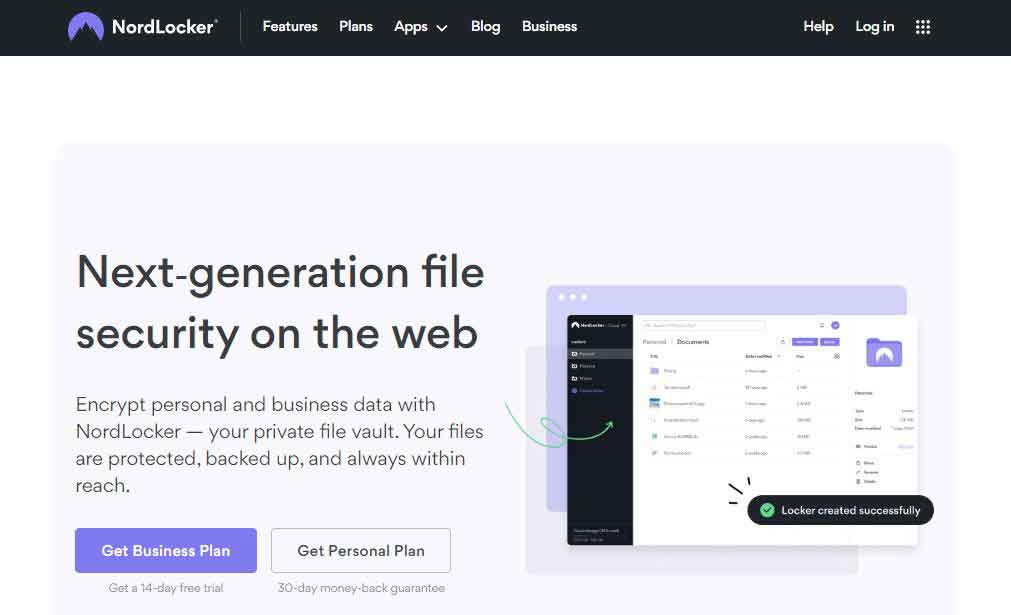
- Powerful encryption
- Multi-factor authentication feature for added security
- Zero-knowledge architecture
- Sync files across all devices
- Get up to 2TB storage capacity
NordLocker is the best encrypted cloud backup provider that uses uncrackable encryption and comprehensive security features to protect the users’ files and other critical data in the cloud. It relies on AES-256 bit encryption that’s virtually unbreakable and maximizes your data security. Besides this, it also uses the zero-policy architecture to protect cloud data from malicious actors.
It is one of the easiest tools to use. All the data becomes encrypted automatically by dragging and dropping the file or folder into the NordLocker app. You can also schedule backup and benefit from the secure file-sharing feature. With NordLocker, you can securely share files across all compatible devices and operating systems like Android, iOS, Mac, Linux, and Windows.
With NordLocker, you can get up to 2TB of secure storage limit, but if you want more, you can customize a plan by contacting the sales department. NordLocker doesn’t offer a free version or a free trial option. But you can always take advantage of the 30-day money-back guarantee offer if you feel the service is not worth using.
10. ElephantDrive
- Automatic backups
- Up to 2000 GB base storage
- Dedicated mobile apps
- External disk backups
- NAS backup
Businesses can also consider using ElephantDrive to back up their data in the cloud environment. It uses powerful AES-256 bit encryption and SSL secured channel to keep your data private and secure from the prying eyes of hackers. It automatically backs up the data and files, so there’s no need for a separate IT team to monitor if the data is backed up successfully. But you can also back up the data from NAS devices which adds a protective layer to your data and further ensures that no one except the owner can access it.
ElephantDrive offers a solution so that users can collectively work together. It supports secure file sharing, making it easy to share files with your work colleagues and edit them simultaneously. You can back up and sync data on all supported devices and access it via your phone, laptop, tablet, or desktop PC without hassle.
The cloud backup provider doesn’t offer any free version. It offers premium subscription plans for individuals, families, and businesses. You can get ElephantDrive at the lowest price of $400 per year and unlimited data storage capacity on over 25 accounts.
11. Internxt

- Encrypted file storage and sharing
- Money-back guarantee offer
- Massive encrypted cloud storage limit
- Access files from any device
- Zero-knowledge architecture
Internxt is another popular name that makes it into the best encrypted cloud backup providers list. It deploys military-grade AES-256 bit encryption and a zero-knowledge policy to protect sensitive business data. Because of strong encryption standards, the stored data isn’t stored on the cloud servers; only the users can view it. This way, a business can prevent identity theft and other common cyber threats.
The cloud service provider works exceptionally well across all platforms and devices. You can use your mobile devices, laptops, and Windows computers to access the cloud data. Also, it supports the secure file-sharing feature, resulting in easy and fast access to data. However, besides this, Internxt doesn’t provide any noticeable features that might distract users from using this service.
Internxt is available in both free and premium versions. However, the free version only allocates a 10GB storage limit, which is not enough to cater the business needs. Businesses can get up to 2TB of encrypted storage limit at an affordable price. If unsatisfied with the cloud provider’s service, they can demand a refund within the initial 30-days of the purchase.
12. PolarBackup

- Uses AWS technology
- GDPR compliant
- Supports file versioning
- No support for mobile devices
- 30-day refund offer
PolarBackup is another great encrypted cloud backup provider that allows businesses to securely store and back up their data. It uses the advanced AWS technology that provides the highest data security and protection level within the cloud environment. Besides this, it utilizes the unbreakable AES-256 bit encryption that encrypts the data at transit and thus protects it from ransomware attacks.
The cloud service provider lets users restore their data with a single click and enjoy a smooth backup and storage experience. Also, you can share and access files easily on your devices, but unfortunately, PolarBackup doesn’t work on mobile devices, which users don’t like.
PolarBackup offers different pricing plans, and businesses can choose according to their needs. The encrypted storage capacity varies; the highest limit it offers is 5TB, which is huge. A 30-day money-back guarantee offer backs up all the pricing plans, so if you don’t like their service, don’t worry; you can get a refund.
What makes the Encrypted Cloud Backup the most secure
The encrypted cloud backup solution is of great value for your business data, but choosing the right tool isn’t easy. One wrong decision can significantly risk your business data. Thus, before using any cloud backup solution, make sure it has all these features:
- Robust Encryption: It is an essential feature in the cloud backup solution. Make sure you select a service provider that uses the industry’s highest encryption standard for protecting and backing up the data in the cloud.
- Zero-Knowledge Policy: A cloud backup provider that relies on a zero-knowledge architecture ensures that the data isn’t stored and is only accessible to the end user.
- Storage Capacity: Select a cloud backup provider with massive encrypted storage capacity for storing large-size files and data in bulk quantity.
- Device Compatibility: A service provider that works across all devices is the most preferred choice of the users. Therefore, use a backup solution compatible with desktop and mobile devices and ensures easy and quick data access.
- Trial Period: Try to use a cloud solution that either offers a trial period or has a refund policy. It is extremely important when you think the features or services the solution offers are not something you were looking for.
All the cloud backup providers reviewed above are based on the above criteria, so it’s advisable not to skip any of the abovementioned features.
Final thoughts
The encrypted cloud backup services enjoy a clear edge over the traditional backup approaches in the modern threat landscape. They increase data security but also come with additional benefits like reducing cost and increased data availability. If you haven’t used any cloud backup solution for your business, choose from the above-recommended list and boost the security of your business data.
FAQs
The post 12 Best Encrypted Cloud Backup Services To Consider In 2024 appeared first on BeEncrypted.
]]>Deprecated: Using null as an array offset is deprecated, use an empty string instead in /var/www/staging.beencrypted.com/site/web/wp/wp-includes/class-wp-block-type-registry.php on line 168
Deprecated: Using null as an array offset is deprecated, use an empty string instead in /var/www/staging.beencrypted.com/site/web/wp/wp-includes/class-wp-block-type-registry.php on line 168
Deprecated: Using null as an array offset is deprecated, use an empty string instead in /var/www/staging.beencrypted.com/site/web/wp/wp-includes/class-wp-block-type-registry.php on line 168
Deprecated: Using null as an array offset is deprecated, use an empty string instead in /var/www/staging.beencrypted.com/site/web/wp/wp-includes/class-wp-block-type-registry.php on line 168
Deprecated: Using null as an array offset is deprecated, use an empty string instead in /var/www/staging.beencrypted.com/site/web/wp/wp-includes/class-wp-block-type-registry.php on line 168
Deprecated: Using null as an array offset is deprecated, use an empty string instead in /var/www/staging.beencrypted.com/site/web/wp/wp-includes/class-wp-block-type-registry.php on line 168
Deprecated: Using null as an array offset is deprecated, use an empty string instead in /var/www/staging.beencrypted.com/site/web/wp/wp-includes/class-wp-block-type-registry.php on line 168
Deprecated: Using null as an array offset is deprecated, use an empty string instead in /var/www/staging.beencrypted.com/site/web/wp/wp-includes/class-wp-block-type-registry.php on line 168
Deprecated: Using null as an array offset is deprecated, use an empty string instead in /var/www/staging.beencrypted.com/site/web/wp/wp-includes/class-wp-block-type-registry.php on line 168
Deprecated: Using null as an array offset is deprecated, use an empty string instead in /var/www/staging.beencrypted.com/site/web/wp/wp-includes/class-wp-block-type-registry.php on line 168
Deprecated: Using null as an array offset is deprecated, use an empty string instead in /var/www/staging.beencrypted.com/site/web/wp/wp-includes/class-wp-block-type-registry.php on line 168
Deprecated: Using null as an array offset is deprecated, use an empty string instead in /var/www/staging.beencrypted.com/site/web/wp/wp-includes/class-wp-block-type-registry.php on line 168
Deprecated: Using null as an array offset is deprecated, use an empty string instead in /var/www/staging.beencrypted.com/site/web/wp/wp-includes/class-wp-block-type-registry.php on line 168
Deprecated: Using null as an array offset is deprecated, use an empty string instead in /var/www/staging.beencrypted.com/site/web/wp/wp-includes/class-wp-block-type-registry.php on line 168
Deprecated: Using null as an array offset is deprecated, use an empty string instead in /var/www/staging.beencrypted.com/site/web/wp/wp-includes/class-wp-block-type-registry.php on line 168
Deprecated: Using null as an array offset is deprecated, use an empty string instead in /var/www/staging.beencrypted.com/site/web/wp/wp-includes/class-wp-block-type-registry.php on line 168
Deprecated: Using null as an array offset is deprecated, use an empty string instead in /var/www/staging.beencrypted.com/site/web/wp/wp-includes/class-wp-block-type-registry.php on line 168
Deprecated: Using null as an array offset is deprecated, use an empty string instead in /var/www/staging.beencrypted.com/site/web/wp/wp-includes/class-wp-block-type-registry.php on line 168
Deprecated: Using null as an array offset is deprecated, use an empty string instead in /var/www/staging.beencrypted.com/site/web/wp/wp-includes/class-wp-block-type-registry.php on line 168
Deprecated: Using null as an array offset is deprecated, use an empty string instead in /var/www/staging.beencrypted.com/site/web/wp/wp-includes/class-wp-block-type-registry.php on line 168
Deprecated: Using null as an array offset is deprecated, use an empty string instead in /var/www/staging.beencrypted.com/site/web/wp/wp-includes/class-wp-block-type-registry.php on line 168
Deprecated: Using null as an array offset is deprecated, use an empty string instead in /var/www/staging.beencrypted.com/site/web/wp/wp-includes/class-wp-block-type-registry.php on line 168
Deprecated: Using null as an array offset is deprecated, use an empty string instead in /var/www/staging.beencrypted.com/site/web/wp/wp-includes/class-wp-block-type-registry.php on line 168
Deprecated: Using null as an array offset is deprecated, use an empty string instead in /var/www/staging.beencrypted.com/site/web/wp/wp-includes/class-wp-block-type-registry.php on line 168
Deprecated: Using null as an array offset is deprecated, use an empty string instead in /var/www/staging.beencrypted.com/site/web/wp/wp-includes/class-wp-block-type-registry.php on line 168
Deprecated: Using null as an array offset is deprecated, use an empty string instead in /var/www/staging.beencrypted.com/site/web/wp/wp-includes/class-wp-block-type-registry.php on line 168
Deprecated: Using null as an array offset is deprecated, use an empty string instead in /var/www/staging.beencrypted.com/site/web/wp/wp-includes/class-wp-block-type-registry.php on line 168
Deprecated: Using null as an array offset is deprecated, use an empty string instead in /var/www/staging.beencrypted.com/site/web/wp/wp-includes/class-wp-block-type-registry.php on line 168
Deprecated: Using null as an array offset is deprecated, use an empty string instead in /var/www/staging.beencrypted.com/site/web/wp/wp-includes/class-wp-block-type-registry.php on line 168
Deprecated: Using null as an array offset is deprecated, use an empty string instead in /var/www/staging.beencrypted.com/site/web/wp/wp-includes/class-wp-block-type-registry.php on line 168
Deprecated: Using null as an array offset is deprecated, use an empty string instead in /var/www/staging.beencrypted.com/site/web/wp/wp-includes/class-wp-block-type-registry.php on line 168
Deprecated: Using null as an array offset is deprecated, use an empty string instead in /var/www/staging.beencrypted.com/site/web/wp/wp-includes/class-wp-block-type-registry.php on line 168
Deprecated: Using null as an array offset is deprecated, use an empty string instead in /var/www/staging.beencrypted.com/site/web/wp/wp-includes/class-wp-block-type-registry.php on line 168
Deprecated: Using null as an array offset is deprecated, use an empty string instead in /var/www/staging.beencrypted.com/site/web/wp/wp-includes/class-wp-block-type-registry.php on line 168
Deprecated: Using null as an array offset is deprecated, use an empty string instead in /var/www/staging.beencrypted.com/site/web/wp/wp-includes/class-wp-block-type-registry.php on line 168
Deprecated: Using null as an array offset is deprecated, use an empty string instead in /var/www/staging.beencrypted.com/site/web/wp/wp-includes/class-wp-block-type-registry.php on line 168
Deprecated: Using null as an array offset is deprecated, use an empty string instead in /var/www/staging.beencrypted.com/site/web/wp/wp-includes/class-wp-block-type-registry.php on line 168
Deprecated: Using null as an array offset is deprecated, use an empty string instead in /var/www/staging.beencrypted.com/site/web/wp/wp-includes/class-wp-block-type-registry.php on line 168
Deprecated: Using null as an array offset is deprecated, use an empty string instead in /var/www/staging.beencrypted.com/site/web/wp/wp-includes/class-wp-block-type-registry.php on line 168
Deprecated: Using null as an array offset is deprecated, use an empty string instead in /var/www/staging.beencrypted.com/site/web/wp/wp-includes/class-wp-block-type-registry.php on line 168
Deprecated: Using null as an array offset is deprecated, use an empty string instead in /var/www/staging.beencrypted.com/site/web/wp/wp-includes/class-wp-block-type-registry.php on line 168
Deprecated: Using null as an array offset is deprecated, use an empty string instead in /var/www/staging.beencrypted.com/site/web/wp/wp-includes/class-wp-block-type-registry.php on line 168
Deprecated: Using null as an array offset is deprecated, use an empty string instead in /var/www/staging.beencrypted.com/site/web/wp/wp-includes/class-wp-block-type-registry.php on line 168
Deprecated: Using null as an array offset is deprecated, use an empty string instead in /var/www/staging.beencrypted.com/site/web/wp/wp-includes/class-wp-block-type-registry.php on line 168
Deprecated: Using null as an array offset is deprecated, use an empty string instead in /var/www/staging.beencrypted.com/site/web/wp/wp-includes/class-wp-block-type-registry.php on line 168
Deprecated: Using null as an array offset is deprecated, use an empty string instead in /var/www/staging.beencrypted.com/site/web/wp/wp-includes/class-wp-block-type-registry.php on line 168
Deprecated: Using null as an array offset is deprecated, use an empty string instead in /var/www/staging.beencrypted.com/site/web/wp/wp-includes/class-wp-block-type-registry.php on line 168
Deprecated: Using null as an array offset is deprecated, use an empty string instead in /var/www/staging.beencrypted.com/site/web/wp/wp-includes/class-wp-block-type-registry.php on line 168
Deprecated: Using null as an array offset is deprecated, use an empty string instead in /var/www/staging.beencrypted.com/site/web/wp/wp-includes/class-wp-block-type-registry.php on line 168
Deprecated: Using null as an array offset is deprecated, use an empty string instead in /var/www/staging.beencrypted.com/site/web/wp/wp-includes/class-wp-block-type-registry.php on line 168
Deprecated: Using null as an array offset is deprecated, use an empty string instead in /var/www/staging.beencrypted.com/site/web/wp/wp-includes/class-wp-block-type-registry.php on line 168
Deprecated: Using null as an array offset is deprecated, use an empty string instead in /var/www/staging.beencrypted.com/site/web/wp/wp-includes/class-wp-block-type-registry.php on line 168
Deprecated: Using null as an array offset is deprecated, use an empty string instead in /var/www/staging.beencrypted.com/site/web/wp/wp-includes/class-wp-block-type-registry.php on line 168
Deprecated: Using null as an array offset is deprecated, use an empty string instead in /var/www/staging.beencrypted.com/site/web/wp/wp-includes/class-wp-block-type-registry.php on line 168
Deprecated: Using null as an array offset is deprecated, use an empty string instead in /var/www/staging.beencrypted.com/site/web/wp/wp-includes/class-wp-block-type-registry.php on line 168
Deprecated: Using null as an array offset is deprecated, use an empty string instead in /var/www/staging.beencrypted.com/site/web/wp/wp-includes/class-wp-block-type-registry.php on line 168
Deprecated: Using null as an array offset is deprecated, use an empty string instead in /var/www/staging.beencrypted.com/site/web/wp/wp-includes/class-wp-block-type-registry.php on line 168
Deprecated: Using null as an array offset is deprecated, use an empty string instead in /var/www/staging.beencrypted.com/site/web/wp/wp-includes/class-wp-block-type-registry.php on line 168
Deprecated: Using null as an array offset is deprecated, use an empty string instead in /var/www/staging.beencrypted.com/site/web/wp/wp-includes/class-wp-block-type-registry.php on line 168
Deprecated: Using null as an array offset is deprecated, use an empty string instead in /var/www/staging.beencrypted.com/site/web/wp/wp-includes/class-wp-block-type-registry.php on line 168
Deprecated: Using null as an array offset is deprecated, use an empty string instead in /var/www/staging.beencrypted.com/site/web/wp/wp-includes/class-wp-block-type-registry.php on line 168
Deprecated: Using null as an array offset is deprecated, use an empty string instead in /var/www/staging.beencrypted.com/site/web/wp/wp-includes/class-wp-block-type-registry.php on line 168
Deprecated: Using null as an array offset is deprecated, use an empty string instead in /var/www/staging.beencrypted.com/site/web/wp/wp-includes/class-wp-block-type-registry.php on line 168
Deprecated: Using null as an array offset is deprecated, use an empty string instead in /var/www/staging.beencrypted.com/site/web/wp/wp-includes/class-wp-block-type-registry.php on line 168
Deprecated: Using null as an array offset is deprecated, use an empty string instead in /var/www/staging.beencrypted.com/site/web/wp/wp-includes/class-wp-block-type-registry.php on line 168
Deprecated: Using null as an array offset is deprecated, use an empty string instead in /var/www/staging.beencrypted.com/site/web/wp/wp-includes/class-wp-block-type-registry.php on line 168
Deprecated: Using null as an array offset is deprecated, use an empty string instead in /var/www/staging.beencrypted.com/site/web/wp/wp-includes/class-wp-block-type-registry.php on line 168
Deprecated: Using null as an array offset is deprecated, use an empty string instead in /var/www/staging.beencrypted.com/site/web/wp/wp-includes/class-wp-block-type-registry.php on line 168
Deprecated: Using null as an array offset is deprecated, use an empty string instead in /var/www/staging.beencrypted.com/site/web/wp/wp-includes/class-wp-block-type-registry.php on line 168
Deprecated: Using null as an array offset is deprecated, use an empty string instead in /var/www/staging.beencrypted.com/site/web/wp/wp-includes/class-wp-block-type-registry.php on line 168
Deprecated: Using null as an array offset is deprecated, use an empty string instead in /var/www/staging.beencrypted.com/site/web/wp/wp-includes/class-wp-block-type-registry.php on line 168
Deprecated: Using null as an array offset is deprecated, use an empty string instead in /var/www/staging.beencrypted.com/site/web/wp/wp-includes/class-wp-block-type-registry.php on line 168
Deprecated: Using null as an array offset is deprecated, use an empty string instead in /var/www/staging.beencrypted.com/site/web/wp/wp-includes/class-wp-block-type-registry.php on line 168
Deprecated: Using null as an array offset is deprecated, use an empty string instead in /var/www/staging.beencrypted.com/site/web/wp/wp-includes/class-wp-block-type-registry.php on line 168
Deprecated: Using null as an array offset is deprecated, use an empty string instead in /var/www/staging.beencrypted.com/site/web/wp/wp-includes/class-wp-block-type-registry.php on line 168
Deprecated: Using null as an array offset is deprecated, use an empty string instead in /var/www/staging.beencrypted.com/site/web/wp/wp-includes/class-wp-block-type-registry.php on line 168
Deprecated: Using null as an array offset is deprecated, use an empty string instead in /var/www/staging.beencrypted.com/site/web/wp/wp-includes/class-wp-block-type-registry.php on line 168
Deprecated: Using null as an array offset is deprecated, use an empty string instead in /var/www/staging.beencrypted.com/site/web/wp/wp-includes/class-wp-block-type-registry.php on line 168
Deprecated: Using null as an array offset is deprecated, use an empty string instead in /var/www/staging.beencrypted.com/site/web/wp/wp-includes/class-wp-block-type-registry.php on line 168
Deprecated: Using null as an array offset is deprecated, use an empty string instead in /var/www/staging.beencrypted.com/site/web/wp/wp-includes/class-wp-block-type-registry.php on line 168
Deprecated: Using null as an array offset is deprecated, use an empty string instead in /var/www/staging.beencrypted.com/site/web/wp/wp-includes/class-wp-block-type-registry.php on line 168
Deprecated: Using null as an array offset is deprecated, use an empty string instead in /var/www/staging.beencrypted.com/site/web/wp/wp-includes/class-wp-block-type-registry.php on line 168
Deprecated: Using null as an array offset is deprecated, use an empty string instead in /var/www/staging.beencrypted.com/site/web/wp/wp-includes/class-wp-block-type-registry.php on line 168
Deprecated: Using null as an array offset is deprecated, use an empty string instead in /var/www/staging.beencrypted.com/site/web/wp/wp-includes/class-wp-block-type-registry.php on line 168
Deprecated: Using null as an array offset is deprecated, use an empty string instead in /var/www/staging.beencrypted.com/site/web/wp/wp-includes/class-wp-block-type-registry.php on line 168
Deprecated: Using null as an array offset is deprecated, use an empty string instead in /var/www/staging.beencrypted.com/site/web/wp/wp-includes/class-wp-block-type-registry.php on line 168
Deprecated: Using null as an array offset is deprecated, use an empty string instead in /var/www/staging.beencrypted.com/site/web/wp/wp-includes/class-wp-block-type-registry.php on line 168
Deprecated: Using null as an array offset is deprecated, use an empty string instead in /var/www/staging.beencrypted.com/site/web/wp/wp-includes/class-wp-block-type-registry.php on line 168
Deprecated: Using null as an array offset is deprecated, use an empty string instead in /var/www/staging.beencrypted.com/site/web/wp/wp-includes/class-wp-block-type-registry.php on line 168
Deprecated: Using null as an array offset is deprecated, use an empty string instead in /var/www/staging.beencrypted.com/site/web/wp/wp-includes/class-wp-block-type-registry.php on line 168
Deprecated: Using null as an array offset is deprecated, use an empty string instead in /var/www/staging.beencrypted.com/site/web/wp/wp-includes/class-wp-block-type-registry.php on line 168
Deprecated: Using null as an array offset is deprecated, use an empty string instead in /var/www/staging.beencrypted.com/site/web/wp/wp-includes/class-wp-block-type-registry.php on line 168
Deprecated: Using null as an array offset is deprecated, use an empty string instead in /var/www/staging.beencrypted.com/site/web/wp/wp-includes/class-wp-block-type-registry.php on line 168
Deprecated: Using null as an array offset is deprecated, use an empty string instead in /var/www/staging.beencrypted.com/site/web/wp/wp-includes/class-wp-block-type-registry.php on line 168
Deprecated: Using null as an array offset is deprecated, use an empty string instead in /var/www/staging.beencrypted.com/site/web/wp/wp-includes/class-wp-block-type-registry.php on line 168
Deprecated: Using null as an array offset is deprecated, use an empty string instead in /var/www/staging.beencrypted.com/site/web/wp/wp-includes/class-wp-block-type-registry.php on line 168
Deprecated: Using null as an array offset is deprecated, use an empty string instead in /var/www/staging.beencrypted.com/site/web/wp/wp-includes/class-wp-block-type-registry.php on line 168
Deprecated: Using null as an array offset is deprecated, use an empty string instead in /var/www/staging.beencrypted.com/site/web/wp/wp-includes/class-wp-block-type-registry.php on line 168
Deprecated: Using null as an array offset is deprecated, use an empty string instead in /var/www/staging.beencrypted.com/site/web/wp/wp-includes/class-wp-block-type-registry.php on line 168
Deprecated: Using null as an array offset is deprecated, use an empty string instead in /var/www/staging.beencrypted.com/site/web/wp/wp-includes/class-wp-block-type-registry.php on line 168
Deprecated: Using null as an array offset is deprecated, use an empty string instead in /var/www/staging.beencrypted.com/site/web/wp/wp-includes/class-wp-block-type-registry.php on line 168
Deprecated: Using null as an array offset is deprecated, use an empty string instead in /var/www/staging.beencrypted.com/site/web/wp/wp-includes/class-wp-block-type-registry.php on line 168
Deprecated: Using null as an array offset is deprecated, use an empty string instead in /var/www/staging.beencrypted.com/site/web/wp/wp-includes/class-wp-block-type-registry.php on line 168
Deprecated: Using null as an array offset is deprecated, use an empty string instead in /var/www/staging.beencrypted.com/site/web/wp/wp-includes/class-wp-block-type-registry.php on line 168
Deprecated: Using null as an array offset is deprecated, use an empty string instead in /var/www/staging.beencrypted.com/site/web/wp/wp-includes/class-wp-block-type-registry.php on line 168
Deprecated: Using null as an array offset is deprecated, use an empty string instead in /var/www/staging.beencrypted.com/site/web/wp/wp-includes/class-wp-block-type-registry.php on line 168
Deprecated: Using null as an array offset is deprecated, use an empty string instead in /var/www/staging.beencrypted.com/site/web/wp/wp-includes/class-wp-block-type-registry.php on line 168
Deprecated: Using null as an array offset is deprecated, use an empty string instead in /var/www/staging.beencrypted.com/site/web/wp/wp-includes/class-wp-block-type-registry.php on line 168
Deprecated: Using null as an array offset is deprecated, use an empty string instead in /var/www/staging.beencrypted.com/site/web/wp/wp-includes/class-wp-block-type-registry.php on line 168
Deprecated: Using null as an array offset is deprecated, use an empty string instead in /var/www/staging.beencrypted.com/site/web/wp/wp-includes/class-wp-block-type-registry.php on line 168
Deprecated: Using null as an array offset is deprecated, use an empty string instead in /var/www/staging.beencrypted.com/site/web/wp/wp-includes/class-wp-block-type-registry.php on line 168
Deprecated: Using null as an array offset is deprecated, use an empty string instead in /var/www/staging.beencrypted.com/site/web/wp/wp-includes/class-wp-block-type-registry.php on line 168
Deprecated: Using null as an array offset is deprecated, use an empty string instead in /var/www/staging.beencrypted.com/site/web/wp/wp-includes/class-wp-block-type-registry.php on line 168
Deprecated: Using null as an array offset is deprecated, use an empty string instead in /var/www/staging.beencrypted.com/site/web/wp/wp-includes/class-wp-block-type-registry.php on line 168
Deprecated: Using null as an array offset is deprecated, use an empty string instead in /var/www/staging.beencrypted.com/site/web/wp/wp-includes/class-wp-block-type-registry.php on line 168
Deprecated: Using null as an array offset is deprecated, use an empty string instead in /var/www/staging.beencrypted.com/site/web/wp/wp-includes/class-wp-block-type-registry.php on line 168
Deprecated: Using null as an array offset is deprecated, use an empty string instead in /var/www/staging.beencrypted.com/site/web/wp/wp-includes/class-wp-block-type-registry.php on line 168
Deprecated: Using null as an array offset is deprecated, use an empty string instead in /var/www/staging.beencrypted.com/site/web/wp/wp-includes/class-wp-block-type-registry.php on line 168
Deprecated: Using null as an array offset is deprecated, use an empty string instead in /var/www/staging.beencrypted.com/site/web/wp/wp-includes/class-wp-block-type-registry.php on line 168
Deprecated: Using null as an array offset is deprecated, use an empty string instead in /var/www/staging.beencrypted.com/site/web/wp/wp-includes/class-wp-block-type-registry.php on line 168
Deprecated: Using null as an array offset is deprecated, use an empty string instead in /var/www/staging.beencrypted.com/site/web/wp/wp-includes/class-wp-block-type-registry.php on line 168
Deprecated: Using null as an array offset is deprecated, use an empty string instead in /var/www/staging.beencrypted.com/site/web/wp/wp-includes/class-wp-block-type-registry.php on line 168
Deprecated: Using null as an array offset is deprecated, use an empty string instead in /var/www/staging.beencrypted.com/site/web/wp/wp-includes/class-wp-block-type-registry.php on line 168
Deprecated: Using null as an array offset is deprecated, use an empty string instead in /var/www/staging.beencrypted.com/site/web/wp/wp-includes/class-wp-block-type-registry.php on line 168
Deprecated: Using null as an array offset is deprecated, use an empty string instead in /var/www/staging.beencrypted.com/site/web/wp/wp-includes/class-wp-block-type-registry.php on line 168
Deprecated: Using null as an array offset is deprecated, use an empty string instead in /var/www/staging.beencrypted.com/site/web/wp/wp-includes/class-wp-block-type-registry.php on line 168
Deprecated: Using null as an array offset is deprecated, use an empty string instead in /var/www/staging.beencrypted.com/site/web/wp/wp-includes/class-wp-block-type-registry.php on line 168
Deprecated: Using null as an array offset is deprecated, use an empty string instead in /var/www/staging.beencrypted.com/site/web/wp/wp-includes/class-wp-block-type-registry.php on line 168
Deprecated: Using null as an array offset is deprecated, use an empty string instead in /var/www/staging.beencrypted.com/site/web/wp/wp-includes/class-wp-block-type-registry.php on line 168
Deprecated: Using null as an array offset is deprecated, use an empty string instead in /var/www/staging.beencrypted.com/site/web/wp/wp-includes/class-wp-block-type-registry.php on line 168
Deprecated: Using null as an array offset is deprecated, use an empty string instead in /var/www/staging.beencrypted.com/site/web/wp/wp-includes/class-wp-block-type-registry.php on line 168
Deprecated: Using null as an array offset is deprecated, use an empty string instead in /var/www/staging.beencrypted.com/site/web/wp/wp-includes/class-wp-block-type-registry.php on line 168
Deprecated: Using null as an array offset is deprecated, use an empty string instead in /var/www/staging.beencrypted.com/site/web/wp/wp-includes/class-wp-block-type-registry.php on line 168
Deprecated: Using null as an array offset is deprecated, use an empty string instead in /var/www/staging.beencrypted.com/site/web/wp/wp-includes/class-wp-block-type-registry.php on line 168
Deprecated: Using null as an array offset is deprecated, use an empty string instead in /var/www/staging.beencrypted.com/site/web/wp/wp-includes/class-wp-block-type-registry.php on line 168
Deprecated: Using null as an array offset is deprecated, use an empty string instead in /var/www/staging.beencrypted.com/site/web/wp/wp-includes/class-wp-block-type-registry.php on line 168
Deprecated: Using null as an array offset is deprecated, use an empty string instead in /var/www/staging.beencrypted.com/site/web/wp/wp-includes/class-wp-block-type-registry.php on line 168
Deprecated: Using null as an array offset is deprecated, use an empty string instead in /var/www/staging.beencrypted.com/site/web/wp/wp-includes/class-wp-block-type-registry.php on line 168
Deprecated: Using null as an array offset is deprecated, use an empty string instead in /var/www/staging.beencrypted.com/site/web/wp/wp-includes/class-wp-block-type-registry.php on line 168
Deprecated: Using null as an array offset is deprecated, use an empty string instead in /var/www/staging.beencrypted.com/site/web/wp/wp-includes/class-wp-block-type-registry.php on line 168
Deprecated: Using null as an array offset is deprecated, use an empty string instead in /var/www/staging.beencrypted.com/site/web/wp/wp-includes/class-wp-block-type-registry.php on line 168
Deprecated: Using null as an array offset is deprecated, use an empty string instead in /var/www/staging.beencrypted.com/site/web/wp/wp-includes/class-wp-block-type-registry.php on line 168
Deprecated: Using null as an array offset is deprecated, use an empty string instead in /var/www/staging.beencrypted.com/site/web/wp/wp-includes/class-wp-block-type-registry.php on line 168
Deprecated: Using null as an array offset is deprecated, use an empty string instead in /var/www/staging.beencrypted.com/site/web/wp/wp-includes/class-wp-block-type-registry.php on line 168
Deprecated: Using null as an array offset is deprecated, use an empty string instead in /var/www/staging.beencrypted.com/site/web/wp/wp-includes/class-wp-block-type-registry.php on line 168
Deprecated: Using null as an array offset is deprecated, use an empty string instead in /var/www/staging.beencrypted.com/site/web/wp/wp-includes/class-wp-block-type-registry.php on line 168
Deprecated: Using null as an array offset is deprecated, use an empty string instead in /var/www/staging.beencrypted.com/site/web/wp/wp-includes/class-wp-block-type-registry.php on line 168
Deprecated: Using null as an array offset is deprecated, use an empty string instead in /var/www/staging.beencrypted.com/site/web/wp/wp-includes/class-wp-block-type-registry.php on line 168
Deprecated: Using null as an array offset is deprecated, use an empty string instead in /var/www/staging.beencrypted.com/site/web/wp/wp-includes/class-wp-block-type-registry.php on line 168
Deprecated: Using null as an array offset is deprecated, use an empty string instead in /var/www/staging.beencrypted.com/site/web/wp/wp-includes/class-wp-block-type-registry.php on line 168
Deprecated: Using null as an array offset is deprecated, use an empty string instead in /var/www/staging.beencrypted.com/site/web/wp/wp-includes/class-wp-block-type-registry.php on line 168
Deprecated: Using null as an array offset is deprecated, use an empty string instead in /var/www/staging.beencrypted.com/site/web/wp/wp-includes/class-wp-block-type-registry.php on line 168
Deprecated: Using null as an array offset is deprecated, use an empty string instead in /var/www/staging.beencrypted.com/site/web/wp/wp-includes/class-wp-block-type-registry.php on line 168
Deprecated: Using null as an array offset is deprecated, use an empty string instead in /var/www/staging.beencrypted.com/site/web/wp/wp-includes/class-wp-block-type-registry.php on line 168
Deprecated: Using null as an array offset is deprecated, use an empty string instead in /var/www/staging.beencrypted.com/site/web/wp/wp-includes/class-wp-block-type-registry.php on line 168
Deprecated: Using null as an array offset is deprecated, use an empty string instead in /var/www/staging.beencrypted.com/site/web/wp/wp-includes/class-wp-block-type-registry.php on line 168
Deprecated: Using null as an array offset is deprecated, use an empty string instead in /var/www/staging.beencrypted.com/site/web/wp/wp-includes/class-wp-block-type-registry.php on line 168
Deprecated: Using null as an array offset is deprecated, use an empty string instead in /var/www/staging.beencrypted.com/site/web/wp/wp-includes/class-wp-block-type-registry.php on line 168
Deprecated: Using null as an array offset is deprecated, use an empty string instead in /var/www/staging.beencrypted.com/site/web/wp/wp-includes/class-wp-block-type-registry.php on line 168
Deprecated: Using null as an array offset is deprecated, use an empty string instead in /var/www/staging.beencrypted.com/site/web/wp/wp-includes/class-wp-block-type-registry.php on line 168
Deprecated: Using null as an array offset is deprecated, use an empty string instead in /var/www/staging.beencrypted.com/site/web/wp/wp-includes/class-wp-block-type-registry.php on line 168
Deprecated: Using null as an array offset is deprecated, use an empty string instead in /var/www/staging.beencrypted.com/site/web/wp/wp-includes/class-wp-block-type-registry.php on line 168
Deprecated: Using null as an array offset is deprecated, use an empty string instead in /var/www/staging.beencrypted.com/site/web/wp/wp-includes/class-wp-block-type-registry.php on line 168
Deprecated: Using null as an array offset is deprecated, use an empty string instead in /var/www/staging.beencrypted.com/site/web/wp/wp-includes/class-wp-block-type-registry.php on line 168
Deprecated: Using null as an array offset is deprecated, use an empty string instead in /var/www/staging.beencrypted.com/site/web/wp/wp-includes/class-wp-block-type-registry.php on line 168
Deprecated: Using null as an array offset is deprecated, use an empty string instead in /var/www/staging.beencrypted.com/site/web/wp/wp-includes/class-wp-block-type-registry.php on line 168
Deprecated: Using null as an array offset is deprecated, use an empty string instead in /var/www/staging.beencrypted.com/site/web/wp/wp-includes/class-wp-block-type-registry.php on line 168
Deprecated: Using null as an array offset is deprecated, use an empty string instead in /var/www/staging.beencrypted.com/site/web/wp/wp-includes/class-wp-block-type-registry.php on line 168
Deprecated: Using null as an array offset is deprecated, use an empty string instead in /var/www/staging.beencrypted.com/site/web/wp/wp-includes/class-wp-block-type-registry.php on line 168
Deprecated: Using null as an array offset is deprecated, use an empty string instead in /var/www/staging.beencrypted.com/site/web/wp/wp-includes/class-wp-block-type-registry.php on line 168
Deprecated: Using null as an array offset is deprecated, use an empty string instead in /var/www/staging.beencrypted.com/site/web/wp/wp-includes/class-wp-block-type-registry.php on line 168
Deprecated: Using null as an array offset is deprecated, use an empty string instead in /var/www/staging.beencrypted.com/site/web/wp/wp-includes/class-wp-block-type-registry.php on line 168
Deprecated: Using null as an array offset is deprecated, use an empty string instead in /var/www/staging.beencrypted.com/site/web/wp/wp-includes/class-wp-block-type-registry.php on line 168
Deprecated: Using null as an array offset is deprecated, use an empty string instead in /var/www/staging.beencrypted.com/site/web/wp/wp-includes/class-wp-block-type-registry.php on line 168
Deprecated: Using null as an array offset is deprecated, use an empty string instead in /var/www/staging.beencrypted.com/site/web/wp/wp-includes/class-wp-block-type-registry.php on line 168
Deprecated: Using null as an array offset is deprecated, use an empty string instead in /var/www/staging.beencrypted.com/site/web/wp/wp-includes/class-wp-block-type-registry.php on line 168
Deprecated: Using null as an array offset is deprecated, use an empty string instead in /var/www/staging.beencrypted.com/site/web/wp/wp-includes/class-wp-block-type-registry.php on line 168
Deprecated: Using null as an array offset is deprecated, use an empty string instead in /var/www/staging.beencrypted.com/site/web/wp/wp-includes/class-wp-block-type-registry.php on line 168
Deprecated: Using null as an array offset is deprecated, use an empty string instead in /var/www/staging.beencrypted.com/site/web/wp/wp-includes/class-wp-block-type-registry.php on line 168
Deprecated: Using null as an array offset is deprecated, use an empty string instead in /var/www/staging.beencrypted.com/site/web/wp/wp-includes/class-wp-block-type-registry.php on line 168
Deprecated: Using null as an array offset is deprecated, use an empty string instead in /var/www/staging.beencrypted.com/site/web/wp/wp-includes/class-wp-block-type-registry.php on line 168
Deprecated: Using null as an array offset is deprecated, use an empty string instead in /var/www/staging.beencrypted.com/site/web/wp/wp-includes/class-wp-block-type-registry.php on line 168
Deprecated: Using null as an array offset is deprecated, use an empty string instead in /var/www/staging.beencrypted.com/site/web/wp/wp-includes/class-wp-block-type-registry.php on line 168
Deprecated: Using null as an array offset is deprecated, use an empty string instead in /var/www/staging.beencrypted.com/site/web/wp/wp-includes/class-wp-block-type-registry.php on line 168
Deprecated: Using null as an array offset is deprecated, use an empty string instead in /var/www/staging.beencrypted.com/site/web/wp/wp-includes/class-wp-block-type-registry.php on line 168
Deprecated: Using null as an array offset is deprecated, use an empty string instead in /var/www/staging.beencrypted.com/site/web/wp/wp-includes/class-wp-block-type-registry.php on line 168
Deprecated: Using null as an array offset is deprecated, use an empty string instead in /var/www/staging.beencrypted.com/site/web/wp/wp-includes/class-wp-block-type-registry.php on line 168
Deprecated: Using null as an array offset is deprecated, use an empty string instead in /var/www/staging.beencrypted.com/site/web/wp/wp-includes/class-wp-block-type-registry.php on line 168
Deprecated: Using null as an array offset is deprecated, use an empty string instead in /var/www/staging.beencrypted.com/site/web/wp/wp-includes/class-wp-block-type-registry.php on line 168
Deprecated: Using null as an array offset is deprecated, use an empty string instead in /var/www/staging.beencrypted.com/site/web/wp/wp-includes/class-wp-block-type-registry.php on line 168
Deprecated: Using null as an array offset is deprecated, use an empty string instead in /var/www/staging.beencrypted.com/site/web/wp/wp-includes/class-wp-block-type-registry.php on line 168
Deprecated: Using null as an array offset is deprecated, use an empty string instead in /var/www/staging.beencrypted.com/site/web/wp/wp-includes/class-wp-block-type-registry.php on line 168
Deprecated: Using null as an array offset is deprecated, use an empty string instead in /var/www/staging.beencrypted.com/site/web/wp/wp-includes/class-wp-block-type-registry.php on line 168
Deprecated: Using null as an array offset is deprecated, use an empty string instead in /var/www/staging.beencrypted.com/site/web/wp/wp-includes/class-wp-block-type-registry.php on line 168
Deprecated: Using null as an array offset is deprecated, use an empty string instead in /var/www/staging.beencrypted.com/site/web/wp/wp-includes/class-wp-block-type-registry.php on line 168
Deprecated: Using null as an array offset is deprecated, use an empty string instead in /var/www/staging.beencrypted.com/site/web/wp/wp-includes/class-wp-block-type-registry.php on line 168
Deprecated: Using null as an array offset is deprecated, use an empty string instead in /var/www/staging.beencrypted.com/site/web/wp/wp-includes/class-wp-block-type-registry.php on line 168
Deprecated: Using null as an array offset is deprecated, use an empty string instead in /var/www/staging.beencrypted.com/site/web/wp/wp-includes/class-wp-block-type-registry.php on line 168
Deprecated: Using null as an array offset is deprecated, use an empty string instead in /var/www/staging.beencrypted.com/site/web/wp/wp-includes/class-wp-block-type-registry.php on line 168
Deprecated: Using null as an array offset is deprecated, use an empty string instead in /var/www/staging.beencrypted.com/site/web/wp/wp-includes/class-wp-block-type-registry.php on line 168
Deprecated: Using null as an array offset is deprecated, use an empty string instead in /var/www/staging.beencrypted.com/site/web/wp/wp-includes/class-wp-block-type-registry.php on line 168
Deprecated: Using null as an array offset is deprecated, use an empty string instead in /var/www/staging.beencrypted.com/site/web/wp/wp-includes/class-wp-block-type-registry.php on line 168
Deprecated: Using null as an array offset is deprecated, use an empty string instead in /var/www/staging.beencrypted.com/site/web/wp/wp-includes/class-wp-block-type-registry.php on line 168
Deprecated: Using null as an array offset is deprecated, use an empty string instead in /var/www/staging.beencrypted.com/site/web/wp/wp-includes/class-wp-block-type-registry.php on line 168
Deprecated: Using null as an array offset is deprecated, use an empty string instead in /var/www/staging.beencrypted.com/site/web/wp/wp-includes/class-wp-block-type-registry.php on line 168
Deprecated: Using null as an array offset is deprecated, use an empty string instead in /var/www/staging.beencrypted.com/site/web/wp/wp-includes/class-wp-block-type-registry.php on line 168
Deprecated: Using null as an array offset is deprecated, use an empty string instead in /var/www/staging.beencrypted.com/site/web/wp/wp-includes/class-wp-block-type-registry.php on line 168
Deprecated: Using null as an array offset is deprecated, use an empty string instead in /var/www/staging.beencrypted.com/site/web/wp/wp-includes/class-wp-block-type-registry.php on line 168
Deprecated: Using null as an array offset is deprecated, use an empty string instead in /var/www/staging.beencrypted.com/site/web/wp/wp-includes/class-wp-block-type-registry.php on line 168
Deprecated: Using null as an array offset is deprecated, use an empty string instead in /var/www/staging.beencrypted.com/site/web/wp/wp-includes/class-wp-block-type-registry.php on line 168
Deprecated: Using null as an array offset is deprecated, use an empty string instead in /var/www/staging.beencrypted.com/site/web/wp/wp-includes/class-wp-block-type-registry.php on line 168
Deprecated: Using null as an array offset is deprecated, use an empty string instead in /var/www/staging.beencrypted.com/site/web/wp/wp-includes/class-wp-block-type-registry.php on line 168
Deprecated: Using null as an array offset is deprecated, use an empty string instead in /var/www/staging.beencrypted.com/site/web/wp/wp-includes/class-wp-block-type-registry.php on line 168
Deprecated: Using null as an array offset is deprecated, use an empty string instead in /var/www/staging.beencrypted.com/site/web/wp/wp-includes/class-wp-block-type-registry.php on line 168
Deprecated: Using null as an array offset is deprecated, use an empty string instead in /var/www/staging.beencrypted.com/site/web/wp/wp-includes/class-wp-block-type-registry.php on line 168
Deprecated: Using null as an array offset is deprecated, use an empty string instead in /var/www/staging.beencrypted.com/site/web/wp/wp-includes/class-wp-block-type-registry.php on line 168
Deprecated: Using null as an array offset is deprecated, use an empty string instead in /var/www/staging.beencrypted.com/site/web/wp/wp-includes/class-wp-block-type-registry.php on line 168
Deprecated: Using null as an array offset is deprecated, use an empty string instead in /var/www/staging.beencrypted.com/site/web/wp/wp-includes/class-wp-block-type-registry.php on line 168
Deprecated: Using null as an array offset is deprecated, use an empty string instead in /var/www/staging.beencrypted.com/site/web/wp/wp-includes/class-wp-block-type-registry.php on line 168
Deprecated: Using null as an array offset is deprecated, use an empty string instead in /var/www/staging.beencrypted.com/site/web/wp/wp-includes/class-wp-block-type-registry.php on line 168
Deprecated: Using null as an array offset is deprecated, use an empty string instead in /var/www/staging.beencrypted.com/site/web/wp/wp-includes/class-wp-block-type-registry.php on line 168
Deprecated: Using null as an array offset is deprecated, use an empty string instead in /var/www/staging.beencrypted.com/site/web/wp/wp-includes/class-wp-block-type-registry.php on line 168
Deprecated: Using null as an array offset is deprecated, use an empty string instead in /var/www/staging.beencrypted.com/site/web/wp/wp-includes/class-wp-block-type-registry.php on line 168
Deprecated: Using null as an array offset is deprecated, use an empty string instead in /var/www/staging.beencrypted.com/site/web/wp/wp-includes/class-wp-block-type-registry.php on line 168
Deprecated: Using null as an array offset is deprecated, use an empty string instead in /var/www/staging.beencrypted.com/site/web/wp/wp-includes/class-wp-block-type-registry.php on line 168
Deprecated: Using null as an array offset is deprecated, use an empty string instead in /var/www/staging.beencrypted.com/site/web/wp/wp-includes/class-wp-block-type-registry.php on line 168
Deprecated: Using null as an array offset is deprecated, use an empty string instead in /var/www/staging.beencrypted.com/site/web/wp/wp-includes/class-wp-block-type-registry.php on line 168
Deprecated: Using null as an array offset is deprecated, use an empty string instead in /var/www/staging.beencrypted.com/site/web/wp/wp-includes/class-wp-block-type-registry.php on line 168
Deprecated: Using null as an array offset is deprecated, use an empty string instead in /var/www/staging.beencrypted.com/site/web/wp/wp-includes/class-wp-block-type-registry.php on line 168
Deprecated: Using null as an array offset is deprecated, use an empty string instead in /var/www/staging.beencrypted.com/site/web/wp/wp-includes/class-wp-block-type-registry.php on line 168
Deprecated: Using null as an array offset is deprecated, use an empty string instead in /var/www/staging.beencrypted.com/site/web/wp/wp-includes/class-wp-block-type-registry.php on line 168
Deprecated: Using null as an array offset is deprecated, use an empty string instead in /var/www/staging.beencrypted.com/site/web/wp/wp-includes/class-wp-block-type-registry.php on line 168
Deprecated: Using null as an array offset is deprecated, use an empty string instead in /var/www/staging.beencrypted.com/site/web/wp/wp-includes/class-wp-block-type-registry.php on line 168
Deprecated: Using null as an array offset is deprecated, use an empty string instead in /var/www/staging.beencrypted.com/site/web/wp/wp-includes/class-wp-block-type-registry.php on line 168
Deprecated: Using null as an array offset is deprecated, use an empty string instead in /var/www/staging.beencrypted.com/site/web/wp/wp-includes/class-wp-block-type-registry.php on line 168
Deprecated: Using null as an array offset is deprecated, use an empty string instead in /var/www/staging.beencrypted.com/site/web/wp/wp-includes/class-wp-block-type-registry.php on line 168
Deprecated: Using null as an array offset is deprecated, use an empty string instead in /var/www/staging.beencrypted.com/site/web/wp/wp-includes/class-wp-block-type-registry.php on line 168
Deprecated: Using null as an array offset is deprecated, use an empty string instead in /var/www/staging.beencrypted.com/site/web/wp/wp-includes/class-wp-block-type-registry.php on line 168
Deprecated: Using null as an array offset is deprecated, use an empty string instead in /var/www/staging.beencrypted.com/site/web/wp/wp-includes/class-wp-block-type-registry.php on line 168
Deprecated: Using null as an array offset is deprecated, use an empty string instead in /var/www/staging.beencrypted.com/site/web/wp/wp-includes/class-wp-block-type-registry.php on line 168
Deprecated: Using null as an array offset is deprecated, use an empty string instead in /var/www/staging.beencrypted.com/site/web/wp/wp-includes/class-wp-block-type-registry.php on line 168
Deprecated: Using null as an array offset is deprecated, use an empty string instead in /var/www/staging.beencrypted.com/site/web/wp/wp-includes/class-wp-block-type-registry.php on line 168
Deprecated: Using null as an array offset is deprecated, use an empty string instead in /var/www/staging.beencrypted.com/site/web/wp/wp-includes/class-wp-block-type-registry.php on line 168
Deprecated: Using null as an array offset is deprecated, use an empty string instead in /var/www/staging.beencrypted.com/site/web/wp/wp-includes/class-wp-block-type-registry.php on line 168
Deprecated: Using null as an array offset is deprecated, use an empty string instead in /var/www/staging.beencrypted.com/site/web/wp/wp-includes/class-wp-block-type-registry.php on line 168
Deprecated: Using null as an array offset is deprecated, use an empty string instead in /var/www/staging.beencrypted.com/site/web/wp/wp-includes/class-wp-block-type-registry.php on line 168
Deprecated: Using null as an array offset is deprecated, use an empty string instead in /var/www/staging.beencrypted.com/site/web/wp/wp-includes/class-wp-block-type-registry.php on line 168
Deprecated: Using null as an array offset is deprecated, use an empty string instead in /var/www/staging.beencrypted.com/site/web/wp/wp-includes/class-wp-block-type-registry.php on line 168
Deprecated: Using null as an array offset is deprecated, use an empty string instead in /var/www/staging.beencrypted.com/site/web/wp/wp-includes/class-wp-block-type-registry.php on line 168
Deprecated: Using null as an array offset is deprecated, use an empty string instead in /var/www/staging.beencrypted.com/site/web/wp/wp-includes/class-wp-block-type-registry.php on line 168
Deprecated: Using null as an array offset is deprecated, use an empty string instead in /var/www/staging.beencrypted.com/site/web/wp/wp-includes/class-wp-block-type-registry.php on line 168
Deprecated: Using null as an array offset is deprecated, use an empty string instead in /var/www/staging.beencrypted.com/site/web/wp/wp-includes/class-wp-block-type-registry.php on line 168
Deprecated: Using null as an array offset is deprecated, use an empty string instead in /var/www/staging.beencrypted.com/site/web/wp/wp-includes/class-wp-block-type-registry.php on line 168
Deprecated: Using null as an array offset is deprecated, use an empty string instead in /var/www/staging.beencrypted.com/site/web/wp/wp-includes/class-wp-block-type-registry.php on line 168
Deprecated: Using null as an array offset is deprecated, use an empty string instead in /var/www/staging.beencrypted.com/site/web/wp/wp-includes/class-wp-block-type-registry.php on line 168
Deprecated: Using null as an array offset is deprecated, use an empty string instead in /var/www/staging.beencrypted.com/site/web/wp/wp-includes/class-wp-block-type-registry.php on line 168
Deprecated: Using null as an array offset is deprecated, use an empty string instead in /var/www/staging.beencrypted.com/site/web/wp/wp-includes/class-wp-block-type-registry.php on line 168
Deprecated: Using null as an array offset is deprecated, use an empty string instead in /var/www/staging.beencrypted.com/site/web/wp/wp-includes/class-wp-block-type-registry.php on line 168
Deprecated: Using null as an array offset is deprecated, use an empty string instead in /var/www/staging.beencrypted.com/site/web/wp/wp-includes/class-wp-block-type-registry.php on line 168
Deprecated: Using null as an array offset is deprecated, use an empty string instead in /var/www/staging.beencrypted.com/site/web/wp/wp-includes/class-wp-block-type-registry.php on line 168
Deprecated: Using null as an array offset is deprecated, use an empty string instead in /var/www/staging.beencrypted.com/site/web/wp/wp-includes/class-wp-block-type-registry.php on line 168
Deprecated: Using null as an array offset is deprecated, use an empty string instead in /var/www/staging.beencrypted.com/site/web/wp/wp-includes/class-wp-block-type-registry.php on line 168
Deprecated: Using null as an array offset is deprecated, use an empty string instead in /var/www/staging.beencrypted.com/site/web/wp/wp-includes/class-wp-block-type-registry.php on line 168
Deprecated: Using null as an array offset is deprecated, use an empty string instead in /var/www/staging.beencrypted.com/site/web/wp/wp-includes/class-wp-block-type-registry.php on line 168
Deprecated: Using null as an array offset is deprecated, use an empty string instead in /var/www/staging.beencrypted.com/site/web/wp/wp-includes/class-wp-block-type-registry.php on line 168
Deprecated: Using null as an array offset is deprecated, use an empty string instead in /var/www/staging.beencrypted.com/site/web/wp/wp-includes/class-wp-block-type-registry.php on line 168
Deprecated: Using null as an array offset is deprecated, use an empty string instead in /var/www/staging.beencrypted.com/site/web/wp/wp-includes/class-wp-block-type-registry.php on line 168
Deprecated: Using null as an array offset is deprecated, use an empty string instead in /var/www/staging.beencrypted.com/site/web/wp/wp-includes/class-wp-block-type-registry.php on line 168
Deprecated: Using null as an array offset is deprecated, use an empty string instead in /var/www/staging.beencrypted.com/site/web/wp/wp-includes/class-wp-block-type-registry.php on line 168
Deprecated: Using null as an array offset is deprecated, use an empty string instead in /var/www/staging.beencrypted.com/site/web/wp/wp-includes/class-wp-block-type-registry.php on line 168
Deprecated: Using null as an array offset is deprecated, use an empty string instead in /var/www/staging.beencrypted.com/site/web/wp/wp-includes/class-wp-block-type-registry.php on line 168
Deprecated: Using null as an array offset is deprecated, use an empty string instead in /var/www/staging.beencrypted.com/site/web/wp/wp-includes/class-wp-block-type-registry.php on line 168
Deprecated: Using null as an array offset is deprecated, use an empty string instead in /var/www/staging.beencrypted.com/site/web/wp/wp-includes/class-wp-block-type-registry.php on line 168
Deprecated: Using null as an array offset is deprecated, use an empty string instead in /var/www/staging.beencrypted.com/site/web/wp/wp-includes/class-wp-block-type-registry.php on line 168
Deprecated: Using null as an array offset is deprecated, use an empty string instead in /var/www/staging.beencrypted.com/site/web/wp/wp-includes/class-wp-block-type-registry.php on line 168
Deprecated: Using null as an array offset is deprecated, use an empty string instead in /var/www/staging.beencrypted.com/site/web/wp/wp-includes/class-wp-block-type-registry.php on line 168
Deprecated: Using null as an array offset is deprecated, use an empty string instead in /var/www/staging.beencrypted.com/site/web/wp/wp-includes/class-wp-block-type-registry.php on line 168
Deprecated: Using null as an array offset is deprecated, use an empty string instead in /var/www/staging.beencrypted.com/site/web/wp/wp-includes/class-wp-block-type-registry.php on line 168
Deprecated: Using null as an array offset is deprecated, use an empty string instead in /var/www/staging.beencrypted.com/site/web/wp/wp-includes/class-wp-block-type-registry.php on line 168
Deprecated: Using null as an array offset is deprecated, use an empty string instead in /var/www/staging.beencrypted.com/site/web/wp/wp-includes/class-wp-block-type-registry.php on line 168
Deprecated: Using null as an array offset is deprecated, use an empty string instead in /var/www/staging.beencrypted.com/site/web/wp/wp-includes/class-wp-block-type-registry.php on line 168
Deprecated: Using null as an array offset is deprecated, use an empty string instead in /var/www/staging.beencrypted.com/site/web/wp/wp-includes/class-wp-block-type-registry.php on line 168
Deprecated: Using null as an array offset is deprecated, use an empty string instead in /var/www/staging.beencrypted.com/site/web/wp/wp-includes/class-wp-block-type-registry.php on line 168
Deprecated: Using null as an array offset is deprecated, use an empty string instead in /var/www/staging.beencrypted.com/site/web/wp/wp-includes/class-wp-block-type-registry.php on line 168
Deprecated: Using null as an array offset is deprecated, use an empty string instead in /var/www/staging.beencrypted.com/site/web/wp/wp-includes/class-wp-block-type-registry.php on line 168
Deprecated: Using null as an array offset is deprecated, use an empty string instead in /var/www/staging.beencrypted.com/site/web/wp/wp-includes/class-wp-block-type-registry.php on line 168
Deprecated: Using null as an array offset is deprecated, use an empty string instead in /var/www/staging.beencrypted.com/site/web/wp/wp-includes/class-wp-block-type-registry.php on line 168
Deprecated: Using null as an array offset is deprecated, use an empty string instead in /var/www/staging.beencrypted.com/site/web/wp/wp-includes/class-wp-block-type-registry.php on line 168
Deprecated: Using null as an array offset is deprecated, use an empty string instead in /var/www/staging.beencrypted.com/site/web/wp/wp-includes/class-wp-block-type-registry.php on line 168
Deprecated: Using null as an array offset is deprecated, use an empty string instead in /var/www/staging.beencrypted.com/site/web/wp/wp-includes/class-wp-block-type-registry.php on line 168
Deprecated: Using null as an array offset is deprecated, use an empty string instead in /var/www/staging.beencrypted.com/site/web/wp/wp-includes/class-wp-block-type-registry.php on line 168
Deprecated: Using null as an array offset is deprecated, use an empty string instead in /var/www/staging.beencrypted.com/site/web/wp/wp-includes/class-wp-block-type-registry.php on line 168
Deprecated: Using null as an array offset is deprecated, use an empty string instead in /var/www/staging.beencrypted.com/site/web/wp/wp-includes/class-wp-block-type-registry.php on line 168
Deprecated: Using null as an array offset is deprecated, use an empty string instead in /var/www/staging.beencrypted.com/site/web/wp/wp-includes/class-wp-block-type-registry.php on line 168
Deprecated: Using null as an array offset is deprecated, use an empty string instead in /var/www/staging.beencrypted.com/site/web/wp/wp-includes/class-wp-block-type-registry.php on line 168
Deprecated: Using null as an array offset is deprecated, use an empty string instead in /var/www/staging.beencrypted.com/site/web/wp/wp-includes/class-wp-block-type-registry.php on line 168
Deprecated: Using null as an array offset is deprecated, use an empty string instead in /var/www/staging.beencrypted.com/site/web/wp/wp-includes/class-wp-block-type-registry.php on line 168
Deprecated: Using null as an array offset is deprecated, use an empty string instead in /var/www/staging.beencrypted.com/site/web/wp/wp-includes/class-wp-block-type-registry.php on line 168
Deprecated: Using null as an array offset is deprecated, use an empty string instead in /var/www/staging.beencrypted.com/site/web/wp/wp-includes/class-wp-block-type-registry.php on line 168
Deprecated: Using null as an array offset is deprecated, use an empty string instead in /var/www/staging.beencrypted.com/site/web/wp/wp-includes/class-wp-block-type-registry.php on line 168
Deprecated: Using null as an array offset is deprecated, use an empty string instead in /var/www/staging.beencrypted.com/site/web/wp/wp-includes/class-wp-block-type-registry.php on line 168
Deprecated: Using null as an array offset is deprecated, use an empty string instead in /var/www/staging.beencrypted.com/site/web/wp/wp-includes/class-wp-block-type-registry.php on line 168
Deprecated: Using null as an array offset is deprecated, use an empty string instead in /var/www/staging.beencrypted.com/site/web/wp/wp-includes/class-wp-block-type-registry.php on line 168
Deprecated: Using null as an array offset is deprecated, use an empty string instead in /var/www/staging.beencrypted.com/site/web/wp/wp-includes/class-wp-block-type-registry.php on line 168
Deprecated: Using null as an array offset is deprecated, use an empty string instead in /var/www/staging.beencrypted.com/site/web/wp/wp-includes/class-wp-block-type-registry.php on line 168
Deprecated: Using null as an array offset is deprecated, use an empty string instead in /var/www/staging.beencrypted.com/site/web/wp/wp-includes/class-wp-block-type-registry.php on line 168
Deprecated: Using null as an array offset is deprecated, use an empty string instead in /var/www/staging.beencrypted.com/site/web/wp/wp-includes/class-wp-block-type-registry.php on line 168
Deprecated: Using null as an array offset is deprecated, use an empty string instead in /var/www/staging.beencrypted.com/site/web/wp/wp-includes/class-wp-block-type-registry.php on line 168
Deprecated: Using null as an array offset is deprecated, use an empty string instead in /var/www/staging.beencrypted.com/site/web/wp/wp-includes/class-wp-block-type-registry.php on line 168
Deprecated: Using null as an array offset is deprecated, use an empty string instead in /var/www/staging.beencrypted.com/site/web/wp/wp-includes/class-wp-block-type-registry.php on line 168
Deprecated: Using null as an array offset is deprecated, use an empty string instead in /var/www/staging.beencrypted.com/site/web/wp/wp-includes/class-wp-block-type-registry.php on line 168
Deprecated: Using null as an array offset is deprecated, use an empty string instead in /var/www/staging.beencrypted.com/site/web/wp/wp-includes/class-wp-block-type-registry.php on line 168
Deprecated: Using null as an array offset is deprecated, use an empty string instead in /var/www/staging.beencrypted.com/site/web/wp/wp-includes/class-wp-block-type-registry.php on line 168
Deprecated: Using null as an array offset is deprecated, use an empty string instead in /var/www/staging.beencrypted.com/site/web/wp/wp-includes/class-wp-block-type-registry.php on line 168
Deprecated: Using null as an array offset is deprecated, use an empty string instead in /var/www/staging.beencrypted.com/site/web/wp/wp-includes/class-wp-block-type-registry.php on line 168
Deprecated: Using null as an array offset is deprecated, use an empty string instead in /var/www/staging.beencrypted.com/site/web/wp/wp-includes/class-wp-block-type-registry.php on line 168
Deprecated: Using null as an array offset is deprecated, use an empty string instead in /var/www/staging.beencrypted.com/site/web/wp/wp-includes/class-wp-block-type-registry.php on line 168
Deprecated: Using null as an array offset is deprecated, use an empty string instead in /var/www/staging.beencrypted.com/site/web/wp/wp-includes/class-wp-block-type-registry.php on line 168
Deprecated: Using null as an array offset is deprecated, use an empty string instead in /var/www/staging.beencrypted.com/site/web/wp/wp-includes/class-wp-block-type-registry.php on line 168
Deprecated: Using null as an array offset is deprecated, use an empty string instead in /var/www/staging.beencrypted.com/site/web/wp/wp-includes/class-wp-block-type-registry.php on line 168
Deprecated: Using null as an array offset is deprecated, use an empty string instead in /var/www/staging.beencrypted.com/site/web/wp/wp-includes/class-wp-block-type-registry.php on line 168
Deprecated: Using null as an array offset is deprecated, use an empty string instead in /var/www/staging.beencrypted.com/site/web/wp/wp-includes/class-wp-block-type-registry.php on line 168
Deprecated: Using null as an array offset is deprecated, use an empty string instead in /var/www/staging.beencrypted.com/site/web/wp/wp-includes/class-wp-block-type-registry.php on line 168
Deprecated: Using null as an array offset is deprecated, use an empty string instead in /var/www/staging.beencrypted.com/site/web/wp/wp-includes/class-wp-block-type-registry.php on line 168
Deprecated: Using null as an array offset is deprecated, use an empty string instead in /var/www/staging.beencrypted.com/site/web/wp/wp-includes/class-wp-block-type-registry.php on line 168
Deprecated: Using null as an array offset is deprecated, use an empty string instead in /var/www/staging.beencrypted.com/site/web/wp/wp-includes/class-wp-block-type-registry.php on line 168
Deprecated: Using null as an array offset is deprecated, use an empty string instead in /var/www/staging.beencrypted.com/site/web/wp/wp-includes/class-wp-block-type-registry.php on line 168
Deprecated: Using null as an array offset is deprecated, use an empty string instead in /var/www/staging.beencrypted.com/site/web/wp/wp-includes/class-wp-block-type-registry.php on line 168
Deprecated: Using null as an array offset is deprecated, use an empty string instead in /var/www/staging.beencrypted.com/site/web/wp/wp-includes/class-wp-block-type-registry.php on line 168
Deprecated: Using null as an array offset is deprecated, use an empty string instead in /var/www/staging.beencrypted.com/site/web/wp/wp-includes/class-wp-block-type-registry.php on line 168
Deprecated: Using null as an array offset is deprecated, use an empty string instead in /var/www/staging.beencrypted.com/site/web/wp/wp-includes/class-wp-block-type-registry.php on line 168
Deprecated: Using null as an array offset is deprecated, use an empty string instead in /var/www/staging.beencrypted.com/site/web/wp/wp-includes/class-wp-block-type-registry.php on line 168
Deprecated: Using null as an array offset is deprecated, use an empty string instead in /var/www/staging.beencrypted.com/site/web/wp/wp-includes/class-wp-block-type-registry.php on line 168
Deprecated: Using null as an array offset is deprecated, use an empty string instead in /var/www/staging.beencrypted.com/site/web/wp/wp-includes/class-wp-block-type-registry.php on line 168
Deprecated: Using null as an array offset is deprecated, use an empty string instead in /var/www/staging.beencrypted.com/site/web/wp/wp-includes/class-wp-block-type-registry.php on line 168
Deprecated: Using null as an array offset is deprecated, use an empty string instead in /var/www/staging.beencrypted.com/site/web/wp/wp-includes/class-wp-block-type-registry.php on line 168
Deprecated: Using null as an array offset is deprecated, use an empty string instead in /var/www/staging.beencrypted.com/site/web/wp/wp-includes/class-wp-block-type-registry.php on line 168
Deprecated: Using null as an array offset is deprecated, use an empty string instead in /var/www/staging.beencrypted.com/site/web/wp/wp-includes/class-wp-block-type-registry.php on line 168
Deprecated: Using null as an array offset is deprecated, use an empty string instead in /var/www/staging.beencrypted.com/site/web/wp/wp-includes/class-wp-block-type-registry.php on line 168
Deprecated: Using null as an array offset is deprecated, use an empty string instead in /var/www/staging.beencrypted.com/site/web/wp/wp-includes/class-wp-block-type-registry.php on line 168
Deprecated: Using null as an array offset is deprecated, use an empty string instead in /var/www/staging.beencrypted.com/site/web/wp/wp-includes/class-wp-block-type-registry.php on line 168
Deprecated: Using null as an array offset is deprecated, use an empty string instead in /var/www/staging.beencrypted.com/site/web/wp/wp-includes/class-wp-block-type-registry.php on line 168
Deprecated: Using null as an array offset is deprecated, use an empty string instead in /var/www/staging.beencrypted.com/site/web/wp/wp-includes/class-wp-block-type-registry.php on line 168
Deprecated: Using null as an array offset is deprecated, use an empty string instead in /var/www/staging.beencrypted.com/site/web/wp/wp-includes/class-wp-block-type-registry.php on line 168
Deprecated: Using null as an array offset is deprecated, use an empty string instead in /var/www/staging.beencrypted.com/site/web/wp/wp-includes/class-wp-block-type-registry.php on line 168
Deprecated: Using null as an array offset is deprecated, use an empty string instead in /var/www/staging.beencrypted.com/site/web/wp/wp-includes/class-wp-block-type-registry.php on line 168
Deprecated: Using null as an array offset is deprecated, use an empty string instead in /var/www/staging.beencrypted.com/site/web/wp/wp-includes/class-wp-block-type-registry.php on line 168
Deprecated: Using null as an array offset is deprecated, use an empty string instead in /var/www/staging.beencrypted.com/site/web/wp/wp-includes/class-wp-block-type-registry.php on line 168
Deprecated: Using null as an array offset is deprecated, use an empty string instead in /var/www/staging.beencrypted.com/site/web/wp/wp-includes/class-wp-block-type-registry.php on line 168
Deprecated: Using null as an array offset is deprecated, use an empty string instead in /var/www/staging.beencrypted.com/site/web/wp/wp-includes/class-wp-block-type-registry.php on line 168
Deprecated: Using null as an array offset is deprecated, use an empty string instead in /var/www/staging.beencrypted.com/site/web/wp/wp-includes/class-wp-block-type-registry.php on line 168
Deprecated: Using null as an array offset is deprecated, use an empty string instead in /var/www/staging.beencrypted.com/site/web/wp/wp-includes/class-wp-block-type-registry.php on line 168
Deprecated: Using null as an array offset is deprecated, use an empty string instead in /var/www/staging.beencrypted.com/site/web/wp/wp-includes/class-wp-block-type-registry.php on line 168
Deprecated: Using null as an array offset is deprecated, use an empty string instead in /var/www/staging.beencrypted.com/site/web/wp/wp-includes/class-wp-block-type-registry.php on line 168
Deprecated: Using null as an array offset is deprecated, use an empty string instead in /var/www/staging.beencrypted.com/site/web/wp/wp-includes/class-wp-block-type-registry.php on line 168
Deprecated: Using null as an array offset is deprecated, use an empty string instead in /var/www/staging.beencrypted.com/site/web/wp/wp-includes/class-wp-block-type-registry.php on line 168
Deprecated: Using null as an array offset is deprecated, use an empty string instead in /var/www/staging.beencrypted.com/site/web/wp/wp-includes/class-wp-block-type-registry.php on line 168
Deprecated: Using null as an array offset is deprecated, use an empty string instead in /var/www/staging.beencrypted.com/site/web/wp/wp-includes/class-wp-block-type-registry.php on line 168
Deprecated: Using null as an array offset is deprecated, use an empty string instead in /var/www/staging.beencrypted.com/site/web/wp/wp-includes/class-wp-block-type-registry.php on line 168
Deprecated: Using null as an array offset is deprecated, use an empty string instead in /var/www/staging.beencrypted.com/site/web/wp/wp-includes/class-wp-block-type-registry.php on line 168
Deprecated: Using null as an array offset is deprecated, use an empty string instead in /var/www/staging.beencrypted.com/site/web/wp/wp-includes/class-wp-block-type-registry.php on line 168
Deprecated: Using null as an array offset is deprecated, use an empty string instead in /var/www/staging.beencrypted.com/site/web/wp/wp-includes/class-wp-block-type-registry.php on line 168
Deprecated: Using null as an array offset is deprecated, use an empty string instead in /var/www/staging.beencrypted.com/site/web/wp/wp-includes/class-wp-block-type-registry.php on line 168
Deprecated: Using null as an array offset is deprecated, use an empty string instead in /var/www/staging.beencrypted.com/site/web/wp/wp-includes/class-wp-block-type-registry.php on line 168
Deprecated: Using null as an array offset is deprecated, use an empty string instead in /var/www/staging.beencrypted.com/site/web/wp/wp-includes/class-wp-block-type-registry.php on line 168
Deprecated: Using null as an array offset is deprecated, use an empty string instead in /var/www/staging.beencrypted.com/site/web/wp/wp-includes/class-wp-block-type-registry.php on line 168
Deprecated: Using null as an array offset is deprecated, use an empty string instead in /var/www/staging.beencrypted.com/site/web/wp/wp-includes/class-wp-block-type-registry.php on line 168
Deprecated: Using null as an array offset is deprecated, use an empty string instead in /var/www/staging.beencrypted.com/site/web/wp/wp-includes/class-wp-block-type-registry.php on line 168
Deprecated: Using null as an array offset is deprecated, use an empty string instead in /var/www/staging.beencrypted.com/site/web/wp/wp-includes/class-wp-block-type-registry.php on line 168
Deprecated: Using null as an array offset is deprecated, use an empty string instead in /var/www/staging.beencrypted.com/site/web/wp/wp-includes/class-wp-block-type-registry.php on line 168
Deprecated: Using null as an array offset is deprecated, use an empty string instead in /var/www/staging.beencrypted.com/site/web/wp/wp-includes/class-wp-block-type-registry.php on line 168
Deprecated: Using null as an array offset is deprecated, use an empty string instead in /var/www/staging.beencrypted.com/site/web/wp/wp-includes/class-wp-block-type-registry.php on line 168
Deprecated: Using null as an array offset is deprecated, use an empty string instead in /var/www/staging.beencrypted.com/site/web/wp/wp-includes/class-wp-block-type-registry.php on line 168
Deprecated: Using null as an array offset is deprecated, use an empty string instead in /var/www/staging.beencrypted.com/site/web/wp/wp-includes/class-wp-block-type-registry.php on line 168
Deprecated: Using null as an array offset is deprecated, use an empty string instead in /var/www/staging.beencrypted.com/site/web/wp/wp-includes/class-wp-block-type-registry.php on line 168
Deprecated: Using null as an array offset is deprecated, use an empty string instead in /var/www/staging.beencrypted.com/site/web/wp/wp-includes/class-wp-block-type-registry.php on line 168
Deprecated: Using null as an array offset is deprecated, use an empty string instead in /var/www/staging.beencrypted.com/site/web/wp/wp-includes/class-wp-block-type-registry.php on line 168
Deprecated: Using null as an array offset is deprecated, use an empty string instead in /var/www/staging.beencrypted.com/site/web/wp/wp-includes/class-wp-block-type-registry.php on line 168
Deprecated: Using null as an array offset is deprecated, use an empty string instead in /var/www/staging.beencrypted.com/site/web/wp/wp-includes/class-wp-block-type-registry.php on line 168
Deprecated: Using null as an array offset is deprecated, use an empty string instead in /var/www/staging.beencrypted.com/site/web/wp/wp-includes/class-wp-block-type-registry.php on line 168
Deprecated: Using null as an array offset is deprecated, use an empty string instead in /var/www/staging.beencrypted.com/site/web/wp/wp-includes/class-wp-block-type-registry.php on line 168
Deprecated: Using null as an array offset is deprecated, use an empty string instead in /var/www/staging.beencrypted.com/site/web/wp/wp-includes/class-wp-block-type-registry.php on line 168
Deprecated: Using null as an array offset is deprecated, use an empty string instead in /var/www/staging.beencrypted.com/site/web/wp/wp-includes/class-wp-block-type-registry.php on line 168
Deprecated: Using null as an array offset is deprecated, use an empty string instead in /var/www/staging.beencrypted.com/site/web/wp/wp-includes/class-wp-block-type-registry.php on line 168
Deprecated: Using null as an array offset is deprecated, use an empty string instead in /var/www/staging.beencrypted.com/site/web/wp/wp-includes/class-wp-block-type-registry.php on line 168
Deprecated: Using null as an array offset is deprecated, use an empty string instead in /var/www/staging.beencrypted.com/site/web/wp/wp-includes/class-wp-block-type-registry.php on line 168
Deprecated: Using null as an array offset is deprecated, use an empty string instead in /var/www/staging.beencrypted.com/site/web/wp/wp-includes/class-wp-block-type-registry.php on line 168
Deprecated: Using null as an array offset is deprecated, use an empty string instead in /var/www/staging.beencrypted.com/site/web/wp/wp-includes/class-wp-block-type-registry.php on line 168
Deprecated: Using null as an array offset is deprecated, use an empty string instead in /var/www/staging.beencrypted.com/site/web/wp/wp-includes/class-wp-block-type-registry.php on line 168
Deprecated: Using null as an array offset is deprecated, use an empty string instead in /var/www/staging.beencrypted.com/site/web/wp/wp-includes/class-wp-block-type-registry.php on line 168
Deprecated: Using null as an array offset is deprecated, use an empty string instead in /var/www/staging.beencrypted.com/site/web/wp/wp-includes/class-wp-block-type-registry.php on line 168
Deprecated: Using null as an array offset is deprecated, use an empty string instead in /var/www/staging.beencrypted.com/site/web/wp/wp-includes/class-wp-block-type-registry.php on line 168
Deprecated: Using null as an array offset is deprecated, use an empty string instead in /var/www/staging.beencrypted.com/site/web/wp/wp-includes/class-wp-block-type-registry.php on line 168
Deprecated: Using null as an array offset is deprecated, use an empty string instead in /var/www/staging.beencrypted.com/site/web/wp/wp-includes/class-wp-block-type-registry.php on line 168
Deprecated: Using null as an array offset is deprecated, use an empty string instead in /var/www/staging.beencrypted.com/site/web/wp/wp-includes/class-wp-block-type-registry.php on line 168
Deprecated: Using null as an array offset is deprecated, use an empty string instead in /var/www/staging.beencrypted.com/site/web/wp/wp-includes/class-wp-block-type-registry.php on line 168
Deprecated: Using null as an array offset is deprecated, use an empty string instead in /var/www/staging.beencrypted.com/site/web/wp/wp-includes/class-wp-block-type-registry.php on line 168
Deprecated: Using null as an array offset is deprecated, use an empty string instead in /var/www/staging.beencrypted.com/site/web/wp/wp-includes/class-wp-block-type-registry.php on line 168
Deprecated: Using null as an array offset is deprecated, use an empty string instead in /var/www/staging.beencrypted.com/site/web/wp/wp-includes/class-wp-block-type-registry.php on line 168
Deprecated: Using null as an array offset is deprecated, use an empty string instead in /var/www/staging.beencrypted.com/site/web/wp/wp-includes/class-wp-block-type-registry.php on line 168
Deprecated: Using null as an array offset is deprecated, use an empty string instead in /var/www/staging.beencrypted.com/site/web/wp/wp-includes/class-wp-block-type-registry.php on line 168
Deprecated: Using null as an array offset is deprecated, use an empty string instead in /var/www/staging.beencrypted.com/site/web/wp/wp-includes/class-wp-block-type-registry.php on line 168
Deprecated: Using null as an array offset is deprecated, use an empty string instead in /var/www/staging.beencrypted.com/site/web/wp/wp-includes/class-wp-block-type-registry.php on line 168
Deprecated: Using null as an array offset is deprecated, use an empty string instead in /var/www/staging.beencrypted.com/site/web/wp/wp-includes/class-wp-block-type-registry.php on line 168
Deprecated: Using null as an array offset is deprecated, use an empty string instead in /var/www/staging.beencrypted.com/site/web/wp/wp-includes/class-wp-block-type-registry.php on line 168
Deprecated: Using null as an array offset is deprecated, use an empty string instead in /var/www/staging.beencrypted.com/site/web/wp/wp-includes/class-wp-block-type-registry.php on line 168
Deprecated: Using null as an array offset is deprecated, use an empty string instead in /var/www/staging.beencrypted.com/site/web/wp/wp-includes/class-wp-block-type-registry.php on line 168
Deprecated: Using null as an array offset is deprecated, use an empty string instead in /var/www/staging.beencrypted.com/site/web/wp/wp-includes/class-wp-block-type-registry.php on line 168
Deprecated: Using null as an array offset is deprecated, use an empty string instead in /var/www/staging.beencrypted.com/site/web/wp/wp-includes/class-wp-block-type-registry.php on line 168
Deprecated: Using null as an array offset is deprecated, use an empty string instead in /var/www/staging.beencrypted.com/site/web/wp/wp-includes/class-wp-block-type-registry.php on line 168
Deprecated: Using null as an array offset is deprecated, use an empty string instead in /var/www/staging.beencrypted.com/site/web/wp/wp-includes/class-wp-block-type-registry.php on line 168
Deprecated: Using null as an array offset is deprecated, use an empty string instead in /var/www/staging.beencrypted.com/site/web/wp/wp-includes/class-wp-block-type-registry.php on line 168
Deprecated: Using null as an array offset is deprecated, use an empty string instead in /var/www/staging.beencrypted.com/site/web/wp/wp-includes/class-wp-block-type-registry.php on line 168
Deprecated: Using null as an array offset is deprecated, use an empty string instead in /var/www/staging.beencrypted.com/site/web/wp/wp-includes/class-wp-block-type-registry.php on line 168
Deprecated: Using null as an array offset is deprecated, use an empty string instead in /var/www/staging.beencrypted.com/site/web/wp/wp-includes/class-wp-block-type-registry.php on line 168
Deprecated: Using null as an array offset is deprecated, use an empty string instead in /var/www/staging.beencrypted.com/site/web/wp/wp-includes/class-wp-block-type-registry.php on line 168
Deprecated: Using null as an array offset is deprecated, use an empty string instead in /var/www/staging.beencrypted.com/site/web/wp/wp-includes/class-wp-block-type-registry.php on line 168
Deprecated: Using null as an array offset is deprecated, use an empty string instead in /var/www/staging.beencrypted.com/site/web/wp/wp-includes/class-wp-block-type-registry.php on line 168
Deprecated: Using null as an array offset is deprecated, use an empty string instead in /var/www/staging.beencrypted.com/site/web/wp/wp-includes/class-wp-block-type-registry.php on line 168
Deprecated: Using null as an array offset is deprecated, use an empty string instead in /var/www/staging.beencrypted.com/site/web/wp/wp-includes/class-wp-block-type-registry.php on line 168
Deprecated: Using null as an array offset is deprecated, use an empty string instead in /var/www/staging.beencrypted.com/site/web/wp/wp-includes/class-wp-block-type-registry.php on line 168
Deprecated: Using null as an array offset is deprecated, use an empty string instead in /var/www/staging.beencrypted.com/site/web/wp/wp-includes/class-wp-block-type-registry.php on line 168
Deprecated: Using null as an array offset is deprecated, use an empty string instead in /var/www/staging.beencrypted.com/site/web/wp/wp-includes/class-wp-block-type-registry.php on line 168
Deprecated: Using null as an array offset is deprecated, use an empty string instead in /var/www/staging.beencrypted.com/site/web/wp/wp-includes/class-wp-block-type-registry.php on line 168
Deprecated: Using null as an array offset is deprecated, use an empty string instead in /var/www/staging.beencrypted.com/site/web/wp/wp-includes/class-wp-block-type-registry.php on line 168
Deprecated: Using null as an array offset is deprecated, use an empty string instead in /var/www/staging.beencrypted.com/site/web/wp/wp-includes/class-wp-block-type-registry.php on line 168
Deprecated: Using null as an array offset is deprecated, use an empty string instead in /var/www/staging.beencrypted.com/site/web/wp/wp-includes/class-wp-block-type-registry.php on line 168
Deprecated: Using null as an array offset is deprecated, use an empty string instead in /var/www/staging.beencrypted.com/site/web/wp/wp-includes/class-wp-block-type-registry.php on line 168
Deprecated: Using null as an array offset is deprecated, use an empty string instead in /var/www/staging.beencrypted.com/site/web/wp/wp-includes/class-wp-block-type-registry.php on line 168
Deprecated: Using null as an array offset is deprecated, use an empty string instead in /var/www/staging.beencrypted.com/site/web/wp/wp-includes/class-wp-block-type-registry.php on line 168
Deprecated: Using null as an array offset is deprecated, use an empty string instead in /var/www/staging.beencrypted.com/site/web/wp/wp-includes/class-wp-block-type-registry.php on line 168
Deprecated: Using null as an array offset is deprecated, use an empty string instead in /var/www/staging.beencrypted.com/site/web/wp/wp-includes/class-wp-block-type-registry.php on line 168
Deprecated: Using null as an array offset is deprecated, use an empty string instead in /var/www/staging.beencrypted.com/site/web/wp/wp-includes/class-wp-block-type-registry.php on line 168
Deprecated: Using null as an array offset is deprecated, use an empty string instead in /var/www/staging.beencrypted.com/site/web/wp/wp-includes/class-wp-block-type-registry.php on line 168
Deprecated: Using null as an array offset is deprecated, use an empty string instead in /var/www/staging.beencrypted.com/site/web/wp/wp-includes/class-wp-block-type-registry.php on line 168
Deprecated: Using null as an array offset is deprecated, use an empty string instead in /var/www/staging.beencrypted.com/site/web/wp/wp-includes/class-wp-block-type-registry.php on line 168
Deprecated: Using null as an array offset is deprecated, use an empty string instead in /var/www/staging.beencrypted.com/site/web/wp/wp-includes/class-wp-block-type-registry.php on line 168
Deprecated: Using null as an array offset is deprecated, use an empty string instead in /var/www/staging.beencrypted.com/site/web/wp/wp-includes/class-wp-block-type-registry.php on line 168
Deprecated: Using null as an array offset is deprecated, use an empty string instead in /var/www/staging.beencrypted.com/site/web/wp/wp-includes/class-wp-block-type-registry.php on line 168
Deprecated: Using null as an array offset is deprecated, use an empty string instead in /var/www/staging.beencrypted.com/site/web/wp/wp-includes/class-wp-block-type-registry.php on line 168
Deprecated: Using null as an array offset is deprecated, use an empty string instead in /var/www/staging.beencrypted.com/site/web/wp/wp-includes/class-wp-block-type-registry.php on line 168
Deprecated: Using null as an array offset is deprecated, use an empty string instead in /var/www/staging.beencrypted.com/site/web/wp/wp-includes/class-wp-block-type-registry.php on line 168
Deprecated: Using null as an array offset is deprecated, use an empty string instead in /var/www/staging.beencrypted.com/site/web/wp/wp-includes/class-wp-block-type-registry.php on line 168
Deprecated: Using null as an array offset is deprecated, use an empty string instead in /var/www/staging.beencrypted.com/site/web/wp/wp-includes/class-wp-block-type-registry.php on line 168
Deprecated: Using null as an array offset is deprecated, use an empty string instead in /var/www/staging.beencrypted.com/site/web/wp/wp-includes/class-wp-block-type-registry.php on line 168
Deprecated: Using null as an array offset is deprecated, use an empty string instead in /var/www/staging.beencrypted.com/site/web/wp/wp-includes/class-wp-block-type-registry.php on line 168
Deprecated: Using null as an array offset is deprecated, use an empty string instead in /var/www/staging.beencrypted.com/site/web/wp/wp-includes/class-wp-block-type-registry.php on line 168
Deprecated: Using null as an array offset is deprecated, use an empty string instead in /var/www/staging.beencrypted.com/site/web/wp/wp-includes/class-wp-block-type-registry.php on line 168
Deprecated: Using null as an array offset is deprecated, use an empty string instead in /var/www/staging.beencrypted.com/site/web/wp/wp-includes/class-wp-block-type-registry.php on line 168
Deprecated: Using null as an array offset is deprecated, use an empty string instead in /var/www/staging.beencrypted.com/site/web/wp/wp-includes/class-wp-block-type-registry.php on line 168
Deprecated: Using null as an array offset is deprecated, use an empty string instead in /var/www/staging.beencrypted.com/site/web/wp/wp-includes/class-wp-block-type-registry.php on line 168
Deprecated: Using null as an array offset is deprecated, use an empty string instead in /var/www/staging.beencrypted.com/site/web/wp/wp-includes/class-wp-block-type-registry.php on line 168
Deprecated: Using null as an array offset is deprecated, use an empty string instead in /var/www/staging.beencrypted.com/site/web/wp/wp-includes/class-wp-block-type-registry.php on line 168
Deprecated: Using null as an array offset is deprecated, use an empty string instead in /var/www/staging.beencrypted.com/site/web/wp/wp-includes/class-wp-block-type-registry.php on line 168
Deprecated: Using null as an array offset is deprecated, use an empty string instead in /var/www/staging.beencrypted.com/site/web/wp/wp-includes/class-wp-block-type-registry.php on line 168
Deprecated: Using null as an array offset is deprecated, use an empty string instead in /var/www/staging.beencrypted.com/site/web/wp/wp-includes/class-wp-block-type-registry.php on line 168
Deprecated: Using null as an array offset is deprecated, use an empty string instead in /var/www/staging.beencrypted.com/site/web/wp/wp-includes/class-wp-block-type-registry.php on line 168
Deprecated: Using null as an array offset is deprecated, use an empty string instead in /var/www/staging.beencrypted.com/site/web/wp/wp-includes/class-wp-block-type-registry.php on line 168
Deprecated: Using null as an array offset is deprecated, use an empty string instead in /var/www/staging.beencrypted.com/site/web/wp/wp-includes/class-wp-block-type-registry.php on line 168
Deprecated: Using null as an array offset is deprecated, use an empty string instead in /var/www/staging.beencrypted.com/site/web/wp/wp-includes/class-wp-block-type-registry.php on line 168
Deprecated: Using null as an array offset is deprecated, use an empty string instead in /var/www/staging.beencrypted.com/site/web/wp/wp-includes/class-wp-block-type-registry.php on line 168
Deprecated: Using null as an array offset is deprecated, use an empty string instead in /var/www/staging.beencrypted.com/site/web/wp/wp-includes/class-wp-block-type-registry.php on line 168
Deprecated: Using null as an array offset is deprecated, use an empty string instead in /var/www/staging.beencrypted.com/site/web/wp/wp-includes/class-wp-block-type-registry.php on line 168
Deprecated: Using null as an array offset is deprecated, use an empty string instead in /var/www/staging.beencrypted.com/site/web/wp/wp-includes/class-wp-block-type-registry.php on line 168
Deprecated: Using null as an array offset is deprecated, use an empty string instead in /var/www/staging.beencrypted.com/site/web/wp/wp-includes/class-wp-block-type-registry.php on line 168
Deprecated: Using null as an array offset is deprecated, use an empty string instead in /var/www/staging.beencrypted.com/site/web/wp/wp-includes/class-wp-block-type-registry.php on line 168
Deprecated: Using null as an array offset is deprecated, use an empty string instead in /var/www/staging.beencrypted.com/site/web/wp/wp-includes/class-wp-block-type-registry.php on line 168
Deprecated: Using null as an array offset is deprecated, use an empty string instead in /var/www/staging.beencrypted.com/site/web/wp/wp-includes/class-wp-block-type-registry.php on line 168
Deprecated: Using null as an array offset is deprecated, use an empty string instead in /var/www/staging.beencrypted.com/site/web/wp/wp-includes/class-wp-block-type-registry.php on line 168
Deprecated: Using null as an array offset is deprecated, use an empty string instead in /var/www/staging.beencrypted.com/site/web/wp/wp-includes/class-wp-block-type-registry.php on line 168
Deprecated: Using null as an array offset is deprecated, use an empty string instead in /var/www/staging.beencrypted.com/site/web/wp/wp-includes/class-wp-block-type-registry.php on line 168
Deprecated: Using null as an array offset is deprecated, use an empty string instead in /var/www/staging.beencrypted.com/site/web/wp/wp-includes/class-wp-block-type-registry.php on line 168
Deprecated: Using null as an array offset is deprecated, use an empty string instead in /var/www/staging.beencrypted.com/site/web/wp/wp-includes/class-wp-block-type-registry.php on line 168
Deprecated: Using null as an array offset is deprecated, use an empty string instead in /var/www/staging.beencrypted.com/site/web/wp/wp-includes/class-wp-block-type-registry.php on line 168
Deprecated: Using null as an array offset is deprecated, use an empty string instead in /var/www/staging.beencrypted.com/site/web/wp/wp-includes/class-wp-block-type-registry.php on line 168
Deprecated: Using null as an array offset is deprecated, use an empty string instead in /var/www/staging.beencrypted.com/site/web/wp/wp-includes/class-wp-block-type-registry.php on line 168
Deprecated: Using null as an array offset is deprecated, use an empty string instead in /var/www/staging.beencrypted.com/site/web/wp/wp-includes/class-wp-block-type-registry.php on line 168
Deprecated: Using null as an array offset is deprecated, use an empty string instead in /var/www/staging.beencrypted.com/site/web/wp/wp-includes/class-wp-block-type-registry.php on line 168
Deprecated: Using null as an array offset is deprecated, use an empty string instead in /var/www/staging.beencrypted.com/site/web/wp/wp-includes/class-wp-block-type-registry.php on line 168
Deprecated: Using null as an array offset is deprecated, use an empty string instead in /var/www/staging.beencrypted.com/site/web/wp/wp-includes/class-wp-block-type-registry.php on line 168
Deprecated: Using null as an array offset is deprecated, use an empty string instead in /var/www/staging.beencrypted.com/site/web/wp/wp-includes/class-wp-block-type-registry.php on line 168
Deprecated: Using null as an array offset is deprecated, use an empty string instead in /var/www/staging.beencrypted.com/site/web/wp/wp-includes/class-wp-block-type-registry.php on line 168
Deprecated: Using null as an array offset is deprecated, use an empty string instead in /var/www/staging.beencrypted.com/site/web/wp/wp-includes/class-wp-block-type-registry.php on line 168
Deprecated: Using null as an array offset is deprecated, use an empty string instead in /var/www/staging.beencrypted.com/site/web/wp/wp-includes/class-wp-block-type-registry.php on line 168
Deprecated: Using null as an array offset is deprecated, use an empty string instead in /var/www/staging.beencrypted.com/site/web/wp/wp-includes/class-wp-block-type-registry.php on line 168
Deprecated: Using null as an array offset is deprecated, use an empty string instead in /var/www/staging.beencrypted.com/site/web/wp/wp-includes/class-wp-block-type-registry.php on line 168
Deprecated: Using null as an array offset is deprecated, use an empty string instead in /var/www/staging.beencrypted.com/site/web/wp/wp-includes/class-wp-block-type-registry.php on line 168
Deprecated: Using null as an array offset is deprecated, use an empty string instead in /var/www/staging.beencrypted.com/site/web/wp/wp-includes/class-wp-block-type-registry.php on line 168
Deprecated: Using null as an array offset is deprecated, use an empty string instead in /var/www/staging.beencrypted.com/site/web/wp/wp-includes/class-wp-block-type-registry.php on line 168
Deprecated: Using null as an array offset is deprecated, use an empty string instead in /var/www/staging.beencrypted.com/site/web/wp/wp-includes/class-wp-block-type-registry.php on line 168
Deprecated: Using null as an array offset is deprecated, use an empty string instead in /var/www/staging.beencrypted.com/site/web/wp/wp-includes/class-wp-block-type-registry.php on line 168
Deprecated: Using null as an array offset is deprecated, use an empty string instead in /var/www/staging.beencrypted.com/site/web/wp/wp-includes/class-wp-block-type-registry.php on line 168
Deprecated: Using null as an array offset is deprecated, use an empty string instead in /var/www/staging.beencrypted.com/site/web/wp/wp-includes/class-wp-block-type-registry.php on line 168
Deprecated: Using null as an array offset is deprecated, use an empty string instead in /var/www/staging.beencrypted.com/site/web/wp/wp-includes/class-wp-block-type-registry.php on line 168
Deprecated: Using null as an array offset is deprecated, use an empty string instead in /var/www/staging.beencrypted.com/site/web/wp/wp-includes/class-wp-block-type-registry.php on line 168
Deprecated: Using null as an array offset is deprecated, use an empty string instead in /var/www/staging.beencrypted.com/site/web/wp/wp-includes/class-wp-block-type-registry.php on line 168
Deprecated: Using null as an array offset is deprecated, use an empty string instead in /var/www/staging.beencrypted.com/site/web/wp/wp-includes/class-wp-block-type-registry.php on line 168
Deprecated: Using null as an array offset is deprecated, use an empty string instead in /var/www/staging.beencrypted.com/site/web/wp/wp-includes/class-wp-block-type-registry.php on line 168
Deprecated: Using null as an array offset is deprecated, use an empty string instead in /var/www/staging.beencrypted.com/site/web/wp/wp-includes/class-wp-block-type-registry.php on line 168
Deprecated: Using null as an array offset is deprecated, use an empty string instead in /var/www/staging.beencrypted.com/site/web/wp/wp-includes/class-wp-block-type-registry.php on line 168
Deprecated: Using null as an array offset is deprecated, use an empty string instead in /var/www/staging.beencrypted.com/site/web/wp/wp-includes/class-wp-block-type-registry.php on line 168
Deprecated: Using null as an array offset is deprecated, use an empty string instead in /var/www/staging.beencrypted.com/site/web/wp/wp-includes/class-wp-block-type-registry.php on line 168
Deprecated: Using null as an array offset is deprecated, use an empty string instead in /var/www/staging.beencrypted.com/site/web/wp/wp-includes/class-wp-block-type-registry.php on line 168
Deprecated: Using null as an array offset is deprecated, use an empty string instead in /var/www/staging.beencrypted.com/site/web/wp/wp-includes/class-wp-block-type-registry.php on line 168
Deprecated: Using null as an array offset is deprecated, use an empty string instead in /var/www/staging.beencrypted.com/site/web/wp/wp-includes/class-wp-block-type-registry.php on line 168
Deprecated: Using null as an array offset is deprecated, use an empty string instead in /var/www/staging.beencrypted.com/site/web/wp/wp-includes/class-wp-block-type-registry.php on line 168
Deprecated: Using null as an array offset is deprecated, use an empty string instead in /var/www/staging.beencrypted.com/site/web/wp/wp-includes/class-wp-block-type-registry.php on line 168
Deprecated: Using null as an array offset is deprecated, use an empty string instead in /var/www/staging.beencrypted.com/site/web/wp/wp-includes/class-wp-block-type-registry.php on line 168
Deprecated: Using null as an array offset is deprecated, use an empty string instead in /var/www/staging.beencrypted.com/site/web/wp/wp-includes/class-wp-block-type-registry.php on line 168
Deprecated: Using null as an array offset is deprecated, use an empty string instead in /var/www/staging.beencrypted.com/site/web/wp/wp-includes/class-wp-block-type-registry.php on line 168
Deprecated: Using null as an array offset is deprecated, use an empty string instead in /var/www/staging.beencrypted.com/site/web/wp/wp-includes/class-wp-block-type-registry.php on line 168
Deprecated: Using null as an array offset is deprecated, use an empty string instead in /var/www/staging.beencrypted.com/site/web/wp/wp-includes/class-wp-block-type-registry.php on line 168
Deprecated: Using null as an array offset is deprecated, use an empty string instead in /var/www/staging.beencrypted.com/site/web/wp/wp-includes/class-wp-block-type-registry.php on line 168
Deprecated: Using null as an array offset is deprecated, use an empty string instead in /var/www/staging.beencrypted.com/site/web/wp/wp-includes/class-wp-block-type-registry.php on line 168
Deprecated: Using null as an array offset is deprecated, use an empty string instead in /var/www/staging.beencrypted.com/site/web/wp/wp-includes/class-wp-block-type-registry.php on line 168
Deprecated: Using null as an array offset is deprecated, use an empty string instead in /var/www/staging.beencrypted.com/site/web/wp/wp-includes/class-wp-block-type-registry.php on line 168
Deprecated: Using null as an array offset is deprecated, use an empty string instead in /var/www/staging.beencrypted.com/site/web/wp/wp-includes/class-wp-block-type-registry.php on line 168
Deprecated: Using null as an array offset is deprecated, use an empty string instead in /var/www/staging.beencrypted.com/site/web/wp/wp-includes/class-wp-block-type-registry.php on line 168
Deprecated: Using null as an array offset is deprecated, use an empty string instead in /var/www/staging.beencrypted.com/site/web/wp/wp-includes/class-wp-block-type-registry.php on line 168
Deprecated: Using null as an array offset is deprecated, use an empty string instead in /var/www/staging.beencrypted.com/site/web/wp/wp-includes/class-wp-block-type-registry.php on line 168
Deprecated: Using null as an array offset is deprecated, use an empty string instead in /var/www/staging.beencrypted.com/site/web/wp/wp-includes/class-wp-block-type-registry.php on line 168
Deprecated: Using null as an array offset is deprecated, use an empty string instead in /var/www/staging.beencrypted.com/site/web/wp/wp-includes/class-wp-block-type-registry.php on line 168
Deprecated: Using null as an array offset is deprecated, use an empty string instead in /var/www/staging.beencrypted.com/site/web/wp/wp-includes/class-wp-block-type-registry.php on line 168
Deprecated: Using null as an array offset is deprecated, use an empty string instead in /var/www/staging.beencrypted.com/site/web/wp/wp-includes/class-wp-block-type-registry.php on line 168
Deprecated: Using null as an array offset is deprecated, use an empty string instead in /var/www/staging.beencrypted.com/site/web/wp/wp-includes/class-wp-block-type-registry.php on line 168
Deprecated: Using null as an array offset is deprecated, use an empty string instead in /var/www/staging.beencrypted.com/site/web/wp/wp-includes/class-wp-block-type-registry.php on line 168
Deprecated: Using null as an array offset is deprecated, use an empty string instead in /var/www/staging.beencrypted.com/site/web/wp/wp-includes/class-wp-block-type-registry.php on line 168
Deprecated: Using null as an array offset is deprecated, use an empty string instead in /var/www/staging.beencrypted.com/site/web/wp/wp-includes/class-wp-block-type-registry.php on line 168
Deprecated: Using null as an array offset is deprecated, use an empty string instead in /var/www/staging.beencrypted.com/site/web/wp/wp-includes/class-wp-block-type-registry.php on line 168
Deprecated: Using null as an array offset is deprecated, use an empty string instead in /var/www/staging.beencrypted.com/site/web/wp/wp-includes/class-wp-block-type-registry.php on line 168
Deprecated: Using null as an array offset is deprecated, use an empty string instead in /var/www/staging.beencrypted.com/site/web/wp/wp-includes/class-wp-block-type-registry.php on line 168
Deprecated: Using null as an array offset is deprecated, use an empty string instead in /var/www/staging.beencrypted.com/site/web/wp/wp-includes/class-wp-block-type-registry.php on line 168
Deprecated: Using null as an array offset is deprecated, use an empty string instead in /var/www/staging.beencrypted.com/site/web/wp/wp-includes/class-wp-block-type-registry.php on line 168
Deprecated: Using null as an array offset is deprecated, use an empty string instead in /var/www/staging.beencrypted.com/site/web/wp/wp-includes/class-wp-block-type-registry.php on line 168
Deprecated: Using null as an array offset is deprecated, use an empty string instead in /var/www/staging.beencrypted.com/site/web/wp/wp-includes/class-wp-block-type-registry.php on line 168
Deprecated: Using null as an array offset is deprecated, use an empty string instead in /var/www/staging.beencrypted.com/site/web/wp/wp-includes/class-wp-block-type-registry.php on line 168
Deprecated: Using null as an array offset is deprecated, use an empty string instead in /var/www/staging.beencrypted.com/site/web/wp/wp-includes/class-wp-block-type-registry.php on line 168
Deprecated: Using null as an array offset is deprecated, use an empty string instead in /var/www/staging.beencrypted.com/site/web/wp/wp-includes/class-wp-block-type-registry.php on line 168
Deprecated: Using null as an array offset is deprecated, use an empty string instead in /var/www/staging.beencrypted.com/site/web/wp/wp-includes/class-wp-block-type-registry.php on line 168
Deprecated: Using null as an array offset is deprecated, use an empty string instead in /var/www/staging.beencrypted.com/site/web/wp/wp-includes/class-wp-block-type-registry.php on line 168
Deprecated: Using null as an array offset is deprecated, use an empty string instead in /var/www/staging.beencrypted.com/site/web/wp/wp-includes/class-wp-block-type-registry.php on line 168
Deprecated: Using null as an array offset is deprecated, use an empty string instead in /var/www/staging.beencrypted.com/site/web/wp/wp-includes/class-wp-block-type-registry.php on line 168
Deprecated: Using null as an array offset is deprecated, use an empty string instead in /var/www/staging.beencrypted.com/site/web/wp/wp-includes/class-wp-block-type-registry.php on line 168
Deprecated: Using null as an array offset is deprecated, use an empty string instead in /var/www/staging.beencrypted.com/site/web/wp/wp-includes/class-wp-block-type-registry.php on line 168
Deprecated: Using null as an array offset is deprecated, use an empty string instead in /var/www/staging.beencrypted.com/site/web/wp/wp-includes/class-wp-block-type-registry.php on line 168
Deprecated: Using null as an array offset is deprecated, use an empty string instead in /var/www/staging.beencrypted.com/site/web/wp/wp-includes/class-wp-block-type-registry.php on line 168
Deprecated: Using null as an array offset is deprecated, use an empty string instead in /var/www/staging.beencrypted.com/site/web/wp/wp-includes/class-wp-block-type-registry.php on line 168
Deprecated: Using null as an array offset is deprecated, use an empty string instead in /var/www/staging.beencrypted.com/site/web/wp/wp-includes/class-wp-block-type-registry.php on line 168
Deprecated: Using null as an array offset is deprecated, use an empty string instead in /var/www/staging.beencrypted.com/site/web/wp/wp-includes/class-wp-block-type-registry.php on line 168
Deprecated: Using null as an array offset is deprecated, use an empty string instead in /var/www/staging.beencrypted.com/site/web/wp/wp-includes/class-wp-block-type-registry.php on line 168
Deprecated: Using null as an array offset is deprecated, use an empty string instead in /var/www/staging.beencrypted.com/site/web/wp/wp-includes/class-wp-block-type-registry.php on line 168
Deprecated: Using null as an array offset is deprecated, use an empty string instead in /var/www/staging.beencrypted.com/site/web/wp/wp-includes/class-wp-block-type-registry.php on line 168
Deprecated: Using null as an array offset is deprecated, use an empty string instead in /var/www/staging.beencrypted.com/site/web/wp/wp-includes/class-wp-block-type-registry.php on line 168
Deprecated: Using null as an array offset is deprecated, use an empty string instead in /var/www/staging.beencrypted.com/site/web/wp/wp-includes/class-wp-block-type-registry.php on line 168
Deprecated: Using null as an array offset is deprecated, use an empty string instead in /var/www/staging.beencrypted.com/site/web/wp/wp-includes/class-wp-block-type-registry.php on line 168
Deprecated: Using null as an array offset is deprecated, use an empty string instead in /var/www/staging.beencrypted.com/site/web/wp/wp-includes/class-wp-block-type-registry.php on line 168
Deprecated: Using null as an array offset is deprecated, use an empty string instead in /var/www/staging.beencrypted.com/site/web/wp/wp-includes/class-wp-block-type-registry.php on line 168
Deprecated: Using null as an array offset is deprecated, use an empty string instead in /var/www/staging.beencrypted.com/site/web/wp/wp-includes/class-wp-block-type-registry.php on line 168
Deprecated: Using null as an array offset is deprecated, use an empty string instead in /var/www/staging.beencrypted.com/site/web/wp/wp-includes/class-wp-block-type-registry.php on line 168
Deprecated: Using null as an array offset is deprecated, use an empty string instead in /var/www/staging.beencrypted.com/site/web/wp/wp-includes/class-wp-block-type-registry.php on line 168
Deprecated: Using null as an array offset is deprecated, use an empty string instead in /var/www/staging.beencrypted.com/site/web/wp/wp-includes/class-wp-block-type-registry.php on line 168
Deprecated: Using null as an array offset is deprecated, use an empty string instead in /var/www/staging.beencrypted.com/site/web/wp/wp-includes/class-wp-block-type-registry.php on line 168
Deprecated: Using null as an array offset is deprecated, use an empty string instead in /var/www/staging.beencrypted.com/site/web/wp/wp-includes/class-wp-block-type-registry.php on line 168
Deprecated: Using null as an array offset is deprecated, use an empty string instead in /var/www/staging.beencrypted.com/site/web/wp/wp-includes/class-wp-block-type-registry.php on line 168
Deprecated: Using null as an array offset is deprecated, use an empty string instead in /var/www/staging.beencrypted.com/site/web/wp/wp-includes/class-wp-block-type-registry.php on line 168
Deprecated: Using null as an array offset is deprecated, use an empty string instead in /var/www/staging.beencrypted.com/site/web/wp/wp-includes/class-wp-block-type-registry.php on line 168
Deprecated: Using null as an array offset is deprecated, use an empty string instead in /var/www/staging.beencrypted.com/site/web/wp/wp-includes/class-wp-block-type-registry.php on line 168
Deprecated: Using null as an array offset is deprecated, use an empty string instead in /var/www/staging.beencrypted.com/site/web/wp/wp-includes/class-wp-block-type-registry.php on line 168
Deprecated: Using null as an array offset is deprecated, use an empty string instead in /var/www/staging.beencrypted.com/site/web/wp/wp-includes/class-wp-block-type-registry.php on line 168
Deprecated: Using null as an array offset is deprecated, use an empty string instead in /var/www/staging.beencrypted.com/site/web/wp/wp-includes/class-wp-block-type-registry.php on line 168
Deprecated: Using null as an array offset is deprecated, use an empty string instead in /var/www/staging.beencrypted.com/site/web/wp/wp-includes/class-wp-block-type-registry.php on line 168
Deprecated: Using null as an array offset is deprecated, use an empty string instead in /var/www/staging.beencrypted.com/site/web/wp/wp-includes/class-wp-block-type-registry.php on line 168
Deprecated: Using null as an array offset is deprecated, use an empty string instead in /var/www/staging.beencrypted.com/site/web/wp/wp-includes/class-wp-block-type-registry.php on line 168
Deprecated: Using null as an array offset is deprecated, use an empty string instead in /var/www/staging.beencrypted.com/site/web/wp/wp-includes/class-wp-block-type-registry.php on line 168
Deprecated: Using null as an array offset is deprecated, use an empty string instead in /var/www/staging.beencrypted.com/site/web/wp/wp-includes/class-wp-block-type-registry.php on line 168
Deprecated: Using null as an array offset is deprecated, use an empty string instead in /var/www/staging.beencrypted.com/site/web/wp/wp-includes/class-wp-block-type-registry.php on line 168
Deprecated: Using null as an array offset is deprecated, use an empty string instead in /var/www/staging.beencrypted.com/site/web/wp/wp-includes/class-wp-block-type-registry.php on line 168
Deprecated: Using null as an array offset is deprecated, use an empty string instead in /var/www/staging.beencrypted.com/site/web/wp/wp-includes/class-wp-block-type-registry.php on line 168
Deprecated: Using null as an array offset is deprecated, use an empty string instead in /var/www/staging.beencrypted.com/site/web/wp/wp-includes/class-wp-block-type-registry.php on line 168
Deprecated: Using null as an array offset is deprecated, use an empty string instead in /var/www/staging.beencrypted.com/site/web/wp/wp-includes/class-wp-block-type-registry.php on line 168
Deprecated: Using null as an array offset is deprecated, use an empty string instead in /var/www/staging.beencrypted.com/site/web/wp/wp-includes/class-wp-block-type-registry.php on line 168
Deprecated: Using null as an array offset is deprecated, use an empty string instead in /var/www/staging.beencrypted.com/site/web/wp/wp-includes/class-wp-block-type-registry.php on line 168
Deprecated: Using null as an array offset is deprecated, use an empty string instead in /var/www/staging.beencrypted.com/site/web/wp/wp-includes/class-wp-block-type-registry.php on line 168
Deprecated: Using null as an array offset is deprecated, use an empty string instead in /var/www/staging.beencrypted.com/site/web/wp/wp-includes/class-wp-block-type-registry.php on line 168
Deprecated: Using null as an array offset is deprecated, use an empty string instead in /var/www/staging.beencrypted.com/site/web/wp/wp-includes/class-wp-block-type-registry.php on line 168
Deprecated: Using null as an array offset is deprecated, use an empty string instead in /var/www/staging.beencrypted.com/site/web/wp/wp-includes/class-wp-block-type-registry.php on line 168
Deprecated: Using null as an array offset is deprecated, use an empty string instead in /var/www/staging.beencrypted.com/site/web/wp/wp-includes/class-wp-block-type-registry.php on line 168
Deprecated: Using null as an array offset is deprecated, use an empty string instead in /var/www/staging.beencrypted.com/site/web/wp/wp-includes/class-wp-block-type-registry.php on line 168
Deprecated: Using null as an array offset is deprecated, use an empty string instead in /var/www/staging.beencrypted.com/site/web/wp/wp-includes/class-wp-block-type-registry.php on line 168
Deprecated: Using null as an array offset is deprecated, use an empty string instead in /var/www/staging.beencrypted.com/site/web/wp/wp-includes/class-wp-block-type-registry.php on line 168
Deprecated: Using null as an array offset is deprecated, use an empty string instead in /var/www/staging.beencrypted.com/site/web/wp/wp-includes/class-wp-block-type-registry.php on line 168
Deprecated: Using null as an array offset is deprecated, use an empty string instead in /var/www/staging.beencrypted.com/site/web/wp/wp-includes/class-wp-block-type-registry.php on line 168
Deprecated: Using null as an array offset is deprecated, use an empty string instead in /var/www/staging.beencrypted.com/site/web/wp/wp-includes/class-wp-block-type-registry.php on line 168
Deprecated: Using null as an array offset is deprecated, use an empty string instead in /var/www/staging.beencrypted.com/site/web/wp/wp-includes/class-wp-block-type-registry.php on line 168
Deprecated: Using null as an array offset is deprecated, use an empty string instead in /var/www/staging.beencrypted.com/site/web/wp/wp-includes/class-wp-block-type-registry.php on line 168
Deprecated: Using null as an array offset is deprecated, use an empty string instead in /var/www/staging.beencrypted.com/site/web/wp/wp-includes/class-wp-block-type-registry.php on line 168
Deprecated: Using null as an array offset is deprecated, use an empty string instead in /var/www/staging.beencrypted.com/site/web/wp/wp-includes/class-wp-block-type-registry.php on line 168
Deprecated: Using null as an array offset is deprecated, use an empty string instead in /var/www/staging.beencrypted.com/site/web/wp/wp-includes/class-wp-block-type-registry.php on line 168
Deprecated: Using null as an array offset is deprecated, use an empty string instead in /var/www/staging.beencrypted.com/site/web/wp/wp-includes/class-wp-block-type-registry.php on line 168
Deprecated: Using null as an array offset is deprecated, use an empty string instead in /var/www/staging.beencrypted.com/site/web/wp/wp-includes/class-wp-block-type-registry.php on line 168
Deprecated: Using null as an array offset is deprecated, use an empty string instead in /var/www/staging.beencrypted.com/site/web/wp/wp-includes/class-wp-block-type-registry.php on line 168
Deprecated: Using null as an array offset is deprecated, use an empty string instead in /var/www/staging.beencrypted.com/site/web/wp/wp-includes/class-wp-block-type-registry.php on line 168
Deprecated: Using null as an array offset is deprecated, use an empty string instead in /var/www/staging.beencrypted.com/site/web/wp/wp-includes/class-wp-block-type-registry.php on line 168
Deprecated: Using null as an array offset is deprecated, use an empty string instead in /var/www/staging.beencrypted.com/site/web/wp/wp-includes/class-wp-block-type-registry.php on line 168
Deprecated: Using null as an array offset is deprecated, use an empty string instead in /var/www/staging.beencrypted.com/site/web/wp/wp-includes/class-wp-block-type-registry.php on line 168
Deprecated: Using null as an array offset is deprecated, use an empty string instead in /var/www/staging.beencrypted.com/site/web/wp/wp-includes/class-wp-block-type-registry.php on line 168
Deprecated: Using null as an array offset is deprecated, use an empty string instead in /var/www/staging.beencrypted.com/site/web/wp/wp-includes/class-wp-block-type-registry.php on line 168
Deprecated: Using null as an array offset is deprecated, use an empty string instead in /var/www/staging.beencrypted.com/site/web/wp/wp-includes/class-wp-block-type-registry.php on line 168
Deprecated: Using null as an array offset is deprecated, use an empty string instead in /var/www/staging.beencrypted.com/site/web/wp/wp-includes/class-wp-block-type-registry.php on line 168
Deprecated: Using null as an array offset is deprecated, use an empty string instead in /var/www/staging.beencrypted.com/site/web/wp/wp-includes/class-wp-block-type-registry.php on line 168
Deprecated: Using null as an array offset is deprecated, use an empty string instead in /var/www/staging.beencrypted.com/site/web/wp/wp-includes/class-wp-block-type-registry.php on line 168
Deprecated: Using null as an array offset is deprecated, use an empty string instead in /var/www/staging.beencrypted.com/site/web/wp/wp-includes/class-wp-block-type-registry.php on line 168
Deprecated: Using null as an array offset is deprecated, use an empty string instead in /var/www/staging.beencrypted.com/site/web/wp/wp-includes/class-wp-block-type-registry.php on line 168
Deprecated: Using null as an array offset is deprecated, use an empty string instead in /var/www/staging.beencrypted.com/site/web/wp/wp-includes/class-wp-block-type-registry.php on line 168
Deprecated: Using null as an array offset is deprecated, use an empty string instead in /var/www/staging.beencrypted.com/site/web/wp/wp-includes/class-wp-block-type-registry.php on line 168
Deprecated: Using null as an array offset is deprecated, use an empty string instead in /var/www/staging.beencrypted.com/site/web/wp/wp-includes/class-wp-block-type-registry.php on line 168
Deprecated: Using null as an array offset is deprecated, use an empty string instead in /var/www/staging.beencrypted.com/site/web/wp/wp-includes/class-wp-block-type-registry.php on line 168
Deprecated: Using null as an array offset is deprecated, use an empty string instead in /var/www/staging.beencrypted.com/site/web/wp/wp-includes/class-wp-block-type-registry.php on line 168
Deprecated: Using null as an array offset is deprecated, use an empty string instead in /var/www/staging.beencrypted.com/site/web/wp/wp-includes/class-wp-block-type-registry.php on line 168
Deprecated: Using null as an array offset is deprecated, use an empty string instead in /var/www/staging.beencrypted.com/site/web/wp/wp-includes/class-wp-block-type-registry.php on line 168
Deprecated: Using null as an array offset is deprecated, use an empty string instead in /var/www/staging.beencrypted.com/site/web/wp/wp-includes/class-wp-block-type-registry.php on line 168
Deprecated: Using null as an array offset is deprecated, use an empty string instead in /var/www/staging.beencrypted.com/site/web/wp/wp-includes/class-wp-block-type-registry.php on line 168
Deprecated: Using null as an array offset is deprecated, use an empty string instead in /var/www/staging.beencrypted.com/site/web/wp/wp-includes/class-wp-block-type-registry.php on line 168
Deprecated: Using null as an array offset is deprecated, use an empty string instead in /var/www/staging.beencrypted.com/site/web/wp/wp-includes/class-wp-block-type-registry.php on line 168
Deprecated: Using null as an array offset is deprecated, use an empty string instead in /var/www/staging.beencrypted.com/site/web/wp/wp-includes/class-wp-block-type-registry.php on line 168
Deprecated: Using null as an array offset is deprecated, use an empty string instead in /var/www/staging.beencrypted.com/site/web/wp/wp-includes/class-wp-block-type-registry.php on line 168
Deprecated: Using null as an array offset is deprecated, use an empty string instead in /var/www/staging.beencrypted.com/site/web/wp/wp-includes/class-wp-block-type-registry.php on line 168
Deprecated: Using null as an array offset is deprecated, use an empty string instead in /var/www/staging.beencrypted.com/site/web/wp/wp-includes/class-wp-block-type-registry.php on line 168
Deprecated: Using null as an array offset is deprecated, use an empty string instead in /var/www/staging.beencrypted.com/site/web/wp/wp-includes/class-wp-block-type-registry.php on line 168
Deprecated: Using null as an array offset is deprecated, use an empty string instead in /var/www/staging.beencrypted.com/site/web/wp/wp-includes/class-wp-block-type-registry.php on line 168
Deprecated: Using null as an array offset is deprecated, use an empty string instead in /var/www/staging.beencrypted.com/site/web/wp/wp-includes/class-wp-block-type-registry.php on line 168
Deprecated: Using null as an array offset is deprecated, use an empty string instead in /var/www/staging.beencrypted.com/site/web/wp/wp-includes/class-wp-block-type-registry.php on line 168
Deprecated: Using null as an array offset is deprecated, use an empty string instead in /var/www/staging.beencrypted.com/site/web/wp/wp-includes/class-wp-block-type-registry.php on line 168
Deprecated: Using null as an array offset is deprecated, use an empty string instead in /var/www/staging.beencrypted.com/site/web/wp/wp-includes/class-wp-block-type-registry.php on line 168
Deprecated: Using null as an array offset is deprecated, use an empty string instead in /var/www/staging.beencrypted.com/site/web/wp/wp-includes/class-wp-block-type-registry.php on line 168
Deprecated: Using null as an array offset is deprecated, use an empty string instead in /var/www/staging.beencrypted.com/site/web/wp/wp-includes/class-wp-block-type-registry.php on line 168
Deprecated: Using null as an array offset is deprecated, use an empty string instead in /var/www/staging.beencrypted.com/site/web/wp/wp-includes/class-wp-block-type-registry.php on line 168
Deprecated: Using null as an array offset is deprecated, use an empty string instead in /var/www/staging.beencrypted.com/site/web/wp/wp-includes/class-wp-block-type-registry.php on line 168
Deprecated: Using null as an array offset is deprecated, use an empty string instead in /var/www/staging.beencrypted.com/site/web/wp/wp-includes/class-wp-block-type-registry.php on line 168
Deprecated: Using null as an array offset is deprecated, use an empty string instead in /var/www/staging.beencrypted.com/site/web/wp/wp-includes/class-wp-block-type-registry.php on line 168
Deprecated: Using null as an array offset is deprecated, use an empty string instead in /var/www/staging.beencrypted.com/site/web/wp/wp-includes/class-wp-block-type-registry.php on line 168
Deprecated: Using null as an array offset is deprecated, use an empty string instead in /var/www/staging.beencrypted.com/site/web/wp/wp-includes/class-wp-block-type-registry.php on line 168
Deprecated: Using null as an array offset is deprecated, use an empty string instead in /var/www/staging.beencrypted.com/site/web/wp/wp-includes/class-wp-block-type-registry.php on line 168
Deprecated: Using null as an array offset is deprecated, use an empty string instead in /var/www/staging.beencrypted.com/site/web/wp/wp-includes/class-wp-block-type-registry.php on line 168
Deprecated: Using null as an array offset is deprecated, use an empty string instead in /var/www/staging.beencrypted.com/site/web/wp/wp-includes/class-wp-block-type-registry.php on line 168
Deprecated: Using null as an array offset is deprecated, use an empty string instead in /var/www/staging.beencrypted.com/site/web/wp/wp-includes/class-wp-block-type-registry.php on line 168
Deprecated: Using null as an array offset is deprecated, use an empty string instead in /var/www/staging.beencrypted.com/site/web/wp/wp-includes/class-wp-block-type-registry.php on line 168
Deprecated: Using null as an array offset is deprecated, use an empty string instead in /var/www/staging.beencrypted.com/site/web/wp/wp-includes/class-wp-block-type-registry.php on line 168
Deprecated: Using null as an array offset is deprecated, use an empty string instead in /var/www/staging.beencrypted.com/site/web/wp/wp-includes/class-wp-block-type-registry.php on line 168
Deprecated: Using null as an array offset is deprecated, use an empty string instead in /var/www/staging.beencrypted.com/site/web/wp/wp-includes/class-wp-block-type-registry.php on line 168
Deprecated: Using null as an array offset is deprecated, use an empty string instead in /var/www/staging.beencrypted.com/site/web/wp/wp-includes/class-wp-block-type-registry.php on line 168
Deprecated: Using null as an array offset is deprecated, use an empty string instead in /var/www/staging.beencrypted.com/site/web/wp/wp-includes/class-wp-block-type-registry.php on line 168
Deprecated: Using null as an array offset is deprecated, use an empty string instead in /var/www/staging.beencrypted.com/site/web/wp/wp-includes/class-wp-block-type-registry.php on line 168
Deprecated: Using null as an array offset is deprecated, use an empty string instead in /var/www/staging.beencrypted.com/site/web/wp/wp-includes/class-wp-block-type-registry.php on line 168
Deprecated: Using null as an array offset is deprecated, use an empty string instead in /var/www/staging.beencrypted.com/site/web/wp/wp-includes/class-wp-block-type-registry.php on line 168
Deprecated: Using null as an array offset is deprecated, use an empty string instead in /var/www/staging.beencrypted.com/site/web/wp/wp-includes/class-wp-block-type-registry.php on line 168
Deprecated: Using null as an array offset is deprecated, use an empty string instead in /var/www/staging.beencrypted.com/site/web/wp/wp-includes/class-wp-block-type-registry.php on line 168
Deprecated: Using null as an array offset is deprecated, use an empty string instead in /var/www/staging.beencrypted.com/site/web/wp/wp-includes/class-wp-block-type-registry.php on line 168
Deprecated: Using null as an array offset is deprecated, use an empty string instead in /var/www/staging.beencrypted.com/site/web/wp/wp-includes/class-wp-block-type-registry.php on line 168
Deprecated: Using null as an array offset is deprecated, use an empty string instead in /var/www/staging.beencrypted.com/site/web/wp/wp-includes/class-wp-block-type-registry.php on line 168
Deprecated: Using null as an array offset is deprecated, use an empty string instead in /var/www/staging.beencrypted.com/site/web/wp/wp-includes/class-wp-block-type-registry.php on line 168
Deprecated: Using null as an array offset is deprecated, use an empty string instead in /var/www/staging.beencrypted.com/site/web/wp/wp-includes/class-wp-block-type-registry.php on line 168
Deprecated: Using null as an array offset is deprecated, use an empty string instead in /var/www/staging.beencrypted.com/site/web/wp/wp-includes/class-wp-block-type-registry.php on line 168
Deprecated: Using null as an array offset is deprecated, use an empty string instead in /var/www/staging.beencrypted.com/site/web/wp/wp-includes/class-wp-block-type-registry.php on line 168
Deprecated: Using null as an array offset is deprecated, use an empty string instead in /var/www/staging.beencrypted.com/site/web/wp/wp-includes/class-wp-block-type-registry.php on line 168
Deprecated: Using null as an array offset is deprecated, use an empty string instead in /var/www/staging.beencrypted.com/site/web/wp/wp-includes/class-wp-block-type-registry.php on line 168
Deprecated: Using null as an array offset is deprecated, use an empty string instead in /var/www/staging.beencrypted.com/site/web/wp/wp-includes/class-wp-block-type-registry.php on line 168
Deprecated: Using null as an array offset is deprecated, use an empty string instead in /var/www/staging.beencrypted.com/site/web/wp/wp-includes/class-wp-block-type-registry.php on line 168
Deprecated: Using null as an array offset is deprecated, use an empty string instead in /var/www/staging.beencrypted.com/site/web/wp/wp-includes/class-wp-block-type-registry.php on line 168
Deprecated: Using null as an array offset is deprecated, use an empty string instead in /var/www/staging.beencrypted.com/site/web/wp/wp-includes/class-wp-block-type-registry.php on line 168
Deprecated: Using null as an array offset is deprecated, use an empty string instead in /var/www/staging.beencrypted.com/site/web/wp/wp-includes/class-wp-block-type-registry.php on line 168
Deprecated: Using null as an array offset is deprecated, use an empty string instead in /var/www/staging.beencrypted.com/site/web/wp/wp-includes/class-wp-block-type-registry.php on line 168
Deprecated: Using null as an array offset is deprecated, use an empty string instead in /var/www/staging.beencrypted.com/site/web/wp/wp-includes/class-wp-block-type-registry.php on line 168
Deprecated: Using null as an array offset is deprecated, use an empty string instead in /var/www/staging.beencrypted.com/site/web/wp/wp-includes/class-wp-block-type-registry.php on line 168
Deprecated: Using null as an array offset is deprecated, use an empty string instead in /var/www/staging.beencrypted.com/site/web/wp/wp-includes/class-wp-block-type-registry.php on line 168
Deprecated: Using null as an array offset is deprecated, use an empty string instead in /var/www/staging.beencrypted.com/site/web/wp/wp-includes/class-wp-block-type-registry.php on line 168
Deprecated: Using null as an array offset is deprecated, use an empty string instead in /var/www/staging.beencrypted.com/site/web/wp/wp-includes/class-wp-block-type-registry.php on line 168
Deprecated: Using null as an array offset is deprecated, use an empty string instead in /var/www/staging.beencrypted.com/site/web/wp/wp-includes/class-wp-block-type-registry.php on line 168
Deprecated: Using null as an array offset is deprecated, use an empty string instead in /var/www/staging.beencrypted.com/site/web/wp/wp-includes/class-wp-block-type-registry.php on line 168
Deprecated: Using null as an array offset is deprecated, use an empty string instead in /var/www/staging.beencrypted.com/site/web/wp/wp-includes/class-wp-block-type-registry.php on line 168
Deprecated: Using null as an array offset is deprecated, use an empty string instead in /var/www/staging.beencrypted.com/site/web/wp/wp-includes/class-wp-block-type-registry.php on line 168
Deprecated: Using null as an array offset is deprecated, use an empty string instead in /var/www/staging.beencrypted.com/site/web/wp/wp-includes/class-wp-block-type-registry.php on line 168
Deprecated: Using null as an array offset is deprecated, use an empty string instead in /var/www/staging.beencrypted.com/site/web/wp/wp-includes/class-wp-block-type-registry.php on line 168
Deprecated: Using null as an array offset is deprecated, use an empty string instead in /var/www/staging.beencrypted.com/site/web/wp/wp-includes/class-wp-block-type-registry.php on line 168
Deprecated: Using null as an array offset is deprecated, use an empty string instead in /var/www/staging.beencrypted.com/site/web/wp/wp-includes/class-wp-block-type-registry.php on line 168
Deprecated: Using null as an array offset is deprecated, use an empty string instead in /var/www/staging.beencrypted.com/site/web/wp/wp-includes/class-wp-block-type-registry.php on line 168
Deprecated: Using null as an array offset is deprecated, use an empty string instead in /var/www/staging.beencrypted.com/site/web/wp/wp-includes/class-wp-block-type-registry.php on line 168
Deprecated: Using null as an array offset is deprecated, use an empty string instead in /var/www/staging.beencrypted.com/site/web/wp/wp-includes/class-wp-block-type-registry.php on line 168
Deprecated: Using null as an array offset is deprecated, use an empty string instead in /var/www/staging.beencrypted.com/site/web/wp/wp-includes/class-wp-block-type-registry.php on line 168
Deprecated: Using null as an array offset is deprecated, use an empty string instead in /var/www/staging.beencrypted.com/site/web/wp/wp-includes/class-wp-block-type-registry.php on line 168
Deprecated: Using null as an array offset is deprecated, use an empty string instead in /var/www/staging.beencrypted.com/site/web/wp/wp-includes/class-wp-block-type-registry.php on line 168
Deprecated: Using null as an array offset is deprecated, use an empty string instead in /var/www/staging.beencrypted.com/site/web/wp/wp-includes/class-wp-block-type-registry.php on line 168
As the amount of data grows, so does the company’s attack surface and the risk of losing sensitive business data. Data loss has become a severe challenge to business organizations, resulting in many consequences, from financial loss to loss of brand reputation and facing regulatory compliance issues. Stats also revealed that 94% of companies that […]
The post 15 Best Data Recovery Services and Software in 2024 appeared first on BeEncrypted.
]]>Deprecated: Using null as an array offset is deprecated, use an empty string instead in /var/www/staging.beencrypted.com/site/web/wp/wp-includes/class-wp-block-type-registry.php on line 168
Deprecated: Using null as an array offset is deprecated, use an empty string instead in /var/www/staging.beencrypted.com/site/web/wp/wp-includes/class-wp-block-type-registry.php on line 168
Deprecated: Using null as an array offset is deprecated, use an empty string instead in /var/www/staging.beencrypted.com/site/web/wp/wp-includes/class-wp-block-type-registry.php on line 168
Deprecated: Using null as an array offset is deprecated, use an empty string instead in /var/www/staging.beencrypted.com/site/web/wp/wp-includes/class-wp-block-type-registry.php on line 168
Deprecated: Using null as an array offset is deprecated, use an empty string instead in /var/www/staging.beencrypted.com/site/web/wp/wp-includes/class-wp-block-type-registry.php on line 168
Deprecated: Using null as an array offset is deprecated, use an empty string instead in /var/www/staging.beencrypted.com/site/web/wp/wp-includes/class-wp-block-type-registry.php on line 168
Deprecated: Using null as an array offset is deprecated, use an empty string instead in /var/www/staging.beencrypted.com/site/web/wp/wp-includes/class-wp-block-type-registry.php on line 168
Deprecated: Using null as an array offset is deprecated, use an empty string instead in /var/www/staging.beencrypted.com/site/web/wp/wp-includes/class-wp-block-type-registry.php on line 168
Deprecated: Using null as an array offset is deprecated, use an empty string instead in /var/www/staging.beencrypted.com/site/web/wp/wp-includes/class-wp-block-type-registry.php on line 168
Deprecated: Using null as an array offset is deprecated, use an empty string instead in /var/www/staging.beencrypted.com/site/web/wp/wp-includes/class-wp-block-type-registry.php on line 168
Deprecated: Using null as an array offset is deprecated, use an empty string instead in /var/www/staging.beencrypted.com/site/web/wp/wp-includes/class-wp-block-type-registry.php on line 168
Deprecated: Using null as an array offset is deprecated, use an empty string instead in /var/www/staging.beencrypted.com/site/web/wp/wp-includes/class-wp-block-type-registry.php on line 168
Deprecated: Using null as an array offset is deprecated, use an empty string instead in /var/www/staging.beencrypted.com/site/web/wp/wp-includes/class-wp-block-type-registry.php on line 168
Deprecated: Using null as an array offset is deprecated, use an empty string instead in /var/www/staging.beencrypted.com/site/web/wp/wp-includes/class-wp-block-type-registry.php on line 168
Deprecated: Using null as an array offset is deprecated, use an empty string instead in /var/www/staging.beencrypted.com/site/web/wp/wp-includes/class-wp-block-type-registry.php on line 168
Deprecated: Using null as an array offset is deprecated, use an empty string instead in /var/www/staging.beencrypted.com/site/web/wp/wp-includes/class-wp-block-type-registry.php on line 168
Deprecated: Using null as an array offset is deprecated, use an empty string instead in /var/www/staging.beencrypted.com/site/web/wp/wp-includes/class-wp-block-type-registry.php on line 168
Deprecated: Using null as an array offset is deprecated, use an empty string instead in /var/www/staging.beencrypted.com/site/web/wp/wp-includes/class-wp-block-type-registry.php on line 168
Deprecated: Using null as an array offset is deprecated, use an empty string instead in /var/www/staging.beencrypted.com/site/web/wp/wp-includes/class-wp-block-type-registry.php on line 168
Deprecated: Using null as an array offset is deprecated, use an empty string instead in /var/www/staging.beencrypted.com/site/web/wp/wp-includes/class-wp-block-type-registry.php on line 168
Deprecated: Using null as an array offset is deprecated, use an empty string instead in /var/www/staging.beencrypted.com/site/web/wp/wp-includes/class-wp-block-type-registry.php on line 168
Deprecated: Using null as an array offset is deprecated, use an empty string instead in /var/www/staging.beencrypted.com/site/web/wp/wp-includes/class-wp-block-type-registry.php on line 168
Deprecated: Using null as an array offset is deprecated, use an empty string instead in /var/www/staging.beencrypted.com/site/web/wp/wp-includes/class-wp-block-type-registry.php on line 168
Deprecated: Using null as an array offset is deprecated, use an empty string instead in /var/www/staging.beencrypted.com/site/web/wp/wp-includes/class-wp-block-type-registry.php on line 168
Deprecated: Using null as an array offset is deprecated, use an empty string instead in /var/www/staging.beencrypted.com/site/web/wp/wp-includes/class-wp-block-type-registry.php on line 168
Deprecated: Using null as an array offset is deprecated, use an empty string instead in /var/www/staging.beencrypted.com/site/web/wp/wp-includes/class-wp-block-type-registry.php on line 168
Deprecated: Using null as an array offset is deprecated, use an empty string instead in /var/www/staging.beencrypted.com/site/web/wp/wp-includes/class-wp-block-type-registry.php on line 168
Deprecated: Using null as an array offset is deprecated, use an empty string instead in /var/www/staging.beencrypted.com/site/web/wp/wp-includes/class-wp-block-type-registry.php on line 168
Deprecated: Using null as an array offset is deprecated, use an empty string instead in /var/www/staging.beencrypted.com/site/web/wp/wp-includes/class-wp-block-type-registry.php on line 168
Deprecated: Using null as an array offset is deprecated, use an empty string instead in /var/www/staging.beencrypted.com/site/web/wp/wp-includes/class-wp-block-type-registry.php on line 168
Deprecated: Using null as an array offset is deprecated, use an empty string instead in /var/www/staging.beencrypted.com/site/web/wp/wp-includes/class-wp-block-type-registry.php on line 168
Deprecated: Using null as an array offset is deprecated, use an empty string instead in /var/www/staging.beencrypted.com/site/web/wp/wp-includes/class-wp-block-type-registry.php on line 168
Deprecated: Using null as an array offset is deprecated, use an empty string instead in /var/www/staging.beencrypted.com/site/web/wp/wp-includes/class-wp-block-type-registry.php on line 168
Deprecated: Using null as an array offset is deprecated, use an empty string instead in /var/www/staging.beencrypted.com/site/web/wp/wp-includes/class-wp-block-type-registry.php on line 168
Deprecated: Using null as an array offset is deprecated, use an empty string instead in /var/www/staging.beencrypted.com/site/web/wp/wp-includes/class-wp-block-type-registry.php on line 168
Deprecated: Using null as an array offset is deprecated, use an empty string instead in /var/www/staging.beencrypted.com/site/web/wp/wp-includes/class-wp-block-type-registry.php on line 168
Deprecated: Using null as an array offset is deprecated, use an empty string instead in /var/www/staging.beencrypted.com/site/web/wp/wp-includes/class-wp-block-type-registry.php on line 168
Deprecated: Using null as an array offset is deprecated, use an empty string instead in /var/www/staging.beencrypted.com/site/web/wp/wp-includes/class-wp-block-type-registry.php on line 168
Deprecated: Using null as an array offset is deprecated, use an empty string instead in /var/www/staging.beencrypted.com/site/web/wp/wp-includes/class-wp-block-type-registry.php on line 168
Deprecated: Using null as an array offset is deprecated, use an empty string instead in /var/www/staging.beencrypted.com/site/web/wp/wp-includes/class-wp-block-type-registry.php on line 168
Deprecated: Using null as an array offset is deprecated, use an empty string instead in /var/www/staging.beencrypted.com/site/web/wp/wp-includes/class-wp-block-type-registry.php on line 168
Deprecated: Using null as an array offset is deprecated, use an empty string instead in /var/www/staging.beencrypted.com/site/web/wp/wp-includes/class-wp-block-type-registry.php on line 168
Deprecated: Using null as an array offset is deprecated, use an empty string instead in /var/www/staging.beencrypted.com/site/web/wp/wp-includes/class-wp-block-type-registry.php on line 168
Deprecated: Using null as an array offset is deprecated, use an empty string instead in /var/www/staging.beencrypted.com/site/web/wp/wp-includes/class-wp-block-type-registry.php on line 168
Deprecated: Using null as an array offset is deprecated, use an empty string instead in /var/www/staging.beencrypted.com/site/web/wp/wp-includes/class-wp-block-type-registry.php on line 168
Deprecated: Using null as an array offset is deprecated, use an empty string instead in /var/www/staging.beencrypted.com/site/web/wp/wp-includes/class-wp-block-type-registry.php on line 168
Deprecated: Using null as an array offset is deprecated, use an empty string instead in /var/www/staging.beencrypted.com/site/web/wp/wp-includes/class-wp-block-type-registry.php on line 168
Deprecated: Using null as an array offset is deprecated, use an empty string instead in /var/www/staging.beencrypted.com/site/web/wp/wp-includes/class-wp-block-type-registry.php on line 168
Deprecated: Using null as an array offset is deprecated, use an empty string instead in /var/www/staging.beencrypted.com/site/web/wp/wp-includes/class-wp-block-type-registry.php on line 168
Deprecated: Using null as an array offset is deprecated, use an empty string instead in /var/www/staging.beencrypted.com/site/web/wp/wp-includes/class-wp-block-type-registry.php on line 168
Deprecated: Using null as an array offset is deprecated, use an empty string instead in /var/www/staging.beencrypted.com/site/web/wp/wp-includes/class-wp-block-type-registry.php on line 168
Deprecated: Using null as an array offset is deprecated, use an empty string instead in /var/www/staging.beencrypted.com/site/web/wp/wp-includes/class-wp-block-type-registry.php on line 168
Deprecated: Using null as an array offset is deprecated, use an empty string instead in /var/www/staging.beencrypted.com/site/web/wp/wp-includes/class-wp-block-type-registry.php on line 168
Deprecated: Using null as an array offset is deprecated, use an empty string instead in /var/www/staging.beencrypted.com/site/web/wp/wp-includes/class-wp-block-type-registry.php on line 168
Deprecated: Using null as an array offset is deprecated, use an empty string instead in /var/www/staging.beencrypted.com/site/web/wp/wp-includes/class-wp-block-type-registry.php on line 168
Deprecated: Using null as an array offset is deprecated, use an empty string instead in /var/www/staging.beencrypted.com/site/web/wp/wp-includes/class-wp-block-type-registry.php on line 168
Deprecated: Using null as an array offset is deprecated, use an empty string instead in /var/www/staging.beencrypted.com/site/web/wp/wp-includes/class-wp-block-type-registry.php on line 168
Deprecated: Using null as an array offset is deprecated, use an empty string instead in /var/www/staging.beencrypted.com/site/web/wp/wp-includes/class-wp-block-type-registry.php on line 168
Deprecated: Using null as an array offset is deprecated, use an empty string instead in /var/www/staging.beencrypted.com/site/web/wp/wp-includes/class-wp-block-type-registry.php on line 168
Deprecated: Using null as an array offset is deprecated, use an empty string instead in /var/www/staging.beencrypted.com/site/web/wp/wp-includes/class-wp-block-type-registry.php on line 168
Deprecated: Using null as an array offset is deprecated, use an empty string instead in /var/www/staging.beencrypted.com/site/web/wp/wp-includes/class-wp-block-type-registry.php on line 168
Deprecated: Using null as an array offset is deprecated, use an empty string instead in /var/www/staging.beencrypted.com/site/web/wp/wp-includes/class-wp-block-type-registry.php on line 168
Deprecated: Using null as an array offset is deprecated, use an empty string instead in /var/www/staging.beencrypted.com/site/web/wp/wp-includes/class-wp-block-type-registry.php on line 168
Deprecated: Using null as an array offset is deprecated, use an empty string instead in /var/www/staging.beencrypted.com/site/web/wp/wp-includes/class-wp-block-type-registry.php on line 168
Deprecated: Using null as an array offset is deprecated, use an empty string instead in /var/www/staging.beencrypted.com/site/web/wp/wp-includes/class-wp-block-type-registry.php on line 168
Deprecated: Using null as an array offset is deprecated, use an empty string instead in /var/www/staging.beencrypted.com/site/web/wp/wp-includes/class-wp-block-type-registry.php on line 168
Deprecated: Using null as an array offset is deprecated, use an empty string instead in /var/www/staging.beencrypted.com/site/web/wp/wp-includes/class-wp-block-type-registry.php on line 168
Deprecated: Using null as an array offset is deprecated, use an empty string instead in /var/www/staging.beencrypted.com/site/web/wp/wp-includes/class-wp-block-type-registry.php on line 168
Deprecated: Using null as an array offset is deprecated, use an empty string instead in /var/www/staging.beencrypted.com/site/web/wp/wp-includes/class-wp-block-type-registry.php on line 168
Deprecated: Using null as an array offset is deprecated, use an empty string instead in /var/www/staging.beencrypted.com/site/web/wp/wp-includes/class-wp-block-type-registry.php on line 168
Deprecated: Using null as an array offset is deprecated, use an empty string instead in /var/www/staging.beencrypted.com/site/web/wp/wp-includes/class-wp-block-type-registry.php on line 168
Deprecated: Using null as an array offset is deprecated, use an empty string instead in /var/www/staging.beencrypted.com/site/web/wp/wp-includes/class-wp-block-type-registry.php on line 168
Deprecated: Using null as an array offset is deprecated, use an empty string instead in /var/www/staging.beencrypted.com/site/web/wp/wp-includes/class-wp-block-type-registry.php on line 168
Deprecated: Using null as an array offset is deprecated, use an empty string instead in /var/www/staging.beencrypted.com/site/web/wp/wp-includes/class-wp-block-type-registry.php on line 168
Deprecated: Using null as an array offset is deprecated, use an empty string instead in /var/www/staging.beencrypted.com/site/web/wp/wp-includes/class-wp-block-type-registry.php on line 168
Deprecated: Using null as an array offset is deprecated, use an empty string instead in /var/www/staging.beencrypted.com/site/web/wp/wp-includes/class-wp-block-type-registry.php on line 168
Deprecated: Using null as an array offset is deprecated, use an empty string instead in /var/www/staging.beencrypted.com/site/web/wp/wp-includes/class-wp-block-type-registry.php on line 168
Deprecated: Using null as an array offset is deprecated, use an empty string instead in /var/www/staging.beencrypted.com/site/web/wp/wp-includes/class-wp-block-type-registry.php on line 168
Deprecated: Using null as an array offset is deprecated, use an empty string instead in /var/www/staging.beencrypted.com/site/web/wp/wp-includes/class-wp-block-type-registry.php on line 168
Deprecated: Using null as an array offset is deprecated, use an empty string instead in /var/www/staging.beencrypted.com/site/web/wp/wp-includes/class-wp-block-type-registry.php on line 168
Deprecated: Using null as an array offset is deprecated, use an empty string instead in /var/www/staging.beencrypted.com/site/web/wp/wp-includes/class-wp-block-type-registry.php on line 168
Deprecated: Using null as an array offset is deprecated, use an empty string instead in /var/www/staging.beencrypted.com/site/web/wp/wp-includes/class-wp-block-type-registry.php on line 168
Deprecated: Using null as an array offset is deprecated, use an empty string instead in /var/www/staging.beencrypted.com/site/web/wp/wp-includes/class-wp-block-type-registry.php on line 168
Deprecated: Using null as an array offset is deprecated, use an empty string instead in /var/www/staging.beencrypted.com/site/web/wp/wp-includes/class-wp-block-type-registry.php on line 168
Deprecated: Using null as an array offset is deprecated, use an empty string instead in /var/www/staging.beencrypted.com/site/web/wp/wp-includes/class-wp-block-type-registry.php on line 168
Deprecated: Using null as an array offset is deprecated, use an empty string instead in /var/www/staging.beencrypted.com/site/web/wp/wp-includes/class-wp-block-type-registry.php on line 168
Deprecated: Using null as an array offset is deprecated, use an empty string instead in /var/www/staging.beencrypted.com/site/web/wp/wp-includes/class-wp-block-type-registry.php on line 168
Deprecated: Using null as an array offset is deprecated, use an empty string instead in /var/www/staging.beencrypted.com/site/web/wp/wp-includes/class-wp-block-type-registry.php on line 168
Deprecated: Using null as an array offset is deprecated, use an empty string instead in /var/www/staging.beencrypted.com/site/web/wp/wp-includes/class-wp-block-type-registry.php on line 168
Deprecated: Using null as an array offset is deprecated, use an empty string instead in /var/www/staging.beencrypted.com/site/web/wp/wp-includes/class-wp-block-type-registry.php on line 168
Deprecated: Using null as an array offset is deprecated, use an empty string instead in /var/www/staging.beencrypted.com/site/web/wp/wp-includes/class-wp-block-type-registry.php on line 168
Deprecated: Using null as an array offset is deprecated, use an empty string instead in /var/www/staging.beencrypted.com/site/web/wp/wp-includes/class-wp-block-type-registry.php on line 168
Deprecated: Using null as an array offset is deprecated, use an empty string instead in /var/www/staging.beencrypted.com/site/web/wp/wp-includes/class-wp-block-type-registry.php on line 168
Deprecated: Using null as an array offset is deprecated, use an empty string instead in /var/www/staging.beencrypted.com/site/web/wp/wp-includes/class-wp-block-type-registry.php on line 168
Deprecated: Using null as an array offset is deprecated, use an empty string instead in /var/www/staging.beencrypted.com/site/web/wp/wp-includes/class-wp-block-type-registry.php on line 168
Deprecated: Using null as an array offset is deprecated, use an empty string instead in /var/www/staging.beencrypted.com/site/web/wp/wp-includes/class-wp-block-type-registry.php on line 168
Deprecated: Using null as an array offset is deprecated, use an empty string instead in /var/www/staging.beencrypted.com/site/web/wp/wp-includes/class-wp-block-type-registry.php on line 168
Deprecated: Using null as an array offset is deprecated, use an empty string instead in /var/www/staging.beencrypted.com/site/web/wp/wp-includes/class-wp-block-type-registry.php on line 168
Deprecated: Using null as an array offset is deprecated, use an empty string instead in /var/www/staging.beencrypted.com/site/web/wp/wp-includes/class-wp-block-type-registry.php on line 168
Deprecated: Using null as an array offset is deprecated, use an empty string instead in /var/www/staging.beencrypted.com/site/web/wp/wp-includes/class-wp-block-type-registry.php on line 168
Deprecated: Using null as an array offset is deprecated, use an empty string instead in /var/www/staging.beencrypted.com/site/web/wp/wp-includes/class-wp-block-type-registry.php on line 168
Deprecated: Using null as an array offset is deprecated, use an empty string instead in /var/www/staging.beencrypted.com/site/web/wp/wp-includes/class-wp-block-type-registry.php on line 168
Deprecated: Using null as an array offset is deprecated, use an empty string instead in /var/www/staging.beencrypted.com/site/web/wp/wp-includes/class-wp-block-type-registry.php on line 168
Deprecated: Using null as an array offset is deprecated, use an empty string instead in /var/www/staging.beencrypted.com/site/web/wp/wp-includes/class-wp-block-type-registry.php on line 168
Deprecated: Using null as an array offset is deprecated, use an empty string instead in /var/www/staging.beencrypted.com/site/web/wp/wp-includes/class-wp-block-type-registry.php on line 168
Deprecated: Using null as an array offset is deprecated, use an empty string instead in /var/www/staging.beencrypted.com/site/web/wp/wp-includes/class-wp-block-type-registry.php on line 168
Deprecated: Using null as an array offset is deprecated, use an empty string instead in /var/www/staging.beencrypted.com/site/web/wp/wp-includes/class-wp-block-type-registry.php on line 168
Deprecated: Using null as an array offset is deprecated, use an empty string instead in /var/www/staging.beencrypted.com/site/web/wp/wp-includes/class-wp-block-type-registry.php on line 168
Deprecated: Using null as an array offset is deprecated, use an empty string instead in /var/www/staging.beencrypted.com/site/web/wp/wp-includes/class-wp-block-type-registry.php on line 168
Deprecated: Using null as an array offset is deprecated, use an empty string instead in /var/www/staging.beencrypted.com/site/web/wp/wp-includes/class-wp-block-type-registry.php on line 168
Deprecated: Using null as an array offset is deprecated, use an empty string instead in /var/www/staging.beencrypted.com/site/web/wp/wp-includes/class-wp-block-type-registry.php on line 168
Deprecated: Using null as an array offset is deprecated, use an empty string instead in /var/www/staging.beencrypted.com/site/web/wp/wp-includes/class-wp-block-type-registry.php on line 168
Deprecated: Using null as an array offset is deprecated, use an empty string instead in /var/www/staging.beencrypted.com/site/web/wp/wp-includes/class-wp-block-type-registry.php on line 168
Deprecated: Using null as an array offset is deprecated, use an empty string instead in /var/www/staging.beencrypted.com/site/web/wp/wp-includes/class-wp-block-type-registry.php on line 168
Deprecated: Using null as an array offset is deprecated, use an empty string instead in /var/www/staging.beencrypted.com/site/web/wp/wp-includes/class-wp-block-type-registry.php on line 168
Deprecated: Using null as an array offset is deprecated, use an empty string instead in /var/www/staging.beencrypted.com/site/web/wp/wp-includes/class-wp-block-type-registry.php on line 168
Deprecated: Using null as an array offset is deprecated, use an empty string instead in /var/www/staging.beencrypted.com/site/web/wp/wp-includes/class-wp-block-type-registry.php on line 168
Deprecated: Using null as an array offset is deprecated, use an empty string instead in /var/www/staging.beencrypted.com/site/web/wp/wp-includes/class-wp-block-type-registry.php on line 168
Deprecated: Using null as an array offset is deprecated, use an empty string instead in /var/www/staging.beencrypted.com/site/web/wp/wp-includes/class-wp-block-type-registry.php on line 168
Deprecated: Using null as an array offset is deprecated, use an empty string instead in /var/www/staging.beencrypted.com/site/web/wp/wp-includes/class-wp-block-type-registry.php on line 168
Deprecated: Using null as an array offset is deprecated, use an empty string instead in /var/www/staging.beencrypted.com/site/web/wp/wp-includes/class-wp-block-type-registry.php on line 168
Deprecated: Using null as an array offset is deprecated, use an empty string instead in /var/www/staging.beencrypted.com/site/web/wp/wp-includes/class-wp-block-type-registry.php on line 168
Deprecated: Using null as an array offset is deprecated, use an empty string instead in /var/www/staging.beencrypted.com/site/web/wp/wp-includes/class-wp-block-type-registry.php on line 168
Deprecated: Using null as an array offset is deprecated, use an empty string instead in /var/www/staging.beencrypted.com/site/web/wp/wp-includes/class-wp-block-type-registry.php on line 168
Deprecated: Using null as an array offset is deprecated, use an empty string instead in /var/www/staging.beencrypted.com/site/web/wp/wp-includes/class-wp-block-type-registry.php on line 168
Deprecated: Using null as an array offset is deprecated, use an empty string instead in /var/www/staging.beencrypted.com/site/web/wp/wp-includes/class-wp-block-type-registry.php on line 168
Deprecated: Using null as an array offset is deprecated, use an empty string instead in /var/www/staging.beencrypted.com/site/web/wp/wp-includes/class-wp-block-type-registry.php on line 168
Deprecated: Using null as an array offset is deprecated, use an empty string instead in /var/www/staging.beencrypted.com/site/web/wp/wp-includes/class-wp-block-type-registry.php on line 168
Deprecated: Using null as an array offset is deprecated, use an empty string instead in /var/www/staging.beencrypted.com/site/web/wp/wp-includes/class-wp-block-type-registry.php on line 168
Deprecated: Using null as an array offset is deprecated, use an empty string instead in /var/www/staging.beencrypted.com/site/web/wp/wp-includes/class-wp-block-type-registry.php on line 168
Deprecated: Using null as an array offset is deprecated, use an empty string instead in /var/www/staging.beencrypted.com/site/web/wp/wp-includes/class-wp-block-type-registry.php on line 168
Deprecated: Using null as an array offset is deprecated, use an empty string instead in /var/www/staging.beencrypted.com/site/web/wp/wp-includes/class-wp-block-type-registry.php on line 168
Deprecated: Using null as an array offset is deprecated, use an empty string instead in /var/www/staging.beencrypted.com/site/web/wp/wp-includes/class-wp-block-type-registry.php on line 168
Deprecated: Using null as an array offset is deprecated, use an empty string instead in /var/www/staging.beencrypted.com/site/web/wp/wp-includes/class-wp-block-type-registry.php on line 168
Deprecated: Using null as an array offset is deprecated, use an empty string instead in /var/www/staging.beencrypted.com/site/web/wp/wp-includes/class-wp-block-type-registry.php on line 168
Deprecated: Using null as an array offset is deprecated, use an empty string instead in /var/www/staging.beencrypted.com/site/web/wp/wp-includes/class-wp-block-type-registry.php on line 168
Deprecated: Using null as an array offset is deprecated, use an empty string instead in /var/www/staging.beencrypted.com/site/web/wp/wp-includes/class-wp-block-type-registry.php on line 168
Deprecated: Using null as an array offset is deprecated, use an empty string instead in /var/www/staging.beencrypted.com/site/web/wp/wp-includes/class-wp-block-type-registry.php on line 168
Deprecated: Using null as an array offset is deprecated, use an empty string instead in /var/www/staging.beencrypted.com/site/web/wp/wp-includes/class-wp-block-type-registry.php on line 168
Deprecated: Using null as an array offset is deprecated, use an empty string instead in /var/www/staging.beencrypted.com/site/web/wp/wp-includes/class-wp-block-type-registry.php on line 168
Deprecated: Using null as an array offset is deprecated, use an empty string instead in /var/www/staging.beencrypted.com/site/web/wp/wp-includes/class-wp-block-type-registry.php on line 168
Deprecated: Using null as an array offset is deprecated, use an empty string instead in /var/www/staging.beencrypted.com/site/web/wp/wp-includes/class-wp-block-type-registry.php on line 168
Deprecated: Using null as an array offset is deprecated, use an empty string instead in /var/www/staging.beencrypted.com/site/web/wp/wp-includes/class-wp-block-type-registry.php on line 168
Deprecated: Using null as an array offset is deprecated, use an empty string instead in /var/www/staging.beencrypted.com/site/web/wp/wp-includes/class-wp-block-type-registry.php on line 168
Deprecated: Using null as an array offset is deprecated, use an empty string instead in /var/www/staging.beencrypted.com/site/web/wp/wp-includes/class-wp-block-type-registry.php on line 168
Deprecated: Using null as an array offset is deprecated, use an empty string instead in /var/www/staging.beencrypted.com/site/web/wp/wp-includes/class-wp-block-type-registry.php on line 168
Deprecated: Using null as an array offset is deprecated, use an empty string instead in /var/www/staging.beencrypted.com/site/web/wp/wp-includes/class-wp-block-type-registry.php on line 168
Deprecated: Using null as an array offset is deprecated, use an empty string instead in /var/www/staging.beencrypted.com/site/web/wp/wp-includes/class-wp-block-type-registry.php on line 168
Deprecated: Using null as an array offset is deprecated, use an empty string instead in /var/www/staging.beencrypted.com/site/web/wp/wp-includes/class-wp-block-type-registry.php on line 168
Deprecated: Using null as an array offset is deprecated, use an empty string instead in /var/www/staging.beencrypted.com/site/web/wp/wp-includes/class-wp-block-type-registry.php on line 168
Deprecated: Using null as an array offset is deprecated, use an empty string instead in /var/www/staging.beencrypted.com/site/web/wp/wp-includes/class-wp-block-type-registry.php on line 168
Deprecated: Using null as an array offset is deprecated, use an empty string instead in /var/www/staging.beencrypted.com/site/web/wp/wp-includes/class-wp-block-type-registry.php on line 168
Deprecated: Using null as an array offset is deprecated, use an empty string instead in /var/www/staging.beencrypted.com/site/web/wp/wp-includes/class-wp-block-type-registry.php on line 168
Deprecated: Using null as an array offset is deprecated, use an empty string instead in /var/www/staging.beencrypted.com/site/web/wp/wp-includes/class-wp-block-type-registry.php on line 168
Deprecated: Using null as an array offset is deprecated, use an empty string instead in /var/www/staging.beencrypted.com/site/web/wp/wp-includes/class-wp-block-type-registry.php on line 168
Deprecated: Using null as an array offset is deprecated, use an empty string instead in /var/www/staging.beencrypted.com/site/web/wp/wp-includes/class-wp-block-type-registry.php on line 168
Deprecated: Using null as an array offset is deprecated, use an empty string instead in /var/www/staging.beencrypted.com/site/web/wp/wp-includes/class-wp-block-type-registry.php on line 168
Deprecated: Using null as an array offset is deprecated, use an empty string instead in /var/www/staging.beencrypted.com/site/web/wp/wp-includes/class-wp-block-type-registry.php on line 168
Deprecated: Using null as an array offset is deprecated, use an empty string instead in /var/www/staging.beencrypted.com/site/web/wp/wp-includes/class-wp-block-type-registry.php on line 168
Deprecated: Using null as an array offset is deprecated, use an empty string instead in /var/www/staging.beencrypted.com/site/web/wp/wp-includes/class-wp-block-type-registry.php on line 168
Deprecated: Using null as an array offset is deprecated, use an empty string instead in /var/www/staging.beencrypted.com/site/web/wp/wp-includes/class-wp-block-type-registry.php on line 168
Deprecated: Using null as an array offset is deprecated, use an empty string instead in /var/www/staging.beencrypted.com/site/web/wp/wp-includes/class-wp-block-type-registry.php on line 168
Deprecated: Using null as an array offset is deprecated, use an empty string instead in /var/www/staging.beencrypted.com/site/web/wp/wp-includes/class-wp-block-type-registry.php on line 168
Deprecated: Using null as an array offset is deprecated, use an empty string instead in /var/www/staging.beencrypted.com/site/web/wp/wp-includes/class-wp-block-type-registry.php on line 168
Deprecated: Using null as an array offset is deprecated, use an empty string instead in /var/www/staging.beencrypted.com/site/web/wp/wp-includes/class-wp-block-type-registry.php on line 168
Deprecated: Using null as an array offset is deprecated, use an empty string instead in /var/www/staging.beencrypted.com/site/web/wp/wp-includes/class-wp-block-type-registry.php on line 168
Deprecated: Using null as an array offset is deprecated, use an empty string instead in /var/www/staging.beencrypted.com/site/web/wp/wp-includes/class-wp-block-type-registry.php on line 168
Deprecated: Using null as an array offset is deprecated, use an empty string instead in /var/www/staging.beencrypted.com/site/web/wp/wp-includes/class-wp-block-type-registry.php on line 168
Deprecated: Using null as an array offset is deprecated, use an empty string instead in /var/www/staging.beencrypted.com/site/web/wp/wp-includes/class-wp-block-type-registry.php on line 168
Deprecated: Using null as an array offset is deprecated, use an empty string instead in /var/www/staging.beencrypted.com/site/web/wp/wp-includes/class-wp-block-type-registry.php on line 168
Deprecated: Using null as an array offset is deprecated, use an empty string instead in /var/www/staging.beencrypted.com/site/web/wp/wp-includes/class-wp-block-type-registry.php on line 168
Deprecated: Using null as an array offset is deprecated, use an empty string instead in /var/www/staging.beencrypted.com/site/web/wp/wp-includes/class-wp-block-type-registry.php on line 168
Deprecated: Using null as an array offset is deprecated, use an empty string instead in /var/www/staging.beencrypted.com/site/web/wp/wp-includes/class-wp-block-type-registry.php on line 168
Deprecated: Using null as an array offset is deprecated, use an empty string instead in /var/www/staging.beencrypted.com/site/web/wp/wp-includes/class-wp-block-type-registry.php on line 168
Deprecated: Using null as an array offset is deprecated, use an empty string instead in /var/www/staging.beencrypted.com/site/web/wp/wp-includes/class-wp-block-type-registry.php on line 168
Deprecated: Using null as an array offset is deprecated, use an empty string instead in /var/www/staging.beencrypted.com/site/web/wp/wp-includes/class-wp-block-type-registry.php on line 168
Deprecated: Using null as an array offset is deprecated, use an empty string instead in /var/www/staging.beencrypted.com/site/web/wp/wp-includes/class-wp-block-type-registry.php on line 168
Deprecated: Using null as an array offset is deprecated, use an empty string instead in /var/www/staging.beencrypted.com/site/web/wp/wp-includes/class-wp-block-type-registry.php on line 168
Deprecated: Using null as an array offset is deprecated, use an empty string instead in /var/www/staging.beencrypted.com/site/web/wp/wp-includes/class-wp-block-type-registry.php on line 168
Deprecated: Using null as an array offset is deprecated, use an empty string instead in /var/www/staging.beencrypted.com/site/web/wp/wp-includes/class-wp-block-type-registry.php on line 168
Deprecated: Using null as an array offset is deprecated, use an empty string instead in /var/www/staging.beencrypted.com/site/web/wp/wp-includes/class-wp-block-type-registry.php on line 168
Deprecated: Using null as an array offset is deprecated, use an empty string instead in /var/www/staging.beencrypted.com/site/web/wp/wp-includes/class-wp-block-type-registry.php on line 168
Deprecated: Using null as an array offset is deprecated, use an empty string instead in /var/www/staging.beencrypted.com/site/web/wp/wp-includes/class-wp-block-type-registry.php on line 168
Deprecated: Using null as an array offset is deprecated, use an empty string instead in /var/www/staging.beencrypted.com/site/web/wp/wp-includes/class-wp-block-type-registry.php on line 168
Deprecated: Using null as an array offset is deprecated, use an empty string instead in /var/www/staging.beencrypted.com/site/web/wp/wp-includes/class-wp-block-type-registry.php on line 168
Deprecated: Using null as an array offset is deprecated, use an empty string instead in /var/www/staging.beencrypted.com/site/web/wp/wp-includes/class-wp-block-type-registry.php on line 168
Deprecated: Using null as an array offset is deprecated, use an empty string instead in /var/www/staging.beencrypted.com/site/web/wp/wp-includes/class-wp-block-type-registry.php on line 168
Deprecated: Using null as an array offset is deprecated, use an empty string instead in /var/www/staging.beencrypted.com/site/web/wp/wp-includes/class-wp-block-type-registry.php on line 168
Deprecated: Using null as an array offset is deprecated, use an empty string instead in /var/www/staging.beencrypted.com/site/web/wp/wp-includes/class-wp-block-type-registry.php on line 168
Deprecated: Using null as an array offset is deprecated, use an empty string instead in /var/www/staging.beencrypted.com/site/web/wp/wp-includes/class-wp-block-type-registry.php on line 168
Deprecated: Using null as an array offset is deprecated, use an empty string instead in /var/www/staging.beencrypted.com/site/web/wp/wp-includes/class-wp-block-type-registry.php on line 168
Deprecated: Using null as an array offset is deprecated, use an empty string instead in /var/www/staging.beencrypted.com/site/web/wp/wp-includes/class-wp-block-type-registry.php on line 168
Deprecated: Using null as an array offset is deprecated, use an empty string instead in /var/www/staging.beencrypted.com/site/web/wp/wp-includes/class-wp-block-type-registry.php on line 168
Deprecated: Using null as an array offset is deprecated, use an empty string instead in /var/www/staging.beencrypted.com/site/web/wp/wp-includes/class-wp-block-type-registry.php on line 168
Deprecated: Using null as an array offset is deprecated, use an empty string instead in /var/www/staging.beencrypted.com/site/web/wp/wp-includes/class-wp-block-type-registry.php on line 168
Deprecated: Using null as an array offset is deprecated, use an empty string instead in /var/www/staging.beencrypted.com/site/web/wp/wp-includes/class-wp-block-type-registry.php on line 168
Deprecated: Using null as an array offset is deprecated, use an empty string instead in /var/www/staging.beencrypted.com/site/web/wp/wp-includes/class-wp-block-type-registry.php on line 168
Deprecated: Using null as an array offset is deprecated, use an empty string instead in /var/www/staging.beencrypted.com/site/web/wp/wp-includes/class-wp-block-type-registry.php on line 168
Deprecated: Using null as an array offset is deprecated, use an empty string instead in /var/www/staging.beencrypted.com/site/web/wp/wp-includes/class-wp-block-type-registry.php on line 168
Deprecated: Using null as an array offset is deprecated, use an empty string instead in /var/www/staging.beencrypted.com/site/web/wp/wp-includes/class-wp-block-type-registry.php on line 168
Deprecated: Using null as an array offset is deprecated, use an empty string instead in /var/www/staging.beencrypted.com/site/web/wp/wp-includes/class-wp-block-type-registry.php on line 168
Deprecated: Using null as an array offset is deprecated, use an empty string instead in /var/www/staging.beencrypted.com/site/web/wp/wp-includes/class-wp-block-type-registry.php on line 168
Deprecated: Using null as an array offset is deprecated, use an empty string instead in /var/www/staging.beencrypted.com/site/web/wp/wp-includes/class-wp-block-type-registry.php on line 168
Deprecated: Using null as an array offset is deprecated, use an empty string instead in /var/www/staging.beencrypted.com/site/web/wp/wp-includes/class-wp-block-type-registry.php on line 168
Deprecated: Using null as an array offset is deprecated, use an empty string instead in /var/www/staging.beencrypted.com/site/web/wp/wp-includes/class-wp-block-type-registry.php on line 168
Deprecated: Using null as an array offset is deprecated, use an empty string instead in /var/www/staging.beencrypted.com/site/web/wp/wp-includes/class-wp-block-type-registry.php on line 168
Deprecated: Using null as an array offset is deprecated, use an empty string instead in /var/www/staging.beencrypted.com/site/web/wp/wp-includes/class-wp-block-type-registry.php on line 168
Deprecated: Using null as an array offset is deprecated, use an empty string instead in /var/www/staging.beencrypted.com/site/web/wp/wp-includes/class-wp-block-type-registry.php on line 168
Deprecated: Using null as an array offset is deprecated, use an empty string instead in /var/www/staging.beencrypted.com/site/web/wp/wp-includes/class-wp-block-type-registry.php on line 168
Deprecated: Using null as an array offset is deprecated, use an empty string instead in /var/www/staging.beencrypted.com/site/web/wp/wp-includes/class-wp-block-type-registry.php on line 168
Deprecated: Using null as an array offset is deprecated, use an empty string instead in /var/www/staging.beencrypted.com/site/web/wp/wp-includes/class-wp-block-type-registry.php on line 168
Deprecated: Using null as an array offset is deprecated, use an empty string instead in /var/www/staging.beencrypted.com/site/web/wp/wp-includes/class-wp-block-type-registry.php on line 168
Deprecated: Using null as an array offset is deprecated, use an empty string instead in /var/www/staging.beencrypted.com/site/web/wp/wp-includes/class-wp-block-type-registry.php on line 168
Deprecated: Using null as an array offset is deprecated, use an empty string instead in /var/www/staging.beencrypted.com/site/web/wp/wp-includes/class-wp-block-type-registry.php on line 168
Deprecated: Using null as an array offset is deprecated, use an empty string instead in /var/www/staging.beencrypted.com/site/web/wp/wp-includes/class-wp-block-type-registry.php on line 168
Deprecated: Using null as an array offset is deprecated, use an empty string instead in /var/www/staging.beencrypted.com/site/web/wp/wp-includes/class-wp-block-type-registry.php on line 168
Deprecated: Using null as an array offset is deprecated, use an empty string instead in /var/www/staging.beencrypted.com/site/web/wp/wp-includes/class-wp-block-type-registry.php on line 168
Deprecated: Using null as an array offset is deprecated, use an empty string instead in /var/www/staging.beencrypted.com/site/web/wp/wp-includes/class-wp-block-type-registry.php on line 168
Deprecated: Using null as an array offset is deprecated, use an empty string instead in /var/www/staging.beencrypted.com/site/web/wp/wp-includes/class-wp-block-type-registry.php on line 168
Deprecated: Using null as an array offset is deprecated, use an empty string instead in /var/www/staging.beencrypted.com/site/web/wp/wp-includes/class-wp-block-type-registry.php on line 168
Deprecated: Using null as an array offset is deprecated, use an empty string instead in /var/www/staging.beencrypted.com/site/web/wp/wp-includes/class-wp-block-type-registry.php on line 168
Deprecated: Using null as an array offset is deprecated, use an empty string instead in /var/www/staging.beencrypted.com/site/web/wp/wp-includes/class-wp-block-type-registry.php on line 168
Deprecated: Using null as an array offset is deprecated, use an empty string instead in /var/www/staging.beencrypted.com/site/web/wp/wp-includes/class-wp-block-type-registry.php on line 168
Deprecated: Using null as an array offset is deprecated, use an empty string instead in /var/www/staging.beencrypted.com/site/web/wp/wp-includes/class-wp-block-type-registry.php on line 168
Deprecated: Using null as an array offset is deprecated, use an empty string instead in /var/www/staging.beencrypted.com/site/web/wp/wp-includes/class-wp-block-type-registry.php on line 168
Deprecated: Using null as an array offset is deprecated, use an empty string instead in /var/www/staging.beencrypted.com/site/web/wp/wp-includes/class-wp-block-type-registry.php on line 168
Deprecated: Using null as an array offset is deprecated, use an empty string instead in /var/www/staging.beencrypted.com/site/web/wp/wp-includes/class-wp-block-type-registry.php on line 168
Deprecated: Using null as an array offset is deprecated, use an empty string instead in /var/www/staging.beencrypted.com/site/web/wp/wp-includes/class-wp-block-type-registry.php on line 168
Deprecated: Using null as an array offset is deprecated, use an empty string instead in /var/www/staging.beencrypted.com/site/web/wp/wp-includes/class-wp-block-type-registry.php on line 168
Deprecated: Using null as an array offset is deprecated, use an empty string instead in /var/www/staging.beencrypted.com/site/web/wp/wp-includes/class-wp-block-type-registry.php on line 168
Deprecated: Using null as an array offset is deprecated, use an empty string instead in /var/www/staging.beencrypted.com/site/web/wp/wp-includes/class-wp-block-type-registry.php on line 168
Deprecated: Using null as an array offset is deprecated, use an empty string instead in /var/www/staging.beencrypted.com/site/web/wp/wp-includes/class-wp-block-type-registry.php on line 168
Deprecated: Using null as an array offset is deprecated, use an empty string instead in /var/www/staging.beencrypted.com/site/web/wp/wp-includes/class-wp-block-type-registry.php on line 168
Deprecated: Using null as an array offset is deprecated, use an empty string instead in /var/www/staging.beencrypted.com/site/web/wp/wp-includes/class-wp-block-type-registry.php on line 168
Deprecated: Using null as an array offset is deprecated, use an empty string instead in /var/www/staging.beencrypted.com/site/web/wp/wp-includes/class-wp-block-type-registry.php on line 168
Deprecated: Using null as an array offset is deprecated, use an empty string instead in /var/www/staging.beencrypted.com/site/web/wp/wp-includes/class-wp-block-type-registry.php on line 168
Deprecated: Using null as an array offset is deprecated, use an empty string instead in /var/www/staging.beencrypted.com/site/web/wp/wp-includes/class-wp-block-type-registry.php on line 168
Deprecated: Using null as an array offset is deprecated, use an empty string instead in /var/www/staging.beencrypted.com/site/web/wp/wp-includes/class-wp-block-type-registry.php on line 168
Deprecated: Using null as an array offset is deprecated, use an empty string instead in /var/www/staging.beencrypted.com/site/web/wp/wp-includes/class-wp-block-type-registry.php on line 168
Deprecated: Using null as an array offset is deprecated, use an empty string instead in /var/www/staging.beencrypted.com/site/web/wp/wp-includes/class-wp-block-type-registry.php on line 168
Deprecated: Using null as an array offset is deprecated, use an empty string instead in /var/www/staging.beencrypted.com/site/web/wp/wp-includes/class-wp-block-type-registry.php on line 168
Deprecated: Using null as an array offset is deprecated, use an empty string instead in /var/www/staging.beencrypted.com/site/web/wp/wp-includes/class-wp-block-type-registry.php on line 168
Deprecated: Using null as an array offset is deprecated, use an empty string instead in /var/www/staging.beencrypted.com/site/web/wp/wp-includes/class-wp-block-type-registry.php on line 168
Deprecated: Using null as an array offset is deprecated, use an empty string instead in /var/www/staging.beencrypted.com/site/web/wp/wp-includes/class-wp-block-type-registry.php on line 168
Deprecated: Using null as an array offset is deprecated, use an empty string instead in /var/www/staging.beencrypted.com/site/web/wp/wp-includes/class-wp-block-type-registry.php on line 168
Deprecated: Using null as an array offset is deprecated, use an empty string instead in /var/www/staging.beencrypted.com/site/web/wp/wp-includes/class-wp-block-type-registry.php on line 168
Deprecated: Using null as an array offset is deprecated, use an empty string instead in /var/www/staging.beencrypted.com/site/web/wp/wp-includes/class-wp-block-type-registry.php on line 168
Deprecated: Using null as an array offset is deprecated, use an empty string instead in /var/www/staging.beencrypted.com/site/web/wp/wp-includes/class-wp-block-type-registry.php on line 168
Deprecated: Using null as an array offset is deprecated, use an empty string instead in /var/www/staging.beencrypted.com/site/web/wp/wp-includes/class-wp-block-type-registry.php on line 168
Deprecated: Using null as an array offset is deprecated, use an empty string instead in /var/www/staging.beencrypted.com/site/web/wp/wp-includes/class-wp-block-type-registry.php on line 168
Deprecated: Using null as an array offset is deprecated, use an empty string instead in /var/www/staging.beencrypted.com/site/web/wp/wp-includes/class-wp-block-type-registry.php on line 168
Deprecated: Using null as an array offset is deprecated, use an empty string instead in /var/www/staging.beencrypted.com/site/web/wp/wp-includes/class-wp-block-type-registry.php on line 168
Deprecated: Using null as an array offset is deprecated, use an empty string instead in /var/www/staging.beencrypted.com/site/web/wp/wp-includes/class-wp-block-type-registry.php on line 168
Deprecated: Using null as an array offset is deprecated, use an empty string instead in /var/www/staging.beencrypted.com/site/web/wp/wp-includes/class-wp-block-type-registry.php on line 168
Deprecated: Using null as an array offset is deprecated, use an empty string instead in /var/www/staging.beencrypted.com/site/web/wp/wp-includes/class-wp-block-type-registry.php on line 168
Deprecated: Using null as an array offset is deprecated, use an empty string instead in /var/www/staging.beencrypted.com/site/web/wp/wp-includes/class-wp-block-type-registry.php on line 168
Deprecated: Using null as an array offset is deprecated, use an empty string instead in /var/www/staging.beencrypted.com/site/web/wp/wp-includes/class-wp-block-type-registry.php on line 168
Deprecated: Using null as an array offset is deprecated, use an empty string instead in /var/www/staging.beencrypted.com/site/web/wp/wp-includes/class-wp-block-type-registry.php on line 168
Deprecated: Using null as an array offset is deprecated, use an empty string instead in /var/www/staging.beencrypted.com/site/web/wp/wp-includes/class-wp-block-type-registry.php on line 168
Deprecated: Using null as an array offset is deprecated, use an empty string instead in /var/www/staging.beencrypted.com/site/web/wp/wp-includes/class-wp-block-type-registry.php on line 168
Deprecated: Using null as an array offset is deprecated, use an empty string instead in /var/www/staging.beencrypted.com/site/web/wp/wp-includes/class-wp-block-type-registry.php on line 168
Deprecated: Using null as an array offset is deprecated, use an empty string instead in /var/www/staging.beencrypted.com/site/web/wp/wp-includes/class-wp-block-type-registry.php on line 168
Deprecated: Using null as an array offset is deprecated, use an empty string instead in /var/www/staging.beencrypted.com/site/web/wp/wp-includes/class-wp-block-type-registry.php on line 168
Deprecated: Using null as an array offset is deprecated, use an empty string instead in /var/www/staging.beencrypted.com/site/web/wp/wp-includes/class-wp-block-type-registry.php on line 168
Deprecated: Using null as an array offset is deprecated, use an empty string instead in /var/www/staging.beencrypted.com/site/web/wp/wp-includes/class-wp-block-type-registry.php on line 168
Deprecated: Using null as an array offset is deprecated, use an empty string instead in /var/www/staging.beencrypted.com/site/web/wp/wp-includes/class-wp-block-type-registry.php on line 168
Deprecated: Using null as an array offset is deprecated, use an empty string instead in /var/www/staging.beencrypted.com/site/web/wp/wp-includes/class-wp-block-type-registry.php on line 168
Deprecated: Using null as an array offset is deprecated, use an empty string instead in /var/www/staging.beencrypted.com/site/web/wp/wp-includes/class-wp-block-type-registry.php on line 168
Deprecated: Using null as an array offset is deprecated, use an empty string instead in /var/www/staging.beencrypted.com/site/web/wp/wp-includes/class-wp-block-type-registry.php on line 168
Deprecated: Using null as an array offset is deprecated, use an empty string instead in /var/www/staging.beencrypted.com/site/web/wp/wp-includes/class-wp-block-type-registry.php on line 168
Deprecated: Using null as an array offset is deprecated, use an empty string instead in /var/www/staging.beencrypted.com/site/web/wp/wp-includes/class-wp-block-type-registry.php on line 168
Deprecated: Using null as an array offset is deprecated, use an empty string instead in /var/www/staging.beencrypted.com/site/web/wp/wp-includes/class-wp-block-type-registry.php on line 168
Deprecated: Using null as an array offset is deprecated, use an empty string instead in /var/www/staging.beencrypted.com/site/web/wp/wp-includes/class-wp-block-type-registry.php on line 168
Deprecated: Using null as an array offset is deprecated, use an empty string instead in /var/www/staging.beencrypted.com/site/web/wp/wp-includes/class-wp-block-type-registry.php on line 168
Deprecated: Using null as an array offset is deprecated, use an empty string instead in /var/www/staging.beencrypted.com/site/web/wp/wp-includes/class-wp-block-type-registry.php on line 168
Deprecated: Using null as an array offset is deprecated, use an empty string instead in /var/www/staging.beencrypted.com/site/web/wp/wp-includes/class-wp-block-type-registry.php on line 168
Deprecated: Using null as an array offset is deprecated, use an empty string instead in /var/www/staging.beencrypted.com/site/web/wp/wp-includes/class-wp-block-type-registry.php on line 168
Deprecated: Using null as an array offset is deprecated, use an empty string instead in /var/www/staging.beencrypted.com/site/web/wp/wp-includes/class-wp-block-type-registry.php on line 168
Deprecated: Using null as an array offset is deprecated, use an empty string instead in /var/www/staging.beencrypted.com/site/web/wp/wp-includes/class-wp-block-type-registry.php on line 168
Deprecated: Using null as an array offset is deprecated, use an empty string instead in /var/www/staging.beencrypted.com/site/web/wp/wp-includes/class-wp-block-type-registry.php on line 168
Deprecated: Using null as an array offset is deprecated, use an empty string instead in /var/www/staging.beencrypted.com/site/web/wp/wp-includes/class-wp-block-type-registry.php on line 168
Deprecated: Using null as an array offset is deprecated, use an empty string instead in /var/www/staging.beencrypted.com/site/web/wp/wp-includes/class-wp-block-type-registry.php on line 168
Deprecated: Using null as an array offset is deprecated, use an empty string instead in /var/www/staging.beencrypted.com/site/web/wp/wp-includes/class-wp-block-type-registry.php on line 168
Deprecated: Using null as an array offset is deprecated, use an empty string instead in /var/www/staging.beencrypted.com/site/web/wp/wp-includes/class-wp-block-type-registry.php on line 168
Deprecated: Using null as an array offset is deprecated, use an empty string instead in /var/www/staging.beencrypted.com/site/web/wp/wp-includes/class-wp-block-type-registry.php on line 168
Deprecated: Using null as an array offset is deprecated, use an empty string instead in /var/www/staging.beencrypted.com/site/web/wp/wp-includes/class-wp-block-type-registry.php on line 168
Deprecated: Using null as an array offset is deprecated, use an empty string instead in /var/www/staging.beencrypted.com/site/web/wp/wp-includes/class-wp-block-type-registry.php on line 168
Deprecated: Using null as an array offset is deprecated, use an empty string instead in /var/www/staging.beencrypted.com/site/web/wp/wp-includes/class-wp-block-type-registry.php on line 168
Deprecated: Using null as an array offset is deprecated, use an empty string instead in /var/www/staging.beencrypted.com/site/web/wp/wp-includes/class-wp-block-type-registry.php on line 168
Deprecated: Using null as an array offset is deprecated, use an empty string instead in /var/www/staging.beencrypted.com/site/web/wp/wp-includes/class-wp-block-type-registry.php on line 168
Deprecated: Using null as an array offset is deprecated, use an empty string instead in /var/www/staging.beencrypted.com/site/web/wp/wp-includes/class-wp-block-type-registry.php on line 168
Deprecated: Using null as an array offset is deprecated, use an empty string instead in /var/www/staging.beencrypted.com/site/web/wp/wp-includes/class-wp-block-type-registry.php on line 168
Deprecated: Using null as an array offset is deprecated, use an empty string instead in /var/www/staging.beencrypted.com/site/web/wp/wp-includes/class-wp-block-type-registry.php on line 168
Deprecated: Using null as an array offset is deprecated, use an empty string instead in /var/www/staging.beencrypted.com/site/web/wp/wp-includes/class-wp-block-type-registry.php on line 168
Deprecated: Using null as an array offset is deprecated, use an empty string instead in /var/www/staging.beencrypted.com/site/web/wp/wp-includes/class-wp-block-type-registry.php on line 168
Deprecated: Using null as an array offset is deprecated, use an empty string instead in /var/www/staging.beencrypted.com/site/web/wp/wp-includes/class-wp-block-type-registry.php on line 168
Deprecated: Using null as an array offset is deprecated, use an empty string instead in /var/www/staging.beencrypted.com/site/web/wp/wp-includes/class-wp-block-type-registry.php on line 168
Deprecated: Using null as an array offset is deprecated, use an empty string instead in /var/www/staging.beencrypted.com/site/web/wp/wp-includes/class-wp-block-type-registry.php on line 168
Deprecated: Using null as an array offset is deprecated, use an empty string instead in /var/www/staging.beencrypted.com/site/web/wp/wp-includes/class-wp-block-type-registry.php on line 168
Deprecated: Using null as an array offset is deprecated, use an empty string instead in /var/www/staging.beencrypted.com/site/web/wp/wp-includes/class-wp-block-type-registry.php on line 168
Deprecated: Using null as an array offset is deprecated, use an empty string instead in /var/www/staging.beencrypted.com/site/web/wp/wp-includes/class-wp-block-type-registry.php on line 168
Deprecated: Using null as an array offset is deprecated, use an empty string instead in /var/www/staging.beencrypted.com/site/web/wp/wp-includes/class-wp-block-type-registry.php on line 168
Deprecated: Using null as an array offset is deprecated, use an empty string instead in /var/www/staging.beencrypted.com/site/web/wp/wp-includes/class-wp-block-type-registry.php on line 168
Deprecated: Using null as an array offset is deprecated, use an empty string instead in /var/www/staging.beencrypted.com/site/web/wp/wp-includes/class-wp-block-type-registry.php on line 168
Deprecated: Using null as an array offset is deprecated, use an empty string instead in /var/www/staging.beencrypted.com/site/web/wp/wp-includes/class-wp-block-type-registry.php on line 168
Deprecated: Using null as an array offset is deprecated, use an empty string instead in /var/www/staging.beencrypted.com/site/web/wp/wp-includes/class-wp-block-type-registry.php on line 168
Deprecated: Using null as an array offset is deprecated, use an empty string instead in /var/www/staging.beencrypted.com/site/web/wp/wp-includes/class-wp-block-type-registry.php on line 168
Deprecated: Using null as an array offset is deprecated, use an empty string instead in /var/www/staging.beencrypted.com/site/web/wp/wp-includes/class-wp-block-type-registry.php on line 168
Deprecated: Using null as an array offset is deprecated, use an empty string instead in /var/www/staging.beencrypted.com/site/web/wp/wp-includes/class-wp-block-type-registry.php on line 168
Deprecated: Using null as an array offset is deprecated, use an empty string instead in /var/www/staging.beencrypted.com/site/web/wp/wp-includes/class-wp-block-type-registry.php on line 168
Deprecated: Using null as an array offset is deprecated, use an empty string instead in /var/www/staging.beencrypted.com/site/web/wp/wp-includes/class-wp-block-type-registry.php on line 168
Deprecated: Using null as an array offset is deprecated, use an empty string instead in /var/www/staging.beencrypted.com/site/web/wp/wp-includes/class-wp-block-type-registry.php on line 168
Deprecated: Using null as an array offset is deprecated, use an empty string instead in /var/www/staging.beencrypted.com/site/web/wp/wp-includes/class-wp-block-type-registry.php on line 168
Deprecated: Using null as an array offset is deprecated, use an empty string instead in /var/www/staging.beencrypted.com/site/web/wp/wp-includes/class-wp-block-type-registry.php on line 168
Deprecated: Using null as an array offset is deprecated, use an empty string instead in /var/www/staging.beencrypted.com/site/web/wp/wp-includes/class-wp-block-type-registry.php on line 168
Deprecated: Using null as an array offset is deprecated, use an empty string instead in /var/www/staging.beencrypted.com/site/web/wp/wp-includes/class-wp-block-type-registry.php on line 168
Deprecated: Using null as an array offset is deprecated, use an empty string instead in /var/www/staging.beencrypted.com/site/web/wp/wp-includes/class-wp-block-type-registry.php on line 168
Deprecated: Using null as an array offset is deprecated, use an empty string instead in /var/www/staging.beencrypted.com/site/web/wp/wp-includes/class-wp-block-type-registry.php on line 168
Deprecated: Using null as an array offset is deprecated, use an empty string instead in /var/www/staging.beencrypted.com/site/web/wp/wp-includes/class-wp-block-type-registry.php on line 168
Deprecated: Using null as an array offset is deprecated, use an empty string instead in /var/www/staging.beencrypted.com/site/web/wp/wp-includes/class-wp-block-type-registry.php on line 168
Deprecated: Using null as an array offset is deprecated, use an empty string instead in /var/www/staging.beencrypted.com/site/web/wp/wp-includes/class-wp-block-type-registry.php on line 168
Deprecated: Using null as an array offset is deprecated, use an empty string instead in /var/www/staging.beencrypted.com/site/web/wp/wp-includes/class-wp-block-type-registry.php on line 168
Deprecated: Using null as an array offset is deprecated, use an empty string instead in /var/www/staging.beencrypted.com/site/web/wp/wp-includes/class-wp-block-type-registry.php on line 168
Deprecated: Using null as an array offset is deprecated, use an empty string instead in /var/www/staging.beencrypted.com/site/web/wp/wp-includes/class-wp-block-type-registry.php on line 168
Deprecated: Using null as an array offset is deprecated, use an empty string instead in /var/www/staging.beencrypted.com/site/web/wp/wp-includes/class-wp-block-type-registry.php on line 168
Deprecated: Using null as an array offset is deprecated, use an empty string instead in /var/www/staging.beencrypted.com/site/web/wp/wp-includes/class-wp-block-type-registry.php on line 168
Deprecated: Using null as an array offset is deprecated, use an empty string instead in /var/www/staging.beencrypted.com/site/web/wp/wp-includes/class-wp-block-type-registry.php on line 168
Deprecated: Using null as an array offset is deprecated, use an empty string instead in /var/www/staging.beencrypted.com/site/web/wp/wp-includes/class-wp-block-type-registry.php on line 168
Deprecated: Using null as an array offset is deprecated, use an empty string instead in /var/www/staging.beencrypted.com/site/web/wp/wp-includes/class-wp-block-type-registry.php on line 168
Deprecated: Using null as an array offset is deprecated, use an empty string instead in /var/www/staging.beencrypted.com/site/web/wp/wp-includes/class-wp-block-type-registry.php on line 168
Deprecated: Using null as an array offset is deprecated, use an empty string instead in /var/www/staging.beencrypted.com/site/web/wp/wp-includes/class-wp-block-type-registry.php on line 168
Deprecated: Using null as an array offset is deprecated, use an empty string instead in /var/www/staging.beencrypted.com/site/web/wp/wp-includes/class-wp-block-type-registry.php on line 168
Deprecated: Using null as an array offset is deprecated, use an empty string instead in /var/www/staging.beencrypted.com/site/web/wp/wp-includes/class-wp-block-type-registry.php on line 168
Deprecated: Using null as an array offset is deprecated, use an empty string instead in /var/www/staging.beencrypted.com/site/web/wp/wp-includes/class-wp-block-type-registry.php on line 168
Deprecated: Using null as an array offset is deprecated, use an empty string instead in /var/www/staging.beencrypted.com/site/web/wp/wp-includes/class-wp-block-type-registry.php on line 168
Deprecated: Using null as an array offset is deprecated, use an empty string instead in /var/www/staging.beencrypted.com/site/web/wp/wp-includes/class-wp-block-type-registry.php on line 168
Deprecated: Using null as an array offset is deprecated, use an empty string instead in /var/www/staging.beencrypted.com/site/web/wp/wp-includes/class-wp-block-type-registry.php on line 168
Deprecated: Using null as an array offset is deprecated, use an empty string instead in /var/www/staging.beencrypted.com/site/web/wp/wp-includes/class-wp-block-type-registry.php on line 168
Deprecated: Using null as an array offset is deprecated, use an empty string instead in /var/www/staging.beencrypted.com/site/web/wp/wp-includes/class-wp-block-type-registry.php on line 168
Deprecated: Using null as an array offset is deprecated, use an empty string instead in /var/www/staging.beencrypted.com/site/web/wp/wp-includes/class-wp-block-type-registry.php on line 168
Deprecated: Using null as an array offset is deprecated, use an empty string instead in /var/www/staging.beencrypted.com/site/web/wp/wp-includes/class-wp-block-type-registry.php on line 168
Deprecated: Using null as an array offset is deprecated, use an empty string instead in /var/www/staging.beencrypted.com/site/web/wp/wp-includes/class-wp-block-type-registry.php on line 168
Deprecated: Using null as an array offset is deprecated, use an empty string instead in /var/www/staging.beencrypted.com/site/web/wp/wp-includes/class-wp-block-type-registry.php on line 168
Deprecated: Using null as an array offset is deprecated, use an empty string instead in /var/www/staging.beencrypted.com/site/web/wp/wp-includes/class-wp-block-type-registry.php on line 168
Deprecated: Using null as an array offset is deprecated, use an empty string instead in /var/www/staging.beencrypted.com/site/web/wp/wp-includes/class-wp-block-type-registry.php on line 168
Deprecated: Using null as an array offset is deprecated, use an empty string instead in /var/www/staging.beencrypted.com/site/web/wp/wp-includes/class-wp-block-type-registry.php on line 168
Deprecated: Using null as an array offset is deprecated, use an empty string instead in /var/www/staging.beencrypted.com/site/web/wp/wp-includes/class-wp-block-type-registry.php on line 168
Deprecated: Using null as an array offset is deprecated, use an empty string instead in /var/www/staging.beencrypted.com/site/web/wp/wp-includes/class-wp-block-type-registry.php on line 168
Deprecated: Using null as an array offset is deprecated, use an empty string instead in /var/www/staging.beencrypted.com/site/web/wp/wp-includes/class-wp-block-type-registry.php on line 168
Deprecated: Using null as an array offset is deprecated, use an empty string instead in /var/www/staging.beencrypted.com/site/web/wp/wp-includes/class-wp-block-type-registry.php on line 168
Deprecated: Using null as an array offset is deprecated, use an empty string instead in /var/www/staging.beencrypted.com/site/web/wp/wp-includes/class-wp-block-type-registry.php on line 168
Deprecated: Using null as an array offset is deprecated, use an empty string instead in /var/www/staging.beencrypted.com/site/web/wp/wp-includes/class-wp-block-type-registry.php on line 168
Deprecated: Using null as an array offset is deprecated, use an empty string instead in /var/www/staging.beencrypted.com/site/web/wp/wp-includes/class-wp-block-type-registry.php on line 168
Deprecated: Using null as an array offset is deprecated, use an empty string instead in /var/www/staging.beencrypted.com/site/web/wp/wp-includes/class-wp-block-type-registry.php on line 168
Deprecated: Using null as an array offset is deprecated, use an empty string instead in /var/www/staging.beencrypted.com/site/web/wp/wp-includes/class-wp-block-type-registry.php on line 168
Deprecated: Using null as an array offset is deprecated, use an empty string instead in /var/www/staging.beencrypted.com/site/web/wp/wp-includes/class-wp-block-type-registry.php on line 168
Deprecated: Using null as an array offset is deprecated, use an empty string instead in /var/www/staging.beencrypted.com/site/web/wp/wp-includes/class-wp-block-type-registry.php on line 168
Deprecated: Using null as an array offset is deprecated, use an empty string instead in /var/www/staging.beencrypted.com/site/web/wp/wp-includes/class-wp-block-type-registry.php on line 168
Deprecated: Using null as an array offset is deprecated, use an empty string instead in /var/www/staging.beencrypted.com/site/web/wp/wp-includes/class-wp-block-type-registry.php on line 168
Deprecated: Using null as an array offset is deprecated, use an empty string instead in /var/www/staging.beencrypted.com/site/web/wp/wp-includes/class-wp-block-type-registry.php on line 168
Deprecated: Using null as an array offset is deprecated, use an empty string instead in /var/www/staging.beencrypted.com/site/web/wp/wp-includes/class-wp-block-type-registry.php on line 168
Deprecated: Using null as an array offset is deprecated, use an empty string instead in /var/www/staging.beencrypted.com/site/web/wp/wp-includes/class-wp-block-type-registry.php on line 168
Deprecated: Using null as an array offset is deprecated, use an empty string instead in /var/www/staging.beencrypted.com/site/web/wp/wp-includes/class-wp-block-type-registry.php on line 168
Deprecated: Using null as an array offset is deprecated, use an empty string instead in /var/www/staging.beencrypted.com/site/web/wp/wp-includes/class-wp-block-type-registry.php on line 168
Deprecated: Using null as an array offset is deprecated, use an empty string instead in /var/www/staging.beencrypted.com/site/web/wp/wp-includes/class-wp-block-type-registry.php on line 168
Deprecated: Using null as an array offset is deprecated, use an empty string instead in /var/www/staging.beencrypted.com/site/web/wp/wp-includes/class-wp-block-type-registry.php on line 168
Deprecated: Using null as an array offset is deprecated, use an empty string instead in /var/www/staging.beencrypted.com/site/web/wp/wp-includes/class-wp-block-type-registry.php on line 168
Deprecated: Using null as an array offset is deprecated, use an empty string instead in /var/www/staging.beencrypted.com/site/web/wp/wp-includes/class-wp-block-type-registry.php on line 168
Deprecated: Using null as an array offset is deprecated, use an empty string instead in /var/www/staging.beencrypted.com/site/web/wp/wp-includes/class-wp-block-type-registry.php on line 168
Deprecated: Using null as an array offset is deprecated, use an empty string instead in /var/www/staging.beencrypted.com/site/web/wp/wp-includes/class-wp-block-type-registry.php on line 168
Deprecated: Using null as an array offset is deprecated, use an empty string instead in /var/www/staging.beencrypted.com/site/web/wp/wp-includes/class-wp-block-type-registry.php on line 168
Deprecated: Using null as an array offset is deprecated, use an empty string instead in /var/www/staging.beencrypted.com/site/web/wp/wp-includes/class-wp-block-type-registry.php on line 168
Deprecated: Using null as an array offset is deprecated, use an empty string instead in /var/www/staging.beencrypted.com/site/web/wp/wp-includes/class-wp-block-type-registry.php on line 168
Deprecated: Using null as an array offset is deprecated, use an empty string instead in /var/www/staging.beencrypted.com/site/web/wp/wp-includes/class-wp-block-type-registry.php on line 168
Deprecated: Using null as an array offset is deprecated, use an empty string instead in /var/www/staging.beencrypted.com/site/web/wp/wp-includes/class-wp-block-type-registry.php on line 168
Deprecated: Using null as an array offset is deprecated, use an empty string instead in /var/www/staging.beencrypted.com/site/web/wp/wp-includes/class-wp-block-type-registry.php on line 168
Deprecated: Using null as an array offset is deprecated, use an empty string instead in /var/www/staging.beencrypted.com/site/web/wp/wp-includes/class-wp-block-type-registry.php on line 168
Deprecated: Using null as an array offset is deprecated, use an empty string instead in /var/www/staging.beencrypted.com/site/web/wp/wp-includes/class-wp-block-type-registry.php on line 168
Deprecated: Using null as an array offset is deprecated, use an empty string instead in /var/www/staging.beencrypted.com/site/web/wp/wp-includes/class-wp-block-type-registry.php on line 168
Deprecated: Using null as an array offset is deprecated, use an empty string instead in /var/www/staging.beencrypted.com/site/web/wp/wp-includes/class-wp-block-type-registry.php on line 168
Deprecated: Using null as an array offset is deprecated, use an empty string instead in /var/www/staging.beencrypted.com/site/web/wp/wp-includes/class-wp-block-type-registry.php on line 168
Deprecated: Using null as an array offset is deprecated, use an empty string instead in /var/www/staging.beencrypted.com/site/web/wp/wp-includes/class-wp-block-type-registry.php on line 168
Deprecated: Using null as an array offset is deprecated, use an empty string instead in /var/www/staging.beencrypted.com/site/web/wp/wp-includes/class-wp-block-type-registry.php on line 168
Deprecated: Using null as an array offset is deprecated, use an empty string instead in /var/www/staging.beencrypted.com/site/web/wp/wp-includes/class-wp-block-type-registry.php on line 168
Deprecated: Using null as an array offset is deprecated, use an empty string instead in /var/www/staging.beencrypted.com/site/web/wp/wp-includes/class-wp-block-type-registry.php on line 168
Deprecated: Using null as an array offset is deprecated, use an empty string instead in /var/www/staging.beencrypted.com/site/web/wp/wp-includes/class-wp-block-type-registry.php on line 168
Deprecated: Using null as an array offset is deprecated, use an empty string instead in /var/www/staging.beencrypted.com/site/web/wp/wp-includes/class-wp-block-type-registry.php on line 168
Deprecated: Using null as an array offset is deprecated, use an empty string instead in /var/www/staging.beencrypted.com/site/web/wp/wp-includes/class-wp-block-type-registry.php on line 168
Deprecated: Using null as an array offset is deprecated, use an empty string instead in /var/www/staging.beencrypted.com/site/web/wp/wp-includes/class-wp-block-type-registry.php on line 168
Deprecated: Using null as an array offset is deprecated, use an empty string instead in /var/www/staging.beencrypted.com/site/web/wp/wp-includes/class-wp-block-type-registry.php on line 168
Deprecated: Using null as an array offset is deprecated, use an empty string instead in /var/www/staging.beencrypted.com/site/web/wp/wp-includes/class-wp-block-type-registry.php on line 168
Deprecated: Using null as an array offset is deprecated, use an empty string instead in /var/www/staging.beencrypted.com/site/web/wp/wp-includes/class-wp-block-type-registry.php on line 168
Deprecated: Using null as an array offset is deprecated, use an empty string instead in /var/www/staging.beencrypted.com/site/web/wp/wp-includes/class-wp-block-type-registry.php on line 168
Deprecated: Using null as an array offset is deprecated, use an empty string instead in /var/www/staging.beencrypted.com/site/web/wp/wp-includes/class-wp-block-type-registry.php on line 168
Deprecated: Using null as an array offset is deprecated, use an empty string instead in /var/www/staging.beencrypted.com/site/web/wp/wp-includes/class-wp-block-type-registry.php on line 168
Deprecated: Using null as an array offset is deprecated, use an empty string instead in /var/www/staging.beencrypted.com/site/web/wp/wp-includes/class-wp-block-type-registry.php on line 168
Deprecated: Using null as an array offset is deprecated, use an empty string instead in /var/www/staging.beencrypted.com/site/web/wp/wp-includes/class-wp-block-type-registry.php on line 168
Deprecated: Using null as an array offset is deprecated, use an empty string instead in /var/www/staging.beencrypted.com/site/web/wp/wp-includes/class-wp-block-type-registry.php on line 168
Deprecated: Using null as an array offset is deprecated, use an empty string instead in /var/www/staging.beencrypted.com/site/web/wp/wp-includes/class-wp-block-type-registry.php on line 168
Deprecated: Using null as an array offset is deprecated, use an empty string instead in /var/www/staging.beencrypted.com/site/web/wp/wp-includes/class-wp-block-type-registry.php on line 168
Deprecated: Using null as an array offset is deprecated, use an empty string instead in /var/www/staging.beencrypted.com/site/web/wp/wp-includes/class-wp-block-type-registry.php on line 168
Deprecated: Using null as an array offset is deprecated, use an empty string instead in /var/www/staging.beencrypted.com/site/web/wp/wp-includes/class-wp-block-type-registry.php on line 168
Deprecated: Using null as an array offset is deprecated, use an empty string instead in /var/www/staging.beencrypted.com/site/web/wp/wp-includes/class-wp-block-type-registry.php on line 168
Deprecated: Using null as an array offset is deprecated, use an empty string instead in /var/www/staging.beencrypted.com/site/web/wp/wp-includes/class-wp-block-type-registry.php on line 168
Deprecated: Using null as an array offset is deprecated, use an empty string instead in /var/www/staging.beencrypted.com/site/web/wp/wp-includes/class-wp-block-type-registry.php on line 168
Deprecated: Using null as an array offset is deprecated, use an empty string instead in /var/www/staging.beencrypted.com/site/web/wp/wp-includes/class-wp-block-type-registry.php on line 168
Deprecated: Using null as an array offset is deprecated, use an empty string instead in /var/www/staging.beencrypted.com/site/web/wp/wp-includes/class-wp-block-type-registry.php on line 168
Deprecated: Using null as an array offset is deprecated, use an empty string instead in /var/www/staging.beencrypted.com/site/web/wp/wp-includes/class-wp-block-type-registry.php on line 168
Deprecated: Using null as an array offset is deprecated, use an empty string instead in /var/www/staging.beencrypted.com/site/web/wp/wp-includes/class-wp-block-type-registry.php on line 168
Deprecated: Using null as an array offset is deprecated, use an empty string instead in /var/www/staging.beencrypted.com/site/web/wp/wp-includes/class-wp-block-type-registry.php on line 168
Deprecated: Using null as an array offset is deprecated, use an empty string instead in /var/www/staging.beencrypted.com/site/web/wp/wp-includes/class-wp-block-type-registry.php on line 168
Deprecated: Using null as an array offset is deprecated, use an empty string instead in /var/www/staging.beencrypted.com/site/web/wp/wp-includes/class-wp-block-type-registry.php on line 168
Deprecated: Using null as an array offset is deprecated, use an empty string instead in /var/www/staging.beencrypted.com/site/web/wp/wp-includes/class-wp-block-type-registry.php on line 168
Deprecated: Using null as an array offset is deprecated, use an empty string instead in /var/www/staging.beencrypted.com/site/web/wp/wp-includes/class-wp-block-type-registry.php on line 168
Deprecated: Using null as an array offset is deprecated, use an empty string instead in /var/www/staging.beencrypted.com/site/web/wp/wp-includes/class-wp-block-type-registry.php on line 168
Deprecated: Using null as an array offset is deprecated, use an empty string instead in /var/www/staging.beencrypted.com/site/web/wp/wp-includes/class-wp-block-type-registry.php on line 168
Deprecated: Using null as an array offset is deprecated, use an empty string instead in /var/www/staging.beencrypted.com/site/web/wp/wp-includes/class-wp-block-type-registry.php on line 168
Deprecated: Using null as an array offset is deprecated, use an empty string instead in /var/www/staging.beencrypted.com/site/web/wp/wp-includes/class-wp-block-type-registry.php on line 168
Deprecated: Using null as an array offset is deprecated, use an empty string instead in /var/www/staging.beencrypted.com/site/web/wp/wp-includes/class-wp-block-type-registry.php on line 168
Deprecated: Using null as an array offset is deprecated, use an empty string instead in /var/www/staging.beencrypted.com/site/web/wp/wp-includes/class-wp-block-type-registry.php on line 168
Deprecated: Using null as an array offset is deprecated, use an empty string instead in /var/www/staging.beencrypted.com/site/web/wp/wp-includes/class-wp-block-type-registry.php on line 168
Deprecated: Using null as an array offset is deprecated, use an empty string instead in /var/www/staging.beencrypted.com/site/web/wp/wp-includes/class-wp-block-type-registry.php on line 168
Deprecated: Using null as an array offset is deprecated, use an empty string instead in /var/www/staging.beencrypted.com/site/web/wp/wp-includes/class-wp-block-type-registry.php on line 168
Deprecated: Using null as an array offset is deprecated, use an empty string instead in /var/www/staging.beencrypted.com/site/web/wp/wp-includes/class-wp-block-type-registry.php on line 168
Deprecated: Using null as an array offset is deprecated, use an empty string instead in /var/www/staging.beencrypted.com/site/web/wp/wp-includes/class-wp-block-type-registry.php on line 168
Deprecated: Using null as an array offset is deprecated, use an empty string instead in /var/www/staging.beencrypted.com/site/web/wp/wp-includes/class-wp-block-type-registry.php on line 168
Deprecated: Using null as an array offset is deprecated, use an empty string instead in /var/www/staging.beencrypted.com/site/web/wp/wp-includes/class-wp-block-type-registry.php on line 168
Deprecated: Using null as an array offset is deprecated, use an empty string instead in /var/www/staging.beencrypted.com/site/web/wp/wp-includes/class-wp-block-type-registry.php on line 168
Deprecated: Using null as an array offset is deprecated, use an empty string instead in /var/www/staging.beencrypted.com/site/web/wp/wp-includes/class-wp-block-type-registry.php on line 168
Deprecated: Using null as an array offset is deprecated, use an empty string instead in /var/www/staging.beencrypted.com/site/web/wp/wp-includes/class-wp-block-type-registry.php on line 168
Deprecated: Using null as an array offset is deprecated, use an empty string instead in /var/www/staging.beencrypted.com/site/web/wp/wp-includes/class-wp-block-type-registry.php on line 168
Deprecated: Using null as an array offset is deprecated, use an empty string instead in /var/www/staging.beencrypted.com/site/web/wp/wp-includes/class-wp-block-type-registry.php on line 168
Deprecated: Using null as an array offset is deprecated, use an empty string instead in /var/www/staging.beencrypted.com/site/web/wp/wp-includes/class-wp-block-type-registry.php on line 168
Deprecated: Using null as an array offset is deprecated, use an empty string instead in /var/www/staging.beencrypted.com/site/web/wp/wp-includes/class-wp-block-type-registry.php on line 168
Deprecated: Using null as an array offset is deprecated, use an empty string instead in /var/www/staging.beencrypted.com/site/web/wp/wp-includes/class-wp-block-type-registry.php on line 168
Deprecated: Using null as an array offset is deprecated, use an empty string instead in /var/www/staging.beencrypted.com/site/web/wp/wp-includes/class-wp-block-type-registry.php on line 168
Deprecated: Using null as an array offset is deprecated, use an empty string instead in /var/www/staging.beencrypted.com/site/web/wp/wp-includes/class-wp-block-type-registry.php on line 168
Deprecated: Using null as an array offset is deprecated, use an empty string instead in /var/www/staging.beencrypted.com/site/web/wp/wp-includes/class-wp-block-type-registry.php on line 168
Deprecated: Using null as an array offset is deprecated, use an empty string instead in /var/www/staging.beencrypted.com/site/web/wp/wp-includes/class-wp-block-type-registry.php on line 168
Deprecated: Using null as an array offset is deprecated, use an empty string instead in /var/www/staging.beencrypted.com/site/web/wp/wp-includes/class-wp-block-type-registry.php on line 168
Deprecated: Using null as an array offset is deprecated, use an empty string instead in /var/www/staging.beencrypted.com/site/web/wp/wp-includes/class-wp-block-type-registry.php on line 168
Deprecated: Using null as an array offset is deprecated, use an empty string instead in /var/www/staging.beencrypted.com/site/web/wp/wp-includes/class-wp-block-type-registry.php on line 168
Deprecated: Using null as an array offset is deprecated, use an empty string instead in /var/www/staging.beencrypted.com/site/web/wp/wp-includes/class-wp-block-type-registry.php on line 168
Deprecated: Using null as an array offset is deprecated, use an empty string instead in /var/www/staging.beencrypted.com/site/web/wp/wp-includes/class-wp-block-type-registry.php on line 168
Deprecated: Using null as an array offset is deprecated, use an empty string instead in /var/www/staging.beencrypted.com/site/web/wp/wp-includes/class-wp-block-type-registry.php on line 168
Deprecated: Using null as an array offset is deprecated, use an empty string instead in /var/www/staging.beencrypted.com/site/web/wp/wp-includes/class-wp-block-type-registry.php on line 168
Deprecated: Using null as an array offset is deprecated, use an empty string instead in /var/www/staging.beencrypted.com/site/web/wp/wp-includes/class-wp-block-type-registry.php on line 168
Deprecated: Using null as an array offset is deprecated, use an empty string instead in /var/www/staging.beencrypted.com/site/web/wp/wp-includes/class-wp-block-type-registry.php on line 168
Deprecated: Using null as an array offset is deprecated, use an empty string instead in /var/www/staging.beencrypted.com/site/web/wp/wp-includes/class-wp-block-type-registry.php on line 168
Deprecated: Using null as an array offset is deprecated, use an empty string instead in /var/www/staging.beencrypted.com/site/web/wp/wp-includes/class-wp-block-type-registry.php on line 168
Deprecated: Using null as an array offset is deprecated, use an empty string instead in /var/www/staging.beencrypted.com/site/web/wp/wp-includes/class-wp-block-type-registry.php on line 168
Deprecated: Using null as an array offset is deprecated, use an empty string instead in /var/www/staging.beencrypted.com/site/web/wp/wp-includes/class-wp-block-type-registry.php on line 168
Deprecated: Using null as an array offset is deprecated, use an empty string instead in /var/www/staging.beencrypted.com/site/web/wp/wp-includes/class-wp-block-type-registry.php on line 168
Deprecated: Using null as an array offset is deprecated, use an empty string instead in /var/www/staging.beencrypted.com/site/web/wp/wp-includes/class-wp-block-type-registry.php on line 168
Deprecated: Using null as an array offset is deprecated, use an empty string instead in /var/www/staging.beencrypted.com/site/web/wp/wp-includes/class-wp-block-type-registry.php on line 168
Deprecated: Using null as an array offset is deprecated, use an empty string instead in /var/www/staging.beencrypted.com/site/web/wp/wp-includes/class-wp-block-type-registry.php on line 168
Deprecated: Using null as an array offset is deprecated, use an empty string instead in /var/www/staging.beencrypted.com/site/web/wp/wp-includes/class-wp-block-type-registry.php on line 168
Deprecated: Using null as an array offset is deprecated, use an empty string instead in /var/www/staging.beencrypted.com/site/web/wp/wp-includes/class-wp-block-type-registry.php on line 168
Deprecated: Using null as an array offset is deprecated, use an empty string instead in /var/www/staging.beencrypted.com/site/web/wp/wp-includes/class-wp-block-type-registry.php on line 168
Deprecated: Using null as an array offset is deprecated, use an empty string instead in /var/www/staging.beencrypted.com/site/web/wp/wp-includes/class-wp-block-type-registry.php on line 168
Deprecated: Using null as an array offset is deprecated, use an empty string instead in /var/www/staging.beencrypted.com/site/web/wp/wp-includes/class-wp-block-type-registry.php on line 168
Deprecated: Using null as an array offset is deprecated, use an empty string instead in /var/www/staging.beencrypted.com/site/web/wp/wp-includes/class-wp-block-type-registry.php on line 168
Deprecated: Using null as an array offset is deprecated, use an empty string instead in /var/www/staging.beencrypted.com/site/web/wp/wp-includes/class-wp-block-type-registry.php on line 168
Deprecated: Using null as an array offset is deprecated, use an empty string instead in /var/www/staging.beencrypted.com/site/web/wp/wp-includes/class-wp-block-type-registry.php on line 168
Deprecated: Using null as an array offset is deprecated, use an empty string instead in /var/www/staging.beencrypted.com/site/web/wp/wp-includes/class-wp-block-type-registry.php on line 168
Deprecated: Using null as an array offset is deprecated, use an empty string instead in /var/www/staging.beencrypted.com/site/web/wp/wp-includes/class-wp-block-type-registry.php on line 168
Deprecated: Using null as an array offset is deprecated, use an empty string instead in /var/www/staging.beencrypted.com/site/web/wp/wp-includes/class-wp-block-type-registry.php on line 168
Deprecated: Using null as an array offset is deprecated, use an empty string instead in /var/www/staging.beencrypted.com/site/web/wp/wp-includes/class-wp-block-type-registry.php on line 168
Deprecated: Using null as an array offset is deprecated, use an empty string instead in /var/www/staging.beencrypted.com/site/web/wp/wp-includes/class-wp-block-type-registry.php on line 168
Deprecated: Using null as an array offset is deprecated, use an empty string instead in /var/www/staging.beencrypted.com/site/web/wp/wp-includes/class-wp-block-type-registry.php on line 168
Deprecated: Using null as an array offset is deprecated, use an empty string instead in /var/www/staging.beencrypted.com/site/web/wp/wp-includes/class-wp-block-type-registry.php on line 168
Deprecated: Using null as an array offset is deprecated, use an empty string instead in /var/www/staging.beencrypted.com/site/web/wp/wp-includes/class-wp-block-type-registry.php on line 168
Deprecated: Using null as an array offset is deprecated, use an empty string instead in /var/www/staging.beencrypted.com/site/web/wp/wp-includes/class-wp-block-type-registry.php on line 168
Deprecated: Using null as an array offset is deprecated, use an empty string instead in /var/www/staging.beencrypted.com/site/web/wp/wp-includes/class-wp-block-type-registry.php on line 168
Deprecated: Using null as an array offset is deprecated, use an empty string instead in /var/www/staging.beencrypted.com/site/web/wp/wp-includes/class-wp-block-type-registry.php on line 168
Deprecated: Using null as an array offset is deprecated, use an empty string instead in /var/www/staging.beencrypted.com/site/web/wp/wp-includes/class-wp-block-type-registry.php on line 168
Deprecated: Using null as an array offset is deprecated, use an empty string instead in /var/www/staging.beencrypted.com/site/web/wp/wp-includes/class-wp-block-type-registry.php on line 168
Deprecated: Using null as an array offset is deprecated, use an empty string instead in /var/www/staging.beencrypted.com/site/web/wp/wp-includes/class-wp-block-type-registry.php on line 168
Deprecated: Using null as an array offset is deprecated, use an empty string instead in /var/www/staging.beencrypted.com/site/web/wp/wp-includes/class-wp-block-type-registry.php on line 168
Deprecated: Using null as an array offset is deprecated, use an empty string instead in /var/www/staging.beencrypted.com/site/web/wp/wp-includes/class-wp-block-type-registry.php on line 168
Deprecated: Using null as an array offset is deprecated, use an empty string instead in /var/www/staging.beencrypted.com/site/web/wp/wp-includes/class-wp-block-type-registry.php on line 168
Deprecated: Using null as an array offset is deprecated, use an empty string instead in /var/www/staging.beencrypted.com/site/web/wp/wp-includes/class-wp-block-type-registry.php on line 168
Deprecated: Using null as an array offset is deprecated, use an empty string instead in /var/www/staging.beencrypted.com/site/web/wp/wp-includes/class-wp-block-type-registry.php on line 168
Deprecated: Using null as an array offset is deprecated, use an empty string instead in /var/www/staging.beencrypted.com/site/web/wp/wp-includes/class-wp-block-type-registry.php on line 168
Deprecated: Using null as an array offset is deprecated, use an empty string instead in /var/www/staging.beencrypted.com/site/web/wp/wp-includes/class-wp-block-type-registry.php on line 168
Deprecated: Using null as an array offset is deprecated, use an empty string instead in /var/www/staging.beencrypted.com/site/web/wp/wp-includes/class-wp-block-type-registry.php on line 168
Deprecated: Using null as an array offset is deprecated, use an empty string instead in /var/www/staging.beencrypted.com/site/web/wp/wp-includes/class-wp-block-type-registry.php on line 168
Deprecated: Using null as an array offset is deprecated, use an empty string instead in /var/www/staging.beencrypted.com/site/web/wp/wp-includes/class-wp-block-type-registry.php on line 168
Deprecated: Using null as an array offset is deprecated, use an empty string instead in /var/www/staging.beencrypted.com/site/web/wp/wp-includes/class-wp-block-type-registry.php on line 168
Deprecated: Using null as an array offset is deprecated, use an empty string instead in /var/www/staging.beencrypted.com/site/web/wp/wp-includes/class-wp-block-type-registry.php on line 168
Deprecated: Using null as an array offset is deprecated, use an empty string instead in /var/www/staging.beencrypted.com/site/web/wp/wp-includes/class-wp-block-type-registry.php on line 168
Deprecated: Using null as an array offset is deprecated, use an empty string instead in /var/www/staging.beencrypted.com/site/web/wp/wp-includes/class-wp-block-type-registry.php on line 168
Deprecated: Using null as an array offset is deprecated, use an empty string instead in /var/www/staging.beencrypted.com/site/web/wp/wp-includes/class-wp-block-type-registry.php on line 168
Deprecated: Using null as an array offset is deprecated, use an empty string instead in /var/www/staging.beencrypted.com/site/web/wp/wp-includes/class-wp-block-type-registry.php on line 168
Deprecated: Using null as an array offset is deprecated, use an empty string instead in /var/www/staging.beencrypted.com/site/web/wp/wp-includes/class-wp-block-type-registry.php on line 168
Deprecated: Using null as an array offset is deprecated, use an empty string instead in /var/www/staging.beencrypted.com/site/web/wp/wp-includes/class-wp-block-type-registry.php on line 168
Deprecated: Using null as an array offset is deprecated, use an empty string instead in /var/www/staging.beencrypted.com/site/web/wp/wp-includes/class-wp-block-type-registry.php on line 168
Deprecated: Using null as an array offset is deprecated, use an empty string instead in /var/www/staging.beencrypted.com/site/web/wp/wp-includes/class-wp-block-type-registry.php on line 168
Deprecated: Using null as an array offset is deprecated, use an empty string instead in /var/www/staging.beencrypted.com/site/web/wp/wp-includes/class-wp-block-type-registry.php on line 168
Deprecated: Using null as an array offset is deprecated, use an empty string instead in /var/www/staging.beencrypted.com/site/web/wp/wp-includes/class-wp-block-type-registry.php on line 168
Deprecated: Using null as an array offset is deprecated, use an empty string instead in /var/www/staging.beencrypted.com/site/web/wp/wp-includes/class-wp-block-type-registry.php on line 168
Deprecated: Using null as an array offset is deprecated, use an empty string instead in /var/www/staging.beencrypted.com/site/web/wp/wp-includes/class-wp-block-type-registry.php on line 168
Deprecated: Using null as an array offset is deprecated, use an empty string instead in /var/www/staging.beencrypted.com/site/web/wp/wp-includes/class-wp-block-type-registry.php on line 168
Deprecated: Using null as an array offset is deprecated, use an empty string instead in /var/www/staging.beencrypted.com/site/web/wp/wp-includes/class-wp-block-type-registry.php on line 168
Deprecated: Using null as an array offset is deprecated, use an empty string instead in /var/www/staging.beencrypted.com/site/web/wp/wp-includes/class-wp-block-type-registry.php on line 168
Deprecated: Using null as an array offset is deprecated, use an empty string instead in /var/www/staging.beencrypted.com/site/web/wp/wp-includes/class-wp-block-type-registry.php on line 168
Deprecated: Using null as an array offset is deprecated, use an empty string instead in /var/www/staging.beencrypted.com/site/web/wp/wp-includes/class-wp-block-type-registry.php on line 168
Deprecated: Using null as an array offset is deprecated, use an empty string instead in /var/www/staging.beencrypted.com/site/web/wp/wp-includes/class-wp-block-type-registry.php on line 168
Deprecated: Using null as an array offset is deprecated, use an empty string instead in /var/www/staging.beencrypted.com/site/web/wp/wp-includes/class-wp-block-type-registry.php on line 168
Deprecated: Using null as an array offset is deprecated, use an empty string instead in /var/www/staging.beencrypted.com/site/web/wp/wp-includes/class-wp-block-type-registry.php on line 168
Deprecated: Using null as an array offset is deprecated, use an empty string instead in /var/www/staging.beencrypted.com/site/web/wp/wp-includes/class-wp-block-type-registry.php on line 168
Deprecated: Using null as an array offset is deprecated, use an empty string instead in /var/www/staging.beencrypted.com/site/web/wp/wp-includes/class-wp-block-type-registry.php on line 168
Deprecated: Using null as an array offset is deprecated, use an empty string instead in /var/www/staging.beencrypted.com/site/web/wp/wp-includes/class-wp-block-type-registry.php on line 168
Deprecated: Using null as an array offset is deprecated, use an empty string instead in /var/www/staging.beencrypted.com/site/web/wp/wp-includes/class-wp-block-type-registry.php on line 168
Deprecated: Using null as an array offset is deprecated, use an empty string instead in /var/www/staging.beencrypted.com/site/web/wp/wp-includes/class-wp-block-type-registry.php on line 168
Deprecated: Using null as an array offset is deprecated, use an empty string instead in /var/www/staging.beencrypted.com/site/web/wp/wp-includes/class-wp-block-type-registry.php on line 168
Deprecated: Using null as an array offset is deprecated, use an empty string instead in /var/www/staging.beencrypted.com/site/web/wp/wp-includes/class-wp-block-type-registry.php on line 168
Deprecated: Using null as an array offset is deprecated, use an empty string instead in /var/www/staging.beencrypted.com/site/web/wp/wp-includes/class-wp-block-type-registry.php on line 168
Deprecated: Using null as an array offset is deprecated, use an empty string instead in /var/www/staging.beencrypted.com/site/web/wp/wp-includes/class-wp-block-type-registry.php on line 168
Deprecated: Using null as an array offset is deprecated, use an empty string instead in /var/www/staging.beencrypted.com/site/web/wp/wp-includes/class-wp-block-type-registry.php on line 168
Deprecated: Using null as an array offset is deprecated, use an empty string instead in /var/www/staging.beencrypted.com/site/web/wp/wp-includes/class-wp-block-type-registry.php on line 168
Deprecated: Using null as an array offset is deprecated, use an empty string instead in /var/www/staging.beencrypted.com/site/web/wp/wp-includes/class-wp-block-type-registry.php on line 168
Deprecated: Using null as an array offset is deprecated, use an empty string instead in /var/www/staging.beencrypted.com/site/web/wp/wp-includes/class-wp-block-type-registry.php on line 168
Deprecated: Using null as an array offset is deprecated, use an empty string instead in /var/www/staging.beencrypted.com/site/web/wp/wp-includes/class-wp-block-type-registry.php on line 168
Deprecated: Using null as an array offset is deprecated, use an empty string instead in /var/www/staging.beencrypted.com/site/web/wp/wp-includes/class-wp-block-type-registry.php on line 168
Deprecated: Using null as an array offset is deprecated, use an empty string instead in /var/www/staging.beencrypted.com/site/web/wp/wp-includes/class-wp-block-type-registry.php on line 168
Deprecated: Using null as an array offset is deprecated, use an empty string instead in /var/www/staging.beencrypted.com/site/web/wp/wp-includes/class-wp-block-type-registry.php on line 168
Deprecated: Using null as an array offset is deprecated, use an empty string instead in /var/www/staging.beencrypted.com/site/web/wp/wp-includes/class-wp-block-type-registry.php on line 168
Deprecated: Using null as an array offset is deprecated, use an empty string instead in /var/www/staging.beencrypted.com/site/web/wp/wp-includes/class-wp-block-type-registry.php on line 168
Deprecated: Using null as an array offset is deprecated, use an empty string instead in /var/www/staging.beencrypted.com/site/web/wp/wp-includes/class-wp-block-type-registry.php on line 168
Deprecated: Using null as an array offset is deprecated, use an empty string instead in /var/www/staging.beencrypted.com/site/web/wp/wp-includes/class-wp-block-type-registry.php on line 168
Deprecated: Using null as an array offset is deprecated, use an empty string instead in /var/www/staging.beencrypted.com/site/web/wp/wp-includes/class-wp-block-type-registry.php on line 168
Deprecated: Using null as an array offset is deprecated, use an empty string instead in /var/www/staging.beencrypted.com/site/web/wp/wp-includes/class-wp-block-type-registry.php on line 168
Deprecated: Using null as an array offset is deprecated, use an empty string instead in /var/www/staging.beencrypted.com/site/web/wp/wp-includes/class-wp-block-type-registry.php on line 168
Deprecated: Using null as an array offset is deprecated, use an empty string instead in /var/www/staging.beencrypted.com/site/web/wp/wp-includes/class-wp-block-type-registry.php on line 168
Deprecated: Using null as an array offset is deprecated, use an empty string instead in /var/www/staging.beencrypted.com/site/web/wp/wp-includes/class-wp-block-type-registry.php on line 168
Deprecated: Using null as an array offset is deprecated, use an empty string instead in /var/www/staging.beencrypted.com/site/web/wp/wp-includes/class-wp-block-type-registry.php on line 168
Deprecated: Using null as an array offset is deprecated, use an empty string instead in /var/www/staging.beencrypted.com/site/web/wp/wp-includes/class-wp-block-type-registry.php on line 168
Deprecated: Using null as an array offset is deprecated, use an empty string instead in /var/www/staging.beencrypted.com/site/web/wp/wp-includes/class-wp-block-type-registry.php on line 168
Deprecated: Using null as an array offset is deprecated, use an empty string instead in /var/www/staging.beencrypted.com/site/web/wp/wp-includes/class-wp-block-type-registry.php on line 168
Deprecated: Using null as an array offset is deprecated, use an empty string instead in /var/www/staging.beencrypted.com/site/web/wp/wp-includes/class-wp-block-type-registry.php on line 168
Deprecated: Using null as an array offset is deprecated, use an empty string instead in /var/www/staging.beencrypted.com/site/web/wp/wp-includes/class-wp-block-type-registry.php on line 168
Deprecated: Using null as an array offset is deprecated, use an empty string instead in /var/www/staging.beencrypted.com/site/web/wp/wp-includes/class-wp-block-type-registry.php on line 168
Deprecated: Using null as an array offset is deprecated, use an empty string instead in /var/www/staging.beencrypted.com/site/web/wp/wp-includes/class-wp-block-type-registry.php on line 168
Deprecated: Using null as an array offset is deprecated, use an empty string instead in /var/www/staging.beencrypted.com/site/web/wp/wp-includes/class-wp-block-type-registry.php on line 168
Deprecated: Using null as an array offset is deprecated, use an empty string instead in /var/www/staging.beencrypted.com/site/web/wp/wp-includes/class-wp-block-type-registry.php on line 168
Deprecated: Using null as an array offset is deprecated, use an empty string instead in /var/www/staging.beencrypted.com/site/web/wp/wp-includes/class-wp-block-type-registry.php on line 168
Deprecated: Using null as an array offset is deprecated, use an empty string instead in /var/www/staging.beencrypted.com/site/web/wp/wp-includes/class-wp-block-type-registry.php on line 168
Deprecated: Using null as an array offset is deprecated, use an empty string instead in /var/www/staging.beencrypted.com/site/web/wp/wp-includes/class-wp-block-type-registry.php on line 168
Deprecated: Using null as an array offset is deprecated, use an empty string instead in /var/www/staging.beencrypted.com/site/web/wp/wp-includes/class-wp-block-type-registry.php on line 168
Deprecated: Using null as an array offset is deprecated, use an empty string instead in /var/www/staging.beencrypted.com/site/web/wp/wp-includes/class-wp-block-type-registry.php on line 168
Deprecated: Using null as an array offset is deprecated, use an empty string instead in /var/www/staging.beencrypted.com/site/web/wp/wp-includes/class-wp-block-type-registry.php on line 168
Deprecated: Using null as an array offset is deprecated, use an empty string instead in /var/www/staging.beencrypted.com/site/web/wp/wp-includes/class-wp-block-type-registry.php on line 168
Deprecated: Using null as an array offset is deprecated, use an empty string instead in /var/www/staging.beencrypted.com/site/web/wp/wp-includes/class-wp-block-type-registry.php on line 168
Deprecated: Using null as an array offset is deprecated, use an empty string instead in /var/www/staging.beencrypted.com/site/web/wp/wp-includes/class-wp-block-type-registry.php on line 168
Deprecated: Using null as an array offset is deprecated, use an empty string instead in /var/www/staging.beencrypted.com/site/web/wp/wp-includes/class-wp-block-type-registry.php on line 168
Deprecated: Using null as an array offset is deprecated, use an empty string instead in /var/www/staging.beencrypted.com/site/web/wp/wp-includes/class-wp-block-type-registry.php on line 168
Deprecated: Using null as an array offset is deprecated, use an empty string instead in /var/www/staging.beencrypted.com/site/web/wp/wp-includes/class-wp-block-type-registry.php on line 168
Deprecated: Using null as an array offset is deprecated, use an empty string instead in /var/www/staging.beencrypted.com/site/web/wp/wp-includes/class-wp-block-type-registry.php on line 168
Deprecated: Using null as an array offset is deprecated, use an empty string instead in /var/www/staging.beencrypted.com/site/web/wp/wp-includes/class-wp-block-type-registry.php on line 168
Deprecated: Using null as an array offset is deprecated, use an empty string instead in /var/www/staging.beencrypted.com/site/web/wp/wp-includes/class-wp-block-type-registry.php on line 168
Deprecated: Using null as an array offset is deprecated, use an empty string instead in /var/www/staging.beencrypted.com/site/web/wp/wp-includes/class-wp-block-type-registry.php on line 168
Deprecated: Using null as an array offset is deprecated, use an empty string instead in /var/www/staging.beencrypted.com/site/web/wp/wp-includes/class-wp-block-type-registry.php on line 168
Deprecated: Using null as an array offset is deprecated, use an empty string instead in /var/www/staging.beencrypted.com/site/web/wp/wp-includes/class-wp-block-type-registry.php on line 168
Deprecated: Using null as an array offset is deprecated, use an empty string instead in /var/www/staging.beencrypted.com/site/web/wp/wp-includes/class-wp-block-type-registry.php on line 168
Deprecated: Using null as an array offset is deprecated, use an empty string instead in /var/www/staging.beencrypted.com/site/web/wp/wp-includes/class-wp-block-type-registry.php on line 168
Deprecated: Using null as an array offset is deprecated, use an empty string instead in /var/www/staging.beencrypted.com/site/web/wp/wp-includes/class-wp-block-type-registry.php on line 168
Deprecated: Using null as an array offset is deprecated, use an empty string instead in /var/www/staging.beencrypted.com/site/web/wp/wp-includes/class-wp-block-type-registry.php on line 168
Deprecated: Using null as an array offset is deprecated, use an empty string instead in /var/www/staging.beencrypted.com/site/web/wp/wp-includes/class-wp-block-type-registry.php on line 168
Deprecated: Using null as an array offset is deprecated, use an empty string instead in /var/www/staging.beencrypted.com/site/web/wp/wp-includes/class-wp-block-type-registry.php on line 168
Deprecated: Using null as an array offset is deprecated, use an empty string instead in /var/www/staging.beencrypted.com/site/web/wp/wp-includes/class-wp-block-type-registry.php on line 168
Deprecated: Using null as an array offset is deprecated, use an empty string instead in /var/www/staging.beencrypted.com/site/web/wp/wp-includes/class-wp-block-type-registry.php on line 168
Deprecated: Using null as an array offset is deprecated, use an empty string instead in /var/www/staging.beencrypted.com/site/web/wp/wp-includes/class-wp-block-type-registry.php on line 168
Deprecated: Using null as an array offset is deprecated, use an empty string instead in /var/www/staging.beencrypted.com/site/web/wp/wp-includes/class-wp-block-type-registry.php on line 168
Deprecated: Using null as an array offset is deprecated, use an empty string instead in /var/www/staging.beencrypted.com/site/web/wp/wp-includes/class-wp-block-type-registry.php on line 168
Deprecated: Using null as an array offset is deprecated, use an empty string instead in /var/www/staging.beencrypted.com/site/web/wp/wp-includes/class-wp-block-type-registry.php on line 168
Deprecated: Using null as an array offset is deprecated, use an empty string instead in /var/www/staging.beencrypted.com/site/web/wp/wp-includes/class-wp-block-type-registry.php on line 168
Deprecated: Using null as an array offset is deprecated, use an empty string instead in /var/www/staging.beencrypted.com/site/web/wp/wp-includes/class-wp-block-type-registry.php on line 168
Deprecated: Using null as an array offset is deprecated, use an empty string instead in /var/www/staging.beencrypted.com/site/web/wp/wp-includes/class-wp-block-type-registry.php on line 168
Deprecated: Using null as an array offset is deprecated, use an empty string instead in /var/www/staging.beencrypted.com/site/web/wp/wp-includes/class-wp-block-type-registry.php on line 168
Deprecated: Using null as an array offset is deprecated, use an empty string instead in /var/www/staging.beencrypted.com/site/web/wp/wp-includes/class-wp-block-type-registry.php on line 168
Deprecated: Using null as an array offset is deprecated, use an empty string instead in /var/www/staging.beencrypted.com/site/web/wp/wp-includes/class-wp-block-type-registry.php on line 168
Deprecated: Using null as an array offset is deprecated, use an empty string instead in /var/www/staging.beencrypted.com/site/web/wp/wp-includes/class-wp-block-type-registry.php on line 168
Deprecated: Using null as an array offset is deprecated, use an empty string instead in /var/www/staging.beencrypted.com/site/web/wp/wp-includes/class-wp-block-type-registry.php on line 168
Deprecated: Using null as an array offset is deprecated, use an empty string instead in /var/www/staging.beencrypted.com/site/web/wp/wp-includes/class-wp-block-type-registry.php on line 168
Deprecated: Using null as an array offset is deprecated, use an empty string instead in /var/www/staging.beencrypted.com/site/web/wp/wp-includes/class-wp-block-type-registry.php on line 168
Deprecated: Using null as an array offset is deprecated, use an empty string instead in /var/www/staging.beencrypted.com/site/web/wp/wp-includes/class-wp-block-type-registry.php on line 168
Deprecated: Using null as an array offset is deprecated, use an empty string instead in /var/www/staging.beencrypted.com/site/web/wp/wp-includes/class-wp-block-type-registry.php on line 168
Deprecated: Using null as an array offset is deprecated, use an empty string instead in /var/www/staging.beencrypted.com/site/web/wp/wp-includes/class-wp-block-type-registry.php on line 168
Deprecated: Using null as an array offset is deprecated, use an empty string instead in /var/www/staging.beencrypted.com/site/web/wp/wp-includes/class-wp-block-type-registry.php on line 168
Deprecated: Using null as an array offset is deprecated, use an empty string instead in /var/www/staging.beencrypted.com/site/web/wp/wp-includes/class-wp-block-type-registry.php on line 168
Deprecated: Using null as an array offset is deprecated, use an empty string instead in /var/www/staging.beencrypted.com/site/web/wp/wp-includes/class-wp-block-type-registry.php on line 168
Deprecated: Using null as an array offset is deprecated, use an empty string instead in /var/www/staging.beencrypted.com/site/web/wp/wp-includes/class-wp-block-type-registry.php on line 168
Deprecated: Using null as an array offset is deprecated, use an empty string instead in /var/www/staging.beencrypted.com/site/web/wp/wp-includes/class-wp-block-type-registry.php on line 168
Deprecated: Using null as an array offset is deprecated, use an empty string instead in /var/www/staging.beencrypted.com/site/web/wp/wp-includes/class-wp-block-type-registry.php on line 168
Deprecated: Using null as an array offset is deprecated, use an empty string instead in /var/www/staging.beencrypted.com/site/web/wp/wp-includes/class-wp-block-type-registry.php on line 168
Deprecated: Using null as an array offset is deprecated, use an empty string instead in /var/www/staging.beencrypted.com/site/web/wp/wp-includes/class-wp-block-type-registry.php on line 168
Deprecated: Using null as an array offset is deprecated, use an empty string instead in /var/www/staging.beencrypted.com/site/web/wp/wp-includes/class-wp-block-type-registry.php on line 168
Deprecated: Using null as an array offset is deprecated, use an empty string instead in /var/www/staging.beencrypted.com/site/web/wp/wp-includes/class-wp-block-type-registry.php on line 168
Deprecated: Using null as an array offset is deprecated, use an empty string instead in /var/www/staging.beencrypted.com/site/web/wp/wp-includes/class-wp-block-type-registry.php on line 168
Deprecated: Using null as an array offset is deprecated, use an empty string instead in /var/www/staging.beencrypted.com/site/web/wp/wp-includes/class-wp-block-type-registry.php on line 168
Deprecated: Using null as an array offset is deprecated, use an empty string instead in /var/www/staging.beencrypted.com/site/web/wp/wp-includes/class-wp-block-type-registry.php on line 168
Deprecated: Using null as an array offset is deprecated, use an empty string instead in /var/www/staging.beencrypted.com/site/web/wp/wp-includes/class-wp-block-type-registry.php on line 168
Deprecated: Using null as an array offset is deprecated, use an empty string instead in /var/www/staging.beencrypted.com/site/web/wp/wp-includes/class-wp-block-type-registry.php on line 168
Deprecated: Using null as an array offset is deprecated, use an empty string instead in /var/www/staging.beencrypted.com/site/web/wp/wp-includes/class-wp-block-type-registry.php on line 168
Deprecated: Using null as an array offset is deprecated, use an empty string instead in /var/www/staging.beencrypted.com/site/web/wp/wp-includes/class-wp-block-type-registry.php on line 168
Deprecated: Using null as an array offset is deprecated, use an empty string instead in /var/www/staging.beencrypted.com/site/web/wp/wp-includes/class-wp-block-type-registry.php on line 168
Deprecated: Using null as an array offset is deprecated, use an empty string instead in /var/www/staging.beencrypted.com/site/web/wp/wp-includes/class-wp-block-type-registry.php on line 168
Deprecated: Using null as an array offset is deprecated, use an empty string instead in /var/www/staging.beencrypted.com/site/web/wp/wp-includes/class-wp-block-type-registry.php on line 168
Deprecated: Using null as an array offset is deprecated, use an empty string instead in /var/www/staging.beencrypted.com/site/web/wp/wp-includes/class-wp-block-type-registry.php on line 168
Deprecated: Using null as an array offset is deprecated, use an empty string instead in /var/www/staging.beencrypted.com/site/web/wp/wp-includes/class-wp-block-type-registry.php on line 168
Deprecated: Using null as an array offset is deprecated, use an empty string instead in /var/www/staging.beencrypted.com/site/web/wp/wp-includes/class-wp-block-type-registry.php on line 168
Deprecated: Using null as an array offset is deprecated, use an empty string instead in /var/www/staging.beencrypted.com/site/web/wp/wp-includes/class-wp-block-type-registry.php on line 168
Deprecated: Using null as an array offset is deprecated, use an empty string instead in /var/www/staging.beencrypted.com/site/web/wp/wp-includes/class-wp-block-type-registry.php on line 168
Deprecated: Using null as an array offset is deprecated, use an empty string instead in /var/www/staging.beencrypted.com/site/web/wp/wp-includes/class-wp-block-type-registry.php on line 168
Deprecated: Using null as an array offset is deprecated, use an empty string instead in /var/www/staging.beencrypted.com/site/web/wp/wp-includes/class-wp-block-type-registry.php on line 168
Deprecated: Using null as an array offset is deprecated, use an empty string instead in /var/www/staging.beencrypted.com/site/web/wp/wp-includes/class-wp-block-type-registry.php on line 168
Deprecated: Using null as an array offset is deprecated, use an empty string instead in /var/www/staging.beencrypted.com/site/web/wp/wp-includes/class-wp-block-type-registry.php on line 168
Deprecated: Using null as an array offset is deprecated, use an empty string instead in /var/www/staging.beencrypted.com/site/web/wp/wp-includes/class-wp-block-type-registry.php on line 168
Deprecated: Using null as an array offset is deprecated, use an empty string instead in /var/www/staging.beencrypted.com/site/web/wp/wp-includes/class-wp-block-type-registry.php on line 168
Deprecated: Using null as an array offset is deprecated, use an empty string instead in /var/www/staging.beencrypted.com/site/web/wp/wp-includes/class-wp-block-type-registry.php on line 168
Deprecated: Using null as an array offset is deprecated, use an empty string instead in /var/www/staging.beencrypted.com/site/web/wp/wp-includes/class-wp-block-type-registry.php on line 168
Deprecated: Using null as an array offset is deprecated, use an empty string instead in /var/www/staging.beencrypted.com/site/web/wp/wp-includes/class-wp-block-type-registry.php on line 168
Deprecated: Using null as an array offset is deprecated, use an empty string instead in /var/www/staging.beencrypted.com/site/web/wp/wp-includes/class-wp-block-type-registry.php on line 168
Deprecated: Using null as an array offset is deprecated, use an empty string instead in /var/www/staging.beencrypted.com/site/web/wp/wp-includes/class-wp-block-type-registry.php on line 168
Deprecated: Using null as an array offset is deprecated, use an empty string instead in /var/www/staging.beencrypted.com/site/web/wp/wp-includes/class-wp-block-type-registry.php on line 168
Deprecated: Using null as an array offset is deprecated, use an empty string instead in /var/www/staging.beencrypted.com/site/web/wp/wp-includes/class-wp-block-type-registry.php on line 168
Deprecated: Using null as an array offset is deprecated, use an empty string instead in /var/www/staging.beencrypted.com/site/web/wp/wp-includes/class-wp-block-type-registry.php on line 168
Deprecated: Using null as an array offset is deprecated, use an empty string instead in /var/www/staging.beencrypted.com/site/web/wp/wp-includes/class-wp-block-type-registry.php on line 168
Deprecated: Using null as an array offset is deprecated, use an empty string instead in /var/www/staging.beencrypted.com/site/web/wp/wp-includes/class-wp-block-type-registry.php on line 168
Deprecated: Using null as an array offset is deprecated, use an empty string instead in /var/www/staging.beencrypted.com/site/web/wp/wp-includes/class-wp-block-type-registry.php on line 168
Deprecated: Using null as an array offset is deprecated, use an empty string instead in /var/www/staging.beencrypted.com/site/web/wp/wp-includes/class-wp-block-type-registry.php on line 168
Deprecated: Using null as an array offset is deprecated, use an empty string instead in /var/www/staging.beencrypted.com/site/web/wp/wp-includes/class-wp-block-type-registry.php on line 168
Deprecated: Using null as an array offset is deprecated, use an empty string instead in /var/www/staging.beencrypted.com/site/web/wp/wp-includes/class-wp-block-type-registry.php on line 168
Deprecated: Using null as an array offset is deprecated, use an empty string instead in /var/www/staging.beencrypted.com/site/web/wp/wp-includes/class-wp-block-type-registry.php on line 168
Deprecated: Using null as an array offset is deprecated, use an empty string instead in /var/www/staging.beencrypted.com/site/web/wp/wp-includes/class-wp-block-type-registry.php on line 168
Deprecated: Using null as an array offset is deprecated, use an empty string instead in /var/www/staging.beencrypted.com/site/web/wp/wp-includes/class-wp-block-type-registry.php on line 168
Deprecated: Using null as an array offset is deprecated, use an empty string instead in /var/www/staging.beencrypted.com/site/web/wp/wp-includes/class-wp-block-type-registry.php on line 168
Deprecated: Using null as an array offset is deprecated, use an empty string instead in /var/www/staging.beencrypted.com/site/web/wp/wp-includes/class-wp-block-type-registry.php on line 168
Deprecated: Using null as an array offset is deprecated, use an empty string instead in /var/www/staging.beencrypted.com/site/web/wp/wp-includes/class-wp-block-type-registry.php on line 168
Deprecated: Using null as an array offset is deprecated, use an empty string instead in /var/www/staging.beencrypted.com/site/web/wp/wp-includes/class-wp-block-type-registry.php on line 168
Deprecated: Using null as an array offset is deprecated, use an empty string instead in /var/www/staging.beencrypted.com/site/web/wp/wp-includes/class-wp-block-type-registry.php on line 168
Deprecated: Using null as an array offset is deprecated, use an empty string instead in /var/www/staging.beencrypted.com/site/web/wp/wp-includes/class-wp-block-type-registry.php on line 168
Deprecated: Using null as an array offset is deprecated, use an empty string instead in /var/www/staging.beencrypted.com/site/web/wp/wp-includes/class-wp-block-type-registry.php on line 168
Deprecated: Using null as an array offset is deprecated, use an empty string instead in /var/www/staging.beencrypted.com/site/web/wp/wp-includes/class-wp-block-type-registry.php on line 168
Deprecated: Using null as an array offset is deprecated, use an empty string instead in /var/www/staging.beencrypted.com/site/web/wp/wp-includes/class-wp-block-type-registry.php on line 168
Deprecated: Using null as an array offset is deprecated, use an empty string instead in /var/www/staging.beencrypted.com/site/web/wp/wp-includes/class-wp-block-type-registry.php on line 168
Deprecated: Using null as an array offset is deprecated, use an empty string instead in /var/www/staging.beencrypted.com/site/web/wp/wp-includes/class-wp-block-type-registry.php on line 168
Deprecated: Using null as an array offset is deprecated, use an empty string instead in /var/www/staging.beencrypted.com/site/web/wp/wp-includes/class-wp-block-type-registry.php on line 168
Deprecated: Using null as an array offset is deprecated, use an empty string instead in /var/www/staging.beencrypted.com/site/web/wp/wp-includes/class-wp-block-type-registry.php on line 168
Deprecated: Using null as an array offset is deprecated, use an empty string instead in /var/www/staging.beencrypted.com/site/web/wp/wp-includes/class-wp-block-type-registry.php on line 168
Deprecated: Using null as an array offset is deprecated, use an empty string instead in /var/www/staging.beencrypted.com/site/web/wp/wp-includes/class-wp-block-type-registry.php on line 168
Deprecated: Using null as an array offset is deprecated, use an empty string instead in /var/www/staging.beencrypted.com/site/web/wp/wp-includes/class-wp-block-type-registry.php on line 168
Deprecated: Using null as an array offset is deprecated, use an empty string instead in /var/www/staging.beencrypted.com/site/web/wp/wp-includes/class-wp-block-type-registry.php on line 168
Deprecated: Using null as an array offset is deprecated, use an empty string instead in /var/www/staging.beencrypted.com/site/web/wp/wp-includes/class-wp-block-type-registry.php on line 168
Deprecated: Using null as an array offset is deprecated, use an empty string instead in /var/www/staging.beencrypted.com/site/web/wp/wp-includes/class-wp-block-type-registry.php on line 168
Deprecated: Using null as an array offset is deprecated, use an empty string instead in /var/www/staging.beencrypted.com/site/web/wp/wp-includes/class-wp-block-type-registry.php on line 168
Deprecated: Using null as an array offset is deprecated, use an empty string instead in /var/www/staging.beencrypted.com/site/web/wp/wp-includes/class-wp-block-type-registry.php on line 168
Deprecated: Using null as an array offset is deprecated, use an empty string instead in /var/www/staging.beencrypted.com/site/web/wp/wp-includes/class-wp-block-type-registry.php on line 168
Deprecated: Using null as an array offset is deprecated, use an empty string instead in /var/www/staging.beencrypted.com/site/web/wp/wp-includes/class-wp-block-type-registry.php on line 168
Deprecated: Using null as an array offset is deprecated, use an empty string instead in /var/www/staging.beencrypted.com/site/web/wp/wp-includes/class-wp-block-type-registry.php on line 168
Deprecated: Using null as an array offset is deprecated, use an empty string instead in /var/www/staging.beencrypted.com/site/web/wp/wp-includes/class-wp-block-type-registry.php on line 168
Deprecated: Using null as an array offset is deprecated, use an empty string instead in /var/www/staging.beencrypted.com/site/web/wp/wp-includes/class-wp-block-type-registry.php on line 168
Deprecated: Using null as an array offset is deprecated, use an empty string instead in /var/www/staging.beencrypted.com/site/web/wp/wp-includes/class-wp-block-type-registry.php on line 168
Deprecated: Using null as an array offset is deprecated, use an empty string instead in /var/www/staging.beencrypted.com/site/web/wp/wp-includes/class-wp-block-type-registry.php on line 168
Deprecated: Using null as an array offset is deprecated, use an empty string instead in /var/www/staging.beencrypted.com/site/web/wp/wp-includes/class-wp-block-type-registry.php on line 168
Deprecated: Using null as an array offset is deprecated, use an empty string instead in /var/www/staging.beencrypted.com/site/web/wp/wp-includes/class-wp-block-type-registry.php on line 168
Deprecated: Using null as an array offset is deprecated, use an empty string instead in /var/www/staging.beencrypted.com/site/web/wp/wp-includes/class-wp-block-type-registry.php on line 168
Deprecated: Using null as an array offset is deprecated, use an empty string instead in /var/www/staging.beencrypted.com/site/web/wp/wp-includes/class-wp-block-type-registry.php on line 168
Deprecated: Using null as an array offset is deprecated, use an empty string instead in /var/www/staging.beencrypted.com/site/web/wp/wp-includes/class-wp-block-type-registry.php on line 168
Deprecated: Using null as an array offset is deprecated, use an empty string instead in /var/www/staging.beencrypted.com/site/web/wp/wp-includes/class-wp-block-type-registry.php on line 168
Deprecated: Using null as an array offset is deprecated, use an empty string instead in /var/www/staging.beencrypted.com/site/web/wp/wp-includes/class-wp-block-type-registry.php on line 168
Deprecated: Using null as an array offset is deprecated, use an empty string instead in /var/www/staging.beencrypted.com/site/web/wp/wp-includes/class-wp-block-type-registry.php on line 168
Deprecated: Using null as an array offset is deprecated, use an empty string instead in /var/www/staging.beencrypted.com/site/web/wp/wp-includes/class-wp-block-type-registry.php on line 168
Deprecated: Using null as an array offset is deprecated, use an empty string instead in /var/www/staging.beencrypted.com/site/web/wp/wp-includes/class-wp-block-type-registry.php on line 168
Deprecated: Using null as an array offset is deprecated, use an empty string instead in /var/www/staging.beencrypted.com/site/web/wp/wp-includes/class-wp-block-type-registry.php on line 168
Deprecated: Using null as an array offset is deprecated, use an empty string instead in /var/www/staging.beencrypted.com/site/web/wp/wp-includes/class-wp-block-type-registry.php on line 168
Deprecated: Using null as an array offset is deprecated, use an empty string instead in /var/www/staging.beencrypted.com/site/web/wp/wp-includes/class-wp-block-type-registry.php on line 168
Deprecated: Using null as an array offset is deprecated, use an empty string instead in /var/www/staging.beencrypted.com/site/web/wp/wp-includes/class-wp-block-type-registry.php on line 168
Deprecated: Using null as an array offset is deprecated, use an empty string instead in /var/www/staging.beencrypted.com/site/web/wp/wp-includes/class-wp-block-type-registry.php on line 168
Deprecated: Using null as an array offset is deprecated, use an empty string instead in /var/www/staging.beencrypted.com/site/web/wp/wp-includes/class-wp-block-type-registry.php on line 168
Deprecated: Using null as an array offset is deprecated, use an empty string instead in /var/www/staging.beencrypted.com/site/web/wp/wp-includes/class-wp-block-type-registry.php on line 168
Deprecated: Using null as an array offset is deprecated, use an empty string instead in /var/www/staging.beencrypted.com/site/web/wp/wp-includes/class-wp-block-type-registry.php on line 168
Deprecated: Using null as an array offset is deprecated, use an empty string instead in /var/www/staging.beencrypted.com/site/web/wp/wp-includes/class-wp-block-type-registry.php on line 168
Deprecated: Using null as an array offset is deprecated, use an empty string instead in /var/www/staging.beencrypted.com/site/web/wp/wp-includes/class-wp-block-type-registry.php on line 168
Deprecated: Using null as an array offset is deprecated, use an empty string instead in /var/www/staging.beencrypted.com/site/web/wp/wp-includes/class-wp-block-type-registry.php on line 168
Deprecated: Using null as an array offset is deprecated, use an empty string instead in /var/www/staging.beencrypted.com/site/web/wp/wp-includes/class-wp-block-type-registry.php on line 168
Deprecated: Using null as an array offset is deprecated, use an empty string instead in /var/www/staging.beencrypted.com/site/web/wp/wp-includes/class-wp-block-type-registry.php on line 168
Deprecated: Using null as an array offset is deprecated, use an empty string instead in /var/www/staging.beencrypted.com/site/web/wp/wp-includes/class-wp-block-type-registry.php on line 168
Deprecated: Using null as an array offset is deprecated, use an empty string instead in /var/www/staging.beencrypted.com/site/web/wp/wp-includes/class-wp-block-type-registry.php on line 168
Deprecated: Using null as an array offset is deprecated, use an empty string instead in /var/www/staging.beencrypted.com/site/web/wp/wp-includes/class-wp-block-type-registry.php on line 168
Deprecated: Using null as an array offset is deprecated, use an empty string instead in /var/www/staging.beencrypted.com/site/web/wp/wp-includes/class-wp-block-type-registry.php on line 168
Deprecated: Using null as an array offset is deprecated, use an empty string instead in /var/www/staging.beencrypted.com/site/web/wp/wp-includes/class-wp-block-type-registry.php on line 168
As the amount of data grows, so does the company’s attack surface and the risk of losing sensitive business data. Data loss has become a severe challenge to business organizations, resulting in many consequences, from financial loss to loss of brand reputation and facing regulatory compliance issues. Stats also revealed that 94% of companies that experience data loss never recover, which is alarming and raises the need to use data recovery software.
Data recovery software is an advanced tool to recover lost, deleted, or damaged data from USB drives, memory cards, hard drives, or other digital storage devices. It enables users to restore important files or documents that might get lost due to system failure, human error, natural disaster, or malware attacks.
While data recovery software can simplify recovery, choosing the best one can be challenging. This guide provides a detailed insight into the best data recovery software, so go through them and choose the one that fits your criteria.
What is Data Recovery software, and how does it work?
Data recovery has become vital for maintaining business integrity and ensuring business functions properly. It is the best option to retrieve lost or deleted files from the system or on any storage device, such as flash drives, hard drives, tape drives, and more. It uses deep scanning technology to analyze the storage medium and find files like audio, video, emails, contacts, or other essential business documents.
The software can recover files accidentally or intentionally deleted or lost due to the following:
- Hard drive failures
- Virus or malware attacks
- Natural disasters
- Human error
- System failure
Data recovery software is simple and easy to use. Once installed on your device, configure it according to your preferences, and your backups will run automatically. At first, the app will fully copy all the data, including files, folders, applications, and images. Once the data is copied, it gets encrypted with the advanced protocol to protect against unauthorized access. The encrypted data goes to the cloud server until you restore it.
When you experience a data loss, sign into the backup vault, select the backup you want to restore from, and begin the data recovery process. Once the process begins, the backup copy of your data is sent back to your devices. But if you want a complete system restoration, it will take some time, while if you only want to restore a file or a folder, it proceeds instantly.
Why should Businesses invest in Data Recovery Software?
Data recovery is an integral aspect of the backup and recovery process. It is a software-driven process allowing users to recover and restore deleted, lost, corrupted, damaged, and inaccessible data. Businesses rely on data to make informed decisions and support day-to-day operations. Data loss can impact business integrity and continuity; hence, using data recovery software to retrieve the data is crucial.
There are numerous notable benefits that businesses can avail by using reliable data recovery software, such as:
- The software supports instant data restoration and minimizes loss from unscheduled downtime.
- The data recovery apps are simple and easy to use; you can train anyone to benefit from their features. It is handy for startups or SMBs who don’t have an in-house IT team.
- Investing in a reliable data recovery service helps secure the data against data breaches and disasters. Also, it’s crucial for ensuring clients’ data safety and meeting regulatory compliance standards.
- Data recovery software ensures automatic data backups, improves network speed, and lowers storage expenses. Also, it enables the company to carry out its routine tasks without slowing down any processes.
- The recovery software automatically creates a backup strategy for your project management platforms. This way, you can safeguard your data without compromising on efficiency.
More and more companies have adopted the remote or hybrid working culture, which increases the risk factor because employees use unsecured devices or shared systems, which can cause data loss. Data recovery software can protect them from unfortunate situations, ensuring uptime and maximum productivity.
15 best data Recovery services that are Worth using
As you research the best data recovery solutions, you will come across many options but selecting the right solution for data recovery is vital. There are several different data recovery services available today. Below is a detailed insight into the 15 best data recovery software worth using, so have a look and select one for your business:
1. Disk Drill Data Recovery
- Website URL: cleverfiles.com
Disk Drill is the top-rated data recovery software for Windows and Mac operating systems. Its ability to recover lost or deleted data from internal and external devices, regardless of the file system, makes it the best data recovery solution. The software relies on an advanced scanning algorithm and can recover data in over 400 file formats from various file systems and storage devices.
Besides, it has a simple, intuitive interface that ensures a user-friendly experience. It allows users to scan results to search for a particular file and preview it before recovering it. The tool is available in free and premium versions. The free version allows free data recovery of up to 500MB, but you can upgrade to the pro version to increase the MBs.
2. Recuva
- Website URL: ccleaner.com
Recuva is a free data recovery software that can recover pictures, videos, documents, music, or other files from hard drives, floppy disks, memory cards, USB sticks, or iPods. The software can recover files from damaged or newly formatted drives and uses an advanced deep scan mode that looks deep into the drives to find any traces of files you might accidentally delete.
This software also offers two paid versions, i.e., professional and professional plus versions. If you want more features like automatic updates or virtual complex drive support, you can buy the paid versions; otherwise, a free is still a good option for file recovery.
3. DiskInternals Unerasers
- Website URL: diskinternals.com
DiskInternals Unerasers is a reliable data recovery solution with robust file-recovering capabilities that enable users to retrieve lost or accidentally deleted files from the system. Unlike most other tools, DiskInternals Unearsers offers impressive features like forensic disk imaging.
It allows the users to create perfect copies of the storage media to recover files from their physical drive and prevent further data loss. In addition, the tool includes a preview feature that lets you look at the contents of the files before starting the recovery process. This software offers free and paid versions and works efficiently on Windows, Linux, and Mac operating systems.
4. EaseUS Data Recovery Wizard
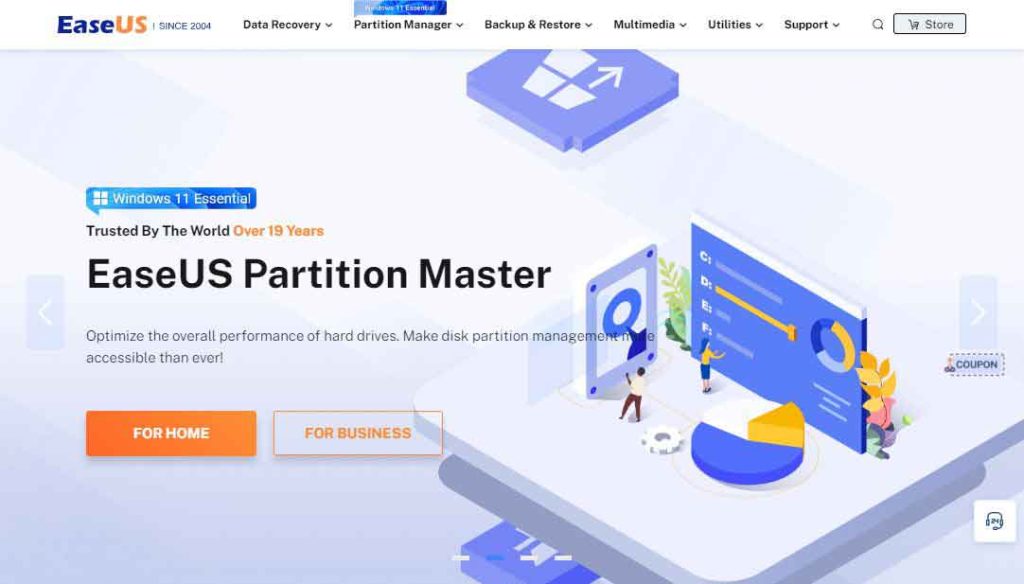
- Website URL: easeus.com
EaseUS Data Recovery Wizard is the best software with a streamlined user interface that recovers deleted files from all disk-based storage devices within a few clicks. It allows you to preview the recoverable items to ensure that you are recovering the right files.
In addition, the tool offers various filters to control the scanning process to find the type of file you want to recover and simplifies the searching process. This data recovery solution works perfectly well on Mac and Windows platform and ensures a smooth and hassle-free user experience. It offers a competitive pricing plan, but you can use the free trial version to check whether its features are worth using.
5. Puran File Recovery
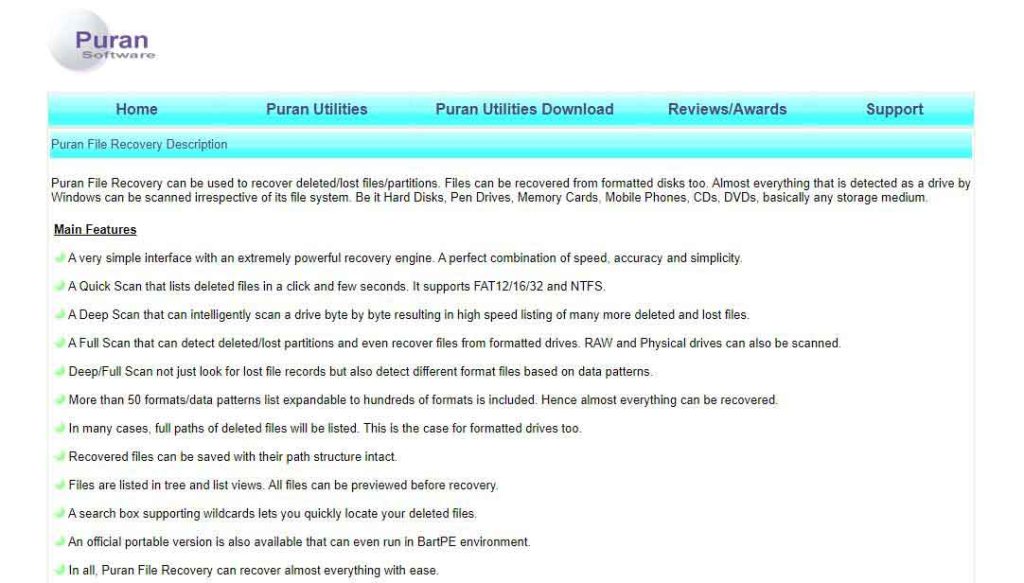
- Website URL: puransoftware.com
Puran File Recovery is a great option to recover deleted or lost files or partitions from any storage device like a hard drive or USB stick. In addition, it also supports file recovery from formatted disks with minimal effort. Sometimes users find it hard to locate the files to recover among hundreds and thousands of files.
Thus, the software offers an impressive search feature to help find and restore the files you want. It is free to download and use on the Windows operating system; however, it was last updated in 2016, which might be a concern for many users.
6. Wise Data Recovery
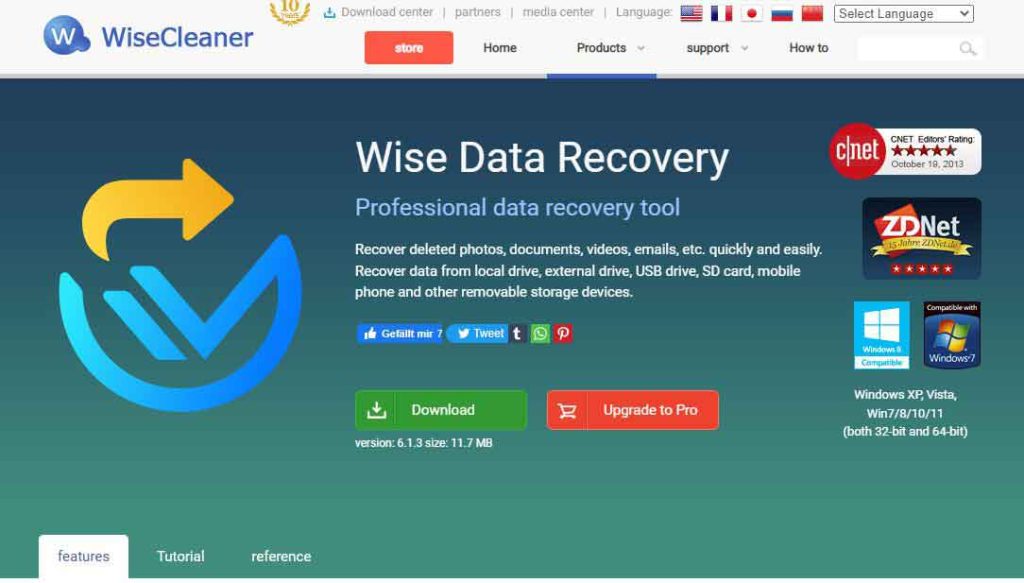
- Website URL: wisecleaner.eu
Wise Data Recovery is a trusted data recovery tool that retrieves files from a formatted drive or data you lost accidentally. It supports all storage mediums like hard drives, USB drives, memory cards, desktops, mobile phones, digital cameras, and other storage media. The tool uses advanced algorithms that quickly scan and dive deeper into your hard drive to recover lost files in less time.
Besides this, it offers no advanced features, which might disappoint the users. The software is easy to use, lightweight, and compatible with Windows OS. Also, it is available in free and paid versions and is backed with a 60-day money-back guarantee offer.
7. Stellar Data Recovery

- Website URL: stellarinfo.com
Steller Data Recovery is a popular data recovery software that offers various solutions like photo recovery software, iPhone recovery software, and video repair software for businesses. It supports all drivers and file formats and retrieves data from all internal and external hard drives, flash drives, memory cards, CDs, and DVDs.
In other words, it helps ensure a smooth data recovery experience. The software is compatible with Windows and Mac, offering free and paid versions and a 30-day money-back guarantee.
8. CrashPlan

- Website URL: crashplan.com
CrashPlan is a simple cloud-based application that also works as a storage platform. It keeps a continuous backup of all the files in a campus-based system’s home directory, making it easy to find any specific file. The best thing about this software is that it maintains maximum security and privacy.
It has various compliance certifications and attestations that prove its claims, like SOC2 Type II, ISO 27001, GDPR, and Cloud Security Alliance. The tool works well on Windows, Linux, and Mac and best suits small and large businesses. It is a paid tool but offers a 30-day free trial version that provides complete access to all its features.
9. DMDE File Recovery
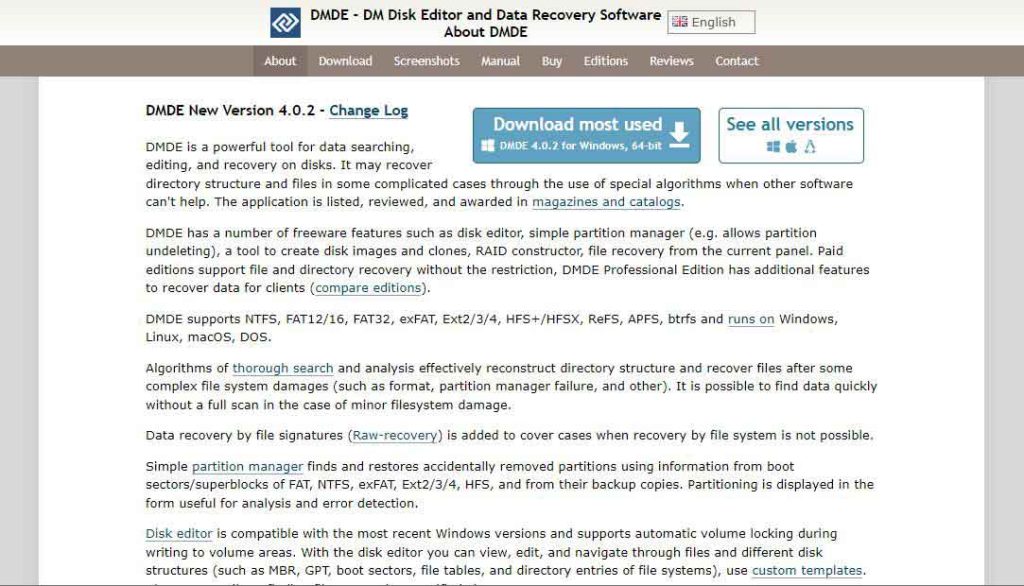
- Website URL: dmde.com
DMDE is a fantastic tool for data recovery from hard drives that you might lose due to system failure, natural calamity, or malware attacks. The software uses unique algorithms to recover directory structure files when other software fails to help you. It offers various features like a disk editor, RAID constructor, simple partition manager, a tool to create clones and disk images, and more.
Besides this, it is a portable app that runs directly from a USB stick, meaning you don’t need to install it and get into the hassle of overwriting data when you want to recover it. The tool offers free and pro versions and works effectively on Windows, Mac, and Linus operating systems, ensuring a smooth user experience.
10. UndeleteMyFiles Pro
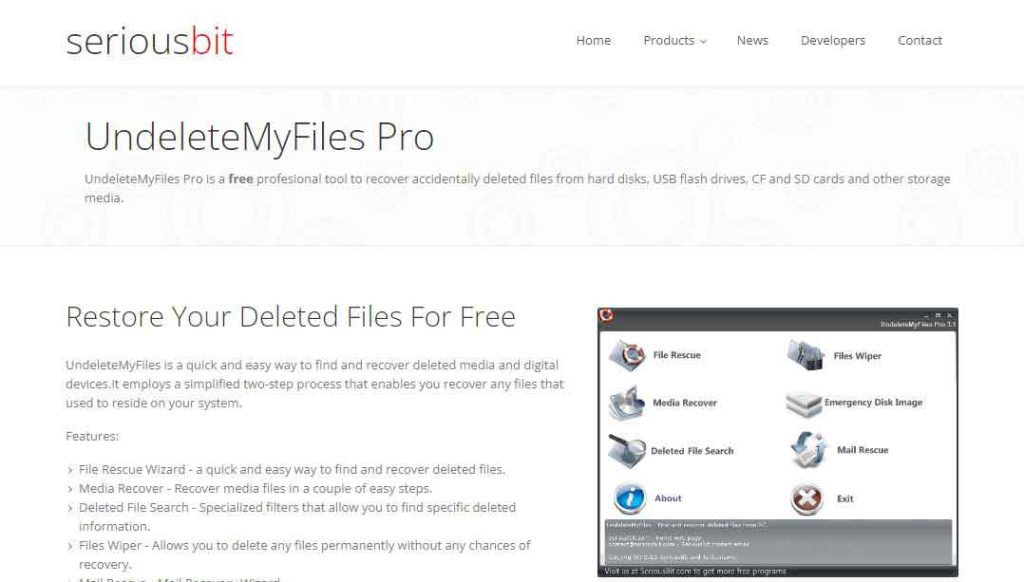
- Website URL: seriousbit.com
UndeleteMyFiles Pro is a free best data recovery solution to retrieve accidentally deleted files from storage media, including USB flash drives, hard drives, and SD cards. It provides a quick and easy way to search and recover deleted media and employs a two-step process to get back any files on your system.
In addition, it allows you to use the delete file search filters to find any specific deleted file. The data recovery service offers other impressive features like; a file rescue wizard and mail rescue.
What’s more impressive is that it’s possible with the permanent files wiper feature to delete any file without leaving any chance to recover it. Besides this, the tool is free to use, and you can download it on Windows and Mac OS and recover essential business data.
11. Wondershare Recoverit

- Website URL: wondershare.com
Wondershare Recoverit is a comprehensive and professional solution to retrieve lost and deleted data. It recovers data like audio, video, photos, and emails from hard drives, USBs, SD cards, PC, and Mac computers. Unlike most other software, Recoverit supports over 1000 file formats and guarantees to restore all types of files and file systems like NTFS, FAT, and APFS. This data recovery software offers free and paid versions on the Windows platform. The only issue with the free version is that it can only recover up to 100MB of data, which many users won’t like.
12. PhotoRec
- Website URL: cgsecurity.org
PhotorRec is a data recovery solution designed to recover lost files like documents, archives from hard disks, photos, documents, and videos from digital camera memory. It overlooks the file system and goes after the underlying data; hence, it will even work if the media file system has been severely damaged or formatted.
In addition, PhotoRec ensures users’ privacy and security by retrieving files written into the directory that PhotoRec runs, guaranteeing that you never overwrite any external drive, flash drive, or USB. Besides this, it is a free and open-source tool that works on various operating systems like Windows, Linux, MacOS, Solaris, FreeBSD, and OpenBSD.
13. TogetherShare

- Website URL: togethershare.com
TogetherShare is another reliable data recovery solution for businesses and enterprises. It recovers all types of files like audio, videos, documents, emails, and photos that get lost due to system failure, human error, or any other logical error from SSD, memory card, RAID, digital camera, HDD, and USB flash drive.
The software is compatible with Windows and Mac OS and offers free and paid versions. The paid version is also backed up with a 30-day money-back guarantee offer, allowing you to test the software before investing.
14. Undelete360
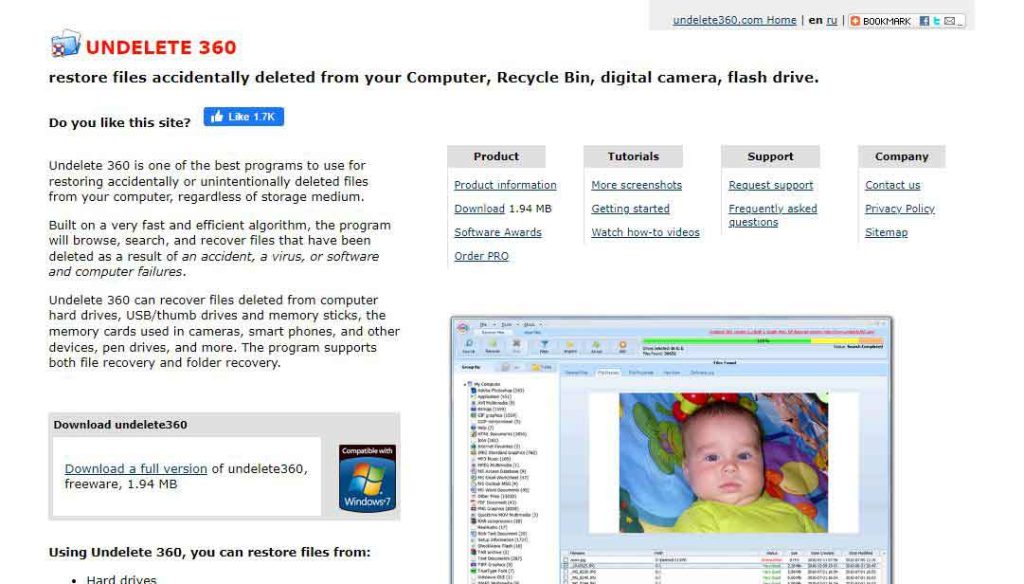
- Website URL: undelete360.com
Undelete360 is another good option to consider using. It lets you restore accidentally or unintentionally deleted files from your system. You can recover lost or deleted files from hard drives, thumb drives, memory cards, and memory sticks used in cameras, smartphones, and other devices with a single click. This tool supports file and folder recovery, making it stand out among others, and it can be downloaded for free on the Windows operating system.
15. iBeesoft Data Recovery

- Website URL: ibeesoft.com
iBeesoft is the best data recovery solution for small and large enterprises. It allows users to permanently recover deleted audio, videos, images, and documents from internal and external disks. Besides this, it offers various basic yet impressive features, such as it lets you preview the files before recovering them and even repair corrupted files during the search process.
You can download this software on Windows and Mac operating systems and use the free or paid version according to your preferences. The only thing that’s not good about the free version is that it allows recovering 2GB of files.
Things to consider while choosing the best Data Recovery Software
There are several things to consider when you choose the best data recovery software. Here are a few things that you must keep in mind to enjoy effective results from the data recovery solutions:
- Device compatibility is the most crucial factor that you must not ignore. Choose a service that runs on all major OS and gets frequent updates to keep up with the latest versions and features.
- Data recovery software offers a range of impressive features like file repair or disk cleanup. Ensure you use a solution that covers basic to advanced features and ensures a smooth and hassle-free experience.
- Data recovery software specializes in different types of files; some are best for emails, while others are better for photos or documents. Thus, select one according to your preference.
- Ensure the data recovery service offers good customer support if you experience any issues. They must provide various methods like 24/7 live chat, email, phone, or problem tickets to help recover your data.
- These solutions can differ in price, so choose the one that’s in your budget and includes all the necessary features.
- Malicious actors might attach malware to the software when you download it from unofficial sources. Hence, download the software from the official site and scan it for malware before installing it to boost safety.
All these features are necessary to enjoy a smooth user experience, so don’t overlook any of these features.
Conclusion
Data loss has become a serious problem and brings significant consequences for businesses. To prevent these outcomes, data recovery software is the most trusted method to get your files back. The software retrieves the data like files, audio, video, emails, and documents from a hard drive to a flash drive or any other storage device with a single click.
Several data recovery solutions are available to businesses that recover the data and limit the negative impacts in the event of partial or complete data loss. Ensure you also select a reliable service like the one mentioned in this guide that ensures data security and compliance regulations and hassle-freely manages the bulk of data.
FAQs
The post 15 Best Data Recovery Services and Software in 2024 appeared first on BeEncrypted.
]]>Deprecated: Using null as an array offset is deprecated, use an empty string instead in /var/www/staging.beencrypted.com/site/web/wp/wp-includes/class-wp-block-type-registry.php on line 168
Deprecated: Using null as an array offset is deprecated, use an empty string instead in /var/www/staging.beencrypted.com/site/web/wp/wp-includes/class-wp-block-type-registry.php on line 168
Deprecated: Using null as an array offset is deprecated, use an empty string instead in /var/www/staging.beencrypted.com/site/web/wp/wp-includes/class-wp-block-type-registry.php on line 168
Deprecated: Using null as an array offset is deprecated, use an empty string instead in /var/www/staging.beencrypted.com/site/web/wp/wp-includes/class-wp-block-type-registry.php on line 168
Deprecated: Using null as an array offset is deprecated, use an empty string instead in /var/www/staging.beencrypted.com/site/web/wp/wp-includes/class-wp-block-type-registry.php on line 168
Deprecated: Using null as an array offset is deprecated, use an empty string instead in /var/www/staging.beencrypted.com/site/web/wp/wp-includes/class-wp-block-type-registry.php on line 168
Deprecated: Using null as an array offset is deprecated, use an empty string instead in /var/www/staging.beencrypted.com/site/web/wp/wp-includes/class-wp-block-type-registry.php on line 168
Deprecated: Using null as an array offset is deprecated, use an empty string instead in /var/www/staging.beencrypted.com/site/web/wp/wp-includes/class-wp-block-type-registry.php on line 168
Deprecated: Using null as an array offset is deprecated, use an empty string instead in /var/www/staging.beencrypted.com/site/web/wp/wp-includes/class-wp-block-type-registry.php on line 168
Deprecated: Using null as an array offset is deprecated, use an empty string instead in /var/www/staging.beencrypted.com/site/web/wp/wp-includes/class-wp-block-type-registry.php on line 168
Deprecated: Using null as an array offset is deprecated, use an empty string instead in /var/www/staging.beencrypted.com/site/web/wp/wp-includes/class-wp-block-type-registry.php on line 168
Deprecated: Using null as an array offset is deprecated, use an empty string instead in /var/www/staging.beencrypted.com/site/web/wp/wp-includes/class-wp-block-type-registry.php on line 168
Deprecated: Using null as an array offset is deprecated, use an empty string instead in /var/www/staging.beencrypted.com/site/web/wp/wp-includes/class-wp-block-type-registry.php on line 168
Deprecated: Using null as an array offset is deprecated, use an empty string instead in /var/www/staging.beencrypted.com/site/web/wp/wp-includes/class-wp-block-type-registry.php on line 168
Deprecated: Using null as an array offset is deprecated, use an empty string instead in /var/www/staging.beencrypted.com/site/web/wp/wp-includes/class-wp-block-type-registry.php on line 168
Deprecated: Using null as an array offset is deprecated, use an empty string instead in /var/www/staging.beencrypted.com/site/web/wp/wp-includes/class-wp-block-type-registry.php on line 168
Deprecated: Using null as an array offset is deprecated, use an empty string instead in /var/www/staging.beencrypted.com/site/web/wp/wp-includes/class-wp-block-type-registry.php on line 168
Deprecated: Using null as an array offset is deprecated, use an empty string instead in /var/www/staging.beencrypted.com/site/web/wp/wp-includes/class-wp-block-type-registry.php on line 168
Deprecated: Using null as an array offset is deprecated, use an empty string instead in /var/www/staging.beencrypted.com/site/web/wp/wp-includes/class-wp-block-type-registry.php on line 168
Deprecated: Using null as an array offset is deprecated, use an empty string instead in /var/www/staging.beencrypted.com/site/web/wp/wp-includes/class-wp-block-type-registry.php on line 168
Deprecated: Using null as an array offset is deprecated, use an empty string instead in /var/www/staging.beencrypted.com/site/web/wp/wp-includes/class-wp-block-type-registry.php on line 168
Deprecated: Using null as an array offset is deprecated, use an empty string instead in /var/www/staging.beencrypted.com/site/web/wp/wp-includes/class-wp-block-type-registry.php on line 168
Deprecated: Using null as an array offset is deprecated, use an empty string instead in /var/www/staging.beencrypted.com/site/web/wp/wp-includes/class-wp-block-type-registry.php on line 168
Deprecated: Using null as an array offset is deprecated, use an empty string instead in /var/www/staging.beencrypted.com/site/web/wp/wp-includes/class-wp-block-type-registry.php on line 168
Deprecated: Using null as an array offset is deprecated, use an empty string instead in /var/www/staging.beencrypted.com/site/web/wp/wp-includes/class-wp-block-type-registry.php on line 168
Deprecated: Using null as an array offset is deprecated, use an empty string instead in /var/www/staging.beencrypted.com/site/web/wp/wp-includes/class-wp-block-type-registry.php on line 168
Deprecated: Using null as an array offset is deprecated, use an empty string instead in /var/www/staging.beencrypted.com/site/web/wp/wp-includes/class-wp-block-type-registry.php on line 168
Deprecated: Using null as an array offset is deprecated, use an empty string instead in /var/www/staging.beencrypted.com/site/web/wp/wp-includes/class-wp-block-type-registry.php on line 168
Deprecated: Using null as an array offset is deprecated, use an empty string instead in /var/www/staging.beencrypted.com/site/web/wp/wp-includes/class-wp-block-type-registry.php on line 168
Deprecated: Using null as an array offset is deprecated, use an empty string instead in /var/www/staging.beencrypted.com/site/web/wp/wp-includes/class-wp-block-type-registry.php on line 168
Deprecated: Using null as an array offset is deprecated, use an empty string instead in /var/www/staging.beencrypted.com/site/web/wp/wp-includes/class-wp-block-type-registry.php on line 168
Deprecated: Using null as an array offset is deprecated, use an empty string instead in /var/www/staging.beencrypted.com/site/web/wp/wp-includes/class-wp-block-type-registry.php on line 168
Deprecated: Using null as an array offset is deprecated, use an empty string instead in /var/www/staging.beencrypted.com/site/web/wp/wp-includes/class-wp-block-type-registry.php on line 168
Deprecated: Using null as an array offset is deprecated, use an empty string instead in /var/www/staging.beencrypted.com/site/web/wp/wp-includes/class-wp-block-type-registry.php on line 168
Deprecated: Using null as an array offset is deprecated, use an empty string instead in /var/www/staging.beencrypted.com/site/web/wp/wp-includes/class-wp-block-type-registry.php on line 168
Deprecated: Using null as an array offset is deprecated, use an empty string instead in /var/www/staging.beencrypted.com/site/web/wp/wp-includes/class-wp-block-type-registry.php on line 168
Deprecated: Using null as an array offset is deprecated, use an empty string instead in /var/www/staging.beencrypted.com/site/web/wp/wp-includes/class-wp-block-type-registry.php on line 168
Deprecated: Using null as an array offset is deprecated, use an empty string instead in /var/www/staging.beencrypted.com/site/web/wp/wp-includes/class-wp-block-type-registry.php on line 168
Deprecated: Using null as an array offset is deprecated, use an empty string instead in /var/www/staging.beencrypted.com/site/web/wp/wp-includes/class-wp-block-type-registry.php on line 168
Deprecated: Using null as an array offset is deprecated, use an empty string instead in /var/www/staging.beencrypted.com/site/web/wp/wp-includes/class-wp-block-type-registry.php on line 168
Deprecated: Using null as an array offset is deprecated, use an empty string instead in /var/www/staging.beencrypted.com/site/web/wp/wp-includes/class-wp-block-type-registry.php on line 168
Deprecated: Using null as an array offset is deprecated, use an empty string instead in /var/www/staging.beencrypted.com/site/web/wp/wp-includes/class-wp-block-type-registry.php on line 168
Deprecated: Using null as an array offset is deprecated, use an empty string instead in /var/www/staging.beencrypted.com/site/web/wp/wp-includes/class-wp-block-type-registry.php on line 168
Deprecated: Using null as an array offset is deprecated, use an empty string instead in /var/www/staging.beencrypted.com/site/web/wp/wp-includes/class-wp-block-type-registry.php on line 168
Deprecated: Using null as an array offset is deprecated, use an empty string instead in /var/www/staging.beencrypted.com/site/web/wp/wp-includes/class-wp-block-type-registry.php on line 168
Deprecated: Using null as an array offset is deprecated, use an empty string instead in /var/www/staging.beencrypted.com/site/web/wp/wp-includes/class-wp-block-type-registry.php on line 168
Deprecated: Using null as an array offset is deprecated, use an empty string instead in /var/www/staging.beencrypted.com/site/web/wp/wp-includes/class-wp-block-type-registry.php on line 168
Deprecated: Using null as an array offset is deprecated, use an empty string instead in /var/www/staging.beencrypted.com/site/web/wp/wp-includes/class-wp-block-type-registry.php on line 168
Deprecated: Using null as an array offset is deprecated, use an empty string instead in /var/www/staging.beencrypted.com/site/web/wp/wp-includes/class-wp-block-type-registry.php on line 168
Deprecated: Using null as an array offset is deprecated, use an empty string instead in /var/www/staging.beencrypted.com/site/web/wp/wp-includes/class-wp-block-type-registry.php on line 168
Deprecated: Using null as an array offset is deprecated, use an empty string instead in /var/www/staging.beencrypted.com/site/web/wp/wp-includes/class-wp-block-type-registry.php on line 168
Deprecated: Using null as an array offset is deprecated, use an empty string instead in /var/www/staging.beencrypted.com/site/web/wp/wp-includes/class-wp-block-type-registry.php on line 168
Deprecated: Using null as an array offset is deprecated, use an empty string instead in /var/www/staging.beencrypted.com/site/web/wp/wp-includes/class-wp-block-type-registry.php on line 168
Deprecated: Using null as an array offset is deprecated, use an empty string instead in /var/www/staging.beencrypted.com/site/web/wp/wp-includes/class-wp-block-type-registry.php on line 168
Deprecated: Using null as an array offset is deprecated, use an empty string instead in /var/www/staging.beencrypted.com/site/web/wp/wp-includes/class-wp-block-type-registry.php on line 168
Deprecated: Using null as an array offset is deprecated, use an empty string instead in /var/www/staging.beencrypted.com/site/web/wp/wp-includes/class-wp-block-type-registry.php on line 168
Deprecated: Using null as an array offset is deprecated, use an empty string instead in /var/www/staging.beencrypted.com/site/web/wp/wp-includes/class-wp-block-type-registry.php on line 168
Deprecated: Using null as an array offset is deprecated, use an empty string instead in /var/www/staging.beencrypted.com/site/web/wp/wp-includes/class-wp-block-type-registry.php on line 168
Deprecated: Using null as an array offset is deprecated, use an empty string instead in /var/www/staging.beencrypted.com/site/web/wp/wp-includes/class-wp-block-type-registry.php on line 168
Deprecated: Using null as an array offset is deprecated, use an empty string instead in /var/www/staging.beencrypted.com/site/web/wp/wp-includes/class-wp-block-type-registry.php on line 168
Deprecated: Using null as an array offset is deprecated, use an empty string instead in /var/www/staging.beencrypted.com/site/web/wp/wp-includes/class-wp-block-type-registry.php on line 168
Deprecated: Using null as an array offset is deprecated, use an empty string instead in /var/www/staging.beencrypted.com/site/web/wp/wp-includes/class-wp-block-type-registry.php on line 168
Deprecated: Using null as an array offset is deprecated, use an empty string instead in /var/www/staging.beencrypted.com/site/web/wp/wp-includes/class-wp-block-type-registry.php on line 168
Deprecated: Using null as an array offset is deprecated, use an empty string instead in /var/www/staging.beencrypted.com/site/web/wp/wp-includes/class-wp-block-type-registry.php on line 168
Deprecated: Using null as an array offset is deprecated, use an empty string instead in /var/www/staging.beencrypted.com/site/web/wp/wp-includes/class-wp-block-type-registry.php on line 168
Deprecated: Using null as an array offset is deprecated, use an empty string instead in /var/www/staging.beencrypted.com/site/web/wp/wp-includes/class-wp-block-type-registry.php on line 168
Deprecated: Using null as an array offset is deprecated, use an empty string instead in /var/www/staging.beencrypted.com/site/web/wp/wp-includes/class-wp-block-type-registry.php on line 168
Deprecated: Using null as an array offset is deprecated, use an empty string instead in /var/www/staging.beencrypted.com/site/web/wp/wp-includes/class-wp-block-type-registry.php on line 168
Deprecated: Using null as an array offset is deprecated, use an empty string instead in /var/www/staging.beencrypted.com/site/web/wp/wp-includes/class-wp-block-type-registry.php on line 168
Deprecated: Using null as an array offset is deprecated, use an empty string instead in /var/www/staging.beencrypted.com/site/web/wp/wp-includes/class-wp-block-type-registry.php on line 168
Deprecated: Using null as an array offset is deprecated, use an empty string instead in /var/www/staging.beencrypted.com/site/web/wp/wp-includes/class-wp-block-type-registry.php on line 168
Deprecated: Using null as an array offset is deprecated, use an empty string instead in /var/www/staging.beencrypted.com/site/web/wp/wp-includes/class-wp-block-type-registry.php on line 168
Deprecated: Using null as an array offset is deprecated, use an empty string instead in /var/www/staging.beencrypted.com/site/web/wp/wp-includes/class-wp-block-type-registry.php on line 168
Deprecated: Using null as an array offset is deprecated, use an empty string instead in /var/www/staging.beencrypted.com/site/web/wp/wp-includes/class-wp-block-type-registry.php on line 168
Deprecated: Using null as an array offset is deprecated, use an empty string instead in /var/www/staging.beencrypted.com/site/web/wp/wp-includes/class-wp-block-type-registry.php on line 168
Deprecated: Using null as an array offset is deprecated, use an empty string instead in /var/www/staging.beencrypted.com/site/web/wp/wp-includes/class-wp-block-type-registry.php on line 168
Deprecated: Using null as an array offset is deprecated, use an empty string instead in /var/www/staging.beencrypted.com/site/web/wp/wp-includes/class-wp-block-type-registry.php on line 168
Deprecated: Using null as an array offset is deprecated, use an empty string instead in /var/www/staging.beencrypted.com/site/web/wp/wp-includes/class-wp-block-type-registry.php on line 168
Deprecated: Using null as an array offset is deprecated, use an empty string instead in /var/www/staging.beencrypted.com/site/web/wp/wp-includes/class-wp-block-type-registry.php on line 168
Deprecated: Using null as an array offset is deprecated, use an empty string instead in /var/www/staging.beencrypted.com/site/web/wp/wp-includes/class-wp-block-type-registry.php on line 168
Deprecated: Using null as an array offset is deprecated, use an empty string instead in /var/www/staging.beencrypted.com/site/web/wp/wp-includes/class-wp-block-type-registry.php on line 168
Deprecated: Using null as an array offset is deprecated, use an empty string instead in /var/www/staging.beencrypted.com/site/web/wp/wp-includes/class-wp-block-type-registry.php on line 168
Deprecated: Using null as an array offset is deprecated, use an empty string instead in /var/www/staging.beencrypted.com/site/web/wp/wp-includes/class-wp-block-type-registry.php on line 168
Deprecated: Using null as an array offset is deprecated, use an empty string instead in /var/www/staging.beencrypted.com/site/web/wp/wp-includes/class-wp-block-type-registry.php on line 168
Deprecated: Using null as an array offset is deprecated, use an empty string instead in /var/www/staging.beencrypted.com/site/web/wp/wp-includes/class-wp-block-type-registry.php on line 168
Deprecated: Using null as an array offset is deprecated, use an empty string instead in /var/www/staging.beencrypted.com/site/web/wp/wp-includes/class-wp-block-type-registry.php on line 168
Deprecated: Using null as an array offset is deprecated, use an empty string instead in /var/www/staging.beencrypted.com/site/web/wp/wp-includes/class-wp-block-type-registry.php on line 168
Deprecated: Using null as an array offset is deprecated, use an empty string instead in /var/www/staging.beencrypted.com/site/web/wp/wp-includes/class-wp-block-type-registry.php on line 168
Deprecated: Using null as an array offset is deprecated, use an empty string instead in /var/www/staging.beencrypted.com/site/web/wp/wp-includes/class-wp-block-type-registry.php on line 168
Deprecated: Using null as an array offset is deprecated, use an empty string instead in /var/www/staging.beencrypted.com/site/web/wp/wp-includes/class-wp-block-type-registry.php on line 168
Deprecated: Using null as an array offset is deprecated, use an empty string instead in /var/www/staging.beencrypted.com/site/web/wp/wp-includes/class-wp-block-type-registry.php on line 168
Deprecated: Using null as an array offset is deprecated, use an empty string instead in /var/www/staging.beencrypted.com/site/web/wp/wp-includes/class-wp-block-type-registry.php on line 168
Deprecated: Using null as an array offset is deprecated, use an empty string instead in /var/www/staging.beencrypted.com/site/web/wp/wp-includes/class-wp-block-type-registry.php on line 168
Deprecated: Using null as an array offset is deprecated, use an empty string instead in /var/www/staging.beencrypted.com/site/web/wp/wp-includes/class-wp-block-type-registry.php on line 168
Deprecated: Using null as an array offset is deprecated, use an empty string instead in /var/www/staging.beencrypted.com/site/web/wp/wp-includes/class-wp-block-type-registry.php on line 168
Deprecated: Using null as an array offset is deprecated, use an empty string instead in /var/www/staging.beencrypted.com/site/web/wp/wp-includes/class-wp-block-type-registry.php on line 168
Deprecated: Using null as an array offset is deprecated, use an empty string instead in /var/www/staging.beencrypted.com/site/web/wp/wp-includes/class-wp-block-type-registry.php on line 168
Deprecated: Using null as an array offset is deprecated, use an empty string instead in /var/www/staging.beencrypted.com/site/web/wp/wp-includes/class-wp-block-type-registry.php on line 168
Deprecated: Using null as an array offset is deprecated, use an empty string instead in /var/www/staging.beencrypted.com/site/web/wp/wp-includes/class-wp-block-type-registry.php on line 168
Deprecated: Using null as an array offset is deprecated, use an empty string instead in /var/www/staging.beencrypted.com/site/web/wp/wp-includes/class-wp-block-type-registry.php on line 168
Deprecated: Using null as an array offset is deprecated, use an empty string instead in /var/www/staging.beencrypted.com/site/web/wp/wp-includes/class-wp-block-type-registry.php on line 168
Deprecated: Using null as an array offset is deprecated, use an empty string instead in /var/www/staging.beencrypted.com/site/web/wp/wp-includes/class-wp-block-type-registry.php on line 168
Deprecated: Using null as an array offset is deprecated, use an empty string instead in /var/www/staging.beencrypted.com/site/web/wp/wp-includes/class-wp-block-type-registry.php on line 168
Deprecated: Using null as an array offset is deprecated, use an empty string instead in /var/www/staging.beencrypted.com/site/web/wp/wp-includes/class-wp-block-type-registry.php on line 168
Deprecated: Using null as an array offset is deprecated, use an empty string instead in /var/www/staging.beencrypted.com/site/web/wp/wp-includes/class-wp-block-type-registry.php on line 168
Deprecated: Using null as an array offset is deprecated, use an empty string instead in /var/www/staging.beencrypted.com/site/web/wp/wp-includes/class-wp-block-type-registry.php on line 168
Deprecated: Using null as an array offset is deprecated, use an empty string instead in /var/www/staging.beencrypted.com/site/web/wp/wp-includes/class-wp-block-type-registry.php on line 168
Deprecated: Using null as an array offset is deprecated, use an empty string instead in /var/www/staging.beencrypted.com/site/web/wp/wp-includes/class-wp-block-type-registry.php on line 168
Deprecated: Using null as an array offset is deprecated, use an empty string instead in /var/www/staging.beencrypted.com/site/web/wp/wp-includes/class-wp-block-type-registry.php on line 168
Deprecated: Using null as an array offset is deprecated, use an empty string instead in /var/www/staging.beencrypted.com/site/web/wp/wp-includes/class-wp-block-type-registry.php on line 168
Deprecated: Using null as an array offset is deprecated, use an empty string instead in /var/www/staging.beencrypted.com/site/web/wp/wp-includes/class-wp-block-type-registry.php on line 168
Deprecated: Using null as an array offset is deprecated, use an empty string instead in /var/www/staging.beencrypted.com/site/web/wp/wp-includes/class-wp-block-type-registry.php on line 168
Deprecated: Using null as an array offset is deprecated, use an empty string instead in /var/www/staging.beencrypted.com/site/web/wp/wp-includes/class-wp-block-type-registry.php on line 168
Deprecated: Using null as an array offset is deprecated, use an empty string instead in /var/www/staging.beencrypted.com/site/web/wp/wp-includes/class-wp-block-type-registry.php on line 168
Deprecated: Using null as an array offset is deprecated, use an empty string instead in /var/www/staging.beencrypted.com/site/web/wp/wp-includes/class-wp-block-type-registry.php on line 168
Deprecated: Using null as an array offset is deprecated, use an empty string instead in /var/www/staging.beencrypted.com/site/web/wp/wp-includes/class-wp-block-type-registry.php on line 168
Deprecated: Using null as an array offset is deprecated, use an empty string instead in /var/www/staging.beencrypted.com/site/web/wp/wp-includes/class-wp-block-type-registry.php on line 168
Deprecated: Using null as an array offset is deprecated, use an empty string instead in /var/www/staging.beencrypted.com/site/web/wp/wp-includes/class-wp-block-type-registry.php on line 168
Deprecated: Using null as an array offset is deprecated, use an empty string instead in /var/www/staging.beencrypted.com/site/web/wp/wp-includes/class-wp-block-type-registry.php on line 168
Deprecated: Using null as an array offset is deprecated, use an empty string instead in /var/www/staging.beencrypted.com/site/web/wp/wp-includes/class-wp-block-type-registry.php on line 168
Deprecated: Using null as an array offset is deprecated, use an empty string instead in /var/www/staging.beencrypted.com/site/web/wp/wp-includes/class-wp-block-type-registry.php on line 168
Deprecated: Using null as an array offset is deprecated, use an empty string instead in /var/www/staging.beencrypted.com/site/web/wp/wp-includes/class-wp-block-type-registry.php on line 168
Deprecated: Using null as an array offset is deprecated, use an empty string instead in /var/www/staging.beencrypted.com/site/web/wp/wp-includes/class-wp-block-type-registry.php on line 168
Deprecated: Using null as an array offset is deprecated, use an empty string instead in /var/www/staging.beencrypted.com/site/web/wp/wp-includes/class-wp-block-type-registry.php on line 168
Deprecated: Using null as an array offset is deprecated, use an empty string instead in /var/www/staging.beencrypted.com/site/web/wp/wp-includes/class-wp-block-type-registry.php on line 168
Deprecated: Using null as an array offset is deprecated, use an empty string instead in /var/www/staging.beencrypted.com/site/web/wp/wp-includes/class-wp-block-type-registry.php on line 168
Deprecated: Using null as an array offset is deprecated, use an empty string instead in /var/www/staging.beencrypted.com/site/web/wp/wp-includes/class-wp-block-type-registry.php on line 168
Deprecated: Using null as an array offset is deprecated, use an empty string instead in /var/www/staging.beencrypted.com/site/web/wp/wp-includes/class-wp-block-type-registry.php on line 168
Deprecated: Using null as an array offset is deprecated, use an empty string instead in /var/www/staging.beencrypted.com/site/web/wp/wp-includes/class-wp-block-type-registry.php on line 168
Deprecated: Using null as an array offset is deprecated, use an empty string instead in /var/www/staging.beencrypted.com/site/web/wp/wp-includes/class-wp-block-type-registry.php on line 168
Deprecated: Using null as an array offset is deprecated, use an empty string instead in /var/www/staging.beencrypted.com/site/web/wp/wp-includes/class-wp-block-type-registry.php on line 168
Deprecated: Using null as an array offset is deprecated, use an empty string instead in /var/www/staging.beencrypted.com/site/web/wp/wp-includes/class-wp-block-type-registry.php on line 168
Deprecated: Using null as an array offset is deprecated, use an empty string instead in /var/www/staging.beencrypted.com/site/web/wp/wp-includes/class-wp-block-type-registry.php on line 168
Deprecated: Using null as an array offset is deprecated, use an empty string instead in /var/www/staging.beencrypted.com/site/web/wp/wp-includes/class-wp-block-type-registry.php on line 168
Deprecated: Using null as an array offset is deprecated, use an empty string instead in /var/www/staging.beencrypted.com/site/web/wp/wp-includes/class-wp-block-type-registry.php on line 168
Deprecated: Using null as an array offset is deprecated, use an empty string instead in /var/www/staging.beencrypted.com/site/web/wp/wp-includes/class-wp-block-type-registry.php on line 168
Deprecated: Using null as an array offset is deprecated, use an empty string instead in /var/www/staging.beencrypted.com/site/web/wp/wp-includes/class-wp-block-type-registry.php on line 168
Deprecated: Using null as an array offset is deprecated, use an empty string instead in /var/www/staging.beencrypted.com/site/web/wp/wp-includes/class-wp-block-type-registry.php on line 168
Deprecated: Using null as an array offset is deprecated, use an empty string instead in /var/www/staging.beencrypted.com/site/web/wp/wp-includes/class-wp-block-type-registry.php on line 168
Deprecated: Using null as an array offset is deprecated, use an empty string instead in /var/www/staging.beencrypted.com/site/web/wp/wp-includes/class-wp-block-type-registry.php on line 168
Deprecated: Using null as an array offset is deprecated, use an empty string instead in /var/www/staging.beencrypted.com/site/web/wp/wp-includes/class-wp-block-type-registry.php on line 168
Deprecated: Using null as an array offset is deprecated, use an empty string instead in /var/www/staging.beencrypted.com/site/web/wp/wp-includes/class-wp-block-type-registry.php on line 168
Deprecated: Using null as an array offset is deprecated, use an empty string instead in /var/www/staging.beencrypted.com/site/web/wp/wp-includes/class-wp-block-type-registry.php on line 168
Deprecated: Using null as an array offset is deprecated, use an empty string instead in /var/www/staging.beencrypted.com/site/web/wp/wp-includes/class-wp-block-type-registry.php on line 168
Deprecated: Using null as an array offset is deprecated, use an empty string instead in /var/www/staging.beencrypted.com/site/web/wp/wp-includes/class-wp-block-type-registry.php on line 168
Deprecated: Using null as an array offset is deprecated, use an empty string instead in /var/www/staging.beencrypted.com/site/web/wp/wp-includes/class-wp-block-type-registry.php on line 168
Deprecated: Using null as an array offset is deprecated, use an empty string instead in /var/www/staging.beencrypted.com/site/web/wp/wp-includes/class-wp-block-type-registry.php on line 168
Deprecated: Using null as an array offset is deprecated, use an empty string instead in /var/www/staging.beencrypted.com/site/web/wp/wp-includes/class-wp-block-type-registry.php on line 168
Deprecated: Using null as an array offset is deprecated, use an empty string instead in /var/www/staging.beencrypted.com/site/web/wp/wp-includes/class-wp-block-type-registry.php on line 168
Deprecated: Using null as an array offset is deprecated, use an empty string instead in /var/www/staging.beencrypted.com/site/web/wp/wp-includes/class-wp-block-type-registry.php on line 168
Deprecated: Using null as an array offset is deprecated, use an empty string instead in /var/www/staging.beencrypted.com/site/web/wp/wp-includes/class-wp-block-type-registry.php on line 168
Deprecated: Using null as an array offset is deprecated, use an empty string instead in /var/www/staging.beencrypted.com/site/web/wp/wp-includes/class-wp-block-type-registry.php on line 168
Deprecated: Using null as an array offset is deprecated, use an empty string instead in /var/www/staging.beencrypted.com/site/web/wp/wp-includes/class-wp-block-type-registry.php on line 168
Deprecated: Using null as an array offset is deprecated, use an empty string instead in /var/www/staging.beencrypted.com/site/web/wp/wp-includes/class-wp-block-type-registry.php on line 168
Deprecated: Using null as an array offset is deprecated, use an empty string instead in /var/www/staging.beencrypted.com/site/web/wp/wp-includes/class-wp-block-type-registry.php on line 168
Deprecated: Using null as an array offset is deprecated, use an empty string instead in /var/www/staging.beencrypted.com/site/web/wp/wp-includes/class-wp-block-type-registry.php on line 168
Deprecated: Using null as an array offset is deprecated, use an empty string instead in /var/www/staging.beencrypted.com/site/web/wp/wp-includes/class-wp-block-type-registry.php on line 168
Deprecated: Using null as an array offset is deprecated, use an empty string instead in /var/www/staging.beencrypted.com/site/web/wp/wp-includes/class-wp-block-type-registry.php on line 168
Deprecated: Using null as an array offset is deprecated, use an empty string instead in /var/www/staging.beencrypted.com/site/web/wp/wp-includes/class-wp-block-type-registry.php on line 168
Deprecated: Using null as an array offset is deprecated, use an empty string instead in /var/www/staging.beencrypted.com/site/web/wp/wp-includes/class-wp-block-type-registry.php on line 168
Deprecated: Using null as an array offset is deprecated, use an empty string instead in /var/www/staging.beencrypted.com/site/web/wp/wp-includes/class-wp-block-type-registry.php on line 168
Deprecated: Using null as an array offset is deprecated, use an empty string instead in /var/www/staging.beencrypted.com/site/web/wp/wp-includes/class-wp-block-type-registry.php on line 168
Deprecated: Using null as an array offset is deprecated, use an empty string instead in /var/www/staging.beencrypted.com/site/web/wp/wp-includes/class-wp-block-type-registry.php on line 168
Deprecated: Using null as an array offset is deprecated, use an empty string instead in /var/www/staging.beencrypted.com/site/web/wp/wp-includes/class-wp-block-type-registry.php on line 168
Deprecated: Using null as an array offset is deprecated, use an empty string instead in /var/www/staging.beencrypted.com/site/web/wp/wp-includes/class-wp-block-type-registry.php on line 168
Deprecated: Using null as an array offset is deprecated, use an empty string instead in /var/www/staging.beencrypted.com/site/web/wp/wp-includes/class-wp-block-type-registry.php on line 168
Deprecated: Using null as an array offset is deprecated, use an empty string instead in /var/www/staging.beencrypted.com/site/web/wp/wp-includes/class-wp-block-type-registry.php on line 168
Deprecated: Using null as an array offset is deprecated, use an empty string instead in /var/www/staging.beencrypted.com/site/web/wp/wp-includes/class-wp-block-type-registry.php on line 168
Deprecated: Using null as an array offset is deprecated, use an empty string instead in /var/www/staging.beencrypted.com/site/web/wp/wp-includes/class-wp-block-type-registry.php on line 168
Deprecated: Using null as an array offset is deprecated, use an empty string instead in /var/www/staging.beencrypted.com/site/web/wp/wp-includes/class-wp-block-type-registry.php on line 168
Deprecated: Using null as an array offset is deprecated, use an empty string instead in /var/www/staging.beencrypted.com/site/web/wp/wp-includes/class-wp-block-type-registry.php on line 168
Deprecated: Using null as an array offset is deprecated, use an empty string instead in /var/www/staging.beencrypted.com/site/web/wp/wp-includes/class-wp-block-type-registry.php on line 168
Deprecated: Using null as an array offset is deprecated, use an empty string instead in /var/www/staging.beencrypted.com/site/web/wp/wp-includes/class-wp-block-type-registry.php on line 168
Deprecated: Using null as an array offset is deprecated, use an empty string instead in /var/www/staging.beencrypted.com/site/web/wp/wp-includes/class-wp-block-type-registry.php on line 168
Deprecated: Using null as an array offset is deprecated, use an empty string instead in /var/www/staging.beencrypted.com/site/web/wp/wp-includes/class-wp-block-type-registry.php on line 168
Deprecated: Using null as an array offset is deprecated, use an empty string instead in /var/www/staging.beencrypted.com/site/web/wp/wp-includes/class-wp-block-type-registry.php on line 168
Deprecated: Using null as an array offset is deprecated, use an empty string instead in /var/www/staging.beencrypted.com/site/web/wp/wp-includes/class-wp-block-type-registry.php on line 168
Deprecated: Using null as an array offset is deprecated, use an empty string instead in /var/www/staging.beencrypted.com/site/web/wp/wp-includes/class-wp-block-type-registry.php on line 168
Deprecated: Using null as an array offset is deprecated, use an empty string instead in /var/www/staging.beencrypted.com/site/web/wp/wp-includes/class-wp-block-type-registry.php on line 168
Deprecated: Using null as an array offset is deprecated, use an empty string instead in /var/www/staging.beencrypted.com/site/web/wp/wp-includes/class-wp-block-type-registry.php on line 168
Deprecated: Using null as an array offset is deprecated, use an empty string instead in /var/www/staging.beencrypted.com/site/web/wp/wp-includes/class-wp-block-type-registry.php on line 168
Deprecated: Using null as an array offset is deprecated, use an empty string instead in /var/www/staging.beencrypted.com/site/web/wp/wp-includes/class-wp-block-type-registry.php on line 168
Deprecated: Using null as an array offset is deprecated, use an empty string instead in /var/www/staging.beencrypted.com/site/web/wp/wp-includes/class-wp-block-type-registry.php on line 168
Deprecated: Using null as an array offset is deprecated, use an empty string instead in /var/www/staging.beencrypted.com/site/web/wp/wp-includes/class-wp-block-type-registry.php on line 168
Deprecated: Using null as an array offset is deprecated, use an empty string instead in /var/www/staging.beencrypted.com/site/web/wp/wp-includes/class-wp-block-type-registry.php on line 168
Deprecated: Using null as an array offset is deprecated, use an empty string instead in /var/www/staging.beencrypted.com/site/web/wp/wp-includes/class-wp-block-type-registry.php on line 168
Deprecated: Using null as an array offset is deprecated, use an empty string instead in /var/www/staging.beencrypted.com/site/web/wp/wp-includes/class-wp-block-type-registry.php on line 168
Deprecated: Using null as an array offset is deprecated, use an empty string instead in /var/www/staging.beencrypted.com/site/web/wp/wp-includes/class-wp-block-type-registry.php on line 168
Deprecated: Using null as an array offset is deprecated, use an empty string instead in /var/www/staging.beencrypted.com/site/web/wp/wp-includes/class-wp-block-type-registry.php on line 168
Deprecated: Using null as an array offset is deprecated, use an empty string instead in /var/www/staging.beencrypted.com/site/web/wp/wp-includes/class-wp-block-type-registry.php on line 168
Deprecated: Using null as an array offset is deprecated, use an empty string instead in /var/www/staging.beencrypted.com/site/web/wp/wp-includes/class-wp-block-type-registry.php on line 168
Deprecated: Using null as an array offset is deprecated, use an empty string instead in /var/www/staging.beencrypted.com/site/web/wp/wp-includes/class-wp-block-type-registry.php on line 168
Deprecated: Using null as an array offset is deprecated, use an empty string instead in /var/www/staging.beencrypted.com/site/web/wp/wp-includes/class-wp-block-type-registry.php on line 168
Deprecated: Using null as an array offset is deprecated, use an empty string instead in /var/www/staging.beencrypted.com/site/web/wp/wp-includes/class-wp-block-type-registry.php on line 168
Deprecated: Using null as an array offset is deprecated, use an empty string instead in /var/www/staging.beencrypted.com/site/web/wp/wp-includes/class-wp-block-type-registry.php on line 168
Deprecated: Using null as an array offset is deprecated, use an empty string instead in /var/www/staging.beencrypted.com/site/web/wp/wp-includes/class-wp-block-type-registry.php on line 168
Deprecated: Using null as an array offset is deprecated, use an empty string instead in /var/www/staging.beencrypted.com/site/web/wp/wp-includes/class-wp-block-type-registry.php on line 168
Deprecated: Using null as an array offset is deprecated, use an empty string instead in /var/www/staging.beencrypted.com/site/web/wp/wp-includes/class-wp-block-type-registry.php on line 168
Deprecated: Using null as an array offset is deprecated, use an empty string instead in /var/www/staging.beencrypted.com/site/web/wp/wp-includes/class-wp-block-type-registry.php on line 168
Deprecated: Using null as an array offset is deprecated, use an empty string instead in /var/www/staging.beencrypted.com/site/web/wp/wp-includes/class-wp-block-type-registry.php on line 168
Deprecated: Using null as an array offset is deprecated, use an empty string instead in /var/www/staging.beencrypted.com/site/web/wp/wp-includes/class-wp-block-type-registry.php on line 168
Deprecated: Using null as an array offset is deprecated, use an empty string instead in /var/www/staging.beencrypted.com/site/web/wp/wp-includes/class-wp-block-type-registry.php on line 168
Deprecated: Using null as an array offset is deprecated, use an empty string instead in /var/www/staging.beencrypted.com/site/web/wp/wp-includes/class-wp-block-type-registry.php on line 168
Deprecated: Using null as an array offset is deprecated, use an empty string instead in /var/www/staging.beencrypted.com/site/web/wp/wp-includes/class-wp-block-type-registry.php on line 168
Deprecated: Using null as an array offset is deprecated, use an empty string instead in /var/www/staging.beencrypted.com/site/web/wp/wp-includes/class-wp-block-type-registry.php on line 168
Deprecated: Using null as an array offset is deprecated, use an empty string instead in /var/www/staging.beencrypted.com/site/web/wp/wp-includes/class-wp-block-type-registry.php on line 168
Deprecated: Using null as an array offset is deprecated, use an empty string instead in /var/www/staging.beencrypted.com/site/web/wp/wp-includes/class-wp-block-type-registry.php on line 168
Deprecated: Using null as an array offset is deprecated, use an empty string instead in /var/www/staging.beencrypted.com/site/web/wp/wp-includes/class-wp-block-type-registry.php on line 168
Deprecated: Using null as an array offset is deprecated, use an empty string instead in /var/www/staging.beencrypted.com/site/web/wp/wp-includes/class-wp-block-type-registry.php on line 168
Deprecated: Using null as an array offset is deprecated, use an empty string instead in /var/www/staging.beencrypted.com/site/web/wp/wp-includes/class-wp-block-type-registry.php on line 168
Deprecated: Using null as an array offset is deprecated, use an empty string instead in /var/www/staging.beencrypted.com/site/web/wp/wp-includes/class-wp-block-type-registry.php on line 168
Deprecated: Using null as an array offset is deprecated, use an empty string instead in /var/www/staging.beencrypted.com/site/web/wp/wp-includes/class-wp-block-type-registry.php on line 168
Deprecated: Using null as an array offset is deprecated, use an empty string instead in /var/www/staging.beencrypted.com/site/web/wp/wp-includes/class-wp-block-type-registry.php on line 168
Deprecated: Using null as an array offset is deprecated, use an empty string instead in /var/www/staging.beencrypted.com/site/web/wp/wp-includes/class-wp-block-type-registry.php on line 168
Deprecated: Using null as an array offset is deprecated, use an empty string instead in /var/www/staging.beencrypted.com/site/web/wp/wp-includes/class-wp-block-type-registry.php on line 168
Deprecated: Using null as an array offset is deprecated, use an empty string instead in /var/www/staging.beencrypted.com/site/web/wp/wp-includes/class-wp-block-type-registry.php on line 168
Deprecated: Using null as an array offset is deprecated, use an empty string instead in /var/www/staging.beencrypted.com/site/web/wp/wp-includes/class-wp-block-type-registry.php on line 168
Deprecated: Using null as an array offset is deprecated, use an empty string instead in /var/www/staging.beencrypted.com/site/web/wp/wp-includes/class-wp-block-type-registry.php on line 168
Deprecated: Using null as an array offset is deprecated, use an empty string instead in /var/www/staging.beencrypted.com/site/web/wp/wp-includes/class-wp-block-type-registry.php on line 168
Deprecated: Using null as an array offset is deprecated, use an empty string instead in /var/www/staging.beencrypted.com/site/web/wp/wp-includes/class-wp-block-type-registry.php on line 168
Deprecated: Using null as an array offset is deprecated, use an empty string instead in /var/www/staging.beencrypted.com/site/web/wp/wp-includes/class-wp-block-type-registry.php on line 168
Deprecated: Using null as an array offset is deprecated, use an empty string instead in /var/www/staging.beencrypted.com/site/web/wp/wp-includes/class-wp-block-type-registry.php on line 168
Deprecated: Using null as an array offset is deprecated, use an empty string instead in /var/www/staging.beencrypted.com/site/web/wp/wp-includes/class-wp-block-type-registry.php on line 168
Deprecated: Using null as an array offset is deprecated, use an empty string instead in /var/www/staging.beencrypted.com/site/web/wp/wp-includes/class-wp-block-type-registry.php on line 168
Deprecated: Using null as an array offset is deprecated, use an empty string instead in /var/www/staging.beencrypted.com/site/web/wp/wp-includes/class-wp-block-type-registry.php on line 168
Deprecated: Using null as an array offset is deprecated, use an empty string instead in /var/www/staging.beencrypted.com/site/web/wp/wp-includes/class-wp-block-type-registry.php on line 168
Deprecated: Using null as an array offset is deprecated, use an empty string instead in /var/www/staging.beencrypted.com/site/web/wp/wp-includes/class-wp-block-type-registry.php on line 168
Deprecated: Using null as an array offset is deprecated, use an empty string instead in /var/www/staging.beencrypted.com/site/web/wp/wp-includes/class-wp-block-type-registry.php on line 168
Deprecated: Using null as an array offset is deprecated, use an empty string instead in /var/www/staging.beencrypted.com/site/web/wp/wp-includes/class-wp-block-type-registry.php on line 168
Deprecated: Using null as an array offset is deprecated, use an empty string instead in /var/www/staging.beencrypted.com/site/web/wp/wp-includes/class-wp-block-type-registry.php on line 168
Deprecated: Using null as an array offset is deprecated, use an empty string instead in /var/www/staging.beencrypted.com/site/web/wp/wp-includes/class-wp-block-type-registry.php on line 168
Deprecated: Using null as an array offset is deprecated, use an empty string instead in /var/www/staging.beencrypted.com/site/web/wp/wp-includes/class-wp-block-type-registry.php on line 168
Deprecated: Using null as an array offset is deprecated, use an empty string instead in /var/www/staging.beencrypted.com/site/web/wp/wp-includes/class-wp-block-type-registry.php on line 168
Deprecated: Using null as an array offset is deprecated, use an empty string instead in /var/www/staging.beencrypted.com/site/web/wp/wp-includes/class-wp-block-type-registry.php on line 168
Deprecated: Using null as an array offset is deprecated, use an empty string instead in /var/www/staging.beencrypted.com/site/web/wp/wp-includes/class-wp-block-type-registry.php on line 168
Deprecated: Using null as an array offset is deprecated, use an empty string instead in /var/www/staging.beencrypted.com/site/web/wp/wp-includes/class-wp-block-type-registry.php on line 168
Deprecated: Using null as an array offset is deprecated, use an empty string instead in /var/www/staging.beencrypted.com/site/web/wp/wp-includes/class-wp-block-type-registry.php on line 168
Deprecated: Using null as an array offset is deprecated, use an empty string instead in /var/www/staging.beencrypted.com/site/web/wp/wp-includes/class-wp-block-type-registry.php on line 168
Deprecated: Using null as an array offset is deprecated, use an empty string instead in /var/www/staging.beencrypted.com/site/web/wp/wp-includes/class-wp-block-type-registry.php on line 168
Deprecated: Using null as an array offset is deprecated, use an empty string instead in /var/www/staging.beencrypted.com/site/web/wp/wp-includes/class-wp-block-type-registry.php on line 168
Deprecated: Using null as an array offset is deprecated, use an empty string instead in /var/www/staging.beencrypted.com/site/web/wp/wp-includes/class-wp-block-type-registry.php on line 168
Deprecated: Using null as an array offset is deprecated, use an empty string instead in /var/www/staging.beencrypted.com/site/web/wp/wp-includes/class-wp-block-type-registry.php on line 168
Deprecated: Using null as an array offset is deprecated, use an empty string instead in /var/www/staging.beencrypted.com/site/web/wp/wp-includes/class-wp-block-type-registry.php on line 168
Deprecated: Using null as an array offset is deprecated, use an empty string instead in /var/www/staging.beencrypted.com/site/web/wp/wp-includes/class-wp-block-type-registry.php on line 168
Deprecated: Using null as an array offset is deprecated, use an empty string instead in /var/www/staging.beencrypted.com/site/web/wp/wp-includes/class-wp-block-type-registry.php on line 168
Deprecated: Using null as an array offset is deprecated, use an empty string instead in /var/www/staging.beencrypted.com/site/web/wp/wp-includes/class-wp-block-type-registry.php on line 168
Deprecated: Using null as an array offset is deprecated, use an empty string instead in /var/www/staging.beencrypted.com/site/web/wp/wp-includes/class-wp-block-type-registry.php on line 168
Deprecated: Using null as an array offset is deprecated, use an empty string instead in /var/www/staging.beencrypted.com/site/web/wp/wp-includes/class-wp-block-type-registry.php on line 168
Deprecated: Using null as an array offset is deprecated, use an empty string instead in /var/www/staging.beencrypted.com/site/web/wp/wp-includes/class-wp-block-type-registry.php on line 168
Deprecated: Using null as an array offset is deprecated, use an empty string instead in /var/www/staging.beencrypted.com/site/web/wp/wp-includes/class-wp-block-type-registry.php on line 168
Deprecated: Using null as an array offset is deprecated, use an empty string instead in /var/www/staging.beencrypted.com/site/web/wp/wp-includes/class-wp-block-type-registry.php on line 168
Deprecated: Using null as an array offset is deprecated, use an empty string instead in /var/www/staging.beencrypted.com/site/web/wp/wp-includes/class-wp-block-type-registry.php on line 168
Deprecated: Using null as an array offset is deprecated, use an empty string instead in /var/www/staging.beencrypted.com/site/web/wp/wp-includes/class-wp-block-type-registry.php on line 168
Deprecated: Using null as an array offset is deprecated, use an empty string instead in /var/www/staging.beencrypted.com/site/web/wp/wp-includes/class-wp-block-type-registry.php on line 168
Deprecated: Using null as an array offset is deprecated, use an empty string instead in /var/www/staging.beencrypted.com/site/web/wp/wp-includes/class-wp-block-type-registry.php on line 168
Deprecated: Using null as an array offset is deprecated, use an empty string instead in /var/www/staging.beencrypted.com/site/web/wp/wp-includes/class-wp-block-type-registry.php on line 168
Deprecated: Using null as an array offset is deprecated, use an empty string instead in /var/www/staging.beencrypted.com/site/web/wp/wp-includes/class-wp-block-type-registry.php on line 168
Deprecated: Using null as an array offset is deprecated, use an empty string instead in /var/www/staging.beencrypted.com/site/web/wp/wp-includes/class-wp-block-type-registry.php on line 168
Deprecated: Using null as an array offset is deprecated, use an empty string instead in /var/www/staging.beencrypted.com/site/web/wp/wp-includes/class-wp-block-type-registry.php on line 168
Deprecated: Using null as an array offset is deprecated, use an empty string instead in /var/www/staging.beencrypted.com/site/web/wp/wp-includes/class-wp-block-type-registry.php on line 168
Deprecated: Using null as an array offset is deprecated, use an empty string instead in /var/www/staging.beencrypted.com/site/web/wp/wp-includes/class-wp-block-type-registry.php on line 168
Deprecated: Using null as an array offset is deprecated, use an empty string instead in /var/www/staging.beencrypted.com/site/web/wp/wp-includes/class-wp-block-type-registry.php on line 168
Deprecated: Using null as an array offset is deprecated, use an empty string instead in /var/www/staging.beencrypted.com/site/web/wp/wp-includes/class-wp-block-type-registry.php on line 168
Deprecated: Using null as an array offset is deprecated, use an empty string instead in /var/www/staging.beencrypted.com/site/web/wp/wp-includes/class-wp-block-type-registry.php on line 168
Deprecated: Using null as an array offset is deprecated, use an empty string instead in /var/www/staging.beencrypted.com/site/web/wp/wp-includes/class-wp-block-type-registry.php on line 168
Deprecated: Using null as an array offset is deprecated, use an empty string instead in /var/www/staging.beencrypted.com/site/web/wp/wp-includes/class-wp-block-type-registry.php on line 168
Deprecated: Using null as an array offset is deprecated, use an empty string instead in /var/www/staging.beencrypted.com/site/web/wp/wp-includes/class-wp-block-type-registry.php on line 168
Deprecated: Using null as an array offset is deprecated, use an empty string instead in /var/www/staging.beencrypted.com/site/web/wp/wp-includes/class-wp-block-type-registry.php on line 168
Deprecated: Using null as an array offset is deprecated, use an empty string instead in /var/www/staging.beencrypted.com/site/web/wp/wp-includes/class-wp-block-type-registry.php on line 168
Deprecated: Using null as an array offset is deprecated, use an empty string instead in /var/www/staging.beencrypted.com/site/web/wp/wp-includes/class-wp-block-type-registry.php on line 168
Deprecated: Using null as an array offset is deprecated, use an empty string instead in /var/www/staging.beencrypted.com/site/web/wp/wp-includes/class-wp-block-type-registry.php on line 168
Deprecated: Using null as an array offset is deprecated, use an empty string instead in /var/www/staging.beencrypted.com/site/web/wp/wp-includes/class-wp-block-type-registry.php on line 168
Deprecated: Using null as an array offset is deprecated, use an empty string instead in /var/www/staging.beencrypted.com/site/web/wp/wp-includes/class-wp-block-type-registry.php on line 168
Deprecated: Using null as an array offset is deprecated, use an empty string instead in /var/www/staging.beencrypted.com/site/web/wp/wp-includes/class-wp-block-type-registry.php on line 168
Deprecated: Using null as an array offset is deprecated, use an empty string instead in /var/www/staging.beencrypted.com/site/web/wp/wp-includes/class-wp-block-type-registry.php on line 168
Deprecated: Using null as an array offset is deprecated, use an empty string instead in /var/www/staging.beencrypted.com/site/web/wp/wp-includes/class-wp-block-type-registry.php on line 168
Deprecated: Using null as an array offset is deprecated, use an empty string instead in /var/www/staging.beencrypted.com/site/web/wp/wp-includes/class-wp-block-type-registry.php on line 168
Deprecated: Using null as an array offset is deprecated, use an empty string instead in /var/www/staging.beencrypted.com/site/web/wp/wp-includes/class-wp-block-type-registry.php on line 168
Deprecated: Using null as an array offset is deprecated, use an empty string instead in /var/www/staging.beencrypted.com/site/web/wp/wp-includes/class-wp-block-type-registry.php on line 168
Deprecated: Using null as an array offset is deprecated, use an empty string instead in /var/www/staging.beencrypted.com/site/web/wp/wp-includes/class-wp-block-type-registry.php on line 168
Deprecated: Using null as an array offset is deprecated, use an empty string instead in /var/www/staging.beencrypted.com/site/web/wp/wp-includes/class-wp-block-type-registry.php on line 168
Deprecated: Using null as an array offset is deprecated, use an empty string instead in /var/www/staging.beencrypted.com/site/web/wp/wp-includes/class-wp-block-type-registry.php on line 168
Deprecated: Using null as an array offset is deprecated, use an empty string instead in /var/www/staging.beencrypted.com/site/web/wp/wp-includes/class-wp-block-type-registry.php on line 168
Deprecated: Using null as an array offset is deprecated, use an empty string instead in /var/www/staging.beencrypted.com/site/web/wp/wp-includes/class-wp-block-type-registry.php on line 168
Deprecated: Using null as an array offset is deprecated, use an empty string instead in /var/www/staging.beencrypted.com/site/web/wp/wp-includes/class-wp-block-type-registry.php on line 168
Deprecated: Using null as an array offset is deprecated, use an empty string instead in /var/www/staging.beencrypted.com/site/web/wp/wp-includes/class-wp-block-type-registry.php on line 168
Deprecated: Using null as an array offset is deprecated, use an empty string instead in /var/www/staging.beencrypted.com/site/web/wp/wp-includes/class-wp-block-type-registry.php on line 168
Deprecated: Using null as an array offset is deprecated, use an empty string instead in /var/www/staging.beencrypted.com/site/web/wp/wp-includes/class-wp-block-type-registry.php on line 168
Deprecated: Using null as an array offset is deprecated, use an empty string instead in /var/www/staging.beencrypted.com/site/web/wp/wp-includes/class-wp-block-type-registry.php on line 168
Deprecated: Using null as an array offset is deprecated, use an empty string instead in /var/www/staging.beencrypted.com/site/web/wp/wp-includes/class-wp-block-type-registry.php on line 168
Deprecated: Using null as an array offset is deprecated, use an empty string instead in /var/www/staging.beencrypted.com/site/web/wp/wp-includes/class-wp-block-type-registry.php on line 168
Deprecated: Using null as an array offset is deprecated, use an empty string instead in /var/www/staging.beencrypted.com/site/web/wp/wp-includes/class-wp-block-type-registry.php on line 168
Deprecated: Using null as an array offset is deprecated, use an empty string instead in /var/www/staging.beencrypted.com/site/web/wp/wp-includes/class-wp-block-type-registry.php on line 168
Deprecated: Using null as an array offset is deprecated, use an empty string instead in /var/www/staging.beencrypted.com/site/web/wp/wp-includes/class-wp-block-type-registry.php on line 168
Deprecated: Using null as an array offset is deprecated, use an empty string instead in /var/www/staging.beencrypted.com/site/web/wp/wp-includes/class-wp-block-type-registry.php on line 168
Deprecated: Using null as an array offset is deprecated, use an empty string instead in /var/www/staging.beencrypted.com/site/web/wp/wp-includes/class-wp-block-type-registry.php on line 168
Deprecated: Using null as an array offset is deprecated, use an empty string instead in /var/www/staging.beencrypted.com/site/web/wp/wp-includes/class-wp-block-type-registry.php on line 168
Deprecated: Using null as an array offset is deprecated, use an empty string instead in /var/www/staging.beencrypted.com/site/web/wp/wp-includes/class-wp-block-type-registry.php on line 168
Deprecated: Using null as an array offset is deprecated, use an empty string instead in /var/www/staging.beencrypted.com/site/web/wp/wp-includes/class-wp-block-type-registry.php on line 168
Deprecated: Using null as an array offset is deprecated, use an empty string instead in /var/www/staging.beencrypted.com/site/web/wp/wp-includes/class-wp-block-type-registry.php on line 168
Deprecated: Using null as an array offset is deprecated, use an empty string instead in /var/www/staging.beencrypted.com/site/web/wp/wp-includes/class-wp-block-type-registry.php on line 168
Deprecated: Using null as an array offset is deprecated, use an empty string instead in /var/www/staging.beencrypted.com/site/web/wp/wp-includes/class-wp-block-type-registry.php on line 168
Deprecated: Using null as an array offset is deprecated, use an empty string instead in /var/www/staging.beencrypted.com/site/web/wp/wp-includes/class-wp-block-type-registry.php on line 168
Deprecated: Using null as an array offset is deprecated, use an empty string instead in /var/www/staging.beencrypted.com/site/web/wp/wp-includes/class-wp-block-type-registry.php on line 168
Deprecated: Using null as an array offset is deprecated, use an empty string instead in /var/www/staging.beencrypted.com/site/web/wp/wp-includes/class-wp-block-type-registry.php on line 168
Deprecated: Using null as an array offset is deprecated, use an empty string instead in /var/www/staging.beencrypted.com/site/web/wp/wp-includes/class-wp-block-type-registry.php on line 168
Deprecated: Using null as an array offset is deprecated, use an empty string instead in /var/www/staging.beencrypted.com/site/web/wp/wp-includes/class-wp-block-type-registry.php on line 168
Deprecated: Using null as an array offset is deprecated, use an empty string instead in /var/www/staging.beencrypted.com/site/web/wp/wp-includes/class-wp-block-type-registry.php on line 168
Deprecated: Using null as an array offset is deprecated, use an empty string instead in /var/www/staging.beencrypted.com/site/web/wp/wp-includes/class-wp-block-type-registry.php on line 168
Deprecated: Using null as an array offset is deprecated, use an empty string instead in /var/www/staging.beencrypted.com/site/web/wp/wp-includes/class-wp-block-type-registry.php on line 168
Deprecated: Using null as an array offset is deprecated, use an empty string instead in /var/www/staging.beencrypted.com/site/web/wp/wp-includes/class-wp-block-type-registry.php on line 168
Deprecated: Using null as an array offset is deprecated, use an empty string instead in /var/www/staging.beencrypted.com/site/web/wp/wp-includes/class-wp-block-type-registry.php on line 168
Deprecated: Using null as an array offset is deprecated, use an empty string instead in /var/www/staging.beencrypted.com/site/web/wp/wp-includes/class-wp-block-type-registry.php on line 168
Deprecated: Using null as an array offset is deprecated, use an empty string instead in /var/www/staging.beencrypted.com/site/web/wp/wp-includes/class-wp-block-type-registry.php on line 168
Deprecated: Using null as an array offset is deprecated, use an empty string instead in /var/www/staging.beencrypted.com/site/web/wp/wp-includes/class-wp-block-type-registry.php on line 168
Deprecated: Using null as an array offset is deprecated, use an empty string instead in /var/www/staging.beencrypted.com/site/web/wp/wp-includes/class-wp-block-type-registry.php on line 168
Deprecated: Using null as an array offset is deprecated, use an empty string instead in /var/www/staging.beencrypted.com/site/web/wp/wp-includes/class-wp-block-type-registry.php on line 168
Deprecated: Using null as an array offset is deprecated, use an empty string instead in /var/www/staging.beencrypted.com/site/web/wp/wp-includes/class-wp-block-type-registry.php on line 168
Deprecated: Using null as an array offset is deprecated, use an empty string instead in /var/www/staging.beencrypted.com/site/web/wp/wp-includes/class-wp-block-type-registry.php on line 168
Deprecated: Using null as an array offset is deprecated, use an empty string instead in /var/www/staging.beencrypted.com/site/web/wp/wp-includes/class-wp-block-type-registry.php on line 168
Deprecated: Using null as an array offset is deprecated, use an empty string instead in /var/www/staging.beencrypted.com/site/web/wp/wp-includes/class-wp-block-type-registry.php on line 168
Deprecated: Using null as an array offset is deprecated, use an empty string instead in /var/www/staging.beencrypted.com/site/web/wp/wp-includes/class-wp-block-type-registry.php on line 168
Deprecated: Using null as an array offset is deprecated, use an empty string instead in /var/www/staging.beencrypted.com/site/web/wp/wp-includes/class-wp-block-type-registry.php on line 168
Deprecated: Using null as an array offset is deprecated, use an empty string instead in /var/www/staging.beencrypted.com/site/web/wp/wp-includes/class-wp-block-type-registry.php on line 168
Deprecated: Using null as an array offset is deprecated, use an empty string instead in /var/www/staging.beencrypted.com/site/web/wp/wp-includes/class-wp-block-type-registry.php on line 168
Deprecated: Using null as an array offset is deprecated, use an empty string instead in /var/www/staging.beencrypted.com/site/web/wp/wp-includes/class-wp-block-type-registry.php on line 168
Deprecated: Using null as an array offset is deprecated, use an empty string instead in /var/www/staging.beencrypted.com/site/web/wp/wp-includes/class-wp-block-type-registry.php on line 168
Deprecated: Using null as an array offset is deprecated, use an empty string instead in /var/www/staging.beencrypted.com/site/web/wp/wp-includes/class-wp-block-type-registry.php on line 168
Deprecated: Using null as an array offset is deprecated, use an empty string instead in /var/www/staging.beencrypted.com/site/web/wp/wp-includes/class-wp-block-type-registry.php on line 168
Deprecated: Using null as an array offset is deprecated, use an empty string instead in /var/www/staging.beencrypted.com/site/web/wp/wp-includes/class-wp-block-type-registry.php on line 168
Deprecated: Using null as an array offset is deprecated, use an empty string instead in /var/www/staging.beencrypted.com/site/web/wp/wp-includes/class-wp-block-type-registry.php on line 168
Deprecated: Using null as an array offset is deprecated, use an empty string instead in /var/www/staging.beencrypted.com/site/web/wp/wp-includes/class-wp-block-type-registry.php on line 168
Deprecated: Using null as an array offset is deprecated, use an empty string instead in /var/www/staging.beencrypted.com/site/web/wp/wp-includes/class-wp-block-type-registry.php on line 168
Deprecated: Using null as an array offset is deprecated, use an empty string instead in /var/www/staging.beencrypted.com/site/web/wp/wp-includes/class-wp-block-type-registry.php on line 168
Deprecated: Using null as an array offset is deprecated, use an empty string instead in /var/www/staging.beencrypted.com/site/web/wp/wp-includes/class-wp-block-type-registry.php on line 168
Deprecated: Using null as an array offset is deprecated, use an empty string instead in /var/www/staging.beencrypted.com/site/web/wp/wp-includes/class-wp-block-type-registry.php on line 168
Deprecated: Using null as an array offset is deprecated, use an empty string instead in /var/www/staging.beencrypted.com/site/web/wp/wp-includes/class-wp-block-type-registry.php on line 168
Deprecated: Using null as an array offset is deprecated, use an empty string instead in /var/www/staging.beencrypted.com/site/web/wp/wp-includes/class-wp-block-type-registry.php on line 168
Deprecated: Using null as an array offset is deprecated, use an empty string instead in /var/www/staging.beencrypted.com/site/web/wp/wp-includes/class-wp-block-type-registry.php on line 168
Deprecated: Using null as an array offset is deprecated, use an empty string instead in /var/www/staging.beencrypted.com/site/web/wp/wp-includes/class-wp-block-type-registry.php on line 168
Deprecated: Using null as an array offset is deprecated, use an empty string instead in /var/www/staging.beencrypted.com/site/web/wp/wp-includes/class-wp-block-type-registry.php on line 168
Deprecated: Using null as an array offset is deprecated, use an empty string instead in /var/www/staging.beencrypted.com/site/web/wp/wp-includes/class-wp-block-type-registry.php on line 168
Deprecated: Using null as an array offset is deprecated, use an empty string instead in /var/www/staging.beencrypted.com/site/web/wp/wp-includes/class-wp-block-type-registry.php on line 168
Deprecated: Using null as an array offset is deprecated, use an empty string instead in /var/www/staging.beencrypted.com/site/web/wp/wp-includes/class-wp-block-type-registry.php on line 168
Deprecated: Using null as an array offset is deprecated, use an empty string instead in /var/www/staging.beencrypted.com/site/web/wp/wp-includes/class-wp-block-type-registry.php on line 168
Deprecated: Using null as an array offset is deprecated, use an empty string instead in /var/www/staging.beencrypted.com/site/web/wp/wp-includes/class-wp-block-type-registry.php on line 168
Deprecated: Using null as an array offset is deprecated, use an empty string instead in /var/www/staging.beencrypted.com/site/web/wp/wp-includes/class-wp-block-type-registry.php on line 168
Deprecated: Using null as an array offset is deprecated, use an empty string instead in /var/www/staging.beencrypted.com/site/web/wp/wp-includes/class-wp-block-type-registry.php on line 168
Deprecated: Using null as an array offset is deprecated, use an empty string instead in /var/www/staging.beencrypted.com/site/web/wp/wp-includes/class-wp-block-type-registry.php on line 168
Deprecated: Using null as an array offset is deprecated, use an empty string instead in /var/www/staging.beencrypted.com/site/web/wp/wp-includes/class-wp-block-type-registry.php on line 168
Deprecated: Using null as an array offset is deprecated, use an empty string instead in /var/www/staging.beencrypted.com/site/web/wp/wp-includes/class-wp-block-type-registry.php on line 168
Deprecated: Using null as an array offset is deprecated, use an empty string instead in /var/www/staging.beencrypted.com/site/web/wp/wp-includes/class-wp-block-type-registry.php on line 168
Deprecated: Using null as an array offset is deprecated, use an empty string instead in /var/www/staging.beencrypted.com/site/web/wp/wp-includes/class-wp-block-type-registry.php on line 168
Deprecated: Using null as an array offset is deprecated, use an empty string instead in /var/www/staging.beencrypted.com/site/web/wp/wp-includes/class-wp-block-type-registry.php on line 168
Deprecated: Using null as an array offset is deprecated, use an empty string instead in /var/www/staging.beencrypted.com/site/web/wp/wp-includes/class-wp-block-type-registry.php on line 168
Deprecated: Using null as an array offset is deprecated, use an empty string instead in /var/www/staging.beencrypted.com/site/web/wp/wp-includes/class-wp-block-type-registry.php on line 168
Deprecated: Using null as an array offset is deprecated, use an empty string instead in /var/www/staging.beencrypted.com/site/web/wp/wp-includes/class-wp-block-type-registry.php on line 168
Deprecated: Using null as an array offset is deprecated, use an empty string instead in /var/www/staging.beencrypted.com/site/web/wp/wp-includes/class-wp-block-type-registry.php on line 168
Deprecated: Using null as an array offset is deprecated, use an empty string instead in /var/www/staging.beencrypted.com/site/web/wp/wp-includes/class-wp-block-type-registry.php on line 168
Deprecated: Using null as an array offset is deprecated, use an empty string instead in /var/www/staging.beencrypted.com/site/web/wp/wp-includes/class-wp-block-type-registry.php on line 168
Deprecated: Using null as an array offset is deprecated, use an empty string instead in /var/www/staging.beencrypted.com/site/web/wp/wp-includes/class-wp-block-type-registry.php on line 168
Deprecated: Using null as an array offset is deprecated, use an empty string instead in /var/www/staging.beencrypted.com/site/web/wp/wp-includes/class-wp-block-type-registry.php on line 168
Deprecated: Using null as an array offset is deprecated, use an empty string instead in /var/www/staging.beencrypted.com/site/web/wp/wp-includes/class-wp-block-type-registry.php on line 168
Deprecated: Using null as an array offset is deprecated, use an empty string instead in /var/www/staging.beencrypted.com/site/web/wp/wp-includes/class-wp-block-type-registry.php on line 168
Deprecated: Using null as an array offset is deprecated, use an empty string instead in /var/www/staging.beencrypted.com/site/web/wp/wp-includes/class-wp-block-type-registry.php on line 168
Deprecated: Using null as an array offset is deprecated, use an empty string instead in /var/www/staging.beencrypted.com/site/web/wp/wp-includes/class-wp-block-type-registry.php on line 168
Deprecated: Using null as an array offset is deprecated, use an empty string instead in /var/www/staging.beencrypted.com/site/web/wp/wp-includes/class-wp-block-type-registry.php on line 168
Deprecated: Using null as an array offset is deprecated, use an empty string instead in /var/www/staging.beencrypted.com/site/web/wp/wp-includes/class-wp-block-type-registry.php on line 168
Deprecated: Using null as an array offset is deprecated, use an empty string instead in /var/www/staging.beencrypted.com/site/web/wp/wp-includes/class-wp-block-type-registry.php on line 168
Deprecated: Using null as an array offset is deprecated, use an empty string instead in /var/www/staging.beencrypted.com/site/web/wp/wp-includes/class-wp-block-type-registry.php on line 168
Tor browser is notorious for providing a secure browsing experience and allowing access to the dark web. The browser offers unique security features designed to ensure online anonymity and security. However, you can only get optimum safety if you properly set up the Tor browser security features. Only after you have all the security features […]
The post Tor Browser Privacy Setting-How to Setup Properly? appeared first on BeEncrypted.
]]>Deprecated: Using null as an array offset is deprecated, use an empty string instead in /var/www/staging.beencrypted.com/site/web/wp/wp-includes/class-wp-block-type-registry.php on line 168
Deprecated: Using null as an array offset is deprecated, use an empty string instead in /var/www/staging.beencrypted.com/site/web/wp/wp-includes/class-wp-block-type-registry.php on line 168
Deprecated: Using null as an array offset is deprecated, use an empty string instead in /var/www/staging.beencrypted.com/site/web/wp/wp-includes/class-wp-block-type-registry.php on line 168
Deprecated: Using null as an array offset is deprecated, use an empty string instead in /var/www/staging.beencrypted.com/site/web/wp/wp-includes/class-wp-block-type-registry.php on line 168
Deprecated: Using null as an array offset is deprecated, use an empty string instead in /var/www/staging.beencrypted.com/site/web/wp/wp-includes/class-wp-block-type-registry.php on line 168
Deprecated: Using null as an array offset is deprecated, use an empty string instead in /var/www/staging.beencrypted.com/site/web/wp/wp-includes/class-wp-block-type-registry.php on line 168
Deprecated: Using null as an array offset is deprecated, use an empty string instead in /var/www/staging.beencrypted.com/site/web/wp/wp-includes/class-wp-block-type-registry.php on line 168
Deprecated: Using null as an array offset is deprecated, use an empty string instead in /var/www/staging.beencrypted.com/site/web/wp/wp-includes/class-wp-block-type-registry.php on line 168
Deprecated: Using null as an array offset is deprecated, use an empty string instead in /var/www/staging.beencrypted.com/site/web/wp/wp-includes/class-wp-block-type-registry.php on line 168
Deprecated: Using null as an array offset is deprecated, use an empty string instead in /var/www/staging.beencrypted.com/site/web/wp/wp-includes/class-wp-block-type-registry.php on line 168
Deprecated: Using null as an array offset is deprecated, use an empty string instead in /var/www/staging.beencrypted.com/site/web/wp/wp-includes/class-wp-block-type-registry.php on line 168
Deprecated: Using null as an array offset is deprecated, use an empty string instead in /var/www/staging.beencrypted.com/site/web/wp/wp-includes/class-wp-block-type-registry.php on line 168
Deprecated: Using null as an array offset is deprecated, use an empty string instead in /var/www/staging.beencrypted.com/site/web/wp/wp-includes/class-wp-block-type-registry.php on line 168
Deprecated: Using null as an array offset is deprecated, use an empty string instead in /var/www/staging.beencrypted.com/site/web/wp/wp-includes/class-wp-block-type-registry.php on line 168
Deprecated: Using null as an array offset is deprecated, use an empty string instead in /var/www/staging.beencrypted.com/site/web/wp/wp-includes/class-wp-block-type-registry.php on line 168
Deprecated: Using null as an array offset is deprecated, use an empty string instead in /var/www/staging.beencrypted.com/site/web/wp/wp-includes/class-wp-block-type-registry.php on line 168
Deprecated: Using null as an array offset is deprecated, use an empty string instead in /var/www/staging.beencrypted.com/site/web/wp/wp-includes/class-wp-block-type-registry.php on line 168
Deprecated: Using null as an array offset is deprecated, use an empty string instead in /var/www/staging.beencrypted.com/site/web/wp/wp-includes/class-wp-block-type-registry.php on line 168
Deprecated: Using null as an array offset is deprecated, use an empty string instead in /var/www/staging.beencrypted.com/site/web/wp/wp-includes/class-wp-block-type-registry.php on line 168
Deprecated: Using null as an array offset is deprecated, use an empty string instead in /var/www/staging.beencrypted.com/site/web/wp/wp-includes/class-wp-block-type-registry.php on line 168
Deprecated: Using null as an array offset is deprecated, use an empty string instead in /var/www/staging.beencrypted.com/site/web/wp/wp-includes/class-wp-block-type-registry.php on line 168
Deprecated: Using null as an array offset is deprecated, use an empty string instead in /var/www/staging.beencrypted.com/site/web/wp/wp-includes/class-wp-block-type-registry.php on line 168
Deprecated: Using null as an array offset is deprecated, use an empty string instead in /var/www/staging.beencrypted.com/site/web/wp/wp-includes/class-wp-block-type-registry.php on line 168
Deprecated: Using null as an array offset is deprecated, use an empty string instead in /var/www/staging.beencrypted.com/site/web/wp/wp-includes/class-wp-block-type-registry.php on line 168
Deprecated: Using null as an array offset is deprecated, use an empty string instead in /var/www/staging.beencrypted.com/site/web/wp/wp-includes/class-wp-block-type-registry.php on line 168
Deprecated: Using null as an array offset is deprecated, use an empty string instead in /var/www/staging.beencrypted.com/site/web/wp/wp-includes/class-wp-block-type-registry.php on line 168
Deprecated: Using null as an array offset is deprecated, use an empty string instead in /var/www/staging.beencrypted.com/site/web/wp/wp-includes/class-wp-block-type-registry.php on line 168
Deprecated: Using null as an array offset is deprecated, use an empty string instead in /var/www/staging.beencrypted.com/site/web/wp/wp-includes/class-wp-block-type-registry.php on line 168
Deprecated: Using null as an array offset is deprecated, use an empty string instead in /var/www/staging.beencrypted.com/site/web/wp/wp-includes/class-wp-block-type-registry.php on line 168
Deprecated: Using null as an array offset is deprecated, use an empty string instead in /var/www/staging.beencrypted.com/site/web/wp/wp-includes/class-wp-block-type-registry.php on line 168
Deprecated: Using null as an array offset is deprecated, use an empty string instead in /var/www/staging.beencrypted.com/site/web/wp/wp-includes/class-wp-block-type-registry.php on line 168
Deprecated: Using null as an array offset is deprecated, use an empty string instead in /var/www/staging.beencrypted.com/site/web/wp/wp-includes/class-wp-block-type-registry.php on line 168
Deprecated: Using null as an array offset is deprecated, use an empty string instead in /var/www/staging.beencrypted.com/site/web/wp/wp-includes/class-wp-block-type-registry.php on line 168
Deprecated: Using null as an array offset is deprecated, use an empty string instead in /var/www/staging.beencrypted.com/site/web/wp/wp-includes/class-wp-block-type-registry.php on line 168
Deprecated: Using null as an array offset is deprecated, use an empty string instead in /var/www/staging.beencrypted.com/site/web/wp/wp-includes/class-wp-block-type-registry.php on line 168
Deprecated: Using null as an array offset is deprecated, use an empty string instead in /var/www/staging.beencrypted.com/site/web/wp/wp-includes/class-wp-block-type-registry.php on line 168
Deprecated: Using null as an array offset is deprecated, use an empty string instead in /var/www/staging.beencrypted.com/site/web/wp/wp-includes/class-wp-block-type-registry.php on line 168
Deprecated: Using null as an array offset is deprecated, use an empty string instead in /var/www/staging.beencrypted.com/site/web/wp/wp-includes/class-wp-block-type-registry.php on line 168
Deprecated: Using null as an array offset is deprecated, use an empty string instead in /var/www/staging.beencrypted.com/site/web/wp/wp-includes/class-wp-block-type-registry.php on line 168
Deprecated: Using null as an array offset is deprecated, use an empty string instead in /var/www/staging.beencrypted.com/site/web/wp/wp-includes/class-wp-block-type-registry.php on line 168
Deprecated: Using null as an array offset is deprecated, use an empty string instead in /var/www/staging.beencrypted.com/site/web/wp/wp-includes/class-wp-block-type-registry.php on line 168
Deprecated: Using null as an array offset is deprecated, use an empty string instead in /var/www/staging.beencrypted.com/site/web/wp/wp-includes/class-wp-block-type-registry.php on line 168
Deprecated: Using null as an array offset is deprecated, use an empty string instead in /var/www/staging.beencrypted.com/site/web/wp/wp-includes/class-wp-block-type-registry.php on line 168
Deprecated: Using null as an array offset is deprecated, use an empty string instead in /var/www/staging.beencrypted.com/site/web/wp/wp-includes/class-wp-block-type-registry.php on line 168
Deprecated: Using null as an array offset is deprecated, use an empty string instead in /var/www/staging.beencrypted.com/site/web/wp/wp-includes/class-wp-block-type-registry.php on line 168
Deprecated: Using null as an array offset is deprecated, use an empty string instead in /var/www/staging.beencrypted.com/site/web/wp/wp-includes/class-wp-block-type-registry.php on line 168
Deprecated: Using null as an array offset is deprecated, use an empty string instead in /var/www/staging.beencrypted.com/site/web/wp/wp-includes/class-wp-block-type-registry.php on line 168
Deprecated: Using null as an array offset is deprecated, use an empty string instead in /var/www/staging.beencrypted.com/site/web/wp/wp-includes/class-wp-block-type-registry.php on line 168
Deprecated: Using null as an array offset is deprecated, use an empty string instead in /var/www/staging.beencrypted.com/site/web/wp/wp-includes/class-wp-block-type-registry.php on line 168
Deprecated: Using null as an array offset is deprecated, use an empty string instead in /var/www/staging.beencrypted.com/site/web/wp/wp-includes/class-wp-block-type-registry.php on line 168
Deprecated: Using null as an array offset is deprecated, use an empty string instead in /var/www/staging.beencrypted.com/site/web/wp/wp-includes/class-wp-block-type-registry.php on line 168
Deprecated: Using null as an array offset is deprecated, use an empty string instead in /var/www/staging.beencrypted.com/site/web/wp/wp-includes/class-wp-block-type-registry.php on line 168
Deprecated: Using null as an array offset is deprecated, use an empty string instead in /var/www/staging.beencrypted.com/site/web/wp/wp-includes/class-wp-block-type-registry.php on line 168
Deprecated: Using null as an array offset is deprecated, use an empty string instead in /var/www/staging.beencrypted.com/site/web/wp/wp-includes/class-wp-block-type-registry.php on line 168
Deprecated: Using null as an array offset is deprecated, use an empty string instead in /var/www/staging.beencrypted.com/site/web/wp/wp-includes/class-wp-block-type-registry.php on line 168
Deprecated: Using null as an array offset is deprecated, use an empty string instead in /var/www/staging.beencrypted.com/site/web/wp/wp-includes/class-wp-block-type-registry.php on line 168
Deprecated: Using null as an array offset is deprecated, use an empty string instead in /var/www/staging.beencrypted.com/site/web/wp/wp-includes/class-wp-block-type-registry.php on line 168
Deprecated: Using null as an array offset is deprecated, use an empty string instead in /var/www/staging.beencrypted.com/site/web/wp/wp-includes/class-wp-block-type-registry.php on line 168
Deprecated: Using null as an array offset is deprecated, use an empty string instead in /var/www/staging.beencrypted.com/site/web/wp/wp-includes/class-wp-block-type-registry.php on line 168
Deprecated: Using null as an array offset is deprecated, use an empty string instead in /var/www/staging.beencrypted.com/site/web/wp/wp-includes/class-wp-block-type-registry.php on line 168
Deprecated: Using null as an array offset is deprecated, use an empty string instead in /var/www/staging.beencrypted.com/site/web/wp/wp-includes/class-wp-block-type-registry.php on line 168
Deprecated: Using null as an array offset is deprecated, use an empty string instead in /var/www/staging.beencrypted.com/site/web/wp/wp-includes/class-wp-block-type-registry.php on line 168
Deprecated: Using null as an array offset is deprecated, use an empty string instead in /var/www/staging.beencrypted.com/site/web/wp/wp-includes/class-wp-block-type-registry.php on line 168
Deprecated: Using null as an array offset is deprecated, use an empty string instead in /var/www/staging.beencrypted.com/site/web/wp/wp-includes/class-wp-block-type-registry.php on line 168
Deprecated: Using null as an array offset is deprecated, use an empty string instead in /var/www/staging.beencrypted.com/site/web/wp/wp-includes/class-wp-block-type-registry.php on line 168
Deprecated: Using null as an array offset is deprecated, use an empty string instead in /var/www/staging.beencrypted.com/site/web/wp/wp-includes/class-wp-block-type-registry.php on line 168
Deprecated: Using null as an array offset is deprecated, use an empty string instead in /var/www/staging.beencrypted.com/site/web/wp/wp-includes/class-wp-block-type-registry.php on line 168
Deprecated: Using null as an array offset is deprecated, use an empty string instead in /var/www/staging.beencrypted.com/site/web/wp/wp-includes/class-wp-block-type-registry.php on line 168
Deprecated: Using null as an array offset is deprecated, use an empty string instead in /var/www/staging.beencrypted.com/site/web/wp/wp-includes/class-wp-block-type-registry.php on line 168
Deprecated: Using null as an array offset is deprecated, use an empty string instead in /var/www/staging.beencrypted.com/site/web/wp/wp-includes/class-wp-block-type-registry.php on line 168
Deprecated: Using null as an array offset is deprecated, use an empty string instead in /var/www/staging.beencrypted.com/site/web/wp/wp-includes/class-wp-block-type-registry.php on line 168
Deprecated: Using null as an array offset is deprecated, use an empty string instead in /var/www/staging.beencrypted.com/site/web/wp/wp-includes/class-wp-block-type-registry.php on line 168
Deprecated: Using null as an array offset is deprecated, use an empty string instead in /var/www/staging.beencrypted.com/site/web/wp/wp-includes/class-wp-block-type-registry.php on line 168
Deprecated: Using null as an array offset is deprecated, use an empty string instead in /var/www/staging.beencrypted.com/site/web/wp/wp-includes/class-wp-block-type-registry.php on line 168
Deprecated: Using null as an array offset is deprecated, use an empty string instead in /var/www/staging.beencrypted.com/site/web/wp/wp-includes/class-wp-block-type-registry.php on line 168
Deprecated: Using null as an array offset is deprecated, use an empty string instead in /var/www/staging.beencrypted.com/site/web/wp/wp-includes/class-wp-block-type-registry.php on line 168
Deprecated: Using null as an array offset is deprecated, use an empty string instead in /var/www/staging.beencrypted.com/site/web/wp/wp-includes/class-wp-block-type-registry.php on line 168
Deprecated: Using null as an array offset is deprecated, use an empty string instead in /var/www/staging.beencrypted.com/site/web/wp/wp-includes/class-wp-block-type-registry.php on line 168
Deprecated: Using null as an array offset is deprecated, use an empty string instead in /var/www/staging.beencrypted.com/site/web/wp/wp-includes/class-wp-block-type-registry.php on line 168
Deprecated: Using null as an array offset is deprecated, use an empty string instead in /var/www/staging.beencrypted.com/site/web/wp/wp-includes/class-wp-block-type-registry.php on line 168
Deprecated: Using null as an array offset is deprecated, use an empty string instead in /var/www/staging.beencrypted.com/site/web/wp/wp-includes/class-wp-block-type-registry.php on line 168
Deprecated: Using null as an array offset is deprecated, use an empty string instead in /var/www/staging.beencrypted.com/site/web/wp/wp-includes/class-wp-block-type-registry.php on line 168
Deprecated: Using null as an array offset is deprecated, use an empty string instead in /var/www/staging.beencrypted.com/site/web/wp/wp-includes/class-wp-block-type-registry.php on line 168
Deprecated: Using null as an array offset is deprecated, use an empty string instead in /var/www/staging.beencrypted.com/site/web/wp/wp-includes/class-wp-block-type-registry.php on line 168
Deprecated: Using null as an array offset is deprecated, use an empty string instead in /var/www/staging.beencrypted.com/site/web/wp/wp-includes/class-wp-block-type-registry.php on line 168
Deprecated: Using null as an array offset is deprecated, use an empty string instead in /var/www/staging.beencrypted.com/site/web/wp/wp-includes/class-wp-block-type-registry.php on line 168
Deprecated: Using null as an array offset is deprecated, use an empty string instead in /var/www/staging.beencrypted.com/site/web/wp/wp-includes/class-wp-block-type-registry.php on line 168
Deprecated: Using null as an array offset is deprecated, use an empty string instead in /var/www/staging.beencrypted.com/site/web/wp/wp-includes/class-wp-block-type-registry.php on line 168
Deprecated: Using null as an array offset is deprecated, use an empty string instead in /var/www/staging.beencrypted.com/site/web/wp/wp-includes/class-wp-block-type-registry.php on line 168
Deprecated: Using null as an array offset is deprecated, use an empty string instead in /var/www/staging.beencrypted.com/site/web/wp/wp-includes/class-wp-block-type-registry.php on line 168
Deprecated: Using null as an array offset is deprecated, use an empty string instead in /var/www/staging.beencrypted.com/site/web/wp/wp-includes/class-wp-block-type-registry.php on line 168
Deprecated: Using null as an array offset is deprecated, use an empty string instead in /var/www/staging.beencrypted.com/site/web/wp/wp-includes/class-wp-block-type-registry.php on line 168
Deprecated: Using null as an array offset is deprecated, use an empty string instead in /var/www/staging.beencrypted.com/site/web/wp/wp-includes/class-wp-block-type-registry.php on line 168
Deprecated: Using null as an array offset is deprecated, use an empty string instead in /var/www/staging.beencrypted.com/site/web/wp/wp-includes/class-wp-block-type-registry.php on line 168
Deprecated: Using null as an array offset is deprecated, use an empty string instead in /var/www/staging.beencrypted.com/site/web/wp/wp-includes/class-wp-block-type-registry.php on line 168
Deprecated: Using null as an array offset is deprecated, use an empty string instead in /var/www/staging.beencrypted.com/site/web/wp/wp-includes/class-wp-block-type-registry.php on line 168
Deprecated: Using null as an array offset is deprecated, use an empty string instead in /var/www/staging.beencrypted.com/site/web/wp/wp-includes/class-wp-block-type-registry.php on line 168
Deprecated: Using null as an array offset is deprecated, use an empty string instead in /var/www/staging.beencrypted.com/site/web/wp/wp-includes/class-wp-block-type-registry.php on line 168
Deprecated: Using null as an array offset is deprecated, use an empty string instead in /var/www/staging.beencrypted.com/site/web/wp/wp-includes/class-wp-block-type-registry.php on line 168
Deprecated: Using null as an array offset is deprecated, use an empty string instead in /var/www/staging.beencrypted.com/site/web/wp/wp-includes/class-wp-block-type-registry.php on line 168
Deprecated: Using null as an array offset is deprecated, use an empty string instead in /var/www/staging.beencrypted.com/site/web/wp/wp-includes/class-wp-block-type-registry.php on line 168
Deprecated: Using null as an array offset is deprecated, use an empty string instead in /var/www/staging.beencrypted.com/site/web/wp/wp-includes/class-wp-block-type-registry.php on line 168
Deprecated: Using null as an array offset is deprecated, use an empty string instead in /var/www/staging.beencrypted.com/site/web/wp/wp-includes/class-wp-block-type-registry.php on line 168
Deprecated: Using null as an array offset is deprecated, use an empty string instead in /var/www/staging.beencrypted.com/site/web/wp/wp-includes/class-wp-block-type-registry.php on line 168
Deprecated: Using null as an array offset is deprecated, use an empty string instead in /var/www/staging.beencrypted.com/site/web/wp/wp-includes/class-wp-block-type-registry.php on line 168
Deprecated: Using null as an array offset is deprecated, use an empty string instead in /var/www/staging.beencrypted.com/site/web/wp/wp-includes/class-wp-block-type-registry.php on line 168
Deprecated: Using null as an array offset is deprecated, use an empty string instead in /var/www/staging.beencrypted.com/site/web/wp/wp-includes/class-wp-block-type-registry.php on line 168
Deprecated: Using null as an array offset is deprecated, use an empty string instead in /var/www/staging.beencrypted.com/site/web/wp/wp-includes/class-wp-block-type-registry.php on line 168
Deprecated: Using null as an array offset is deprecated, use an empty string instead in /var/www/staging.beencrypted.com/site/web/wp/wp-includes/class-wp-block-type-registry.php on line 168
Deprecated: Using null as an array offset is deprecated, use an empty string instead in /var/www/staging.beencrypted.com/site/web/wp/wp-includes/class-wp-block-type-registry.php on line 168
Deprecated: Using null as an array offset is deprecated, use an empty string instead in /var/www/staging.beencrypted.com/site/web/wp/wp-includes/class-wp-block-type-registry.php on line 168
Deprecated: Using null as an array offset is deprecated, use an empty string instead in /var/www/staging.beencrypted.com/site/web/wp/wp-includes/class-wp-block-type-registry.php on line 168
Deprecated: Using null as an array offset is deprecated, use an empty string instead in /var/www/staging.beencrypted.com/site/web/wp/wp-includes/class-wp-block-type-registry.php on line 168
Deprecated: Using null as an array offset is deprecated, use an empty string instead in /var/www/staging.beencrypted.com/site/web/wp/wp-includes/class-wp-block-type-registry.php on line 168
Deprecated: Using null as an array offset is deprecated, use an empty string instead in /var/www/staging.beencrypted.com/site/web/wp/wp-includes/class-wp-block-type-registry.php on line 168
Deprecated: Using null as an array offset is deprecated, use an empty string instead in /var/www/staging.beencrypted.com/site/web/wp/wp-includes/class-wp-block-type-registry.php on line 168
Deprecated: Using null as an array offset is deprecated, use an empty string instead in /var/www/staging.beencrypted.com/site/web/wp/wp-includes/class-wp-block-type-registry.php on line 168
Deprecated: Using null as an array offset is deprecated, use an empty string instead in /var/www/staging.beencrypted.com/site/web/wp/wp-includes/class-wp-block-type-registry.php on line 168
Deprecated: Using null as an array offset is deprecated, use an empty string instead in /var/www/staging.beencrypted.com/site/web/wp/wp-includes/class-wp-block-type-registry.php on line 168
Deprecated: Using null as an array offset is deprecated, use an empty string instead in /var/www/staging.beencrypted.com/site/web/wp/wp-includes/class-wp-block-type-registry.php on line 168
Deprecated: Using null as an array offset is deprecated, use an empty string instead in /var/www/staging.beencrypted.com/site/web/wp/wp-includes/class-wp-block-type-registry.php on line 168
Deprecated: Using null as an array offset is deprecated, use an empty string instead in /var/www/staging.beencrypted.com/site/web/wp/wp-includes/class-wp-block-type-registry.php on line 168
Deprecated: Using null as an array offset is deprecated, use an empty string instead in /var/www/staging.beencrypted.com/site/web/wp/wp-includes/class-wp-block-type-registry.php on line 168
Deprecated: Using null as an array offset is deprecated, use an empty string instead in /var/www/staging.beencrypted.com/site/web/wp/wp-includes/class-wp-block-type-registry.php on line 168
Deprecated: Using null as an array offset is deprecated, use an empty string instead in /var/www/staging.beencrypted.com/site/web/wp/wp-includes/class-wp-block-type-registry.php on line 168
Deprecated: Using null as an array offset is deprecated, use an empty string instead in /var/www/staging.beencrypted.com/site/web/wp/wp-includes/class-wp-block-type-registry.php on line 168
Deprecated: Using null as an array offset is deprecated, use an empty string instead in /var/www/staging.beencrypted.com/site/web/wp/wp-includes/class-wp-block-type-registry.php on line 168
Deprecated: Using null as an array offset is deprecated, use an empty string instead in /var/www/staging.beencrypted.com/site/web/wp/wp-includes/class-wp-block-type-registry.php on line 168
Deprecated: Using null as an array offset is deprecated, use an empty string instead in /var/www/staging.beencrypted.com/site/web/wp/wp-includes/class-wp-block-type-registry.php on line 168
Deprecated: Using null as an array offset is deprecated, use an empty string instead in /var/www/staging.beencrypted.com/site/web/wp/wp-includes/class-wp-block-type-registry.php on line 168
Deprecated: Using null as an array offset is deprecated, use an empty string instead in /var/www/staging.beencrypted.com/site/web/wp/wp-includes/class-wp-block-type-registry.php on line 168
Deprecated: Using null as an array offset is deprecated, use an empty string instead in /var/www/staging.beencrypted.com/site/web/wp/wp-includes/class-wp-block-type-registry.php on line 168
Deprecated: Using null as an array offset is deprecated, use an empty string instead in /var/www/staging.beencrypted.com/site/web/wp/wp-includes/class-wp-block-type-registry.php on line 168
Deprecated: Using null as an array offset is deprecated, use an empty string instead in /var/www/staging.beencrypted.com/site/web/wp/wp-includes/class-wp-block-type-registry.php on line 168
Deprecated: Using null as an array offset is deprecated, use an empty string instead in /var/www/staging.beencrypted.com/site/web/wp/wp-includes/class-wp-block-type-registry.php on line 168
Deprecated: Using null as an array offset is deprecated, use an empty string instead in /var/www/staging.beencrypted.com/site/web/wp/wp-includes/class-wp-block-type-registry.php on line 168
Deprecated: Using null as an array offset is deprecated, use an empty string instead in /var/www/staging.beencrypted.com/site/web/wp/wp-includes/class-wp-block-type-registry.php on line 168
Deprecated: Using null as an array offset is deprecated, use an empty string instead in /var/www/staging.beencrypted.com/site/web/wp/wp-includes/class-wp-block-type-registry.php on line 168
Deprecated: Using null as an array offset is deprecated, use an empty string instead in /var/www/staging.beencrypted.com/site/web/wp/wp-includes/class-wp-block-type-registry.php on line 168
Deprecated: Using null as an array offset is deprecated, use an empty string instead in /var/www/staging.beencrypted.com/site/web/wp/wp-includes/class-wp-block-type-registry.php on line 168
Deprecated: Using null as an array offset is deprecated, use an empty string instead in /var/www/staging.beencrypted.com/site/web/wp/wp-includes/class-wp-block-type-registry.php on line 168
Deprecated: Using null as an array offset is deprecated, use an empty string instead in /var/www/staging.beencrypted.com/site/web/wp/wp-includes/class-wp-block-type-registry.php on line 168
Deprecated: Using null as an array offset is deprecated, use an empty string instead in /var/www/staging.beencrypted.com/site/web/wp/wp-includes/class-wp-block-type-registry.php on line 168
Deprecated: Using null as an array offset is deprecated, use an empty string instead in /var/www/staging.beencrypted.com/site/web/wp/wp-includes/class-wp-block-type-registry.php on line 168
Deprecated: Using null as an array offset is deprecated, use an empty string instead in /var/www/staging.beencrypted.com/site/web/wp/wp-includes/class-wp-block-type-registry.php on line 168
Deprecated: Using null as an array offset is deprecated, use an empty string instead in /var/www/staging.beencrypted.com/site/web/wp/wp-includes/class-wp-block-type-registry.php on line 168
Deprecated: Using null as an array offset is deprecated, use an empty string instead in /var/www/staging.beencrypted.com/site/web/wp/wp-includes/class-wp-block-type-registry.php on line 168
Deprecated: Using null as an array offset is deprecated, use an empty string instead in /var/www/staging.beencrypted.com/site/web/wp/wp-includes/class-wp-block-type-registry.php on line 168
Deprecated: Using null as an array offset is deprecated, use an empty string instead in /var/www/staging.beencrypted.com/site/web/wp/wp-includes/class-wp-block-type-registry.php on line 168
Deprecated: Using null as an array offset is deprecated, use an empty string instead in /var/www/staging.beencrypted.com/site/web/wp/wp-includes/class-wp-block-type-registry.php on line 168
Deprecated: Using null as an array offset is deprecated, use an empty string instead in /var/www/staging.beencrypted.com/site/web/wp/wp-includes/class-wp-block-type-registry.php on line 168
Deprecated: Using null as an array offset is deprecated, use an empty string instead in /var/www/staging.beencrypted.com/site/web/wp/wp-includes/class-wp-block-type-registry.php on line 168
Deprecated: Using null as an array offset is deprecated, use an empty string instead in /var/www/staging.beencrypted.com/site/web/wp/wp-includes/class-wp-block-type-registry.php on line 168
Deprecated: Using null as an array offset is deprecated, use an empty string instead in /var/www/staging.beencrypted.com/site/web/wp/wp-includes/class-wp-block-type-registry.php on line 168
Deprecated: Using null as an array offset is deprecated, use an empty string instead in /var/www/staging.beencrypted.com/site/web/wp/wp-includes/class-wp-block-type-registry.php on line 168
Deprecated: Using null as an array offset is deprecated, use an empty string instead in /var/www/staging.beencrypted.com/site/web/wp/wp-includes/class-wp-block-type-registry.php on line 168
Deprecated: Using null as an array offset is deprecated, use an empty string instead in /var/www/staging.beencrypted.com/site/web/wp/wp-includes/class-wp-block-type-registry.php on line 168
Deprecated: Using null as an array offset is deprecated, use an empty string instead in /var/www/staging.beencrypted.com/site/web/wp/wp-includes/class-wp-block-type-registry.php on line 168
Deprecated: Using null as an array offset is deprecated, use an empty string instead in /var/www/staging.beencrypted.com/site/web/wp/wp-includes/class-wp-block-type-registry.php on line 168
Deprecated: Using null as an array offset is deprecated, use an empty string instead in /var/www/staging.beencrypted.com/site/web/wp/wp-includes/class-wp-block-type-registry.php on line 168
Deprecated: Using null as an array offset is deprecated, use an empty string instead in /var/www/staging.beencrypted.com/site/web/wp/wp-includes/class-wp-block-type-registry.php on line 168
Deprecated: Using null as an array offset is deprecated, use an empty string instead in /var/www/staging.beencrypted.com/site/web/wp/wp-includes/class-wp-block-type-registry.php on line 168
Deprecated: Using null as an array offset is deprecated, use an empty string instead in /var/www/staging.beencrypted.com/site/web/wp/wp-includes/class-wp-block-type-registry.php on line 168
Deprecated: Using null as an array offset is deprecated, use an empty string instead in /var/www/staging.beencrypted.com/site/web/wp/wp-includes/class-wp-block-type-registry.php on line 168
Deprecated: Using null as an array offset is deprecated, use an empty string instead in /var/www/staging.beencrypted.com/site/web/wp/wp-includes/class-wp-block-type-registry.php on line 168
Deprecated: Using null as an array offset is deprecated, use an empty string instead in /var/www/staging.beencrypted.com/site/web/wp/wp-includes/class-wp-block-type-registry.php on line 168
Deprecated: Using null as an array offset is deprecated, use an empty string instead in /var/www/staging.beencrypted.com/site/web/wp/wp-includes/class-wp-block-type-registry.php on line 168
Deprecated: Using null as an array offset is deprecated, use an empty string instead in /var/www/staging.beencrypted.com/site/web/wp/wp-includes/class-wp-block-type-registry.php on line 168
Deprecated: Using null as an array offset is deprecated, use an empty string instead in /var/www/staging.beencrypted.com/site/web/wp/wp-includes/class-wp-block-type-registry.php on line 168
Deprecated: Using null as an array offset is deprecated, use an empty string instead in /var/www/staging.beencrypted.com/site/web/wp/wp-includes/class-wp-block-type-registry.php on line 168
Deprecated: Using null as an array offset is deprecated, use an empty string instead in /var/www/staging.beencrypted.com/site/web/wp/wp-includes/class-wp-block-type-registry.php on line 168
Deprecated: Using null as an array offset is deprecated, use an empty string instead in /var/www/staging.beencrypted.com/site/web/wp/wp-includes/class-wp-block-type-registry.php on line 168
Deprecated: Using null as an array offset is deprecated, use an empty string instead in /var/www/staging.beencrypted.com/site/web/wp/wp-includes/class-wp-block-type-registry.php on line 168
Deprecated: Using null as an array offset is deprecated, use an empty string instead in /var/www/staging.beencrypted.com/site/web/wp/wp-includes/class-wp-block-type-registry.php on line 168
Deprecated: Using null as an array offset is deprecated, use an empty string instead in /var/www/staging.beencrypted.com/site/web/wp/wp-includes/class-wp-block-type-registry.php on line 168
Deprecated: Using null as an array offset is deprecated, use an empty string instead in /var/www/staging.beencrypted.com/site/web/wp/wp-includes/class-wp-block-type-registry.php on line 168
Deprecated: Using null as an array offset is deprecated, use an empty string instead in /var/www/staging.beencrypted.com/site/web/wp/wp-includes/class-wp-block-type-registry.php on line 168
Deprecated: Using null as an array offset is deprecated, use an empty string instead in /var/www/staging.beencrypted.com/site/web/wp/wp-includes/class-wp-block-type-registry.php on line 168
Deprecated: Using null as an array offset is deprecated, use an empty string instead in /var/www/staging.beencrypted.com/site/web/wp/wp-includes/class-wp-block-type-registry.php on line 168
Deprecated: Using null as an array offset is deprecated, use an empty string instead in /var/www/staging.beencrypted.com/site/web/wp/wp-includes/class-wp-block-type-registry.php on line 168
Deprecated: Using null as an array offset is deprecated, use an empty string instead in /var/www/staging.beencrypted.com/site/web/wp/wp-includes/class-wp-block-type-registry.php on line 168
Deprecated: Using null as an array offset is deprecated, use an empty string instead in /var/www/staging.beencrypted.com/site/web/wp/wp-includes/class-wp-block-type-registry.php on line 168
Deprecated: Using null as an array offset is deprecated, use an empty string instead in /var/www/staging.beencrypted.com/site/web/wp/wp-includes/class-wp-block-type-registry.php on line 168
Deprecated: Using null as an array offset is deprecated, use an empty string instead in /var/www/staging.beencrypted.com/site/web/wp/wp-includes/class-wp-block-type-registry.php on line 168
Deprecated: Using null as an array offset is deprecated, use an empty string instead in /var/www/staging.beencrypted.com/site/web/wp/wp-includes/class-wp-block-type-registry.php on line 168
Deprecated: Using null as an array offset is deprecated, use an empty string instead in /var/www/staging.beencrypted.com/site/web/wp/wp-includes/class-wp-block-type-registry.php on line 168
Deprecated: Using null as an array offset is deprecated, use an empty string instead in /var/www/staging.beencrypted.com/site/web/wp/wp-includes/class-wp-block-type-registry.php on line 168
Deprecated: Using null as an array offset is deprecated, use an empty string instead in /var/www/staging.beencrypted.com/site/web/wp/wp-includes/class-wp-block-type-registry.php on line 168
Deprecated: Using null as an array offset is deprecated, use an empty string instead in /var/www/staging.beencrypted.com/site/web/wp/wp-includes/class-wp-block-type-registry.php on line 168
Deprecated: Using null as an array offset is deprecated, use an empty string instead in /var/www/staging.beencrypted.com/site/web/wp/wp-includes/class-wp-block-type-registry.php on line 168
Deprecated: Using null as an array offset is deprecated, use an empty string instead in /var/www/staging.beencrypted.com/site/web/wp/wp-includes/class-wp-block-type-registry.php on line 168
Deprecated: Using null as an array offset is deprecated, use an empty string instead in /var/www/staging.beencrypted.com/site/web/wp/wp-includes/class-wp-block-type-registry.php on line 168
Deprecated: Using null as an array offset is deprecated, use an empty string instead in /var/www/staging.beencrypted.com/site/web/wp/wp-includes/class-wp-block-type-registry.php on line 168
Deprecated: Using null as an array offset is deprecated, use an empty string instead in /var/www/staging.beencrypted.com/site/web/wp/wp-includes/class-wp-block-type-registry.php on line 168
Deprecated: Using null as an array offset is deprecated, use an empty string instead in /var/www/staging.beencrypted.com/site/web/wp/wp-includes/class-wp-block-type-registry.php on line 168
Deprecated: Using null as an array offset is deprecated, use an empty string instead in /var/www/staging.beencrypted.com/site/web/wp/wp-includes/class-wp-block-type-registry.php on line 168
Deprecated: Using null as an array offset is deprecated, use an empty string instead in /var/www/staging.beencrypted.com/site/web/wp/wp-includes/class-wp-block-type-registry.php on line 168
Deprecated: Using null as an array offset is deprecated, use an empty string instead in /var/www/staging.beencrypted.com/site/web/wp/wp-includes/class-wp-block-type-registry.php on line 168
Deprecated: Using null as an array offset is deprecated, use an empty string instead in /var/www/staging.beencrypted.com/site/web/wp/wp-includes/class-wp-block-type-registry.php on line 168
Deprecated: Using null as an array offset is deprecated, use an empty string instead in /var/www/staging.beencrypted.com/site/web/wp/wp-includes/class-wp-block-type-registry.php on line 168
Deprecated: Using null as an array offset is deprecated, use an empty string instead in /var/www/staging.beencrypted.com/site/web/wp/wp-includes/class-wp-block-type-registry.php on line 168
Deprecated: Using null as an array offset is deprecated, use an empty string instead in /var/www/staging.beencrypted.com/site/web/wp/wp-includes/class-wp-block-type-registry.php on line 168
Deprecated: Using null as an array offset is deprecated, use an empty string instead in /var/www/staging.beencrypted.com/site/web/wp/wp-includes/class-wp-block-type-registry.php on line 168
Deprecated: Using null as an array offset is deprecated, use an empty string instead in /var/www/staging.beencrypted.com/site/web/wp/wp-includes/class-wp-block-type-registry.php on line 168
Deprecated: Using null as an array offset is deprecated, use an empty string instead in /var/www/staging.beencrypted.com/site/web/wp/wp-includes/class-wp-block-type-registry.php on line 168
Deprecated: Using null as an array offset is deprecated, use an empty string instead in /var/www/staging.beencrypted.com/site/web/wp/wp-includes/class-wp-block-type-registry.php on line 168
Deprecated: Using null as an array offset is deprecated, use an empty string instead in /var/www/staging.beencrypted.com/site/web/wp/wp-includes/class-wp-block-type-registry.php on line 168
Deprecated: Using null as an array offset is deprecated, use an empty string instead in /var/www/staging.beencrypted.com/site/web/wp/wp-includes/class-wp-block-type-registry.php on line 168
Deprecated: Using null as an array offset is deprecated, use an empty string instead in /var/www/staging.beencrypted.com/site/web/wp/wp-includes/class-wp-block-type-registry.php on line 168
Deprecated: Using null as an array offset is deprecated, use an empty string instead in /var/www/staging.beencrypted.com/site/web/wp/wp-includes/class-wp-block-type-registry.php on line 168
Deprecated: Using null as an array offset is deprecated, use an empty string instead in /var/www/staging.beencrypted.com/site/web/wp/wp-includes/class-wp-block-type-registry.php on line 168
Deprecated: Using null as an array offset is deprecated, use an empty string instead in /var/www/staging.beencrypted.com/site/web/wp/wp-includes/class-wp-block-type-registry.php on line 168
Deprecated: Using null as an array offset is deprecated, use an empty string instead in /var/www/staging.beencrypted.com/site/web/wp/wp-includes/class-wp-block-type-registry.php on line 168
Deprecated: Using null as an array offset is deprecated, use an empty string instead in /var/www/staging.beencrypted.com/site/web/wp/wp-includes/class-wp-block-type-registry.php on line 168
Deprecated: Using null as an array offset is deprecated, use an empty string instead in /var/www/staging.beencrypted.com/site/web/wp/wp-includes/class-wp-block-type-registry.php on line 168
Deprecated: Using null as an array offset is deprecated, use an empty string instead in /var/www/staging.beencrypted.com/site/web/wp/wp-includes/class-wp-block-type-registry.php on line 168
Deprecated: Using null as an array offset is deprecated, use an empty string instead in /var/www/staging.beencrypted.com/site/web/wp/wp-includes/class-wp-block-type-registry.php on line 168
Deprecated: Using null as an array offset is deprecated, use an empty string instead in /var/www/staging.beencrypted.com/site/web/wp/wp-includes/class-wp-block-type-registry.php on line 168
Deprecated: Using null as an array offset is deprecated, use an empty string instead in /var/www/staging.beencrypted.com/site/web/wp/wp-includes/class-wp-block-type-registry.php on line 168
Deprecated: Using null as an array offset is deprecated, use an empty string instead in /var/www/staging.beencrypted.com/site/web/wp/wp-includes/class-wp-block-type-registry.php on line 168
Deprecated: Using null as an array offset is deprecated, use an empty string instead in /var/www/staging.beencrypted.com/site/web/wp/wp-includes/class-wp-block-type-registry.php on line 168
Deprecated: Using null as an array offset is deprecated, use an empty string instead in /var/www/staging.beencrypted.com/site/web/wp/wp-includes/class-wp-block-type-registry.php on line 168
Deprecated: Using null as an array offset is deprecated, use an empty string instead in /var/www/staging.beencrypted.com/site/web/wp/wp-includes/class-wp-block-type-registry.php on line 168
Deprecated: Using null as an array offset is deprecated, use an empty string instead in /var/www/staging.beencrypted.com/site/web/wp/wp-includes/class-wp-block-type-registry.php on line 168
Deprecated: Using null as an array offset is deprecated, use an empty string instead in /var/www/staging.beencrypted.com/site/web/wp/wp-includes/class-wp-block-type-registry.php on line 168
Deprecated: Using null as an array offset is deprecated, use an empty string instead in /var/www/staging.beencrypted.com/site/web/wp/wp-includes/class-wp-block-type-registry.php on line 168
Deprecated: Using null as an array offset is deprecated, use an empty string instead in /var/www/staging.beencrypted.com/site/web/wp/wp-includes/class-wp-block-type-registry.php on line 168
Deprecated: Using null as an array offset is deprecated, use an empty string instead in /var/www/staging.beencrypted.com/site/web/wp/wp-includes/class-wp-block-type-registry.php on line 168
Deprecated: Using null as an array offset is deprecated, use an empty string instead in /var/www/staging.beencrypted.com/site/web/wp/wp-includes/class-wp-block-type-registry.php on line 168
Deprecated: Using null as an array offset is deprecated, use an empty string instead in /var/www/staging.beencrypted.com/site/web/wp/wp-includes/class-wp-block-type-registry.php on line 168
Deprecated: Using null as an array offset is deprecated, use an empty string instead in /var/www/staging.beencrypted.com/site/web/wp/wp-includes/class-wp-block-type-registry.php on line 168
Deprecated: Using null as an array offset is deprecated, use an empty string instead in /var/www/staging.beencrypted.com/site/web/wp/wp-includes/class-wp-block-type-registry.php on line 168
Deprecated: Using null as an array offset is deprecated, use an empty string instead in /var/www/staging.beencrypted.com/site/web/wp/wp-includes/class-wp-block-type-registry.php on line 168
Deprecated: Using null as an array offset is deprecated, use an empty string instead in /var/www/staging.beencrypted.com/site/web/wp/wp-includes/class-wp-block-type-registry.php on line 168
Deprecated: Using null as an array offset is deprecated, use an empty string instead in /var/www/staging.beencrypted.com/site/web/wp/wp-includes/class-wp-block-type-registry.php on line 168
Deprecated: Using null as an array offset is deprecated, use an empty string instead in /var/www/staging.beencrypted.com/site/web/wp/wp-includes/class-wp-block-type-registry.php on line 168
Deprecated: Using null as an array offset is deprecated, use an empty string instead in /var/www/staging.beencrypted.com/site/web/wp/wp-includes/class-wp-block-type-registry.php on line 168
Deprecated: Using null as an array offset is deprecated, use an empty string instead in /var/www/staging.beencrypted.com/site/web/wp/wp-includes/class-wp-block-type-registry.php on line 168
Deprecated: Using null as an array offset is deprecated, use an empty string instead in /var/www/staging.beencrypted.com/site/web/wp/wp-includes/class-wp-block-type-registry.php on line 168
Deprecated: Using null as an array offset is deprecated, use an empty string instead in /var/www/staging.beencrypted.com/site/web/wp/wp-includes/class-wp-block-type-registry.php on line 168
Deprecated: Using null as an array offset is deprecated, use an empty string instead in /var/www/staging.beencrypted.com/site/web/wp/wp-includes/class-wp-block-type-registry.php on line 168
Deprecated: Using null as an array offset is deprecated, use an empty string instead in /var/www/staging.beencrypted.com/site/web/wp/wp-includes/class-wp-block-type-registry.php on line 168
Deprecated: Using null as an array offset is deprecated, use an empty string instead in /var/www/staging.beencrypted.com/site/web/wp/wp-includes/class-wp-block-type-registry.php on line 168
Deprecated: Using null as an array offset is deprecated, use an empty string instead in /var/www/staging.beencrypted.com/site/web/wp/wp-includes/class-wp-block-type-registry.php on line 168
Deprecated: Using null as an array offset is deprecated, use an empty string instead in /var/www/staging.beencrypted.com/site/web/wp/wp-includes/class-wp-block-type-registry.php on line 168
Deprecated: Using null as an array offset is deprecated, use an empty string instead in /var/www/staging.beencrypted.com/site/web/wp/wp-includes/class-wp-block-type-registry.php on line 168
Deprecated: Using null as an array offset is deprecated, use an empty string instead in /var/www/staging.beencrypted.com/site/web/wp/wp-includes/class-wp-block-type-registry.php on line 168
Deprecated: Using null as an array offset is deprecated, use an empty string instead in /var/www/staging.beencrypted.com/site/web/wp/wp-includes/class-wp-block-type-registry.php on line 168
Deprecated: Using null as an array offset is deprecated, use an empty string instead in /var/www/staging.beencrypted.com/site/web/wp/wp-includes/class-wp-block-type-registry.php on line 168
Deprecated: Using null as an array offset is deprecated, use an empty string instead in /var/www/staging.beencrypted.com/site/web/wp/wp-includes/class-wp-block-type-registry.php on line 168
Deprecated: Using null as an array offset is deprecated, use an empty string instead in /var/www/staging.beencrypted.com/site/web/wp/wp-includes/class-wp-block-type-registry.php on line 168
Deprecated: Using null as an array offset is deprecated, use an empty string instead in /var/www/staging.beencrypted.com/site/web/wp/wp-includes/class-wp-block-type-registry.php on line 168
Deprecated: Using null as an array offset is deprecated, use an empty string instead in /var/www/staging.beencrypted.com/site/web/wp/wp-includes/class-wp-block-type-registry.php on line 168
Deprecated: Using null as an array offset is deprecated, use an empty string instead in /var/www/staging.beencrypted.com/site/web/wp/wp-includes/class-wp-block-type-registry.php on line 168
Deprecated: Using null as an array offset is deprecated, use an empty string instead in /var/www/staging.beencrypted.com/site/web/wp/wp-includes/class-wp-block-type-registry.php on line 168
Deprecated: Using null as an array offset is deprecated, use an empty string instead in /var/www/staging.beencrypted.com/site/web/wp/wp-includes/class-wp-block-type-registry.php on line 168
Deprecated: Using null as an array offset is deprecated, use an empty string instead in /var/www/staging.beencrypted.com/site/web/wp/wp-includes/class-wp-block-type-registry.php on line 168
Deprecated: Using null as an array offset is deprecated, use an empty string instead in /var/www/staging.beencrypted.com/site/web/wp/wp-includes/class-wp-block-type-registry.php on line 168
Deprecated: Using null as an array offset is deprecated, use an empty string instead in /var/www/staging.beencrypted.com/site/web/wp/wp-includes/class-wp-block-type-registry.php on line 168
Deprecated: Using null as an array offset is deprecated, use an empty string instead in /var/www/staging.beencrypted.com/site/web/wp/wp-includes/class-wp-block-type-registry.php on line 168
Deprecated: Using null as an array offset is deprecated, use an empty string instead in /var/www/staging.beencrypted.com/site/web/wp/wp-includes/class-wp-block-type-registry.php on line 168
Deprecated: Using null as an array offset is deprecated, use an empty string instead in /var/www/staging.beencrypted.com/site/web/wp/wp-includes/class-wp-block-type-registry.php on line 168
Deprecated: Using null as an array offset is deprecated, use an empty string instead in /var/www/staging.beencrypted.com/site/web/wp/wp-includes/class-wp-block-type-registry.php on line 168
Deprecated: Using null as an array offset is deprecated, use an empty string instead in /var/www/staging.beencrypted.com/site/web/wp/wp-includes/class-wp-block-type-registry.php on line 168
Deprecated: Using null as an array offset is deprecated, use an empty string instead in /var/www/staging.beencrypted.com/site/web/wp/wp-includes/class-wp-block-type-registry.php on line 168
Deprecated: Using null as an array offset is deprecated, use an empty string instead in /var/www/staging.beencrypted.com/site/web/wp/wp-includes/class-wp-block-type-registry.php on line 168
Deprecated: Using null as an array offset is deprecated, use an empty string instead in /var/www/staging.beencrypted.com/site/web/wp/wp-includes/class-wp-block-type-registry.php on line 168
Deprecated: Using null as an array offset is deprecated, use an empty string instead in /var/www/staging.beencrypted.com/site/web/wp/wp-includes/class-wp-block-type-registry.php on line 168
Deprecated: Using null as an array offset is deprecated, use an empty string instead in /var/www/staging.beencrypted.com/site/web/wp/wp-includes/class-wp-block-type-registry.php on line 168
Deprecated: Using null as an array offset is deprecated, use an empty string instead in /var/www/staging.beencrypted.com/site/web/wp/wp-includes/class-wp-block-type-registry.php on line 168
Deprecated: Using null as an array offset is deprecated, use an empty string instead in /var/www/staging.beencrypted.com/site/web/wp/wp-includes/class-wp-block-type-registry.php on line 168
Deprecated: Using null as an array offset is deprecated, use an empty string instead in /var/www/staging.beencrypted.com/site/web/wp/wp-includes/class-wp-block-type-registry.php on line 168
Deprecated: Using null as an array offset is deprecated, use an empty string instead in /var/www/staging.beencrypted.com/site/web/wp/wp-includes/class-wp-block-type-registry.php on line 168
Deprecated: Using null as an array offset is deprecated, use an empty string instead in /var/www/staging.beencrypted.com/site/web/wp/wp-includes/class-wp-block-type-registry.php on line 168
Deprecated: Using null as an array offset is deprecated, use an empty string instead in /var/www/staging.beencrypted.com/site/web/wp/wp-includes/class-wp-block-type-registry.php on line 168
Deprecated: Using null as an array offset is deprecated, use an empty string instead in /var/www/staging.beencrypted.com/site/web/wp/wp-includes/class-wp-block-type-registry.php on line 168
Deprecated: Using null as an array offset is deprecated, use an empty string instead in /var/www/staging.beencrypted.com/site/web/wp/wp-includes/class-wp-block-type-registry.php on line 168
Deprecated: Using null as an array offset is deprecated, use an empty string instead in /var/www/staging.beencrypted.com/site/web/wp/wp-includes/class-wp-block-type-registry.php on line 168
Deprecated: Using null as an array offset is deprecated, use an empty string instead in /var/www/staging.beencrypted.com/site/web/wp/wp-includes/class-wp-block-type-registry.php on line 168
Deprecated: Using null as an array offset is deprecated, use an empty string instead in /var/www/staging.beencrypted.com/site/web/wp/wp-includes/class-wp-block-type-registry.php on line 168
Deprecated: Using null as an array offset is deprecated, use an empty string instead in /var/www/staging.beencrypted.com/site/web/wp/wp-includes/class-wp-block-type-registry.php on line 168
Deprecated: Using null as an array offset is deprecated, use an empty string instead in /var/www/staging.beencrypted.com/site/web/wp/wp-includes/class-wp-block-type-registry.php on line 168
Deprecated: Using null as an array offset is deprecated, use an empty string instead in /var/www/staging.beencrypted.com/site/web/wp/wp-includes/class-wp-block-type-registry.php on line 168
Deprecated: Using null as an array offset is deprecated, use an empty string instead in /var/www/staging.beencrypted.com/site/web/wp/wp-includes/class-wp-block-type-registry.php on line 168
Deprecated: Using null as an array offset is deprecated, use an empty string instead in /var/www/staging.beencrypted.com/site/web/wp/wp-includes/class-wp-block-type-registry.php on line 168
Deprecated: Using null as an array offset is deprecated, use an empty string instead in /var/www/staging.beencrypted.com/site/web/wp/wp-includes/class-wp-block-type-registry.php on line 168
Deprecated: Using null as an array offset is deprecated, use an empty string instead in /var/www/staging.beencrypted.com/site/web/wp/wp-includes/class-wp-block-type-registry.php on line 168
Deprecated: Using null as an array offset is deprecated, use an empty string instead in /var/www/staging.beencrypted.com/site/web/wp/wp-includes/class-wp-block-type-registry.php on line 168
Deprecated: Using null as an array offset is deprecated, use an empty string instead in /var/www/staging.beencrypted.com/site/web/wp/wp-includes/class-wp-block-type-registry.php on line 168
Deprecated: Using null as an array offset is deprecated, use an empty string instead in /var/www/staging.beencrypted.com/site/web/wp/wp-includes/class-wp-block-type-registry.php on line 168
Deprecated: Using null as an array offset is deprecated, use an empty string instead in /var/www/staging.beencrypted.com/site/web/wp/wp-includes/class-wp-block-type-registry.php on line 168
Deprecated: Using null as an array offset is deprecated, use an empty string instead in /var/www/staging.beencrypted.com/site/web/wp/wp-includes/class-wp-block-type-registry.php on line 168
Deprecated: Using null as an array offset is deprecated, use an empty string instead in /var/www/staging.beencrypted.com/site/web/wp/wp-includes/class-wp-block-type-registry.php on line 168
Deprecated: Using null as an array offset is deprecated, use an empty string instead in /var/www/staging.beencrypted.com/site/web/wp/wp-includes/class-wp-block-type-registry.php on line 168
Deprecated: Using null as an array offset is deprecated, use an empty string instead in /var/www/staging.beencrypted.com/site/web/wp/wp-includes/class-wp-block-type-registry.php on line 168
Deprecated: Using null as an array offset is deprecated, use an empty string instead in /var/www/staging.beencrypted.com/site/web/wp/wp-includes/class-wp-block-type-registry.php on line 168
Deprecated: Using null as an array offset is deprecated, use an empty string instead in /var/www/staging.beencrypted.com/site/web/wp/wp-includes/class-wp-block-type-registry.php on line 168
Deprecated: Using null as an array offset is deprecated, use an empty string instead in /var/www/staging.beencrypted.com/site/web/wp/wp-includes/class-wp-block-type-registry.php on line 168
Deprecated: Using null as an array offset is deprecated, use an empty string instead in /var/www/staging.beencrypted.com/site/web/wp/wp-includes/class-wp-block-type-registry.php on line 168
Deprecated: Using null as an array offset is deprecated, use an empty string instead in /var/www/staging.beencrypted.com/site/web/wp/wp-includes/class-wp-block-type-registry.php on line 168
Deprecated: Using null as an array offset is deprecated, use an empty string instead in /var/www/staging.beencrypted.com/site/web/wp/wp-includes/class-wp-block-type-registry.php on line 168
Deprecated: Using null as an array offset is deprecated, use an empty string instead in /var/www/staging.beencrypted.com/site/web/wp/wp-includes/class-wp-block-type-registry.php on line 168
Deprecated: Using null as an array offset is deprecated, use an empty string instead in /var/www/staging.beencrypted.com/site/web/wp/wp-includes/class-wp-block-type-registry.php on line 168
Deprecated: Using null as an array offset is deprecated, use an empty string instead in /var/www/staging.beencrypted.com/site/web/wp/wp-includes/class-wp-block-type-registry.php on line 168
Deprecated: Using null as an array offset is deprecated, use an empty string instead in /var/www/staging.beencrypted.com/site/web/wp/wp-includes/class-wp-block-type-registry.php on line 168
Deprecated: Using null as an array offset is deprecated, use an empty string instead in /var/www/staging.beencrypted.com/site/web/wp/wp-includes/class-wp-block-type-registry.php on line 168
Deprecated: Using null as an array offset is deprecated, use an empty string instead in /var/www/staging.beencrypted.com/site/web/wp/wp-includes/class-wp-block-type-registry.php on line 168
Deprecated: Using null as an array offset is deprecated, use an empty string instead in /var/www/staging.beencrypted.com/site/web/wp/wp-includes/class-wp-block-type-registry.php on line 168
Deprecated: Using null as an array offset is deprecated, use an empty string instead in /var/www/staging.beencrypted.com/site/web/wp/wp-includes/class-wp-block-type-registry.php on line 168
Deprecated: Using null as an array offset is deprecated, use an empty string instead in /var/www/staging.beencrypted.com/site/web/wp/wp-includes/class-wp-block-type-registry.php on line 168
Deprecated: Using null as an array offset is deprecated, use an empty string instead in /var/www/staging.beencrypted.com/site/web/wp/wp-includes/class-wp-block-type-registry.php on line 168
Deprecated: Using null as an array offset is deprecated, use an empty string instead in /var/www/staging.beencrypted.com/site/web/wp/wp-includes/class-wp-block-type-registry.php on line 168
Deprecated: Using null as an array offset is deprecated, use an empty string instead in /var/www/staging.beencrypted.com/site/web/wp/wp-includes/class-wp-block-type-registry.php on line 168
Deprecated: Using null as an array offset is deprecated, use an empty string instead in /var/www/staging.beencrypted.com/site/web/wp/wp-includes/class-wp-block-type-registry.php on line 168
Deprecated: Using null as an array offset is deprecated, use an empty string instead in /var/www/staging.beencrypted.com/site/web/wp/wp-includes/class-wp-block-type-registry.php on line 168
Deprecated: Using null as an array offset is deprecated, use an empty string instead in /var/www/staging.beencrypted.com/site/web/wp/wp-includes/class-wp-block-type-registry.php on line 168
Deprecated: Using null as an array offset is deprecated, use an empty string instead in /var/www/staging.beencrypted.com/site/web/wp/wp-includes/class-wp-block-type-registry.php on line 168
Deprecated: Using null as an array offset is deprecated, use an empty string instead in /var/www/staging.beencrypted.com/site/web/wp/wp-includes/class-wp-block-type-registry.php on line 168
Deprecated: Using null as an array offset is deprecated, use an empty string instead in /var/www/staging.beencrypted.com/site/web/wp/wp-includes/class-wp-block-type-registry.php on line 168
Deprecated: Using null as an array offset is deprecated, use an empty string instead in /var/www/staging.beencrypted.com/site/web/wp/wp-includes/class-wp-block-type-registry.php on line 168
Deprecated: Using null as an array offset is deprecated, use an empty string instead in /var/www/staging.beencrypted.com/site/web/wp/wp-includes/class-wp-block-type-registry.php on line 168
Deprecated: Using null as an array offset is deprecated, use an empty string instead in /var/www/staging.beencrypted.com/site/web/wp/wp-includes/class-wp-block-type-registry.php on line 168
Deprecated: Using null as an array offset is deprecated, use an empty string instead in /var/www/staging.beencrypted.com/site/web/wp/wp-includes/class-wp-block-type-registry.php on line 168
Deprecated: Using null as an array offset is deprecated, use an empty string instead in /var/www/staging.beencrypted.com/site/web/wp/wp-includes/class-wp-block-type-registry.php on line 168
Deprecated: Using null as an array offset is deprecated, use an empty string instead in /var/www/staging.beencrypted.com/site/web/wp/wp-includes/class-wp-block-type-registry.php on line 168
Deprecated: Using null as an array offset is deprecated, use an empty string instead in /var/www/staging.beencrypted.com/site/web/wp/wp-includes/class-wp-block-type-registry.php on line 168
Deprecated: Using null as an array offset is deprecated, use an empty string instead in /var/www/staging.beencrypted.com/site/web/wp/wp-includes/class-wp-block-type-registry.php on line 168
Deprecated: Using null as an array offset is deprecated, use an empty string instead in /var/www/staging.beencrypted.com/site/web/wp/wp-includes/class-wp-block-type-registry.php on line 168
Deprecated: Using null as an array offset is deprecated, use an empty string instead in /var/www/staging.beencrypted.com/site/web/wp/wp-includes/class-wp-block-type-registry.php on line 168
Deprecated: Using null as an array offset is deprecated, use an empty string instead in /var/www/staging.beencrypted.com/site/web/wp/wp-includes/class-wp-block-type-registry.php on line 168
Deprecated: Using null as an array offset is deprecated, use an empty string instead in /var/www/staging.beencrypted.com/site/web/wp/wp-includes/class-wp-block-type-registry.php on line 168
Deprecated: Using null as an array offset is deprecated, use an empty string instead in /var/www/staging.beencrypted.com/site/web/wp/wp-includes/class-wp-block-type-registry.php on line 168
Deprecated: Using null as an array offset is deprecated, use an empty string instead in /var/www/staging.beencrypted.com/site/web/wp/wp-includes/class-wp-block-type-registry.php on line 168
Deprecated: Using null as an array offset is deprecated, use an empty string instead in /var/www/staging.beencrypted.com/site/web/wp/wp-includes/class-wp-block-type-registry.php on line 168
Deprecated: Using null as an array offset is deprecated, use an empty string instead in /var/www/staging.beencrypted.com/site/web/wp/wp-includes/class-wp-block-type-registry.php on line 168
Deprecated: Using null as an array offset is deprecated, use an empty string instead in /var/www/staging.beencrypted.com/site/web/wp/wp-includes/class-wp-block-type-registry.php on line 168
Deprecated: Using null as an array offset is deprecated, use an empty string instead in /var/www/staging.beencrypted.com/site/web/wp/wp-includes/class-wp-block-type-registry.php on line 168
Deprecated: Using null as an array offset is deprecated, use an empty string instead in /var/www/staging.beencrypted.com/site/web/wp/wp-includes/class-wp-block-type-registry.php on line 168
Deprecated: Using null as an array offset is deprecated, use an empty string instead in /var/www/staging.beencrypted.com/site/web/wp/wp-includes/class-wp-block-type-registry.php on line 168
Deprecated: Using null as an array offset is deprecated, use an empty string instead in /var/www/staging.beencrypted.com/site/web/wp/wp-includes/class-wp-block-type-registry.php on line 168
Deprecated: Using null as an array offset is deprecated, use an empty string instead in /var/www/staging.beencrypted.com/site/web/wp/wp-includes/class-wp-block-type-registry.php on line 168
Deprecated: Using null as an array offset is deprecated, use an empty string instead in /var/www/staging.beencrypted.com/site/web/wp/wp-includes/class-wp-block-type-registry.php on line 168
Deprecated: Using null as an array offset is deprecated, use an empty string instead in /var/www/staging.beencrypted.com/site/web/wp/wp-includes/class-wp-block-type-registry.php on line 168
Deprecated: Using null as an array offset is deprecated, use an empty string instead in /var/www/staging.beencrypted.com/site/web/wp/wp-includes/class-wp-block-type-registry.php on line 168
Deprecated: Using null as an array offset is deprecated, use an empty string instead in /var/www/staging.beencrypted.com/site/web/wp/wp-includes/class-wp-block-type-registry.php on line 168
Deprecated: Using null as an array offset is deprecated, use an empty string instead in /var/www/staging.beencrypted.com/site/web/wp/wp-includes/class-wp-block-type-registry.php on line 168
Deprecated: Using null as an array offset is deprecated, use an empty string instead in /var/www/staging.beencrypted.com/site/web/wp/wp-includes/class-wp-block-type-registry.php on line 168
Deprecated: Using null as an array offset is deprecated, use an empty string instead in /var/www/staging.beencrypted.com/site/web/wp/wp-includes/class-wp-block-type-registry.php on line 168
Deprecated: Using null as an array offset is deprecated, use an empty string instead in /var/www/staging.beencrypted.com/site/web/wp/wp-includes/class-wp-block-type-registry.php on line 168
Deprecated: Using null as an array offset is deprecated, use an empty string instead in /var/www/staging.beencrypted.com/site/web/wp/wp-includes/class-wp-block-type-registry.php on line 168
Deprecated: Using null as an array offset is deprecated, use an empty string instead in /var/www/staging.beencrypted.com/site/web/wp/wp-includes/class-wp-block-type-registry.php on line 168
Deprecated: Using null as an array offset is deprecated, use an empty string instead in /var/www/staging.beencrypted.com/site/web/wp/wp-includes/class-wp-block-type-registry.php on line 168
Deprecated: Using null as an array offset is deprecated, use an empty string instead in /var/www/staging.beencrypted.com/site/web/wp/wp-includes/class-wp-block-type-registry.php on line 168
Deprecated: Using null as an array offset is deprecated, use an empty string instead in /var/www/staging.beencrypted.com/site/web/wp/wp-includes/class-wp-block-type-registry.php on line 168
Deprecated: Using null as an array offset is deprecated, use an empty string instead in /var/www/staging.beencrypted.com/site/web/wp/wp-includes/class-wp-block-type-registry.php on line 168
Deprecated: Using null as an array offset is deprecated, use an empty string instead in /var/www/staging.beencrypted.com/site/web/wp/wp-includes/class-wp-block-type-registry.php on line 168
Deprecated: Using null as an array offset is deprecated, use an empty string instead in /var/www/staging.beencrypted.com/site/web/wp/wp-includes/class-wp-block-type-registry.php on line 168
Deprecated: Using null as an array offset is deprecated, use an empty string instead in /var/www/staging.beencrypted.com/site/web/wp/wp-includes/class-wp-block-type-registry.php on line 168
Deprecated: Using null as an array offset is deprecated, use an empty string instead in /var/www/staging.beencrypted.com/site/web/wp/wp-includes/class-wp-block-type-registry.php on line 168
Deprecated: Using null as an array offset is deprecated, use an empty string instead in /var/www/staging.beencrypted.com/site/web/wp/wp-includes/class-wp-block-type-registry.php on line 168
Deprecated: Using null as an array offset is deprecated, use an empty string instead in /var/www/staging.beencrypted.com/site/web/wp/wp-includes/class-wp-block-type-registry.php on line 168
Deprecated: Using null as an array offset is deprecated, use an empty string instead in /var/www/staging.beencrypted.com/site/web/wp/wp-includes/class-wp-block-type-registry.php on line 168
Deprecated: Using null as an array offset is deprecated, use an empty string instead in /var/www/staging.beencrypted.com/site/web/wp/wp-includes/class-wp-block-type-registry.php on line 168
Deprecated: Using null as an array offset is deprecated, use an empty string instead in /var/www/staging.beencrypted.com/site/web/wp/wp-includes/class-wp-block-type-registry.php on line 168
Deprecated: Using null as an array offset is deprecated, use an empty string instead in /var/www/staging.beencrypted.com/site/web/wp/wp-includes/class-wp-block-type-registry.php on line 168
Deprecated: Using null as an array offset is deprecated, use an empty string instead in /var/www/staging.beencrypted.com/site/web/wp/wp-includes/class-wp-block-type-registry.php on line 168
Deprecated: Using null as an array offset is deprecated, use an empty string instead in /var/www/staging.beencrypted.com/site/web/wp/wp-includes/class-wp-block-type-registry.php on line 168
Deprecated: Using null as an array offset is deprecated, use an empty string instead in /var/www/staging.beencrypted.com/site/web/wp/wp-includes/class-wp-block-type-registry.php on line 168
Deprecated: Using null as an array offset is deprecated, use an empty string instead in /var/www/staging.beencrypted.com/site/web/wp/wp-includes/class-wp-block-type-registry.php on line 168
Deprecated: Using null as an array offset is deprecated, use an empty string instead in /var/www/staging.beencrypted.com/site/web/wp/wp-includes/class-wp-block-type-registry.php on line 168
Deprecated: Using null as an array offset is deprecated, use an empty string instead in /var/www/staging.beencrypted.com/site/web/wp/wp-includes/class-wp-block-type-registry.php on line 168
Only after you have all the security features intact can you attain the private browsing experience you wish to achieve. But setting up these features might seem like a hassle, so it is best to remain patient and use any guidance you get!
How to Setup Tor Browser on Your Device
Tor browser is open-source and free to download. You can download the browser hassle-freely on your Android, Linux, Windows, and Mac devices. But make sure you download it from the official website because malicious actors can trick you into downloading fake Tor browser apps and infect devices with malware, so it’s better to remain careful.
Here are the step-by-step instructions for installing the Tor browser on different devices:
On Linux
If you’re a Linux user, downloading and setting up the Tor browser on your device might seem more tricky than on other devices. However, by following the steps below, you can easily download the Tor browser:
- Visit torproject.org/download/.
- Download the .tar.xz file that’s designed for the Linux platform.
- To enjoy added security, verify the download’s signature.
- Click on the file and then tap on Extract here.
- Go to the Tor browser directory and right-click on the start-tor-browser desktop option.
- Click on Preferences > Execute.
- Check the “Allow executing file as program” box to run shell scripts.
Double-click on the Tor browser icon, and that’s it. You have the browser on your device and can use it anonymously to surf the web.
On Android
Like every other device, setting up the Tor browser on Android is a fairly easy task. Here are the step-by-step instructions Android users can follow:
- Visit torproject.org/download/.
- Tap on Go to Google Play.
- Click on Install > Connect.
- You can visit this site to check whether you downloaded the Tor browser.
A successful connection attempt means you can now use the Tor browser on your Android phone and browse the web unidentified.
On MacOS/Windows
The process is similar to setting up the Tor browser on Windows and Mac. Both Mac and Windows users can follow the same steps as mentioned below:
- Download the Tor browser on your device by visiting torproject.org/download/.
- For Mac, drag the files into the Application folder, while if you’re a Windows user, go to the download folder, look for the file, and open the installer.
- Select any preferred language and tap on the Next option.
- Choose the installation location.
Once you’re done with the installation process, go to the installation folder and click the start button. You can now use the Tor browser on Mac and Windows and enjoy its benefits.
How to use Tor Browser to protect your Privacy
The Tor browser offers a simple interface and is easy to use. It also provides impressive security and privacy-focused features that prevent online tracking. It protects your data through layered encryption and ensures anonymity by relaying your data traffic through the Tor system of servers, i.e., circuits.
Although the Tor browser does offer a safe browsing experience, you are not 100% secure with it. Despite its promises of anonymity, ISPs are always aware when you use Tor because of its apparent P2P activity, causing issues like ISP throttling. Apart from that, the layered encryption and how data travels unprotected after the exit node carves a path for data snooping.
However, you can somehow reduce these risks by configuring your Tor browser settings and integrating other security measures. Here are the necessary Tor browser settings that you have to make to protect your privacy:
1. Choose Your Security Levels

Tor browser provides a perfect balance between security and privacy and thus allows users to choose their security levels. By default, the security level is set to Standard, enough to enhance your security. But, it allows the users to increase the security standard to enjoy more security.
- To enable this feature, click on the onion icon > select security settings > choose your preferred level of protection.
For an enhanced user experience, you might need to set the security level to the safest.
2. Delete Cookies

Trackers and cookies gather valuable data about the users’ browsing history. The Tor browser even allows users to manually delete cookies and increase their digital privacy. Here are the steps for it:
- Go to the Privacy & Security section > Browser Privacy > Tap on Cookies and Site Data > Click on Manage Data.
- Click on Remove All if you want to delete all cookies. You can even click the Remove Selected option to remove cookies and data from a particular site.
Besides this, there’s another way to get rid of cookies when using the Tor browser:
- Go to the Browser privacy page and click on Manage Permissions.
- You can specify what cookies you want to keep, allow, or block from the websites.
- Enter Allow, Allow for Sessions or Block in the URL.
- Select Clear Data to delete all cookies and stored data on your browser.
By deleting browser cookies, you can ensure all your private data is secure and is not readily available for any third party to steal.
3. Private Browsing Mode

Tor browser, by default, is set to a private browsing mode that deletes all data and cookies as soon as you close the browser. Even when you restart the browser and click the New Identity option, it deletes all data and cookies. However, the browser allows the users to disable the private mode and store some of the data. If they want to keep it so, here’s how:
- Tap on the three-bar that appears on the top right side of the browser.
- Click on Options > Privacy & Security.
- Look for the History section and uncheck the option “Always use private browsing mode.”
Although this doesn’t sound good to you, this is a good option for those who want to save any confidential downloaded file or sensitive information.
4. Protection Against Browser Fingerprinting

Browser fingerprinting is a serious privacy issue that most browsers have, but Tor is the first ever browser that took action against browser fingerprinting. The developers have adopted a simple approach for everyone, i.e., all Tor browser users have the same fingerprint no matter which device or operating system they use. Thus, this makes it challenging for anyone to track your online activities.
Besides this, TorButton also blocks JavaScript within the browser and saves your data from getting into the wrong hands. Also, you can easily defend browser fingerprinting by toggling on the block JavaScript option in the settings menu.
5. Use Tor Circuits

Tor browser offers an impressive Tor Circuit option that improves webpage loading speed. It allows the website or the active windows to reload over a new Tor circuit. You can find this option in the three-bar menu. Every time the web page loads slowly, you can click on the New Tor Circuit for this Site option and get fast browsing speeds.
6. Update Your Browser

It’s crucial not to miss any updates to attain maximum security and protection on the Tor browser. These updates are important as they fix the security loopholes and add more value to your overall experience by introducing more features. The Tor browser recently released its 11.5 version, allowing users to bypass internet censorship without any manual and confusing process.
Tor bridge configuration isn’t uniform and works in some countries and not elsewhere. But, this new update feature will automatically apply the bridge configuration and work in all locations. So, if you haven’t updated your browser, do it now and enjoy enhanced security.
Conclusion
Despite being a great anonymity tool, the Tor browser doesn’t offer complete protection on the web. Vulnerabilities within the Tor browser enables hackers to take advantage and make you prone to online spying and hacking. However, you can mitigate this risk by configuring your Tor browser settings.
The browser offers some impressive security settings options that enhance your digital privacy. You can delete cookies, browse in private mode, and increase the security standard to enjoy maximum protection while surfing the web via the Tor browser. Thus, ensure you don’t miss any of these settings and improve your overall experience.
FAQs
The post Tor Browser Privacy Setting-How to Setup Properly? appeared first on BeEncrypted.
]]>Deprecated: Using null as an array offset is deprecated, use an empty string instead in /var/www/staging.beencrypted.com/site/web/wp/wp-includes/class-wp-block-type-registry.php on line 168
Deprecated: Using null as an array offset is deprecated, use an empty string instead in /var/www/staging.beencrypted.com/site/web/wp/wp-includes/class-wp-block-type-registry.php on line 168
Deprecated: Using null as an array offset is deprecated, use an empty string instead in /var/www/staging.beencrypted.com/site/web/wp/wp-includes/class-wp-block-type-registry.php on line 168
Deprecated: Using null as an array offset is deprecated, use an empty string instead in /var/www/staging.beencrypted.com/site/web/wp/wp-includes/class-wp-block-type-registry.php on line 168
Deprecated: Using null as an array offset is deprecated, use an empty string instead in /var/www/staging.beencrypted.com/site/web/wp/wp-includes/class-wp-block-type-registry.php on line 168
Deprecated: Using null as an array offset is deprecated, use an empty string instead in /var/www/staging.beencrypted.com/site/web/wp/wp-includes/class-wp-block-type-registry.php on line 168
Deprecated: Using null as an array offset is deprecated, use an empty string instead in /var/www/staging.beencrypted.com/site/web/wp/wp-includes/class-wp-block-type-registry.php on line 168
Deprecated: Using null as an array offset is deprecated, use an empty string instead in /var/www/staging.beencrypted.com/site/web/wp/wp-includes/class-wp-block-type-registry.php on line 168
Deprecated: Using null as an array offset is deprecated, use an empty string instead in /var/www/staging.beencrypted.com/site/web/wp/wp-includes/class-wp-block-type-registry.php on line 168
Deprecated: Using null as an array offset is deprecated, use an empty string instead in /var/www/staging.beencrypted.com/site/web/wp/wp-includes/class-wp-block-type-registry.php on line 168
Deprecated: Using null as an array offset is deprecated, use an empty string instead in /var/www/staging.beencrypted.com/site/web/wp/wp-includes/class-wp-block-type-registry.php on line 168
Deprecated: Using null as an array offset is deprecated, use an empty string instead in /var/www/staging.beencrypted.com/site/web/wp/wp-includes/class-wp-block-type-registry.php on line 168
Deprecated: Using null as an array offset is deprecated, use an empty string instead in /var/www/staging.beencrypted.com/site/web/wp/wp-includes/class-wp-block-type-registry.php on line 168
Deprecated: Using null as an array offset is deprecated, use an empty string instead in /var/www/staging.beencrypted.com/site/web/wp/wp-includes/class-wp-block-type-registry.php on line 168
Deprecated: Using null as an array offset is deprecated, use an empty string instead in /var/www/staging.beencrypted.com/site/web/wp/wp-includes/class-wp-block-type-registry.php on line 168
Deprecated: Using null as an array offset is deprecated, use an empty string instead in /var/www/staging.beencrypted.com/site/web/wp/wp-includes/class-wp-block-type-registry.php on line 168
Deprecated: Using null as an array offset is deprecated, use an empty string instead in /var/www/staging.beencrypted.com/site/web/wp/wp-includes/class-wp-block-type-registry.php on line 168
Deprecated: Using null as an array offset is deprecated, use an empty string instead in /var/www/staging.beencrypted.com/site/web/wp/wp-includes/class-wp-block-type-registry.php on line 168
Deprecated: Using null as an array offset is deprecated, use an empty string instead in /var/www/staging.beencrypted.com/site/web/wp/wp-includes/class-wp-block-type-registry.php on line 168
Deprecated: Using null as an array offset is deprecated, use an empty string instead in /var/www/staging.beencrypted.com/site/web/wp/wp-includes/class-wp-block-type-registry.php on line 168
Deprecated: Using null as an array offset is deprecated, use an empty string instead in /var/www/staging.beencrypted.com/site/web/wp/wp-includes/class-wp-block-type-registry.php on line 168
Deprecated: Using null as an array offset is deprecated, use an empty string instead in /var/www/staging.beencrypted.com/site/web/wp/wp-includes/class-wp-block-type-registry.php on line 168
Deprecated: Using null as an array offset is deprecated, use an empty string instead in /var/www/staging.beencrypted.com/site/web/wp/wp-includes/class-wp-block-type-registry.php on line 168
Deprecated: Using null as an array offset is deprecated, use an empty string instead in /var/www/staging.beencrypted.com/site/web/wp/wp-includes/class-wp-block-type-registry.php on line 168
Deprecated: Using null as an array offset is deprecated, use an empty string instead in /var/www/staging.beencrypted.com/site/web/wp/wp-includes/class-wp-block-type-registry.php on line 168
Deprecated: Using null as an array offset is deprecated, use an empty string instead in /var/www/staging.beencrypted.com/site/web/wp/wp-includes/class-wp-block-type-registry.php on line 168
Deprecated: Using null as an array offset is deprecated, use an empty string instead in /var/www/staging.beencrypted.com/site/web/wp/wp-includes/class-wp-block-type-registry.php on line 168
Deprecated: Using null as an array offset is deprecated, use an empty string instead in /var/www/staging.beencrypted.com/site/web/wp/wp-includes/class-wp-block-type-registry.php on line 168
Deprecated: Using null as an array offset is deprecated, use an empty string instead in /var/www/staging.beencrypted.com/site/web/wp/wp-includes/class-wp-block-type-registry.php on line 168
Deprecated: Using null as an array offset is deprecated, use an empty string instead in /var/www/staging.beencrypted.com/site/web/wp/wp-includes/class-wp-block-type-registry.php on line 168
Deprecated: Using null as an array offset is deprecated, use an empty string instead in /var/www/staging.beencrypted.com/site/web/wp/wp-includes/class-wp-block-type-registry.php on line 168
Deprecated: Using null as an array offset is deprecated, use an empty string instead in /var/www/staging.beencrypted.com/site/web/wp/wp-includes/class-wp-block-type-registry.php on line 168
Deprecated: Using null as an array offset is deprecated, use an empty string instead in /var/www/staging.beencrypted.com/site/web/wp/wp-includes/class-wp-block-type-registry.php on line 168
Deprecated: Using null as an array offset is deprecated, use an empty string instead in /var/www/staging.beencrypted.com/site/web/wp/wp-includes/class-wp-block-type-registry.php on line 168
Deprecated: Using null as an array offset is deprecated, use an empty string instead in /var/www/staging.beencrypted.com/site/web/wp/wp-includes/class-wp-block-type-registry.php on line 168
Deprecated: Using null as an array offset is deprecated, use an empty string instead in /var/www/staging.beencrypted.com/site/web/wp/wp-includes/class-wp-block-type-registry.php on line 168
Deprecated: Using null as an array offset is deprecated, use an empty string instead in /var/www/staging.beencrypted.com/site/web/wp/wp-includes/class-wp-block-type-registry.php on line 168
Deprecated: Using null as an array offset is deprecated, use an empty string instead in /var/www/staging.beencrypted.com/site/web/wp/wp-includes/class-wp-block-type-registry.php on line 168
Deprecated: Using null as an array offset is deprecated, use an empty string instead in /var/www/staging.beencrypted.com/site/web/wp/wp-includes/class-wp-block-type-registry.php on line 168
Deprecated: Using null as an array offset is deprecated, use an empty string instead in /var/www/staging.beencrypted.com/site/web/wp/wp-includes/class-wp-block-type-registry.php on line 168
Deprecated: Using null as an array offset is deprecated, use an empty string instead in /var/www/staging.beencrypted.com/site/web/wp/wp-includes/class-wp-block-type-registry.php on line 168
Deprecated: Using null as an array offset is deprecated, use an empty string instead in /var/www/staging.beencrypted.com/site/web/wp/wp-includes/class-wp-block-type-registry.php on line 168
Deprecated: Using null as an array offset is deprecated, use an empty string instead in /var/www/staging.beencrypted.com/site/web/wp/wp-includes/class-wp-block-type-registry.php on line 168
Deprecated: Using null as an array offset is deprecated, use an empty string instead in /var/www/staging.beencrypted.com/site/web/wp/wp-includes/class-wp-block-type-registry.php on line 168
Deprecated: Using null as an array offset is deprecated, use an empty string instead in /var/www/staging.beencrypted.com/site/web/wp/wp-includes/class-wp-block-type-registry.php on line 168
Deprecated: Using null as an array offset is deprecated, use an empty string instead in /var/www/staging.beencrypted.com/site/web/wp/wp-includes/class-wp-block-type-registry.php on line 168
Deprecated: Using null as an array offset is deprecated, use an empty string instead in /var/www/staging.beencrypted.com/site/web/wp/wp-includes/class-wp-block-type-registry.php on line 168
Deprecated: Using null as an array offset is deprecated, use an empty string instead in /var/www/staging.beencrypted.com/site/web/wp/wp-includes/class-wp-block-type-registry.php on line 168
Deprecated: Using null as an array offset is deprecated, use an empty string instead in /var/www/staging.beencrypted.com/site/web/wp/wp-includes/class-wp-block-type-registry.php on line 168
Deprecated: Using null as an array offset is deprecated, use an empty string instead in /var/www/staging.beencrypted.com/site/web/wp/wp-includes/class-wp-block-type-registry.php on line 168
Deprecated: Using null as an array offset is deprecated, use an empty string instead in /var/www/staging.beencrypted.com/site/web/wp/wp-includes/class-wp-block-type-registry.php on line 168
Deprecated: Using null as an array offset is deprecated, use an empty string instead in /var/www/staging.beencrypted.com/site/web/wp/wp-includes/class-wp-block-type-registry.php on line 168
Deprecated: Using null as an array offset is deprecated, use an empty string instead in /var/www/staging.beencrypted.com/site/web/wp/wp-includes/class-wp-block-type-registry.php on line 168
Deprecated: Using null as an array offset is deprecated, use an empty string instead in /var/www/staging.beencrypted.com/site/web/wp/wp-includes/class-wp-block-type-registry.php on line 168
Deprecated: Using null as an array offset is deprecated, use an empty string instead in /var/www/staging.beencrypted.com/site/web/wp/wp-includes/class-wp-block-type-registry.php on line 168
Deprecated: Using null as an array offset is deprecated, use an empty string instead in /var/www/staging.beencrypted.com/site/web/wp/wp-includes/class-wp-block-type-registry.php on line 168
Deprecated: Using null as an array offset is deprecated, use an empty string instead in /var/www/staging.beencrypted.com/site/web/wp/wp-includes/class-wp-block-type-registry.php on line 168
Deprecated: Using null as an array offset is deprecated, use an empty string instead in /var/www/staging.beencrypted.com/site/web/wp/wp-includes/class-wp-block-type-registry.php on line 168
Deprecated: Using null as an array offset is deprecated, use an empty string instead in /var/www/staging.beencrypted.com/site/web/wp/wp-includes/class-wp-block-type-registry.php on line 168
Deprecated: Using null as an array offset is deprecated, use an empty string instead in /var/www/staging.beencrypted.com/site/web/wp/wp-includes/class-wp-block-type-registry.php on line 168
Deprecated: Using null as an array offset is deprecated, use an empty string instead in /var/www/staging.beencrypted.com/site/web/wp/wp-includes/class-wp-block-type-registry.php on line 168
Deprecated: Using null as an array offset is deprecated, use an empty string instead in /var/www/staging.beencrypted.com/site/web/wp/wp-includes/class-wp-block-type-registry.php on line 168
Deprecated: Using null as an array offset is deprecated, use an empty string instead in /var/www/staging.beencrypted.com/site/web/wp/wp-includes/class-wp-block-type-registry.php on line 168
Deprecated: Using null as an array offset is deprecated, use an empty string instead in /var/www/staging.beencrypted.com/site/web/wp/wp-includes/class-wp-block-type-registry.php on line 168
Deprecated: Using null as an array offset is deprecated, use an empty string instead in /var/www/staging.beencrypted.com/site/web/wp/wp-includes/class-wp-block-type-registry.php on line 168
Deprecated: Using null as an array offset is deprecated, use an empty string instead in /var/www/staging.beencrypted.com/site/web/wp/wp-includes/class-wp-block-type-registry.php on line 168
Deprecated: Using null as an array offset is deprecated, use an empty string instead in /var/www/staging.beencrypted.com/site/web/wp/wp-includes/class-wp-block-type-registry.php on line 168
Deprecated: Using null as an array offset is deprecated, use an empty string instead in /var/www/staging.beencrypted.com/site/web/wp/wp-includes/class-wp-block-type-registry.php on line 168
Deprecated: Using null as an array offset is deprecated, use an empty string instead in /var/www/staging.beencrypted.com/site/web/wp/wp-includes/class-wp-block-type-registry.php on line 168
Deprecated: Using null as an array offset is deprecated, use an empty string instead in /var/www/staging.beencrypted.com/site/web/wp/wp-includes/class-wp-block-type-registry.php on line 168
Deprecated: Using null as an array offset is deprecated, use an empty string instead in /var/www/staging.beencrypted.com/site/web/wp/wp-includes/class-wp-block-type-registry.php on line 168
Deprecated: Using null as an array offset is deprecated, use an empty string instead in /var/www/staging.beencrypted.com/site/web/wp/wp-includes/class-wp-block-type-registry.php on line 168
Deprecated: Using null as an array offset is deprecated, use an empty string instead in /var/www/staging.beencrypted.com/site/web/wp/wp-includes/class-wp-block-type-registry.php on line 168
Deprecated: Using null as an array offset is deprecated, use an empty string instead in /var/www/staging.beencrypted.com/site/web/wp/wp-includes/class-wp-block-type-registry.php on line 168
Deprecated: Using null as an array offset is deprecated, use an empty string instead in /var/www/staging.beencrypted.com/site/web/wp/wp-includes/class-wp-block-type-registry.php on line 168
Deprecated: Using null as an array offset is deprecated, use an empty string instead in /var/www/staging.beencrypted.com/site/web/wp/wp-includes/class-wp-block-type-registry.php on line 168
Deprecated: Using null as an array offset is deprecated, use an empty string instead in /var/www/staging.beencrypted.com/site/web/wp/wp-includes/class-wp-block-type-registry.php on line 168
Deprecated: Using null as an array offset is deprecated, use an empty string instead in /var/www/staging.beencrypted.com/site/web/wp/wp-includes/class-wp-block-type-registry.php on line 168
Deprecated: Using null as an array offset is deprecated, use an empty string instead in /var/www/staging.beencrypted.com/site/web/wp/wp-includes/class-wp-block-type-registry.php on line 168
Deprecated: Using null as an array offset is deprecated, use an empty string instead in /var/www/staging.beencrypted.com/site/web/wp/wp-includes/class-wp-block-type-registry.php on line 168
Deprecated: Using null as an array offset is deprecated, use an empty string instead in /var/www/staging.beencrypted.com/site/web/wp/wp-includes/class-wp-block-type-registry.php on line 168
Deprecated: Using null as an array offset is deprecated, use an empty string instead in /var/www/staging.beencrypted.com/site/web/wp/wp-includes/class-wp-block-type-registry.php on line 168
Deprecated: Using null as an array offset is deprecated, use an empty string instead in /var/www/staging.beencrypted.com/site/web/wp/wp-includes/class-wp-block-type-registry.php on line 168
Deprecated: Using null as an array offset is deprecated, use an empty string instead in /var/www/staging.beencrypted.com/site/web/wp/wp-includes/class-wp-block-type-registry.php on line 168
Deprecated: Using null as an array offset is deprecated, use an empty string instead in /var/www/staging.beencrypted.com/site/web/wp/wp-includes/class-wp-block-type-registry.php on line 168
Deprecated: Using null as an array offset is deprecated, use an empty string instead in /var/www/staging.beencrypted.com/site/web/wp/wp-includes/class-wp-block-type-registry.php on line 168
Deprecated: Using null as an array offset is deprecated, use an empty string instead in /var/www/staging.beencrypted.com/site/web/wp/wp-includes/class-wp-block-type-registry.php on line 168
Deprecated: Using null as an array offset is deprecated, use an empty string instead in /var/www/staging.beencrypted.com/site/web/wp/wp-includes/class-wp-block-type-registry.php on line 168
Deprecated: Using null as an array offset is deprecated, use an empty string instead in /var/www/staging.beencrypted.com/site/web/wp/wp-includes/class-wp-block-type-registry.php on line 168
Deprecated: Using null as an array offset is deprecated, use an empty string instead in /var/www/staging.beencrypted.com/site/web/wp/wp-includes/class-wp-block-type-registry.php on line 168
Deprecated: Using null as an array offset is deprecated, use an empty string instead in /var/www/staging.beencrypted.com/site/web/wp/wp-includes/class-wp-block-type-registry.php on line 168
Deprecated: Using null as an array offset is deprecated, use an empty string instead in /var/www/staging.beencrypted.com/site/web/wp/wp-includes/class-wp-block-type-registry.php on line 168
Deprecated: Using null as an array offset is deprecated, use an empty string instead in /var/www/staging.beencrypted.com/site/web/wp/wp-includes/class-wp-block-type-registry.php on line 168
Deprecated: Using null as an array offset is deprecated, use an empty string instead in /var/www/staging.beencrypted.com/site/web/wp/wp-includes/class-wp-block-type-registry.php on line 168
Deprecated: Using null as an array offset is deprecated, use an empty string instead in /var/www/staging.beencrypted.com/site/web/wp/wp-includes/class-wp-block-type-registry.php on line 168
Deprecated: Using null as an array offset is deprecated, use an empty string instead in /var/www/staging.beencrypted.com/site/web/wp/wp-includes/class-wp-block-type-registry.php on line 168
Deprecated: Using null as an array offset is deprecated, use an empty string instead in /var/www/staging.beencrypted.com/site/web/wp/wp-includes/class-wp-block-type-registry.php on line 168
Deprecated: Using null as an array offset is deprecated, use an empty string instead in /var/www/staging.beencrypted.com/site/web/wp/wp-includes/class-wp-block-type-registry.php on line 168
Deprecated: Using null as an array offset is deprecated, use an empty string instead in /var/www/staging.beencrypted.com/site/web/wp/wp-includes/class-wp-block-type-registry.php on line 168
Deprecated: Using null as an array offset is deprecated, use an empty string instead in /var/www/staging.beencrypted.com/site/web/wp/wp-includes/class-wp-block-type-registry.php on line 168
Deprecated: Using null as an array offset is deprecated, use an empty string instead in /var/www/staging.beencrypted.com/site/web/wp/wp-includes/class-wp-block-type-registry.php on line 168
Deprecated: Using null as an array offset is deprecated, use an empty string instead in /var/www/staging.beencrypted.com/site/web/wp/wp-includes/class-wp-block-type-registry.php on line 168
Deprecated: Using null as an array offset is deprecated, use an empty string instead in /var/www/staging.beencrypted.com/site/web/wp/wp-includes/class-wp-block-type-registry.php on line 168
Deprecated: Using null as an array offset is deprecated, use an empty string instead in /var/www/staging.beencrypted.com/site/web/wp/wp-includes/class-wp-block-type-registry.php on line 168
Deprecated: Using null as an array offset is deprecated, use an empty string instead in /var/www/staging.beencrypted.com/site/web/wp/wp-includes/class-wp-block-type-registry.php on line 168
Deprecated: Using null as an array offset is deprecated, use an empty string instead in /var/www/staging.beencrypted.com/site/web/wp/wp-includes/class-wp-block-type-registry.php on line 168
Deprecated: Using null as an array offset is deprecated, use an empty string instead in /var/www/staging.beencrypted.com/site/web/wp/wp-includes/class-wp-block-type-registry.php on line 168
Deprecated: Using null as an array offset is deprecated, use an empty string instead in /var/www/staging.beencrypted.com/site/web/wp/wp-includes/class-wp-block-type-registry.php on line 168
Deprecated: Using null as an array offset is deprecated, use an empty string instead in /var/www/staging.beencrypted.com/site/web/wp/wp-includes/class-wp-block-type-registry.php on line 168
Deprecated: Using null as an array offset is deprecated, use an empty string instead in /var/www/staging.beencrypted.com/site/web/wp/wp-includes/class-wp-block-type-registry.php on line 168
Deprecated: Using null as an array offset is deprecated, use an empty string instead in /var/www/staging.beencrypted.com/site/web/wp/wp-includes/class-wp-block-type-registry.php on line 168
Deprecated: Using null as an array offset is deprecated, use an empty string instead in /var/www/staging.beencrypted.com/site/web/wp/wp-includes/class-wp-block-type-registry.php on line 168
Deprecated: Using null as an array offset is deprecated, use an empty string instead in /var/www/staging.beencrypted.com/site/web/wp/wp-includes/class-wp-block-type-registry.php on line 168
Deprecated: Using null as an array offset is deprecated, use an empty string instead in /var/www/staging.beencrypted.com/site/web/wp/wp-includes/class-wp-block-type-registry.php on line 168
Deprecated: Using null as an array offset is deprecated, use an empty string instead in /var/www/staging.beencrypted.com/site/web/wp/wp-includes/class-wp-block-type-registry.php on line 168
Deprecated: Using null as an array offset is deprecated, use an empty string instead in /var/www/staging.beencrypted.com/site/web/wp/wp-includes/class-wp-block-type-registry.php on line 168
Deprecated: Using null as an array offset is deprecated, use an empty string instead in /var/www/staging.beencrypted.com/site/web/wp/wp-includes/class-wp-block-type-registry.php on line 168
Deprecated: Using null as an array offset is deprecated, use an empty string instead in /var/www/staging.beencrypted.com/site/web/wp/wp-includes/class-wp-block-type-registry.php on line 168
Deprecated: Using null as an array offset is deprecated, use an empty string instead in /var/www/staging.beencrypted.com/site/web/wp/wp-includes/class-wp-block-type-registry.php on line 168
Deprecated: Using null as an array offset is deprecated, use an empty string instead in /var/www/staging.beencrypted.com/site/web/wp/wp-includes/class-wp-block-type-registry.php on line 168
Deprecated: Using null as an array offset is deprecated, use an empty string instead in /var/www/staging.beencrypted.com/site/web/wp/wp-includes/class-wp-block-type-registry.php on line 168
Deprecated: Using null as an array offset is deprecated, use an empty string instead in /var/www/staging.beencrypted.com/site/web/wp/wp-includes/class-wp-block-type-registry.php on line 168
Deprecated: Using null as an array offset is deprecated, use an empty string instead in /var/www/staging.beencrypted.com/site/web/wp/wp-includes/class-wp-block-type-registry.php on line 168
Deprecated: Using null as an array offset is deprecated, use an empty string instead in /var/www/staging.beencrypted.com/site/web/wp/wp-includes/class-wp-block-type-registry.php on line 168
Deprecated: Using null as an array offset is deprecated, use an empty string instead in /var/www/staging.beencrypted.com/site/web/wp/wp-includes/class-wp-block-type-registry.php on line 168
Deprecated: Using null as an array offset is deprecated, use an empty string instead in /var/www/staging.beencrypted.com/site/web/wp/wp-includes/class-wp-block-type-registry.php on line 168
Deprecated: Using null as an array offset is deprecated, use an empty string instead in /var/www/staging.beencrypted.com/site/web/wp/wp-includes/class-wp-block-type-registry.php on line 168
Deprecated: Using null as an array offset is deprecated, use an empty string instead in /var/www/staging.beencrypted.com/site/web/wp/wp-includes/class-wp-block-type-registry.php on line 168
Deprecated: Using null as an array offset is deprecated, use an empty string instead in /var/www/staging.beencrypted.com/site/web/wp/wp-includes/class-wp-block-type-registry.php on line 168
Deprecated: Using null as an array offset is deprecated, use an empty string instead in /var/www/staging.beencrypted.com/site/web/wp/wp-includes/class-wp-block-type-registry.php on line 168
Deprecated: Using null as an array offset is deprecated, use an empty string instead in /var/www/staging.beencrypted.com/site/web/wp/wp-includes/class-wp-block-type-registry.php on line 168
Deprecated: Using null as an array offset is deprecated, use an empty string instead in /var/www/staging.beencrypted.com/site/web/wp/wp-includes/class-wp-block-type-registry.php on line 168
Deprecated: Using null as an array offset is deprecated, use an empty string instead in /var/www/staging.beencrypted.com/site/web/wp/wp-includes/class-wp-block-type-registry.php on line 168
Deprecated: Using null as an array offset is deprecated, use an empty string instead in /var/www/staging.beencrypted.com/site/web/wp/wp-includes/class-wp-block-type-registry.php on line 168
Deprecated: Using null as an array offset is deprecated, use an empty string instead in /var/www/staging.beencrypted.com/site/web/wp/wp-includes/class-wp-block-type-registry.php on line 168
Deprecated: Using null as an array offset is deprecated, use an empty string instead in /var/www/staging.beencrypted.com/site/web/wp/wp-includes/class-wp-block-type-registry.php on line 168
Deprecated: Using null as an array offset is deprecated, use an empty string instead in /var/www/staging.beencrypted.com/site/web/wp/wp-includes/class-wp-block-type-registry.php on line 168
Deprecated: Using null as an array offset is deprecated, use an empty string instead in /var/www/staging.beencrypted.com/site/web/wp/wp-includes/class-wp-block-type-registry.php on line 168
Deprecated: Using null as an array offset is deprecated, use an empty string instead in /var/www/staging.beencrypted.com/site/web/wp/wp-includes/class-wp-block-type-registry.php on line 168
Deprecated: Using null as an array offset is deprecated, use an empty string instead in /var/www/staging.beencrypted.com/site/web/wp/wp-includes/class-wp-block-type-registry.php on line 168
Deprecated: Using null as an array offset is deprecated, use an empty string instead in /var/www/staging.beencrypted.com/site/web/wp/wp-includes/class-wp-block-type-registry.php on line 168
Deprecated: Using null as an array offset is deprecated, use an empty string instead in /var/www/staging.beencrypted.com/site/web/wp/wp-includes/class-wp-block-type-registry.php on line 168
Deprecated: Using null as an array offset is deprecated, use an empty string instead in /var/www/staging.beencrypted.com/site/web/wp/wp-includes/class-wp-block-type-registry.php on line 168
Deprecated: Using null as an array offset is deprecated, use an empty string instead in /var/www/staging.beencrypted.com/site/web/wp/wp-includes/class-wp-block-type-registry.php on line 168
Deprecated: Using null as an array offset is deprecated, use an empty string instead in /var/www/staging.beencrypted.com/site/web/wp/wp-includes/class-wp-block-type-registry.php on line 168
Deprecated: Using null as an array offset is deprecated, use an empty string instead in /var/www/staging.beencrypted.com/site/web/wp/wp-includes/class-wp-block-type-registry.php on line 168
Deprecated: Using null as an array offset is deprecated, use an empty string instead in /var/www/staging.beencrypted.com/site/web/wp/wp-includes/class-wp-block-type-registry.php on line 168
Deprecated: Using null as an array offset is deprecated, use an empty string instead in /var/www/staging.beencrypted.com/site/web/wp/wp-includes/class-wp-block-type-registry.php on line 168
Deprecated: Using null as an array offset is deprecated, use an empty string instead in /var/www/staging.beencrypted.com/site/web/wp/wp-includes/class-wp-block-type-registry.php on line 168
Deprecated: Using null as an array offset is deprecated, use an empty string instead in /var/www/staging.beencrypted.com/site/web/wp/wp-includes/class-wp-block-type-registry.php on line 168
Deprecated: Using null as an array offset is deprecated, use an empty string instead in /var/www/staging.beencrypted.com/site/web/wp/wp-includes/class-wp-block-type-registry.php on line 168
Deprecated: Using null as an array offset is deprecated, use an empty string instead in /var/www/staging.beencrypted.com/site/web/wp/wp-includes/class-wp-block-type-registry.php on line 168
Deprecated: Using null as an array offset is deprecated, use an empty string instead in /var/www/staging.beencrypted.com/site/web/wp/wp-includes/class-wp-block-type-registry.php on line 168
Deprecated: Using null as an array offset is deprecated, use an empty string instead in /var/www/staging.beencrypted.com/site/web/wp/wp-includes/class-wp-block-type-registry.php on line 168
Deprecated: Using null as an array offset is deprecated, use an empty string instead in /var/www/staging.beencrypted.com/site/web/wp/wp-includes/class-wp-block-type-registry.php on line 168
Deprecated: Using null as an array offset is deprecated, use an empty string instead in /var/www/staging.beencrypted.com/site/web/wp/wp-includes/class-wp-block-type-registry.php on line 168
Deprecated: Using null as an array offset is deprecated, use an empty string instead in /var/www/staging.beencrypted.com/site/web/wp/wp-includes/class-wp-block-type-registry.php on line 168
Deprecated: Using null as an array offset is deprecated, use an empty string instead in /var/www/staging.beencrypted.com/site/web/wp/wp-includes/class-wp-block-type-registry.php on line 168
Deprecated: Using null as an array offset is deprecated, use an empty string instead in /var/www/staging.beencrypted.com/site/web/wp/wp-includes/class-wp-block-type-registry.php on line 168
Deprecated: Using null as an array offset is deprecated, use an empty string instead in /var/www/staging.beencrypted.com/site/web/wp/wp-includes/class-wp-block-type-registry.php on line 168
Deprecated: Using null as an array offset is deprecated, use an empty string instead in /var/www/staging.beencrypted.com/site/web/wp/wp-includes/class-wp-block-type-registry.php on line 168
Deprecated: Using null as an array offset is deprecated, use an empty string instead in /var/www/staging.beencrypted.com/site/web/wp/wp-includes/class-wp-block-type-registry.php on line 168
Deprecated: Using null as an array offset is deprecated, use an empty string instead in /var/www/staging.beencrypted.com/site/web/wp/wp-includes/class-wp-block-type-registry.php on line 168
Deprecated: Using null as an array offset is deprecated, use an empty string instead in /var/www/staging.beencrypted.com/site/web/wp/wp-includes/class-wp-block-type-registry.php on line 168
Deprecated: Using null as an array offset is deprecated, use an empty string instead in /var/www/staging.beencrypted.com/site/web/wp/wp-includes/class-wp-block-type-registry.php on line 168
Deprecated: Using null as an array offset is deprecated, use an empty string instead in /var/www/staging.beencrypted.com/site/web/wp/wp-includes/class-wp-block-type-registry.php on line 168
Deprecated: Using null as an array offset is deprecated, use an empty string instead in /var/www/staging.beencrypted.com/site/web/wp/wp-includes/class-wp-block-type-registry.php on line 168
Deprecated: Using null as an array offset is deprecated, use an empty string instead in /var/www/staging.beencrypted.com/site/web/wp/wp-includes/class-wp-block-type-registry.php on line 168
Deprecated: Using null as an array offset is deprecated, use an empty string instead in /var/www/staging.beencrypted.com/site/web/wp/wp-includes/class-wp-block-type-registry.php on line 168
Deprecated: Using null as an array offset is deprecated, use an empty string instead in /var/www/staging.beencrypted.com/site/web/wp/wp-includes/class-wp-block-type-registry.php on line 168
Deprecated: Using null as an array offset is deprecated, use an empty string instead in /var/www/staging.beencrypted.com/site/web/wp/wp-includes/class-wp-block-type-registry.php on line 168
Deprecated: Using null as an array offset is deprecated, use an empty string instead in /var/www/staging.beencrypted.com/site/web/wp/wp-includes/class-wp-block-type-registry.php on line 168
Deprecated: Using null as an array offset is deprecated, use an empty string instead in /var/www/staging.beencrypted.com/site/web/wp/wp-includes/class-wp-block-type-registry.php on line 168
Deprecated: Using null as an array offset is deprecated, use an empty string instead in /var/www/staging.beencrypted.com/site/web/wp/wp-includes/class-wp-block-type-registry.php on line 168
Deprecated: Using null as an array offset is deprecated, use an empty string instead in /var/www/staging.beencrypted.com/site/web/wp/wp-includes/class-wp-block-type-registry.php on line 168
Deprecated: Using null as an array offset is deprecated, use an empty string instead in /var/www/staging.beencrypted.com/site/web/wp/wp-includes/class-wp-block-type-registry.php on line 168
Deprecated: Using null as an array offset is deprecated, use an empty string instead in /var/www/staging.beencrypted.com/site/web/wp/wp-includes/class-wp-block-type-registry.php on line 168
Deprecated: Using null as an array offset is deprecated, use an empty string instead in /var/www/staging.beencrypted.com/site/web/wp/wp-includes/class-wp-block-type-registry.php on line 168
Deprecated: Using null as an array offset is deprecated, use an empty string instead in /var/www/staging.beencrypted.com/site/web/wp/wp-includes/class-wp-block-type-registry.php on line 168
Deprecated: Using null as an array offset is deprecated, use an empty string instead in /var/www/staging.beencrypted.com/site/web/wp/wp-includes/class-wp-block-type-registry.php on line 168
Deprecated: Using null as an array offset is deprecated, use an empty string instead in /var/www/staging.beencrypted.com/site/web/wp/wp-includes/class-wp-block-type-registry.php on line 168
Deprecated: Using null as an array offset is deprecated, use an empty string instead in /var/www/staging.beencrypted.com/site/web/wp/wp-includes/class-wp-block-type-registry.php on line 168
Deprecated: Using null as an array offset is deprecated, use an empty string instead in /var/www/staging.beencrypted.com/site/web/wp/wp-includes/class-wp-block-type-registry.php on line 168
Deprecated: Using null as an array offset is deprecated, use an empty string instead in /var/www/staging.beencrypted.com/site/web/wp/wp-includes/class-wp-block-type-registry.php on line 168
Deprecated: Using null as an array offset is deprecated, use an empty string instead in /var/www/staging.beencrypted.com/site/web/wp/wp-includes/class-wp-block-type-registry.php on line 168
Deprecated: Using null as an array offset is deprecated, use an empty string instead in /var/www/staging.beencrypted.com/site/web/wp/wp-includes/class-wp-block-type-registry.php on line 168
Deprecated: Using null as an array offset is deprecated, use an empty string instead in /var/www/staging.beencrypted.com/site/web/wp/wp-includes/class-wp-block-type-registry.php on line 168
Deprecated: Using null as an array offset is deprecated, use an empty string instead in /var/www/staging.beencrypted.com/site/web/wp/wp-includes/class-wp-block-type-registry.php on line 168
Deprecated: Using null as an array offset is deprecated, use an empty string instead in /var/www/staging.beencrypted.com/site/web/wp/wp-includes/class-wp-block-type-registry.php on line 168
Deprecated: Using null as an array offset is deprecated, use an empty string instead in /var/www/staging.beencrypted.com/site/web/wp/wp-includes/class-wp-block-type-registry.php on line 168
Deprecated: Using null as an array offset is deprecated, use an empty string instead in /var/www/staging.beencrypted.com/site/web/wp/wp-includes/class-wp-block-type-registry.php on line 168
Deprecated: Using null as an array offset is deprecated, use an empty string instead in /var/www/staging.beencrypted.com/site/web/wp/wp-includes/class-wp-block-type-registry.php on line 168
Deprecated: Using null as an array offset is deprecated, use an empty string instead in /var/www/staging.beencrypted.com/site/web/wp/wp-includes/class-wp-block-type-registry.php on line 168
Deprecated: Using null as an array offset is deprecated, use an empty string instead in /var/www/staging.beencrypted.com/site/web/wp/wp-includes/class-wp-block-type-registry.php on line 168
Deprecated: Using null as an array offset is deprecated, use an empty string instead in /var/www/staging.beencrypted.com/site/web/wp/wp-includes/class-wp-block-type-registry.php on line 168
Deprecated: Using null as an array offset is deprecated, use an empty string instead in /var/www/staging.beencrypted.com/site/web/wp/wp-includes/class-wp-block-type-registry.php on line 168
Deprecated: Using null as an array offset is deprecated, use an empty string instead in /var/www/staging.beencrypted.com/site/web/wp/wp-includes/class-wp-block-type-registry.php on line 168
Deprecated: Using null as an array offset is deprecated, use an empty string instead in /var/www/staging.beencrypted.com/site/web/wp/wp-includes/class-wp-block-type-registry.php on line 168
Deprecated: Using null as an array offset is deprecated, use an empty string instead in /var/www/staging.beencrypted.com/site/web/wp/wp-includes/class-wp-block-type-registry.php on line 168
Deprecated: Using null as an array offset is deprecated, use an empty string instead in /var/www/staging.beencrypted.com/site/web/wp/wp-includes/class-wp-block-type-registry.php on line 168
Deprecated: Using null as an array offset is deprecated, use an empty string instead in /var/www/staging.beencrypted.com/site/web/wp/wp-includes/class-wp-block-type-registry.php on line 168
Deprecated: Using null as an array offset is deprecated, use an empty string instead in /var/www/staging.beencrypted.com/site/web/wp/wp-includes/class-wp-block-type-registry.php on line 168
Deprecated: Using null as an array offset is deprecated, use an empty string instead in /var/www/staging.beencrypted.com/site/web/wp/wp-includes/class-wp-block-type-registry.php on line 168
Deprecated: Using null as an array offset is deprecated, use an empty string instead in /var/www/staging.beencrypted.com/site/web/wp/wp-includes/class-wp-block-type-registry.php on line 168
Deprecated: Using null as an array offset is deprecated, use an empty string instead in /var/www/staging.beencrypted.com/site/web/wp/wp-includes/class-wp-block-type-registry.php on line 168
Deprecated: Using null as an array offset is deprecated, use an empty string instead in /var/www/staging.beencrypted.com/site/web/wp/wp-includes/class-wp-block-type-registry.php on line 168
Deprecated: Using null as an array offset is deprecated, use an empty string instead in /var/www/staging.beencrypted.com/site/web/wp/wp-includes/class-wp-block-type-registry.php on line 168
Deprecated: Using null as an array offset is deprecated, use an empty string instead in /var/www/staging.beencrypted.com/site/web/wp/wp-includes/class-wp-block-type-registry.php on line 168
Deprecated: Using null as an array offset is deprecated, use an empty string instead in /var/www/staging.beencrypted.com/site/web/wp/wp-includes/class-wp-block-type-registry.php on line 168
Deprecated: Using null as an array offset is deprecated, use an empty string instead in /var/www/staging.beencrypted.com/site/web/wp/wp-includes/class-wp-block-type-registry.php on line 168
Deprecated: Using null as an array offset is deprecated, use an empty string instead in /var/www/staging.beencrypted.com/site/web/wp/wp-includes/class-wp-block-type-registry.php on line 168
Deprecated: Using null as an array offset is deprecated, use an empty string instead in /var/www/staging.beencrypted.com/site/web/wp/wp-includes/class-wp-block-type-registry.php on line 168
Deprecated: Using null as an array offset is deprecated, use an empty string instead in /var/www/staging.beencrypted.com/site/web/wp/wp-includes/class-wp-block-type-registry.php on line 168
Deprecated: Using null as an array offset is deprecated, use an empty string instead in /var/www/staging.beencrypted.com/site/web/wp/wp-includes/class-wp-block-type-registry.php on line 168
Deprecated: Using null as an array offset is deprecated, use an empty string instead in /var/www/staging.beencrypted.com/site/web/wp/wp-includes/class-wp-block-type-registry.php on line 168
Deprecated: Using null as an array offset is deprecated, use an empty string instead in /var/www/staging.beencrypted.com/site/web/wp/wp-includes/class-wp-block-type-registry.php on line 168
Deprecated: Using null as an array offset is deprecated, use an empty string instead in /var/www/staging.beencrypted.com/site/web/wp/wp-includes/class-wp-block-type-registry.php on line 168
Deprecated: Using null as an array offset is deprecated, use an empty string instead in /var/www/staging.beencrypted.com/site/web/wp/wp-includes/class-wp-block-type-registry.php on line 168
Deprecated: Using null as an array offset is deprecated, use an empty string instead in /var/www/staging.beencrypted.com/site/web/wp/wp-includes/class-wp-block-type-registry.php on line 168
Deprecated: Using null as an array offset is deprecated, use an empty string instead in /var/www/staging.beencrypted.com/site/web/wp/wp-includes/class-wp-block-type-registry.php on line 168
Deprecated: Using null as an array offset is deprecated, use an empty string instead in /var/www/staging.beencrypted.com/site/web/wp/wp-includes/class-wp-block-type-registry.php on line 168
Deprecated: Using null as an array offset is deprecated, use an empty string instead in /var/www/staging.beencrypted.com/site/web/wp/wp-includes/class-wp-block-type-registry.php on line 168
Deprecated: Using null as an array offset is deprecated, use an empty string instead in /var/www/staging.beencrypted.com/site/web/wp/wp-includes/class-wp-block-type-registry.php on line 168
Deprecated: Using null as an array offset is deprecated, use an empty string instead in /var/www/staging.beencrypted.com/site/web/wp/wp-includes/class-wp-block-type-registry.php on line 168
Deprecated: Using null as an array offset is deprecated, use an empty string instead in /var/www/staging.beencrypted.com/site/web/wp/wp-includes/class-wp-block-type-registry.php on line 168
Deprecated: Using null as an array offset is deprecated, use an empty string instead in /var/www/staging.beencrypted.com/site/web/wp/wp-includes/class-wp-block-type-registry.php on line 168
Deprecated: Using null as an array offset is deprecated, use an empty string instead in /var/www/staging.beencrypted.com/site/web/wp/wp-includes/class-wp-block-type-registry.php on line 168
Deprecated: Using null as an array offset is deprecated, use an empty string instead in /var/www/staging.beencrypted.com/site/web/wp/wp-includes/class-wp-block-type-registry.php on line 168
Deprecated: Using null as an array offset is deprecated, use an empty string instead in /var/www/staging.beencrypted.com/site/web/wp/wp-includes/class-wp-block-type-registry.php on line 168
Deprecated: Using null as an array offset is deprecated, use an empty string instead in /var/www/staging.beencrypted.com/site/web/wp/wp-includes/class-wp-block-type-registry.php on line 168
Deprecated: Using null as an array offset is deprecated, use an empty string instead in /var/www/staging.beencrypted.com/site/web/wp/wp-includes/class-wp-block-type-registry.php on line 168
Deprecated: Using null as an array offset is deprecated, use an empty string instead in /var/www/staging.beencrypted.com/site/web/wp/wp-includes/class-wp-block-type-registry.php on line 168
Deprecated: Using null as an array offset is deprecated, use an empty string instead in /var/www/staging.beencrypted.com/site/web/wp/wp-includes/class-wp-block-type-registry.php on line 168
Deprecated: Using null as an array offset is deprecated, use an empty string instead in /var/www/staging.beencrypted.com/site/web/wp/wp-includes/class-wp-block-type-registry.php on line 168
Deprecated: Using null as an array offset is deprecated, use an empty string instead in /var/www/staging.beencrypted.com/site/web/wp/wp-includes/class-wp-block-type-registry.php on line 168
Deprecated: Using null as an array offset is deprecated, use an empty string instead in /var/www/staging.beencrypted.com/site/web/wp/wp-includes/class-wp-block-type-registry.php on line 168
Deprecated: Using null as an array offset is deprecated, use an empty string instead in /var/www/staging.beencrypted.com/site/web/wp/wp-includes/class-wp-block-type-registry.php on line 168
Deprecated: Using null as an array offset is deprecated, use an empty string instead in /var/www/staging.beencrypted.com/site/web/wp/wp-includes/class-wp-block-type-registry.php on line 168
Deprecated: Using null as an array offset is deprecated, use an empty string instead in /var/www/staging.beencrypted.com/site/web/wp/wp-includes/class-wp-block-type-registry.php on line 168
Deprecated: Using null as an array offset is deprecated, use an empty string instead in /var/www/staging.beencrypted.com/site/web/wp/wp-includes/class-wp-block-type-registry.php on line 168
Deprecated: Using null as an array offset is deprecated, use an empty string instead in /var/www/staging.beencrypted.com/site/web/wp/wp-includes/class-wp-block-type-registry.php on line 168
Deprecated: Using null as an array offset is deprecated, use an empty string instead in /var/www/staging.beencrypted.com/site/web/wp/wp-includes/class-wp-block-type-registry.php on line 168
Deprecated: Using null as an array offset is deprecated, use an empty string instead in /var/www/staging.beencrypted.com/site/web/wp/wp-includes/class-wp-block-type-registry.php on line 168
Deprecated: Using null as an array offset is deprecated, use an empty string instead in /var/www/staging.beencrypted.com/site/web/wp/wp-includes/class-wp-block-type-registry.php on line 168
Undoubtedly, ransomware attacks are increasing daily, and this trend will not likely decrease in the upcoming years. This year, the ransomware attacks increased by 13% more than last year. The ransomware groups are becoming more sophisticated, using advanced tactics, resulting in more attacks. One popular method that attackers are using these days is phishing emails. […]
The post Expert’s Tips To Fight Off Ransomware Email Attacks In 2024 appeared first on BeEncrypted.
]]>Deprecated: Using null as an array offset is deprecated, use an empty string instead in /var/www/staging.beencrypted.com/site/web/wp/wp-includes/class-wp-block-type-registry.php on line 168
Deprecated: Using null as an array offset is deprecated, use an empty string instead in /var/www/staging.beencrypted.com/site/web/wp/wp-includes/class-wp-block-type-registry.php on line 168
Deprecated: Using null as an array offset is deprecated, use an empty string instead in /var/www/staging.beencrypted.com/site/web/wp/wp-includes/class-wp-block-type-registry.php on line 168
Deprecated: Using null as an array offset is deprecated, use an empty string instead in /var/www/staging.beencrypted.com/site/web/wp/wp-includes/class-wp-block-type-registry.php on line 168
Deprecated: Using null as an array offset is deprecated, use an empty string instead in /var/www/staging.beencrypted.com/site/web/wp/wp-includes/class-wp-block-type-registry.php on line 168
Deprecated: Using null as an array offset is deprecated, use an empty string instead in /var/www/staging.beencrypted.com/site/web/wp/wp-includes/class-wp-block-type-registry.php on line 168
Deprecated: Using null as an array offset is deprecated, use an empty string instead in /var/www/staging.beencrypted.com/site/web/wp/wp-includes/class-wp-block-type-registry.php on line 168
Deprecated: Using null as an array offset is deprecated, use an empty string instead in /var/www/staging.beencrypted.com/site/web/wp/wp-includes/class-wp-block-type-registry.php on line 168
Deprecated: Using null as an array offset is deprecated, use an empty string instead in /var/www/staging.beencrypted.com/site/web/wp/wp-includes/class-wp-block-type-registry.php on line 168
Deprecated: Using null as an array offset is deprecated, use an empty string instead in /var/www/staging.beencrypted.com/site/web/wp/wp-includes/class-wp-block-type-registry.php on line 168
Deprecated: Using null as an array offset is deprecated, use an empty string instead in /var/www/staging.beencrypted.com/site/web/wp/wp-includes/class-wp-block-type-registry.php on line 168
Deprecated: Using null as an array offset is deprecated, use an empty string instead in /var/www/staging.beencrypted.com/site/web/wp/wp-includes/class-wp-block-type-registry.php on line 168
Deprecated: Using null as an array offset is deprecated, use an empty string instead in /var/www/staging.beencrypted.com/site/web/wp/wp-includes/class-wp-block-type-registry.php on line 168
Deprecated: Using null as an array offset is deprecated, use an empty string instead in /var/www/staging.beencrypted.com/site/web/wp/wp-includes/class-wp-block-type-registry.php on line 168
Deprecated: Using null as an array offset is deprecated, use an empty string instead in /var/www/staging.beencrypted.com/site/web/wp/wp-includes/class-wp-block-type-registry.php on line 168
Deprecated: Using null as an array offset is deprecated, use an empty string instead in /var/www/staging.beencrypted.com/site/web/wp/wp-includes/class-wp-block-type-registry.php on line 168
Deprecated: Using null as an array offset is deprecated, use an empty string instead in /var/www/staging.beencrypted.com/site/web/wp/wp-includes/class-wp-block-type-registry.php on line 168
Deprecated: Using null as an array offset is deprecated, use an empty string instead in /var/www/staging.beencrypted.com/site/web/wp/wp-includes/class-wp-block-type-registry.php on line 168
Deprecated: Using null as an array offset is deprecated, use an empty string instead in /var/www/staging.beencrypted.com/site/web/wp/wp-includes/class-wp-block-type-registry.php on line 168
Deprecated: Using null as an array offset is deprecated, use an empty string instead in /var/www/staging.beencrypted.com/site/web/wp/wp-includes/class-wp-block-type-registry.php on line 168
Deprecated: Using null as an array offset is deprecated, use an empty string instead in /var/www/staging.beencrypted.com/site/web/wp/wp-includes/class-wp-block-type-registry.php on line 168
Deprecated: Using null as an array offset is deprecated, use an empty string instead in /var/www/staging.beencrypted.com/site/web/wp/wp-includes/class-wp-block-type-registry.php on line 168
Deprecated: Using null as an array offset is deprecated, use an empty string instead in /var/www/staging.beencrypted.com/site/web/wp/wp-includes/class-wp-block-type-registry.php on line 168
Deprecated: Using null as an array offset is deprecated, use an empty string instead in /var/www/staging.beencrypted.com/site/web/wp/wp-includes/class-wp-block-type-registry.php on line 168
Deprecated: Using null as an array offset is deprecated, use an empty string instead in /var/www/staging.beencrypted.com/site/web/wp/wp-includes/class-wp-block-type-registry.php on line 168
Deprecated: Using null as an array offset is deprecated, use an empty string instead in /var/www/staging.beencrypted.com/site/web/wp/wp-includes/class-wp-block-type-registry.php on line 168
Deprecated: Using null as an array offset is deprecated, use an empty string instead in /var/www/staging.beencrypted.com/site/web/wp/wp-includes/class-wp-block-type-registry.php on line 168
Deprecated: Using null as an array offset is deprecated, use an empty string instead in /var/www/staging.beencrypted.com/site/web/wp/wp-includes/class-wp-block-type-registry.php on line 168
Deprecated: Using null as an array offset is deprecated, use an empty string instead in /var/www/staging.beencrypted.com/site/web/wp/wp-includes/class-wp-block-type-registry.php on line 168
Deprecated: Using null as an array offset is deprecated, use an empty string instead in /var/www/staging.beencrypted.com/site/web/wp/wp-includes/class-wp-block-type-registry.php on line 168
Deprecated: Using null as an array offset is deprecated, use an empty string instead in /var/www/staging.beencrypted.com/site/web/wp/wp-includes/class-wp-block-type-registry.php on line 168
Deprecated: Using null as an array offset is deprecated, use an empty string instead in /var/www/staging.beencrypted.com/site/web/wp/wp-includes/class-wp-block-type-registry.php on line 168
Deprecated: Using null as an array offset is deprecated, use an empty string instead in /var/www/staging.beencrypted.com/site/web/wp/wp-includes/class-wp-block-type-registry.php on line 168
Deprecated: Using null as an array offset is deprecated, use an empty string instead in /var/www/staging.beencrypted.com/site/web/wp/wp-includes/class-wp-block-type-registry.php on line 168
Deprecated: Using null as an array offset is deprecated, use an empty string instead in /var/www/staging.beencrypted.com/site/web/wp/wp-includes/class-wp-block-type-registry.php on line 168
Deprecated: Using null as an array offset is deprecated, use an empty string instead in /var/www/staging.beencrypted.com/site/web/wp/wp-includes/class-wp-block-type-registry.php on line 168
Deprecated: Using null as an array offset is deprecated, use an empty string instead in /var/www/staging.beencrypted.com/site/web/wp/wp-includes/class-wp-block-type-registry.php on line 168
Deprecated: Using null as an array offset is deprecated, use an empty string instead in /var/www/staging.beencrypted.com/site/web/wp/wp-includes/class-wp-block-type-registry.php on line 168
Deprecated: Using null as an array offset is deprecated, use an empty string instead in /var/www/staging.beencrypted.com/site/web/wp/wp-includes/class-wp-block-type-registry.php on line 168
Deprecated: Using null as an array offset is deprecated, use an empty string instead in /var/www/staging.beencrypted.com/site/web/wp/wp-includes/class-wp-block-type-registry.php on line 168
Deprecated: Using null as an array offset is deprecated, use an empty string instead in /var/www/staging.beencrypted.com/site/web/wp/wp-includes/class-wp-block-type-registry.php on line 168
Deprecated: Using null as an array offset is deprecated, use an empty string instead in /var/www/staging.beencrypted.com/site/web/wp/wp-includes/class-wp-block-type-registry.php on line 168
Deprecated: Using null as an array offset is deprecated, use an empty string instead in /var/www/staging.beencrypted.com/site/web/wp/wp-includes/class-wp-block-type-registry.php on line 168
Deprecated: Using null as an array offset is deprecated, use an empty string instead in /var/www/staging.beencrypted.com/site/web/wp/wp-includes/class-wp-block-type-registry.php on line 168
Deprecated: Using null as an array offset is deprecated, use an empty string instead in /var/www/staging.beencrypted.com/site/web/wp/wp-includes/class-wp-block-type-registry.php on line 168
Deprecated: Using null as an array offset is deprecated, use an empty string instead in /var/www/staging.beencrypted.com/site/web/wp/wp-includes/class-wp-block-type-registry.php on line 168
Deprecated: Using null as an array offset is deprecated, use an empty string instead in /var/www/staging.beencrypted.com/site/web/wp/wp-includes/class-wp-block-type-registry.php on line 168
Deprecated: Using null as an array offset is deprecated, use an empty string instead in /var/www/staging.beencrypted.com/site/web/wp/wp-includes/class-wp-block-type-registry.php on line 168
Deprecated: Using null as an array offset is deprecated, use an empty string instead in /var/www/staging.beencrypted.com/site/web/wp/wp-includes/class-wp-block-type-registry.php on line 168
Deprecated: Using null as an array offset is deprecated, use an empty string instead in /var/www/staging.beencrypted.com/site/web/wp/wp-includes/class-wp-block-type-registry.php on line 168
Deprecated: Using null as an array offset is deprecated, use an empty string instead in /var/www/staging.beencrypted.com/site/web/wp/wp-includes/class-wp-block-type-registry.php on line 168
Deprecated: Using null as an array offset is deprecated, use an empty string instead in /var/www/staging.beencrypted.com/site/web/wp/wp-includes/class-wp-block-type-registry.php on line 168
Deprecated: Using null as an array offset is deprecated, use an empty string instead in /var/www/staging.beencrypted.com/site/web/wp/wp-includes/class-wp-block-type-registry.php on line 168
Deprecated: Using null as an array offset is deprecated, use an empty string instead in /var/www/staging.beencrypted.com/site/web/wp/wp-includes/class-wp-block-type-registry.php on line 168
Deprecated: Using null as an array offset is deprecated, use an empty string instead in /var/www/staging.beencrypted.com/site/web/wp/wp-includes/class-wp-block-type-registry.php on line 168
Deprecated: Using null as an array offset is deprecated, use an empty string instead in /var/www/staging.beencrypted.com/site/web/wp/wp-includes/class-wp-block-type-registry.php on line 168
Deprecated: Using null as an array offset is deprecated, use an empty string instead in /var/www/staging.beencrypted.com/site/web/wp/wp-includes/class-wp-block-type-registry.php on line 168
Deprecated: Using null as an array offset is deprecated, use an empty string instead in /var/www/staging.beencrypted.com/site/web/wp/wp-includes/class-wp-block-type-registry.php on line 168
Deprecated: Using null as an array offset is deprecated, use an empty string instead in /var/www/staging.beencrypted.com/site/web/wp/wp-includes/class-wp-block-type-registry.php on line 168
Deprecated: Using null as an array offset is deprecated, use an empty string instead in /var/www/staging.beencrypted.com/site/web/wp/wp-includes/class-wp-block-type-registry.php on line 168
Deprecated: Using null as an array offset is deprecated, use an empty string instead in /var/www/staging.beencrypted.com/site/web/wp/wp-includes/class-wp-block-type-registry.php on line 168
Deprecated: Using null as an array offset is deprecated, use an empty string instead in /var/www/staging.beencrypted.com/site/web/wp/wp-includes/class-wp-block-type-registry.php on line 168
Deprecated: Using null as an array offset is deprecated, use an empty string instead in /var/www/staging.beencrypted.com/site/web/wp/wp-includes/class-wp-block-type-registry.php on line 168
Deprecated: Using null as an array offset is deprecated, use an empty string instead in /var/www/staging.beencrypted.com/site/web/wp/wp-includes/class-wp-block-type-registry.php on line 168
Deprecated: Using null as an array offset is deprecated, use an empty string instead in /var/www/staging.beencrypted.com/site/web/wp/wp-includes/class-wp-block-type-registry.php on line 168
Deprecated: Using null as an array offset is deprecated, use an empty string instead in /var/www/staging.beencrypted.com/site/web/wp/wp-includes/class-wp-block-type-registry.php on line 168
Deprecated: Using null as an array offset is deprecated, use an empty string instead in /var/www/staging.beencrypted.com/site/web/wp/wp-includes/class-wp-block-type-registry.php on line 168
Deprecated: Using null as an array offset is deprecated, use an empty string instead in /var/www/staging.beencrypted.com/site/web/wp/wp-includes/class-wp-block-type-registry.php on line 168
Deprecated: Using null as an array offset is deprecated, use an empty string instead in /var/www/staging.beencrypted.com/site/web/wp/wp-includes/class-wp-block-type-registry.php on line 168
Deprecated: Using null as an array offset is deprecated, use an empty string instead in /var/www/staging.beencrypted.com/site/web/wp/wp-includes/class-wp-block-type-registry.php on line 168
Deprecated: Using null as an array offset is deprecated, use an empty string instead in /var/www/staging.beencrypted.com/site/web/wp/wp-includes/class-wp-block-type-registry.php on line 168
Deprecated: Using null as an array offset is deprecated, use an empty string instead in /var/www/staging.beencrypted.com/site/web/wp/wp-includes/class-wp-block-type-registry.php on line 168
Deprecated: Using null as an array offset is deprecated, use an empty string instead in /var/www/staging.beencrypted.com/site/web/wp/wp-includes/class-wp-block-type-registry.php on line 168
Deprecated: Using null as an array offset is deprecated, use an empty string instead in /var/www/staging.beencrypted.com/site/web/wp/wp-includes/class-wp-block-type-registry.php on line 168
Deprecated: Using null as an array offset is deprecated, use an empty string instead in /var/www/staging.beencrypted.com/site/web/wp/wp-includes/class-wp-block-type-registry.php on line 168
Deprecated: Using null as an array offset is deprecated, use an empty string instead in /var/www/staging.beencrypted.com/site/web/wp/wp-includes/class-wp-block-type-registry.php on line 168
Deprecated: Using null as an array offset is deprecated, use an empty string instead in /var/www/staging.beencrypted.com/site/web/wp/wp-includes/class-wp-block-type-registry.php on line 168
Deprecated: Using null as an array offset is deprecated, use an empty string instead in /var/www/staging.beencrypted.com/site/web/wp/wp-includes/class-wp-block-type-registry.php on line 168
Deprecated: Using null as an array offset is deprecated, use an empty string instead in /var/www/staging.beencrypted.com/site/web/wp/wp-includes/class-wp-block-type-registry.php on line 168
Deprecated: Using null as an array offset is deprecated, use an empty string instead in /var/www/staging.beencrypted.com/site/web/wp/wp-includes/class-wp-block-type-registry.php on line 168
Deprecated: Using null as an array offset is deprecated, use an empty string instead in /var/www/staging.beencrypted.com/site/web/wp/wp-includes/class-wp-block-type-registry.php on line 168
Deprecated: Using null as an array offset is deprecated, use an empty string instead in /var/www/staging.beencrypted.com/site/web/wp/wp-includes/class-wp-block-type-registry.php on line 168
Deprecated: Using null as an array offset is deprecated, use an empty string instead in /var/www/staging.beencrypted.com/site/web/wp/wp-includes/class-wp-block-type-registry.php on line 168
Deprecated: Using null as an array offset is deprecated, use an empty string instead in /var/www/staging.beencrypted.com/site/web/wp/wp-includes/class-wp-block-type-registry.php on line 168
Deprecated: Using null as an array offset is deprecated, use an empty string instead in /var/www/staging.beencrypted.com/site/web/wp/wp-includes/class-wp-block-type-registry.php on line 168
Deprecated: Using null as an array offset is deprecated, use an empty string instead in /var/www/staging.beencrypted.com/site/web/wp/wp-includes/class-wp-block-type-registry.php on line 168
Deprecated: Using null as an array offset is deprecated, use an empty string instead in /var/www/staging.beencrypted.com/site/web/wp/wp-includes/class-wp-block-type-registry.php on line 168
Deprecated: Using null as an array offset is deprecated, use an empty string instead in /var/www/staging.beencrypted.com/site/web/wp/wp-includes/class-wp-block-type-registry.php on line 168
Deprecated: Using null as an array offset is deprecated, use an empty string instead in /var/www/staging.beencrypted.com/site/web/wp/wp-includes/class-wp-block-type-registry.php on line 168
Deprecated: Using null as an array offset is deprecated, use an empty string instead in /var/www/staging.beencrypted.com/site/web/wp/wp-includes/class-wp-block-type-registry.php on line 168
Deprecated: Using null as an array offset is deprecated, use an empty string instead in /var/www/staging.beencrypted.com/site/web/wp/wp-includes/class-wp-block-type-registry.php on line 168
Deprecated: Using null as an array offset is deprecated, use an empty string instead in /var/www/staging.beencrypted.com/site/web/wp/wp-includes/class-wp-block-type-registry.php on line 168
Deprecated: Using null as an array offset is deprecated, use an empty string instead in /var/www/staging.beencrypted.com/site/web/wp/wp-includes/class-wp-block-type-registry.php on line 168
Deprecated: Using null as an array offset is deprecated, use an empty string instead in /var/www/staging.beencrypted.com/site/web/wp/wp-includes/class-wp-block-type-registry.php on line 168
Deprecated: Using null as an array offset is deprecated, use an empty string instead in /var/www/staging.beencrypted.com/site/web/wp/wp-includes/class-wp-block-type-registry.php on line 168
Deprecated: Using null as an array offset is deprecated, use an empty string instead in /var/www/staging.beencrypted.com/site/web/wp/wp-includes/class-wp-block-type-registry.php on line 168
Deprecated: Using null as an array offset is deprecated, use an empty string instead in /var/www/staging.beencrypted.com/site/web/wp/wp-includes/class-wp-block-type-registry.php on line 168
Deprecated: Using null as an array offset is deprecated, use an empty string instead in /var/www/staging.beencrypted.com/site/web/wp/wp-includes/class-wp-block-type-registry.php on line 168
Deprecated: Using null as an array offset is deprecated, use an empty string instead in /var/www/staging.beencrypted.com/site/web/wp/wp-includes/class-wp-block-type-registry.php on line 168
Deprecated: Using null as an array offset is deprecated, use an empty string instead in /var/www/staging.beencrypted.com/site/web/wp/wp-includes/class-wp-block-type-registry.php on line 168
Deprecated: Using null as an array offset is deprecated, use an empty string instead in /var/www/staging.beencrypted.com/site/web/wp/wp-includes/class-wp-block-type-registry.php on line 168
Deprecated: Using null as an array offset is deprecated, use an empty string instead in /var/www/staging.beencrypted.com/site/web/wp/wp-includes/class-wp-block-type-registry.php on line 168
Deprecated: Using null as an array offset is deprecated, use an empty string instead in /var/www/staging.beencrypted.com/site/web/wp/wp-includes/class-wp-block-type-registry.php on line 168
Deprecated: Using null as an array offset is deprecated, use an empty string instead in /var/www/staging.beencrypted.com/site/web/wp/wp-includes/class-wp-block-type-registry.php on line 168
Deprecated: Using null as an array offset is deprecated, use an empty string instead in /var/www/staging.beencrypted.com/site/web/wp/wp-includes/class-wp-block-type-registry.php on line 168
Deprecated: Using null as an array offset is deprecated, use an empty string instead in /var/www/staging.beencrypted.com/site/web/wp/wp-includes/class-wp-block-type-registry.php on line 168
Deprecated: Using null as an array offset is deprecated, use an empty string instead in /var/www/staging.beencrypted.com/site/web/wp/wp-includes/class-wp-block-type-registry.php on line 168
Deprecated: Using null as an array offset is deprecated, use an empty string instead in /var/www/staging.beencrypted.com/site/web/wp/wp-includes/class-wp-block-type-registry.php on line 168
Deprecated: Using null as an array offset is deprecated, use an empty string instead in /var/www/staging.beencrypted.com/site/web/wp/wp-includes/class-wp-block-type-registry.php on line 168
Deprecated: Using null as an array offset is deprecated, use an empty string instead in /var/www/staging.beencrypted.com/site/web/wp/wp-includes/class-wp-block-type-registry.php on line 168
Deprecated: Using null as an array offset is deprecated, use an empty string instead in /var/www/staging.beencrypted.com/site/web/wp/wp-includes/class-wp-block-type-registry.php on line 168
Deprecated: Using null as an array offset is deprecated, use an empty string instead in /var/www/staging.beencrypted.com/site/web/wp/wp-includes/class-wp-block-type-registry.php on line 168
Deprecated: Using null as an array offset is deprecated, use an empty string instead in /var/www/staging.beencrypted.com/site/web/wp/wp-includes/class-wp-block-type-registry.php on line 168
Deprecated: Using null as an array offset is deprecated, use an empty string instead in /var/www/staging.beencrypted.com/site/web/wp/wp-includes/class-wp-block-type-registry.php on line 168
Deprecated: Using null as an array offset is deprecated, use an empty string instead in /var/www/staging.beencrypted.com/site/web/wp/wp-includes/class-wp-block-type-registry.php on line 168
Deprecated: Using null as an array offset is deprecated, use an empty string instead in /var/www/staging.beencrypted.com/site/web/wp/wp-includes/class-wp-block-type-registry.php on line 168
Deprecated: Using null as an array offset is deprecated, use an empty string instead in /var/www/staging.beencrypted.com/site/web/wp/wp-includes/class-wp-block-type-registry.php on line 168
Deprecated: Using null as an array offset is deprecated, use an empty string instead in /var/www/staging.beencrypted.com/site/web/wp/wp-includes/class-wp-block-type-registry.php on line 168
Deprecated: Using null as an array offset is deprecated, use an empty string instead in /var/www/staging.beencrypted.com/site/web/wp/wp-includes/class-wp-block-type-registry.php on line 168
Deprecated: Using null as an array offset is deprecated, use an empty string instead in /var/www/staging.beencrypted.com/site/web/wp/wp-includes/class-wp-block-type-registry.php on line 168
Deprecated: Using null as an array offset is deprecated, use an empty string instead in /var/www/staging.beencrypted.com/site/web/wp/wp-includes/class-wp-block-type-registry.php on line 168
Deprecated: Using null as an array offset is deprecated, use an empty string instead in /var/www/staging.beencrypted.com/site/web/wp/wp-includes/class-wp-block-type-registry.php on line 168
Deprecated: Using null as an array offset is deprecated, use an empty string instead in /var/www/staging.beencrypted.com/site/web/wp/wp-includes/class-wp-block-type-registry.php on line 168
Deprecated: Using null as an array offset is deprecated, use an empty string instead in /var/www/staging.beencrypted.com/site/web/wp/wp-includes/class-wp-block-type-registry.php on line 168
Deprecated: Using null as an array offset is deprecated, use an empty string instead in /var/www/staging.beencrypted.com/site/web/wp/wp-includes/class-wp-block-type-registry.php on line 168
Deprecated: Using null as an array offset is deprecated, use an empty string instead in /var/www/staging.beencrypted.com/site/web/wp/wp-includes/class-wp-block-type-registry.php on line 168
Deprecated: Using null as an array offset is deprecated, use an empty string instead in /var/www/staging.beencrypted.com/site/web/wp/wp-includes/class-wp-block-type-registry.php on line 168
Deprecated: Using null as an array offset is deprecated, use an empty string instead in /var/www/staging.beencrypted.com/site/web/wp/wp-includes/class-wp-block-type-registry.php on line 168
Deprecated: Using null as an array offset is deprecated, use an empty string instead in /var/www/staging.beencrypted.com/site/web/wp/wp-includes/class-wp-block-type-registry.php on line 168
Deprecated: Using null as an array offset is deprecated, use an empty string instead in /var/www/staging.beencrypted.com/site/web/wp/wp-includes/class-wp-block-type-registry.php on line 168
Deprecated: Using null as an array offset is deprecated, use an empty string instead in /var/www/staging.beencrypted.com/site/web/wp/wp-includes/class-wp-block-type-registry.php on line 168
Deprecated: Using null as an array offset is deprecated, use an empty string instead in /var/www/staging.beencrypted.com/site/web/wp/wp-includes/class-wp-block-type-registry.php on line 168
Deprecated: Using null as an array offset is deprecated, use an empty string instead in /var/www/staging.beencrypted.com/site/web/wp/wp-includes/class-wp-block-type-registry.php on line 168
Deprecated: Using null as an array offset is deprecated, use an empty string instead in /var/www/staging.beencrypted.com/site/web/wp/wp-includes/class-wp-block-type-registry.php on line 168
Deprecated: Using null as an array offset is deprecated, use an empty string instead in /var/www/staging.beencrypted.com/site/web/wp/wp-includes/class-wp-block-type-registry.php on line 168
Deprecated: Using null as an array offset is deprecated, use an empty string instead in /var/www/staging.beencrypted.com/site/web/wp/wp-includes/class-wp-block-type-registry.php on line 168
Deprecated: Using null as an array offset is deprecated, use an empty string instead in /var/www/staging.beencrypted.com/site/web/wp/wp-includes/class-wp-block-type-registry.php on line 168
Deprecated: Using null as an array offset is deprecated, use an empty string instead in /var/www/staging.beencrypted.com/site/web/wp/wp-includes/class-wp-block-type-registry.php on line 168
Deprecated: Using null as an array offset is deprecated, use an empty string instead in /var/www/staging.beencrypted.com/site/web/wp/wp-includes/class-wp-block-type-registry.php on line 168
Deprecated: Using null as an array offset is deprecated, use an empty string instead in /var/www/staging.beencrypted.com/site/web/wp/wp-includes/class-wp-block-type-registry.php on line 168
Deprecated: Using null as an array offset is deprecated, use an empty string instead in /var/www/staging.beencrypted.com/site/web/wp/wp-includes/class-wp-block-type-registry.php on line 168
Deprecated: Using null as an array offset is deprecated, use an empty string instead in /var/www/staging.beencrypted.com/site/web/wp/wp-includes/class-wp-block-type-registry.php on line 168
Deprecated: Using null as an array offset is deprecated, use an empty string instead in /var/www/staging.beencrypted.com/site/web/wp/wp-includes/class-wp-block-type-registry.php on line 168
Deprecated: Using null as an array offset is deprecated, use an empty string instead in /var/www/staging.beencrypted.com/site/web/wp/wp-includes/class-wp-block-type-registry.php on line 168
Deprecated: Using null as an array offset is deprecated, use an empty string instead in /var/www/staging.beencrypted.com/site/web/wp/wp-includes/class-wp-block-type-registry.php on line 168
Deprecated: Using null as an array offset is deprecated, use an empty string instead in /var/www/staging.beencrypted.com/site/web/wp/wp-includes/class-wp-block-type-registry.php on line 168
Deprecated: Using null as an array offset is deprecated, use an empty string instead in /var/www/staging.beencrypted.com/site/web/wp/wp-includes/class-wp-block-type-registry.php on line 168
Deprecated: Using null as an array offset is deprecated, use an empty string instead in /var/www/staging.beencrypted.com/site/web/wp/wp-includes/class-wp-block-type-registry.php on line 168
Deprecated: Using null as an array offset is deprecated, use an empty string instead in /var/www/staging.beencrypted.com/site/web/wp/wp-includes/class-wp-block-type-registry.php on line 168
Deprecated: Using null as an array offset is deprecated, use an empty string instead in /var/www/staging.beencrypted.com/site/web/wp/wp-includes/class-wp-block-type-registry.php on line 168
Deprecated: Using null as an array offset is deprecated, use an empty string instead in /var/www/staging.beencrypted.com/site/web/wp/wp-includes/class-wp-block-type-registry.php on line 168
Deprecated: Using null as an array offset is deprecated, use an empty string instead in /var/www/staging.beencrypted.com/site/web/wp/wp-includes/class-wp-block-type-registry.php on line 168
Deprecated: Using null as an array offset is deprecated, use an empty string instead in /var/www/staging.beencrypted.com/site/web/wp/wp-includes/class-wp-block-type-registry.php on line 168
Deprecated: Using null as an array offset is deprecated, use an empty string instead in /var/www/staging.beencrypted.com/site/web/wp/wp-includes/class-wp-block-type-registry.php on line 168
Deprecated: Using null as an array offset is deprecated, use an empty string instead in /var/www/staging.beencrypted.com/site/web/wp/wp-includes/class-wp-block-type-registry.php on line 168
Deprecated: Using null as an array offset is deprecated, use an empty string instead in /var/www/staging.beencrypted.com/site/web/wp/wp-includes/class-wp-block-type-registry.php on line 168
Deprecated: Using null as an array offset is deprecated, use an empty string instead in /var/www/staging.beencrypted.com/site/web/wp/wp-includes/class-wp-block-type-registry.php on line 168
Deprecated: Using null as an array offset is deprecated, use an empty string instead in /var/www/staging.beencrypted.com/site/web/wp/wp-includes/class-wp-block-type-registry.php on line 168
Deprecated: Using null as an array offset is deprecated, use an empty string instead in /var/www/staging.beencrypted.com/site/web/wp/wp-includes/class-wp-block-type-registry.php on line 168
Deprecated: Using null as an array offset is deprecated, use an empty string instead in /var/www/staging.beencrypted.com/site/web/wp/wp-includes/class-wp-block-type-registry.php on line 168
Deprecated: Using null as an array offset is deprecated, use an empty string instead in /var/www/staging.beencrypted.com/site/web/wp/wp-includes/class-wp-block-type-registry.php on line 168
Deprecated: Using null as an array offset is deprecated, use an empty string instead in /var/www/staging.beencrypted.com/site/web/wp/wp-includes/class-wp-block-type-registry.php on line 168
Deprecated: Using null as an array offset is deprecated, use an empty string instead in /var/www/staging.beencrypted.com/site/web/wp/wp-includes/class-wp-block-type-registry.php on line 168
Deprecated: Using null as an array offset is deprecated, use an empty string instead in /var/www/staging.beencrypted.com/site/web/wp/wp-includes/class-wp-block-type-registry.php on line 168
Deprecated: Using null as an array offset is deprecated, use an empty string instead in /var/www/staging.beencrypted.com/site/web/wp/wp-includes/class-wp-block-type-registry.php on line 168
Deprecated: Using null as an array offset is deprecated, use an empty string instead in /var/www/staging.beencrypted.com/site/web/wp/wp-includes/class-wp-block-type-registry.php on line 168
Deprecated: Using null as an array offset is deprecated, use an empty string instead in /var/www/staging.beencrypted.com/site/web/wp/wp-includes/class-wp-block-type-registry.php on line 168
Deprecated: Using null as an array offset is deprecated, use an empty string instead in /var/www/staging.beencrypted.com/site/web/wp/wp-includes/class-wp-block-type-registry.php on line 168
Deprecated: Using null as an array offset is deprecated, use an empty string instead in /var/www/staging.beencrypted.com/site/web/wp/wp-includes/class-wp-block-type-registry.php on line 168
Deprecated: Using null as an array offset is deprecated, use an empty string instead in /var/www/staging.beencrypted.com/site/web/wp/wp-includes/class-wp-block-type-registry.php on line 168
Deprecated: Using null as an array offset is deprecated, use an empty string instead in /var/www/staging.beencrypted.com/site/web/wp/wp-includes/class-wp-block-type-registry.php on line 168
Deprecated: Using null as an array offset is deprecated, use an empty string instead in /var/www/staging.beencrypted.com/site/web/wp/wp-includes/class-wp-block-type-registry.php on line 168
Deprecated: Using null as an array offset is deprecated, use an empty string instead in /var/www/staging.beencrypted.com/site/web/wp/wp-includes/class-wp-block-type-registry.php on line 168
Deprecated: Using null as an array offset is deprecated, use an empty string instead in /var/www/staging.beencrypted.com/site/web/wp/wp-includes/class-wp-block-type-registry.php on line 168
Deprecated: Using null as an array offset is deprecated, use an empty string instead in /var/www/staging.beencrypted.com/site/web/wp/wp-includes/class-wp-block-type-registry.php on line 168
Deprecated: Using null as an array offset is deprecated, use an empty string instead in /var/www/staging.beencrypted.com/site/web/wp/wp-includes/class-wp-block-type-registry.php on line 168
Deprecated: Using null as an array offset is deprecated, use an empty string instead in /var/www/staging.beencrypted.com/site/web/wp/wp-includes/class-wp-block-type-registry.php on line 168
Deprecated: Using null as an array offset is deprecated, use an empty string instead in /var/www/staging.beencrypted.com/site/web/wp/wp-includes/class-wp-block-type-registry.php on line 168
Deprecated: Using null as an array offset is deprecated, use an empty string instead in /var/www/staging.beencrypted.com/site/web/wp/wp-includes/class-wp-block-type-registry.php on line 168
Deprecated: Using null as an array offset is deprecated, use an empty string instead in /var/www/staging.beencrypted.com/site/web/wp/wp-includes/class-wp-block-type-registry.php on line 168
Deprecated: Using null as an array offset is deprecated, use an empty string instead in /var/www/staging.beencrypted.com/site/web/wp/wp-includes/class-wp-block-type-registry.php on line 168
Deprecated: Using null as an array offset is deprecated, use an empty string instead in /var/www/staging.beencrypted.com/site/web/wp/wp-includes/class-wp-block-type-registry.php on line 168
Deprecated: Using null as an array offset is deprecated, use an empty string instead in /var/www/staging.beencrypted.com/site/web/wp/wp-includes/class-wp-block-type-registry.php on line 168
Deprecated: Using null as an array offset is deprecated, use an empty string instead in /var/www/staging.beencrypted.com/site/web/wp/wp-includes/class-wp-block-type-registry.php on line 168
Deprecated: Using null as an array offset is deprecated, use an empty string instead in /var/www/staging.beencrypted.com/site/web/wp/wp-includes/class-wp-block-type-registry.php on line 168
Deprecated: Using null as an array offset is deprecated, use an empty string instead in /var/www/staging.beencrypted.com/site/web/wp/wp-includes/class-wp-block-type-registry.php on line 168
Deprecated: Using null as an array offset is deprecated, use an empty string instead in /var/www/staging.beencrypted.com/site/web/wp/wp-includes/class-wp-block-type-registry.php on line 168
Deprecated: Using null as an array offset is deprecated, use an empty string instead in /var/www/staging.beencrypted.com/site/web/wp/wp-includes/class-wp-block-type-registry.php on line 168
Deprecated: Using null as an array offset is deprecated, use an empty string instead in /var/www/staging.beencrypted.com/site/web/wp/wp-includes/class-wp-block-type-registry.php on line 168
Deprecated: Using null as an array offset is deprecated, use an empty string instead in /var/www/staging.beencrypted.com/site/web/wp/wp-includes/class-wp-block-type-registry.php on line 168
Deprecated: Using null as an array offset is deprecated, use an empty string instead in /var/www/staging.beencrypted.com/site/web/wp/wp-includes/class-wp-block-type-registry.php on line 168
Deprecated: Using null as an array offset is deprecated, use an empty string instead in /var/www/staging.beencrypted.com/site/web/wp/wp-includes/class-wp-block-type-registry.php on line 168
Deprecated: Using null as an array offset is deprecated, use an empty string instead in /var/www/staging.beencrypted.com/site/web/wp/wp-includes/class-wp-block-type-registry.php on line 168
Deprecated: Using null as an array offset is deprecated, use an empty string instead in /var/www/staging.beencrypted.com/site/web/wp/wp-includes/class-wp-block-type-registry.php on line 168
Deprecated: Using null as an array offset is deprecated, use an empty string instead in /var/www/staging.beencrypted.com/site/web/wp/wp-includes/class-wp-block-type-registry.php on line 168
Deprecated: Using null as an array offset is deprecated, use an empty string instead in /var/www/staging.beencrypted.com/site/web/wp/wp-includes/class-wp-block-type-registry.php on line 168
Deprecated: Using null as an array offset is deprecated, use an empty string instead in /var/www/staging.beencrypted.com/site/web/wp/wp-includes/class-wp-block-type-registry.php on line 168
Deprecated: Using null as an array offset is deprecated, use an empty string instead in /var/www/staging.beencrypted.com/site/web/wp/wp-includes/class-wp-block-type-registry.php on line 168
Deprecated: Using null as an array offset is deprecated, use an empty string instead in /var/www/staging.beencrypted.com/site/web/wp/wp-includes/class-wp-block-type-registry.php on line 168
Deprecated: Using null as an array offset is deprecated, use an empty string instead in /var/www/staging.beencrypted.com/site/web/wp/wp-includes/class-wp-block-type-registry.php on line 168
Deprecated: Using null as an array offset is deprecated, use an empty string instead in /var/www/staging.beencrypted.com/site/web/wp/wp-includes/class-wp-block-type-registry.php on line 168
Deprecated: Using null as an array offset is deprecated, use an empty string instead in /var/www/staging.beencrypted.com/site/web/wp/wp-includes/class-wp-block-type-registry.php on line 168
Deprecated: Using null as an array offset is deprecated, use an empty string instead in /var/www/staging.beencrypted.com/site/web/wp/wp-includes/class-wp-block-type-registry.php on line 168
Deprecated: Using null as an array offset is deprecated, use an empty string instead in /var/www/staging.beencrypted.com/site/web/wp/wp-includes/class-wp-block-type-registry.php on line 168
Deprecated: Using null as an array offset is deprecated, use an empty string instead in /var/www/staging.beencrypted.com/site/web/wp/wp-includes/class-wp-block-type-registry.php on line 168
Deprecated: Using null as an array offset is deprecated, use an empty string instead in /var/www/staging.beencrypted.com/site/web/wp/wp-includes/class-wp-block-type-registry.php on line 168
Deprecated: Using null as an array offset is deprecated, use an empty string instead in /var/www/staging.beencrypted.com/site/web/wp/wp-includes/class-wp-block-type-registry.php on line 168
Deprecated: Using null as an array offset is deprecated, use an empty string instead in /var/www/staging.beencrypted.com/site/web/wp/wp-includes/class-wp-block-type-registry.php on line 168
Deprecated: Using null as an array offset is deprecated, use an empty string instead in /var/www/staging.beencrypted.com/site/web/wp/wp-includes/class-wp-block-type-registry.php on line 168
Deprecated: Using null as an array offset is deprecated, use an empty string instead in /var/www/staging.beencrypted.com/site/web/wp/wp-includes/class-wp-block-type-registry.php on line 168
Deprecated: Using null as an array offset is deprecated, use an empty string instead in /var/www/staging.beencrypted.com/site/web/wp/wp-includes/class-wp-block-type-registry.php on line 168
Deprecated: Using null as an array offset is deprecated, use an empty string instead in /var/www/staging.beencrypted.com/site/web/wp/wp-includes/class-wp-block-type-registry.php on line 168
Deprecated: Using null as an array offset is deprecated, use an empty string instead in /var/www/staging.beencrypted.com/site/web/wp/wp-includes/class-wp-block-type-registry.php on line 168
Deprecated: Using null as an array offset is deprecated, use an empty string instead in /var/www/staging.beencrypted.com/site/web/wp/wp-includes/class-wp-block-type-registry.php on line 168
Deprecated: Using null as an array offset is deprecated, use an empty string instead in /var/www/staging.beencrypted.com/site/web/wp/wp-includes/class-wp-block-type-registry.php on line 168
Deprecated: Using null as an array offset is deprecated, use an empty string instead in /var/www/staging.beencrypted.com/site/web/wp/wp-includes/class-wp-block-type-registry.php on line 168
Deprecated: Using null as an array offset is deprecated, use an empty string instead in /var/www/staging.beencrypted.com/site/web/wp/wp-includes/class-wp-block-type-registry.php on line 168
Deprecated: Using null as an array offset is deprecated, use an empty string instead in /var/www/staging.beencrypted.com/site/web/wp/wp-includes/class-wp-block-type-registry.php on line 168
Deprecated: Using null as an array offset is deprecated, use an empty string instead in /var/www/staging.beencrypted.com/site/web/wp/wp-includes/class-wp-block-type-registry.php on line 168
Deprecated: Using null as an array offset is deprecated, use an empty string instead in /var/www/staging.beencrypted.com/site/web/wp/wp-includes/class-wp-block-type-registry.php on line 168
Deprecated: Using null as an array offset is deprecated, use an empty string instead in /var/www/staging.beencrypted.com/site/web/wp/wp-includes/class-wp-block-type-registry.php on line 168
Deprecated: Using null as an array offset is deprecated, use an empty string instead in /var/www/staging.beencrypted.com/site/web/wp/wp-includes/class-wp-block-type-registry.php on line 168
Deprecated: Using null as an array offset is deprecated, use an empty string instead in /var/www/staging.beencrypted.com/site/web/wp/wp-includes/class-wp-block-type-registry.php on line 168
Deprecated: Using null as an array offset is deprecated, use an empty string instead in /var/www/staging.beencrypted.com/site/web/wp/wp-includes/class-wp-block-type-registry.php on line 168
Deprecated: Using null as an array offset is deprecated, use an empty string instead in /var/www/staging.beencrypted.com/site/web/wp/wp-includes/class-wp-block-type-registry.php on line 168
Deprecated: Using null as an array offset is deprecated, use an empty string instead in /var/www/staging.beencrypted.com/site/web/wp/wp-includes/class-wp-block-type-registry.php on line 168
Deprecated: Using null as an array offset is deprecated, use an empty string instead in /var/www/staging.beencrypted.com/site/web/wp/wp-includes/class-wp-block-type-registry.php on line 168
Deprecated: Using null as an array offset is deprecated, use an empty string instead in /var/www/staging.beencrypted.com/site/web/wp/wp-includes/class-wp-block-type-registry.php on line 168
Deprecated: Using null as an array offset is deprecated, use an empty string instead in /var/www/staging.beencrypted.com/site/web/wp/wp-includes/class-wp-block-type-registry.php on line 168
Deprecated: Using null as an array offset is deprecated, use an empty string instead in /var/www/staging.beencrypted.com/site/web/wp/wp-includes/class-wp-block-type-registry.php on line 168
Deprecated: Using null as an array offset is deprecated, use an empty string instead in /var/www/staging.beencrypted.com/site/web/wp/wp-includes/class-wp-block-type-registry.php on line 168
Deprecated: Using null as an array offset is deprecated, use an empty string instead in /var/www/staging.beencrypted.com/site/web/wp/wp-includes/class-wp-block-type-registry.php on line 168
Deprecated: Using null as an array offset is deprecated, use an empty string instead in /var/www/staging.beencrypted.com/site/web/wp/wp-includes/class-wp-block-type-registry.php on line 168
Deprecated: Using null as an array offset is deprecated, use an empty string instead in /var/www/staging.beencrypted.com/site/web/wp/wp-includes/class-wp-block-type-registry.php on line 168
Deprecated: Using null as an array offset is deprecated, use an empty string instead in /var/www/staging.beencrypted.com/site/web/wp/wp-includes/class-wp-block-type-registry.php on line 168
Deprecated: Using null as an array offset is deprecated, use an empty string instead in /var/www/staging.beencrypted.com/site/web/wp/wp-includes/class-wp-block-type-registry.php on line 168
Deprecated: Using null as an array offset is deprecated, use an empty string instead in /var/www/staging.beencrypted.com/site/web/wp/wp-includes/class-wp-block-type-registry.php on line 168
Deprecated: Using null as an array offset is deprecated, use an empty string instead in /var/www/staging.beencrypted.com/site/web/wp/wp-includes/class-wp-block-type-registry.php on line 168
Deprecated: Using null as an array offset is deprecated, use an empty string instead in /var/www/staging.beencrypted.com/site/web/wp/wp-includes/class-wp-block-type-registry.php on line 168
Deprecated: Using null as an array offset is deprecated, use an empty string instead in /var/www/staging.beencrypted.com/site/web/wp/wp-includes/class-wp-block-type-registry.php on line 168
Deprecated: Using null as an array offset is deprecated, use an empty string instead in /var/www/staging.beencrypted.com/site/web/wp/wp-includes/class-wp-block-type-registry.php on line 168
Deprecated: Using null as an array offset is deprecated, use an empty string instead in /var/www/staging.beencrypted.com/site/web/wp/wp-includes/class-wp-block-type-registry.php on line 168
Deprecated: Using null as an array offset is deprecated, use an empty string instead in /var/www/staging.beencrypted.com/site/web/wp/wp-includes/class-wp-block-type-registry.php on line 168
Deprecated: Using null as an array offset is deprecated, use an empty string instead in /var/www/staging.beencrypted.com/site/web/wp/wp-includes/class-wp-block-type-registry.php on line 168
Deprecated: Using null as an array offset is deprecated, use an empty string instead in /var/www/staging.beencrypted.com/site/web/wp/wp-includes/class-wp-block-type-registry.php on line 168
The ransomware groups are becoming more sophisticated, using advanced tactics, resulting in more attacks. One popular method that attackers are using these days is phishing emails. A study finds that organizations saw a 78% rise in email-based ransomware attacks in 2021. It is the easiest way to trick someone, and employees become easy targets. Lack of awareness, poor email security practices, and no backup data create chaos within an organization, and they agree to fulfill the hackers’ terms to get their data back.
Ransomware attacks will no doubt continue for a long time to become the biggest threat in the digital world. But there’s always something you can do to reduce the threat vector. Here’s what an organization needs to know about the safety tips to prevent ransomware email attacks in the future.
Can you get Ransomware through Emails?
Ransomware can significantly impact all businesses, regardless of their size. All personal, corporate, financial, employee, and customer data and intellectual property are taken hostage by ransomware. Now, hackers use phishing emails to spread ransomware on their devices. Proofpoint finds that phishing emails contain malicious attachments, and employees accidentally or intentionally click on them, bringing havoc to the entire organization.
Not just an organization’s data lost, but they lose their valued customers and a good reputation in the market. Even worse, the hackers don’t return or sell the data on the dark web even after paying the ransom.
Cybersecurity Ventures predicted ransomware attacks would likely cost businesses $256 billion by 2031. One reason is the new trends that cyber criminals adopt; luckily, they have become successful. Previously, to launch successful ransomware attacks, hackers sent malicious attachments. But now, they use another interesting trick to target more people and their devices.
The LockBit ransomware affiliates are disguising their malware as copyright claims. These emails warned the recipient about a copyright violation, allegedly using media files without the creator’s license. These emails urge the recipient to remove the infringing content from their websites, or they will face legal action. These emails often include a link that needs to be viewed or downloaded; this is where employees can make a mistake.
The latest ransomware attack tactics can halt businesses and set an entire organization for failure. Thus, it becomes imperative to take action against these attacks.
Signs to Detect Ransomware Emails
Ransomware emails are no different from phishing emails, so the signs are similar. Like any other cyber-attack, to prevent the ransomware email attack, employees within an organization must be able to detect it. Here are a few notable signs to detect an email that can infect your device with ransomware:
- If you receive an email from an unknown source containing any attachment or file they ask you to download, be careful; it is a sign of an email attack.
- The hackers use catchy email subject that requires urgency to respond to them. If you receive any such email, it is another indication that hackers are waiting for you to access your data.
- Most email attacks are a result of compromised credentials. The attacker may have emailed you after stealing your work colleague’s credentials. Confirm with your colleague if they have sent the email in such cases.
- Hackers sending fake emails usually don’t have a strong grip on English. Thus, the emails they send are full of typos and grammatical mistakes.
The above signs indicate that a possible ransomware email attack is coming and raise the need to take immediate action against them.
How to fight against Ransomware Emails
Fighting ransomware email attacks requires a holistic approach that brings together all organizations on one page. Here are the seven tips organizations can practice to stop and limit the effects of ransomware email attacks.
1. Robust Email Security
A robust email security culture prevents fake emails from landing in your email box. Every employee within the organization must be able to detect any suspicious-looking emails. They must look into various aspects of the emails to decide whether to respond to them or not. For instance, they must look at the URL of the email before clicking on it. Carefully read every letter and line of the email to analyze if it’s come from a credible source or if a hacker designed it. If the email matches the signs of a ransomware email, delete it immediately.
Besides this, employees must report to the security team or concerned department responsible for network security. So, if your company is overlooking email security, it’s better to prioritize it than anything else.
2. Use Advanced Sandboxing Technique
Organizations can reduce the risk of ransomware emails by using the sandbox technique. It is a malware detection system that runs a suspicious object in a virtual machine and analyzes the object for any malicious activity. It analyzes and inspects the email URL, files, and links received via email for potential malware. If the sandbox system successfully detects the presence of ransomware, it blocks any future malicious emails and ensures that such emails don’t reach your inbox.
3. Use DMARC
A Domain-based Message Authentication, Reporting, and Conformance (DMARC) is an email authentication protocol that defends against direct domain spoofing. This domain authentication protocol can easily detect an email sent by any unauthorized sender of that domain. In response, it either discards or blocks any further messages from receiving. It is a great way to detect ransomware phishing emails that hackers often send by pretending to be from your business partner. Thus, this way, any company using the DMARC can easily prevent phishing emails.
4. Backup Your Data
If a ransomware email attack becomes successful, the first thing that hackers target is the business data. Thus, creating data backup in multiple places, like local disks and cloud servers, can help organizations limit the effects of fake email attacks. With backup data, companies can help regain the systems’ functionality even if the hackers lock the data and demand to pay the ransom first.
5. Update The Browser
Browser updates contain vital security patches that fix vulnerabilities that hackers can exploit to launch a successful ransomware email attack. Thus, downloading the browser updates for your devices is essential as soon as you receive them. Employees often ignore them, but it’s better to take safety measures before time rather than regretting them later. They can even set the auto-update option if the update notifications often pop up while working on an important task.
It is especially important if the employees use Google as their office’s default browser. Vulnerability within the Google browser can expose your sensitive data to hackers who can use it to launch a ransomware email attack.
6. Develop An Incident Response Plan
Organizations are sometimes aware of the potential threat activity, but they cannot address the problem as they lack visibility. An incident response plan can be crucial in enabling the security teams to make speedy decisions. If the security teams respond quickly, it can significantly improve the overall security landscape and prevent potential attacks. A ransomware incident response plan includes step-by-step guidance for what to do during an email ransomware attack.
7. Comprehensive Cybersecurity Training Programs
Having a strong cybersecurity culture also helps in combating the ransomware email attack. The best way to achieve it is by launching a cybersecurity training program. Employees must be trained to check an email for a possible ransomware attack. The training programs must be held regularly and designed to engage the employees so they don’t lose interest. In addition, make sure to include a list of policies regarding necessary cybersecurity practices and how vital it is for everyone to follow them.
Above all, don’t forget to use the best anti-ransomware software. It’s a special software designed to detect and block ransomware before it gets your data. When you receive an email, run a scan, and if the software detects it, immediately delete the email and block the sender.
Conclusion
Ransomware email attacks are a significant threat to individuals and business organizations. It is like an email phishing attack in which your sensitive data becomes locked upon clicking on the bogus email until the ransom demand is fulfilled. These attacks cause more damage to business organizations than individuals. However, by practicing safety measures and using the best anti-ransomware software, individuals and businesses can protect their data from getting into the wrong hands of hackers.
FAQs
The post Expert’s Tips To Fight Off Ransomware Email Attacks In 2024 appeared first on BeEncrypted.
]]>