Deprecated: Creation of dynamic property Yoast\WP\SEO\Presentations\Indexable_Term_Archive_Presentation::$robots is deprecated in /var/www/staging.beencrypted.com/site/web/app/plugins/wordpress-seo/src/presentations/abstract-presentation.php on line 64
Deprecated: Creation of dynamic property Yoast\WP\SEO\Surfaces\Values\Meta::$canonical is deprecated in /var/www/staging.beencrypted.com/site/web/app/plugins/wordpress-seo/src/surfaces/values/meta.php on line 202
Deprecated: Creation of dynamic property Yoast\WP\SEO\Surfaces\Values\Meta::$canonical is deprecated in /var/www/staging.beencrypted.com/site/web/app/plugins/wordpress-seo/src/surfaces/values/meta.php on line 202
Deprecated: Using null as an array offset is deprecated, use an empty string instead in /var/www/staging.beencrypted.com/site/web/wp/wp-includes/class-wp-block-type-registry.php on line 168
Deprecated: Using null as an array offset is deprecated, use an empty string instead in /var/www/staging.beencrypted.com/site/web/wp/wp-includes/class-wp-block-type-registry.php on line 168
Deprecated: Using null as an array offset is deprecated, use an empty string instead in /var/www/staging.beencrypted.com/site/web/wp/wp-includes/class-wp-block-type-registry.php on line 168
Deprecated: Using null as an array offset is deprecated, use an empty string instead in /var/www/staging.beencrypted.com/site/web/wp/wp-includes/class-wp-block-type-registry.php on line 168
Deprecated: Using null as an array offset is deprecated, use an empty string instead in /var/www/staging.beencrypted.com/site/web/wp/wp-includes/class-wp-block-type-registry.php on line 168
Deprecated: Using null as an array offset is deprecated, use an empty string instead in /var/www/staging.beencrypted.com/site/web/wp/wp-includes/class-wp-block-type-registry.php on line 168
Deprecated: Using null as an array offset is deprecated, use an empty string instead in /var/www/staging.beencrypted.com/site/web/wp/wp-includes/class-wp-block-type-registry.php on line 168
Deprecated: Using null as an array offset is deprecated, use an empty string instead in /var/www/staging.beencrypted.com/site/web/wp/wp-includes/class-wp-block-type-registry.php on line 168
Deprecated: Using null as an array offset is deprecated, use an empty string instead in /var/www/staging.beencrypted.com/site/web/wp/wp-includes/class-wp-block-type-registry.php on line 168
Deprecated: Using null as an array offset is deprecated, use an empty string instead in /var/www/staging.beencrypted.com/site/web/wp/wp-includes/class-wp-block-type-registry.php on line 168
Deprecated: Using null as an array offset is deprecated, use an empty string instead in /var/www/staging.beencrypted.com/site/web/wp/wp-includes/class-wp-block-type-registry.php on line 168
Deprecated: Using null as an array offset is deprecated, use an empty string instead in /var/www/staging.beencrypted.com/site/web/wp/wp-includes/class-wp-block-type-registry.php on line 168
Deprecated: Using null as an array offset is deprecated, use an empty string instead in /var/www/staging.beencrypted.com/site/web/wp/wp-includes/class-wp-block-type-registry.php on line 168
Deprecated: Using null as an array offset is deprecated, use an empty string instead in /var/www/staging.beencrypted.com/site/web/wp/wp-includes/class-wp-block-type-registry.php on line 168
Deprecated: Using null as an array offset is deprecated, use an empty string instead in /var/www/staging.beencrypted.com/site/web/wp/wp-includes/class-wp-block-type-registry.php on line 168
Deprecated: Using null as an array offset is deprecated, use an empty string instead in /var/www/staging.beencrypted.com/site/web/wp/wp-includes/class-wp-block-type-registry.php on line 168
Deprecated: Using null as an array offset is deprecated, use an empty string instead in /var/www/staging.beencrypted.com/site/web/wp/wp-includes/class-wp-block-type-registry.php on line 168
Deprecated: Using null as an array offset is deprecated, use an empty string instead in /var/www/staging.beencrypted.com/site/web/wp/wp-includes/class-wp-block-type-registry.php on line 168
Deprecated: Using null as an array offset is deprecated, use an empty string instead in /var/www/staging.beencrypted.com/site/web/wp/wp-includes/class-wp-block-type-registry.php on line 168
Deprecated: Using null as an array offset is deprecated, use an empty string instead in /var/www/staging.beencrypted.com/site/web/wp/wp-includes/class-wp-block-type-registry.php on line 168
Deprecated: Using null as an array offset is deprecated, use an empty string instead in /var/www/staging.beencrypted.com/site/web/wp/wp-includes/class-wp-block-type-registry.php on line 168
Deprecated: Using null as an array offset is deprecated, use an empty string instead in /var/www/staging.beencrypted.com/site/web/wp/wp-includes/class-wp-block-type-registry.php on line 168
Deprecated: Using null as an array offset is deprecated, use an empty string instead in /var/www/staging.beencrypted.com/site/web/wp/wp-includes/class-wp-block-type-registry.php on line 168
Deprecated: Using null as an array offset is deprecated, use an empty string instead in /var/www/staging.beencrypted.com/site/web/wp/wp-includes/class-wp-block-type-registry.php on line 168
Deprecated: Using null as an array offset is deprecated, use an empty string instead in /var/www/staging.beencrypted.com/site/web/wp/wp-includes/class-wp-block-type-registry.php on line 168
Deprecated: Using null as an array offset is deprecated, use an empty string instead in /var/www/staging.beencrypted.com/site/web/wp/wp-includes/class-wp-block-type-registry.php on line 168
Deprecated: Using null as an array offset is deprecated, use an empty string instead in /var/www/staging.beencrypted.com/site/web/wp/wp-includes/class-wp-block-type-registry.php on line 168
Deprecated: Using null as an array offset is deprecated, use an empty string instead in /var/www/staging.beencrypted.com/site/web/wp/wp-includes/class-wp-block-type-registry.php on line 168
Deprecated: Using null as an array offset is deprecated, use an empty string instead in /var/www/staging.beencrypted.com/site/web/wp/wp-includes/class-wp-block-type-registry.php on line 168
Deprecated: Using null as an array offset is deprecated, use an empty string instead in /var/www/staging.beencrypted.com/site/web/wp/wp-includes/class-wp-block-type-registry.php on line 168
Deprecated: Using null as an array offset is deprecated, use an empty string instead in /var/www/staging.beencrypted.com/site/web/wp/wp-includes/class-wp-block-type-registry.php on line 168
Deprecated: Using null as an array offset is deprecated, use an empty string instead in /var/www/staging.beencrypted.com/site/web/wp/wp-includes/class-wp-block-type-registry.php on line 168
Deprecated: Using null as an array offset is deprecated, use an empty string instead in /var/www/staging.beencrypted.com/site/web/wp/wp-includes/class-wp-block-type-registry.php on line 168
Deprecated: Using null as an array offset is deprecated, use an empty string instead in /var/www/staging.beencrypted.com/site/web/wp/wp-includes/class-wp-block-type-registry.php on line 168
Deprecated: Using null as an array offset is deprecated, use an empty string instead in /var/www/staging.beencrypted.com/site/web/wp/wp-includes/class-wp-block-type-registry.php on line 168
Deprecated: Using null as an array offset is deprecated, use an empty string instead in /var/www/staging.beencrypted.com/site/web/wp/wp-includes/class-wp-block-type-registry.php on line 168
Deprecated: Using null as an array offset is deprecated, use an empty string instead in /var/www/staging.beencrypted.com/site/web/wp/wp-includes/class-wp-block-type-registry.php on line 168
Deprecated: Using null as an array offset is deprecated, use an empty string instead in /var/www/staging.beencrypted.com/site/web/wp/wp-includes/class-wp-block-type-registry.php on line 168
Deprecated: Using null as an array offset is deprecated, use an empty string instead in /var/www/staging.beencrypted.com/site/web/wp/wp-includes/class-wp-block-type-registry.php on line 168
Deprecated: Using null as an array offset is deprecated, use an empty string instead in /var/www/staging.beencrypted.com/site/web/wp/wp-includes/class-wp-block-type-registry.php on line 168
Deprecated: Using null as an array offset is deprecated, use an empty string instead in /var/www/staging.beencrypted.com/site/web/wp/wp-includes/class-wp-block-type-registry.php on line 168
Deprecated: Using null as an array offset is deprecated, use an empty string instead in /var/www/staging.beencrypted.com/site/web/wp/wp-includes/class-wp-block-type-registry.php on line 168
Deprecated: Using null as an array offset is deprecated, use an empty string instead in /var/www/staging.beencrypted.com/site/web/wp/wp-includes/class-wp-block-type-registry.php on line 168
Deprecated: Using null as an array offset is deprecated, use an empty string instead in /var/www/staging.beencrypted.com/site/web/wp/wp-includes/class-wp-block-type-registry.php on line 168
Deprecated: Using null as an array offset is deprecated, use an empty string instead in /var/www/staging.beencrypted.com/site/web/wp/wp-includes/class-wp-block-type-registry.php on line 168
Deprecated: Using null as an array offset is deprecated, use an empty string instead in /var/www/staging.beencrypted.com/site/web/wp/wp-includes/class-wp-block-type-registry.php on line 168
Deprecated: Using null as an array offset is deprecated, use an empty string instead in /var/www/staging.beencrypted.com/site/web/wp/wp-includes/class-wp-block-type-registry.php on line 168
Deprecated: Using null as an array offset is deprecated, use an empty string instead in /var/www/staging.beencrypted.com/site/web/wp/wp-includes/class-wp-block-type-registry.php on line 168
Deprecated: Using null as an array offset is deprecated, use an empty string instead in /var/www/staging.beencrypted.com/site/web/wp/wp-includes/class-wp-block-type-registry.php on line 168
Deprecated: Using null as an array offset is deprecated, use an empty string instead in /var/www/staging.beencrypted.com/site/web/wp/wp-includes/class-wp-block-type-registry.php on line 168
Deprecated: Using null as an array offset is deprecated, use an empty string instead in /var/www/staging.beencrypted.com/site/web/wp/wp-includes/class-wp-block-type-registry.php on line 168
Deprecated: Using null as an array offset is deprecated, use an empty string instead in /var/www/staging.beencrypted.com/site/web/wp/wp-includes/class-wp-block-type-registry.php on line 168
Deprecated: Using null as an array offset is deprecated, use an empty string instead in /var/www/staging.beencrypted.com/site/web/wp/wp-includes/class-wp-block-type-registry.php on line 168
Deprecated: Using null as an array offset is deprecated, use an empty string instead in /var/www/staging.beencrypted.com/site/web/wp/wp-includes/class-wp-block-type-registry.php on line 168
Deprecated: Using null as an array offset is deprecated, use an empty string instead in /var/www/staging.beencrypted.com/site/web/wp/wp-includes/class-wp-block-type-registry.php on line 168
Deprecated: Using null as an array offset is deprecated, use an empty string instead in /var/www/staging.beencrypted.com/site/web/wp/wp-includes/class-wp-block-type-registry.php on line 168
Deprecated: Using null as an array offset is deprecated, use an empty string instead in /var/www/staging.beencrypted.com/site/web/wp/wp-includes/class-wp-block-type-registry.php on line 168
Deprecated: Using null as an array offset is deprecated, use an empty string instead in /var/www/staging.beencrypted.com/site/web/wp/wp-includes/class-wp-block-type-registry.php on line 168
Deprecated: Using null as an array offset is deprecated, use an empty string instead in /var/www/staging.beencrypted.com/site/web/wp/wp-includes/class-wp-block-type-registry.php on line 168
Deprecated: Using null as an array offset is deprecated, use an empty string instead in /var/www/staging.beencrypted.com/site/web/wp/wp-includes/class-wp-block-type-registry.php on line 168
Deprecated: Using null as an array offset is deprecated, use an empty string instead in /var/www/staging.beencrypted.com/site/web/wp/wp-includes/class-wp-block-type-registry.php on line 168
Deprecated: Using null as an array offset is deprecated, use an empty string instead in /var/www/staging.beencrypted.com/site/web/wp/wp-includes/class-wp-block-type-registry.php on line 168
Deprecated: Using null as an array offset is deprecated, use an empty string instead in /var/www/staging.beencrypted.com/site/web/wp/wp-includes/class-wp-block-type-registry.php on line 168
Deprecated: Using null as an array offset is deprecated, use an empty string instead in /var/www/staging.beencrypted.com/site/web/wp/wp-includes/class-wp-block-type-registry.php on line 168
Deprecated: Using null as an array offset is deprecated, use an empty string instead in /var/www/staging.beencrypted.com/site/web/wp/wp-includes/class-wp-block-type-registry.php on line 168
Deprecated: Using null as an array offset is deprecated, use an empty string instead in /var/www/staging.beencrypted.com/site/web/wp/wp-includes/class-wp-block-type-registry.php on line 168
Deprecated: Using null as an array offset is deprecated, use an empty string instead in /var/www/staging.beencrypted.com/site/web/wp/wp-includes/class-wp-block-type-registry.php on line 168
Deprecated: Using null as an array offset is deprecated, use an empty string instead in /var/www/staging.beencrypted.com/site/web/wp/wp-includes/class-wp-block-type-registry.php on line 168
Deprecated: Using null as an array offset is deprecated, use an empty string instead in /var/www/staging.beencrypted.com/site/web/wp/wp-includes/class-wp-block-type-registry.php on line 168
Deprecated: Using null as an array offset is deprecated, use an empty string instead in /var/www/staging.beencrypted.com/site/web/wp/wp-includes/class-wp-block-type-registry.php on line 168
Deprecated: Using null as an array offset is deprecated, use an empty string instead in /var/www/staging.beencrypted.com/site/web/wp/wp-includes/class-wp-block-type-registry.php on line 168
Deprecated: Using null as an array offset is deprecated, use an empty string instead in /var/www/staging.beencrypted.com/site/web/wp/wp-includes/class-wp-block-type-registry.php on line 168
Deprecated: Using null as an array offset is deprecated, use an empty string instead in /var/www/staging.beencrypted.com/site/web/wp/wp-includes/class-wp-block-type-registry.php on line 168
Deprecated: Using null as an array offset is deprecated, use an empty string instead in /var/www/staging.beencrypted.com/site/web/wp/wp-includes/class-wp-block-type-registry.php on line 168
Deprecated: Using null as an array offset is deprecated, use an empty string instead in /var/www/staging.beencrypted.com/site/web/wp/wp-includes/class-wp-block-type-registry.php on line 168
Deprecated: Using null as an array offset is deprecated, use an empty string instead in /var/www/staging.beencrypted.com/site/web/wp/wp-includes/class-wp-block-type-registry.php on line 168
Deprecated: Using null as an array offset is deprecated, use an empty string instead in /var/www/staging.beencrypted.com/site/web/wp/wp-includes/class-wp-block-type-registry.php on line 168
Deprecated: Using null as an array offset is deprecated, use an empty string instead in /var/www/staging.beencrypted.com/site/web/wp/wp-includes/class-wp-block-type-registry.php on line 168
Deprecated: Using null as an array offset is deprecated, use an empty string instead in /var/www/staging.beencrypted.com/site/web/wp/wp-includes/class-wp-block-type-registry.php on line 168
Deprecated: Using null as an array offset is deprecated, use an empty string instead in /var/www/staging.beencrypted.com/site/web/wp/wp-includes/class-wp-block-type-registry.php on line 168
Deprecated: Using null as an array offset is deprecated, use an empty string instead in /var/www/staging.beencrypted.com/site/web/wp/wp-includes/class-wp-block-type-registry.php on line 168
Deprecated: Using null as an array offset is deprecated, use an empty string instead in /var/www/staging.beencrypted.com/site/web/wp/wp-includes/class-wp-block-type-registry.php on line 168
Deprecated: Using null as an array offset is deprecated, use an empty string instead in /var/www/staging.beencrypted.com/site/web/wp/wp-includes/class-wp-block-type-registry.php on line 168
Deprecated: Using null as an array offset is deprecated, use an empty string instead in /var/www/staging.beencrypted.com/site/web/wp/wp-includes/class-wp-block-type-registry.php on line 168
Deprecated: Using null as an array offset is deprecated, use an empty string instead in /var/www/staging.beencrypted.com/site/web/wp/wp-includes/class-wp-block-type-registry.php on line 168
Deprecated: Using null as an array offset is deprecated, use an empty string instead in /var/www/staging.beencrypted.com/site/web/wp/wp-includes/class-wp-block-type-registry.php on line 168
Deprecated: Using null as an array offset is deprecated, use an empty string instead in /var/www/staging.beencrypted.com/site/web/wp/wp-includes/class-wp-block-type-registry.php on line 168
Deprecated: Using null as an array offset is deprecated, use an empty string instead in /var/www/staging.beencrypted.com/site/web/wp/wp-includes/class-wp-block-type-registry.php on line 168
Deprecated: Using null as an array offset is deprecated, use an empty string instead in /var/www/staging.beencrypted.com/site/web/wp/wp-includes/class-wp-block-type-registry.php on line 168
Deprecated: Using null as an array offset is deprecated, use an empty string instead in /var/www/staging.beencrypted.com/site/web/wp/wp-includes/class-wp-block-type-registry.php on line 168
Deprecated: Using null as an array offset is deprecated, use an empty string instead in /var/www/staging.beencrypted.com/site/web/wp/wp-includes/class-wp-block-type-registry.php on line 168
Deprecated: Using null as an array offset is deprecated, use an empty string instead in /var/www/staging.beencrypted.com/site/web/wp/wp-includes/class-wp-block-type-registry.php on line 168
Deprecated: Using null as an array offset is deprecated, use an empty string instead in /var/www/staging.beencrypted.com/site/web/wp/wp-includes/class-wp-block-type-registry.php on line 168
Deprecated: Using null as an array offset is deprecated, use an empty string instead in /var/www/staging.beencrypted.com/site/web/wp/wp-includes/class-wp-block-type-registry.php on line 168
Deprecated: Using null as an array offset is deprecated, use an empty string instead in /var/www/staging.beencrypted.com/site/web/wp/wp-includes/class-wp-block-type-registry.php on line 168
Deprecated: Using null as an array offset is deprecated, use an empty string instead in /var/www/staging.beencrypted.com/site/web/wp/wp-includes/class-wp-block-type-registry.php on line 168
Deprecated: Using null as an array offset is deprecated, use an empty string instead in /var/www/staging.beencrypted.com/site/web/wp/wp-includes/class-wp-block-type-registry.php on line 168
Deprecated: Using null as an array offset is deprecated, use an empty string instead in /var/www/staging.beencrypted.com/site/web/wp/wp-includes/class-wp-block-type-registry.php on line 168
Deprecated: Using null as an array offset is deprecated, use an empty string instead in /var/www/staging.beencrypted.com/site/web/wp/wp-includes/class-wp-block-type-registry.php on line 168
Deprecated: Using null as an array offset is deprecated, use an empty string instead in /var/www/staging.beencrypted.com/site/web/wp/wp-includes/class-wp-block-type-registry.php on line 168
Deprecated: Using null as an array offset is deprecated, use an empty string instead in /var/www/staging.beencrypted.com/site/web/wp/wp-includes/class-wp-block-type-registry.php on line 168
Deprecated: Using null as an array offset is deprecated, use an empty string instead in /var/www/staging.beencrypted.com/site/web/wp/wp-includes/class-wp-block-type-registry.php on line 168
Deprecated: Using null as an array offset is deprecated, use an empty string instead in /var/www/staging.beencrypted.com/site/web/wp/wp-includes/class-wp-block-type-registry.php on line 168
Deprecated: Using null as an array offset is deprecated, use an empty string instead in /var/www/staging.beencrypted.com/site/web/wp/wp-includes/class-wp-block-type-registry.php on line 168
Deprecated: Using null as an array offset is deprecated, use an empty string instead in /var/www/staging.beencrypted.com/site/web/wp/wp-includes/class-wp-block-type-registry.php on line 168
Deprecated: Using null as an array offset is deprecated, use an empty string instead in /var/www/staging.beencrypted.com/site/web/wp/wp-includes/class-wp-block-type-registry.php on line 168
Deprecated: Using null as an array offset is deprecated, use an empty string instead in /var/www/staging.beencrypted.com/site/web/wp/wp-includes/class-wp-block-type-registry.php on line 168
Deprecated: Using null as an array offset is deprecated, use an empty string instead in /var/www/staging.beencrypted.com/site/web/wp/wp-includes/class-wp-block-type-registry.php on line 168
Deprecated: Using null as an array offset is deprecated, use an empty string instead in /var/www/staging.beencrypted.com/site/web/wp/wp-includes/class-wp-block-type-registry.php on line 168
Deprecated: Using null as an array offset is deprecated, use an empty string instead in /var/www/staging.beencrypted.com/site/web/wp/wp-includes/class-wp-block-type-registry.php on line 168
Deprecated: Using null as an array offset is deprecated, use an empty string instead in /var/www/staging.beencrypted.com/site/web/wp/wp-includes/class-wp-block-type-registry.php on line 168
Deprecated: Using null as an array offset is deprecated, use an empty string instead in /var/www/staging.beencrypted.com/site/web/wp/wp-includes/class-wp-block-type-registry.php on line 168
Deprecated: Using null as an array offset is deprecated, use an empty string instead in /var/www/staging.beencrypted.com/site/web/wp/wp-includes/class-wp-block-type-registry.php on line 168
Deprecated: Using null as an array offset is deprecated, use an empty string instead in /var/www/staging.beencrypted.com/site/web/wp/wp-includes/class-wp-block-type-registry.php on line 168
Deprecated: Using null as an array offset is deprecated, use an empty string instead in /var/www/staging.beencrypted.com/site/web/wp/wp-includes/class-wp-block-type-registry.php on line 168
Deprecated: Using null as an array offset is deprecated, use an empty string instead in /var/www/staging.beencrypted.com/site/web/wp/wp-includes/class-wp-block-type-registry.php on line 168
Deprecated: Using null as an array offset is deprecated, use an empty string instead in /var/www/staging.beencrypted.com/site/web/wp/wp-includes/class-wp-block-type-registry.php on line 168
Deprecated: Using null as an array offset is deprecated, use an empty string instead in /var/www/staging.beencrypted.com/site/web/wp/wp-includes/class-wp-block-type-registry.php on line 168
Deprecated: Using null as an array offset is deprecated, use an empty string instead in /var/www/staging.beencrypted.com/site/web/wp/wp-includes/class-wp-block-type-registry.php on line 168
Deprecated: Using null as an array offset is deprecated, use an empty string instead in /var/www/staging.beencrypted.com/site/web/wp/wp-includes/class-wp-block-type-registry.php on line 168
Deprecated: Using null as an array offset is deprecated, use an empty string instead in /var/www/staging.beencrypted.com/site/web/wp/wp-includes/class-wp-block-type-registry.php on line 168
Deprecated: Using null as an array offset is deprecated, use an empty string instead in /var/www/staging.beencrypted.com/site/web/wp/wp-includes/class-wp-block-type-registry.php on line 168
Deprecated: Using null as an array offset is deprecated, use an empty string instead in /var/www/staging.beencrypted.com/site/web/wp/wp-includes/class-wp-block-type-registry.php on line 168
Deprecated: Using null as an array offset is deprecated, use an empty string instead in /var/www/staging.beencrypted.com/site/web/wp/wp-includes/class-wp-block-type-registry.php on line 168
Deprecated: Using null as an array offset is deprecated, use an empty string instead in /var/www/staging.beencrypted.com/site/web/wp/wp-includes/class-wp-block-type-registry.php on line 168
Deprecated: Using null as an array offset is deprecated, use an empty string instead in /var/www/staging.beencrypted.com/site/web/wp/wp-includes/class-wp-block-type-registry.php on line 168
Deprecated: Using null as an array offset is deprecated, use an empty string instead in /var/www/staging.beencrypted.com/site/web/wp/wp-includes/class-wp-block-type-registry.php on line 168
Deprecated: Using null as an array offset is deprecated, use an empty string instead in /var/www/staging.beencrypted.com/site/web/wp/wp-includes/class-wp-block-type-registry.php on line 168
Deprecated: Using null as an array offset is deprecated, use an empty string instead in /var/www/staging.beencrypted.com/site/web/wp/wp-includes/class-wp-block-type-registry.php on line 168
Deprecated: Using null as an array offset is deprecated, use an empty string instead in /var/www/staging.beencrypted.com/site/web/wp/wp-includes/class-wp-block-type-registry.php on line 168
Deprecated: Using null as an array offset is deprecated, use an empty string instead in /var/www/staging.beencrypted.com/site/web/wp/wp-includes/class-wp-block-type-registry.php on line 168
Deprecated: Using null as an array offset is deprecated, use an empty string instead in /var/www/staging.beencrypted.com/site/web/wp/wp-includes/class-wp-block-type-registry.php on line 168
Deprecated: Using null as an array offset is deprecated, use an empty string instead in /var/www/staging.beencrypted.com/site/web/wp/wp-includes/class-wp-block-type-registry.php on line 168
Deprecated: Using null as an array offset is deprecated, use an empty string instead in /var/www/staging.beencrypted.com/site/web/wp/wp-includes/class-wp-block-type-registry.php on line 168
Deprecated: Using null as an array offset is deprecated, use an empty string instead in /var/www/staging.beencrypted.com/site/web/wp/wp-includes/class-wp-block-type-registry.php on line 168
Deprecated: Using null as an array offset is deprecated, use an empty string instead in /var/www/staging.beencrypted.com/site/web/wp/wp-includes/class-wp-block-type-registry.php on line 168
Deprecated: Using null as an array offset is deprecated, use an empty string instead in /var/www/staging.beencrypted.com/site/web/wp/wp-includes/class-wp-block-type-registry.php on line 168
Deprecated: Using null as an array offset is deprecated, use an empty string instead in /var/www/staging.beencrypted.com/site/web/wp/wp-includes/class-wp-block-type-registry.php on line 168
Deprecated: Using null as an array offset is deprecated, use an empty string instead in /var/www/staging.beencrypted.com/site/web/wp/wp-includes/class-wp-block-type-registry.php on line 168
Deprecated: Using null as an array offset is deprecated, use an empty string instead in /var/www/staging.beencrypted.com/site/web/wp/wp-includes/class-wp-block-type-registry.php on line 168
Deprecated: Using null as an array offset is deprecated, use an empty string instead in /var/www/staging.beencrypted.com/site/web/wp/wp-includes/class-wp-block-type-registry.php on line 168
Deprecated: Using null as an array offset is deprecated, use an empty string instead in /var/www/staging.beencrypted.com/site/web/wp/wp-includes/class-wp-block-type-registry.php on line 168
Deprecated: Using null as an array offset is deprecated, use an empty string instead in /var/www/staging.beencrypted.com/site/web/wp/wp-includes/class-wp-block-type-registry.php on line 168
Deprecated: Using null as an array offset is deprecated, use an empty string instead in /var/www/staging.beencrypted.com/site/web/wp/wp-includes/class-wp-block-type-registry.php on line 168
Deprecated: Using null as an array offset is deprecated, use an empty string instead in /var/www/staging.beencrypted.com/site/web/wp/wp-includes/class-wp-block-type-registry.php on line 168
Deprecated: Using null as an array offset is deprecated, use an empty string instead in /var/www/staging.beencrypted.com/site/web/wp/wp-includes/class-wp-block-type-registry.php on line 168
Deprecated: Using null as an array offset is deprecated, use an empty string instead in /var/www/staging.beencrypted.com/site/web/wp/wp-includes/class-wp-block-type-registry.php on line 168
Deprecated: Using null as an array offset is deprecated, use an empty string instead in /var/www/staging.beencrypted.com/site/web/wp/wp-includes/class-wp-block-type-registry.php on line 168
Deprecated: Using null as an array offset is deprecated, use an empty string instead in /var/www/staging.beencrypted.com/site/web/wp/wp-includes/class-wp-block-type-registry.php on line 168
Deprecated: Using null as an array offset is deprecated, use an empty string instead in /var/www/staging.beencrypted.com/site/web/wp/wp-includes/class-wp-block-type-registry.php on line 168
Deprecated: Using null as an array offset is deprecated, use an empty string instead in /var/www/staging.beencrypted.com/site/web/wp/wp-includes/class-wp-block-type-registry.php on line 168
Deprecated: Using null as an array offset is deprecated, use an empty string instead in /var/www/staging.beencrypted.com/site/web/wp/wp-includes/class-wp-block-type-registry.php on line 168
Deprecated: Using null as an array offset is deprecated, use an empty string instead in /var/www/staging.beencrypted.com/site/web/wp/wp-includes/class-wp-block-type-registry.php on line 168
Deprecated: Using null as an array offset is deprecated, use an empty string instead in /var/www/staging.beencrypted.com/site/web/wp/wp-includes/class-wp-block-type-registry.php on line 168
Deprecated: Using null as an array offset is deprecated, use an empty string instead in /var/www/staging.beencrypted.com/site/web/wp/wp-includes/class-wp-block-type-registry.php on line 168
Deprecated: Using null as an array offset is deprecated, use an empty string instead in /var/www/staging.beencrypted.com/site/web/wp/wp-includes/class-wp-block-type-registry.php on line 168
Deprecated: Using null as an array offset is deprecated, use an empty string instead in /var/www/staging.beencrypted.com/site/web/wp/wp-includes/class-wp-block-type-registry.php on line 168
Deprecated: Using null as an array offset is deprecated, use an empty string instead in /var/www/staging.beencrypted.com/site/web/wp/wp-includes/class-wp-block-type-registry.php on line 168
Deprecated: Using null as an array offset is deprecated, use an empty string instead in /var/www/staging.beencrypted.com/site/web/wp/wp-includes/class-wp-block-type-registry.php on line 168
Deprecated: Using null as an array offset is deprecated, use an empty string instead in /var/www/staging.beencrypted.com/site/web/wp/wp-includes/class-wp-block-type-registry.php on line 168
Deprecated: Using null as an array offset is deprecated, use an empty string instead in /var/www/staging.beencrypted.com/site/web/wp/wp-includes/class-wp-block-type-registry.php on line 168
Deprecated: Using null as an array offset is deprecated, use an empty string instead in /var/www/staging.beencrypted.com/site/web/wp/wp-includes/class-wp-block-type-registry.php on line 168
Deprecated: Using null as an array offset is deprecated, use an empty string instead in /var/www/staging.beencrypted.com/site/web/wp/wp-includes/class-wp-block-type-registry.php on line 168
Deprecated: Using null as an array offset is deprecated, use an empty string instead in /var/www/staging.beencrypted.com/site/web/wp/wp-includes/class-wp-block-type-registry.php on line 168
Deprecated: Using null as an array offset is deprecated, use an empty string instead in /var/www/staging.beencrypted.com/site/web/wp/wp-includes/class-wp-block-type-registry.php on line 168
Deprecated: Using null as an array offset is deprecated, use an empty string instead in /var/www/staging.beencrypted.com/site/web/wp/wp-includes/class-wp-block-type-registry.php on line 168
Deprecated: Using null as an array offset is deprecated, use an empty string instead in /var/www/staging.beencrypted.com/site/web/wp/wp-includes/class-wp-block-type-registry.php on line 168
Deprecated: Using null as an array offset is deprecated, use an empty string instead in /var/www/staging.beencrypted.com/site/web/wp/wp-includes/class-wp-block-type-registry.php on line 168
Deprecated: Using null as an array offset is deprecated, use an empty string instead in /var/www/staging.beencrypted.com/site/web/wp/wp-includes/class-wp-block-type-registry.php on line 168
Deprecated: Using null as an array offset is deprecated, use an empty string instead in /var/www/staging.beencrypted.com/site/web/wp/wp-includes/class-wp-block-type-registry.php on line 168
Deprecated: Using null as an array offset is deprecated, use an empty string instead in /var/www/staging.beencrypted.com/site/web/wp/wp-includes/class-wp-block-type-registry.php on line 168
Deprecated: Using null as an array offset is deprecated, use an empty string instead in /var/www/staging.beencrypted.com/site/web/wp/wp-includes/class-wp-block-type-registry.php on line 168
Deprecated: Using null as an array offset is deprecated, use an empty string instead in /var/www/staging.beencrypted.com/site/web/wp/wp-includes/class-wp-block-type-registry.php on line 168
Deprecated: Using null as an array offset is deprecated, use an empty string instead in /var/www/staging.beencrypted.com/site/web/wp/wp-includes/class-wp-block-type-registry.php on line 168
Deprecated: Using null as an array offset is deprecated, use an empty string instead in /var/www/staging.beencrypted.com/site/web/wp/wp-includes/class-wp-block-type-registry.php on line 168
Deprecated: Using null as an array offset is deprecated, use an empty string instead in /var/www/staging.beencrypted.com/site/web/wp/wp-includes/class-wp-block-type-registry.php on line 168
Deprecated: Using null as an array offset is deprecated, use an empty string instead in /var/www/staging.beencrypted.com/site/web/wp/wp-includes/class-wp-block-type-registry.php on line 168
Deprecated: Using null as an array offset is deprecated, use an empty string instead in /var/www/staging.beencrypted.com/site/web/wp/wp-includes/class-wp-block-type-registry.php on line 168
Deprecated: Using null as an array offset is deprecated, use an empty string instead in /var/www/staging.beencrypted.com/site/web/wp/wp-includes/class-wp-block-type-registry.php on line 168
Deprecated: Using null as an array offset is deprecated, use an empty string instead in /var/www/staging.beencrypted.com/site/web/wp/wp-includes/class-wp-block-type-registry.php on line 168
Deprecated: Using null as an array offset is deprecated, use an empty string instead in /var/www/staging.beencrypted.com/site/web/wp/wp-includes/class-wp-block-type-registry.php on line 168
Deprecated: Using null as an array offset is deprecated, use an empty string instead in /var/www/staging.beencrypted.com/site/web/wp/wp-includes/class-wp-block-type-registry.php on line 168
Deprecated: Using null as an array offset is deprecated, use an empty string instead in /var/www/staging.beencrypted.com/site/web/wp/wp-includes/class-wp-block-type-registry.php on line 168
Deprecated: Using null as an array offset is deprecated, use an empty string instead in /var/www/staging.beencrypted.com/site/web/wp/wp-includes/class-wp-block-type-registry.php on line 168
Deprecated: Using null as an array offset is deprecated, use an empty string instead in /var/www/staging.beencrypted.com/site/web/wp/wp-includes/class-wp-block-type-registry.php on line 168
Deprecated: Using null as an array offset is deprecated, use an empty string instead in /var/www/staging.beencrypted.com/site/web/wp/wp-includes/class-wp-block-type-registry.php on line 168
Deprecated: Using null as an array offset is deprecated, use an empty string instead in /var/www/staging.beencrypted.com/site/web/wp/wp-includes/class-wp-block-type-registry.php on line 168
Deprecated: Using null as an array offset is deprecated, use an empty string instead in /var/www/staging.beencrypted.com/site/web/wp/wp-includes/class-wp-block-type-registry.php on line 168
Deprecated: Using null as an array offset is deprecated, use an empty string instead in /var/www/staging.beencrypted.com/site/web/wp/wp-includes/class-wp-block-type-registry.php on line 168
Deprecated: Using null as an array offset is deprecated, use an empty string instead in /var/www/staging.beencrypted.com/site/web/wp/wp-includes/class-wp-block-type-registry.php on line 168
Deprecated: Using null as an array offset is deprecated, use an empty string instead in /var/www/staging.beencrypted.com/site/web/wp/wp-includes/class-wp-block-type-registry.php on line 168
Deprecated: Using null as an array offset is deprecated, use an empty string instead in /var/www/staging.beencrypted.com/site/web/wp/wp-includes/class-wp-block-type-registry.php on line 168
Deprecated: Using null as an array offset is deprecated, use an empty string instead in /var/www/staging.beencrypted.com/site/web/wp/wp-includes/class-wp-block-type-registry.php on line 168
Deprecated: Using null as an array offset is deprecated, use an empty string instead in /var/www/staging.beencrypted.com/site/web/wp/wp-includes/class-wp-block-type-registry.php on line 168
Deprecated: Using null as an array offset is deprecated, use an empty string instead in /var/www/staging.beencrypted.com/site/web/wp/wp-includes/class-wp-block-type-registry.php on line 168
Deprecated: Using null as an array offset is deprecated, use an empty string instead in /var/www/staging.beencrypted.com/site/web/wp/wp-includes/class-wp-block-type-registry.php on line 168
Deprecated: Using null as an array offset is deprecated, use an empty string instead in /var/www/staging.beencrypted.com/site/web/wp/wp-includes/class-wp-block-type-registry.php on line 168
Deprecated: Using null as an array offset is deprecated, use an empty string instead in /var/www/staging.beencrypted.com/site/web/wp/wp-includes/class-wp-block-type-registry.php on line 168
Deprecated: Using null as an array offset is deprecated, use an empty string instead in /var/www/staging.beencrypted.com/site/web/wp/wp-includes/class-wp-block-type-registry.php on line 168
Deprecated: Using null as an array offset is deprecated, use an empty string instead in /var/www/staging.beencrypted.com/site/web/wp/wp-includes/class-wp-block-type-registry.php on line 168
Deprecated: Using null as an array offset is deprecated, use an empty string instead in /var/www/staging.beencrypted.com/site/web/wp/wp-includes/class-wp-block-type-registry.php on line 168
Deprecated: Using null as an array offset is deprecated, use an empty string instead in /var/www/staging.beencrypted.com/site/web/wp/wp-includes/class-wp-block-type-registry.php on line 168
Deprecated: Using null as an array offset is deprecated, use an empty string instead in /var/www/staging.beencrypted.com/site/web/wp/wp-includes/class-wp-block-type-registry.php on line 168
Deprecated: Using null as an array offset is deprecated, use an empty string instead in /var/www/staging.beencrypted.com/site/web/wp/wp-includes/class-wp-block-type-registry.php on line 168
Deprecated: Using null as an array offset is deprecated, use an empty string instead in /var/www/staging.beencrypted.com/site/web/wp/wp-includes/class-wp-block-type-registry.php on line 168
Deprecated: Using null as an array offset is deprecated, use an empty string instead in /var/www/staging.beencrypted.com/site/web/wp/wp-includes/class-wp-block-type-registry.php on line 168
Deprecated: Using null as an array offset is deprecated, use an empty string instead in /var/www/staging.beencrypted.com/site/web/wp/wp-includes/class-wp-block-type-registry.php on line 168
Deprecated: Using null as an array offset is deprecated, use an empty string instead in /var/www/staging.beencrypted.com/site/web/wp/wp-includes/class-wp-block-type-registry.php on line 168
Deprecated: Using null as an array offset is deprecated, use an empty string instead in /var/www/staging.beencrypted.com/site/web/wp/wp-includes/class-wp-block-type-registry.php on line 168
Deprecated: Using null as an array offset is deprecated, use an empty string instead in /var/www/staging.beencrypted.com/site/web/wp/wp-includes/class-wp-block-type-registry.php on line 168
Deprecated: Using null as an array offset is deprecated, use an empty string instead in /var/www/staging.beencrypted.com/site/web/wp/wp-includes/class-wp-block-type-registry.php on line 168
Deprecated: Using null as an array offset is deprecated, use an empty string instead in /var/www/staging.beencrypted.com/site/web/wp/wp-includes/class-wp-block-type-registry.php on line 168
Deprecated: Using null as an array offset is deprecated, use an empty string instead in /var/www/staging.beencrypted.com/site/web/wp/wp-includes/class-wp-block-type-registry.php on line 168
Deprecated: Using null as an array offset is deprecated, use an empty string instead in /var/www/staging.beencrypted.com/site/web/wp/wp-includes/class-wp-block-type-registry.php on line 168
Deprecated: Using null as an array offset is deprecated, use an empty string instead in /var/www/staging.beencrypted.com/site/web/wp/wp-includes/class-wp-block-type-registry.php on line 168
Deprecated: Using null as an array offset is deprecated, use an empty string instead in /var/www/staging.beencrypted.com/site/web/wp/wp-includes/class-wp-block-type-registry.php on line 168
Deprecated: Using null as an array offset is deprecated, use an empty string instead in /var/www/staging.beencrypted.com/site/web/wp/wp-includes/class-wp-block-type-registry.php on line 168
Deprecated: Using null as an array offset is deprecated, use an empty string instead in /var/www/staging.beencrypted.com/site/web/wp/wp-includes/class-wp-block-type-registry.php on line 168
Deprecated: Using null as an array offset is deprecated, use an empty string instead in /var/www/staging.beencrypted.com/site/web/wp/wp-includes/class-wp-block-type-registry.php on line 168
Deprecated: Using null as an array offset is deprecated, use an empty string instead in /var/www/staging.beencrypted.com/site/web/wp/wp-includes/class-wp-block-type-registry.php on line 168
Deprecated: Using null as an array offset is deprecated, use an empty string instead in /var/www/staging.beencrypted.com/site/web/wp/wp-includes/class-wp-block-type-registry.php on line 168
Deprecated: Using null as an array offset is deprecated, use an empty string instead in /var/www/staging.beencrypted.com/site/web/wp/wp-includes/class-wp-block-type-registry.php on line 168
Deprecated: Using null as an array offset is deprecated, use an empty string instead in /var/www/staging.beencrypted.com/site/web/wp/wp-includes/class-wp-block-type-registry.php on line 168
Deprecated: Using null as an array offset is deprecated, use an empty string instead in /var/www/staging.beencrypted.com/site/web/wp/wp-includes/class-wp-block-type-registry.php on line 168
Deprecated: Using null as an array offset is deprecated, use an empty string instead in /var/www/staging.beencrypted.com/site/web/wp/wp-includes/class-wp-block-type-registry.php on line 168
Deprecated: Using null as an array offset is deprecated, use an empty string instead in /var/www/staging.beencrypted.com/site/web/wp/wp-includes/class-wp-block-type-registry.php on line 168
Deprecated: Using null as an array offset is deprecated, use an empty string instead in /var/www/staging.beencrypted.com/site/web/wp/wp-includes/class-wp-block-type-registry.php on line 168
Deprecated: Using null as an array offset is deprecated, use an empty string instead in /var/www/staging.beencrypted.com/site/web/wp/wp-includes/class-wp-block-type-registry.php on line 168
Deprecated: Using null as an array offset is deprecated, use an empty string instead in /var/www/staging.beencrypted.com/site/web/wp/wp-includes/class-wp-block-type-registry.php on line 168
Deprecated: Using null as an array offset is deprecated, use an empty string instead in /var/www/staging.beencrypted.com/site/web/wp/wp-includes/class-wp-block-type-registry.php on line 168
Deprecated: Using null as an array offset is deprecated, use an empty string instead in /var/www/staging.beencrypted.com/site/web/wp/wp-includes/class-wp-block-type-registry.php on line 168
Deprecated: Using null as an array offset is deprecated, use an empty string instead in /var/www/staging.beencrypted.com/site/web/wp/wp-includes/class-wp-block-type-registry.php on line 168
Deprecated: Using null as an array offset is deprecated, use an empty string instead in /var/www/staging.beencrypted.com/site/web/wp/wp-includes/class-wp-block-type-registry.php on line 168
Deprecated: Using null as an array offset is deprecated, use an empty string instead in /var/www/staging.beencrypted.com/site/web/wp/wp-includes/class-wp-block-type-registry.php on line 168
Deprecated: Using null as an array offset is deprecated, use an empty string instead in /var/www/staging.beencrypted.com/site/web/wp/wp-includes/class-wp-block-type-registry.php on line 168
Deprecated: Using null as an array offset is deprecated, use an empty string instead in /var/www/staging.beencrypted.com/site/web/wp/wp-includes/class-wp-block-type-registry.php on line 168
Deprecated: Using null as an array offset is deprecated, use an empty string instead in /var/www/staging.beencrypted.com/site/web/wp/wp-includes/class-wp-block-type-registry.php on line 168
Deprecated: Using null as an array offset is deprecated, use an empty string instead in /var/www/staging.beencrypted.com/site/web/wp/wp-includes/class-wp-block-type-registry.php on line 168
Deprecated: Using null as an array offset is deprecated, use an empty string instead in /var/www/staging.beencrypted.com/site/web/wp/wp-includes/class-wp-block-type-registry.php on line 168
Deprecated: Using null as an array offset is deprecated, use an empty string instead in /var/www/staging.beencrypted.com/site/web/wp/wp-includes/class-wp-block-type-registry.php on line 168
Deprecated: Using null as an array offset is deprecated, use an empty string instead in /var/www/staging.beencrypted.com/site/web/wp/wp-includes/class-wp-block-type-registry.php on line 168
Deprecated: Using null as an array offset is deprecated, use an empty string instead in /var/www/staging.beencrypted.com/site/web/wp/wp-includes/class-wp-block-type-registry.php on line 168
Deprecated: Using null as an array offset is deprecated, use an empty string instead in /var/www/staging.beencrypted.com/site/web/wp/wp-includes/class-wp-block-type-registry.php on line 168
Deprecated: Using null as an array offset is deprecated, use an empty string instead in /var/www/staging.beencrypted.com/site/web/wp/wp-includes/class-wp-block-type-registry.php on line 168
Deprecated: Using null as an array offset is deprecated, use an empty string instead in /var/www/staging.beencrypted.com/site/web/wp/wp-includes/class-wp-block-type-registry.php on line 168
Deprecated: Using null as an array offset is deprecated, use an empty string instead in /var/www/staging.beencrypted.com/site/web/wp/wp-includes/class-wp-block-type-registry.php on line 168
Deprecated: Using null as an array offset is deprecated, use an empty string instead in /var/www/staging.beencrypted.com/site/web/wp/wp-includes/class-wp-block-type-registry.php on line 168
Deprecated: Using null as an array offset is deprecated, use an empty string instead in /var/www/staging.beencrypted.com/site/web/wp/wp-includes/class-wp-block-type-registry.php on line 168
Deprecated: Using null as an array offset is deprecated, use an empty string instead in /var/www/staging.beencrypted.com/site/web/wp/wp-includes/class-wp-block-type-registry.php on line 168
Deprecated: Using null as an array offset is deprecated, use an empty string instead in /var/www/staging.beencrypted.com/site/web/wp/wp-includes/class-wp-block-type-registry.php on line 168
Deprecated: Using null as an array offset is deprecated, use an empty string instead in /var/www/staging.beencrypted.com/site/web/wp/wp-includes/class-wp-block-type-registry.php on line 168
Deprecated: Using null as an array offset is deprecated, use an empty string instead in /var/www/staging.beencrypted.com/site/web/wp/wp-includes/class-wp-block-type-registry.php on line 168
Deprecated: Using null as an array offset is deprecated, use an empty string instead in /var/www/staging.beencrypted.com/site/web/wp/wp-includes/class-wp-block-type-registry.php on line 168
Deprecated: Using null as an array offset is deprecated, use an empty string instead in /var/www/staging.beencrypted.com/site/web/wp/wp-includes/class-wp-block-type-registry.php on line 168
Deprecated: Using null as an array offset is deprecated, use an empty string instead in /var/www/staging.beencrypted.com/site/web/wp/wp-includes/class-wp-block-type-registry.php on line 168
Deprecated: Using null as an array offset is deprecated, use an empty string instead in /var/www/staging.beencrypted.com/site/web/wp/wp-includes/class-wp-block-type-registry.php on line 168
Deprecated: Using null as an array offset is deprecated, use an empty string instead in /var/www/staging.beencrypted.com/site/web/wp/wp-includes/class-wp-block-type-registry.php on line 168
Deprecated: Using null as an array offset is deprecated, use an empty string instead in /var/www/staging.beencrypted.com/site/web/wp/wp-includes/class-wp-block-type-registry.php on line 168
Deprecated: Using null as an array offset is deprecated, use an empty string instead in /var/www/staging.beencrypted.com/site/web/wp/wp-includes/class-wp-block-type-registry.php on line 168
Deprecated: Using null as an array offset is deprecated, use an empty string instead in /var/www/staging.beencrypted.com/site/web/wp/wp-includes/class-wp-block-type-registry.php on line 168
Deprecated: Using null as an array offset is deprecated, use an empty string instead in /var/www/staging.beencrypted.com/site/web/wp/wp-includes/class-wp-block-type-registry.php on line 168
Deprecated: Using null as an array offset is deprecated, use an empty string instead in /var/www/staging.beencrypted.com/site/web/wp/wp-includes/class-wp-block-type-registry.php on line 168
Deprecated: Using null as an array offset is deprecated, use an empty string instead in /var/www/staging.beencrypted.com/site/web/wp/wp-includes/class-wp-block-type-registry.php on line 168
Deprecated: Using null as an array offset is deprecated, use an empty string instead in /var/www/staging.beencrypted.com/site/web/wp/wp-includes/class-wp-block-type-registry.php on line 168
Deprecated: Using null as an array offset is deprecated, use an empty string instead in /var/www/staging.beencrypted.com/site/web/wp/wp-includes/class-wp-block-type-registry.php on line 168
Deprecated: Using null as an array offset is deprecated, use an empty string instead in /var/www/staging.beencrypted.com/site/web/wp/wp-includes/class-wp-block-type-registry.php on line 168
Deprecated: Using null as an array offset is deprecated, use an empty string instead in /var/www/staging.beencrypted.com/site/web/wp/wp-includes/class-wp-block-type-registry.php on line 168
Deprecated: Using null as an array offset is deprecated, use an empty string instead in /var/www/staging.beencrypted.com/site/web/wp/wp-includes/class-wp-block-type-registry.php on line 168
Deprecated: Using null as an array offset is deprecated, use an empty string instead in /var/www/staging.beencrypted.com/site/web/wp/wp-includes/class-wp-block-type-registry.php on line 168
Deprecated: Using null as an array offset is deprecated, use an empty string instead in /var/www/staging.beencrypted.com/site/web/wp/wp-includes/class-wp-block-type-registry.php on line 168
Deprecated: Using null as an array offset is deprecated, use an empty string instead in /var/www/staging.beencrypted.com/site/web/wp/wp-includes/class-wp-block-type-registry.php on line 168
Deprecated: Using null as an array offset is deprecated, use an empty string instead in /var/www/staging.beencrypted.com/site/web/wp/wp-includes/class-wp-block-type-registry.php on line 168
Deprecated: Using null as an array offset is deprecated, use an empty string instead in /var/www/staging.beencrypted.com/site/web/wp/wp-includes/class-wp-block-type-registry.php on line 168
Deprecated: Using null as an array offset is deprecated, use an empty string instead in /var/www/staging.beencrypted.com/site/web/wp/wp-includes/class-wp-block-type-registry.php on line 168
Deprecated: Using null as an array offset is deprecated, use an empty string instead in /var/www/staging.beencrypted.com/site/web/wp/wp-includes/class-wp-block-type-registry.php on line 168
Deprecated: Using null as an array offset is deprecated, use an empty string instead in /var/www/staging.beencrypted.com/site/web/wp/wp-includes/class-wp-block-type-registry.php on line 168
Deprecated: Using null as an array offset is deprecated, use an empty string instead in /var/www/staging.beencrypted.com/site/web/wp/wp-includes/class-wp-block-type-registry.php on line 168
Deprecated: Using null as an array offset is deprecated, use an empty string instead in /var/www/staging.beencrypted.com/site/web/wp/wp-includes/class-wp-block-type-registry.php on line 168
Deprecated: Using null as an array offset is deprecated, use an empty string instead in /var/www/staging.beencrypted.com/site/web/wp/wp-includes/class-wp-block-type-registry.php on line 168
Deprecated: Using null as an array offset is deprecated, use an empty string instead in /var/www/staging.beencrypted.com/site/web/wp/wp-includes/class-wp-block-type-registry.php on line 168
Deprecated: Using null as an array offset is deprecated, use an empty string instead in /var/www/staging.beencrypted.com/site/web/wp/wp-includes/class-wp-block-type-registry.php on line 168
Deprecated: Using null as an array offset is deprecated, use an empty string instead in /var/www/staging.beencrypted.com/site/web/wp/wp-includes/class-wp-block-type-registry.php on line 168
Deprecated: Using null as an array offset is deprecated, use an empty string instead in /var/www/staging.beencrypted.com/site/web/wp/wp-includes/class-wp-block-type-registry.php on line 168
Deprecated: Using null as an array offset is deprecated, use an empty string instead in /var/www/staging.beencrypted.com/site/web/wp/wp-includes/class-wp-block-type-registry.php on line 168
Deprecated: Using null as an array offset is deprecated, use an empty string instead in /var/www/staging.beencrypted.com/site/web/wp/wp-includes/class-wp-block-type-registry.php on line 168
Deprecated: Using null as an array offset is deprecated, use an empty string instead in /var/www/staging.beencrypted.com/site/web/wp/wp-includes/class-wp-block-type-registry.php on line 168
Deprecated: Using null as an array offset is deprecated, use an empty string instead in /var/www/staging.beencrypted.com/site/web/wp/wp-includes/class-wp-block-type-registry.php on line 168
Deprecated: Using null as an array offset is deprecated, use an empty string instead in /var/www/staging.beencrypted.com/site/web/wp/wp-includes/class-wp-block-type-registry.php on line 168
Deprecated: Using null as an array offset is deprecated, use an empty string instead in /var/www/staging.beencrypted.com/site/web/wp/wp-includes/class-wp-block-type-registry.php on line 168
Deprecated: Using null as an array offset is deprecated, use an empty string instead in /var/www/staging.beencrypted.com/site/web/wp/wp-includes/class-wp-block-type-registry.php on line 168
Deprecated: Using null as an array offset is deprecated, use an empty string instead in /var/www/staging.beencrypted.com/site/web/wp/wp-includes/class-wp-block-type-registry.php on line 168
Deprecated: Using null as an array offset is deprecated, use an empty string instead in /var/www/staging.beencrypted.com/site/web/wp/wp-includes/class-wp-block-type-registry.php on line 168
Deprecated: Using null as an array offset is deprecated, use an empty string instead in /var/www/staging.beencrypted.com/site/web/wp/wp-includes/class-wp-block-type-registry.php on line 168
Deprecated: Using null as an array offset is deprecated, use an empty string instead in /var/www/staging.beencrypted.com/site/web/wp/wp-includes/class-wp-block-type-registry.php on line 168
Deprecated: Using null as an array offset is deprecated, use an empty string instead in /var/www/staging.beencrypted.com/site/web/wp/wp-includes/class-wp-block-type-registry.php on line 168
Deprecated: Using null as an array offset is deprecated, use an empty string instead in /var/www/staging.beencrypted.com/site/web/wp/wp-includes/class-wp-block-type-registry.php on line 168
Deprecated: Using null as an array offset is deprecated, use an empty string instead in /var/www/staging.beencrypted.com/site/web/wp/wp-includes/class-wp-block-type-registry.php on line 168
Deprecated: Using null as an array offset is deprecated, use an empty string instead in /var/www/staging.beencrypted.com/site/web/wp/wp-includes/class-wp-block-type-registry.php on line 168
Deprecated: Using null as an array offset is deprecated, use an empty string instead in /var/www/staging.beencrypted.com/site/web/wp/wp-includes/class-wp-block-type-registry.php on line 168
Deprecated: Using null as an array offset is deprecated, use an empty string instead in /var/www/staging.beencrypted.com/site/web/wp/wp-includes/class-wp-block-type-registry.php on line 168
Deprecated: Using null as an array offset is deprecated, use an empty string instead in /var/www/staging.beencrypted.com/site/web/wp/wp-includes/class-wp-block-type-registry.php on line 168
Deprecated: Using null as an array offset is deprecated, use an empty string instead in /var/www/staging.beencrypted.com/site/web/wp/wp-includes/class-wp-block-type-registry.php on line 168
Deprecated: Using null as an array offset is deprecated, use an empty string instead in /var/www/staging.beencrypted.com/site/web/wp/wp-includes/class-wp-block-type-registry.php on line 168
Deprecated: Using null as an array offset is deprecated, use an empty string instead in /var/www/staging.beencrypted.com/site/web/wp/wp-includes/class-wp-block-type-registry.php on line 168
Deprecated: Using null as an array offset is deprecated, use an empty string instead in /var/www/staging.beencrypted.com/site/web/wp/wp-includes/class-wp-block-type-registry.php on line 168
Deprecated: Using null as an array offset is deprecated, use an empty string instead in /var/www/staging.beencrypted.com/site/web/wp/wp-includes/class-wp-block-type-registry.php on line 168
Deprecated: Using null as an array offset is deprecated, use an empty string instead in /var/www/staging.beencrypted.com/site/web/wp/wp-includes/class-wp-block-type-registry.php on line 168
Deprecated: Using null as an array offset is deprecated, use an empty string instead in /var/www/staging.beencrypted.com/site/web/wp/wp-includes/class-wp-block-type-registry.php on line 168
Deprecated: Using null as an array offset is deprecated, use an empty string instead in /var/www/staging.beencrypted.com/site/web/wp/wp-includes/class-wp-block-type-registry.php on line 168
Deprecated: Using null as an array offset is deprecated, use an empty string instead in /var/www/staging.beencrypted.com/site/web/wp/wp-includes/class-wp-block-type-registry.php on line 168
Deprecated: Using null as an array offset is deprecated, use an empty string instead in /var/www/staging.beencrypted.com/site/web/wp/wp-includes/class-wp-block-type-registry.php on line 168
Deprecated: Using null as an array offset is deprecated, use an empty string instead in /var/www/staging.beencrypted.com/site/web/wp/wp-includes/class-wp-block-type-registry.php on line 168
Deprecated: Using null as an array offset is deprecated, use an empty string instead in /var/www/staging.beencrypted.com/site/web/wp/wp-includes/class-wp-block-type-registry.php on line 168
Deprecated: Using null as an array offset is deprecated, use an empty string instead in /var/www/staging.beencrypted.com/site/web/wp/wp-includes/class-wp-block-type-registry.php on line 168
Deprecated: Using null as an array offset is deprecated, use an empty string instead in /var/www/staging.beencrypted.com/site/web/wp/wp-includes/class-wp-block-type-registry.php on line 168
Deprecated: Using null as an array offset is deprecated, use an empty string instead in /var/www/staging.beencrypted.com/site/web/wp/wp-includes/class-wp-block-type-registry.php on line 168
Deprecated: Using null as an array offset is deprecated, use an empty string instead in /var/www/staging.beencrypted.com/site/web/wp/wp-includes/class-wp-block-type-registry.php on line 168
Deprecated: Using null as an array offset is deprecated, use an empty string instead in /var/www/staging.beencrypted.com/site/web/wp/wp-includes/class-wp-block-type-registry.php on line 168
Deprecated: Using null as an array offset is deprecated, use an empty string instead in /var/www/staging.beencrypted.com/site/web/wp/wp-includes/class-wp-block-type-registry.php on line 168
Deprecated: Using null as an array offset is deprecated, use an empty string instead in /var/www/staging.beencrypted.com/site/web/wp/wp-includes/class-wp-block-type-registry.php on line 168
Deprecated: Using null as an array offset is deprecated, use an empty string instead in /var/www/staging.beencrypted.com/site/web/wp/wp-includes/class-wp-block-type-registry.php on line 168
Deprecated: Using null as an array offset is deprecated, use an empty string instead in /var/www/staging.beencrypted.com/site/web/wp/wp-includes/class-wp-block-type-registry.php on line 168
Deprecated: Using null as an array offset is deprecated, use an empty string instead in /var/www/staging.beencrypted.com/site/web/wp/wp-includes/class-wp-block-type-registry.php on line 168
Deprecated: Using null as an array offset is deprecated, use an empty string instead in /var/www/staging.beencrypted.com/site/web/wp/wp-includes/class-wp-block-type-registry.php on line 168
Deprecated: Using null as an array offset is deprecated, use an empty string instead in /var/www/staging.beencrypted.com/site/web/wp/wp-includes/class-wp-block-type-registry.php on line 168
Deprecated: Using null as an array offset is deprecated, use an empty string instead in /var/www/staging.beencrypted.com/site/web/wp/wp-includes/class-wp-block-type-registry.php on line 168
Deprecated: Using null as an array offset is deprecated, use an empty string instead in /var/www/staging.beencrypted.com/site/web/wp/wp-includes/class-wp-block-type-registry.php on line 168
Deprecated: Using null as an array offset is deprecated, use an empty string instead in /var/www/staging.beencrypted.com/site/web/wp/wp-includes/class-wp-block-type-registry.php on line 168
Deprecated: Using null as an array offset is deprecated, use an empty string instead in /var/www/staging.beencrypted.com/site/web/wp/wp-includes/class-wp-block-type-registry.php on line 168
Deprecated: Using null as an array offset is deprecated, use an empty string instead in /var/www/staging.beencrypted.com/site/web/wp/wp-includes/class-wp-block-type-registry.php on line 168
Deprecated: Using null as an array offset is deprecated, use an empty string instead in /var/www/staging.beencrypted.com/site/web/wp/wp-includes/class-wp-block-type-registry.php on line 168
Deprecated: Using null as an array offset is deprecated, use an empty string instead in /var/www/staging.beencrypted.com/site/web/wp/wp-includes/class-wp-block-type-registry.php on line 168
Deprecated: Using null as an array offset is deprecated, use an empty string instead in /var/www/staging.beencrypted.com/site/web/wp/wp-includes/class-wp-block-type-registry.php on line 168
Deprecated: Using null as an array offset is deprecated, use an empty string instead in /var/www/staging.beencrypted.com/site/web/wp/wp-includes/class-wp-block-type-registry.php on line 168
Deprecated: Using null as an array offset is deprecated, use an empty string instead in /var/www/staging.beencrypted.com/site/web/wp/wp-includes/class-wp-block-type-registry.php on line 168
Deprecated: Using null as an array offset is deprecated, use an empty string instead in /var/www/staging.beencrypted.com/site/web/wp/wp-includes/class-wp-block-type-registry.php on line 168
Deprecated: Using null as an array offset is deprecated, use an empty string instead in /var/www/staging.beencrypted.com/site/web/wp/wp-includes/class-wp-block-type-registry.php on line 168
Deprecated: Using null as an array offset is deprecated, use an empty string instead in /var/www/staging.beencrypted.com/site/web/wp/wp-includes/class-wp-block-type-registry.php on line 168
Deprecated: Using null as an array offset is deprecated, use an empty string instead in /var/www/staging.beencrypted.com/site/web/wp/wp-includes/class-wp-block-type-registry.php on line 168
Deprecated: Using null as an array offset is deprecated, use an empty string instead in /var/www/staging.beencrypted.com/site/web/wp/wp-includes/class-wp-block-type-registry.php on line 168
Deprecated: Using null as an array offset is deprecated, use an empty string instead in /var/www/staging.beencrypted.com/site/web/wp/wp-includes/class-wp-block-type-registry.php on line 168
Deprecated: Using null as an array offset is deprecated, use an empty string instead in /var/www/staging.beencrypted.com/site/web/wp/wp-includes/class-wp-block-type-registry.php on line 168
Deprecated: Using null as an array offset is deprecated, use an empty string instead in /var/www/staging.beencrypted.com/site/web/wp/wp-includes/class-wp-block-type-registry.php on line 168
Deprecated: Using null as an array offset is deprecated, use an empty string instead in /var/www/staging.beencrypted.com/site/web/wp/wp-includes/class-wp-block-type-registry.php on line 168
Deprecated: Using null as an array offset is deprecated, use an empty string instead in /var/www/staging.beencrypted.com/site/web/wp/wp-includes/class-wp-block-type-registry.php on line 168
Deprecated: Using null as an array offset is deprecated, use an empty string instead in /var/www/staging.beencrypted.com/site/web/wp/wp-includes/class-wp-block-type-registry.php on line 168
Deprecated: Using null as an array offset is deprecated, use an empty string instead in /var/www/staging.beencrypted.com/site/web/wp/wp-includes/class-wp-block-type-registry.php on line 168
Deprecated: Using null as an array offset is deprecated, use an empty string instead in /var/www/staging.beencrypted.com/site/web/wp/wp-includes/class-wp-block-type-registry.php on line 168
Deprecated: Using null as an array offset is deprecated, use an empty string instead in /var/www/staging.beencrypted.com/site/web/wp/wp-includes/class-wp-block-type-registry.php on line 168
Deprecated: Using null as an array offset is deprecated, use an empty string instead in /var/www/staging.beencrypted.com/site/web/wp/wp-includes/class-wp-block-type-registry.php on line 168
Deprecated: Using null as an array offset is deprecated, use an empty string instead in /var/www/staging.beencrypted.com/site/web/wp/wp-includes/class-wp-block-type-registry.php on line 168
Deprecated: Using null as an array offset is deprecated, use an empty string instead in /var/www/staging.beencrypted.com/site/web/wp/wp-includes/class-wp-block-type-registry.php on line 168
Deprecated: Using null as an array offset is deprecated, use an empty string instead in /var/www/staging.beencrypted.com/site/web/wp/wp-includes/class-wp-block-type-registry.php on line 168
Deprecated: Using null as an array offset is deprecated, use an empty string instead in /var/www/staging.beencrypted.com/site/web/wp/wp-includes/class-wp-block-type-registry.php on line 168
Deprecated: Using null as an array offset is deprecated, use an empty string instead in /var/www/staging.beencrypted.com/site/web/wp/wp-includes/class-wp-block-type-registry.php on line 168
Deprecated: Using null as an array offset is deprecated, use an empty string instead in /var/www/staging.beencrypted.com/site/web/wp/wp-includes/class-wp-block-type-registry.php on line 168
Deprecated: Using null as an array offset is deprecated, use an empty string instead in /var/www/staging.beencrypted.com/site/web/wp/wp-includes/class-wp-block-type-registry.php on line 168
Deprecated: Using null as an array offset is deprecated, use an empty string instead in /var/www/staging.beencrypted.com/site/web/wp/wp-includes/class-wp-block-type-registry.php on line 168
Deprecated: Using null as an array offset is deprecated, use an empty string instead in /var/www/staging.beencrypted.com/site/web/wp/wp-includes/class-wp-block-type-registry.php on line 168
Deprecated: Using null as an array offset is deprecated, use an empty string instead in /var/www/staging.beencrypted.com/site/web/wp/wp-includes/class-wp-block-type-registry.php on line 168
Deprecated: Using null as an array offset is deprecated, use an empty string instead in /var/www/staging.beencrypted.com/site/web/wp/wp-includes/class-wp-block-type-registry.php on line 168
Deprecated: Using null as an array offset is deprecated, use an empty string instead in /var/www/staging.beencrypted.com/site/web/wp/wp-includes/class-wp-block-type-registry.php on line 168
Deprecated: Using null as an array offset is deprecated, use an empty string instead in /var/www/staging.beencrypted.com/site/web/wp/wp-includes/class-wp-block-type-registry.php on line 168
Deprecated: Using null as an array offset is deprecated, use an empty string instead in /var/www/staging.beencrypted.com/site/web/wp/wp-includes/class-wp-block-type-registry.php on line 168
Deprecated: Using null as an array offset is deprecated, use an empty string instead in /var/www/staging.beencrypted.com/site/web/wp/wp-includes/class-wp-block-type-registry.php on line 168
Deprecated: Using null as an array offset is deprecated, use an empty string instead in /var/www/staging.beencrypted.com/site/web/wp/wp-includes/class-wp-block-type-registry.php on line 168
Deprecated: Using null as an array offset is deprecated, use an empty string instead in /var/www/staging.beencrypted.com/site/web/wp/wp-includes/class-wp-block-type-registry.php on line 168
Deprecated: Using null as an array offset is deprecated, use an empty string instead in /var/www/staging.beencrypted.com/site/web/wp/wp-includes/class-wp-block-type-registry.php on line 168
Deprecated: Using null as an array offset is deprecated, use an empty string instead in /var/www/staging.beencrypted.com/site/web/wp/wp-includes/class-wp-block-type-registry.php on line 168
Deprecated: Using null as an array offset is deprecated, use an empty string instead in /var/www/staging.beencrypted.com/site/web/wp/wp-includes/class-wp-block-type-registry.php on line 168
Tor browser is notorious for providing a secure browsing experience and allowing access to the dark web. The browser offers unique security features designed to ensure online anonymity and security. However, you can only get optimum safety if you properly set up the Tor browser security features. Only after you have all the security features […]
The post Tor Browser Privacy Setting-How to Setup Properly? appeared first on BeEncrypted.
]]>Deprecated: Using null as an array offset is deprecated, use an empty string instead in /var/www/staging.beencrypted.com/site/web/wp/wp-includes/class-wp-block-type-registry.php on line 168
Deprecated: Using null as an array offset is deprecated, use an empty string instead in /var/www/staging.beencrypted.com/site/web/wp/wp-includes/class-wp-block-type-registry.php on line 168
Deprecated: Using null as an array offset is deprecated, use an empty string instead in /var/www/staging.beencrypted.com/site/web/wp/wp-includes/class-wp-block-type-registry.php on line 168
Deprecated: Using null as an array offset is deprecated, use an empty string instead in /var/www/staging.beencrypted.com/site/web/wp/wp-includes/class-wp-block-type-registry.php on line 168
Deprecated: Using null as an array offset is deprecated, use an empty string instead in /var/www/staging.beencrypted.com/site/web/wp/wp-includes/class-wp-block-type-registry.php on line 168
Deprecated: Using null as an array offset is deprecated, use an empty string instead in /var/www/staging.beencrypted.com/site/web/wp/wp-includes/class-wp-block-type-registry.php on line 168
Deprecated: Using null as an array offset is deprecated, use an empty string instead in /var/www/staging.beencrypted.com/site/web/wp/wp-includes/class-wp-block-type-registry.php on line 168
Deprecated: Using null as an array offset is deprecated, use an empty string instead in /var/www/staging.beencrypted.com/site/web/wp/wp-includes/class-wp-block-type-registry.php on line 168
Deprecated: Using null as an array offset is deprecated, use an empty string instead in /var/www/staging.beencrypted.com/site/web/wp/wp-includes/class-wp-block-type-registry.php on line 168
Deprecated: Using null as an array offset is deprecated, use an empty string instead in /var/www/staging.beencrypted.com/site/web/wp/wp-includes/class-wp-block-type-registry.php on line 168
Deprecated: Using null as an array offset is deprecated, use an empty string instead in /var/www/staging.beencrypted.com/site/web/wp/wp-includes/class-wp-block-type-registry.php on line 168
Deprecated: Using null as an array offset is deprecated, use an empty string instead in /var/www/staging.beencrypted.com/site/web/wp/wp-includes/class-wp-block-type-registry.php on line 168
Deprecated: Using null as an array offset is deprecated, use an empty string instead in /var/www/staging.beencrypted.com/site/web/wp/wp-includes/class-wp-block-type-registry.php on line 168
Deprecated: Using null as an array offset is deprecated, use an empty string instead in /var/www/staging.beencrypted.com/site/web/wp/wp-includes/class-wp-block-type-registry.php on line 168
Deprecated: Using null as an array offset is deprecated, use an empty string instead in /var/www/staging.beencrypted.com/site/web/wp/wp-includes/class-wp-block-type-registry.php on line 168
Deprecated: Using null as an array offset is deprecated, use an empty string instead in /var/www/staging.beencrypted.com/site/web/wp/wp-includes/class-wp-block-type-registry.php on line 168
Deprecated: Using null as an array offset is deprecated, use an empty string instead in /var/www/staging.beencrypted.com/site/web/wp/wp-includes/class-wp-block-type-registry.php on line 168
Deprecated: Using null as an array offset is deprecated, use an empty string instead in /var/www/staging.beencrypted.com/site/web/wp/wp-includes/class-wp-block-type-registry.php on line 168
Deprecated: Using null as an array offset is deprecated, use an empty string instead in /var/www/staging.beencrypted.com/site/web/wp/wp-includes/class-wp-block-type-registry.php on line 168
Deprecated: Using null as an array offset is deprecated, use an empty string instead in /var/www/staging.beencrypted.com/site/web/wp/wp-includes/class-wp-block-type-registry.php on line 168
Deprecated: Using null as an array offset is deprecated, use an empty string instead in /var/www/staging.beencrypted.com/site/web/wp/wp-includes/class-wp-block-type-registry.php on line 168
Deprecated: Using null as an array offset is deprecated, use an empty string instead in /var/www/staging.beencrypted.com/site/web/wp/wp-includes/class-wp-block-type-registry.php on line 168
Deprecated: Using null as an array offset is deprecated, use an empty string instead in /var/www/staging.beencrypted.com/site/web/wp/wp-includes/class-wp-block-type-registry.php on line 168
Deprecated: Using null as an array offset is deprecated, use an empty string instead in /var/www/staging.beencrypted.com/site/web/wp/wp-includes/class-wp-block-type-registry.php on line 168
Deprecated: Using null as an array offset is deprecated, use an empty string instead in /var/www/staging.beencrypted.com/site/web/wp/wp-includes/class-wp-block-type-registry.php on line 168
Deprecated: Using null as an array offset is deprecated, use an empty string instead in /var/www/staging.beencrypted.com/site/web/wp/wp-includes/class-wp-block-type-registry.php on line 168
Deprecated: Using null as an array offset is deprecated, use an empty string instead in /var/www/staging.beencrypted.com/site/web/wp/wp-includes/class-wp-block-type-registry.php on line 168
Deprecated: Using null as an array offset is deprecated, use an empty string instead in /var/www/staging.beencrypted.com/site/web/wp/wp-includes/class-wp-block-type-registry.php on line 168
Deprecated: Using null as an array offset is deprecated, use an empty string instead in /var/www/staging.beencrypted.com/site/web/wp/wp-includes/class-wp-block-type-registry.php on line 168
Deprecated: Using null as an array offset is deprecated, use an empty string instead in /var/www/staging.beencrypted.com/site/web/wp/wp-includes/class-wp-block-type-registry.php on line 168
Deprecated: Using null as an array offset is deprecated, use an empty string instead in /var/www/staging.beencrypted.com/site/web/wp/wp-includes/class-wp-block-type-registry.php on line 168
Deprecated: Using null as an array offset is deprecated, use an empty string instead in /var/www/staging.beencrypted.com/site/web/wp/wp-includes/class-wp-block-type-registry.php on line 168
Deprecated: Using null as an array offset is deprecated, use an empty string instead in /var/www/staging.beencrypted.com/site/web/wp/wp-includes/class-wp-block-type-registry.php on line 168
Deprecated: Using null as an array offset is deprecated, use an empty string instead in /var/www/staging.beencrypted.com/site/web/wp/wp-includes/class-wp-block-type-registry.php on line 168
Deprecated: Using null as an array offset is deprecated, use an empty string instead in /var/www/staging.beencrypted.com/site/web/wp/wp-includes/class-wp-block-type-registry.php on line 168
Deprecated: Using null as an array offset is deprecated, use an empty string instead in /var/www/staging.beencrypted.com/site/web/wp/wp-includes/class-wp-block-type-registry.php on line 168
Deprecated: Using null as an array offset is deprecated, use an empty string instead in /var/www/staging.beencrypted.com/site/web/wp/wp-includes/class-wp-block-type-registry.php on line 168
Deprecated: Using null as an array offset is deprecated, use an empty string instead in /var/www/staging.beencrypted.com/site/web/wp/wp-includes/class-wp-block-type-registry.php on line 168
Deprecated: Using null as an array offset is deprecated, use an empty string instead in /var/www/staging.beencrypted.com/site/web/wp/wp-includes/class-wp-block-type-registry.php on line 168
Deprecated: Using null as an array offset is deprecated, use an empty string instead in /var/www/staging.beencrypted.com/site/web/wp/wp-includes/class-wp-block-type-registry.php on line 168
Deprecated: Using null as an array offset is deprecated, use an empty string instead in /var/www/staging.beencrypted.com/site/web/wp/wp-includes/class-wp-block-type-registry.php on line 168
Deprecated: Using null as an array offset is deprecated, use an empty string instead in /var/www/staging.beencrypted.com/site/web/wp/wp-includes/class-wp-block-type-registry.php on line 168
Deprecated: Using null as an array offset is deprecated, use an empty string instead in /var/www/staging.beencrypted.com/site/web/wp/wp-includes/class-wp-block-type-registry.php on line 168
Deprecated: Using null as an array offset is deprecated, use an empty string instead in /var/www/staging.beencrypted.com/site/web/wp/wp-includes/class-wp-block-type-registry.php on line 168
Deprecated: Using null as an array offset is deprecated, use an empty string instead in /var/www/staging.beencrypted.com/site/web/wp/wp-includes/class-wp-block-type-registry.php on line 168
Deprecated: Using null as an array offset is deprecated, use an empty string instead in /var/www/staging.beencrypted.com/site/web/wp/wp-includes/class-wp-block-type-registry.php on line 168
Deprecated: Using null as an array offset is deprecated, use an empty string instead in /var/www/staging.beencrypted.com/site/web/wp/wp-includes/class-wp-block-type-registry.php on line 168
Deprecated: Using null as an array offset is deprecated, use an empty string instead in /var/www/staging.beencrypted.com/site/web/wp/wp-includes/class-wp-block-type-registry.php on line 168
Deprecated: Using null as an array offset is deprecated, use an empty string instead in /var/www/staging.beencrypted.com/site/web/wp/wp-includes/class-wp-block-type-registry.php on line 168
Deprecated: Using null as an array offset is deprecated, use an empty string instead in /var/www/staging.beencrypted.com/site/web/wp/wp-includes/class-wp-block-type-registry.php on line 168
Deprecated: Using null as an array offset is deprecated, use an empty string instead in /var/www/staging.beencrypted.com/site/web/wp/wp-includes/class-wp-block-type-registry.php on line 168
Deprecated: Using null as an array offset is deprecated, use an empty string instead in /var/www/staging.beencrypted.com/site/web/wp/wp-includes/class-wp-block-type-registry.php on line 168
Deprecated: Using null as an array offset is deprecated, use an empty string instead in /var/www/staging.beencrypted.com/site/web/wp/wp-includes/class-wp-block-type-registry.php on line 168
Deprecated: Using null as an array offset is deprecated, use an empty string instead in /var/www/staging.beencrypted.com/site/web/wp/wp-includes/class-wp-block-type-registry.php on line 168
Deprecated: Using null as an array offset is deprecated, use an empty string instead in /var/www/staging.beencrypted.com/site/web/wp/wp-includes/class-wp-block-type-registry.php on line 168
Deprecated: Using null as an array offset is deprecated, use an empty string instead in /var/www/staging.beencrypted.com/site/web/wp/wp-includes/class-wp-block-type-registry.php on line 168
Deprecated: Using null as an array offset is deprecated, use an empty string instead in /var/www/staging.beencrypted.com/site/web/wp/wp-includes/class-wp-block-type-registry.php on line 168
Deprecated: Using null as an array offset is deprecated, use an empty string instead in /var/www/staging.beencrypted.com/site/web/wp/wp-includes/class-wp-block-type-registry.php on line 168
Deprecated: Using null as an array offset is deprecated, use an empty string instead in /var/www/staging.beencrypted.com/site/web/wp/wp-includes/class-wp-block-type-registry.php on line 168
Deprecated: Using null as an array offset is deprecated, use an empty string instead in /var/www/staging.beencrypted.com/site/web/wp/wp-includes/class-wp-block-type-registry.php on line 168
Deprecated: Using null as an array offset is deprecated, use an empty string instead in /var/www/staging.beencrypted.com/site/web/wp/wp-includes/class-wp-block-type-registry.php on line 168
Deprecated: Using null as an array offset is deprecated, use an empty string instead in /var/www/staging.beencrypted.com/site/web/wp/wp-includes/class-wp-block-type-registry.php on line 168
Deprecated: Using null as an array offset is deprecated, use an empty string instead in /var/www/staging.beencrypted.com/site/web/wp/wp-includes/class-wp-block-type-registry.php on line 168
Deprecated: Using null as an array offset is deprecated, use an empty string instead in /var/www/staging.beencrypted.com/site/web/wp/wp-includes/class-wp-block-type-registry.php on line 168
Deprecated: Using null as an array offset is deprecated, use an empty string instead in /var/www/staging.beencrypted.com/site/web/wp/wp-includes/class-wp-block-type-registry.php on line 168
Deprecated: Using null as an array offset is deprecated, use an empty string instead in /var/www/staging.beencrypted.com/site/web/wp/wp-includes/class-wp-block-type-registry.php on line 168
Deprecated: Using null as an array offset is deprecated, use an empty string instead in /var/www/staging.beencrypted.com/site/web/wp/wp-includes/class-wp-block-type-registry.php on line 168
Deprecated: Using null as an array offset is deprecated, use an empty string instead in /var/www/staging.beencrypted.com/site/web/wp/wp-includes/class-wp-block-type-registry.php on line 168
Deprecated: Using null as an array offset is deprecated, use an empty string instead in /var/www/staging.beencrypted.com/site/web/wp/wp-includes/class-wp-block-type-registry.php on line 168
Deprecated: Using null as an array offset is deprecated, use an empty string instead in /var/www/staging.beencrypted.com/site/web/wp/wp-includes/class-wp-block-type-registry.php on line 168
Deprecated: Using null as an array offset is deprecated, use an empty string instead in /var/www/staging.beencrypted.com/site/web/wp/wp-includes/class-wp-block-type-registry.php on line 168
Deprecated: Using null as an array offset is deprecated, use an empty string instead in /var/www/staging.beencrypted.com/site/web/wp/wp-includes/class-wp-block-type-registry.php on line 168
Deprecated: Using null as an array offset is deprecated, use an empty string instead in /var/www/staging.beencrypted.com/site/web/wp/wp-includes/class-wp-block-type-registry.php on line 168
Deprecated: Using null as an array offset is deprecated, use an empty string instead in /var/www/staging.beencrypted.com/site/web/wp/wp-includes/class-wp-block-type-registry.php on line 168
Deprecated: Using null as an array offset is deprecated, use an empty string instead in /var/www/staging.beencrypted.com/site/web/wp/wp-includes/class-wp-block-type-registry.php on line 168
Deprecated: Using null as an array offset is deprecated, use an empty string instead in /var/www/staging.beencrypted.com/site/web/wp/wp-includes/class-wp-block-type-registry.php on line 168
Deprecated: Using null as an array offset is deprecated, use an empty string instead in /var/www/staging.beencrypted.com/site/web/wp/wp-includes/class-wp-block-type-registry.php on line 168
Deprecated: Using null as an array offset is deprecated, use an empty string instead in /var/www/staging.beencrypted.com/site/web/wp/wp-includes/class-wp-block-type-registry.php on line 168
Deprecated: Using null as an array offset is deprecated, use an empty string instead in /var/www/staging.beencrypted.com/site/web/wp/wp-includes/class-wp-block-type-registry.php on line 168
Deprecated: Using null as an array offset is deprecated, use an empty string instead in /var/www/staging.beencrypted.com/site/web/wp/wp-includes/class-wp-block-type-registry.php on line 168
Deprecated: Using null as an array offset is deprecated, use an empty string instead in /var/www/staging.beencrypted.com/site/web/wp/wp-includes/class-wp-block-type-registry.php on line 168
Deprecated: Using null as an array offset is deprecated, use an empty string instead in /var/www/staging.beencrypted.com/site/web/wp/wp-includes/class-wp-block-type-registry.php on line 168
Deprecated: Using null as an array offset is deprecated, use an empty string instead in /var/www/staging.beencrypted.com/site/web/wp/wp-includes/class-wp-block-type-registry.php on line 168
Deprecated: Using null as an array offset is deprecated, use an empty string instead in /var/www/staging.beencrypted.com/site/web/wp/wp-includes/class-wp-block-type-registry.php on line 168
Deprecated: Using null as an array offset is deprecated, use an empty string instead in /var/www/staging.beencrypted.com/site/web/wp/wp-includes/class-wp-block-type-registry.php on line 168
Deprecated: Using null as an array offset is deprecated, use an empty string instead in /var/www/staging.beencrypted.com/site/web/wp/wp-includes/class-wp-block-type-registry.php on line 168
Deprecated: Using null as an array offset is deprecated, use an empty string instead in /var/www/staging.beencrypted.com/site/web/wp/wp-includes/class-wp-block-type-registry.php on line 168
Deprecated: Using null as an array offset is deprecated, use an empty string instead in /var/www/staging.beencrypted.com/site/web/wp/wp-includes/class-wp-block-type-registry.php on line 168
Deprecated: Using null as an array offset is deprecated, use an empty string instead in /var/www/staging.beencrypted.com/site/web/wp/wp-includes/class-wp-block-type-registry.php on line 168
Deprecated: Using null as an array offset is deprecated, use an empty string instead in /var/www/staging.beencrypted.com/site/web/wp/wp-includes/class-wp-block-type-registry.php on line 168
Deprecated: Using null as an array offset is deprecated, use an empty string instead in /var/www/staging.beencrypted.com/site/web/wp/wp-includes/class-wp-block-type-registry.php on line 168
Deprecated: Using null as an array offset is deprecated, use an empty string instead in /var/www/staging.beencrypted.com/site/web/wp/wp-includes/class-wp-block-type-registry.php on line 168
Deprecated: Using null as an array offset is deprecated, use an empty string instead in /var/www/staging.beencrypted.com/site/web/wp/wp-includes/class-wp-block-type-registry.php on line 168
Deprecated: Using null as an array offset is deprecated, use an empty string instead in /var/www/staging.beencrypted.com/site/web/wp/wp-includes/class-wp-block-type-registry.php on line 168
Deprecated: Using null as an array offset is deprecated, use an empty string instead in /var/www/staging.beencrypted.com/site/web/wp/wp-includes/class-wp-block-type-registry.php on line 168
Deprecated: Using null as an array offset is deprecated, use an empty string instead in /var/www/staging.beencrypted.com/site/web/wp/wp-includes/class-wp-block-type-registry.php on line 168
Deprecated: Using null as an array offset is deprecated, use an empty string instead in /var/www/staging.beencrypted.com/site/web/wp/wp-includes/class-wp-block-type-registry.php on line 168
Deprecated: Using null as an array offset is deprecated, use an empty string instead in /var/www/staging.beencrypted.com/site/web/wp/wp-includes/class-wp-block-type-registry.php on line 168
Deprecated: Using null as an array offset is deprecated, use an empty string instead in /var/www/staging.beencrypted.com/site/web/wp/wp-includes/class-wp-block-type-registry.php on line 168
Deprecated: Using null as an array offset is deprecated, use an empty string instead in /var/www/staging.beencrypted.com/site/web/wp/wp-includes/class-wp-block-type-registry.php on line 168
Deprecated: Using null as an array offset is deprecated, use an empty string instead in /var/www/staging.beencrypted.com/site/web/wp/wp-includes/class-wp-block-type-registry.php on line 168
Deprecated: Using null as an array offset is deprecated, use an empty string instead in /var/www/staging.beencrypted.com/site/web/wp/wp-includes/class-wp-block-type-registry.php on line 168
Deprecated: Using null as an array offset is deprecated, use an empty string instead in /var/www/staging.beencrypted.com/site/web/wp/wp-includes/class-wp-block-type-registry.php on line 168
Deprecated: Using null as an array offset is deprecated, use an empty string instead in /var/www/staging.beencrypted.com/site/web/wp/wp-includes/class-wp-block-type-registry.php on line 168
Deprecated: Using null as an array offset is deprecated, use an empty string instead in /var/www/staging.beencrypted.com/site/web/wp/wp-includes/class-wp-block-type-registry.php on line 168
Deprecated: Using null as an array offset is deprecated, use an empty string instead in /var/www/staging.beencrypted.com/site/web/wp/wp-includes/class-wp-block-type-registry.php on line 168
Deprecated: Using null as an array offset is deprecated, use an empty string instead in /var/www/staging.beencrypted.com/site/web/wp/wp-includes/class-wp-block-type-registry.php on line 168
Deprecated: Using null as an array offset is deprecated, use an empty string instead in /var/www/staging.beencrypted.com/site/web/wp/wp-includes/class-wp-block-type-registry.php on line 168
Deprecated: Using null as an array offset is deprecated, use an empty string instead in /var/www/staging.beencrypted.com/site/web/wp/wp-includes/class-wp-block-type-registry.php on line 168
Deprecated: Using null as an array offset is deprecated, use an empty string instead in /var/www/staging.beencrypted.com/site/web/wp/wp-includes/class-wp-block-type-registry.php on line 168
Deprecated: Using null as an array offset is deprecated, use an empty string instead in /var/www/staging.beencrypted.com/site/web/wp/wp-includes/class-wp-block-type-registry.php on line 168
Deprecated: Using null as an array offset is deprecated, use an empty string instead in /var/www/staging.beencrypted.com/site/web/wp/wp-includes/class-wp-block-type-registry.php on line 168
Deprecated: Using null as an array offset is deprecated, use an empty string instead in /var/www/staging.beencrypted.com/site/web/wp/wp-includes/class-wp-block-type-registry.php on line 168
Deprecated: Using null as an array offset is deprecated, use an empty string instead in /var/www/staging.beencrypted.com/site/web/wp/wp-includes/class-wp-block-type-registry.php on line 168
Deprecated: Using null as an array offset is deprecated, use an empty string instead in /var/www/staging.beencrypted.com/site/web/wp/wp-includes/class-wp-block-type-registry.php on line 168
Deprecated: Using null as an array offset is deprecated, use an empty string instead in /var/www/staging.beencrypted.com/site/web/wp/wp-includes/class-wp-block-type-registry.php on line 168
Deprecated: Using null as an array offset is deprecated, use an empty string instead in /var/www/staging.beencrypted.com/site/web/wp/wp-includes/class-wp-block-type-registry.php on line 168
Deprecated: Using null as an array offset is deprecated, use an empty string instead in /var/www/staging.beencrypted.com/site/web/wp/wp-includes/class-wp-block-type-registry.php on line 168
Deprecated: Using null as an array offset is deprecated, use an empty string instead in /var/www/staging.beencrypted.com/site/web/wp/wp-includes/class-wp-block-type-registry.php on line 168
Deprecated: Using null as an array offset is deprecated, use an empty string instead in /var/www/staging.beencrypted.com/site/web/wp/wp-includes/class-wp-block-type-registry.php on line 168
Deprecated: Using null as an array offset is deprecated, use an empty string instead in /var/www/staging.beencrypted.com/site/web/wp/wp-includes/class-wp-block-type-registry.php on line 168
Deprecated: Using null as an array offset is deprecated, use an empty string instead in /var/www/staging.beencrypted.com/site/web/wp/wp-includes/class-wp-block-type-registry.php on line 168
Deprecated: Using null as an array offset is deprecated, use an empty string instead in /var/www/staging.beencrypted.com/site/web/wp/wp-includes/class-wp-block-type-registry.php on line 168
Deprecated: Using null as an array offset is deprecated, use an empty string instead in /var/www/staging.beencrypted.com/site/web/wp/wp-includes/class-wp-block-type-registry.php on line 168
Deprecated: Using null as an array offset is deprecated, use an empty string instead in /var/www/staging.beencrypted.com/site/web/wp/wp-includes/class-wp-block-type-registry.php on line 168
Deprecated: Using null as an array offset is deprecated, use an empty string instead in /var/www/staging.beencrypted.com/site/web/wp/wp-includes/class-wp-block-type-registry.php on line 168
Deprecated: Using null as an array offset is deprecated, use an empty string instead in /var/www/staging.beencrypted.com/site/web/wp/wp-includes/class-wp-block-type-registry.php on line 168
Deprecated: Using null as an array offset is deprecated, use an empty string instead in /var/www/staging.beencrypted.com/site/web/wp/wp-includes/class-wp-block-type-registry.php on line 168
Deprecated: Using null as an array offset is deprecated, use an empty string instead in /var/www/staging.beencrypted.com/site/web/wp/wp-includes/class-wp-block-type-registry.php on line 168
Deprecated: Using null as an array offset is deprecated, use an empty string instead in /var/www/staging.beencrypted.com/site/web/wp/wp-includes/class-wp-block-type-registry.php on line 168
Deprecated: Using null as an array offset is deprecated, use an empty string instead in /var/www/staging.beencrypted.com/site/web/wp/wp-includes/class-wp-block-type-registry.php on line 168
Deprecated: Using null as an array offset is deprecated, use an empty string instead in /var/www/staging.beencrypted.com/site/web/wp/wp-includes/class-wp-block-type-registry.php on line 168
Deprecated: Using null as an array offset is deprecated, use an empty string instead in /var/www/staging.beencrypted.com/site/web/wp/wp-includes/class-wp-block-type-registry.php on line 168
Deprecated: Using null as an array offset is deprecated, use an empty string instead in /var/www/staging.beencrypted.com/site/web/wp/wp-includes/class-wp-block-type-registry.php on line 168
Deprecated: Using null as an array offset is deprecated, use an empty string instead in /var/www/staging.beencrypted.com/site/web/wp/wp-includes/class-wp-block-type-registry.php on line 168
Deprecated: Using null as an array offset is deprecated, use an empty string instead in /var/www/staging.beencrypted.com/site/web/wp/wp-includes/class-wp-block-type-registry.php on line 168
Deprecated: Using null as an array offset is deprecated, use an empty string instead in /var/www/staging.beencrypted.com/site/web/wp/wp-includes/class-wp-block-type-registry.php on line 168
Deprecated: Using null as an array offset is deprecated, use an empty string instead in /var/www/staging.beencrypted.com/site/web/wp/wp-includes/class-wp-block-type-registry.php on line 168
Deprecated: Using null as an array offset is deprecated, use an empty string instead in /var/www/staging.beencrypted.com/site/web/wp/wp-includes/class-wp-block-type-registry.php on line 168
Deprecated: Using null as an array offset is deprecated, use an empty string instead in /var/www/staging.beencrypted.com/site/web/wp/wp-includes/class-wp-block-type-registry.php on line 168
Deprecated: Using null as an array offset is deprecated, use an empty string instead in /var/www/staging.beencrypted.com/site/web/wp/wp-includes/class-wp-block-type-registry.php on line 168
Deprecated: Using null as an array offset is deprecated, use an empty string instead in /var/www/staging.beencrypted.com/site/web/wp/wp-includes/class-wp-block-type-registry.php on line 168
Deprecated: Using null as an array offset is deprecated, use an empty string instead in /var/www/staging.beencrypted.com/site/web/wp/wp-includes/class-wp-block-type-registry.php on line 168
Deprecated: Using null as an array offset is deprecated, use an empty string instead in /var/www/staging.beencrypted.com/site/web/wp/wp-includes/class-wp-block-type-registry.php on line 168
Deprecated: Using null as an array offset is deprecated, use an empty string instead in /var/www/staging.beencrypted.com/site/web/wp/wp-includes/class-wp-block-type-registry.php on line 168
Deprecated: Using null as an array offset is deprecated, use an empty string instead in /var/www/staging.beencrypted.com/site/web/wp/wp-includes/class-wp-block-type-registry.php on line 168
Deprecated: Using null as an array offset is deprecated, use an empty string instead in /var/www/staging.beencrypted.com/site/web/wp/wp-includes/class-wp-block-type-registry.php on line 168
Deprecated: Using null as an array offset is deprecated, use an empty string instead in /var/www/staging.beencrypted.com/site/web/wp/wp-includes/class-wp-block-type-registry.php on line 168
Deprecated: Using null as an array offset is deprecated, use an empty string instead in /var/www/staging.beencrypted.com/site/web/wp/wp-includes/class-wp-block-type-registry.php on line 168
Deprecated: Using null as an array offset is deprecated, use an empty string instead in /var/www/staging.beencrypted.com/site/web/wp/wp-includes/class-wp-block-type-registry.php on line 168
Deprecated: Using null as an array offset is deprecated, use an empty string instead in /var/www/staging.beencrypted.com/site/web/wp/wp-includes/class-wp-block-type-registry.php on line 168
Deprecated: Using null as an array offset is deprecated, use an empty string instead in /var/www/staging.beencrypted.com/site/web/wp/wp-includes/class-wp-block-type-registry.php on line 168
Deprecated: Using null as an array offset is deprecated, use an empty string instead in /var/www/staging.beencrypted.com/site/web/wp/wp-includes/class-wp-block-type-registry.php on line 168
Deprecated: Using null as an array offset is deprecated, use an empty string instead in /var/www/staging.beencrypted.com/site/web/wp/wp-includes/class-wp-block-type-registry.php on line 168
Deprecated: Using null as an array offset is deprecated, use an empty string instead in /var/www/staging.beencrypted.com/site/web/wp/wp-includes/class-wp-block-type-registry.php on line 168
Deprecated: Using null as an array offset is deprecated, use an empty string instead in /var/www/staging.beencrypted.com/site/web/wp/wp-includes/class-wp-block-type-registry.php on line 168
Deprecated: Using null as an array offset is deprecated, use an empty string instead in /var/www/staging.beencrypted.com/site/web/wp/wp-includes/class-wp-block-type-registry.php on line 168
Deprecated: Using null as an array offset is deprecated, use an empty string instead in /var/www/staging.beencrypted.com/site/web/wp/wp-includes/class-wp-block-type-registry.php on line 168
Deprecated: Using null as an array offset is deprecated, use an empty string instead in /var/www/staging.beencrypted.com/site/web/wp/wp-includes/class-wp-block-type-registry.php on line 168
Deprecated: Using null as an array offset is deprecated, use an empty string instead in /var/www/staging.beencrypted.com/site/web/wp/wp-includes/class-wp-block-type-registry.php on line 168
Deprecated: Using null as an array offset is deprecated, use an empty string instead in /var/www/staging.beencrypted.com/site/web/wp/wp-includes/class-wp-block-type-registry.php on line 168
Deprecated: Using null as an array offset is deprecated, use an empty string instead in /var/www/staging.beencrypted.com/site/web/wp/wp-includes/class-wp-block-type-registry.php on line 168
Deprecated: Using null as an array offset is deprecated, use an empty string instead in /var/www/staging.beencrypted.com/site/web/wp/wp-includes/class-wp-block-type-registry.php on line 168
Deprecated: Using null as an array offset is deprecated, use an empty string instead in /var/www/staging.beencrypted.com/site/web/wp/wp-includes/class-wp-block-type-registry.php on line 168
Deprecated: Using null as an array offset is deprecated, use an empty string instead in /var/www/staging.beencrypted.com/site/web/wp/wp-includes/class-wp-block-type-registry.php on line 168
Deprecated: Using null as an array offset is deprecated, use an empty string instead in /var/www/staging.beencrypted.com/site/web/wp/wp-includes/class-wp-block-type-registry.php on line 168
Deprecated: Using null as an array offset is deprecated, use an empty string instead in /var/www/staging.beencrypted.com/site/web/wp/wp-includes/class-wp-block-type-registry.php on line 168
Deprecated: Using null as an array offset is deprecated, use an empty string instead in /var/www/staging.beencrypted.com/site/web/wp/wp-includes/class-wp-block-type-registry.php on line 168
Deprecated: Using null as an array offset is deprecated, use an empty string instead in /var/www/staging.beencrypted.com/site/web/wp/wp-includes/class-wp-block-type-registry.php on line 168
Deprecated: Using null as an array offset is deprecated, use an empty string instead in /var/www/staging.beencrypted.com/site/web/wp/wp-includes/class-wp-block-type-registry.php on line 168
Deprecated: Using null as an array offset is deprecated, use an empty string instead in /var/www/staging.beencrypted.com/site/web/wp/wp-includes/class-wp-block-type-registry.php on line 168
Deprecated: Using null as an array offset is deprecated, use an empty string instead in /var/www/staging.beencrypted.com/site/web/wp/wp-includes/class-wp-block-type-registry.php on line 168
Deprecated: Using null as an array offset is deprecated, use an empty string instead in /var/www/staging.beencrypted.com/site/web/wp/wp-includes/class-wp-block-type-registry.php on line 168
Deprecated: Using null as an array offset is deprecated, use an empty string instead in /var/www/staging.beencrypted.com/site/web/wp/wp-includes/class-wp-block-type-registry.php on line 168
Deprecated: Using null as an array offset is deprecated, use an empty string instead in /var/www/staging.beencrypted.com/site/web/wp/wp-includes/class-wp-block-type-registry.php on line 168
Deprecated: Using null as an array offset is deprecated, use an empty string instead in /var/www/staging.beencrypted.com/site/web/wp/wp-includes/class-wp-block-type-registry.php on line 168
Deprecated: Using null as an array offset is deprecated, use an empty string instead in /var/www/staging.beencrypted.com/site/web/wp/wp-includes/class-wp-block-type-registry.php on line 168
Deprecated: Using null as an array offset is deprecated, use an empty string instead in /var/www/staging.beencrypted.com/site/web/wp/wp-includes/class-wp-block-type-registry.php on line 168
Deprecated: Using null as an array offset is deprecated, use an empty string instead in /var/www/staging.beencrypted.com/site/web/wp/wp-includes/class-wp-block-type-registry.php on line 168
Deprecated: Using null as an array offset is deprecated, use an empty string instead in /var/www/staging.beencrypted.com/site/web/wp/wp-includes/class-wp-block-type-registry.php on line 168
Deprecated: Using null as an array offset is deprecated, use an empty string instead in /var/www/staging.beencrypted.com/site/web/wp/wp-includes/class-wp-block-type-registry.php on line 168
Deprecated: Using null as an array offset is deprecated, use an empty string instead in /var/www/staging.beencrypted.com/site/web/wp/wp-includes/class-wp-block-type-registry.php on line 168
Deprecated: Using null as an array offset is deprecated, use an empty string instead in /var/www/staging.beencrypted.com/site/web/wp/wp-includes/class-wp-block-type-registry.php on line 168
Deprecated: Using null as an array offset is deprecated, use an empty string instead in /var/www/staging.beencrypted.com/site/web/wp/wp-includes/class-wp-block-type-registry.php on line 168
Deprecated: Using null as an array offset is deprecated, use an empty string instead in /var/www/staging.beencrypted.com/site/web/wp/wp-includes/class-wp-block-type-registry.php on line 168
Deprecated: Using null as an array offset is deprecated, use an empty string instead in /var/www/staging.beencrypted.com/site/web/wp/wp-includes/class-wp-block-type-registry.php on line 168
Deprecated: Using null as an array offset is deprecated, use an empty string instead in /var/www/staging.beencrypted.com/site/web/wp/wp-includes/class-wp-block-type-registry.php on line 168
Deprecated: Using null as an array offset is deprecated, use an empty string instead in /var/www/staging.beencrypted.com/site/web/wp/wp-includes/class-wp-block-type-registry.php on line 168
Deprecated: Using null as an array offset is deprecated, use an empty string instead in /var/www/staging.beencrypted.com/site/web/wp/wp-includes/class-wp-block-type-registry.php on line 168
Deprecated: Using null as an array offset is deprecated, use an empty string instead in /var/www/staging.beencrypted.com/site/web/wp/wp-includes/class-wp-block-type-registry.php on line 168
Deprecated: Using null as an array offset is deprecated, use an empty string instead in /var/www/staging.beencrypted.com/site/web/wp/wp-includes/class-wp-block-type-registry.php on line 168
Deprecated: Using null as an array offset is deprecated, use an empty string instead in /var/www/staging.beencrypted.com/site/web/wp/wp-includes/class-wp-block-type-registry.php on line 168
Deprecated: Using null as an array offset is deprecated, use an empty string instead in /var/www/staging.beencrypted.com/site/web/wp/wp-includes/class-wp-block-type-registry.php on line 168
Deprecated: Using null as an array offset is deprecated, use an empty string instead in /var/www/staging.beencrypted.com/site/web/wp/wp-includes/class-wp-block-type-registry.php on line 168
Deprecated: Using null as an array offset is deprecated, use an empty string instead in /var/www/staging.beencrypted.com/site/web/wp/wp-includes/class-wp-block-type-registry.php on line 168
Deprecated: Using null as an array offset is deprecated, use an empty string instead in /var/www/staging.beencrypted.com/site/web/wp/wp-includes/class-wp-block-type-registry.php on line 168
Deprecated: Using null as an array offset is deprecated, use an empty string instead in /var/www/staging.beencrypted.com/site/web/wp/wp-includes/class-wp-block-type-registry.php on line 168
Deprecated: Using null as an array offset is deprecated, use an empty string instead in /var/www/staging.beencrypted.com/site/web/wp/wp-includes/class-wp-block-type-registry.php on line 168
Deprecated: Using null as an array offset is deprecated, use an empty string instead in /var/www/staging.beencrypted.com/site/web/wp/wp-includes/class-wp-block-type-registry.php on line 168
Deprecated: Using null as an array offset is deprecated, use an empty string instead in /var/www/staging.beencrypted.com/site/web/wp/wp-includes/class-wp-block-type-registry.php on line 168
Deprecated: Using null as an array offset is deprecated, use an empty string instead in /var/www/staging.beencrypted.com/site/web/wp/wp-includes/class-wp-block-type-registry.php on line 168
Deprecated: Using null as an array offset is deprecated, use an empty string instead in /var/www/staging.beencrypted.com/site/web/wp/wp-includes/class-wp-block-type-registry.php on line 168
Deprecated: Using null as an array offset is deprecated, use an empty string instead in /var/www/staging.beencrypted.com/site/web/wp/wp-includes/class-wp-block-type-registry.php on line 168
Deprecated: Using null as an array offset is deprecated, use an empty string instead in /var/www/staging.beencrypted.com/site/web/wp/wp-includes/class-wp-block-type-registry.php on line 168
Deprecated: Using null as an array offset is deprecated, use an empty string instead in /var/www/staging.beencrypted.com/site/web/wp/wp-includes/class-wp-block-type-registry.php on line 168
Deprecated: Using null as an array offset is deprecated, use an empty string instead in /var/www/staging.beencrypted.com/site/web/wp/wp-includes/class-wp-block-type-registry.php on line 168
Deprecated: Using null as an array offset is deprecated, use an empty string instead in /var/www/staging.beencrypted.com/site/web/wp/wp-includes/class-wp-block-type-registry.php on line 168
Deprecated: Using null as an array offset is deprecated, use an empty string instead in /var/www/staging.beencrypted.com/site/web/wp/wp-includes/class-wp-block-type-registry.php on line 168
Deprecated: Using null as an array offset is deprecated, use an empty string instead in /var/www/staging.beencrypted.com/site/web/wp/wp-includes/class-wp-block-type-registry.php on line 168
Deprecated: Using null as an array offset is deprecated, use an empty string instead in /var/www/staging.beencrypted.com/site/web/wp/wp-includes/class-wp-block-type-registry.php on line 168
Deprecated: Using null as an array offset is deprecated, use an empty string instead in /var/www/staging.beencrypted.com/site/web/wp/wp-includes/class-wp-block-type-registry.php on line 168
Deprecated: Using null as an array offset is deprecated, use an empty string instead in /var/www/staging.beencrypted.com/site/web/wp/wp-includes/class-wp-block-type-registry.php on line 168
Deprecated: Using null as an array offset is deprecated, use an empty string instead in /var/www/staging.beencrypted.com/site/web/wp/wp-includes/class-wp-block-type-registry.php on line 168
Deprecated: Using null as an array offset is deprecated, use an empty string instead in /var/www/staging.beencrypted.com/site/web/wp/wp-includes/class-wp-block-type-registry.php on line 168
Deprecated: Using null as an array offset is deprecated, use an empty string instead in /var/www/staging.beencrypted.com/site/web/wp/wp-includes/class-wp-block-type-registry.php on line 168
Deprecated: Using null as an array offset is deprecated, use an empty string instead in /var/www/staging.beencrypted.com/site/web/wp/wp-includes/class-wp-block-type-registry.php on line 168
Deprecated: Using null as an array offset is deprecated, use an empty string instead in /var/www/staging.beencrypted.com/site/web/wp/wp-includes/class-wp-block-type-registry.php on line 168
Deprecated: Using null as an array offset is deprecated, use an empty string instead in /var/www/staging.beencrypted.com/site/web/wp/wp-includes/class-wp-block-type-registry.php on line 168
Deprecated: Using null as an array offset is deprecated, use an empty string instead in /var/www/staging.beencrypted.com/site/web/wp/wp-includes/class-wp-block-type-registry.php on line 168
Deprecated: Using null as an array offset is deprecated, use an empty string instead in /var/www/staging.beencrypted.com/site/web/wp/wp-includes/class-wp-block-type-registry.php on line 168
Deprecated: Using null as an array offset is deprecated, use an empty string instead in /var/www/staging.beencrypted.com/site/web/wp/wp-includes/class-wp-block-type-registry.php on line 168
Deprecated: Using null as an array offset is deprecated, use an empty string instead in /var/www/staging.beencrypted.com/site/web/wp/wp-includes/class-wp-block-type-registry.php on line 168
Deprecated: Using null as an array offset is deprecated, use an empty string instead in /var/www/staging.beencrypted.com/site/web/wp/wp-includes/class-wp-block-type-registry.php on line 168
Deprecated: Using null as an array offset is deprecated, use an empty string instead in /var/www/staging.beencrypted.com/site/web/wp/wp-includes/class-wp-block-type-registry.php on line 168
Deprecated: Using null as an array offset is deprecated, use an empty string instead in /var/www/staging.beencrypted.com/site/web/wp/wp-includes/class-wp-block-type-registry.php on line 168
Deprecated: Using null as an array offset is deprecated, use an empty string instead in /var/www/staging.beencrypted.com/site/web/wp/wp-includes/class-wp-block-type-registry.php on line 168
Deprecated: Using null as an array offset is deprecated, use an empty string instead in /var/www/staging.beencrypted.com/site/web/wp/wp-includes/class-wp-block-type-registry.php on line 168
Deprecated: Using null as an array offset is deprecated, use an empty string instead in /var/www/staging.beencrypted.com/site/web/wp/wp-includes/class-wp-block-type-registry.php on line 168
Deprecated: Using null as an array offset is deprecated, use an empty string instead in /var/www/staging.beencrypted.com/site/web/wp/wp-includes/class-wp-block-type-registry.php on line 168
Deprecated: Using null as an array offset is deprecated, use an empty string instead in /var/www/staging.beencrypted.com/site/web/wp/wp-includes/class-wp-block-type-registry.php on line 168
Deprecated: Using null as an array offset is deprecated, use an empty string instead in /var/www/staging.beencrypted.com/site/web/wp/wp-includes/class-wp-block-type-registry.php on line 168
Deprecated: Using null as an array offset is deprecated, use an empty string instead in /var/www/staging.beencrypted.com/site/web/wp/wp-includes/class-wp-block-type-registry.php on line 168
Deprecated: Using null as an array offset is deprecated, use an empty string instead in /var/www/staging.beencrypted.com/site/web/wp/wp-includes/class-wp-block-type-registry.php on line 168
Deprecated: Using null as an array offset is deprecated, use an empty string instead in /var/www/staging.beencrypted.com/site/web/wp/wp-includes/class-wp-block-type-registry.php on line 168
Deprecated: Using null as an array offset is deprecated, use an empty string instead in /var/www/staging.beencrypted.com/site/web/wp/wp-includes/class-wp-block-type-registry.php on line 168
Deprecated: Using null as an array offset is deprecated, use an empty string instead in /var/www/staging.beencrypted.com/site/web/wp/wp-includes/class-wp-block-type-registry.php on line 168
Deprecated: Using null as an array offset is deprecated, use an empty string instead in /var/www/staging.beencrypted.com/site/web/wp/wp-includes/class-wp-block-type-registry.php on line 168
Deprecated: Using null as an array offset is deprecated, use an empty string instead in /var/www/staging.beencrypted.com/site/web/wp/wp-includes/class-wp-block-type-registry.php on line 168
Deprecated: Using null as an array offset is deprecated, use an empty string instead in /var/www/staging.beencrypted.com/site/web/wp/wp-includes/class-wp-block-type-registry.php on line 168
Deprecated: Using null as an array offset is deprecated, use an empty string instead in /var/www/staging.beencrypted.com/site/web/wp/wp-includes/class-wp-block-type-registry.php on line 168
Deprecated: Using null as an array offset is deprecated, use an empty string instead in /var/www/staging.beencrypted.com/site/web/wp/wp-includes/class-wp-block-type-registry.php on line 168
Deprecated: Using null as an array offset is deprecated, use an empty string instead in /var/www/staging.beencrypted.com/site/web/wp/wp-includes/class-wp-block-type-registry.php on line 168
Deprecated: Using null as an array offset is deprecated, use an empty string instead in /var/www/staging.beencrypted.com/site/web/wp/wp-includes/class-wp-block-type-registry.php on line 168
Deprecated: Using null as an array offset is deprecated, use an empty string instead in /var/www/staging.beencrypted.com/site/web/wp/wp-includes/class-wp-block-type-registry.php on line 168
Deprecated: Using null as an array offset is deprecated, use an empty string instead in /var/www/staging.beencrypted.com/site/web/wp/wp-includes/class-wp-block-type-registry.php on line 168
Deprecated: Using null as an array offset is deprecated, use an empty string instead in /var/www/staging.beencrypted.com/site/web/wp/wp-includes/class-wp-block-type-registry.php on line 168
Deprecated: Using null as an array offset is deprecated, use an empty string instead in /var/www/staging.beencrypted.com/site/web/wp/wp-includes/class-wp-block-type-registry.php on line 168
Deprecated: Using null as an array offset is deprecated, use an empty string instead in /var/www/staging.beencrypted.com/site/web/wp/wp-includes/class-wp-block-type-registry.php on line 168
Deprecated: Using null as an array offset is deprecated, use an empty string instead in /var/www/staging.beencrypted.com/site/web/wp/wp-includes/class-wp-block-type-registry.php on line 168
Deprecated: Using null as an array offset is deprecated, use an empty string instead in /var/www/staging.beencrypted.com/site/web/wp/wp-includes/class-wp-block-type-registry.php on line 168
Deprecated: Using null as an array offset is deprecated, use an empty string instead in /var/www/staging.beencrypted.com/site/web/wp/wp-includes/class-wp-block-type-registry.php on line 168
Deprecated: Using null as an array offset is deprecated, use an empty string instead in /var/www/staging.beencrypted.com/site/web/wp/wp-includes/class-wp-block-type-registry.php on line 168
Deprecated: Using null as an array offset is deprecated, use an empty string instead in /var/www/staging.beencrypted.com/site/web/wp/wp-includes/class-wp-block-type-registry.php on line 168
Deprecated: Using null as an array offset is deprecated, use an empty string instead in /var/www/staging.beencrypted.com/site/web/wp/wp-includes/class-wp-block-type-registry.php on line 168
Deprecated: Using null as an array offset is deprecated, use an empty string instead in /var/www/staging.beencrypted.com/site/web/wp/wp-includes/class-wp-block-type-registry.php on line 168
Deprecated: Using null as an array offset is deprecated, use an empty string instead in /var/www/staging.beencrypted.com/site/web/wp/wp-includes/class-wp-block-type-registry.php on line 168
Deprecated: Using null as an array offset is deprecated, use an empty string instead in /var/www/staging.beencrypted.com/site/web/wp/wp-includes/class-wp-block-type-registry.php on line 168
Deprecated: Using null as an array offset is deprecated, use an empty string instead in /var/www/staging.beencrypted.com/site/web/wp/wp-includes/class-wp-block-type-registry.php on line 168
Deprecated: Using null as an array offset is deprecated, use an empty string instead in /var/www/staging.beencrypted.com/site/web/wp/wp-includes/class-wp-block-type-registry.php on line 168
Deprecated: Using null as an array offset is deprecated, use an empty string instead in /var/www/staging.beencrypted.com/site/web/wp/wp-includes/class-wp-block-type-registry.php on line 168
Deprecated: Using null as an array offset is deprecated, use an empty string instead in /var/www/staging.beencrypted.com/site/web/wp/wp-includes/class-wp-block-type-registry.php on line 168
Deprecated: Using null as an array offset is deprecated, use an empty string instead in /var/www/staging.beencrypted.com/site/web/wp/wp-includes/class-wp-block-type-registry.php on line 168
Deprecated: Using null as an array offset is deprecated, use an empty string instead in /var/www/staging.beencrypted.com/site/web/wp/wp-includes/class-wp-block-type-registry.php on line 168
Deprecated: Using null as an array offset is deprecated, use an empty string instead in /var/www/staging.beencrypted.com/site/web/wp/wp-includes/class-wp-block-type-registry.php on line 168
Deprecated: Using null as an array offset is deprecated, use an empty string instead in /var/www/staging.beencrypted.com/site/web/wp/wp-includes/class-wp-block-type-registry.php on line 168
Deprecated: Using null as an array offset is deprecated, use an empty string instead in /var/www/staging.beencrypted.com/site/web/wp/wp-includes/class-wp-block-type-registry.php on line 168
Deprecated: Using null as an array offset is deprecated, use an empty string instead in /var/www/staging.beencrypted.com/site/web/wp/wp-includes/class-wp-block-type-registry.php on line 168
Deprecated: Using null as an array offset is deprecated, use an empty string instead in /var/www/staging.beencrypted.com/site/web/wp/wp-includes/class-wp-block-type-registry.php on line 168
Deprecated: Using null as an array offset is deprecated, use an empty string instead in /var/www/staging.beencrypted.com/site/web/wp/wp-includes/class-wp-block-type-registry.php on line 168
Deprecated: Using null as an array offset is deprecated, use an empty string instead in /var/www/staging.beencrypted.com/site/web/wp/wp-includes/class-wp-block-type-registry.php on line 168
Deprecated: Using null as an array offset is deprecated, use an empty string instead in /var/www/staging.beencrypted.com/site/web/wp/wp-includes/class-wp-block-type-registry.php on line 168
Deprecated: Using null as an array offset is deprecated, use an empty string instead in /var/www/staging.beencrypted.com/site/web/wp/wp-includes/class-wp-block-type-registry.php on line 168
Deprecated: Using null as an array offset is deprecated, use an empty string instead in /var/www/staging.beencrypted.com/site/web/wp/wp-includes/class-wp-block-type-registry.php on line 168
Deprecated: Using null as an array offset is deprecated, use an empty string instead in /var/www/staging.beencrypted.com/site/web/wp/wp-includes/class-wp-block-type-registry.php on line 168
Deprecated: Using null as an array offset is deprecated, use an empty string instead in /var/www/staging.beencrypted.com/site/web/wp/wp-includes/class-wp-block-type-registry.php on line 168
Deprecated: Using null as an array offset is deprecated, use an empty string instead in /var/www/staging.beencrypted.com/site/web/wp/wp-includes/class-wp-block-type-registry.php on line 168
Deprecated: Using null as an array offset is deprecated, use an empty string instead in /var/www/staging.beencrypted.com/site/web/wp/wp-includes/class-wp-block-type-registry.php on line 168
Deprecated: Using null as an array offset is deprecated, use an empty string instead in /var/www/staging.beencrypted.com/site/web/wp/wp-includes/class-wp-block-type-registry.php on line 168
Deprecated: Using null as an array offset is deprecated, use an empty string instead in /var/www/staging.beencrypted.com/site/web/wp/wp-includes/class-wp-block-type-registry.php on line 168
Deprecated: Using null as an array offset is deprecated, use an empty string instead in /var/www/staging.beencrypted.com/site/web/wp/wp-includes/class-wp-block-type-registry.php on line 168
Deprecated: Using null as an array offset is deprecated, use an empty string instead in /var/www/staging.beencrypted.com/site/web/wp/wp-includes/class-wp-block-type-registry.php on line 168
Deprecated: Using null as an array offset is deprecated, use an empty string instead in /var/www/staging.beencrypted.com/site/web/wp/wp-includes/class-wp-block-type-registry.php on line 168
Deprecated: Using null as an array offset is deprecated, use an empty string instead in /var/www/staging.beencrypted.com/site/web/wp/wp-includes/class-wp-block-type-registry.php on line 168
Deprecated: Using null as an array offset is deprecated, use an empty string instead in /var/www/staging.beencrypted.com/site/web/wp/wp-includes/class-wp-block-type-registry.php on line 168
Deprecated: Using null as an array offset is deprecated, use an empty string instead in /var/www/staging.beencrypted.com/site/web/wp/wp-includes/class-wp-block-type-registry.php on line 168
Deprecated: Using null as an array offset is deprecated, use an empty string instead in /var/www/staging.beencrypted.com/site/web/wp/wp-includes/class-wp-block-type-registry.php on line 168
Deprecated: Using null as an array offset is deprecated, use an empty string instead in /var/www/staging.beencrypted.com/site/web/wp/wp-includes/class-wp-block-type-registry.php on line 168
Deprecated: Using null as an array offset is deprecated, use an empty string instead in /var/www/staging.beencrypted.com/site/web/wp/wp-includes/class-wp-block-type-registry.php on line 168
Deprecated: Using null as an array offset is deprecated, use an empty string instead in /var/www/staging.beencrypted.com/site/web/wp/wp-includes/class-wp-block-type-registry.php on line 168
Deprecated: Using null as an array offset is deprecated, use an empty string instead in /var/www/staging.beencrypted.com/site/web/wp/wp-includes/class-wp-block-type-registry.php on line 168
Deprecated: Using null as an array offset is deprecated, use an empty string instead in /var/www/staging.beencrypted.com/site/web/wp/wp-includes/class-wp-block-type-registry.php on line 168
Deprecated: Using null as an array offset is deprecated, use an empty string instead in /var/www/staging.beencrypted.com/site/web/wp/wp-includes/class-wp-block-type-registry.php on line 168
Deprecated: Using null as an array offset is deprecated, use an empty string instead in /var/www/staging.beencrypted.com/site/web/wp/wp-includes/class-wp-block-type-registry.php on line 168
Deprecated: Using null as an array offset is deprecated, use an empty string instead in /var/www/staging.beencrypted.com/site/web/wp/wp-includes/class-wp-block-type-registry.php on line 168
Deprecated: Using null as an array offset is deprecated, use an empty string instead in /var/www/staging.beencrypted.com/site/web/wp/wp-includes/class-wp-block-type-registry.php on line 168
Deprecated: Using null as an array offset is deprecated, use an empty string instead in /var/www/staging.beencrypted.com/site/web/wp/wp-includes/class-wp-block-type-registry.php on line 168
Deprecated: Using null as an array offset is deprecated, use an empty string instead in /var/www/staging.beencrypted.com/site/web/wp/wp-includes/class-wp-block-type-registry.php on line 168
Deprecated: Using null as an array offset is deprecated, use an empty string instead in /var/www/staging.beencrypted.com/site/web/wp/wp-includes/class-wp-block-type-registry.php on line 168
Deprecated: Using null as an array offset is deprecated, use an empty string instead in /var/www/staging.beencrypted.com/site/web/wp/wp-includes/class-wp-block-type-registry.php on line 168
Deprecated: Using null as an array offset is deprecated, use an empty string instead in /var/www/staging.beencrypted.com/site/web/wp/wp-includes/class-wp-block-type-registry.php on line 168
Deprecated: Using null as an array offset is deprecated, use an empty string instead in /var/www/staging.beencrypted.com/site/web/wp/wp-includes/class-wp-block-type-registry.php on line 168
Deprecated: Using null as an array offset is deprecated, use an empty string instead in /var/www/staging.beencrypted.com/site/web/wp/wp-includes/class-wp-block-type-registry.php on line 168
Deprecated: Using null as an array offset is deprecated, use an empty string instead in /var/www/staging.beencrypted.com/site/web/wp/wp-includes/class-wp-block-type-registry.php on line 168
Deprecated: Using null as an array offset is deprecated, use an empty string instead in /var/www/staging.beencrypted.com/site/web/wp/wp-includes/class-wp-block-type-registry.php on line 168
Deprecated: Using null as an array offset is deprecated, use an empty string instead in /var/www/staging.beencrypted.com/site/web/wp/wp-includes/class-wp-block-type-registry.php on line 168
Deprecated: Using null as an array offset is deprecated, use an empty string instead in /var/www/staging.beencrypted.com/site/web/wp/wp-includes/class-wp-block-type-registry.php on line 168
Deprecated: Using null as an array offset is deprecated, use an empty string instead in /var/www/staging.beencrypted.com/site/web/wp/wp-includes/class-wp-block-type-registry.php on line 168
Deprecated: Using null as an array offset is deprecated, use an empty string instead in /var/www/staging.beencrypted.com/site/web/wp/wp-includes/class-wp-block-type-registry.php on line 168
Deprecated: Using null as an array offset is deprecated, use an empty string instead in /var/www/staging.beencrypted.com/site/web/wp/wp-includes/class-wp-block-type-registry.php on line 168
Deprecated: Using null as an array offset is deprecated, use an empty string instead in /var/www/staging.beencrypted.com/site/web/wp/wp-includes/class-wp-block-type-registry.php on line 168
Deprecated: Using null as an array offset is deprecated, use an empty string instead in /var/www/staging.beencrypted.com/site/web/wp/wp-includes/class-wp-block-type-registry.php on line 168
Deprecated: Using null as an array offset is deprecated, use an empty string instead in /var/www/staging.beencrypted.com/site/web/wp/wp-includes/class-wp-block-type-registry.php on line 168
Deprecated: Using null as an array offset is deprecated, use an empty string instead in /var/www/staging.beencrypted.com/site/web/wp/wp-includes/class-wp-block-type-registry.php on line 168
Deprecated: Using null as an array offset is deprecated, use an empty string instead in /var/www/staging.beencrypted.com/site/web/wp/wp-includes/class-wp-block-type-registry.php on line 168
Deprecated: Using null as an array offset is deprecated, use an empty string instead in /var/www/staging.beencrypted.com/site/web/wp/wp-includes/class-wp-block-type-registry.php on line 168
Deprecated: Using null as an array offset is deprecated, use an empty string instead in /var/www/staging.beencrypted.com/site/web/wp/wp-includes/class-wp-block-type-registry.php on line 168
Deprecated: Using null as an array offset is deprecated, use an empty string instead in /var/www/staging.beencrypted.com/site/web/wp/wp-includes/class-wp-block-type-registry.php on line 168
Deprecated: Using null as an array offset is deprecated, use an empty string instead in /var/www/staging.beencrypted.com/site/web/wp/wp-includes/class-wp-block-type-registry.php on line 168
Deprecated: Using null as an array offset is deprecated, use an empty string instead in /var/www/staging.beencrypted.com/site/web/wp/wp-includes/class-wp-block-type-registry.php on line 168
Deprecated: Using null as an array offset is deprecated, use an empty string instead in /var/www/staging.beencrypted.com/site/web/wp/wp-includes/class-wp-block-type-registry.php on line 168
Deprecated: Using null as an array offset is deprecated, use an empty string instead in /var/www/staging.beencrypted.com/site/web/wp/wp-includes/class-wp-block-type-registry.php on line 168
Deprecated: Using null as an array offset is deprecated, use an empty string instead in /var/www/staging.beencrypted.com/site/web/wp/wp-includes/class-wp-block-type-registry.php on line 168
Deprecated: Using null as an array offset is deprecated, use an empty string instead in /var/www/staging.beencrypted.com/site/web/wp/wp-includes/class-wp-block-type-registry.php on line 168
Deprecated: Using null as an array offset is deprecated, use an empty string instead in /var/www/staging.beencrypted.com/site/web/wp/wp-includes/class-wp-block-type-registry.php on line 168
Deprecated: Using null as an array offset is deprecated, use an empty string instead in /var/www/staging.beencrypted.com/site/web/wp/wp-includes/class-wp-block-type-registry.php on line 168
Deprecated: Using null as an array offset is deprecated, use an empty string instead in /var/www/staging.beencrypted.com/site/web/wp/wp-includes/class-wp-block-type-registry.php on line 168
Deprecated: Using null as an array offset is deprecated, use an empty string instead in /var/www/staging.beencrypted.com/site/web/wp/wp-includes/class-wp-block-type-registry.php on line 168
Deprecated: Using null as an array offset is deprecated, use an empty string instead in /var/www/staging.beencrypted.com/site/web/wp/wp-includes/class-wp-block-type-registry.php on line 168
Deprecated: Using null as an array offset is deprecated, use an empty string instead in /var/www/staging.beencrypted.com/site/web/wp/wp-includes/class-wp-block-type-registry.php on line 168
Deprecated: Using null as an array offset is deprecated, use an empty string instead in /var/www/staging.beencrypted.com/site/web/wp/wp-includes/class-wp-block-type-registry.php on line 168
Deprecated: Using null as an array offset is deprecated, use an empty string instead in /var/www/staging.beencrypted.com/site/web/wp/wp-includes/class-wp-block-type-registry.php on line 168
Deprecated: Using null as an array offset is deprecated, use an empty string instead in /var/www/staging.beencrypted.com/site/web/wp/wp-includes/class-wp-block-type-registry.php on line 168
Deprecated: Using null as an array offset is deprecated, use an empty string instead in /var/www/staging.beencrypted.com/site/web/wp/wp-includes/class-wp-block-type-registry.php on line 168
Deprecated: Using null as an array offset is deprecated, use an empty string instead in /var/www/staging.beencrypted.com/site/web/wp/wp-includes/class-wp-block-type-registry.php on line 168
Deprecated: Using null as an array offset is deprecated, use an empty string instead in /var/www/staging.beencrypted.com/site/web/wp/wp-includes/class-wp-block-type-registry.php on line 168
Deprecated: Using null as an array offset is deprecated, use an empty string instead in /var/www/staging.beencrypted.com/site/web/wp/wp-includes/class-wp-block-type-registry.php on line 168
Deprecated: Using null as an array offset is deprecated, use an empty string instead in /var/www/staging.beencrypted.com/site/web/wp/wp-includes/class-wp-block-type-registry.php on line 168
Deprecated: Using null as an array offset is deprecated, use an empty string instead in /var/www/staging.beencrypted.com/site/web/wp/wp-includes/class-wp-block-type-registry.php on line 168
Deprecated: Using null as an array offset is deprecated, use an empty string instead in /var/www/staging.beencrypted.com/site/web/wp/wp-includes/class-wp-block-type-registry.php on line 168
Deprecated: Using null as an array offset is deprecated, use an empty string instead in /var/www/staging.beencrypted.com/site/web/wp/wp-includes/class-wp-block-type-registry.php on line 168
Deprecated: Using null as an array offset is deprecated, use an empty string instead in /var/www/staging.beencrypted.com/site/web/wp/wp-includes/class-wp-block-type-registry.php on line 168
Deprecated: Using null as an array offset is deprecated, use an empty string instead in /var/www/staging.beencrypted.com/site/web/wp/wp-includes/class-wp-block-type-registry.php on line 168
Deprecated: Using null as an array offset is deprecated, use an empty string instead in /var/www/staging.beencrypted.com/site/web/wp/wp-includes/class-wp-block-type-registry.php on line 168
Deprecated: Using null as an array offset is deprecated, use an empty string instead in /var/www/staging.beencrypted.com/site/web/wp/wp-includes/class-wp-block-type-registry.php on line 168
Deprecated: Using null as an array offset is deprecated, use an empty string instead in /var/www/staging.beencrypted.com/site/web/wp/wp-includes/class-wp-block-type-registry.php on line 168
Deprecated: Using null as an array offset is deprecated, use an empty string instead in /var/www/staging.beencrypted.com/site/web/wp/wp-includes/class-wp-block-type-registry.php on line 168
Deprecated: Using null as an array offset is deprecated, use an empty string instead in /var/www/staging.beencrypted.com/site/web/wp/wp-includes/class-wp-block-type-registry.php on line 168
Deprecated: Using null as an array offset is deprecated, use an empty string instead in /var/www/staging.beencrypted.com/site/web/wp/wp-includes/class-wp-block-type-registry.php on line 168
Deprecated: Using null as an array offset is deprecated, use an empty string instead in /var/www/staging.beencrypted.com/site/web/wp/wp-includes/class-wp-block-type-registry.php on line 168
Deprecated: Using null as an array offset is deprecated, use an empty string instead in /var/www/staging.beencrypted.com/site/web/wp/wp-includes/class-wp-block-type-registry.php on line 168
Deprecated: Using null as an array offset is deprecated, use an empty string instead in /var/www/staging.beencrypted.com/site/web/wp/wp-includes/class-wp-block-type-registry.php on line 168
Deprecated: Using null as an array offset is deprecated, use an empty string instead in /var/www/staging.beencrypted.com/site/web/wp/wp-includes/class-wp-block-type-registry.php on line 168
Deprecated: Using null as an array offset is deprecated, use an empty string instead in /var/www/staging.beencrypted.com/site/web/wp/wp-includes/class-wp-block-type-registry.php on line 168
Deprecated: Using null as an array offset is deprecated, use an empty string instead in /var/www/staging.beencrypted.com/site/web/wp/wp-includes/class-wp-block-type-registry.php on line 168
Deprecated: Using null as an array offset is deprecated, use an empty string instead in /var/www/staging.beencrypted.com/site/web/wp/wp-includes/class-wp-block-type-registry.php on line 168
Deprecated: Using null as an array offset is deprecated, use an empty string instead in /var/www/staging.beencrypted.com/site/web/wp/wp-includes/class-wp-block-type-registry.php on line 168
Deprecated: Using null as an array offset is deprecated, use an empty string instead in /var/www/staging.beencrypted.com/site/web/wp/wp-includes/class-wp-block-type-registry.php on line 168
Deprecated: Using null as an array offset is deprecated, use an empty string instead in /var/www/staging.beencrypted.com/site/web/wp/wp-includes/class-wp-block-type-registry.php on line 168
Deprecated: Using null as an array offset is deprecated, use an empty string instead in /var/www/staging.beencrypted.com/site/web/wp/wp-includes/class-wp-block-type-registry.php on line 168
Deprecated: Using null as an array offset is deprecated, use an empty string instead in /var/www/staging.beencrypted.com/site/web/wp/wp-includes/class-wp-block-type-registry.php on line 168
Deprecated: Using null as an array offset is deprecated, use an empty string instead in /var/www/staging.beencrypted.com/site/web/wp/wp-includes/class-wp-block-type-registry.php on line 168
Deprecated: Using null as an array offset is deprecated, use an empty string instead in /var/www/staging.beencrypted.com/site/web/wp/wp-includes/class-wp-block-type-registry.php on line 168
Deprecated: Using null as an array offset is deprecated, use an empty string instead in /var/www/staging.beencrypted.com/site/web/wp/wp-includes/class-wp-block-type-registry.php on line 168
Deprecated: Using null as an array offset is deprecated, use an empty string instead in /var/www/staging.beencrypted.com/site/web/wp/wp-includes/class-wp-block-type-registry.php on line 168
Deprecated: Using null as an array offset is deprecated, use an empty string instead in /var/www/staging.beencrypted.com/site/web/wp/wp-includes/class-wp-block-type-registry.php on line 168
Deprecated: Using null as an array offset is deprecated, use an empty string instead in /var/www/staging.beencrypted.com/site/web/wp/wp-includes/class-wp-block-type-registry.php on line 168
Deprecated: Using null as an array offset is deprecated, use an empty string instead in /var/www/staging.beencrypted.com/site/web/wp/wp-includes/class-wp-block-type-registry.php on line 168
Deprecated: Using null as an array offset is deprecated, use an empty string instead in /var/www/staging.beencrypted.com/site/web/wp/wp-includes/class-wp-block-type-registry.php on line 168
Deprecated: Using null as an array offset is deprecated, use an empty string instead in /var/www/staging.beencrypted.com/site/web/wp/wp-includes/class-wp-block-type-registry.php on line 168
Deprecated: Using null as an array offset is deprecated, use an empty string instead in /var/www/staging.beencrypted.com/site/web/wp/wp-includes/class-wp-block-type-registry.php on line 168
Deprecated: Using null as an array offset is deprecated, use an empty string instead in /var/www/staging.beencrypted.com/site/web/wp/wp-includes/class-wp-block-type-registry.php on line 168
Deprecated: Twig\Loader\FilesystemLoader::__construct(): Implicitly marking parameter $rootPath as nullable is deprecated, the explicit nullable type must be used instead in /var/www/staging.beencrypted.com/site/vendor/twig/twig/src/Loader/FilesystemLoader.php on line 37
Deprecated: Twig\Environment::createTemplate(): Implicitly marking parameter $name as nullable is deprecated, the explicit nullable type must be used instead in /var/www/staging.beencrypted.com/site/vendor/twig/twig/src/Environment.php on line 446
Deprecated: Twig\Node\Node::__construct(): Implicitly marking parameter $tag as nullable is deprecated, the explicit nullable type must be used instead in /var/www/staging.beencrypted.com/site/vendor/twig/twig/src/Node/Node.php on line 39
Deprecated: twig_template_from_string(): Implicitly marking parameter $name as nullable is deprecated, the explicit nullable type must be used instead in /var/www/staging.beencrypted.com/site/vendor/twig/twig/src/Extension/StringLoaderExtension.php on line 42
Deprecated: Twig\Parser::addImportedSymbol(): Implicitly marking parameter $node as nullable is deprecated, the explicit nullable type must be used instead in /var/www/staging.beencrypted.com/site/vendor/twig/twig/src/Parser.php on line 274
Deprecated: Twig\NodeVisitor\SafeAnalysisNodeVisitor::intersectSafe(): Implicitly marking parameter $a as nullable is deprecated, the explicit nullable type must be used instead in /var/www/staging.beencrypted.com/site/vendor/twig/twig/src/NodeVisitor/SafeAnalysisNodeVisitor.php on line 137
Deprecated: Twig\NodeVisitor\SafeAnalysisNodeVisitor::intersectSafe(): Implicitly marking parameter $b as nullable is deprecated, the explicit nullable type must be used instead in /var/www/staging.beencrypted.com/site/vendor/twig/twig/src/NodeVisitor/SafeAnalysisNodeVisitor.php on line 137
Deprecated: Twig\TokenStream::__construct(): Implicitly marking parameter $source as nullable is deprecated, the explicit nullable type must be used instead in /var/www/staging.beencrypted.com/site/vendor/twig/twig/src/TokenStream.php on line 28
Deprecated: Twig\TokenStream::expect(): Implicitly marking parameter $message as nullable is deprecated, the explicit nullable type must be used instead in /var/www/staging.beencrypted.com/site/vendor/twig/twig/src/TokenStream.php on line 71
Deprecated: Twig\Node\Expression\ArrayExpression::addElement(): Implicitly marking parameter $key as nullable is deprecated, the explicit nullable type must be used instead in /var/www/staging.beencrypted.com/site/vendor/twig/twig/src/Node/Expression/ArrayExpression.php on line 59
Deprecated: Twig\Template::displayBlock(): Implicitly marking parameter $templateContext as nullable is deprecated, the explicit nullable type must be used instead in /var/www/staging.beencrypted.com/site/vendor/twig/twig/src/Template.php on line 162
Deprecated: Twig\Node\PrintNode::__construct(): Implicitly marking parameter $tag as nullable is deprecated, the explicit nullable type must be used instead in /var/www/staging.beencrypted.com/site/vendor/twig/twig/src/Node/PrintNode.php on line 25
Deprecated: Twig\Node\Expression\FilterExpression::__construct(): Implicitly marking parameter $tag as nullable is deprecated, the explicit nullable type must be used instead in /var/www/staging.beencrypted.com/site/vendor/twig/twig/src/Node/Expression/FilterExpression.php on line 20
Deprecated: Twig\Node\IncludeNode::__construct(): Implicitly marking parameter $tag as nullable is deprecated, the explicit nullable type must be used instead in /var/www/staging.beencrypted.com/site/vendor/twig/twig/src/Node/IncludeNode.php on line 25
Deprecated: Twig\Node\IfNode::__construct(): Implicitly marking parameter $tag as nullable is deprecated, the explicit nullable type must be used instead in /var/www/staging.beencrypted.com/site/vendor/twig/twig/src/Node/IfNode.php on line 24
Deprecated: Twig\Node\ForNode::__construct(): Implicitly marking parameter $tag as nullable is deprecated, the explicit nullable type must be used instead in /var/www/staging.beencrypted.com/site/vendor/twig/twig/src/Node/ForNode.php on line 28
Deprecated: Twig\Node\ForLoopNode::__construct(): Implicitly marking parameter $tag as nullable is deprecated, the explicit nullable type must be used instead in /var/www/staging.beencrypted.com/site/vendor/twig/twig/src/Node/ForLoopNode.php on line 23
Only after you have all the security features intact can you attain the private browsing experience you wish to achieve. But setting up these features might seem like a hassle, so it is best to remain patient and use any guidance you get!
How to Setup Tor Browser on Your Device
Tor browser is open-source and free to download. You can download the browser hassle-freely on your Android, Linux, Windows, and Mac devices. But make sure you download it from the official website because malicious actors can trick you into downloading fake Tor browser apps and infect devices with malware, so it’s better to remain careful.
Here are the step-by-step instructions for installing the Tor browser on different devices:
On Linux
If you’re a Linux user, downloading and setting up the Tor browser on your device might seem more tricky than on other devices. However, by following the steps below, you can easily download the Tor browser:
- Visit torproject.org/download/.
- Download the .tar.xz file that’s designed for the Linux platform.
- To enjoy added security, verify the download’s signature.
- Click on the file and then tap on Extract here.
- Go to the Tor browser directory and right-click on the start-tor-browser desktop option.
- Click on Preferences > Execute.
- Check the “Allow executing file as program” box to run shell scripts.
Double-click on the Tor browser icon, and that’s it. You have the browser on your device and can use it anonymously to surf the web.
On Android
Like every other device, setting up the Tor browser on Android is a fairly easy task. Here are the step-by-step instructions Android users can follow:
- Visit torproject.org/download/.
- Tap on Go to Google Play.
- Click on Install > Connect.
- You can visit this site to check whether you downloaded the Tor browser.
A successful connection attempt means you can now use the Tor browser on your Android phone and browse the web unidentified.
On MacOS/Windows
The process is similar to setting up the Tor browser on Windows and Mac. Both Mac and Windows users can follow the same steps as mentioned below:
- Download the Tor browser on your device by visiting torproject.org/download/.
- For Mac, drag the files into the Application folder, while if you’re a Windows user, go to the download folder, look for the file, and open the installer.
- Select any preferred language and tap on the Next option.
- Choose the installation location.
Once you’re done with the installation process, go to the installation folder and click the start button. You can now use the Tor browser on Mac and Windows and enjoy its benefits.
How to use Tor Browser to protect your Privacy
The Tor browser offers a simple interface and is easy to use. It also provides impressive security and privacy-focused features that prevent online tracking. It protects your data through layered encryption and ensures anonymity by relaying your data traffic through the Tor system of servers, i.e., circuits.
Although the Tor browser does offer a safe browsing experience, you are not 100% secure with it. Despite its promises of anonymity, ISPs are always aware when you use Tor because of its apparent P2P activity, causing issues like ISP throttling. Apart from that, the layered encryption and how data travels unprotected after the exit node carves a path for data snooping.
However, you can somehow reduce these risks by configuring your Tor browser settings and integrating other security measures. Here are the necessary Tor browser settings that you have to make to protect your privacy:
1. Choose Your Security Levels

Tor browser provides a perfect balance between security and privacy and thus allows users to choose their security levels. By default, the security level is set to Standard, enough to enhance your security. But, it allows the users to increase the security standard to enjoy more security.
- To enable this feature, click on the onion icon > select security settings > choose your preferred level of protection.
For an enhanced user experience, you might need to set the security level to the safest.
2. Delete Cookies

Trackers and cookies gather valuable data about the users’ browsing history. The Tor browser even allows users to manually delete cookies and increase their digital privacy. Here are the steps for it:
- Go to the Privacy & Security section > Browser Privacy > Tap on Cookies and Site Data > Click on Manage Data.
- Click on Remove All if you want to delete all cookies. You can even click the Remove Selected option to remove cookies and data from a particular site.
Besides this, there’s another way to get rid of cookies when using the Tor browser:
- Go to the Browser privacy page and click on Manage Permissions.
- You can specify what cookies you want to keep, allow, or block from the websites.
- Enter Allow, Allow for Sessions or Block in the URL.
- Select Clear Data to delete all cookies and stored data on your browser.
By deleting browser cookies, you can ensure all your private data is secure and is not readily available for any third party to steal.
3. Private Browsing Mode

Tor browser, by default, is set to a private browsing mode that deletes all data and cookies as soon as you close the browser. Even when you restart the browser and click the New Identity option, it deletes all data and cookies. However, the browser allows the users to disable the private mode and store some of the data. If they want to keep it so, here’s how:
- Tap on the three-bar that appears on the top right side of the browser.
- Click on Options > Privacy & Security.
- Look for the History section and uncheck the option “Always use private browsing mode.”
Although this doesn’t sound good to you, this is a good option for those who want to save any confidential downloaded file or sensitive information.
4. Protection Against Browser Fingerprinting

Browser fingerprinting is a serious privacy issue that most browsers have, but Tor is the first ever browser that took action against browser fingerprinting. The developers have adopted a simple approach for everyone, i.e., all Tor browser users have the same fingerprint no matter which device or operating system they use. Thus, this makes it challenging for anyone to track your online activities.
Besides this, TorButton also blocks JavaScript within the browser and saves your data from getting into the wrong hands. Also, you can easily defend browser fingerprinting by toggling on the block JavaScript option in the settings menu.
5. Use Tor Circuits

Tor browser offers an impressive Tor Circuit option that improves webpage loading speed. It allows the website or the active windows to reload over a new Tor circuit. You can find this option in the three-bar menu. Every time the web page loads slowly, you can click on the New Tor Circuit for this Site option and get fast browsing speeds.
6. Update Your Browser

It’s crucial not to miss any updates to attain maximum security and protection on the Tor browser. These updates are important as they fix the security loopholes and add more value to your overall experience by introducing more features. The Tor browser recently released its 11.5 version, allowing users to bypass internet censorship without any manual and confusing process.
Tor bridge configuration isn’t uniform and works in some countries and not elsewhere. But, this new update feature will automatically apply the bridge configuration and work in all locations. So, if you haven’t updated your browser, do it now and enjoy enhanced security.
Conclusion
Despite being a great anonymity tool, the Tor browser doesn’t offer complete protection on the web. Vulnerabilities within the Tor browser enables hackers to take advantage and make you prone to online spying and hacking. However, you can mitigate this risk by configuring your Tor browser settings.
The browser offers some impressive security settings options that enhance your digital privacy. You can delete cookies, browse in private mode, and increase the security standard to enjoy maximum protection while surfing the web via the Tor browser. Thus, ensure you don’t miss any of these settings and improve your overall experience.
FAQs
Deprecated: Twig\Node\SetNode::__construct(): Implicitly marking parameter $tag as nullable is deprecated, the explicit nullable type must be used instead in /var/www/staging.beencrypted.com/site/vendor/twig/twig/src/Node/SetNode.php on line 24
The post Tor Browser Privacy Setting-How to Setup Properly? appeared first on BeEncrypted.
]]>Deprecated: Using null as an array offset is deprecated, use an empty string instead in /var/www/staging.beencrypted.com/site/web/wp/wp-includes/class-wp-block-type-registry.php on line 168
Deprecated: Using null as an array offset is deprecated, use an empty string instead in /var/www/staging.beencrypted.com/site/web/wp/wp-includes/class-wp-block-type-registry.php on line 168
Deprecated: Using null as an array offset is deprecated, use an empty string instead in /var/www/staging.beencrypted.com/site/web/wp/wp-includes/class-wp-block-type-registry.php on line 168
Deprecated: Using null as an array offset is deprecated, use an empty string instead in /var/www/staging.beencrypted.com/site/web/wp/wp-includes/class-wp-block-type-registry.php on line 168
Deprecated: Using null as an array offset is deprecated, use an empty string instead in /var/www/staging.beencrypted.com/site/web/wp/wp-includes/class-wp-block-type-registry.php on line 168
Deprecated: Using null as an array offset is deprecated, use an empty string instead in /var/www/staging.beencrypted.com/site/web/wp/wp-includes/class-wp-block-type-registry.php on line 168
Deprecated: Using null as an array offset is deprecated, use an empty string instead in /var/www/staging.beencrypted.com/site/web/wp/wp-includes/class-wp-block-type-registry.php on line 168
Deprecated: Using null as an array offset is deprecated, use an empty string instead in /var/www/staging.beencrypted.com/site/web/wp/wp-includes/class-wp-block-type-registry.php on line 168
Deprecated: Using null as an array offset is deprecated, use an empty string instead in /var/www/staging.beencrypted.com/site/web/wp/wp-includes/class-wp-block-type-registry.php on line 168
Deprecated: Using null as an array offset is deprecated, use an empty string instead in /var/www/staging.beencrypted.com/site/web/wp/wp-includes/class-wp-block-type-registry.php on line 168
Deprecated: Using null as an array offset is deprecated, use an empty string instead in /var/www/staging.beencrypted.com/site/web/wp/wp-includes/class-wp-block-type-registry.php on line 168
Deprecated: Using null as an array offset is deprecated, use an empty string instead in /var/www/staging.beencrypted.com/site/web/wp/wp-includes/class-wp-block-type-registry.php on line 168
Deprecated: Using null as an array offset is deprecated, use an empty string instead in /var/www/staging.beencrypted.com/site/web/wp/wp-includes/class-wp-block-type-registry.php on line 168
Deprecated: Using null as an array offset is deprecated, use an empty string instead in /var/www/staging.beencrypted.com/site/web/wp/wp-includes/class-wp-block-type-registry.php on line 168
Deprecated: Using null as an array offset is deprecated, use an empty string instead in /var/www/staging.beencrypted.com/site/web/wp/wp-includes/class-wp-block-type-registry.php on line 168
Deprecated: Using null as an array offset is deprecated, use an empty string instead in /var/www/staging.beencrypted.com/site/web/wp/wp-includes/class-wp-block-type-registry.php on line 168
Deprecated: Using null as an array offset is deprecated, use an empty string instead in /var/www/staging.beencrypted.com/site/web/wp/wp-includes/class-wp-block-type-registry.php on line 168
Deprecated: Using null as an array offset is deprecated, use an empty string instead in /var/www/staging.beencrypted.com/site/web/wp/wp-includes/class-wp-block-type-registry.php on line 168
Deprecated: Using null as an array offset is deprecated, use an empty string instead in /var/www/staging.beencrypted.com/site/web/wp/wp-includes/class-wp-block-type-registry.php on line 168
Deprecated: Using null as an array offset is deprecated, use an empty string instead in /var/www/staging.beencrypted.com/site/web/wp/wp-includes/class-wp-block-type-registry.php on line 168
Deprecated: Using null as an array offset is deprecated, use an empty string instead in /var/www/staging.beencrypted.com/site/web/wp/wp-includes/class-wp-block-type-registry.php on line 168
Deprecated: Using null as an array offset is deprecated, use an empty string instead in /var/www/staging.beencrypted.com/site/web/wp/wp-includes/class-wp-block-type-registry.php on line 168
Deprecated: Using null as an array offset is deprecated, use an empty string instead in /var/www/staging.beencrypted.com/site/web/wp/wp-includes/class-wp-block-type-registry.php on line 168
Deprecated: Using null as an array offset is deprecated, use an empty string instead in /var/www/staging.beencrypted.com/site/web/wp/wp-includes/class-wp-block-type-registry.php on line 168
Deprecated: Using null as an array offset is deprecated, use an empty string instead in /var/www/staging.beencrypted.com/site/web/wp/wp-includes/class-wp-block-type-registry.php on line 168
Deprecated: Using null as an array offset is deprecated, use an empty string instead in /var/www/staging.beencrypted.com/site/web/wp/wp-includes/class-wp-block-type-registry.php on line 168
Deprecated: Using null as an array offset is deprecated, use an empty string instead in /var/www/staging.beencrypted.com/site/web/wp/wp-includes/class-wp-block-type-registry.php on line 168
Deprecated: Using null as an array offset is deprecated, use an empty string instead in /var/www/staging.beencrypted.com/site/web/wp/wp-includes/class-wp-block-type-registry.php on line 168
Deprecated: Using null as an array offset is deprecated, use an empty string instead in /var/www/staging.beencrypted.com/site/web/wp/wp-includes/class-wp-block-type-registry.php on line 168
Deprecated: Using null as an array offset is deprecated, use an empty string instead in /var/www/staging.beencrypted.com/site/web/wp/wp-includes/class-wp-block-type-registry.php on line 168
Deprecated: Using null as an array offset is deprecated, use an empty string instead in /var/www/staging.beencrypted.com/site/web/wp/wp-includes/class-wp-block-type-registry.php on line 168
Deprecated: Using null as an array offset is deprecated, use an empty string instead in /var/www/staging.beencrypted.com/site/web/wp/wp-includes/class-wp-block-type-registry.php on line 168
Deprecated: Using null as an array offset is deprecated, use an empty string instead in /var/www/staging.beencrypted.com/site/web/wp/wp-includes/class-wp-block-type-registry.php on line 168
Deprecated: Using null as an array offset is deprecated, use an empty string instead in /var/www/staging.beencrypted.com/site/web/wp/wp-includes/class-wp-block-type-registry.php on line 168
Deprecated: Using null as an array offset is deprecated, use an empty string instead in /var/www/staging.beencrypted.com/site/web/wp/wp-includes/class-wp-block-type-registry.php on line 168
Deprecated: Using null as an array offset is deprecated, use an empty string instead in /var/www/staging.beencrypted.com/site/web/wp/wp-includes/class-wp-block-type-registry.php on line 168
Deprecated: Using null as an array offset is deprecated, use an empty string instead in /var/www/staging.beencrypted.com/site/web/wp/wp-includes/class-wp-block-type-registry.php on line 168
Deprecated: Using null as an array offset is deprecated, use an empty string instead in /var/www/staging.beencrypted.com/site/web/wp/wp-includes/class-wp-block-type-registry.php on line 168
Deprecated: Using null as an array offset is deprecated, use an empty string instead in /var/www/staging.beencrypted.com/site/web/wp/wp-includes/class-wp-block-type-registry.php on line 168
Deprecated: Using null as an array offset is deprecated, use an empty string instead in /var/www/staging.beencrypted.com/site/web/wp/wp-includes/class-wp-block-type-registry.php on line 168
Deprecated: Using null as an array offset is deprecated, use an empty string instead in /var/www/staging.beencrypted.com/site/web/wp/wp-includes/class-wp-block-type-registry.php on line 168
Deprecated: Using null as an array offset is deprecated, use an empty string instead in /var/www/staging.beencrypted.com/site/web/wp/wp-includes/class-wp-block-type-registry.php on line 168
Deprecated: Using null as an array offset is deprecated, use an empty string instead in /var/www/staging.beencrypted.com/site/web/wp/wp-includes/class-wp-block-type-registry.php on line 168
Deprecated: Using null as an array offset is deprecated, use an empty string instead in /var/www/staging.beencrypted.com/site/web/wp/wp-includes/class-wp-block-type-registry.php on line 168
Deprecated: Using null as an array offset is deprecated, use an empty string instead in /var/www/staging.beencrypted.com/site/web/wp/wp-includes/class-wp-block-type-registry.php on line 168
Deprecated: Using null as an array offset is deprecated, use an empty string instead in /var/www/staging.beencrypted.com/site/web/wp/wp-includes/class-wp-block-type-registry.php on line 168
Deprecated: Using null as an array offset is deprecated, use an empty string instead in /var/www/staging.beencrypted.com/site/web/wp/wp-includes/class-wp-block-type-registry.php on line 168
Deprecated: Using null as an array offset is deprecated, use an empty string instead in /var/www/staging.beencrypted.com/site/web/wp/wp-includes/class-wp-block-type-registry.php on line 168
Deprecated: Using null as an array offset is deprecated, use an empty string instead in /var/www/staging.beencrypted.com/site/web/wp/wp-includes/class-wp-block-type-registry.php on line 168
Deprecated: Using null as an array offset is deprecated, use an empty string instead in /var/www/staging.beencrypted.com/site/web/wp/wp-includes/class-wp-block-type-registry.php on line 168
Deprecated: Using null as an array offset is deprecated, use an empty string instead in /var/www/staging.beencrypted.com/site/web/wp/wp-includes/class-wp-block-type-registry.php on line 168
Deprecated: Using null as an array offset is deprecated, use an empty string instead in /var/www/staging.beencrypted.com/site/web/wp/wp-includes/class-wp-block-type-registry.php on line 168
Deprecated: Using null as an array offset is deprecated, use an empty string instead in /var/www/staging.beencrypted.com/site/web/wp/wp-includes/class-wp-block-type-registry.php on line 168
Deprecated: Using null as an array offset is deprecated, use an empty string instead in /var/www/staging.beencrypted.com/site/web/wp/wp-includes/class-wp-block-type-registry.php on line 168
Deprecated: Using null as an array offset is deprecated, use an empty string instead in /var/www/staging.beencrypted.com/site/web/wp/wp-includes/class-wp-block-type-registry.php on line 168
Deprecated: Using null as an array offset is deprecated, use an empty string instead in /var/www/staging.beencrypted.com/site/web/wp/wp-includes/class-wp-block-type-registry.php on line 168
Deprecated: Using null as an array offset is deprecated, use an empty string instead in /var/www/staging.beencrypted.com/site/web/wp/wp-includes/class-wp-block-type-registry.php on line 168
Deprecated: Using null as an array offset is deprecated, use an empty string instead in /var/www/staging.beencrypted.com/site/web/wp/wp-includes/class-wp-block-type-registry.php on line 168
Deprecated: Using null as an array offset is deprecated, use an empty string instead in /var/www/staging.beencrypted.com/site/web/wp/wp-includes/class-wp-block-type-registry.php on line 168
Deprecated: Using null as an array offset is deprecated, use an empty string instead in /var/www/staging.beencrypted.com/site/web/wp/wp-includes/class-wp-block-type-registry.php on line 168
Deprecated: Using null as an array offset is deprecated, use an empty string instead in /var/www/staging.beencrypted.com/site/web/wp/wp-includes/class-wp-block-type-registry.php on line 168
Deprecated: Using null as an array offset is deprecated, use an empty string instead in /var/www/staging.beencrypted.com/site/web/wp/wp-includes/class-wp-block-type-registry.php on line 168
Deprecated: Using null as an array offset is deprecated, use an empty string instead in /var/www/staging.beencrypted.com/site/web/wp/wp-includes/class-wp-block-type-registry.php on line 168
Deprecated: Using null as an array offset is deprecated, use an empty string instead in /var/www/staging.beencrypted.com/site/web/wp/wp-includes/class-wp-block-type-registry.php on line 168
Deprecated: Using null as an array offset is deprecated, use an empty string instead in /var/www/staging.beencrypted.com/site/web/wp/wp-includes/class-wp-block-type-registry.php on line 168
Deprecated: Using null as an array offset is deprecated, use an empty string instead in /var/www/staging.beencrypted.com/site/web/wp/wp-includes/class-wp-block-type-registry.php on line 168
Deprecated: Using null as an array offset is deprecated, use an empty string instead in /var/www/staging.beencrypted.com/site/web/wp/wp-includes/class-wp-block-type-registry.php on line 168
Deprecated: Using null as an array offset is deprecated, use an empty string instead in /var/www/staging.beencrypted.com/site/web/wp/wp-includes/class-wp-block-type-registry.php on line 168
Deprecated: Using null as an array offset is deprecated, use an empty string instead in /var/www/staging.beencrypted.com/site/web/wp/wp-includes/class-wp-block-type-registry.php on line 168
Deprecated: Using null as an array offset is deprecated, use an empty string instead in /var/www/staging.beencrypted.com/site/web/wp/wp-includes/class-wp-block-type-registry.php on line 168
Deprecated: Using null as an array offset is deprecated, use an empty string instead in /var/www/staging.beencrypted.com/site/web/wp/wp-includes/class-wp-block-type-registry.php on line 168
Deprecated: Using null as an array offset is deprecated, use an empty string instead in /var/www/staging.beencrypted.com/site/web/wp/wp-includes/class-wp-block-type-registry.php on line 168
Deprecated: Using null as an array offset is deprecated, use an empty string instead in /var/www/staging.beencrypted.com/site/web/wp/wp-includes/class-wp-block-type-registry.php on line 168
Deprecated: Using null as an array offset is deprecated, use an empty string instead in /var/www/staging.beencrypted.com/site/web/wp/wp-includes/class-wp-block-type-registry.php on line 168
Deprecated: Using null as an array offset is deprecated, use an empty string instead in /var/www/staging.beencrypted.com/site/web/wp/wp-includes/class-wp-block-type-registry.php on line 168
Deprecated: Using null as an array offset is deprecated, use an empty string instead in /var/www/staging.beencrypted.com/site/web/wp/wp-includes/class-wp-block-type-registry.php on line 168
Deprecated: Using null as an array offset is deprecated, use an empty string instead in /var/www/staging.beencrypted.com/site/web/wp/wp-includes/class-wp-block-type-registry.php on line 168
Deprecated: Using null as an array offset is deprecated, use an empty string instead in /var/www/staging.beencrypted.com/site/web/wp/wp-includes/class-wp-block-type-registry.php on line 168
Deprecated: Using null as an array offset is deprecated, use an empty string instead in /var/www/staging.beencrypted.com/site/web/wp/wp-includes/class-wp-block-type-registry.php on line 168
Deprecated: Using null as an array offset is deprecated, use an empty string instead in /var/www/staging.beencrypted.com/site/web/wp/wp-includes/class-wp-block-type-registry.php on line 168
Deprecated: Using null as an array offset is deprecated, use an empty string instead in /var/www/staging.beencrypted.com/site/web/wp/wp-includes/class-wp-block-type-registry.php on line 168
Deprecated: Using null as an array offset is deprecated, use an empty string instead in /var/www/staging.beencrypted.com/site/web/wp/wp-includes/class-wp-block-type-registry.php on line 168
Deprecated: Using null as an array offset is deprecated, use an empty string instead in /var/www/staging.beencrypted.com/site/web/wp/wp-includes/class-wp-block-type-registry.php on line 168
Deprecated: Using null as an array offset is deprecated, use an empty string instead in /var/www/staging.beencrypted.com/site/web/wp/wp-includes/class-wp-block-type-registry.php on line 168
Deprecated: Using null as an array offset is deprecated, use an empty string instead in /var/www/staging.beencrypted.com/site/web/wp/wp-includes/class-wp-block-type-registry.php on line 168
Deprecated: Using null as an array offset is deprecated, use an empty string instead in /var/www/staging.beencrypted.com/site/web/wp/wp-includes/class-wp-block-type-registry.php on line 168
Deprecated: Using null as an array offset is deprecated, use an empty string instead in /var/www/staging.beencrypted.com/site/web/wp/wp-includes/class-wp-block-type-registry.php on line 168
Deprecated: Using null as an array offset is deprecated, use an empty string instead in /var/www/staging.beencrypted.com/site/web/wp/wp-includes/class-wp-block-type-registry.php on line 168
Deprecated: Using null as an array offset is deprecated, use an empty string instead in /var/www/staging.beencrypted.com/site/web/wp/wp-includes/class-wp-block-type-registry.php on line 168
Deprecated: Using null as an array offset is deprecated, use an empty string instead in /var/www/staging.beencrypted.com/site/web/wp/wp-includes/class-wp-block-type-registry.php on line 168
Deprecated: Using null as an array offset is deprecated, use an empty string instead in /var/www/staging.beencrypted.com/site/web/wp/wp-includes/class-wp-block-type-registry.php on line 168
Deprecated: Using null as an array offset is deprecated, use an empty string instead in /var/www/staging.beencrypted.com/site/web/wp/wp-includes/class-wp-block-type-registry.php on line 168
Deprecated: Using null as an array offset is deprecated, use an empty string instead in /var/www/staging.beencrypted.com/site/web/wp/wp-includes/class-wp-block-type-registry.php on line 168
Deprecated: Using null as an array offset is deprecated, use an empty string instead in /var/www/staging.beencrypted.com/site/web/wp/wp-includes/class-wp-block-type-registry.php on line 168
Deprecated: Using null as an array offset is deprecated, use an empty string instead in /var/www/staging.beencrypted.com/site/web/wp/wp-includes/class-wp-block-type-registry.php on line 168
Deprecated: Using null as an array offset is deprecated, use an empty string instead in /var/www/staging.beencrypted.com/site/web/wp/wp-includes/class-wp-block-type-registry.php on line 168
Deprecated: Using null as an array offset is deprecated, use an empty string instead in /var/www/staging.beencrypted.com/site/web/wp/wp-includes/class-wp-block-type-registry.php on line 168
Deprecated: Using null as an array offset is deprecated, use an empty string instead in /var/www/staging.beencrypted.com/site/web/wp/wp-includes/class-wp-block-type-registry.php on line 168
Deprecated: Using null as an array offset is deprecated, use an empty string instead in /var/www/staging.beencrypted.com/site/web/wp/wp-includes/class-wp-block-type-registry.php on line 168
Deprecated: Using null as an array offset is deprecated, use an empty string instead in /var/www/staging.beencrypted.com/site/web/wp/wp-includes/class-wp-block-type-registry.php on line 168
Deprecated: Using null as an array offset is deprecated, use an empty string instead in /var/www/staging.beencrypted.com/site/web/wp/wp-includes/class-wp-block-type-registry.php on line 168
Deprecated: Using null as an array offset is deprecated, use an empty string instead in /var/www/staging.beencrypted.com/site/web/wp/wp-includes/class-wp-block-type-registry.php on line 168
Deprecated: Using null as an array offset is deprecated, use an empty string instead in /var/www/staging.beencrypted.com/site/web/wp/wp-includes/class-wp-block-type-registry.php on line 168
Deprecated: Using null as an array offset is deprecated, use an empty string instead in /var/www/staging.beencrypted.com/site/web/wp/wp-includes/class-wp-block-type-registry.php on line 168
Deprecated: Using null as an array offset is deprecated, use an empty string instead in /var/www/staging.beencrypted.com/site/web/wp/wp-includes/class-wp-block-type-registry.php on line 168
Deprecated: Using null as an array offset is deprecated, use an empty string instead in /var/www/staging.beencrypted.com/site/web/wp/wp-includes/class-wp-block-type-registry.php on line 168
Deprecated: Using null as an array offset is deprecated, use an empty string instead in /var/www/staging.beencrypted.com/site/web/wp/wp-includes/class-wp-block-type-registry.php on line 168
Deprecated: Using null as an array offset is deprecated, use an empty string instead in /var/www/staging.beencrypted.com/site/web/wp/wp-includes/class-wp-block-type-registry.php on line 168
Deprecated: Using null as an array offset is deprecated, use an empty string instead in /var/www/staging.beencrypted.com/site/web/wp/wp-includes/class-wp-block-type-registry.php on line 168
Deprecated: Using null as an array offset is deprecated, use an empty string instead in /var/www/staging.beencrypted.com/site/web/wp/wp-includes/class-wp-block-type-registry.php on line 168
Deprecated: Using null as an array offset is deprecated, use an empty string instead in /var/www/staging.beencrypted.com/site/web/wp/wp-includes/class-wp-block-type-registry.php on line 168
Deprecated: Using null as an array offset is deprecated, use an empty string instead in /var/www/staging.beencrypted.com/site/web/wp/wp-includes/class-wp-block-type-registry.php on line 168
Deprecated: Using null as an array offset is deprecated, use an empty string instead in /var/www/staging.beencrypted.com/site/web/wp/wp-includes/class-wp-block-type-registry.php on line 168
Deprecated: Using null as an array offset is deprecated, use an empty string instead in /var/www/staging.beencrypted.com/site/web/wp/wp-includes/class-wp-block-type-registry.php on line 168
Deprecated: Using null as an array offset is deprecated, use an empty string instead in /var/www/staging.beencrypted.com/site/web/wp/wp-includes/class-wp-block-type-registry.php on line 168
Deprecated: Using null as an array offset is deprecated, use an empty string instead in /var/www/staging.beencrypted.com/site/web/wp/wp-includes/class-wp-block-type-registry.php on line 168
Deprecated: Using null as an array offset is deprecated, use an empty string instead in /var/www/staging.beencrypted.com/site/web/wp/wp-includes/class-wp-block-type-registry.php on line 168
Deprecated: Using null as an array offset is deprecated, use an empty string instead in /var/www/staging.beencrypted.com/site/web/wp/wp-includes/class-wp-block-type-registry.php on line 168
Deprecated: Using null as an array offset is deprecated, use an empty string instead in /var/www/staging.beencrypted.com/site/web/wp/wp-includes/class-wp-block-type-registry.php on line 168
Deprecated: Using null as an array offset is deprecated, use an empty string instead in /var/www/staging.beencrypted.com/site/web/wp/wp-includes/class-wp-block-type-registry.php on line 168
Deprecated: Using null as an array offset is deprecated, use an empty string instead in /var/www/staging.beencrypted.com/site/web/wp/wp-includes/class-wp-block-type-registry.php on line 168
Deprecated: Using null as an array offset is deprecated, use an empty string instead in /var/www/staging.beencrypted.com/site/web/wp/wp-includes/class-wp-block-type-registry.php on line 168
Deprecated: Using null as an array offset is deprecated, use an empty string instead in /var/www/staging.beencrypted.com/site/web/wp/wp-includes/class-wp-block-type-registry.php on line 168
Deprecated: Using null as an array offset is deprecated, use an empty string instead in /var/www/staging.beencrypted.com/site/web/wp/wp-includes/class-wp-block-type-registry.php on line 168
Deprecated: Using null as an array offset is deprecated, use an empty string instead in /var/www/staging.beencrypted.com/site/web/wp/wp-includes/class-wp-block-type-registry.php on line 168
Deprecated: Using null as an array offset is deprecated, use an empty string instead in /var/www/staging.beencrypted.com/site/web/wp/wp-includes/class-wp-block-type-registry.php on line 168
Deprecated: Using null as an array offset is deprecated, use an empty string instead in /var/www/staging.beencrypted.com/site/web/wp/wp-includes/class-wp-block-type-registry.php on line 168
Deprecated: Using null as an array offset is deprecated, use an empty string instead in /var/www/staging.beencrypted.com/site/web/wp/wp-includes/class-wp-block-type-registry.php on line 168
Deprecated: Using null as an array offset is deprecated, use an empty string instead in /var/www/staging.beencrypted.com/site/web/wp/wp-includes/class-wp-block-type-registry.php on line 168
Deprecated: Using null as an array offset is deprecated, use an empty string instead in /var/www/staging.beencrypted.com/site/web/wp/wp-includes/class-wp-block-type-registry.php on line 168
Deprecated: Using null as an array offset is deprecated, use an empty string instead in /var/www/staging.beencrypted.com/site/web/wp/wp-includes/class-wp-block-type-registry.php on line 168
Deprecated: Using null as an array offset is deprecated, use an empty string instead in /var/www/staging.beencrypted.com/site/web/wp/wp-includes/class-wp-block-type-registry.php on line 168
Deprecated: Using null as an array offset is deprecated, use an empty string instead in /var/www/staging.beencrypted.com/site/web/wp/wp-includes/class-wp-block-type-registry.php on line 168
Deprecated: Using null as an array offset is deprecated, use an empty string instead in /var/www/staging.beencrypted.com/site/web/wp/wp-includes/class-wp-block-type-registry.php on line 168
Deprecated: Using null as an array offset is deprecated, use an empty string instead in /var/www/staging.beencrypted.com/site/web/wp/wp-includes/class-wp-block-type-registry.php on line 168
Deprecated: Using null as an array offset is deprecated, use an empty string instead in /var/www/staging.beencrypted.com/site/web/wp/wp-includes/class-wp-block-type-registry.php on line 168
Deprecated: Using null as an array offset is deprecated, use an empty string instead in /var/www/staging.beencrypted.com/site/web/wp/wp-includes/class-wp-block-type-registry.php on line 168
Deprecated: Using null as an array offset is deprecated, use an empty string instead in /var/www/staging.beencrypted.com/site/web/wp/wp-includes/class-wp-block-type-registry.php on line 168
Deprecated: Using null as an array offset is deprecated, use an empty string instead in /var/www/staging.beencrypted.com/site/web/wp/wp-includes/class-wp-block-type-registry.php on line 168
Deprecated: Using null as an array offset is deprecated, use an empty string instead in /var/www/staging.beencrypted.com/site/web/wp/wp-includes/class-wp-block-type-registry.php on line 168
Deprecated: Using null as an array offset is deprecated, use an empty string instead in /var/www/staging.beencrypted.com/site/web/wp/wp-includes/class-wp-block-type-registry.php on line 168
Deprecated: Using null as an array offset is deprecated, use an empty string instead in /var/www/staging.beencrypted.com/site/web/wp/wp-includes/class-wp-block-type-registry.php on line 168
Deprecated: Using null as an array offset is deprecated, use an empty string instead in /var/www/staging.beencrypted.com/site/web/wp/wp-includes/class-wp-block-type-registry.php on line 168
Deprecated: Using null as an array offset is deprecated, use an empty string instead in /var/www/staging.beencrypted.com/site/web/wp/wp-includes/class-wp-block-type-registry.php on line 168
Deprecated: Using null as an array offset is deprecated, use an empty string instead in /var/www/staging.beencrypted.com/site/web/wp/wp-includes/class-wp-block-type-registry.php on line 168
Deprecated: Using null as an array offset is deprecated, use an empty string instead in /var/www/staging.beencrypted.com/site/web/wp/wp-includes/class-wp-block-type-registry.php on line 168
Deprecated: Using null as an array offset is deprecated, use an empty string instead in /var/www/staging.beencrypted.com/site/web/wp/wp-includes/class-wp-block-type-registry.php on line 168
Deprecated: Using null as an array offset is deprecated, use an empty string instead in /var/www/staging.beencrypted.com/site/web/wp/wp-includes/class-wp-block-type-registry.php on line 168
Deprecated: Using null as an array offset is deprecated, use an empty string instead in /var/www/staging.beencrypted.com/site/web/wp/wp-includes/class-wp-block-type-registry.php on line 168
Deprecated: Using null as an array offset is deprecated, use an empty string instead in /var/www/staging.beencrypted.com/site/web/wp/wp-includes/class-wp-block-type-registry.php on line 168
Deprecated: Using null as an array offset is deprecated, use an empty string instead in /var/www/staging.beencrypted.com/site/web/wp/wp-includes/class-wp-block-type-registry.php on line 168
Deprecated: Using null as an array offset is deprecated, use an empty string instead in /var/www/staging.beencrypted.com/site/web/wp/wp-includes/class-wp-block-type-registry.php on line 168
Deprecated: Using null as an array offset is deprecated, use an empty string instead in /var/www/staging.beencrypted.com/site/web/wp/wp-includes/class-wp-block-type-registry.php on line 168
Deprecated: Using null as an array offset is deprecated, use an empty string instead in /var/www/staging.beencrypted.com/site/web/wp/wp-includes/class-wp-block-type-registry.php on line 168
Deprecated: Using null as an array offset is deprecated, use an empty string instead in /var/www/staging.beencrypted.com/site/web/wp/wp-includes/class-wp-block-type-registry.php on line 168
Deprecated: Using null as an array offset is deprecated, use an empty string instead in /var/www/staging.beencrypted.com/site/web/wp/wp-includes/class-wp-block-type-registry.php on line 168
Deprecated: Using null as an array offset is deprecated, use an empty string instead in /var/www/staging.beencrypted.com/site/web/wp/wp-includes/class-wp-block-type-registry.php on line 168
Deprecated: Using null as an array offset is deprecated, use an empty string instead in /var/www/staging.beencrypted.com/site/web/wp/wp-includes/class-wp-block-type-registry.php on line 168
Deprecated: Using null as an array offset is deprecated, use an empty string instead in /var/www/staging.beencrypted.com/site/web/wp/wp-includes/class-wp-block-type-registry.php on line 168
Deprecated: Using null as an array offset is deprecated, use an empty string instead in /var/www/staging.beencrypted.com/site/web/wp/wp-includes/class-wp-block-type-registry.php on line 168
Deprecated: Using null as an array offset is deprecated, use an empty string instead in /var/www/staging.beencrypted.com/site/web/wp/wp-includes/class-wp-block-type-registry.php on line 168
Deprecated: Using null as an array offset is deprecated, use an empty string instead in /var/www/staging.beencrypted.com/site/web/wp/wp-includes/class-wp-block-type-registry.php on line 168
Deprecated: Using null as an array offset is deprecated, use an empty string instead in /var/www/staging.beencrypted.com/site/web/wp/wp-includes/class-wp-block-type-registry.php on line 168
Deprecated: Using null as an array offset is deprecated, use an empty string instead in /var/www/staging.beencrypted.com/site/web/wp/wp-includes/class-wp-block-type-registry.php on line 168
Deprecated: Using null as an array offset is deprecated, use an empty string instead in /var/www/staging.beencrypted.com/site/web/wp/wp-includes/class-wp-block-type-registry.php on line 168
Deprecated: Using null as an array offset is deprecated, use an empty string instead in /var/www/staging.beencrypted.com/site/web/wp/wp-includes/class-wp-block-type-registry.php on line 168
Deprecated: Using null as an array offset is deprecated, use an empty string instead in /var/www/staging.beencrypted.com/site/web/wp/wp-includes/class-wp-block-type-registry.php on line 168
Deprecated: Using null as an array offset is deprecated, use an empty string instead in /var/www/staging.beencrypted.com/site/web/wp/wp-includes/class-wp-block-type-registry.php on line 168
Deprecated: Using null as an array offset is deprecated, use an empty string instead in /var/www/staging.beencrypted.com/site/web/wp/wp-includes/class-wp-block-type-registry.php on line 168
Deprecated: Using null as an array offset is deprecated, use an empty string instead in /var/www/staging.beencrypted.com/site/web/wp/wp-includes/class-wp-block-type-registry.php on line 168
Deprecated: Using null as an array offset is deprecated, use an empty string instead in /var/www/staging.beencrypted.com/site/web/wp/wp-includes/class-wp-block-type-registry.php on line 168
Deprecated: Using null as an array offset is deprecated, use an empty string instead in /var/www/staging.beencrypted.com/site/web/wp/wp-includes/class-wp-block-type-registry.php on line 168
Deprecated: Using null as an array offset is deprecated, use an empty string instead in /var/www/staging.beencrypted.com/site/web/wp/wp-includes/class-wp-block-type-registry.php on line 168
Deprecated: Using null as an array offset is deprecated, use an empty string instead in /var/www/staging.beencrypted.com/site/web/wp/wp-includes/class-wp-block-type-registry.php on line 168
Deprecated: Using null as an array offset is deprecated, use an empty string instead in /var/www/staging.beencrypted.com/site/web/wp/wp-includes/class-wp-block-type-registry.php on line 168
Deprecated: Using null as an array offset is deprecated, use an empty string instead in /var/www/staging.beencrypted.com/site/web/wp/wp-includes/class-wp-block-type-registry.php on line 168
Deprecated: Using null as an array offset is deprecated, use an empty string instead in /var/www/staging.beencrypted.com/site/web/wp/wp-includes/class-wp-block-type-registry.php on line 168
Deprecated: Using null as an array offset is deprecated, use an empty string instead in /var/www/staging.beencrypted.com/site/web/wp/wp-includes/class-wp-block-type-registry.php on line 168
Deprecated: Using null as an array offset is deprecated, use an empty string instead in /var/www/staging.beencrypted.com/site/web/wp/wp-includes/class-wp-block-type-registry.php on line 168
Deprecated: Using null as an array offset is deprecated, use an empty string instead in /var/www/staging.beencrypted.com/site/web/wp/wp-includes/class-wp-block-type-registry.php on line 168
Deprecated: Using null as an array offset is deprecated, use an empty string instead in /var/www/staging.beencrypted.com/site/web/wp/wp-includes/class-wp-block-type-registry.php on line 168
Deprecated: Using null as an array offset is deprecated, use an empty string instead in /var/www/staging.beencrypted.com/site/web/wp/wp-includes/class-wp-block-type-registry.php on line 168
Deprecated: Using null as an array offset is deprecated, use an empty string instead in /var/www/staging.beencrypted.com/site/web/wp/wp-includes/class-wp-block-type-registry.php on line 168
Deprecated: Using null as an array offset is deprecated, use an empty string instead in /var/www/staging.beencrypted.com/site/web/wp/wp-includes/class-wp-block-type-registry.php on line 168
Deprecated: Using null as an array offset is deprecated, use an empty string instead in /var/www/staging.beencrypted.com/site/web/wp/wp-includes/class-wp-block-type-registry.php on line 168
Deprecated: Using null as an array offset is deprecated, use an empty string instead in /var/www/staging.beencrypted.com/site/web/wp/wp-includes/class-wp-block-type-registry.php on line 168
Deprecated: Using null as an array offset is deprecated, use an empty string instead in /var/www/staging.beencrypted.com/site/web/wp/wp-includes/class-wp-block-type-registry.php on line 168
Deprecated: Using null as an array offset is deprecated, use an empty string instead in /var/www/staging.beencrypted.com/site/web/wp/wp-includes/class-wp-block-type-registry.php on line 168
Deprecated: Using null as an array offset is deprecated, use an empty string instead in /var/www/staging.beencrypted.com/site/web/wp/wp-includes/class-wp-block-type-registry.php on line 168
Deprecated: Using null as an array offset is deprecated, use an empty string instead in /var/www/staging.beencrypted.com/site/web/wp/wp-includes/class-wp-block-type-registry.php on line 168
Deprecated: Using null as an array offset is deprecated, use an empty string instead in /var/www/staging.beencrypted.com/site/web/wp/wp-includes/class-wp-block-type-registry.php on line 168
Deprecated: Using null as an array offset is deprecated, use an empty string instead in /var/www/staging.beencrypted.com/site/web/wp/wp-includes/class-wp-block-type-registry.php on line 168
Deprecated: Using null as an array offset is deprecated, use an empty string instead in /var/www/staging.beencrypted.com/site/web/wp/wp-includes/class-wp-block-type-registry.php on line 168
Deprecated: Using null as an array offset is deprecated, use an empty string instead in /var/www/staging.beencrypted.com/site/web/wp/wp-includes/class-wp-block-type-registry.php on line 168
Deprecated: Using null as an array offset is deprecated, use an empty string instead in /var/www/staging.beencrypted.com/site/web/wp/wp-includes/class-wp-block-type-registry.php on line 168
Deprecated: Using null as an array offset is deprecated, use an empty string instead in /var/www/staging.beencrypted.com/site/web/wp/wp-includes/class-wp-block-type-registry.php on line 168
Deprecated: Using null as an array offset is deprecated, use an empty string instead in /var/www/staging.beencrypted.com/site/web/wp/wp-includes/class-wp-block-type-registry.php on line 168
Deprecated: Using null as an array offset is deprecated, use an empty string instead in /var/www/staging.beencrypted.com/site/web/wp/wp-includes/class-wp-block-type-registry.php on line 168
Deprecated: Using null as an array offset is deprecated, use an empty string instead in /var/www/staging.beencrypted.com/site/web/wp/wp-includes/class-wp-block-type-registry.php on line 168
Deprecated: Using null as an array offset is deprecated, use an empty string instead in /var/www/staging.beencrypted.com/site/web/wp/wp-includes/class-wp-block-type-registry.php on line 168
Deprecated: Using null as an array offset is deprecated, use an empty string instead in /var/www/staging.beencrypted.com/site/web/wp/wp-includes/class-wp-block-type-registry.php on line 168
Deprecated: Using null as an array offset is deprecated, use an empty string instead in /var/www/staging.beencrypted.com/site/web/wp/wp-includes/class-wp-block-type-registry.php on line 168
Deprecated: Using null as an array offset is deprecated, use an empty string instead in /var/www/staging.beencrypted.com/site/web/wp/wp-includes/class-wp-block-type-registry.php on line 168
Deprecated: Using null as an array offset is deprecated, use an empty string instead in /var/www/staging.beencrypted.com/site/web/wp/wp-includes/class-wp-block-type-registry.php on line 168
Deprecated: Using null as an array offset is deprecated, use an empty string instead in /var/www/staging.beencrypted.com/site/web/wp/wp-includes/class-wp-block-type-registry.php on line 168
Deprecated: Using null as an array offset is deprecated, use an empty string instead in /var/www/staging.beencrypted.com/site/web/wp/wp-includes/class-wp-block-type-registry.php on line 168
Deprecated: Using null as an array offset is deprecated, use an empty string instead in /var/www/staging.beencrypted.com/site/web/wp/wp-includes/class-wp-block-type-registry.php on line 168
Deprecated: Using null as an array offset is deprecated, use an empty string instead in /var/www/staging.beencrypted.com/site/web/wp/wp-includes/class-wp-block-type-registry.php on line 168
Deprecated: Using null as an array offset is deprecated, use an empty string instead in /var/www/staging.beencrypted.com/site/web/wp/wp-includes/class-wp-block-type-registry.php on line 168
Deprecated: Using null as an array offset is deprecated, use an empty string instead in /var/www/staging.beencrypted.com/site/web/wp/wp-includes/class-wp-block-type-registry.php on line 168
Deprecated: Using null as an array offset is deprecated, use an empty string instead in /var/www/staging.beencrypted.com/site/web/wp/wp-includes/class-wp-block-type-registry.php on line 168
Deprecated: Using null as an array offset is deprecated, use an empty string instead in /var/www/staging.beencrypted.com/site/web/wp/wp-includes/class-wp-block-type-registry.php on line 168
Deprecated: Using null as an array offset is deprecated, use an empty string instead in /var/www/staging.beencrypted.com/site/web/wp/wp-includes/class-wp-block-type-registry.php on line 168
Deprecated: Using null as an array offset is deprecated, use an empty string instead in /var/www/staging.beencrypted.com/site/web/wp/wp-includes/class-wp-block-type-registry.php on line 168
Deprecated: Using null as an array offset is deprecated, use an empty string instead in /var/www/staging.beencrypted.com/site/web/wp/wp-includes/class-wp-block-type-registry.php on line 168
Deprecated: Using null as an array offset is deprecated, use an empty string instead in /var/www/staging.beencrypted.com/site/web/wp/wp-includes/class-wp-block-type-registry.php on line 168
Deprecated: Using null as an array offset is deprecated, use an empty string instead in /var/www/staging.beencrypted.com/site/web/wp/wp-includes/class-wp-block-type-registry.php on line 168
Deprecated: Using null as an array offset is deprecated, use an empty string instead in /var/www/staging.beencrypted.com/site/web/wp/wp-includes/class-wp-block-type-registry.php on line 168
Deprecated: Using null as an array offset is deprecated, use an empty string instead in /var/www/staging.beencrypted.com/site/web/wp/wp-includes/class-wp-block-type-registry.php on line 168
Deprecated: Using null as an array offset is deprecated, use an empty string instead in /var/www/staging.beencrypted.com/site/web/wp/wp-includes/class-wp-block-type-registry.php on line 168
Deprecated: Using null as an array offset is deprecated, use an empty string instead in /var/www/staging.beencrypted.com/site/web/wp/wp-includes/class-wp-block-type-registry.php on line 168
Deprecated: Using null as an array offset is deprecated, use an empty string instead in /var/www/staging.beencrypted.com/site/web/wp/wp-includes/class-wp-block-type-registry.php on line 168
Deprecated: Using null as an array offset is deprecated, use an empty string instead in /var/www/staging.beencrypted.com/site/web/wp/wp-includes/class-wp-block-type-registry.php on line 168
Deprecated: Using null as an array offset is deprecated, use an empty string instead in /var/www/staging.beencrypted.com/site/web/wp/wp-includes/class-wp-block-type-registry.php on line 168
Deprecated: Using null as an array offset is deprecated, use an empty string instead in /var/www/staging.beencrypted.com/site/web/wp/wp-includes/class-wp-block-type-registry.php on line 168
Deprecated: Using null as an array offset is deprecated, use an empty string instead in /var/www/staging.beencrypted.com/site/web/wp/wp-includes/class-wp-block-type-registry.php on line 168
Deprecated: Using null as an array offset is deprecated, use an empty string instead in /var/www/staging.beencrypted.com/site/web/wp/wp-includes/class-wp-block-type-registry.php on line 168
Deprecated: Using null as an array offset is deprecated, use an empty string instead in /var/www/staging.beencrypted.com/site/web/wp/wp-includes/class-wp-block-type-registry.php on line 168
Deprecated: Using null as an array offset is deprecated, use an empty string instead in /var/www/staging.beencrypted.com/site/web/wp/wp-includes/class-wp-block-type-registry.php on line 168
Deprecated: Using null as an array offset is deprecated, use an empty string instead in /var/www/staging.beencrypted.com/site/web/wp/wp-includes/class-wp-block-type-registry.php on line 168
Deprecated: Using null as an array offset is deprecated, use an empty string instead in /var/www/staging.beencrypted.com/site/web/wp/wp-includes/class-wp-block-type-registry.php on line 168
Deprecated: Using null as an array offset is deprecated, use an empty string instead in /var/www/staging.beencrypted.com/site/web/wp/wp-includes/class-wp-block-type-registry.php on line 168
Deprecated: Using null as an array offset is deprecated, use an empty string instead in /var/www/staging.beencrypted.com/site/web/wp/wp-includes/class-wp-block-type-registry.php on line 168
Deprecated: Using null as an array offset is deprecated, use an empty string instead in /var/www/staging.beencrypted.com/site/web/wp/wp-includes/class-wp-block-type-registry.php on line 168
Deprecated: Using null as an array offset is deprecated, use an empty string instead in /var/www/staging.beencrypted.com/site/web/wp/wp-includes/class-wp-block-type-registry.php on line 168
Deprecated: Using null as an array offset is deprecated, use an empty string instead in /var/www/staging.beencrypted.com/site/web/wp/wp-includes/class-wp-block-type-registry.php on line 168
Deprecated: Using null as an array offset is deprecated, use an empty string instead in /var/www/staging.beencrypted.com/site/web/wp/wp-includes/class-wp-block-type-registry.php on line 168
Deprecated: Using null as an array offset is deprecated, use an empty string instead in /var/www/staging.beencrypted.com/site/web/wp/wp-includes/class-wp-block-type-registry.php on line 168
Deprecated: Using null as an array offset is deprecated, use an empty string instead in /var/www/staging.beencrypted.com/site/web/wp/wp-includes/class-wp-block-type-registry.php on line 168
Deprecated: Using null as an array offset is deprecated, use an empty string instead in /var/www/staging.beencrypted.com/site/web/wp/wp-includes/class-wp-block-type-registry.php on line 168
Deprecated: Using null as an array offset is deprecated, use an empty string instead in /var/www/staging.beencrypted.com/site/web/wp/wp-includes/class-wp-block-type-registry.php on line 168
Deprecated: Using null as an array offset is deprecated, use an empty string instead in /var/www/staging.beencrypted.com/site/web/wp/wp-includes/class-wp-block-type-registry.php on line 168
Deprecated: Using null as an array offset is deprecated, use an empty string instead in /var/www/staging.beencrypted.com/site/web/wp/wp-includes/class-wp-block-type-registry.php on line 168
Deprecated: Using null as an array offset is deprecated, use an empty string instead in /var/www/staging.beencrypted.com/site/web/wp/wp-includes/class-wp-block-type-registry.php on line 168
Deprecated: Using null as an array offset is deprecated, use an empty string instead in /var/www/staging.beencrypted.com/site/web/wp/wp-includes/class-wp-block-type-registry.php on line 168
Deprecated: Using null as an array offset is deprecated, use an empty string instead in /var/www/staging.beencrypted.com/site/web/wp/wp-includes/class-wp-block-type-registry.php on line 168
Deprecated: Using null as an array offset is deprecated, use an empty string instead in /var/www/staging.beencrypted.com/site/web/wp/wp-includes/class-wp-block-type-registry.php on line 168
Deprecated: Using null as an array offset is deprecated, use an empty string instead in /var/www/staging.beencrypted.com/site/web/wp/wp-includes/class-wp-block-type-registry.php on line 168
Deprecated: Using null as an array offset is deprecated, use an empty string instead in /var/www/staging.beencrypted.com/site/web/wp/wp-includes/class-wp-block-type-registry.php on line 168
Deprecated: Using null as an array offset is deprecated, use an empty string instead in /var/www/staging.beencrypted.com/site/web/wp/wp-includes/class-wp-block-type-registry.php on line 168
Deprecated: Using null as an array offset is deprecated, use an empty string instead in /var/www/staging.beencrypted.com/site/web/wp/wp-includes/class-wp-block-type-registry.php on line 168
Deprecated: Using null as an array offset is deprecated, use an empty string instead in /var/www/staging.beencrypted.com/site/web/wp/wp-includes/class-wp-block-type-registry.php on line 168
Deprecated: Using null as an array offset is deprecated, use an empty string instead in /var/www/staging.beencrypted.com/site/web/wp/wp-includes/class-wp-block-type-registry.php on line 168
Deprecated: Using null as an array offset is deprecated, use an empty string instead in /var/www/staging.beencrypted.com/site/web/wp/wp-includes/class-wp-block-type-registry.php on line 168
Deprecated: Using null as an array offset is deprecated, use an empty string instead in /var/www/staging.beencrypted.com/site/web/wp/wp-includes/class-wp-block-type-registry.php on line 168
Deprecated: Using null as an array offset is deprecated, use an empty string instead in /var/www/staging.beencrypted.com/site/web/wp/wp-includes/class-wp-block-type-registry.php on line 168
Deprecated: Using null as an array offset is deprecated, use an empty string instead in /var/www/staging.beencrypted.com/site/web/wp/wp-includes/class-wp-block-type-registry.php on line 168
Deprecated: Using null as an array offset is deprecated, use an empty string instead in /var/www/staging.beencrypted.com/site/web/wp/wp-includes/class-wp-block-type-registry.php on line 168
Deprecated: Using null as an array offset is deprecated, use an empty string instead in /var/www/staging.beencrypted.com/site/web/wp/wp-includes/class-wp-block-type-registry.php on line 168
Deprecated: Using null as an array offset is deprecated, use an empty string instead in /var/www/staging.beencrypted.com/site/web/wp/wp-includes/class-wp-block-type-registry.php on line 168
Deprecated: Using null as an array offset is deprecated, use an empty string instead in /var/www/staging.beencrypted.com/site/web/wp/wp-includes/class-wp-block-type-registry.php on line 168
Deprecated: Using null as an array offset is deprecated, use an empty string instead in /var/www/staging.beencrypted.com/site/web/wp/wp-includes/class-wp-block-type-registry.php on line 168
Deprecated: Using null as an array offset is deprecated, use an empty string instead in /var/www/staging.beencrypted.com/site/web/wp/wp-includes/class-wp-block-type-registry.php on line 168
Deprecated: Using null as an array offset is deprecated, use an empty string instead in /var/www/staging.beencrypted.com/site/web/wp/wp-includes/class-wp-block-type-registry.php on line 168
Deprecated: Using null as an array offset is deprecated, use an empty string instead in /var/www/staging.beencrypted.com/site/web/wp/wp-includes/class-wp-block-type-registry.php on line 168
Deprecated: Using null as an array offset is deprecated, use an empty string instead in /var/www/staging.beencrypted.com/site/web/wp/wp-includes/class-wp-block-type-registry.php on line 168
Deprecated: Using null as an array offset is deprecated, use an empty string instead in /var/www/staging.beencrypted.com/site/web/wp/wp-includes/class-wp-block-type-registry.php on line 168
Deprecated: Using null as an array offset is deprecated, use an empty string instead in /var/www/staging.beencrypted.com/site/web/wp/wp-includes/class-wp-block-type-registry.php on line 168
Deprecated: Using null as an array offset is deprecated, use an empty string instead in /var/www/staging.beencrypted.com/site/web/wp/wp-includes/class-wp-block-type-registry.php on line 168
Deprecated: Using null as an array offset is deprecated, use an empty string instead in /var/www/staging.beencrypted.com/site/web/wp/wp-includes/class-wp-block-type-registry.php on line 168
Deprecated: Using null as an array offset is deprecated, use an empty string instead in /var/www/staging.beencrypted.com/site/web/wp/wp-includes/class-wp-block-type-registry.php on line 168
Deprecated: Using null as an array offset is deprecated, use an empty string instead in /var/www/staging.beencrypted.com/site/web/wp/wp-includes/class-wp-block-type-registry.php on line 168
Deprecated: Using null as an array offset is deprecated, use an empty string instead in /var/www/staging.beencrypted.com/site/web/wp/wp-includes/class-wp-block-type-registry.php on line 168
Deprecated: Using null as an array offset is deprecated, use an empty string instead in /var/www/staging.beencrypted.com/site/web/wp/wp-includes/class-wp-block-type-registry.php on line 168
Deprecated: Using null as an array offset is deprecated, use an empty string instead in /var/www/staging.beencrypted.com/site/web/wp/wp-includes/class-wp-block-type-registry.php on line 168
Deprecated: Using null as an array offset is deprecated, use an empty string instead in /var/www/staging.beencrypted.com/site/web/wp/wp-includes/class-wp-block-type-registry.php on line 168
Deprecated: Using null as an array offset is deprecated, use an empty string instead in /var/www/staging.beencrypted.com/site/web/wp/wp-includes/class-wp-block-type-registry.php on line 168
Deprecated: Using null as an array offset is deprecated, use an empty string instead in /var/www/staging.beencrypted.com/site/web/wp/wp-includes/class-wp-block-type-registry.php on line 168
Deprecated: Using null as an array offset is deprecated, use an empty string instead in /var/www/staging.beencrypted.com/site/web/wp/wp-includes/class-wp-block-type-registry.php on line 168
Deprecated: Using null as an array offset is deprecated, use an empty string instead in /var/www/staging.beencrypted.com/site/web/wp/wp-includes/class-wp-block-type-registry.php on line 168
Deprecated: Using null as an array offset is deprecated, use an empty string instead in /var/www/staging.beencrypted.com/site/web/wp/wp-includes/class-wp-block-type-registry.php on line 168
Deprecated: Using null as an array offset is deprecated, use an empty string instead in /var/www/staging.beencrypted.com/site/web/wp/wp-includes/class-wp-block-type-registry.php on line 168
Deprecated: Using null as an array offset is deprecated, use an empty string instead in /var/www/staging.beencrypted.com/site/web/wp/wp-includes/class-wp-block-type-registry.php on line 168
Deprecated: Using null as an array offset is deprecated, use an empty string instead in /var/www/staging.beencrypted.com/site/web/wp/wp-includes/class-wp-block-type-registry.php on line 168
Deprecated: Using null as an array offset is deprecated, use an empty string instead in /var/www/staging.beencrypted.com/site/web/wp/wp-includes/class-wp-block-type-registry.php on line 168
Deprecated: Using null as an array offset is deprecated, use an empty string instead in /var/www/staging.beencrypted.com/site/web/wp/wp-includes/class-wp-block-type-registry.php on line 168
Deprecated: Using null as an array offset is deprecated, use an empty string instead in /var/www/staging.beencrypted.com/site/web/wp/wp-includes/class-wp-block-type-registry.php on line 168
Deprecated: Using null as an array offset is deprecated, use an empty string instead in /var/www/staging.beencrypted.com/site/web/wp/wp-includes/class-wp-block-type-registry.php on line 168
Deprecated: Using null as an array offset is deprecated, use an empty string instead in /var/www/staging.beencrypted.com/site/web/wp/wp-includes/class-wp-block-type-registry.php on line 168
Deprecated: Using null as an array offset is deprecated, use an empty string instead in /var/www/staging.beencrypted.com/site/web/wp/wp-includes/class-wp-block-type-registry.php on line 168
Deprecated: Using null as an array offset is deprecated, use an empty string instead in /var/www/staging.beencrypted.com/site/web/wp/wp-includes/class-wp-block-type-registry.php on line 168
Deprecated: Using null as an array offset is deprecated, use an empty string instead in /var/www/staging.beencrypted.com/site/web/wp/wp-includes/class-wp-block-type-registry.php on line 168
Deprecated: Using null as an array offset is deprecated, use an empty string instead in /var/www/staging.beencrypted.com/site/web/wp/wp-includes/class-wp-block-type-registry.php on line 168
Deprecated: Using null as an array offset is deprecated, use an empty string instead in /var/www/staging.beencrypted.com/site/web/wp/wp-includes/class-wp-block-type-registry.php on line 168
Deprecated: Using null as an array offset is deprecated, use an empty string instead in /var/www/staging.beencrypted.com/site/web/wp/wp-includes/class-wp-block-type-registry.php on line 168
Deprecated: Using null as an array offset is deprecated, use an empty string instead in /var/www/staging.beencrypted.com/site/web/wp/wp-includes/class-wp-block-type-registry.php on line 168
Deprecated: Using null as an array offset is deprecated, use an empty string instead in /var/www/staging.beencrypted.com/site/web/wp/wp-includes/class-wp-block-type-registry.php on line 168
Deprecated: Using null as an array offset is deprecated, use an empty string instead in /var/www/staging.beencrypted.com/site/web/wp/wp-includes/class-wp-block-type-registry.php on line 168
Deprecated: Using null as an array offset is deprecated, use an empty string instead in /var/www/staging.beencrypted.com/site/web/wp/wp-includes/class-wp-block-type-registry.php on line 168
Deprecated: Using null as an array offset is deprecated, use an empty string instead in /var/www/staging.beencrypted.com/site/web/wp/wp-includes/class-wp-block-type-registry.php on line 168
Deprecated: Using null as an array offset is deprecated, use an empty string instead in /var/www/staging.beencrypted.com/site/web/wp/wp-includes/class-wp-block-type-registry.php on line 168
Deprecated: Using null as an array offset is deprecated, use an empty string instead in /var/www/staging.beencrypted.com/site/web/wp/wp-includes/class-wp-block-type-registry.php on line 168
Deprecated: Using null as an array offset is deprecated, use an empty string instead in /var/www/staging.beencrypted.com/site/web/wp/wp-includes/class-wp-block-type-registry.php on line 168
Deprecated: Using null as an array offset is deprecated, use an empty string instead in /var/www/staging.beencrypted.com/site/web/wp/wp-includes/class-wp-block-type-registry.php on line 168
Deprecated: Using null as an array offset is deprecated, use an empty string instead in /var/www/staging.beencrypted.com/site/web/wp/wp-includes/class-wp-block-type-registry.php on line 168
Deprecated: Using null as an array offset is deprecated, use an empty string instead in /var/www/staging.beencrypted.com/site/web/wp/wp-includes/class-wp-block-type-registry.php on line 168
Deprecated: Using null as an array offset is deprecated, use an empty string instead in /var/www/staging.beencrypted.com/site/web/wp/wp-includes/class-wp-block-type-registry.php on line 168
Deprecated: Using null as an array offset is deprecated, use an empty string instead in /var/www/staging.beencrypted.com/site/web/wp/wp-includes/class-wp-block-type-registry.php on line 168
Deprecated: Using null as an array offset is deprecated, use an empty string instead in /var/www/staging.beencrypted.com/site/web/wp/wp-includes/class-wp-block-type-registry.php on line 168
Deprecated: Using null as an array offset is deprecated, use an empty string instead in /var/www/staging.beencrypted.com/site/web/wp/wp-includes/class-wp-block-type-registry.php on line 168
Deprecated: Using null as an array offset is deprecated, use an empty string instead in /var/www/staging.beencrypted.com/site/web/wp/wp-includes/class-wp-block-type-registry.php on line 168
Deprecated: Using null as an array offset is deprecated, use an empty string instead in /var/www/staging.beencrypted.com/site/web/wp/wp-includes/class-wp-block-type-registry.php on line 168
Deprecated: Using null as an array offset is deprecated, use an empty string instead in /var/www/staging.beencrypted.com/site/web/wp/wp-includes/class-wp-block-type-registry.php on line 168
Deprecated: Using null as an array offset is deprecated, use an empty string instead in /var/www/staging.beencrypted.com/site/web/wp/wp-includes/class-wp-block-type-registry.php on line 168
Deprecated: Using null as an array offset is deprecated, use an empty string instead in /var/www/staging.beencrypted.com/site/web/wp/wp-includes/class-wp-block-type-registry.php on line 168
Deprecated: Using null as an array offset is deprecated, use an empty string instead in /var/www/staging.beencrypted.com/site/web/wp/wp-includes/class-wp-block-type-registry.php on line 168
Deprecated: Using null as an array offset is deprecated, use an empty string instead in /var/www/staging.beencrypted.com/site/web/wp/wp-includes/class-wp-block-type-registry.php on line 168
Deprecated: Using null as an array offset is deprecated, use an empty string instead in /var/www/staging.beencrypted.com/site/web/wp/wp-includes/class-wp-block-type-registry.php on line 168
Deprecated: Using null as an array offset is deprecated, use an empty string instead in /var/www/staging.beencrypted.com/site/web/wp/wp-includes/class-wp-block-type-registry.php on line 168
Deprecated: Using null as an array offset is deprecated, use an empty string instead in /var/www/staging.beencrypted.com/site/web/wp/wp-includes/class-wp-block-type-registry.php on line 168
Deprecated: Using null as an array offset is deprecated, use an empty string instead in /var/www/staging.beencrypted.com/site/web/wp/wp-includes/class-wp-block-type-registry.php on line 168
Deprecated: Using null as an array offset is deprecated, use an empty string instead in /var/www/staging.beencrypted.com/site/web/wp/wp-includes/class-wp-block-type-registry.php on line 168
Deprecated: Using null as an array offset is deprecated, use an empty string instead in /var/www/staging.beencrypted.com/site/web/wp/wp-includes/class-wp-block-type-registry.php on line 168
Deprecated: Using null as an array offset is deprecated, use an empty string instead in /var/www/staging.beencrypted.com/site/web/wp/wp-includes/class-wp-block-type-registry.php on line 168
Deprecated: Using null as an array offset is deprecated, use an empty string instead in /var/www/staging.beencrypted.com/site/web/wp/wp-includes/class-wp-block-type-registry.php on line 168
Deprecated: Using null as an array offset is deprecated, use an empty string instead in /var/www/staging.beencrypted.com/site/web/wp/wp-includes/class-wp-block-type-registry.php on line 168
Deprecated: Using null as an array offset is deprecated, use an empty string instead in /var/www/staging.beencrypted.com/site/web/wp/wp-includes/class-wp-block-type-registry.php on line 168
Deprecated: Using null as an array offset is deprecated, use an empty string instead in /var/www/staging.beencrypted.com/site/web/wp/wp-includes/class-wp-block-type-registry.php on line 168
Deprecated: Using null as an array offset is deprecated, use an empty string instead in /var/www/staging.beencrypted.com/site/web/wp/wp-includes/class-wp-block-type-registry.php on line 168
Deprecated: Using null as an array offset is deprecated, use an empty string instead in /var/www/staging.beencrypted.com/site/web/wp/wp-includes/class-wp-block-type-registry.php on line 168
Deprecated: Using null as an array offset is deprecated, use an empty string instead in /var/www/staging.beencrypted.com/site/web/wp/wp-includes/class-wp-block-type-registry.php on line 168
Deprecated: Using null as an array offset is deprecated, use an empty string instead in /var/www/staging.beencrypted.com/site/web/wp/wp-includes/class-wp-block-type-registry.php on line 168
Deprecated: Using null as an array offset is deprecated, use an empty string instead in /var/www/staging.beencrypted.com/site/web/wp/wp-includes/class-wp-block-type-registry.php on line 168
Deprecated: Using null as an array offset is deprecated, use an empty string instead in /var/www/staging.beencrypted.com/site/web/wp/wp-includes/class-wp-block-type-registry.php on line 168
Deprecated: Using null as an array offset is deprecated, use an empty string instead in /var/www/staging.beencrypted.com/site/web/wp/wp-includes/class-wp-block-type-registry.php on line 168
Deprecated: Using null as an array offset is deprecated, use an empty string instead in /var/www/staging.beencrypted.com/site/web/wp/wp-includes/class-wp-block-type-registry.php on line 168
Deprecated: Using null as an array offset is deprecated, use an empty string instead in /var/www/staging.beencrypted.com/site/web/wp/wp-includes/class-wp-block-type-registry.php on line 168
Deprecated: Using null as an array offset is deprecated, use an empty string instead in /var/www/staging.beencrypted.com/site/web/wp/wp-includes/class-wp-block-type-registry.php on line 168
Deprecated: Using null as an array offset is deprecated, use an empty string instead in /var/www/staging.beencrypted.com/site/web/wp/wp-includes/class-wp-block-type-registry.php on line 168
Deprecated: Using null as an array offset is deprecated, use an empty string instead in /var/www/staging.beencrypted.com/site/web/wp/wp-includes/class-wp-block-type-registry.php on line 168
Deprecated: Using null as an array offset is deprecated, use an empty string instead in /var/www/staging.beencrypted.com/site/web/wp/wp-includes/class-wp-block-type-registry.php on line 168
Deprecated: Using null as an array offset is deprecated, use an empty string instead in /var/www/staging.beencrypted.com/site/web/wp/wp-includes/class-wp-block-type-registry.php on line 168
Deprecated: Using null as an array offset is deprecated, use an empty string instead in /var/www/staging.beencrypted.com/site/web/wp/wp-includes/class-wp-block-type-registry.php on line 168
Deprecated: Using null as an array offset is deprecated, use an empty string instead in /var/www/staging.beencrypted.com/site/web/wp/wp-includes/class-wp-block-type-registry.php on line 168
Deprecated: Using null as an array offset is deprecated, use an empty string instead in /var/www/staging.beencrypted.com/site/web/wp/wp-includes/class-wp-block-type-registry.php on line 168
Deprecated: Using null as an array offset is deprecated, use an empty string instead in /var/www/staging.beencrypted.com/site/web/wp/wp-includes/class-wp-block-type-registry.php on line 168
Deprecated: Using null as an array offset is deprecated, use an empty string instead in /var/www/staging.beencrypted.com/site/web/wp/wp-includes/class-wp-block-type-registry.php on line 168
Deprecated: Using null as an array offset is deprecated, use an empty string instead in /var/www/staging.beencrypted.com/site/web/wp/wp-includes/class-wp-block-type-registry.php on line 168
Deprecated: Using null as an array offset is deprecated, use an empty string instead in /var/www/staging.beencrypted.com/site/web/wp/wp-includes/class-wp-block-type-registry.php on line 168
Deprecated: Using null as an array offset is deprecated, use an empty string instead in /var/www/staging.beencrypted.com/site/web/wp/wp-includes/class-wp-block-type-registry.php on line 168
Deprecated: Using null as an array offset is deprecated, use an empty string instead in /var/www/staging.beencrypted.com/site/web/wp/wp-includes/class-wp-block-type-registry.php on line 168
Deprecated: Using null as an array offset is deprecated, use an empty string instead in /var/www/staging.beencrypted.com/site/web/wp/wp-includes/class-wp-block-type-registry.php on line 168
Deprecated: Using null as an array offset is deprecated, use an empty string instead in /var/www/staging.beencrypted.com/site/web/wp/wp-includes/class-wp-block-type-registry.php on line 168
Deprecated: Using null as an array offset is deprecated, use an empty string instead in /var/www/staging.beencrypted.com/site/web/wp/wp-includes/class-wp-block-type-registry.php on line 168
Deprecated: Using null as an array offset is deprecated, use an empty string instead in /var/www/staging.beencrypted.com/site/web/wp/wp-includes/class-wp-block-type-registry.php on line 168
Deprecated: Using null as an array offset is deprecated, use an empty string instead in /var/www/staging.beencrypted.com/site/web/wp/wp-includes/class-wp-block-type-registry.php on line 168
Deprecated: Using null as an array offset is deprecated, use an empty string instead in /var/www/staging.beencrypted.com/site/web/wp/wp-includes/class-wp-block-type-registry.php on line 168
Deprecated: Using null as an array offset is deprecated, use an empty string instead in /var/www/staging.beencrypted.com/site/web/wp/wp-includes/class-wp-block-type-registry.php on line 168
Deprecated: Using null as an array offset is deprecated, use an empty string instead in /var/www/staging.beencrypted.com/site/web/wp/wp-includes/class-wp-block-type-registry.php on line 168
Deprecated: Using null as an array offset is deprecated, use an empty string instead in /var/www/staging.beencrypted.com/site/web/wp/wp-includes/class-wp-block-type-registry.php on line 168
Deprecated: Using null as an array offset is deprecated, use an empty string instead in /var/www/staging.beencrypted.com/site/web/wp/wp-includes/class-wp-block-type-registry.php on line 168
Deprecated: Using null as an array offset is deprecated, use an empty string instead in /var/www/staging.beencrypted.com/site/web/wp/wp-includes/class-wp-block-type-registry.php on line 168
Deprecated: Using null as an array offset is deprecated, use an empty string instead in /var/www/staging.beencrypted.com/site/web/wp/wp-includes/class-wp-block-type-registry.php on line 168
Deprecated: Using null as an array offset is deprecated, use an empty string instead in /var/www/staging.beencrypted.com/site/web/wp/wp-includes/class-wp-block-type-registry.php on line 168
Deprecated: Using null as an array offset is deprecated, use an empty string instead in /var/www/staging.beencrypted.com/site/web/wp/wp-includes/class-wp-block-type-registry.php on line 168
Deprecated: Using null as an array offset is deprecated, use an empty string instead in /var/www/staging.beencrypted.com/site/web/wp/wp-includes/class-wp-block-type-registry.php on line 168
Deprecated: Using null as an array offset is deprecated, use an empty string instead in /var/www/staging.beencrypted.com/site/web/wp/wp-includes/class-wp-block-type-registry.php on line 168
Deprecated: Using null as an array offset is deprecated, use an empty string instead in /var/www/staging.beencrypted.com/site/web/wp/wp-includes/class-wp-block-type-registry.php on line 168
Deprecated: Using null as an array offset is deprecated, use an empty string instead in /var/www/staging.beencrypted.com/site/web/wp/wp-includes/class-wp-block-type-registry.php on line 168
Deprecated: Using null as an array offset is deprecated, use an empty string instead in /var/www/staging.beencrypted.com/site/web/wp/wp-includes/class-wp-block-type-registry.php on line 168
Deprecated: Using null as an array offset is deprecated, use an empty string instead in /var/www/staging.beencrypted.com/site/web/wp/wp-includes/class-wp-block-type-registry.php on line 168
Deprecated: Using null as an array offset is deprecated, use an empty string instead in /var/www/staging.beencrypted.com/site/web/wp/wp-includes/class-wp-block-type-registry.php on line 168
Deprecated: Using null as an array offset is deprecated, use an empty string instead in /var/www/staging.beencrypted.com/site/web/wp/wp-includes/class-wp-block-type-registry.php on line 168
Deprecated: Using null as an array offset is deprecated, use an empty string instead in /var/www/staging.beencrypted.com/site/web/wp/wp-includes/class-wp-block-type-registry.php on line 168
Deprecated: Using null as an array offset is deprecated, use an empty string instead in /var/www/staging.beencrypted.com/site/web/wp/wp-includes/class-wp-block-type-registry.php on line 168
Deprecated: Using null as an array offset is deprecated, use an empty string instead in /var/www/staging.beencrypted.com/site/web/wp/wp-includes/class-wp-block-type-registry.php on line 168
Deprecated: Using null as an array offset is deprecated, use an empty string instead in /var/www/staging.beencrypted.com/site/web/wp/wp-includes/class-wp-block-type-registry.php on line 168
Deprecated: Using null as an array offset is deprecated, use an empty string instead in /var/www/staging.beencrypted.com/site/web/wp/wp-includes/class-wp-block-type-registry.php on line 168
Deprecated: Using null as an array offset is deprecated, use an empty string instead in /var/www/staging.beencrypted.com/site/web/wp/wp-includes/class-wp-block-type-registry.php on line 168
Deprecated: Using null as an array offset is deprecated, use an empty string instead in /var/www/staging.beencrypted.com/site/web/wp/wp-includes/class-wp-block-type-registry.php on line 168
Deprecated: Using null as an array offset is deprecated, use an empty string instead in /var/www/staging.beencrypted.com/site/web/wp/wp-includes/class-wp-block-type-registry.php on line 168
Deprecated: Using null as an array offset is deprecated, use an empty string instead in /var/www/staging.beencrypted.com/site/web/wp/wp-includes/class-wp-block-type-registry.php on line 168
Deprecated: Using null as an array offset is deprecated, use an empty string instead in /var/www/staging.beencrypted.com/site/web/wp/wp-includes/class-wp-block-type-registry.php on line 168
Deprecated: Using null as an array offset is deprecated, use an empty string instead in /var/www/staging.beencrypted.com/site/web/wp/wp-includes/class-wp-block-type-registry.php on line 168
Deprecated: Using null as an array offset is deprecated, use an empty string instead in /var/www/staging.beencrypted.com/site/web/wp/wp-includes/class-wp-block-type-registry.php on line 168
Deprecated: Using null as an array offset is deprecated, use an empty string instead in /var/www/staging.beencrypted.com/site/web/wp/wp-includes/class-wp-block-type-registry.php on line 168
Deprecated: Using null as an array offset is deprecated, use an empty string instead in /var/www/staging.beencrypted.com/site/web/wp/wp-includes/class-wp-block-type-registry.php on line 168
Deprecated: Using null as an array offset is deprecated, use an empty string instead in /var/www/staging.beencrypted.com/site/web/wp/wp-includes/class-wp-block-type-registry.php on line 168
Deprecated: Using null as an array offset is deprecated, use an empty string instead in /var/www/staging.beencrypted.com/site/web/wp/wp-includes/class-wp-block-type-registry.php on line 168
Deprecated: Using null as an array offset is deprecated, use an empty string instead in /var/www/staging.beencrypted.com/site/web/wp/wp-includes/class-wp-block-type-registry.php on line 168
Deprecated: Using null as an array offset is deprecated, use an empty string instead in /var/www/staging.beencrypted.com/site/web/wp/wp-includes/class-wp-block-type-registry.php on line 168
Deprecated: Using null as an array offset is deprecated, use an empty string instead in /var/www/staging.beencrypted.com/site/web/wp/wp-includes/class-wp-block-type-registry.php on line 168
Deprecated: Using null as an array offset is deprecated, use an empty string instead in /var/www/staging.beencrypted.com/site/web/wp/wp-includes/class-wp-block-type-registry.php on line 168
Deprecated: Using null as an array offset is deprecated, use an empty string instead in /var/www/staging.beencrypted.com/site/web/wp/wp-includes/class-wp-block-type-registry.php on line 168
Deprecated: Using null as an array offset is deprecated, use an empty string instead in /var/www/staging.beencrypted.com/site/web/wp/wp-includes/class-wp-block-type-registry.php on line 168
Deprecated: Using null as an array offset is deprecated, use an empty string instead in /var/www/staging.beencrypted.com/site/web/wp/wp-includes/class-wp-block-type-registry.php on line 168
Deprecated: Using null as an array offset is deprecated, use an empty string instead in /var/www/staging.beencrypted.com/site/web/wp/wp-includes/class-wp-block-type-registry.php on line 168
Deprecated: Using null as an array offset is deprecated, use an empty string instead in /var/www/staging.beencrypted.com/site/web/wp/wp-includes/class-wp-block-type-registry.php on line 168
Deprecated: Using null as an array offset is deprecated, use an empty string instead in /var/www/staging.beencrypted.com/site/web/wp/wp-includes/class-wp-block-type-registry.php on line 168
Deprecated: Using null as an array offset is deprecated, use an empty string instead in /var/www/staging.beencrypted.com/site/web/wp/wp-includes/class-wp-block-type-registry.php on line 168
Deprecated: Using null as an array offset is deprecated, use an empty string instead in /var/www/staging.beencrypted.com/site/web/wp/wp-includes/class-wp-block-type-registry.php on line 168
Deprecated: Using null as an array offset is deprecated, use an empty string instead in /var/www/staging.beencrypted.com/site/web/wp/wp-includes/class-wp-block-type-registry.php on line 168
Deprecated: Using null as an array offset is deprecated, use an empty string instead in /var/www/staging.beencrypted.com/site/web/wp/wp-includes/class-wp-block-type-registry.php on line 168
Deprecated: Using null as an array offset is deprecated, use an empty string instead in /var/www/staging.beencrypted.com/site/web/wp/wp-includes/class-wp-block-type-registry.php on line 168
Deprecated: Using null as an array offset is deprecated, use an empty string instead in /var/www/staging.beencrypted.com/site/web/wp/wp-includes/class-wp-block-type-registry.php on line 168
Deprecated: Using null as an array offset is deprecated, use an empty string instead in /var/www/staging.beencrypted.com/site/web/wp/wp-includes/class-wp-block-type-registry.php on line 168
Deprecated: Using null as an array offset is deprecated, use an empty string instead in /var/www/staging.beencrypted.com/site/web/wp/wp-includes/class-wp-block-type-registry.php on line 168
Deprecated: Using null as an array offset is deprecated, use an empty string instead in /var/www/staging.beencrypted.com/site/web/wp/wp-includes/class-wp-block-type-registry.php on line 168
Deprecated: Using null as an array offset is deprecated, use an empty string instead in /var/www/staging.beencrypted.com/site/web/wp/wp-includes/class-wp-block-type-registry.php on line 168
Deprecated: Using null as an array offset is deprecated, use an empty string instead in /var/www/staging.beencrypted.com/site/web/wp/wp-includes/class-wp-block-type-registry.php on line 168
Deprecated: Using null as an array offset is deprecated, use an empty string instead in /var/www/staging.beencrypted.com/site/web/wp/wp-includes/class-wp-block-type-registry.php on line 168
Deprecated: Using null as an array offset is deprecated, use an empty string instead in /var/www/staging.beencrypted.com/site/web/wp/wp-includes/class-wp-block-type-registry.php on line 168
Deprecated: Using null as an array offset is deprecated, use an empty string instead in /var/www/staging.beencrypted.com/site/web/wp/wp-includes/class-wp-block-type-registry.php on line 168
Deprecated: Using null as an array offset is deprecated, use an empty string instead in /var/www/staging.beencrypted.com/site/web/wp/wp-includes/class-wp-block-type-registry.php on line 168
Deprecated: Using null as an array offset is deprecated, use an empty string instead in /var/www/staging.beencrypted.com/site/web/wp/wp-includes/class-wp-block-type-registry.php on line 168
Deprecated: Using null as an array offset is deprecated, use an empty string instead in /var/www/staging.beencrypted.com/site/web/wp/wp-includes/class-wp-block-type-registry.php on line 168
Deprecated: Using null as an array offset is deprecated, use an empty string instead in /var/www/staging.beencrypted.com/site/web/wp/wp-includes/class-wp-block-type-registry.php on line 168
Deprecated: Using null as an array offset is deprecated, use an empty string instead in /var/www/staging.beencrypted.com/site/web/wp/wp-includes/class-wp-block-type-registry.php on line 168
Deprecated: Using null as an array offset is deprecated, use an empty string instead in /var/www/staging.beencrypted.com/site/web/wp/wp-includes/class-wp-block-type-registry.php on line 168
Deprecated: Using null as an array offset is deprecated, use an empty string instead in /var/www/staging.beencrypted.com/site/web/wp/wp-includes/class-wp-block-type-registry.php on line 168
Deprecated: Using null as an array offset is deprecated, use an empty string instead in /var/www/staging.beencrypted.com/site/web/wp/wp-includes/class-wp-block-type-registry.php on line 168
Deprecated: Using null as an array offset is deprecated, use an empty string instead in /var/www/staging.beencrypted.com/site/web/wp/wp-includes/class-wp-block-type-registry.php on line 168
Deprecated: Using null as an array offset is deprecated, use an empty string instead in /var/www/staging.beencrypted.com/site/web/wp/wp-includes/class-wp-block-type-registry.php on line 168
Deprecated: Using null as an array offset is deprecated, use an empty string instead in /var/www/staging.beencrypted.com/site/web/wp/wp-includes/class-wp-block-type-registry.php on line 168
Deprecated: Using null as an array offset is deprecated, use an empty string instead in /var/www/staging.beencrypted.com/site/web/wp/wp-includes/class-wp-block-type-registry.php on line 168
Deprecated: Using null as an array offset is deprecated, use an empty string instead in /var/www/staging.beencrypted.com/site/web/wp/wp-includes/class-wp-block-type-registry.php on line 168
Deprecated: Using null as an array offset is deprecated, use an empty string instead in /var/www/staging.beencrypted.com/site/web/wp/wp-includes/class-wp-block-type-registry.php on line 168
Deprecated: Using null as an array offset is deprecated, use an empty string instead in /var/www/staging.beencrypted.com/site/web/wp/wp-includes/class-wp-block-type-registry.php on line 168
Deprecated: Using null as an array offset is deprecated, use an empty string instead in /var/www/staging.beencrypted.com/site/web/wp/wp-includes/class-wp-block-type-registry.php on line 168
Deprecated: Using null as an array offset is deprecated, use an empty string instead in /var/www/staging.beencrypted.com/site/web/wp/wp-includes/class-wp-block-type-registry.php on line 168
Deprecated: Using null as an array offset is deprecated, use an empty string instead in /var/www/staging.beencrypted.com/site/web/wp/wp-includes/class-wp-block-type-registry.php on line 168
Deprecated: Using null as an array offset is deprecated, use an empty string instead in /var/www/staging.beencrypted.com/site/web/wp/wp-includes/class-wp-block-type-registry.php on line 168
Deprecated: Using null as an array offset is deprecated, use an empty string instead in /var/www/staging.beencrypted.com/site/web/wp/wp-includes/class-wp-block-type-registry.php on line 168
Deprecated: Using null as an array offset is deprecated, use an empty string instead in /var/www/staging.beencrypted.com/site/web/wp/wp-includes/class-wp-block-type-registry.php on line 168
Deprecated: Using null as an array offset is deprecated, use an empty string instead in /var/www/staging.beencrypted.com/site/web/wp/wp-includes/class-wp-block-type-registry.php on line 168
Deprecated: Using null as an array offset is deprecated, use an empty string instead in /var/www/staging.beencrypted.com/site/web/wp/wp-includes/class-wp-block-type-registry.php on line 168
Deprecated: Using null as an array offset is deprecated, use an empty string instead in /var/www/staging.beencrypted.com/site/web/wp/wp-includes/class-wp-block-type-registry.php on line 168
Deprecated: Using null as an array offset is deprecated, use an empty string instead in /var/www/staging.beencrypted.com/site/web/wp/wp-includes/class-wp-block-type-registry.php on line 168
Deprecated: Using null as an array offset is deprecated, use an empty string instead in /var/www/staging.beencrypted.com/site/web/wp/wp-includes/class-wp-block-type-registry.php on line 168
Deprecated: Using null as an array offset is deprecated, use an empty string instead in /var/www/staging.beencrypted.com/site/web/wp/wp-includes/class-wp-block-type-registry.php on line 168
Deprecated: Using null as an array offset is deprecated, use an empty string instead in /var/www/staging.beencrypted.com/site/web/wp/wp-includes/class-wp-block-type-registry.php on line 168
Deprecated: Using null as an array offset is deprecated, use an empty string instead in /var/www/staging.beencrypted.com/site/web/wp/wp-includes/class-wp-block-type-registry.php on line 168
Deprecated: Using null as an array offset is deprecated, use an empty string instead in /var/www/staging.beencrypted.com/site/web/wp/wp-includes/class-wp-block-type-registry.php on line 168
Deprecated: Using null as an array offset is deprecated, use an empty string instead in /var/www/staging.beencrypted.com/site/web/wp/wp-includes/class-wp-block-type-registry.php on line 168
Deprecated: Using null as an array offset is deprecated, use an empty string instead in /var/www/staging.beencrypted.com/site/web/wp/wp-includes/class-wp-block-type-registry.php on line 168
Deprecated: Using null as an array offset is deprecated, use an empty string instead in /var/www/staging.beencrypted.com/site/web/wp/wp-includes/class-wp-block-type-registry.php on line 168
Deprecated: Using null as an array offset is deprecated, use an empty string instead in /var/www/staging.beencrypted.com/site/web/wp/wp-includes/class-wp-block-type-registry.php on line 168
Deprecated: Using null as an array offset is deprecated, use an empty string instead in /var/www/staging.beencrypted.com/site/web/wp/wp-includes/class-wp-block-type-registry.php on line 168
Deprecated: Using null as an array offset is deprecated, use an empty string instead in /var/www/staging.beencrypted.com/site/web/wp/wp-includes/class-wp-block-type-registry.php on line 168
Deprecated: Using null as an array offset is deprecated, use an empty string instead in /var/www/staging.beencrypted.com/site/web/wp/wp-includes/class-wp-block-type-registry.php on line 168
Deprecated: Using null as an array offset is deprecated, use an empty string instead in /var/www/staging.beencrypted.com/site/web/wp/wp-includes/class-wp-block-type-registry.php on line 168
Deprecated: Using null as an array offset is deprecated, use an empty string instead in /var/www/staging.beencrypted.com/site/web/wp/wp-includes/class-wp-block-type-registry.php on line 168
Deprecated: Using null as an array offset is deprecated, use an empty string instead in /var/www/staging.beencrypted.com/site/web/wp/wp-includes/class-wp-block-type-registry.php on line 168
Deprecated: Using null as an array offset is deprecated, use an empty string instead in /var/www/staging.beencrypted.com/site/web/wp/wp-includes/class-wp-block-type-registry.php on line 168
Deprecated: Using null as an array offset is deprecated, use an empty string instead in /var/www/staging.beencrypted.com/site/web/wp/wp-includes/class-wp-block-type-registry.php on line 168
Deprecated: Using null as an array offset is deprecated, use an empty string instead in /var/www/staging.beencrypted.com/site/web/wp/wp-includes/class-wp-block-type-registry.php on line 168
Deprecated: Using null as an array offset is deprecated, use an empty string instead in /var/www/staging.beencrypted.com/site/web/wp/wp-includes/class-wp-block-type-registry.php on line 168
Deprecated: Using null as an array offset is deprecated, use an empty string instead in /var/www/staging.beencrypted.com/site/web/wp/wp-includes/class-wp-block-type-registry.php on line 168
Deprecated: Using null as an array offset is deprecated, use an empty string instead in /var/www/staging.beencrypted.com/site/web/wp/wp-includes/class-wp-block-type-registry.php on line 168
Deprecated: Using null as an array offset is deprecated, use an empty string instead in /var/www/staging.beencrypted.com/site/web/wp/wp-includes/class-wp-block-type-registry.php on line 168
Deprecated: Using null as an array offset is deprecated, use an empty string instead in /var/www/staging.beencrypted.com/site/web/wp/wp-includes/class-wp-block-type-registry.php on line 168
Deprecated: Using null as an array offset is deprecated, use an empty string instead in /var/www/staging.beencrypted.com/site/web/wp/wp-includes/class-wp-block-type-registry.php on line 168
Deprecated: Using null as an array offset is deprecated, use an empty string instead in /var/www/staging.beencrypted.com/site/web/wp/wp-includes/class-wp-block-type-registry.php on line 168
Deprecated: Using null as an array offset is deprecated, use an empty string instead in /var/www/staging.beencrypted.com/site/web/wp/wp-includes/class-wp-block-type-registry.php on line 168
Deprecated: Using null as an array offset is deprecated, use an empty string instead in /var/www/staging.beencrypted.com/site/web/wp/wp-includes/class-wp-block-type-registry.php on line 168
Deprecated: Using null as an array offset is deprecated, use an empty string instead in /var/www/staging.beencrypted.com/site/web/wp/wp-includes/class-wp-block-type-registry.php on line 168
Deprecated: Using null as an array offset is deprecated, use an empty string instead in /var/www/staging.beencrypted.com/site/web/wp/wp-includes/class-wp-block-type-registry.php on line 168
Deprecated: Using null as an array offset is deprecated, use an empty string instead in /var/www/staging.beencrypted.com/site/web/wp/wp-includes/class-wp-block-type-registry.php on line 168
Deprecated: Using null as an array offset is deprecated, use an empty string instead in /var/www/staging.beencrypted.com/site/web/wp/wp-includes/class-wp-block-type-registry.php on line 168
Deprecated: Using null as an array offset is deprecated, use an empty string instead in /var/www/staging.beencrypted.com/site/web/wp/wp-includes/class-wp-block-type-registry.php on line 168
Deprecated: Using null as an array offset is deprecated, use an empty string instead in /var/www/staging.beencrypted.com/site/web/wp/wp-includes/class-wp-block-type-registry.php on line 168
Deprecated: Using null as an array offset is deprecated, use an empty string instead in /var/www/staging.beencrypted.com/site/web/wp/wp-includes/class-wp-block-type-registry.php on line 168
Deprecated: Using null as an array offset is deprecated, use an empty string instead in /var/www/staging.beencrypted.com/site/web/wp/wp-includes/class-wp-block-type-registry.php on line 168
Deprecated: Using null as an array offset is deprecated, use an empty string instead in /var/www/staging.beencrypted.com/site/web/wp/wp-includes/class-wp-block-type-registry.php on line 168
Deprecated: Using null as an array offset is deprecated, use an empty string instead in /var/www/staging.beencrypted.com/site/web/wp/wp-includes/class-wp-block-type-registry.php on line 168
Deprecated: Using null as an array offset is deprecated, use an empty string instead in /var/www/staging.beencrypted.com/site/web/wp/wp-includes/class-wp-block-type-registry.php on line 168
Deprecated: Using null as an array offset is deprecated, use an empty string instead in /var/www/staging.beencrypted.com/site/web/wp/wp-includes/class-wp-block-type-registry.php on line 168
Deprecated: Using null as an array offset is deprecated, use an empty string instead in /var/www/staging.beencrypted.com/site/web/wp/wp-includes/class-wp-block-type-registry.php on line 168
Deprecated: Using null as an array offset is deprecated, use an empty string instead in /var/www/staging.beencrypted.com/site/web/wp/wp-includes/class-wp-block-type-registry.php on line 168
Deprecated: Using null as an array offset is deprecated, use an empty string instead in /var/www/staging.beencrypted.com/site/web/wp/wp-includes/class-wp-block-type-registry.php on line 168
Deprecated: Using null as an array offset is deprecated, use an empty string instead in /var/www/staging.beencrypted.com/site/web/wp/wp-includes/class-wp-block-type-registry.php on line 168
Deprecated: Using null as an array offset is deprecated, use an empty string instead in /var/www/staging.beencrypted.com/site/web/wp/wp-includes/class-wp-block-type-registry.php on line 168
Deprecated: Using null as an array offset is deprecated, use an empty string instead in /var/www/staging.beencrypted.com/site/web/wp/wp-includes/class-wp-block-type-registry.php on line 168
Deprecated: Using null as an array offset is deprecated, use an empty string instead in /var/www/staging.beencrypted.com/site/web/wp/wp-includes/class-wp-block-type-registry.php on line 168
Deprecated: Using null as an array offset is deprecated, use an empty string instead in /var/www/staging.beencrypted.com/site/web/wp/wp-includes/class-wp-block-type-registry.php on line 168
Deprecated: Using null as an array offset is deprecated, use an empty string instead in /var/www/staging.beencrypted.com/site/web/wp/wp-includes/class-wp-block-type-registry.php on line 168
Deprecated: Using null as an array offset is deprecated, use an empty string instead in /var/www/staging.beencrypted.com/site/web/wp/wp-includes/class-wp-block-type-registry.php on line 168
Deprecated: Using null as an array offset is deprecated, use an empty string instead in /var/www/staging.beencrypted.com/site/web/wp/wp-includes/class-wp-block-type-registry.php on line 168
Deprecated: Using null as an array offset is deprecated, use an empty string instead in /var/www/staging.beencrypted.com/site/web/wp/wp-includes/class-wp-block-type-registry.php on line 168
Deprecated: Using null as an array offset is deprecated, use an empty string instead in /var/www/staging.beencrypted.com/site/web/wp/wp-includes/class-wp-block-type-registry.php on line 168
Deprecated: Using null as an array offset is deprecated, use an empty string instead in /var/www/staging.beencrypted.com/site/web/wp/wp-includes/class-wp-block-type-registry.php on line 168
Deprecated: Using null as an array offset is deprecated, use an empty string instead in /var/www/staging.beencrypted.com/site/web/wp/wp-includes/class-wp-block-type-registry.php on line 168
Deprecated: Using null as an array offset is deprecated, use an empty string instead in /var/www/staging.beencrypted.com/site/web/wp/wp-includes/class-wp-block-type-registry.php on line 168
Deprecated: Using null as an array offset is deprecated, use an empty string instead in /var/www/staging.beencrypted.com/site/web/wp/wp-includes/class-wp-block-type-registry.php on line 168
Deprecated: Using null as an array offset is deprecated, use an empty string instead in /var/www/staging.beencrypted.com/site/web/wp/wp-includes/class-wp-block-type-registry.php on line 168
Deprecated: Using null as an array offset is deprecated, use an empty string instead in /var/www/staging.beencrypted.com/site/web/wp/wp-includes/class-wp-block-type-registry.php on line 168
Deprecated: Using null as an array offset is deprecated, use an empty string instead in /var/www/staging.beencrypted.com/site/web/wp/wp-includes/class-wp-block-type-registry.php on line 168
Deprecated: Using null as an array offset is deprecated, use an empty string instead in /var/www/staging.beencrypted.com/site/web/wp/wp-includes/class-wp-block-type-registry.php on line 168
Deprecated: Using null as an array offset is deprecated, use an empty string instead in /var/www/staging.beencrypted.com/site/web/wp/wp-includes/class-wp-block-type-registry.php on line 168
Deprecated: Using null as an array offset is deprecated, use an empty string instead in /var/www/staging.beencrypted.com/site/web/wp/wp-includes/class-wp-block-type-registry.php on line 168
Deprecated: Using null as an array offset is deprecated, use an empty string instead in /var/www/staging.beencrypted.com/site/web/wp/wp-includes/class-wp-block-type-registry.php on line 168
Deprecated: Using null as an array offset is deprecated, use an empty string instead in /var/www/staging.beencrypted.com/site/web/wp/wp-includes/class-wp-block-type-registry.php on line 168
Deprecated: Using null as an array offset is deprecated, use an empty string instead in /var/www/staging.beencrypted.com/site/web/wp/wp-includes/class-wp-block-type-registry.php on line 168
Deprecated: Using null as an array offset is deprecated, use an empty string instead in /var/www/staging.beencrypted.com/site/web/wp/wp-includes/class-wp-block-type-registry.php on line 168
Deprecated: Using null as an array offset is deprecated, use an empty string instead in /var/www/staging.beencrypted.com/site/web/wp/wp-includes/class-wp-block-type-registry.php on line 168
Deprecated: Using null as an array offset is deprecated, use an empty string instead in /var/www/staging.beencrypted.com/site/web/wp/wp-includes/class-wp-block-type-registry.php on line 168
Deprecated: Using null as an array offset is deprecated, use an empty string instead in /var/www/staging.beencrypted.com/site/web/wp/wp-includes/class-wp-block-type-registry.php on line 168
Deprecated: Using null as an array offset is deprecated, use an empty string instead in /var/www/staging.beencrypted.com/site/web/wp/wp-includes/class-wp-block-type-registry.php on line 168
Deprecated: Using null as an array offset is deprecated, use an empty string instead in /var/www/staging.beencrypted.com/site/web/wp/wp-includes/class-wp-block-type-registry.php on line 168
Deprecated: Using null as an array offset is deprecated, use an empty string instead in /var/www/staging.beencrypted.com/site/web/wp/wp-includes/class-wp-block-type-registry.php on line 168
Deprecated: Using null as an array offset is deprecated, use an empty string instead in /var/www/staging.beencrypted.com/site/web/wp/wp-includes/class-wp-block-type-registry.php on line 168
Deprecated: Using null as an array offset is deprecated, use an empty string instead in /var/www/staging.beencrypted.com/site/web/wp/wp-includes/class-wp-block-type-registry.php on line 168
Deprecated: Using null as an array offset is deprecated, use an empty string instead in /var/www/staging.beencrypted.com/site/web/wp/wp-includes/class-wp-block-type-registry.php on line 168
Deprecated: Using null as an array offset is deprecated, use an empty string instead in /var/www/staging.beencrypted.com/site/web/wp/wp-includes/class-wp-block-type-registry.php on line 168
Deprecated: Using null as an array offset is deprecated, use an empty string instead in /var/www/staging.beencrypted.com/site/web/wp/wp-includes/class-wp-block-type-registry.php on line 168
Deprecated: Using null as an array offset is deprecated, use an empty string instead in /var/www/staging.beencrypted.com/site/web/wp/wp-includes/class-wp-block-type-registry.php on line 168
Deprecated: Using null as an array offset is deprecated, use an empty string instead in /var/www/staging.beencrypted.com/site/web/wp/wp-includes/class-wp-block-type-registry.php on line 168
Deprecated: Using null as an array offset is deprecated, use an empty string instead in /var/www/staging.beencrypted.com/site/web/wp/wp-includes/class-wp-block-type-registry.php on line 168
Deprecated: Using null as an array offset is deprecated, use an empty string instead in /var/www/staging.beencrypted.com/site/web/wp/wp-includes/class-wp-block-type-registry.php on line 168
Deprecated: Using null as an array offset is deprecated, use an empty string instead in /var/www/staging.beencrypted.com/site/web/wp/wp-includes/class-wp-block-type-registry.php on line 168
Deprecated: Using null as an array offset is deprecated, use an empty string instead in /var/www/staging.beencrypted.com/site/web/wp/wp-includes/class-wp-block-type-registry.php on line 168
Deprecated: Using null as an array offset is deprecated, use an empty string instead in /var/www/staging.beencrypted.com/site/web/wp/wp-includes/class-wp-block-type-registry.php on line 168
Deprecated: Using null as an array offset is deprecated, use an empty string instead in /var/www/staging.beencrypted.com/site/web/wp/wp-includes/class-wp-block-type-registry.php on line 168
Deprecated: Using null as an array offset is deprecated, use an empty string instead in /var/www/staging.beencrypted.com/site/web/wp/wp-includes/class-wp-block-type-registry.php on line 168
Deprecated: Using null as an array offset is deprecated, use an empty string instead in /var/www/staging.beencrypted.com/site/web/wp/wp-includes/class-wp-block-type-registry.php on line 168
Deprecated: Using null as an array offset is deprecated, use an empty string instead in /var/www/staging.beencrypted.com/site/web/wp/wp-includes/class-wp-block-type-registry.php on line 168
Deprecated: Using null as an array offset is deprecated, use an empty string instead in /var/www/staging.beencrypted.com/site/web/wp/wp-includes/class-wp-block-type-registry.php on line 168
Deprecated: Using null as an array offset is deprecated, use an empty string instead in /var/www/staging.beencrypted.com/site/web/wp/wp-includes/class-wp-block-type-registry.php on line 168
Deprecated: Using null as an array offset is deprecated, use an empty string instead in /var/www/staging.beencrypted.com/site/web/wp/wp-includes/class-wp-block-type-registry.php on line 168
Deprecated: Using null as an array offset is deprecated, use an empty string instead in /var/www/staging.beencrypted.com/site/web/wp/wp-includes/class-wp-block-type-registry.php on line 168
Deprecated: Using null as an array offset is deprecated, use an empty string instead in /var/www/staging.beencrypted.com/site/web/wp/wp-includes/class-wp-block-type-registry.php on line 168
Deprecated: Using null as an array offset is deprecated, use an empty string instead in /var/www/staging.beencrypted.com/site/web/wp/wp-includes/class-wp-block-type-registry.php on line 168
Deprecated: Using null as an array offset is deprecated, use an empty string instead in /var/www/staging.beencrypted.com/site/web/wp/wp-includes/class-wp-block-type-registry.php on line 168
Deprecated: Using null as an array offset is deprecated, use an empty string instead in /var/www/staging.beencrypted.com/site/web/wp/wp-includes/class-wp-block-type-registry.php on line 168
Deprecated: Using null as an array offset is deprecated, use an empty string instead in /var/www/staging.beencrypted.com/site/web/wp/wp-includes/class-wp-block-type-registry.php on line 168
Deprecated: Using null as an array offset is deprecated, use an empty string instead in /var/www/staging.beencrypted.com/site/web/wp/wp-includes/class-wp-block-type-registry.php on line 168
Deprecated: Using null as an array offset is deprecated, use an empty string instead in /var/www/staging.beencrypted.com/site/web/wp/wp-includes/class-wp-block-type-registry.php on line 168
Deprecated: Using null as an array offset is deprecated, use an empty string instead in /var/www/staging.beencrypted.com/site/web/wp/wp-includes/class-wp-block-type-registry.php on line 168
Deprecated: Using null as an array offset is deprecated, use an empty string instead in /var/www/staging.beencrypted.com/site/web/wp/wp-includes/class-wp-block-type-registry.php on line 168
Deprecated: Using null as an array offset is deprecated, use an empty string instead in /var/www/staging.beencrypted.com/site/web/wp/wp-includes/class-wp-block-type-registry.php on line 168
Deprecated: Using null as an array offset is deprecated, use an empty string instead in /var/www/staging.beencrypted.com/site/web/wp/wp-includes/class-wp-block-type-registry.php on line 168
Deprecated: Using null as an array offset is deprecated, use an empty string instead in /var/www/staging.beencrypted.com/site/web/wp/wp-includes/class-wp-block-type-registry.php on line 168
Deprecated: Using null as an array offset is deprecated, use an empty string instead in /var/www/staging.beencrypted.com/site/web/wp/wp-includes/class-wp-block-type-registry.php on line 168
Deprecated: Using null as an array offset is deprecated, use an empty string instead in /var/www/staging.beencrypted.com/site/web/wp/wp-includes/class-wp-block-type-registry.php on line 168
Deprecated: Using null as an array offset is deprecated, use an empty string instead in /var/www/staging.beencrypted.com/site/web/wp/wp-includes/class-wp-block-type-registry.php on line 168
Deprecated: Using null as an array offset is deprecated, use an empty string instead in /var/www/staging.beencrypted.com/site/web/wp/wp-includes/class-wp-block-type-registry.php on line 168
Deprecated: Using null as an array offset is deprecated, use an empty string instead in /var/www/staging.beencrypted.com/site/web/wp/wp-includes/class-wp-block-type-registry.php on line 168
Deprecated: Using null as an array offset is deprecated, use an empty string instead in /var/www/staging.beencrypted.com/site/web/wp/wp-includes/class-wp-block-type-registry.php on line 168
Deprecated: Using null as an array offset is deprecated, use an empty string instead in /var/www/staging.beencrypted.com/site/web/wp/wp-includes/class-wp-block-type-registry.php on line 168
Deprecated: Using null as an array offset is deprecated, use an empty string instead in /var/www/staging.beencrypted.com/site/web/wp/wp-includes/class-wp-block-type-registry.php on line 168
Deprecated: Using null as an array offset is deprecated, use an empty string instead in /var/www/staging.beencrypted.com/site/web/wp/wp-includes/class-wp-block-type-registry.php on line 168
Deprecated: Using null as an array offset is deprecated, use an empty string instead in /var/www/staging.beencrypted.com/site/web/wp/wp-includes/class-wp-block-type-registry.php on line 168
Deprecated: Using null as an array offset is deprecated, use an empty string instead in /var/www/staging.beencrypted.com/site/web/wp/wp-includes/class-wp-block-type-registry.php on line 168
Deprecated: Using null as an array offset is deprecated, use an empty string instead in /var/www/staging.beencrypted.com/site/web/wp/wp-includes/class-wp-block-type-registry.php on line 168
Deprecated: Using null as an array offset is deprecated, use an empty string instead in /var/www/staging.beencrypted.com/site/web/wp/wp-includes/class-wp-block-type-registry.php on line 168
Deprecated: Using null as an array offset is deprecated, use an empty string instead in /var/www/staging.beencrypted.com/site/web/wp/wp-includes/class-wp-block-type-registry.php on line 168
Deprecated: Using null as an array offset is deprecated, use an empty string instead in /var/www/staging.beencrypted.com/site/web/wp/wp-includes/class-wp-block-type-registry.php on line 168
Deprecated: Using null as an array offset is deprecated, use an empty string instead in /var/www/staging.beencrypted.com/site/web/wp/wp-includes/class-wp-block-type-registry.php on line 168
Deprecated: Using null as an array offset is deprecated, use an empty string instead in /var/www/staging.beencrypted.com/site/web/wp/wp-includes/class-wp-block-type-registry.php on line 168
Deprecated: Using null as an array offset is deprecated, use an empty string instead in /var/www/staging.beencrypted.com/site/web/wp/wp-includes/class-wp-block-type-registry.php on line 168
Deprecated: Using null as an array offset is deprecated, use an empty string instead in /var/www/staging.beencrypted.com/site/web/wp/wp-includes/class-wp-block-type-registry.php on line 168
Deprecated: Using null as an array offset is deprecated, use an empty string instead in /var/www/staging.beencrypted.com/site/web/wp/wp-includes/class-wp-block-type-registry.php on line 168
Deprecated: Using null as an array offset is deprecated, use an empty string instead in /var/www/staging.beencrypted.com/site/web/wp/wp-includes/class-wp-block-type-registry.php on line 168
Deprecated: Using null as an array offset is deprecated, use an empty string instead in /var/www/staging.beencrypted.com/site/web/wp/wp-includes/class-wp-block-type-registry.php on line 168
Deprecated: Using null as an array offset is deprecated, use an empty string instead in /var/www/staging.beencrypted.com/site/web/wp/wp-includes/class-wp-block-type-registry.php on line 168
Deprecated: Using null as an array offset is deprecated, use an empty string instead in /var/www/staging.beencrypted.com/site/web/wp/wp-includes/class-wp-block-type-registry.php on line 168
Deprecated: Using null as an array offset is deprecated, use an empty string instead in /var/www/staging.beencrypted.com/site/web/wp/wp-includes/class-wp-block-type-registry.php on line 168
Deprecated: Using null as an array offset is deprecated, use an empty string instead in /var/www/staging.beencrypted.com/site/web/wp/wp-includes/class-wp-block-type-registry.php on line 168
Deprecated: Using null as an array offset is deprecated, use an empty string instead in /var/www/staging.beencrypted.com/site/web/wp/wp-includes/class-wp-block-type-registry.php on line 168
Deprecated: Using null as an array offset is deprecated, use an empty string instead in /var/www/staging.beencrypted.com/site/web/wp/wp-includes/class-wp-block-type-registry.php on line 168
Deprecated: Using null as an array offset is deprecated, use an empty string instead in /var/www/staging.beencrypted.com/site/web/wp/wp-includes/class-wp-block-type-registry.php on line 168
Deprecated: Using null as an array offset is deprecated, use an empty string instead in /var/www/staging.beencrypted.com/site/web/wp/wp-includes/class-wp-block-type-registry.php on line 168
Deprecated: Using null as an array offset is deprecated, use an empty string instead in /var/www/staging.beencrypted.com/site/web/wp/wp-includes/class-wp-block-type-registry.php on line 168
Deprecated: Using null as an array offset is deprecated, use an empty string instead in /var/www/staging.beencrypted.com/site/web/wp/wp-includes/class-wp-block-type-registry.php on line 168
Deprecated: Using null as an array offset is deprecated, use an empty string instead in /var/www/staging.beencrypted.com/site/web/wp/wp-includes/class-wp-block-type-registry.php on line 168
Deprecated: Using null as an array offset is deprecated, use an empty string instead in /var/www/staging.beencrypted.com/site/web/wp/wp-includes/class-wp-block-type-registry.php on line 168
Deprecated: Using null as an array offset is deprecated, use an empty string instead in /var/www/staging.beencrypted.com/site/web/wp/wp-includes/class-wp-block-type-registry.php on line 168
Deprecated: Using null as an array offset is deprecated, use an empty string instead in /var/www/staging.beencrypted.com/site/web/wp/wp-includes/class-wp-block-type-registry.php on line 168
Deprecated: Using null as an array offset is deprecated, use an empty string instead in /var/www/staging.beencrypted.com/site/web/wp/wp-includes/class-wp-block-type-registry.php on line 168
Deprecated: Using null as an array offset is deprecated, use an empty string instead in /var/www/staging.beencrypted.com/site/web/wp/wp-includes/class-wp-block-type-registry.php on line 168
Deprecated: Using null as an array offset is deprecated, use an empty string instead in /var/www/staging.beencrypted.com/site/web/wp/wp-includes/class-wp-block-type-registry.php on line 168
Deprecated: Using null as an array offset is deprecated, use an empty string instead in /var/www/staging.beencrypted.com/site/web/wp/wp-includes/class-wp-block-type-registry.php on line 168
Deprecated: Using null as an array offset is deprecated, use an empty string instead in /var/www/staging.beencrypted.com/site/web/wp/wp-includes/class-wp-block-type-registry.php on line 168
Deprecated: Using null as an array offset is deprecated, use an empty string instead in /var/www/staging.beencrypted.com/site/web/wp/wp-includes/class-wp-block-type-registry.php on line 168
Deprecated: Using null as an array offset is deprecated, use an empty string instead in /var/www/staging.beencrypted.com/site/web/wp/wp-includes/class-wp-block-type-registry.php on line 168
Deprecated: Using null as an array offset is deprecated, use an empty string instead in /var/www/staging.beencrypted.com/site/web/wp/wp-includes/class-wp-block-type-registry.php on line 168
Deprecated: Using null as an array offset is deprecated, use an empty string instead in /var/www/staging.beencrypted.com/site/web/wp/wp-includes/class-wp-block-type-registry.php on line 168
Deprecated: Using null as an array offset is deprecated, use an empty string instead in /var/www/staging.beencrypted.com/site/web/wp/wp-includes/class-wp-block-type-registry.php on line 168
Deprecated: Using null as an array offset is deprecated, use an empty string instead in /var/www/staging.beencrypted.com/site/web/wp/wp-includes/class-wp-block-type-registry.php on line 168
Deprecated: Using null as an array offset is deprecated, use an empty string instead in /var/www/staging.beencrypted.com/site/web/wp/wp-includes/class-wp-block-type-registry.php on line 168
Deprecated: Using null as an array offset is deprecated, use an empty string instead in /var/www/staging.beencrypted.com/site/web/wp/wp-includes/class-wp-block-type-registry.php on line 168
Deprecated: Using null as an array offset is deprecated, use an empty string instead in /var/www/staging.beencrypted.com/site/web/wp/wp-includes/class-wp-block-type-registry.php on line 168
Deprecated: Using null as an array offset is deprecated, use an empty string instead in /var/www/staging.beencrypted.com/site/web/wp/wp-includes/class-wp-block-type-registry.php on line 168
Deprecated: Using null as an array offset is deprecated, use an empty string instead in /var/www/staging.beencrypted.com/site/web/wp/wp-includes/class-wp-block-type-registry.php on line 168
Deprecated: Using null as an array offset is deprecated, use an empty string instead in /var/www/staging.beencrypted.com/site/web/wp/wp-includes/class-wp-block-type-registry.php on line 168
Deprecated: Using null as an array offset is deprecated, use an empty string instead in /var/www/staging.beencrypted.com/site/web/wp/wp-includes/class-wp-block-type-registry.php on line 168
Deprecated: Using null as an array offset is deprecated, use an empty string instead in /var/www/staging.beencrypted.com/site/web/wp/wp-includes/class-wp-block-type-registry.php on line 168
Deprecated: Using null as an array offset is deprecated, use an empty string instead in /var/www/staging.beencrypted.com/site/web/wp/wp-includes/class-wp-block-type-registry.php on line 168
Deprecated: Using null as an array offset is deprecated, use an empty string instead in /var/www/staging.beencrypted.com/site/web/wp/wp-includes/class-wp-block-type-registry.php on line 168
Deprecated: Using null as an array offset is deprecated, use an empty string instead in /var/www/staging.beencrypted.com/site/web/wp/wp-includes/class-wp-block-type-registry.php on line 168
Deprecated: Using null as an array offset is deprecated, use an empty string instead in /var/www/staging.beencrypted.com/site/web/wp/wp-includes/class-wp-block-type-registry.php on line 168
Deprecated: Using null as an array offset is deprecated, use an empty string instead in /var/www/staging.beencrypted.com/site/web/wp/wp-includes/class-wp-block-type-registry.php on line 168
Deprecated: Using null as an array offset is deprecated, use an empty string instead in /var/www/staging.beencrypted.com/site/web/wp/wp-includes/class-wp-block-type-registry.php on line 168
Deprecated: Using null as an array offset is deprecated, use an empty string instead in /var/www/staging.beencrypted.com/site/web/wp/wp-includes/class-wp-block-type-registry.php on line 168
Deprecated: Using null as an array offset is deprecated, use an empty string instead in /var/www/staging.beencrypted.com/site/web/wp/wp-includes/class-wp-block-type-registry.php on line 168
Deprecated: Using null as an array offset is deprecated, use an empty string instead in /var/www/staging.beencrypted.com/site/web/wp/wp-includes/class-wp-block-type-registry.php on line 168
Deprecated: Using null as an array offset is deprecated, use an empty string instead in /var/www/staging.beencrypted.com/site/web/wp/wp-includes/class-wp-block-type-registry.php on line 168
Deprecated: Using null as an array offset is deprecated, use an empty string instead in /var/www/staging.beencrypted.com/site/web/wp/wp-includes/class-wp-block-type-registry.php on line 168
Deprecated: Using null as an array offset is deprecated, use an empty string instead in /var/www/staging.beencrypted.com/site/web/wp/wp-includes/class-wp-block-type-registry.php on line 168
Deprecated: Using null as an array offset is deprecated, use an empty string instead in /var/www/staging.beencrypted.com/site/web/wp/wp-includes/class-wp-block-type-registry.php on line 168
Deprecated: Using null as an array offset is deprecated, use an empty string instead in /var/www/staging.beencrypted.com/site/web/wp/wp-includes/class-wp-block-type-registry.php on line 168
Deprecated: Using null as an array offset is deprecated, use an empty string instead in /var/www/staging.beencrypted.com/site/web/wp/wp-includes/class-wp-block-type-registry.php on line 168
Deprecated: Using null as an array offset is deprecated, use an empty string instead in /var/www/staging.beencrypted.com/site/web/wp/wp-includes/class-wp-block-type-registry.php on line 168
Deprecated: Using null as an array offset is deprecated, use an empty string instead in /var/www/staging.beencrypted.com/site/web/wp/wp-includes/class-wp-block-type-registry.php on line 168
Deprecated: Using null as an array offset is deprecated, use an empty string instead in /var/www/staging.beencrypted.com/site/web/wp/wp-includes/class-wp-block-type-registry.php on line 168
Deprecated: Using null as an array offset is deprecated, use an empty string instead in /var/www/staging.beencrypted.com/site/web/wp/wp-includes/class-wp-block-type-registry.php on line 168
Deprecated: Using null as an array offset is deprecated, use an empty string instead in /var/www/staging.beencrypted.com/site/web/wp/wp-includes/class-wp-block-type-registry.php on line 168
Deprecated: Using null as an array offset is deprecated, use an empty string instead in /var/www/staging.beencrypted.com/site/web/wp/wp-includes/class-wp-block-type-registry.php on line 168
Deprecated: Using null as an array offset is deprecated, use an empty string instead in /var/www/staging.beencrypted.com/site/web/wp/wp-includes/class-wp-block-type-registry.php on line 168
Deprecated: Using null as an array offset is deprecated, use an empty string instead in /var/www/staging.beencrypted.com/site/web/wp/wp-includes/class-wp-block-type-registry.php on line 168
Deprecated: Using null as an array offset is deprecated, use an empty string instead in /var/www/staging.beencrypted.com/site/web/wp/wp-includes/class-wp-block-type-registry.php on line 168
Deprecated: Using null as an array offset is deprecated, use an empty string instead in /var/www/staging.beencrypted.com/site/web/wp/wp-includes/class-wp-block-type-registry.php on line 168
Deprecated: Using null as an array offset is deprecated, use an empty string instead in /var/www/staging.beencrypted.com/site/web/wp/wp-includes/class-wp-block-type-registry.php on line 168
Deprecated: Using null as an array offset is deprecated, use an empty string instead in /var/www/staging.beencrypted.com/site/web/wp/wp-includes/class-wp-block-type-registry.php on line 168
Deprecated: Using null as an array offset is deprecated, use an empty string instead in /var/www/staging.beencrypted.com/site/web/wp/wp-includes/class-wp-block-type-registry.php on line 168
Deprecated: Using null as an array offset is deprecated, use an empty string instead in /var/www/staging.beencrypted.com/site/web/wp/wp-includes/class-wp-block-type-registry.php on line 168
Deprecated: Using null as an array offset is deprecated, use an empty string instead in /var/www/staging.beencrypted.com/site/web/wp/wp-includes/class-wp-block-type-registry.php on line 168
Deprecated: Using null as an array offset is deprecated, use an empty string instead in /var/www/staging.beencrypted.com/site/web/wp/wp-includes/class-wp-block-type-registry.php on line 168
Deprecated: Using null as an array offset is deprecated, use an empty string instead in /var/www/staging.beencrypted.com/site/web/wp/wp-includes/class-wp-block-type-registry.php on line 168
Deprecated: Using null as an array offset is deprecated, use an empty string instead in /var/www/staging.beencrypted.com/site/web/wp/wp-includes/class-wp-block-type-registry.php on line 168
Deprecated: Using null as an array offset is deprecated, use an empty string instead in /var/www/staging.beencrypted.com/site/web/wp/wp-includes/class-wp-block-type-registry.php on line 168
Deprecated: Using null as an array offset is deprecated, use an empty string instead in /var/www/staging.beencrypted.com/site/web/wp/wp-includes/class-wp-block-type-registry.php on line 168
Deprecated: Using null as an array offset is deprecated, use an empty string instead in /var/www/staging.beencrypted.com/site/web/wp/wp-includes/class-wp-block-type-registry.php on line 168
Deprecated: Using null as an array offset is deprecated, use an empty string instead in /var/www/staging.beencrypted.com/site/web/wp/wp-includes/class-wp-block-type-registry.php on line 168
Deprecated: Using null as an array offset is deprecated, use an empty string instead in /var/www/staging.beencrypted.com/site/web/wp/wp-includes/class-wp-block-type-registry.php on line 168
Deprecated: Using null as an array offset is deprecated, use an empty string instead in /var/www/staging.beencrypted.com/site/web/wp/wp-includes/class-wp-block-type-registry.php on line 168
Deprecated: Using null as an array offset is deprecated, use an empty string instead in /var/www/staging.beencrypted.com/site/web/wp/wp-includes/class-wp-block-type-registry.php on line 168
Deprecated: Using null as an array offset is deprecated, use an empty string instead in /var/www/staging.beencrypted.com/site/web/wp/wp-includes/class-wp-block-type-registry.php on line 168
Deprecated: Using null as an array offset is deprecated, use an empty string instead in /var/www/staging.beencrypted.com/site/web/wp/wp-includes/class-wp-block-type-registry.php on line 168
Deprecated: Using null as an array offset is deprecated, use an empty string instead in /var/www/staging.beencrypted.com/site/web/wp/wp-includes/class-wp-block-type-registry.php on line 168
Deprecated: Using null as an array offset is deprecated, use an empty string instead in /var/www/staging.beencrypted.com/site/web/wp/wp-includes/class-wp-block-type-registry.php on line 168
Deprecated: Using null as an array offset is deprecated, use an empty string instead in /var/www/staging.beencrypted.com/site/web/wp/wp-includes/class-wp-block-type-registry.php on line 168
Deprecated: Using null as an array offset is deprecated, use an empty string instead in /var/www/staging.beencrypted.com/site/web/wp/wp-includes/class-wp-block-type-registry.php on line 168
Deprecated: Using null as an array offset is deprecated, use an empty string instead in /var/www/staging.beencrypted.com/site/web/wp/wp-includes/class-wp-block-type-registry.php on line 168
Deprecated: Using null as an array offset is deprecated, use an empty string instead in /var/www/staging.beencrypted.com/site/web/wp/wp-includes/class-wp-block-type-registry.php on line 168
Deprecated: Using null as an array offset is deprecated, use an empty string instead in /var/www/staging.beencrypted.com/site/web/wp/wp-includes/class-wp-block-type-registry.php on line 168
Deprecated: Using null as an array offset is deprecated, use an empty string instead in /var/www/staging.beencrypted.com/site/web/wp/wp-includes/class-wp-block-type-registry.php on line 168
Deprecated: Using null as an array offset is deprecated, use an empty string instead in /var/www/staging.beencrypted.com/site/web/wp/wp-includes/class-wp-block-type-registry.php on line 168
Deprecated: Using null as an array offset is deprecated, use an empty string instead in /var/www/staging.beencrypted.com/site/web/wp/wp-includes/class-wp-block-type-registry.php on line 168
Deprecated: Using null as an array offset is deprecated, use an empty string instead in /var/www/staging.beencrypted.com/site/web/wp/wp-includes/class-wp-block-type-registry.php on line 168
Deprecated: Using null as an array offset is deprecated, use an empty string instead in /var/www/staging.beencrypted.com/site/web/wp/wp-includes/class-wp-block-type-registry.php on line 168
Deprecated: Using null as an array offset is deprecated, use an empty string instead in /var/www/staging.beencrypted.com/site/web/wp/wp-includes/class-wp-block-type-registry.php on line 168
Deprecated: Using null as an array offset is deprecated, use an empty string instead in /var/www/staging.beencrypted.com/site/web/wp/wp-includes/class-wp-block-type-registry.php on line 168
Deprecated: Using null as an array offset is deprecated, use an empty string instead in /var/www/staging.beencrypted.com/site/web/wp/wp-includes/class-wp-block-type-registry.php on line 168
Deprecated: Using null as an array offset is deprecated, use an empty string instead in /var/www/staging.beencrypted.com/site/web/wp/wp-includes/class-wp-block-type-registry.php on line 168
Deprecated: Using null as an array offset is deprecated, use an empty string instead in /var/www/staging.beencrypted.com/site/web/wp/wp-includes/class-wp-block-type-registry.php on line 168
Deprecated: Using null as an array offset is deprecated, use an empty string instead in /var/www/staging.beencrypted.com/site/web/wp/wp-includes/class-wp-block-type-registry.php on line 168
Deprecated: Using null as an array offset is deprecated, use an empty string instead in /var/www/staging.beencrypted.com/site/web/wp/wp-includes/class-wp-block-type-registry.php on line 168
Deprecated: Using null as an array offset is deprecated, use an empty string instead in /var/www/staging.beencrypted.com/site/web/wp/wp-includes/class-wp-block-type-registry.php on line 168
Deprecated: Using null as an array offset is deprecated, use an empty string instead in /var/www/staging.beencrypted.com/site/web/wp/wp-includes/class-wp-block-type-registry.php on line 168
Deprecated: Using null as an array offset is deprecated, use an empty string instead in /var/www/staging.beencrypted.com/site/web/wp/wp-includes/class-wp-block-type-registry.php on line 168
Deprecated: Using null as an array offset is deprecated, use an empty string instead in /var/www/staging.beencrypted.com/site/web/wp/wp-includes/class-wp-block-type-registry.php on line 168
Deprecated: Using null as an array offset is deprecated, use an empty string instead in /var/www/staging.beencrypted.com/site/web/wp/wp-includes/class-wp-block-type-registry.php on line 168
Deprecated: Using null as an array offset is deprecated, use an empty string instead in /var/www/staging.beencrypted.com/site/web/wp/wp-includes/class-wp-block-type-registry.php on line 168
Deprecated: Using null as an array offset is deprecated, use an empty string instead in /var/www/staging.beencrypted.com/site/web/wp/wp-includes/class-wp-block-type-registry.php on line 168
Deprecated: Using null as an array offset is deprecated, use an empty string instead in /var/www/staging.beencrypted.com/site/web/wp/wp-includes/class-wp-block-type-registry.php on line 168
Deprecated: Using null as an array offset is deprecated, use an empty string instead in /var/www/staging.beencrypted.com/site/web/wp/wp-includes/class-wp-block-type-registry.php on line 168
Deprecated: Using null as an array offset is deprecated, use an empty string instead in /var/www/staging.beencrypted.com/site/web/wp/wp-includes/class-wp-block-type-registry.php on line 168
Deprecated: Using null as an array offset is deprecated, use an empty string instead in /var/www/staging.beencrypted.com/site/web/wp/wp-includes/class-wp-block-type-registry.php on line 168
Deprecated: Using null as an array offset is deprecated, use an empty string instead in /var/www/staging.beencrypted.com/site/web/wp/wp-includes/class-wp-block-type-registry.php on line 168
Deprecated: Using null as an array offset is deprecated, use an empty string instead in /var/www/staging.beencrypted.com/site/web/wp/wp-includes/class-wp-block-type-registry.php on line 168
Deprecated: Using null as an array offset is deprecated, use an empty string instead in /var/www/staging.beencrypted.com/site/web/wp/wp-includes/class-wp-block-type-registry.php on line 168
Deprecated: Using null as an array offset is deprecated, use an empty string instead in /var/www/staging.beencrypted.com/site/web/wp/wp-includes/class-wp-block-type-registry.php on line 168
Deprecated: Using null as an array offset is deprecated, use an empty string instead in /var/www/staging.beencrypted.com/site/web/wp/wp-includes/class-wp-block-type-registry.php on line 168
Deprecated: Using null as an array offset is deprecated, use an empty string instead in /var/www/staging.beencrypted.com/site/web/wp/wp-includes/class-wp-block-type-registry.php on line 168
Deprecated: Using null as an array offset is deprecated, use an empty string instead in /var/www/staging.beencrypted.com/site/web/wp/wp-includes/class-wp-block-type-registry.php on line 168
Deprecated: Using null as an array offset is deprecated, use an empty string instead in /var/www/staging.beencrypted.com/site/web/wp/wp-includes/class-wp-block-type-registry.php on line 168
Deprecated: Using null as an array offset is deprecated, use an empty string instead in /var/www/staging.beencrypted.com/site/web/wp/wp-includes/class-wp-block-type-registry.php on line 168
Deprecated: Using null as an array offset is deprecated, use an empty string instead in /var/www/staging.beencrypted.com/site/web/wp/wp-includes/class-wp-block-type-registry.php on line 168
Deprecated: Using null as an array offset is deprecated, use an empty string instead in /var/www/staging.beencrypted.com/site/web/wp/wp-includes/class-wp-block-type-registry.php on line 168
Deprecated: Using null as an array offset is deprecated, use an empty string instead in /var/www/staging.beencrypted.com/site/web/wp/wp-includes/class-wp-block-type-registry.php on line 168
Deprecated: Using null as an array offset is deprecated, use an empty string instead in /var/www/staging.beencrypted.com/site/web/wp/wp-includes/class-wp-block-type-registry.php on line 168
Deprecated: Using null as an array offset is deprecated, use an empty string instead in /var/www/staging.beencrypted.com/site/web/wp/wp-includes/class-wp-block-type-registry.php on line 168
Deprecated: Using null as an array offset is deprecated, use an empty string instead in /var/www/staging.beencrypted.com/site/web/wp/wp-includes/class-wp-block-type-registry.php on line 168
Deprecated: Using null as an array offset is deprecated, use an empty string instead in /var/www/staging.beencrypted.com/site/web/wp/wp-includes/class-wp-block-type-registry.php on line 168
Deprecated: Using null as an array offset is deprecated, use an empty string instead in /var/www/staging.beencrypted.com/site/web/wp/wp-includes/class-wp-block-type-registry.php on line 168
Deprecated: Using null as an array offset is deprecated, use an empty string instead in /var/www/staging.beencrypted.com/site/web/wp/wp-includes/class-wp-block-type-registry.php on line 168
Deprecated: Using null as an array offset is deprecated, use an empty string instead in /var/www/staging.beencrypted.com/site/web/wp/wp-includes/class-wp-block-type-registry.php on line 168
Deprecated: Using null as an array offset is deprecated, use an empty string instead in /var/www/staging.beencrypted.com/site/web/wp/wp-includes/class-wp-block-type-registry.php on line 168
Deprecated: Using null as an array offset is deprecated, use an empty string instead in /var/www/staging.beencrypted.com/site/web/wp/wp-includes/class-wp-block-type-registry.php on line 168
Deprecated: Using null as an array offset is deprecated, use an empty string instead in /var/www/staging.beencrypted.com/site/web/wp/wp-includes/class-wp-block-type-registry.php on line 168
Deprecated: Using null as an array offset is deprecated, use an empty string instead in /var/www/staging.beencrypted.com/site/web/wp/wp-includes/class-wp-block-type-registry.php on line 168
Deprecated: Using null as an array offset is deprecated, use an empty string instead in /var/www/staging.beencrypted.com/site/web/wp/wp-includes/class-wp-block-type-registry.php on line 168
Deprecated: Using null as an array offset is deprecated, use an empty string instead in /var/www/staging.beencrypted.com/site/web/wp/wp-includes/class-wp-block-type-registry.php on line 168
Deprecated: Using null as an array offset is deprecated, use an empty string instead in /var/www/staging.beencrypted.com/site/web/wp/wp-includes/class-wp-block-type-registry.php on line 168
Deprecated: Using null as an array offset is deprecated, use an empty string instead in /var/www/staging.beencrypted.com/site/web/wp/wp-includes/class-wp-block-type-registry.php on line 168
Deprecated: Using null as an array offset is deprecated, use an empty string instead in /var/www/staging.beencrypted.com/site/web/wp/wp-includes/class-wp-block-type-registry.php on line 168
Deprecated: Using null as an array offset is deprecated, use an empty string instead in /var/www/staging.beencrypted.com/site/web/wp/wp-includes/class-wp-block-type-registry.php on line 168
Deprecated: Using null as an array offset is deprecated, use an empty string instead in /var/www/staging.beencrypted.com/site/web/wp/wp-includes/class-wp-block-type-registry.php on line 168
Deprecated: Using null as an array offset is deprecated, use an empty string instead in /var/www/staging.beencrypted.com/site/web/wp/wp-includes/class-wp-block-type-registry.php on line 168
Deprecated: Using null as an array offset is deprecated, use an empty string instead in /var/www/staging.beencrypted.com/site/web/wp/wp-includes/class-wp-block-type-registry.php on line 168
Deprecated: Using null as an array offset is deprecated, use an empty string instead in /var/www/staging.beencrypted.com/site/web/wp/wp-includes/class-wp-block-type-registry.php on line 168
Deprecated: Using null as an array offset is deprecated, use an empty string instead in /var/www/staging.beencrypted.com/site/web/wp/wp-includes/class-wp-block-type-registry.php on line 168
Deprecated: Using null as an array offset is deprecated, use an empty string instead in /var/www/staging.beencrypted.com/site/web/wp/wp-includes/class-wp-block-type-registry.php on line 168
Deprecated: Using null as an array offset is deprecated, use an empty string instead in /var/www/staging.beencrypted.com/site/web/wp/wp-includes/class-wp-block-type-registry.php on line 168
Deprecated: Using null as an array offset is deprecated, use an empty string instead in /var/www/staging.beencrypted.com/site/web/wp/wp-includes/class-wp-block-type-registry.php on line 168
Deprecated: Using null as an array offset is deprecated, use an empty string instead in /var/www/staging.beencrypted.com/site/web/wp/wp-includes/class-wp-block-type-registry.php on line 168
Deprecated: Using null as an array offset is deprecated, use an empty string instead in /var/www/staging.beencrypted.com/site/web/wp/wp-includes/class-wp-block-type-registry.php on line 168
Deprecated: Using null as an array offset is deprecated, use an empty string instead in /var/www/staging.beencrypted.com/site/web/wp/wp-includes/class-wp-block-type-registry.php on line 168
Deprecated: Using null as an array offset is deprecated, use an empty string instead in /var/www/staging.beencrypted.com/site/web/wp/wp-includes/class-wp-block-type-registry.php on line 168
Deprecated: Using null as an array offset is deprecated, use an empty string instead in /var/www/staging.beencrypted.com/site/web/wp/wp-includes/class-wp-block-type-registry.php on line 168
Deprecated: Using null as an array offset is deprecated, use an empty string instead in /var/www/staging.beencrypted.com/site/web/wp/wp-includes/class-wp-block-type-registry.php on line 168
Deprecated: Using null as an array offset is deprecated, use an empty string instead in /var/www/staging.beencrypted.com/site/web/wp/wp-includes/class-wp-block-type-registry.php on line 168
Deprecated: Using null as an array offset is deprecated, use an empty string instead in /var/www/staging.beencrypted.com/site/web/wp/wp-includes/class-wp-block-type-registry.php on line 168
Deprecated: Using null as an array offset is deprecated, use an empty string instead in /var/www/staging.beencrypted.com/site/web/wp/wp-includes/class-wp-block-type-registry.php on line 168
Deprecated: Using null as an array offset is deprecated, use an empty string instead in /var/www/staging.beencrypted.com/site/web/wp/wp-includes/class-wp-block-type-registry.php on line 168
Deprecated: Using null as an array offset is deprecated, use an empty string instead in /var/www/staging.beencrypted.com/site/web/wp/wp-includes/class-wp-block-type-registry.php on line 168
Deprecated: Using null as an array offset is deprecated, use an empty string instead in /var/www/staging.beencrypted.com/site/web/wp/wp-includes/class-wp-block-type-registry.php on line 168
Deprecated: Using null as an array offset is deprecated, use an empty string instead in /var/www/staging.beencrypted.com/site/web/wp/wp-includes/class-wp-block-type-registry.php on line 168
Deprecated: Using null as an array offset is deprecated, use an empty string instead in /var/www/staging.beencrypted.com/site/web/wp/wp-includes/class-wp-block-type-registry.php on line 168
Deprecated: Using null as an array offset is deprecated, use an empty string instead in /var/www/staging.beencrypted.com/site/web/wp/wp-includes/class-wp-block-type-registry.php on line 168
Deprecated: Using null as an array offset is deprecated, use an empty string instead in /var/www/staging.beencrypted.com/site/web/wp/wp-includes/class-wp-block-type-registry.php on line 168
Deprecated: Using null as an array offset is deprecated, use an empty string instead in /var/www/staging.beencrypted.com/site/web/wp/wp-includes/class-wp-block-type-registry.php on line 168
Deprecated: Using null as an array offset is deprecated, use an empty string instead in /var/www/staging.beencrypted.com/site/web/wp/wp-includes/class-wp-block-type-registry.php on line 168
Deprecated: Using null as an array offset is deprecated, use an empty string instead in /var/www/staging.beencrypted.com/site/web/wp/wp-includes/class-wp-block-type-registry.php on line 168
Deprecated: Using null as an array offset is deprecated, use an empty string instead in /var/www/staging.beencrypted.com/site/web/wp/wp-includes/class-wp-block-type-registry.php on line 168
Deprecated: Using null as an array offset is deprecated, use an empty string instead in /var/www/staging.beencrypted.com/site/web/wp/wp-includes/class-wp-block-type-registry.php on line 168
Deprecated: Using null as an array offset is deprecated, use an empty string instead in /var/www/staging.beencrypted.com/site/web/wp/wp-includes/class-wp-block-type-registry.php on line 168
Deprecated: Using null as an array offset is deprecated, use an empty string instead in /var/www/staging.beencrypted.com/site/web/wp/wp-includes/class-wp-block-type-registry.php on line 168
Deprecated: Using null as an array offset is deprecated, use an empty string instead in /var/www/staging.beencrypted.com/site/web/wp/wp-includes/class-wp-block-type-registry.php on line 168
Deprecated: Using null as an array offset is deprecated, use an empty string instead in /var/www/staging.beencrypted.com/site/web/wp/wp-includes/class-wp-block-type-registry.php on line 168
Deprecated: Using null as an array offset is deprecated, use an empty string instead in /var/www/staging.beencrypted.com/site/web/wp/wp-includes/class-wp-block-type-registry.php on line 168
Deprecated: Using null as an array offset is deprecated, use an empty string instead in /var/www/staging.beencrypted.com/site/web/wp/wp-includes/class-wp-block-type-registry.php on line 168
Deprecated: Using null as an array offset is deprecated, use an empty string instead in /var/www/staging.beencrypted.com/site/web/wp/wp-includes/class-wp-block-type-registry.php on line 168
Deprecated: Using null as an array offset is deprecated, use an empty string instead in /var/www/staging.beencrypted.com/site/web/wp/wp-includes/class-wp-block-type-registry.php on line 168
Deprecated: Using null as an array offset is deprecated, use an empty string instead in /var/www/staging.beencrypted.com/site/web/wp/wp-includes/class-wp-block-type-registry.php on line 168
Deprecated: Using null as an array offset is deprecated, use an empty string instead in /var/www/staging.beencrypted.com/site/web/wp/wp-includes/class-wp-block-type-registry.php on line 168
Deprecated: Using null as an array offset is deprecated, use an empty string instead in /var/www/staging.beencrypted.com/site/web/wp/wp-includes/class-wp-block-type-registry.php on line 168
Deprecated: Using null as an array offset is deprecated, use an empty string instead in /var/www/staging.beencrypted.com/site/web/wp/wp-includes/class-wp-block-type-registry.php on line 168
Deprecated: Using null as an array offset is deprecated, use an empty string instead in /var/www/staging.beencrypted.com/site/web/wp/wp-includes/class-wp-block-type-registry.php on line 168
Deprecated: Using null as an array offset is deprecated, use an empty string instead in /var/www/staging.beencrypted.com/site/web/wp/wp-includes/class-wp-block-type-registry.php on line 168
Deprecated: Using null as an array offset is deprecated, use an empty string instead in /var/www/staging.beencrypted.com/site/web/wp/wp-includes/class-wp-block-type-registry.php on line 168
Deprecated: Using null as an array offset is deprecated, use an empty string instead in /var/www/staging.beencrypted.com/site/web/wp/wp-includes/class-wp-block-type-registry.php on line 168
Deprecated: Using null as an array offset is deprecated, use an empty string instead in /var/www/staging.beencrypted.com/site/web/wp/wp-includes/class-wp-block-type-registry.php on line 168
Deprecated: Using null as an array offset is deprecated, use an empty string instead in /var/www/staging.beencrypted.com/site/web/wp/wp-includes/class-wp-block-type-registry.php on line 168
Deprecated: Using null as an array offset is deprecated, use an empty string instead in /var/www/staging.beencrypted.com/site/web/wp/wp-includes/class-wp-block-type-registry.php on line 168
Deprecated: Using null as an array offset is deprecated, use an empty string instead in /var/www/staging.beencrypted.com/site/web/wp/wp-includes/class-wp-block-type-registry.php on line 168
Deprecated: Using null as an array offset is deprecated, use an empty string instead in /var/www/staging.beencrypted.com/site/web/wp/wp-includes/class-wp-block-type-registry.php on line 168
Deprecated: Using null as an array offset is deprecated, use an empty string instead in /var/www/staging.beencrypted.com/site/web/wp/wp-includes/class-wp-block-type-registry.php on line 168
Deprecated: Using null as an array offset is deprecated, use an empty string instead in /var/www/staging.beencrypted.com/site/web/wp/wp-includes/class-wp-block-type-registry.php on line 168
Deprecated: Using null as an array offset is deprecated, use an empty string instead in /var/www/staging.beencrypted.com/site/web/wp/wp-includes/class-wp-block-type-registry.php on line 168
Deprecated: Using null as an array offset is deprecated, use an empty string instead in /var/www/staging.beencrypted.com/site/web/wp/wp-includes/class-wp-block-type-registry.php on line 168
Deprecated: Using null as an array offset is deprecated, use an empty string instead in /var/www/staging.beencrypted.com/site/web/wp/wp-includes/class-wp-block-type-registry.php on line 168
Deprecated: Using null as an array offset is deprecated, use an empty string instead in /var/www/staging.beencrypted.com/site/web/wp/wp-includes/class-wp-block-type-registry.php on line 168
Deprecated: Using null as an array offset is deprecated, use an empty string instead in /var/www/staging.beencrypted.com/site/web/wp/wp-includes/class-wp-block-type-registry.php on line 168
Deprecated: Using null as an array offset is deprecated, use an empty string instead in /var/www/staging.beencrypted.com/site/web/wp/wp-includes/class-wp-block-type-registry.php on line 168
Deprecated: Using null as an array offset is deprecated, use an empty string instead in /var/www/staging.beencrypted.com/site/web/wp/wp-includes/class-wp-block-type-registry.php on line 168
Deprecated: Using null as an array offset is deprecated, use an empty string instead in /var/www/staging.beencrypted.com/site/web/wp/wp-includes/class-wp-block-type-registry.php on line 168
Deprecated: Using null as an array offset is deprecated, use an empty string instead in /var/www/staging.beencrypted.com/site/web/wp/wp-includes/class-wp-block-type-registry.php on line 168
Deprecated: Using null as an array offset is deprecated, use an empty string instead in /var/www/staging.beencrypted.com/site/web/wp/wp-includes/class-wp-block-type-registry.php on line 168
Deprecated: Using null as an array offset is deprecated, use an empty string instead in /var/www/staging.beencrypted.com/site/web/wp/wp-includes/class-wp-block-type-registry.php on line 168
Deprecated: Using null as an array offset is deprecated, use an empty string instead in /var/www/staging.beencrypted.com/site/web/wp/wp-includes/class-wp-block-type-registry.php on line 168
Sharing email addresses with websites and services might seem harmless, but it has significant privacy risks. Your email address can expose you to unwanted ads, spam, and other vulnerabilities. Hackers can crack your password on other accounts using your email address and steal your identity and sensitive information. But by using the best temporary email […]
The post 14 Disposable Email Services That Provide Temporary Email Addresses appeared first on BeEncrypted.
]]>Deprecated: Using null as an array offset is deprecated, use an empty string instead in /var/www/staging.beencrypted.com/site/web/wp/wp-includes/class-wp-block-type-registry.php on line 168
Deprecated: Using null as an array offset is deprecated, use an empty string instead in /var/www/staging.beencrypted.com/site/web/wp/wp-includes/class-wp-block-type-registry.php on line 168
Deprecated: Using null as an array offset is deprecated, use an empty string instead in /var/www/staging.beencrypted.com/site/web/wp/wp-includes/class-wp-block-type-registry.php on line 168
Deprecated: Using null as an array offset is deprecated, use an empty string instead in /var/www/staging.beencrypted.com/site/web/wp/wp-includes/class-wp-block-type-registry.php on line 168
Deprecated: Using null as an array offset is deprecated, use an empty string instead in /var/www/staging.beencrypted.com/site/web/wp/wp-includes/class-wp-block-type-registry.php on line 168
Deprecated: Using null as an array offset is deprecated, use an empty string instead in /var/www/staging.beencrypted.com/site/web/wp/wp-includes/class-wp-block-type-registry.php on line 168
Deprecated: Using null as an array offset is deprecated, use an empty string instead in /var/www/staging.beencrypted.com/site/web/wp/wp-includes/class-wp-block-type-registry.php on line 168
Deprecated: Using null as an array offset is deprecated, use an empty string instead in /var/www/staging.beencrypted.com/site/web/wp/wp-includes/class-wp-block-type-registry.php on line 168
Deprecated: Using null as an array offset is deprecated, use an empty string instead in /var/www/staging.beencrypted.com/site/web/wp/wp-includes/class-wp-block-type-registry.php on line 168
Deprecated: Using null as an array offset is deprecated, use an empty string instead in /var/www/staging.beencrypted.com/site/web/wp/wp-includes/class-wp-block-type-registry.php on line 168
Deprecated: Using null as an array offset is deprecated, use an empty string instead in /var/www/staging.beencrypted.com/site/web/wp/wp-includes/class-wp-block-type-registry.php on line 168
Deprecated: Using null as an array offset is deprecated, use an empty string instead in /var/www/staging.beencrypted.com/site/web/wp/wp-includes/class-wp-block-type-registry.php on line 168
Deprecated: Using null as an array offset is deprecated, use an empty string instead in /var/www/staging.beencrypted.com/site/web/wp/wp-includes/class-wp-block-type-registry.php on line 168
Deprecated: Using null as an array offset is deprecated, use an empty string instead in /var/www/staging.beencrypted.com/site/web/wp/wp-includes/class-wp-block-type-registry.php on line 168
Deprecated: Using null as an array offset is deprecated, use an empty string instead in /var/www/staging.beencrypted.com/site/web/wp/wp-includes/class-wp-block-type-registry.php on line 168
Deprecated: Using null as an array offset is deprecated, use an empty string instead in /var/www/staging.beencrypted.com/site/web/wp/wp-includes/class-wp-block-type-registry.php on line 168
Deprecated: Using null as an array offset is deprecated, use an empty string instead in /var/www/staging.beencrypted.com/site/web/wp/wp-includes/class-wp-block-type-registry.php on line 168
Deprecated: Using null as an array offset is deprecated, use an empty string instead in /var/www/staging.beencrypted.com/site/web/wp/wp-includes/class-wp-block-type-registry.php on line 168
Deprecated: Using null as an array offset is deprecated, use an empty string instead in /var/www/staging.beencrypted.com/site/web/wp/wp-includes/class-wp-block-type-registry.php on line 168
Deprecated: Using null as an array offset is deprecated, use an empty string instead in /var/www/staging.beencrypted.com/site/web/wp/wp-includes/class-wp-block-type-registry.php on line 168
Deprecated: Using null as an array offset is deprecated, use an empty string instead in /var/www/staging.beencrypted.com/site/web/wp/wp-includes/class-wp-block-type-registry.php on line 168
Deprecated: Using null as an array offset is deprecated, use an empty string instead in /var/www/staging.beencrypted.com/site/web/wp/wp-includes/class-wp-block-type-registry.php on line 168
Deprecated: Using null as an array offset is deprecated, use an empty string instead in /var/www/staging.beencrypted.com/site/web/wp/wp-includes/class-wp-block-type-registry.php on line 168
Deprecated: Using null as an array offset is deprecated, use an empty string instead in /var/www/staging.beencrypted.com/site/web/wp/wp-includes/class-wp-block-type-registry.php on line 168
Deprecated: Using null as an array offset is deprecated, use an empty string instead in /var/www/staging.beencrypted.com/site/web/wp/wp-includes/class-wp-block-type-registry.php on line 168
Deprecated: Using null as an array offset is deprecated, use an empty string instead in /var/www/staging.beencrypted.com/site/web/wp/wp-includes/class-wp-block-type-registry.php on line 168
Deprecated: Using null as an array offset is deprecated, use an empty string instead in /var/www/staging.beencrypted.com/site/web/wp/wp-includes/class-wp-block-type-registry.php on line 168
Deprecated: Using null as an array offset is deprecated, use an empty string instead in /var/www/staging.beencrypted.com/site/web/wp/wp-includes/class-wp-block-type-registry.php on line 168
Deprecated: Using null as an array offset is deprecated, use an empty string instead in /var/www/staging.beencrypted.com/site/web/wp/wp-includes/class-wp-block-type-registry.php on line 168
Deprecated: Using null as an array offset is deprecated, use an empty string instead in /var/www/staging.beencrypted.com/site/web/wp/wp-includes/class-wp-block-type-registry.php on line 168
Deprecated: Using null as an array offset is deprecated, use an empty string instead in /var/www/staging.beencrypted.com/site/web/wp/wp-includes/class-wp-block-type-registry.php on line 168
Deprecated: Using null as an array offset is deprecated, use an empty string instead in /var/www/staging.beencrypted.com/site/web/wp/wp-includes/class-wp-block-type-registry.php on line 168
Deprecated: Using null as an array offset is deprecated, use an empty string instead in /var/www/staging.beencrypted.com/site/web/wp/wp-includes/class-wp-block-type-registry.php on line 168
Deprecated: Using null as an array offset is deprecated, use an empty string instead in /var/www/staging.beencrypted.com/site/web/wp/wp-includes/class-wp-block-type-registry.php on line 168
Deprecated: Using null as an array offset is deprecated, use an empty string instead in /var/www/staging.beencrypted.com/site/web/wp/wp-includes/class-wp-block-type-registry.php on line 168
Deprecated: Using null as an array offset is deprecated, use an empty string instead in /var/www/staging.beencrypted.com/site/web/wp/wp-includes/class-wp-block-type-registry.php on line 168
Deprecated: Using null as an array offset is deprecated, use an empty string instead in /var/www/staging.beencrypted.com/site/web/wp/wp-includes/class-wp-block-type-registry.php on line 168
Deprecated: Using null as an array offset is deprecated, use an empty string instead in /var/www/staging.beencrypted.com/site/web/wp/wp-includes/class-wp-block-type-registry.php on line 168
Deprecated: Using null as an array offset is deprecated, use an empty string instead in /var/www/staging.beencrypted.com/site/web/wp/wp-includes/class-wp-block-type-registry.php on line 168
Deprecated: Using null as an array offset is deprecated, use an empty string instead in /var/www/staging.beencrypted.com/site/web/wp/wp-includes/class-wp-block-type-registry.php on line 168
Deprecated: Using null as an array offset is deprecated, use an empty string instead in /var/www/staging.beencrypted.com/site/web/wp/wp-includes/class-wp-block-type-registry.php on line 168
Deprecated: Using null as an array offset is deprecated, use an empty string instead in /var/www/staging.beencrypted.com/site/web/wp/wp-includes/class-wp-block-type-registry.php on line 168
Deprecated: Using null as an array offset is deprecated, use an empty string instead in /var/www/staging.beencrypted.com/site/web/wp/wp-includes/class-wp-block-type-registry.php on line 168
Deprecated: Using null as an array offset is deprecated, use an empty string instead in /var/www/staging.beencrypted.com/site/web/wp/wp-includes/class-wp-block-type-registry.php on line 168
Deprecated: Using null as an array offset is deprecated, use an empty string instead in /var/www/staging.beencrypted.com/site/web/wp/wp-includes/class-wp-block-type-registry.php on line 168
Deprecated: Using null as an array offset is deprecated, use an empty string instead in /var/www/staging.beencrypted.com/site/web/wp/wp-includes/class-wp-block-type-registry.php on line 168
Deprecated: Using null as an array offset is deprecated, use an empty string instead in /var/www/staging.beencrypted.com/site/web/wp/wp-includes/class-wp-block-type-registry.php on line 168
Deprecated: Using null as an array offset is deprecated, use an empty string instead in /var/www/staging.beencrypted.com/site/web/wp/wp-includes/class-wp-block-type-registry.php on line 168
Deprecated: Using null as an array offset is deprecated, use an empty string instead in /var/www/staging.beencrypted.com/site/web/wp/wp-includes/class-wp-block-type-registry.php on line 168
Deprecated: Using null as an array offset is deprecated, use an empty string instead in /var/www/staging.beencrypted.com/site/web/wp/wp-includes/class-wp-block-type-registry.php on line 168
Deprecated: Using null as an array offset is deprecated, use an empty string instead in /var/www/staging.beencrypted.com/site/web/wp/wp-includes/class-wp-block-type-registry.php on line 168
Deprecated: Using null as an array offset is deprecated, use an empty string instead in /var/www/staging.beencrypted.com/site/web/wp/wp-includes/class-wp-block-type-registry.php on line 168
Deprecated: Using null as an array offset is deprecated, use an empty string instead in /var/www/staging.beencrypted.com/site/web/wp/wp-includes/class-wp-block-type-registry.php on line 168
Deprecated: Using null as an array offset is deprecated, use an empty string instead in /var/www/staging.beencrypted.com/site/web/wp/wp-includes/class-wp-block-type-registry.php on line 168
Deprecated: Using null as an array offset is deprecated, use an empty string instead in /var/www/staging.beencrypted.com/site/web/wp/wp-includes/class-wp-block-type-registry.php on line 168
Deprecated: Using null as an array offset is deprecated, use an empty string instead in /var/www/staging.beencrypted.com/site/web/wp/wp-includes/class-wp-block-type-registry.php on line 168
Deprecated: Using null as an array offset is deprecated, use an empty string instead in /var/www/staging.beencrypted.com/site/web/wp/wp-includes/class-wp-block-type-registry.php on line 168
Deprecated: Using null as an array offset is deprecated, use an empty string instead in /var/www/staging.beencrypted.com/site/web/wp/wp-includes/class-wp-block-type-registry.php on line 168
Deprecated: Using null as an array offset is deprecated, use an empty string instead in /var/www/staging.beencrypted.com/site/web/wp/wp-includes/class-wp-block-type-registry.php on line 168
Deprecated: Using null as an array offset is deprecated, use an empty string instead in /var/www/staging.beencrypted.com/site/web/wp/wp-includes/class-wp-block-type-registry.php on line 168
Deprecated: Using null as an array offset is deprecated, use an empty string instead in /var/www/staging.beencrypted.com/site/web/wp/wp-includes/class-wp-block-type-registry.php on line 168
Deprecated: Using null as an array offset is deprecated, use an empty string instead in /var/www/staging.beencrypted.com/site/web/wp/wp-includes/class-wp-block-type-registry.php on line 168
Deprecated: Using null as an array offset is deprecated, use an empty string instead in /var/www/staging.beencrypted.com/site/web/wp/wp-includes/class-wp-block-type-registry.php on line 168
Deprecated: Using null as an array offset is deprecated, use an empty string instead in /var/www/staging.beencrypted.com/site/web/wp/wp-includes/class-wp-block-type-registry.php on line 168
Deprecated: Using null as an array offset is deprecated, use an empty string instead in /var/www/staging.beencrypted.com/site/web/wp/wp-includes/class-wp-block-type-registry.php on line 168
Deprecated: Using null as an array offset is deprecated, use an empty string instead in /var/www/staging.beencrypted.com/site/web/wp/wp-includes/class-wp-block-type-registry.php on line 168
Deprecated: Using null as an array offset is deprecated, use an empty string instead in /var/www/staging.beencrypted.com/site/web/wp/wp-includes/class-wp-block-type-registry.php on line 168
Deprecated: Using null as an array offset is deprecated, use an empty string instead in /var/www/staging.beencrypted.com/site/web/wp/wp-includes/class-wp-block-type-registry.php on line 168
Deprecated: Using null as an array offset is deprecated, use an empty string instead in /var/www/staging.beencrypted.com/site/web/wp/wp-includes/class-wp-block-type-registry.php on line 168
Deprecated: Using null as an array offset is deprecated, use an empty string instead in /var/www/staging.beencrypted.com/site/web/wp/wp-includes/class-wp-block-type-registry.php on line 168
Deprecated: Using null as an array offset is deprecated, use an empty string instead in /var/www/staging.beencrypted.com/site/web/wp/wp-includes/class-wp-block-type-registry.php on line 168
Deprecated: Using null as an array offset is deprecated, use an empty string instead in /var/www/staging.beencrypted.com/site/web/wp/wp-includes/class-wp-block-type-registry.php on line 168
Deprecated: Using null as an array offset is deprecated, use an empty string instead in /var/www/staging.beencrypted.com/site/web/wp/wp-includes/class-wp-block-type-registry.php on line 168
Deprecated: Using null as an array offset is deprecated, use an empty string instead in /var/www/staging.beencrypted.com/site/web/wp/wp-includes/class-wp-block-type-registry.php on line 168
Deprecated: Using null as an array offset is deprecated, use an empty string instead in /var/www/staging.beencrypted.com/site/web/wp/wp-includes/class-wp-block-type-registry.php on line 168
Deprecated: Using null as an array offset is deprecated, use an empty string instead in /var/www/staging.beencrypted.com/site/web/wp/wp-includes/class-wp-block-type-registry.php on line 168
Deprecated: Using null as an array offset is deprecated, use an empty string instead in /var/www/staging.beencrypted.com/site/web/wp/wp-includes/class-wp-block-type-registry.php on line 168
Deprecated: Using null as an array offset is deprecated, use an empty string instead in /var/www/staging.beencrypted.com/site/web/wp/wp-includes/class-wp-block-type-registry.php on line 168
Deprecated: Using null as an array offset is deprecated, use an empty string instead in /var/www/staging.beencrypted.com/site/web/wp/wp-includes/class-wp-block-type-registry.php on line 168
Deprecated: Using null as an array offset is deprecated, use an empty string instead in /var/www/staging.beencrypted.com/site/web/wp/wp-includes/class-wp-block-type-registry.php on line 168
Deprecated: Using null as an array offset is deprecated, use an empty string instead in /var/www/staging.beencrypted.com/site/web/wp/wp-includes/class-wp-block-type-registry.php on line 168
Deprecated: Using null as an array offset is deprecated, use an empty string instead in /var/www/staging.beencrypted.com/site/web/wp/wp-includes/class-wp-block-type-registry.php on line 168
Deprecated: Using null as an array offset is deprecated, use an empty string instead in /var/www/staging.beencrypted.com/site/web/wp/wp-includes/class-wp-block-type-registry.php on line 168
Deprecated: Using null as an array offset is deprecated, use an empty string instead in /var/www/staging.beencrypted.com/site/web/wp/wp-includes/class-wp-block-type-registry.php on line 168
Deprecated: Using null as an array offset is deprecated, use an empty string instead in /var/www/staging.beencrypted.com/site/web/wp/wp-includes/class-wp-block-type-registry.php on line 168
Deprecated: Using null as an array offset is deprecated, use an empty string instead in /var/www/staging.beencrypted.com/site/web/wp/wp-includes/class-wp-block-type-registry.php on line 168
Deprecated: Using null as an array offset is deprecated, use an empty string instead in /var/www/staging.beencrypted.com/site/web/wp/wp-includes/class-wp-block-type-registry.php on line 168
Deprecated: Using null as an array offset is deprecated, use an empty string instead in /var/www/staging.beencrypted.com/site/web/wp/wp-includes/class-wp-block-type-registry.php on line 168
Deprecated: Using null as an array offset is deprecated, use an empty string instead in /var/www/staging.beencrypted.com/site/web/wp/wp-includes/class-wp-block-type-registry.php on line 168
Deprecated: Using null as an array offset is deprecated, use an empty string instead in /var/www/staging.beencrypted.com/site/web/wp/wp-includes/class-wp-block-type-registry.php on line 168
Deprecated: Using null as an array offset is deprecated, use an empty string instead in /var/www/staging.beencrypted.com/site/web/wp/wp-includes/class-wp-block-type-registry.php on line 168
Deprecated: Using null as an array offset is deprecated, use an empty string instead in /var/www/staging.beencrypted.com/site/web/wp/wp-includes/class-wp-block-type-registry.php on line 168
Deprecated: Using null as an array offset is deprecated, use an empty string instead in /var/www/staging.beencrypted.com/site/web/wp/wp-includes/class-wp-block-type-registry.php on line 168
Deprecated: Using null as an array offset is deprecated, use an empty string instead in /var/www/staging.beencrypted.com/site/web/wp/wp-includes/class-wp-block-type-registry.php on line 168
Deprecated: Using null as an array offset is deprecated, use an empty string instead in /var/www/staging.beencrypted.com/site/web/wp/wp-includes/class-wp-block-type-registry.php on line 168
Deprecated: Using null as an array offset is deprecated, use an empty string instead in /var/www/staging.beencrypted.com/site/web/wp/wp-includes/class-wp-block-type-registry.php on line 168
Deprecated: Using null as an array offset is deprecated, use an empty string instead in /var/www/staging.beencrypted.com/site/web/wp/wp-includes/class-wp-block-type-registry.php on line 168
Deprecated: Using null as an array offset is deprecated, use an empty string instead in /var/www/staging.beencrypted.com/site/web/wp/wp-includes/class-wp-block-type-registry.php on line 168
Deprecated: Using null as an array offset is deprecated, use an empty string instead in /var/www/staging.beencrypted.com/site/web/wp/wp-includes/class-wp-block-type-registry.php on line 168
Deprecated: Using null as an array offset is deprecated, use an empty string instead in /var/www/staging.beencrypted.com/site/web/wp/wp-includes/class-wp-block-type-registry.php on line 168
Deprecated: Using null as an array offset is deprecated, use an empty string instead in /var/www/staging.beencrypted.com/site/web/wp/wp-includes/class-wp-block-type-registry.php on line 168
Deprecated: Using null as an array offset is deprecated, use an empty string instead in /var/www/staging.beencrypted.com/site/web/wp/wp-includes/class-wp-block-type-registry.php on line 168
Deprecated: Using null as an array offset is deprecated, use an empty string instead in /var/www/staging.beencrypted.com/site/web/wp/wp-includes/class-wp-block-type-registry.php on line 168
Deprecated: Using null as an array offset is deprecated, use an empty string instead in /var/www/staging.beencrypted.com/site/web/wp/wp-includes/class-wp-block-type-registry.php on line 168
Deprecated: Using null as an array offset is deprecated, use an empty string instead in /var/www/staging.beencrypted.com/site/web/wp/wp-includes/class-wp-block-type-registry.php on line 168
Deprecated: Using null as an array offset is deprecated, use an empty string instead in /var/www/staging.beencrypted.com/site/web/wp/wp-includes/class-wp-block-type-registry.php on line 168
Deprecated: Using null as an array offset is deprecated, use an empty string instead in /var/www/staging.beencrypted.com/site/web/wp/wp-includes/class-wp-block-type-registry.php on line 168
Deprecated: Using null as an array offset is deprecated, use an empty string instead in /var/www/staging.beencrypted.com/site/web/wp/wp-includes/class-wp-block-type-registry.php on line 168
Deprecated: Using null as an array offset is deprecated, use an empty string instead in /var/www/staging.beencrypted.com/site/web/wp/wp-includes/class-wp-block-type-registry.php on line 168
Deprecated: Using null as an array offset is deprecated, use an empty string instead in /var/www/staging.beencrypted.com/site/web/wp/wp-includes/class-wp-block-type-registry.php on line 168
Deprecated: Using null as an array offset is deprecated, use an empty string instead in /var/www/staging.beencrypted.com/site/web/wp/wp-includes/class-wp-block-type-registry.php on line 168
Deprecated: Using null as an array offset is deprecated, use an empty string instead in /var/www/staging.beencrypted.com/site/web/wp/wp-includes/class-wp-block-type-registry.php on line 168
Deprecated: Using null as an array offset is deprecated, use an empty string instead in /var/www/staging.beencrypted.com/site/web/wp/wp-includes/class-wp-block-type-registry.php on line 168
Deprecated: Using null as an array offset is deprecated, use an empty string instead in /var/www/staging.beencrypted.com/site/web/wp/wp-includes/class-wp-block-type-registry.php on line 168
Deprecated: Using null as an array offset is deprecated, use an empty string instead in /var/www/staging.beencrypted.com/site/web/wp/wp-includes/class-wp-block-type-registry.php on line 168
Deprecated: Using null as an array offset is deprecated, use an empty string instead in /var/www/staging.beencrypted.com/site/web/wp/wp-includes/class-wp-block-type-registry.php on line 168
Deprecated: Using null as an array offset is deprecated, use an empty string instead in /var/www/staging.beencrypted.com/site/web/wp/wp-includes/class-wp-block-type-registry.php on line 168
Deprecated: Using null as an array offset is deprecated, use an empty string instead in /var/www/staging.beencrypted.com/site/web/wp/wp-includes/class-wp-block-type-registry.php on line 168
Deprecated: Using null as an array offset is deprecated, use an empty string instead in /var/www/staging.beencrypted.com/site/web/wp/wp-includes/class-wp-block-type-registry.php on line 168
Deprecated: Using null as an array offset is deprecated, use an empty string instead in /var/www/staging.beencrypted.com/site/web/wp/wp-includes/class-wp-block-type-registry.php on line 168
Deprecated: Using null as an array offset is deprecated, use an empty string instead in /var/www/staging.beencrypted.com/site/web/wp/wp-includes/class-wp-block-type-registry.php on line 168
Deprecated: Using null as an array offset is deprecated, use an empty string instead in /var/www/staging.beencrypted.com/site/web/wp/wp-includes/class-wp-block-type-registry.php on line 168
Deprecated: Using null as an array offset is deprecated, use an empty string instead in /var/www/staging.beencrypted.com/site/web/wp/wp-includes/class-wp-block-type-registry.php on line 168
Deprecated: Using null as an array offset is deprecated, use an empty string instead in /var/www/staging.beencrypted.com/site/web/wp/wp-includes/class-wp-block-type-registry.php on line 168
Deprecated: Using null as an array offset is deprecated, use an empty string instead in /var/www/staging.beencrypted.com/site/web/wp/wp-includes/class-wp-block-type-registry.php on line 168
Deprecated: Using null as an array offset is deprecated, use an empty string instead in /var/www/staging.beencrypted.com/site/web/wp/wp-includes/class-wp-block-type-registry.php on line 168
Deprecated: Using null as an array offset is deprecated, use an empty string instead in /var/www/staging.beencrypted.com/site/web/wp/wp-includes/class-wp-block-type-registry.php on line 168
Deprecated: Using null as an array offset is deprecated, use an empty string instead in /var/www/staging.beencrypted.com/site/web/wp/wp-includes/class-wp-block-type-registry.php on line 168
Deprecated: Using null as an array offset is deprecated, use an empty string instead in /var/www/staging.beencrypted.com/site/web/wp/wp-includes/class-wp-block-type-registry.php on line 168
Deprecated: Using null as an array offset is deprecated, use an empty string instead in /var/www/staging.beencrypted.com/site/web/wp/wp-includes/class-wp-block-type-registry.php on line 168
Deprecated: Using null as an array offset is deprecated, use an empty string instead in /var/www/staging.beencrypted.com/site/web/wp/wp-includes/class-wp-block-type-registry.php on line 168
Deprecated: Using null as an array offset is deprecated, use an empty string instead in /var/www/staging.beencrypted.com/site/web/wp/wp-includes/class-wp-block-type-registry.php on line 168
Deprecated: Using null as an array offset is deprecated, use an empty string instead in /var/www/staging.beencrypted.com/site/web/wp/wp-includes/class-wp-block-type-registry.php on line 168
Deprecated: Using null as an array offset is deprecated, use an empty string instead in /var/www/staging.beencrypted.com/site/web/wp/wp-includes/class-wp-block-type-registry.php on line 168
Deprecated: Using null as an array offset is deprecated, use an empty string instead in /var/www/staging.beencrypted.com/site/web/wp/wp-includes/class-wp-block-type-registry.php on line 168
Deprecated: Using null as an array offset is deprecated, use an empty string instead in /var/www/staging.beencrypted.com/site/web/wp/wp-includes/class-wp-block-type-registry.php on line 168
Deprecated: Using null as an array offset is deprecated, use an empty string instead in /var/www/staging.beencrypted.com/site/web/wp/wp-includes/class-wp-block-type-registry.php on line 168
Deprecated: Using null as an array offset is deprecated, use an empty string instead in /var/www/staging.beencrypted.com/site/web/wp/wp-includes/class-wp-block-type-registry.php on line 168
Deprecated: Using null as an array offset is deprecated, use an empty string instead in /var/www/staging.beencrypted.com/site/web/wp/wp-includes/class-wp-block-type-registry.php on line 168
Deprecated: Using null as an array offset is deprecated, use an empty string instead in /var/www/staging.beencrypted.com/site/web/wp/wp-includes/class-wp-block-type-registry.php on line 168
Deprecated: Using null as an array offset is deprecated, use an empty string instead in /var/www/staging.beencrypted.com/site/web/wp/wp-includes/class-wp-block-type-registry.php on line 168
Deprecated: Using null as an array offset is deprecated, use an empty string instead in /var/www/staging.beencrypted.com/site/web/wp/wp-includes/class-wp-block-type-registry.php on line 168
Deprecated: Using null as an array offset is deprecated, use an empty string instead in /var/www/staging.beencrypted.com/site/web/wp/wp-includes/class-wp-block-type-registry.php on line 168
Deprecated: Using null as an array offset is deprecated, use an empty string instead in /var/www/staging.beencrypted.com/site/web/wp/wp-includes/class-wp-block-type-registry.php on line 168
Deprecated: Using null as an array offset is deprecated, use an empty string instead in /var/www/staging.beencrypted.com/site/web/wp/wp-includes/class-wp-block-type-registry.php on line 168
Deprecated: Using null as an array offset is deprecated, use an empty string instead in /var/www/staging.beencrypted.com/site/web/wp/wp-includes/class-wp-block-type-registry.php on line 168
Deprecated: Using null as an array offset is deprecated, use an empty string instead in /var/www/staging.beencrypted.com/site/web/wp/wp-includes/class-wp-block-type-registry.php on line 168
Deprecated: Using null as an array offset is deprecated, use an empty string instead in /var/www/staging.beencrypted.com/site/web/wp/wp-includes/class-wp-block-type-registry.php on line 168
Deprecated: Using null as an array offset is deprecated, use an empty string instead in /var/www/staging.beencrypted.com/site/web/wp/wp-includes/class-wp-block-type-registry.php on line 168
Deprecated: Using null as an array offset is deprecated, use an empty string instead in /var/www/staging.beencrypted.com/site/web/wp/wp-includes/class-wp-block-type-registry.php on line 168
Deprecated: Using null as an array offset is deprecated, use an empty string instead in /var/www/staging.beencrypted.com/site/web/wp/wp-includes/class-wp-block-type-registry.php on line 168
Deprecated: Using null as an array offset is deprecated, use an empty string instead in /var/www/staging.beencrypted.com/site/web/wp/wp-includes/class-wp-block-type-registry.php on line 168
Deprecated: Using null as an array offset is deprecated, use an empty string instead in /var/www/staging.beencrypted.com/site/web/wp/wp-includes/class-wp-block-type-registry.php on line 168
Deprecated: Using null as an array offset is deprecated, use an empty string instead in /var/www/staging.beencrypted.com/site/web/wp/wp-includes/class-wp-block-type-registry.php on line 168
Deprecated: Using null as an array offset is deprecated, use an empty string instead in /var/www/staging.beencrypted.com/site/web/wp/wp-includes/class-wp-block-type-registry.php on line 168
Deprecated: Using null as an array offset is deprecated, use an empty string instead in /var/www/staging.beencrypted.com/site/web/wp/wp-includes/class-wp-block-type-registry.php on line 168
Deprecated: Using null as an array offset is deprecated, use an empty string instead in /var/www/staging.beencrypted.com/site/web/wp/wp-includes/class-wp-block-type-registry.php on line 168
Deprecated: Using null as an array offset is deprecated, use an empty string instead in /var/www/staging.beencrypted.com/site/web/wp/wp-includes/class-wp-block-type-registry.php on line 168
Deprecated: Using null as an array offset is deprecated, use an empty string instead in /var/www/staging.beencrypted.com/site/web/wp/wp-includes/class-wp-block-type-registry.php on line 168
Deprecated: Using null as an array offset is deprecated, use an empty string instead in /var/www/staging.beencrypted.com/site/web/wp/wp-includes/class-wp-block-type-registry.php on line 168
Deprecated: Using null as an array offset is deprecated, use an empty string instead in /var/www/staging.beencrypted.com/site/web/wp/wp-includes/class-wp-block-type-registry.php on line 168
Deprecated: Using null as an array offset is deprecated, use an empty string instead in /var/www/staging.beencrypted.com/site/web/wp/wp-includes/class-wp-block-type-registry.php on line 168
Deprecated: Using null as an array offset is deprecated, use an empty string instead in /var/www/staging.beencrypted.com/site/web/wp/wp-includes/class-wp-block-type-registry.php on line 168
Deprecated: Using null as an array offset is deprecated, use an empty string instead in /var/www/staging.beencrypted.com/site/web/wp/wp-includes/class-wp-block-type-registry.php on line 168
Deprecated: Using null as an array offset is deprecated, use an empty string instead in /var/www/staging.beencrypted.com/site/web/wp/wp-includes/class-wp-block-type-registry.php on line 168
Deprecated: Using null as an array offset is deprecated, use an empty string instead in /var/www/staging.beencrypted.com/site/web/wp/wp-includes/class-wp-block-type-registry.php on line 168
Deprecated: Using null as an array offset is deprecated, use an empty string instead in /var/www/staging.beencrypted.com/site/web/wp/wp-includes/class-wp-block-type-registry.php on line 168
Deprecated: Using null as an array offset is deprecated, use an empty string instead in /var/www/staging.beencrypted.com/site/web/wp/wp-includes/class-wp-block-type-registry.php on line 168
Deprecated: Using null as an array offset is deprecated, use an empty string instead in /var/www/staging.beencrypted.com/site/web/wp/wp-includes/class-wp-block-type-registry.php on line 168
Deprecated: Using null as an array offset is deprecated, use an empty string instead in /var/www/staging.beencrypted.com/site/web/wp/wp-includes/class-wp-block-type-registry.php on line 168
Deprecated: Using null as an array offset is deprecated, use an empty string instead in /var/www/staging.beencrypted.com/site/web/wp/wp-includes/class-wp-block-type-registry.php on line 168
Deprecated: Using null as an array offset is deprecated, use an empty string instead in /var/www/staging.beencrypted.com/site/web/wp/wp-includes/class-wp-block-type-registry.php on line 168
Deprecated: Using null as an array offset is deprecated, use an empty string instead in /var/www/staging.beencrypted.com/site/web/wp/wp-includes/class-wp-block-type-registry.php on line 168
Deprecated: Using null as an array offset is deprecated, use an empty string instead in /var/www/staging.beencrypted.com/site/web/wp/wp-includes/class-wp-block-type-registry.php on line 168
Deprecated: Using null as an array offset is deprecated, use an empty string instead in /var/www/staging.beencrypted.com/site/web/wp/wp-includes/class-wp-block-type-registry.php on line 168
Deprecated: Using null as an array offset is deprecated, use an empty string instead in /var/www/staging.beencrypted.com/site/web/wp/wp-includes/class-wp-block-type-registry.php on line 168
Deprecated: Using null as an array offset is deprecated, use an empty string instead in /var/www/staging.beencrypted.com/site/web/wp/wp-includes/class-wp-block-type-registry.php on line 168
Deprecated: Using null as an array offset is deprecated, use an empty string instead in /var/www/staging.beencrypted.com/site/web/wp/wp-includes/class-wp-block-type-registry.php on line 168
Deprecated: Using null as an array offset is deprecated, use an empty string instead in /var/www/staging.beencrypted.com/site/web/wp/wp-includes/class-wp-block-type-registry.php on line 168
Deprecated: Using null as an array offset is deprecated, use an empty string instead in /var/www/staging.beencrypted.com/site/web/wp/wp-includes/class-wp-block-type-registry.php on line 168
Deprecated: Using null as an array offset is deprecated, use an empty string instead in /var/www/staging.beencrypted.com/site/web/wp/wp-includes/class-wp-block-type-registry.php on line 168
Deprecated: Using null as an array offset is deprecated, use an empty string instead in /var/www/staging.beencrypted.com/site/web/wp/wp-includes/class-wp-block-type-registry.php on line 168
Deprecated: Using null as an array offset is deprecated, use an empty string instead in /var/www/staging.beencrypted.com/site/web/wp/wp-includes/class-wp-block-type-registry.php on line 168
Deprecated: Using null as an array offset is deprecated, use an empty string instead in /var/www/staging.beencrypted.com/site/web/wp/wp-includes/class-wp-block-type-registry.php on line 168
Deprecated: Using null as an array offset is deprecated, use an empty string instead in /var/www/staging.beencrypted.com/site/web/wp/wp-includes/class-wp-block-type-registry.php on line 168
Deprecated: Using null as an array offset is deprecated, use an empty string instead in /var/www/staging.beencrypted.com/site/web/wp/wp-includes/class-wp-block-type-registry.php on line 168
Deprecated: Using null as an array offset is deprecated, use an empty string instead in /var/www/staging.beencrypted.com/site/web/wp/wp-includes/class-wp-block-type-registry.php on line 168
Deprecated: Using null as an array offset is deprecated, use an empty string instead in /var/www/staging.beencrypted.com/site/web/wp/wp-includes/class-wp-block-type-registry.php on line 168
Deprecated: Using null as an array offset is deprecated, use an empty string instead in /var/www/staging.beencrypted.com/site/web/wp/wp-includes/class-wp-block-type-registry.php on line 168
Deprecated: Using null as an array offset is deprecated, use an empty string instead in /var/www/staging.beencrypted.com/site/web/wp/wp-includes/class-wp-block-type-registry.php on line 168
Deprecated: Using null as an array offset is deprecated, use an empty string instead in /var/www/staging.beencrypted.com/site/web/wp/wp-includes/class-wp-block-type-registry.php on line 168
Deprecated: Using null as an array offset is deprecated, use an empty string instead in /var/www/staging.beencrypted.com/site/web/wp/wp-includes/class-wp-block-type-registry.php on line 168
Deprecated: Using null as an array offset is deprecated, use an empty string instead in /var/www/staging.beencrypted.com/site/web/wp/wp-includes/class-wp-block-type-registry.php on line 168
Deprecated: Using null as an array offset is deprecated, use an empty string instead in /var/www/staging.beencrypted.com/site/web/wp/wp-includes/class-wp-block-type-registry.php on line 168
Deprecated: Using null as an array offset is deprecated, use an empty string instead in /var/www/staging.beencrypted.com/site/web/wp/wp-includes/class-wp-block-type-registry.php on line 168
Deprecated: Using null as an array offset is deprecated, use an empty string instead in /var/www/staging.beencrypted.com/site/web/wp/wp-includes/class-wp-block-type-registry.php on line 168
Deprecated: Using null as an array offset is deprecated, use an empty string instead in /var/www/staging.beencrypted.com/site/web/wp/wp-includes/class-wp-block-type-registry.php on line 168
Deprecated: Using null as an array offset is deprecated, use an empty string instead in /var/www/staging.beencrypted.com/site/web/wp/wp-includes/class-wp-block-type-registry.php on line 168
Deprecated: Using null as an array offset is deprecated, use an empty string instead in /var/www/staging.beencrypted.com/site/web/wp/wp-includes/class-wp-block-type-registry.php on line 168
Deprecated: Using null as an array offset is deprecated, use an empty string instead in /var/www/staging.beencrypted.com/site/web/wp/wp-includes/class-wp-block-type-registry.php on line 168
Deprecated: Using null as an array offset is deprecated, use an empty string instead in /var/www/staging.beencrypted.com/site/web/wp/wp-includes/class-wp-block-type-registry.php on line 168
Deprecated: Using null as an array offset is deprecated, use an empty string instead in /var/www/staging.beencrypted.com/site/web/wp/wp-includes/class-wp-block-type-registry.php on line 168
Deprecated: Using null as an array offset is deprecated, use an empty string instead in /var/www/staging.beencrypted.com/site/web/wp/wp-includes/class-wp-block-type-registry.php on line 168
Deprecated: Using null as an array offset is deprecated, use an empty string instead in /var/www/staging.beencrypted.com/site/web/wp/wp-includes/class-wp-block-type-registry.php on line 168
Deprecated: Using null as an array offset is deprecated, use an empty string instead in /var/www/staging.beencrypted.com/site/web/wp/wp-includes/class-wp-block-type-registry.php on line 168
Deprecated: Using null as an array offset is deprecated, use an empty string instead in /var/www/staging.beencrypted.com/site/web/wp/wp-includes/class-wp-block-type-registry.php on line 168
Deprecated: Using null as an array offset is deprecated, use an empty string instead in /var/www/staging.beencrypted.com/site/web/wp/wp-includes/class-wp-block-type-registry.php on line 168
Deprecated: Using null as an array offset is deprecated, use an empty string instead in /var/www/staging.beencrypted.com/site/web/wp/wp-includes/class-wp-block-type-registry.php on line 168
Deprecated: Using null as an array offset is deprecated, use an empty string instead in /var/www/staging.beencrypted.com/site/web/wp/wp-includes/class-wp-block-type-registry.php on line 168
Deprecated: Using null as an array offset is deprecated, use an empty string instead in /var/www/staging.beencrypted.com/site/web/wp/wp-includes/class-wp-block-type-registry.php on line 168
Deprecated: Using null as an array offset is deprecated, use an empty string instead in /var/www/staging.beencrypted.com/site/web/wp/wp-includes/class-wp-block-type-registry.php on line 168
Deprecated: Using null as an array offset is deprecated, use an empty string instead in /var/www/staging.beencrypted.com/site/web/wp/wp-includes/class-wp-block-type-registry.php on line 168
Deprecated: Using null as an array offset is deprecated, use an empty string instead in /var/www/staging.beencrypted.com/site/web/wp/wp-includes/class-wp-block-type-registry.php on line 168
Deprecated: Using null as an array offset is deprecated, use an empty string instead in /var/www/staging.beencrypted.com/site/web/wp/wp-includes/class-wp-block-type-registry.php on line 168
Deprecated: Using null as an array offset is deprecated, use an empty string instead in /var/www/staging.beencrypted.com/site/web/wp/wp-includes/class-wp-block-type-registry.php on line 168
Deprecated: Using null as an array offset is deprecated, use an empty string instead in /var/www/staging.beencrypted.com/site/web/wp/wp-includes/class-wp-block-type-registry.php on line 168
Deprecated: Using null as an array offset is deprecated, use an empty string instead in /var/www/staging.beencrypted.com/site/web/wp/wp-includes/class-wp-block-type-registry.php on line 168
Deprecated: Using null as an array offset is deprecated, use an empty string instead in /var/www/staging.beencrypted.com/site/web/wp/wp-includes/class-wp-block-type-registry.php on line 168
Deprecated: Using null as an array offset is deprecated, use an empty string instead in /var/www/staging.beencrypted.com/site/web/wp/wp-includes/class-wp-block-type-registry.php on line 168
Deprecated: Using null as an array offset is deprecated, use an empty string instead in /var/www/staging.beencrypted.com/site/web/wp/wp-includes/class-wp-block-type-registry.php on line 168
Deprecated: Using null as an array offset is deprecated, use an empty string instead in /var/www/staging.beencrypted.com/site/web/wp/wp-includes/class-wp-block-type-registry.php on line 168
Deprecated: Using null as an array offset is deprecated, use an empty string instead in /var/www/staging.beencrypted.com/site/web/wp/wp-includes/class-wp-block-type-registry.php on line 168
Deprecated: Using null as an array offset is deprecated, use an empty string instead in /var/www/staging.beencrypted.com/site/web/wp/wp-includes/class-wp-block-type-registry.php on line 168
Deprecated: Using null as an array offset is deprecated, use an empty string instead in /var/www/staging.beencrypted.com/site/web/wp/wp-includes/class-wp-block-type-registry.php on line 168
Deprecated: Using null as an array offset is deprecated, use an empty string instead in /var/www/staging.beencrypted.com/site/web/wp/wp-includes/class-wp-block-type-registry.php on line 168
Deprecated: Using null as an array offset is deprecated, use an empty string instead in /var/www/staging.beencrypted.com/site/web/wp/wp-includes/class-wp-block-type-registry.php on line 168
Deprecated: Using null as an array offset is deprecated, use an empty string instead in /var/www/staging.beencrypted.com/site/web/wp/wp-includes/class-wp-block-type-registry.php on line 168
Deprecated: Using null as an array offset is deprecated, use an empty string instead in /var/www/staging.beencrypted.com/site/web/wp/wp-includes/class-wp-block-type-registry.php on line 168
Deprecated: Using null as an array offset is deprecated, use an empty string instead in /var/www/staging.beencrypted.com/site/web/wp/wp-includes/class-wp-block-type-registry.php on line 168
Deprecated: Using null as an array offset is deprecated, use an empty string instead in /var/www/staging.beencrypted.com/site/web/wp/wp-includes/class-wp-block-type-registry.php on line 168
Deprecated: Using null as an array offset is deprecated, use an empty string instead in /var/www/staging.beencrypted.com/site/web/wp/wp-includes/class-wp-block-type-registry.php on line 168
Deprecated: Using null as an array offset is deprecated, use an empty string instead in /var/www/staging.beencrypted.com/site/web/wp/wp-includes/class-wp-block-type-registry.php on line 168
Deprecated: Using null as an array offset is deprecated, use an empty string instead in /var/www/staging.beencrypted.com/site/web/wp/wp-includes/class-wp-block-type-registry.php on line 168
Deprecated: Using null as an array offset is deprecated, use an empty string instead in /var/www/staging.beencrypted.com/site/web/wp/wp-includes/class-wp-block-type-registry.php on line 168
Deprecated: Using null as an array offset is deprecated, use an empty string instead in /var/www/staging.beencrypted.com/site/web/wp/wp-includes/class-wp-block-type-registry.php on line 168
Deprecated: Using null as an array offset is deprecated, use an empty string instead in /var/www/staging.beencrypted.com/site/web/wp/wp-includes/class-wp-block-type-registry.php on line 168
Deprecated: Using null as an array offset is deprecated, use an empty string instead in /var/www/staging.beencrypted.com/site/web/wp/wp-includes/class-wp-block-type-registry.php on line 168
Deprecated: Using null as an array offset is deprecated, use an empty string instead in /var/www/staging.beencrypted.com/site/web/wp/wp-includes/class-wp-block-type-registry.php on line 168
Deprecated: Using null as an array offset is deprecated, use an empty string instead in /var/www/staging.beencrypted.com/site/web/wp/wp-includes/class-wp-block-type-registry.php on line 168
Deprecated: Using null as an array offset is deprecated, use an empty string instead in /var/www/staging.beencrypted.com/site/web/wp/wp-includes/class-wp-block-type-registry.php on line 168
Deprecated: Using null as an array offset is deprecated, use an empty string instead in /var/www/staging.beencrypted.com/site/web/wp/wp-includes/class-wp-block-type-registry.php on line 168
Deprecated: Using null as an array offset is deprecated, use an empty string instead in /var/www/staging.beencrypted.com/site/web/wp/wp-includes/class-wp-block-type-registry.php on line 168
Deprecated: Using null as an array offset is deprecated, use an empty string instead in /var/www/staging.beencrypted.com/site/web/wp/wp-includes/class-wp-block-type-registry.php on line 168
Deprecated: Using null as an array offset is deprecated, use an empty string instead in /var/www/staging.beencrypted.com/site/web/wp/wp-includes/class-wp-block-type-registry.php on line 168
Deprecated: Using null as an array offset is deprecated, use an empty string instead in /var/www/staging.beencrypted.com/site/web/wp/wp-includes/class-wp-block-type-registry.php on line 168
Deprecated: Using null as an array offset is deprecated, use an empty string instead in /var/www/staging.beencrypted.com/site/web/wp/wp-includes/class-wp-block-type-registry.php on line 168
Deprecated: Using null as an array offset is deprecated, use an empty string instead in /var/www/staging.beencrypted.com/site/web/wp/wp-includes/class-wp-block-type-registry.php on line 168
Deprecated: Using null as an array offset is deprecated, use an empty string instead in /var/www/staging.beencrypted.com/site/web/wp/wp-includes/class-wp-block-type-registry.php on line 168
Deprecated: Using null as an array offset is deprecated, use an empty string instead in /var/www/staging.beencrypted.com/site/web/wp/wp-includes/class-wp-block-type-registry.php on line 168
Deprecated: Using null as an array offset is deprecated, use an empty string instead in /var/www/staging.beencrypted.com/site/web/wp/wp-includes/class-wp-block-type-registry.php on line 168
Deprecated: Using null as an array offset is deprecated, use an empty string instead in /var/www/staging.beencrypted.com/site/web/wp/wp-includes/class-wp-block-type-registry.php on line 168
Deprecated: Using null as an array offset is deprecated, use an empty string instead in /var/www/staging.beencrypted.com/site/web/wp/wp-includes/class-wp-block-type-registry.php on line 168
Deprecated: Using null as an array offset is deprecated, use an empty string instead in /var/www/staging.beencrypted.com/site/web/wp/wp-includes/class-wp-block-type-registry.php on line 168
Deprecated: Using null as an array offset is deprecated, use an empty string instead in /var/www/staging.beencrypted.com/site/web/wp/wp-includes/class-wp-block-type-registry.php on line 168
Deprecated: Using null as an array offset is deprecated, use an empty string instead in /var/www/staging.beencrypted.com/site/web/wp/wp-includes/class-wp-block-type-registry.php on line 168
Deprecated: Using null as an array offset is deprecated, use an empty string instead in /var/www/staging.beencrypted.com/site/web/wp/wp-includes/class-wp-block-type-registry.php on line 168
Deprecated: Using null as an array offset is deprecated, use an empty string instead in /var/www/staging.beencrypted.com/site/web/wp/wp-includes/class-wp-block-type-registry.php on line 168
Deprecated: Using null as an array offset is deprecated, use an empty string instead in /var/www/staging.beencrypted.com/site/web/wp/wp-includes/class-wp-block-type-registry.php on line 168
Deprecated: Using null as an array offset is deprecated, use an empty string instead in /var/www/staging.beencrypted.com/site/web/wp/wp-includes/class-wp-block-type-registry.php on line 168
Deprecated: Using null as an array offset is deprecated, use an empty string instead in /var/www/staging.beencrypted.com/site/web/wp/wp-includes/class-wp-block-type-registry.php on line 168
Deprecated: Using null as an array offset is deprecated, use an empty string instead in /var/www/staging.beencrypted.com/site/web/wp/wp-includes/class-wp-block-type-registry.php on line 168
Deprecated: Using null as an array offset is deprecated, use an empty string instead in /var/www/staging.beencrypted.com/site/web/wp/wp-includes/class-wp-block-type-registry.php on line 168
Deprecated: Using null as an array offset is deprecated, use an empty string instead in /var/www/staging.beencrypted.com/site/web/wp/wp-includes/class-wp-block-type-registry.php on line 168
Deprecated: Using null as an array offset is deprecated, use an empty string instead in /var/www/staging.beencrypted.com/site/web/wp/wp-includes/class-wp-block-type-registry.php on line 168
Deprecated: Using null as an array offset is deprecated, use an empty string instead in /var/www/staging.beencrypted.com/site/web/wp/wp-includes/class-wp-block-type-registry.php on line 168
Deprecated: Using null as an array offset is deprecated, use an empty string instead in /var/www/staging.beencrypted.com/site/web/wp/wp-includes/class-wp-block-type-registry.php on line 168
Deprecated: Using null as an array offset is deprecated, use an empty string instead in /var/www/staging.beencrypted.com/site/web/wp/wp-includes/class-wp-block-type-registry.php on line 168
Deprecated: Using null as an array offset is deprecated, use an empty string instead in /var/www/staging.beencrypted.com/site/web/wp/wp-includes/class-wp-block-type-registry.php on line 168
Deprecated: Using null as an array offset is deprecated, use an empty string instead in /var/www/staging.beencrypted.com/site/web/wp/wp-includes/class-wp-block-type-registry.php on line 168
Deprecated: Using null as an array offset is deprecated, use an empty string instead in /var/www/staging.beencrypted.com/site/web/wp/wp-includes/class-wp-block-type-registry.php on line 168
Deprecated: Using null as an array offset is deprecated, use an empty string instead in /var/www/staging.beencrypted.com/site/web/wp/wp-includes/class-wp-block-type-registry.php on line 168
Deprecated: Using null as an array offset is deprecated, use an empty string instead in /var/www/staging.beencrypted.com/site/web/wp/wp-includes/class-wp-block-type-registry.php on line 168
Deprecated: Using null as an array offset is deprecated, use an empty string instead in /var/www/staging.beencrypted.com/site/web/wp/wp-includes/class-wp-block-type-registry.php on line 168
Deprecated: Using null as an array offset is deprecated, use an empty string instead in /var/www/staging.beencrypted.com/site/web/wp/wp-includes/class-wp-block-type-registry.php on line 168
Deprecated: Using null as an array offset is deprecated, use an empty string instead in /var/www/staging.beencrypted.com/site/web/wp/wp-includes/class-wp-block-type-registry.php on line 168
Deprecated: Using null as an array offset is deprecated, use an empty string instead in /var/www/staging.beencrypted.com/site/web/wp/wp-includes/class-wp-block-type-registry.php on line 168
Deprecated: Using null as an array offset is deprecated, use an empty string instead in /var/www/staging.beencrypted.com/site/web/wp/wp-includes/class-wp-block-type-registry.php on line 168
Deprecated: Using null as an array offset is deprecated, use an empty string instead in /var/www/staging.beencrypted.com/site/web/wp/wp-includes/class-wp-block-type-registry.php on line 168
Deprecated: Using null as an array offset is deprecated, use an empty string instead in /var/www/staging.beencrypted.com/site/web/wp/wp-includes/class-wp-block-type-registry.php on line 168
Deprecated: Using null as an array offset is deprecated, use an empty string instead in /var/www/staging.beencrypted.com/site/web/wp/wp-includes/class-wp-block-type-registry.php on line 168
Deprecated: Using null as an array offset is deprecated, use an empty string instead in /var/www/staging.beencrypted.com/site/web/wp/wp-includes/class-wp-block-type-registry.php on line 168
Deprecated: Using null as an array offset is deprecated, use an empty string instead in /var/www/staging.beencrypted.com/site/web/wp/wp-includes/class-wp-block-type-registry.php on line 168
Deprecated: Using null as an array offset is deprecated, use an empty string instead in /var/www/staging.beencrypted.com/site/web/wp/wp-includes/class-wp-block-type-registry.php on line 168
Deprecated: Using null as an array offset is deprecated, use an empty string instead in /var/www/staging.beencrypted.com/site/web/wp/wp-includes/class-wp-block-type-registry.php on line 168
Deprecated: Using null as an array offset is deprecated, use an empty string instead in /var/www/staging.beencrypted.com/site/web/wp/wp-includes/class-wp-block-type-registry.php on line 168
Deprecated: Using null as an array offset is deprecated, use an empty string instead in /var/www/staging.beencrypted.com/site/web/wp/wp-includes/class-wp-block-type-registry.php on line 168
Deprecated: Using null as an array offset is deprecated, use an empty string instead in /var/www/staging.beencrypted.com/site/web/wp/wp-includes/class-wp-block-type-registry.php on line 168
Deprecated: Using null as an array offset is deprecated, use an empty string instead in /var/www/staging.beencrypted.com/site/web/wp/wp-includes/class-wp-block-type-registry.php on line 168
Deprecated: Using null as an array offset is deprecated, use an empty string instead in /var/www/staging.beencrypted.com/site/web/wp/wp-includes/class-wp-block-type-registry.php on line 168
Deprecated: Using null as an array offset is deprecated, use an empty string instead in /var/www/staging.beencrypted.com/site/web/wp/wp-includes/class-wp-block-type-registry.php on line 168
Deprecated: Using null as an array offset is deprecated, use an empty string instead in /var/www/staging.beencrypted.com/site/web/wp/wp-includes/class-wp-block-type-registry.php on line 168
Deprecated: Using null as an array offset is deprecated, use an empty string instead in /var/www/staging.beencrypted.com/site/web/wp/wp-includes/class-wp-block-type-registry.php on line 168
Deprecated: Using null as an array offset is deprecated, use an empty string instead in /var/www/staging.beencrypted.com/site/web/wp/wp-includes/class-wp-block-type-registry.php on line 168
Deprecated: Using null as an array offset is deprecated, use an empty string instead in /var/www/staging.beencrypted.com/site/web/wp/wp-includes/class-wp-block-type-registry.php on line 168
Deprecated: Using null as an array offset is deprecated, use an empty string instead in /var/www/staging.beencrypted.com/site/web/wp/wp-includes/class-wp-block-type-registry.php on line 168
Deprecated: Using null as an array offset is deprecated, use an empty string instead in /var/www/staging.beencrypted.com/site/web/wp/wp-includes/class-wp-block-type-registry.php on line 168
Deprecated: Using null as an array offset is deprecated, use an empty string instead in /var/www/staging.beencrypted.com/site/web/wp/wp-includes/class-wp-block-type-registry.php on line 168
Deprecated: Using null as an array offset is deprecated, use an empty string instead in /var/www/staging.beencrypted.com/site/web/wp/wp-includes/class-wp-block-type-registry.php on line 168
Deprecated: Using null as an array offset is deprecated, use an empty string instead in /var/www/staging.beencrypted.com/site/web/wp/wp-includes/class-wp-block-type-registry.php on line 168
Deprecated: Using null as an array offset is deprecated, use an empty string instead in /var/www/staging.beencrypted.com/site/web/wp/wp-includes/class-wp-block-type-registry.php on line 168
Deprecated: Using null as an array offset is deprecated, use an empty string instead in /var/www/staging.beencrypted.com/site/web/wp/wp-includes/class-wp-block-type-registry.php on line 168
Deprecated: Using null as an array offset is deprecated, use an empty string instead in /var/www/staging.beencrypted.com/site/web/wp/wp-includes/class-wp-block-type-registry.php on line 168
Deprecated: Using null as an array offset is deprecated, use an empty string instead in /var/www/staging.beencrypted.com/site/web/wp/wp-includes/class-wp-block-type-registry.php on line 168
Deprecated: Using null as an array offset is deprecated, use an empty string instead in /var/www/staging.beencrypted.com/site/web/wp/wp-includes/class-wp-block-type-registry.php on line 168
Deprecated: Using null as an array offset is deprecated, use an empty string instead in /var/www/staging.beencrypted.com/site/web/wp/wp-includes/class-wp-block-type-registry.php on line 168
Deprecated: Using null as an array offset is deprecated, use an empty string instead in /var/www/staging.beencrypted.com/site/web/wp/wp-includes/class-wp-block-type-registry.php on line 168
Deprecated: Using null as an array offset is deprecated, use an empty string instead in /var/www/staging.beencrypted.com/site/web/wp/wp-includes/class-wp-block-type-registry.php on line 168
Deprecated: Using null as an array offset is deprecated, use an empty string instead in /var/www/staging.beencrypted.com/site/web/wp/wp-includes/class-wp-block-type-registry.php on line 168
Deprecated: Using null as an array offset is deprecated, use an empty string instead in /var/www/staging.beencrypted.com/site/web/wp/wp-includes/class-wp-block-type-registry.php on line 168
Deprecated: Using null as an array offset is deprecated, use an empty string instead in /var/www/staging.beencrypted.com/site/web/wp/wp-includes/class-wp-block-type-registry.php on line 168
Deprecated: Using null as an array offset is deprecated, use an empty string instead in /var/www/staging.beencrypted.com/site/web/wp/wp-includes/class-wp-block-type-registry.php on line 168
Deprecated: Using null as an array offset is deprecated, use an empty string instead in /var/www/staging.beencrypted.com/site/web/wp/wp-includes/class-wp-block-type-registry.php on line 168
Deprecated: Using null as an array offset is deprecated, use an empty string instead in /var/www/staging.beencrypted.com/site/web/wp/wp-includes/class-wp-block-type-registry.php on line 168
Deprecated: Using null as an array offset is deprecated, use an empty string instead in /var/www/staging.beencrypted.com/site/web/wp/wp-includes/class-wp-block-type-registry.php on line 168
Deprecated: Using null as an array offset is deprecated, use an empty string instead in /var/www/staging.beencrypted.com/site/web/wp/wp-includes/class-wp-block-type-registry.php on line 168
Deprecated: Using null as an array offset is deprecated, use an empty string instead in /var/www/staging.beencrypted.com/site/web/wp/wp-includes/class-wp-block-type-registry.php on line 168
Deprecated: Using null as an array offset is deprecated, use an empty string instead in /var/www/staging.beencrypted.com/site/web/wp/wp-includes/class-wp-block-type-registry.php on line 168
Deprecated: Using null as an array offset is deprecated, use an empty string instead in /var/www/staging.beencrypted.com/site/web/wp/wp-includes/class-wp-block-type-registry.php on line 168
Deprecated: Using null as an array offset is deprecated, use an empty string instead in /var/www/staging.beencrypted.com/site/web/wp/wp-includes/class-wp-block-type-registry.php on line 168
Deprecated: Using null as an array offset is deprecated, use an empty string instead in /var/www/staging.beencrypted.com/site/web/wp/wp-includes/class-wp-block-type-registry.php on line 168
Deprecated: Using null as an array offset is deprecated, use an empty string instead in /var/www/staging.beencrypted.com/site/web/wp/wp-includes/class-wp-block-type-registry.php on line 168
Deprecated: Using null as an array offset is deprecated, use an empty string instead in /var/www/staging.beencrypted.com/site/web/wp/wp-includes/class-wp-block-type-registry.php on line 168
Deprecated: Using null as an array offset is deprecated, use an empty string instead in /var/www/staging.beencrypted.com/site/web/wp/wp-includes/class-wp-block-type-registry.php on line 168
Deprecated: Using null as an array offset is deprecated, use an empty string instead in /var/www/staging.beencrypted.com/site/web/wp/wp-includes/class-wp-block-type-registry.php on line 168
Deprecated: Using null as an array offset is deprecated, use an empty string instead in /var/www/staging.beencrypted.com/site/web/wp/wp-includes/class-wp-block-type-registry.php on line 168
Deprecated: Using null as an array offset is deprecated, use an empty string instead in /var/www/staging.beencrypted.com/site/web/wp/wp-includes/class-wp-block-type-registry.php on line 168
Deprecated: Using null as an array offset is deprecated, use an empty string instead in /var/www/staging.beencrypted.com/site/web/wp/wp-includes/class-wp-block-type-registry.php on line 168
Deprecated: Using null as an array offset is deprecated, use an empty string instead in /var/www/staging.beencrypted.com/site/web/wp/wp-includes/class-wp-block-type-registry.php on line 168
Deprecated: Using null as an array offset is deprecated, use an empty string instead in /var/www/staging.beencrypted.com/site/web/wp/wp-includes/class-wp-block-type-registry.php on line 168
Deprecated: Using null as an array offset is deprecated, use an empty string instead in /var/www/staging.beencrypted.com/site/web/wp/wp-includes/class-wp-block-type-registry.php on line 168
Deprecated: Using null as an array offset is deprecated, use an empty string instead in /var/www/staging.beencrypted.com/site/web/wp/wp-includes/class-wp-block-type-registry.php on line 168
Deprecated: Using null as an array offset is deprecated, use an empty string instead in /var/www/staging.beencrypted.com/site/web/wp/wp-includes/class-wp-block-type-registry.php on line 168
Deprecated: Using null as an array offset is deprecated, use an empty string instead in /var/www/staging.beencrypted.com/site/web/wp/wp-includes/class-wp-block-type-registry.php on line 168
Deprecated: Using null as an array offset is deprecated, use an empty string instead in /var/www/staging.beencrypted.com/site/web/wp/wp-includes/class-wp-block-type-registry.php on line 168
Deprecated: Using null as an array offset is deprecated, use an empty string instead in /var/www/staging.beencrypted.com/site/web/wp/wp-includes/class-wp-block-type-registry.php on line 168
Deprecated: Using null as an array offset is deprecated, use an empty string instead in /var/www/staging.beencrypted.com/site/web/wp/wp-includes/class-wp-block-type-registry.php on line 168
Deprecated: Using null as an array offset is deprecated, use an empty string instead in /var/www/staging.beencrypted.com/site/web/wp/wp-includes/class-wp-block-type-registry.php on line 168
Deprecated: Using null as an array offset is deprecated, use an empty string instead in /var/www/staging.beencrypted.com/site/web/wp/wp-includes/class-wp-block-type-registry.php on line 168
Deprecated: Using null as an array offset is deprecated, use an empty string instead in /var/www/staging.beencrypted.com/site/web/wp/wp-includes/class-wp-block-type-registry.php on line 168
Deprecated: Using null as an array offset is deprecated, use an empty string instead in /var/www/staging.beencrypted.com/site/web/wp/wp-includes/class-wp-block-type-registry.php on line 168
Deprecated: Using null as an array offset is deprecated, use an empty string instead in /var/www/staging.beencrypted.com/site/web/wp/wp-includes/class-wp-block-type-registry.php on line 168
Deprecated: Using null as an array offset is deprecated, use an empty string instead in /var/www/staging.beencrypted.com/site/web/wp/wp-includes/class-wp-block-type-registry.php on line 168
Deprecated: Using null as an array offset is deprecated, use an empty string instead in /var/www/staging.beencrypted.com/site/web/wp/wp-includes/class-wp-block-type-registry.php on line 168
Deprecated: Using null as an array offset is deprecated, use an empty string instead in /var/www/staging.beencrypted.com/site/web/wp/wp-includes/class-wp-block-type-registry.php on line 168
Deprecated: Using null as an array offset is deprecated, use an empty string instead in /var/www/staging.beencrypted.com/site/web/wp/wp-includes/class-wp-block-type-registry.php on line 168
Deprecated: Using null as an array offset is deprecated, use an empty string instead in /var/www/staging.beencrypted.com/site/web/wp/wp-includes/class-wp-block-type-registry.php on line 168
Deprecated: Using null as an array offset is deprecated, use an empty string instead in /var/www/staging.beencrypted.com/site/web/wp/wp-includes/class-wp-block-type-registry.php on line 168
Deprecated: Using null as an array offset is deprecated, use an empty string instead in /var/www/staging.beencrypted.com/site/web/wp/wp-includes/class-wp-block-type-registry.php on line 168
Deprecated: Using null as an array offset is deprecated, use an empty string instead in /var/www/staging.beencrypted.com/site/web/wp/wp-includes/class-wp-block-type-registry.php on line 168
Deprecated: Using null as an array offset is deprecated, use an empty string instead in /var/www/staging.beencrypted.com/site/web/wp/wp-includes/class-wp-block-type-registry.php on line 168
Deprecated: Using null as an array offset is deprecated, use an empty string instead in /var/www/staging.beencrypted.com/site/web/wp/wp-includes/class-wp-block-type-registry.php on line 168
Deprecated: Using null as an array offset is deprecated, use an empty string instead in /var/www/staging.beencrypted.com/site/web/wp/wp-includes/class-wp-block-type-registry.php on line 168
Deprecated: Using null as an array offset is deprecated, use an empty string instead in /var/www/staging.beencrypted.com/site/web/wp/wp-includes/class-wp-block-type-registry.php on line 168
Deprecated: Using null as an array offset is deprecated, use an empty string instead in /var/www/staging.beencrypted.com/site/web/wp/wp-includes/class-wp-block-type-registry.php on line 168
Deprecated: Using null as an array offset is deprecated, use an empty string instead in /var/www/staging.beencrypted.com/site/web/wp/wp-includes/class-wp-block-type-registry.php on line 168
Deprecated: Using null as an array offset is deprecated, use an empty string instead in /var/www/staging.beencrypted.com/site/web/wp/wp-includes/class-wp-block-type-registry.php on line 168
Deprecated: Using null as an array offset is deprecated, use an empty string instead in /var/www/staging.beencrypted.com/site/web/wp/wp-includes/class-wp-block-type-registry.php on line 168
Deprecated: Using null as an array offset is deprecated, use an empty string instead in /var/www/staging.beencrypted.com/site/web/wp/wp-includes/class-wp-block-type-registry.php on line 168
Deprecated: Using null as an array offset is deprecated, use an empty string instead in /var/www/staging.beencrypted.com/site/web/wp/wp-includes/class-wp-block-type-registry.php on line 168
Deprecated: Using null as an array offset is deprecated, use an empty string instead in /var/www/staging.beencrypted.com/site/web/wp/wp-includes/class-wp-block-type-registry.php on line 168
Deprecated: Using null as an array offset is deprecated, use an empty string instead in /var/www/staging.beencrypted.com/site/web/wp/wp-includes/class-wp-block-type-registry.php on line 168
Deprecated: Using null as an array offset is deprecated, use an empty string instead in /var/www/staging.beencrypted.com/site/web/wp/wp-includes/class-wp-block-type-registry.php on line 168
Deprecated: Using null as an array offset is deprecated, use an empty string instead in /var/www/staging.beencrypted.com/site/web/wp/wp-includes/class-wp-block-type-registry.php on line 168
Deprecated: Using null as an array offset is deprecated, use an empty string instead in /var/www/staging.beencrypted.com/site/web/wp/wp-includes/class-wp-block-type-registry.php on line 168
Deprecated: Using null as an array offset is deprecated, use an empty string instead in /var/www/staging.beencrypted.com/site/web/wp/wp-includes/class-wp-block-type-registry.php on line 168
Deprecated: Using null as an array offset is deprecated, use an empty string instead in /var/www/staging.beencrypted.com/site/web/wp/wp-includes/class-wp-block-type-registry.php on line 168
Deprecated: Using null as an array offset is deprecated, use an empty string instead in /var/www/staging.beencrypted.com/site/web/wp/wp-includes/class-wp-block-type-registry.php on line 168
Deprecated: Using null as an array offset is deprecated, use an empty string instead in /var/www/staging.beencrypted.com/site/web/wp/wp-includes/class-wp-block-type-registry.php on line 168
Deprecated: Using null as an array offset is deprecated, use an empty string instead in /var/www/staging.beencrypted.com/site/web/wp/wp-includes/class-wp-block-type-registry.php on line 168
Deprecated: Using null as an array offset is deprecated, use an empty string instead in /var/www/staging.beencrypted.com/site/web/wp/wp-includes/class-wp-block-type-registry.php on line 168
Deprecated: Using null as an array offset is deprecated, use an empty string instead in /var/www/staging.beencrypted.com/site/web/wp/wp-includes/class-wp-block-type-registry.php on line 168
Deprecated: Using null as an array offset is deprecated, use an empty string instead in /var/www/staging.beencrypted.com/site/web/wp/wp-includes/class-wp-block-type-registry.php on line 168
Deprecated: Using null as an array offset is deprecated, use an empty string instead in /var/www/staging.beencrypted.com/site/web/wp/wp-includes/class-wp-block-type-registry.php on line 168
Deprecated: Using null as an array offset is deprecated, use an empty string instead in /var/www/staging.beencrypted.com/site/web/wp/wp-includes/class-wp-block-type-registry.php on line 168
Deprecated: Using null as an array offset is deprecated, use an empty string instead in /var/www/staging.beencrypted.com/site/web/wp/wp-includes/class-wp-block-type-registry.php on line 168
Deprecated: Using null as an array offset is deprecated, use an empty string instead in /var/www/staging.beencrypted.com/site/web/wp/wp-includes/class-wp-block-type-registry.php on line 168
Deprecated: Using null as an array offset is deprecated, use an empty string instead in /var/www/staging.beencrypted.com/site/web/wp/wp-includes/class-wp-block-type-registry.php on line 168
Deprecated: Using null as an array offset is deprecated, use an empty string instead in /var/www/staging.beencrypted.com/site/web/wp/wp-includes/class-wp-block-type-registry.php on line 168
Deprecated: Using null as an array offset is deprecated, use an empty string instead in /var/www/staging.beencrypted.com/site/web/wp/wp-includes/class-wp-block-type-registry.php on line 168
Deprecated: Using null as an array offset is deprecated, use an empty string instead in /var/www/staging.beencrypted.com/site/web/wp/wp-includes/class-wp-block-type-registry.php on line 168
Deprecated: Using null as an array offset is deprecated, use an empty string instead in /var/www/staging.beencrypted.com/site/web/wp/wp-includes/class-wp-block-type-registry.php on line 168
Deprecated: Using null as an array offset is deprecated, use an empty string instead in /var/www/staging.beencrypted.com/site/web/wp/wp-includes/class-wp-block-type-registry.php on line 168
Deprecated: Using null as an array offset is deprecated, use an empty string instead in /var/www/staging.beencrypted.com/site/web/wp/wp-includes/class-wp-block-type-registry.php on line 168
Deprecated: Using null as an array offset is deprecated, use an empty string instead in /var/www/staging.beencrypted.com/site/web/wp/wp-includes/class-wp-block-type-registry.php on line 168
Deprecated: Using null as an array offset is deprecated, use an empty string instead in /var/www/staging.beencrypted.com/site/web/wp/wp-includes/class-wp-block-type-registry.php on line 168
Deprecated: Using null as an array offset is deprecated, use an empty string instead in /var/www/staging.beencrypted.com/site/web/wp/wp-includes/class-wp-block-type-registry.php on line 168
Deprecated: Using null as an array offset is deprecated, use an empty string instead in /var/www/staging.beencrypted.com/site/web/wp/wp-includes/class-wp-block-type-registry.php on line 168
Deprecated: Using null as an array offset is deprecated, use an empty string instead in /var/www/staging.beencrypted.com/site/web/wp/wp-includes/class-wp-block-type-registry.php on line 168
Deprecated: Using null as an array offset is deprecated, use an empty string instead in /var/www/staging.beencrypted.com/site/web/wp/wp-includes/class-wp-block-type-registry.php on line 168
Deprecated: Using null as an array offset is deprecated, use an empty string instead in /var/www/staging.beencrypted.com/site/web/wp/wp-includes/class-wp-block-type-registry.php on line 168
Deprecated: Using null as an array offset is deprecated, use an empty string instead in /var/www/staging.beencrypted.com/site/web/wp/wp-includes/class-wp-block-type-registry.php on line 168
Deprecated: Using null as an array offset is deprecated, use an empty string instead in /var/www/staging.beencrypted.com/site/web/wp/wp-includes/class-wp-block-type-registry.php on line 168
Deprecated: Using null as an array offset is deprecated, use an empty string instead in /var/www/staging.beencrypted.com/site/web/wp/wp-includes/class-wp-block-type-registry.php on line 168
Deprecated: Using null as an array offset is deprecated, use an empty string instead in /var/www/staging.beencrypted.com/site/web/wp/wp-includes/class-wp-block-type-registry.php on line 168
Deprecated: Using null as an array offset is deprecated, use an empty string instead in /var/www/staging.beencrypted.com/site/web/wp/wp-includes/class-wp-block-type-registry.php on line 168
Deprecated: Using null as an array offset is deprecated, use an empty string instead in /var/www/staging.beencrypted.com/site/web/wp/wp-includes/class-wp-block-type-registry.php on line 168
Deprecated: Using null as an array offset is deprecated, use an empty string instead in /var/www/staging.beencrypted.com/site/web/wp/wp-includes/class-wp-block-type-registry.php on line 168
Deprecated: Using null as an array offset is deprecated, use an empty string instead in /var/www/staging.beencrypted.com/site/web/wp/wp-includes/class-wp-block-type-registry.php on line 168
Deprecated: Using null as an array offset is deprecated, use an empty string instead in /var/www/staging.beencrypted.com/site/web/wp/wp-includes/class-wp-block-type-registry.php on line 168
Deprecated: Using null as an array offset is deprecated, use an empty string instead in /var/www/staging.beencrypted.com/site/web/wp/wp-includes/class-wp-block-type-registry.php on line 168
Deprecated: Using null as an array offset is deprecated, use an empty string instead in /var/www/staging.beencrypted.com/site/web/wp/wp-includes/class-wp-block-type-registry.php on line 168
Deprecated: Using null as an array offset is deprecated, use an empty string instead in /var/www/staging.beencrypted.com/site/web/wp/wp-includes/class-wp-block-type-registry.php on line 168
Deprecated: Using null as an array offset is deprecated, use an empty string instead in /var/www/staging.beencrypted.com/site/web/wp/wp-includes/class-wp-block-type-registry.php on line 168
Deprecated: Using null as an array offset is deprecated, use an empty string instead in /var/www/staging.beencrypted.com/site/web/wp/wp-includes/class-wp-block-type-registry.php on line 168
Deprecated: Using null as an array offset is deprecated, use an empty string instead in /var/www/staging.beencrypted.com/site/web/wp/wp-includes/class-wp-block-type-registry.php on line 168
Deprecated: Using null as an array offset is deprecated, use an empty string instead in /var/www/staging.beencrypted.com/site/web/wp/wp-includes/class-wp-block-type-registry.php on line 168
Deprecated: Using null as an array offset is deprecated, use an empty string instead in /var/www/staging.beencrypted.com/site/web/wp/wp-includes/class-wp-block-type-registry.php on line 168
Deprecated: Using null as an array offset is deprecated, use an empty string instead in /var/www/staging.beencrypted.com/site/web/wp/wp-includes/class-wp-block-type-registry.php on line 168
Deprecated: Using null as an array offset is deprecated, use an empty string instead in /var/www/staging.beencrypted.com/site/web/wp/wp-includes/class-wp-block-type-registry.php on line 168
Deprecated: Using null as an array offset is deprecated, use an empty string instead in /var/www/staging.beencrypted.com/site/web/wp/wp-includes/class-wp-block-type-registry.php on line 168
Deprecated: Using null as an array offset is deprecated, use an empty string instead in /var/www/staging.beencrypted.com/site/web/wp/wp-includes/class-wp-block-type-registry.php on line 168
Deprecated: Using null as an array offset is deprecated, use an empty string instead in /var/www/staging.beencrypted.com/site/web/wp/wp-includes/class-wp-block-type-registry.php on line 168
Deprecated: Using null as an array offset is deprecated, use an empty string instead in /var/www/staging.beencrypted.com/site/web/wp/wp-includes/class-wp-block-type-registry.php on line 168
Deprecated: Using null as an array offset is deprecated, use an empty string instead in /var/www/staging.beencrypted.com/site/web/wp/wp-includes/class-wp-block-type-registry.php on line 168
Deprecated: Using null as an array offset is deprecated, use an empty string instead in /var/www/staging.beencrypted.com/site/web/wp/wp-includes/class-wp-block-type-registry.php on line 168
Deprecated: Using null as an array offset is deprecated, use an empty string instead in /var/www/staging.beencrypted.com/site/web/wp/wp-includes/class-wp-block-type-registry.php on line 168
Deprecated: Using null as an array offset is deprecated, use an empty string instead in /var/www/staging.beencrypted.com/site/web/wp/wp-includes/class-wp-block-type-registry.php on line 168
Deprecated: Using null as an array offset is deprecated, use an empty string instead in /var/www/staging.beencrypted.com/site/web/wp/wp-includes/class-wp-block-type-registry.php on line 168
Deprecated: Using null as an array offset is deprecated, use an empty string instead in /var/www/staging.beencrypted.com/site/web/wp/wp-includes/class-wp-block-type-registry.php on line 168
Deprecated: Using null as an array offset is deprecated, use an empty string instead in /var/www/staging.beencrypted.com/site/web/wp/wp-includes/class-wp-block-type-registry.php on line 168
Deprecated: Using null as an array offset is deprecated, use an empty string instead in /var/www/staging.beencrypted.com/site/web/wp/wp-includes/class-wp-block-type-registry.php on line 168
Deprecated: Using null as an array offset is deprecated, use an empty string instead in /var/www/staging.beencrypted.com/site/web/wp/wp-includes/class-wp-block-type-registry.php on line 168
Deprecated: Using null as an array offset is deprecated, use an empty string instead in /var/www/staging.beencrypted.com/site/web/wp/wp-includes/class-wp-block-type-registry.php on line 168
Deprecated: Using null as an array offset is deprecated, use an empty string instead in /var/www/staging.beencrypted.com/site/web/wp/wp-includes/class-wp-block-type-registry.php on line 168
Deprecated: Using null as an array offset is deprecated, use an empty string instead in /var/www/staging.beencrypted.com/site/web/wp/wp-includes/class-wp-block-type-registry.php on line 168
Deprecated: Using null as an array offset is deprecated, use an empty string instead in /var/www/staging.beencrypted.com/site/web/wp/wp-includes/class-wp-block-type-registry.php on line 168
Deprecated: Using null as an array offset is deprecated, use an empty string instead in /var/www/staging.beencrypted.com/site/web/wp/wp-includes/class-wp-block-type-registry.php on line 168
Deprecated: Using null as an array offset is deprecated, use an empty string instead in /var/www/staging.beencrypted.com/site/web/wp/wp-includes/class-wp-block-type-registry.php on line 168
Deprecated: Using null as an array offset is deprecated, use an empty string instead in /var/www/staging.beencrypted.com/site/web/wp/wp-includes/class-wp-block-type-registry.php on line 168
Deprecated: Using null as an array offset is deprecated, use an empty string instead in /var/www/staging.beencrypted.com/site/web/wp/wp-includes/class-wp-block-type-registry.php on line 168
Deprecated: Using null as an array offset is deprecated, use an empty string instead in /var/www/staging.beencrypted.com/site/web/wp/wp-includes/class-wp-block-type-registry.php on line 168
Deprecated: Using null as an array offset is deprecated, use an empty string instead in /var/www/staging.beencrypted.com/site/web/wp/wp-includes/class-wp-block-type-registry.php on line 168
Deprecated: Using null as an array offset is deprecated, use an empty string instead in /var/www/staging.beencrypted.com/site/web/wp/wp-includes/class-wp-block-type-registry.php on line 168
Deprecated: Using null as an array offset is deprecated, use an empty string instead in /var/www/staging.beencrypted.com/site/web/wp/wp-includes/class-wp-block-type-registry.php on line 168
Deprecated: Using null as an array offset is deprecated, use an empty string instead in /var/www/staging.beencrypted.com/site/web/wp/wp-includes/class-wp-block-type-registry.php on line 168
Deprecated: Using null as an array offset is deprecated, use an empty string instead in /var/www/staging.beencrypted.com/site/web/wp/wp-includes/class-wp-block-type-registry.php on line 168
Deprecated: Using null as an array offset is deprecated, use an empty string instead in /var/www/staging.beencrypted.com/site/web/wp/wp-includes/class-wp-block-type-registry.php on line 168
Deprecated: Using null as an array offset is deprecated, use an empty string instead in /var/www/staging.beencrypted.com/site/web/wp/wp-includes/class-wp-block-type-registry.php on line 168
Deprecated: Using null as an array offset is deprecated, use an empty string instead in /var/www/staging.beencrypted.com/site/web/wp/wp-includes/class-wp-block-type-registry.php on line 168
Deprecated: Using null as an array offset is deprecated, use an empty string instead in /var/www/staging.beencrypted.com/site/web/wp/wp-includes/class-wp-block-type-registry.php on line 168
Deprecated: Using null as an array offset is deprecated, use an empty string instead in /var/www/staging.beencrypted.com/site/web/wp/wp-includes/class-wp-block-type-registry.php on line 168
Deprecated: Using null as an array offset is deprecated, use an empty string instead in /var/www/staging.beencrypted.com/site/web/wp/wp-includes/class-wp-block-type-registry.php on line 168
Deprecated: Using null as an array offset is deprecated, use an empty string instead in /var/www/staging.beencrypted.com/site/web/wp/wp-includes/class-wp-block-type-registry.php on line 168
Deprecated: Using null as an array offset is deprecated, use an empty string instead in /var/www/staging.beencrypted.com/site/web/wp/wp-includes/class-wp-block-type-registry.php on line 168
Deprecated: Using null as an array offset is deprecated, use an empty string instead in /var/www/staging.beencrypted.com/site/web/wp/wp-includes/class-wp-block-type-registry.php on line 168
Deprecated: Using null as an array offset is deprecated, use an empty string instead in /var/www/staging.beencrypted.com/site/web/wp/wp-includes/class-wp-block-type-registry.php on line 168
Deprecated: Using null as an array offset is deprecated, use an empty string instead in /var/www/staging.beencrypted.com/site/web/wp/wp-includes/class-wp-block-type-registry.php on line 168
Deprecated: Using null as an array offset is deprecated, use an empty string instead in /var/www/staging.beencrypted.com/site/web/wp/wp-includes/class-wp-block-type-registry.php on line 168
Deprecated: Using null as an array offset is deprecated, use an empty string instead in /var/www/staging.beencrypted.com/site/web/wp/wp-includes/class-wp-block-type-registry.php on line 168
Deprecated: Using null as an array offset is deprecated, use an empty string instead in /var/www/staging.beencrypted.com/site/web/wp/wp-includes/class-wp-block-type-registry.php on line 168
Deprecated: Using null as an array offset is deprecated, use an empty string instead in /var/www/staging.beencrypted.com/site/web/wp/wp-includes/class-wp-block-type-registry.php on line 168
Deprecated: Using null as an array offset is deprecated, use an empty string instead in /var/www/staging.beencrypted.com/site/web/wp/wp-includes/class-wp-block-type-registry.php on line 168
Deprecated: Using null as an array offset is deprecated, use an empty string instead in /var/www/staging.beencrypted.com/site/web/wp/wp-includes/class-wp-block-type-registry.php on line 168
Deprecated: Using null as an array offset is deprecated, use an empty string instead in /var/www/staging.beencrypted.com/site/web/wp/wp-includes/class-wp-block-type-registry.php on line 168
Deprecated: Using null as an array offset is deprecated, use an empty string instead in /var/www/staging.beencrypted.com/site/web/wp/wp-includes/class-wp-block-type-registry.php on line 168
Deprecated: Using null as an array offset is deprecated, use an empty string instead in /var/www/staging.beencrypted.com/site/web/wp/wp-includes/class-wp-block-type-registry.php on line 168
Deprecated: Using null as an array offset is deprecated, use an empty string instead in /var/www/staging.beencrypted.com/site/web/wp/wp-includes/class-wp-block-type-registry.php on line 168
Deprecated: Using null as an array offset is deprecated, use an empty string instead in /var/www/staging.beencrypted.com/site/web/wp/wp-includes/class-wp-block-type-registry.php on line 168
Deprecated: Using null as an array offset is deprecated, use an empty string instead in /var/www/staging.beencrypted.com/site/web/wp/wp-includes/class-wp-block-type-registry.php on line 168
Deprecated: Using null as an array offset is deprecated, use an empty string instead in /var/www/staging.beencrypted.com/site/web/wp/wp-includes/class-wp-block-type-registry.php on line 168
Deprecated: Using null as an array offset is deprecated, use an empty string instead in /var/www/staging.beencrypted.com/site/web/wp/wp-includes/class-wp-block-type-registry.php on line 168
Deprecated: Using null as an array offset is deprecated, use an empty string instead in /var/www/staging.beencrypted.com/site/web/wp/wp-includes/class-wp-block-type-registry.php on line 168
Deprecated: Using null as an array offset is deprecated, use an empty string instead in /var/www/staging.beencrypted.com/site/web/wp/wp-includes/class-wp-block-type-registry.php on line 168
Deprecated: Using null as an array offset is deprecated, use an empty string instead in /var/www/staging.beencrypted.com/site/web/wp/wp-includes/class-wp-block-type-registry.php on line 168
Deprecated: Using null as an array offset is deprecated, use an empty string instead in /var/www/staging.beencrypted.com/site/web/wp/wp-includes/class-wp-block-type-registry.php on line 168
Deprecated: Using null as an array offset is deprecated, use an empty string instead in /var/www/staging.beencrypted.com/site/web/wp/wp-includes/class-wp-block-type-registry.php on line 168
Deprecated: Using null as an array offset is deprecated, use an empty string instead in /var/www/staging.beencrypted.com/site/web/wp/wp-includes/class-wp-block-type-registry.php on line 168
Deprecated: Using null as an array offset is deprecated, use an empty string instead in /var/www/staging.beencrypted.com/site/web/wp/wp-includes/class-wp-block-type-registry.php on line 168
Deprecated: Using null as an array offset is deprecated, use an empty string instead in /var/www/staging.beencrypted.com/site/web/wp/wp-includes/class-wp-block-type-registry.php on line 168
Deprecated: Using null as an array offset is deprecated, use an empty string instead in /var/www/staging.beencrypted.com/site/web/wp/wp-includes/class-wp-block-type-registry.php on line 168
Deprecated: Using null as an array offset is deprecated, use an empty string instead in /var/www/staging.beencrypted.com/site/web/wp/wp-includes/class-wp-block-type-registry.php on line 168
Deprecated: Using null as an array offset is deprecated, use an empty string instead in /var/www/staging.beencrypted.com/site/web/wp/wp-includes/class-wp-block-type-registry.php on line 168
Deprecated: Using null as an array offset is deprecated, use an empty string instead in /var/www/staging.beencrypted.com/site/web/wp/wp-includes/class-wp-block-type-registry.php on line 168
Deprecated: Using null as an array offset is deprecated, use an empty string instead in /var/www/staging.beencrypted.com/site/web/wp/wp-includes/class-wp-block-type-registry.php on line 168
Deprecated: Using null as an array offset is deprecated, use an empty string instead in /var/www/staging.beencrypted.com/site/web/wp/wp-includes/class-wp-block-type-registry.php on line 168
Deprecated: Using null as an array offset is deprecated, use an empty string instead in /var/www/staging.beencrypted.com/site/web/wp/wp-includes/class-wp-block-type-registry.php on line 168
Deprecated: Using null as an array offset is deprecated, use an empty string instead in /var/www/staging.beencrypted.com/site/web/wp/wp-includes/class-wp-block-type-registry.php on line 168
Deprecated: Using null as an array offset is deprecated, use an empty string instead in /var/www/staging.beencrypted.com/site/web/wp/wp-includes/class-wp-block-type-registry.php on line 168
Deprecated: Using null as an array offset is deprecated, use an empty string instead in /var/www/staging.beencrypted.com/site/web/wp/wp-includes/class-wp-block-type-registry.php on line 168
Deprecated: Using null as an array offset is deprecated, use an empty string instead in /var/www/staging.beencrypted.com/site/web/wp/wp-includes/class-wp-block-type-registry.php on line 168
Deprecated: Using null as an array offset is deprecated, use an empty string instead in /var/www/staging.beencrypted.com/site/web/wp/wp-includes/class-wp-block-type-registry.php on line 168
Deprecated: Using null as an array offset is deprecated, use an empty string instead in /var/www/staging.beencrypted.com/site/web/wp/wp-includes/class-wp-block-type-registry.php on line 168
Deprecated: Using null as an array offset is deprecated, use an empty string instead in /var/www/staging.beencrypted.com/site/web/wp/wp-includes/class-wp-block-type-registry.php on line 168
Deprecated: Using null as an array offset is deprecated, use an empty string instead in /var/www/staging.beencrypted.com/site/web/wp/wp-includes/class-wp-block-type-registry.php on line 168
Deprecated: Using null as an array offset is deprecated, use an empty string instead in /var/www/staging.beencrypted.com/site/web/wp/wp-includes/class-wp-block-type-registry.php on line 168
Deprecated: Using null as an array offset is deprecated, use an empty string instead in /var/www/staging.beencrypted.com/site/web/wp/wp-includes/class-wp-block-type-registry.php on line 168
Deprecated: Using null as an array offset is deprecated, use an empty string instead in /var/www/staging.beencrypted.com/site/web/wp/wp-includes/class-wp-block-type-registry.php on line 168
Deprecated: Using null as an array offset is deprecated, use an empty string instead in /var/www/staging.beencrypted.com/site/web/wp/wp-includes/class-wp-block-type-registry.php on line 168
Deprecated: Using null as an array offset is deprecated, use an empty string instead in /var/www/staging.beencrypted.com/site/web/wp/wp-includes/class-wp-block-type-registry.php on line 168
Deprecated: Using null as an array offset is deprecated, use an empty string instead in /var/www/staging.beencrypted.com/site/web/wp/wp-includes/class-wp-block-type-registry.php on line 168
Deprecated: Using null as an array offset is deprecated, use an empty string instead in /var/www/staging.beencrypted.com/site/web/wp/wp-includes/class-wp-block-type-registry.php on line 168
Deprecated: Using null as an array offset is deprecated, use an empty string instead in /var/www/staging.beencrypted.com/site/web/wp/wp-includes/class-wp-block-type-registry.php on line 168
Deprecated: Using null as an array offset is deprecated, use an empty string instead in /var/www/staging.beencrypted.com/site/web/wp/wp-includes/class-wp-block-type-registry.php on line 168
Deprecated: Using null as an array offset is deprecated, use an empty string instead in /var/www/staging.beencrypted.com/site/web/wp/wp-includes/class-wp-block-type-registry.php on line 168
Deprecated: Using null as an array offset is deprecated, use an empty string instead in /var/www/staging.beencrypted.com/site/web/wp/wp-includes/class-wp-block-type-registry.php on line 168
Deprecated: Using null as an array offset is deprecated, use an empty string instead in /var/www/staging.beencrypted.com/site/web/wp/wp-includes/class-wp-block-type-registry.php on line 168
Deprecated: Using null as an array offset is deprecated, use an empty string instead in /var/www/staging.beencrypted.com/site/web/wp/wp-includes/class-wp-block-type-registry.php on line 168
Deprecated: Using null as an array offset is deprecated, use an empty string instead in /var/www/staging.beencrypted.com/site/web/wp/wp-includes/class-wp-block-type-registry.php on line 168
Deprecated: Using null as an array offset is deprecated, use an empty string instead in /var/www/staging.beencrypted.com/site/web/wp/wp-includes/class-wp-block-type-registry.php on line 168
Deprecated: Using null as an array offset is deprecated, use an empty string instead in /var/www/staging.beencrypted.com/site/web/wp/wp-includes/class-wp-block-type-registry.php on line 168
Deprecated: Using null as an array offset is deprecated, use an empty string instead in /var/www/staging.beencrypted.com/site/web/wp/wp-includes/class-wp-block-type-registry.php on line 168
Deprecated: Using null as an array offset is deprecated, use an empty string instead in /var/www/staging.beencrypted.com/site/web/wp/wp-includes/class-wp-block-type-registry.php on line 168
Deprecated: Using null as an array offset is deprecated, use an empty string instead in /var/www/staging.beencrypted.com/site/web/wp/wp-includes/class-wp-block-type-registry.php on line 168
Deprecated: Using null as an array offset is deprecated, use an empty string instead in /var/www/staging.beencrypted.com/site/web/wp/wp-includes/class-wp-block-type-registry.php on line 168
Deprecated: Using null as an array offset is deprecated, use an empty string instead in /var/www/staging.beencrypted.com/site/web/wp/wp-includes/class-wp-block-type-registry.php on line 168
Deprecated: Using null as an array offset is deprecated, use an empty string instead in /var/www/staging.beencrypted.com/site/web/wp/wp-includes/class-wp-block-type-registry.php on line 168
Deprecated: Using null as an array offset is deprecated, use an empty string instead in /var/www/staging.beencrypted.com/site/web/wp/wp-includes/class-wp-block-type-registry.php on line 168
Deprecated: Using null as an array offset is deprecated, use an empty string instead in /var/www/staging.beencrypted.com/site/web/wp/wp-includes/class-wp-block-type-registry.php on line 168
Deprecated: Using null as an array offset is deprecated, use an empty string instead in /var/www/staging.beencrypted.com/site/web/wp/wp-includes/class-wp-block-type-registry.php on line 168
Deprecated: Using null as an array offset is deprecated, use an empty string instead in /var/www/staging.beencrypted.com/site/web/wp/wp-includes/class-wp-block-type-registry.php on line 168
Deprecated: Using null as an array offset is deprecated, use an empty string instead in /var/www/staging.beencrypted.com/site/web/wp/wp-includes/class-wp-block-type-registry.php on line 168
Deprecated: Using null as an array offset is deprecated, use an empty string instead in /var/www/staging.beencrypted.com/site/web/wp/wp-includes/class-wp-block-type-registry.php on line 168
Deprecated: Using null as an array offset is deprecated, use an empty string instead in /var/www/staging.beencrypted.com/site/web/wp/wp-includes/class-wp-block-type-registry.php on line 168
Deprecated: Using null as an array offset is deprecated, use an empty string instead in /var/www/staging.beencrypted.com/site/web/wp/wp-includes/class-wp-block-type-registry.php on line 168
Deprecated: Using null as an array offset is deprecated, use an empty string instead in /var/www/staging.beencrypted.com/site/web/wp/wp-includes/class-wp-block-type-registry.php on line 168
Deprecated: Using null as an array offset is deprecated, use an empty string instead in /var/www/staging.beencrypted.com/site/web/wp/wp-includes/class-wp-block-type-registry.php on line 168
Deprecated: Using null as an array offset is deprecated, use an empty string instead in /var/www/staging.beencrypted.com/site/web/wp/wp-includes/class-wp-block-type-registry.php on line 168
Deprecated: Using null as an array offset is deprecated, use an empty string instead in /var/www/staging.beencrypted.com/site/web/wp/wp-includes/class-wp-block-type-registry.php on line 168
Deprecated: Using null as an array offset is deprecated, use an empty string instead in /var/www/staging.beencrypted.com/site/web/wp/wp-includes/class-wp-block-type-registry.php on line 168
Deprecated: Using null as an array offset is deprecated, use an empty string instead in /var/www/staging.beencrypted.com/site/web/wp/wp-includes/class-wp-block-type-registry.php on line 168
Deprecated: Using null as an array offset is deprecated, use an empty string instead in /var/www/staging.beencrypted.com/site/web/wp/wp-includes/class-wp-block-type-registry.php on line 168
Deprecated: Using null as an array offset is deprecated, use an empty string instead in /var/www/staging.beencrypted.com/site/web/wp/wp-includes/class-wp-block-type-registry.php on line 168
Deprecated: Using null as an array offset is deprecated, use an empty string instead in /var/www/staging.beencrypted.com/site/web/wp/wp-includes/class-wp-block-type-registry.php on line 168
Deprecated: Using null as an array offset is deprecated, use an empty string instead in /var/www/staging.beencrypted.com/site/web/wp/wp-includes/class-wp-block-type-registry.php on line 168
Deprecated: Using null as an array offset is deprecated, use an empty string instead in /var/www/staging.beencrypted.com/site/web/wp/wp-includes/class-wp-block-type-registry.php on line 168
Deprecated: Using null as an array offset is deprecated, use an empty string instead in /var/www/staging.beencrypted.com/site/web/wp/wp-includes/class-wp-block-type-registry.php on line 168
Deprecated: Using null as an array offset is deprecated, use an empty string instead in /var/www/staging.beencrypted.com/site/web/wp/wp-includes/class-wp-block-type-registry.php on line 168
Deprecated: Using null as an array offset is deprecated, use an empty string instead in /var/www/staging.beencrypted.com/site/web/wp/wp-includes/class-wp-block-type-registry.php on line 168
Deprecated: Using null as an array offset is deprecated, use an empty string instead in /var/www/staging.beencrypted.com/site/web/wp/wp-includes/class-wp-block-type-registry.php on line 168
Deprecated: Using null as an array offset is deprecated, use an empty string instead in /var/www/staging.beencrypted.com/site/web/wp/wp-includes/class-wp-block-type-registry.php on line 168
Deprecated: Using null as an array offset is deprecated, use an empty string instead in /var/www/staging.beencrypted.com/site/web/wp/wp-includes/class-wp-block-type-registry.php on line 168
Deprecated: Using null as an array offset is deprecated, use an empty string instead in /var/www/staging.beencrypted.com/site/web/wp/wp-includes/class-wp-block-type-registry.php on line 168
Deprecated: Using null as an array offset is deprecated, use an empty string instead in /var/www/staging.beencrypted.com/site/web/wp/wp-includes/class-wp-block-type-registry.php on line 168
Deprecated: Using null as an array offset is deprecated, use an empty string instead in /var/www/staging.beencrypted.com/site/web/wp/wp-includes/class-wp-block-type-registry.php on line 168
Deprecated: Using null as an array offset is deprecated, use an empty string instead in /var/www/staging.beencrypted.com/site/web/wp/wp-includes/class-wp-block-type-registry.php on line 168
Deprecated: Using null as an array offset is deprecated, use an empty string instead in /var/www/staging.beencrypted.com/site/web/wp/wp-includes/class-wp-block-type-registry.php on line 168
Deprecated: Using null as an array offset is deprecated, use an empty string instead in /var/www/staging.beencrypted.com/site/web/wp/wp-includes/class-wp-block-type-registry.php on line 168
Deprecated: Using null as an array offset is deprecated, use an empty string instead in /var/www/staging.beencrypted.com/site/web/wp/wp-includes/class-wp-block-type-registry.php on line 168
Deprecated: Using null as an array offset is deprecated, use an empty string instead in /var/www/staging.beencrypted.com/site/web/wp/wp-includes/class-wp-block-type-registry.php on line 168
Deprecated: Using null as an array offset is deprecated, use an empty string instead in /var/www/staging.beencrypted.com/site/web/wp/wp-includes/class-wp-block-type-registry.php on line 168
Deprecated: Using null as an array offset is deprecated, use an empty string instead in /var/www/staging.beencrypted.com/site/web/wp/wp-includes/class-wp-block-type-registry.php on line 168
Deprecated: Using null as an array offset is deprecated, use an empty string instead in /var/www/staging.beencrypted.com/site/web/wp/wp-includes/class-wp-block-type-registry.php on line 168
Deprecated: Using null as an array offset is deprecated, use an empty string instead in /var/www/staging.beencrypted.com/site/web/wp/wp-includes/class-wp-block-type-registry.php on line 168
Deprecated: Using null as an array offset is deprecated, use an empty string instead in /var/www/staging.beencrypted.com/site/web/wp/wp-includes/class-wp-block-type-registry.php on line 168
Deprecated: Using null as an array offset is deprecated, use an empty string instead in /var/www/staging.beencrypted.com/site/web/wp/wp-includes/class-wp-block-type-registry.php on line 168
Deprecated: Using null as an array offset is deprecated, use an empty string instead in /var/www/staging.beencrypted.com/site/web/wp/wp-includes/class-wp-block-type-registry.php on line 168
Deprecated: Using null as an array offset is deprecated, use an empty string instead in /var/www/staging.beencrypted.com/site/web/wp/wp-includes/class-wp-block-type-registry.php on line 168
Deprecated: Using null as an array offset is deprecated, use an empty string instead in /var/www/staging.beencrypted.com/site/web/wp/wp-includes/class-wp-block-type-registry.php on line 168
Deprecated: Using null as an array offset is deprecated, use an empty string instead in /var/www/staging.beencrypted.com/site/web/wp/wp-includes/class-wp-block-type-registry.php on line 168
Deprecated: Using null as an array offset is deprecated, use an empty string instead in /var/www/staging.beencrypted.com/site/web/wp/wp-includes/class-wp-block-type-registry.php on line 168
Deprecated: Using null as an array offset is deprecated, use an empty string instead in /var/www/staging.beencrypted.com/site/web/wp/wp-includes/class-wp-block-type-registry.php on line 168
Deprecated: Using null as an array offset is deprecated, use an empty string instead in /var/www/staging.beencrypted.com/site/web/wp/wp-includes/class-wp-block-type-registry.php on line 168
Deprecated: Using null as an array offset is deprecated, use an empty string instead in /var/www/staging.beencrypted.com/site/web/wp/wp-includes/class-wp-block-type-registry.php on line 168
Deprecated: Using null as an array offset is deprecated, use an empty string instead in /var/www/staging.beencrypted.com/site/web/wp/wp-includes/class-wp-block-type-registry.php on line 168
Deprecated: Using null as an array offset is deprecated, use an empty string instead in /var/www/staging.beencrypted.com/site/web/wp/wp-includes/class-wp-block-type-registry.php on line 168
Deprecated: Using null as an array offset is deprecated, use an empty string instead in /var/www/staging.beencrypted.com/site/web/wp/wp-includes/class-wp-block-type-registry.php on line 168
Deprecated: Using null as an array offset is deprecated, use an empty string instead in /var/www/staging.beencrypted.com/site/web/wp/wp-includes/class-wp-block-type-registry.php on line 168
Deprecated: Using null as an array offset is deprecated, use an empty string instead in /var/www/staging.beencrypted.com/site/web/wp/wp-includes/class-wp-block-type-registry.php on line 168
Deprecated: Using null as an array offset is deprecated, use an empty string instead in /var/www/staging.beencrypted.com/site/web/wp/wp-includes/class-wp-block-type-registry.php on line 168
Deprecated: Using null as an array offset is deprecated, use an empty string instead in /var/www/staging.beencrypted.com/site/web/wp/wp-includes/class-wp-block-type-registry.php on line 168
Deprecated: Using null as an array offset is deprecated, use an empty string instead in /var/www/staging.beencrypted.com/site/web/wp/wp-includes/class-wp-block-type-registry.php on line 168
Deprecated: Using null as an array offset is deprecated, use an empty string instead in /var/www/staging.beencrypted.com/site/web/wp/wp-includes/class-wp-block-type-registry.php on line 168
Deprecated: Using null as an array offset is deprecated, use an empty string instead in /var/www/staging.beencrypted.com/site/web/wp/wp-includes/class-wp-block-type-registry.php on line 168
Deprecated: Using null as an array offset is deprecated, use an empty string instead in /var/www/staging.beencrypted.com/site/web/wp/wp-includes/class-wp-block-type-registry.php on line 168
Deprecated: Using null as an array offset is deprecated, use an empty string instead in /var/www/staging.beencrypted.com/site/web/wp/wp-includes/class-wp-block-type-registry.php on line 168
Deprecated: Using null as an array offset is deprecated, use an empty string instead in /var/www/staging.beencrypted.com/site/web/wp/wp-includes/class-wp-block-type-registry.php on line 168
Deprecated: Using null as an array offset is deprecated, use an empty string instead in /var/www/staging.beencrypted.com/site/web/wp/wp-includes/class-wp-block-type-registry.php on line 168
Deprecated: Using null as an array offset is deprecated, use an empty string instead in /var/www/staging.beencrypted.com/site/web/wp/wp-includes/class-wp-block-type-registry.php on line 168
Deprecated: Using null as an array offset is deprecated, use an empty string instead in /var/www/staging.beencrypted.com/site/web/wp/wp-includes/class-wp-block-type-registry.php on line 168
Deprecated: Using null as an array offset is deprecated, use an empty string instead in /var/www/staging.beencrypted.com/site/web/wp/wp-includes/class-wp-block-type-registry.php on line 168
Deprecated: Using null as an array offset is deprecated, use an empty string instead in /var/www/staging.beencrypted.com/site/web/wp/wp-includes/class-wp-block-type-registry.php on line 168
Deprecated: Using null as an array offset is deprecated, use an empty string instead in /var/www/staging.beencrypted.com/site/web/wp/wp-includes/class-wp-block-type-registry.php on line 168
Deprecated: Using null as an array offset is deprecated, use an empty string instead in /var/www/staging.beencrypted.com/site/web/wp/wp-includes/class-wp-block-type-registry.php on line 168
Deprecated: Using null as an array offset is deprecated, use an empty string instead in /var/www/staging.beencrypted.com/site/web/wp/wp-includes/class-wp-block-type-registry.php on line 168
Deprecated: Using null as an array offset is deprecated, use an empty string instead in /var/www/staging.beencrypted.com/site/web/wp/wp-includes/class-wp-block-type-registry.php on line 168
Deprecated: Using null as an array offset is deprecated, use an empty string instead in /var/www/staging.beencrypted.com/site/web/wp/wp-includes/class-wp-block-type-registry.php on line 168
Deprecated: Using null as an array offset is deprecated, use an empty string instead in /var/www/staging.beencrypted.com/site/web/wp/wp-includes/class-wp-block-type-registry.php on line 168
Deprecated: Using null as an array offset is deprecated, use an empty string instead in /var/www/staging.beencrypted.com/site/web/wp/wp-includes/class-wp-block-type-registry.php on line 168
Deprecated: Using null as an array offset is deprecated, use an empty string instead in /var/www/staging.beencrypted.com/site/web/wp/wp-includes/class-wp-block-type-registry.php on line 168
Deprecated: Using null as an array offset is deprecated, use an empty string instead in /var/www/staging.beencrypted.com/site/web/wp/wp-includes/class-wp-block-type-registry.php on line 168
Deprecated: Using null as an array offset is deprecated, use an empty string instead in /var/www/staging.beencrypted.com/site/web/wp/wp-includes/class-wp-block-type-registry.php on line 168
Deprecated: Using null as an array offset is deprecated, use an empty string instead in /var/www/staging.beencrypted.com/site/web/wp/wp-includes/class-wp-block-type-registry.php on line 168
Deprecated: Using null as an array offset is deprecated, use an empty string instead in /var/www/staging.beencrypted.com/site/web/wp/wp-includes/class-wp-block-type-registry.php on line 168
Deprecated: Using null as an array offset is deprecated, use an empty string instead in /var/www/staging.beencrypted.com/site/web/wp/wp-includes/class-wp-block-type-registry.php on line 168
Deprecated: Using null as an array offset is deprecated, use an empty string instead in /var/www/staging.beencrypted.com/site/web/wp/wp-includes/class-wp-block-type-registry.php on line 168
Deprecated: Using null as an array offset is deprecated, use an empty string instead in /var/www/staging.beencrypted.com/site/web/wp/wp-includes/class-wp-block-type-registry.php on line 168
Deprecated: Using null as an array offset is deprecated, use an empty string instead in /var/www/staging.beencrypted.com/site/web/wp/wp-includes/class-wp-block-type-registry.php on line 168
Deprecated: Using null as an array offset is deprecated, use an empty string instead in /var/www/staging.beencrypted.com/site/web/wp/wp-includes/class-wp-block-type-registry.php on line 168
Deprecated: Using null as an array offset is deprecated, use an empty string instead in /var/www/staging.beencrypted.com/site/web/wp/wp-includes/class-wp-block-type-registry.php on line 168
Deprecated: Using null as an array offset is deprecated, use an empty string instead in /var/www/staging.beencrypted.com/site/web/wp/wp-includes/class-wp-block-type-registry.php on line 168
Deprecated: Using null as an array offset is deprecated, use an empty string instead in /var/www/staging.beencrypted.com/site/web/wp/wp-includes/class-wp-block-type-registry.php on line 168
Deprecated: Using null as an array offset is deprecated, use an empty string instead in /var/www/staging.beencrypted.com/site/web/wp/wp-includes/class-wp-block-type-registry.php on line 168
Deprecated: Using null as an array offset is deprecated, use an empty string instead in /var/www/staging.beencrypted.com/site/web/wp/wp-includes/class-wp-block-type-registry.php on line 168
Deprecated: Using null as an array offset is deprecated, use an empty string instead in /var/www/staging.beencrypted.com/site/web/wp/wp-includes/class-wp-block-type-registry.php on line 168
Deprecated: Using null as an array offset is deprecated, use an empty string instead in /var/www/staging.beencrypted.com/site/web/wp/wp-includes/class-wp-block-type-registry.php on line 168
Deprecated: Using null as an array offset is deprecated, use an empty string instead in /var/www/staging.beencrypted.com/site/web/wp/wp-includes/class-wp-block-type-registry.php on line 168
Deprecated: Using null as an array offset is deprecated, use an empty string instead in /var/www/staging.beencrypted.com/site/web/wp/wp-includes/class-wp-block-type-registry.php on line 168
Deprecated: Using null as an array offset is deprecated, use an empty string instead in /var/www/staging.beencrypted.com/site/web/wp/wp-includes/class-wp-block-type-registry.php on line 168
Deprecated: Using null as an array offset is deprecated, use an empty string instead in /var/www/staging.beencrypted.com/site/web/wp/wp-includes/class-wp-block-type-registry.php on line 168
Deprecated: Using null as an array offset is deprecated, use an empty string instead in /var/www/staging.beencrypted.com/site/web/wp/wp-includes/class-wp-block-type-registry.php on line 168
Deprecated: Using null as an array offset is deprecated, use an empty string instead in /var/www/staging.beencrypted.com/site/web/wp/wp-includes/class-wp-block-type-registry.php on line 168
Deprecated: Using null as an array offset is deprecated, use an empty string instead in /var/www/staging.beencrypted.com/site/web/wp/wp-includes/class-wp-block-type-registry.php on line 168
Deprecated: Using null as an array offset is deprecated, use an empty string instead in /var/www/staging.beencrypted.com/site/web/wp/wp-includes/class-wp-block-type-registry.php on line 168
Deprecated: Using null as an array offset is deprecated, use an empty string instead in /var/www/staging.beencrypted.com/site/web/wp/wp-includes/class-wp-block-type-registry.php on line 168
Deprecated: Using null as an array offset is deprecated, use an empty string instead in /var/www/staging.beencrypted.com/site/web/wp/wp-includes/class-wp-block-type-registry.php on line 168
Deprecated: Using null as an array offset is deprecated, use an empty string instead in /var/www/staging.beencrypted.com/site/web/wp/wp-includes/class-wp-block-type-registry.php on line 168
Deprecated: Using null as an array offset is deprecated, use an empty string instead in /var/www/staging.beencrypted.com/site/web/wp/wp-includes/class-wp-block-type-registry.php on line 168
Deprecated: Using null as an array offset is deprecated, use an empty string instead in /var/www/staging.beencrypted.com/site/web/wp/wp-includes/class-wp-block-type-registry.php on line 168
Deprecated: Using null as an array offset is deprecated, use an empty string instead in /var/www/staging.beencrypted.com/site/web/wp/wp-includes/class-wp-block-type-registry.php on line 168
Deprecated: Using null as an array offset is deprecated, use an empty string instead in /var/www/staging.beencrypted.com/site/web/wp/wp-includes/class-wp-block-type-registry.php on line 168
Deprecated: Using null as an array offset is deprecated, use an empty string instead in /var/www/staging.beencrypted.com/site/web/wp/wp-includes/class-wp-block-type-registry.php on line 168
Deprecated: Using null as an array offset is deprecated, use an empty string instead in /var/www/staging.beencrypted.com/site/web/wp/wp-includes/class-wp-block-type-registry.php on line 168
Deprecated: Using null as an array offset is deprecated, use an empty string instead in /var/www/staging.beencrypted.com/site/web/wp/wp-includes/class-wp-block-type-registry.php on line 168
Deprecated: Using null as an array offset is deprecated, use an empty string instead in /var/www/staging.beencrypted.com/site/web/wp/wp-includes/class-wp-block-type-registry.php on line 168
Deprecated: Using null as an array offset is deprecated, use an empty string instead in /var/www/staging.beencrypted.com/site/web/wp/wp-includes/class-wp-block-type-registry.php on line 168
Deprecated: Using null as an array offset is deprecated, use an empty string instead in /var/www/staging.beencrypted.com/site/web/wp/wp-includes/class-wp-block-type-registry.php on line 168
Deprecated: Using null as an array offset is deprecated, use an empty string instead in /var/www/staging.beencrypted.com/site/web/wp/wp-includes/class-wp-block-type-registry.php on line 168
Deprecated: Using null as an array offset is deprecated, use an empty string instead in /var/www/staging.beencrypted.com/site/web/wp/wp-includes/class-wp-block-type-registry.php on line 168
Deprecated: Using null as an array offset is deprecated, use an empty string instead in /var/www/staging.beencrypted.com/site/web/wp/wp-includes/class-wp-block-type-registry.php on line 168
Deprecated: Using null as an array offset is deprecated, use an empty string instead in /var/www/staging.beencrypted.com/site/web/wp/wp-includes/class-wp-block-type-registry.php on line 168
Deprecated: Using null as an array offset is deprecated, use an empty string instead in /var/www/staging.beencrypted.com/site/web/wp/wp-includes/class-wp-block-type-registry.php on line 168
Deprecated: Using null as an array offset is deprecated, use an empty string instead in /var/www/staging.beencrypted.com/site/web/wp/wp-includes/class-wp-block-type-registry.php on line 168
Deprecated: Using null as an array offset is deprecated, use an empty string instead in /var/www/staging.beencrypted.com/site/web/wp/wp-includes/class-wp-block-type-registry.php on line 168
Deprecated: Using null as an array offset is deprecated, use an empty string instead in /var/www/staging.beencrypted.com/site/web/wp/wp-includes/class-wp-block-type-registry.php on line 168
Deprecated: Using null as an array offset is deprecated, use an empty string instead in /var/www/staging.beencrypted.com/site/web/wp/wp-includes/class-wp-block-type-registry.php on line 168
Deprecated: Using null as an array offset is deprecated, use an empty string instead in /var/www/staging.beencrypted.com/site/web/wp/wp-includes/class-wp-block-type-registry.php on line 168
Deprecated: Using null as an array offset is deprecated, use an empty string instead in /var/www/staging.beencrypted.com/site/web/wp/wp-includes/class-wp-block-type-registry.php on line 168
Deprecated: Using null as an array offset is deprecated, use an empty string instead in /var/www/staging.beencrypted.com/site/web/wp/wp-includes/class-wp-block-type-registry.php on line 168
Deprecated: Using null as an array offset is deprecated, use an empty string instead in /var/www/staging.beencrypted.com/site/web/wp/wp-includes/class-wp-block-type-registry.php on line 168
Deprecated: Using null as an array offset is deprecated, use an empty string instead in /var/www/staging.beencrypted.com/site/web/wp/wp-includes/class-wp-block-type-registry.php on line 168
Deprecated: Using null as an array offset is deprecated, use an empty string instead in /var/www/staging.beencrypted.com/site/web/wp/wp-includes/class-wp-block-type-registry.php on line 168
Deprecated: Using null as an array offset is deprecated, use an empty string instead in /var/www/staging.beencrypted.com/site/web/wp/wp-includes/class-wp-block-type-registry.php on line 168
Deprecated: Using null as an array offset is deprecated, use an empty string instead in /var/www/staging.beencrypted.com/site/web/wp/wp-includes/class-wp-block-type-registry.php on line 168
Deprecated: Using null as an array offset is deprecated, use an empty string instead in /var/www/staging.beencrypted.com/site/web/wp/wp-includes/class-wp-block-type-registry.php on line 168
Deprecated: Using null as an array offset is deprecated, use an empty string instead in /var/www/staging.beencrypted.com/site/web/wp/wp-includes/class-wp-block-type-registry.php on line 168
Deprecated: Using null as an array offset is deprecated, use an empty string instead in /var/www/staging.beencrypted.com/site/web/wp/wp-includes/class-wp-block-type-registry.php on line 168
Deprecated: Using null as an array offset is deprecated, use an empty string instead in /var/www/staging.beencrypted.com/site/web/wp/wp-includes/class-wp-block-type-registry.php on line 168
Deprecated: Using null as an array offset is deprecated, use an empty string instead in /var/www/staging.beencrypted.com/site/web/wp/wp-includes/class-wp-block-type-registry.php on line 168
Deprecated: Using null as an array offset is deprecated, use an empty string instead in /var/www/staging.beencrypted.com/site/web/wp/wp-includes/class-wp-block-type-registry.php on line 168
Deprecated: Using null as an array offset is deprecated, use an empty string instead in /var/www/staging.beencrypted.com/site/web/wp/wp-includes/class-wp-block-type-registry.php on line 168
Deprecated: Using null as an array offset is deprecated, use an empty string instead in /var/www/staging.beencrypted.com/site/web/wp/wp-includes/class-wp-block-type-registry.php on line 168
Deprecated: Using null as an array offset is deprecated, use an empty string instead in /var/www/staging.beencrypted.com/site/web/wp/wp-includes/class-wp-block-type-registry.php on line 168
Deprecated: Using null as an array offset is deprecated, use an empty string instead in /var/www/staging.beencrypted.com/site/web/wp/wp-includes/class-wp-block-type-registry.php on line 168
Deprecated: Using null as an array offset is deprecated, use an empty string instead in /var/www/staging.beencrypted.com/site/web/wp/wp-includes/class-wp-block-type-registry.php on line 168
Deprecated: Using null as an array offset is deprecated, use an empty string instead in /var/www/staging.beencrypted.com/site/web/wp/wp-includes/class-wp-block-type-registry.php on line 168
Deprecated: Using null as an array offset is deprecated, use an empty string instead in /var/www/staging.beencrypted.com/site/web/wp/wp-includes/class-wp-block-type-registry.php on line 168
Deprecated: Using null as an array offset is deprecated, use an empty string instead in /var/www/staging.beencrypted.com/site/web/wp/wp-includes/class-wp-block-type-registry.php on line 168
Deprecated: Using null as an array offset is deprecated, use an empty string instead in /var/www/staging.beencrypted.com/site/web/wp/wp-includes/class-wp-block-type-registry.php on line 168
Deprecated: Using null as an array offset is deprecated, use an empty string instead in /var/www/staging.beencrypted.com/site/web/wp/wp-includes/class-wp-block-type-registry.php on line 168
Deprecated: Using null as an array offset is deprecated, use an empty string instead in /var/www/staging.beencrypted.com/site/web/wp/wp-includes/class-wp-block-type-registry.php on line 168
Deprecated: Using null as an array offset is deprecated, use an empty string instead in /var/www/staging.beencrypted.com/site/web/wp/wp-includes/class-wp-block-type-registry.php on line 168
Deprecated: Using null as an array offset is deprecated, use an empty string instead in /var/www/staging.beencrypted.com/site/web/wp/wp-includes/class-wp-block-type-registry.php on line 168
Deprecated: Using null as an array offset is deprecated, use an empty string instead in /var/www/staging.beencrypted.com/site/web/wp/wp-includes/class-wp-block-type-registry.php on line 168
Deprecated: Using null as an array offset is deprecated, use an empty string instead in /var/www/staging.beencrypted.com/site/web/wp/wp-includes/class-wp-block-type-registry.php on line 168
Deprecated: Using null as an array offset is deprecated, use an empty string instead in /var/www/staging.beencrypted.com/site/web/wp/wp-includes/class-wp-block-type-registry.php on line 168
Deprecated: Using null as an array offset is deprecated, use an empty string instead in /var/www/staging.beencrypted.com/site/web/wp/wp-includes/class-wp-block-type-registry.php on line 168
Deprecated: Using null as an array offset is deprecated, use an empty string instead in /var/www/staging.beencrypted.com/site/web/wp/wp-includes/class-wp-block-type-registry.php on line 168
Deprecated: Using null as an array offset is deprecated, use an empty string instead in /var/www/staging.beencrypted.com/site/web/wp/wp-includes/class-wp-block-type-registry.php on line 168
Deprecated: Using null as an array offset is deprecated, use an empty string instead in /var/www/staging.beencrypted.com/site/web/wp/wp-includes/class-wp-block-type-registry.php on line 168
Deprecated: Using null as an array offset is deprecated, use an empty string instead in /var/www/staging.beencrypted.com/site/web/wp/wp-includes/class-wp-block-type-registry.php on line 168
Deprecated: Using null as an array offset is deprecated, use an empty string instead in /var/www/staging.beencrypted.com/site/web/wp/wp-includes/class-wp-block-type-registry.php on line 168
Deprecated: Using null as an array offset is deprecated, use an empty string instead in /var/www/staging.beencrypted.com/site/web/wp/wp-includes/class-wp-block-type-registry.php on line 168
Deprecated: Using null as an array offset is deprecated, use an empty string instead in /var/www/staging.beencrypted.com/site/web/wp/wp-includes/class-wp-block-type-registry.php on line 168
Deprecated: Using null as an array offset is deprecated, use an empty string instead in /var/www/staging.beencrypted.com/site/web/wp/wp-includes/class-wp-block-type-registry.php on line 168
Deprecated: Using null as an array offset is deprecated, use an empty string instead in /var/www/staging.beencrypted.com/site/web/wp/wp-includes/class-wp-block-type-registry.php on line 168
Deprecated: Using null as an array offset is deprecated, use an empty string instead in /var/www/staging.beencrypted.com/site/web/wp/wp-includes/class-wp-block-type-registry.php on line 168
Deprecated: Using null as an array offset is deprecated, use an empty string instead in /var/www/staging.beencrypted.com/site/web/wp/wp-includes/class-wp-block-type-registry.php on line 168
Deprecated: Using null as an array offset is deprecated, use an empty string instead in /var/www/staging.beencrypted.com/site/web/wp/wp-includes/class-wp-block-type-registry.php on line 168
Deprecated: Using null as an array offset is deprecated, use an empty string instead in /var/www/staging.beencrypted.com/site/web/wp/wp-includes/class-wp-block-type-registry.php on line 168
Deprecated: Using null as an array offset is deprecated, use an empty string instead in /var/www/staging.beencrypted.com/site/web/wp/wp-includes/class-wp-block-type-registry.php on line 168
Deprecated: Using null as an array offset is deprecated, use an empty string instead in /var/www/staging.beencrypted.com/site/web/wp/wp-includes/class-wp-block-type-registry.php on line 168
Deprecated: Using null as an array offset is deprecated, use an empty string instead in /var/www/staging.beencrypted.com/site/web/wp/wp-includes/class-wp-block-type-registry.php on line 168
Deprecated: Using null as an array offset is deprecated, use an empty string instead in /var/www/staging.beencrypted.com/site/web/wp/wp-includes/class-wp-block-type-registry.php on line 168
Deprecated: Using null as an array offset is deprecated, use an empty string instead in /var/www/staging.beencrypted.com/site/web/wp/wp-includes/class-wp-block-type-registry.php on line 168
Deprecated: Using null as an array offset is deprecated, use an empty string instead in /var/www/staging.beencrypted.com/site/web/wp/wp-includes/class-wp-block-type-registry.php on line 168
Deprecated: Using null as an array offset is deprecated, use an empty string instead in /var/www/staging.beencrypted.com/site/web/wp/wp-includes/class-wp-block-type-registry.php on line 168
Deprecated: Using null as an array offset is deprecated, use an empty string instead in /var/www/staging.beencrypted.com/site/web/wp/wp-includes/class-wp-block-type-registry.php on line 168
Deprecated: Using null as an array offset is deprecated, use an empty string instead in /var/www/staging.beencrypted.com/site/web/wp/wp-includes/class-wp-block-type-registry.php on line 168
Deprecated: Using null as an array offset is deprecated, use an empty string instead in /var/www/staging.beencrypted.com/site/web/wp/wp-includes/class-wp-block-type-registry.php on line 168
Deprecated: Using null as an array offset is deprecated, use an empty string instead in /var/www/staging.beencrypted.com/site/web/wp/wp-includes/class-wp-block-type-registry.php on line 168
Deprecated: Using null as an array offset is deprecated, use an empty string instead in /var/www/staging.beencrypted.com/site/web/wp/wp-includes/class-wp-block-type-registry.php on line 168
Deprecated: Using null as an array offset is deprecated, use an empty string instead in /var/www/staging.beencrypted.com/site/web/wp/wp-includes/class-wp-block-type-registry.php on line 168
Deprecated: Using null as an array offset is deprecated, use an empty string instead in /var/www/staging.beencrypted.com/site/web/wp/wp-includes/class-wp-block-type-registry.php on line 168
Deprecated: Using null as an array offset is deprecated, use an empty string instead in /var/www/staging.beencrypted.com/site/web/wp/wp-includes/class-wp-block-type-registry.php on line 168
Deprecated: Using null as an array offset is deprecated, use an empty string instead in /var/www/staging.beencrypted.com/site/web/wp/wp-includes/class-wp-block-type-registry.php on line 168
Deprecated: Using null as an array offset is deprecated, use an empty string instead in /var/www/staging.beencrypted.com/site/web/wp/wp-includes/class-wp-block-type-registry.php on line 168
Deprecated: Using null as an array offset is deprecated, use an empty string instead in /var/www/staging.beencrypted.com/site/web/wp/wp-includes/class-wp-block-type-registry.php on line 168
Deprecated: Using null as an array offset is deprecated, use an empty string instead in /var/www/staging.beencrypted.com/site/web/wp/wp-includes/class-wp-block-type-registry.php on line 168
Deprecated: Using null as an array offset is deprecated, use an empty string instead in /var/www/staging.beencrypted.com/site/web/wp/wp-includes/class-wp-block-type-registry.php on line 168
Deprecated: Using null as an array offset is deprecated, use an empty string instead in /var/www/staging.beencrypted.com/site/web/wp/wp-includes/class-wp-block-type-registry.php on line 168
Deprecated: Using null as an array offset is deprecated, use an empty string instead in /var/www/staging.beencrypted.com/site/web/wp/wp-includes/class-wp-block-type-registry.php on line 168
Deprecated: Using null as an array offset is deprecated, use an empty string instead in /var/www/staging.beencrypted.com/site/web/wp/wp-includes/class-wp-block-type-registry.php on line 168
Deprecated: Using null as an array offset is deprecated, use an empty string instead in /var/www/staging.beencrypted.com/site/web/wp/wp-includes/class-wp-block-type-registry.php on line 168
Deprecated: Using null as an array offset is deprecated, use an empty string instead in /var/www/staging.beencrypted.com/site/web/wp/wp-includes/class-wp-block-type-registry.php on line 168
Deprecated: Using null as an array offset is deprecated, use an empty string instead in /var/www/staging.beencrypted.com/site/web/wp/wp-includes/class-wp-block-type-registry.php on line 168
Deprecated: Using null as an array offset is deprecated, use an empty string instead in /var/www/staging.beencrypted.com/site/web/wp/wp-includes/class-wp-block-type-registry.php on line 168
Deprecated: Using null as an array offset is deprecated, use an empty string instead in /var/www/staging.beencrypted.com/site/web/wp/wp-includes/class-wp-block-type-registry.php on line 168
Deprecated: Using null as an array offset is deprecated, use an empty string instead in /var/www/staging.beencrypted.com/site/web/wp/wp-includes/class-wp-block-type-registry.php on line 168
Deprecated: Using null as an array offset is deprecated, use an empty string instead in /var/www/staging.beencrypted.com/site/web/wp/wp-includes/class-wp-block-type-registry.php on line 168
Deprecated: Using null as an array offset is deprecated, use an empty string instead in /var/www/staging.beencrypted.com/site/web/wp/wp-includes/class-wp-block-type-registry.php on line 168
Deprecated: Using null as an array offset is deprecated, use an empty string instead in /var/www/staging.beencrypted.com/site/web/wp/wp-includes/class-wp-block-type-registry.php on line 168
Deprecated: Using null as an array offset is deprecated, use an empty string instead in /var/www/staging.beencrypted.com/site/web/wp/wp-includes/class-wp-block-type-registry.php on line 168
Deprecated: Using null as an array offset is deprecated, use an empty string instead in /var/www/staging.beencrypted.com/site/web/wp/wp-includes/class-wp-block-type-registry.php on line 168
Deprecated: Using null as an array offset is deprecated, use an empty string instead in /var/www/staging.beencrypted.com/site/web/wp/wp-includes/class-wp-block-type-registry.php on line 168
Deprecated: Using null as an array offset is deprecated, use an empty string instead in /var/www/staging.beencrypted.com/site/web/wp/wp-includes/class-wp-block-type-registry.php on line 168
Deprecated: Using null as an array offset is deprecated, use an empty string instead in /var/www/staging.beencrypted.com/site/web/wp/wp-includes/class-wp-block-type-registry.php on line 168
Deprecated: Using null as an array offset is deprecated, use an empty string instead in /var/www/staging.beencrypted.com/site/web/wp/wp-includes/class-wp-block-type-registry.php on line 168
Deprecated: Using null as an array offset is deprecated, use an empty string instead in /var/www/staging.beencrypted.com/site/web/wp/wp-includes/class-wp-block-type-registry.php on line 168
Deprecated: Using null as an array offset is deprecated, use an empty string instead in /var/www/staging.beencrypted.com/site/web/wp/wp-includes/class-wp-block-type-registry.php on line 168
Deprecated: Using null as an array offset is deprecated, use an empty string instead in /var/www/staging.beencrypted.com/site/web/wp/wp-includes/class-wp-block-type-registry.php on line 168
Deprecated: Using null as an array offset is deprecated, use an empty string instead in /var/www/staging.beencrypted.com/site/web/wp/wp-includes/class-wp-block-type-registry.php on line 168
Deprecated: Using null as an array offset is deprecated, use an empty string instead in /var/www/staging.beencrypted.com/site/web/wp/wp-includes/class-wp-block-type-registry.php on line 168
Deprecated: Using null as an array offset is deprecated, use an empty string instead in /var/www/staging.beencrypted.com/site/web/wp/wp-includes/class-wp-block-type-registry.php on line 168
Deprecated: Using null as an array offset is deprecated, use an empty string instead in /var/www/staging.beencrypted.com/site/web/wp/wp-includes/class-wp-block-type-registry.php on line 168
Deprecated: Using null as an array offset is deprecated, use an empty string instead in /var/www/staging.beencrypted.com/site/web/wp/wp-includes/class-wp-block-type-registry.php on line 168
Deprecated: Using null as an array offset is deprecated, use an empty string instead in /var/www/staging.beencrypted.com/site/web/wp/wp-includes/class-wp-block-type-registry.php on line 168
Deprecated: Using null as an array offset is deprecated, use an empty string instead in /var/www/staging.beencrypted.com/site/web/wp/wp-includes/class-wp-block-type-registry.php on line 168
Deprecated: Using null as an array offset is deprecated, use an empty string instead in /var/www/staging.beencrypted.com/site/web/wp/wp-includes/class-wp-block-type-registry.php on line 168
Deprecated: Using null as an array offset is deprecated, use an empty string instead in /var/www/staging.beencrypted.com/site/web/wp/wp-includes/class-wp-block-type-registry.php on line 168
Deprecated: Using null as an array offset is deprecated, use an empty string instead in /var/www/staging.beencrypted.com/site/web/wp/wp-includes/class-wp-block-type-registry.php on line 168
Deprecated: Using null as an array offset is deprecated, use an empty string instead in /var/www/staging.beencrypted.com/site/web/wp/wp-includes/class-wp-block-type-registry.php on line 168
Deprecated: Using null as an array offset is deprecated, use an empty string instead in /var/www/staging.beencrypted.com/site/web/wp/wp-includes/class-wp-block-type-registry.php on line 168
Deprecated: Using null as an array offset is deprecated, use an empty string instead in /var/www/staging.beencrypted.com/site/web/wp/wp-includes/class-wp-block-type-registry.php on line 168
Deprecated: Using null as an array offset is deprecated, use an empty string instead in /var/www/staging.beencrypted.com/site/web/wp/wp-includes/class-wp-block-type-registry.php on line 168
Deprecated: Using null as an array offset is deprecated, use an empty string instead in /var/www/staging.beencrypted.com/site/web/wp/wp-includes/class-wp-block-type-registry.php on line 168
Deprecated: Using null as an array offset is deprecated, use an empty string instead in /var/www/staging.beencrypted.com/site/web/wp/wp-includes/class-wp-block-type-registry.php on line 168
Deprecated: Using null as an array offset is deprecated, use an empty string instead in /var/www/staging.beencrypted.com/site/web/wp/wp-includes/class-wp-block-type-registry.php on line 168
Deprecated: Using null as an array offset is deprecated, use an empty string instead in /var/www/staging.beencrypted.com/site/web/wp/wp-includes/class-wp-block-type-registry.php on line 168
Deprecated: Using null as an array offset is deprecated, use an empty string instead in /var/www/staging.beencrypted.com/site/web/wp/wp-includes/class-wp-block-type-registry.php on line 168
Deprecated: Using null as an array offset is deprecated, use an empty string instead in /var/www/staging.beencrypted.com/site/web/wp/wp-includes/class-wp-block-type-registry.php on line 168
Deprecated: Using null as an array offset is deprecated, use an empty string instead in /var/www/staging.beencrypted.com/site/web/wp/wp-includes/class-wp-block-type-registry.php on line 168
Deprecated: Using null as an array offset is deprecated, use an empty string instead in /var/www/staging.beencrypted.com/site/web/wp/wp-includes/class-wp-block-type-registry.php on line 168
Deprecated: Using null as an array offset is deprecated, use an empty string instead in /var/www/staging.beencrypted.com/site/web/wp/wp-includes/class-wp-block-type-registry.php on line 168
Deprecated: Using null as an array offset is deprecated, use an empty string instead in /var/www/staging.beencrypted.com/site/web/wp/wp-includes/class-wp-block-type-registry.php on line 168
Deprecated: Using null as an array offset is deprecated, use an empty string instead in /var/www/staging.beencrypted.com/site/web/wp/wp-includes/class-wp-block-type-registry.php on line 168
Deprecated: Using null as an array offset is deprecated, use an empty string instead in /var/www/staging.beencrypted.com/site/web/wp/wp-includes/class-wp-block-type-registry.php on line 168
Deprecated: Using null as an array offset is deprecated, use an empty string instead in /var/www/staging.beencrypted.com/site/web/wp/wp-includes/class-wp-block-type-registry.php on line 168
Deprecated: Using null as an array offset is deprecated, use an empty string instead in /var/www/staging.beencrypted.com/site/web/wp/wp-includes/class-wp-block-type-registry.php on line 168
Deprecated: Using null as an array offset is deprecated, use an empty string instead in /var/www/staging.beencrypted.com/site/web/wp/wp-includes/class-wp-block-type-registry.php on line 168
Deprecated: Using null as an array offset is deprecated, use an empty string instead in /var/www/staging.beencrypted.com/site/web/wp/wp-includes/class-wp-block-type-registry.php on line 168
Deprecated: Using null as an array offset is deprecated, use an empty string instead in /var/www/staging.beencrypted.com/site/web/wp/wp-includes/class-wp-block-type-registry.php on line 168
Deprecated: Using null as an array offset is deprecated, use an empty string instead in /var/www/staging.beencrypted.com/site/web/wp/wp-includes/class-wp-block-type-registry.php on line 168
Deprecated: Using null as an array offset is deprecated, use an empty string instead in /var/www/staging.beencrypted.com/site/web/wp/wp-includes/class-wp-block-type-registry.php on line 168
Deprecated: Using null as an array offset is deprecated, use an empty string instead in /var/www/staging.beencrypted.com/site/web/wp/wp-includes/class-wp-block-type-registry.php on line 168
Deprecated: Using null as an array offset is deprecated, use an empty string instead in /var/www/staging.beencrypted.com/site/web/wp/wp-includes/class-wp-block-type-registry.php on line 168
Deprecated: Using null as an array offset is deprecated, use an empty string instead in /var/www/staging.beencrypted.com/site/web/wp/wp-includes/class-wp-block-type-registry.php on line 168
Deprecated: Using null as an array offset is deprecated, use an empty string instead in /var/www/staging.beencrypted.com/site/web/wp/wp-includes/class-wp-block-type-registry.php on line 168
Deprecated: Using null as an array offset is deprecated, use an empty string instead in /var/www/staging.beencrypted.com/site/web/wp/wp-includes/class-wp-block-type-registry.php on line 168
Deprecated: Using null as an array offset is deprecated, use an empty string instead in /var/www/staging.beencrypted.com/site/web/wp/wp-includes/class-wp-block-type-registry.php on line 168
Deprecated: Using null as an array offset is deprecated, use an empty string instead in /var/www/staging.beencrypted.com/site/web/wp/wp-includes/class-wp-block-type-registry.php on line 168
Deprecated: Using null as an array offset is deprecated, use an empty string instead in /var/www/staging.beencrypted.com/site/web/wp/wp-includes/class-wp-block-type-registry.php on line 168
Deprecated: Using null as an array offset is deprecated, use an empty string instead in /var/www/staging.beencrypted.com/site/web/wp/wp-includes/class-wp-block-type-registry.php on line 168
Deprecated: Using null as an array offset is deprecated, use an empty string instead in /var/www/staging.beencrypted.com/site/web/wp/wp-includes/class-wp-block-type-registry.php on line 168
Deprecated: Using null as an array offset is deprecated, use an empty string instead in /var/www/staging.beencrypted.com/site/web/wp/wp-includes/class-wp-block-type-registry.php on line 168
Deprecated: Using null as an array offset is deprecated, use an empty string instead in /var/www/staging.beencrypted.com/site/web/wp/wp-includes/class-wp-block-type-registry.php on line 168
Deprecated: Using null as an array offset is deprecated, use an empty string instead in /var/www/staging.beencrypted.com/site/web/wp/wp-includes/class-wp-block-type-registry.php on line 168
Deprecated: Using null as an array offset is deprecated, use an empty string instead in /var/www/staging.beencrypted.com/site/web/wp/wp-includes/class-wp-block-type-registry.php on line 168
Deprecated: Using null as an array offset is deprecated, use an empty string instead in /var/www/staging.beencrypted.com/site/web/wp/wp-includes/class-wp-block-type-registry.php on line 168
Deprecated: Using null as an array offset is deprecated, use an empty string instead in /var/www/staging.beencrypted.com/site/web/wp/wp-includes/class-wp-block-type-registry.php on line 168
Deprecated: Using null as an array offset is deprecated, use an empty string instead in /var/www/staging.beencrypted.com/site/web/wp/wp-includes/class-wp-block-type-registry.php on line 168
Deprecated: Using null as an array offset is deprecated, use an empty string instead in /var/www/staging.beencrypted.com/site/web/wp/wp-includes/class-wp-block-type-registry.php on line 168
Deprecated: Using null as an array offset is deprecated, use an empty string instead in /var/www/staging.beencrypted.com/site/web/wp/wp-includes/class-wp-block-type-registry.php on line 168
Deprecated: Using null as an array offset is deprecated, use an empty string instead in /var/www/staging.beencrypted.com/site/web/wp/wp-includes/class-wp-block-type-registry.php on line 168
Deprecated: Creation of dynamic property Timber\User::$name is deprecated in /var/www/staging.beencrypted.com/site/vendor/timber/timber/lib/User.php on line 118
Deprecated: Creation of dynamic property Timber\Post::$_edit_lock is deprecated in /var/www/staging.beencrypted.com/site/vendor/timber/timber/lib/Core.php on line 71
Deprecated: Creation of dynamic property Timber\Post::$_eb_reusable_block_ids is deprecated in /var/www/staging.beencrypted.com/site/vendor/timber/timber/lib/Core.php on line 71
Deprecated: Creation of dynamic property Timber\Post::$_edit_last is deprecated in /var/www/staging.beencrypted.com/site/vendor/timber/timber/lib/Core.php on line 71
Deprecated: Creation of dynamic property Timber\Post::$xs_review_overview_settings is deprecated in /var/www/staging.beencrypted.com/site/vendor/timber/timber/lib/Core.php on line 71
Deprecated: Creation of dynamic property Timber\Post::$boxtitle is deprecated in /var/www/staging.beencrypted.com/site/vendor/timber/timber/lib/Core.php on line 71
Deprecated: Creation of dynamic property Timber\Post::$_boxtitle is deprecated in /var/www/staging.beencrypted.com/site/vendor/timber/timber/lib/Core.php on line 71
Deprecated: Creation of dynamic property Timber\Post::$affiliate_url is deprecated in /var/www/staging.beencrypted.com/site/vendor/timber/timber/lib/Core.php on line 71
Deprecated: Creation of dynamic property Timber\Post::$_affiliate_url is deprecated in /var/www/staging.beencrypted.com/site/vendor/timber/timber/lib/Core.php on line 71
Deprecated: Creation of dynamic property Timber\Post::$anchor_affi is deprecated in /var/www/staging.beencrypted.com/site/vendor/timber/timber/lib/Core.php on line 71
Deprecated: Creation of dynamic property Timber\Post::$_anchor_affi is deprecated in /var/www/staging.beencrypted.com/site/vendor/timber/timber/lib/Core.php on line 71
Deprecated: Creation of dynamic property Timber\Post::$pointers_list is deprecated in /var/www/staging.beencrypted.com/site/vendor/timber/timber/lib/Core.php on line 71
Deprecated: Creation of dynamic property Timber\Post::$_pointers_list is deprecated in /var/www/staging.beencrypted.com/site/vendor/timber/timber/lib/Core.php on line 71
Deprecated: Creation of dynamic property Timber\Post::$affiliate_message is deprecated in /var/www/staging.beencrypted.com/site/vendor/timber/timber/lib/Core.php on line 71
Deprecated: Creation of dynamic property Timber\Post::$_affiliate_message is deprecated in /var/www/staging.beencrypted.com/site/vendor/timber/timber/lib/Core.php on line 71
Deprecated: Creation of dynamic property Timber\Post::$banner is deprecated in /var/www/staging.beencrypted.com/site/vendor/timber/timber/lib/Core.php on line 71
Deprecated: Creation of dynamic property Timber\Post::$_banner is deprecated in /var/www/staging.beencrypted.com/site/vendor/timber/timber/lib/Core.php on line 71
Deprecated: Creation of dynamic property Timber\Post::$_yoast_wpseo_content_score is deprecated in /var/www/staging.beencrypted.com/site/vendor/timber/timber/lib/Core.php on line 71
Deprecated: Creation of dynamic property Timber\Post::$_yoast_wpseo_focuskeywords is deprecated in /var/www/staging.beencrypted.com/site/vendor/timber/timber/lib/Core.php on line 71
Deprecated: Creation of dynamic property Timber\Post::$_yoast_wpseo_keywordsynonyms is deprecated in /var/www/staging.beencrypted.com/site/vendor/timber/timber/lib/Core.php on line 71
Deprecated: Creation of dynamic property Timber\Post::$_yoast_wpseo_estimated-reading-time-minutes is deprecated in /var/www/staging.beencrypted.com/site/vendor/timber/timber/lib/Core.php on line 71
Deprecated: Creation of dynamic property Timber\Post::$_generateblocks_dynamic_css_version is deprecated in /var/www/staging.beencrypted.com/site/vendor/timber/timber/lib/Core.php on line 71
Deprecated: Creation of dynamic property Timber\Post::$_yoast_wpseo_focuskw is deprecated in /var/www/staging.beencrypted.com/site/vendor/timber/timber/lib/Core.php on line 71
Deprecated: Creation of dynamic property Timber\Post::$_yoast_wpseo_linkdex is deprecated in /var/www/staging.beencrypted.com/site/vendor/timber/timber/lib/Core.php on line 71
Deprecated: Creation of dynamic property Timber\Post::$_yoast_wpseo_metadesc is deprecated in /var/www/staging.beencrypted.com/site/vendor/timber/timber/lib/Core.php on line 71
Deprecated: Creation of dynamic property Timber\Post::$ilj_blacklistdefinition is deprecated in /var/www/staging.beencrypted.com/site/vendor/timber/timber/lib/Core.php on line 71
Deprecated: Creation of dynamic property Timber\Post::$ilj_linkdefinition is deprecated in /var/www/staging.beencrypted.com/site/vendor/timber/timber/lib/Core.php on line 71
Deprecated: Creation of dynamic property Timber\Post::$_yoast_wpseo_wordproof_timestamp is deprecated in /var/www/staging.beencrypted.com/site/vendor/timber/timber/lib/Core.php on line 71
Deprecated: Creation of dynamic property Timber\Post::$rmp_vote_count is deprecated in /var/www/staging.beencrypted.com/site/vendor/timber/timber/lib/Core.php on line 71
Deprecated: Creation of dynamic property Timber\Post::$rmp_rating_val_sum is deprecated in /var/www/staging.beencrypted.com/site/vendor/timber/timber/lib/Core.php on line 71
Deprecated: Creation of dynamic property Timber\Post::$rmp_avg_rating is deprecated in /var/www/staging.beencrypted.com/site/vendor/timber/timber/lib/Core.php on line 71
Deprecated: Creation of dynamic property Timber\Post::$_wp_old_date is deprecated in /var/www/staging.beencrypted.com/site/vendor/timber/timber/lib/Core.php on line 71
Deprecated: Creation of dynamic property Timber\Post::$_yoast_wpseo_primary_category is deprecated in /var/www/staging.beencrypted.com/site/vendor/timber/timber/lib/Core.php on line 71
Deprecated: Creation of dynamic property Timber\Post::$_prlipro-post-options is deprecated in /var/www/staging.beencrypted.com/site/vendor/timber/timber/lib/Core.php on line 71
Deprecated: Creation of dynamic property Timber\Post::$_thumbnail_id is deprecated in /var/www/staging.beencrypted.com/site/vendor/timber/timber/lib/Core.php on line 71
Deprecated: Creation of dynamic property Timber\Post::$yoast-structured-data-blocks-images-cache is deprecated in /var/www/staging.beencrypted.com/site/vendor/timber/timber/lib/Core.php on line 71
Deprecated: Creation of dynamic property Timber\Post::$number_of_votes is deprecated in /var/www/staging.beencrypted.com/site/vendor/timber/timber/lib/Core.php on line 71
Deprecated: Creation of dynamic property Timber\Post::$_number_of_votes is deprecated in /var/www/staging.beencrypted.com/site/vendor/timber/timber/lib/Core.php on line 71
Deprecated: Creation of dynamic property Timber\Post::$average_rating is deprecated in /var/www/staging.beencrypted.com/site/vendor/timber/timber/lib/Core.php on line 71
Deprecated: Creation of dynamic property Timber\Post::$_average_rating is deprecated in /var/www/staging.beencrypted.com/site/vendor/timber/timber/lib/Core.php on line 71
Deprecated: Creation of dynamic property Timber\Post::$affiliate_text is deprecated in /var/www/staging.beencrypted.com/site/vendor/timber/timber/lib/Core.php on line 71
Deprecated: Creation of dynamic property Timber\Post::$_affiliate_text is deprecated in /var/www/staging.beencrypted.com/site/vendor/timber/timber/lib/Core.php on line 71
Deprecated: Creation of dynamic property Timber\Post::$_yoast_indexnow_last_ping is deprecated in /var/www/staging.beencrypted.com/site/vendor/timber/timber/lib/Core.php on line 71
Deprecated: Creation of dynamic property Timber\Post::$tap_disable_autolinker is deprecated in /var/www/staging.beencrypted.com/site/vendor/timber/timber/lib/Core.php on line 71
Deprecated: Creation of dynamic property Timber\Post::$tap_autolink_inside_heading is deprecated in /var/www/staging.beencrypted.com/site/vendor/timber/timber/lib/Core.php on line 71
Deprecated: Creation of dynamic property Timber\Post::$tap_autolink_random_placement is deprecated in /var/www/staging.beencrypted.com/site/vendor/timber/timber/lib/Core.php on line 71
Deprecated: Creation of dynamic property Timber\Post::$tap_post_autolinker_limit is deprecated in /var/www/staging.beencrypted.com/site/vendor/timber/timber/lib/Core.php on line 71
Deprecated: Creation of dynamic property Timber\Post::$ldl_content is deprecated in /var/www/staging.beencrypted.com/site/vendor/timber/timber/lib/Core.php on line 71
Deprecated: Creation of dynamic property Timber\Post::$lrc_last_sections is deprecated in /var/www/staging.beencrypted.com/site/vendor/timber/timber/lib/Core.php on line 71
Deprecated: Creation of dynamic property Timber\Post::$post_date_gmt is deprecated in /var/www/staging.beencrypted.com/site/vendor/timber/timber/lib/Core.php on line 71
Deprecated: Creation of dynamic property Timber\Post::$comment_status is deprecated in /var/www/staging.beencrypted.com/site/vendor/timber/timber/lib/Core.php on line 71
Deprecated: Creation of dynamic property Timber\Post::$ping_status is deprecated in /var/www/staging.beencrypted.com/site/vendor/timber/timber/lib/Core.php on line 71
Deprecated: Creation of dynamic property Timber\Post::$post_password is deprecated in /var/www/staging.beencrypted.com/site/vendor/timber/timber/lib/Core.php on line 71
Deprecated: Creation of dynamic property Timber\Post::$post_name is deprecated in /var/www/staging.beencrypted.com/site/vendor/timber/timber/lib/Core.php on line 71
Deprecated: Creation of dynamic property Timber\Post::$to_ping is deprecated in /var/www/staging.beencrypted.com/site/vendor/timber/timber/lib/Core.php on line 71
Deprecated: Creation of dynamic property Timber\Post::$pinged is deprecated in /var/www/staging.beencrypted.com/site/vendor/timber/timber/lib/Core.php on line 71
Deprecated: Creation of dynamic property Timber\Post::$post_modified is deprecated in /var/www/staging.beencrypted.com/site/vendor/timber/timber/lib/Core.php on line 71
Deprecated: Creation of dynamic property Timber\Post::$post_modified_gmt is deprecated in /var/www/staging.beencrypted.com/site/vendor/timber/timber/lib/Core.php on line 71
Deprecated: Creation of dynamic property Timber\Post::$post_content_filtered is deprecated in /var/www/staging.beencrypted.com/site/vendor/timber/timber/lib/Core.php on line 71
Deprecated: Creation of dynamic property Timber\Post::$guid is deprecated in /var/www/staging.beencrypted.com/site/vendor/timber/timber/lib/Core.php on line 71
Deprecated: Creation of dynamic property Timber\Post::$menu_order is deprecated in /var/www/staging.beencrypted.com/site/vendor/timber/timber/lib/Core.php on line 71
Deprecated: Creation of dynamic property Timber\Post::$post_mime_type is deprecated in /var/www/staging.beencrypted.com/site/vendor/timber/timber/lib/Core.php on line 71
Deprecated: Creation of dynamic property Timber\Post::$comment_count is deprecated in /var/www/staging.beencrypted.com/site/vendor/timber/timber/lib/Core.php on line 71
Deprecated: Creation of dynamic property Timber\Post::$filter is deprecated in /var/www/staging.beencrypted.com/site/vendor/timber/timber/lib/Core.php on line 71
Deprecated: Creation of dynamic property Timber\Post::$status is deprecated in /var/www/staging.beencrypted.com/site/vendor/timber/timber/lib/Core.php on line 71
Deprecated: Creation of dynamic property Timber\Post::$_edit_lock is deprecated in /var/www/staging.beencrypted.com/site/vendor/timber/timber/lib/Core.php on line 71
Deprecated: Creation of dynamic property Timber\Post::$_eb_reusable_block_ids is deprecated in /var/www/staging.beencrypted.com/site/vendor/timber/timber/lib/Core.php on line 71
Deprecated: Creation of dynamic property Timber\Post::$_generateblocks_dynamic_css_version is deprecated in /var/www/staging.beencrypted.com/site/vendor/timber/timber/lib/Core.php on line 71
Deprecated: Creation of dynamic property Timber\Post::$_edit_last is deprecated in /var/www/staging.beencrypted.com/site/vendor/timber/timber/lib/Core.php on line 71
Deprecated: Creation of dynamic property Timber\Post::$xs_review_overview_settings is deprecated in /var/www/staging.beencrypted.com/site/vendor/timber/timber/lib/Core.php on line 71
Deprecated: Creation of dynamic property Timber\Post::$_yoast_wpseo_focuskeywords is deprecated in /var/www/staging.beencrypted.com/site/vendor/timber/timber/lib/Core.php on line 71
Deprecated: Creation of dynamic property Timber\Post::$_yoast_wpseo_keywordsynonyms is deprecated in /var/www/staging.beencrypted.com/site/vendor/timber/timber/lib/Core.php on line 71
Deprecated: Creation of dynamic property Timber\Post::$_yoast_wpseo_estimated-reading-time-minutes is deprecated in /var/www/staging.beencrypted.com/site/vendor/timber/timber/lib/Core.php on line 71
Deprecated: Creation of dynamic property Timber\Post::$yoast-structured-data-blocks-images-cache is deprecated in /var/www/staging.beencrypted.com/site/vendor/timber/timber/lib/Core.php on line 71
Deprecated: Creation of dynamic property Timber\Post::$ilj_blacklistdefinition is deprecated in /var/www/staging.beencrypted.com/site/vendor/timber/timber/lib/Core.php on line 71
Deprecated: Creation of dynamic property Timber\Post::$ilj_linkdefinition is deprecated in /var/www/staging.beencrypted.com/site/vendor/timber/timber/lib/Core.php on line 71
Deprecated: Creation of dynamic property Timber\Post::$_yoast_wpseo_primary_category is deprecated in /var/www/staging.beencrypted.com/site/vendor/timber/timber/lib/Core.php on line 71
Deprecated: Creation of dynamic property Timber\Post::$_yoast_wpseo_wordproof_timestamp is deprecated in /var/www/staging.beencrypted.com/site/vendor/timber/timber/lib/Core.php on line 71
Deprecated: Creation of dynamic property Timber\Post::$_yoast_wpseo_title is deprecated in /var/www/staging.beencrypted.com/site/vendor/timber/timber/lib/Core.php on line 71
Deprecated: Creation of dynamic property Timber\Post::$rmp_vote_count is deprecated in /var/www/staging.beencrypted.com/site/vendor/timber/timber/lib/Core.php on line 71
Deprecated: Creation of dynamic property Timber\Post::$rmp_rating_val_sum is deprecated in /var/www/staging.beencrypted.com/site/vendor/timber/timber/lib/Core.php on line 71
Deprecated: Creation of dynamic property Timber\Post::$rmp_avg_rating is deprecated in /var/www/staging.beencrypted.com/site/vendor/timber/timber/lib/Core.php on line 71
Deprecated: Creation of dynamic property Timber\Post::$_yoast_wpseo_focuskw is deprecated in /var/www/staging.beencrypted.com/site/vendor/timber/timber/lib/Core.php on line 71
Deprecated: Creation of dynamic property Timber\Post::$_yoast_wpseo_metadesc is deprecated in /var/www/staging.beencrypted.com/site/vendor/timber/timber/lib/Core.php on line 71
Deprecated: Creation of dynamic property Timber\Post::$_yoast_wpseo_linkdex is deprecated in /var/www/staging.beencrypted.com/site/vendor/timber/timber/lib/Core.php on line 71
Deprecated: Creation of dynamic property Timber\Post::$affiliate_url is deprecated in /var/www/staging.beencrypted.com/site/vendor/timber/timber/lib/Core.php on line 71
Deprecated: Creation of dynamic property Timber\Post::$_affiliate_url is deprecated in /var/www/staging.beencrypted.com/site/vendor/timber/timber/lib/Core.php on line 71
Deprecated: Creation of dynamic property Timber\Post::$anchor_affi is deprecated in /var/www/staging.beencrypted.com/site/vendor/timber/timber/lib/Core.php on line 71
Deprecated: Creation of dynamic property Timber\Post::$_anchor_affi is deprecated in /var/www/staging.beencrypted.com/site/vendor/timber/timber/lib/Core.php on line 71
Deprecated: Creation of dynamic property Timber\Post::$pointers_list is deprecated in /var/www/staging.beencrypted.com/site/vendor/timber/timber/lib/Core.php on line 71
Deprecated: Creation of dynamic property Timber\Post::$_pointers_list is deprecated in /var/www/staging.beencrypted.com/site/vendor/timber/timber/lib/Core.php on line 71
Deprecated: Creation of dynamic property Timber\Post::$affiliate_message is deprecated in /var/www/staging.beencrypted.com/site/vendor/timber/timber/lib/Core.php on line 71
Deprecated: Creation of dynamic property Timber\Post::$_affiliate_message is deprecated in /var/www/staging.beencrypted.com/site/vendor/timber/timber/lib/Core.php on line 71
Deprecated: Creation of dynamic property Timber\Post::$banner is deprecated in /var/www/staging.beencrypted.com/site/vendor/timber/timber/lib/Core.php on line 71
Deprecated: Creation of dynamic property Timber\Post::$_banner is deprecated in /var/www/staging.beencrypted.com/site/vendor/timber/timber/lib/Core.php on line 71
Deprecated: Creation of dynamic property Timber\Post::$boxtitle is deprecated in /var/www/staging.beencrypted.com/site/vendor/timber/timber/lib/Core.php on line 71
Deprecated: Creation of dynamic property Timber\Post::$_boxtitle is deprecated in /var/www/staging.beencrypted.com/site/vendor/timber/timber/lib/Core.php on line 71
Deprecated: Creation of dynamic property Timber\Post::$_yoast_wpseo_content_score is deprecated in /var/www/staging.beencrypted.com/site/vendor/timber/timber/lib/Core.php on line 71
Deprecated: Creation of dynamic property Timber\Post::$ilj_limitincominglinks is deprecated in /var/www/staging.beencrypted.com/site/vendor/timber/timber/lib/Core.php on line 71
Deprecated: Creation of dynamic property Timber\Post::$ilj_maxincominglinks is deprecated in /var/www/staging.beencrypted.com/site/vendor/timber/timber/lib/Core.php on line 71
Deprecated: Creation of dynamic property Timber\Post::$ilj_limitlinksperparagraph is deprecated in /var/www/staging.beencrypted.com/site/vendor/timber/timber/lib/Core.php on line 71
Deprecated: Creation of dynamic property Timber\Post::$ilj_linksperparagraph is deprecated in /var/www/staging.beencrypted.com/site/vendor/timber/timber/lib/Core.php on line 71
Deprecated: Creation of dynamic property Timber\Post::$_prlipro-post-options is deprecated in /var/www/staging.beencrypted.com/site/vendor/timber/timber/lib/Core.php on line 71
Deprecated: Creation of dynamic property Timber\Post::$number_of_votes is deprecated in /var/www/staging.beencrypted.com/site/vendor/timber/timber/lib/Core.php on line 71
Deprecated: Creation of dynamic property Timber\Post::$_number_of_votes is deprecated in /var/www/staging.beencrypted.com/site/vendor/timber/timber/lib/Core.php on line 71
Deprecated: Creation of dynamic property Timber\Post::$average_rating is deprecated in /var/www/staging.beencrypted.com/site/vendor/timber/timber/lib/Core.php on line 71
Deprecated: Creation of dynamic property Timber\Post::$_average_rating is deprecated in /var/www/staging.beencrypted.com/site/vendor/timber/timber/lib/Core.php on line 71
Deprecated: Creation of dynamic property Timber\Post::$affiliate_text is deprecated in /var/www/staging.beencrypted.com/site/vendor/timber/timber/lib/Core.php on line 71
Deprecated: Creation of dynamic property Timber\Post::$_affiliate_text is deprecated in /var/www/staging.beencrypted.com/site/vendor/timber/timber/lib/Core.php on line 71
Deprecated: Creation of dynamic property Timber\Post::$_yoast_indexnow_last_ping is deprecated in /var/www/staging.beencrypted.com/site/vendor/timber/timber/lib/Core.php on line 71
Deprecated: Creation of dynamic property Timber\Post::$tap_disable_autolinker is deprecated in /var/www/staging.beencrypted.com/site/vendor/timber/timber/lib/Core.php on line 71
Deprecated: Creation of dynamic property Timber\Post::$tap_autolink_inside_heading is deprecated in /var/www/staging.beencrypted.com/site/vendor/timber/timber/lib/Core.php on line 71
Deprecated: Creation of dynamic property Timber\Post::$tap_autolink_random_placement is deprecated in /var/www/staging.beencrypted.com/site/vendor/timber/timber/lib/Core.php on line 71
Deprecated: Creation of dynamic property Timber\Post::$tap_post_autolinker_limit is deprecated in /var/www/staging.beencrypted.com/site/vendor/timber/timber/lib/Core.php on line 71
Deprecated: Creation of dynamic property Timber\Post::$_thumbnail_id is deprecated in /var/www/staging.beencrypted.com/site/vendor/timber/timber/lib/Core.php on line 71
Deprecated: Creation of dynamic property Timber\Post::$ldl_content is deprecated in /var/www/staging.beencrypted.com/site/vendor/timber/timber/lib/Core.php on line 71
Deprecated: Creation of dynamic property Timber\Post::$lrc_last_sections is deprecated in /var/www/staging.beencrypted.com/site/vendor/timber/timber/lib/Core.php on line 71
Deprecated: Creation of dynamic property Timber\Post::$post_date_gmt is deprecated in /var/www/staging.beencrypted.com/site/vendor/timber/timber/lib/Core.php on line 71
Deprecated: Creation of dynamic property Timber\Post::$comment_status is deprecated in /var/www/staging.beencrypted.com/site/vendor/timber/timber/lib/Core.php on line 71
Deprecated: Creation of dynamic property Timber\Post::$ping_status is deprecated in /var/www/staging.beencrypted.com/site/vendor/timber/timber/lib/Core.php on line 71
Deprecated: Creation of dynamic property Timber\Post::$post_password is deprecated in /var/www/staging.beencrypted.com/site/vendor/timber/timber/lib/Core.php on line 71
Deprecated: Creation of dynamic property Timber\Post::$post_name is deprecated in /var/www/staging.beencrypted.com/site/vendor/timber/timber/lib/Core.php on line 71
Deprecated: Creation of dynamic property Timber\Post::$to_ping is deprecated in /var/www/staging.beencrypted.com/site/vendor/timber/timber/lib/Core.php on line 71
Deprecated: Creation of dynamic property Timber\Post::$pinged is deprecated in /var/www/staging.beencrypted.com/site/vendor/timber/timber/lib/Core.php on line 71
Deprecated: Creation of dynamic property Timber\Post::$post_modified is deprecated in /var/www/staging.beencrypted.com/site/vendor/timber/timber/lib/Core.php on line 71
Deprecated: Creation of dynamic property Timber\Post::$post_modified_gmt is deprecated in /var/www/staging.beencrypted.com/site/vendor/timber/timber/lib/Core.php on line 71
Deprecated: Creation of dynamic property Timber\Post::$post_content_filtered is deprecated in /var/www/staging.beencrypted.com/site/vendor/timber/timber/lib/Core.php on line 71
Deprecated: Creation of dynamic property Timber\Post::$guid is deprecated in /var/www/staging.beencrypted.com/site/vendor/timber/timber/lib/Core.php on line 71
Deprecated: Creation of dynamic property Timber\Post::$menu_order is deprecated in /var/www/staging.beencrypted.com/site/vendor/timber/timber/lib/Core.php on line 71
Deprecated: Creation of dynamic property Timber\Post::$post_mime_type is deprecated in /var/www/staging.beencrypted.com/site/vendor/timber/timber/lib/Core.php on line 71
Deprecated: Creation of dynamic property Timber\Post::$comment_count is deprecated in /var/www/staging.beencrypted.com/site/vendor/timber/timber/lib/Core.php on line 71
Deprecated: Creation of dynamic property Timber\Post::$filter is deprecated in /var/www/staging.beencrypted.com/site/vendor/timber/timber/lib/Core.php on line 71
Deprecated: Creation of dynamic property Timber\Post::$status is deprecated in /var/www/staging.beencrypted.com/site/vendor/timber/timber/lib/Core.php on line 71
Deprecated: Creation of dynamic property Timber\Post::$_vc_post_settings is deprecated in /var/www/staging.beencrypted.com/site/vendor/timber/timber/lib/Core.php on line 71
Deprecated: Creation of dynamic property Timber\Post::$_edit_lock is deprecated in /var/www/staging.beencrypted.com/site/vendor/timber/timber/lib/Core.php on line 71
Deprecated: Creation of dynamic property Timber\Post::$_edit_last is deprecated in /var/www/staging.beencrypted.com/site/vendor/timber/timber/lib/Core.php on line 71
Deprecated: Creation of dynamic property Timber\Post::$_yoast_wpseo_primary_category is deprecated in /var/www/staging.beencrypted.com/site/vendor/timber/timber/lib/Core.php on line 71
Deprecated: Creation of dynamic property Timber\Post::$ampforwp_custom_content_editor is deprecated in /var/www/staging.beencrypted.com/site/vendor/timber/timber/lib/Core.php on line 71
Deprecated: Creation of dynamic property Timber\Post::$ampforwp_custom_content_editor_checkbox is deprecated in /var/www/staging.beencrypted.com/site/vendor/timber/timber/lib/Core.php on line 71
Deprecated: Creation of dynamic property Timber\Post::$ampforwp-amp-on-off is deprecated in /var/www/staging.beencrypted.com/site/vendor/timber/timber/lib/Core.php on line 71
Deprecated: Creation of dynamic property Timber\Post::$_cma_show_related_questions is deprecated in /var/www/staging.beencrypted.com/site/vendor/timber/timber/lib/Core.php on line 71
Deprecated: Creation of dynamic property Timber\Post::$td_post_theme_settings is deprecated in /var/www/staging.beencrypted.com/site/vendor/timber/timber/lib/Core.php on line 71
Deprecated: Creation of dynamic property Timber\Post::$_yoast_wpseo_focuskw_text_input is deprecated in /var/www/staging.beencrypted.com/site/vendor/timber/timber/lib/Core.php on line 71
Deprecated: Creation of dynamic property Timber\Post::$_yoast_wpseo_focuskw is deprecated in /var/www/staging.beencrypted.com/site/vendor/timber/timber/lib/Core.php on line 71
Deprecated: Creation of dynamic property Timber\Post::$_yoast_wpseo_linkdex is deprecated in /var/www/staging.beencrypted.com/site/vendor/timber/timber/lib/Core.php on line 71
Deprecated: Creation of dynamic property Timber\Post::$_yoast_wpseo_content_score is deprecated in /var/www/staging.beencrypted.com/site/vendor/timber/timber/lib/Core.php on line 71
Deprecated: Creation of dynamic property Timber\Post::$post_views_count is deprecated in /var/www/staging.beencrypted.com/site/vendor/timber/timber/lib/Core.php on line 71
Deprecated: Creation of dynamic property Timber\Post::$_wp_old_date is deprecated in /var/www/staging.beencrypted.com/site/vendor/timber/timber/lib/Core.php on line 71
Deprecated: Creation of dynamic property Timber\Post::$inline_featured_image is deprecated in /var/www/staging.beencrypted.com/site/vendor/timber/timber/lib/Core.php on line 71
Deprecated: Creation of dynamic property Timber\Post::$_yoast_wpseo_metadesc is deprecated in /var/www/staging.beencrypted.com/site/vendor/timber/timber/lib/Core.php on line 71
Deprecated: Creation of dynamic property Timber\Post::$_yoast_wpseo_focuskeywords is deprecated in /var/www/staging.beencrypted.com/site/vendor/timber/timber/lib/Core.php on line 71
Deprecated: Creation of dynamic property Timber\Post::$_yoast_wpseo_keywordsynonyms is deprecated in /var/www/staging.beencrypted.com/site/vendor/timber/timber/lib/Core.php on line 71
Deprecated: Creation of dynamic property Timber\Post::$_yoast_wpseo_estimated-reading-time-minutes is deprecated in /var/www/staging.beencrypted.com/site/vendor/timber/timber/lib/Core.php on line 71
Deprecated: Creation of dynamic property Timber\Post::$_wp_old_slug is deprecated in /var/www/staging.beencrypted.com/site/vendor/timber/timber/lib/Core.php on line 71
Deprecated: Creation of dynamic property Timber\Post::$_yoast_post_redirect_info is deprecated in /var/www/staging.beencrypted.com/site/vendor/timber/timber/lib/Core.php on line 71
Deprecated: Creation of dynamic property Timber\Post::$_oembed_007e929a92eed28e16e5430a566ca477 is deprecated in /var/www/staging.beencrypted.com/site/vendor/timber/timber/lib/Core.php on line 71
Deprecated: Creation of dynamic property Timber\Post::$_oembed_681faf00de692045e1f0d6ad612cc676 is deprecated in /var/www/staging.beencrypted.com/site/vendor/timber/timber/lib/Core.php on line 71
Deprecated: Creation of dynamic property Timber\Post::$_oembed_c3da48ea402f3182f841ff98eb090b2e is deprecated in /var/www/staging.beencrypted.com/site/vendor/timber/timber/lib/Core.php on line 71
Deprecated: Creation of dynamic property Timber\Post::$_oembed_time_c3da48ea402f3182f841ff98eb090b2e is deprecated in /var/www/staging.beencrypted.com/site/vendor/timber/timber/lib/Core.php on line 71
Deprecated: Creation of dynamic property Timber\Post::$_oembed_1f12940994ca4f518231de42a89725f2 is deprecated in /var/www/staging.beencrypted.com/site/vendor/timber/timber/lib/Core.php on line 71
Deprecated: Creation of dynamic property Timber\Post::$_oembed_time_1f12940994ca4f518231de42a89725f2 is deprecated in /var/www/staging.beencrypted.com/site/vendor/timber/timber/lib/Core.php on line 71
Deprecated: Creation of dynamic property Timber\Post::$_oembed_20a96c8bab41f67122d6c911ab6047ab is deprecated in /var/www/staging.beencrypted.com/site/vendor/timber/timber/lib/Core.php on line 71
Deprecated: Creation of dynamic property Timber\Post::$_oembed_time_20a96c8bab41f67122d6c911ab6047ab is deprecated in /var/www/staging.beencrypted.com/site/vendor/timber/timber/lib/Core.php on line 71
Deprecated: Creation of dynamic property Timber\Post::$_oembed_a4cd79c21d17d7dc3edcb035e7103c6a is deprecated in /var/www/staging.beencrypted.com/site/vendor/timber/timber/lib/Core.php on line 71
Deprecated: Creation of dynamic property Timber\Post::$_oembed_9ced57270594b43f614c92356f1bcef5 is deprecated in /var/www/staging.beencrypted.com/site/vendor/timber/timber/lib/Core.php on line 71
Deprecated: Creation of dynamic property Timber\Post::$_oembed_85af562762d7a63a0278ba011385533e is deprecated in /var/www/staging.beencrypted.com/site/vendor/timber/timber/lib/Core.php on line 71
Deprecated: Creation of dynamic property Timber\Post::$_oembed_time_85af562762d7a63a0278ba011385533e is deprecated in /var/www/staging.beencrypted.com/site/vendor/timber/timber/lib/Core.php on line 71
Deprecated: Creation of dynamic property Timber\Post::$ilj_blacklistdefinition is deprecated in /var/www/staging.beencrypted.com/site/vendor/timber/timber/lib/Core.php on line 71
Deprecated: Creation of dynamic property Timber\Post::$ilj_linkdefinition is deprecated in /var/www/staging.beencrypted.com/site/vendor/timber/timber/lib/Core.php on line 71
Deprecated: Creation of dynamic property Timber\Post::$_yoast_wpseo_title is deprecated in /var/www/staging.beencrypted.com/site/vendor/timber/timber/lib/Core.php on line 71
Deprecated: Creation of dynamic property Timber\Post::$_oembed_edfaab193b8594b9d80584b6c19c72b3 is deprecated in /var/www/staging.beencrypted.com/site/vendor/timber/timber/lib/Core.php on line 71
Deprecated: Creation of dynamic property Timber\Post::$_oembed_time_edfaab193b8594b9d80584b6c19c72b3 is deprecated in /var/www/staging.beencrypted.com/site/vendor/timber/timber/lib/Core.php on line 71
Deprecated: Creation of dynamic property Timber\Post::$_oembed_946db75f50ddb7ea3cd980aee326712f is deprecated in /var/www/staging.beencrypted.com/site/vendor/timber/timber/lib/Core.php on line 71
Deprecated: Creation of dynamic property Timber\Post::$_oembed_99c20ee5a7a6349f4743899447bba4d0 is deprecated in /var/www/staging.beencrypted.com/site/vendor/timber/timber/lib/Core.php on line 71
Deprecated: Creation of dynamic property Timber\Post::$_oembed_time_99c20ee5a7a6349f4743899447bba4d0 is deprecated in /var/www/staging.beencrypted.com/site/vendor/timber/timber/lib/Core.php on line 71
Deprecated: Creation of dynamic property Timber\Post::$_oembed_18d8f03ecc08d7a094d16cee9e82cbb7 is deprecated in /var/www/staging.beencrypted.com/site/vendor/timber/timber/lib/Core.php on line 71
Deprecated: Creation of dynamic property Timber\Post::$_oembed_time_18d8f03ecc08d7a094d16cee9e82cbb7 is deprecated in /var/www/staging.beencrypted.com/site/vendor/timber/timber/lib/Core.php on line 71
Deprecated: Creation of dynamic property Timber\Post::$_oembed_b915a215666f7b1abbe5103a03101f6a is deprecated in /var/www/staging.beencrypted.com/site/vendor/timber/timber/lib/Core.php on line 71
Deprecated: Creation of dynamic property Timber\Post::$_oembed_82dfa78ee0d97ee718a4e6148d919062 is deprecated in /var/www/staging.beencrypted.com/site/vendor/timber/timber/lib/Core.php on line 71
Deprecated: Creation of dynamic property Timber\Post::$_oembed_time_82dfa78ee0d97ee718a4e6148d919062 is deprecated in /var/www/staging.beencrypted.com/site/vendor/timber/timber/lib/Core.php on line 71
Deprecated: Creation of dynamic property Timber\Post::$_oembed_62045993500a6c33b7f762269694cb6e is deprecated in /var/www/staging.beencrypted.com/site/vendor/timber/timber/lib/Core.php on line 71
Deprecated: Creation of dynamic property Timber\Post::$_oembed_time_62045993500a6c33b7f762269694cb6e is deprecated in /var/www/staging.beencrypted.com/site/vendor/timber/timber/lib/Core.php on line 71
Deprecated: Creation of dynamic property Timber\Post::$_oembed_145757fede84f85158e75365fd707423 is deprecated in /var/www/staging.beencrypted.com/site/vendor/timber/timber/lib/Core.php on line 71
Deprecated: Creation of dynamic property Timber\Post::$_oembed_time_145757fede84f85158e75365fd707423 is deprecated in /var/www/staging.beencrypted.com/site/vendor/timber/timber/lib/Core.php on line 71
Deprecated: Creation of dynamic property Timber\Post::$_oembed_3984634a537e9659ac1b1a325ed0e101 is deprecated in /var/www/staging.beencrypted.com/site/vendor/timber/timber/lib/Core.php on line 71
Deprecated: Creation of dynamic property Timber\Post::$_oembed_b8eb11c62e55db7b6d34a0008fc1a4fd is deprecated in /var/www/staging.beencrypted.com/site/vendor/timber/timber/lib/Core.php on line 71
Deprecated: Creation of dynamic property Timber\Post::$_oembed_time_b8eb11c62e55db7b6d34a0008fc1a4fd is deprecated in /var/www/staging.beencrypted.com/site/vendor/timber/timber/lib/Core.php on line 71
Deprecated: Creation of dynamic property Timber\Post::$_oembed_fcecc177997bec515c32201cbce16aaf is deprecated in /var/www/staging.beencrypted.com/site/vendor/timber/timber/lib/Core.php on line 71
Deprecated: Creation of dynamic property Timber\Post::$_oembed_b8a1bc7d7a595cbe91d6e799fd06f1ed is deprecated in /var/www/staging.beencrypted.com/site/vendor/timber/timber/lib/Core.php on line 71
Deprecated: Creation of dynamic property Timber\Post::$_oembed_time_b8a1bc7d7a595cbe91d6e799fd06f1ed is deprecated in /var/www/staging.beencrypted.com/site/vendor/timber/timber/lib/Core.php on line 71
Deprecated: Creation of dynamic property Timber\Post::$_oembed_83d3945370145387d15e227f4164f17d is deprecated in /var/www/staging.beencrypted.com/site/vendor/timber/timber/lib/Core.php on line 71
Deprecated: Creation of dynamic property Timber\Post::$_oembed_time_83d3945370145387d15e227f4164f17d is deprecated in /var/www/staging.beencrypted.com/site/vendor/timber/timber/lib/Core.php on line 71
Deprecated: Creation of dynamic property Timber\Post::$_oembed_aaa9e5456e4b4ecb00004199a5c3e34b is deprecated in /var/www/staging.beencrypted.com/site/vendor/timber/timber/lib/Core.php on line 71
Deprecated: Creation of dynamic property Timber\Post::$_oembed_time_aaa9e5456e4b4ecb00004199a5c3e34b is deprecated in /var/www/staging.beencrypted.com/site/vendor/timber/timber/lib/Core.php on line 71
Deprecated: Creation of dynamic property Timber\Post::$_oembed_fb8e97df13b9bd58e4e85f2312bae2f6 is deprecated in /var/www/staging.beencrypted.com/site/vendor/timber/timber/lib/Core.php on line 71
Deprecated: Creation of dynamic property Timber\Post::$_oembed_time_fb8e97df13b9bd58e4e85f2312bae2f6 is deprecated in /var/www/staging.beencrypted.com/site/vendor/timber/timber/lib/Core.php on line 71
Deprecated: Creation of dynamic property Timber\Post::$_oembed_39ceace9013a1b596697c4114fc8e496 is deprecated in /var/www/staging.beencrypted.com/site/vendor/timber/timber/lib/Core.php on line 71
Deprecated: Creation of dynamic property Timber\Post::$_oembed_time_39ceace9013a1b596697c4114fc8e496 is deprecated in /var/www/staging.beencrypted.com/site/vendor/timber/timber/lib/Core.php on line 71
Deprecated: Creation of dynamic property Timber\Post::$_oembed_505d8ab84c1fae38e9e86e68dbb26b36 is deprecated in /var/www/staging.beencrypted.com/site/vendor/timber/timber/lib/Core.php on line 71
Deprecated: Creation of dynamic property Timber\Post::$_oembed_time_505d8ab84c1fae38e9e86e68dbb26b36 is deprecated in /var/www/staging.beencrypted.com/site/vendor/timber/timber/lib/Core.php on line 71
Deprecated: Creation of dynamic property Timber\Post::$_oembed_3dfb01f7af40517a8dfa6e1238893380 is deprecated in /var/www/staging.beencrypted.com/site/vendor/timber/timber/lib/Core.php on line 71
Deprecated: Creation of dynamic property Timber\Post::$_oembed_763761f0cddd2c08c82cf0977e702bf5 is deprecated in /var/www/staging.beencrypted.com/site/vendor/timber/timber/lib/Core.php on line 71
Deprecated: Creation of dynamic property Timber\Post::$_oembed_afa9b181c9b9f13536e21034327f1674 is deprecated in /var/www/staging.beencrypted.com/site/vendor/timber/timber/lib/Core.php on line 71
Deprecated: Creation of dynamic property Timber\Post::$_oembed_time_afa9b181c9b9f13536e21034327f1674 is deprecated in /var/www/staging.beencrypted.com/site/vendor/timber/timber/lib/Core.php on line 71
Deprecated: Creation of dynamic property Timber\Post::$_oembed_22159c7b6dd5543e040f2ca0d4598f9c is deprecated in /var/www/staging.beencrypted.com/site/vendor/timber/timber/lib/Core.php on line 71
Deprecated: Creation of dynamic property Timber\Post::$_oembed_time_22159c7b6dd5543e040f2ca0d4598f9c is deprecated in /var/www/staging.beencrypted.com/site/vendor/timber/timber/lib/Core.php on line 71
Deprecated: Creation of dynamic property Timber\Post::$_oembed_26e200c457816b8c768da9494a8471cd is deprecated in /var/www/staging.beencrypted.com/site/vendor/timber/timber/lib/Core.php on line 71
Deprecated: Creation of dynamic property Timber\Post::$_oembed_time_26e200c457816b8c768da9494a8471cd is deprecated in /var/www/staging.beencrypted.com/site/vendor/timber/timber/lib/Core.php on line 71
Deprecated: Creation of dynamic property Timber\Post::$_oembed_7139844e57f43dc117244f2b15ddf4ce is deprecated in /var/www/staging.beencrypted.com/site/vendor/timber/timber/lib/Core.php on line 71
Deprecated: Creation of dynamic property Timber\Post::$_oembed_time_7139844e57f43dc117244f2b15ddf4ce is deprecated in /var/www/staging.beencrypted.com/site/vendor/timber/timber/lib/Core.php on line 71
Deprecated: Creation of dynamic property Timber\Post::$_oembed_2ffa5de218467020acae594f018cb6fb is deprecated in /var/www/staging.beencrypted.com/site/vendor/timber/timber/lib/Core.php on line 71
Deprecated: Creation of dynamic property Timber\Post::$_oembed_time_2ffa5de218467020acae594f018cb6fb is deprecated in /var/www/staging.beencrypted.com/site/vendor/timber/timber/lib/Core.php on line 71
Deprecated: Creation of dynamic property Timber\Post::$_oembed_c02177b8de5d8548f5a966d4cd8c3d26 is deprecated in /var/www/staging.beencrypted.com/site/vendor/timber/timber/lib/Core.php on line 71
Deprecated: Creation of dynamic property Timber\Post::$_oembed_time_c02177b8de5d8548f5a966d4cd8c3d26 is deprecated in /var/www/staging.beencrypted.com/site/vendor/timber/timber/lib/Core.php on line 71
Deprecated: Creation of dynamic property Timber\Post::$_uag_page_assets is deprecated in /var/www/staging.beencrypted.com/site/vendor/timber/timber/lib/Core.php on line 71
Deprecated: Creation of dynamic property Timber\Post::$_uagb_toc_options is deprecated in /var/www/staging.beencrypted.com/site/vendor/timber/timber/lib/Core.php on line 71
Deprecated: Creation of dynamic property Timber\Post::$xs_review_overview_settings is deprecated in /var/www/staging.beencrypted.com/site/vendor/timber/timber/lib/Core.php on line 71
Deprecated: Creation of dynamic property Timber\Post::$_yoast_wpseo_wordproof_timestamp is deprecated in /var/www/staging.beencrypted.com/site/vendor/timber/timber/lib/Core.php on line 71
Deprecated: Creation of dynamic property Timber\Post::$_eb_reusable_block_ids is deprecated in /var/www/staging.beencrypted.com/site/vendor/timber/timber/lib/Core.php on line 71
Deprecated: Creation of dynamic property Timber\Post::$rmp_vote_count is deprecated in /var/www/staging.beencrypted.com/site/vendor/timber/timber/lib/Core.php on line 71
Deprecated: Creation of dynamic property Timber\Post::$rmp_rating_val_sum is deprecated in /var/www/staging.beencrypted.com/site/vendor/timber/timber/lib/Core.php on line 71
Deprecated: Creation of dynamic property Timber\Post::$rmp_avg_rating is deprecated in /var/www/staging.beencrypted.com/site/vendor/timber/timber/lib/Core.php on line 71
Deprecated: Creation of dynamic property Timber\Post::$boxtitle is deprecated in /var/www/staging.beencrypted.com/site/vendor/timber/timber/lib/Core.php on line 71
Deprecated: Creation of dynamic property Timber\Post::$_boxtitle is deprecated in /var/www/staging.beencrypted.com/site/vendor/timber/timber/lib/Core.php on line 71
Deprecated: Creation of dynamic property Timber\Post::$affiliate_url is deprecated in /var/www/staging.beencrypted.com/site/vendor/timber/timber/lib/Core.php on line 71
Deprecated: Creation of dynamic property Timber\Post::$_affiliate_url is deprecated in /var/www/staging.beencrypted.com/site/vendor/timber/timber/lib/Core.php on line 71
Deprecated: Creation of dynamic property Timber\Post::$anchor_affi is deprecated in /var/www/staging.beencrypted.com/site/vendor/timber/timber/lib/Core.php on line 71
Deprecated: Creation of dynamic property Timber\Post::$_anchor_affi is deprecated in /var/www/staging.beencrypted.com/site/vendor/timber/timber/lib/Core.php on line 71
Deprecated: Creation of dynamic property Timber\Post::$pointers_list is deprecated in /var/www/staging.beencrypted.com/site/vendor/timber/timber/lib/Core.php on line 71
Deprecated: Creation of dynamic property Timber\Post::$_pointers_list is deprecated in /var/www/staging.beencrypted.com/site/vendor/timber/timber/lib/Core.php on line 71
Deprecated: Creation of dynamic property Timber\Post::$affiliate_message is deprecated in /var/www/staging.beencrypted.com/site/vendor/timber/timber/lib/Core.php on line 71
Deprecated: Creation of dynamic property Timber\Post::$_affiliate_message is deprecated in /var/www/staging.beencrypted.com/site/vendor/timber/timber/lib/Core.php on line 71
Deprecated: Creation of dynamic property Timber\Post::$banner is deprecated in /var/www/staging.beencrypted.com/site/vendor/timber/timber/lib/Core.php on line 71
Deprecated: Creation of dynamic property Timber\Post::$_banner is deprecated in /var/www/staging.beencrypted.com/site/vendor/timber/timber/lib/Core.php on line 71
Deprecated: Creation of dynamic property Timber\Post::$_prlipro-post-options is deprecated in /var/www/staging.beencrypted.com/site/vendor/timber/timber/lib/Core.php on line 71
Deprecated: Creation of dynamic property Timber\Post::$yoast-structured-data-blocks-images-cache is deprecated in /var/www/staging.beencrypted.com/site/vendor/timber/timber/lib/Core.php on line 71
Deprecated: Creation of dynamic property Timber\Post::$number_of_votes is deprecated in /var/www/staging.beencrypted.com/site/vendor/timber/timber/lib/Core.php on line 71
Deprecated: Creation of dynamic property Timber\Post::$_number_of_votes is deprecated in /var/www/staging.beencrypted.com/site/vendor/timber/timber/lib/Core.php on line 71
Deprecated: Creation of dynamic property Timber\Post::$average_rating is deprecated in /var/www/staging.beencrypted.com/site/vendor/timber/timber/lib/Core.php on line 71
Deprecated: Creation of dynamic property Timber\Post::$_average_rating is deprecated in /var/www/staging.beencrypted.com/site/vendor/timber/timber/lib/Core.php on line 71
Deprecated: Creation of dynamic property Timber\Post::$affiliate_text is deprecated in /var/www/staging.beencrypted.com/site/vendor/timber/timber/lib/Core.php on line 71
Deprecated: Creation of dynamic property Timber\Post::$_affiliate_text is deprecated in /var/www/staging.beencrypted.com/site/vendor/timber/timber/lib/Core.php on line 71
Deprecated: Creation of dynamic property Timber\Post::$_yoast_indexnow_last_ping is deprecated in /var/www/staging.beencrypted.com/site/vendor/timber/timber/lib/Core.php on line 71
Deprecated: Creation of dynamic property Timber\Post::$tap_disable_autolinker is deprecated in /var/www/staging.beencrypted.com/site/vendor/timber/timber/lib/Core.php on line 71
Deprecated: Creation of dynamic property Timber\Post::$tap_autolink_inside_heading is deprecated in /var/www/staging.beencrypted.com/site/vendor/timber/timber/lib/Core.php on line 71
Deprecated: Creation of dynamic property Timber\Post::$tap_autolink_random_placement is deprecated in /var/www/staging.beencrypted.com/site/vendor/timber/timber/lib/Core.php on line 71
Deprecated: Creation of dynamic property Timber\Post::$tap_post_autolinker_limit is deprecated in /var/www/staging.beencrypted.com/site/vendor/timber/timber/lib/Core.php on line 71
Deprecated: Creation of dynamic property Timber\Post::$_thumbnail_id is deprecated in /var/www/staging.beencrypted.com/site/vendor/timber/timber/lib/Core.php on line 71
Deprecated: Creation of dynamic property Timber\Post::$ldl_content is deprecated in /var/www/staging.beencrypted.com/site/vendor/timber/timber/lib/Core.php on line 71
Deprecated: Creation of dynamic property Timber\Post::$lrc_last_sections is deprecated in /var/www/staging.beencrypted.com/site/vendor/timber/timber/lib/Core.php on line 71
Deprecated: Creation of dynamic property Timber\Post::$post_date_gmt is deprecated in /var/www/staging.beencrypted.com/site/vendor/timber/timber/lib/Core.php on line 71
Deprecated: Creation of dynamic property Timber\Post::$comment_status is deprecated in /var/www/staging.beencrypted.com/site/vendor/timber/timber/lib/Core.php on line 71
Deprecated: Creation of dynamic property Timber\Post::$ping_status is deprecated in /var/www/staging.beencrypted.com/site/vendor/timber/timber/lib/Core.php on line 71
Deprecated: Creation of dynamic property Timber\Post::$post_password is deprecated in /var/www/staging.beencrypted.com/site/vendor/timber/timber/lib/Core.php on line 71
Deprecated: Creation of dynamic property Timber\Post::$post_name is deprecated in /var/www/staging.beencrypted.com/site/vendor/timber/timber/lib/Core.php on line 71
Deprecated: Creation of dynamic property Timber\Post::$to_ping is deprecated in /var/www/staging.beencrypted.com/site/vendor/timber/timber/lib/Core.php on line 71
Deprecated: Creation of dynamic property Timber\Post::$pinged is deprecated in /var/www/staging.beencrypted.com/site/vendor/timber/timber/lib/Core.php on line 71
Deprecated: Creation of dynamic property Timber\Post::$post_modified is deprecated in /var/www/staging.beencrypted.com/site/vendor/timber/timber/lib/Core.php on line 71
Deprecated: Creation of dynamic property Timber\Post::$post_modified_gmt is deprecated in /var/www/staging.beencrypted.com/site/vendor/timber/timber/lib/Core.php on line 71
Deprecated: Creation of dynamic property Timber\Post::$post_content_filtered is deprecated in /var/www/staging.beencrypted.com/site/vendor/timber/timber/lib/Core.php on line 71
Deprecated: Creation of dynamic property Timber\Post::$guid is deprecated in /var/www/staging.beencrypted.com/site/vendor/timber/timber/lib/Core.php on line 71
Deprecated: Creation of dynamic property Timber\Post::$menu_order is deprecated in /var/www/staging.beencrypted.com/site/vendor/timber/timber/lib/Core.php on line 71
Deprecated: Creation of dynamic property Timber\Post::$post_mime_type is deprecated in /var/www/staging.beencrypted.com/site/vendor/timber/timber/lib/Core.php on line 71
Deprecated: Creation of dynamic property Timber\Post::$comment_count is deprecated in /var/www/staging.beencrypted.com/site/vendor/timber/timber/lib/Core.php on line 71
Deprecated: Creation of dynamic property Timber\Post::$filter is deprecated in /var/www/staging.beencrypted.com/site/vendor/timber/timber/lib/Core.php on line 71
Deprecated: Creation of dynamic property Timber\Post::$status is deprecated in /var/www/staging.beencrypted.com/site/vendor/timber/timber/lib/Core.php on line 71
Deprecated: Creation of dynamic property Timber\Post::$_edit_lock is deprecated in /var/www/staging.beencrypted.com/site/vendor/timber/timber/lib/Core.php on line 71
Deprecated: Creation of dynamic property Timber\Post::$_edit_last is deprecated in /var/www/staging.beencrypted.com/site/vendor/timber/timber/lib/Core.php on line 71
Deprecated: Creation of dynamic property Timber\Post::$_vc_post_settings is deprecated in /var/www/staging.beencrypted.com/site/vendor/timber/timber/lib/Core.php on line 71
Deprecated: Creation of dynamic property Timber\Post::$_yoast_wpseo_primary_category is deprecated in /var/www/staging.beencrypted.com/site/vendor/timber/timber/lib/Core.php on line 71
Deprecated: Creation of dynamic property Timber\Post::$td_post_theme_settings is deprecated in /var/www/staging.beencrypted.com/site/vendor/timber/timber/lib/Core.php on line 71
Deprecated: Creation of dynamic property Timber\Post::$post_views_count is deprecated in /var/www/staging.beencrypted.com/site/vendor/timber/timber/lib/Core.php on line 71
Deprecated: Creation of dynamic property Timber\Post::$_yoast_wpseo_focuskw_text_input is deprecated in /var/www/staging.beencrypted.com/site/vendor/timber/timber/lib/Core.php on line 71
Deprecated: Creation of dynamic property Timber\Post::$_yoast_wpseo_focuskw is deprecated in /var/www/staging.beencrypted.com/site/vendor/timber/timber/lib/Core.php on line 71
Deprecated: Creation of dynamic property Timber\Post::$_yoast_wpseo_title is deprecated in /var/www/staging.beencrypted.com/site/vendor/timber/timber/lib/Core.php on line 71
Deprecated: Creation of dynamic property Timber\Post::$_yoast_wpseo_linkdex is deprecated in /var/www/staging.beencrypted.com/site/vendor/timber/timber/lib/Core.php on line 71
Deprecated: Creation of dynamic property Timber\Post::$_wp_old_slug is deprecated in /var/www/staging.beencrypted.com/site/vendor/timber/timber/lib/Core.php on line 71
Deprecated: Creation of dynamic property Timber\Post::$_cma_show_related_questions is deprecated in /var/www/staging.beencrypted.com/site/vendor/timber/timber/lib/Core.php on line 71
Deprecated: Creation of dynamic property Timber\Post::$ampforwp_custom_content_editor is deprecated in /var/www/staging.beencrypted.com/site/vendor/timber/timber/lib/Core.php on line 71
Deprecated: Creation of dynamic property Timber\Post::$ampforwp_custom_content_editor_checkbox is deprecated in /var/www/staging.beencrypted.com/site/vendor/timber/timber/lib/Core.php on line 71
Deprecated: Creation of dynamic property Timber\Post::$ampforwp-amp-on-off is deprecated in /var/www/staging.beencrypted.com/site/vendor/timber/timber/lib/Core.php on line 71
Deprecated: Creation of dynamic property Timber\Post::$_wp_old_date is deprecated in /var/www/staging.beencrypted.com/site/vendor/timber/timber/lib/Core.php on line 71
Deprecated: Creation of dynamic property Timber\Post::$use_ampforwp_page_builder is deprecated in /var/www/staging.beencrypted.com/site/vendor/timber/timber/lib/Core.php on line 71
Deprecated: Creation of dynamic property Timber\Post::$ampforwp_page_builder_enable is deprecated in /var/www/staging.beencrypted.com/site/vendor/timber/timber/lib/Core.php on line 71
Deprecated: Creation of dynamic property Timber\Post::$amp-page-builder is deprecated in /var/www/staging.beencrypted.com/site/vendor/timber/timber/lib/Core.php on line 71
Deprecated: Creation of dynamic property Timber\Post::$_yoast_wpseo_metadesc is deprecated in /var/www/staging.beencrypted.com/site/vendor/timber/timber/lib/Core.php on line 71
Deprecated: Creation of dynamic property Timber\Post::$_coblocks_attr is deprecated in /var/www/staging.beencrypted.com/site/vendor/timber/timber/lib/Core.php on line 71
Deprecated: Creation of dynamic property Timber\Post::$_coblocks_dimensions is deprecated in /var/www/staging.beencrypted.com/site/vendor/timber/timber/lib/Core.php on line 71
Deprecated: Creation of dynamic property Timber\Post::$_coblocks_responsive_height is deprecated in /var/www/staging.beencrypted.com/site/vendor/timber/timber/lib/Core.php on line 71
Deprecated: Creation of dynamic property Timber\Post::$_coblocks_accordion_ie_support is deprecated in /var/www/staging.beencrypted.com/site/vendor/timber/timber/lib/Core.php on line 71
Deprecated: Creation of dynamic property Timber\Post::$_yoast_wpseo_estimated-reading-time-minutes is deprecated in /var/www/staging.beencrypted.com/site/vendor/timber/timber/lib/Core.php on line 71
Deprecated: Creation of dynamic property Timber\Post::$inline_featured_image is deprecated in /var/www/staging.beencrypted.com/site/vendor/timber/timber/lib/Core.php on line 71
Deprecated: Creation of dynamic property Timber\Post::$_yoast_wpseo_focuskeywords is deprecated in /var/www/staging.beencrypted.com/site/vendor/timber/timber/lib/Core.php on line 71
Deprecated: Creation of dynamic property Timber\Post::$_yoast_wpseo_keywordsynonyms is deprecated in /var/www/staging.beencrypted.com/site/vendor/timber/timber/lib/Core.php on line 71
Deprecated: Creation of dynamic property Timber\Post::$ilj_blacklistdefinition is deprecated in /var/www/staging.beencrypted.com/site/vendor/timber/timber/lib/Core.php on line 71
Deprecated: Creation of dynamic property Timber\Post::$ilj_linkdefinition is deprecated in /var/www/staging.beencrypted.com/site/vendor/timber/timber/lib/Core.php on line 71
Deprecated: Creation of dynamic property Timber\Post::$_yoast_wpseo_is_cornerstone is deprecated in /var/www/staging.beencrypted.com/site/vendor/timber/timber/lib/Core.php on line 71
Deprecated: Creation of dynamic property Timber\Post::$_oembed_007e929a92eed28e16e5430a566ca477 is deprecated in /var/www/staging.beencrypted.com/site/vendor/timber/timber/lib/Core.php on line 71
Deprecated: Creation of dynamic property Timber\Post::$_oembed_681faf00de692045e1f0d6ad612cc676 is deprecated in /var/www/staging.beencrypted.com/site/vendor/timber/timber/lib/Core.php on line 71
Deprecated: Creation of dynamic property Timber\Post::$_oembed_c3da48ea402f3182f841ff98eb090b2e is deprecated in /var/www/staging.beencrypted.com/site/vendor/timber/timber/lib/Core.php on line 71
Deprecated: Creation of dynamic property Timber\Post::$_oembed_time_c3da48ea402f3182f841ff98eb090b2e is deprecated in /var/www/staging.beencrypted.com/site/vendor/timber/timber/lib/Core.php on line 71
Deprecated: Creation of dynamic property Timber\Post::$_oembed_1f12940994ca4f518231de42a89725f2 is deprecated in /var/www/staging.beencrypted.com/site/vendor/timber/timber/lib/Core.php on line 71
Deprecated: Creation of dynamic property Timber\Post::$_oembed_time_1f12940994ca4f518231de42a89725f2 is deprecated in /var/www/staging.beencrypted.com/site/vendor/timber/timber/lib/Core.php on line 71
Deprecated: Creation of dynamic property Timber\Post::$_oembed_20a96c8bab41f67122d6c911ab6047ab is deprecated in /var/www/staging.beencrypted.com/site/vendor/timber/timber/lib/Core.php on line 71
Deprecated: Creation of dynamic property Timber\Post::$_oembed_time_20a96c8bab41f67122d6c911ab6047ab is deprecated in /var/www/staging.beencrypted.com/site/vendor/timber/timber/lib/Core.php on line 71
Deprecated: Creation of dynamic property Timber\Post::$_oembed_a4cd79c21d17d7dc3edcb035e7103c6a is deprecated in /var/www/staging.beencrypted.com/site/vendor/timber/timber/lib/Core.php on line 71
Deprecated: Creation of dynamic property Timber\Post::$_oembed_9ced57270594b43f614c92356f1bcef5 is deprecated in /var/www/staging.beencrypted.com/site/vendor/timber/timber/lib/Core.php on line 71
Deprecated: Creation of dynamic property Timber\Post::$_oembed_85af562762d7a63a0278ba011385533e is deprecated in /var/www/staging.beencrypted.com/site/vendor/timber/timber/lib/Core.php on line 71
Deprecated: Creation of dynamic property Timber\Post::$_oembed_time_85af562762d7a63a0278ba011385533e is deprecated in /var/www/staging.beencrypted.com/site/vendor/timber/timber/lib/Core.php on line 71
Deprecated: Creation of dynamic property Timber\Post::$_oembed_edfaab193b8594b9d80584b6c19c72b3 is deprecated in /var/www/staging.beencrypted.com/site/vendor/timber/timber/lib/Core.php on line 71
Deprecated: Creation of dynamic property Timber\Post::$_oembed_time_edfaab193b8594b9d80584b6c19c72b3 is deprecated in /var/www/staging.beencrypted.com/site/vendor/timber/timber/lib/Core.php on line 71
Deprecated: Creation of dynamic property Timber\Post::$_oembed_946db75f50ddb7ea3cd980aee326712f is deprecated in /var/www/staging.beencrypted.com/site/vendor/timber/timber/lib/Core.php on line 71
Deprecated: Creation of dynamic property Timber\Post::$_oembed_99c20ee5a7a6349f4743899447bba4d0 is deprecated in /var/www/staging.beencrypted.com/site/vendor/timber/timber/lib/Core.php on line 71
Deprecated: Creation of dynamic property Timber\Post::$_oembed_time_99c20ee5a7a6349f4743899447bba4d0 is deprecated in /var/www/staging.beencrypted.com/site/vendor/timber/timber/lib/Core.php on line 71
Deprecated: Creation of dynamic property Timber\Post::$_oembed_18d8f03ecc08d7a094d16cee9e82cbb7 is deprecated in /var/www/staging.beencrypted.com/site/vendor/timber/timber/lib/Core.php on line 71
Deprecated: Creation of dynamic property Timber\Post::$_oembed_time_18d8f03ecc08d7a094d16cee9e82cbb7 is deprecated in /var/www/staging.beencrypted.com/site/vendor/timber/timber/lib/Core.php on line 71
Deprecated: Creation of dynamic property Timber\Post::$_oembed_b915a215666f7b1abbe5103a03101f6a is deprecated in /var/www/staging.beencrypted.com/site/vendor/timber/timber/lib/Core.php on line 71
Deprecated: Creation of dynamic property Timber\Post::$_oembed_82dfa78ee0d97ee718a4e6148d919062 is deprecated in /var/www/staging.beencrypted.com/site/vendor/timber/timber/lib/Core.php on line 71
Deprecated: Creation of dynamic property Timber\Post::$_oembed_time_82dfa78ee0d97ee718a4e6148d919062 is deprecated in /var/www/staging.beencrypted.com/site/vendor/timber/timber/lib/Core.php on line 71
Deprecated: Creation of dynamic property Timber\Post::$_oembed_62045993500a6c33b7f762269694cb6e is deprecated in /var/www/staging.beencrypted.com/site/vendor/timber/timber/lib/Core.php on line 71
Deprecated: Creation of dynamic property Timber\Post::$_oembed_time_62045993500a6c33b7f762269694cb6e is deprecated in /var/www/staging.beencrypted.com/site/vendor/timber/timber/lib/Core.php on line 71
Deprecated: Creation of dynamic property Timber\Post::$_oembed_145757fede84f85158e75365fd707423 is deprecated in /var/www/staging.beencrypted.com/site/vendor/timber/timber/lib/Core.php on line 71
Deprecated: Creation of dynamic property Timber\Post::$_oembed_time_145757fede84f85158e75365fd707423 is deprecated in /var/www/staging.beencrypted.com/site/vendor/timber/timber/lib/Core.php on line 71
Deprecated: Creation of dynamic property Timber\Post::$_oembed_3984634a537e9659ac1b1a325ed0e101 is deprecated in /var/www/staging.beencrypted.com/site/vendor/timber/timber/lib/Core.php on line 71
Deprecated: Creation of dynamic property Timber\Post::$_oembed_b8eb11c62e55db7b6d34a0008fc1a4fd is deprecated in /var/www/staging.beencrypted.com/site/vendor/timber/timber/lib/Core.php on line 71
Deprecated: Creation of dynamic property Timber\Post::$_oembed_time_b8eb11c62e55db7b6d34a0008fc1a4fd is deprecated in /var/www/staging.beencrypted.com/site/vendor/timber/timber/lib/Core.php on line 71
Deprecated: Creation of dynamic property Timber\Post::$_oembed_fcecc177997bec515c32201cbce16aaf is deprecated in /var/www/staging.beencrypted.com/site/vendor/timber/timber/lib/Core.php on line 71
Deprecated: Creation of dynamic property Timber\Post::$_oembed_b8a1bc7d7a595cbe91d6e799fd06f1ed is deprecated in /var/www/staging.beencrypted.com/site/vendor/timber/timber/lib/Core.php on line 71
Deprecated: Creation of dynamic property Timber\Post::$_oembed_time_b8a1bc7d7a595cbe91d6e799fd06f1ed is deprecated in /var/www/staging.beencrypted.com/site/vendor/timber/timber/lib/Core.php on line 71
Deprecated: Creation of dynamic property Timber\Post::$_oembed_83d3945370145387d15e227f4164f17d is deprecated in /var/www/staging.beencrypted.com/site/vendor/timber/timber/lib/Core.php on line 71
Deprecated: Creation of dynamic property Timber\Post::$_oembed_time_83d3945370145387d15e227f4164f17d is deprecated in /var/www/staging.beencrypted.com/site/vendor/timber/timber/lib/Core.php on line 71
Deprecated: Creation of dynamic property Timber\Post::$_oembed_aaa9e5456e4b4ecb00004199a5c3e34b is deprecated in /var/www/staging.beencrypted.com/site/vendor/timber/timber/lib/Core.php on line 71
Deprecated: Creation of dynamic property Timber\Post::$_oembed_time_aaa9e5456e4b4ecb00004199a5c3e34b is deprecated in /var/www/staging.beencrypted.com/site/vendor/timber/timber/lib/Core.php on line 71
Deprecated: Creation of dynamic property Timber\Post::$_oembed_fb8e97df13b9bd58e4e85f2312bae2f6 is deprecated in /var/www/staging.beencrypted.com/site/vendor/timber/timber/lib/Core.php on line 71
Deprecated: Creation of dynamic property Timber\Post::$_oembed_time_fb8e97df13b9bd58e4e85f2312bae2f6 is deprecated in /var/www/staging.beencrypted.com/site/vendor/timber/timber/lib/Core.php on line 71
Deprecated: Creation of dynamic property Timber\Post::$_oembed_39ceace9013a1b596697c4114fc8e496 is deprecated in /var/www/staging.beencrypted.com/site/vendor/timber/timber/lib/Core.php on line 71
Deprecated: Creation of dynamic property Timber\Post::$_oembed_time_39ceace9013a1b596697c4114fc8e496 is deprecated in /var/www/staging.beencrypted.com/site/vendor/timber/timber/lib/Core.php on line 71
Deprecated: Creation of dynamic property Timber\Post::$_oembed_505d8ab84c1fae38e9e86e68dbb26b36 is deprecated in /var/www/staging.beencrypted.com/site/vendor/timber/timber/lib/Core.php on line 71
Deprecated: Creation of dynamic property Timber\Post::$_oembed_time_505d8ab84c1fae38e9e86e68dbb26b36 is deprecated in /var/www/staging.beencrypted.com/site/vendor/timber/timber/lib/Core.php on line 71
Deprecated: Creation of dynamic property Timber\Post::$_oembed_3dfb01f7af40517a8dfa6e1238893380 is deprecated in /var/www/staging.beencrypted.com/site/vendor/timber/timber/lib/Core.php on line 71
Deprecated: Creation of dynamic property Timber\Post::$_oembed_763761f0cddd2c08c82cf0977e702bf5 is deprecated in /var/www/staging.beencrypted.com/site/vendor/timber/timber/lib/Core.php on line 71
Deprecated: Creation of dynamic property Timber\Post::$_oembed_afa9b181c9b9f13536e21034327f1674 is deprecated in /var/www/staging.beencrypted.com/site/vendor/timber/timber/lib/Core.php on line 71
Deprecated: Creation of dynamic property Timber\Post::$_oembed_time_afa9b181c9b9f13536e21034327f1674 is deprecated in /var/www/staging.beencrypted.com/site/vendor/timber/timber/lib/Core.php on line 71
Deprecated: Creation of dynamic property Timber\Post::$_oembed_22159c7b6dd5543e040f2ca0d4598f9c is deprecated in /var/www/staging.beencrypted.com/site/vendor/timber/timber/lib/Core.php on line 71
Deprecated: Creation of dynamic property Timber\Post::$_oembed_time_22159c7b6dd5543e040f2ca0d4598f9c is deprecated in /var/www/staging.beencrypted.com/site/vendor/timber/timber/lib/Core.php on line 71
Deprecated: Creation of dynamic property Timber\Post::$_oembed_26e200c457816b8c768da9494a8471cd is deprecated in /var/www/staging.beencrypted.com/site/vendor/timber/timber/lib/Core.php on line 71
Deprecated: Creation of dynamic property Timber\Post::$_oembed_time_26e200c457816b8c768da9494a8471cd is deprecated in /var/www/staging.beencrypted.com/site/vendor/timber/timber/lib/Core.php on line 71
Deprecated: Creation of dynamic property Timber\Post::$_oembed_7139844e57f43dc117244f2b15ddf4ce is deprecated in /var/www/staging.beencrypted.com/site/vendor/timber/timber/lib/Core.php on line 71
Deprecated: Creation of dynamic property Timber\Post::$_oembed_time_7139844e57f43dc117244f2b15ddf4ce is deprecated in /var/www/staging.beencrypted.com/site/vendor/timber/timber/lib/Core.php on line 71
Deprecated: Creation of dynamic property Timber\Post::$_oembed_2ffa5de218467020acae594f018cb6fb is deprecated in /var/www/staging.beencrypted.com/site/vendor/timber/timber/lib/Core.php on line 71
Deprecated: Creation of dynamic property Timber\Post::$_oembed_time_2ffa5de218467020acae594f018cb6fb is deprecated in /var/www/staging.beencrypted.com/site/vendor/timber/timber/lib/Core.php on line 71
Deprecated: Creation of dynamic property Timber\Post::$_oembed_c02177b8de5d8548f5a966d4cd8c3d26 is deprecated in /var/www/staging.beencrypted.com/site/vendor/timber/timber/lib/Core.php on line 71
Deprecated: Creation of dynamic property Timber\Post::$_oembed_time_c02177b8de5d8548f5a966d4cd8c3d26 is deprecated in /var/www/staging.beencrypted.com/site/vendor/timber/timber/lib/Core.php on line 71
Deprecated: Creation of dynamic property Timber\Post::$_uagb_toc_options is deprecated in /var/www/staging.beencrypted.com/site/vendor/timber/timber/lib/Core.php on line 71
Deprecated: Creation of dynamic property Timber\Post::$_uag_page_assets is deprecated in /var/www/staging.beencrypted.com/site/vendor/timber/timber/lib/Core.php on line 71
Deprecated: Creation of dynamic property Timber\Post::$_uag_css_file_name is deprecated in /var/www/staging.beencrypted.com/site/vendor/timber/timber/lib/Core.php on line 71
Deprecated: Creation of dynamic property Timber\Post::$_uag_js_file_name is deprecated in /var/www/staging.beencrypted.com/site/vendor/timber/timber/lib/Core.php on line 71
Deprecated: Creation of dynamic property Timber\Post::$_generateblocks_dynamic_css_version is deprecated in /var/www/staging.beencrypted.com/site/vendor/timber/timber/lib/Core.php on line 71
Deprecated: Creation of dynamic property Timber\Post::$_oembed_2c9d6046fbbc93a5dad8c633234b7832 is deprecated in /var/www/staging.beencrypted.com/site/vendor/timber/timber/lib/Core.php on line 71
Deprecated: Creation of dynamic property Timber\Post::$_oembed_09b3ffc3497c22f4c55fa767981908dd is deprecated in /var/www/staging.beencrypted.com/site/vendor/timber/timber/lib/Core.php on line 71
Deprecated: Creation of dynamic property Timber\Post::$_oembed_944cd2a2c9a84f99ce02265e2efbfa93 is deprecated in /var/www/staging.beencrypted.com/site/vendor/timber/timber/lib/Core.php on line 71
Deprecated: Creation of dynamic property Timber\Post::$_oembed_3c599b5addc33e17d4f4c9956fca40b6 is deprecated in /var/www/staging.beencrypted.com/site/vendor/timber/timber/lib/Core.php on line 71
Deprecated: Creation of dynamic property Timber\Post::$_generateblocks_reusable_blocks is deprecated in /var/www/staging.beencrypted.com/site/vendor/timber/timber/lib/Core.php on line 71
Deprecated: Creation of dynamic property Timber\Post::$xs_review_overview_settings is deprecated in /var/www/staging.beencrypted.com/site/vendor/timber/timber/lib/Core.php on line 71
Deprecated: Creation of dynamic property Timber\Post::$_yoast_wpseo_wordproof_timestamp is deprecated in /var/www/staging.beencrypted.com/site/vendor/timber/timber/lib/Core.php on line 71
Deprecated: Creation of dynamic property Timber\Post::$yoast-structured-data-blocks-images-cache is deprecated in /var/www/staging.beencrypted.com/site/vendor/timber/timber/lib/Core.php on line 71
Deprecated: Creation of dynamic property Timber\Post::$rmp_vote_count is deprecated in /var/www/staging.beencrypted.com/site/vendor/timber/timber/lib/Core.php on line 71
Deprecated: Creation of dynamic property Timber\Post::$rmp_rating_val_sum is deprecated in /var/www/staging.beencrypted.com/site/vendor/timber/timber/lib/Core.php on line 71
Deprecated: Creation of dynamic property Timber\Post::$rmp_avg_rating is deprecated in /var/www/staging.beencrypted.com/site/vendor/timber/timber/lib/Core.php on line 71
Deprecated: Creation of dynamic property Timber\Post::$_eb_reusable_block_ids is deprecated in /var/www/staging.beencrypted.com/site/vendor/timber/timber/lib/Core.php on line 71
Deprecated: Creation of dynamic property Timber\Post::$affiliate_url is deprecated in /var/www/staging.beencrypted.com/site/vendor/timber/timber/lib/Core.php on line 71
Deprecated: Creation of dynamic property Timber\Post::$_affiliate_url is deprecated in /var/www/staging.beencrypted.com/site/vendor/timber/timber/lib/Core.php on line 71
Deprecated: Creation of dynamic property Timber\Post::$anchor_affi is deprecated in /var/www/staging.beencrypted.com/site/vendor/timber/timber/lib/Core.php on line 71
Deprecated: Creation of dynamic property Timber\Post::$_anchor_affi is deprecated in /var/www/staging.beencrypted.com/site/vendor/timber/timber/lib/Core.php on line 71
Deprecated: Creation of dynamic property Timber\Post::$pointers_list is deprecated in /var/www/staging.beencrypted.com/site/vendor/timber/timber/lib/Core.php on line 71
Deprecated: Creation of dynamic property Timber\Post::$_pointers_list is deprecated in /var/www/staging.beencrypted.com/site/vendor/timber/timber/lib/Core.php on line 71
Deprecated: Creation of dynamic property Timber\Post::$affiliate_message is deprecated in /var/www/staging.beencrypted.com/site/vendor/timber/timber/lib/Core.php on line 71
Deprecated: Creation of dynamic property Timber\Post::$_affiliate_message is deprecated in /var/www/staging.beencrypted.com/site/vendor/timber/timber/lib/Core.php on line 71
Deprecated: Creation of dynamic property Timber\Post::$banner is deprecated in /var/www/staging.beencrypted.com/site/vendor/timber/timber/lib/Core.php on line 71
Deprecated: Creation of dynamic property Timber\Post::$_banner is deprecated in /var/www/staging.beencrypted.com/site/vendor/timber/timber/lib/Core.php on line 71
Deprecated: Creation of dynamic property Timber\Post::$boxtitle is deprecated in /var/www/staging.beencrypted.com/site/vendor/timber/timber/lib/Core.php on line 71
Deprecated: Creation of dynamic property Timber\Post::$_boxtitle is deprecated in /var/www/staging.beencrypted.com/site/vendor/timber/timber/lib/Core.php on line 71
Deprecated: Creation of dynamic property Timber\Post::$_yoast_wpseo_content_score is deprecated in /var/www/staging.beencrypted.com/site/vendor/timber/timber/lib/Core.php on line 71
Deprecated: Creation of dynamic property Timber\Post::$ilj_limitincominglinks is deprecated in /var/www/staging.beencrypted.com/site/vendor/timber/timber/lib/Core.php on line 71
Deprecated: Creation of dynamic property Timber\Post::$ilj_maxincominglinks is deprecated in /var/www/staging.beencrypted.com/site/vendor/timber/timber/lib/Core.php on line 71
Deprecated: Creation of dynamic property Timber\Post::$ilj_limitlinksperparagraph is deprecated in /var/www/staging.beencrypted.com/site/vendor/timber/timber/lib/Core.php on line 71
Deprecated: Creation of dynamic property Timber\Post::$ilj_linksperparagraph is deprecated in /var/www/staging.beencrypted.com/site/vendor/timber/timber/lib/Core.php on line 71
Deprecated: Creation of dynamic property Timber\Post::$_prlipro-post-options is deprecated in /var/www/staging.beencrypted.com/site/vendor/timber/timber/lib/Core.php on line 71
Deprecated: Creation of dynamic property Timber\Post::$number_of_votes is deprecated in /var/www/staging.beencrypted.com/site/vendor/timber/timber/lib/Core.php on line 71
Deprecated: Creation of dynamic property Timber\Post::$_number_of_votes is deprecated in /var/www/staging.beencrypted.com/site/vendor/timber/timber/lib/Core.php on line 71
Deprecated: Creation of dynamic property Timber\Post::$average_rating is deprecated in /var/www/staging.beencrypted.com/site/vendor/timber/timber/lib/Core.php on line 71
Deprecated: Creation of dynamic property Timber\Post::$_average_rating is deprecated in /var/www/staging.beencrypted.com/site/vendor/timber/timber/lib/Core.php on line 71
Deprecated: Creation of dynamic property Timber\Post::$affiliate_text is deprecated in /var/www/staging.beencrypted.com/site/vendor/timber/timber/lib/Core.php on line 71
Deprecated: Creation of dynamic property Timber\Post::$_affiliate_text is deprecated in /var/www/staging.beencrypted.com/site/vendor/timber/timber/lib/Core.php on line 71
Deprecated: Creation of dynamic property Timber\Post::$_thumbnail_id is deprecated in /var/www/staging.beencrypted.com/site/vendor/timber/timber/lib/Core.php on line 71
Deprecated: Creation of dynamic property Timber\Post::$_yoast_indexnow_last_ping is deprecated in /var/www/staging.beencrypted.com/site/vendor/timber/timber/lib/Core.php on line 71
Deprecated: Creation of dynamic property Timber\Post::$tap_disable_autolinker is deprecated in /var/www/staging.beencrypted.com/site/vendor/timber/timber/lib/Core.php on line 71
Deprecated: Creation of dynamic property Timber\Post::$tap_autolink_inside_heading is deprecated in /var/www/staging.beencrypted.com/site/vendor/timber/timber/lib/Core.php on line 71
Deprecated: Creation of dynamic property Timber\Post::$tap_autolink_random_placement is deprecated in /var/www/staging.beencrypted.com/site/vendor/timber/timber/lib/Core.php on line 71
Deprecated: Creation of dynamic property Timber\Post::$tap_post_autolinker_limit is deprecated in /var/www/staging.beencrypted.com/site/vendor/timber/timber/lib/Core.php on line 71
Deprecated: Creation of dynamic property Timber\Post::$ldl_content is deprecated in /var/www/staging.beencrypted.com/site/vendor/timber/timber/lib/Core.php on line 71
Deprecated: Creation of dynamic property Timber\Post::$lrc_last_sections is deprecated in /var/www/staging.beencrypted.com/site/vendor/timber/timber/lib/Core.php on line 71
Deprecated: Creation of dynamic property Timber\Post::$post_date_gmt is deprecated in /var/www/staging.beencrypted.com/site/vendor/timber/timber/lib/Core.php on line 71
Deprecated: Creation of dynamic property Timber\Post::$comment_status is deprecated in /var/www/staging.beencrypted.com/site/vendor/timber/timber/lib/Core.php on line 71
Deprecated: Creation of dynamic property Timber\Post::$ping_status is deprecated in /var/www/staging.beencrypted.com/site/vendor/timber/timber/lib/Core.php on line 71
Deprecated: Creation of dynamic property Timber\Post::$post_password is deprecated in /var/www/staging.beencrypted.com/site/vendor/timber/timber/lib/Core.php on line 71
Deprecated: Creation of dynamic property Timber\Post::$post_name is deprecated in /var/www/staging.beencrypted.com/site/vendor/timber/timber/lib/Core.php on line 71
Deprecated: Creation of dynamic property Timber\Post::$to_ping is deprecated in /var/www/staging.beencrypted.com/site/vendor/timber/timber/lib/Core.php on line 71
Deprecated: Creation of dynamic property Timber\Post::$pinged is deprecated in /var/www/staging.beencrypted.com/site/vendor/timber/timber/lib/Core.php on line 71
Deprecated: Creation of dynamic property Timber\Post::$post_modified is deprecated in /var/www/staging.beencrypted.com/site/vendor/timber/timber/lib/Core.php on line 71
Deprecated: Creation of dynamic property Timber\Post::$post_modified_gmt is deprecated in /var/www/staging.beencrypted.com/site/vendor/timber/timber/lib/Core.php on line 71
Deprecated: Creation of dynamic property Timber\Post::$post_content_filtered is deprecated in /var/www/staging.beencrypted.com/site/vendor/timber/timber/lib/Core.php on line 71
Deprecated: Creation of dynamic property Timber\Post::$guid is deprecated in /var/www/staging.beencrypted.com/site/vendor/timber/timber/lib/Core.php on line 71
Deprecated: Creation of dynamic property Timber\Post::$menu_order is deprecated in /var/www/staging.beencrypted.com/site/vendor/timber/timber/lib/Core.php on line 71
Deprecated: Creation of dynamic property Timber\Post::$post_mime_type is deprecated in /var/www/staging.beencrypted.com/site/vendor/timber/timber/lib/Core.php on line 71
Deprecated: Creation of dynamic property Timber\Post::$comment_count is deprecated in /var/www/staging.beencrypted.com/site/vendor/timber/timber/lib/Core.php on line 71
Deprecated: Creation of dynamic property Timber\Post::$filter is deprecated in /var/www/staging.beencrypted.com/site/vendor/timber/timber/lib/Core.php on line 71
Deprecated: Creation of dynamic property Timber\Post::$status is deprecated in /var/www/staging.beencrypted.com/site/vendor/timber/timber/lib/Core.php on line 71
Deprecated: Creation of dynamic property Timber\Post::$_edit_lock is deprecated in /var/www/staging.beencrypted.com/site/vendor/timber/timber/lib/Core.php on line 71
Deprecated: Creation of dynamic property Timber\Post::$_edit_last is deprecated in /var/www/staging.beencrypted.com/site/vendor/timber/timber/lib/Core.php on line 71
Deprecated: Creation of dynamic property Timber\Post::$ilj_blacklistdefinition is deprecated in /var/www/staging.beencrypted.com/site/vendor/timber/timber/lib/Core.php on line 71
Deprecated: Creation of dynamic property Timber\Post::$ilj_linkdefinition is deprecated in /var/www/staging.beencrypted.com/site/vendor/timber/timber/lib/Core.php on line 71
Deprecated: Creation of dynamic property Timber\Post::$_yoast_wpseo_primary_category is deprecated in /var/www/staging.beencrypted.com/site/vendor/timber/timber/lib/Core.php on line 71
Deprecated: Creation of dynamic property Timber\Post::$_yoast_wpseo_focuskw is deprecated in /var/www/staging.beencrypted.com/site/vendor/timber/timber/lib/Core.php on line 71
Deprecated: Creation of dynamic property Timber\Post::$_yoast_wpseo_title is deprecated in /var/www/staging.beencrypted.com/site/vendor/timber/timber/lib/Core.php on line 71
Deprecated: Creation of dynamic property Timber\Post::$_yoast_wpseo_metadesc is deprecated in /var/www/staging.beencrypted.com/site/vendor/timber/timber/lib/Core.php on line 71
Deprecated: Creation of dynamic property Timber\Post::$_yoast_wpseo_linkdex is deprecated in /var/www/staging.beencrypted.com/site/vendor/timber/timber/lib/Core.php on line 71
Deprecated: Creation of dynamic property Timber\Post::$_yoast_wpseo_focuskeywords is deprecated in /var/www/staging.beencrypted.com/site/vendor/timber/timber/lib/Core.php on line 71
Deprecated: Creation of dynamic property Timber\Post::$_yoast_wpseo_keywordsynonyms is deprecated in /var/www/staging.beencrypted.com/site/vendor/timber/timber/lib/Core.php on line 71
Deprecated: Creation of dynamic property Timber\Post::$_yoast_wpseo_estimated-reading-time-minutes is deprecated in /var/www/staging.beencrypted.com/site/vendor/timber/timber/lib/Core.php on line 71
Deprecated: Creation of dynamic property Timber\Post::$_oembed_b8a1bc7d7a595cbe91d6e799fd06f1ed is deprecated in /var/www/staging.beencrypted.com/site/vendor/timber/timber/lib/Core.php on line 71
Deprecated: Creation of dynamic property Timber\Post::$_oembed_time_b8a1bc7d7a595cbe91d6e799fd06f1ed is deprecated in /var/www/staging.beencrypted.com/site/vendor/timber/timber/lib/Core.php on line 71
Deprecated: Creation of dynamic property Timber\Post::$_oembed_83d3945370145387d15e227f4164f17d is deprecated in /var/www/staging.beencrypted.com/site/vendor/timber/timber/lib/Core.php on line 71
Deprecated: Creation of dynamic property Timber\Post::$_oembed_time_83d3945370145387d15e227f4164f17d is deprecated in /var/www/staging.beencrypted.com/site/vendor/timber/timber/lib/Core.php on line 71
Deprecated: Creation of dynamic property Timber\Post::$_oembed_2c9d6046fbbc93a5dad8c633234b7832 is deprecated in /var/www/staging.beencrypted.com/site/vendor/timber/timber/lib/Core.php on line 71
Deprecated: Creation of dynamic property Timber\Post::$_oembed_09b3ffc3497c22f4c55fa767981908dd is deprecated in /var/www/staging.beencrypted.com/site/vendor/timber/timber/lib/Core.php on line 71
Deprecated: Creation of dynamic property Timber\Post::$_oembed_c3da48ea402f3182f841ff98eb090b2e is deprecated in /var/www/staging.beencrypted.com/site/vendor/timber/timber/lib/Core.php on line 71
Deprecated: Creation of dynamic property Timber\Post::$_oembed_time_c3da48ea402f3182f841ff98eb090b2e is deprecated in /var/www/staging.beencrypted.com/site/vendor/timber/timber/lib/Core.php on line 71
Deprecated: Creation of dynamic property Timber\Post::$_oembed_1f12940994ca4f518231de42a89725f2 is deprecated in /var/www/staging.beencrypted.com/site/vendor/timber/timber/lib/Core.php on line 71
Deprecated: Creation of dynamic property Timber\Post::$_oembed_time_1f12940994ca4f518231de42a89725f2 is deprecated in /var/www/staging.beencrypted.com/site/vendor/timber/timber/lib/Core.php on line 71
Deprecated: Creation of dynamic property Timber\Post::$_oembed_20a96c8bab41f67122d6c911ab6047ab is deprecated in /var/www/staging.beencrypted.com/site/vendor/timber/timber/lib/Core.php on line 71
Deprecated: Creation of dynamic property Timber\Post::$_oembed_time_20a96c8bab41f67122d6c911ab6047ab is deprecated in /var/www/staging.beencrypted.com/site/vendor/timber/timber/lib/Core.php on line 71
Deprecated: Creation of dynamic property Timber\Post::$_oembed_85af562762d7a63a0278ba011385533e is deprecated in /var/www/staging.beencrypted.com/site/vendor/timber/timber/lib/Core.php on line 71
Deprecated: Creation of dynamic property Timber\Post::$_oembed_time_85af562762d7a63a0278ba011385533e is deprecated in /var/www/staging.beencrypted.com/site/vendor/timber/timber/lib/Core.php on line 71
Deprecated: Creation of dynamic property Timber\Post::$_oembed_944cd2a2c9a84f99ce02265e2efbfa93 is deprecated in /var/www/staging.beencrypted.com/site/vendor/timber/timber/lib/Core.php on line 71
Deprecated: Creation of dynamic property Timber\Post::$_oembed_3c599b5addc33e17d4f4c9956fca40b6 is deprecated in /var/www/staging.beencrypted.com/site/vendor/timber/timber/lib/Core.php on line 71
Deprecated: Creation of dynamic property Timber\Post::$_oembed_99c20ee5a7a6349f4743899447bba4d0 is deprecated in /var/www/staging.beencrypted.com/site/vendor/timber/timber/lib/Core.php on line 71
Deprecated: Creation of dynamic property Timber\Post::$_oembed_time_99c20ee5a7a6349f4743899447bba4d0 is deprecated in /var/www/staging.beencrypted.com/site/vendor/timber/timber/lib/Core.php on line 71
Deprecated: Creation of dynamic property Timber\Post::$_oembed_18d8f03ecc08d7a094d16cee9e82cbb7 is deprecated in /var/www/staging.beencrypted.com/site/vendor/timber/timber/lib/Core.php on line 71
Deprecated: Creation of dynamic property Timber\Post::$_oembed_time_18d8f03ecc08d7a094d16cee9e82cbb7 is deprecated in /var/www/staging.beencrypted.com/site/vendor/timber/timber/lib/Core.php on line 71
Deprecated: Creation of dynamic property Timber\Post::$_oembed_b915a215666f7b1abbe5103a03101f6a is deprecated in /var/www/staging.beencrypted.com/site/vendor/timber/timber/lib/Core.php on line 71
Deprecated: Creation of dynamic property Timber\Post::$_oembed_82dfa78ee0d97ee718a4e6148d919062 is deprecated in /var/www/staging.beencrypted.com/site/vendor/timber/timber/lib/Core.php on line 71
Deprecated: Creation of dynamic property Timber\Post::$_oembed_time_82dfa78ee0d97ee718a4e6148d919062 is deprecated in /var/www/staging.beencrypted.com/site/vendor/timber/timber/lib/Core.php on line 71
Deprecated: Creation of dynamic property Timber\Post::$_oembed_62045993500a6c33b7f762269694cb6e is deprecated in /var/www/staging.beencrypted.com/site/vendor/timber/timber/lib/Core.php on line 71
Deprecated: Creation of dynamic property Timber\Post::$_oembed_time_62045993500a6c33b7f762269694cb6e is deprecated in /var/www/staging.beencrypted.com/site/vendor/timber/timber/lib/Core.php on line 71
Deprecated: Creation of dynamic property Timber\Post::$_oembed_145757fede84f85158e75365fd707423 is deprecated in /var/www/staging.beencrypted.com/site/vendor/timber/timber/lib/Core.php on line 71
Deprecated: Creation of dynamic property Timber\Post::$_oembed_time_145757fede84f85158e75365fd707423 is deprecated in /var/www/staging.beencrypted.com/site/vendor/timber/timber/lib/Core.php on line 71
Deprecated: Creation of dynamic property Timber\Post::$_oembed_3984634a537e9659ac1b1a325ed0e101 is deprecated in /var/www/staging.beencrypted.com/site/vendor/timber/timber/lib/Core.php on line 71
Deprecated: Creation of dynamic property Timber\Post::$_oembed_b8eb11c62e55db7b6d34a0008fc1a4fd is deprecated in /var/www/staging.beencrypted.com/site/vendor/timber/timber/lib/Core.php on line 71
Deprecated: Creation of dynamic property Timber\Post::$_oembed_time_b8eb11c62e55db7b6d34a0008fc1a4fd is deprecated in /var/www/staging.beencrypted.com/site/vendor/timber/timber/lib/Core.php on line 71
Deprecated: Creation of dynamic property Timber\Post::$_oembed_fcecc177997bec515c32201cbce16aaf is deprecated in /var/www/staging.beencrypted.com/site/vendor/timber/timber/lib/Core.php on line 71
Deprecated: Creation of dynamic property Timber\Post::$_oembed_aaa9e5456e4b4ecb00004199a5c3e34b is deprecated in /var/www/staging.beencrypted.com/site/vendor/timber/timber/lib/Core.php on line 71
Deprecated: Creation of dynamic property Timber\Post::$_oembed_time_aaa9e5456e4b4ecb00004199a5c3e34b is deprecated in /var/www/staging.beencrypted.com/site/vendor/timber/timber/lib/Core.php on line 71
Deprecated: Creation of dynamic property Timber\Post::$_oembed_fb8e97df13b9bd58e4e85f2312bae2f6 is deprecated in /var/www/staging.beencrypted.com/site/vendor/timber/timber/lib/Core.php on line 71
Deprecated: Creation of dynamic property Timber\Post::$_oembed_time_fb8e97df13b9bd58e4e85f2312bae2f6 is deprecated in /var/www/staging.beencrypted.com/site/vendor/timber/timber/lib/Core.php on line 71
Deprecated: Creation of dynamic property Timber\Post::$_oembed_39ceace9013a1b596697c4114fc8e496 is deprecated in /var/www/staging.beencrypted.com/site/vendor/timber/timber/lib/Core.php on line 71
Deprecated: Creation of dynamic property Timber\Post::$_oembed_time_39ceace9013a1b596697c4114fc8e496 is deprecated in /var/www/staging.beencrypted.com/site/vendor/timber/timber/lib/Core.php on line 71
Deprecated: Creation of dynamic property Timber\Post::$_oembed_505d8ab84c1fae38e9e86e68dbb26b36 is deprecated in /var/www/staging.beencrypted.com/site/vendor/timber/timber/lib/Core.php on line 71
Deprecated: Creation of dynamic property Timber\Post::$_oembed_time_505d8ab84c1fae38e9e86e68dbb26b36 is deprecated in /var/www/staging.beencrypted.com/site/vendor/timber/timber/lib/Core.php on line 71
Deprecated: Creation of dynamic property Timber\Post::$_oembed_3dfb01f7af40517a8dfa6e1238893380 is deprecated in /var/www/staging.beencrypted.com/site/vendor/timber/timber/lib/Core.php on line 71
Deprecated: Creation of dynamic property Timber\Post::$_oembed_763761f0cddd2c08c82cf0977e702bf5 is deprecated in /var/www/staging.beencrypted.com/site/vendor/timber/timber/lib/Core.php on line 71
Deprecated: Creation of dynamic property Timber\Post::$_oembed_afa9b181c9b9f13536e21034327f1674 is deprecated in /var/www/staging.beencrypted.com/site/vendor/timber/timber/lib/Core.php on line 71
Deprecated: Creation of dynamic property Timber\Post::$_oembed_time_afa9b181c9b9f13536e21034327f1674 is deprecated in /var/www/staging.beencrypted.com/site/vendor/timber/timber/lib/Core.php on line 71
Deprecated: Creation of dynamic property Timber\Post::$_oembed_22159c7b6dd5543e040f2ca0d4598f9c is deprecated in /var/www/staging.beencrypted.com/site/vendor/timber/timber/lib/Core.php on line 71
Deprecated: Creation of dynamic property Timber\Post::$_oembed_time_22159c7b6dd5543e040f2ca0d4598f9c is deprecated in /var/www/staging.beencrypted.com/site/vendor/timber/timber/lib/Core.php on line 71
Deprecated: Creation of dynamic property Timber\Post::$_oembed_26e200c457816b8c768da9494a8471cd is deprecated in /var/www/staging.beencrypted.com/site/vendor/timber/timber/lib/Core.php on line 71
Deprecated: Creation of dynamic property Timber\Post::$_oembed_time_26e200c457816b8c768da9494a8471cd is deprecated in /var/www/staging.beencrypted.com/site/vendor/timber/timber/lib/Core.php on line 71
Deprecated: Creation of dynamic property Timber\Post::$_oembed_7139844e57f43dc117244f2b15ddf4ce is deprecated in /var/www/staging.beencrypted.com/site/vendor/timber/timber/lib/Core.php on line 71
Deprecated: Creation of dynamic property Timber\Post::$_oembed_time_7139844e57f43dc117244f2b15ddf4ce is deprecated in /var/www/staging.beencrypted.com/site/vendor/timber/timber/lib/Core.php on line 71
Deprecated: Creation of dynamic property Timber\Post::$_oembed_2ffa5de218467020acae594f018cb6fb is deprecated in /var/www/staging.beencrypted.com/site/vendor/timber/timber/lib/Core.php on line 71
Deprecated: Creation of dynamic property Timber\Post::$_oembed_time_2ffa5de218467020acae594f018cb6fb is deprecated in /var/www/staging.beencrypted.com/site/vendor/timber/timber/lib/Core.php on line 71
Deprecated: Creation of dynamic property Timber\Post::$_oembed_c02177b8de5d8548f5a966d4cd8c3d26 is deprecated in /var/www/staging.beencrypted.com/site/vendor/timber/timber/lib/Core.php on line 71
Deprecated: Creation of dynamic property Timber\Post::$_oembed_time_c02177b8de5d8548f5a966d4cd8c3d26 is deprecated in /var/www/staging.beencrypted.com/site/vendor/timber/timber/lib/Core.php on line 71
Deprecated: Creation of dynamic property Timber\Post::$_wp_old_date is deprecated in /var/www/staging.beencrypted.com/site/vendor/timber/timber/lib/Core.php on line 71
Deprecated: Creation of dynamic property Timber\Post::$xs_review_overview_settings is deprecated in /var/www/staging.beencrypted.com/site/vendor/timber/timber/lib/Core.php on line 71
Deprecated: Creation of dynamic property Timber\Post::$_yoast_wpseo_wordproof_timestamp is deprecated in /var/www/staging.beencrypted.com/site/vendor/timber/timber/lib/Core.php on line 71
Deprecated: Creation of dynamic property Timber\Post::$rmp_vote_count is deprecated in /var/www/staging.beencrypted.com/site/vendor/timber/timber/lib/Core.php on line 71
Deprecated: Creation of dynamic property Timber\Post::$rmp_rating_val_sum is deprecated in /var/www/staging.beencrypted.com/site/vendor/timber/timber/lib/Core.php on line 71
Deprecated: Creation of dynamic property Timber\Post::$rmp_avg_rating is deprecated in /var/www/staging.beencrypted.com/site/vendor/timber/timber/lib/Core.php on line 71
Deprecated: Creation of dynamic property Timber\Post::$_eb_reusable_block_ids is deprecated in /var/www/staging.beencrypted.com/site/vendor/timber/timber/lib/Core.php on line 71
Deprecated: Creation of dynamic property Timber\Post::$_generateblocks_dynamic_css_version is deprecated in /var/www/staging.beencrypted.com/site/vendor/timber/timber/lib/Core.php on line 71
Deprecated: Creation of dynamic property Timber\Post::$boxtitle is deprecated in /var/www/staging.beencrypted.com/site/vendor/timber/timber/lib/Core.php on line 71
Deprecated: Creation of dynamic property Timber\Post::$_boxtitle is deprecated in /var/www/staging.beencrypted.com/site/vendor/timber/timber/lib/Core.php on line 71
Deprecated: Creation of dynamic property Timber\Post::$affiliate_url is deprecated in /var/www/staging.beencrypted.com/site/vendor/timber/timber/lib/Core.php on line 71
Deprecated: Creation of dynamic property Timber\Post::$_affiliate_url is deprecated in /var/www/staging.beencrypted.com/site/vendor/timber/timber/lib/Core.php on line 71
Deprecated: Creation of dynamic property Timber\Post::$anchor_affi is deprecated in /var/www/staging.beencrypted.com/site/vendor/timber/timber/lib/Core.php on line 71
Deprecated: Creation of dynamic property Timber\Post::$_anchor_affi is deprecated in /var/www/staging.beencrypted.com/site/vendor/timber/timber/lib/Core.php on line 71
Deprecated: Creation of dynamic property Timber\Post::$pointers_list is deprecated in /var/www/staging.beencrypted.com/site/vendor/timber/timber/lib/Core.php on line 71
Deprecated: Creation of dynamic property Timber\Post::$_pointers_list is deprecated in /var/www/staging.beencrypted.com/site/vendor/timber/timber/lib/Core.php on line 71
Deprecated: Creation of dynamic property Timber\Post::$affiliate_message is deprecated in /var/www/staging.beencrypted.com/site/vendor/timber/timber/lib/Core.php on line 71
Deprecated: Creation of dynamic property Timber\Post::$_affiliate_message is deprecated in /var/www/staging.beencrypted.com/site/vendor/timber/timber/lib/Core.php on line 71
Deprecated: Creation of dynamic property Timber\Post::$banner is deprecated in /var/www/staging.beencrypted.com/site/vendor/timber/timber/lib/Core.php on line 71
Deprecated: Creation of dynamic property Timber\Post::$_banner is deprecated in /var/www/staging.beencrypted.com/site/vendor/timber/timber/lib/Core.php on line 71
Deprecated: Creation of dynamic property Timber\Post::$_yoast_wpseo_content_score is deprecated in /var/www/staging.beencrypted.com/site/vendor/timber/timber/lib/Core.php on line 71
Deprecated: Creation of dynamic property Timber\Post::$number_of_votes is deprecated in /var/www/staging.beencrypted.com/site/vendor/timber/timber/lib/Core.php on line 71
Deprecated: Creation of dynamic property Timber\Post::$_number_of_votes is deprecated in /var/www/staging.beencrypted.com/site/vendor/timber/timber/lib/Core.php on line 71
Deprecated: Creation of dynamic property Timber\Post::$average_rating is deprecated in /var/www/staging.beencrypted.com/site/vendor/timber/timber/lib/Core.php on line 71
Deprecated: Creation of dynamic property Timber\Post::$_average_rating is deprecated in /var/www/staging.beencrypted.com/site/vendor/timber/timber/lib/Core.php on line 71
Deprecated: Creation of dynamic property Timber\Post::$affiliate_text is deprecated in /var/www/staging.beencrypted.com/site/vendor/timber/timber/lib/Core.php on line 71
Deprecated: Creation of dynamic property Timber\Post::$_affiliate_text is deprecated in /var/www/staging.beencrypted.com/site/vendor/timber/timber/lib/Core.php on line 71
Deprecated: Creation of dynamic property Timber\Post::$_thumbnail_id is deprecated in /var/www/staging.beencrypted.com/site/vendor/timber/timber/lib/Core.php on line 71
Deprecated: Creation of dynamic property Timber\Post::$_yoast_indexnow_last_ping is deprecated in /var/www/staging.beencrypted.com/site/vendor/timber/timber/lib/Core.php on line 71
Deprecated: Creation of dynamic property Timber\Post::$tap_disable_autolinker is deprecated in /var/www/staging.beencrypted.com/site/vendor/timber/timber/lib/Core.php on line 71
Deprecated: Creation of dynamic property Timber\Post::$tap_autolink_inside_heading is deprecated in /var/www/staging.beencrypted.com/site/vendor/timber/timber/lib/Core.php on line 71
Deprecated: Creation of dynamic property Timber\Post::$tap_autolink_random_placement is deprecated in /var/www/staging.beencrypted.com/site/vendor/timber/timber/lib/Core.php on line 71
Deprecated: Creation of dynamic property Timber\Post::$tap_post_autolinker_limit is deprecated in /var/www/staging.beencrypted.com/site/vendor/timber/timber/lib/Core.php on line 71
Deprecated: Creation of dynamic property Timber\Post::$ldl_content is deprecated in /var/www/staging.beencrypted.com/site/vendor/timber/timber/lib/Core.php on line 71
Deprecated: Creation of dynamic property Timber\Post::$lrc_last_sections is deprecated in /var/www/staging.beencrypted.com/site/vendor/timber/timber/lib/Core.php on line 71
Deprecated: Creation of dynamic property Timber\Post::$post_date_gmt is deprecated in /var/www/staging.beencrypted.com/site/vendor/timber/timber/lib/Core.php on line 71
Deprecated: Creation of dynamic property Timber\Post::$comment_status is deprecated in /var/www/staging.beencrypted.com/site/vendor/timber/timber/lib/Core.php on line 71
Deprecated: Creation of dynamic property Timber\Post::$ping_status is deprecated in /var/www/staging.beencrypted.com/site/vendor/timber/timber/lib/Core.php on line 71
Deprecated: Creation of dynamic property Timber\Post::$post_password is deprecated in /var/www/staging.beencrypted.com/site/vendor/timber/timber/lib/Core.php on line 71
Deprecated: Creation of dynamic property Timber\Post::$post_name is deprecated in /var/www/staging.beencrypted.com/site/vendor/timber/timber/lib/Core.php on line 71
Deprecated: Creation of dynamic property Timber\Post::$to_ping is deprecated in /var/www/staging.beencrypted.com/site/vendor/timber/timber/lib/Core.php on line 71
Deprecated: Creation of dynamic property Timber\Post::$pinged is deprecated in /var/www/staging.beencrypted.com/site/vendor/timber/timber/lib/Core.php on line 71
Deprecated: Creation of dynamic property Timber\Post::$post_modified is deprecated in /var/www/staging.beencrypted.com/site/vendor/timber/timber/lib/Core.php on line 71
Deprecated: Creation of dynamic property Timber\Post::$post_modified_gmt is deprecated in /var/www/staging.beencrypted.com/site/vendor/timber/timber/lib/Core.php on line 71
Deprecated: Creation of dynamic property Timber\Post::$post_content_filtered is deprecated in /var/www/staging.beencrypted.com/site/vendor/timber/timber/lib/Core.php on line 71
Deprecated: Creation of dynamic property Timber\Post::$guid is deprecated in /var/www/staging.beencrypted.com/site/vendor/timber/timber/lib/Core.php on line 71
Deprecated: Creation of dynamic property Timber\Post::$menu_order is deprecated in /var/www/staging.beencrypted.com/site/vendor/timber/timber/lib/Core.php on line 71
Deprecated: Creation of dynamic property Timber\Post::$post_mime_type is deprecated in /var/www/staging.beencrypted.com/site/vendor/timber/timber/lib/Core.php on line 71
Deprecated: Creation of dynamic property Timber\Post::$comment_count is deprecated in /var/www/staging.beencrypted.com/site/vendor/timber/timber/lib/Core.php on line 71
Deprecated: Creation of dynamic property Timber\Post::$filter is deprecated in /var/www/staging.beencrypted.com/site/vendor/timber/timber/lib/Core.php on line 71
Deprecated: Creation of dynamic property Timber\Post::$status is deprecated in /var/www/staging.beencrypted.com/site/vendor/timber/timber/lib/Core.php on line 71
Deprecated: Creation of dynamic property Timber\Post::$_edit_lock is deprecated in /var/www/staging.beencrypted.com/site/vendor/timber/timber/lib/Core.php on line 71
Deprecated: Creation of dynamic property Timber\Post::$_edit_last is deprecated in /var/www/staging.beencrypted.com/site/vendor/timber/timber/lib/Core.php on line 71
Deprecated: Creation of dynamic property Timber\Post::$inline_featured_image is deprecated in /var/www/staging.beencrypted.com/site/vendor/timber/timber/lib/Core.php on line 71
Deprecated: Creation of dynamic property Timber\Post::$ilj_blacklistdefinition is deprecated in /var/www/staging.beencrypted.com/site/vendor/timber/timber/lib/Core.php on line 71
Deprecated: Creation of dynamic property Timber\Post::$ilj_linkdefinition is deprecated in /var/www/staging.beencrypted.com/site/vendor/timber/timber/lib/Core.php on line 71
Deprecated: Creation of dynamic property Timber\Post::$_yoast_wpseo_primary_category is deprecated in /var/www/staging.beencrypted.com/site/vendor/timber/timber/lib/Core.php on line 71
Deprecated: Creation of dynamic property Timber\Post::$_yoast_wpseo_focuskeywords is deprecated in /var/www/staging.beencrypted.com/site/vendor/timber/timber/lib/Core.php on line 71
Deprecated: Creation of dynamic property Timber\Post::$_yoast_wpseo_keywordsynonyms is deprecated in /var/www/staging.beencrypted.com/site/vendor/timber/timber/lib/Core.php on line 71
Deprecated: Creation of dynamic property Timber\Post::$_yoast_wpseo_estimated-reading-time-minutes is deprecated in /var/www/staging.beencrypted.com/site/vendor/timber/timber/lib/Core.php on line 71
Deprecated: Creation of dynamic property Timber\Post::$_yoast_wpseo_metadesc is deprecated in /var/www/staging.beencrypted.com/site/vendor/timber/timber/lib/Core.php on line 71
Deprecated: Creation of dynamic property Timber\Post::$_oembed_007e929a92eed28e16e5430a566ca477 is deprecated in /var/www/staging.beencrypted.com/site/vendor/timber/timber/lib/Core.php on line 71
Deprecated: Creation of dynamic property Timber\Post::$_oembed_681faf00de692045e1f0d6ad612cc676 is deprecated in /var/www/staging.beencrypted.com/site/vendor/timber/timber/lib/Core.php on line 71
Deprecated: Creation of dynamic property Timber\Post::$_oembed_c3da48ea402f3182f841ff98eb090b2e is deprecated in /var/www/staging.beencrypted.com/site/vendor/timber/timber/lib/Core.php on line 71
Deprecated: Creation of dynamic property Timber\Post::$_oembed_time_c3da48ea402f3182f841ff98eb090b2e is deprecated in /var/www/staging.beencrypted.com/site/vendor/timber/timber/lib/Core.php on line 71
Deprecated: Creation of dynamic property Timber\Post::$_oembed_1f12940994ca4f518231de42a89725f2 is deprecated in /var/www/staging.beencrypted.com/site/vendor/timber/timber/lib/Core.php on line 71
Deprecated: Creation of dynamic property Timber\Post::$_oembed_time_1f12940994ca4f518231de42a89725f2 is deprecated in /var/www/staging.beencrypted.com/site/vendor/timber/timber/lib/Core.php on line 71
Deprecated: Creation of dynamic property Timber\Post::$_oembed_20a96c8bab41f67122d6c911ab6047ab is deprecated in /var/www/staging.beencrypted.com/site/vendor/timber/timber/lib/Core.php on line 71
Deprecated: Creation of dynamic property Timber\Post::$_oembed_time_20a96c8bab41f67122d6c911ab6047ab is deprecated in /var/www/staging.beencrypted.com/site/vendor/timber/timber/lib/Core.php on line 71
Deprecated: Creation of dynamic property Timber\Post::$_oembed_a4cd79c21d17d7dc3edcb035e7103c6a is deprecated in /var/www/staging.beencrypted.com/site/vendor/timber/timber/lib/Core.php on line 71
Deprecated: Creation of dynamic property Timber\Post::$_oembed_9ced57270594b43f614c92356f1bcef5 is deprecated in /var/www/staging.beencrypted.com/site/vendor/timber/timber/lib/Core.php on line 71
Deprecated: Creation of dynamic property Timber\Post::$_oembed_85af562762d7a63a0278ba011385533e is deprecated in /var/www/staging.beencrypted.com/site/vendor/timber/timber/lib/Core.php on line 71
Deprecated: Creation of dynamic property Timber\Post::$_oembed_time_85af562762d7a63a0278ba011385533e is deprecated in /var/www/staging.beencrypted.com/site/vendor/timber/timber/lib/Core.php on line 71
Deprecated: Creation of dynamic property Timber\Post::$_yoast_wpseo_focuskw is deprecated in /var/www/staging.beencrypted.com/site/vendor/timber/timber/lib/Core.php on line 71
Deprecated: Creation of dynamic property Timber\Post::$_yoast_wpseo_linkdex is deprecated in /var/www/staging.beencrypted.com/site/vendor/timber/timber/lib/Core.php on line 71
Deprecated: Creation of dynamic property Timber\Post::$_yoast_wpseo_is_cornerstone is deprecated in /var/www/staging.beencrypted.com/site/vendor/timber/timber/lib/Core.php on line 71
Deprecated: Creation of dynamic property Timber\Post::$_oembed_edfaab193b8594b9d80584b6c19c72b3 is deprecated in /var/www/staging.beencrypted.com/site/vendor/timber/timber/lib/Core.php on line 71
Deprecated: Creation of dynamic property Timber\Post::$_oembed_time_edfaab193b8594b9d80584b6c19c72b3 is deprecated in /var/www/staging.beencrypted.com/site/vendor/timber/timber/lib/Core.php on line 71
Deprecated: Creation of dynamic property Timber\Post::$_oembed_946db75f50ddb7ea3cd980aee326712f is deprecated in /var/www/staging.beencrypted.com/site/vendor/timber/timber/lib/Core.php on line 71
Deprecated: Creation of dynamic property Timber\Post::$_oembed_99c20ee5a7a6349f4743899447bba4d0 is deprecated in /var/www/staging.beencrypted.com/site/vendor/timber/timber/lib/Core.php on line 71
Deprecated: Creation of dynamic property Timber\Post::$_oembed_time_99c20ee5a7a6349f4743899447bba4d0 is deprecated in /var/www/staging.beencrypted.com/site/vendor/timber/timber/lib/Core.php on line 71
Deprecated: Creation of dynamic property Timber\Post::$_oembed_18d8f03ecc08d7a094d16cee9e82cbb7 is deprecated in /var/www/staging.beencrypted.com/site/vendor/timber/timber/lib/Core.php on line 71
Deprecated: Creation of dynamic property Timber\Post::$_oembed_time_18d8f03ecc08d7a094d16cee9e82cbb7 is deprecated in /var/www/staging.beencrypted.com/site/vendor/timber/timber/lib/Core.php on line 71
Deprecated: Creation of dynamic property Timber\Post::$_oembed_b915a215666f7b1abbe5103a03101f6a is deprecated in /var/www/staging.beencrypted.com/site/vendor/timber/timber/lib/Core.php on line 71
Deprecated: Creation of dynamic property Timber\Post::$_oembed_82dfa78ee0d97ee718a4e6148d919062 is deprecated in /var/www/staging.beencrypted.com/site/vendor/timber/timber/lib/Core.php on line 71
Deprecated: Creation of dynamic property Timber\Post::$_oembed_time_82dfa78ee0d97ee718a4e6148d919062 is deprecated in /var/www/staging.beencrypted.com/site/vendor/timber/timber/lib/Core.php on line 71
Deprecated: Creation of dynamic property Timber\Post::$_oembed_62045993500a6c33b7f762269694cb6e is deprecated in /var/www/staging.beencrypted.com/site/vendor/timber/timber/lib/Core.php on line 71
Deprecated: Creation of dynamic property Timber\Post::$_oembed_time_62045993500a6c33b7f762269694cb6e is deprecated in /var/www/staging.beencrypted.com/site/vendor/timber/timber/lib/Core.php on line 71
Deprecated: Creation of dynamic property Timber\Post::$_oembed_145757fede84f85158e75365fd707423 is deprecated in /var/www/staging.beencrypted.com/site/vendor/timber/timber/lib/Core.php on line 71
Deprecated: Creation of dynamic property Timber\Post::$_oembed_time_145757fede84f85158e75365fd707423 is deprecated in /var/www/staging.beencrypted.com/site/vendor/timber/timber/lib/Core.php on line 71
Deprecated: Creation of dynamic property Timber\Post::$_oembed_3984634a537e9659ac1b1a325ed0e101 is deprecated in /var/www/staging.beencrypted.com/site/vendor/timber/timber/lib/Core.php on line 71
Deprecated: Creation of dynamic property Timber\Post::$_oembed_b8eb11c62e55db7b6d34a0008fc1a4fd is deprecated in /var/www/staging.beencrypted.com/site/vendor/timber/timber/lib/Core.php on line 71
Deprecated: Creation of dynamic property Timber\Post::$_oembed_time_b8eb11c62e55db7b6d34a0008fc1a4fd is deprecated in /var/www/staging.beencrypted.com/site/vendor/timber/timber/lib/Core.php on line 71
Deprecated: Creation of dynamic property Timber\Post::$_oembed_fcecc177997bec515c32201cbce16aaf is deprecated in /var/www/staging.beencrypted.com/site/vendor/timber/timber/lib/Core.php on line 71
Deprecated: Creation of dynamic property Timber\Post::$_oembed_b8a1bc7d7a595cbe91d6e799fd06f1ed is deprecated in /var/www/staging.beencrypted.com/site/vendor/timber/timber/lib/Core.php on line 71
Deprecated: Creation of dynamic property Timber\Post::$_oembed_time_b8a1bc7d7a595cbe91d6e799fd06f1ed is deprecated in /var/www/staging.beencrypted.com/site/vendor/timber/timber/lib/Core.php on line 71
Deprecated: Creation of dynamic property Timber\Post::$_oembed_83d3945370145387d15e227f4164f17d is deprecated in /var/www/staging.beencrypted.com/site/vendor/timber/timber/lib/Core.php on line 71
Deprecated: Creation of dynamic property Timber\Post::$_oembed_time_83d3945370145387d15e227f4164f17d is deprecated in /var/www/staging.beencrypted.com/site/vendor/timber/timber/lib/Core.php on line 71
Deprecated: Creation of dynamic property Timber\Post::$_oembed_aaa9e5456e4b4ecb00004199a5c3e34b is deprecated in /var/www/staging.beencrypted.com/site/vendor/timber/timber/lib/Core.php on line 71
Deprecated: Creation of dynamic property Timber\Post::$_oembed_time_aaa9e5456e4b4ecb00004199a5c3e34b is deprecated in /var/www/staging.beencrypted.com/site/vendor/timber/timber/lib/Core.php on line 71
Deprecated: Creation of dynamic property Timber\Post::$_oembed_fb8e97df13b9bd58e4e85f2312bae2f6 is deprecated in /var/www/staging.beencrypted.com/site/vendor/timber/timber/lib/Core.php on line 71
Deprecated: Creation of dynamic property Timber\Post::$_oembed_time_fb8e97df13b9bd58e4e85f2312bae2f6 is deprecated in /var/www/staging.beencrypted.com/site/vendor/timber/timber/lib/Core.php on line 71
Deprecated: Creation of dynamic property Timber\Post::$_oembed_39ceace9013a1b596697c4114fc8e496 is deprecated in /var/www/staging.beencrypted.com/site/vendor/timber/timber/lib/Core.php on line 71
Deprecated: Creation of dynamic property Timber\Post::$_oembed_time_39ceace9013a1b596697c4114fc8e496 is deprecated in /var/www/staging.beencrypted.com/site/vendor/timber/timber/lib/Core.php on line 71
Deprecated: Creation of dynamic property Timber\Post::$_oembed_505d8ab84c1fae38e9e86e68dbb26b36 is deprecated in /var/www/staging.beencrypted.com/site/vendor/timber/timber/lib/Core.php on line 71
Deprecated: Creation of dynamic property Timber\Post::$_oembed_time_505d8ab84c1fae38e9e86e68dbb26b36 is deprecated in /var/www/staging.beencrypted.com/site/vendor/timber/timber/lib/Core.php on line 71
Deprecated: Creation of dynamic property Timber\Post::$_oembed_3dfb01f7af40517a8dfa6e1238893380 is deprecated in /var/www/staging.beencrypted.com/site/vendor/timber/timber/lib/Core.php on line 71
Deprecated: Creation of dynamic property Timber\Post::$_oembed_763761f0cddd2c08c82cf0977e702bf5 is deprecated in /var/www/staging.beencrypted.com/site/vendor/timber/timber/lib/Core.php on line 71
Deprecated: Creation of dynamic property Timber\Post::$_oembed_afa9b181c9b9f13536e21034327f1674 is deprecated in /var/www/staging.beencrypted.com/site/vendor/timber/timber/lib/Core.php on line 71
Deprecated: Creation of dynamic property Timber\Post::$_oembed_time_afa9b181c9b9f13536e21034327f1674 is deprecated in /var/www/staging.beencrypted.com/site/vendor/timber/timber/lib/Core.php on line 71
Deprecated: Creation of dynamic property Timber\Post::$_oembed_22159c7b6dd5543e040f2ca0d4598f9c is deprecated in /var/www/staging.beencrypted.com/site/vendor/timber/timber/lib/Core.php on line 71
Deprecated: Creation of dynamic property Timber\Post::$_oembed_time_22159c7b6dd5543e040f2ca0d4598f9c is deprecated in /var/www/staging.beencrypted.com/site/vendor/timber/timber/lib/Core.php on line 71
Deprecated: Creation of dynamic property Timber\Post::$_oembed_26e200c457816b8c768da9494a8471cd is deprecated in /var/www/staging.beencrypted.com/site/vendor/timber/timber/lib/Core.php on line 71
Deprecated: Creation of dynamic property Timber\Post::$_oembed_time_26e200c457816b8c768da9494a8471cd is deprecated in /var/www/staging.beencrypted.com/site/vendor/timber/timber/lib/Core.php on line 71
Deprecated: Creation of dynamic property Timber\Post::$_oembed_7139844e57f43dc117244f2b15ddf4ce is deprecated in /var/www/staging.beencrypted.com/site/vendor/timber/timber/lib/Core.php on line 71
Deprecated: Creation of dynamic property Timber\Post::$_oembed_time_7139844e57f43dc117244f2b15ddf4ce is deprecated in /var/www/staging.beencrypted.com/site/vendor/timber/timber/lib/Core.php on line 71
Deprecated: Creation of dynamic property Timber\Post::$_oembed_2ffa5de218467020acae594f018cb6fb is deprecated in /var/www/staging.beencrypted.com/site/vendor/timber/timber/lib/Core.php on line 71
Deprecated: Creation of dynamic property Timber\Post::$_oembed_time_2ffa5de218467020acae594f018cb6fb is deprecated in /var/www/staging.beencrypted.com/site/vendor/timber/timber/lib/Core.php on line 71
Deprecated: Creation of dynamic property Timber\Post::$_oembed_c02177b8de5d8548f5a966d4cd8c3d26 is deprecated in /var/www/staging.beencrypted.com/site/vendor/timber/timber/lib/Core.php on line 71
Deprecated: Creation of dynamic property Timber\Post::$_oembed_time_c02177b8de5d8548f5a966d4cd8c3d26 is deprecated in /var/www/staging.beencrypted.com/site/vendor/timber/timber/lib/Core.php on line 71
Deprecated: Creation of dynamic property Timber\Post::$_wp_old_date is deprecated in /var/www/staging.beencrypted.com/site/vendor/timber/timber/lib/Core.php on line 71
Deprecated: Creation of dynamic property Timber\Post::$_uag_page_assets is deprecated in /var/www/staging.beencrypted.com/site/vendor/timber/timber/lib/Core.php on line 71
Deprecated: Creation of dynamic property Timber\Post::$_uagb_toc_options is deprecated in /var/www/staging.beencrypted.com/site/vendor/timber/timber/lib/Core.php on line 71
Deprecated: Creation of dynamic property Timber\Post::$_oembed_2c9d6046fbbc93a5dad8c633234b7832 is deprecated in /var/www/staging.beencrypted.com/site/vendor/timber/timber/lib/Core.php on line 71
Deprecated: Creation of dynamic property Timber\Post::$_oembed_09b3ffc3497c22f4c55fa767981908dd is deprecated in /var/www/staging.beencrypted.com/site/vendor/timber/timber/lib/Core.php on line 71
Deprecated: Creation of dynamic property Timber\Post::$_oembed_944cd2a2c9a84f99ce02265e2efbfa93 is deprecated in /var/www/staging.beencrypted.com/site/vendor/timber/timber/lib/Core.php on line 71
Deprecated: Creation of dynamic property Timber\Post::$_oembed_3c599b5addc33e17d4f4c9956fca40b6 is deprecated in /var/www/staging.beencrypted.com/site/vendor/timber/timber/lib/Core.php on line 71
Deprecated: Creation of dynamic property Timber\Post::$_yoast_wpseo_title is deprecated in /var/www/staging.beencrypted.com/site/vendor/timber/timber/lib/Core.php on line 71
Deprecated: Creation of dynamic property Timber\Post::$yoast-structured-data-blocks-images-cache is deprecated in /var/www/staging.beencrypted.com/site/vendor/timber/timber/lib/Core.php on line 71
Deprecated: Creation of dynamic property Timber\Post::$xs_review_overview_settings is deprecated in /var/www/staging.beencrypted.com/site/vendor/timber/timber/lib/Core.php on line 71
Deprecated: Creation of dynamic property Timber\Post::$_yoast_wpseo_wordproof_timestamp is deprecated in /var/www/staging.beencrypted.com/site/vendor/timber/timber/lib/Core.php on line 71
Deprecated: Creation of dynamic property Timber\Post::$rmp_vote_count is deprecated in /var/www/staging.beencrypted.com/site/vendor/timber/timber/lib/Core.php on line 71
Deprecated: Creation of dynamic property Timber\Post::$rmp_rating_val_sum is deprecated in /var/www/staging.beencrypted.com/site/vendor/timber/timber/lib/Core.php on line 71
Deprecated: Creation of dynamic property Timber\Post::$rmp_avg_rating is deprecated in /var/www/staging.beencrypted.com/site/vendor/timber/timber/lib/Core.php on line 71
Deprecated: Creation of dynamic property Timber\Post::$_eb_reusable_block_ids is deprecated in /var/www/staging.beencrypted.com/site/vendor/timber/timber/lib/Core.php on line 71
Deprecated: Creation of dynamic property Timber\Post::$_generateblocks_dynamic_css_version is deprecated in /var/www/staging.beencrypted.com/site/vendor/timber/timber/lib/Core.php on line 71
Deprecated: Creation of dynamic property Timber\Post::$boxtitle is deprecated in /var/www/staging.beencrypted.com/site/vendor/timber/timber/lib/Core.php on line 71
Deprecated: Creation of dynamic property Timber\Post::$_boxtitle is deprecated in /var/www/staging.beencrypted.com/site/vendor/timber/timber/lib/Core.php on line 71
Deprecated: Creation of dynamic property Timber\Post::$affiliate_url is deprecated in /var/www/staging.beencrypted.com/site/vendor/timber/timber/lib/Core.php on line 71
Deprecated: Creation of dynamic property Timber\Post::$_affiliate_url is deprecated in /var/www/staging.beencrypted.com/site/vendor/timber/timber/lib/Core.php on line 71
Deprecated: Creation of dynamic property Timber\Post::$anchor_affi is deprecated in /var/www/staging.beencrypted.com/site/vendor/timber/timber/lib/Core.php on line 71
Deprecated: Creation of dynamic property Timber\Post::$_anchor_affi is deprecated in /var/www/staging.beencrypted.com/site/vendor/timber/timber/lib/Core.php on line 71
Deprecated: Creation of dynamic property Timber\Post::$pointers_list is deprecated in /var/www/staging.beencrypted.com/site/vendor/timber/timber/lib/Core.php on line 71
Deprecated: Creation of dynamic property Timber\Post::$_pointers_list is deprecated in /var/www/staging.beencrypted.com/site/vendor/timber/timber/lib/Core.php on line 71
Deprecated: Creation of dynamic property Timber\Post::$affiliate_message is deprecated in /var/www/staging.beencrypted.com/site/vendor/timber/timber/lib/Core.php on line 71
Deprecated: Creation of dynamic property Timber\Post::$_affiliate_message is deprecated in /var/www/staging.beencrypted.com/site/vendor/timber/timber/lib/Core.php on line 71
Deprecated: Creation of dynamic property Timber\Post::$banner is deprecated in /var/www/staging.beencrypted.com/site/vendor/timber/timber/lib/Core.php on line 71
Deprecated: Creation of dynamic property Timber\Post::$_banner is deprecated in /var/www/staging.beencrypted.com/site/vendor/timber/timber/lib/Core.php on line 71
Deprecated: Creation of dynamic property Timber\Post::$_yoast_wpseo_content_score is deprecated in /var/www/staging.beencrypted.com/site/vendor/timber/timber/lib/Core.php on line 71
Deprecated: Creation of dynamic property Timber\Post::$ilj_limitincominglinks is deprecated in /var/www/staging.beencrypted.com/site/vendor/timber/timber/lib/Core.php on line 71
Deprecated: Creation of dynamic property Timber\Post::$ilj_maxincominglinks is deprecated in /var/www/staging.beencrypted.com/site/vendor/timber/timber/lib/Core.php on line 71
Deprecated: Creation of dynamic property Timber\Post::$ilj_limitlinksperparagraph is deprecated in /var/www/staging.beencrypted.com/site/vendor/timber/timber/lib/Core.php on line 71
Deprecated: Creation of dynamic property Timber\Post::$ilj_linksperparagraph is deprecated in /var/www/staging.beencrypted.com/site/vendor/timber/timber/lib/Core.php on line 71
Deprecated: Creation of dynamic property Timber\Post::$_prlipro-post-options is deprecated in /var/www/staging.beencrypted.com/site/vendor/timber/timber/lib/Core.php on line 71
Deprecated: Creation of dynamic property Timber\Post::$number_of_votes is deprecated in /var/www/staging.beencrypted.com/site/vendor/timber/timber/lib/Core.php on line 71
Deprecated: Creation of dynamic property Timber\Post::$_number_of_votes is deprecated in /var/www/staging.beencrypted.com/site/vendor/timber/timber/lib/Core.php on line 71
Deprecated: Creation of dynamic property Timber\Post::$average_rating is deprecated in /var/www/staging.beencrypted.com/site/vendor/timber/timber/lib/Core.php on line 71
Deprecated: Creation of dynamic property Timber\Post::$_average_rating is deprecated in /var/www/staging.beencrypted.com/site/vendor/timber/timber/lib/Core.php on line 71
Deprecated: Creation of dynamic property Timber\Post::$affiliate_text is deprecated in /var/www/staging.beencrypted.com/site/vendor/timber/timber/lib/Core.php on line 71
Deprecated: Creation of dynamic property Timber\Post::$_affiliate_text is deprecated in /var/www/staging.beencrypted.com/site/vendor/timber/timber/lib/Core.php on line 71
Deprecated: Creation of dynamic property Timber\Post::$_thumbnail_id is deprecated in /var/www/staging.beencrypted.com/site/vendor/timber/timber/lib/Core.php on line 71
Deprecated: Creation of dynamic property Timber\Post::$_yoast_indexnow_last_ping is deprecated in /var/www/staging.beencrypted.com/site/vendor/timber/timber/lib/Core.php on line 71
Deprecated: Creation of dynamic property Timber\Post::$tap_disable_autolinker is deprecated in /var/www/staging.beencrypted.com/site/vendor/timber/timber/lib/Core.php on line 71
Deprecated: Creation of dynamic property Timber\Post::$tap_autolink_inside_heading is deprecated in /var/www/staging.beencrypted.com/site/vendor/timber/timber/lib/Core.php on line 71
Deprecated: Creation of dynamic property Timber\Post::$tap_autolink_random_placement is deprecated in /var/www/staging.beencrypted.com/site/vendor/timber/timber/lib/Core.php on line 71
Deprecated: Creation of dynamic property Timber\Post::$tap_post_autolinker_limit is deprecated in /var/www/staging.beencrypted.com/site/vendor/timber/timber/lib/Core.php on line 71
Deprecated: Creation of dynamic property Timber\Post::$ldl_content is deprecated in /var/www/staging.beencrypted.com/site/vendor/timber/timber/lib/Core.php on line 71
Deprecated: Creation of dynamic property Timber\Post::$lrc_last_sections is deprecated in /var/www/staging.beencrypted.com/site/vendor/timber/timber/lib/Core.php on line 71
Deprecated: Creation of dynamic property Timber\Post::$post_date_gmt is deprecated in /var/www/staging.beencrypted.com/site/vendor/timber/timber/lib/Core.php on line 71
Deprecated: Creation of dynamic property Timber\Post::$comment_status is deprecated in /var/www/staging.beencrypted.com/site/vendor/timber/timber/lib/Core.php on line 71
Deprecated: Creation of dynamic property Timber\Post::$ping_status is deprecated in /var/www/staging.beencrypted.com/site/vendor/timber/timber/lib/Core.php on line 71
Deprecated: Creation of dynamic property Timber\Post::$post_password is deprecated in /var/www/staging.beencrypted.com/site/vendor/timber/timber/lib/Core.php on line 71
Deprecated: Creation of dynamic property Timber\Post::$post_name is deprecated in /var/www/staging.beencrypted.com/site/vendor/timber/timber/lib/Core.php on line 71
Deprecated: Creation of dynamic property Timber\Post::$to_ping is deprecated in /var/www/staging.beencrypted.com/site/vendor/timber/timber/lib/Core.php on line 71
Deprecated: Creation of dynamic property Timber\Post::$pinged is deprecated in /var/www/staging.beencrypted.com/site/vendor/timber/timber/lib/Core.php on line 71
Deprecated: Creation of dynamic property Timber\Post::$post_modified is deprecated in /var/www/staging.beencrypted.com/site/vendor/timber/timber/lib/Core.php on line 71
Deprecated: Creation of dynamic property Timber\Post::$post_modified_gmt is deprecated in /var/www/staging.beencrypted.com/site/vendor/timber/timber/lib/Core.php on line 71
Deprecated: Creation of dynamic property Timber\Post::$post_content_filtered is deprecated in /var/www/staging.beencrypted.com/site/vendor/timber/timber/lib/Core.php on line 71
Deprecated: Creation of dynamic property Timber\Post::$guid is deprecated in /var/www/staging.beencrypted.com/site/vendor/timber/timber/lib/Core.php on line 71
Deprecated: Creation of dynamic property Timber\Post::$menu_order is deprecated in /var/www/staging.beencrypted.com/site/vendor/timber/timber/lib/Core.php on line 71
Deprecated: Creation of dynamic property Timber\Post::$post_mime_type is deprecated in /var/www/staging.beencrypted.com/site/vendor/timber/timber/lib/Core.php on line 71
Deprecated: Creation of dynamic property Timber\Post::$comment_count is deprecated in /var/www/staging.beencrypted.com/site/vendor/timber/timber/lib/Core.php on line 71
Deprecated: Creation of dynamic property Timber\Post::$filter is deprecated in /var/www/staging.beencrypted.com/site/vendor/timber/timber/lib/Core.php on line 71
Deprecated: Creation of dynamic property Timber\Post::$status is deprecated in /var/www/staging.beencrypted.com/site/vendor/timber/timber/lib/Core.php on line 71
Deprecated: Creation of dynamic property Timber\Post::$_vc_post_settings is deprecated in /var/www/staging.beencrypted.com/site/vendor/timber/timber/lib/Core.php on line 71
Deprecated: Creation of dynamic property Timber\Post::$_edit_lock is deprecated in /var/www/staging.beencrypted.com/site/vendor/timber/timber/lib/Core.php on line 71
Deprecated: Creation of dynamic property Timber\Post::$_edit_last is deprecated in /var/www/staging.beencrypted.com/site/vendor/timber/timber/lib/Core.php on line 71
Deprecated: Creation of dynamic property Timber\Post::$_yoast_wpseo_primary_category is deprecated in /var/www/staging.beencrypted.com/site/vendor/timber/timber/lib/Core.php on line 71
Deprecated: Creation of dynamic property Timber\Post::$ampforwp_custom_content_editor is deprecated in /var/www/staging.beencrypted.com/site/vendor/timber/timber/lib/Core.php on line 71
Deprecated: Creation of dynamic property Timber\Post::$ampforwp_custom_content_editor_checkbox is deprecated in /var/www/staging.beencrypted.com/site/vendor/timber/timber/lib/Core.php on line 71
Deprecated: Creation of dynamic property Timber\Post::$ampforwp-amp-on-off is deprecated in /var/www/staging.beencrypted.com/site/vendor/timber/timber/lib/Core.php on line 71
Deprecated: Creation of dynamic property Timber\Post::$_cma_show_related_questions is deprecated in /var/www/staging.beencrypted.com/site/vendor/timber/timber/lib/Core.php on line 71
Deprecated: Creation of dynamic property Timber\Post::$_yoast_wpseo_content_score is deprecated in /var/www/staging.beencrypted.com/site/vendor/timber/timber/lib/Core.php on line 71
Deprecated: Creation of dynamic property Timber\Post::$_wp_old_date is deprecated in /var/www/staging.beencrypted.com/site/vendor/timber/timber/lib/Core.php on line 71
Deprecated: Creation of dynamic property Timber\Post::$_wp_old_slug is deprecated in /var/www/staging.beencrypted.com/site/vendor/timber/timber/lib/Core.php on line 71
Deprecated: Creation of dynamic property Timber\Post::$_yoast_post_redirect_info is deprecated in /var/www/staging.beencrypted.com/site/vendor/timber/timber/lib/Core.php on line 71
Deprecated: Creation of dynamic property Timber\Post::$inline_featured_image is deprecated in /var/www/staging.beencrypted.com/site/vendor/timber/timber/lib/Core.php on line 71
Deprecated: Creation of dynamic property Timber\Post::$_yoast_wpseo_metadesc is deprecated in /var/www/staging.beencrypted.com/site/vendor/timber/timber/lib/Core.php on line 71
Deprecated: Creation of dynamic property Timber\Post::$_yoast_wpseo_focuskeywords is deprecated in /var/www/staging.beencrypted.com/site/vendor/timber/timber/lib/Core.php on line 71
Deprecated: Creation of dynamic property Timber\Post::$_yoast_wpseo_keywordsynonyms is deprecated in /var/www/staging.beencrypted.com/site/vendor/timber/timber/lib/Core.php on line 71
Deprecated: Creation of dynamic property Timber\Post::$_yoast_wpseo_estimated-reading-time-minutes is deprecated in /var/www/staging.beencrypted.com/site/vendor/timber/timber/lib/Core.php on line 71
Deprecated: Creation of dynamic property Timber\Post::$ilj_blacklistdefinition is deprecated in /var/www/staging.beencrypted.com/site/vendor/timber/timber/lib/Core.php on line 71
Deprecated: Creation of dynamic property Timber\Post::$ilj_linkdefinition is deprecated in /var/www/staging.beencrypted.com/site/vendor/timber/timber/lib/Core.php on line 71
Deprecated: Creation of dynamic property Timber\Post::$_uagb_toc_options is deprecated in /var/www/staging.beencrypted.com/site/vendor/timber/timber/lib/Core.php on line 71
Deprecated: Creation of dynamic property Timber\Post::$_uag_page_assets is deprecated in /var/www/staging.beencrypted.com/site/vendor/timber/timber/lib/Core.php on line 71
Deprecated: Creation of dynamic property Timber\Post::$_oembed_007e929a92eed28e16e5430a566ca477 is deprecated in /var/www/staging.beencrypted.com/site/vendor/timber/timber/lib/Core.php on line 71
Deprecated: Creation of dynamic property Timber\Post::$_oembed_681faf00de692045e1f0d6ad612cc676 is deprecated in /var/www/staging.beencrypted.com/site/vendor/timber/timber/lib/Core.php on line 71
Deprecated: Creation of dynamic property Timber\Post::$_oembed_c3da48ea402f3182f841ff98eb090b2e is deprecated in /var/www/staging.beencrypted.com/site/vendor/timber/timber/lib/Core.php on line 71
Deprecated: Creation of dynamic property Timber\Post::$_oembed_time_c3da48ea402f3182f841ff98eb090b2e is deprecated in /var/www/staging.beencrypted.com/site/vendor/timber/timber/lib/Core.php on line 71
Deprecated: Creation of dynamic property Timber\Post::$_oembed_1f12940994ca4f518231de42a89725f2 is deprecated in /var/www/staging.beencrypted.com/site/vendor/timber/timber/lib/Core.php on line 71
Deprecated: Creation of dynamic property Timber\Post::$_oembed_time_1f12940994ca4f518231de42a89725f2 is deprecated in /var/www/staging.beencrypted.com/site/vendor/timber/timber/lib/Core.php on line 71
Deprecated: Creation of dynamic property Timber\Post::$_oembed_20a96c8bab41f67122d6c911ab6047ab is deprecated in /var/www/staging.beencrypted.com/site/vendor/timber/timber/lib/Core.php on line 71
Deprecated: Creation of dynamic property Timber\Post::$_oembed_time_20a96c8bab41f67122d6c911ab6047ab is deprecated in /var/www/staging.beencrypted.com/site/vendor/timber/timber/lib/Core.php on line 71
Deprecated: Creation of dynamic property Timber\Post::$_oembed_a4cd79c21d17d7dc3edcb035e7103c6a is deprecated in /var/www/staging.beencrypted.com/site/vendor/timber/timber/lib/Core.php on line 71
Deprecated: Creation of dynamic property Timber\Post::$_oembed_9ced57270594b43f614c92356f1bcef5 is deprecated in /var/www/staging.beencrypted.com/site/vendor/timber/timber/lib/Core.php on line 71
Deprecated: Creation of dynamic property Timber\Post::$_oembed_85af562762d7a63a0278ba011385533e is deprecated in /var/www/staging.beencrypted.com/site/vendor/timber/timber/lib/Core.php on line 71
Deprecated: Creation of dynamic property Timber\Post::$_oembed_time_85af562762d7a63a0278ba011385533e is deprecated in /var/www/staging.beencrypted.com/site/vendor/timber/timber/lib/Core.php on line 71
Deprecated: Creation of dynamic property Timber\Post::$rmp_vote_count is deprecated in /var/www/staging.beencrypted.com/site/vendor/timber/timber/lib/Core.php on line 71
Deprecated: Creation of dynamic property Timber\Post::$rmp_rating_val_sum is deprecated in /var/www/staging.beencrypted.com/site/vendor/timber/timber/lib/Core.php on line 71
Deprecated: Creation of dynamic property Timber\Post::$rmp_avg_rating is deprecated in /var/www/staging.beencrypted.com/site/vendor/timber/timber/lib/Core.php on line 71
Deprecated: Creation of dynamic property Timber\Post::$_eb_reusable_block_ids is deprecated in /var/www/staging.beencrypted.com/site/vendor/timber/timber/lib/Core.php on line 71
Deprecated: Creation of dynamic property Timber\Post::$xs_review_overview_settings is deprecated in /var/www/staging.beencrypted.com/site/vendor/timber/timber/lib/Core.php on line 71
Deprecated: Creation of dynamic property Timber\Post::$_yoast_wpseo_title is deprecated in /var/www/staging.beencrypted.com/site/vendor/timber/timber/lib/Core.php on line 71
Deprecated: Creation of dynamic property Timber\Post::$_yoast_wpseo_wordproof_timestamp is deprecated in /var/www/staging.beencrypted.com/site/vendor/timber/timber/lib/Core.php on line 71
Deprecated: Creation of dynamic property Timber\Post::$boxtitle is deprecated in /var/www/staging.beencrypted.com/site/vendor/timber/timber/lib/Core.php on line 71
Deprecated: Creation of dynamic property Timber\Post::$_boxtitle is deprecated in /var/www/staging.beencrypted.com/site/vendor/timber/timber/lib/Core.php on line 71
Deprecated: Creation of dynamic property Timber\Post::$affiliate_url is deprecated in /var/www/staging.beencrypted.com/site/vendor/timber/timber/lib/Core.php on line 71
Deprecated: Creation of dynamic property Timber\Post::$_affiliate_url is deprecated in /var/www/staging.beencrypted.com/site/vendor/timber/timber/lib/Core.php on line 71
Deprecated: Creation of dynamic property Timber\Post::$anchor_affi is deprecated in /var/www/staging.beencrypted.com/site/vendor/timber/timber/lib/Core.php on line 71
Deprecated: Creation of dynamic property Timber\Post::$_anchor_affi is deprecated in /var/www/staging.beencrypted.com/site/vendor/timber/timber/lib/Core.php on line 71
Deprecated: Creation of dynamic property Timber\Post::$pointers_list is deprecated in /var/www/staging.beencrypted.com/site/vendor/timber/timber/lib/Core.php on line 71
Deprecated: Creation of dynamic property Timber\Post::$_pointers_list is deprecated in /var/www/staging.beencrypted.com/site/vendor/timber/timber/lib/Core.php on line 71
Deprecated: Creation of dynamic property Timber\Post::$affiliate_message is deprecated in /var/www/staging.beencrypted.com/site/vendor/timber/timber/lib/Core.php on line 71
Deprecated: Creation of dynamic property Timber\Post::$_affiliate_message is deprecated in /var/www/staging.beencrypted.com/site/vendor/timber/timber/lib/Core.php on line 71
Deprecated: Creation of dynamic property Timber\Post::$banner is deprecated in /var/www/staging.beencrypted.com/site/vendor/timber/timber/lib/Core.php on line 71
Deprecated: Creation of dynamic property Timber\Post::$_banner is deprecated in /var/www/staging.beencrypted.com/site/vendor/timber/timber/lib/Core.php on line 71
Deprecated: Creation of dynamic property Timber\Post::$_prlipro-post-options is deprecated in /var/www/staging.beencrypted.com/site/vendor/timber/timber/lib/Core.php on line 71
Deprecated: Creation of dynamic property Timber\Post::$_yoast_wpseo_focuskw is deprecated in /var/www/staging.beencrypted.com/site/vendor/timber/timber/lib/Core.php on line 71
Deprecated: Creation of dynamic property Timber\Post::$_yoast_wpseo_linkdex is deprecated in /var/www/staging.beencrypted.com/site/vendor/timber/timber/lib/Core.php on line 71
Deprecated: Creation of dynamic property Timber\Post::$number_of_votes is deprecated in /var/www/staging.beencrypted.com/site/vendor/timber/timber/lib/Core.php on line 71
Deprecated: Creation of dynamic property Timber\Post::$_number_of_votes is deprecated in /var/www/staging.beencrypted.com/site/vendor/timber/timber/lib/Core.php on line 71
Deprecated: Creation of dynamic property Timber\Post::$average_rating is deprecated in /var/www/staging.beencrypted.com/site/vendor/timber/timber/lib/Core.php on line 71
Deprecated: Creation of dynamic property Timber\Post::$_average_rating is deprecated in /var/www/staging.beencrypted.com/site/vendor/timber/timber/lib/Core.php on line 71
Deprecated: Creation of dynamic property Timber\Post::$affiliate_text is deprecated in /var/www/staging.beencrypted.com/site/vendor/timber/timber/lib/Core.php on line 71
Deprecated: Creation of dynamic property Timber\Post::$_affiliate_text is deprecated in /var/www/staging.beencrypted.com/site/vendor/timber/timber/lib/Core.php on line 71
Deprecated: Creation of dynamic property Timber\Post::$_thumbnail_id is deprecated in /var/www/staging.beencrypted.com/site/vendor/timber/timber/lib/Core.php on line 71
Deprecated: Creation of dynamic property Timber\Post::$_yoast_indexnow_last_ping is deprecated in /var/www/staging.beencrypted.com/site/vendor/timber/timber/lib/Core.php on line 71
Deprecated: Creation of dynamic property Timber\Post::$tap_disable_autolinker is deprecated in /var/www/staging.beencrypted.com/site/vendor/timber/timber/lib/Core.php on line 71
Deprecated: Creation of dynamic property Timber\Post::$tap_autolink_inside_heading is deprecated in /var/www/staging.beencrypted.com/site/vendor/timber/timber/lib/Core.php on line 71
Deprecated: Creation of dynamic property Timber\Post::$tap_autolink_random_placement is deprecated in /var/www/staging.beencrypted.com/site/vendor/timber/timber/lib/Core.php on line 71
Deprecated: Creation of dynamic property Timber\Post::$tap_post_autolinker_limit is deprecated in /var/www/staging.beencrypted.com/site/vendor/timber/timber/lib/Core.php on line 71
Deprecated: Creation of dynamic property Timber\Post::$ldl_content is deprecated in /var/www/staging.beencrypted.com/site/vendor/timber/timber/lib/Core.php on line 71
Deprecated: Creation of dynamic property Timber\Post::$lrc_last_sections is deprecated in /var/www/staging.beencrypted.com/site/vendor/timber/timber/lib/Core.php on line 71
Deprecated: Creation of dynamic property Timber\Post::$post_date_gmt is deprecated in /var/www/staging.beencrypted.com/site/vendor/timber/timber/lib/Core.php on line 71
Deprecated: Creation of dynamic property Timber\Post::$comment_status is deprecated in /var/www/staging.beencrypted.com/site/vendor/timber/timber/lib/Core.php on line 71
Deprecated: Creation of dynamic property Timber\Post::$ping_status is deprecated in /var/www/staging.beencrypted.com/site/vendor/timber/timber/lib/Core.php on line 71
Deprecated: Creation of dynamic property Timber\Post::$post_password is deprecated in /var/www/staging.beencrypted.com/site/vendor/timber/timber/lib/Core.php on line 71
Deprecated: Creation of dynamic property Timber\Post::$post_name is deprecated in /var/www/staging.beencrypted.com/site/vendor/timber/timber/lib/Core.php on line 71
Deprecated: Creation of dynamic property Timber\Post::$to_ping is deprecated in /var/www/staging.beencrypted.com/site/vendor/timber/timber/lib/Core.php on line 71
Deprecated: Creation of dynamic property Timber\Post::$pinged is deprecated in /var/www/staging.beencrypted.com/site/vendor/timber/timber/lib/Core.php on line 71
Deprecated: Creation of dynamic property Timber\Post::$post_modified is deprecated in /var/www/staging.beencrypted.com/site/vendor/timber/timber/lib/Core.php on line 71
Deprecated: Creation of dynamic property Timber\Post::$post_modified_gmt is deprecated in /var/www/staging.beencrypted.com/site/vendor/timber/timber/lib/Core.php on line 71
Deprecated: Creation of dynamic property Timber\Post::$post_content_filtered is deprecated in /var/www/staging.beencrypted.com/site/vendor/timber/timber/lib/Core.php on line 71
Deprecated: Creation of dynamic property Timber\Post::$guid is deprecated in /var/www/staging.beencrypted.com/site/vendor/timber/timber/lib/Core.php on line 71
Deprecated: Creation of dynamic property Timber\Post::$menu_order is deprecated in /var/www/staging.beencrypted.com/site/vendor/timber/timber/lib/Core.php on line 71
Deprecated: Creation of dynamic property Timber\Post::$post_mime_type is deprecated in /var/www/staging.beencrypted.com/site/vendor/timber/timber/lib/Core.php on line 71
Deprecated: Creation of dynamic property Timber\Post::$comment_count is deprecated in /var/www/staging.beencrypted.com/site/vendor/timber/timber/lib/Core.php on line 71
Deprecated: Creation of dynamic property Timber\Post::$filter is deprecated in /var/www/staging.beencrypted.com/site/vendor/timber/timber/lib/Core.php on line 71
Deprecated: Creation of dynamic property Timber\Post::$status is deprecated in /var/www/staging.beencrypted.com/site/vendor/timber/timber/lib/Core.php on line 71
Deprecated: Creation of dynamic property Timber\Post::$inline_featured_image is deprecated in /var/www/staging.beencrypted.com/site/vendor/timber/timber/lib/Core.php on line 71
Deprecated: Creation of dynamic property Timber\Post::$_edit_lock is deprecated in /var/www/staging.beencrypted.com/site/vendor/timber/timber/lib/Core.php on line 71
Deprecated: Creation of dynamic property Timber\Post::$_edit_last is deprecated in /var/www/staging.beencrypted.com/site/vendor/timber/timber/lib/Core.php on line 71
Deprecated: Creation of dynamic property Timber\Post::$ilj_blacklistdefinition is deprecated in /var/www/staging.beencrypted.com/site/vendor/timber/timber/lib/Core.php on line 71
Deprecated: Creation of dynamic property Timber\Post::$ilj_linkdefinition is deprecated in /var/www/staging.beencrypted.com/site/vendor/timber/timber/lib/Core.php on line 71
Deprecated: Creation of dynamic property Timber\Post::$_yoast_wpseo_primary_category is deprecated in /var/www/staging.beencrypted.com/site/vendor/timber/timber/lib/Core.php on line 71
Deprecated: Creation of dynamic property Timber\Post::$_yoast_wpseo_content_score is deprecated in /var/www/staging.beencrypted.com/site/vendor/timber/timber/lib/Core.php on line 71
Deprecated: Creation of dynamic property Timber\Post::$_yoast_wpseo_focuskeywords is deprecated in /var/www/staging.beencrypted.com/site/vendor/timber/timber/lib/Core.php on line 71
Deprecated: Creation of dynamic property Timber\Post::$_yoast_wpseo_keywordsynonyms is deprecated in /var/www/staging.beencrypted.com/site/vendor/timber/timber/lib/Core.php on line 71
Deprecated: Creation of dynamic property Timber\Post::$_yoast_wpseo_estimated-reading-time-minutes is deprecated in /var/www/staging.beencrypted.com/site/vendor/timber/timber/lib/Core.php on line 71
Deprecated: Creation of dynamic property Timber\Post::$_yoast_wpseo_focuskw is deprecated in /var/www/staging.beencrypted.com/site/vendor/timber/timber/lib/Core.php on line 71
Deprecated: Creation of dynamic property Timber\Post::$_yoast_wpseo_linkdex is deprecated in /var/www/staging.beencrypted.com/site/vendor/timber/timber/lib/Core.php on line 71
Deprecated: Creation of dynamic property Timber\Post::$_yoast_wpseo_metadesc is deprecated in /var/www/staging.beencrypted.com/site/vendor/timber/timber/lib/Core.php on line 71
Deprecated: Creation of dynamic property Timber\Post::$_oembed_007e929a92eed28e16e5430a566ca477 is deprecated in /var/www/staging.beencrypted.com/site/vendor/timber/timber/lib/Core.php on line 71
Deprecated: Creation of dynamic property Timber\Post::$_oembed_681faf00de692045e1f0d6ad612cc676 is deprecated in /var/www/staging.beencrypted.com/site/vendor/timber/timber/lib/Core.php on line 71
Deprecated: Creation of dynamic property Timber\Post::$_oembed_c3da48ea402f3182f841ff98eb090b2e is deprecated in /var/www/staging.beencrypted.com/site/vendor/timber/timber/lib/Core.php on line 71
Deprecated: Creation of dynamic property Timber\Post::$_oembed_time_c3da48ea402f3182f841ff98eb090b2e is deprecated in /var/www/staging.beencrypted.com/site/vendor/timber/timber/lib/Core.php on line 71
Deprecated: Creation of dynamic property Timber\Post::$_oembed_1f12940994ca4f518231de42a89725f2 is deprecated in /var/www/staging.beencrypted.com/site/vendor/timber/timber/lib/Core.php on line 71
Deprecated: Creation of dynamic property Timber\Post::$_oembed_time_1f12940994ca4f518231de42a89725f2 is deprecated in /var/www/staging.beencrypted.com/site/vendor/timber/timber/lib/Core.php on line 71
Deprecated: Creation of dynamic property Timber\Post::$_oembed_20a96c8bab41f67122d6c911ab6047ab is deprecated in /var/www/staging.beencrypted.com/site/vendor/timber/timber/lib/Core.php on line 71
Deprecated: Creation of dynamic property Timber\Post::$_oembed_time_20a96c8bab41f67122d6c911ab6047ab is deprecated in /var/www/staging.beencrypted.com/site/vendor/timber/timber/lib/Core.php on line 71
Deprecated: Creation of dynamic property Timber\Post::$_oembed_a4cd79c21d17d7dc3edcb035e7103c6a is deprecated in /var/www/staging.beencrypted.com/site/vendor/timber/timber/lib/Core.php on line 71
Deprecated: Creation of dynamic property Timber\Post::$_oembed_9ced57270594b43f614c92356f1bcef5 is deprecated in /var/www/staging.beencrypted.com/site/vendor/timber/timber/lib/Core.php on line 71
Deprecated: Creation of dynamic property Timber\Post::$_oembed_85af562762d7a63a0278ba011385533e is deprecated in /var/www/staging.beencrypted.com/site/vendor/timber/timber/lib/Core.php on line 71
Deprecated: Creation of dynamic property Timber\Post::$_oembed_time_85af562762d7a63a0278ba011385533e is deprecated in /var/www/staging.beencrypted.com/site/vendor/timber/timber/lib/Core.php on line 71
Deprecated: Creation of dynamic property Timber\Post::$_oembed_edfaab193b8594b9d80584b6c19c72b3 is deprecated in /var/www/staging.beencrypted.com/site/vendor/timber/timber/lib/Core.php on line 71
Deprecated: Creation of dynamic property Timber\Post::$_oembed_time_edfaab193b8594b9d80584b6c19c72b3 is deprecated in /var/www/staging.beencrypted.com/site/vendor/timber/timber/lib/Core.php on line 71
Deprecated: Creation of dynamic property Timber\Post::$_oembed_946db75f50ddb7ea3cd980aee326712f is deprecated in /var/www/staging.beencrypted.com/site/vendor/timber/timber/lib/Core.php on line 71
Deprecated: Creation of dynamic property Timber\Post::$_oembed_99c20ee5a7a6349f4743899447bba4d0 is deprecated in /var/www/staging.beencrypted.com/site/vendor/timber/timber/lib/Core.php on line 71
Deprecated: Creation of dynamic property Timber\Post::$_oembed_time_99c20ee5a7a6349f4743899447bba4d0 is deprecated in /var/www/staging.beencrypted.com/site/vendor/timber/timber/lib/Core.php on line 71
Deprecated: Creation of dynamic property Timber\Post::$_oembed_18d8f03ecc08d7a094d16cee9e82cbb7 is deprecated in /var/www/staging.beencrypted.com/site/vendor/timber/timber/lib/Core.php on line 71
Deprecated: Creation of dynamic property Timber\Post::$_oembed_time_18d8f03ecc08d7a094d16cee9e82cbb7 is deprecated in /var/www/staging.beencrypted.com/site/vendor/timber/timber/lib/Core.php on line 71
Deprecated: Creation of dynamic property Timber\Post::$_oembed_b915a215666f7b1abbe5103a03101f6a is deprecated in /var/www/staging.beencrypted.com/site/vendor/timber/timber/lib/Core.php on line 71
Deprecated: Creation of dynamic property Timber\Post::$_oembed_82dfa78ee0d97ee718a4e6148d919062 is deprecated in /var/www/staging.beencrypted.com/site/vendor/timber/timber/lib/Core.php on line 71
Deprecated: Creation of dynamic property Timber\Post::$_oembed_time_82dfa78ee0d97ee718a4e6148d919062 is deprecated in /var/www/staging.beencrypted.com/site/vendor/timber/timber/lib/Core.php on line 71
Deprecated: Creation of dynamic property Timber\Post::$_oembed_62045993500a6c33b7f762269694cb6e is deprecated in /var/www/staging.beencrypted.com/site/vendor/timber/timber/lib/Core.php on line 71
Deprecated: Creation of dynamic property Timber\Post::$_oembed_time_62045993500a6c33b7f762269694cb6e is deprecated in /var/www/staging.beencrypted.com/site/vendor/timber/timber/lib/Core.php on line 71
Deprecated: Creation of dynamic property Timber\Post::$_oembed_145757fede84f85158e75365fd707423 is deprecated in /var/www/staging.beencrypted.com/site/vendor/timber/timber/lib/Core.php on line 71
Deprecated: Creation of dynamic property Timber\Post::$_oembed_time_145757fede84f85158e75365fd707423 is deprecated in /var/www/staging.beencrypted.com/site/vendor/timber/timber/lib/Core.php on line 71
Deprecated: Creation of dynamic property Timber\Post::$_oembed_3984634a537e9659ac1b1a325ed0e101 is deprecated in /var/www/staging.beencrypted.com/site/vendor/timber/timber/lib/Core.php on line 71
Deprecated: Creation of dynamic property Timber\Post::$_oembed_b8eb11c62e55db7b6d34a0008fc1a4fd is deprecated in /var/www/staging.beencrypted.com/site/vendor/timber/timber/lib/Core.php on line 71
Deprecated: Creation of dynamic property Timber\Post::$_oembed_time_b8eb11c62e55db7b6d34a0008fc1a4fd is deprecated in /var/www/staging.beencrypted.com/site/vendor/timber/timber/lib/Core.php on line 71
Deprecated: Creation of dynamic property Timber\Post::$_oembed_fcecc177997bec515c32201cbce16aaf is deprecated in /var/www/staging.beencrypted.com/site/vendor/timber/timber/lib/Core.php on line 71
Deprecated: Creation of dynamic property Timber\Post::$_oembed_b8a1bc7d7a595cbe91d6e799fd06f1ed is deprecated in /var/www/staging.beencrypted.com/site/vendor/timber/timber/lib/Core.php on line 71
Deprecated: Creation of dynamic property Timber\Post::$_oembed_time_b8a1bc7d7a595cbe91d6e799fd06f1ed is deprecated in /var/www/staging.beencrypted.com/site/vendor/timber/timber/lib/Core.php on line 71
Deprecated: Creation of dynamic property Timber\Post::$_oembed_83d3945370145387d15e227f4164f17d is deprecated in /var/www/staging.beencrypted.com/site/vendor/timber/timber/lib/Core.php on line 71
Deprecated: Creation of dynamic property Timber\Post::$_oembed_time_83d3945370145387d15e227f4164f17d is deprecated in /var/www/staging.beencrypted.com/site/vendor/timber/timber/lib/Core.php on line 71
Deprecated: Creation of dynamic property Timber\Post::$_oembed_aaa9e5456e4b4ecb00004199a5c3e34b is deprecated in /var/www/staging.beencrypted.com/site/vendor/timber/timber/lib/Core.php on line 71
Deprecated: Creation of dynamic property Timber\Post::$_oembed_time_aaa9e5456e4b4ecb00004199a5c3e34b is deprecated in /var/www/staging.beencrypted.com/site/vendor/timber/timber/lib/Core.php on line 71
Deprecated: Creation of dynamic property Timber\Post::$_oembed_fb8e97df13b9bd58e4e85f2312bae2f6 is deprecated in /var/www/staging.beencrypted.com/site/vendor/timber/timber/lib/Core.php on line 71
Deprecated: Creation of dynamic property Timber\Post::$_oembed_time_fb8e97df13b9bd58e4e85f2312bae2f6 is deprecated in /var/www/staging.beencrypted.com/site/vendor/timber/timber/lib/Core.php on line 71
Deprecated: Creation of dynamic property Timber\Post::$_oembed_39ceace9013a1b596697c4114fc8e496 is deprecated in /var/www/staging.beencrypted.com/site/vendor/timber/timber/lib/Core.php on line 71
Deprecated: Creation of dynamic property Timber\Post::$_oembed_time_39ceace9013a1b596697c4114fc8e496 is deprecated in /var/www/staging.beencrypted.com/site/vendor/timber/timber/lib/Core.php on line 71
Deprecated: Creation of dynamic property Timber\Post::$_oembed_505d8ab84c1fae38e9e86e68dbb26b36 is deprecated in /var/www/staging.beencrypted.com/site/vendor/timber/timber/lib/Core.php on line 71
Deprecated: Creation of dynamic property Timber\Post::$_oembed_time_505d8ab84c1fae38e9e86e68dbb26b36 is deprecated in /var/www/staging.beencrypted.com/site/vendor/timber/timber/lib/Core.php on line 71
Deprecated: Creation of dynamic property Timber\Post::$_oembed_3dfb01f7af40517a8dfa6e1238893380 is deprecated in /var/www/staging.beencrypted.com/site/vendor/timber/timber/lib/Core.php on line 71
Deprecated: Creation of dynamic property Timber\Post::$_oembed_763761f0cddd2c08c82cf0977e702bf5 is deprecated in /var/www/staging.beencrypted.com/site/vendor/timber/timber/lib/Core.php on line 71
Deprecated: Creation of dynamic property Timber\Post::$_oembed_afa9b181c9b9f13536e21034327f1674 is deprecated in /var/www/staging.beencrypted.com/site/vendor/timber/timber/lib/Core.php on line 71
Deprecated: Creation of dynamic property Timber\Post::$_oembed_time_afa9b181c9b9f13536e21034327f1674 is deprecated in /var/www/staging.beencrypted.com/site/vendor/timber/timber/lib/Core.php on line 71
Deprecated: Creation of dynamic property Timber\Post::$_oembed_22159c7b6dd5543e040f2ca0d4598f9c is deprecated in /var/www/staging.beencrypted.com/site/vendor/timber/timber/lib/Core.php on line 71
Deprecated: Creation of dynamic property Timber\Post::$_oembed_time_22159c7b6dd5543e040f2ca0d4598f9c is deprecated in /var/www/staging.beencrypted.com/site/vendor/timber/timber/lib/Core.php on line 71
Deprecated: Creation of dynamic property Timber\Post::$_oembed_26e200c457816b8c768da9494a8471cd is deprecated in /var/www/staging.beencrypted.com/site/vendor/timber/timber/lib/Core.php on line 71
Deprecated: Creation of dynamic property Timber\Post::$_oembed_time_26e200c457816b8c768da9494a8471cd is deprecated in /var/www/staging.beencrypted.com/site/vendor/timber/timber/lib/Core.php on line 71
Deprecated: Creation of dynamic property Timber\Post::$_oembed_7139844e57f43dc117244f2b15ddf4ce is deprecated in /var/www/staging.beencrypted.com/site/vendor/timber/timber/lib/Core.php on line 71
Deprecated: Creation of dynamic property Timber\Post::$_oembed_time_7139844e57f43dc117244f2b15ddf4ce is deprecated in /var/www/staging.beencrypted.com/site/vendor/timber/timber/lib/Core.php on line 71
Deprecated: Creation of dynamic property Timber\Post::$_oembed_2ffa5de218467020acae594f018cb6fb is deprecated in /var/www/staging.beencrypted.com/site/vendor/timber/timber/lib/Core.php on line 71
Deprecated: Creation of dynamic property Timber\Post::$_oembed_time_2ffa5de218467020acae594f018cb6fb is deprecated in /var/www/staging.beencrypted.com/site/vendor/timber/timber/lib/Core.php on line 71
Deprecated: Creation of dynamic property Timber\Post::$_oembed_c02177b8de5d8548f5a966d4cd8c3d26 is deprecated in /var/www/staging.beencrypted.com/site/vendor/timber/timber/lib/Core.php on line 71
Deprecated: Creation of dynamic property Timber\Post::$_oembed_time_c02177b8de5d8548f5a966d4cd8c3d26 is deprecated in /var/www/staging.beencrypted.com/site/vendor/timber/timber/lib/Core.php on line 71
Deprecated: Creation of dynamic property Timber\Post::$_wp_old_date is deprecated in /var/www/staging.beencrypted.com/site/vendor/timber/timber/lib/Core.php on line 71
Deprecated: Creation of dynamic property Timber\Post::$_uagb_toc_options is deprecated in /var/www/staging.beencrypted.com/site/vendor/timber/timber/lib/Core.php on line 71
Deprecated: Creation of dynamic property Timber\Post::$_uag_page_assets is deprecated in /var/www/staging.beencrypted.com/site/vendor/timber/timber/lib/Core.php on line 71
Deprecated: Creation of dynamic property Timber\Post::$_uag_css_file_name is deprecated in /var/www/staging.beencrypted.com/site/vendor/timber/timber/lib/Core.php on line 71
Deprecated: Creation of dynamic property Timber\Post::$_uag_js_file_name is deprecated in /var/www/staging.beencrypted.com/site/vendor/timber/timber/lib/Core.php on line 71
Deprecated: Creation of dynamic property Timber\Post::$yoast-structured-data-blocks-images-cache is deprecated in /var/www/staging.beencrypted.com/site/vendor/timber/timber/lib/Core.php on line 71
Deprecated: Creation of dynamic property Timber\Post::$_generateblocks_dynamic_css_version is deprecated in /var/www/staging.beencrypted.com/site/vendor/timber/timber/lib/Core.php on line 71
Deprecated: Creation of dynamic property Timber\Post::$xs_review_overview_settings is deprecated in /var/www/staging.beencrypted.com/site/vendor/timber/timber/lib/Core.php on line 71
Deprecated: Creation of dynamic property Timber\Post::$_yoast_wpseo_wordproof_timestamp is deprecated in /var/www/staging.beencrypted.com/site/vendor/timber/timber/lib/Core.php on line 71
Deprecated: Creation of dynamic property Timber\Post::$rmp_vote_count is deprecated in /var/www/staging.beencrypted.com/site/vendor/timber/timber/lib/Core.php on line 71
Deprecated: Creation of dynamic property Timber\Post::$rmp_rating_val_sum is deprecated in /var/www/staging.beencrypted.com/site/vendor/timber/timber/lib/Core.php on line 71
Deprecated: Creation of dynamic property Timber\Post::$rmp_avg_rating is deprecated in /var/www/staging.beencrypted.com/site/vendor/timber/timber/lib/Core.php on line 71
Deprecated: Creation of dynamic property Timber\Post::$_yoast_wpseo_title is deprecated in /var/www/staging.beencrypted.com/site/vendor/timber/timber/lib/Core.php on line 71
Deprecated: Creation of dynamic property Timber\Post::$_eb_reusable_block_ids is deprecated in /var/www/staging.beencrypted.com/site/vendor/timber/timber/lib/Core.php on line 71
Deprecated: Creation of dynamic property Timber\Post::$boxtitle is deprecated in /var/www/staging.beencrypted.com/site/vendor/timber/timber/lib/Core.php on line 71
Deprecated: Creation of dynamic property Timber\Post::$_boxtitle is deprecated in /var/www/staging.beencrypted.com/site/vendor/timber/timber/lib/Core.php on line 71
Deprecated: Creation of dynamic property Timber\Post::$affiliate_url is deprecated in /var/www/staging.beencrypted.com/site/vendor/timber/timber/lib/Core.php on line 71
Deprecated: Creation of dynamic property Timber\Post::$_affiliate_url is deprecated in /var/www/staging.beencrypted.com/site/vendor/timber/timber/lib/Core.php on line 71
Deprecated: Creation of dynamic property Timber\Post::$anchor_affi is deprecated in /var/www/staging.beencrypted.com/site/vendor/timber/timber/lib/Core.php on line 71
Deprecated: Creation of dynamic property Timber\Post::$_anchor_affi is deprecated in /var/www/staging.beencrypted.com/site/vendor/timber/timber/lib/Core.php on line 71
Deprecated: Creation of dynamic property Timber\Post::$pointers_list is deprecated in /var/www/staging.beencrypted.com/site/vendor/timber/timber/lib/Core.php on line 71
Deprecated: Creation of dynamic property Timber\Post::$_pointers_list is deprecated in /var/www/staging.beencrypted.com/site/vendor/timber/timber/lib/Core.php on line 71
Deprecated: Creation of dynamic property Timber\Post::$affiliate_message is deprecated in /var/www/staging.beencrypted.com/site/vendor/timber/timber/lib/Core.php on line 71
Deprecated: Creation of dynamic property Timber\Post::$_affiliate_message is deprecated in /var/www/staging.beencrypted.com/site/vendor/timber/timber/lib/Core.php on line 71
Deprecated: Creation of dynamic property Timber\Post::$banner is deprecated in /var/www/staging.beencrypted.com/site/vendor/timber/timber/lib/Core.php on line 71
Deprecated: Creation of dynamic property Timber\Post::$_banner is deprecated in /var/www/staging.beencrypted.com/site/vendor/timber/timber/lib/Core.php on line 71
Deprecated: Creation of dynamic property Timber\Post::$_prlipro-post-options is deprecated in /var/www/staging.beencrypted.com/site/vendor/timber/timber/lib/Core.php on line 71
Deprecated: Creation of dynamic property Timber\Post::$number_of_votes is deprecated in /var/www/staging.beencrypted.com/site/vendor/timber/timber/lib/Core.php on line 71
Deprecated: Creation of dynamic property Timber\Post::$_number_of_votes is deprecated in /var/www/staging.beencrypted.com/site/vendor/timber/timber/lib/Core.php on line 71
Deprecated: Creation of dynamic property Timber\Post::$average_rating is deprecated in /var/www/staging.beencrypted.com/site/vendor/timber/timber/lib/Core.php on line 71
Deprecated: Creation of dynamic property Timber\Post::$_average_rating is deprecated in /var/www/staging.beencrypted.com/site/vendor/timber/timber/lib/Core.php on line 71
Deprecated: Creation of dynamic property Timber\Post::$affiliate_text is deprecated in /var/www/staging.beencrypted.com/site/vendor/timber/timber/lib/Core.php on line 71
Deprecated: Creation of dynamic property Timber\Post::$_affiliate_text is deprecated in /var/www/staging.beencrypted.com/site/vendor/timber/timber/lib/Core.php on line 71
Deprecated: Creation of dynamic property Timber\Post::$_yoast_indexnow_last_ping is deprecated in /var/www/staging.beencrypted.com/site/vendor/timber/timber/lib/Core.php on line 71
Deprecated: Creation of dynamic property Timber\Post::$tap_disable_autolinker is deprecated in /var/www/staging.beencrypted.com/site/vendor/timber/timber/lib/Core.php on line 71
Deprecated: Creation of dynamic property Timber\Post::$tap_autolink_inside_heading is deprecated in /var/www/staging.beencrypted.com/site/vendor/timber/timber/lib/Core.php on line 71
Deprecated: Creation of dynamic property Timber\Post::$tap_autolink_random_placement is deprecated in /var/www/staging.beencrypted.com/site/vendor/timber/timber/lib/Core.php on line 71
Deprecated: Creation of dynamic property Timber\Post::$tap_post_autolinker_limit is deprecated in /var/www/staging.beencrypted.com/site/vendor/timber/timber/lib/Core.php on line 71
Deprecated: Creation of dynamic property Timber\Post::$_thumbnail_id is deprecated in /var/www/staging.beencrypted.com/site/vendor/timber/timber/lib/Core.php on line 71
Deprecated: Creation of dynamic property Timber\Post::$ldl_content is deprecated in /var/www/staging.beencrypted.com/site/vendor/timber/timber/lib/Core.php on line 71
Deprecated: Creation of dynamic property Timber\Post::$lrc_last_sections is deprecated in /var/www/staging.beencrypted.com/site/vendor/timber/timber/lib/Core.php on line 71
Deprecated: Creation of dynamic property Timber\Post::$post_date_gmt is deprecated in /var/www/staging.beencrypted.com/site/vendor/timber/timber/lib/Core.php on line 71
Deprecated: Creation of dynamic property Timber\Post::$comment_status is deprecated in /var/www/staging.beencrypted.com/site/vendor/timber/timber/lib/Core.php on line 71
Deprecated: Creation of dynamic property Timber\Post::$ping_status is deprecated in /var/www/staging.beencrypted.com/site/vendor/timber/timber/lib/Core.php on line 71
Deprecated: Creation of dynamic property Timber\Post::$post_password is deprecated in /var/www/staging.beencrypted.com/site/vendor/timber/timber/lib/Core.php on line 71
Deprecated: Creation of dynamic property Timber\Post::$post_name is deprecated in /var/www/staging.beencrypted.com/site/vendor/timber/timber/lib/Core.php on line 71
Deprecated: Creation of dynamic property Timber\Post::$to_ping is deprecated in /var/www/staging.beencrypted.com/site/vendor/timber/timber/lib/Core.php on line 71
Deprecated: Creation of dynamic property Timber\Post::$pinged is deprecated in /var/www/staging.beencrypted.com/site/vendor/timber/timber/lib/Core.php on line 71
Deprecated: Creation of dynamic property Timber\Post::$post_modified is deprecated in /var/www/staging.beencrypted.com/site/vendor/timber/timber/lib/Core.php on line 71
Deprecated: Creation of dynamic property Timber\Post::$post_modified_gmt is deprecated in /var/www/staging.beencrypted.com/site/vendor/timber/timber/lib/Core.php on line 71
Deprecated: Creation of dynamic property Timber\Post::$post_content_filtered is deprecated in /var/www/staging.beencrypted.com/site/vendor/timber/timber/lib/Core.php on line 71
Deprecated: Creation of dynamic property Timber\Post::$guid is deprecated in /var/www/staging.beencrypted.com/site/vendor/timber/timber/lib/Core.php on line 71
Deprecated: Creation of dynamic property Timber\Post::$menu_order is deprecated in /var/www/staging.beencrypted.com/site/vendor/timber/timber/lib/Core.php on line 71
Deprecated: Creation of dynamic property Timber\Post::$post_mime_type is deprecated in /var/www/staging.beencrypted.com/site/vendor/timber/timber/lib/Core.php on line 71
Deprecated: Creation of dynamic property Timber\Post::$comment_count is deprecated in /var/www/staging.beencrypted.com/site/vendor/timber/timber/lib/Core.php on line 71
Deprecated: Creation of dynamic property Timber\Post::$filter is deprecated in /var/www/staging.beencrypted.com/site/vendor/timber/timber/lib/Core.php on line 71
Deprecated: Creation of dynamic property Timber\Post::$status is deprecated in /var/www/staging.beencrypted.com/site/vendor/timber/timber/lib/Core.php on line 71
Deprecated: Creation of dynamic property Timber\Post::$_vc_post_settings is deprecated in /var/www/staging.beencrypted.com/site/vendor/timber/timber/lib/Core.php on line 71
Deprecated: Creation of dynamic property Timber\Post::$_edit_lock is deprecated in /var/www/staging.beencrypted.com/site/vendor/timber/timber/lib/Core.php on line 71
Deprecated: Creation of dynamic property Timber\Post::$_edit_last is deprecated in /var/www/staging.beencrypted.com/site/vendor/timber/timber/lib/Core.php on line 71
Deprecated: Creation of dynamic property Timber\Post::$_yoast_wpseo_primary_category is deprecated in /var/www/staging.beencrypted.com/site/vendor/timber/timber/lib/Core.php on line 71
Deprecated: Creation of dynamic property Timber\Post::$td_post_theme_settings is deprecated in /var/www/staging.beencrypted.com/site/vendor/timber/timber/lib/Core.php on line 71
Deprecated: Creation of dynamic property Timber\Post::$_yoast_wpseo_focuskw_text_input is deprecated in /var/www/staging.beencrypted.com/site/vendor/timber/timber/lib/Core.php on line 71
Deprecated: Creation of dynamic property Timber\Post::$_yoast_wpseo_focuskw is deprecated in /var/www/staging.beencrypted.com/site/vendor/timber/timber/lib/Core.php on line 71
Deprecated: Creation of dynamic property Timber\Post::$_yoast_wpseo_linkdex is deprecated in /var/www/staging.beencrypted.com/site/vendor/timber/timber/lib/Core.php on line 71
Deprecated: Creation of dynamic property Timber\Post::$_yoast_wpseo_metadesc is deprecated in /var/www/staging.beencrypted.com/site/vendor/timber/timber/lib/Core.php on line 71
Deprecated: Creation of dynamic property Timber\Post::$post_views_count is deprecated in /var/www/staging.beencrypted.com/site/vendor/timber/timber/lib/Core.php on line 71
Deprecated: Creation of dynamic property Timber\Post::$_wp_old_slug is deprecated in /var/www/staging.beencrypted.com/site/vendor/timber/timber/lib/Core.php on line 71
Deprecated: Creation of dynamic property Timber\Post::$_yoast_wpseo_title is deprecated in /var/www/staging.beencrypted.com/site/vendor/timber/timber/lib/Core.php on line 71
Deprecated: Creation of dynamic property Timber\Post::$ampforwp_custom_content_editor is deprecated in /var/www/staging.beencrypted.com/site/vendor/timber/timber/lib/Core.php on line 71
Deprecated: Creation of dynamic property Timber\Post::$ampforwp_custom_content_editor_checkbox is deprecated in /var/www/staging.beencrypted.com/site/vendor/timber/timber/lib/Core.php on line 71
Deprecated: Creation of dynamic property Timber\Post::$ampforwp-amp-on-off is deprecated in /var/www/staging.beencrypted.com/site/vendor/timber/timber/lib/Core.php on line 71
Deprecated: Creation of dynamic property Timber\Post::$_cma_show_related_questions is deprecated in /var/www/staging.beencrypted.com/site/vendor/timber/timber/lib/Core.php on line 71
Deprecated: Creation of dynamic property Timber\Post::$_wp_old_date is deprecated in /var/www/staging.beencrypted.com/site/vendor/timber/timber/lib/Core.php on line 71
Deprecated: Creation of dynamic property Timber\Post::$_yoast_post_redirect_info is deprecated in /var/www/staging.beencrypted.com/site/vendor/timber/timber/lib/Core.php on line 71
Deprecated: Creation of dynamic property Timber\Post::$inline_featured_image is deprecated in /var/www/staging.beencrypted.com/site/vendor/timber/timber/lib/Core.php on line 71
Deprecated: Creation of dynamic property Timber\Post::$_yoast_wpseo_focuskeywords is deprecated in /var/www/staging.beencrypted.com/site/vendor/timber/timber/lib/Core.php on line 71
Deprecated: Creation of dynamic property Timber\Post::$_yoast_wpseo_keywordsynonyms is deprecated in /var/www/staging.beencrypted.com/site/vendor/timber/timber/lib/Core.php on line 71
Deprecated: Creation of dynamic property Timber\Post::$_yoast_wpseo_estimated-reading-time-minutes is deprecated in /var/www/staging.beencrypted.com/site/vendor/timber/timber/lib/Core.php on line 71
Deprecated: Creation of dynamic property Timber\Post::$ilj_blacklistdefinition is deprecated in /var/www/staging.beencrypted.com/site/vendor/timber/timber/lib/Core.php on line 71
Deprecated: Creation of dynamic property Timber\Post::$ilj_linkdefinition is deprecated in /var/www/staging.beencrypted.com/site/vendor/timber/timber/lib/Core.php on line 71
Deprecated: Creation of dynamic property Timber\Post::$_uagb_toc_options is deprecated in /var/www/staging.beencrypted.com/site/vendor/timber/timber/lib/Core.php on line 71
Deprecated: Creation of dynamic property Timber\Post::$_oembed_007e929a92eed28e16e5430a566ca477 is deprecated in /var/www/staging.beencrypted.com/site/vendor/timber/timber/lib/Core.php on line 71
Deprecated: Creation of dynamic property Timber\Post::$_oembed_681faf00de692045e1f0d6ad612cc676 is deprecated in /var/www/staging.beencrypted.com/site/vendor/timber/timber/lib/Core.php on line 71
Deprecated: Creation of dynamic property Timber\Post::$_oembed_c3da48ea402f3182f841ff98eb090b2e is deprecated in /var/www/staging.beencrypted.com/site/vendor/timber/timber/lib/Core.php on line 71
Deprecated: Creation of dynamic property Timber\Post::$_oembed_time_c3da48ea402f3182f841ff98eb090b2e is deprecated in /var/www/staging.beencrypted.com/site/vendor/timber/timber/lib/Core.php on line 71
Deprecated: Creation of dynamic property Timber\Post::$_oembed_1f12940994ca4f518231de42a89725f2 is deprecated in /var/www/staging.beencrypted.com/site/vendor/timber/timber/lib/Core.php on line 71
Deprecated: Creation of dynamic property Timber\Post::$_oembed_time_1f12940994ca4f518231de42a89725f2 is deprecated in /var/www/staging.beencrypted.com/site/vendor/timber/timber/lib/Core.php on line 71
Deprecated: Creation of dynamic property Timber\Post::$_oembed_20a96c8bab41f67122d6c911ab6047ab is deprecated in /var/www/staging.beencrypted.com/site/vendor/timber/timber/lib/Core.php on line 71
Deprecated: Creation of dynamic property Timber\Post::$_oembed_time_20a96c8bab41f67122d6c911ab6047ab is deprecated in /var/www/staging.beencrypted.com/site/vendor/timber/timber/lib/Core.php on line 71
Deprecated: Creation of dynamic property Timber\Post::$_uag_page_assets is deprecated in /var/www/staging.beencrypted.com/site/vendor/timber/timber/lib/Core.php on line 71
Deprecated: Creation of dynamic property Timber\Post::$_oembed_a4cd79c21d17d7dc3edcb035e7103c6a is deprecated in /var/www/staging.beencrypted.com/site/vendor/timber/timber/lib/Core.php on line 71
Deprecated: Creation of dynamic property Timber\Post::$_oembed_9ced57270594b43f614c92356f1bcef5 is deprecated in /var/www/staging.beencrypted.com/site/vendor/timber/timber/lib/Core.php on line 71
Deprecated: Creation of dynamic property Timber\Post::$_oembed_85af562762d7a63a0278ba011385533e is deprecated in /var/www/staging.beencrypted.com/site/vendor/timber/timber/lib/Core.php on line 71
Deprecated: Creation of dynamic property Timber\Post::$_oembed_time_85af562762d7a63a0278ba011385533e is deprecated in /var/www/staging.beencrypted.com/site/vendor/timber/timber/lib/Core.php on line 71
Deprecated: Creation of dynamic property Timber\Post::$_oembed_b8a1bc7d7a595cbe91d6e799fd06f1ed is deprecated in /var/www/staging.beencrypted.com/site/vendor/timber/timber/lib/Core.php on line 71
Deprecated: Creation of dynamic property Timber\Post::$_oembed_time_b8a1bc7d7a595cbe91d6e799fd06f1ed is deprecated in /var/www/staging.beencrypted.com/site/vendor/timber/timber/lib/Core.php on line 71
Deprecated: Creation of dynamic property Timber\Post::$_oembed_83d3945370145387d15e227f4164f17d is deprecated in /var/www/staging.beencrypted.com/site/vendor/timber/timber/lib/Core.php on line 71
Deprecated: Creation of dynamic property Timber\Post::$_oembed_time_83d3945370145387d15e227f4164f17d is deprecated in /var/www/staging.beencrypted.com/site/vendor/timber/timber/lib/Core.php on line 71
Deprecated: Creation of dynamic property Timber\Post::$_oembed_2c9d6046fbbc93a5dad8c633234b7832 is deprecated in /var/www/staging.beencrypted.com/site/vendor/timber/timber/lib/Core.php on line 71
Deprecated: Creation of dynamic property Timber\Post::$_oembed_09b3ffc3497c22f4c55fa767981908dd is deprecated in /var/www/staging.beencrypted.com/site/vendor/timber/timber/lib/Core.php on line 71
Deprecated: Creation of dynamic property Timber\Post::$_oembed_944cd2a2c9a84f99ce02265e2efbfa93 is deprecated in /var/www/staging.beencrypted.com/site/vendor/timber/timber/lib/Core.php on line 71
Deprecated: Creation of dynamic property Timber\Post::$_oembed_3c599b5addc33e17d4f4c9956fca40b6 is deprecated in /var/www/staging.beencrypted.com/site/vendor/timber/timber/lib/Core.php on line 71
Deprecated: Creation of dynamic property Timber\Post::$_oembed_99c20ee5a7a6349f4743899447bba4d0 is deprecated in /var/www/staging.beencrypted.com/site/vendor/timber/timber/lib/Core.php on line 71
Deprecated: Creation of dynamic property Timber\Post::$_oembed_time_99c20ee5a7a6349f4743899447bba4d0 is deprecated in /var/www/staging.beencrypted.com/site/vendor/timber/timber/lib/Core.php on line 71
Deprecated: Creation of dynamic property Timber\Post::$_oembed_18d8f03ecc08d7a094d16cee9e82cbb7 is deprecated in /var/www/staging.beencrypted.com/site/vendor/timber/timber/lib/Core.php on line 71
Deprecated: Creation of dynamic property Timber\Post::$_oembed_time_18d8f03ecc08d7a094d16cee9e82cbb7 is deprecated in /var/www/staging.beencrypted.com/site/vendor/timber/timber/lib/Core.php on line 71
Deprecated: Creation of dynamic property Timber\Post::$_oembed_b915a215666f7b1abbe5103a03101f6a is deprecated in /var/www/staging.beencrypted.com/site/vendor/timber/timber/lib/Core.php on line 71
Deprecated: Creation of dynamic property Timber\Post::$_oembed_82dfa78ee0d97ee718a4e6148d919062 is deprecated in /var/www/staging.beencrypted.com/site/vendor/timber/timber/lib/Core.php on line 71
Deprecated: Creation of dynamic property Timber\Post::$_oembed_time_82dfa78ee0d97ee718a4e6148d919062 is deprecated in /var/www/staging.beencrypted.com/site/vendor/timber/timber/lib/Core.php on line 71
Deprecated: Creation of dynamic property Timber\Post::$_oembed_62045993500a6c33b7f762269694cb6e is deprecated in /var/www/staging.beencrypted.com/site/vendor/timber/timber/lib/Core.php on line 71
Deprecated: Creation of dynamic property Timber\Post::$_oembed_time_62045993500a6c33b7f762269694cb6e is deprecated in /var/www/staging.beencrypted.com/site/vendor/timber/timber/lib/Core.php on line 71
Deprecated: Creation of dynamic property Timber\Post::$_oembed_145757fede84f85158e75365fd707423 is deprecated in /var/www/staging.beencrypted.com/site/vendor/timber/timber/lib/Core.php on line 71
Deprecated: Creation of dynamic property Timber\Post::$_oembed_time_145757fede84f85158e75365fd707423 is deprecated in /var/www/staging.beencrypted.com/site/vendor/timber/timber/lib/Core.php on line 71
Deprecated: Creation of dynamic property Timber\Post::$_oembed_3984634a537e9659ac1b1a325ed0e101 is deprecated in /var/www/staging.beencrypted.com/site/vendor/timber/timber/lib/Core.php on line 71
Deprecated: Creation of dynamic property Timber\Post::$_oembed_b8eb11c62e55db7b6d34a0008fc1a4fd is deprecated in /var/www/staging.beencrypted.com/site/vendor/timber/timber/lib/Core.php on line 71
Deprecated: Creation of dynamic property Timber\Post::$_oembed_time_b8eb11c62e55db7b6d34a0008fc1a4fd is deprecated in /var/www/staging.beencrypted.com/site/vendor/timber/timber/lib/Core.php on line 71
Deprecated: Creation of dynamic property Timber\Post::$_oembed_fcecc177997bec515c32201cbce16aaf is deprecated in /var/www/staging.beencrypted.com/site/vendor/timber/timber/lib/Core.php on line 71
Deprecated: Creation of dynamic property Timber\Post::$_oembed_aaa9e5456e4b4ecb00004199a5c3e34b is deprecated in /var/www/staging.beencrypted.com/site/vendor/timber/timber/lib/Core.php on line 71
Deprecated: Creation of dynamic property Timber\Post::$_oembed_time_aaa9e5456e4b4ecb00004199a5c3e34b is deprecated in /var/www/staging.beencrypted.com/site/vendor/timber/timber/lib/Core.php on line 71
Deprecated: Creation of dynamic property Timber\Post::$_oembed_fb8e97df13b9bd58e4e85f2312bae2f6 is deprecated in /var/www/staging.beencrypted.com/site/vendor/timber/timber/lib/Core.php on line 71
Deprecated: Creation of dynamic property Timber\Post::$_oembed_time_fb8e97df13b9bd58e4e85f2312bae2f6 is deprecated in /var/www/staging.beencrypted.com/site/vendor/timber/timber/lib/Core.php on line 71
Deprecated: Creation of dynamic property Timber\Post::$_oembed_39ceace9013a1b596697c4114fc8e496 is deprecated in /var/www/staging.beencrypted.com/site/vendor/timber/timber/lib/Core.php on line 71
Deprecated: Creation of dynamic property Timber\Post::$_oembed_time_39ceace9013a1b596697c4114fc8e496 is deprecated in /var/www/staging.beencrypted.com/site/vendor/timber/timber/lib/Core.php on line 71
Deprecated: Creation of dynamic property Timber\Post::$_oembed_505d8ab84c1fae38e9e86e68dbb26b36 is deprecated in /var/www/staging.beencrypted.com/site/vendor/timber/timber/lib/Core.php on line 71
Deprecated: Creation of dynamic property Timber\Post::$_oembed_time_505d8ab84c1fae38e9e86e68dbb26b36 is deprecated in /var/www/staging.beencrypted.com/site/vendor/timber/timber/lib/Core.php on line 71
Deprecated: Creation of dynamic property Timber\Post::$_oembed_3dfb01f7af40517a8dfa6e1238893380 is deprecated in /var/www/staging.beencrypted.com/site/vendor/timber/timber/lib/Core.php on line 71
Deprecated: Creation of dynamic property Timber\Post::$_oembed_763761f0cddd2c08c82cf0977e702bf5 is deprecated in /var/www/staging.beencrypted.com/site/vendor/timber/timber/lib/Core.php on line 71
Deprecated: Creation of dynamic property Timber\Post::$_oembed_afa9b181c9b9f13536e21034327f1674 is deprecated in /var/www/staging.beencrypted.com/site/vendor/timber/timber/lib/Core.php on line 71
Deprecated: Creation of dynamic property Timber\Post::$_oembed_time_afa9b181c9b9f13536e21034327f1674 is deprecated in /var/www/staging.beencrypted.com/site/vendor/timber/timber/lib/Core.php on line 71
Deprecated: Creation of dynamic property Timber\Post::$_oembed_22159c7b6dd5543e040f2ca0d4598f9c is deprecated in /var/www/staging.beencrypted.com/site/vendor/timber/timber/lib/Core.php on line 71
Deprecated: Creation of dynamic property Timber\Post::$_oembed_time_22159c7b6dd5543e040f2ca0d4598f9c is deprecated in /var/www/staging.beencrypted.com/site/vendor/timber/timber/lib/Core.php on line 71
Deprecated: Creation of dynamic property Timber\Post::$_oembed_26e200c457816b8c768da9494a8471cd is deprecated in /var/www/staging.beencrypted.com/site/vendor/timber/timber/lib/Core.php on line 71
Deprecated: Creation of dynamic property Timber\Post::$_oembed_time_26e200c457816b8c768da9494a8471cd is deprecated in /var/www/staging.beencrypted.com/site/vendor/timber/timber/lib/Core.php on line 71
Deprecated: Creation of dynamic property Timber\Post::$_oembed_7139844e57f43dc117244f2b15ddf4ce is deprecated in /var/www/staging.beencrypted.com/site/vendor/timber/timber/lib/Core.php on line 71
Deprecated: Creation of dynamic property Timber\Post::$_oembed_time_7139844e57f43dc117244f2b15ddf4ce is deprecated in /var/www/staging.beencrypted.com/site/vendor/timber/timber/lib/Core.php on line 71
Deprecated: Creation of dynamic property Timber\Post::$_oembed_2ffa5de218467020acae594f018cb6fb is deprecated in /var/www/staging.beencrypted.com/site/vendor/timber/timber/lib/Core.php on line 71
Deprecated: Creation of dynamic property Timber\Post::$_oembed_time_2ffa5de218467020acae594f018cb6fb is deprecated in /var/www/staging.beencrypted.com/site/vendor/timber/timber/lib/Core.php on line 71
Deprecated: Creation of dynamic property Timber\Post::$_oembed_c02177b8de5d8548f5a966d4cd8c3d26 is deprecated in /var/www/staging.beencrypted.com/site/vendor/timber/timber/lib/Core.php on line 71
Deprecated: Creation of dynamic property Timber\Post::$_oembed_time_c02177b8de5d8548f5a966d4cd8c3d26 is deprecated in /var/www/staging.beencrypted.com/site/vendor/timber/timber/lib/Core.php on line 71
Deprecated: Creation of dynamic property Timber\Post::$_generateblocks_dynamic_css_version is deprecated in /var/www/staging.beencrypted.com/site/vendor/timber/timber/lib/Core.php on line 71
Deprecated: Creation of dynamic property Timber\Post::$xs_review_overview_settings is deprecated in /var/www/staging.beencrypted.com/site/vendor/timber/timber/lib/Core.php on line 71
Deprecated: Creation of dynamic property Timber\Post::$_yoast_wpseo_wordproof_timestamp is deprecated in /var/www/staging.beencrypted.com/site/vendor/timber/timber/lib/Core.php on line 71
Deprecated: Creation of dynamic property Timber\Post::$rmp_vote_count is deprecated in /var/www/staging.beencrypted.com/site/vendor/timber/timber/lib/Core.php on line 71
Deprecated: Creation of dynamic property Timber\Post::$rmp_rating_val_sum is deprecated in /var/www/staging.beencrypted.com/site/vendor/timber/timber/lib/Core.php on line 71
Deprecated: Creation of dynamic property Timber\Post::$rmp_avg_rating is deprecated in /var/www/staging.beencrypted.com/site/vendor/timber/timber/lib/Core.php on line 71
Deprecated: Creation of dynamic property Timber\Post::$_eb_reusable_block_ids is deprecated in /var/www/staging.beencrypted.com/site/vendor/timber/timber/lib/Core.php on line 71
Deprecated: Creation of dynamic property Timber\Post::$boxtitle is deprecated in /var/www/staging.beencrypted.com/site/vendor/timber/timber/lib/Core.php on line 71
Deprecated: Creation of dynamic property Timber\Post::$_boxtitle is deprecated in /var/www/staging.beencrypted.com/site/vendor/timber/timber/lib/Core.php on line 71
Deprecated: Creation of dynamic property Timber\Post::$affiliate_url is deprecated in /var/www/staging.beencrypted.com/site/vendor/timber/timber/lib/Core.php on line 71
Deprecated: Creation of dynamic property Timber\Post::$_affiliate_url is deprecated in /var/www/staging.beencrypted.com/site/vendor/timber/timber/lib/Core.php on line 71
Deprecated: Creation of dynamic property Timber\Post::$anchor_affi is deprecated in /var/www/staging.beencrypted.com/site/vendor/timber/timber/lib/Core.php on line 71
Deprecated: Creation of dynamic property Timber\Post::$_anchor_affi is deprecated in /var/www/staging.beencrypted.com/site/vendor/timber/timber/lib/Core.php on line 71
Deprecated: Creation of dynamic property Timber\Post::$pointers_list is deprecated in /var/www/staging.beencrypted.com/site/vendor/timber/timber/lib/Core.php on line 71
Deprecated: Creation of dynamic property Timber\Post::$_pointers_list is deprecated in /var/www/staging.beencrypted.com/site/vendor/timber/timber/lib/Core.php on line 71
Deprecated: Creation of dynamic property Timber\Post::$affiliate_message is deprecated in /var/www/staging.beencrypted.com/site/vendor/timber/timber/lib/Core.php on line 71
Deprecated: Creation of dynamic property Timber\Post::$_affiliate_message is deprecated in /var/www/staging.beencrypted.com/site/vendor/timber/timber/lib/Core.php on line 71
Deprecated: Creation of dynamic property Timber\Post::$banner is deprecated in /var/www/staging.beencrypted.com/site/vendor/timber/timber/lib/Core.php on line 71
Deprecated: Creation of dynamic property Timber\Post::$_banner is deprecated in /var/www/staging.beencrypted.com/site/vendor/timber/timber/lib/Core.php on line 71
Deprecated: Creation of dynamic property Timber\Post::$_yoast_wpseo_content_score is deprecated in /var/www/staging.beencrypted.com/site/vendor/timber/timber/lib/Core.php on line 71
Deprecated: Creation of dynamic property Timber\Post::$_prlipro-post-options is deprecated in /var/www/staging.beencrypted.com/site/vendor/timber/timber/lib/Core.php on line 71
Deprecated: Creation of dynamic property Timber\Post::$number_of_votes is deprecated in /var/www/staging.beencrypted.com/site/vendor/timber/timber/lib/Core.php on line 71
Deprecated: Creation of dynamic property Timber\Post::$_number_of_votes is deprecated in /var/www/staging.beencrypted.com/site/vendor/timber/timber/lib/Core.php on line 71
Deprecated: Creation of dynamic property Timber\Post::$average_rating is deprecated in /var/www/staging.beencrypted.com/site/vendor/timber/timber/lib/Core.php on line 71
Deprecated: Creation of dynamic property Timber\Post::$_average_rating is deprecated in /var/www/staging.beencrypted.com/site/vendor/timber/timber/lib/Core.php on line 71
Deprecated: Creation of dynamic property Timber\Post::$affiliate_text is deprecated in /var/www/staging.beencrypted.com/site/vendor/timber/timber/lib/Core.php on line 71
Deprecated: Creation of dynamic property Timber\Post::$_affiliate_text is deprecated in /var/www/staging.beencrypted.com/site/vendor/timber/timber/lib/Core.php on line 71
Deprecated: Creation of dynamic property Timber\Post::$_yoast_indexnow_last_ping is deprecated in /var/www/staging.beencrypted.com/site/vendor/timber/timber/lib/Core.php on line 71
Deprecated: Creation of dynamic property Timber\Post::$tap_disable_autolinker is deprecated in /var/www/staging.beencrypted.com/site/vendor/timber/timber/lib/Core.php on line 71
Deprecated: Creation of dynamic property Timber\Post::$tap_autolink_inside_heading is deprecated in /var/www/staging.beencrypted.com/site/vendor/timber/timber/lib/Core.php on line 71
Deprecated: Creation of dynamic property Timber\Post::$tap_autolink_random_placement is deprecated in /var/www/staging.beencrypted.com/site/vendor/timber/timber/lib/Core.php on line 71
Deprecated: Creation of dynamic property Timber\Post::$tap_post_autolinker_limit is deprecated in /var/www/staging.beencrypted.com/site/vendor/timber/timber/lib/Core.php on line 71
Deprecated: Creation of dynamic property Timber\Post::$_thumbnail_id is deprecated in /var/www/staging.beencrypted.com/site/vendor/timber/timber/lib/Core.php on line 71
Deprecated: Creation of dynamic property Timber\Post::$ldl_content is deprecated in /var/www/staging.beencrypted.com/site/vendor/timber/timber/lib/Core.php on line 71
Deprecated: Creation of dynamic property Timber\Post::$lrc_last_sections is deprecated in /var/www/staging.beencrypted.com/site/vendor/timber/timber/lib/Core.php on line 71
Deprecated: Creation of dynamic property Timber\Post::$post_date_gmt is deprecated in /var/www/staging.beencrypted.com/site/vendor/timber/timber/lib/Core.php on line 71
Deprecated: Creation of dynamic property Timber\Post::$comment_status is deprecated in /var/www/staging.beencrypted.com/site/vendor/timber/timber/lib/Core.php on line 71
Deprecated: Creation of dynamic property Timber\Post::$ping_status is deprecated in /var/www/staging.beencrypted.com/site/vendor/timber/timber/lib/Core.php on line 71
Deprecated: Creation of dynamic property Timber\Post::$post_password is deprecated in /var/www/staging.beencrypted.com/site/vendor/timber/timber/lib/Core.php on line 71
Deprecated: Creation of dynamic property Timber\Post::$post_name is deprecated in /var/www/staging.beencrypted.com/site/vendor/timber/timber/lib/Core.php on line 71
Deprecated: Creation of dynamic property Timber\Post::$to_ping is deprecated in /var/www/staging.beencrypted.com/site/vendor/timber/timber/lib/Core.php on line 71
Deprecated: Creation of dynamic property Timber\Post::$pinged is deprecated in /var/www/staging.beencrypted.com/site/vendor/timber/timber/lib/Core.php on line 71
Deprecated: Creation of dynamic property Timber\Post::$post_modified is deprecated in /var/www/staging.beencrypted.com/site/vendor/timber/timber/lib/Core.php on line 71
Deprecated: Creation of dynamic property Timber\Post::$post_modified_gmt is deprecated in /var/www/staging.beencrypted.com/site/vendor/timber/timber/lib/Core.php on line 71
Deprecated: Creation of dynamic property Timber\Post::$post_content_filtered is deprecated in /var/www/staging.beencrypted.com/site/vendor/timber/timber/lib/Core.php on line 71
Deprecated: Creation of dynamic property Timber\Post::$guid is deprecated in /var/www/staging.beencrypted.com/site/vendor/timber/timber/lib/Core.php on line 71
Deprecated: Creation of dynamic property Timber\Post::$menu_order is deprecated in /var/www/staging.beencrypted.com/site/vendor/timber/timber/lib/Core.php on line 71
Deprecated: Creation of dynamic property Timber\Post::$post_mime_type is deprecated in /var/www/staging.beencrypted.com/site/vendor/timber/timber/lib/Core.php on line 71
Deprecated: Creation of dynamic property Timber\Post::$comment_count is deprecated in /var/www/staging.beencrypted.com/site/vendor/timber/timber/lib/Core.php on line 71
Deprecated: Creation of dynamic property Timber\Post::$filter is deprecated in /var/www/staging.beencrypted.com/site/vendor/timber/timber/lib/Core.php on line 71
Deprecated: Creation of dynamic property Timber\Post::$status is deprecated in /var/www/staging.beencrypted.com/site/vendor/timber/timber/lib/Core.php on line 71
Deprecated: Creation of dynamic property Timber\Post::$_vc_post_settings is deprecated in /var/www/staging.beencrypted.com/site/vendor/timber/timber/lib/Core.php on line 71
Deprecated: Creation of dynamic property Timber\Post::$_edit_lock is deprecated in /var/www/staging.beencrypted.com/site/vendor/timber/timber/lib/Core.php on line 71
Deprecated: Creation of dynamic property Timber\Post::$_edit_last is deprecated in /var/www/staging.beencrypted.com/site/vendor/timber/timber/lib/Core.php on line 71
Deprecated: Creation of dynamic property Timber\Post::$td_post_theme_settings is deprecated in /var/www/staging.beencrypted.com/site/vendor/timber/timber/lib/Core.php on line 71
Deprecated: Creation of dynamic property Timber\Post::$_yoast_wpseo_metadesc is deprecated in /var/www/staging.beencrypted.com/site/vendor/timber/timber/lib/Core.php on line 71
Deprecated: Creation of dynamic property Timber\Post::$_yoast_wpseo_primary_category is deprecated in /var/www/staging.beencrypted.com/site/vendor/timber/timber/lib/Core.php on line 71
Deprecated: Creation of dynamic property Timber\Post::$post_views_count is deprecated in /var/www/staging.beencrypted.com/site/vendor/timber/timber/lib/Core.php on line 71
Deprecated: Creation of dynamic property Timber\Post::$_yoast_wpseo_focuskw_text_input is deprecated in /var/www/staging.beencrypted.com/site/vendor/timber/timber/lib/Core.php on line 71
Deprecated: Creation of dynamic property Timber\Post::$_yoast_wpseo_focuskw is deprecated in /var/www/staging.beencrypted.com/site/vendor/timber/timber/lib/Core.php on line 71
Deprecated: Creation of dynamic property Timber\Post::$_yoast_wpseo_linkdex is deprecated in /var/www/staging.beencrypted.com/site/vendor/timber/timber/lib/Core.php on line 71
Deprecated: Creation of dynamic property Timber\Post::$_wp_old_slug is deprecated in /var/www/staging.beencrypted.com/site/vendor/timber/timber/lib/Core.php on line 71
Deprecated: Creation of dynamic property Timber\Post::$_yoast_wpseo_title is deprecated in /var/www/staging.beencrypted.com/site/vendor/timber/timber/lib/Core.php on line 71
Deprecated: Creation of dynamic property Timber\Post::$ampforwp_custom_content_editor is deprecated in /var/www/staging.beencrypted.com/site/vendor/timber/timber/lib/Core.php on line 71
Deprecated: Creation of dynamic property Timber\Post::$ampforwp_custom_content_editor_checkbox is deprecated in /var/www/staging.beencrypted.com/site/vendor/timber/timber/lib/Core.php on line 71
Deprecated: Creation of dynamic property Timber\Post::$ampforwp-amp-on-off is deprecated in /var/www/staging.beencrypted.com/site/vendor/timber/timber/lib/Core.php on line 71
Deprecated: Creation of dynamic property Timber\Post::$_cma_show_related_questions is deprecated in /var/www/staging.beencrypted.com/site/vendor/timber/timber/lib/Core.php on line 71
Deprecated: Creation of dynamic property Timber\Post::$_oembed_41a5083e5673176391eecd5af55e70ab is deprecated in /var/www/staging.beencrypted.com/site/vendor/timber/timber/lib/Core.php on line 71
Deprecated: Creation of dynamic property Timber\Post::$_oembed_time_41a5083e5673176391eecd5af55e70ab is deprecated in /var/www/staging.beencrypted.com/site/vendor/timber/timber/lib/Core.php on line 71
Deprecated: Creation of dynamic property Timber\Post::$_oembed_950f7be972afdc573cadf379b9870fb1 is deprecated in /var/www/staging.beencrypted.com/site/vendor/timber/timber/lib/Core.php on line 71
Deprecated: Creation of dynamic property Timber\Post::$_oembed_time_950f7be972afdc573cadf379b9870fb1 is deprecated in /var/www/staging.beencrypted.com/site/vendor/timber/timber/lib/Core.php on line 71
Deprecated: Creation of dynamic property Timber\Post::$_oembed_453565289a306b062c112b801e16c301 is deprecated in /var/www/staging.beencrypted.com/site/vendor/timber/timber/lib/Core.php on line 71
Deprecated: Creation of dynamic property Timber\Post::$_oembed_time_453565289a306b062c112b801e16c301 is deprecated in /var/www/staging.beencrypted.com/site/vendor/timber/timber/lib/Core.php on line 71
Deprecated: Creation of dynamic property Timber\Post::$_oembed_cc9133116bc3fe7e2e237c07625543a1 is deprecated in /var/www/staging.beencrypted.com/site/vendor/timber/timber/lib/Core.php on line 71
Deprecated: Creation of dynamic property Timber\Post::$_oembed_time_cc9133116bc3fe7e2e237c07625543a1 is deprecated in /var/www/staging.beencrypted.com/site/vendor/timber/timber/lib/Core.php on line 71
Deprecated: Creation of dynamic property Timber\Post::$_oembed_165530bb98a3719ffe2b2fad5b4a22ec is deprecated in /var/www/staging.beencrypted.com/site/vendor/timber/timber/lib/Core.php on line 71
Deprecated: Creation of dynamic property Timber\Post::$_oembed_time_165530bb98a3719ffe2b2fad5b4a22ec is deprecated in /var/www/staging.beencrypted.com/site/vendor/timber/timber/lib/Core.php on line 71
Deprecated: Creation of dynamic property Timber\Post::$_oembed_08db63f13bef50a92b63338a1a910601 is deprecated in /var/www/staging.beencrypted.com/site/vendor/timber/timber/lib/Core.php on line 71
Deprecated: Creation of dynamic property Timber\Post::$_oembed_time_08db63f13bef50a92b63338a1a910601 is deprecated in /var/www/staging.beencrypted.com/site/vendor/timber/timber/lib/Core.php on line 71
Deprecated: Creation of dynamic property Timber\Post::$_oembed_8e9273d248e5e0cb55197be7f2f51754 is deprecated in /var/www/staging.beencrypted.com/site/vendor/timber/timber/lib/Core.php on line 71
Deprecated: Creation of dynamic property Timber\Post::$_oembed_time_8e9273d248e5e0cb55197be7f2f51754 is deprecated in /var/www/staging.beencrypted.com/site/vendor/timber/timber/lib/Core.php on line 71
Deprecated: Creation of dynamic property Timber\Post::$_oembed_be8eb4bcfc266ce02e865ffe81f0ef12 is deprecated in /var/www/staging.beencrypted.com/site/vendor/timber/timber/lib/Core.php on line 71
Deprecated: Creation of dynamic property Timber\Post::$_oembed_time_be8eb4bcfc266ce02e865ffe81f0ef12 is deprecated in /var/www/staging.beencrypted.com/site/vendor/timber/timber/lib/Core.php on line 71
Deprecated: Creation of dynamic property Timber\Post::$_oembed_29aab280da211591652bbf6df2d2a0d6 is deprecated in /var/www/staging.beencrypted.com/site/vendor/timber/timber/lib/Core.php on line 71
Deprecated: Creation of dynamic property Timber\Post::$_oembed_time_29aab280da211591652bbf6df2d2a0d6 is deprecated in /var/www/staging.beencrypted.com/site/vendor/timber/timber/lib/Core.php on line 71
Deprecated: Creation of dynamic property Timber\Post::$_oembed_17e84c5b4490c85228fb3467b25acc21 is deprecated in /var/www/staging.beencrypted.com/site/vendor/timber/timber/lib/Core.php on line 71
Deprecated: Creation of dynamic property Timber\Post::$_oembed_time_17e84c5b4490c85228fb3467b25acc21 is deprecated in /var/www/staging.beencrypted.com/site/vendor/timber/timber/lib/Core.php on line 71
Deprecated: Creation of dynamic property Timber\Post::$_oembed_d2c2b3c900d8ba5b181137388de5b860 is deprecated in /var/www/staging.beencrypted.com/site/vendor/timber/timber/lib/Core.php on line 71
Deprecated: Creation of dynamic property Timber\Post::$_oembed_time_d2c2b3c900d8ba5b181137388de5b860 is deprecated in /var/www/staging.beencrypted.com/site/vendor/timber/timber/lib/Core.php on line 71
Deprecated: Creation of dynamic property Timber\Post::$_oembed_dce5936bb69a3056249f8f863252488c is deprecated in /var/www/staging.beencrypted.com/site/vendor/timber/timber/lib/Core.php on line 71
Deprecated: Creation of dynamic property Timber\Post::$_oembed_time_dce5936bb69a3056249f8f863252488c is deprecated in /var/www/staging.beencrypted.com/site/vendor/timber/timber/lib/Core.php on line 71
Deprecated: Creation of dynamic property Timber\Post::$_oembed_c3e544207756f2627c0a2e88a3269506 is deprecated in /var/www/staging.beencrypted.com/site/vendor/timber/timber/lib/Core.php on line 71
Deprecated: Creation of dynamic property Timber\Post::$_oembed_time_c3e544207756f2627c0a2e88a3269506 is deprecated in /var/www/staging.beencrypted.com/site/vendor/timber/timber/lib/Core.php on line 71
Deprecated: Creation of dynamic property Timber\Post::$_oembed_433c9f55dddce09fe9257c363018b41c is deprecated in /var/www/staging.beencrypted.com/site/vendor/timber/timber/lib/Core.php on line 71
Deprecated: Creation of dynamic property Timber\Post::$_oembed_time_433c9f55dddce09fe9257c363018b41c is deprecated in /var/www/staging.beencrypted.com/site/vendor/timber/timber/lib/Core.php on line 71
Deprecated: Creation of dynamic property Timber\Post::$_oembed_a77df165142f98584e45181689c257ee is deprecated in /var/www/staging.beencrypted.com/site/vendor/timber/timber/lib/Core.php on line 71
Deprecated: Creation of dynamic property Timber\Post::$_oembed_time_a77df165142f98584e45181689c257ee is deprecated in /var/www/staging.beencrypted.com/site/vendor/timber/timber/lib/Core.php on line 71
Deprecated: Creation of dynamic property Timber\Post::$_oembed_510a8f02506b088e6962017f91473dcf is deprecated in /var/www/staging.beencrypted.com/site/vendor/timber/timber/lib/Core.php on line 71
Deprecated: Creation of dynamic property Timber\Post::$_oembed_time_510a8f02506b088e6962017f91473dcf is deprecated in /var/www/staging.beencrypted.com/site/vendor/timber/timber/lib/Core.php on line 71
Deprecated: Creation of dynamic property Timber\Post::$_oembed_5633f21e6c3108efc7c362b2d9c91917 is deprecated in /var/www/staging.beencrypted.com/site/vendor/timber/timber/lib/Core.php on line 71
Deprecated: Creation of dynamic property Timber\Post::$_oembed_time_5633f21e6c3108efc7c362b2d9c91917 is deprecated in /var/www/staging.beencrypted.com/site/vendor/timber/timber/lib/Core.php on line 71
Deprecated: Creation of dynamic property Timber\Post::$_oembed_8fee7e5d77ac3b098718f2a5dfe556ab is deprecated in /var/www/staging.beencrypted.com/site/vendor/timber/timber/lib/Core.php on line 71
Deprecated: Creation of dynamic property Timber\Post::$_oembed_time_8fee7e5d77ac3b098718f2a5dfe556ab is deprecated in /var/www/staging.beencrypted.com/site/vendor/timber/timber/lib/Core.php on line 71
Deprecated: Creation of dynamic property Timber\Post::$_oembed_38addd4d45b2908db91c6b8b9dacfe1b is deprecated in /var/www/staging.beencrypted.com/site/vendor/timber/timber/lib/Core.php on line 71
Deprecated: Creation of dynamic property Timber\Post::$_oembed_time_38addd4d45b2908db91c6b8b9dacfe1b is deprecated in /var/www/staging.beencrypted.com/site/vendor/timber/timber/lib/Core.php on line 71
Deprecated: Creation of dynamic property Timber\Post::$_oembed_bd3baa08c135e8a2a048a3b21de8566c is deprecated in /var/www/staging.beencrypted.com/site/vendor/timber/timber/lib/Core.php on line 71
Deprecated: Creation of dynamic property Timber\Post::$_oembed_time_bd3baa08c135e8a2a048a3b21de8566c is deprecated in /var/www/staging.beencrypted.com/site/vendor/timber/timber/lib/Core.php on line 71
Deprecated: Creation of dynamic property Timber\Post::$_oembed_9429ad5e301f2449b2359876a4971ead is deprecated in /var/www/staging.beencrypted.com/site/vendor/timber/timber/lib/Core.php on line 71
Deprecated: Creation of dynamic property Timber\Post::$_oembed_time_9429ad5e301f2449b2359876a4971ead is deprecated in /var/www/staging.beencrypted.com/site/vendor/timber/timber/lib/Core.php on line 71
Deprecated: Creation of dynamic property Timber\Post::$_oembed_36e98737575f9b53b79787035e522cbf is deprecated in /var/www/staging.beencrypted.com/site/vendor/timber/timber/lib/Core.php on line 71
Deprecated: Creation of dynamic property Timber\Post::$_oembed_time_36e98737575f9b53b79787035e522cbf is deprecated in /var/www/staging.beencrypted.com/site/vendor/timber/timber/lib/Core.php on line 71
Deprecated: Creation of dynamic property Timber\Post::$_oembed_e29d8cd54aa46200243f4ce664c252eb is deprecated in /var/www/staging.beencrypted.com/site/vendor/timber/timber/lib/Core.php on line 71
Deprecated: Creation of dynamic property Timber\Post::$_oembed_time_e29d8cd54aa46200243f4ce664c252eb is deprecated in /var/www/staging.beencrypted.com/site/vendor/timber/timber/lib/Core.php on line 71
Deprecated: Creation of dynamic property Timber\Post::$_oembed_ebce68be38d6b28f7e688deac27016bf is deprecated in /var/www/staging.beencrypted.com/site/vendor/timber/timber/lib/Core.php on line 71
Deprecated: Creation of dynamic property Timber\Post::$_oembed_time_ebce68be38d6b28f7e688deac27016bf is deprecated in /var/www/staging.beencrypted.com/site/vendor/timber/timber/lib/Core.php on line 71
Deprecated: Creation of dynamic property Timber\Post::$_oembed_24bcc4e65a690f656de509f15363ee3e is deprecated in /var/www/staging.beencrypted.com/site/vendor/timber/timber/lib/Core.php on line 71
Deprecated: Creation of dynamic property Timber\Post::$_oembed_time_24bcc4e65a690f656de509f15363ee3e is deprecated in /var/www/staging.beencrypted.com/site/vendor/timber/timber/lib/Core.php on line 71
Deprecated: Creation of dynamic property Timber\Post::$_oembed_f2ff8dc1383d6c20e2b5f3e50b49ef9c is deprecated in /var/www/staging.beencrypted.com/site/vendor/timber/timber/lib/Core.php on line 71
Deprecated: Creation of dynamic property Timber\Post::$_oembed_time_f2ff8dc1383d6c20e2b5f3e50b49ef9c is deprecated in /var/www/staging.beencrypted.com/site/vendor/timber/timber/lib/Core.php on line 71
Deprecated: Creation of dynamic property Timber\Post::$_oembed_5ae7def2ffe6414141836489305433e3 is deprecated in /var/www/staging.beencrypted.com/site/vendor/timber/timber/lib/Core.php on line 71
Deprecated: Creation of dynamic property Timber\Post::$_oembed_time_5ae7def2ffe6414141836489305433e3 is deprecated in /var/www/staging.beencrypted.com/site/vendor/timber/timber/lib/Core.php on line 71
Deprecated: Creation of dynamic property Timber\Post::$_oembed_377a49a27940980e73bf5c1a0993f0a0 is deprecated in /var/www/staging.beencrypted.com/site/vendor/timber/timber/lib/Core.php on line 71
Deprecated: Creation of dynamic property Timber\Post::$_oembed_time_377a49a27940980e73bf5c1a0993f0a0 is deprecated in /var/www/staging.beencrypted.com/site/vendor/timber/timber/lib/Core.php on line 71
Deprecated: Creation of dynamic property Timber\Post::$_oembed_73a2f6b4391141f66cfbb82266169cf3 is deprecated in /var/www/staging.beencrypted.com/site/vendor/timber/timber/lib/Core.php on line 71
Deprecated: Creation of dynamic property Timber\Post::$_oembed_time_73a2f6b4391141f66cfbb82266169cf3 is deprecated in /var/www/staging.beencrypted.com/site/vendor/timber/timber/lib/Core.php on line 71
Deprecated: Creation of dynamic property Timber\Post::$_oembed_81086a8af348f42ab5db523bd39d4969 is deprecated in /var/www/staging.beencrypted.com/site/vendor/timber/timber/lib/Core.php on line 71
Deprecated: Creation of dynamic property Timber\Post::$_oembed_time_81086a8af348f42ab5db523bd39d4969 is deprecated in /var/www/staging.beencrypted.com/site/vendor/timber/timber/lib/Core.php on line 71
Deprecated: Creation of dynamic property Timber\Post::$_oembed_b9b967e2f8985a64d8eb0c8058740bee is deprecated in /var/www/staging.beencrypted.com/site/vendor/timber/timber/lib/Core.php on line 71
Deprecated: Creation of dynamic property Timber\Post::$_oembed_time_b9b967e2f8985a64d8eb0c8058740bee is deprecated in /var/www/staging.beencrypted.com/site/vendor/timber/timber/lib/Core.php on line 71
Deprecated: Creation of dynamic property Timber\Post::$_oembed_52fcb81110aedd0b7803ff09bb483d11 is deprecated in /var/www/staging.beencrypted.com/site/vendor/timber/timber/lib/Core.php on line 71
Deprecated: Creation of dynamic property Timber\Post::$_oembed_time_52fcb81110aedd0b7803ff09bb483d11 is deprecated in /var/www/staging.beencrypted.com/site/vendor/timber/timber/lib/Core.php on line 71
Deprecated: Creation of dynamic property Timber\Post::$_oembed_a752ab77f29721c7ef7944883163fd0f is deprecated in /var/www/staging.beencrypted.com/site/vendor/timber/timber/lib/Core.php on line 71
Deprecated: Creation of dynamic property Timber\Post::$_oembed_time_a752ab77f29721c7ef7944883163fd0f is deprecated in /var/www/staging.beencrypted.com/site/vendor/timber/timber/lib/Core.php on line 71
Deprecated: Creation of dynamic property Timber\Post::$_oembed_356deebd9c4ddf13706b97b6d2a0530e is deprecated in /var/www/staging.beencrypted.com/site/vendor/timber/timber/lib/Core.php on line 71
Deprecated: Creation of dynamic property Timber\Post::$_oembed_time_356deebd9c4ddf13706b97b6d2a0530e is deprecated in /var/www/staging.beencrypted.com/site/vendor/timber/timber/lib/Core.php on line 71
Deprecated: Creation of dynamic property Timber\Post::$_oembed_46c287ecca661a15899062228b068bb4 is deprecated in /var/www/staging.beencrypted.com/site/vendor/timber/timber/lib/Core.php on line 71
Deprecated: Creation of dynamic property Timber\Post::$_oembed_time_46c287ecca661a15899062228b068bb4 is deprecated in /var/www/staging.beencrypted.com/site/vendor/timber/timber/lib/Core.php on line 71
Deprecated: Creation of dynamic property Timber\Post::$_oembed_95c285e2c5594bb7b17d26a288b2609f is deprecated in /var/www/staging.beencrypted.com/site/vendor/timber/timber/lib/Core.php on line 71
Deprecated: Creation of dynamic property Timber\Post::$_oembed_time_95c285e2c5594bb7b17d26a288b2609f is deprecated in /var/www/staging.beencrypted.com/site/vendor/timber/timber/lib/Core.php on line 71
Deprecated: Creation of dynamic property Timber\Post::$_oembed_8845c60e7041d7c9ee0193ac36a47de6 is deprecated in /var/www/staging.beencrypted.com/site/vendor/timber/timber/lib/Core.php on line 71
Deprecated: Creation of dynamic property Timber\Post::$_oembed_time_8845c60e7041d7c9ee0193ac36a47de6 is deprecated in /var/www/staging.beencrypted.com/site/vendor/timber/timber/lib/Core.php on line 71
Deprecated: Creation of dynamic property Timber\Post::$_oembed_d4398c46bfcb32462cbffff790560cf8 is deprecated in /var/www/staging.beencrypted.com/site/vendor/timber/timber/lib/Core.php on line 71
Deprecated: Creation of dynamic property Timber\Post::$_oembed_time_d4398c46bfcb32462cbffff790560cf8 is deprecated in /var/www/staging.beencrypted.com/site/vendor/timber/timber/lib/Core.php on line 71
Deprecated: Creation of dynamic property Timber\Post::$_oembed_fa184bf737ed4316b2b40e00634a0d3f is deprecated in /var/www/staging.beencrypted.com/site/vendor/timber/timber/lib/Core.php on line 71
Deprecated: Creation of dynamic property Timber\Post::$_oembed_time_fa184bf737ed4316b2b40e00634a0d3f is deprecated in /var/www/staging.beencrypted.com/site/vendor/timber/timber/lib/Core.php on line 71
Deprecated: Creation of dynamic property Timber\Post::$_oembed_e50064d59e3dc11d1ab1347ac7b84f5a is deprecated in /var/www/staging.beencrypted.com/site/vendor/timber/timber/lib/Core.php on line 71
Deprecated: Creation of dynamic property Timber\Post::$_oembed_time_e50064d59e3dc11d1ab1347ac7b84f5a is deprecated in /var/www/staging.beencrypted.com/site/vendor/timber/timber/lib/Core.php on line 71
Deprecated: Creation of dynamic property Timber\Post::$_oembed_75ffb9c11c0a65a3a27c80cb9fa76b0d is deprecated in /var/www/staging.beencrypted.com/site/vendor/timber/timber/lib/Core.php on line 71
Deprecated: Creation of dynamic property Timber\Post::$_oembed_time_75ffb9c11c0a65a3a27c80cb9fa76b0d is deprecated in /var/www/staging.beencrypted.com/site/vendor/timber/timber/lib/Core.php on line 71
Deprecated: Creation of dynamic property Timber\Post::$_wp_old_date is deprecated in /var/www/staging.beencrypted.com/site/vendor/timber/timber/lib/Core.php on line 71
Deprecated: Creation of dynamic property Timber\Post::$_yoast_wpseo_estimated-reading-time-minutes is deprecated in /var/www/staging.beencrypted.com/site/vendor/timber/timber/lib/Core.php on line 71
Deprecated: Creation of dynamic property Timber\Post::$_yoast_post_redirect_info is deprecated in /var/www/staging.beencrypted.com/site/vendor/timber/timber/lib/Core.php on line 71
Deprecated: Creation of dynamic property Timber\Post::$inline_featured_image is deprecated in /var/www/staging.beencrypted.com/site/vendor/timber/timber/lib/Core.php on line 71
Deprecated: Creation of dynamic property Timber\Post::$_yoast_wpseo_focuskeywords is deprecated in /var/www/staging.beencrypted.com/site/vendor/timber/timber/lib/Core.php on line 71
Deprecated: Creation of dynamic property Timber\Post::$_yoast_wpseo_keywordsynonyms is deprecated in /var/www/staging.beencrypted.com/site/vendor/timber/timber/lib/Core.php on line 71
Deprecated: Creation of dynamic property Timber\Post::$_yoast_wpseo_is_cornerstone is deprecated in /var/www/staging.beencrypted.com/site/vendor/timber/timber/lib/Core.php on line 71
Deprecated: Creation of dynamic property Timber\Post::$ilj_blacklistdefinition is deprecated in /var/www/staging.beencrypted.com/site/vendor/timber/timber/lib/Core.php on line 71
Deprecated: Creation of dynamic property Timber\Post::$ilj_linkdefinition is deprecated in /var/www/staging.beencrypted.com/site/vendor/timber/timber/lib/Core.php on line 71
Deprecated: Creation of dynamic property Timber\Post::$_uagb_toc_options is deprecated in /var/www/staging.beencrypted.com/site/vendor/timber/timber/lib/Core.php on line 71
Deprecated: Creation of dynamic property Timber\Post::$_uag_page_assets is deprecated in /var/www/staging.beencrypted.com/site/vendor/timber/timber/lib/Core.php on line 71
Deprecated: Creation of dynamic property Timber\Post::$_oembed_007e929a92eed28e16e5430a566ca477 is deprecated in /var/www/staging.beencrypted.com/site/vendor/timber/timber/lib/Core.php on line 71
Deprecated: Creation of dynamic property Timber\Post::$_oembed_681faf00de692045e1f0d6ad612cc676 is deprecated in /var/www/staging.beencrypted.com/site/vendor/timber/timber/lib/Core.php on line 71
Deprecated: Creation of dynamic property Timber\Post::$_oembed_c3da48ea402f3182f841ff98eb090b2e is deprecated in /var/www/staging.beencrypted.com/site/vendor/timber/timber/lib/Core.php on line 71
Deprecated: Creation of dynamic property Timber\Post::$_oembed_time_c3da48ea402f3182f841ff98eb090b2e is deprecated in /var/www/staging.beencrypted.com/site/vendor/timber/timber/lib/Core.php on line 71
Deprecated: Creation of dynamic property Timber\Post::$_oembed_1f12940994ca4f518231de42a89725f2 is deprecated in /var/www/staging.beencrypted.com/site/vendor/timber/timber/lib/Core.php on line 71
Deprecated: Creation of dynamic property Timber\Post::$_oembed_time_1f12940994ca4f518231de42a89725f2 is deprecated in /var/www/staging.beencrypted.com/site/vendor/timber/timber/lib/Core.php on line 71
Deprecated: Creation of dynamic property Timber\Post::$_oembed_20a96c8bab41f67122d6c911ab6047ab is deprecated in /var/www/staging.beencrypted.com/site/vendor/timber/timber/lib/Core.php on line 71
Deprecated: Creation of dynamic property Timber\Post::$_oembed_time_20a96c8bab41f67122d6c911ab6047ab is deprecated in /var/www/staging.beencrypted.com/site/vendor/timber/timber/lib/Core.php on line 71
Deprecated: Creation of dynamic property Timber\Post::$_oembed_a4cd79c21d17d7dc3edcb035e7103c6a is deprecated in /var/www/staging.beencrypted.com/site/vendor/timber/timber/lib/Core.php on line 71
Deprecated: Creation of dynamic property Timber\Post::$_oembed_9ced57270594b43f614c92356f1bcef5 is deprecated in /var/www/staging.beencrypted.com/site/vendor/timber/timber/lib/Core.php on line 71
Deprecated: Creation of dynamic property Timber\Post::$_oembed_85af562762d7a63a0278ba011385533e is deprecated in /var/www/staging.beencrypted.com/site/vendor/timber/timber/lib/Core.php on line 71
Deprecated: Creation of dynamic property Timber\Post::$_oembed_time_85af562762d7a63a0278ba011385533e is deprecated in /var/www/staging.beencrypted.com/site/vendor/timber/timber/lib/Core.php on line 71
Deprecated: Creation of dynamic property Timber\Post::$_generateblocks_dynamic_css_version is deprecated in /var/www/staging.beencrypted.com/site/vendor/timber/timber/lib/Core.php on line 71
Deprecated: Creation of dynamic property Timber\Post::$_generateblocks_reusable_blocks is deprecated in /var/www/staging.beencrypted.com/site/vendor/timber/timber/lib/Core.php on line 71
Deprecated: Creation of dynamic property Timber\Post::$_yoast_wpseo_bctitle is deprecated in /var/www/staging.beencrypted.com/site/vendor/timber/timber/lib/Core.php on line 71
Deprecated: Creation of dynamic property Timber\Post::$_oembed_b8a1bc7d7a595cbe91d6e799fd06f1ed is deprecated in /var/www/staging.beencrypted.com/site/vendor/timber/timber/lib/Core.php on line 71
Deprecated: Creation of dynamic property Timber\Post::$_oembed_time_b8a1bc7d7a595cbe91d6e799fd06f1ed is deprecated in /var/www/staging.beencrypted.com/site/vendor/timber/timber/lib/Core.php on line 71
Deprecated: Creation of dynamic property Timber\Post::$_oembed_83d3945370145387d15e227f4164f17d is deprecated in /var/www/staging.beencrypted.com/site/vendor/timber/timber/lib/Core.php on line 71
Deprecated: Creation of dynamic property Timber\Post::$_oembed_time_83d3945370145387d15e227f4164f17d is deprecated in /var/www/staging.beencrypted.com/site/vendor/timber/timber/lib/Core.php on line 71
Deprecated: Creation of dynamic property Timber\Post::$_oembed_2c9d6046fbbc93a5dad8c633234b7832 is deprecated in /var/www/staging.beencrypted.com/site/vendor/timber/timber/lib/Core.php on line 71
Deprecated: Creation of dynamic property Timber\Post::$_oembed_09b3ffc3497c22f4c55fa767981908dd is deprecated in /var/www/staging.beencrypted.com/site/vendor/timber/timber/lib/Core.php on line 71
Deprecated: Creation of dynamic property Timber\Post::$_oembed_944cd2a2c9a84f99ce02265e2efbfa93 is deprecated in /var/www/staging.beencrypted.com/site/vendor/timber/timber/lib/Core.php on line 71
Deprecated: Creation of dynamic property Timber\Post::$_oembed_3c599b5addc33e17d4f4c9956fca40b6 is deprecated in /var/www/staging.beencrypted.com/site/vendor/timber/timber/lib/Core.php on line 71
Deprecated: Creation of dynamic property Timber\Post::$_oembed_99c20ee5a7a6349f4743899447bba4d0 is deprecated in /var/www/staging.beencrypted.com/site/vendor/timber/timber/lib/Core.php on line 71
Deprecated: Creation of dynamic property Timber\Post::$_oembed_time_99c20ee5a7a6349f4743899447bba4d0 is deprecated in /var/www/staging.beencrypted.com/site/vendor/timber/timber/lib/Core.php on line 71
Deprecated: Creation of dynamic property Timber\Post::$_oembed_18d8f03ecc08d7a094d16cee9e82cbb7 is deprecated in /var/www/staging.beencrypted.com/site/vendor/timber/timber/lib/Core.php on line 71
Deprecated: Creation of dynamic property Timber\Post::$_oembed_time_18d8f03ecc08d7a094d16cee9e82cbb7 is deprecated in /var/www/staging.beencrypted.com/site/vendor/timber/timber/lib/Core.php on line 71
Deprecated: Creation of dynamic property Timber\Post::$_oembed_b915a215666f7b1abbe5103a03101f6a is deprecated in /var/www/staging.beencrypted.com/site/vendor/timber/timber/lib/Core.php on line 71
Deprecated: Creation of dynamic property Timber\Post::$_oembed_82dfa78ee0d97ee718a4e6148d919062 is deprecated in /var/www/staging.beencrypted.com/site/vendor/timber/timber/lib/Core.php on line 71
Deprecated: Creation of dynamic property Timber\Post::$_oembed_time_82dfa78ee0d97ee718a4e6148d919062 is deprecated in /var/www/staging.beencrypted.com/site/vendor/timber/timber/lib/Core.php on line 71
Deprecated: Creation of dynamic property Timber\Post::$_oembed_62045993500a6c33b7f762269694cb6e is deprecated in /var/www/staging.beencrypted.com/site/vendor/timber/timber/lib/Core.php on line 71
Deprecated: Creation of dynamic property Timber\Post::$_oembed_time_62045993500a6c33b7f762269694cb6e is deprecated in /var/www/staging.beencrypted.com/site/vendor/timber/timber/lib/Core.php on line 71
Deprecated: Creation of dynamic property Timber\Post::$_oembed_145757fede84f85158e75365fd707423 is deprecated in /var/www/staging.beencrypted.com/site/vendor/timber/timber/lib/Core.php on line 71
Deprecated: Creation of dynamic property Timber\Post::$_oembed_time_145757fede84f85158e75365fd707423 is deprecated in /var/www/staging.beencrypted.com/site/vendor/timber/timber/lib/Core.php on line 71
Deprecated: Creation of dynamic property Timber\Post::$_oembed_3984634a537e9659ac1b1a325ed0e101 is deprecated in /var/www/staging.beencrypted.com/site/vendor/timber/timber/lib/Core.php on line 71
Deprecated: Creation of dynamic property Timber\Post::$_oembed_b8eb11c62e55db7b6d34a0008fc1a4fd is deprecated in /var/www/staging.beencrypted.com/site/vendor/timber/timber/lib/Core.php on line 71
Deprecated: Creation of dynamic property Timber\Post::$_oembed_time_b8eb11c62e55db7b6d34a0008fc1a4fd is deprecated in /var/www/staging.beencrypted.com/site/vendor/timber/timber/lib/Core.php on line 71
Deprecated: Creation of dynamic property Timber\Post::$_oembed_fcecc177997bec515c32201cbce16aaf is deprecated in /var/www/staging.beencrypted.com/site/vendor/timber/timber/lib/Core.php on line 71
Deprecated: Creation of dynamic property Timber\Post::$_oembed_aaa9e5456e4b4ecb00004199a5c3e34b is deprecated in /var/www/staging.beencrypted.com/site/vendor/timber/timber/lib/Core.php on line 71
Deprecated: Creation of dynamic property Timber\Post::$_oembed_time_aaa9e5456e4b4ecb00004199a5c3e34b is deprecated in /var/www/staging.beencrypted.com/site/vendor/timber/timber/lib/Core.php on line 71
Deprecated: Creation of dynamic property Timber\Post::$_oembed_fb8e97df13b9bd58e4e85f2312bae2f6 is deprecated in /var/www/staging.beencrypted.com/site/vendor/timber/timber/lib/Core.php on line 71
Deprecated: Creation of dynamic property Timber\Post::$_oembed_time_fb8e97df13b9bd58e4e85f2312bae2f6 is deprecated in /var/www/staging.beencrypted.com/site/vendor/timber/timber/lib/Core.php on line 71
Deprecated: Creation of dynamic property Timber\Post::$_oembed_39ceace9013a1b596697c4114fc8e496 is deprecated in /var/www/staging.beencrypted.com/site/vendor/timber/timber/lib/Core.php on line 71
Deprecated: Creation of dynamic property Timber\Post::$_oembed_time_39ceace9013a1b596697c4114fc8e496 is deprecated in /var/www/staging.beencrypted.com/site/vendor/timber/timber/lib/Core.php on line 71
Deprecated: Creation of dynamic property Timber\Post::$_oembed_505d8ab84c1fae38e9e86e68dbb26b36 is deprecated in /var/www/staging.beencrypted.com/site/vendor/timber/timber/lib/Core.php on line 71
Deprecated: Creation of dynamic property Timber\Post::$_oembed_time_505d8ab84c1fae38e9e86e68dbb26b36 is deprecated in /var/www/staging.beencrypted.com/site/vendor/timber/timber/lib/Core.php on line 71
Deprecated: Creation of dynamic property Timber\Post::$_oembed_3dfb01f7af40517a8dfa6e1238893380 is deprecated in /var/www/staging.beencrypted.com/site/vendor/timber/timber/lib/Core.php on line 71
Deprecated: Creation of dynamic property Timber\Post::$_oembed_763761f0cddd2c08c82cf0977e702bf5 is deprecated in /var/www/staging.beencrypted.com/site/vendor/timber/timber/lib/Core.php on line 71
Deprecated: Creation of dynamic property Timber\Post::$_oembed_afa9b181c9b9f13536e21034327f1674 is deprecated in /var/www/staging.beencrypted.com/site/vendor/timber/timber/lib/Core.php on line 71
Deprecated: Creation of dynamic property Timber\Post::$_oembed_time_afa9b181c9b9f13536e21034327f1674 is deprecated in /var/www/staging.beencrypted.com/site/vendor/timber/timber/lib/Core.php on line 71
Deprecated: Creation of dynamic property Timber\Post::$_oembed_22159c7b6dd5543e040f2ca0d4598f9c is deprecated in /var/www/staging.beencrypted.com/site/vendor/timber/timber/lib/Core.php on line 71
Deprecated: Creation of dynamic property Timber\Post::$_oembed_time_22159c7b6dd5543e040f2ca0d4598f9c is deprecated in /var/www/staging.beencrypted.com/site/vendor/timber/timber/lib/Core.php on line 71
Deprecated: Creation of dynamic property Timber\Post::$_oembed_26e200c457816b8c768da9494a8471cd is deprecated in /var/www/staging.beencrypted.com/site/vendor/timber/timber/lib/Core.php on line 71
Deprecated: Creation of dynamic property Timber\Post::$_oembed_time_26e200c457816b8c768da9494a8471cd is deprecated in /var/www/staging.beencrypted.com/site/vendor/timber/timber/lib/Core.php on line 71
Deprecated: Creation of dynamic property Timber\Post::$_oembed_7139844e57f43dc117244f2b15ddf4ce is deprecated in /var/www/staging.beencrypted.com/site/vendor/timber/timber/lib/Core.php on line 71
Deprecated: Creation of dynamic property Timber\Post::$_oembed_time_7139844e57f43dc117244f2b15ddf4ce is deprecated in /var/www/staging.beencrypted.com/site/vendor/timber/timber/lib/Core.php on line 71
Deprecated: Creation of dynamic property Timber\Post::$_oembed_2ffa5de218467020acae594f018cb6fb is deprecated in /var/www/staging.beencrypted.com/site/vendor/timber/timber/lib/Core.php on line 71
Deprecated: Creation of dynamic property Timber\Post::$_oembed_time_2ffa5de218467020acae594f018cb6fb is deprecated in /var/www/staging.beencrypted.com/site/vendor/timber/timber/lib/Core.php on line 71
Deprecated: Creation of dynamic property Timber\Post::$_oembed_c02177b8de5d8548f5a966d4cd8c3d26 is deprecated in /var/www/staging.beencrypted.com/site/vendor/timber/timber/lib/Core.php on line 71
Deprecated: Creation of dynamic property Timber\Post::$_oembed_time_c02177b8de5d8548f5a966d4cd8c3d26 is deprecated in /var/www/staging.beencrypted.com/site/vendor/timber/timber/lib/Core.php on line 71
Deprecated: Creation of dynamic property Timber\Post::$yoast-structured-data-blocks-images-cache is deprecated in /var/www/staging.beencrypted.com/site/vendor/timber/timber/lib/Core.php on line 71
Deprecated: Creation of dynamic property Timber\Post::$xs_review_overview_settings is deprecated in /var/www/staging.beencrypted.com/site/vendor/timber/timber/lib/Core.php on line 71
Deprecated: Creation of dynamic property Timber\Post::$_yoast_wpseo_wordproof_timestamp is deprecated in /var/www/staging.beencrypted.com/site/vendor/timber/timber/lib/Core.php on line 71
Deprecated: Creation of dynamic property Timber\Post::$rmp_vote_count is deprecated in /var/www/staging.beencrypted.com/site/vendor/timber/timber/lib/Core.php on line 71
Deprecated: Creation of dynamic property Timber\Post::$rmp_rating_val_sum is deprecated in /var/www/staging.beencrypted.com/site/vendor/timber/timber/lib/Core.php on line 71
Deprecated: Creation of dynamic property Timber\Post::$rmp_avg_rating is deprecated in /var/www/staging.beencrypted.com/site/vendor/timber/timber/lib/Core.php on line 71
Deprecated: Creation of dynamic property Timber\Post::$_eb_reusable_block_ids is deprecated in /var/www/staging.beencrypted.com/site/vendor/timber/timber/lib/Core.php on line 71
Deprecated: Creation of dynamic property Timber\Post::$boxtitle is deprecated in /var/www/staging.beencrypted.com/site/vendor/timber/timber/lib/Core.php on line 71
Deprecated: Creation of dynamic property Timber\Post::$_boxtitle is deprecated in /var/www/staging.beencrypted.com/site/vendor/timber/timber/lib/Core.php on line 71
Deprecated: Creation of dynamic property Timber\Post::$affiliate_url is deprecated in /var/www/staging.beencrypted.com/site/vendor/timber/timber/lib/Core.php on line 71
Deprecated: Creation of dynamic property Timber\Post::$_affiliate_url is deprecated in /var/www/staging.beencrypted.com/site/vendor/timber/timber/lib/Core.php on line 71
Deprecated: Creation of dynamic property Timber\Post::$anchor_affi is deprecated in /var/www/staging.beencrypted.com/site/vendor/timber/timber/lib/Core.php on line 71
Deprecated: Creation of dynamic property Timber\Post::$_anchor_affi is deprecated in /var/www/staging.beencrypted.com/site/vendor/timber/timber/lib/Core.php on line 71
Deprecated: Creation of dynamic property Timber\Post::$pointers_list is deprecated in /var/www/staging.beencrypted.com/site/vendor/timber/timber/lib/Core.php on line 71
Deprecated: Creation of dynamic property Timber\Post::$_pointers_list is deprecated in /var/www/staging.beencrypted.com/site/vendor/timber/timber/lib/Core.php on line 71
Deprecated: Creation of dynamic property Timber\Post::$affiliate_message is deprecated in /var/www/staging.beencrypted.com/site/vendor/timber/timber/lib/Core.php on line 71
Deprecated: Creation of dynamic property Timber\Post::$_affiliate_message is deprecated in /var/www/staging.beencrypted.com/site/vendor/timber/timber/lib/Core.php on line 71
Deprecated: Creation of dynamic property Timber\Post::$banner is deprecated in /var/www/staging.beencrypted.com/site/vendor/timber/timber/lib/Core.php on line 71
Deprecated: Creation of dynamic property Timber\Post::$_banner is deprecated in /var/www/staging.beencrypted.com/site/vendor/timber/timber/lib/Core.php on line 71
Deprecated: Creation of dynamic property Timber\Post::$_yoast_wpseo_content_score is deprecated in /var/www/staging.beencrypted.com/site/vendor/timber/timber/lib/Core.php on line 71
Deprecated: Creation of dynamic property Timber\Post::$_prlipro-post-options is deprecated in /var/www/staging.beencrypted.com/site/vendor/timber/timber/lib/Core.php on line 71
Deprecated: Creation of dynamic property Timber\Post::$number_of_votes is deprecated in /var/www/staging.beencrypted.com/site/vendor/timber/timber/lib/Core.php on line 71
Deprecated: Creation of dynamic property Timber\Post::$_number_of_votes is deprecated in /var/www/staging.beencrypted.com/site/vendor/timber/timber/lib/Core.php on line 71
Deprecated: Creation of dynamic property Timber\Post::$average_rating is deprecated in /var/www/staging.beencrypted.com/site/vendor/timber/timber/lib/Core.php on line 71
Deprecated: Creation of dynamic property Timber\Post::$_average_rating is deprecated in /var/www/staging.beencrypted.com/site/vendor/timber/timber/lib/Core.php on line 71
Deprecated: Creation of dynamic property Timber\Post::$affiliate_text is deprecated in /var/www/staging.beencrypted.com/site/vendor/timber/timber/lib/Core.php on line 71
Deprecated: Creation of dynamic property Timber\Post::$_affiliate_text is deprecated in /var/www/staging.beencrypted.com/site/vendor/timber/timber/lib/Core.php on line 71
Deprecated: Creation of dynamic property Timber\Post::$_thumbnail_id is deprecated in /var/www/staging.beencrypted.com/site/vendor/timber/timber/lib/Core.php on line 71
Deprecated: Creation of dynamic property Timber\Post::$_yoast_indexnow_last_ping is deprecated in /var/www/staging.beencrypted.com/site/vendor/timber/timber/lib/Core.php on line 71
Deprecated: Creation of dynamic property Timber\Post::$tap_disable_autolinker is deprecated in /var/www/staging.beencrypted.com/site/vendor/timber/timber/lib/Core.php on line 71
Deprecated: Creation of dynamic property Timber\Post::$tap_autolink_inside_heading is deprecated in /var/www/staging.beencrypted.com/site/vendor/timber/timber/lib/Core.php on line 71
Deprecated: Creation of dynamic property Timber\Post::$tap_autolink_random_placement is deprecated in /var/www/staging.beencrypted.com/site/vendor/timber/timber/lib/Core.php on line 71
Deprecated: Creation of dynamic property Timber\Post::$tap_post_autolinker_limit is deprecated in /var/www/staging.beencrypted.com/site/vendor/timber/timber/lib/Core.php on line 71
Deprecated: Creation of dynamic property Timber\Post::$ldl_content is deprecated in /var/www/staging.beencrypted.com/site/vendor/timber/timber/lib/Core.php on line 71
Deprecated: Creation of dynamic property Timber\Post::$lrc_last_sections is deprecated in /var/www/staging.beencrypted.com/site/vendor/timber/timber/lib/Core.php on line 71
Deprecated: Creation of dynamic property Timber\Post::$post_date_gmt is deprecated in /var/www/staging.beencrypted.com/site/vendor/timber/timber/lib/Core.php on line 71
Deprecated: Creation of dynamic property Timber\Post::$comment_status is deprecated in /var/www/staging.beencrypted.com/site/vendor/timber/timber/lib/Core.php on line 71
Deprecated: Creation of dynamic property Timber\Post::$ping_status is deprecated in /var/www/staging.beencrypted.com/site/vendor/timber/timber/lib/Core.php on line 71
Deprecated: Creation of dynamic property Timber\Post::$post_password is deprecated in /var/www/staging.beencrypted.com/site/vendor/timber/timber/lib/Core.php on line 71
Deprecated: Creation of dynamic property Timber\Post::$post_name is deprecated in /var/www/staging.beencrypted.com/site/vendor/timber/timber/lib/Core.php on line 71
Deprecated: Creation of dynamic property Timber\Post::$to_ping is deprecated in /var/www/staging.beencrypted.com/site/vendor/timber/timber/lib/Core.php on line 71
Deprecated: Creation of dynamic property Timber\Post::$pinged is deprecated in /var/www/staging.beencrypted.com/site/vendor/timber/timber/lib/Core.php on line 71
Deprecated: Creation of dynamic property Timber\Post::$post_modified is deprecated in /var/www/staging.beencrypted.com/site/vendor/timber/timber/lib/Core.php on line 71
Deprecated: Creation of dynamic property Timber\Post::$post_modified_gmt is deprecated in /var/www/staging.beencrypted.com/site/vendor/timber/timber/lib/Core.php on line 71
Deprecated: Creation of dynamic property Timber\Post::$post_content_filtered is deprecated in /var/www/staging.beencrypted.com/site/vendor/timber/timber/lib/Core.php on line 71
Deprecated: Creation of dynamic property Timber\Post::$guid is deprecated in /var/www/staging.beencrypted.com/site/vendor/timber/timber/lib/Core.php on line 71
Deprecated: Creation of dynamic property Timber\Post::$menu_order is deprecated in /var/www/staging.beencrypted.com/site/vendor/timber/timber/lib/Core.php on line 71
Deprecated: Creation of dynamic property Timber\Post::$post_mime_type is deprecated in /var/www/staging.beencrypted.com/site/vendor/timber/timber/lib/Core.php on line 71
Deprecated: Creation of dynamic property Timber\Post::$comment_count is deprecated in /var/www/staging.beencrypted.com/site/vendor/timber/timber/lib/Core.php on line 71
Deprecated: Creation of dynamic property Timber\Post::$filter is deprecated in /var/www/staging.beencrypted.com/site/vendor/timber/timber/lib/Core.php on line 71
Deprecated: Creation of dynamic property Timber\Post::$status is deprecated in /var/www/staging.beencrypted.com/site/vendor/timber/timber/lib/Core.php on line 71
Deprecated: Creation of dynamic property Timber\Post::$_menu_item_type is deprecated in /var/www/staging.beencrypted.com/site/vendor/timber/timber/lib/Core.php on line 71
Deprecated: Creation of dynamic property Timber\Post::$_menu_item_menu_item_parent is deprecated in /var/www/staging.beencrypted.com/site/vendor/timber/timber/lib/Core.php on line 71
Deprecated: Creation of dynamic property Timber\Post::$_menu_item_object_id is deprecated in /var/www/staging.beencrypted.com/site/vendor/timber/timber/lib/Core.php on line 71
Deprecated: Creation of dynamic property Timber\Post::$_menu_item_object is deprecated in /var/www/staging.beencrypted.com/site/vendor/timber/timber/lib/Core.php on line 71
Deprecated: Creation of dynamic property Timber\Post::$_menu_item_target is deprecated in /var/www/staging.beencrypted.com/site/vendor/timber/timber/lib/Core.php on line 71
Deprecated: Creation of dynamic property Timber\Post::$_menu_item_classes is deprecated in /var/www/staging.beencrypted.com/site/vendor/timber/timber/lib/Core.php on line 71
Deprecated: Creation of dynamic property Timber\Post::$_menu_item_xfn is deprecated in /var/www/staging.beencrypted.com/site/vendor/timber/timber/lib/Core.php on line 71
Deprecated: Creation of dynamic property Timber\Post::$_menu_item_url is deprecated in /var/www/staging.beencrypted.com/site/vendor/timber/timber/lib/Core.php on line 71
Deprecated: Creation of dynamic property Timber\Post::$post_date_gmt is deprecated in /var/www/staging.beencrypted.com/site/vendor/timber/timber/lib/Core.php on line 71
Deprecated: Creation of dynamic property Timber\Post::$comment_status is deprecated in /var/www/staging.beencrypted.com/site/vendor/timber/timber/lib/Core.php on line 71
Deprecated: Creation of dynamic property Timber\Post::$ping_status is deprecated in /var/www/staging.beencrypted.com/site/vendor/timber/timber/lib/Core.php on line 71
Deprecated: Creation of dynamic property Timber\Post::$post_password is deprecated in /var/www/staging.beencrypted.com/site/vendor/timber/timber/lib/Core.php on line 71
Deprecated: Creation of dynamic property Timber\Post::$post_name is deprecated in /var/www/staging.beencrypted.com/site/vendor/timber/timber/lib/Core.php on line 71
Deprecated: Creation of dynamic property Timber\Post::$to_ping is deprecated in /var/www/staging.beencrypted.com/site/vendor/timber/timber/lib/Core.php on line 71
Deprecated: Creation of dynamic property Timber\Post::$pinged is deprecated in /var/www/staging.beencrypted.com/site/vendor/timber/timber/lib/Core.php on line 71
Deprecated: Creation of dynamic property Timber\Post::$post_modified is deprecated in /var/www/staging.beencrypted.com/site/vendor/timber/timber/lib/Core.php on line 71
Deprecated: Creation of dynamic property Timber\Post::$post_modified_gmt is deprecated in /var/www/staging.beencrypted.com/site/vendor/timber/timber/lib/Core.php on line 71
Deprecated: Creation of dynamic property Timber\Post::$post_content_filtered is deprecated in /var/www/staging.beencrypted.com/site/vendor/timber/timber/lib/Core.php on line 71
Deprecated: Creation of dynamic property Timber\Post::$guid is deprecated in /var/www/staging.beencrypted.com/site/vendor/timber/timber/lib/Core.php on line 71
Deprecated: Creation of dynamic property Timber\Post::$menu_order is deprecated in /var/www/staging.beencrypted.com/site/vendor/timber/timber/lib/Core.php on line 71
Deprecated: Creation of dynamic property Timber\Post::$post_mime_type is deprecated in /var/www/staging.beencrypted.com/site/vendor/timber/timber/lib/Core.php on line 71
Deprecated: Creation of dynamic property Timber\Post::$comment_count is deprecated in /var/www/staging.beencrypted.com/site/vendor/timber/timber/lib/Core.php on line 71
Deprecated: Creation of dynamic property Timber\Post::$filter is deprecated in /var/www/staging.beencrypted.com/site/vendor/timber/timber/lib/Core.php on line 71
Deprecated: Creation of dynamic property Timber\Post::$db_id is deprecated in /var/www/staging.beencrypted.com/site/vendor/timber/timber/lib/Core.php on line 71
Deprecated: Creation of dynamic property Timber\Post::$menu_item_parent is deprecated in /var/www/staging.beencrypted.com/site/vendor/timber/timber/lib/Core.php on line 71
Deprecated: Creation of dynamic property Timber\Post::$object_id is deprecated in /var/www/staging.beencrypted.com/site/vendor/timber/timber/lib/Core.php on line 71
Deprecated: Creation of dynamic property Timber\Post::$object is deprecated in /var/www/staging.beencrypted.com/site/vendor/timber/timber/lib/Core.php on line 71
Deprecated: Creation of dynamic property Timber\Post::$type_label is deprecated in /var/www/staging.beencrypted.com/site/vendor/timber/timber/lib/Core.php on line 71
Deprecated: Creation of dynamic property Timber\Post::$url is deprecated in /var/www/staging.beencrypted.com/site/vendor/timber/timber/lib/Core.php on line 71
Deprecated: Creation of dynamic property Timber\Post::$target is deprecated in /var/www/staging.beencrypted.com/site/vendor/timber/timber/lib/Core.php on line 71
Deprecated: Creation of dynamic property Timber\Post::$attr_title is deprecated in /var/www/staging.beencrypted.com/site/vendor/timber/timber/lib/Core.php on line 71
Deprecated: Creation of dynamic property Timber\Post::$description is deprecated in /var/www/staging.beencrypted.com/site/vendor/timber/timber/lib/Core.php on line 71
Deprecated: Creation of dynamic property Timber\Post::$classes is deprecated in /var/www/staging.beencrypted.com/site/vendor/timber/timber/lib/Core.php on line 71
Deprecated: Creation of dynamic property Timber\Post::$xfn is deprecated in /var/www/staging.beencrypted.com/site/vendor/timber/timber/lib/Core.php on line 71
Deprecated: Creation of dynamic property Timber\Post::$current is deprecated in /var/www/staging.beencrypted.com/site/vendor/timber/timber/lib/Core.php on line 71
Deprecated: Creation of dynamic property Timber\Post::$current_item_ancestor is deprecated in /var/www/staging.beencrypted.com/site/vendor/timber/timber/lib/Core.php on line 71
Deprecated: Creation of dynamic property Timber\Post::$current_item_parent is deprecated in /var/www/staging.beencrypted.com/site/vendor/timber/timber/lib/Core.php on line 71
Deprecated: Creation of dynamic property Timber\Post::$__title is deprecated in /var/www/staging.beencrypted.com/site/vendor/timber/timber/lib/Core.php on line 71
Deprecated: Creation of dynamic property Timber\Post::$status is deprecated in /var/www/staging.beencrypted.com/site/vendor/timber/timber/lib/Core.php on line 71
Deprecated: Creation of dynamic property Timber\MenuItem::$ImageClass is deprecated in /var/www/staging.beencrypted.com/site/vendor/timber/timber/lib/Core.php on line 71
Deprecated: Creation of dynamic property Timber\MenuItem::$TermClass is deprecated in /var/www/staging.beencrypted.com/site/vendor/timber/timber/lib/Core.php on line 71
Deprecated: Creation of dynamic property Timber\MenuItem::$custom is deprecated in /var/www/staging.beencrypted.com/site/vendor/timber/timber/lib/Core.php on line 71
Deprecated: Creation of dynamic property Timber\MenuItem::$___content is deprecated in /var/www/staging.beencrypted.com/site/vendor/timber/timber/lib/Core.php on line 71
Deprecated: Creation of dynamic property Timber\MenuItem::$_permalink is deprecated in /var/www/staging.beencrypted.com/site/vendor/timber/timber/lib/Core.php on line 71
Deprecated: Creation of dynamic property Timber\MenuItem::$_next is deprecated in /var/www/staging.beencrypted.com/site/vendor/timber/timber/lib/Core.php on line 71
Deprecated: Creation of dynamic property Timber\MenuItem::$_prev is deprecated in /var/www/staging.beencrypted.com/site/vendor/timber/timber/lib/Core.php on line 71
Deprecated: Creation of dynamic property Timber\MenuItem::$_css_class is deprecated in /var/www/staging.beencrypted.com/site/vendor/timber/timber/lib/Core.php on line 71
Deprecated: Creation of dynamic property Timber\MenuItem::$post_author is deprecated in /var/www/staging.beencrypted.com/site/vendor/timber/timber/lib/Core.php on line 71
Deprecated: Creation of dynamic property Timber\MenuItem::$post_content is deprecated in /var/www/staging.beencrypted.com/site/vendor/timber/timber/lib/Core.php on line 71
Deprecated: Creation of dynamic property Timber\MenuItem::$post_date is deprecated in /var/www/staging.beencrypted.com/site/vendor/timber/timber/lib/Core.php on line 71
Deprecated: Creation of dynamic property Timber\MenuItem::$post_excerpt is deprecated in /var/www/staging.beencrypted.com/site/vendor/timber/timber/lib/Core.php on line 71
Deprecated: Creation of dynamic property Timber\MenuItem::$post_parent is deprecated in /var/www/staging.beencrypted.com/site/vendor/timber/timber/lib/Core.php on line 71
Deprecated: Creation of dynamic property Timber\MenuItem::$post_status is deprecated in /var/www/staging.beencrypted.com/site/vendor/timber/timber/lib/Core.php on line 71
Deprecated: Creation of dynamic property Timber\MenuItem::$post_title is deprecated in /var/www/staging.beencrypted.com/site/vendor/timber/timber/lib/Core.php on line 71
Deprecated: Creation of dynamic property Timber\MenuItem::$post_type is deprecated in /var/www/staging.beencrypted.com/site/vendor/timber/timber/lib/Core.php on line 71
Deprecated: Creation of dynamic property Timber\MenuItem::$__type is deprecated in /var/www/staging.beencrypted.com/site/vendor/timber/timber/lib/Core.php on line 71
Deprecated: Creation of dynamic property Timber\MenuItem::$_menu_item_type is deprecated in /var/www/staging.beencrypted.com/site/vendor/timber/timber/lib/Core.php on line 71
Deprecated: Creation of dynamic property Timber\MenuItem::$_menu_item_menu_item_parent is deprecated in /var/www/staging.beencrypted.com/site/vendor/timber/timber/lib/Core.php on line 71
Deprecated: Creation of dynamic property Timber\MenuItem::$_menu_item_object is deprecated in /var/www/staging.beencrypted.com/site/vendor/timber/timber/lib/Core.php on line 71
Deprecated: Creation of dynamic property Timber\MenuItem::$_menu_item_target is deprecated in /var/www/staging.beencrypted.com/site/vendor/timber/timber/lib/Core.php on line 71
Deprecated: Creation of dynamic property Timber\MenuItem::$_menu_item_classes is deprecated in /var/www/staging.beencrypted.com/site/vendor/timber/timber/lib/Core.php on line 71
Deprecated: Creation of dynamic property Timber\MenuItem::$_menu_item_xfn is deprecated in /var/www/staging.beencrypted.com/site/vendor/timber/timber/lib/Core.php on line 71
Deprecated: Creation of dynamic property Timber\MenuItem::$post_date_gmt is deprecated in /var/www/staging.beencrypted.com/site/vendor/timber/timber/lib/Core.php on line 71
Deprecated: Creation of dynamic property Timber\MenuItem::$comment_status is deprecated in /var/www/staging.beencrypted.com/site/vendor/timber/timber/lib/Core.php on line 71
Deprecated: Creation of dynamic property Timber\MenuItem::$ping_status is deprecated in /var/www/staging.beencrypted.com/site/vendor/timber/timber/lib/Core.php on line 71
Deprecated: Creation of dynamic property Timber\MenuItem::$post_password is deprecated in /var/www/staging.beencrypted.com/site/vendor/timber/timber/lib/Core.php on line 71
Deprecated: Creation of dynamic property Timber\MenuItem::$to_ping is deprecated in /var/www/staging.beencrypted.com/site/vendor/timber/timber/lib/Core.php on line 71
Deprecated: Creation of dynamic property Timber\MenuItem::$pinged is deprecated in /var/www/staging.beencrypted.com/site/vendor/timber/timber/lib/Core.php on line 71
Deprecated: Creation of dynamic property Timber\MenuItem::$post_modified is deprecated in /var/www/staging.beencrypted.com/site/vendor/timber/timber/lib/Core.php on line 71
Deprecated: Creation of dynamic property Timber\MenuItem::$post_modified_gmt is deprecated in /var/www/staging.beencrypted.com/site/vendor/timber/timber/lib/Core.php on line 71
Deprecated: Creation of dynamic property Timber\MenuItem::$post_content_filtered is deprecated in /var/www/staging.beencrypted.com/site/vendor/timber/timber/lib/Core.php on line 71
Deprecated: Creation of dynamic property Timber\MenuItem::$guid is deprecated in /var/www/staging.beencrypted.com/site/vendor/timber/timber/lib/Core.php on line 71
Deprecated: Creation of dynamic property Timber\MenuItem::$menu_order is deprecated in /var/www/staging.beencrypted.com/site/vendor/timber/timber/lib/Core.php on line 71
Deprecated: Creation of dynamic property Timber\MenuItem::$post_mime_type is deprecated in /var/www/staging.beencrypted.com/site/vendor/timber/timber/lib/Core.php on line 71
Deprecated: Creation of dynamic property Timber\MenuItem::$comment_count is deprecated in /var/www/staging.beencrypted.com/site/vendor/timber/timber/lib/Core.php on line 71
Deprecated: Creation of dynamic property Timber\MenuItem::$filter is deprecated in /var/www/staging.beencrypted.com/site/vendor/timber/timber/lib/Core.php on line 71
Deprecated: Creation of dynamic property Timber\MenuItem::$db_id is deprecated in /var/www/staging.beencrypted.com/site/vendor/timber/timber/lib/Core.php on line 71
Deprecated: Creation of dynamic property Timber\MenuItem::$menu_item_parent is deprecated in /var/www/staging.beencrypted.com/site/vendor/timber/timber/lib/Core.php on line 71
Deprecated: Creation of dynamic property Timber\MenuItem::$object_id is deprecated in /var/www/staging.beencrypted.com/site/vendor/timber/timber/lib/Core.php on line 71
Deprecated: Creation of dynamic property Timber\MenuItem::$object is deprecated in /var/www/staging.beencrypted.com/site/vendor/timber/timber/lib/Core.php on line 71
Deprecated: Creation of dynamic property Timber\MenuItem::$type_label is deprecated in /var/www/staging.beencrypted.com/site/vendor/timber/timber/lib/Core.php on line 71
Deprecated: Creation of dynamic property Timber\MenuItem::$target is deprecated in /var/www/staging.beencrypted.com/site/vendor/timber/timber/lib/Core.php on line 71
Deprecated: Creation of dynamic property Timber\MenuItem::$attr_title is deprecated in /var/www/staging.beencrypted.com/site/vendor/timber/timber/lib/Core.php on line 71
Deprecated: Creation of dynamic property Timber\MenuItem::$description is deprecated in /var/www/staging.beencrypted.com/site/vendor/timber/timber/lib/Core.php on line 71
Deprecated: Creation of dynamic property Timber\MenuItem::$xfn is deprecated in /var/www/staging.beencrypted.com/site/vendor/timber/timber/lib/Core.php on line 71
Deprecated: Creation of dynamic property Timber\MenuItem::$__title is deprecated in /var/www/staging.beencrypted.com/site/vendor/timber/timber/lib/Core.php on line 71
Deprecated: Creation of dynamic property Timber\MenuItem::$status is deprecated in /var/www/staging.beencrypted.com/site/vendor/timber/timber/lib/Core.php on line 71
Deprecated: Creation of dynamic property Timber\MenuItem::$name is deprecated in /var/www/staging.beencrypted.com/site/vendor/timber/timber/lib/MenuItem.php on line 92
Deprecated: Creation of dynamic property Timber\Post::$_menu_item_type is deprecated in /var/www/staging.beencrypted.com/site/vendor/timber/timber/lib/Core.php on line 71
Deprecated: Creation of dynamic property Timber\Post::$_menu_item_menu_item_parent is deprecated in /var/www/staging.beencrypted.com/site/vendor/timber/timber/lib/Core.php on line 71
Deprecated: Creation of dynamic property Timber\Post::$_menu_item_object_id is deprecated in /var/www/staging.beencrypted.com/site/vendor/timber/timber/lib/Core.php on line 71
Deprecated: Creation of dynamic property Timber\Post::$_menu_item_object is deprecated in /var/www/staging.beencrypted.com/site/vendor/timber/timber/lib/Core.php on line 71
Deprecated: Creation of dynamic property Timber\Post::$_menu_item_target is deprecated in /var/www/staging.beencrypted.com/site/vendor/timber/timber/lib/Core.php on line 71
Deprecated: Creation of dynamic property Timber\Post::$_menu_item_classes is deprecated in /var/www/staging.beencrypted.com/site/vendor/timber/timber/lib/Core.php on line 71
Deprecated: Creation of dynamic property Timber\Post::$_menu_item_xfn is deprecated in /var/www/staging.beencrypted.com/site/vendor/timber/timber/lib/Core.php on line 71
Deprecated: Creation of dynamic property Timber\Post::$_menu_item_url is deprecated in /var/www/staging.beencrypted.com/site/vendor/timber/timber/lib/Core.php on line 71
Deprecated: Creation of dynamic property Timber\Post::$post_date_gmt is deprecated in /var/www/staging.beencrypted.com/site/vendor/timber/timber/lib/Core.php on line 71
Deprecated: Creation of dynamic property Timber\Post::$comment_status is deprecated in /var/www/staging.beencrypted.com/site/vendor/timber/timber/lib/Core.php on line 71
Deprecated: Creation of dynamic property Timber\Post::$ping_status is deprecated in /var/www/staging.beencrypted.com/site/vendor/timber/timber/lib/Core.php on line 71
Deprecated: Creation of dynamic property Timber\Post::$post_password is deprecated in /var/www/staging.beencrypted.com/site/vendor/timber/timber/lib/Core.php on line 71
Deprecated: Creation of dynamic property Timber\Post::$post_name is deprecated in /var/www/staging.beencrypted.com/site/vendor/timber/timber/lib/Core.php on line 71
Deprecated: Creation of dynamic property Timber\Post::$to_ping is deprecated in /var/www/staging.beencrypted.com/site/vendor/timber/timber/lib/Core.php on line 71
Deprecated: Creation of dynamic property Timber\Post::$pinged is deprecated in /var/www/staging.beencrypted.com/site/vendor/timber/timber/lib/Core.php on line 71
Deprecated: Creation of dynamic property Timber\Post::$post_modified is deprecated in /var/www/staging.beencrypted.com/site/vendor/timber/timber/lib/Core.php on line 71
Deprecated: Creation of dynamic property Timber\Post::$post_modified_gmt is deprecated in /var/www/staging.beencrypted.com/site/vendor/timber/timber/lib/Core.php on line 71
Deprecated: Creation of dynamic property Timber\Post::$post_content_filtered is deprecated in /var/www/staging.beencrypted.com/site/vendor/timber/timber/lib/Core.php on line 71
Deprecated: Creation of dynamic property Timber\Post::$guid is deprecated in /var/www/staging.beencrypted.com/site/vendor/timber/timber/lib/Core.php on line 71
Deprecated: Creation of dynamic property Timber\Post::$menu_order is deprecated in /var/www/staging.beencrypted.com/site/vendor/timber/timber/lib/Core.php on line 71
Deprecated: Creation of dynamic property Timber\Post::$post_mime_type is deprecated in /var/www/staging.beencrypted.com/site/vendor/timber/timber/lib/Core.php on line 71
Deprecated: Creation of dynamic property Timber\Post::$comment_count is deprecated in /var/www/staging.beencrypted.com/site/vendor/timber/timber/lib/Core.php on line 71
Deprecated: Creation of dynamic property Timber\Post::$filter is deprecated in /var/www/staging.beencrypted.com/site/vendor/timber/timber/lib/Core.php on line 71
Deprecated: Creation of dynamic property Timber\Post::$db_id is deprecated in /var/www/staging.beencrypted.com/site/vendor/timber/timber/lib/Core.php on line 71
Deprecated: Creation of dynamic property Timber\Post::$menu_item_parent is deprecated in /var/www/staging.beencrypted.com/site/vendor/timber/timber/lib/Core.php on line 71
Deprecated: Creation of dynamic property Timber\Post::$object_id is deprecated in /var/www/staging.beencrypted.com/site/vendor/timber/timber/lib/Core.php on line 71
Deprecated: Creation of dynamic property Timber\Post::$object is deprecated in /var/www/staging.beencrypted.com/site/vendor/timber/timber/lib/Core.php on line 71
Deprecated: Creation of dynamic property Timber\Post::$type_label is deprecated in /var/www/staging.beencrypted.com/site/vendor/timber/timber/lib/Core.php on line 71
Deprecated: Creation of dynamic property Timber\Post::$url is deprecated in /var/www/staging.beencrypted.com/site/vendor/timber/timber/lib/Core.php on line 71
Deprecated: Creation of dynamic property Timber\Post::$target is deprecated in /var/www/staging.beencrypted.com/site/vendor/timber/timber/lib/Core.php on line 71
Deprecated: Creation of dynamic property Timber\Post::$attr_title is deprecated in /var/www/staging.beencrypted.com/site/vendor/timber/timber/lib/Core.php on line 71
Deprecated: Creation of dynamic property Timber\Post::$description is deprecated in /var/www/staging.beencrypted.com/site/vendor/timber/timber/lib/Core.php on line 71
Deprecated: Creation of dynamic property Timber\Post::$classes is deprecated in /var/www/staging.beencrypted.com/site/vendor/timber/timber/lib/Core.php on line 71
Deprecated: Creation of dynamic property Timber\Post::$xfn is deprecated in /var/www/staging.beencrypted.com/site/vendor/timber/timber/lib/Core.php on line 71
Deprecated: Creation of dynamic property Timber\Post::$current is deprecated in /var/www/staging.beencrypted.com/site/vendor/timber/timber/lib/Core.php on line 71
Deprecated: Creation of dynamic property Timber\Post::$current_item_ancestor is deprecated in /var/www/staging.beencrypted.com/site/vendor/timber/timber/lib/Core.php on line 71
Deprecated: Creation of dynamic property Timber\Post::$current_item_parent is deprecated in /var/www/staging.beencrypted.com/site/vendor/timber/timber/lib/Core.php on line 71
Deprecated: Creation of dynamic property Timber\Post::$__title is deprecated in /var/www/staging.beencrypted.com/site/vendor/timber/timber/lib/Core.php on line 71
Deprecated: Creation of dynamic property Timber\Post::$status is deprecated in /var/www/staging.beencrypted.com/site/vendor/timber/timber/lib/Core.php on line 71
Deprecated: Creation of dynamic property Timber\MenuItem::$ImageClass is deprecated in /var/www/staging.beencrypted.com/site/vendor/timber/timber/lib/Core.php on line 71
Deprecated: Creation of dynamic property Timber\MenuItem::$TermClass is deprecated in /var/www/staging.beencrypted.com/site/vendor/timber/timber/lib/Core.php on line 71
Deprecated: Creation of dynamic property Timber\MenuItem::$custom is deprecated in /var/www/staging.beencrypted.com/site/vendor/timber/timber/lib/Core.php on line 71
Deprecated: Creation of dynamic property Timber\MenuItem::$___content is deprecated in /var/www/staging.beencrypted.com/site/vendor/timber/timber/lib/Core.php on line 71
Deprecated: Creation of dynamic property Timber\MenuItem::$_permalink is deprecated in /var/www/staging.beencrypted.com/site/vendor/timber/timber/lib/Core.php on line 71
Deprecated: Creation of dynamic property Timber\MenuItem::$_next is deprecated in /var/www/staging.beencrypted.com/site/vendor/timber/timber/lib/Core.php on line 71
Deprecated: Creation of dynamic property Timber\MenuItem::$_prev is deprecated in /var/www/staging.beencrypted.com/site/vendor/timber/timber/lib/Core.php on line 71
Deprecated: Creation of dynamic property Timber\MenuItem::$_css_class is deprecated in /var/www/staging.beencrypted.com/site/vendor/timber/timber/lib/Core.php on line 71
Deprecated: Creation of dynamic property Timber\MenuItem::$post_author is deprecated in /var/www/staging.beencrypted.com/site/vendor/timber/timber/lib/Core.php on line 71
Deprecated: Creation of dynamic property Timber\MenuItem::$post_content is deprecated in /var/www/staging.beencrypted.com/site/vendor/timber/timber/lib/Core.php on line 71
Deprecated: Creation of dynamic property Timber\MenuItem::$post_date is deprecated in /var/www/staging.beencrypted.com/site/vendor/timber/timber/lib/Core.php on line 71
Deprecated: Creation of dynamic property Timber\MenuItem::$post_excerpt is deprecated in /var/www/staging.beencrypted.com/site/vendor/timber/timber/lib/Core.php on line 71
Deprecated: Creation of dynamic property Timber\MenuItem::$post_parent is deprecated in /var/www/staging.beencrypted.com/site/vendor/timber/timber/lib/Core.php on line 71
Deprecated: Creation of dynamic property Timber\MenuItem::$post_status is deprecated in /var/www/staging.beencrypted.com/site/vendor/timber/timber/lib/Core.php on line 71
Deprecated: Creation of dynamic property Timber\MenuItem::$post_title is deprecated in /var/www/staging.beencrypted.com/site/vendor/timber/timber/lib/Core.php on line 71
Deprecated: Creation of dynamic property Timber\MenuItem::$post_type is deprecated in /var/www/staging.beencrypted.com/site/vendor/timber/timber/lib/Core.php on line 71
Deprecated: Creation of dynamic property Timber\MenuItem::$__type is deprecated in /var/www/staging.beencrypted.com/site/vendor/timber/timber/lib/Core.php on line 71
Deprecated: Creation of dynamic property Timber\MenuItem::$_menu_item_type is deprecated in /var/www/staging.beencrypted.com/site/vendor/timber/timber/lib/Core.php on line 71
Deprecated: Creation of dynamic property Timber\MenuItem::$_menu_item_menu_item_parent is deprecated in /var/www/staging.beencrypted.com/site/vendor/timber/timber/lib/Core.php on line 71
Deprecated: Creation of dynamic property Timber\MenuItem::$_menu_item_object is deprecated in /var/www/staging.beencrypted.com/site/vendor/timber/timber/lib/Core.php on line 71
Deprecated: Creation of dynamic property Timber\MenuItem::$_menu_item_target is deprecated in /var/www/staging.beencrypted.com/site/vendor/timber/timber/lib/Core.php on line 71
Deprecated: Creation of dynamic property Timber\MenuItem::$_menu_item_classes is deprecated in /var/www/staging.beencrypted.com/site/vendor/timber/timber/lib/Core.php on line 71
Deprecated: Creation of dynamic property Timber\MenuItem::$_menu_item_xfn is deprecated in /var/www/staging.beencrypted.com/site/vendor/timber/timber/lib/Core.php on line 71
Deprecated: Creation of dynamic property Timber\MenuItem::$post_date_gmt is deprecated in /var/www/staging.beencrypted.com/site/vendor/timber/timber/lib/Core.php on line 71
Deprecated: Creation of dynamic property Timber\MenuItem::$comment_status is deprecated in /var/www/staging.beencrypted.com/site/vendor/timber/timber/lib/Core.php on line 71
Deprecated: Creation of dynamic property Timber\MenuItem::$ping_status is deprecated in /var/www/staging.beencrypted.com/site/vendor/timber/timber/lib/Core.php on line 71
Deprecated: Creation of dynamic property Timber\MenuItem::$post_password is deprecated in /var/www/staging.beencrypted.com/site/vendor/timber/timber/lib/Core.php on line 71
Deprecated: Creation of dynamic property Timber\MenuItem::$to_ping is deprecated in /var/www/staging.beencrypted.com/site/vendor/timber/timber/lib/Core.php on line 71
Deprecated: Creation of dynamic property Timber\MenuItem::$pinged is deprecated in /var/www/staging.beencrypted.com/site/vendor/timber/timber/lib/Core.php on line 71
Deprecated: Creation of dynamic property Timber\MenuItem::$post_modified is deprecated in /var/www/staging.beencrypted.com/site/vendor/timber/timber/lib/Core.php on line 71
Deprecated: Creation of dynamic property Timber\MenuItem::$post_modified_gmt is deprecated in /var/www/staging.beencrypted.com/site/vendor/timber/timber/lib/Core.php on line 71
Deprecated: Creation of dynamic property Timber\MenuItem::$post_content_filtered is deprecated in /var/www/staging.beencrypted.com/site/vendor/timber/timber/lib/Core.php on line 71
Deprecated: Creation of dynamic property Timber\MenuItem::$guid is deprecated in /var/www/staging.beencrypted.com/site/vendor/timber/timber/lib/Core.php on line 71
Deprecated: Creation of dynamic property Timber\MenuItem::$menu_order is deprecated in /var/www/staging.beencrypted.com/site/vendor/timber/timber/lib/Core.php on line 71
Deprecated: Creation of dynamic property Timber\MenuItem::$post_mime_type is deprecated in /var/www/staging.beencrypted.com/site/vendor/timber/timber/lib/Core.php on line 71
Deprecated: Creation of dynamic property Timber\MenuItem::$comment_count is deprecated in /var/www/staging.beencrypted.com/site/vendor/timber/timber/lib/Core.php on line 71
Deprecated: Creation of dynamic property Timber\MenuItem::$filter is deprecated in /var/www/staging.beencrypted.com/site/vendor/timber/timber/lib/Core.php on line 71
Deprecated: Creation of dynamic property Timber\MenuItem::$db_id is deprecated in /var/www/staging.beencrypted.com/site/vendor/timber/timber/lib/Core.php on line 71
Deprecated: Creation of dynamic property Timber\MenuItem::$menu_item_parent is deprecated in /var/www/staging.beencrypted.com/site/vendor/timber/timber/lib/Core.php on line 71
Deprecated: Creation of dynamic property Timber\MenuItem::$object_id is deprecated in /var/www/staging.beencrypted.com/site/vendor/timber/timber/lib/Core.php on line 71
Deprecated: Creation of dynamic property Timber\MenuItem::$object is deprecated in /var/www/staging.beencrypted.com/site/vendor/timber/timber/lib/Core.php on line 71
Deprecated: Creation of dynamic property Timber\MenuItem::$type_label is deprecated in /var/www/staging.beencrypted.com/site/vendor/timber/timber/lib/Core.php on line 71
Deprecated: Creation of dynamic property Timber\MenuItem::$target is deprecated in /var/www/staging.beencrypted.com/site/vendor/timber/timber/lib/Core.php on line 71
Deprecated: Creation of dynamic property Timber\MenuItem::$attr_title is deprecated in /var/www/staging.beencrypted.com/site/vendor/timber/timber/lib/Core.php on line 71
Deprecated: Creation of dynamic property Timber\MenuItem::$description is deprecated in /var/www/staging.beencrypted.com/site/vendor/timber/timber/lib/Core.php on line 71
Deprecated: Creation of dynamic property Timber\MenuItem::$xfn is deprecated in /var/www/staging.beencrypted.com/site/vendor/timber/timber/lib/Core.php on line 71
Deprecated: Creation of dynamic property Timber\MenuItem::$__title is deprecated in /var/www/staging.beencrypted.com/site/vendor/timber/timber/lib/Core.php on line 71
Deprecated: Creation of dynamic property Timber\MenuItem::$status is deprecated in /var/www/staging.beencrypted.com/site/vendor/timber/timber/lib/Core.php on line 71
Deprecated: Creation of dynamic property Timber\MenuItem::$name is deprecated in /var/www/staging.beencrypted.com/site/vendor/timber/timber/lib/MenuItem.php on line 92
Deprecated: Creation of dynamic property Timber\Post::$_menu_item_type is deprecated in /var/www/staging.beencrypted.com/site/vendor/timber/timber/lib/Core.php on line 71
Deprecated: Creation of dynamic property Timber\Post::$_menu_item_menu_item_parent is deprecated in /var/www/staging.beencrypted.com/site/vendor/timber/timber/lib/Core.php on line 71
Deprecated: Creation of dynamic property Timber\Post::$_menu_item_object_id is deprecated in /var/www/staging.beencrypted.com/site/vendor/timber/timber/lib/Core.php on line 71
Deprecated: Creation of dynamic property Timber\Post::$_menu_item_object is deprecated in /var/www/staging.beencrypted.com/site/vendor/timber/timber/lib/Core.php on line 71
Deprecated: Creation of dynamic property Timber\Post::$_menu_item_target is deprecated in /var/www/staging.beencrypted.com/site/vendor/timber/timber/lib/Core.php on line 71
Deprecated: Creation of dynamic property Timber\Post::$_menu_item_classes is deprecated in /var/www/staging.beencrypted.com/site/vendor/timber/timber/lib/Core.php on line 71
Deprecated: Creation of dynamic property Timber\Post::$_menu_item_xfn is deprecated in /var/www/staging.beencrypted.com/site/vendor/timber/timber/lib/Core.php on line 71
Deprecated: Creation of dynamic property Timber\Post::$_menu_item_url is deprecated in /var/www/staging.beencrypted.com/site/vendor/timber/timber/lib/Core.php on line 71
Deprecated: Creation of dynamic property Timber\Post::$post_date_gmt is deprecated in /var/www/staging.beencrypted.com/site/vendor/timber/timber/lib/Core.php on line 71
Deprecated: Creation of dynamic property Timber\Post::$comment_status is deprecated in /var/www/staging.beencrypted.com/site/vendor/timber/timber/lib/Core.php on line 71
Deprecated: Creation of dynamic property Timber\Post::$ping_status is deprecated in /var/www/staging.beencrypted.com/site/vendor/timber/timber/lib/Core.php on line 71
Deprecated: Creation of dynamic property Timber\Post::$post_password is deprecated in /var/www/staging.beencrypted.com/site/vendor/timber/timber/lib/Core.php on line 71
Deprecated: Creation of dynamic property Timber\Post::$post_name is deprecated in /var/www/staging.beencrypted.com/site/vendor/timber/timber/lib/Core.php on line 71
Deprecated: Creation of dynamic property Timber\Post::$to_ping is deprecated in /var/www/staging.beencrypted.com/site/vendor/timber/timber/lib/Core.php on line 71
Deprecated: Creation of dynamic property Timber\Post::$pinged is deprecated in /var/www/staging.beencrypted.com/site/vendor/timber/timber/lib/Core.php on line 71
Deprecated: Creation of dynamic property Timber\Post::$post_modified is deprecated in /var/www/staging.beencrypted.com/site/vendor/timber/timber/lib/Core.php on line 71
Deprecated: Creation of dynamic property Timber\Post::$post_modified_gmt is deprecated in /var/www/staging.beencrypted.com/site/vendor/timber/timber/lib/Core.php on line 71
Deprecated: Creation of dynamic property Timber\Post::$post_content_filtered is deprecated in /var/www/staging.beencrypted.com/site/vendor/timber/timber/lib/Core.php on line 71
Deprecated: Creation of dynamic property Timber\Post::$guid is deprecated in /var/www/staging.beencrypted.com/site/vendor/timber/timber/lib/Core.php on line 71
Deprecated: Creation of dynamic property Timber\Post::$menu_order is deprecated in /var/www/staging.beencrypted.com/site/vendor/timber/timber/lib/Core.php on line 71
Deprecated: Creation of dynamic property Timber\Post::$post_mime_type is deprecated in /var/www/staging.beencrypted.com/site/vendor/timber/timber/lib/Core.php on line 71
Deprecated: Creation of dynamic property Timber\Post::$comment_count is deprecated in /var/www/staging.beencrypted.com/site/vendor/timber/timber/lib/Core.php on line 71
Deprecated: Creation of dynamic property Timber\Post::$filter is deprecated in /var/www/staging.beencrypted.com/site/vendor/timber/timber/lib/Core.php on line 71
Deprecated: Creation of dynamic property Timber\Post::$db_id is deprecated in /var/www/staging.beencrypted.com/site/vendor/timber/timber/lib/Core.php on line 71
Deprecated: Creation of dynamic property Timber\Post::$menu_item_parent is deprecated in /var/www/staging.beencrypted.com/site/vendor/timber/timber/lib/Core.php on line 71
Deprecated: Creation of dynamic property Timber\Post::$object_id is deprecated in /var/www/staging.beencrypted.com/site/vendor/timber/timber/lib/Core.php on line 71
Deprecated: Creation of dynamic property Timber\Post::$object is deprecated in /var/www/staging.beencrypted.com/site/vendor/timber/timber/lib/Core.php on line 71
Deprecated: Creation of dynamic property Timber\Post::$type_label is deprecated in /var/www/staging.beencrypted.com/site/vendor/timber/timber/lib/Core.php on line 71
Deprecated: Creation of dynamic property Timber\Post::$url is deprecated in /var/www/staging.beencrypted.com/site/vendor/timber/timber/lib/Core.php on line 71
Deprecated: Creation of dynamic property Timber\Post::$target is deprecated in /var/www/staging.beencrypted.com/site/vendor/timber/timber/lib/Core.php on line 71
Deprecated: Creation of dynamic property Timber\Post::$attr_title is deprecated in /var/www/staging.beencrypted.com/site/vendor/timber/timber/lib/Core.php on line 71
Deprecated: Creation of dynamic property Timber\Post::$description is deprecated in /var/www/staging.beencrypted.com/site/vendor/timber/timber/lib/Core.php on line 71
Deprecated: Creation of dynamic property Timber\Post::$classes is deprecated in /var/www/staging.beencrypted.com/site/vendor/timber/timber/lib/Core.php on line 71
Deprecated: Creation of dynamic property Timber\Post::$xfn is deprecated in /var/www/staging.beencrypted.com/site/vendor/timber/timber/lib/Core.php on line 71
Deprecated: Creation of dynamic property Timber\Post::$current is deprecated in /var/www/staging.beencrypted.com/site/vendor/timber/timber/lib/Core.php on line 71
Deprecated: Creation of dynamic property Timber\Post::$current_item_ancestor is deprecated in /var/www/staging.beencrypted.com/site/vendor/timber/timber/lib/Core.php on line 71
Deprecated: Creation of dynamic property Timber\Post::$current_item_parent is deprecated in /var/www/staging.beencrypted.com/site/vendor/timber/timber/lib/Core.php on line 71
Deprecated: Creation of dynamic property Timber\Post::$__title is deprecated in /var/www/staging.beencrypted.com/site/vendor/timber/timber/lib/Core.php on line 71
Deprecated: Creation of dynamic property Timber\Post::$status is deprecated in /var/www/staging.beencrypted.com/site/vendor/timber/timber/lib/Core.php on line 71
Deprecated: Creation of dynamic property Timber\MenuItem::$ImageClass is deprecated in /var/www/staging.beencrypted.com/site/vendor/timber/timber/lib/Core.php on line 71
Deprecated: Creation of dynamic property Timber\MenuItem::$TermClass is deprecated in /var/www/staging.beencrypted.com/site/vendor/timber/timber/lib/Core.php on line 71
Deprecated: Creation of dynamic property Timber\MenuItem::$custom is deprecated in /var/www/staging.beencrypted.com/site/vendor/timber/timber/lib/Core.php on line 71
Deprecated: Creation of dynamic property Timber\MenuItem::$___content is deprecated in /var/www/staging.beencrypted.com/site/vendor/timber/timber/lib/Core.php on line 71
Deprecated: Creation of dynamic property Timber\MenuItem::$_permalink is deprecated in /var/www/staging.beencrypted.com/site/vendor/timber/timber/lib/Core.php on line 71
Deprecated: Creation of dynamic property Timber\MenuItem::$_next is deprecated in /var/www/staging.beencrypted.com/site/vendor/timber/timber/lib/Core.php on line 71
Deprecated: Creation of dynamic property Timber\MenuItem::$_prev is deprecated in /var/www/staging.beencrypted.com/site/vendor/timber/timber/lib/Core.php on line 71
Deprecated: Creation of dynamic property Timber\MenuItem::$_css_class is deprecated in /var/www/staging.beencrypted.com/site/vendor/timber/timber/lib/Core.php on line 71
Deprecated: Creation of dynamic property Timber\MenuItem::$post_author is deprecated in /var/www/staging.beencrypted.com/site/vendor/timber/timber/lib/Core.php on line 71
Deprecated: Creation of dynamic property Timber\MenuItem::$post_content is deprecated in /var/www/staging.beencrypted.com/site/vendor/timber/timber/lib/Core.php on line 71
Deprecated: Creation of dynamic property Timber\MenuItem::$post_date is deprecated in /var/www/staging.beencrypted.com/site/vendor/timber/timber/lib/Core.php on line 71
Deprecated: Creation of dynamic property Timber\MenuItem::$post_excerpt is deprecated in /var/www/staging.beencrypted.com/site/vendor/timber/timber/lib/Core.php on line 71
Deprecated: Creation of dynamic property Timber\MenuItem::$post_parent is deprecated in /var/www/staging.beencrypted.com/site/vendor/timber/timber/lib/Core.php on line 71
Deprecated: Creation of dynamic property Timber\MenuItem::$post_status is deprecated in /var/www/staging.beencrypted.com/site/vendor/timber/timber/lib/Core.php on line 71
Deprecated: Creation of dynamic property Timber\MenuItem::$post_title is deprecated in /var/www/staging.beencrypted.com/site/vendor/timber/timber/lib/Core.php on line 71
Deprecated: Creation of dynamic property Timber\MenuItem::$post_type is deprecated in /var/www/staging.beencrypted.com/site/vendor/timber/timber/lib/Core.php on line 71
Deprecated: Creation of dynamic property Timber\MenuItem::$__type is deprecated in /var/www/staging.beencrypted.com/site/vendor/timber/timber/lib/Core.php on line 71
Deprecated: Creation of dynamic property Timber\MenuItem::$_menu_item_type is deprecated in /var/www/staging.beencrypted.com/site/vendor/timber/timber/lib/Core.php on line 71
Deprecated: Creation of dynamic property Timber\MenuItem::$_menu_item_menu_item_parent is deprecated in /var/www/staging.beencrypted.com/site/vendor/timber/timber/lib/Core.php on line 71
Deprecated: Creation of dynamic property Timber\MenuItem::$_menu_item_object is deprecated in /var/www/staging.beencrypted.com/site/vendor/timber/timber/lib/Core.php on line 71
Deprecated: Creation of dynamic property Timber\MenuItem::$_menu_item_target is deprecated in /var/www/staging.beencrypted.com/site/vendor/timber/timber/lib/Core.php on line 71
Deprecated: Creation of dynamic property Timber\MenuItem::$_menu_item_classes is deprecated in /var/www/staging.beencrypted.com/site/vendor/timber/timber/lib/Core.php on line 71
Deprecated: Creation of dynamic property Timber\MenuItem::$_menu_item_xfn is deprecated in /var/www/staging.beencrypted.com/site/vendor/timber/timber/lib/Core.php on line 71
Deprecated: Creation of dynamic property Timber\MenuItem::$post_date_gmt is deprecated in /var/www/staging.beencrypted.com/site/vendor/timber/timber/lib/Core.php on line 71
Deprecated: Creation of dynamic property Timber\MenuItem::$comment_status is deprecated in /var/www/staging.beencrypted.com/site/vendor/timber/timber/lib/Core.php on line 71
Deprecated: Creation of dynamic property Timber\MenuItem::$ping_status is deprecated in /var/www/staging.beencrypted.com/site/vendor/timber/timber/lib/Core.php on line 71
Deprecated: Creation of dynamic property Timber\MenuItem::$post_password is deprecated in /var/www/staging.beencrypted.com/site/vendor/timber/timber/lib/Core.php on line 71
Deprecated: Creation of dynamic property Timber\MenuItem::$to_ping is deprecated in /var/www/staging.beencrypted.com/site/vendor/timber/timber/lib/Core.php on line 71
Deprecated: Creation of dynamic property Timber\MenuItem::$pinged is deprecated in /var/www/staging.beencrypted.com/site/vendor/timber/timber/lib/Core.php on line 71
Deprecated: Creation of dynamic property Timber\MenuItem::$post_modified is deprecated in /var/www/staging.beencrypted.com/site/vendor/timber/timber/lib/Core.php on line 71
Deprecated: Creation of dynamic property Timber\MenuItem::$post_modified_gmt is deprecated in /var/www/staging.beencrypted.com/site/vendor/timber/timber/lib/Core.php on line 71
Deprecated: Creation of dynamic property Timber\MenuItem::$post_content_filtered is deprecated in /var/www/staging.beencrypted.com/site/vendor/timber/timber/lib/Core.php on line 71
Deprecated: Creation of dynamic property Timber\MenuItem::$guid is deprecated in /var/www/staging.beencrypted.com/site/vendor/timber/timber/lib/Core.php on line 71
Deprecated: Creation of dynamic property Timber\MenuItem::$menu_order is deprecated in /var/www/staging.beencrypted.com/site/vendor/timber/timber/lib/Core.php on line 71
Deprecated: Creation of dynamic property Timber\MenuItem::$post_mime_type is deprecated in /var/www/staging.beencrypted.com/site/vendor/timber/timber/lib/Core.php on line 71
Deprecated: Creation of dynamic property Timber\MenuItem::$comment_count is deprecated in /var/www/staging.beencrypted.com/site/vendor/timber/timber/lib/Core.php on line 71
Deprecated: Creation of dynamic property Timber\MenuItem::$filter is deprecated in /var/www/staging.beencrypted.com/site/vendor/timber/timber/lib/Core.php on line 71
Deprecated: Creation of dynamic property Timber\MenuItem::$db_id is deprecated in /var/www/staging.beencrypted.com/site/vendor/timber/timber/lib/Core.php on line 71
Deprecated: Creation of dynamic property Timber\MenuItem::$menu_item_parent is deprecated in /var/www/staging.beencrypted.com/site/vendor/timber/timber/lib/Core.php on line 71
Deprecated: Creation of dynamic property Timber\MenuItem::$object_id is deprecated in /var/www/staging.beencrypted.com/site/vendor/timber/timber/lib/Core.php on line 71
Deprecated: Creation of dynamic property Timber\MenuItem::$object is deprecated in /var/www/staging.beencrypted.com/site/vendor/timber/timber/lib/Core.php on line 71
Deprecated: Creation of dynamic property Timber\MenuItem::$type_label is deprecated in /var/www/staging.beencrypted.com/site/vendor/timber/timber/lib/Core.php on line 71
Deprecated: Creation of dynamic property Timber\MenuItem::$target is deprecated in /var/www/staging.beencrypted.com/site/vendor/timber/timber/lib/Core.php on line 71
Deprecated: Creation of dynamic property Timber\MenuItem::$attr_title is deprecated in /var/www/staging.beencrypted.com/site/vendor/timber/timber/lib/Core.php on line 71
Deprecated: Creation of dynamic property Timber\MenuItem::$description is deprecated in /var/www/staging.beencrypted.com/site/vendor/timber/timber/lib/Core.php on line 71
Deprecated: Creation of dynamic property Timber\MenuItem::$xfn is deprecated in /var/www/staging.beencrypted.com/site/vendor/timber/timber/lib/Core.php on line 71
Deprecated: Creation of dynamic property Timber\MenuItem::$__title is deprecated in /var/www/staging.beencrypted.com/site/vendor/timber/timber/lib/Core.php on line 71
Deprecated: Creation of dynamic property Timber\MenuItem::$status is deprecated in /var/www/staging.beencrypted.com/site/vendor/timber/timber/lib/Core.php on line 71
Deprecated: Creation of dynamic property Timber\MenuItem::$name is deprecated in /var/www/staging.beencrypted.com/site/vendor/timber/timber/lib/MenuItem.php on line 92
Deprecated: Creation of dynamic property Timber\Post::$_menu_item_type is deprecated in /var/www/staging.beencrypted.com/site/vendor/timber/timber/lib/Core.php on line 71
Deprecated: Creation of dynamic property Timber\Post::$_menu_item_menu_item_parent is deprecated in /var/www/staging.beencrypted.com/site/vendor/timber/timber/lib/Core.php on line 71
Deprecated: Creation of dynamic property Timber\Post::$_menu_item_object_id is deprecated in /var/www/staging.beencrypted.com/site/vendor/timber/timber/lib/Core.php on line 71
Deprecated: Creation of dynamic property Timber\Post::$_menu_item_object is deprecated in /var/www/staging.beencrypted.com/site/vendor/timber/timber/lib/Core.php on line 71
Deprecated: Creation of dynamic property Timber\Post::$_menu_item_target is deprecated in /var/www/staging.beencrypted.com/site/vendor/timber/timber/lib/Core.php on line 71
Deprecated: Creation of dynamic property Timber\Post::$_menu_item_classes is deprecated in /var/www/staging.beencrypted.com/site/vendor/timber/timber/lib/Core.php on line 71
Deprecated: Creation of dynamic property Timber\Post::$_menu_item_xfn is deprecated in /var/www/staging.beencrypted.com/site/vendor/timber/timber/lib/Core.php on line 71
Deprecated: Creation of dynamic property Timber\Post::$_menu_item_url is deprecated in /var/www/staging.beencrypted.com/site/vendor/timber/timber/lib/Core.php on line 71
Deprecated: Creation of dynamic property Timber\Post::$post_date_gmt is deprecated in /var/www/staging.beencrypted.com/site/vendor/timber/timber/lib/Core.php on line 71
Deprecated: Creation of dynamic property Timber\Post::$comment_status is deprecated in /var/www/staging.beencrypted.com/site/vendor/timber/timber/lib/Core.php on line 71
Deprecated: Creation of dynamic property Timber\Post::$ping_status is deprecated in /var/www/staging.beencrypted.com/site/vendor/timber/timber/lib/Core.php on line 71
Deprecated: Creation of dynamic property Timber\Post::$post_password is deprecated in /var/www/staging.beencrypted.com/site/vendor/timber/timber/lib/Core.php on line 71
Deprecated: Creation of dynamic property Timber\Post::$post_name is deprecated in /var/www/staging.beencrypted.com/site/vendor/timber/timber/lib/Core.php on line 71
Deprecated: Creation of dynamic property Timber\Post::$to_ping is deprecated in /var/www/staging.beencrypted.com/site/vendor/timber/timber/lib/Core.php on line 71
Deprecated: Creation of dynamic property Timber\Post::$pinged is deprecated in /var/www/staging.beencrypted.com/site/vendor/timber/timber/lib/Core.php on line 71
Deprecated: Creation of dynamic property Timber\Post::$post_modified is deprecated in /var/www/staging.beencrypted.com/site/vendor/timber/timber/lib/Core.php on line 71
Deprecated: Creation of dynamic property Timber\Post::$post_modified_gmt is deprecated in /var/www/staging.beencrypted.com/site/vendor/timber/timber/lib/Core.php on line 71
Deprecated: Creation of dynamic property Timber\Post::$post_content_filtered is deprecated in /var/www/staging.beencrypted.com/site/vendor/timber/timber/lib/Core.php on line 71
Deprecated: Creation of dynamic property Timber\Post::$guid is deprecated in /var/www/staging.beencrypted.com/site/vendor/timber/timber/lib/Core.php on line 71
Deprecated: Creation of dynamic property Timber\Post::$menu_order is deprecated in /var/www/staging.beencrypted.com/site/vendor/timber/timber/lib/Core.php on line 71
Deprecated: Creation of dynamic property Timber\Post::$post_mime_type is deprecated in /var/www/staging.beencrypted.com/site/vendor/timber/timber/lib/Core.php on line 71
Deprecated: Creation of dynamic property Timber\Post::$comment_count is deprecated in /var/www/staging.beencrypted.com/site/vendor/timber/timber/lib/Core.php on line 71
Deprecated: Creation of dynamic property Timber\Post::$filter is deprecated in /var/www/staging.beencrypted.com/site/vendor/timber/timber/lib/Core.php on line 71
Deprecated: Creation of dynamic property Timber\Post::$db_id is deprecated in /var/www/staging.beencrypted.com/site/vendor/timber/timber/lib/Core.php on line 71
Deprecated: Creation of dynamic property Timber\Post::$menu_item_parent is deprecated in /var/www/staging.beencrypted.com/site/vendor/timber/timber/lib/Core.php on line 71
Deprecated: Creation of dynamic property Timber\Post::$object_id is deprecated in /var/www/staging.beencrypted.com/site/vendor/timber/timber/lib/Core.php on line 71
Deprecated: Creation of dynamic property Timber\Post::$object is deprecated in /var/www/staging.beencrypted.com/site/vendor/timber/timber/lib/Core.php on line 71
Deprecated: Creation of dynamic property Timber\Post::$type_label is deprecated in /var/www/staging.beencrypted.com/site/vendor/timber/timber/lib/Core.php on line 71
Deprecated: Creation of dynamic property Timber\Post::$url is deprecated in /var/www/staging.beencrypted.com/site/vendor/timber/timber/lib/Core.php on line 71
Deprecated: Creation of dynamic property Timber\Post::$target is deprecated in /var/www/staging.beencrypted.com/site/vendor/timber/timber/lib/Core.php on line 71
Deprecated: Creation of dynamic property Timber\Post::$attr_title is deprecated in /var/www/staging.beencrypted.com/site/vendor/timber/timber/lib/Core.php on line 71
Deprecated: Creation of dynamic property Timber\Post::$description is deprecated in /var/www/staging.beencrypted.com/site/vendor/timber/timber/lib/Core.php on line 71
Deprecated: Creation of dynamic property Timber\Post::$classes is deprecated in /var/www/staging.beencrypted.com/site/vendor/timber/timber/lib/Core.php on line 71
Deprecated: Creation of dynamic property Timber\Post::$xfn is deprecated in /var/www/staging.beencrypted.com/site/vendor/timber/timber/lib/Core.php on line 71
Deprecated: Creation of dynamic property Timber\Post::$current is deprecated in /var/www/staging.beencrypted.com/site/vendor/timber/timber/lib/Core.php on line 71
Deprecated: Creation of dynamic property Timber\Post::$current_item_ancestor is deprecated in /var/www/staging.beencrypted.com/site/vendor/timber/timber/lib/Core.php on line 71
Deprecated: Creation of dynamic property Timber\Post::$current_item_parent is deprecated in /var/www/staging.beencrypted.com/site/vendor/timber/timber/lib/Core.php on line 71
Deprecated: Creation of dynamic property Timber\Post::$__title is deprecated in /var/www/staging.beencrypted.com/site/vendor/timber/timber/lib/Core.php on line 71
Deprecated: Creation of dynamic property Timber\Post::$status is deprecated in /var/www/staging.beencrypted.com/site/vendor/timber/timber/lib/Core.php on line 71
Deprecated: Creation of dynamic property Timber\MenuItem::$ImageClass is deprecated in /var/www/staging.beencrypted.com/site/vendor/timber/timber/lib/Core.php on line 71
Deprecated: Creation of dynamic property Timber\MenuItem::$TermClass is deprecated in /var/www/staging.beencrypted.com/site/vendor/timber/timber/lib/Core.php on line 71
Deprecated: Creation of dynamic property Timber\MenuItem::$custom is deprecated in /var/www/staging.beencrypted.com/site/vendor/timber/timber/lib/Core.php on line 71
Deprecated: Creation of dynamic property Timber\MenuItem::$___content is deprecated in /var/www/staging.beencrypted.com/site/vendor/timber/timber/lib/Core.php on line 71
Deprecated: Creation of dynamic property Timber\MenuItem::$_permalink is deprecated in /var/www/staging.beencrypted.com/site/vendor/timber/timber/lib/Core.php on line 71
Deprecated: Creation of dynamic property Timber\MenuItem::$_next is deprecated in /var/www/staging.beencrypted.com/site/vendor/timber/timber/lib/Core.php on line 71
Deprecated: Creation of dynamic property Timber\MenuItem::$_prev is deprecated in /var/www/staging.beencrypted.com/site/vendor/timber/timber/lib/Core.php on line 71
Deprecated: Creation of dynamic property Timber\MenuItem::$_css_class is deprecated in /var/www/staging.beencrypted.com/site/vendor/timber/timber/lib/Core.php on line 71
Deprecated: Creation of dynamic property Timber\MenuItem::$post_author is deprecated in /var/www/staging.beencrypted.com/site/vendor/timber/timber/lib/Core.php on line 71
Deprecated: Creation of dynamic property Timber\MenuItem::$post_content is deprecated in /var/www/staging.beencrypted.com/site/vendor/timber/timber/lib/Core.php on line 71
Deprecated: Creation of dynamic property Timber\MenuItem::$post_date is deprecated in /var/www/staging.beencrypted.com/site/vendor/timber/timber/lib/Core.php on line 71
Deprecated: Creation of dynamic property Timber\MenuItem::$post_excerpt is deprecated in /var/www/staging.beencrypted.com/site/vendor/timber/timber/lib/Core.php on line 71
Deprecated: Creation of dynamic property Timber\MenuItem::$post_parent is deprecated in /var/www/staging.beencrypted.com/site/vendor/timber/timber/lib/Core.php on line 71
Deprecated: Creation of dynamic property Timber\MenuItem::$post_status is deprecated in /var/www/staging.beencrypted.com/site/vendor/timber/timber/lib/Core.php on line 71
Deprecated: Creation of dynamic property Timber\MenuItem::$post_title is deprecated in /var/www/staging.beencrypted.com/site/vendor/timber/timber/lib/Core.php on line 71
Deprecated: Creation of dynamic property Timber\MenuItem::$post_type is deprecated in /var/www/staging.beencrypted.com/site/vendor/timber/timber/lib/Core.php on line 71
Deprecated: Creation of dynamic property Timber\MenuItem::$__type is deprecated in /var/www/staging.beencrypted.com/site/vendor/timber/timber/lib/Core.php on line 71
Deprecated: Creation of dynamic property Timber\MenuItem::$_menu_item_type is deprecated in /var/www/staging.beencrypted.com/site/vendor/timber/timber/lib/Core.php on line 71
Deprecated: Creation of dynamic property Timber\MenuItem::$_menu_item_menu_item_parent is deprecated in /var/www/staging.beencrypted.com/site/vendor/timber/timber/lib/Core.php on line 71
Deprecated: Creation of dynamic property Timber\MenuItem::$_menu_item_object is deprecated in /var/www/staging.beencrypted.com/site/vendor/timber/timber/lib/Core.php on line 71
Deprecated: Creation of dynamic property Timber\MenuItem::$_menu_item_target is deprecated in /var/www/staging.beencrypted.com/site/vendor/timber/timber/lib/Core.php on line 71
Deprecated: Creation of dynamic property Timber\MenuItem::$_menu_item_classes is deprecated in /var/www/staging.beencrypted.com/site/vendor/timber/timber/lib/Core.php on line 71
Deprecated: Creation of dynamic property Timber\MenuItem::$_menu_item_xfn is deprecated in /var/www/staging.beencrypted.com/site/vendor/timber/timber/lib/Core.php on line 71
Deprecated: Creation of dynamic property Timber\MenuItem::$post_date_gmt is deprecated in /var/www/staging.beencrypted.com/site/vendor/timber/timber/lib/Core.php on line 71
Deprecated: Creation of dynamic property Timber\MenuItem::$comment_status is deprecated in /var/www/staging.beencrypted.com/site/vendor/timber/timber/lib/Core.php on line 71
Deprecated: Creation of dynamic property Timber\MenuItem::$ping_status is deprecated in /var/www/staging.beencrypted.com/site/vendor/timber/timber/lib/Core.php on line 71
Deprecated: Creation of dynamic property Timber\MenuItem::$post_password is deprecated in /var/www/staging.beencrypted.com/site/vendor/timber/timber/lib/Core.php on line 71
Deprecated: Creation of dynamic property Timber\MenuItem::$to_ping is deprecated in /var/www/staging.beencrypted.com/site/vendor/timber/timber/lib/Core.php on line 71
Deprecated: Creation of dynamic property Timber\MenuItem::$pinged is deprecated in /var/www/staging.beencrypted.com/site/vendor/timber/timber/lib/Core.php on line 71
Deprecated: Creation of dynamic property Timber\MenuItem::$post_modified is deprecated in /var/www/staging.beencrypted.com/site/vendor/timber/timber/lib/Core.php on line 71
Deprecated: Creation of dynamic property Timber\MenuItem::$post_modified_gmt is deprecated in /var/www/staging.beencrypted.com/site/vendor/timber/timber/lib/Core.php on line 71
Deprecated: Creation of dynamic property Timber\MenuItem::$post_content_filtered is deprecated in /var/www/staging.beencrypted.com/site/vendor/timber/timber/lib/Core.php on line 71
Deprecated: Creation of dynamic property Timber\MenuItem::$guid is deprecated in /var/www/staging.beencrypted.com/site/vendor/timber/timber/lib/Core.php on line 71
Deprecated: Creation of dynamic property Timber\MenuItem::$menu_order is deprecated in /var/www/staging.beencrypted.com/site/vendor/timber/timber/lib/Core.php on line 71
Deprecated: Creation of dynamic property Timber\MenuItem::$post_mime_type is deprecated in /var/www/staging.beencrypted.com/site/vendor/timber/timber/lib/Core.php on line 71
Deprecated: Creation of dynamic property Timber\MenuItem::$comment_count is deprecated in /var/www/staging.beencrypted.com/site/vendor/timber/timber/lib/Core.php on line 71
Deprecated: Creation of dynamic property Timber\MenuItem::$filter is deprecated in /var/www/staging.beencrypted.com/site/vendor/timber/timber/lib/Core.php on line 71
Deprecated: Creation of dynamic property Timber\MenuItem::$db_id is deprecated in /var/www/staging.beencrypted.com/site/vendor/timber/timber/lib/Core.php on line 71
Deprecated: Creation of dynamic property Timber\MenuItem::$menu_item_parent is deprecated in /var/www/staging.beencrypted.com/site/vendor/timber/timber/lib/Core.php on line 71
Deprecated: Creation of dynamic property Timber\MenuItem::$object_id is deprecated in /var/www/staging.beencrypted.com/site/vendor/timber/timber/lib/Core.php on line 71
Deprecated: Creation of dynamic property Timber\MenuItem::$object is deprecated in /var/www/staging.beencrypted.com/site/vendor/timber/timber/lib/Core.php on line 71
Deprecated: Creation of dynamic property Timber\MenuItem::$type_label is deprecated in /var/www/staging.beencrypted.com/site/vendor/timber/timber/lib/Core.php on line 71
Deprecated: Creation of dynamic property Timber\MenuItem::$target is deprecated in /var/www/staging.beencrypted.com/site/vendor/timber/timber/lib/Core.php on line 71
Deprecated: Creation of dynamic property Timber\MenuItem::$attr_title is deprecated in /var/www/staging.beencrypted.com/site/vendor/timber/timber/lib/Core.php on line 71
Deprecated: Creation of dynamic property Timber\MenuItem::$description is deprecated in /var/www/staging.beencrypted.com/site/vendor/timber/timber/lib/Core.php on line 71
Deprecated: Creation of dynamic property Timber\MenuItem::$xfn is deprecated in /var/www/staging.beencrypted.com/site/vendor/timber/timber/lib/Core.php on line 71
Deprecated: Creation of dynamic property Timber\MenuItem::$__title is deprecated in /var/www/staging.beencrypted.com/site/vendor/timber/timber/lib/Core.php on line 71
Deprecated: Creation of dynamic property Timber\MenuItem::$status is deprecated in /var/www/staging.beencrypted.com/site/vendor/timber/timber/lib/Core.php on line 71
Deprecated: Creation of dynamic property Timber\MenuItem::$name is deprecated in /var/www/staging.beencrypted.com/site/vendor/timber/timber/lib/MenuItem.php on line 92
Deprecated: Creation of dynamic property Timber\Post::$_menu_item_type is deprecated in /var/www/staging.beencrypted.com/site/vendor/timber/timber/lib/Core.php on line 71
Deprecated: Creation of dynamic property Timber\Post::$_menu_item_menu_item_parent is deprecated in /var/www/staging.beencrypted.com/site/vendor/timber/timber/lib/Core.php on line 71
Deprecated: Creation of dynamic property Timber\Post::$_menu_item_object_id is deprecated in /var/www/staging.beencrypted.com/site/vendor/timber/timber/lib/Core.php on line 71
Deprecated: Creation of dynamic property Timber\Post::$_menu_item_object is deprecated in /var/www/staging.beencrypted.com/site/vendor/timber/timber/lib/Core.php on line 71
Deprecated: Creation of dynamic property Timber\Post::$_menu_item_target is deprecated in /var/www/staging.beencrypted.com/site/vendor/timber/timber/lib/Core.php on line 71
Deprecated: Creation of dynamic property Timber\Post::$_menu_item_classes is deprecated in /var/www/staging.beencrypted.com/site/vendor/timber/timber/lib/Core.php on line 71
Deprecated: Creation of dynamic property Timber\Post::$_menu_item_xfn is deprecated in /var/www/staging.beencrypted.com/site/vendor/timber/timber/lib/Core.php on line 71
Deprecated: Creation of dynamic property Timber\Post::$_menu_item_url is deprecated in /var/www/staging.beencrypted.com/site/vendor/timber/timber/lib/Core.php on line 71
Deprecated: Creation of dynamic property Timber\Post::$post_date_gmt is deprecated in /var/www/staging.beencrypted.com/site/vendor/timber/timber/lib/Core.php on line 71
Deprecated: Creation of dynamic property Timber\Post::$comment_status is deprecated in /var/www/staging.beencrypted.com/site/vendor/timber/timber/lib/Core.php on line 71
Deprecated: Creation of dynamic property Timber\Post::$ping_status is deprecated in /var/www/staging.beencrypted.com/site/vendor/timber/timber/lib/Core.php on line 71
Deprecated: Creation of dynamic property Timber\Post::$post_password is deprecated in /var/www/staging.beencrypted.com/site/vendor/timber/timber/lib/Core.php on line 71
Deprecated: Creation of dynamic property Timber\Post::$post_name is deprecated in /var/www/staging.beencrypted.com/site/vendor/timber/timber/lib/Core.php on line 71
Deprecated: Creation of dynamic property Timber\Post::$to_ping is deprecated in /var/www/staging.beencrypted.com/site/vendor/timber/timber/lib/Core.php on line 71
Deprecated: Creation of dynamic property Timber\Post::$pinged is deprecated in /var/www/staging.beencrypted.com/site/vendor/timber/timber/lib/Core.php on line 71
Deprecated: Creation of dynamic property Timber\Post::$post_modified is deprecated in /var/www/staging.beencrypted.com/site/vendor/timber/timber/lib/Core.php on line 71
Deprecated: Creation of dynamic property Timber\Post::$post_modified_gmt is deprecated in /var/www/staging.beencrypted.com/site/vendor/timber/timber/lib/Core.php on line 71
Deprecated: Creation of dynamic property Timber\Post::$post_content_filtered is deprecated in /var/www/staging.beencrypted.com/site/vendor/timber/timber/lib/Core.php on line 71
Deprecated: Creation of dynamic property Timber\Post::$guid is deprecated in /var/www/staging.beencrypted.com/site/vendor/timber/timber/lib/Core.php on line 71
Deprecated: Creation of dynamic property Timber\Post::$menu_order is deprecated in /var/www/staging.beencrypted.com/site/vendor/timber/timber/lib/Core.php on line 71
Deprecated: Creation of dynamic property Timber\Post::$post_mime_type is deprecated in /var/www/staging.beencrypted.com/site/vendor/timber/timber/lib/Core.php on line 71
Deprecated: Creation of dynamic property Timber\Post::$comment_count is deprecated in /var/www/staging.beencrypted.com/site/vendor/timber/timber/lib/Core.php on line 71
Deprecated: Creation of dynamic property Timber\Post::$filter is deprecated in /var/www/staging.beencrypted.com/site/vendor/timber/timber/lib/Core.php on line 71
Deprecated: Creation of dynamic property Timber\Post::$db_id is deprecated in /var/www/staging.beencrypted.com/site/vendor/timber/timber/lib/Core.php on line 71
Deprecated: Creation of dynamic property Timber\Post::$menu_item_parent is deprecated in /var/www/staging.beencrypted.com/site/vendor/timber/timber/lib/Core.php on line 71
Deprecated: Creation of dynamic property Timber\Post::$object_id is deprecated in /var/www/staging.beencrypted.com/site/vendor/timber/timber/lib/Core.php on line 71
Deprecated: Creation of dynamic property Timber\Post::$object is deprecated in /var/www/staging.beencrypted.com/site/vendor/timber/timber/lib/Core.php on line 71
Deprecated: Creation of dynamic property Timber\Post::$type_label is deprecated in /var/www/staging.beencrypted.com/site/vendor/timber/timber/lib/Core.php on line 71
Deprecated: Creation of dynamic property Timber\Post::$url is deprecated in /var/www/staging.beencrypted.com/site/vendor/timber/timber/lib/Core.php on line 71
Deprecated: Creation of dynamic property Timber\Post::$target is deprecated in /var/www/staging.beencrypted.com/site/vendor/timber/timber/lib/Core.php on line 71
Deprecated: Creation of dynamic property Timber\Post::$attr_title is deprecated in /var/www/staging.beencrypted.com/site/vendor/timber/timber/lib/Core.php on line 71
Deprecated: Creation of dynamic property Timber\Post::$description is deprecated in /var/www/staging.beencrypted.com/site/vendor/timber/timber/lib/Core.php on line 71
Deprecated: Creation of dynamic property Timber\Post::$classes is deprecated in /var/www/staging.beencrypted.com/site/vendor/timber/timber/lib/Core.php on line 71
Deprecated: Creation of dynamic property Timber\Post::$xfn is deprecated in /var/www/staging.beencrypted.com/site/vendor/timber/timber/lib/Core.php on line 71
Deprecated: Creation of dynamic property Timber\Post::$current is deprecated in /var/www/staging.beencrypted.com/site/vendor/timber/timber/lib/Core.php on line 71
Deprecated: Creation of dynamic property Timber\Post::$current_item_ancestor is deprecated in /var/www/staging.beencrypted.com/site/vendor/timber/timber/lib/Core.php on line 71
Deprecated: Creation of dynamic property Timber\Post::$current_item_parent is deprecated in /var/www/staging.beencrypted.com/site/vendor/timber/timber/lib/Core.php on line 71
Deprecated: Creation of dynamic property Timber\Post::$__title is deprecated in /var/www/staging.beencrypted.com/site/vendor/timber/timber/lib/Core.php on line 71
Deprecated: Creation of dynamic property Timber\Post::$status is deprecated in /var/www/staging.beencrypted.com/site/vendor/timber/timber/lib/Core.php on line 71
Deprecated: Creation of dynamic property Timber\MenuItem::$ImageClass is deprecated in /var/www/staging.beencrypted.com/site/vendor/timber/timber/lib/Core.php on line 71
Deprecated: Creation of dynamic property Timber\MenuItem::$TermClass is deprecated in /var/www/staging.beencrypted.com/site/vendor/timber/timber/lib/Core.php on line 71
Deprecated: Creation of dynamic property Timber\MenuItem::$custom is deprecated in /var/www/staging.beencrypted.com/site/vendor/timber/timber/lib/Core.php on line 71
Deprecated: Creation of dynamic property Timber\MenuItem::$___content is deprecated in /var/www/staging.beencrypted.com/site/vendor/timber/timber/lib/Core.php on line 71
Deprecated: Creation of dynamic property Timber\MenuItem::$_permalink is deprecated in /var/www/staging.beencrypted.com/site/vendor/timber/timber/lib/Core.php on line 71
Deprecated: Creation of dynamic property Timber\MenuItem::$_next is deprecated in /var/www/staging.beencrypted.com/site/vendor/timber/timber/lib/Core.php on line 71
Deprecated: Creation of dynamic property Timber\MenuItem::$_prev is deprecated in /var/www/staging.beencrypted.com/site/vendor/timber/timber/lib/Core.php on line 71
Deprecated: Creation of dynamic property Timber\MenuItem::$_css_class is deprecated in /var/www/staging.beencrypted.com/site/vendor/timber/timber/lib/Core.php on line 71
Deprecated: Creation of dynamic property Timber\MenuItem::$post_author is deprecated in /var/www/staging.beencrypted.com/site/vendor/timber/timber/lib/Core.php on line 71
Deprecated: Creation of dynamic property Timber\MenuItem::$post_content is deprecated in /var/www/staging.beencrypted.com/site/vendor/timber/timber/lib/Core.php on line 71
Deprecated: Creation of dynamic property Timber\MenuItem::$post_date is deprecated in /var/www/staging.beencrypted.com/site/vendor/timber/timber/lib/Core.php on line 71
Deprecated: Creation of dynamic property Timber\MenuItem::$post_excerpt is deprecated in /var/www/staging.beencrypted.com/site/vendor/timber/timber/lib/Core.php on line 71
Deprecated: Creation of dynamic property Timber\MenuItem::$post_parent is deprecated in /var/www/staging.beencrypted.com/site/vendor/timber/timber/lib/Core.php on line 71
Deprecated: Creation of dynamic property Timber\MenuItem::$post_status is deprecated in /var/www/staging.beencrypted.com/site/vendor/timber/timber/lib/Core.php on line 71
Deprecated: Creation of dynamic property Timber\MenuItem::$post_title is deprecated in /var/www/staging.beencrypted.com/site/vendor/timber/timber/lib/Core.php on line 71
Deprecated: Creation of dynamic property Timber\MenuItem::$post_type is deprecated in /var/www/staging.beencrypted.com/site/vendor/timber/timber/lib/Core.php on line 71
Deprecated: Creation of dynamic property Timber\MenuItem::$__type is deprecated in /var/www/staging.beencrypted.com/site/vendor/timber/timber/lib/Core.php on line 71
Deprecated: Creation of dynamic property Timber\MenuItem::$_menu_item_type is deprecated in /var/www/staging.beencrypted.com/site/vendor/timber/timber/lib/Core.php on line 71
Deprecated: Creation of dynamic property Timber\MenuItem::$_menu_item_menu_item_parent is deprecated in /var/www/staging.beencrypted.com/site/vendor/timber/timber/lib/Core.php on line 71
Deprecated: Creation of dynamic property Timber\MenuItem::$_menu_item_object is deprecated in /var/www/staging.beencrypted.com/site/vendor/timber/timber/lib/Core.php on line 71
Deprecated: Creation of dynamic property Timber\MenuItem::$_menu_item_target is deprecated in /var/www/staging.beencrypted.com/site/vendor/timber/timber/lib/Core.php on line 71
Deprecated: Creation of dynamic property Timber\MenuItem::$_menu_item_classes is deprecated in /var/www/staging.beencrypted.com/site/vendor/timber/timber/lib/Core.php on line 71
Deprecated: Creation of dynamic property Timber\MenuItem::$_menu_item_xfn is deprecated in /var/www/staging.beencrypted.com/site/vendor/timber/timber/lib/Core.php on line 71
Deprecated: Creation of dynamic property Timber\MenuItem::$post_date_gmt is deprecated in /var/www/staging.beencrypted.com/site/vendor/timber/timber/lib/Core.php on line 71
Deprecated: Creation of dynamic property Timber\MenuItem::$comment_status is deprecated in /var/www/staging.beencrypted.com/site/vendor/timber/timber/lib/Core.php on line 71
Deprecated: Creation of dynamic property Timber\MenuItem::$ping_status is deprecated in /var/www/staging.beencrypted.com/site/vendor/timber/timber/lib/Core.php on line 71
Deprecated: Creation of dynamic property Timber\MenuItem::$post_password is deprecated in /var/www/staging.beencrypted.com/site/vendor/timber/timber/lib/Core.php on line 71
Deprecated: Creation of dynamic property Timber\MenuItem::$to_ping is deprecated in /var/www/staging.beencrypted.com/site/vendor/timber/timber/lib/Core.php on line 71
Deprecated: Creation of dynamic property Timber\MenuItem::$pinged is deprecated in /var/www/staging.beencrypted.com/site/vendor/timber/timber/lib/Core.php on line 71
Deprecated: Creation of dynamic property Timber\MenuItem::$post_modified is deprecated in /var/www/staging.beencrypted.com/site/vendor/timber/timber/lib/Core.php on line 71
Deprecated: Creation of dynamic property Timber\MenuItem::$post_modified_gmt is deprecated in /var/www/staging.beencrypted.com/site/vendor/timber/timber/lib/Core.php on line 71
Deprecated: Creation of dynamic property Timber\MenuItem::$post_content_filtered is deprecated in /var/www/staging.beencrypted.com/site/vendor/timber/timber/lib/Core.php on line 71
Deprecated: Creation of dynamic property Timber\MenuItem::$guid is deprecated in /var/www/staging.beencrypted.com/site/vendor/timber/timber/lib/Core.php on line 71
Deprecated: Creation of dynamic property Timber\MenuItem::$menu_order is deprecated in /var/www/staging.beencrypted.com/site/vendor/timber/timber/lib/Core.php on line 71
Deprecated: Creation of dynamic property Timber\MenuItem::$post_mime_type is deprecated in /var/www/staging.beencrypted.com/site/vendor/timber/timber/lib/Core.php on line 71
Deprecated: Creation of dynamic property Timber\MenuItem::$comment_count is deprecated in /var/www/staging.beencrypted.com/site/vendor/timber/timber/lib/Core.php on line 71
Deprecated: Creation of dynamic property Timber\MenuItem::$filter is deprecated in /var/www/staging.beencrypted.com/site/vendor/timber/timber/lib/Core.php on line 71
Deprecated: Creation of dynamic property Timber\MenuItem::$db_id is deprecated in /var/www/staging.beencrypted.com/site/vendor/timber/timber/lib/Core.php on line 71
Deprecated: Creation of dynamic property Timber\MenuItem::$menu_item_parent is deprecated in /var/www/staging.beencrypted.com/site/vendor/timber/timber/lib/Core.php on line 71
Deprecated: Creation of dynamic property Timber\MenuItem::$object_id is deprecated in /var/www/staging.beencrypted.com/site/vendor/timber/timber/lib/Core.php on line 71
Deprecated: Creation of dynamic property Timber\MenuItem::$object is deprecated in /var/www/staging.beencrypted.com/site/vendor/timber/timber/lib/Core.php on line 71
Deprecated: Creation of dynamic property Timber\MenuItem::$type_label is deprecated in /var/www/staging.beencrypted.com/site/vendor/timber/timber/lib/Core.php on line 71
Deprecated: Creation of dynamic property Timber\MenuItem::$target is deprecated in /var/www/staging.beencrypted.com/site/vendor/timber/timber/lib/Core.php on line 71
Deprecated: Creation of dynamic property Timber\MenuItem::$attr_title is deprecated in /var/www/staging.beencrypted.com/site/vendor/timber/timber/lib/Core.php on line 71
Deprecated: Creation of dynamic property Timber\MenuItem::$description is deprecated in /var/www/staging.beencrypted.com/site/vendor/timber/timber/lib/Core.php on line 71
Deprecated: Creation of dynamic property Timber\MenuItem::$xfn is deprecated in /var/www/staging.beencrypted.com/site/vendor/timber/timber/lib/Core.php on line 71
Deprecated: Creation of dynamic property Timber\MenuItem::$__title is deprecated in /var/www/staging.beencrypted.com/site/vendor/timber/timber/lib/Core.php on line 71
Deprecated: Creation of dynamic property Timber\MenuItem::$status is deprecated in /var/www/staging.beencrypted.com/site/vendor/timber/timber/lib/Core.php on line 71
Deprecated: Creation of dynamic property Timber\MenuItem::$name is deprecated in /var/www/staging.beencrypted.com/site/vendor/timber/timber/lib/MenuItem.php on line 92
Deprecated: Creation of dynamic property Timber\Post::$_menu_item_type is deprecated in /var/www/staging.beencrypted.com/site/vendor/timber/timber/lib/Core.php on line 71
Deprecated: Creation of dynamic property Timber\Post::$_menu_item_menu_item_parent is deprecated in /var/www/staging.beencrypted.com/site/vendor/timber/timber/lib/Core.php on line 71
Deprecated: Creation of dynamic property Timber\Post::$_menu_item_object_id is deprecated in /var/www/staging.beencrypted.com/site/vendor/timber/timber/lib/Core.php on line 71
Deprecated: Creation of dynamic property Timber\Post::$_menu_item_object is deprecated in /var/www/staging.beencrypted.com/site/vendor/timber/timber/lib/Core.php on line 71
Deprecated: Creation of dynamic property Timber\Post::$_menu_item_target is deprecated in /var/www/staging.beencrypted.com/site/vendor/timber/timber/lib/Core.php on line 71
Deprecated: Creation of dynamic property Timber\Post::$_menu_item_classes is deprecated in /var/www/staging.beencrypted.com/site/vendor/timber/timber/lib/Core.php on line 71
Deprecated: Creation of dynamic property Timber\Post::$_menu_item_xfn is deprecated in /var/www/staging.beencrypted.com/site/vendor/timber/timber/lib/Core.php on line 71
Deprecated: Creation of dynamic property Timber\Post::$_menu_item_url is deprecated in /var/www/staging.beencrypted.com/site/vendor/timber/timber/lib/Core.php on line 71
Deprecated: Creation of dynamic property Timber\Post::$post_date_gmt is deprecated in /var/www/staging.beencrypted.com/site/vendor/timber/timber/lib/Core.php on line 71
Deprecated: Creation of dynamic property Timber\Post::$comment_status is deprecated in /var/www/staging.beencrypted.com/site/vendor/timber/timber/lib/Core.php on line 71
Deprecated: Creation of dynamic property Timber\Post::$ping_status is deprecated in /var/www/staging.beencrypted.com/site/vendor/timber/timber/lib/Core.php on line 71
Deprecated: Creation of dynamic property Timber\Post::$post_password is deprecated in /var/www/staging.beencrypted.com/site/vendor/timber/timber/lib/Core.php on line 71
Deprecated: Creation of dynamic property Timber\Post::$post_name is deprecated in /var/www/staging.beencrypted.com/site/vendor/timber/timber/lib/Core.php on line 71
Deprecated: Creation of dynamic property Timber\Post::$to_ping is deprecated in /var/www/staging.beencrypted.com/site/vendor/timber/timber/lib/Core.php on line 71
Deprecated: Creation of dynamic property Timber\Post::$pinged is deprecated in /var/www/staging.beencrypted.com/site/vendor/timber/timber/lib/Core.php on line 71
Deprecated: Creation of dynamic property Timber\Post::$post_modified is deprecated in /var/www/staging.beencrypted.com/site/vendor/timber/timber/lib/Core.php on line 71
Deprecated: Creation of dynamic property Timber\Post::$post_modified_gmt is deprecated in /var/www/staging.beencrypted.com/site/vendor/timber/timber/lib/Core.php on line 71
Deprecated: Creation of dynamic property Timber\Post::$post_content_filtered is deprecated in /var/www/staging.beencrypted.com/site/vendor/timber/timber/lib/Core.php on line 71
Deprecated: Creation of dynamic property Timber\Post::$guid is deprecated in /var/www/staging.beencrypted.com/site/vendor/timber/timber/lib/Core.php on line 71
Deprecated: Creation of dynamic property Timber\Post::$menu_order is deprecated in /var/www/staging.beencrypted.com/site/vendor/timber/timber/lib/Core.php on line 71
Deprecated: Creation of dynamic property Timber\Post::$post_mime_type is deprecated in /var/www/staging.beencrypted.com/site/vendor/timber/timber/lib/Core.php on line 71
Deprecated: Creation of dynamic property Timber\Post::$comment_count is deprecated in /var/www/staging.beencrypted.com/site/vendor/timber/timber/lib/Core.php on line 71
Deprecated: Creation of dynamic property Timber\Post::$filter is deprecated in /var/www/staging.beencrypted.com/site/vendor/timber/timber/lib/Core.php on line 71
Deprecated: Creation of dynamic property Timber\Post::$db_id is deprecated in /var/www/staging.beencrypted.com/site/vendor/timber/timber/lib/Core.php on line 71
Deprecated: Creation of dynamic property Timber\Post::$menu_item_parent is deprecated in /var/www/staging.beencrypted.com/site/vendor/timber/timber/lib/Core.php on line 71
Deprecated: Creation of dynamic property Timber\Post::$object_id is deprecated in /var/www/staging.beencrypted.com/site/vendor/timber/timber/lib/Core.php on line 71
Deprecated: Creation of dynamic property Timber\Post::$object is deprecated in /var/www/staging.beencrypted.com/site/vendor/timber/timber/lib/Core.php on line 71
Deprecated: Creation of dynamic property Timber\Post::$type_label is deprecated in /var/www/staging.beencrypted.com/site/vendor/timber/timber/lib/Core.php on line 71
Deprecated: Creation of dynamic property Timber\Post::$url is deprecated in /var/www/staging.beencrypted.com/site/vendor/timber/timber/lib/Core.php on line 71
Deprecated: Creation of dynamic property Timber\Post::$target is deprecated in /var/www/staging.beencrypted.com/site/vendor/timber/timber/lib/Core.php on line 71
Deprecated: Creation of dynamic property Timber\Post::$attr_title is deprecated in /var/www/staging.beencrypted.com/site/vendor/timber/timber/lib/Core.php on line 71
Deprecated: Creation of dynamic property Timber\Post::$description is deprecated in /var/www/staging.beencrypted.com/site/vendor/timber/timber/lib/Core.php on line 71
Deprecated: Creation of dynamic property Timber\Post::$classes is deprecated in /var/www/staging.beencrypted.com/site/vendor/timber/timber/lib/Core.php on line 71
Deprecated: Creation of dynamic property Timber\Post::$xfn is deprecated in /var/www/staging.beencrypted.com/site/vendor/timber/timber/lib/Core.php on line 71
Deprecated: Creation of dynamic property Timber\Post::$current is deprecated in /var/www/staging.beencrypted.com/site/vendor/timber/timber/lib/Core.php on line 71
Deprecated: Creation of dynamic property Timber\Post::$current_item_ancestor is deprecated in /var/www/staging.beencrypted.com/site/vendor/timber/timber/lib/Core.php on line 71
Deprecated: Creation of dynamic property Timber\Post::$current_item_parent is deprecated in /var/www/staging.beencrypted.com/site/vendor/timber/timber/lib/Core.php on line 71
Deprecated: Creation of dynamic property Timber\Post::$__title is deprecated in /var/www/staging.beencrypted.com/site/vendor/timber/timber/lib/Core.php on line 71
Deprecated: Creation of dynamic property Timber\Post::$status is deprecated in /var/www/staging.beencrypted.com/site/vendor/timber/timber/lib/Core.php on line 71
Deprecated: Creation of dynamic property Timber\MenuItem::$ImageClass is deprecated in /var/www/staging.beencrypted.com/site/vendor/timber/timber/lib/Core.php on line 71
Deprecated: Creation of dynamic property Timber\MenuItem::$TermClass is deprecated in /var/www/staging.beencrypted.com/site/vendor/timber/timber/lib/Core.php on line 71
Deprecated: Creation of dynamic property Timber\MenuItem::$custom is deprecated in /var/www/staging.beencrypted.com/site/vendor/timber/timber/lib/Core.php on line 71
Deprecated: Creation of dynamic property Timber\MenuItem::$___content is deprecated in /var/www/staging.beencrypted.com/site/vendor/timber/timber/lib/Core.php on line 71
Deprecated: Creation of dynamic property Timber\MenuItem::$_permalink is deprecated in /var/www/staging.beencrypted.com/site/vendor/timber/timber/lib/Core.php on line 71
Deprecated: Creation of dynamic property Timber\MenuItem::$_next is deprecated in /var/www/staging.beencrypted.com/site/vendor/timber/timber/lib/Core.php on line 71
Deprecated: Creation of dynamic property Timber\MenuItem::$_prev is deprecated in /var/www/staging.beencrypted.com/site/vendor/timber/timber/lib/Core.php on line 71
Deprecated: Creation of dynamic property Timber\MenuItem::$_css_class is deprecated in /var/www/staging.beencrypted.com/site/vendor/timber/timber/lib/Core.php on line 71
Deprecated: Creation of dynamic property Timber\MenuItem::$post_author is deprecated in /var/www/staging.beencrypted.com/site/vendor/timber/timber/lib/Core.php on line 71
Deprecated: Creation of dynamic property Timber\MenuItem::$post_content is deprecated in /var/www/staging.beencrypted.com/site/vendor/timber/timber/lib/Core.php on line 71
Deprecated: Creation of dynamic property Timber\MenuItem::$post_date is deprecated in /var/www/staging.beencrypted.com/site/vendor/timber/timber/lib/Core.php on line 71
Deprecated: Creation of dynamic property Timber\MenuItem::$post_excerpt is deprecated in /var/www/staging.beencrypted.com/site/vendor/timber/timber/lib/Core.php on line 71
Deprecated: Creation of dynamic property Timber\MenuItem::$post_parent is deprecated in /var/www/staging.beencrypted.com/site/vendor/timber/timber/lib/Core.php on line 71
Deprecated: Creation of dynamic property Timber\MenuItem::$post_status is deprecated in /var/www/staging.beencrypted.com/site/vendor/timber/timber/lib/Core.php on line 71
Deprecated: Creation of dynamic property Timber\MenuItem::$post_title is deprecated in /var/www/staging.beencrypted.com/site/vendor/timber/timber/lib/Core.php on line 71
Deprecated: Creation of dynamic property Timber\MenuItem::$post_type is deprecated in /var/www/staging.beencrypted.com/site/vendor/timber/timber/lib/Core.php on line 71
Deprecated: Creation of dynamic property Timber\MenuItem::$__type is deprecated in /var/www/staging.beencrypted.com/site/vendor/timber/timber/lib/Core.php on line 71
Deprecated: Creation of dynamic property Timber\MenuItem::$_menu_item_type is deprecated in /var/www/staging.beencrypted.com/site/vendor/timber/timber/lib/Core.php on line 71
Deprecated: Creation of dynamic property Timber\MenuItem::$_menu_item_menu_item_parent is deprecated in /var/www/staging.beencrypted.com/site/vendor/timber/timber/lib/Core.php on line 71
Deprecated: Creation of dynamic property Timber\MenuItem::$_menu_item_object is deprecated in /var/www/staging.beencrypted.com/site/vendor/timber/timber/lib/Core.php on line 71
Deprecated: Creation of dynamic property Timber\MenuItem::$_menu_item_target is deprecated in /var/www/staging.beencrypted.com/site/vendor/timber/timber/lib/Core.php on line 71
Deprecated: Creation of dynamic property Timber\MenuItem::$_menu_item_classes is deprecated in /var/www/staging.beencrypted.com/site/vendor/timber/timber/lib/Core.php on line 71
Deprecated: Creation of dynamic property Timber\MenuItem::$_menu_item_xfn is deprecated in /var/www/staging.beencrypted.com/site/vendor/timber/timber/lib/Core.php on line 71
Deprecated: Creation of dynamic property Timber\MenuItem::$post_date_gmt is deprecated in /var/www/staging.beencrypted.com/site/vendor/timber/timber/lib/Core.php on line 71
Deprecated: Creation of dynamic property Timber\MenuItem::$comment_status is deprecated in /var/www/staging.beencrypted.com/site/vendor/timber/timber/lib/Core.php on line 71
Deprecated: Creation of dynamic property Timber\MenuItem::$ping_status is deprecated in /var/www/staging.beencrypted.com/site/vendor/timber/timber/lib/Core.php on line 71
Deprecated: Creation of dynamic property Timber\MenuItem::$post_password is deprecated in /var/www/staging.beencrypted.com/site/vendor/timber/timber/lib/Core.php on line 71
Deprecated: Creation of dynamic property Timber\MenuItem::$to_ping is deprecated in /var/www/staging.beencrypted.com/site/vendor/timber/timber/lib/Core.php on line 71
Deprecated: Creation of dynamic property Timber\MenuItem::$pinged is deprecated in /var/www/staging.beencrypted.com/site/vendor/timber/timber/lib/Core.php on line 71
Deprecated: Creation of dynamic property Timber\MenuItem::$post_modified is deprecated in /var/www/staging.beencrypted.com/site/vendor/timber/timber/lib/Core.php on line 71
Deprecated: Creation of dynamic property Timber\MenuItem::$post_modified_gmt is deprecated in /var/www/staging.beencrypted.com/site/vendor/timber/timber/lib/Core.php on line 71
Deprecated: Creation of dynamic property Timber\MenuItem::$post_content_filtered is deprecated in /var/www/staging.beencrypted.com/site/vendor/timber/timber/lib/Core.php on line 71
Deprecated: Creation of dynamic property Timber\MenuItem::$guid is deprecated in /var/www/staging.beencrypted.com/site/vendor/timber/timber/lib/Core.php on line 71
Deprecated: Creation of dynamic property Timber\MenuItem::$menu_order is deprecated in /var/www/staging.beencrypted.com/site/vendor/timber/timber/lib/Core.php on line 71
Deprecated: Creation of dynamic property Timber\MenuItem::$post_mime_type is deprecated in /var/www/staging.beencrypted.com/site/vendor/timber/timber/lib/Core.php on line 71
Deprecated: Creation of dynamic property Timber\MenuItem::$comment_count is deprecated in /var/www/staging.beencrypted.com/site/vendor/timber/timber/lib/Core.php on line 71
Deprecated: Creation of dynamic property Timber\MenuItem::$filter is deprecated in /var/www/staging.beencrypted.com/site/vendor/timber/timber/lib/Core.php on line 71
Deprecated: Creation of dynamic property Timber\MenuItem::$db_id is deprecated in /var/www/staging.beencrypted.com/site/vendor/timber/timber/lib/Core.php on line 71
Deprecated: Creation of dynamic property Timber\MenuItem::$menu_item_parent is deprecated in /var/www/staging.beencrypted.com/site/vendor/timber/timber/lib/Core.php on line 71
Deprecated: Creation of dynamic property Timber\MenuItem::$object_id is deprecated in /var/www/staging.beencrypted.com/site/vendor/timber/timber/lib/Core.php on line 71
Deprecated: Creation of dynamic property Timber\MenuItem::$object is deprecated in /var/www/staging.beencrypted.com/site/vendor/timber/timber/lib/Core.php on line 71
Deprecated: Creation of dynamic property Timber\MenuItem::$type_label is deprecated in /var/www/staging.beencrypted.com/site/vendor/timber/timber/lib/Core.php on line 71
Deprecated: Creation of dynamic property Timber\MenuItem::$target is deprecated in /var/www/staging.beencrypted.com/site/vendor/timber/timber/lib/Core.php on line 71
Deprecated: Creation of dynamic property Timber\MenuItem::$attr_title is deprecated in /var/www/staging.beencrypted.com/site/vendor/timber/timber/lib/Core.php on line 71
Deprecated: Creation of dynamic property Timber\MenuItem::$description is deprecated in /var/www/staging.beencrypted.com/site/vendor/timber/timber/lib/Core.php on line 71
Deprecated: Creation of dynamic property Timber\MenuItem::$xfn is deprecated in /var/www/staging.beencrypted.com/site/vendor/timber/timber/lib/Core.php on line 71
Deprecated: Creation of dynamic property Timber\MenuItem::$__title is deprecated in /var/www/staging.beencrypted.com/site/vendor/timber/timber/lib/Core.php on line 71
Deprecated: Creation of dynamic property Timber\MenuItem::$status is deprecated in /var/www/staging.beencrypted.com/site/vendor/timber/timber/lib/Core.php on line 71
Deprecated: Creation of dynamic property Timber\MenuItem::$name is deprecated in /var/www/staging.beencrypted.com/site/vendor/timber/timber/lib/MenuItem.php on line 92
Deprecated: Creation of dynamic property Timber\Post::$_menu_item_type is deprecated in /var/www/staging.beencrypted.com/site/vendor/timber/timber/lib/Core.php on line 71
Deprecated: Creation of dynamic property Timber\Post::$_menu_item_menu_item_parent is deprecated in /var/www/staging.beencrypted.com/site/vendor/timber/timber/lib/Core.php on line 71
Deprecated: Creation of dynamic property Timber\Post::$_menu_item_object_id is deprecated in /var/www/staging.beencrypted.com/site/vendor/timber/timber/lib/Core.php on line 71
Deprecated: Creation of dynamic property Timber\Post::$_menu_item_object is deprecated in /var/www/staging.beencrypted.com/site/vendor/timber/timber/lib/Core.php on line 71
Deprecated: Creation of dynamic property Timber\Post::$_menu_item_target is deprecated in /var/www/staging.beencrypted.com/site/vendor/timber/timber/lib/Core.php on line 71
Deprecated: Creation of dynamic property Timber\Post::$_menu_item_classes is deprecated in /var/www/staging.beencrypted.com/site/vendor/timber/timber/lib/Core.php on line 71
Deprecated: Creation of dynamic property Timber\Post::$_menu_item_xfn is deprecated in /var/www/staging.beencrypted.com/site/vendor/timber/timber/lib/Core.php on line 71
Deprecated: Creation of dynamic property Timber\Post::$_menu_item_url is deprecated in /var/www/staging.beencrypted.com/site/vendor/timber/timber/lib/Core.php on line 71
Deprecated: Creation of dynamic property Timber\Post::$post_date_gmt is deprecated in /var/www/staging.beencrypted.com/site/vendor/timber/timber/lib/Core.php on line 71
Deprecated: Creation of dynamic property Timber\Post::$comment_status is deprecated in /var/www/staging.beencrypted.com/site/vendor/timber/timber/lib/Core.php on line 71
Deprecated: Creation of dynamic property Timber\Post::$ping_status is deprecated in /var/www/staging.beencrypted.com/site/vendor/timber/timber/lib/Core.php on line 71
Deprecated: Creation of dynamic property Timber\Post::$post_password is deprecated in /var/www/staging.beencrypted.com/site/vendor/timber/timber/lib/Core.php on line 71
Deprecated: Creation of dynamic property Timber\Post::$post_name is deprecated in /var/www/staging.beencrypted.com/site/vendor/timber/timber/lib/Core.php on line 71
Deprecated: Creation of dynamic property Timber\Post::$to_ping is deprecated in /var/www/staging.beencrypted.com/site/vendor/timber/timber/lib/Core.php on line 71
Deprecated: Creation of dynamic property Timber\Post::$pinged is deprecated in /var/www/staging.beencrypted.com/site/vendor/timber/timber/lib/Core.php on line 71
Deprecated: Creation of dynamic property Timber\Post::$post_modified is deprecated in /var/www/staging.beencrypted.com/site/vendor/timber/timber/lib/Core.php on line 71
Deprecated: Creation of dynamic property Timber\Post::$post_modified_gmt is deprecated in /var/www/staging.beencrypted.com/site/vendor/timber/timber/lib/Core.php on line 71
Deprecated: Creation of dynamic property Timber\Post::$post_content_filtered is deprecated in /var/www/staging.beencrypted.com/site/vendor/timber/timber/lib/Core.php on line 71
Deprecated: Creation of dynamic property Timber\Post::$guid is deprecated in /var/www/staging.beencrypted.com/site/vendor/timber/timber/lib/Core.php on line 71
Deprecated: Creation of dynamic property Timber\Post::$menu_order is deprecated in /var/www/staging.beencrypted.com/site/vendor/timber/timber/lib/Core.php on line 71
Deprecated: Creation of dynamic property Timber\Post::$post_mime_type is deprecated in /var/www/staging.beencrypted.com/site/vendor/timber/timber/lib/Core.php on line 71
Deprecated: Creation of dynamic property Timber\Post::$comment_count is deprecated in /var/www/staging.beencrypted.com/site/vendor/timber/timber/lib/Core.php on line 71
Deprecated: Creation of dynamic property Timber\Post::$filter is deprecated in /var/www/staging.beencrypted.com/site/vendor/timber/timber/lib/Core.php on line 71
Deprecated: Creation of dynamic property Timber\Post::$db_id is deprecated in /var/www/staging.beencrypted.com/site/vendor/timber/timber/lib/Core.php on line 71
Deprecated: Creation of dynamic property Timber\Post::$menu_item_parent is deprecated in /var/www/staging.beencrypted.com/site/vendor/timber/timber/lib/Core.php on line 71
Deprecated: Creation of dynamic property Timber\Post::$object_id is deprecated in /var/www/staging.beencrypted.com/site/vendor/timber/timber/lib/Core.php on line 71
Deprecated: Creation of dynamic property Timber\Post::$object is deprecated in /var/www/staging.beencrypted.com/site/vendor/timber/timber/lib/Core.php on line 71
Deprecated: Creation of dynamic property Timber\Post::$type_label is deprecated in /var/www/staging.beencrypted.com/site/vendor/timber/timber/lib/Core.php on line 71
Deprecated: Creation of dynamic property Timber\Post::$url is deprecated in /var/www/staging.beencrypted.com/site/vendor/timber/timber/lib/Core.php on line 71
Deprecated: Creation of dynamic property Timber\Post::$target is deprecated in /var/www/staging.beencrypted.com/site/vendor/timber/timber/lib/Core.php on line 71
Deprecated: Creation of dynamic property Timber\Post::$attr_title is deprecated in /var/www/staging.beencrypted.com/site/vendor/timber/timber/lib/Core.php on line 71
Deprecated: Creation of dynamic property Timber\Post::$description is deprecated in /var/www/staging.beencrypted.com/site/vendor/timber/timber/lib/Core.php on line 71
Deprecated: Creation of dynamic property Timber\Post::$classes is deprecated in /var/www/staging.beencrypted.com/site/vendor/timber/timber/lib/Core.php on line 71
Deprecated: Creation of dynamic property Timber\Post::$xfn is deprecated in /var/www/staging.beencrypted.com/site/vendor/timber/timber/lib/Core.php on line 71
Deprecated: Creation of dynamic property Timber\Post::$current is deprecated in /var/www/staging.beencrypted.com/site/vendor/timber/timber/lib/Core.php on line 71
Deprecated: Creation of dynamic property Timber\Post::$current_item_ancestor is deprecated in /var/www/staging.beencrypted.com/site/vendor/timber/timber/lib/Core.php on line 71
Deprecated: Creation of dynamic property Timber\Post::$current_item_parent is deprecated in /var/www/staging.beencrypted.com/site/vendor/timber/timber/lib/Core.php on line 71
Deprecated: Creation of dynamic property Timber\Post::$__title is deprecated in /var/www/staging.beencrypted.com/site/vendor/timber/timber/lib/Core.php on line 71
Deprecated: Creation of dynamic property Timber\Post::$status is deprecated in /var/www/staging.beencrypted.com/site/vendor/timber/timber/lib/Core.php on line 71
Deprecated: Creation of dynamic property Timber\MenuItem::$ImageClass is deprecated in /var/www/staging.beencrypted.com/site/vendor/timber/timber/lib/Core.php on line 71
Deprecated: Creation of dynamic property Timber\MenuItem::$TermClass is deprecated in /var/www/staging.beencrypted.com/site/vendor/timber/timber/lib/Core.php on line 71
Deprecated: Creation of dynamic property Timber\MenuItem::$custom is deprecated in /var/www/staging.beencrypted.com/site/vendor/timber/timber/lib/Core.php on line 71
Deprecated: Creation of dynamic property Timber\MenuItem::$___content is deprecated in /var/www/staging.beencrypted.com/site/vendor/timber/timber/lib/Core.php on line 71
Deprecated: Creation of dynamic property Timber\MenuItem::$_permalink is deprecated in /var/www/staging.beencrypted.com/site/vendor/timber/timber/lib/Core.php on line 71
Deprecated: Creation of dynamic property Timber\MenuItem::$_next is deprecated in /var/www/staging.beencrypted.com/site/vendor/timber/timber/lib/Core.php on line 71
Deprecated: Creation of dynamic property Timber\MenuItem::$_prev is deprecated in /var/www/staging.beencrypted.com/site/vendor/timber/timber/lib/Core.php on line 71
Deprecated: Creation of dynamic property Timber\MenuItem::$_css_class is deprecated in /var/www/staging.beencrypted.com/site/vendor/timber/timber/lib/Core.php on line 71
Deprecated: Creation of dynamic property Timber\MenuItem::$post_author is deprecated in /var/www/staging.beencrypted.com/site/vendor/timber/timber/lib/Core.php on line 71
Deprecated: Creation of dynamic property Timber\MenuItem::$post_content is deprecated in /var/www/staging.beencrypted.com/site/vendor/timber/timber/lib/Core.php on line 71
Deprecated: Creation of dynamic property Timber\MenuItem::$post_date is deprecated in /var/www/staging.beencrypted.com/site/vendor/timber/timber/lib/Core.php on line 71
Deprecated: Creation of dynamic property Timber\MenuItem::$post_excerpt is deprecated in /var/www/staging.beencrypted.com/site/vendor/timber/timber/lib/Core.php on line 71
Deprecated: Creation of dynamic property Timber\MenuItem::$post_parent is deprecated in /var/www/staging.beencrypted.com/site/vendor/timber/timber/lib/Core.php on line 71
Deprecated: Creation of dynamic property Timber\MenuItem::$post_status is deprecated in /var/www/staging.beencrypted.com/site/vendor/timber/timber/lib/Core.php on line 71
Deprecated: Creation of dynamic property Timber\MenuItem::$post_title is deprecated in /var/www/staging.beencrypted.com/site/vendor/timber/timber/lib/Core.php on line 71
Deprecated: Creation of dynamic property Timber\MenuItem::$post_type is deprecated in /var/www/staging.beencrypted.com/site/vendor/timber/timber/lib/Core.php on line 71
Deprecated: Creation of dynamic property Timber\MenuItem::$__type is deprecated in /var/www/staging.beencrypted.com/site/vendor/timber/timber/lib/Core.php on line 71
Deprecated: Creation of dynamic property Timber\MenuItem::$_menu_item_type is deprecated in /var/www/staging.beencrypted.com/site/vendor/timber/timber/lib/Core.php on line 71
Deprecated: Creation of dynamic property Timber\MenuItem::$_menu_item_menu_item_parent is deprecated in /var/www/staging.beencrypted.com/site/vendor/timber/timber/lib/Core.php on line 71
Deprecated: Creation of dynamic property Timber\MenuItem::$_menu_item_object is deprecated in /var/www/staging.beencrypted.com/site/vendor/timber/timber/lib/Core.php on line 71
Deprecated: Creation of dynamic property Timber\MenuItem::$_menu_item_target is deprecated in /var/www/staging.beencrypted.com/site/vendor/timber/timber/lib/Core.php on line 71
Deprecated: Creation of dynamic property Timber\MenuItem::$_menu_item_classes is deprecated in /var/www/staging.beencrypted.com/site/vendor/timber/timber/lib/Core.php on line 71
Deprecated: Creation of dynamic property Timber\MenuItem::$_menu_item_xfn is deprecated in /var/www/staging.beencrypted.com/site/vendor/timber/timber/lib/Core.php on line 71
Deprecated: Creation of dynamic property Timber\MenuItem::$post_date_gmt is deprecated in /var/www/staging.beencrypted.com/site/vendor/timber/timber/lib/Core.php on line 71
Deprecated: Creation of dynamic property Timber\MenuItem::$comment_status is deprecated in /var/www/staging.beencrypted.com/site/vendor/timber/timber/lib/Core.php on line 71
Deprecated: Creation of dynamic property Timber\MenuItem::$ping_status is deprecated in /var/www/staging.beencrypted.com/site/vendor/timber/timber/lib/Core.php on line 71
Deprecated: Creation of dynamic property Timber\MenuItem::$post_password is deprecated in /var/www/staging.beencrypted.com/site/vendor/timber/timber/lib/Core.php on line 71
Deprecated: Creation of dynamic property Timber\MenuItem::$to_ping is deprecated in /var/www/staging.beencrypted.com/site/vendor/timber/timber/lib/Core.php on line 71
Deprecated: Creation of dynamic property Timber\MenuItem::$pinged is deprecated in /var/www/staging.beencrypted.com/site/vendor/timber/timber/lib/Core.php on line 71
Deprecated: Creation of dynamic property Timber\MenuItem::$post_modified is deprecated in /var/www/staging.beencrypted.com/site/vendor/timber/timber/lib/Core.php on line 71
Deprecated: Creation of dynamic property Timber\MenuItem::$post_modified_gmt is deprecated in /var/www/staging.beencrypted.com/site/vendor/timber/timber/lib/Core.php on line 71
Deprecated: Creation of dynamic property Timber\MenuItem::$post_content_filtered is deprecated in /var/www/staging.beencrypted.com/site/vendor/timber/timber/lib/Core.php on line 71
Deprecated: Creation of dynamic property Timber\MenuItem::$guid is deprecated in /var/www/staging.beencrypted.com/site/vendor/timber/timber/lib/Core.php on line 71
Deprecated: Creation of dynamic property Timber\MenuItem::$menu_order is deprecated in /var/www/staging.beencrypted.com/site/vendor/timber/timber/lib/Core.php on line 71
Deprecated: Creation of dynamic property Timber\MenuItem::$post_mime_type is deprecated in /var/www/staging.beencrypted.com/site/vendor/timber/timber/lib/Core.php on line 71
Deprecated: Creation of dynamic property Timber\MenuItem::$comment_count is deprecated in /var/www/staging.beencrypted.com/site/vendor/timber/timber/lib/Core.php on line 71
Deprecated: Creation of dynamic property Timber\MenuItem::$filter is deprecated in /var/www/staging.beencrypted.com/site/vendor/timber/timber/lib/Core.php on line 71
Deprecated: Creation of dynamic property Timber\MenuItem::$db_id is deprecated in /var/www/staging.beencrypted.com/site/vendor/timber/timber/lib/Core.php on line 71
Deprecated: Creation of dynamic property Timber\MenuItem::$menu_item_parent is deprecated in /var/www/staging.beencrypted.com/site/vendor/timber/timber/lib/Core.php on line 71
Deprecated: Creation of dynamic property Timber\MenuItem::$object_id is deprecated in /var/www/staging.beencrypted.com/site/vendor/timber/timber/lib/Core.php on line 71
Deprecated: Creation of dynamic property Timber\MenuItem::$object is deprecated in /var/www/staging.beencrypted.com/site/vendor/timber/timber/lib/Core.php on line 71
Deprecated: Creation of dynamic property Timber\MenuItem::$type_label is deprecated in /var/www/staging.beencrypted.com/site/vendor/timber/timber/lib/Core.php on line 71
Deprecated: Creation of dynamic property Timber\MenuItem::$target is deprecated in /var/www/staging.beencrypted.com/site/vendor/timber/timber/lib/Core.php on line 71
Deprecated: Creation of dynamic property Timber\MenuItem::$attr_title is deprecated in /var/www/staging.beencrypted.com/site/vendor/timber/timber/lib/Core.php on line 71
Deprecated: Creation of dynamic property Timber\MenuItem::$description is deprecated in /var/www/staging.beencrypted.com/site/vendor/timber/timber/lib/Core.php on line 71
Deprecated: Creation of dynamic property Timber\MenuItem::$xfn is deprecated in /var/www/staging.beencrypted.com/site/vendor/timber/timber/lib/Core.php on line 71
Deprecated: Creation of dynamic property Timber\MenuItem::$__title is deprecated in /var/www/staging.beencrypted.com/site/vendor/timber/timber/lib/Core.php on line 71
Deprecated: Creation of dynamic property Timber\MenuItem::$status is deprecated in /var/www/staging.beencrypted.com/site/vendor/timber/timber/lib/Core.php on line 71
Deprecated: Creation of dynamic property Timber\MenuItem::$name is deprecated in /var/www/staging.beencrypted.com/site/vendor/timber/timber/lib/MenuItem.php on line 92
Deprecated: Creation of dynamic property Timber\Post::$_menu_item_type is deprecated in /var/www/staging.beencrypted.com/site/vendor/timber/timber/lib/Core.php on line 71
Deprecated: Creation of dynamic property Timber\Post::$_menu_item_menu_item_parent is deprecated in /var/www/staging.beencrypted.com/site/vendor/timber/timber/lib/Core.php on line 71
Deprecated: Creation of dynamic property Timber\Post::$_menu_item_object_id is deprecated in /var/www/staging.beencrypted.com/site/vendor/timber/timber/lib/Core.php on line 71
Deprecated: Creation of dynamic property Timber\Post::$_menu_item_object is deprecated in /var/www/staging.beencrypted.com/site/vendor/timber/timber/lib/Core.php on line 71
Deprecated: Creation of dynamic property Timber\Post::$_menu_item_target is deprecated in /var/www/staging.beencrypted.com/site/vendor/timber/timber/lib/Core.php on line 71
Deprecated: Creation of dynamic property Timber\Post::$_menu_item_classes is deprecated in /var/www/staging.beencrypted.com/site/vendor/timber/timber/lib/Core.php on line 71
Deprecated: Creation of dynamic property Timber\Post::$_menu_item_xfn is deprecated in /var/www/staging.beencrypted.com/site/vendor/timber/timber/lib/Core.php on line 71
Deprecated: Creation of dynamic property Timber\Post::$_menu_item_url is deprecated in /var/www/staging.beencrypted.com/site/vendor/timber/timber/lib/Core.php on line 71
Deprecated: Creation of dynamic property Timber\Post::$post_date_gmt is deprecated in /var/www/staging.beencrypted.com/site/vendor/timber/timber/lib/Core.php on line 71
Deprecated: Creation of dynamic property Timber\Post::$comment_status is deprecated in /var/www/staging.beencrypted.com/site/vendor/timber/timber/lib/Core.php on line 71
Deprecated: Creation of dynamic property Timber\Post::$ping_status is deprecated in /var/www/staging.beencrypted.com/site/vendor/timber/timber/lib/Core.php on line 71
Deprecated: Creation of dynamic property Timber\Post::$post_password is deprecated in /var/www/staging.beencrypted.com/site/vendor/timber/timber/lib/Core.php on line 71
Deprecated: Creation of dynamic property Timber\Post::$post_name is deprecated in /var/www/staging.beencrypted.com/site/vendor/timber/timber/lib/Core.php on line 71
Deprecated: Creation of dynamic property Timber\Post::$to_ping is deprecated in /var/www/staging.beencrypted.com/site/vendor/timber/timber/lib/Core.php on line 71
Deprecated: Creation of dynamic property Timber\Post::$pinged is deprecated in /var/www/staging.beencrypted.com/site/vendor/timber/timber/lib/Core.php on line 71
Deprecated: Creation of dynamic property Timber\Post::$post_modified is deprecated in /var/www/staging.beencrypted.com/site/vendor/timber/timber/lib/Core.php on line 71
Deprecated: Creation of dynamic property Timber\Post::$post_modified_gmt is deprecated in /var/www/staging.beencrypted.com/site/vendor/timber/timber/lib/Core.php on line 71
Deprecated: Creation of dynamic property Timber\Post::$post_content_filtered is deprecated in /var/www/staging.beencrypted.com/site/vendor/timber/timber/lib/Core.php on line 71
Deprecated: Creation of dynamic property Timber\Post::$guid is deprecated in /var/www/staging.beencrypted.com/site/vendor/timber/timber/lib/Core.php on line 71
Deprecated: Creation of dynamic property Timber\Post::$menu_order is deprecated in /var/www/staging.beencrypted.com/site/vendor/timber/timber/lib/Core.php on line 71
Deprecated: Creation of dynamic property Timber\Post::$post_mime_type is deprecated in /var/www/staging.beencrypted.com/site/vendor/timber/timber/lib/Core.php on line 71
Deprecated: Creation of dynamic property Timber\Post::$comment_count is deprecated in /var/www/staging.beencrypted.com/site/vendor/timber/timber/lib/Core.php on line 71
Deprecated: Creation of dynamic property Timber\Post::$filter is deprecated in /var/www/staging.beencrypted.com/site/vendor/timber/timber/lib/Core.php on line 71
Deprecated: Creation of dynamic property Timber\Post::$db_id is deprecated in /var/www/staging.beencrypted.com/site/vendor/timber/timber/lib/Core.php on line 71
Deprecated: Creation of dynamic property Timber\Post::$menu_item_parent is deprecated in /var/www/staging.beencrypted.com/site/vendor/timber/timber/lib/Core.php on line 71
Deprecated: Creation of dynamic property Timber\Post::$object_id is deprecated in /var/www/staging.beencrypted.com/site/vendor/timber/timber/lib/Core.php on line 71
Deprecated: Creation of dynamic property Timber\Post::$object is deprecated in /var/www/staging.beencrypted.com/site/vendor/timber/timber/lib/Core.php on line 71
Deprecated: Creation of dynamic property Timber\Post::$type_label is deprecated in /var/www/staging.beencrypted.com/site/vendor/timber/timber/lib/Core.php on line 71
Deprecated: Creation of dynamic property Timber\Post::$url is deprecated in /var/www/staging.beencrypted.com/site/vendor/timber/timber/lib/Core.php on line 71
Deprecated: Creation of dynamic property Timber\Post::$target is deprecated in /var/www/staging.beencrypted.com/site/vendor/timber/timber/lib/Core.php on line 71
Deprecated: Creation of dynamic property Timber\Post::$attr_title is deprecated in /var/www/staging.beencrypted.com/site/vendor/timber/timber/lib/Core.php on line 71
Deprecated: Creation of dynamic property Timber\Post::$description is deprecated in /var/www/staging.beencrypted.com/site/vendor/timber/timber/lib/Core.php on line 71
Deprecated: Creation of dynamic property Timber\Post::$classes is deprecated in /var/www/staging.beencrypted.com/site/vendor/timber/timber/lib/Core.php on line 71
Deprecated: Creation of dynamic property Timber\Post::$xfn is deprecated in /var/www/staging.beencrypted.com/site/vendor/timber/timber/lib/Core.php on line 71
Deprecated: Creation of dynamic property Timber\Post::$current is deprecated in /var/www/staging.beencrypted.com/site/vendor/timber/timber/lib/Core.php on line 71
Deprecated: Creation of dynamic property Timber\Post::$current_item_ancestor is deprecated in /var/www/staging.beencrypted.com/site/vendor/timber/timber/lib/Core.php on line 71
Deprecated: Creation of dynamic property Timber\Post::$current_item_parent is deprecated in /var/www/staging.beencrypted.com/site/vendor/timber/timber/lib/Core.php on line 71
Deprecated: Creation of dynamic property Timber\Post::$__title is deprecated in /var/www/staging.beencrypted.com/site/vendor/timber/timber/lib/Core.php on line 71
Deprecated: Creation of dynamic property Timber\Post::$status is deprecated in /var/www/staging.beencrypted.com/site/vendor/timber/timber/lib/Core.php on line 71
Deprecated: Creation of dynamic property Timber\MenuItem::$ImageClass is deprecated in /var/www/staging.beencrypted.com/site/vendor/timber/timber/lib/Core.php on line 71
Deprecated: Creation of dynamic property Timber\MenuItem::$TermClass is deprecated in /var/www/staging.beencrypted.com/site/vendor/timber/timber/lib/Core.php on line 71
Deprecated: Creation of dynamic property Timber\MenuItem::$custom is deprecated in /var/www/staging.beencrypted.com/site/vendor/timber/timber/lib/Core.php on line 71
Deprecated: Creation of dynamic property Timber\MenuItem::$___content is deprecated in /var/www/staging.beencrypted.com/site/vendor/timber/timber/lib/Core.php on line 71
Deprecated: Creation of dynamic property Timber\MenuItem::$_permalink is deprecated in /var/www/staging.beencrypted.com/site/vendor/timber/timber/lib/Core.php on line 71
Deprecated: Creation of dynamic property Timber\MenuItem::$_next is deprecated in /var/www/staging.beencrypted.com/site/vendor/timber/timber/lib/Core.php on line 71
Deprecated: Creation of dynamic property Timber\MenuItem::$_prev is deprecated in /var/www/staging.beencrypted.com/site/vendor/timber/timber/lib/Core.php on line 71
Deprecated: Creation of dynamic property Timber\MenuItem::$_css_class is deprecated in /var/www/staging.beencrypted.com/site/vendor/timber/timber/lib/Core.php on line 71
Deprecated: Creation of dynamic property Timber\MenuItem::$post_author is deprecated in /var/www/staging.beencrypted.com/site/vendor/timber/timber/lib/Core.php on line 71
Deprecated: Creation of dynamic property Timber\MenuItem::$post_content is deprecated in /var/www/staging.beencrypted.com/site/vendor/timber/timber/lib/Core.php on line 71
Deprecated: Creation of dynamic property Timber\MenuItem::$post_date is deprecated in /var/www/staging.beencrypted.com/site/vendor/timber/timber/lib/Core.php on line 71
Deprecated: Creation of dynamic property Timber\MenuItem::$post_excerpt is deprecated in /var/www/staging.beencrypted.com/site/vendor/timber/timber/lib/Core.php on line 71
Deprecated: Creation of dynamic property Timber\MenuItem::$post_parent is deprecated in /var/www/staging.beencrypted.com/site/vendor/timber/timber/lib/Core.php on line 71
Deprecated: Creation of dynamic property Timber\MenuItem::$post_status is deprecated in /var/www/staging.beencrypted.com/site/vendor/timber/timber/lib/Core.php on line 71
Deprecated: Creation of dynamic property Timber\MenuItem::$post_title is deprecated in /var/www/staging.beencrypted.com/site/vendor/timber/timber/lib/Core.php on line 71
Deprecated: Creation of dynamic property Timber\MenuItem::$post_type is deprecated in /var/www/staging.beencrypted.com/site/vendor/timber/timber/lib/Core.php on line 71
Deprecated: Creation of dynamic property Timber\MenuItem::$__type is deprecated in /var/www/staging.beencrypted.com/site/vendor/timber/timber/lib/Core.php on line 71
Deprecated: Creation of dynamic property Timber\MenuItem::$_menu_item_type is deprecated in /var/www/staging.beencrypted.com/site/vendor/timber/timber/lib/Core.php on line 71
Deprecated: Creation of dynamic property Timber\MenuItem::$_menu_item_menu_item_parent is deprecated in /var/www/staging.beencrypted.com/site/vendor/timber/timber/lib/Core.php on line 71
Deprecated: Creation of dynamic property Timber\MenuItem::$_menu_item_object is deprecated in /var/www/staging.beencrypted.com/site/vendor/timber/timber/lib/Core.php on line 71
Deprecated: Creation of dynamic property Timber\MenuItem::$_menu_item_target is deprecated in /var/www/staging.beencrypted.com/site/vendor/timber/timber/lib/Core.php on line 71
Deprecated: Creation of dynamic property Timber\MenuItem::$_menu_item_classes is deprecated in /var/www/staging.beencrypted.com/site/vendor/timber/timber/lib/Core.php on line 71
Deprecated: Creation of dynamic property Timber\MenuItem::$_menu_item_xfn is deprecated in /var/www/staging.beencrypted.com/site/vendor/timber/timber/lib/Core.php on line 71
Deprecated: Creation of dynamic property Timber\MenuItem::$post_date_gmt is deprecated in /var/www/staging.beencrypted.com/site/vendor/timber/timber/lib/Core.php on line 71
Deprecated: Creation of dynamic property Timber\MenuItem::$comment_status is deprecated in /var/www/staging.beencrypted.com/site/vendor/timber/timber/lib/Core.php on line 71
Deprecated: Creation of dynamic property Timber\MenuItem::$ping_status is deprecated in /var/www/staging.beencrypted.com/site/vendor/timber/timber/lib/Core.php on line 71
Deprecated: Creation of dynamic property Timber\MenuItem::$post_password is deprecated in /var/www/staging.beencrypted.com/site/vendor/timber/timber/lib/Core.php on line 71
Deprecated: Creation of dynamic property Timber\MenuItem::$to_ping is deprecated in /var/www/staging.beencrypted.com/site/vendor/timber/timber/lib/Core.php on line 71
Deprecated: Creation of dynamic property Timber\MenuItem::$pinged is deprecated in /var/www/staging.beencrypted.com/site/vendor/timber/timber/lib/Core.php on line 71
Deprecated: Creation of dynamic property Timber\MenuItem::$post_modified is deprecated in /var/www/staging.beencrypted.com/site/vendor/timber/timber/lib/Core.php on line 71
Deprecated: Creation of dynamic property Timber\MenuItem::$post_modified_gmt is deprecated in /var/www/staging.beencrypted.com/site/vendor/timber/timber/lib/Core.php on line 71
Deprecated: Creation of dynamic property Timber\MenuItem::$post_content_filtered is deprecated in /var/www/staging.beencrypted.com/site/vendor/timber/timber/lib/Core.php on line 71
Deprecated: Creation of dynamic property Timber\MenuItem::$guid is deprecated in /var/www/staging.beencrypted.com/site/vendor/timber/timber/lib/Core.php on line 71
Deprecated: Creation of dynamic property Timber\MenuItem::$menu_order is deprecated in /var/www/staging.beencrypted.com/site/vendor/timber/timber/lib/Core.php on line 71
Deprecated: Creation of dynamic property Timber\MenuItem::$post_mime_type is deprecated in /var/www/staging.beencrypted.com/site/vendor/timber/timber/lib/Core.php on line 71
Deprecated: Creation of dynamic property Timber\MenuItem::$comment_count is deprecated in /var/www/staging.beencrypted.com/site/vendor/timber/timber/lib/Core.php on line 71
Deprecated: Creation of dynamic property Timber\MenuItem::$filter is deprecated in /var/www/staging.beencrypted.com/site/vendor/timber/timber/lib/Core.php on line 71
Deprecated: Creation of dynamic property Timber\MenuItem::$db_id is deprecated in /var/www/staging.beencrypted.com/site/vendor/timber/timber/lib/Core.php on line 71
Deprecated: Creation of dynamic property Timber\MenuItem::$menu_item_parent is deprecated in /var/www/staging.beencrypted.com/site/vendor/timber/timber/lib/Core.php on line 71
Deprecated: Creation of dynamic property Timber\MenuItem::$object_id is deprecated in /var/www/staging.beencrypted.com/site/vendor/timber/timber/lib/Core.php on line 71
Deprecated: Creation of dynamic property Timber\MenuItem::$object is deprecated in /var/www/staging.beencrypted.com/site/vendor/timber/timber/lib/Core.php on line 71
Deprecated: Creation of dynamic property Timber\MenuItem::$type_label is deprecated in /var/www/staging.beencrypted.com/site/vendor/timber/timber/lib/Core.php on line 71
Deprecated: Creation of dynamic property Timber\MenuItem::$target is deprecated in /var/www/staging.beencrypted.com/site/vendor/timber/timber/lib/Core.php on line 71
Deprecated: Creation of dynamic property Timber\MenuItem::$attr_title is deprecated in /var/www/staging.beencrypted.com/site/vendor/timber/timber/lib/Core.php on line 71
Deprecated: Creation of dynamic property Timber\MenuItem::$description is deprecated in /var/www/staging.beencrypted.com/site/vendor/timber/timber/lib/Core.php on line 71
Deprecated: Creation of dynamic property Timber\MenuItem::$xfn is deprecated in /var/www/staging.beencrypted.com/site/vendor/timber/timber/lib/Core.php on line 71
Deprecated: Creation of dynamic property Timber\MenuItem::$__title is deprecated in /var/www/staging.beencrypted.com/site/vendor/timber/timber/lib/Core.php on line 71
Deprecated: Creation of dynamic property Timber\MenuItem::$status is deprecated in /var/www/staging.beencrypted.com/site/vendor/timber/timber/lib/Core.php on line 71
Deprecated: Creation of dynamic property Timber\MenuItem::$name is deprecated in /var/www/staging.beencrypted.com/site/vendor/timber/timber/lib/MenuItem.php on line 92
Deprecated: Creation of dynamic property Timber\Post::$_menu_item_type is deprecated in /var/www/staging.beencrypted.com/site/vendor/timber/timber/lib/Core.php on line 71
Deprecated: Creation of dynamic property Timber\Post::$_menu_item_menu_item_parent is deprecated in /var/www/staging.beencrypted.com/site/vendor/timber/timber/lib/Core.php on line 71
Deprecated: Creation of dynamic property Timber\Post::$_menu_item_object_id is deprecated in /var/www/staging.beencrypted.com/site/vendor/timber/timber/lib/Core.php on line 71
Deprecated: Creation of dynamic property Timber\Post::$_menu_item_object is deprecated in /var/www/staging.beencrypted.com/site/vendor/timber/timber/lib/Core.php on line 71
Deprecated: Creation of dynamic property Timber\Post::$_menu_item_target is deprecated in /var/www/staging.beencrypted.com/site/vendor/timber/timber/lib/Core.php on line 71
Deprecated: Creation of dynamic property Timber\Post::$_menu_item_classes is deprecated in /var/www/staging.beencrypted.com/site/vendor/timber/timber/lib/Core.php on line 71
Deprecated: Creation of dynamic property Timber\Post::$_menu_item_xfn is deprecated in /var/www/staging.beencrypted.com/site/vendor/timber/timber/lib/Core.php on line 71
Deprecated: Creation of dynamic property Timber\Post::$_menu_item_url is deprecated in /var/www/staging.beencrypted.com/site/vendor/timber/timber/lib/Core.php on line 71
Deprecated: Creation of dynamic property Timber\Post::$post_date_gmt is deprecated in /var/www/staging.beencrypted.com/site/vendor/timber/timber/lib/Core.php on line 71
Deprecated: Creation of dynamic property Timber\Post::$comment_status is deprecated in /var/www/staging.beencrypted.com/site/vendor/timber/timber/lib/Core.php on line 71
Deprecated: Creation of dynamic property Timber\Post::$ping_status is deprecated in /var/www/staging.beencrypted.com/site/vendor/timber/timber/lib/Core.php on line 71
Deprecated: Creation of dynamic property Timber\Post::$post_password is deprecated in /var/www/staging.beencrypted.com/site/vendor/timber/timber/lib/Core.php on line 71
Deprecated: Creation of dynamic property Timber\Post::$post_name is deprecated in /var/www/staging.beencrypted.com/site/vendor/timber/timber/lib/Core.php on line 71
Deprecated: Creation of dynamic property Timber\Post::$to_ping is deprecated in /var/www/staging.beencrypted.com/site/vendor/timber/timber/lib/Core.php on line 71
Deprecated: Creation of dynamic property Timber\Post::$pinged is deprecated in /var/www/staging.beencrypted.com/site/vendor/timber/timber/lib/Core.php on line 71
Deprecated: Creation of dynamic property Timber\Post::$post_modified is deprecated in /var/www/staging.beencrypted.com/site/vendor/timber/timber/lib/Core.php on line 71
Deprecated: Creation of dynamic property Timber\Post::$post_modified_gmt is deprecated in /var/www/staging.beencrypted.com/site/vendor/timber/timber/lib/Core.php on line 71
Deprecated: Creation of dynamic property Timber\Post::$post_content_filtered is deprecated in /var/www/staging.beencrypted.com/site/vendor/timber/timber/lib/Core.php on line 71
Deprecated: Creation of dynamic property Timber\Post::$guid is deprecated in /var/www/staging.beencrypted.com/site/vendor/timber/timber/lib/Core.php on line 71
Deprecated: Creation of dynamic property Timber\Post::$menu_order is deprecated in /var/www/staging.beencrypted.com/site/vendor/timber/timber/lib/Core.php on line 71
Deprecated: Creation of dynamic property Timber\Post::$post_mime_type is deprecated in /var/www/staging.beencrypted.com/site/vendor/timber/timber/lib/Core.php on line 71
Deprecated: Creation of dynamic property Timber\Post::$comment_count is deprecated in /var/www/staging.beencrypted.com/site/vendor/timber/timber/lib/Core.php on line 71
Deprecated: Creation of dynamic property Timber\Post::$filter is deprecated in /var/www/staging.beencrypted.com/site/vendor/timber/timber/lib/Core.php on line 71
Deprecated: Creation of dynamic property Timber\Post::$db_id is deprecated in /var/www/staging.beencrypted.com/site/vendor/timber/timber/lib/Core.php on line 71
Deprecated: Creation of dynamic property Timber\Post::$menu_item_parent is deprecated in /var/www/staging.beencrypted.com/site/vendor/timber/timber/lib/Core.php on line 71
Deprecated: Creation of dynamic property Timber\Post::$object_id is deprecated in /var/www/staging.beencrypted.com/site/vendor/timber/timber/lib/Core.php on line 71
Deprecated: Creation of dynamic property Timber\Post::$object is deprecated in /var/www/staging.beencrypted.com/site/vendor/timber/timber/lib/Core.php on line 71
Deprecated: Creation of dynamic property Timber\Post::$type_label is deprecated in /var/www/staging.beencrypted.com/site/vendor/timber/timber/lib/Core.php on line 71
Deprecated: Creation of dynamic property Timber\Post::$url is deprecated in /var/www/staging.beencrypted.com/site/vendor/timber/timber/lib/Core.php on line 71
Deprecated: Creation of dynamic property Timber\Post::$target is deprecated in /var/www/staging.beencrypted.com/site/vendor/timber/timber/lib/Core.php on line 71
Deprecated: Creation of dynamic property Timber\Post::$attr_title is deprecated in /var/www/staging.beencrypted.com/site/vendor/timber/timber/lib/Core.php on line 71
Deprecated: Creation of dynamic property Timber\Post::$description is deprecated in /var/www/staging.beencrypted.com/site/vendor/timber/timber/lib/Core.php on line 71
Deprecated: Creation of dynamic property Timber\Post::$classes is deprecated in /var/www/staging.beencrypted.com/site/vendor/timber/timber/lib/Core.php on line 71
Deprecated: Creation of dynamic property Timber\Post::$xfn is deprecated in /var/www/staging.beencrypted.com/site/vendor/timber/timber/lib/Core.php on line 71
Deprecated: Creation of dynamic property Timber\Post::$current is deprecated in /var/www/staging.beencrypted.com/site/vendor/timber/timber/lib/Core.php on line 71
Deprecated: Creation of dynamic property Timber\Post::$current_item_ancestor is deprecated in /var/www/staging.beencrypted.com/site/vendor/timber/timber/lib/Core.php on line 71
Deprecated: Creation of dynamic property Timber\Post::$current_item_parent is deprecated in /var/www/staging.beencrypted.com/site/vendor/timber/timber/lib/Core.php on line 71
Deprecated: Creation of dynamic property Timber\Post::$__title is deprecated in /var/www/staging.beencrypted.com/site/vendor/timber/timber/lib/Core.php on line 71
Deprecated: Creation of dynamic property Timber\Post::$status is deprecated in /var/www/staging.beencrypted.com/site/vendor/timber/timber/lib/Core.php on line 71
Deprecated: Creation of dynamic property Timber\MenuItem::$ImageClass is deprecated in /var/www/staging.beencrypted.com/site/vendor/timber/timber/lib/Core.php on line 71
Deprecated: Creation of dynamic property Timber\MenuItem::$TermClass is deprecated in /var/www/staging.beencrypted.com/site/vendor/timber/timber/lib/Core.php on line 71
Deprecated: Creation of dynamic property Timber\MenuItem::$custom is deprecated in /var/www/staging.beencrypted.com/site/vendor/timber/timber/lib/Core.php on line 71
Deprecated: Creation of dynamic property Timber\MenuItem::$___content is deprecated in /var/www/staging.beencrypted.com/site/vendor/timber/timber/lib/Core.php on line 71
Deprecated: Creation of dynamic property Timber\MenuItem::$_permalink is deprecated in /var/www/staging.beencrypted.com/site/vendor/timber/timber/lib/Core.php on line 71
Deprecated: Creation of dynamic property Timber\MenuItem::$_next is deprecated in /var/www/staging.beencrypted.com/site/vendor/timber/timber/lib/Core.php on line 71
Deprecated: Creation of dynamic property Timber\MenuItem::$_prev is deprecated in /var/www/staging.beencrypted.com/site/vendor/timber/timber/lib/Core.php on line 71
Deprecated: Creation of dynamic property Timber\MenuItem::$_css_class is deprecated in /var/www/staging.beencrypted.com/site/vendor/timber/timber/lib/Core.php on line 71
Deprecated: Creation of dynamic property Timber\MenuItem::$post_author is deprecated in /var/www/staging.beencrypted.com/site/vendor/timber/timber/lib/Core.php on line 71
Deprecated: Creation of dynamic property Timber\MenuItem::$post_content is deprecated in /var/www/staging.beencrypted.com/site/vendor/timber/timber/lib/Core.php on line 71
Deprecated: Creation of dynamic property Timber\MenuItem::$post_date is deprecated in /var/www/staging.beencrypted.com/site/vendor/timber/timber/lib/Core.php on line 71
Deprecated: Creation of dynamic property Timber\MenuItem::$post_excerpt is deprecated in /var/www/staging.beencrypted.com/site/vendor/timber/timber/lib/Core.php on line 71
Deprecated: Creation of dynamic property Timber\MenuItem::$post_parent is deprecated in /var/www/staging.beencrypted.com/site/vendor/timber/timber/lib/Core.php on line 71
Deprecated: Creation of dynamic property Timber\MenuItem::$post_status is deprecated in /var/www/staging.beencrypted.com/site/vendor/timber/timber/lib/Core.php on line 71
Deprecated: Creation of dynamic property Timber\MenuItem::$post_title is deprecated in /var/www/staging.beencrypted.com/site/vendor/timber/timber/lib/Core.php on line 71
Deprecated: Creation of dynamic property Timber\MenuItem::$post_type is deprecated in /var/www/staging.beencrypted.com/site/vendor/timber/timber/lib/Core.php on line 71
Deprecated: Creation of dynamic property Timber\MenuItem::$__type is deprecated in /var/www/staging.beencrypted.com/site/vendor/timber/timber/lib/Core.php on line 71
Deprecated: Creation of dynamic property Timber\MenuItem::$_menu_item_type is deprecated in /var/www/staging.beencrypted.com/site/vendor/timber/timber/lib/Core.php on line 71
Deprecated: Creation of dynamic property Timber\MenuItem::$_menu_item_menu_item_parent is deprecated in /var/www/staging.beencrypted.com/site/vendor/timber/timber/lib/Core.php on line 71
Deprecated: Creation of dynamic property Timber\MenuItem::$_menu_item_object is deprecated in /var/www/staging.beencrypted.com/site/vendor/timber/timber/lib/Core.php on line 71
Deprecated: Creation of dynamic property Timber\MenuItem::$_menu_item_target is deprecated in /var/www/staging.beencrypted.com/site/vendor/timber/timber/lib/Core.php on line 71
Deprecated: Creation of dynamic property Timber\MenuItem::$_menu_item_classes is deprecated in /var/www/staging.beencrypted.com/site/vendor/timber/timber/lib/Core.php on line 71
Deprecated: Creation of dynamic property Timber\MenuItem::$_menu_item_xfn is deprecated in /var/www/staging.beencrypted.com/site/vendor/timber/timber/lib/Core.php on line 71
Deprecated: Creation of dynamic property Timber\MenuItem::$post_date_gmt is deprecated in /var/www/staging.beencrypted.com/site/vendor/timber/timber/lib/Core.php on line 71
Deprecated: Creation of dynamic property Timber\MenuItem::$comment_status is deprecated in /var/www/staging.beencrypted.com/site/vendor/timber/timber/lib/Core.php on line 71
Deprecated: Creation of dynamic property Timber\MenuItem::$ping_status is deprecated in /var/www/staging.beencrypted.com/site/vendor/timber/timber/lib/Core.php on line 71
Deprecated: Creation of dynamic property Timber\MenuItem::$post_password is deprecated in /var/www/staging.beencrypted.com/site/vendor/timber/timber/lib/Core.php on line 71
Deprecated: Creation of dynamic property Timber\MenuItem::$to_ping is deprecated in /var/www/staging.beencrypted.com/site/vendor/timber/timber/lib/Core.php on line 71
Deprecated: Creation of dynamic property Timber\MenuItem::$pinged is deprecated in /var/www/staging.beencrypted.com/site/vendor/timber/timber/lib/Core.php on line 71
Deprecated: Creation of dynamic property Timber\MenuItem::$post_modified is deprecated in /var/www/staging.beencrypted.com/site/vendor/timber/timber/lib/Core.php on line 71
Deprecated: Creation of dynamic property Timber\MenuItem::$post_modified_gmt is deprecated in /var/www/staging.beencrypted.com/site/vendor/timber/timber/lib/Core.php on line 71
Deprecated: Creation of dynamic property Timber\MenuItem::$post_content_filtered is deprecated in /var/www/staging.beencrypted.com/site/vendor/timber/timber/lib/Core.php on line 71
Deprecated: Creation of dynamic property Timber\MenuItem::$guid is deprecated in /var/www/staging.beencrypted.com/site/vendor/timber/timber/lib/Core.php on line 71
Deprecated: Creation of dynamic property Timber\MenuItem::$menu_order is deprecated in /var/www/staging.beencrypted.com/site/vendor/timber/timber/lib/Core.php on line 71
Deprecated: Creation of dynamic property Timber\MenuItem::$post_mime_type is deprecated in /var/www/staging.beencrypted.com/site/vendor/timber/timber/lib/Core.php on line 71
Deprecated: Creation of dynamic property Timber\MenuItem::$comment_count is deprecated in /var/www/staging.beencrypted.com/site/vendor/timber/timber/lib/Core.php on line 71
Deprecated: Creation of dynamic property Timber\MenuItem::$filter is deprecated in /var/www/staging.beencrypted.com/site/vendor/timber/timber/lib/Core.php on line 71
Deprecated: Creation of dynamic property Timber\MenuItem::$db_id is deprecated in /var/www/staging.beencrypted.com/site/vendor/timber/timber/lib/Core.php on line 71
Deprecated: Creation of dynamic property Timber\MenuItem::$menu_item_parent is deprecated in /var/www/staging.beencrypted.com/site/vendor/timber/timber/lib/Core.php on line 71
Deprecated: Creation of dynamic property Timber\MenuItem::$object_id is deprecated in /var/www/staging.beencrypted.com/site/vendor/timber/timber/lib/Core.php on line 71
Deprecated: Creation of dynamic property Timber\MenuItem::$object is deprecated in /var/www/staging.beencrypted.com/site/vendor/timber/timber/lib/Core.php on line 71
Deprecated: Creation of dynamic property Timber\MenuItem::$type_label is deprecated in /var/www/staging.beencrypted.com/site/vendor/timber/timber/lib/Core.php on line 71
Deprecated: Creation of dynamic property Timber\MenuItem::$target is deprecated in /var/www/staging.beencrypted.com/site/vendor/timber/timber/lib/Core.php on line 71
Deprecated: Creation of dynamic property Timber\MenuItem::$attr_title is deprecated in /var/www/staging.beencrypted.com/site/vendor/timber/timber/lib/Core.php on line 71
Deprecated: Creation of dynamic property Timber\MenuItem::$description is deprecated in /var/www/staging.beencrypted.com/site/vendor/timber/timber/lib/Core.php on line 71
Deprecated: Creation of dynamic property Timber\MenuItem::$xfn is deprecated in /var/www/staging.beencrypted.com/site/vendor/timber/timber/lib/Core.php on line 71
Deprecated: Creation of dynamic property Timber\MenuItem::$__title is deprecated in /var/www/staging.beencrypted.com/site/vendor/timber/timber/lib/Core.php on line 71
Deprecated: Creation of dynamic property Timber\MenuItem::$status is deprecated in /var/www/staging.beencrypted.com/site/vendor/timber/timber/lib/Core.php on line 71
Deprecated: Creation of dynamic property Timber\MenuItem::$name is deprecated in /var/www/staging.beencrypted.com/site/vendor/timber/timber/lib/MenuItem.php on line 92
Deprecated: Creation of dynamic property Timber\Post::$_menu_item_type is deprecated in /var/www/staging.beencrypted.com/site/vendor/timber/timber/lib/Core.php on line 71
Deprecated: Creation of dynamic property Timber\Post::$_menu_item_menu_item_parent is deprecated in /var/www/staging.beencrypted.com/site/vendor/timber/timber/lib/Core.php on line 71
Deprecated: Creation of dynamic property Timber\Post::$_menu_item_object_id is deprecated in /var/www/staging.beencrypted.com/site/vendor/timber/timber/lib/Core.php on line 71
Deprecated: Creation of dynamic property Timber\Post::$_menu_item_object is deprecated in /var/www/staging.beencrypted.com/site/vendor/timber/timber/lib/Core.php on line 71
Deprecated: Creation of dynamic property Timber\Post::$_menu_item_target is deprecated in /var/www/staging.beencrypted.com/site/vendor/timber/timber/lib/Core.php on line 71
Deprecated: Creation of dynamic property Timber\Post::$_menu_item_classes is deprecated in /var/www/staging.beencrypted.com/site/vendor/timber/timber/lib/Core.php on line 71
Deprecated: Creation of dynamic property Timber\Post::$_menu_item_xfn is deprecated in /var/www/staging.beencrypted.com/site/vendor/timber/timber/lib/Core.php on line 71
Deprecated: Creation of dynamic property Timber\Post::$_menu_item_url is deprecated in /var/www/staging.beencrypted.com/site/vendor/timber/timber/lib/Core.php on line 71
Deprecated: Creation of dynamic property Timber\Post::$post_date_gmt is deprecated in /var/www/staging.beencrypted.com/site/vendor/timber/timber/lib/Core.php on line 71
Deprecated: Creation of dynamic property Timber\Post::$comment_status is deprecated in /var/www/staging.beencrypted.com/site/vendor/timber/timber/lib/Core.php on line 71
Deprecated: Creation of dynamic property Timber\Post::$ping_status is deprecated in /var/www/staging.beencrypted.com/site/vendor/timber/timber/lib/Core.php on line 71
Deprecated: Creation of dynamic property Timber\Post::$post_password is deprecated in /var/www/staging.beencrypted.com/site/vendor/timber/timber/lib/Core.php on line 71
Deprecated: Creation of dynamic property Timber\Post::$post_name is deprecated in /var/www/staging.beencrypted.com/site/vendor/timber/timber/lib/Core.php on line 71
Deprecated: Creation of dynamic property Timber\Post::$to_ping is deprecated in /var/www/staging.beencrypted.com/site/vendor/timber/timber/lib/Core.php on line 71
Deprecated: Creation of dynamic property Timber\Post::$pinged is deprecated in /var/www/staging.beencrypted.com/site/vendor/timber/timber/lib/Core.php on line 71
Deprecated: Creation of dynamic property Timber\Post::$post_modified is deprecated in /var/www/staging.beencrypted.com/site/vendor/timber/timber/lib/Core.php on line 71
Deprecated: Creation of dynamic property Timber\Post::$post_modified_gmt is deprecated in /var/www/staging.beencrypted.com/site/vendor/timber/timber/lib/Core.php on line 71
Deprecated: Creation of dynamic property Timber\Post::$post_content_filtered is deprecated in /var/www/staging.beencrypted.com/site/vendor/timber/timber/lib/Core.php on line 71
Deprecated: Creation of dynamic property Timber\Post::$guid is deprecated in /var/www/staging.beencrypted.com/site/vendor/timber/timber/lib/Core.php on line 71
Deprecated: Creation of dynamic property Timber\Post::$menu_order is deprecated in /var/www/staging.beencrypted.com/site/vendor/timber/timber/lib/Core.php on line 71
Deprecated: Creation of dynamic property Timber\Post::$post_mime_type is deprecated in /var/www/staging.beencrypted.com/site/vendor/timber/timber/lib/Core.php on line 71
Deprecated: Creation of dynamic property Timber\Post::$comment_count is deprecated in /var/www/staging.beencrypted.com/site/vendor/timber/timber/lib/Core.php on line 71
Deprecated: Creation of dynamic property Timber\Post::$filter is deprecated in /var/www/staging.beencrypted.com/site/vendor/timber/timber/lib/Core.php on line 71
Deprecated: Creation of dynamic property Timber\Post::$db_id is deprecated in /var/www/staging.beencrypted.com/site/vendor/timber/timber/lib/Core.php on line 71
Deprecated: Creation of dynamic property Timber\Post::$menu_item_parent is deprecated in /var/www/staging.beencrypted.com/site/vendor/timber/timber/lib/Core.php on line 71
Deprecated: Creation of dynamic property Timber\Post::$object_id is deprecated in /var/www/staging.beencrypted.com/site/vendor/timber/timber/lib/Core.php on line 71
Deprecated: Creation of dynamic property Timber\Post::$object is deprecated in /var/www/staging.beencrypted.com/site/vendor/timber/timber/lib/Core.php on line 71
Deprecated: Creation of dynamic property Timber\Post::$type_label is deprecated in /var/www/staging.beencrypted.com/site/vendor/timber/timber/lib/Core.php on line 71
Deprecated: Creation of dynamic property Timber\Post::$url is deprecated in /var/www/staging.beencrypted.com/site/vendor/timber/timber/lib/Core.php on line 71
Deprecated: Creation of dynamic property Timber\Post::$target is deprecated in /var/www/staging.beencrypted.com/site/vendor/timber/timber/lib/Core.php on line 71
Deprecated: Creation of dynamic property Timber\Post::$attr_title is deprecated in /var/www/staging.beencrypted.com/site/vendor/timber/timber/lib/Core.php on line 71
Deprecated: Creation of dynamic property Timber\Post::$description is deprecated in /var/www/staging.beencrypted.com/site/vendor/timber/timber/lib/Core.php on line 71
Deprecated: Creation of dynamic property Timber\Post::$classes is deprecated in /var/www/staging.beencrypted.com/site/vendor/timber/timber/lib/Core.php on line 71
Deprecated: Creation of dynamic property Timber\Post::$xfn is deprecated in /var/www/staging.beencrypted.com/site/vendor/timber/timber/lib/Core.php on line 71
Deprecated: Creation of dynamic property Timber\Post::$current is deprecated in /var/www/staging.beencrypted.com/site/vendor/timber/timber/lib/Core.php on line 71
Deprecated: Creation of dynamic property Timber\Post::$current_item_ancestor is deprecated in /var/www/staging.beencrypted.com/site/vendor/timber/timber/lib/Core.php on line 71
Deprecated: Creation of dynamic property Timber\Post::$current_item_parent is deprecated in /var/www/staging.beencrypted.com/site/vendor/timber/timber/lib/Core.php on line 71
Deprecated: Creation of dynamic property Timber\Post::$__title is deprecated in /var/www/staging.beencrypted.com/site/vendor/timber/timber/lib/Core.php on line 71
Deprecated: Creation of dynamic property Timber\Post::$status is deprecated in /var/www/staging.beencrypted.com/site/vendor/timber/timber/lib/Core.php on line 71
Deprecated: Creation of dynamic property Timber\MenuItem::$ImageClass is deprecated in /var/www/staging.beencrypted.com/site/vendor/timber/timber/lib/Core.php on line 71
Deprecated: Creation of dynamic property Timber\MenuItem::$TermClass is deprecated in /var/www/staging.beencrypted.com/site/vendor/timber/timber/lib/Core.php on line 71
Deprecated: Creation of dynamic property Timber\MenuItem::$custom is deprecated in /var/www/staging.beencrypted.com/site/vendor/timber/timber/lib/Core.php on line 71
Deprecated: Creation of dynamic property Timber\MenuItem::$___content is deprecated in /var/www/staging.beencrypted.com/site/vendor/timber/timber/lib/Core.php on line 71
Deprecated: Creation of dynamic property Timber\MenuItem::$_permalink is deprecated in /var/www/staging.beencrypted.com/site/vendor/timber/timber/lib/Core.php on line 71
Deprecated: Creation of dynamic property Timber\MenuItem::$_next is deprecated in /var/www/staging.beencrypted.com/site/vendor/timber/timber/lib/Core.php on line 71
Deprecated: Creation of dynamic property Timber\MenuItem::$_prev is deprecated in /var/www/staging.beencrypted.com/site/vendor/timber/timber/lib/Core.php on line 71
Deprecated: Creation of dynamic property Timber\MenuItem::$_css_class is deprecated in /var/www/staging.beencrypted.com/site/vendor/timber/timber/lib/Core.php on line 71
Deprecated: Creation of dynamic property Timber\MenuItem::$post_author is deprecated in /var/www/staging.beencrypted.com/site/vendor/timber/timber/lib/Core.php on line 71
Deprecated: Creation of dynamic property Timber\MenuItem::$post_content is deprecated in /var/www/staging.beencrypted.com/site/vendor/timber/timber/lib/Core.php on line 71
Deprecated: Creation of dynamic property Timber\MenuItem::$post_date is deprecated in /var/www/staging.beencrypted.com/site/vendor/timber/timber/lib/Core.php on line 71
Deprecated: Creation of dynamic property Timber\MenuItem::$post_excerpt is deprecated in /var/www/staging.beencrypted.com/site/vendor/timber/timber/lib/Core.php on line 71
Deprecated: Creation of dynamic property Timber\MenuItem::$post_parent is deprecated in /var/www/staging.beencrypted.com/site/vendor/timber/timber/lib/Core.php on line 71
Deprecated: Creation of dynamic property Timber\MenuItem::$post_status is deprecated in /var/www/staging.beencrypted.com/site/vendor/timber/timber/lib/Core.php on line 71
Deprecated: Creation of dynamic property Timber\MenuItem::$post_title is deprecated in /var/www/staging.beencrypted.com/site/vendor/timber/timber/lib/Core.php on line 71
Deprecated: Creation of dynamic property Timber\MenuItem::$post_type is deprecated in /var/www/staging.beencrypted.com/site/vendor/timber/timber/lib/Core.php on line 71
Deprecated: Creation of dynamic property Timber\MenuItem::$__type is deprecated in /var/www/staging.beencrypted.com/site/vendor/timber/timber/lib/Core.php on line 71
Deprecated: Creation of dynamic property Timber\MenuItem::$_menu_item_type is deprecated in /var/www/staging.beencrypted.com/site/vendor/timber/timber/lib/Core.php on line 71
Deprecated: Creation of dynamic property Timber\MenuItem::$_menu_item_menu_item_parent is deprecated in /var/www/staging.beencrypted.com/site/vendor/timber/timber/lib/Core.php on line 71
Deprecated: Creation of dynamic property Timber\MenuItem::$_menu_item_object is deprecated in /var/www/staging.beencrypted.com/site/vendor/timber/timber/lib/Core.php on line 71
Deprecated: Creation of dynamic property Timber\MenuItem::$_menu_item_target is deprecated in /var/www/staging.beencrypted.com/site/vendor/timber/timber/lib/Core.php on line 71
Deprecated: Creation of dynamic property Timber\MenuItem::$_menu_item_classes is deprecated in /var/www/staging.beencrypted.com/site/vendor/timber/timber/lib/Core.php on line 71
Deprecated: Creation of dynamic property Timber\MenuItem::$_menu_item_xfn is deprecated in /var/www/staging.beencrypted.com/site/vendor/timber/timber/lib/Core.php on line 71
Deprecated: Creation of dynamic property Timber\MenuItem::$post_date_gmt is deprecated in /var/www/staging.beencrypted.com/site/vendor/timber/timber/lib/Core.php on line 71
Deprecated: Creation of dynamic property Timber\MenuItem::$comment_status is deprecated in /var/www/staging.beencrypted.com/site/vendor/timber/timber/lib/Core.php on line 71
Deprecated: Creation of dynamic property Timber\MenuItem::$ping_status is deprecated in /var/www/staging.beencrypted.com/site/vendor/timber/timber/lib/Core.php on line 71
Deprecated: Creation of dynamic property Timber\MenuItem::$post_password is deprecated in /var/www/staging.beencrypted.com/site/vendor/timber/timber/lib/Core.php on line 71
Deprecated: Creation of dynamic property Timber\MenuItem::$to_ping is deprecated in /var/www/staging.beencrypted.com/site/vendor/timber/timber/lib/Core.php on line 71
Deprecated: Creation of dynamic property Timber\MenuItem::$pinged is deprecated in /var/www/staging.beencrypted.com/site/vendor/timber/timber/lib/Core.php on line 71
Deprecated: Creation of dynamic property Timber\MenuItem::$post_modified is deprecated in /var/www/staging.beencrypted.com/site/vendor/timber/timber/lib/Core.php on line 71
Deprecated: Creation of dynamic property Timber\MenuItem::$post_modified_gmt is deprecated in /var/www/staging.beencrypted.com/site/vendor/timber/timber/lib/Core.php on line 71
Deprecated: Creation of dynamic property Timber\MenuItem::$post_content_filtered is deprecated in /var/www/staging.beencrypted.com/site/vendor/timber/timber/lib/Core.php on line 71
Deprecated: Creation of dynamic property Timber\MenuItem::$guid is deprecated in /var/www/staging.beencrypted.com/site/vendor/timber/timber/lib/Core.php on line 71
Deprecated: Creation of dynamic property Timber\MenuItem::$menu_order is deprecated in /var/www/staging.beencrypted.com/site/vendor/timber/timber/lib/Core.php on line 71
Deprecated: Creation of dynamic property Timber\MenuItem::$post_mime_type is deprecated in /var/www/staging.beencrypted.com/site/vendor/timber/timber/lib/Core.php on line 71
Deprecated: Creation of dynamic property Timber\MenuItem::$comment_count is deprecated in /var/www/staging.beencrypted.com/site/vendor/timber/timber/lib/Core.php on line 71
Deprecated: Creation of dynamic property Timber\MenuItem::$filter is deprecated in /var/www/staging.beencrypted.com/site/vendor/timber/timber/lib/Core.php on line 71
Deprecated: Creation of dynamic property Timber\MenuItem::$db_id is deprecated in /var/www/staging.beencrypted.com/site/vendor/timber/timber/lib/Core.php on line 71
Deprecated: Creation of dynamic property Timber\MenuItem::$menu_item_parent is deprecated in /var/www/staging.beencrypted.com/site/vendor/timber/timber/lib/Core.php on line 71
Deprecated: Creation of dynamic property Timber\MenuItem::$object_id is deprecated in /var/www/staging.beencrypted.com/site/vendor/timber/timber/lib/Core.php on line 71
Deprecated: Creation of dynamic property Timber\MenuItem::$object is deprecated in /var/www/staging.beencrypted.com/site/vendor/timber/timber/lib/Core.php on line 71
Deprecated: Creation of dynamic property Timber\MenuItem::$type_label is deprecated in /var/www/staging.beencrypted.com/site/vendor/timber/timber/lib/Core.php on line 71
Deprecated: Creation of dynamic property Timber\MenuItem::$target is deprecated in /var/www/staging.beencrypted.com/site/vendor/timber/timber/lib/Core.php on line 71
Deprecated: Creation of dynamic property Timber\MenuItem::$attr_title is deprecated in /var/www/staging.beencrypted.com/site/vendor/timber/timber/lib/Core.php on line 71
Deprecated: Creation of dynamic property Timber\MenuItem::$description is deprecated in /var/www/staging.beencrypted.com/site/vendor/timber/timber/lib/Core.php on line 71
Deprecated: Creation of dynamic property Timber\MenuItem::$xfn is deprecated in /var/www/staging.beencrypted.com/site/vendor/timber/timber/lib/Core.php on line 71
Deprecated: Creation of dynamic property Timber\MenuItem::$__title is deprecated in /var/www/staging.beencrypted.com/site/vendor/timber/timber/lib/Core.php on line 71
Deprecated: Creation of dynamic property Timber\MenuItem::$status is deprecated in /var/www/staging.beencrypted.com/site/vendor/timber/timber/lib/Core.php on line 71
Deprecated: Creation of dynamic property Timber\MenuItem::$name is deprecated in /var/www/staging.beencrypted.com/site/vendor/timber/timber/lib/MenuItem.php on line 92
Deprecated: Creation of dynamic property Timber\Post::$_menu_item_type is deprecated in /var/www/staging.beencrypted.com/site/vendor/timber/timber/lib/Core.php on line 71
Deprecated: Creation of dynamic property Timber\Post::$_menu_item_menu_item_parent is deprecated in /var/www/staging.beencrypted.com/site/vendor/timber/timber/lib/Core.php on line 71
Deprecated: Creation of dynamic property Timber\Post::$_menu_item_object_id is deprecated in /var/www/staging.beencrypted.com/site/vendor/timber/timber/lib/Core.php on line 71
Deprecated: Creation of dynamic property Timber\Post::$_menu_item_object is deprecated in /var/www/staging.beencrypted.com/site/vendor/timber/timber/lib/Core.php on line 71
Deprecated: Creation of dynamic property Timber\Post::$_menu_item_target is deprecated in /var/www/staging.beencrypted.com/site/vendor/timber/timber/lib/Core.php on line 71
Deprecated: Creation of dynamic property Timber\Post::$_menu_item_classes is deprecated in /var/www/staging.beencrypted.com/site/vendor/timber/timber/lib/Core.php on line 71
Deprecated: Creation of dynamic property Timber\Post::$_menu_item_xfn is deprecated in /var/www/staging.beencrypted.com/site/vendor/timber/timber/lib/Core.php on line 71
Deprecated: Creation of dynamic property Timber\Post::$_menu_item_url is deprecated in /var/www/staging.beencrypted.com/site/vendor/timber/timber/lib/Core.php on line 71
Deprecated: Creation of dynamic property Timber\Post::$post_date_gmt is deprecated in /var/www/staging.beencrypted.com/site/vendor/timber/timber/lib/Core.php on line 71
Deprecated: Creation of dynamic property Timber\Post::$comment_status is deprecated in /var/www/staging.beencrypted.com/site/vendor/timber/timber/lib/Core.php on line 71
Deprecated: Creation of dynamic property Timber\Post::$ping_status is deprecated in /var/www/staging.beencrypted.com/site/vendor/timber/timber/lib/Core.php on line 71
Deprecated: Creation of dynamic property Timber\Post::$post_password is deprecated in /var/www/staging.beencrypted.com/site/vendor/timber/timber/lib/Core.php on line 71
Deprecated: Creation of dynamic property Timber\Post::$post_name is deprecated in /var/www/staging.beencrypted.com/site/vendor/timber/timber/lib/Core.php on line 71
Deprecated: Creation of dynamic property Timber\Post::$to_ping is deprecated in /var/www/staging.beencrypted.com/site/vendor/timber/timber/lib/Core.php on line 71
Deprecated: Creation of dynamic property Timber\Post::$pinged is deprecated in /var/www/staging.beencrypted.com/site/vendor/timber/timber/lib/Core.php on line 71
Deprecated: Creation of dynamic property Timber\Post::$post_modified is deprecated in /var/www/staging.beencrypted.com/site/vendor/timber/timber/lib/Core.php on line 71
Deprecated: Creation of dynamic property Timber\Post::$post_modified_gmt is deprecated in /var/www/staging.beencrypted.com/site/vendor/timber/timber/lib/Core.php on line 71
Deprecated: Creation of dynamic property Timber\Post::$post_content_filtered is deprecated in /var/www/staging.beencrypted.com/site/vendor/timber/timber/lib/Core.php on line 71
Deprecated: Creation of dynamic property Timber\Post::$guid is deprecated in /var/www/staging.beencrypted.com/site/vendor/timber/timber/lib/Core.php on line 71
Deprecated: Creation of dynamic property Timber\Post::$menu_order is deprecated in /var/www/staging.beencrypted.com/site/vendor/timber/timber/lib/Core.php on line 71
Deprecated: Creation of dynamic property Timber\Post::$post_mime_type is deprecated in /var/www/staging.beencrypted.com/site/vendor/timber/timber/lib/Core.php on line 71
Deprecated: Creation of dynamic property Timber\Post::$comment_count is deprecated in /var/www/staging.beencrypted.com/site/vendor/timber/timber/lib/Core.php on line 71
Deprecated: Creation of dynamic property Timber\Post::$filter is deprecated in /var/www/staging.beencrypted.com/site/vendor/timber/timber/lib/Core.php on line 71
Deprecated: Creation of dynamic property Timber\Post::$db_id is deprecated in /var/www/staging.beencrypted.com/site/vendor/timber/timber/lib/Core.php on line 71
Deprecated: Creation of dynamic property Timber\Post::$menu_item_parent is deprecated in /var/www/staging.beencrypted.com/site/vendor/timber/timber/lib/Core.php on line 71
Deprecated: Creation of dynamic property Timber\Post::$object_id is deprecated in /var/www/staging.beencrypted.com/site/vendor/timber/timber/lib/Core.php on line 71
Deprecated: Creation of dynamic property Timber\Post::$object is deprecated in /var/www/staging.beencrypted.com/site/vendor/timber/timber/lib/Core.php on line 71
Deprecated: Creation of dynamic property Timber\Post::$type_label is deprecated in /var/www/staging.beencrypted.com/site/vendor/timber/timber/lib/Core.php on line 71
Deprecated: Creation of dynamic property Timber\Post::$url is deprecated in /var/www/staging.beencrypted.com/site/vendor/timber/timber/lib/Core.php on line 71
Deprecated: Creation of dynamic property Timber\Post::$target is deprecated in /var/www/staging.beencrypted.com/site/vendor/timber/timber/lib/Core.php on line 71
Deprecated: Creation of dynamic property Timber\Post::$attr_title is deprecated in /var/www/staging.beencrypted.com/site/vendor/timber/timber/lib/Core.php on line 71
Deprecated: Creation of dynamic property Timber\Post::$description is deprecated in /var/www/staging.beencrypted.com/site/vendor/timber/timber/lib/Core.php on line 71
Deprecated: Creation of dynamic property Timber\Post::$classes is deprecated in /var/www/staging.beencrypted.com/site/vendor/timber/timber/lib/Core.php on line 71
Deprecated: Creation of dynamic property Timber\Post::$xfn is deprecated in /var/www/staging.beencrypted.com/site/vendor/timber/timber/lib/Core.php on line 71
Deprecated: Creation of dynamic property Timber\Post::$current is deprecated in /var/www/staging.beencrypted.com/site/vendor/timber/timber/lib/Core.php on line 71
Deprecated: Creation of dynamic property Timber\Post::$current_item_ancestor is deprecated in /var/www/staging.beencrypted.com/site/vendor/timber/timber/lib/Core.php on line 71
Deprecated: Creation of dynamic property Timber\Post::$current_item_parent is deprecated in /var/www/staging.beencrypted.com/site/vendor/timber/timber/lib/Core.php on line 71
Deprecated: Creation of dynamic property Timber\Post::$__title is deprecated in /var/www/staging.beencrypted.com/site/vendor/timber/timber/lib/Core.php on line 71
Deprecated: Creation of dynamic property Timber\Post::$status is deprecated in /var/www/staging.beencrypted.com/site/vendor/timber/timber/lib/Core.php on line 71
Deprecated: Creation of dynamic property Timber\MenuItem::$ImageClass is deprecated in /var/www/staging.beencrypted.com/site/vendor/timber/timber/lib/Core.php on line 71
Deprecated: Creation of dynamic property Timber\MenuItem::$TermClass is deprecated in /var/www/staging.beencrypted.com/site/vendor/timber/timber/lib/Core.php on line 71
Deprecated: Creation of dynamic property Timber\MenuItem::$custom is deprecated in /var/www/staging.beencrypted.com/site/vendor/timber/timber/lib/Core.php on line 71
Deprecated: Creation of dynamic property Timber\MenuItem::$___content is deprecated in /var/www/staging.beencrypted.com/site/vendor/timber/timber/lib/Core.php on line 71
Deprecated: Creation of dynamic property Timber\MenuItem::$_permalink is deprecated in /var/www/staging.beencrypted.com/site/vendor/timber/timber/lib/Core.php on line 71
Deprecated: Creation of dynamic property Timber\MenuItem::$_next is deprecated in /var/www/staging.beencrypted.com/site/vendor/timber/timber/lib/Core.php on line 71
Deprecated: Creation of dynamic property Timber\MenuItem::$_prev is deprecated in /var/www/staging.beencrypted.com/site/vendor/timber/timber/lib/Core.php on line 71
Deprecated: Creation of dynamic property Timber\MenuItem::$_css_class is deprecated in /var/www/staging.beencrypted.com/site/vendor/timber/timber/lib/Core.php on line 71
Deprecated: Creation of dynamic property Timber\MenuItem::$post_author is deprecated in /var/www/staging.beencrypted.com/site/vendor/timber/timber/lib/Core.php on line 71
Deprecated: Creation of dynamic property Timber\MenuItem::$post_content is deprecated in /var/www/staging.beencrypted.com/site/vendor/timber/timber/lib/Core.php on line 71
Deprecated: Creation of dynamic property Timber\MenuItem::$post_date is deprecated in /var/www/staging.beencrypted.com/site/vendor/timber/timber/lib/Core.php on line 71
Deprecated: Creation of dynamic property Timber\MenuItem::$post_excerpt is deprecated in /var/www/staging.beencrypted.com/site/vendor/timber/timber/lib/Core.php on line 71
Deprecated: Creation of dynamic property Timber\MenuItem::$post_parent is deprecated in /var/www/staging.beencrypted.com/site/vendor/timber/timber/lib/Core.php on line 71
Deprecated: Creation of dynamic property Timber\MenuItem::$post_status is deprecated in /var/www/staging.beencrypted.com/site/vendor/timber/timber/lib/Core.php on line 71
Deprecated: Creation of dynamic property Timber\MenuItem::$post_title is deprecated in /var/www/staging.beencrypted.com/site/vendor/timber/timber/lib/Core.php on line 71
Deprecated: Creation of dynamic property Timber\MenuItem::$post_type is deprecated in /var/www/staging.beencrypted.com/site/vendor/timber/timber/lib/Core.php on line 71
Deprecated: Creation of dynamic property Timber\MenuItem::$__type is deprecated in /var/www/staging.beencrypted.com/site/vendor/timber/timber/lib/Core.php on line 71
Deprecated: Creation of dynamic property Timber\MenuItem::$_menu_item_type is deprecated in /var/www/staging.beencrypted.com/site/vendor/timber/timber/lib/Core.php on line 71
Deprecated: Creation of dynamic property Timber\MenuItem::$_menu_item_menu_item_parent is deprecated in /var/www/staging.beencrypted.com/site/vendor/timber/timber/lib/Core.php on line 71
Deprecated: Creation of dynamic property Timber\MenuItem::$_menu_item_object is deprecated in /var/www/staging.beencrypted.com/site/vendor/timber/timber/lib/Core.php on line 71
Deprecated: Creation of dynamic property Timber\MenuItem::$_menu_item_target is deprecated in /var/www/staging.beencrypted.com/site/vendor/timber/timber/lib/Core.php on line 71
Deprecated: Creation of dynamic property Timber\MenuItem::$_menu_item_classes is deprecated in /var/www/staging.beencrypted.com/site/vendor/timber/timber/lib/Core.php on line 71
Deprecated: Creation of dynamic property Timber\MenuItem::$_menu_item_xfn is deprecated in /var/www/staging.beencrypted.com/site/vendor/timber/timber/lib/Core.php on line 71
Deprecated: Creation of dynamic property Timber\MenuItem::$post_date_gmt is deprecated in /var/www/staging.beencrypted.com/site/vendor/timber/timber/lib/Core.php on line 71
Deprecated: Creation of dynamic property Timber\MenuItem::$comment_status is deprecated in /var/www/staging.beencrypted.com/site/vendor/timber/timber/lib/Core.php on line 71
Deprecated: Creation of dynamic property Timber\MenuItem::$ping_status is deprecated in /var/www/staging.beencrypted.com/site/vendor/timber/timber/lib/Core.php on line 71
Deprecated: Creation of dynamic property Timber\MenuItem::$post_password is deprecated in /var/www/staging.beencrypted.com/site/vendor/timber/timber/lib/Core.php on line 71
Deprecated: Creation of dynamic property Timber\MenuItem::$to_ping is deprecated in /var/www/staging.beencrypted.com/site/vendor/timber/timber/lib/Core.php on line 71
Deprecated: Creation of dynamic property Timber\MenuItem::$pinged is deprecated in /var/www/staging.beencrypted.com/site/vendor/timber/timber/lib/Core.php on line 71
Deprecated: Creation of dynamic property Timber\MenuItem::$post_modified is deprecated in /var/www/staging.beencrypted.com/site/vendor/timber/timber/lib/Core.php on line 71
Deprecated: Creation of dynamic property Timber\MenuItem::$post_modified_gmt is deprecated in /var/www/staging.beencrypted.com/site/vendor/timber/timber/lib/Core.php on line 71
Deprecated: Creation of dynamic property Timber\MenuItem::$post_content_filtered is deprecated in /var/www/staging.beencrypted.com/site/vendor/timber/timber/lib/Core.php on line 71
Deprecated: Creation of dynamic property Timber\MenuItem::$guid is deprecated in /var/www/staging.beencrypted.com/site/vendor/timber/timber/lib/Core.php on line 71
Deprecated: Creation of dynamic property Timber\MenuItem::$menu_order is deprecated in /var/www/staging.beencrypted.com/site/vendor/timber/timber/lib/Core.php on line 71
Deprecated: Creation of dynamic property Timber\MenuItem::$post_mime_type is deprecated in /var/www/staging.beencrypted.com/site/vendor/timber/timber/lib/Core.php on line 71
Deprecated: Creation of dynamic property Timber\MenuItem::$comment_count is deprecated in /var/www/staging.beencrypted.com/site/vendor/timber/timber/lib/Core.php on line 71
Deprecated: Creation of dynamic property Timber\MenuItem::$filter is deprecated in /var/www/staging.beencrypted.com/site/vendor/timber/timber/lib/Core.php on line 71
Deprecated: Creation of dynamic property Timber\MenuItem::$db_id is deprecated in /var/www/staging.beencrypted.com/site/vendor/timber/timber/lib/Core.php on line 71
Deprecated: Creation of dynamic property Timber\MenuItem::$menu_item_parent is deprecated in /var/www/staging.beencrypted.com/site/vendor/timber/timber/lib/Core.php on line 71
Deprecated: Creation of dynamic property Timber\MenuItem::$object_id is deprecated in /var/www/staging.beencrypted.com/site/vendor/timber/timber/lib/Core.php on line 71
Deprecated: Creation of dynamic property Timber\MenuItem::$object is deprecated in /var/www/staging.beencrypted.com/site/vendor/timber/timber/lib/Core.php on line 71
Deprecated: Creation of dynamic property Timber\MenuItem::$type_label is deprecated in /var/www/staging.beencrypted.com/site/vendor/timber/timber/lib/Core.php on line 71
Deprecated: Creation of dynamic property Timber\MenuItem::$target is deprecated in /var/www/staging.beencrypted.com/site/vendor/timber/timber/lib/Core.php on line 71
Deprecated: Creation of dynamic property Timber\MenuItem::$attr_title is deprecated in /var/www/staging.beencrypted.com/site/vendor/timber/timber/lib/Core.php on line 71
Deprecated: Creation of dynamic property Timber\MenuItem::$description is deprecated in /var/www/staging.beencrypted.com/site/vendor/timber/timber/lib/Core.php on line 71
Deprecated: Creation of dynamic property Timber\MenuItem::$xfn is deprecated in /var/www/staging.beencrypted.com/site/vendor/timber/timber/lib/Core.php on line 71
Deprecated: Creation of dynamic property Timber\MenuItem::$__title is deprecated in /var/www/staging.beencrypted.com/site/vendor/timber/timber/lib/Core.php on line 71
Deprecated: Creation of dynamic property Timber\MenuItem::$status is deprecated in /var/www/staging.beencrypted.com/site/vendor/timber/timber/lib/Core.php on line 71
Deprecated: Creation of dynamic property Timber\MenuItem::$name is deprecated in /var/www/staging.beencrypted.com/site/vendor/timber/timber/lib/MenuItem.php on line 92
Deprecated: Creation of dynamic property Timber\Post::$_menu_item_type is deprecated in /var/www/staging.beencrypted.com/site/vendor/timber/timber/lib/Core.php on line 71
Deprecated: Creation of dynamic property Timber\Post::$_menu_item_menu_item_parent is deprecated in /var/www/staging.beencrypted.com/site/vendor/timber/timber/lib/Core.php on line 71
Deprecated: Creation of dynamic property Timber\Post::$_menu_item_object_id is deprecated in /var/www/staging.beencrypted.com/site/vendor/timber/timber/lib/Core.php on line 71
Deprecated: Creation of dynamic property Timber\Post::$_menu_item_object is deprecated in /var/www/staging.beencrypted.com/site/vendor/timber/timber/lib/Core.php on line 71
Deprecated: Creation of dynamic property Timber\Post::$_menu_item_target is deprecated in /var/www/staging.beencrypted.com/site/vendor/timber/timber/lib/Core.php on line 71
Deprecated: Creation of dynamic property Timber\Post::$_menu_item_classes is deprecated in /var/www/staging.beencrypted.com/site/vendor/timber/timber/lib/Core.php on line 71
Deprecated: Creation of dynamic property Timber\Post::$_menu_item_xfn is deprecated in /var/www/staging.beencrypted.com/site/vendor/timber/timber/lib/Core.php on line 71
Deprecated: Creation of dynamic property Timber\Post::$_menu_item_url is deprecated in /var/www/staging.beencrypted.com/site/vendor/timber/timber/lib/Core.php on line 71
Deprecated: Creation of dynamic property Timber\Post::$post_date_gmt is deprecated in /var/www/staging.beencrypted.com/site/vendor/timber/timber/lib/Core.php on line 71
Deprecated: Creation of dynamic property Timber\Post::$comment_status is deprecated in /var/www/staging.beencrypted.com/site/vendor/timber/timber/lib/Core.php on line 71
Deprecated: Creation of dynamic property Timber\Post::$ping_status is deprecated in /var/www/staging.beencrypted.com/site/vendor/timber/timber/lib/Core.php on line 71
Deprecated: Creation of dynamic property Timber\Post::$post_password is deprecated in /var/www/staging.beencrypted.com/site/vendor/timber/timber/lib/Core.php on line 71
Deprecated: Creation of dynamic property Timber\Post::$post_name is deprecated in /var/www/staging.beencrypted.com/site/vendor/timber/timber/lib/Core.php on line 71
Deprecated: Creation of dynamic property Timber\Post::$to_ping is deprecated in /var/www/staging.beencrypted.com/site/vendor/timber/timber/lib/Core.php on line 71
Deprecated: Creation of dynamic property Timber\Post::$pinged is deprecated in /var/www/staging.beencrypted.com/site/vendor/timber/timber/lib/Core.php on line 71
Deprecated: Creation of dynamic property Timber\Post::$post_modified is deprecated in /var/www/staging.beencrypted.com/site/vendor/timber/timber/lib/Core.php on line 71
Deprecated: Creation of dynamic property Timber\Post::$post_modified_gmt is deprecated in /var/www/staging.beencrypted.com/site/vendor/timber/timber/lib/Core.php on line 71
Deprecated: Creation of dynamic property Timber\Post::$post_content_filtered is deprecated in /var/www/staging.beencrypted.com/site/vendor/timber/timber/lib/Core.php on line 71
Deprecated: Creation of dynamic property Timber\Post::$guid is deprecated in /var/www/staging.beencrypted.com/site/vendor/timber/timber/lib/Core.php on line 71
Deprecated: Creation of dynamic property Timber\Post::$menu_order is deprecated in /var/www/staging.beencrypted.com/site/vendor/timber/timber/lib/Core.php on line 71
Deprecated: Creation of dynamic property Timber\Post::$post_mime_type is deprecated in /var/www/staging.beencrypted.com/site/vendor/timber/timber/lib/Core.php on line 71
Deprecated: Creation of dynamic property Timber\Post::$comment_count is deprecated in /var/www/staging.beencrypted.com/site/vendor/timber/timber/lib/Core.php on line 71
Deprecated: Creation of dynamic property Timber\Post::$filter is deprecated in /var/www/staging.beencrypted.com/site/vendor/timber/timber/lib/Core.php on line 71
Deprecated: Creation of dynamic property Timber\Post::$db_id is deprecated in /var/www/staging.beencrypted.com/site/vendor/timber/timber/lib/Core.php on line 71
Deprecated: Creation of dynamic property Timber\Post::$menu_item_parent is deprecated in /var/www/staging.beencrypted.com/site/vendor/timber/timber/lib/Core.php on line 71
Deprecated: Creation of dynamic property Timber\Post::$object_id is deprecated in /var/www/staging.beencrypted.com/site/vendor/timber/timber/lib/Core.php on line 71
Deprecated: Creation of dynamic property Timber\Post::$object is deprecated in /var/www/staging.beencrypted.com/site/vendor/timber/timber/lib/Core.php on line 71
Deprecated: Creation of dynamic property Timber\Post::$type_label is deprecated in /var/www/staging.beencrypted.com/site/vendor/timber/timber/lib/Core.php on line 71
Deprecated: Creation of dynamic property Timber\Post::$url is deprecated in /var/www/staging.beencrypted.com/site/vendor/timber/timber/lib/Core.php on line 71
Deprecated: Creation of dynamic property Timber\Post::$target is deprecated in /var/www/staging.beencrypted.com/site/vendor/timber/timber/lib/Core.php on line 71
Deprecated: Creation of dynamic property Timber\Post::$attr_title is deprecated in /var/www/staging.beencrypted.com/site/vendor/timber/timber/lib/Core.php on line 71
Deprecated: Creation of dynamic property Timber\Post::$description is deprecated in /var/www/staging.beencrypted.com/site/vendor/timber/timber/lib/Core.php on line 71
Deprecated: Creation of dynamic property Timber\Post::$classes is deprecated in /var/www/staging.beencrypted.com/site/vendor/timber/timber/lib/Core.php on line 71
Deprecated: Creation of dynamic property Timber\Post::$xfn is deprecated in /var/www/staging.beencrypted.com/site/vendor/timber/timber/lib/Core.php on line 71
Deprecated: Creation of dynamic property Timber\Post::$current is deprecated in /var/www/staging.beencrypted.com/site/vendor/timber/timber/lib/Core.php on line 71
Deprecated: Creation of dynamic property Timber\Post::$current_item_ancestor is deprecated in /var/www/staging.beencrypted.com/site/vendor/timber/timber/lib/Core.php on line 71
Deprecated: Creation of dynamic property Timber\Post::$current_item_parent is deprecated in /var/www/staging.beencrypted.com/site/vendor/timber/timber/lib/Core.php on line 71
Deprecated: Creation of dynamic property Timber\Post::$__title is deprecated in /var/www/staging.beencrypted.com/site/vendor/timber/timber/lib/Core.php on line 71
Deprecated: Creation of dynamic property Timber\Post::$status is deprecated in /var/www/staging.beencrypted.com/site/vendor/timber/timber/lib/Core.php on line 71
Deprecated: Creation of dynamic property Timber\MenuItem::$ImageClass is deprecated in /var/www/staging.beencrypted.com/site/vendor/timber/timber/lib/Core.php on line 71
Deprecated: Creation of dynamic property Timber\MenuItem::$TermClass is deprecated in /var/www/staging.beencrypted.com/site/vendor/timber/timber/lib/Core.php on line 71
Deprecated: Creation of dynamic property Timber\MenuItem::$custom is deprecated in /var/www/staging.beencrypted.com/site/vendor/timber/timber/lib/Core.php on line 71
Deprecated: Creation of dynamic property Timber\MenuItem::$___content is deprecated in /var/www/staging.beencrypted.com/site/vendor/timber/timber/lib/Core.php on line 71
Deprecated: Creation of dynamic property Timber\MenuItem::$_permalink is deprecated in /var/www/staging.beencrypted.com/site/vendor/timber/timber/lib/Core.php on line 71
Deprecated: Creation of dynamic property Timber\MenuItem::$_next is deprecated in /var/www/staging.beencrypted.com/site/vendor/timber/timber/lib/Core.php on line 71
Deprecated: Creation of dynamic property Timber\MenuItem::$_prev is deprecated in /var/www/staging.beencrypted.com/site/vendor/timber/timber/lib/Core.php on line 71
Deprecated: Creation of dynamic property Timber\MenuItem::$_css_class is deprecated in /var/www/staging.beencrypted.com/site/vendor/timber/timber/lib/Core.php on line 71
Deprecated: Creation of dynamic property Timber\MenuItem::$post_author is deprecated in /var/www/staging.beencrypted.com/site/vendor/timber/timber/lib/Core.php on line 71
Deprecated: Creation of dynamic property Timber\MenuItem::$post_content is deprecated in /var/www/staging.beencrypted.com/site/vendor/timber/timber/lib/Core.php on line 71
Deprecated: Creation of dynamic property Timber\MenuItem::$post_date is deprecated in /var/www/staging.beencrypted.com/site/vendor/timber/timber/lib/Core.php on line 71
Deprecated: Creation of dynamic property Timber\MenuItem::$post_excerpt is deprecated in /var/www/staging.beencrypted.com/site/vendor/timber/timber/lib/Core.php on line 71
Deprecated: Creation of dynamic property Timber\MenuItem::$post_parent is deprecated in /var/www/staging.beencrypted.com/site/vendor/timber/timber/lib/Core.php on line 71
Deprecated: Creation of dynamic property Timber\MenuItem::$post_status is deprecated in /var/www/staging.beencrypted.com/site/vendor/timber/timber/lib/Core.php on line 71
Deprecated: Creation of dynamic property Timber\MenuItem::$post_title is deprecated in /var/www/staging.beencrypted.com/site/vendor/timber/timber/lib/Core.php on line 71
Deprecated: Creation of dynamic property Timber\MenuItem::$post_type is deprecated in /var/www/staging.beencrypted.com/site/vendor/timber/timber/lib/Core.php on line 71
Deprecated: Creation of dynamic property Timber\MenuItem::$__type is deprecated in /var/www/staging.beencrypted.com/site/vendor/timber/timber/lib/Core.php on line 71
Deprecated: Creation of dynamic property Timber\MenuItem::$_menu_item_type is deprecated in /var/www/staging.beencrypted.com/site/vendor/timber/timber/lib/Core.php on line 71
Deprecated: Creation of dynamic property Timber\MenuItem::$_menu_item_menu_item_parent is deprecated in /var/www/staging.beencrypted.com/site/vendor/timber/timber/lib/Core.php on line 71
Deprecated: Creation of dynamic property Timber\MenuItem::$_menu_item_object is deprecated in /var/www/staging.beencrypted.com/site/vendor/timber/timber/lib/Core.php on line 71
Deprecated: Creation of dynamic property Timber\MenuItem::$_menu_item_target is deprecated in /var/www/staging.beencrypted.com/site/vendor/timber/timber/lib/Core.php on line 71
Deprecated: Creation of dynamic property Timber\MenuItem::$_menu_item_classes is deprecated in /var/www/staging.beencrypted.com/site/vendor/timber/timber/lib/Core.php on line 71
Deprecated: Creation of dynamic property Timber\MenuItem::$_menu_item_xfn is deprecated in /var/www/staging.beencrypted.com/site/vendor/timber/timber/lib/Core.php on line 71
Deprecated: Creation of dynamic property Timber\MenuItem::$post_date_gmt is deprecated in /var/www/staging.beencrypted.com/site/vendor/timber/timber/lib/Core.php on line 71
Deprecated: Creation of dynamic property Timber\MenuItem::$comment_status is deprecated in /var/www/staging.beencrypted.com/site/vendor/timber/timber/lib/Core.php on line 71
Deprecated: Creation of dynamic property Timber\MenuItem::$ping_status is deprecated in /var/www/staging.beencrypted.com/site/vendor/timber/timber/lib/Core.php on line 71
Deprecated: Creation of dynamic property Timber\MenuItem::$post_password is deprecated in /var/www/staging.beencrypted.com/site/vendor/timber/timber/lib/Core.php on line 71
Deprecated: Creation of dynamic property Timber\MenuItem::$to_ping is deprecated in /var/www/staging.beencrypted.com/site/vendor/timber/timber/lib/Core.php on line 71
Deprecated: Creation of dynamic property Timber\MenuItem::$pinged is deprecated in /var/www/staging.beencrypted.com/site/vendor/timber/timber/lib/Core.php on line 71
Deprecated: Creation of dynamic property Timber\MenuItem::$post_modified is deprecated in /var/www/staging.beencrypted.com/site/vendor/timber/timber/lib/Core.php on line 71
Deprecated: Creation of dynamic property Timber\MenuItem::$post_modified_gmt is deprecated in /var/www/staging.beencrypted.com/site/vendor/timber/timber/lib/Core.php on line 71
Deprecated: Creation of dynamic property Timber\MenuItem::$post_content_filtered is deprecated in /var/www/staging.beencrypted.com/site/vendor/timber/timber/lib/Core.php on line 71
Deprecated: Creation of dynamic property Timber\MenuItem::$guid is deprecated in /var/www/staging.beencrypted.com/site/vendor/timber/timber/lib/Core.php on line 71
Deprecated: Creation of dynamic property Timber\MenuItem::$menu_order is deprecated in /var/www/staging.beencrypted.com/site/vendor/timber/timber/lib/Core.php on line 71
Deprecated: Creation of dynamic property Timber\MenuItem::$post_mime_type is deprecated in /var/www/staging.beencrypted.com/site/vendor/timber/timber/lib/Core.php on line 71
Deprecated: Creation of dynamic property Timber\MenuItem::$comment_count is deprecated in /var/www/staging.beencrypted.com/site/vendor/timber/timber/lib/Core.php on line 71
Deprecated: Creation of dynamic property Timber\MenuItem::$filter is deprecated in /var/www/staging.beencrypted.com/site/vendor/timber/timber/lib/Core.php on line 71
Deprecated: Creation of dynamic property Timber\MenuItem::$db_id is deprecated in /var/www/staging.beencrypted.com/site/vendor/timber/timber/lib/Core.php on line 71
Deprecated: Creation of dynamic property Timber\MenuItem::$menu_item_parent is deprecated in /var/www/staging.beencrypted.com/site/vendor/timber/timber/lib/Core.php on line 71
Deprecated: Creation of dynamic property Timber\MenuItem::$object_id is deprecated in /var/www/staging.beencrypted.com/site/vendor/timber/timber/lib/Core.php on line 71
Deprecated: Creation of dynamic property Timber\MenuItem::$object is deprecated in /var/www/staging.beencrypted.com/site/vendor/timber/timber/lib/Core.php on line 71
Deprecated: Creation of dynamic property Timber\MenuItem::$type_label is deprecated in /var/www/staging.beencrypted.com/site/vendor/timber/timber/lib/Core.php on line 71
Deprecated: Creation of dynamic property Timber\MenuItem::$target is deprecated in /var/www/staging.beencrypted.com/site/vendor/timber/timber/lib/Core.php on line 71
Deprecated: Creation of dynamic property Timber\MenuItem::$attr_title is deprecated in /var/www/staging.beencrypted.com/site/vendor/timber/timber/lib/Core.php on line 71
Deprecated: Creation of dynamic property Timber\MenuItem::$description is deprecated in /var/www/staging.beencrypted.com/site/vendor/timber/timber/lib/Core.php on line 71
Deprecated: Creation of dynamic property Timber\MenuItem::$xfn is deprecated in /var/www/staging.beencrypted.com/site/vendor/timber/timber/lib/Core.php on line 71
Deprecated: Creation of dynamic property Timber\MenuItem::$__title is deprecated in /var/www/staging.beencrypted.com/site/vendor/timber/timber/lib/Core.php on line 71
Deprecated: Creation of dynamic property Timber\MenuItem::$status is deprecated in /var/www/staging.beencrypted.com/site/vendor/timber/timber/lib/Core.php on line 71
Deprecated: Creation of dynamic property Timber\MenuItem::$name is deprecated in /var/www/staging.beencrypted.com/site/vendor/timber/timber/lib/MenuItem.php on line 92
Deprecated: Creation of dynamic property Timber\Post::$_menu_item_type is deprecated in /var/www/staging.beencrypted.com/site/vendor/timber/timber/lib/Core.php on line 71
Deprecated: Creation of dynamic property Timber\Post::$_menu_item_menu_item_parent is deprecated in /var/www/staging.beencrypted.com/site/vendor/timber/timber/lib/Core.php on line 71
Deprecated: Creation of dynamic property Timber\Post::$_menu_item_object_id is deprecated in /var/www/staging.beencrypted.com/site/vendor/timber/timber/lib/Core.php on line 71
Deprecated: Creation of dynamic property Timber\Post::$_menu_item_object is deprecated in /var/www/staging.beencrypted.com/site/vendor/timber/timber/lib/Core.php on line 71
Deprecated: Creation of dynamic property Timber\Post::$_menu_item_target is deprecated in /var/www/staging.beencrypted.com/site/vendor/timber/timber/lib/Core.php on line 71
Deprecated: Creation of dynamic property Timber\Post::$_menu_item_classes is deprecated in /var/www/staging.beencrypted.com/site/vendor/timber/timber/lib/Core.php on line 71
Deprecated: Creation of dynamic property Timber\Post::$_menu_item_xfn is deprecated in /var/www/staging.beencrypted.com/site/vendor/timber/timber/lib/Core.php on line 71
Deprecated: Creation of dynamic property Timber\Post::$_menu_item_url is deprecated in /var/www/staging.beencrypted.com/site/vendor/timber/timber/lib/Core.php on line 71
Deprecated: Creation of dynamic property Timber\Post::$post_date_gmt is deprecated in /var/www/staging.beencrypted.com/site/vendor/timber/timber/lib/Core.php on line 71
Deprecated: Creation of dynamic property Timber\Post::$comment_status is deprecated in /var/www/staging.beencrypted.com/site/vendor/timber/timber/lib/Core.php on line 71
Deprecated: Creation of dynamic property Timber\Post::$ping_status is deprecated in /var/www/staging.beencrypted.com/site/vendor/timber/timber/lib/Core.php on line 71
Deprecated: Creation of dynamic property Timber\Post::$post_password is deprecated in /var/www/staging.beencrypted.com/site/vendor/timber/timber/lib/Core.php on line 71
Deprecated: Creation of dynamic property Timber\Post::$post_name is deprecated in /var/www/staging.beencrypted.com/site/vendor/timber/timber/lib/Core.php on line 71
Deprecated: Creation of dynamic property Timber\Post::$to_ping is deprecated in /var/www/staging.beencrypted.com/site/vendor/timber/timber/lib/Core.php on line 71
Deprecated: Creation of dynamic property Timber\Post::$pinged is deprecated in /var/www/staging.beencrypted.com/site/vendor/timber/timber/lib/Core.php on line 71
Deprecated: Creation of dynamic property Timber\Post::$post_modified is deprecated in /var/www/staging.beencrypted.com/site/vendor/timber/timber/lib/Core.php on line 71
Deprecated: Creation of dynamic property Timber\Post::$post_modified_gmt is deprecated in /var/www/staging.beencrypted.com/site/vendor/timber/timber/lib/Core.php on line 71
Deprecated: Creation of dynamic property Timber\Post::$post_content_filtered is deprecated in /var/www/staging.beencrypted.com/site/vendor/timber/timber/lib/Core.php on line 71
Deprecated: Creation of dynamic property Timber\Post::$guid is deprecated in /var/www/staging.beencrypted.com/site/vendor/timber/timber/lib/Core.php on line 71
Deprecated: Creation of dynamic property Timber\Post::$menu_order is deprecated in /var/www/staging.beencrypted.com/site/vendor/timber/timber/lib/Core.php on line 71
Deprecated: Creation of dynamic property Timber\Post::$post_mime_type is deprecated in /var/www/staging.beencrypted.com/site/vendor/timber/timber/lib/Core.php on line 71
Deprecated: Creation of dynamic property Timber\Post::$comment_count is deprecated in /var/www/staging.beencrypted.com/site/vendor/timber/timber/lib/Core.php on line 71
Deprecated: Creation of dynamic property Timber\Post::$filter is deprecated in /var/www/staging.beencrypted.com/site/vendor/timber/timber/lib/Core.php on line 71
Deprecated: Creation of dynamic property Timber\Post::$db_id is deprecated in /var/www/staging.beencrypted.com/site/vendor/timber/timber/lib/Core.php on line 71
Deprecated: Creation of dynamic property Timber\Post::$menu_item_parent is deprecated in /var/www/staging.beencrypted.com/site/vendor/timber/timber/lib/Core.php on line 71
Deprecated: Creation of dynamic property Timber\Post::$object_id is deprecated in /var/www/staging.beencrypted.com/site/vendor/timber/timber/lib/Core.php on line 71
Deprecated: Creation of dynamic property Timber\Post::$object is deprecated in /var/www/staging.beencrypted.com/site/vendor/timber/timber/lib/Core.php on line 71
Deprecated: Creation of dynamic property Timber\Post::$type_label is deprecated in /var/www/staging.beencrypted.com/site/vendor/timber/timber/lib/Core.php on line 71
Deprecated: Creation of dynamic property Timber\Post::$url is deprecated in /var/www/staging.beencrypted.com/site/vendor/timber/timber/lib/Core.php on line 71
Deprecated: Creation of dynamic property Timber\Post::$target is deprecated in /var/www/staging.beencrypted.com/site/vendor/timber/timber/lib/Core.php on line 71
Deprecated: Creation of dynamic property Timber\Post::$attr_title is deprecated in /var/www/staging.beencrypted.com/site/vendor/timber/timber/lib/Core.php on line 71
Deprecated: Creation of dynamic property Timber\Post::$description is deprecated in /var/www/staging.beencrypted.com/site/vendor/timber/timber/lib/Core.php on line 71
Deprecated: Creation of dynamic property Timber\Post::$classes is deprecated in /var/www/staging.beencrypted.com/site/vendor/timber/timber/lib/Core.php on line 71
Deprecated: Creation of dynamic property Timber\Post::$xfn is deprecated in /var/www/staging.beencrypted.com/site/vendor/timber/timber/lib/Core.php on line 71
Deprecated: Creation of dynamic property Timber\Post::$current is deprecated in /var/www/staging.beencrypted.com/site/vendor/timber/timber/lib/Core.php on line 71
Deprecated: Creation of dynamic property Timber\Post::$current_item_ancestor is deprecated in /var/www/staging.beencrypted.com/site/vendor/timber/timber/lib/Core.php on line 71
Deprecated: Creation of dynamic property Timber\Post::$current_item_parent is deprecated in /var/www/staging.beencrypted.com/site/vendor/timber/timber/lib/Core.php on line 71
Deprecated: Creation of dynamic property Timber\Post::$__title is deprecated in /var/www/staging.beencrypted.com/site/vendor/timber/timber/lib/Core.php on line 71
Deprecated: Creation of dynamic property Timber\Post::$status is deprecated in /var/www/staging.beencrypted.com/site/vendor/timber/timber/lib/Core.php on line 71
Deprecated: Creation of dynamic property Timber\MenuItem::$ImageClass is deprecated in /var/www/staging.beencrypted.com/site/vendor/timber/timber/lib/Core.php on line 71
Deprecated: Creation of dynamic property Timber\MenuItem::$TermClass is deprecated in /var/www/staging.beencrypted.com/site/vendor/timber/timber/lib/Core.php on line 71
Deprecated: Creation of dynamic property Timber\MenuItem::$custom is deprecated in /var/www/staging.beencrypted.com/site/vendor/timber/timber/lib/Core.php on line 71
Deprecated: Creation of dynamic property Timber\MenuItem::$___content is deprecated in /var/www/staging.beencrypted.com/site/vendor/timber/timber/lib/Core.php on line 71
Deprecated: Creation of dynamic property Timber\MenuItem::$_permalink is deprecated in /var/www/staging.beencrypted.com/site/vendor/timber/timber/lib/Core.php on line 71
Deprecated: Creation of dynamic property Timber\MenuItem::$_next is deprecated in /var/www/staging.beencrypted.com/site/vendor/timber/timber/lib/Core.php on line 71
Deprecated: Creation of dynamic property Timber\MenuItem::$_prev is deprecated in /var/www/staging.beencrypted.com/site/vendor/timber/timber/lib/Core.php on line 71
Deprecated: Creation of dynamic property Timber\MenuItem::$_css_class is deprecated in /var/www/staging.beencrypted.com/site/vendor/timber/timber/lib/Core.php on line 71
Deprecated: Creation of dynamic property Timber\MenuItem::$post_author is deprecated in /var/www/staging.beencrypted.com/site/vendor/timber/timber/lib/Core.php on line 71
Deprecated: Creation of dynamic property Timber\MenuItem::$post_content is deprecated in /var/www/staging.beencrypted.com/site/vendor/timber/timber/lib/Core.php on line 71
Deprecated: Creation of dynamic property Timber\MenuItem::$post_date is deprecated in /var/www/staging.beencrypted.com/site/vendor/timber/timber/lib/Core.php on line 71
Deprecated: Creation of dynamic property Timber\MenuItem::$post_excerpt is deprecated in /var/www/staging.beencrypted.com/site/vendor/timber/timber/lib/Core.php on line 71
Deprecated: Creation of dynamic property Timber\MenuItem::$post_parent is deprecated in /var/www/staging.beencrypted.com/site/vendor/timber/timber/lib/Core.php on line 71
Deprecated: Creation of dynamic property Timber\MenuItem::$post_status is deprecated in /var/www/staging.beencrypted.com/site/vendor/timber/timber/lib/Core.php on line 71
Deprecated: Creation of dynamic property Timber\MenuItem::$post_title is deprecated in /var/www/staging.beencrypted.com/site/vendor/timber/timber/lib/Core.php on line 71
Deprecated: Creation of dynamic property Timber\MenuItem::$post_type is deprecated in /var/www/staging.beencrypted.com/site/vendor/timber/timber/lib/Core.php on line 71
Deprecated: Creation of dynamic property Timber\MenuItem::$__type is deprecated in /var/www/staging.beencrypted.com/site/vendor/timber/timber/lib/Core.php on line 71
Deprecated: Creation of dynamic property Timber\MenuItem::$_menu_item_type is deprecated in /var/www/staging.beencrypted.com/site/vendor/timber/timber/lib/Core.php on line 71
Deprecated: Creation of dynamic property Timber\MenuItem::$_menu_item_menu_item_parent is deprecated in /var/www/staging.beencrypted.com/site/vendor/timber/timber/lib/Core.php on line 71
Deprecated: Creation of dynamic property Timber\MenuItem::$_menu_item_object is deprecated in /var/www/staging.beencrypted.com/site/vendor/timber/timber/lib/Core.php on line 71
Deprecated: Creation of dynamic property Timber\MenuItem::$_menu_item_target is deprecated in /var/www/staging.beencrypted.com/site/vendor/timber/timber/lib/Core.php on line 71
Deprecated: Creation of dynamic property Timber\MenuItem::$_menu_item_classes is deprecated in /var/www/staging.beencrypted.com/site/vendor/timber/timber/lib/Core.php on line 71
Deprecated: Creation of dynamic property Timber\MenuItem::$_menu_item_xfn is deprecated in /var/www/staging.beencrypted.com/site/vendor/timber/timber/lib/Core.php on line 71
Deprecated: Creation of dynamic property Timber\MenuItem::$post_date_gmt is deprecated in /var/www/staging.beencrypted.com/site/vendor/timber/timber/lib/Core.php on line 71
Deprecated: Creation of dynamic property Timber\MenuItem::$comment_status is deprecated in /var/www/staging.beencrypted.com/site/vendor/timber/timber/lib/Core.php on line 71
Deprecated: Creation of dynamic property Timber\MenuItem::$ping_status is deprecated in /var/www/staging.beencrypted.com/site/vendor/timber/timber/lib/Core.php on line 71
Deprecated: Creation of dynamic property Timber\MenuItem::$post_password is deprecated in /var/www/staging.beencrypted.com/site/vendor/timber/timber/lib/Core.php on line 71
Deprecated: Creation of dynamic property Timber\MenuItem::$to_ping is deprecated in /var/www/staging.beencrypted.com/site/vendor/timber/timber/lib/Core.php on line 71
Deprecated: Creation of dynamic property Timber\MenuItem::$pinged is deprecated in /var/www/staging.beencrypted.com/site/vendor/timber/timber/lib/Core.php on line 71
Deprecated: Creation of dynamic property Timber\MenuItem::$post_modified is deprecated in /var/www/staging.beencrypted.com/site/vendor/timber/timber/lib/Core.php on line 71
Deprecated: Creation of dynamic property Timber\MenuItem::$post_modified_gmt is deprecated in /var/www/staging.beencrypted.com/site/vendor/timber/timber/lib/Core.php on line 71
Deprecated: Creation of dynamic property Timber\MenuItem::$post_content_filtered is deprecated in /var/www/staging.beencrypted.com/site/vendor/timber/timber/lib/Core.php on line 71
Deprecated: Creation of dynamic property Timber\MenuItem::$guid is deprecated in /var/www/staging.beencrypted.com/site/vendor/timber/timber/lib/Core.php on line 71
Deprecated: Creation of dynamic property Timber\MenuItem::$menu_order is deprecated in /var/www/staging.beencrypted.com/site/vendor/timber/timber/lib/Core.php on line 71
Deprecated: Creation of dynamic property Timber\MenuItem::$post_mime_type is deprecated in /var/www/staging.beencrypted.com/site/vendor/timber/timber/lib/Core.php on line 71
Deprecated: Creation of dynamic property Timber\MenuItem::$comment_count is deprecated in /var/www/staging.beencrypted.com/site/vendor/timber/timber/lib/Core.php on line 71
Deprecated: Creation of dynamic property Timber\MenuItem::$filter is deprecated in /var/www/staging.beencrypted.com/site/vendor/timber/timber/lib/Core.php on line 71
Deprecated: Creation of dynamic property Timber\MenuItem::$db_id is deprecated in /var/www/staging.beencrypted.com/site/vendor/timber/timber/lib/Core.php on line 71
Deprecated: Creation of dynamic property Timber\MenuItem::$menu_item_parent is deprecated in /var/www/staging.beencrypted.com/site/vendor/timber/timber/lib/Core.php on line 71
Deprecated: Creation of dynamic property Timber\MenuItem::$object_id is deprecated in /var/www/staging.beencrypted.com/site/vendor/timber/timber/lib/Core.php on line 71
Deprecated: Creation of dynamic property Timber\MenuItem::$object is deprecated in /var/www/staging.beencrypted.com/site/vendor/timber/timber/lib/Core.php on line 71
Deprecated: Creation of dynamic property Timber\MenuItem::$type_label is deprecated in /var/www/staging.beencrypted.com/site/vendor/timber/timber/lib/Core.php on line 71
Deprecated: Creation of dynamic property Timber\MenuItem::$target is deprecated in /var/www/staging.beencrypted.com/site/vendor/timber/timber/lib/Core.php on line 71
Deprecated: Creation of dynamic property Timber\MenuItem::$attr_title is deprecated in /var/www/staging.beencrypted.com/site/vendor/timber/timber/lib/Core.php on line 71
Deprecated: Creation of dynamic property Timber\MenuItem::$description is deprecated in /var/www/staging.beencrypted.com/site/vendor/timber/timber/lib/Core.php on line 71
Deprecated: Creation of dynamic property Timber\MenuItem::$xfn is deprecated in /var/www/staging.beencrypted.com/site/vendor/timber/timber/lib/Core.php on line 71
Deprecated: Creation of dynamic property Timber\MenuItem::$__title is deprecated in /var/www/staging.beencrypted.com/site/vendor/timber/timber/lib/Core.php on line 71
Deprecated: Creation of dynamic property Timber\MenuItem::$status is deprecated in /var/www/staging.beencrypted.com/site/vendor/timber/timber/lib/Core.php on line 71
Deprecated: Creation of dynamic property Timber\MenuItem::$name is deprecated in /var/www/staging.beencrypted.com/site/vendor/timber/timber/lib/MenuItem.php on line 92
Deprecated: Creation of dynamic property Timber\Post::$_menu_item_type is deprecated in /var/www/staging.beencrypted.com/site/vendor/timber/timber/lib/Core.php on line 71
Deprecated: Creation of dynamic property Timber\Post::$_menu_item_menu_item_parent is deprecated in /var/www/staging.beencrypted.com/site/vendor/timber/timber/lib/Core.php on line 71
Deprecated: Creation of dynamic property Timber\Post::$_menu_item_object_id is deprecated in /var/www/staging.beencrypted.com/site/vendor/timber/timber/lib/Core.php on line 71
Deprecated: Creation of dynamic property Timber\Post::$_menu_item_object is deprecated in /var/www/staging.beencrypted.com/site/vendor/timber/timber/lib/Core.php on line 71
Deprecated: Creation of dynamic property Timber\Post::$_menu_item_target is deprecated in /var/www/staging.beencrypted.com/site/vendor/timber/timber/lib/Core.php on line 71
Deprecated: Creation of dynamic property Timber\Post::$_menu_item_classes is deprecated in /var/www/staging.beencrypted.com/site/vendor/timber/timber/lib/Core.php on line 71
Deprecated: Creation of dynamic property Timber\Post::$_menu_item_xfn is deprecated in /var/www/staging.beencrypted.com/site/vendor/timber/timber/lib/Core.php on line 71
Deprecated: Creation of dynamic property Timber\Post::$_menu_item_url is deprecated in /var/www/staging.beencrypted.com/site/vendor/timber/timber/lib/Core.php on line 71
Deprecated: Creation of dynamic property Timber\Post::$post_date_gmt is deprecated in /var/www/staging.beencrypted.com/site/vendor/timber/timber/lib/Core.php on line 71
Deprecated: Creation of dynamic property Timber\Post::$comment_status is deprecated in /var/www/staging.beencrypted.com/site/vendor/timber/timber/lib/Core.php on line 71
Deprecated: Creation of dynamic property Timber\Post::$ping_status is deprecated in /var/www/staging.beencrypted.com/site/vendor/timber/timber/lib/Core.php on line 71
Deprecated: Creation of dynamic property Timber\Post::$post_password is deprecated in /var/www/staging.beencrypted.com/site/vendor/timber/timber/lib/Core.php on line 71
Deprecated: Creation of dynamic property Timber\Post::$post_name is deprecated in /var/www/staging.beencrypted.com/site/vendor/timber/timber/lib/Core.php on line 71
Deprecated: Creation of dynamic property Timber\Post::$to_ping is deprecated in /var/www/staging.beencrypted.com/site/vendor/timber/timber/lib/Core.php on line 71
Deprecated: Creation of dynamic property Timber\Post::$pinged is deprecated in /var/www/staging.beencrypted.com/site/vendor/timber/timber/lib/Core.php on line 71
Deprecated: Creation of dynamic property Timber\Post::$post_modified is deprecated in /var/www/staging.beencrypted.com/site/vendor/timber/timber/lib/Core.php on line 71
Deprecated: Creation of dynamic property Timber\Post::$post_modified_gmt is deprecated in /var/www/staging.beencrypted.com/site/vendor/timber/timber/lib/Core.php on line 71
Deprecated: Creation of dynamic property Timber\Post::$post_content_filtered is deprecated in /var/www/staging.beencrypted.com/site/vendor/timber/timber/lib/Core.php on line 71
Deprecated: Creation of dynamic property Timber\Post::$guid is deprecated in /var/www/staging.beencrypted.com/site/vendor/timber/timber/lib/Core.php on line 71
Deprecated: Creation of dynamic property Timber\Post::$menu_order is deprecated in /var/www/staging.beencrypted.com/site/vendor/timber/timber/lib/Core.php on line 71
Deprecated: Creation of dynamic property Timber\Post::$post_mime_type is deprecated in /var/www/staging.beencrypted.com/site/vendor/timber/timber/lib/Core.php on line 71
Deprecated: Creation of dynamic property Timber\Post::$comment_count is deprecated in /var/www/staging.beencrypted.com/site/vendor/timber/timber/lib/Core.php on line 71
Deprecated: Creation of dynamic property Timber\Post::$filter is deprecated in /var/www/staging.beencrypted.com/site/vendor/timber/timber/lib/Core.php on line 71
Deprecated: Creation of dynamic property Timber\Post::$db_id is deprecated in /var/www/staging.beencrypted.com/site/vendor/timber/timber/lib/Core.php on line 71
Deprecated: Creation of dynamic property Timber\Post::$menu_item_parent is deprecated in /var/www/staging.beencrypted.com/site/vendor/timber/timber/lib/Core.php on line 71
Deprecated: Creation of dynamic property Timber\Post::$object_id is deprecated in /var/www/staging.beencrypted.com/site/vendor/timber/timber/lib/Core.php on line 71
Deprecated: Creation of dynamic property Timber\Post::$object is deprecated in /var/www/staging.beencrypted.com/site/vendor/timber/timber/lib/Core.php on line 71
Deprecated: Creation of dynamic property Timber\Post::$type_label is deprecated in /var/www/staging.beencrypted.com/site/vendor/timber/timber/lib/Core.php on line 71
Deprecated: Creation of dynamic property Timber\Post::$url is deprecated in /var/www/staging.beencrypted.com/site/vendor/timber/timber/lib/Core.php on line 71
Deprecated: Creation of dynamic property Timber\Post::$target is deprecated in /var/www/staging.beencrypted.com/site/vendor/timber/timber/lib/Core.php on line 71
Deprecated: Creation of dynamic property Timber\Post::$attr_title is deprecated in /var/www/staging.beencrypted.com/site/vendor/timber/timber/lib/Core.php on line 71
Deprecated: Creation of dynamic property Timber\Post::$description is deprecated in /var/www/staging.beencrypted.com/site/vendor/timber/timber/lib/Core.php on line 71
Deprecated: Creation of dynamic property Timber\Post::$classes is deprecated in /var/www/staging.beencrypted.com/site/vendor/timber/timber/lib/Core.php on line 71
Deprecated: Creation of dynamic property Timber\Post::$xfn is deprecated in /var/www/staging.beencrypted.com/site/vendor/timber/timber/lib/Core.php on line 71
Deprecated: Creation of dynamic property Timber\Post::$current is deprecated in /var/www/staging.beencrypted.com/site/vendor/timber/timber/lib/Core.php on line 71
Deprecated: Creation of dynamic property Timber\Post::$current_item_ancestor is deprecated in /var/www/staging.beencrypted.com/site/vendor/timber/timber/lib/Core.php on line 71
Deprecated: Creation of dynamic property Timber\Post::$current_item_parent is deprecated in /var/www/staging.beencrypted.com/site/vendor/timber/timber/lib/Core.php on line 71
Deprecated: Creation of dynamic property Timber\Post::$__title is deprecated in /var/www/staging.beencrypted.com/site/vendor/timber/timber/lib/Core.php on line 71
Deprecated: Creation of dynamic property Timber\Post::$status is deprecated in /var/www/staging.beencrypted.com/site/vendor/timber/timber/lib/Core.php on line 71
Deprecated: Creation of dynamic property Timber\MenuItem::$ImageClass is deprecated in /var/www/staging.beencrypted.com/site/vendor/timber/timber/lib/Core.php on line 71
Deprecated: Creation of dynamic property Timber\MenuItem::$TermClass is deprecated in /var/www/staging.beencrypted.com/site/vendor/timber/timber/lib/Core.php on line 71
Deprecated: Creation of dynamic property Timber\MenuItem::$custom is deprecated in /var/www/staging.beencrypted.com/site/vendor/timber/timber/lib/Core.php on line 71
Deprecated: Creation of dynamic property Timber\MenuItem::$___content is deprecated in /var/www/staging.beencrypted.com/site/vendor/timber/timber/lib/Core.php on line 71
Deprecated: Creation of dynamic property Timber\MenuItem::$_permalink is deprecated in /var/www/staging.beencrypted.com/site/vendor/timber/timber/lib/Core.php on line 71
Deprecated: Creation of dynamic property Timber\MenuItem::$_next is deprecated in /var/www/staging.beencrypted.com/site/vendor/timber/timber/lib/Core.php on line 71
Deprecated: Creation of dynamic property Timber\MenuItem::$_prev is deprecated in /var/www/staging.beencrypted.com/site/vendor/timber/timber/lib/Core.php on line 71
Deprecated: Creation of dynamic property Timber\MenuItem::$_css_class is deprecated in /var/www/staging.beencrypted.com/site/vendor/timber/timber/lib/Core.php on line 71
Deprecated: Creation of dynamic property Timber\MenuItem::$post_author is deprecated in /var/www/staging.beencrypted.com/site/vendor/timber/timber/lib/Core.php on line 71
Deprecated: Creation of dynamic property Timber\MenuItem::$post_content is deprecated in /var/www/staging.beencrypted.com/site/vendor/timber/timber/lib/Core.php on line 71
Deprecated: Creation of dynamic property Timber\MenuItem::$post_date is deprecated in /var/www/staging.beencrypted.com/site/vendor/timber/timber/lib/Core.php on line 71
Deprecated: Creation of dynamic property Timber\MenuItem::$post_excerpt is deprecated in /var/www/staging.beencrypted.com/site/vendor/timber/timber/lib/Core.php on line 71
Deprecated: Creation of dynamic property Timber\MenuItem::$post_parent is deprecated in /var/www/staging.beencrypted.com/site/vendor/timber/timber/lib/Core.php on line 71
Deprecated: Creation of dynamic property Timber\MenuItem::$post_status is deprecated in /var/www/staging.beencrypted.com/site/vendor/timber/timber/lib/Core.php on line 71
Deprecated: Creation of dynamic property Timber\MenuItem::$post_title is deprecated in /var/www/staging.beencrypted.com/site/vendor/timber/timber/lib/Core.php on line 71
Deprecated: Creation of dynamic property Timber\MenuItem::$post_type is deprecated in /var/www/staging.beencrypted.com/site/vendor/timber/timber/lib/Core.php on line 71
Deprecated: Creation of dynamic property Timber\MenuItem::$__type is deprecated in /var/www/staging.beencrypted.com/site/vendor/timber/timber/lib/Core.php on line 71
Deprecated: Creation of dynamic property Timber\MenuItem::$_menu_item_type is deprecated in /var/www/staging.beencrypted.com/site/vendor/timber/timber/lib/Core.php on line 71
Deprecated: Creation of dynamic property Timber\MenuItem::$_menu_item_menu_item_parent is deprecated in /var/www/staging.beencrypted.com/site/vendor/timber/timber/lib/Core.php on line 71
Deprecated: Creation of dynamic property Timber\MenuItem::$_menu_item_object is deprecated in /var/www/staging.beencrypted.com/site/vendor/timber/timber/lib/Core.php on line 71
Deprecated: Creation of dynamic property Timber\MenuItem::$_menu_item_target is deprecated in /var/www/staging.beencrypted.com/site/vendor/timber/timber/lib/Core.php on line 71
Deprecated: Creation of dynamic property Timber\MenuItem::$_menu_item_classes is deprecated in /var/www/staging.beencrypted.com/site/vendor/timber/timber/lib/Core.php on line 71
Deprecated: Creation of dynamic property Timber\MenuItem::$_menu_item_xfn is deprecated in /var/www/staging.beencrypted.com/site/vendor/timber/timber/lib/Core.php on line 71
Deprecated: Creation of dynamic property Timber\MenuItem::$post_date_gmt is deprecated in /var/www/staging.beencrypted.com/site/vendor/timber/timber/lib/Core.php on line 71
Deprecated: Creation of dynamic property Timber\MenuItem::$comment_status is deprecated in /var/www/staging.beencrypted.com/site/vendor/timber/timber/lib/Core.php on line 71
Deprecated: Creation of dynamic property Timber\MenuItem::$ping_status is deprecated in /var/www/staging.beencrypted.com/site/vendor/timber/timber/lib/Core.php on line 71
Deprecated: Creation of dynamic property Timber\MenuItem::$post_password is deprecated in /var/www/staging.beencrypted.com/site/vendor/timber/timber/lib/Core.php on line 71
Deprecated: Creation of dynamic property Timber\MenuItem::$to_ping is deprecated in /var/www/staging.beencrypted.com/site/vendor/timber/timber/lib/Core.php on line 71
Deprecated: Creation of dynamic property Timber\MenuItem::$pinged is deprecated in /var/www/staging.beencrypted.com/site/vendor/timber/timber/lib/Core.php on line 71
Deprecated: Creation of dynamic property Timber\MenuItem::$post_modified is deprecated in /var/www/staging.beencrypted.com/site/vendor/timber/timber/lib/Core.php on line 71
Deprecated: Creation of dynamic property Timber\MenuItem::$post_modified_gmt is deprecated in /var/www/staging.beencrypted.com/site/vendor/timber/timber/lib/Core.php on line 71
Deprecated: Creation of dynamic property Timber\MenuItem::$post_content_filtered is deprecated in /var/www/staging.beencrypted.com/site/vendor/timber/timber/lib/Core.php on line 71
Deprecated: Creation of dynamic property Timber\MenuItem::$guid is deprecated in /var/www/staging.beencrypted.com/site/vendor/timber/timber/lib/Core.php on line 71
Deprecated: Creation of dynamic property Timber\MenuItem::$menu_order is deprecated in /var/www/staging.beencrypted.com/site/vendor/timber/timber/lib/Core.php on line 71
Deprecated: Creation of dynamic property Timber\MenuItem::$post_mime_type is deprecated in /var/www/staging.beencrypted.com/site/vendor/timber/timber/lib/Core.php on line 71
Deprecated: Creation of dynamic property Timber\MenuItem::$comment_count is deprecated in /var/www/staging.beencrypted.com/site/vendor/timber/timber/lib/Core.php on line 71
Deprecated: Creation of dynamic property Timber\MenuItem::$filter is deprecated in /var/www/staging.beencrypted.com/site/vendor/timber/timber/lib/Core.php on line 71
Deprecated: Creation of dynamic property Timber\MenuItem::$db_id is deprecated in /var/www/staging.beencrypted.com/site/vendor/timber/timber/lib/Core.php on line 71
Deprecated: Creation of dynamic property Timber\MenuItem::$menu_item_parent is deprecated in /var/www/staging.beencrypted.com/site/vendor/timber/timber/lib/Core.php on line 71
Deprecated: Creation of dynamic property Timber\MenuItem::$object_id is deprecated in /var/www/staging.beencrypted.com/site/vendor/timber/timber/lib/Core.php on line 71
Deprecated: Creation of dynamic property Timber\MenuItem::$object is deprecated in /var/www/staging.beencrypted.com/site/vendor/timber/timber/lib/Core.php on line 71
Deprecated: Creation of dynamic property Timber\MenuItem::$type_label is deprecated in /var/www/staging.beencrypted.com/site/vendor/timber/timber/lib/Core.php on line 71
Deprecated: Creation of dynamic property Timber\MenuItem::$target is deprecated in /var/www/staging.beencrypted.com/site/vendor/timber/timber/lib/Core.php on line 71
Deprecated: Creation of dynamic property Timber\MenuItem::$attr_title is deprecated in /var/www/staging.beencrypted.com/site/vendor/timber/timber/lib/Core.php on line 71
Deprecated: Creation of dynamic property Timber\MenuItem::$description is deprecated in /var/www/staging.beencrypted.com/site/vendor/timber/timber/lib/Core.php on line 71
Deprecated: Creation of dynamic property Timber\MenuItem::$xfn is deprecated in /var/www/staging.beencrypted.com/site/vendor/timber/timber/lib/Core.php on line 71
Deprecated: Creation of dynamic property Timber\MenuItem::$__title is deprecated in /var/www/staging.beencrypted.com/site/vendor/timber/timber/lib/Core.php on line 71
Deprecated: Creation of dynamic property Timber\MenuItem::$status is deprecated in /var/www/staging.beencrypted.com/site/vendor/timber/timber/lib/Core.php on line 71
Deprecated: Creation of dynamic property Timber\MenuItem::$name is deprecated in /var/www/staging.beencrypted.com/site/vendor/timber/timber/lib/MenuItem.php on line 92
Deprecated: Creation of dynamic property Timber\Post::$_menu_item_type is deprecated in /var/www/staging.beencrypted.com/site/vendor/timber/timber/lib/Core.php on line 71
Deprecated: Creation of dynamic property Timber\Post::$_menu_item_menu_item_parent is deprecated in /var/www/staging.beencrypted.com/site/vendor/timber/timber/lib/Core.php on line 71
Deprecated: Creation of dynamic property Timber\Post::$_menu_item_object_id is deprecated in /var/www/staging.beencrypted.com/site/vendor/timber/timber/lib/Core.php on line 71
Deprecated: Creation of dynamic property Timber\Post::$_menu_item_object is deprecated in /var/www/staging.beencrypted.com/site/vendor/timber/timber/lib/Core.php on line 71
Deprecated: Creation of dynamic property Timber\Post::$_menu_item_target is deprecated in /var/www/staging.beencrypted.com/site/vendor/timber/timber/lib/Core.php on line 71
Deprecated: Creation of dynamic property Timber\Post::$_menu_item_classes is deprecated in /var/www/staging.beencrypted.com/site/vendor/timber/timber/lib/Core.php on line 71
Deprecated: Creation of dynamic property Timber\Post::$_menu_item_xfn is deprecated in /var/www/staging.beencrypted.com/site/vendor/timber/timber/lib/Core.php on line 71
Deprecated: Creation of dynamic property Timber\Post::$_menu_item_url is deprecated in /var/www/staging.beencrypted.com/site/vendor/timber/timber/lib/Core.php on line 71
Deprecated: Creation of dynamic property Timber\Post::$post_date_gmt is deprecated in /var/www/staging.beencrypted.com/site/vendor/timber/timber/lib/Core.php on line 71
Deprecated: Creation of dynamic property Timber\Post::$comment_status is deprecated in /var/www/staging.beencrypted.com/site/vendor/timber/timber/lib/Core.php on line 71
Deprecated: Creation of dynamic property Timber\Post::$ping_status is deprecated in /var/www/staging.beencrypted.com/site/vendor/timber/timber/lib/Core.php on line 71
Deprecated: Creation of dynamic property Timber\Post::$post_password is deprecated in /var/www/staging.beencrypted.com/site/vendor/timber/timber/lib/Core.php on line 71
Deprecated: Creation of dynamic property Timber\Post::$post_name is deprecated in /var/www/staging.beencrypted.com/site/vendor/timber/timber/lib/Core.php on line 71
Deprecated: Creation of dynamic property Timber\Post::$to_ping is deprecated in /var/www/staging.beencrypted.com/site/vendor/timber/timber/lib/Core.php on line 71
Deprecated: Creation of dynamic property Timber\Post::$pinged is deprecated in /var/www/staging.beencrypted.com/site/vendor/timber/timber/lib/Core.php on line 71
Deprecated: Creation of dynamic property Timber\Post::$post_modified is deprecated in /var/www/staging.beencrypted.com/site/vendor/timber/timber/lib/Core.php on line 71
Deprecated: Creation of dynamic property Timber\Post::$post_modified_gmt is deprecated in /var/www/staging.beencrypted.com/site/vendor/timber/timber/lib/Core.php on line 71
Deprecated: Creation of dynamic property Timber\Post::$post_content_filtered is deprecated in /var/www/staging.beencrypted.com/site/vendor/timber/timber/lib/Core.php on line 71
Deprecated: Creation of dynamic property Timber\Post::$guid is deprecated in /var/www/staging.beencrypted.com/site/vendor/timber/timber/lib/Core.php on line 71
Deprecated: Creation of dynamic property Timber\Post::$menu_order is deprecated in /var/www/staging.beencrypted.com/site/vendor/timber/timber/lib/Core.php on line 71
Deprecated: Creation of dynamic property Timber\Post::$post_mime_type is deprecated in /var/www/staging.beencrypted.com/site/vendor/timber/timber/lib/Core.php on line 71
Deprecated: Creation of dynamic property Timber\Post::$comment_count is deprecated in /var/www/staging.beencrypted.com/site/vendor/timber/timber/lib/Core.php on line 71
Deprecated: Creation of dynamic property Timber\Post::$filter is deprecated in /var/www/staging.beencrypted.com/site/vendor/timber/timber/lib/Core.php on line 71
Deprecated: Creation of dynamic property Timber\Post::$db_id is deprecated in /var/www/staging.beencrypted.com/site/vendor/timber/timber/lib/Core.php on line 71
Deprecated: Creation of dynamic property Timber\Post::$menu_item_parent is deprecated in /var/www/staging.beencrypted.com/site/vendor/timber/timber/lib/Core.php on line 71
Deprecated: Creation of dynamic property Timber\Post::$object_id is deprecated in /var/www/staging.beencrypted.com/site/vendor/timber/timber/lib/Core.php on line 71
Deprecated: Creation of dynamic property Timber\Post::$object is deprecated in /var/www/staging.beencrypted.com/site/vendor/timber/timber/lib/Core.php on line 71
Deprecated: Creation of dynamic property Timber\Post::$type_label is deprecated in /var/www/staging.beencrypted.com/site/vendor/timber/timber/lib/Core.php on line 71
Deprecated: Creation of dynamic property Timber\Post::$url is deprecated in /var/www/staging.beencrypted.com/site/vendor/timber/timber/lib/Core.php on line 71
Deprecated: Creation of dynamic property Timber\Post::$target is deprecated in /var/www/staging.beencrypted.com/site/vendor/timber/timber/lib/Core.php on line 71
Deprecated: Creation of dynamic property Timber\Post::$attr_title is deprecated in /var/www/staging.beencrypted.com/site/vendor/timber/timber/lib/Core.php on line 71
Deprecated: Creation of dynamic property Timber\Post::$description is deprecated in /var/www/staging.beencrypted.com/site/vendor/timber/timber/lib/Core.php on line 71
Deprecated: Creation of dynamic property Timber\Post::$classes is deprecated in /var/www/staging.beencrypted.com/site/vendor/timber/timber/lib/Core.php on line 71
Deprecated: Creation of dynamic property Timber\Post::$xfn is deprecated in /var/www/staging.beencrypted.com/site/vendor/timber/timber/lib/Core.php on line 71
Deprecated: Creation of dynamic property Timber\Post::$current is deprecated in /var/www/staging.beencrypted.com/site/vendor/timber/timber/lib/Core.php on line 71
Deprecated: Creation of dynamic property Timber\Post::$current_item_ancestor is deprecated in /var/www/staging.beencrypted.com/site/vendor/timber/timber/lib/Core.php on line 71
Deprecated: Creation of dynamic property Timber\Post::$current_item_parent is deprecated in /var/www/staging.beencrypted.com/site/vendor/timber/timber/lib/Core.php on line 71
Deprecated: Creation of dynamic property Timber\Post::$__title is deprecated in /var/www/staging.beencrypted.com/site/vendor/timber/timber/lib/Core.php on line 71
Deprecated: Creation of dynamic property Timber\Post::$status is deprecated in /var/www/staging.beencrypted.com/site/vendor/timber/timber/lib/Core.php on line 71
Deprecated: Creation of dynamic property Timber\MenuItem::$ImageClass is deprecated in /var/www/staging.beencrypted.com/site/vendor/timber/timber/lib/Core.php on line 71
Deprecated: Creation of dynamic property Timber\MenuItem::$TermClass is deprecated in /var/www/staging.beencrypted.com/site/vendor/timber/timber/lib/Core.php on line 71
Deprecated: Creation of dynamic property Timber\MenuItem::$custom is deprecated in /var/www/staging.beencrypted.com/site/vendor/timber/timber/lib/Core.php on line 71
Deprecated: Creation of dynamic property Timber\MenuItem::$___content is deprecated in /var/www/staging.beencrypted.com/site/vendor/timber/timber/lib/Core.php on line 71
Deprecated: Creation of dynamic property Timber\MenuItem::$_permalink is deprecated in /var/www/staging.beencrypted.com/site/vendor/timber/timber/lib/Core.php on line 71
Deprecated: Creation of dynamic property Timber\MenuItem::$_next is deprecated in /var/www/staging.beencrypted.com/site/vendor/timber/timber/lib/Core.php on line 71
Deprecated: Creation of dynamic property Timber\MenuItem::$_prev is deprecated in /var/www/staging.beencrypted.com/site/vendor/timber/timber/lib/Core.php on line 71
Deprecated: Creation of dynamic property Timber\MenuItem::$_css_class is deprecated in /var/www/staging.beencrypted.com/site/vendor/timber/timber/lib/Core.php on line 71
Deprecated: Creation of dynamic property Timber\MenuItem::$post_author is deprecated in /var/www/staging.beencrypted.com/site/vendor/timber/timber/lib/Core.php on line 71
Deprecated: Creation of dynamic property Timber\MenuItem::$post_content is deprecated in /var/www/staging.beencrypted.com/site/vendor/timber/timber/lib/Core.php on line 71
Deprecated: Creation of dynamic property Timber\MenuItem::$post_date is deprecated in /var/www/staging.beencrypted.com/site/vendor/timber/timber/lib/Core.php on line 71
Deprecated: Creation of dynamic property Timber\MenuItem::$post_excerpt is deprecated in /var/www/staging.beencrypted.com/site/vendor/timber/timber/lib/Core.php on line 71
Deprecated: Creation of dynamic property Timber\MenuItem::$post_parent is deprecated in /var/www/staging.beencrypted.com/site/vendor/timber/timber/lib/Core.php on line 71
Deprecated: Creation of dynamic property Timber\MenuItem::$post_status is deprecated in /var/www/staging.beencrypted.com/site/vendor/timber/timber/lib/Core.php on line 71
Deprecated: Creation of dynamic property Timber\MenuItem::$post_title is deprecated in /var/www/staging.beencrypted.com/site/vendor/timber/timber/lib/Core.php on line 71
Deprecated: Creation of dynamic property Timber\MenuItem::$post_type is deprecated in /var/www/staging.beencrypted.com/site/vendor/timber/timber/lib/Core.php on line 71
Deprecated: Creation of dynamic property Timber\MenuItem::$__type is deprecated in /var/www/staging.beencrypted.com/site/vendor/timber/timber/lib/Core.php on line 71
Deprecated: Creation of dynamic property Timber\MenuItem::$_menu_item_type is deprecated in /var/www/staging.beencrypted.com/site/vendor/timber/timber/lib/Core.php on line 71
Deprecated: Creation of dynamic property Timber\MenuItem::$_menu_item_menu_item_parent is deprecated in /var/www/staging.beencrypted.com/site/vendor/timber/timber/lib/Core.php on line 71
Deprecated: Creation of dynamic property Timber\MenuItem::$_menu_item_object is deprecated in /var/www/staging.beencrypted.com/site/vendor/timber/timber/lib/Core.php on line 71
Deprecated: Creation of dynamic property Timber\MenuItem::$_menu_item_target is deprecated in /var/www/staging.beencrypted.com/site/vendor/timber/timber/lib/Core.php on line 71
Deprecated: Creation of dynamic property Timber\MenuItem::$_menu_item_classes is deprecated in /var/www/staging.beencrypted.com/site/vendor/timber/timber/lib/Core.php on line 71
Deprecated: Creation of dynamic property Timber\MenuItem::$_menu_item_xfn is deprecated in /var/www/staging.beencrypted.com/site/vendor/timber/timber/lib/Core.php on line 71
Deprecated: Creation of dynamic property Timber\MenuItem::$post_date_gmt is deprecated in /var/www/staging.beencrypted.com/site/vendor/timber/timber/lib/Core.php on line 71
Deprecated: Creation of dynamic property Timber\MenuItem::$comment_status is deprecated in /var/www/staging.beencrypted.com/site/vendor/timber/timber/lib/Core.php on line 71
Deprecated: Creation of dynamic property Timber\MenuItem::$ping_status is deprecated in /var/www/staging.beencrypted.com/site/vendor/timber/timber/lib/Core.php on line 71
Deprecated: Creation of dynamic property Timber\MenuItem::$post_password is deprecated in /var/www/staging.beencrypted.com/site/vendor/timber/timber/lib/Core.php on line 71
Deprecated: Creation of dynamic property Timber\MenuItem::$to_ping is deprecated in /var/www/staging.beencrypted.com/site/vendor/timber/timber/lib/Core.php on line 71
Deprecated: Creation of dynamic property Timber\MenuItem::$pinged is deprecated in /var/www/staging.beencrypted.com/site/vendor/timber/timber/lib/Core.php on line 71
Deprecated: Creation of dynamic property Timber\MenuItem::$post_modified is deprecated in /var/www/staging.beencrypted.com/site/vendor/timber/timber/lib/Core.php on line 71
Deprecated: Creation of dynamic property Timber\MenuItem::$post_modified_gmt is deprecated in /var/www/staging.beencrypted.com/site/vendor/timber/timber/lib/Core.php on line 71
Deprecated: Creation of dynamic property Timber\MenuItem::$post_content_filtered is deprecated in /var/www/staging.beencrypted.com/site/vendor/timber/timber/lib/Core.php on line 71
Deprecated: Creation of dynamic property Timber\MenuItem::$guid is deprecated in /var/www/staging.beencrypted.com/site/vendor/timber/timber/lib/Core.php on line 71
Deprecated: Creation of dynamic property Timber\MenuItem::$menu_order is deprecated in /var/www/staging.beencrypted.com/site/vendor/timber/timber/lib/Core.php on line 71
Deprecated: Creation of dynamic property Timber\MenuItem::$post_mime_type is deprecated in /var/www/staging.beencrypted.com/site/vendor/timber/timber/lib/Core.php on line 71
Deprecated: Creation of dynamic property Timber\MenuItem::$comment_count is deprecated in /var/www/staging.beencrypted.com/site/vendor/timber/timber/lib/Core.php on line 71
Deprecated: Creation of dynamic property Timber\MenuItem::$filter is deprecated in /var/www/staging.beencrypted.com/site/vendor/timber/timber/lib/Core.php on line 71
Deprecated: Creation of dynamic property Timber\MenuItem::$db_id is deprecated in /var/www/staging.beencrypted.com/site/vendor/timber/timber/lib/Core.php on line 71
Deprecated: Creation of dynamic property Timber\MenuItem::$menu_item_parent is deprecated in /var/www/staging.beencrypted.com/site/vendor/timber/timber/lib/Core.php on line 71
Deprecated: Creation of dynamic property Timber\MenuItem::$object_id is deprecated in /var/www/staging.beencrypted.com/site/vendor/timber/timber/lib/Core.php on line 71
Deprecated: Creation of dynamic property Timber\MenuItem::$object is deprecated in /var/www/staging.beencrypted.com/site/vendor/timber/timber/lib/Core.php on line 71
Deprecated: Creation of dynamic property Timber\MenuItem::$type_label is deprecated in /var/www/staging.beencrypted.com/site/vendor/timber/timber/lib/Core.php on line 71
Deprecated: Creation of dynamic property Timber\MenuItem::$target is deprecated in /var/www/staging.beencrypted.com/site/vendor/timber/timber/lib/Core.php on line 71
Deprecated: Creation of dynamic property Timber\MenuItem::$attr_title is deprecated in /var/www/staging.beencrypted.com/site/vendor/timber/timber/lib/Core.php on line 71
Deprecated: Creation of dynamic property Timber\MenuItem::$description is deprecated in /var/www/staging.beencrypted.com/site/vendor/timber/timber/lib/Core.php on line 71
Deprecated: Creation of dynamic property Timber\MenuItem::$xfn is deprecated in /var/www/staging.beencrypted.com/site/vendor/timber/timber/lib/Core.php on line 71
Deprecated: Creation of dynamic property Timber\MenuItem::$__title is deprecated in /var/www/staging.beencrypted.com/site/vendor/timber/timber/lib/Core.php on line 71
Deprecated: Creation of dynamic property Timber\MenuItem::$status is deprecated in /var/www/staging.beencrypted.com/site/vendor/timber/timber/lib/Core.php on line 71
Deprecated: Creation of dynamic property Timber\MenuItem::$name is deprecated in /var/www/staging.beencrypted.com/site/vendor/timber/timber/lib/MenuItem.php on line 92
Deprecated: Creation of dynamic property Timber\Post::$_menu_item_type is deprecated in /var/www/staging.beencrypted.com/site/vendor/timber/timber/lib/Core.php on line 71
Deprecated: Creation of dynamic property Timber\Post::$_menu_item_menu_item_parent is deprecated in /var/www/staging.beencrypted.com/site/vendor/timber/timber/lib/Core.php on line 71
Deprecated: Creation of dynamic property Timber\Post::$_menu_item_object_id is deprecated in /var/www/staging.beencrypted.com/site/vendor/timber/timber/lib/Core.php on line 71
Deprecated: Creation of dynamic property Timber\Post::$_menu_item_object is deprecated in /var/www/staging.beencrypted.com/site/vendor/timber/timber/lib/Core.php on line 71
Deprecated: Creation of dynamic property Timber\Post::$_menu_item_target is deprecated in /var/www/staging.beencrypted.com/site/vendor/timber/timber/lib/Core.php on line 71
Deprecated: Creation of dynamic property Timber\Post::$_menu_item_classes is deprecated in /var/www/staging.beencrypted.com/site/vendor/timber/timber/lib/Core.php on line 71
Deprecated: Creation of dynamic property Timber\Post::$_menu_item_xfn is deprecated in /var/www/staging.beencrypted.com/site/vendor/timber/timber/lib/Core.php on line 71
Deprecated: Creation of dynamic property Timber\Post::$_menu_item_url is deprecated in /var/www/staging.beencrypted.com/site/vendor/timber/timber/lib/Core.php on line 71
Deprecated: Creation of dynamic property Timber\Post::$post_date_gmt is deprecated in /var/www/staging.beencrypted.com/site/vendor/timber/timber/lib/Core.php on line 71
Deprecated: Creation of dynamic property Timber\Post::$comment_status is deprecated in /var/www/staging.beencrypted.com/site/vendor/timber/timber/lib/Core.php on line 71
Deprecated: Creation of dynamic property Timber\Post::$ping_status is deprecated in /var/www/staging.beencrypted.com/site/vendor/timber/timber/lib/Core.php on line 71
Deprecated: Creation of dynamic property Timber\Post::$post_password is deprecated in /var/www/staging.beencrypted.com/site/vendor/timber/timber/lib/Core.php on line 71
Deprecated: Creation of dynamic property Timber\Post::$post_name is deprecated in /var/www/staging.beencrypted.com/site/vendor/timber/timber/lib/Core.php on line 71
Deprecated: Creation of dynamic property Timber\Post::$to_ping is deprecated in /var/www/staging.beencrypted.com/site/vendor/timber/timber/lib/Core.php on line 71
Deprecated: Creation of dynamic property Timber\Post::$pinged is deprecated in /var/www/staging.beencrypted.com/site/vendor/timber/timber/lib/Core.php on line 71
Deprecated: Creation of dynamic property Timber\Post::$post_modified is deprecated in /var/www/staging.beencrypted.com/site/vendor/timber/timber/lib/Core.php on line 71
Deprecated: Creation of dynamic property Timber\Post::$post_modified_gmt is deprecated in /var/www/staging.beencrypted.com/site/vendor/timber/timber/lib/Core.php on line 71
Deprecated: Creation of dynamic property Timber\Post::$post_content_filtered is deprecated in /var/www/staging.beencrypted.com/site/vendor/timber/timber/lib/Core.php on line 71
Deprecated: Creation of dynamic property Timber\Post::$guid is deprecated in /var/www/staging.beencrypted.com/site/vendor/timber/timber/lib/Core.php on line 71
Deprecated: Creation of dynamic property Timber\Post::$menu_order is deprecated in /var/www/staging.beencrypted.com/site/vendor/timber/timber/lib/Core.php on line 71
Deprecated: Creation of dynamic property Timber\Post::$post_mime_type is deprecated in /var/www/staging.beencrypted.com/site/vendor/timber/timber/lib/Core.php on line 71
Deprecated: Creation of dynamic property Timber\Post::$comment_count is deprecated in /var/www/staging.beencrypted.com/site/vendor/timber/timber/lib/Core.php on line 71
Deprecated: Creation of dynamic property Timber\Post::$filter is deprecated in /var/www/staging.beencrypted.com/site/vendor/timber/timber/lib/Core.php on line 71
Deprecated: Creation of dynamic property Timber\Post::$db_id is deprecated in /var/www/staging.beencrypted.com/site/vendor/timber/timber/lib/Core.php on line 71
Deprecated: Creation of dynamic property Timber\Post::$menu_item_parent is deprecated in /var/www/staging.beencrypted.com/site/vendor/timber/timber/lib/Core.php on line 71
Deprecated: Creation of dynamic property Timber\Post::$object_id is deprecated in /var/www/staging.beencrypted.com/site/vendor/timber/timber/lib/Core.php on line 71
Deprecated: Creation of dynamic property Timber\Post::$object is deprecated in /var/www/staging.beencrypted.com/site/vendor/timber/timber/lib/Core.php on line 71
Deprecated: Creation of dynamic property Timber\Post::$type_label is deprecated in /var/www/staging.beencrypted.com/site/vendor/timber/timber/lib/Core.php on line 71
Deprecated: Creation of dynamic property Timber\Post::$url is deprecated in /var/www/staging.beencrypted.com/site/vendor/timber/timber/lib/Core.php on line 71
Deprecated: Creation of dynamic property Timber\Post::$target is deprecated in /var/www/staging.beencrypted.com/site/vendor/timber/timber/lib/Core.php on line 71
Deprecated: Creation of dynamic property Timber\Post::$attr_title is deprecated in /var/www/staging.beencrypted.com/site/vendor/timber/timber/lib/Core.php on line 71
Deprecated: Creation of dynamic property Timber\Post::$description is deprecated in /var/www/staging.beencrypted.com/site/vendor/timber/timber/lib/Core.php on line 71
Deprecated: Creation of dynamic property Timber\Post::$classes is deprecated in /var/www/staging.beencrypted.com/site/vendor/timber/timber/lib/Core.php on line 71
Deprecated: Creation of dynamic property Timber\Post::$xfn is deprecated in /var/www/staging.beencrypted.com/site/vendor/timber/timber/lib/Core.php on line 71
Deprecated: Creation of dynamic property Timber\Post::$current is deprecated in /var/www/staging.beencrypted.com/site/vendor/timber/timber/lib/Core.php on line 71
Deprecated: Creation of dynamic property Timber\Post::$current_item_ancestor is deprecated in /var/www/staging.beencrypted.com/site/vendor/timber/timber/lib/Core.php on line 71
Deprecated: Creation of dynamic property Timber\Post::$current_item_parent is deprecated in /var/www/staging.beencrypted.com/site/vendor/timber/timber/lib/Core.php on line 71
Deprecated: Creation of dynamic property Timber\Post::$__title is deprecated in /var/www/staging.beencrypted.com/site/vendor/timber/timber/lib/Core.php on line 71
Deprecated: Creation of dynamic property Timber\Post::$status is deprecated in /var/www/staging.beencrypted.com/site/vendor/timber/timber/lib/Core.php on line 71
Deprecated: Creation of dynamic property Timber\MenuItem::$ImageClass is deprecated in /var/www/staging.beencrypted.com/site/vendor/timber/timber/lib/Core.php on line 71
Deprecated: Creation of dynamic property Timber\MenuItem::$TermClass is deprecated in /var/www/staging.beencrypted.com/site/vendor/timber/timber/lib/Core.php on line 71
Deprecated: Creation of dynamic property Timber\MenuItem::$custom is deprecated in /var/www/staging.beencrypted.com/site/vendor/timber/timber/lib/Core.php on line 71
Deprecated: Creation of dynamic property Timber\MenuItem::$___content is deprecated in /var/www/staging.beencrypted.com/site/vendor/timber/timber/lib/Core.php on line 71
Deprecated: Creation of dynamic property Timber\MenuItem::$_permalink is deprecated in /var/www/staging.beencrypted.com/site/vendor/timber/timber/lib/Core.php on line 71
Deprecated: Creation of dynamic property Timber\MenuItem::$_next is deprecated in /var/www/staging.beencrypted.com/site/vendor/timber/timber/lib/Core.php on line 71
Deprecated: Creation of dynamic property Timber\MenuItem::$_prev is deprecated in /var/www/staging.beencrypted.com/site/vendor/timber/timber/lib/Core.php on line 71
Deprecated: Creation of dynamic property Timber\MenuItem::$_css_class is deprecated in /var/www/staging.beencrypted.com/site/vendor/timber/timber/lib/Core.php on line 71
Deprecated: Creation of dynamic property Timber\MenuItem::$post_author is deprecated in /var/www/staging.beencrypted.com/site/vendor/timber/timber/lib/Core.php on line 71
Deprecated: Creation of dynamic property Timber\MenuItem::$post_content is deprecated in /var/www/staging.beencrypted.com/site/vendor/timber/timber/lib/Core.php on line 71
Deprecated: Creation of dynamic property Timber\MenuItem::$post_date is deprecated in /var/www/staging.beencrypted.com/site/vendor/timber/timber/lib/Core.php on line 71
Deprecated: Creation of dynamic property Timber\MenuItem::$post_excerpt is deprecated in /var/www/staging.beencrypted.com/site/vendor/timber/timber/lib/Core.php on line 71
Deprecated: Creation of dynamic property Timber\MenuItem::$post_parent is deprecated in /var/www/staging.beencrypted.com/site/vendor/timber/timber/lib/Core.php on line 71
Deprecated: Creation of dynamic property Timber\MenuItem::$post_status is deprecated in /var/www/staging.beencrypted.com/site/vendor/timber/timber/lib/Core.php on line 71
Deprecated: Creation of dynamic property Timber\MenuItem::$post_title is deprecated in /var/www/staging.beencrypted.com/site/vendor/timber/timber/lib/Core.php on line 71
Deprecated: Creation of dynamic property Timber\MenuItem::$post_type is deprecated in /var/www/staging.beencrypted.com/site/vendor/timber/timber/lib/Core.php on line 71
Deprecated: Creation of dynamic property Timber\MenuItem::$__type is deprecated in /var/www/staging.beencrypted.com/site/vendor/timber/timber/lib/Core.php on line 71
Deprecated: Creation of dynamic property Timber\MenuItem::$_menu_item_type is deprecated in /var/www/staging.beencrypted.com/site/vendor/timber/timber/lib/Core.php on line 71
Deprecated: Creation of dynamic property Timber\MenuItem::$_menu_item_menu_item_parent is deprecated in /var/www/staging.beencrypted.com/site/vendor/timber/timber/lib/Core.php on line 71
Deprecated: Creation of dynamic property Timber\MenuItem::$_menu_item_object is deprecated in /var/www/staging.beencrypted.com/site/vendor/timber/timber/lib/Core.php on line 71
Deprecated: Creation of dynamic property Timber\MenuItem::$_menu_item_target is deprecated in /var/www/staging.beencrypted.com/site/vendor/timber/timber/lib/Core.php on line 71
Deprecated: Creation of dynamic property Timber\MenuItem::$_menu_item_classes is deprecated in /var/www/staging.beencrypted.com/site/vendor/timber/timber/lib/Core.php on line 71
Deprecated: Creation of dynamic property Timber\MenuItem::$_menu_item_xfn is deprecated in /var/www/staging.beencrypted.com/site/vendor/timber/timber/lib/Core.php on line 71
Deprecated: Creation of dynamic property Timber\MenuItem::$post_date_gmt is deprecated in /var/www/staging.beencrypted.com/site/vendor/timber/timber/lib/Core.php on line 71
Deprecated: Creation of dynamic property Timber\MenuItem::$comment_status is deprecated in /var/www/staging.beencrypted.com/site/vendor/timber/timber/lib/Core.php on line 71
Deprecated: Creation of dynamic property Timber\MenuItem::$ping_status is deprecated in /var/www/staging.beencrypted.com/site/vendor/timber/timber/lib/Core.php on line 71
Deprecated: Creation of dynamic property Timber\MenuItem::$post_password is deprecated in /var/www/staging.beencrypted.com/site/vendor/timber/timber/lib/Core.php on line 71
Deprecated: Creation of dynamic property Timber\MenuItem::$to_ping is deprecated in /var/www/staging.beencrypted.com/site/vendor/timber/timber/lib/Core.php on line 71
Deprecated: Creation of dynamic property Timber\MenuItem::$pinged is deprecated in /var/www/staging.beencrypted.com/site/vendor/timber/timber/lib/Core.php on line 71
Deprecated: Creation of dynamic property Timber\MenuItem::$post_modified is deprecated in /var/www/staging.beencrypted.com/site/vendor/timber/timber/lib/Core.php on line 71
Deprecated: Creation of dynamic property Timber\MenuItem::$post_modified_gmt is deprecated in /var/www/staging.beencrypted.com/site/vendor/timber/timber/lib/Core.php on line 71
Deprecated: Creation of dynamic property Timber\MenuItem::$post_content_filtered is deprecated in /var/www/staging.beencrypted.com/site/vendor/timber/timber/lib/Core.php on line 71
Deprecated: Creation of dynamic property Timber\MenuItem::$guid is deprecated in /var/www/staging.beencrypted.com/site/vendor/timber/timber/lib/Core.php on line 71
Deprecated: Creation of dynamic property Timber\MenuItem::$menu_order is deprecated in /var/www/staging.beencrypted.com/site/vendor/timber/timber/lib/Core.php on line 71
Deprecated: Creation of dynamic property Timber\MenuItem::$post_mime_type is deprecated in /var/www/staging.beencrypted.com/site/vendor/timber/timber/lib/Core.php on line 71
Deprecated: Creation of dynamic property Timber\MenuItem::$comment_count is deprecated in /var/www/staging.beencrypted.com/site/vendor/timber/timber/lib/Core.php on line 71
Deprecated: Creation of dynamic property Timber\MenuItem::$filter is deprecated in /var/www/staging.beencrypted.com/site/vendor/timber/timber/lib/Core.php on line 71
Deprecated: Creation of dynamic property Timber\MenuItem::$db_id is deprecated in /var/www/staging.beencrypted.com/site/vendor/timber/timber/lib/Core.php on line 71
Deprecated: Creation of dynamic property Timber\MenuItem::$menu_item_parent is deprecated in /var/www/staging.beencrypted.com/site/vendor/timber/timber/lib/Core.php on line 71
Deprecated: Creation of dynamic property Timber\MenuItem::$object_id is deprecated in /var/www/staging.beencrypted.com/site/vendor/timber/timber/lib/Core.php on line 71
Deprecated: Creation of dynamic property Timber\MenuItem::$object is deprecated in /var/www/staging.beencrypted.com/site/vendor/timber/timber/lib/Core.php on line 71
Deprecated: Creation of dynamic property Timber\MenuItem::$type_label is deprecated in /var/www/staging.beencrypted.com/site/vendor/timber/timber/lib/Core.php on line 71
Deprecated: Creation of dynamic property Timber\MenuItem::$target is deprecated in /var/www/staging.beencrypted.com/site/vendor/timber/timber/lib/Core.php on line 71
Deprecated: Creation of dynamic property Timber\MenuItem::$attr_title is deprecated in /var/www/staging.beencrypted.com/site/vendor/timber/timber/lib/Core.php on line 71
Deprecated: Creation of dynamic property Timber\MenuItem::$description is deprecated in /var/www/staging.beencrypted.com/site/vendor/timber/timber/lib/Core.php on line 71
Deprecated: Creation of dynamic property Timber\MenuItem::$xfn is deprecated in /var/www/staging.beencrypted.com/site/vendor/timber/timber/lib/Core.php on line 71
Deprecated: Creation of dynamic property Timber\MenuItem::$__title is deprecated in /var/www/staging.beencrypted.com/site/vendor/timber/timber/lib/Core.php on line 71
Deprecated: Creation of dynamic property Timber\MenuItem::$status is deprecated in /var/www/staging.beencrypted.com/site/vendor/timber/timber/lib/Core.php on line 71
Deprecated: Creation of dynamic property Timber\MenuItem::$name is deprecated in /var/www/staging.beencrypted.com/site/vendor/timber/timber/lib/MenuItem.php on line 92
Deprecated: Creation of dynamic property Timber\Post::$_menu_item_type is deprecated in /var/www/staging.beencrypted.com/site/vendor/timber/timber/lib/Core.php on line 71
Deprecated: Creation of dynamic property Timber\Post::$_menu_item_menu_item_parent is deprecated in /var/www/staging.beencrypted.com/site/vendor/timber/timber/lib/Core.php on line 71
Deprecated: Creation of dynamic property Timber\Post::$_menu_item_object_id is deprecated in /var/www/staging.beencrypted.com/site/vendor/timber/timber/lib/Core.php on line 71
Deprecated: Creation of dynamic property Timber\Post::$_menu_item_object is deprecated in /var/www/staging.beencrypted.com/site/vendor/timber/timber/lib/Core.php on line 71
Deprecated: Creation of dynamic property Timber\Post::$_menu_item_target is deprecated in /var/www/staging.beencrypted.com/site/vendor/timber/timber/lib/Core.php on line 71
Deprecated: Creation of dynamic property Timber\Post::$_menu_item_classes is deprecated in /var/www/staging.beencrypted.com/site/vendor/timber/timber/lib/Core.php on line 71
Deprecated: Creation of dynamic property Timber\Post::$_menu_item_xfn is deprecated in /var/www/staging.beencrypted.com/site/vendor/timber/timber/lib/Core.php on line 71
Deprecated: Creation of dynamic property Timber\Post::$_menu_item_url is deprecated in /var/www/staging.beencrypted.com/site/vendor/timber/timber/lib/Core.php on line 71
Deprecated: Creation of dynamic property Timber\Post::$post_date_gmt is deprecated in /var/www/staging.beencrypted.com/site/vendor/timber/timber/lib/Core.php on line 71
Deprecated: Creation of dynamic property Timber\Post::$comment_status is deprecated in /var/www/staging.beencrypted.com/site/vendor/timber/timber/lib/Core.php on line 71
Deprecated: Creation of dynamic property Timber\Post::$ping_status is deprecated in /var/www/staging.beencrypted.com/site/vendor/timber/timber/lib/Core.php on line 71
Deprecated: Creation of dynamic property Timber\Post::$post_password is deprecated in /var/www/staging.beencrypted.com/site/vendor/timber/timber/lib/Core.php on line 71
Deprecated: Creation of dynamic property Timber\Post::$post_name is deprecated in /var/www/staging.beencrypted.com/site/vendor/timber/timber/lib/Core.php on line 71
Deprecated: Creation of dynamic property Timber\Post::$to_ping is deprecated in /var/www/staging.beencrypted.com/site/vendor/timber/timber/lib/Core.php on line 71
Deprecated: Creation of dynamic property Timber\Post::$pinged is deprecated in /var/www/staging.beencrypted.com/site/vendor/timber/timber/lib/Core.php on line 71
Deprecated: Creation of dynamic property Timber\Post::$post_modified is deprecated in /var/www/staging.beencrypted.com/site/vendor/timber/timber/lib/Core.php on line 71
Deprecated: Creation of dynamic property Timber\Post::$post_modified_gmt is deprecated in /var/www/staging.beencrypted.com/site/vendor/timber/timber/lib/Core.php on line 71
Deprecated: Creation of dynamic property Timber\Post::$post_content_filtered is deprecated in /var/www/staging.beencrypted.com/site/vendor/timber/timber/lib/Core.php on line 71
Deprecated: Creation of dynamic property Timber\Post::$guid is deprecated in /var/www/staging.beencrypted.com/site/vendor/timber/timber/lib/Core.php on line 71
Deprecated: Creation of dynamic property Timber\Post::$menu_order is deprecated in /var/www/staging.beencrypted.com/site/vendor/timber/timber/lib/Core.php on line 71
Deprecated: Creation of dynamic property Timber\Post::$post_mime_type is deprecated in /var/www/staging.beencrypted.com/site/vendor/timber/timber/lib/Core.php on line 71
Deprecated: Creation of dynamic property Timber\Post::$comment_count is deprecated in /var/www/staging.beencrypted.com/site/vendor/timber/timber/lib/Core.php on line 71
Deprecated: Creation of dynamic property Timber\Post::$filter is deprecated in /var/www/staging.beencrypted.com/site/vendor/timber/timber/lib/Core.php on line 71
Deprecated: Creation of dynamic property Timber\Post::$db_id is deprecated in /var/www/staging.beencrypted.com/site/vendor/timber/timber/lib/Core.php on line 71
Deprecated: Creation of dynamic property Timber\Post::$menu_item_parent is deprecated in /var/www/staging.beencrypted.com/site/vendor/timber/timber/lib/Core.php on line 71
Deprecated: Creation of dynamic property Timber\Post::$object_id is deprecated in /var/www/staging.beencrypted.com/site/vendor/timber/timber/lib/Core.php on line 71
Deprecated: Creation of dynamic property Timber\Post::$object is deprecated in /var/www/staging.beencrypted.com/site/vendor/timber/timber/lib/Core.php on line 71
Deprecated: Creation of dynamic property Timber\Post::$type_label is deprecated in /var/www/staging.beencrypted.com/site/vendor/timber/timber/lib/Core.php on line 71
Deprecated: Creation of dynamic property Timber\Post::$url is deprecated in /var/www/staging.beencrypted.com/site/vendor/timber/timber/lib/Core.php on line 71
Deprecated: Creation of dynamic property Timber\Post::$target is deprecated in /var/www/staging.beencrypted.com/site/vendor/timber/timber/lib/Core.php on line 71
Deprecated: Creation of dynamic property Timber\Post::$attr_title is deprecated in /var/www/staging.beencrypted.com/site/vendor/timber/timber/lib/Core.php on line 71
Deprecated: Creation of dynamic property Timber\Post::$description is deprecated in /var/www/staging.beencrypted.com/site/vendor/timber/timber/lib/Core.php on line 71
Deprecated: Creation of dynamic property Timber\Post::$classes is deprecated in /var/www/staging.beencrypted.com/site/vendor/timber/timber/lib/Core.php on line 71
Deprecated: Creation of dynamic property Timber\Post::$xfn is deprecated in /var/www/staging.beencrypted.com/site/vendor/timber/timber/lib/Core.php on line 71
Deprecated: Creation of dynamic property Timber\Post::$current is deprecated in /var/www/staging.beencrypted.com/site/vendor/timber/timber/lib/Core.php on line 71
Deprecated: Creation of dynamic property Timber\Post::$current_item_ancestor is deprecated in /var/www/staging.beencrypted.com/site/vendor/timber/timber/lib/Core.php on line 71
Deprecated: Creation of dynamic property Timber\Post::$current_item_parent is deprecated in /var/www/staging.beencrypted.com/site/vendor/timber/timber/lib/Core.php on line 71
Deprecated: Creation of dynamic property Timber\Post::$__title is deprecated in /var/www/staging.beencrypted.com/site/vendor/timber/timber/lib/Core.php on line 71
Deprecated: Creation of dynamic property Timber\Post::$status is deprecated in /var/www/staging.beencrypted.com/site/vendor/timber/timber/lib/Core.php on line 71
Deprecated: Creation of dynamic property Timber\MenuItem::$ImageClass is deprecated in /var/www/staging.beencrypted.com/site/vendor/timber/timber/lib/Core.php on line 71
Deprecated: Creation of dynamic property Timber\MenuItem::$TermClass is deprecated in /var/www/staging.beencrypted.com/site/vendor/timber/timber/lib/Core.php on line 71
Deprecated: Creation of dynamic property Timber\MenuItem::$custom is deprecated in /var/www/staging.beencrypted.com/site/vendor/timber/timber/lib/Core.php on line 71
Deprecated: Creation of dynamic property Timber\MenuItem::$___content is deprecated in /var/www/staging.beencrypted.com/site/vendor/timber/timber/lib/Core.php on line 71
Deprecated: Creation of dynamic property Timber\MenuItem::$_permalink is deprecated in /var/www/staging.beencrypted.com/site/vendor/timber/timber/lib/Core.php on line 71
Deprecated: Creation of dynamic property Timber\MenuItem::$_next is deprecated in /var/www/staging.beencrypted.com/site/vendor/timber/timber/lib/Core.php on line 71
Deprecated: Creation of dynamic property Timber\MenuItem::$_prev is deprecated in /var/www/staging.beencrypted.com/site/vendor/timber/timber/lib/Core.php on line 71
Deprecated: Creation of dynamic property Timber\MenuItem::$_css_class is deprecated in /var/www/staging.beencrypted.com/site/vendor/timber/timber/lib/Core.php on line 71
Deprecated: Creation of dynamic property Timber\MenuItem::$post_author is deprecated in /var/www/staging.beencrypted.com/site/vendor/timber/timber/lib/Core.php on line 71
Deprecated: Creation of dynamic property Timber\MenuItem::$post_content is deprecated in /var/www/staging.beencrypted.com/site/vendor/timber/timber/lib/Core.php on line 71
Deprecated: Creation of dynamic property Timber\MenuItem::$post_date is deprecated in /var/www/staging.beencrypted.com/site/vendor/timber/timber/lib/Core.php on line 71
Deprecated: Creation of dynamic property Timber\MenuItem::$post_excerpt is deprecated in /var/www/staging.beencrypted.com/site/vendor/timber/timber/lib/Core.php on line 71
Deprecated: Creation of dynamic property Timber\MenuItem::$post_parent is deprecated in /var/www/staging.beencrypted.com/site/vendor/timber/timber/lib/Core.php on line 71
Deprecated: Creation of dynamic property Timber\MenuItem::$post_status is deprecated in /var/www/staging.beencrypted.com/site/vendor/timber/timber/lib/Core.php on line 71
Deprecated: Creation of dynamic property Timber\MenuItem::$post_title is deprecated in /var/www/staging.beencrypted.com/site/vendor/timber/timber/lib/Core.php on line 71
Deprecated: Creation of dynamic property Timber\MenuItem::$post_type is deprecated in /var/www/staging.beencrypted.com/site/vendor/timber/timber/lib/Core.php on line 71
Deprecated: Creation of dynamic property Timber\MenuItem::$__type is deprecated in /var/www/staging.beencrypted.com/site/vendor/timber/timber/lib/Core.php on line 71
Deprecated: Creation of dynamic property Timber\MenuItem::$_menu_item_type is deprecated in /var/www/staging.beencrypted.com/site/vendor/timber/timber/lib/Core.php on line 71
Deprecated: Creation of dynamic property Timber\MenuItem::$_menu_item_menu_item_parent is deprecated in /var/www/staging.beencrypted.com/site/vendor/timber/timber/lib/Core.php on line 71
Deprecated: Creation of dynamic property Timber\MenuItem::$_menu_item_object is deprecated in /var/www/staging.beencrypted.com/site/vendor/timber/timber/lib/Core.php on line 71
Deprecated: Creation of dynamic property Timber\MenuItem::$_menu_item_target is deprecated in /var/www/staging.beencrypted.com/site/vendor/timber/timber/lib/Core.php on line 71
Deprecated: Creation of dynamic property Timber\MenuItem::$_menu_item_classes is deprecated in /var/www/staging.beencrypted.com/site/vendor/timber/timber/lib/Core.php on line 71
Deprecated: Creation of dynamic property Timber\MenuItem::$_menu_item_xfn is deprecated in /var/www/staging.beencrypted.com/site/vendor/timber/timber/lib/Core.php on line 71
Deprecated: Creation of dynamic property Timber\MenuItem::$post_date_gmt is deprecated in /var/www/staging.beencrypted.com/site/vendor/timber/timber/lib/Core.php on line 71
Deprecated: Creation of dynamic property Timber\MenuItem::$comment_status is deprecated in /var/www/staging.beencrypted.com/site/vendor/timber/timber/lib/Core.php on line 71
Deprecated: Creation of dynamic property Timber\MenuItem::$ping_status is deprecated in /var/www/staging.beencrypted.com/site/vendor/timber/timber/lib/Core.php on line 71
Deprecated: Creation of dynamic property Timber\MenuItem::$post_password is deprecated in /var/www/staging.beencrypted.com/site/vendor/timber/timber/lib/Core.php on line 71
Deprecated: Creation of dynamic property Timber\MenuItem::$to_ping is deprecated in /var/www/staging.beencrypted.com/site/vendor/timber/timber/lib/Core.php on line 71
Deprecated: Creation of dynamic property Timber\MenuItem::$pinged is deprecated in /var/www/staging.beencrypted.com/site/vendor/timber/timber/lib/Core.php on line 71
Deprecated: Creation of dynamic property Timber\MenuItem::$post_modified is deprecated in /var/www/staging.beencrypted.com/site/vendor/timber/timber/lib/Core.php on line 71
Deprecated: Creation of dynamic property Timber\MenuItem::$post_modified_gmt is deprecated in /var/www/staging.beencrypted.com/site/vendor/timber/timber/lib/Core.php on line 71
Deprecated: Creation of dynamic property Timber\MenuItem::$post_content_filtered is deprecated in /var/www/staging.beencrypted.com/site/vendor/timber/timber/lib/Core.php on line 71
Deprecated: Creation of dynamic property Timber\MenuItem::$guid is deprecated in /var/www/staging.beencrypted.com/site/vendor/timber/timber/lib/Core.php on line 71
Deprecated: Creation of dynamic property Timber\MenuItem::$menu_order is deprecated in /var/www/staging.beencrypted.com/site/vendor/timber/timber/lib/Core.php on line 71
Deprecated: Creation of dynamic property Timber\MenuItem::$post_mime_type is deprecated in /var/www/staging.beencrypted.com/site/vendor/timber/timber/lib/Core.php on line 71
Deprecated: Creation of dynamic property Timber\MenuItem::$comment_count is deprecated in /var/www/staging.beencrypted.com/site/vendor/timber/timber/lib/Core.php on line 71
Deprecated: Creation of dynamic property Timber\MenuItem::$filter is deprecated in /var/www/staging.beencrypted.com/site/vendor/timber/timber/lib/Core.php on line 71
Deprecated: Creation of dynamic property Timber\MenuItem::$db_id is deprecated in /var/www/staging.beencrypted.com/site/vendor/timber/timber/lib/Core.php on line 71
Deprecated: Creation of dynamic property Timber\MenuItem::$menu_item_parent is deprecated in /var/www/staging.beencrypted.com/site/vendor/timber/timber/lib/Core.php on line 71
Deprecated: Creation of dynamic property Timber\MenuItem::$object_id is deprecated in /var/www/staging.beencrypted.com/site/vendor/timber/timber/lib/Core.php on line 71
Deprecated: Creation of dynamic property Timber\MenuItem::$object is deprecated in /var/www/staging.beencrypted.com/site/vendor/timber/timber/lib/Core.php on line 71
Deprecated: Creation of dynamic property Timber\MenuItem::$type_label is deprecated in /var/www/staging.beencrypted.com/site/vendor/timber/timber/lib/Core.php on line 71
Deprecated: Creation of dynamic property Timber\MenuItem::$target is deprecated in /var/www/staging.beencrypted.com/site/vendor/timber/timber/lib/Core.php on line 71
Deprecated: Creation of dynamic property Timber\MenuItem::$attr_title is deprecated in /var/www/staging.beencrypted.com/site/vendor/timber/timber/lib/Core.php on line 71
Deprecated: Creation of dynamic property Timber\MenuItem::$description is deprecated in /var/www/staging.beencrypted.com/site/vendor/timber/timber/lib/Core.php on line 71
Deprecated: Creation of dynamic property Timber\MenuItem::$xfn is deprecated in /var/www/staging.beencrypted.com/site/vendor/timber/timber/lib/Core.php on line 71
Deprecated: Creation of dynamic property Timber\MenuItem::$__title is deprecated in /var/www/staging.beencrypted.com/site/vendor/timber/timber/lib/Core.php on line 71
Deprecated: Creation of dynamic property Timber\MenuItem::$status is deprecated in /var/www/staging.beencrypted.com/site/vendor/timber/timber/lib/Core.php on line 71
Deprecated: Creation of dynamic property Timber\MenuItem::$name is deprecated in /var/www/staging.beencrypted.com/site/vendor/timber/timber/lib/MenuItem.php on line 92
Deprecated: Creation of dynamic property Timber\Post::$_menu_item_type is deprecated in /var/www/staging.beencrypted.com/site/vendor/timber/timber/lib/Core.php on line 71
Deprecated: Creation of dynamic property Timber\Post::$_menu_item_menu_item_parent is deprecated in /var/www/staging.beencrypted.com/site/vendor/timber/timber/lib/Core.php on line 71
Deprecated: Creation of dynamic property Timber\Post::$_menu_item_object_id is deprecated in /var/www/staging.beencrypted.com/site/vendor/timber/timber/lib/Core.php on line 71
Deprecated: Creation of dynamic property Timber\Post::$_menu_item_object is deprecated in /var/www/staging.beencrypted.com/site/vendor/timber/timber/lib/Core.php on line 71
Deprecated: Creation of dynamic property Timber\Post::$_menu_item_target is deprecated in /var/www/staging.beencrypted.com/site/vendor/timber/timber/lib/Core.php on line 71
Deprecated: Creation of dynamic property Timber\Post::$_menu_item_classes is deprecated in /var/www/staging.beencrypted.com/site/vendor/timber/timber/lib/Core.php on line 71
Deprecated: Creation of dynamic property Timber\Post::$_menu_item_xfn is deprecated in /var/www/staging.beencrypted.com/site/vendor/timber/timber/lib/Core.php on line 71
Deprecated: Creation of dynamic property Timber\Post::$_menu_item_url is deprecated in /var/www/staging.beencrypted.com/site/vendor/timber/timber/lib/Core.php on line 71
Deprecated: Creation of dynamic property Timber\Post::$post_date_gmt is deprecated in /var/www/staging.beencrypted.com/site/vendor/timber/timber/lib/Core.php on line 71
Deprecated: Creation of dynamic property Timber\Post::$comment_status is deprecated in /var/www/staging.beencrypted.com/site/vendor/timber/timber/lib/Core.php on line 71
Deprecated: Creation of dynamic property Timber\Post::$ping_status is deprecated in /var/www/staging.beencrypted.com/site/vendor/timber/timber/lib/Core.php on line 71
Deprecated: Creation of dynamic property Timber\Post::$post_password is deprecated in /var/www/staging.beencrypted.com/site/vendor/timber/timber/lib/Core.php on line 71
Deprecated: Creation of dynamic property Timber\Post::$post_name is deprecated in /var/www/staging.beencrypted.com/site/vendor/timber/timber/lib/Core.php on line 71
Deprecated: Creation of dynamic property Timber\Post::$to_ping is deprecated in /var/www/staging.beencrypted.com/site/vendor/timber/timber/lib/Core.php on line 71
Deprecated: Creation of dynamic property Timber\Post::$pinged is deprecated in /var/www/staging.beencrypted.com/site/vendor/timber/timber/lib/Core.php on line 71
Deprecated: Creation of dynamic property Timber\Post::$post_modified is deprecated in /var/www/staging.beencrypted.com/site/vendor/timber/timber/lib/Core.php on line 71
Deprecated: Creation of dynamic property Timber\Post::$post_modified_gmt is deprecated in /var/www/staging.beencrypted.com/site/vendor/timber/timber/lib/Core.php on line 71
Deprecated: Creation of dynamic property Timber\Post::$post_content_filtered is deprecated in /var/www/staging.beencrypted.com/site/vendor/timber/timber/lib/Core.php on line 71
Deprecated: Creation of dynamic property Timber\Post::$guid is deprecated in /var/www/staging.beencrypted.com/site/vendor/timber/timber/lib/Core.php on line 71
Deprecated: Creation of dynamic property Timber\Post::$menu_order is deprecated in /var/www/staging.beencrypted.com/site/vendor/timber/timber/lib/Core.php on line 71
Deprecated: Creation of dynamic property Timber\Post::$post_mime_type is deprecated in /var/www/staging.beencrypted.com/site/vendor/timber/timber/lib/Core.php on line 71
Deprecated: Creation of dynamic property Timber\Post::$comment_count is deprecated in /var/www/staging.beencrypted.com/site/vendor/timber/timber/lib/Core.php on line 71
Deprecated: Creation of dynamic property Timber\Post::$filter is deprecated in /var/www/staging.beencrypted.com/site/vendor/timber/timber/lib/Core.php on line 71
Deprecated: Creation of dynamic property Timber\Post::$db_id is deprecated in /var/www/staging.beencrypted.com/site/vendor/timber/timber/lib/Core.php on line 71
Deprecated: Creation of dynamic property Timber\Post::$menu_item_parent is deprecated in /var/www/staging.beencrypted.com/site/vendor/timber/timber/lib/Core.php on line 71
Deprecated: Creation of dynamic property Timber\Post::$object_id is deprecated in /var/www/staging.beencrypted.com/site/vendor/timber/timber/lib/Core.php on line 71
Deprecated: Creation of dynamic property Timber\Post::$object is deprecated in /var/www/staging.beencrypted.com/site/vendor/timber/timber/lib/Core.php on line 71
Deprecated: Creation of dynamic property Timber\Post::$type_label is deprecated in /var/www/staging.beencrypted.com/site/vendor/timber/timber/lib/Core.php on line 71
Deprecated: Creation of dynamic property Timber\Post::$url is deprecated in /var/www/staging.beencrypted.com/site/vendor/timber/timber/lib/Core.php on line 71
Deprecated: Creation of dynamic property Timber\Post::$target is deprecated in /var/www/staging.beencrypted.com/site/vendor/timber/timber/lib/Core.php on line 71
Deprecated: Creation of dynamic property Timber\Post::$attr_title is deprecated in /var/www/staging.beencrypted.com/site/vendor/timber/timber/lib/Core.php on line 71
Deprecated: Creation of dynamic property Timber\Post::$description is deprecated in /var/www/staging.beencrypted.com/site/vendor/timber/timber/lib/Core.php on line 71
Deprecated: Creation of dynamic property Timber\Post::$classes is deprecated in /var/www/staging.beencrypted.com/site/vendor/timber/timber/lib/Core.php on line 71
Deprecated: Creation of dynamic property Timber\Post::$xfn is deprecated in /var/www/staging.beencrypted.com/site/vendor/timber/timber/lib/Core.php on line 71
Deprecated: Creation of dynamic property Timber\Post::$current is deprecated in /var/www/staging.beencrypted.com/site/vendor/timber/timber/lib/Core.php on line 71
Deprecated: Creation of dynamic property Timber\Post::$current_item_ancestor is deprecated in /var/www/staging.beencrypted.com/site/vendor/timber/timber/lib/Core.php on line 71
Deprecated: Creation of dynamic property Timber\Post::$current_item_parent is deprecated in /var/www/staging.beencrypted.com/site/vendor/timber/timber/lib/Core.php on line 71
Deprecated: Creation of dynamic property Timber\Post::$__title is deprecated in /var/www/staging.beencrypted.com/site/vendor/timber/timber/lib/Core.php on line 71
Deprecated: Creation of dynamic property Timber\Post::$status is deprecated in /var/www/staging.beencrypted.com/site/vendor/timber/timber/lib/Core.php on line 71
Deprecated: Creation of dynamic property Timber\MenuItem::$ImageClass is deprecated in /var/www/staging.beencrypted.com/site/vendor/timber/timber/lib/Core.php on line 71
Deprecated: Creation of dynamic property Timber\MenuItem::$TermClass is deprecated in /var/www/staging.beencrypted.com/site/vendor/timber/timber/lib/Core.php on line 71
Deprecated: Creation of dynamic property Timber\MenuItem::$custom is deprecated in /var/www/staging.beencrypted.com/site/vendor/timber/timber/lib/Core.php on line 71
Deprecated: Creation of dynamic property Timber\MenuItem::$___content is deprecated in /var/www/staging.beencrypted.com/site/vendor/timber/timber/lib/Core.php on line 71
Deprecated: Creation of dynamic property Timber\MenuItem::$_permalink is deprecated in /var/www/staging.beencrypted.com/site/vendor/timber/timber/lib/Core.php on line 71
Deprecated: Creation of dynamic property Timber\MenuItem::$_next is deprecated in /var/www/staging.beencrypted.com/site/vendor/timber/timber/lib/Core.php on line 71
Deprecated: Creation of dynamic property Timber\MenuItem::$_prev is deprecated in /var/www/staging.beencrypted.com/site/vendor/timber/timber/lib/Core.php on line 71
Deprecated: Creation of dynamic property Timber\MenuItem::$_css_class is deprecated in /var/www/staging.beencrypted.com/site/vendor/timber/timber/lib/Core.php on line 71
Deprecated: Creation of dynamic property Timber\MenuItem::$post_author is deprecated in /var/www/staging.beencrypted.com/site/vendor/timber/timber/lib/Core.php on line 71
Deprecated: Creation of dynamic property Timber\MenuItem::$post_content is deprecated in /var/www/staging.beencrypted.com/site/vendor/timber/timber/lib/Core.php on line 71
Deprecated: Creation of dynamic property Timber\MenuItem::$post_date is deprecated in /var/www/staging.beencrypted.com/site/vendor/timber/timber/lib/Core.php on line 71
Deprecated: Creation of dynamic property Timber\MenuItem::$post_excerpt is deprecated in /var/www/staging.beencrypted.com/site/vendor/timber/timber/lib/Core.php on line 71
Deprecated: Creation of dynamic property Timber\MenuItem::$post_parent is deprecated in /var/www/staging.beencrypted.com/site/vendor/timber/timber/lib/Core.php on line 71
Deprecated: Creation of dynamic property Timber\MenuItem::$post_status is deprecated in /var/www/staging.beencrypted.com/site/vendor/timber/timber/lib/Core.php on line 71
Deprecated: Creation of dynamic property Timber\MenuItem::$post_title is deprecated in /var/www/staging.beencrypted.com/site/vendor/timber/timber/lib/Core.php on line 71
Deprecated: Creation of dynamic property Timber\MenuItem::$post_type is deprecated in /var/www/staging.beencrypted.com/site/vendor/timber/timber/lib/Core.php on line 71
Deprecated: Creation of dynamic property Timber\MenuItem::$__type is deprecated in /var/www/staging.beencrypted.com/site/vendor/timber/timber/lib/Core.php on line 71
Deprecated: Creation of dynamic property Timber\MenuItem::$_menu_item_type is deprecated in /var/www/staging.beencrypted.com/site/vendor/timber/timber/lib/Core.php on line 71
Deprecated: Creation of dynamic property Timber\MenuItem::$_menu_item_menu_item_parent is deprecated in /var/www/staging.beencrypted.com/site/vendor/timber/timber/lib/Core.php on line 71
Deprecated: Creation of dynamic property Timber\MenuItem::$_menu_item_object is deprecated in /var/www/staging.beencrypted.com/site/vendor/timber/timber/lib/Core.php on line 71
Deprecated: Creation of dynamic property Timber\MenuItem::$_menu_item_target is deprecated in /var/www/staging.beencrypted.com/site/vendor/timber/timber/lib/Core.php on line 71
Deprecated: Creation of dynamic property Timber\MenuItem::$_menu_item_classes is deprecated in /var/www/staging.beencrypted.com/site/vendor/timber/timber/lib/Core.php on line 71
Deprecated: Creation of dynamic property Timber\MenuItem::$_menu_item_xfn is deprecated in /var/www/staging.beencrypted.com/site/vendor/timber/timber/lib/Core.php on line 71
Deprecated: Creation of dynamic property Timber\MenuItem::$post_date_gmt is deprecated in /var/www/staging.beencrypted.com/site/vendor/timber/timber/lib/Core.php on line 71
Deprecated: Creation of dynamic property Timber\MenuItem::$comment_status is deprecated in /var/www/staging.beencrypted.com/site/vendor/timber/timber/lib/Core.php on line 71
Deprecated: Creation of dynamic property Timber\MenuItem::$ping_status is deprecated in /var/www/staging.beencrypted.com/site/vendor/timber/timber/lib/Core.php on line 71
Deprecated: Creation of dynamic property Timber\MenuItem::$post_password is deprecated in /var/www/staging.beencrypted.com/site/vendor/timber/timber/lib/Core.php on line 71
Deprecated: Creation of dynamic property Timber\MenuItem::$to_ping is deprecated in /var/www/staging.beencrypted.com/site/vendor/timber/timber/lib/Core.php on line 71
Deprecated: Creation of dynamic property Timber\MenuItem::$pinged is deprecated in /var/www/staging.beencrypted.com/site/vendor/timber/timber/lib/Core.php on line 71
Deprecated: Creation of dynamic property Timber\MenuItem::$post_modified is deprecated in /var/www/staging.beencrypted.com/site/vendor/timber/timber/lib/Core.php on line 71
Deprecated: Creation of dynamic property Timber\MenuItem::$post_modified_gmt is deprecated in /var/www/staging.beencrypted.com/site/vendor/timber/timber/lib/Core.php on line 71
Deprecated: Creation of dynamic property Timber\MenuItem::$post_content_filtered is deprecated in /var/www/staging.beencrypted.com/site/vendor/timber/timber/lib/Core.php on line 71
Deprecated: Creation of dynamic property Timber\MenuItem::$guid is deprecated in /var/www/staging.beencrypted.com/site/vendor/timber/timber/lib/Core.php on line 71
Deprecated: Creation of dynamic property Timber\MenuItem::$menu_order is deprecated in /var/www/staging.beencrypted.com/site/vendor/timber/timber/lib/Core.php on line 71
Deprecated: Creation of dynamic property Timber\MenuItem::$post_mime_type is deprecated in /var/www/staging.beencrypted.com/site/vendor/timber/timber/lib/Core.php on line 71
Deprecated: Creation of dynamic property Timber\MenuItem::$comment_count is deprecated in /var/www/staging.beencrypted.com/site/vendor/timber/timber/lib/Core.php on line 71
Deprecated: Creation of dynamic property Timber\MenuItem::$filter is deprecated in /var/www/staging.beencrypted.com/site/vendor/timber/timber/lib/Core.php on line 71
Deprecated: Creation of dynamic property Timber\MenuItem::$db_id is deprecated in /var/www/staging.beencrypted.com/site/vendor/timber/timber/lib/Core.php on line 71
Deprecated: Creation of dynamic property Timber\MenuItem::$menu_item_parent is deprecated in /var/www/staging.beencrypted.com/site/vendor/timber/timber/lib/Core.php on line 71
Deprecated: Creation of dynamic property Timber\MenuItem::$object_id is deprecated in /var/www/staging.beencrypted.com/site/vendor/timber/timber/lib/Core.php on line 71
Deprecated: Creation of dynamic property Timber\MenuItem::$object is deprecated in /var/www/staging.beencrypted.com/site/vendor/timber/timber/lib/Core.php on line 71
Deprecated: Creation of dynamic property Timber\MenuItem::$type_label is deprecated in /var/www/staging.beencrypted.com/site/vendor/timber/timber/lib/Core.php on line 71
Deprecated: Creation of dynamic property Timber\MenuItem::$target is deprecated in /var/www/staging.beencrypted.com/site/vendor/timber/timber/lib/Core.php on line 71
Deprecated: Creation of dynamic property Timber\MenuItem::$attr_title is deprecated in /var/www/staging.beencrypted.com/site/vendor/timber/timber/lib/Core.php on line 71
Deprecated: Creation of dynamic property Timber\MenuItem::$description is deprecated in /var/www/staging.beencrypted.com/site/vendor/timber/timber/lib/Core.php on line 71
Deprecated: Creation of dynamic property Timber\MenuItem::$xfn is deprecated in /var/www/staging.beencrypted.com/site/vendor/timber/timber/lib/Core.php on line 71
Deprecated: Creation of dynamic property Timber\MenuItem::$__title is deprecated in /var/www/staging.beencrypted.com/site/vendor/timber/timber/lib/Core.php on line 71
Deprecated: Creation of dynamic property Timber\MenuItem::$status is deprecated in /var/www/staging.beencrypted.com/site/vendor/timber/timber/lib/Core.php on line 71
Deprecated: Creation of dynamic property Timber\MenuItem::$name is deprecated in /var/www/staging.beencrypted.com/site/vendor/timber/timber/lib/MenuItem.php on line 92
Deprecated: Creation of dynamic property Timber\Post::$_menu_item_type is deprecated in /var/www/staging.beencrypted.com/site/vendor/timber/timber/lib/Core.php on line 71
Deprecated: Creation of dynamic property Timber\Post::$_menu_item_menu_item_parent is deprecated in /var/www/staging.beencrypted.com/site/vendor/timber/timber/lib/Core.php on line 71
Deprecated: Creation of dynamic property Timber\Post::$_menu_item_object_id is deprecated in /var/www/staging.beencrypted.com/site/vendor/timber/timber/lib/Core.php on line 71
Deprecated: Creation of dynamic property Timber\Post::$_menu_item_object is deprecated in /var/www/staging.beencrypted.com/site/vendor/timber/timber/lib/Core.php on line 71
Deprecated: Creation of dynamic property Timber\Post::$_menu_item_target is deprecated in /var/www/staging.beencrypted.com/site/vendor/timber/timber/lib/Core.php on line 71
Deprecated: Creation of dynamic property Timber\Post::$_menu_item_classes is deprecated in /var/www/staging.beencrypted.com/site/vendor/timber/timber/lib/Core.php on line 71
Deprecated: Creation of dynamic property Timber\Post::$_menu_item_xfn is deprecated in /var/www/staging.beencrypted.com/site/vendor/timber/timber/lib/Core.php on line 71
Deprecated: Creation of dynamic property Timber\Post::$_menu_item_url is deprecated in /var/www/staging.beencrypted.com/site/vendor/timber/timber/lib/Core.php on line 71
Deprecated: Creation of dynamic property Timber\Post::$post_date_gmt is deprecated in /var/www/staging.beencrypted.com/site/vendor/timber/timber/lib/Core.php on line 71
Deprecated: Creation of dynamic property Timber\Post::$comment_status is deprecated in /var/www/staging.beencrypted.com/site/vendor/timber/timber/lib/Core.php on line 71
Deprecated: Creation of dynamic property Timber\Post::$ping_status is deprecated in /var/www/staging.beencrypted.com/site/vendor/timber/timber/lib/Core.php on line 71
Deprecated: Creation of dynamic property Timber\Post::$post_password is deprecated in /var/www/staging.beencrypted.com/site/vendor/timber/timber/lib/Core.php on line 71
Deprecated: Creation of dynamic property Timber\Post::$post_name is deprecated in /var/www/staging.beencrypted.com/site/vendor/timber/timber/lib/Core.php on line 71
Deprecated: Creation of dynamic property Timber\Post::$to_ping is deprecated in /var/www/staging.beencrypted.com/site/vendor/timber/timber/lib/Core.php on line 71
Deprecated: Creation of dynamic property Timber\Post::$pinged is deprecated in /var/www/staging.beencrypted.com/site/vendor/timber/timber/lib/Core.php on line 71
Deprecated: Creation of dynamic property Timber\Post::$post_modified is deprecated in /var/www/staging.beencrypted.com/site/vendor/timber/timber/lib/Core.php on line 71
Deprecated: Creation of dynamic property Timber\Post::$post_modified_gmt is deprecated in /var/www/staging.beencrypted.com/site/vendor/timber/timber/lib/Core.php on line 71
Deprecated: Creation of dynamic property Timber\Post::$post_content_filtered is deprecated in /var/www/staging.beencrypted.com/site/vendor/timber/timber/lib/Core.php on line 71
Deprecated: Creation of dynamic property Timber\Post::$guid is deprecated in /var/www/staging.beencrypted.com/site/vendor/timber/timber/lib/Core.php on line 71
Deprecated: Creation of dynamic property Timber\Post::$menu_order is deprecated in /var/www/staging.beencrypted.com/site/vendor/timber/timber/lib/Core.php on line 71
Deprecated: Creation of dynamic property Timber\Post::$post_mime_type is deprecated in /var/www/staging.beencrypted.com/site/vendor/timber/timber/lib/Core.php on line 71
Deprecated: Creation of dynamic property Timber\Post::$comment_count is deprecated in /var/www/staging.beencrypted.com/site/vendor/timber/timber/lib/Core.php on line 71
Deprecated: Creation of dynamic property Timber\Post::$filter is deprecated in /var/www/staging.beencrypted.com/site/vendor/timber/timber/lib/Core.php on line 71
Deprecated: Creation of dynamic property Timber\Post::$db_id is deprecated in /var/www/staging.beencrypted.com/site/vendor/timber/timber/lib/Core.php on line 71
Deprecated: Creation of dynamic property Timber\Post::$menu_item_parent is deprecated in /var/www/staging.beencrypted.com/site/vendor/timber/timber/lib/Core.php on line 71
Deprecated: Creation of dynamic property Timber\Post::$object_id is deprecated in /var/www/staging.beencrypted.com/site/vendor/timber/timber/lib/Core.php on line 71
Deprecated: Creation of dynamic property Timber\Post::$object is deprecated in /var/www/staging.beencrypted.com/site/vendor/timber/timber/lib/Core.php on line 71
Deprecated: Creation of dynamic property Timber\Post::$type_label is deprecated in /var/www/staging.beencrypted.com/site/vendor/timber/timber/lib/Core.php on line 71
Deprecated: Creation of dynamic property Timber\Post::$url is deprecated in /var/www/staging.beencrypted.com/site/vendor/timber/timber/lib/Core.php on line 71
Deprecated: Creation of dynamic property Timber\Post::$target is deprecated in /var/www/staging.beencrypted.com/site/vendor/timber/timber/lib/Core.php on line 71
Deprecated: Creation of dynamic property Timber\Post::$attr_title is deprecated in /var/www/staging.beencrypted.com/site/vendor/timber/timber/lib/Core.php on line 71
Deprecated: Creation of dynamic property Timber\Post::$description is deprecated in /var/www/staging.beencrypted.com/site/vendor/timber/timber/lib/Core.php on line 71
Deprecated: Creation of dynamic property Timber\Post::$classes is deprecated in /var/www/staging.beencrypted.com/site/vendor/timber/timber/lib/Core.php on line 71
Deprecated: Creation of dynamic property Timber\Post::$xfn is deprecated in /var/www/staging.beencrypted.com/site/vendor/timber/timber/lib/Core.php on line 71
Deprecated: Creation of dynamic property Timber\Post::$current is deprecated in /var/www/staging.beencrypted.com/site/vendor/timber/timber/lib/Core.php on line 71
Deprecated: Creation of dynamic property Timber\Post::$current_item_ancestor is deprecated in /var/www/staging.beencrypted.com/site/vendor/timber/timber/lib/Core.php on line 71
Deprecated: Creation of dynamic property Timber\Post::$current_item_parent is deprecated in /var/www/staging.beencrypted.com/site/vendor/timber/timber/lib/Core.php on line 71
Deprecated: Creation of dynamic property Timber\Post::$__title is deprecated in /var/www/staging.beencrypted.com/site/vendor/timber/timber/lib/Core.php on line 71
Deprecated: Creation of dynamic property Timber\Post::$status is deprecated in /var/www/staging.beencrypted.com/site/vendor/timber/timber/lib/Core.php on line 71
Deprecated: Creation of dynamic property Timber\MenuItem::$ImageClass is deprecated in /var/www/staging.beencrypted.com/site/vendor/timber/timber/lib/Core.php on line 71
Deprecated: Creation of dynamic property Timber\MenuItem::$TermClass is deprecated in /var/www/staging.beencrypted.com/site/vendor/timber/timber/lib/Core.php on line 71
Deprecated: Creation of dynamic property Timber\MenuItem::$custom is deprecated in /var/www/staging.beencrypted.com/site/vendor/timber/timber/lib/Core.php on line 71
Deprecated: Creation of dynamic property Timber\MenuItem::$___content is deprecated in /var/www/staging.beencrypted.com/site/vendor/timber/timber/lib/Core.php on line 71
Deprecated: Creation of dynamic property Timber\MenuItem::$_permalink is deprecated in /var/www/staging.beencrypted.com/site/vendor/timber/timber/lib/Core.php on line 71
Deprecated: Creation of dynamic property Timber\MenuItem::$_next is deprecated in /var/www/staging.beencrypted.com/site/vendor/timber/timber/lib/Core.php on line 71
Deprecated: Creation of dynamic property Timber\MenuItem::$_prev is deprecated in /var/www/staging.beencrypted.com/site/vendor/timber/timber/lib/Core.php on line 71
Deprecated: Creation of dynamic property Timber\MenuItem::$_css_class is deprecated in /var/www/staging.beencrypted.com/site/vendor/timber/timber/lib/Core.php on line 71
Deprecated: Creation of dynamic property Timber\MenuItem::$post_author is deprecated in /var/www/staging.beencrypted.com/site/vendor/timber/timber/lib/Core.php on line 71
Deprecated: Creation of dynamic property Timber\MenuItem::$post_content is deprecated in /var/www/staging.beencrypted.com/site/vendor/timber/timber/lib/Core.php on line 71
Deprecated: Creation of dynamic property Timber\MenuItem::$post_date is deprecated in /var/www/staging.beencrypted.com/site/vendor/timber/timber/lib/Core.php on line 71
Deprecated: Creation of dynamic property Timber\MenuItem::$post_excerpt is deprecated in /var/www/staging.beencrypted.com/site/vendor/timber/timber/lib/Core.php on line 71
Deprecated: Creation of dynamic property Timber\MenuItem::$post_parent is deprecated in /var/www/staging.beencrypted.com/site/vendor/timber/timber/lib/Core.php on line 71
Deprecated: Creation of dynamic property Timber\MenuItem::$post_status is deprecated in /var/www/staging.beencrypted.com/site/vendor/timber/timber/lib/Core.php on line 71
Deprecated: Creation of dynamic property Timber\MenuItem::$post_title is deprecated in /var/www/staging.beencrypted.com/site/vendor/timber/timber/lib/Core.php on line 71
Deprecated: Creation of dynamic property Timber\MenuItem::$post_type is deprecated in /var/www/staging.beencrypted.com/site/vendor/timber/timber/lib/Core.php on line 71
Deprecated: Creation of dynamic property Timber\MenuItem::$__type is deprecated in /var/www/staging.beencrypted.com/site/vendor/timber/timber/lib/Core.php on line 71
Deprecated: Creation of dynamic property Timber\MenuItem::$_menu_item_type is deprecated in /var/www/staging.beencrypted.com/site/vendor/timber/timber/lib/Core.php on line 71
Deprecated: Creation of dynamic property Timber\MenuItem::$_menu_item_menu_item_parent is deprecated in /var/www/staging.beencrypted.com/site/vendor/timber/timber/lib/Core.php on line 71
Deprecated: Creation of dynamic property Timber\MenuItem::$_menu_item_object is deprecated in /var/www/staging.beencrypted.com/site/vendor/timber/timber/lib/Core.php on line 71
Deprecated: Creation of dynamic property Timber\MenuItem::$_menu_item_target is deprecated in /var/www/staging.beencrypted.com/site/vendor/timber/timber/lib/Core.php on line 71
Deprecated: Creation of dynamic property Timber\MenuItem::$_menu_item_classes is deprecated in /var/www/staging.beencrypted.com/site/vendor/timber/timber/lib/Core.php on line 71
Deprecated: Creation of dynamic property Timber\MenuItem::$_menu_item_xfn is deprecated in /var/www/staging.beencrypted.com/site/vendor/timber/timber/lib/Core.php on line 71
Deprecated: Creation of dynamic property Timber\MenuItem::$post_date_gmt is deprecated in /var/www/staging.beencrypted.com/site/vendor/timber/timber/lib/Core.php on line 71
Deprecated: Creation of dynamic property Timber\MenuItem::$comment_status is deprecated in /var/www/staging.beencrypted.com/site/vendor/timber/timber/lib/Core.php on line 71
Deprecated: Creation of dynamic property Timber\MenuItem::$ping_status is deprecated in /var/www/staging.beencrypted.com/site/vendor/timber/timber/lib/Core.php on line 71
Deprecated: Creation of dynamic property Timber\MenuItem::$post_password is deprecated in /var/www/staging.beencrypted.com/site/vendor/timber/timber/lib/Core.php on line 71
Deprecated: Creation of dynamic property Timber\MenuItem::$to_ping is deprecated in /var/www/staging.beencrypted.com/site/vendor/timber/timber/lib/Core.php on line 71
Deprecated: Creation of dynamic property Timber\MenuItem::$pinged is deprecated in /var/www/staging.beencrypted.com/site/vendor/timber/timber/lib/Core.php on line 71
Deprecated: Creation of dynamic property Timber\MenuItem::$post_modified is deprecated in /var/www/staging.beencrypted.com/site/vendor/timber/timber/lib/Core.php on line 71
Deprecated: Creation of dynamic property Timber\MenuItem::$post_modified_gmt is deprecated in /var/www/staging.beencrypted.com/site/vendor/timber/timber/lib/Core.php on line 71
Deprecated: Creation of dynamic property Timber\MenuItem::$post_content_filtered is deprecated in /var/www/staging.beencrypted.com/site/vendor/timber/timber/lib/Core.php on line 71
Deprecated: Creation of dynamic property Timber\MenuItem::$guid is deprecated in /var/www/staging.beencrypted.com/site/vendor/timber/timber/lib/Core.php on line 71
Deprecated: Creation of dynamic property Timber\MenuItem::$menu_order is deprecated in /var/www/staging.beencrypted.com/site/vendor/timber/timber/lib/Core.php on line 71
Deprecated: Creation of dynamic property Timber\MenuItem::$post_mime_type is deprecated in /var/www/staging.beencrypted.com/site/vendor/timber/timber/lib/Core.php on line 71
Deprecated: Creation of dynamic property Timber\MenuItem::$comment_count is deprecated in /var/www/staging.beencrypted.com/site/vendor/timber/timber/lib/Core.php on line 71
Deprecated: Creation of dynamic property Timber\MenuItem::$filter is deprecated in /var/www/staging.beencrypted.com/site/vendor/timber/timber/lib/Core.php on line 71
Deprecated: Creation of dynamic property Timber\MenuItem::$db_id is deprecated in /var/www/staging.beencrypted.com/site/vendor/timber/timber/lib/Core.php on line 71
Deprecated: Creation of dynamic property Timber\MenuItem::$menu_item_parent is deprecated in /var/www/staging.beencrypted.com/site/vendor/timber/timber/lib/Core.php on line 71
Deprecated: Creation of dynamic property Timber\MenuItem::$object_id is deprecated in /var/www/staging.beencrypted.com/site/vendor/timber/timber/lib/Core.php on line 71
Deprecated: Creation of dynamic property Timber\MenuItem::$object is deprecated in /var/www/staging.beencrypted.com/site/vendor/timber/timber/lib/Core.php on line 71
Deprecated: Creation of dynamic property Timber\MenuItem::$type_label is deprecated in /var/www/staging.beencrypted.com/site/vendor/timber/timber/lib/Core.php on line 71
Deprecated: Creation of dynamic property Timber\MenuItem::$target is deprecated in /var/www/staging.beencrypted.com/site/vendor/timber/timber/lib/Core.php on line 71
Deprecated: Creation of dynamic property Timber\MenuItem::$attr_title is deprecated in /var/www/staging.beencrypted.com/site/vendor/timber/timber/lib/Core.php on line 71
Deprecated: Creation of dynamic property Timber\MenuItem::$description is deprecated in /var/www/staging.beencrypted.com/site/vendor/timber/timber/lib/Core.php on line 71
Deprecated: Creation of dynamic property Timber\MenuItem::$xfn is deprecated in /var/www/staging.beencrypted.com/site/vendor/timber/timber/lib/Core.php on line 71
Deprecated: Creation of dynamic property Timber\MenuItem::$__title is deprecated in /var/www/staging.beencrypted.com/site/vendor/timber/timber/lib/Core.php on line 71
Deprecated: Creation of dynamic property Timber\MenuItem::$status is deprecated in /var/www/staging.beencrypted.com/site/vendor/timber/timber/lib/Core.php on line 71
Deprecated: Creation of dynamic property Timber\MenuItem::$name is deprecated in /var/www/staging.beencrypted.com/site/vendor/timber/timber/lib/MenuItem.php on line 92
Deprecated: Creation of dynamic property Timber\Post::$_menu_item_type is deprecated in /var/www/staging.beencrypted.com/site/vendor/timber/timber/lib/Core.php on line 71
Deprecated: Creation of dynamic property Timber\Post::$_menu_item_menu_item_parent is deprecated in /var/www/staging.beencrypted.com/site/vendor/timber/timber/lib/Core.php on line 71
Deprecated: Creation of dynamic property Timber\Post::$_menu_item_object_id is deprecated in /var/www/staging.beencrypted.com/site/vendor/timber/timber/lib/Core.php on line 71
Deprecated: Creation of dynamic property Timber\Post::$_menu_item_object is deprecated in /var/www/staging.beencrypted.com/site/vendor/timber/timber/lib/Core.php on line 71
Deprecated: Creation of dynamic property Timber\Post::$_menu_item_target is deprecated in /var/www/staging.beencrypted.com/site/vendor/timber/timber/lib/Core.php on line 71
Deprecated: Creation of dynamic property Timber\Post::$_menu_item_classes is deprecated in /var/www/staging.beencrypted.com/site/vendor/timber/timber/lib/Core.php on line 71
Deprecated: Creation of dynamic property Timber\Post::$_menu_item_xfn is deprecated in /var/www/staging.beencrypted.com/site/vendor/timber/timber/lib/Core.php on line 71
Deprecated: Creation of dynamic property Timber\Post::$_menu_item_url is deprecated in /var/www/staging.beencrypted.com/site/vendor/timber/timber/lib/Core.php on line 71
Deprecated: Creation of dynamic property Timber\Post::$post_date_gmt is deprecated in /var/www/staging.beencrypted.com/site/vendor/timber/timber/lib/Core.php on line 71
Deprecated: Creation of dynamic property Timber\Post::$comment_status is deprecated in /var/www/staging.beencrypted.com/site/vendor/timber/timber/lib/Core.php on line 71
Deprecated: Creation of dynamic property Timber\Post::$ping_status is deprecated in /var/www/staging.beencrypted.com/site/vendor/timber/timber/lib/Core.php on line 71
Deprecated: Creation of dynamic property Timber\Post::$post_password is deprecated in /var/www/staging.beencrypted.com/site/vendor/timber/timber/lib/Core.php on line 71
Deprecated: Creation of dynamic property Timber\Post::$post_name is deprecated in /var/www/staging.beencrypted.com/site/vendor/timber/timber/lib/Core.php on line 71
Deprecated: Creation of dynamic property Timber\Post::$to_ping is deprecated in /var/www/staging.beencrypted.com/site/vendor/timber/timber/lib/Core.php on line 71
Deprecated: Creation of dynamic property Timber\Post::$pinged is deprecated in /var/www/staging.beencrypted.com/site/vendor/timber/timber/lib/Core.php on line 71
Deprecated: Creation of dynamic property Timber\Post::$post_modified is deprecated in /var/www/staging.beencrypted.com/site/vendor/timber/timber/lib/Core.php on line 71
Deprecated: Creation of dynamic property Timber\Post::$post_modified_gmt is deprecated in /var/www/staging.beencrypted.com/site/vendor/timber/timber/lib/Core.php on line 71
Deprecated: Creation of dynamic property Timber\Post::$post_content_filtered is deprecated in /var/www/staging.beencrypted.com/site/vendor/timber/timber/lib/Core.php on line 71
Deprecated: Creation of dynamic property Timber\Post::$guid is deprecated in /var/www/staging.beencrypted.com/site/vendor/timber/timber/lib/Core.php on line 71
Deprecated: Creation of dynamic property Timber\Post::$menu_order is deprecated in /var/www/staging.beencrypted.com/site/vendor/timber/timber/lib/Core.php on line 71
Deprecated: Creation of dynamic property Timber\Post::$post_mime_type is deprecated in /var/www/staging.beencrypted.com/site/vendor/timber/timber/lib/Core.php on line 71
Deprecated: Creation of dynamic property Timber\Post::$comment_count is deprecated in /var/www/staging.beencrypted.com/site/vendor/timber/timber/lib/Core.php on line 71
Deprecated: Creation of dynamic property Timber\Post::$filter is deprecated in /var/www/staging.beencrypted.com/site/vendor/timber/timber/lib/Core.php on line 71
Deprecated: Creation of dynamic property Timber\Post::$db_id is deprecated in /var/www/staging.beencrypted.com/site/vendor/timber/timber/lib/Core.php on line 71
Deprecated: Creation of dynamic property Timber\Post::$menu_item_parent is deprecated in /var/www/staging.beencrypted.com/site/vendor/timber/timber/lib/Core.php on line 71
Deprecated: Creation of dynamic property Timber\Post::$object_id is deprecated in /var/www/staging.beencrypted.com/site/vendor/timber/timber/lib/Core.php on line 71
Deprecated: Creation of dynamic property Timber\Post::$object is deprecated in /var/www/staging.beencrypted.com/site/vendor/timber/timber/lib/Core.php on line 71
Deprecated: Creation of dynamic property Timber\Post::$type_label is deprecated in /var/www/staging.beencrypted.com/site/vendor/timber/timber/lib/Core.php on line 71
Deprecated: Creation of dynamic property Timber\Post::$url is deprecated in /var/www/staging.beencrypted.com/site/vendor/timber/timber/lib/Core.php on line 71
Deprecated: Creation of dynamic property Timber\Post::$target is deprecated in /var/www/staging.beencrypted.com/site/vendor/timber/timber/lib/Core.php on line 71
Deprecated: Creation of dynamic property Timber\Post::$attr_title is deprecated in /var/www/staging.beencrypted.com/site/vendor/timber/timber/lib/Core.php on line 71
Deprecated: Creation of dynamic property Timber\Post::$description is deprecated in /var/www/staging.beencrypted.com/site/vendor/timber/timber/lib/Core.php on line 71
Deprecated: Creation of dynamic property Timber\Post::$classes is deprecated in /var/www/staging.beencrypted.com/site/vendor/timber/timber/lib/Core.php on line 71
Deprecated: Creation of dynamic property Timber\Post::$xfn is deprecated in /var/www/staging.beencrypted.com/site/vendor/timber/timber/lib/Core.php on line 71
Deprecated: Creation of dynamic property Timber\Post::$current is deprecated in /var/www/staging.beencrypted.com/site/vendor/timber/timber/lib/Core.php on line 71
Deprecated: Creation of dynamic property Timber\Post::$current_item_ancestor is deprecated in /var/www/staging.beencrypted.com/site/vendor/timber/timber/lib/Core.php on line 71
Deprecated: Creation of dynamic property Timber\Post::$current_item_parent is deprecated in /var/www/staging.beencrypted.com/site/vendor/timber/timber/lib/Core.php on line 71
Deprecated: Creation of dynamic property Timber\Post::$__title is deprecated in /var/www/staging.beencrypted.com/site/vendor/timber/timber/lib/Core.php on line 71
Deprecated: Creation of dynamic property Timber\Post::$status is deprecated in /var/www/staging.beencrypted.com/site/vendor/timber/timber/lib/Core.php on line 71
Deprecated: Creation of dynamic property Timber\MenuItem::$ImageClass is deprecated in /var/www/staging.beencrypted.com/site/vendor/timber/timber/lib/Core.php on line 71
Deprecated: Creation of dynamic property Timber\MenuItem::$TermClass is deprecated in /var/www/staging.beencrypted.com/site/vendor/timber/timber/lib/Core.php on line 71
Deprecated: Creation of dynamic property Timber\MenuItem::$custom is deprecated in /var/www/staging.beencrypted.com/site/vendor/timber/timber/lib/Core.php on line 71
Deprecated: Creation of dynamic property Timber\MenuItem::$___content is deprecated in /var/www/staging.beencrypted.com/site/vendor/timber/timber/lib/Core.php on line 71
Deprecated: Creation of dynamic property Timber\MenuItem::$_permalink is deprecated in /var/www/staging.beencrypted.com/site/vendor/timber/timber/lib/Core.php on line 71
Deprecated: Creation of dynamic property Timber\MenuItem::$_next is deprecated in /var/www/staging.beencrypted.com/site/vendor/timber/timber/lib/Core.php on line 71
Deprecated: Creation of dynamic property Timber\MenuItem::$_prev is deprecated in /var/www/staging.beencrypted.com/site/vendor/timber/timber/lib/Core.php on line 71
Deprecated: Creation of dynamic property Timber\MenuItem::$_css_class is deprecated in /var/www/staging.beencrypted.com/site/vendor/timber/timber/lib/Core.php on line 71
Deprecated: Creation of dynamic property Timber\MenuItem::$post_author is deprecated in /var/www/staging.beencrypted.com/site/vendor/timber/timber/lib/Core.php on line 71
Deprecated: Creation of dynamic property Timber\MenuItem::$post_content is deprecated in /var/www/staging.beencrypted.com/site/vendor/timber/timber/lib/Core.php on line 71
Deprecated: Creation of dynamic property Timber\MenuItem::$post_date is deprecated in /var/www/staging.beencrypted.com/site/vendor/timber/timber/lib/Core.php on line 71
Deprecated: Creation of dynamic property Timber\MenuItem::$post_excerpt is deprecated in /var/www/staging.beencrypted.com/site/vendor/timber/timber/lib/Core.php on line 71
Deprecated: Creation of dynamic property Timber\MenuItem::$post_parent is deprecated in /var/www/staging.beencrypted.com/site/vendor/timber/timber/lib/Core.php on line 71
Deprecated: Creation of dynamic property Timber\MenuItem::$post_status is deprecated in /var/www/staging.beencrypted.com/site/vendor/timber/timber/lib/Core.php on line 71
Deprecated: Creation of dynamic property Timber\MenuItem::$post_title is deprecated in /var/www/staging.beencrypted.com/site/vendor/timber/timber/lib/Core.php on line 71
Deprecated: Creation of dynamic property Timber\MenuItem::$post_type is deprecated in /var/www/staging.beencrypted.com/site/vendor/timber/timber/lib/Core.php on line 71
Deprecated: Creation of dynamic property Timber\MenuItem::$__type is deprecated in /var/www/staging.beencrypted.com/site/vendor/timber/timber/lib/Core.php on line 71
Deprecated: Creation of dynamic property Timber\MenuItem::$_menu_item_type is deprecated in /var/www/staging.beencrypted.com/site/vendor/timber/timber/lib/Core.php on line 71
Deprecated: Creation of dynamic property Timber\MenuItem::$_menu_item_menu_item_parent is deprecated in /var/www/staging.beencrypted.com/site/vendor/timber/timber/lib/Core.php on line 71
Deprecated: Creation of dynamic property Timber\MenuItem::$_menu_item_object is deprecated in /var/www/staging.beencrypted.com/site/vendor/timber/timber/lib/Core.php on line 71
Deprecated: Creation of dynamic property Timber\MenuItem::$_menu_item_target is deprecated in /var/www/staging.beencrypted.com/site/vendor/timber/timber/lib/Core.php on line 71
Deprecated: Creation of dynamic property Timber\MenuItem::$_menu_item_classes is deprecated in /var/www/staging.beencrypted.com/site/vendor/timber/timber/lib/Core.php on line 71
Deprecated: Creation of dynamic property Timber\MenuItem::$_menu_item_xfn is deprecated in /var/www/staging.beencrypted.com/site/vendor/timber/timber/lib/Core.php on line 71
Deprecated: Creation of dynamic property Timber\MenuItem::$post_date_gmt is deprecated in /var/www/staging.beencrypted.com/site/vendor/timber/timber/lib/Core.php on line 71
Deprecated: Creation of dynamic property Timber\MenuItem::$comment_status is deprecated in /var/www/staging.beencrypted.com/site/vendor/timber/timber/lib/Core.php on line 71
Deprecated: Creation of dynamic property Timber\MenuItem::$ping_status is deprecated in /var/www/staging.beencrypted.com/site/vendor/timber/timber/lib/Core.php on line 71
Deprecated: Creation of dynamic property Timber\MenuItem::$post_password is deprecated in /var/www/staging.beencrypted.com/site/vendor/timber/timber/lib/Core.php on line 71
Deprecated: Creation of dynamic property Timber\MenuItem::$to_ping is deprecated in /var/www/staging.beencrypted.com/site/vendor/timber/timber/lib/Core.php on line 71
Deprecated: Creation of dynamic property Timber\MenuItem::$pinged is deprecated in /var/www/staging.beencrypted.com/site/vendor/timber/timber/lib/Core.php on line 71
Deprecated: Creation of dynamic property Timber\MenuItem::$post_modified is deprecated in /var/www/staging.beencrypted.com/site/vendor/timber/timber/lib/Core.php on line 71
Deprecated: Creation of dynamic property Timber\MenuItem::$post_modified_gmt is deprecated in /var/www/staging.beencrypted.com/site/vendor/timber/timber/lib/Core.php on line 71
Deprecated: Creation of dynamic property Timber\MenuItem::$post_content_filtered is deprecated in /var/www/staging.beencrypted.com/site/vendor/timber/timber/lib/Core.php on line 71
Deprecated: Creation of dynamic property Timber\MenuItem::$guid is deprecated in /var/www/staging.beencrypted.com/site/vendor/timber/timber/lib/Core.php on line 71
Deprecated: Creation of dynamic property Timber\MenuItem::$menu_order is deprecated in /var/www/staging.beencrypted.com/site/vendor/timber/timber/lib/Core.php on line 71
Deprecated: Creation of dynamic property Timber\MenuItem::$post_mime_type is deprecated in /var/www/staging.beencrypted.com/site/vendor/timber/timber/lib/Core.php on line 71
Deprecated: Creation of dynamic property Timber\MenuItem::$comment_count is deprecated in /var/www/staging.beencrypted.com/site/vendor/timber/timber/lib/Core.php on line 71
Deprecated: Creation of dynamic property Timber\MenuItem::$filter is deprecated in /var/www/staging.beencrypted.com/site/vendor/timber/timber/lib/Core.php on line 71
Deprecated: Creation of dynamic property Timber\MenuItem::$db_id is deprecated in /var/www/staging.beencrypted.com/site/vendor/timber/timber/lib/Core.php on line 71
Deprecated: Creation of dynamic property Timber\MenuItem::$menu_item_parent is deprecated in /var/www/staging.beencrypted.com/site/vendor/timber/timber/lib/Core.php on line 71
Deprecated: Creation of dynamic property Timber\MenuItem::$object_id is deprecated in /var/www/staging.beencrypted.com/site/vendor/timber/timber/lib/Core.php on line 71
Deprecated: Creation of dynamic property Timber\MenuItem::$object is deprecated in /var/www/staging.beencrypted.com/site/vendor/timber/timber/lib/Core.php on line 71
Deprecated: Creation of dynamic property Timber\MenuItem::$type_label is deprecated in /var/www/staging.beencrypted.com/site/vendor/timber/timber/lib/Core.php on line 71
Deprecated: Creation of dynamic property Timber\MenuItem::$target is deprecated in /var/www/staging.beencrypted.com/site/vendor/timber/timber/lib/Core.php on line 71
Deprecated: Creation of dynamic property Timber\MenuItem::$attr_title is deprecated in /var/www/staging.beencrypted.com/site/vendor/timber/timber/lib/Core.php on line 71
Deprecated: Creation of dynamic property Timber\MenuItem::$description is deprecated in /var/www/staging.beencrypted.com/site/vendor/timber/timber/lib/Core.php on line 71
Deprecated: Creation of dynamic property Timber\MenuItem::$xfn is deprecated in /var/www/staging.beencrypted.com/site/vendor/timber/timber/lib/Core.php on line 71
Deprecated: Creation of dynamic property Timber\MenuItem::$__title is deprecated in /var/www/staging.beencrypted.com/site/vendor/timber/timber/lib/Core.php on line 71
Deprecated: Creation of dynamic property Timber\MenuItem::$status is deprecated in /var/www/staging.beencrypted.com/site/vendor/timber/timber/lib/Core.php on line 71
Deprecated: Creation of dynamic property Timber\MenuItem::$name is deprecated in /var/www/staging.beencrypted.com/site/vendor/timber/timber/lib/MenuItem.php on line 92
Deprecated: Creation of dynamic property Timber\Post::$_menu_item_type is deprecated in /var/www/staging.beencrypted.com/site/vendor/timber/timber/lib/Core.php on line 71
Deprecated: Creation of dynamic property Timber\Post::$_menu_item_menu_item_parent is deprecated in /var/www/staging.beencrypted.com/site/vendor/timber/timber/lib/Core.php on line 71
Deprecated: Creation of dynamic property Timber\Post::$_menu_item_object_id is deprecated in /var/www/staging.beencrypted.com/site/vendor/timber/timber/lib/Core.php on line 71
Deprecated: Creation of dynamic property Timber\Post::$_menu_item_object is deprecated in /var/www/staging.beencrypted.com/site/vendor/timber/timber/lib/Core.php on line 71
Deprecated: Creation of dynamic property Timber\Post::$_menu_item_target is deprecated in /var/www/staging.beencrypted.com/site/vendor/timber/timber/lib/Core.php on line 71
Deprecated: Creation of dynamic property Timber\Post::$_menu_item_classes is deprecated in /var/www/staging.beencrypted.com/site/vendor/timber/timber/lib/Core.php on line 71
Deprecated: Creation of dynamic property Timber\Post::$_menu_item_xfn is deprecated in /var/www/staging.beencrypted.com/site/vendor/timber/timber/lib/Core.php on line 71
Deprecated: Creation of dynamic property Timber\Post::$_menu_item_url is deprecated in /var/www/staging.beencrypted.com/site/vendor/timber/timber/lib/Core.php on line 71
Deprecated: Creation of dynamic property Timber\Post::$post_date_gmt is deprecated in /var/www/staging.beencrypted.com/site/vendor/timber/timber/lib/Core.php on line 71
Deprecated: Creation of dynamic property Timber\Post::$comment_status is deprecated in /var/www/staging.beencrypted.com/site/vendor/timber/timber/lib/Core.php on line 71
Deprecated: Creation of dynamic property Timber\Post::$ping_status is deprecated in /var/www/staging.beencrypted.com/site/vendor/timber/timber/lib/Core.php on line 71
Deprecated: Creation of dynamic property Timber\Post::$post_password is deprecated in /var/www/staging.beencrypted.com/site/vendor/timber/timber/lib/Core.php on line 71
Deprecated: Creation of dynamic property Timber\Post::$post_name is deprecated in /var/www/staging.beencrypted.com/site/vendor/timber/timber/lib/Core.php on line 71
Deprecated: Creation of dynamic property Timber\Post::$to_ping is deprecated in /var/www/staging.beencrypted.com/site/vendor/timber/timber/lib/Core.php on line 71
Deprecated: Creation of dynamic property Timber\Post::$pinged is deprecated in /var/www/staging.beencrypted.com/site/vendor/timber/timber/lib/Core.php on line 71
Deprecated: Creation of dynamic property Timber\Post::$post_modified is deprecated in /var/www/staging.beencrypted.com/site/vendor/timber/timber/lib/Core.php on line 71
Deprecated: Creation of dynamic property Timber\Post::$post_modified_gmt is deprecated in /var/www/staging.beencrypted.com/site/vendor/timber/timber/lib/Core.php on line 71
Deprecated: Creation of dynamic property Timber\Post::$post_content_filtered is deprecated in /var/www/staging.beencrypted.com/site/vendor/timber/timber/lib/Core.php on line 71
Deprecated: Creation of dynamic property Timber\Post::$guid is deprecated in /var/www/staging.beencrypted.com/site/vendor/timber/timber/lib/Core.php on line 71
Deprecated: Creation of dynamic property Timber\Post::$menu_order is deprecated in /var/www/staging.beencrypted.com/site/vendor/timber/timber/lib/Core.php on line 71
Deprecated: Creation of dynamic property Timber\Post::$post_mime_type is deprecated in /var/www/staging.beencrypted.com/site/vendor/timber/timber/lib/Core.php on line 71
Deprecated: Creation of dynamic property Timber\Post::$comment_count is deprecated in /var/www/staging.beencrypted.com/site/vendor/timber/timber/lib/Core.php on line 71
Deprecated: Creation of dynamic property Timber\Post::$filter is deprecated in /var/www/staging.beencrypted.com/site/vendor/timber/timber/lib/Core.php on line 71
Deprecated: Creation of dynamic property Timber\Post::$db_id is deprecated in /var/www/staging.beencrypted.com/site/vendor/timber/timber/lib/Core.php on line 71
Deprecated: Creation of dynamic property Timber\Post::$menu_item_parent is deprecated in /var/www/staging.beencrypted.com/site/vendor/timber/timber/lib/Core.php on line 71
Deprecated: Creation of dynamic property Timber\Post::$object_id is deprecated in /var/www/staging.beencrypted.com/site/vendor/timber/timber/lib/Core.php on line 71
Deprecated: Creation of dynamic property Timber\Post::$object is deprecated in /var/www/staging.beencrypted.com/site/vendor/timber/timber/lib/Core.php on line 71
Deprecated: Creation of dynamic property Timber\Post::$type_label is deprecated in /var/www/staging.beencrypted.com/site/vendor/timber/timber/lib/Core.php on line 71
Deprecated: Creation of dynamic property Timber\Post::$url is deprecated in /var/www/staging.beencrypted.com/site/vendor/timber/timber/lib/Core.php on line 71
Deprecated: Creation of dynamic property Timber\Post::$target is deprecated in /var/www/staging.beencrypted.com/site/vendor/timber/timber/lib/Core.php on line 71
Deprecated: Creation of dynamic property Timber\Post::$attr_title is deprecated in /var/www/staging.beencrypted.com/site/vendor/timber/timber/lib/Core.php on line 71
Deprecated: Creation of dynamic property Timber\Post::$description is deprecated in /var/www/staging.beencrypted.com/site/vendor/timber/timber/lib/Core.php on line 71
Deprecated: Creation of dynamic property Timber\Post::$classes is deprecated in /var/www/staging.beencrypted.com/site/vendor/timber/timber/lib/Core.php on line 71
Deprecated: Creation of dynamic property Timber\Post::$xfn is deprecated in /var/www/staging.beencrypted.com/site/vendor/timber/timber/lib/Core.php on line 71
Deprecated: Creation of dynamic property Timber\Post::$current is deprecated in /var/www/staging.beencrypted.com/site/vendor/timber/timber/lib/Core.php on line 71
Deprecated: Creation of dynamic property Timber\Post::$current_item_ancestor is deprecated in /var/www/staging.beencrypted.com/site/vendor/timber/timber/lib/Core.php on line 71
Deprecated: Creation of dynamic property Timber\Post::$current_item_parent is deprecated in /var/www/staging.beencrypted.com/site/vendor/timber/timber/lib/Core.php on line 71
Deprecated: Creation of dynamic property Timber\Post::$__title is deprecated in /var/www/staging.beencrypted.com/site/vendor/timber/timber/lib/Core.php on line 71
Deprecated: Creation of dynamic property Timber\Post::$status is deprecated in /var/www/staging.beencrypted.com/site/vendor/timber/timber/lib/Core.php on line 71
Deprecated: Creation of dynamic property Timber\MenuItem::$ImageClass is deprecated in /var/www/staging.beencrypted.com/site/vendor/timber/timber/lib/Core.php on line 71
Deprecated: Creation of dynamic property Timber\MenuItem::$TermClass is deprecated in /var/www/staging.beencrypted.com/site/vendor/timber/timber/lib/Core.php on line 71
Deprecated: Creation of dynamic property Timber\MenuItem::$custom is deprecated in /var/www/staging.beencrypted.com/site/vendor/timber/timber/lib/Core.php on line 71
Deprecated: Creation of dynamic property Timber\MenuItem::$___content is deprecated in /var/www/staging.beencrypted.com/site/vendor/timber/timber/lib/Core.php on line 71
Deprecated: Creation of dynamic property Timber\MenuItem::$_permalink is deprecated in /var/www/staging.beencrypted.com/site/vendor/timber/timber/lib/Core.php on line 71
Deprecated: Creation of dynamic property Timber\MenuItem::$_next is deprecated in /var/www/staging.beencrypted.com/site/vendor/timber/timber/lib/Core.php on line 71
Deprecated: Creation of dynamic property Timber\MenuItem::$_prev is deprecated in /var/www/staging.beencrypted.com/site/vendor/timber/timber/lib/Core.php on line 71
Deprecated: Creation of dynamic property Timber\MenuItem::$_css_class is deprecated in /var/www/staging.beencrypted.com/site/vendor/timber/timber/lib/Core.php on line 71
Deprecated: Creation of dynamic property Timber\MenuItem::$post_author is deprecated in /var/www/staging.beencrypted.com/site/vendor/timber/timber/lib/Core.php on line 71
Deprecated: Creation of dynamic property Timber\MenuItem::$post_content is deprecated in /var/www/staging.beencrypted.com/site/vendor/timber/timber/lib/Core.php on line 71
Deprecated: Creation of dynamic property Timber\MenuItem::$post_date is deprecated in /var/www/staging.beencrypted.com/site/vendor/timber/timber/lib/Core.php on line 71
Deprecated: Creation of dynamic property Timber\MenuItem::$post_excerpt is deprecated in /var/www/staging.beencrypted.com/site/vendor/timber/timber/lib/Core.php on line 71
Deprecated: Creation of dynamic property Timber\MenuItem::$post_parent is deprecated in /var/www/staging.beencrypted.com/site/vendor/timber/timber/lib/Core.php on line 71
Deprecated: Creation of dynamic property Timber\MenuItem::$post_status is deprecated in /var/www/staging.beencrypted.com/site/vendor/timber/timber/lib/Core.php on line 71
Deprecated: Creation of dynamic property Timber\MenuItem::$post_title is deprecated in /var/www/staging.beencrypted.com/site/vendor/timber/timber/lib/Core.php on line 71
Deprecated: Creation of dynamic property Timber\MenuItem::$post_type is deprecated in /var/www/staging.beencrypted.com/site/vendor/timber/timber/lib/Core.php on line 71
Deprecated: Creation of dynamic property Timber\MenuItem::$__type is deprecated in /var/www/staging.beencrypted.com/site/vendor/timber/timber/lib/Core.php on line 71
Deprecated: Creation of dynamic property Timber\MenuItem::$_menu_item_type is deprecated in /var/www/staging.beencrypted.com/site/vendor/timber/timber/lib/Core.php on line 71
Deprecated: Creation of dynamic property Timber\MenuItem::$_menu_item_menu_item_parent is deprecated in /var/www/staging.beencrypted.com/site/vendor/timber/timber/lib/Core.php on line 71
Deprecated: Creation of dynamic property Timber\MenuItem::$_menu_item_object is deprecated in /var/www/staging.beencrypted.com/site/vendor/timber/timber/lib/Core.php on line 71
Deprecated: Creation of dynamic property Timber\MenuItem::$_menu_item_target is deprecated in /var/www/staging.beencrypted.com/site/vendor/timber/timber/lib/Core.php on line 71
Deprecated: Creation of dynamic property Timber\MenuItem::$_menu_item_classes is deprecated in /var/www/staging.beencrypted.com/site/vendor/timber/timber/lib/Core.php on line 71
Deprecated: Creation of dynamic property Timber\MenuItem::$_menu_item_xfn is deprecated in /var/www/staging.beencrypted.com/site/vendor/timber/timber/lib/Core.php on line 71
Deprecated: Creation of dynamic property Timber\MenuItem::$post_date_gmt is deprecated in /var/www/staging.beencrypted.com/site/vendor/timber/timber/lib/Core.php on line 71
Deprecated: Creation of dynamic property Timber\MenuItem::$comment_status is deprecated in /var/www/staging.beencrypted.com/site/vendor/timber/timber/lib/Core.php on line 71
Deprecated: Creation of dynamic property Timber\MenuItem::$ping_status is deprecated in /var/www/staging.beencrypted.com/site/vendor/timber/timber/lib/Core.php on line 71
Deprecated: Creation of dynamic property Timber\MenuItem::$post_password is deprecated in /var/www/staging.beencrypted.com/site/vendor/timber/timber/lib/Core.php on line 71
Deprecated: Creation of dynamic property Timber\MenuItem::$to_ping is deprecated in /var/www/staging.beencrypted.com/site/vendor/timber/timber/lib/Core.php on line 71
Deprecated: Creation of dynamic property Timber\MenuItem::$pinged is deprecated in /var/www/staging.beencrypted.com/site/vendor/timber/timber/lib/Core.php on line 71
Deprecated: Creation of dynamic property Timber\MenuItem::$post_modified is deprecated in /var/www/staging.beencrypted.com/site/vendor/timber/timber/lib/Core.php on line 71
Deprecated: Creation of dynamic property Timber\MenuItem::$post_modified_gmt is deprecated in /var/www/staging.beencrypted.com/site/vendor/timber/timber/lib/Core.php on line 71
Deprecated: Creation of dynamic property Timber\MenuItem::$post_content_filtered is deprecated in /var/www/staging.beencrypted.com/site/vendor/timber/timber/lib/Core.php on line 71
Deprecated: Creation of dynamic property Timber\MenuItem::$guid is deprecated in /var/www/staging.beencrypted.com/site/vendor/timber/timber/lib/Core.php on line 71
Deprecated: Creation of dynamic property Timber\MenuItem::$menu_order is deprecated in /var/www/staging.beencrypted.com/site/vendor/timber/timber/lib/Core.php on line 71
Deprecated: Creation of dynamic property Timber\MenuItem::$post_mime_type is deprecated in /var/www/staging.beencrypted.com/site/vendor/timber/timber/lib/Core.php on line 71
Deprecated: Creation of dynamic property Timber\MenuItem::$comment_count is deprecated in /var/www/staging.beencrypted.com/site/vendor/timber/timber/lib/Core.php on line 71
Deprecated: Creation of dynamic property Timber\MenuItem::$filter is deprecated in /var/www/staging.beencrypted.com/site/vendor/timber/timber/lib/Core.php on line 71
Deprecated: Creation of dynamic property Timber\MenuItem::$db_id is deprecated in /var/www/staging.beencrypted.com/site/vendor/timber/timber/lib/Core.php on line 71
Deprecated: Creation of dynamic property Timber\MenuItem::$menu_item_parent is deprecated in /var/www/staging.beencrypted.com/site/vendor/timber/timber/lib/Core.php on line 71
Deprecated: Creation of dynamic property Timber\MenuItem::$object_id is deprecated in /var/www/staging.beencrypted.com/site/vendor/timber/timber/lib/Core.php on line 71
Deprecated: Creation of dynamic property Timber\MenuItem::$object is deprecated in /var/www/staging.beencrypted.com/site/vendor/timber/timber/lib/Core.php on line 71
Deprecated: Creation of dynamic property Timber\MenuItem::$type_label is deprecated in /var/www/staging.beencrypted.com/site/vendor/timber/timber/lib/Core.php on line 71
Deprecated: Creation of dynamic property Timber\MenuItem::$target is deprecated in /var/www/staging.beencrypted.com/site/vendor/timber/timber/lib/Core.php on line 71
Deprecated: Creation of dynamic property Timber\MenuItem::$attr_title is deprecated in /var/www/staging.beencrypted.com/site/vendor/timber/timber/lib/Core.php on line 71
Deprecated: Creation of dynamic property Timber\MenuItem::$description is deprecated in /var/www/staging.beencrypted.com/site/vendor/timber/timber/lib/Core.php on line 71
Deprecated: Creation of dynamic property Timber\MenuItem::$xfn is deprecated in /var/www/staging.beencrypted.com/site/vendor/timber/timber/lib/Core.php on line 71
Deprecated: Creation of dynamic property Timber\MenuItem::$__title is deprecated in /var/www/staging.beencrypted.com/site/vendor/timber/timber/lib/Core.php on line 71
Deprecated: Creation of dynamic property Timber\MenuItem::$status is deprecated in /var/www/staging.beencrypted.com/site/vendor/timber/timber/lib/Core.php on line 71
Deprecated: Creation of dynamic property Timber\MenuItem::$name is deprecated in /var/www/staging.beencrypted.com/site/vendor/timber/timber/lib/MenuItem.php on line 92
Deprecated: Creation of dynamic property Timber\Post::$_menu_item_type is deprecated in /var/www/staging.beencrypted.com/site/vendor/timber/timber/lib/Core.php on line 71
Deprecated: Creation of dynamic property Timber\Post::$_menu_item_menu_item_parent is deprecated in /var/www/staging.beencrypted.com/site/vendor/timber/timber/lib/Core.php on line 71
Deprecated: Creation of dynamic property Timber\Post::$_menu_item_object_id is deprecated in /var/www/staging.beencrypted.com/site/vendor/timber/timber/lib/Core.php on line 71
Deprecated: Creation of dynamic property Timber\Post::$_menu_item_object is deprecated in /var/www/staging.beencrypted.com/site/vendor/timber/timber/lib/Core.php on line 71
Deprecated: Creation of dynamic property Timber\Post::$_menu_item_target is deprecated in /var/www/staging.beencrypted.com/site/vendor/timber/timber/lib/Core.php on line 71
Deprecated: Creation of dynamic property Timber\Post::$_menu_item_classes is deprecated in /var/www/staging.beencrypted.com/site/vendor/timber/timber/lib/Core.php on line 71
Deprecated: Creation of dynamic property Timber\Post::$_menu_item_xfn is deprecated in /var/www/staging.beencrypted.com/site/vendor/timber/timber/lib/Core.php on line 71
Deprecated: Creation of dynamic property Timber\Post::$_menu_item_url is deprecated in /var/www/staging.beencrypted.com/site/vendor/timber/timber/lib/Core.php on line 71
Deprecated: Creation of dynamic property Timber\Post::$post_date_gmt is deprecated in /var/www/staging.beencrypted.com/site/vendor/timber/timber/lib/Core.php on line 71
Deprecated: Creation of dynamic property Timber\Post::$comment_status is deprecated in /var/www/staging.beencrypted.com/site/vendor/timber/timber/lib/Core.php on line 71
Deprecated: Creation of dynamic property Timber\Post::$ping_status is deprecated in /var/www/staging.beencrypted.com/site/vendor/timber/timber/lib/Core.php on line 71
Deprecated: Creation of dynamic property Timber\Post::$post_password is deprecated in /var/www/staging.beencrypted.com/site/vendor/timber/timber/lib/Core.php on line 71
Deprecated: Creation of dynamic property Timber\Post::$post_name is deprecated in /var/www/staging.beencrypted.com/site/vendor/timber/timber/lib/Core.php on line 71
Deprecated: Creation of dynamic property Timber\Post::$to_ping is deprecated in /var/www/staging.beencrypted.com/site/vendor/timber/timber/lib/Core.php on line 71
Deprecated: Creation of dynamic property Timber\Post::$pinged is deprecated in /var/www/staging.beencrypted.com/site/vendor/timber/timber/lib/Core.php on line 71
Deprecated: Creation of dynamic property Timber\Post::$post_modified is deprecated in /var/www/staging.beencrypted.com/site/vendor/timber/timber/lib/Core.php on line 71
Deprecated: Creation of dynamic property Timber\Post::$post_modified_gmt is deprecated in /var/www/staging.beencrypted.com/site/vendor/timber/timber/lib/Core.php on line 71
Deprecated: Creation of dynamic property Timber\Post::$post_content_filtered is deprecated in /var/www/staging.beencrypted.com/site/vendor/timber/timber/lib/Core.php on line 71
Deprecated: Creation of dynamic property Timber\Post::$guid is deprecated in /var/www/staging.beencrypted.com/site/vendor/timber/timber/lib/Core.php on line 71
Deprecated: Creation of dynamic property Timber\Post::$menu_order is deprecated in /var/www/staging.beencrypted.com/site/vendor/timber/timber/lib/Core.php on line 71
Deprecated: Creation of dynamic property Timber\Post::$post_mime_type is deprecated in /var/www/staging.beencrypted.com/site/vendor/timber/timber/lib/Core.php on line 71
Deprecated: Creation of dynamic property Timber\Post::$comment_count is deprecated in /var/www/staging.beencrypted.com/site/vendor/timber/timber/lib/Core.php on line 71
Deprecated: Creation of dynamic property Timber\Post::$filter is deprecated in /var/www/staging.beencrypted.com/site/vendor/timber/timber/lib/Core.php on line 71
Deprecated: Creation of dynamic property Timber\Post::$db_id is deprecated in /var/www/staging.beencrypted.com/site/vendor/timber/timber/lib/Core.php on line 71
Deprecated: Creation of dynamic property Timber\Post::$menu_item_parent is deprecated in /var/www/staging.beencrypted.com/site/vendor/timber/timber/lib/Core.php on line 71
Deprecated: Creation of dynamic property Timber\Post::$object_id is deprecated in /var/www/staging.beencrypted.com/site/vendor/timber/timber/lib/Core.php on line 71
Deprecated: Creation of dynamic property Timber\Post::$object is deprecated in /var/www/staging.beencrypted.com/site/vendor/timber/timber/lib/Core.php on line 71
Deprecated: Creation of dynamic property Timber\Post::$type_label is deprecated in /var/www/staging.beencrypted.com/site/vendor/timber/timber/lib/Core.php on line 71
Deprecated: Creation of dynamic property Timber\Post::$url is deprecated in /var/www/staging.beencrypted.com/site/vendor/timber/timber/lib/Core.php on line 71
Deprecated: Creation of dynamic property Timber\Post::$target is deprecated in /var/www/staging.beencrypted.com/site/vendor/timber/timber/lib/Core.php on line 71
Deprecated: Creation of dynamic property Timber\Post::$attr_title is deprecated in /var/www/staging.beencrypted.com/site/vendor/timber/timber/lib/Core.php on line 71
Deprecated: Creation of dynamic property Timber\Post::$description is deprecated in /var/www/staging.beencrypted.com/site/vendor/timber/timber/lib/Core.php on line 71
Deprecated: Creation of dynamic property Timber\Post::$classes is deprecated in /var/www/staging.beencrypted.com/site/vendor/timber/timber/lib/Core.php on line 71
Deprecated: Creation of dynamic property Timber\Post::$xfn is deprecated in /var/www/staging.beencrypted.com/site/vendor/timber/timber/lib/Core.php on line 71
Deprecated: Creation of dynamic property Timber\Post::$current is deprecated in /var/www/staging.beencrypted.com/site/vendor/timber/timber/lib/Core.php on line 71
Deprecated: Creation of dynamic property Timber\Post::$current_item_ancestor is deprecated in /var/www/staging.beencrypted.com/site/vendor/timber/timber/lib/Core.php on line 71
Deprecated: Creation of dynamic property Timber\Post::$current_item_parent is deprecated in /var/www/staging.beencrypted.com/site/vendor/timber/timber/lib/Core.php on line 71
Deprecated: Creation of dynamic property Timber\Post::$__title is deprecated in /var/www/staging.beencrypted.com/site/vendor/timber/timber/lib/Core.php on line 71
Deprecated: Creation of dynamic property Timber\Post::$status is deprecated in /var/www/staging.beencrypted.com/site/vendor/timber/timber/lib/Core.php on line 71
Deprecated: Creation of dynamic property Timber\MenuItem::$ImageClass is deprecated in /var/www/staging.beencrypted.com/site/vendor/timber/timber/lib/Core.php on line 71
Deprecated: Creation of dynamic property Timber\MenuItem::$TermClass is deprecated in /var/www/staging.beencrypted.com/site/vendor/timber/timber/lib/Core.php on line 71
Deprecated: Creation of dynamic property Timber\MenuItem::$custom is deprecated in /var/www/staging.beencrypted.com/site/vendor/timber/timber/lib/Core.php on line 71
Deprecated: Creation of dynamic property Timber\MenuItem::$___content is deprecated in /var/www/staging.beencrypted.com/site/vendor/timber/timber/lib/Core.php on line 71
Deprecated: Creation of dynamic property Timber\MenuItem::$_permalink is deprecated in /var/www/staging.beencrypted.com/site/vendor/timber/timber/lib/Core.php on line 71
Deprecated: Creation of dynamic property Timber\MenuItem::$_next is deprecated in /var/www/staging.beencrypted.com/site/vendor/timber/timber/lib/Core.php on line 71
Deprecated: Creation of dynamic property Timber\MenuItem::$_prev is deprecated in /var/www/staging.beencrypted.com/site/vendor/timber/timber/lib/Core.php on line 71
Deprecated: Creation of dynamic property Timber\MenuItem::$_css_class is deprecated in /var/www/staging.beencrypted.com/site/vendor/timber/timber/lib/Core.php on line 71
Deprecated: Creation of dynamic property Timber\MenuItem::$post_author is deprecated in /var/www/staging.beencrypted.com/site/vendor/timber/timber/lib/Core.php on line 71
Deprecated: Creation of dynamic property Timber\MenuItem::$post_content is deprecated in /var/www/staging.beencrypted.com/site/vendor/timber/timber/lib/Core.php on line 71
Deprecated: Creation of dynamic property Timber\MenuItem::$post_date is deprecated in /var/www/staging.beencrypted.com/site/vendor/timber/timber/lib/Core.php on line 71
Deprecated: Creation of dynamic property Timber\MenuItem::$post_excerpt is deprecated in /var/www/staging.beencrypted.com/site/vendor/timber/timber/lib/Core.php on line 71
Deprecated: Creation of dynamic property Timber\MenuItem::$post_parent is deprecated in /var/www/staging.beencrypted.com/site/vendor/timber/timber/lib/Core.php on line 71
Deprecated: Creation of dynamic property Timber\MenuItem::$post_status is deprecated in /var/www/staging.beencrypted.com/site/vendor/timber/timber/lib/Core.php on line 71
Deprecated: Creation of dynamic property Timber\MenuItem::$post_title is deprecated in /var/www/staging.beencrypted.com/site/vendor/timber/timber/lib/Core.php on line 71
Deprecated: Creation of dynamic property Timber\MenuItem::$post_type is deprecated in /var/www/staging.beencrypted.com/site/vendor/timber/timber/lib/Core.php on line 71
Deprecated: Creation of dynamic property Timber\MenuItem::$__type is deprecated in /var/www/staging.beencrypted.com/site/vendor/timber/timber/lib/Core.php on line 71
Deprecated: Creation of dynamic property Timber\MenuItem::$_menu_item_type is deprecated in /var/www/staging.beencrypted.com/site/vendor/timber/timber/lib/Core.php on line 71
Deprecated: Creation of dynamic property Timber\MenuItem::$_menu_item_menu_item_parent is deprecated in /var/www/staging.beencrypted.com/site/vendor/timber/timber/lib/Core.php on line 71
Deprecated: Creation of dynamic property Timber\MenuItem::$_menu_item_object is deprecated in /var/www/staging.beencrypted.com/site/vendor/timber/timber/lib/Core.php on line 71
Deprecated: Creation of dynamic property Timber\MenuItem::$_menu_item_target is deprecated in /var/www/staging.beencrypted.com/site/vendor/timber/timber/lib/Core.php on line 71
Deprecated: Creation of dynamic property Timber\MenuItem::$_menu_item_classes is deprecated in /var/www/staging.beencrypted.com/site/vendor/timber/timber/lib/Core.php on line 71
Deprecated: Creation of dynamic property Timber\MenuItem::$_menu_item_xfn is deprecated in /var/www/staging.beencrypted.com/site/vendor/timber/timber/lib/Core.php on line 71
Deprecated: Creation of dynamic property Timber\MenuItem::$post_date_gmt is deprecated in /var/www/staging.beencrypted.com/site/vendor/timber/timber/lib/Core.php on line 71
Deprecated: Creation of dynamic property Timber\MenuItem::$comment_status is deprecated in /var/www/staging.beencrypted.com/site/vendor/timber/timber/lib/Core.php on line 71
Deprecated: Creation of dynamic property Timber\MenuItem::$ping_status is deprecated in /var/www/staging.beencrypted.com/site/vendor/timber/timber/lib/Core.php on line 71
Deprecated: Creation of dynamic property Timber\MenuItem::$post_password is deprecated in /var/www/staging.beencrypted.com/site/vendor/timber/timber/lib/Core.php on line 71
Deprecated: Creation of dynamic property Timber\MenuItem::$to_ping is deprecated in /var/www/staging.beencrypted.com/site/vendor/timber/timber/lib/Core.php on line 71
Deprecated: Creation of dynamic property Timber\MenuItem::$pinged is deprecated in /var/www/staging.beencrypted.com/site/vendor/timber/timber/lib/Core.php on line 71
Deprecated: Creation of dynamic property Timber\MenuItem::$post_modified is deprecated in /var/www/staging.beencrypted.com/site/vendor/timber/timber/lib/Core.php on line 71
Deprecated: Creation of dynamic property Timber\MenuItem::$post_modified_gmt is deprecated in /var/www/staging.beencrypted.com/site/vendor/timber/timber/lib/Core.php on line 71
Deprecated: Creation of dynamic property Timber\MenuItem::$post_content_filtered is deprecated in /var/www/staging.beencrypted.com/site/vendor/timber/timber/lib/Core.php on line 71
Deprecated: Creation of dynamic property Timber\MenuItem::$guid is deprecated in /var/www/staging.beencrypted.com/site/vendor/timber/timber/lib/Core.php on line 71
Deprecated: Creation of dynamic property Timber\MenuItem::$menu_order is deprecated in /var/www/staging.beencrypted.com/site/vendor/timber/timber/lib/Core.php on line 71
Deprecated: Creation of dynamic property Timber\MenuItem::$post_mime_type is deprecated in /var/www/staging.beencrypted.com/site/vendor/timber/timber/lib/Core.php on line 71
Deprecated: Creation of dynamic property Timber\MenuItem::$comment_count is deprecated in /var/www/staging.beencrypted.com/site/vendor/timber/timber/lib/Core.php on line 71
Deprecated: Creation of dynamic property Timber\MenuItem::$filter is deprecated in /var/www/staging.beencrypted.com/site/vendor/timber/timber/lib/Core.php on line 71
Deprecated: Creation of dynamic property Timber\MenuItem::$db_id is deprecated in /var/www/staging.beencrypted.com/site/vendor/timber/timber/lib/Core.php on line 71
Deprecated: Creation of dynamic property Timber\MenuItem::$menu_item_parent is deprecated in /var/www/staging.beencrypted.com/site/vendor/timber/timber/lib/Core.php on line 71
Deprecated: Creation of dynamic property Timber\MenuItem::$object_id is deprecated in /var/www/staging.beencrypted.com/site/vendor/timber/timber/lib/Core.php on line 71
Deprecated: Creation of dynamic property Timber\MenuItem::$object is deprecated in /var/www/staging.beencrypted.com/site/vendor/timber/timber/lib/Core.php on line 71
Deprecated: Creation of dynamic property Timber\MenuItem::$type_label is deprecated in /var/www/staging.beencrypted.com/site/vendor/timber/timber/lib/Core.php on line 71
Deprecated: Creation of dynamic property Timber\MenuItem::$target is deprecated in /var/www/staging.beencrypted.com/site/vendor/timber/timber/lib/Core.php on line 71
Deprecated: Creation of dynamic property Timber\MenuItem::$attr_title is deprecated in /var/www/staging.beencrypted.com/site/vendor/timber/timber/lib/Core.php on line 71
Deprecated: Creation of dynamic property Timber\MenuItem::$description is deprecated in /var/www/staging.beencrypted.com/site/vendor/timber/timber/lib/Core.php on line 71
Deprecated: Creation of dynamic property Timber\MenuItem::$xfn is deprecated in /var/www/staging.beencrypted.com/site/vendor/timber/timber/lib/Core.php on line 71
Deprecated: Creation of dynamic property Timber\MenuItem::$__title is deprecated in /var/www/staging.beencrypted.com/site/vendor/timber/timber/lib/Core.php on line 71
Deprecated: Creation of dynamic property Timber\MenuItem::$status is deprecated in /var/www/staging.beencrypted.com/site/vendor/timber/timber/lib/Core.php on line 71
Deprecated: Creation of dynamic property Timber\MenuItem::$name is deprecated in /var/www/staging.beencrypted.com/site/vendor/timber/timber/lib/MenuItem.php on line 92
Deprecated: Creation of dynamic property Timber\Post::$_menu_item_type is deprecated in /var/www/staging.beencrypted.com/site/vendor/timber/timber/lib/Core.php on line 71
Deprecated: Creation of dynamic property Timber\Post::$_menu_item_menu_item_parent is deprecated in /var/www/staging.beencrypted.com/site/vendor/timber/timber/lib/Core.php on line 71
Deprecated: Creation of dynamic property Timber\Post::$_menu_item_object_id is deprecated in /var/www/staging.beencrypted.com/site/vendor/timber/timber/lib/Core.php on line 71
Deprecated: Creation of dynamic property Timber\Post::$_menu_item_object is deprecated in /var/www/staging.beencrypted.com/site/vendor/timber/timber/lib/Core.php on line 71
Deprecated: Creation of dynamic property Timber\Post::$_menu_item_target is deprecated in /var/www/staging.beencrypted.com/site/vendor/timber/timber/lib/Core.php on line 71
Deprecated: Creation of dynamic property Timber\Post::$_menu_item_classes is deprecated in /var/www/staging.beencrypted.com/site/vendor/timber/timber/lib/Core.php on line 71
Deprecated: Creation of dynamic property Timber\Post::$_menu_item_xfn is deprecated in /var/www/staging.beencrypted.com/site/vendor/timber/timber/lib/Core.php on line 71
Deprecated: Creation of dynamic property Timber\Post::$_menu_item_url is deprecated in /var/www/staging.beencrypted.com/site/vendor/timber/timber/lib/Core.php on line 71
Deprecated: Creation of dynamic property Timber\Post::$post_date_gmt is deprecated in /var/www/staging.beencrypted.com/site/vendor/timber/timber/lib/Core.php on line 71
Deprecated: Creation of dynamic property Timber\Post::$comment_status is deprecated in /var/www/staging.beencrypted.com/site/vendor/timber/timber/lib/Core.php on line 71
Deprecated: Creation of dynamic property Timber\Post::$ping_status is deprecated in /var/www/staging.beencrypted.com/site/vendor/timber/timber/lib/Core.php on line 71
Deprecated: Creation of dynamic property Timber\Post::$post_password is deprecated in /var/www/staging.beencrypted.com/site/vendor/timber/timber/lib/Core.php on line 71
Deprecated: Creation of dynamic property Timber\Post::$post_name is deprecated in /var/www/staging.beencrypted.com/site/vendor/timber/timber/lib/Core.php on line 71
Deprecated: Creation of dynamic property Timber\Post::$to_ping is deprecated in /var/www/staging.beencrypted.com/site/vendor/timber/timber/lib/Core.php on line 71
Deprecated: Creation of dynamic property Timber\Post::$pinged is deprecated in /var/www/staging.beencrypted.com/site/vendor/timber/timber/lib/Core.php on line 71
Deprecated: Creation of dynamic property Timber\Post::$post_modified is deprecated in /var/www/staging.beencrypted.com/site/vendor/timber/timber/lib/Core.php on line 71
Deprecated: Creation of dynamic property Timber\Post::$post_modified_gmt is deprecated in /var/www/staging.beencrypted.com/site/vendor/timber/timber/lib/Core.php on line 71
Deprecated: Creation of dynamic property Timber\Post::$post_content_filtered is deprecated in /var/www/staging.beencrypted.com/site/vendor/timber/timber/lib/Core.php on line 71
Deprecated: Creation of dynamic property Timber\Post::$guid is deprecated in /var/www/staging.beencrypted.com/site/vendor/timber/timber/lib/Core.php on line 71
Deprecated: Creation of dynamic property Timber\Post::$menu_order is deprecated in /var/www/staging.beencrypted.com/site/vendor/timber/timber/lib/Core.php on line 71
Deprecated: Creation of dynamic property Timber\Post::$post_mime_type is deprecated in /var/www/staging.beencrypted.com/site/vendor/timber/timber/lib/Core.php on line 71
Deprecated: Creation of dynamic property Timber\Post::$comment_count is deprecated in /var/www/staging.beencrypted.com/site/vendor/timber/timber/lib/Core.php on line 71
Deprecated: Creation of dynamic property Timber\Post::$filter is deprecated in /var/www/staging.beencrypted.com/site/vendor/timber/timber/lib/Core.php on line 71
Deprecated: Creation of dynamic property Timber\Post::$db_id is deprecated in /var/www/staging.beencrypted.com/site/vendor/timber/timber/lib/Core.php on line 71
Deprecated: Creation of dynamic property Timber\Post::$menu_item_parent is deprecated in /var/www/staging.beencrypted.com/site/vendor/timber/timber/lib/Core.php on line 71
Deprecated: Creation of dynamic property Timber\Post::$object_id is deprecated in /var/www/staging.beencrypted.com/site/vendor/timber/timber/lib/Core.php on line 71
Deprecated: Creation of dynamic property Timber\Post::$object is deprecated in /var/www/staging.beencrypted.com/site/vendor/timber/timber/lib/Core.php on line 71
Deprecated: Creation of dynamic property Timber\Post::$type_label is deprecated in /var/www/staging.beencrypted.com/site/vendor/timber/timber/lib/Core.php on line 71
Deprecated: Creation of dynamic property Timber\Post::$url is deprecated in /var/www/staging.beencrypted.com/site/vendor/timber/timber/lib/Core.php on line 71
Deprecated: Creation of dynamic property Timber\Post::$target is deprecated in /var/www/staging.beencrypted.com/site/vendor/timber/timber/lib/Core.php on line 71
Deprecated: Creation of dynamic property Timber\Post::$attr_title is deprecated in /var/www/staging.beencrypted.com/site/vendor/timber/timber/lib/Core.php on line 71
Deprecated: Creation of dynamic property Timber\Post::$description is deprecated in /var/www/staging.beencrypted.com/site/vendor/timber/timber/lib/Core.php on line 71
Deprecated: Creation of dynamic property Timber\Post::$classes is deprecated in /var/www/staging.beencrypted.com/site/vendor/timber/timber/lib/Core.php on line 71
Deprecated: Creation of dynamic property Timber\Post::$xfn is deprecated in /var/www/staging.beencrypted.com/site/vendor/timber/timber/lib/Core.php on line 71
Deprecated: Creation of dynamic property Timber\Post::$current is deprecated in /var/www/staging.beencrypted.com/site/vendor/timber/timber/lib/Core.php on line 71
Deprecated: Creation of dynamic property Timber\Post::$current_item_ancestor is deprecated in /var/www/staging.beencrypted.com/site/vendor/timber/timber/lib/Core.php on line 71
Deprecated: Creation of dynamic property Timber\Post::$current_item_parent is deprecated in /var/www/staging.beencrypted.com/site/vendor/timber/timber/lib/Core.php on line 71
Deprecated: Creation of dynamic property Timber\Post::$__title is deprecated in /var/www/staging.beencrypted.com/site/vendor/timber/timber/lib/Core.php on line 71
Deprecated: Creation of dynamic property Timber\Post::$status is deprecated in /var/www/staging.beencrypted.com/site/vendor/timber/timber/lib/Core.php on line 71
Deprecated: Creation of dynamic property Timber\MenuItem::$ImageClass is deprecated in /var/www/staging.beencrypted.com/site/vendor/timber/timber/lib/Core.php on line 71
Deprecated: Creation of dynamic property Timber\MenuItem::$TermClass is deprecated in /var/www/staging.beencrypted.com/site/vendor/timber/timber/lib/Core.php on line 71
Deprecated: Creation of dynamic property Timber\MenuItem::$custom is deprecated in /var/www/staging.beencrypted.com/site/vendor/timber/timber/lib/Core.php on line 71
Deprecated: Creation of dynamic property Timber\MenuItem::$___content is deprecated in /var/www/staging.beencrypted.com/site/vendor/timber/timber/lib/Core.php on line 71
Deprecated: Creation of dynamic property Timber\MenuItem::$_permalink is deprecated in /var/www/staging.beencrypted.com/site/vendor/timber/timber/lib/Core.php on line 71
Deprecated: Creation of dynamic property Timber\MenuItem::$_next is deprecated in /var/www/staging.beencrypted.com/site/vendor/timber/timber/lib/Core.php on line 71
Deprecated: Creation of dynamic property Timber\MenuItem::$_prev is deprecated in /var/www/staging.beencrypted.com/site/vendor/timber/timber/lib/Core.php on line 71
Deprecated: Creation of dynamic property Timber\MenuItem::$_css_class is deprecated in /var/www/staging.beencrypted.com/site/vendor/timber/timber/lib/Core.php on line 71
Deprecated: Creation of dynamic property Timber\MenuItem::$post_author is deprecated in /var/www/staging.beencrypted.com/site/vendor/timber/timber/lib/Core.php on line 71
Deprecated: Creation of dynamic property Timber\MenuItem::$post_content is deprecated in /var/www/staging.beencrypted.com/site/vendor/timber/timber/lib/Core.php on line 71
Deprecated: Creation of dynamic property Timber\MenuItem::$post_date is deprecated in /var/www/staging.beencrypted.com/site/vendor/timber/timber/lib/Core.php on line 71
Deprecated: Creation of dynamic property Timber\MenuItem::$post_excerpt is deprecated in /var/www/staging.beencrypted.com/site/vendor/timber/timber/lib/Core.php on line 71
Deprecated: Creation of dynamic property Timber\MenuItem::$post_parent is deprecated in /var/www/staging.beencrypted.com/site/vendor/timber/timber/lib/Core.php on line 71
Deprecated: Creation of dynamic property Timber\MenuItem::$post_status is deprecated in /var/www/staging.beencrypted.com/site/vendor/timber/timber/lib/Core.php on line 71
Deprecated: Creation of dynamic property Timber\MenuItem::$post_title is deprecated in /var/www/staging.beencrypted.com/site/vendor/timber/timber/lib/Core.php on line 71
Deprecated: Creation of dynamic property Timber\MenuItem::$post_type is deprecated in /var/www/staging.beencrypted.com/site/vendor/timber/timber/lib/Core.php on line 71
Deprecated: Creation of dynamic property Timber\MenuItem::$__type is deprecated in /var/www/staging.beencrypted.com/site/vendor/timber/timber/lib/Core.php on line 71
Deprecated: Creation of dynamic property Timber\MenuItem::$_menu_item_type is deprecated in /var/www/staging.beencrypted.com/site/vendor/timber/timber/lib/Core.php on line 71
Deprecated: Creation of dynamic property Timber\MenuItem::$_menu_item_menu_item_parent is deprecated in /var/www/staging.beencrypted.com/site/vendor/timber/timber/lib/Core.php on line 71
Deprecated: Creation of dynamic property Timber\MenuItem::$_menu_item_object is deprecated in /var/www/staging.beencrypted.com/site/vendor/timber/timber/lib/Core.php on line 71
Deprecated: Creation of dynamic property Timber\MenuItem::$_menu_item_target is deprecated in /var/www/staging.beencrypted.com/site/vendor/timber/timber/lib/Core.php on line 71
Deprecated: Creation of dynamic property Timber\MenuItem::$_menu_item_classes is deprecated in /var/www/staging.beencrypted.com/site/vendor/timber/timber/lib/Core.php on line 71
Deprecated: Creation of dynamic property Timber\MenuItem::$_menu_item_xfn is deprecated in /var/www/staging.beencrypted.com/site/vendor/timber/timber/lib/Core.php on line 71
Deprecated: Creation of dynamic property Timber\MenuItem::$post_date_gmt is deprecated in /var/www/staging.beencrypted.com/site/vendor/timber/timber/lib/Core.php on line 71
Deprecated: Creation of dynamic property Timber\MenuItem::$comment_status is deprecated in /var/www/staging.beencrypted.com/site/vendor/timber/timber/lib/Core.php on line 71
Deprecated: Creation of dynamic property Timber\MenuItem::$ping_status is deprecated in /var/www/staging.beencrypted.com/site/vendor/timber/timber/lib/Core.php on line 71
Deprecated: Creation of dynamic property Timber\MenuItem::$post_password is deprecated in /var/www/staging.beencrypted.com/site/vendor/timber/timber/lib/Core.php on line 71
Deprecated: Creation of dynamic property Timber\MenuItem::$to_ping is deprecated in /var/www/staging.beencrypted.com/site/vendor/timber/timber/lib/Core.php on line 71
Deprecated: Creation of dynamic property Timber\MenuItem::$pinged is deprecated in /var/www/staging.beencrypted.com/site/vendor/timber/timber/lib/Core.php on line 71
Deprecated: Creation of dynamic property Timber\MenuItem::$post_modified is deprecated in /var/www/staging.beencrypted.com/site/vendor/timber/timber/lib/Core.php on line 71
Deprecated: Creation of dynamic property Timber\MenuItem::$post_modified_gmt is deprecated in /var/www/staging.beencrypted.com/site/vendor/timber/timber/lib/Core.php on line 71
Deprecated: Creation of dynamic property Timber\MenuItem::$post_content_filtered is deprecated in /var/www/staging.beencrypted.com/site/vendor/timber/timber/lib/Core.php on line 71
Deprecated: Creation of dynamic property Timber\MenuItem::$guid is deprecated in /var/www/staging.beencrypted.com/site/vendor/timber/timber/lib/Core.php on line 71
Deprecated: Creation of dynamic property Timber\MenuItem::$menu_order is deprecated in /var/www/staging.beencrypted.com/site/vendor/timber/timber/lib/Core.php on line 71
Deprecated: Creation of dynamic property Timber\MenuItem::$post_mime_type is deprecated in /var/www/staging.beencrypted.com/site/vendor/timber/timber/lib/Core.php on line 71
Deprecated: Creation of dynamic property Timber\MenuItem::$comment_count is deprecated in /var/www/staging.beencrypted.com/site/vendor/timber/timber/lib/Core.php on line 71
Deprecated: Creation of dynamic property Timber\MenuItem::$filter is deprecated in /var/www/staging.beencrypted.com/site/vendor/timber/timber/lib/Core.php on line 71
Deprecated: Creation of dynamic property Timber\MenuItem::$db_id is deprecated in /var/www/staging.beencrypted.com/site/vendor/timber/timber/lib/Core.php on line 71
Deprecated: Creation of dynamic property Timber\MenuItem::$menu_item_parent is deprecated in /var/www/staging.beencrypted.com/site/vendor/timber/timber/lib/Core.php on line 71
Deprecated: Creation of dynamic property Timber\MenuItem::$object_id is deprecated in /var/www/staging.beencrypted.com/site/vendor/timber/timber/lib/Core.php on line 71
Deprecated: Creation of dynamic property Timber\MenuItem::$object is deprecated in /var/www/staging.beencrypted.com/site/vendor/timber/timber/lib/Core.php on line 71
Deprecated: Creation of dynamic property Timber\MenuItem::$type_label is deprecated in /var/www/staging.beencrypted.com/site/vendor/timber/timber/lib/Core.php on line 71
Deprecated: Creation of dynamic property Timber\MenuItem::$target is deprecated in /var/www/staging.beencrypted.com/site/vendor/timber/timber/lib/Core.php on line 71
Deprecated: Creation of dynamic property Timber\MenuItem::$attr_title is deprecated in /var/www/staging.beencrypted.com/site/vendor/timber/timber/lib/Core.php on line 71
Deprecated: Creation of dynamic property Timber\MenuItem::$description is deprecated in /var/www/staging.beencrypted.com/site/vendor/timber/timber/lib/Core.php on line 71
Deprecated: Creation of dynamic property Timber\MenuItem::$xfn is deprecated in /var/www/staging.beencrypted.com/site/vendor/timber/timber/lib/Core.php on line 71
Deprecated: Creation of dynamic property Timber\MenuItem::$__title is deprecated in /var/www/staging.beencrypted.com/site/vendor/timber/timber/lib/Core.php on line 71
Deprecated: Creation of dynamic property Timber\MenuItem::$status is deprecated in /var/www/staging.beencrypted.com/site/vendor/timber/timber/lib/Core.php on line 71
Deprecated: Creation of dynamic property Timber\MenuItem::$name is deprecated in /var/www/staging.beencrypted.com/site/vendor/timber/timber/lib/MenuItem.php on line 92
Deprecated: Creation of dynamic property Timber\Post::$_menu_item_type is deprecated in /var/www/staging.beencrypted.com/site/vendor/timber/timber/lib/Core.php on line 71
Deprecated: Creation of dynamic property Timber\Post::$_menu_item_menu_item_parent is deprecated in /var/www/staging.beencrypted.com/site/vendor/timber/timber/lib/Core.php on line 71
Deprecated: Creation of dynamic property Timber\Post::$_menu_item_object_id is deprecated in /var/www/staging.beencrypted.com/site/vendor/timber/timber/lib/Core.php on line 71
Deprecated: Creation of dynamic property Timber\Post::$_menu_item_object is deprecated in /var/www/staging.beencrypted.com/site/vendor/timber/timber/lib/Core.php on line 71
Deprecated: Creation of dynamic property Timber\Post::$_menu_item_target is deprecated in /var/www/staging.beencrypted.com/site/vendor/timber/timber/lib/Core.php on line 71
Deprecated: Creation of dynamic property Timber\Post::$_menu_item_classes is deprecated in /var/www/staging.beencrypted.com/site/vendor/timber/timber/lib/Core.php on line 71
Deprecated: Creation of dynamic property Timber\Post::$_menu_item_xfn is deprecated in /var/www/staging.beencrypted.com/site/vendor/timber/timber/lib/Core.php on line 71
Deprecated: Creation of dynamic property Timber\Post::$_menu_item_url is deprecated in /var/www/staging.beencrypted.com/site/vendor/timber/timber/lib/Core.php on line 71
Deprecated: Creation of dynamic property Timber\Post::$post_date_gmt is deprecated in /var/www/staging.beencrypted.com/site/vendor/timber/timber/lib/Core.php on line 71
Deprecated: Creation of dynamic property Timber\Post::$comment_status is deprecated in /var/www/staging.beencrypted.com/site/vendor/timber/timber/lib/Core.php on line 71
Deprecated: Creation of dynamic property Timber\Post::$ping_status is deprecated in /var/www/staging.beencrypted.com/site/vendor/timber/timber/lib/Core.php on line 71
Deprecated: Creation of dynamic property Timber\Post::$post_password is deprecated in /var/www/staging.beencrypted.com/site/vendor/timber/timber/lib/Core.php on line 71
Deprecated: Creation of dynamic property Timber\Post::$post_name is deprecated in /var/www/staging.beencrypted.com/site/vendor/timber/timber/lib/Core.php on line 71
Deprecated: Creation of dynamic property Timber\Post::$to_ping is deprecated in /var/www/staging.beencrypted.com/site/vendor/timber/timber/lib/Core.php on line 71
Deprecated: Creation of dynamic property Timber\Post::$pinged is deprecated in /var/www/staging.beencrypted.com/site/vendor/timber/timber/lib/Core.php on line 71
Deprecated: Creation of dynamic property Timber\Post::$post_modified is deprecated in /var/www/staging.beencrypted.com/site/vendor/timber/timber/lib/Core.php on line 71
Deprecated: Creation of dynamic property Timber\Post::$post_modified_gmt is deprecated in /var/www/staging.beencrypted.com/site/vendor/timber/timber/lib/Core.php on line 71
Deprecated: Creation of dynamic property Timber\Post::$post_content_filtered is deprecated in /var/www/staging.beencrypted.com/site/vendor/timber/timber/lib/Core.php on line 71
Deprecated: Creation of dynamic property Timber\Post::$guid is deprecated in /var/www/staging.beencrypted.com/site/vendor/timber/timber/lib/Core.php on line 71
Deprecated: Creation of dynamic property Timber\Post::$menu_order is deprecated in /var/www/staging.beencrypted.com/site/vendor/timber/timber/lib/Core.php on line 71
Deprecated: Creation of dynamic property Timber\Post::$post_mime_type is deprecated in /var/www/staging.beencrypted.com/site/vendor/timber/timber/lib/Core.php on line 71
Deprecated: Creation of dynamic property Timber\Post::$comment_count is deprecated in /var/www/staging.beencrypted.com/site/vendor/timber/timber/lib/Core.php on line 71
Deprecated: Creation of dynamic property Timber\Post::$filter is deprecated in /var/www/staging.beencrypted.com/site/vendor/timber/timber/lib/Core.php on line 71
Deprecated: Creation of dynamic property Timber\Post::$db_id is deprecated in /var/www/staging.beencrypted.com/site/vendor/timber/timber/lib/Core.php on line 71
Deprecated: Creation of dynamic property Timber\Post::$menu_item_parent is deprecated in /var/www/staging.beencrypted.com/site/vendor/timber/timber/lib/Core.php on line 71
Deprecated: Creation of dynamic property Timber\Post::$object_id is deprecated in /var/www/staging.beencrypted.com/site/vendor/timber/timber/lib/Core.php on line 71
Deprecated: Creation of dynamic property Timber\Post::$object is deprecated in /var/www/staging.beencrypted.com/site/vendor/timber/timber/lib/Core.php on line 71
Deprecated: Creation of dynamic property Timber\Post::$type_label is deprecated in /var/www/staging.beencrypted.com/site/vendor/timber/timber/lib/Core.php on line 71
Deprecated: Creation of dynamic property Timber\Post::$url is deprecated in /var/www/staging.beencrypted.com/site/vendor/timber/timber/lib/Core.php on line 71
Deprecated: Creation of dynamic property Timber\Post::$target is deprecated in /var/www/staging.beencrypted.com/site/vendor/timber/timber/lib/Core.php on line 71
Deprecated: Creation of dynamic property Timber\Post::$attr_title is deprecated in /var/www/staging.beencrypted.com/site/vendor/timber/timber/lib/Core.php on line 71
Deprecated: Creation of dynamic property Timber\Post::$description is deprecated in /var/www/staging.beencrypted.com/site/vendor/timber/timber/lib/Core.php on line 71
Deprecated: Creation of dynamic property Timber\Post::$classes is deprecated in /var/www/staging.beencrypted.com/site/vendor/timber/timber/lib/Core.php on line 71
Deprecated: Creation of dynamic property Timber\Post::$xfn is deprecated in /var/www/staging.beencrypted.com/site/vendor/timber/timber/lib/Core.php on line 71
Deprecated: Creation of dynamic property Timber\Post::$current is deprecated in /var/www/staging.beencrypted.com/site/vendor/timber/timber/lib/Core.php on line 71
Deprecated: Creation of dynamic property Timber\Post::$current_item_ancestor is deprecated in /var/www/staging.beencrypted.com/site/vendor/timber/timber/lib/Core.php on line 71
Deprecated: Creation of dynamic property Timber\Post::$current_item_parent is deprecated in /var/www/staging.beencrypted.com/site/vendor/timber/timber/lib/Core.php on line 71
Deprecated: Creation of dynamic property Timber\Post::$__title is deprecated in /var/www/staging.beencrypted.com/site/vendor/timber/timber/lib/Core.php on line 71
Deprecated: Creation of dynamic property Timber\Post::$status is deprecated in /var/www/staging.beencrypted.com/site/vendor/timber/timber/lib/Core.php on line 71
Deprecated: Creation of dynamic property Timber\MenuItem::$ImageClass is deprecated in /var/www/staging.beencrypted.com/site/vendor/timber/timber/lib/Core.php on line 71
Deprecated: Creation of dynamic property Timber\MenuItem::$TermClass is deprecated in /var/www/staging.beencrypted.com/site/vendor/timber/timber/lib/Core.php on line 71
Deprecated: Creation of dynamic property Timber\MenuItem::$custom is deprecated in /var/www/staging.beencrypted.com/site/vendor/timber/timber/lib/Core.php on line 71
Deprecated: Creation of dynamic property Timber\MenuItem::$___content is deprecated in /var/www/staging.beencrypted.com/site/vendor/timber/timber/lib/Core.php on line 71
Deprecated: Creation of dynamic property Timber\MenuItem::$_permalink is deprecated in /var/www/staging.beencrypted.com/site/vendor/timber/timber/lib/Core.php on line 71
Deprecated: Creation of dynamic property Timber\MenuItem::$_next is deprecated in /var/www/staging.beencrypted.com/site/vendor/timber/timber/lib/Core.php on line 71
Deprecated: Creation of dynamic property Timber\MenuItem::$_prev is deprecated in /var/www/staging.beencrypted.com/site/vendor/timber/timber/lib/Core.php on line 71
Deprecated: Creation of dynamic property Timber\MenuItem::$_css_class is deprecated in /var/www/staging.beencrypted.com/site/vendor/timber/timber/lib/Core.php on line 71
Deprecated: Creation of dynamic property Timber\MenuItem::$post_author is deprecated in /var/www/staging.beencrypted.com/site/vendor/timber/timber/lib/Core.php on line 71
Deprecated: Creation of dynamic property Timber\MenuItem::$post_content is deprecated in /var/www/staging.beencrypted.com/site/vendor/timber/timber/lib/Core.php on line 71
Deprecated: Creation of dynamic property Timber\MenuItem::$post_date is deprecated in /var/www/staging.beencrypted.com/site/vendor/timber/timber/lib/Core.php on line 71
Deprecated: Creation of dynamic property Timber\MenuItem::$post_excerpt is deprecated in /var/www/staging.beencrypted.com/site/vendor/timber/timber/lib/Core.php on line 71
Deprecated: Creation of dynamic property Timber\MenuItem::$post_parent is deprecated in /var/www/staging.beencrypted.com/site/vendor/timber/timber/lib/Core.php on line 71
Deprecated: Creation of dynamic property Timber\MenuItem::$post_status is deprecated in /var/www/staging.beencrypted.com/site/vendor/timber/timber/lib/Core.php on line 71
Deprecated: Creation of dynamic property Timber\MenuItem::$post_title is deprecated in /var/www/staging.beencrypted.com/site/vendor/timber/timber/lib/Core.php on line 71
Deprecated: Creation of dynamic property Timber\MenuItem::$post_type is deprecated in /var/www/staging.beencrypted.com/site/vendor/timber/timber/lib/Core.php on line 71
Deprecated: Creation of dynamic property Timber\MenuItem::$__type is deprecated in /var/www/staging.beencrypted.com/site/vendor/timber/timber/lib/Core.php on line 71
Deprecated: Creation of dynamic property Timber\MenuItem::$_menu_item_type is deprecated in /var/www/staging.beencrypted.com/site/vendor/timber/timber/lib/Core.php on line 71
Deprecated: Creation of dynamic property Timber\MenuItem::$_menu_item_menu_item_parent is deprecated in /var/www/staging.beencrypted.com/site/vendor/timber/timber/lib/Core.php on line 71
Deprecated: Creation of dynamic property Timber\MenuItem::$_menu_item_object is deprecated in /var/www/staging.beencrypted.com/site/vendor/timber/timber/lib/Core.php on line 71
Deprecated: Creation of dynamic property Timber\MenuItem::$_menu_item_target is deprecated in /var/www/staging.beencrypted.com/site/vendor/timber/timber/lib/Core.php on line 71
Deprecated: Creation of dynamic property Timber\MenuItem::$_menu_item_classes is deprecated in /var/www/staging.beencrypted.com/site/vendor/timber/timber/lib/Core.php on line 71
Deprecated: Creation of dynamic property Timber\MenuItem::$_menu_item_xfn is deprecated in /var/www/staging.beencrypted.com/site/vendor/timber/timber/lib/Core.php on line 71
Deprecated: Creation of dynamic property Timber\MenuItem::$post_date_gmt is deprecated in /var/www/staging.beencrypted.com/site/vendor/timber/timber/lib/Core.php on line 71
Deprecated: Creation of dynamic property Timber\MenuItem::$comment_status is deprecated in /var/www/staging.beencrypted.com/site/vendor/timber/timber/lib/Core.php on line 71
Deprecated: Creation of dynamic property Timber\MenuItem::$ping_status is deprecated in /var/www/staging.beencrypted.com/site/vendor/timber/timber/lib/Core.php on line 71
Deprecated: Creation of dynamic property Timber\MenuItem::$post_password is deprecated in /var/www/staging.beencrypted.com/site/vendor/timber/timber/lib/Core.php on line 71
Deprecated: Creation of dynamic property Timber\MenuItem::$to_ping is deprecated in /var/www/staging.beencrypted.com/site/vendor/timber/timber/lib/Core.php on line 71
Deprecated: Creation of dynamic property Timber\MenuItem::$pinged is deprecated in /var/www/staging.beencrypted.com/site/vendor/timber/timber/lib/Core.php on line 71
Deprecated: Creation of dynamic property Timber\MenuItem::$post_modified is deprecated in /var/www/staging.beencrypted.com/site/vendor/timber/timber/lib/Core.php on line 71
Deprecated: Creation of dynamic property Timber\MenuItem::$post_modified_gmt is deprecated in /var/www/staging.beencrypted.com/site/vendor/timber/timber/lib/Core.php on line 71
Deprecated: Creation of dynamic property Timber\MenuItem::$post_content_filtered is deprecated in /var/www/staging.beencrypted.com/site/vendor/timber/timber/lib/Core.php on line 71
Deprecated: Creation of dynamic property Timber\MenuItem::$guid is deprecated in /var/www/staging.beencrypted.com/site/vendor/timber/timber/lib/Core.php on line 71
Deprecated: Creation of dynamic property Timber\MenuItem::$menu_order is deprecated in /var/www/staging.beencrypted.com/site/vendor/timber/timber/lib/Core.php on line 71
Deprecated: Creation of dynamic property Timber\MenuItem::$post_mime_type is deprecated in /var/www/staging.beencrypted.com/site/vendor/timber/timber/lib/Core.php on line 71
Deprecated: Creation of dynamic property Timber\MenuItem::$comment_count is deprecated in /var/www/staging.beencrypted.com/site/vendor/timber/timber/lib/Core.php on line 71
Deprecated: Creation of dynamic property Timber\MenuItem::$filter is deprecated in /var/www/staging.beencrypted.com/site/vendor/timber/timber/lib/Core.php on line 71
Deprecated: Creation of dynamic property Timber\MenuItem::$db_id is deprecated in /var/www/staging.beencrypted.com/site/vendor/timber/timber/lib/Core.php on line 71
Deprecated: Creation of dynamic property Timber\MenuItem::$menu_item_parent is deprecated in /var/www/staging.beencrypted.com/site/vendor/timber/timber/lib/Core.php on line 71
Deprecated: Creation of dynamic property Timber\MenuItem::$object_id is deprecated in /var/www/staging.beencrypted.com/site/vendor/timber/timber/lib/Core.php on line 71
Deprecated: Creation of dynamic property Timber\MenuItem::$object is deprecated in /var/www/staging.beencrypted.com/site/vendor/timber/timber/lib/Core.php on line 71
Deprecated: Creation of dynamic property Timber\MenuItem::$type_label is deprecated in /var/www/staging.beencrypted.com/site/vendor/timber/timber/lib/Core.php on line 71
Deprecated: Creation of dynamic property Timber\MenuItem::$target is deprecated in /var/www/staging.beencrypted.com/site/vendor/timber/timber/lib/Core.php on line 71
Deprecated: Creation of dynamic property Timber\MenuItem::$attr_title is deprecated in /var/www/staging.beencrypted.com/site/vendor/timber/timber/lib/Core.php on line 71
Deprecated: Creation of dynamic property Timber\MenuItem::$description is deprecated in /var/www/staging.beencrypted.com/site/vendor/timber/timber/lib/Core.php on line 71
Deprecated: Creation of dynamic property Timber\MenuItem::$xfn is deprecated in /var/www/staging.beencrypted.com/site/vendor/timber/timber/lib/Core.php on line 71
Deprecated: Creation of dynamic property Timber\MenuItem::$__title is deprecated in /var/www/staging.beencrypted.com/site/vendor/timber/timber/lib/Core.php on line 71
Deprecated: Creation of dynamic property Timber\MenuItem::$status is deprecated in /var/www/staging.beencrypted.com/site/vendor/timber/timber/lib/Core.php on line 71
Deprecated: Creation of dynamic property Timber\MenuItem::$name is deprecated in /var/www/staging.beencrypted.com/site/vendor/timber/timber/lib/MenuItem.php on line 92
Deprecated: Creation of dynamic property Timber\Post::$_menu_item_type is deprecated in /var/www/staging.beencrypted.com/site/vendor/timber/timber/lib/Core.php on line 71
Deprecated: Creation of dynamic property Timber\Post::$_menu_item_menu_item_parent is deprecated in /var/www/staging.beencrypted.com/site/vendor/timber/timber/lib/Core.php on line 71
Deprecated: Creation of dynamic property Timber\Post::$_menu_item_object_id is deprecated in /var/www/staging.beencrypted.com/site/vendor/timber/timber/lib/Core.php on line 71
Deprecated: Creation of dynamic property Timber\Post::$_menu_item_object is deprecated in /var/www/staging.beencrypted.com/site/vendor/timber/timber/lib/Core.php on line 71
Deprecated: Creation of dynamic property Timber\Post::$_menu_item_target is deprecated in /var/www/staging.beencrypted.com/site/vendor/timber/timber/lib/Core.php on line 71
Deprecated: Creation of dynamic property Timber\Post::$_menu_item_classes is deprecated in /var/www/staging.beencrypted.com/site/vendor/timber/timber/lib/Core.php on line 71
Deprecated: Creation of dynamic property Timber\Post::$_menu_item_xfn is deprecated in /var/www/staging.beencrypted.com/site/vendor/timber/timber/lib/Core.php on line 71
Deprecated: Creation of dynamic property Timber\Post::$_menu_item_url is deprecated in /var/www/staging.beencrypted.com/site/vendor/timber/timber/lib/Core.php on line 71
Deprecated: Creation of dynamic property Timber\Post::$post_date_gmt is deprecated in /var/www/staging.beencrypted.com/site/vendor/timber/timber/lib/Core.php on line 71
Deprecated: Creation of dynamic property Timber\Post::$comment_status is deprecated in /var/www/staging.beencrypted.com/site/vendor/timber/timber/lib/Core.php on line 71
Deprecated: Creation of dynamic property Timber\Post::$ping_status is deprecated in /var/www/staging.beencrypted.com/site/vendor/timber/timber/lib/Core.php on line 71
Deprecated: Creation of dynamic property Timber\Post::$post_password is deprecated in /var/www/staging.beencrypted.com/site/vendor/timber/timber/lib/Core.php on line 71
Deprecated: Creation of dynamic property Timber\Post::$post_name is deprecated in /var/www/staging.beencrypted.com/site/vendor/timber/timber/lib/Core.php on line 71
Deprecated: Creation of dynamic property Timber\Post::$to_ping is deprecated in /var/www/staging.beencrypted.com/site/vendor/timber/timber/lib/Core.php on line 71
Deprecated: Creation of dynamic property Timber\Post::$pinged is deprecated in /var/www/staging.beencrypted.com/site/vendor/timber/timber/lib/Core.php on line 71
Deprecated: Creation of dynamic property Timber\Post::$post_modified is deprecated in /var/www/staging.beencrypted.com/site/vendor/timber/timber/lib/Core.php on line 71
Deprecated: Creation of dynamic property Timber\Post::$post_modified_gmt is deprecated in /var/www/staging.beencrypted.com/site/vendor/timber/timber/lib/Core.php on line 71
Deprecated: Creation of dynamic property Timber\Post::$post_content_filtered is deprecated in /var/www/staging.beencrypted.com/site/vendor/timber/timber/lib/Core.php on line 71
Deprecated: Creation of dynamic property Timber\Post::$guid is deprecated in /var/www/staging.beencrypted.com/site/vendor/timber/timber/lib/Core.php on line 71
Deprecated: Creation of dynamic property Timber\Post::$menu_order is deprecated in /var/www/staging.beencrypted.com/site/vendor/timber/timber/lib/Core.php on line 71
Deprecated: Creation of dynamic property Timber\Post::$post_mime_type is deprecated in /var/www/staging.beencrypted.com/site/vendor/timber/timber/lib/Core.php on line 71
Deprecated: Creation of dynamic property Timber\Post::$comment_count is deprecated in /var/www/staging.beencrypted.com/site/vendor/timber/timber/lib/Core.php on line 71
Deprecated: Creation of dynamic property Timber\Post::$filter is deprecated in /var/www/staging.beencrypted.com/site/vendor/timber/timber/lib/Core.php on line 71
Deprecated: Creation of dynamic property Timber\Post::$db_id is deprecated in /var/www/staging.beencrypted.com/site/vendor/timber/timber/lib/Core.php on line 71
Deprecated: Creation of dynamic property Timber\Post::$menu_item_parent is deprecated in /var/www/staging.beencrypted.com/site/vendor/timber/timber/lib/Core.php on line 71
Deprecated: Creation of dynamic property Timber\Post::$object_id is deprecated in /var/www/staging.beencrypted.com/site/vendor/timber/timber/lib/Core.php on line 71
Deprecated: Creation of dynamic property Timber\Post::$object is deprecated in /var/www/staging.beencrypted.com/site/vendor/timber/timber/lib/Core.php on line 71
Deprecated: Creation of dynamic property Timber\Post::$type_label is deprecated in /var/www/staging.beencrypted.com/site/vendor/timber/timber/lib/Core.php on line 71
Deprecated: Creation of dynamic property Timber\Post::$url is deprecated in /var/www/staging.beencrypted.com/site/vendor/timber/timber/lib/Core.php on line 71
Deprecated: Creation of dynamic property Timber\Post::$target is deprecated in /var/www/staging.beencrypted.com/site/vendor/timber/timber/lib/Core.php on line 71
Deprecated: Creation of dynamic property Timber\Post::$attr_title is deprecated in /var/www/staging.beencrypted.com/site/vendor/timber/timber/lib/Core.php on line 71
Deprecated: Creation of dynamic property Timber\Post::$description is deprecated in /var/www/staging.beencrypted.com/site/vendor/timber/timber/lib/Core.php on line 71
Deprecated: Creation of dynamic property Timber\Post::$classes is deprecated in /var/www/staging.beencrypted.com/site/vendor/timber/timber/lib/Core.php on line 71
Deprecated: Creation of dynamic property Timber\Post::$xfn is deprecated in /var/www/staging.beencrypted.com/site/vendor/timber/timber/lib/Core.php on line 71
Deprecated: Creation of dynamic property Timber\Post::$current is deprecated in /var/www/staging.beencrypted.com/site/vendor/timber/timber/lib/Core.php on line 71
Deprecated: Creation of dynamic property Timber\Post::$current_item_ancestor is deprecated in /var/www/staging.beencrypted.com/site/vendor/timber/timber/lib/Core.php on line 71
Deprecated: Creation of dynamic property Timber\Post::$current_item_parent is deprecated in /var/www/staging.beencrypted.com/site/vendor/timber/timber/lib/Core.php on line 71
Deprecated: Creation of dynamic property Timber\Post::$__title is deprecated in /var/www/staging.beencrypted.com/site/vendor/timber/timber/lib/Core.php on line 71
Deprecated: Creation of dynamic property Timber\Post::$status is deprecated in /var/www/staging.beencrypted.com/site/vendor/timber/timber/lib/Core.php on line 71
Deprecated: Creation of dynamic property Timber\MenuItem::$ImageClass is deprecated in /var/www/staging.beencrypted.com/site/vendor/timber/timber/lib/Core.php on line 71
Deprecated: Creation of dynamic property Timber\MenuItem::$TermClass is deprecated in /var/www/staging.beencrypted.com/site/vendor/timber/timber/lib/Core.php on line 71
Deprecated: Creation of dynamic property Timber\MenuItem::$custom is deprecated in /var/www/staging.beencrypted.com/site/vendor/timber/timber/lib/Core.php on line 71
Deprecated: Creation of dynamic property Timber\MenuItem::$___content is deprecated in /var/www/staging.beencrypted.com/site/vendor/timber/timber/lib/Core.php on line 71
Deprecated: Creation of dynamic property Timber\MenuItem::$_permalink is deprecated in /var/www/staging.beencrypted.com/site/vendor/timber/timber/lib/Core.php on line 71
Deprecated: Creation of dynamic property Timber\MenuItem::$_next is deprecated in /var/www/staging.beencrypted.com/site/vendor/timber/timber/lib/Core.php on line 71
Deprecated: Creation of dynamic property Timber\MenuItem::$_prev is deprecated in /var/www/staging.beencrypted.com/site/vendor/timber/timber/lib/Core.php on line 71
Deprecated: Creation of dynamic property Timber\MenuItem::$_css_class is deprecated in /var/www/staging.beencrypted.com/site/vendor/timber/timber/lib/Core.php on line 71
Deprecated: Creation of dynamic property Timber\MenuItem::$post_author is deprecated in /var/www/staging.beencrypted.com/site/vendor/timber/timber/lib/Core.php on line 71
Deprecated: Creation of dynamic property Timber\MenuItem::$post_content is deprecated in /var/www/staging.beencrypted.com/site/vendor/timber/timber/lib/Core.php on line 71
Deprecated: Creation of dynamic property Timber\MenuItem::$post_date is deprecated in /var/www/staging.beencrypted.com/site/vendor/timber/timber/lib/Core.php on line 71
Deprecated: Creation of dynamic property Timber\MenuItem::$post_excerpt is deprecated in /var/www/staging.beencrypted.com/site/vendor/timber/timber/lib/Core.php on line 71
Deprecated: Creation of dynamic property Timber\MenuItem::$post_parent is deprecated in /var/www/staging.beencrypted.com/site/vendor/timber/timber/lib/Core.php on line 71
Deprecated: Creation of dynamic property Timber\MenuItem::$post_status is deprecated in /var/www/staging.beencrypted.com/site/vendor/timber/timber/lib/Core.php on line 71
Deprecated: Creation of dynamic property Timber\MenuItem::$post_title is deprecated in /var/www/staging.beencrypted.com/site/vendor/timber/timber/lib/Core.php on line 71
Deprecated: Creation of dynamic property Timber\MenuItem::$post_type is deprecated in /var/www/staging.beencrypted.com/site/vendor/timber/timber/lib/Core.php on line 71
Deprecated: Creation of dynamic property Timber\MenuItem::$__type is deprecated in /var/www/staging.beencrypted.com/site/vendor/timber/timber/lib/Core.php on line 71
Deprecated: Creation of dynamic property Timber\MenuItem::$_menu_item_type is deprecated in /var/www/staging.beencrypted.com/site/vendor/timber/timber/lib/Core.php on line 71
Deprecated: Creation of dynamic property Timber\MenuItem::$_menu_item_menu_item_parent is deprecated in /var/www/staging.beencrypted.com/site/vendor/timber/timber/lib/Core.php on line 71
Deprecated: Creation of dynamic property Timber\MenuItem::$_menu_item_object is deprecated in /var/www/staging.beencrypted.com/site/vendor/timber/timber/lib/Core.php on line 71
Deprecated: Creation of dynamic property Timber\MenuItem::$_menu_item_target is deprecated in /var/www/staging.beencrypted.com/site/vendor/timber/timber/lib/Core.php on line 71
Deprecated: Creation of dynamic property Timber\MenuItem::$_menu_item_classes is deprecated in /var/www/staging.beencrypted.com/site/vendor/timber/timber/lib/Core.php on line 71
Deprecated: Creation of dynamic property Timber\MenuItem::$_menu_item_xfn is deprecated in /var/www/staging.beencrypted.com/site/vendor/timber/timber/lib/Core.php on line 71
Deprecated: Creation of dynamic property Timber\MenuItem::$post_date_gmt is deprecated in /var/www/staging.beencrypted.com/site/vendor/timber/timber/lib/Core.php on line 71
Deprecated: Creation of dynamic property Timber\MenuItem::$comment_status is deprecated in /var/www/staging.beencrypted.com/site/vendor/timber/timber/lib/Core.php on line 71
Deprecated: Creation of dynamic property Timber\MenuItem::$ping_status is deprecated in /var/www/staging.beencrypted.com/site/vendor/timber/timber/lib/Core.php on line 71
Deprecated: Creation of dynamic property Timber\MenuItem::$post_password is deprecated in /var/www/staging.beencrypted.com/site/vendor/timber/timber/lib/Core.php on line 71
Deprecated: Creation of dynamic property Timber\MenuItem::$to_ping is deprecated in /var/www/staging.beencrypted.com/site/vendor/timber/timber/lib/Core.php on line 71
Deprecated: Creation of dynamic property Timber\MenuItem::$pinged is deprecated in /var/www/staging.beencrypted.com/site/vendor/timber/timber/lib/Core.php on line 71
Deprecated: Creation of dynamic property Timber\MenuItem::$post_modified is deprecated in /var/www/staging.beencrypted.com/site/vendor/timber/timber/lib/Core.php on line 71
Deprecated: Creation of dynamic property Timber\MenuItem::$post_modified_gmt is deprecated in /var/www/staging.beencrypted.com/site/vendor/timber/timber/lib/Core.php on line 71
Deprecated: Creation of dynamic property Timber\MenuItem::$post_content_filtered is deprecated in /var/www/staging.beencrypted.com/site/vendor/timber/timber/lib/Core.php on line 71
Deprecated: Creation of dynamic property Timber\MenuItem::$guid is deprecated in /var/www/staging.beencrypted.com/site/vendor/timber/timber/lib/Core.php on line 71
Deprecated: Creation of dynamic property Timber\MenuItem::$menu_order is deprecated in /var/www/staging.beencrypted.com/site/vendor/timber/timber/lib/Core.php on line 71
Deprecated: Creation of dynamic property Timber\MenuItem::$post_mime_type is deprecated in /var/www/staging.beencrypted.com/site/vendor/timber/timber/lib/Core.php on line 71
Deprecated: Creation of dynamic property Timber\MenuItem::$comment_count is deprecated in /var/www/staging.beencrypted.com/site/vendor/timber/timber/lib/Core.php on line 71
Deprecated: Creation of dynamic property Timber\MenuItem::$filter is deprecated in /var/www/staging.beencrypted.com/site/vendor/timber/timber/lib/Core.php on line 71
Deprecated: Creation of dynamic property Timber\MenuItem::$db_id is deprecated in /var/www/staging.beencrypted.com/site/vendor/timber/timber/lib/Core.php on line 71
Deprecated: Creation of dynamic property Timber\MenuItem::$menu_item_parent is deprecated in /var/www/staging.beencrypted.com/site/vendor/timber/timber/lib/Core.php on line 71
Deprecated: Creation of dynamic property Timber\MenuItem::$object_id is deprecated in /var/www/staging.beencrypted.com/site/vendor/timber/timber/lib/Core.php on line 71
Deprecated: Creation of dynamic property Timber\MenuItem::$object is deprecated in /var/www/staging.beencrypted.com/site/vendor/timber/timber/lib/Core.php on line 71
Deprecated: Creation of dynamic property Timber\MenuItem::$type_label is deprecated in /var/www/staging.beencrypted.com/site/vendor/timber/timber/lib/Core.php on line 71
Deprecated: Creation of dynamic property Timber\MenuItem::$target is deprecated in /var/www/staging.beencrypted.com/site/vendor/timber/timber/lib/Core.php on line 71
Deprecated: Creation of dynamic property Timber\MenuItem::$attr_title is deprecated in /var/www/staging.beencrypted.com/site/vendor/timber/timber/lib/Core.php on line 71
Deprecated: Creation of dynamic property Timber\MenuItem::$description is deprecated in /var/www/staging.beencrypted.com/site/vendor/timber/timber/lib/Core.php on line 71
Deprecated: Creation of dynamic property Timber\MenuItem::$xfn is deprecated in /var/www/staging.beencrypted.com/site/vendor/timber/timber/lib/Core.php on line 71
Deprecated: Creation of dynamic property Timber\MenuItem::$__title is deprecated in /var/www/staging.beencrypted.com/site/vendor/timber/timber/lib/Core.php on line 71
Deprecated: Creation of dynamic property Timber\MenuItem::$status is deprecated in /var/www/staging.beencrypted.com/site/vendor/timber/timber/lib/Core.php on line 71
Deprecated: Creation of dynamic property Timber\MenuItem::$name is deprecated in /var/www/staging.beencrypted.com/site/vendor/timber/timber/lib/MenuItem.php on line 92
Deprecated: Creation of dynamic property Timber\Post::$_menu_item_type is deprecated in /var/www/staging.beencrypted.com/site/vendor/timber/timber/lib/Core.php on line 71
Deprecated: Creation of dynamic property Timber\Post::$_menu_item_menu_item_parent is deprecated in /var/www/staging.beencrypted.com/site/vendor/timber/timber/lib/Core.php on line 71
Deprecated: Creation of dynamic property Timber\Post::$_menu_item_object_id is deprecated in /var/www/staging.beencrypted.com/site/vendor/timber/timber/lib/Core.php on line 71
Deprecated: Creation of dynamic property Timber\Post::$_menu_item_object is deprecated in /var/www/staging.beencrypted.com/site/vendor/timber/timber/lib/Core.php on line 71
Deprecated: Creation of dynamic property Timber\Post::$_menu_item_target is deprecated in /var/www/staging.beencrypted.com/site/vendor/timber/timber/lib/Core.php on line 71
Deprecated: Creation of dynamic property Timber\Post::$_menu_item_classes is deprecated in /var/www/staging.beencrypted.com/site/vendor/timber/timber/lib/Core.php on line 71
Deprecated: Creation of dynamic property Timber\Post::$_menu_item_xfn is deprecated in /var/www/staging.beencrypted.com/site/vendor/timber/timber/lib/Core.php on line 71
Deprecated: Creation of dynamic property Timber\Post::$_menu_item_url is deprecated in /var/www/staging.beencrypted.com/site/vendor/timber/timber/lib/Core.php on line 71
Deprecated: Creation of dynamic property Timber\Post::$post_date_gmt is deprecated in /var/www/staging.beencrypted.com/site/vendor/timber/timber/lib/Core.php on line 71
Deprecated: Creation of dynamic property Timber\Post::$comment_status is deprecated in /var/www/staging.beencrypted.com/site/vendor/timber/timber/lib/Core.php on line 71
Deprecated: Creation of dynamic property Timber\Post::$ping_status is deprecated in /var/www/staging.beencrypted.com/site/vendor/timber/timber/lib/Core.php on line 71
Deprecated: Creation of dynamic property Timber\Post::$post_password is deprecated in /var/www/staging.beencrypted.com/site/vendor/timber/timber/lib/Core.php on line 71
Deprecated: Creation of dynamic property Timber\Post::$post_name is deprecated in /var/www/staging.beencrypted.com/site/vendor/timber/timber/lib/Core.php on line 71
Deprecated: Creation of dynamic property Timber\Post::$to_ping is deprecated in /var/www/staging.beencrypted.com/site/vendor/timber/timber/lib/Core.php on line 71
Deprecated: Creation of dynamic property Timber\Post::$pinged is deprecated in /var/www/staging.beencrypted.com/site/vendor/timber/timber/lib/Core.php on line 71
Deprecated: Creation of dynamic property Timber\Post::$post_modified is deprecated in /var/www/staging.beencrypted.com/site/vendor/timber/timber/lib/Core.php on line 71
Deprecated: Creation of dynamic property Timber\Post::$post_modified_gmt is deprecated in /var/www/staging.beencrypted.com/site/vendor/timber/timber/lib/Core.php on line 71
Deprecated: Creation of dynamic property Timber\Post::$post_content_filtered is deprecated in /var/www/staging.beencrypted.com/site/vendor/timber/timber/lib/Core.php on line 71
Deprecated: Creation of dynamic property Timber\Post::$guid is deprecated in /var/www/staging.beencrypted.com/site/vendor/timber/timber/lib/Core.php on line 71
Deprecated: Creation of dynamic property Timber\Post::$menu_order is deprecated in /var/www/staging.beencrypted.com/site/vendor/timber/timber/lib/Core.php on line 71
Deprecated: Creation of dynamic property Timber\Post::$post_mime_type is deprecated in /var/www/staging.beencrypted.com/site/vendor/timber/timber/lib/Core.php on line 71
Deprecated: Creation of dynamic property Timber\Post::$comment_count is deprecated in /var/www/staging.beencrypted.com/site/vendor/timber/timber/lib/Core.php on line 71
Deprecated: Creation of dynamic property Timber\Post::$filter is deprecated in /var/www/staging.beencrypted.com/site/vendor/timber/timber/lib/Core.php on line 71
Deprecated: Creation of dynamic property Timber\Post::$db_id is deprecated in /var/www/staging.beencrypted.com/site/vendor/timber/timber/lib/Core.php on line 71
Deprecated: Creation of dynamic property Timber\Post::$menu_item_parent is deprecated in /var/www/staging.beencrypted.com/site/vendor/timber/timber/lib/Core.php on line 71
Deprecated: Creation of dynamic property Timber\Post::$object_id is deprecated in /var/www/staging.beencrypted.com/site/vendor/timber/timber/lib/Core.php on line 71
Deprecated: Creation of dynamic property Timber\Post::$object is deprecated in /var/www/staging.beencrypted.com/site/vendor/timber/timber/lib/Core.php on line 71
Deprecated: Creation of dynamic property Timber\Post::$type_label is deprecated in /var/www/staging.beencrypted.com/site/vendor/timber/timber/lib/Core.php on line 71
Deprecated: Creation of dynamic property Timber\Post::$url is deprecated in /var/www/staging.beencrypted.com/site/vendor/timber/timber/lib/Core.php on line 71
Deprecated: Creation of dynamic property Timber\Post::$target is deprecated in /var/www/staging.beencrypted.com/site/vendor/timber/timber/lib/Core.php on line 71
Deprecated: Creation of dynamic property Timber\Post::$attr_title is deprecated in /var/www/staging.beencrypted.com/site/vendor/timber/timber/lib/Core.php on line 71
Deprecated: Creation of dynamic property Timber\Post::$description is deprecated in /var/www/staging.beencrypted.com/site/vendor/timber/timber/lib/Core.php on line 71
Deprecated: Creation of dynamic property Timber\Post::$classes is deprecated in /var/www/staging.beencrypted.com/site/vendor/timber/timber/lib/Core.php on line 71
Deprecated: Creation of dynamic property Timber\Post::$xfn is deprecated in /var/www/staging.beencrypted.com/site/vendor/timber/timber/lib/Core.php on line 71
Deprecated: Creation of dynamic property Timber\Post::$current is deprecated in /var/www/staging.beencrypted.com/site/vendor/timber/timber/lib/Core.php on line 71
Deprecated: Creation of dynamic property Timber\Post::$current_item_ancestor is deprecated in /var/www/staging.beencrypted.com/site/vendor/timber/timber/lib/Core.php on line 71
Deprecated: Creation of dynamic property Timber\Post::$current_item_parent is deprecated in /var/www/staging.beencrypted.com/site/vendor/timber/timber/lib/Core.php on line 71
Deprecated: Creation of dynamic property Timber\Post::$__title is deprecated in /var/www/staging.beencrypted.com/site/vendor/timber/timber/lib/Core.php on line 71
Deprecated: Creation of dynamic property Timber\Post::$status is deprecated in /var/www/staging.beencrypted.com/site/vendor/timber/timber/lib/Core.php on line 71
Deprecated: Creation of dynamic property Timber\MenuItem::$ImageClass is deprecated in /var/www/staging.beencrypted.com/site/vendor/timber/timber/lib/Core.php on line 71
Deprecated: Creation of dynamic property Timber\MenuItem::$TermClass is deprecated in /var/www/staging.beencrypted.com/site/vendor/timber/timber/lib/Core.php on line 71
Deprecated: Creation of dynamic property Timber\MenuItem::$custom is deprecated in /var/www/staging.beencrypted.com/site/vendor/timber/timber/lib/Core.php on line 71
Deprecated: Creation of dynamic property Timber\MenuItem::$___content is deprecated in /var/www/staging.beencrypted.com/site/vendor/timber/timber/lib/Core.php on line 71
Deprecated: Creation of dynamic property Timber\MenuItem::$_permalink is deprecated in /var/www/staging.beencrypted.com/site/vendor/timber/timber/lib/Core.php on line 71
Deprecated: Creation of dynamic property Timber\MenuItem::$_next is deprecated in /var/www/staging.beencrypted.com/site/vendor/timber/timber/lib/Core.php on line 71
Deprecated: Creation of dynamic property Timber\MenuItem::$_prev is deprecated in /var/www/staging.beencrypted.com/site/vendor/timber/timber/lib/Core.php on line 71
Deprecated: Creation of dynamic property Timber\MenuItem::$_css_class is deprecated in /var/www/staging.beencrypted.com/site/vendor/timber/timber/lib/Core.php on line 71
Deprecated: Creation of dynamic property Timber\MenuItem::$post_author is deprecated in /var/www/staging.beencrypted.com/site/vendor/timber/timber/lib/Core.php on line 71
Deprecated: Creation of dynamic property Timber\MenuItem::$post_content is deprecated in /var/www/staging.beencrypted.com/site/vendor/timber/timber/lib/Core.php on line 71
Deprecated: Creation of dynamic property Timber\MenuItem::$post_date is deprecated in /var/www/staging.beencrypted.com/site/vendor/timber/timber/lib/Core.php on line 71
Deprecated: Creation of dynamic property Timber\MenuItem::$post_excerpt is deprecated in /var/www/staging.beencrypted.com/site/vendor/timber/timber/lib/Core.php on line 71
Deprecated: Creation of dynamic property Timber\MenuItem::$post_parent is deprecated in /var/www/staging.beencrypted.com/site/vendor/timber/timber/lib/Core.php on line 71
Deprecated: Creation of dynamic property Timber\MenuItem::$post_status is deprecated in /var/www/staging.beencrypted.com/site/vendor/timber/timber/lib/Core.php on line 71
Deprecated: Creation of dynamic property Timber\MenuItem::$post_title is deprecated in /var/www/staging.beencrypted.com/site/vendor/timber/timber/lib/Core.php on line 71
Deprecated: Creation of dynamic property Timber\MenuItem::$post_type is deprecated in /var/www/staging.beencrypted.com/site/vendor/timber/timber/lib/Core.php on line 71
Deprecated: Creation of dynamic property Timber\MenuItem::$__type is deprecated in /var/www/staging.beencrypted.com/site/vendor/timber/timber/lib/Core.php on line 71
Deprecated: Creation of dynamic property Timber\MenuItem::$_menu_item_type is deprecated in /var/www/staging.beencrypted.com/site/vendor/timber/timber/lib/Core.php on line 71
Deprecated: Creation of dynamic property Timber\MenuItem::$_menu_item_menu_item_parent is deprecated in /var/www/staging.beencrypted.com/site/vendor/timber/timber/lib/Core.php on line 71
Deprecated: Creation of dynamic property Timber\MenuItem::$_menu_item_object is deprecated in /var/www/staging.beencrypted.com/site/vendor/timber/timber/lib/Core.php on line 71
Deprecated: Creation of dynamic property Timber\MenuItem::$_menu_item_target is deprecated in /var/www/staging.beencrypted.com/site/vendor/timber/timber/lib/Core.php on line 71
Deprecated: Creation of dynamic property Timber\MenuItem::$_menu_item_classes is deprecated in /var/www/staging.beencrypted.com/site/vendor/timber/timber/lib/Core.php on line 71
Deprecated: Creation of dynamic property Timber\MenuItem::$_menu_item_xfn is deprecated in /var/www/staging.beencrypted.com/site/vendor/timber/timber/lib/Core.php on line 71
Deprecated: Creation of dynamic property Timber\MenuItem::$post_date_gmt is deprecated in /var/www/staging.beencrypted.com/site/vendor/timber/timber/lib/Core.php on line 71
Deprecated: Creation of dynamic property Timber\MenuItem::$comment_status is deprecated in /var/www/staging.beencrypted.com/site/vendor/timber/timber/lib/Core.php on line 71
Deprecated: Creation of dynamic property Timber\MenuItem::$ping_status is deprecated in /var/www/staging.beencrypted.com/site/vendor/timber/timber/lib/Core.php on line 71
Deprecated: Creation of dynamic property Timber\MenuItem::$post_password is deprecated in /var/www/staging.beencrypted.com/site/vendor/timber/timber/lib/Core.php on line 71
Deprecated: Creation of dynamic property Timber\MenuItem::$to_ping is deprecated in /var/www/staging.beencrypted.com/site/vendor/timber/timber/lib/Core.php on line 71
Deprecated: Creation of dynamic property Timber\MenuItem::$pinged is deprecated in /var/www/staging.beencrypted.com/site/vendor/timber/timber/lib/Core.php on line 71
Deprecated: Creation of dynamic property Timber\MenuItem::$post_modified is deprecated in /var/www/staging.beencrypted.com/site/vendor/timber/timber/lib/Core.php on line 71
Deprecated: Creation of dynamic property Timber\MenuItem::$post_modified_gmt is deprecated in /var/www/staging.beencrypted.com/site/vendor/timber/timber/lib/Core.php on line 71
Deprecated: Creation of dynamic property Timber\MenuItem::$post_content_filtered is deprecated in /var/www/staging.beencrypted.com/site/vendor/timber/timber/lib/Core.php on line 71
Deprecated: Creation of dynamic property Timber\MenuItem::$guid is deprecated in /var/www/staging.beencrypted.com/site/vendor/timber/timber/lib/Core.php on line 71
Deprecated: Creation of dynamic property Timber\MenuItem::$menu_order is deprecated in /var/www/staging.beencrypted.com/site/vendor/timber/timber/lib/Core.php on line 71
Deprecated: Creation of dynamic property Timber\MenuItem::$post_mime_type is deprecated in /var/www/staging.beencrypted.com/site/vendor/timber/timber/lib/Core.php on line 71
Deprecated: Creation of dynamic property Timber\MenuItem::$comment_count is deprecated in /var/www/staging.beencrypted.com/site/vendor/timber/timber/lib/Core.php on line 71
Deprecated: Creation of dynamic property Timber\MenuItem::$filter is deprecated in /var/www/staging.beencrypted.com/site/vendor/timber/timber/lib/Core.php on line 71
Deprecated: Creation of dynamic property Timber\MenuItem::$db_id is deprecated in /var/www/staging.beencrypted.com/site/vendor/timber/timber/lib/Core.php on line 71
Deprecated: Creation of dynamic property Timber\MenuItem::$menu_item_parent is deprecated in /var/www/staging.beencrypted.com/site/vendor/timber/timber/lib/Core.php on line 71
Deprecated: Creation of dynamic property Timber\MenuItem::$object_id is deprecated in /var/www/staging.beencrypted.com/site/vendor/timber/timber/lib/Core.php on line 71
Deprecated: Creation of dynamic property Timber\MenuItem::$object is deprecated in /var/www/staging.beencrypted.com/site/vendor/timber/timber/lib/Core.php on line 71
Deprecated: Creation of dynamic property Timber\MenuItem::$type_label is deprecated in /var/www/staging.beencrypted.com/site/vendor/timber/timber/lib/Core.php on line 71
Deprecated: Creation of dynamic property Timber\MenuItem::$target is deprecated in /var/www/staging.beencrypted.com/site/vendor/timber/timber/lib/Core.php on line 71
Deprecated: Creation of dynamic property Timber\MenuItem::$attr_title is deprecated in /var/www/staging.beencrypted.com/site/vendor/timber/timber/lib/Core.php on line 71
Deprecated: Creation of dynamic property Timber\MenuItem::$description is deprecated in /var/www/staging.beencrypted.com/site/vendor/timber/timber/lib/Core.php on line 71
Deprecated: Creation of dynamic property Timber\MenuItem::$xfn is deprecated in /var/www/staging.beencrypted.com/site/vendor/timber/timber/lib/Core.php on line 71
Deprecated: Creation of dynamic property Timber\MenuItem::$__title is deprecated in /var/www/staging.beencrypted.com/site/vendor/timber/timber/lib/Core.php on line 71
Deprecated: Creation of dynamic property Timber\MenuItem::$status is deprecated in /var/www/staging.beencrypted.com/site/vendor/timber/timber/lib/Core.php on line 71
Deprecated: Creation of dynamic property Timber\MenuItem::$name is deprecated in /var/www/staging.beencrypted.com/site/vendor/timber/timber/lib/MenuItem.php on line 92
Deprecated: Creation of dynamic property Timber\Post::$_menu_item_type is deprecated in /var/www/staging.beencrypted.com/site/vendor/timber/timber/lib/Core.php on line 71
Deprecated: Creation of dynamic property Timber\Post::$_menu_item_menu_item_parent is deprecated in /var/www/staging.beencrypted.com/site/vendor/timber/timber/lib/Core.php on line 71
Deprecated: Creation of dynamic property Timber\Post::$_menu_item_object_id is deprecated in /var/www/staging.beencrypted.com/site/vendor/timber/timber/lib/Core.php on line 71
Deprecated: Creation of dynamic property Timber\Post::$_menu_item_object is deprecated in /var/www/staging.beencrypted.com/site/vendor/timber/timber/lib/Core.php on line 71
Deprecated: Creation of dynamic property Timber\Post::$_menu_item_target is deprecated in /var/www/staging.beencrypted.com/site/vendor/timber/timber/lib/Core.php on line 71
Deprecated: Creation of dynamic property Timber\Post::$_menu_item_classes is deprecated in /var/www/staging.beencrypted.com/site/vendor/timber/timber/lib/Core.php on line 71
Deprecated: Creation of dynamic property Timber\Post::$_menu_item_xfn is deprecated in /var/www/staging.beencrypted.com/site/vendor/timber/timber/lib/Core.php on line 71
Deprecated: Creation of dynamic property Timber\Post::$_menu_item_url is deprecated in /var/www/staging.beencrypted.com/site/vendor/timber/timber/lib/Core.php on line 71
Deprecated: Creation of dynamic property Timber\Post::$post_date_gmt is deprecated in /var/www/staging.beencrypted.com/site/vendor/timber/timber/lib/Core.php on line 71
Deprecated: Creation of dynamic property Timber\Post::$comment_status is deprecated in /var/www/staging.beencrypted.com/site/vendor/timber/timber/lib/Core.php on line 71
Deprecated: Creation of dynamic property Timber\Post::$ping_status is deprecated in /var/www/staging.beencrypted.com/site/vendor/timber/timber/lib/Core.php on line 71
Deprecated: Creation of dynamic property Timber\Post::$post_password is deprecated in /var/www/staging.beencrypted.com/site/vendor/timber/timber/lib/Core.php on line 71
Deprecated: Creation of dynamic property Timber\Post::$post_name is deprecated in /var/www/staging.beencrypted.com/site/vendor/timber/timber/lib/Core.php on line 71
Deprecated: Creation of dynamic property Timber\Post::$to_ping is deprecated in /var/www/staging.beencrypted.com/site/vendor/timber/timber/lib/Core.php on line 71
Deprecated: Creation of dynamic property Timber\Post::$pinged is deprecated in /var/www/staging.beencrypted.com/site/vendor/timber/timber/lib/Core.php on line 71
Deprecated: Creation of dynamic property Timber\Post::$post_modified is deprecated in /var/www/staging.beencrypted.com/site/vendor/timber/timber/lib/Core.php on line 71
Deprecated: Creation of dynamic property Timber\Post::$post_modified_gmt is deprecated in /var/www/staging.beencrypted.com/site/vendor/timber/timber/lib/Core.php on line 71
Deprecated: Creation of dynamic property Timber\Post::$post_content_filtered is deprecated in /var/www/staging.beencrypted.com/site/vendor/timber/timber/lib/Core.php on line 71
Deprecated: Creation of dynamic property Timber\Post::$guid is deprecated in /var/www/staging.beencrypted.com/site/vendor/timber/timber/lib/Core.php on line 71
Deprecated: Creation of dynamic property Timber\Post::$menu_order is deprecated in /var/www/staging.beencrypted.com/site/vendor/timber/timber/lib/Core.php on line 71
Deprecated: Creation of dynamic property Timber\Post::$post_mime_type is deprecated in /var/www/staging.beencrypted.com/site/vendor/timber/timber/lib/Core.php on line 71
Deprecated: Creation of dynamic property Timber\Post::$comment_count is deprecated in /var/www/staging.beencrypted.com/site/vendor/timber/timber/lib/Core.php on line 71
Deprecated: Creation of dynamic property Timber\Post::$filter is deprecated in /var/www/staging.beencrypted.com/site/vendor/timber/timber/lib/Core.php on line 71
Deprecated: Creation of dynamic property Timber\Post::$db_id is deprecated in /var/www/staging.beencrypted.com/site/vendor/timber/timber/lib/Core.php on line 71
Deprecated: Creation of dynamic property Timber\Post::$menu_item_parent is deprecated in /var/www/staging.beencrypted.com/site/vendor/timber/timber/lib/Core.php on line 71
Deprecated: Creation of dynamic property Timber\Post::$object_id is deprecated in /var/www/staging.beencrypted.com/site/vendor/timber/timber/lib/Core.php on line 71
Deprecated: Creation of dynamic property Timber\Post::$object is deprecated in /var/www/staging.beencrypted.com/site/vendor/timber/timber/lib/Core.php on line 71
Deprecated: Creation of dynamic property Timber\Post::$type_label is deprecated in /var/www/staging.beencrypted.com/site/vendor/timber/timber/lib/Core.php on line 71
Deprecated: Creation of dynamic property Timber\Post::$url is deprecated in /var/www/staging.beencrypted.com/site/vendor/timber/timber/lib/Core.php on line 71
Deprecated: Creation of dynamic property Timber\Post::$target is deprecated in /var/www/staging.beencrypted.com/site/vendor/timber/timber/lib/Core.php on line 71
Deprecated: Creation of dynamic property Timber\Post::$attr_title is deprecated in /var/www/staging.beencrypted.com/site/vendor/timber/timber/lib/Core.php on line 71
Deprecated: Creation of dynamic property Timber\Post::$description is deprecated in /var/www/staging.beencrypted.com/site/vendor/timber/timber/lib/Core.php on line 71
Deprecated: Creation of dynamic property Timber\Post::$classes is deprecated in /var/www/staging.beencrypted.com/site/vendor/timber/timber/lib/Core.php on line 71
Deprecated: Creation of dynamic property Timber\Post::$xfn is deprecated in /var/www/staging.beencrypted.com/site/vendor/timber/timber/lib/Core.php on line 71
Deprecated: Creation of dynamic property Timber\Post::$current is deprecated in /var/www/staging.beencrypted.com/site/vendor/timber/timber/lib/Core.php on line 71
Deprecated: Creation of dynamic property Timber\Post::$current_item_ancestor is deprecated in /var/www/staging.beencrypted.com/site/vendor/timber/timber/lib/Core.php on line 71
Deprecated: Creation of dynamic property Timber\Post::$current_item_parent is deprecated in /var/www/staging.beencrypted.com/site/vendor/timber/timber/lib/Core.php on line 71
Deprecated: Creation of dynamic property Timber\Post::$__title is deprecated in /var/www/staging.beencrypted.com/site/vendor/timber/timber/lib/Core.php on line 71
Deprecated: Creation of dynamic property Timber\Post::$status is deprecated in /var/www/staging.beencrypted.com/site/vendor/timber/timber/lib/Core.php on line 71
Deprecated: Creation of dynamic property Timber\MenuItem::$ImageClass is deprecated in /var/www/staging.beencrypted.com/site/vendor/timber/timber/lib/Core.php on line 71
Deprecated: Creation of dynamic property Timber\MenuItem::$TermClass is deprecated in /var/www/staging.beencrypted.com/site/vendor/timber/timber/lib/Core.php on line 71
Deprecated: Creation of dynamic property Timber\MenuItem::$custom is deprecated in /var/www/staging.beencrypted.com/site/vendor/timber/timber/lib/Core.php on line 71
Deprecated: Creation of dynamic property Timber\MenuItem::$___content is deprecated in /var/www/staging.beencrypted.com/site/vendor/timber/timber/lib/Core.php on line 71
Deprecated: Creation of dynamic property Timber\MenuItem::$_permalink is deprecated in /var/www/staging.beencrypted.com/site/vendor/timber/timber/lib/Core.php on line 71
Deprecated: Creation of dynamic property Timber\MenuItem::$_next is deprecated in /var/www/staging.beencrypted.com/site/vendor/timber/timber/lib/Core.php on line 71
Deprecated: Creation of dynamic property Timber\MenuItem::$_prev is deprecated in /var/www/staging.beencrypted.com/site/vendor/timber/timber/lib/Core.php on line 71
Deprecated: Creation of dynamic property Timber\MenuItem::$_css_class is deprecated in /var/www/staging.beencrypted.com/site/vendor/timber/timber/lib/Core.php on line 71
Deprecated: Creation of dynamic property Timber\MenuItem::$post_author is deprecated in /var/www/staging.beencrypted.com/site/vendor/timber/timber/lib/Core.php on line 71
Deprecated: Creation of dynamic property Timber\MenuItem::$post_content is deprecated in /var/www/staging.beencrypted.com/site/vendor/timber/timber/lib/Core.php on line 71
Deprecated: Creation of dynamic property Timber\MenuItem::$post_date is deprecated in /var/www/staging.beencrypted.com/site/vendor/timber/timber/lib/Core.php on line 71
Deprecated: Creation of dynamic property Timber\MenuItem::$post_excerpt is deprecated in /var/www/staging.beencrypted.com/site/vendor/timber/timber/lib/Core.php on line 71
Deprecated: Creation of dynamic property Timber\MenuItem::$post_parent is deprecated in /var/www/staging.beencrypted.com/site/vendor/timber/timber/lib/Core.php on line 71
Deprecated: Creation of dynamic property Timber\MenuItem::$post_status is deprecated in /var/www/staging.beencrypted.com/site/vendor/timber/timber/lib/Core.php on line 71
Deprecated: Creation of dynamic property Timber\MenuItem::$post_title is deprecated in /var/www/staging.beencrypted.com/site/vendor/timber/timber/lib/Core.php on line 71
Deprecated: Creation of dynamic property Timber\MenuItem::$post_type is deprecated in /var/www/staging.beencrypted.com/site/vendor/timber/timber/lib/Core.php on line 71
Deprecated: Creation of dynamic property Timber\MenuItem::$__type is deprecated in /var/www/staging.beencrypted.com/site/vendor/timber/timber/lib/Core.php on line 71
Deprecated: Creation of dynamic property Timber\MenuItem::$_menu_item_type is deprecated in /var/www/staging.beencrypted.com/site/vendor/timber/timber/lib/Core.php on line 71
Deprecated: Creation of dynamic property Timber\MenuItem::$_menu_item_menu_item_parent is deprecated in /var/www/staging.beencrypted.com/site/vendor/timber/timber/lib/Core.php on line 71
Deprecated: Creation of dynamic property Timber\MenuItem::$_menu_item_object is deprecated in /var/www/staging.beencrypted.com/site/vendor/timber/timber/lib/Core.php on line 71
Deprecated: Creation of dynamic property Timber\MenuItem::$_menu_item_target is deprecated in /var/www/staging.beencrypted.com/site/vendor/timber/timber/lib/Core.php on line 71
Deprecated: Creation of dynamic property Timber\MenuItem::$_menu_item_classes is deprecated in /var/www/staging.beencrypted.com/site/vendor/timber/timber/lib/Core.php on line 71
Deprecated: Creation of dynamic property Timber\MenuItem::$_menu_item_xfn is deprecated in /var/www/staging.beencrypted.com/site/vendor/timber/timber/lib/Core.php on line 71
Deprecated: Creation of dynamic property Timber\MenuItem::$post_date_gmt is deprecated in /var/www/staging.beencrypted.com/site/vendor/timber/timber/lib/Core.php on line 71
Deprecated: Creation of dynamic property Timber\MenuItem::$comment_status is deprecated in /var/www/staging.beencrypted.com/site/vendor/timber/timber/lib/Core.php on line 71
Deprecated: Creation of dynamic property Timber\MenuItem::$ping_status is deprecated in /var/www/staging.beencrypted.com/site/vendor/timber/timber/lib/Core.php on line 71
Deprecated: Creation of dynamic property Timber\MenuItem::$post_password is deprecated in /var/www/staging.beencrypted.com/site/vendor/timber/timber/lib/Core.php on line 71
Deprecated: Creation of dynamic property Timber\MenuItem::$to_ping is deprecated in /var/www/staging.beencrypted.com/site/vendor/timber/timber/lib/Core.php on line 71
Deprecated: Creation of dynamic property Timber\MenuItem::$pinged is deprecated in /var/www/staging.beencrypted.com/site/vendor/timber/timber/lib/Core.php on line 71
Deprecated: Creation of dynamic property Timber\MenuItem::$post_modified is deprecated in /var/www/staging.beencrypted.com/site/vendor/timber/timber/lib/Core.php on line 71
Deprecated: Creation of dynamic property Timber\MenuItem::$post_modified_gmt is deprecated in /var/www/staging.beencrypted.com/site/vendor/timber/timber/lib/Core.php on line 71
Deprecated: Creation of dynamic property Timber\MenuItem::$post_content_filtered is deprecated in /var/www/staging.beencrypted.com/site/vendor/timber/timber/lib/Core.php on line 71
Deprecated: Creation of dynamic property Timber\MenuItem::$guid is deprecated in /var/www/staging.beencrypted.com/site/vendor/timber/timber/lib/Core.php on line 71
Deprecated: Creation of dynamic property Timber\MenuItem::$menu_order is deprecated in /var/www/staging.beencrypted.com/site/vendor/timber/timber/lib/Core.php on line 71
Deprecated: Creation of dynamic property Timber\MenuItem::$post_mime_type is deprecated in /var/www/staging.beencrypted.com/site/vendor/timber/timber/lib/Core.php on line 71
Deprecated: Creation of dynamic property Timber\MenuItem::$comment_count is deprecated in /var/www/staging.beencrypted.com/site/vendor/timber/timber/lib/Core.php on line 71
Deprecated: Creation of dynamic property Timber\MenuItem::$filter is deprecated in /var/www/staging.beencrypted.com/site/vendor/timber/timber/lib/Core.php on line 71
Deprecated: Creation of dynamic property Timber\MenuItem::$db_id is deprecated in /var/www/staging.beencrypted.com/site/vendor/timber/timber/lib/Core.php on line 71
Deprecated: Creation of dynamic property Timber\MenuItem::$menu_item_parent is deprecated in /var/www/staging.beencrypted.com/site/vendor/timber/timber/lib/Core.php on line 71
Deprecated: Creation of dynamic property Timber\MenuItem::$object_id is deprecated in /var/www/staging.beencrypted.com/site/vendor/timber/timber/lib/Core.php on line 71
Deprecated: Creation of dynamic property Timber\MenuItem::$object is deprecated in /var/www/staging.beencrypted.com/site/vendor/timber/timber/lib/Core.php on line 71
Deprecated: Creation of dynamic property Timber\MenuItem::$type_label is deprecated in /var/www/staging.beencrypted.com/site/vendor/timber/timber/lib/Core.php on line 71
Deprecated: Creation of dynamic property Timber\MenuItem::$target is deprecated in /var/www/staging.beencrypted.com/site/vendor/timber/timber/lib/Core.php on line 71
Deprecated: Creation of dynamic property Timber\MenuItem::$attr_title is deprecated in /var/www/staging.beencrypted.com/site/vendor/timber/timber/lib/Core.php on line 71
Deprecated: Creation of dynamic property Timber\MenuItem::$description is deprecated in /var/www/staging.beencrypted.com/site/vendor/timber/timber/lib/Core.php on line 71
Deprecated: Creation of dynamic property Timber\MenuItem::$xfn is deprecated in /var/www/staging.beencrypted.com/site/vendor/timber/timber/lib/Core.php on line 71
Deprecated: Creation of dynamic property Timber\MenuItem::$__title is deprecated in /var/www/staging.beencrypted.com/site/vendor/timber/timber/lib/Core.php on line 71
Deprecated: Creation of dynamic property Timber\MenuItem::$status is deprecated in /var/www/staging.beencrypted.com/site/vendor/timber/timber/lib/Core.php on line 71
Deprecated: Creation of dynamic property Timber\MenuItem::$name is deprecated in /var/www/staging.beencrypted.com/site/vendor/timber/timber/lib/MenuItem.php on line 92
Deprecated: Creation of dynamic property Timber\Post::$_menu_item_type is deprecated in /var/www/staging.beencrypted.com/site/vendor/timber/timber/lib/Core.php on line 71
Deprecated: Creation of dynamic property Timber\Post::$_menu_item_menu_item_parent is deprecated in /var/www/staging.beencrypted.com/site/vendor/timber/timber/lib/Core.php on line 71
Deprecated: Creation of dynamic property Timber\Post::$_menu_item_object_id is deprecated in /var/www/staging.beencrypted.com/site/vendor/timber/timber/lib/Core.php on line 71
Deprecated: Creation of dynamic property Timber\Post::$_menu_item_object is deprecated in /var/www/staging.beencrypted.com/site/vendor/timber/timber/lib/Core.php on line 71
Deprecated: Creation of dynamic property Timber\Post::$_menu_item_target is deprecated in /var/www/staging.beencrypted.com/site/vendor/timber/timber/lib/Core.php on line 71
Deprecated: Creation of dynamic property Timber\Post::$_menu_item_classes is deprecated in /var/www/staging.beencrypted.com/site/vendor/timber/timber/lib/Core.php on line 71
Deprecated: Creation of dynamic property Timber\Post::$_menu_item_xfn is deprecated in /var/www/staging.beencrypted.com/site/vendor/timber/timber/lib/Core.php on line 71
Deprecated: Creation of dynamic property Timber\Post::$_menu_item_url is deprecated in /var/www/staging.beencrypted.com/site/vendor/timber/timber/lib/Core.php on line 71
Deprecated: Creation of dynamic property Timber\Post::$post_date_gmt is deprecated in /var/www/staging.beencrypted.com/site/vendor/timber/timber/lib/Core.php on line 71
Deprecated: Creation of dynamic property Timber\Post::$comment_status is deprecated in /var/www/staging.beencrypted.com/site/vendor/timber/timber/lib/Core.php on line 71
Deprecated: Creation of dynamic property Timber\Post::$ping_status is deprecated in /var/www/staging.beencrypted.com/site/vendor/timber/timber/lib/Core.php on line 71
Deprecated: Creation of dynamic property Timber\Post::$post_password is deprecated in /var/www/staging.beencrypted.com/site/vendor/timber/timber/lib/Core.php on line 71
Deprecated: Creation of dynamic property Timber\Post::$post_name is deprecated in /var/www/staging.beencrypted.com/site/vendor/timber/timber/lib/Core.php on line 71
Deprecated: Creation of dynamic property Timber\Post::$to_ping is deprecated in /var/www/staging.beencrypted.com/site/vendor/timber/timber/lib/Core.php on line 71
Deprecated: Creation of dynamic property Timber\Post::$pinged is deprecated in /var/www/staging.beencrypted.com/site/vendor/timber/timber/lib/Core.php on line 71
Deprecated: Creation of dynamic property Timber\Post::$post_modified is deprecated in /var/www/staging.beencrypted.com/site/vendor/timber/timber/lib/Core.php on line 71
Deprecated: Creation of dynamic property Timber\Post::$post_modified_gmt is deprecated in /var/www/staging.beencrypted.com/site/vendor/timber/timber/lib/Core.php on line 71
Deprecated: Creation of dynamic property Timber\Post::$post_content_filtered is deprecated in /var/www/staging.beencrypted.com/site/vendor/timber/timber/lib/Core.php on line 71
Deprecated: Creation of dynamic property Timber\Post::$guid is deprecated in /var/www/staging.beencrypted.com/site/vendor/timber/timber/lib/Core.php on line 71
Deprecated: Creation of dynamic property Timber\Post::$menu_order is deprecated in /var/www/staging.beencrypted.com/site/vendor/timber/timber/lib/Core.php on line 71
Deprecated: Creation of dynamic property Timber\Post::$post_mime_type is deprecated in /var/www/staging.beencrypted.com/site/vendor/timber/timber/lib/Core.php on line 71
Deprecated: Creation of dynamic property Timber\Post::$comment_count is deprecated in /var/www/staging.beencrypted.com/site/vendor/timber/timber/lib/Core.php on line 71
Deprecated: Creation of dynamic property Timber\Post::$filter is deprecated in /var/www/staging.beencrypted.com/site/vendor/timber/timber/lib/Core.php on line 71
Deprecated: Creation of dynamic property Timber\Post::$db_id is deprecated in /var/www/staging.beencrypted.com/site/vendor/timber/timber/lib/Core.php on line 71
Deprecated: Creation of dynamic property Timber\Post::$menu_item_parent is deprecated in /var/www/staging.beencrypted.com/site/vendor/timber/timber/lib/Core.php on line 71
Deprecated: Creation of dynamic property Timber\Post::$object_id is deprecated in /var/www/staging.beencrypted.com/site/vendor/timber/timber/lib/Core.php on line 71
Deprecated: Creation of dynamic property Timber\Post::$object is deprecated in /var/www/staging.beencrypted.com/site/vendor/timber/timber/lib/Core.php on line 71
Deprecated: Creation of dynamic property Timber\Post::$type_label is deprecated in /var/www/staging.beencrypted.com/site/vendor/timber/timber/lib/Core.php on line 71
Deprecated: Creation of dynamic property Timber\Post::$url is deprecated in /var/www/staging.beencrypted.com/site/vendor/timber/timber/lib/Core.php on line 71
Deprecated: Creation of dynamic property Timber\Post::$target is deprecated in /var/www/staging.beencrypted.com/site/vendor/timber/timber/lib/Core.php on line 71
Deprecated: Creation of dynamic property Timber\Post::$attr_title is deprecated in /var/www/staging.beencrypted.com/site/vendor/timber/timber/lib/Core.php on line 71
Deprecated: Creation of dynamic property Timber\Post::$description is deprecated in /var/www/staging.beencrypted.com/site/vendor/timber/timber/lib/Core.php on line 71
Deprecated: Creation of dynamic property Timber\Post::$classes is deprecated in /var/www/staging.beencrypted.com/site/vendor/timber/timber/lib/Core.php on line 71
Deprecated: Creation of dynamic property Timber\Post::$xfn is deprecated in /var/www/staging.beencrypted.com/site/vendor/timber/timber/lib/Core.php on line 71
Deprecated: Creation of dynamic property Timber\Post::$current is deprecated in /var/www/staging.beencrypted.com/site/vendor/timber/timber/lib/Core.php on line 71
Deprecated: Creation of dynamic property Timber\Post::$current_item_ancestor is deprecated in /var/www/staging.beencrypted.com/site/vendor/timber/timber/lib/Core.php on line 71
Deprecated: Creation of dynamic property Timber\Post::$current_item_parent is deprecated in /var/www/staging.beencrypted.com/site/vendor/timber/timber/lib/Core.php on line 71
Deprecated: Creation of dynamic property Timber\Post::$__title is deprecated in /var/www/staging.beencrypted.com/site/vendor/timber/timber/lib/Core.php on line 71
Deprecated: Creation of dynamic property Timber\Post::$status is deprecated in /var/www/staging.beencrypted.com/site/vendor/timber/timber/lib/Core.php on line 71
Deprecated: Creation of dynamic property Timber\MenuItem::$ImageClass is deprecated in /var/www/staging.beencrypted.com/site/vendor/timber/timber/lib/Core.php on line 71
Deprecated: Creation of dynamic property Timber\MenuItem::$TermClass is deprecated in /var/www/staging.beencrypted.com/site/vendor/timber/timber/lib/Core.php on line 71
Deprecated: Creation of dynamic property Timber\MenuItem::$custom is deprecated in /var/www/staging.beencrypted.com/site/vendor/timber/timber/lib/Core.php on line 71
Deprecated: Creation of dynamic property Timber\MenuItem::$___content is deprecated in /var/www/staging.beencrypted.com/site/vendor/timber/timber/lib/Core.php on line 71
Deprecated: Creation of dynamic property Timber\MenuItem::$_permalink is deprecated in /var/www/staging.beencrypted.com/site/vendor/timber/timber/lib/Core.php on line 71
Deprecated: Creation of dynamic property Timber\MenuItem::$_next is deprecated in /var/www/staging.beencrypted.com/site/vendor/timber/timber/lib/Core.php on line 71
Deprecated: Creation of dynamic property Timber\MenuItem::$_prev is deprecated in /var/www/staging.beencrypted.com/site/vendor/timber/timber/lib/Core.php on line 71
Deprecated: Creation of dynamic property Timber\MenuItem::$_css_class is deprecated in /var/www/staging.beencrypted.com/site/vendor/timber/timber/lib/Core.php on line 71
Deprecated: Creation of dynamic property Timber\MenuItem::$post_author is deprecated in /var/www/staging.beencrypted.com/site/vendor/timber/timber/lib/Core.php on line 71
Deprecated: Creation of dynamic property Timber\MenuItem::$post_content is deprecated in /var/www/staging.beencrypted.com/site/vendor/timber/timber/lib/Core.php on line 71
Deprecated: Creation of dynamic property Timber\MenuItem::$post_date is deprecated in /var/www/staging.beencrypted.com/site/vendor/timber/timber/lib/Core.php on line 71
Deprecated: Creation of dynamic property Timber\MenuItem::$post_excerpt is deprecated in /var/www/staging.beencrypted.com/site/vendor/timber/timber/lib/Core.php on line 71
Deprecated: Creation of dynamic property Timber\MenuItem::$post_parent is deprecated in /var/www/staging.beencrypted.com/site/vendor/timber/timber/lib/Core.php on line 71
Deprecated: Creation of dynamic property Timber\MenuItem::$post_status is deprecated in /var/www/staging.beencrypted.com/site/vendor/timber/timber/lib/Core.php on line 71
Deprecated: Creation of dynamic property Timber\MenuItem::$post_title is deprecated in /var/www/staging.beencrypted.com/site/vendor/timber/timber/lib/Core.php on line 71
Deprecated: Creation of dynamic property Timber\MenuItem::$post_type is deprecated in /var/www/staging.beencrypted.com/site/vendor/timber/timber/lib/Core.php on line 71
Deprecated: Creation of dynamic property Timber\MenuItem::$__type is deprecated in /var/www/staging.beencrypted.com/site/vendor/timber/timber/lib/Core.php on line 71
Deprecated: Creation of dynamic property Timber\MenuItem::$_menu_item_type is deprecated in /var/www/staging.beencrypted.com/site/vendor/timber/timber/lib/Core.php on line 71
Deprecated: Creation of dynamic property Timber\MenuItem::$_menu_item_menu_item_parent is deprecated in /var/www/staging.beencrypted.com/site/vendor/timber/timber/lib/Core.php on line 71
Deprecated: Creation of dynamic property Timber\MenuItem::$_menu_item_object is deprecated in /var/www/staging.beencrypted.com/site/vendor/timber/timber/lib/Core.php on line 71
Deprecated: Creation of dynamic property Timber\MenuItem::$_menu_item_target is deprecated in /var/www/staging.beencrypted.com/site/vendor/timber/timber/lib/Core.php on line 71
Deprecated: Creation of dynamic property Timber\MenuItem::$_menu_item_classes is deprecated in /var/www/staging.beencrypted.com/site/vendor/timber/timber/lib/Core.php on line 71
Deprecated: Creation of dynamic property Timber\MenuItem::$_menu_item_xfn is deprecated in /var/www/staging.beencrypted.com/site/vendor/timber/timber/lib/Core.php on line 71
Deprecated: Creation of dynamic property Timber\MenuItem::$post_date_gmt is deprecated in /var/www/staging.beencrypted.com/site/vendor/timber/timber/lib/Core.php on line 71
Deprecated: Creation of dynamic property Timber\MenuItem::$comment_status is deprecated in /var/www/staging.beencrypted.com/site/vendor/timber/timber/lib/Core.php on line 71
Deprecated: Creation of dynamic property Timber\MenuItem::$ping_status is deprecated in /var/www/staging.beencrypted.com/site/vendor/timber/timber/lib/Core.php on line 71
Deprecated: Creation of dynamic property Timber\MenuItem::$post_password is deprecated in /var/www/staging.beencrypted.com/site/vendor/timber/timber/lib/Core.php on line 71
Deprecated: Creation of dynamic property Timber\MenuItem::$to_ping is deprecated in /var/www/staging.beencrypted.com/site/vendor/timber/timber/lib/Core.php on line 71
Deprecated: Creation of dynamic property Timber\MenuItem::$pinged is deprecated in /var/www/staging.beencrypted.com/site/vendor/timber/timber/lib/Core.php on line 71
Deprecated: Creation of dynamic property Timber\MenuItem::$post_modified is deprecated in /var/www/staging.beencrypted.com/site/vendor/timber/timber/lib/Core.php on line 71
Deprecated: Creation of dynamic property Timber\MenuItem::$post_modified_gmt is deprecated in /var/www/staging.beencrypted.com/site/vendor/timber/timber/lib/Core.php on line 71
Deprecated: Creation of dynamic property Timber\MenuItem::$post_content_filtered is deprecated in /var/www/staging.beencrypted.com/site/vendor/timber/timber/lib/Core.php on line 71
Deprecated: Creation of dynamic property Timber\MenuItem::$guid is deprecated in /var/www/staging.beencrypted.com/site/vendor/timber/timber/lib/Core.php on line 71
Deprecated: Creation of dynamic property Timber\MenuItem::$menu_order is deprecated in /var/www/staging.beencrypted.com/site/vendor/timber/timber/lib/Core.php on line 71
Deprecated: Creation of dynamic property Timber\MenuItem::$post_mime_type is deprecated in /var/www/staging.beencrypted.com/site/vendor/timber/timber/lib/Core.php on line 71
Deprecated: Creation of dynamic property Timber\MenuItem::$comment_count is deprecated in /var/www/staging.beencrypted.com/site/vendor/timber/timber/lib/Core.php on line 71
Deprecated: Creation of dynamic property Timber\MenuItem::$filter is deprecated in /var/www/staging.beencrypted.com/site/vendor/timber/timber/lib/Core.php on line 71
Deprecated: Creation of dynamic property Timber\MenuItem::$db_id is deprecated in /var/www/staging.beencrypted.com/site/vendor/timber/timber/lib/Core.php on line 71
Deprecated: Creation of dynamic property Timber\MenuItem::$menu_item_parent is deprecated in /var/www/staging.beencrypted.com/site/vendor/timber/timber/lib/Core.php on line 71
Deprecated: Creation of dynamic property Timber\MenuItem::$object_id is deprecated in /var/www/staging.beencrypted.com/site/vendor/timber/timber/lib/Core.php on line 71
Deprecated: Creation of dynamic property Timber\MenuItem::$object is deprecated in /var/www/staging.beencrypted.com/site/vendor/timber/timber/lib/Core.php on line 71
Deprecated: Creation of dynamic property Timber\MenuItem::$type_label is deprecated in /var/www/staging.beencrypted.com/site/vendor/timber/timber/lib/Core.php on line 71
Deprecated: Creation of dynamic property Timber\MenuItem::$target is deprecated in /var/www/staging.beencrypted.com/site/vendor/timber/timber/lib/Core.php on line 71
Deprecated: Creation of dynamic property Timber\MenuItem::$attr_title is deprecated in /var/www/staging.beencrypted.com/site/vendor/timber/timber/lib/Core.php on line 71
Deprecated: Creation of dynamic property Timber\MenuItem::$description is deprecated in /var/www/staging.beencrypted.com/site/vendor/timber/timber/lib/Core.php on line 71
Deprecated: Creation of dynamic property Timber\MenuItem::$xfn is deprecated in /var/www/staging.beencrypted.com/site/vendor/timber/timber/lib/Core.php on line 71
Deprecated: Creation of dynamic property Timber\MenuItem::$__title is deprecated in /var/www/staging.beencrypted.com/site/vendor/timber/timber/lib/Core.php on line 71
Deprecated: Creation of dynamic property Timber\MenuItem::$status is deprecated in /var/www/staging.beencrypted.com/site/vendor/timber/timber/lib/Core.php on line 71
Deprecated: Creation of dynamic property Timber\MenuItem::$name is deprecated in /var/www/staging.beencrypted.com/site/vendor/timber/timber/lib/MenuItem.php on line 92
Deprecated: Creation of dynamic property Timber\Post::$_menu_item_type is deprecated in /var/www/staging.beencrypted.com/site/vendor/timber/timber/lib/Core.php on line 71
Deprecated: Creation of dynamic property Timber\Post::$_menu_item_menu_item_parent is deprecated in /var/www/staging.beencrypted.com/site/vendor/timber/timber/lib/Core.php on line 71
Deprecated: Creation of dynamic property Timber\Post::$_menu_item_object_id is deprecated in /var/www/staging.beencrypted.com/site/vendor/timber/timber/lib/Core.php on line 71
Deprecated: Creation of dynamic property Timber\Post::$_menu_item_object is deprecated in /var/www/staging.beencrypted.com/site/vendor/timber/timber/lib/Core.php on line 71
Deprecated: Creation of dynamic property Timber\Post::$_menu_item_target is deprecated in /var/www/staging.beencrypted.com/site/vendor/timber/timber/lib/Core.php on line 71
Deprecated: Creation of dynamic property Timber\Post::$_menu_item_classes is deprecated in /var/www/staging.beencrypted.com/site/vendor/timber/timber/lib/Core.php on line 71
Deprecated: Creation of dynamic property Timber\Post::$_menu_item_xfn is deprecated in /var/www/staging.beencrypted.com/site/vendor/timber/timber/lib/Core.php on line 71
Deprecated: Creation of dynamic property Timber\Post::$_menu_item_url is deprecated in /var/www/staging.beencrypted.com/site/vendor/timber/timber/lib/Core.php on line 71
Deprecated: Creation of dynamic property Timber\Post::$post_date_gmt is deprecated in /var/www/staging.beencrypted.com/site/vendor/timber/timber/lib/Core.php on line 71
Deprecated: Creation of dynamic property Timber\Post::$comment_status is deprecated in /var/www/staging.beencrypted.com/site/vendor/timber/timber/lib/Core.php on line 71
Deprecated: Creation of dynamic property Timber\Post::$ping_status is deprecated in /var/www/staging.beencrypted.com/site/vendor/timber/timber/lib/Core.php on line 71
Deprecated: Creation of dynamic property Timber\Post::$post_password is deprecated in /var/www/staging.beencrypted.com/site/vendor/timber/timber/lib/Core.php on line 71
Deprecated: Creation of dynamic property Timber\Post::$post_name is deprecated in /var/www/staging.beencrypted.com/site/vendor/timber/timber/lib/Core.php on line 71
Deprecated: Creation of dynamic property Timber\Post::$to_ping is deprecated in /var/www/staging.beencrypted.com/site/vendor/timber/timber/lib/Core.php on line 71
Deprecated: Creation of dynamic property Timber\Post::$pinged is deprecated in /var/www/staging.beencrypted.com/site/vendor/timber/timber/lib/Core.php on line 71
Deprecated: Creation of dynamic property Timber\Post::$post_modified is deprecated in /var/www/staging.beencrypted.com/site/vendor/timber/timber/lib/Core.php on line 71
Deprecated: Creation of dynamic property Timber\Post::$post_modified_gmt is deprecated in /var/www/staging.beencrypted.com/site/vendor/timber/timber/lib/Core.php on line 71
Deprecated: Creation of dynamic property Timber\Post::$post_content_filtered is deprecated in /var/www/staging.beencrypted.com/site/vendor/timber/timber/lib/Core.php on line 71
Deprecated: Creation of dynamic property Timber\Post::$guid is deprecated in /var/www/staging.beencrypted.com/site/vendor/timber/timber/lib/Core.php on line 71
Deprecated: Creation of dynamic property Timber\Post::$menu_order is deprecated in /var/www/staging.beencrypted.com/site/vendor/timber/timber/lib/Core.php on line 71
Deprecated: Creation of dynamic property Timber\Post::$post_mime_type is deprecated in /var/www/staging.beencrypted.com/site/vendor/timber/timber/lib/Core.php on line 71
Deprecated: Creation of dynamic property Timber\Post::$comment_count is deprecated in /var/www/staging.beencrypted.com/site/vendor/timber/timber/lib/Core.php on line 71
Deprecated: Creation of dynamic property Timber\Post::$filter is deprecated in /var/www/staging.beencrypted.com/site/vendor/timber/timber/lib/Core.php on line 71
Deprecated: Creation of dynamic property Timber\Post::$db_id is deprecated in /var/www/staging.beencrypted.com/site/vendor/timber/timber/lib/Core.php on line 71
Deprecated: Creation of dynamic property Timber\Post::$menu_item_parent is deprecated in /var/www/staging.beencrypted.com/site/vendor/timber/timber/lib/Core.php on line 71
Deprecated: Creation of dynamic property Timber\Post::$object_id is deprecated in /var/www/staging.beencrypted.com/site/vendor/timber/timber/lib/Core.php on line 71
Deprecated: Creation of dynamic property Timber\Post::$object is deprecated in /var/www/staging.beencrypted.com/site/vendor/timber/timber/lib/Core.php on line 71
Deprecated: Creation of dynamic property Timber\Post::$type_label is deprecated in /var/www/staging.beencrypted.com/site/vendor/timber/timber/lib/Core.php on line 71
Deprecated: Creation of dynamic property Timber\Post::$url is deprecated in /var/www/staging.beencrypted.com/site/vendor/timber/timber/lib/Core.php on line 71
Deprecated: Creation of dynamic property Timber\Post::$target is deprecated in /var/www/staging.beencrypted.com/site/vendor/timber/timber/lib/Core.php on line 71
Deprecated: Creation of dynamic property Timber\Post::$attr_title is deprecated in /var/www/staging.beencrypted.com/site/vendor/timber/timber/lib/Core.php on line 71
Deprecated: Creation of dynamic property Timber\Post::$description is deprecated in /var/www/staging.beencrypted.com/site/vendor/timber/timber/lib/Core.php on line 71
Deprecated: Creation of dynamic property Timber\Post::$classes is deprecated in /var/www/staging.beencrypted.com/site/vendor/timber/timber/lib/Core.php on line 71
Deprecated: Creation of dynamic property Timber\Post::$xfn is deprecated in /var/www/staging.beencrypted.com/site/vendor/timber/timber/lib/Core.php on line 71
Deprecated: Creation of dynamic property Timber\Post::$current is deprecated in /var/www/staging.beencrypted.com/site/vendor/timber/timber/lib/Core.php on line 71
Deprecated: Creation of dynamic property Timber\Post::$current_item_ancestor is deprecated in /var/www/staging.beencrypted.com/site/vendor/timber/timber/lib/Core.php on line 71
Deprecated: Creation of dynamic property Timber\Post::$current_item_parent is deprecated in /var/www/staging.beencrypted.com/site/vendor/timber/timber/lib/Core.php on line 71
Deprecated: Creation of dynamic property Timber\Post::$__title is deprecated in /var/www/staging.beencrypted.com/site/vendor/timber/timber/lib/Core.php on line 71
Deprecated: Creation of dynamic property Timber\Post::$status is deprecated in /var/www/staging.beencrypted.com/site/vendor/timber/timber/lib/Core.php on line 71
Deprecated: Creation of dynamic property Timber\MenuItem::$ImageClass is deprecated in /var/www/staging.beencrypted.com/site/vendor/timber/timber/lib/Core.php on line 71
Deprecated: Creation of dynamic property Timber\MenuItem::$TermClass is deprecated in /var/www/staging.beencrypted.com/site/vendor/timber/timber/lib/Core.php on line 71
Deprecated: Creation of dynamic property Timber\MenuItem::$custom is deprecated in /var/www/staging.beencrypted.com/site/vendor/timber/timber/lib/Core.php on line 71
Deprecated: Creation of dynamic property Timber\MenuItem::$___content is deprecated in /var/www/staging.beencrypted.com/site/vendor/timber/timber/lib/Core.php on line 71
Deprecated: Creation of dynamic property Timber\MenuItem::$_permalink is deprecated in /var/www/staging.beencrypted.com/site/vendor/timber/timber/lib/Core.php on line 71
Deprecated: Creation of dynamic property Timber\MenuItem::$_next is deprecated in /var/www/staging.beencrypted.com/site/vendor/timber/timber/lib/Core.php on line 71
Deprecated: Creation of dynamic property Timber\MenuItem::$_prev is deprecated in /var/www/staging.beencrypted.com/site/vendor/timber/timber/lib/Core.php on line 71
Deprecated: Creation of dynamic property Timber\MenuItem::$_css_class is deprecated in /var/www/staging.beencrypted.com/site/vendor/timber/timber/lib/Core.php on line 71
Deprecated: Creation of dynamic property Timber\MenuItem::$post_author is deprecated in /var/www/staging.beencrypted.com/site/vendor/timber/timber/lib/Core.php on line 71
Deprecated: Creation of dynamic property Timber\MenuItem::$post_content is deprecated in /var/www/staging.beencrypted.com/site/vendor/timber/timber/lib/Core.php on line 71
Deprecated: Creation of dynamic property Timber\MenuItem::$post_date is deprecated in /var/www/staging.beencrypted.com/site/vendor/timber/timber/lib/Core.php on line 71
Deprecated: Creation of dynamic property Timber\MenuItem::$post_excerpt is deprecated in /var/www/staging.beencrypted.com/site/vendor/timber/timber/lib/Core.php on line 71
Deprecated: Creation of dynamic property Timber\MenuItem::$post_parent is deprecated in /var/www/staging.beencrypted.com/site/vendor/timber/timber/lib/Core.php on line 71
Deprecated: Creation of dynamic property Timber\MenuItem::$post_status is deprecated in /var/www/staging.beencrypted.com/site/vendor/timber/timber/lib/Core.php on line 71
Deprecated: Creation of dynamic property Timber\MenuItem::$post_title is deprecated in /var/www/staging.beencrypted.com/site/vendor/timber/timber/lib/Core.php on line 71
Deprecated: Creation of dynamic property Timber\MenuItem::$post_type is deprecated in /var/www/staging.beencrypted.com/site/vendor/timber/timber/lib/Core.php on line 71
Deprecated: Creation of dynamic property Timber\MenuItem::$__type is deprecated in /var/www/staging.beencrypted.com/site/vendor/timber/timber/lib/Core.php on line 71
Deprecated: Creation of dynamic property Timber\MenuItem::$_menu_item_type is deprecated in /var/www/staging.beencrypted.com/site/vendor/timber/timber/lib/Core.php on line 71
Deprecated: Creation of dynamic property Timber\MenuItem::$_menu_item_menu_item_parent is deprecated in /var/www/staging.beencrypted.com/site/vendor/timber/timber/lib/Core.php on line 71
Deprecated: Creation of dynamic property Timber\MenuItem::$_menu_item_object is deprecated in /var/www/staging.beencrypted.com/site/vendor/timber/timber/lib/Core.php on line 71
Deprecated: Creation of dynamic property Timber\MenuItem::$_menu_item_target is deprecated in /var/www/staging.beencrypted.com/site/vendor/timber/timber/lib/Core.php on line 71
Deprecated: Creation of dynamic property Timber\MenuItem::$_menu_item_classes is deprecated in /var/www/staging.beencrypted.com/site/vendor/timber/timber/lib/Core.php on line 71
Deprecated: Creation of dynamic property Timber\MenuItem::$_menu_item_xfn is deprecated in /var/www/staging.beencrypted.com/site/vendor/timber/timber/lib/Core.php on line 71
Deprecated: Creation of dynamic property Timber\MenuItem::$post_date_gmt is deprecated in /var/www/staging.beencrypted.com/site/vendor/timber/timber/lib/Core.php on line 71
Deprecated: Creation of dynamic property Timber\MenuItem::$comment_status is deprecated in /var/www/staging.beencrypted.com/site/vendor/timber/timber/lib/Core.php on line 71
Deprecated: Creation of dynamic property Timber\MenuItem::$ping_status is deprecated in /var/www/staging.beencrypted.com/site/vendor/timber/timber/lib/Core.php on line 71
Deprecated: Creation of dynamic property Timber\MenuItem::$post_password is deprecated in /var/www/staging.beencrypted.com/site/vendor/timber/timber/lib/Core.php on line 71
Deprecated: Creation of dynamic property Timber\MenuItem::$to_ping is deprecated in /var/www/staging.beencrypted.com/site/vendor/timber/timber/lib/Core.php on line 71
Deprecated: Creation of dynamic property Timber\MenuItem::$pinged is deprecated in /var/www/staging.beencrypted.com/site/vendor/timber/timber/lib/Core.php on line 71
Deprecated: Creation of dynamic property Timber\MenuItem::$post_modified is deprecated in /var/www/staging.beencrypted.com/site/vendor/timber/timber/lib/Core.php on line 71
Deprecated: Creation of dynamic property Timber\MenuItem::$post_modified_gmt is deprecated in /var/www/staging.beencrypted.com/site/vendor/timber/timber/lib/Core.php on line 71
Deprecated: Creation of dynamic property Timber\MenuItem::$post_content_filtered is deprecated in /var/www/staging.beencrypted.com/site/vendor/timber/timber/lib/Core.php on line 71
Deprecated: Creation of dynamic property Timber\MenuItem::$guid is deprecated in /var/www/staging.beencrypted.com/site/vendor/timber/timber/lib/Core.php on line 71
Deprecated: Creation of dynamic property Timber\MenuItem::$menu_order is deprecated in /var/www/staging.beencrypted.com/site/vendor/timber/timber/lib/Core.php on line 71
Deprecated: Creation of dynamic property Timber\MenuItem::$post_mime_type is deprecated in /var/www/staging.beencrypted.com/site/vendor/timber/timber/lib/Core.php on line 71
Deprecated: Creation of dynamic property Timber\MenuItem::$comment_count is deprecated in /var/www/staging.beencrypted.com/site/vendor/timber/timber/lib/Core.php on line 71
Deprecated: Creation of dynamic property Timber\MenuItem::$filter is deprecated in /var/www/staging.beencrypted.com/site/vendor/timber/timber/lib/Core.php on line 71
Deprecated: Creation of dynamic property Timber\MenuItem::$db_id is deprecated in /var/www/staging.beencrypted.com/site/vendor/timber/timber/lib/Core.php on line 71
Deprecated: Creation of dynamic property Timber\MenuItem::$menu_item_parent is deprecated in /var/www/staging.beencrypted.com/site/vendor/timber/timber/lib/Core.php on line 71
Deprecated: Creation of dynamic property Timber\MenuItem::$object_id is deprecated in /var/www/staging.beencrypted.com/site/vendor/timber/timber/lib/Core.php on line 71
Deprecated: Creation of dynamic property Timber\MenuItem::$object is deprecated in /var/www/staging.beencrypted.com/site/vendor/timber/timber/lib/Core.php on line 71
Deprecated: Creation of dynamic property Timber\MenuItem::$type_label is deprecated in /var/www/staging.beencrypted.com/site/vendor/timber/timber/lib/Core.php on line 71
Deprecated: Creation of dynamic property Timber\MenuItem::$target is deprecated in /var/www/staging.beencrypted.com/site/vendor/timber/timber/lib/Core.php on line 71
Deprecated: Creation of dynamic property Timber\MenuItem::$attr_title is deprecated in /var/www/staging.beencrypted.com/site/vendor/timber/timber/lib/Core.php on line 71
Deprecated: Creation of dynamic property Timber\MenuItem::$description is deprecated in /var/www/staging.beencrypted.com/site/vendor/timber/timber/lib/Core.php on line 71
Deprecated: Creation of dynamic property Timber\MenuItem::$xfn is deprecated in /var/www/staging.beencrypted.com/site/vendor/timber/timber/lib/Core.php on line 71
Deprecated: Creation of dynamic property Timber\MenuItem::$__title is deprecated in /var/www/staging.beencrypted.com/site/vendor/timber/timber/lib/Core.php on line 71
Deprecated: Creation of dynamic property Timber\MenuItem::$status is deprecated in /var/www/staging.beencrypted.com/site/vendor/timber/timber/lib/Core.php on line 71
Deprecated: Creation of dynamic property Timber\MenuItem::$name is deprecated in /var/www/staging.beencrypted.com/site/vendor/timber/timber/lib/MenuItem.php on line 92
Deprecated: Creation of dynamic property Timber\Post::$_menu_item_type is deprecated in /var/www/staging.beencrypted.com/site/vendor/timber/timber/lib/Core.php on line 71
Deprecated: Creation of dynamic property Timber\Post::$_menu_item_menu_item_parent is deprecated in /var/www/staging.beencrypted.com/site/vendor/timber/timber/lib/Core.php on line 71
Deprecated: Creation of dynamic property Timber\Post::$_menu_item_object_id is deprecated in /var/www/staging.beencrypted.com/site/vendor/timber/timber/lib/Core.php on line 71
Deprecated: Creation of dynamic property Timber\Post::$_menu_item_object is deprecated in /var/www/staging.beencrypted.com/site/vendor/timber/timber/lib/Core.php on line 71
Deprecated: Creation of dynamic property Timber\Post::$_menu_item_target is deprecated in /var/www/staging.beencrypted.com/site/vendor/timber/timber/lib/Core.php on line 71
Deprecated: Creation of dynamic property Timber\Post::$_menu_item_classes is deprecated in /var/www/staging.beencrypted.com/site/vendor/timber/timber/lib/Core.php on line 71
Deprecated: Creation of dynamic property Timber\Post::$_menu_item_xfn is deprecated in /var/www/staging.beencrypted.com/site/vendor/timber/timber/lib/Core.php on line 71
Deprecated: Creation of dynamic property Timber\Post::$_menu_item_url is deprecated in /var/www/staging.beencrypted.com/site/vendor/timber/timber/lib/Core.php on line 71
Deprecated: Creation of dynamic property Timber\Post::$post_date_gmt is deprecated in /var/www/staging.beencrypted.com/site/vendor/timber/timber/lib/Core.php on line 71
Deprecated: Creation of dynamic property Timber\Post::$comment_status is deprecated in /var/www/staging.beencrypted.com/site/vendor/timber/timber/lib/Core.php on line 71
Deprecated: Creation of dynamic property Timber\Post::$ping_status is deprecated in /var/www/staging.beencrypted.com/site/vendor/timber/timber/lib/Core.php on line 71
Deprecated: Creation of dynamic property Timber\Post::$post_password is deprecated in /var/www/staging.beencrypted.com/site/vendor/timber/timber/lib/Core.php on line 71
Deprecated: Creation of dynamic property Timber\Post::$post_name is deprecated in /var/www/staging.beencrypted.com/site/vendor/timber/timber/lib/Core.php on line 71
Deprecated: Creation of dynamic property Timber\Post::$to_ping is deprecated in /var/www/staging.beencrypted.com/site/vendor/timber/timber/lib/Core.php on line 71
Deprecated: Creation of dynamic property Timber\Post::$pinged is deprecated in /var/www/staging.beencrypted.com/site/vendor/timber/timber/lib/Core.php on line 71
Deprecated: Creation of dynamic property Timber\Post::$post_modified is deprecated in /var/www/staging.beencrypted.com/site/vendor/timber/timber/lib/Core.php on line 71
Deprecated: Creation of dynamic property Timber\Post::$post_modified_gmt is deprecated in /var/www/staging.beencrypted.com/site/vendor/timber/timber/lib/Core.php on line 71
Deprecated: Creation of dynamic property Timber\Post::$post_content_filtered is deprecated in /var/www/staging.beencrypted.com/site/vendor/timber/timber/lib/Core.php on line 71
Deprecated: Creation of dynamic property Timber\Post::$guid is deprecated in /var/www/staging.beencrypted.com/site/vendor/timber/timber/lib/Core.php on line 71
Deprecated: Creation of dynamic property Timber\Post::$menu_order is deprecated in /var/www/staging.beencrypted.com/site/vendor/timber/timber/lib/Core.php on line 71
Deprecated: Creation of dynamic property Timber\Post::$post_mime_type is deprecated in /var/www/staging.beencrypted.com/site/vendor/timber/timber/lib/Core.php on line 71
Deprecated: Creation of dynamic property Timber\Post::$comment_count is deprecated in /var/www/staging.beencrypted.com/site/vendor/timber/timber/lib/Core.php on line 71
Deprecated: Creation of dynamic property Timber\Post::$filter is deprecated in /var/www/staging.beencrypted.com/site/vendor/timber/timber/lib/Core.php on line 71
Deprecated: Creation of dynamic property Timber\Post::$db_id is deprecated in /var/www/staging.beencrypted.com/site/vendor/timber/timber/lib/Core.php on line 71
Deprecated: Creation of dynamic property Timber\Post::$menu_item_parent is deprecated in /var/www/staging.beencrypted.com/site/vendor/timber/timber/lib/Core.php on line 71
Deprecated: Creation of dynamic property Timber\Post::$object_id is deprecated in /var/www/staging.beencrypted.com/site/vendor/timber/timber/lib/Core.php on line 71
Deprecated: Creation of dynamic property Timber\Post::$object is deprecated in /var/www/staging.beencrypted.com/site/vendor/timber/timber/lib/Core.php on line 71
Deprecated: Creation of dynamic property Timber\Post::$type_label is deprecated in /var/www/staging.beencrypted.com/site/vendor/timber/timber/lib/Core.php on line 71
Deprecated: Creation of dynamic property Timber\Post::$url is deprecated in /var/www/staging.beencrypted.com/site/vendor/timber/timber/lib/Core.php on line 71
Deprecated: Creation of dynamic property Timber\Post::$target is deprecated in /var/www/staging.beencrypted.com/site/vendor/timber/timber/lib/Core.php on line 71
Deprecated: Creation of dynamic property Timber\Post::$attr_title is deprecated in /var/www/staging.beencrypted.com/site/vendor/timber/timber/lib/Core.php on line 71
Deprecated: Creation of dynamic property Timber\Post::$description is deprecated in /var/www/staging.beencrypted.com/site/vendor/timber/timber/lib/Core.php on line 71
Deprecated: Creation of dynamic property Timber\Post::$classes is deprecated in /var/www/staging.beencrypted.com/site/vendor/timber/timber/lib/Core.php on line 71
Deprecated: Creation of dynamic property Timber\Post::$xfn is deprecated in /var/www/staging.beencrypted.com/site/vendor/timber/timber/lib/Core.php on line 71
Deprecated: Creation of dynamic property Timber\Post::$current is deprecated in /var/www/staging.beencrypted.com/site/vendor/timber/timber/lib/Core.php on line 71
Deprecated: Creation of dynamic property Timber\Post::$current_item_ancestor is deprecated in /var/www/staging.beencrypted.com/site/vendor/timber/timber/lib/Core.php on line 71
Deprecated: Creation of dynamic property Timber\Post::$current_item_parent is deprecated in /var/www/staging.beencrypted.com/site/vendor/timber/timber/lib/Core.php on line 71
Deprecated: Creation of dynamic property Timber\Post::$__title is deprecated in /var/www/staging.beencrypted.com/site/vendor/timber/timber/lib/Core.php on line 71
Deprecated: Creation of dynamic property Timber\Post::$status is deprecated in /var/www/staging.beencrypted.com/site/vendor/timber/timber/lib/Core.php on line 71
Deprecated: Creation of dynamic property Timber\MenuItem::$ImageClass is deprecated in /var/www/staging.beencrypted.com/site/vendor/timber/timber/lib/Core.php on line 71
Deprecated: Creation of dynamic property Timber\MenuItem::$TermClass is deprecated in /var/www/staging.beencrypted.com/site/vendor/timber/timber/lib/Core.php on line 71
Deprecated: Creation of dynamic property Timber\MenuItem::$custom is deprecated in /var/www/staging.beencrypted.com/site/vendor/timber/timber/lib/Core.php on line 71
Deprecated: Creation of dynamic property Timber\MenuItem::$___content is deprecated in /var/www/staging.beencrypted.com/site/vendor/timber/timber/lib/Core.php on line 71
Deprecated: Creation of dynamic property Timber\MenuItem::$_permalink is deprecated in /var/www/staging.beencrypted.com/site/vendor/timber/timber/lib/Core.php on line 71
Deprecated: Creation of dynamic property Timber\MenuItem::$_next is deprecated in /var/www/staging.beencrypted.com/site/vendor/timber/timber/lib/Core.php on line 71
Deprecated: Creation of dynamic property Timber\MenuItem::$_prev is deprecated in /var/www/staging.beencrypted.com/site/vendor/timber/timber/lib/Core.php on line 71
Deprecated: Creation of dynamic property Timber\MenuItem::$_css_class is deprecated in /var/www/staging.beencrypted.com/site/vendor/timber/timber/lib/Core.php on line 71
Deprecated: Creation of dynamic property Timber\MenuItem::$post_author is deprecated in /var/www/staging.beencrypted.com/site/vendor/timber/timber/lib/Core.php on line 71
Deprecated: Creation of dynamic property Timber\MenuItem::$post_content is deprecated in /var/www/staging.beencrypted.com/site/vendor/timber/timber/lib/Core.php on line 71
Deprecated: Creation of dynamic property Timber\MenuItem::$post_date is deprecated in /var/www/staging.beencrypted.com/site/vendor/timber/timber/lib/Core.php on line 71
Deprecated: Creation of dynamic property Timber\MenuItem::$post_excerpt is deprecated in /var/www/staging.beencrypted.com/site/vendor/timber/timber/lib/Core.php on line 71
Deprecated: Creation of dynamic property Timber\MenuItem::$post_parent is deprecated in /var/www/staging.beencrypted.com/site/vendor/timber/timber/lib/Core.php on line 71
Deprecated: Creation of dynamic property Timber\MenuItem::$post_status is deprecated in /var/www/staging.beencrypted.com/site/vendor/timber/timber/lib/Core.php on line 71
Deprecated: Creation of dynamic property Timber\MenuItem::$post_title is deprecated in /var/www/staging.beencrypted.com/site/vendor/timber/timber/lib/Core.php on line 71
Deprecated: Creation of dynamic property Timber\MenuItem::$post_type is deprecated in /var/www/staging.beencrypted.com/site/vendor/timber/timber/lib/Core.php on line 71
Deprecated: Creation of dynamic property Timber\MenuItem::$__type is deprecated in /var/www/staging.beencrypted.com/site/vendor/timber/timber/lib/Core.php on line 71
Deprecated: Creation of dynamic property Timber\MenuItem::$_menu_item_type is deprecated in /var/www/staging.beencrypted.com/site/vendor/timber/timber/lib/Core.php on line 71
Deprecated: Creation of dynamic property Timber\MenuItem::$_menu_item_menu_item_parent is deprecated in /var/www/staging.beencrypted.com/site/vendor/timber/timber/lib/Core.php on line 71
Deprecated: Creation of dynamic property Timber\MenuItem::$_menu_item_object is deprecated in /var/www/staging.beencrypted.com/site/vendor/timber/timber/lib/Core.php on line 71
Deprecated: Creation of dynamic property Timber\MenuItem::$_menu_item_target is deprecated in /var/www/staging.beencrypted.com/site/vendor/timber/timber/lib/Core.php on line 71
Deprecated: Creation of dynamic property Timber\MenuItem::$_menu_item_classes is deprecated in /var/www/staging.beencrypted.com/site/vendor/timber/timber/lib/Core.php on line 71
Deprecated: Creation of dynamic property Timber\MenuItem::$_menu_item_xfn is deprecated in /var/www/staging.beencrypted.com/site/vendor/timber/timber/lib/Core.php on line 71
Deprecated: Creation of dynamic property Timber\MenuItem::$post_date_gmt is deprecated in /var/www/staging.beencrypted.com/site/vendor/timber/timber/lib/Core.php on line 71
Deprecated: Creation of dynamic property Timber\MenuItem::$comment_status is deprecated in /var/www/staging.beencrypted.com/site/vendor/timber/timber/lib/Core.php on line 71
Deprecated: Creation of dynamic property Timber\MenuItem::$ping_status is deprecated in /var/www/staging.beencrypted.com/site/vendor/timber/timber/lib/Core.php on line 71
Deprecated: Creation of dynamic property Timber\MenuItem::$post_password is deprecated in /var/www/staging.beencrypted.com/site/vendor/timber/timber/lib/Core.php on line 71
Deprecated: Creation of dynamic property Timber\MenuItem::$to_ping is deprecated in /var/www/staging.beencrypted.com/site/vendor/timber/timber/lib/Core.php on line 71
Deprecated: Creation of dynamic property Timber\MenuItem::$pinged is deprecated in /var/www/staging.beencrypted.com/site/vendor/timber/timber/lib/Core.php on line 71
Deprecated: Creation of dynamic property Timber\MenuItem::$post_modified is deprecated in /var/www/staging.beencrypted.com/site/vendor/timber/timber/lib/Core.php on line 71
Deprecated: Creation of dynamic property Timber\MenuItem::$post_modified_gmt is deprecated in /var/www/staging.beencrypted.com/site/vendor/timber/timber/lib/Core.php on line 71
Deprecated: Creation of dynamic property Timber\MenuItem::$post_content_filtered is deprecated in /var/www/staging.beencrypted.com/site/vendor/timber/timber/lib/Core.php on line 71
Deprecated: Creation of dynamic property Timber\MenuItem::$guid is deprecated in /var/www/staging.beencrypted.com/site/vendor/timber/timber/lib/Core.php on line 71
Deprecated: Creation of dynamic property Timber\MenuItem::$menu_order is deprecated in /var/www/staging.beencrypted.com/site/vendor/timber/timber/lib/Core.php on line 71
Deprecated: Creation of dynamic property Timber\MenuItem::$post_mime_type is deprecated in /var/www/staging.beencrypted.com/site/vendor/timber/timber/lib/Core.php on line 71
Deprecated: Creation of dynamic property Timber\MenuItem::$comment_count is deprecated in /var/www/staging.beencrypted.com/site/vendor/timber/timber/lib/Core.php on line 71
Deprecated: Creation of dynamic property Timber\MenuItem::$filter is deprecated in /var/www/staging.beencrypted.com/site/vendor/timber/timber/lib/Core.php on line 71
Deprecated: Creation of dynamic property Timber\MenuItem::$db_id is deprecated in /var/www/staging.beencrypted.com/site/vendor/timber/timber/lib/Core.php on line 71
Deprecated: Creation of dynamic property Timber\MenuItem::$menu_item_parent is deprecated in /var/www/staging.beencrypted.com/site/vendor/timber/timber/lib/Core.php on line 71
Deprecated: Creation of dynamic property Timber\MenuItem::$object_id is deprecated in /var/www/staging.beencrypted.com/site/vendor/timber/timber/lib/Core.php on line 71
Deprecated: Creation of dynamic property Timber\MenuItem::$object is deprecated in /var/www/staging.beencrypted.com/site/vendor/timber/timber/lib/Core.php on line 71
Deprecated: Creation of dynamic property Timber\MenuItem::$type_label is deprecated in /var/www/staging.beencrypted.com/site/vendor/timber/timber/lib/Core.php on line 71
Deprecated: Creation of dynamic property Timber\MenuItem::$target is deprecated in /var/www/staging.beencrypted.com/site/vendor/timber/timber/lib/Core.php on line 71
Deprecated: Creation of dynamic property Timber\MenuItem::$attr_title is deprecated in /var/www/staging.beencrypted.com/site/vendor/timber/timber/lib/Core.php on line 71
Deprecated: Creation of dynamic property Timber\MenuItem::$description is deprecated in /var/www/staging.beencrypted.com/site/vendor/timber/timber/lib/Core.php on line 71
Deprecated: Creation of dynamic property Timber\MenuItem::$xfn is deprecated in /var/www/staging.beencrypted.com/site/vendor/timber/timber/lib/Core.php on line 71
Deprecated: Creation of dynamic property Timber\MenuItem::$__title is deprecated in /var/www/staging.beencrypted.com/site/vendor/timber/timber/lib/Core.php on line 71
Deprecated: Creation of dynamic property Timber\MenuItem::$status is deprecated in /var/www/staging.beencrypted.com/site/vendor/timber/timber/lib/Core.php on line 71
Deprecated: Creation of dynamic property Timber\MenuItem::$name is deprecated in /var/www/staging.beencrypted.com/site/vendor/timber/timber/lib/MenuItem.php on line 92
Deprecated: Creation of dynamic property Timber\Post::$_menu_item_type is deprecated in /var/www/staging.beencrypted.com/site/vendor/timber/timber/lib/Core.php on line 71
Deprecated: Creation of dynamic property Timber\Post::$_menu_item_menu_item_parent is deprecated in /var/www/staging.beencrypted.com/site/vendor/timber/timber/lib/Core.php on line 71
Deprecated: Creation of dynamic property Timber\Post::$_menu_item_object_id is deprecated in /var/www/staging.beencrypted.com/site/vendor/timber/timber/lib/Core.php on line 71
Deprecated: Creation of dynamic property Timber\Post::$_menu_item_object is deprecated in /var/www/staging.beencrypted.com/site/vendor/timber/timber/lib/Core.php on line 71
Deprecated: Creation of dynamic property Timber\Post::$_menu_item_target is deprecated in /var/www/staging.beencrypted.com/site/vendor/timber/timber/lib/Core.php on line 71
Deprecated: Creation of dynamic property Timber\Post::$_menu_item_classes is deprecated in /var/www/staging.beencrypted.com/site/vendor/timber/timber/lib/Core.php on line 71
Deprecated: Creation of dynamic property Timber\Post::$_menu_item_xfn is deprecated in /var/www/staging.beencrypted.com/site/vendor/timber/timber/lib/Core.php on line 71
Deprecated: Creation of dynamic property Timber\Post::$_menu_item_url is deprecated in /var/www/staging.beencrypted.com/site/vendor/timber/timber/lib/Core.php on line 71
Deprecated: Creation of dynamic property Timber\Post::$post_date_gmt is deprecated in /var/www/staging.beencrypted.com/site/vendor/timber/timber/lib/Core.php on line 71
Deprecated: Creation of dynamic property Timber\Post::$comment_status is deprecated in /var/www/staging.beencrypted.com/site/vendor/timber/timber/lib/Core.php on line 71
Deprecated: Creation of dynamic property Timber\Post::$ping_status is deprecated in /var/www/staging.beencrypted.com/site/vendor/timber/timber/lib/Core.php on line 71
Deprecated: Creation of dynamic property Timber\Post::$post_password is deprecated in /var/www/staging.beencrypted.com/site/vendor/timber/timber/lib/Core.php on line 71
Deprecated: Creation of dynamic property Timber\Post::$post_name is deprecated in /var/www/staging.beencrypted.com/site/vendor/timber/timber/lib/Core.php on line 71
Deprecated: Creation of dynamic property Timber\Post::$to_ping is deprecated in /var/www/staging.beencrypted.com/site/vendor/timber/timber/lib/Core.php on line 71
Deprecated: Creation of dynamic property Timber\Post::$pinged is deprecated in /var/www/staging.beencrypted.com/site/vendor/timber/timber/lib/Core.php on line 71
Deprecated: Creation of dynamic property Timber\Post::$post_modified is deprecated in /var/www/staging.beencrypted.com/site/vendor/timber/timber/lib/Core.php on line 71
Deprecated: Creation of dynamic property Timber\Post::$post_modified_gmt is deprecated in /var/www/staging.beencrypted.com/site/vendor/timber/timber/lib/Core.php on line 71
Deprecated: Creation of dynamic property Timber\Post::$post_content_filtered is deprecated in /var/www/staging.beencrypted.com/site/vendor/timber/timber/lib/Core.php on line 71
Deprecated: Creation of dynamic property Timber\Post::$guid is deprecated in /var/www/staging.beencrypted.com/site/vendor/timber/timber/lib/Core.php on line 71
Deprecated: Creation of dynamic property Timber\Post::$menu_order is deprecated in /var/www/staging.beencrypted.com/site/vendor/timber/timber/lib/Core.php on line 71
Deprecated: Creation of dynamic property Timber\Post::$post_mime_type is deprecated in /var/www/staging.beencrypted.com/site/vendor/timber/timber/lib/Core.php on line 71
Deprecated: Creation of dynamic property Timber\Post::$comment_count is deprecated in /var/www/staging.beencrypted.com/site/vendor/timber/timber/lib/Core.php on line 71
Deprecated: Creation of dynamic property Timber\Post::$filter is deprecated in /var/www/staging.beencrypted.com/site/vendor/timber/timber/lib/Core.php on line 71
Deprecated: Creation of dynamic property Timber\Post::$db_id is deprecated in /var/www/staging.beencrypted.com/site/vendor/timber/timber/lib/Core.php on line 71
Deprecated: Creation of dynamic property Timber\Post::$menu_item_parent is deprecated in /var/www/staging.beencrypted.com/site/vendor/timber/timber/lib/Core.php on line 71
Deprecated: Creation of dynamic property Timber\Post::$object_id is deprecated in /var/www/staging.beencrypted.com/site/vendor/timber/timber/lib/Core.php on line 71
Deprecated: Creation of dynamic property Timber\Post::$object is deprecated in /var/www/staging.beencrypted.com/site/vendor/timber/timber/lib/Core.php on line 71
Deprecated: Creation of dynamic property Timber\Post::$type_label is deprecated in /var/www/staging.beencrypted.com/site/vendor/timber/timber/lib/Core.php on line 71
Deprecated: Creation of dynamic property Timber\Post::$url is deprecated in /var/www/staging.beencrypted.com/site/vendor/timber/timber/lib/Core.php on line 71
Deprecated: Creation of dynamic property Timber\Post::$target is deprecated in /var/www/staging.beencrypted.com/site/vendor/timber/timber/lib/Core.php on line 71
Deprecated: Creation of dynamic property Timber\Post::$attr_title is deprecated in /var/www/staging.beencrypted.com/site/vendor/timber/timber/lib/Core.php on line 71
Deprecated: Creation of dynamic property Timber\Post::$description is deprecated in /var/www/staging.beencrypted.com/site/vendor/timber/timber/lib/Core.php on line 71
Deprecated: Creation of dynamic property Timber\Post::$classes is deprecated in /var/www/staging.beencrypted.com/site/vendor/timber/timber/lib/Core.php on line 71
Deprecated: Creation of dynamic property Timber\Post::$xfn is deprecated in /var/www/staging.beencrypted.com/site/vendor/timber/timber/lib/Core.php on line 71
Deprecated: Creation of dynamic property Timber\Post::$current is deprecated in /var/www/staging.beencrypted.com/site/vendor/timber/timber/lib/Core.php on line 71
Deprecated: Creation of dynamic property Timber\Post::$current_item_ancestor is deprecated in /var/www/staging.beencrypted.com/site/vendor/timber/timber/lib/Core.php on line 71
Deprecated: Creation of dynamic property Timber\Post::$current_item_parent is deprecated in /var/www/staging.beencrypted.com/site/vendor/timber/timber/lib/Core.php on line 71
Deprecated: Creation of dynamic property Timber\Post::$__title is deprecated in /var/www/staging.beencrypted.com/site/vendor/timber/timber/lib/Core.php on line 71
Deprecated: Creation of dynamic property Timber\Post::$status is deprecated in /var/www/staging.beencrypted.com/site/vendor/timber/timber/lib/Core.php on line 71
Deprecated: Creation of dynamic property Timber\MenuItem::$ImageClass is deprecated in /var/www/staging.beencrypted.com/site/vendor/timber/timber/lib/Core.php on line 71
Deprecated: Creation of dynamic property Timber\MenuItem::$TermClass is deprecated in /var/www/staging.beencrypted.com/site/vendor/timber/timber/lib/Core.php on line 71
Deprecated: Creation of dynamic property Timber\MenuItem::$custom is deprecated in /var/www/staging.beencrypted.com/site/vendor/timber/timber/lib/Core.php on line 71
Deprecated: Creation of dynamic property Timber\MenuItem::$___content is deprecated in /var/www/staging.beencrypted.com/site/vendor/timber/timber/lib/Core.php on line 71
Deprecated: Creation of dynamic property Timber\MenuItem::$_permalink is deprecated in /var/www/staging.beencrypted.com/site/vendor/timber/timber/lib/Core.php on line 71
Deprecated: Creation of dynamic property Timber\MenuItem::$_next is deprecated in /var/www/staging.beencrypted.com/site/vendor/timber/timber/lib/Core.php on line 71
Deprecated: Creation of dynamic property Timber\MenuItem::$_prev is deprecated in /var/www/staging.beencrypted.com/site/vendor/timber/timber/lib/Core.php on line 71
Deprecated: Creation of dynamic property Timber\MenuItem::$_css_class is deprecated in /var/www/staging.beencrypted.com/site/vendor/timber/timber/lib/Core.php on line 71
Deprecated: Creation of dynamic property Timber\MenuItem::$post_author is deprecated in /var/www/staging.beencrypted.com/site/vendor/timber/timber/lib/Core.php on line 71
Deprecated: Creation of dynamic property Timber\MenuItem::$post_content is deprecated in /var/www/staging.beencrypted.com/site/vendor/timber/timber/lib/Core.php on line 71
Deprecated: Creation of dynamic property Timber\MenuItem::$post_date is deprecated in /var/www/staging.beencrypted.com/site/vendor/timber/timber/lib/Core.php on line 71
Deprecated: Creation of dynamic property Timber\MenuItem::$post_excerpt is deprecated in /var/www/staging.beencrypted.com/site/vendor/timber/timber/lib/Core.php on line 71
Deprecated: Creation of dynamic property Timber\MenuItem::$post_parent is deprecated in /var/www/staging.beencrypted.com/site/vendor/timber/timber/lib/Core.php on line 71
Deprecated: Creation of dynamic property Timber\MenuItem::$post_status is deprecated in /var/www/staging.beencrypted.com/site/vendor/timber/timber/lib/Core.php on line 71
Deprecated: Creation of dynamic property Timber\MenuItem::$post_title is deprecated in /var/www/staging.beencrypted.com/site/vendor/timber/timber/lib/Core.php on line 71
Deprecated: Creation of dynamic property Timber\MenuItem::$post_type is deprecated in /var/www/staging.beencrypted.com/site/vendor/timber/timber/lib/Core.php on line 71
Deprecated: Creation of dynamic property Timber\MenuItem::$__type is deprecated in /var/www/staging.beencrypted.com/site/vendor/timber/timber/lib/Core.php on line 71
Deprecated: Creation of dynamic property Timber\MenuItem::$_menu_item_type is deprecated in /var/www/staging.beencrypted.com/site/vendor/timber/timber/lib/Core.php on line 71
Deprecated: Creation of dynamic property Timber\MenuItem::$_menu_item_menu_item_parent is deprecated in /var/www/staging.beencrypted.com/site/vendor/timber/timber/lib/Core.php on line 71
Deprecated: Creation of dynamic property Timber\MenuItem::$_menu_item_object is deprecated in /var/www/staging.beencrypted.com/site/vendor/timber/timber/lib/Core.php on line 71
Deprecated: Creation of dynamic property Timber\MenuItem::$_menu_item_target is deprecated in /var/www/staging.beencrypted.com/site/vendor/timber/timber/lib/Core.php on line 71
Deprecated: Creation of dynamic property Timber\MenuItem::$_menu_item_classes is deprecated in /var/www/staging.beencrypted.com/site/vendor/timber/timber/lib/Core.php on line 71
Deprecated: Creation of dynamic property Timber\MenuItem::$_menu_item_xfn is deprecated in /var/www/staging.beencrypted.com/site/vendor/timber/timber/lib/Core.php on line 71
Deprecated: Creation of dynamic property Timber\MenuItem::$post_date_gmt is deprecated in /var/www/staging.beencrypted.com/site/vendor/timber/timber/lib/Core.php on line 71
Deprecated: Creation of dynamic property Timber\MenuItem::$comment_status is deprecated in /var/www/staging.beencrypted.com/site/vendor/timber/timber/lib/Core.php on line 71
Deprecated: Creation of dynamic property Timber\MenuItem::$ping_status is deprecated in /var/www/staging.beencrypted.com/site/vendor/timber/timber/lib/Core.php on line 71
Deprecated: Creation of dynamic property Timber\MenuItem::$post_password is deprecated in /var/www/staging.beencrypted.com/site/vendor/timber/timber/lib/Core.php on line 71
Deprecated: Creation of dynamic property Timber\MenuItem::$to_ping is deprecated in /var/www/staging.beencrypted.com/site/vendor/timber/timber/lib/Core.php on line 71
Deprecated: Creation of dynamic property Timber\MenuItem::$pinged is deprecated in /var/www/staging.beencrypted.com/site/vendor/timber/timber/lib/Core.php on line 71
Deprecated: Creation of dynamic property Timber\MenuItem::$post_modified is deprecated in /var/www/staging.beencrypted.com/site/vendor/timber/timber/lib/Core.php on line 71
Deprecated: Creation of dynamic property Timber\MenuItem::$post_modified_gmt is deprecated in /var/www/staging.beencrypted.com/site/vendor/timber/timber/lib/Core.php on line 71
Deprecated: Creation of dynamic property Timber\MenuItem::$post_content_filtered is deprecated in /var/www/staging.beencrypted.com/site/vendor/timber/timber/lib/Core.php on line 71
Deprecated: Creation of dynamic property Timber\MenuItem::$guid is deprecated in /var/www/staging.beencrypted.com/site/vendor/timber/timber/lib/Core.php on line 71
Deprecated: Creation of dynamic property Timber\MenuItem::$menu_order is deprecated in /var/www/staging.beencrypted.com/site/vendor/timber/timber/lib/Core.php on line 71
Deprecated: Creation of dynamic property Timber\MenuItem::$post_mime_type is deprecated in /var/www/staging.beencrypted.com/site/vendor/timber/timber/lib/Core.php on line 71
Deprecated: Creation of dynamic property Timber\MenuItem::$comment_count is deprecated in /var/www/staging.beencrypted.com/site/vendor/timber/timber/lib/Core.php on line 71
Deprecated: Creation of dynamic property Timber\MenuItem::$filter is deprecated in /var/www/staging.beencrypted.com/site/vendor/timber/timber/lib/Core.php on line 71
Deprecated: Creation of dynamic property Timber\MenuItem::$db_id is deprecated in /var/www/staging.beencrypted.com/site/vendor/timber/timber/lib/Core.php on line 71
Deprecated: Creation of dynamic property Timber\MenuItem::$menu_item_parent is deprecated in /var/www/staging.beencrypted.com/site/vendor/timber/timber/lib/Core.php on line 71
Deprecated: Creation of dynamic property Timber\MenuItem::$object_id is deprecated in /var/www/staging.beencrypted.com/site/vendor/timber/timber/lib/Core.php on line 71
Deprecated: Creation of dynamic property Timber\MenuItem::$object is deprecated in /var/www/staging.beencrypted.com/site/vendor/timber/timber/lib/Core.php on line 71
Deprecated: Creation of dynamic property Timber\MenuItem::$type_label is deprecated in /var/www/staging.beencrypted.com/site/vendor/timber/timber/lib/Core.php on line 71
Deprecated: Creation of dynamic property Timber\MenuItem::$target is deprecated in /var/www/staging.beencrypted.com/site/vendor/timber/timber/lib/Core.php on line 71
Deprecated: Creation of dynamic property Timber\MenuItem::$attr_title is deprecated in /var/www/staging.beencrypted.com/site/vendor/timber/timber/lib/Core.php on line 71
Deprecated: Creation of dynamic property Timber\MenuItem::$description is deprecated in /var/www/staging.beencrypted.com/site/vendor/timber/timber/lib/Core.php on line 71
Deprecated: Creation of dynamic property Timber\MenuItem::$xfn is deprecated in /var/www/staging.beencrypted.com/site/vendor/timber/timber/lib/Core.php on line 71
Deprecated: Creation of dynamic property Timber\MenuItem::$__title is deprecated in /var/www/staging.beencrypted.com/site/vendor/timber/timber/lib/Core.php on line 71
Deprecated: Creation of dynamic property Timber\MenuItem::$status is deprecated in /var/www/staging.beencrypted.com/site/vendor/timber/timber/lib/Core.php on line 71
Deprecated: Creation of dynamic property Timber\MenuItem::$name is deprecated in /var/www/staging.beencrypted.com/site/vendor/timber/timber/lib/MenuItem.php on line 92
Deprecated: Creation of dynamic property Timber\Menu::$slug is deprecated in /var/www/staging.beencrypted.com/site/vendor/timber/timber/lib/Core.php on line 71
Deprecated: Creation of dynamic property Timber\Menu::$term_group is deprecated in /var/www/staging.beencrypted.com/site/vendor/timber/timber/lib/Core.php on line 71
Deprecated: Creation of dynamic property Timber\Menu::$term_taxonomy_id is deprecated in /var/www/staging.beencrypted.com/site/vendor/timber/timber/lib/Core.php on line 71
Deprecated: Creation of dynamic property Timber\Menu::$parent is deprecated in /var/www/staging.beencrypted.com/site/vendor/timber/timber/lib/Core.php on line 71
Deprecated: Creation of dynamic property Timber\Menu::$count is deprecated in /var/www/staging.beencrypted.com/site/vendor/timber/timber/lib/Core.php on line 71
Deprecated: Creation of dynamic property Timber\Menu::$filter is deprecated in /var/www/staging.beencrypted.com/site/vendor/timber/timber/lib/Core.php on line 71
Deprecated: Creation of dynamic property Timber\Post::$_menu_item_type is deprecated in /var/www/staging.beencrypted.com/site/vendor/timber/timber/lib/Core.php on line 71
Deprecated: Creation of dynamic property Timber\Post::$_menu_item_menu_item_parent is deprecated in /var/www/staging.beencrypted.com/site/vendor/timber/timber/lib/Core.php on line 71
Deprecated: Creation of dynamic property Timber\Post::$_menu_item_object_id is deprecated in /var/www/staging.beencrypted.com/site/vendor/timber/timber/lib/Core.php on line 71
Deprecated: Creation of dynamic property Timber\Post::$_menu_item_object is deprecated in /var/www/staging.beencrypted.com/site/vendor/timber/timber/lib/Core.php on line 71
Deprecated: Creation of dynamic property Timber\Post::$_menu_item_target is deprecated in /var/www/staging.beencrypted.com/site/vendor/timber/timber/lib/Core.php on line 71
Deprecated: Creation of dynamic property Timber\Post::$_menu_item_classes is deprecated in /var/www/staging.beencrypted.com/site/vendor/timber/timber/lib/Core.php on line 71
Deprecated: Creation of dynamic property Timber\Post::$_menu_item_xfn is deprecated in /var/www/staging.beencrypted.com/site/vendor/timber/timber/lib/Core.php on line 71
Deprecated: Creation of dynamic property Timber\Post::$_menu_item_url is deprecated in /var/www/staging.beencrypted.com/site/vendor/timber/timber/lib/Core.php on line 71
Deprecated: Creation of dynamic property Timber\Post::$post_date_gmt is deprecated in /var/www/staging.beencrypted.com/site/vendor/timber/timber/lib/Core.php on line 71
Deprecated: Creation of dynamic property Timber\Post::$comment_status is deprecated in /var/www/staging.beencrypted.com/site/vendor/timber/timber/lib/Core.php on line 71
Deprecated: Creation of dynamic property Timber\Post::$ping_status is deprecated in /var/www/staging.beencrypted.com/site/vendor/timber/timber/lib/Core.php on line 71
Deprecated: Creation of dynamic property Timber\Post::$post_password is deprecated in /var/www/staging.beencrypted.com/site/vendor/timber/timber/lib/Core.php on line 71
Deprecated: Creation of dynamic property Timber\Post::$post_name is deprecated in /var/www/staging.beencrypted.com/site/vendor/timber/timber/lib/Core.php on line 71
Deprecated: Creation of dynamic property Timber\Post::$to_ping is deprecated in /var/www/staging.beencrypted.com/site/vendor/timber/timber/lib/Core.php on line 71
Deprecated: Creation of dynamic property Timber\Post::$pinged is deprecated in /var/www/staging.beencrypted.com/site/vendor/timber/timber/lib/Core.php on line 71
Deprecated: Creation of dynamic property Timber\Post::$post_modified is deprecated in /var/www/staging.beencrypted.com/site/vendor/timber/timber/lib/Core.php on line 71
Deprecated: Creation of dynamic property Timber\Post::$post_modified_gmt is deprecated in /var/www/staging.beencrypted.com/site/vendor/timber/timber/lib/Core.php on line 71
Deprecated: Creation of dynamic property Timber\Post::$post_content_filtered is deprecated in /var/www/staging.beencrypted.com/site/vendor/timber/timber/lib/Core.php on line 71
Deprecated: Creation of dynamic property Timber\Post::$guid is deprecated in /var/www/staging.beencrypted.com/site/vendor/timber/timber/lib/Core.php on line 71
Deprecated: Creation of dynamic property Timber\Post::$menu_order is deprecated in /var/www/staging.beencrypted.com/site/vendor/timber/timber/lib/Core.php on line 71
Deprecated: Creation of dynamic property Timber\Post::$post_mime_type is deprecated in /var/www/staging.beencrypted.com/site/vendor/timber/timber/lib/Core.php on line 71
Deprecated: Creation of dynamic property Timber\Post::$comment_count is deprecated in /var/www/staging.beencrypted.com/site/vendor/timber/timber/lib/Core.php on line 71
Deprecated: Creation of dynamic property Timber\Post::$filter is deprecated in /var/www/staging.beencrypted.com/site/vendor/timber/timber/lib/Core.php on line 71
Deprecated: Creation of dynamic property Timber\Post::$db_id is deprecated in /var/www/staging.beencrypted.com/site/vendor/timber/timber/lib/Core.php on line 71
Deprecated: Creation of dynamic property Timber\Post::$menu_item_parent is deprecated in /var/www/staging.beencrypted.com/site/vendor/timber/timber/lib/Core.php on line 71
Deprecated: Creation of dynamic property Timber\Post::$object_id is deprecated in /var/www/staging.beencrypted.com/site/vendor/timber/timber/lib/Core.php on line 71
Deprecated: Creation of dynamic property Timber\Post::$object is deprecated in /var/www/staging.beencrypted.com/site/vendor/timber/timber/lib/Core.php on line 71
Deprecated: Creation of dynamic property Timber\Post::$type_label is deprecated in /var/www/staging.beencrypted.com/site/vendor/timber/timber/lib/Core.php on line 71
Deprecated: Creation of dynamic property Timber\Post::$url is deprecated in /var/www/staging.beencrypted.com/site/vendor/timber/timber/lib/Core.php on line 71
Deprecated: Creation of dynamic property Timber\Post::$target is deprecated in /var/www/staging.beencrypted.com/site/vendor/timber/timber/lib/Core.php on line 71
Deprecated: Creation of dynamic property Timber\Post::$attr_title is deprecated in /var/www/staging.beencrypted.com/site/vendor/timber/timber/lib/Core.php on line 71
Deprecated: Creation of dynamic property Timber\Post::$description is deprecated in /var/www/staging.beencrypted.com/site/vendor/timber/timber/lib/Core.php on line 71
Deprecated: Creation of dynamic property Timber\Post::$classes is deprecated in /var/www/staging.beencrypted.com/site/vendor/timber/timber/lib/Core.php on line 71
Deprecated: Creation of dynamic property Timber\Post::$xfn is deprecated in /var/www/staging.beencrypted.com/site/vendor/timber/timber/lib/Core.php on line 71
Deprecated: Creation of dynamic property Timber\Post::$current is deprecated in /var/www/staging.beencrypted.com/site/vendor/timber/timber/lib/Core.php on line 71
Deprecated: Creation of dynamic property Timber\Post::$current_item_ancestor is deprecated in /var/www/staging.beencrypted.com/site/vendor/timber/timber/lib/Core.php on line 71
Deprecated: Creation of dynamic property Timber\Post::$current_item_parent is deprecated in /var/www/staging.beencrypted.com/site/vendor/timber/timber/lib/Core.php on line 71
Deprecated: Creation of dynamic property Timber\Post::$__title is deprecated in /var/www/staging.beencrypted.com/site/vendor/timber/timber/lib/Core.php on line 71
Deprecated: Creation of dynamic property Timber\Post::$status is deprecated in /var/www/staging.beencrypted.com/site/vendor/timber/timber/lib/Core.php on line 71
Deprecated: Creation of dynamic property Timber\MenuItem::$ImageClass is deprecated in /var/www/staging.beencrypted.com/site/vendor/timber/timber/lib/Core.php on line 71
Deprecated: Creation of dynamic property Timber\MenuItem::$TermClass is deprecated in /var/www/staging.beencrypted.com/site/vendor/timber/timber/lib/Core.php on line 71
Deprecated: Creation of dynamic property Timber\MenuItem::$custom is deprecated in /var/www/staging.beencrypted.com/site/vendor/timber/timber/lib/Core.php on line 71
Deprecated: Creation of dynamic property Timber\MenuItem::$___content is deprecated in /var/www/staging.beencrypted.com/site/vendor/timber/timber/lib/Core.php on line 71
Deprecated: Creation of dynamic property Timber\MenuItem::$_permalink is deprecated in /var/www/staging.beencrypted.com/site/vendor/timber/timber/lib/Core.php on line 71
Deprecated: Creation of dynamic property Timber\MenuItem::$_next is deprecated in /var/www/staging.beencrypted.com/site/vendor/timber/timber/lib/Core.php on line 71
Deprecated: Creation of dynamic property Timber\MenuItem::$_prev is deprecated in /var/www/staging.beencrypted.com/site/vendor/timber/timber/lib/Core.php on line 71
Deprecated: Creation of dynamic property Timber\MenuItem::$_css_class is deprecated in /var/www/staging.beencrypted.com/site/vendor/timber/timber/lib/Core.php on line 71
Deprecated: Creation of dynamic property Timber\MenuItem::$post_author is deprecated in /var/www/staging.beencrypted.com/site/vendor/timber/timber/lib/Core.php on line 71
Deprecated: Creation of dynamic property Timber\MenuItem::$post_content is deprecated in /var/www/staging.beencrypted.com/site/vendor/timber/timber/lib/Core.php on line 71
Deprecated: Creation of dynamic property Timber\MenuItem::$post_date is deprecated in /var/www/staging.beencrypted.com/site/vendor/timber/timber/lib/Core.php on line 71
Deprecated: Creation of dynamic property Timber\MenuItem::$post_excerpt is deprecated in /var/www/staging.beencrypted.com/site/vendor/timber/timber/lib/Core.php on line 71
Deprecated: Creation of dynamic property Timber\MenuItem::$post_parent is deprecated in /var/www/staging.beencrypted.com/site/vendor/timber/timber/lib/Core.php on line 71
Deprecated: Creation of dynamic property Timber\MenuItem::$post_status is deprecated in /var/www/staging.beencrypted.com/site/vendor/timber/timber/lib/Core.php on line 71
Deprecated: Creation of dynamic property Timber\MenuItem::$post_title is deprecated in /var/www/staging.beencrypted.com/site/vendor/timber/timber/lib/Core.php on line 71
Deprecated: Creation of dynamic property Timber\MenuItem::$post_type is deprecated in /var/www/staging.beencrypted.com/site/vendor/timber/timber/lib/Core.php on line 71
Deprecated: Creation of dynamic property Timber\MenuItem::$__type is deprecated in /var/www/staging.beencrypted.com/site/vendor/timber/timber/lib/Core.php on line 71
Deprecated: Creation of dynamic property Timber\MenuItem::$_menu_item_type is deprecated in /var/www/staging.beencrypted.com/site/vendor/timber/timber/lib/Core.php on line 71
Deprecated: Creation of dynamic property Timber\MenuItem::$_menu_item_menu_item_parent is deprecated in /var/www/staging.beencrypted.com/site/vendor/timber/timber/lib/Core.php on line 71
Deprecated: Creation of dynamic property Timber\MenuItem::$_menu_item_object is deprecated in /var/www/staging.beencrypted.com/site/vendor/timber/timber/lib/Core.php on line 71
Deprecated: Creation of dynamic property Timber\MenuItem::$_menu_item_target is deprecated in /var/www/staging.beencrypted.com/site/vendor/timber/timber/lib/Core.php on line 71
Deprecated: Creation of dynamic property Timber\MenuItem::$_menu_item_classes is deprecated in /var/www/staging.beencrypted.com/site/vendor/timber/timber/lib/Core.php on line 71
Deprecated: Creation of dynamic property Timber\MenuItem::$_menu_item_xfn is deprecated in /var/www/staging.beencrypted.com/site/vendor/timber/timber/lib/Core.php on line 71
Deprecated: Creation of dynamic property Timber\MenuItem::$post_date_gmt is deprecated in /var/www/staging.beencrypted.com/site/vendor/timber/timber/lib/Core.php on line 71
Deprecated: Creation of dynamic property Timber\MenuItem::$comment_status is deprecated in /var/www/staging.beencrypted.com/site/vendor/timber/timber/lib/Core.php on line 71
Deprecated: Creation of dynamic property Timber\MenuItem::$ping_status is deprecated in /var/www/staging.beencrypted.com/site/vendor/timber/timber/lib/Core.php on line 71
Deprecated: Creation of dynamic property Timber\MenuItem::$post_password is deprecated in /var/www/staging.beencrypted.com/site/vendor/timber/timber/lib/Core.php on line 71
Deprecated: Creation of dynamic property Timber\MenuItem::$to_ping is deprecated in /var/www/staging.beencrypted.com/site/vendor/timber/timber/lib/Core.php on line 71
Deprecated: Creation of dynamic property Timber\MenuItem::$pinged is deprecated in /var/www/staging.beencrypted.com/site/vendor/timber/timber/lib/Core.php on line 71
Deprecated: Creation of dynamic property Timber\MenuItem::$post_modified is deprecated in /var/www/staging.beencrypted.com/site/vendor/timber/timber/lib/Core.php on line 71
Deprecated: Creation of dynamic property Timber\MenuItem::$post_modified_gmt is deprecated in /var/www/staging.beencrypted.com/site/vendor/timber/timber/lib/Core.php on line 71
Deprecated: Creation of dynamic property Timber\MenuItem::$post_content_filtered is deprecated in /var/www/staging.beencrypted.com/site/vendor/timber/timber/lib/Core.php on line 71
Deprecated: Creation of dynamic property Timber\MenuItem::$guid is deprecated in /var/www/staging.beencrypted.com/site/vendor/timber/timber/lib/Core.php on line 71
Deprecated: Creation of dynamic property Timber\MenuItem::$menu_order is deprecated in /var/www/staging.beencrypted.com/site/vendor/timber/timber/lib/Core.php on line 71
Deprecated: Creation of dynamic property Timber\MenuItem::$post_mime_type is deprecated in /var/www/staging.beencrypted.com/site/vendor/timber/timber/lib/Core.php on line 71
Deprecated: Creation of dynamic property Timber\MenuItem::$comment_count is deprecated in /var/www/staging.beencrypted.com/site/vendor/timber/timber/lib/Core.php on line 71
Deprecated: Creation of dynamic property Timber\MenuItem::$filter is deprecated in /var/www/staging.beencrypted.com/site/vendor/timber/timber/lib/Core.php on line 71
Deprecated: Creation of dynamic property Timber\MenuItem::$db_id is deprecated in /var/www/staging.beencrypted.com/site/vendor/timber/timber/lib/Core.php on line 71
Deprecated: Creation of dynamic property Timber\MenuItem::$menu_item_parent is deprecated in /var/www/staging.beencrypted.com/site/vendor/timber/timber/lib/Core.php on line 71
Deprecated: Creation of dynamic property Timber\MenuItem::$object_id is deprecated in /var/www/staging.beencrypted.com/site/vendor/timber/timber/lib/Core.php on line 71
Deprecated: Creation of dynamic property Timber\MenuItem::$object is deprecated in /var/www/staging.beencrypted.com/site/vendor/timber/timber/lib/Core.php on line 71
Deprecated: Creation of dynamic property Timber\MenuItem::$type_label is deprecated in /var/www/staging.beencrypted.com/site/vendor/timber/timber/lib/Core.php on line 71
Deprecated: Creation of dynamic property Timber\MenuItem::$target is deprecated in /var/www/staging.beencrypted.com/site/vendor/timber/timber/lib/Core.php on line 71
Deprecated: Creation of dynamic property Timber\MenuItem::$attr_title is deprecated in /var/www/staging.beencrypted.com/site/vendor/timber/timber/lib/Core.php on line 71
Deprecated: Creation of dynamic property Timber\MenuItem::$description is deprecated in /var/www/staging.beencrypted.com/site/vendor/timber/timber/lib/Core.php on line 71
Deprecated: Creation of dynamic property Timber\MenuItem::$xfn is deprecated in /var/www/staging.beencrypted.com/site/vendor/timber/timber/lib/Core.php on line 71
Deprecated: Creation of dynamic property Timber\MenuItem::$__title is deprecated in /var/www/staging.beencrypted.com/site/vendor/timber/timber/lib/Core.php on line 71
Deprecated: Creation of dynamic property Timber\MenuItem::$status is deprecated in /var/www/staging.beencrypted.com/site/vendor/timber/timber/lib/Core.php on line 71
Deprecated: Creation of dynamic property Timber\MenuItem::$name is deprecated in /var/www/staging.beencrypted.com/site/vendor/timber/timber/lib/MenuItem.php on line 92
Deprecated: Creation of dynamic property Timber\Post::$_menu_item_type is deprecated in /var/www/staging.beencrypted.com/site/vendor/timber/timber/lib/Core.php on line 71
Deprecated: Creation of dynamic property Timber\Post::$_menu_item_menu_item_parent is deprecated in /var/www/staging.beencrypted.com/site/vendor/timber/timber/lib/Core.php on line 71
Deprecated: Creation of dynamic property Timber\Post::$_menu_item_object_id is deprecated in /var/www/staging.beencrypted.com/site/vendor/timber/timber/lib/Core.php on line 71
Deprecated: Creation of dynamic property Timber\Post::$_menu_item_object is deprecated in /var/www/staging.beencrypted.com/site/vendor/timber/timber/lib/Core.php on line 71
Deprecated: Creation of dynamic property Timber\Post::$_menu_item_target is deprecated in /var/www/staging.beencrypted.com/site/vendor/timber/timber/lib/Core.php on line 71
Deprecated: Creation of dynamic property Timber\Post::$_menu_item_classes is deprecated in /var/www/staging.beencrypted.com/site/vendor/timber/timber/lib/Core.php on line 71
Deprecated: Creation of dynamic property Timber\Post::$_menu_item_xfn is deprecated in /var/www/staging.beencrypted.com/site/vendor/timber/timber/lib/Core.php on line 71
Deprecated: Creation of dynamic property Timber\Post::$_menu_item_url is deprecated in /var/www/staging.beencrypted.com/site/vendor/timber/timber/lib/Core.php on line 71
Deprecated: Creation of dynamic property Timber\Post::$post_date_gmt is deprecated in /var/www/staging.beencrypted.com/site/vendor/timber/timber/lib/Core.php on line 71
Deprecated: Creation of dynamic property Timber\Post::$comment_status is deprecated in /var/www/staging.beencrypted.com/site/vendor/timber/timber/lib/Core.php on line 71
Deprecated: Creation of dynamic property Timber\Post::$ping_status is deprecated in /var/www/staging.beencrypted.com/site/vendor/timber/timber/lib/Core.php on line 71
Deprecated: Creation of dynamic property Timber\Post::$post_password is deprecated in /var/www/staging.beencrypted.com/site/vendor/timber/timber/lib/Core.php on line 71
Deprecated: Creation of dynamic property Timber\Post::$post_name is deprecated in /var/www/staging.beencrypted.com/site/vendor/timber/timber/lib/Core.php on line 71
Deprecated: Creation of dynamic property Timber\Post::$to_ping is deprecated in /var/www/staging.beencrypted.com/site/vendor/timber/timber/lib/Core.php on line 71
Deprecated: Creation of dynamic property Timber\Post::$pinged is deprecated in /var/www/staging.beencrypted.com/site/vendor/timber/timber/lib/Core.php on line 71
Deprecated: Creation of dynamic property Timber\Post::$post_modified is deprecated in /var/www/staging.beencrypted.com/site/vendor/timber/timber/lib/Core.php on line 71
Deprecated: Creation of dynamic property Timber\Post::$post_modified_gmt is deprecated in /var/www/staging.beencrypted.com/site/vendor/timber/timber/lib/Core.php on line 71
Deprecated: Creation of dynamic property Timber\Post::$post_content_filtered is deprecated in /var/www/staging.beencrypted.com/site/vendor/timber/timber/lib/Core.php on line 71
Deprecated: Creation of dynamic property Timber\Post::$guid is deprecated in /var/www/staging.beencrypted.com/site/vendor/timber/timber/lib/Core.php on line 71
Deprecated: Creation of dynamic property Timber\Post::$menu_order is deprecated in /var/www/staging.beencrypted.com/site/vendor/timber/timber/lib/Core.php on line 71
Deprecated: Creation of dynamic property Timber\Post::$post_mime_type is deprecated in /var/www/staging.beencrypted.com/site/vendor/timber/timber/lib/Core.php on line 71
Deprecated: Creation of dynamic property Timber\Post::$comment_count is deprecated in /var/www/staging.beencrypted.com/site/vendor/timber/timber/lib/Core.php on line 71
Deprecated: Creation of dynamic property Timber\Post::$filter is deprecated in /var/www/staging.beencrypted.com/site/vendor/timber/timber/lib/Core.php on line 71
Deprecated: Creation of dynamic property Timber\Post::$db_id is deprecated in /var/www/staging.beencrypted.com/site/vendor/timber/timber/lib/Core.php on line 71
Deprecated: Creation of dynamic property Timber\Post::$menu_item_parent is deprecated in /var/www/staging.beencrypted.com/site/vendor/timber/timber/lib/Core.php on line 71
Deprecated: Creation of dynamic property Timber\Post::$object_id is deprecated in /var/www/staging.beencrypted.com/site/vendor/timber/timber/lib/Core.php on line 71
Deprecated: Creation of dynamic property Timber\Post::$object is deprecated in /var/www/staging.beencrypted.com/site/vendor/timber/timber/lib/Core.php on line 71
Deprecated: Creation of dynamic property Timber\Post::$type_label is deprecated in /var/www/staging.beencrypted.com/site/vendor/timber/timber/lib/Core.php on line 71
Deprecated: Creation of dynamic property Timber\Post::$url is deprecated in /var/www/staging.beencrypted.com/site/vendor/timber/timber/lib/Core.php on line 71
Deprecated: Creation of dynamic property Timber\Post::$target is deprecated in /var/www/staging.beencrypted.com/site/vendor/timber/timber/lib/Core.php on line 71
Deprecated: Creation of dynamic property Timber\Post::$attr_title is deprecated in /var/www/staging.beencrypted.com/site/vendor/timber/timber/lib/Core.php on line 71
Deprecated: Creation of dynamic property Timber\Post::$description is deprecated in /var/www/staging.beencrypted.com/site/vendor/timber/timber/lib/Core.php on line 71
Deprecated: Creation of dynamic property Timber\Post::$classes is deprecated in /var/www/staging.beencrypted.com/site/vendor/timber/timber/lib/Core.php on line 71
Deprecated: Creation of dynamic property Timber\Post::$xfn is deprecated in /var/www/staging.beencrypted.com/site/vendor/timber/timber/lib/Core.php on line 71
Deprecated: Creation of dynamic property Timber\Post::$current is deprecated in /var/www/staging.beencrypted.com/site/vendor/timber/timber/lib/Core.php on line 71
Deprecated: Creation of dynamic property Timber\Post::$current_item_ancestor is deprecated in /var/www/staging.beencrypted.com/site/vendor/timber/timber/lib/Core.php on line 71
Deprecated: Creation of dynamic property Timber\Post::$current_item_parent is deprecated in /var/www/staging.beencrypted.com/site/vendor/timber/timber/lib/Core.php on line 71
Deprecated: Creation of dynamic property Timber\Post::$__title is deprecated in /var/www/staging.beencrypted.com/site/vendor/timber/timber/lib/Core.php on line 71
Deprecated: Creation of dynamic property Timber\Post::$status is deprecated in /var/www/staging.beencrypted.com/site/vendor/timber/timber/lib/Core.php on line 71
Deprecated: Creation of dynamic property Timber\MenuItem::$ImageClass is deprecated in /var/www/staging.beencrypted.com/site/vendor/timber/timber/lib/Core.php on line 71
Deprecated: Creation of dynamic property Timber\MenuItem::$TermClass is deprecated in /var/www/staging.beencrypted.com/site/vendor/timber/timber/lib/Core.php on line 71
Deprecated: Creation of dynamic property Timber\MenuItem::$custom is deprecated in /var/www/staging.beencrypted.com/site/vendor/timber/timber/lib/Core.php on line 71
Deprecated: Creation of dynamic property Timber\MenuItem::$___content is deprecated in /var/www/staging.beencrypted.com/site/vendor/timber/timber/lib/Core.php on line 71
Deprecated: Creation of dynamic property Timber\MenuItem::$_permalink is deprecated in /var/www/staging.beencrypted.com/site/vendor/timber/timber/lib/Core.php on line 71
Deprecated: Creation of dynamic property Timber\MenuItem::$_next is deprecated in /var/www/staging.beencrypted.com/site/vendor/timber/timber/lib/Core.php on line 71
Deprecated: Creation of dynamic property Timber\MenuItem::$_prev is deprecated in /var/www/staging.beencrypted.com/site/vendor/timber/timber/lib/Core.php on line 71
Deprecated: Creation of dynamic property Timber\MenuItem::$_css_class is deprecated in /var/www/staging.beencrypted.com/site/vendor/timber/timber/lib/Core.php on line 71
Deprecated: Creation of dynamic property Timber\MenuItem::$post_author is deprecated in /var/www/staging.beencrypted.com/site/vendor/timber/timber/lib/Core.php on line 71
Deprecated: Creation of dynamic property Timber\MenuItem::$post_content is deprecated in /var/www/staging.beencrypted.com/site/vendor/timber/timber/lib/Core.php on line 71
Deprecated: Creation of dynamic property Timber\MenuItem::$post_date is deprecated in /var/www/staging.beencrypted.com/site/vendor/timber/timber/lib/Core.php on line 71
Deprecated: Creation of dynamic property Timber\MenuItem::$post_excerpt is deprecated in /var/www/staging.beencrypted.com/site/vendor/timber/timber/lib/Core.php on line 71
Deprecated: Creation of dynamic property Timber\MenuItem::$post_parent is deprecated in /var/www/staging.beencrypted.com/site/vendor/timber/timber/lib/Core.php on line 71
Deprecated: Creation of dynamic property Timber\MenuItem::$post_status is deprecated in /var/www/staging.beencrypted.com/site/vendor/timber/timber/lib/Core.php on line 71
Deprecated: Creation of dynamic property Timber\MenuItem::$post_title is deprecated in /var/www/staging.beencrypted.com/site/vendor/timber/timber/lib/Core.php on line 71
Deprecated: Creation of dynamic property Timber\MenuItem::$post_type is deprecated in /var/www/staging.beencrypted.com/site/vendor/timber/timber/lib/Core.php on line 71
Deprecated: Creation of dynamic property Timber\MenuItem::$__type is deprecated in /var/www/staging.beencrypted.com/site/vendor/timber/timber/lib/Core.php on line 71
Deprecated: Creation of dynamic property Timber\MenuItem::$_menu_item_type is deprecated in /var/www/staging.beencrypted.com/site/vendor/timber/timber/lib/Core.php on line 71
Deprecated: Creation of dynamic property Timber\MenuItem::$_menu_item_menu_item_parent is deprecated in /var/www/staging.beencrypted.com/site/vendor/timber/timber/lib/Core.php on line 71
Deprecated: Creation of dynamic property Timber\MenuItem::$_menu_item_object is deprecated in /var/www/staging.beencrypted.com/site/vendor/timber/timber/lib/Core.php on line 71
Deprecated: Creation of dynamic property Timber\MenuItem::$_menu_item_target is deprecated in /var/www/staging.beencrypted.com/site/vendor/timber/timber/lib/Core.php on line 71
Deprecated: Creation of dynamic property Timber\MenuItem::$_menu_item_classes is deprecated in /var/www/staging.beencrypted.com/site/vendor/timber/timber/lib/Core.php on line 71
Deprecated: Creation of dynamic property Timber\MenuItem::$_menu_item_xfn is deprecated in /var/www/staging.beencrypted.com/site/vendor/timber/timber/lib/Core.php on line 71
Deprecated: Creation of dynamic property Timber\MenuItem::$post_date_gmt is deprecated in /var/www/staging.beencrypted.com/site/vendor/timber/timber/lib/Core.php on line 71
Deprecated: Creation of dynamic property Timber\MenuItem::$comment_status is deprecated in /var/www/staging.beencrypted.com/site/vendor/timber/timber/lib/Core.php on line 71
Deprecated: Creation of dynamic property Timber\MenuItem::$ping_status is deprecated in /var/www/staging.beencrypted.com/site/vendor/timber/timber/lib/Core.php on line 71
Deprecated: Creation of dynamic property Timber\MenuItem::$post_password is deprecated in /var/www/staging.beencrypted.com/site/vendor/timber/timber/lib/Core.php on line 71
Deprecated: Creation of dynamic property Timber\MenuItem::$to_ping is deprecated in /var/www/staging.beencrypted.com/site/vendor/timber/timber/lib/Core.php on line 71
Deprecated: Creation of dynamic property Timber\MenuItem::$pinged is deprecated in /var/www/staging.beencrypted.com/site/vendor/timber/timber/lib/Core.php on line 71
Deprecated: Creation of dynamic property Timber\MenuItem::$post_modified is deprecated in /var/www/staging.beencrypted.com/site/vendor/timber/timber/lib/Core.php on line 71
Deprecated: Creation of dynamic property Timber\MenuItem::$post_modified_gmt is deprecated in /var/www/staging.beencrypted.com/site/vendor/timber/timber/lib/Core.php on line 71
Deprecated: Creation of dynamic property Timber\MenuItem::$post_content_filtered is deprecated in /var/www/staging.beencrypted.com/site/vendor/timber/timber/lib/Core.php on line 71
Deprecated: Creation of dynamic property Timber\MenuItem::$guid is deprecated in /var/www/staging.beencrypted.com/site/vendor/timber/timber/lib/Core.php on line 71
Deprecated: Creation of dynamic property Timber\MenuItem::$menu_order is deprecated in /var/www/staging.beencrypted.com/site/vendor/timber/timber/lib/Core.php on line 71
Deprecated: Creation of dynamic property Timber\MenuItem::$post_mime_type is deprecated in /var/www/staging.beencrypted.com/site/vendor/timber/timber/lib/Core.php on line 71
Deprecated: Creation of dynamic property Timber\MenuItem::$comment_count is deprecated in /var/www/staging.beencrypted.com/site/vendor/timber/timber/lib/Core.php on line 71
Deprecated: Creation of dynamic property Timber\MenuItem::$filter is deprecated in /var/www/staging.beencrypted.com/site/vendor/timber/timber/lib/Core.php on line 71
Deprecated: Creation of dynamic property Timber\MenuItem::$db_id is deprecated in /var/www/staging.beencrypted.com/site/vendor/timber/timber/lib/Core.php on line 71
Deprecated: Creation of dynamic property Timber\MenuItem::$menu_item_parent is deprecated in /var/www/staging.beencrypted.com/site/vendor/timber/timber/lib/Core.php on line 71
Deprecated: Creation of dynamic property Timber\MenuItem::$object_id is deprecated in /var/www/staging.beencrypted.com/site/vendor/timber/timber/lib/Core.php on line 71
Deprecated: Creation of dynamic property Timber\MenuItem::$object is deprecated in /var/www/staging.beencrypted.com/site/vendor/timber/timber/lib/Core.php on line 71
Deprecated: Creation of dynamic property Timber\MenuItem::$type_label is deprecated in /var/www/staging.beencrypted.com/site/vendor/timber/timber/lib/Core.php on line 71
Deprecated: Creation of dynamic property Timber\MenuItem::$target is deprecated in /var/www/staging.beencrypted.com/site/vendor/timber/timber/lib/Core.php on line 71
Deprecated: Creation of dynamic property Timber\MenuItem::$attr_title is deprecated in /var/www/staging.beencrypted.com/site/vendor/timber/timber/lib/Core.php on line 71
Deprecated: Creation of dynamic property Timber\MenuItem::$description is deprecated in /var/www/staging.beencrypted.com/site/vendor/timber/timber/lib/Core.php on line 71
Deprecated: Creation of dynamic property Timber\MenuItem::$xfn is deprecated in /var/www/staging.beencrypted.com/site/vendor/timber/timber/lib/Core.php on line 71
Deprecated: Creation of dynamic property Timber\MenuItem::$__title is deprecated in /var/www/staging.beencrypted.com/site/vendor/timber/timber/lib/Core.php on line 71
Deprecated: Creation of dynamic property Timber\MenuItem::$status is deprecated in /var/www/staging.beencrypted.com/site/vendor/timber/timber/lib/Core.php on line 71
Deprecated: Creation of dynamic property Timber\MenuItem::$name is deprecated in /var/www/staging.beencrypted.com/site/vendor/timber/timber/lib/MenuItem.php on line 92
Deprecated: Creation of dynamic property Timber\Post::$_menu_item_type is deprecated in /var/www/staging.beencrypted.com/site/vendor/timber/timber/lib/Core.php on line 71
Deprecated: Creation of dynamic property Timber\Post::$_menu_item_menu_item_parent is deprecated in /var/www/staging.beencrypted.com/site/vendor/timber/timber/lib/Core.php on line 71
Deprecated: Creation of dynamic property Timber\Post::$_menu_item_object_id is deprecated in /var/www/staging.beencrypted.com/site/vendor/timber/timber/lib/Core.php on line 71
Deprecated: Creation of dynamic property Timber\Post::$_menu_item_object is deprecated in /var/www/staging.beencrypted.com/site/vendor/timber/timber/lib/Core.php on line 71
Deprecated: Creation of dynamic property Timber\Post::$_menu_item_target is deprecated in /var/www/staging.beencrypted.com/site/vendor/timber/timber/lib/Core.php on line 71
Deprecated: Creation of dynamic property Timber\Post::$_menu_item_classes is deprecated in /var/www/staging.beencrypted.com/site/vendor/timber/timber/lib/Core.php on line 71
Deprecated: Creation of dynamic property Timber\Post::$_menu_item_xfn is deprecated in /var/www/staging.beencrypted.com/site/vendor/timber/timber/lib/Core.php on line 71
Deprecated: Creation of dynamic property Timber\Post::$_menu_item_url is deprecated in /var/www/staging.beencrypted.com/site/vendor/timber/timber/lib/Core.php on line 71
Deprecated: Creation of dynamic property Timber\Post::$post_date_gmt is deprecated in /var/www/staging.beencrypted.com/site/vendor/timber/timber/lib/Core.php on line 71
Deprecated: Creation of dynamic property Timber\Post::$comment_status is deprecated in /var/www/staging.beencrypted.com/site/vendor/timber/timber/lib/Core.php on line 71
Deprecated: Creation of dynamic property Timber\Post::$ping_status is deprecated in /var/www/staging.beencrypted.com/site/vendor/timber/timber/lib/Core.php on line 71
Deprecated: Creation of dynamic property Timber\Post::$post_password is deprecated in /var/www/staging.beencrypted.com/site/vendor/timber/timber/lib/Core.php on line 71
Deprecated: Creation of dynamic property Timber\Post::$post_name is deprecated in /var/www/staging.beencrypted.com/site/vendor/timber/timber/lib/Core.php on line 71
Deprecated: Creation of dynamic property Timber\Post::$to_ping is deprecated in /var/www/staging.beencrypted.com/site/vendor/timber/timber/lib/Core.php on line 71
Deprecated: Creation of dynamic property Timber\Post::$pinged is deprecated in /var/www/staging.beencrypted.com/site/vendor/timber/timber/lib/Core.php on line 71
Deprecated: Creation of dynamic property Timber\Post::$post_modified is deprecated in /var/www/staging.beencrypted.com/site/vendor/timber/timber/lib/Core.php on line 71
Deprecated: Creation of dynamic property Timber\Post::$post_modified_gmt is deprecated in /var/www/staging.beencrypted.com/site/vendor/timber/timber/lib/Core.php on line 71
Deprecated: Creation of dynamic property Timber\Post::$post_content_filtered is deprecated in /var/www/staging.beencrypted.com/site/vendor/timber/timber/lib/Core.php on line 71
Deprecated: Creation of dynamic property Timber\Post::$guid is deprecated in /var/www/staging.beencrypted.com/site/vendor/timber/timber/lib/Core.php on line 71
Deprecated: Creation of dynamic property Timber\Post::$menu_order is deprecated in /var/www/staging.beencrypted.com/site/vendor/timber/timber/lib/Core.php on line 71
Deprecated: Creation of dynamic property Timber\Post::$post_mime_type is deprecated in /var/www/staging.beencrypted.com/site/vendor/timber/timber/lib/Core.php on line 71
Deprecated: Creation of dynamic property Timber\Post::$comment_count is deprecated in /var/www/staging.beencrypted.com/site/vendor/timber/timber/lib/Core.php on line 71
Deprecated: Creation of dynamic property Timber\Post::$filter is deprecated in /var/www/staging.beencrypted.com/site/vendor/timber/timber/lib/Core.php on line 71
Deprecated: Creation of dynamic property Timber\Post::$db_id is deprecated in /var/www/staging.beencrypted.com/site/vendor/timber/timber/lib/Core.php on line 71
Deprecated: Creation of dynamic property Timber\Post::$menu_item_parent is deprecated in /var/www/staging.beencrypted.com/site/vendor/timber/timber/lib/Core.php on line 71
Deprecated: Creation of dynamic property Timber\Post::$object_id is deprecated in /var/www/staging.beencrypted.com/site/vendor/timber/timber/lib/Core.php on line 71
Deprecated: Creation of dynamic property Timber\Post::$object is deprecated in /var/www/staging.beencrypted.com/site/vendor/timber/timber/lib/Core.php on line 71
Deprecated: Creation of dynamic property Timber\Post::$type_label is deprecated in /var/www/staging.beencrypted.com/site/vendor/timber/timber/lib/Core.php on line 71
Deprecated: Creation of dynamic property Timber\Post::$url is deprecated in /var/www/staging.beencrypted.com/site/vendor/timber/timber/lib/Core.php on line 71
Deprecated: Creation of dynamic property Timber\Post::$target is deprecated in /var/www/staging.beencrypted.com/site/vendor/timber/timber/lib/Core.php on line 71
Deprecated: Creation of dynamic property Timber\Post::$attr_title is deprecated in /var/www/staging.beencrypted.com/site/vendor/timber/timber/lib/Core.php on line 71
Deprecated: Creation of dynamic property Timber\Post::$description is deprecated in /var/www/staging.beencrypted.com/site/vendor/timber/timber/lib/Core.php on line 71
Deprecated: Creation of dynamic property Timber\Post::$classes is deprecated in /var/www/staging.beencrypted.com/site/vendor/timber/timber/lib/Core.php on line 71
Deprecated: Creation of dynamic property Timber\Post::$xfn is deprecated in /var/www/staging.beencrypted.com/site/vendor/timber/timber/lib/Core.php on line 71
Deprecated: Creation of dynamic property Timber\Post::$current is deprecated in /var/www/staging.beencrypted.com/site/vendor/timber/timber/lib/Core.php on line 71
Deprecated: Creation of dynamic property Timber\Post::$current_item_ancestor is deprecated in /var/www/staging.beencrypted.com/site/vendor/timber/timber/lib/Core.php on line 71
Deprecated: Creation of dynamic property Timber\Post::$current_item_parent is deprecated in /var/www/staging.beencrypted.com/site/vendor/timber/timber/lib/Core.php on line 71
Deprecated: Creation of dynamic property Timber\Post::$__title is deprecated in /var/www/staging.beencrypted.com/site/vendor/timber/timber/lib/Core.php on line 71
Deprecated: Creation of dynamic property Timber\Post::$status is deprecated in /var/www/staging.beencrypted.com/site/vendor/timber/timber/lib/Core.php on line 71
Deprecated: Creation of dynamic property Timber\MenuItem::$ImageClass is deprecated in /var/www/staging.beencrypted.com/site/vendor/timber/timber/lib/Core.php on line 71
Deprecated: Creation of dynamic property Timber\MenuItem::$TermClass is deprecated in /var/www/staging.beencrypted.com/site/vendor/timber/timber/lib/Core.php on line 71
Deprecated: Creation of dynamic property Timber\MenuItem::$custom is deprecated in /var/www/staging.beencrypted.com/site/vendor/timber/timber/lib/Core.php on line 71
Deprecated: Creation of dynamic property Timber\MenuItem::$___content is deprecated in /var/www/staging.beencrypted.com/site/vendor/timber/timber/lib/Core.php on line 71
Deprecated: Creation of dynamic property Timber\MenuItem::$_permalink is deprecated in /var/www/staging.beencrypted.com/site/vendor/timber/timber/lib/Core.php on line 71
Deprecated: Creation of dynamic property Timber\MenuItem::$_next is deprecated in /var/www/staging.beencrypted.com/site/vendor/timber/timber/lib/Core.php on line 71
Deprecated: Creation of dynamic property Timber\MenuItem::$_prev is deprecated in /var/www/staging.beencrypted.com/site/vendor/timber/timber/lib/Core.php on line 71
Deprecated: Creation of dynamic property Timber\MenuItem::$_css_class is deprecated in /var/www/staging.beencrypted.com/site/vendor/timber/timber/lib/Core.php on line 71
Deprecated: Creation of dynamic property Timber\MenuItem::$post_author is deprecated in /var/www/staging.beencrypted.com/site/vendor/timber/timber/lib/Core.php on line 71
Deprecated: Creation of dynamic property Timber\MenuItem::$post_content is deprecated in /var/www/staging.beencrypted.com/site/vendor/timber/timber/lib/Core.php on line 71
Deprecated: Creation of dynamic property Timber\MenuItem::$post_date is deprecated in /var/www/staging.beencrypted.com/site/vendor/timber/timber/lib/Core.php on line 71
Deprecated: Creation of dynamic property Timber\MenuItem::$post_excerpt is deprecated in /var/www/staging.beencrypted.com/site/vendor/timber/timber/lib/Core.php on line 71
Deprecated: Creation of dynamic property Timber\MenuItem::$post_parent is deprecated in /var/www/staging.beencrypted.com/site/vendor/timber/timber/lib/Core.php on line 71
Deprecated: Creation of dynamic property Timber\MenuItem::$post_status is deprecated in /var/www/staging.beencrypted.com/site/vendor/timber/timber/lib/Core.php on line 71
Deprecated: Creation of dynamic property Timber\MenuItem::$post_title is deprecated in /var/www/staging.beencrypted.com/site/vendor/timber/timber/lib/Core.php on line 71
Deprecated: Creation of dynamic property Timber\MenuItem::$post_type is deprecated in /var/www/staging.beencrypted.com/site/vendor/timber/timber/lib/Core.php on line 71
Deprecated: Creation of dynamic property Timber\MenuItem::$__type is deprecated in /var/www/staging.beencrypted.com/site/vendor/timber/timber/lib/Core.php on line 71
Deprecated: Creation of dynamic property Timber\MenuItem::$_menu_item_type is deprecated in /var/www/staging.beencrypted.com/site/vendor/timber/timber/lib/Core.php on line 71
Deprecated: Creation of dynamic property Timber\MenuItem::$_menu_item_menu_item_parent is deprecated in /var/www/staging.beencrypted.com/site/vendor/timber/timber/lib/Core.php on line 71
Deprecated: Creation of dynamic property Timber\MenuItem::$_menu_item_object is deprecated in /var/www/staging.beencrypted.com/site/vendor/timber/timber/lib/Core.php on line 71
Deprecated: Creation of dynamic property Timber\MenuItem::$_menu_item_target is deprecated in /var/www/staging.beencrypted.com/site/vendor/timber/timber/lib/Core.php on line 71
Deprecated: Creation of dynamic property Timber\MenuItem::$_menu_item_classes is deprecated in /var/www/staging.beencrypted.com/site/vendor/timber/timber/lib/Core.php on line 71
Deprecated: Creation of dynamic property Timber\MenuItem::$_menu_item_xfn is deprecated in /var/www/staging.beencrypted.com/site/vendor/timber/timber/lib/Core.php on line 71
Deprecated: Creation of dynamic property Timber\MenuItem::$post_date_gmt is deprecated in /var/www/staging.beencrypted.com/site/vendor/timber/timber/lib/Core.php on line 71
Deprecated: Creation of dynamic property Timber\MenuItem::$comment_status is deprecated in /var/www/staging.beencrypted.com/site/vendor/timber/timber/lib/Core.php on line 71
Deprecated: Creation of dynamic property Timber\MenuItem::$ping_status is deprecated in /var/www/staging.beencrypted.com/site/vendor/timber/timber/lib/Core.php on line 71
Deprecated: Creation of dynamic property Timber\MenuItem::$post_password is deprecated in /var/www/staging.beencrypted.com/site/vendor/timber/timber/lib/Core.php on line 71
Deprecated: Creation of dynamic property Timber\MenuItem::$to_ping is deprecated in /var/www/staging.beencrypted.com/site/vendor/timber/timber/lib/Core.php on line 71
Deprecated: Creation of dynamic property Timber\MenuItem::$pinged is deprecated in /var/www/staging.beencrypted.com/site/vendor/timber/timber/lib/Core.php on line 71
Deprecated: Creation of dynamic property Timber\MenuItem::$post_modified is deprecated in /var/www/staging.beencrypted.com/site/vendor/timber/timber/lib/Core.php on line 71
Deprecated: Creation of dynamic property Timber\MenuItem::$post_modified_gmt is deprecated in /var/www/staging.beencrypted.com/site/vendor/timber/timber/lib/Core.php on line 71
Deprecated: Creation of dynamic property Timber\MenuItem::$post_content_filtered is deprecated in /var/www/staging.beencrypted.com/site/vendor/timber/timber/lib/Core.php on line 71
Deprecated: Creation of dynamic property Timber\MenuItem::$guid is deprecated in /var/www/staging.beencrypted.com/site/vendor/timber/timber/lib/Core.php on line 71
Deprecated: Creation of dynamic property Timber\MenuItem::$menu_order is deprecated in /var/www/staging.beencrypted.com/site/vendor/timber/timber/lib/Core.php on line 71
Deprecated: Creation of dynamic property Timber\MenuItem::$post_mime_type is deprecated in /var/www/staging.beencrypted.com/site/vendor/timber/timber/lib/Core.php on line 71
Deprecated: Creation of dynamic property Timber\MenuItem::$comment_count is deprecated in /var/www/staging.beencrypted.com/site/vendor/timber/timber/lib/Core.php on line 71
Deprecated: Creation of dynamic property Timber\MenuItem::$filter is deprecated in /var/www/staging.beencrypted.com/site/vendor/timber/timber/lib/Core.php on line 71
Deprecated: Creation of dynamic property Timber\MenuItem::$db_id is deprecated in /var/www/staging.beencrypted.com/site/vendor/timber/timber/lib/Core.php on line 71
Deprecated: Creation of dynamic property Timber\MenuItem::$menu_item_parent is deprecated in /var/www/staging.beencrypted.com/site/vendor/timber/timber/lib/Core.php on line 71
Deprecated: Creation of dynamic property Timber\MenuItem::$object_id is deprecated in /var/www/staging.beencrypted.com/site/vendor/timber/timber/lib/Core.php on line 71
Deprecated: Creation of dynamic property Timber\MenuItem::$object is deprecated in /var/www/staging.beencrypted.com/site/vendor/timber/timber/lib/Core.php on line 71
Deprecated: Creation of dynamic property Timber\MenuItem::$type_label is deprecated in /var/www/staging.beencrypted.com/site/vendor/timber/timber/lib/Core.php on line 71
Deprecated: Creation of dynamic property Timber\MenuItem::$target is deprecated in /var/www/staging.beencrypted.com/site/vendor/timber/timber/lib/Core.php on line 71
Deprecated: Creation of dynamic property Timber\MenuItem::$attr_title is deprecated in /var/www/staging.beencrypted.com/site/vendor/timber/timber/lib/Core.php on line 71
Deprecated: Creation of dynamic property Timber\MenuItem::$description is deprecated in /var/www/staging.beencrypted.com/site/vendor/timber/timber/lib/Core.php on line 71
Deprecated: Creation of dynamic property Timber\MenuItem::$xfn is deprecated in /var/www/staging.beencrypted.com/site/vendor/timber/timber/lib/Core.php on line 71
Deprecated: Creation of dynamic property Timber\MenuItem::$__title is deprecated in /var/www/staging.beencrypted.com/site/vendor/timber/timber/lib/Core.php on line 71
Deprecated: Creation of dynamic property Timber\MenuItem::$status is deprecated in /var/www/staging.beencrypted.com/site/vendor/timber/timber/lib/Core.php on line 71
Deprecated: Creation of dynamic property Timber\MenuItem::$name is deprecated in /var/www/staging.beencrypted.com/site/vendor/timber/timber/lib/MenuItem.php on line 92
Deprecated: Creation of dynamic property Timber\Post::$_menu_item_type is deprecated in /var/www/staging.beencrypted.com/site/vendor/timber/timber/lib/Core.php on line 71
Deprecated: Creation of dynamic property Timber\Post::$_menu_item_menu_item_parent is deprecated in /var/www/staging.beencrypted.com/site/vendor/timber/timber/lib/Core.php on line 71
Deprecated: Creation of dynamic property Timber\Post::$_menu_item_object_id is deprecated in /var/www/staging.beencrypted.com/site/vendor/timber/timber/lib/Core.php on line 71
Deprecated: Creation of dynamic property Timber\Post::$_menu_item_object is deprecated in /var/www/staging.beencrypted.com/site/vendor/timber/timber/lib/Core.php on line 71
Deprecated: Creation of dynamic property Timber\Post::$_menu_item_target is deprecated in /var/www/staging.beencrypted.com/site/vendor/timber/timber/lib/Core.php on line 71
Deprecated: Creation of dynamic property Timber\Post::$_menu_item_classes is deprecated in /var/www/staging.beencrypted.com/site/vendor/timber/timber/lib/Core.php on line 71
Deprecated: Creation of dynamic property Timber\Post::$_menu_item_xfn is deprecated in /var/www/staging.beencrypted.com/site/vendor/timber/timber/lib/Core.php on line 71
Deprecated: Creation of dynamic property Timber\Post::$_menu_item_url is deprecated in /var/www/staging.beencrypted.com/site/vendor/timber/timber/lib/Core.php on line 71
Deprecated: Creation of dynamic property Timber\Post::$post_date_gmt is deprecated in /var/www/staging.beencrypted.com/site/vendor/timber/timber/lib/Core.php on line 71
Deprecated: Creation of dynamic property Timber\Post::$comment_status is deprecated in /var/www/staging.beencrypted.com/site/vendor/timber/timber/lib/Core.php on line 71
Deprecated: Creation of dynamic property Timber\Post::$ping_status is deprecated in /var/www/staging.beencrypted.com/site/vendor/timber/timber/lib/Core.php on line 71
Deprecated: Creation of dynamic property Timber\Post::$post_password is deprecated in /var/www/staging.beencrypted.com/site/vendor/timber/timber/lib/Core.php on line 71
Deprecated: Creation of dynamic property Timber\Post::$post_name is deprecated in /var/www/staging.beencrypted.com/site/vendor/timber/timber/lib/Core.php on line 71
Deprecated: Creation of dynamic property Timber\Post::$to_ping is deprecated in /var/www/staging.beencrypted.com/site/vendor/timber/timber/lib/Core.php on line 71
Deprecated: Creation of dynamic property Timber\Post::$pinged is deprecated in /var/www/staging.beencrypted.com/site/vendor/timber/timber/lib/Core.php on line 71
Deprecated: Creation of dynamic property Timber\Post::$post_modified is deprecated in /var/www/staging.beencrypted.com/site/vendor/timber/timber/lib/Core.php on line 71
Deprecated: Creation of dynamic property Timber\Post::$post_modified_gmt is deprecated in /var/www/staging.beencrypted.com/site/vendor/timber/timber/lib/Core.php on line 71
Deprecated: Creation of dynamic property Timber\Post::$post_content_filtered is deprecated in /var/www/staging.beencrypted.com/site/vendor/timber/timber/lib/Core.php on line 71
Deprecated: Creation of dynamic property Timber\Post::$guid is deprecated in /var/www/staging.beencrypted.com/site/vendor/timber/timber/lib/Core.php on line 71
Deprecated: Creation of dynamic property Timber\Post::$menu_order is deprecated in /var/www/staging.beencrypted.com/site/vendor/timber/timber/lib/Core.php on line 71
Deprecated: Creation of dynamic property Timber\Post::$post_mime_type is deprecated in /var/www/staging.beencrypted.com/site/vendor/timber/timber/lib/Core.php on line 71
Deprecated: Creation of dynamic property Timber\Post::$comment_count is deprecated in /var/www/staging.beencrypted.com/site/vendor/timber/timber/lib/Core.php on line 71
Deprecated: Creation of dynamic property Timber\Post::$filter is deprecated in /var/www/staging.beencrypted.com/site/vendor/timber/timber/lib/Core.php on line 71
Deprecated: Creation of dynamic property Timber\Post::$db_id is deprecated in /var/www/staging.beencrypted.com/site/vendor/timber/timber/lib/Core.php on line 71
Deprecated: Creation of dynamic property Timber\Post::$menu_item_parent is deprecated in /var/www/staging.beencrypted.com/site/vendor/timber/timber/lib/Core.php on line 71
Deprecated: Creation of dynamic property Timber\Post::$object_id is deprecated in /var/www/staging.beencrypted.com/site/vendor/timber/timber/lib/Core.php on line 71
Deprecated: Creation of dynamic property Timber\Post::$object is deprecated in /var/www/staging.beencrypted.com/site/vendor/timber/timber/lib/Core.php on line 71
Deprecated: Creation of dynamic property Timber\Post::$type_label is deprecated in /var/www/staging.beencrypted.com/site/vendor/timber/timber/lib/Core.php on line 71
Deprecated: Creation of dynamic property Timber\Post::$url is deprecated in /var/www/staging.beencrypted.com/site/vendor/timber/timber/lib/Core.php on line 71
Deprecated: Creation of dynamic property Timber\Post::$target is deprecated in /var/www/staging.beencrypted.com/site/vendor/timber/timber/lib/Core.php on line 71
Deprecated: Creation of dynamic property Timber\Post::$attr_title is deprecated in /var/www/staging.beencrypted.com/site/vendor/timber/timber/lib/Core.php on line 71
Deprecated: Creation of dynamic property Timber\Post::$description is deprecated in /var/www/staging.beencrypted.com/site/vendor/timber/timber/lib/Core.php on line 71
Deprecated: Creation of dynamic property Timber\Post::$classes is deprecated in /var/www/staging.beencrypted.com/site/vendor/timber/timber/lib/Core.php on line 71
Deprecated: Creation of dynamic property Timber\Post::$xfn is deprecated in /var/www/staging.beencrypted.com/site/vendor/timber/timber/lib/Core.php on line 71
Deprecated: Creation of dynamic property Timber\Post::$current is deprecated in /var/www/staging.beencrypted.com/site/vendor/timber/timber/lib/Core.php on line 71
Deprecated: Creation of dynamic property Timber\Post::$current_item_ancestor is deprecated in /var/www/staging.beencrypted.com/site/vendor/timber/timber/lib/Core.php on line 71
Deprecated: Creation of dynamic property Timber\Post::$current_item_parent is deprecated in /var/www/staging.beencrypted.com/site/vendor/timber/timber/lib/Core.php on line 71
Deprecated: Creation of dynamic property Timber\Post::$__title is deprecated in /var/www/staging.beencrypted.com/site/vendor/timber/timber/lib/Core.php on line 71
Deprecated: Creation of dynamic property Timber\Post::$status is deprecated in /var/www/staging.beencrypted.com/site/vendor/timber/timber/lib/Core.php on line 71
Deprecated: Creation of dynamic property Timber\MenuItem::$ImageClass is deprecated in /var/www/staging.beencrypted.com/site/vendor/timber/timber/lib/Core.php on line 71
Deprecated: Creation of dynamic property Timber\MenuItem::$TermClass is deprecated in /var/www/staging.beencrypted.com/site/vendor/timber/timber/lib/Core.php on line 71
Deprecated: Creation of dynamic property Timber\MenuItem::$custom is deprecated in /var/www/staging.beencrypted.com/site/vendor/timber/timber/lib/Core.php on line 71
Deprecated: Creation of dynamic property Timber\MenuItem::$___content is deprecated in /var/www/staging.beencrypted.com/site/vendor/timber/timber/lib/Core.php on line 71
Deprecated: Creation of dynamic property Timber\MenuItem::$_permalink is deprecated in /var/www/staging.beencrypted.com/site/vendor/timber/timber/lib/Core.php on line 71
Deprecated: Creation of dynamic property Timber\MenuItem::$_next is deprecated in /var/www/staging.beencrypted.com/site/vendor/timber/timber/lib/Core.php on line 71
Deprecated: Creation of dynamic property Timber\MenuItem::$_prev is deprecated in /var/www/staging.beencrypted.com/site/vendor/timber/timber/lib/Core.php on line 71
Deprecated: Creation of dynamic property Timber\MenuItem::$_css_class is deprecated in /var/www/staging.beencrypted.com/site/vendor/timber/timber/lib/Core.php on line 71
Deprecated: Creation of dynamic property Timber\MenuItem::$post_author is deprecated in /var/www/staging.beencrypted.com/site/vendor/timber/timber/lib/Core.php on line 71
Deprecated: Creation of dynamic property Timber\MenuItem::$post_content is deprecated in /var/www/staging.beencrypted.com/site/vendor/timber/timber/lib/Core.php on line 71
Deprecated: Creation of dynamic property Timber\MenuItem::$post_date is deprecated in /var/www/staging.beencrypted.com/site/vendor/timber/timber/lib/Core.php on line 71
Deprecated: Creation of dynamic property Timber\MenuItem::$post_excerpt is deprecated in /var/www/staging.beencrypted.com/site/vendor/timber/timber/lib/Core.php on line 71
Deprecated: Creation of dynamic property Timber\MenuItem::$post_parent is deprecated in /var/www/staging.beencrypted.com/site/vendor/timber/timber/lib/Core.php on line 71
Deprecated: Creation of dynamic property Timber\MenuItem::$post_status is deprecated in /var/www/staging.beencrypted.com/site/vendor/timber/timber/lib/Core.php on line 71
Deprecated: Creation of dynamic property Timber\MenuItem::$post_title is deprecated in /var/www/staging.beencrypted.com/site/vendor/timber/timber/lib/Core.php on line 71
Deprecated: Creation of dynamic property Timber\MenuItem::$post_type is deprecated in /var/www/staging.beencrypted.com/site/vendor/timber/timber/lib/Core.php on line 71
Deprecated: Creation of dynamic property Timber\MenuItem::$__type is deprecated in /var/www/staging.beencrypted.com/site/vendor/timber/timber/lib/Core.php on line 71
Deprecated: Creation of dynamic property Timber\MenuItem::$_menu_item_type is deprecated in /var/www/staging.beencrypted.com/site/vendor/timber/timber/lib/Core.php on line 71
Deprecated: Creation of dynamic property Timber\MenuItem::$_menu_item_menu_item_parent is deprecated in /var/www/staging.beencrypted.com/site/vendor/timber/timber/lib/Core.php on line 71
Deprecated: Creation of dynamic property Timber\MenuItem::$_menu_item_object is deprecated in /var/www/staging.beencrypted.com/site/vendor/timber/timber/lib/Core.php on line 71
Deprecated: Creation of dynamic property Timber\MenuItem::$_menu_item_target is deprecated in /var/www/staging.beencrypted.com/site/vendor/timber/timber/lib/Core.php on line 71
Deprecated: Creation of dynamic property Timber\MenuItem::$_menu_item_classes is deprecated in /var/www/staging.beencrypted.com/site/vendor/timber/timber/lib/Core.php on line 71
Deprecated: Creation of dynamic property Timber\MenuItem::$_menu_item_xfn is deprecated in /var/www/staging.beencrypted.com/site/vendor/timber/timber/lib/Core.php on line 71
Deprecated: Creation of dynamic property Timber\MenuItem::$post_date_gmt is deprecated in /var/www/staging.beencrypted.com/site/vendor/timber/timber/lib/Core.php on line 71
Deprecated: Creation of dynamic property Timber\MenuItem::$comment_status is deprecated in /var/www/staging.beencrypted.com/site/vendor/timber/timber/lib/Core.php on line 71
Deprecated: Creation of dynamic property Timber\MenuItem::$ping_status is deprecated in /var/www/staging.beencrypted.com/site/vendor/timber/timber/lib/Core.php on line 71
Deprecated: Creation of dynamic property Timber\MenuItem::$post_password is deprecated in /var/www/staging.beencrypted.com/site/vendor/timber/timber/lib/Core.php on line 71
Deprecated: Creation of dynamic property Timber\MenuItem::$to_ping is deprecated in /var/www/staging.beencrypted.com/site/vendor/timber/timber/lib/Core.php on line 71
Deprecated: Creation of dynamic property Timber\MenuItem::$pinged is deprecated in /var/www/staging.beencrypted.com/site/vendor/timber/timber/lib/Core.php on line 71
Deprecated: Creation of dynamic property Timber\MenuItem::$post_modified is deprecated in /var/www/staging.beencrypted.com/site/vendor/timber/timber/lib/Core.php on line 71
Deprecated: Creation of dynamic property Timber\MenuItem::$post_modified_gmt is deprecated in /var/www/staging.beencrypted.com/site/vendor/timber/timber/lib/Core.php on line 71
Deprecated: Creation of dynamic property Timber\MenuItem::$post_content_filtered is deprecated in /var/www/staging.beencrypted.com/site/vendor/timber/timber/lib/Core.php on line 71
Deprecated: Creation of dynamic property Timber\MenuItem::$guid is deprecated in /var/www/staging.beencrypted.com/site/vendor/timber/timber/lib/Core.php on line 71
Deprecated: Creation of dynamic property Timber\MenuItem::$menu_order is deprecated in /var/www/staging.beencrypted.com/site/vendor/timber/timber/lib/Core.php on line 71
Deprecated: Creation of dynamic property Timber\MenuItem::$post_mime_type is deprecated in /var/www/staging.beencrypted.com/site/vendor/timber/timber/lib/Core.php on line 71
Deprecated: Creation of dynamic property Timber\MenuItem::$comment_count is deprecated in /var/www/staging.beencrypted.com/site/vendor/timber/timber/lib/Core.php on line 71
Deprecated: Creation of dynamic property Timber\MenuItem::$filter is deprecated in /var/www/staging.beencrypted.com/site/vendor/timber/timber/lib/Core.php on line 71
Deprecated: Creation of dynamic property Timber\MenuItem::$db_id is deprecated in /var/www/staging.beencrypted.com/site/vendor/timber/timber/lib/Core.php on line 71
Deprecated: Creation of dynamic property Timber\MenuItem::$menu_item_parent is deprecated in /var/www/staging.beencrypted.com/site/vendor/timber/timber/lib/Core.php on line 71
Deprecated: Creation of dynamic property Timber\MenuItem::$object_id is deprecated in /var/www/staging.beencrypted.com/site/vendor/timber/timber/lib/Core.php on line 71
Deprecated: Creation of dynamic property Timber\MenuItem::$object is deprecated in /var/www/staging.beencrypted.com/site/vendor/timber/timber/lib/Core.php on line 71
Deprecated: Creation of dynamic property Timber\MenuItem::$type_label is deprecated in /var/www/staging.beencrypted.com/site/vendor/timber/timber/lib/Core.php on line 71
Deprecated: Creation of dynamic property Timber\MenuItem::$target is deprecated in /var/www/staging.beencrypted.com/site/vendor/timber/timber/lib/Core.php on line 71
Deprecated: Creation of dynamic property Timber\MenuItem::$attr_title is deprecated in /var/www/staging.beencrypted.com/site/vendor/timber/timber/lib/Core.php on line 71
Deprecated: Creation of dynamic property Timber\MenuItem::$description is deprecated in /var/www/staging.beencrypted.com/site/vendor/timber/timber/lib/Core.php on line 71
Deprecated: Creation of dynamic property Timber\MenuItem::$xfn is deprecated in /var/www/staging.beencrypted.com/site/vendor/timber/timber/lib/Core.php on line 71
Deprecated: Creation of dynamic property Timber\MenuItem::$__title is deprecated in /var/www/staging.beencrypted.com/site/vendor/timber/timber/lib/Core.php on line 71
Deprecated: Creation of dynamic property Timber\MenuItem::$status is deprecated in /var/www/staging.beencrypted.com/site/vendor/timber/timber/lib/Core.php on line 71
Deprecated: Creation of dynamic property Timber\MenuItem::$name is deprecated in /var/www/staging.beencrypted.com/site/vendor/timber/timber/lib/MenuItem.php on line 92
Deprecated: Creation of dynamic property Timber\Menu::$slug is deprecated in /var/www/staging.beencrypted.com/site/vendor/timber/timber/lib/Core.php on line 71
Deprecated: Creation of dynamic property Timber\Menu::$term_group is deprecated in /var/www/staging.beencrypted.com/site/vendor/timber/timber/lib/Core.php on line 71
Deprecated: Creation of dynamic property Timber\Menu::$term_taxonomy_id is deprecated in /var/www/staging.beencrypted.com/site/vendor/timber/timber/lib/Core.php on line 71
Deprecated: Creation of dynamic property Timber\Menu::$parent is deprecated in /var/www/staging.beencrypted.com/site/vendor/timber/timber/lib/Core.php on line 71
Deprecated: Creation of dynamic property Timber\Menu::$count is deprecated in /var/www/staging.beencrypted.com/site/vendor/timber/timber/lib/Core.php on line 71
Deprecated: Creation of dynamic property Timber\Menu::$filter is deprecated in /var/www/staging.beencrypted.com/site/vendor/timber/timber/lib/Core.php on line 71
Deprecated: Creation of dynamic property Timber\Post::$_menu_item_type is deprecated in /var/www/staging.beencrypted.com/site/vendor/timber/timber/lib/Core.php on line 71
Deprecated: Creation of dynamic property Timber\Post::$_menu_item_menu_item_parent is deprecated in /var/www/staging.beencrypted.com/site/vendor/timber/timber/lib/Core.php on line 71
Deprecated: Creation of dynamic property Timber\Post::$_menu_item_object_id is deprecated in /var/www/staging.beencrypted.com/site/vendor/timber/timber/lib/Core.php on line 71
Deprecated: Creation of dynamic property Timber\Post::$_menu_item_object is deprecated in /var/www/staging.beencrypted.com/site/vendor/timber/timber/lib/Core.php on line 71
Deprecated: Creation of dynamic property Timber\Post::$_menu_item_target is deprecated in /var/www/staging.beencrypted.com/site/vendor/timber/timber/lib/Core.php on line 71
Deprecated: Creation of dynamic property Timber\Post::$_menu_item_classes is deprecated in /var/www/staging.beencrypted.com/site/vendor/timber/timber/lib/Core.php on line 71
Deprecated: Creation of dynamic property Timber\Post::$_menu_item_xfn is deprecated in /var/www/staging.beencrypted.com/site/vendor/timber/timber/lib/Core.php on line 71
Deprecated: Creation of dynamic property Timber\Post::$_menu_item_url is deprecated in /var/www/staging.beencrypted.com/site/vendor/timber/timber/lib/Core.php on line 71
Deprecated: Creation of dynamic property Timber\Post::$post_date_gmt is deprecated in /var/www/staging.beencrypted.com/site/vendor/timber/timber/lib/Core.php on line 71
Deprecated: Creation of dynamic property Timber\Post::$comment_status is deprecated in /var/www/staging.beencrypted.com/site/vendor/timber/timber/lib/Core.php on line 71
Deprecated: Creation of dynamic property Timber\Post::$ping_status is deprecated in /var/www/staging.beencrypted.com/site/vendor/timber/timber/lib/Core.php on line 71
Deprecated: Creation of dynamic property Timber\Post::$post_password is deprecated in /var/www/staging.beencrypted.com/site/vendor/timber/timber/lib/Core.php on line 71
Deprecated: Creation of dynamic property Timber\Post::$post_name is deprecated in /var/www/staging.beencrypted.com/site/vendor/timber/timber/lib/Core.php on line 71
Deprecated: Creation of dynamic property Timber\Post::$to_ping is deprecated in /var/www/staging.beencrypted.com/site/vendor/timber/timber/lib/Core.php on line 71
Deprecated: Creation of dynamic property Timber\Post::$pinged is deprecated in /var/www/staging.beencrypted.com/site/vendor/timber/timber/lib/Core.php on line 71
Deprecated: Creation of dynamic property Timber\Post::$post_modified is deprecated in /var/www/staging.beencrypted.com/site/vendor/timber/timber/lib/Core.php on line 71
Deprecated: Creation of dynamic property Timber\Post::$post_modified_gmt is deprecated in /var/www/staging.beencrypted.com/site/vendor/timber/timber/lib/Core.php on line 71
Deprecated: Creation of dynamic property Timber\Post::$post_content_filtered is deprecated in /var/www/staging.beencrypted.com/site/vendor/timber/timber/lib/Core.php on line 71
Deprecated: Creation of dynamic property Timber\Post::$guid is deprecated in /var/www/staging.beencrypted.com/site/vendor/timber/timber/lib/Core.php on line 71
Deprecated: Creation of dynamic property Timber\Post::$menu_order is deprecated in /var/www/staging.beencrypted.com/site/vendor/timber/timber/lib/Core.php on line 71
Deprecated: Creation of dynamic property Timber\Post::$post_mime_type is deprecated in /var/www/staging.beencrypted.com/site/vendor/timber/timber/lib/Core.php on line 71
Deprecated: Creation of dynamic property Timber\Post::$comment_count is deprecated in /var/www/staging.beencrypted.com/site/vendor/timber/timber/lib/Core.php on line 71
Deprecated: Creation of dynamic property Timber\Post::$filter is deprecated in /var/www/staging.beencrypted.com/site/vendor/timber/timber/lib/Core.php on line 71
Deprecated: Creation of dynamic property Timber\Post::$db_id is deprecated in /var/www/staging.beencrypted.com/site/vendor/timber/timber/lib/Core.php on line 71
Deprecated: Creation of dynamic property Timber\Post::$menu_item_parent is deprecated in /var/www/staging.beencrypted.com/site/vendor/timber/timber/lib/Core.php on line 71
Deprecated: Creation of dynamic property Timber\Post::$object_id is deprecated in /var/www/staging.beencrypted.com/site/vendor/timber/timber/lib/Core.php on line 71
Deprecated: Creation of dynamic property Timber\Post::$object is deprecated in /var/www/staging.beencrypted.com/site/vendor/timber/timber/lib/Core.php on line 71
Deprecated: Creation of dynamic property Timber\Post::$type_label is deprecated in /var/www/staging.beencrypted.com/site/vendor/timber/timber/lib/Core.php on line 71
Deprecated: Creation of dynamic property Timber\Post::$url is deprecated in /var/www/staging.beencrypted.com/site/vendor/timber/timber/lib/Core.php on line 71
Deprecated: Creation of dynamic property Timber\Post::$target is deprecated in /var/www/staging.beencrypted.com/site/vendor/timber/timber/lib/Core.php on line 71
Deprecated: Creation of dynamic property Timber\Post::$attr_title is deprecated in /var/www/staging.beencrypted.com/site/vendor/timber/timber/lib/Core.php on line 71
Deprecated: Creation of dynamic property Timber\Post::$description is deprecated in /var/www/staging.beencrypted.com/site/vendor/timber/timber/lib/Core.php on line 71
Deprecated: Creation of dynamic property Timber\Post::$classes is deprecated in /var/www/staging.beencrypted.com/site/vendor/timber/timber/lib/Core.php on line 71
Deprecated: Creation of dynamic property Timber\Post::$xfn is deprecated in /var/www/staging.beencrypted.com/site/vendor/timber/timber/lib/Core.php on line 71
Deprecated: Creation of dynamic property Timber\Post::$current is deprecated in /var/www/staging.beencrypted.com/site/vendor/timber/timber/lib/Core.php on line 71
Deprecated: Creation of dynamic property Timber\Post::$current_item_ancestor is deprecated in /var/www/staging.beencrypted.com/site/vendor/timber/timber/lib/Core.php on line 71
Deprecated: Creation of dynamic property Timber\Post::$current_item_parent is deprecated in /var/www/staging.beencrypted.com/site/vendor/timber/timber/lib/Core.php on line 71
Deprecated: Creation of dynamic property Timber\Post::$__title is deprecated in /var/www/staging.beencrypted.com/site/vendor/timber/timber/lib/Core.php on line 71
Deprecated: Creation of dynamic property Timber\Post::$status is deprecated in /var/www/staging.beencrypted.com/site/vendor/timber/timber/lib/Core.php on line 71
Deprecated: Creation of dynamic property Timber\MenuItem::$ImageClass is deprecated in /var/www/staging.beencrypted.com/site/vendor/timber/timber/lib/Core.php on line 71
Deprecated: Creation of dynamic property Timber\MenuItem::$TermClass is deprecated in /var/www/staging.beencrypted.com/site/vendor/timber/timber/lib/Core.php on line 71
Deprecated: Creation of dynamic property Timber\MenuItem::$custom is deprecated in /var/www/staging.beencrypted.com/site/vendor/timber/timber/lib/Core.php on line 71
Deprecated: Creation of dynamic property Timber\MenuItem::$___content is deprecated in /var/www/staging.beencrypted.com/site/vendor/timber/timber/lib/Core.php on line 71
Deprecated: Creation of dynamic property Timber\MenuItem::$_permalink is deprecated in /var/www/staging.beencrypted.com/site/vendor/timber/timber/lib/Core.php on line 71
Deprecated: Creation of dynamic property Timber\MenuItem::$_next is deprecated in /var/www/staging.beencrypted.com/site/vendor/timber/timber/lib/Core.php on line 71
Deprecated: Creation of dynamic property Timber\MenuItem::$_prev is deprecated in /var/www/staging.beencrypted.com/site/vendor/timber/timber/lib/Core.php on line 71
Deprecated: Creation of dynamic property Timber\MenuItem::$_css_class is deprecated in /var/www/staging.beencrypted.com/site/vendor/timber/timber/lib/Core.php on line 71
Deprecated: Creation of dynamic property Timber\MenuItem::$post_author is deprecated in /var/www/staging.beencrypted.com/site/vendor/timber/timber/lib/Core.php on line 71
Deprecated: Creation of dynamic property Timber\MenuItem::$post_content is deprecated in /var/www/staging.beencrypted.com/site/vendor/timber/timber/lib/Core.php on line 71
Deprecated: Creation of dynamic property Timber\MenuItem::$post_date is deprecated in /var/www/staging.beencrypted.com/site/vendor/timber/timber/lib/Core.php on line 71
Deprecated: Creation of dynamic property Timber\MenuItem::$post_excerpt is deprecated in /var/www/staging.beencrypted.com/site/vendor/timber/timber/lib/Core.php on line 71
Deprecated: Creation of dynamic property Timber\MenuItem::$post_parent is deprecated in /var/www/staging.beencrypted.com/site/vendor/timber/timber/lib/Core.php on line 71
Deprecated: Creation of dynamic property Timber\MenuItem::$post_status is deprecated in /var/www/staging.beencrypted.com/site/vendor/timber/timber/lib/Core.php on line 71
Deprecated: Creation of dynamic property Timber\MenuItem::$post_title is deprecated in /var/www/staging.beencrypted.com/site/vendor/timber/timber/lib/Core.php on line 71
Deprecated: Creation of dynamic property Timber\MenuItem::$post_type is deprecated in /var/www/staging.beencrypted.com/site/vendor/timber/timber/lib/Core.php on line 71
Deprecated: Creation of dynamic property Timber\MenuItem::$__type is deprecated in /var/www/staging.beencrypted.com/site/vendor/timber/timber/lib/Core.php on line 71
Deprecated: Creation of dynamic property Timber\MenuItem::$_menu_item_type is deprecated in /var/www/staging.beencrypted.com/site/vendor/timber/timber/lib/Core.php on line 71
Deprecated: Creation of dynamic property Timber\MenuItem::$_menu_item_menu_item_parent is deprecated in /var/www/staging.beencrypted.com/site/vendor/timber/timber/lib/Core.php on line 71
Deprecated: Creation of dynamic property Timber\MenuItem::$_menu_item_object is deprecated in /var/www/staging.beencrypted.com/site/vendor/timber/timber/lib/Core.php on line 71
Deprecated: Creation of dynamic property Timber\MenuItem::$_menu_item_target is deprecated in /var/www/staging.beencrypted.com/site/vendor/timber/timber/lib/Core.php on line 71
Deprecated: Creation of dynamic property Timber\MenuItem::$_menu_item_classes is deprecated in /var/www/staging.beencrypted.com/site/vendor/timber/timber/lib/Core.php on line 71
Deprecated: Creation of dynamic property Timber\MenuItem::$_menu_item_xfn is deprecated in /var/www/staging.beencrypted.com/site/vendor/timber/timber/lib/Core.php on line 71
Deprecated: Creation of dynamic property Timber\MenuItem::$post_date_gmt is deprecated in /var/www/staging.beencrypted.com/site/vendor/timber/timber/lib/Core.php on line 71
Deprecated: Creation of dynamic property Timber\MenuItem::$comment_status is deprecated in /var/www/staging.beencrypted.com/site/vendor/timber/timber/lib/Core.php on line 71
Deprecated: Creation of dynamic property Timber\MenuItem::$ping_status is deprecated in /var/www/staging.beencrypted.com/site/vendor/timber/timber/lib/Core.php on line 71
Deprecated: Creation of dynamic property Timber\MenuItem::$post_password is deprecated in /var/www/staging.beencrypted.com/site/vendor/timber/timber/lib/Core.php on line 71
Deprecated: Creation of dynamic property Timber\MenuItem::$to_ping is deprecated in /var/www/staging.beencrypted.com/site/vendor/timber/timber/lib/Core.php on line 71
Deprecated: Creation of dynamic property Timber\MenuItem::$pinged is deprecated in /var/www/staging.beencrypted.com/site/vendor/timber/timber/lib/Core.php on line 71
Deprecated: Creation of dynamic property Timber\MenuItem::$post_modified is deprecated in /var/www/staging.beencrypted.com/site/vendor/timber/timber/lib/Core.php on line 71
Deprecated: Creation of dynamic property Timber\MenuItem::$post_modified_gmt is deprecated in /var/www/staging.beencrypted.com/site/vendor/timber/timber/lib/Core.php on line 71
Deprecated: Creation of dynamic property Timber\MenuItem::$post_content_filtered is deprecated in /var/www/staging.beencrypted.com/site/vendor/timber/timber/lib/Core.php on line 71
Deprecated: Creation of dynamic property Timber\MenuItem::$guid is deprecated in /var/www/staging.beencrypted.com/site/vendor/timber/timber/lib/Core.php on line 71
Deprecated: Creation of dynamic property Timber\MenuItem::$menu_order is deprecated in /var/www/staging.beencrypted.com/site/vendor/timber/timber/lib/Core.php on line 71
Deprecated: Creation of dynamic property Timber\MenuItem::$post_mime_type is deprecated in /var/www/staging.beencrypted.com/site/vendor/timber/timber/lib/Core.php on line 71
Deprecated: Creation of dynamic property Timber\MenuItem::$comment_count is deprecated in /var/www/staging.beencrypted.com/site/vendor/timber/timber/lib/Core.php on line 71
Deprecated: Creation of dynamic property Timber\MenuItem::$filter is deprecated in /var/www/staging.beencrypted.com/site/vendor/timber/timber/lib/Core.php on line 71
Deprecated: Creation of dynamic property Timber\MenuItem::$db_id is deprecated in /var/www/staging.beencrypted.com/site/vendor/timber/timber/lib/Core.php on line 71
Deprecated: Creation of dynamic property Timber\MenuItem::$menu_item_parent is deprecated in /var/www/staging.beencrypted.com/site/vendor/timber/timber/lib/Core.php on line 71
Deprecated: Creation of dynamic property Timber\MenuItem::$object_id is deprecated in /var/www/staging.beencrypted.com/site/vendor/timber/timber/lib/Core.php on line 71
Deprecated: Creation of dynamic property Timber\MenuItem::$object is deprecated in /var/www/staging.beencrypted.com/site/vendor/timber/timber/lib/Core.php on line 71
Deprecated: Creation of dynamic property Timber\MenuItem::$type_label is deprecated in /var/www/staging.beencrypted.com/site/vendor/timber/timber/lib/Core.php on line 71
Deprecated: Creation of dynamic property Timber\MenuItem::$target is deprecated in /var/www/staging.beencrypted.com/site/vendor/timber/timber/lib/Core.php on line 71
Deprecated: Creation of dynamic property Timber\MenuItem::$attr_title is deprecated in /var/www/staging.beencrypted.com/site/vendor/timber/timber/lib/Core.php on line 71
Deprecated: Creation of dynamic property Timber\MenuItem::$description is deprecated in /var/www/staging.beencrypted.com/site/vendor/timber/timber/lib/Core.php on line 71
Deprecated: Creation of dynamic property Timber\MenuItem::$xfn is deprecated in /var/www/staging.beencrypted.com/site/vendor/timber/timber/lib/Core.php on line 71
Deprecated: Creation of dynamic property Timber\MenuItem::$__title is deprecated in /var/www/staging.beencrypted.com/site/vendor/timber/timber/lib/Core.php on line 71
Deprecated: Creation of dynamic property Timber\MenuItem::$status is deprecated in /var/www/staging.beencrypted.com/site/vendor/timber/timber/lib/Core.php on line 71
Deprecated: Creation of dynamic property Timber\MenuItem::$name is deprecated in /var/www/staging.beencrypted.com/site/vendor/timber/timber/lib/MenuItem.php on line 92
Deprecated: Creation of dynamic property Timber\Post::$_menu_item_type is deprecated in /var/www/staging.beencrypted.com/site/vendor/timber/timber/lib/Core.php on line 71
Deprecated: Creation of dynamic property Timber\Post::$_menu_item_menu_item_parent is deprecated in /var/www/staging.beencrypted.com/site/vendor/timber/timber/lib/Core.php on line 71
Deprecated: Creation of dynamic property Timber\Post::$_menu_item_object_id is deprecated in /var/www/staging.beencrypted.com/site/vendor/timber/timber/lib/Core.php on line 71
Deprecated: Creation of dynamic property Timber\Post::$_menu_item_object is deprecated in /var/www/staging.beencrypted.com/site/vendor/timber/timber/lib/Core.php on line 71
Deprecated: Creation of dynamic property Timber\Post::$_menu_item_target is deprecated in /var/www/staging.beencrypted.com/site/vendor/timber/timber/lib/Core.php on line 71
Deprecated: Creation of dynamic property Timber\Post::$_menu_item_classes is deprecated in /var/www/staging.beencrypted.com/site/vendor/timber/timber/lib/Core.php on line 71
Deprecated: Creation of dynamic property Timber\Post::$_menu_item_xfn is deprecated in /var/www/staging.beencrypted.com/site/vendor/timber/timber/lib/Core.php on line 71
Deprecated: Creation of dynamic property Timber\Post::$_menu_item_url is deprecated in /var/www/staging.beencrypted.com/site/vendor/timber/timber/lib/Core.php on line 71
Deprecated: Creation of dynamic property Timber\Post::$post_date_gmt is deprecated in /var/www/staging.beencrypted.com/site/vendor/timber/timber/lib/Core.php on line 71
Deprecated: Creation of dynamic property Timber\Post::$comment_status is deprecated in /var/www/staging.beencrypted.com/site/vendor/timber/timber/lib/Core.php on line 71
Deprecated: Creation of dynamic property Timber\Post::$ping_status is deprecated in /var/www/staging.beencrypted.com/site/vendor/timber/timber/lib/Core.php on line 71
Deprecated: Creation of dynamic property Timber\Post::$post_password is deprecated in /var/www/staging.beencrypted.com/site/vendor/timber/timber/lib/Core.php on line 71
Deprecated: Creation of dynamic property Timber\Post::$post_name is deprecated in /var/www/staging.beencrypted.com/site/vendor/timber/timber/lib/Core.php on line 71
Deprecated: Creation of dynamic property Timber\Post::$to_ping is deprecated in /var/www/staging.beencrypted.com/site/vendor/timber/timber/lib/Core.php on line 71
Deprecated: Creation of dynamic property Timber\Post::$pinged is deprecated in /var/www/staging.beencrypted.com/site/vendor/timber/timber/lib/Core.php on line 71
Deprecated: Creation of dynamic property Timber\Post::$post_modified is deprecated in /var/www/staging.beencrypted.com/site/vendor/timber/timber/lib/Core.php on line 71
Deprecated: Creation of dynamic property Timber\Post::$post_modified_gmt is deprecated in /var/www/staging.beencrypted.com/site/vendor/timber/timber/lib/Core.php on line 71
Deprecated: Creation of dynamic property Timber\Post::$post_content_filtered is deprecated in /var/www/staging.beencrypted.com/site/vendor/timber/timber/lib/Core.php on line 71
Deprecated: Creation of dynamic property Timber\Post::$guid is deprecated in /var/www/staging.beencrypted.com/site/vendor/timber/timber/lib/Core.php on line 71
Deprecated: Creation of dynamic property Timber\Post::$menu_order is deprecated in /var/www/staging.beencrypted.com/site/vendor/timber/timber/lib/Core.php on line 71
Deprecated: Creation of dynamic property Timber\Post::$post_mime_type is deprecated in /var/www/staging.beencrypted.com/site/vendor/timber/timber/lib/Core.php on line 71
Deprecated: Creation of dynamic property Timber\Post::$comment_count is deprecated in /var/www/staging.beencrypted.com/site/vendor/timber/timber/lib/Core.php on line 71
Deprecated: Creation of dynamic property Timber\Post::$filter is deprecated in /var/www/staging.beencrypted.com/site/vendor/timber/timber/lib/Core.php on line 71
Deprecated: Creation of dynamic property Timber\Post::$db_id is deprecated in /var/www/staging.beencrypted.com/site/vendor/timber/timber/lib/Core.php on line 71
Deprecated: Creation of dynamic property Timber\Post::$menu_item_parent is deprecated in /var/www/staging.beencrypted.com/site/vendor/timber/timber/lib/Core.php on line 71
Deprecated: Creation of dynamic property Timber\Post::$object_id is deprecated in /var/www/staging.beencrypted.com/site/vendor/timber/timber/lib/Core.php on line 71
Deprecated: Creation of dynamic property Timber\Post::$object is deprecated in /var/www/staging.beencrypted.com/site/vendor/timber/timber/lib/Core.php on line 71
Deprecated: Creation of dynamic property Timber\Post::$type_label is deprecated in /var/www/staging.beencrypted.com/site/vendor/timber/timber/lib/Core.php on line 71
Deprecated: Creation of dynamic property Timber\Post::$url is deprecated in /var/www/staging.beencrypted.com/site/vendor/timber/timber/lib/Core.php on line 71
Deprecated: Creation of dynamic property Timber\Post::$target is deprecated in /var/www/staging.beencrypted.com/site/vendor/timber/timber/lib/Core.php on line 71
Deprecated: Creation of dynamic property Timber\Post::$attr_title is deprecated in /var/www/staging.beencrypted.com/site/vendor/timber/timber/lib/Core.php on line 71
Deprecated: Creation of dynamic property Timber\Post::$description is deprecated in /var/www/staging.beencrypted.com/site/vendor/timber/timber/lib/Core.php on line 71
Deprecated: Creation of dynamic property Timber\Post::$classes is deprecated in /var/www/staging.beencrypted.com/site/vendor/timber/timber/lib/Core.php on line 71
Deprecated: Creation of dynamic property Timber\Post::$xfn is deprecated in /var/www/staging.beencrypted.com/site/vendor/timber/timber/lib/Core.php on line 71
Deprecated: Creation of dynamic property Timber\Post::$current is deprecated in /var/www/staging.beencrypted.com/site/vendor/timber/timber/lib/Core.php on line 71
Deprecated: Creation of dynamic property Timber\Post::$current_item_ancestor is deprecated in /var/www/staging.beencrypted.com/site/vendor/timber/timber/lib/Core.php on line 71
Deprecated: Creation of dynamic property Timber\Post::$current_item_parent is deprecated in /var/www/staging.beencrypted.com/site/vendor/timber/timber/lib/Core.php on line 71
Deprecated: Creation of dynamic property Timber\Post::$__title is deprecated in /var/www/staging.beencrypted.com/site/vendor/timber/timber/lib/Core.php on line 71
Deprecated: Creation of dynamic property Timber\Post::$status is deprecated in /var/www/staging.beencrypted.com/site/vendor/timber/timber/lib/Core.php on line 71
Deprecated: Creation of dynamic property Timber\MenuItem::$ImageClass is deprecated in /var/www/staging.beencrypted.com/site/vendor/timber/timber/lib/Core.php on line 71
Deprecated: Creation of dynamic property Timber\MenuItem::$TermClass is deprecated in /var/www/staging.beencrypted.com/site/vendor/timber/timber/lib/Core.php on line 71
Deprecated: Creation of dynamic property Timber\MenuItem::$custom is deprecated in /var/www/staging.beencrypted.com/site/vendor/timber/timber/lib/Core.php on line 71
Deprecated: Creation of dynamic property Timber\MenuItem::$___content is deprecated in /var/www/staging.beencrypted.com/site/vendor/timber/timber/lib/Core.php on line 71
Deprecated: Creation of dynamic property Timber\MenuItem::$_permalink is deprecated in /var/www/staging.beencrypted.com/site/vendor/timber/timber/lib/Core.php on line 71
Deprecated: Creation of dynamic property Timber\MenuItem::$_next is deprecated in /var/www/staging.beencrypted.com/site/vendor/timber/timber/lib/Core.php on line 71
Deprecated: Creation of dynamic property Timber\MenuItem::$_prev is deprecated in /var/www/staging.beencrypted.com/site/vendor/timber/timber/lib/Core.php on line 71
Deprecated: Creation of dynamic property Timber\MenuItem::$_css_class is deprecated in /var/www/staging.beencrypted.com/site/vendor/timber/timber/lib/Core.php on line 71
Deprecated: Creation of dynamic property Timber\MenuItem::$post_author is deprecated in /var/www/staging.beencrypted.com/site/vendor/timber/timber/lib/Core.php on line 71
Deprecated: Creation of dynamic property Timber\MenuItem::$post_content is deprecated in /var/www/staging.beencrypted.com/site/vendor/timber/timber/lib/Core.php on line 71
Deprecated: Creation of dynamic property Timber\MenuItem::$post_date is deprecated in /var/www/staging.beencrypted.com/site/vendor/timber/timber/lib/Core.php on line 71
Deprecated: Creation of dynamic property Timber\MenuItem::$post_excerpt is deprecated in /var/www/staging.beencrypted.com/site/vendor/timber/timber/lib/Core.php on line 71
Deprecated: Creation of dynamic property Timber\MenuItem::$post_parent is deprecated in /var/www/staging.beencrypted.com/site/vendor/timber/timber/lib/Core.php on line 71
Deprecated: Creation of dynamic property Timber\MenuItem::$post_status is deprecated in /var/www/staging.beencrypted.com/site/vendor/timber/timber/lib/Core.php on line 71
Deprecated: Creation of dynamic property Timber\MenuItem::$post_title is deprecated in /var/www/staging.beencrypted.com/site/vendor/timber/timber/lib/Core.php on line 71
Deprecated: Creation of dynamic property Timber\MenuItem::$post_type is deprecated in /var/www/staging.beencrypted.com/site/vendor/timber/timber/lib/Core.php on line 71
Deprecated: Creation of dynamic property Timber\MenuItem::$__type is deprecated in /var/www/staging.beencrypted.com/site/vendor/timber/timber/lib/Core.php on line 71
Deprecated: Creation of dynamic property Timber\MenuItem::$_menu_item_type is deprecated in /var/www/staging.beencrypted.com/site/vendor/timber/timber/lib/Core.php on line 71
Deprecated: Creation of dynamic property Timber\MenuItem::$_menu_item_menu_item_parent is deprecated in /var/www/staging.beencrypted.com/site/vendor/timber/timber/lib/Core.php on line 71
Deprecated: Creation of dynamic property Timber\MenuItem::$_menu_item_object is deprecated in /var/www/staging.beencrypted.com/site/vendor/timber/timber/lib/Core.php on line 71
Deprecated: Creation of dynamic property Timber\MenuItem::$_menu_item_target is deprecated in /var/www/staging.beencrypted.com/site/vendor/timber/timber/lib/Core.php on line 71
Deprecated: Creation of dynamic property Timber\MenuItem::$_menu_item_classes is deprecated in /var/www/staging.beencrypted.com/site/vendor/timber/timber/lib/Core.php on line 71
Deprecated: Creation of dynamic property Timber\MenuItem::$_menu_item_xfn is deprecated in /var/www/staging.beencrypted.com/site/vendor/timber/timber/lib/Core.php on line 71
Deprecated: Creation of dynamic property Timber\MenuItem::$post_date_gmt is deprecated in /var/www/staging.beencrypted.com/site/vendor/timber/timber/lib/Core.php on line 71
Deprecated: Creation of dynamic property Timber\MenuItem::$comment_status is deprecated in /var/www/staging.beencrypted.com/site/vendor/timber/timber/lib/Core.php on line 71
Deprecated: Creation of dynamic property Timber\MenuItem::$ping_status is deprecated in /var/www/staging.beencrypted.com/site/vendor/timber/timber/lib/Core.php on line 71
Deprecated: Creation of dynamic property Timber\MenuItem::$post_password is deprecated in /var/www/staging.beencrypted.com/site/vendor/timber/timber/lib/Core.php on line 71
Deprecated: Creation of dynamic property Timber\MenuItem::$to_ping is deprecated in /var/www/staging.beencrypted.com/site/vendor/timber/timber/lib/Core.php on line 71
Deprecated: Creation of dynamic property Timber\MenuItem::$pinged is deprecated in /var/www/staging.beencrypted.com/site/vendor/timber/timber/lib/Core.php on line 71
Deprecated: Creation of dynamic property Timber\MenuItem::$post_modified is deprecated in /var/www/staging.beencrypted.com/site/vendor/timber/timber/lib/Core.php on line 71
Deprecated: Creation of dynamic property Timber\MenuItem::$post_modified_gmt is deprecated in /var/www/staging.beencrypted.com/site/vendor/timber/timber/lib/Core.php on line 71
Deprecated: Creation of dynamic property Timber\MenuItem::$post_content_filtered is deprecated in /var/www/staging.beencrypted.com/site/vendor/timber/timber/lib/Core.php on line 71
Deprecated: Creation of dynamic property Timber\MenuItem::$guid is deprecated in /var/www/staging.beencrypted.com/site/vendor/timber/timber/lib/Core.php on line 71
Deprecated: Creation of dynamic property Timber\MenuItem::$menu_order is deprecated in /var/www/staging.beencrypted.com/site/vendor/timber/timber/lib/Core.php on line 71
Deprecated: Creation of dynamic property Timber\MenuItem::$post_mime_type is deprecated in /var/www/staging.beencrypted.com/site/vendor/timber/timber/lib/Core.php on line 71
Deprecated: Creation of dynamic property Timber\MenuItem::$comment_count is deprecated in /var/www/staging.beencrypted.com/site/vendor/timber/timber/lib/Core.php on line 71
Deprecated: Creation of dynamic property Timber\MenuItem::$filter is deprecated in /var/www/staging.beencrypted.com/site/vendor/timber/timber/lib/Core.php on line 71
Deprecated: Creation of dynamic property Timber\MenuItem::$db_id is deprecated in /var/www/staging.beencrypted.com/site/vendor/timber/timber/lib/Core.php on line 71
Deprecated: Creation of dynamic property Timber\MenuItem::$menu_item_parent is deprecated in /var/www/staging.beencrypted.com/site/vendor/timber/timber/lib/Core.php on line 71
Deprecated: Creation of dynamic property Timber\MenuItem::$object_id is deprecated in /var/www/staging.beencrypted.com/site/vendor/timber/timber/lib/Core.php on line 71
Deprecated: Creation of dynamic property Timber\MenuItem::$object is deprecated in /var/www/staging.beencrypted.com/site/vendor/timber/timber/lib/Core.php on line 71
Deprecated: Creation of dynamic property Timber\MenuItem::$type_label is deprecated in /var/www/staging.beencrypted.com/site/vendor/timber/timber/lib/Core.php on line 71
Deprecated: Creation of dynamic property Timber\MenuItem::$target is deprecated in /var/www/staging.beencrypted.com/site/vendor/timber/timber/lib/Core.php on line 71
Deprecated: Creation of dynamic property Timber\MenuItem::$attr_title is deprecated in /var/www/staging.beencrypted.com/site/vendor/timber/timber/lib/Core.php on line 71
Deprecated: Creation of dynamic property Timber\MenuItem::$description is deprecated in /var/www/staging.beencrypted.com/site/vendor/timber/timber/lib/Core.php on line 71
Deprecated: Creation of dynamic property Timber\MenuItem::$xfn is deprecated in /var/www/staging.beencrypted.com/site/vendor/timber/timber/lib/Core.php on line 71
Deprecated: Creation of dynamic property Timber\MenuItem::$__title is deprecated in /var/www/staging.beencrypted.com/site/vendor/timber/timber/lib/Core.php on line 71
Deprecated: Creation of dynamic property Timber\MenuItem::$status is deprecated in /var/www/staging.beencrypted.com/site/vendor/timber/timber/lib/Core.php on line 71
Deprecated: Creation of dynamic property Timber\MenuItem::$name is deprecated in /var/www/staging.beencrypted.com/site/vendor/timber/timber/lib/MenuItem.php on line 92
Deprecated: Creation of dynamic property Timber\Post::$_menu_item_type is deprecated in /var/www/staging.beencrypted.com/site/vendor/timber/timber/lib/Core.php on line 71
Deprecated: Creation of dynamic property Timber\Post::$_menu_item_menu_item_parent is deprecated in /var/www/staging.beencrypted.com/site/vendor/timber/timber/lib/Core.php on line 71
Deprecated: Creation of dynamic property Timber\Post::$_menu_item_object_id is deprecated in /var/www/staging.beencrypted.com/site/vendor/timber/timber/lib/Core.php on line 71
Deprecated: Creation of dynamic property Timber\Post::$_menu_item_object is deprecated in /var/www/staging.beencrypted.com/site/vendor/timber/timber/lib/Core.php on line 71
Deprecated: Creation of dynamic property Timber\Post::$_menu_item_target is deprecated in /var/www/staging.beencrypted.com/site/vendor/timber/timber/lib/Core.php on line 71
Deprecated: Creation of dynamic property Timber\Post::$_menu_item_classes is deprecated in /var/www/staging.beencrypted.com/site/vendor/timber/timber/lib/Core.php on line 71
Deprecated: Creation of dynamic property Timber\Post::$_menu_item_xfn is deprecated in /var/www/staging.beencrypted.com/site/vendor/timber/timber/lib/Core.php on line 71
Deprecated: Creation of dynamic property Timber\Post::$_menu_item_url is deprecated in /var/www/staging.beencrypted.com/site/vendor/timber/timber/lib/Core.php on line 71
Deprecated: Creation of dynamic property Timber\Post::$post_date_gmt is deprecated in /var/www/staging.beencrypted.com/site/vendor/timber/timber/lib/Core.php on line 71
Deprecated: Creation of dynamic property Timber\Post::$comment_status is deprecated in /var/www/staging.beencrypted.com/site/vendor/timber/timber/lib/Core.php on line 71
Deprecated: Creation of dynamic property Timber\Post::$ping_status is deprecated in /var/www/staging.beencrypted.com/site/vendor/timber/timber/lib/Core.php on line 71
Deprecated: Creation of dynamic property Timber\Post::$post_password is deprecated in /var/www/staging.beencrypted.com/site/vendor/timber/timber/lib/Core.php on line 71
Deprecated: Creation of dynamic property Timber\Post::$post_name is deprecated in /var/www/staging.beencrypted.com/site/vendor/timber/timber/lib/Core.php on line 71
Deprecated: Creation of dynamic property Timber\Post::$to_ping is deprecated in /var/www/staging.beencrypted.com/site/vendor/timber/timber/lib/Core.php on line 71
Deprecated: Creation of dynamic property Timber\Post::$pinged is deprecated in /var/www/staging.beencrypted.com/site/vendor/timber/timber/lib/Core.php on line 71
Deprecated: Creation of dynamic property Timber\Post::$post_modified is deprecated in /var/www/staging.beencrypted.com/site/vendor/timber/timber/lib/Core.php on line 71
Deprecated: Creation of dynamic property Timber\Post::$post_modified_gmt is deprecated in /var/www/staging.beencrypted.com/site/vendor/timber/timber/lib/Core.php on line 71
Deprecated: Creation of dynamic property Timber\Post::$post_content_filtered is deprecated in /var/www/staging.beencrypted.com/site/vendor/timber/timber/lib/Core.php on line 71
Deprecated: Creation of dynamic property Timber\Post::$guid is deprecated in /var/www/staging.beencrypted.com/site/vendor/timber/timber/lib/Core.php on line 71
Deprecated: Creation of dynamic property Timber\Post::$menu_order is deprecated in /var/www/staging.beencrypted.com/site/vendor/timber/timber/lib/Core.php on line 71
Deprecated: Creation of dynamic property Timber\Post::$post_mime_type is deprecated in /var/www/staging.beencrypted.com/site/vendor/timber/timber/lib/Core.php on line 71
Deprecated: Creation of dynamic property Timber\Post::$comment_count is deprecated in /var/www/staging.beencrypted.com/site/vendor/timber/timber/lib/Core.php on line 71
Deprecated: Creation of dynamic property Timber\Post::$filter is deprecated in /var/www/staging.beencrypted.com/site/vendor/timber/timber/lib/Core.php on line 71
Deprecated: Creation of dynamic property Timber\Post::$db_id is deprecated in /var/www/staging.beencrypted.com/site/vendor/timber/timber/lib/Core.php on line 71
Deprecated: Creation of dynamic property Timber\Post::$menu_item_parent is deprecated in /var/www/staging.beencrypted.com/site/vendor/timber/timber/lib/Core.php on line 71
Deprecated: Creation of dynamic property Timber\Post::$object_id is deprecated in /var/www/staging.beencrypted.com/site/vendor/timber/timber/lib/Core.php on line 71
Deprecated: Creation of dynamic property Timber\Post::$object is deprecated in /var/www/staging.beencrypted.com/site/vendor/timber/timber/lib/Core.php on line 71
Deprecated: Creation of dynamic property Timber\Post::$type_label is deprecated in /var/www/staging.beencrypted.com/site/vendor/timber/timber/lib/Core.php on line 71
Deprecated: Creation of dynamic property Timber\Post::$url is deprecated in /var/www/staging.beencrypted.com/site/vendor/timber/timber/lib/Core.php on line 71
Deprecated: Creation of dynamic property Timber\Post::$target is deprecated in /var/www/staging.beencrypted.com/site/vendor/timber/timber/lib/Core.php on line 71
Deprecated: Creation of dynamic property Timber\Post::$attr_title is deprecated in /var/www/staging.beencrypted.com/site/vendor/timber/timber/lib/Core.php on line 71
Deprecated: Creation of dynamic property Timber\Post::$description is deprecated in /var/www/staging.beencrypted.com/site/vendor/timber/timber/lib/Core.php on line 71
Deprecated: Creation of dynamic property Timber\Post::$classes is deprecated in /var/www/staging.beencrypted.com/site/vendor/timber/timber/lib/Core.php on line 71
Deprecated: Creation of dynamic property Timber\Post::$xfn is deprecated in /var/www/staging.beencrypted.com/site/vendor/timber/timber/lib/Core.php on line 71
Deprecated: Creation of dynamic property Timber\Post::$current is deprecated in /var/www/staging.beencrypted.com/site/vendor/timber/timber/lib/Core.php on line 71
Deprecated: Creation of dynamic property Timber\Post::$current_item_ancestor is deprecated in /var/www/staging.beencrypted.com/site/vendor/timber/timber/lib/Core.php on line 71
Deprecated: Creation of dynamic property Timber\Post::$current_item_parent is deprecated in /var/www/staging.beencrypted.com/site/vendor/timber/timber/lib/Core.php on line 71
Deprecated: Creation of dynamic property Timber\Post::$__title is deprecated in /var/www/staging.beencrypted.com/site/vendor/timber/timber/lib/Core.php on line 71
Deprecated: Creation of dynamic property Timber\Post::$status is deprecated in /var/www/staging.beencrypted.com/site/vendor/timber/timber/lib/Core.php on line 71
Deprecated: Creation of dynamic property Timber\MenuItem::$ImageClass is deprecated in /var/www/staging.beencrypted.com/site/vendor/timber/timber/lib/Core.php on line 71
Deprecated: Creation of dynamic property Timber\MenuItem::$TermClass is deprecated in /var/www/staging.beencrypted.com/site/vendor/timber/timber/lib/Core.php on line 71
Deprecated: Creation of dynamic property Timber\MenuItem::$custom is deprecated in /var/www/staging.beencrypted.com/site/vendor/timber/timber/lib/Core.php on line 71
Deprecated: Creation of dynamic property Timber\MenuItem::$___content is deprecated in /var/www/staging.beencrypted.com/site/vendor/timber/timber/lib/Core.php on line 71
Deprecated: Creation of dynamic property Timber\MenuItem::$_permalink is deprecated in /var/www/staging.beencrypted.com/site/vendor/timber/timber/lib/Core.php on line 71
Deprecated: Creation of dynamic property Timber\MenuItem::$_next is deprecated in /var/www/staging.beencrypted.com/site/vendor/timber/timber/lib/Core.php on line 71
Deprecated: Creation of dynamic property Timber\MenuItem::$_prev is deprecated in /var/www/staging.beencrypted.com/site/vendor/timber/timber/lib/Core.php on line 71
Deprecated: Creation of dynamic property Timber\MenuItem::$_css_class is deprecated in /var/www/staging.beencrypted.com/site/vendor/timber/timber/lib/Core.php on line 71
Deprecated: Creation of dynamic property Timber\MenuItem::$post_author is deprecated in /var/www/staging.beencrypted.com/site/vendor/timber/timber/lib/Core.php on line 71
Deprecated: Creation of dynamic property Timber\MenuItem::$post_content is deprecated in /var/www/staging.beencrypted.com/site/vendor/timber/timber/lib/Core.php on line 71
Deprecated: Creation of dynamic property Timber\MenuItem::$post_date is deprecated in /var/www/staging.beencrypted.com/site/vendor/timber/timber/lib/Core.php on line 71
Deprecated: Creation of dynamic property Timber\MenuItem::$post_excerpt is deprecated in /var/www/staging.beencrypted.com/site/vendor/timber/timber/lib/Core.php on line 71
Deprecated: Creation of dynamic property Timber\MenuItem::$post_parent is deprecated in /var/www/staging.beencrypted.com/site/vendor/timber/timber/lib/Core.php on line 71
Deprecated: Creation of dynamic property Timber\MenuItem::$post_status is deprecated in /var/www/staging.beencrypted.com/site/vendor/timber/timber/lib/Core.php on line 71
Deprecated: Creation of dynamic property Timber\MenuItem::$post_title is deprecated in /var/www/staging.beencrypted.com/site/vendor/timber/timber/lib/Core.php on line 71
Deprecated: Creation of dynamic property Timber\MenuItem::$post_type is deprecated in /var/www/staging.beencrypted.com/site/vendor/timber/timber/lib/Core.php on line 71
Deprecated: Creation of dynamic property Timber\MenuItem::$__type is deprecated in /var/www/staging.beencrypted.com/site/vendor/timber/timber/lib/Core.php on line 71
Deprecated: Creation of dynamic property Timber\MenuItem::$_menu_item_type is deprecated in /var/www/staging.beencrypted.com/site/vendor/timber/timber/lib/Core.php on line 71
Deprecated: Creation of dynamic property Timber\MenuItem::$_menu_item_menu_item_parent is deprecated in /var/www/staging.beencrypted.com/site/vendor/timber/timber/lib/Core.php on line 71
Deprecated: Creation of dynamic property Timber\MenuItem::$_menu_item_object is deprecated in /var/www/staging.beencrypted.com/site/vendor/timber/timber/lib/Core.php on line 71
Deprecated: Creation of dynamic property Timber\MenuItem::$_menu_item_target is deprecated in /var/www/staging.beencrypted.com/site/vendor/timber/timber/lib/Core.php on line 71
Deprecated: Creation of dynamic property Timber\MenuItem::$_menu_item_classes is deprecated in /var/www/staging.beencrypted.com/site/vendor/timber/timber/lib/Core.php on line 71
Deprecated: Creation of dynamic property Timber\MenuItem::$_menu_item_xfn is deprecated in /var/www/staging.beencrypted.com/site/vendor/timber/timber/lib/Core.php on line 71
Deprecated: Creation of dynamic property Timber\MenuItem::$post_date_gmt is deprecated in /var/www/staging.beencrypted.com/site/vendor/timber/timber/lib/Core.php on line 71
Deprecated: Creation of dynamic property Timber\MenuItem::$comment_status is deprecated in /var/www/staging.beencrypted.com/site/vendor/timber/timber/lib/Core.php on line 71
Deprecated: Creation of dynamic property Timber\MenuItem::$ping_status is deprecated in /var/www/staging.beencrypted.com/site/vendor/timber/timber/lib/Core.php on line 71
Deprecated: Creation of dynamic property Timber\MenuItem::$post_password is deprecated in /var/www/staging.beencrypted.com/site/vendor/timber/timber/lib/Core.php on line 71
Deprecated: Creation of dynamic property Timber\MenuItem::$to_ping is deprecated in /var/www/staging.beencrypted.com/site/vendor/timber/timber/lib/Core.php on line 71
Deprecated: Creation of dynamic property Timber\MenuItem::$pinged is deprecated in /var/www/staging.beencrypted.com/site/vendor/timber/timber/lib/Core.php on line 71
Deprecated: Creation of dynamic property Timber\MenuItem::$post_modified is deprecated in /var/www/staging.beencrypted.com/site/vendor/timber/timber/lib/Core.php on line 71
Deprecated: Creation of dynamic property Timber\MenuItem::$post_modified_gmt is deprecated in /var/www/staging.beencrypted.com/site/vendor/timber/timber/lib/Core.php on line 71
Deprecated: Creation of dynamic property Timber\MenuItem::$post_content_filtered is deprecated in /var/www/staging.beencrypted.com/site/vendor/timber/timber/lib/Core.php on line 71
Deprecated: Creation of dynamic property Timber\MenuItem::$guid is deprecated in /var/www/staging.beencrypted.com/site/vendor/timber/timber/lib/Core.php on line 71
Deprecated: Creation of dynamic property Timber\MenuItem::$menu_order is deprecated in /var/www/staging.beencrypted.com/site/vendor/timber/timber/lib/Core.php on line 71
Deprecated: Creation of dynamic property Timber\MenuItem::$post_mime_type is deprecated in /var/www/staging.beencrypted.com/site/vendor/timber/timber/lib/Core.php on line 71
Deprecated: Creation of dynamic property Timber\MenuItem::$comment_count is deprecated in /var/www/staging.beencrypted.com/site/vendor/timber/timber/lib/Core.php on line 71
Deprecated: Creation of dynamic property Timber\MenuItem::$filter is deprecated in /var/www/staging.beencrypted.com/site/vendor/timber/timber/lib/Core.php on line 71
Deprecated: Creation of dynamic property Timber\MenuItem::$db_id is deprecated in /var/www/staging.beencrypted.com/site/vendor/timber/timber/lib/Core.php on line 71
Deprecated: Creation of dynamic property Timber\MenuItem::$menu_item_parent is deprecated in /var/www/staging.beencrypted.com/site/vendor/timber/timber/lib/Core.php on line 71
Deprecated: Creation of dynamic property Timber\MenuItem::$object_id is deprecated in /var/www/staging.beencrypted.com/site/vendor/timber/timber/lib/Core.php on line 71
Deprecated: Creation of dynamic property Timber\MenuItem::$object is deprecated in /var/www/staging.beencrypted.com/site/vendor/timber/timber/lib/Core.php on line 71
Deprecated: Creation of dynamic property Timber\MenuItem::$type_label is deprecated in /var/www/staging.beencrypted.com/site/vendor/timber/timber/lib/Core.php on line 71
Deprecated: Creation of dynamic property Timber\MenuItem::$target is deprecated in /var/www/staging.beencrypted.com/site/vendor/timber/timber/lib/Core.php on line 71
Deprecated: Creation of dynamic property Timber\MenuItem::$attr_title is deprecated in /var/www/staging.beencrypted.com/site/vendor/timber/timber/lib/Core.php on line 71
Deprecated: Creation of dynamic property Timber\MenuItem::$description is deprecated in /var/www/staging.beencrypted.com/site/vendor/timber/timber/lib/Core.php on line 71
Deprecated: Creation of dynamic property Timber\MenuItem::$xfn is deprecated in /var/www/staging.beencrypted.com/site/vendor/timber/timber/lib/Core.php on line 71
Deprecated: Creation of dynamic property Timber\MenuItem::$__title is deprecated in /var/www/staging.beencrypted.com/site/vendor/timber/timber/lib/Core.php on line 71
Deprecated: Creation of dynamic property Timber\MenuItem::$status is deprecated in /var/www/staging.beencrypted.com/site/vendor/timber/timber/lib/Core.php on line 71
Deprecated: Creation of dynamic property Timber\MenuItem::$name is deprecated in /var/www/staging.beencrypted.com/site/vendor/timber/timber/lib/MenuItem.php on line 92
Deprecated: Creation of dynamic property Timber\Post::$_menu_item_type is deprecated in /var/www/staging.beencrypted.com/site/vendor/timber/timber/lib/Core.php on line 71
Deprecated: Creation of dynamic property Timber\Post::$_menu_item_menu_item_parent is deprecated in /var/www/staging.beencrypted.com/site/vendor/timber/timber/lib/Core.php on line 71
Deprecated: Creation of dynamic property Timber\Post::$_menu_item_object_id is deprecated in /var/www/staging.beencrypted.com/site/vendor/timber/timber/lib/Core.php on line 71
Deprecated: Creation of dynamic property Timber\Post::$_menu_item_object is deprecated in /var/www/staging.beencrypted.com/site/vendor/timber/timber/lib/Core.php on line 71
Deprecated: Creation of dynamic property Timber\Post::$_menu_item_target is deprecated in /var/www/staging.beencrypted.com/site/vendor/timber/timber/lib/Core.php on line 71
Deprecated: Creation of dynamic property Timber\Post::$_menu_item_classes is deprecated in /var/www/staging.beencrypted.com/site/vendor/timber/timber/lib/Core.php on line 71
Deprecated: Creation of dynamic property Timber\Post::$_menu_item_xfn is deprecated in /var/www/staging.beencrypted.com/site/vendor/timber/timber/lib/Core.php on line 71
Deprecated: Creation of dynamic property Timber\Post::$_menu_item_url is deprecated in /var/www/staging.beencrypted.com/site/vendor/timber/timber/lib/Core.php on line 71
Deprecated: Creation of dynamic property Timber\Post::$_wp_old_date is deprecated in /var/www/staging.beencrypted.com/site/vendor/timber/timber/lib/Core.php on line 71
Deprecated: Creation of dynamic property Timber\Post::$post_date_gmt is deprecated in /var/www/staging.beencrypted.com/site/vendor/timber/timber/lib/Core.php on line 71
Deprecated: Creation of dynamic property Timber\Post::$comment_status is deprecated in /var/www/staging.beencrypted.com/site/vendor/timber/timber/lib/Core.php on line 71
Deprecated: Creation of dynamic property Timber\Post::$ping_status is deprecated in /var/www/staging.beencrypted.com/site/vendor/timber/timber/lib/Core.php on line 71
Deprecated: Creation of dynamic property Timber\Post::$post_password is deprecated in /var/www/staging.beencrypted.com/site/vendor/timber/timber/lib/Core.php on line 71
Deprecated: Creation of dynamic property Timber\Post::$post_name is deprecated in /var/www/staging.beencrypted.com/site/vendor/timber/timber/lib/Core.php on line 71
Deprecated: Creation of dynamic property Timber\Post::$to_ping is deprecated in /var/www/staging.beencrypted.com/site/vendor/timber/timber/lib/Core.php on line 71
Deprecated: Creation of dynamic property Timber\Post::$pinged is deprecated in /var/www/staging.beencrypted.com/site/vendor/timber/timber/lib/Core.php on line 71
Deprecated: Creation of dynamic property Timber\Post::$post_modified is deprecated in /var/www/staging.beencrypted.com/site/vendor/timber/timber/lib/Core.php on line 71
Deprecated: Creation of dynamic property Timber\Post::$post_modified_gmt is deprecated in /var/www/staging.beencrypted.com/site/vendor/timber/timber/lib/Core.php on line 71
Deprecated: Creation of dynamic property Timber\Post::$post_content_filtered is deprecated in /var/www/staging.beencrypted.com/site/vendor/timber/timber/lib/Core.php on line 71
Deprecated: Creation of dynamic property Timber\Post::$guid is deprecated in /var/www/staging.beencrypted.com/site/vendor/timber/timber/lib/Core.php on line 71
Deprecated: Creation of dynamic property Timber\Post::$menu_order is deprecated in /var/www/staging.beencrypted.com/site/vendor/timber/timber/lib/Core.php on line 71
Deprecated: Creation of dynamic property Timber\Post::$post_mime_type is deprecated in /var/www/staging.beencrypted.com/site/vendor/timber/timber/lib/Core.php on line 71
Deprecated: Creation of dynamic property Timber\Post::$comment_count is deprecated in /var/www/staging.beencrypted.com/site/vendor/timber/timber/lib/Core.php on line 71
Deprecated: Creation of dynamic property Timber\Post::$filter is deprecated in /var/www/staging.beencrypted.com/site/vendor/timber/timber/lib/Core.php on line 71
Deprecated: Creation of dynamic property Timber\Post::$db_id is deprecated in /var/www/staging.beencrypted.com/site/vendor/timber/timber/lib/Core.php on line 71
Deprecated: Creation of dynamic property Timber\Post::$menu_item_parent is deprecated in /var/www/staging.beencrypted.com/site/vendor/timber/timber/lib/Core.php on line 71
Deprecated: Creation of dynamic property Timber\Post::$object_id is deprecated in /var/www/staging.beencrypted.com/site/vendor/timber/timber/lib/Core.php on line 71
Deprecated: Creation of dynamic property Timber\Post::$object is deprecated in /var/www/staging.beencrypted.com/site/vendor/timber/timber/lib/Core.php on line 71
Deprecated: Creation of dynamic property Timber\Post::$type_label is deprecated in /var/www/staging.beencrypted.com/site/vendor/timber/timber/lib/Core.php on line 71
Deprecated: Creation of dynamic property Timber\Post::$url is deprecated in /var/www/staging.beencrypted.com/site/vendor/timber/timber/lib/Core.php on line 71
Deprecated: Creation of dynamic property Timber\Post::$target is deprecated in /var/www/staging.beencrypted.com/site/vendor/timber/timber/lib/Core.php on line 71
Deprecated: Creation of dynamic property Timber\Post::$attr_title is deprecated in /var/www/staging.beencrypted.com/site/vendor/timber/timber/lib/Core.php on line 71
Deprecated: Creation of dynamic property Timber\Post::$description is deprecated in /var/www/staging.beencrypted.com/site/vendor/timber/timber/lib/Core.php on line 71
Deprecated: Creation of dynamic property Timber\Post::$classes is deprecated in /var/www/staging.beencrypted.com/site/vendor/timber/timber/lib/Core.php on line 71
Deprecated: Creation of dynamic property Timber\Post::$xfn is deprecated in /var/www/staging.beencrypted.com/site/vendor/timber/timber/lib/Core.php on line 71
Deprecated: Creation of dynamic property Timber\Post::$current is deprecated in /var/www/staging.beencrypted.com/site/vendor/timber/timber/lib/Core.php on line 71
Deprecated: Creation of dynamic property Timber\Post::$current_item_ancestor is deprecated in /var/www/staging.beencrypted.com/site/vendor/timber/timber/lib/Core.php on line 71
Deprecated: Creation of dynamic property Timber\Post::$current_item_parent is deprecated in /var/www/staging.beencrypted.com/site/vendor/timber/timber/lib/Core.php on line 71
Deprecated: Creation of dynamic property Timber\Post::$__title is deprecated in /var/www/staging.beencrypted.com/site/vendor/timber/timber/lib/Core.php on line 71
Deprecated: Creation of dynamic property Timber\Post::$status is deprecated in /var/www/staging.beencrypted.com/site/vendor/timber/timber/lib/Core.php on line 71
Deprecated: Creation of dynamic property Timber\MenuItem::$ImageClass is deprecated in /var/www/staging.beencrypted.com/site/vendor/timber/timber/lib/Core.php on line 71
Deprecated: Creation of dynamic property Timber\MenuItem::$TermClass is deprecated in /var/www/staging.beencrypted.com/site/vendor/timber/timber/lib/Core.php on line 71
Deprecated: Creation of dynamic property Timber\MenuItem::$custom is deprecated in /var/www/staging.beencrypted.com/site/vendor/timber/timber/lib/Core.php on line 71
Deprecated: Creation of dynamic property Timber\MenuItem::$___content is deprecated in /var/www/staging.beencrypted.com/site/vendor/timber/timber/lib/Core.php on line 71
Deprecated: Creation of dynamic property Timber\MenuItem::$_permalink is deprecated in /var/www/staging.beencrypted.com/site/vendor/timber/timber/lib/Core.php on line 71
Deprecated: Creation of dynamic property Timber\MenuItem::$_next is deprecated in /var/www/staging.beencrypted.com/site/vendor/timber/timber/lib/Core.php on line 71
Deprecated: Creation of dynamic property Timber\MenuItem::$_prev is deprecated in /var/www/staging.beencrypted.com/site/vendor/timber/timber/lib/Core.php on line 71
Deprecated: Creation of dynamic property Timber\MenuItem::$_css_class is deprecated in /var/www/staging.beencrypted.com/site/vendor/timber/timber/lib/Core.php on line 71
Deprecated: Creation of dynamic property Timber\MenuItem::$post_author is deprecated in /var/www/staging.beencrypted.com/site/vendor/timber/timber/lib/Core.php on line 71
Deprecated: Creation of dynamic property Timber\MenuItem::$post_content is deprecated in /var/www/staging.beencrypted.com/site/vendor/timber/timber/lib/Core.php on line 71
Deprecated: Creation of dynamic property Timber\MenuItem::$post_date is deprecated in /var/www/staging.beencrypted.com/site/vendor/timber/timber/lib/Core.php on line 71
Deprecated: Creation of dynamic property Timber\MenuItem::$post_excerpt is deprecated in /var/www/staging.beencrypted.com/site/vendor/timber/timber/lib/Core.php on line 71
Deprecated: Creation of dynamic property Timber\MenuItem::$post_parent is deprecated in /var/www/staging.beencrypted.com/site/vendor/timber/timber/lib/Core.php on line 71
Deprecated: Creation of dynamic property Timber\MenuItem::$post_status is deprecated in /var/www/staging.beencrypted.com/site/vendor/timber/timber/lib/Core.php on line 71
Deprecated: Creation of dynamic property Timber\MenuItem::$post_title is deprecated in /var/www/staging.beencrypted.com/site/vendor/timber/timber/lib/Core.php on line 71
Deprecated: Creation of dynamic property Timber\MenuItem::$post_type is deprecated in /var/www/staging.beencrypted.com/site/vendor/timber/timber/lib/Core.php on line 71
Deprecated: Creation of dynamic property Timber\MenuItem::$__type is deprecated in /var/www/staging.beencrypted.com/site/vendor/timber/timber/lib/Core.php on line 71
Deprecated: Creation of dynamic property Timber\MenuItem::$_menu_item_type is deprecated in /var/www/staging.beencrypted.com/site/vendor/timber/timber/lib/Core.php on line 71
Deprecated: Creation of dynamic property Timber\MenuItem::$_menu_item_menu_item_parent is deprecated in /var/www/staging.beencrypted.com/site/vendor/timber/timber/lib/Core.php on line 71
Deprecated: Creation of dynamic property Timber\MenuItem::$_menu_item_object is deprecated in /var/www/staging.beencrypted.com/site/vendor/timber/timber/lib/Core.php on line 71
Deprecated: Creation of dynamic property Timber\MenuItem::$_menu_item_target is deprecated in /var/www/staging.beencrypted.com/site/vendor/timber/timber/lib/Core.php on line 71
Deprecated: Creation of dynamic property Timber\MenuItem::$_menu_item_classes is deprecated in /var/www/staging.beencrypted.com/site/vendor/timber/timber/lib/Core.php on line 71
Deprecated: Creation of dynamic property Timber\MenuItem::$_menu_item_xfn is deprecated in /var/www/staging.beencrypted.com/site/vendor/timber/timber/lib/Core.php on line 71
Deprecated: Creation of dynamic property Timber\MenuItem::$_wp_old_date is deprecated in /var/www/staging.beencrypted.com/site/vendor/timber/timber/lib/Core.php on line 71
Deprecated: Creation of dynamic property Timber\MenuItem::$post_date_gmt is deprecated in /var/www/staging.beencrypted.com/site/vendor/timber/timber/lib/Core.php on line 71
Deprecated: Creation of dynamic property Timber\MenuItem::$comment_status is deprecated in /var/www/staging.beencrypted.com/site/vendor/timber/timber/lib/Core.php on line 71
Deprecated: Creation of dynamic property Timber\MenuItem::$ping_status is deprecated in /var/www/staging.beencrypted.com/site/vendor/timber/timber/lib/Core.php on line 71
Deprecated: Creation of dynamic property Timber\MenuItem::$post_password is deprecated in /var/www/staging.beencrypted.com/site/vendor/timber/timber/lib/Core.php on line 71
Deprecated: Creation of dynamic property Timber\MenuItem::$to_ping is deprecated in /var/www/staging.beencrypted.com/site/vendor/timber/timber/lib/Core.php on line 71
Deprecated: Creation of dynamic property Timber\MenuItem::$pinged is deprecated in /var/www/staging.beencrypted.com/site/vendor/timber/timber/lib/Core.php on line 71
Deprecated: Creation of dynamic property Timber\MenuItem::$post_modified is deprecated in /var/www/staging.beencrypted.com/site/vendor/timber/timber/lib/Core.php on line 71
Deprecated: Creation of dynamic property Timber\MenuItem::$post_modified_gmt is deprecated in /var/www/staging.beencrypted.com/site/vendor/timber/timber/lib/Core.php on line 71
Deprecated: Creation of dynamic property Timber\MenuItem::$post_content_filtered is deprecated in /var/www/staging.beencrypted.com/site/vendor/timber/timber/lib/Core.php on line 71
Deprecated: Creation of dynamic property Timber\MenuItem::$guid is deprecated in /var/www/staging.beencrypted.com/site/vendor/timber/timber/lib/Core.php on line 71
Deprecated: Creation of dynamic property Timber\MenuItem::$menu_order is deprecated in /var/www/staging.beencrypted.com/site/vendor/timber/timber/lib/Core.php on line 71
Deprecated: Creation of dynamic property Timber\MenuItem::$post_mime_type is deprecated in /var/www/staging.beencrypted.com/site/vendor/timber/timber/lib/Core.php on line 71
Deprecated: Creation of dynamic property Timber\MenuItem::$comment_count is deprecated in /var/www/staging.beencrypted.com/site/vendor/timber/timber/lib/Core.php on line 71
Deprecated: Creation of dynamic property Timber\MenuItem::$filter is deprecated in /var/www/staging.beencrypted.com/site/vendor/timber/timber/lib/Core.php on line 71
Deprecated: Creation of dynamic property Timber\MenuItem::$db_id is deprecated in /var/www/staging.beencrypted.com/site/vendor/timber/timber/lib/Core.php on line 71
Deprecated: Creation of dynamic property Timber\MenuItem::$menu_item_parent is deprecated in /var/www/staging.beencrypted.com/site/vendor/timber/timber/lib/Core.php on line 71
Deprecated: Creation of dynamic property Timber\MenuItem::$object_id is deprecated in /var/www/staging.beencrypted.com/site/vendor/timber/timber/lib/Core.php on line 71
Deprecated: Creation of dynamic property Timber\MenuItem::$object is deprecated in /var/www/staging.beencrypted.com/site/vendor/timber/timber/lib/Core.php on line 71
Deprecated: Creation of dynamic property Timber\MenuItem::$type_label is deprecated in /var/www/staging.beencrypted.com/site/vendor/timber/timber/lib/Core.php on line 71
Deprecated: Creation of dynamic property Timber\MenuItem::$target is deprecated in /var/www/staging.beencrypted.com/site/vendor/timber/timber/lib/Core.php on line 71
Deprecated: Creation of dynamic property Timber\MenuItem::$attr_title is deprecated in /var/www/staging.beencrypted.com/site/vendor/timber/timber/lib/Core.php on line 71
Deprecated: Creation of dynamic property Timber\MenuItem::$description is deprecated in /var/www/staging.beencrypted.com/site/vendor/timber/timber/lib/Core.php on line 71
Deprecated: Creation of dynamic property Timber\MenuItem::$xfn is deprecated in /var/www/staging.beencrypted.com/site/vendor/timber/timber/lib/Core.php on line 71
Deprecated: Creation of dynamic property Timber\MenuItem::$__title is deprecated in /var/www/staging.beencrypted.com/site/vendor/timber/timber/lib/Core.php on line 71
Deprecated: Creation of dynamic property Timber\MenuItem::$status is deprecated in /var/www/staging.beencrypted.com/site/vendor/timber/timber/lib/Core.php on line 71
Deprecated: Creation of dynamic property Timber\MenuItem::$name is deprecated in /var/www/staging.beencrypted.com/site/vendor/timber/timber/lib/MenuItem.php on line 92
Deprecated: Creation of dynamic property Timber\Menu::$slug is deprecated in /var/www/staging.beencrypted.com/site/vendor/timber/timber/lib/Core.php on line 71
Deprecated: Creation of dynamic property Timber\Menu::$term_group is deprecated in /var/www/staging.beencrypted.com/site/vendor/timber/timber/lib/Core.php on line 71
Deprecated: Creation of dynamic property Timber\Menu::$term_taxonomy_id is deprecated in /var/www/staging.beencrypted.com/site/vendor/timber/timber/lib/Core.php on line 71
Deprecated: Creation of dynamic property Timber\Menu::$parent is deprecated in /var/www/staging.beencrypted.com/site/vendor/timber/timber/lib/Core.php on line 71
Deprecated: Creation of dynamic property Timber\Menu::$count is deprecated in /var/www/staging.beencrypted.com/site/vendor/timber/timber/lib/Core.php on line 71
Deprecated: Creation of dynamic property Timber\Menu::$filter is deprecated in /var/www/staging.beencrypted.com/site/vendor/timber/timber/lib/Core.php on line 71
Sharing email addresses with websites and services might seem harmless, but it has significant privacy risks. Your email address can expose you to unwanted ads, spam, and other vulnerabilities. Hackers can crack your password on other accounts using your email address and steal your identity and sensitive information. But by using the best temporary email services, you can prevent the risks.
The temporary email services provide a disposable email address that you can use instead of your original email address. These services are a great way to ensure spam doesn’t land in your folder, reduce exposure to bad actors and other online threats, and enjoy better email security. These email services also ensure that you can send and receive messages anonymously. If you’re searching for one, below is a detailed insight into the best temporary email services you can use in 2024.
Best Temporary Email Services to use in 2024
Temporary email services save you from hassle and stress. You might find several email services available on the internet, but not all need to provide better security and ease of use.
Take a closer look at the 14 best temporary email services and decide which suits your needs.
1. TempMail
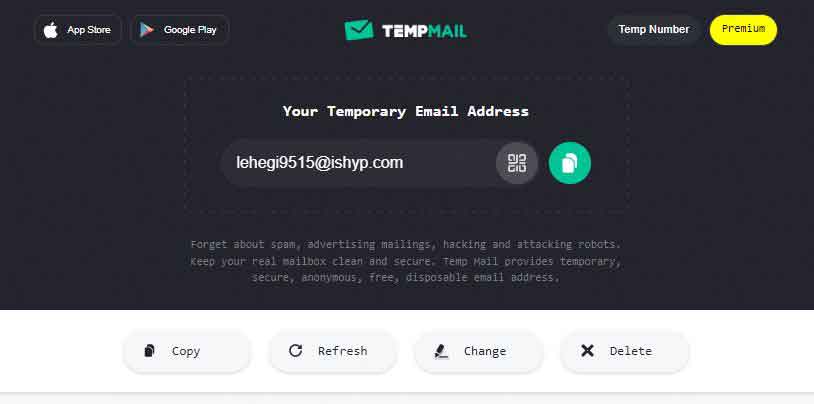
- Website URL: temp-mail.org/en
- Impressive mobile apps
- Easy-to-use UI
- Chrome browser extension
- No registration
- No ads in the premium version
TempMail is one of the best temporary email services that offers a user-friendly interface and intuitive mobile apps. It is free to use and doesn’t require you to register first. The most impressive feature of TempMail is its API, which integrates the TempMail platform with its own app and website. In addition, it rolls out a detailed privacy policy and terms of use that ensures that your online anonymity is not compromised.
In its privacy policy, the email provider states that they don’t collect personal information, including the user’s IP address. Also, all the inboxes are anonymous and won’t leave room for anyone to track your emails. Another impressive feature of TempMail is that it lets you connect with their team to resolve queries. You can contact the support team through the online contact form if you have any issues, which other temporary email services won’t offer.
Apart from this, a FAQ page also includes answers to all common questions. You can also find various supported articles on the blog section of their website, where you can learn about email solutions.
TempMail is available in free and premium versions. The premium version will cost you $60 per year and has additional features you won’t find in the free version.
2. Guerrilla Mail
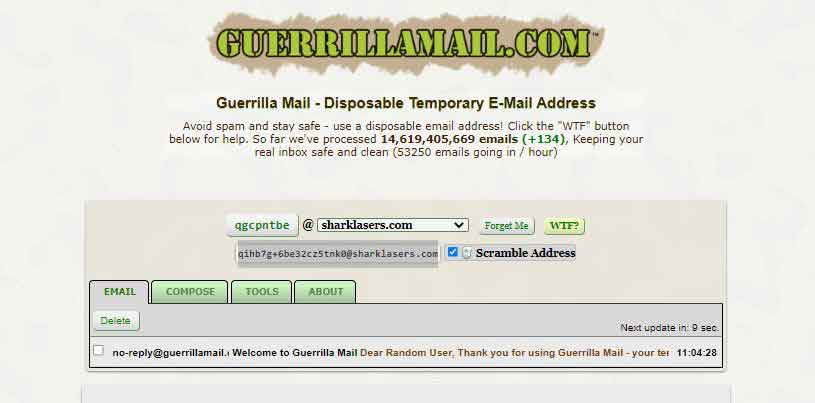
- Website URL: guerrillamail.com
- No registration required
- Scrambled Address feature
- Keeps no logs or other information
- Free to use
- Anyone can access the inbox
Guerrilla Mail is another best free temporary email service provider you can consider using to send anonymous emails. You don’t need to go through the registration process to get your disposable email address. Visit the Guerrilla Mail site and receive a random email address. But you can also customize your email username, which is quite impressive.
Unlike other disposable email services, guerilla Mail doesn’t offer advanced or fancy features. The only advanced feature Guerilla Mail offers is the Scrambled Address, which minimizes the risk of any snooping eyes viewing and accessing your inbox or sensitive information.
This temporary email service has a basic interface but fulfills the users’ needs. For instance, it enables you to create a temporary inbox to send and receive emails. All the messages are in quarantine until you view them in the inbox, and they automatically get deleted after an hour if you don’t consider them.
The information about Guerilla Mail’s privacy policy and terms of use is clear. They keep no logs and data and hence boost online anonymity. Also, it ensures keep your inbox clean of spam emails. The spam emails are zapped by Guerrilla Mail and don’t reach your mailbox.
The temp email service offered a premium package but has now canceled it. You can access all the Guerilla Mail features without signing up for an account. The only drawback of Guerilla Mail is that anyone having your inbox ID can access your inbox and read emails. But you can overcome this problem by creating a customized username.
3. Maildrop

- Website URL: maildrop.cc
- Customize email address
- No spam messages
- Inbox accessible to the public
- Don’t log user information
- The inbox holds ten messages
Maildrop is a throwaway email service that cuts the junk in your inbox. It is one of the best temporary email services that doesn’t auto-generate the email address but allows users to create a custom email address with the maildrop.cc domain name. You don’t need to sign up for an account or use passwords to get a temporary email address. Enter your desired username and the temporary email is created automatically with an alias address.
This disposable email service follows strict guidelines about the content of messages that lands in inboxes. Plain text or HTML emails can enter the inbox, but it’s best if it is less than 500k in length. One impressive feature of Maildrop is that it provides space to store all the messages. Almost ten messages can be saved in the inbox, and any inbox that doesn’t receive any email during the last 24 hours will clear automatically.
Furthermore, Maildrop does a great job of protecting your mailbox from spammers. Multiple spam filters created by Heluna powers it. They block all spam attempts before the messages enter the inbox, significantly reducing the total spam. However, Maildrop has warned its users about sending and sharing their details via email. Also, Maildrop’s web and email connections are logged, but the company doesn’t track the users or collect any other personal information.
4. EmailOnDeck

- Website URL: emailondeck.com
- Free and easy to use
- Avoid spam messages
- Exclusive domains
- API Access
- The Pro version has additional features
EmailOnDeck provides a disposable email address for temporary login and other related activities. It is undoubtedly the best temporary email service used by global professionals, such as CBS News, NBC, and Fox. You can generate email addresses in two quick, easy steps. You must complete the CAPTCHA test and click on the Get Email button.
Once you get the email address, you can use it. The free version of the EmailOnDeck lets you make one email at a time, while the pro version simultaneously allows over 100 email addresses. The pro version offers a range of features, including no ads, exclusive domains, saving email addresses, and creating a customized email address. If you want to buy the pro version of EmailOnDeck, you can pay via Bitcoin or Ethereum.
An impressive feature of EmailOnDeck is that it enables you to recover your email address session. Although the entire process is not easy if you have a valid email token, the email address is not wiped off, so there’s a possibility. There’s a FAQ page that answers all common questions, and you can also navigate through the company’s blog page to read more about temp email-related information.
The website has no exact time for the emails to expire. They usually last over an hour, but if you close your browser and clear the cookies, you might lose access more quickly. The email service site is highly secure as it is accessible via HTTPS, and the email servers use TLS to boot. It has no backup data, and the servers constantly delete the users’ logs.
5. AnonAddy
- Website URL: anonaddy.com
- Create unlimited email aliases
- Supports OpenPGP encryption
- Track email from aliases
- Browser extensions for Chrome and Firefox
- The premium plan has advanced features.
AnonAddy is a great email forwarding platform that works as a reliable temporary email service provider. It is an open-source platform that creates unlimited email aliases for free. You can generate the temporary email address by using your actual name. Still, if you’re concerned about online anonymity, you can select a username not linked to your real identity also, if you have a domain, you can add and use it like your username subdomain aliases. However, to get the disposable email address, you need to register for an account, and it will ask for the actual email address.
Besides this, the free version offers limited features. It allocates 10MB monthly bandwidth, allows two recipients, and has 20 shared domain aliases. The LITE plan offers 50 shared domain aliases and five recipients at a low price of $1/m. The pro package allows unlimited shared domain aliases, unlimited bandwidth, and 30 recipients for $3 per month.
AnonAddy takes all necessary measures to secure your emails and protect against unauthorized access. All the sensitive data, including alias description, public GPG keys, and recipient’s email addresses, are encrypted using AES-256 CBC cipher and OpenSSL encryption. The service provider also offers a two-factor authentication feature to enhance the security of your email accounts.
The temporary email service provider has a clear and transparent privacy policy. It might collect some of the user’s data, and they have mentioned its purpose in their privacy policy. But it doesn’t record any email or other sensitive information. All the data is stored on secure Netherlands servers, ensuring maximum anonymity.
6. Gmailnator
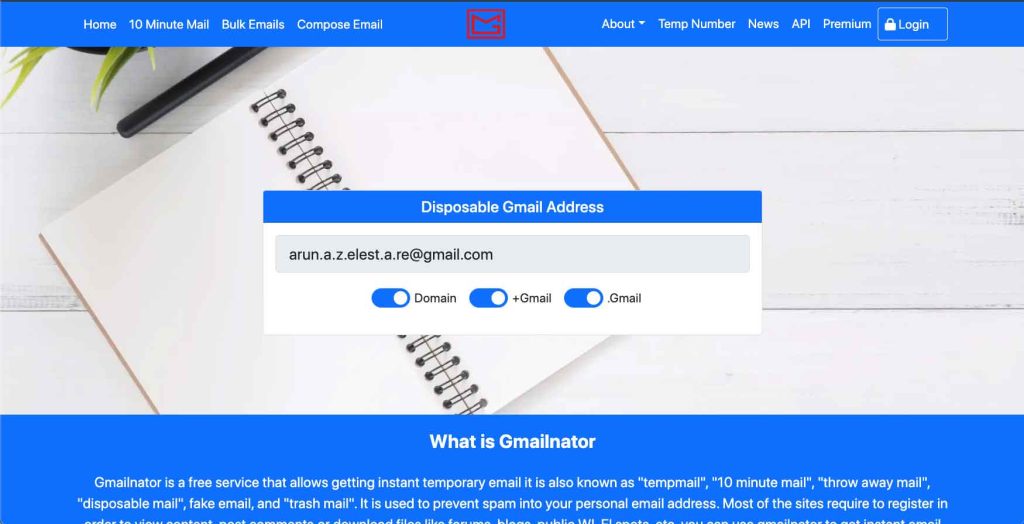
- Website URL: emailnator.com
- User-friendly interface
- Seven days email backup
- Custom email
- Impressive ten-minute email feature
- Shows too many ads
Gmailnator is a free temporary email address that provides you with Gmail email addresses. Open the Gmailnator site to have your temporary email address. If you don’t like the email address, click on Generate new and have an email address according to your preferences.
Since it works on websites that block disposable email services and efficiently bypass Steam’s email filter, it is the best temporary email service. Besides, it offers a custom email feature that ensures that unnecessary spam messages don’t enter your chosen email because Gmailnator handles them all.
The most impressive feature of Gmailnator is that it allows you to create the bulk of Gmail addresses without spending a single penny. It provides 100 to 1000 generated emails to send and receive anonymous messages. Also, it allows creating a ten-minute email, which is a burner email, and destroys them every ten minutes.
The user-friendly email service website includes a blog, news, and FAQ section. You can email the customer support team if you encounter any problems. However, the pop-up ads are the most irritating aspect of using Gmailnator. These ads are annoying and intrusive and spoil your overall experience. But if you want to eliminate ads and access more features, you can upgrade to the premium version.
Another drawback of using Gmailnator is it automatically collects certain information when you use their platform. The collected information doesn’t reveal your true identity, like your name. It still has your IP address, browser, location, and other related information, which isn’t a good sign from a privacy perspective.
7. 10 Minutes Mail

- Website URL: 10minutemail.net
- Easy to use and navigate
- Basic interface
- Free to use
- Mobile support
- Shows ads
10 Minutes Mail is a temporary email service provider that allows you to create and share email addresses with anyone for free. It is a free service and requires no registration to access. Visit the website, and it automatically generates an email address for you for up to ten minutes. But if you want to extend your messages’ expiration time, you can extend the limit to 100 minutes. All the deleted messages are stored for some time, meaning there is a chance of recovering your messages.
One impressive thing about 10 Minutes Mail is that it is a dedicated email service that allows you to access messages without compromising security and privacy. The service provider has a basic yet easy-to-use interface that doesn’t cause user trouble. It also has a mobile version that is quite functional on all mobile devices. Moreover, the temp email service prioritizes your security and ensures no one can access your emails. On their website, you can find a detailed privacy policy page that informs how privacy is maintained. All the emails and data are not stored and are permanently deleted from their servers.
Unlike many other email services, 10 Minutes Mail offers no virtual support. Though the service is free, they still accept small donations to support their project via cryptocurrency. But there’s a FAQ and blog section that might help the users.
8. Burner Mail
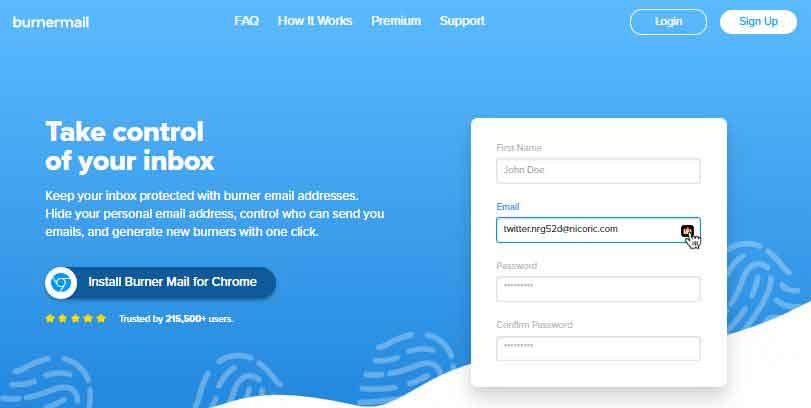
- Website URL: burnermail.io
- Registration required
- Access to Mailbox history
- Chrome extension available
- Add multiple recipients
- Premium version available
Burner Mail is another reliable temporary email service provider you can consider using. It offers free and paid versions that provide temp email addresses easily. As it offers a Chrome extension, you can directly download and add it to your browser. When you want a disposable email address to sign up on a website, click the burner icon, and you’ll get the email automatically. However, once the burner email is deleted, you can’t recover it through any means.
The free version allows the creation of five burner email addresses and seven days of access to mail history. Upgrade to the premium plan for $2.99/m to access full email security suite features.
The best feature of Burner Mail is its consolidation of security protocols, ease of use, and transparent privacy policy. All the emails and data are encrypted using TLS protocols and stored in secure hosting facilities provided by Amazon Web Services. You can go through the Privacy Policy page to know what information the email provider collects and for what purpose.
Moreover, it also protects your privacy by allowing you to create custom email addresses that you can even use to forward all incoming emails to your account. It provides different emails for different websites, making it difficult for privacy abusers to monitor and track your online activities.
With Burner Mail, you can add multiple recipients to your emails. Also, you can block receiving emails from any particular sender.
9. 33 Mail

- Website URL: 33mail.com
- Free to use
- Registration required
- Unlimited private email aliases
- Limited bandwidth support
33 Mail is another free temporary email service that produces millions of disposable email services daily. It is a great platform for signing up for websites and services and keeping your identity private. To generate the free temp email, first register so you have a username and password.
It has free and multiple premium subscription plans. The Lite version is free to use and won’t cost money. It allows the creation of unlimited aliases but comes with a 10GB monthly bandwidth limit to accommodate the messages for a specific time. You can subscribe to the paid plans for more bandwidth and features.
A rare feature of 33 Mail is that it provides a size limit for attachments, and it’s best if the attachments are 10M, as they also count toward the monthly bandwidth limit. The email provider has transparent terms of use. They do not log or share your data with third parties, ensuring maximum online protection.
You can go through the FAQ and blog sections to better understand this temporary email service.
10. Mail Proof
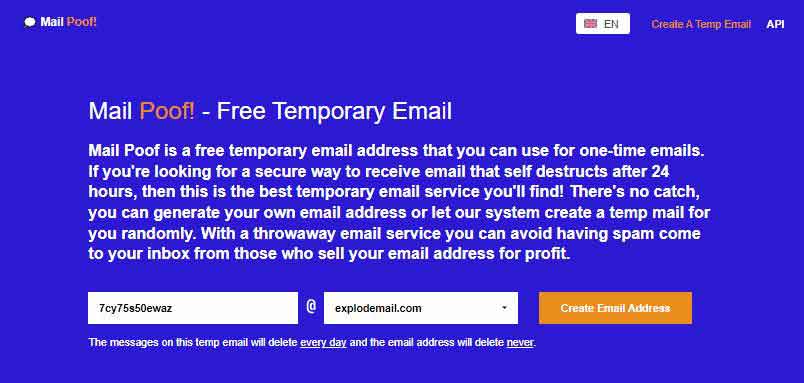
- Website URL: mailpoof.com
- Messages can last 24 hours
- Do not store data
- Easy-to-use UI
- No registration needed
- Lack features
Mail Proof provides you with a free temporary email address and shares it with people you don’t trust. The site doesn’t ask for any signup process; visit the website, and it will generate a disposable email address instantly. However, it does allow you to choose your custom address. You need to click on the confirmation link to view the email.
Moreover, Mail Proof also deletes spam messages and keeps your inbox clean. The email service provider doesn’t store your emails on its servers. All the emails are removed after 24 hours, so make sure you read the messages promptly. The site’s interface is basic yet easy to use.
It lacks advanced features and bombards you with pop-up ads, a significant drawback of using this email service.
11. E4ward
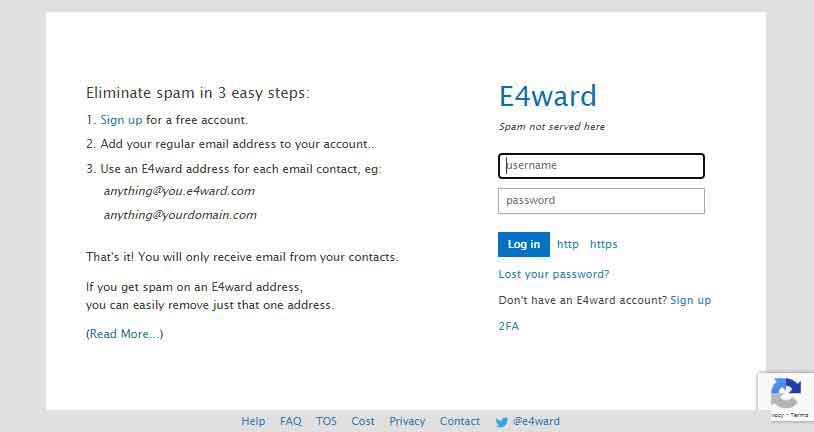
- Website URL: e4ward.com
- Available in free and paid versions
- Registration required
- Avoid spam messages
- Customize domains
- Two-factor authentication feature
E4ward is also among the best temporary email service that allows you to create auto-generated and customized domain email addresses. You can get a throwaway email address in three quick, easy steps, but before that, you must register for an account if you’re a new user.
The temp email address offers free and pro versions. The free plan comes with limitations. For instance, it only allocates 500MB of monthly bandwidth limit. In contrast, the paid version can provide a monthly 1000MB to 2000MB bandwidth. The service provider blocks emails based on the receiving address. It also keeps spam messages out of your inbox.
The best thing about E4ward is that you can create different email addresses for each contact, and they forward emails to your email address. It supports ‘address rewriting’ that masks your actual email address when you reply to emails. You can further boost the security of the emails by adding the two-factor authentication feature.
12. YOPmail
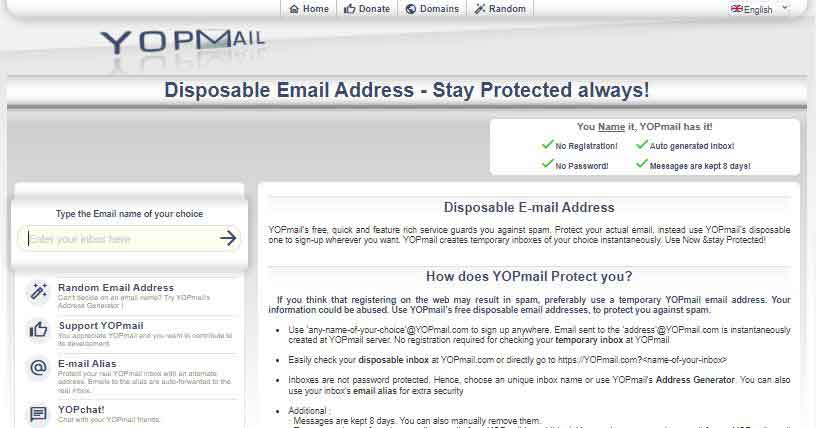
- Website URL: yopmail.com
- No registration or password
- Auto-generated inbox
- Custom email name
- Store messages for up to 8 days
- Runs the service with donations
YOPmail is a disposable email service provider that is easy to use and offers support in multiple languages. The service is free to use and requires no registration process. Access the website and generate a temp email address instantaneously. You can also add your own domain name and start receiving messages.
The YOPmail inboxes are not password protected; therefore, choose an inbox name. You can also use the YOPmail’s address generator. All the messages can last up to eight days; later, you can’t recover them by any means. It allows you to compose messages through the server, but you can only send them to recipients who use the YOPmail, a drawback of this service.
YOPmail is free to use, but the email provider accepts donations via PayPal to improve and run the service.
13. ThrowAwayMail
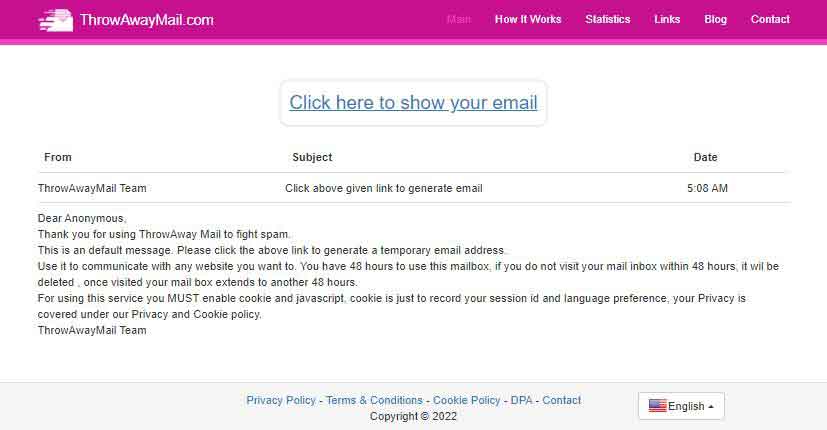
- Website URL: throwawaymail.com
- Fight against spam
- 48 hours storage time
- No registration
- Easy to use
- Customer support service
ThrowAwayMail is also a free temporary email service that you can use to generate email addresses for temporary reasons. The website doesn’t ask you about your actual email address for registration and provides you with an email address as you appear on the website’s homepage.
All the email addresses have a validity of 48 hours. When an email expires, all the messages are gone, and there’s no way to recover them. Moreover, it ensures that spam messages don’t load your inbox and ruin your user experience.
The email provider lacks the advanced features many other temp email services offer. But it has the basic ones that are enough to send anonymous emails.
14. ProtonMail

- Website URL: protonmail.com
- Self-destructing emails
- Customizable inbox
- Emails are protected under Swiss laws
- Modern and impressive design
- The subject lines of the emails are not encrypted
ProtonMail is a free private email provider that efficiently manages emails, blocks spam messages, and allows you to send and receive encrypted messages. You can create additional email addresses and aliases and enjoy maximum email security, but registration is mandatory.
All the emails sent and received via ProtonMail are protected by end-to-end and zero-access encryption. The inboxes are secured with built-in PGP encryption meaning you can send encrypted emails to people who don’t use ProtonMail. Self-destructing messages are a great feature of ProtonMail; hence, it is ranked as the best temporary email service provider. It enables users to set an expiry time for their emails. All the emails can no longer last more than 28 days, which is rare compared to other email service providers.
The email service offers free and premium plans for individuals and businesses. It allows the creation of one email address in the free plan. In addition, you can send up to 150 messages each day and have 1GB of total storage. ProtonMail allows you to connect with the support team by submitting the contact form if you encounter any issues.
There is great speculation on the privacy policy of ProtonMail, specifically after the recent security incident in which ProtonMail accepted to log users’ IP addresses by default. However, within its privacy policy, it still claims to not log the user’s IP address in their privacy policy except under “certain circumstances” In addition, ProtonMail has access to various email metadata, such as the IP address and contents of the unencrypted messages. The company has undergone the code audit process, which reveals no significant vulnerabilities, so it is a relief for the users that their online privacy won’t be compromised.
Why use the temporary Email Service
A temporary email address is a self-destructive one that allows you to stay anonymous online when you send or receive an email. But, besides this, there are other useful reasons to use the best temporary email services like:
- Online shops require your email address to send promotional emails. They overload your inbox as they keep informing you about their stories, product launches, and discount offers. A disposable email address is a great way to prevent annoying emails while buying anything online.
- Using a disposable email address will protect your account from spam emails.
- Online services and websites ask for your email address to complete the registration process so you can read a document or download a file. If you don’t want to give away your email address for privacy reasons, a temporary email will help you.
- Your regular email address requires you to remember complex passwords to log into your account, but you don’t with a temporary email address because they don’t have a password either.
- Some people believe that using a disposable email address makes online activity more secure. They don’t exist long enough or contain any personal or sensitive information. This reduces exposure to hackers as they will get no valuable information for committing fraudulent activities.
Make sure you make the right decision while choosing the best temporary email service to enjoy all the above benefits.
Conclusion
Using a temporary email service is a great security measure that keeps you away from many hassles and everyday stress. You can use email services where you don’t want to provide your address, prevent potential email data leaks, and safely access websites without worrying about annoying spam messages loading in your inbox.
All the email services mentioned above provide an amazing experience. They are free and easy to use and allow anonymously composing new emails. You can generate a temporary email address, shop online, and register for websites and services within a few clicks. Use VPN, antivirus software, or even private email providers to boost your email security further.
FAQs
The post 14 Disposable Email Services That Provide Temporary Email Addresses appeared first on BeEncrypted.
]]>Deprecated: Using null as an array offset is deprecated, use an empty string instead in /var/www/staging.beencrypted.com/site/web/wp/wp-includes/class-wp-block-type-registry.php on line 168
Deprecated: Using null as an array offset is deprecated, use an empty string instead in /var/www/staging.beencrypted.com/site/web/wp/wp-includes/class-wp-block-type-registry.php on line 168
Deprecated: Using null as an array offset is deprecated, use an empty string instead in /var/www/staging.beencrypted.com/site/web/wp/wp-includes/class-wp-block-type-registry.php on line 168
Deprecated: Using null as an array offset is deprecated, use an empty string instead in /var/www/staging.beencrypted.com/site/web/wp/wp-includes/class-wp-block-type-registry.php on line 168
Deprecated: Using null as an array offset is deprecated, use an empty string instead in /var/www/staging.beencrypted.com/site/web/wp/wp-includes/class-wp-block-type-registry.php on line 168
Deprecated: Using null as an array offset is deprecated, use an empty string instead in /var/www/staging.beencrypted.com/site/web/wp/wp-includes/class-wp-block-type-registry.php on line 168
Deprecated: Using null as an array offset is deprecated, use an empty string instead in /var/www/staging.beencrypted.com/site/web/wp/wp-includes/class-wp-block-type-registry.php on line 168
Deprecated: Using null as an array offset is deprecated, use an empty string instead in /var/www/staging.beencrypted.com/site/web/wp/wp-includes/class-wp-block-type-registry.php on line 168
Deprecated: Using null as an array offset is deprecated, use an empty string instead in /var/www/staging.beencrypted.com/site/web/wp/wp-includes/class-wp-block-type-registry.php on line 168
Deprecated: Using null as an array offset is deprecated, use an empty string instead in /var/www/staging.beencrypted.com/site/web/wp/wp-includes/class-wp-block-type-registry.php on line 168
Deprecated: Using null as an array offset is deprecated, use an empty string instead in /var/www/staging.beencrypted.com/site/web/wp/wp-includes/class-wp-block-type-registry.php on line 168
Deprecated: Using null as an array offset is deprecated, use an empty string instead in /var/www/staging.beencrypted.com/site/web/wp/wp-includes/class-wp-block-type-registry.php on line 168
Deprecated: Using null as an array offset is deprecated, use an empty string instead in /var/www/staging.beencrypted.com/site/web/wp/wp-includes/class-wp-block-type-registry.php on line 168
Deprecated: Using null as an array offset is deprecated, use an empty string instead in /var/www/staging.beencrypted.com/site/web/wp/wp-includes/class-wp-block-type-registry.php on line 168
Deprecated: Using null as an array offset is deprecated, use an empty string instead in /var/www/staging.beencrypted.com/site/web/wp/wp-includes/class-wp-block-type-registry.php on line 168
Deprecated: Using null as an array offset is deprecated, use an empty string instead in /var/www/staging.beencrypted.com/site/web/wp/wp-includes/class-wp-block-type-registry.php on line 168
Deprecated: Using null as an array offset is deprecated, use an empty string instead in /var/www/staging.beencrypted.com/site/web/wp/wp-includes/class-wp-block-type-registry.php on line 168
Deprecated: Using null as an array offset is deprecated, use an empty string instead in /var/www/staging.beencrypted.com/site/web/wp/wp-includes/class-wp-block-type-registry.php on line 168
Deprecated: Using null as an array offset is deprecated, use an empty string instead in /var/www/staging.beencrypted.com/site/web/wp/wp-includes/class-wp-block-type-registry.php on line 168
Deprecated: Using null as an array offset is deprecated, use an empty string instead in /var/www/staging.beencrypted.com/site/web/wp/wp-includes/class-wp-block-type-registry.php on line 168
Deprecated: Using null as an array offset is deprecated, use an empty string instead in /var/www/staging.beencrypted.com/site/web/wp/wp-includes/class-wp-block-type-registry.php on line 168
Deprecated: Using null as an array offset is deprecated, use an empty string instead in /var/www/staging.beencrypted.com/site/web/wp/wp-includes/class-wp-block-type-registry.php on line 168
Deprecated: Using null as an array offset is deprecated, use an empty string instead in /var/www/staging.beencrypted.com/site/web/wp/wp-includes/class-wp-block-type-registry.php on line 168
Deprecated: Using null as an array offset is deprecated, use an empty string instead in /var/www/staging.beencrypted.com/site/web/wp/wp-includes/class-wp-block-type-registry.php on line 168
Deprecated: Using null as an array offset is deprecated, use an empty string instead in /var/www/staging.beencrypted.com/site/web/wp/wp-includes/class-wp-block-type-registry.php on line 168
Deprecated: Using null as an array offset is deprecated, use an empty string instead in /var/www/staging.beencrypted.com/site/web/wp/wp-includes/class-wp-block-type-registry.php on line 168
Deprecated: Using null as an array offset is deprecated, use an empty string instead in /var/www/staging.beencrypted.com/site/web/wp/wp-includes/class-wp-block-type-registry.php on line 168
Deprecated: Using null as an array offset is deprecated, use an empty string instead in /var/www/staging.beencrypted.com/site/web/wp/wp-includes/class-wp-block-type-registry.php on line 168
Deprecated: Using null as an array offset is deprecated, use an empty string instead in /var/www/staging.beencrypted.com/site/web/wp/wp-includes/class-wp-block-type-registry.php on line 168
Deprecated: Using null as an array offset is deprecated, use an empty string instead in /var/www/staging.beencrypted.com/site/web/wp/wp-includes/class-wp-block-type-registry.php on line 168
Deprecated: Using null as an array offset is deprecated, use an empty string instead in /var/www/staging.beencrypted.com/site/web/wp/wp-includes/class-wp-block-type-registry.php on line 168
Deprecated: Using null as an array offset is deprecated, use an empty string instead in /var/www/staging.beencrypted.com/site/web/wp/wp-includes/class-wp-block-type-registry.php on line 168
Deprecated: Using null as an array offset is deprecated, use an empty string instead in /var/www/staging.beencrypted.com/site/web/wp/wp-includes/class-wp-block-type-registry.php on line 168
Deprecated: Using null as an array offset is deprecated, use an empty string instead in /var/www/staging.beencrypted.com/site/web/wp/wp-includes/class-wp-block-type-registry.php on line 168
Deprecated: Using null as an array offset is deprecated, use an empty string instead in /var/www/staging.beencrypted.com/site/web/wp/wp-includes/class-wp-block-type-registry.php on line 168
Deprecated: Using null as an array offset is deprecated, use an empty string instead in /var/www/staging.beencrypted.com/site/web/wp/wp-includes/class-wp-block-type-registry.php on line 168
Deprecated: Using null as an array offset is deprecated, use an empty string instead in /var/www/staging.beencrypted.com/site/web/wp/wp-includes/class-wp-block-type-registry.php on line 168
Deprecated: Using null as an array offset is deprecated, use an empty string instead in /var/www/staging.beencrypted.com/site/web/wp/wp-includes/class-wp-block-type-registry.php on line 168
Deprecated: Using null as an array offset is deprecated, use an empty string instead in /var/www/staging.beencrypted.com/site/web/wp/wp-includes/class-wp-block-type-registry.php on line 168
Deprecated: Using null as an array offset is deprecated, use an empty string instead in /var/www/staging.beencrypted.com/site/web/wp/wp-includes/class-wp-block-type-registry.php on line 168
Deprecated: Using null as an array offset is deprecated, use an empty string instead in /var/www/staging.beencrypted.com/site/web/wp/wp-includes/class-wp-block-type-registry.php on line 168
Deprecated: Using null as an array offset is deprecated, use an empty string instead in /var/www/staging.beencrypted.com/site/web/wp/wp-includes/class-wp-block-type-registry.php on line 168
Deprecated: Using null as an array offset is deprecated, use an empty string instead in /var/www/staging.beencrypted.com/site/web/wp/wp-includes/class-wp-block-type-registry.php on line 168
Deprecated: Using null as an array offset is deprecated, use an empty string instead in /var/www/staging.beencrypted.com/site/web/wp/wp-includes/class-wp-block-type-registry.php on line 168
Deprecated: Using null as an array offset is deprecated, use an empty string instead in /var/www/staging.beencrypted.com/site/web/wp/wp-includes/class-wp-block-type-registry.php on line 168
Deprecated: Using null as an array offset is deprecated, use an empty string instead in /var/www/staging.beencrypted.com/site/web/wp/wp-includes/class-wp-block-type-registry.php on line 168
Deprecated: Using null as an array offset is deprecated, use an empty string instead in /var/www/staging.beencrypted.com/site/web/wp/wp-includes/class-wp-block-type-registry.php on line 168
Deprecated: Using null as an array offset is deprecated, use an empty string instead in /var/www/staging.beencrypted.com/site/web/wp/wp-includes/class-wp-block-type-registry.php on line 168
Deprecated: Using null as an array offset is deprecated, use an empty string instead in /var/www/staging.beencrypted.com/site/web/wp/wp-includes/class-wp-block-type-registry.php on line 168
Deprecated: Using null as an array offset is deprecated, use an empty string instead in /var/www/staging.beencrypted.com/site/web/wp/wp-includes/class-wp-block-type-registry.php on line 168
Deprecated: Using null as an array offset is deprecated, use an empty string instead in /var/www/staging.beencrypted.com/site/web/wp/wp-includes/class-wp-block-type-registry.php on line 168
Deprecated: Using null as an array offset is deprecated, use an empty string instead in /var/www/staging.beencrypted.com/site/web/wp/wp-includes/class-wp-block-type-registry.php on line 168
Deprecated: Using null as an array offset is deprecated, use an empty string instead in /var/www/staging.beencrypted.com/site/web/wp/wp-includes/class-wp-block-type-registry.php on line 168
Deprecated: Using null as an array offset is deprecated, use an empty string instead in /var/www/staging.beencrypted.com/site/web/wp/wp-includes/class-wp-block-type-registry.php on line 168
Deprecated: Using null as an array offset is deprecated, use an empty string instead in /var/www/staging.beencrypted.com/site/web/wp/wp-includes/class-wp-block-type-registry.php on line 168
Deprecated: Using null as an array offset is deprecated, use an empty string instead in /var/www/staging.beencrypted.com/site/web/wp/wp-includes/class-wp-block-type-registry.php on line 168
Deprecated: Using null as an array offset is deprecated, use an empty string instead in /var/www/staging.beencrypted.com/site/web/wp/wp-includes/class-wp-block-type-registry.php on line 168
Deprecated: Using null as an array offset is deprecated, use an empty string instead in /var/www/staging.beencrypted.com/site/web/wp/wp-includes/class-wp-block-type-registry.php on line 168
Deprecated: Using null as an array offset is deprecated, use an empty string instead in /var/www/staging.beencrypted.com/site/web/wp/wp-includes/class-wp-block-type-registry.php on line 168
Deprecated: Using null as an array offset is deprecated, use an empty string instead in /var/www/staging.beencrypted.com/site/web/wp/wp-includes/class-wp-block-type-registry.php on line 168
Deprecated: Using null as an array offset is deprecated, use an empty string instead in /var/www/staging.beencrypted.com/site/web/wp/wp-includes/class-wp-block-type-registry.php on line 168
Deprecated: Using null as an array offset is deprecated, use an empty string instead in /var/www/staging.beencrypted.com/site/web/wp/wp-includes/class-wp-block-type-registry.php on line 168
Deprecated: Using null as an array offset is deprecated, use an empty string instead in /var/www/staging.beencrypted.com/site/web/wp/wp-includes/class-wp-block-type-registry.php on line 168
Deprecated: Using null as an array offset is deprecated, use an empty string instead in /var/www/staging.beencrypted.com/site/web/wp/wp-includes/class-wp-block-type-registry.php on line 168
Deprecated: Using null as an array offset is deprecated, use an empty string instead in /var/www/staging.beencrypted.com/site/web/wp/wp-includes/class-wp-block-type-registry.php on line 168
Deprecated: Using null as an array offset is deprecated, use an empty string instead in /var/www/staging.beencrypted.com/site/web/wp/wp-includes/class-wp-block-type-registry.php on line 168
Deprecated: Using null as an array offset is deprecated, use an empty string instead in /var/www/staging.beencrypted.com/site/web/wp/wp-includes/class-wp-block-type-registry.php on line 168
Deprecated: Using null as an array offset is deprecated, use an empty string instead in /var/www/staging.beencrypted.com/site/web/wp/wp-includes/class-wp-block-type-registry.php on line 168
Deprecated: Using null as an array offset is deprecated, use an empty string instead in /var/www/staging.beencrypted.com/site/web/wp/wp-includes/class-wp-block-type-registry.php on line 168
Deprecated: Using null as an array offset is deprecated, use an empty string instead in /var/www/staging.beencrypted.com/site/web/wp/wp-includes/class-wp-block-type-registry.php on line 168
Deprecated: Using null as an array offset is deprecated, use an empty string instead in /var/www/staging.beencrypted.com/site/web/wp/wp-includes/class-wp-block-type-registry.php on line 168
Deprecated: Using null as an array offset is deprecated, use an empty string instead in /var/www/staging.beencrypted.com/site/web/wp/wp-includes/class-wp-block-type-registry.php on line 168
Deprecated: Using null as an array offset is deprecated, use an empty string instead in /var/www/staging.beencrypted.com/site/web/wp/wp-includes/class-wp-block-type-registry.php on line 168
Deprecated: Using null as an array offset is deprecated, use an empty string instead in /var/www/staging.beencrypted.com/site/web/wp/wp-includes/class-wp-block-type-registry.php on line 168
Deprecated: Using null as an array offset is deprecated, use an empty string instead in /var/www/staging.beencrypted.com/site/web/wp/wp-includes/class-wp-block-type-registry.php on line 168
Deprecated: Using null as an array offset is deprecated, use an empty string instead in /var/www/staging.beencrypted.com/site/web/wp/wp-includes/class-wp-block-type-registry.php on line 168
Deprecated: Using null as an array offset is deprecated, use an empty string instead in /var/www/staging.beencrypted.com/site/web/wp/wp-includes/class-wp-block-type-registry.php on line 168
Deprecated: Using null as an array offset is deprecated, use an empty string instead in /var/www/staging.beencrypted.com/site/web/wp/wp-includes/class-wp-block-type-registry.php on line 168
Deprecated: Using null as an array offset is deprecated, use an empty string instead in /var/www/staging.beencrypted.com/site/web/wp/wp-includes/class-wp-block-type-registry.php on line 168
Deprecated: Using null as an array offset is deprecated, use an empty string instead in /var/www/staging.beencrypted.com/site/web/wp/wp-includes/class-wp-block-type-registry.php on line 168
Deprecated: Using null as an array offset is deprecated, use an empty string instead in /var/www/staging.beencrypted.com/site/web/wp/wp-includes/class-wp-block-type-registry.php on line 168
Deprecated: Using null as an array offset is deprecated, use an empty string instead in /var/www/staging.beencrypted.com/site/web/wp/wp-includes/class-wp-block-type-registry.php on line 168
Deprecated: Using null as an array offset is deprecated, use an empty string instead in /var/www/staging.beencrypted.com/site/web/wp/wp-includes/class-wp-block-type-registry.php on line 168
Deprecated: Using null as an array offset is deprecated, use an empty string instead in /var/www/staging.beencrypted.com/site/web/wp/wp-includes/class-wp-block-type-registry.php on line 168
Deprecated: Using null as an array offset is deprecated, use an empty string instead in /var/www/staging.beencrypted.com/site/web/wp/wp-includes/class-wp-block-type-registry.php on line 168
Deprecated: Using null as an array offset is deprecated, use an empty string instead in /var/www/staging.beencrypted.com/site/web/wp/wp-includes/class-wp-block-type-registry.php on line 168
Deprecated: Using null as an array offset is deprecated, use an empty string instead in /var/www/staging.beencrypted.com/site/web/wp/wp-includes/class-wp-block-type-registry.php on line 168
Deprecated: Using null as an array offset is deprecated, use an empty string instead in /var/www/staging.beencrypted.com/site/web/wp/wp-includes/class-wp-block-type-registry.php on line 168
Deprecated: Using null as an array offset is deprecated, use an empty string instead in /var/www/staging.beencrypted.com/site/web/wp/wp-includes/class-wp-block-type-registry.php on line 168
Deprecated: Using null as an array offset is deprecated, use an empty string instead in /var/www/staging.beencrypted.com/site/web/wp/wp-includes/class-wp-block-type-registry.php on line 168
Deprecated: Using null as an array offset is deprecated, use an empty string instead in /var/www/staging.beencrypted.com/site/web/wp/wp-includes/class-wp-block-type-registry.php on line 168
Deprecated: Using null as an array offset is deprecated, use an empty string instead in /var/www/staging.beencrypted.com/site/web/wp/wp-includes/class-wp-block-type-registry.php on line 168
Deprecated: Using null as an array offset is deprecated, use an empty string instead in /var/www/staging.beencrypted.com/site/web/wp/wp-includes/class-wp-block-type-registry.php on line 168
Deprecated: Using null as an array offset is deprecated, use an empty string instead in /var/www/staging.beencrypted.com/site/web/wp/wp-includes/class-wp-block-type-registry.php on line 168
Deprecated: Using null as an array offset is deprecated, use an empty string instead in /var/www/staging.beencrypted.com/site/web/wp/wp-includes/class-wp-block-type-registry.php on line 168
Deprecated: Using null as an array offset is deprecated, use an empty string instead in /var/www/staging.beencrypted.com/site/web/wp/wp-includes/class-wp-block-type-registry.php on line 168
Deprecated: Using null as an array offset is deprecated, use an empty string instead in /var/www/staging.beencrypted.com/site/web/wp/wp-includes/class-wp-block-type-registry.php on line 168
Deprecated: Using null as an array offset is deprecated, use an empty string instead in /var/www/staging.beencrypted.com/site/web/wp/wp-includes/class-wp-block-type-registry.php on line 168
Deprecated: Using null as an array offset is deprecated, use an empty string instead in /var/www/staging.beencrypted.com/site/web/wp/wp-includes/class-wp-block-type-registry.php on line 168
Deprecated: Using null as an array offset is deprecated, use an empty string instead in /var/www/staging.beencrypted.com/site/web/wp/wp-includes/class-wp-block-type-registry.php on line 168
Deprecated: Using null as an array offset is deprecated, use an empty string instead in /var/www/staging.beencrypted.com/site/web/wp/wp-includes/class-wp-block-type-registry.php on line 168
Deprecated: Using null as an array offset is deprecated, use an empty string instead in /var/www/staging.beencrypted.com/site/web/wp/wp-includes/class-wp-block-type-registry.php on line 168
Deprecated: Using null as an array offset is deprecated, use an empty string instead in /var/www/staging.beencrypted.com/site/web/wp/wp-includes/class-wp-block-type-registry.php on line 168
Deprecated: Using null as an array offset is deprecated, use an empty string instead in /var/www/staging.beencrypted.com/site/web/wp/wp-includes/class-wp-block-type-registry.php on line 168
Deprecated: Using null as an array offset is deprecated, use an empty string instead in /var/www/staging.beencrypted.com/site/web/wp/wp-includes/class-wp-block-type-registry.php on line 168
Deprecated: Using null as an array offset is deprecated, use an empty string instead in /var/www/staging.beencrypted.com/site/web/wp/wp-includes/class-wp-block-type-registry.php on line 168
Deprecated: Using null as an array offset is deprecated, use an empty string instead in /var/www/staging.beencrypted.com/site/web/wp/wp-includes/class-wp-block-type-registry.php on line 168
Deprecated: Using null as an array offset is deprecated, use an empty string instead in /var/www/staging.beencrypted.com/site/web/wp/wp-includes/class-wp-block-type-registry.php on line 168
Deprecated: Using null as an array offset is deprecated, use an empty string instead in /var/www/staging.beencrypted.com/site/web/wp/wp-includes/class-wp-block-type-registry.php on line 168
Deprecated: Using null as an array offset is deprecated, use an empty string instead in /var/www/staging.beencrypted.com/site/web/wp/wp-includes/class-wp-block-type-registry.php on line 168
Deprecated: Using null as an array offset is deprecated, use an empty string instead in /var/www/staging.beencrypted.com/site/web/wp/wp-includes/class-wp-block-type-registry.php on line 168
Deprecated: Using null as an array offset is deprecated, use an empty string instead in /var/www/staging.beencrypted.com/site/web/wp/wp-includes/class-wp-block-type-registry.php on line 168
Deprecated: Using null as an array offset is deprecated, use an empty string instead in /var/www/staging.beencrypted.com/site/web/wp/wp-includes/class-wp-block-type-registry.php on line 168
Deprecated: Using null as an array offset is deprecated, use an empty string instead in /var/www/staging.beencrypted.com/site/web/wp/wp-includes/class-wp-block-type-registry.php on line 168
Deprecated: Using null as an array offset is deprecated, use an empty string instead in /var/www/staging.beencrypted.com/site/web/wp/wp-includes/class-wp-block-type-registry.php on line 168
Deprecated: Using null as an array offset is deprecated, use an empty string instead in /var/www/staging.beencrypted.com/site/web/wp/wp-includes/class-wp-block-type-registry.php on line 168
Deprecated: Using null as an array offset is deprecated, use an empty string instead in /var/www/staging.beencrypted.com/site/web/wp/wp-includes/class-wp-block-type-registry.php on line 168
Deprecated: Using null as an array offset is deprecated, use an empty string instead in /var/www/staging.beencrypted.com/site/web/wp/wp-includes/class-wp-block-type-registry.php on line 168
Deprecated: Using null as an array offset is deprecated, use an empty string instead in /var/www/staging.beencrypted.com/site/web/wp/wp-includes/class-wp-block-type-registry.php on line 168
Deprecated: Using null as an array offset is deprecated, use an empty string instead in /var/www/staging.beencrypted.com/site/web/wp/wp-includes/class-wp-block-type-registry.php on line 168
Deprecated: Using null as an array offset is deprecated, use an empty string instead in /var/www/staging.beencrypted.com/site/web/wp/wp-includes/class-wp-block-type-registry.php on line 168
Deprecated: Using null as an array offset is deprecated, use an empty string instead in /var/www/staging.beencrypted.com/site/web/wp/wp-includes/class-wp-block-type-registry.php on line 168
Deprecated: Using null as an array offset is deprecated, use an empty string instead in /var/www/staging.beencrypted.com/site/web/wp/wp-includes/class-wp-block-type-registry.php on line 168
Deprecated: Using null as an array offset is deprecated, use an empty string instead in /var/www/staging.beencrypted.com/site/web/wp/wp-includes/class-wp-block-type-registry.php on line 168
Deprecated: Using null as an array offset is deprecated, use an empty string instead in /var/www/staging.beencrypted.com/site/web/wp/wp-includes/class-wp-block-type-registry.php on line 168
Deprecated: Using null as an array offset is deprecated, use an empty string instead in /var/www/staging.beencrypted.com/site/web/wp/wp-includes/class-wp-block-type-registry.php on line 168
Deprecated: Using null as an array offset is deprecated, use an empty string instead in /var/www/staging.beencrypted.com/site/web/wp/wp-includes/class-wp-block-type-registry.php on line 168
Deprecated: Using null as an array offset is deprecated, use an empty string instead in /var/www/staging.beencrypted.com/site/web/wp/wp-includes/class-wp-block-type-registry.php on line 168
Deprecated: Using null as an array offset is deprecated, use an empty string instead in /var/www/staging.beencrypted.com/site/web/wp/wp-includes/class-wp-block-type-registry.php on line 168
Deprecated: Using null as an array offset is deprecated, use an empty string instead in /var/www/staging.beencrypted.com/site/web/wp/wp-includes/class-wp-block-type-registry.php on line 168
Deprecated: Using null as an array offset is deprecated, use an empty string instead in /var/www/staging.beencrypted.com/site/web/wp/wp-includes/class-wp-block-type-registry.php on line 168
Deprecated: Using null as an array offset is deprecated, use an empty string instead in /var/www/staging.beencrypted.com/site/web/wp/wp-includes/class-wp-block-type-registry.php on line 168
Deprecated: Using null as an array offset is deprecated, use an empty string instead in /var/www/staging.beencrypted.com/site/web/wp/wp-includes/class-wp-block-type-registry.php on line 168
Deprecated: Using null as an array offset is deprecated, use an empty string instead in /var/www/staging.beencrypted.com/site/web/wp/wp-includes/class-wp-block-type-registry.php on line 168
Deprecated: Using null as an array offset is deprecated, use an empty string instead in /var/www/staging.beencrypted.com/site/web/wp/wp-includes/class-wp-block-type-registry.php on line 168
Deprecated: Using null as an array offset is deprecated, use an empty string instead in /var/www/staging.beencrypted.com/site/web/wp/wp-includes/class-wp-block-type-registry.php on line 168
Deprecated: Using null as an array offset is deprecated, use an empty string instead in /var/www/staging.beencrypted.com/site/web/wp/wp-includes/class-wp-block-type-registry.php on line 168
Deprecated: Using null as an array offset is deprecated, use an empty string instead in /var/www/staging.beencrypted.com/site/web/wp/wp-includes/class-wp-block-type-registry.php on line 168
Deprecated: Using null as an array offset is deprecated, use an empty string instead in /var/www/staging.beencrypted.com/site/web/wp/wp-includes/class-wp-block-type-registry.php on line 168
Deprecated: Using null as an array offset is deprecated, use an empty string instead in /var/www/staging.beencrypted.com/site/web/wp/wp-includes/class-wp-block-type-registry.php on line 168
Deprecated: Using null as an array offset is deprecated, use an empty string instead in /var/www/staging.beencrypted.com/site/web/wp/wp-includes/class-wp-block-type-registry.php on line 168
Deprecated: Using null as an array offset is deprecated, use an empty string instead in /var/www/staging.beencrypted.com/site/web/wp/wp-includes/class-wp-block-type-registry.php on line 168
Deprecated: Using null as an array offset is deprecated, use an empty string instead in /var/www/staging.beencrypted.com/site/web/wp/wp-includes/class-wp-block-type-registry.php on line 168
Deprecated: Using null as an array offset is deprecated, use an empty string instead in /var/www/staging.beencrypted.com/site/web/wp/wp-includes/class-wp-block-type-registry.php on line 168
Deprecated: Using null as an array offset is deprecated, use an empty string instead in /var/www/staging.beencrypted.com/site/web/wp/wp-includes/class-wp-block-type-registry.php on line 168
Deprecated: Using null as an array offset is deprecated, use an empty string instead in /var/www/staging.beencrypted.com/site/web/wp/wp-includes/class-wp-block-type-registry.php on line 168
Deprecated: Using null as an array offset is deprecated, use an empty string instead in /var/www/staging.beencrypted.com/site/web/wp/wp-includes/class-wp-block-type-registry.php on line 168
Deprecated: Using null as an array offset is deprecated, use an empty string instead in /var/www/staging.beencrypted.com/site/web/wp/wp-includes/class-wp-block-type-registry.php on line 168
Deprecated: Using null as an array offset is deprecated, use an empty string instead in /var/www/staging.beencrypted.com/site/web/wp/wp-includes/class-wp-block-type-registry.php on line 168
Deprecated: Using null as an array offset is deprecated, use an empty string instead in /var/www/staging.beencrypted.com/site/web/wp/wp-includes/class-wp-block-type-registry.php on line 168
Deprecated: Using null as an array offset is deprecated, use an empty string instead in /var/www/staging.beencrypted.com/site/web/wp/wp-includes/class-wp-block-type-registry.php on line 168
Deprecated: Using null as an array offset is deprecated, use an empty string instead in /var/www/staging.beencrypted.com/site/web/wp/wp-includes/class-wp-block-type-registry.php on line 168
Deprecated: Using null as an array offset is deprecated, use an empty string instead in /var/www/staging.beencrypted.com/site/web/wp/wp-includes/class-wp-block-type-registry.php on line 168
Deprecated: Using null as an array offset is deprecated, use an empty string instead in /var/www/staging.beencrypted.com/site/web/wp/wp-includes/class-wp-block-type-registry.php on line 168
Deprecated: Using null as an array offset is deprecated, use an empty string instead in /var/www/staging.beencrypted.com/site/web/wp/wp-includes/class-wp-block-type-registry.php on line 168
Deprecated: Using null as an array offset is deprecated, use an empty string instead in /var/www/staging.beencrypted.com/site/web/wp/wp-includes/class-wp-block-type-registry.php on line 168
Deprecated: Using null as an array offset is deprecated, use an empty string instead in /var/www/staging.beencrypted.com/site/web/wp/wp-includes/class-wp-block-type-registry.php on line 168
Deprecated: Using null as an array offset is deprecated, use an empty string instead in /var/www/staging.beencrypted.com/site/web/wp/wp-includes/class-wp-block-type-registry.php on line 168
Deprecated: Using null as an array offset is deprecated, use an empty string instead in /var/www/staging.beencrypted.com/site/web/wp/wp-includes/class-wp-block-type-registry.php on line 168
Deprecated: Using null as an array offset is deprecated, use an empty string instead in /var/www/staging.beencrypted.com/site/web/wp/wp-includes/class-wp-block-type-registry.php on line 168
Deprecated: Using null as an array offset is deprecated, use an empty string instead in /var/www/staging.beencrypted.com/site/web/wp/wp-includes/class-wp-block-type-registry.php on line 168
Deprecated: Using null as an array offset is deprecated, use an empty string instead in /var/www/staging.beencrypted.com/site/web/wp/wp-includes/class-wp-block-type-registry.php on line 168
Deprecated: Using null as an array offset is deprecated, use an empty string instead in /var/www/staging.beencrypted.com/site/web/wp/wp-includes/class-wp-block-type-registry.php on line 168
Deprecated: Using null as an array offset is deprecated, use an empty string instead in /var/www/staging.beencrypted.com/site/web/wp/wp-includes/class-wp-block-type-registry.php on line 168
Deprecated: Using null as an array offset is deprecated, use an empty string instead in /var/www/staging.beencrypted.com/site/web/wp/wp-includes/class-wp-block-type-registry.php on line 168
Deprecated: Using null as an array offset is deprecated, use an empty string instead in /var/www/staging.beencrypted.com/site/web/wp/wp-includes/class-wp-block-type-registry.php on line 168
Deprecated: Using null as an array offset is deprecated, use an empty string instead in /var/www/staging.beencrypted.com/site/web/wp/wp-includes/class-wp-block-type-registry.php on line 168
Deprecated: Using null as an array offset is deprecated, use an empty string instead in /var/www/staging.beencrypted.com/site/web/wp/wp-includes/class-wp-block-type-registry.php on line 168
Deprecated: Using null as an array offset is deprecated, use an empty string instead in /var/www/staging.beencrypted.com/site/web/wp/wp-includes/class-wp-block-type-registry.php on line 168
Deprecated: Using null as an array offset is deprecated, use an empty string instead in /var/www/staging.beencrypted.com/site/web/wp/wp-includes/class-wp-block-type-registry.php on line 168
Deprecated: Using null as an array offset is deprecated, use an empty string instead in /var/www/staging.beencrypted.com/site/web/wp/wp-includes/class-wp-block-type-registry.php on line 168
Deprecated: Using null as an array offset is deprecated, use an empty string instead in /var/www/staging.beencrypted.com/site/web/wp/wp-includes/class-wp-block-type-registry.php on line 168
Deprecated: Using null as an array offset is deprecated, use an empty string instead in /var/www/staging.beencrypted.com/site/web/wp/wp-includes/class-wp-block-type-registry.php on line 168
Deprecated: Using null as an array offset is deprecated, use an empty string instead in /var/www/staging.beencrypted.com/site/web/wp/wp-includes/class-wp-block-type-registry.php on line 168
Deprecated: Using null as an array offset is deprecated, use an empty string instead in /var/www/staging.beencrypted.com/site/web/wp/wp-includes/class-wp-block-type-registry.php on line 168
Deprecated: Using null as an array offset is deprecated, use an empty string instead in /var/www/staging.beencrypted.com/site/web/wp/wp-includes/class-wp-block-type-registry.php on line 168
Deprecated: Using null as an array offset is deprecated, use an empty string instead in /var/www/staging.beencrypted.com/site/web/wp/wp-includes/class-wp-block-type-registry.php on line 168
Deprecated: Using null as an array offset is deprecated, use an empty string instead in /var/www/staging.beencrypted.com/site/web/wp/wp-includes/class-wp-block-type-registry.php on line 168
Deprecated: Using null as an array offset is deprecated, use an empty string instead in /var/www/staging.beencrypted.com/site/web/wp/wp-includes/class-wp-block-type-registry.php on line 168
Deprecated: Using null as an array offset is deprecated, use an empty string instead in /var/www/staging.beencrypted.com/site/web/wp/wp-includes/class-wp-block-type-registry.php on line 168
Deprecated: Using null as an array offset is deprecated, use an empty string instead in /var/www/staging.beencrypted.com/site/web/wp/wp-includes/class-wp-block-type-registry.php on line 168
Deprecated: Using null as an array offset is deprecated, use an empty string instead in /var/www/staging.beencrypted.com/site/web/wp/wp-includes/class-wp-block-type-registry.php on line 168
Deprecated: Using null as an array offset is deprecated, use an empty string instead in /var/www/staging.beencrypted.com/site/web/wp/wp-includes/class-wp-block-type-registry.php on line 168
Deprecated: Using null as an array offset is deprecated, use an empty string instead in /var/www/staging.beencrypted.com/site/web/wp/wp-includes/class-wp-block-type-registry.php on line 168
Deprecated: Using null as an array offset is deprecated, use an empty string instead in /var/www/staging.beencrypted.com/site/web/wp/wp-includes/class-wp-block-type-registry.php on line 168
Deprecated: Using null as an array offset is deprecated, use an empty string instead in /var/www/staging.beencrypted.com/site/web/wp/wp-includes/class-wp-block-type-registry.php on line 168
Deprecated: Using null as an array offset is deprecated, use an empty string instead in /var/www/staging.beencrypted.com/site/web/wp/wp-includes/class-wp-block-type-registry.php on line 168
Deprecated: Using null as an array offset is deprecated, use an empty string instead in /var/www/staging.beencrypted.com/site/web/wp/wp-includes/class-wp-block-type-registry.php on line 168
Deprecated: Using null as an array offset is deprecated, use an empty string instead in /var/www/staging.beencrypted.com/site/web/wp/wp-includes/class-wp-block-type-registry.php on line 168
Deprecated: Using null as an array offset is deprecated, use an empty string instead in /var/www/staging.beencrypted.com/site/web/wp/wp-includes/class-wp-block-type-registry.php on line 168
Deprecated: Using null as an array offset is deprecated, use an empty string instead in /var/www/staging.beencrypted.com/site/web/wp/wp-includes/class-wp-block-type-registry.php on line 168
Deprecated: Using null as an array offset is deprecated, use an empty string instead in /var/www/staging.beencrypted.com/site/web/wp/wp-includes/class-wp-block-type-registry.php on line 168
Deprecated: Using null as an array offset is deprecated, use an empty string instead in /var/www/staging.beencrypted.com/site/web/wp/wp-includes/class-wp-block-type-registry.php on line 168
Deprecated: Using null as an array offset is deprecated, use an empty string instead in /var/www/staging.beencrypted.com/site/web/wp/wp-includes/class-wp-block-type-registry.php on line 168
Deprecated: Using null as an array offset is deprecated, use an empty string instead in /var/www/staging.beencrypted.com/site/web/wp/wp-includes/class-wp-block-type-registry.php on line 168
Deprecated: Using null as an array offset is deprecated, use an empty string instead in /var/www/staging.beencrypted.com/site/web/wp/wp-includes/class-wp-block-type-registry.php on line 168
Deprecated: Using null as an array offset is deprecated, use an empty string instead in /var/www/staging.beencrypted.com/site/web/wp/wp-includes/class-wp-block-type-registry.php on line 168
Deprecated: Using null as an array offset is deprecated, use an empty string instead in /var/www/staging.beencrypted.com/site/web/wp/wp-includes/class-wp-block-type-registry.php on line 168
Deprecated: Using null as an array offset is deprecated, use an empty string instead in /var/www/staging.beencrypted.com/site/web/wp/wp-includes/class-wp-block-type-registry.php on line 168
Deprecated: Using null as an array offset is deprecated, use an empty string instead in /var/www/staging.beencrypted.com/site/web/wp/wp-includes/class-wp-block-type-registry.php on line 168
Deprecated: Using null as an array offset is deprecated, use an empty string instead in /var/www/staging.beencrypted.com/site/web/wp/wp-includes/class-wp-block-type-registry.php on line 168
Deprecated: Using null as an array offset is deprecated, use an empty string instead in /var/www/staging.beencrypted.com/site/web/wp/wp-includes/class-wp-block-type-registry.php on line 168
Deprecated: Using null as an array offset is deprecated, use an empty string instead in /var/www/staging.beencrypted.com/site/web/wp/wp-includes/class-wp-block-type-registry.php on line 168
Deprecated: Using null as an array offset is deprecated, use an empty string instead in /var/www/staging.beencrypted.com/site/web/wp/wp-includes/class-wp-block-type-registry.php on line 168
Deprecated: Using null as an array offset is deprecated, use an empty string instead in /var/www/staging.beencrypted.com/site/web/wp/wp-includes/class-wp-block-type-registry.php on line 168
Deprecated: Using null as an array offset is deprecated, use an empty string instead in /var/www/staging.beencrypted.com/site/web/wp/wp-includes/class-wp-block-type-registry.php on line 168
Deprecated: Using null as an array offset is deprecated, use an empty string instead in /var/www/staging.beencrypted.com/site/web/wp/wp-includes/class-wp-block-type-registry.php on line 168
Deprecated: Using null as an array offset is deprecated, use an empty string instead in /var/www/staging.beencrypted.com/site/web/wp/wp-includes/class-wp-block-type-registry.php on line 168
Deprecated: Using null as an array offset is deprecated, use an empty string instead in /var/www/staging.beencrypted.com/site/web/wp/wp-includes/class-wp-block-type-registry.php on line 168
Deprecated: Using null as an array offset is deprecated, use an empty string instead in /var/www/staging.beencrypted.com/site/web/wp/wp-includes/class-wp-block-type-registry.php on line 168
Deprecated: Using null as an array offset is deprecated, use an empty string instead in /var/www/staging.beencrypted.com/site/web/wp/wp-includes/class-wp-block-type-registry.php on line 168
Deprecated: Using null as an array offset is deprecated, use an empty string instead in /var/www/staging.beencrypted.com/site/web/wp/wp-includes/class-wp-block-type-registry.php on line 168
Deprecated: Using null as an array offset is deprecated, use an empty string instead in /var/www/staging.beencrypted.com/site/web/wp/wp-includes/class-wp-block-type-registry.php on line 168
Deprecated: Using null as an array offset is deprecated, use an empty string instead in /var/www/staging.beencrypted.com/site/web/wp/wp-includes/class-wp-block-type-registry.php on line 168
Deprecated: Using null as an array offset is deprecated, use an empty string instead in /var/www/staging.beencrypted.com/site/web/wp/wp-includes/class-wp-block-type-registry.php on line 168
Deprecated: Using null as an array offset is deprecated, use an empty string instead in /var/www/staging.beencrypted.com/site/web/wp/wp-includes/class-wp-block-type-registry.php on line 168
Deprecated: Using null as an array offset is deprecated, use an empty string instead in /var/www/staging.beencrypted.com/site/web/wp/wp-includes/class-wp-block-type-registry.php on line 168
Deprecated: Using null as an array offset is deprecated, use an empty string instead in /var/www/staging.beencrypted.com/site/web/wp/wp-includes/class-wp-block-type-registry.php on line 168
Deprecated: Using null as an array offset is deprecated, use an empty string instead in /var/www/staging.beencrypted.com/site/web/wp/wp-includes/class-wp-block-type-registry.php on line 168
Deprecated: Using null as an array offset is deprecated, use an empty string instead in /var/www/staging.beencrypted.com/site/web/wp/wp-includes/class-wp-block-type-registry.php on line 168
Deprecated: Using null as an array offset is deprecated, use an empty string instead in /var/www/staging.beencrypted.com/site/web/wp/wp-includes/class-wp-block-type-registry.php on line 168
Deprecated: Using null as an array offset is deprecated, use an empty string instead in /var/www/staging.beencrypted.com/site/web/wp/wp-includes/class-wp-block-type-registry.php on line 168
Deprecated: Using null as an array offset is deprecated, use an empty string instead in /var/www/staging.beencrypted.com/site/web/wp/wp-includes/class-wp-block-type-registry.php on line 168
Deprecated: Using null as an array offset is deprecated, use an empty string instead in /var/www/staging.beencrypted.com/site/web/wp/wp-includes/class-wp-block-type-registry.php on line 168
Deprecated: Using null as an array offset is deprecated, use an empty string instead in /var/www/staging.beencrypted.com/site/web/wp/wp-includes/class-wp-block-type-registry.php on line 168
Deprecated: Using null as an array offset is deprecated, use an empty string instead in /var/www/staging.beencrypted.com/site/web/wp/wp-includes/class-wp-block-type-registry.php on line 168
Deprecated: Using null as an array offset is deprecated, use an empty string instead in /var/www/staging.beencrypted.com/site/web/wp/wp-includes/class-wp-block-type-registry.php on line 168
Deprecated: Using null as an array offset is deprecated, use an empty string instead in /var/www/staging.beencrypted.com/site/web/wp/wp-includes/class-wp-block-type-registry.php on line 168
Deprecated: Using null as an array offset is deprecated, use an empty string instead in /var/www/staging.beencrypted.com/site/web/wp/wp-includes/class-wp-block-type-registry.php on line 168
Deprecated: Using null as an array offset is deprecated, use an empty string instead in /var/www/staging.beencrypted.com/site/web/wp/wp-includes/class-wp-block-type-registry.php on line 168
Deprecated: Using null as an array offset is deprecated, use an empty string instead in /var/www/staging.beencrypted.com/site/web/wp/wp-includes/class-wp-block-type-registry.php on line 168
Deprecated: Using null as an array offset is deprecated, use an empty string instead in /var/www/staging.beencrypted.com/site/web/wp/wp-includes/class-wp-block-type-registry.php on line 168
Deprecated: Using null as an array offset is deprecated, use an empty string instead in /var/www/staging.beencrypted.com/site/web/wp/wp-includes/class-wp-block-type-registry.php on line 168
Deprecated: Using null as an array offset is deprecated, use an empty string instead in /var/www/staging.beencrypted.com/site/web/wp/wp-includes/class-wp-block-type-registry.php on line 168
Deprecated: Using null as an array offset is deprecated, use an empty string instead in /var/www/staging.beencrypted.com/site/web/wp/wp-includes/class-wp-block-type-registry.php on line 168
Deprecated: Using null as an array offset is deprecated, use an empty string instead in /var/www/staging.beencrypted.com/site/web/wp/wp-includes/class-wp-block-type-registry.php on line 168
Deprecated: Using null as an array offset is deprecated, use an empty string instead in /var/www/staging.beencrypted.com/site/web/wp/wp-includes/class-wp-block-type-registry.php on line 168
Deprecated: Using null as an array offset is deprecated, use an empty string instead in /var/www/staging.beencrypted.com/site/web/wp/wp-includes/class-wp-block-type-registry.php on line 168
Deprecated: Using null as an array offset is deprecated, use an empty string instead in /var/www/staging.beencrypted.com/site/web/wp/wp-includes/class-wp-block-type-registry.php on line 168
Deprecated: Using null as an array offset is deprecated, use an empty string instead in /var/www/staging.beencrypted.com/site/web/wp/wp-includes/class-wp-block-type-registry.php on line 168
Deprecated: Using null as an array offset is deprecated, use an empty string instead in /var/www/staging.beencrypted.com/site/web/wp/wp-includes/class-wp-block-type-registry.php on line 168
Deprecated: Using null as an array offset is deprecated, use an empty string instead in /var/www/staging.beencrypted.com/site/web/wp/wp-includes/class-wp-block-type-registry.php on line 168
Deprecated: Using null as an array offset is deprecated, use an empty string instead in /var/www/staging.beencrypted.com/site/web/wp/wp-includes/class-wp-block-type-registry.php on line 168
Deprecated: Using null as an array offset is deprecated, use an empty string instead in /var/www/staging.beencrypted.com/site/web/wp/wp-includes/class-wp-block-type-registry.php on line 168
Deprecated: Using null as an array offset is deprecated, use an empty string instead in /var/www/staging.beencrypted.com/site/web/wp/wp-includes/class-wp-block-type-registry.php on line 168
Deprecated: Using null as an array offset is deprecated, use an empty string instead in /var/www/staging.beencrypted.com/site/web/wp/wp-includes/class-wp-block-type-registry.php on line 168
Deprecated: Using null as an array offset is deprecated, use an empty string instead in /var/www/staging.beencrypted.com/site/web/wp/wp-includes/class-wp-block-type-registry.php on line 168
Deprecated: Using null as an array offset is deprecated, use an empty string instead in /var/www/staging.beencrypted.com/site/web/wp/wp-includes/class-wp-block-type-registry.php on line 168
Deprecated: Using null as an array offset is deprecated, use an empty string instead in /var/www/staging.beencrypted.com/site/web/wp/wp-includes/class-wp-block-type-registry.php on line 168
Deprecated: Using null as an array offset is deprecated, use an empty string instead in /var/www/staging.beencrypted.com/site/web/wp/wp-includes/class-wp-block-type-registry.php on line 168
Deprecated: Using null as an array offset is deprecated, use an empty string instead in /var/www/staging.beencrypted.com/site/web/wp/wp-includes/class-wp-block-type-registry.php on line 168
Deprecated: Using null as an array offset is deprecated, use an empty string instead in /var/www/staging.beencrypted.com/site/web/wp/wp-includes/class-wp-block-type-registry.php on line 168
Deprecated: Using null as an array offset is deprecated, use an empty string instead in /var/www/staging.beencrypted.com/site/web/wp/wp-includes/class-wp-block-type-registry.php on line 168
Deprecated: Using null as an array offset is deprecated, use an empty string instead in /var/www/staging.beencrypted.com/site/web/wp/wp-includes/class-wp-block-type-registry.php on line 168
Deprecated: Using null as an array offset is deprecated, use an empty string instead in /var/www/staging.beencrypted.com/site/web/wp/wp-includes/class-wp-block-type-registry.php on line 168
Deprecated: Using null as an array offset is deprecated, use an empty string instead in /var/www/staging.beencrypted.com/site/web/wp/wp-includes/class-wp-block-type-registry.php on line 168
Deprecated: Using null as an array offset is deprecated, use an empty string instead in /var/www/staging.beencrypted.com/site/web/wp/wp-includes/class-wp-block-type-registry.php on line 168
Deprecated: Using null as an array offset is deprecated, use an empty string instead in /var/www/staging.beencrypted.com/site/web/wp/wp-includes/class-wp-block-type-registry.php on line 168
Deprecated: Using null as an array offset is deprecated, use an empty string instead in /var/www/staging.beencrypted.com/site/web/wp/wp-includes/class-wp-block-type-registry.php on line 168
Deprecated: Using null as an array offset is deprecated, use an empty string instead in /var/www/staging.beencrypted.com/site/web/wp/wp-includes/class-wp-block-type-registry.php on line 168
Deprecated: Using null as an array offset is deprecated, use an empty string instead in /var/www/staging.beencrypted.com/site/web/wp/wp-includes/class-wp-block-type-registry.php on line 168
Deprecated: Using null as an array offset is deprecated, use an empty string instead in /var/www/staging.beencrypted.com/site/web/wp/wp-includes/class-wp-block-type-registry.php on line 168
Deprecated: Using null as an array offset is deprecated, use an empty string instead in /var/www/staging.beencrypted.com/site/web/wp/wp-includes/class-wp-block-type-registry.php on line 168
Deprecated: Using null as an array offset is deprecated, use an empty string instead in /var/www/staging.beencrypted.com/site/web/wp/wp-includes/class-wp-block-type-registry.php on line 168
Deprecated: Using null as an array offset is deprecated, use an empty string instead in /var/www/staging.beencrypted.com/site/web/wp/wp-includes/class-wp-block-type-registry.php on line 168
Deprecated: Using null as an array offset is deprecated, use an empty string instead in /var/www/staging.beencrypted.com/site/web/wp/wp-includes/class-wp-block-type-registry.php on line 168
Deprecated: Using null as an array offset is deprecated, use an empty string instead in /var/www/staging.beencrypted.com/site/web/wp/wp-includes/class-wp-block-type-registry.php on line 168
Deprecated: Using null as an array offset is deprecated, use an empty string instead in /var/www/staging.beencrypted.com/site/web/wp/wp-includes/class-wp-block-type-registry.php on line 168
Deprecated: Using null as an array offset is deprecated, use an empty string instead in /var/www/staging.beencrypted.com/site/web/wp/wp-includes/class-wp-block-type-registry.php on line 168
Deprecated: Using null as an array offset is deprecated, use an empty string instead in /var/www/staging.beencrypted.com/site/web/wp/wp-includes/class-wp-block-type-registry.php on line 168
Deprecated: Using null as an array offset is deprecated, use an empty string instead in /var/www/staging.beencrypted.com/site/web/wp/wp-includes/class-wp-block-type-registry.php on line 168
Deprecated: Using null as an array offset is deprecated, use an empty string instead in /var/www/staging.beencrypted.com/site/web/wp/wp-includes/class-wp-block-type-registry.php on line 168
Deprecated: Using null as an array offset is deprecated, use an empty string instead in /var/www/staging.beencrypted.com/site/web/wp/wp-includes/class-wp-block-type-registry.php on line 168
Deprecated: Using null as an array offset is deprecated, use an empty string instead in /var/www/staging.beencrypted.com/site/web/wp/wp-includes/class-wp-block-type-registry.php on line 168
Deprecated: Using null as an array offset is deprecated, use an empty string instead in /var/www/staging.beencrypted.com/site/web/wp/wp-includes/class-wp-block-type-registry.php on line 168
Deprecated: Using null as an array offset is deprecated, use an empty string instead in /var/www/staging.beencrypted.com/site/web/wp/wp-includes/class-wp-block-type-registry.php on line 168
Deprecated: Using null as an array offset is deprecated, use an empty string instead in /var/www/staging.beencrypted.com/site/web/wp/wp-includes/class-wp-block-type-registry.php on line 168
Deprecated: Using null as an array offset is deprecated, use an empty string instead in /var/www/staging.beencrypted.com/site/web/wp/wp-includes/class-wp-block-type-registry.php on line 168
Deprecated: Using null as an array offset is deprecated, use an empty string instead in /var/www/staging.beencrypted.com/site/web/wp/wp-includes/class-wp-block-type-registry.php on line 168
Deprecated: Using null as an array offset is deprecated, use an empty string instead in /var/www/staging.beencrypted.com/site/web/wp/wp-includes/class-wp-block-type-registry.php on line 168
Deprecated: Using null as an array offset is deprecated, use an empty string instead in /var/www/staging.beencrypted.com/site/web/wp/wp-includes/class-wp-block-type-registry.php on line 168
Deprecated: Using null as an array offset is deprecated, use an empty string instead in /var/www/staging.beencrypted.com/site/web/wp/wp-includes/class-wp-block-type-registry.php on line 168
Deprecated: Using null as an array offset is deprecated, use an empty string instead in /var/www/staging.beencrypted.com/site/web/wp/wp-includes/class-wp-block-type-registry.php on line 168
Deprecated: Using null as an array offset is deprecated, use an empty string instead in /var/www/staging.beencrypted.com/site/web/wp/wp-includes/class-wp-block-type-registry.php on line 168
Deprecated: Using null as an array offset is deprecated, use an empty string instead in /var/www/staging.beencrypted.com/site/web/wp/wp-includes/class-wp-block-type-registry.php on line 168
Deprecated: Using null as an array offset is deprecated, use an empty string instead in /var/www/staging.beencrypted.com/site/web/wp/wp-includes/class-wp-block-type-registry.php on line 168
Deprecated: Using null as an array offset is deprecated, use an empty string instead in /var/www/staging.beencrypted.com/site/web/wp/wp-includes/class-wp-block-type-registry.php on line 168
Deprecated: Using null as an array offset is deprecated, use an empty string instead in /var/www/staging.beencrypted.com/site/web/wp/wp-includes/class-wp-block-type-registry.php on line 168
Deprecated: Using null as an array offset is deprecated, use an empty string instead in /var/www/staging.beencrypted.com/site/web/wp/wp-includes/class-wp-block-type-registry.php on line 168
Deprecated: Using null as an array offset is deprecated, use an empty string instead in /var/www/staging.beencrypted.com/site/web/wp/wp-includes/class-wp-block-type-registry.php on line 168
Deprecated: Using null as an array offset is deprecated, use an empty string instead in /var/www/staging.beencrypted.com/site/web/wp/wp-includes/class-wp-block-type-registry.php on line 168
Deprecated: Using null as an array offset is deprecated, use an empty string instead in /var/www/staging.beencrypted.com/site/web/wp/wp-includes/class-wp-block-type-registry.php on line 168
Deprecated: Using null as an array offset is deprecated, use an empty string instead in /var/www/staging.beencrypted.com/site/web/wp/wp-includes/class-wp-block-type-registry.php on line 168
Deprecated: Using null as an array offset is deprecated, use an empty string instead in /var/www/staging.beencrypted.com/site/web/wp/wp-includes/class-wp-block-type-registry.php on line 168
Deprecated: Using null as an array offset is deprecated, use an empty string instead in /var/www/staging.beencrypted.com/site/web/wp/wp-includes/class-wp-block-type-registry.php on line 168
Deprecated: Using null as an array offset is deprecated, use an empty string instead in /var/www/staging.beencrypted.com/site/web/wp/wp-includes/class-wp-block-type-registry.php on line 168
Deprecated: Using null as an array offset is deprecated, use an empty string instead in /var/www/staging.beencrypted.com/site/web/wp/wp-includes/class-wp-block-type-registry.php on line 168
Deprecated: Using null as an array offset is deprecated, use an empty string instead in /var/www/staging.beencrypted.com/site/web/wp/wp-includes/class-wp-block-type-registry.php on line 168
Deprecated: Using null as an array offset is deprecated, use an empty string instead in /var/www/staging.beencrypted.com/site/web/wp/wp-includes/class-wp-block-type-registry.php on line 168
Deprecated: Using null as an array offset is deprecated, use an empty string instead in /var/www/staging.beencrypted.com/site/web/wp/wp-includes/class-wp-block-type-registry.php on line 168
Deprecated: Using null as an array offset is deprecated, use an empty string instead in /var/www/staging.beencrypted.com/site/web/wp/wp-includes/class-wp-block-type-registry.php on line 168
Deprecated: Using null as an array offset is deprecated, use an empty string instead in /var/www/staging.beencrypted.com/site/web/wp/wp-includes/class-wp-block-type-registry.php on line 168
Deprecated: Using null as an array offset is deprecated, use an empty string instead in /var/www/staging.beencrypted.com/site/web/wp/wp-includes/class-wp-block-type-registry.php on line 168
Deprecated: Using null as an array offset is deprecated, use an empty string instead in /var/www/staging.beencrypted.com/site/web/wp/wp-includes/class-wp-block-type-registry.php on line 168
Deprecated: Using null as an array offset is deprecated, use an empty string instead in /var/www/staging.beencrypted.com/site/web/wp/wp-includes/class-wp-block-type-registry.php on line 168
Deprecated: Using null as an array offset is deprecated, use an empty string instead in /var/www/staging.beencrypted.com/site/web/wp/wp-includes/class-wp-block-type-registry.php on line 168
Deprecated: Using null as an array offset is deprecated, use an empty string instead in /var/www/staging.beencrypted.com/site/web/wp/wp-includes/class-wp-block-type-registry.php on line 168
Deprecated: Using null as an array offset is deprecated, use an empty string instead in /var/www/staging.beencrypted.com/site/web/wp/wp-includes/class-wp-block-type-registry.php on line 168
Deprecated: Using null as an array offset is deprecated, use an empty string instead in /var/www/staging.beencrypted.com/site/web/wp/wp-includes/class-wp-block-type-registry.php on line 168
Deprecated: Using null as an array offset is deprecated, use an empty string instead in /var/www/staging.beencrypted.com/site/web/wp/wp-includes/class-wp-block-type-registry.php on line 168
Deprecated: Using null as an array offset is deprecated, use an empty string instead in /var/www/staging.beencrypted.com/site/web/wp/wp-includes/class-wp-block-type-registry.php on line 168
Deprecated: Using null as an array offset is deprecated, use an empty string instead in /var/www/staging.beencrypted.com/site/web/wp/wp-includes/class-wp-block-type-registry.php on line 168
Deprecated: Using null as an array offset is deprecated, use an empty string instead in /var/www/staging.beencrypted.com/site/web/wp/wp-includes/class-wp-block-type-registry.php on line 168
Deprecated: Using null as an array offset is deprecated, use an empty string instead in /var/www/staging.beencrypted.com/site/web/wp/wp-includes/class-wp-block-type-registry.php on line 168
Deprecated: Using null as an array offset is deprecated, use an empty string instead in /var/www/staging.beencrypted.com/site/web/wp/wp-includes/class-wp-block-type-registry.php on line 168
Deprecated: Using null as an array offset is deprecated, use an empty string instead in /var/www/staging.beencrypted.com/site/web/wp/wp-includes/class-wp-block-type-registry.php on line 168
Deprecated: Using null as an array offset is deprecated, use an empty string instead in /var/www/staging.beencrypted.com/site/web/wp/wp-includes/class-wp-block-type-registry.php on line 168
Deprecated: Using null as an array offset is deprecated, use an empty string instead in /var/www/staging.beencrypted.com/site/web/wp/wp-includes/class-wp-block-type-registry.php on line 168
Deprecated: Using null as an array offset is deprecated, use an empty string instead in /var/www/staging.beencrypted.com/site/web/wp/wp-includes/class-wp-block-type-registry.php on line 168
Deprecated: Using null as an array offset is deprecated, use an empty string instead in /var/www/staging.beencrypted.com/site/web/wp/wp-includes/class-wp-block-type-registry.php on line 168
Deprecated: Using null as an array offset is deprecated, use an empty string instead in /var/www/staging.beencrypted.com/site/web/wp/wp-includes/class-wp-block-type-registry.php on line 168
Deprecated: Using null as an array offset is deprecated, use an empty string instead in /var/www/staging.beencrypted.com/site/web/wp/wp-includes/class-wp-block-type-registry.php on line 168
Deprecated: Using null as an array offset is deprecated, use an empty string instead in /var/www/staging.beencrypted.com/site/web/wp/wp-includes/class-wp-block-type-registry.php on line 168
Deprecated: Using null as an array offset is deprecated, use an empty string instead in /var/www/staging.beencrypted.com/site/web/wp/wp-includes/class-wp-block-type-registry.php on line 168
Deprecated: Using null as an array offset is deprecated, use an empty string instead in /var/www/staging.beencrypted.com/site/web/wp/wp-includes/class-wp-block-type-registry.php on line 168
Deprecated: Using null as an array offset is deprecated, use an empty string instead in /var/www/staging.beencrypted.com/site/web/wp/wp-includes/class-wp-block-type-registry.php on line 168
Deprecated: Using null as an array offset is deprecated, use an empty string instead in /var/www/staging.beencrypted.com/site/web/wp/wp-includes/class-wp-block-type-registry.php on line 168
Deprecated: Using null as an array offset is deprecated, use an empty string instead in /var/www/staging.beencrypted.com/site/web/wp/wp-includes/class-wp-block-type-registry.php on line 168
Deprecated: Using null as an array offset is deprecated, use an empty string instead in /var/www/staging.beencrypted.com/site/web/wp/wp-includes/class-wp-block-type-registry.php on line 168
Deprecated: Using null as an array offset is deprecated, use an empty string instead in /var/www/staging.beencrypted.com/site/web/wp/wp-includes/class-wp-block-type-registry.php on line 168
Deprecated: Using null as an array offset is deprecated, use an empty string instead in /var/www/staging.beencrypted.com/site/web/wp/wp-includes/class-wp-block-type-registry.php on line 168
Deprecated: Using null as an array offset is deprecated, use an empty string instead in /var/www/staging.beencrypted.com/site/web/wp/wp-includes/class-wp-block-type-registry.php on line 168
Deprecated: Using null as an array offset is deprecated, use an empty string instead in /var/www/staging.beencrypted.com/site/web/wp/wp-includes/class-wp-block-type-registry.php on line 168
Deprecated: Using null as an array offset is deprecated, use an empty string instead in /var/www/staging.beencrypted.com/site/web/wp/wp-includes/class-wp-block-type-registry.php on line 168
Deprecated: Using null as an array offset is deprecated, use an empty string instead in /var/www/staging.beencrypted.com/site/web/wp/wp-includes/class-wp-block-type-registry.php on line 168
Deprecated: Using null as an array offset is deprecated, use an empty string instead in /var/www/staging.beencrypted.com/site/web/wp/wp-includes/class-wp-block-type-registry.php on line 168
Deprecated: Using null as an array offset is deprecated, use an empty string instead in /var/www/staging.beencrypted.com/site/web/wp/wp-includes/class-wp-block-type-registry.php on line 168
Deprecated: Using null as an array offset is deprecated, use an empty string instead in /var/www/staging.beencrypted.com/site/web/wp/wp-includes/class-wp-block-type-registry.php on line 168
Deprecated: Using null as an array offset is deprecated, use an empty string instead in /var/www/staging.beencrypted.com/site/web/wp/wp-includes/class-wp-block-type-registry.php on line 168
Deprecated: Using null as an array offset is deprecated, use an empty string instead in /var/www/staging.beencrypted.com/site/web/wp/wp-includes/class-wp-block-type-registry.php on line 168
Deprecated: Using null as an array offset is deprecated, use an empty string instead in /var/www/staging.beencrypted.com/site/web/wp/wp-includes/class-wp-block-type-registry.php on line 168
Deprecated: Using null as an array offset is deprecated, use an empty string instead in /var/www/staging.beencrypted.com/site/web/wp/wp-includes/class-wp-block-type-registry.php on line 168
Deprecated: Using null as an array offset is deprecated, use an empty string instead in /var/www/staging.beencrypted.com/site/web/wp/wp-includes/class-wp-block-type-registry.php on line 168
Deprecated: Using null as an array offset is deprecated, use an empty string instead in /var/www/staging.beencrypted.com/site/web/wp/wp-includes/class-wp-block-type-registry.php on line 168
Deprecated: Using null as an array offset is deprecated, use an empty string instead in /var/www/staging.beencrypted.com/site/web/wp/wp-includes/class-wp-block-type-registry.php on line 168
Deprecated: Using null as an array offset is deprecated, use an empty string instead in /var/www/staging.beencrypted.com/site/web/wp/wp-includes/class-wp-block-type-registry.php on line 168
Deprecated: Using null as an array offset is deprecated, use an empty string instead in /var/www/staging.beencrypted.com/site/web/wp/wp-includes/class-wp-block-type-registry.php on line 168
Deprecated: Using null as an array offset is deprecated, use an empty string instead in /var/www/staging.beencrypted.com/site/web/wp/wp-includes/class-wp-block-type-registry.php on line 168
Deprecated: Using null as an array offset is deprecated, use an empty string instead in /var/www/staging.beencrypted.com/site/web/wp/wp-includes/class-wp-block-type-registry.php on line 168
Deprecated: Using null as an array offset is deprecated, use an empty string instead in /var/www/staging.beencrypted.com/site/web/wp/wp-includes/class-wp-block-type-registry.php on line 168
Deprecated: Using null as an array offset is deprecated, use an empty string instead in /var/www/staging.beencrypted.com/site/web/wp/wp-includes/class-wp-block-type-registry.php on line 168
Deprecated: Using null as an array offset is deprecated, use an empty string instead in /var/www/staging.beencrypted.com/site/web/wp/wp-includes/class-wp-block-type-registry.php on line 168
Deprecated: Using null as an array offset is deprecated, use an empty string instead in /var/www/staging.beencrypted.com/site/web/wp/wp-includes/class-wp-block-type-registry.php on line 168
Deprecated: Using null as an array offset is deprecated, use an empty string instead in /var/www/staging.beencrypted.com/site/web/wp/wp-includes/class-wp-block-type-registry.php on line 168
Deprecated: Using null as an array offset is deprecated, use an empty string instead in /var/www/staging.beencrypted.com/site/web/wp/wp-includes/class-wp-block-type-registry.php on line 168
Deprecated: Using null as an array offset is deprecated, use an empty string instead in /var/www/staging.beencrypted.com/site/web/wp/wp-includes/class-wp-block-type-registry.php on line 168
Deprecated: Using null as an array offset is deprecated, use an empty string instead in /var/www/staging.beencrypted.com/site/web/wp/wp-includes/class-wp-block-type-registry.php on line 168
Deprecated: Using null as an array offset is deprecated, use an empty string instead in /var/www/staging.beencrypted.com/site/web/wp/wp-includes/class-wp-block-type-registry.php on line 168
Deprecated: Using null as an array offset is deprecated, use an empty string instead in /var/www/staging.beencrypted.com/site/web/wp/wp-includes/class-wp-block-type-registry.php on line 168
Deprecated: Using null as an array offset is deprecated, use an empty string instead in /var/www/staging.beencrypted.com/site/web/wp/wp-includes/class-wp-block-type-registry.php on line 168
Deprecated: Using null as an array offset is deprecated, use an empty string instead in /var/www/staging.beencrypted.com/site/web/wp/wp-includes/class-wp-block-type-registry.php on line 168
Deprecated: Using null as an array offset is deprecated, use an empty string instead in /var/www/staging.beencrypted.com/site/web/wp/wp-includes/class-wp-block-type-registry.php on line 168
Deprecated: Using null as an array offset is deprecated, use an empty string instead in /var/www/staging.beencrypted.com/site/web/wp/wp-includes/class-wp-block-type-registry.php on line 168
Deprecated: Using null as an array offset is deprecated, use an empty string instead in /var/www/staging.beencrypted.com/site/web/wp/wp-includes/class-wp-block-type-registry.php on line 168
Deprecated: Using null as an array offset is deprecated, use an empty string instead in /var/www/staging.beencrypted.com/site/web/wp/wp-includes/class-wp-block-type-registry.php on line 168
Deprecated: Using null as an array offset is deprecated, use an empty string instead in /var/www/staging.beencrypted.com/site/web/wp/wp-includes/class-wp-block-type-registry.php on line 168
Deprecated: Using null as an array offset is deprecated, use an empty string instead in /var/www/staging.beencrypted.com/site/web/wp/wp-includes/class-wp-block-type-registry.php on line 168
Deprecated: Using null as an array offset is deprecated, use an empty string instead in /var/www/staging.beencrypted.com/site/web/wp/wp-includes/class-wp-block-type-registry.php on line 168
Deprecated: Using null as an array offset is deprecated, use an empty string instead in /var/www/staging.beencrypted.com/site/web/wp/wp-includes/class-wp-block-type-registry.php on line 168
Deprecated: Using null as an array offset is deprecated, use an empty string instead in /var/www/staging.beencrypted.com/site/web/wp/wp-includes/class-wp-block-type-registry.php on line 168
Deprecated: Using null as an array offset is deprecated, use an empty string instead in /var/www/staging.beencrypted.com/site/web/wp/wp-includes/class-wp-block-type-registry.php on line 168
Deprecated: Using null as an array offset is deprecated, use an empty string instead in /var/www/staging.beencrypted.com/site/web/wp/wp-includes/class-wp-block-type-registry.php on line 168
Deprecated: Using null as an array offset is deprecated, use an empty string instead in /var/www/staging.beencrypted.com/site/web/wp/wp-includes/class-wp-block-type-registry.php on line 168
Deprecated: Using null as an array offset is deprecated, use an empty string instead in /var/www/staging.beencrypted.com/site/web/wp/wp-includes/class-wp-block-type-registry.php on line 168
Deprecated: Using null as an array offset is deprecated, use an empty string instead in /var/www/staging.beencrypted.com/site/web/wp/wp-includes/class-wp-block-type-registry.php on line 168
Deprecated: Using null as an array offset is deprecated, use an empty string instead in /var/www/staging.beencrypted.com/site/web/wp/wp-includes/class-wp-block-type-registry.php on line 168
Deprecated: Using null as an array offset is deprecated, use an empty string instead in /var/www/staging.beencrypted.com/site/web/wp/wp-includes/class-wp-block-type-registry.php on line 168
Deprecated: Using null as an array offset is deprecated, use an empty string instead in /var/www/staging.beencrypted.com/site/web/wp/wp-includes/class-wp-block-type-registry.php on line 168
Deprecated: Using null as an array offset is deprecated, use an empty string instead in /var/www/staging.beencrypted.com/site/web/wp/wp-includes/class-wp-block-type-registry.php on line 168
Deprecated: Using null as an array offset is deprecated, use an empty string instead in /var/www/staging.beencrypted.com/site/web/wp/wp-includes/class-wp-block-type-registry.php on line 168
Deprecated: Using null as an array offset is deprecated, use an empty string instead in /var/www/staging.beencrypted.com/site/web/wp/wp-includes/class-wp-block-type-registry.php on line 168
Deprecated: Using null as an array offset is deprecated, use an empty string instead in /var/www/staging.beencrypted.com/site/web/wp/wp-includes/class-wp-block-type-registry.php on line 168
Deprecated: Using null as an array offset is deprecated, use an empty string instead in /var/www/staging.beencrypted.com/site/web/wp/wp-includes/class-wp-block-type-registry.php on line 168
Deprecated: Using null as an array offset is deprecated, use an empty string instead in /var/www/staging.beencrypted.com/site/web/wp/wp-includes/class-wp-block-type-registry.php on line 168
Deprecated: Using null as an array offset is deprecated, use an empty string instead in /var/www/staging.beencrypted.com/site/web/wp/wp-includes/class-wp-block-type-registry.php on line 168
Deprecated: Using null as an array offset is deprecated, use an empty string instead in /var/www/staging.beencrypted.com/site/web/wp/wp-includes/class-wp-block-type-registry.php on line 168
Deprecated: Using null as an array offset is deprecated, use an empty string instead in /var/www/staging.beencrypted.com/site/web/wp/wp-includes/class-wp-block-type-registry.php on line 168
Deprecated: Using null as an array offset is deprecated, use an empty string instead in /var/www/staging.beencrypted.com/site/web/wp/wp-includes/class-wp-block-type-registry.php on line 168
Deprecated: Using null as an array offset is deprecated, use an empty string instead in /var/www/staging.beencrypted.com/site/web/wp/wp-includes/class-wp-block-type-registry.php on line 168
Deprecated: Using null as an array offset is deprecated, use an empty string instead in /var/www/staging.beencrypted.com/site/web/wp/wp-includes/class-wp-block-type-registry.php on line 168
Deprecated: Using null as an array offset is deprecated, use an empty string instead in /var/www/staging.beencrypted.com/site/web/wp/wp-includes/class-wp-block-type-registry.php on line 168
Deprecated: Using null as an array offset is deprecated, use an empty string instead in /var/www/staging.beencrypted.com/site/web/wp/wp-includes/class-wp-block-type-registry.php on line 168
Deprecated: Using null as an array offset is deprecated, use an empty string instead in /var/www/staging.beencrypted.com/site/web/wp/wp-includes/class-wp-block-type-registry.php on line 168
Deprecated: Using null as an array offset is deprecated, use an empty string instead in /var/www/staging.beencrypted.com/site/web/wp/wp-includes/class-wp-block-type-registry.php on line 168
Deprecated: Using null as an array offset is deprecated, use an empty string instead in /var/www/staging.beencrypted.com/site/web/wp/wp-includes/class-wp-block-type-registry.php on line 168
Deprecated: Using null as an array offset is deprecated, use an empty string instead in /var/www/staging.beencrypted.com/site/web/wp/wp-includes/class-wp-block-type-registry.php on line 168
Deprecated: Using null as an array offset is deprecated, use an empty string instead in /var/www/staging.beencrypted.com/site/web/wp/wp-includes/class-wp-block-type-registry.php on line 168
Deprecated: Using null as an array offset is deprecated, use an empty string instead in /var/www/staging.beencrypted.com/site/web/wp/wp-includes/class-wp-block-type-registry.php on line 168
Deprecated: Using null as an array offset is deprecated, use an empty string instead in /var/www/staging.beencrypted.com/site/web/wp/wp-includes/class-wp-block-type-registry.php on line 168
Deprecated: Using null as an array offset is deprecated, use an empty string instead in /var/www/staging.beencrypted.com/site/web/wp/wp-includes/class-wp-block-type-registry.php on line 168
Deprecated: Using null as an array offset is deprecated, use an empty string instead in /var/www/staging.beencrypted.com/site/web/wp/wp-includes/class-wp-block-type-registry.php on line 168
Deprecated: Using null as an array offset is deprecated, use an empty string instead in /var/www/staging.beencrypted.com/site/web/wp/wp-includes/class-wp-block-type-registry.php on line 168
Deprecated: Using null as an array offset is deprecated, use an empty string instead in /var/www/staging.beencrypted.com/site/web/wp/wp-includes/class-wp-block-type-registry.php on line 168
Deprecated: Using null as an array offset is deprecated, use an empty string instead in /var/www/staging.beencrypted.com/site/web/wp/wp-includes/class-wp-block-type-registry.php on line 168
Deprecated: Using null as an array offset is deprecated, use an empty string instead in /var/www/staging.beencrypted.com/site/web/wp/wp-includes/class-wp-block-type-registry.php on line 168
Deprecated: Using null as an array offset is deprecated, use an empty string instead in /var/www/staging.beencrypted.com/site/web/wp/wp-includes/class-wp-block-type-registry.php on line 168
Deprecated: Using null as an array offset is deprecated, use an empty string instead in /var/www/staging.beencrypted.com/site/web/wp/wp-includes/class-wp-block-type-registry.php on line 168
Deprecated: Using null as an array offset is deprecated, use an empty string instead in /var/www/staging.beencrypted.com/site/web/wp/wp-includes/class-wp-block-type-registry.php on line 168
Deprecated: Using null as an array offset is deprecated, use an empty string instead in /var/www/staging.beencrypted.com/site/web/wp/wp-includes/class-wp-block-type-registry.php on line 168
Deprecated: Using null as an array offset is deprecated, use an empty string instead in /var/www/staging.beencrypted.com/site/web/wp/wp-includes/class-wp-block-type-registry.php on line 168
Deprecated: Using null as an array offset is deprecated, use an empty string instead in /var/www/staging.beencrypted.com/site/web/wp/wp-includes/class-wp-block-type-registry.php on line 168
Deprecated: Using null as an array offset is deprecated, use an empty string instead in /var/www/staging.beencrypted.com/site/web/wp/wp-includes/class-wp-block-type-registry.php on line 168
Deprecated: Using null as an array offset is deprecated, use an empty string instead in /var/www/staging.beencrypted.com/site/web/wp/wp-includes/class-wp-block-type-registry.php on line 168
Deprecated: Using null as an array offset is deprecated, use an empty string instead in /var/www/staging.beencrypted.com/site/web/wp/wp-includes/class-wp-block-type-registry.php on line 168
Deprecated: Using null as an array offset is deprecated, use an empty string instead in /var/www/staging.beencrypted.com/site/web/wp/wp-includes/class-wp-block-type-registry.php on line 168
Deprecated: Using null as an array offset is deprecated, use an empty string instead in /var/www/staging.beencrypted.com/site/web/wp/wp-includes/class-wp-block-type-registry.php on line 168
Deprecated: Using null as an array offset is deprecated, use an empty string instead in /var/www/staging.beencrypted.com/site/web/wp/wp-includes/class-wp-block-type-registry.php on line 168
Deprecated: Using null as an array offset is deprecated, use an empty string instead in /var/www/staging.beencrypted.com/site/web/wp/wp-includes/class-wp-block-type-registry.php on line 168
Deprecated: Using null as an array offset is deprecated, use an empty string instead in /var/www/staging.beencrypted.com/site/web/wp/wp-includes/class-wp-block-type-registry.php on line 168
Deprecated: Using null as an array offset is deprecated, use an empty string instead in /var/www/staging.beencrypted.com/site/web/wp/wp-includes/class-wp-block-type-registry.php on line 168
Deprecated: Using null as an array offset is deprecated, use an empty string instead in /var/www/staging.beencrypted.com/site/web/wp/wp-includes/class-wp-block-type-registry.php on line 168
Deprecated: Using null as an array offset is deprecated, use an empty string instead in /var/www/staging.beencrypted.com/site/web/wp/wp-includes/class-wp-block-type-registry.php on line 168
Deprecated: Using null as an array offset is deprecated, use an empty string instead in /var/www/staging.beencrypted.com/site/web/wp/wp-includes/class-wp-block-type-registry.php on line 168
Deprecated: Using null as an array offset is deprecated, use an empty string instead in /var/www/staging.beencrypted.com/site/web/wp/wp-includes/class-wp-block-type-registry.php on line 168
Deprecated: Using null as an array offset is deprecated, use an empty string instead in /var/www/staging.beencrypted.com/site/web/wp/wp-includes/class-wp-block-type-registry.php on line 168
Deprecated: Using null as an array offset is deprecated, use an empty string instead in /var/www/staging.beencrypted.com/site/web/wp/wp-includes/class-wp-block-type-registry.php on line 168
Deprecated: Using null as an array offset is deprecated, use an empty string instead in /var/www/staging.beencrypted.com/site/web/wp/wp-includes/class-wp-block-type-registry.php on line 168
Deprecated: Using null as an array offset is deprecated, use an empty string instead in /var/www/staging.beencrypted.com/site/web/wp/wp-includes/class-wp-block-type-registry.php on line 168
Deprecated: Using null as an array offset is deprecated, use an empty string instead in /var/www/staging.beencrypted.com/site/web/wp/wp-includes/class-wp-block-type-registry.php on line 168
Deprecated: Using null as an array offset is deprecated, use an empty string instead in /var/www/staging.beencrypted.com/site/web/wp/wp-includes/class-wp-block-type-registry.php on line 168
Deprecated: Using null as an array offset is deprecated, use an empty string instead in /var/www/staging.beencrypted.com/site/web/wp/wp-includes/class-wp-block-type-registry.php on line 168
Deprecated: Using null as an array offset is deprecated, use an empty string instead in /var/www/staging.beencrypted.com/site/web/wp/wp-includes/class-wp-block-type-registry.php on line 168
Deprecated: Using null as an array offset is deprecated, use an empty string instead in /var/www/staging.beencrypted.com/site/web/wp/wp-includes/class-wp-block-type-registry.php on line 168
Deprecated: Using null as an array offset is deprecated, use an empty string instead in /var/www/staging.beencrypted.com/site/web/wp/wp-includes/class-wp-block-type-registry.php on line 168
Deprecated: Using null as an array offset is deprecated, use an empty string instead in /var/www/staging.beencrypted.com/site/web/wp/wp-includes/class-wp-block-type-registry.php on line 168
Deprecated: Using null as an array offset is deprecated, use an empty string instead in /var/www/staging.beencrypted.com/site/web/wp/wp-includes/class-wp-block-type-registry.php on line 168
Deprecated: Using null as an array offset is deprecated, use an empty string instead in /var/www/staging.beencrypted.com/site/web/wp/wp-includes/class-wp-block-type-registry.php on line 168
Deprecated: Using null as an array offset is deprecated, use an empty string instead in /var/www/staging.beencrypted.com/site/web/wp/wp-includes/class-wp-block-type-registry.php on line 168
Deprecated: Using null as an array offset is deprecated, use an empty string instead in /var/www/staging.beencrypted.com/site/web/wp/wp-includes/class-wp-block-type-registry.php on line 168
Deprecated: Using null as an array offset is deprecated, use an empty string instead in /var/www/staging.beencrypted.com/site/web/wp/wp-includes/class-wp-block-type-registry.php on line 168
Deprecated: Using null as an array offset is deprecated, use an empty string instead in /var/www/staging.beencrypted.com/site/web/wp/wp-includes/class-wp-block-type-registry.php on line 168
Deprecated: Using null as an array offset is deprecated, use an empty string instead in /var/www/staging.beencrypted.com/site/web/wp/wp-includes/class-wp-block-type-registry.php on line 168
Deprecated: Using null as an array offset is deprecated, use an empty string instead in /var/www/staging.beencrypted.com/site/web/wp/wp-includes/class-wp-block-type-registry.php on line 168
Deprecated: Using null as an array offset is deprecated, use an empty string instead in /var/www/staging.beencrypted.com/site/web/wp/wp-includes/class-wp-block-type-registry.php on line 168
Deprecated: Using null as an array offset is deprecated, use an empty string instead in /var/www/staging.beencrypted.com/site/web/wp/wp-includes/class-wp-block-type-registry.php on line 168
Deprecated: Using null as an array offset is deprecated, use an empty string instead in /var/www/staging.beencrypted.com/site/web/wp/wp-includes/class-wp-block-type-registry.php on line 168
Deprecated: Using null as an array offset is deprecated, use an empty string instead in /var/www/staging.beencrypted.com/site/web/wp/wp-includes/class-wp-block-type-registry.php on line 168
Deprecated: Using null as an array offset is deprecated, use an empty string instead in /var/www/staging.beencrypted.com/site/web/wp/wp-includes/class-wp-block-type-registry.php on line 168
Deprecated: Using null as an array offset is deprecated, use an empty string instead in /var/www/staging.beencrypted.com/site/web/wp/wp-includes/class-wp-block-type-registry.php on line 168
Deprecated: Using null as an array offset is deprecated, use an empty string instead in /var/www/staging.beencrypted.com/site/web/wp/wp-includes/class-wp-block-type-registry.php on line 168
Deprecated: Using null as an array offset is deprecated, use an empty string instead in /var/www/staging.beencrypted.com/site/web/wp/wp-includes/class-wp-block-type-registry.php on line 168
Deprecated: Using null as an array offset is deprecated, use an empty string instead in /var/www/staging.beencrypted.com/site/web/wp/wp-includes/class-wp-block-type-registry.php on line 168
Deprecated: Using null as an array offset is deprecated, use an empty string instead in /var/www/staging.beencrypted.com/site/web/wp/wp-includes/class-wp-block-type-registry.php on line 168
Deprecated: Using null as an array offset is deprecated, use an empty string instead in /var/www/staging.beencrypted.com/site/web/wp/wp-includes/class-wp-block-type-registry.php on line 168
Deprecated: Using null as an array offset is deprecated, use an empty string instead in /var/www/staging.beencrypted.com/site/web/wp/wp-includes/class-wp-block-type-registry.php on line 168
Deprecated: Using null as an array offset is deprecated, use an empty string instead in /var/www/staging.beencrypted.com/site/web/wp/wp-includes/class-wp-block-type-registry.php on line 168
Deprecated: Using null as an array offset is deprecated, use an empty string instead in /var/www/staging.beencrypted.com/site/web/wp/wp-includes/class-wp-block-type-registry.php on line 168
Deprecated: Using null as an array offset is deprecated, use an empty string instead in /var/www/staging.beencrypted.com/site/web/wp/wp-includes/class-wp-block-type-registry.php on line 168
Deprecated: Using null as an array offset is deprecated, use an empty string instead in /var/www/staging.beencrypted.com/site/web/wp/wp-includes/class-wp-block-type-registry.php on line 168
Deprecated: Using null as an array offset is deprecated, use an empty string instead in /var/www/staging.beencrypted.com/site/web/wp/wp-includes/class-wp-block-type-registry.php on line 168
Deprecated: Using null as an array offset is deprecated, use an empty string instead in /var/www/staging.beencrypted.com/site/web/wp/wp-includes/class-wp-block-type-registry.php on line 168
Deprecated: Using null as an array offset is deprecated, use an empty string instead in /var/www/staging.beencrypted.com/site/web/wp/wp-includes/class-wp-block-type-registry.php on line 168
Deprecated: Using null as an array offset is deprecated, use an empty string instead in /var/www/staging.beencrypted.com/site/web/wp/wp-includes/class-wp-block-type-registry.php on line 168
Deprecated: Using null as an array offset is deprecated, use an empty string instead in /var/www/staging.beencrypted.com/site/web/wp/wp-includes/class-wp-block-type-registry.php on line 168
Deprecated: Using null as an array offset is deprecated, use an empty string instead in /var/www/staging.beencrypted.com/site/web/wp/wp-includes/class-wp-block-type-registry.php on line 168
Deprecated: Using null as an array offset is deprecated, use an empty string instead in /var/www/staging.beencrypted.com/site/web/wp/wp-includes/class-wp-block-type-registry.php on line 168
Deprecated: Using null as an array offset is deprecated, use an empty string instead in /var/www/staging.beencrypted.com/site/web/wp/wp-includes/class-wp-block-type-registry.php on line 168
Deprecated: Using null as an array offset is deprecated, use an empty string instead in /var/www/staging.beencrypted.com/site/web/wp/wp-includes/class-wp-block-type-registry.php on line 168
Deprecated: Using null as an array offset is deprecated, use an empty string instead in /var/www/staging.beencrypted.com/site/web/wp/wp-includes/class-wp-block-type-registry.php on line 168
Deprecated: Using null as an array offset is deprecated, use an empty string instead in /var/www/staging.beencrypted.com/site/web/wp/wp-includes/class-wp-block-type-registry.php on line 168
Deprecated: Using null as an array offset is deprecated, use an empty string instead in /var/www/staging.beencrypted.com/site/web/wp/wp-includes/class-wp-block-type-registry.php on line 168
Deprecated: Using null as an array offset is deprecated, use an empty string instead in /var/www/staging.beencrypted.com/site/web/wp/wp-includes/class-wp-block-type-registry.php on line 168
Deprecated: Using null as an array offset is deprecated, use an empty string instead in /var/www/staging.beencrypted.com/site/web/wp/wp-includes/class-wp-block-type-registry.php on line 168
Deprecated: Using null as an array offset is deprecated, use an empty string instead in /var/www/staging.beencrypted.com/site/web/wp/wp-includes/class-wp-block-type-registry.php on line 168
Deprecated: Using null as an array offset is deprecated, use an empty string instead in /var/www/staging.beencrypted.com/site/web/wp/wp-includes/class-wp-block-type-registry.php on line 168
Deprecated: Using null as an array offset is deprecated, use an empty string instead in /var/www/staging.beencrypted.com/site/web/wp/wp-includes/class-wp-block-type-registry.php on line 168
Deprecated: Using null as an array offset is deprecated, use an empty string instead in /var/www/staging.beencrypted.com/site/web/wp/wp-includes/class-wp-block-type-registry.php on line 168
Deprecated: Using null as an array offset is deprecated, use an empty string instead in /var/www/staging.beencrypted.com/site/web/wp/wp-includes/class-wp-block-type-registry.php on line 168
Deprecated: Using null as an array offset is deprecated, use an empty string instead in /var/www/staging.beencrypted.com/site/web/wp/wp-includes/class-wp-block-type-registry.php on line 168
Deprecated: Using null as an array offset is deprecated, use an empty string instead in /var/www/staging.beencrypted.com/site/web/wp/wp-includes/class-wp-block-type-registry.php on line 168
Deprecated: Using null as an array offset is deprecated, use an empty string instead in /var/www/staging.beencrypted.com/site/web/wp/wp-includes/class-wp-block-type-registry.php on line 168
Deprecated: Using null as an array offset is deprecated, use an empty string instead in /var/www/staging.beencrypted.com/site/web/wp/wp-includes/class-wp-block-type-registry.php on line 168
Deprecated: Using null as an array offset is deprecated, use an empty string instead in /var/www/staging.beencrypted.com/site/web/wp/wp-includes/class-wp-block-type-registry.php on line 168
Deprecated: Using null as an array offset is deprecated, use an empty string instead in /var/www/staging.beencrypted.com/site/web/wp/wp-includes/class-wp-block-type-registry.php on line 168
Deprecated: Using null as an array offset is deprecated, use an empty string instead in /var/www/staging.beencrypted.com/site/web/wp/wp-includes/class-wp-block-type-registry.php on line 168
Deprecated: Using null as an array offset is deprecated, use an empty string instead in /var/www/staging.beencrypted.com/site/web/wp/wp-includes/class-wp-block-type-registry.php on line 168
Deprecated: Using null as an array offset is deprecated, use an empty string instead in /var/www/staging.beencrypted.com/site/web/wp/wp-includes/class-wp-block-type-registry.php on line 168
Deprecated: Using null as an array offset is deprecated, use an empty string instead in /var/www/staging.beencrypted.com/site/web/wp/wp-includes/class-wp-block-type-registry.php on line 168
Deprecated: Using null as an array offset is deprecated, use an empty string instead in /var/www/staging.beencrypted.com/site/web/wp/wp-includes/class-wp-block-type-registry.php on line 168
Deprecated: Using null as an array offset is deprecated, use an empty string instead in /var/www/staging.beencrypted.com/site/web/wp/wp-includes/class-wp-block-type-registry.php on line 168
Deprecated: Using null as an array offset is deprecated, use an empty string instead in /var/www/staging.beencrypted.com/site/web/wp/wp-includes/class-wp-block-type-registry.php on line 168
Deprecated: Using null as an array offset is deprecated, use an empty string instead in /var/www/staging.beencrypted.com/site/web/wp/wp-includes/class-wp-block-type-registry.php on line 168
Deprecated: Using null as an array offset is deprecated, use an empty string instead in /var/www/staging.beencrypted.com/site/web/wp/wp-includes/class-wp-block-type-registry.php on line 168
Deprecated: Using null as an array offset is deprecated, use an empty string instead in /var/www/staging.beencrypted.com/site/web/wp/wp-includes/class-wp-block-type-registry.php on line 168
Deprecated: Using null as an array offset is deprecated, use an empty string instead in /var/www/staging.beencrypted.com/site/web/wp/wp-includes/class-wp-block-type-registry.php on line 168
Deprecated: Using null as an array offset is deprecated, use an empty string instead in /var/www/staging.beencrypted.com/site/web/wp/wp-includes/class-wp-block-type-registry.php on line 168
Deprecated: Using null as an array offset is deprecated, use an empty string instead in /var/www/staging.beencrypted.com/site/web/wp/wp-includes/class-wp-block-type-registry.php on line 168
Deprecated: Using null as an array offset is deprecated, use an empty string instead in /var/www/staging.beencrypted.com/site/web/wp/wp-includes/class-wp-block-type-registry.php on line 168
Deprecated: Using null as an array offset is deprecated, use an empty string instead in /var/www/staging.beencrypted.com/site/web/wp/wp-includes/class-wp-block-type-registry.php on line 168
Deprecated: Using null as an array offset is deprecated, use an empty string instead in /var/www/staging.beencrypted.com/site/web/wp/wp-includes/class-wp-block-type-registry.php on line 168
Deprecated: Using null as an array offset is deprecated, use an empty string instead in /var/www/staging.beencrypted.com/site/web/wp/wp-includes/class-wp-block-type-registry.php on line 168
Deprecated: Using null as an array offset is deprecated, use an empty string instead in /var/www/staging.beencrypted.com/site/web/wp/wp-includes/class-wp-block-type-registry.php on line 168
Deprecated: Using null as an array offset is deprecated, use an empty string instead in /var/www/staging.beencrypted.com/site/web/wp/wp-includes/class-wp-block-type-registry.php on line 168
Deprecated: Using null as an array offset is deprecated, use an empty string instead in /var/www/staging.beencrypted.com/site/web/wp/wp-includes/class-wp-block-type-registry.php on line 168
Deprecated: Using null as an array offset is deprecated, use an empty string instead in /var/www/staging.beencrypted.com/site/web/wp/wp-includes/class-wp-block-type-registry.php on line 168
Deprecated: Using null as an array offset is deprecated, use an empty string instead in /var/www/staging.beencrypted.com/site/web/wp/wp-includes/class-wp-block-type-registry.php on line 168
Deprecated: Using null as an array offset is deprecated, use an empty string instead in /var/www/staging.beencrypted.com/site/web/wp/wp-includes/class-wp-block-type-registry.php on line 168
Deprecated: Using null as an array offset is deprecated, use an empty string instead in /var/www/staging.beencrypted.com/site/web/wp/wp-includes/class-wp-block-type-registry.php on line 168
Deprecated: Using null as an array offset is deprecated, use an empty string instead in /var/www/staging.beencrypted.com/site/web/wp/wp-includes/class-wp-block-type-registry.php on line 168
Deprecated: Using null as an array offset is deprecated, use an empty string instead in /var/www/staging.beencrypted.com/site/web/wp/wp-includes/class-wp-block-type-registry.php on line 168
Deprecated: Using null as an array offset is deprecated, use an empty string instead in /var/www/staging.beencrypted.com/site/web/wp/wp-includes/class-wp-block-type-registry.php on line 168
Deprecated: Using null as an array offset is deprecated, use an empty string instead in /var/www/staging.beencrypted.com/site/web/wp/wp-includes/class-wp-block-type-registry.php on line 168
Deprecated: Using null as an array offset is deprecated, use an empty string instead in /var/www/staging.beencrypted.com/site/web/wp/wp-includes/class-wp-block-type-registry.php on line 168
Deprecated: Using null as an array offset is deprecated, use an empty string instead in /var/www/staging.beencrypted.com/site/web/wp/wp-includes/class-wp-block-type-registry.php on line 168
Deprecated: Using null as an array offset is deprecated, use an empty string instead in /var/www/staging.beencrypted.com/site/web/wp/wp-includes/class-wp-block-type-registry.php on line 168
Deprecated: Using null as an array offset is deprecated, use an empty string instead in /var/www/staging.beencrypted.com/site/web/wp/wp-includes/class-wp-block-type-registry.php on line 168
Deprecated: Using null as an array offset is deprecated, use an empty string instead in /var/www/staging.beencrypted.com/site/web/wp/wp-includes/class-wp-block-type-registry.php on line 168
Deprecated: Using null as an array offset is deprecated, use an empty string instead in /var/www/staging.beencrypted.com/site/web/wp/wp-includes/class-wp-block-type-registry.php on line 168
Deprecated: Using null as an array offset is deprecated, use an empty string instead in /var/www/staging.beencrypted.com/site/web/wp/wp-includes/class-wp-block-type-registry.php on line 168
Deprecated: Using null as an array offset is deprecated, use an empty string instead in /var/www/staging.beencrypted.com/site/web/wp/wp-includes/class-wp-block-type-registry.php on line 168
Deprecated: Using null as an array offset is deprecated, use an empty string instead in /var/www/staging.beencrypted.com/site/web/wp/wp-includes/class-wp-block-type-registry.php on line 168
Deprecated: Using null as an array offset is deprecated, use an empty string instead in /var/www/staging.beencrypted.com/site/web/wp/wp-includes/class-wp-block-type-registry.php on line 168
Deprecated: Using null as an array offset is deprecated, use an empty string instead in /var/www/staging.beencrypted.com/site/web/wp/wp-includes/class-wp-block-type-registry.php on line 168
Deprecated: Using null as an array offset is deprecated, use an empty string instead in /var/www/staging.beencrypted.com/site/web/wp/wp-includes/class-wp-block-type-registry.php on line 168
Deprecated: Using null as an array offset is deprecated, use an empty string instead in /var/www/staging.beencrypted.com/site/web/wp/wp-includes/class-wp-block-type-registry.php on line 168
Deprecated: Using null as an array offset is deprecated, use an empty string instead in /var/www/staging.beencrypted.com/site/web/wp/wp-includes/class-wp-block-type-registry.php on line 168
Deprecated: Using null as an array offset is deprecated, use an empty string instead in /var/www/staging.beencrypted.com/site/web/wp/wp-includes/class-wp-block-type-registry.php on line 168
Deprecated: Using null as an array offset is deprecated, use an empty string instead in /var/www/staging.beencrypted.com/site/web/wp/wp-includes/class-wp-block-type-registry.php on line 168
Deprecated: Using null as an array offset is deprecated, use an empty string instead in /var/www/staging.beencrypted.com/site/web/wp/wp-includes/class-wp-block-type-registry.php on line 168
Deprecated: Using null as an array offset is deprecated, use an empty string instead in /var/www/staging.beencrypted.com/site/web/wp/wp-includes/class-wp-block-type-registry.php on line 168
Deprecated: Using null as an array offset is deprecated, use an empty string instead in /var/www/staging.beencrypted.com/site/web/wp/wp-includes/class-wp-block-type-registry.php on line 168
Deprecated: Using null as an array offset is deprecated, use an empty string instead in /var/www/staging.beencrypted.com/site/web/wp/wp-includes/class-wp-block-type-registry.php on line 168
Deprecated: Using null as an array offset is deprecated, use an empty string instead in /var/www/staging.beencrypted.com/site/web/wp/wp-includes/class-wp-block-type-registry.php on line 168
Deprecated: Using null as an array offset is deprecated, use an empty string instead in /var/www/staging.beencrypted.com/site/web/wp/wp-includes/class-wp-block-type-registry.php on line 168
Deprecated: Using null as an array offset is deprecated, use an empty string instead in /var/www/staging.beencrypted.com/site/web/wp/wp-includes/class-wp-block-type-registry.php on line 168
Deprecated: Using null as an array offset is deprecated, use an empty string instead in /var/www/staging.beencrypted.com/site/web/wp/wp-includes/class-wp-block-type-registry.php on line 168
Deprecated: Using null as an array offset is deprecated, use an empty string instead in /var/www/staging.beencrypted.com/site/web/wp/wp-includes/class-wp-block-type-registry.php on line 168
Deprecated: Using null as an array offset is deprecated, use an empty string instead in /var/www/staging.beencrypted.com/site/web/wp/wp-includes/class-wp-block-type-registry.php on line 168
Deprecated: Using null as an array offset is deprecated, use an empty string instead in /var/www/staging.beencrypted.com/site/web/wp/wp-includes/class-wp-block-type-registry.php on line 168
Deprecated: Using null as an array offset is deprecated, use an empty string instead in /var/www/staging.beencrypted.com/site/web/wp/wp-includes/class-wp-block-type-registry.php on line 168
Deprecated: Using null as an array offset is deprecated, use an empty string instead in /var/www/staging.beencrypted.com/site/web/wp/wp-includes/class-wp-block-type-registry.php on line 168
Deprecated: Using null as an array offset is deprecated, use an empty string instead in /var/www/staging.beencrypted.com/site/web/wp/wp-includes/class-wp-block-type-registry.php on line 168
Deprecated: Using null as an array offset is deprecated, use an empty string instead in /var/www/staging.beencrypted.com/site/web/wp/wp-includes/class-wp-block-type-registry.php on line 168
Deprecated: Using null as an array offset is deprecated, use an empty string instead in /var/www/staging.beencrypted.com/site/web/wp/wp-includes/class-wp-block-type-registry.php on line 168
Deprecated: Using null as an array offset is deprecated, use an empty string instead in /var/www/staging.beencrypted.com/site/web/wp/wp-includes/class-wp-block-type-registry.php on line 168
Deprecated: Using null as an array offset is deprecated, use an empty string instead in /var/www/staging.beencrypted.com/site/web/wp/wp-includes/class-wp-block-type-registry.php on line 168
Deprecated: Using null as an array offset is deprecated, use an empty string instead in /var/www/staging.beencrypted.com/site/web/wp/wp-includes/class-wp-block-type-registry.php on line 168
Deprecated: Using null as an array offset is deprecated, use an empty string instead in /var/www/staging.beencrypted.com/site/web/wp/wp-includes/class-wp-block-type-registry.php on line 168
Deprecated: Using null as an array offset is deprecated, use an empty string instead in /var/www/staging.beencrypted.com/site/web/wp/wp-includes/class-wp-block-type-registry.php on line 168
Deprecated: Using null as an array offset is deprecated, use an empty string instead in /var/www/staging.beencrypted.com/site/web/wp/wp-includes/class-wp-block-type-registry.php on line 168
Deprecated: Using null as an array offset is deprecated, use an empty string instead in /var/www/staging.beencrypted.com/site/web/wp/wp-includes/class-wp-block-type-registry.php on line 168
Deprecated: Using null as an array offset is deprecated, use an empty string instead in /var/www/staging.beencrypted.com/site/web/wp/wp-includes/class-wp-block-type-registry.php on line 168
Deprecated: Using null as an array offset is deprecated, use an empty string instead in /var/www/staging.beencrypted.com/site/web/wp/wp-includes/class-wp-block-type-registry.php on line 168
Deprecated: Using null as an array offset is deprecated, use an empty string instead in /var/www/staging.beencrypted.com/site/web/wp/wp-includes/class-wp-block-type-registry.php on line 168
Deprecated: Using null as an array offset is deprecated, use an empty string instead in /var/www/staging.beencrypted.com/site/web/wp/wp-includes/class-wp-block-type-registry.php on line 168
Deprecated: Using null as an array offset is deprecated, use an empty string instead in /var/www/staging.beencrypted.com/site/web/wp/wp-includes/class-wp-block-type-registry.php on line 168
Deprecated: Using null as an array offset is deprecated, use an empty string instead in /var/www/staging.beencrypted.com/site/web/wp/wp-includes/class-wp-block-type-registry.php on line 168
Deprecated: Using null as an array offset is deprecated, use an empty string instead in /var/www/staging.beencrypted.com/site/web/wp/wp-includes/class-wp-block-type-registry.php on line 168
Deprecated: Using null as an array offset is deprecated, use an empty string instead in /var/www/staging.beencrypted.com/site/web/wp/wp-includes/class-wp-block-type-registry.php on line 168
Deprecated: Using null as an array offset is deprecated, use an empty string instead in /var/www/staging.beencrypted.com/site/web/wp/wp-includes/class-wp-block-type-registry.php on line 168
Deprecated: Using null as an array offset is deprecated, use an empty string instead in /var/www/staging.beencrypted.com/site/web/wp/wp-includes/class-wp-block-type-registry.php on line 168
Deprecated: Using null as an array offset is deprecated, use an empty string instead in /var/www/staging.beencrypted.com/site/web/wp/wp-includes/class-wp-block-type-registry.php on line 168
Deprecated: Using null as an array offset is deprecated, use an empty string instead in /var/www/staging.beencrypted.com/site/web/wp/wp-includes/class-wp-block-type-registry.php on line 168
Deprecated: Using null as an array offset is deprecated, use an empty string instead in /var/www/staging.beencrypted.com/site/web/wp/wp-includes/class-wp-block-type-registry.php on line 168
Deprecated: Using null as an array offset is deprecated, use an empty string instead in /var/www/staging.beencrypted.com/site/web/wp/wp-includes/class-wp-block-type-registry.php on line 168
Deprecated: Using null as an array offset is deprecated, use an empty string instead in /var/www/staging.beencrypted.com/site/web/wp/wp-includes/class-wp-block-type-registry.php on line 168
Deprecated: Using null as an array offset is deprecated, use an empty string instead in /var/www/staging.beencrypted.com/site/web/wp/wp-includes/class-wp-block-type-registry.php on line 168
Deprecated: Using null as an array offset is deprecated, use an empty string instead in /var/www/staging.beencrypted.com/site/web/wp/wp-includes/class-wp-block-type-registry.php on line 168
Deprecated: Using null as an array offset is deprecated, use an empty string instead in /var/www/staging.beencrypted.com/site/web/wp/wp-includes/class-wp-block-type-registry.php on line 168
Deprecated: Using null as an array offset is deprecated, use an empty string instead in /var/www/staging.beencrypted.com/site/web/wp/wp-includes/class-wp-block-type-registry.php on line 168
Deprecated: Using null as an array offset is deprecated, use an empty string instead in /var/www/staging.beencrypted.com/site/web/wp/wp-includes/class-wp-block-type-registry.php on line 168
Deprecated: Using null as an array offset is deprecated, use an empty string instead in /var/www/staging.beencrypted.com/site/web/wp/wp-includes/class-wp-block-type-registry.php on line 168
Deprecated: Using null as an array offset is deprecated, use an empty string instead in /var/www/staging.beencrypted.com/site/web/wp/wp-includes/class-wp-block-type-registry.php on line 168
Deprecated: Using null as an array offset is deprecated, use an empty string instead in /var/www/staging.beencrypted.com/site/web/wp/wp-includes/class-wp-block-type-registry.php on line 168
Deprecated: Using null as an array offset is deprecated, use an empty string instead in /var/www/staging.beencrypted.com/site/web/wp/wp-includes/class-wp-block-type-registry.php on line 168
Deprecated: Using null as an array offset is deprecated, use an empty string instead in /var/www/staging.beencrypted.com/site/web/wp/wp-includes/class-wp-block-type-registry.php on line 168
Deprecated: Using null as an array offset is deprecated, use an empty string instead in /var/www/staging.beencrypted.com/site/web/wp/wp-includes/class-wp-block-type-registry.php on line 168
Deprecated: Using null as an array offset is deprecated, use an empty string instead in /var/www/staging.beencrypted.com/site/web/wp/wp-includes/class-wp-block-type-registry.php on line 168
Deprecated: Using null as an array offset is deprecated, use an empty string instead in /var/www/staging.beencrypted.com/site/web/wp/wp-includes/class-wp-block-type-registry.php on line 168
Deprecated: Using null as an array offset is deprecated, use an empty string instead in /var/www/staging.beencrypted.com/site/web/wp/wp-includes/class-wp-block-type-registry.php on line 168
Anonymity and privacy over the internet are becoming more critical than ever before. Among the many solutions deployed to improve online anonymity, the most famous is using the Tor browser. It was designed to provide internet freedom, privacy, and anonymous connection without any tracebacks. The Tor or the Onion router has all the essential components […]
The post When Using the Tor Browser Becomes Illegal? Detailed Overview appeared first on BeEncrypted.
]]>Deprecated: Using null as an array offset is deprecated, use an empty string instead in /var/www/staging.beencrypted.com/site/web/wp/wp-includes/class-wp-block-type-registry.php on line 168
Deprecated: Using null as an array offset is deprecated, use an empty string instead in /var/www/staging.beencrypted.com/site/web/wp/wp-includes/class-wp-block-type-registry.php on line 168
Deprecated: Using null as an array offset is deprecated, use an empty string instead in /var/www/staging.beencrypted.com/site/web/wp/wp-includes/class-wp-block-type-registry.php on line 168
Deprecated: Using null as an array offset is deprecated, use an empty string instead in /var/www/staging.beencrypted.com/site/web/wp/wp-includes/class-wp-block-type-registry.php on line 168
Deprecated: Using null as an array offset is deprecated, use an empty string instead in /var/www/staging.beencrypted.com/site/web/wp/wp-includes/class-wp-block-type-registry.php on line 168
Deprecated: Using null as an array offset is deprecated, use an empty string instead in /var/www/staging.beencrypted.com/site/web/wp/wp-includes/class-wp-block-type-registry.php on line 168
Deprecated: Using null as an array offset is deprecated, use an empty string instead in /var/www/staging.beencrypted.com/site/web/wp/wp-includes/class-wp-block-type-registry.php on line 168
Deprecated: Using null as an array offset is deprecated, use an empty string instead in /var/www/staging.beencrypted.com/site/web/wp/wp-includes/class-wp-block-type-registry.php on line 168
Deprecated: Using null as an array offset is deprecated, use an empty string instead in /var/www/staging.beencrypted.com/site/web/wp/wp-includes/class-wp-block-type-registry.php on line 168
Deprecated: Using null as an array offset is deprecated, use an empty string instead in /var/www/staging.beencrypted.com/site/web/wp/wp-includes/class-wp-block-type-registry.php on line 168
Deprecated: Using null as an array offset is deprecated, use an empty string instead in /var/www/staging.beencrypted.com/site/web/wp/wp-includes/class-wp-block-type-registry.php on line 168
Deprecated: Using null as an array offset is deprecated, use an empty string instead in /var/www/staging.beencrypted.com/site/web/wp/wp-includes/class-wp-block-type-registry.php on line 168
Deprecated: Using null as an array offset is deprecated, use an empty string instead in /var/www/staging.beencrypted.com/site/web/wp/wp-includes/class-wp-block-type-registry.php on line 168
Deprecated: Using null as an array offset is deprecated, use an empty string instead in /var/www/staging.beencrypted.com/site/web/wp/wp-includes/class-wp-block-type-registry.php on line 168
Deprecated: Using null as an array offset is deprecated, use an empty string instead in /var/www/staging.beencrypted.com/site/web/wp/wp-includes/class-wp-block-type-registry.php on line 168
Deprecated: Using null as an array offset is deprecated, use an empty string instead in /var/www/staging.beencrypted.com/site/web/wp/wp-includes/class-wp-block-type-registry.php on line 168
Deprecated: Using null as an array offset is deprecated, use an empty string instead in /var/www/staging.beencrypted.com/site/web/wp/wp-includes/class-wp-block-type-registry.php on line 168
Deprecated: Using null as an array offset is deprecated, use an empty string instead in /var/www/staging.beencrypted.com/site/web/wp/wp-includes/class-wp-block-type-registry.php on line 168
Deprecated: Using null as an array offset is deprecated, use an empty string instead in /var/www/staging.beencrypted.com/site/web/wp/wp-includes/class-wp-block-type-registry.php on line 168
Deprecated: Using null as an array offset is deprecated, use an empty string instead in /var/www/staging.beencrypted.com/site/web/wp/wp-includes/class-wp-block-type-registry.php on line 168
Deprecated: Using null as an array offset is deprecated, use an empty string instead in /var/www/staging.beencrypted.com/site/web/wp/wp-includes/class-wp-block-type-registry.php on line 168
Deprecated: Using null as an array offset is deprecated, use an empty string instead in /var/www/staging.beencrypted.com/site/web/wp/wp-includes/class-wp-block-type-registry.php on line 168
Deprecated: Using null as an array offset is deprecated, use an empty string instead in /var/www/staging.beencrypted.com/site/web/wp/wp-includes/class-wp-block-type-registry.php on line 168
Deprecated: Using null as an array offset is deprecated, use an empty string instead in /var/www/staging.beencrypted.com/site/web/wp/wp-includes/class-wp-block-type-registry.php on line 168
Deprecated: Using null as an array offset is deprecated, use an empty string instead in /var/www/staging.beencrypted.com/site/web/wp/wp-includes/class-wp-block-type-registry.php on line 168
Deprecated: Using null as an array offset is deprecated, use an empty string instead in /var/www/staging.beencrypted.com/site/web/wp/wp-includes/class-wp-block-type-registry.php on line 168
Deprecated: Using null as an array offset is deprecated, use an empty string instead in /var/www/staging.beencrypted.com/site/web/wp/wp-includes/class-wp-block-type-registry.php on line 168
Deprecated: Using null as an array offset is deprecated, use an empty string instead in /var/www/staging.beencrypted.com/site/web/wp/wp-includes/class-wp-block-type-registry.php on line 168
Deprecated: Using null as an array offset is deprecated, use an empty string instead in /var/www/staging.beencrypted.com/site/web/wp/wp-includes/class-wp-block-type-registry.php on line 168
Deprecated: Using null as an array offset is deprecated, use an empty string instead in /var/www/staging.beencrypted.com/site/web/wp/wp-includes/class-wp-block-type-registry.php on line 168
Deprecated: Using null as an array offset is deprecated, use an empty string instead in /var/www/staging.beencrypted.com/site/web/wp/wp-includes/class-wp-block-type-registry.php on line 168
Deprecated: Using null as an array offset is deprecated, use an empty string instead in /var/www/staging.beencrypted.com/site/web/wp/wp-includes/class-wp-block-type-registry.php on line 168
Deprecated: Using null as an array offset is deprecated, use an empty string instead in /var/www/staging.beencrypted.com/site/web/wp/wp-includes/class-wp-block-type-registry.php on line 168
Deprecated: Using null as an array offset is deprecated, use an empty string instead in /var/www/staging.beencrypted.com/site/web/wp/wp-includes/class-wp-block-type-registry.php on line 168
Deprecated: Using null as an array offset is deprecated, use an empty string instead in /var/www/staging.beencrypted.com/site/web/wp/wp-includes/class-wp-block-type-registry.php on line 168
Deprecated: Using null as an array offset is deprecated, use an empty string instead in /var/www/staging.beencrypted.com/site/web/wp/wp-includes/class-wp-block-type-registry.php on line 168
Deprecated: Using null as an array offset is deprecated, use an empty string instead in /var/www/staging.beencrypted.com/site/web/wp/wp-includes/class-wp-block-type-registry.php on line 168
Deprecated: Using null as an array offset is deprecated, use an empty string instead in /var/www/staging.beencrypted.com/site/web/wp/wp-includes/class-wp-block-type-registry.php on line 168
Deprecated: Using null as an array offset is deprecated, use an empty string instead in /var/www/staging.beencrypted.com/site/web/wp/wp-includes/class-wp-block-type-registry.php on line 168
Deprecated: Using null as an array offset is deprecated, use an empty string instead in /var/www/staging.beencrypted.com/site/web/wp/wp-includes/class-wp-block-type-registry.php on line 168
Deprecated: Using null as an array offset is deprecated, use an empty string instead in /var/www/staging.beencrypted.com/site/web/wp/wp-includes/class-wp-block-type-registry.php on line 168
Deprecated: Using null as an array offset is deprecated, use an empty string instead in /var/www/staging.beencrypted.com/site/web/wp/wp-includes/class-wp-block-type-registry.php on line 168
Deprecated: Using null as an array offset is deprecated, use an empty string instead in /var/www/staging.beencrypted.com/site/web/wp/wp-includes/class-wp-block-type-registry.php on line 168
Deprecated: Using null as an array offset is deprecated, use an empty string instead in /var/www/staging.beencrypted.com/site/web/wp/wp-includes/class-wp-block-type-registry.php on line 168
Deprecated: Using null as an array offset is deprecated, use an empty string instead in /var/www/staging.beencrypted.com/site/web/wp/wp-includes/class-wp-block-type-registry.php on line 168
Deprecated: Using null as an array offset is deprecated, use an empty string instead in /var/www/staging.beencrypted.com/site/web/wp/wp-includes/class-wp-block-type-registry.php on line 168
Deprecated: Using null as an array offset is deprecated, use an empty string instead in /var/www/staging.beencrypted.com/site/web/wp/wp-includes/class-wp-block-type-registry.php on line 168
Deprecated: Using null as an array offset is deprecated, use an empty string instead in /var/www/staging.beencrypted.com/site/web/wp/wp-includes/class-wp-block-type-registry.php on line 168
Deprecated: Using null as an array offset is deprecated, use an empty string instead in /var/www/staging.beencrypted.com/site/web/wp/wp-includes/class-wp-block-type-registry.php on line 168
Deprecated: Using null as an array offset is deprecated, use an empty string instead in /var/www/staging.beencrypted.com/site/web/wp/wp-includes/class-wp-block-type-registry.php on line 168
Deprecated: Using null as an array offset is deprecated, use an empty string instead in /var/www/staging.beencrypted.com/site/web/wp/wp-includes/class-wp-block-type-registry.php on line 168
Deprecated: Using null as an array offset is deprecated, use an empty string instead in /var/www/staging.beencrypted.com/site/web/wp/wp-includes/class-wp-block-type-registry.php on line 168
Deprecated: Using null as an array offset is deprecated, use an empty string instead in /var/www/staging.beencrypted.com/site/web/wp/wp-includes/class-wp-block-type-registry.php on line 168
Deprecated: Using null as an array offset is deprecated, use an empty string instead in /var/www/staging.beencrypted.com/site/web/wp/wp-includes/class-wp-block-type-registry.php on line 168
Deprecated: Using null as an array offset is deprecated, use an empty string instead in /var/www/staging.beencrypted.com/site/web/wp/wp-includes/class-wp-block-type-registry.php on line 168
Deprecated: Using null as an array offset is deprecated, use an empty string instead in /var/www/staging.beencrypted.com/site/web/wp/wp-includes/class-wp-block-type-registry.php on line 168
Deprecated: Using null as an array offset is deprecated, use an empty string instead in /var/www/staging.beencrypted.com/site/web/wp/wp-includes/class-wp-block-type-registry.php on line 168
Deprecated: Using null as an array offset is deprecated, use an empty string instead in /var/www/staging.beencrypted.com/site/web/wp/wp-includes/class-wp-block-type-registry.php on line 168
Deprecated: Using null as an array offset is deprecated, use an empty string instead in /var/www/staging.beencrypted.com/site/web/wp/wp-includes/class-wp-block-type-registry.php on line 168
Deprecated: Using null as an array offset is deprecated, use an empty string instead in /var/www/staging.beencrypted.com/site/web/wp/wp-includes/class-wp-block-type-registry.php on line 168
Deprecated: Using null as an array offset is deprecated, use an empty string instead in /var/www/staging.beencrypted.com/site/web/wp/wp-includes/class-wp-block-type-registry.php on line 168
Deprecated: Using null as an array offset is deprecated, use an empty string instead in /var/www/staging.beencrypted.com/site/web/wp/wp-includes/class-wp-block-type-registry.php on line 168
Deprecated: Using null as an array offset is deprecated, use an empty string instead in /var/www/staging.beencrypted.com/site/web/wp/wp-includes/class-wp-block-type-registry.php on line 168
Deprecated: Using null as an array offset is deprecated, use an empty string instead in /var/www/staging.beencrypted.com/site/web/wp/wp-includes/class-wp-block-type-registry.php on line 168
Deprecated: Using null as an array offset is deprecated, use an empty string instead in /var/www/staging.beencrypted.com/site/web/wp/wp-includes/class-wp-block-type-registry.php on line 168
Deprecated: Using null as an array offset is deprecated, use an empty string instead in /var/www/staging.beencrypted.com/site/web/wp/wp-includes/class-wp-block-type-registry.php on line 168
Deprecated: Using null as an array offset is deprecated, use an empty string instead in /var/www/staging.beencrypted.com/site/web/wp/wp-includes/class-wp-block-type-registry.php on line 168
Deprecated: Using null as an array offset is deprecated, use an empty string instead in /var/www/staging.beencrypted.com/site/web/wp/wp-includes/class-wp-block-type-registry.php on line 168
Deprecated: Using null as an array offset is deprecated, use an empty string instead in /var/www/staging.beencrypted.com/site/web/wp/wp-includes/class-wp-block-type-registry.php on line 168
Deprecated: Using null as an array offset is deprecated, use an empty string instead in /var/www/staging.beencrypted.com/site/web/wp/wp-includes/class-wp-block-type-registry.php on line 168
Deprecated: Using null as an array offset is deprecated, use an empty string instead in /var/www/staging.beencrypted.com/site/web/wp/wp-includes/class-wp-block-type-registry.php on line 168
Deprecated: Using null as an array offset is deprecated, use an empty string instead in /var/www/staging.beencrypted.com/site/web/wp/wp-includes/class-wp-block-type-registry.php on line 168
Deprecated: Using null as an array offset is deprecated, use an empty string instead in /var/www/staging.beencrypted.com/site/web/wp/wp-includes/class-wp-block-type-registry.php on line 168
Deprecated: Using null as an array offset is deprecated, use an empty string instead in /var/www/staging.beencrypted.com/site/web/wp/wp-includes/class-wp-block-type-registry.php on line 168
Deprecated: Using null as an array offset is deprecated, use an empty string instead in /var/www/staging.beencrypted.com/site/web/wp/wp-includes/class-wp-block-type-registry.php on line 168
Deprecated: Using null as an array offset is deprecated, use an empty string instead in /var/www/staging.beencrypted.com/site/web/wp/wp-includes/class-wp-block-type-registry.php on line 168
Deprecated: Using null as an array offset is deprecated, use an empty string instead in /var/www/staging.beencrypted.com/site/web/wp/wp-includes/class-wp-block-type-registry.php on line 168
Deprecated: Using null as an array offset is deprecated, use an empty string instead in /var/www/staging.beencrypted.com/site/web/wp/wp-includes/class-wp-block-type-registry.php on line 168
Deprecated: Using null as an array offset is deprecated, use an empty string instead in /var/www/staging.beencrypted.com/site/web/wp/wp-includes/class-wp-block-type-registry.php on line 168
Deprecated: Using null as an array offset is deprecated, use an empty string instead in /var/www/staging.beencrypted.com/site/web/wp/wp-includes/class-wp-block-type-registry.php on line 168
Deprecated: Using null as an array offset is deprecated, use an empty string instead in /var/www/staging.beencrypted.com/site/web/wp/wp-includes/class-wp-block-type-registry.php on line 168
Deprecated: Using null as an array offset is deprecated, use an empty string instead in /var/www/staging.beencrypted.com/site/web/wp/wp-includes/class-wp-block-type-registry.php on line 168
Deprecated: Using null as an array offset is deprecated, use an empty string instead in /var/www/staging.beencrypted.com/site/web/wp/wp-includes/class-wp-block-type-registry.php on line 168
Deprecated: Using null as an array offset is deprecated, use an empty string instead in /var/www/staging.beencrypted.com/site/web/wp/wp-includes/class-wp-block-type-registry.php on line 168
Deprecated: Using null as an array offset is deprecated, use an empty string instead in /var/www/staging.beencrypted.com/site/web/wp/wp-includes/class-wp-block-type-registry.php on line 168
Deprecated: Using null as an array offset is deprecated, use an empty string instead in /var/www/staging.beencrypted.com/site/web/wp/wp-includes/class-wp-block-type-registry.php on line 168
Deprecated: Using null as an array offset is deprecated, use an empty string instead in /var/www/staging.beencrypted.com/site/web/wp/wp-includes/class-wp-block-type-registry.php on line 168
Deprecated: Using null as an array offset is deprecated, use an empty string instead in /var/www/staging.beencrypted.com/site/web/wp/wp-includes/class-wp-block-type-registry.php on line 168
Deprecated: Using null as an array offset is deprecated, use an empty string instead in /var/www/staging.beencrypted.com/site/web/wp/wp-includes/class-wp-block-type-registry.php on line 168
Deprecated: Using null as an array offset is deprecated, use an empty string instead in /var/www/staging.beencrypted.com/site/web/wp/wp-includes/class-wp-block-type-registry.php on line 168
Deprecated: Using null as an array offset is deprecated, use an empty string instead in /var/www/staging.beencrypted.com/site/web/wp/wp-includes/class-wp-block-type-registry.php on line 168
Deprecated: Using null as an array offset is deprecated, use an empty string instead in /var/www/staging.beencrypted.com/site/web/wp/wp-includes/class-wp-block-type-registry.php on line 168
Deprecated: Using null as an array offset is deprecated, use an empty string instead in /var/www/staging.beencrypted.com/site/web/wp/wp-includes/class-wp-block-type-registry.php on line 168
Deprecated: Using null as an array offset is deprecated, use an empty string instead in /var/www/staging.beencrypted.com/site/web/wp/wp-includes/class-wp-block-type-registry.php on line 168
Deprecated: Using null as an array offset is deprecated, use an empty string instead in /var/www/staging.beencrypted.com/site/web/wp/wp-includes/class-wp-block-type-registry.php on line 168
Deprecated: Using null as an array offset is deprecated, use an empty string instead in /var/www/staging.beencrypted.com/site/web/wp/wp-includes/class-wp-block-type-registry.php on line 168
Deprecated: Using null as an array offset is deprecated, use an empty string instead in /var/www/staging.beencrypted.com/site/web/wp/wp-includes/class-wp-block-type-registry.php on line 168
Deprecated: Using null as an array offset is deprecated, use an empty string instead in /var/www/staging.beencrypted.com/site/web/wp/wp-includes/class-wp-block-type-registry.php on line 168
Deprecated: Using null as an array offset is deprecated, use an empty string instead in /var/www/staging.beencrypted.com/site/web/wp/wp-includes/class-wp-block-type-registry.php on line 168
Deprecated: Using null as an array offset is deprecated, use an empty string instead in /var/www/staging.beencrypted.com/site/web/wp/wp-includes/class-wp-block-type-registry.php on line 168
Deprecated: Using null as an array offset is deprecated, use an empty string instead in /var/www/staging.beencrypted.com/site/web/wp/wp-includes/class-wp-block-type-registry.php on line 168
Deprecated: Using null as an array offset is deprecated, use an empty string instead in /var/www/staging.beencrypted.com/site/web/wp/wp-includes/class-wp-block-type-registry.php on line 168
Deprecated: Using null as an array offset is deprecated, use an empty string instead in /var/www/staging.beencrypted.com/site/web/wp/wp-includes/class-wp-block-type-registry.php on line 168
Deprecated: Using null as an array offset is deprecated, use an empty string instead in /var/www/staging.beencrypted.com/site/web/wp/wp-includes/class-wp-block-type-registry.php on line 168
Deprecated: Using null as an array offset is deprecated, use an empty string instead in /var/www/staging.beencrypted.com/site/web/wp/wp-includes/class-wp-block-type-registry.php on line 168
Deprecated: Using null as an array offset is deprecated, use an empty string instead in /var/www/staging.beencrypted.com/site/web/wp/wp-includes/class-wp-block-type-registry.php on line 168
Deprecated: Using null as an array offset is deprecated, use an empty string instead in /var/www/staging.beencrypted.com/site/web/wp/wp-includes/class-wp-block-type-registry.php on line 168
Deprecated: Using null as an array offset is deprecated, use an empty string instead in /var/www/staging.beencrypted.com/site/web/wp/wp-includes/class-wp-block-type-registry.php on line 168
Deprecated: Using null as an array offset is deprecated, use an empty string instead in /var/www/staging.beencrypted.com/site/web/wp/wp-includes/class-wp-block-type-registry.php on line 168
Deprecated: Using null as an array offset is deprecated, use an empty string instead in /var/www/staging.beencrypted.com/site/web/wp/wp-includes/class-wp-block-type-registry.php on line 168
Deprecated: Using null as an array offset is deprecated, use an empty string instead in /var/www/staging.beencrypted.com/site/web/wp/wp-includes/class-wp-block-type-registry.php on line 168
Deprecated: Using null as an array offset is deprecated, use an empty string instead in /var/www/staging.beencrypted.com/site/web/wp/wp-includes/class-wp-block-type-registry.php on line 168
Deprecated: Using null as an array offset is deprecated, use an empty string instead in /var/www/staging.beencrypted.com/site/web/wp/wp-includes/class-wp-block-type-registry.php on line 168
Deprecated: Using null as an array offset is deprecated, use an empty string instead in /var/www/staging.beencrypted.com/site/web/wp/wp-includes/class-wp-block-type-registry.php on line 168
Deprecated: Using null as an array offset is deprecated, use an empty string instead in /var/www/staging.beencrypted.com/site/web/wp/wp-includes/class-wp-block-type-registry.php on line 168
Deprecated: Using null as an array offset is deprecated, use an empty string instead in /var/www/staging.beencrypted.com/site/web/wp/wp-includes/class-wp-block-type-registry.php on line 168
Deprecated: Using null as an array offset is deprecated, use an empty string instead in /var/www/staging.beencrypted.com/site/web/wp/wp-includes/class-wp-block-type-registry.php on line 168
Deprecated: Using null as an array offset is deprecated, use an empty string instead in /var/www/staging.beencrypted.com/site/web/wp/wp-includes/class-wp-block-type-registry.php on line 168
Deprecated: Using null as an array offset is deprecated, use an empty string instead in /var/www/staging.beencrypted.com/site/web/wp/wp-includes/class-wp-block-type-registry.php on line 168
Deprecated: Using null as an array offset is deprecated, use an empty string instead in /var/www/staging.beencrypted.com/site/web/wp/wp-includes/class-wp-block-type-registry.php on line 168
Deprecated: Using null as an array offset is deprecated, use an empty string instead in /var/www/staging.beencrypted.com/site/web/wp/wp-includes/class-wp-block-type-registry.php on line 168
Deprecated: Using null as an array offset is deprecated, use an empty string instead in /var/www/staging.beencrypted.com/site/web/wp/wp-includes/class-wp-block-type-registry.php on line 168
Deprecated: Using null as an array offset is deprecated, use an empty string instead in /var/www/staging.beencrypted.com/site/web/wp/wp-includes/class-wp-block-type-registry.php on line 168
Deprecated: Using null as an array offset is deprecated, use an empty string instead in /var/www/staging.beencrypted.com/site/web/wp/wp-includes/class-wp-block-type-registry.php on line 168
Deprecated: Using null as an array offset is deprecated, use an empty string instead in /var/www/staging.beencrypted.com/site/web/wp/wp-includes/class-wp-block-type-registry.php on line 168
Deprecated: Using null as an array offset is deprecated, use an empty string instead in /var/www/staging.beencrypted.com/site/web/wp/wp-includes/class-wp-block-type-registry.php on line 168
Deprecated: Using null as an array offset is deprecated, use an empty string instead in /var/www/staging.beencrypted.com/site/web/wp/wp-includes/class-wp-block-type-registry.php on line 168
Deprecated: Using null as an array offset is deprecated, use an empty string instead in /var/www/staging.beencrypted.com/site/web/wp/wp-includes/class-wp-block-type-registry.php on line 168
Deprecated: Using null as an array offset is deprecated, use an empty string instead in /var/www/staging.beencrypted.com/site/web/wp/wp-includes/class-wp-block-type-registry.php on line 168
Deprecated: Using null as an array offset is deprecated, use an empty string instead in /var/www/staging.beencrypted.com/site/web/wp/wp-includes/class-wp-block-type-registry.php on line 168
Deprecated: Using null as an array offset is deprecated, use an empty string instead in /var/www/staging.beencrypted.com/site/web/wp/wp-includes/class-wp-block-type-registry.php on line 168
Deprecated: Using null as an array offset is deprecated, use an empty string instead in /var/www/staging.beencrypted.com/site/web/wp/wp-includes/class-wp-block-type-registry.php on line 168
Deprecated: Using null as an array offset is deprecated, use an empty string instead in /var/www/staging.beencrypted.com/site/web/wp/wp-includes/class-wp-block-type-registry.php on line 168
Deprecated: Using null as an array offset is deprecated, use an empty string instead in /var/www/staging.beencrypted.com/site/web/wp/wp-includes/class-wp-block-type-registry.php on line 168
Deprecated: Using null as an array offset is deprecated, use an empty string instead in /var/www/staging.beencrypted.com/site/web/wp/wp-includes/class-wp-block-type-registry.php on line 168
Deprecated: Using null as an array offset is deprecated, use an empty string instead in /var/www/staging.beencrypted.com/site/web/wp/wp-includes/class-wp-block-type-registry.php on line 168
Deprecated: Using null as an array offset is deprecated, use an empty string instead in /var/www/staging.beencrypted.com/site/web/wp/wp-includes/class-wp-block-type-registry.php on line 168
Deprecated: Using null as an array offset is deprecated, use an empty string instead in /var/www/staging.beencrypted.com/site/web/wp/wp-includes/class-wp-block-type-registry.php on line 168
Deprecated: Using null as an array offset is deprecated, use an empty string instead in /var/www/staging.beencrypted.com/site/web/wp/wp-includes/class-wp-block-type-registry.php on line 168
Deprecated: Using null as an array offset is deprecated, use an empty string instead in /var/www/staging.beencrypted.com/site/web/wp/wp-includes/class-wp-block-type-registry.php on line 168
Deprecated: Using null as an array offset is deprecated, use an empty string instead in /var/www/staging.beencrypted.com/site/web/wp/wp-includes/class-wp-block-type-registry.php on line 168
Deprecated: Using null as an array offset is deprecated, use an empty string instead in /var/www/staging.beencrypted.com/site/web/wp/wp-includes/class-wp-block-type-registry.php on line 168
Deprecated: Using null as an array offset is deprecated, use an empty string instead in /var/www/staging.beencrypted.com/site/web/wp/wp-includes/class-wp-block-type-registry.php on line 168
Deprecated: Using null as an array offset is deprecated, use an empty string instead in /var/www/staging.beencrypted.com/site/web/wp/wp-includes/class-wp-block-type-registry.php on line 168
Deprecated: Using null as an array offset is deprecated, use an empty string instead in /var/www/staging.beencrypted.com/site/web/wp/wp-includes/class-wp-block-type-registry.php on line 168
Deprecated: Using null as an array offset is deprecated, use an empty string instead in /var/www/staging.beencrypted.com/site/web/wp/wp-includes/class-wp-block-type-registry.php on line 168
Deprecated: Using null as an array offset is deprecated, use an empty string instead in /var/www/staging.beencrypted.com/site/web/wp/wp-includes/class-wp-block-type-registry.php on line 168
Deprecated: Using null as an array offset is deprecated, use an empty string instead in /var/www/staging.beencrypted.com/site/web/wp/wp-includes/class-wp-block-type-registry.php on line 168
Deprecated: Using null as an array offset is deprecated, use an empty string instead in /var/www/staging.beencrypted.com/site/web/wp/wp-includes/class-wp-block-type-registry.php on line 168
Deprecated: Using null as an array offset is deprecated, use an empty string instead in /var/www/staging.beencrypted.com/site/web/wp/wp-includes/class-wp-block-type-registry.php on line 168
Deprecated: Using null as an array offset is deprecated, use an empty string instead in /var/www/staging.beencrypted.com/site/web/wp/wp-includes/class-wp-block-type-registry.php on line 168
Deprecated: Using null as an array offset is deprecated, use an empty string instead in /var/www/staging.beencrypted.com/site/web/wp/wp-includes/class-wp-block-type-registry.php on line 168
Deprecated: Using null as an array offset is deprecated, use an empty string instead in /var/www/staging.beencrypted.com/site/web/wp/wp-includes/class-wp-block-type-registry.php on line 168
Deprecated: Using null as an array offset is deprecated, use an empty string instead in /var/www/staging.beencrypted.com/site/web/wp/wp-includes/class-wp-block-type-registry.php on line 168
Deprecated: Using null as an array offset is deprecated, use an empty string instead in /var/www/staging.beencrypted.com/site/web/wp/wp-includes/class-wp-block-type-registry.php on line 168
Deprecated: Using null as an array offset is deprecated, use an empty string instead in /var/www/staging.beencrypted.com/site/web/wp/wp-includes/class-wp-block-type-registry.php on line 168
Deprecated: Using null as an array offset is deprecated, use an empty string instead in /var/www/staging.beencrypted.com/site/web/wp/wp-includes/class-wp-block-type-registry.php on line 168
Deprecated: Using null as an array offset is deprecated, use an empty string instead in /var/www/staging.beencrypted.com/site/web/wp/wp-includes/class-wp-block-type-registry.php on line 168
Deprecated: Using null as an array offset is deprecated, use an empty string instead in /var/www/staging.beencrypted.com/site/web/wp/wp-includes/class-wp-block-type-registry.php on line 168
Deprecated: Using null as an array offset is deprecated, use an empty string instead in /var/www/staging.beencrypted.com/site/web/wp/wp-includes/class-wp-block-type-registry.php on line 168
Deprecated: Using null as an array offset is deprecated, use an empty string instead in /var/www/staging.beencrypted.com/site/web/wp/wp-includes/class-wp-block-type-registry.php on line 168
Deprecated: Using null as an array offset is deprecated, use an empty string instead in /var/www/staging.beencrypted.com/site/web/wp/wp-includes/class-wp-block-type-registry.php on line 168
Deprecated: Using null as an array offset is deprecated, use an empty string instead in /var/www/staging.beencrypted.com/site/web/wp/wp-includes/class-wp-block-type-registry.php on line 168
Deprecated: Using null as an array offset is deprecated, use an empty string instead in /var/www/staging.beencrypted.com/site/web/wp/wp-includes/class-wp-block-type-registry.php on line 168
Deprecated: Using null as an array offset is deprecated, use an empty string instead in /var/www/staging.beencrypted.com/site/web/wp/wp-includes/class-wp-block-type-registry.php on line 168
Deprecated: Using null as an array offset is deprecated, use an empty string instead in /var/www/staging.beencrypted.com/site/web/wp/wp-includes/class-wp-block-type-registry.php on line 168
Deprecated: Using null as an array offset is deprecated, use an empty string instead in /var/www/staging.beencrypted.com/site/web/wp/wp-includes/class-wp-block-type-registry.php on line 168
Deprecated: Using null as an array offset is deprecated, use an empty string instead in /var/www/staging.beencrypted.com/site/web/wp/wp-includes/class-wp-block-type-registry.php on line 168
Deprecated: Using null as an array offset is deprecated, use an empty string instead in /var/www/staging.beencrypted.com/site/web/wp/wp-includes/class-wp-block-type-registry.php on line 168
Deprecated: Using null as an array offset is deprecated, use an empty string instead in /var/www/staging.beencrypted.com/site/web/wp/wp-includes/class-wp-block-type-registry.php on line 168
Deprecated: Using null as an array offset is deprecated, use an empty string instead in /var/www/staging.beencrypted.com/site/web/wp/wp-includes/class-wp-block-type-registry.php on line 168
Deprecated: Using null as an array offset is deprecated, use an empty string instead in /var/www/staging.beencrypted.com/site/web/wp/wp-includes/class-wp-block-type-registry.php on line 168
Deprecated: Using null as an array offset is deprecated, use an empty string instead in /var/www/staging.beencrypted.com/site/web/wp/wp-includes/class-wp-block-type-registry.php on line 168
Deprecated: Using null as an array offset is deprecated, use an empty string instead in /var/www/staging.beencrypted.com/site/web/wp/wp-includes/class-wp-block-type-registry.php on line 168
Deprecated: Using null as an array offset is deprecated, use an empty string instead in /var/www/staging.beencrypted.com/site/web/wp/wp-includes/class-wp-block-type-registry.php on line 168
Deprecated: Using null as an array offset is deprecated, use an empty string instead in /var/www/staging.beencrypted.com/site/web/wp/wp-includes/class-wp-block-type-registry.php on line 168
Deprecated: Using null as an array offset is deprecated, use an empty string instead in /var/www/staging.beencrypted.com/site/web/wp/wp-includes/class-wp-block-type-registry.php on line 168
Deprecated: Using null as an array offset is deprecated, use an empty string instead in /var/www/staging.beencrypted.com/site/web/wp/wp-includes/class-wp-block-type-registry.php on line 168
Deprecated: Using null as an array offset is deprecated, use an empty string instead in /var/www/staging.beencrypted.com/site/web/wp/wp-includes/class-wp-block-type-registry.php on line 168
Deprecated: Using null as an array offset is deprecated, use an empty string instead in /var/www/staging.beencrypted.com/site/web/wp/wp-includes/class-wp-block-type-registry.php on line 168
Deprecated: Using null as an array offset is deprecated, use an empty string instead in /var/www/staging.beencrypted.com/site/web/wp/wp-includes/class-wp-block-type-registry.php on line 168
Deprecated: Using null as an array offset is deprecated, use an empty string instead in /var/www/staging.beencrypted.com/site/web/wp/wp-includes/class-wp-block-type-registry.php on line 168
Deprecated: Using null as an array offset is deprecated, use an empty string instead in /var/www/staging.beencrypted.com/site/web/wp/wp-includes/class-wp-block-type-registry.php on line 168
Deprecated: Using null as an array offset is deprecated, use an empty string instead in /var/www/staging.beencrypted.com/site/web/wp/wp-includes/class-wp-block-type-registry.php on line 168
Deprecated: Using null as an array offset is deprecated, use an empty string instead in /var/www/staging.beencrypted.com/site/web/wp/wp-includes/class-wp-block-type-registry.php on line 168
Deprecated: Using null as an array offset is deprecated, use an empty string instead in /var/www/staging.beencrypted.com/site/web/wp/wp-includes/class-wp-block-type-registry.php on line 168
Deprecated: Using null as an array offset is deprecated, use an empty string instead in /var/www/staging.beencrypted.com/site/web/wp/wp-includes/class-wp-block-type-registry.php on line 168
Deprecated: Using null as an array offset is deprecated, use an empty string instead in /var/www/staging.beencrypted.com/site/web/wp/wp-includes/class-wp-block-type-registry.php on line 168
Deprecated: Using null as an array offset is deprecated, use an empty string instead in /var/www/staging.beencrypted.com/site/web/wp/wp-includes/class-wp-block-type-registry.php on line 168
Deprecated: Using null as an array offset is deprecated, use an empty string instead in /var/www/staging.beencrypted.com/site/web/wp/wp-includes/class-wp-block-type-registry.php on line 168
Deprecated: Using null as an array offset is deprecated, use an empty string instead in /var/www/staging.beencrypted.com/site/web/wp/wp-includes/class-wp-block-type-registry.php on line 168
Deprecated: Using null as an array offset is deprecated, use an empty string instead in /var/www/staging.beencrypted.com/site/web/wp/wp-includes/class-wp-block-type-registry.php on line 168
Deprecated: Using null as an array offset is deprecated, use an empty string instead in /var/www/staging.beencrypted.com/site/web/wp/wp-includes/class-wp-block-type-registry.php on line 168
Deprecated: Using null as an array offset is deprecated, use an empty string instead in /var/www/staging.beencrypted.com/site/web/wp/wp-includes/class-wp-block-type-registry.php on line 168
Deprecated: Using null as an array offset is deprecated, use an empty string instead in /var/www/staging.beencrypted.com/site/web/wp/wp-includes/class-wp-block-type-registry.php on line 168
Deprecated: Using null as an array offset is deprecated, use an empty string instead in /var/www/staging.beencrypted.com/site/web/wp/wp-includes/class-wp-block-type-registry.php on line 168
Deprecated: Using null as an array offset is deprecated, use an empty string instead in /var/www/staging.beencrypted.com/site/web/wp/wp-includes/class-wp-block-type-registry.php on line 168
Deprecated: Using null as an array offset is deprecated, use an empty string instead in /var/www/staging.beencrypted.com/site/web/wp/wp-includes/class-wp-block-type-registry.php on line 168
Deprecated: Using null as an array offset is deprecated, use an empty string instead in /var/www/staging.beencrypted.com/site/web/wp/wp-includes/class-wp-block-type-registry.php on line 168
Deprecated: Using null as an array offset is deprecated, use an empty string instead in /var/www/staging.beencrypted.com/site/web/wp/wp-includes/class-wp-block-type-registry.php on line 168
Deprecated: Using null as an array offset is deprecated, use an empty string instead in /var/www/staging.beencrypted.com/site/web/wp/wp-includes/class-wp-block-type-registry.php on line 168
Deprecated: Using null as an array offset is deprecated, use an empty string instead in /var/www/staging.beencrypted.com/site/web/wp/wp-includes/class-wp-block-type-registry.php on line 168
Deprecated: Using null as an array offset is deprecated, use an empty string instead in /var/www/staging.beencrypted.com/site/web/wp/wp-includes/class-wp-block-type-registry.php on line 168
Deprecated: Using null as an array offset is deprecated, use an empty string instead in /var/www/staging.beencrypted.com/site/web/wp/wp-includes/class-wp-block-type-registry.php on line 168
Deprecated: Using null as an array offset is deprecated, use an empty string instead in /var/www/staging.beencrypted.com/site/web/wp/wp-includes/class-wp-block-type-registry.php on line 168
Deprecated: Using null as an array offset is deprecated, use an empty string instead in /var/www/staging.beencrypted.com/site/web/wp/wp-includes/class-wp-block-type-registry.php on line 168
Deprecated: Using null as an array offset is deprecated, use an empty string instead in /var/www/staging.beencrypted.com/site/web/wp/wp-includes/class-wp-block-type-registry.php on line 168
Deprecated: Using null as an array offset is deprecated, use an empty string instead in /var/www/staging.beencrypted.com/site/web/wp/wp-includes/class-wp-block-type-registry.php on line 168
Deprecated: Using null as an array offset is deprecated, use an empty string instead in /var/www/staging.beencrypted.com/site/web/wp/wp-includes/class-wp-block-type-registry.php on line 168
Deprecated: Using null as an array offset is deprecated, use an empty string instead in /var/www/staging.beencrypted.com/site/web/wp/wp-includes/class-wp-block-type-registry.php on line 168
Deprecated: Using null as an array offset is deprecated, use an empty string instead in /var/www/staging.beencrypted.com/site/web/wp/wp-includes/class-wp-block-type-registry.php on line 168
Deprecated: Using null as an array offset is deprecated, use an empty string instead in /var/www/staging.beencrypted.com/site/web/wp/wp-includes/class-wp-block-type-registry.php on line 168
Deprecated: Using null as an array offset is deprecated, use an empty string instead in /var/www/staging.beencrypted.com/site/web/wp/wp-includes/class-wp-block-type-registry.php on line 168
Deprecated: Using null as an array offset is deprecated, use an empty string instead in /var/www/staging.beencrypted.com/site/web/wp/wp-includes/class-wp-block-type-registry.php on line 168
Deprecated: Using null as an array offset is deprecated, use an empty string instead in /var/www/staging.beencrypted.com/site/web/wp/wp-includes/class-wp-block-type-registry.php on line 168
Deprecated: Using null as an array offset is deprecated, use an empty string instead in /var/www/staging.beencrypted.com/site/web/wp/wp-includes/class-wp-block-type-registry.php on line 168
Deprecated: Using null as an array offset is deprecated, use an empty string instead in /var/www/staging.beencrypted.com/site/web/wp/wp-includes/class-wp-block-type-registry.php on line 168
Deprecated: Using null as an array offset is deprecated, use an empty string instead in /var/www/staging.beencrypted.com/site/web/wp/wp-includes/class-wp-block-type-registry.php on line 168
Deprecated: Using null as an array offset is deprecated, use an empty string instead in /var/www/staging.beencrypted.com/site/web/wp/wp-includes/class-wp-block-type-registry.php on line 168
Deprecated: Using null as an array offset is deprecated, use an empty string instead in /var/www/staging.beencrypted.com/site/web/wp/wp-includes/class-wp-block-type-registry.php on line 168
Deprecated: Using null as an array offset is deprecated, use an empty string instead in /var/www/staging.beencrypted.com/site/web/wp/wp-includes/class-wp-block-type-registry.php on line 168
Deprecated: Using null as an array offset is deprecated, use an empty string instead in /var/www/staging.beencrypted.com/site/web/wp/wp-includes/class-wp-block-type-registry.php on line 168
Deprecated: Using null as an array offset is deprecated, use an empty string instead in /var/www/staging.beencrypted.com/site/web/wp/wp-includes/class-wp-block-type-registry.php on line 168
Deprecated: Using null as an array offset is deprecated, use an empty string instead in /var/www/staging.beencrypted.com/site/web/wp/wp-includes/class-wp-block-type-registry.php on line 168
Deprecated: Using null as an array offset is deprecated, use an empty string instead in /var/www/staging.beencrypted.com/site/web/wp/wp-includes/class-wp-block-type-registry.php on line 168
Deprecated: Using null as an array offset is deprecated, use an empty string instead in /var/www/staging.beencrypted.com/site/web/wp/wp-includes/class-wp-block-type-registry.php on line 168
Deprecated: Using null as an array offset is deprecated, use an empty string instead in /var/www/staging.beencrypted.com/site/web/wp/wp-includes/class-wp-block-type-registry.php on line 168
Deprecated: Using null as an array offset is deprecated, use an empty string instead in /var/www/staging.beencrypted.com/site/web/wp/wp-includes/class-wp-block-type-registry.php on line 168
Deprecated: Using null as an array offset is deprecated, use an empty string instead in /var/www/staging.beencrypted.com/site/web/wp/wp-includes/class-wp-block-type-registry.php on line 168
Deprecated: Using null as an array offset is deprecated, use an empty string instead in /var/www/staging.beencrypted.com/site/web/wp/wp-includes/class-wp-block-type-registry.php on line 168
Deprecated: Using null as an array offset is deprecated, use an empty string instead in /var/www/staging.beencrypted.com/site/web/wp/wp-includes/class-wp-block-type-registry.php on line 168
Deprecated: Using null as an array offset is deprecated, use an empty string instead in /var/www/staging.beencrypted.com/site/web/wp/wp-includes/class-wp-block-type-registry.php on line 168
Deprecated: Using null as an array offset is deprecated, use an empty string instead in /var/www/staging.beencrypted.com/site/web/wp/wp-includes/class-wp-block-type-registry.php on line 168
Deprecated: Using null as an array offset is deprecated, use an empty string instead in /var/www/staging.beencrypted.com/site/web/wp/wp-includes/class-wp-block-type-registry.php on line 168
Deprecated: Using null as an array offset is deprecated, use an empty string instead in /var/www/staging.beencrypted.com/site/web/wp/wp-includes/class-wp-block-type-registry.php on line 168
Deprecated: Using null as an array offset is deprecated, use an empty string instead in /var/www/staging.beencrypted.com/site/web/wp/wp-includes/class-wp-block-type-registry.php on line 168
Deprecated: Using null as an array offset is deprecated, use an empty string instead in /var/www/staging.beencrypted.com/site/web/wp/wp-includes/class-wp-block-type-registry.php on line 168
Deprecated: Using null as an array offset is deprecated, use an empty string instead in /var/www/staging.beencrypted.com/site/web/wp/wp-includes/class-wp-block-type-registry.php on line 168
Deprecated: Using null as an array offset is deprecated, use an empty string instead in /var/www/staging.beencrypted.com/site/web/wp/wp-includes/class-wp-block-type-registry.php on line 168
Deprecated: Using null as an array offset is deprecated, use an empty string instead in /var/www/staging.beencrypted.com/site/web/wp/wp-includes/class-wp-block-type-registry.php on line 168
Deprecated: Using null as an array offset is deprecated, use an empty string instead in /var/www/staging.beencrypted.com/site/web/wp/wp-includes/class-wp-block-type-registry.php on line 168
Deprecated: Using null as an array offset is deprecated, use an empty string instead in /var/www/staging.beencrypted.com/site/web/wp/wp-includes/class-wp-block-type-registry.php on line 168
Deprecated: Using null as an array offset is deprecated, use an empty string instead in /var/www/staging.beencrypted.com/site/web/wp/wp-includes/class-wp-block-type-registry.php on line 168
Deprecated: Using null as an array offset is deprecated, use an empty string instead in /var/www/staging.beencrypted.com/site/web/wp/wp-includes/class-wp-block-type-registry.php on line 168
Deprecated: Using null as an array offset is deprecated, use an empty string instead in /var/www/staging.beencrypted.com/site/web/wp/wp-includes/class-wp-block-type-registry.php on line 168
Deprecated: Using null as an array offset is deprecated, use an empty string instead in /var/www/staging.beencrypted.com/site/web/wp/wp-includes/class-wp-block-type-registry.php on line 168
Deprecated: Using null as an array offset is deprecated, use an empty string instead in /var/www/staging.beencrypted.com/site/web/wp/wp-includes/class-wp-block-type-registry.php on line 168
Deprecated: Using null as an array offset is deprecated, use an empty string instead in /var/www/staging.beencrypted.com/site/web/wp/wp-includes/class-wp-block-type-registry.php on line 168
Deprecated: Using null as an array offset is deprecated, use an empty string instead in /var/www/staging.beencrypted.com/site/web/wp/wp-includes/class-wp-block-type-registry.php on line 168
Deprecated: Using null as an array offset is deprecated, use an empty string instead in /var/www/staging.beencrypted.com/site/web/wp/wp-includes/class-wp-block-type-registry.php on line 168
Deprecated: Using null as an array offset is deprecated, use an empty string instead in /var/www/staging.beencrypted.com/site/web/wp/wp-includes/class-wp-block-type-registry.php on line 168
Deprecated: Using null as an array offset is deprecated, use an empty string instead in /var/www/staging.beencrypted.com/site/web/wp/wp-includes/class-wp-block-type-registry.php on line 168
Deprecated: Using null as an array offset is deprecated, use an empty string instead in /var/www/staging.beencrypted.com/site/web/wp/wp-includes/class-wp-block-type-registry.php on line 168
Deprecated: Using null as an array offset is deprecated, use an empty string instead in /var/www/staging.beencrypted.com/site/web/wp/wp-includes/class-wp-block-type-registry.php on line 168
Deprecated: Using null as an array offset is deprecated, use an empty string instead in /var/www/staging.beencrypted.com/site/web/wp/wp-includes/class-wp-block-type-registry.php on line 168
Deprecated: Using null as an array offset is deprecated, use an empty string instead in /var/www/staging.beencrypted.com/site/web/wp/wp-includes/class-wp-block-type-registry.php on line 168
Deprecated: Using null as an array offset is deprecated, use an empty string instead in /var/www/staging.beencrypted.com/site/web/wp/wp-includes/class-wp-block-type-registry.php on line 168
Deprecated: Using null as an array offset is deprecated, use an empty string instead in /var/www/staging.beencrypted.com/site/web/wp/wp-includes/class-wp-block-type-registry.php on line 168
Deprecated: Using null as an array offset is deprecated, use an empty string instead in /var/www/staging.beencrypted.com/site/web/wp/wp-includes/class-wp-block-type-registry.php on line 168
Deprecated: Using null as an array offset is deprecated, use an empty string instead in /var/www/staging.beencrypted.com/site/web/wp/wp-includes/class-wp-block-type-registry.php on line 168
Deprecated: Using null as an array offset is deprecated, use an empty string instead in /var/www/staging.beencrypted.com/site/web/wp/wp-includes/class-wp-block-type-registry.php on line 168
Deprecated: Using null as an array offset is deprecated, use an empty string instead in /var/www/staging.beencrypted.com/site/web/wp/wp-includes/class-wp-block-type-registry.php on line 168
Deprecated: Using null as an array offset is deprecated, use an empty string instead in /var/www/staging.beencrypted.com/site/web/wp/wp-includes/class-wp-block-type-registry.php on line 168
Deprecated: Using null as an array offset is deprecated, use an empty string instead in /var/www/staging.beencrypted.com/site/web/wp/wp-includes/class-wp-block-type-registry.php on line 168
Deprecated: Using null as an array offset is deprecated, use an empty string instead in /var/www/staging.beencrypted.com/site/web/wp/wp-includes/class-wp-block-type-registry.php on line 168
Deprecated: Using null as an array offset is deprecated, use an empty string instead in /var/www/staging.beencrypted.com/site/web/wp/wp-includes/class-wp-block-type-registry.php on line 168
Deprecated: Using null as an array offset is deprecated, use an empty string instead in /var/www/staging.beencrypted.com/site/web/wp/wp-includes/class-wp-block-type-registry.php on line 168
Deprecated: Using null as an array offset is deprecated, use an empty string instead in /var/www/staging.beencrypted.com/site/web/wp/wp-includes/class-wp-block-type-registry.php on line 168
Deprecated: Using null as an array offset is deprecated, use an empty string instead in /var/www/staging.beencrypted.com/site/web/wp/wp-includes/class-wp-block-type-registry.php on line 168
Deprecated: Using null as an array offset is deprecated, use an empty string instead in /var/www/staging.beencrypted.com/site/web/wp/wp-includes/class-wp-block-type-registry.php on line 168
Deprecated: Using null as an array offset is deprecated, use an empty string instead in /var/www/staging.beencrypted.com/site/web/wp/wp-includes/class-wp-block-type-registry.php on line 168
Deprecated: Using null as an array offset is deprecated, use an empty string instead in /var/www/staging.beencrypted.com/site/web/wp/wp-includes/class-wp-block-type-registry.php on line 168
Deprecated: Using null as an array offset is deprecated, use an empty string instead in /var/www/staging.beencrypted.com/site/web/wp/wp-includes/class-wp-block-type-registry.php on line 168
Deprecated: Using null as an array offset is deprecated, use an empty string instead in /var/www/staging.beencrypted.com/site/web/wp/wp-includes/class-wp-block-type-registry.php on line 168
Deprecated: Using null as an array offset is deprecated, use an empty string instead in /var/www/staging.beencrypted.com/site/web/wp/wp-includes/class-wp-block-type-registry.php on line 168
Deprecated: Using null as an array offset is deprecated, use an empty string instead in /var/www/staging.beencrypted.com/site/web/wp/wp-includes/class-wp-block-type-registry.php on line 168
Deprecated: Using null as an array offset is deprecated, use an empty string instead in /var/www/staging.beencrypted.com/site/web/wp/wp-includes/class-wp-block-type-registry.php on line 168
Deprecated: Using null as an array offset is deprecated, use an empty string instead in /var/www/staging.beencrypted.com/site/web/wp/wp-includes/class-wp-block-type-registry.php on line 168
Deprecated: Using null as an array offset is deprecated, use an empty string instead in /var/www/staging.beencrypted.com/site/web/wp/wp-includes/class-wp-block-type-registry.php on line 168
Deprecated: Using null as an array offset is deprecated, use an empty string instead in /var/www/staging.beencrypted.com/site/web/wp/wp-includes/class-wp-block-type-registry.php on line 168
Deprecated: Using null as an array offset is deprecated, use an empty string instead in /var/www/staging.beencrypted.com/site/web/wp/wp-includes/class-wp-block-type-registry.php on line 168
Deprecated: Using null as an array offset is deprecated, use an empty string instead in /var/www/staging.beencrypted.com/site/web/wp/wp-includes/class-wp-block-type-registry.php on line 168
Deprecated: Using null as an array offset is deprecated, use an empty string instead in /var/www/staging.beencrypted.com/site/web/wp/wp-includes/class-wp-block-type-registry.php on line 168
Deprecated: Using null as an array offset is deprecated, use an empty string instead in /var/www/staging.beencrypted.com/site/web/wp/wp-includes/class-wp-block-type-registry.php on line 168
Deprecated: Using null as an array offset is deprecated, use an empty string instead in /var/www/staging.beencrypted.com/site/web/wp/wp-includes/class-wp-block-type-registry.php on line 168
Deprecated: Using null as an array offset is deprecated, use an empty string instead in /var/www/staging.beencrypted.com/site/web/wp/wp-includes/class-wp-block-type-registry.php on line 168
Deprecated: Using null as an array offset is deprecated, use an empty string instead in /var/www/staging.beencrypted.com/site/web/wp/wp-includes/class-wp-block-type-registry.php on line 168
Deprecated: Using null as an array offset is deprecated, use an empty string instead in /var/www/staging.beencrypted.com/site/web/wp/wp-includes/class-wp-block-type-registry.php on line 168
Deprecated: Using null as an array offset is deprecated, use an empty string instead in /var/www/staging.beencrypted.com/site/web/wp/wp-includes/class-wp-block-type-registry.php on line 168
Deprecated: Using null as an array offset is deprecated, use an empty string instead in /var/www/staging.beencrypted.com/site/web/wp/wp-includes/class-wp-block-type-registry.php on line 168
Deprecated: Using null as an array offset is deprecated, use an empty string instead in /var/www/staging.beencrypted.com/site/web/wp/wp-includes/class-wp-block-type-registry.php on line 168
Deprecated: Using null as an array offset is deprecated, use an empty string instead in /var/www/staging.beencrypted.com/site/web/wp/wp-includes/class-wp-block-type-registry.php on line 168
Deprecated: Using null as an array offset is deprecated, use an empty string instead in /var/www/staging.beencrypted.com/site/web/wp/wp-includes/class-wp-block-type-registry.php on line 168
Deprecated: Using null as an array offset is deprecated, use an empty string instead in /var/www/staging.beencrypted.com/site/web/wp/wp-includes/class-wp-block-type-registry.php on line 168
Deprecated: Using null as an array offset is deprecated, use an empty string instead in /var/www/staging.beencrypted.com/site/web/wp/wp-includes/class-wp-block-type-registry.php on line 168
Deprecated: Using null as an array offset is deprecated, use an empty string instead in /var/www/staging.beencrypted.com/site/web/wp/wp-includes/class-wp-block-type-registry.php on line 168
Deprecated: Using null as an array offset is deprecated, use an empty string instead in /var/www/staging.beencrypted.com/site/web/wp/wp-includes/class-wp-block-type-registry.php on line 168
Deprecated: Using null as an array offset is deprecated, use an empty string instead in /var/www/staging.beencrypted.com/site/web/wp/wp-includes/class-wp-block-type-registry.php on line 168
Deprecated: Using null as an array offset is deprecated, use an empty string instead in /var/www/staging.beencrypted.com/site/web/wp/wp-includes/class-wp-block-type-registry.php on line 168
Deprecated: Using null as an array offset is deprecated, use an empty string instead in /var/www/staging.beencrypted.com/site/web/wp/wp-includes/class-wp-block-type-registry.php on line 168
Deprecated: Using null as an array offset is deprecated, use an empty string instead in /var/www/staging.beencrypted.com/site/web/wp/wp-includes/class-wp-block-type-registry.php on line 168
Deprecated: Using null as an array offset is deprecated, use an empty string instead in /var/www/staging.beencrypted.com/site/web/wp/wp-includes/class-wp-block-type-registry.php on line 168
Deprecated: Using null as an array offset is deprecated, use an empty string instead in /var/www/staging.beencrypted.com/site/web/wp/wp-includes/class-wp-block-type-registry.php on line 168
Deprecated: Using null as an array offset is deprecated, use an empty string instead in /var/www/staging.beencrypted.com/site/web/wp/wp-includes/class-wp-block-type-registry.php on line 168
Deprecated: Using null as an array offset is deprecated, use an empty string instead in /var/www/staging.beencrypted.com/site/web/wp/wp-includes/class-wp-block-type-registry.php on line 168
Deprecated: Using null as an array offset is deprecated, use an empty string instead in /var/www/staging.beencrypted.com/site/web/wp/wp-includes/class-wp-block-type-registry.php on line 168
Deprecated: Using null as an array offset is deprecated, use an empty string instead in /var/www/staging.beencrypted.com/site/web/wp/wp-includes/class-wp-block-type-registry.php on line 168
Deprecated: Using null as an array offset is deprecated, use an empty string instead in /var/www/staging.beencrypted.com/site/web/wp/wp-includes/class-wp-block-type-registry.php on line 168
Deprecated: Using null as an array offset is deprecated, use an empty string instead in /var/www/staging.beencrypted.com/site/web/wp/wp-includes/class-wp-block-type-registry.php on line 168
Deprecated: Using null as an array offset is deprecated, use an empty string instead in /var/www/staging.beencrypted.com/site/web/wp/wp-includes/class-wp-block-type-registry.php on line 168
Deprecated: Using null as an array offset is deprecated, use an empty string instead in /var/www/staging.beencrypted.com/site/web/wp/wp-includes/class-wp-block-type-registry.php on line 168
Deprecated: Using null as an array offset is deprecated, use an empty string instead in /var/www/staging.beencrypted.com/site/web/wp/wp-includes/class-wp-block-type-registry.php on line 168
Deprecated: Using null as an array offset is deprecated, use an empty string instead in /var/www/staging.beencrypted.com/site/web/wp/wp-includes/class-wp-block-type-registry.php on line 168
Deprecated: Using null as an array offset is deprecated, use an empty string instead in /var/www/staging.beencrypted.com/site/web/wp/wp-includes/class-wp-block-type-registry.php on line 168
Deprecated: Using null as an array offset is deprecated, use an empty string instead in /var/www/staging.beencrypted.com/site/web/wp/wp-includes/class-wp-block-type-registry.php on line 168
Deprecated: Using null as an array offset is deprecated, use an empty string instead in /var/www/staging.beencrypted.com/site/web/wp/wp-includes/class-wp-block-type-registry.php on line 168
Deprecated: Using null as an array offset is deprecated, use an empty string instead in /var/www/staging.beencrypted.com/site/web/wp/wp-includes/class-wp-block-type-registry.php on line 168
Deprecated: Using null as an array offset is deprecated, use an empty string instead in /var/www/staging.beencrypted.com/site/web/wp/wp-includes/class-wp-block-type-registry.php on line 168
Deprecated: Using null as an array offset is deprecated, use an empty string instead in /var/www/staging.beencrypted.com/site/web/wp/wp-includes/class-wp-block-type-registry.php on line 168
Deprecated: Using null as an array offset is deprecated, use an empty string instead in /var/www/staging.beencrypted.com/site/web/wp/wp-includes/class-wp-block-type-registry.php on line 168
Deprecated: Using null as an array offset is deprecated, use an empty string instead in /var/www/staging.beencrypted.com/site/web/wp/wp-includes/class-wp-block-type-registry.php on line 168
Deprecated: Using null as an array offset is deprecated, use an empty string instead in /var/www/staging.beencrypted.com/site/web/wp/wp-includes/class-wp-block-type-registry.php on line 168
Deprecated: Using null as an array offset is deprecated, use an empty string instead in /var/www/staging.beencrypted.com/site/web/wp/wp-includes/class-wp-block-type-registry.php on line 168
Deprecated: Using null as an array offset is deprecated, use an empty string instead in /var/www/staging.beencrypted.com/site/web/wp/wp-includes/class-wp-block-type-registry.php on line 168
Deprecated: Using null as an array offset is deprecated, use an empty string instead in /var/www/staging.beencrypted.com/site/web/wp/wp-includes/class-wp-block-type-registry.php on line 168
Deprecated: Using null as an array offset is deprecated, use an empty string instead in /var/www/staging.beencrypted.com/site/web/wp/wp-includes/class-wp-block-type-registry.php on line 168
Deprecated: Using null as an array offset is deprecated, use an empty string instead in /var/www/staging.beencrypted.com/site/web/wp/wp-includes/class-wp-block-type-registry.php on line 168
Deprecated: Using null as an array offset is deprecated, use an empty string instead in /var/www/staging.beencrypted.com/site/web/wp/wp-includes/class-wp-block-type-registry.php on line 168
Deprecated: Using null as an array offset is deprecated, use an empty string instead in /var/www/staging.beencrypted.com/site/web/wp/wp-includes/class-wp-block-type-registry.php on line 168
Deprecated: Using null as an array offset is deprecated, use an empty string instead in /var/www/staging.beencrypted.com/site/web/wp/wp-includes/class-wp-block-type-registry.php on line 168
Deprecated: Using null as an array offset is deprecated, use an empty string instead in /var/www/staging.beencrypted.com/site/web/wp/wp-includes/class-wp-block-type-registry.php on line 168
Deprecated: Using null as an array offset is deprecated, use an empty string instead in /var/www/staging.beencrypted.com/site/web/wp/wp-includes/class-wp-block-type-registry.php on line 168
Deprecated: Using null as an array offset is deprecated, use an empty string instead in /var/www/staging.beencrypted.com/site/web/wp/wp-includes/class-wp-block-type-registry.php on line 168
Deprecated: Using null as an array offset is deprecated, use an empty string instead in /var/www/staging.beencrypted.com/site/web/wp/wp-includes/class-wp-block-type-registry.php on line 168
Deprecated: Using null as an array offset is deprecated, use an empty string instead in /var/www/staging.beencrypted.com/site/web/wp/wp-includes/class-wp-block-type-registry.php on line 168
Deprecated: Using null as an array offset is deprecated, use an empty string instead in /var/www/staging.beencrypted.com/site/web/wp/wp-includes/class-wp-block-type-registry.php on line 168
Deprecated: Using null as an array offset is deprecated, use an empty string instead in /var/www/staging.beencrypted.com/site/web/wp/wp-includes/class-wp-block-type-registry.php on line 168
Deprecated: Using null as an array offset is deprecated, use an empty string instead in /var/www/staging.beencrypted.com/site/web/wp/wp-includes/class-wp-block-type-registry.php on line 168
Deprecated: Using null as an array offset is deprecated, use an empty string instead in /var/www/staging.beencrypted.com/site/web/wp/wp-includes/class-wp-block-type-registry.php on line 168
Deprecated: Using null as an array offset is deprecated, use an empty string instead in /var/www/staging.beencrypted.com/site/web/wp/wp-includes/class-wp-block-type-registry.php on line 168
Deprecated: Using null as an array offset is deprecated, use an empty string instead in /var/www/staging.beencrypted.com/site/web/wp/wp-includes/class-wp-block-type-registry.php on line 168
Deprecated: Using null as an array offset is deprecated, use an empty string instead in /var/www/staging.beencrypted.com/site/web/wp/wp-includes/class-wp-block-type-registry.php on line 168
Deprecated: Using null as an array offset is deprecated, use an empty string instead in /var/www/staging.beencrypted.com/site/web/wp/wp-includes/class-wp-block-type-registry.php on line 168
Deprecated: Using null as an array offset is deprecated, use an empty string instead in /var/www/staging.beencrypted.com/site/web/wp/wp-includes/class-wp-block-type-registry.php on line 168
Deprecated: Using null as an array offset is deprecated, use an empty string instead in /var/www/staging.beencrypted.com/site/web/wp/wp-includes/class-wp-block-type-registry.php on line 168
Deprecated: Using null as an array offset is deprecated, use an empty string instead in /var/www/staging.beencrypted.com/site/web/wp/wp-includes/class-wp-block-type-registry.php on line 168
Deprecated: Using null as an array offset is deprecated, use an empty string instead in /var/www/staging.beencrypted.com/site/web/wp/wp-includes/class-wp-block-type-registry.php on line 168
Deprecated: Using null as an array offset is deprecated, use an empty string instead in /var/www/staging.beencrypted.com/site/web/wp/wp-includes/class-wp-block-type-registry.php on line 168
Deprecated: Using null as an array offset is deprecated, use an empty string instead in /var/www/staging.beencrypted.com/site/web/wp/wp-includes/class-wp-block-type-registry.php on line 168
Deprecated: Using null as an array offset is deprecated, use an empty string instead in /var/www/staging.beencrypted.com/site/web/wp/wp-includes/class-wp-block-type-registry.php on line 168
Deprecated: Using null as an array offset is deprecated, use an empty string instead in /var/www/staging.beencrypted.com/site/web/wp/wp-includes/class-wp-block-type-registry.php on line 168
Deprecated: Using null as an array offset is deprecated, use an empty string instead in /var/www/staging.beencrypted.com/site/web/wp/wp-includes/class-wp-block-type-registry.php on line 168
Deprecated: Using null as an array offset is deprecated, use an empty string instead in /var/www/staging.beencrypted.com/site/web/wp/wp-includes/class-wp-block-type-registry.php on line 168
Deprecated: Using null as an array offset is deprecated, use an empty string instead in /var/www/staging.beencrypted.com/site/web/wp/wp-includes/class-wp-block-type-registry.php on line 168
Deprecated: Using null as an array offset is deprecated, use an empty string instead in /var/www/staging.beencrypted.com/site/web/wp/wp-includes/class-wp-block-type-registry.php on line 168
Deprecated: Using null as an array offset is deprecated, use an empty string instead in /var/www/staging.beencrypted.com/site/web/wp/wp-includes/class-wp-block-type-registry.php on line 168
Deprecated: Using null as an array offset is deprecated, use an empty string instead in /var/www/staging.beencrypted.com/site/web/wp/wp-includes/class-wp-block-type-registry.php on line 168
Deprecated: Using null as an array offset is deprecated, use an empty string instead in /var/www/staging.beencrypted.com/site/web/wp/wp-includes/class-wp-block-type-registry.php on line 168
Deprecated: Using null as an array offset is deprecated, use an empty string instead in /var/www/staging.beencrypted.com/site/web/wp/wp-includes/class-wp-block-type-registry.php on line 168
Deprecated: Using null as an array offset is deprecated, use an empty string instead in /var/www/staging.beencrypted.com/site/web/wp/wp-includes/class-wp-block-type-registry.php on line 168
Deprecated: Using null as an array offset is deprecated, use an empty string instead in /var/www/staging.beencrypted.com/site/web/wp/wp-includes/class-wp-block-type-registry.php on line 168
Deprecated: Using null as an array offset is deprecated, use an empty string instead in /var/www/staging.beencrypted.com/site/web/wp/wp-includes/class-wp-block-type-registry.php on line 168
Deprecated: Using null as an array offset is deprecated, use an empty string instead in /var/www/staging.beencrypted.com/site/web/wp/wp-includes/class-wp-block-type-registry.php on line 168
Deprecated: Using null as an array offset is deprecated, use an empty string instead in /var/www/staging.beencrypted.com/site/web/wp/wp-includes/class-wp-block-type-registry.php on line 168
Deprecated: Using null as an array offset is deprecated, use an empty string instead in /var/www/staging.beencrypted.com/site/web/wp/wp-includes/class-wp-block-type-registry.php on line 168
Deprecated: Using null as an array offset is deprecated, use an empty string instead in /var/www/staging.beencrypted.com/site/web/wp/wp-includes/class-wp-block-type-registry.php on line 168
Deprecated: Using null as an array offset is deprecated, use an empty string instead in /var/www/staging.beencrypted.com/site/web/wp/wp-includes/class-wp-block-type-registry.php on line 168
Deprecated: Using null as an array offset is deprecated, use an empty string instead in /var/www/staging.beencrypted.com/site/web/wp/wp-includes/class-wp-block-type-registry.php on line 168
Deprecated: Using null as an array offset is deprecated, use an empty string instead in /var/www/staging.beencrypted.com/site/web/wp/wp-includes/class-wp-block-type-registry.php on line 168
Deprecated: Using null as an array offset is deprecated, use an empty string instead in /var/www/staging.beencrypted.com/site/web/wp/wp-includes/class-wp-block-type-registry.php on line 168
Deprecated: Using null as an array offset is deprecated, use an empty string instead in /var/www/staging.beencrypted.com/site/web/wp/wp-includes/class-wp-block-type-registry.php on line 168
Deprecated: Using null as an array offset is deprecated, use an empty string instead in /var/www/staging.beencrypted.com/site/web/wp/wp-includes/class-wp-block-type-registry.php on line 168
Deprecated: Using null as an array offset is deprecated, use an empty string instead in /var/www/staging.beencrypted.com/site/web/wp/wp-includes/class-wp-block-type-registry.php on line 168
Deprecated: Using null as an array offset is deprecated, use an empty string instead in /var/www/staging.beencrypted.com/site/web/wp/wp-includes/class-wp-block-type-registry.php on line 168
Deprecated: Using null as an array offset is deprecated, use an empty string instead in /var/www/staging.beencrypted.com/site/web/wp/wp-includes/class-wp-block-type-registry.php on line 168
Deprecated: Using null as an array offset is deprecated, use an empty string instead in /var/www/staging.beencrypted.com/site/web/wp/wp-includes/class-wp-block-type-registry.php on line 168
Deprecated: Using null as an array offset is deprecated, use an empty string instead in /var/www/staging.beencrypted.com/site/web/wp/wp-includes/class-wp-block-type-registry.php on line 168
Deprecated: Using null as an array offset is deprecated, use an empty string instead in /var/www/staging.beencrypted.com/site/web/wp/wp-includes/class-wp-block-type-registry.php on line 168
Deprecated: Using null as an array offset is deprecated, use an empty string instead in /var/www/staging.beencrypted.com/site/web/wp/wp-includes/class-wp-block-type-registry.php on line 168
Deprecated: Using null as an array offset is deprecated, use an empty string instead in /var/www/staging.beencrypted.com/site/web/wp/wp-includes/class-wp-block-type-registry.php on line 168
Deprecated: Using null as an array offset is deprecated, use an empty string instead in /var/www/staging.beencrypted.com/site/web/wp/wp-includes/class-wp-block-type-registry.php on line 168
Deprecated: Using null as an array offset is deprecated, use an empty string instead in /var/www/staging.beencrypted.com/site/web/wp/wp-includes/class-wp-block-type-registry.php on line 168
Deprecated: Using null as an array offset is deprecated, use an empty string instead in /var/www/staging.beencrypted.com/site/web/wp/wp-includes/class-wp-block-type-registry.php on line 168
Deprecated: Using null as an array offset is deprecated, use an empty string instead in /var/www/staging.beencrypted.com/site/web/wp/wp-includes/class-wp-block-type-registry.php on line 168
Deprecated: Using null as an array offset is deprecated, use an empty string instead in /var/www/staging.beencrypted.com/site/web/wp/wp-includes/class-wp-block-type-registry.php on line 168
Deprecated: Using null as an array offset is deprecated, use an empty string instead in /var/www/staging.beencrypted.com/site/web/wp/wp-includes/class-wp-block-type-registry.php on line 168
Deprecated: Using null as an array offset is deprecated, use an empty string instead in /var/www/staging.beencrypted.com/site/web/wp/wp-includes/class-wp-block-type-registry.php on line 168
Deprecated: Using null as an array offset is deprecated, use an empty string instead in /var/www/staging.beencrypted.com/site/web/wp/wp-includes/class-wp-block-type-registry.php on line 168
Deprecated: Using null as an array offset is deprecated, use an empty string instead in /var/www/staging.beencrypted.com/site/web/wp/wp-includes/class-wp-block-type-registry.php on line 168
Deprecated: Using null as an array offset is deprecated, use an empty string instead in /var/www/staging.beencrypted.com/site/web/wp/wp-includes/class-wp-block-type-registry.php on line 168
Deprecated: Using null as an array offset is deprecated, use an empty string instead in /var/www/staging.beencrypted.com/site/web/wp/wp-includes/class-wp-block-type-registry.php on line 168
Deprecated: Using null as an array offset is deprecated, use an empty string instead in /var/www/staging.beencrypted.com/site/web/wp/wp-includes/class-wp-block-type-registry.php on line 168
Deprecated: Using null as an array offset is deprecated, use an empty string instead in /var/www/staging.beencrypted.com/site/web/wp/wp-includes/class-wp-block-type-registry.php on line 168
Deprecated: Using null as an array offset is deprecated, use an empty string instead in /var/www/staging.beencrypted.com/site/web/wp/wp-includes/class-wp-block-type-registry.php on line 168
Deprecated: Using null as an array offset is deprecated, use an empty string instead in /var/www/staging.beencrypted.com/site/web/wp/wp-includes/class-wp-block-type-registry.php on line 168
Deprecated: Using null as an array offset is deprecated, use an empty string instead in /var/www/staging.beencrypted.com/site/web/wp/wp-includes/class-wp-block-type-registry.php on line 168
Deprecated: Using null as an array offset is deprecated, use an empty string instead in /var/www/staging.beencrypted.com/site/web/wp/wp-includes/class-wp-block-type-registry.php on line 168
Deprecated: Using null as an array offset is deprecated, use an empty string instead in /var/www/staging.beencrypted.com/site/web/wp/wp-includes/class-wp-block-type-registry.php on line 168
Deprecated: Using null as an array offset is deprecated, use an empty string instead in /var/www/staging.beencrypted.com/site/web/wp/wp-includes/class-wp-block-type-registry.php on line 168
Deprecated: Using null as an array offset is deprecated, use an empty string instead in /var/www/staging.beencrypted.com/site/web/wp/wp-includes/class-wp-block-type-registry.php on line 168
Deprecated: Using null as an array offset is deprecated, use an empty string instead in /var/www/staging.beencrypted.com/site/web/wp/wp-includes/class-wp-block-type-registry.php on line 168
Deprecated: Using null as an array offset is deprecated, use an empty string instead in /var/www/staging.beencrypted.com/site/web/wp/wp-includes/class-wp-block-type-registry.php on line 168
Deprecated: Using null as an array offset is deprecated, use an empty string instead in /var/www/staging.beencrypted.com/site/web/wp/wp-includes/class-wp-block-type-registry.php on line 168
Deprecated: Using null as an array offset is deprecated, use an empty string instead in /var/www/staging.beencrypted.com/site/web/wp/wp-includes/class-wp-block-type-registry.php on line 168
Deprecated: Using null as an array offset is deprecated, use an empty string instead in /var/www/staging.beencrypted.com/site/web/wp/wp-includes/class-wp-block-type-registry.php on line 168
Deprecated: Using null as an array offset is deprecated, use an empty string instead in /var/www/staging.beencrypted.com/site/web/wp/wp-includes/class-wp-block-type-registry.php on line 168
Deprecated: Using null as an array offset is deprecated, use an empty string instead in /var/www/staging.beencrypted.com/site/web/wp/wp-includes/class-wp-block-type-registry.php on line 168
Deprecated: Using null as an array offset is deprecated, use an empty string instead in /var/www/staging.beencrypted.com/site/web/wp/wp-includes/class-wp-block-type-registry.php on line 168
Deprecated: Using null as an array offset is deprecated, use an empty string instead in /var/www/staging.beencrypted.com/site/web/wp/wp-includes/class-wp-block-type-registry.php on line 168
Deprecated: Using null as an array offset is deprecated, use an empty string instead in /var/www/staging.beencrypted.com/site/web/wp/wp-includes/class-wp-block-type-registry.php on line 168
Deprecated: Using null as an array offset is deprecated, use an empty string instead in /var/www/staging.beencrypted.com/site/web/wp/wp-includes/class-wp-block-type-registry.php on line 168
Deprecated: Using null as an array offset is deprecated, use an empty string instead in /var/www/staging.beencrypted.com/site/web/wp/wp-includes/class-wp-block-type-registry.php on line 168
Deprecated: Using null as an array offset is deprecated, use an empty string instead in /var/www/staging.beencrypted.com/site/web/wp/wp-includes/class-wp-block-type-registry.php on line 168
Deprecated: Using null as an array offset is deprecated, use an empty string instead in /var/www/staging.beencrypted.com/site/web/wp/wp-includes/class-wp-block-type-registry.php on line 168
Deprecated: Using null as an array offset is deprecated, use an empty string instead in /var/www/staging.beencrypted.com/site/web/wp/wp-includes/class-wp-block-type-registry.php on line 168
Deprecated: Using null as an array offset is deprecated, use an empty string instead in /var/www/staging.beencrypted.com/site/web/wp/wp-includes/class-wp-block-type-registry.php on line 168
Deprecated: Using null as an array offset is deprecated, use an empty string instead in /var/www/staging.beencrypted.com/site/web/wp/wp-includes/class-wp-block-type-registry.php on line 168
Deprecated: Using null as an array offset is deprecated, use an empty string instead in /var/www/staging.beencrypted.com/site/web/wp/wp-includes/class-wp-block-type-registry.php on line 168
Deprecated: Using null as an array offset is deprecated, use an empty string instead in /var/www/staging.beencrypted.com/site/web/wp/wp-includes/class-wp-block-type-registry.php on line 168
Deprecated: Using null as an array offset is deprecated, use an empty string instead in /var/www/staging.beencrypted.com/site/web/wp/wp-includes/class-wp-block-type-registry.php on line 168
Deprecated: Using null as an array offset is deprecated, use an empty string instead in /var/www/staging.beencrypted.com/site/web/wp/wp-includes/class-wp-block-type-registry.php on line 168
Deprecated: Using null as an array offset is deprecated, use an empty string instead in /var/www/staging.beencrypted.com/site/web/wp/wp-includes/class-wp-block-type-registry.php on line 168
Deprecated: Using null as an array offset is deprecated, use an empty string instead in /var/www/staging.beencrypted.com/site/web/wp/wp-includes/class-wp-block-type-registry.php on line 168
Deprecated: Using null as an array offset is deprecated, use an empty string instead in /var/www/staging.beencrypted.com/site/web/wp/wp-includes/class-wp-block-type-registry.php on line 168
Deprecated: Using null as an array offset is deprecated, use an empty string instead in /var/www/staging.beencrypted.com/site/web/wp/wp-includes/class-wp-block-type-registry.php on line 168
Deprecated: Using null as an array offset is deprecated, use an empty string instead in /var/www/staging.beencrypted.com/site/web/wp/wp-includes/class-wp-block-type-registry.php on line 168
Deprecated: Using null as an array offset is deprecated, use an empty string instead in /var/www/staging.beencrypted.com/site/web/wp/wp-includes/class-wp-block-type-registry.php on line 168
Deprecated: Using null as an array offset is deprecated, use an empty string instead in /var/www/staging.beencrypted.com/site/web/wp/wp-includes/class-wp-block-type-registry.php on line 168
Deprecated: Using null as an array offset is deprecated, use an empty string instead in /var/www/staging.beencrypted.com/site/web/wp/wp-includes/class-wp-block-type-registry.php on line 168
Deprecated: Using null as an array offset is deprecated, use an empty string instead in /var/www/staging.beencrypted.com/site/web/wp/wp-includes/class-wp-block-type-registry.php on line 168
Deprecated: Using null as an array offset is deprecated, use an empty string instead in /var/www/staging.beencrypted.com/site/web/wp/wp-includes/class-wp-block-type-registry.php on line 168
Deprecated: Using null as an array offset is deprecated, use an empty string instead in /var/www/staging.beencrypted.com/site/web/wp/wp-includes/class-wp-block-type-registry.php on line 168
Deprecated: Using null as an array offset is deprecated, use an empty string instead in /var/www/staging.beencrypted.com/site/web/wp/wp-includes/class-wp-block-type-registry.php on line 168
Deprecated: Using null as an array offset is deprecated, use an empty string instead in /var/www/staging.beencrypted.com/site/web/wp/wp-includes/class-wp-block-type-registry.php on line 168
Deprecated: Using null as an array offset is deprecated, use an empty string instead in /var/www/staging.beencrypted.com/site/web/wp/wp-includes/class-wp-block-type-registry.php on line 168
Deprecated: Using null as an array offset is deprecated, use an empty string instead in /var/www/staging.beencrypted.com/site/web/wp/wp-includes/class-wp-block-type-registry.php on line 168
Deprecated: Using null as an array offset is deprecated, use an empty string instead in /var/www/staging.beencrypted.com/site/web/wp/wp-includes/class-wp-block-type-registry.php on line 168
Deprecated: Using null as an array offset is deprecated, use an empty string instead in /var/www/staging.beencrypted.com/site/web/wp/wp-includes/class-wp-block-type-registry.php on line 168
Deprecated: Using null as an array offset is deprecated, use an empty string instead in /var/www/staging.beencrypted.com/site/web/wp/wp-includes/class-wp-block-type-registry.php on line 168
Deprecated: Using null as an array offset is deprecated, use an empty string instead in /var/www/staging.beencrypted.com/site/web/wp/wp-includes/class-wp-block-type-registry.php on line 168
Deprecated: Using null as an array offset is deprecated, use an empty string instead in /var/www/staging.beencrypted.com/site/web/wp/wp-includes/class-wp-block-type-registry.php on line 168
Deprecated: Using null as an array offset is deprecated, use an empty string instead in /var/www/staging.beencrypted.com/site/web/wp/wp-includes/class-wp-block-type-registry.php on line 168
Deprecated: Using null as an array offset is deprecated, use an empty string instead in /var/www/staging.beencrypted.com/site/web/wp/wp-includes/class-wp-block-type-registry.php on line 168
Deprecated: Using null as an array offset is deprecated, use an empty string instead in /var/www/staging.beencrypted.com/site/web/wp/wp-includes/class-wp-block-type-registry.php on line 168
Deprecated: Using null as an array offset is deprecated, use an empty string instead in /var/www/staging.beencrypted.com/site/web/wp/wp-includes/class-wp-block-type-registry.php on line 168
Deprecated: Using null as an array offset is deprecated, use an empty string instead in /var/www/staging.beencrypted.com/site/web/wp/wp-includes/class-wp-block-type-registry.php on line 168
Deprecated: Using null as an array offset is deprecated, use an empty string instead in /var/www/staging.beencrypted.com/site/web/wp/wp-includes/class-wp-block-type-registry.php on line 168
Deprecated: Using null as an array offset is deprecated, use an empty string instead in /var/www/staging.beencrypted.com/site/web/wp/wp-includes/class-wp-block-type-registry.php on line 168
Deprecated: Using null as an array offset is deprecated, use an empty string instead in /var/www/staging.beencrypted.com/site/web/wp/wp-includes/class-wp-block-type-registry.php on line 168
Deprecated: Using null as an array offset is deprecated, use an empty string instead in /var/www/staging.beencrypted.com/site/web/wp/wp-includes/class-wp-block-type-registry.php on line 168
Deprecated: Using null as an array offset is deprecated, use an empty string instead in /var/www/staging.beencrypted.com/site/web/wp/wp-includes/class-wp-block-type-registry.php on line 168
Deprecated: Using null as an array offset is deprecated, use an empty string instead in /var/www/staging.beencrypted.com/site/web/wp/wp-includes/class-wp-block-type-registry.php on line 168
Deprecated: Using null as an array offset is deprecated, use an empty string instead in /var/www/staging.beencrypted.com/site/web/wp/wp-includes/class-wp-block-type-registry.php on line 168
Deprecated: Using null as an array offset is deprecated, use an empty string instead in /var/www/staging.beencrypted.com/site/web/wp/wp-includes/class-wp-block-type-registry.php on line 168
Deprecated: Using null as an array offset is deprecated, use an empty string instead in /var/www/staging.beencrypted.com/site/web/wp/wp-includes/class-wp-block-type-registry.php on line 168
Deprecated: Using null as an array offset is deprecated, use an empty string instead in /var/www/staging.beencrypted.com/site/web/wp/wp-includes/class-wp-block-type-registry.php on line 168
Deprecated: Using null as an array offset is deprecated, use an empty string instead in /var/www/staging.beencrypted.com/site/web/wp/wp-includes/class-wp-block-type-registry.php on line 168
Deprecated: Using null as an array offset is deprecated, use an empty string instead in /var/www/staging.beencrypted.com/site/web/wp/wp-includes/class-wp-block-type-registry.php on line 168
Deprecated: Using null as an array offset is deprecated, use an empty string instead in /var/www/staging.beencrypted.com/site/web/wp/wp-includes/class-wp-block-type-registry.php on line 168
Deprecated: Using null as an array offset is deprecated, use an empty string instead in /var/www/staging.beencrypted.com/site/web/wp/wp-includes/class-wp-block-type-registry.php on line 168
Deprecated: Using null as an array offset is deprecated, use an empty string instead in /var/www/staging.beencrypted.com/site/web/wp/wp-includes/class-wp-block-type-registry.php on line 168
Deprecated: Using null as an array offset is deprecated, use an empty string instead in /var/www/staging.beencrypted.com/site/web/wp/wp-includes/class-wp-block-type-registry.php on line 168
Deprecated: Using null as an array offset is deprecated, use an empty string instead in /var/www/staging.beencrypted.com/site/web/wp/wp-includes/class-wp-block-type-registry.php on line 168
Deprecated: Using null as an array offset is deprecated, use an empty string instead in /var/www/staging.beencrypted.com/site/web/wp/wp-includes/class-wp-block-type-registry.php on line 168
Deprecated: Using null as an array offset is deprecated, use an empty string instead in /var/www/staging.beencrypted.com/site/web/wp/wp-includes/class-wp-block-type-registry.php on line 168
Deprecated: Using null as an array offset is deprecated, use an empty string instead in /var/www/staging.beencrypted.com/site/web/wp/wp-includes/class-wp-block-type-registry.php on line 168
Deprecated: Using null as an array offset is deprecated, use an empty string instead in /var/www/staging.beencrypted.com/site/web/wp/wp-includes/class-wp-block-type-registry.php on line 168
Deprecated: Using null as an array offset is deprecated, use an empty string instead in /var/www/staging.beencrypted.com/site/web/wp/wp-includes/class-wp-block-type-registry.php on line 168
Deprecated: Using null as an array offset is deprecated, use an empty string instead in /var/www/staging.beencrypted.com/site/web/wp/wp-includes/class-wp-block-type-registry.php on line 168
Deprecated: Using null as an array offset is deprecated, use an empty string instead in /var/www/staging.beencrypted.com/site/web/wp/wp-includes/class-wp-block-type-registry.php on line 168
Deprecated: Using null as an array offset is deprecated, use an empty string instead in /var/www/staging.beencrypted.com/site/web/wp/wp-includes/class-wp-block-type-registry.php on line 168
Deprecated: Using null as an array offset is deprecated, use an empty string instead in /var/www/staging.beencrypted.com/site/web/wp/wp-includes/class-wp-block-type-registry.php on line 168
Deprecated: Using null as an array offset is deprecated, use an empty string instead in /var/www/staging.beencrypted.com/site/web/wp/wp-includes/class-wp-block-type-registry.php on line 168
Deprecated: Using null as an array offset is deprecated, use an empty string instead in /var/www/staging.beencrypted.com/site/web/wp/wp-includes/class-wp-block-type-registry.php on line 168
Deprecated: Using null as an array offset is deprecated, use an empty string instead in /var/www/staging.beencrypted.com/site/web/wp/wp-includes/class-wp-block-type-registry.php on line 168
Deprecated: Using null as an array offset is deprecated, use an empty string instead in /var/www/staging.beencrypted.com/site/web/wp/wp-includes/class-wp-block-type-registry.php on line 168
Deprecated: Using null as an array offset is deprecated, use an empty string instead in /var/www/staging.beencrypted.com/site/web/wp/wp-includes/class-wp-block-type-registry.php on line 168
Deprecated: Using null as an array offset is deprecated, use an empty string instead in /var/www/staging.beencrypted.com/site/web/wp/wp-includes/class-wp-block-type-registry.php on line 168
Deprecated: Using null as an array offset is deprecated, use an empty string instead in /var/www/staging.beencrypted.com/site/web/wp/wp-includes/class-wp-block-type-registry.php on line 168
Deprecated: Using null as an array offset is deprecated, use an empty string instead in /var/www/staging.beencrypted.com/site/web/wp/wp-includes/class-wp-block-type-registry.php on line 168
Deprecated: Using null as an array offset is deprecated, use an empty string instead in /var/www/staging.beencrypted.com/site/web/wp/wp-includes/class-wp-block-type-registry.php on line 168
Deprecated: Using null as an array offset is deprecated, use an empty string instead in /var/www/staging.beencrypted.com/site/web/wp/wp-includes/class-wp-block-type-registry.php on line 168
Deprecated: Using null as an array offset is deprecated, use an empty string instead in /var/www/staging.beencrypted.com/site/web/wp/wp-includes/class-wp-block-type-registry.php on line 168
Deprecated: Using null as an array offset is deprecated, use an empty string instead in /var/www/staging.beencrypted.com/site/web/wp/wp-includes/class-wp-block-type-registry.php on line 168
Deprecated: Using null as an array offset is deprecated, use an empty string instead in /var/www/staging.beencrypted.com/site/web/wp/wp-includes/class-wp-block-type-registry.php on line 168
Deprecated: Using null as an array offset is deprecated, use an empty string instead in /var/www/staging.beencrypted.com/site/web/wp/wp-includes/class-wp-block-type-registry.php on line 168
Deprecated: Using null as an array offset is deprecated, use an empty string instead in /var/www/staging.beencrypted.com/site/web/wp/wp-includes/class-wp-block-type-registry.php on line 168
Deprecated: Using null as an array offset is deprecated, use an empty string instead in /var/www/staging.beencrypted.com/site/web/wp/wp-includes/class-wp-block-type-registry.php on line 168
Deprecated: Using null as an array offset is deprecated, use an empty string instead in /var/www/staging.beencrypted.com/site/web/wp/wp-includes/class-wp-block-type-registry.php on line 168
Deprecated: Using null as an array offset is deprecated, use an empty string instead in /var/www/staging.beencrypted.com/site/web/wp/wp-includes/class-wp-block-type-registry.php on line 168
Deprecated: Using null as an array offset is deprecated, use an empty string instead in /var/www/staging.beencrypted.com/site/web/wp/wp-includes/class-wp-block-type-registry.php on line 168
Deprecated: Using null as an array offset is deprecated, use an empty string instead in /var/www/staging.beencrypted.com/site/web/wp/wp-includes/class-wp-block-type-registry.php on line 168
Deprecated: Using null as an array offset is deprecated, use an empty string instead in /var/www/staging.beencrypted.com/site/web/wp/wp-includes/class-wp-block-type-registry.php on line 168
Deprecated: Using null as an array offset is deprecated, use an empty string instead in /var/www/staging.beencrypted.com/site/web/wp/wp-includes/class-wp-block-type-registry.php on line 168
Deprecated: Using null as an array offset is deprecated, use an empty string instead in /var/www/staging.beencrypted.com/site/web/wp/wp-includes/class-wp-block-type-registry.php on line 168
Deprecated: Using null as an array offset is deprecated, use an empty string instead in /var/www/staging.beencrypted.com/site/web/wp/wp-includes/class-wp-block-type-registry.php on line 168
Deprecated: Using null as an array offset is deprecated, use an empty string instead in /var/www/staging.beencrypted.com/site/web/wp/wp-includes/class-wp-block-type-registry.php on line 168
Deprecated: Using null as an array offset is deprecated, use an empty string instead in /var/www/staging.beencrypted.com/site/web/wp/wp-includes/class-wp-block-type-registry.php on line 168
Deprecated: Using null as an array offset is deprecated, use an empty string instead in /var/www/staging.beencrypted.com/site/web/wp/wp-includes/class-wp-block-type-registry.php on line 168
Deprecated: Using null as an array offset is deprecated, use an empty string instead in /var/www/staging.beencrypted.com/site/web/wp/wp-includes/class-wp-block-type-registry.php on line 168
Deprecated: Using null as an array offset is deprecated, use an empty string instead in /var/www/staging.beencrypted.com/site/web/wp/wp-includes/class-wp-block-type-registry.php on line 168
Deprecated: Using null as an array offset is deprecated, use an empty string instead in /var/www/staging.beencrypted.com/site/web/wp/wp-includes/class-wp-block-type-registry.php on line 168
Deprecated: Using null as an array offset is deprecated, use an empty string instead in /var/www/staging.beencrypted.com/site/web/wp/wp-includes/class-wp-block-type-registry.php on line 168
Deprecated: Using null as an array offset is deprecated, use an empty string instead in /var/www/staging.beencrypted.com/site/web/wp/wp-includes/class-wp-block-type-registry.php on line 168
Deprecated: Using null as an array offset is deprecated, use an empty string instead in /var/www/staging.beencrypted.com/site/web/wp/wp-includes/class-wp-block-type-registry.php on line 168
Deprecated: Using null as an array offset is deprecated, use an empty string instead in /var/www/staging.beencrypted.com/site/web/wp/wp-includes/class-wp-block-type-registry.php on line 168
Deprecated: Using null as an array offset is deprecated, use an empty string instead in /var/www/staging.beencrypted.com/site/web/wp/wp-includes/class-wp-block-type-registry.php on line 168
Deprecated: Using null as an array offset is deprecated, use an empty string instead in /var/www/staging.beencrypted.com/site/web/wp/wp-includes/class-wp-block-type-registry.php on line 168
Deprecated: Using null as an array offset is deprecated, use an empty string instead in /var/www/staging.beencrypted.com/site/web/wp/wp-includes/class-wp-block-type-registry.php on line 168
Deprecated: Using null as an array offset is deprecated, use an empty string instead in /var/www/staging.beencrypted.com/site/web/wp/wp-includes/class-wp-block-type-registry.php on line 168
Deprecated: Using null as an array offset is deprecated, use an empty string instead in /var/www/staging.beencrypted.com/site/web/wp/wp-includes/class-wp-block-type-registry.php on line 168
Deprecated: Using null as an array offset is deprecated, use an empty string instead in /var/www/staging.beencrypted.com/site/web/wp/wp-includes/class-wp-block-type-registry.php on line 168
Deprecated: Using null as an array offset is deprecated, use an empty string instead in /var/www/staging.beencrypted.com/site/web/wp/wp-includes/class-wp-block-type-registry.php on line 168
Deprecated: Using null as an array offset is deprecated, use an empty string instead in /var/www/staging.beencrypted.com/site/web/wp/wp-includes/class-wp-block-type-registry.php on line 168
Deprecated: Using null as an array offset is deprecated, use an empty string instead in /var/www/staging.beencrypted.com/site/web/wp/wp-includes/class-wp-block-type-registry.php on line 168
Deprecated: Using null as an array offset is deprecated, use an empty string instead in /var/www/staging.beencrypted.com/site/web/wp/wp-includes/class-wp-block-type-registry.php on line 168
Deprecated: Using null as an array offset is deprecated, use an empty string instead in /var/www/staging.beencrypted.com/site/web/wp/wp-includes/class-wp-block-type-registry.php on line 168
Deprecated: Using null as an array offset is deprecated, use an empty string instead in /var/www/staging.beencrypted.com/site/web/wp/wp-includes/class-wp-block-type-registry.php on line 168
Deprecated: Using null as an array offset is deprecated, use an empty string instead in /var/www/staging.beencrypted.com/site/web/wp/wp-includes/class-wp-block-type-registry.php on line 168
Deprecated: Using null as an array offset is deprecated, use an empty string instead in /var/www/staging.beencrypted.com/site/web/wp/wp-includes/class-wp-block-type-registry.php on line 168
Deprecated: Using null as an array offset is deprecated, use an empty string instead in /var/www/staging.beencrypted.com/site/web/wp/wp-includes/class-wp-block-type-registry.php on line 168
Deprecated: Using null as an array offset is deprecated, use an empty string instead in /var/www/staging.beencrypted.com/site/web/wp/wp-includes/class-wp-block-type-registry.php on line 168
Deprecated: Using null as an array offset is deprecated, use an empty string instead in /var/www/staging.beencrypted.com/site/web/wp/wp-includes/class-wp-block-type-registry.php on line 168
Deprecated: Using null as an array offset is deprecated, use an empty string instead in /var/www/staging.beencrypted.com/site/web/wp/wp-includes/class-wp-block-type-registry.php on line 168
Deprecated: Using null as an array offset is deprecated, use an empty string instead in /var/www/staging.beencrypted.com/site/web/wp/wp-includes/class-wp-block-type-registry.php on line 168
Deprecated: Using null as an array offset is deprecated, use an empty string instead in /var/www/staging.beencrypted.com/site/web/wp/wp-includes/class-wp-block-type-registry.php on line 168
Deprecated: Using null as an array offset is deprecated, use an empty string instead in /var/www/staging.beencrypted.com/site/web/wp/wp-includes/class-wp-block-type-registry.php on line 168
Deprecated: Using null as an array offset is deprecated, use an empty string instead in /var/www/staging.beencrypted.com/site/web/wp/wp-includes/class-wp-block-type-registry.php on line 168
Deprecated: Using null as an array offset is deprecated, use an empty string instead in /var/www/staging.beencrypted.com/site/web/wp/wp-includes/class-wp-block-type-registry.php on line 168
Deprecated: Using null as an array offset is deprecated, use an empty string instead in /var/www/staging.beencrypted.com/site/web/wp/wp-includes/class-wp-block-type-registry.php on line 168
Deprecated: Using null as an array offset is deprecated, use an empty string instead in /var/www/staging.beencrypted.com/site/web/wp/wp-includes/class-wp-block-type-registry.php on line 168
Deprecated: Using null as an array offset is deprecated, use an empty string instead in /var/www/staging.beencrypted.com/site/web/wp/wp-includes/class-wp-block-type-registry.php on line 168
Deprecated: Using null as an array offset is deprecated, use an empty string instead in /var/www/staging.beencrypted.com/site/web/wp/wp-includes/class-wp-block-type-registry.php on line 168
Deprecated: Using null as an array offset is deprecated, use an empty string instead in /var/www/staging.beencrypted.com/site/web/wp/wp-includes/class-wp-block-type-registry.php on line 168
Deprecated: Using null as an array offset is deprecated, use an empty string instead in /var/www/staging.beencrypted.com/site/web/wp/wp-includes/class-wp-block-type-registry.php on line 168
Deprecated: Using null as an array offset is deprecated, use an empty string instead in /var/www/staging.beencrypted.com/site/web/wp/wp-includes/class-wp-block-type-registry.php on line 168
Deprecated: Using null as an array offset is deprecated, use an empty string instead in /var/www/staging.beencrypted.com/site/web/wp/wp-includes/class-wp-block-type-registry.php on line 168
Deprecated: Using null as an array offset is deprecated, use an empty string instead in /var/www/staging.beencrypted.com/site/web/wp/wp-includes/class-wp-block-type-registry.php on line 168
Deprecated: Using null as an array offset is deprecated, use an empty string instead in /var/www/staging.beencrypted.com/site/web/wp/wp-includes/class-wp-block-type-registry.php on line 168
Deprecated: Using null as an array offset is deprecated, use an empty string instead in /var/www/staging.beencrypted.com/site/web/wp/wp-includes/class-wp-block-type-registry.php on line 168
Deprecated: Using null as an array offset is deprecated, use an empty string instead in /var/www/staging.beencrypted.com/site/web/wp/wp-includes/class-wp-block-type-registry.php on line 168
Deprecated: Using null as an array offset is deprecated, use an empty string instead in /var/www/staging.beencrypted.com/site/web/wp/wp-includes/class-wp-block-type-registry.php on line 168
Deprecated: Using null as an array offset is deprecated, use an empty string instead in /var/www/staging.beencrypted.com/site/web/wp/wp-includes/class-wp-block-type-registry.php on line 168
Deprecated: Using null as an array offset is deprecated, use an empty string instead in /var/www/staging.beencrypted.com/site/web/wp/wp-includes/class-wp-block-type-registry.php on line 168
Deprecated: Using null as an array offset is deprecated, use an empty string instead in /var/www/staging.beencrypted.com/site/web/wp/wp-includes/class-wp-block-type-registry.php on line 168
Deprecated: Using null as an array offset is deprecated, use an empty string instead in /var/www/staging.beencrypted.com/site/web/wp/wp-includes/class-wp-block-type-registry.php on line 168
Deprecated: Using null as an array offset is deprecated, use an empty string instead in /var/www/staging.beencrypted.com/site/web/wp/wp-includes/class-wp-block-type-registry.php on line 168
Deprecated: Using null as an array offset is deprecated, use an empty string instead in /var/www/staging.beencrypted.com/site/web/wp/wp-includes/class-wp-block-type-registry.php on line 168
Deprecated: Using null as an array offset is deprecated, use an empty string instead in /var/www/staging.beencrypted.com/site/web/wp/wp-includes/class-wp-block-type-registry.php on line 168
Deprecated: Using null as an array offset is deprecated, use an empty string instead in /var/www/staging.beencrypted.com/site/web/wp/wp-includes/class-wp-block-type-registry.php on line 168
Deprecated: Using null as an array offset is deprecated, use an empty string instead in /var/www/staging.beencrypted.com/site/web/wp/wp-includes/class-wp-block-type-registry.php on line 168
Deprecated: Using null as an array offset is deprecated, use an empty string instead in /var/www/staging.beencrypted.com/site/web/wp/wp-includes/class-wp-block-type-registry.php on line 168
Deprecated: Using null as an array offset is deprecated, use an empty string instead in /var/www/staging.beencrypted.com/site/web/wp/wp-includes/class-wp-block-type-registry.php on line 168
Deprecated: Using null as an array offset is deprecated, use an empty string instead in /var/www/staging.beencrypted.com/site/web/wp/wp-includes/class-wp-block-type-registry.php on line 168
Deprecated: Using null as an array offset is deprecated, use an empty string instead in /var/www/staging.beencrypted.com/site/web/wp/wp-includes/class-wp-block-type-registry.php on line 168
Deprecated: Using null as an array offset is deprecated, use an empty string instead in /var/www/staging.beencrypted.com/site/web/wp/wp-includes/class-wp-block-type-registry.php on line 168
Deprecated: Using null as an array offset is deprecated, use an empty string instead in /var/www/staging.beencrypted.com/site/web/wp/wp-includes/class-wp-block-type-registry.php on line 168
Deprecated: Using null as an array offset is deprecated, use an empty string instead in /var/www/staging.beencrypted.com/site/web/wp/wp-includes/class-wp-block-type-registry.php on line 168
Deprecated: Using null as an array offset is deprecated, use an empty string instead in /var/www/staging.beencrypted.com/site/web/wp/wp-includes/class-wp-block-type-registry.php on line 168
Deprecated: Using null as an array offset is deprecated, use an empty string instead in /var/www/staging.beencrypted.com/site/web/wp/wp-includes/class-wp-block-type-registry.php on line 168
Deprecated: Using null as an array offset is deprecated, use an empty string instead in /var/www/staging.beencrypted.com/site/web/wp/wp-includes/class-wp-block-type-registry.php on line 168
Deprecated: Using null as an array offset is deprecated, use an empty string instead in /var/www/staging.beencrypted.com/site/web/wp/wp-includes/class-wp-block-type-registry.php on line 168
Deprecated: Using null as an array offset is deprecated, use an empty string instead in /var/www/staging.beencrypted.com/site/web/wp/wp-includes/class-wp-block-type-registry.php on line 168
Deprecated: Using null as an array offset is deprecated, use an empty string instead in /var/www/staging.beencrypted.com/site/web/wp/wp-includes/class-wp-block-type-registry.php on line 168
Deprecated: Using null as an array offset is deprecated, use an empty string instead in /var/www/staging.beencrypted.com/site/web/wp/wp-includes/class-wp-block-type-registry.php on line 168
Deprecated: Using null as an array offset is deprecated, use an empty string instead in /var/www/staging.beencrypted.com/site/web/wp/wp-includes/class-wp-block-type-registry.php on line 168
Deprecated: Using null as an array offset is deprecated, use an empty string instead in /var/www/staging.beencrypted.com/site/web/wp/wp-includes/class-wp-block-type-registry.php on line 168
Deprecated: Using null as an array offset is deprecated, use an empty string instead in /var/www/staging.beencrypted.com/site/web/wp/wp-includes/class-wp-block-type-registry.php on line 168
Deprecated: Using null as an array offset is deprecated, use an empty string instead in /var/www/staging.beencrypted.com/site/web/wp/wp-includes/class-wp-block-type-registry.php on line 168
Deprecated: Using null as an array offset is deprecated, use an empty string instead in /var/www/staging.beencrypted.com/site/web/wp/wp-includes/class-wp-block-type-registry.php on line 168
Deprecated: Using null as an array offset is deprecated, use an empty string instead in /var/www/staging.beencrypted.com/site/web/wp/wp-includes/class-wp-block-type-registry.php on line 168
Deprecated: Using null as an array offset is deprecated, use an empty string instead in /var/www/staging.beencrypted.com/site/web/wp/wp-includes/class-wp-block-type-registry.php on line 168
Deprecated: Using null as an array offset is deprecated, use an empty string instead in /var/www/staging.beencrypted.com/site/web/wp/wp-includes/class-wp-block-type-registry.php on line 168
Deprecated: Using null as an array offset is deprecated, use an empty string instead in /var/www/staging.beencrypted.com/site/web/wp/wp-includes/class-wp-block-type-registry.php on line 168
Deprecated: Using null as an array offset is deprecated, use an empty string instead in /var/www/staging.beencrypted.com/site/web/wp/wp-includes/class-wp-block-type-registry.php on line 168
Deprecated: Using null as an array offset is deprecated, use an empty string instead in /var/www/staging.beencrypted.com/site/web/wp/wp-includes/class-wp-block-type-registry.php on line 168
Deprecated: Using null as an array offset is deprecated, use an empty string instead in /var/www/staging.beencrypted.com/site/web/wp/wp-includes/class-wp-block-type-registry.php on line 168
Deprecated: Using null as an array offset is deprecated, use an empty string instead in /var/www/staging.beencrypted.com/site/web/wp/wp-includes/class-wp-block-type-registry.php on line 168
Deprecated: Using null as an array offset is deprecated, use an empty string instead in /var/www/staging.beencrypted.com/site/web/wp/wp-includes/class-wp-block-type-registry.php on line 168
Deprecated: Using null as an array offset is deprecated, use an empty string instead in /var/www/staging.beencrypted.com/site/web/wp/wp-includes/class-wp-block-type-registry.php on line 168
Deprecated: Using null as an array offset is deprecated, use an empty string instead in /var/www/staging.beencrypted.com/site/web/wp/wp-includes/class-wp-block-type-registry.php on line 168
The Tor or the Onion router has all the essential components for maximum online anonymity. With Tor, users can prevent online tracking, surveillance, and access to hidden or unindexed websites through the .onion sites. But, the hidden or .onion services are a leading ground for the dark web vendors like the Agora or the Silk Road involved in illegal activities. This raises the most obvious question: Is Tor illegal to use?
Tor browser is a free and legal software to use. But if it’s used to perform illegal activities like drug trafficking, financial fraud, and cybercrimes, then using the Tor browser becomes illegal. What are the consequences of it, and are they dangerous? Let’s explore the topic in more detail to know more.
How Tor Browser Works
Tor hides your IP address and encrypts your traffic using three layers. The nodes used in Tor only know the next node’s and previous node’s addresses but do not know the data contents. This ensures the relays can trace their path in the network without reading the data.
Tor relays traffic from your device to a publicly listed node (entry node), bouncing the data to a middle node. The middle node then bounces and relays the data to the third node (exit node), which spits it to the public internet. This allows your device to communicate with the world with a different IP address that may belong to a foreign country. So, don’t be surprised when you see content irrelevant to your location or even displayed in a foreign language.
Alternatively, if your main goal is to bypass internet blocks and censorships, you may configure your Tor Browser to use bridges. Unlike regular Tor relays, bridge IP addresses are not publicly listed, which makes it difficult for government agencies and web services to blacklist the IP addresses. Also, Tor does not support torrenting in the network but can route TCP traffic of any kind.
Where to download Tor Browser
Tor browser is free to download and use. If you are on Windows, Mac, or Linux, you can download the desktop version from the official Tor Project Website. Search for The official Tor Browser on Android devices in the Google Play Store. OrBot and F-Droid are Other applications that work like Tor on Android devices. Search for OnionBrowser in the Apple App Store for iOS devices.
Is using Tor Browser illegal?
Tor browser is safe to use even if you access the dark web. But when people use it to access the dark web to perform illegal activities, the Tor browser becomes unlawful. According to a report, 57% of the .onion sites support illegal activities. Here’s the list of the most common activities performed on the darknet:
- Human trafficking
- Buying and selling of drugs, weapons, personal information, and other illegal stuff
- Financial fraud
- Hiring killers and hackers
- Cybercrimes like malware and ransomware
- Uploading and downloading pirated content
In a study back in 2016, researchers Daniel Moore and Thomas Rid determined the intensity of illegal activities on the dark web. They exposed a total of 5,205 websites, and 48% of them contained no content, while half were hosting illegal activities. The top 423 websites promoted trading and illegal drugs, and 327 sites supported financial crimes like money laundering and the trade of stolen account numbers and credit cards.
Anyone who’s part of such activities is using the Tor browser illegally. The results of such activities are worse because the Tor browser doesn’t provide enough online protection. They risk online privacy and increase the risk of online surveillance and the chances of getting caught. For example, a Freedom Hosting service provider in 2013 went offline after the FBI sought a 28-year-old Irish man. The man was charged with promoting and distributing online material related to child abuse.
How can I use the Tor browser?
Tor is an excellent anonymity tool that helps to bypass censorships, access geo-restricted content, and visit the dark web. People who want to keep their internet activity private, like activists, whistleblowers, and journalists, commonly use it. Also, many organizations that value their privacy use it.
In countries under repressive regimes and restrictions on free speech, activists and the general public use Tor to bypass online censorship and access blocked websites. They also use Tor to protect their information and identities. For instance, during the 2010 Arab Spring, people used Tor to access social media and blocked news websites.
Tor lets you confidently participate in sensitive topics online without revealing your identity. In addition, it provides a safe and private avenue for people who have suffered social injustices like rape and domestic abuse to get help without exposing themselves. However, the Tor network only protects the data that goes through the Tor browser and cannot protect you when using other applications. Therefore, you need a quality VPN to protect yourself when using other applications on your device.
Interesting facts about Tor
Tor has a dark side
While the dark web is a haven for activists, whistleblowers, and journalists, it is also used for many illegal activities. Tor is mainly associated with the unregulated dark part of the internet that resembles the wild west. Therefore, tread carefully to avoid losing data, money, or morals. Use the following tips.
- Use a VPN to add another layer of privacy.
- Watch out for cybercriminals; they are everywhere.
- Avoid engaging in illegal activities.
- Get out when you realize suspicious activity.
Tor can be slow
Tor is slower than other browsers because your traffic must go through a series of encryption and decryption on various nodes. Also, sometimes the network may experience congestion during peak usage, leading to slower speeds and higher latencies. Only consider using Tor for light browsing or ensure you have an intense connection speed for transmitting large amounts of data. Otherwise, some connections may take forever.
Tor is legal in most places
Tor is perfectly legal in most countries. It only becomes illegal when you use it to engage in illegal activities. Remember that your ISP may mark you for surveillance if they detect you are frequently using Tor. Therefore, the best practice is to combine Tor with a reliable VPN. Connecting to a VPN before launching Tor prevents your ISP from knowing whether you are using Tor.
Tor is free
Tor is a free and open-source project. It started as a US government-funded project for anonymous communication within the Navy. Today, Tor is open to the public, and its code is available for public scrutiny, which makes it trustworthy. Therefore, you can download the Tor browser to your device from the official Tor Project website and use it to explore the internet.
Multilayered security
Tor uses an array of technologies to protect your privacy and anonymity when browsing:
- Encryption: Tor encrypts and relays your traffic through volunteer nodes to hide your identity.
- IP masking: Tor conceals your IP address from third parties so no one can know who you are.
- Bin your history: Tor clears browsing records (form data, cookies, history) when you close tabs.
- Blocks fingerprinting: Tor prevents websites from developing a unique profile about your device and browser by making your digital fingerprints look like that of other Tor users.
- Blocks trackers: Tor isolates each website you visit to protect you from third-party trackers.
Tor’s Law of Threes
Tor protects your privacy and conceals your identity using three layers of IP address masking and encryption. As your traffic bounces through random servers, your IP address changes and your encryption layer peels off like an onion at each stop. The third node makes the final decryption and sends the traffic to the public internet. This is why it is impossible to monitor your online activities and also why Tor is slow.
How to use the Tor Browser
Once you download and install a Tor browser, just launch it and use it like an ordinary Firefox or Chrome browser. If it is your first time, you will notice a significant reduction in connection speed, but with a good internet connection, you can even watch videos on YouTube.
Besides accessing websites with common domain extensions like .com, .net, and .org, Tor allows you to access .onion websites, e.g., https://www.facebookcorewwwi.onion. These websites are inaccessible using ordinary browsers; you can access them anonymously on the Tor network.
However, using Tor can be frustrating, especially in regular browsers. For instance, due to its bad reputation, many websites block it. Also, instead of blocking Tor, other sites may put you through a series of captchas which can be annoying.
How to use the Tor Browser on mobile devices
Mobile phones are the most used devices to access the internet today. Tor launched the official Android application in September 2019, which replaced Guardian’s Orfox as the official Tor browser for Android. Another Android application (Orbot) tunnels all your traffic (both web and app like a VPN) over Tor, giving you anonymity. Follow these steps to install and setup the Tor browser on Android:
- Open the Google Play store and search the official Tor browser. Ensure you install the version with the purple logo since it is stable.
- After installation, open the application and tap ‘Connect.’ Depending on your connection speeds, it may take a minute or longer.
- Find out whether it is working by checking your IP address. Use online tools like whatsmyip.com. Also, go to the hidden wiki, which is some kind of a dark web directory, to see if you can access it with the current configurations.
- You can now explore the dark web using the Android Tor Browser.
The iOS is more restrictive, so the Tor project is yet to launch an official application for iPhone and iPad. However, it endorses the OnionBrowser application found on the Apple App Store. The application is still a work in progress, patching up information leakages and improving security parameters. Despite the improvements needed, it is still a decent anonymity tool based on the Tor network.
How to use Tor Browser on Mac and Windows
- Download the Tor browser Windows installer from the Official Tor Project website.
- Open the download and follow the installation wizard to complete the installation.
- Finish the installation. On Mac, the wizard instructs you to drag the Tor icon to the Applications folder.
- Launch Tor – When you launch Tor, it has two options ‘connect’ and ‘configure.’ Click ‘Configure’ if you are in a region with heavy censorship. It will then guide you to configure a pluggable transport.
- Click connect: Check your IP address to check whether it is working. Use online tools like whatsmyip.com. Also, go to the hidden wiki, which is some kind of a dark web directory, to see if you can access it with the current configurations.
- Start browsing anonymously.
What makes the Tor Browser legal
As mentioned earlier, using the Tor browser is not illegal, but its association with the dark web to perform illegal activities makes it illegal. Below are the most prominent legal reasons for using the Tor browser:
Bypassing Censorship
Using the Tor browser to get around internet censorship is also legal, and there’s nothing in it. The Tor browser can help users circumvent internet restrictions and freely browse the deep internet world. The browser has released its new 11.5 version that automatically bypasses censorship.
Using this new version, you can connect to the Tor browser from heavily censored countries and even from countries where it’s censored, such as Armenia, China, Iran, and Turkey. This is an excellent initiative for journalists in authoritarian regimes who cannot access the Tor browser. The newer version requires no manual configuration for unblocking the Tor browser and ensures a safe and secure browsing experience.
Anonymous Web Communication
Tor browser was explicitly designed for anonymous communication, so if someone uses it for this purpose, there’s nothing illegal. The Tor exit nodes jumble up the internet traffic and conceal the IP address making it difficult for anyone to spy on or trace your traffic and activities. The new 11.5 Tor browser version further ensures that the users’ online privacy is not compromised. The default browsing mode has been changed to the HTTPS-only mode, which establishes a secure connection between the server and the client through a protected tunnel.
Journalists and whistleblowers often use the Tor browser to protect their sources and keep their information private. Similarly, social and political activists use the Tor browser to communicate to organize protests and rallies privately.
Access Blockchain Network and Securing Cryptocurrency
Another impressive and legal reason for using the Tor browser is to secure cryptocurrency transactions and the Bitcoin network. The most significant privacy risk of Bitcoin is the Bitcoin blockchain. It is like a public log of transactions where the analysts can match anyone’s latest transaction with the previous one to follow the money trial.
Moreover, the Bitcoin transactions work by broadcasting the transactions to Bitcoin supernodes. These nodes propagate the transaction to the rest of the Bitcoin network until it becomes recognized. If the user remains unprotected from the supernodes, learn about their IP address. This way, anyone can know about your Bitcoin transactions. It is where the Tor browser plays a pivotal role.
The IP address remains hidden by routing the traffic via the Tor network, and the supernodes won’t identify you. Also, the Bitcoin network has integrated Tor onion services within its network. Bitcoin automatically creates the onion service and acts as a Bitcoin node instead of the Tor node to prevent IP leaking and improve privacy.
Avoid Tracking
Online tracking and advertising are widespread problems for all netizens. Whatever an individual does on the internet is being tracked by spying eyes. In addition, sooner or later, they start seeing ads related to their activities, and at times, these ads are invasive and interrupt the browsing experience.
They rely on the Tor browser to maintain their right and avoid tracking. By default, the Tor browser doesn’t protect anyone when someone is watching their internet traffic from knowing that they are using Tor, but it does prevent websites and advertisers from tracking online.
The Tor browser offers a private browsing mode that deletes all cookies and website data. This feature ensures that no data will be collected related to your activities. While browsing the internet using the Onion network, the advertisers find it difficult to accurately picture the user, even using the collected data and demographics. When they cannot create a user file, this prevents targeted and annoying ads from reaching the particular person.
Besides this, cybersecurity and IT specialists also use the Tor browser to perform security testing on the dark web. Also, many free resources like digital books and research papers are available on the dark web that helps researchers while they are working on some research topic. Using the Tor browser for all the above reasons is legal and safe and won’t risk your privacy.
Advantages of Tor
- Can access onion websites: Tor allows you to access the dark web part of the internet that ordinary browsers cannot.
- IP masking: Tor assigns you the IP address of the exit node. This hides your IP address so no one can identify or locate you.
- Encryption: Tor adds three layers of encryption to your data, protecting it against snoopers and eavesdroppers.
- Independence: Tor’s network is not for profit; volunteers run it. Therefore, it is difficult for government agencies to bring it down or compromise it.
- Open-source: Tor is open-source, and its code is publicly available for scrutiny, inspiring public confidence.
- Free: Anyone can download and install Tor on their devices for free. It is compatible with Windows, MacOS, Linux, and Android.
The disadvantages of Tor Browser
- Speed: Your traffic bounces through three nodes which takes time. This slows down your connection speeds significantly.
- Reputation: Tor has a reputation as a criminal network, so you may be unable to access some websites using the Tor Browser.
- Limited protection: Tor only protects you when using the Tor browser but doesn’t protect other applications’ traffic.
- A simple misconfiguration can deanonymize your browser.
What’s the difference between VPN and Tor
VPNs and Tor are both privacy-enhancing tools, but they have differences in structure and process. Most VPNs are privately owned, where the service provider invests heavily in an extensive server network and technological infrastructure that can reroute user connections securely, privately, and fast. Most VPNs charge for their services, and the free versions have limited features and capabilities.
On the other hand, Tor is a free and open-source network run by volunteers to relay user connections through multiple nodes to give them anonymity. The Tor network does not have total control over its server network, becoming some hackers and government agencies could run multiple nodes spying on users.
Once connected to a VPN, all your internet connections to the device are secure and private. This includes your browser, social media applications, banking applications, and Tor Browser. This differs from Tor, where the Tor network only gives you anonymity and privacy when using the Tor browser. It cannot protect other applications on your device.
VPN connections are much faster compared to Tor connections. This is because a VPN encrypts your data only once, and the data is rerouted to a remote server only once. This takes less time than Tor’s network, which relays your data to at least three random nodes. Also, when you use a VPN, the ISP has no clue about your internet activities, but they can see you are using Tor even though they cannot tell what you are doing.
Choosing between a VPN and Tor depends on what you want to achieve. Tor is suitable for light browsing, while a VPN is ideal for data-intensive activities such as torrenting, gaming, and streaming. You can still use both together when you launch Tor after connecting to a VPN server.
Legal uses of Tor
While Tor has gained fame as a playground for cybercriminals and illegal activities, it is also a paradise for those seeking privacy to conduct legal activities without fearing criticism and backlash. Here are some legal uses of Tor:
- Penetration testing: Cybersecurity experts use the Tor network to emulate real-world cyberattacks and analyze their impact and control measures.
- Whistleblowing: Whistleblowers can reveal hidden secrets affecting society while hiding their identities. However, some whistleblowers may leak sensitive state secrets, a criminal offense.
- Surveillance: Law enforcement agencies use Tor to surveil and track criminals and terrorists.
- Activism: Political dissidents and human rights activists use Tor to communicate and organize rallies.
- Journalism: Journalists in authoritarian regimes use Tor to disseminate information and hide their sources.
Is Tor Browser anonymous?
Today Tor is the best anonymity tool for web browsing, but it still has a long way to go to become perfect. Researchers worldwide are finding ways of improving Tor’s anonymity and performance features while others are trying to develop the next-generation anonymity tool. On the other hand, governments are investing heavily to find ways of breaking Tor’s anonymity features.
In addition, your ISP can see when you are using a Tor browser which takes away part of your privacy. Your browsing behavior also determines the level of anonymity that Tor can give you. If you intentionally give out your accurate details when browsing, Tor cannot protect you. Some exit nodes may also be malicious; their operators may spy on your activities and uncover your identity.
Is Tor safe?
Tor protects your privacy and anonymity but cannot protect you from all dangers of the internet, especially the dark web. Also, it can’t protect you from mistakes like clicking malicious URLs and oversharing. While it is much safer when browsing using the Tor browser, it is not 100% safe. The biggest weakness of the Tor browser is the exit node where decryption occurs.
If, by any chance, the owner of the exit node has malicious intentions, they could monitor your traffic and even intercept sensitive data. Assuming an oppressive regime runs the node, they could monitor all the traffic exiting through it. Tor users have in the past suffered attacks where hackers exploited a JavaScript vulnerability. We recommend using a reliable VPN with a Tor browser to add another layer of anonymity when browsing. This way, you can protect all your online activities, not just the web traffic. Also, you can hide your actual IP address from the Tor nodes.
Conclusion
The Tor browser provides users with a decent level of anonymity and privacy. But using Tor to commit illegal activities on the dark web puts the users at risk. The legal authorities, ISPs, and government surveillance agencies catch such people by closely monitoring their IP addresses. However, they also suspect other people using the Tor browser for anonymous communication, gathering research material, sharing confidential information, and performing security testing.
To keep safe from snooping eyes, users must often use the Tor browser alongside a VPN. It ensures your internet traffic is encrypted and prevents your IP address and Tor activities from being monitored.
FAQs
The post When Using the Tor Browser Becomes Illegal? Detailed Overview appeared first on BeEncrypted.
]]>Deprecated: Using null as an array offset is deprecated, use an empty string instead in /var/www/staging.beencrypted.com/site/web/wp/wp-includes/class-wp-block-type-registry.php on line 168
Deprecated: Using null as an array offset is deprecated, use an empty string instead in /var/www/staging.beencrypted.com/site/web/wp/wp-includes/class-wp-block-type-registry.php on line 168
Deprecated: Using null as an array offset is deprecated, use an empty string instead in /var/www/staging.beencrypted.com/site/web/wp/wp-includes/class-wp-block-type-registry.php on line 168
Deprecated: Using null as an array offset is deprecated, use an empty string instead in /var/www/staging.beencrypted.com/site/web/wp/wp-includes/class-wp-block-type-registry.php on line 168
Deprecated: Using null as an array offset is deprecated, use an empty string instead in /var/www/staging.beencrypted.com/site/web/wp/wp-includes/class-wp-block-type-registry.php on line 168
Deprecated: Using null as an array offset is deprecated, use an empty string instead in /var/www/staging.beencrypted.com/site/web/wp/wp-includes/class-wp-block-type-registry.php on line 168
Deprecated: Using null as an array offset is deprecated, use an empty string instead in /var/www/staging.beencrypted.com/site/web/wp/wp-includes/class-wp-block-type-registry.php on line 168
Deprecated: Using null as an array offset is deprecated, use an empty string instead in /var/www/staging.beencrypted.com/site/web/wp/wp-includes/class-wp-block-type-registry.php on line 168
Deprecated: Using null as an array offset is deprecated, use an empty string instead in /var/www/staging.beencrypted.com/site/web/wp/wp-includes/class-wp-block-type-registry.php on line 168
Deprecated: Using null as an array offset is deprecated, use an empty string instead in /var/www/staging.beencrypted.com/site/web/wp/wp-includes/class-wp-block-type-registry.php on line 168
Deprecated: Using null as an array offset is deprecated, use an empty string instead in /var/www/staging.beencrypted.com/site/web/wp/wp-includes/class-wp-block-type-registry.php on line 168
Deprecated: Using null as an array offset is deprecated, use an empty string instead in /var/www/staging.beencrypted.com/site/web/wp/wp-includes/class-wp-block-type-registry.php on line 168
Deprecated: Using null as an array offset is deprecated, use an empty string instead in /var/www/staging.beencrypted.com/site/web/wp/wp-includes/class-wp-block-type-registry.php on line 168
Deprecated: Using null as an array offset is deprecated, use an empty string instead in /var/www/staging.beencrypted.com/site/web/wp/wp-includes/class-wp-block-type-registry.php on line 168
Deprecated: Using null as an array offset is deprecated, use an empty string instead in /var/www/staging.beencrypted.com/site/web/wp/wp-includes/class-wp-block-type-registry.php on line 168
Deprecated: Using null as an array offset is deprecated, use an empty string instead in /var/www/staging.beencrypted.com/site/web/wp/wp-includes/class-wp-block-type-registry.php on line 168
Deprecated: Using null as an array offset is deprecated, use an empty string instead in /var/www/staging.beencrypted.com/site/web/wp/wp-includes/class-wp-block-type-registry.php on line 168
Deprecated: Using null as an array offset is deprecated, use an empty string instead in /var/www/staging.beencrypted.com/site/web/wp/wp-includes/class-wp-block-type-registry.php on line 168
Deprecated: Using null as an array offset is deprecated, use an empty string instead in /var/www/staging.beencrypted.com/site/web/wp/wp-includes/class-wp-block-type-registry.php on line 168
Deprecated: Using null as an array offset is deprecated, use an empty string instead in /var/www/staging.beencrypted.com/site/web/wp/wp-includes/class-wp-block-type-registry.php on line 168
Deprecated: Using null as an array offset is deprecated, use an empty string instead in /var/www/staging.beencrypted.com/site/web/wp/wp-includes/class-wp-block-type-registry.php on line 168
Deprecated: Using null as an array offset is deprecated, use an empty string instead in /var/www/staging.beencrypted.com/site/web/wp/wp-includes/class-wp-block-type-registry.php on line 168
Deprecated: Using null as an array offset is deprecated, use an empty string instead in /var/www/staging.beencrypted.com/site/web/wp/wp-includes/class-wp-block-type-registry.php on line 168
Deprecated: Using null as an array offset is deprecated, use an empty string instead in /var/www/staging.beencrypted.com/site/web/wp/wp-includes/class-wp-block-type-registry.php on line 168
Deprecated: Using null as an array offset is deprecated, use an empty string instead in /var/www/staging.beencrypted.com/site/web/wp/wp-includes/class-wp-block-type-registry.php on line 168
Deprecated: Using null as an array offset is deprecated, use an empty string instead in /var/www/staging.beencrypted.com/site/web/wp/wp-includes/class-wp-block-type-registry.php on line 168
Deprecated: Using null as an array offset is deprecated, use an empty string instead in /var/www/staging.beencrypted.com/site/web/wp/wp-includes/class-wp-block-type-registry.php on line 168
Deprecated: Using null as an array offset is deprecated, use an empty string instead in /var/www/staging.beencrypted.com/site/web/wp/wp-includes/class-wp-block-type-registry.php on line 168
Deprecated: Using null as an array offset is deprecated, use an empty string instead in /var/www/staging.beencrypted.com/site/web/wp/wp-includes/class-wp-block-type-registry.php on line 168
Deprecated: Using null as an array offset is deprecated, use an empty string instead in /var/www/staging.beencrypted.com/site/web/wp/wp-includes/class-wp-block-type-registry.php on line 168
Deprecated: Using null as an array offset is deprecated, use an empty string instead in /var/www/staging.beencrypted.com/site/web/wp/wp-includes/class-wp-block-type-registry.php on line 168
Deprecated: Using null as an array offset is deprecated, use an empty string instead in /var/www/staging.beencrypted.com/site/web/wp/wp-includes/class-wp-block-type-registry.php on line 168
Deprecated: Using null as an array offset is deprecated, use an empty string instead in /var/www/staging.beencrypted.com/site/web/wp/wp-includes/class-wp-block-type-registry.php on line 168
Deprecated: Using null as an array offset is deprecated, use an empty string instead in /var/www/staging.beencrypted.com/site/web/wp/wp-includes/class-wp-block-type-registry.php on line 168
Deprecated: Using null as an array offset is deprecated, use an empty string instead in /var/www/staging.beencrypted.com/site/web/wp/wp-includes/class-wp-block-type-registry.php on line 168
Deprecated: Using null as an array offset is deprecated, use an empty string instead in /var/www/staging.beencrypted.com/site/web/wp/wp-includes/class-wp-block-type-registry.php on line 168
Deprecated: Using null as an array offset is deprecated, use an empty string instead in /var/www/staging.beencrypted.com/site/web/wp/wp-includes/class-wp-block-type-registry.php on line 168
Deprecated: Using null as an array offset is deprecated, use an empty string instead in /var/www/staging.beencrypted.com/site/web/wp/wp-includes/class-wp-block-type-registry.php on line 168
Deprecated: Using null as an array offset is deprecated, use an empty string instead in /var/www/staging.beencrypted.com/site/web/wp/wp-includes/class-wp-block-type-registry.php on line 168
Deprecated: Using null as an array offset is deprecated, use an empty string instead in /var/www/staging.beencrypted.com/site/web/wp/wp-includes/class-wp-block-type-registry.php on line 168
Deprecated: Using null as an array offset is deprecated, use an empty string instead in /var/www/staging.beencrypted.com/site/web/wp/wp-includes/class-wp-block-type-registry.php on line 168
Deprecated: Using null as an array offset is deprecated, use an empty string instead in /var/www/staging.beencrypted.com/site/web/wp/wp-includes/class-wp-block-type-registry.php on line 168
Deprecated: Using null as an array offset is deprecated, use an empty string instead in /var/www/staging.beencrypted.com/site/web/wp/wp-includes/class-wp-block-type-registry.php on line 168
Deprecated: Using null as an array offset is deprecated, use an empty string instead in /var/www/staging.beencrypted.com/site/web/wp/wp-includes/class-wp-block-type-registry.php on line 168
Deprecated: Using null as an array offset is deprecated, use an empty string instead in /var/www/staging.beencrypted.com/site/web/wp/wp-includes/class-wp-block-type-registry.php on line 168
Deprecated: Using null as an array offset is deprecated, use an empty string instead in /var/www/staging.beencrypted.com/site/web/wp/wp-includes/class-wp-block-type-registry.php on line 168
Deprecated: Using null as an array offset is deprecated, use an empty string instead in /var/www/staging.beencrypted.com/site/web/wp/wp-includes/class-wp-block-type-registry.php on line 168
Deprecated: Using null as an array offset is deprecated, use an empty string instead in /var/www/staging.beencrypted.com/site/web/wp/wp-includes/class-wp-block-type-registry.php on line 168
Deprecated: Using null as an array offset is deprecated, use an empty string instead in /var/www/staging.beencrypted.com/site/web/wp/wp-includes/class-wp-block-type-registry.php on line 168
Deprecated: Using null as an array offset is deprecated, use an empty string instead in /var/www/staging.beencrypted.com/site/web/wp/wp-includes/class-wp-block-type-registry.php on line 168
Deprecated: Using null as an array offset is deprecated, use an empty string instead in /var/www/staging.beencrypted.com/site/web/wp/wp-includes/class-wp-block-type-registry.php on line 168
Deprecated: Using null as an array offset is deprecated, use an empty string instead in /var/www/staging.beencrypted.com/site/web/wp/wp-includes/class-wp-block-type-registry.php on line 168
Deprecated: Using null as an array offset is deprecated, use an empty string instead in /var/www/staging.beencrypted.com/site/web/wp/wp-includes/class-wp-block-type-registry.php on line 168
Deprecated: Using null as an array offset is deprecated, use an empty string instead in /var/www/staging.beencrypted.com/site/web/wp/wp-includes/class-wp-block-type-registry.php on line 168
Deprecated: Using null as an array offset is deprecated, use an empty string instead in /var/www/staging.beencrypted.com/site/web/wp/wp-includes/class-wp-block-type-registry.php on line 168
Deprecated: Using null as an array offset is deprecated, use an empty string instead in /var/www/staging.beencrypted.com/site/web/wp/wp-includes/class-wp-block-type-registry.php on line 168
Deprecated: Using null as an array offset is deprecated, use an empty string instead in /var/www/staging.beencrypted.com/site/web/wp/wp-includes/class-wp-block-type-registry.php on line 168
Deprecated: Using null as an array offset is deprecated, use an empty string instead in /var/www/staging.beencrypted.com/site/web/wp/wp-includes/class-wp-block-type-registry.php on line 168
Deprecated: Using null as an array offset is deprecated, use an empty string instead in /var/www/staging.beencrypted.com/site/web/wp/wp-includes/class-wp-block-type-registry.php on line 168
Deprecated: Using null as an array offset is deprecated, use an empty string instead in /var/www/staging.beencrypted.com/site/web/wp/wp-includes/class-wp-block-type-registry.php on line 168
Deprecated: Using null as an array offset is deprecated, use an empty string instead in /var/www/staging.beencrypted.com/site/web/wp/wp-includes/class-wp-block-type-registry.php on line 168
Deprecated: Using null as an array offset is deprecated, use an empty string instead in /var/www/staging.beencrypted.com/site/web/wp/wp-includes/class-wp-block-type-registry.php on line 168
Deprecated: Using null as an array offset is deprecated, use an empty string instead in /var/www/staging.beencrypted.com/site/web/wp/wp-includes/class-wp-block-type-registry.php on line 168
Deprecated: Using null as an array offset is deprecated, use an empty string instead in /var/www/staging.beencrypted.com/site/web/wp/wp-includes/class-wp-block-type-registry.php on line 168
Deprecated: Using null as an array offset is deprecated, use an empty string instead in /var/www/staging.beencrypted.com/site/web/wp/wp-includes/class-wp-block-type-registry.php on line 168
Deprecated: Using null as an array offset is deprecated, use an empty string instead in /var/www/staging.beencrypted.com/site/web/wp/wp-includes/class-wp-block-type-registry.php on line 168
Deprecated: Using null as an array offset is deprecated, use an empty string instead in /var/www/staging.beencrypted.com/site/web/wp/wp-includes/class-wp-block-type-registry.php on line 168
Deprecated: Using null as an array offset is deprecated, use an empty string instead in /var/www/staging.beencrypted.com/site/web/wp/wp-includes/class-wp-block-type-registry.php on line 168
Deprecated: Using null as an array offset is deprecated, use an empty string instead in /var/www/staging.beencrypted.com/site/web/wp/wp-includes/class-wp-block-type-registry.php on line 168
Deprecated: Using null as an array offset is deprecated, use an empty string instead in /var/www/staging.beencrypted.com/site/web/wp/wp-includes/class-wp-block-type-registry.php on line 168
Deprecated: Using null as an array offset is deprecated, use an empty string instead in /var/www/staging.beencrypted.com/site/web/wp/wp-includes/class-wp-block-type-registry.php on line 168
Deprecated: Using null as an array offset is deprecated, use an empty string instead in /var/www/staging.beencrypted.com/site/web/wp/wp-includes/class-wp-block-type-registry.php on line 168
Deprecated: Using null as an array offset is deprecated, use an empty string instead in /var/www/staging.beencrypted.com/site/web/wp/wp-includes/class-wp-block-type-registry.php on line 168
Deprecated: Using null as an array offset is deprecated, use an empty string instead in /var/www/staging.beencrypted.com/site/web/wp/wp-includes/class-wp-block-type-registry.php on line 168
Deprecated: Using null as an array offset is deprecated, use an empty string instead in /var/www/staging.beencrypted.com/site/web/wp/wp-includes/class-wp-block-type-registry.php on line 168
Deprecated: Using null as an array offset is deprecated, use an empty string instead in /var/www/staging.beencrypted.com/site/web/wp/wp-includes/class-wp-block-type-registry.php on line 168
Deprecated: Using null as an array offset is deprecated, use an empty string instead in /var/www/staging.beencrypted.com/site/web/wp/wp-includes/class-wp-block-type-registry.php on line 168
Deprecated: Using null as an array offset is deprecated, use an empty string instead in /var/www/staging.beencrypted.com/site/web/wp/wp-includes/class-wp-block-type-registry.php on line 168
Deprecated: Using null as an array offset is deprecated, use an empty string instead in /var/www/staging.beencrypted.com/site/web/wp/wp-includes/class-wp-block-type-registry.php on line 168
Deprecated: Using null as an array offset is deprecated, use an empty string instead in /var/www/staging.beencrypted.com/site/web/wp/wp-includes/class-wp-block-type-registry.php on line 168
Deprecated: Using null as an array offset is deprecated, use an empty string instead in /var/www/staging.beencrypted.com/site/web/wp/wp-includes/class-wp-block-type-registry.php on line 168
Deprecated: Using null as an array offset is deprecated, use an empty string instead in /var/www/staging.beencrypted.com/site/web/wp/wp-includes/class-wp-block-type-registry.php on line 168
Deprecated: Using null as an array offset is deprecated, use an empty string instead in /var/www/staging.beencrypted.com/site/web/wp/wp-includes/class-wp-block-type-registry.php on line 168
Deprecated: Using null as an array offset is deprecated, use an empty string instead in /var/www/staging.beencrypted.com/site/web/wp/wp-includes/class-wp-block-type-registry.php on line 168
Deprecated: Using null as an array offset is deprecated, use an empty string instead in /var/www/staging.beencrypted.com/site/web/wp/wp-includes/class-wp-block-type-registry.php on line 168
Deprecated: Using null as an array offset is deprecated, use an empty string instead in /var/www/staging.beencrypted.com/site/web/wp/wp-includes/class-wp-block-type-registry.php on line 168
Deprecated: Using null as an array offset is deprecated, use an empty string instead in /var/www/staging.beencrypted.com/site/web/wp/wp-includes/class-wp-block-type-registry.php on line 168
Deprecated: Using null as an array offset is deprecated, use an empty string instead in /var/www/staging.beencrypted.com/site/web/wp/wp-includes/class-wp-block-type-registry.php on line 168
Deprecated: Using null as an array offset is deprecated, use an empty string instead in /var/www/staging.beencrypted.com/site/web/wp/wp-includes/class-wp-block-type-registry.php on line 168
Deprecated: Using null as an array offset is deprecated, use an empty string instead in /var/www/staging.beencrypted.com/site/web/wp/wp-includes/class-wp-block-type-registry.php on line 168
Deprecated: Using null as an array offset is deprecated, use an empty string instead in /var/www/staging.beencrypted.com/site/web/wp/wp-includes/class-wp-block-type-registry.php on line 168
Deprecated: Using null as an array offset is deprecated, use an empty string instead in /var/www/staging.beencrypted.com/site/web/wp/wp-includes/class-wp-block-type-registry.php on line 168
Deprecated: Using null as an array offset is deprecated, use an empty string instead in /var/www/staging.beencrypted.com/site/web/wp/wp-includes/class-wp-block-type-registry.php on line 168
Deprecated: Using null as an array offset is deprecated, use an empty string instead in /var/www/staging.beencrypted.com/site/web/wp/wp-includes/class-wp-block-type-registry.php on line 168
Deprecated: Using null as an array offset is deprecated, use an empty string instead in /var/www/staging.beencrypted.com/site/web/wp/wp-includes/class-wp-block-type-registry.php on line 168
Deprecated: Using null as an array offset is deprecated, use an empty string instead in /var/www/staging.beencrypted.com/site/web/wp/wp-includes/class-wp-block-type-registry.php on line 168
Deprecated: Using null as an array offset is deprecated, use an empty string instead in /var/www/staging.beencrypted.com/site/web/wp/wp-includes/class-wp-block-type-registry.php on line 168
Deprecated: Using null as an array offset is deprecated, use an empty string instead in /var/www/staging.beencrypted.com/site/web/wp/wp-includes/class-wp-block-type-registry.php on line 168
Deprecated: Using null as an array offset is deprecated, use an empty string instead in /var/www/staging.beencrypted.com/site/web/wp/wp-includes/class-wp-block-type-registry.php on line 168
Deprecated: Using null as an array offset is deprecated, use an empty string instead in /var/www/staging.beencrypted.com/site/web/wp/wp-includes/class-wp-block-type-registry.php on line 168
Deprecated: Using null as an array offset is deprecated, use an empty string instead in /var/www/staging.beencrypted.com/site/web/wp/wp-includes/class-wp-block-type-registry.php on line 168
Deprecated: Using null as an array offset is deprecated, use an empty string instead in /var/www/staging.beencrypted.com/site/web/wp/wp-includes/class-wp-block-type-registry.php on line 168
Deprecated: Using null as an array offset is deprecated, use an empty string instead in /var/www/staging.beencrypted.com/site/web/wp/wp-includes/class-wp-block-type-registry.php on line 168
Deprecated: Using null as an array offset is deprecated, use an empty string instead in /var/www/staging.beencrypted.com/site/web/wp/wp-includes/class-wp-block-type-registry.php on line 168
Deprecated: Using null as an array offset is deprecated, use an empty string instead in /var/www/staging.beencrypted.com/site/web/wp/wp-includes/class-wp-block-type-registry.php on line 168
Deprecated: Using null as an array offset is deprecated, use an empty string instead in /var/www/staging.beencrypted.com/site/web/wp/wp-includes/class-wp-block-type-registry.php on line 168
Deprecated: Using null as an array offset is deprecated, use an empty string instead in /var/www/staging.beencrypted.com/site/web/wp/wp-includes/class-wp-block-type-registry.php on line 168
Deprecated: Using null as an array offset is deprecated, use an empty string instead in /var/www/staging.beencrypted.com/site/web/wp/wp-includes/class-wp-block-type-registry.php on line 168
Deprecated: Using null as an array offset is deprecated, use an empty string instead in /var/www/staging.beencrypted.com/site/web/wp/wp-includes/class-wp-block-type-registry.php on line 168
Deprecated: Using null as an array offset is deprecated, use an empty string instead in /var/www/staging.beencrypted.com/site/web/wp/wp-includes/class-wp-block-type-registry.php on line 168
Deprecated: Using null as an array offset is deprecated, use an empty string instead in /var/www/staging.beencrypted.com/site/web/wp/wp-includes/class-wp-block-type-registry.php on line 168
Deprecated: Using null as an array offset is deprecated, use an empty string instead in /var/www/staging.beencrypted.com/site/web/wp/wp-includes/class-wp-block-type-registry.php on line 168
Deprecated: Using null as an array offset is deprecated, use an empty string instead in /var/www/staging.beencrypted.com/site/web/wp/wp-includes/class-wp-block-type-registry.php on line 168
Deprecated: Using null as an array offset is deprecated, use an empty string instead in /var/www/staging.beencrypted.com/site/web/wp/wp-includes/class-wp-block-type-registry.php on line 168
Deprecated: Using null as an array offset is deprecated, use an empty string instead in /var/www/staging.beencrypted.com/site/web/wp/wp-includes/class-wp-block-type-registry.php on line 168
Deprecated: Using null as an array offset is deprecated, use an empty string instead in /var/www/staging.beencrypted.com/site/web/wp/wp-includes/class-wp-block-type-registry.php on line 168
Deprecated: Using null as an array offset is deprecated, use an empty string instead in /var/www/staging.beencrypted.com/site/web/wp/wp-includes/class-wp-block-type-registry.php on line 168
Deprecated: Using null as an array offset is deprecated, use an empty string instead in /var/www/staging.beencrypted.com/site/web/wp/wp-includes/class-wp-block-type-registry.php on line 168
Deprecated: Using null as an array offset is deprecated, use an empty string instead in /var/www/staging.beencrypted.com/site/web/wp/wp-includes/class-wp-block-type-registry.php on line 168
Deprecated: Using null as an array offset is deprecated, use an empty string instead in /var/www/staging.beencrypted.com/site/web/wp/wp-includes/class-wp-block-type-registry.php on line 168
Deprecated: Using null as an array offset is deprecated, use an empty string instead in /var/www/staging.beencrypted.com/site/web/wp/wp-includes/class-wp-block-type-registry.php on line 168
Deprecated: Using null as an array offset is deprecated, use an empty string instead in /var/www/staging.beencrypted.com/site/web/wp/wp-includes/class-wp-block-type-registry.php on line 168
Deprecated: Using null as an array offset is deprecated, use an empty string instead in /var/www/staging.beencrypted.com/site/web/wp/wp-includes/class-wp-block-type-registry.php on line 168
Deprecated: Using null as an array offset is deprecated, use an empty string instead in /var/www/staging.beencrypted.com/site/web/wp/wp-includes/class-wp-block-type-registry.php on line 168
Deprecated: Using null as an array offset is deprecated, use an empty string instead in /var/www/staging.beencrypted.com/site/web/wp/wp-includes/class-wp-block-type-registry.php on line 168
Deprecated: Using null as an array offset is deprecated, use an empty string instead in /var/www/staging.beencrypted.com/site/web/wp/wp-includes/class-wp-block-type-registry.php on line 168
Deprecated: Using null as an array offset is deprecated, use an empty string instead in /var/www/staging.beencrypted.com/site/web/wp/wp-includes/class-wp-block-type-registry.php on line 168
Deprecated: Using null as an array offset is deprecated, use an empty string instead in /var/www/staging.beencrypted.com/site/web/wp/wp-includes/class-wp-block-type-registry.php on line 168
Deprecated: Using null as an array offset is deprecated, use an empty string instead in /var/www/staging.beencrypted.com/site/web/wp/wp-includes/class-wp-block-type-registry.php on line 168
Deprecated: Using null as an array offset is deprecated, use an empty string instead in /var/www/staging.beencrypted.com/site/web/wp/wp-includes/class-wp-block-type-registry.php on line 168
Deprecated: Using null as an array offset is deprecated, use an empty string instead in /var/www/staging.beencrypted.com/site/web/wp/wp-includes/class-wp-block-type-registry.php on line 168
Deprecated: Using null as an array offset is deprecated, use an empty string instead in /var/www/staging.beencrypted.com/site/web/wp/wp-includes/class-wp-block-type-registry.php on line 168
Deprecated: Using null as an array offset is deprecated, use an empty string instead in /var/www/staging.beencrypted.com/site/web/wp/wp-includes/class-wp-block-type-registry.php on line 168
Deprecated: Using null as an array offset is deprecated, use an empty string instead in /var/www/staging.beencrypted.com/site/web/wp/wp-includes/class-wp-block-type-registry.php on line 168
Deprecated: Using null as an array offset is deprecated, use an empty string instead in /var/www/staging.beencrypted.com/site/web/wp/wp-includes/class-wp-block-type-registry.php on line 168
Deprecated: Using null as an array offset is deprecated, use an empty string instead in /var/www/staging.beencrypted.com/site/web/wp/wp-includes/class-wp-block-type-registry.php on line 168
Deprecated: Using null as an array offset is deprecated, use an empty string instead in /var/www/staging.beencrypted.com/site/web/wp/wp-includes/class-wp-block-type-registry.php on line 168
Deprecated: Using null as an array offset is deprecated, use an empty string instead in /var/www/staging.beencrypted.com/site/web/wp/wp-includes/class-wp-block-type-registry.php on line 168
Deprecated: Using null as an array offset is deprecated, use an empty string instead in /var/www/staging.beencrypted.com/site/web/wp/wp-includes/class-wp-block-type-registry.php on line 168
Deprecated: Using null as an array offset is deprecated, use an empty string instead in /var/www/staging.beencrypted.com/site/web/wp/wp-includes/class-wp-block-type-registry.php on line 168
Deprecated: Using null as an array offset is deprecated, use an empty string instead in /var/www/staging.beencrypted.com/site/web/wp/wp-includes/class-wp-block-type-registry.php on line 168
Deprecated: Using null as an array offset is deprecated, use an empty string instead in /var/www/staging.beencrypted.com/site/web/wp/wp-includes/class-wp-block-type-registry.php on line 168
Deprecated: Using null as an array offset is deprecated, use an empty string instead in /var/www/staging.beencrypted.com/site/web/wp/wp-includes/class-wp-block-type-registry.php on line 168
Deprecated: Using null as an array offset is deprecated, use an empty string instead in /var/www/staging.beencrypted.com/site/web/wp/wp-includes/class-wp-block-type-registry.php on line 168
Deprecated: Using null as an array offset is deprecated, use an empty string instead in /var/www/staging.beencrypted.com/site/web/wp/wp-includes/class-wp-block-type-registry.php on line 168
Deprecated: Using null as an array offset is deprecated, use an empty string instead in /var/www/staging.beencrypted.com/site/web/wp/wp-includes/class-wp-block-type-registry.php on line 168
Deprecated: Using null as an array offset is deprecated, use an empty string instead in /var/www/staging.beencrypted.com/site/web/wp/wp-includes/class-wp-block-type-registry.php on line 168
Deprecated: Using null as an array offset is deprecated, use an empty string instead in /var/www/staging.beencrypted.com/site/web/wp/wp-includes/class-wp-block-type-registry.php on line 168
Deprecated: Using null as an array offset is deprecated, use an empty string instead in /var/www/staging.beencrypted.com/site/web/wp/wp-includes/class-wp-block-type-registry.php on line 168
Deprecated: Using null as an array offset is deprecated, use an empty string instead in /var/www/staging.beencrypted.com/site/web/wp/wp-includes/class-wp-block-type-registry.php on line 168
Deprecated: Using null as an array offset is deprecated, use an empty string instead in /var/www/staging.beencrypted.com/site/web/wp/wp-includes/class-wp-block-type-registry.php on line 168
Deprecated: Using null as an array offset is deprecated, use an empty string instead in /var/www/staging.beencrypted.com/site/web/wp/wp-includes/class-wp-block-type-registry.php on line 168
Deprecated: Using null as an array offset is deprecated, use an empty string instead in /var/www/staging.beencrypted.com/site/web/wp/wp-includes/class-wp-block-type-registry.php on line 168
Deprecated: Using null as an array offset is deprecated, use an empty string instead in /var/www/staging.beencrypted.com/site/web/wp/wp-includes/class-wp-block-type-registry.php on line 168
Deprecated: Using null as an array offset is deprecated, use an empty string instead in /var/www/staging.beencrypted.com/site/web/wp/wp-includes/class-wp-block-type-registry.php on line 168
Deprecated: Using null as an array offset is deprecated, use an empty string instead in /var/www/staging.beencrypted.com/site/web/wp/wp-includes/class-wp-block-type-registry.php on line 168
Deprecated: Using null as an array offset is deprecated, use an empty string instead in /var/www/staging.beencrypted.com/site/web/wp/wp-includes/class-wp-block-type-registry.php on line 168
Deprecated: Using null as an array offset is deprecated, use an empty string instead in /var/www/staging.beencrypted.com/site/web/wp/wp-includes/class-wp-block-type-registry.php on line 168
Deprecated: Using null as an array offset is deprecated, use an empty string instead in /var/www/staging.beencrypted.com/site/web/wp/wp-includes/class-wp-block-type-registry.php on line 168
Deprecated: Using null as an array offset is deprecated, use an empty string instead in /var/www/staging.beencrypted.com/site/web/wp/wp-includes/class-wp-block-type-registry.php on line 168
Deprecated: Using null as an array offset is deprecated, use an empty string instead in /var/www/staging.beencrypted.com/site/web/wp/wp-includes/class-wp-block-type-registry.php on line 168
Deprecated: Using null as an array offset is deprecated, use an empty string instead in /var/www/staging.beencrypted.com/site/web/wp/wp-includes/class-wp-block-type-registry.php on line 168
Deprecated: Using null as an array offset is deprecated, use an empty string instead in /var/www/staging.beencrypted.com/site/web/wp/wp-includes/class-wp-block-type-registry.php on line 168
Deprecated: Using null as an array offset is deprecated, use an empty string instead in /var/www/staging.beencrypted.com/site/web/wp/wp-includes/class-wp-block-type-registry.php on line 168
Deprecated: Using null as an array offset is deprecated, use an empty string instead in /var/www/staging.beencrypted.com/site/web/wp/wp-includes/class-wp-block-type-registry.php on line 168
Deprecated: Using null as an array offset is deprecated, use an empty string instead in /var/www/staging.beencrypted.com/site/web/wp/wp-includes/class-wp-block-type-registry.php on line 168
Deprecated: Using null as an array offset is deprecated, use an empty string instead in /var/www/staging.beencrypted.com/site/web/wp/wp-includes/class-wp-block-type-registry.php on line 168
Deprecated: Using null as an array offset is deprecated, use an empty string instead in /var/www/staging.beencrypted.com/site/web/wp/wp-includes/class-wp-block-type-registry.php on line 168
Deprecated: Using null as an array offset is deprecated, use an empty string instead in /var/www/staging.beencrypted.com/site/web/wp/wp-includes/class-wp-block-type-registry.php on line 168
Deprecated: Using null as an array offset is deprecated, use an empty string instead in /var/www/staging.beencrypted.com/site/web/wp/wp-includes/class-wp-block-type-registry.php on line 168
Deprecated: Using null as an array offset is deprecated, use an empty string instead in /var/www/staging.beencrypted.com/site/web/wp/wp-includes/class-wp-block-type-registry.php on line 168
Deprecated: Using null as an array offset is deprecated, use an empty string instead in /var/www/staging.beencrypted.com/site/web/wp/wp-includes/class-wp-block-type-registry.php on line 168
Deprecated: Using null as an array offset is deprecated, use an empty string instead in /var/www/staging.beencrypted.com/site/web/wp/wp-includes/class-wp-block-type-registry.php on line 168
Deprecated: Using null as an array offset is deprecated, use an empty string instead in /var/www/staging.beencrypted.com/site/web/wp/wp-includes/class-wp-block-type-registry.php on line 168
Deprecated: Using null as an array offset is deprecated, use an empty string instead in /var/www/staging.beencrypted.com/site/web/wp/wp-includes/class-wp-block-type-registry.php on line 168
Deprecated: Using null as an array offset is deprecated, use an empty string instead in /var/www/staging.beencrypted.com/site/web/wp/wp-includes/class-wp-block-type-registry.php on line 168
Deprecated: Using null as an array offset is deprecated, use an empty string instead in /var/www/staging.beencrypted.com/site/web/wp/wp-includes/class-wp-block-type-registry.php on line 168
Deprecated: Using null as an array offset is deprecated, use an empty string instead in /var/www/staging.beencrypted.com/site/web/wp/wp-includes/class-wp-block-type-registry.php on line 168
Deprecated: Using null as an array offset is deprecated, use an empty string instead in /var/www/staging.beencrypted.com/site/web/wp/wp-includes/class-wp-block-type-registry.php on line 168
Deprecated: Using null as an array offset is deprecated, use an empty string instead in /var/www/staging.beencrypted.com/site/web/wp/wp-includes/class-wp-block-type-registry.php on line 168
Deprecated: Using null as an array offset is deprecated, use an empty string instead in /var/www/staging.beencrypted.com/site/web/wp/wp-includes/class-wp-block-type-registry.php on line 168
Deprecated: Using null as an array offset is deprecated, use an empty string instead in /var/www/staging.beencrypted.com/site/web/wp/wp-includes/class-wp-block-type-registry.php on line 168
Deprecated: Using null as an array offset is deprecated, use an empty string instead in /var/www/staging.beencrypted.com/site/web/wp/wp-includes/class-wp-block-type-registry.php on line 168
Deprecated: Using null as an array offset is deprecated, use an empty string instead in /var/www/staging.beencrypted.com/site/web/wp/wp-includes/class-wp-block-type-registry.php on line 168
Deprecated: Using null as an array offset is deprecated, use an empty string instead in /var/www/staging.beencrypted.com/site/web/wp/wp-includes/class-wp-block-type-registry.php on line 168
Deprecated: Using null as an array offset is deprecated, use an empty string instead in /var/www/staging.beencrypted.com/site/web/wp/wp-includes/class-wp-block-type-registry.php on line 168
Deprecated: Using null as an array offset is deprecated, use an empty string instead in /var/www/staging.beencrypted.com/site/web/wp/wp-includes/class-wp-block-type-registry.php on line 168
Deprecated: Using null as an array offset is deprecated, use an empty string instead in /var/www/staging.beencrypted.com/site/web/wp/wp-includes/class-wp-block-type-registry.php on line 168
Deprecated: Using null as an array offset is deprecated, use an empty string instead in /var/www/staging.beencrypted.com/site/web/wp/wp-includes/class-wp-block-type-registry.php on line 168
Deprecated: Using null as an array offset is deprecated, use an empty string instead in /var/www/staging.beencrypted.com/site/web/wp/wp-includes/class-wp-block-type-registry.php on line 168
Deprecated: Using null as an array offset is deprecated, use an empty string instead in /var/www/staging.beencrypted.com/site/web/wp/wp-includes/class-wp-block-type-registry.php on line 168
Deprecated: Using null as an array offset is deprecated, use an empty string instead in /var/www/staging.beencrypted.com/site/web/wp/wp-includes/class-wp-block-type-registry.php on line 168
Deprecated: Using null as an array offset is deprecated, use an empty string instead in /var/www/staging.beencrypted.com/site/web/wp/wp-includes/class-wp-block-type-registry.php on line 168
Deprecated: Using null as an array offset is deprecated, use an empty string instead in /var/www/staging.beencrypted.com/site/web/wp/wp-includes/class-wp-block-type-registry.php on line 168
Deprecated: Using null as an array offset is deprecated, use an empty string instead in /var/www/staging.beencrypted.com/site/web/wp/wp-includes/class-wp-block-type-registry.php on line 168
Deprecated: Using null as an array offset is deprecated, use an empty string instead in /var/www/staging.beencrypted.com/site/web/wp/wp-includes/class-wp-block-type-registry.php on line 168
Deprecated: Using null as an array offset is deprecated, use an empty string instead in /var/www/staging.beencrypted.com/site/web/wp/wp-includes/class-wp-block-type-registry.php on line 168
Deprecated: Using null as an array offset is deprecated, use an empty string instead in /var/www/staging.beencrypted.com/site/web/wp/wp-includes/class-wp-block-type-registry.php on line 168
Deprecated: Using null as an array offset is deprecated, use an empty string instead in /var/www/staging.beencrypted.com/site/web/wp/wp-includes/class-wp-block-type-registry.php on line 168
Deprecated: Using null as an array offset is deprecated, use an empty string instead in /var/www/staging.beencrypted.com/site/web/wp/wp-includes/class-wp-block-type-registry.php on line 168
Deprecated: Using null as an array offset is deprecated, use an empty string instead in /var/www/staging.beencrypted.com/site/web/wp/wp-includes/class-wp-block-type-registry.php on line 168
Deprecated: Using null as an array offset is deprecated, use an empty string instead in /var/www/staging.beencrypted.com/site/web/wp/wp-includes/class-wp-block-type-registry.php on line 168
Deprecated: Using null as an array offset is deprecated, use an empty string instead in /var/www/staging.beencrypted.com/site/web/wp/wp-includes/class-wp-block-type-registry.php on line 168
Deprecated: Using null as an array offset is deprecated, use an empty string instead in /var/www/staging.beencrypted.com/site/web/wp/wp-includes/class-wp-block-type-registry.php on line 168
Deprecated: Using null as an array offset is deprecated, use an empty string instead in /var/www/staging.beencrypted.com/site/web/wp/wp-includes/class-wp-block-type-registry.php on line 168
Deprecated: Using null as an array offset is deprecated, use an empty string instead in /var/www/staging.beencrypted.com/site/web/wp/wp-includes/class-wp-block-type-registry.php on line 168
Deprecated: Using null as an array offset is deprecated, use an empty string instead in /var/www/staging.beencrypted.com/site/web/wp/wp-includes/class-wp-block-type-registry.php on line 168
Deprecated: Using null as an array offset is deprecated, use an empty string instead in /var/www/staging.beencrypted.com/site/web/wp/wp-includes/class-wp-block-type-registry.php on line 168
Deprecated: Using null as an array offset is deprecated, use an empty string instead in /var/www/staging.beencrypted.com/site/web/wp/wp-includes/class-wp-block-type-registry.php on line 168
Deprecated: Using null as an array offset is deprecated, use an empty string instead in /var/www/staging.beencrypted.com/site/web/wp/wp-includes/class-wp-block-type-registry.php on line 168
Deprecated: Using null as an array offset is deprecated, use an empty string instead in /var/www/staging.beencrypted.com/site/web/wp/wp-includes/class-wp-block-type-registry.php on line 168
Deprecated: Using null as an array offset is deprecated, use an empty string instead in /var/www/staging.beencrypted.com/site/web/wp/wp-includes/class-wp-block-type-registry.php on line 168
Deprecated: Using null as an array offset is deprecated, use an empty string instead in /var/www/staging.beencrypted.com/site/web/wp/wp-includes/class-wp-block-type-registry.php on line 168
Deprecated: Using null as an array offset is deprecated, use an empty string instead in /var/www/staging.beencrypted.com/site/web/wp/wp-includes/class-wp-block-type-registry.php on line 168
Deprecated: Using null as an array offset is deprecated, use an empty string instead in /var/www/staging.beencrypted.com/site/web/wp/wp-includes/class-wp-block-type-registry.php on line 168
Deprecated: Using null as an array offset is deprecated, use an empty string instead in /var/www/staging.beencrypted.com/site/web/wp/wp-includes/class-wp-block-type-registry.php on line 168
Deprecated: Using null as an array offset is deprecated, use an empty string instead in /var/www/staging.beencrypted.com/site/web/wp/wp-includes/class-wp-block-type-registry.php on line 168
Deprecated: Using null as an array offset is deprecated, use an empty string instead in /var/www/staging.beencrypted.com/site/web/wp/wp-includes/class-wp-block-type-registry.php on line 168
Deprecated: Using null as an array offset is deprecated, use an empty string instead in /var/www/staging.beencrypted.com/site/web/wp/wp-includes/class-wp-block-type-registry.php on line 168
Deprecated: Using null as an array offset is deprecated, use an empty string instead in /var/www/staging.beencrypted.com/site/web/wp/wp-includes/class-wp-block-type-registry.php on line 168
Deprecated: Using null as an array offset is deprecated, use an empty string instead in /var/www/staging.beencrypted.com/site/web/wp/wp-includes/class-wp-block-type-registry.php on line 168
Deprecated: Using null as an array offset is deprecated, use an empty string instead in /var/www/staging.beencrypted.com/site/web/wp/wp-includes/class-wp-block-type-registry.php on line 168
Deprecated: Using null as an array offset is deprecated, use an empty string instead in /var/www/staging.beencrypted.com/site/web/wp/wp-includes/class-wp-block-type-registry.php on line 168
Deprecated: Using null as an array offset is deprecated, use an empty string instead in /var/www/staging.beencrypted.com/site/web/wp/wp-includes/class-wp-block-type-registry.php on line 168
Deprecated: Using null as an array offset is deprecated, use an empty string instead in /var/www/staging.beencrypted.com/site/web/wp/wp-includes/class-wp-block-type-registry.php on line 168
Deprecated: Using null as an array offset is deprecated, use an empty string instead in /var/www/staging.beencrypted.com/site/web/wp/wp-includes/class-wp-block-type-registry.php on line 168
Deprecated: Using null as an array offset is deprecated, use an empty string instead in /var/www/staging.beencrypted.com/site/web/wp/wp-includes/class-wp-block-type-registry.php on line 168
Deprecated: Using null as an array offset is deprecated, use an empty string instead in /var/www/staging.beencrypted.com/site/web/wp/wp-includes/class-wp-block-type-registry.php on line 168
Deprecated: Using null as an array offset is deprecated, use an empty string instead in /var/www/staging.beencrypted.com/site/web/wp/wp-includes/class-wp-block-type-registry.php on line 168
Deprecated: Using null as an array offset is deprecated, use an empty string instead in /var/www/staging.beencrypted.com/site/web/wp/wp-includes/class-wp-block-type-registry.php on line 168
Deprecated: Using null as an array offset is deprecated, use an empty string instead in /var/www/staging.beencrypted.com/site/web/wp/wp-includes/class-wp-block-type-registry.php on line 168
Deprecated: Using null as an array offset is deprecated, use an empty string instead in /var/www/staging.beencrypted.com/site/web/wp/wp-includes/class-wp-block-type-registry.php on line 168
Deprecated: Using null as an array offset is deprecated, use an empty string instead in /var/www/staging.beencrypted.com/site/web/wp/wp-includes/class-wp-block-type-registry.php on line 168
Deprecated: Using null as an array offset is deprecated, use an empty string instead in /var/www/staging.beencrypted.com/site/web/wp/wp-includes/class-wp-block-type-registry.php on line 168
Deprecated: Using null as an array offset is deprecated, use an empty string instead in /var/www/staging.beencrypted.com/site/web/wp/wp-includes/class-wp-block-type-registry.php on line 168
Deprecated: Using null as an array offset is deprecated, use an empty string instead in /var/www/staging.beencrypted.com/site/web/wp/wp-includes/class-wp-block-type-registry.php on line 168
Deprecated: Using null as an array offset is deprecated, use an empty string instead in /var/www/staging.beencrypted.com/site/web/wp/wp-includes/class-wp-block-type-registry.php on line 168
Deprecated: Using null as an array offset is deprecated, use an empty string instead in /var/www/staging.beencrypted.com/site/web/wp/wp-includes/class-wp-block-type-registry.php on line 168
Deprecated: Using null as an array offset is deprecated, use an empty string instead in /var/www/staging.beencrypted.com/site/web/wp/wp-includes/class-wp-block-type-registry.php on line 168
Deprecated: Using null as an array offset is deprecated, use an empty string instead in /var/www/staging.beencrypted.com/site/web/wp/wp-includes/class-wp-block-type-registry.php on line 168
Deprecated: Using null as an array offset is deprecated, use an empty string instead in /var/www/staging.beencrypted.com/site/web/wp/wp-includes/class-wp-block-type-registry.php on line 168
Deprecated: Using null as an array offset is deprecated, use an empty string instead in /var/www/staging.beencrypted.com/site/web/wp/wp-includes/class-wp-block-type-registry.php on line 168
Deprecated: Using null as an array offset is deprecated, use an empty string instead in /var/www/staging.beencrypted.com/site/web/wp/wp-includes/class-wp-block-type-registry.php on line 168
Deprecated: Using null as an array offset is deprecated, use an empty string instead in /var/www/staging.beencrypted.com/site/web/wp/wp-includes/class-wp-block-type-registry.php on line 168
Deprecated: Using null as an array offset is deprecated, use an empty string instead in /var/www/staging.beencrypted.com/site/web/wp/wp-includes/class-wp-block-type-registry.php on line 168
Deprecated: Using null as an array offset is deprecated, use an empty string instead in /var/www/staging.beencrypted.com/site/web/wp/wp-includes/class-wp-block-type-registry.php on line 168
Deprecated: Using null as an array offset is deprecated, use an empty string instead in /var/www/staging.beencrypted.com/site/web/wp/wp-includes/class-wp-block-type-registry.php on line 168
Deprecated: Using null as an array offset is deprecated, use an empty string instead in /var/www/staging.beencrypted.com/site/web/wp/wp-includes/class-wp-block-type-registry.php on line 168
Deprecated: Using null as an array offset is deprecated, use an empty string instead in /var/www/staging.beencrypted.com/site/web/wp/wp-includes/class-wp-block-type-registry.php on line 168
Deprecated: Using null as an array offset is deprecated, use an empty string instead in /var/www/staging.beencrypted.com/site/web/wp/wp-includes/class-wp-block-type-registry.php on line 168
Deprecated: Using null as an array offset is deprecated, use an empty string instead in /var/www/staging.beencrypted.com/site/web/wp/wp-includes/class-wp-block-type-registry.php on line 168
Deprecated: Using null as an array offset is deprecated, use an empty string instead in /var/www/staging.beencrypted.com/site/web/wp/wp-includes/class-wp-block-type-registry.php on line 168
Deprecated: Using null as an array offset is deprecated, use an empty string instead in /var/www/staging.beencrypted.com/site/web/wp/wp-includes/class-wp-block-type-registry.php on line 168
Deprecated: Using null as an array offset is deprecated, use an empty string instead in /var/www/staging.beencrypted.com/site/web/wp/wp-includes/class-wp-block-type-registry.php on line 168
Deprecated: Using null as an array offset is deprecated, use an empty string instead in /var/www/staging.beencrypted.com/site/web/wp/wp-includes/class-wp-block-type-registry.php on line 168
Deprecated: Using null as an array offset is deprecated, use an empty string instead in /var/www/staging.beencrypted.com/site/web/wp/wp-includes/class-wp-block-type-registry.php on line 168
Deprecated: Using null as an array offset is deprecated, use an empty string instead in /var/www/staging.beencrypted.com/site/web/wp/wp-includes/class-wp-block-type-registry.php on line 168
Deprecated: Using null as an array offset is deprecated, use an empty string instead in /var/www/staging.beencrypted.com/site/web/wp/wp-includes/class-wp-block-type-registry.php on line 168
Deprecated: Using null as an array offset is deprecated, use an empty string instead in /var/www/staging.beencrypted.com/site/web/wp/wp-includes/class-wp-block-type-registry.php on line 168
Deprecated: Using null as an array offset is deprecated, use an empty string instead in /var/www/staging.beencrypted.com/site/web/wp/wp-includes/class-wp-block-type-registry.php on line 168
Deprecated: Using null as an array offset is deprecated, use an empty string instead in /var/www/staging.beencrypted.com/site/web/wp/wp-includes/class-wp-block-type-registry.php on line 168
Deprecated: Using null as an array offset is deprecated, use an empty string instead in /var/www/staging.beencrypted.com/site/web/wp/wp-includes/class-wp-block-type-registry.php on line 168
Deprecated: Using null as an array offset is deprecated, use an empty string instead in /var/www/staging.beencrypted.com/site/web/wp/wp-includes/class-wp-block-type-registry.php on line 168
Deprecated: Using null as an array offset is deprecated, use an empty string instead in /var/www/staging.beencrypted.com/site/web/wp/wp-includes/class-wp-block-type-registry.php on line 168
Deprecated: Using null as an array offset is deprecated, use an empty string instead in /var/www/staging.beencrypted.com/site/web/wp/wp-includes/class-wp-block-type-registry.php on line 168
Deprecated: Using null as an array offset is deprecated, use an empty string instead in /var/www/staging.beencrypted.com/site/web/wp/wp-includes/class-wp-block-type-registry.php on line 168
Deprecated: Using null as an array offset is deprecated, use an empty string instead in /var/www/staging.beencrypted.com/site/web/wp/wp-includes/class-wp-block-type-registry.php on line 168
Deprecated: Using null as an array offset is deprecated, use an empty string instead in /var/www/staging.beencrypted.com/site/web/wp/wp-includes/class-wp-block-type-registry.php on line 168
Deprecated: Using null as an array offset is deprecated, use an empty string instead in /var/www/staging.beencrypted.com/site/web/wp/wp-includes/class-wp-block-type-registry.php on line 168
Deprecated: Using null as an array offset is deprecated, use an empty string instead in /var/www/staging.beencrypted.com/site/web/wp/wp-includes/class-wp-block-type-registry.php on line 168
Deprecated: Using null as an array offset is deprecated, use an empty string instead in /var/www/staging.beencrypted.com/site/web/wp/wp-includes/class-wp-block-type-registry.php on line 168
Deprecated: Using null as an array offset is deprecated, use an empty string instead in /var/www/staging.beencrypted.com/site/web/wp/wp-includes/class-wp-block-type-registry.php on line 168
Deprecated: Using null as an array offset is deprecated, use an empty string instead in /var/www/staging.beencrypted.com/site/web/wp/wp-includes/class-wp-block-type-registry.php on line 168
Deprecated: Using null as an array offset is deprecated, use an empty string instead in /var/www/staging.beencrypted.com/site/web/wp/wp-includes/class-wp-block-type-registry.php on line 168
Deprecated: Using null as an array offset is deprecated, use an empty string instead in /var/www/staging.beencrypted.com/site/web/wp/wp-includes/class-wp-block-type-registry.php on line 168
Deprecated: Using null as an array offset is deprecated, use an empty string instead in /var/www/staging.beencrypted.com/site/web/wp/wp-includes/class-wp-block-type-registry.php on line 168
Deprecated: Using null as an array offset is deprecated, use an empty string instead in /var/www/staging.beencrypted.com/site/web/wp/wp-includes/class-wp-block-type-registry.php on line 168
Deprecated: Using null as an array offset is deprecated, use an empty string instead in /var/www/staging.beencrypted.com/site/web/wp/wp-includes/class-wp-block-type-registry.php on line 168
Deprecated: Using null as an array offset is deprecated, use an empty string instead in /var/www/staging.beencrypted.com/site/web/wp/wp-includes/class-wp-block-type-registry.php on line 168
Deprecated: Using null as an array offset is deprecated, use an empty string instead in /var/www/staging.beencrypted.com/site/web/wp/wp-includes/class-wp-block-type-registry.php on line 168
Deprecated: Using null as an array offset is deprecated, use an empty string instead in /var/www/staging.beencrypted.com/site/web/wp/wp-includes/class-wp-block-type-registry.php on line 168
Deprecated: Using null as an array offset is deprecated, use an empty string instead in /var/www/staging.beencrypted.com/site/web/wp/wp-includes/class-wp-block-type-registry.php on line 168
Deprecated: Using null as an array offset is deprecated, use an empty string instead in /var/www/staging.beencrypted.com/site/web/wp/wp-includes/class-wp-block-type-registry.php on line 168
Deprecated: Using null as an array offset is deprecated, use an empty string instead in /var/www/staging.beencrypted.com/site/web/wp/wp-includes/class-wp-block-type-registry.php on line 168
Deprecated: Using null as an array offset is deprecated, use an empty string instead in /var/www/staging.beencrypted.com/site/web/wp/wp-includes/class-wp-block-type-registry.php on line 168
Deprecated: Using null as an array offset is deprecated, use an empty string instead in /var/www/staging.beencrypted.com/site/web/wp/wp-includes/class-wp-block-type-registry.php on line 168
Deprecated: Using null as an array offset is deprecated, use an empty string instead in /var/www/staging.beencrypted.com/site/web/wp/wp-includes/class-wp-block-type-registry.php on line 168
Deprecated: Using null as an array offset is deprecated, use an empty string instead in /var/www/staging.beencrypted.com/site/web/wp/wp-includes/class-wp-block-type-registry.php on line 168
Deprecated: Using null as an array offset is deprecated, use an empty string instead in /var/www/staging.beencrypted.com/site/web/wp/wp-includes/class-wp-block-type-registry.php on line 168
Deprecated: Using null as an array offset is deprecated, use an empty string instead in /var/www/staging.beencrypted.com/site/web/wp/wp-includes/class-wp-block-type-registry.php on line 168
Deprecated: Using null as an array offset is deprecated, use an empty string instead in /var/www/staging.beencrypted.com/site/web/wp/wp-includes/class-wp-block-type-registry.php on line 168
Deprecated: Using null as an array offset is deprecated, use an empty string instead in /var/www/staging.beencrypted.com/site/web/wp/wp-includes/class-wp-block-type-registry.php on line 168
Deprecated: Using null as an array offset is deprecated, use an empty string instead in /var/www/staging.beencrypted.com/site/web/wp/wp-includes/class-wp-block-type-registry.php on line 168
Deprecated: Using null as an array offset is deprecated, use an empty string instead in /var/www/staging.beencrypted.com/site/web/wp/wp-includes/class-wp-block-type-registry.php on line 168
Deprecated: Using null as an array offset is deprecated, use an empty string instead in /var/www/staging.beencrypted.com/site/web/wp/wp-includes/class-wp-block-type-registry.php on line 168
Deprecated: Using null as an array offset is deprecated, use an empty string instead in /var/www/staging.beencrypted.com/site/web/wp/wp-includes/class-wp-block-type-registry.php on line 168
Deprecated: Using null as an array offset is deprecated, use an empty string instead in /var/www/staging.beencrypted.com/site/web/wp/wp-includes/class-wp-block-type-registry.php on line 168
Deprecated: Using null as an array offset is deprecated, use an empty string instead in /var/www/staging.beencrypted.com/site/web/wp/wp-includes/class-wp-block-type-registry.php on line 168
Deprecated: Using null as an array offset is deprecated, use an empty string instead in /var/www/staging.beencrypted.com/site/web/wp/wp-includes/class-wp-block-type-registry.php on line 168
Deprecated: Using null as an array offset is deprecated, use an empty string instead in /var/www/staging.beencrypted.com/site/web/wp/wp-includes/class-wp-block-type-registry.php on line 168
Deprecated: Using null as an array offset is deprecated, use an empty string instead in /var/www/staging.beencrypted.com/site/web/wp/wp-includes/class-wp-block-type-registry.php on line 168
Deprecated: Using null as an array offset is deprecated, use an empty string instead in /var/www/staging.beencrypted.com/site/web/wp/wp-includes/class-wp-block-type-registry.php on line 168
Deprecated: Using null as an array offset is deprecated, use an empty string instead in /var/www/staging.beencrypted.com/site/web/wp/wp-includes/class-wp-block-type-registry.php on line 168
Deprecated: Using null as an array offset is deprecated, use an empty string instead in /var/www/staging.beencrypted.com/site/web/wp/wp-includes/class-wp-block-type-registry.php on line 168
Deprecated: Using null as an array offset is deprecated, use an empty string instead in /var/www/staging.beencrypted.com/site/web/wp/wp-includes/class-wp-block-type-registry.php on line 168
Deprecated: Using null as an array offset is deprecated, use an empty string instead in /var/www/staging.beencrypted.com/site/web/wp/wp-includes/class-wp-block-type-registry.php on line 168
Deprecated: Using null as an array offset is deprecated, use an empty string instead in /var/www/staging.beencrypted.com/site/web/wp/wp-includes/class-wp-block-type-registry.php on line 168
Deprecated: Using null as an array offset is deprecated, use an empty string instead in /var/www/staging.beencrypted.com/site/web/wp/wp-includes/class-wp-block-type-registry.php on line 168
Deprecated: Using null as an array offset is deprecated, use an empty string instead in /var/www/staging.beencrypted.com/site/web/wp/wp-includes/class-wp-block-type-registry.php on line 168
Deprecated: Using null as an array offset is deprecated, use an empty string instead in /var/www/staging.beencrypted.com/site/web/wp/wp-includes/class-wp-block-type-registry.php on line 168
Deprecated: Using null as an array offset is deprecated, use an empty string instead in /var/www/staging.beencrypted.com/site/web/wp/wp-includes/class-wp-block-type-registry.php on line 168
Deprecated: Using null as an array offset is deprecated, use an empty string instead in /var/www/staging.beencrypted.com/site/web/wp/wp-includes/class-wp-block-type-registry.php on line 168
Deprecated: Using null as an array offset is deprecated, use an empty string instead in /var/www/staging.beencrypted.com/site/web/wp/wp-includes/class-wp-block-type-registry.php on line 168
Deprecated: Using null as an array offset is deprecated, use an empty string instead in /var/www/staging.beencrypted.com/site/web/wp/wp-includes/class-wp-block-type-registry.php on line 168
Deprecated: Using null as an array offset is deprecated, use an empty string instead in /var/www/staging.beencrypted.com/site/web/wp/wp-includes/class-wp-block-type-registry.php on line 168
Deprecated: Using null as an array offset is deprecated, use an empty string instead in /var/www/staging.beencrypted.com/site/web/wp/wp-includes/class-wp-block-type-registry.php on line 168
Deprecated: Using null as an array offset is deprecated, use an empty string instead in /var/www/staging.beencrypted.com/site/web/wp/wp-includes/class-wp-block-type-registry.php on line 168
Deprecated: Using null as an array offset is deprecated, use an empty string instead in /var/www/staging.beencrypted.com/site/web/wp/wp-includes/class-wp-block-type-registry.php on line 168
Deprecated: Using null as an array offset is deprecated, use an empty string instead in /var/www/staging.beencrypted.com/site/web/wp/wp-includes/class-wp-block-type-registry.php on line 168
Deprecated: Using null as an array offset is deprecated, use an empty string instead in /var/www/staging.beencrypted.com/site/web/wp/wp-includes/class-wp-block-type-registry.php on line 168
Deprecated: Using null as an array offset is deprecated, use an empty string instead in /var/www/staging.beencrypted.com/site/web/wp/wp-includes/class-wp-block-type-registry.php on line 168
Deprecated: Using null as an array offset is deprecated, use an empty string instead in /var/www/staging.beencrypted.com/site/web/wp/wp-includes/class-wp-block-type-registry.php on line 168
Deprecated: Using null as an array offset is deprecated, use an empty string instead in /var/www/staging.beencrypted.com/site/web/wp/wp-includes/class-wp-block-type-registry.php on line 168
Deprecated: Using null as an array offset is deprecated, use an empty string instead in /var/www/staging.beencrypted.com/site/web/wp/wp-includes/class-wp-block-type-registry.php on line 168
Deprecated: Using null as an array offset is deprecated, use an empty string instead in /var/www/staging.beencrypted.com/site/web/wp/wp-includes/class-wp-block-type-registry.php on line 168
Deprecated: Using null as an array offset is deprecated, use an empty string instead in /var/www/staging.beencrypted.com/site/web/wp/wp-includes/class-wp-block-type-registry.php on line 168
Deprecated: Using null as an array offset is deprecated, use an empty string instead in /var/www/staging.beencrypted.com/site/web/wp/wp-includes/class-wp-block-type-registry.php on line 168
Deprecated: Using null as an array offset is deprecated, use an empty string instead in /var/www/staging.beencrypted.com/site/web/wp/wp-includes/class-wp-block-type-registry.php on line 168
Deprecated: Using null as an array offset is deprecated, use an empty string instead in /var/www/staging.beencrypted.com/site/web/wp/wp-includes/class-wp-block-type-registry.php on line 168
Deprecated: Using null as an array offset is deprecated, use an empty string instead in /var/www/staging.beencrypted.com/site/web/wp/wp-includes/class-wp-block-type-registry.php on line 168
Deprecated: Using null as an array offset is deprecated, use an empty string instead in /var/www/staging.beencrypted.com/site/web/wp/wp-includes/class-wp-block-type-registry.php on line 168
Deprecated: Using null as an array offset is deprecated, use an empty string instead in /var/www/staging.beencrypted.com/site/web/wp/wp-includes/class-wp-block-type-registry.php on line 168
Deprecated: Using null as an array offset is deprecated, use an empty string instead in /var/www/staging.beencrypted.com/site/web/wp/wp-includes/class-wp-block-type-registry.php on line 168
Deprecated: Using null as an array offset is deprecated, use an empty string instead in /var/www/staging.beencrypted.com/site/web/wp/wp-includes/class-wp-block-type-registry.php on line 168
Deprecated: Using null as an array offset is deprecated, use an empty string instead in /var/www/staging.beencrypted.com/site/web/wp/wp-includes/class-wp-block-type-registry.php on line 168
Deprecated: Using null as an array offset is deprecated, use an empty string instead in /var/www/staging.beencrypted.com/site/web/wp/wp-includes/class-wp-block-type-registry.php on line 168
Deprecated: Using null as an array offset is deprecated, use an empty string instead in /var/www/staging.beencrypted.com/site/web/wp/wp-includes/class-wp-block-type-registry.php on line 168
Deprecated: Using null as an array offset is deprecated, use an empty string instead in /var/www/staging.beencrypted.com/site/web/wp/wp-includes/class-wp-block-type-registry.php on line 168
Deprecated: Using null as an array offset is deprecated, use an empty string instead in /var/www/staging.beencrypted.com/site/web/wp/wp-includes/class-wp-block-type-registry.php on line 168
Deprecated: Using null as an array offset is deprecated, use an empty string instead in /var/www/staging.beencrypted.com/site/web/wp/wp-includes/class-wp-block-type-registry.php on line 168
Deprecated: Using null as an array offset is deprecated, use an empty string instead in /var/www/staging.beencrypted.com/site/web/wp/wp-includes/class-wp-block-type-registry.php on line 168
Deprecated: Using null as an array offset is deprecated, use an empty string instead in /var/www/staging.beencrypted.com/site/web/wp/wp-includes/class-wp-block-type-registry.php on line 168
Deprecated: Using null as an array offset is deprecated, use an empty string instead in /var/www/staging.beencrypted.com/site/web/wp/wp-includes/class-wp-block-type-registry.php on line 168
Deprecated: Using null as an array offset is deprecated, use an empty string instead in /var/www/staging.beencrypted.com/site/web/wp/wp-includes/class-wp-block-type-registry.php on line 168
Deprecated: Using null as an array offset is deprecated, use an empty string instead in /var/www/staging.beencrypted.com/site/web/wp/wp-includes/class-wp-block-type-registry.php on line 168
Deprecated: Using null as an array offset is deprecated, use an empty string instead in /var/www/staging.beencrypted.com/site/web/wp/wp-includes/class-wp-block-type-registry.php on line 168
Deprecated: Using null as an array offset is deprecated, use an empty string instead in /var/www/staging.beencrypted.com/site/web/wp/wp-includes/class-wp-block-type-registry.php on line 168
Deprecated: Using null as an array offset is deprecated, use an empty string instead in /var/www/staging.beencrypted.com/site/web/wp/wp-includes/class-wp-block-type-registry.php on line 168
Deprecated: Using null as an array offset is deprecated, use an empty string instead in /var/www/staging.beencrypted.com/site/web/wp/wp-includes/class-wp-block-type-registry.php on line 168
Deprecated: Using null as an array offset is deprecated, use an empty string instead in /var/www/staging.beencrypted.com/site/web/wp/wp-includes/class-wp-block-type-registry.php on line 168
Deprecated: Using null as an array offset is deprecated, use an empty string instead in /var/www/staging.beencrypted.com/site/web/wp/wp-includes/class-wp-block-type-registry.php on line 168
Deprecated: Using null as an array offset is deprecated, use an empty string instead in /var/www/staging.beencrypted.com/site/web/wp/wp-includes/class-wp-block-type-registry.php on line 168
Deprecated: Using null as an array offset is deprecated, use an empty string instead in /var/www/staging.beencrypted.com/site/web/wp/wp-includes/class-wp-block-type-registry.php on line 168
Deprecated: Using null as an array offset is deprecated, use an empty string instead in /var/www/staging.beencrypted.com/site/web/wp/wp-includes/class-wp-block-type-registry.php on line 168
Deprecated: Using null as an array offset is deprecated, use an empty string instead in /var/www/staging.beencrypted.com/site/web/wp/wp-includes/class-wp-block-type-registry.php on line 168
Deprecated: Using null as an array offset is deprecated, use an empty string instead in /var/www/staging.beencrypted.com/site/web/wp/wp-includes/class-wp-block-type-registry.php on line 168
Deprecated: Using null as an array offset is deprecated, use an empty string instead in /var/www/staging.beencrypted.com/site/web/wp/wp-includes/class-wp-block-type-registry.php on line 168
Deprecated: Using null as an array offset is deprecated, use an empty string instead in /var/www/staging.beencrypted.com/site/web/wp/wp-includes/class-wp-block-type-registry.php on line 168
Deprecated: Using null as an array offset is deprecated, use an empty string instead in /var/www/staging.beencrypted.com/site/web/wp/wp-includes/class-wp-block-type-registry.php on line 168
Deprecated: Using null as an array offset is deprecated, use an empty string instead in /var/www/staging.beencrypted.com/site/web/wp/wp-includes/class-wp-block-type-registry.php on line 168
Deprecated: Using null as an array offset is deprecated, use an empty string instead in /var/www/staging.beencrypted.com/site/web/wp/wp-includes/class-wp-block-type-registry.php on line 168
Deprecated: Using null as an array offset is deprecated, use an empty string instead in /var/www/staging.beencrypted.com/site/web/wp/wp-includes/class-wp-block-type-registry.php on line 168
Deprecated: Using null as an array offset is deprecated, use an empty string instead in /var/www/staging.beencrypted.com/site/web/wp/wp-includes/class-wp-block-type-registry.php on line 168
Deprecated: Using null as an array offset is deprecated, use an empty string instead in /var/www/staging.beencrypted.com/site/web/wp/wp-includes/class-wp-block-type-registry.php on line 168
Deprecated: Using null as an array offset is deprecated, use an empty string instead in /var/www/staging.beencrypted.com/site/web/wp/wp-includes/class-wp-block-type-registry.php on line 168
Deprecated: Using null as an array offset is deprecated, use an empty string instead in /var/www/staging.beencrypted.com/site/web/wp/wp-includes/class-wp-block-type-registry.php on line 168
Deprecated: Using null as an array offset is deprecated, use an empty string instead in /var/www/staging.beencrypted.com/site/web/wp/wp-includes/class-wp-block-type-registry.php on line 168
Deprecated: Using null as an array offset is deprecated, use an empty string instead in /var/www/staging.beencrypted.com/site/web/wp/wp-includes/class-wp-block-type-registry.php on line 168
Deprecated: Using null as an array offset is deprecated, use an empty string instead in /var/www/staging.beencrypted.com/site/web/wp/wp-includes/class-wp-block-type-registry.php on line 168
Deprecated: Using null as an array offset is deprecated, use an empty string instead in /var/www/staging.beencrypted.com/site/web/wp/wp-includes/class-wp-block-type-registry.php on line 168
Deprecated: Using null as an array offset is deprecated, use an empty string instead in /var/www/staging.beencrypted.com/site/web/wp/wp-includes/class-wp-block-type-registry.php on line 168
Deprecated: Using null as an array offset is deprecated, use an empty string instead in /var/www/staging.beencrypted.com/site/web/wp/wp-includes/class-wp-block-type-registry.php on line 168
Deprecated: Using null as an array offset is deprecated, use an empty string instead in /var/www/staging.beencrypted.com/site/web/wp/wp-includes/class-wp-block-type-registry.php on line 168
Deprecated: Using null as an array offset is deprecated, use an empty string instead in /var/www/staging.beencrypted.com/site/web/wp/wp-includes/class-wp-block-type-registry.php on line 168
Deprecated: Using null as an array offset is deprecated, use an empty string instead in /var/www/staging.beencrypted.com/site/web/wp/wp-includes/class-wp-block-type-registry.php on line 168
Deprecated: Using null as an array offset is deprecated, use an empty string instead in /var/www/staging.beencrypted.com/site/web/wp/wp-includes/class-wp-block-type-registry.php on line 168
Deprecated: Using null as an array offset is deprecated, use an empty string instead in /var/www/staging.beencrypted.com/site/web/wp/wp-includes/class-wp-block-type-registry.php on line 168
Deprecated: Using null as an array offset is deprecated, use an empty string instead in /var/www/staging.beencrypted.com/site/web/wp/wp-includes/class-wp-block-type-registry.php on line 168
Deprecated: Using null as an array offset is deprecated, use an empty string instead in /var/www/staging.beencrypted.com/site/web/wp/wp-includes/class-wp-block-type-registry.php on line 168
Deprecated: Using null as an array offset is deprecated, use an empty string instead in /var/www/staging.beencrypted.com/site/web/wp/wp-includes/class-wp-block-type-registry.php on line 168
Deprecated: Using null as an array offset is deprecated, use an empty string instead in /var/www/staging.beencrypted.com/site/web/wp/wp-includes/class-wp-block-type-registry.php on line 168
Deprecated: Using null as an array offset is deprecated, use an empty string instead in /var/www/staging.beencrypted.com/site/web/wp/wp-includes/class-wp-block-type-registry.php on line 168
Deprecated: Using null as an array offset is deprecated, use an empty string instead in /var/www/staging.beencrypted.com/site/web/wp/wp-includes/class-wp-block-type-registry.php on line 168
Deprecated: Using null as an array offset is deprecated, use an empty string instead in /var/www/staging.beencrypted.com/site/web/wp/wp-includes/class-wp-block-type-registry.php on line 168
Deprecated: Using null as an array offset is deprecated, use an empty string instead in /var/www/staging.beencrypted.com/site/web/wp/wp-includes/class-wp-block-type-registry.php on line 168
Deprecated: Using null as an array offset is deprecated, use an empty string instead in /var/www/staging.beencrypted.com/site/web/wp/wp-includes/class-wp-block-type-registry.php on line 168
Deprecated: Using null as an array offset is deprecated, use an empty string instead in /var/www/staging.beencrypted.com/site/web/wp/wp-includes/class-wp-block-type-registry.php on line 168
Deprecated: Using null as an array offset is deprecated, use an empty string instead in /var/www/staging.beencrypted.com/site/web/wp/wp-includes/class-wp-block-type-registry.php on line 168
Deprecated: Using null as an array offset is deprecated, use an empty string instead in /var/www/staging.beencrypted.com/site/web/wp/wp-includes/class-wp-block-type-registry.php on line 168
Deprecated: Using null as an array offset is deprecated, use an empty string instead in /var/www/staging.beencrypted.com/site/web/wp/wp-includes/class-wp-block-type-registry.php on line 168
Deprecated: Using null as an array offset is deprecated, use an empty string instead in /var/www/staging.beencrypted.com/site/web/wp/wp-includes/class-wp-block-type-registry.php on line 168
Deprecated: Using null as an array offset is deprecated, use an empty string instead in /var/www/staging.beencrypted.com/site/web/wp/wp-includes/class-wp-block-type-registry.php on line 168
Deprecated: Using null as an array offset is deprecated, use an empty string instead in /var/www/staging.beencrypted.com/site/web/wp/wp-includes/class-wp-block-type-registry.php on line 168
Deprecated: Using null as an array offset is deprecated, use an empty string instead in /var/www/staging.beencrypted.com/site/web/wp/wp-includes/class-wp-block-type-registry.php on line 168
Deprecated: Using null as an array offset is deprecated, use an empty string instead in /var/www/staging.beencrypted.com/site/web/wp/wp-includes/class-wp-block-type-registry.php on line 168
Deprecated: Using null as an array offset is deprecated, use an empty string instead in /var/www/staging.beencrypted.com/site/web/wp/wp-includes/class-wp-block-type-registry.php on line 168
Deprecated: Using null as an array offset is deprecated, use an empty string instead in /var/www/staging.beencrypted.com/site/web/wp/wp-includes/class-wp-block-type-registry.php on line 168
Deprecated: Using null as an array offset is deprecated, use an empty string instead in /var/www/staging.beencrypted.com/site/web/wp/wp-includes/class-wp-block-type-registry.php on line 168
Deprecated: Using null as an array offset is deprecated, use an empty string instead in /var/www/staging.beencrypted.com/site/web/wp/wp-includes/class-wp-block-type-registry.php on line 168
Deprecated: Using null as an array offset is deprecated, use an empty string instead in /var/www/staging.beencrypted.com/site/web/wp/wp-includes/class-wp-block-type-registry.php on line 168
Deprecated: Using null as an array offset is deprecated, use an empty string instead in /var/www/staging.beencrypted.com/site/web/wp/wp-includes/class-wp-block-type-registry.php on line 168
Deprecated: Using null as an array offset is deprecated, use an empty string instead in /var/www/staging.beencrypted.com/site/web/wp/wp-includes/class-wp-block-type-registry.php on line 168
Deprecated: Using null as an array offset is deprecated, use an empty string instead in /var/www/staging.beencrypted.com/site/web/wp/wp-includes/class-wp-block-type-registry.php on line 168
Deprecated: Using null as an array offset is deprecated, use an empty string instead in /var/www/staging.beencrypted.com/site/web/wp/wp-includes/class-wp-block-type-registry.php on line 168
Deprecated: Using null as an array offset is deprecated, use an empty string instead in /var/www/staging.beencrypted.com/site/web/wp/wp-includes/class-wp-block-type-registry.php on line 168
Deprecated: Using null as an array offset is deprecated, use an empty string instead in /var/www/staging.beencrypted.com/site/web/wp/wp-includes/class-wp-block-type-registry.php on line 168
Deprecated: Using null as an array offset is deprecated, use an empty string instead in /var/www/staging.beencrypted.com/site/web/wp/wp-includes/class-wp-block-type-registry.php on line 168
Deprecated: Using null as an array offset is deprecated, use an empty string instead in /var/www/staging.beencrypted.com/site/web/wp/wp-includes/class-wp-block-type-registry.php on line 168
Deprecated: Using null as an array offset is deprecated, use an empty string instead in /var/www/staging.beencrypted.com/site/web/wp/wp-includes/class-wp-block-type-registry.php on line 168
Deprecated: Using null as an array offset is deprecated, use an empty string instead in /var/www/staging.beencrypted.com/site/web/wp/wp-includes/class-wp-block-type-registry.php on line 168
Deprecated: Using null as an array offset is deprecated, use an empty string instead in /var/www/staging.beencrypted.com/site/web/wp/wp-includes/class-wp-block-type-registry.php on line 168
Deprecated: Using null as an array offset is deprecated, use an empty string instead in /var/www/staging.beencrypted.com/site/web/wp/wp-includes/class-wp-block-type-registry.php on line 168
Deprecated: Using null as an array offset is deprecated, use an empty string instead in /var/www/staging.beencrypted.com/site/web/wp/wp-includes/class-wp-block-type-registry.php on line 168
Deprecated: Using null as an array offset is deprecated, use an empty string instead in /var/www/staging.beencrypted.com/site/web/wp/wp-includes/class-wp-block-type-registry.php on line 168
Deprecated: Using null as an array offset is deprecated, use an empty string instead in /var/www/staging.beencrypted.com/site/web/wp/wp-includes/class-wp-block-type-registry.php on line 168
Deprecated: Using null as an array offset is deprecated, use an empty string instead in /var/www/staging.beencrypted.com/site/web/wp/wp-includes/class-wp-block-type-registry.php on line 168
Deprecated: Using null as an array offset is deprecated, use an empty string instead in /var/www/staging.beencrypted.com/site/web/wp/wp-includes/class-wp-block-type-registry.php on line 168
Deprecated: Using null as an array offset is deprecated, use an empty string instead in /var/www/staging.beencrypted.com/site/web/wp/wp-includes/class-wp-block-type-registry.php on line 168
Deprecated: Using null as an array offset is deprecated, use an empty string instead in /var/www/staging.beencrypted.com/site/web/wp/wp-includes/class-wp-block-type-registry.php on line 168
Deprecated: Using null as an array offset is deprecated, use an empty string instead in /var/www/staging.beencrypted.com/site/web/wp/wp-includes/class-wp-block-type-registry.php on line 168
Deprecated: Using null as an array offset is deprecated, use an empty string instead in /var/www/staging.beencrypted.com/site/web/wp/wp-includes/class-wp-block-type-registry.php on line 168
Deprecated: Using null as an array offset is deprecated, use an empty string instead in /var/www/staging.beencrypted.com/site/web/wp/wp-includes/class-wp-block-type-registry.php on line 168
Deprecated: Using null as an array offset is deprecated, use an empty string instead in /var/www/staging.beencrypted.com/site/web/wp/wp-includes/class-wp-block-type-registry.php on line 168
Deprecated: Using null as an array offset is deprecated, use an empty string instead in /var/www/staging.beencrypted.com/site/web/wp/wp-includes/class-wp-block-type-registry.php on line 168
Deprecated: Using null as an array offset is deprecated, use an empty string instead in /var/www/staging.beencrypted.com/site/web/wp/wp-includes/class-wp-block-type-registry.php on line 168
Deprecated: Using null as an array offset is deprecated, use an empty string instead in /var/www/staging.beencrypted.com/site/web/wp/wp-includes/class-wp-block-type-registry.php on line 168
Deprecated: Using null as an array offset is deprecated, use an empty string instead in /var/www/staging.beencrypted.com/site/web/wp/wp-includes/class-wp-block-type-registry.php on line 168
Deprecated: Using null as an array offset is deprecated, use an empty string instead in /var/www/staging.beencrypted.com/site/web/wp/wp-includes/class-wp-block-type-registry.php on line 168
Deprecated: Using null as an array offset is deprecated, use an empty string instead in /var/www/staging.beencrypted.com/site/web/wp/wp-includes/class-wp-block-type-registry.php on line 168
Deprecated: Using null as an array offset is deprecated, use an empty string instead in /var/www/staging.beencrypted.com/site/web/wp/wp-includes/class-wp-block-type-registry.php on line 168
Deprecated: Using null as an array offset is deprecated, use an empty string instead in /var/www/staging.beencrypted.com/site/web/wp/wp-includes/class-wp-block-type-registry.php on line 168
Deprecated: Using null as an array offset is deprecated, use an empty string instead in /var/www/staging.beencrypted.com/site/web/wp/wp-includes/class-wp-block-type-registry.php on line 168
Deprecated: Using null as an array offset is deprecated, use an empty string instead in /var/www/staging.beencrypted.com/site/web/wp/wp-includes/class-wp-block-type-registry.php on line 168
Deprecated: Using null as an array offset is deprecated, use an empty string instead in /var/www/staging.beencrypted.com/site/web/wp/wp-includes/class-wp-block-type-registry.php on line 168
Deprecated: Using null as an array offset is deprecated, use an empty string instead in /var/www/staging.beencrypted.com/site/web/wp/wp-includes/class-wp-block-type-registry.php on line 168
Deprecated: Using null as an array offset is deprecated, use an empty string instead in /var/www/staging.beencrypted.com/site/web/wp/wp-includes/class-wp-block-type-registry.php on line 168
Deprecated: Using null as an array offset is deprecated, use an empty string instead in /var/www/staging.beencrypted.com/site/web/wp/wp-includes/class-wp-block-type-registry.php on line 168
Deprecated: Using null as an array offset is deprecated, use an empty string instead in /var/www/staging.beencrypted.com/site/web/wp/wp-includes/class-wp-block-type-registry.php on line 168
Deprecated: Using null as an array offset is deprecated, use an empty string instead in /var/www/staging.beencrypted.com/site/web/wp/wp-includes/class-wp-block-type-registry.php on line 168
Deprecated: Using null as an array offset is deprecated, use an empty string instead in /var/www/staging.beencrypted.com/site/web/wp/wp-includes/class-wp-block-type-registry.php on line 168
Deprecated: Using null as an array offset is deprecated, use an empty string instead in /var/www/staging.beencrypted.com/site/web/wp/wp-includes/class-wp-block-type-registry.php on line 168
Deprecated: Using null as an array offset is deprecated, use an empty string instead in /var/www/staging.beencrypted.com/site/web/wp/wp-includes/class-wp-block-type-registry.php on line 168
Deprecated: Using null as an array offset is deprecated, use an empty string instead in /var/www/staging.beencrypted.com/site/web/wp/wp-includes/class-wp-block-type-registry.php on line 168
Deprecated: Using null as an array offset is deprecated, use an empty string instead in /var/www/staging.beencrypted.com/site/web/wp/wp-includes/class-wp-block-type-registry.php on line 168
Deprecated: Using null as an array offset is deprecated, use an empty string instead in /var/www/staging.beencrypted.com/site/web/wp/wp-includes/class-wp-block-type-registry.php on line 168
Deprecated: Using null as an array offset is deprecated, use an empty string instead in /var/www/staging.beencrypted.com/site/web/wp/wp-includes/class-wp-block-type-registry.php on line 168
Deprecated: Using null as an array offset is deprecated, use an empty string instead in /var/www/staging.beencrypted.com/site/web/wp/wp-includes/class-wp-block-type-registry.php on line 168
Deprecated: Using null as an array offset is deprecated, use an empty string instead in /var/www/staging.beencrypted.com/site/web/wp/wp-includes/class-wp-block-type-registry.php on line 168
Deprecated: Using null as an array offset is deprecated, use an empty string instead in /var/www/staging.beencrypted.com/site/web/wp/wp-includes/class-wp-block-type-registry.php on line 168
Deprecated: Using null as an array offset is deprecated, use an empty string instead in /var/www/staging.beencrypted.com/site/web/wp/wp-includes/class-wp-block-type-registry.php on line 168
Deprecated: Using null as an array offset is deprecated, use an empty string instead in /var/www/staging.beencrypted.com/site/web/wp/wp-includes/class-wp-block-type-registry.php on line 168
Deprecated: Using null as an array offset is deprecated, use an empty string instead in /var/www/staging.beencrypted.com/site/web/wp/wp-includes/class-wp-block-type-registry.php on line 168
Deprecated: Using null as an array offset is deprecated, use an empty string instead in /var/www/staging.beencrypted.com/site/web/wp/wp-includes/class-wp-block-type-registry.php on line 168
Deprecated: Using null as an array offset is deprecated, use an empty string instead in /var/www/staging.beencrypted.com/site/web/wp/wp-includes/class-wp-block-type-registry.php on line 168
Deprecated: Using null as an array offset is deprecated, use an empty string instead in /var/www/staging.beencrypted.com/site/web/wp/wp-includes/class-wp-block-type-registry.php on line 168
Deprecated: Using null as an array offset is deprecated, use an empty string instead in /var/www/staging.beencrypted.com/site/web/wp/wp-includes/class-wp-block-type-registry.php on line 168
Deprecated: Using null as an array offset is deprecated, use an empty string instead in /var/www/staging.beencrypted.com/site/web/wp/wp-includes/class-wp-block-type-registry.php on line 168
Deprecated: Using null as an array offset is deprecated, use an empty string instead in /var/www/staging.beencrypted.com/site/web/wp/wp-includes/class-wp-block-type-registry.php on line 168
Deprecated: Using null as an array offset is deprecated, use an empty string instead in /var/www/staging.beencrypted.com/site/web/wp/wp-includes/class-wp-block-type-registry.php on line 168
Deprecated: Using null as an array offset is deprecated, use an empty string instead in /var/www/staging.beencrypted.com/site/web/wp/wp-includes/class-wp-block-type-registry.php on line 168
Deprecated: Using null as an array offset is deprecated, use an empty string instead in /var/www/staging.beencrypted.com/site/web/wp/wp-includes/class-wp-block-type-registry.php on line 168
Deprecated: Using null as an array offset is deprecated, use an empty string instead in /var/www/staging.beencrypted.com/site/web/wp/wp-includes/class-wp-block-type-registry.php on line 168
Deprecated: Using null as an array offset is deprecated, use an empty string instead in /var/www/staging.beencrypted.com/site/web/wp/wp-includes/class-wp-block-type-registry.php on line 168
Deprecated: Using null as an array offset is deprecated, use an empty string instead in /var/www/staging.beencrypted.com/site/web/wp/wp-includes/class-wp-block-type-registry.php on line 168
Deprecated: Using null as an array offset is deprecated, use an empty string instead in /var/www/staging.beencrypted.com/site/web/wp/wp-includes/class-wp-block-type-registry.php on line 168
Deprecated: Using null as an array offset is deprecated, use an empty string instead in /var/www/staging.beencrypted.com/site/web/wp/wp-includes/class-wp-block-type-registry.php on line 168
Deprecated: Using null as an array offset is deprecated, use an empty string instead in /var/www/staging.beencrypted.com/site/web/wp/wp-includes/class-wp-block-type-registry.php on line 168
Deprecated: Using null as an array offset is deprecated, use an empty string instead in /var/www/staging.beencrypted.com/site/web/wp/wp-includes/class-wp-block-type-registry.php on line 168
Deprecated: Using null as an array offset is deprecated, use an empty string instead in /var/www/staging.beencrypted.com/site/web/wp/wp-includes/class-wp-block-type-registry.php on line 168
Deprecated: Using null as an array offset is deprecated, use an empty string instead in /var/www/staging.beencrypted.com/site/web/wp/wp-includes/class-wp-block-type-registry.php on line 168
Deprecated: Using null as an array offset is deprecated, use an empty string instead in /var/www/staging.beencrypted.com/site/web/wp/wp-includes/class-wp-block-type-registry.php on line 168
Deprecated: Using null as an array offset is deprecated, use an empty string instead in /var/www/staging.beencrypted.com/site/web/wp/wp-includes/class-wp-block-type-registry.php on line 168
Deprecated: Using null as an array offset is deprecated, use an empty string instead in /var/www/staging.beencrypted.com/site/web/wp/wp-includes/class-wp-block-type-registry.php on line 168
Deprecated: Using null as an array offset is deprecated, use an empty string instead in /var/www/staging.beencrypted.com/site/web/wp/wp-includes/class-wp-block-type-registry.php on line 168
Deprecated: Using null as an array offset is deprecated, use an empty string instead in /var/www/staging.beencrypted.com/site/web/wp/wp-includes/class-wp-block-type-registry.php on line 168
Deprecated: Using null as an array offset is deprecated, use an empty string instead in /var/www/staging.beencrypted.com/site/web/wp/wp-includes/class-wp-block-type-registry.php on line 168
Deprecated: Using null as an array offset is deprecated, use an empty string instead in /var/www/staging.beencrypted.com/site/web/wp/wp-includes/class-wp-block-type-registry.php on line 168
Deprecated: Using null as an array offset is deprecated, use an empty string instead in /var/www/staging.beencrypted.com/site/web/wp/wp-includes/class-wp-block-type-registry.php on line 168
Deprecated: Using null as an array offset is deprecated, use an empty string instead in /var/www/staging.beencrypted.com/site/web/wp/wp-includes/class-wp-block-type-registry.php on line 168
Deprecated: Using null as an array offset is deprecated, use an empty string instead in /var/www/staging.beencrypted.com/site/web/wp/wp-includes/class-wp-block-type-registry.php on line 168
Deprecated: Using null as an array offset is deprecated, use an empty string instead in /var/www/staging.beencrypted.com/site/web/wp/wp-includes/class-wp-block-type-registry.php on line 168
Deprecated: Using null as an array offset is deprecated, use an empty string instead in /var/www/staging.beencrypted.com/site/web/wp/wp-includes/class-wp-block-type-registry.php on line 168
Deprecated: Using null as an array offset is deprecated, use an empty string instead in /var/www/staging.beencrypted.com/site/web/wp/wp-includes/class-wp-block-type-registry.php on line 168
Deprecated: Using null as an array offset is deprecated, use an empty string instead in /var/www/staging.beencrypted.com/site/web/wp/wp-includes/class-wp-block-type-registry.php on line 168
Deprecated: Using null as an array offset is deprecated, use an empty string instead in /var/www/staging.beencrypted.com/site/web/wp/wp-includes/class-wp-block-type-registry.php on line 168
Deprecated: Using null as an array offset is deprecated, use an empty string instead in /var/www/staging.beencrypted.com/site/web/wp/wp-includes/class-wp-block-type-registry.php on line 168
Deprecated: Using null as an array offset is deprecated, use an empty string instead in /var/www/staging.beencrypted.com/site/web/wp/wp-includes/class-wp-block-type-registry.php on line 168
Deprecated: Using null as an array offset is deprecated, use an empty string instead in /var/www/staging.beencrypted.com/site/web/wp/wp-includes/class-wp-block-type-registry.php on line 168
Deprecated: Using null as an array offset is deprecated, use an empty string instead in /var/www/staging.beencrypted.com/site/web/wp/wp-includes/class-wp-block-type-registry.php on line 168
Deprecated: Using null as an array offset is deprecated, use an empty string instead in /var/www/staging.beencrypted.com/site/web/wp/wp-includes/class-wp-block-type-registry.php on line 168
Deprecated: Using null as an array offset is deprecated, use an empty string instead in /var/www/staging.beencrypted.com/site/web/wp/wp-includes/class-wp-block-type-registry.php on line 168
Deprecated: Using null as an array offset is deprecated, use an empty string instead in /var/www/staging.beencrypted.com/site/web/wp/wp-includes/class-wp-block-type-registry.php on line 168
Deprecated: Using null as an array offset is deprecated, use an empty string instead in /var/www/staging.beencrypted.com/site/web/wp/wp-includes/class-wp-block-type-registry.php on line 168
Deprecated: Using null as an array offset is deprecated, use an empty string instead in /var/www/staging.beencrypted.com/site/web/wp/wp-includes/class-wp-block-type-registry.php on line 168
Deprecated: Using null as an array offset is deprecated, use an empty string instead in /var/www/staging.beencrypted.com/site/web/wp/wp-includes/class-wp-block-type-registry.php on line 168
Deprecated: Using null as an array offset is deprecated, use an empty string instead in /var/www/staging.beencrypted.com/site/web/wp/wp-includes/class-wp-block-type-registry.php on line 168
Deprecated: Using null as an array offset is deprecated, use an empty string instead in /var/www/staging.beencrypted.com/site/web/wp/wp-includes/class-wp-block-type-registry.php on line 168
Deprecated: Using null as an array offset is deprecated, use an empty string instead in /var/www/staging.beencrypted.com/site/web/wp/wp-includes/class-wp-block-type-registry.php on line 168
Deprecated: Using null as an array offset is deprecated, use an empty string instead in /var/www/staging.beencrypted.com/site/web/wp/wp-includes/class-wp-block-type-registry.php on line 168
Deprecated: Using null as an array offset is deprecated, use an empty string instead in /var/www/staging.beencrypted.com/site/web/wp/wp-includes/class-wp-block-type-registry.php on line 168
Deprecated: Using null as an array offset is deprecated, use an empty string instead in /var/www/staging.beencrypted.com/site/web/wp/wp-includes/class-wp-block-type-registry.php on line 168
Deprecated: Using null as an array offset is deprecated, use an empty string instead in /var/www/staging.beencrypted.com/site/web/wp/wp-includes/class-wp-block-type-registry.php on line 168
Deprecated: Using null as an array offset is deprecated, use an empty string instead in /var/www/staging.beencrypted.com/site/web/wp/wp-includes/class-wp-block-type-registry.php on line 168
Deprecated: Using null as an array offset is deprecated, use an empty string instead in /var/www/staging.beencrypted.com/site/web/wp/wp-includes/class-wp-block-type-registry.php on line 168
Deprecated: Using null as an array offset is deprecated, use an empty string instead in /var/www/staging.beencrypted.com/site/web/wp/wp-includes/class-wp-block-type-registry.php on line 168
Deprecated: Using null as an array offset is deprecated, use an empty string instead in /var/www/staging.beencrypted.com/site/web/wp/wp-includes/class-wp-block-type-registry.php on line 168
Deprecated: Using null as an array offset is deprecated, use an empty string instead in /var/www/staging.beencrypted.com/site/web/wp/wp-includes/class-wp-block-type-registry.php on line 168
Deprecated: Using null as an array offset is deprecated, use an empty string instead in /var/www/staging.beencrypted.com/site/web/wp/wp-includes/class-wp-block-type-registry.php on line 168
Deprecated: Using null as an array offset is deprecated, use an empty string instead in /var/www/staging.beencrypted.com/site/web/wp/wp-includes/class-wp-block-type-registry.php on line 168
Deprecated: Using null as an array offset is deprecated, use an empty string instead in /var/www/staging.beencrypted.com/site/web/wp/wp-includes/class-wp-block-type-registry.php on line 168
Deprecated: Using null as an array offset is deprecated, use an empty string instead in /var/www/staging.beencrypted.com/site/web/wp/wp-includes/class-wp-block-type-registry.php on line 168
Deprecated: Using null as an array offset is deprecated, use an empty string instead in /var/www/staging.beencrypted.com/site/web/wp/wp-includes/class-wp-block-type-registry.php on line 168
Deprecated: Using null as an array offset is deprecated, use an empty string instead in /var/www/staging.beencrypted.com/site/web/wp/wp-includes/class-wp-block-type-registry.php on line 168
Deprecated: Using null as an array offset is deprecated, use an empty string instead in /var/www/staging.beencrypted.com/site/web/wp/wp-includes/class-wp-block-type-registry.php on line 168
Deprecated: Using null as an array offset is deprecated, use an empty string instead in /var/www/staging.beencrypted.com/site/web/wp/wp-includes/class-wp-block-type-registry.php on line 168
Deprecated: Using null as an array offset is deprecated, use an empty string instead in /var/www/staging.beencrypted.com/site/web/wp/wp-includes/class-wp-block-type-registry.php on line 168
Deprecated: Using null as an array offset is deprecated, use an empty string instead in /var/www/staging.beencrypted.com/site/web/wp/wp-includes/class-wp-block-type-registry.php on line 168
Deprecated: Using null as an array offset is deprecated, use an empty string instead in /var/www/staging.beencrypted.com/site/web/wp/wp-includes/class-wp-block-type-registry.php on line 168
Deprecated: Using null as an array offset is deprecated, use an empty string instead in /var/www/staging.beencrypted.com/site/web/wp/wp-includes/class-wp-block-type-registry.php on line 168
Deprecated: Using null as an array offset is deprecated, use an empty string instead in /var/www/staging.beencrypted.com/site/web/wp/wp-includes/class-wp-block-type-registry.php on line 168
Deprecated: Using null as an array offset is deprecated, use an empty string instead in /var/www/staging.beencrypted.com/site/web/wp/wp-includes/class-wp-block-type-registry.php on line 168
Deprecated: Using null as an array offset is deprecated, use an empty string instead in /var/www/staging.beencrypted.com/site/web/wp/wp-includes/class-wp-block-type-registry.php on line 168
Deprecated: Using null as an array offset is deprecated, use an empty string instead in /var/www/staging.beencrypted.com/site/web/wp/wp-includes/class-wp-block-type-registry.php on line 168
Deprecated: Using null as an array offset is deprecated, use an empty string instead in /var/www/staging.beencrypted.com/site/web/wp/wp-includes/class-wp-block-type-registry.php on line 168
Deprecated: Using null as an array offset is deprecated, use an empty string instead in /var/www/staging.beencrypted.com/site/web/wp/wp-includes/class-wp-block-type-registry.php on line 168
Deprecated: Using null as an array offset is deprecated, use an empty string instead in /var/www/staging.beencrypted.com/site/web/wp/wp-includes/class-wp-block-type-registry.php on line 168
Deprecated: Using null as an array offset is deprecated, use an empty string instead in /var/www/staging.beencrypted.com/site/web/wp/wp-includes/class-wp-block-type-registry.php on line 168
Deprecated: Using null as an array offset is deprecated, use an empty string instead in /var/www/staging.beencrypted.com/site/web/wp/wp-includes/class-wp-block-type-registry.php on line 168
Deprecated: Using null as an array offset is deprecated, use an empty string instead in /var/www/staging.beencrypted.com/site/web/wp/wp-includes/class-wp-block-type-registry.php on line 168
Deprecated: Using null as an array offset is deprecated, use an empty string instead in /var/www/staging.beencrypted.com/site/web/wp/wp-includes/class-wp-block-type-registry.php on line 168
Deprecated: Using null as an array offset is deprecated, use an empty string instead in /var/www/staging.beencrypted.com/site/web/wp/wp-includes/class-wp-block-type-registry.php on line 168
Deprecated: Using null as an array offset is deprecated, use an empty string instead in /var/www/staging.beencrypted.com/site/web/wp/wp-includes/class-wp-block-type-registry.php on line 168
Deprecated: Using null as an array offset is deprecated, use an empty string instead in /var/www/staging.beencrypted.com/site/web/wp/wp-includes/class-wp-block-type-registry.php on line 168
Deprecated: Using null as an array offset is deprecated, use an empty string instead in /var/www/staging.beencrypted.com/site/web/wp/wp-includes/class-wp-block-type-registry.php on line 168
Deprecated: Using null as an array offset is deprecated, use an empty string instead in /var/www/staging.beencrypted.com/site/web/wp/wp-includes/class-wp-block-type-registry.php on line 168
Deprecated: Using null as an array offset is deprecated, use an empty string instead in /var/www/staging.beencrypted.com/site/web/wp/wp-includes/class-wp-block-type-registry.php on line 168
Deprecated: Using null as an array offset is deprecated, use an empty string instead in /var/www/staging.beencrypted.com/site/web/wp/wp-includes/class-wp-block-type-registry.php on line 168
Deprecated: Using null as an array offset is deprecated, use an empty string instead in /var/www/staging.beencrypted.com/site/web/wp/wp-includes/class-wp-block-type-registry.php on line 168
Deprecated: Using null as an array offset is deprecated, use an empty string instead in /var/www/staging.beencrypted.com/site/web/wp/wp-includes/class-wp-block-type-registry.php on line 168
Deprecated: Using null as an array offset is deprecated, use an empty string instead in /var/www/staging.beencrypted.com/site/web/wp/wp-includes/class-wp-block-type-registry.php on line 168
Deprecated: Using null as an array offset is deprecated, use an empty string instead in /var/www/staging.beencrypted.com/site/web/wp/wp-includes/class-wp-block-type-registry.php on line 168
Deprecated: Using null as an array offset is deprecated, use an empty string instead in /var/www/staging.beencrypted.com/site/web/wp/wp-includes/class-wp-block-type-registry.php on line 168
Deprecated: Using null as an array offset is deprecated, use an empty string instead in /var/www/staging.beencrypted.com/site/web/wp/wp-includes/class-wp-block-type-registry.php on line 168
Deprecated: Using null as an array offset is deprecated, use an empty string instead in /var/www/staging.beencrypted.com/site/web/wp/wp-includes/class-wp-block-type-registry.php on line 168
Deprecated: Using null as an array offset is deprecated, use an empty string instead in /var/www/staging.beencrypted.com/site/web/wp/wp-includes/class-wp-block-type-registry.php on line 168
Deprecated: Using null as an array offset is deprecated, use an empty string instead in /var/www/staging.beencrypted.com/site/web/wp/wp-includes/class-wp-block-type-registry.php on line 168
Deprecated: Using null as an array offset is deprecated, use an empty string instead in /var/www/staging.beencrypted.com/site/web/wp/wp-includes/class-wp-block-type-registry.php on line 168
Deprecated: Using null as an array offset is deprecated, use an empty string instead in /var/www/staging.beencrypted.com/site/web/wp/wp-includes/class-wp-block-type-registry.php on line 168
Deprecated: Using null as an array offset is deprecated, use an empty string instead in /var/www/staging.beencrypted.com/site/web/wp/wp-includes/class-wp-block-type-registry.php on line 168
Deprecated: Using null as an array offset is deprecated, use an empty string instead in /var/www/staging.beencrypted.com/site/web/wp/wp-includes/class-wp-block-type-registry.php on line 168
Deprecated: Using null as an array offset is deprecated, use an empty string instead in /var/www/staging.beencrypted.com/site/web/wp/wp-includes/class-wp-block-type-registry.php on line 168
Deprecated: Using null as an array offset is deprecated, use an empty string instead in /var/www/staging.beencrypted.com/site/web/wp/wp-includes/class-wp-block-type-registry.php on line 168
Deprecated: Using null as an array offset is deprecated, use an empty string instead in /var/www/staging.beencrypted.com/site/web/wp/wp-includes/class-wp-block-type-registry.php on line 168
Deprecated: Using null as an array offset is deprecated, use an empty string instead in /var/www/staging.beencrypted.com/site/web/wp/wp-includes/class-wp-block-type-registry.php on line 168
Deprecated: Using null as an array offset is deprecated, use an empty string instead in /var/www/staging.beencrypted.com/site/web/wp/wp-includes/class-wp-block-type-registry.php on line 168
Deprecated: Using null as an array offset is deprecated, use an empty string instead in /var/www/staging.beencrypted.com/site/web/wp/wp-includes/class-wp-block-type-registry.php on line 168
Deprecated: Using null as an array offset is deprecated, use an empty string instead in /var/www/staging.beencrypted.com/site/web/wp/wp-includes/class-wp-block-type-registry.php on line 168
Deprecated: Using null as an array offset is deprecated, use an empty string instead in /var/www/staging.beencrypted.com/site/web/wp/wp-includes/class-wp-block-type-registry.php on line 168
Deprecated: Using null as an array offset is deprecated, use an empty string instead in /var/www/staging.beencrypted.com/site/web/wp/wp-includes/class-wp-block-type-registry.php on line 168
Deprecated: Using null as an array offset is deprecated, use an empty string instead in /var/www/staging.beencrypted.com/site/web/wp/wp-includes/class-wp-block-type-registry.php on line 168
Deprecated: Using null as an array offset is deprecated, use an empty string instead in /var/www/staging.beencrypted.com/site/web/wp/wp-includes/class-wp-block-type-registry.php on line 168
Deprecated: Using null as an array offset is deprecated, use an empty string instead in /var/www/staging.beencrypted.com/site/web/wp/wp-includes/class-wp-block-type-registry.php on line 168
Deprecated: Using null as an array offset is deprecated, use an empty string instead in /var/www/staging.beencrypted.com/site/web/wp/wp-includes/class-wp-block-type-registry.php on line 168
Deprecated: Using null as an array offset is deprecated, use an empty string instead in /var/www/staging.beencrypted.com/site/web/wp/wp-includes/class-wp-block-type-registry.php on line 168
Deprecated: Using null as an array offset is deprecated, use an empty string instead in /var/www/staging.beencrypted.com/site/web/wp/wp-includes/class-wp-block-type-registry.php on line 168
Deprecated: Using null as an array offset is deprecated, use an empty string instead in /var/www/staging.beencrypted.com/site/web/wp/wp-includes/class-wp-block-type-registry.php on line 168
Deprecated: Using null as an array offset is deprecated, use an empty string instead in /var/www/staging.beencrypted.com/site/web/wp/wp-includes/class-wp-block-type-registry.php on line 168
Deprecated: Using null as an array offset is deprecated, use an empty string instead in /var/www/staging.beencrypted.com/site/web/wp/wp-includes/class-wp-block-type-registry.php on line 168
Deprecated: Using null as an array offset is deprecated, use an empty string instead in /var/www/staging.beencrypted.com/site/web/wp/wp-includes/class-wp-block-type-registry.php on line 168
Deprecated: Using null as an array offset is deprecated, use an empty string instead in /var/www/staging.beencrypted.com/site/web/wp/wp-includes/class-wp-block-type-registry.php on line 168
Deprecated: Using null as an array offset is deprecated, use an empty string instead in /var/www/staging.beencrypted.com/site/web/wp/wp-includes/class-wp-block-type-registry.php on line 168
Deprecated: Using null as an array offset is deprecated, use an empty string instead in /var/www/staging.beencrypted.com/site/web/wp/wp-includes/class-wp-block-type-registry.php on line 168
Deprecated: Using null as an array offset is deprecated, use an empty string instead in /var/www/staging.beencrypted.com/site/web/wp/wp-includes/class-wp-block-type-registry.php on line 168
Deprecated: Using null as an array offset is deprecated, use an empty string instead in /var/www/staging.beencrypted.com/site/web/wp/wp-includes/class-wp-block-type-registry.php on line 168
Deprecated: Using null as an array offset is deprecated, use an empty string instead in /var/www/staging.beencrypted.com/site/web/wp/wp-includes/class-wp-block-type-registry.php on line 168
Deprecated: Using null as an array offset is deprecated, use an empty string instead in /var/www/staging.beencrypted.com/site/web/wp/wp-includes/class-wp-block-type-registry.php on line 168
Deprecated: Using null as an array offset is deprecated, use an empty string instead in /var/www/staging.beencrypted.com/site/web/wp/wp-includes/class-wp-block-type-registry.php on line 168
Deprecated: Using null as an array offset is deprecated, use an empty string instead in /var/www/staging.beencrypted.com/site/web/wp/wp-includes/class-wp-block-type-registry.php on line 168
Deprecated: Using null as an array offset is deprecated, use an empty string instead in /var/www/staging.beencrypted.com/site/web/wp/wp-includes/class-wp-block-type-registry.php on line 168
Deprecated: Using null as an array offset is deprecated, use an empty string instead in /var/www/staging.beencrypted.com/site/web/wp/wp-includes/class-wp-block-type-registry.php on line 168
Deprecated: Using null as an array offset is deprecated, use an empty string instead in /var/www/staging.beencrypted.com/site/web/wp/wp-includes/class-wp-block-type-registry.php on line 168
Deprecated: Using null as an array offset is deprecated, use an empty string instead in /var/www/staging.beencrypted.com/site/web/wp/wp-includes/class-wp-block-type-registry.php on line 168
Deprecated: Using null as an array offset is deprecated, use an empty string instead in /var/www/staging.beencrypted.com/site/web/wp/wp-includes/class-wp-block-type-registry.php on line 168
Deprecated: Using null as an array offset is deprecated, use an empty string instead in /var/www/staging.beencrypted.com/site/web/wp/wp-includes/class-wp-block-type-registry.php on line 168
Deprecated: Using null as an array offset is deprecated, use an empty string instead in /var/www/staging.beencrypted.com/site/web/wp/wp-includes/class-wp-block-type-registry.php on line 168
Deprecated: Using null as an array offset is deprecated, use an empty string instead in /var/www/staging.beencrypted.com/site/web/wp/wp-includes/class-wp-block-type-registry.php on line 168
Deprecated: Using null as an array offset is deprecated, use an empty string instead in /var/www/staging.beencrypted.com/site/web/wp/wp-includes/class-wp-block-type-registry.php on line 168
Deprecated: Using null as an array offset is deprecated, use an empty string instead in /var/www/staging.beencrypted.com/site/web/wp/wp-includes/class-wp-block-type-registry.php on line 168
Deprecated: Using null as an array offset is deprecated, use an empty string instead in /var/www/staging.beencrypted.com/site/web/wp/wp-includes/class-wp-block-type-registry.php on line 168
Deprecated: Using null as an array offset is deprecated, use an empty string instead in /var/www/staging.beencrypted.com/site/web/wp/wp-includes/class-wp-block-type-registry.php on line 168
Deprecated: Using null as an array offset is deprecated, use an empty string instead in /var/www/staging.beencrypted.com/site/web/wp/wp-includes/class-wp-block-type-registry.php on line 168
Deprecated: Using null as an array offset is deprecated, use an empty string instead in /var/www/staging.beencrypted.com/site/web/wp/wp-includes/class-wp-block-type-registry.php on line 168
Deprecated: Using null as an array offset is deprecated, use an empty string instead in /var/www/staging.beencrypted.com/site/web/wp/wp-includes/class-wp-block-type-registry.php on line 168
Deprecated: Using null as an array offset is deprecated, use an empty string instead in /var/www/staging.beencrypted.com/site/web/wp/wp-includes/class-wp-block-type-registry.php on line 168
Deprecated: Using null as an array offset is deprecated, use an empty string instead in /var/www/staging.beencrypted.com/site/web/wp/wp-includes/class-wp-block-type-registry.php on line 168
Deprecated: Using null as an array offset is deprecated, use an empty string instead in /var/www/staging.beencrypted.com/site/web/wp/wp-includes/class-wp-block-type-registry.php on line 168
Deprecated: Using null as an array offset is deprecated, use an empty string instead in /var/www/staging.beencrypted.com/site/web/wp/wp-includes/class-wp-block-type-registry.php on line 168
Deprecated: Using null as an array offset is deprecated, use an empty string instead in /var/www/staging.beencrypted.com/site/web/wp/wp-includes/class-wp-block-type-registry.php on line 168
Deprecated: Using null as an array offset is deprecated, use an empty string instead in /var/www/staging.beencrypted.com/site/web/wp/wp-includes/class-wp-block-type-registry.php on line 168
Deprecated: Using null as an array offset is deprecated, use an empty string instead in /var/www/staging.beencrypted.com/site/web/wp/wp-includes/class-wp-block-type-registry.php on line 168
Deprecated: Using null as an array offset is deprecated, use an empty string instead in /var/www/staging.beencrypted.com/site/web/wp/wp-includes/class-wp-block-type-registry.php on line 168
Deprecated: Using null as an array offset is deprecated, use an empty string instead in /var/www/staging.beencrypted.com/site/web/wp/wp-includes/class-wp-block-type-registry.php on line 168
Deprecated: Using null as an array offset is deprecated, use an empty string instead in /var/www/staging.beencrypted.com/site/web/wp/wp-includes/class-wp-block-type-registry.php on line 168
Deprecated: Using null as an array offset is deprecated, use an empty string instead in /var/www/staging.beencrypted.com/site/web/wp/wp-includes/class-wp-block-type-registry.php on line 168
Deprecated: Using null as an array offset is deprecated, use an empty string instead in /var/www/staging.beencrypted.com/site/web/wp/wp-includes/class-wp-block-type-registry.php on line 168
Deprecated: Using null as an array offset is deprecated, use an empty string instead in /var/www/staging.beencrypted.com/site/web/wp/wp-includes/class-wp-block-type-registry.php on line 168
Deprecated: Using null as an array offset is deprecated, use an empty string instead in /var/www/staging.beencrypted.com/site/web/wp/wp-includes/class-wp-block-type-registry.php on line 168
Deprecated: Using null as an array offset is deprecated, use an empty string instead in /var/www/staging.beencrypted.com/site/web/wp/wp-includes/class-wp-block-type-registry.php on line 168
Deprecated: Using null as an array offset is deprecated, use an empty string instead in /var/www/staging.beencrypted.com/site/web/wp/wp-includes/class-wp-block-type-registry.php on line 168
Deprecated: Using null as an array offset is deprecated, use an empty string instead in /var/www/staging.beencrypted.com/site/web/wp/wp-includes/class-wp-block-type-registry.php on line 168
Deprecated: Using null as an array offset is deprecated, use an empty string instead in /var/www/staging.beencrypted.com/site/web/wp/wp-includes/class-wp-block-type-registry.php on line 168
Deprecated: Using null as an array offset is deprecated, use an empty string instead in /var/www/staging.beencrypted.com/site/web/wp/wp-includes/class-wp-block-type-registry.php on line 168
Deprecated: Using null as an array offset is deprecated, use an empty string instead in /var/www/staging.beencrypted.com/site/web/wp/wp-includes/class-wp-block-type-registry.php on line 168
Deprecated: Using null as an array offset is deprecated, use an empty string instead in /var/www/staging.beencrypted.com/site/web/wp/wp-includes/class-wp-block-type-registry.php on line 168
Deprecated: Using null as an array offset is deprecated, use an empty string instead in /var/www/staging.beencrypted.com/site/web/wp/wp-includes/class-wp-block-type-registry.php on line 168
Deprecated: Using null as an array offset is deprecated, use an empty string instead in /var/www/staging.beencrypted.com/site/web/wp/wp-includes/class-wp-block-type-registry.php on line 168
Deprecated: Using null as an array offset is deprecated, use an empty string instead in /var/www/staging.beencrypted.com/site/web/wp/wp-includes/class-wp-block-type-registry.php on line 168
Deprecated: Using null as an array offset is deprecated, use an empty string instead in /var/www/staging.beencrypted.com/site/web/wp/wp-includes/class-wp-block-type-registry.php on line 168
Deprecated: Using null as an array offset is deprecated, use an empty string instead in /var/www/staging.beencrypted.com/site/web/wp/wp-includes/class-wp-block-type-registry.php on line 168
Deprecated: Using null as an array offset is deprecated, use an empty string instead in /var/www/staging.beencrypted.com/site/web/wp/wp-includes/class-wp-block-type-registry.php on line 168
Deprecated: Using null as an array offset is deprecated, use an empty string instead in /var/www/staging.beencrypted.com/site/web/wp/wp-includes/class-wp-block-type-registry.php on line 168
Deprecated: Using null as an array offset is deprecated, use an empty string instead in /var/www/staging.beencrypted.com/site/web/wp/wp-includes/class-wp-block-type-registry.php on line 168
Deprecated: Using null as an array offset is deprecated, use an empty string instead in /var/www/staging.beencrypted.com/site/web/wp/wp-includes/class-wp-block-type-registry.php on line 168
Deprecated: Using null as an array offset is deprecated, use an empty string instead in /var/www/staging.beencrypted.com/site/web/wp/wp-includes/class-wp-block-type-registry.php on line 168
Deprecated: Using null as an array offset is deprecated, use an empty string instead in /var/www/staging.beencrypted.com/site/web/wp/wp-includes/class-wp-block-type-registry.php on line 168
Deprecated: Using null as an array offset is deprecated, use an empty string instead in /var/www/staging.beencrypted.com/site/web/wp/wp-includes/class-wp-block-type-registry.php on line 168
Deprecated: Using null as an array offset is deprecated, use an empty string instead in /var/www/staging.beencrypted.com/site/web/wp/wp-includes/class-wp-block-type-registry.php on line 168
Deprecated: Using null as an array offset is deprecated, use an empty string instead in /var/www/staging.beencrypted.com/site/web/wp/wp-includes/class-wp-block-type-registry.php on line 168
Deprecated: Using null as an array offset is deprecated, use an empty string instead in /var/www/staging.beencrypted.com/site/web/wp/wp-includes/class-wp-block-type-registry.php on line 168
Deprecated: Using null as an array offset is deprecated, use an empty string instead in /var/www/staging.beencrypted.com/site/web/wp/wp-includes/class-wp-block-type-registry.php on line 168
Deprecated: Using null as an array offset is deprecated, use an empty string instead in /var/www/staging.beencrypted.com/site/web/wp/wp-includes/class-wp-block-type-registry.php on line 168
Deprecated: Using null as an array offset is deprecated, use an empty string instead in /var/www/staging.beencrypted.com/site/web/wp/wp-includes/class-wp-block-type-registry.php on line 168
Deprecated: Using null as an array offset is deprecated, use an empty string instead in /var/www/staging.beencrypted.com/site/web/wp/wp-includes/class-wp-block-type-registry.php on line 168
Deprecated: Using null as an array offset is deprecated, use an empty string instead in /var/www/staging.beencrypted.com/site/web/wp/wp-includes/class-wp-block-type-registry.php on line 168
Deprecated: Using null as an array offset is deprecated, use an empty string instead in /var/www/staging.beencrypted.com/site/web/wp/wp-includes/class-wp-block-type-registry.php on line 168
Deprecated: Using null as an array offset is deprecated, use an empty string instead in /var/www/staging.beencrypted.com/site/web/wp/wp-includes/class-wp-block-type-registry.php on line 168
Deprecated: Using null as an array offset is deprecated, use an empty string instead in /var/www/staging.beencrypted.com/site/web/wp/wp-includes/class-wp-block-type-registry.php on line 168
Deprecated: Using null as an array offset is deprecated, use an empty string instead in /var/www/staging.beencrypted.com/site/web/wp/wp-includes/class-wp-block-type-registry.php on line 168
Deprecated: Using null as an array offset is deprecated, use an empty string instead in /var/www/staging.beencrypted.com/site/web/wp/wp-includes/class-wp-block-type-registry.php on line 168
Deprecated: Using null as an array offset is deprecated, use an empty string instead in /var/www/staging.beencrypted.com/site/web/wp/wp-includes/class-wp-block-type-registry.php on line 168
Deprecated: Using null as an array offset is deprecated, use an empty string instead in /var/www/staging.beencrypted.com/site/web/wp/wp-includes/class-wp-block-type-registry.php on line 168
Deprecated: Using null as an array offset is deprecated, use an empty string instead in /var/www/staging.beencrypted.com/site/web/wp/wp-includes/class-wp-block-type-registry.php on line 168
Deprecated: Using null as an array offset is deprecated, use an empty string instead in /var/www/staging.beencrypted.com/site/web/wp/wp-includes/class-wp-block-type-registry.php on line 168
Deprecated: Using null as an array offset is deprecated, use an empty string instead in /var/www/staging.beencrypted.com/site/web/wp/wp-includes/class-wp-block-type-registry.php on line 168
Deprecated: Using null as an array offset is deprecated, use an empty string instead in /var/www/staging.beencrypted.com/site/web/wp/wp-includes/class-wp-block-type-registry.php on line 168
Deprecated: Using null as an array offset is deprecated, use an empty string instead in /var/www/staging.beencrypted.com/site/web/wp/wp-includes/class-wp-block-type-registry.php on line 168
Deprecated: Using null as an array offset is deprecated, use an empty string instead in /var/www/staging.beencrypted.com/site/web/wp/wp-includes/class-wp-block-type-registry.php on line 168
Deprecated: Using null as an array offset is deprecated, use an empty string instead in /var/www/staging.beencrypted.com/site/web/wp/wp-includes/class-wp-block-type-registry.php on line 168
Deprecated: Using null as an array offset is deprecated, use an empty string instead in /var/www/staging.beencrypted.com/site/web/wp/wp-includes/class-wp-block-type-registry.php on line 168
Deprecated: Using null as an array offset is deprecated, use an empty string instead in /var/www/staging.beencrypted.com/site/web/wp/wp-includes/class-wp-block-type-registry.php on line 168
Deprecated: Using null as an array offset is deprecated, use an empty string instead in /var/www/staging.beencrypted.com/site/web/wp/wp-includes/class-wp-block-type-registry.php on line 168
Deprecated: Using null as an array offset is deprecated, use an empty string instead in /var/www/staging.beencrypted.com/site/web/wp/wp-includes/class-wp-block-type-registry.php on line 168
Deprecated: Using null as an array offset is deprecated, use an empty string instead in /var/www/staging.beencrypted.com/site/web/wp/wp-includes/class-wp-block-type-registry.php on line 168
Deprecated: Using null as an array offset is deprecated, use an empty string instead in /var/www/staging.beencrypted.com/site/web/wp/wp-includes/class-wp-block-type-registry.php on line 168
Deprecated: Using null as an array offset is deprecated, use an empty string instead in /var/www/staging.beencrypted.com/site/web/wp/wp-includes/class-wp-block-type-registry.php on line 168
Deprecated: Using null as an array offset is deprecated, use an empty string instead in /var/www/staging.beencrypted.com/site/web/wp/wp-includes/class-wp-block-type-registry.php on line 168
Deprecated: Using null as an array offset is deprecated, use an empty string instead in /var/www/staging.beencrypted.com/site/web/wp/wp-includes/class-wp-block-type-registry.php on line 168
Deprecated: Using null as an array offset is deprecated, use an empty string instead in /var/www/staging.beencrypted.com/site/web/wp/wp-includes/class-wp-block-type-registry.php on line 168
Deprecated: Using null as an array offset is deprecated, use an empty string instead in /var/www/staging.beencrypted.com/site/web/wp/wp-includes/class-wp-block-type-registry.php on line 168
Deprecated: Using null as an array offset is deprecated, use an empty string instead in /var/www/staging.beencrypted.com/site/web/wp/wp-includes/class-wp-block-type-registry.php on line 168
Deprecated: Using null as an array offset is deprecated, use an empty string instead in /var/www/staging.beencrypted.com/site/web/wp/wp-includes/class-wp-block-type-registry.php on line 168
Deprecated: Using null as an array offset is deprecated, use an empty string instead in /var/www/staging.beencrypted.com/site/web/wp/wp-includes/class-wp-block-type-registry.php on line 168
Deprecated: Using null as an array offset is deprecated, use an empty string instead in /var/www/staging.beencrypted.com/site/web/wp/wp-includes/class-wp-block-type-registry.php on line 168
Deprecated: Using null as an array offset is deprecated, use an empty string instead in /var/www/staging.beencrypted.com/site/web/wp/wp-includes/class-wp-block-type-registry.php on line 168
Deprecated: Using null as an array offset is deprecated, use an empty string instead in /var/www/staging.beencrypted.com/site/web/wp/wp-includes/class-wp-block-type-registry.php on line 168
Deprecated: Using null as an array offset is deprecated, use an empty string instead in /var/www/staging.beencrypted.com/site/web/wp/wp-includes/class-wp-block-type-registry.php on line 168
Deprecated: Using null as an array offset is deprecated, use an empty string instead in /var/www/staging.beencrypted.com/site/web/wp/wp-includes/class-wp-block-type-registry.php on line 168
Deprecated: Using null as an array offset is deprecated, use an empty string instead in /var/www/staging.beencrypted.com/site/web/wp/wp-includes/class-wp-block-type-registry.php on line 168
Deprecated: Using null as an array offset is deprecated, use an empty string instead in /var/www/staging.beencrypted.com/site/web/wp/wp-includes/class-wp-block-type-registry.php on line 168
Deprecated: Using null as an array offset is deprecated, use an empty string instead in /var/www/staging.beencrypted.com/site/web/wp/wp-includes/class-wp-block-type-registry.php on line 168
Deprecated: Using null as an array offset is deprecated, use an empty string instead in /var/www/staging.beencrypted.com/site/web/wp/wp-includes/class-wp-block-type-registry.php on line 168
Deprecated: Using null as an array offset is deprecated, use an empty string instead in /var/www/staging.beencrypted.com/site/web/wp/wp-includes/class-wp-block-type-registry.php on line 168
Deprecated: Using null as an array offset is deprecated, use an empty string instead in /var/www/staging.beencrypted.com/site/web/wp/wp-includes/class-wp-block-type-registry.php on line 168
Deprecated: Using null as an array offset is deprecated, use an empty string instead in /var/www/staging.beencrypted.com/site/web/wp/wp-includes/class-wp-block-type-registry.php on line 168
Deprecated: Using null as an array offset is deprecated, use an empty string instead in /var/www/staging.beencrypted.com/site/web/wp/wp-includes/class-wp-block-type-registry.php on line 168
Deprecated: Using null as an array offset is deprecated, use an empty string instead in /var/www/staging.beencrypted.com/site/web/wp/wp-includes/class-wp-block-type-registry.php on line 168
Deprecated: Using null as an array offset is deprecated, use an empty string instead in /var/www/staging.beencrypted.com/site/web/wp/wp-includes/class-wp-block-type-registry.php on line 168
Deprecated: Using null as an array offset is deprecated, use an empty string instead in /var/www/staging.beencrypted.com/site/web/wp/wp-includes/class-wp-block-type-registry.php on line 168
Deprecated: Using null as an array offset is deprecated, use an empty string instead in /var/www/staging.beencrypted.com/site/web/wp/wp-includes/class-wp-block-type-registry.php on line 168
Deprecated: Using null as an array offset is deprecated, use an empty string instead in /var/www/staging.beencrypted.com/site/web/wp/wp-includes/class-wp-block-type-registry.php on line 168
Deprecated: Using null as an array offset is deprecated, use an empty string instead in /var/www/staging.beencrypted.com/site/web/wp/wp-includes/class-wp-block-type-registry.php on line 168
Deprecated: Using null as an array offset is deprecated, use an empty string instead in /var/www/staging.beencrypted.com/site/web/wp/wp-includes/class-wp-block-type-registry.php on line 168
Deprecated: Using null as an array offset is deprecated, use an empty string instead in /var/www/staging.beencrypted.com/site/web/wp/wp-includes/class-wp-block-type-registry.php on line 168
Deprecated: Using null as an array offset is deprecated, use an empty string instead in /var/www/staging.beencrypted.com/site/web/wp/wp-includes/class-wp-block-type-registry.php on line 168
Deprecated: Using null as an array offset is deprecated, use an empty string instead in /var/www/staging.beencrypted.com/site/web/wp/wp-includes/class-wp-block-type-registry.php on line 168
Deprecated: Using null as an array offset is deprecated, use an empty string instead in /var/www/staging.beencrypted.com/site/web/wp/wp-includes/class-wp-block-type-registry.php on line 168
Deprecated: Using null as an array offset is deprecated, use an empty string instead in /var/www/staging.beencrypted.com/site/web/wp/wp-includes/class-wp-block-type-registry.php on line 168
Deprecated: Using null as an array offset is deprecated, use an empty string instead in /var/www/staging.beencrypted.com/site/web/wp/wp-includes/class-wp-block-type-registry.php on line 168
Deprecated: Using null as an array offset is deprecated, use an empty string instead in /var/www/staging.beencrypted.com/site/web/wp/wp-includes/class-wp-block-type-registry.php on line 168
Deprecated: Using null as an array offset is deprecated, use an empty string instead in /var/www/staging.beencrypted.com/site/web/wp/wp-includes/class-wp-block-type-registry.php on line 168
Deprecated: Using null as an array offset is deprecated, use an empty string instead in /var/www/staging.beencrypted.com/site/web/wp/wp-includes/class-wp-block-type-registry.php on line 168
Deprecated: Using null as an array offset is deprecated, use an empty string instead in /var/www/staging.beencrypted.com/site/web/wp/wp-includes/class-wp-block-type-registry.php on line 168
Deprecated: Using null as an array offset is deprecated, use an empty string instead in /var/www/staging.beencrypted.com/site/web/wp/wp-includes/class-wp-block-type-registry.php on line 168
Deprecated: Using null as an array offset is deprecated, use an empty string instead in /var/www/staging.beencrypted.com/site/web/wp/wp-includes/class-wp-block-type-registry.php on line 168
Deprecated: Using null as an array offset is deprecated, use an empty string instead in /var/www/staging.beencrypted.com/site/web/wp/wp-includes/class-wp-block-type-registry.php on line 168
Deprecated: Using null as an array offset is deprecated, use an empty string instead in /var/www/staging.beencrypted.com/site/web/wp/wp-includes/class-wp-block-type-registry.php on line 168
Deprecated: Using null as an array offset is deprecated, use an empty string instead in /var/www/staging.beencrypted.com/site/web/wp/wp-includes/class-wp-block-type-registry.php on line 168
Deprecated: Using null as an array offset is deprecated, use an empty string instead in /var/www/staging.beencrypted.com/site/web/wp/wp-includes/class-wp-block-type-registry.php on line 168
Deprecated: Using null as an array offset is deprecated, use an empty string instead in /var/www/staging.beencrypted.com/site/web/wp/wp-includes/class-wp-block-type-registry.php on line 168
Deprecated: Using null as an array offset is deprecated, use an empty string instead in /var/www/staging.beencrypted.com/site/web/wp/wp-includes/class-wp-block-type-registry.php on line 168
Deprecated: Using null as an array offset is deprecated, use an empty string instead in /var/www/staging.beencrypted.com/site/web/wp/wp-includes/class-wp-block-type-registry.php on line 168
Deprecated: Using null as an array offset is deprecated, use an empty string instead in /var/www/staging.beencrypted.com/site/web/wp/wp-includes/class-wp-block-type-registry.php on line 168
Deprecated: Using null as an array offset is deprecated, use an empty string instead in /var/www/staging.beencrypted.com/site/web/wp/wp-includes/class-wp-block-type-registry.php on line 168
Deprecated: Using null as an array offset is deprecated, use an empty string instead in /var/www/staging.beencrypted.com/site/web/wp/wp-includes/class-wp-block-type-registry.php on line 168
Deprecated: Using null as an array offset is deprecated, use an empty string instead in /var/www/staging.beencrypted.com/site/web/wp/wp-includes/class-wp-block-type-registry.php on line 168
Deprecated: Using null as an array offset is deprecated, use an empty string instead in /var/www/staging.beencrypted.com/site/web/wp/wp-includes/class-wp-block-type-registry.php on line 168
Deprecated: Using null as an array offset is deprecated, use an empty string instead in /var/www/staging.beencrypted.com/site/web/wp/wp-includes/class-wp-block-type-registry.php on line 168
Deprecated: Using null as an array offset is deprecated, use an empty string instead in /var/www/staging.beencrypted.com/site/web/wp/wp-includes/class-wp-block-type-registry.php on line 168
Deprecated: Using null as an array offset is deprecated, use an empty string instead in /var/www/staging.beencrypted.com/site/web/wp/wp-includes/class-wp-block-type-registry.php on line 168
Deprecated: Using null as an array offset is deprecated, use an empty string instead in /var/www/staging.beencrypted.com/site/web/wp/wp-includes/class-wp-block-type-registry.php on line 168
Deprecated: Using null as an array offset is deprecated, use an empty string instead in /var/www/staging.beencrypted.com/site/web/wp/wp-includes/class-wp-block-type-registry.php on line 168
Deprecated: Using null as an array offset is deprecated, use an empty string instead in /var/www/staging.beencrypted.com/site/web/wp/wp-includes/class-wp-block-type-registry.php on line 168
Deprecated: Using null as an array offset is deprecated, use an empty string instead in /var/www/staging.beencrypted.com/site/web/wp/wp-includes/class-wp-block-type-registry.php on line 168
Deprecated: Using null as an array offset is deprecated, use an empty string instead in /var/www/staging.beencrypted.com/site/web/wp/wp-includes/class-wp-block-type-registry.php on line 168
Deprecated: Using null as an array offset is deprecated, use an empty string instead in /var/www/staging.beencrypted.com/site/web/wp/wp-includes/class-wp-block-type-registry.php on line 168
Deprecated: Using null as an array offset is deprecated, use an empty string instead in /var/www/staging.beencrypted.com/site/web/wp/wp-includes/class-wp-block-type-registry.php on line 168
Deprecated: Using null as an array offset is deprecated, use an empty string instead in /var/www/staging.beencrypted.com/site/web/wp/wp-includes/class-wp-block-type-registry.php on line 168
Deprecated: Using null as an array offset is deprecated, use an empty string instead in /var/www/staging.beencrypted.com/site/web/wp/wp-includes/class-wp-block-type-registry.php on line 168
Deprecated: Using null as an array offset is deprecated, use an empty string instead in /var/www/staging.beencrypted.com/site/web/wp/wp-includes/class-wp-block-type-registry.php on line 168
Deprecated: Using null as an array offset is deprecated, use an empty string instead in /var/www/staging.beencrypted.com/site/web/wp/wp-includes/class-wp-block-type-registry.php on line 168
Deprecated: Using null as an array offset is deprecated, use an empty string instead in /var/www/staging.beencrypted.com/site/web/wp/wp-includes/class-wp-block-type-registry.php on line 168
Deprecated: Using null as an array offset is deprecated, use an empty string instead in /var/www/staging.beencrypted.com/site/web/wp/wp-includes/class-wp-block-type-registry.php on line 168
Deprecated: Using null as an array offset is deprecated, use an empty string instead in /var/www/staging.beencrypted.com/site/web/wp/wp-includes/class-wp-block-type-registry.php on line 168
Deprecated: Using null as an array offset is deprecated, use an empty string instead in /var/www/staging.beencrypted.com/site/web/wp/wp-includes/class-wp-block-type-registry.php on line 168
Deprecated: Using null as an array offset is deprecated, use an empty string instead in /var/www/staging.beencrypted.com/site/web/wp/wp-includes/class-wp-block-type-registry.php on line 168
Deprecated: Using null as an array offset is deprecated, use an empty string instead in /var/www/staging.beencrypted.com/site/web/wp/wp-includes/class-wp-block-type-registry.php on line 168
Deprecated: Using null as an array offset is deprecated, use an empty string instead in /var/www/staging.beencrypted.com/site/web/wp/wp-includes/class-wp-block-type-registry.php on line 168
Deprecated: Using null as an array offset is deprecated, use an empty string instead in /var/www/staging.beencrypted.com/site/web/wp/wp-includes/class-wp-block-type-registry.php on line 168
Deprecated: Using null as an array offset is deprecated, use an empty string instead in /var/www/staging.beencrypted.com/site/web/wp/wp-includes/class-wp-block-type-registry.php on line 168
Deprecated: Using null as an array offset is deprecated, use an empty string instead in /var/www/staging.beencrypted.com/site/web/wp/wp-includes/class-wp-block-type-registry.php on line 168
Deprecated: Using null as an array offset is deprecated, use an empty string instead in /var/www/staging.beencrypted.com/site/web/wp/wp-includes/class-wp-block-type-registry.php on line 168
Deprecated: Using null as an array offset is deprecated, use an empty string instead in /var/www/staging.beencrypted.com/site/web/wp/wp-includes/class-wp-block-type-registry.php on line 168
Deprecated: Using null as an array offset is deprecated, use an empty string instead in /var/www/staging.beencrypted.com/site/web/wp/wp-includes/class-wp-block-type-registry.php on line 168
Deprecated: Using null as an array offset is deprecated, use an empty string instead in /var/www/staging.beencrypted.com/site/web/wp/wp-includes/class-wp-block-type-registry.php on line 168
Deprecated: Using null as an array offset is deprecated, use an empty string instead in /var/www/staging.beencrypted.com/site/web/wp/wp-includes/class-wp-block-type-registry.php on line 168
Deprecated: Using null as an array offset is deprecated, use an empty string instead in /var/www/staging.beencrypted.com/site/web/wp/wp-includes/class-wp-block-type-registry.php on line 168
Deprecated: Using null as an array offset is deprecated, use an empty string instead in /var/www/staging.beencrypted.com/site/web/wp/wp-includes/class-wp-block-type-registry.php on line 168
Deprecated: Using null as an array offset is deprecated, use an empty string instead in /var/www/staging.beencrypted.com/site/web/wp/wp-includes/class-wp-block-type-registry.php on line 168
Deprecated: Using null as an array offset is deprecated, use an empty string instead in /var/www/staging.beencrypted.com/site/web/wp/wp-includes/class-wp-block-type-registry.php on line 168
Deprecated: Using null as an array offset is deprecated, use an empty string instead in /var/www/staging.beencrypted.com/site/web/wp/wp-includes/class-wp-block-type-registry.php on line 168
Deprecated: Using null as an array offset is deprecated, use an empty string instead in /var/www/staging.beencrypted.com/site/web/wp/wp-includes/class-wp-block-type-registry.php on line 168
Deprecated: Using null as an array offset is deprecated, use an empty string instead in /var/www/staging.beencrypted.com/site/web/wp/wp-includes/class-wp-block-type-registry.php on line 168
Deprecated: Using null as an array offset is deprecated, use an empty string instead in /var/www/staging.beencrypted.com/site/web/wp/wp-includes/class-wp-block-type-registry.php on line 168
Deprecated: Using null as an array offset is deprecated, use an empty string instead in /var/www/staging.beencrypted.com/site/web/wp/wp-includes/class-wp-block-type-registry.php on line 168
Deprecated: Using null as an array offset is deprecated, use an empty string instead in /var/www/staging.beencrypted.com/site/web/wp/wp-includes/class-wp-block-type-registry.php on line 168
Deprecated: Using null as an array offset is deprecated, use an empty string instead in /var/www/staging.beencrypted.com/site/web/wp/wp-includes/class-wp-block-type-registry.php on line 168
Deprecated: Using null as an array offset is deprecated, use an empty string instead in /var/www/staging.beencrypted.com/site/web/wp/wp-includes/class-wp-block-type-registry.php on line 168
Deprecated: Using null as an array offset is deprecated, use an empty string instead in /var/www/staging.beencrypted.com/site/web/wp/wp-includes/class-wp-block-type-registry.php on line 168
Deprecated: Using null as an array offset is deprecated, use an empty string instead in /var/www/staging.beencrypted.com/site/web/wp/wp-includes/class-wp-block-type-registry.php on line 168
Deprecated: Using null as an array offset is deprecated, use an empty string instead in /var/www/staging.beencrypted.com/site/web/wp/wp-includes/class-wp-block-type-registry.php on line 168
Deprecated: Using null as an array offset is deprecated, use an empty string instead in /var/www/staging.beencrypted.com/site/web/wp/wp-includes/class-wp-block-type-registry.php on line 168
Deprecated: Using null as an array offset is deprecated, use an empty string instead in /var/www/staging.beencrypted.com/site/web/wp/wp-includes/class-wp-block-type-registry.php on line 168
Deprecated: Using null as an array offset is deprecated, use an empty string instead in /var/www/staging.beencrypted.com/site/web/wp/wp-includes/class-wp-block-type-registry.php on line 168
Deprecated: Using null as an array offset is deprecated, use an empty string instead in /var/www/staging.beencrypted.com/site/web/wp/wp-includes/class-wp-block-type-registry.php on line 168
Deprecated: Using null as an array offset is deprecated, use an empty string instead in /var/www/staging.beencrypted.com/site/web/wp/wp-includes/class-wp-block-type-registry.php on line 168
Deprecated: Using null as an array offset is deprecated, use an empty string instead in /var/www/staging.beencrypted.com/site/web/wp/wp-includes/class-wp-block-type-registry.php on line 168
Deprecated: Using null as an array offset is deprecated, use an empty string instead in /var/www/staging.beencrypted.com/site/web/wp/wp-includes/class-wp-block-type-registry.php on line 168
Deprecated: Using null as an array offset is deprecated, use an empty string instead in /var/www/staging.beencrypted.com/site/web/wp/wp-includes/class-wp-block-type-registry.php on line 168
Deprecated: Using null as an array offset is deprecated, use an empty string instead in /var/www/staging.beencrypted.com/site/web/wp/wp-includes/class-wp-block-type-registry.php on line 168
Deprecated: Using null as an array offset is deprecated, use an empty string instead in /var/www/staging.beencrypted.com/site/web/wp/wp-includes/class-wp-block-type-registry.php on line 168
Deprecated: Using null as an array offset is deprecated, use an empty string instead in /var/www/staging.beencrypted.com/site/web/wp/wp-includes/class-wp-block-type-registry.php on line 168
Deprecated: Using null as an array offset is deprecated, use an empty string instead in /var/www/staging.beencrypted.com/site/web/wp/wp-includes/class-wp-block-type-registry.php on line 168
Deprecated: Using null as an array offset is deprecated, use an empty string instead in /var/www/staging.beencrypted.com/site/web/wp/wp-includes/class-wp-block-type-registry.php on line 168
Deprecated: Using null as an array offset is deprecated, use an empty string instead in /var/www/staging.beencrypted.com/site/web/wp/wp-includes/class-wp-block-type-registry.php on line 168
Deprecated: Using null as an array offset is deprecated, use an empty string instead in /var/www/staging.beencrypted.com/site/web/wp/wp-includes/class-wp-block-type-registry.php on line 168
Deprecated: Using null as an array offset is deprecated, use an empty string instead in /var/www/staging.beencrypted.com/site/web/wp/wp-includes/class-wp-block-type-registry.php on line 168
Deprecated: Using null as an array offset is deprecated, use an empty string instead in /var/www/staging.beencrypted.com/site/web/wp/wp-includes/class-wp-block-type-registry.php on line 168
Deprecated: Using null as an array offset is deprecated, use an empty string instead in /var/www/staging.beencrypted.com/site/web/wp/wp-includes/class-wp-block-type-registry.php on line 168
Deprecated: Using null as an array offset is deprecated, use an empty string instead in /var/www/staging.beencrypted.com/site/web/wp/wp-includes/class-wp-block-type-registry.php on line 168
Deprecated: Using null as an array offset is deprecated, use an empty string instead in /var/www/staging.beencrypted.com/site/web/wp/wp-includes/class-wp-block-type-registry.php on line 168
Deprecated: Using null as an array offset is deprecated, use an empty string instead in /var/www/staging.beencrypted.com/site/web/wp/wp-includes/class-wp-block-type-registry.php on line 168
Deprecated: Using null as an array offset is deprecated, use an empty string instead in /var/www/staging.beencrypted.com/site/web/wp/wp-includes/class-wp-block-type-registry.php on line 168
Deprecated: Using null as an array offset is deprecated, use an empty string instead in /var/www/staging.beencrypted.com/site/web/wp/wp-includes/class-wp-block-type-registry.php on line 168
Deprecated: Using null as an array offset is deprecated, use an empty string instead in /var/www/staging.beencrypted.com/site/web/wp/wp-includes/class-wp-block-type-registry.php on line 168
Deprecated: Using null as an array offset is deprecated, use an empty string instead in /var/www/staging.beencrypted.com/site/web/wp/wp-includes/class-wp-block-type-registry.php on line 168
Deprecated: Using null as an array offset is deprecated, use an empty string instead in /var/www/staging.beencrypted.com/site/web/wp/wp-includes/class-wp-block-type-registry.php on line 168
Deprecated: Using null as an array offset is deprecated, use an empty string instead in /var/www/staging.beencrypted.com/site/web/wp/wp-includes/class-wp-block-type-registry.php on line 168
Deprecated: Using null as an array offset is deprecated, use an empty string instead in /var/www/staging.beencrypted.com/site/web/wp/wp-includes/class-wp-block-type-registry.php on line 168
Deprecated: Using null as an array offset is deprecated, use an empty string instead in /var/www/staging.beencrypted.com/site/web/wp/wp-includes/class-wp-block-type-registry.php on line 168
Deprecated: Using null as an array offset is deprecated, use an empty string instead in /var/www/staging.beencrypted.com/site/web/wp/wp-includes/class-wp-block-type-registry.php on line 168
Deprecated: Using null as an array offset is deprecated, use an empty string instead in /var/www/staging.beencrypted.com/site/web/wp/wp-includes/class-wp-block-type-registry.php on line 168
Deprecated: Using null as an array offset is deprecated, use an empty string instead in /var/www/staging.beencrypted.com/site/web/wp/wp-includes/class-wp-block-type-registry.php on line 168
Deprecated: Using null as an array offset is deprecated, use an empty string instead in /var/www/staging.beencrypted.com/site/web/wp/wp-includes/class-wp-block-type-registry.php on line 168
Deprecated: Using null as an array offset is deprecated, use an empty string instead in /var/www/staging.beencrypted.com/site/web/wp/wp-includes/class-wp-block-type-registry.php on line 168
Deprecated: Using null as an array offset is deprecated, use an empty string instead in /var/www/staging.beencrypted.com/site/web/wp/wp-includes/class-wp-block-type-registry.php on line 168
Deprecated: Using null as an array offset is deprecated, use an empty string instead in /var/www/staging.beencrypted.com/site/web/wp/wp-includes/class-wp-block-type-registry.php on line 168
Deprecated: Using null as an array offset is deprecated, use an empty string instead in /var/www/staging.beencrypted.com/site/web/wp/wp-includes/class-wp-block-type-registry.php on line 168
Deprecated: Using null as an array offset is deprecated, use an empty string instead in /var/www/staging.beencrypted.com/site/web/wp/wp-includes/class-wp-block-type-registry.php on line 168
Deprecated: Using null as an array offset is deprecated, use an empty string instead in /var/www/staging.beencrypted.com/site/web/wp/wp-includes/class-wp-block-type-registry.php on line 168
Deprecated: Using null as an array offset is deprecated, use an empty string instead in /var/www/staging.beencrypted.com/site/web/wp/wp-includes/class-wp-block-type-registry.php on line 168
Deprecated: Using null as an array offset is deprecated, use an empty string instead in /var/www/staging.beencrypted.com/site/web/wp/wp-includes/class-wp-block-type-registry.php on line 168
Deprecated: Using null as an array offset is deprecated, use an empty string instead in /var/www/staging.beencrypted.com/site/web/wp/wp-includes/class-wp-block-type-registry.php on line 168
Deprecated: Using null as an array offset is deprecated, use an empty string instead in /var/www/staging.beencrypted.com/site/web/wp/wp-includes/class-wp-block-type-registry.php on line 168
Deprecated: Using null as an array offset is deprecated, use an empty string instead in /var/www/staging.beencrypted.com/site/web/wp/wp-includes/class-wp-block-type-registry.php on line 168
Deprecated: Using null as an array offset is deprecated, use an empty string instead in /var/www/staging.beencrypted.com/site/web/wp/wp-includes/class-wp-block-type-registry.php on line 168
Deprecated: Using null as an array offset is deprecated, use an empty string instead in /var/www/staging.beencrypted.com/site/web/wp/wp-includes/class-wp-block-type-registry.php on line 168
Deprecated: Using null as an array offset is deprecated, use an empty string instead in /var/www/staging.beencrypted.com/site/web/wp/wp-includes/class-wp-block-type-registry.php on line 168
Deprecated: Using null as an array offset is deprecated, use an empty string instead in /var/www/staging.beencrypted.com/site/web/wp/wp-includes/class-wp-block-type-registry.php on line 168
Deprecated: Using null as an array offset is deprecated, use an empty string instead in /var/www/staging.beencrypted.com/site/web/wp/wp-includes/class-wp-block-type-registry.php on line 168
Deprecated: Using null as an array offset is deprecated, use an empty string instead in /var/www/staging.beencrypted.com/site/web/wp/wp-includes/class-wp-block-type-registry.php on line 168
Deprecated: Using null as an array offset is deprecated, use an empty string instead in /var/www/staging.beencrypted.com/site/web/wp/wp-includes/class-wp-block-type-registry.php on line 168
Deprecated: Using null as an array offset is deprecated, use an empty string instead in /var/www/staging.beencrypted.com/site/web/wp/wp-includes/class-wp-block-type-registry.php on line 168
Deprecated: Using null as an array offset is deprecated, use an empty string instead in /var/www/staging.beencrypted.com/site/web/wp/wp-includes/class-wp-block-type-registry.php on line 168
Deprecated: Using null as an array offset is deprecated, use an empty string instead in /var/www/staging.beencrypted.com/site/web/wp/wp-includes/class-wp-block-type-registry.php on line 168
Deprecated: Using null as an array offset is deprecated, use an empty string instead in /var/www/staging.beencrypted.com/site/web/wp/wp-includes/class-wp-block-type-registry.php on line 168
Deprecated: Using null as an array offset is deprecated, use an empty string instead in /var/www/staging.beencrypted.com/site/web/wp/wp-includes/class-wp-block-type-registry.php on line 168
Deprecated: Using null as an array offset is deprecated, use an empty string instead in /var/www/staging.beencrypted.com/site/web/wp/wp-includes/class-wp-block-type-registry.php on line 168
Deprecated: Using null as an array offset is deprecated, use an empty string instead in /var/www/staging.beencrypted.com/site/web/wp/wp-includes/class-wp-block-type-registry.php on line 168
Deprecated: Using null as an array offset is deprecated, use an empty string instead in /var/www/staging.beencrypted.com/site/web/wp/wp-includes/class-wp-block-type-registry.php on line 168
Deprecated: Using null as an array offset is deprecated, use an empty string instead in /var/www/staging.beencrypted.com/site/web/wp/wp-includes/class-wp-block-type-registry.php on line 168
Deprecated: Using null as an array offset is deprecated, use an empty string instead in /var/www/staging.beencrypted.com/site/web/wp/wp-includes/class-wp-block-type-registry.php on line 168
Deprecated: Using null as an array offset is deprecated, use an empty string instead in /var/www/staging.beencrypted.com/site/web/wp/wp-includes/class-wp-block-type-registry.php on line 168
Deprecated: Using null as an array offset is deprecated, use an empty string instead in /var/www/staging.beencrypted.com/site/web/wp/wp-includes/class-wp-block-type-registry.php on line 168
Deprecated: Using null as an array offset is deprecated, use an empty string instead in /var/www/staging.beencrypted.com/site/web/wp/wp-includes/class-wp-block-type-registry.php on line 168
Deprecated: Using null as an array offset is deprecated, use an empty string instead in /var/www/staging.beencrypted.com/site/web/wp/wp-includes/class-wp-block-type-registry.php on line 168
Deprecated: Using null as an array offset is deprecated, use an empty string instead in /var/www/staging.beencrypted.com/site/web/wp/wp-includes/class-wp-block-type-registry.php on line 168
Deprecated: Using null as an array offset is deprecated, use an empty string instead in /var/www/staging.beencrypted.com/site/web/wp/wp-includes/class-wp-block-type-registry.php on line 168
Deprecated: Using null as an array offset is deprecated, use an empty string instead in /var/www/staging.beencrypted.com/site/web/wp/wp-includes/class-wp-block-type-registry.php on line 168
Deprecated: Using null as an array offset is deprecated, use an empty string instead in /var/www/staging.beencrypted.com/site/web/wp/wp-includes/class-wp-block-type-registry.php on line 168
Deprecated: Using null as an array offset is deprecated, use an empty string instead in /var/www/staging.beencrypted.com/site/web/wp/wp-includes/class-wp-block-type-registry.php on line 168
Deprecated: Using null as an array offset is deprecated, use an empty string instead in /var/www/staging.beencrypted.com/site/web/wp/wp-includes/class-wp-block-type-registry.php on line 168
Deprecated: Using null as an array offset is deprecated, use an empty string instead in /var/www/staging.beencrypted.com/site/web/wp/wp-includes/class-wp-block-type-registry.php on line 168
Deprecated: Using null as an array offset is deprecated, use an empty string instead in /var/www/staging.beencrypted.com/site/web/wp/wp-includes/class-wp-block-type-registry.php on line 168
Deprecated: Using null as an array offset is deprecated, use an empty string instead in /var/www/staging.beencrypted.com/site/web/wp/wp-includes/class-wp-block-type-registry.php on line 168
Deprecated: Using null as an array offset is deprecated, use an empty string instead in /var/www/staging.beencrypted.com/site/web/wp/wp-includes/class-wp-block-type-registry.php on line 168
Deprecated: Using null as an array offset is deprecated, use an empty string instead in /var/www/staging.beencrypted.com/site/web/wp/wp-includes/class-wp-block-type-registry.php on line 168
Deprecated: Using null as an array offset is deprecated, use an empty string instead in /var/www/staging.beencrypted.com/site/web/wp/wp-includes/class-wp-block-type-registry.php on line 168
Deprecated: Using null as an array offset is deprecated, use an empty string instead in /var/www/staging.beencrypted.com/site/web/wp/wp-includes/class-wp-block-type-registry.php on line 168
Deprecated: Using null as an array offset is deprecated, use an empty string instead in /var/www/staging.beencrypted.com/site/web/wp/wp-includes/class-wp-block-type-registry.php on line 168
Deprecated: Using null as an array offset is deprecated, use an empty string instead in /var/www/staging.beencrypted.com/site/web/wp/wp-includes/class-wp-block-type-registry.php on line 168
Deprecated: Using null as an array offset is deprecated, use an empty string instead in /var/www/staging.beencrypted.com/site/web/wp/wp-includes/class-wp-block-type-registry.php on line 168
Deprecated: Using null as an array offset is deprecated, use an empty string instead in /var/www/staging.beencrypted.com/site/web/wp/wp-includes/class-wp-block-type-registry.php on line 168
Deprecated: Using null as an array offset is deprecated, use an empty string instead in /var/www/staging.beencrypted.com/site/web/wp/wp-includes/class-wp-block-type-registry.php on line 168
Deprecated: Using null as an array offset is deprecated, use an empty string instead in /var/www/staging.beencrypted.com/site/web/wp/wp-includes/class-wp-block-type-registry.php on line 168
Deprecated: Using null as an array offset is deprecated, use an empty string instead in /var/www/staging.beencrypted.com/site/web/wp/wp-includes/class-wp-block-type-registry.php on line 168
Deprecated: Using null as an array offset is deprecated, use an empty string instead in /var/www/staging.beencrypted.com/site/web/wp/wp-includes/class-wp-block-type-registry.php on line 168
Deprecated: Using null as an array offset is deprecated, use an empty string instead in /var/www/staging.beencrypted.com/site/web/wp/wp-includes/class-wp-block-type-registry.php on line 168
Deprecated: Using null as an array offset is deprecated, use an empty string instead in /var/www/staging.beencrypted.com/site/web/wp/wp-includes/class-wp-block-type-registry.php on line 168
Deprecated: Using null as an array offset is deprecated, use an empty string instead in /var/www/staging.beencrypted.com/site/web/wp/wp-includes/class-wp-block-type-registry.php on line 168
Deprecated: Using null as an array offset is deprecated, use an empty string instead in /var/www/staging.beencrypted.com/site/web/wp/wp-includes/class-wp-block-type-registry.php on line 168
Deprecated: Using null as an array offset is deprecated, use an empty string instead in /var/www/staging.beencrypted.com/site/web/wp/wp-includes/class-wp-block-type-registry.php on line 168
Deprecated: Using null as an array offset is deprecated, use an empty string instead in /var/www/staging.beencrypted.com/site/web/wp/wp-includes/class-wp-block-type-registry.php on line 168
Deprecated: Using null as an array offset is deprecated, use an empty string instead in /var/www/staging.beencrypted.com/site/web/wp/wp-includes/class-wp-block-type-registry.php on line 168
Deprecated: Using null as an array offset is deprecated, use an empty string instead in /var/www/staging.beencrypted.com/site/web/wp/wp-includes/class-wp-block-type-registry.php on line 168
Deprecated: Using null as an array offset is deprecated, use an empty string instead in /var/www/staging.beencrypted.com/site/web/wp/wp-includes/class-wp-block-type-registry.php on line 168
Deprecated: Using null as an array offset is deprecated, use an empty string instead in /var/www/staging.beencrypted.com/site/web/wp/wp-includes/class-wp-block-type-registry.php on line 168
Deprecated: Using null as an array offset is deprecated, use an empty string instead in /var/www/staging.beencrypted.com/site/web/wp/wp-includes/class-wp-block-type-registry.php on line 168
Deprecated: Using null as an array offset is deprecated, use an empty string instead in /var/www/staging.beencrypted.com/site/web/wp/wp-includes/class-wp-block-type-registry.php on line 168
Deprecated: Using null as an array offset is deprecated, use an empty string instead in /var/www/staging.beencrypted.com/site/web/wp/wp-includes/class-wp-block-type-registry.php on line 168
Deprecated: Using null as an array offset is deprecated, use an empty string instead in /var/www/staging.beencrypted.com/site/web/wp/wp-includes/class-wp-block-type-registry.php on line 168
Deprecated: Using null as an array offset is deprecated, use an empty string instead in /var/www/staging.beencrypted.com/site/web/wp/wp-includes/class-wp-block-type-registry.php on line 168
Deprecated: Using null as an array offset is deprecated, use an empty string instead in /var/www/staging.beencrypted.com/site/web/wp/wp-includes/class-wp-block-type-registry.php on line 168
Deprecated: Using null as an array offset is deprecated, use an empty string instead in /var/www/staging.beencrypted.com/site/web/wp/wp-includes/class-wp-block-type-registry.php on line 168
Deprecated: Using null as an array offset is deprecated, use an empty string instead in /var/www/staging.beencrypted.com/site/web/wp/wp-includes/class-wp-block-type-registry.php on line 168
Deprecated: Using null as an array offset is deprecated, use an empty string instead in /var/www/staging.beencrypted.com/site/web/wp/wp-includes/class-wp-block-type-registry.php on line 168
Deprecated: Using null as an array offset is deprecated, use an empty string instead in /var/www/staging.beencrypted.com/site/web/wp/wp-includes/class-wp-block-type-registry.php on line 168
Deprecated: Using null as an array offset is deprecated, use an empty string instead in /var/www/staging.beencrypted.com/site/web/wp/wp-includes/class-wp-block-type-registry.php on line 168
Deprecated: Using null as an array offset is deprecated, use an empty string instead in /var/www/staging.beencrypted.com/site/web/wp/wp-includes/class-wp-block-type-registry.php on line 168
Deprecated: Using null as an array offset is deprecated, use an empty string instead in /var/www/staging.beencrypted.com/site/web/wp/wp-includes/class-wp-block-type-registry.php on line 168
Deprecated: Using null as an array offset is deprecated, use an empty string instead in /var/www/staging.beencrypted.com/site/web/wp/wp-includes/class-wp-block-type-registry.php on line 168
Deprecated: Using null as an array offset is deprecated, use an empty string instead in /var/www/staging.beencrypted.com/site/web/wp/wp-includes/class-wp-block-type-registry.php on line 168
Deprecated: Using null as an array offset is deprecated, use an empty string instead in /var/www/staging.beencrypted.com/site/web/wp/wp-includes/class-wp-block-type-registry.php on line 168
Deprecated: Using null as an array offset is deprecated, use an empty string instead in /var/www/staging.beencrypted.com/site/web/wp/wp-includes/class-wp-block-type-registry.php on line 168
Deprecated: Using null as an array offset is deprecated, use an empty string instead in /var/www/staging.beencrypted.com/site/web/wp/wp-includes/class-wp-block-type-registry.php on line 168
Deprecated: Using null as an array offset is deprecated, use an empty string instead in /var/www/staging.beencrypted.com/site/web/wp/wp-includes/class-wp-block-type-registry.php on line 168
Deprecated: Using null as an array offset is deprecated, use an empty string instead in /var/www/staging.beencrypted.com/site/web/wp/wp-includes/class-wp-block-type-registry.php on line 168
Deprecated: Using null as an array offset is deprecated, use an empty string instead in /var/www/staging.beencrypted.com/site/web/wp/wp-includes/class-wp-block-type-registry.php on line 168
Deprecated: Using null as an array offset is deprecated, use an empty string instead in /var/www/staging.beencrypted.com/site/web/wp/wp-includes/class-wp-block-type-registry.php on line 168
Deprecated: Using null as an array offset is deprecated, use an empty string instead in /var/www/staging.beencrypted.com/site/web/wp/wp-includes/class-wp-block-type-registry.php on line 168
Deprecated: Using null as an array offset is deprecated, use an empty string instead in /var/www/staging.beencrypted.com/site/web/wp/wp-includes/class-wp-block-type-registry.php on line 168
Deprecated: Using null as an array offset is deprecated, use an empty string instead in /var/www/staging.beencrypted.com/site/web/wp/wp-includes/class-wp-block-type-registry.php on line 168
Deprecated: Using null as an array offset is deprecated, use an empty string instead in /var/www/staging.beencrypted.com/site/web/wp/wp-includes/class-wp-block-type-registry.php on line 168
Deprecated: Using null as an array offset is deprecated, use an empty string instead in /var/www/staging.beencrypted.com/site/web/wp/wp-includes/class-wp-block-type-registry.php on line 168
Deprecated: Using null as an array offset is deprecated, use an empty string instead in /var/www/staging.beencrypted.com/site/web/wp/wp-includes/class-wp-block-type-registry.php on line 168
Deprecated: Using null as an array offset is deprecated, use an empty string instead in /var/www/staging.beencrypted.com/site/web/wp/wp-includes/class-wp-block-type-registry.php on line 168
Deprecated: Using null as an array offset is deprecated, use an empty string instead in /var/www/staging.beencrypted.com/site/web/wp/wp-includes/class-wp-block-type-registry.php on line 168
Deprecated: Using null as an array offset is deprecated, use an empty string instead in /var/www/staging.beencrypted.com/site/web/wp/wp-includes/class-wp-block-type-registry.php on line 168
Deprecated: Using null as an array offset is deprecated, use an empty string instead in /var/www/staging.beencrypted.com/site/web/wp/wp-includes/class-wp-block-type-registry.php on line 168
Deprecated: Using null as an array offset is deprecated, use an empty string instead in /var/www/staging.beencrypted.com/site/web/wp/wp-includes/class-wp-block-type-registry.php on line 168
Deprecated: Using null as an array offset is deprecated, use an empty string instead in /var/www/staging.beencrypted.com/site/web/wp/wp-includes/class-wp-block-type-registry.php on line 168
Deprecated: Using null as an array offset is deprecated, use an empty string instead in /var/www/staging.beencrypted.com/site/web/wp/wp-includes/class-wp-block-type-registry.php on line 168
Deprecated: Using null as an array offset is deprecated, use an empty string instead in /var/www/staging.beencrypted.com/site/web/wp/wp-includes/class-wp-block-type-registry.php on line 168
Deprecated: Using null as an array offset is deprecated, use an empty string instead in /var/www/staging.beencrypted.com/site/web/wp/wp-includes/class-wp-block-type-registry.php on line 168
Deprecated: Using null as an array offset is deprecated, use an empty string instead in /var/www/staging.beencrypted.com/site/web/wp/wp-includes/class-wp-block-type-registry.php on line 168
Deprecated: Using null as an array offset is deprecated, use an empty string instead in /var/www/staging.beencrypted.com/site/web/wp/wp-includes/class-wp-block-type-registry.php on line 168
Deprecated: Using null as an array offset is deprecated, use an empty string instead in /var/www/staging.beencrypted.com/site/web/wp/wp-includes/class-wp-block-type-registry.php on line 168
Deprecated: Using null as an array offset is deprecated, use an empty string instead in /var/www/staging.beencrypted.com/site/web/wp/wp-includes/class-wp-block-type-registry.php on line 168
Deprecated: Using null as an array offset is deprecated, use an empty string instead in /var/www/staging.beencrypted.com/site/web/wp/wp-includes/class-wp-block-type-registry.php on line 168
Deprecated: Using null as an array offset is deprecated, use an empty string instead in /var/www/staging.beencrypted.com/site/web/wp/wp-includes/class-wp-block-type-registry.php on line 168
Deprecated: Using null as an array offset is deprecated, use an empty string instead in /var/www/staging.beencrypted.com/site/web/wp/wp-includes/class-wp-block-type-registry.php on line 168
Deprecated: Using null as an array offset is deprecated, use an empty string instead in /var/www/staging.beencrypted.com/site/web/wp/wp-includes/class-wp-block-type-registry.php on line 168
Deprecated: Using null as an array offset is deprecated, use an empty string instead in /var/www/staging.beencrypted.com/site/web/wp/wp-includes/class-wp-block-type-registry.php on line 168
Deprecated: Using null as an array offset is deprecated, use an empty string instead in /var/www/staging.beencrypted.com/site/web/wp/wp-includes/class-wp-block-type-registry.php on line 168
Deprecated: Using null as an array offset is deprecated, use an empty string instead in /var/www/staging.beencrypted.com/site/web/wp/wp-includes/class-wp-block-type-registry.php on line 168
Deprecated: Using null as an array offset is deprecated, use an empty string instead in /var/www/staging.beencrypted.com/site/web/wp/wp-includes/class-wp-block-type-registry.php on line 168
Deprecated: Using null as an array offset is deprecated, use an empty string instead in /var/www/staging.beencrypted.com/site/web/wp/wp-includes/class-wp-block-type-registry.php on line 168
Deprecated: Using null as an array offset is deprecated, use an empty string instead in /var/www/staging.beencrypted.com/site/web/wp/wp-includes/class-wp-block-type-registry.php on line 168
Deprecated: Using null as an array offset is deprecated, use an empty string instead in /var/www/staging.beencrypted.com/site/web/wp/wp-includes/class-wp-block-type-registry.php on line 168
Deprecated: Using null as an array offset is deprecated, use an empty string instead in /var/www/staging.beencrypted.com/site/web/wp/wp-includes/class-wp-block-type-registry.php on line 168
Deprecated: Using null as an array offset is deprecated, use an empty string instead in /var/www/staging.beencrypted.com/site/web/wp/wp-includes/class-wp-block-type-registry.php on line 168
Deprecated: Using null as an array offset is deprecated, use an empty string instead in /var/www/staging.beencrypted.com/site/web/wp/wp-includes/class-wp-block-type-registry.php on line 168
Deprecated: Using null as an array offset is deprecated, use an empty string instead in /var/www/staging.beencrypted.com/site/web/wp/wp-includes/class-wp-block-type-registry.php on line 168
Deprecated: Using null as an array offset is deprecated, use an empty string instead in /var/www/staging.beencrypted.com/site/web/wp/wp-includes/class-wp-block-type-registry.php on line 168
Deprecated: Using null as an array offset is deprecated, use an empty string instead in /var/www/staging.beencrypted.com/site/web/wp/wp-includes/class-wp-block-type-registry.php on line 168
Deprecated: Using null as an array offset is deprecated, use an empty string instead in /var/www/staging.beencrypted.com/site/web/wp/wp-includes/class-wp-block-type-registry.php on line 168
Deprecated: Using null as an array offset is deprecated, use an empty string instead in /var/www/staging.beencrypted.com/site/web/wp/wp-includes/class-wp-block-type-registry.php on line 168
Deprecated: Using null as an array offset is deprecated, use an empty string instead in /var/www/staging.beencrypted.com/site/web/wp/wp-includes/class-wp-block-type-registry.php on line 168
Deprecated: Using null as an array offset is deprecated, use an empty string instead in /var/www/staging.beencrypted.com/site/web/wp/wp-includes/class-wp-block-type-registry.php on line 168
Deprecated: Using null as an array offset is deprecated, use an empty string instead in /var/www/staging.beencrypted.com/site/web/wp/wp-includes/class-wp-block-type-registry.php on line 168
Tor is one of the most reliable networks to access the deep and dark web. Its vast range of servers, circuits, layers, bridges, and security updates/patches make it more secure and anonymous than other Tor Alternatives. 80% of people use Tor to access “.onion” URLs, but thousands also use Tor to browse the web anonymously. However, Tor […]
The post Tor Alternatives (21 Options) Better Than Tor Browser – Deep / Dark Web Browsers appeared first on BeEncrypted.
]]>Deprecated: Using null as an array offset is deprecated, use an empty string instead in /var/www/staging.beencrypted.com/site/web/wp/wp-includes/class-wp-block-type-registry.php on line 168
Deprecated: Using null as an array offset is deprecated, use an empty string instead in /var/www/staging.beencrypted.com/site/web/wp/wp-includes/class-wp-block-type-registry.php on line 168
Deprecated: Using null as an array offset is deprecated, use an empty string instead in /var/www/staging.beencrypted.com/site/web/wp/wp-includes/class-wp-block-type-registry.php on line 168
Deprecated: Using null as an array offset is deprecated, use an empty string instead in /var/www/staging.beencrypted.com/site/web/wp/wp-includes/class-wp-block-type-registry.php on line 168
Deprecated: Using null as an array offset is deprecated, use an empty string instead in /var/www/staging.beencrypted.com/site/web/wp/wp-includes/class-wp-block-type-registry.php on line 168
Deprecated: Using null as an array offset is deprecated, use an empty string instead in /var/www/staging.beencrypted.com/site/web/wp/wp-includes/class-wp-block-type-registry.php on line 168
Deprecated: Using null as an array offset is deprecated, use an empty string instead in /var/www/staging.beencrypted.com/site/web/wp/wp-includes/class-wp-block-type-registry.php on line 168
Deprecated: Using null as an array offset is deprecated, use an empty string instead in /var/www/staging.beencrypted.com/site/web/wp/wp-includes/class-wp-block-type-registry.php on line 168
Deprecated: Using null as an array offset is deprecated, use an empty string instead in /var/www/staging.beencrypted.com/site/web/wp/wp-includes/class-wp-block-type-registry.php on line 168
Deprecated: Using null as an array offset is deprecated, use an empty string instead in /var/www/staging.beencrypted.com/site/web/wp/wp-includes/class-wp-block-type-registry.php on line 168
Deprecated: Using null as an array offset is deprecated, use an empty string instead in /var/www/staging.beencrypted.com/site/web/wp/wp-includes/class-wp-block-type-registry.php on line 168
Deprecated: Using null as an array offset is deprecated, use an empty string instead in /var/www/staging.beencrypted.com/site/web/wp/wp-includes/class-wp-block-type-registry.php on line 168
Deprecated: Using null as an array offset is deprecated, use an empty string instead in /var/www/staging.beencrypted.com/site/web/wp/wp-includes/class-wp-block-type-registry.php on line 168
Deprecated: Using null as an array offset is deprecated, use an empty string instead in /var/www/staging.beencrypted.com/site/web/wp/wp-includes/class-wp-block-type-registry.php on line 168
Deprecated: Using null as an array offset is deprecated, use an empty string instead in /var/www/staging.beencrypted.com/site/web/wp/wp-includes/class-wp-block-type-registry.php on line 168
Deprecated: Using null as an array offset is deprecated, use an empty string instead in /var/www/staging.beencrypted.com/site/web/wp/wp-includes/class-wp-block-type-registry.php on line 168
Deprecated: Using null as an array offset is deprecated, use an empty string instead in /var/www/staging.beencrypted.com/site/web/wp/wp-includes/class-wp-block-type-registry.php on line 168
Deprecated: Using null as an array offset is deprecated, use an empty string instead in /var/www/staging.beencrypted.com/site/web/wp/wp-includes/class-wp-block-type-registry.php on line 168
Deprecated: Using null as an array offset is deprecated, use an empty string instead in /var/www/staging.beencrypted.com/site/web/wp/wp-includes/class-wp-block-type-registry.php on line 168
Deprecated: Using null as an array offset is deprecated, use an empty string instead in /var/www/staging.beencrypted.com/site/web/wp/wp-includes/class-wp-block-type-registry.php on line 168
Deprecated: Using null as an array offset is deprecated, use an empty string instead in /var/www/staging.beencrypted.com/site/web/wp/wp-includes/class-wp-block-type-registry.php on line 168
Deprecated: Using null as an array offset is deprecated, use an empty string instead in /var/www/staging.beencrypted.com/site/web/wp/wp-includes/class-wp-block-type-registry.php on line 168
Deprecated: Using null as an array offset is deprecated, use an empty string instead in /var/www/staging.beencrypted.com/site/web/wp/wp-includes/class-wp-block-type-registry.php on line 168
Deprecated: Using null as an array offset is deprecated, use an empty string instead in /var/www/staging.beencrypted.com/site/web/wp/wp-includes/class-wp-block-type-registry.php on line 168
Deprecated: Using null as an array offset is deprecated, use an empty string instead in /var/www/staging.beencrypted.com/site/web/wp/wp-includes/class-wp-block-type-registry.php on line 168
Deprecated: Using null as an array offset is deprecated, use an empty string instead in /var/www/staging.beencrypted.com/site/web/wp/wp-includes/class-wp-block-type-registry.php on line 168
Deprecated: Using null as an array offset is deprecated, use an empty string instead in /var/www/staging.beencrypted.com/site/web/wp/wp-includes/class-wp-block-type-registry.php on line 168
Deprecated: Using null as an array offset is deprecated, use an empty string instead in /var/www/staging.beencrypted.com/site/web/wp/wp-includes/class-wp-block-type-registry.php on line 168
Deprecated: Using null as an array offset is deprecated, use an empty string instead in /var/www/staging.beencrypted.com/site/web/wp/wp-includes/class-wp-block-type-registry.php on line 168
Deprecated: Using null as an array offset is deprecated, use an empty string instead in /var/www/staging.beencrypted.com/site/web/wp/wp-includes/class-wp-block-type-registry.php on line 168
Deprecated: Using null as an array offset is deprecated, use an empty string instead in /var/www/staging.beencrypted.com/site/web/wp/wp-includes/class-wp-block-type-registry.php on line 168
Deprecated: Using null as an array offset is deprecated, use an empty string instead in /var/www/staging.beencrypted.com/site/web/wp/wp-includes/class-wp-block-type-registry.php on line 168
Deprecated: Using null as an array offset is deprecated, use an empty string instead in /var/www/staging.beencrypted.com/site/web/wp/wp-includes/class-wp-block-type-registry.php on line 168
Deprecated: Using null as an array offset is deprecated, use an empty string instead in /var/www/staging.beencrypted.com/site/web/wp/wp-includes/class-wp-block-type-registry.php on line 168
Deprecated: Using null as an array offset is deprecated, use an empty string instead in /var/www/staging.beencrypted.com/site/web/wp/wp-includes/class-wp-block-type-registry.php on line 168
Deprecated: Using null as an array offset is deprecated, use an empty string instead in /var/www/staging.beencrypted.com/site/web/wp/wp-includes/class-wp-block-type-registry.php on line 168
Deprecated: Using null as an array offset is deprecated, use an empty string instead in /var/www/staging.beencrypted.com/site/web/wp/wp-includes/class-wp-block-type-registry.php on line 168
Deprecated: Using null as an array offset is deprecated, use an empty string instead in /var/www/staging.beencrypted.com/site/web/wp/wp-includes/class-wp-block-type-registry.php on line 168
Deprecated: Using null as an array offset is deprecated, use an empty string instead in /var/www/staging.beencrypted.com/site/web/wp/wp-includes/class-wp-block-type-registry.php on line 168
Deprecated: Using null as an array offset is deprecated, use an empty string instead in /var/www/staging.beencrypted.com/site/web/wp/wp-includes/class-wp-block-type-registry.php on line 168
Deprecated: Using null as an array offset is deprecated, use an empty string instead in /var/www/staging.beencrypted.com/site/web/wp/wp-includes/class-wp-block-type-registry.php on line 168
Deprecated: Using null as an array offset is deprecated, use an empty string instead in /var/www/staging.beencrypted.com/site/web/wp/wp-includes/class-wp-block-type-registry.php on line 168
Deprecated: Using null as an array offset is deprecated, use an empty string instead in /var/www/staging.beencrypted.com/site/web/wp/wp-includes/class-wp-block-type-registry.php on line 168
Deprecated: Using null as an array offset is deprecated, use an empty string instead in /var/www/staging.beencrypted.com/site/web/wp/wp-includes/class-wp-block-type-registry.php on line 168
Deprecated: Using null as an array offset is deprecated, use an empty string instead in /var/www/staging.beencrypted.com/site/web/wp/wp-includes/class-wp-block-type-registry.php on line 168
Deprecated: Using null as an array offset is deprecated, use an empty string instead in /var/www/staging.beencrypted.com/site/web/wp/wp-includes/class-wp-block-type-registry.php on line 168
Deprecated: Using null as an array offset is deprecated, use an empty string instead in /var/www/staging.beencrypted.com/site/web/wp/wp-includes/class-wp-block-type-registry.php on line 168
Deprecated: Using null as an array offset is deprecated, use an empty string instead in /var/www/staging.beencrypted.com/site/web/wp/wp-includes/class-wp-block-type-registry.php on line 168
Deprecated: Using null as an array offset is deprecated, use an empty string instead in /var/www/staging.beencrypted.com/site/web/wp/wp-includes/class-wp-block-type-registry.php on line 168
Deprecated: Using null as an array offset is deprecated, use an empty string instead in /var/www/staging.beencrypted.com/site/web/wp/wp-includes/class-wp-block-type-registry.php on line 168
Deprecated: Using null as an array offset is deprecated, use an empty string instead in /var/www/staging.beencrypted.com/site/web/wp/wp-includes/class-wp-block-type-registry.php on line 168
Deprecated: Using null as an array offset is deprecated, use an empty string instead in /var/www/staging.beencrypted.com/site/web/wp/wp-includes/class-wp-block-type-registry.php on line 168
Deprecated: Using null as an array offset is deprecated, use an empty string instead in /var/www/staging.beencrypted.com/site/web/wp/wp-includes/class-wp-block-type-registry.php on line 168
Deprecated: Using null as an array offset is deprecated, use an empty string instead in /var/www/staging.beencrypted.com/site/web/wp/wp-includes/class-wp-block-type-registry.php on line 168
Deprecated: Using null as an array offset is deprecated, use an empty string instead in /var/www/staging.beencrypted.com/site/web/wp/wp-includes/class-wp-block-type-registry.php on line 168
Deprecated: Using null as an array offset is deprecated, use an empty string instead in /var/www/staging.beencrypted.com/site/web/wp/wp-includes/class-wp-block-type-registry.php on line 168
Deprecated: Using null as an array offset is deprecated, use an empty string instead in /var/www/staging.beencrypted.com/site/web/wp/wp-includes/class-wp-block-type-registry.php on line 168
Deprecated: Using null as an array offset is deprecated, use an empty string instead in /var/www/staging.beencrypted.com/site/web/wp/wp-includes/class-wp-block-type-registry.php on line 168
Deprecated: Using null as an array offset is deprecated, use an empty string instead in /var/www/staging.beencrypted.com/site/web/wp/wp-includes/class-wp-block-type-registry.php on line 168
Deprecated: Using null as an array offset is deprecated, use an empty string instead in /var/www/staging.beencrypted.com/site/web/wp/wp-includes/class-wp-block-type-registry.php on line 168
Deprecated: Using null as an array offset is deprecated, use an empty string instead in /var/www/staging.beencrypted.com/site/web/wp/wp-includes/class-wp-block-type-registry.php on line 168
Deprecated: Using null as an array offset is deprecated, use an empty string instead in /var/www/staging.beencrypted.com/site/web/wp/wp-includes/class-wp-block-type-registry.php on line 168
Deprecated: Using null as an array offset is deprecated, use an empty string instead in /var/www/staging.beencrypted.com/site/web/wp/wp-includes/class-wp-block-type-registry.php on line 168
Deprecated: Using null as an array offset is deprecated, use an empty string instead in /var/www/staging.beencrypted.com/site/web/wp/wp-includes/class-wp-block-type-registry.php on line 168
Deprecated: Using null as an array offset is deprecated, use an empty string instead in /var/www/staging.beencrypted.com/site/web/wp/wp-includes/class-wp-block-type-registry.php on line 168
Deprecated: Using null as an array offset is deprecated, use an empty string instead in /var/www/staging.beencrypted.com/site/web/wp/wp-includes/class-wp-block-type-registry.php on line 168
Deprecated: Using null as an array offset is deprecated, use an empty string instead in /var/www/staging.beencrypted.com/site/web/wp/wp-includes/class-wp-block-type-registry.php on line 168
Deprecated: Using null as an array offset is deprecated, use an empty string instead in /var/www/staging.beencrypted.com/site/web/wp/wp-includes/class-wp-block-type-registry.php on line 168
Deprecated: Using null as an array offset is deprecated, use an empty string instead in /var/www/staging.beencrypted.com/site/web/wp/wp-includes/class-wp-block-type-registry.php on line 168
Deprecated: Using null as an array offset is deprecated, use an empty string instead in /var/www/staging.beencrypted.com/site/web/wp/wp-includes/class-wp-block-type-registry.php on line 168
Deprecated: Using null as an array offset is deprecated, use an empty string instead in /var/www/staging.beencrypted.com/site/web/wp/wp-includes/class-wp-block-type-registry.php on line 168
Deprecated: Using null as an array offset is deprecated, use an empty string instead in /var/www/staging.beencrypted.com/site/web/wp/wp-includes/class-wp-block-type-registry.php on line 168
Deprecated: Using null as an array offset is deprecated, use an empty string instead in /var/www/staging.beencrypted.com/site/web/wp/wp-includes/class-wp-block-type-registry.php on line 168
Deprecated: Using null as an array offset is deprecated, use an empty string instead in /var/www/staging.beencrypted.com/site/web/wp/wp-includes/class-wp-block-type-registry.php on line 168
Deprecated: Using null as an array offset is deprecated, use an empty string instead in /var/www/staging.beencrypted.com/site/web/wp/wp-includes/class-wp-block-type-registry.php on line 168
Deprecated: Using null as an array offset is deprecated, use an empty string instead in /var/www/staging.beencrypted.com/site/web/wp/wp-includes/class-wp-block-type-registry.php on line 168
Deprecated: Using null as an array offset is deprecated, use an empty string instead in /var/www/staging.beencrypted.com/site/web/wp/wp-includes/class-wp-block-type-registry.php on line 168
Deprecated: Using null as an array offset is deprecated, use an empty string instead in /var/www/staging.beencrypted.com/site/web/wp/wp-includes/class-wp-block-type-registry.php on line 168
Deprecated: Using null as an array offset is deprecated, use an empty string instead in /var/www/staging.beencrypted.com/site/web/wp/wp-includes/class-wp-block-type-registry.php on line 168
Deprecated: Using null as an array offset is deprecated, use an empty string instead in /var/www/staging.beencrypted.com/site/web/wp/wp-includes/class-wp-block-type-registry.php on line 168
Deprecated: Using null as an array offset is deprecated, use an empty string instead in /var/www/staging.beencrypted.com/site/web/wp/wp-includes/class-wp-block-type-registry.php on line 168
Deprecated: Using null as an array offset is deprecated, use an empty string instead in /var/www/staging.beencrypted.com/site/web/wp/wp-includes/class-wp-block-type-registry.php on line 168
Deprecated: Using null as an array offset is deprecated, use an empty string instead in /var/www/staging.beencrypted.com/site/web/wp/wp-includes/class-wp-block-type-registry.php on line 168
Deprecated: Using null as an array offset is deprecated, use an empty string instead in /var/www/staging.beencrypted.com/site/web/wp/wp-includes/class-wp-block-type-registry.php on line 168
Deprecated: Using null as an array offset is deprecated, use an empty string instead in /var/www/staging.beencrypted.com/site/web/wp/wp-includes/class-wp-block-type-registry.php on line 168
Deprecated: Using null as an array offset is deprecated, use an empty string instead in /var/www/staging.beencrypted.com/site/web/wp/wp-includes/class-wp-block-type-registry.php on line 168
Deprecated: Using null as an array offset is deprecated, use an empty string instead in /var/www/staging.beencrypted.com/site/web/wp/wp-includes/class-wp-block-type-registry.php on line 168
Deprecated: Using null as an array offset is deprecated, use an empty string instead in /var/www/staging.beencrypted.com/site/web/wp/wp-includes/class-wp-block-type-registry.php on line 168
Deprecated: Using null as an array offset is deprecated, use an empty string instead in /var/www/staging.beencrypted.com/site/web/wp/wp-includes/class-wp-block-type-registry.php on line 168
Deprecated: Using null as an array offset is deprecated, use an empty string instead in /var/www/staging.beencrypted.com/site/web/wp/wp-includes/class-wp-block-type-registry.php on line 168
Deprecated: Using null as an array offset is deprecated, use an empty string instead in /var/www/staging.beencrypted.com/site/web/wp/wp-includes/class-wp-block-type-registry.php on line 168
Deprecated: Using null as an array offset is deprecated, use an empty string instead in /var/www/staging.beencrypted.com/site/web/wp/wp-includes/class-wp-block-type-registry.php on line 168
Deprecated: Using null as an array offset is deprecated, use an empty string instead in /var/www/staging.beencrypted.com/site/web/wp/wp-includes/class-wp-block-type-registry.php on line 168
Deprecated: Using null as an array offset is deprecated, use an empty string instead in /var/www/staging.beencrypted.com/site/web/wp/wp-includes/class-wp-block-type-registry.php on line 168
Deprecated: Using null as an array offset is deprecated, use an empty string instead in /var/www/staging.beencrypted.com/site/web/wp/wp-includes/class-wp-block-type-registry.php on line 168
Deprecated: Using null as an array offset is deprecated, use an empty string instead in /var/www/staging.beencrypted.com/site/web/wp/wp-includes/class-wp-block-type-registry.php on line 168
Deprecated: Using null as an array offset is deprecated, use an empty string instead in /var/www/staging.beencrypted.com/site/web/wp/wp-includes/class-wp-block-type-registry.php on line 168
Deprecated: Using null as an array offset is deprecated, use an empty string instead in /var/www/staging.beencrypted.com/site/web/wp/wp-includes/class-wp-block-type-registry.php on line 168
Deprecated: Using null as an array offset is deprecated, use an empty string instead in /var/www/staging.beencrypted.com/site/web/wp/wp-includes/class-wp-block-type-registry.php on line 168
Deprecated: Using null as an array offset is deprecated, use an empty string instead in /var/www/staging.beencrypted.com/site/web/wp/wp-includes/class-wp-block-type-registry.php on line 168
Deprecated: Using null as an array offset is deprecated, use an empty string instead in /var/www/staging.beencrypted.com/site/web/wp/wp-includes/class-wp-block-type-registry.php on line 168
Deprecated: Using null as an array offset is deprecated, use an empty string instead in /var/www/staging.beencrypted.com/site/web/wp/wp-includes/class-wp-block-type-registry.php on line 168
Deprecated: Using null as an array offset is deprecated, use an empty string instead in /var/www/staging.beencrypted.com/site/web/wp/wp-includes/class-wp-block-type-registry.php on line 168
Deprecated: Using null as an array offset is deprecated, use an empty string instead in /var/www/staging.beencrypted.com/site/web/wp/wp-includes/class-wp-block-type-registry.php on line 168
Deprecated: Using null as an array offset is deprecated, use an empty string instead in /var/www/staging.beencrypted.com/site/web/wp/wp-includes/class-wp-block-type-registry.php on line 168
Deprecated: Using null as an array offset is deprecated, use an empty string instead in /var/www/staging.beencrypted.com/site/web/wp/wp-includes/class-wp-block-type-registry.php on line 168
Deprecated: Using null as an array offset is deprecated, use an empty string instead in /var/www/staging.beencrypted.com/site/web/wp/wp-includes/class-wp-block-type-registry.php on line 168
Deprecated: Using null as an array offset is deprecated, use an empty string instead in /var/www/staging.beencrypted.com/site/web/wp/wp-includes/class-wp-block-type-registry.php on line 168
Deprecated: Using null as an array offset is deprecated, use an empty string instead in /var/www/staging.beencrypted.com/site/web/wp/wp-includes/class-wp-block-type-registry.php on line 168
Deprecated: Using null as an array offset is deprecated, use an empty string instead in /var/www/staging.beencrypted.com/site/web/wp/wp-includes/class-wp-block-type-registry.php on line 168
Deprecated: Using null as an array offset is deprecated, use an empty string instead in /var/www/staging.beencrypted.com/site/web/wp/wp-includes/class-wp-block-type-registry.php on line 168
Deprecated: Using null as an array offset is deprecated, use an empty string instead in /var/www/staging.beencrypted.com/site/web/wp/wp-includes/class-wp-block-type-registry.php on line 168
Deprecated: Using null as an array offset is deprecated, use an empty string instead in /var/www/staging.beencrypted.com/site/web/wp/wp-includes/class-wp-block-type-registry.php on line 168
Deprecated: Using null as an array offset is deprecated, use an empty string instead in /var/www/staging.beencrypted.com/site/web/wp/wp-includes/class-wp-block-type-registry.php on line 168
Deprecated: Using null as an array offset is deprecated, use an empty string instead in /var/www/staging.beencrypted.com/site/web/wp/wp-includes/class-wp-block-type-registry.php on line 168
Deprecated: Using null as an array offset is deprecated, use an empty string instead in /var/www/staging.beencrypted.com/site/web/wp/wp-includes/class-wp-block-type-registry.php on line 168
Deprecated: Using null as an array offset is deprecated, use an empty string instead in /var/www/staging.beencrypted.com/site/web/wp/wp-includes/class-wp-block-type-registry.php on line 168
Deprecated: Using null as an array offset is deprecated, use an empty string instead in /var/www/staging.beencrypted.com/site/web/wp/wp-includes/class-wp-block-type-registry.php on line 168
Deprecated: Using null as an array offset is deprecated, use an empty string instead in /var/www/staging.beencrypted.com/site/web/wp/wp-includes/class-wp-block-type-registry.php on line 168
Deprecated: Using null as an array offset is deprecated, use an empty string instead in /var/www/staging.beencrypted.com/site/web/wp/wp-includes/class-wp-block-type-registry.php on line 168
Deprecated: Using null as an array offset is deprecated, use an empty string instead in /var/www/staging.beencrypted.com/site/web/wp/wp-includes/class-wp-block-type-registry.php on line 168
Deprecated: Using null as an array offset is deprecated, use an empty string instead in /var/www/staging.beencrypted.com/site/web/wp/wp-includes/class-wp-block-type-registry.php on line 168
Deprecated: Using null as an array offset is deprecated, use an empty string instead in /var/www/staging.beencrypted.com/site/web/wp/wp-includes/class-wp-block-type-registry.php on line 168
Deprecated: Using null as an array offset is deprecated, use an empty string instead in /var/www/staging.beencrypted.com/site/web/wp/wp-includes/class-wp-block-type-registry.php on line 168
Deprecated: Using null as an array offset is deprecated, use an empty string instead in /var/www/staging.beencrypted.com/site/web/wp/wp-includes/class-wp-block-type-registry.php on line 168
Deprecated: Using null as an array offset is deprecated, use an empty string instead in /var/www/staging.beencrypted.com/site/web/wp/wp-includes/class-wp-block-type-registry.php on line 168
Deprecated: Using null as an array offset is deprecated, use an empty string instead in /var/www/staging.beencrypted.com/site/web/wp/wp-includes/class-wp-block-type-registry.php on line 168
Deprecated: Using null as an array offset is deprecated, use an empty string instead in /var/www/staging.beencrypted.com/site/web/wp/wp-includes/class-wp-block-type-registry.php on line 168
Deprecated: Using null as an array offset is deprecated, use an empty string instead in /var/www/staging.beencrypted.com/site/web/wp/wp-includes/class-wp-block-type-registry.php on line 168
Deprecated: Using null as an array offset is deprecated, use an empty string instead in /var/www/staging.beencrypted.com/site/web/wp/wp-includes/class-wp-block-type-registry.php on line 168
Deprecated: Using null as an array offset is deprecated, use an empty string instead in /var/www/staging.beencrypted.com/site/web/wp/wp-includes/class-wp-block-type-registry.php on line 168
Deprecated: Using null as an array offset is deprecated, use an empty string instead in /var/www/staging.beencrypted.com/site/web/wp/wp-includes/class-wp-block-type-registry.php on line 168
Deprecated: Using null as an array offset is deprecated, use an empty string instead in /var/www/staging.beencrypted.com/site/web/wp/wp-includes/class-wp-block-type-registry.php on line 168
Deprecated: Using null as an array offset is deprecated, use an empty string instead in /var/www/staging.beencrypted.com/site/web/wp/wp-includes/class-wp-block-type-registry.php on line 168
Deprecated: Using null as an array offset is deprecated, use an empty string instead in /var/www/staging.beencrypted.com/site/web/wp/wp-includes/class-wp-block-type-registry.php on line 168
Deprecated: Using null as an array offset is deprecated, use an empty string instead in /var/www/staging.beencrypted.com/site/web/wp/wp-includes/class-wp-block-type-registry.php on line 168
Deprecated: Using null as an array offset is deprecated, use an empty string instead in /var/www/staging.beencrypted.com/site/web/wp/wp-includes/class-wp-block-type-registry.php on line 168
Deprecated: Using null as an array offset is deprecated, use an empty string instead in /var/www/staging.beencrypted.com/site/web/wp/wp-includes/class-wp-block-type-registry.php on line 168
Deprecated: Using null as an array offset is deprecated, use an empty string instead in /var/www/staging.beencrypted.com/site/web/wp/wp-includes/class-wp-block-type-registry.php on line 168
Deprecated: Using null as an array offset is deprecated, use an empty string instead in /var/www/staging.beencrypted.com/site/web/wp/wp-includes/class-wp-block-type-registry.php on line 168
Deprecated: Using null as an array offset is deprecated, use an empty string instead in /var/www/staging.beencrypted.com/site/web/wp/wp-includes/class-wp-block-type-registry.php on line 168
Deprecated: Using null as an array offset is deprecated, use an empty string instead in /var/www/staging.beencrypted.com/site/web/wp/wp-includes/class-wp-block-type-registry.php on line 168
Deprecated: Using null as an array offset is deprecated, use an empty string instead in /var/www/staging.beencrypted.com/site/web/wp/wp-includes/class-wp-block-type-registry.php on line 168
Deprecated: Using null as an array offset is deprecated, use an empty string instead in /var/www/staging.beencrypted.com/site/web/wp/wp-includes/class-wp-block-type-registry.php on line 168
Deprecated: Using null as an array offset is deprecated, use an empty string instead in /var/www/staging.beencrypted.com/site/web/wp/wp-includes/class-wp-block-type-registry.php on line 168
Deprecated: Using null as an array offset is deprecated, use an empty string instead in /var/www/staging.beencrypted.com/site/web/wp/wp-includes/class-wp-block-type-registry.php on line 168
Deprecated: Using null as an array offset is deprecated, use an empty string instead in /var/www/staging.beencrypted.com/site/web/wp/wp-includes/class-wp-block-type-registry.php on line 168
Deprecated: Using null as an array offset is deprecated, use an empty string instead in /var/www/staging.beencrypted.com/site/web/wp/wp-includes/class-wp-block-type-registry.php on line 168
Deprecated: Using null as an array offset is deprecated, use an empty string instead in /var/www/staging.beencrypted.com/site/web/wp/wp-includes/class-wp-block-type-registry.php on line 168
Deprecated: Using null as an array offset is deprecated, use an empty string instead in /var/www/staging.beencrypted.com/site/web/wp/wp-includes/class-wp-block-type-registry.php on line 168
Deprecated: Using null as an array offset is deprecated, use an empty string instead in /var/www/staging.beencrypted.com/site/web/wp/wp-includes/class-wp-block-type-registry.php on line 168
Deprecated: Using null as an array offset is deprecated, use an empty string instead in /var/www/staging.beencrypted.com/site/web/wp/wp-includes/class-wp-block-type-registry.php on line 168
Deprecated: Using null as an array offset is deprecated, use an empty string instead in /var/www/staging.beencrypted.com/site/web/wp/wp-includes/class-wp-block-type-registry.php on line 168
Deprecated: Using null as an array offset is deprecated, use an empty string instead in /var/www/staging.beencrypted.com/site/web/wp/wp-includes/class-wp-block-type-registry.php on line 168
Deprecated: Using null as an array offset is deprecated, use an empty string instead in /var/www/staging.beencrypted.com/site/web/wp/wp-includes/class-wp-block-type-registry.php on line 168
Deprecated: Using null as an array offset is deprecated, use an empty string instead in /var/www/staging.beencrypted.com/site/web/wp/wp-includes/class-wp-block-type-registry.php on line 168
Deprecated: Using null as an array offset is deprecated, use an empty string instead in /var/www/staging.beencrypted.com/site/web/wp/wp-includes/class-wp-block-type-registry.php on line 168
Deprecated: Using null as an array offset is deprecated, use an empty string instead in /var/www/staging.beencrypted.com/site/web/wp/wp-includes/class-wp-block-type-registry.php on line 168
Deprecated: Using null as an array offset is deprecated, use an empty string instead in /var/www/staging.beencrypted.com/site/web/wp/wp-includes/class-wp-block-type-registry.php on line 168
Deprecated: Using null as an array offset is deprecated, use an empty string instead in /var/www/staging.beencrypted.com/site/web/wp/wp-includes/class-wp-block-type-registry.php on line 168
Deprecated: Using null as an array offset is deprecated, use an empty string instead in /var/www/staging.beencrypted.com/site/web/wp/wp-includes/class-wp-block-type-registry.php on line 168
Deprecated: Using null as an array offset is deprecated, use an empty string instead in /var/www/staging.beencrypted.com/site/web/wp/wp-includes/class-wp-block-type-registry.php on line 168
Deprecated: Using null as an array offset is deprecated, use an empty string instead in /var/www/staging.beencrypted.com/site/web/wp/wp-includes/class-wp-block-type-registry.php on line 168
Deprecated: Using null as an array offset is deprecated, use an empty string instead in /var/www/staging.beencrypted.com/site/web/wp/wp-includes/class-wp-block-type-registry.php on line 168
Deprecated: Using null as an array offset is deprecated, use an empty string instead in /var/www/staging.beencrypted.com/site/web/wp/wp-includes/class-wp-block-type-registry.php on line 168
Deprecated: Using null as an array offset is deprecated, use an empty string instead in /var/www/staging.beencrypted.com/site/web/wp/wp-includes/class-wp-block-type-registry.php on line 168
Deprecated: Using null as an array offset is deprecated, use an empty string instead in /var/www/staging.beencrypted.com/site/web/wp/wp-includes/class-wp-block-type-registry.php on line 168
Deprecated: Using null as an array offset is deprecated, use an empty string instead in /var/www/staging.beencrypted.com/site/web/wp/wp-includes/class-wp-block-type-registry.php on line 168
Deprecated: Using null as an array offset is deprecated, use an empty string instead in /var/www/staging.beencrypted.com/site/web/wp/wp-includes/class-wp-block-type-registry.php on line 168
Deprecated: Using null as an array offset is deprecated, use an empty string instead in /var/www/staging.beencrypted.com/site/web/wp/wp-includes/class-wp-block-type-registry.php on line 168
Deprecated: Using null as an array offset is deprecated, use an empty string instead in /var/www/staging.beencrypted.com/site/web/wp/wp-includes/class-wp-block-type-registry.php on line 168
Deprecated: Using null as an array offset is deprecated, use an empty string instead in /var/www/staging.beencrypted.com/site/web/wp/wp-includes/class-wp-block-type-registry.php on line 168
Deprecated: Using null as an array offset is deprecated, use an empty string instead in /var/www/staging.beencrypted.com/site/web/wp/wp-includes/class-wp-block-type-registry.php on line 168
Deprecated: Using null as an array offset is deprecated, use an empty string instead in /var/www/staging.beencrypted.com/site/web/wp/wp-includes/class-wp-block-type-registry.php on line 168
Deprecated: Using null as an array offset is deprecated, use an empty string instead in /var/www/staging.beencrypted.com/site/web/wp/wp-includes/class-wp-block-type-registry.php on line 168
Deprecated: Using null as an array offset is deprecated, use an empty string instead in /var/www/staging.beencrypted.com/site/web/wp/wp-includes/class-wp-block-type-registry.php on line 168
Deprecated: Using null as an array offset is deprecated, use an empty string instead in /var/www/staging.beencrypted.com/site/web/wp/wp-includes/class-wp-block-type-registry.php on line 168
Deprecated: Using null as an array offset is deprecated, use an empty string instead in /var/www/staging.beencrypted.com/site/web/wp/wp-includes/class-wp-block-type-registry.php on line 168
Deprecated: Using null as an array offset is deprecated, use an empty string instead in /var/www/staging.beencrypted.com/site/web/wp/wp-includes/class-wp-block-type-registry.php on line 168
Deprecated: Using null as an array offset is deprecated, use an empty string instead in /var/www/staging.beencrypted.com/site/web/wp/wp-includes/class-wp-block-type-registry.php on line 168
Deprecated: Using null as an array offset is deprecated, use an empty string instead in /var/www/staging.beencrypted.com/site/web/wp/wp-includes/class-wp-block-type-registry.php on line 168
Deprecated: Using null as an array offset is deprecated, use an empty string instead in /var/www/staging.beencrypted.com/site/web/wp/wp-includes/class-wp-block-type-registry.php on line 168
Deprecated: Using null as an array offset is deprecated, use an empty string instead in /var/www/staging.beencrypted.com/site/web/wp/wp-includes/class-wp-block-type-registry.php on line 168
Deprecated: Using null as an array offset is deprecated, use an empty string instead in /var/www/staging.beencrypted.com/site/web/wp/wp-includes/class-wp-block-type-registry.php on line 168
Deprecated: Using null as an array offset is deprecated, use an empty string instead in /var/www/staging.beencrypted.com/site/web/wp/wp-includes/class-wp-block-type-registry.php on line 168
Deprecated: Using null as an array offset is deprecated, use an empty string instead in /var/www/staging.beencrypted.com/site/web/wp/wp-includes/class-wp-block-type-registry.php on line 168
Deprecated: Using null as an array offset is deprecated, use an empty string instead in /var/www/staging.beencrypted.com/site/web/wp/wp-includes/class-wp-block-type-registry.php on line 168
Deprecated: Using null as an array offset is deprecated, use an empty string instead in /var/www/staging.beencrypted.com/site/web/wp/wp-includes/class-wp-block-type-registry.php on line 168
Deprecated: Using null as an array offset is deprecated, use an empty string instead in /var/www/staging.beencrypted.com/site/web/wp/wp-includes/class-wp-block-type-registry.php on line 168
Deprecated: Using null as an array offset is deprecated, use an empty string instead in /var/www/staging.beencrypted.com/site/web/wp/wp-includes/class-wp-block-type-registry.php on line 168
Deprecated: Using null as an array offset is deprecated, use an empty string instead in /var/www/staging.beencrypted.com/site/web/wp/wp-includes/class-wp-block-type-registry.php on line 168
Deprecated: Using null as an array offset is deprecated, use an empty string instead in /var/www/staging.beencrypted.com/site/web/wp/wp-includes/class-wp-block-type-registry.php on line 168
Deprecated: Using null as an array offset is deprecated, use an empty string instead in /var/www/staging.beencrypted.com/site/web/wp/wp-includes/class-wp-block-type-registry.php on line 168
Deprecated: Using null as an array offset is deprecated, use an empty string instead in /var/www/staging.beencrypted.com/site/web/wp/wp-includes/class-wp-block-type-registry.php on line 168
Deprecated: Using null as an array offset is deprecated, use an empty string instead in /var/www/staging.beencrypted.com/site/web/wp/wp-includes/class-wp-block-type-registry.php on line 168
Deprecated: Using null as an array offset is deprecated, use an empty string instead in /var/www/staging.beencrypted.com/site/web/wp/wp-includes/class-wp-block-type-registry.php on line 168
Deprecated: Using null as an array offset is deprecated, use an empty string instead in /var/www/staging.beencrypted.com/site/web/wp/wp-includes/class-wp-block-type-registry.php on line 168
Deprecated: Using null as an array offset is deprecated, use an empty string instead in /var/www/staging.beencrypted.com/site/web/wp/wp-includes/class-wp-block-type-registry.php on line 168
Deprecated: Using null as an array offset is deprecated, use an empty string instead in /var/www/staging.beencrypted.com/site/web/wp/wp-includes/class-wp-block-type-registry.php on line 168
Deprecated: Using null as an array offset is deprecated, use an empty string instead in /var/www/staging.beencrypted.com/site/web/wp/wp-includes/class-wp-block-type-registry.php on line 168
Deprecated: Using null as an array offset is deprecated, use an empty string instead in /var/www/staging.beencrypted.com/site/web/wp/wp-includes/class-wp-block-type-registry.php on line 168
Deprecated: Using null as an array offset is deprecated, use an empty string instead in /var/www/staging.beencrypted.com/site/web/wp/wp-includes/class-wp-block-type-registry.php on line 168
Deprecated: Using null as an array offset is deprecated, use an empty string instead in /var/www/staging.beencrypted.com/site/web/wp/wp-includes/class-wp-block-type-registry.php on line 168
Deprecated: Using null as an array offset is deprecated, use an empty string instead in /var/www/staging.beencrypted.com/site/web/wp/wp-includes/class-wp-block-type-registry.php on line 168
Deprecated: Using null as an array offset is deprecated, use an empty string instead in /var/www/staging.beencrypted.com/site/web/wp/wp-includes/class-wp-block-type-registry.php on line 168
Deprecated: Using null as an array offset is deprecated, use an empty string instead in /var/www/staging.beencrypted.com/site/web/wp/wp-includes/class-wp-block-type-registry.php on line 168
Deprecated: Using null as an array offset is deprecated, use an empty string instead in /var/www/staging.beencrypted.com/site/web/wp/wp-includes/class-wp-block-type-registry.php on line 168
Deprecated: Using null as an array offset is deprecated, use an empty string instead in /var/www/staging.beencrypted.com/site/web/wp/wp-includes/class-wp-block-type-registry.php on line 168
Deprecated: Using null as an array offset is deprecated, use an empty string instead in /var/www/staging.beencrypted.com/site/web/wp/wp-includes/class-wp-block-type-registry.php on line 168
Deprecated: Using null as an array offset is deprecated, use an empty string instead in /var/www/staging.beencrypted.com/site/web/wp/wp-includes/class-wp-block-type-registry.php on line 168
Deprecated: Using null as an array offset is deprecated, use an empty string instead in /var/www/staging.beencrypted.com/site/web/wp/wp-includes/class-wp-block-type-registry.php on line 168
Deprecated: Using null as an array offset is deprecated, use an empty string instead in /var/www/staging.beencrypted.com/site/web/wp/wp-includes/class-wp-block-type-registry.php on line 168
Deprecated: Using null as an array offset is deprecated, use an empty string instead in /var/www/staging.beencrypted.com/site/web/wp/wp-includes/class-wp-block-type-registry.php on line 168
Deprecated: Using null as an array offset is deprecated, use an empty string instead in /var/www/staging.beencrypted.com/site/web/wp/wp-includes/class-wp-block-type-registry.php on line 168
Deprecated: Using null as an array offset is deprecated, use an empty string instead in /var/www/staging.beencrypted.com/site/web/wp/wp-includes/class-wp-block-type-registry.php on line 168
Deprecated: Using null as an array offset is deprecated, use an empty string instead in /var/www/staging.beencrypted.com/site/web/wp/wp-includes/class-wp-block-type-registry.php on line 168
Deprecated: Using null as an array offset is deprecated, use an empty string instead in /var/www/staging.beencrypted.com/site/web/wp/wp-includes/class-wp-block-type-registry.php on line 168
Deprecated: Using null as an array offset is deprecated, use an empty string instead in /var/www/staging.beencrypted.com/site/web/wp/wp-includes/class-wp-block-type-registry.php on line 168
Deprecated: Using null as an array offset is deprecated, use an empty string instead in /var/www/staging.beencrypted.com/site/web/wp/wp-includes/class-wp-block-type-registry.php on line 168
Deprecated: Using null as an array offset is deprecated, use an empty string instead in /var/www/staging.beencrypted.com/site/web/wp/wp-includes/class-wp-block-type-registry.php on line 168
Deprecated: Using null as an array offset is deprecated, use an empty string instead in /var/www/staging.beencrypted.com/site/web/wp/wp-includes/class-wp-block-type-registry.php on line 168
Deprecated: Using null as an array offset is deprecated, use an empty string instead in /var/www/staging.beencrypted.com/site/web/wp/wp-includes/class-wp-block-type-registry.php on line 168
Deprecated: Using null as an array offset is deprecated, use an empty string instead in /var/www/staging.beencrypted.com/site/web/wp/wp-includes/class-wp-block-type-registry.php on line 168
Deprecated: Using null as an array offset is deprecated, use an empty string instead in /var/www/staging.beencrypted.com/site/web/wp/wp-includes/class-wp-block-type-registry.php on line 168
Deprecated: Using null as an array offset is deprecated, use an empty string instead in /var/www/staging.beencrypted.com/site/web/wp/wp-includes/class-wp-block-type-registry.php on line 168
Deprecated: Using null as an array offset is deprecated, use an empty string instead in /var/www/staging.beencrypted.com/site/web/wp/wp-includes/class-wp-block-type-registry.php on line 168
Deprecated: Using null as an array offset is deprecated, use an empty string instead in /var/www/staging.beencrypted.com/site/web/wp/wp-includes/class-wp-block-type-registry.php on line 168
Deprecated: Using null as an array offset is deprecated, use an empty string instead in /var/www/staging.beencrypted.com/site/web/wp/wp-includes/class-wp-block-type-registry.php on line 168
Deprecated: Using null as an array offset is deprecated, use an empty string instead in /var/www/staging.beencrypted.com/site/web/wp/wp-includes/class-wp-block-type-registry.php on line 168
Deprecated: Using null as an array offset is deprecated, use an empty string instead in /var/www/staging.beencrypted.com/site/web/wp/wp-includes/class-wp-block-type-registry.php on line 168
Deprecated: Using null as an array offset is deprecated, use an empty string instead in /var/www/staging.beencrypted.com/site/web/wp/wp-includes/class-wp-block-type-registry.php on line 168
Deprecated: Using null as an array offset is deprecated, use an empty string instead in /var/www/staging.beencrypted.com/site/web/wp/wp-includes/class-wp-block-type-registry.php on line 168
Deprecated: Using null as an array offset is deprecated, use an empty string instead in /var/www/staging.beencrypted.com/site/web/wp/wp-includes/class-wp-block-type-registry.php on line 168
Deprecated: Using null as an array offset is deprecated, use an empty string instead in /var/www/staging.beencrypted.com/site/web/wp/wp-includes/class-wp-block-type-registry.php on line 168
Deprecated: Using null as an array offset is deprecated, use an empty string instead in /var/www/staging.beencrypted.com/site/web/wp/wp-includes/class-wp-block-type-registry.php on line 168
Deprecated: Using null as an array offset is deprecated, use an empty string instead in /var/www/staging.beencrypted.com/site/web/wp/wp-includes/class-wp-block-type-registry.php on line 168
Deprecated: Using null as an array offset is deprecated, use an empty string instead in /var/www/staging.beencrypted.com/site/web/wp/wp-includes/class-wp-block-type-registry.php on line 168
Deprecated: Using null as an array offset is deprecated, use an empty string instead in /var/www/staging.beencrypted.com/site/web/wp/wp-includes/class-wp-block-type-registry.php on line 168
Deprecated: Using null as an array offset is deprecated, use an empty string instead in /var/www/staging.beencrypted.com/site/web/wp/wp-includes/class-wp-block-type-registry.php on line 168
Deprecated: Using null as an array offset is deprecated, use an empty string instead in /var/www/staging.beencrypted.com/site/web/wp/wp-includes/class-wp-block-type-registry.php on line 168
Deprecated: Using null as an array offset is deprecated, use an empty string instead in /var/www/staging.beencrypted.com/site/web/wp/wp-includes/class-wp-block-type-registry.php on line 168
Deprecated: Using null as an array offset is deprecated, use an empty string instead in /var/www/staging.beencrypted.com/site/web/wp/wp-includes/class-wp-block-type-registry.php on line 168
Deprecated: Using null as an array offset is deprecated, use an empty string instead in /var/www/staging.beencrypted.com/site/web/wp/wp-includes/class-wp-block-type-registry.php on line 168
Deprecated: Using null as an array offset is deprecated, use an empty string instead in /var/www/staging.beencrypted.com/site/web/wp/wp-includes/class-wp-block-type-registry.php on line 168
Deprecated: Using null as an array offset is deprecated, use an empty string instead in /var/www/staging.beencrypted.com/site/web/wp/wp-includes/class-wp-block-type-registry.php on line 168
Deprecated: Using null as an array offset is deprecated, use an empty string instead in /var/www/staging.beencrypted.com/site/web/wp/wp-includes/class-wp-block-type-registry.php on line 168
Deprecated: Using null as an array offset is deprecated, use an empty string instead in /var/www/staging.beencrypted.com/site/web/wp/wp-includes/class-wp-block-type-registry.php on line 168
Deprecated: Using null as an array offset is deprecated, use an empty string instead in /var/www/staging.beencrypted.com/site/web/wp/wp-includes/class-wp-block-type-registry.php on line 168
Deprecated: Using null as an array offset is deprecated, use an empty string instead in /var/www/staging.beencrypted.com/site/web/wp/wp-includes/class-wp-block-type-registry.php on line 168
Deprecated: Using null as an array offset is deprecated, use an empty string instead in /var/www/staging.beencrypted.com/site/web/wp/wp-includes/class-wp-block-type-registry.php on line 168
Deprecated: Using null as an array offset is deprecated, use an empty string instead in /var/www/staging.beencrypted.com/site/web/wp/wp-includes/class-wp-block-type-registry.php on line 168
Deprecated: Using null as an array offset is deprecated, use an empty string instead in /var/www/staging.beencrypted.com/site/web/wp/wp-includes/class-wp-block-type-registry.php on line 168
Deprecated: Using null as an array offset is deprecated, use an empty string instead in /var/www/staging.beencrypted.com/site/web/wp/wp-includes/class-wp-block-type-registry.php on line 168
Deprecated: Using null as an array offset is deprecated, use an empty string instead in /var/www/staging.beencrypted.com/site/web/wp/wp-includes/class-wp-block-type-registry.php on line 168
Deprecated: Using null as an array offset is deprecated, use an empty string instead in /var/www/staging.beencrypted.com/site/web/wp/wp-includes/class-wp-block-type-registry.php on line 168
Deprecated: Using null as an array offset is deprecated, use an empty string instead in /var/www/staging.beencrypted.com/site/web/wp/wp-includes/class-wp-block-type-registry.php on line 168
Deprecated: Using null as an array offset is deprecated, use an empty string instead in /var/www/staging.beencrypted.com/site/web/wp/wp-includes/class-wp-block-type-registry.php on line 168
Deprecated: Using null as an array offset is deprecated, use an empty string instead in /var/www/staging.beencrypted.com/site/web/wp/wp-includes/class-wp-block-type-registry.php on line 168
Deprecated: Using null as an array offset is deprecated, use an empty string instead in /var/www/staging.beencrypted.com/site/web/wp/wp-includes/class-wp-block-type-registry.php on line 168
Deprecated: Using null as an array offset is deprecated, use an empty string instead in /var/www/staging.beencrypted.com/site/web/wp/wp-includes/class-wp-block-type-registry.php on line 168
Deprecated: Using null as an array offset is deprecated, use an empty string instead in /var/www/staging.beencrypted.com/site/web/wp/wp-includes/class-wp-block-type-registry.php on line 168
Deprecated: Using null as an array offset is deprecated, use an empty string instead in /var/www/staging.beencrypted.com/site/web/wp/wp-includes/class-wp-block-type-registry.php on line 168
Deprecated: Using null as an array offset is deprecated, use an empty string instead in /var/www/staging.beencrypted.com/site/web/wp/wp-includes/class-wp-block-type-registry.php on line 168
Deprecated: Using null as an array offset is deprecated, use an empty string instead in /var/www/staging.beencrypted.com/site/web/wp/wp-includes/class-wp-block-type-registry.php on line 168
Deprecated: Using null as an array offset is deprecated, use an empty string instead in /var/www/staging.beencrypted.com/site/web/wp/wp-includes/class-wp-block-type-registry.php on line 168
Deprecated: Using null as an array offset is deprecated, use an empty string instead in /var/www/staging.beencrypted.com/site/web/wp/wp-includes/class-wp-block-type-registry.php on line 168
Deprecated: Using null as an array offset is deprecated, use an empty string instead in /var/www/staging.beencrypted.com/site/web/wp/wp-includes/class-wp-block-type-registry.php on line 168
Deprecated: Using null as an array offset is deprecated, use an empty string instead in /var/www/staging.beencrypted.com/site/web/wp/wp-includes/class-wp-block-type-registry.php on line 168
Deprecated: Using null as an array offset is deprecated, use an empty string instead in /var/www/staging.beencrypted.com/site/web/wp/wp-includes/class-wp-block-type-registry.php on line 168
Deprecated: Using null as an array offset is deprecated, use an empty string instead in /var/www/staging.beencrypted.com/site/web/wp/wp-includes/class-wp-block-type-registry.php on line 168
Deprecated: Using null as an array offset is deprecated, use an empty string instead in /var/www/staging.beencrypted.com/site/web/wp/wp-includes/class-wp-block-type-registry.php on line 168
Deprecated: Using null as an array offset is deprecated, use an empty string instead in /var/www/staging.beencrypted.com/site/web/wp/wp-includes/class-wp-block-type-registry.php on line 168
Deprecated: Using null as an array offset is deprecated, use an empty string instead in /var/www/staging.beencrypted.com/site/web/wp/wp-includes/class-wp-block-type-registry.php on line 168
Deprecated: Using null as an array offset is deprecated, use an empty string instead in /var/www/staging.beencrypted.com/site/web/wp/wp-includes/class-wp-block-type-registry.php on line 168
Deprecated: Using null as an array offset is deprecated, use an empty string instead in /var/www/staging.beencrypted.com/site/web/wp/wp-includes/class-wp-block-type-registry.php on line 168
Deprecated: Using null as an array offset is deprecated, use an empty string instead in /var/www/staging.beencrypted.com/site/web/wp/wp-includes/class-wp-block-type-registry.php on line 168
Deprecated: Using null as an array offset is deprecated, use an empty string instead in /var/www/staging.beencrypted.com/site/web/wp/wp-includes/class-wp-block-type-registry.php on line 168
Deprecated: Using null as an array offset is deprecated, use an empty string instead in /var/www/staging.beencrypted.com/site/web/wp/wp-includes/class-wp-block-type-registry.php on line 168
Deprecated: Using null as an array offset is deprecated, use an empty string instead in /var/www/staging.beencrypted.com/site/web/wp/wp-includes/class-wp-block-type-registry.php on line 168
Deprecated: Using null as an array offset is deprecated, use an empty string instead in /var/www/staging.beencrypted.com/site/web/wp/wp-includes/class-wp-block-type-registry.php on line 168
Deprecated: Using null as an array offset is deprecated, use an empty string instead in /var/www/staging.beencrypted.com/site/web/wp/wp-includes/class-wp-block-type-registry.php on line 168
Deprecated: Using null as an array offset is deprecated, use an empty string instead in /var/www/staging.beencrypted.com/site/web/wp/wp-includes/class-wp-block-type-registry.php on line 168
Deprecated: Using null as an array offset is deprecated, use an empty string instead in /var/www/staging.beencrypted.com/site/web/wp/wp-includes/class-wp-block-type-registry.php on line 168
Deprecated: Using null as an array offset is deprecated, use an empty string instead in /var/www/staging.beencrypted.com/site/web/wp/wp-includes/class-wp-block-type-registry.php on line 168
Deprecated: Using null as an array offset is deprecated, use an empty string instead in /var/www/staging.beencrypted.com/site/web/wp/wp-includes/class-wp-block-type-registry.php on line 168
Deprecated: Using null as an array offset is deprecated, use an empty string instead in /var/www/staging.beencrypted.com/site/web/wp/wp-includes/class-wp-block-type-registry.php on line 168
Deprecated: Using null as an array offset is deprecated, use an empty string instead in /var/www/staging.beencrypted.com/site/web/wp/wp-includes/class-wp-block-type-registry.php on line 168
Deprecated: Using null as an array offset is deprecated, use an empty string instead in /var/www/staging.beencrypted.com/site/web/wp/wp-includes/class-wp-block-type-registry.php on line 168
Deprecated: Using null as an array offset is deprecated, use an empty string instead in /var/www/staging.beencrypted.com/site/web/wp/wp-includes/class-wp-block-type-registry.php on line 168
Deprecated: Using null as an array offset is deprecated, use an empty string instead in /var/www/staging.beencrypted.com/site/web/wp/wp-includes/class-wp-block-type-registry.php on line 168
Deprecated: Using null as an array offset is deprecated, use an empty string instead in /var/www/staging.beencrypted.com/site/web/wp/wp-includes/class-wp-block-type-registry.php on line 168
Deprecated: Using null as an array offset is deprecated, use an empty string instead in /var/www/staging.beencrypted.com/site/web/wp/wp-includes/class-wp-block-type-registry.php on line 168
Deprecated: Using null as an array offset is deprecated, use an empty string instead in /var/www/staging.beencrypted.com/site/web/wp/wp-includes/class-wp-block-type-registry.php on line 168
Deprecated: Using null as an array offset is deprecated, use an empty string instead in /var/www/staging.beencrypted.com/site/web/wp/wp-includes/class-wp-block-type-registry.php on line 168
Deprecated: Using null as an array offset is deprecated, use an empty string instead in /var/www/staging.beencrypted.com/site/web/wp/wp-includes/class-wp-block-type-registry.php on line 168
Deprecated: Using null as an array offset is deprecated, use an empty string instead in /var/www/staging.beencrypted.com/site/web/wp/wp-includes/class-wp-block-type-registry.php on line 168
Deprecated: Using null as an array offset is deprecated, use an empty string instead in /var/www/staging.beencrypted.com/site/web/wp/wp-includes/class-wp-block-type-registry.php on line 168
Deprecated: Using null as an array offset is deprecated, use an empty string instead in /var/www/staging.beencrypted.com/site/web/wp/wp-includes/class-wp-block-type-registry.php on line 168
Deprecated: Using null as an array offset is deprecated, use an empty string instead in /var/www/staging.beencrypted.com/site/web/wp/wp-includes/class-wp-block-type-registry.php on line 168
Deprecated: Using null as an array offset is deprecated, use an empty string instead in /var/www/staging.beencrypted.com/site/web/wp/wp-includes/class-wp-block-type-registry.php on line 168
Deprecated: Using null as an array offset is deprecated, use an empty string instead in /var/www/staging.beencrypted.com/site/web/wp/wp-includes/class-wp-block-type-registry.php on line 168
Deprecated: Using null as an array offset is deprecated, use an empty string instead in /var/www/staging.beencrypted.com/site/web/wp/wp-includes/class-wp-block-type-registry.php on line 168
Deprecated: Using null as an array offset is deprecated, use an empty string instead in /var/www/staging.beencrypted.com/site/web/wp/wp-includes/class-wp-block-type-registry.php on line 168
Deprecated: Using null as an array offset is deprecated, use an empty string instead in /var/www/staging.beencrypted.com/site/web/wp/wp-includes/class-wp-block-type-registry.php on line 168
Deprecated: Using null as an array offset is deprecated, use an empty string instead in /var/www/staging.beencrypted.com/site/web/wp/wp-includes/class-wp-block-type-registry.php on line 168
Deprecated: Using null as an array offset is deprecated, use an empty string instead in /var/www/staging.beencrypted.com/site/web/wp/wp-includes/class-wp-block-type-registry.php on line 168
Deprecated: Using null as an array offset is deprecated, use an empty string instead in /var/www/staging.beencrypted.com/site/web/wp/wp-includes/class-wp-block-type-registry.php on line 168
Deprecated: Using null as an array offset is deprecated, use an empty string instead in /var/www/staging.beencrypted.com/site/web/wp/wp-includes/class-wp-block-type-registry.php on line 168
Deprecated: Using null as an array offset is deprecated, use an empty string instead in /var/www/staging.beencrypted.com/site/web/wp/wp-includes/class-wp-block-type-registry.php on line 168
Deprecated: Using null as an array offset is deprecated, use an empty string instead in /var/www/staging.beencrypted.com/site/web/wp/wp-includes/class-wp-block-type-registry.php on line 168
Deprecated: Using null as an array offset is deprecated, use an empty string instead in /var/www/staging.beencrypted.com/site/web/wp/wp-includes/class-wp-block-type-registry.php on line 168
Deprecated: Using null as an array offset is deprecated, use an empty string instead in /var/www/staging.beencrypted.com/site/web/wp/wp-includes/class-wp-block-type-registry.php on line 168
Deprecated: Using null as an array offset is deprecated, use an empty string instead in /var/www/staging.beencrypted.com/site/web/wp/wp-includes/class-wp-block-type-registry.php on line 168
Deprecated: Using null as an array offset is deprecated, use an empty string instead in /var/www/staging.beencrypted.com/site/web/wp/wp-includes/class-wp-block-type-registry.php on line 168
Deprecated: Using null as an array offset is deprecated, use an empty string instead in /var/www/staging.beencrypted.com/site/web/wp/wp-includes/class-wp-block-type-registry.php on line 168
Deprecated: Using null as an array offset is deprecated, use an empty string instead in /var/www/staging.beencrypted.com/site/web/wp/wp-includes/class-wp-block-type-registry.php on line 168
Deprecated: Using null as an array offset is deprecated, use an empty string instead in /var/www/staging.beencrypted.com/site/web/wp/wp-includes/class-wp-block-type-registry.php on line 168
Deprecated: Using null as an array offset is deprecated, use an empty string instead in /var/www/staging.beencrypted.com/site/web/wp/wp-includes/class-wp-block-type-registry.php on line 168
Deprecated: Using null as an array offset is deprecated, use an empty string instead in /var/www/staging.beencrypted.com/site/web/wp/wp-includes/class-wp-block-type-registry.php on line 168
Deprecated: Using null as an array offset is deprecated, use an empty string instead in /var/www/staging.beencrypted.com/site/web/wp/wp-includes/class-wp-block-type-registry.php on line 168
Deprecated: Using null as an array offset is deprecated, use an empty string instead in /var/www/staging.beencrypted.com/site/web/wp/wp-includes/class-wp-block-type-registry.php on line 168
Deprecated: Using null as an array offset is deprecated, use an empty string instead in /var/www/staging.beencrypted.com/site/web/wp/wp-includes/class-wp-block-type-registry.php on line 168
Deprecated: Using null as an array offset is deprecated, use an empty string instead in /var/www/staging.beencrypted.com/site/web/wp/wp-includes/class-wp-block-type-registry.php on line 168
Deprecated: Using null as an array offset is deprecated, use an empty string instead in /var/www/staging.beencrypted.com/site/web/wp/wp-includes/class-wp-block-type-registry.php on line 168
Deprecated: Using null as an array offset is deprecated, use an empty string instead in /var/www/staging.beencrypted.com/site/web/wp/wp-includes/class-wp-block-type-registry.php on line 168
Deprecated: Using null as an array offset is deprecated, use an empty string instead in /var/www/staging.beencrypted.com/site/web/wp/wp-includes/class-wp-block-type-registry.php on line 168
Deprecated: Using null as an array offset is deprecated, use an empty string instead in /var/www/staging.beencrypted.com/site/web/wp/wp-includes/class-wp-block-type-registry.php on line 168
Deprecated: Using null as an array offset is deprecated, use an empty string instead in /var/www/staging.beencrypted.com/site/web/wp/wp-includes/class-wp-block-type-registry.php on line 168
Deprecated: Using null as an array offset is deprecated, use an empty string instead in /var/www/staging.beencrypted.com/site/web/wp/wp-includes/class-wp-block-type-registry.php on line 168
Deprecated: Using null as an array offset is deprecated, use an empty string instead in /var/www/staging.beencrypted.com/site/web/wp/wp-includes/class-wp-block-type-registry.php on line 168
Deprecated: Using null as an array offset is deprecated, use an empty string instead in /var/www/staging.beencrypted.com/site/web/wp/wp-includes/class-wp-block-type-registry.php on line 168
Deprecated: Using null as an array offset is deprecated, use an empty string instead in /var/www/staging.beencrypted.com/site/web/wp/wp-includes/class-wp-block-type-registry.php on line 168
Deprecated: Using null as an array offset is deprecated, use an empty string instead in /var/www/staging.beencrypted.com/site/web/wp/wp-includes/class-wp-block-type-registry.php on line 168
Deprecated: Using null as an array offset is deprecated, use an empty string instead in /var/www/staging.beencrypted.com/site/web/wp/wp-includes/class-wp-block-type-registry.php on line 168
Deprecated: Using null as an array offset is deprecated, use an empty string instead in /var/www/staging.beencrypted.com/site/web/wp/wp-includes/class-wp-block-type-registry.php on line 168
Deprecated: Using null as an array offset is deprecated, use an empty string instead in /var/www/staging.beencrypted.com/site/web/wp/wp-includes/class-wp-block-type-registry.php on line 168
Deprecated: Using null as an array offset is deprecated, use an empty string instead in /var/www/staging.beencrypted.com/site/web/wp/wp-includes/class-wp-block-type-registry.php on line 168
Deprecated: Using null as an array offset is deprecated, use an empty string instead in /var/www/staging.beencrypted.com/site/web/wp/wp-includes/class-wp-block-type-registry.php on line 168
Deprecated: Using null as an array offset is deprecated, use an empty string instead in /var/www/staging.beencrypted.com/site/web/wp/wp-includes/class-wp-block-type-registry.php on line 168
Deprecated: Using null as an array offset is deprecated, use an empty string instead in /var/www/staging.beencrypted.com/site/web/wp/wp-includes/class-wp-block-type-registry.php on line 168
Deprecated: Using null as an array offset is deprecated, use an empty string instead in /var/www/staging.beencrypted.com/site/web/wp/wp-includes/class-wp-block-type-registry.php on line 168
Deprecated: Using null as an array offset is deprecated, use an empty string instead in /var/www/staging.beencrypted.com/site/web/wp/wp-includes/class-wp-block-type-registry.php on line 168
Deprecated: Using null as an array offset is deprecated, use an empty string instead in /var/www/staging.beencrypted.com/site/web/wp/wp-includes/class-wp-block-type-registry.php on line 168
Deprecated: Using null as an array offset is deprecated, use an empty string instead in /var/www/staging.beencrypted.com/site/web/wp/wp-includes/class-wp-block-type-registry.php on line 168
Deprecated: Using null as an array offset is deprecated, use an empty string instead in /var/www/staging.beencrypted.com/site/web/wp/wp-includes/class-wp-block-type-registry.php on line 168
Deprecated: Using null as an array offset is deprecated, use an empty string instead in /var/www/staging.beencrypted.com/site/web/wp/wp-includes/class-wp-block-type-registry.php on line 168
Deprecated: Using null as an array offset is deprecated, use an empty string instead in /var/www/staging.beencrypted.com/site/web/wp/wp-includes/class-wp-block-type-registry.php on line 168
Deprecated: Using null as an array offset is deprecated, use an empty string instead in /var/www/staging.beencrypted.com/site/web/wp/wp-includes/class-wp-block-type-registry.php on line 168
Deprecated: Using null as an array offset is deprecated, use an empty string instead in /var/www/staging.beencrypted.com/site/web/wp/wp-includes/class-wp-block-type-registry.php on line 168
Deprecated: Using null as an array offset is deprecated, use an empty string instead in /var/www/staging.beencrypted.com/site/web/wp/wp-includes/class-wp-block-type-registry.php on line 168
Deprecated: Using null as an array offset is deprecated, use an empty string instead in /var/www/staging.beencrypted.com/site/web/wp/wp-includes/class-wp-block-type-registry.php on line 168
Deprecated: Using null as an array offset is deprecated, use an empty string instead in /var/www/staging.beencrypted.com/site/web/wp/wp-includes/class-wp-block-type-registry.php on line 168
Deprecated: Using null as an array offset is deprecated, use an empty string instead in /var/www/staging.beencrypted.com/site/web/wp/wp-includes/class-wp-block-type-registry.php on line 168
Deprecated: Using null as an array offset is deprecated, use an empty string instead in /var/www/staging.beencrypted.com/site/web/wp/wp-includes/class-wp-block-type-registry.php on line 168
Deprecated: Using null as an array offset is deprecated, use an empty string instead in /var/www/staging.beencrypted.com/site/web/wp/wp-includes/class-wp-block-type-registry.php on line 168
Deprecated: Using null as an array offset is deprecated, use an empty string instead in /var/www/staging.beencrypted.com/site/web/wp/wp-includes/class-wp-block-type-registry.php on line 168
Deprecated: Using null as an array offset is deprecated, use an empty string instead in /var/www/staging.beencrypted.com/site/web/wp/wp-includes/class-wp-block-type-registry.php on line 168
Deprecated: Using null as an array offset is deprecated, use an empty string instead in /var/www/staging.beencrypted.com/site/web/wp/wp-includes/class-wp-block-type-registry.php on line 168
Deprecated: Using null as an array offset is deprecated, use an empty string instead in /var/www/staging.beencrypted.com/site/web/wp/wp-includes/class-wp-block-type-registry.php on line 168
Deprecated: Using null as an array offset is deprecated, use an empty string instead in /var/www/staging.beencrypted.com/site/web/wp/wp-includes/class-wp-block-type-registry.php on line 168
Deprecated: Using null as an array offset is deprecated, use an empty string instead in /var/www/staging.beencrypted.com/site/web/wp/wp-includes/class-wp-block-type-registry.php on line 168
Deprecated: Using null as an array offset is deprecated, use an empty string instead in /var/www/staging.beencrypted.com/site/web/wp/wp-includes/class-wp-block-type-registry.php on line 168
Deprecated: Using null as an array offset is deprecated, use an empty string instead in /var/www/staging.beencrypted.com/site/web/wp/wp-includes/class-wp-block-type-registry.php on line 168
Deprecated: Using null as an array offset is deprecated, use an empty string instead in /var/www/staging.beencrypted.com/site/web/wp/wp-includes/class-wp-block-type-registry.php on line 168
Deprecated: Using null as an array offset is deprecated, use an empty string instead in /var/www/staging.beencrypted.com/site/web/wp/wp-includes/class-wp-block-type-registry.php on line 168
Deprecated: Using null as an array offset is deprecated, use an empty string instead in /var/www/staging.beencrypted.com/site/web/wp/wp-includes/class-wp-block-type-registry.php on line 168
Deprecated: Using null as an array offset is deprecated, use an empty string instead in /var/www/staging.beencrypted.com/site/web/wp/wp-includes/class-wp-block-type-registry.php on line 168
Deprecated: Using null as an array offset is deprecated, use an empty string instead in /var/www/staging.beencrypted.com/site/web/wp/wp-includes/class-wp-block-type-registry.php on line 168
Deprecated: Using null as an array offset is deprecated, use an empty string instead in /var/www/staging.beencrypted.com/site/web/wp/wp-includes/class-wp-block-type-registry.php on line 168
Deprecated: Using null as an array offset is deprecated, use an empty string instead in /var/www/staging.beencrypted.com/site/web/wp/wp-includes/class-wp-block-type-registry.php on line 168
Deprecated: Using null as an array offset is deprecated, use an empty string instead in /var/www/staging.beencrypted.com/site/web/wp/wp-includes/class-wp-block-type-registry.php on line 168
Deprecated: Using null as an array offset is deprecated, use an empty string instead in /var/www/staging.beencrypted.com/site/web/wp/wp-includes/class-wp-block-type-registry.php on line 168
Deprecated: Using null as an array offset is deprecated, use an empty string instead in /var/www/staging.beencrypted.com/site/web/wp/wp-includes/class-wp-block-type-registry.php on line 168
Deprecated: Using null as an array offset is deprecated, use an empty string instead in /var/www/staging.beencrypted.com/site/web/wp/wp-includes/class-wp-block-type-registry.php on line 168
Deprecated: Using null as an array offset is deprecated, use an empty string instead in /var/www/staging.beencrypted.com/site/web/wp/wp-includes/class-wp-block-type-registry.php on line 168
Deprecated: Using null as an array offset is deprecated, use an empty string instead in /var/www/staging.beencrypted.com/site/web/wp/wp-includes/class-wp-block-type-registry.php on line 168
Deprecated: Using null as an array offset is deprecated, use an empty string instead in /var/www/staging.beencrypted.com/site/web/wp/wp-includes/class-wp-block-type-registry.php on line 168
Deprecated: Using null as an array offset is deprecated, use an empty string instead in /var/www/staging.beencrypted.com/site/web/wp/wp-includes/class-wp-block-type-registry.php on line 168
Deprecated: Using null as an array offset is deprecated, use an empty string instead in /var/www/staging.beencrypted.com/site/web/wp/wp-includes/class-wp-block-type-registry.php on line 168
Deprecated: Using null as an array offset is deprecated, use an empty string instead in /var/www/staging.beencrypted.com/site/web/wp/wp-includes/class-wp-block-type-registry.php on line 168
Deprecated: Using null as an array offset is deprecated, use an empty string instead in /var/www/staging.beencrypted.com/site/web/wp/wp-includes/class-wp-block-type-registry.php on line 168
Deprecated: Using null as an array offset is deprecated, use an empty string instead in /var/www/staging.beencrypted.com/site/web/wp/wp-includes/class-wp-block-type-registry.php on line 168
Deprecated: Using null as an array offset is deprecated, use an empty string instead in /var/www/staging.beencrypted.com/site/web/wp/wp-includes/class-wp-block-type-registry.php on line 168
Deprecated: Using null as an array offset is deprecated, use an empty string instead in /var/www/staging.beencrypted.com/site/web/wp/wp-includes/class-wp-block-type-registry.php on line 168
Deprecated: Using null as an array offset is deprecated, use an empty string instead in /var/www/staging.beencrypted.com/site/web/wp/wp-includes/class-wp-block-type-registry.php on line 168
Deprecated: Using null as an array offset is deprecated, use an empty string instead in /var/www/staging.beencrypted.com/site/web/wp/wp-includes/class-wp-block-type-registry.php on line 168
Deprecated: Using null as an array offset is deprecated, use an empty string instead in /var/www/staging.beencrypted.com/site/web/wp/wp-includes/class-wp-block-type-registry.php on line 168
Deprecated: Using null as an array offset is deprecated, use an empty string instead in /var/www/staging.beencrypted.com/site/web/wp/wp-includes/class-wp-block-type-registry.php on line 168
Deprecated: Using null as an array offset is deprecated, use an empty string instead in /var/www/staging.beencrypted.com/site/web/wp/wp-includes/class-wp-block-type-registry.php on line 168
Deprecated: Using null as an array offset is deprecated, use an empty string instead in /var/www/staging.beencrypted.com/site/web/wp/wp-includes/class-wp-block-type-registry.php on line 168
Deprecated: Using null as an array offset is deprecated, use an empty string instead in /var/www/staging.beencrypted.com/site/web/wp/wp-includes/class-wp-block-type-registry.php on line 168
Deprecated: Using null as an array offset is deprecated, use an empty string instead in /var/www/staging.beencrypted.com/site/web/wp/wp-includes/class-wp-block-type-registry.php on line 168
Deprecated: Using null as an array offset is deprecated, use an empty string instead in /var/www/staging.beencrypted.com/site/web/wp/wp-includes/class-wp-block-type-registry.php on line 168
Deprecated: Using null as an array offset is deprecated, use an empty string instead in /var/www/staging.beencrypted.com/site/web/wp/wp-includes/class-wp-block-type-registry.php on line 168
Deprecated: Using null as an array offset is deprecated, use an empty string instead in /var/www/staging.beencrypted.com/site/web/wp/wp-includes/class-wp-block-type-registry.php on line 168
Deprecated: Using null as an array offset is deprecated, use an empty string instead in /var/www/staging.beencrypted.com/site/web/wp/wp-includes/class-wp-block-type-registry.php on line 168
Deprecated: Using null as an array offset is deprecated, use an empty string instead in /var/www/staging.beencrypted.com/site/web/wp/wp-includes/class-wp-block-type-registry.php on line 168
Deprecated: Using null as an array offset is deprecated, use an empty string instead in /var/www/staging.beencrypted.com/site/web/wp/wp-includes/class-wp-block-type-registry.php on line 168
Deprecated: Using null as an array offset is deprecated, use an empty string instead in /var/www/staging.beencrypted.com/site/web/wp/wp-includes/class-wp-block-type-registry.php on line 168
Deprecated: Using null as an array offset is deprecated, use an empty string instead in /var/www/staging.beencrypted.com/site/web/wp/wp-includes/class-wp-block-type-registry.php on line 168
Deprecated: Using null as an array offset is deprecated, use an empty string instead in /var/www/staging.beencrypted.com/site/web/wp/wp-includes/class-wp-block-type-registry.php on line 168
Deprecated: Using null as an array offset is deprecated, use an empty string instead in /var/www/staging.beencrypted.com/site/web/wp/wp-includes/class-wp-block-type-registry.php on line 168
Deprecated: Using null as an array offset is deprecated, use an empty string instead in /var/www/staging.beencrypted.com/site/web/wp/wp-includes/class-wp-block-type-registry.php on line 168
Deprecated: Using null as an array offset is deprecated, use an empty string instead in /var/www/staging.beencrypted.com/site/web/wp/wp-includes/class-wp-block-type-registry.php on line 168
Deprecated: Using null as an array offset is deprecated, use an empty string instead in /var/www/staging.beencrypted.com/site/web/wp/wp-includes/class-wp-block-type-registry.php on line 168
Deprecated: Using null as an array offset is deprecated, use an empty string instead in /var/www/staging.beencrypted.com/site/web/wp/wp-includes/class-wp-block-type-registry.php on line 168
Deprecated: Using null as an array offset is deprecated, use an empty string instead in /var/www/staging.beencrypted.com/site/web/wp/wp-includes/class-wp-block-type-registry.php on line 168
Deprecated: Using null as an array offset is deprecated, use an empty string instead in /var/www/staging.beencrypted.com/site/web/wp/wp-includes/class-wp-block-type-registry.php on line 168
Deprecated: Using null as an array offset is deprecated, use an empty string instead in /var/www/staging.beencrypted.com/site/web/wp/wp-includes/class-wp-block-type-registry.php on line 168
Deprecated: Using null as an array offset is deprecated, use an empty string instead in /var/www/staging.beencrypted.com/site/web/wp/wp-includes/class-wp-block-type-registry.php on line 168
Deprecated: Using null as an array offset is deprecated, use an empty string instead in /var/www/staging.beencrypted.com/site/web/wp/wp-includes/class-wp-block-type-registry.php on line 168
Deprecated: Using null as an array offset is deprecated, use an empty string instead in /var/www/staging.beencrypted.com/site/web/wp/wp-includes/class-wp-block-type-registry.php on line 168
Deprecated: Using null as an array offset is deprecated, use an empty string instead in /var/www/staging.beencrypted.com/site/web/wp/wp-includes/class-wp-block-type-registry.php on line 168
Deprecated: Using null as an array offset is deprecated, use an empty string instead in /var/www/staging.beencrypted.com/site/web/wp/wp-includes/class-wp-block-type-registry.php on line 168
Deprecated: Using null as an array offset is deprecated, use an empty string instead in /var/www/staging.beencrypted.com/site/web/wp/wp-includes/class-wp-block-type-registry.php on line 168
Deprecated: Using null as an array offset is deprecated, use an empty string instead in /var/www/staging.beencrypted.com/site/web/wp/wp-includes/class-wp-block-type-registry.php on line 168
Deprecated: Using null as an array offset is deprecated, use an empty string instead in /var/www/staging.beencrypted.com/site/web/wp/wp-includes/class-wp-block-type-registry.php on line 168
Deprecated: Using null as an array offset is deprecated, use an empty string instead in /var/www/staging.beencrypted.com/site/web/wp/wp-includes/class-wp-block-type-registry.php on line 168
Deprecated: Using null as an array offset is deprecated, use an empty string instead in /var/www/staging.beencrypted.com/site/web/wp/wp-includes/class-wp-block-type-registry.php on line 168
Deprecated: Using null as an array offset is deprecated, use an empty string instead in /var/www/staging.beencrypted.com/site/web/wp/wp-includes/class-wp-block-type-registry.php on line 168
Deprecated: Using null as an array offset is deprecated, use an empty string instead in /var/www/staging.beencrypted.com/site/web/wp/wp-includes/class-wp-block-type-registry.php on line 168
Deprecated: Using null as an array offset is deprecated, use an empty string instead in /var/www/staging.beencrypted.com/site/web/wp/wp-includes/class-wp-block-type-registry.php on line 168
Deprecated: Using null as an array offset is deprecated, use an empty string instead in /var/www/staging.beencrypted.com/site/web/wp/wp-includes/class-wp-block-type-registry.php on line 168
Deprecated: Using null as an array offset is deprecated, use an empty string instead in /var/www/staging.beencrypted.com/site/web/wp/wp-includes/class-wp-block-type-registry.php on line 168
Deprecated: Using null as an array offset is deprecated, use an empty string instead in /var/www/staging.beencrypted.com/site/web/wp/wp-includes/class-wp-block-type-registry.php on line 168
Deprecated: Using null as an array offset is deprecated, use an empty string instead in /var/www/staging.beencrypted.com/site/web/wp/wp-includes/class-wp-block-type-registry.php on line 168
Deprecated: Using null as an array offset is deprecated, use an empty string instead in /var/www/staging.beencrypted.com/site/web/wp/wp-includes/class-wp-block-type-registry.php on line 168
Deprecated: Using null as an array offset is deprecated, use an empty string instead in /var/www/staging.beencrypted.com/site/web/wp/wp-includes/class-wp-block-type-registry.php on line 168
Deprecated: Using null as an array offset is deprecated, use an empty string instead in /var/www/staging.beencrypted.com/site/web/wp/wp-includes/class-wp-block-type-registry.php on line 168
Deprecated: Using null as an array offset is deprecated, use an empty string instead in /var/www/staging.beencrypted.com/site/web/wp/wp-includes/class-wp-block-type-registry.php on line 168
Deprecated: Using null as an array offset is deprecated, use an empty string instead in /var/www/staging.beencrypted.com/site/web/wp/wp-includes/class-wp-block-type-registry.php on line 168
Deprecated: Using null as an array offset is deprecated, use an empty string instead in /var/www/staging.beencrypted.com/site/web/wp/wp-includes/class-wp-block-type-registry.php on line 168
Deprecated: Using null as an array offset is deprecated, use an empty string instead in /var/www/staging.beencrypted.com/site/web/wp/wp-includes/class-wp-block-type-registry.php on line 168
Deprecated: Using null as an array offset is deprecated, use an empty string instead in /var/www/staging.beencrypted.com/site/web/wp/wp-includes/class-wp-block-type-registry.php on line 168
Deprecated: Using null as an array offset is deprecated, use an empty string instead in /var/www/staging.beencrypted.com/site/web/wp/wp-includes/class-wp-block-type-registry.php on line 168
Deprecated: Using null as an array offset is deprecated, use an empty string instead in /var/www/staging.beencrypted.com/site/web/wp/wp-includes/class-wp-block-type-registry.php on line 168
Deprecated: Using null as an array offset is deprecated, use an empty string instead in /var/www/staging.beencrypted.com/site/web/wp/wp-includes/class-wp-block-type-registry.php on line 168
Deprecated: Using null as an array offset is deprecated, use an empty string instead in /var/www/staging.beencrypted.com/site/web/wp/wp-includes/class-wp-block-type-registry.php on line 168
Deprecated: Using null as an array offset is deprecated, use an empty string instead in /var/www/staging.beencrypted.com/site/web/wp/wp-includes/class-wp-block-type-registry.php on line 168
Deprecated: Using null as an array offset is deprecated, use an empty string instead in /var/www/staging.beencrypted.com/site/web/wp/wp-includes/class-wp-block-type-registry.php on line 168
Deprecated: Using null as an array offset is deprecated, use an empty string instead in /var/www/staging.beencrypted.com/site/web/wp/wp-includes/class-wp-block-type-registry.php on line 168
Deprecated: Using null as an array offset is deprecated, use an empty string instead in /var/www/staging.beencrypted.com/site/web/wp/wp-includes/class-wp-block-type-registry.php on line 168
Deprecated: Using null as an array offset is deprecated, use an empty string instead in /var/www/staging.beencrypted.com/site/web/wp/wp-includes/class-wp-block-type-registry.php on line 168
Deprecated: Using null as an array offset is deprecated, use an empty string instead in /var/www/staging.beencrypted.com/site/web/wp/wp-includes/class-wp-block-type-registry.php on line 168
Deprecated: Using null as an array offset is deprecated, use an empty string instead in /var/www/staging.beencrypted.com/site/web/wp/wp-includes/class-wp-block-type-registry.php on line 168
Deprecated: Using null as an array offset is deprecated, use an empty string instead in /var/www/staging.beencrypted.com/site/web/wp/wp-includes/class-wp-block-type-registry.php on line 168
Deprecated: Using null as an array offset is deprecated, use an empty string instead in /var/www/staging.beencrypted.com/site/web/wp/wp-includes/class-wp-block-type-registry.php on line 168
Deprecated: Using null as an array offset is deprecated, use an empty string instead in /var/www/staging.beencrypted.com/site/web/wp/wp-includes/class-wp-block-type-registry.php on line 168
Deprecated: Using null as an array offset is deprecated, use an empty string instead in /var/www/staging.beencrypted.com/site/web/wp/wp-includes/class-wp-block-type-registry.php on line 168
Deprecated: Using null as an array offset is deprecated, use an empty string instead in /var/www/staging.beencrypted.com/site/web/wp/wp-includes/class-wp-block-type-registry.php on line 168
Deprecated: Using null as an array offset is deprecated, use an empty string instead in /var/www/staging.beencrypted.com/site/web/wp/wp-includes/class-wp-block-type-registry.php on line 168
Deprecated: Using null as an array offset is deprecated, use an empty string instead in /var/www/staging.beencrypted.com/site/web/wp/wp-includes/class-wp-block-type-registry.php on line 168
Deprecated: Using null as an array offset is deprecated, use an empty string instead in /var/www/staging.beencrypted.com/site/web/wp/wp-includes/class-wp-block-type-registry.php on line 168
Deprecated: Using null as an array offset is deprecated, use an empty string instead in /var/www/staging.beencrypted.com/site/web/wp/wp-includes/class-wp-block-type-registry.php on line 168
Deprecated: Using null as an array offset is deprecated, use an empty string instead in /var/www/staging.beencrypted.com/site/web/wp/wp-includes/class-wp-block-type-registry.php on line 168
Deprecated: Using null as an array offset is deprecated, use an empty string instead in /var/www/staging.beencrypted.com/site/web/wp/wp-includes/class-wp-block-type-registry.php on line 168
Deprecated: Using null as an array offset is deprecated, use an empty string instead in /var/www/staging.beencrypted.com/site/web/wp/wp-includes/class-wp-block-type-registry.php on line 168
Deprecated: Using null as an array offset is deprecated, use an empty string instead in /var/www/staging.beencrypted.com/site/web/wp/wp-includes/class-wp-block-type-registry.php on line 168
Deprecated: Using null as an array offset is deprecated, use an empty string instead in /var/www/staging.beencrypted.com/site/web/wp/wp-includes/class-wp-block-type-registry.php on line 168
Deprecated: Using null as an array offset is deprecated, use an empty string instead in /var/www/staging.beencrypted.com/site/web/wp/wp-includes/class-wp-block-type-registry.php on line 168
Deprecated: Using null as an array offset is deprecated, use an empty string instead in /var/www/staging.beencrypted.com/site/web/wp/wp-includes/class-wp-block-type-registry.php on line 168
Deprecated: Using null as an array offset is deprecated, use an empty string instead in /var/www/staging.beencrypted.com/site/web/wp/wp-includes/class-wp-block-type-registry.php on line 168
Deprecated: Using null as an array offset is deprecated, use an empty string instead in /var/www/staging.beencrypted.com/site/web/wp/wp-includes/class-wp-block-type-registry.php on line 168
Deprecated: Using null as an array offset is deprecated, use an empty string instead in /var/www/staging.beencrypted.com/site/web/wp/wp-includes/class-wp-block-type-registry.php on line 168
Deprecated: Using null as an array offset is deprecated, use an empty string instead in /var/www/staging.beencrypted.com/site/web/wp/wp-includes/class-wp-block-type-registry.php on line 168
Deprecated: Using null as an array offset is deprecated, use an empty string instead in /var/www/staging.beencrypted.com/site/web/wp/wp-includes/class-wp-block-type-registry.php on line 168
Deprecated: Using null as an array offset is deprecated, use an empty string instead in /var/www/staging.beencrypted.com/site/web/wp/wp-includes/class-wp-block-type-registry.php on line 168
Deprecated: Using null as an array offset is deprecated, use an empty string instead in /var/www/staging.beencrypted.com/site/web/wp/wp-includes/class-wp-block-type-registry.php on line 168
Deprecated: Using null as an array offset is deprecated, use an empty string instead in /var/www/staging.beencrypted.com/site/web/wp/wp-includes/class-wp-block-type-registry.php on line 168
Deprecated: Using null as an array offset is deprecated, use an empty string instead in /var/www/staging.beencrypted.com/site/web/wp/wp-includes/class-wp-block-type-registry.php on line 168
Deprecated: Using null as an array offset is deprecated, use an empty string instead in /var/www/staging.beencrypted.com/site/web/wp/wp-includes/class-wp-block-type-registry.php on line 168
Deprecated: Using null as an array offset is deprecated, use an empty string instead in /var/www/staging.beencrypted.com/site/web/wp/wp-includes/class-wp-block-type-registry.php on line 168
Deprecated: Using null as an array offset is deprecated, use an empty string instead in /var/www/staging.beencrypted.com/site/web/wp/wp-includes/class-wp-block-type-registry.php on line 168
Deprecated: Using null as an array offset is deprecated, use an empty string instead in /var/www/staging.beencrypted.com/site/web/wp/wp-includes/class-wp-block-type-registry.php on line 168
Deprecated: Using null as an array offset is deprecated, use an empty string instead in /var/www/staging.beencrypted.com/site/web/wp/wp-includes/class-wp-block-type-registry.php on line 168
Deprecated: Using null as an array offset is deprecated, use an empty string instead in /var/www/staging.beencrypted.com/site/web/wp/wp-includes/class-wp-block-type-registry.php on line 168
Deprecated: Using null as an array offset is deprecated, use an empty string instead in /var/www/staging.beencrypted.com/site/web/wp/wp-includes/class-wp-block-type-registry.php on line 168
Deprecated: Using null as an array offset is deprecated, use an empty string instead in /var/www/staging.beencrypted.com/site/web/wp/wp-includes/class-wp-block-type-registry.php on line 168
Deprecated: Using null as an array offset is deprecated, use an empty string instead in /var/www/staging.beencrypted.com/site/web/wp/wp-includes/class-wp-block-type-registry.php on line 168
Deprecated: Using null as an array offset is deprecated, use an empty string instead in /var/www/staging.beencrypted.com/site/web/wp/wp-includes/class-wp-block-type-registry.php on line 168
Deprecated: Using null as an array offset is deprecated, use an empty string instead in /var/www/staging.beencrypted.com/site/web/wp/wp-includes/class-wp-block-type-registry.php on line 168
Deprecated: Using null as an array offset is deprecated, use an empty string instead in /var/www/staging.beencrypted.com/site/web/wp/wp-includes/class-wp-block-type-registry.php on line 168
Deprecated: Using null as an array offset is deprecated, use an empty string instead in /var/www/staging.beencrypted.com/site/web/wp/wp-includes/class-wp-block-type-registry.php on line 168
Deprecated: Using null as an array offset is deprecated, use an empty string instead in /var/www/staging.beencrypted.com/site/web/wp/wp-includes/class-wp-block-type-registry.php on line 168
Deprecated: Using null as an array offset is deprecated, use an empty string instead in /var/www/staging.beencrypted.com/site/web/wp/wp-includes/class-wp-block-type-registry.php on line 168
Deprecated: Using null as an array offset is deprecated, use an empty string instead in /var/www/staging.beencrypted.com/site/web/wp/wp-includes/class-wp-block-type-registry.php on line 168
Deprecated: Using null as an array offset is deprecated, use an empty string instead in /var/www/staging.beencrypted.com/site/web/wp/wp-includes/class-wp-block-type-registry.php on line 168
Deprecated: Using null as an array offset is deprecated, use an empty string instead in /var/www/staging.beencrypted.com/site/web/wp/wp-includes/class-wp-block-type-registry.php on line 168
Deprecated: Using null as an array offset is deprecated, use an empty string instead in /var/www/staging.beencrypted.com/site/web/wp/wp-includes/class-wp-block-type-registry.php on line 168
Deprecated: Using null as an array offset is deprecated, use an empty string instead in /var/www/staging.beencrypted.com/site/web/wp/wp-includes/class-wp-block-type-registry.php on line 168
Deprecated: Using null as an array offset is deprecated, use an empty string instead in /var/www/staging.beencrypted.com/site/web/wp/wp-includes/class-wp-block-type-registry.php on line 168
Deprecated: Using null as an array offset is deprecated, use an empty string instead in /var/www/staging.beencrypted.com/site/web/wp/wp-includes/class-wp-block-type-registry.php on line 168
Deprecated: Using null as an array offset is deprecated, use an empty string instead in /var/www/staging.beencrypted.com/site/web/wp/wp-includes/class-wp-block-type-registry.php on line 168
Deprecated: Using null as an array offset is deprecated, use an empty string instead in /var/www/staging.beencrypted.com/site/web/wp/wp-includes/class-wp-block-type-registry.php on line 168
Deprecated: Using null as an array offset is deprecated, use an empty string instead in /var/www/staging.beencrypted.com/site/web/wp/wp-includes/class-wp-block-type-registry.php on line 168
Deprecated: Using null as an array offset is deprecated, use an empty string instead in /var/www/staging.beencrypted.com/site/web/wp/wp-includes/class-wp-block-type-registry.php on line 168
Deprecated: Using null as an array offset is deprecated, use an empty string instead in /var/www/staging.beencrypted.com/site/web/wp/wp-includes/class-wp-block-type-registry.php on line 168
Deprecated: Using null as an array offset is deprecated, use an empty string instead in /var/www/staging.beencrypted.com/site/web/wp/wp-includes/class-wp-block-type-registry.php on line 168
Deprecated: Using null as an array offset is deprecated, use an empty string instead in /var/www/staging.beencrypted.com/site/web/wp/wp-includes/class-wp-block-type-registry.php on line 168
Deprecated: Using null as an array offset is deprecated, use an empty string instead in /var/www/staging.beencrypted.com/site/web/wp/wp-includes/class-wp-block-type-registry.php on line 168
Deprecated: Using null as an array offset is deprecated, use an empty string instead in /var/www/staging.beencrypted.com/site/web/wp/wp-includes/class-wp-block-type-registry.php on line 168
Deprecated: Using null as an array offset is deprecated, use an empty string instead in /var/www/staging.beencrypted.com/site/web/wp/wp-includes/class-wp-block-type-registry.php on line 168
Deprecated: Using null as an array offset is deprecated, use an empty string instead in /var/www/staging.beencrypted.com/site/web/wp/wp-includes/class-wp-block-type-registry.php on line 168
Deprecated: Using null as an array offset is deprecated, use an empty string instead in /var/www/staging.beencrypted.com/site/web/wp/wp-includes/class-wp-block-type-registry.php on line 168
Deprecated: Using null as an array offset is deprecated, use an empty string instead in /var/www/staging.beencrypted.com/site/web/wp/wp-includes/class-wp-block-type-registry.php on line 168
Deprecated: Using null as an array offset is deprecated, use an empty string instead in /var/www/staging.beencrypted.com/site/web/wp/wp-includes/class-wp-block-type-registry.php on line 168
Deprecated: Using null as an array offset is deprecated, use an empty string instead in /var/www/staging.beencrypted.com/site/web/wp/wp-includes/class-wp-block-type-registry.php on line 168
Deprecated: Using null as an array offset is deprecated, use an empty string instead in /var/www/staging.beencrypted.com/site/web/wp/wp-includes/class-wp-block-type-registry.php on line 168
Deprecated: Using null as an array offset is deprecated, use an empty string instead in /var/www/staging.beencrypted.com/site/web/wp/wp-includes/class-wp-block-type-registry.php on line 168
Deprecated: Using null as an array offset is deprecated, use an empty string instead in /var/www/staging.beencrypted.com/site/web/wp/wp-includes/class-wp-block-type-registry.php on line 168
Deprecated: Using null as an array offset is deprecated, use an empty string instead in /var/www/staging.beencrypted.com/site/web/wp/wp-includes/class-wp-block-type-registry.php on line 168
Deprecated: Using null as an array offset is deprecated, use an empty string instead in /var/www/staging.beencrypted.com/site/web/wp/wp-includes/class-wp-block-type-registry.php on line 168
Deprecated: Using null as an array offset is deprecated, use an empty string instead in /var/www/staging.beencrypted.com/site/web/wp/wp-includes/class-wp-block-type-registry.php on line 168
Deprecated: Using null as an array offset is deprecated, use an empty string instead in /var/www/staging.beencrypted.com/site/web/wp/wp-includes/class-wp-block-type-registry.php on line 168
Deprecated: Using null as an array offset is deprecated, use an empty string instead in /var/www/staging.beencrypted.com/site/web/wp/wp-includes/class-wp-block-type-registry.php on line 168
Deprecated: Using null as an array offset is deprecated, use an empty string instead in /var/www/staging.beencrypted.com/site/web/wp/wp-includes/class-wp-block-type-registry.php on line 168
Deprecated: Using null as an array offset is deprecated, use an empty string instead in /var/www/staging.beencrypted.com/site/web/wp/wp-includes/class-wp-block-type-registry.php on line 168
Deprecated: Using null as an array offset is deprecated, use an empty string instead in /var/www/staging.beencrypted.com/site/web/wp/wp-includes/class-wp-block-type-registry.php on line 168
Deprecated: Using null as an array offset is deprecated, use an empty string instead in /var/www/staging.beencrypted.com/site/web/wp/wp-includes/class-wp-block-type-registry.php on line 168
Deprecated: Using null as an array offset is deprecated, use an empty string instead in /var/www/staging.beencrypted.com/site/web/wp/wp-includes/class-wp-block-type-registry.php on line 168
Deprecated: Using null as an array offset is deprecated, use an empty string instead in /var/www/staging.beencrypted.com/site/web/wp/wp-includes/class-wp-block-type-registry.php on line 168
Deprecated: Using null as an array offset is deprecated, use an empty string instead in /var/www/staging.beencrypted.com/site/web/wp/wp-includes/class-wp-block-type-registry.php on line 168
Deprecated: Using null as an array offset is deprecated, use an empty string instead in /var/www/staging.beencrypted.com/site/web/wp/wp-includes/class-wp-block-type-registry.php on line 168
Deprecated: Using null as an array offset is deprecated, use an empty string instead in /var/www/staging.beencrypted.com/site/web/wp/wp-includes/class-wp-block-type-registry.php on line 168
Deprecated: Using null as an array offset is deprecated, use an empty string instead in /var/www/staging.beencrypted.com/site/web/wp/wp-includes/class-wp-block-type-registry.php on line 168
Deprecated: Using null as an array offset is deprecated, use an empty string instead in /var/www/staging.beencrypted.com/site/web/wp/wp-includes/class-wp-block-type-registry.php on line 168
Deprecated: Using null as an array offset is deprecated, use an empty string instead in /var/www/staging.beencrypted.com/site/web/wp/wp-includes/class-wp-block-type-registry.php on line 168
Deprecated: Using null as an array offset is deprecated, use an empty string instead in /var/www/staging.beencrypted.com/site/web/wp/wp-includes/class-wp-block-type-registry.php on line 168
Deprecated: Using null as an array offset is deprecated, use an empty string instead in /var/www/staging.beencrypted.com/site/web/wp/wp-includes/class-wp-block-type-registry.php on line 168
Deprecated: Using null as an array offset is deprecated, use an empty string instead in /var/www/staging.beencrypted.com/site/web/wp/wp-includes/class-wp-block-type-registry.php on line 168
Deprecated: Using null as an array offset is deprecated, use an empty string instead in /var/www/staging.beencrypted.com/site/web/wp/wp-includes/class-wp-block-type-registry.php on line 168
Deprecated: Using null as an array offset is deprecated, use an empty string instead in /var/www/staging.beencrypted.com/site/web/wp/wp-includes/class-wp-block-type-registry.php on line 168
Deprecated: Using null as an array offset is deprecated, use an empty string instead in /var/www/staging.beencrypted.com/site/web/wp/wp-includes/class-wp-block-type-registry.php on line 168
Deprecated: Using null as an array offset is deprecated, use an empty string instead in /var/www/staging.beencrypted.com/site/web/wp/wp-includes/class-wp-block-type-registry.php on line 168
Deprecated: Using null as an array offset is deprecated, use an empty string instead in /var/www/staging.beencrypted.com/site/web/wp/wp-includes/class-wp-block-type-registry.php on line 168
Deprecated: Using null as an array offset is deprecated, use an empty string instead in /var/www/staging.beencrypted.com/site/web/wp/wp-includes/class-wp-block-type-registry.php on line 168
Deprecated: Using null as an array offset is deprecated, use an empty string instead in /var/www/staging.beencrypted.com/site/web/wp/wp-includes/class-wp-block-type-registry.php on line 168
Deprecated: Using null as an array offset is deprecated, use an empty string instead in /var/www/staging.beencrypted.com/site/web/wp/wp-includes/class-wp-block-type-registry.php on line 168
Deprecated: Using null as an array offset is deprecated, use an empty string instead in /var/www/staging.beencrypted.com/site/web/wp/wp-includes/class-wp-block-type-registry.php on line 168
Deprecated: Using null as an array offset is deprecated, use an empty string instead in /var/www/staging.beencrypted.com/site/web/wp/wp-includes/class-wp-block-type-registry.php on line 168
Deprecated: Using null as an array offset is deprecated, use an empty string instead in /var/www/staging.beencrypted.com/site/web/wp/wp-includes/class-wp-block-type-registry.php on line 168
Deprecated: Using null as an array offset is deprecated, use an empty string instead in /var/www/staging.beencrypted.com/site/web/wp/wp-includes/class-wp-block-type-registry.php on line 168
Deprecated: Using null as an array offset is deprecated, use an empty string instead in /var/www/staging.beencrypted.com/site/web/wp/wp-includes/class-wp-block-type-registry.php on line 168
Deprecated: Using null as an array offset is deprecated, use an empty string instead in /var/www/staging.beencrypted.com/site/web/wp/wp-includes/class-wp-block-type-registry.php on line 168
Deprecated: Using null as an array offset is deprecated, use an empty string instead in /var/www/staging.beencrypted.com/site/web/wp/wp-includes/class-wp-block-type-registry.php on line 168
Deprecated: Using null as an array offset is deprecated, use an empty string instead in /var/www/staging.beencrypted.com/site/web/wp/wp-includes/class-wp-block-type-registry.php on line 168
Deprecated: Using null as an array offset is deprecated, use an empty string instead in /var/www/staging.beencrypted.com/site/web/wp/wp-includes/class-wp-block-type-registry.php on line 168
Deprecated: Using null as an array offset is deprecated, use an empty string instead in /var/www/staging.beencrypted.com/site/web/wp/wp-includes/class-wp-block-type-registry.php on line 168
Deprecated: Using null as an array offset is deprecated, use an empty string instead in /var/www/staging.beencrypted.com/site/web/wp/wp-includes/class-wp-block-type-registry.php on line 168
Deprecated: Using null as an array offset is deprecated, use an empty string instead in /var/www/staging.beencrypted.com/site/web/wp/wp-includes/class-wp-block-type-registry.php on line 168
Deprecated: Using null as an array offset is deprecated, use an empty string instead in /var/www/staging.beencrypted.com/site/web/wp/wp-includes/class-wp-block-type-registry.php on line 168
Deprecated: Using null as an array offset is deprecated, use an empty string instead in /var/www/staging.beencrypted.com/site/web/wp/wp-includes/class-wp-block-type-registry.php on line 168
Deprecated: Using null as an array offset is deprecated, use an empty string instead in /var/www/staging.beencrypted.com/site/web/wp/wp-includes/class-wp-block-type-registry.php on line 168
Deprecated: Using null as an array offset is deprecated, use an empty string instead in /var/www/staging.beencrypted.com/site/web/wp/wp-includes/class-wp-block-type-registry.php on line 168
Deprecated: Using null as an array offset is deprecated, use an empty string instead in /var/www/staging.beencrypted.com/site/web/wp/wp-includes/class-wp-block-type-registry.php on line 168
Deprecated: Using null as an array offset is deprecated, use an empty string instead in /var/www/staging.beencrypted.com/site/web/wp/wp-includes/class-wp-block-type-registry.php on line 168
Deprecated: Using null as an array offset is deprecated, use an empty string instead in /var/www/staging.beencrypted.com/site/web/wp/wp-includes/class-wp-block-type-registry.php on line 168
Deprecated: Using null as an array offset is deprecated, use an empty string instead in /var/www/staging.beencrypted.com/site/web/wp/wp-includes/class-wp-block-type-registry.php on line 168
Deprecated: Using null as an array offset is deprecated, use an empty string instead in /var/www/staging.beencrypted.com/site/web/wp/wp-includes/class-wp-block-type-registry.php on line 168
Deprecated: Using null as an array offset is deprecated, use an empty string instead in /var/www/staging.beencrypted.com/site/web/wp/wp-includes/class-wp-block-type-registry.php on line 168
Deprecated: Using null as an array offset is deprecated, use an empty string instead in /var/www/staging.beencrypted.com/site/web/wp/wp-includes/class-wp-block-type-registry.php on line 168
Deprecated: Using null as an array offset is deprecated, use an empty string instead in /var/www/staging.beencrypted.com/site/web/wp/wp-includes/class-wp-block-type-registry.php on line 168
Deprecated: Using null as an array offset is deprecated, use an empty string instead in /var/www/staging.beencrypted.com/site/web/wp/wp-includes/class-wp-block-type-registry.php on line 168
Deprecated: Using null as an array offset is deprecated, use an empty string instead in /var/www/staging.beencrypted.com/site/web/wp/wp-includes/class-wp-block-type-registry.php on line 168
Deprecated: Using null as an array offset is deprecated, use an empty string instead in /var/www/staging.beencrypted.com/site/web/wp/wp-includes/class-wp-block-type-registry.php on line 168
Deprecated: Using null as an array offset is deprecated, use an empty string instead in /var/www/staging.beencrypted.com/site/web/wp/wp-includes/class-wp-block-type-registry.php on line 168
Deprecated: Using null as an array offset is deprecated, use an empty string instead in /var/www/staging.beencrypted.com/site/web/wp/wp-includes/class-wp-block-type-registry.php on line 168
Deprecated: Using null as an array offset is deprecated, use an empty string instead in /var/www/staging.beencrypted.com/site/web/wp/wp-includes/class-wp-block-type-registry.php on line 168
Deprecated: Using null as an array offset is deprecated, use an empty string instead in /var/www/staging.beencrypted.com/site/web/wp/wp-includes/class-wp-block-type-registry.php on line 168
Deprecated: Using null as an array offset is deprecated, use an empty string instead in /var/www/staging.beencrypted.com/site/web/wp/wp-includes/class-wp-block-type-registry.php on line 168
Deprecated: Using null as an array offset is deprecated, use an empty string instead in /var/www/staging.beencrypted.com/site/web/wp/wp-includes/class-wp-block-type-registry.php on line 168
Deprecated: Using null as an array offset is deprecated, use an empty string instead in /var/www/staging.beencrypted.com/site/web/wp/wp-includes/class-wp-block-type-registry.php on line 168
Deprecated: Using null as an array offset is deprecated, use an empty string instead in /var/www/staging.beencrypted.com/site/web/wp/wp-includes/class-wp-block-type-registry.php on line 168
Deprecated: Using null as an array offset is deprecated, use an empty string instead in /var/www/staging.beencrypted.com/site/web/wp/wp-includes/class-wp-block-type-registry.php on line 168
Deprecated: Using null as an array offset is deprecated, use an empty string instead in /var/www/staging.beencrypted.com/site/web/wp/wp-includes/class-wp-block-type-registry.php on line 168
Deprecated: Using null as an array offset is deprecated, use an empty string instead in /var/www/staging.beencrypted.com/site/web/wp/wp-includes/class-wp-block-type-registry.php on line 168
Deprecated: Using null as an array offset is deprecated, use an empty string instead in /var/www/staging.beencrypted.com/site/web/wp/wp-includes/class-wp-block-type-registry.php on line 168
Deprecated: Using null as an array offset is deprecated, use an empty string instead in /var/www/staging.beencrypted.com/site/web/wp/wp-includes/class-wp-block-type-registry.php on line 168
Deprecated: Using null as an array offset is deprecated, use an empty string instead in /var/www/staging.beencrypted.com/site/web/wp/wp-includes/class-wp-block-type-registry.php on line 168
Deprecated: Using null as an array offset is deprecated, use an empty string instead in /var/www/staging.beencrypted.com/site/web/wp/wp-includes/class-wp-block-type-registry.php on line 168
Deprecated: Using null as an array offset is deprecated, use an empty string instead in /var/www/staging.beencrypted.com/site/web/wp/wp-includes/class-wp-block-type-registry.php on line 168
Deprecated: Using null as an array offset is deprecated, use an empty string instead in /var/www/staging.beencrypted.com/site/web/wp/wp-includes/class-wp-block-type-registry.php on line 168
Deprecated: Using null as an array offset is deprecated, use an empty string instead in /var/www/staging.beencrypted.com/site/web/wp/wp-includes/class-wp-block-type-registry.php on line 168
Deprecated: Using null as an array offset is deprecated, use an empty string instead in /var/www/staging.beencrypted.com/site/web/wp/wp-includes/class-wp-block-type-registry.php on line 168
Deprecated: Using null as an array offset is deprecated, use an empty string instead in /var/www/staging.beencrypted.com/site/web/wp/wp-includes/class-wp-block-type-registry.php on line 168
Deprecated: Using null as an array offset is deprecated, use an empty string instead in /var/www/staging.beencrypted.com/site/web/wp/wp-includes/class-wp-block-type-registry.php on line 168
Deprecated: Using null as an array offset is deprecated, use an empty string instead in /var/www/staging.beencrypted.com/site/web/wp/wp-includes/class-wp-block-type-registry.php on line 168
Deprecated: Using null as an array offset is deprecated, use an empty string instead in /var/www/staging.beencrypted.com/site/web/wp/wp-includes/class-wp-block-type-registry.php on line 168
Deprecated: Using null as an array offset is deprecated, use an empty string instead in /var/www/staging.beencrypted.com/site/web/wp/wp-includes/class-wp-block-type-registry.php on line 168
Deprecated: Using null as an array offset is deprecated, use an empty string instead in /var/www/staging.beencrypted.com/site/web/wp/wp-includes/class-wp-block-type-registry.php on line 168
Deprecated: Using null as an array offset is deprecated, use an empty string instead in /var/www/staging.beencrypted.com/site/web/wp/wp-includes/class-wp-block-type-registry.php on line 168
Deprecated: Using null as an array offset is deprecated, use an empty string instead in /var/www/staging.beencrypted.com/site/web/wp/wp-includes/class-wp-block-type-registry.php on line 168
Deprecated: Using null as an array offset is deprecated, use an empty string instead in /var/www/staging.beencrypted.com/site/web/wp/wp-includes/class-wp-block-type-registry.php on line 168
Deprecated: Using null as an array offset is deprecated, use an empty string instead in /var/www/staging.beencrypted.com/site/web/wp/wp-includes/class-wp-block-type-registry.php on line 168
Deprecated: Using null as an array offset is deprecated, use an empty string instead in /var/www/staging.beencrypted.com/site/web/wp/wp-includes/class-wp-block-type-registry.php on line 168
Deprecated: Using null as an array offset is deprecated, use an empty string instead in /var/www/staging.beencrypted.com/site/web/wp/wp-includes/class-wp-block-type-registry.php on line 168
Deprecated: Using null as an array offset is deprecated, use an empty string instead in /var/www/staging.beencrypted.com/site/web/wp/wp-includes/class-wp-block-type-registry.php on line 168
Deprecated: Using null as an array offset is deprecated, use an empty string instead in /var/www/staging.beencrypted.com/site/web/wp/wp-includes/class-wp-block-type-registry.php on line 168
Deprecated: Using null as an array offset is deprecated, use an empty string instead in /var/www/staging.beencrypted.com/site/web/wp/wp-includes/class-wp-block-type-registry.php on line 168
Deprecated: Using null as an array offset is deprecated, use an empty string instead in /var/www/staging.beencrypted.com/site/web/wp/wp-includes/class-wp-block-type-registry.php on line 168
Deprecated: Using null as an array offset is deprecated, use an empty string instead in /var/www/staging.beencrypted.com/site/web/wp/wp-includes/class-wp-block-type-registry.php on line 168
Deprecated: Using null as an array offset is deprecated, use an empty string instead in /var/www/staging.beencrypted.com/site/web/wp/wp-includes/class-wp-block-type-registry.php on line 168
Deprecated: Using null as an array offset is deprecated, use an empty string instead in /var/www/staging.beencrypted.com/site/web/wp/wp-includes/class-wp-block-type-registry.php on line 168
Deprecated: Using null as an array offset is deprecated, use an empty string instead in /var/www/staging.beencrypted.com/site/web/wp/wp-includes/class-wp-block-type-registry.php on line 168
Deprecated: Using null as an array offset is deprecated, use an empty string instead in /var/www/staging.beencrypted.com/site/web/wp/wp-includes/class-wp-block-type-registry.php on line 168
Deprecated: Using null as an array offset is deprecated, use an empty string instead in /var/www/staging.beencrypted.com/site/web/wp/wp-includes/class-wp-block-type-registry.php on line 168
Deprecated: Using null as an array offset is deprecated, use an empty string instead in /var/www/staging.beencrypted.com/site/web/wp/wp-includes/class-wp-block-type-registry.php on line 168
Deprecated: Using null as an array offset is deprecated, use an empty string instead in /var/www/staging.beencrypted.com/site/web/wp/wp-includes/class-wp-block-type-registry.php on line 168
Deprecated: Using null as an array offset is deprecated, use an empty string instead in /var/www/staging.beencrypted.com/site/web/wp/wp-includes/class-wp-block-type-registry.php on line 168
Deprecated: Using null as an array offset is deprecated, use an empty string instead in /var/www/staging.beencrypted.com/site/web/wp/wp-includes/class-wp-block-type-registry.php on line 168
Deprecated: Using null as an array offset is deprecated, use an empty string instead in /var/www/staging.beencrypted.com/site/web/wp/wp-includes/class-wp-block-type-registry.php on line 168
Deprecated: Using null as an array offset is deprecated, use an empty string instead in /var/www/staging.beencrypted.com/site/web/wp/wp-includes/class-wp-block-type-registry.php on line 168
Deprecated: Using null as an array offset is deprecated, use an empty string instead in /var/www/staging.beencrypted.com/site/web/wp/wp-includes/class-wp-block-type-registry.php on line 168
Deprecated: Using null as an array offset is deprecated, use an empty string instead in /var/www/staging.beencrypted.com/site/web/wp/wp-includes/class-wp-block-type-registry.php on line 168
Deprecated: Using null as an array offset is deprecated, use an empty string instead in /var/www/staging.beencrypted.com/site/web/wp/wp-includes/class-wp-block-type-registry.php on line 168
Deprecated: Using null as an array offset is deprecated, use an empty string instead in /var/www/staging.beencrypted.com/site/web/wp/wp-includes/class-wp-block-type-registry.php on line 168
Deprecated: Using null as an array offset is deprecated, use an empty string instead in /var/www/staging.beencrypted.com/site/web/wp/wp-includes/class-wp-block-type-registry.php on line 168
Deprecated: Using null as an array offset is deprecated, use an empty string instead in /var/www/staging.beencrypted.com/site/web/wp/wp-includes/class-wp-block-type-registry.php on line 168
Deprecated: Using null as an array offset is deprecated, use an empty string instead in /var/www/staging.beencrypted.com/site/web/wp/wp-includes/class-wp-block-type-registry.php on line 168
Deprecated: Using null as an array offset is deprecated, use an empty string instead in /var/www/staging.beencrypted.com/site/web/wp/wp-includes/class-wp-block-type-registry.php on line 168
Deprecated: Using null as an array offset is deprecated, use an empty string instead in /var/www/staging.beencrypted.com/site/web/wp/wp-includes/class-wp-block-type-registry.php on line 168
Deprecated: Using null as an array offset is deprecated, use an empty string instead in /var/www/staging.beencrypted.com/site/web/wp/wp-includes/class-wp-block-type-registry.php on line 168
Deprecated: Using null as an array offset is deprecated, use an empty string instead in /var/www/staging.beencrypted.com/site/web/wp/wp-includes/class-wp-block-type-registry.php on line 168
Deprecated: Using null as an array offset is deprecated, use an empty string instead in /var/www/staging.beencrypted.com/site/web/wp/wp-includes/class-wp-block-type-registry.php on line 168
Deprecated: Using null as an array offset is deprecated, use an empty string instead in /var/www/staging.beencrypted.com/site/web/wp/wp-includes/class-wp-block-type-registry.php on line 168
Deprecated: Using null as an array offset is deprecated, use an empty string instead in /var/www/staging.beencrypted.com/site/web/wp/wp-includes/class-wp-block-type-registry.php on line 168
Deprecated: Using null as an array offset is deprecated, use an empty string instead in /var/www/staging.beencrypted.com/site/web/wp/wp-includes/class-wp-block-type-registry.php on line 168
Deprecated: Using null as an array offset is deprecated, use an empty string instead in /var/www/staging.beencrypted.com/site/web/wp/wp-includes/class-wp-block-type-registry.php on line 168
Deprecated: Using null as an array offset is deprecated, use an empty string instead in /var/www/staging.beencrypted.com/site/web/wp/wp-includes/class-wp-block-type-registry.php on line 168
Deprecated: Using null as an array offset is deprecated, use an empty string instead in /var/www/staging.beencrypted.com/site/web/wp/wp-includes/class-wp-block-type-registry.php on line 168
Deprecated: Using null as an array offset is deprecated, use an empty string instead in /var/www/staging.beencrypted.com/site/web/wp/wp-includes/class-wp-block-type-registry.php on line 168
Deprecated: Using null as an array offset is deprecated, use an empty string instead in /var/www/staging.beencrypted.com/site/web/wp/wp-includes/class-wp-block-type-registry.php on line 168
Deprecated: Using null as an array offset is deprecated, use an empty string instead in /var/www/staging.beencrypted.com/site/web/wp/wp-includes/class-wp-block-type-registry.php on line 168
Deprecated: Using null as an array offset is deprecated, use an empty string instead in /var/www/staging.beencrypted.com/site/web/wp/wp-includes/class-wp-block-type-registry.php on line 168
Deprecated: Using null as an array offset is deprecated, use an empty string instead in /var/www/staging.beencrypted.com/site/web/wp/wp-includes/class-wp-block-type-registry.php on line 168
Deprecated: Using null as an array offset is deprecated, use an empty string instead in /var/www/staging.beencrypted.com/site/web/wp/wp-includes/class-wp-block-type-registry.php on line 168
Deprecated: Using null as an array offset is deprecated, use an empty string instead in /var/www/staging.beencrypted.com/site/web/wp/wp-includes/class-wp-block-type-registry.php on line 168
Deprecated: Using null as an array offset is deprecated, use an empty string instead in /var/www/staging.beencrypted.com/site/web/wp/wp-includes/class-wp-block-type-registry.php on line 168
Deprecated: Using null as an array offset is deprecated, use an empty string instead in /var/www/staging.beencrypted.com/site/web/wp/wp-includes/class-wp-block-type-registry.php on line 168
Deprecated: Using null as an array offset is deprecated, use an empty string instead in /var/www/staging.beencrypted.com/site/web/wp/wp-includes/class-wp-block-type-registry.php on line 168
Deprecated: Using null as an array offset is deprecated, use an empty string instead in /var/www/staging.beencrypted.com/site/web/wp/wp-includes/class-wp-block-type-registry.php on line 168
Deprecated: Using null as an array offset is deprecated, use an empty string instead in /var/www/staging.beencrypted.com/site/web/wp/wp-includes/class-wp-block-type-registry.php on line 168
Deprecated: Using null as an array offset is deprecated, use an empty string instead in /var/www/staging.beencrypted.com/site/web/wp/wp-includes/class-wp-block-type-registry.php on line 168
Deprecated: Using null as an array offset is deprecated, use an empty string instead in /var/www/staging.beencrypted.com/site/web/wp/wp-includes/class-wp-block-type-registry.php on line 168
Deprecated: Using null as an array offset is deprecated, use an empty string instead in /var/www/staging.beencrypted.com/site/web/wp/wp-includes/class-wp-block-type-registry.php on line 168
Deprecated: Using null as an array offset is deprecated, use an empty string instead in /var/www/staging.beencrypted.com/site/web/wp/wp-includes/class-wp-block-type-registry.php on line 168
Deprecated: Using null as an array offset is deprecated, use an empty string instead in /var/www/staging.beencrypted.com/site/web/wp/wp-includes/class-wp-block-type-registry.php on line 168
Deprecated: Using null as an array offset is deprecated, use an empty string instead in /var/www/staging.beencrypted.com/site/web/wp/wp-includes/class-wp-block-type-registry.php on line 168
Deprecated: Using null as an array offset is deprecated, use an empty string instead in /var/www/staging.beencrypted.com/site/web/wp/wp-includes/class-wp-block-type-registry.php on line 168
Deprecated: Using null as an array offset is deprecated, use an empty string instead in /var/www/staging.beencrypted.com/site/web/wp/wp-includes/class-wp-block-type-registry.php on line 168
Deprecated: Using null as an array offset is deprecated, use an empty string instead in /var/www/staging.beencrypted.com/site/web/wp/wp-includes/class-wp-block-type-registry.php on line 168
Deprecated: Using null as an array offset is deprecated, use an empty string instead in /var/www/staging.beencrypted.com/site/web/wp/wp-includes/class-wp-block-type-registry.php on line 168
Deprecated: Using null as an array offset is deprecated, use an empty string instead in /var/www/staging.beencrypted.com/site/web/wp/wp-includes/class-wp-block-type-registry.php on line 168
Deprecated: Using null as an array offset is deprecated, use an empty string instead in /var/www/staging.beencrypted.com/site/web/wp/wp-includes/class-wp-block-type-registry.php on line 168
Deprecated: Using null as an array offset is deprecated, use an empty string instead in /var/www/staging.beencrypted.com/site/web/wp/wp-includes/class-wp-block-type-registry.php on line 168
Deprecated: Using null as an array offset is deprecated, use an empty string instead in /var/www/staging.beencrypted.com/site/web/wp/wp-includes/class-wp-block-type-registry.php on line 168
Deprecated: Using null as an array offset is deprecated, use an empty string instead in /var/www/staging.beencrypted.com/site/web/wp/wp-includes/class-wp-block-type-registry.php on line 168
Deprecated: Using null as an array offset is deprecated, use an empty string instead in /var/www/staging.beencrypted.com/site/web/wp/wp-includes/class-wp-block-type-registry.php on line 168
Deprecated: Using null as an array offset is deprecated, use an empty string instead in /var/www/staging.beencrypted.com/site/web/wp/wp-includes/class-wp-block-type-registry.php on line 168
Deprecated: Using null as an array offset is deprecated, use an empty string instead in /var/www/staging.beencrypted.com/site/web/wp/wp-includes/class-wp-block-type-registry.php on line 168
Deprecated: Using null as an array offset is deprecated, use an empty string instead in /var/www/staging.beencrypted.com/site/web/wp/wp-includes/class-wp-block-type-registry.php on line 168
Deprecated: Using null as an array offset is deprecated, use an empty string instead in /var/www/staging.beencrypted.com/site/web/wp/wp-includes/class-wp-block-type-registry.php on line 168
Deprecated: Using null as an array offset is deprecated, use an empty string instead in /var/www/staging.beencrypted.com/site/web/wp/wp-includes/class-wp-block-type-registry.php on line 168
Deprecated: Using null as an array offset is deprecated, use an empty string instead in /var/www/staging.beencrypted.com/site/web/wp/wp-includes/class-wp-block-type-registry.php on line 168
Deprecated: Using null as an array offset is deprecated, use an empty string instead in /var/www/staging.beencrypted.com/site/web/wp/wp-includes/class-wp-block-type-registry.php on line 168
Deprecated: Using null as an array offset is deprecated, use an empty string instead in /var/www/staging.beencrypted.com/site/web/wp/wp-includes/class-wp-block-type-registry.php on line 168
Deprecated: Using null as an array offset is deprecated, use an empty string instead in /var/www/staging.beencrypted.com/site/web/wp/wp-includes/class-wp-block-type-registry.php on line 168
Deprecated: Using null as an array offset is deprecated, use an empty string instead in /var/www/staging.beencrypted.com/site/web/wp/wp-includes/class-wp-block-type-registry.php on line 168
Deprecated: Using null as an array offset is deprecated, use an empty string instead in /var/www/staging.beencrypted.com/site/web/wp/wp-includes/class-wp-block-type-registry.php on line 168
Deprecated: Using null as an array offset is deprecated, use an empty string instead in /var/www/staging.beencrypted.com/site/web/wp/wp-includes/class-wp-block-type-registry.php on line 168
Deprecated: Using null as an array offset is deprecated, use an empty string instead in /var/www/staging.beencrypted.com/site/web/wp/wp-includes/class-wp-block-type-registry.php on line 168
Deprecated: Using null as an array offset is deprecated, use an empty string instead in /var/www/staging.beencrypted.com/site/web/wp/wp-includes/class-wp-block-type-registry.php on line 168
Deprecated: Using null as an array offset is deprecated, use an empty string instead in /var/www/staging.beencrypted.com/site/web/wp/wp-includes/class-wp-block-type-registry.php on line 168
Deprecated: Using null as an array offset is deprecated, use an empty string instead in /var/www/staging.beencrypted.com/site/web/wp/wp-includes/class-wp-block-type-registry.php on line 168
Deprecated: Using null as an array offset is deprecated, use an empty string instead in /var/www/staging.beencrypted.com/site/web/wp/wp-includes/class-wp-block-type-registry.php on line 168
Deprecated: Using null as an array offset is deprecated, use an empty string instead in /var/www/staging.beencrypted.com/site/web/wp/wp-includes/class-wp-block-type-registry.php on line 168
Deprecated: Using null as an array offset is deprecated, use an empty string instead in /var/www/staging.beencrypted.com/site/web/wp/wp-includes/class-wp-block-type-registry.php on line 168
Deprecated: Using null as an array offset is deprecated, use an empty string instead in /var/www/staging.beencrypted.com/site/web/wp/wp-includes/class-wp-block-type-registry.php on line 168
Deprecated: Using null as an array offset is deprecated, use an empty string instead in /var/www/staging.beencrypted.com/site/web/wp/wp-includes/class-wp-block-type-registry.php on line 168
Deprecated: Using null as an array offset is deprecated, use an empty string instead in /var/www/staging.beencrypted.com/site/web/wp/wp-includes/class-wp-block-type-registry.php on line 168
Deprecated: Using null as an array offset is deprecated, use an empty string instead in /var/www/staging.beencrypted.com/site/web/wp/wp-includes/class-wp-block-type-registry.php on line 168
Deprecated: Using null as an array offset is deprecated, use an empty string instead in /var/www/staging.beencrypted.com/site/web/wp/wp-includes/class-wp-block-type-registry.php on line 168
Deprecated: Using null as an array offset is deprecated, use an empty string instead in /var/www/staging.beencrypted.com/site/web/wp/wp-includes/class-wp-block-type-registry.php on line 168
Deprecated: Using null as an array offset is deprecated, use an empty string instead in /var/www/staging.beencrypted.com/site/web/wp/wp-includes/class-wp-block-type-registry.php on line 168
Deprecated: Using null as an array offset is deprecated, use an empty string instead in /var/www/staging.beencrypted.com/site/web/wp/wp-includes/class-wp-block-type-registry.php on line 168
Deprecated: Using null as an array offset is deprecated, use an empty string instead in /var/www/staging.beencrypted.com/site/web/wp/wp-includes/class-wp-block-type-registry.php on line 168
Deprecated: Using null as an array offset is deprecated, use an empty string instead in /var/www/staging.beencrypted.com/site/web/wp/wp-includes/class-wp-block-type-registry.php on line 168
Deprecated: Using null as an array offset is deprecated, use an empty string instead in /var/www/staging.beencrypted.com/site/web/wp/wp-includes/class-wp-block-type-registry.php on line 168
Deprecated: Using null as an array offset is deprecated, use an empty string instead in /var/www/staging.beencrypted.com/site/web/wp/wp-includes/class-wp-block-type-registry.php on line 168
Deprecated: Using null as an array offset is deprecated, use an empty string instead in /var/www/staging.beencrypted.com/site/web/wp/wp-includes/class-wp-block-type-registry.php on line 168
Deprecated: Using null as an array offset is deprecated, use an empty string instead in /var/www/staging.beencrypted.com/site/web/wp/wp-includes/class-wp-block-type-registry.php on line 168
Deprecated: Using null as an array offset is deprecated, use an empty string instead in /var/www/staging.beencrypted.com/site/web/wp/wp-includes/class-wp-block-type-registry.php on line 168
Deprecated: Using null as an array offset is deprecated, use an empty string instead in /var/www/staging.beencrypted.com/site/web/wp/wp-includes/class-wp-block-type-registry.php on line 168
Deprecated: Using null as an array offset is deprecated, use an empty string instead in /var/www/staging.beencrypted.com/site/web/wp/wp-includes/class-wp-block-type-registry.php on line 168
Deprecated: Using null as an array offset is deprecated, use an empty string instead in /var/www/staging.beencrypted.com/site/web/wp/wp-includes/class-wp-block-type-registry.php on line 168
Deprecated: Using null as an array offset is deprecated, use an empty string instead in /var/www/staging.beencrypted.com/site/web/wp/wp-includes/class-wp-block-type-registry.php on line 168
Deprecated: Using null as an array offset is deprecated, use an empty string instead in /var/www/staging.beencrypted.com/site/web/wp/wp-includes/class-wp-block-type-registry.php on line 168
Deprecated: Using null as an array offset is deprecated, use an empty string instead in /var/www/staging.beencrypted.com/site/web/wp/wp-includes/class-wp-block-type-registry.php on line 168
Deprecated: Using null as an array offset is deprecated, use an empty string instead in /var/www/staging.beencrypted.com/site/web/wp/wp-includes/class-wp-block-type-registry.php on line 168
Deprecated: Using null as an array offset is deprecated, use an empty string instead in /var/www/staging.beencrypted.com/site/web/wp/wp-includes/class-wp-block-type-registry.php on line 168
Deprecated: Using null as an array offset is deprecated, use an empty string instead in /var/www/staging.beencrypted.com/site/web/wp/wp-includes/class-wp-block-type-registry.php on line 168
Deprecated: Using null as an array offset is deprecated, use an empty string instead in /var/www/staging.beencrypted.com/site/web/wp/wp-includes/class-wp-block-type-registry.php on line 168
Deprecated: Using null as an array offset is deprecated, use an empty string instead in /var/www/staging.beencrypted.com/site/web/wp/wp-includes/class-wp-block-type-registry.php on line 168
Deprecated: Using null as an array offset is deprecated, use an empty string instead in /var/www/staging.beencrypted.com/site/web/wp/wp-includes/class-wp-block-type-registry.php on line 168
Deprecated: Using null as an array offset is deprecated, use an empty string instead in /var/www/staging.beencrypted.com/site/web/wp/wp-includes/class-wp-block-type-registry.php on line 168
Deprecated: Using null as an array offset is deprecated, use an empty string instead in /var/www/staging.beencrypted.com/site/web/wp/wp-includes/class-wp-block-type-registry.php on line 168
Deprecated: Using null as an array offset is deprecated, use an empty string instead in /var/www/staging.beencrypted.com/site/web/wp/wp-includes/class-wp-block-type-registry.php on line 168
Deprecated: Using null as an array offset is deprecated, use an empty string instead in /var/www/staging.beencrypted.com/site/web/wp/wp-includes/class-wp-block-type-registry.php on line 168
Deprecated: Using null as an array offset is deprecated, use an empty string instead in /var/www/staging.beencrypted.com/site/web/wp/wp-includes/class-wp-block-type-registry.php on line 168
Deprecated: Using null as an array offset is deprecated, use an empty string instead in /var/www/staging.beencrypted.com/site/web/wp/wp-includes/class-wp-block-type-registry.php on line 168
Deprecated: Using null as an array offset is deprecated, use an empty string instead in /var/www/staging.beencrypted.com/site/web/wp/wp-includes/class-wp-block-type-registry.php on line 168
Deprecated: Using null as an array offset is deprecated, use an empty string instead in /var/www/staging.beencrypted.com/site/web/wp/wp-includes/class-wp-block-type-registry.php on line 168
Deprecated: Using null as an array offset is deprecated, use an empty string instead in /var/www/staging.beencrypted.com/site/web/wp/wp-includes/class-wp-block-type-registry.php on line 168
Deprecated: Using null as an array offset is deprecated, use an empty string instead in /var/www/staging.beencrypted.com/site/web/wp/wp-includes/class-wp-block-type-registry.php on line 168
Deprecated: Using null as an array offset is deprecated, use an empty string instead in /var/www/staging.beencrypted.com/site/web/wp/wp-includes/class-wp-block-type-registry.php on line 168
Deprecated: Using null as an array offset is deprecated, use an empty string instead in /var/www/staging.beencrypted.com/site/web/wp/wp-includes/class-wp-block-type-registry.php on line 168
Deprecated: Using null as an array offset is deprecated, use an empty string instead in /var/www/staging.beencrypted.com/site/web/wp/wp-includes/class-wp-block-type-registry.php on line 168
Deprecated: Using null as an array offset is deprecated, use an empty string instead in /var/www/staging.beencrypted.com/site/web/wp/wp-includes/class-wp-block-type-registry.php on line 168
Deprecated: Using null as an array offset is deprecated, use an empty string instead in /var/www/staging.beencrypted.com/site/web/wp/wp-includes/class-wp-block-type-registry.php on line 168
Deprecated: Using null as an array offset is deprecated, use an empty string instead in /var/www/staging.beencrypted.com/site/web/wp/wp-includes/class-wp-block-type-registry.php on line 168
Deprecated: Using null as an array offset is deprecated, use an empty string instead in /var/www/staging.beencrypted.com/site/web/wp/wp-includes/class-wp-block-type-registry.php on line 168
Deprecated: Using null as an array offset is deprecated, use an empty string instead in /var/www/staging.beencrypted.com/site/web/wp/wp-includes/class-wp-block-type-registry.php on line 168
Deprecated: Using null as an array offset is deprecated, use an empty string instead in /var/www/staging.beencrypted.com/site/web/wp/wp-includes/class-wp-block-type-registry.php on line 168
Deprecated: Using null as an array offset is deprecated, use an empty string instead in /var/www/staging.beencrypted.com/site/web/wp/wp-includes/class-wp-block-type-registry.php on line 168
Deprecated: Using null as an array offset is deprecated, use an empty string instead in /var/www/staging.beencrypted.com/site/web/wp/wp-includes/class-wp-block-type-registry.php on line 168
Deprecated: Using null as an array offset is deprecated, use an empty string instead in /var/www/staging.beencrypted.com/site/web/wp/wp-includes/class-wp-block-type-registry.php on line 168
Deprecated: Using null as an array offset is deprecated, use an empty string instead in /var/www/staging.beencrypted.com/site/web/wp/wp-includes/class-wp-block-type-registry.php on line 168
Deprecated: Using null as an array offset is deprecated, use an empty string instead in /var/www/staging.beencrypted.com/site/web/wp/wp-includes/class-wp-block-type-registry.php on line 168
Deprecated: Using null as an array offset is deprecated, use an empty string instead in /var/www/staging.beencrypted.com/site/web/wp/wp-includes/class-wp-block-type-registry.php on line 168
Deprecated: Using null as an array offset is deprecated, use an empty string instead in /var/www/staging.beencrypted.com/site/web/wp/wp-includes/class-wp-block-type-registry.php on line 168
Deprecated: Using null as an array offset is deprecated, use an empty string instead in /var/www/staging.beencrypted.com/site/web/wp/wp-includes/class-wp-block-type-registry.php on line 168
Deprecated: Using null as an array offset is deprecated, use an empty string instead in /var/www/staging.beencrypted.com/site/web/wp/wp-includes/class-wp-block-type-registry.php on line 168
Deprecated: Using null as an array offset is deprecated, use an empty string instead in /var/www/staging.beencrypted.com/site/web/wp/wp-includes/class-wp-block-type-registry.php on line 168
Deprecated: Using null as an array offset is deprecated, use an empty string instead in /var/www/staging.beencrypted.com/site/web/wp/wp-includes/class-wp-block-type-registry.php on line 168
Deprecated: Using null as an array offset is deprecated, use an empty string instead in /var/www/staging.beencrypted.com/site/web/wp/wp-includes/class-wp-block-type-registry.php on line 168
Deprecated: Using null as an array offset is deprecated, use an empty string instead in /var/www/staging.beencrypted.com/site/web/wp/wp-includes/class-wp-block-type-registry.php on line 168
Deprecated: Using null as an array offset is deprecated, use an empty string instead in /var/www/staging.beencrypted.com/site/web/wp/wp-includes/class-wp-block-type-registry.php on line 168
Deprecated: Using null as an array offset is deprecated, use an empty string instead in /var/www/staging.beencrypted.com/site/web/wp/wp-includes/class-wp-block-type-registry.php on line 168
Deprecated: Using null as an array offset is deprecated, use an empty string instead in /var/www/staging.beencrypted.com/site/web/wp/wp-includes/class-wp-block-type-registry.php on line 168
Deprecated: Using null as an array offset is deprecated, use an empty string instead in /var/www/staging.beencrypted.com/site/web/wp/wp-includes/class-wp-block-type-registry.php on line 168
Deprecated: Using null as an array offset is deprecated, use an empty string instead in /var/www/staging.beencrypted.com/site/web/wp/wp-includes/class-wp-block-type-registry.php on line 168
Deprecated: Using null as an array offset is deprecated, use an empty string instead in /var/www/staging.beencrypted.com/site/web/wp/wp-includes/class-wp-block-type-registry.php on line 168
Deprecated: Using null as an array offset is deprecated, use an empty string instead in /var/www/staging.beencrypted.com/site/web/wp/wp-includes/class-wp-block-type-registry.php on line 168
Deprecated: Using null as an array offset is deprecated, use an empty string instead in /var/www/staging.beencrypted.com/site/web/wp/wp-includes/class-wp-block-type-registry.php on line 168
Deprecated: Using null as an array offset is deprecated, use an empty string instead in /var/www/staging.beencrypted.com/site/web/wp/wp-includes/class-wp-block-type-registry.php on line 168
Deprecated: Using null as an array offset is deprecated, use an empty string instead in /var/www/staging.beencrypted.com/site/web/wp/wp-includes/class-wp-block-type-registry.php on line 168
Deprecated: Using null as an array offset is deprecated, use an empty string instead in /var/www/staging.beencrypted.com/site/web/wp/wp-includes/class-wp-block-type-registry.php on line 168
Deprecated: Using null as an array offset is deprecated, use an empty string instead in /var/www/staging.beencrypted.com/site/web/wp/wp-includes/class-wp-block-type-registry.php on line 168
Deprecated: Using null as an array offset is deprecated, use an empty string instead in /var/www/staging.beencrypted.com/site/web/wp/wp-includes/class-wp-block-type-registry.php on line 168
Deprecated: Using null as an array offset is deprecated, use an empty string instead in /var/www/staging.beencrypted.com/site/web/wp/wp-includes/class-wp-block-type-registry.php on line 168
Deprecated: Using null as an array offset is deprecated, use an empty string instead in /var/www/staging.beencrypted.com/site/web/wp/wp-includes/class-wp-block-type-registry.php on line 168
Deprecated: Using null as an array offset is deprecated, use an empty string instead in /var/www/staging.beencrypted.com/site/web/wp/wp-includes/class-wp-block-type-registry.php on line 168
Deprecated: Using null as an array offset is deprecated, use an empty string instead in /var/www/staging.beencrypted.com/site/web/wp/wp-includes/class-wp-block-type-registry.php on line 168
Deprecated: Using null as an array offset is deprecated, use an empty string instead in /var/www/staging.beencrypted.com/site/web/wp/wp-includes/class-wp-block-type-registry.php on line 168
Deprecated: Using null as an array offset is deprecated, use an empty string instead in /var/www/staging.beencrypted.com/site/web/wp/wp-includes/class-wp-block-type-registry.php on line 168
Deprecated: Using null as an array offset is deprecated, use an empty string instead in /var/www/staging.beencrypted.com/site/web/wp/wp-includes/class-wp-block-type-registry.php on line 168
Deprecated: Using null as an array offset is deprecated, use an empty string instead in /var/www/staging.beencrypted.com/site/web/wp/wp-includes/class-wp-block-type-registry.php on line 168
Deprecated: Using null as an array offset is deprecated, use an empty string instead in /var/www/staging.beencrypted.com/site/web/wp/wp-includes/class-wp-block-type-registry.php on line 168
Deprecated: Using null as an array offset is deprecated, use an empty string instead in /var/www/staging.beencrypted.com/site/web/wp/wp-includes/class-wp-block-type-registry.php on line 168
Deprecated: Using null as an array offset is deprecated, use an empty string instead in /var/www/staging.beencrypted.com/site/web/wp/wp-includes/class-wp-block-type-registry.php on line 168
Deprecated: Using null as an array offset is deprecated, use an empty string instead in /var/www/staging.beencrypted.com/site/web/wp/wp-includes/class-wp-block-type-registry.php on line 168
Deprecated: Using null as an array offset is deprecated, use an empty string instead in /var/www/staging.beencrypted.com/site/web/wp/wp-includes/class-wp-block-type-registry.php on line 168
Deprecated: Using null as an array offset is deprecated, use an empty string instead in /var/www/staging.beencrypted.com/site/web/wp/wp-includes/class-wp-block-type-registry.php on line 168
Deprecated: Using null as an array offset is deprecated, use an empty string instead in /var/www/staging.beencrypted.com/site/web/wp/wp-includes/class-wp-block-type-registry.php on line 168
Deprecated: Using null as an array offset is deprecated, use an empty string instead in /var/www/staging.beencrypted.com/site/web/wp/wp-includes/class-wp-block-type-registry.php on line 168
Deprecated: Using null as an array offset is deprecated, use an empty string instead in /var/www/staging.beencrypted.com/site/web/wp/wp-includes/class-wp-block-type-registry.php on line 168
Deprecated: Using null as an array offset is deprecated, use an empty string instead in /var/www/staging.beencrypted.com/site/web/wp/wp-includes/class-wp-block-type-registry.php on line 168
Deprecated: Using null as an array offset is deprecated, use an empty string instead in /var/www/staging.beencrypted.com/site/web/wp/wp-includes/class-wp-block-type-registry.php on line 168
Deprecated: Using null as an array offset is deprecated, use an empty string instead in /var/www/staging.beencrypted.com/site/web/wp/wp-includes/class-wp-block-type-registry.php on line 168
Deprecated: Using null as an array offset is deprecated, use an empty string instead in /var/www/staging.beencrypted.com/site/web/wp/wp-includes/class-wp-block-type-registry.php on line 168
Deprecated: Using null as an array offset is deprecated, use an empty string instead in /var/www/staging.beencrypted.com/site/web/wp/wp-includes/class-wp-block-type-registry.php on line 168
Deprecated: Using null as an array offset is deprecated, use an empty string instead in /var/www/staging.beencrypted.com/site/web/wp/wp-includes/class-wp-block-type-registry.php on line 168
Deprecated: Using null as an array offset is deprecated, use an empty string instead in /var/www/staging.beencrypted.com/site/web/wp/wp-includes/class-wp-block-type-registry.php on line 168
Deprecated: Using null as an array offset is deprecated, use an empty string instead in /var/www/staging.beencrypted.com/site/web/wp/wp-includes/class-wp-block-type-registry.php on line 168
Deprecated: Using null as an array offset is deprecated, use an empty string instead in /var/www/staging.beencrypted.com/site/web/wp/wp-includes/class-wp-block-type-registry.php on line 168
Deprecated: Using null as an array offset is deprecated, use an empty string instead in /var/www/staging.beencrypted.com/site/web/wp/wp-includes/class-wp-block-type-registry.php on line 168
Deprecated: Using null as an array offset is deprecated, use an empty string instead in /var/www/staging.beencrypted.com/site/web/wp/wp-includes/class-wp-block-type-registry.php on line 168
Deprecated: Using null as an array offset is deprecated, use an empty string instead in /var/www/staging.beencrypted.com/site/web/wp/wp-includes/class-wp-block-type-registry.php on line 168
Deprecated: Using null as an array offset is deprecated, use an empty string instead in /var/www/staging.beencrypted.com/site/web/wp/wp-includes/class-wp-block-type-registry.php on line 168
Deprecated: Using null as an array offset is deprecated, use an empty string instead in /var/www/staging.beencrypted.com/site/web/wp/wp-includes/class-wp-block-type-registry.php on line 168
Deprecated: Using null as an array offset is deprecated, use an empty string instead in /var/www/staging.beencrypted.com/site/web/wp/wp-includes/class-wp-block-type-registry.php on line 168
Deprecated: Using null as an array offset is deprecated, use an empty string instead in /var/www/staging.beencrypted.com/site/web/wp/wp-includes/class-wp-block-type-registry.php on line 168
Deprecated: Using null as an array offset is deprecated, use an empty string instead in /var/www/staging.beencrypted.com/site/web/wp/wp-includes/class-wp-block-type-registry.php on line 168
Deprecated: Using null as an array offset is deprecated, use an empty string instead in /var/www/staging.beencrypted.com/site/web/wp/wp-includes/class-wp-block-type-registry.php on line 168
Deprecated: Using null as an array offset is deprecated, use an empty string instead in /var/www/staging.beencrypted.com/site/web/wp/wp-includes/class-wp-block-type-registry.php on line 168
Deprecated: Using null as an array offset is deprecated, use an empty string instead in /var/www/staging.beencrypted.com/site/web/wp/wp-includes/class-wp-block-type-registry.php on line 168
Deprecated: Using null as an array offset is deprecated, use an empty string instead in /var/www/staging.beencrypted.com/site/web/wp/wp-includes/class-wp-block-type-registry.php on line 168
Deprecated: Using null as an array offset is deprecated, use an empty string instead in /var/www/staging.beencrypted.com/site/web/wp/wp-includes/class-wp-block-type-registry.php on line 168
Deprecated: Using null as an array offset is deprecated, use an empty string instead in /var/www/staging.beencrypted.com/site/web/wp/wp-includes/class-wp-block-type-registry.php on line 168
Deprecated: Using null as an array offset is deprecated, use an empty string instead in /var/www/staging.beencrypted.com/site/web/wp/wp-includes/class-wp-block-type-registry.php on line 168
Deprecated: Using null as an array offset is deprecated, use an empty string instead in /var/www/staging.beencrypted.com/site/web/wp/wp-includes/class-wp-block-type-registry.php on line 168
Deprecated: Using null as an array offset is deprecated, use an empty string instead in /var/www/staging.beencrypted.com/site/web/wp/wp-includes/class-wp-block-type-registry.php on line 168
Deprecated: Using null as an array offset is deprecated, use an empty string instead in /var/www/staging.beencrypted.com/site/web/wp/wp-includes/class-wp-block-type-registry.php on line 168
Deprecated: Using null as an array offset is deprecated, use an empty string instead in /var/www/staging.beencrypted.com/site/web/wp/wp-includes/class-wp-block-type-registry.php on line 168
Deprecated: Using null as an array offset is deprecated, use an empty string instead in /var/www/staging.beencrypted.com/site/web/wp/wp-includes/class-wp-block-type-registry.php on line 168
Deprecated: Using null as an array offset is deprecated, use an empty string instead in /var/www/staging.beencrypted.com/site/web/wp/wp-includes/class-wp-block-type-registry.php on line 168
Deprecated: Using null as an array offset is deprecated, use an empty string instead in /var/www/staging.beencrypted.com/site/web/wp/wp-includes/class-wp-block-type-registry.php on line 168
Deprecated: Using null as an array offset is deprecated, use an empty string instead in /var/www/staging.beencrypted.com/site/web/wp/wp-includes/class-wp-block-type-registry.php on line 168
Deprecated: Using null as an array offset is deprecated, use an empty string instead in /var/www/staging.beencrypted.com/site/web/wp/wp-includes/class-wp-block-type-registry.php on line 168
Deprecated: Using null as an array offset is deprecated, use an empty string instead in /var/www/staging.beencrypted.com/site/web/wp/wp-includes/class-wp-block-type-registry.php on line 168
Deprecated: Using null as an array offset is deprecated, use an empty string instead in /var/www/staging.beencrypted.com/site/web/wp/wp-includes/class-wp-block-type-registry.php on line 168
Deprecated: Using null as an array offset is deprecated, use an empty string instead in /var/www/staging.beencrypted.com/site/web/wp/wp-includes/class-wp-block-type-registry.php on line 168
Deprecated: Using null as an array offset is deprecated, use an empty string instead in /var/www/staging.beencrypted.com/site/web/wp/wp-includes/class-wp-block-type-registry.php on line 168
Deprecated: Using null as an array offset is deprecated, use an empty string instead in /var/www/staging.beencrypted.com/site/web/wp/wp-includes/class-wp-block-type-registry.php on line 168
Deprecated: Using null as an array offset is deprecated, use an empty string instead in /var/www/staging.beencrypted.com/site/web/wp/wp-includes/class-wp-block-type-registry.php on line 168
Deprecated: Using null as an array offset is deprecated, use an empty string instead in /var/www/staging.beencrypted.com/site/web/wp/wp-includes/class-wp-block-type-registry.php on line 168
Deprecated: Using null as an array offset is deprecated, use an empty string instead in /var/www/staging.beencrypted.com/site/web/wp/wp-includes/class-wp-block-type-registry.php on line 168
Deprecated: Using null as an array offset is deprecated, use an empty string instead in /var/www/staging.beencrypted.com/site/web/wp/wp-includes/class-wp-block-type-registry.php on line 168
Deprecated: Using null as an array offset is deprecated, use an empty string instead in /var/www/staging.beencrypted.com/site/web/wp/wp-includes/class-wp-block-type-registry.php on line 168
Deprecated: Using null as an array offset is deprecated, use an empty string instead in /var/www/staging.beencrypted.com/site/web/wp/wp-includes/class-wp-block-type-registry.php on line 168
Deprecated: Using null as an array offset is deprecated, use an empty string instead in /var/www/staging.beencrypted.com/site/web/wp/wp-includes/class-wp-block-type-registry.php on line 168
Deprecated: Using null as an array offset is deprecated, use an empty string instead in /var/www/staging.beencrypted.com/site/web/wp/wp-includes/class-wp-block-type-registry.php on line 168
Deprecated: Using null as an array offset is deprecated, use an empty string instead in /var/www/staging.beencrypted.com/site/web/wp/wp-includes/class-wp-block-type-registry.php on line 168
Deprecated: Using null as an array offset is deprecated, use an empty string instead in /var/www/staging.beencrypted.com/site/web/wp/wp-includes/class-wp-block-type-registry.php on line 168
Deprecated: Using null as an array offset is deprecated, use an empty string instead in /var/www/staging.beencrypted.com/site/web/wp/wp-includes/class-wp-block-type-registry.php on line 168
Deprecated: Using null as an array offset is deprecated, use an empty string instead in /var/www/staging.beencrypted.com/site/web/wp/wp-includes/class-wp-block-type-registry.php on line 168
Deprecated: Using null as an array offset is deprecated, use an empty string instead in /var/www/staging.beencrypted.com/site/web/wp/wp-includes/class-wp-block-type-registry.php on line 168
Deprecated: Using null as an array offset is deprecated, use an empty string instead in /var/www/staging.beencrypted.com/site/web/wp/wp-includes/class-wp-block-type-registry.php on line 168
Deprecated: Using null as an array offset is deprecated, use an empty string instead in /var/www/staging.beencrypted.com/site/web/wp/wp-includes/class-wp-block-type-registry.php on line 168
Deprecated: Using null as an array offset is deprecated, use an empty string instead in /var/www/staging.beencrypted.com/site/web/wp/wp-includes/class-wp-block-type-registry.php on line 168
Deprecated: Using null as an array offset is deprecated, use an empty string instead in /var/www/staging.beencrypted.com/site/web/wp/wp-includes/class-wp-block-type-registry.php on line 168
Deprecated: Using null as an array offset is deprecated, use an empty string instead in /var/www/staging.beencrypted.com/site/web/wp/wp-includes/class-wp-block-type-registry.php on line 168
Deprecated: Using null as an array offset is deprecated, use an empty string instead in /var/www/staging.beencrypted.com/site/web/wp/wp-includes/class-wp-block-type-registry.php on line 168
Deprecated: Using null as an array offset is deprecated, use an empty string instead in /var/www/staging.beencrypted.com/site/web/wp/wp-includes/class-wp-block-type-registry.php on line 168
Deprecated: Using null as an array offset is deprecated, use an empty string instead in /var/www/staging.beencrypted.com/site/web/wp/wp-includes/class-wp-block-type-registry.php on line 168
Deprecated: Using null as an array offset is deprecated, use an empty string instead in /var/www/staging.beencrypted.com/site/web/wp/wp-includes/class-wp-block-type-registry.php on line 168
Deprecated: Using null as an array offset is deprecated, use an empty string instead in /var/www/staging.beencrypted.com/site/web/wp/wp-includes/class-wp-block-type-registry.php on line 168
Deprecated: Using null as an array offset is deprecated, use an empty string instead in /var/www/staging.beencrypted.com/site/web/wp/wp-includes/class-wp-block-type-registry.php on line 168
Deprecated: Using null as an array offset is deprecated, use an empty string instead in /var/www/staging.beencrypted.com/site/web/wp/wp-includes/class-wp-block-type-registry.php on line 168
Deprecated: Using null as an array offset is deprecated, use an empty string instead in /var/www/staging.beencrypted.com/site/web/wp/wp-includes/class-wp-block-type-registry.php on line 168
Deprecated: Using null as an array offset is deprecated, use an empty string instead in /var/www/staging.beencrypted.com/site/web/wp/wp-includes/class-wp-block-type-registry.php on line 168
Deprecated: Using null as an array offset is deprecated, use an empty string instead in /var/www/staging.beencrypted.com/site/web/wp/wp-includes/class-wp-block-type-registry.php on line 168
Deprecated: Using null as an array offset is deprecated, use an empty string instead in /var/www/staging.beencrypted.com/site/web/wp/wp-includes/class-wp-block-type-registry.php on line 168
Deprecated: Using null as an array offset is deprecated, use an empty string instead in /var/www/staging.beencrypted.com/site/web/wp/wp-includes/class-wp-block-type-registry.php on line 168
Deprecated: Using null as an array offset is deprecated, use an empty string instead in /var/www/staging.beencrypted.com/site/web/wp/wp-includes/class-wp-block-type-registry.php on line 168
Deprecated: Using null as an array offset is deprecated, use an empty string instead in /var/www/staging.beencrypted.com/site/web/wp/wp-includes/class-wp-block-type-registry.php on line 168
Deprecated: Using null as an array offset is deprecated, use an empty string instead in /var/www/staging.beencrypted.com/site/web/wp/wp-includes/class-wp-block-type-registry.php on line 168
Deprecated: Using null as an array offset is deprecated, use an empty string instead in /var/www/staging.beencrypted.com/site/web/wp/wp-includes/class-wp-block-type-registry.php on line 168
Deprecated: Using null as an array offset is deprecated, use an empty string instead in /var/www/staging.beencrypted.com/site/web/wp/wp-includes/class-wp-block-type-registry.php on line 168
Deprecated: Using null as an array offset is deprecated, use an empty string instead in /var/www/staging.beencrypted.com/site/web/wp/wp-includes/class-wp-block-type-registry.php on line 168
Deprecated: Using null as an array offset is deprecated, use an empty string instead in /var/www/staging.beencrypted.com/site/web/wp/wp-includes/class-wp-block-type-registry.php on line 168
Deprecated: Using null as an array offset is deprecated, use an empty string instead in /var/www/staging.beencrypted.com/site/web/wp/wp-includes/class-wp-block-type-registry.php on line 168
Deprecated: Using null as an array offset is deprecated, use an empty string instead in /var/www/staging.beencrypted.com/site/web/wp/wp-includes/class-wp-block-type-registry.php on line 168
Deprecated: Using null as an array offset is deprecated, use an empty string instead in /var/www/staging.beencrypted.com/site/web/wp/wp-includes/class-wp-block-type-registry.php on line 168
Deprecated: Using null as an array offset is deprecated, use an empty string instead in /var/www/staging.beencrypted.com/site/web/wp/wp-includes/class-wp-block-type-registry.php on line 168
Deprecated: Using null as an array offset is deprecated, use an empty string instead in /var/www/staging.beencrypted.com/site/web/wp/wp-includes/class-wp-block-type-registry.php on line 168
Deprecated: Using null as an array offset is deprecated, use an empty string instead in /var/www/staging.beencrypted.com/site/web/wp/wp-includes/class-wp-block-type-registry.php on line 168
Deprecated: Using null as an array offset is deprecated, use an empty string instead in /var/www/staging.beencrypted.com/site/web/wp/wp-includes/class-wp-block-type-registry.php on line 168
Deprecated: Using null as an array offset is deprecated, use an empty string instead in /var/www/staging.beencrypted.com/site/web/wp/wp-includes/class-wp-block-type-registry.php on line 168
Deprecated: Using null as an array offset is deprecated, use an empty string instead in /var/www/staging.beencrypted.com/site/web/wp/wp-includes/class-wp-block-type-registry.php on line 168
Deprecated: Using null as an array offset is deprecated, use an empty string instead in /var/www/staging.beencrypted.com/site/web/wp/wp-includes/class-wp-block-type-registry.php on line 168
Deprecated: Using null as an array offset is deprecated, use an empty string instead in /var/www/staging.beencrypted.com/site/web/wp/wp-includes/class-wp-block-type-registry.php on line 168
Deprecated: Using null as an array offset is deprecated, use an empty string instead in /var/www/staging.beencrypted.com/site/web/wp/wp-includes/class-wp-block-type-registry.php on line 168
Deprecated: Using null as an array offset is deprecated, use an empty string instead in /var/www/staging.beencrypted.com/site/web/wp/wp-includes/class-wp-block-type-registry.php on line 168
Deprecated: Using null as an array offset is deprecated, use an empty string instead in /var/www/staging.beencrypted.com/site/web/wp/wp-includes/class-wp-block-type-registry.php on line 168
Deprecated: Using null as an array offset is deprecated, use an empty string instead in /var/www/staging.beencrypted.com/site/web/wp/wp-includes/class-wp-block-type-registry.php on line 168
Deprecated: Using null as an array offset is deprecated, use an empty string instead in /var/www/staging.beencrypted.com/site/web/wp/wp-includes/class-wp-block-type-registry.php on line 168
Deprecated: Using null as an array offset is deprecated, use an empty string instead in /var/www/staging.beencrypted.com/site/web/wp/wp-includes/class-wp-block-type-registry.php on line 168
Deprecated: Using null as an array offset is deprecated, use an empty string instead in /var/www/staging.beencrypted.com/site/web/wp/wp-includes/class-wp-block-type-registry.php on line 168
Deprecated: Using null as an array offset is deprecated, use an empty string instead in /var/www/staging.beencrypted.com/site/web/wp/wp-includes/class-wp-block-type-registry.php on line 168
Deprecated: Using null as an array offset is deprecated, use an empty string instead in /var/www/staging.beencrypted.com/site/web/wp/wp-includes/class-wp-block-type-registry.php on line 168
Deprecated: Using null as an array offset is deprecated, use an empty string instead in /var/www/staging.beencrypted.com/site/web/wp/wp-includes/class-wp-block-type-registry.php on line 168
Deprecated: Using null as an array offset is deprecated, use an empty string instead in /var/www/staging.beencrypted.com/site/web/wp/wp-includes/class-wp-block-type-registry.php on line 168
Deprecated: Using null as an array offset is deprecated, use an empty string instead in /var/www/staging.beencrypted.com/site/web/wp/wp-includes/class-wp-block-type-registry.php on line 168
Deprecated: Using null as an array offset is deprecated, use an empty string instead in /var/www/staging.beencrypted.com/site/web/wp/wp-includes/class-wp-block-type-registry.php on line 168
Deprecated: Using null as an array offset is deprecated, use an empty string instead in /var/www/staging.beencrypted.com/site/web/wp/wp-includes/class-wp-block-type-registry.php on line 168
Deprecated: Using null as an array offset is deprecated, use an empty string instead in /var/www/staging.beencrypted.com/site/web/wp/wp-includes/class-wp-block-type-registry.php on line 168
Deprecated: Using null as an array offset is deprecated, use an empty string instead in /var/www/staging.beencrypted.com/site/web/wp/wp-includes/class-wp-block-type-registry.php on line 168
Deprecated: Using null as an array offset is deprecated, use an empty string instead in /var/www/staging.beencrypted.com/site/web/wp/wp-includes/class-wp-block-type-registry.php on line 168
Deprecated: Using null as an array offset is deprecated, use an empty string instead in /var/www/staging.beencrypted.com/site/web/wp/wp-includes/class-wp-block-type-registry.php on line 168
Deprecated: Using null as an array offset is deprecated, use an empty string instead in /var/www/staging.beencrypted.com/site/web/wp/wp-includes/class-wp-block-type-registry.php on line 168
Deprecated: Using null as an array offset is deprecated, use an empty string instead in /var/www/staging.beencrypted.com/site/web/wp/wp-includes/class-wp-block-type-registry.php on line 168
Deprecated: Using null as an array offset is deprecated, use an empty string instead in /var/www/staging.beencrypted.com/site/web/wp/wp-includes/class-wp-block-type-registry.php on line 168
Deprecated: Using null as an array offset is deprecated, use an empty string instead in /var/www/staging.beencrypted.com/site/web/wp/wp-includes/class-wp-block-type-registry.php on line 168
Deprecated: Using null as an array offset is deprecated, use an empty string instead in /var/www/staging.beencrypted.com/site/web/wp/wp-includes/class-wp-block-type-registry.php on line 168
Deprecated: Using null as an array offset is deprecated, use an empty string instead in /var/www/staging.beencrypted.com/site/web/wp/wp-includes/class-wp-block-type-registry.php on line 168
Deprecated: Using null as an array offset is deprecated, use an empty string instead in /var/www/staging.beencrypted.com/site/web/wp/wp-includes/class-wp-block-type-registry.php on line 168
Deprecated: Using null as an array offset is deprecated, use an empty string instead in /var/www/staging.beencrypted.com/site/web/wp/wp-includes/class-wp-block-type-registry.php on line 168
Deprecated: Using null as an array offset is deprecated, use an empty string instead in /var/www/staging.beencrypted.com/site/web/wp/wp-includes/class-wp-block-type-registry.php on line 168
Deprecated: Using null as an array offset is deprecated, use an empty string instead in /var/www/staging.beencrypted.com/site/web/wp/wp-includes/class-wp-block-type-registry.php on line 168
Deprecated: Using null as an array offset is deprecated, use an empty string instead in /var/www/staging.beencrypted.com/site/web/wp/wp-includes/class-wp-block-type-registry.php on line 168
Deprecated: Using null as an array offset is deprecated, use an empty string instead in /var/www/staging.beencrypted.com/site/web/wp/wp-includes/class-wp-block-type-registry.php on line 168
Deprecated: Using null as an array offset is deprecated, use an empty string instead in /var/www/staging.beencrypted.com/site/web/wp/wp-includes/class-wp-block-type-registry.php on line 168
Deprecated: Using null as an array offset is deprecated, use an empty string instead in /var/www/staging.beencrypted.com/site/web/wp/wp-includes/class-wp-block-type-registry.php on line 168
Deprecated: Using null as an array offset is deprecated, use an empty string instead in /var/www/staging.beencrypted.com/site/web/wp/wp-includes/class-wp-block-type-registry.php on line 168
Deprecated: Using null as an array offset is deprecated, use an empty string instead in /var/www/staging.beencrypted.com/site/web/wp/wp-includes/class-wp-block-type-registry.php on line 168
Deprecated: Using null as an array offset is deprecated, use an empty string instead in /var/www/staging.beencrypted.com/site/web/wp/wp-includes/class-wp-block-type-registry.php on line 168
Deprecated: Using null as an array offset is deprecated, use an empty string instead in /var/www/staging.beencrypted.com/site/web/wp/wp-includes/class-wp-block-type-registry.php on line 168
Deprecated: Using null as an array offset is deprecated, use an empty string instead in /var/www/staging.beencrypted.com/site/web/wp/wp-includes/class-wp-block-type-registry.php on line 168
Deprecated: Using null as an array offset is deprecated, use an empty string instead in /var/www/staging.beencrypted.com/site/web/wp/wp-includes/class-wp-block-type-registry.php on line 168
Deprecated: Using null as an array offset is deprecated, use an empty string instead in /var/www/staging.beencrypted.com/site/web/wp/wp-includes/class-wp-block-type-registry.php on line 168
Deprecated: Using null as an array offset is deprecated, use an empty string instead in /var/www/staging.beencrypted.com/site/web/wp/wp-includes/class-wp-block-type-registry.php on line 168
Deprecated: Using null as an array offset is deprecated, use an empty string instead in /var/www/staging.beencrypted.com/site/web/wp/wp-includes/class-wp-block-type-registry.php on line 168
Deprecated: Using null as an array offset is deprecated, use an empty string instead in /var/www/staging.beencrypted.com/site/web/wp/wp-includes/class-wp-block-type-registry.php on line 168
Deprecated: Using null as an array offset is deprecated, use an empty string instead in /var/www/staging.beencrypted.com/site/web/wp/wp-includes/class-wp-block-type-registry.php on line 168
Deprecated: Using null as an array offset is deprecated, use an empty string instead in /var/www/staging.beencrypted.com/site/web/wp/wp-includes/class-wp-block-type-registry.php on line 168
Deprecated: Using null as an array offset is deprecated, use an empty string instead in /var/www/staging.beencrypted.com/site/web/wp/wp-includes/class-wp-block-type-registry.php on line 168
Deprecated: Using null as an array offset is deprecated, use an empty string instead in /var/www/staging.beencrypted.com/site/web/wp/wp-includes/class-wp-block-type-registry.php on line 168
Deprecated: Using null as an array offset is deprecated, use an empty string instead in /var/www/staging.beencrypted.com/site/web/wp/wp-includes/class-wp-block-type-registry.php on line 168
Deprecated: Using null as an array offset is deprecated, use an empty string instead in /var/www/staging.beencrypted.com/site/web/wp/wp-includes/class-wp-block-type-registry.php on line 168
Deprecated: Using null as an array offset is deprecated, use an empty string instead in /var/www/staging.beencrypted.com/site/web/wp/wp-includes/class-wp-block-type-registry.php on line 168
Deprecated: Using null as an array offset is deprecated, use an empty string instead in /var/www/staging.beencrypted.com/site/web/wp/wp-includes/class-wp-block-type-registry.php on line 168
Deprecated: Using null as an array offset is deprecated, use an empty string instead in /var/www/staging.beencrypted.com/site/web/wp/wp-includes/class-wp-block-type-registry.php on line 168
Deprecated: Using null as an array offset is deprecated, use an empty string instead in /var/www/staging.beencrypted.com/site/web/wp/wp-includes/class-wp-block-type-registry.php on line 168
Deprecated: Using null as an array offset is deprecated, use an empty string instead in /var/www/staging.beencrypted.com/site/web/wp/wp-includes/class-wp-block-type-registry.php on line 168
Deprecated: Using null as an array offset is deprecated, use an empty string instead in /var/www/staging.beencrypted.com/site/web/wp/wp-includes/class-wp-block-type-registry.php on line 168
Deprecated: Using null as an array offset is deprecated, use an empty string instead in /var/www/staging.beencrypted.com/site/web/wp/wp-includes/class-wp-block-type-registry.php on line 168
Deprecated: Using null as an array offset is deprecated, use an empty string instead in /var/www/staging.beencrypted.com/site/web/wp/wp-includes/class-wp-block-type-registry.php on line 168
Deprecated: Using null as an array offset is deprecated, use an empty string instead in /var/www/staging.beencrypted.com/site/web/wp/wp-includes/class-wp-block-type-registry.php on line 168
Deprecated: Using null as an array offset is deprecated, use an empty string instead in /var/www/staging.beencrypted.com/site/web/wp/wp-includes/class-wp-block-type-registry.php on line 168
Deprecated: Using null as an array offset is deprecated, use an empty string instead in /var/www/staging.beencrypted.com/site/web/wp/wp-includes/class-wp-block-type-registry.php on line 168
Deprecated: Using null as an array offset is deprecated, use an empty string instead in /var/www/staging.beencrypted.com/site/web/wp/wp-includes/class-wp-block-type-registry.php on line 168
Deprecated: Using null as an array offset is deprecated, use an empty string instead in /var/www/staging.beencrypted.com/site/web/wp/wp-includes/class-wp-block-type-registry.php on line 168
Deprecated: Using null as an array offset is deprecated, use an empty string instead in /var/www/staging.beencrypted.com/site/web/wp/wp-includes/class-wp-block-type-registry.php on line 168
Deprecated: Using null as an array offset is deprecated, use an empty string instead in /var/www/staging.beencrypted.com/site/web/wp/wp-includes/class-wp-block-type-registry.php on line 168
Deprecated: Using null as an array offset is deprecated, use an empty string instead in /var/www/staging.beencrypted.com/site/web/wp/wp-includes/class-wp-block-type-registry.php on line 168
Deprecated: Using null as an array offset is deprecated, use an empty string instead in /var/www/staging.beencrypted.com/site/web/wp/wp-includes/class-wp-block-type-registry.php on line 168
Deprecated: Using null as an array offset is deprecated, use an empty string instead in /var/www/staging.beencrypted.com/site/web/wp/wp-includes/class-wp-block-type-registry.php on line 168
Deprecated: Using null as an array offset is deprecated, use an empty string instead in /var/www/staging.beencrypted.com/site/web/wp/wp-includes/class-wp-block-type-registry.php on line 168
Deprecated: Using null as an array offset is deprecated, use an empty string instead in /var/www/staging.beencrypted.com/site/web/wp/wp-includes/class-wp-block-type-registry.php on line 168
Deprecated: Using null as an array offset is deprecated, use an empty string instead in /var/www/staging.beencrypted.com/site/web/wp/wp-includes/class-wp-block-type-registry.php on line 168
Deprecated: Using null as an array offset is deprecated, use an empty string instead in /var/www/staging.beencrypted.com/site/web/wp/wp-includes/class-wp-block-type-registry.php on line 168
Deprecated: Using null as an array offset is deprecated, use an empty string instead in /var/www/staging.beencrypted.com/site/web/wp/wp-includes/class-wp-block-type-registry.php on line 168
Deprecated: Using null as an array offset is deprecated, use an empty string instead in /var/www/staging.beencrypted.com/site/web/wp/wp-includes/class-wp-block-type-registry.php on line 168
Deprecated: Using null as an array offset is deprecated, use an empty string instead in /var/www/staging.beencrypted.com/site/web/wp/wp-includes/class-wp-block-type-registry.php on line 168
Deprecated: Using null as an array offset is deprecated, use an empty string instead in /var/www/staging.beencrypted.com/site/web/wp/wp-includes/class-wp-block-type-registry.php on line 168
Deprecated: Using null as an array offset is deprecated, use an empty string instead in /var/www/staging.beencrypted.com/site/web/wp/wp-includes/class-wp-block-type-registry.php on line 168
Deprecated: Using null as an array offset is deprecated, use an empty string instead in /var/www/staging.beencrypted.com/site/web/wp/wp-includes/class-wp-block-type-registry.php on line 168
Deprecated: Using null as an array offset is deprecated, use an empty string instead in /var/www/staging.beencrypted.com/site/web/wp/wp-includes/class-wp-block-type-registry.php on line 168
Deprecated: Using null as an array offset is deprecated, use an empty string instead in /var/www/staging.beencrypted.com/site/web/wp/wp-includes/class-wp-block-type-registry.php on line 168
Deprecated: Using null as an array offset is deprecated, use an empty string instead in /var/www/staging.beencrypted.com/site/web/wp/wp-includes/class-wp-block-type-registry.php on line 168
Tor is one of the most reliable networks to access the deep and dark web. Its vast range of servers, circuits, layers, bridges, and security updates/patches make it more secure and anonymous than other Tor Alternatives.
80% of people use Tor to access “.onion” URLs, but thousands also use Tor to browse the web anonymously. However, Tor has many privacy, security, and speed issues from ISP throttling.
21 best Tor alternatives that are better than Tor
When you search the web for Tor alternatives, you get several other options. Though they are suitable options for accessing the dark web via the Tor browser, they won’t give you the best results. After much research and testing, the following four Tor browser alternatives work best with the dark web. So, here’s an insight into them.
1. Virtual Private Network (VPN)

A VPN is a privacy software that is best for anonymous web browsing. It protects you from snooping eyes and means that when you’re connected to a VPN, web trackers, hackers, ISPs, or other surveillance can’t track or monitor your activities.
Here are the 3 Best VPNs

NordVPN: its top-ranked VPN provider, 5000+ servers, all security features, works with Netflix, Torrenting, Tor, and ISP throttling – 30-day Free trial www.nordvpn.com

Surfhark: It’s excellent with Netflix and torrenting, can bypass ISP throttling, and has great privacy features. 3500+ servers and come with a 30-day free trial www.surfshark.com

Proton VPN: It has 1400+ servers and is loaded with all privacy features. Works with Netflix, Torrenting, Tor, and bypassing ISP throttling. Free Version available www.protonvpn.com
The service provider comes with an impressive kill switch feature. This feature protects the IP address and internet traffic from leaking when the VPN connection drops, making it the compelling Tot alternative.
A VPN has two main functions:
- A VPN assigns you a new IP address and replaces it with the existing one. It helps get past geo-restrictions.
- It encrypts internet data and ensures maximum security and protection. A VPN creates a secure and encrypted tunnel that encrypts the data into an unreadable form, and from here, the data goes to the VPN server. The encryption makes it impossible for anyone to view your online activities.
A VPN changes your virtual location. Some other advantages of using a VPN include:
- It maintains a fast internet connection.
- You can access geo-blocked content from different streaming channels.
- You can prevent ISP throttling.
2. I2P Browser

- Website: geti2p.net/en/
The Invisible Internet Project or I2P uses the DarkNet technology and is regarded as the best Tor alternative for accessing the dark web. It encrypts the internet traffic in a layer using public and private keys. Doing so ensures that no one can track or invade your online privacy.
This browser often creates a network layer within the TCP/IP and UDP sessions, thus becoming a center for network traffic and the best alternative for the Tor browser.
3. ZeroNe
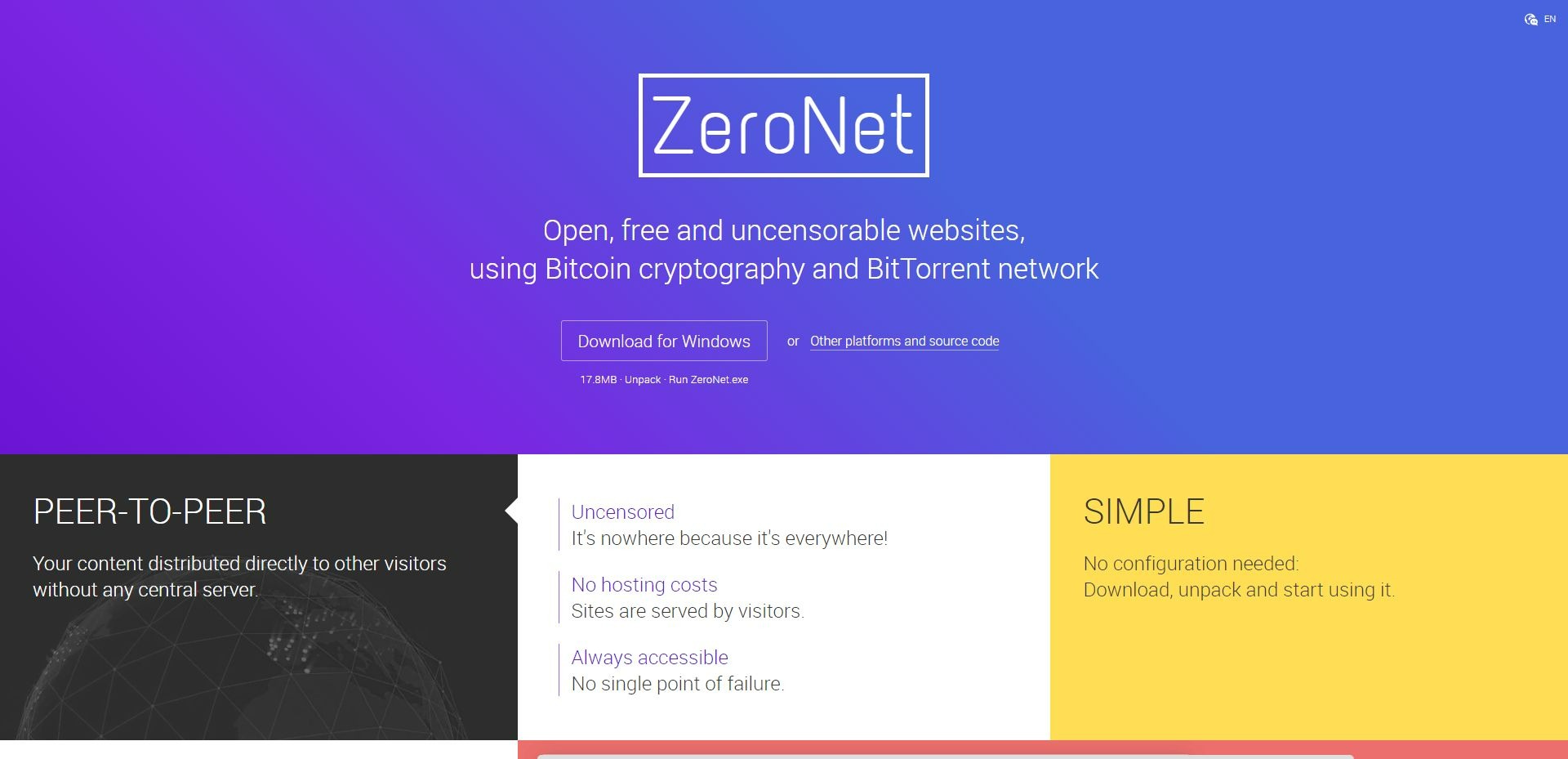
- Website: zeronet.io
ZeroNet is another popular darknet alternative that works through the P2P network. It means there are no central servers, but the network data is still transmitted from user to user. It also uses the BitTorrent network and Bitcoin cryptography, and the websites are identified with a public key instead of an IP address.
The best thing about this network is that you can even use this without an internet connection. Also, it works like a forum initially, but you can jump from one site to another to find web pages on any topic.
You can download ZeroNet from its official Windows, macOS, and Linux website.
4. Freenet

- Website: hyphanet.org
Another darknet alternative is the freenet which again works on the P2P networks and protects privacy. As the name suggests, it is free and allows censorship-resistant communication. The users use a decentralized distributed data store that separates the network structure from the user interface rules. For the past 20 years, it has been a reliable choice.
You can download it for free on Windows, macOS, and Linux.
5. GNUnet

- Website: gnunet.org
GNUnet provides decentralized peer-to-peer communication via Bluetooth, WLAN, HTTPS, TCP, and UDP ports. It safeguards sensitive information by keeping the number of your PII as low as possible.
6. Subgraph OS
- Website: subgraph.com
Another Tor browser alternative that is quite popular is the Subgraph OS. The best thing about this operating system is that it uses Tor technology and has dedicated software for maintaining user privacy. It has a unique user interface that is hard to crack and track. Moreover, it has a firewall and meta-proxy that ensures complete anonymity while surfing the dark web.
7. Epic Privacy Browser

- Website: epicbrowser.com
The second Tor alternative in our list is the Epic privacy browser. It is a private program that is basic and simple to understand but guarantees total protection and increased connection speed while browsing the web. It also prevents IP leaks by certain WebRTC.
The best thing about the Browser is that it shows the information about who’s tracking and following you and then blocks them. Besides this, it comes with an encoded proxy that masks all your sensitive information from the service provider. The encoded proxy maintains your security if you are browsing the web in public.
Moreover, it blocks the fingerprint content and capacities like the picture canvas information making it one of the best Tor alternatives.
8. Firefox Focus

- Website: mozilla.org/en-US/firefox/browsers
The Firefox Focus browser is the latest addition to our list of the best Tor alternatives. Developed by Mozilla Foundation and Corporation, the Firefox Focus is available for all popular platforms, including Android and iOS.
It is enabled by default and helps the Mozilla browser track the usage parameters. Furthermore, it comes with blocking social and ad trackers features. Enabling this feature prevents trackers from recording activities and smoothing their browsing experience without affecting their internet speed.
9. PeerBlock

- Website: peerblock.com
Peerblock is among the Tor browser alternatives that prevent you from online tracking. Using peer block lets you control the number of people connecting to you on the web. Peerblock is helpful when you’re downloading torrents.
However, there are some serious risks associated with Peerblock. They provide you with no encryption and don’t hide your IP address. Also, they fail to prevent all the trackers from following you. But, since it is free in the market, it is a popular Tor browser alternative.
10. Yandex Browser

- Website: yandex.com
Yandex browser is yet another popular Tor alternative used for anonymous browsing. It is an open-source Chromium project that doesn’t allow the users to set up a proxy manually.
This privacy and security-enhancing browser is available for Linux, Mac, and Windows platforms. It has amazing security boosting extensions such as an ad block, site reputation indicator, and flash blocker. While downloading the file using the Yandex browser, it is first scanned with Kaspersky anti-virus and checked for potential vulnerabilities. In this way, it protects from malware and other cyber threats.
11. Disconnect Browser

- Website: disconnect.me
The disconnect browser disconnects the users from all websites that track them. It does so by hunting all those companies and websites that track down netizens, making it another best Tor browser alternative. They even first ask for your permission before blocking them.
You can use it on Android, iOS, and Windows devices. You can search and browse anything by using a disconnect browser. You can do it even if you want to access the dark web. But, according to security experts, it is not the ideal solution.
12. Comodo IceDragon

- Website: comodo.com
If security and privacy are your primary concern, you should try Comodo IceDragon. It offers great security and privacy boosting features like a site inspection feature, built-in ad blocker, and VPN. It automatically scans the web pages for malware before you visit them. Also, it blocks web trackers and ensures that no one breaches your digital privacy.
13. IprediaOS Encrypted Browser

- Website: ipredia.org/os
IprediaOS is our next choice for Tor alternatives. It is a Linux-based operating system that offers programmed encryption services and safeguards users from attackers and trackers. This Browser uses encryption to secure the data traffic, making it a safe and reliable Tor browser alternative.
14. Tox

- Website: tox.chat
If you are looking for a Tor alternative that allows encrypted communication and anonymous browsing, you should try Tox. It is like an instant messaging app that is secure and easy to use. It has no hidden agendas or motives behind it. Tox uses open-source libraries that encrypt everything you do on it. No one can spy or track you while you use Tox. Only the people with whom you are talking can see your conversation.
15. JonDo Live-CD
If you’re looking for a Tor browser alternative that works fine on Linux, JonDo is the right choice. It promises to secure your browsing experience and prevents spyware, trackers, and malware from invading your privacy. Also, It comes with pre-installed programs like Tor browser, Pidgin, and Thunderbird.
Furthermore, It also ensures that you enjoy fast internet browsing and uses special techniques to protect against web profiling.
16. Whonix

- Website: whonix.org
The high level of security that Whonix provides to users makes it a great Tor alternative. It works exceptionally well on Linux and is responsible for covering your IP address while you’re on the web. It uses Whonix-Workstation, which provides security and anonymity on a private framework.
17. Psiphon Browser

- Website: psiphon.ca
Next in our list of Tor alternatives is the Psiphon browser. This Browser uses several systems to verify your security over the web. It offers a user-friendly interface that is simple and easy to use. Also, it comes with multi-screening and server-exchanging features that increase its worth and attracts many users.
It is a free Tor alternative that depends upon VPN and SSH to benefit its users. It is best at hiding your IP address and is operational on Android and iOS.
18- Globus Browser

You can also use the Globus browser as a Tor browser alternative. It uses VPN servers to keep your activities protected. Besides protecting against third-party trackers, it also protects against malware using the Tor browser. Since it uses the Tor browser, it also helps unblock blocked websites.
19. Freepto
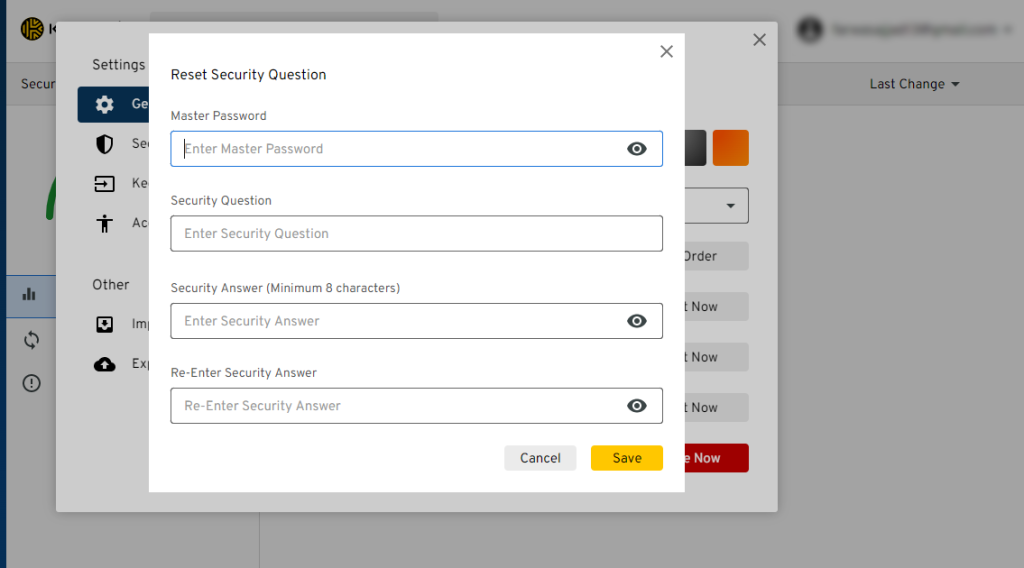
- Website: github.com/AvANa-BBS/freepto-lb
If you’re a Linux user searching for the best Tor browser alternative, use Freepto. It uses such high standard encryption that makes tracking difficult. It also helps you in bypassing government surveillance.
Freepto is portable, and you can run it from a USB stick. It is designed to automatically encrypt the data stored on the USB disk and further boost your security.
20. Lightweight Portable Security (LPS)
- Website: github.com/AvANa-BBS/freepto-lb
It is a Linux-based software that doesn’t connect or communicate with external servers prone to tracking. Also, It is one main reason why Lightweight Portable Security (LPS) is regarded as the best Tor browser alternative.
It creates a safe end node from dependable media on any Intel-based system. And It doesn’t require administrator privileges but booting from external memory infrastructure.
21. Tails
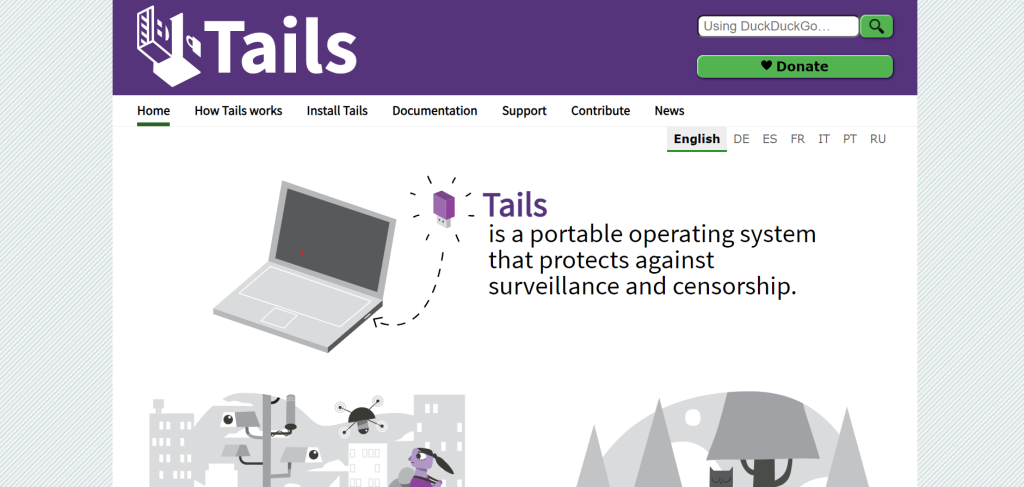
Destinaion URL: tails.boum.org
Tail’s complicated system is the safest and unique alternative protection used today. It encrypts emails, data files, and other instant messages using cryptographic tools. It allows users to surf the web anonymously, preventing trackers from tracking their online activities. You can also use it to bypass strict internet censorship.
TOR issues
Tor has some known issues that include:
- Tor cannot employ a bridge if a proxy is set.
- Issues with setting Tor browser as your default browser
- Tor fails to run on Windows if the folder path contains non-ASCII characters. If Tor Browser was functioning before and now fails, your system may be hibernating. Rebooting your system will resolve the issue.
- BitTorrent is not anonymous over Tor.
- Videos that need Adobe Flash are unavailable because Adobe is disabled for security purposes.
- Tor requires your system clock and time zone to be set to the correct time.
- Antivirus or threat protection may block users from accessing the Tor browser.
- Most Tor Browser plans are dated 1st January 2000 00:00:00 UTC to ensure every software model can be rebuilt.
VPNs may interfere with Tor and will need to be disabled. You should configure a VPN with Tor in a way that does not compromise your security.
Why do we need alternatives to Tor Browsers?
People usually use the Tor browser for two significant reasons:
- To access the dark web
- To enjoy an anonymous web browsing experience
Tor was one of the most secure browsers, but security experts have found some serious issues. Thus, they don’t recommend using it anymore.
The users are now more concerned about their digital privacy than anything else. The following mentioned below are some of the valid reasons that raised the demand for the best Tor browser alternatives:
- It slows down your internet connection. Usually, when you browse through Tor, the internet speed is lowered to 40%. It is because the traffic goes through many relays.
- Results in a frustrating user experience.
- Your ISP can easily detect you when you’re using Tor.
- It doesn’t encrypt the data traffic.
- You can get into legal trouble. Usually, people who want to hide sensitive information use it. If the government knows you’re using the Tor browser, they might start watching your online activities.
Why is VPN always an ultimate necessity?
Tor may be a better option than most Tor alternatives, but it has some security drawbacks. Conversely, Tor users seek other options to improve their online safety and anonymity. Most users choose a VPN service provider because it helps them safeguard their online privacy while browsing Tor.
The best VPNs for Tor browsers include cutting-edge security and privacy features like Tor over VPN. In addition, it allows users to access onion sites entirely anonymously.VPNs also offer optimized or dedicated servers for accessing the Tor sites or the Tor browser, enabling users to access the dark web safely and anonymously.
Why you need VPN with Tor Alternatives
There are various Tor browser alternatives available that promise anonymous browsing. A VPN is the best Tor alternative because of its features and benefits. Tor with a VPN is recommended as it further increases your protection level.
It is a perfect privacy-boosting software that hides your activities and makes you anonymous over the web. It protects you from all snooping eyes and various cyber threats and vulnerabilities.
When you connect to a VPN, it hides your actual IP address, and because of end-to-end encryption, all the internet traffic appears like scrambled gibberish and is considered useless.
Conclusion
Previously, Tor was a popular browser used for anonymous browsing. But, security and privacy issues have pushed users to look for alternatives. The best Tor alternatives offer multiple benefits to the users. It allows them to browse anonymously, blocks all web trackers, and protects against malware.
Those mentioned above are some of the best Tor alternatives. We recommend you select any of them and start using them immediately for an anonymous web browsing experience.
FAQs
The post Tor Alternatives (21 Options) Better Than Tor Browser – Deep / Dark Web Browsers appeared first on BeEncrypted.
]]>Deprecated: Using null as an array offset is deprecated, use an empty string instead in /var/www/staging.beencrypted.com/site/web/wp/wp-includes/class-wp-block-type-registry.php on line 168
Deprecated: Using null as an array offset is deprecated, use an empty string instead in /var/www/staging.beencrypted.com/site/web/wp/wp-includes/class-wp-block-type-registry.php on line 168
Deprecated: Using null as an array offset is deprecated, use an empty string instead in /var/www/staging.beencrypted.com/site/web/wp/wp-includes/class-wp-block-type-registry.php on line 168
Deprecated: Using null as an array offset is deprecated, use an empty string instead in /var/www/staging.beencrypted.com/site/web/wp/wp-includes/class-wp-block-type-registry.php on line 168
Deprecated: Using null as an array offset is deprecated, use an empty string instead in /var/www/staging.beencrypted.com/site/web/wp/wp-includes/class-wp-block-type-registry.php on line 168
Deprecated: Using null as an array offset is deprecated, use an empty string instead in /var/www/staging.beencrypted.com/site/web/wp/wp-includes/class-wp-block-type-registry.php on line 168
Deprecated: Using null as an array offset is deprecated, use an empty string instead in /var/www/staging.beencrypted.com/site/web/wp/wp-includes/class-wp-block-type-registry.php on line 168
Deprecated: Using null as an array offset is deprecated, use an empty string instead in /var/www/staging.beencrypted.com/site/web/wp/wp-includes/class-wp-block-type-registry.php on line 168
Deprecated: Using null as an array offset is deprecated, use an empty string instead in /var/www/staging.beencrypted.com/site/web/wp/wp-includes/class-wp-block-type-registry.php on line 168
Deprecated: Using null as an array offset is deprecated, use an empty string instead in /var/www/staging.beencrypted.com/site/web/wp/wp-includes/class-wp-block-type-registry.php on line 168
Deprecated: Using null as an array offset is deprecated, use an empty string instead in /var/www/staging.beencrypted.com/site/web/wp/wp-includes/class-wp-block-type-registry.php on line 168
Deprecated: Using null as an array offset is deprecated, use an empty string instead in /var/www/staging.beencrypted.com/site/web/wp/wp-includes/class-wp-block-type-registry.php on line 168
Deprecated: Using null as an array offset is deprecated, use an empty string instead in /var/www/staging.beencrypted.com/site/web/wp/wp-includes/class-wp-block-type-registry.php on line 168
Deprecated: Using null as an array offset is deprecated, use an empty string instead in /var/www/staging.beencrypted.com/site/web/wp/wp-includes/class-wp-block-type-registry.php on line 168
Deprecated: Using null as an array offset is deprecated, use an empty string instead in /var/www/staging.beencrypted.com/site/web/wp/wp-includes/class-wp-block-type-registry.php on line 168
Deprecated: Using null as an array offset is deprecated, use an empty string instead in /var/www/staging.beencrypted.com/site/web/wp/wp-includes/class-wp-block-type-registry.php on line 168
Deprecated: Using null as an array offset is deprecated, use an empty string instead in /var/www/staging.beencrypted.com/site/web/wp/wp-includes/class-wp-block-type-registry.php on line 168
Deprecated: Using null as an array offset is deprecated, use an empty string instead in /var/www/staging.beencrypted.com/site/web/wp/wp-includes/class-wp-block-type-registry.php on line 168
Deprecated: Using null as an array offset is deprecated, use an empty string instead in /var/www/staging.beencrypted.com/site/web/wp/wp-includes/class-wp-block-type-registry.php on line 168
Deprecated: Using null as an array offset is deprecated, use an empty string instead in /var/www/staging.beencrypted.com/site/web/wp/wp-includes/class-wp-block-type-registry.php on line 168
Deprecated: Using null as an array offset is deprecated, use an empty string instead in /var/www/staging.beencrypted.com/site/web/wp/wp-includes/class-wp-block-type-registry.php on line 168
Deprecated: Using null as an array offset is deprecated, use an empty string instead in /var/www/staging.beencrypted.com/site/web/wp/wp-includes/class-wp-block-type-registry.php on line 168
Deprecated: Using null as an array offset is deprecated, use an empty string instead in /var/www/staging.beencrypted.com/site/web/wp/wp-includes/class-wp-block-type-registry.php on line 168
Deprecated: Using null as an array offset is deprecated, use an empty string instead in /var/www/staging.beencrypted.com/site/web/wp/wp-includes/class-wp-block-type-registry.php on line 168
Deprecated: Using null as an array offset is deprecated, use an empty string instead in /var/www/staging.beencrypted.com/site/web/wp/wp-includes/class-wp-block-type-registry.php on line 168
Deprecated: Using null as an array offset is deprecated, use an empty string instead in /var/www/staging.beencrypted.com/site/web/wp/wp-includes/class-wp-block-type-registry.php on line 168
Deprecated: Using null as an array offset is deprecated, use an empty string instead in /var/www/staging.beencrypted.com/site/web/wp/wp-includes/class-wp-block-type-registry.php on line 168
Deprecated: Using null as an array offset is deprecated, use an empty string instead in /var/www/staging.beencrypted.com/site/web/wp/wp-includes/class-wp-block-type-registry.php on line 168
Deprecated: Using null as an array offset is deprecated, use an empty string instead in /var/www/staging.beencrypted.com/site/web/wp/wp-includes/class-wp-block-type-registry.php on line 168
Deprecated: Using null as an array offset is deprecated, use an empty string instead in /var/www/staging.beencrypted.com/site/web/wp/wp-includes/class-wp-block-type-registry.php on line 168
Deprecated: Using null as an array offset is deprecated, use an empty string instead in /var/www/staging.beencrypted.com/site/web/wp/wp-includes/class-wp-block-type-registry.php on line 168
Deprecated: Using null as an array offset is deprecated, use an empty string instead in /var/www/staging.beencrypted.com/site/web/wp/wp-includes/class-wp-block-type-registry.php on line 168
Deprecated: Using null as an array offset is deprecated, use an empty string instead in /var/www/staging.beencrypted.com/site/web/wp/wp-includes/class-wp-block-type-registry.php on line 168
Deprecated: Using null as an array offset is deprecated, use an empty string instead in /var/www/staging.beencrypted.com/site/web/wp/wp-includes/class-wp-block-type-registry.php on line 168
Deprecated: Using null as an array offset is deprecated, use an empty string instead in /var/www/staging.beencrypted.com/site/web/wp/wp-includes/class-wp-block-type-registry.php on line 168
Deprecated: Using null as an array offset is deprecated, use an empty string instead in /var/www/staging.beencrypted.com/site/web/wp/wp-includes/class-wp-block-type-registry.php on line 168
Deprecated: Using null as an array offset is deprecated, use an empty string instead in /var/www/staging.beencrypted.com/site/web/wp/wp-includes/class-wp-block-type-registry.php on line 168
Deprecated: Using null as an array offset is deprecated, use an empty string instead in /var/www/staging.beencrypted.com/site/web/wp/wp-includes/class-wp-block-type-registry.php on line 168
Deprecated: Using null as an array offset is deprecated, use an empty string instead in /var/www/staging.beencrypted.com/site/web/wp/wp-includes/class-wp-block-type-registry.php on line 168
Deprecated: Using null as an array offset is deprecated, use an empty string instead in /var/www/staging.beencrypted.com/site/web/wp/wp-includes/class-wp-block-type-registry.php on line 168
Deprecated: Using null as an array offset is deprecated, use an empty string instead in /var/www/staging.beencrypted.com/site/web/wp/wp-includes/class-wp-block-type-registry.php on line 168
Deprecated: Using null as an array offset is deprecated, use an empty string instead in /var/www/staging.beencrypted.com/site/web/wp/wp-includes/class-wp-block-type-registry.php on line 168
Deprecated: Using null as an array offset is deprecated, use an empty string instead in /var/www/staging.beencrypted.com/site/web/wp/wp-includes/class-wp-block-type-registry.php on line 168
Deprecated: Using null as an array offset is deprecated, use an empty string instead in /var/www/staging.beencrypted.com/site/web/wp/wp-includes/class-wp-block-type-registry.php on line 168
Deprecated: Using null as an array offset is deprecated, use an empty string instead in /var/www/staging.beencrypted.com/site/web/wp/wp-includes/class-wp-block-type-registry.php on line 168
Deprecated: Using null as an array offset is deprecated, use an empty string instead in /var/www/staging.beencrypted.com/site/web/wp/wp-includes/class-wp-block-type-registry.php on line 168
Deprecated: Using null as an array offset is deprecated, use an empty string instead in /var/www/staging.beencrypted.com/site/web/wp/wp-includes/class-wp-block-type-registry.php on line 168
Deprecated: Using null as an array offset is deprecated, use an empty string instead in /var/www/staging.beencrypted.com/site/web/wp/wp-includes/class-wp-block-type-registry.php on line 168
Deprecated: Using null as an array offset is deprecated, use an empty string instead in /var/www/staging.beencrypted.com/site/web/wp/wp-includes/class-wp-block-type-registry.php on line 168
Deprecated: Using null as an array offset is deprecated, use an empty string instead in /var/www/staging.beencrypted.com/site/web/wp/wp-includes/class-wp-block-type-registry.php on line 168
Deprecated: Using null as an array offset is deprecated, use an empty string instead in /var/www/staging.beencrypted.com/site/web/wp/wp-includes/class-wp-block-type-registry.php on line 168
Deprecated: Using null as an array offset is deprecated, use an empty string instead in /var/www/staging.beencrypted.com/site/web/wp/wp-includes/class-wp-block-type-registry.php on line 168
Deprecated: Using null as an array offset is deprecated, use an empty string instead in /var/www/staging.beencrypted.com/site/web/wp/wp-includes/class-wp-block-type-registry.php on line 168
Deprecated: Using null as an array offset is deprecated, use an empty string instead in /var/www/staging.beencrypted.com/site/web/wp/wp-includes/class-wp-block-type-registry.php on line 168
Deprecated: Using null as an array offset is deprecated, use an empty string instead in /var/www/staging.beencrypted.com/site/web/wp/wp-includes/class-wp-block-type-registry.php on line 168
Deprecated: Using null as an array offset is deprecated, use an empty string instead in /var/www/staging.beencrypted.com/site/web/wp/wp-includes/class-wp-block-type-registry.php on line 168
Deprecated: Using null as an array offset is deprecated, use an empty string instead in /var/www/staging.beencrypted.com/site/web/wp/wp-includes/class-wp-block-type-registry.php on line 168
Deprecated: Using null as an array offset is deprecated, use an empty string instead in /var/www/staging.beencrypted.com/site/web/wp/wp-includes/class-wp-block-type-registry.php on line 168
Deprecated: Using null as an array offset is deprecated, use an empty string instead in /var/www/staging.beencrypted.com/site/web/wp/wp-includes/class-wp-block-type-registry.php on line 168
Deprecated: Using null as an array offset is deprecated, use an empty string instead in /var/www/staging.beencrypted.com/site/web/wp/wp-includes/class-wp-block-type-registry.php on line 168
Deprecated: Using null as an array offset is deprecated, use an empty string instead in /var/www/staging.beencrypted.com/site/web/wp/wp-includes/class-wp-block-type-registry.php on line 168
Deprecated: Using null as an array offset is deprecated, use an empty string instead in /var/www/staging.beencrypted.com/site/web/wp/wp-includes/class-wp-block-type-registry.php on line 168
Deprecated: Using null as an array offset is deprecated, use an empty string instead in /var/www/staging.beencrypted.com/site/web/wp/wp-includes/class-wp-block-type-registry.php on line 168
Deprecated: Using null as an array offset is deprecated, use an empty string instead in /var/www/staging.beencrypted.com/site/web/wp/wp-includes/class-wp-block-type-registry.php on line 168
Deprecated: Using null as an array offset is deprecated, use an empty string instead in /var/www/staging.beencrypted.com/site/web/wp/wp-includes/class-wp-block-type-registry.php on line 168
Deprecated: Using null as an array offset is deprecated, use an empty string instead in /var/www/staging.beencrypted.com/site/web/wp/wp-includes/class-wp-block-type-registry.php on line 168
Deprecated: Using null as an array offset is deprecated, use an empty string instead in /var/www/staging.beencrypted.com/site/web/wp/wp-includes/class-wp-block-type-registry.php on line 168
Deprecated: Using null as an array offset is deprecated, use an empty string instead in /var/www/staging.beencrypted.com/site/web/wp/wp-includes/class-wp-block-type-registry.php on line 168
Deprecated: Using null as an array offset is deprecated, use an empty string instead in /var/www/staging.beencrypted.com/site/web/wp/wp-includes/class-wp-block-type-registry.php on line 168
Deprecated: Using null as an array offset is deprecated, use an empty string instead in /var/www/staging.beencrypted.com/site/web/wp/wp-includes/class-wp-block-type-registry.php on line 168
Deprecated: Using null as an array offset is deprecated, use an empty string instead in /var/www/staging.beencrypted.com/site/web/wp/wp-includes/class-wp-block-type-registry.php on line 168
Deprecated: Using null as an array offset is deprecated, use an empty string instead in /var/www/staging.beencrypted.com/site/web/wp/wp-includes/class-wp-block-type-registry.php on line 168
Deprecated: Using null as an array offset is deprecated, use an empty string instead in /var/www/staging.beencrypted.com/site/web/wp/wp-includes/class-wp-block-type-registry.php on line 168
Deprecated: Using null as an array offset is deprecated, use an empty string instead in /var/www/staging.beencrypted.com/site/web/wp/wp-includes/class-wp-block-type-registry.php on line 168
Deprecated: Using null as an array offset is deprecated, use an empty string instead in /var/www/staging.beencrypted.com/site/web/wp/wp-includes/class-wp-block-type-registry.php on line 168
Deprecated: Using null as an array offset is deprecated, use an empty string instead in /var/www/staging.beencrypted.com/site/web/wp/wp-includes/class-wp-block-type-registry.php on line 168
Deprecated: Using null as an array offset is deprecated, use an empty string instead in /var/www/staging.beencrypted.com/site/web/wp/wp-includes/class-wp-block-type-registry.php on line 168
Deprecated: Using null as an array offset is deprecated, use an empty string instead in /var/www/staging.beencrypted.com/site/web/wp/wp-includes/class-wp-block-type-registry.php on line 168
Deprecated: Using null as an array offset is deprecated, use an empty string instead in /var/www/staging.beencrypted.com/site/web/wp/wp-includes/class-wp-block-type-registry.php on line 168
Deprecated: Using null as an array offset is deprecated, use an empty string instead in /var/www/staging.beencrypted.com/site/web/wp/wp-includes/class-wp-block-type-registry.php on line 168
Deprecated: Using null as an array offset is deprecated, use an empty string instead in /var/www/staging.beencrypted.com/site/web/wp/wp-includes/class-wp-block-type-registry.php on line 168
Deprecated: Using null as an array offset is deprecated, use an empty string instead in /var/www/staging.beencrypted.com/site/web/wp/wp-includes/class-wp-block-type-registry.php on line 168
Deprecated: Using null as an array offset is deprecated, use an empty string instead in /var/www/staging.beencrypted.com/site/web/wp/wp-includes/class-wp-block-type-registry.php on line 168
Deprecated: Using null as an array offset is deprecated, use an empty string instead in /var/www/staging.beencrypted.com/site/web/wp/wp-includes/class-wp-block-type-registry.php on line 168
Deprecated: Using null as an array offset is deprecated, use an empty string instead in /var/www/staging.beencrypted.com/site/web/wp/wp-includes/class-wp-block-type-registry.php on line 168
Deprecated: Using null as an array offset is deprecated, use an empty string instead in /var/www/staging.beencrypted.com/site/web/wp/wp-includes/class-wp-block-type-registry.php on line 168
Deprecated: Using null as an array offset is deprecated, use an empty string instead in /var/www/staging.beencrypted.com/site/web/wp/wp-includes/class-wp-block-type-registry.php on line 168
Deprecated: Using null as an array offset is deprecated, use an empty string instead in /var/www/staging.beencrypted.com/site/web/wp/wp-includes/class-wp-block-type-registry.php on line 168
Deprecated: Using null as an array offset is deprecated, use an empty string instead in /var/www/staging.beencrypted.com/site/web/wp/wp-includes/class-wp-block-type-registry.php on line 168
Deprecated: Using null as an array offset is deprecated, use an empty string instead in /var/www/staging.beencrypted.com/site/web/wp/wp-includes/class-wp-block-type-registry.php on line 168
Deprecated: Using null as an array offset is deprecated, use an empty string instead in /var/www/staging.beencrypted.com/site/web/wp/wp-includes/class-wp-block-type-registry.php on line 168
Deprecated: Using null as an array offset is deprecated, use an empty string instead in /var/www/staging.beencrypted.com/site/web/wp/wp-includes/class-wp-block-type-registry.php on line 168
Deprecated: Using null as an array offset is deprecated, use an empty string instead in /var/www/staging.beencrypted.com/site/web/wp/wp-includes/class-wp-block-type-registry.php on line 168
Deprecated: Using null as an array offset is deprecated, use an empty string instead in /var/www/staging.beencrypted.com/site/web/wp/wp-includes/class-wp-block-type-registry.php on line 168
Deprecated: Using null as an array offset is deprecated, use an empty string instead in /var/www/staging.beencrypted.com/site/web/wp/wp-includes/class-wp-block-type-registry.php on line 168
Deprecated: Using null as an array offset is deprecated, use an empty string instead in /var/www/staging.beencrypted.com/site/web/wp/wp-includes/class-wp-block-type-registry.php on line 168
Deprecated: Using null as an array offset is deprecated, use an empty string instead in /var/www/staging.beencrypted.com/site/web/wp/wp-includes/class-wp-block-type-registry.php on line 168
Deprecated: Using null as an array offset is deprecated, use an empty string instead in /var/www/staging.beencrypted.com/site/web/wp/wp-includes/class-wp-block-type-registry.php on line 168
Deprecated: Using null as an array offset is deprecated, use an empty string instead in /var/www/staging.beencrypted.com/site/web/wp/wp-includes/class-wp-block-type-registry.php on line 168
Deprecated: Using null as an array offset is deprecated, use an empty string instead in /var/www/staging.beencrypted.com/site/web/wp/wp-includes/class-wp-block-type-registry.php on line 168
Deprecated: Using null as an array offset is deprecated, use an empty string instead in /var/www/staging.beencrypted.com/site/web/wp/wp-includes/class-wp-block-type-registry.php on line 168
Deprecated: Using null as an array offset is deprecated, use an empty string instead in /var/www/staging.beencrypted.com/site/web/wp/wp-includes/class-wp-block-type-registry.php on line 168
Deprecated: Using null as an array offset is deprecated, use an empty string instead in /var/www/staging.beencrypted.com/site/web/wp/wp-includes/class-wp-block-type-registry.php on line 168
Deprecated: Using null as an array offset is deprecated, use an empty string instead in /var/www/staging.beencrypted.com/site/web/wp/wp-includes/class-wp-block-type-registry.php on line 168
Deprecated: Using null as an array offset is deprecated, use an empty string instead in /var/www/staging.beencrypted.com/site/web/wp/wp-includes/class-wp-block-type-registry.php on line 168
Deprecated: Using null as an array offset is deprecated, use an empty string instead in /var/www/staging.beencrypted.com/site/web/wp/wp-includes/class-wp-block-type-registry.php on line 168
Deprecated: Using null as an array offset is deprecated, use an empty string instead in /var/www/staging.beencrypted.com/site/web/wp/wp-includes/class-wp-block-type-registry.php on line 168
Deprecated: Using null as an array offset is deprecated, use an empty string instead in /var/www/staging.beencrypted.com/site/web/wp/wp-includes/class-wp-block-type-registry.php on line 168
Deprecated: Using null as an array offset is deprecated, use an empty string instead in /var/www/staging.beencrypted.com/site/web/wp/wp-includes/class-wp-block-type-registry.php on line 168
Deprecated: Using null as an array offset is deprecated, use an empty string instead in /var/www/staging.beencrypted.com/site/web/wp/wp-includes/class-wp-block-type-registry.php on line 168
Deprecated: Using null as an array offset is deprecated, use an empty string instead in /var/www/staging.beencrypted.com/site/web/wp/wp-includes/class-wp-block-type-registry.php on line 168
Deprecated: Using null as an array offset is deprecated, use an empty string instead in /var/www/staging.beencrypted.com/site/web/wp/wp-includes/class-wp-block-type-registry.php on line 168
Deprecated: Using null as an array offset is deprecated, use an empty string instead in /var/www/staging.beencrypted.com/site/web/wp/wp-includes/class-wp-block-type-registry.php on line 168
Deprecated: Using null as an array offset is deprecated, use an empty string instead in /var/www/staging.beencrypted.com/site/web/wp/wp-includes/class-wp-block-type-registry.php on line 168
Deprecated: Using null as an array offset is deprecated, use an empty string instead in /var/www/staging.beencrypted.com/site/web/wp/wp-includes/class-wp-block-type-registry.php on line 168
Deprecated: Using null as an array offset is deprecated, use an empty string instead in /var/www/staging.beencrypted.com/site/web/wp/wp-includes/class-wp-block-type-registry.php on line 168
Deprecated: Using null as an array offset is deprecated, use an empty string instead in /var/www/staging.beencrypted.com/site/web/wp/wp-includes/class-wp-block-type-registry.php on line 168
Deprecated: Using null as an array offset is deprecated, use an empty string instead in /var/www/staging.beencrypted.com/site/web/wp/wp-includes/class-wp-block-type-registry.php on line 168
Deprecated: Using null as an array offset is deprecated, use an empty string instead in /var/www/staging.beencrypted.com/site/web/wp/wp-includes/class-wp-block-type-registry.php on line 168
Deprecated: Using null as an array offset is deprecated, use an empty string instead in /var/www/staging.beencrypted.com/site/web/wp/wp-includes/class-wp-block-type-registry.php on line 168
Deprecated: Using null as an array offset is deprecated, use an empty string instead in /var/www/staging.beencrypted.com/site/web/wp/wp-includes/class-wp-block-type-registry.php on line 168
Deprecated: Using null as an array offset is deprecated, use an empty string instead in /var/www/staging.beencrypted.com/site/web/wp/wp-includes/class-wp-block-type-registry.php on line 168
Deprecated: Using null as an array offset is deprecated, use an empty string instead in /var/www/staging.beencrypted.com/site/web/wp/wp-includes/class-wp-block-type-registry.php on line 168
Deprecated: Using null as an array offset is deprecated, use an empty string instead in /var/www/staging.beencrypted.com/site/web/wp/wp-includes/class-wp-block-type-registry.php on line 168
Deprecated: Using null as an array offset is deprecated, use an empty string instead in /var/www/staging.beencrypted.com/site/web/wp/wp-includes/class-wp-block-type-registry.php on line 168
Deprecated: Using null as an array offset is deprecated, use an empty string instead in /var/www/staging.beencrypted.com/site/web/wp/wp-includes/class-wp-block-type-registry.php on line 168
Deprecated: Using null as an array offset is deprecated, use an empty string instead in /var/www/staging.beencrypted.com/site/web/wp/wp-includes/class-wp-block-type-registry.php on line 168
Deprecated: Using null as an array offset is deprecated, use an empty string instead in /var/www/staging.beencrypted.com/site/web/wp/wp-includes/class-wp-block-type-registry.php on line 168
Deprecated: Using null as an array offset is deprecated, use an empty string instead in /var/www/staging.beencrypted.com/site/web/wp/wp-includes/class-wp-block-type-registry.php on line 168
Deprecated: Using null as an array offset is deprecated, use an empty string instead in /var/www/staging.beencrypted.com/site/web/wp/wp-includes/class-wp-block-type-registry.php on line 168
Deprecated: Using null as an array offset is deprecated, use an empty string instead in /var/www/staging.beencrypted.com/site/web/wp/wp-includes/class-wp-block-type-registry.php on line 168
Deprecated: Using null as an array offset is deprecated, use an empty string instead in /var/www/staging.beencrypted.com/site/web/wp/wp-includes/class-wp-block-type-registry.php on line 168
Deprecated: Using null as an array offset is deprecated, use an empty string instead in /var/www/staging.beencrypted.com/site/web/wp/wp-includes/class-wp-block-type-registry.php on line 168
Deprecated: Using null as an array offset is deprecated, use an empty string instead in /var/www/staging.beencrypted.com/site/web/wp/wp-includes/class-wp-block-type-registry.php on line 168
Deprecated: Using null as an array offset is deprecated, use an empty string instead in /var/www/staging.beencrypted.com/site/web/wp/wp-includes/class-wp-block-type-registry.php on line 168
Deprecated: Using null as an array offset is deprecated, use an empty string instead in /var/www/staging.beencrypted.com/site/web/wp/wp-includes/class-wp-block-type-registry.php on line 168
Deprecated: Using null as an array offset is deprecated, use an empty string instead in /var/www/staging.beencrypted.com/site/web/wp/wp-includes/class-wp-block-type-registry.php on line 168
Deprecated: Using null as an array offset is deprecated, use an empty string instead in /var/www/staging.beencrypted.com/site/web/wp/wp-includes/class-wp-block-type-registry.php on line 168
Deprecated: Using null as an array offset is deprecated, use an empty string instead in /var/www/staging.beencrypted.com/site/web/wp/wp-includes/class-wp-block-type-registry.php on line 168
Deprecated: Using null as an array offset is deprecated, use an empty string instead in /var/www/staging.beencrypted.com/site/web/wp/wp-includes/class-wp-block-type-registry.php on line 168
Deprecated: Using null as an array offset is deprecated, use an empty string instead in /var/www/staging.beencrypted.com/site/web/wp/wp-includes/class-wp-block-type-registry.php on line 168
Deprecated: Using null as an array offset is deprecated, use an empty string instead in /var/www/staging.beencrypted.com/site/web/wp/wp-includes/class-wp-block-type-registry.php on line 168
Deprecated: Using null as an array offset is deprecated, use an empty string instead in /var/www/staging.beencrypted.com/site/web/wp/wp-includes/class-wp-block-type-registry.php on line 168
Deprecated: Using null as an array offset is deprecated, use an empty string instead in /var/www/staging.beencrypted.com/site/web/wp/wp-includes/class-wp-block-type-registry.php on line 168
Deprecated: Using null as an array offset is deprecated, use an empty string instead in /var/www/staging.beencrypted.com/site/web/wp/wp-includes/class-wp-block-type-registry.php on line 168
Deprecated: Using null as an array offset is deprecated, use an empty string instead in /var/www/staging.beencrypted.com/site/web/wp/wp-includes/class-wp-block-type-registry.php on line 168
Deprecated: Using null as an array offset is deprecated, use an empty string instead in /var/www/staging.beencrypted.com/site/web/wp/wp-includes/class-wp-block-type-registry.php on line 168
Deprecated: Using null as an array offset is deprecated, use an empty string instead in /var/www/staging.beencrypted.com/site/web/wp/wp-includes/class-wp-block-type-registry.php on line 168
Deprecated: Using null as an array offset is deprecated, use an empty string instead in /var/www/staging.beencrypted.com/site/web/wp/wp-includes/class-wp-block-type-registry.php on line 168
Deprecated: Using null as an array offset is deprecated, use an empty string instead in /var/www/staging.beencrypted.com/site/web/wp/wp-includes/class-wp-block-type-registry.php on line 168
Deprecated: Using null as an array offset is deprecated, use an empty string instead in /var/www/staging.beencrypted.com/site/web/wp/wp-includes/class-wp-block-type-registry.php on line 168
Deprecated: Using null as an array offset is deprecated, use an empty string instead in /var/www/staging.beencrypted.com/site/web/wp/wp-includes/class-wp-block-type-registry.php on line 168
Deprecated: Using null as an array offset is deprecated, use an empty string instead in /var/www/staging.beencrypted.com/site/web/wp/wp-includes/class-wp-block-type-registry.php on line 168
Deprecated: Using null as an array offset is deprecated, use an empty string instead in /var/www/staging.beencrypted.com/site/web/wp/wp-includes/class-wp-block-type-registry.php on line 168
Deprecated: Using null as an array offset is deprecated, use an empty string instead in /var/www/staging.beencrypted.com/site/web/wp/wp-includes/class-wp-block-type-registry.php on line 168
Deprecated: Using null as an array offset is deprecated, use an empty string instead in /var/www/staging.beencrypted.com/site/web/wp/wp-includes/class-wp-block-type-registry.php on line 168
Deprecated: Using null as an array offset is deprecated, use an empty string instead in /var/www/staging.beencrypted.com/site/web/wp/wp-includes/class-wp-block-type-registry.php on line 168
Deprecated: Using null as an array offset is deprecated, use an empty string instead in /var/www/staging.beencrypted.com/site/web/wp/wp-includes/class-wp-block-type-registry.php on line 168
Deprecated: Using null as an array offset is deprecated, use an empty string instead in /var/www/staging.beencrypted.com/site/web/wp/wp-includes/class-wp-block-type-registry.php on line 168
Deprecated: Using null as an array offset is deprecated, use an empty string instead in /var/www/staging.beencrypted.com/site/web/wp/wp-includes/class-wp-block-type-registry.php on line 168
Deprecated: Using null as an array offset is deprecated, use an empty string instead in /var/www/staging.beencrypted.com/site/web/wp/wp-includes/class-wp-block-type-registry.php on line 168
Deprecated: Using null as an array offset is deprecated, use an empty string instead in /var/www/staging.beencrypted.com/site/web/wp/wp-includes/class-wp-block-type-registry.php on line 168
Deprecated: Using null as an array offset is deprecated, use an empty string instead in /var/www/staging.beencrypted.com/site/web/wp/wp-includes/class-wp-block-type-registry.php on line 168
Deprecated: Using null as an array offset is deprecated, use an empty string instead in /var/www/staging.beencrypted.com/site/web/wp/wp-includes/class-wp-block-type-registry.php on line 168
Deprecated: Using null as an array offset is deprecated, use an empty string instead in /var/www/staging.beencrypted.com/site/web/wp/wp-includes/class-wp-block-type-registry.php on line 168
Deprecated: Using null as an array offset is deprecated, use an empty string instead in /var/www/staging.beencrypted.com/site/web/wp/wp-includes/class-wp-block-type-registry.php on line 168
Deprecated: Using null as an array offset is deprecated, use an empty string instead in /var/www/staging.beencrypted.com/site/web/wp/wp-includes/class-wp-block-type-registry.php on line 168
Deprecated: Using null as an array offset is deprecated, use an empty string instead in /var/www/staging.beencrypted.com/site/web/wp/wp-includes/class-wp-block-type-registry.php on line 168
Deprecated: Using null as an array offset is deprecated, use an empty string instead in /var/www/staging.beencrypted.com/site/web/wp/wp-includes/class-wp-block-type-registry.php on line 168
Deprecated: Using null as an array offset is deprecated, use an empty string instead in /var/www/staging.beencrypted.com/site/web/wp/wp-includes/class-wp-block-type-registry.php on line 168
Deprecated: Using null as an array offset is deprecated, use an empty string instead in /var/www/staging.beencrypted.com/site/web/wp/wp-includes/class-wp-block-type-registry.php on line 168
Deprecated: Using null as an array offset is deprecated, use an empty string instead in /var/www/staging.beencrypted.com/site/web/wp/wp-includes/class-wp-block-type-registry.php on line 168
Deprecated: Using null as an array offset is deprecated, use an empty string instead in /var/www/staging.beencrypted.com/site/web/wp/wp-includes/class-wp-block-type-registry.php on line 168
Deprecated: Using null as an array offset is deprecated, use an empty string instead in /var/www/staging.beencrypted.com/site/web/wp/wp-includes/class-wp-block-type-registry.php on line 168
Deprecated: Using null as an array offset is deprecated, use an empty string instead in /var/www/staging.beencrypted.com/site/web/wp/wp-includes/class-wp-block-type-registry.php on line 168
Deprecated: Using null as an array offset is deprecated, use an empty string instead in /var/www/staging.beencrypted.com/site/web/wp/wp-includes/class-wp-block-type-registry.php on line 168
Deprecated: Using null as an array offset is deprecated, use an empty string instead in /var/www/staging.beencrypted.com/site/web/wp/wp-includes/class-wp-block-type-registry.php on line 168
Deprecated: Using null as an array offset is deprecated, use an empty string instead in /var/www/staging.beencrypted.com/site/web/wp/wp-includes/class-wp-block-type-registry.php on line 168
Deprecated: Using null as an array offset is deprecated, use an empty string instead in /var/www/staging.beencrypted.com/site/web/wp/wp-includes/class-wp-block-type-registry.php on line 168
Deprecated: Using null as an array offset is deprecated, use an empty string instead in /var/www/staging.beencrypted.com/site/web/wp/wp-includes/class-wp-block-type-registry.php on line 168
Deprecated: Using null as an array offset is deprecated, use an empty string instead in /var/www/staging.beencrypted.com/site/web/wp/wp-includes/class-wp-block-type-registry.php on line 168
Deprecated: Using null as an array offset is deprecated, use an empty string instead in /var/www/staging.beencrypted.com/site/web/wp/wp-includes/class-wp-block-type-registry.php on line 168
Deprecated: Using null as an array offset is deprecated, use an empty string instead in /var/www/staging.beencrypted.com/site/web/wp/wp-includes/class-wp-block-type-registry.php on line 168
Deprecated: Using null as an array offset is deprecated, use an empty string instead in /var/www/staging.beencrypted.com/site/web/wp/wp-includes/class-wp-block-type-registry.php on line 168
Deprecated: Using null as an array offset is deprecated, use an empty string instead in /var/www/staging.beencrypted.com/site/web/wp/wp-includes/class-wp-block-type-registry.php on line 168
Deprecated: Using null as an array offset is deprecated, use an empty string instead in /var/www/staging.beencrypted.com/site/web/wp/wp-includes/class-wp-block-type-registry.php on line 168
Deprecated: Using null as an array offset is deprecated, use an empty string instead in /var/www/staging.beencrypted.com/site/web/wp/wp-includes/class-wp-block-type-registry.php on line 168
Deprecated: Using null as an array offset is deprecated, use an empty string instead in /var/www/staging.beencrypted.com/site/web/wp/wp-includes/class-wp-block-type-registry.php on line 168
Deprecated: Using null as an array offset is deprecated, use an empty string instead in /var/www/staging.beencrypted.com/site/web/wp/wp-includes/class-wp-block-type-registry.php on line 168
Deprecated: Using null as an array offset is deprecated, use an empty string instead in /var/www/staging.beencrypted.com/site/web/wp/wp-includes/class-wp-block-type-registry.php on line 168
Deprecated: Using null as an array offset is deprecated, use an empty string instead in /var/www/staging.beencrypted.com/site/web/wp/wp-includes/class-wp-block-type-registry.php on line 168
Deprecated: Using null as an array offset is deprecated, use an empty string instead in /var/www/staging.beencrypted.com/site/web/wp/wp-includes/class-wp-block-type-registry.php on line 168
Deprecated: Using null as an array offset is deprecated, use an empty string instead in /var/www/staging.beencrypted.com/site/web/wp/wp-includes/class-wp-block-type-registry.php on line 168
Deprecated: Using null as an array offset is deprecated, use an empty string instead in /var/www/staging.beencrypted.com/site/web/wp/wp-includes/class-wp-block-type-registry.php on line 168
Deprecated: Using null as an array offset is deprecated, use an empty string instead in /var/www/staging.beencrypted.com/site/web/wp/wp-includes/class-wp-block-type-registry.php on line 168
Deprecated: Using null as an array offset is deprecated, use an empty string instead in /var/www/staging.beencrypted.com/site/web/wp/wp-includes/class-wp-block-type-registry.php on line 168
Deprecated: Using null as an array offset is deprecated, use an empty string instead in /var/www/staging.beencrypted.com/site/web/wp/wp-includes/class-wp-block-type-registry.php on line 168
Deprecated: Using null as an array offset is deprecated, use an empty string instead in /var/www/staging.beencrypted.com/site/web/wp/wp-includes/class-wp-block-type-registry.php on line 168
Deprecated: Using null as an array offset is deprecated, use an empty string instead in /var/www/staging.beencrypted.com/site/web/wp/wp-includes/class-wp-block-type-registry.php on line 168
Deprecated: Using null as an array offset is deprecated, use an empty string instead in /var/www/staging.beencrypted.com/site/web/wp/wp-includes/class-wp-block-type-registry.php on line 168
Deprecated: Using null as an array offset is deprecated, use an empty string instead in /var/www/staging.beencrypted.com/site/web/wp/wp-includes/class-wp-block-type-registry.php on line 168
Deprecated: Using null as an array offset is deprecated, use an empty string instead in /var/www/staging.beencrypted.com/site/web/wp/wp-includes/class-wp-block-type-registry.php on line 168
Deprecated: Using null as an array offset is deprecated, use an empty string instead in /var/www/staging.beencrypted.com/site/web/wp/wp-includes/class-wp-block-type-registry.php on line 168
Deprecated: Using null as an array offset is deprecated, use an empty string instead in /var/www/staging.beencrypted.com/site/web/wp/wp-includes/class-wp-block-type-registry.php on line 168
Deprecated: Using null as an array offset is deprecated, use an empty string instead in /var/www/staging.beencrypted.com/site/web/wp/wp-includes/class-wp-block-type-registry.php on line 168
Deprecated: Using null as an array offset is deprecated, use an empty string instead in /var/www/staging.beencrypted.com/site/web/wp/wp-includes/class-wp-block-type-registry.php on line 168
Deprecated: Using null as an array offset is deprecated, use an empty string instead in /var/www/staging.beencrypted.com/site/web/wp/wp-includes/class-wp-block-type-registry.php on line 168
Deprecated: Using null as an array offset is deprecated, use an empty string instead in /var/www/staging.beencrypted.com/site/web/wp/wp-includes/class-wp-block-type-registry.php on line 168
Deprecated: Using null as an array offset is deprecated, use an empty string instead in /var/www/staging.beencrypted.com/site/web/wp/wp-includes/class-wp-block-type-registry.php on line 168
Deprecated: Using null as an array offset is deprecated, use an empty string instead in /var/www/staging.beencrypted.com/site/web/wp/wp-includes/class-wp-block-type-registry.php on line 168
Deprecated: Using null as an array offset is deprecated, use an empty string instead in /var/www/staging.beencrypted.com/site/web/wp/wp-includes/class-wp-block-type-registry.php on line 168
Deprecated: Using null as an array offset is deprecated, use an empty string instead in /var/www/staging.beencrypted.com/site/web/wp/wp-includes/class-wp-block-type-registry.php on line 168
Deprecated: Using null as an array offset is deprecated, use an empty string instead in /var/www/staging.beencrypted.com/site/web/wp/wp-includes/class-wp-block-type-registry.php on line 168
Deprecated: Using null as an array offset is deprecated, use an empty string instead in /var/www/staging.beencrypted.com/site/web/wp/wp-includes/class-wp-block-type-registry.php on line 168
Deprecated: Using null as an array offset is deprecated, use an empty string instead in /var/www/staging.beencrypted.com/site/web/wp/wp-includes/class-wp-block-type-registry.php on line 168
Deprecated: Using null as an array offset is deprecated, use an empty string instead in /var/www/staging.beencrypted.com/site/web/wp/wp-includes/class-wp-block-type-registry.php on line 168
Deprecated: Using null as an array offset is deprecated, use an empty string instead in /var/www/staging.beencrypted.com/site/web/wp/wp-includes/class-wp-block-type-registry.php on line 168
Deprecated: Using null as an array offset is deprecated, use an empty string instead in /var/www/staging.beencrypted.com/site/web/wp/wp-includes/class-wp-block-type-registry.php on line 168
Deprecated: Using null as an array offset is deprecated, use an empty string instead in /var/www/staging.beencrypted.com/site/web/wp/wp-includes/class-wp-block-type-registry.php on line 168
Deprecated: Using null as an array offset is deprecated, use an empty string instead in /var/www/staging.beencrypted.com/site/web/wp/wp-includes/class-wp-block-type-registry.php on line 168
Deprecated: Using null as an array offset is deprecated, use an empty string instead in /var/www/staging.beencrypted.com/site/web/wp/wp-includes/class-wp-block-type-registry.php on line 168
Deprecated: Using null as an array offset is deprecated, use an empty string instead in /var/www/staging.beencrypted.com/site/web/wp/wp-includes/class-wp-block-type-registry.php on line 168
Deprecated: Using null as an array offset is deprecated, use an empty string instead in /var/www/staging.beencrypted.com/site/web/wp/wp-includes/class-wp-block-type-registry.php on line 168
You are often mistaken that while browsing the internet, you’re all alone. No, you aren’t. Many surveillance eyes are tracking and monitoring everything you do on the web. From the websites you visit the files you download, everything is stored in your browsing history. Whoever knows your IP address can easily see your browsing history […]
The post Who Can See My Browsing History and Activities – Lets Find Out appeared first on BeEncrypted.
]]>Deprecated: Using null as an array offset is deprecated, use an empty string instead in /var/www/staging.beencrypted.com/site/web/wp/wp-includes/class-wp-block-type-registry.php on line 168
Deprecated: Using null as an array offset is deprecated, use an empty string instead in /var/www/staging.beencrypted.com/site/web/wp/wp-includes/class-wp-block-type-registry.php on line 168
Deprecated: Using null as an array offset is deprecated, use an empty string instead in /var/www/staging.beencrypted.com/site/web/wp/wp-includes/class-wp-block-type-registry.php on line 168
Deprecated: Using null as an array offset is deprecated, use an empty string instead in /var/www/staging.beencrypted.com/site/web/wp/wp-includes/class-wp-block-type-registry.php on line 168
Deprecated: Using null as an array offset is deprecated, use an empty string instead in /var/www/staging.beencrypted.com/site/web/wp/wp-includes/class-wp-block-type-registry.php on line 168
Deprecated: Using null as an array offset is deprecated, use an empty string instead in /var/www/staging.beencrypted.com/site/web/wp/wp-includes/class-wp-block-type-registry.php on line 168
Deprecated: Using null as an array offset is deprecated, use an empty string instead in /var/www/staging.beencrypted.com/site/web/wp/wp-includes/class-wp-block-type-registry.php on line 168
Deprecated: Using null as an array offset is deprecated, use an empty string instead in /var/www/staging.beencrypted.com/site/web/wp/wp-includes/class-wp-block-type-registry.php on line 168
Deprecated: Using null as an array offset is deprecated, use an empty string instead in /var/www/staging.beencrypted.com/site/web/wp/wp-includes/class-wp-block-type-registry.php on line 168
Deprecated: Using null as an array offset is deprecated, use an empty string instead in /var/www/staging.beencrypted.com/site/web/wp/wp-includes/class-wp-block-type-registry.php on line 168
Deprecated: Using null as an array offset is deprecated, use an empty string instead in /var/www/staging.beencrypted.com/site/web/wp/wp-includes/class-wp-block-type-registry.php on line 168
Deprecated: Using null as an array offset is deprecated, use an empty string instead in /var/www/staging.beencrypted.com/site/web/wp/wp-includes/class-wp-block-type-registry.php on line 168
Deprecated: Using null as an array offset is deprecated, use an empty string instead in /var/www/staging.beencrypted.com/site/web/wp/wp-includes/class-wp-block-type-registry.php on line 168
Deprecated: Using null as an array offset is deprecated, use an empty string instead in /var/www/staging.beencrypted.com/site/web/wp/wp-includes/class-wp-block-type-registry.php on line 168
Deprecated: Using null as an array offset is deprecated, use an empty string instead in /var/www/staging.beencrypted.com/site/web/wp/wp-includes/class-wp-block-type-registry.php on line 168
Deprecated: Using null as an array offset is deprecated, use an empty string instead in /var/www/staging.beencrypted.com/site/web/wp/wp-includes/class-wp-block-type-registry.php on line 168
Deprecated: Using null as an array offset is deprecated, use an empty string instead in /var/www/staging.beencrypted.com/site/web/wp/wp-includes/class-wp-block-type-registry.php on line 168
Deprecated: Using null as an array offset is deprecated, use an empty string instead in /var/www/staging.beencrypted.com/site/web/wp/wp-includes/class-wp-block-type-registry.php on line 168
Deprecated: Using null as an array offset is deprecated, use an empty string instead in /var/www/staging.beencrypted.com/site/web/wp/wp-includes/class-wp-block-type-registry.php on line 168
Deprecated: Using null as an array offset is deprecated, use an empty string instead in /var/www/staging.beencrypted.com/site/web/wp/wp-includes/class-wp-block-type-registry.php on line 168
Deprecated: Using null as an array offset is deprecated, use an empty string instead in /var/www/staging.beencrypted.com/site/web/wp/wp-includes/class-wp-block-type-registry.php on line 168
Deprecated: Using null as an array offset is deprecated, use an empty string instead in /var/www/staging.beencrypted.com/site/web/wp/wp-includes/class-wp-block-type-registry.php on line 168
Deprecated: Using null as an array offset is deprecated, use an empty string instead in /var/www/staging.beencrypted.com/site/web/wp/wp-includes/class-wp-block-type-registry.php on line 168
Deprecated: Using null as an array offset is deprecated, use an empty string instead in /var/www/staging.beencrypted.com/site/web/wp/wp-includes/class-wp-block-type-registry.php on line 168
Deprecated: Using null as an array offset is deprecated, use an empty string instead in /var/www/staging.beencrypted.com/site/web/wp/wp-includes/class-wp-block-type-registry.php on line 168
Deprecated: Using null as an array offset is deprecated, use an empty string instead in /var/www/staging.beencrypted.com/site/web/wp/wp-includes/class-wp-block-type-registry.php on line 168
Deprecated: Using null as an array offset is deprecated, use an empty string instead in /var/www/staging.beencrypted.com/site/web/wp/wp-includes/class-wp-block-type-registry.php on line 168
Deprecated: Using null as an array offset is deprecated, use an empty string instead in /var/www/staging.beencrypted.com/site/web/wp/wp-includes/class-wp-block-type-registry.php on line 168
Deprecated: Using null as an array offset is deprecated, use an empty string instead in /var/www/staging.beencrypted.com/site/web/wp/wp-includes/class-wp-block-type-registry.php on line 168
Deprecated: Using null as an array offset is deprecated, use an empty string instead in /var/www/staging.beencrypted.com/site/web/wp/wp-includes/class-wp-block-type-registry.php on line 168
Deprecated: Using null as an array offset is deprecated, use an empty string instead in /var/www/staging.beencrypted.com/site/web/wp/wp-includes/class-wp-block-type-registry.php on line 168
Deprecated: Using null as an array offset is deprecated, use an empty string instead in /var/www/staging.beencrypted.com/site/web/wp/wp-includes/class-wp-block-type-registry.php on line 168
Deprecated: Using null as an array offset is deprecated, use an empty string instead in /var/www/staging.beencrypted.com/site/web/wp/wp-includes/class-wp-block-type-registry.php on line 168
Deprecated: Using null as an array offset is deprecated, use an empty string instead in /var/www/staging.beencrypted.com/site/web/wp/wp-includes/class-wp-block-type-registry.php on line 168
Deprecated: Using null as an array offset is deprecated, use an empty string instead in /var/www/staging.beencrypted.com/site/web/wp/wp-includes/class-wp-block-type-registry.php on line 168
Deprecated: Using null as an array offset is deprecated, use an empty string instead in /var/www/staging.beencrypted.com/site/web/wp/wp-includes/class-wp-block-type-registry.php on line 168
Deprecated: Using null as an array offset is deprecated, use an empty string instead in /var/www/staging.beencrypted.com/site/web/wp/wp-includes/class-wp-block-type-registry.php on line 168
Deprecated: Using null as an array offset is deprecated, use an empty string instead in /var/www/staging.beencrypted.com/site/web/wp/wp-includes/class-wp-block-type-registry.php on line 168
Deprecated: Using null as an array offset is deprecated, use an empty string instead in /var/www/staging.beencrypted.com/site/web/wp/wp-includes/class-wp-block-type-registry.php on line 168
Deprecated: Using null as an array offset is deprecated, use an empty string instead in /var/www/staging.beencrypted.com/site/web/wp/wp-includes/class-wp-block-type-registry.php on line 168
Deprecated: Using null as an array offset is deprecated, use an empty string instead in /var/www/staging.beencrypted.com/site/web/wp/wp-includes/class-wp-block-type-registry.php on line 168
Deprecated: Using null as an array offset is deprecated, use an empty string instead in /var/www/staging.beencrypted.com/site/web/wp/wp-includes/class-wp-block-type-registry.php on line 168
Deprecated: Using null as an array offset is deprecated, use an empty string instead in /var/www/staging.beencrypted.com/site/web/wp/wp-includes/class-wp-block-type-registry.php on line 168
Deprecated: Using null as an array offset is deprecated, use an empty string instead in /var/www/staging.beencrypted.com/site/web/wp/wp-includes/class-wp-block-type-registry.php on line 168
Deprecated: Using null as an array offset is deprecated, use an empty string instead in /var/www/staging.beencrypted.com/site/web/wp/wp-includes/class-wp-block-type-registry.php on line 168
Deprecated: Using null as an array offset is deprecated, use an empty string instead in /var/www/staging.beencrypted.com/site/web/wp/wp-includes/class-wp-block-type-registry.php on line 168
Deprecated: Using null as an array offset is deprecated, use an empty string instead in /var/www/staging.beencrypted.com/site/web/wp/wp-includes/class-wp-block-type-registry.php on line 168
Deprecated: Using null as an array offset is deprecated, use an empty string instead in /var/www/staging.beencrypted.com/site/web/wp/wp-includes/class-wp-block-type-registry.php on line 168
Deprecated: Using null as an array offset is deprecated, use an empty string instead in /var/www/staging.beencrypted.com/site/web/wp/wp-includes/class-wp-block-type-registry.php on line 168
Deprecated: Using null as an array offset is deprecated, use an empty string instead in /var/www/staging.beencrypted.com/site/web/wp/wp-includes/class-wp-block-type-registry.php on line 168
Deprecated: Using null as an array offset is deprecated, use an empty string instead in /var/www/staging.beencrypted.com/site/web/wp/wp-includes/class-wp-block-type-registry.php on line 168
Deprecated: Using null as an array offset is deprecated, use an empty string instead in /var/www/staging.beencrypted.com/site/web/wp/wp-includes/class-wp-block-type-registry.php on line 168
Deprecated: Using null as an array offset is deprecated, use an empty string instead in /var/www/staging.beencrypted.com/site/web/wp/wp-includes/class-wp-block-type-registry.php on line 168
Deprecated: Using null as an array offset is deprecated, use an empty string instead in /var/www/staging.beencrypted.com/site/web/wp/wp-includes/class-wp-block-type-registry.php on line 168
Deprecated: Using null as an array offset is deprecated, use an empty string instead in /var/www/staging.beencrypted.com/site/web/wp/wp-includes/class-wp-block-type-registry.php on line 168
Deprecated: Using null as an array offset is deprecated, use an empty string instead in /var/www/staging.beencrypted.com/site/web/wp/wp-includes/class-wp-block-type-registry.php on line 168
Deprecated: Using null as an array offset is deprecated, use an empty string instead in /var/www/staging.beencrypted.com/site/web/wp/wp-includes/class-wp-block-type-registry.php on line 168
Deprecated: Using null as an array offset is deprecated, use an empty string instead in /var/www/staging.beencrypted.com/site/web/wp/wp-includes/class-wp-block-type-registry.php on line 168
Deprecated: Using null as an array offset is deprecated, use an empty string instead in /var/www/staging.beencrypted.com/site/web/wp/wp-includes/class-wp-block-type-registry.php on line 168
Deprecated: Using null as an array offset is deprecated, use an empty string instead in /var/www/staging.beencrypted.com/site/web/wp/wp-includes/class-wp-block-type-registry.php on line 168
Deprecated: Using null as an array offset is deprecated, use an empty string instead in /var/www/staging.beencrypted.com/site/web/wp/wp-includes/class-wp-block-type-registry.php on line 168
Deprecated: Using null as an array offset is deprecated, use an empty string instead in /var/www/staging.beencrypted.com/site/web/wp/wp-includes/class-wp-block-type-registry.php on line 168
Deprecated: Using null as an array offset is deprecated, use an empty string instead in /var/www/staging.beencrypted.com/site/web/wp/wp-includes/class-wp-block-type-registry.php on line 168
Deprecated: Using null as an array offset is deprecated, use an empty string instead in /var/www/staging.beencrypted.com/site/web/wp/wp-includes/class-wp-block-type-registry.php on line 168
Deprecated: Using null as an array offset is deprecated, use an empty string instead in /var/www/staging.beencrypted.com/site/web/wp/wp-includes/class-wp-block-type-registry.php on line 168
Deprecated: Using null as an array offset is deprecated, use an empty string instead in /var/www/staging.beencrypted.com/site/web/wp/wp-includes/class-wp-block-type-registry.php on line 168
Deprecated: Using null as an array offset is deprecated, use an empty string instead in /var/www/staging.beencrypted.com/site/web/wp/wp-includes/class-wp-block-type-registry.php on line 168
Deprecated: Using null as an array offset is deprecated, use an empty string instead in /var/www/staging.beencrypted.com/site/web/wp/wp-includes/class-wp-block-type-registry.php on line 168
Deprecated: Using null as an array offset is deprecated, use an empty string instead in /var/www/staging.beencrypted.com/site/web/wp/wp-includes/class-wp-block-type-registry.php on line 168
Deprecated: Using null as an array offset is deprecated, use an empty string instead in /var/www/staging.beencrypted.com/site/web/wp/wp-includes/class-wp-block-type-registry.php on line 168
Deprecated: Using null as an array offset is deprecated, use an empty string instead in /var/www/staging.beencrypted.com/site/web/wp/wp-includes/class-wp-block-type-registry.php on line 168
Deprecated: Using null as an array offset is deprecated, use an empty string instead in /var/www/staging.beencrypted.com/site/web/wp/wp-includes/class-wp-block-type-registry.php on line 168
Deprecated: Using null as an array offset is deprecated, use an empty string instead in /var/www/staging.beencrypted.com/site/web/wp/wp-includes/class-wp-block-type-registry.php on line 168
Deprecated: Using null as an array offset is deprecated, use an empty string instead in /var/www/staging.beencrypted.com/site/web/wp/wp-includes/class-wp-block-type-registry.php on line 168
Deprecated: Using null as an array offset is deprecated, use an empty string instead in /var/www/staging.beencrypted.com/site/web/wp/wp-includes/class-wp-block-type-registry.php on line 168
Deprecated: Using null as an array offset is deprecated, use an empty string instead in /var/www/staging.beencrypted.com/site/web/wp/wp-includes/class-wp-block-type-registry.php on line 168
Deprecated: Using null as an array offset is deprecated, use an empty string instead in /var/www/staging.beencrypted.com/site/web/wp/wp-includes/class-wp-block-type-registry.php on line 168
Deprecated: Using null as an array offset is deprecated, use an empty string instead in /var/www/staging.beencrypted.com/site/web/wp/wp-includes/class-wp-block-type-registry.php on line 168
Deprecated: Using null as an array offset is deprecated, use an empty string instead in /var/www/staging.beencrypted.com/site/web/wp/wp-includes/class-wp-block-type-registry.php on line 168
Deprecated: Using null as an array offset is deprecated, use an empty string instead in /var/www/staging.beencrypted.com/site/web/wp/wp-includes/class-wp-block-type-registry.php on line 168
Deprecated: Using null as an array offset is deprecated, use an empty string instead in /var/www/staging.beencrypted.com/site/web/wp/wp-includes/class-wp-block-type-registry.php on line 168
Deprecated: Using null as an array offset is deprecated, use an empty string instead in /var/www/staging.beencrypted.com/site/web/wp/wp-includes/class-wp-block-type-registry.php on line 168
Deprecated: Using null as an array offset is deprecated, use an empty string instead in /var/www/staging.beencrypted.com/site/web/wp/wp-includes/class-wp-block-type-registry.php on line 168
Deprecated: Using null as an array offset is deprecated, use an empty string instead in /var/www/staging.beencrypted.com/site/web/wp/wp-includes/class-wp-block-type-registry.php on line 168
Deprecated: Using null as an array offset is deprecated, use an empty string instead in /var/www/staging.beencrypted.com/site/web/wp/wp-includes/class-wp-block-type-registry.php on line 168
Deprecated: Using null as an array offset is deprecated, use an empty string instead in /var/www/staging.beencrypted.com/site/web/wp/wp-includes/class-wp-block-type-registry.php on line 168
Deprecated: Using null as an array offset is deprecated, use an empty string instead in /var/www/staging.beencrypted.com/site/web/wp/wp-includes/class-wp-block-type-registry.php on line 168
Deprecated: Using null as an array offset is deprecated, use an empty string instead in /var/www/staging.beencrypted.com/site/web/wp/wp-includes/class-wp-block-type-registry.php on line 168
Deprecated: Using null as an array offset is deprecated, use an empty string instead in /var/www/staging.beencrypted.com/site/web/wp/wp-includes/class-wp-block-type-registry.php on line 168
Deprecated: Using null as an array offset is deprecated, use an empty string instead in /var/www/staging.beencrypted.com/site/web/wp/wp-includes/class-wp-block-type-registry.php on line 168
Deprecated: Using null as an array offset is deprecated, use an empty string instead in /var/www/staging.beencrypted.com/site/web/wp/wp-includes/class-wp-block-type-registry.php on line 168
Deprecated: Using null as an array offset is deprecated, use an empty string instead in /var/www/staging.beencrypted.com/site/web/wp/wp-includes/class-wp-block-type-registry.php on line 168
Deprecated: Using null as an array offset is deprecated, use an empty string instead in /var/www/staging.beencrypted.com/site/web/wp/wp-includes/class-wp-block-type-registry.php on line 168
Deprecated: Using null as an array offset is deprecated, use an empty string instead in /var/www/staging.beencrypted.com/site/web/wp/wp-includes/class-wp-block-type-registry.php on line 168
Deprecated: Using null as an array offset is deprecated, use an empty string instead in /var/www/staging.beencrypted.com/site/web/wp/wp-includes/class-wp-block-type-registry.php on line 168
Deprecated: Using null as an array offset is deprecated, use an empty string instead in /var/www/staging.beencrypted.com/site/web/wp/wp-includes/class-wp-block-type-registry.php on line 168
Deprecated: Using null as an array offset is deprecated, use an empty string instead in /var/www/staging.beencrypted.com/site/web/wp/wp-includes/class-wp-block-type-registry.php on line 168
Deprecated: Using null as an array offset is deprecated, use an empty string instead in /var/www/staging.beencrypted.com/site/web/wp/wp-includes/class-wp-block-type-registry.php on line 168
Deprecated: Using null as an array offset is deprecated, use an empty string instead in /var/www/staging.beencrypted.com/site/web/wp/wp-includes/class-wp-block-type-registry.php on line 168
Deprecated: Using null as an array offset is deprecated, use an empty string instead in /var/www/staging.beencrypted.com/site/web/wp/wp-includes/class-wp-block-type-registry.php on line 168
Deprecated: Using null as an array offset is deprecated, use an empty string instead in /var/www/staging.beencrypted.com/site/web/wp/wp-includes/class-wp-block-type-registry.php on line 168
Deprecated: Using null as an array offset is deprecated, use an empty string instead in /var/www/staging.beencrypted.com/site/web/wp/wp-includes/class-wp-block-type-registry.php on line 168
Deprecated: Using null as an array offset is deprecated, use an empty string instead in /var/www/staging.beencrypted.com/site/web/wp/wp-includes/class-wp-block-type-registry.php on line 168
Deprecated: Using null as an array offset is deprecated, use an empty string instead in /var/www/staging.beencrypted.com/site/web/wp/wp-includes/class-wp-block-type-registry.php on line 168
Deprecated: Using null as an array offset is deprecated, use an empty string instead in /var/www/staging.beencrypted.com/site/web/wp/wp-includes/class-wp-block-type-registry.php on line 168
Deprecated: Using null as an array offset is deprecated, use an empty string instead in /var/www/staging.beencrypted.com/site/web/wp/wp-includes/class-wp-block-type-registry.php on line 168
Deprecated: Using null as an array offset is deprecated, use an empty string instead in /var/www/staging.beencrypted.com/site/web/wp/wp-includes/class-wp-block-type-registry.php on line 168
Deprecated: Using null as an array offset is deprecated, use an empty string instead in /var/www/staging.beencrypted.com/site/web/wp/wp-includes/class-wp-block-type-registry.php on line 168
Deprecated: Using null as an array offset is deprecated, use an empty string instead in /var/www/staging.beencrypted.com/site/web/wp/wp-includes/class-wp-block-type-registry.php on line 168
Deprecated: Using null as an array offset is deprecated, use an empty string instead in /var/www/staging.beencrypted.com/site/web/wp/wp-includes/class-wp-block-type-registry.php on line 168
Deprecated: Using null as an array offset is deprecated, use an empty string instead in /var/www/staging.beencrypted.com/site/web/wp/wp-includes/class-wp-block-type-registry.php on line 168
Deprecated: Using null as an array offset is deprecated, use an empty string instead in /var/www/staging.beencrypted.com/site/web/wp/wp-includes/class-wp-block-type-registry.php on line 168
Deprecated: Using null as an array offset is deprecated, use an empty string instead in /var/www/staging.beencrypted.com/site/web/wp/wp-includes/class-wp-block-type-registry.php on line 168
Deprecated: Using null as an array offset is deprecated, use an empty string instead in /var/www/staging.beencrypted.com/site/web/wp/wp-includes/class-wp-block-type-registry.php on line 168
Deprecated: Using null as an array offset is deprecated, use an empty string instead in /var/www/staging.beencrypted.com/site/web/wp/wp-includes/class-wp-block-type-registry.php on line 168
Deprecated: Using null as an array offset is deprecated, use an empty string instead in /var/www/staging.beencrypted.com/site/web/wp/wp-includes/class-wp-block-type-registry.php on line 168
Deprecated: Using null as an array offset is deprecated, use an empty string instead in /var/www/staging.beencrypted.com/site/web/wp/wp-includes/class-wp-block-type-registry.php on line 168
Deprecated: Using null as an array offset is deprecated, use an empty string instead in /var/www/staging.beencrypted.com/site/web/wp/wp-includes/class-wp-block-type-registry.php on line 168
Deprecated: Using null as an array offset is deprecated, use an empty string instead in /var/www/staging.beencrypted.com/site/web/wp/wp-includes/class-wp-block-type-registry.php on line 168
Deprecated: Using null as an array offset is deprecated, use an empty string instead in /var/www/staging.beencrypted.com/site/web/wp/wp-includes/class-wp-block-type-registry.php on line 168
Deprecated: Using null as an array offset is deprecated, use an empty string instead in /var/www/staging.beencrypted.com/site/web/wp/wp-includes/class-wp-block-type-registry.php on line 168
Deprecated: Using null as an array offset is deprecated, use an empty string instead in /var/www/staging.beencrypted.com/site/web/wp/wp-includes/class-wp-block-type-registry.php on line 168
Deprecated: Using null as an array offset is deprecated, use an empty string instead in /var/www/staging.beencrypted.com/site/web/wp/wp-includes/class-wp-block-type-registry.php on line 168
Deprecated: Using null as an array offset is deprecated, use an empty string instead in /var/www/staging.beencrypted.com/site/web/wp/wp-includes/class-wp-block-type-registry.php on line 168
Deprecated: Using null as an array offset is deprecated, use an empty string instead in /var/www/staging.beencrypted.com/site/web/wp/wp-includes/class-wp-block-type-registry.php on line 168
Deprecated: Using null as an array offset is deprecated, use an empty string instead in /var/www/staging.beencrypted.com/site/web/wp/wp-includes/class-wp-block-type-registry.php on line 168
Deprecated: Using null as an array offset is deprecated, use an empty string instead in /var/www/staging.beencrypted.com/site/web/wp/wp-includes/class-wp-block-type-registry.php on line 168
Deprecated: Using null as an array offset is deprecated, use an empty string instead in /var/www/staging.beencrypted.com/site/web/wp/wp-includes/class-wp-block-type-registry.php on line 168
Deprecated: Using null as an array offset is deprecated, use an empty string instead in /var/www/staging.beencrypted.com/site/web/wp/wp-includes/class-wp-block-type-registry.php on line 168
Deprecated: Using null as an array offset is deprecated, use an empty string instead in /var/www/staging.beencrypted.com/site/web/wp/wp-includes/class-wp-block-type-registry.php on line 168
Deprecated: Using null as an array offset is deprecated, use an empty string instead in /var/www/staging.beencrypted.com/site/web/wp/wp-includes/class-wp-block-type-registry.php on line 168
Deprecated: Using null as an array offset is deprecated, use an empty string instead in /var/www/staging.beencrypted.com/site/web/wp/wp-includes/class-wp-block-type-registry.php on line 168
Deprecated: Using null as an array offset is deprecated, use an empty string instead in /var/www/staging.beencrypted.com/site/web/wp/wp-includes/class-wp-block-type-registry.php on line 168
Deprecated: Using null as an array offset is deprecated, use an empty string instead in /var/www/staging.beencrypted.com/site/web/wp/wp-includes/class-wp-block-type-registry.php on line 168
Deprecated: Using null as an array offset is deprecated, use an empty string instead in /var/www/staging.beencrypted.com/site/web/wp/wp-includes/class-wp-block-type-registry.php on line 168
Deprecated: Using null as an array offset is deprecated, use an empty string instead in /var/www/staging.beencrypted.com/site/web/wp/wp-includes/class-wp-block-type-registry.php on line 168
Deprecated: Using null as an array offset is deprecated, use an empty string instead in /var/www/staging.beencrypted.com/site/web/wp/wp-includes/class-wp-block-type-registry.php on line 168
Deprecated: Using null as an array offset is deprecated, use an empty string instead in /var/www/staging.beencrypted.com/site/web/wp/wp-includes/class-wp-block-type-registry.php on line 168
Deprecated: Using null as an array offset is deprecated, use an empty string instead in /var/www/staging.beencrypted.com/site/web/wp/wp-includes/class-wp-block-type-registry.php on line 168
Deprecated: Using null as an array offset is deprecated, use an empty string instead in /var/www/staging.beencrypted.com/site/web/wp/wp-includes/class-wp-block-type-registry.php on line 168
Deprecated: Using null as an array offset is deprecated, use an empty string instead in /var/www/staging.beencrypted.com/site/web/wp/wp-includes/class-wp-block-type-registry.php on line 168
Deprecated: Using null as an array offset is deprecated, use an empty string instead in /var/www/staging.beencrypted.com/site/web/wp/wp-includes/class-wp-block-type-registry.php on line 168
Deprecated: Using null as an array offset is deprecated, use an empty string instead in /var/www/staging.beencrypted.com/site/web/wp/wp-includes/class-wp-block-type-registry.php on line 168
Deprecated: Using null as an array offset is deprecated, use an empty string instead in /var/www/staging.beencrypted.com/site/web/wp/wp-includes/class-wp-block-type-registry.php on line 168
Deprecated: Using null as an array offset is deprecated, use an empty string instead in /var/www/staging.beencrypted.com/site/web/wp/wp-includes/class-wp-block-type-registry.php on line 168
Deprecated: Using null as an array offset is deprecated, use an empty string instead in /var/www/staging.beencrypted.com/site/web/wp/wp-includes/class-wp-block-type-registry.php on line 168
Deprecated: Using null as an array offset is deprecated, use an empty string instead in /var/www/staging.beencrypted.com/site/web/wp/wp-includes/class-wp-block-type-registry.php on line 168
Deprecated: Using null as an array offset is deprecated, use an empty string instead in /var/www/staging.beencrypted.com/site/web/wp/wp-includes/class-wp-block-type-registry.php on line 168
Deprecated: Using null as an array offset is deprecated, use an empty string instead in /var/www/staging.beencrypted.com/site/web/wp/wp-includes/class-wp-block-type-registry.php on line 168
Deprecated: Using null as an array offset is deprecated, use an empty string instead in /var/www/staging.beencrypted.com/site/web/wp/wp-includes/class-wp-block-type-registry.php on line 168
Deprecated: Using null as an array offset is deprecated, use an empty string instead in /var/www/staging.beencrypted.com/site/web/wp/wp-includes/class-wp-block-type-registry.php on line 168
Deprecated: Using null as an array offset is deprecated, use an empty string instead in /var/www/staging.beencrypted.com/site/web/wp/wp-includes/class-wp-block-type-registry.php on line 168
Deprecated: Using null as an array offset is deprecated, use an empty string instead in /var/www/staging.beencrypted.com/site/web/wp/wp-includes/class-wp-block-type-registry.php on line 168
Deprecated: Using null as an array offset is deprecated, use an empty string instead in /var/www/staging.beencrypted.com/site/web/wp/wp-includes/class-wp-block-type-registry.php on line 168
Deprecated: Using null as an array offset is deprecated, use an empty string instead in /var/www/staging.beencrypted.com/site/web/wp/wp-includes/class-wp-block-type-registry.php on line 168
Deprecated: Using null as an array offset is deprecated, use an empty string instead in /var/www/staging.beencrypted.com/site/web/wp/wp-includes/class-wp-block-type-registry.php on line 168
Deprecated: Using null as an array offset is deprecated, use an empty string instead in /var/www/staging.beencrypted.com/site/web/wp/wp-includes/class-wp-block-type-registry.php on line 168
Deprecated: Using null as an array offset is deprecated, use an empty string instead in /var/www/staging.beencrypted.com/site/web/wp/wp-includes/class-wp-block-type-registry.php on line 168
Deprecated: Using null as an array offset is deprecated, use an empty string instead in /var/www/staging.beencrypted.com/site/web/wp/wp-includes/class-wp-block-type-registry.php on line 168
Deprecated: Using null as an array offset is deprecated, use an empty string instead in /var/www/staging.beencrypted.com/site/web/wp/wp-includes/class-wp-block-type-registry.php on line 168
Deprecated: Using null as an array offset is deprecated, use an empty string instead in /var/www/staging.beencrypted.com/site/web/wp/wp-includes/class-wp-block-type-registry.php on line 168
Deprecated: Using null as an array offset is deprecated, use an empty string instead in /var/www/staging.beencrypted.com/site/web/wp/wp-includes/class-wp-block-type-registry.php on line 168
Deprecated: Using null as an array offset is deprecated, use an empty string instead in /var/www/staging.beencrypted.com/site/web/wp/wp-includes/class-wp-block-type-registry.php on line 168
Deprecated: Using null as an array offset is deprecated, use an empty string instead in /var/www/staging.beencrypted.com/site/web/wp/wp-includes/class-wp-block-type-registry.php on line 168
Deprecated: Using null as an array offset is deprecated, use an empty string instead in /var/www/staging.beencrypted.com/site/web/wp/wp-includes/class-wp-block-type-registry.php on line 168
Deprecated: Using null as an array offset is deprecated, use an empty string instead in /var/www/staging.beencrypted.com/site/web/wp/wp-includes/class-wp-block-type-registry.php on line 168
Deprecated: Using null as an array offset is deprecated, use an empty string instead in /var/www/staging.beencrypted.com/site/web/wp/wp-includes/class-wp-block-type-registry.php on line 168
Deprecated: Using null as an array offset is deprecated, use an empty string instead in /var/www/staging.beencrypted.com/site/web/wp/wp-includes/class-wp-block-type-registry.php on line 168
Deprecated: Using null as an array offset is deprecated, use an empty string instead in /var/www/staging.beencrypted.com/site/web/wp/wp-includes/class-wp-block-type-registry.php on line 168
Deprecated: Using null as an array offset is deprecated, use an empty string instead in /var/www/staging.beencrypted.com/site/web/wp/wp-includes/class-wp-block-type-registry.php on line 168
Deprecated: Using null as an array offset is deprecated, use an empty string instead in /var/www/staging.beencrypted.com/site/web/wp/wp-includes/class-wp-block-type-registry.php on line 168
Deprecated: Using null as an array offset is deprecated, use an empty string instead in /var/www/staging.beencrypted.com/site/web/wp/wp-includes/class-wp-block-type-registry.php on line 168
Deprecated: Using null as an array offset is deprecated, use an empty string instead in /var/www/staging.beencrypted.com/site/web/wp/wp-includes/class-wp-block-type-registry.php on line 168
Deprecated: Using null as an array offset is deprecated, use an empty string instead in /var/www/staging.beencrypted.com/site/web/wp/wp-includes/class-wp-block-type-registry.php on line 168
Deprecated: Using null as an array offset is deprecated, use an empty string instead in /var/www/staging.beencrypted.com/site/web/wp/wp-includes/class-wp-block-type-registry.php on line 168
Deprecated: Using null as an array offset is deprecated, use an empty string instead in /var/www/staging.beencrypted.com/site/web/wp/wp-includes/class-wp-block-type-registry.php on line 168
Deprecated: Using null as an array offset is deprecated, use an empty string instead in /var/www/staging.beencrypted.com/site/web/wp/wp-includes/class-wp-block-type-registry.php on line 168
Deprecated: Using null as an array offset is deprecated, use an empty string instead in /var/www/staging.beencrypted.com/site/web/wp/wp-includes/class-wp-block-type-registry.php on line 168
Deprecated: Using null as an array offset is deprecated, use an empty string instead in /var/www/staging.beencrypted.com/site/web/wp/wp-includes/class-wp-block-type-registry.php on line 168
Deprecated: Using null as an array offset is deprecated, use an empty string instead in /var/www/staging.beencrypted.com/site/web/wp/wp-includes/class-wp-block-type-registry.php on line 168
Deprecated: Using null as an array offset is deprecated, use an empty string instead in /var/www/staging.beencrypted.com/site/web/wp/wp-includes/class-wp-block-type-registry.php on line 168
Deprecated: Using null as an array offset is deprecated, use an empty string instead in /var/www/staging.beencrypted.com/site/web/wp/wp-includes/class-wp-block-type-registry.php on line 168
Deprecated: Using null as an array offset is deprecated, use an empty string instead in /var/www/staging.beencrypted.com/site/web/wp/wp-includes/class-wp-block-type-registry.php on line 168
Deprecated: Using null as an array offset is deprecated, use an empty string instead in /var/www/staging.beencrypted.com/site/web/wp/wp-includes/class-wp-block-type-registry.php on line 168
Deprecated: Using null as an array offset is deprecated, use an empty string instead in /var/www/staging.beencrypted.com/site/web/wp/wp-includes/class-wp-block-type-registry.php on line 168
Deprecated: Using null as an array offset is deprecated, use an empty string instead in /var/www/staging.beencrypted.com/site/web/wp/wp-includes/class-wp-block-type-registry.php on line 168
Deprecated: Using null as an array offset is deprecated, use an empty string instead in /var/www/staging.beencrypted.com/site/web/wp/wp-includes/class-wp-block-type-registry.php on line 168
Deprecated: Using null as an array offset is deprecated, use an empty string instead in /var/www/staging.beencrypted.com/site/web/wp/wp-includes/class-wp-block-type-registry.php on line 168
Deprecated: Using null as an array offset is deprecated, use an empty string instead in /var/www/staging.beencrypted.com/site/web/wp/wp-includes/class-wp-block-type-registry.php on line 168
Deprecated: Using null as an array offset is deprecated, use an empty string instead in /var/www/staging.beencrypted.com/site/web/wp/wp-includes/class-wp-block-type-registry.php on line 168
Deprecated: Using null as an array offset is deprecated, use an empty string instead in /var/www/staging.beencrypted.com/site/web/wp/wp-includes/class-wp-block-type-registry.php on line 168
Deprecated: Using null as an array offset is deprecated, use an empty string instead in /var/www/staging.beencrypted.com/site/web/wp/wp-includes/class-wp-block-type-registry.php on line 168
Deprecated: Using null as an array offset is deprecated, use an empty string instead in /var/www/staging.beencrypted.com/site/web/wp/wp-includes/class-wp-block-type-registry.php on line 168
Deprecated: Using null as an array offset is deprecated, use an empty string instead in /var/www/staging.beencrypted.com/site/web/wp/wp-includes/class-wp-block-type-registry.php on line 168
Deprecated: Using null as an array offset is deprecated, use an empty string instead in /var/www/staging.beencrypted.com/site/web/wp/wp-includes/class-wp-block-type-registry.php on line 168
Deprecated: Using null as an array offset is deprecated, use an empty string instead in /var/www/staging.beencrypted.com/site/web/wp/wp-includes/class-wp-block-type-registry.php on line 168
Deprecated: Using null as an array offset is deprecated, use an empty string instead in /var/www/staging.beencrypted.com/site/web/wp/wp-includes/class-wp-block-type-registry.php on line 168
Deprecated: Using null as an array offset is deprecated, use an empty string instead in /var/www/staging.beencrypted.com/site/web/wp/wp-includes/class-wp-block-type-registry.php on line 168
Deprecated: Using null as an array offset is deprecated, use an empty string instead in /var/www/staging.beencrypted.com/site/web/wp/wp-includes/class-wp-block-type-registry.php on line 168
Deprecated: Using null as an array offset is deprecated, use an empty string instead in /var/www/staging.beencrypted.com/site/web/wp/wp-includes/class-wp-block-type-registry.php on line 168
Deprecated: Using null as an array offset is deprecated, use an empty string instead in /var/www/staging.beencrypted.com/site/web/wp/wp-includes/class-wp-block-type-registry.php on line 168
Deprecated: Using null as an array offset is deprecated, use an empty string instead in /var/www/staging.beencrypted.com/site/web/wp/wp-includes/class-wp-block-type-registry.php on line 168
Deprecated: Using null as an array offset is deprecated, use an empty string instead in /var/www/staging.beencrypted.com/site/web/wp/wp-includes/class-wp-block-type-registry.php on line 168
Deprecated: Using null as an array offset is deprecated, use an empty string instead in /var/www/staging.beencrypted.com/site/web/wp/wp-includes/class-wp-block-type-registry.php on line 168
Deprecated: Using null as an array offset is deprecated, use an empty string instead in /var/www/staging.beencrypted.com/site/web/wp/wp-includes/class-wp-block-type-registry.php on line 168
Deprecated: Using null as an array offset is deprecated, use an empty string instead in /var/www/staging.beencrypted.com/site/web/wp/wp-includes/class-wp-block-type-registry.php on line 168
Deprecated: Using null as an array offset is deprecated, use an empty string instead in /var/www/staging.beencrypted.com/site/web/wp/wp-includes/class-wp-block-type-registry.php on line 168
Deprecated: Using null as an array offset is deprecated, use an empty string instead in /var/www/staging.beencrypted.com/site/web/wp/wp-includes/class-wp-block-type-registry.php on line 168
Deprecated: Using null as an array offset is deprecated, use an empty string instead in /var/www/staging.beencrypted.com/site/web/wp/wp-includes/class-wp-block-type-registry.php on line 168
Deprecated: Using null as an array offset is deprecated, use an empty string instead in /var/www/staging.beencrypted.com/site/web/wp/wp-includes/class-wp-block-type-registry.php on line 168
Deprecated: Using null as an array offset is deprecated, use an empty string instead in /var/www/staging.beencrypted.com/site/web/wp/wp-includes/class-wp-block-type-registry.php on line 168
Deprecated: Using null as an array offset is deprecated, use an empty string instead in /var/www/staging.beencrypted.com/site/web/wp/wp-includes/class-wp-block-type-registry.php on line 168
Deprecated: Using null as an array offset is deprecated, use an empty string instead in /var/www/staging.beencrypted.com/site/web/wp/wp-includes/class-wp-block-type-registry.php on line 168
Deprecated: Using null as an array offset is deprecated, use an empty string instead in /var/www/staging.beencrypted.com/site/web/wp/wp-includes/class-wp-block-type-registry.php on line 168
Deprecated: Using null as an array offset is deprecated, use an empty string instead in /var/www/staging.beencrypted.com/site/web/wp/wp-includes/class-wp-block-type-registry.php on line 168
Deprecated: Using null as an array offset is deprecated, use an empty string instead in /var/www/staging.beencrypted.com/site/web/wp/wp-includes/class-wp-block-type-registry.php on line 168
Deprecated: Using null as an array offset is deprecated, use an empty string instead in /var/www/staging.beencrypted.com/site/web/wp/wp-includes/class-wp-block-type-registry.php on line 168
Deprecated: Using null as an array offset is deprecated, use an empty string instead in /var/www/staging.beencrypted.com/site/web/wp/wp-includes/class-wp-block-type-registry.php on line 168
Deprecated: Using null as an array offset is deprecated, use an empty string instead in /var/www/staging.beencrypted.com/site/web/wp/wp-includes/class-wp-block-type-registry.php on line 168
Deprecated: Using null as an array offset is deprecated, use an empty string instead in /var/www/staging.beencrypted.com/site/web/wp/wp-includes/class-wp-block-type-registry.php on line 168
Deprecated: Using null as an array offset is deprecated, use an empty string instead in /var/www/staging.beencrypted.com/site/web/wp/wp-includes/class-wp-block-type-registry.php on line 168
Deprecated: Using null as an array offset is deprecated, use an empty string instead in /var/www/staging.beencrypted.com/site/web/wp/wp-includes/class-wp-block-type-registry.php on line 168
Deprecated: Using null as an array offset is deprecated, use an empty string instead in /var/www/staging.beencrypted.com/site/web/wp/wp-includes/class-wp-block-type-registry.php on line 168
Deprecated: Using null as an array offset is deprecated, use an empty string instead in /var/www/staging.beencrypted.com/site/web/wp/wp-includes/class-wp-block-type-registry.php on line 168
You are often mistaken that while browsing the internet, you’re all alone. No, you aren’t. Many surveillance eyes are tracking and monitoring everything you do on the web. From the websites you visit the files you download, everything is stored in your browsing history. Whoever knows your IP address can easily see your browsing history too.
The prying eyes who learn about your online activities gather all the information, create your profile, and attach it to your IP address. The collected data is later sold to advertising companies against you.
Isn’t this all scary? But, the question is, who can see my browsing history, and what can be done in this regard? If you’ve had the same question, then read along and know your answers.
Who can see your Browsing History?
The following mentioned below are the most prominent sources that can see your browsing history:
1. ISP – your ISP Provider
Your ISP assigns you an IP address- an identification number you connect with the internet world. Thus, the ISP can monitor whatever you do over the web. The information your ISP can view and gather includes:
- Your IP address
- Websites visited
- Downloaded files
- Location
- Search queries
With this collected data, the ISP creates your profile and attaches it to your IP address, and can sell this information to advertisers or third parties and earn money. Besides this, ISP also collects data under the data retention laws for a specific time. These prime reasons compel the users to use some encrypted tools to hide their browsing activities.
2. Search Engines – your searching partner
Sadly, despite providing you best search results, popular search engines like Google track and record your browsing data. They do it to provide more personalized results, but it violates users’ privacy, and they don’t know anything about it. Hence, by using untraceable private search engines, you can hide your browsing history and boost your online privacy.
3. Websites – Whatever site you vist
The applications you use also collect data about your browsing activities, location, languages, and browser under their privacy agreement. The collected information can later be used to target ads. For example, Facebook collects your data via your location, places visited, and images posted. They can even share the collected data with third parties without your consent. Hence, it is another reason to keep your activities protected over the internet.
4. Hackers – exploit to invade your network
If you’re browsing the internet unencrypted, besides ISP and trackers, the threat actors might also be able to view your online activities. By monitoring and tracking your online behavior, the hackers are always searching for loopholes that they can exploit to invade your network and launch an attack. Hackers have become more advanced than ever before. They use sophisticated tools and techniques and launch attacks like DDoS and phishing attacks and access your sensitive data. By hiding your browsing activities with encrypted tools, a hacker won’t know who you’re and what you are doing over the web.
5. Government Agencies – they always seeing you
Every country follows some data retention laws under which the ISP retains users’ online data, including their browsing history, for a maximum of six to 12 months. These government surveillance agencies can request the ISP to hand over the users’ data without their consent. Sometimes the users’ data is even shared with the surveillance agencies of other countries. Although the collected data is used for investigation purposes, it isn’t right from the users’ perspective and needs to be stopped.
Apart from the sources mentioned above; your network administrator and your boss in the office can view your browsing history. Since you use an account shared by others, do know what you do over the web.
How To Hide Browser history
If you don’t want anyone to spy on your online activities, you need to look for methods to hide your browsing history. Below is an insight into the three best ways to hide your browsing history. So, here you go:
- Tor Browser – provide better secure envoirment
- Proxy Server – hide your ip address
- Private Web Browsers – let you browse the web without being tracked
- Incognito Mode – dont record any history but not recommended
If you learn more about how to hide browser history completely here is the full guide.
How to Browse the Web Privately?
With ISPs, hackers, and other people monitoring and tracking your online activities, private browsing has become the need of the hour. It is easy for them to know what you’re doing over the web by knowing your IP address. Several ways are out there to browse the web privately. You can use private web browsers, secure search engines, browser extensions to browse the web privately. But among all, the most secure and reliable method for surfing the web anonymously is to use a VPN. It is a unique privacy-boosting software that hides your IP address and encrypts the data traffic, provides maximum online protection, and makes you utterly private over the web.
A VPN’s data ability to encrypt your online communications makes it stand out among all other methods. You can even use a VPN along with a private web browser and search engine for an enhanced browsing experience.
Why ISP Tracks Your Browsing Activities?
Your ISP knows everything about your browsing activities that put your digital privacy at significant risk. ISP’s tracking is a practice through which they analyze your online behavior via data packet inspection technique and record your browsing activities. If they find you doing anything against the country’s laws or their terms of services, you can get into great trouble. Sometimes the ISPs are required to track and record users’ online activities without their consent for a defined period. The collected data is used to help the government surveillance agencies investigate, but it violates users’ privacy.
The ISPs might even track you because of the repeal of Net Neutrality. This has given the ISPs more control over users’ data. If they find you involved in activities against their terms of service, they even restrict you from those activities. This especially goes when you’re downloading torrents. Since P2P activities consume much of your bandwidth, your ISP might track you to prevent users from such activities. Regardless of the reason, ISP tracking is always abusive, and you need to look for measures to avoid it.
Does Incognito Mode Hide My Browsing History?
Browsing in Incognito or private browsing mode is one way you can hide your browsing history. When you browse the web using an Incognito mode, your browsing history, cookies, username, and passwords aren’t stored on your device. In this way, you can enjoy some anonymity and browse the web privately. But, since the private browsing mode doesn’t hide your IP address, it is easy for the prying eyes to track your online activities.
Final thoughts
Anonymous web browsing is merely like a dream. From your ISP to the websites you visit, apps and operating systems, surveillance agencies, to hackers, anyone can view your browsing history by simply tracking your IP address. However, now there are several ways you can adopt to hide your browsing history. But no other method gives 100% protection like a VPN. With its innovative encryption feature, a VPN makes sure that no one views the content of your data, and by changing your IP address, it retains greater online anonymity over the web. Hence, use the best secure VPN providers and hide your browsing history.
The post Who Can See My Browsing History and Activities – Lets Find Out appeared first on BeEncrypted.
]]>Deprecated: Using null as an array offset is deprecated, use an empty string instead in /var/www/staging.beencrypted.com/site/web/wp/wp-includes/class-wp-block-type-registry.php on line 168
Deprecated: Using null as an array offset is deprecated, use an empty string instead in /var/www/staging.beencrypted.com/site/web/wp/wp-includes/class-wp-block-type-registry.php on line 168
Deprecated: Using null as an array offset is deprecated, use an empty string instead in /var/www/staging.beencrypted.com/site/web/wp/wp-includes/class-wp-block-type-registry.php on line 168
Deprecated: Using null as an array offset is deprecated, use an empty string instead in /var/www/staging.beencrypted.com/site/web/wp/wp-includes/class-wp-block-type-registry.php on line 168
Deprecated: Using null as an array offset is deprecated, use an empty string instead in /var/www/staging.beencrypted.com/site/web/wp/wp-includes/class-wp-block-type-registry.php on line 168
Deprecated: Using null as an array offset is deprecated, use an empty string instead in /var/www/staging.beencrypted.com/site/web/wp/wp-includes/class-wp-block-type-registry.php on line 168
Deprecated: Using null as an array offset is deprecated, use an empty string instead in /var/www/staging.beencrypted.com/site/web/wp/wp-includes/class-wp-block-type-registry.php on line 168
Deprecated: Using null as an array offset is deprecated, use an empty string instead in /var/www/staging.beencrypted.com/site/web/wp/wp-includes/class-wp-block-type-registry.php on line 168
Deprecated: Using null as an array offset is deprecated, use an empty string instead in /var/www/staging.beencrypted.com/site/web/wp/wp-includes/class-wp-block-type-registry.php on line 168
Deprecated: Using null as an array offset is deprecated, use an empty string instead in /var/www/staging.beencrypted.com/site/web/wp/wp-includes/class-wp-block-type-registry.php on line 168
Deprecated: Using null as an array offset is deprecated, use an empty string instead in /var/www/staging.beencrypted.com/site/web/wp/wp-includes/class-wp-block-type-registry.php on line 168
Deprecated: Using null as an array offset is deprecated, use an empty string instead in /var/www/staging.beencrypted.com/site/web/wp/wp-includes/class-wp-block-type-registry.php on line 168
Deprecated: Using null as an array offset is deprecated, use an empty string instead in /var/www/staging.beencrypted.com/site/web/wp/wp-includes/class-wp-block-type-registry.php on line 168
Deprecated: Using null as an array offset is deprecated, use an empty string instead in /var/www/staging.beencrypted.com/site/web/wp/wp-includes/class-wp-block-type-registry.php on line 168
Deprecated: Using null as an array offset is deprecated, use an empty string instead in /var/www/staging.beencrypted.com/site/web/wp/wp-includes/class-wp-block-type-registry.php on line 168
Deprecated: Using null as an array offset is deprecated, use an empty string instead in /var/www/staging.beencrypted.com/site/web/wp/wp-includes/class-wp-block-type-registry.php on line 168
Deprecated: Using null as an array offset is deprecated, use an empty string instead in /var/www/staging.beencrypted.com/site/web/wp/wp-includes/class-wp-block-type-registry.php on line 168
Deprecated: Using null as an array offset is deprecated, use an empty string instead in /var/www/staging.beencrypted.com/site/web/wp/wp-includes/class-wp-block-type-registry.php on line 168
Deprecated: Using null as an array offset is deprecated, use an empty string instead in /var/www/staging.beencrypted.com/site/web/wp/wp-includes/class-wp-block-type-registry.php on line 168
Deprecated: Using null as an array offset is deprecated, use an empty string instead in /var/www/staging.beencrypted.com/site/web/wp/wp-includes/class-wp-block-type-registry.php on line 168
Deprecated: Using null as an array offset is deprecated, use an empty string instead in /var/www/staging.beencrypted.com/site/web/wp/wp-includes/class-wp-block-type-registry.php on line 168
Deprecated: Using null as an array offset is deprecated, use an empty string instead in /var/www/staging.beencrypted.com/site/web/wp/wp-includes/class-wp-block-type-registry.php on line 168
Deprecated: Using null as an array offset is deprecated, use an empty string instead in /var/www/staging.beencrypted.com/site/web/wp/wp-includes/class-wp-block-type-registry.php on line 168
Deprecated: Using null as an array offset is deprecated, use an empty string instead in /var/www/staging.beencrypted.com/site/web/wp/wp-includes/class-wp-block-type-registry.php on line 168
Deprecated: Using null as an array offset is deprecated, use an empty string instead in /var/www/staging.beencrypted.com/site/web/wp/wp-includes/class-wp-block-type-registry.php on line 168
Deprecated: Using null as an array offset is deprecated, use an empty string instead in /var/www/staging.beencrypted.com/site/web/wp/wp-includes/class-wp-block-type-registry.php on line 168
Deprecated: Using null as an array offset is deprecated, use an empty string instead in /var/www/staging.beencrypted.com/site/web/wp/wp-includes/class-wp-block-type-registry.php on line 168
Deprecated: Using null as an array offset is deprecated, use an empty string instead in /var/www/staging.beencrypted.com/site/web/wp/wp-includes/class-wp-block-type-registry.php on line 168
Deprecated: Using null as an array offset is deprecated, use an empty string instead in /var/www/staging.beencrypted.com/site/web/wp/wp-includes/class-wp-block-type-registry.php on line 168
Deprecated: Using null as an array offset is deprecated, use an empty string instead in /var/www/staging.beencrypted.com/site/web/wp/wp-includes/class-wp-block-type-registry.php on line 168
Deprecated: Using null as an array offset is deprecated, use an empty string instead in /var/www/staging.beencrypted.com/site/web/wp/wp-includes/class-wp-block-type-registry.php on line 168
Deprecated: Using null as an array offset is deprecated, use an empty string instead in /var/www/staging.beencrypted.com/site/web/wp/wp-includes/class-wp-block-type-registry.php on line 168
Deprecated: Using null as an array offset is deprecated, use an empty string instead in /var/www/staging.beencrypted.com/site/web/wp/wp-includes/class-wp-block-type-registry.php on line 168
Deprecated: Using null as an array offset is deprecated, use an empty string instead in /var/www/staging.beencrypted.com/site/web/wp/wp-includes/class-wp-block-type-registry.php on line 168
Deprecated: Using null as an array offset is deprecated, use an empty string instead in /var/www/staging.beencrypted.com/site/web/wp/wp-includes/class-wp-block-type-registry.php on line 168
Deprecated: Using null as an array offset is deprecated, use an empty string instead in /var/www/staging.beencrypted.com/site/web/wp/wp-includes/class-wp-block-type-registry.php on line 168
Deprecated: Using null as an array offset is deprecated, use an empty string instead in /var/www/staging.beencrypted.com/site/web/wp/wp-includes/class-wp-block-type-registry.php on line 168
Deprecated: Using null as an array offset is deprecated, use an empty string instead in /var/www/staging.beencrypted.com/site/web/wp/wp-includes/class-wp-block-type-registry.php on line 168
Deprecated: Using null as an array offset is deprecated, use an empty string instead in /var/www/staging.beencrypted.com/site/web/wp/wp-includes/class-wp-block-type-registry.php on line 168
Deprecated: Using null as an array offset is deprecated, use an empty string instead in /var/www/staging.beencrypted.com/site/web/wp/wp-includes/class-wp-block-type-registry.php on line 168
Deprecated: Using null as an array offset is deprecated, use an empty string instead in /var/www/staging.beencrypted.com/site/web/wp/wp-includes/class-wp-block-type-registry.php on line 168
Deprecated: Using null as an array offset is deprecated, use an empty string instead in /var/www/staging.beencrypted.com/site/web/wp/wp-includes/class-wp-block-type-registry.php on line 168
Deprecated: Using null as an array offset is deprecated, use an empty string instead in /var/www/staging.beencrypted.com/site/web/wp/wp-includes/class-wp-block-type-registry.php on line 168
Deprecated: Using null as an array offset is deprecated, use an empty string instead in /var/www/staging.beencrypted.com/site/web/wp/wp-includes/class-wp-block-type-registry.php on line 168
Deprecated: Using null as an array offset is deprecated, use an empty string instead in /var/www/staging.beencrypted.com/site/web/wp/wp-includes/class-wp-block-type-registry.php on line 168
Deprecated: Using null as an array offset is deprecated, use an empty string instead in /var/www/staging.beencrypted.com/site/web/wp/wp-includes/class-wp-block-type-registry.php on line 168
Deprecated: Using null as an array offset is deprecated, use an empty string instead in /var/www/staging.beencrypted.com/site/web/wp/wp-includes/class-wp-block-type-registry.php on line 168
Deprecated: Using null as an array offset is deprecated, use an empty string instead in /var/www/staging.beencrypted.com/site/web/wp/wp-includes/class-wp-block-type-registry.php on line 168
Deprecated: Using null as an array offset is deprecated, use an empty string instead in /var/www/staging.beencrypted.com/site/web/wp/wp-includes/class-wp-block-type-registry.php on line 168
Deprecated: Using null as an array offset is deprecated, use an empty string instead in /var/www/staging.beencrypted.com/site/web/wp/wp-includes/class-wp-block-type-registry.php on line 168
Deprecated: Using null as an array offset is deprecated, use an empty string instead in /var/www/staging.beencrypted.com/site/web/wp/wp-includes/class-wp-block-type-registry.php on line 168
Deprecated: Using null as an array offset is deprecated, use an empty string instead in /var/www/staging.beencrypted.com/site/web/wp/wp-includes/class-wp-block-type-registry.php on line 168
Deprecated: Using null as an array offset is deprecated, use an empty string instead in /var/www/staging.beencrypted.com/site/web/wp/wp-includes/class-wp-block-type-registry.php on line 168
Deprecated: Using null as an array offset is deprecated, use an empty string instead in /var/www/staging.beencrypted.com/site/web/wp/wp-includes/class-wp-block-type-registry.php on line 168
Deprecated: Using null as an array offset is deprecated, use an empty string instead in /var/www/staging.beencrypted.com/site/web/wp/wp-includes/class-wp-block-type-registry.php on line 168
Deprecated: Using null as an array offset is deprecated, use an empty string instead in /var/www/staging.beencrypted.com/site/web/wp/wp-includes/class-wp-block-type-registry.php on line 168
Deprecated: Using null as an array offset is deprecated, use an empty string instead in /var/www/staging.beencrypted.com/site/web/wp/wp-includes/class-wp-block-type-registry.php on line 168
Deprecated: Using null as an array offset is deprecated, use an empty string instead in /var/www/staging.beencrypted.com/site/web/wp/wp-includes/class-wp-block-type-registry.php on line 168
Deprecated: Using null as an array offset is deprecated, use an empty string instead in /var/www/staging.beencrypted.com/site/web/wp/wp-includes/class-wp-block-type-registry.php on line 168
Deprecated: Using null as an array offset is deprecated, use an empty string instead in /var/www/staging.beencrypted.com/site/web/wp/wp-includes/class-wp-block-type-registry.php on line 168
Deprecated: Using null as an array offset is deprecated, use an empty string instead in /var/www/staging.beencrypted.com/site/web/wp/wp-includes/class-wp-block-type-registry.php on line 168
Deprecated: Using null as an array offset is deprecated, use an empty string instead in /var/www/staging.beencrypted.com/site/web/wp/wp-includes/class-wp-block-type-registry.php on line 168
Deprecated: Using null as an array offset is deprecated, use an empty string instead in /var/www/staging.beencrypted.com/site/web/wp/wp-includes/class-wp-block-type-registry.php on line 168
Deprecated: Using null as an array offset is deprecated, use an empty string instead in /var/www/staging.beencrypted.com/site/web/wp/wp-includes/class-wp-block-type-registry.php on line 168
Deprecated: Using null as an array offset is deprecated, use an empty string instead in /var/www/staging.beencrypted.com/site/web/wp/wp-includes/class-wp-block-type-registry.php on line 168
Deprecated: Using null as an array offset is deprecated, use an empty string instead in /var/www/staging.beencrypted.com/site/web/wp/wp-includes/class-wp-block-type-registry.php on line 168
Deprecated: Using null as an array offset is deprecated, use an empty string instead in /var/www/staging.beencrypted.com/site/web/wp/wp-includes/class-wp-block-type-registry.php on line 168
Deprecated: Using null as an array offset is deprecated, use an empty string instead in /var/www/staging.beencrypted.com/site/web/wp/wp-includes/class-wp-block-type-registry.php on line 168
Deprecated: Using null as an array offset is deprecated, use an empty string instead in /var/www/staging.beencrypted.com/site/web/wp/wp-includes/class-wp-block-type-registry.php on line 168
Deprecated: Using null as an array offset is deprecated, use an empty string instead in /var/www/staging.beencrypted.com/site/web/wp/wp-includes/class-wp-block-type-registry.php on line 168
Deprecated: Using null as an array offset is deprecated, use an empty string instead in /var/www/staging.beencrypted.com/site/web/wp/wp-includes/class-wp-block-type-registry.php on line 168
Deprecated: Using null as an array offset is deprecated, use an empty string instead in /var/www/staging.beencrypted.com/site/web/wp/wp-includes/class-wp-block-type-registry.php on line 168
Deprecated: Using null as an array offset is deprecated, use an empty string instead in /var/www/staging.beencrypted.com/site/web/wp/wp-includes/class-wp-block-type-registry.php on line 168
Deprecated: Using null as an array offset is deprecated, use an empty string instead in /var/www/staging.beencrypted.com/site/web/wp/wp-includes/class-wp-block-type-registry.php on line 168
Deprecated: Using null as an array offset is deprecated, use an empty string instead in /var/www/staging.beencrypted.com/site/web/wp/wp-includes/class-wp-block-type-registry.php on line 168
Deprecated: Using null as an array offset is deprecated, use an empty string instead in /var/www/staging.beencrypted.com/site/web/wp/wp-includes/class-wp-block-type-registry.php on line 168
Deprecated: Using null as an array offset is deprecated, use an empty string instead in /var/www/staging.beencrypted.com/site/web/wp/wp-includes/class-wp-block-type-registry.php on line 168
Deprecated: Using null as an array offset is deprecated, use an empty string instead in /var/www/staging.beencrypted.com/site/web/wp/wp-includes/class-wp-block-type-registry.php on line 168
Deprecated: Using null as an array offset is deprecated, use an empty string instead in /var/www/staging.beencrypted.com/site/web/wp/wp-includes/class-wp-block-type-registry.php on line 168
Deprecated: Using null as an array offset is deprecated, use an empty string instead in /var/www/staging.beencrypted.com/site/web/wp/wp-includes/class-wp-block-type-registry.php on line 168
Deprecated: Using null as an array offset is deprecated, use an empty string instead in /var/www/staging.beencrypted.com/site/web/wp/wp-includes/class-wp-block-type-registry.php on line 168
Deprecated: Using null as an array offset is deprecated, use an empty string instead in /var/www/staging.beencrypted.com/site/web/wp/wp-includes/class-wp-block-type-registry.php on line 168
Deprecated: Using null as an array offset is deprecated, use an empty string instead in /var/www/staging.beencrypted.com/site/web/wp/wp-includes/class-wp-block-type-registry.php on line 168
Deprecated: Using null as an array offset is deprecated, use an empty string instead in /var/www/staging.beencrypted.com/site/web/wp/wp-includes/class-wp-block-type-registry.php on line 168
Deprecated: Using null as an array offset is deprecated, use an empty string instead in /var/www/staging.beencrypted.com/site/web/wp/wp-includes/class-wp-block-type-registry.php on line 168
Deprecated: Using null as an array offset is deprecated, use an empty string instead in /var/www/staging.beencrypted.com/site/web/wp/wp-includes/class-wp-block-type-registry.php on line 168
Deprecated: Using null as an array offset is deprecated, use an empty string instead in /var/www/staging.beencrypted.com/site/web/wp/wp-includes/class-wp-block-type-registry.php on line 168
Deprecated: Using null as an array offset is deprecated, use an empty string instead in /var/www/staging.beencrypted.com/site/web/wp/wp-includes/class-wp-block-type-registry.php on line 168
Deprecated: Using null as an array offset is deprecated, use an empty string instead in /var/www/staging.beencrypted.com/site/web/wp/wp-includes/class-wp-block-type-registry.php on line 168
Deprecated: Using null as an array offset is deprecated, use an empty string instead in /var/www/staging.beencrypted.com/site/web/wp/wp-includes/class-wp-block-type-registry.php on line 168
Deprecated: Using null as an array offset is deprecated, use an empty string instead in /var/www/staging.beencrypted.com/site/web/wp/wp-includes/class-wp-block-type-registry.php on line 168
Deprecated: Using null as an array offset is deprecated, use an empty string instead in /var/www/staging.beencrypted.com/site/web/wp/wp-includes/class-wp-block-type-registry.php on line 168
Deprecated: Using null as an array offset is deprecated, use an empty string instead in /var/www/staging.beencrypted.com/site/web/wp/wp-includes/class-wp-block-type-registry.php on line 168
Deprecated: Using null as an array offset is deprecated, use an empty string instead in /var/www/staging.beencrypted.com/site/web/wp/wp-includes/class-wp-block-type-registry.php on line 168
Deprecated: Using null as an array offset is deprecated, use an empty string instead in /var/www/staging.beencrypted.com/site/web/wp/wp-includes/class-wp-block-type-registry.php on line 168
Deprecated: Using null as an array offset is deprecated, use an empty string instead in /var/www/staging.beencrypted.com/site/web/wp/wp-includes/class-wp-block-type-registry.php on line 168
Deprecated: Using null as an array offset is deprecated, use an empty string instead in /var/www/staging.beencrypted.com/site/web/wp/wp-includes/class-wp-block-type-registry.php on line 168
Deprecated: Using null as an array offset is deprecated, use an empty string instead in /var/www/staging.beencrypted.com/site/web/wp/wp-includes/class-wp-block-type-registry.php on line 168
Deprecated: Using null as an array offset is deprecated, use an empty string instead in /var/www/staging.beencrypted.com/site/web/wp/wp-includes/class-wp-block-type-registry.php on line 168
Deprecated: Using null as an array offset is deprecated, use an empty string instead in /var/www/staging.beencrypted.com/site/web/wp/wp-includes/class-wp-block-type-registry.php on line 168
Deprecated: Using null as an array offset is deprecated, use an empty string instead in /var/www/staging.beencrypted.com/site/web/wp/wp-includes/class-wp-block-type-registry.php on line 168
Deprecated: Using null as an array offset is deprecated, use an empty string instead in /var/www/staging.beencrypted.com/site/web/wp/wp-includes/class-wp-block-type-registry.php on line 168
Deprecated: Using null as an array offset is deprecated, use an empty string instead in /var/www/staging.beencrypted.com/site/web/wp/wp-includes/class-wp-block-type-registry.php on line 168
Deprecated: Using null as an array offset is deprecated, use an empty string instead in /var/www/staging.beencrypted.com/site/web/wp/wp-includes/class-wp-block-type-registry.php on line 168
Deprecated: Using null as an array offset is deprecated, use an empty string instead in /var/www/staging.beencrypted.com/site/web/wp/wp-includes/class-wp-block-type-registry.php on line 168
Deprecated: Using null as an array offset is deprecated, use an empty string instead in /var/www/staging.beencrypted.com/site/web/wp/wp-includes/class-wp-block-type-registry.php on line 168
Deprecated: Using null as an array offset is deprecated, use an empty string instead in /var/www/staging.beencrypted.com/site/web/wp/wp-includes/class-wp-block-type-registry.php on line 168
Deprecated: Using null as an array offset is deprecated, use an empty string instead in /var/www/staging.beencrypted.com/site/web/wp/wp-includes/class-wp-block-type-registry.php on line 168
Deprecated: Using null as an array offset is deprecated, use an empty string instead in /var/www/staging.beencrypted.com/site/web/wp/wp-includes/class-wp-block-type-registry.php on line 168
Deprecated: Using null as an array offset is deprecated, use an empty string instead in /var/www/staging.beencrypted.com/site/web/wp/wp-includes/class-wp-block-type-registry.php on line 168
Deprecated: Using null as an array offset is deprecated, use an empty string instead in /var/www/staging.beencrypted.com/site/web/wp/wp-includes/class-wp-block-type-registry.php on line 168
Deprecated: Using null as an array offset is deprecated, use an empty string instead in /var/www/staging.beencrypted.com/site/web/wp/wp-includes/class-wp-block-type-registry.php on line 168
Deprecated: Using null as an array offset is deprecated, use an empty string instead in /var/www/staging.beencrypted.com/site/web/wp/wp-includes/class-wp-block-type-registry.php on line 168
Deprecated: Using null as an array offset is deprecated, use an empty string instead in /var/www/staging.beencrypted.com/site/web/wp/wp-includes/class-wp-block-type-registry.php on line 168
Deprecated: Using null as an array offset is deprecated, use an empty string instead in /var/www/staging.beencrypted.com/site/web/wp/wp-includes/class-wp-block-type-registry.php on line 168
Deprecated: Using null as an array offset is deprecated, use an empty string instead in /var/www/staging.beencrypted.com/site/web/wp/wp-includes/class-wp-block-type-registry.php on line 168
Deprecated: Using null as an array offset is deprecated, use an empty string instead in /var/www/staging.beencrypted.com/site/web/wp/wp-includes/class-wp-block-type-registry.php on line 168
Deprecated: Using null as an array offset is deprecated, use an empty string instead in /var/www/staging.beencrypted.com/site/web/wp/wp-includes/class-wp-block-type-registry.php on line 168
Deprecated: Using null as an array offset is deprecated, use an empty string instead in /var/www/staging.beencrypted.com/site/web/wp/wp-includes/class-wp-block-type-registry.php on line 168
Deprecated: Using null as an array offset is deprecated, use an empty string instead in /var/www/staging.beencrypted.com/site/web/wp/wp-includes/class-wp-block-type-registry.php on line 168
Deprecated: Using null as an array offset is deprecated, use an empty string instead in /var/www/staging.beencrypted.com/site/web/wp/wp-includes/class-wp-block-type-registry.php on line 168
Deprecated: Using null as an array offset is deprecated, use an empty string instead in /var/www/staging.beencrypted.com/site/web/wp/wp-includes/class-wp-block-type-registry.php on line 168
Deprecated: Using null as an array offset is deprecated, use an empty string instead in /var/www/staging.beencrypted.com/site/web/wp/wp-includes/class-wp-block-type-registry.php on line 168
Deprecated: Using null as an array offset is deprecated, use an empty string instead in /var/www/staging.beencrypted.com/site/web/wp/wp-includes/class-wp-block-type-registry.php on line 168
Deprecated: Using null as an array offset is deprecated, use an empty string instead in /var/www/staging.beencrypted.com/site/web/wp/wp-includes/class-wp-block-type-registry.php on line 168
Deprecated: Using null as an array offset is deprecated, use an empty string instead in /var/www/staging.beencrypted.com/site/web/wp/wp-includes/class-wp-block-type-registry.php on line 168
Deprecated: Using null as an array offset is deprecated, use an empty string instead in /var/www/staging.beencrypted.com/site/web/wp/wp-includes/class-wp-block-type-registry.php on line 168
Deprecated: Using null as an array offset is deprecated, use an empty string instead in /var/www/staging.beencrypted.com/site/web/wp/wp-includes/class-wp-block-type-registry.php on line 168
Deprecated: Using null as an array offset is deprecated, use an empty string instead in /var/www/staging.beencrypted.com/site/web/wp/wp-includes/class-wp-block-type-registry.php on line 168
Deprecated: Using null as an array offset is deprecated, use an empty string instead in /var/www/staging.beencrypted.com/site/web/wp/wp-includes/class-wp-block-type-registry.php on line 168
Deprecated: Using null as an array offset is deprecated, use an empty string instead in /var/www/staging.beencrypted.com/site/web/wp/wp-includes/class-wp-block-type-registry.php on line 168
Deprecated: Using null as an array offset is deprecated, use an empty string instead in /var/www/staging.beencrypted.com/site/web/wp/wp-includes/class-wp-block-type-registry.php on line 168
Deprecated: Using null as an array offset is deprecated, use an empty string instead in /var/www/staging.beencrypted.com/site/web/wp/wp-includes/class-wp-block-type-registry.php on line 168
Deprecated: Using null as an array offset is deprecated, use an empty string instead in /var/www/staging.beencrypted.com/site/web/wp/wp-includes/class-wp-block-type-registry.php on line 168
Deprecated: Using null as an array offset is deprecated, use an empty string instead in /var/www/staging.beencrypted.com/site/web/wp/wp-includes/class-wp-block-type-registry.php on line 168
Deprecated: Using null as an array offset is deprecated, use an empty string instead in /var/www/staging.beencrypted.com/site/web/wp/wp-includes/class-wp-block-type-registry.php on line 168
Deprecated: Using null as an array offset is deprecated, use an empty string instead in /var/www/staging.beencrypted.com/site/web/wp/wp-includes/class-wp-block-type-registry.php on line 168
Deprecated: Using null as an array offset is deprecated, use an empty string instead in /var/www/staging.beencrypted.com/site/web/wp/wp-includes/class-wp-block-type-registry.php on line 168
Deprecated: Using null as an array offset is deprecated, use an empty string instead in /var/www/staging.beencrypted.com/site/web/wp/wp-includes/class-wp-block-type-registry.php on line 168
Deprecated: Using null as an array offset is deprecated, use an empty string instead in /var/www/staging.beencrypted.com/site/web/wp/wp-includes/class-wp-block-type-registry.php on line 168
Deprecated: Using null as an array offset is deprecated, use an empty string instead in /var/www/staging.beencrypted.com/site/web/wp/wp-includes/class-wp-block-type-registry.php on line 168
Deprecated: Using null as an array offset is deprecated, use an empty string instead in /var/www/staging.beencrypted.com/site/web/wp/wp-includes/class-wp-block-type-registry.php on line 168
Deprecated: Using null as an array offset is deprecated, use an empty string instead in /var/www/staging.beencrypted.com/site/web/wp/wp-includes/class-wp-block-type-registry.php on line 168
Deprecated: Using null as an array offset is deprecated, use an empty string instead in /var/www/staging.beencrypted.com/site/web/wp/wp-includes/class-wp-block-type-registry.php on line 168
Deprecated: Using null as an array offset is deprecated, use an empty string instead in /var/www/staging.beencrypted.com/site/web/wp/wp-includes/class-wp-block-type-registry.php on line 168
Deprecated: Using null as an array offset is deprecated, use an empty string instead in /var/www/staging.beencrypted.com/site/web/wp/wp-includes/class-wp-block-type-registry.php on line 168
Deprecated: Using null as an array offset is deprecated, use an empty string instead in /var/www/staging.beencrypted.com/site/web/wp/wp-includes/class-wp-block-type-registry.php on line 168
Deprecated: Using null as an array offset is deprecated, use an empty string instead in /var/www/staging.beencrypted.com/site/web/wp/wp-includes/class-wp-block-type-registry.php on line 168
Deprecated: Using null as an array offset is deprecated, use an empty string instead in /var/www/staging.beencrypted.com/site/web/wp/wp-includes/class-wp-block-type-registry.php on line 168
Deprecated: Using null as an array offset is deprecated, use an empty string instead in /var/www/staging.beencrypted.com/site/web/wp/wp-includes/class-wp-block-type-registry.php on line 168
Deprecated: Using null as an array offset is deprecated, use an empty string instead in /var/www/staging.beencrypted.com/site/web/wp/wp-includes/class-wp-block-type-registry.php on line 168
Deprecated: Using null as an array offset is deprecated, use an empty string instead in /var/www/staging.beencrypted.com/site/web/wp/wp-includes/class-wp-block-type-registry.php on line 168
Deprecated: Using null as an array offset is deprecated, use an empty string instead in /var/www/staging.beencrypted.com/site/web/wp/wp-includes/class-wp-block-type-registry.php on line 168
Deprecated: Using null as an array offset is deprecated, use an empty string instead in /var/www/staging.beencrypted.com/site/web/wp/wp-includes/class-wp-block-type-registry.php on line 168
Deprecated: Using null as an array offset is deprecated, use an empty string instead in /var/www/staging.beencrypted.com/site/web/wp/wp-includes/class-wp-block-type-registry.php on line 168
Deprecated: Using null as an array offset is deprecated, use an empty string instead in /var/www/staging.beencrypted.com/site/web/wp/wp-includes/class-wp-block-type-registry.php on line 168
Deprecated: Using null as an array offset is deprecated, use an empty string instead in /var/www/staging.beencrypted.com/site/web/wp/wp-includes/class-wp-block-type-registry.php on line 168
Deprecated: Using null as an array offset is deprecated, use an empty string instead in /var/www/staging.beencrypted.com/site/web/wp/wp-includes/class-wp-block-type-registry.php on line 168
Deprecated: Using null as an array offset is deprecated, use an empty string instead in /var/www/staging.beencrypted.com/site/web/wp/wp-includes/class-wp-block-type-registry.php on line 168
Deprecated: Using null as an array offset is deprecated, use an empty string instead in /var/www/staging.beencrypted.com/site/web/wp/wp-includes/class-wp-block-type-registry.php on line 168
Deprecated: Using null as an array offset is deprecated, use an empty string instead in /var/www/staging.beencrypted.com/site/web/wp/wp-includes/class-wp-block-type-registry.php on line 168
Deprecated: Using null as an array offset is deprecated, use an empty string instead in /var/www/staging.beencrypted.com/site/web/wp/wp-includes/class-wp-block-type-registry.php on line 168
Deprecated: Using null as an array offset is deprecated, use an empty string instead in /var/www/staging.beencrypted.com/site/web/wp/wp-includes/class-wp-block-type-registry.php on line 168
Deprecated: Using null as an array offset is deprecated, use an empty string instead in /var/www/staging.beencrypted.com/site/web/wp/wp-includes/class-wp-block-type-registry.php on line 168
Deprecated: Using null as an array offset is deprecated, use an empty string instead in /var/www/staging.beencrypted.com/site/web/wp/wp-includes/class-wp-block-type-registry.php on line 168
Deprecated: Using null as an array offset is deprecated, use an empty string instead in /var/www/staging.beencrypted.com/site/web/wp/wp-includes/class-wp-block-type-registry.php on line 168
Deprecated: Using null as an array offset is deprecated, use an empty string instead in /var/www/staging.beencrypted.com/site/web/wp/wp-includes/class-wp-block-type-registry.php on line 168
Deprecated: Using null as an array offset is deprecated, use an empty string instead in /var/www/staging.beencrypted.com/site/web/wp/wp-includes/class-wp-block-type-registry.php on line 168
Deprecated: Using null as an array offset is deprecated, use an empty string instead in /var/www/staging.beencrypted.com/site/web/wp/wp-includes/class-wp-block-type-registry.php on line 168
Deprecated: Using null as an array offset is deprecated, use an empty string instead in /var/www/staging.beencrypted.com/site/web/wp/wp-includes/class-wp-block-type-registry.php on line 168
Deprecated: Using null as an array offset is deprecated, use an empty string instead in /var/www/staging.beencrypted.com/site/web/wp/wp-includes/class-wp-block-type-registry.php on line 168
Deprecated: Using null as an array offset is deprecated, use an empty string instead in /var/www/staging.beencrypted.com/site/web/wp/wp-includes/class-wp-block-type-registry.php on line 168
Deprecated: Using null as an array offset is deprecated, use an empty string instead in /var/www/staging.beencrypted.com/site/web/wp/wp-includes/class-wp-block-type-registry.php on line 168
Deprecated: Using null as an array offset is deprecated, use an empty string instead in /var/www/staging.beencrypted.com/site/web/wp/wp-includes/class-wp-block-type-registry.php on line 168
Deprecated: Using null as an array offset is deprecated, use an empty string instead in /var/www/staging.beencrypted.com/site/web/wp/wp-includes/class-wp-block-type-registry.php on line 168
Deprecated: Using null as an array offset is deprecated, use an empty string instead in /var/www/staging.beencrypted.com/site/web/wp/wp-includes/class-wp-block-type-registry.php on line 168
Deprecated: Using null as an array offset is deprecated, use an empty string instead in /var/www/staging.beencrypted.com/site/web/wp/wp-includes/class-wp-block-type-registry.php on line 168
Deprecated: Using null as an array offset is deprecated, use an empty string instead in /var/www/staging.beencrypted.com/site/web/wp/wp-includes/class-wp-block-type-registry.php on line 168
Deprecated: Using null as an array offset is deprecated, use an empty string instead in /var/www/staging.beencrypted.com/site/web/wp/wp-includes/class-wp-block-type-registry.php on line 168
Deprecated: Using null as an array offset is deprecated, use an empty string instead in /var/www/staging.beencrypted.com/site/web/wp/wp-includes/class-wp-block-type-registry.php on line 168
Deprecated: Using null as an array offset is deprecated, use an empty string instead in /var/www/staging.beencrypted.com/site/web/wp/wp-includes/class-wp-block-type-registry.php on line 168
Deprecated: Using null as an array offset is deprecated, use an empty string instead in /var/www/staging.beencrypted.com/site/web/wp/wp-includes/class-wp-block-type-registry.php on line 168
Deprecated: Using null as an array offset is deprecated, use an empty string instead in /var/www/staging.beencrypted.com/site/web/wp/wp-includes/class-wp-block-type-registry.php on line 168
Deprecated: Using null as an array offset is deprecated, use an empty string instead in /var/www/staging.beencrypted.com/site/web/wp/wp-includes/class-wp-block-type-registry.php on line 168
Deprecated: Using null as an array offset is deprecated, use an empty string instead in /var/www/staging.beencrypted.com/site/web/wp/wp-includes/class-wp-block-type-registry.php on line 168
Deprecated: Using null as an array offset is deprecated, use an empty string instead in /var/www/staging.beencrypted.com/site/web/wp/wp-includes/class-wp-block-type-registry.php on line 168
Deprecated: Using null as an array offset is deprecated, use an empty string instead in /var/www/staging.beencrypted.com/site/web/wp/wp-includes/class-wp-block-type-registry.php on line 168
Deprecated: Using null as an array offset is deprecated, use an empty string instead in /var/www/staging.beencrypted.com/site/web/wp/wp-includes/class-wp-block-type-registry.php on line 168
Deprecated: Using null as an array offset is deprecated, use an empty string instead in /var/www/staging.beencrypted.com/site/web/wp/wp-includes/class-wp-block-type-registry.php on line 168
Deprecated: Using null as an array offset is deprecated, use an empty string instead in /var/www/staging.beencrypted.com/site/web/wp/wp-includes/class-wp-block-type-registry.php on line 168
Deprecated: Using null as an array offset is deprecated, use an empty string instead in /var/www/staging.beencrypted.com/site/web/wp/wp-includes/class-wp-block-type-registry.php on line 168
Deprecated: Using null as an array offset is deprecated, use an empty string instead in /var/www/staging.beencrypted.com/site/web/wp/wp-includes/class-wp-block-type-registry.php on line 168
Deprecated: Using null as an array offset is deprecated, use an empty string instead in /var/www/staging.beencrypted.com/site/web/wp/wp-includes/class-wp-block-type-registry.php on line 168
Deprecated: Using null as an array offset is deprecated, use an empty string instead in /var/www/staging.beencrypted.com/site/web/wp/wp-includes/class-wp-block-type-registry.php on line 168
Deprecated: Using null as an array offset is deprecated, use an empty string instead in /var/www/staging.beencrypted.com/site/web/wp/wp-includes/class-wp-block-type-registry.php on line 168
Deprecated: Using null as an array offset is deprecated, use an empty string instead in /var/www/staging.beencrypted.com/site/web/wp/wp-includes/class-wp-block-type-registry.php on line 168
Deprecated: Using null as an array offset is deprecated, use an empty string instead in /var/www/staging.beencrypted.com/site/web/wp/wp-includes/class-wp-block-type-registry.php on line 168
Deprecated: Using null as an array offset is deprecated, use an empty string instead in /var/www/staging.beencrypted.com/site/web/wp/wp-includes/class-wp-block-type-registry.php on line 168
Deprecated: Using null as an array offset is deprecated, use an empty string instead in /var/www/staging.beencrypted.com/site/web/wp/wp-includes/class-wp-block-type-registry.php on line 168
Deprecated: Using null as an array offset is deprecated, use an empty string instead in /var/www/staging.beencrypted.com/site/web/wp/wp-includes/class-wp-block-type-registry.php on line 168
Deprecated: Using null as an array offset is deprecated, use an empty string instead in /var/www/staging.beencrypted.com/site/web/wp/wp-includes/class-wp-block-type-registry.php on line 168
Deprecated: Using null as an array offset is deprecated, use an empty string instead in /var/www/staging.beencrypted.com/site/web/wp/wp-includes/class-wp-block-type-registry.php on line 168
Deprecated: Using null as an array offset is deprecated, use an empty string instead in /var/www/staging.beencrypted.com/site/web/wp/wp-includes/class-wp-block-type-registry.php on line 168
Deprecated: Using null as an array offset is deprecated, use an empty string instead in /var/www/staging.beencrypted.com/site/web/wp/wp-includes/class-wp-block-type-registry.php on line 168
Deprecated: Using null as an array offset is deprecated, use an empty string instead in /var/www/staging.beencrypted.com/site/web/wp/wp-includes/class-wp-block-type-registry.php on line 168
Deprecated: Using null as an array offset is deprecated, use an empty string instead in /var/www/staging.beencrypted.com/site/web/wp/wp-includes/class-wp-block-type-registry.php on line 168
Deprecated: Using null as an array offset is deprecated, use an empty string instead in /var/www/staging.beencrypted.com/site/web/wp/wp-includes/class-wp-block-type-registry.php on line 168
Deprecated: Using null as an array offset is deprecated, use an empty string instead in /var/www/staging.beencrypted.com/site/web/wp/wp-includes/class-wp-block-type-registry.php on line 168
Deprecated: Using null as an array offset is deprecated, use an empty string instead in /var/www/staging.beencrypted.com/site/web/wp/wp-includes/class-wp-block-type-registry.php on line 168
Deprecated: Using null as an array offset is deprecated, use an empty string instead in /var/www/staging.beencrypted.com/site/web/wp/wp-includes/class-wp-block-type-registry.php on line 168
Deprecated: Using null as an array offset is deprecated, use an empty string instead in /var/www/staging.beencrypted.com/site/web/wp/wp-includes/class-wp-block-type-registry.php on line 168
Deprecated: Using null as an array offset is deprecated, use an empty string instead in /var/www/staging.beencrypted.com/site/web/wp/wp-includes/class-wp-block-type-registry.php on line 168
Deprecated: Using null as an array offset is deprecated, use an empty string instead in /var/www/staging.beencrypted.com/site/web/wp/wp-includes/class-wp-block-type-registry.php on line 168
Deprecated: Using null as an array offset is deprecated, use an empty string instead in /var/www/staging.beencrypted.com/site/web/wp/wp-includes/class-wp-block-type-registry.php on line 168
Deprecated: Using null as an array offset is deprecated, use an empty string instead in /var/www/staging.beencrypted.com/site/web/wp/wp-includes/class-wp-block-type-registry.php on line 168
Deprecated: Using null as an array offset is deprecated, use an empty string instead in /var/www/staging.beencrypted.com/site/web/wp/wp-includes/class-wp-block-type-registry.php on line 168
Deprecated: Using null as an array offset is deprecated, use an empty string instead in /var/www/staging.beencrypted.com/site/web/wp/wp-includes/class-wp-block-type-registry.php on line 168
Deprecated: Using null as an array offset is deprecated, use an empty string instead in /var/www/staging.beencrypted.com/site/web/wp/wp-includes/class-wp-block-type-registry.php on line 168
Deprecated: Using null as an array offset is deprecated, use an empty string instead in /var/www/staging.beencrypted.com/site/web/wp/wp-includes/class-wp-block-type-registry.php on line 168
Deprecated: Using null as an array offset is deprecated, use an empty string instead in /var/www/staging.beencrypted.com/site/web/wp/wp-includes/class-wp-block-type-registry.php on line 168
Deprecated: Using null as an array offset is deprecated, use an empty string instead in /var/www/staging.beencrypted.com/site/web/wp/wp-includes/class-wp-block-type-registry.php on line 168
Deprecated: Using null as an array offset is deprecated, use an empty string instead in /var/www/staging.beencrypted.com/site/web/wp/wp-includes/class-wp-block-type-registry.php on line 168
Deprecated: Using null as an array offset is deprecated, use an empty string instead in /var/www/staging.beencrypted.com/site/web/wp/wp-includes/class-wp-block-type-registry.php on line 168
Deprecated: Using null as an array offset is deprecated, use an empty string instead in /var/www/staging.beencrypted.com/site/web/wp/wp-includes/class-wp-block-type-registry.php on line 168
Deprecated: Using null as an array offset is deprecated, use an empty string instead in /var/www/staging.beencrypted.com/site/web/wp/wp-includes/class-wp-block-type-registry.php on line 168
Deprecated: Using null as an array offset is deprecated, use an empty string instead in /var/www/staging.beencrypted.com/site/web/wp/wp-includes/class-wp-block-type-registry.php on line 168
Deprecated: Using null as an array offset is deprecated, use an empty string instead in /var/www/staging.beencrypted.com/site/web/wp/wp-includes/class-wp-block-type-registry.php on line 168
Deprecated: Using null as an array offset is deprecated, use an empty string instead in /var/www/staging.beencrypted.com/site/web/wp/wp-includes/class-wp-block-type-registry.php on line 168
Deprecated: Using null as an array offset is deprecated, use an empty string instead in /var/www/staging.beencrypted.com/site/web/wp/wp-includes/class-wp-block-type-registry.php on line 168
Deprecated: Using null as an array offset is deprecated, use an empty string instead in /var/www/staging.beencrypted.com/site/web/wp/wp-includes/class-wp-block-type-registry.php on line 168
Deprecated: Using null as an array offset is deprecated, use an empty string instead in /var/www/staging.beencrypted.com/site/web/wp/wp-includes/class-wp-block-type-registry.php on line 168
Deprecated: Using null as an array offset is deprecated, use an empty string instead in /var/www/staging.beencrypted.com/site/web/wp/wp-includes/class-wp-block-type-registry.php on line 168
Deprecated: Using null as an array offset is deprecated, use an empty string instead in /var/www/staging.beencrypted.com/site/web/wp/wp-includes/class-wp-block-type-registry.php on line 168
Deprecated: Using null as an array offset is deprecated, use an empty string instead in /var/www/staging.beencrypted.com/site/web/wp/wp-includes/class-wp-block-type-registry.php on line 168
Deprecated: Using null as an array offset is deprecated, use an empty string instead in /var/www/staging.beencrypted.com/site/web/wp/wp-includes/class-wp-block-type-registry.php on line 168
Deprecated: Using null as an array offset is deprecated, use an empty string instead in /var/www/staging.beencrypted.com/site/web/wp/wp-includes/class-wp-block-type-registry.php on line 168
Deprecated: Using null as an array offset is deprecated, use an empty string instead in /var/www/staging.beencrypted.com/site/web/wp/wp-includes/class-wp-block-type-registry.php on line 168
Deprecated: Using null as an array offset is deprecated, use an empty string instead in /var/www/staging.beencrypted.com/site/web/wp/wp-includes/class-wp-block-type-registry.php on line 168
Deprecated: Using null as an array offset is deprecated, use an empty string instead in /var/www/staging.beencrypted.com/site/web/wp/wp-includes/class-wp-block-type-registry.php on line 168
Deprecated: Using null as an array offset is deprecated, use an empty string instead in /var/www/staging.beencrypted.com/site/web/wp/wp-includes/class-wp-block-type-registry.php on line 168
Deprecated: Using null as an array offset is deprecated, use an empty string instead in /var/www/staging.beencrypted.com/site/web/wp/wp-includes/class-wp-block-type-registry.php on line 168
Deprecated: Using null as an array offset is deprecated, use an empty string instead in /var/www/staging.beencrypted.com/site/web/wp/wp-includes/class-wp-block-type-registry.php on line 168
Deprecated: Using null as an array offset is deprecated, use an empty string instead in /var/www/staging.beencrypted.com/site/web/wp/wp-includes/class-wp-block-type-registry.php on line 168
Deprecated: Using null as an array offset is deprecated, use an empty string instead in /var/www/staging.beencrypted.com/site/web/wp/wp-includes/class-wp-block-type-registry.php on line 168
Deprecated: Using null as an array offset is deprecated, use an empty string instead in /var/www/staging.beencrypted.com/site/web/wp/wp-includes/class-wp-block-type-registry.php on line 168
Deprecated: Using null as an array offset is deprecated, use an empty string instead in /var/www/staging.beencrypted.com/site/web/wp/wp-includes/class-wp-block-type-registry.php on line 168
Deprecated: Using null as an array offset is deprecated, use an empty string instead in /var/www/staging.beencrypted.com/site/web/wp/wp-includes/class-wp-block-type-registry.php on line 168
Deprecated: Using null as an array offset is deprecated, use an empty string instead in /var/www/staging.beencrypted.com/site/web/wp/wp-includes/class-wp-block-type-registry.php on line 168
Deprecated: Using null as an array offset is deprecated, use an empty string instead in /var/www/staging.beencrypted.com/site/web/wp/wp-includes/class-wp-block-type-registry.php on line 168
Deprecated: Using null as an array offset is deprecated, use an empty string instead in /var/www/staging.beencrypted.com/site/web/wp/wp-includes/class-wp-block-type-registry.php on line 168
Deprecated: Using null as an array offset is deprecated, use an empty string instead in /var/www/staging.beencrypted.com/site/web/wp/wp-includes/class-wp-block-type-registry.php on line 168
Deprecated: Using null as an array offset is deprecated, use an empty string instead in /var/www/staging.beencrypted.com/site/web/wp/wp-includes/class-wp-block-type-registry.php on line 168
Deprecated: Using null as an array offset is deprecated, use an empty string instead in /var/www/staging.beencrypted.com/site/web/wp/wp-includes/class-wp-block-type-registry.php on line 168
Deprecated: Using null as an array offset is deprecated, use an empty string instead in /var/www/staging.beencrypted.com/site/web/wp/wp-includes/class-wp-block-type-registry.php on line 168
Deprecated: Using null as an array offset is deprecated, use an empty string instead in /var/www/staging.beencrypted.com/site/web/wp/wp-includes/class-wp-block-type-registry.php on line 168
Deprecated: Using null as an array offset is deprecated, use an empty string instead in /var/www/staging.beencrypted.com/site/web/wp/wp-includes/class-wp-block-type-registry.php on line 168
Deprecated: Using null as an array offset is deprecated, use an empty string instead in /var/www/staging.beencrypted.com/site/web/wp/wp-includes/class-wp-block-type-registry.php on line 168
Deprecated: Using null as an array offset is deprecated, use an empty string instead in /var/www/staging.beencrypted.com/site/web/wp/wp-includes/class-wp-block-type-registry.php on line 168
Deprecated: Using null as an array offset is deprecated, use an empty string instead in /var/www/staging.beencrypted.com/site/web/wp/wp-includes/class-wp-block-type-registry.php on line 168
Deprecated: Using null as an array offset is deprecated, use an empty string instead in /var/www/staging.beencrypted.com/site/web/wp/wp-includes/class-wp-block-type-registry.php on line 168
Deprecated: Using null as an array offset is deprecated, use an empty string instead in /var/www/staging.beencrypted.com/site/web/wp/wp-includes/class-wp-block-type-registry.php on line 168
Deprecated: Using null as an array offset is deprecated, use an empty string instead in /var/www/staging.beencrypted.com/site/web/wp/wp-includes/class-wp-block-type-registry.php on line 168
Deprecated: Using null as an array offset is deprecated, use an empty string instead in /var/www/staging.beencrypted.com/site/web/wp/wp-includes/class-wp-block-type-registry.php on line 168
Deprecated: Using null as an array offset is deprecated, use an empty string instead in /var/www/staging.beencrypted.com/site/web/wp/wp-includes/class-wp-block-type-registry.php on line 168
Deprecated: Using null as an array offset is deprecated, use an empty string instead in /var/www/staging.beencrypted.com/site/web/wp/wp-includes/class-wp-block-type-registry.php on line 168
Deprecated: Using null as an array offset is deprecated, use an empty string instead in /var/www/staging.beencrypted.com/site/web/wp/wp-includes/class-wp-block-type-registry.php on line 168
Deprecated: Using null as an array offset is deprecated, use an empty string instead in /var/www/staging.beencrypted.com/site/web/wp/wp-includes/class-wp-block-type-registry.php on line 168
Deprecated: Using null as an array offset is deprecated, use an empty string instead in /var/www/staging.beencrypted.com/site/web/wp/wp-includes/class-wp-block-type-registry.php on line 168
Deprecated: Using null as an array offset is deprecated, use an empty string instead in /var/www/staging.beencrypted.com/site/web/wp/wp-includes/class-wp-block-type-registry.php on line 168
Deprecated: Using null as an array offset is deprecated, use an empty string instead in /var/www/staging.beencrypted.com/site/web/wp/wp-includes/class-wp-block-type-registry.php on line 168
Deprecated: Using null as an array offset is deprecated, use an empty string instead in /var/www/staging.beencrypted.com/site/web/wp/wp-includes/class-wp-block-type-registry.php on line 168
Deprecated: Using null as an array offset is deprecated, use an empty string instead in /var/www/staging.beencrypted.com/site/web/wp/wp-includes/class-wp-block-type-registry.php on line 168
Deprecated: Using null as an array offset is deprecated, use an empty string instead in /var/www/staging.beencrypted.com/site/web/wp/wp-includes/class-wp-block-type-registry.php on line 168
Deprecated: Using null as an array offset is deprecated, use an empty string instead in /var/www/staging.beencrypted.com/site/web/wp/wp-includes/class-wp-block-type-registry.php on line 168
Deprecated: Using null as an array offset is deprecated, use an empty string instead in /var/www/staging.beencrypted.com/site/web/wp/wp-includes/class-wp-block-type-registry.php on line 168
Deprecated: Using null as an array offset is deprecated, use an empty string instead in /var/www/staging.beencrypted.com/site/web/wp/wp-includes/class-wp-block-type-registry.php on line 168
Deprecated: Using null as an array offset is deprecated, use an empty string instead in /var/www/staging.beencrypted.com/site/web/wp/wp-includes/class-wp-block-type-registry.php on line 168
Deprecated: Using null as an array offset is deprecated, use an empty string instead in /var/www/staging.beencrypted.com/site/web/wp/wp-includes/class-wp-block-type-registry.php on line 168
Deprecated: Using null as an array offset is deprecated, use an empty string instead in /var/www/staging.beencrypted.com/site/web/wp/wp-includes/class-wp-block-type-registry.php on line 168
Deprecated: Using null as an array offset is deprecated, use an empty string instead in /var/www/staging.beencrypted.com/site/web/wp/wp-includes/class-wp-block-type-registry.php on line 168
Deprecated: Using null as an array offset is deprecated, use an empty string instead in /var/www/staging.beencrypted.com/site/web/wp/wp-includes/class-wp-block-type-registry.php on line 168
Deprecated: Using null as an array offset is deprecated, use an empty string instead in /var/www/staging.beencrypted.com/site/web/wp/wp-includes/class-wp-block-type-registry.php on line 168
Deprecated: Using null as an array offset is deprecated, use an empty string instead in /var/www/staging.beencrypted.com/site/web/wp/wp-includes/class-wp-block-type-registry.php on line 168
Deprecated: Using null as an array offset is deprecated, use an empty string instead in /var/www/staging.beencrypted.com/site/web/wp/wp-includes/class-wp-block-type-registry.php on line 168
Deprecated: Using null as an array offset is deprecated, use an empty string instead in /var/www/staging.beencrypted.com/site/web/wp/wp-includes/class-wp-block-type-registry.php on line 168
Deprecated: Using null as an array offset is deprecated, use an empty string instead in /var/www/staging.beencrypted.com/site/web/wp/wp-includes/class-wp-block-type-registry.php on line 168
Deprecated: Using null as an array offset is deprecated, use an empty string instead in /var/www/staging.beencrypted.com/site/web/wp/wp-includes/class-wp-block-type-registry.php on line 168
Deprecated: Using null as an array offset is deprecated, use an empty string instead in /var/www/staging.beencrypted.com/site/web/wp/wp-includes/class-wp-block-type-registry.php on line 168
Deprecated: Using null as an array offset is deprecated, use an empty string instead in /var/www/staging.beencrypted.com/site/web/wp/wp-includes/class-wp-block-type-registry.php on line 168
Deprecated: Using null as an array offset is deprecated, use an empty string instead in /var/www/staging.beencrypted.com/site/web/wp/wp-includes/class-wp-block-type-registry.php on line 168
Deprecated: Using null as an array offset is deprecated, use an empty string instead in /var/www/staging.beencrypted.com/site/web/wp/wp-includes/class-wp-block-type-registry.php on line 168
Deprecated: Using null as an array offset is deprecated, use an empty string instead in /var/www/staging.beencrypted.com/site/web/wp/wp-includes/class-wp-block-type-registry.php on line 168
Deprecated: Using null as an array offset is deprecated, use an empty string instead in /var/www/staging.beencrypted.com/site/web/wp/wp-includes/class-wp-block-type-registry.php on line 168
Deprecated: Using null as an array offset is deprecated, use an empty string instead in /var/www/staging.beencrypted.com/site/web/wp/wp-includes/class-wp-block-type-registry.php on line 168
Deprecated: Using null as an array offset is deprecated, use an empty string instead in /var/www/staging.beencrypted.com/site/web/wp/wp-includes/class-wp-block-type-registry.php on line 168
Deprecated: Using null as an array offset is deprecated, use an empty string instead in /var/www/staging.beencrypted.com/site/web/wp/wp-includes/class-wp-block-type-registry.php on line 168
Deprecated: Using null as an array offset is deprecated, use an empty string instead in /var/www/staging.beencrypted.com/site/web/wp/wp-includes/class-wp-block-type-registry.php on line 168
Deprecated: Using null as an array offset is deprecated, use an empty string instead in /var/www/staging.beencrypted.com/site/web/wp/wp-includes/class-wp-block-type-registry.php on line 168
Deprecated: Using null as an array offset is deprecated, use an empty string instead in /var/www/staging.beencrypted.com/site/web/wp/wp-includes/class-wp-block-type-registry.php on line 168
Deprecated: Using null as an array offset is deprecated, use an empty string instead in /var/www/staging.beencrypted.com/site/web/wp/wp-includes/class-wp-block-type-registry.php on line 168
Deprecated: Using null as an array offset is deprecated, use an empty string instead in /var/www/staging.beencrypted.com/site/web/wp/wp-includes/class-wp-block-type-registry.php on line 168
Deprecated: Using null as an array offset is deprecated, use an empty string instead in /var/www/staging.beencrypted.com/site/web/wp/wp-includes/class-wp-block-type-registry.php on line 168
Deprecated: Using null as an array offset is deprecated, use an empty string instead in /var/www/staging.beencrypted.com/site/web/wp/wp-includes/class-wp-block-type-registry.php on line 168
Deprecated: Using null as an array offset is deprecated, use an empty string instead in /var/www/staging.beencrypted.com/site/web/wp/wp-includes/class-wp-block-type-registry.php on line 168
Deprecated: Using null as an array offset is deprecated, use an empty string instead in /var/www/staging.beencrypted.com/site/web/wp/wp-includes/class-wp-block-type-registry.php on line 168
Deprecated: Using null as an array offset is deprecated, use an empty string instead in /var/www/staging.beencrypted.com/site/web/wp/wp-includes/class-wp-block-type-registry.php on line 168
Deprecated: Using null as an array offset is deprecated, use an empty string instead in /var/www/staging.beencrypted.com/site/web/wp/wp-includes/class-wp-block-type-registry.php on line 168
Deprecated: Using null as an array offset is deprecated, use an empty string instead in /var/www/staging.beencrypted.com/site/web/wp/wp-includes/class-wp-block-type-registry.php on line 168
Deprecated: Using null as an array offset is deprecated, use an empty string instead in /var/www/staging.beencrypted.com/site/web/wp/wp-includes/class-wp-block-type-registry.php on line 168
Deprecated: Using null as an array offset is deprecated, use an empty string instead in /var/www/staging.beencrypted.com/site/web/wp/wp-includes/class-wp-block-type-registry.php on line 168
Deprecated: Using null as an array offset is deprecated, use an empty string instead in /var/www/staging.beencrypted.com/site/web/wp/wp-includes/class-wp-block-type-registry.php on line 168
Deprecated: Using null as an array offset is deprecated, use an empty string instead in /var/www/staging.beencrypted.com/site/web/wp/wp-includes/class-wp-block-type-registry.php on line 168
Deprecated: Using null as an array offset is deprecated, use an empty string instead in /var/www/staging.beencrypted.com/site/web/wp/wp-includes/class-wp-block-type-registry.php on line 168
Deprecated: Using null as an array offset is deprecated, use an empty string instead in /var/www/staging.beencrypted.com/site/web/wp/wp-includes/class-wp-block-type-registry.php on line 168
Deprecated: Using null as an array offset is deprecated, use an empty string instead in /var/www/staging.beencrypted.com/site/web/wp/wp-includes/class-wp-block-type-registry.php on line 168
Deprecated: Using null as an array offset is deprecated, use an empty string instead in /var/www/staging.beencrypted.com/site/web/wp/wp-includes/class-wp-block-type-registry.php on line 168
Deprecated: Using null as an array offset is deprecated, use an empty string instead in /var/www/staging.beencrypted.com/site/web/wp/wp-includes/class-wp-block-type-registry.php on line 168
Deprecated: Using null as an array offset is deprecated, use an empty string instead in /var/www/staging.beencrypted.com/site/web/wp/wp-includes/class-wp-block-type-registry.php on line 168
Deprecated: Using null as an array offset is deprecated, use an empty string instead in /var/www/staging.beencrypted.com/site/web/wp/wp-includes/class-wp-block-type-registry.php on line 168
Deprecated: Using null as an array offset is deprecated, use an empty string instead in /var/www/staging.beencrypted.com/site/web/wp/wp-includes/class-wp-block-type-registry.php on line 168
Deprecated: Using null as an array offset is deprecated, use an empty string instead in /var/www/staging.beencrypted.com/site/web/wp/wp-includes/class-wp-block-type-registry.php on line 168
Deprecated: Using null as an array offset is deprecated, use an empty string instead in /var/www/staging.beencrypted.com/site/web/wp/wp-includes/class-wp-block-type-registry.php on line 168
Deprecated: Using null as an array offset is deprecated, use an empty string instead in /var/www/staging.beencrypted.com/site/web/wp/wp-includes/class-wp-block-type-registry.php on line 168
Deprecated: Using null as an array offset is deprecated, use an empty string instead in /var/www/staging.beencrypted.com/site/web/wp/wp-includes/class-wp-block-type-registry.php on line 168
Deprecated: Using null as an array offset is deprecated, use an empty string instead in /var/www/staging.beencrypted.com/site/web/wp/wp-includes/class-wp-block-type-registry.php on line 168
Deprecated: Using null as an array offset is deprecated, use an empty string instead in /var/www/staging.beencrypted.com/site/web/wp/wp-includes/class-wp-block-type-registry.php on line 168
Deprecated: Using null as an array offset is deprecated, use an empty string instead in /var/www/staging.beencrypted.com/site/web/wp/wp-includes/class-wp-block-type-registry.php on line 168
Deprecated: Using null as an array offset is deprecated, use an empty string instead in /var/www/staging.beencrypted.com/site/web/wp/wp-includes/class-wp-block-type-registry.php on line 168
Deprecated: Using null as an array offset is deprecated, use an empty string instead in /var/www/staging.beencrypted.com/site/web/wp/wp-includes/class-wp-block-type-registry.php on line 168
Deprecated: Using null as an array offset is deprecated, use an empty string instead in /var/www/staging.beencrypted.com/site/web/wp/wp-includes/class-wp-block-type-registry.php on line 168
Deprecated: Using null as an array offset is deprecated, use an empty string instead in /var/www/staging.beencrypted.com/site/web/wp/wp-includes/class-wp-block-type-registry.php on line 168
Deprecated: Using null as an array offset is deprecated, use an empty string instead in /var/www/staging.beencrypted.com/site/web/wp/wp-includes/class-wp-block-type-registry.php on line 168
Deprecated: Using null as an array offset is deprecated, use an empty string instead in /var/www/staging.beencrypted.com/site/web/wp/wp-includes/class-wp-block-type-registry.php on line 168
Deprecated: Using null as an array offset is deprecated, use an empty string instead in /var/www/staging.beencrypted.com/site/web/wp/wp-includes/class-wp-block-type-registry.php on line 168
Deprecated: Using null as an array offset is deprecated, use an empty string instead in /var/www/staging.beencrypted.com/site/web/wp/wp-includes/class-wp-block-type-registry.php on line 168
Deprecated: Using null as an array offset is deprecated, use an empty string instead in /var/www/staging.beencrypted.com/site/web/wp/wp-includes/class-wp-block-type-registry.php on line 168
Deprecated: Using null as an array offset is deprecated, use an empty string instead in /var/www/staging.beencrypted.com/site/web/wp/wp-includes/class-wp-block-type-registry.php on line 168
Deprecated: Using null as an array offset is deprecated, use an empty string instead in /var/www/staging.beencrypted.com/site/web/wp/wp-includes/class-wp-block-type-registry.php on line 168
Deprecated: Using null as an array offset is deprecated, use an empty string instead in /var/www/staging.beencrypted.com/site/web/wp/wp-includes/class-wp-block-type-registry.php on line 168
Deprecated: Using null as an array offset is deprecated, use an empty string instead in /var/www/staging.beencrypted.com/site/web/wp/wp-includes/class-wp-block-type-registry.php on line 168
Deprecated: Using null as an array offset is deprecated, use an empty string instead in /var/www/staging.beencrypted.com/site/web/wp/wp-includes/class-wp-block-type-registry.php on line 168
Deprecated: Using null as an array offset is deprecated, use an empty string instead in /var/www/staging.beencrypted.com/site/web/wp/wp-includes/class-wp-block-type-registry.php on line 168
Deprecated: Using null as an array offset is deprecated, use an empty string instead in /var/www/staging.beencrypted.com/site/web/wp/wp-includes/class-wp-block-type-registry.php on line 168
Deprecated: Using null as an array offset is deprecated, use an empty string instead in /var/www/staging.beencrypted.com/site/web/wp/wp-includes/class-wp-block-type-registry.php on line 168
Deprecated: Using null as an array offset is deprecated, use an empty string instead in /var/www/staging.beencrypted.com/site/web/wp/wp-includes/class-wp-block-type-registry.php on line 168
Deprecated: Using null as an array offset is deprecated, use an empty string instead in /var/www/staging.beencrypted.com/site/web/wp/wp-includes/class-wp-block-type-registry.php on line 168
Deprecated: Using null as an array offset is deprecated, use an empty string instead in /var/www/staging.beencrypted.com/site/web/wp/wp-includes/class-wp-block-type-registry.php on line 168
Deprecated: Using null as an array offset is deprecated, use an empty string instead in /var/www/staging.beencrypted.com/site/web/wp/wp-includes/class-wp-block-type-registry.php on line 168
Deprecated: Using null as an array offset is deprecated, use an empty string instead in /var/www/staging.beencrypted.com/site/web/wp/wp-includes/class-wp-block-type-registry.php on line 168
Deprecated: Using null as an array offset is deprecated, use an empty string instead in /var/www/staging.beencrypted.com/site/web/wp/wp-includes/class-wp-block-type-registry.php on line 168
Deprecated: Using null as an array offset is deprecated, use an empty string instead in /var/www/staging.beencrypted.com/site/web/wp/wp-includes/class-wp-block-type-registry.php on line 168
Deprecated: Using null as an array offset is deprecated, use an empty string instead in /var/www/staging.beencrypted.com/site/web/wp/wp-includes/class-wp-block-type-registry.php on line 168
Deprecated: Using null as an array offset is deprecated, use an empty string instead in /var/www/staging.beencrypted.com/site/web/wp/wp-includes/class-wp-block-type-registry.php on line 168
Deprecated: Using null as an array offset is deprecated, use an empty string instead in /var/www/staging.beencrypted.com/site/web/wp/wp-includes/class-wp-block-type-registry.php on line 168
Deprecated: Using null as an array offset is deprecated, use an empty string instead in /var/www/staging.beencrypted.com/site/web/wp/wp-includes/class-wp-block-type-registry.php on line 168
Deprecated: Using null as an array offset is deprecated, use an empty string instead in /var/www/staging.beencrypted.com/site/web/wp/wp-includes/class-wp-block-type-registry.php on line 168
Deprecated: Using null as an array offset is deprecated, use an empty string instead in /var/www/staging.beencrypted.com/site/web/wp/wp-includes/class-wp-block-type-registry.php on line 168
Deprecated: Using null as an array offset is deprecated, use an empty string instead in /var/www/staging.beencrypted.com/site/web/wp/wp-includes/class-wp-block-type-registry.php on line 168
Deprecated: Using null as an array offset is deprecated, use an empty string instead in /var/www/staging.beencrypted.com/site/web/wp/wp-includes/class-wp-block-type-registry.php on line 168
Deprecated: Using null as an array offset is deprecated, use an empty string instead in /var/www/staging.beencrypted.com/site/web/wp/wp-includes/class-wp-block-type-registry.php on line 168
Deprecated: Using null as an array offset is deprecated, use an empty string instead in /var/www/staging.beencrypted.com/site/web/wp/wp-includes/class-wp-block-type-registry.php on line 168
Deprecated: Using null as an array offset is deprecated, use an empty string instead in /var/www/staging.beencrypted.com/site/web/wp/wp-includes/class-wp-block-type-registry.php on line 168
Deprecated: Using null as an array offset is deprecated, use an empty string instead in /var/www/staging.beencrypted.com/site/web/wp/wp-includes/class-wp-block-type-registry.php on line 168
Deprecated: Using null as an array offset is deprecated, use an empty string instead in /var/www/staging.beencrypted.com/site/web/wp/wp-includes/class-wp-block-type-registry.php on line 168
Deprecated: Using null as an array offset is deprecated, use an empty string instead in /var/www/staging.beencrypted.com/site/web/wp/wp-includes/class-wp-block-type-registry.php on line 168
Deprecated: Using null as an array offset is deprecated, use an empty string instead in /var/www/staging.beencrypted.com/site/web/wp/wp-includes/class-wp-block-type-registry.php on line 168
Deprecated: Using null as an array offset is deprecated, use an empty string instead in /var/www/staging.beencrypted.com/site/web/wp/wp-includes/class-wp-block-type-registry.php on line 168
Deprecated: Using null as an array offset is deprecated, use an empty string instead in /var/www/staging.beencrypted.com/site/web/wp/wp-includes/class-wp-block-type-registry.php on line 168
Deprecated: Using null as an array offset is deprecated, use an empty string instead in /var/www/staging.beencrypted.com/site/web/wp/wp-includes/class-wp-block-type-registry.php on line 168
Deprecated: Using null as an array offset is deprecated, use an empty string instead in /var/www/staging.beencrypted.com/site/web/wp/wp-includes/class-wp-block-type-registry.php on line 168
Deprecated: Using null as an array offset is deprecated, use an empty string instead in /var/www/staging.beencrypted.com/site/web/wp/wp-includes/class-wp-block-type-registry.php on line 168
Deprecated: Using null as an array offset is deprecated, use an empty string instead in /var/www/staging.beencrypted.com/site/web/wp/wp-includes/class-wp-block-type-registry.php on line 168
Deprecated: Using null as an array offset is deprecated, use an empty string instead in /var/www/staging.beencrypted.com/site/web/wp/wp-includes/class-wp-block-type-registry.php on line 168
Deprecated: Using null as an array offset is deprecated, use an empty string instead in /var/www/staging.beencrypted.com/site/web/wp/wp-includes/class-wp-block-type-registry.php on line 168
Deprecated: Using null as an array offset is deprecated, use an empty string instead in /var/www/staging.beencrypted.com/site/web/wp/wp-includes/class-wp-block-type-registry.php on line 168
Deprecated: Using null as an array offset is deprecated, use an empty string instead in /var/www/staging.beencrypted.com/site/web/wp/wp-includes/class-wp-block-type-registry.php on line 168
Deprecated: Using null as an array offset is deprecated, use an empty string instead in /var/www/staging.beencrypted.com/site/web/wp/wp-includes/class-wp-block-type-registry.php on line 168
Deprecated: Using null as an array offset is deprecated, use an empty string instead in /var/www/staging.beencrypted.com/site/web/wp/wp-includes/class-wp-block-type-registry.php on line 168
Deprecated: Using null as an array offset is deprecated, use an empty string instead in /var/www/staging.beencrypted.com/site/web/wp/wp-includes/class-wp-block-type-registry.php on line 168
Deprecated: Using null as an array offset is deprecated, use an empty string instead in /var/www/staging.beencrypted.com/site/web/wp/wp-includes/class-wp-block-type-registry.php on line 168
Deprecated: Using null as an array offset is deprecated, use an empty string instead in /var/www/staging.beencrypted.com/site/web/wp/wp-includes/class-wp-block-type-registry.php on line 168
Deprecated: Using null as an array offset is deprecated, use an empty string instead in /var/www/staging.beencrypted.com/site/web/wp/wp-includes/class-wp-block-type-registry.php on line 168
Deprecated: Using null as an array offset is deprecated, use an empty string instead in /var/www/staging.beencrypted.com/site/web/wp/wp-includes/class-wp-block-type-registry.php on line 168
Deprecated: Using null as an array offset is deprecated, use an empty string instead in /var/www/staging.beencrypted.com/site/web/wp/wp-includes/class-wp-block-type-registry.php on line 168
Deprecated: Using null as an array offset is deprecated, use an empty string instead in /var/www/staging.beencrypted.com/site/web/wp/wp-includes/class-wp-block-type-registry.php on line 168
Deprecated: Using null as an array offset is deprecated, use an empty string instead in /var/www/staging.beencrypted.com/site/web/wp/wp-includes/class-wp-block-type-registry.php on line 168
Deprecated: Using null as an array offset is deprecated, use an empty string instead in /var/www/staging.beencrypted.com/site/web/wp/wp-includes/class-wp-block-type-registry.php on line 168
Deprecated: Using null as an array offset is deprecated, use an empty string instead in /var/www/staging.beencrypted.com/site/web/wp/wp-includes/class-wp-block-type-registry.php on line 168
Deprecated: Using null as an array offset is deprecated, use an empty string instead in /var/www/staging.beencrypted.com/site/web/wp/wp-includes/class-wp-block-type-registry.php on line 168
Deprecated: Using null as an array offset is deprecated, use an empty string instead in /var/www/staging.beencrypted.com/site/web/wp/wp-includes/class-wp-block-type-registry.php on line 168
Deprecated: Using null as an array offset is deprecated, use an empty string instead in /var/www/staging.beencrypted.com/site/web/wp/wp-includes/class-wp-block-type-registry.php on line 168
Deprecated: Using null as an array offset is deprecated, use an empty string instead in /var/www/staging.beencrypted.com/site/web/wp/wp-includes/class-wp-block-type-registry.php on line 168
Deprecated: Using null as an array offset is deprecated, use an empty string instead in /var/www/staging.beencrypted.com/site/web/wp/wp-includes/class-wp-block-type-registry.php on line 168
Deprecated: Using null as an array offset is deprecated, use an empty string instead in /var/www/staging.beencrypted.com/site/web/wp/wp-includes/class-wp-block-type-registry.php on line 168
Deprecated: Using null as an array offset is deprecated, use an empty string instead in /var/www/staging.beencrypted.com/site/web/wp/wp-includes/class-wp-block-type-registry.php on line 168
Deprecated: Using null as an array offset is deprecated, use an empty string instead in /var/www/staging.beencrypted.com/site/web/wp/wp-includes/class-wp-block-type-registry.php on line 168
Deprecated: Using null as an array offset is deprecated, use an empty string instead in /var/www/staging.beencrypted.com/site/web/wp/wp-includes/class-wp-block-type-registry.php on line 168
Deprecated: Using null as an array offset is deprecated, use an empty string instead in /var/www/staging.beencrypted.com/site/web/wp/wp-includes/class-wp-block-type-registry.php on line 168
Deprecated: Using null as an array offset is deprecated, use an empty string instead in /var/www/staging.beencrypted.com/site/web/wp/wp-includes/class-wp-block-type-registry.php on line 168
Deprecated: Using null as an array offset is deprecated, use an empty string instead in /var/www/staging.beencrypted.com/site/web/wp/wp-includes/class-wp-block-type-registry.php on line 168
Deprecated: Using null as an array offset is deprecated, use an empty string instead in /var/www/staging.beencrypted.com/site/web/wp/wp-includes/class-wp-block-type-registry.php on line 168
Deprecated: Using null as an array offset is deprecated, use an empty string instead in /var/www/staging.beencrypted.com/site/web/wp/wp-includes/class-wp-block-type-registry.php on line 168
Deprecated: Using null as an array offset is deprecated, use an empty string instead in /var/www/staging.beencrypted.com/site/web/wp/wp-includes/class-wp-block-type-registry.php on line 168
Deprecated: Using null as an array offset is deprecated, use an empty string instead in /var/www/staging.beencrypted.com/site/web/wp/wp-includes/class-wp-block-type-registry.php on line 168
Deprecated: Using null as an array offset is deprecated, use an empty string instead in /var/www/staging.beencrypted.com/site/web/wp/wp-includes/class-wp-block-type-registry.php on line 168
Deprecated: Using null as an array offset is deprecated, use an empty string instead in /var/www/staging.beencrypted.com/site/web/wp/wp-includes/class-wp-block-type-registry.php on line 168
Deprecated: Using null as an array offset is deprecated, use an empty string instead in /var/www/staging.beencrypted.com/site/web/wp/wp-includes/class-wp-block-type-registry.php on line 168
Deprecated: Using null as an array offset is deprecated, use an empty string instead in /var/www/staging.beencrypted.com/site/web/wp/wp-includes/class-wp-block-type-registry.php on line 168
Deprecated: Using null as an array offset is deprecated, use an empty string instead in /var/www/staging.beencrypted.com/site/web/wp/wp-includes/class-wp-block-type-registry.php on line 168
Deprecated: Using null as an array offset is deprecated, use an empty string instead in /var/www/staging.beencrypted.com/site/web/wp/wp-includes/class-wp-block-type-registry.php on line 168
Deprecated: Using null as an array offset is deprecated, use an empty string instead in /var/www/staging.beencrypted.com/site/web/wp/wp-includes/class-wp-block-type-registry.php on line 168
Deprecated: Using null as an array offset is deprecated, use an empty string instead in /var/www/staging.beencrypted.com/site/web/wp/wp-includes/class-wp-block-type-registry.php on line 168
Deprecated: Using null as an array offset is deprecated, use an empty string instead in /var/www/staging.beencrypted.com/site/web/wp/wp-includes/class-wp-block-type-registry.php on line 168
Deprecated: Using null as an array offset is deprecated, use an empty string instead in /var/www/staging.beencrypted.com/site/web/wp/wp-includes/class-wp-block-type-registry.php on line 168
Deprecated: Using null as an array offset is deprecated, use an empty string instead in /var/www/staging.beencrypted.com/site/web/wp/wp-includes/class-wp-block-type-registry.php on line 168
Deprecated: Using null as an array offset is deprecated, use an empty string instead in /var/www/staging.beencrypted.com/site/web/wp/wp-includes/class-wp-block-type-registry.php on line 168
Deprecated: Using null as an array offset is deprecated, use an empty string instead in /var/www/staging.beencrypted.com/site/web/wp/wp-includes/class-wp-block-type-registry.php on line 168
Deprecated: Using null as an array offset is deprecated, use an empty string instead in /var/www/staging.beencrypted.com/site/web/wp/wp-includes/class-wp-block-type-registry.php on line 168
Deprecated: Using null as an array offset is deprecated, use an empty string instead in /var/www/staging.beencrypted.com/site/web/wp/wp-includes/class-wp-block-type-registry.php on line 168
Deprecated: Using null as an array offset is deprecated, use an empty string instead in /var/www/staging.beencrypted.com/site/web/wp/wp-includes/class-wp-block-type-registry.php on line 168
Deprecated: Using null as an array offset is deprecated, use an empty string instead in /var/www/staging.beencrypted.com/site/web/wp/wp-includes/class-wp-block-type-registry.php on line 168
Deprecated: Using null as an array offset is deprecated, use an empty string instead in /var/www/staging.beencrypted.com/site/web/wp/wp-includes/class-wp-block-type-registry.php on line 168
Deprecated: Using null as an array offset is deprecated, use an empty string instead in /var/www/staging.beencrypted.com/site/web/wp/wp-includes/class-wp-block-type-registry.php on line 168
Deprecated: Using null as an array offset is deprecated, use an empty string instead in /var/www/staging.beencrypted.com/site/web/wp/wp-includes/class-wp-block-type-registry.php on line 168
Deprecated: Using null as an array offset is deprecated, use an empty string instead in /var/www/staging.beencrypted.com/site/web/wp/wp-includes/class-wp-block-type-registry.php on line 168
Deprecated: Using null as an array offset is deprecated, use an empty string instead in /var/www/staging.beencrypted.com/site/web/wp/wp-includes/class-wp-block-type-registry.php on line 168
Deprecated: Using null as an array offset is deprecated, use an empty string instead in /var/www/staging.beencrypted.com/site/web/wp/wp-includes/class-wp-block-type-registry.php on line 168
Deprecated: Using null as an array offset is deprecated, use an empty string instead in /var/www/staging.beencrypted.com/site/web/wp/wp-includes/class-wp-block-type-registry.php on line 168
Deprecated: Using null as an array offset is deprecated, use an empty string instead in /var/www/staging.beencrypted.com/site/web/wp/wp-includes/class-wp-block-type-registry.php on line 168
Deprecated: Using null as an array offset is deprecated, use an empty string instead in /var/www/staging.beencrypted.com/site/web/wp/wp-includes/class-wp-block-type-registry.php on line 168
Deprecated: Using null as an array offset is deprecated, use an empty string instead in /var/www/staging.beencrypted.com/site/web/wp/wp-includes/class-wp-block-type-registry.php on line 168
Deprecated: Using null as an array offset is deprecated, use an empty string instead in /var/www/staging.beencrypted.com/site/web/wp/wp-includes/class-wp-block-type-registry.php on line 168
Deprecated: Using null as an array offset is deprecated, use an empty string instead in /var/www/staging.beencrypted.com/site/web/wp/wp-includes/class-wp-block-type-registry.php on line 168
Deprecated: Using null as an array offset is deprecated, use an empty string instead in /var/www/staging.beencrypted.com/site/web/wp/wp-includes/class-wp-block-type-registry.php on line 168
Deprecated: Using null as an array offset is deprecated, use an empty string instead in /var/www/staging.beencrypted.com/site/web/wp/wp-includes/class-wp-block-type-registry.php on line 168
Deprecated: Using null as an array offset is deprecated, use an empty string instead in /var/www/staging.beencrypted.com/site/web/wp/wp-includes/class-wp-block-type-registry.php on line 168
Deprecated: Using null as an array offset is deprecated, use an empty string instead in /var/www/staging.beencrypted.com/site/web/wp/wp-includes/class-wp-block-type-registry.php on line 168
Deprecated: Using null as an array offset is deprecated, use an empty string instead in /var/www/staging.beencrypted.com/site/web/wp/wp-includes/class-wp-block-type-registry.php on line 168
Deprecated: Using null as an array offset is deprecated, use an empty string instead in /var/www/staging.beencrypted.com/site/web/wp/wp-includes/class-wp-block-type-registry.php on line 168
Deprecated: Using null as an array offset is deprecated, use an empty string instead in /var/www/staging.beencrypted.com/site/web/wp/wp-includes/class-wp-block-type-registry.php on line 168
Deprecated: Using null as an array offset is deprecated, use an empty string instead in /var/www/staging.beencrypted.com/site/web/wp/wp-includes/class-wp-block-type-registry.php on line 168
Deprecated: Using null as an array offset is deprecated, use an empty string instead in /var/www/staging.beencrypted.com/site/web/wp/wp-includes/class-wp-block-type-registry.php on line 168
Deprecated: Using null as an array offset is deprecated, use an empty string instead in /var/www/staging.beencrypted.com/site/web/wp/wp-includes/class-wp-block-type-registry.php on line 168
Deprecated: Using null as an array offset is deprecated, use an empty string instead in /var/www/staging.beencrypted.com/site/web/wp/wp-includes/class-wp-block-type-registry.php on line 168
Deprecated: Using null as an array offset is deprecated, use an empty string instead in /var/www/staging.beencrypted.com/site/web/wp/wp-includes/class-wp-block-type-registry.php on line 168
Deprecated: Using null as an array offset is deprecated, use an empty string instead in /var/www/staging.beencrypted.com/site/web/wp/wp-includes/class-wp-block-type-registry.php on line 168
Deprecated: Using null as an array offset is deprecated, use an empty string instead in /var/www/staging.beencrypted.com/site/web/wp/wp-includes/class-wp-block-type-registry.php on line 168
Deprecated: Using null as an array offset is deprecated, use an empty string instead in /var/www/staging.beencrypted.com/site/web/wp/wp-includes/class-wp-block-type-registry.php on line 168
Deprecated: Using null as an array offset is deprecated, use an empty string instead in /var/www/staging.beencrypted.com/site/web/wp/wp-includes/class-wp-block-type-registry.php on line 168
Deprecated: Using null as an array offset is deprecated, use an empty string instead in /var/www/staging.beencrypted.com/site/web/wp/wp-includes/class-wp-block-type-registry.php on line 168
Deprecated: Using null as an array offset is deprecated, use an empty string instead in /var/www/staging.beencrypted.com/site/web/wp/wp-includes/class-wp-block-type-registry.php on line 168
Deprecated: Using null as an array offset is deprecated, use an empty string instead in /var/www/staging.beencrypted.com/site/web/wp/wp-includes/class-wp-block-type-registry.php on line 168
Deprecated: Using null as an array offset is deprecated, use an empty string instead in /var/www/staging.beencrypted.com/site/web/wp/wp-includes/class-wp-block-type-registry.php on line 168
Deprecated: Using null as an array offset is deprecated, use an empty string instead in /var/www/staging.beencrypted.com/site/web/wp/wp-includes/class-wp-block-type-registry.php on line 168
Deprecated: Using null as an array offset is deprecated, use an empty string instead in /var/www/staging.beencrypted.com/site/web/wp/wp-includes/class-wp-block-type-registry.php on line 168
Deprecated: Using null as an array offset is deprecated, use an empty string instead in /var/www/staging.beencrypted.com/site/web/wp/wp-includes/class-wp-block-type-registry.php on line 168
Deprecated: Using null as an array offset is deprecated, use an empty string instead in /var/www/staging.beencrypted.com/site/web/wp/wp-includes/class-wp-block-type-registry.php on line 168
Deprecated: Using null as an array offset is deprecated, use an empty string instead in /var/www/staging.beencrypted.com/site/web/wp/wp-includes/class-wp-block-type-registry.php on line 168
Deprecated: Using null as an array offset is deprecated, use an empty string instead in /var/www/staging.beencrypted.com/site/web/wp/wp-includes/class-wp-block-type-registry.php on line 168
Deprecated: Using null as an array offset is deprecated, use an empty string instead in /var/www/staging.beencrypted.com/site/web/wp/wp-includes/class-wp-block-type-registry.php on line 168
Deprecated: Using null as an array offset is deprecated, use an empty string instead in /var/www/staging.beencrypted.com/site/web/wp/wp-includes/class-wp-block-type-registry.php on line 168
Deprecated: Using null as an array offset is deprecated, use an empty string instead in /var/www/staging.beencrypted.com/site/web/wp/wp-includes/class-wp-block-type-registry.php on line 168
Deprecated: Using null as an array offset is deprecated, use an empty string instead in /var/www/staging.beencrypted.com/site/web/wp/wp-includes/class-wp-block-type-registry.php on line 168
Deprecated: Using null as an array offset is deprecated, use an empty string instead in /var/www/staging.beencrypted.com/site/web/wp/wp-includes/class-wp-block-type-registry.php on line 168
Deprecated: Using null as an array offset is deprecated, use an empty string instead in /var/www/staging.beencrypted.com/site/web/wp/wp-includes/class-wp-block-type-registry.php on line 168
Deprecated: Using null as an array offset is deprecated, use an empty string instead in /var/www/staging.beencrypted.com/site/web/wp/wp-includes/class-wp-block-type-registry.php on line 168
Deprecated: Using null as an array offset is deprecated, use an empty string instead in /var/www/staging.beencrypted.com/site/web/wp/wp-includes/class-wp-block-type-registry.php on line 168
Deprecated: Using null as an array offset is deprecated, use an empty string instead in /var/www/staging.beencrypted.com/site/web/wp/wp-includes/class-wp-block-type-registry.php on line 168
Deprecated: Using null as an array offset is deprecated, use an empty string instead in /var/www/staging.beencrypted.com/site/web/wp/wp-includes/class-wp-block-type-registry.php on line 168
Deprecated: Using null as an array offset is deprecated, use an empty string instead in /var/www/staging.beencrypted.com/site/web/wp/wp-includes/class-wp-block-type-registry.php on line 168
Deprecated: Using null as an array offset is deprecated, use an empty string instead in /var/www/staging.beencrypted.com/site/web/wp/wp-includes/class-wp-block-type-registry.php on line 168
Deprecated: Using null as an array offset is deprecated, use an empty string instead in /var/www/staging.beencrypted.com/site/web/wp/wp-includes/class-wp-block-type-registry.php on line 168
Deprecated: Using null as an array offset is deprecated, use an empty string instead in /var/www/staging.beencrypted.com/site/web/wp/wp-includes/class-wp-block-type-registry.php on line 168
Deprecated: Using null as an array offset is deprecated, use an empty string instead in /var/www/staging.beencrypted.com/site/web/wp/wp-includes/class-wp-block-type-registry.php on line 168
Deprecated: Using null as an array offset is deprecated, use an empty string instead in /var/www/staging.beencrypted.com/site/web/wp/wp-includes/class-wp-block-type-registry.php on line 168
Deprecated: Using null as an array offset is deprecated, use an empty string instead in /var/www/staging.beencrypted.com/site/web/wp/wp-includes/class-wp-block-type-registry.php on line 168
Deprecated: Using null as an array offset is deprecated, use an empty string instead in /var/www/staging.beencrypted.com/site/web/wp/wp-includes/class-wp-block-type-registry.php on line 168
Deprecated: Using null as an array offset is deprecated, use an empty string instead in /var/www/staging.beencrypted.com/site/web/wp/wp-includes/class-wp-block-type-registry.php on line 168
Deprecated: Using null as an array offset is deprecated, use an empty string instead in /var/www/staging.beencrypted.com/site/web/wp/wp-includes/class-wp-block-type-registry.php on line 168
Deprecated: Using null as an array offset is deprecated, use an empty string instead in /var/www/staging.beencrypted.com/site/web/wp/wp-includes/class-wp-block-type-registry.php on line 168
Deprecated: Using null as an array offset is deprecated, use an empty string instead in /var/www/staging.beencrypted.com/site/web/wp/wp-includes/class-wp-block-type-registry.php on line 168
Deprecated: Using null as an array offset is deprecated, use an empty string instead in /var/www/staging.beencrypted.com/site/web/wp/wp-includes/class-wp-block-type-registry.php on line 168
Deprecated: Using null as an array offset is deprecated, use an empty string instead in /var/www/staging.beencrypted.com/site/web/wp/wp-includes/class-wp-block-type-registry.php on line 168
Deprecated: Using null as an array offset is deprecated, use an empty string instead in /var/www/staging.beencrypted.com/site/web/wp/wp-includes/class-wp-block-type-registry.php on line 168
Deprecated: Using null as an array offset is deprecated, use an empty string instead in /var/www/staging.beencrypted.com/site/web/wp/wp-includes/class-wp-block-type-registry.php on line 168
Deprecated: Using null as an array offset is deprecated, use an empty string instead in /var/www/staging.beencrypted.com/site/web/wp/wp-includes/class-wp-block-type-registry.php on line 168
Deprecated: Using null as an array offset is deprecated, use an empty string instead in /var/www/staging.beencrypted.com/site/web/wp/wp-includes/class-wp-block-type-registry.php on line 168
Deprecated: Using null as an array offset is deprecated, use an empty string instead in /var/www/staging.beencrypted.com/site/web/wp/wp-includes/class-wp-block-type-registry.php on line 168
Deprecated: Using null as an array offset is deprecated, use an empty string instead in /var/www/staging.beencrypted.com/site/web/wp/wp-includes/class-wp-block-type-registry.php on line 168
Deprecated: Using null as an array offset is deprecated, use an empty string instead in /var/www/staging.beencrypted.com/site/web/wp/wp-includes/class-wp-block-type-registry.php on line 168
Deprecated: Using null as an array offset is deprecated, use an empty string instead in /var/www/staging.beencrypted.com/site/web/wp/wp-includes/class-wp-block-type-registry.php on line 168
Deprecated: Using null as an array offset is deprecated, use an empty string instead in /var/www/staging.beencrypted.com/site/web/wp/wp-includes/class-wp-block-type-registry.php on line 168
Deprecated: Using null as an array offset is deprecated, use an empty string instead in /var/www/staging.beencrypted.com/site/web/wp/wp-includes/class-wp-block-type-registry.php on line 168
Deprecated: Using null as an array offset is deprecated, use an empty string instead in /var/www/staging.beencrypted.com/site/web/wp/wp-includes/class-wp-block-type-registry.php on line 168
Deprecated: Using null as an array offset is deprecated, use an empty string instead in /var/www/staging.beencrypted.com/site/web/wp/wp-includes/class-wp-block-type-registry.php on line 168
Deprecated: Using null as an array offset is deprecated, use an empty string instead in /var/www/staging.beencrypted.com/site/web/wp/wp-includes/class-wp-block-type-registry.php on line 168
Deprecated: Using null as an array offset is deprecated, use an empty string instead in /var/www/staging.beencrypted.com/site/web/wp/wp-includes/class-wp-block-type-registry.php on line 168
Deprecated: Using null as an array offset is deprecated, use an empty string instead in /var/www/staging.beencrypted.com/site/web/wp/wp-includes/class-wp-block-type-registry.php on line 168
Deprecated: Using null as an array offset is deprecated, use an empty string instead in /var/www/staging.beencrypted.com/site/web/wp/wp-includes/class-wp-block-type-registry.php on line 168
Deprecated: Using null as an array offset is deprecated, use an empty string instead in /var/www/staging.beencrypted.com/site/web/wp/wp-includes/class-wp-block-type-registry.php on line 168
Deprecated: Using null as an array offset is deprecated, use an empty string instead in /var/www/staging.beencrypted.com/site/web/wp/wp-includes/class-wp-block-type-registry.php on line 168
Deprecated: Using null as an array offset is deprecated, use an empty string instead in /var/www/staging.beencrypted.com/site/web/wp/wp-includes/class-wp-block-type-registry.php on line 168
Deprecated: Using null as an array offset is deprecated, use an empty string instead in /var/www/staging.beencrypted.com/site/web/wp/wp-includes/class-wp-block-type-registry.php on line 168
Deprecated: Using null as an array offset is deprecated, use an empty string instead in /var/www/staging.beencrypted.com/site/web/wp/wp-includes/class-wp-block-type-registry.php on line 168
Deprecated: Using null as an array offset is deprecated, use an empty string instead in /var/www/staging.beencrypted.com/site/web/wp/wp-includes/class-wp-block-type-registry.php on line 168
Deprecated: Using null as an array offset is deprecated, use an empty string instead in /var/www/staging.beencrypted.com/site/web/wp/wp-includes/class-wp-block-type-registry.php on line 168
Deprecated: Using null as an array offset is deprecated, use an empty string instead in /var/www/staging.beencrypted.com/site/web/wp/wp-includes/class-wp-block-type-registry.php on line 168
Deprecated: Using null as an array offset is deprecated, use an empty string instead in /var/www/staging.beencrypted.com/site/web/wp/wp-includes/class-wp-block-type-registry.php on line 168
Deprecated: Using null as an array offset is deprecated, use an empty string instead in /var/www/staging.beencrypted.com/site/web/wp/wp-includes/class-wp-block-type-registry.php on line 168
Deprecated: Using null as an array offset is deprecated, use an empty string instead in /var/www/staging.beencrypted.com/site/web/wp/wp-includes/class-wp-block-type-registry.php on line 168
Deprecated: Using null as an array offset is deprecated, use an empty string instead in /var/www/staging.beencrypted.com/site/web/wp/wp-includes/class-wp-block-type-registry.php on line 168
Deprecated: Using null as an array offset is deprecated, use an empty string instead in /var/www/staging.beencrypted.com/site/web/wp/wp-includes/class-wp-block-type-registry.php on line 168
Deprecated: Using null as an array offset is deprecated, use an empty string instead in /var/www/staging.beencrypted.com/site/web/wp/wp-includes/class-wp-block-type-registry.php on line 168
Deprecated: Using null as an array offset is deprecated, use an empty string instead in /var/www/staging.beencrypted.com/site/web/wp/wp-includes/class-wp-block-type-registry.php on line 168
Deprecated: Using null as an array offset is deprecated, use an empty string instead in /var/www/staging.beencrypted.com/site/web/wp/wp-includes/class-wp-block-type-registry.php on line 168
Deprecated: Using null as an array offset is deprecated, use an empty string instead in /var/www/staging.beencrypted.com/site/web/wp/wp-includes/class-wp-block-type-registry.php on line 168
Deprecated: Using null as an array offset is deprecated, use an empty string instead in /var/www/staging.beencrypted.com/site/web/wp/wp-includes/class-wp-block-type-registry.php on line 168
Deprecated: Using null as an array offset is deprecated, use an empty string instead in /var/www/staging.beencrypted.com/site/web/wp/wp-includes/class-wp-block-type-registry.php on line 168
Deprecated: Using null as an array offset is deprecated, use an empty string instead in /var/www/staging.beencrypted.com/site/web/wp/wp-includes/class-wp-block-type-registry.php on line 168
Deprecated: Using null as an array offset is deprecated, use an empty string instead in /var/www/staging.beencrypted.com/site/web/wp/wp-includes/class-wp-block-type-registry.php on line 168
Deprecated: Using null as an array offset is deprecated, use an empty string instead in /var/www/staging.beencrypted.com/site/web/wp/wp-includes/class-wp-block-type-registry.php on line 168
Deprecated: Using null as an array offset is deprecated, use an empty string instead in /var/www/staging.beencrypted.com/site/web/wp/wp-includes/class-wp-block-type-registry.php on line 168
Deprecated: Using null as an array offset is deprecated, use an empty string instead in /var/www/staging.beencrypted.com/site/web/wp/wp-includes/class-wp-block-type-registry.php on line 168
Deprecated: Using null as an array offset is deprecated, use an empty string instead in /var/www/staging.beencrypted.com/site/web/wp/wp-includes/class-wp-block-type-registry.php on line 168
Deprecated: Using null as an array offset is deprecated, use an empty string instead in /var/www/staging.beencrypted.com/site/web/wp/wp-includes/class-wp-block-type-registry.php on line 168
Deprecated: Using null as an array offset is deprecated, use an empty string instead in /var/www/staging.beencrypted.com/site/web/wp/wp-includes/class-wp-block-type-registry.php on line 168
Deprecated: Using null as an array offset is deprecated, use an empty string instead in /var/www/staging.beencrypted.com/site/web/wp/wp-includes/class-wp-block-type-registry.php on line 168
Deprecated: Using null as an array offset is deprecated, use an empty string instead in /var/www/staging.beencrypted.com/site/web/wp/wp-includes/class-wp-block-type-registry.php on line 168
Deprecated: Using null as an array offset is deprecated, use an empty string instead in /var/www/staging.beencrypted.com/site/web/wp/wp-includes/class-wp-block-type-registry.php on line 168
Deprecated: Using null as an array offset is deprecated, use an empty string instead in /var/www/staging.beencrypted.com/site/web/wp/wp-includes/class-wp-block-type-registry.php on line 168
Deprecated: Using null as an array offset is deprecated, use an empty string instead in /var/www/staging.beencrypted.com/site/web/wp/wp-includes/class-wp-block-type-registry.php on line 168
Deprecated: Using null as an array offset is deprecated, use an empty string instead in /var/www/staging.beencrypted.com/site/web/wp/wp-includes/class-wp-block-type-registry.php on line 168
Deprecated: Using null as an array offset is deprecated, use an empty string instead in /var/www/staging.beencrypted.com/site/web/wp/wp-includes/class-wp-block-type-registry.php on line 168
Deprecated: Using null as an array offset is deprecated, use an empty string instead in /var/www/staging.beencrypted.com/site/web/wp/wp-includes/class-wp-block-type-registry.php on line 168
Deprecated: Using null as an array offset is deprecated, use an empty string instead in /var/www/staging.beencrypted.com/site/web/wp/wp-includes/class-wp-block-type-registry.php on line 168
Deprecated: Using null as an array offset is deprecated, use an empty string instead in /var/www/staging.beencrypted.com/site/web/wp/wp-includes/class-wp-block-type-registry.php on line 168
Deprecated: Using null as an array offset is deprecated, use an empty string instead in /var/www/staging.beencrypted.com/site/web/wp/wp-includes/class-wp-block-type-registry.php on line 168
Deprecated: Using null as an array offset is deprecated, use an empty string instead in /var/www/staging.beencrypted.com/site/web/wp/wp-includes/class-wp-block-type-registry.php on line 168
Deprecated: Using null as an array offset is deprecated, use an empty string instead in /var/www/staging.beencrypted.com/site/web/wp/wp-includes/class-wp-block-type-registry.php on line 168
Deprecated: Using null as an array offset is deprecated, use an empty string instead in /var/www/staging.beencrypted.com/site/web/wp/wp-includes/class-wp-block-type-registry.php on line 168
Deprecated: Using null as an array offset is deprecated, use an empty string instead in /var/www/staging.beencrypted.com/site/web/wp/wp-includes/class-wp-block-type-registry.php on line 168
Deprecated: Using null as an array offset is deprecated, use an empty string instead in /var/www/staging.beencrypted.com/site/web/wp/wp-includes/class-wp-block-type-registry.php on line 168
Deprecated: Using null as an array offset is deprecated, use an empty string instead in /var/www/staging.beencrypted.com/site/web/wp/wp-includes/class-wp-block-type-registry.php on line 168
Deprecated: Using null as an array offset is deprecated, use an empty string instead in /var/www/staging.beencrypted.com/site/web/wp/wp-includes/class-wp-block-type-registry.php on line 168
Deprecated: Using null as an array offset is deprecated, use an empty string instead in /var/www/staging.beencrypted.com/site/web/wp/wp-includes/class-wp-block-type-registry.php on line 168
Deprecated: Using null as an array offset is deprecated, use an empty string instead in /var/www/staging.beencrypted.com/site/web/wp/wp-includes/class-wp-block-type-registry.php on line 168
Deprecated: Using null as an array offset is deprecated, use an empty string instead in /var/www/staging.beencrypted.com/site/web/wp/wp-includes/class-wp-block-type-registry.php on line 168
Deprecated: Using null as an array offset is deprecated, use an empty string instead in /var/www/staging.beencrypted.com/site/web/wp/wp-includes/class-wp-block-type-registry.php on line 168
Deprecated: Using null as an array offset is deprecated, use an empty string instead in /var/www/staging.beencrypted.com/site/web/wp/wp-includes/class-wp-block-type-registry.php on line 168
Deprecated: Using null as an array offset is deprecated, use an empty string instead in /var/www/staging.beencrypted.com/site/web/wp/wp-includes/class-wp-block-type-registry.php on line 168
Deprecated: Using null as an array offset is deprecated, use an empty string instead in /var/www/staging.beencrypted.com/site/web/wp/wp-includes/class-wp-block-type-registry.php on line 168
Deprecated: Using null as an array offset is deprecated, use an empty string instead in /var/www/staging.beencrypted.com/site/web/wp/wp-includes/class-wp-block-type-registry.php on line 168
Deprecated: Using null as an array offset is deprecated, use an empty string instead in /var/www/staging.beencrypted.com/site/web/wp/wp-includes/class-wp-block-type-registry.php on line 168
Deprecated: Using null as an array offset is deprecated, use an empty string instead in /var/www/staging.beencrypted.com/site/web/wp/wp-includes/class-wp-block-type-registry.php on line 168
Deprecated: Using null as an array offset is deprecated, use an empty string instead in /var/www/staging.beencrypted.com/site/web/wp/wp-includes/class-wp-block-type-registry.php on line 168
Deprecated: Using null as an array offset is deprecated, use an empty string instead in /var/www/staging.beencrypted.com/site/web/wp/wp-includes/class-wp-block-type-registry.php on line 168
Deprecated: Using null as an array offset is deprecated, use an empty string instead in /var/www/staging.beencrypted.com/site/web/wp/wp-includes/class-wp-block-type-registry.php on line 168
Deprecated: Using null as an array offset is deprecated, use an empty string instead in /var/www/staging.beencrypted.com/site/web/wp/wp-includes/class-wp-block-type-registry.php on line 168
Deprecated: Using null as an array offset is deprecated, use an empty string instead in /var/www/staging.beencrypted.com/site/web/wp/wp-includes/class-wp-block-type-registry.php on line 168
Deprecated: Using null as an array offset is deprecated, use an empty string instead in /var/www/staging.beencrypted.com/site/web/wp/wp-includes/class-wp-block-type-registry.php on line 168
Deprecated: Using null as an array offset is deprecated, use an empty string instead in /var/www/staging.beencrypted.com/site/web/wp/wp-includes/class-wp-block-type-registry.php on line 168
Deprecated: Using null as an array offset is deprecated, use an empty string instead in /var/www/staging.beencrypted.com/site/web/wp/wp-includes/class-wp-block-type-registry.php on line 168
Deprecated: Using null as an array offset is deprecated, use an empty string instead in /var/www/staging.beencrypted.com/site/web/wp/wp-includes/class-wp-block-type-registry.php on line 168
Deprecated: Using null as an array offset is deprecated, use an empty string instead in /var/www/staging.beencrypted.com/site/web/wp/wp-includes/class-wp-block-type-registry.php on line 168
Deprecated: Using null as an array offset is deprecated, use an empty string instead in /var/www/staging.beencrypted.com/site/web/wp/wp-includes/class-wp-block-type-registry.php on line 168
Deprecated: Using null as an array offset is deprecated, use an empty string instead in /var/www/staging.beencrypted.com/site/web/wp/wp-includes/class-wp-block-type-registry.php on line 168
Deprecated: Using null as an array offset is deprecated, use an empty string instead in /var/www/staging.beencrypted.com/site/web/wp/wp-includes/class-wp-block-type-registry.php on line 168
Deprecated: Using null as an array offset is deprecated, use an empty string instead in /var/www/staging.beencrypted.com/site/web/wp/wp-includes/class-wp-block-type-registry.php on line 168
Deprecated: Using null as an array offset is deprecated, use an empty string instead in /var/www/staging.beencrypted.com/site/web/wp/wp-includes/class-wp-block-type-registry.php on line 168
Deprecated: Using null as an array offset is deprecated, use an empty string instead in /var/www/staging.beencrypted.com/site/web/wp/wp-includes/class-wp-block-type-registry.php on line 168
Deprecated: Using null as an array offset is deprecated, use an empty string instead in /var/www/staging.beencrypted.com/site/web/wp/wp-includes/class-wp-block-type-registry.php on line 168
Deprecated: Using null as an array offset is deprecated, use an empty string instead in /var/www/staging.beencrypted.com/site/web/wp/wp-includes/class-wp-block-type-registry.php on line 168
Deprecated: Using null as an array offset is deprecated, use an empty string instead in /var/www/staging.beencrypted.com/site/web/wp/wp-includes/class-wp-block-type-registry.php on line 168
Deprecated: Using null as an array offset is deprecated, use an empty string instead in /var/www/staging.beencrypted.com/site/web/wp/wp-includes/class-wp-block-type-registry.php on line 168
Deprecated: Using null as an array offset is deprecated, use an empty string instead in /var/www/staging.beencrypted.com/site/web/wp/wp-includes/class-wp-block-type-registry.php on line 168
Deprecated: Using null as an array offset is deprecated, use an empty string instead in /var/www/staging.beencrypted.com/site/web/wp/wp-includes/class-wp-block-type-registry.php on line 168
Deprecated: Using null as an array offset is deprecated, use an empty string instead in /var/www/staging.beencrypted.com/site/web/wp/wp-includes/class-wp-block-type-registry.php on line 168
Deprecated: Using null as an array offset is deprecated, use an empty string instead in /var/www/staging.beencrypted.com/site/web/wp/wp-includes/class-wp-block-type-registry.php on line 168
Deprecated: Using null as an array offset is deprecated, use an empty string instead in /var/www/staging.beencrypted.com/site/web/wp/wp-includes/class-wp-block-type-registry.php on line 168
Deprecated: Using null as an array offset is deprecated, use an empty string instead in /var/www/staging.beencrypted.com/site/web/wp/wp-includes/class-wp-block-type-registry.php on line 168
Deprecated: Using null as an array offset is deprecated, use an empty string instead in /var/www/staging.beencrypted.com/site/web/wp/wp-includes/class-wp-block-type-registry.php on line 168
Deprecated: Using null as an array offset is deprecated, use an empty string instead in /var/www/staging.beencrypted.com/site/web/wp/wp-includes/class-wp-block-type-registry.php on line 168
Deprecated: Using null as an array offset is deprecated, use an empty string instead in /var/www/staging.beencrypted.com/site/web/wp/wp-includes/class-wp-block-type-registry.php on line 168
Deprecated: Using null as an array offset is deprecated, use an empty string instead in /var/www/staging.beencrypted.com/site/web/wp/wp-includes/class-wp-block-type-registry.php on line 168
Deprecated: Using null as an array offset is deprecated, use an empty string instead in /var/www/staging.beencrypted.com/site/web/wp/wp-includes/class-wp-block-type-registry.php on line 168
Deprecated: Using null as an array offset is deprecated, use an empty string instead in /var/www/staging.beencrypted.com/site/web/wp/wp-includes/class-wp-block-type-registry.php on line 168
Deprecated: Using null as an array offset is deprecated, use an empty string instead in /var/www/staging.beencrypted.com/site/web/wp/wp-includes/class-wp-block-type-registry.php on line 168
Deprecated: Using null as an array offset is deprecated, use an empty string instead in /var/www/staging.beencrypted.com/site/web/wp/wp-includes/class-wp-block-type-registry.php on line 168
Deprecated: Using null as an array offset is deprecated, use an empty string instead in /var/www/staging.beencrypted.com/site/web/wp/wp-includes/class-wp-block-type-registry.php on line 168
Deprecated: Using null as an array offset is deprecated, use an empty string instead in /var/www/staging.beencrypted.com/site/web/wp/wp-includes/class-wp-block-type-registry.php on line 168
Deprecated: Using null as an array offset is deprecated, use an empty string instead in /var/www/staging.beencrypted.com/site/web/wp/wp-includes/class-wp-block-type-registry.php on line 168
Deprecated: Using null as an array offset is deprecated, use an empty string instead in /var/www/staging.beencrypted.com/site/web/wp/wp-includes/class-wp-block-type-registry.php on line 168
Deprecated: Using null as an array offset is deprecated, use an empty string instead in /var/www/staging.beencrypted.com/site/web/wp/wp-includes/class-wp-block-type-registry.php on line 168
Deprecated: Using null as an array offset is deprecated, use an empty string instead in /var/www/staging.beencrypted.com/site/web/wp/wp-includes/class-wp-block-type-registry.php on line 168
Deprecated: Using null as an array offset is deprecated, use an empty string instead in /var/www/staging.beencrypted.com/site/web/wp/wp-includes/class-wp-block-type-registry.php on line 168
Deprecated: Using null as an array offset is deprecated, use an empty string instead in /var/www/staging.beencrypted.com/site/web/wp/wp-includes/class-wp-block-type-registry.php on line 168
Deprecated: Using null as an array offset is deprecated, use an empty string instead in /var/www/staging.beencrypted.com/site/web/wp/wp-includes/class-wp-block-type-registry.php on line 168
Deprecated: Using null as an array offset is deprecated, use an empty string instead in /var/www/staging.beencrypted.com/site/web/wp/wp-includes/class-wp-block-type-registry.php on line 168
Deprecated: Using null as an array offset is deprecated, use an empty string instead in /var/www/staging.beencrypted.com/site/web/wp/wp-includes/class-wp-block-type-registry.php on line 168
Deprecated: Using null as an array offset is deprecated, use an empty string instead in /var/www/staging.beencrypted.com/site/web/wp/wp-includes/class-wp-block-type-registry.php on line 168
Deprecated: Using null as an array offset is deprecated, use an empty string instead in /var/www/staging.beencrypted.com/site/web/wp/wp-includes/class-wp-block-type-registry.php on line 168
Deprecated: Using null as an array offset is deprecated, use an empty string instead in /var/www/staging.beencrypted.com/site/web/wp/wp-includes/class-wp-block-type-registry.php on line 168
Deprecated: Using null as an array offset is deprecated, use an empty string instead in /var/www/staging.beencrypted.com/site/web/wp/wp-includes/class-wp-block-type-registry.php on line 168
Deprecated: Using null as an array offset is deprecated, use an empty string instead in /var/www/staging.beencrypted.com/site/web/wp/wp-includes/class-wp-block-type-registry.php on line 168
Deprecated: Using null as an array offset is deprecated, use an empty string instead in /var/www/staging.beencrypted.com/site/web/wp/wp-includes/class-wp-block-type-registry.php on line 168
Deprecated: Using null as an array offset is deprecated, use an empty string instead in /var/www/staging.beencrypted.com/site/web/wp/wp-includes/class-wp-block-type-registry.php on line 168
Deprecated: Using null as an array offset is deprecated, use an empty string instead in /var/www/staging.beencrypted.com/site/web/wp/wp-includes/class-wp-block-type-registry.php on line 168
Deprecated: Using null as an array offset is deprecated, use an empty string instead in /var/www/staging.beencrypted.com/site/web/wp/wp-includes/class-wp-block-type-registry.php on line 168
Deprecated: Using null as an array offset is deprecated, use an empty string instead in /var/www/staging.beencrypted.com/site/web/wp/wp-includes/class-wp-block-type-registry.php on line 168
Deprecated: Using null as an array offset is deprecated, use an empty string instead in /var/www/staging.beencrypted.com/site/web/wp/wp-includes/class-wp-block-type-registry.php on line 168
Deprecated: Using null as an array offset is deprecated, use an empty string instead in /var/www/staging.beencrypted.com/site/web/wp/wp-includes/class-wp-block-type-registry.php on line 168
Deprecated: Using null as an array offset is deprecated, use an empty string instead in /var/www/staging.beencrypted.com/site/web/wp/wp-includes/class-wp-block-type-registry.php on line 168
Deprecated: Using null as an array offset is deprecated, use an empty string instead in /var/www/staging.beencrypted.com/site/web/wp/wp-includes/class-wp-block-type-registry.php on line 168
Deprecated: Using null as an array offset is deprecated, use an empty string instead in /var/www/staging.beencrypted.com/site/web/wp/wp-includes/class-wp-block-type-registry.php on line 168
Deprecated: Using null as an array offset is deprecated, use an empty string instead in /var/www/staging.beencrypted.com/site/web/wp/wp-includes/class-wp-block-type-registry.php on line 168
Deprecated: Using null as an array offset is deprecated, use an empty string instead in /var/www/staging.beencrypted.com/site/web/wp/wp-includes/class-wp-block-type-registry.php on line 168
Deprecated: Using null as an array offset is deprecated, use an empty string instead in /var/www/staging.beencrypted.com/site/web/wp/wp-includes/class-wp-block-type-registry.php on line 168
Deprecated: Using null as an array offset is deprecated, use an empty string instead in /var/www/staging.beencrypted.com/site/web/wp/wp-includes/class-wp-block-type-registry.php on line 168
Deprecated: Using null as an array offset is deprecated, use an empty string instead in /var/www/staging.beencrypted.com/site/web/wp/wp-includes/class-wp-block-type-registry.php on line 168
Deprecated: Using null as an array offset is deprecated, use an empty string instead in /var/www/staging.beencrypted.com/site/web/wp/wp-includes/class-wp-block-type-registry.php on line 168
Deprecated: Using null as an array offset is deprecated, use an empty string instead in /var/www/staging.beencrypted.com/site/web/wp/wp-includes/class-wp-block-type-registry.php on line 168
Deprecated: Using null as an array offset is deprecated, use an empty string instead in /var/www/staging.beencrypted.com/site/web/wp/wp-includes/class-wp-block-type-registry.php on line 168
Deprecated: Using null as an array offset is deprecated, use an empty string instead in /var/www/staging.beencrypted.com/site/web/wp/wp-includes/class-wp-block-type-registry.php on line 168
Deprecated: Using null as an array offset is deprecated, use an empty string instead in /var/www/staging.beencrypted.com/site/web/wp/wp-includes/class-wp-block-type-registry.php on line 168
Deprecated: Using null as an array offset is deprecated, use an empty string instead in /var/www/staging.beencrypted.com/site/web/wp/wp-includes/class-wp-block-type-registry.php on line 168
Deprecated: Using null as an array offset is deprecated, use an empty string instead in /var/www/staging.beencrypted.com/site/web/wp/wp-includes/class-wp-block-type-registry.php on line 168
Deprecated: Using null as an array offset is deprecated, use an empty string instead in /var/www/staging.beencrypted.com/site/web/wp/wp-includes/class-wp-block-type-registry.php on line 168
Deprecated: Using null as an array offset is deprecated, use an empty string instead in /var/www/staging.beencrypted.com/site/web/wp/wp-includes/class-wp-block-type-registry.php on line 168
Deprecated: Using null as an array offset is deprecated, use an empty string instead in /var/www/staging.beencrypted.com/site/web/wp/wp-includes/class-wp-block-type-registry.php on line 168
Deprecated: Using null as an array offset is deprecated, use an empty string instead in /var/www/staging.beencrypted.com/site/web/wp/wp-includes/class-wp-block-type-registry.php on line 168
Deprecated: Using null as an array offset is deprecated, use an empty string instead in /var/www/staging.beencrypted.com/site/web/wp/wp-includes/class-wp-block-type-registry.php on line 168
Deprecated: Using null as an array offset is deprecated, use an empty string instead in /var/www/staging.beencrypted.com/site/web/wp/wp-includes/class-wp-block-type-registry.php on line 168
Deprecated: Using null as an array offset is deprecated, use an empty string instead in /var/www/staging.beencrypted.com/site/web/wp/wp-includes/class-wp-block-type-registry.php on line 168
Deprecated: Using null as an array offset is deprecated, use an empty string instead in /var/www/staging.beencrypted.com/site/web/wp/wp-includes/class-wp-block-type-registry.php on line 168
Deprecated: Using null as an array offset is deprecated, use an empty string instead in /var/www/staging.beencrypted.com/site/web/wp/wp-includes/class-wp-block-type-registry.php on line 168
Deprecated: Using null as an array offset is deprecated, use an empty string instead in /var/www/staging.beencrypted.com/site/web/wp/wp-includes/class-wp-block-type-registry.php on line 168
Deprecated: Using null as an array offset is deprecated, use an empty string instead in /var/www/staging.beencrypted.com/site/web/wp/wp-includes/class-wp-block-type-registry.php on line 168
Deprecated: Using null as an array offset is deprecated, use an empty string instead in /var/www/staging.beencrypted.com/site/web/wp/wp-includes/class-wp-block-type-registry.php on line 168
Deprecated: Using null as an array offset is deprecated, use an empty string instead in /var/www/staging.beencrypted.com/site/web/wp/wp-includes/class-wp-block-type-registry.php on line 168
Deprecated: Using null as an array offset is deprecated, use an empty string instead in /var/www/staging.beencrypted.com/site/web/wp/wp-includes/class-wp-block-type-registry.php on line 168
Deprecated: Using null as an array offset is deprecated, use an empty string instead in /var/www/staging.beencrypted.com/site/web/wp/wp-includes/class-wp-block-type-registry.php on line 168
Deprecated: Using null as an array offset is deprecated, use an empty string instead in /var/www/staging.beencrypted.com/site/web/wp/wp-includes/class-wp-block-type-registry.php on line 168
Deprecated: Using null as an array offset is deprecated, use an empty string instead in /var/www/staging.beencrypted.com/site/web/wp/wp-includes/class-wp-block-type-registry.php on line 168
Deprecated: Using null as an array offset is deprecated, use an empty string instead in /var/www/staging.beencrypted.com/site/web/wp/wp-includes/class-wp-block-type-registry.php on line 168
Deprecated: Using null as an array offset is deprecated, use an empty string instead in /var/www/staging.beencrypted.com/site/web/wp/wp-includes/class-wp-block-type-registry.php on line 168
Deprecated: Using null as an array offset is deprecated, use an empty string instead in /var/www/staging.beencrypted.com/site/web/wp/wp-includes/class-wp-block-type-registry.php on line 168
Deprecated: Using null as an array offset is deprecated, use an empty string instead in /var/www/staging.beencrypted.com/site/web/wp/wp-includes/class-wp-block-type-registry.php on line 168
Deprecated: Using null as an array offset is deprecated, use an empty string instead in /var/www/staging.beencrypted.com/site/web/wp/wp-includes/class-wp-block-type-registry.php on line 168
Deprecated: Using null as an array offset is deprecated, use an empty string instead in /var/www/staging.beencrypted.com/site/web/wp/wp-includes/class-wp-block-type-registry.php on line 168
Deprecated: Using null as an array offset is deprecated, use an empty string instead in /var/www/staging.beencrypted.com/site/web/wp/wp-includes/class-wp-block-type-registry.php on line 168
Deprecated: Using null as an array offset is deprecated, use an empty string instead in /var/www/staging.beencrypted.com/site/web/wp/wp-includes/class-wp-block-type-registry.php on line 168
Deprecated: Using null as an array offset is deprecated, use an empty string instead in /var/www/staging.beencrypted.com/site/web/wp/wp-includes/class-wp-block-type-registry.php on line 168
Deprecated: Using null as an array offset is deprecated, use an empty string instead in /var/www/staging.beencrypted.com/site/web/wp/wp-includes/class-wp-block-type-registry.php on line 168
Deprecated: Using null as an array offset is deprecated, use an empty string instead in /var/www/staging.beencrypted.com/site/web/wp/wp-includes/class-wp-block-type-registry.php on line 168
Deprecated: Using null as an array offset is deprecated, use an empty string instead in /var/www/staging.beencrypted.com/site/web/wp/wp-includes/class-wp-block-type-registry.php on line 168
Deprecated: Using null as an array offset is deprecated, use an empty string instead in /var/www/staging.beencrypted.com/site/web/wp/wp-includes/class-wp-block-type-registry.php on line 168
Deprecated: Using null as an array offset is deprecated, use an empty string instead in /var/www/staging.beencrypted.com/site/web/wp/wp-includes/class-wp-block-type-registry.php on line 168
Deprecated: Using null as an array offset is deprecated, use an empty string instead in /var/www/staging.beencrypted.com/site/web/wp/wp-includes/class-wp-block-type-registry.php on line 168
Deprecated: Using null as an array offset is deprecated, use an empty string instead in /var/www/staging.beencrypted.com/site/web/wp/wp-includes/class-wp-block-type-registry.php on line 168
Deprecated: Using null as an array offset is deprecated, use an empty string instead in /var/www/staging.beencrypted.com/site/web/wp/wp-includes/class-wp-block-type-registry.php on line 168
Deprecated: Using null as an array offset is deprecated, use an empty string instead in /var/www/staging.beencrypted.com/site/web/wp/wp-includes/class-wp-block-type-registry.php on line 168
Deprecated: Using null as an array offset is deprecated, use an empty string instead in /var/www/staging.beencrypted.com/site/web/wp/wp-includes/class-wp-block-type-registry.php on line 168
Deprecated: Using null as an array offset is deprecated, use an empty string instead in /var/www/staging.beencrypted.com/site/web/wp/wp-includes/class-wp-block-type-registry.php on line 168
Deprecated: Using null as an array offset is deprecated, use an empty string instead in /var/www/staging.beencrypted.com/site/web/wp/wp-includes/class-wp-block-type-registry.php on line 168
Deprecated: Using null as an array offset is deprecated, use an empty string instead in /var/www/staging.beencrypted.com/site/web/wp/wp-includes/class-wp-block-type-registry.php on line 168
Deprecated: Using null as an array offset is deprecated, use an empty string instead in /var/www/staging.beencrypted.com/site/web/wp/wp-includes/class-wp-block-type-registry.php on line 168
Deprecated: Using null as an array offset is deprecated, use an empty string instead in /var/www/staging.beencrypted.com/site/web/wp/wp-includes/class-wp-block-type-registry.php on line 168
Deprecated: Using null as an array offset is deprecated, use an empty string instead in /var/www/staging.beencrypted.com/site/web/wp/wp-includes/class-wp-block-type-registry.php on line 168
Deprecated: Using null as an array offset is deprecated, use an empty string instead in /var/www/staging.beencrypted.com/site/web/wp/wp-includes/class-wp-block-type-registry.php on line 168
Deprecated: Using null as an array offset is deprecated, use an empty string instead in /var/www/staging.beencrypted.com/site/web/wp/wp-includes/class-wp-block-type-registry.php on line 168
Deprecated: Using null as an array offset is deprecated, use an empty string instead in /var/www/staging.beencrypted.com/site/web/wp/wp-includes/class-wp-block-type-registry.php on line 168
Deprecated: Using null as an array offset is deprecated, use an empty string instead in /var/www/staging.beencrypted.com/site/web/wp/wp-includes/class-wp-block-type-registry.php on line 168
Deprecated: Using null as an array offset is deprecated, use an empty string instead in /var/www/staging.beencrypted.com/site/web/wp/wp-includes/class-wp-block-type-registry.php on line 168
Deprecated: Using null as an array offset is deprecated, use an empty string instead in /var/www/staging.beencrypted.com/site/web/wp/wp-includes/class-wp-block-type-registry.php on line 168
Deprecated: Using null as an array offset is deprecated, use an empty string instead in /var/www/staging.beencrypted.com/site/web/wp/wp-includes/class-wp-block-type-registry.php on line 168
Deprecated: Using null as an array offset is deprecated, use an empty string instead in /var/www/staging.beencrypted.com/site/web/wp/wp-includes/class-wp-block-type-registry.php on line 168
Deprecated: Using null as an array offset is deprecated, use an empty string instead in /var/www/staging.beencrypted.com/site/web/wp/wp-includes/class-wp-block-type-registry.php on line 168
Deprecated: Using null as an array offset is deprecated, use an empty string instead in /var/www/staging.beencrypted.com/site/web/wp/wp-includes/class-wp-block-type-registry.php on line 168
Deprecated: Using null as an array offset is deprecated, use an empty string instead in /var/www/staging.beencrypted.com/site/web/wp/wp-includes/class-wp-block-type-registry.php on line 168
Deprecated: Using null as an array offset is deprecated, use an empty string instead in /var/www/staging.beencrypted.com/site/web/wp/wp-includes/class-wp-block-type-registry.php on line 168
Deprecated: Using null as an array offset is deprecated, use an empty string instead in /var/www/staging.beencrypted.com/site/web/wp/wp-includes/class-wp-block-type-registry.php on line 168
Deprecated: Using null as an array offset is deprecated, use an empty string instead in /var/www/staging.beencrypted.com/site/web/wp/wp-includes/class-wp-block-type-registry.php on line 168
Deprecated: Using null as an array offset is deprecated, use an empty string instead in /var/www/staging.beencrypted.com/site/web/wp/wp-includes/class-wp-block-type-registry.php on line 168
Deprecated: Using null as an array offset is deprecated, use an empty string instead in /var/www/staging.beencrypted.com/site/web/wp/wp-includes/class-wp-block-type-registry.php on line 168
Deprecated: Using null as an array offset is deprecated, use an empty string instead in /var/www/staging.beencrypted.com/site/web/wp/wp-includes/class-wp-block-type-registry.php on line 168
Deprecated: Using null as an array offset is deprecated, use an empty string instead in /var/www/staging.beencrypted.com/site/web/wp/wp-includes/class-wp-block-type-registry.php on line 168
Deprecated: Using null as an array offset is deprecated, use an empty string instead in /var/www/staging.beencrypted.com/site/web/wp/wp-includes/class-wp-block-type-registry.php on line 168
Deprecated: Using null as an array offset is deprecated, use an empty string instead in /var/www/staging.beencrypted.com/site/web/wp/wp-includes/class-wp-block-type-registry.php on line 168
Deprecated: Using null as an array offset is deprecated, use an empty string instead in /var/www/staging.beencrypted.com/site/web/wp/wp-includes/class-wp-block-type-registry.php on line 168
Deprecated: Using null as an array offset is deprecated, use an empty string instead in /var/www/staging.beencrypted.com/site/web/wp/wp-includes/class-wp-block-type-registry.php on line 168
Deprecated: Using null as an array offset is deprecated, use an empty string instead in /var/www/staging.beencrypted.com/site/web/wp/wp-includes/class-wp-block-type-registry.php on line 168
Deprecated: Using null as an array offset is deprecated, use an empty string instead in /var/www/staging.beencrypted.com/site/web/wp/wp-includes/class-wp-block-type-registry.php on line 168
Deprecated: Using null as an array offset is deprecated, use an empty string instead in /var/www/staging.beencrypted.com/site/web/wp/wp-includes/class-wp-block-type-registry.php on line 168
Deprecated: Using null as an array offset is deprecated, use an empty string instead in /var/www/staging.beencrypted.com/site/web/wp/wp-includes/class-wp-block-type-registry.php on line 168
Deprecated: Using null as an array offset is deprecated, use an empty string instead in /var/www/staging.beencrypted.com/site/web/wp/wp-includes/class-wp-block-type-registry.php on line 168
Deprecated: Using null as an array offset is deprecated, use an empty string instead in /var/www/staging.beencrypted.com/site/web/wp/wp-includes/class-wp-block-type-registry.php on line 168
Deprecated: Using null as an array offset is deprecated, use an empty string instead in /var/www/staging.beencrypted.com/site/web/wp/wp-includes/class-wp-block-type-registry.php on line 168
Deprecated: Using null as an array offset is deprecated, use an empty string instead in /var/www/staging.beencrypted.com/site/web/wp/wp-includes/class-wp-block-type-registry.php on line 168
Deprecated: Using null as an array offset is deprecated, use an empty string instead in /var/www/staging.beencrypted.com/site/web/wp/wp-includes/class-wp-block-type-registry.php on line 168
Deprecated: Using null as an array offset is deprecated, use an empty string instead in /var/www/staging.beencrypted.com/site/web/wp/wp-includes/class-wp-block-type-registry.php on line 168
Deprecated: Using null as an array offset is deprecated, use an empty string instead in /var/www/staging.beencrypted.com/site/web/wp/wp-includes/class-wp-block-type-registry.php on line 168
Deprecated: Using null as an array offset is deprecated, use an empty string instead in /var/www/staging.beencrypted.com/site/web/wp/wp-includes/class-wp-block-type-registry.php on line 168
Deprecated: Using null as an array offset is deprecated, use an empty string instead in /var/www/staging.beencrypted.com/site/web/wp/wp-includes/class-wp-block-type-registry.php on line 168
Deprecated: Using null as an array offset is deprecated, use an empty string instead in /var/www/staging.beencrypted.com/site/web/wp/wp-includes/class-wp-block-type-registry.php on line 168
Deprecated: Using null as an array offset is deprecated, use an empty string instead in /var/www/staging.beencrypted.com/site/web/wp/wp-includes/class-wp-block-type-registry.php on line 168
Deprecated: Using null as an array offset is deprecated, use an empty string instead in /var/www/staging.beencrypted.com/site/web/wp/wp-includes/class-wp-block-type-registry.php on line 168
Deprecated: Using null as an array offset is deprecated, use an empty string instead in /var/www/staging.beencrypted.com/site/web/wp/wp-includes/class-wp-block-type-registry.php on line 168
Deprecated: Using null as an array offset is deprecated, use an empty string instead in /var/www/staging.beencrypted.com/site/web/wp/wp-includes/class-wp-block-type-registry.php on line 168
Deprecated: Using null as an array offset is deprecated, use an empty string instead in /var/www/staging.beencrypted.com/site/web/wp/wp-includes/class-wp-block-type-registry.php on line 168
Deprecated: Using null as an array offset is deprecated, use an empty string instead in /var/www/staging.beencrypted.com/site/web/wp/wp-includes/class-wp-block-type-registry.php on line 168
Deprecated: Using null as an array offset is deprecated, use an empty string instead in /var/www/staging.beencrypted.com/site/web/wp/wp-includes/class-wp-block-type-registry.php on line 168
Deprecated: Using null as an array offset is deprecated, use an empty string instead in /var/www/staging.beencrypted.com/site/web/wp/wp-includes/class-wp-block-type-registry.php on line 168
Deprecated: Using null as an array offset is deprecated, use an empty string instead in /var/www/staging.beencrypted.com/site/web/wp/wp-includes/class-wp-block-type-registry.php on line 168
Deprecated: Using null as an array offset is deprecated, use an empty string instead in /var/www/staging.beencrypted.com/site/web/wp/wp-includes/class-wp-block-type-registry.php on line 168
Deprecated: Using null as an array offset is deprecated, use an empty string instead in /var/www/staging.beencrypted.com/site/web/wp/wp-includes/class-wp-block-type-registry.php on line 168
Deprecated: Using null as an array offset is deprecated, use an empty string instead in /var/www/staging.beencrypted.com/site/web/wp/wp-includes/class-wp-block-type-registry.php on line 168
Deprecated: Using null as an array offset is deprecated, use an empty string instead in /var/www/staging.beencrypted.com/site/web/wp/wp-includes/class-wp-block-type-registry.php on line 168
Deprecated: Using null as an array offset is deprecated, use an empty string instead in /var/www/staging.beencrypted.com/site/web/wp/wp-includes/class-wp-block-type-registry.php on line 168
Deprecated: Using null as an array offset is deprecated, use an empty string instead in /var/www/staging.beencrypted.com/site/web/wp/wp-includes/class-wp-block-type-registry.php on line 168
Deprecated: Using null as an array offset is deprecated, use an empty string instead in /var/www/staging.beencrypted.com/site/web/wp/wp-includes/class-wp-block-type-registry.php on line 168
Deprecated: Using null as an array offset is deprecated, use an empty string instead in /var/www/staging.beencrypted.com/site/web/wp/wp-includes/class-wp-block-type-registry.php on line 168
Deprecated: Using null as an array offset is deprecated, use an empty string instead in /var/www/staging.beencrypted.com/site/web/wp/wp-includes/class-wp-block-type-registry.php on line 168
Deprecated: Using null as an array offset is deprecated, use an empty string instead in /var/www/staging.beencrypted.com/site/web/wp/wp-includes/class-wp-block-type-registry.php on line 168
Deprecated: Using null as an array offset is deprecated, use an empty string instead in /var/www/staging.beencrypted.com/site/web/wp/wp-includes/class-wp-block-type-registry.php on line 168
Deprecated: Using null as an array offset is deprecated, use an empty string instead in /var/www/staging.beencrypted.com/site/web/wp/wp-includes/class-wp-block-type-registry.php on line 168
Deprecated: Using null as an array offset is deprecated, use an empty string instead in /var/www/staging.beencrypted.com/site/web/wp/wp-includes/class-wp-block-type-registry.php on line 168
Deprecated: Using null as an array offset is deprecated, use an empty string instead in /var/www/staging.beencrypted.com/site/web/wp/wp-includes/class-wp-block-type-registry.php on line 168
Deprecated: Using null as an array offset is deprecated, use an empty string instead in /var/www/staging.beencrypted.com/site/web/wp/wp-includes/class-wp-block-type-registry.php on line 168
Deprecated: Using null as an array offset is deprecated, use an empty string instead in /var/www/staging.beencrypted.com/site/web/wp/wp-includes/class-wp-block-type-registry.php on line 168
Deprecated: Using null as an array offset is deprecated, use an empty string instead in /var/www/staging.beencrypted.com/site/web/wp/wp-includes/class-wp-block-type-registry.php on line 168
Deprecated: Using null as an array offset is deprecated, use an empty string instead in /var/www/staging.beencrypted.com/site/web/wp/wp-includes/class-wp-block-type-registry.php on line 168
Deprecated: Using null as an array offset is deprecated, use an empty string instead in /var/www/staging.beencrypted.com/site/web/wp/wp-includes/class-wp-block-type-registry.php on line 168
Deprecated: Using null as an array offset is deprecated, use an empty string instead in /var/www/staging.beencrypted.com/site/web/wp/wp-includes/class-wp-block-type-registry.php on line 168
Deprecated: Using null as an array offset is deprecated, use an empty string instead in /var/www/staging.beencrypted.com/site/web/wp/wp-includes/class-wp-block-type-registry.php on line 168
Deprecated: Using null as an array offset is deprecated, use an empty string instead in /var/www/staging.beencrypted.com/site/web/wp/wp-includes/class-wp-block-type-registry.php on line 168
Deprecated: Using null as an array offset is deprecated, use an empty string instead in /var/www/staging.beencrypted.com/site/web/wp/wp-includes/class-wp-block-type-registry.php on line 168
Deprecated: Using null as an array offset is deprecated, use an empty string instead in /var/www/staging.beencrypted.com/site/web/wp/wp-includes/class-wp-block-type-registry.php on line 168
Deprecated: Using null as an array offset is deprecated, use an empty string instead in /var/www/staging.beencrypted.com/site/web/wp/wp-includes/class-wp-block-type-registry.php on line 168
Deprecated: Using null as an array offset is deprecated, use an empty string instead in /var/www/staging.beencrypted.com/site/web/wp/wp-includes/class-wp-block-type-registry.php on line 168
Deprecated: Using null as an array offset is deprecated, use an empty string instead in /var/www/staging.beencrypted.com/site/web/wp/wp-includes/class-wp-block-type-registry.php on line 168
Deprecated: Using null as an array offset is deprecated, use an empty string instead in /var/www/staging.beencrypted.com/site/web/wp/wp-includes/class-wp-block-type-registry.php on line 168
Deprecated: Using null as an array offset is deprecated, use an empty string instead in /var/www/staging.beencrypted.com/site/web/wp/wp-includes/class-wp-block-type-registry.php on line 168
Deprecated: Using null as an array offset is deprecated, use an empty string instead in /var/www/staging.beencrypted.com/site/web/wp/wp-includes/class-wp-block-type-registry.php on line 168
Deprecated: Using null as an array offset is deprecated, use an empty string instead in /var/www/staging.beencrypted.com/site/web/wp/wp-includes/class-wp-block-type-registry.php on line 168
Deprecated: Using null as an array offset is deprecated, use an empty string instead in /var/www/staging.beencrypted.com/site/web/wp/wp-includes/class-wp-block-type-registry.php on line 168
Deprecated: Using null as an array offset is deprecated, use an empty string instead in /var/www/staging.beencrypted.com/site/web/wp/wp-includes/class-wp-block-type-registry.php on line 168
Deprecated: Using null as an array offset is deprecated, use an empty string instead in /var/www/staging.beencrypted.com/site/web/wp/wp-includes/class-wp-block-type-registry.php on line 168
Deprecated: Using null as an array offset is deprecated, use an empty string instead in /var/www/staging.beencrypted.com/site/web/wp/wp-includes/class-wp-block-type-registry.php on line 168
Deprecated: Using null as an array offset is deprecated, use an empty string instead in /var/www/staging.beencrypted.com/site/web/wp/wp-includes/class-wp-block-type-registry.php on line 168
Deprecated: Using null as an array offset is deprecated, use an empty string instead in /var/www/staging.beencrypted.com/site/web/wp/wp-includes/class-wp-block-type-registry.php on line 168
Deprecated: Using null as an array offset is deprecated, use an empty string instead in /var/www/staging.beencrypted.com/site/web/wp/wp-includes/class-wp-block-type-registry.php on line 168
Deprecated: Using null as an array offset is deprecated, use an empty string instead in /var/www/staging.beencrypted.com/site/web/wp/wp-includes/class-wp-block-type-registry.php on line 168
Deprecated: Using null as an array offset is deprecated, use an empty string instead in /var/www/staging.beencrypted.com/site/web/wp/wp-includes/class-wp-block-type-registry.php on line 168
Deprecated: Using null as an array offset is deprecated, use an empty string instead in /var/www/staging.beencrypted.com/site/web/wp/wp-includes/class-wp-block-type-registry.php on line 168
Deprecated: Using null as an array offset is deprecated, use an empty string instead in /var/www/staging.beencrypted.com/site/web/wp/wp-includes/class-wp-block-type-registry.php on line 168
Deprecated: Using null as an array offset is deprecated, use an empty string instead in /var/www/staging.beencrypted.com/site/web/wp/wp-includes/class-wp-block-type-registry.php on line 168
Deprecated: Using null as an array offset is deprecated, use an empty string instead in /var/www/staging.beencrypted.com/site/web/wp/wp-includes/class-wp-block-type-registry.php on line 168
Deprecated: Using null as an array offset is deprecated, use an empty string instead in /var/www/staging.beencrypted.com/site/web/wp/wp-includes/class-wp-block-type-registry.php on line 168
Deprecated: Using null as an array offset is deprecated, use an empty string instead in /var/www/staging.beencrypted.com/site/web/wp/wp-includes/class-wp-block-type-registry.php on line 168
Deprecated: Using null as an array offset is deprecated, use an empty string instead in /var/www/staging.beencrypted.com/site/web/wp/wp-includes/class-wp-block-type-registry.php on line 168
Deprecated: Using null as an array offset is deprecated, use an empty string instead in /var/www/staging.beencrypted.com/site/web/wp/wp-includes/class-wp-block-type-registry.php on line 168
Deprecated: Using null as an array offset is deprecated, use an empty string instead in /var/www/staging.beencrypted.com/site/web/wp/wp-includes/class-wp-block-type-registry.php on line 168
Deprecated: Using null as an array offset is deprecated, use an empty string instead in /var/www/staging.beencrypted.com/site/web/wp/wp-includes/class-wp-block-type-registry.php on line 168
Deprecated: Using null as an array offset is deprecated, use an empty string instead in /var/www/staging.beencrypted.com/site/web/wp/wp-includes/class-wp-block-type-registry.php on line 168
Deprecated: Using null as an array offset is deprecated, use an empty string instead in /var/www/staging.beencrypted.com/site/web/wp/wp-includes/class-wp-block-type-registry.php on line 168
Deprecated: Using null as an array offset is deprecated, use an empty string instead in /var/www/staging.beencrypted.com/site/web/wp/wp-includes/class-wp-block-type-registry.php on line 168
Deprecated: Using null as an array offset is deprecated, use an empty string instead in /var/www/staging.beencrypted.com/site/web/wp/wp-includes/class-wp-block-type-registry.php on line 168
Deprecated: Using null as an array offset is deprecated, use an empty string instead in /var/www/staging.beencrypted.com/site/web/wp/wp-includes/class-wp-block-type-registry.php on line 168
Deprecated: Using null as an array offset is deprecated, use an empty string instead in /var/www/staging.beencrypted.com/site/web/wp/wp-includes/class-wp-block-type-registry.php on line 168
Deprecated: Using null as an array offset is deprecated, use an empty string instead in /var/www/staging.beencrypted.com/site/web/wp/wp-includes/class-wp-block-type-registry.php on line 168
Deprecated: Using null as an array offset is deprecated, use an empty string instead in /var/www/staging.beencrypted.com/site/web/wp/wp-includes/class-wp-block-type-registry.php on line 168
Deprecated: Using null as an array offset is deprecated, use an empty string instead in /var/www/staging.beencrypted.com/site/web/wp/wp-includes/class-wp-block-type-registry.php on line 168
Deprecated: Using null as an array offset is deprecated, use an empty string instead in /var/www/staging.beencrypted.com/site/web/wp/wp-includes/class-wp-block-type-registry.php on line 168
Deprecated: Using null as an array offset is deprecated, use an empty string instead in /var/www/staging.beencrypted.com/site/web/wp/wp-includes/class-wp-block-type-registry.php on line 168
Deprecated: Using null as an array offset is deprecated, use an empty string instead in /var/www/staging.beencrypted.com/site/web/wp/wp-includes/class-wp-block-type-registry.php on line 168
Deprecated: Using null as an array offset is deprecated, use an empty string instead in /var/www/staging.beencrypted.com/site/web/wp/wp-includes/class-wp-block-type-registry.php on line 168
Deprecated: Using null as an array offset is deprecated, use an empty string instead in /var/www/staging.beencrypted.com/site/web/wp/wp-includes/class-wp-block-type-registry.php on line 168
Deprecated: Using null as an array offset is deprecated, use an empty string instead in /var/www/staging.beencrypted.com/site/web/wp/wp-includes/class-wp-block-type-registry.php on line 168
Deprecated: Using null as an array offset is deprecated, use an empty string instead in /var/www/staging.beencrypted.com/site/web/wp/wp-includes/class-wp-block-type-registry.php on line 168
Deprecated: Using null as an array offset is deprecated, use an empty string instead in /var/www/staging.beencrypted.com/site/web/wp/wp-includes/class-wp-block-type-registry.php on line 168
Deprecated: Using null as an array offset is deprecated, use an empty string instead in /var/www/staging.beencrypted.com/site/web/wp/wp-includes/class-wp-block-type-registry.php on line 168
Deprecated: Using null as an array offset is deprecated, use an empty string instead in /var/www/staging.beencrypted.com/site/web/wp/wp-includes/class-wp-block-type-registry.php on line 168
Deprecated: Using null as an array offset is deprecated, use an empty string instead in /var/www/staging.beencrypted.com/site/web/wp/wp-includes/class-wp-block-type-registry.php on line 168
Deprecated: Using null as an array offset is deprecated, use an empty string instead in /var/www/staging.beencrypted.com/site/web/wp/wp-includes/class-wp-block-type-registry.php on line 168
Deprecated: Using null as an array offset is deprecated, use an empty string instead in /var/www/staging.beencrypted.com/site/web/wp/wp-includes/class-wp-block-type-registry.php on line 168
Deprecated: Using null as an array offset is deprecated, use an empty string instead in /var/www/staging.beencrypted.com/site/web/wp/wp-includes/class-wp-block-type-registry.php on line 168
Deprecated: Using null as an array offset is deprecated, use an empty string instead in /var/www/staging.beencrypted.com/site/web/wp/wp-includes/class-wp-block-type-registry.php on line 168
Deprecated: Using null as an array offset is deprecated, use an empty string instead in /var/www/staging.beencrypted.com/site/web/wp/wp-includes/class-wp-block-type-registry.php on line 168
Deprecated: Using null as an array offset is deprecated, use an empty string instead in /var/www/staging.beencrypted.com/site/web/wp/wp-includes/class-wp-block-type-registry.php on line 168
Deprecated: Using null as an array offset is deprecated, use an empty string instead in /var/www/staging.beencrypted.com/site/web/wp/wp-includes/class-wp-block-type-registry.php on line 168
Deprecated: Using null as an array offset is deprecated, use an empty string instead in /var/www/staging.beencrypted.com/site/web/wp/wp-includes/class-wp-block-type-registry.php on line 168
Deprecated: Using null as an array offset is deprecated, use an empty string instead in /var/www/staging.beencrypted.com/site/web/wp/wp-includes/class-wp-block-type-registry.php on line 168
Deprecated: Using null as an array offset is deprecated, use an empty string instead in /var/www/staging.beencrypted.com/site/web/wp/wp-includes/class-wp-block-type-registry.php on line 168
Deprecated: Using null as an array offset is deprecated, use an empty string instead in /var/www/staging.beencrypted.com/site/web/wp/wp-includes/class-wp-block-type-registry.php on line 168
Deprecated: Using null as an array offset is deprecated, use an empty string instead in /var/www/staging.beencrypted.com/site/web/wp/wp-includes/class-wp-block-type-registry.php on line 168
Deprecated: Using null as an array offset is deprecated, use an empty string instead in /var/www/staging.beencrypted.com/site/web/wp/wp-includes/class-wp-block-type-registry.php on line 168
Deprecated: Using null as an array offset is deprecated, use an empty string instead in /var/www/staging.beencrypted.com/site/web/wp/wp-includes/class-wp-block-type-registry.php on line 168
Deprecated: Using null as an array offset is deprecated, use an empty string instead in /var/www/staging.beencrypted.com/site/web/wp/wp-includes/class-wp-block-type-registry.php on line 168
Deprecated: Using null as an array offset is deprecated, use an empty string instead in /var/www/staging.beencrypted.com/site/web/wp/wp-includes/class-wp-block-type-registry.php on line 168
Deprecated: Using null as an array offset is deprecated, use an empty string instead in /var/www/staging.beencrypted.com/site/web/wp/wp-includes/class-wp-block-type-registry.php on line 168
Deprecated: Using null as an array offset is deprecated, use an empty string instead in /var/www/staging.beencrypted.com/site/web/wp/wp-includes/class-wp-block-type-registry.php on line 168
Deprecated: Using null as an array offset is deprecated, use an empty string instead in /var/www/staging.beencrypted.com/site/web/wp/wp-includes/class-wp-block-type-registry.php on line 168
Deprecated: Using null as an array offset is deprecated, use an empty string instead in /var/www/staging.beencrypted.com/site/web/wp/wp-includes/class-wp-block-type-registry.php on line 168
Deprecated: Using null as an array offset is deprecated, use an empty string instead in /var/www/staging.beencrypted.com/site/web/wp/wp-includes/class-wp-block-type-registry.php on line 168
Deprecated: Using null as an array offset is deprecated, use an empty string instead in /var/www/staging.beencrypted.com/site/web/wp/wp-includes/class-wp-block-type-registry.php on line 168
Deprecated: Using null as an array offset is deprecated, use an empty string instead in /var/www/staging.beencrypted.com/site/web/wp/wp-includes/class-wp-block-type-registry.php on line 168
Deprecated: Using null as an array offset is deprecated, use an empty string instead in /var/www/staging.beencrypted.com/site/web/wp/wp-includes/class-wp-block-type-registry.php on line 168
Deprecated: Using null as an array offset is deprecated, use an empty string instead in /var/www/staging.beencrypted.com/site/web/wp/wp-includes/class-wp-block-type-registry.php on line 168
Deprecated: Using null as an array offset is deprecated, use an empty string instead in /var/www/staging.beencrypted.com/site/web/wp/wp-includes/class-wp-block-type-registry.php on line 168
Deprecated: Using null as an array offset is deprecated, use an empty string instead in /var/www/staging.beencrypted.com/site/web/wp/wp-includes/class-wp-block-type-registry.php on line 168
Deprecated: Using null as an array offset is deprecated, use an empty string instead in /var/www/staging.beencrypted.com/site/web/wp/wp-includes/class-wp-block-type-registry.php on line 168
Deprecated: Using null as an array offset is deprecated, use an empty string instead in /var/www/staging.beencrypted.com/site/web/wp/wp-includes/class-wp-block-type-registry.php on line 168
Deprecated: Using null as an array offset is deprecated, use an empty string instead in /var/www/staging.beencrypted.com/site/web/wp/wp-includes/class-wp-block-type-registry.php on line 168
Deprecated: Using null as an array offset is deprecated, use an empty string instead in /var/www/staging.beencrypted.com/site/web/wp/wp-includes/class-wp-block-type-registry.php on line 168
Deprecated: Using null as an array offset is deprecated, use an empty string instead in /var/www/staging.beencrypted.com/site/web/wp/wp-includes/class-wp-block-type-registry.php on line 168
Deprecated: Using null as an array offset is deprecated, use an empty string instead in /var/www/staging.beencrypted.com/site/web/wp/wp-includes/class-wp-block-type-registry.php on line 168
Deprecated: Using null as an array offset is deprecated, use an empty string instead in /var/www/staging.beencrypted.com/site/web/wp/wp-includes/class-wp-block-type-registry.php on line 168
Deprecated: Using null as an array offset is deprecated, use an empty string instead in /var/www/staging.beencrypted.com/site/web/wp/wp-includes/class-wp-block-type-registry.php on line 168
Deprecated: Using null as an array offset is deprecated, use an empty string instead in /var/www/staging.beencrypted.com/site/web/wp/wp-includes/class-wp-block-type-registry.php on line 168
Deprecated: Using null as an array offset is deprecated, use an empty string instead in /var/www/staging.beencrypted.com/site/web/wp/wp-includes/class-wp-block-type-registry.php on line 168
Deprecated: Using null as an array offset is deprecated, use an empty string instead in /var/www/staging.beencrypted.com/site/web/wp/wp-includes/class-wp-block-type-registry.php on line 168
Deprecated: Using null as an array offset is deprecated, use an empty string instead in /var/www/staging.beencrypted.com/site/web/wp/wp-includes/class-wp-block-type-registry.php on line 168
Deprecated: Using null as an array offset is deprecated, use an empty string instead in /var/www/staging.beencrypted.com/site/web/wp/wp-includes/class-wp-block-type-registry.php on line 168
Deprecated: Using null as an array offset is deprecated, use an empty string instead in /var/www/staging.beencrypted.com/site/web/wp/wp-includes/class-wp-block-type-registry.php on line 168
Deprecated: Using null as an array offset is deprecated, use an empty string instead in /var/www/staging.beencrypted.com/site/web/wp/wp-includes/class-wp-block-type-registry.php on line 168
Deprecated: Using null as an array offset is deprecated, use an empty string instead in /var/www/staging.beencrypted.com/site/web/wp/wp-includes/class-wp-block-type-registry.php on line 168
Deprecated: Using null as an array offset is deprecated, use an empty string instead in /var/www/staging.beencrypted.com/site/web/wp/wp-includes/class-wp-block-type-registry.php on line 168
Deprecated: Using null as an array offset is deprecated, use an empty string instead in /var/www/staging.beencrypted.com/site/web/wp/wp-includes/class-wp-block-type-registry.php on line 168
Deprecated: Using null as an array offset is deprecated, use an empty string instead in /var/www/staging.beencrypted.com/site/web/wp/wp-includes/class-wp-block-type-registry.php on line 168
Deprecated: Using null as an array offset is deprecated, use an empty string instead in /var/www/staging.beencrypted.com/site/web/wp/wp-includes/class-wp-block-type-registry.php on line 168
Deprecated: Using null as an array offset is deprecated, use an empty string instead in /var/www/staging.beencrypted.com/site/web/wp/wp-includes/class-wp-block-type-registry.php on line 168
Deprecated: Using null as an array offset is deprecated, use an empty string instead in /var/www/staging.beencrypted.com/site/web/wp/wp-includes/class-wp-block-type-registry.php on line 168
Deprecated: Using null as an array offset is deprecated, use an empty string instead in /var/www/staging.beencrypted.com/site/web/wp/wp-includes/class-wp-block-type-registry.php on line 168
Deprecated: Using null as an array offset is deprecated, use an empty string instead in /var/www/staging.beencrypted.com/site/web/wp/wp-includes/class-wp-block-type-registry.php on line 168
Deprecated: Using null as an array offset is deprecated, use an empty string instead in /var/www/staging.beencrypted.com/site/web/wp/wp-includes/class-wp-block-type-registry.php on line 168
Deprecated: Using null as an array offset is deprecated, use an empty string instead in /var/www/staging.beencrypted.com/site/web/wp/wp-includes/class-wp-block-type-registry.php on line 168
Deprecated: Using null as an array offset is deprecated, use an empty string instead in /var/www/staging.beencrypted.com/site/web/wp/wp-includes/class-wp-block-type-registry.php on line 168
Deprecated: Using null as an array offset is deprecated, use an empty string instead in /var/www/staging.beencrypted.com/site/web/wp/wp-includes/class-wp-block-type-registry.php on line 168
Deprecated: Using null as an array offset is deprecated, use an empty string instead in /var/www/staging.beencrypted.com/site/web/wp/wp-includes/class-wp-block-type-registry.php on line 168
Deprecated: Using null as an array offset is deprecated, use an empty string instead in /var/www/staging.beencrypted.com/site/web/wp/wp-includes/class-wp-block-type-registry.php on line 168
Deprecated: Using null as an array offset is deprecated, use an empty string instead in /var/www/staging.beencrypted.com/site/web/wp/wp-includes/class-wp-block-type-registry.php on line 168
Deprecated: Using null as an array offset is deprecated, use an empty string instead in /var/www/staging.beencrypted.com/site/web/wp/wp-includes/class-wp-block-type-registry.php on line 168
Deprecated: Using null as an array offset is deprecated, use an empty string instead in /var/www/staging.beencrypted.com/site/web/wp/wp-includes/class-wp-block-type-registry.php on line 168
Deprecated: Using null as an array offset is deprecated, use an empty string instead in /var/www/staging.beencrypted.com/site/web/wp/wp-includes/class-wp-block-type-registry.php on line 168
Deprecated: Using null as an array offset is deprecated, use an empty string instead in /var/www/staging.beencrypted.com/site/web/wp/wp-includes/class-wp-block-type-registry.php on line 168
Deprecated: Using null as an array offset is deprecated, use an empty string instead in /var/www/staging.beencrypted.com/site/web/wp/wp-includes/class-wp-block-type-registry.php on line 168
Deprecated: Using null as an array offset is deprecated, use an empty string instead in /var/www/staging.beencrypted.com/site/web/wp/wp-includes/class-wp-block-type-registry.php on line 168
Deprecated: Using null as an array offset is deprecated, use an empty string instead in /var/www/staging.beencrypted.com/site/web/wp/wp-includes/class-wp-block-type-registry.php on line 168
Deprecated: Using null as an array offset is deprecated, use an empty string instead in /var/www/staging.beencrypted.com/site/web/wp/wp-includes/class-wp-block-type-registry.php on line 168
Deprecated: Using null as an array offset is deprecated, use an empty string instead in /var/www/staging.beencrypted.com/site/web/wp/wp-includes/class-wp-block-type-registry.php on line 168
Deprecated: Using null as an array offset is deprecated, use an empty string instead in /var/www/staging.beencrypted.com/site/web/wp/wp-includes/class-wp-block-type-registry.php on line 168
Deprecated: Using null as an array offset is deprecated, use an empty string instead in /var/www/staging.beencrypted.com/site/web/wp/wp-includes/class-wp-block-type-registry.php on line 168
Deprecated: Using null as an array offset is deprecated, use an empty string instead in /var/www/staging.beencrypted.com/site/web/wp/wp-includes/class-wp-block-type-registry.php on line 168
Deprecated: Using null as an array offset is deprecated, use an empty string instead in /var/www/staging.beencrypted.com/site/web/wp/wp-includes/class-wp-block-type-registry.php on line 168
Deprecated: Using null as an array offset is deprecated, use an empty string instead in /var/www/staging.beencrypted.com/site/web/wp/wp-includes/class-wp-block-type-registry.php on line 168
Deprecated: Using null as an array offset is deprecated, use an empty string instead in /var/www/staging.beencrypted.com/site/web/wp/wp-includes/class-wp-block-type-registry.php on line 168
Deprecated: Using null as an array offset is deprecated, use an empty string instead in /var/www/staging.beencrypted.com/site/web/wp/wp-includes/class-wp-block-type-registry.php on line 168
Deprecated: Using null as an array offset is deprecated, use an empty string instead in /var/www/staging.beencrypted.com/site/web/wp/wp-includes/class-wp-block-type-registry.php on line 168
Deprecated: Using null as an array offset is deprecated, use an empty string instead in /var/www/staging.beencrypted.com/site/web/wp/wp-includes/class-wp-block-type-registry.php on line 168
Deprecated: Using null as an array offset is deprecated, use an empty string instead in /var/www/staging.beencrypted.com/site/web/wp/wp-includes/class-wp-block-type-registry.php on line 168
Deprecated: Using null as an array offset is deprecated, use an empty string instead in /var/www/staging.beencrypted.com/site/web/wp/wp-includes/class-wp-block-type-registry.php on line 168
Deprecated: Using null as an array offset is deprecated, use an empty string instead in /var/www/staging.beencrypted.com/site/web/wp/wp-includes/class-wp-block-type-registry.php on line 168
Deprecated: Using null as an array offset is deprecated, use an empty string instead in /var/www/staging.beencrypted.com/site/web/wp/wp-includes/class-wp-block-type-registry.php on line 168
Deprecated: Using null as an array offset is deprecated, use an empty string instead in /var/www/staging.beencrypted.com/site/web/wp/wp-includes/class-wp-block-type-registry.php on line 168
Deprecated: Using null as an array offset is deprecated, use an empty string instead in /var/www/staging.beencrypted.com/site/web/wp/wp-includes/class-wp-block-type-registry.php on line 168
Deprecated: Using null as an array offset is deprecated, use an empty string instead in /var/www/staging.beencrypted.com/site/web/wp/wp-includes/class-wp-block-type-registry.php on line 168
Deprecated: Using null as an array offset is deprecated, use an empty string instead in /var/www/staging.beencrypted.com/site/web/wp/wp-includes/class-wp-block-type-registry.php on line 168
Deprecated: Using null as an array offset is deprecated, use an empty string instead in /var/www/staging.beencrypted.com/site/web/wp/wp-includes/class-wp-block-type-registry.php on line 168
Deprecated: Using null as an array offset is deprecated, use an empty string instead in /var/www/staging.beencrypted.com/site/web/wp/wp-includes/class-wp-block-type-registry.php on line 168
Deprecated: Using null as an array offset is deprecated, use an empty string instead in /var/www/staging.beencrypted.com/site/web/wp/wp-includes/class-wp-block-type-registry.php on line 168
Deprecated: Using null as an array offset is deprecated, use an empty string instead in /var/www/staging.beencrypted.com/site/web/wp/wp-includes/class-wp-block-type-registry.php on line 168
Deprecated: Using null as an array offset is deprecated, use an empty string instead in /var/www/staging.beencrypted.com/site/web/wp/wp-includes/class-wp-block-type-registry.php on line 168
Deprecated: Using null as an array offset is deprecated, use an empty string instead in /var/www/staging.beencrypted.com/site/web/wp/wp-includes/class-wp-block-type-registry.php on line 168
Deprecated: Using null as an array offset is deprecated, use an empty string instead in /var/www/staging.beencrypted.com/site/web/wp/wp-includes/class-wp-block-type-registry.php on line 168
Deprecated: Using null as an array offset is deprecated, use an empty string instead in /var/www/staging.beencrypted.com/site/web/wp/wp-includes/class-wp-block-type-registry.php on line 168
Deprecated: Using null as an array offset is deprecated, use an empty string instead in /var/www/staging.beencrypted.com/site/web/wp/wp-includes/class-wp-block-type-registry.php on line 168
Deprecated: Using null as an array offset is deprecated, use an empty string instead in /var/www/staging.beencrypted.com/site/web/wp/wp-includes/class-wp-block-type-registry.php on line 168
Deprecated: Using null as an array offset is deprecated, use an empty string instead in /var/www/staging.beencrypted.com/site/web/wp/wp-includes/class-wp-block-type-registry.php on line 168
Deprecated: Using null as an array offset is deprecated, use an empty string instead in /var/www/staging.beencrypted.com/site/web/wp/wp-includes/class-wp-block-type-registry.php on line 168
Deprecated: Using null as an array offset is deprecated, use an empty string instead in /var/www/staging.beencrypted.com/site/web/wp/wp-includes/class-wp-block-type-registry.php on line 168
Deprecated: Using null as an array offset is deprecated, use an empty string instead in /var/www/staging.beencrypted.com/site/web/wp/wp-includes/class-wp-block-type-registry.php on line 168
Deprecated: Using null as an array offset is deprecated, use an empty string instead in /var/www/staging.beencrypted.com/site/web/wp/wp-includes/class-wp-block-type-registry.php on line 168
Deprecated: Using null as an array offset is deprecated, use an empty string instead in /var/www/staging.beencrypted.com/site/web/wp/wp-includes/class-wp-block-type-registry.php on line 168
Deprecated: Using null as an array offset is deprecated, use an empty string instead in /var/www/staging.beencrypted.com/site/web/wp/wp-includes/class-wp-block-type-registry.php on line 168
Deprecated: Using null as an array offset is deprecated, use an empty string instead in /var/www/staging.beencrypted.com/site/web/wp/wp-includes/class-wp-block-type-registry.php on line 168
Deprecated: Using null as an array offset is deprecated, use an empty string instead in /var/www/staging.beencrypted.com/site/web/wp/wp-includes/class-wp-block-type-registry.php on line 168
Deprecated: Using null as an array offset is deprecated, use an empty string instead in /var/www/staging.beencrypted.com/site/web/wp/wp-includes/class-wp-block-type-registry.php on line 168
Deprecated: Using null as an array offset is deprecated, use an empty string instead in /var/www/staging.beencrypted.com/site/web/wp/wp-includes/class-wp-block-type-registry.php on line 168
Deprecated: Using null as an array offset is deprecated, use an empty string instead in /var/www/staging.beencrypted.com/site/web/wp/wp-includes/class-wp-block-type-registry.php on line 168
Deprecated: Using null as an array offset is deprecated, use an empty string instead in /var/www/staging.beencrypted.com/site/web/wp/wp-includes/class-wp-block-type-registry.php on line 168
Deprecated: Using null as an array offset is deprecated, use an empty string instead in /var/www/staging.beencrypted.com/site/web/wp/wp-includes/class-wp-block-type-registry.php on line 168
Deprecated: Using null as an array offset is deprecated, use an empty string instead in /var/www/staging.beencrypted.com/site/web/wp/wp-includes/class-wp-block-type-registry.php on line 168
Deprecated: Using null as an array offset is deprecated, use an empty string instead in /var/www/staging.beencrypted.com/site/web/wp/wp-includes/class-wp-block-type-registry.php on line 168
Deprecated: Using null as an array offset is deprecated, use an empty string instead in /var/www/staging.beencrypted.com/site/web/wp/wp-includes/class-wp-block-type-registry.php on line 168
Deprecated: Using null as an array offset is deprecated, use an empty string instead in /var/www/staging.beencrypted.com/site/web/wp/wp-includes/class-wp-block-type-registry.php on line 168
Deprecated: Using null as an array offset is deprecated, use an empty string instead in /var/www/staging.beencrypted.com/site/web/wp/wp-includes/class-wp-block-type-registry.php on line 168
Deprecated: Using null as an array offset is deprecated, use an empty string instead in /var/www/staging.beencrypted.com/site/web/wp/wp-includes/class-wp-block-type-registry.php on line 168
Deprecated: Using null as an array offset is deprecated, use an empty string instead in /var/www/staging.beencrypted.com/site/web/wp/wp-includes/class-wp-block-type-registry.php on line 168
Deprecated: Using null as an array offset is deprecated, use an empty string instead in /var/www/staging.beencrypted.com/site/web/wp/wp-includes/class-wp-block-type-registry.php on line 168
Deprecated: Using null as an array offset is deprecated, use an empty string instead in /var/www/staging.beencrypted.com/site/web/wp/wp-includes/class-wp-block-type-registry.php on line 168
Deprecated: Using null as an array offset is deprecated, use an empty string instead in /var/www/staging.beencrypted.com/site/web/wp/wp-includes/class-wp-block-type-registry.php on line 168
Deprecated: Using null as an array offset is deprecated, use an empty string instead in /var/www/staging.beencrypted.com/site/web/wp/wp-includes/class-wp-block-type-registry.php on line 168
Deprecated: Using null as an array offset is deprecated, use an empty string instead in /var/www/staging.beencrypted.com/site/web/wp/wp-includes/class-wp-block-type-registry.php on line 168
Deprecated: Using null as an array offset is deprecated, use an empty string instead in /var/www/staging.beencrypted.com/site/web/wp/wp-includes/class-wp-block-type-registry.php on line 168
Deprecated: Using null as an array offset is deprecated, use an empty string instead in /var/www/staging.beencrypted.com/site/web/wp/wp-includes/class-wp-block-type-registry.php on line 168
Deprecated: Using null as an array offset is deprecated, use an empty string instead in /var/www/staging.beencrypted.com/site/web/wp/wp-includes/class-wp-block-type-registry.php on line 168
Deprecated: Using null as an array offset is deprecated, use an empty string instead in /var/www/staging.beencrypted.com/site/web/wp/wp-includes/class-wp-block-type-registry.php on line 168
Deprecated: Using null as an array offset is deprecated, use an empty string instead in /var/www/staging.beencrypted.com/site/web/wp/wp-includes/class-wp-block-type-registry.php on line 168
Deprecated: Using null as an array offset is deprecated, use an empty string instead in /var/www/staging.beencrypted.com/site/web/wp/wp-includes/class-wp-block-type-registry.php on line 168
Deprecated: Using null as an array offset is deprecated, use an empty string instead in /var/www/staging.beencrypted.com/site/web/wp/wp-includes/class-wp-block-type-registry.php on line 168
Deprecated: Using null as an array offset is deprecated, use an empty string instead in /var/www/staging.beencrypted.com/site/web/wp/wp-includes/class-wp-block-type-registry.php on line 168
Deprecated: Using null as an array offset is deprecated, use an empty string instead in /var/www/staging.beencrypted.com/site/web/wp/wp-includes/class-wp-block-type-registry.php on line 168
Deprecated: Using null as an array offset is deprecated, use an empty string instead in /var/www/staging.beencrypted.com/site/web/wp/wp-includes/class-wp-block-type-registry.php on line 168
Deprecated: Using null as an array offset is deprecated, use an empty string instead in /var/www/staging.beencrypted.com/site/web/wp/wp-includes/class-wp-block-type-registry.php on line 168
Deprecated: Using null as an array offset is deprecated, use an empty string instead in /var/www/staging.beencrypted.com/site/web/wp/wp-includes/class-wp-block-type-registry.php on line 168
Deprecated: Using null as an array offset is deprecated, use an empty string instead in /var/www/staging.beencrypted.com/site/web/wp/wp-includes/class-wp-block-type-registry.php on line 168
Deprecated: Using null as an array offset is deprecated, use an empty string instead in /var/www/staging.beencrypted.com/site/web/wp/wp-includes/class-wp-block-type-registry.php on line 168
Deprecated: Using null as an array offset is deprecated, use an empty string instead in /var/www/staging.beencrypted.com/site/web/wp/wp-includes/class-wp-block-type-registry.php on line 168
Deprecated: Using null as an array offset is deprecated, use an empty string instead in /var/www/staging.beencrypted.com/site/web/wp/wp-includes/class-wp-block-type-registry.php on line 168
Deprecated: Using null as an array offset is deprecated, use an empty string instead in /var/www/staging.beencrypted.com/site/web/wp/wp-includes/class-wp-block-type-registry.php on line 168
Deprecated: Using null as an array offset is deprecated, use an empty string instead in /var/www/staging.beencrypted.com/site/web/wp/wp-includes/class-wp-block-type-registry.php on line 168
Deprecated: Using null as an array offset is deprecated, use an empty string instead in /var/www/staging.beencrypted.com/site/web/wp/wp-includes/class-wp-block-type-registry.php on line 168
Deprecated: Using null as an array offset is deprecated, use an empty string instead in /var/www/staging.beencrypted.com/site/web/wp/wp-includes/class-wp-block-type-registry.php on line 168
Deprecated: Using null as an array offset is deprecated, use an empty string instead in /var/www/staging.beencrypted.com/site/web/wp/wp-includes/class-wp-block-type-registry.php on line 168
Deprecated: Using null as an array offset is deprecated, use an empty string instead in /var/www/staging.beencrypted.com/site/web/wp/wp-includes/class-wp-block-type-registry.php on line 168
Deprecated: Using null as an array offset is deprecated, use an empty string instead in /var/www/staging.beencrypted.com/site/web/wp/wp-includes/class-wp-block-type-registry.php on line 168
Deprecated: Using null as an array offset is deprecated, use an empty string instead in /var/www/staging.beencrypted.com/site/web/wp/wp-includes/class-wp-block-type-registry.php on line 168
Deprecated: Using null as an array offset is deprecated, use an empty string instead in /var/www/staging.beencrypted.com/site/web/wp/wp-includes/class-wp-block-type-registry.php on line 168
Deprecated: Using null as an array offset is deprecated, use an empty string instead in /var/www/staging.beencrypted.com/site/web/wp/wp-includes/class-wp-block-type-registry.php on line 168
Deprecated: Using null as an array offset is deprecated, use an empty string instead in /var/www/staging.beencrypted.com/site/web/wp/wp-includes/class-wp-block-type-registry.php on line 168
Deprecated: Using null as an array offset is deprecated, use an empty string instead in /var/www/staging.beencrypted.com/site/web/wp/wp-includes/class-wp-block-type-registry.php on line 168
Deprecated: Using null as an array offset is deprecated, use an empty string instead in /var/www/staging.beencrypted.com/site/web/wp/wp-includes/class-wp-block-type-registry.php on line 168
Deprecated: Using null as an array offset is deprecated, use an empty string instead in /var/www/staging.beencrypted.com/site/web/wp/wp-includes/class-wp-block-type-registry.php on line 168
Deprecated: Using null as an array offset is deprecated, use an empty string instead in /var/www/staging.beencrypted.com/site/web/wp/wp-includes/class-wp-block-type-registry.php on line 168
Deprecated: Using null as an array offset is deprecated, use an empty string instead in /var/www/staging.beencrypted.com/site/web/wp/wp-includes/class-wp-block-type-registry.php on line 168
Deprecated: Using null as an array offset is deprecated, use an empty string instead in /var/www/staging.beencrypted.com/site/web/wp/wp-includes/class-wp-block-type-registry.php on line 168
Deprecated: Using null as an array offset is deprecated, use an empty string instead in /var/www/staging.beencrypted.com/site/web/wp/wp-includes/class-wp-block-type-registry.php on line 168
Deprecated: Using null as an array offset is deprecated, use an empty string instead in /var/www/staging.beencrypted.com/site/web/wp/wp-includes/class-wp-block-type-registry.php on line 168
Deprecated: Using null as an array offset is deprecated, use an empty string instead in /var/www/staging.beencrypted.com/site/web/wp/wp-includes/class-wp-block-type-registry.php on line 168
Deprecated: Using null as an array offset is deprecated, use an empty string instead in /var/www/staging.beencrypted.com/site/web/wp/wp-includes/class-wp-block-type-registry.php on line 168
Deprecated: Using null as an array offset is deprecated, use an empty string instead in /var/www/staging.beencrypted.com/site/web/wp/wp-includes/class-wp-block-type-registry.php on line 168
Deprecated: Using null as an array offset is deprecated, use an empty string instead in /var/www/staging.beencrypted.com/site/web/wp/wp-includes/class-wp-block-type-registry.php on line 168
Deprecated: Using null as an array offset is deprecated, use an empty string instead in /var/www/staging.beencrypted.com/site/web/wp/wp-includes/class-wp-block-type-registry.php on line 168
Deprecated: Using null as an array offset is deprecated, use an empty string instead in /var/www/staging.beencrypted.com/site/web/wp/wp-includes/class-wp-block-type-registry.php on line 168
Deprecated: Using null as an array offset is deprecated, use an empty string instead in /var/www/staging.beencrypted.com/site/web/wp/wp-includes/class-wp-block-type-registry.php on line 168
Deprecated: Using null as an array offset is deprecated, use an empty string instead in /var/www/staging.beencrypted.com/site/web/wp/wp-includes/class-wp-block-type-registry.php on line 168
Deprecated: Using null as an array offset is deprecated, use an empty string instead in /var/www/staging.beencrypted.com/site/web/wp/wp-includes/class-wp-block-type-registry.php on line 168
Deprecated: Using null as an array offset is deprecated, use an empty string instead in /var/www/staging.beencrypted.com/site/web/wp/wp-includes/class-wp-block-type-registry.php on line 168
Deprecated: Using null as an array offset is deprecated, use an empty string instead in /var/www/staging.beencrypted.com/site/web/wp/wp-includes/class-wp-block-type-registry.php on line 168
Deprecated: Using null as an array offset is deprecated, use an empty string instead in /var/www/staging.beencrypted.com/site/web/wp/wp-includes/class-wp-block-type-registry.php on line 168
Deprecated: Using null as an array offset is deprecated, use an empty string instead in /var/www/staging.beencrypted.com/site/web/wp/wp-includes/class-wp-block-type-registry.php on line 168
Deprecated: Using null as an array offset is deprecated, use an empty string instead in /var/www/staging.beencrypted.com/site/web/wp/wp-includes/class-wp-block-type-registry.php on line 168
Deprecated: Using null as an array offset is deprecated, use an empty string instead in /var/www/staging.beencrypted.com/site/web/wp/wp-includes/class-wp-block-type-registry.php on line 168
Deprecated: Using null as an array offset is deprecated, use an empty string instead in /var/www/staging.beencrypted.com/site/web/wp/wp-includes/class-wp-block-type-registry.php on line 168
Deprecated: Using null as an array offset is deprecated, use an empty string instead in /var/www/staging.beencrypted.com/site/web/wp/wp-includes/class-wp-block-type-registry.php on line 168
Deprecated: Using null as an array offset is deprecated, use an empty string instead in /var/www/staging.beencrypted.com/site/web/wp/wp-includes/class-wp-block-type-registry.php on line 168
Deprecated: Using null as an array offset is deprecated, use an empty string instead in /var/www/staging.beencrypted.com/site/web/wp/wp-includes/class-wp-block-type-registry.php on line 168
Deprecated: Using null as an array offset is deprecated, use an empty string instead in /var/www/staging.beencrypted.com/site/web/wp/wp-includes/class-wp-block-type-registry.php on line 168
Deprecated: Using null as an array offset is deprecated, use an empty string instead in /var/www/staging.beencrypted.com/site/web/wp/wp-includes/class-wp-block-type-registry.php on line 168
Deprecated: Using null as an array offset is deprecated, use an empty string instead in /var/www/staging.beencrypted.com/site/web/wp/wp-includes/class-wp-block-type-registry.php on line 168
Deprecated: Using null as an array offset is deprecated, use an empty string instead in /var/www/staging.beencrypted.com/site/web/wp/wp-includes/class-wp-block-type-registry.php on line 168
Deprecated: Using null as an array offset is deprecated, use an empty string instead in /var/www/staging.beencrypted.com/site/web/wp/wp-includes/class-wp-block-type-registry.php on line 168
Deprecated: Using null as an array offset is deprecated, use an empty string instead in /var/www/staging.beencrypted.com/site/web/wp/wp-includes/class-wp-block-type-registry.php on line 168
Deprecated: Using null as an array offset is deprecated, use an empty string instead in /var/www/staging.beencrypted.com/site/web/wp/wp-includes/class-wp-block-type-registry.php on line 168
Deprecated: Using null as an array offset is deprecated, use an empty string instead in /var/www/staging.beencrypted.com/site/web/wp/wp-includes/class-wp-block-type-registry.php on line 168
Deprecated: Using null as an array offset is deprecated, use an empty string instead in /var/www/staging.beencrypted.com/site/web/wp/wp-includes/class-wp-block-type-registry.php on line 168
Deprecated: Using null as an array offset is deprecated, use an empty string instead in /var/www/staging.beencrypted.com/site/web/wp/wp-includes/class-wp-block-type-registry.php on line 168
Deprecated: Using null as an array offset is deprecated, use an empty string instead in /var/www/staging.beencrypted.com/site/web/wp/wp-includes/class-wp-block-type-registry.php on line 168
Deprecated: Using null as an array offset is deprecated, use an empty string instead in /var/www/staging.beencrypted.com/site/web/wp/wp-includes/class-wp-block-type-registry.php on line 168
Deprecated: Using null as an array offset is deprecated, use an empty string instead in /var/www/staging.beencrypted.com/site/web/wp/wp-includes/class-wp-block-type-registry.php on line 168
Deprecated: Using null as an array offset is deprecated, use an empty string instead in /var/www/staging.beencrypted.com/site/web/wp/wp-includes/class-wp-block-type-registry.php on line 168
Deprecated: Using null as an array offset is deprecated, use an empty string instead in /var/www/staging.beencrypted.com/site/web/wp/wp-includes/class-wp-block-type-registry.php on line 168
Deprecated: Using null as an array offset is deprecated, use an empty string instead in /var/www/staging.beencrypted.com/site/web/wp/wp-includes/class-wp-block-type-registry.php on line 168
Deprecated: Using null as an array offset is deprecated, use an empty string instead in /var/www/staging.beencrypted.com/site/web/wp/wp-includes/class-wp-block-type-registry.php on line 168
Deprecated: Using null as an array offset is deprecated, use an empty string instead in /var/www/staging.beencrypted.com/site/web/wp/wp-includes/class-wp-block-type-registry.php on line 168
Deprecated: Using null as an array offset is deprecated, use an empty string instead in /var/www/staging.beencrypted.com/site/web/wp/wp-includes/class-wp-block-type-registry.php on line 168
Deprecated: Using null as an array offset is deprecated, use an empty string instead in /var/www/staging.beencrypted.com/site/web/wp/wp-includes/class-wp-block-type-registry.php on line 168
Deprecated: Using null as an array offset is deprecated, use an empty string instead in /var/www/staging.beencrypted.com/site/web/wp/wp-includes/class-wp-block-type-registry.php on line 168
Deprecated: Using null as an array offset is deprecated, use an empty string instead in /var/www/staging.beencrypted.com/site/web/wp/wp-includes/class-wp-block-type-registry.php on line 168
Deprecated: Using null as an array offset is deprecated, use an empty string instead in /var/www/staging.beencrypted.com/site/web/wp/wp-includes/class-wp-block-type-registry.php on line 168
Deprecated: Using null as an array offset is deprecated, use an empty string instead in /var/www/staging.beencrypted.com/site/web/wp/wp-includes/class-wp-block-type-registry.php on line 168
Deprecated: Using null as an array offset is deprecated, use an empty string instead in /var/www/staging.beencrypted.com/site/web/wp/wp-includes/class-wp-block-type-registry.php on line 168
Deprecated: Using null as an array offset is deprecated, use an empty string instead in /var/www/staging.beencrypted.com/site/web/wp/wp-includes/class-wp-block-type-registry.php on line 168
Deprecated: Using null as an array offset is deprecated, use an empty string instead in /var/www/staging.beencrypted.com/site/web/wp/wp-includes/class-wp-block-type-registry.php on line 168
Deprecated: Using null as an array offset is deprecated, use an empty string instead in /var/www/staging.beencrypted.com/site/web/wp/wp-includes/class-wp-block-type-registry.php on line 168
Deprecated: Using null as an array offset is deprecated, use an empty string instead in /var/www/staging.beencrypted.com/site/web/wp/wp-includes/class-wp-block-type-registry.php on line 168
The Tor network was designed and developed to provide anonymous connections without any trackbacks. Law enforcement agencies and other spies were using Tor to communicate. Since Tor has been open source, used by thousands of users, and handled by unknown volunteers, it’s become more vulnerable. So it’s necessary to use Tor safely and anonymously. Even though […]
The post How to Use Tor Safely? (7 Must-Do Tips) To Enhance Your Privacy While browsing appeared first on BeEncrypted.
]]>Deprecated: Using null as an array offset is deprecated, use an empty string instead in /var/www/staging.beencrypted.com/site/web/wp/wp-includes/class-wp-block-type-registry.php on line 168
Deprecated: Using null as an array offset is deprecated, use an empty string instead in /var/www/staging.beencrypted.com/site/web/wp/wp-includes/class-wp-block-type-registry.php on line 168
Deprecated: Using null as an array offset is deprecated, use an empty string instead in /var/www/staging.beencrypted.com/site/web/wp/wp-includes/class-wp-block-type-registry.php on line 168
Deprecated: Using null as an array offset is deprecated, use an empty string instead in /var/www/staging.beencrypted.com/site/web/wp/wp-includes/class-wp-block-type-registry.php on line 168
Deprecated: Using null as an array offset is deprecated, use an empty string instead in /var/www/staging.beencrypted.com/site/web/wp/wp-includes/class-wp-block-type-registry.php on line 168
Deprecated: Using null as an array offset is deprecated, use an empty string instead in /var/www/staging.beencrypted.com/site/web/wp/wp-includes/class-wp-block-type-registry.php on line 168
Deprecated: Using null as an array offset is deprecated, use an empty string instead in /var/www/staging.beencrypted.com/site/web/wp/wp-includes/class-wp-block-type-registry.php on line 168
Deprecated: Using null as an array offset is deprecated, use an empty string instead in /var/www/staging.beencrypted.com/site/web/wp/wp-includes/class-wp-block-type-registry.php on line 168
Deprecated: Using null as an array offset is deprecated, use an empty string instead in /var/www/staging.beencrypted.com/site/web/wp/wp-includes/class-wp-block-type-registry.php on line 168
Deprecated: Using null as an array offset is deprecated, use an empty string instead in /var/www/staging.beencrypted.com/site/web/wp/wp-includes/class-wp-block-type-registry.php on line 168
Deprecated: Using null as an array offset is deprecated, use an empty string instead in /var/www/staging.beencrypted.com/site/web/wp/wp-includes/class-wp-block-type-registry.php on line 168
Deprecated: Using null as an array offset is deprecated, use an empty string instead in /var/www/staging.beencrypted.com/site/web/wp/wp-includes/class-wp-block-type-registry.php on line 168
Deprecated: Using null as an array offset is deprecated, use an empty string instead in /var/www/staging.beencrypted.com/site/web/wp/wp-includes/class-wp-block-type-registry.php on line 168
Deprecated: Using null as an array offset is deprecated, use an empty string instead in /var/www/staging.beencrypted.com/site/web/wp/wp-includes/class-wp-block-type-registry.php on line 168
Deprecated: Using null as an array offset is deprecated, use an empty string instead in /var/www/staging.beencrypted.com/site/web/wp/wp-includes/class-wp-block-type-registry.php on line 168
Deprecated: Using null as an array offset is deprecated, use an empty string instead in /var/www/staging.beencrypted.com/site/web/wp/wp-includes/class-wp-block-type-registry.php on line 168
Deprecated: Using null as an array offset is deprecated, use an empty string instead in /var/www/staging.beencrypted.com/site/web/wp/wp-includes/class-wp-block-type-registry.php on line 168
Deprecated: Using null as an array offset is deprecated, use an empty string instead in /var/www/staging.beencrypted.com/site/web/wp/wp-includes/class-wp-block-type-registry.php on line 168
Deprecated: Using null as an array offset is deprecated, use an empty string instead in /var/www/staging.beencrypted.com/site/web/wp/wp-includes/class-wp-block-type-registry.php on line 168
Deprecated: Using null as an array offset is deprecated, use an empty string instead in /var/www/staging.beencrypted.com/site/web/wp/wp-includes/class-wp-block-type-registry.php on line 168
Deprecated: Using null as an array offset is deprecated, use an empty string instead in /var/www/staging.beencrypted.com/site/web/wp/wp-includes/class-wp-block-type-registry.php on line 168
Deprecated: Using null as an array offset is deprecated, use an empty string instead in /var/www/staging.beencrypted.com/site/web/wp/wp-includes/class-wp-block-type-registry.php on line 168
Deprecated: Using null as an array offset is deprecated, use an empty string instead in /var/www/staging.beencrypted.com/site/web/wp/wp-includes/class-wp-block-type-registry.php on line 168
Deprecated: Using null as an array offset is deprecated, use an empty string instead in /var/www/staging.beencrypted.com/site/web/wp/wp-includes/class-wp-block-type-registry.php on line 168
Deprecated: Using null as an array offset is deprecated, use an empty string instead in /var/www/staging.beencrypted.com/site/web/wp/wp-includes/class-wp-block-type-registry.php on line 168
Deprecated: Using null as an array offset is deprecated, use an empty string instead in /var/www/staging.beencrypted.com/site/web/wp/wp-includes/class-wp-block-type-registry.php on line 168
Deprecated: Using null as an array offset is deprecated, use an empty string instead in /var/www/staging.beencrypted.com/site/web/wp/wp-includes/class-wp-block-type-registry.php on line 168
Deprecated: Using null as an array offset is deprecated, use an empty string instead in /var/www/staging.beencrypted.com/site/web/wp/wp-includes/class-wp-block-type-registry.php on line 168
Deprecated: Using null as an array offset is deprecated, use an empty string instead in /var/www/staging.beencrypted.com/site/web/wp/wp-includes/class-wp-block-type-registry.php on line 168
Deprecated: Using null as an array offset is deprecated, use an empty string instead in /var/www/staging.beencrypted.com/site/web/wp/wp-includes/class-wp-block-type-registry.php on line 168
Deprecated: Using null as an array offset is deprecated, use an empty string instead in /var/www/staging.beencrypted.com/site/web/wp/wp-includes/class-wp-block-type-registry.php on line 168
Deprecated: Using null as an array offset is deprecated, use an empty string instead in /var/www/staging.beencrypted.com/site/web/wp/wp-includes/class-wp-block-type-registry.php on line 168
Deprecated: Using null as an array offset is deprecated, use an empty string instead in /var/www/staging.beencrypted.com/site/web/wp/wp-includes/class-wp-block-type-registry.php on line 168
Deprecated: Using null as an array offset is deprecated, use an empty string instead in /var/www/staging.beencrypted.com/site/web/wp/wp-includes/class-wp-block-type-registry.php on line 168
Deprecated: Using null as an array offset is deprecated, use an empty string instead in /var/www/staging.beencrypted.com/site/web/wp/wp-includes/class-wp-block-type-registry.php on line 168
Deprecated: Using null as an array offset is deprecated, use an empty string instead in /var/www/staging.beencrypted.com/site/web/wp/wp-includes/class-wp-block-type-registry.php on line 168
Deprecated: Using null as an array offset is deprecated, use an empty string instead in /var/www/staging.beencrypted.com/site/web/wp/wp-includes/class-wp-block-type-registry.php on line 168
Deprecated: Using null as an array offset is deprecated, use an empty string instead in /var/www/staging.beencrypted.com/site/web/wp/wp-includes/class-wp-block-type-registry.php on line 168
Deprecated: Using null as an array offset is deprecated, use an empty string instead in /var/www/staging.beencrypted.com/site/web/wp/wp-includes/class-wp-block-type-registry.php on line 168
Deprecated: Using null as an array offset is deprecated, use an empty string instead in /var/www/staging.beencrypted.com/site/web/wp/wp-includes/class-wp-block-type-registry.php on line 168
Deprecated: Using null as an array offset is deprecated, use an empty string instead in /var/www/staging.beencrypted.com/site/web/wp/wp-includes/class-wp-block-type-registry.php on line 168
Deprecated: Using null as an array offset is deprecated, use an empty string instead in /var/www/staging.beencrypted.com/site/web/wp/wp-includes/class-wp-block-type-registry.php on line 168
Deprecated: Using null as an array offset is deprecated, use an empty string instead in /var/www/staging.beencrypted.com/site/web/wp/wp-includes/class-wp-block-type-registry.php on line 168
Deprecated: Using null as an array offset is deprecated, use an empty string instead in /var/www/staging.beencrypted.com/site/web/wp/wp-includes/class-wp-block-type-registry.php on line 168
Deprecated: Using null as an array offset is deprecated, use an empty string instead in /var/www/staging.beencrypted.com/site/web/wp/wp-includes/class-wp-block-type-registry.php on line 168
Deprecated: Using null as an array offset is deprecated, use an empty string instead in /var/www/staging.beencrypted.com/site/web/wp/wp-includes/class-wp-block-type-registry.php on line 168
Deprecated: Using null as an array offset is deprecated, use an empty string instead in /var/www/staging.beencrypted.com/site/web/wp/wp-includes/class-wp-block-type-registry.php on line 168
Deprecated: Using null as an array offset is deprecated, use an empty string instead in /var/www/staging.beencrypted.com/site/web/wp/wp-includes/class-wp-block-type-registry.php on line 168
Deprecated: Using null as an array offset is deprecated, use an empty string instead in /var/www/staging.beencrypted.com/site/web/wp/wp-includes/class-wp-block-type-registry.php on line 168
Deprecated: Using null as an array offset is deprecated, use an empty string instead in /var/www/staging.beencrypted.com/site/web/wp/wp-includes/class-wp-block-type-registry.php on line 168
Deprecated: Using null as an array offset is deprecated, use an empty string instead in /var/www/staging.beencrypted.com/site/web/wp/wp-includes/class-wp-block-type-registry.php on line 168
Deprecated: Using null as an array offset is deprecated, use an empty string instead in /var/www/staging.beencrypted.com/site/web/wp/wp-includes/class-wp-block-type-registry.php on line 168
Deprecated: Using null as an array offset is deprecated, use an empty string instead in /var/www/staging.beencrypted.com/site/web/wp/wp-includes/class-wp-block-type-registry.php on line 168
Deprecated: Using null as an array offset is deprecated, use an empty string instead in /var/www/staging.beencrypted.com/site/web/wp/wp-includes/class-wp-block-type-registry.php on line 168
Deprecated: Using null as an array offset is deprecated, use an empty string instead in /var/www/staging.beencrypted.com/site/web/wp/wp-includes/class-wp-block-type-registry.php on line 168
Deprecated: Using null as an array offset is deprecated, use an empty string instead in /var/www/staging.beencrypted.com/site/web/wp/wp-includes/class-wp-block-type-registry.php on line 168
Deprecated: Using null as an array offset is deprecated, use an empty string instead in /var/www/staging.beencrypted.com/site/web/wp/wp-includes/class-wp-block-type-registry.php on line 168
Deprecated: Using null as an array offset is deprecated, use an empty string instead in /var/www/staging.beencrypted.com/site/web/wp/wp-includes/class-wp-block-type-registry.php on line 168
Deprecated: Using null as an array offset is deprecated, use an empty string instead in /var/www/staging.beencrypted.com/site/web/wp/wp-includes/class-wp-block-type-registry.php on line 168
Deprecated: Using null as an array offset is deprecated, use an empty string instead in /var/www/staging.beencrypted.com/site/web/wp/wp-includes/class-wp-block-type-registry.php on line 168
Deprecated: Using null as an array offset is deprecated, use an empty string instead in /var/www/staging.beencrypted.com/site/web/wp/wp-includes/class-wp-block-type-registry.php on line 168
Deprecated: Using null as an array offset is deprecated, use an empty string instead in /var/www/staging.beencrypted.com/site/web/wp/wp-includes/class-wp-block-type-registry.php on line 168
Deprecated: Using null as an array offset is deprecated, use an empty string instead in /var/www/staging.beencrypted.com/site/web/wp/wp-includes/class-wp-block-type-registry.php on line 168
Deprecated: Using null as an array offset is deprecated, use an empty string instead in /var/www/staging.beencrypted.com/site/web/wp/wp-includes/class-wp-block-type-registry.php on line 168
Deprecated: Using null as an array offset is deprecated, use an empty string instead in /var/www/staging.beencrypted.com/site/web/wp/wp-includes/class-wp-block-type-registry.php on line 168
Deprecated: Using null as an array offset is deprecated, use an empty string instead in /var/www/staging.beencrypted.com/site/web/wp/wp-includes/class-wp-block-type-registry.php on line 168
Deprecated: Using null as an array offset is deprecated, use an empty string instead in /var/www/staging.beencrypted.com/site/web/wp/wp-includes/class-wp-block-type-registry.php on line 168
Deprecated: Using null as an array offset is deprecated, use an empty string instead in /var/www/staging.beencrypted.com/site/web/wp/wp-includes/class-wp-block-type-registry.php on line 168
Deprecated: Using null as an array offset is deprecated, use an empty string instead in /var/www/staging.beencrypted.com/site/web/wp/wp-includes/class-wp-block-type-registry.php on line 168
Deprecated: Using null as an array offset is deprecated, use an empty string instead in /var/www/staging.beencrypted.com/site/web/wp/wp-includes/class-wp-block-type-registry.php on line 168
Deprecated: Using null as an array offset is deprecated, use an empty string instead in /var/www/staging.beencrypted.com/site/web/wp/wp-includes/class-wp-block-type-registry.php on line 168
Deprecated: Using null as an array offset is deprecated, use an empty string instead in /var/www/staging.beencrypted.com/site/web/wp/wp-includes/class-wp-block-type-registry.php on line 168
Deprecated: Using null as an array offset is deprecated, use an empty string instead in /var/www/staging.beencrypted.com/site/web/wp/wp-includes/class-wp-block-type-registry.php on line 168
Deprecated: Using null as an array offset is deprecated, use an empty string instead in /var/www/staging.beencrypted.com/site/web/wp/wp-includes/class-wp-block-type-registry.php on line 168
Deprecated: Using null as an array offset is deprecated, use an empty string instead in /var/www/staging.beencrypted.com/site/web/wp/wp-includes/class-wp-block-type-registry.php on line 168
Deprecated: Using null as an array offset is deprecated, use an empty string instead in /var/www/staging.beencrypted.com/site/web/wp/wp-includes/class-wp-block-type-registry.php on line 168
Deprecated: Using null as an array offset is deprecated, use an empty string instead in /var/www/staging.beencrypted.com/site/web/wp/wp-includes/class-wp-block-type-registry.php on line 168
Deprecated: Using null as an array offset is deprecated, use an empty string instead in /var/www/staging.beencrypted.com/site/web/wp/wp-includes/class-wp-block-type-registry.php on line 168
Deprecated: Using null as an array offset is deprecated, use an empty string instead in /var/www/staging.beencrypted.com/site/web/wp/wp-includes/class-wp-block-type-registry.php on line 168
Deprecated: Using null as an array offset is deprecated, use an empty string instead in /var/www/staging.beencrypted.com/site/web/wp/wp-includes/class-wp-block-type-registry.php on line 168
Deprecated: Using null as an array offset is deprecated, use an empty string instead in /var/www/staging.beencrypted.com/site/web/wp/wp-includes/class-wp-block-type-registry.php on line 168
Deprecated: Using null as an array offset is deprecated, use an empty string instead in /var/www/staging.beencrypted.com/site/web/wp/wp-includes/class-wp-block-type-registry.php on line 168
Deprecated: Using null as an array offset is deprecated, use an empty string instead in /var/www/staging.beencrypted.com/site/web/wp/wp-includes/class-wp-block-type-registry.php on line 168
Deprecated: Using null as an array offset is deprecated, use an empty string instead in /var/www/staging.beencrypted.com/site/web/wp/wp-includes/class-wp-block-type-registry.php on line 168
Deprecated: Using null as an array offset is deprecated, use an empty string instead in /var/www/staging.beencrypted.com/site/web/wp/wp-includes/class-wp-block-type-registry.php on line 168
Deprecated: Using null as an array offset is deprecated, use an empty string instead in /var/www/staging.beencrypted.com/site/web/wp/wp-includes/class-wp-block-type-registry.php on line 168
Deprecated: Using null as an array offset is deprecated, use an empty string instead in /var/www/staging.beencrypted.com/site/web/wp/wp-includes/class-wp-block-type-registry.php on line 168
Deprecated: Using null as an array offset is deprecated, use an empty string instead in /var/www/staging.beencrypted.com/site/web/wp/wp-includes/class-wp-block-type-registry.php on line 168
Deprecated: Using null as an array offset is deprecated, use an empty string instead in /var/www/staging.beencrypted.com/site/web/wp/wp-includes/class-wp-block-type-registry.php on line 168
Deprecated: Using null as an array offset is deprecated, use an empty string instead in /var/www/staging.beencrypted.com/site/web/wp/wp-includes/class-wp-block-type-registry.php on line 168
Deprecated: Using null as an array offset is deprecated, use an empty string instead in /var/www/staging.beencrypted.com/site/web/wp/wp-includes/class-wp-block-type-registry.php on line 168
Deprecated: Using null as an array offset is deprecated, use an empty string instead in /var/www/staging.beencrypted.com/site/web/wp/wp-includes/class-wp-block-type-registry.php on line 168
Deprecated: Using null as an array offset is deprecated, use an empty string instead in /var/www/staging.beencrypted.com/site/web/wp/wp-includes/class-wp-block-type-registry.php on line 168
Deprecated: Using null as an array offset is deprecated, use an empty string instead in /var/www/staging.beencrypted.com/site/web/wp/wp-includes/class-wp-block-type-registry.php on line 168
Deprecated: Using null as an array offset is deprecated, use an empty string instead in /var/www/staging.beencrypted.com/site/web/wp/wp-includes/class-wp-block-type-registry.php on line 168
Deprecated: Using null as an array offset is deprecated, use an empty string instead in /var/www/staging.beencrypted.com/site/web/wp/wp-includes/class-wp-block-type-registry.php on line 168
Deprecated: Using null as an array offset is deprecated, use an empty string instead in /var/www/staging.beencrypted.com/site/web/wp/wp-includes/class-wp-block-type-registry.php on line 168
Deprecated: Using null as an array offset is deprecated, use an empty string instead in /var/www/staging.beencrypted.com/site/web/wp/wp-includes/class-wp-block-type-registry.php on line 168
Deprecated: Using null as an array offset is deprecated, use an empty string instead in /var/www/staging.beencrypted.com/site/web/wp/wp-includes/class-wp-block-type-registry.php on line 168
Deprecated: Using null as an array offset is deprecated, use an empty string instead in /var/www/staging.beencrypted.com/site/web/wp/wp-includes/class-wp-block-type-registry.php on line 168
Deprecated: Using null as an array offset is deprecated, use an empty string instead in /var/www/staging.beencrypted.com/site/web/wp/wp-includes/class-wp-block-type-registry.php on line 168
Deprecated: Using null as an array offset is deprecated, use an empty string instead in /var/www/staging.beencrypted.com/site/web/wp/wp-includes/class-wp-block-type-registry.php on line 168
Deprecated: Using null as an array offset is deprecated, use an empty string instead in /var/www/staging.beencrypted.com/site/web/wp/wp-includes/class-wp-block-type-registry.php on line 168
Deprecated: Using null as an array offset is deprecated, use an empty string instead in /var/www/staging.beencrypted.com/site/web/wp/wp-includes/class-wp-block-type-registry.php on line 168
Deprecated: Using null as an array offset is deprecated, use an empty string instead in /var/www/staging.beencrypted.com/site/web/wp/wp-includes/class-wp-block-type-registry.php on line 168
Deprecated: Using null as an array offset is deprecated, use an empty string instead in /var/www/staging.beencrypted.com/site/web/wp/wp-includes/class-wp-block-type-registry.php on line 168
Deprecated: Using null as an array offset is deprecated, use an empty string instead in /var/www/staging.beencrypted.com/site/web/wp/wp-includes/class-wp-block-type-registry.php on line 168
Deprecated: Using null as an array offset is deprecated, use an empty string instead in /var/www/staging.beencrypted.com/site/web/wp/wp-includes/class-wp-block-type-registry.php on line 168
Deprecated: Using null as an array offset is deprecated, use an empty string instead in /var/www/staging.beencrypted.com/site/web/wp/wp-includes/class-wp-block-type-registry.php on line 168
Deprecated: Using null as an array offset is deprecated, use an empty string instead in /var/www/staging.beencrypted.com/site/web/wp/wp-includes/class-wp-block-type-registry.php on line 168
Deprecated: Using null as an array offset is deprecated, use an empty string instead in /var/www/staging.beencrypted.com/site/web/wp/wp-includes/class-wp-block-type-registry.php on line 168
Deprecated: Using null as an array offset is deprecated, use an empty string instead in /var/www/staging.beencrypted.com/site/web/wp/wp-includes/class-wp-block-type-registry.php on line 168
Deprecated: Using null as an array offset is deprecated, use an empty string instead in /var/www/staging.beencrypted.com/site/web/wp/wp-includes/class-wp-block-type-registry.php on line 168
Deprecated: Using null as an array offset is deprecated, use an empty string instead in /var/www/staging.beencrypted.com/site/web/wp/wp-includes/class-wp-block-type-registry.php on line 168
Deprecated: Using null as an array offset is deprecated, use an empty string instead in /var/www/staging.beencrypted.com/site/web/wp/wp-includes/class-wp-block-type-registry.php on line 168
Deprecated: Using null as an array offset is deprecated, use an empty string instead in /var/www/staging.beencrypted.com/site/web/wp/wp-includes/class-wp-block-type-registry.php on line 168
Deprecated: Using null as an array offset is deprecated, use an empty string instead in /var/www/staging.beencrypted.com/site/web/wp/wp-includes/class-wp-block-type-registry.php on line 168
Deprecated: Using null as an array offset is deprecated, use an empty string instead in /var/www/staging.beencrypted.com/site/web/wp/wp-includes/class-wp-block-type-registry.php on line 168
Deprecated: Using null as an array offset is deprecated, use an empty string instead in /var/www/staging.beencrypted.com/site/web/wp/wp-includes/class-wp-block-type-registry.php on line 168
Deprecated: Using null as an array offset is deprecated, use an empty string instead in /var/www/staging.beencrypted.com/site/web/wp/wp-includes/class-wp-block-type-registry.php on line 168
Deprecated: Using null as an array offset is deprecated, use an empty string instead in /var/www/staging.beencrypted.com/site/web/wp/wp-includes/class-wp-block-type-registry.php on line 168
Deprecated: Using null as an array offset is deprecated, use an empty string instead in /var/www/staging.beencrypted.com/site/web/wp/wp-includes/class-wp-block-type-registry.php on line 168
Deprecated: Using null as an array offset is deprecated, use an empty string instead in /var/www/staging.beencrypted.com/site/web/wp/wp-includes/class-wp-block-type-registry.php on line 168
Deprecated: Using null as an array offset is deprecated, use an empty string instead in /var/www/staging.beencrypted.com/site/web/wp/wp-includes/class-wp-block-type-registry.php on line 168
Deprecated: Using null as an array offset is deprecated, use an empty string instead in /var/www/staging.beencrypted.com/site/web/wp/wp-includes/class-wp-block-type-registry.php on line 168
Deprecated: Using null as an array offset is deprecated, use an empty string instead in /var/www/staging.beencrypted.com/site/web/wp/wp-includes/class-wp-block-type-registry.php on line 168
Deprecated: Using null as an array offset is deprecated, use an empty string instead in /var/www/staging.beencrypted.com/site/web/wp/wp-includes/class-wp-block-type-registry.php on line 168
Deprecated: Using null as an array offset is deprecated, use an empty string instead in /var/www/staging.beencrypted.com/site/web/wp/wp-includes/class-wp-block-type-registry.php on line 168
Deprecated: Using null as an array offset is deprecated, use an empty string instead in /var/www/staging.beencrypted.com/site/web/wp/wp-includes/class-wp-block-type-registry.php on line 168
Deprecated: Using null as an array offset is deprecated, use an empty string instead in /var/www/staging.beencrypted.com/site/web/wp/wp-includes/class-wp-block-type-registry.php on line 168
Deprecated: Using null as an array offset is deprecated, use an empty string instead in /var/www/staging.beencrypted.com/site/web/wp/wp-includes/class-wp-block-type-registry.php on line 168
Deprecated: Using null as an array offset is deprecated, use an empty string instead in /var/www/staging.beencrypted.com/site/web/wp/wp-includes/class-wp-block-type-registry.php on line 168
Deprecated: Using null as an array offset is deprecated, use an empty string instead in /var/www/staging.beencrypted.com/site/web/wp/wp-includes/class-wp-block-type-registry.php on line 168
Deprecated: Using null as an array offset is deprecated, use an empty string instead in /var/www/staging.beencrypted.com/site/web/wp/wp-includes/class-wp-block-type-registry.php on line 168
Deprecated: Using null as an array offset is deprecated, use an empty string instead in /var/www/staging.beencrypted.com/site/web/wp/wp-includes/class-wp-block-type-registry.php on line 168
Deprecated: Using null as an array offset is deprecated, use an empty string instead in /var/www/staging.beencrypted.com/site/web/wp/wp-includes/class-wp-block-type-registry.php on line 168
Deprecated: Using null as an array offset is deprecated, use an empty string instead in /var/www/staging.beencrypted.com/site/web/wp/wp-includes/class-wp-block-type-registry.php on line 168
Deprecated: Using null as an array offset is deprecated, use an empty string instead in /var/www/staging.beencrypted.com/site/web/wp/wp-includes/class-wp-block-type-registry.php on line 168
Deprecated: Using null as an array offset is deprecated, use an empty string instead in /var/www/staging.beencrypted.com/site/web/wp/wp-includes/class-wp-block-type-registry.php on line 168
Deprecated: Using null as an array offset is deprecated, use an empty string instead in /var/www/staging.beencrypted.com/site/web/wp/wp-includes/class-wp-block-type-registry.php on line 168
Deprecated: Using null as an array offset is deprecated, use an empty string instead in /var/www/staging.beencrypted.com/site/web/wp/wp-includes/class-wp-block-type-registry.php on line 168
Deprecated: Using null as an array offset is deprecated, use an empty string instead in /var/www/staging.beencrypted.com/site/web/wp/wp-includes/class-wp-block-type-registry.php on line 168
Deprecated: Using null as an array offset is deprecated, use an empty string instead in /var/www/staging.beencrypted.com/site/web/wp/wp-includes/class-wp-block-type-registry.php on line 168
Deprecated: Using null as an array offset is deprecated, use an empty string instead in /var/www/staging.beencrypted.com/site/web/wp/wp-includes/class-wp-block-type-registry.php on line 168
Deprecated: Using null as an array offset is deprecated, use an empty string instead in /var/www/staging.beencrypted.com/site/web/wp/wp-includes/class-wp-block-type-registry.php on line 168
Deprecated: Using null as an array offset is deprecated, use an empty string instead in /var/www/staging.beencrypted.com/site/web/wp/wp-includes/class-wp-block-type-registry.php on line 168
Deprecated: Using null as an array offset is deprecated, use an empty string instead in /var/www/staging.beencrypted.com/site/web/wp/wp-includes/class-wp-block-type-registry.php on line 168
Deprecated: Using null as an array offset is deprecated, use an empty string instead in /var/www/staging.beencrypted.com/site/web/wp/wp-includes/class-wp-block-type-registry.php on line 168
Deprecated: Using null as an array offset is deprecated, use an empty string instead in /var/www/staging.beencrypted.com/site/web/wp/wp-includes/class-wp-block-type-registry.php on line 168
Deprecated: Using null as an array offset is deprecated, use an empty string instead in /var/www/staging.beencrypted.com/site/web/wp/wp-includes/class-wp-block-type-registry.php on line 168
Deprecated: Using null as an array offset is deprecated, use an empty string instead in /var/www/staging.beencrypted.com/site/web/wp/wp-includes/class-wp-block-type-registry.php on line 168
Deprecated: Using null as an array offset is deprecated, use an empty string instead in /var/www/staging.beencrypted.com/site/web/wp/wp-includes/class-wp-block-type-registry.php on line 168
Deprecated: Using null as an array offset is deprecated, use an empty string instead in /var/www/staging.beencrypted.com/site/web/wp/wp-includes/class-wp-block-type-registry.php on line 168
Deprecated: Using null as an array offset is deprecated, use an empty string instead in /var/www/staging.beencrypted.com/site/web/wp/wp-includes/class-wp-block-type-registry.php on line 168
Deprecated: Using null as an array offset is deprecated, use an empty string instead in /var/www/staging.beencrypted.com/site/web/wp/wp-includes/class-wp-block-type-registry.php on line 168
Deprecated: Using null as an array offset is deprecated, use an empty string instead in /var/www/staging.beencrypted.com/site/web/wp/wp-includes/class-wp-block-type-registry.php on line 168
Deprecated: Using null as an array offset is deprecated, use an empty string instead in /var/www/staging.beencrypted.com/site/web/wp/wp-includes/class-wp-block-type-registry.php on line 168
Deprecated: Using null as an array offset is deprecated, use an empty string instead in /var/www/staging.beencrypted.com/site/web/wp/wp-includes/class-wp-block-type-registry.php on line 168
Deprecated: Using null as an array offset is deprecated, use an empty string instead in /var/www/staging.beencrypted.com/site/web/wp/wp-includes/class-wp-block-type-registry.php on line 168
Deprecated: Using null as an array offset is deprecated, use an empty string instead in /var/www/staging.beencrypted.com/site/web/wp/wp-includes/class-wp-block-type-registry.php on line 168
Deprecated: Using null as an array offset is deprecated, use an empty string instead in /var/www/staging.beencrypted.com/site/web/wp/wp-includes/class-wp-block-type-registry.php on line 168
Deprecated: Using null as an array offset is deprecated, use an empty string instead in /var/www/staging.beencrypted.com/site/web/wp/wp-includes/class-wp-block-type-registry.php on line 168
Deprecated: Using null as an array offset is deprecated, use an empty string instead in /var/www/staging.beencrypted.com/site/web/wp/wp-includes/class-wp-block-type-registry.php on line 168
Deprecated: Using null as an array offset is deprecated, use an empty string instead in /var/www/staging.beencrypted.com/site/web/wp/wp-includes/class-wp-block-type-registry.php on line 168
Deprecated: Using null as an array offset is deprecated, use an empty string instead in /var/www/staging.beencrypted.com/site/web/wp/wp-includes/class-wp-block-type-registry.php on line 168
Deprecated: Using null as an array offset is deprecated, use an empty string instead in /var/www/staging.beencrypted.com/site/web/wp/wp-includes/class-wp-block-type-registry.php on line 168
Deprecated: Using null as an array offset is deprecated, use an empty string instead in /var/www/staging.beencrypted.com/site/web/wp/wp-includes/class-wp-block-type-registry.php on line 168
Deprecated: Using null as an array offset is deprecated, use an empty string instead in /var/www/staging.beencrypted.com/site/web/wp/wp-includes/class-wp-block-type-registry.php on line 168
Deprecated: Using null as an array offset is deprecated, use an empty string instead in /var/www/staging.beencrypted.com/site/web/wp/wp-includes/class-wp-block-type-registry.php on line 168
Deprecated: Using null as an array offset is deprecated, use an empty string instead in /var/www/staging.beencrypted.com/site/web/wp/wp-includes/class-wp-block-type-registry.php on line 168
Deprecated: Using null as an array offset is deprecated, use an empty string instead in /var/www/staging.beencrypted.com/site/web/wp/wp-includes/class-wp-block-type-registry.php on line 168
Deprecated: Using null as an array offset is deprecated, use an empty string instead in /var/www/staging.beencrypted.com/site/web/wp/wp-includes/class-wp-block-type-registry.php on line 168
Deprecated: Using null as an array offset is deprecated, use an empty string instead in /var/www/staging.beencrypted.com/site/web/wp/wp-includes/class-wp-block-type-registry.php on line 168
Deprecated: Using null as an array offset is deprecated, use an empty string instead in /var/www/staging.beencrypted.com/site/web/wp/wp-includes/class-wp-block-type-registry.php on line 168
Deprecated: Using null as an array offset is deprecated, use an empty string instead in /var/www/staging.beencrypted.com/site/web/wp/wp-includes/class-wp-block-type-registry.php on line 168
Deprecated: Using null as an array offset is deprecated, use an empty string instead in /var/www/staging.beencrypted.com/site/web/wp/wp-includes/class-wp-block-type-registry.php on line 168
Deprecated: Using null as an array offset is deprecated, use an empty string instead in /var/www/staging.beencrypted.com/site/web/wp/wp-includes/class-wp-block-type-registry.php on line 168
Deprecated: Using null as an array offset is deprecated, use an empty string instead in /var/www/staging.beencrypted.com/site/web/wp/wp-includes/class-wp-block-type-registry.php on line 168
Deprecated: Using null as an array offset is deprecated, use an empty string instead in /var/www/staging.beencrypted.com/site/web/wp/wp-includes/class-wp-block-type-registry.php on line 168
Deprecated: Using null as an array offset is deprecated, use an empty string instead in /var/www/staging.beencrypted.com/site/web/wp/wp-includes/class-wp-block-type-registry.php on line 168
Deprecated: Using null as an array offset is deprecated, use an empty string instead in /var/www/staging.beencrypted.com/site/web/wp/wp-includes/class-wp-block-type-registry.php on line 168
Deprecated: Using null as an array offset is deprecated, use an empty string instead in /var/www/staging.beencrypted.com/site/web/wp/wp-includes/class-wp-block-type-registry.php on line 168
Deprecated: Using null as an array offset is deprecated, use an empty string instead in /var/www/staging.beencrypted.com/site/web/wp/wp-includes/class-wp-block-type-registry.php on line 168
Deprecated: Using null as an array offset is deprecated, use an empty string instead in /var/www/staging.beencrypted.com/site/web/wp/wp-includes/class-wp-block-type-registry.php on line 168
Deprecated: Using null as an array offset is deprecated, use an empty string instead in /var/www/staging.beencrypted.com/site/web/wp/wp-includes/class-wp-block-type-registry.php on line 168
Deprecated: Using null as an array offset is deprecated, use an empty string instead in /var/www/staging.beencrypted.com/site/web/wp/wp-includes/class-wp-block-type-registry.php on line 168
Deprecated: Using null as an array offset is deprecated, use an empty string instead in /var/www/staging.beencrypted.com/site/web/wp/wp-includes/class-wp-block-type-registry.php on line 168
Deprecated: Using null as an array offset is deprecated, use an empty string instead in /var/www/staging.beencrypted.com/site/web/wp/wp-includes/class-wp-block-type-registry.php on line 168
Deprecated: Using null as an array offset is deprecated, use an empty string instead in /var/www/staging.beencrypted.com/site/web/wp/wp-includes/class-wp-block-type-registry.php on line 168
Deprecated: Using null as an array offset is deprecated, use an empty string instead in /var/www/staging.beencrypted.com/site/web/wp/wp-includes/class-wp-block-type-registry.php on line 168
Deprecated: Using null as an array offset is deprecated, use an empty string instead in /var/www/staging.beencrypted.com/site/web/wp/wp-includes/class-wp-block-type-registry.php on line 168
Deprecated: Using null as an array offset is deprecated, use an empty string instead in /var/www/staging.beencrypted.com/site/web/wp/wp-includes/class-wp-block-type-registry.php on line 168
Deprecated: Using null as an array offset is deprecated, use an empty string instead in /var/www/staging.beencrypted.com/site/web/wp/wp-includes/class-wp-block-type-registry.php on line 168
Deprecated: Using null as an array offset is deprecated, use an empty string instead in /var/www/staging.beencrypted.com/site/web/wp/wp-includes/class-wp-block-type-registry.php on line 168
Deprecated: Using null as an array offset is deprecated, use an empty string instead in /var/www/staging.beencrypted.com/site/web/wp/wp-includes/class-wp-block-type-registry.php on line 168
Deprecated: Using null as an array offset is deprecated, use an empty string instead in /var/www/staging.beencrypted.com/site/web/wp/wp-includes/class-wp-block-type-registry.php on line 168
Deprecated: Using null as an array offset is deprecated, use an empty string instead in /var/www/staging.beencrypted.com/site/web/wp/wp-includes/class-wp-block-type-registry.php on line 168
Deprecated: Using null as an array offset is deprecated, use an empty string instead in /var/www/staging.beencrypted.com/site/web/wp/wp-includes/class-wp-block-type-registry.php on line 168
Deprecated: Using null as an array offset is deprecated, use an empty string instead in /var/www/staging.beencrypted.com/site/web/wp/wp-includes/class-wp-block-type-registry.php on line 168
Deprecated: Using null as an array offset is deprecated, use an empty string instead in /var/www/staging.beencrypted.com/site/web/wp/wp-includes/class-wp-block-type-registry.php on line 168
Deprecated: Using null as an array offset is deprecated, use an empty string instead in /var/www/staging.beencrypted.com/site/web/wp/wp-includes/class-wp-block-type-registry.php on line 168
Deprecated: Using null as an array offset is deprecated, use an empty string instead in /var/www/staging.beencrypted.com/site/web/wp/wp-includes/class-wp-block-type-registry.php on line 168
Deprecated: Using null as an array offset is deprecated, use an empty string instead in /var/www/staging.beencrypted.com/site/web/wp/wp-includes/class-wp-block-type-registry.php on line 168
Deprecated: Using null as an array offset is deprecated, use an empty string instead in /var/www/staging.beencrypted.com/site/web/wp/wp-includes/class-wp-block-type-registry.php on line 168
Deprecated: Using null as an array offset is deprecated, use an empty string instead in /var/www/staging.beencrypted.com/site/web/wp/wp-includes/class-wp-block-type-registry.php on line 168
Deprecated: Using null as an array offset is deprecated, use an empty string instead in /var/www/staging.beencrypted.com/site/web/wp/wp-includes/class-wp-block-type-registry.php on line 168
Deprecated: Using null as an array offset is deprecated, use an empty string instead in /var/www/staging.beencrypted.com/site/web/wp/wp-includes/class-wp-block-type-registry.php on line 168
Deprecated: Using null as an array offset is deprecated, use an empty string instead in /var/www/staging.beencrypted.com/site/web/wp/wp-includes/class-wp-block-type-registry.php on line 168
Deprecated: Using null as an array offset is deprecated, use an empty string instead in /var/www/staging.beencrypted.com/site/web/wp/wp-includes/class-wp-block-type-registry.php on line 168
Deprecated: Using null as an array offset is deprecated, use an empty string instead in /var/www/staging.beencrypted.com/site/web/wp/wp-includes/class-wp-block-type-registry.php on line 168
Deprecated: Using null as an array offset is deprecated, use an empty string instead in /var/www/staging.beencrypted.com/site/web/wp/wp-includes/class-wp-block-type-registry.php on line 168
Deprecated: Using null as an array offset is deprecated, use an empty string instead in /var/www/staging.beencrypted.com/site/web/wp/wp-includes/class-wp-block-type-registry.php on line 168
Deprecated: Using null as an array offset is deprecated, use an empty string instead in /var/www/staging.beencrypted.com/site/web/wp/wp-includes/class-wp-block-type-registry.php on line 168
Deprecated: Using null as an array offset is deprecated, use an empty string instead in /var/www/staging.beencrypted.com/site/web/wp/wp-includes/class-wp-block-type-registry.php on line 168
Deprecated: Using null as an array offset is deprecated, use an empty string instead in /var/www/staging.beencrypted.com/site/web/wp/wp-includes/class-wp-block-type-registry.php on line 168
Deprecated: Using null as an array offset is deprecated, use an empty string instead in /var/www/staging.beencrypted.com/site/web/wp/wp-includes/class-wp-block-type-registry.php on line 168
Deprecated: Using null as an array offset is deprecated, use an empty string instead in /var/www/staging.beencrypted.com/site/web/wp/wp-includes/class-wp-block-type-registry.php on line 168
Deprecated: Using null as an array offset is deprecated, use an empty string instead in /var/www/staging.beencrypted.com/site/web/wp/wp-includes/class-wp-block-type-registry.php on line 168
Deprecated: Using null as an array offset is deprecated, use an empty string instead in /var/www/staging.beencrypted.com/site/web/wp/wp-includes/class-wp-block-type-registry.php on line 168
Deprecated: Using null as an array offset is deprecated, use an empty string instead in /var/www/staging.beencrypted.com/site/web/wp/wp-includes/class-wp-block-type-registry.php on line 168
Deprecated: Using null as an array offset is deprecated, use an empty string instead in /var/www/staging.beencrypted.com/site/web/wp/wp-includes/class-wp-block-type-registry.php on line 168
Deprecated: Using null as an array offset is deprecated, use an empty string instead in /var/www/staging.beencrypted.com/site/web/wp/wp-includes/class-wp-block-type-registry.php on line 168
Deprecated: Using null as an array offset is deprecated, use an empty string instead in /var/www/staging.beencrypted.com/site/web/wp/wp-includes/class-wp-block-type-registry.php on line 168
Deprecated: Using null as an array offset is deprecated, use an empty string instead in /var/www/staging.beencrypted.com/site/web/wp/wp-includes/class-wp-block-type-registry.php on line 168
Deprecated: Using null as an array offset is deprecated, use an empty string instead in /var/www/staging.beencrypted.com/site/web/wp/wp-includes/class-wp-block-type-registry.php on line 168
Deprecated: Using null as an array offset is deprecated, use an empty string instead in /var/www/staging.beencrypted.com/site/web/wp/wp-includes/class-wp-block-type-registry.php on line 168
Deprecated: Using null as an array offset is deprecated, use an empty string instead in /var/www/staging.beencrypted.com/site/web/wp/wp-includes/class-wp-block-type-registry.php on line 168
Deprecated: Using null as an array offset is deprecated, use an empty string instead in /var/www/staging.beencrypted.com/site/web/wp/wp-includes/class-wp-block-type-registry.php on line 168
Deprecated: Using null as an array offset is deprecated, use an empty string instead in /var/www/staging.beencrypted.com/site/web/wp/wp-includes/class-wp-block-type-registry.php on line 168
Deprecated: Using null as an array offset is deprecated, use an empty string instead in /var/www/staging.beencrypted.com/site/web/wp/wp-includes/class-wp-block-type-registry.php on line 168
Deprecated: Using null as an array offset is deprecated, use an empty string instead in /var/www/staging.beencrypted.com/site/web/wp/wp-includes/class-wp-block-type-registry.php on line 168
Deprecated: Using null as an array offset is deprecated, use an empty string instead in /var/www/staging.beencrypted.com/site/web/wp/wp-includes/class-wp-block-type-registry.php on line 168
Deprecated: Using null as an array offset is deprecated, use an empty string instead in /var/www/staging.beencrypted.com/site/web/wp/wp-includes/class-wp-block-type-registry.php on line 168
Deprecated: Using null as an array offset is deprecated, use an empty string instead in /var/www/staging.beencrypted.com/site/web/wp/wp-includes/class-wp-block-type-registry.php on line 168
Deprecated: Using null as an array offset is deprecated, use an empty string instead in /var/www/staging.beencrypted.com/site/web/wp/wp-includes/class-wp-block-type-registry.php on line 168
Deprecated: Using null as an array offset is deprecated, use an empty string instead in /var/www/staging.beencrypted.com/site/web/wp/wp-includes/class-wp-block-type-registry.php on line 168
Deprecated: Using null as an array offset is deprecated, use an empty string instead in /var/www/staging.beencrypted.com/site/web/wp/wp-includes/class-wp-block-type-registry.php on line 168
Deprecated: Using null as an array offset is deprecated, use an empty string instead in /var/www/staging.beencrypted.com/site/web/wp/wp-includes/class-wp-block-type-registry.php on line 168
Deprecated: Using null as an array offset is deprecated, use an empty string instead in /var/www/staging.beencrypted.com/site/web/wp/wp-includes/class-wp-block-type-registry.php on line 168
Deprecated: Using null as an array offset is deprecated, use an empty string instead in /var/www/staging.beencrypted.com/site/web/wp/wp-includes/class-wp-block-type-registry.php on line 168
Deprecated: Using null as an array offset is deprecated, use an empty string instead in /var/www/staging.beencrypted.com/site/web/wp/wp-includes/class-wp-block-type-registry.php on line 168
Deprecated: Using null as an array offset is deprecated, use an empty string instead in /var/www/staging.beencrypted.com/site/web/wp/wp-includes/class-wp-block-type-registry.php on line 168
Deprecated: Using null as an array offset is deprecated, use an empty string instead in /var/www/staging.beencrypted.com/site/web/wp/wp-includes/class-wp-block-type-registry.php on line 168
Deprecated: Using null as an array offset is deprecated, use an empty string instead in /var/www/staging.beencrypted.com/site/web/wp/wp-includes/class-wp-block-type-registry.php on line 168
Deprecated: Using null as an array offset is deprecated, use an empty string instead in /var/www/staging.beencrypted.com/site/web/wp/wp-includes/class-wp-block-type-registry.php on line 168
Deprecated: Using null as an array offset is deprecated, use an empty string instead in /var/www/staging.beencrypted.com/site/web/wp/wp-includes/class-wp-block-type-registry.php on line 168
Deprecated: Using null as an array offset is deprecated, use an empty string instead in /var/www/staging.beencrypted.com/site/web/wp/wp-includes/class-wp-block-type-registry.php on line 168
Deprecated: Using null as an array offset is deprecated, use an empty string instead in /var/www/staging.beencrypted.com/site/web/wp/wp-includes/class-wp-block-type-registry.php on line 168
Deprecated: Using null as an array offset is deprecated, use an empty string instead in /var/www/staging.beencrypted.com/site/web/wp/wp-includes/class-wp-block-type-registry.php on line 168
Deprecated: Using null as an array offset is deprecated, use an empty string instead in /var/www/staging.beencrypted.com/site/web/wp/wp-includes/class-wp-block-type-registry.php on line 168
Deprecated: Using null as an array offset is deprecated, use an empty string instead in /var/www/staging.beencrypted.com/site/web/wp/wp-includes/class-wp-block-type-registry.php on line 168
Deprecated: Using null as an array offset is deprecated, use an empty string instead in /var/www/staging.beencrypted.com/site/web/wp/wp-includes/class-wp-block-type-registry.php on line 168
Deprecated: Using null as an array offset is deprecated, use an empty string instead in /var/www/staging.beencrypted.com/site/web/wp/wp-includes/class-wp-block-type-registry.php on line 168
Deprecated: Using null as an array offset is deprecated, use an empty string instead in /var/www/staging.beencrypted.com/site/web/wp/wp-includes/class-wp-block-type-registry.php on line 168
Deprecated: Using null as an array offset is deprecated, use an empty string instead in /var/www/staging.beencrypted.com/site/web/wp/wp-includes/class-wp-block-type-registry.php on line 168
Deprecated: Using null as an array offset is deprecated, use an empty string instead in /var/www/staging.beencrypted.com/site/web/wp/wp-includes/class-wp-block-type-registry.php on line 168
Deprecated: Using null as an array offset is deprecated, use an empty string instead in /var/www/staging.beencrypted.com/site/web/wp/wp-includes/class-wp-block-type-registry.php on line 168
Deprecated: Using null as an array offset is deprecated, use an empty string instead in /var/www/staging.beencrypted.com/site/web/wp/wp-includes/class-wp-block-type-registry.php on line 168
Deprecated: Using null as an array offset is deprecated, use an empty string instead in /var/www/staging.beencrypted.com/site/web/wp/wp-includes/class-wp-block-type-registry.php on line 168
Deprecated: Using null as an array offset is deprecated, use an empty string instead in /var/www/staging.beencrypted.com/site/web/wp/wp-includes/class-wp-block-type-registry.php on line 168
Deprecated: Using null as an array offset is deprecated, use an empty string instead in /var/www/staging.beencrypted.com/site/web/wp/wp-includes/class-wp-block-type-registry.php on line 168
Deprecated: Using null as an array offset is deprecated, use an empty string instead in /var/www/staging.beencrypted.com/site/web/wp/wp-includes/class-wp-block-type-registry.php on line 168
Deprecated: Using null as an array offset is deprecated, use an empty string instead in /var/www/staging.beencrypted.com/site/web/wp/wp-includes/class-wp-block-type-registry.php on line 168
Deprecated: Using null as an array offset is deprecated, use an empty string instead in /var/www/staging.beencrypted.com/site/web/wp/wp-includes/class-wp-block-type-registry.php on line 168
Deprecated: Using null as an array offset is deprecated, use an empty string instead in /var/www/staging.beencrypted.com/site/web/wp/wp-includes/class-wp-block-type-registry.php on line 168
Deprecated: Using null as an array offset is deprecated, use an empty string instead in /var/www/staging.beencrypted.com/site/web/wp/wp-includes/class-wp-block-type-registry.php on line 168
Deprecated: Using null as an array offset is deprecated, use an empty string instead in /var/www/staging.beencrypted.com/site/web/wp/wp-includes/class-wp-block-type-registry.php on line 168
Deprecated: Using null as an array offset is deprecated, use an empty string instead in /var/www/staging.beencrypted.com/site/web/wp/wp-includes/class-wp-block-type-registry.php on line 168
Deprecated: Using null as an array offset is deprecated, use an empty string instead in /var/www/staging.beencrypted.com/site/web/wp/wp-includes/class-wp-block-type-registry.php on line 168
Deprecated: Using null as an array offset is deprecated, use an empty string instead in /var/www/staging.beencrypted.com/site/web/wp/wp-includes/class-wp-block-type-registry.php on line 168
Deprecated: Using null as an array offset is deprecated, use an empty string instead in /var/www/staging.beencrypted.com/site/web/wp/wp-includes/class-wp-block-type-registry.php on line 168
Deprecated: Using null as an array offset is deprecated, use an empty string instead in /var/www/staging.beencrypted.com/site/web/wp/wp-includes/class-wp-block-type-registry.php on line 168
Deprecated: Using null as an array offset is deprecated, use an empty string instead in /var/www/staging.beencrypted.com/site/web/wp/wp-includes/class-wp-block-type-registry.php on line 168
Deprecated: Using null as an array offset is deprecated, use an empty string instead in /var/www/staging.beencrypted.com/site/web/wp/wp-includes/class-wp-block-type-registry.php on line 168
Deprecated: Using null as an array offset is deprecated, use an empty string instead in /var/www/staging.beencrypted.com/site/web/wp/wp-includes/class-wp-block-type-registry.php on line 168
Deprecated: Using null as an array offset is deprecated, use an empty string instead in /var/www/staging.beencrypted.com/site/web/wp/wp-includes/class-wp-block-type-registry.php on line 168
Deprecated: Using null as an array offset is deprecated, use an empty string instead in /var/www/staging.beencrypted.com/site/web/wp/wp-includes/class-wp-block-type-registry.php on line 168
Deprecated: Using null as an array offset is deprecated, use an empty string instead in /var/www/staging.beencrypted.com/site/web/wp/wp-includes/class-wp-block-type-registry.php on line 168
Deprecated: Using null as an array offset is deprecated, use an empty string instead in /var/www/staging.beencrypted.com/site/web/wp/wp-includes/class-wp-block-type-registry.php on line 168
Deprecated: Using null as an array offset is deprecated, use an empty string instead in /var/www/staging.beencrypted.com/site/web/wp/wp-includes/class-wp-block-type-registry.php on line 168
Deprecated: Using null as an array offset is deprecated, use an empty string instead in /var/www/staging.beencrypted.com/site/web/wp/wp-includes/class-wp-block-type-registry.php on line 168
Deprecated: Using null as an array offset is deprecated, use an empty string instead in /var/www/staging.beencrypted.com/site/web/wp/wp-includes/class-wp-block-type-registry.php on line 168
Deprecated: Using null as an array offset is deprecated, use an empty string instead in /var/www/staging.beencrypted.com/site/web/wp/wp-includes/class-wp-block-type-registry.php on line 168
Deprecated: Using null as an array offset is deprecated, use an empty string instead in /var/www/staging.beencrypted.com/site/web/wp/wp-includes/class-wp-block-type-registry.php on line 168
Deprecated: Using null as an array offset is deprecated, use an empty string instead in /var/www/staging.beencrypted.com/site/web/wp/wp-includes/class-wp-block-type-registry.php on line 168
Deprecated: Using null as an array offset is deprecated, use an empty string instead in /var/www/staging.beencrypted.com/site/web/wp/wp-includes/class-wp-block-type-registry.php on line 168
Deprecated: Using null as an array offset is deprecated, use an empty string instead in /var/www/staging.beencrypted.com/site/web/wp/wp-includes/class-wp-block-type-registry.php on line 168
Deprecated: Using null as an array offset is deprecated, use an empty string instead in /var/www/staging.beencrypted.com/site/web/wp/wp-includes/class-wp-block-type-registry.php on line 168
Deprecated: Using null as an array offset is deprecated, use an empty string instead in /var/www/staging.beencrypted.com/site/web/wp/wp-includes/class-wp-block-type-registry.php on line 168
Deprecated: Using null as an array offset is deprecated, use an empty string instead in /var/www/staging.beencrypted.com/site/web/wp/wp-includes/class-wp-block-type-registry.php on line 168
Deprecated: Using null as an array offset is deprecated, use an empty string instead in /var/www/staging.beencrypted.com/site/web/wp/wp-includes/class-wp-block-type-registry.php on line 168
Deprecated: Using null as an array offset is deprecated, use an empty string instead in /var/www/staging.beencrypted.com/site/web/wp/wp-includes/class-wp-block-type-registry.php on line 168
Deprecated: Using null as an array offset is deprecated, use an empty string instead in /var/www/staging.beencrypted.com/site/web/wp/wp-includes/class-wp-block-type-registry.php on line 168
Deprecated: Using null as an array offset is deprecated, use an empty string instead in /var/www/staging.beencrypted.com/site/web/wp/wp-includes/class-wp-block-type-registry.php on line 168
Deprecated: Using null as an array offset is deprecated, use an empty string instead in /var/www/staging.beencrypted.com/site/web/wp/wp-includes/class-wp-block-type-registry.php on line 168
Deprecated: Using null as an array offset is deprecated, use an empty string instead in /var/www/staging.beencrypted.com/site/web/wp/wp-includes/class-wp-block-type-registry.php on line 168
Deprecated: Using null as an array offset is deprecated, use an empty string instead in /var/www/staging.beencrypted.com/site/web/wp/wp-includes/class-wp-block-type-registry.php on line 168
Deprecated: Using null as an array offset is deprecated, use an empty string instead in /var/www/staging.beencrypted.com/site/web/wp/wp-includes/class-wp-block-type-registry.php on line 168
Deprecated: Using null as an array offset is deprecated, use an empty string instead in /var/www/staging.beencrypted.com/site/web/wp/wp-includes/class-wp-block-type-registry.php on line 168
Deprecated: Using null as an array offset is deprecated, use an empty string instead in /var/www/staging.beencrypted.com/site/web/wp/wp-includes/class-wp-block-type-registry.php on line 168
Deprecated: Using null as an array offset is deprecated, use an empty string instead in /var/www/staging.beencrypted.com/site/web/wp/wp-includes/class-wp-block-type-registry.php on line 168
Deprecated: Using null as an array offset is deprecated, use an empty string instead in /var/www/staging.beencrypted.com/site/web/wp/wp-includes/class-wp-block-type-registry.php on line 168
Deprecated: Using null as an array offset is deprecated, use an empty string instead in /var/www/staging.beencrypted.com/site/web/wp/wp-includes/class-wp-block-type-registry.php on line 168
Deprecated: Using null as an array offset is deprecated, use an empty string instead in /var/www/staging.beencrypted.com/site/web/wp/wp-includes/class-wp-block-type-registry.php on line 168
Deprecated: Using null as an array offset is deprecated, use an empty string instead in /var/www/staging.beencrypted.com/site/web/wp/wp-includes/class-wp-block-type-registry.php on line 168
Deprecated: Using null as an array offset is deprecated, use an empty string instead in /var/www/staging.beencrypted.com/site/web/wp/wp-includes/class-wp-block-type-registry.php on line 168
Deprecated: Using null as an array offset is deprecated, use an empty string instead in /var/www/staging.beencrypted.com/site/web/wp/wp-includes/class-wp-block-type-registry.php on line 168
Deprecated: Using null as an array offset is deprecated, use an empty string instead in /var/www/staging.beencrypted.com/site/web/wp/wp-includes/class-wp-block-type-registry.php on line 168
Deprecated: Using null as an array offset is deprecated, use an empty string instead in /var/www/staging.beencrypted.com/site/web/wp/wp-includes/class-wp-block-type-registry.php on line 168
Deprecated: Using null as an array offset is deprecated, use an empty string instead in /var/www/staging.beencrypted.com/site/web/wp/wp-includes/class-wp-block-type-registry.php on line 168
Deprecated: Using null as an array offset is deprecated, use an empty string instead in /var/www/staging.beencrypted.com/site/web/wp/wp-includes/class-wp-block-type-registry.php on line 168
Deprecated: Using null as an array offset is deprecated, use an empty string instead in /var/www/staging.beencrypted.com/site/web/wp/wp-includes/class-wp-block-type-registry.php on line 168
Deprecated: Using null as an array offset is deprecated, use an empty string instead in /var/www/staging.beencrypted.com/site/web/wp/wp-includes/class-wp-block-type-registry.php on line 168
Deprecated: Using null as an array offset is deprecated, use an empty string instead in /var/www/staging.beencrypted.com/site/web/wp/wp-includes/class-wp-block-type-registry.php on line 168
Deprecated: Using null as an array offset is deprecated, use an empty string instead in /var/www/staging.beencrypted.com/site/web/wp/wp-includes/class-wp-block-type-registry.php on line 168
Deprecated: Using null as an array offset is deprecated, use an empty string instead in /var/www/staging.beencrypted.com/site/web/wp/wp-includes/class-wp-block-type-registry.php on line 168
Deprecated: Using null as an array offset is deprecated, use an empty string instead in /var/www/staging.beencrypted.com/site/web/wp/wp-includes/class-wp-block-type-registry.php on line 168
Deprecated: Using null as an array offset is deprecated, use an empty string instead in /var/www/staging.beencrypted.com/site/web/wp/wp-includes/class-wp-block-type-registry.php on line 168
Deprecated: Using null as an array offset is deprecated, use an empty string instead in /var/www/staging.beencrypted.com/site/web/wp/wp-includes/class-wp-block-type-registry.php on line 168
Deprecated: Using null as an array offset is deprecated, use an empty string instead in /var/www/staging.beencrypted.com/site/web/wp/wp-includes/class-wp-block-type-registry.php on line 168
Deprecated: Using null as an array offset is deprecated, use an empty string instead in /var/www/staging.beencrypted.com/site/web/wp/wp-includes/class-wp-block-type-registry.php on line 168
Deprecated: Using null as an array offset is deprecated, use an empty string instead in /var/www/staging.beencrypted.com/site/web/wp/wp-includes/class-wp-block-type-registry.php on line 168
Deprecated: Using null as an array offset is deprecated, use an empty string instead in /var/www/staging.beencrypted.com/site/web/wp/wp-includes/class-wp-block-type-registry.php on line 168
Deprecated: Using null as an array offset is deprecated, use an empty string instead in /var/www/staging.beencrypted.com/site/web/wp/wp-includes/class-wp-block-type-registry.php on line 168
Deprecated: Using null as an array offset is deprecated, use an empty string instead in /var/www/staging.beencrypted.com/site/web/wp/wp-includes/class-wp-block-type-registry.php on line 168
Deprecated: Using null as an array offset is deprecated, use an empty string instead in /var/www/staging.beencrypted.com/site/web/wp/wp-includes/class-wp-block-type-registry.php on line 168
Deprecated: Using null as an array offset is deprecated, use an empty string instead in /var/www/staging.beencrypted.com/site/web/wp/wp-includes/class-wp-block-type-registry.php on line 168
Deprecated: Using null as an array offset is deprecated, use an empty string instead in /var/www/staging.beencrypted.com/site/web/wp/wp-includes/class-wp-block-type-registry.php on line 168
Deprecated: Using null as an array offset is deprecated, use an empty string instead in /var/www/staging.beencrypted.com/site/web/wp/wp-includes/class-wp-block-type-registry.php on line 168
Deprecated: Using null as an array offset is deprecated, use an empty string instead in /var/www/staging.beencrypted.com/site/web/wp/wp-includes/class-wp-block-type-registry.php on line 168
Deprecated: Using null as an array offset is deprecated, use an empty string instead in /var/www/staging.beencrypted.com/site/web/wp/wp-includes/class-wp-block-type-registry.php on line 168
Deprecated: Using null as an array offset is deprecated, use an empty string instead in /var/www/staging.beencrypted.com/site/web/wp/wp-includes/class-wp-block-type-registry.php on line 168
Deprecated: Using null as an array offset is deprecated, use an empty string instead in /var/www/staging.beencrypted.com/site/web/wp/wp-includes/class-wp-block-type-registry.php on line 168
Deprecated: Using null as an array offset is deprecated, use an empty string instead in /var/www/staging.beencrypted.com/site/web/wp/wp-includes/class-wp-block-type-registry.php on line 168
Deprecated: Using null as an array offset is deprecated, use an empty string instead in /var/www/staging.beencrypted.com/site/web/wp/wp-includes/class-wp-block-type-registry.php on line 168
Deprecated: Using null as an array offset is deprecated, use an empty string instead in /var/www/staging.beencrypted.com/site/web/wp/wp-includes/class-wp-block-type-registry.php on line 168
Deprecated: Using null as an array offset is deprecated, use an empty string instead in /var/www/staging.beencrypted.com/site/web/wp/wp-includes/class-wp-block-type-registry.php on line 168
Deprecated: Using null as an array offset is deprecated, use an empty string instead in /var/www/staging.beencrypted.com/site/web/wp/wp-includes/class-wp-block-type-registry.php on line 168
Deprecated: Using null as an array offset is deprecated, use an empty string instead in /var/www/staging.beencrypted.com/site/web/wp/wp-includes/class-wp-block-type-registry.php on line 168
Deprecated: Using null as an array offset is deprecated, use an empty string instead in /var/www/staging.beencrypted.com/site/web/wp/wp-includes/class-wp-block-type-registry.php on line 168
Deprecated: Using null as an array offset is deprecated, use an empty string instead in /var/www/staging.beencrypted.com/site/web/wp/wp-includes/class-wp-block-type-registry.php on line 168
Deprecated: Using null as an array offset is deprecated, use an empty string instead in /var/www/staging.beencrypted.com/site/web/wp/wp-includes/class-wp-block-type-registry.php on line 168
Deprecated: Using null as an array offset is deprecated, use an empty string instead in /var/www/staging.beencrypted.com/site/web/wp/wp-includes/class-wp-block-type-registry.php on line 168
Deprecated: Using null as an array offset is deprecated, use an empty string instead in /var/www/staging.beencrypted.com/site/web/wp/wp-includes/class-wp-block-type-registry.php on line 168
Deprecated: Using null as an array offset is deprecated, use an empty string instead in /var/www/staging.beencrypted.com/site/web/wp/wp-includes/class-wp-block-type-registry.php on line 168
Deprecated: Using null as an array offset is deprecated, use an empty string instead in /var/www/staging.beencrypted.com/site/web/wp/wp-includes/class-wp-block-type-registry.php on line 168
Deprecated: Using null as an array offset is deprecated, use an empty string instead in /var/www/staging.beencrypted.com/site/web/wp/wp-includes/class-wp-block-type-registry.php on line 168
Deprecated: Using null as an array offset is deprecated, use an empty string instead in /var/www/staging.beencrypted.com/site/web/wp/wp-includes/class-wp-block-type-registry.php on line 168
Deprecated: Using null as an array offset is deprecated, use an empty string instead in /var/www/staging.beencrypted.com/site/web/wp/wp-includes/class-wp-block-type-registry.php on line 168
Deprecated: Using null as an array offset is deprecated, use an empty string instead in /var/www/staging.beencrypted.com/site/web/wp/wp-includes/class-wp-block-type-registry.php on line 168
Deprecated: Using null as an array offset is deprecated, use an empty string instead in /var/www/staging.beencrypted.com/site/web/wp/wp-includes/class-wp-block-type-registry.php on line 168
Deprecated: Using null as an array offset is deprecated, use an empty string instead in /var/www/staging.beencrypted.com/site/web/wp/wp-includes/class-wp-block-type-registry.php on line 168
Deprecated: Using null as an array offset is deprecated, use an empty string instead in /var/www/staging.beencrypted.com/site/web/wp/wp-includes/class-wp-block-type-registry.php on line 168
Deprecated: Using null as an array offset is deprecated, use an empty string instead in /var/www/staging.beencrypted.com/site/web/wp/wp-includes/class-wp-block-type-registry.php on line 168
Deprecated: Using null as an array offset is deprecated, use an empty string instead in /var/www/staging.beencrypted.com/site/web/wp/wp-includes/class-wp-block-type-registry.php on line 168
Deprecated: Using null as an array offset is deprecated, use an empty string instead in /var/www/staging.beencrypted.com/site/web/wp/wp-includes/class-wp-block-type-registry.php on line 168
Deprecated: Using null as an array offset is deprecated, use an empty string instead in /var/www/staging.beencrypted.com/site/web/wp/wp-includes/class-wp-block-type-registry.php on line 168
Deprecated: Using null as an array offset is deprecated, use an empty string instead in /var/www/staging.beencrypted.com/site/web/wp/wp-includes/class-wp-block-type-registry.php on line 168
Deprecated: Using null as an array offset is deprecated, use an empty string instead in /var/www/staging.beencrypted.com/site/web/wp/wp-includes/class-wp-block-type-registry.php on line 168
Deprecated: Using null as an array offset is deprecated, use an empty string instead in /var/www/staging.beencrypted.com/site/web/wp/wp-includes/class-wp-block-type-registry.php on line 168
Deprecated: Using null as an array offset is deprecated, use an empty string instead in /var/www/staging.beencrypted.com/site/web/wp/wp-includes/class-wp-block-type-registry.php on line 168
Deprecated: Using null as an array offset is deprecated, use an empty string instead in /var/www/staging.beencrypted.com/site/web/wp/wp-includes/class-wp-block-type-registry.php on line 168
Deprecated: Using null as an array offset is deprecated, use an empty string instead in /var/www/staging.beencrypted.com/site/web/wp/wp-includes/class-wp-block-type-registry.php on line 168
Deprecated: Using null as an array offset is deprecated, use an empty string instead in /var/www/staging.beencrypted.com/site/web/wp/wp-includes/class-wp-block-type-registry.php on line 168
Deprecated: Using null as an array offset is deprecated, use an empty string instead in /var/www/staging.beencrypted.com/site/web/wp/wp-includes/class-wp-block-type-registry.php on line 168
Deprecated: Using null as an array offset is deprecated, use an empty string instead in /var/www/staging.beencrypted.com/site/web/wp/wp-includes/class-wp-block-type-registry.php on line 168
Deprecated: Using null as an array offset is deprecated, use an empty string instead in /var/www/staging.beencrypted.com/site/web/wp/wp-includes/class-wp-block-type-registry.php on line 168
Deprecated: Using null as an array offset is deprecated, use an empty string instead in /var/www/staging.beencrypted.com/site/web/wp/wp-includes/class-wp-block-type-registry.php on line 168
Deprecated: Using null as an array offset is deprecated, use an empty string instead in /var/www/staging.beencrypted.com/site/web/wp/wp-includes/class-wp-block-type-registry.php on line 168
Deprecated: Using null as an array offset is deprecated, use an empty string instead in /var/www/staging.beencrypted.com/site/web/wp/wp-includes/class-wp-block-type-registry.php on line 168
Deprecated: Using null as an array offset is deprecated, use an empty string instead in /var/www/staging.beencrypted.com/site/web/wp/wp-includes/class-wp-block-type-registry.php on line 168
Deprecated: Using null as an array offset is deprecated, use an empty string instead in /var/www/staging.beencrypted.com/site/web/wp/wp-includes/class-wp-block-type-registry.php on line 168
Deprecated: Using null as an array offset is deprecated, use an empty string instead in /var/www/staging.beencrypted.com/site/web/wp/wp-includes/class-wp-block-type-registry.php on line 168
Deprecated: Using null as an array offset is deprecated, use an empty string instead in /var/www/staging.beencrypted.com/site/web/wp/wp-includes/class-wp-block-type-registry.php on line 168
Deprecated: Using null as an array offset is deprecated, use an empty string instead in /var/www/staging.beencrypted.com/site/web/wp/wp-includes/class-wp-block-type-registry.php on line 168
Deprecated: Using null as an array offset is deprecated, use an empty string instead in /var/www/staging.beencrypted.com/site/web/wp/wp-includes/class-wp-block-type-registry.php on line 168
Deprecated: Using null as an array offset is deprecated, use an empty string instead in /var/www/staging.beencrypted.com/site/web/wp/wp-includes/class-wp-block-type-registry.php on line 168
Deprecated: Using null as an array offset is deprecated, use an empty string instead in /var/www/staging.beencrypted.com/site/web/wp/wp-includes/class-wp-block-type-registry.php on line 168
Deprecated: Using null as an array offset is deprecated, use an empty string instead in /var/www/staging.beencrypted.com/site/web/wp/wp-includes/class-wp-block-type-registry.php on line 168
Deprecated: Using null as an array offset is deprecated, use an empty string instead in /var/www/staging.beencrypted.com/site/web/wp/wp-includes/class-wp-block-type-registry.php on line 168
Deprecated: Using null as an array offset is deprecated, use an empty string instead in /var/www/staging.beencrypted.com/site/web/wp/wp-includes/class-wp-block-type-registry.php on line 168
Deprecated: Using null as an array offset is deprecated, use an empty string instead in /var/www/staging.beencrypted.com/site/web/wp/wp-includes/class-wp-block-type-registry.php on line 168
Deprecated: Using null as an array offset is deprecated, use an empty string instead in /var/www/staging.beencrypted.com/site/web/wp/wp-includes/class-wp-block-type-registry.php on line 168
Deprecated: Using null as an array offset is deprecated, use an empty string instead in /var/www/staging.beencrypted.com/site/web/wp/wp-includes/class-wp-block-type-registry.php on line 168
Deprecated: Using null as an array offset is deprecated, use an empty string instead in /var/www/staging.beencrypted.com/site/web/wp/wp-includes/class-wp-block-type-registry.php on line 168
Deprecated: Using null as an array offset is deprecated, use an empty string instead in /var/www/staging.beencrypted.com/site/web/wp/wp-includes/class-wp-block-type-registry.php on line 168
Deprecated: Using null as an array offset is deprecated, use an empty string instead in /var/www/staging.beencrypted.com/site/web/wp/wp-includes/class-wp-block-type-registry.php on line 168
Deprecated: Using null as an array offset is deprecated, use an empty string instead in /var/www/staging.beencrypted.com/site/web/wp/wp-includes/class-wp-block-type-registry.php on line 168
Deprecated: Using null as an array offset is deprecated, use an empty string instead in /var/www/staging.beencrypted.com/site/web/wp/wp-includes/class-wp-block-type-registry.php on line 168
Deprecated: Using null as an array offset is deprecated, use an empty string instead in /var/www/staging.beencrypted.com/site/web/wp/wp-includes/class-wp-block-type-registry.php on line 168
Deprecated: Using null as an array offset is deprecated, use an empty string instead in /var/www/staging.beencrypted.com/site/web/wp/wp-includes/class-wp-block-type-registry.php on line 168
Deprecated: Using null as an array offset is deprecated, use an empty string instead in /var/www/staging.beencrypted.com/site/web/wp/wp-includes/class-wp-block-type-registry.php on line 168
Deprecated: Using null as an array offset is deprecated, use an empty string instead in /var/www/staging.beencrypted.com/site/web/wp/wp-includes/class-wp-block-type-registry.php on line 168
Deprecated: Using null as an array offset is deprecated, use an empty string instead in /var/www/staging.beencrypted.com/site/web/wp/wp-includes/class-wp-block-type-registry.php on line 168
Deprecated: Using null as an array offset is deprecated, use an empty string instead in /var/www/staging.beencrypted.com/site/web/wp/wp-includes/class-wp-block-type-registry.php on line 168
Deprecated: Using null as an array offset is deprecated, use an empty string instead in /var/www/staging.beencrypted.com/site/web/wp/wp-includes/class-wp-block-type-registry.php on line 168
Deprecated: Using null as an array offset is deprecated, use an empty string instead in /var/www/staging.beencrypted.com/site/web/wp/wp-includes/class-wp-block-type-registry.php on line 168
Deprecated: Using null as an array offset is deprecated, use an empty string instead in /var/www/staging.beencrypted.com/site/web/wp/wp-includes/class-wp-block-type-registry.php on line 168
Deprecated: Using null as an array offset is deprecated, use an empty string instead in /var/www/staging.beencrypted.com/site/web/wp/wp-includes/class-wp-block-type-registry.php on line 168
Deprecated: Using null as an array offset is deprecated, use an empty string instead in /var/www/staging.beencrypted.com/site/web/wp/wp-includes/class-wp-block-type-registry.php on line 168
Deprecated: Using null as an array offset is deprecated, use an empty string instead in /var/www/staging.beencrypted.com/site/web/wp/wp-includes/class-wp-block-type-registry.php on line 168
Deprecated: Using null as an array offset is deprecated, use an empty string instead in /var/www/staging.beencrypted.com/site/web/wp/wp-includes/class-wp-block-type-registry.php on line 168
Deprecated: Using null as an array offset is deprecated, use an empty string instead in /var/www/staging.beencrypted.com/site/web/wp/wp-includes/class-wp-block-type-registry.php on line 168
Deprecated: Using null as an array offset is deprecated, use an empty string instead in /var/www/staging.beencrypted.com/site/web/wp/wp-includes/class-wp-block-type-registry.php on line 168
Deprecated: Using null as an array offset is deprecated, use an empty string instead in /var/www/staging.beencrypted.com/site/web/wp/wp-includes/class-wp-block-type-registry.php on line 168
Deprecated: Using null as an array offset is deprecated, use an empty string instead in /var/www/staging.beencrypted.com/site/web/wp/wp-includes/class-wp-block-type-registry.php on line 168
Deprecated: Using null as an array offset is deprecated, use an empty string instead in /var/www/staging.beencrypted.com/site/web/wp/wp-includes/class-wp-block-type-registry.php on line 168
Deprecated: Using null as an array offset is deprecated, use an empty string instead in /var/www/staging.beencrypted.com/site/web/wp/wp-includes/class-wp-block-type-registry.php on line 168
Deprecated: Using null as an array offset is deprecated, use an empty string instead in /var/www/staging.beencrypted.com/site/web/wp/wp-includes/class-wp-block-type-registry.php on line 168
Deprecated: Using null as an array offset is deprecated, use an empty string instead in /var/www/staging.beencrypted.com/site/web/wp/wp-includes/class-wp-block-type-registry.php on line 168
Deprecated: Using null as an array offset is deprecated, use an empty string instead in /var/www/staging.beencrypted.com/site/web/wp/wp-includes/class-wp-block-type-registry.php on line 168
Deprecated: Using null as an array offset is deprecated, use an empty string instead in /var/www/staging.beencrypted.com/site/web/wp/wp-includes/class-wp-block-type-registry.php on line 168
Deprecated: Using null as an array offset is deprecated, use an empty string instead in /var/www/staging.beencrypted.com/site/web/wp/wp-includes/class-wp-block-type-registry.php on line 168
Deprecated: Using null as an array offset is deprecated, use an empty string instead in /var/www/staging.beencrypted.com/site/web/wp/wp-includes/class-wp-block-type-registry.php on line 168
Deprecated: Using null as an array offset is deprecated, use an empty string instead in /var/www/staging.beencrypted.com/site/web/wp/wp-includes/class-wp-block-type-registry.php on line 168
Deprecated: Using null as an array offset is deprecated, use an empty string instead in /var/www/staging.beencrypted.com/site/web/wp/wp-includes/class-wp-block-type-registry.php on line 168
Deprecated: Using null as an array offset is deprecated, use an empty string instead in /var/www/staging.beencrypted.com/site/web/wp/wp-includes/class-wp-block-type-registry.php on line 168
Deprecated: Using null as an array offset is deprecated, use an empty string instead in /var/www/staging.beencrypted.com/site/web/wp/wp-includes/class-wp-block-type-registry.php on line 168
Deprecated: Using null as an array offset is deprecated, use an empty string instead in /var/www/staging.beencrypted.com/site/web/wp/wp-includes/class-wp-block-type-registry.php on line 168
Deprecated: Using null as an array offset is deprecated, use an empty string instead in /var/www/staging.beencrypted.com/site/web/wp/wp-includes/class-wp-block-type-registry.php on line 168
Deprecated: Using null as an array offset is deprecated, use an empty string instead in /var/www/staging.beencrypted.com/site/web/wp/wp-includes/class-wp-block-type-registry.php on line 168
Deprecated: Using null as an array offset is deprecated, use an empty string instead in /var/www/staging.beencrypted.com/site/web/wp/wp-includes/class-wp-block-type-registry.php on line 168
Deprecated: Using null as an array offset is deprecated, use an empty string instead in /var/www/staging.beencrypted.com/site/web/wp/wp-includes/class-wp-block-type-registry.php on line 168
Deprecated: Using null as an array offset is deprecated, use an empty string instead in /var/www/staging.beencrypted.com/site/web/wp/wp-includes/class-wp-block-type-registry.php on line 168
Deprecated: Using null as an array offset is deprecated, use an empty string instead in /var/www/staging.beencrypted.com/site/web/wp/wp-includes/class-wp-block-type-registry.php on line 168
Deprecated: Using null as an array offset is deprecated, use an empty string instead in /var/www/staging.beencrypted.com/site/web/wp/wp-includes/class-wp-block-type-registry.php on line 168
Deprecated: Using null as an array offset is deprecated, use an empty string instead in /var/www/staging.beencrypted.com/site/web/wp/wp-includes/class-wp-block-type-registry.php on line 168
Deprecated: Using null as an array offset is deprecated, use an empty string instead in /var/www/staging.beencrypted.com/site/web/wp/wp-includes/class-wp-block-type-registry.php on line 168
Deprecated: Using null as an array offset is deprecated, use an empty string instead in /var/www/staging.beencrypted.com/site/web/wp/wp-includes/class-wp-block-type-registry.php on line 168
Deprecated: Using null as an array offset is deprecated, use an empty string instead in /var/www/staging.beencrypted.com/site/web/wp/wp-includes/class-wp-block-type-registry.php on line 168
Deprecated: Using null as an array offset is deprecated, use an empty string instead in /var/www/staging.beencrypted.com/site/web/wp/wp-includes/class-wp-block-type-registry.php on line 168
Deprecated: Using null as an array offset is deprecated, use an empty string instead in /var/www/staging.beencrypted.com/site/web/wp/wp-includes/class-wp-block-type-registry.php on line 168
Deprecated: Using null as an array offset is deprecated, use an empty string instead in /var/www/staging.beencrypted.com/site/web/wp/wp-includes/class-wp-block-type-registry.php on line 168
Deprecated: Using null as an array offset is deprecated, use an empty string instead in /var/www/staging.beencrypted.com/site/web/wp/wp-includes/class-wp-block-type-registry.php on line 168
Deprecated: Using null as an array offset is deprecated, use an empty string instead in /var/www/staging.beencrypted.com/site/web/wp/wp-includes/class-wp-block-type-registry.php on line 168
Deprecated: Using null as an array offset is deprecated, use an empty string instead in /var/www/staging.beencrypted.com/site/web/wp/wp-includes/class-wp-block-type-registry.php on line 168
Deprecated: Using null as an array offset is deprecated, use an empty string instead in /var/www/staging.beencrypted.com/site/web/wp/wp-includes/class-wp-block-type-registry.php on line 168
Deprecated: Using null as an array offset is deprecated, use an empty string instead in /var/www/staging.beencrypted.com/site/web/wp/wp-includes/class-wp-block-type-registry.php on line 168
Deprecated: Using null as an array offset is deprecated, use an empty string instead in /var/www/staging.beencrypted.com/site/web/wp/wp-includes/class-wp-block-type-registry.php on line 168
Deprecated: Using null as an array offset is deprecated, use an empty string instead in /var/www/staging.beencrypted.com/site/web/wp/wp-includes/class-wp-block-type-registry.php on line 168
Deprecated: Using null as an array offset is deprecated, use an empty string instead in /var/www/staging.beencrypted.com/site/web/wp/wp-includes/class-wp-block-type-registry.php on line 168
Deprecated: Using null as an array offset is deprecated, use an empty string instead in /var/www/staging.beencrypted.com/site/web/wp/wp-includes/class-wp-block-type-registry.php on line 168
Deprecated: Using null as an array offset is deprecated, use an empty string instead in /var/www/staging.beencrypted.com/site/web/wp/wp-includes/class-wp-block-type-registry.php on line 168
Deprecated: Using null as an array offset is deprecated, use an empty string instead in /var/www/staging.beencrypted.com/site/web/wp/wp-includes/class-wp-block-type-registry.php on line 168
Deprecated: Using null as an array offset is deprecated, use an empty string instead in /var/www/staging.beencrypted.com/site/web/wp/wp-includes/class-wp-block-type-registry.php on line 168
Deprecated: Using null as an array offset is deprecated, use an empty string instead in /var/www/staging.beencrypted.com/site/web/wp/wp-includes/class-wp-block-type-registry.php on line 168
Deprecated: Using null as an array offset is deprecated, use an empty string instead in /var/www/staging.beencrypted.com/site/web/wp/wp-includes/class-wp-block-type-registry.php on line 168
Deprecated: Using null as an array offset is deprecated, use an empty string instead in /var/www/staging.beencrypted.com/site/web/wp/wp-includes/class-wp-block-type-registry.php on line 168
Deprecated: Using null as an array offset is deprecated, use an empty string instead in /var/www/staging.beencrypted.com/site/web/wp/wp-includes/class-wp-block-type-registry.php on line 168
Deprecated: Using null as an array offset is deprecated, use an empty string instead in /var/www/staging.beencrypted.com/site/web/wp/wp-includes/class-wp-block-type-registry.php on line 168
Deprecated: Using null as an array offset is deprecated, use an empty string instead in /var/www/staging.beencrypted.com/site/web/wp/wp-includes/class-wp-block-type-registry.php on line 168
Deprecated: Using null as an array offset is deprecated, use an empty string instead in /var/www/staging.beencrypted.com/site/web/wp/wp-includes/class-wp-block-type-registry.php on line 168
Deprecated: Using null as an array offset is deprecated, use an empty string instead in /var/www/staging.beencrypted.com/site/web/wp/wp-includes/class-wp-block-type-registry.php on line 168
Deprecated: Using null as an array offset is deprecated, use an empty string instead in /var/www/staging.beencrypted.com/site/web/wp/wp-includes/class-wp-block-type-registry.php on line 168
Deprecated: Using null as an array offset is deprecated, use an empty string instead in /var/www/staging.beencrypted.com/site/web/wp/wp-includes/class-wp-block-type-registry.php on line 168
Deprecated: Using null as an array offset is deprecated, use an empty string instead in /var/www/staging.beencrypted.com/site/web/wp/wp-includes/class-wp-block-type-registry.php on line 168
Deprecated: Using null as an array offset is deprecated, use an empty string instead in /var/www/staging.beencrypted.com/site/web/wp/wp-includes/class-wp-block-type-registry.php on line 168
Deprecated: Using null as an array offset is deprecated, use an empty string instead in /var/www/staging.beencrypted.com/site/web/wp/wp-includes/class-wp-block-type-registry.php on line 168
Deprecated: Using null as an array offset is deprecated, use an empty string instead in /var/www/staging.beencrypted.com/site/web/wp/wp-includes/class-wp-block-type-registry.php on line 168
Deprecated: Using null as an array offset is deprecated, use an empty string instead in /var/www/staging.beencrypted.com/site/web/wp/wp-includes/class-wp-block-type-registry.php on line 168
Deprecated: Using null as an array offset is deprecated, use an empty string instead in /var/www/staging.beencrypted.com/site/web/wp/wp-includes/class-wp-block-type-registry.php on line 168
Deprecated: Using null as an array offset is deprecated, use an empty string instead in /var/www/staging.beencrypted.com/site/web/wp/wp-includes/class-wp-block-type-registry.php on line 168
Deprecated: Using null as an array offset is deprecated, use an empty string instead in /var/www/staging.beencrypted.com/site/web/wp/wp-includes/class-wp-block-type-registry.php on line 168
Deprecated: Using null as an array offset is deprecated, use an empty string instead in /var/www/staging.beencrypted.com/site/web/wp/wp-includes/class-wp-block-type-registry.php on line 168
Deprecated: Using null as an array offset is deprecated, use an empty string instead in /var/www/staging.beencrypted.com/site/web/wp/wp-includes/class-wp-block-type-registry.php on line 168
Deprecated: Using null as an array offset is deprecated, use an empty string instead in /var/www/staging.beencrypted.com/site/web/wp/wp-includes/class-wp-block-type-registry.php on line 168
Deprecated: Using null as an array offset is deprecated, use an empty string instead in /var/www/staging.beencrypted.com/site/web/wp/wp-includes/class-wp-block-type-registry.php on line 168
Deprecated: Using null as an array offset is deprecated, use an empty string instead in /var/www/staging.beencrypted.com/site/web/wp/wp-includes/class-wp-block-type-registry.php on line 168
Deprecated: Using null as an array offset is deprecated, use an empty string instead in /var/www/staging.beencrypted.com/site/web/wp/wp-includes/class-wp-block-type-registry.php on line 168
Deprecated: Using null as an array offset is deprecated, use an empty string instead in /var/www/staging.beencrypted.com/site/web/wp/wp-includes/class-wp-block-type-registry.php on line 168
Deprecated: Using null as an array offset is deprecated, use an empty string instead in /var/www/staging.beencrypted.com/site/web/wp/wp-includes/class-wp-block-type-registry.php on line 168
Deprecated: Using null as an array offset is deprecated, use an empty string instead in /var/www/staging.beencrypted.com/site/web/wp/wp-includes/class-wp-block-type-registry.php on line 168
Deprecated: Using null as an array offset is deprecated, use an empty string instead in /var/www/staging.beencrypted.com/site/web/wp/wp-includes/class-wp-block-type-registry.php on line 168
Deprecated: Using null as an array offset is deprecated, use an empty string instead in /var/www/staging.beencrypted.com/site/web/wp/wp-includes/class-wp-block-type-registry.php on line 168
Deprecated: Using null as an array offset is deprecated, use an empty string instead in /var/www/staging.beencrypted.com/site/web/wp/wp-includes/class-wp-block-type-registry.php on line 168
Deprecated: Using null as an array offset is deprecated, use an empty string instead in /var/www/staging.beencrypted.com/site/web/wp/wp-includes/class-wp-block-type-registry.php on line 168
Deprecated: Using null as an array offset is deprecated, use an empty string instead in /var/www/staging.beencrypted.com/site/web/wp/wp-includes/class-wp-block-type-registry.php on line 168
Deprecated: Using null as an array offset is deprecated, use an empty string instead in /var/www/staging.beencrypted.com/site/web/wp/wp-includes/class-wp-block-type-registry.php on line 168
Deprecated: Using null as an array offset is deprecated, use an empty string instead in /var/www/staging.beencrypted.com/site/web/wp/wp-includes/class-wp-block-type-registry.php on line 168
Deprecated: Using null as an array offset is deprecated, use an empty string instead in /var/www/staging.beencrypted.com/site/web/wp/wp-includes/class-wp-block-type-registry.php on line 168
Deprecated: Using null as an array offset is deprecated, use an empty string instead in /var/www/staging.beencrypted.com/site/web/wp/wp-includes/class-wp-block-type-registry.php on line 168
Deprecated: Using null as an array offset is deprecated, use an empty string instead in /var/www/staging.beencrypted.com/site/web/wp/wp-includes/class-wp-block-type-registry.php on line 168
Deprecated: Using null as an array offset is deprecated, use an empty string instead in /var/www/staging.beencrypted.com/site/web/wp/wp-includes/class-wp-block-type-registry.php on line 168
Deprecated: Using null as an array offset is deprecated, use an empty string instead in /var/www/staging.beencrypted.com/site/web/wp/wp-includes/class-wp-block-type-registry.php on line 168
Deprecated: Using null as an array offset is deprecated, use an empty string instead in /var/www/staging.beencrypted.com/site/web/wp/wp-includes/class-wp-block-type-registry.php on line 168
Deprecated: Using null as an array offset is deprecated, use an empty string instead in /var/www/staging.beencrypted.com/site/web/wp/wp-includes/class-wp-block-type-registry.php on line 168
Deprecated: Using null as an array offset is deprecated, use an empty string instead in /var/www/staging.beencrypted.com/site/web/wp/wp-includes/class-wp-block-type-registry.php on line 168
Deprecated: Using null as an array offset is deprecated, use an empty string instead in /var/www/staging.beencrypted.com/site/web/wp/wp-includes/class-wp-block-type-registry.php on line 168
Deprecated: Using null as an array offset is deprecated, use an empty string instead in /var/www/staging.beencrypted.com/site/web/wp/wp-includes/class-wp-block-type-registry.php on line 168
Deprecated: Using null as an array offset is deprecated, use an empty string instead in /var/www/staging.beencrypted.com/site/web/wp/wp-includes/class-wp-block-type-registry.php on line 168
Deprecated: Using null as an array offset is deprecated, use an empty string instead in /var/www/staging.beencrypted.com/site/web/wp/wp-includes/class-wp-block-type-registry.php on line 168
Deprecated: Using null as an array offset is deprecated, use an empty string instead in /var/www/staging.beencrypted.com/site/web/wp/wp-includes/class-wp-block-type-registry.php on line 168
Deprecated: Using null as an array offset is deprecated, use an empty string instead in /var/www/staging.beencrypted.com/site/web/wp/wp-includes/class-wp-block-type-registry.php on line 168
Deprecated: Using null as an array offset is deprecated, use an empty string instead in /var/www/staging.beencrypted.com/site/web/wp/wp-includes/class-wp-block-type-registry.php on line 168
Deprecated: Using null as an array offset is deprecated, use an empty string instead in /var/www/staging.beencrypted.com/site/web/wp/wp-includes/class-wp-block-type-registry.php on line 168
Deprecated: Using null as an array offset is deprecated, use an empty string instead in /var/www/staging.beencrypted.com/site/web/wp/wp-includes/class-wp-block-type-registry.php on line 168
Deprecated: Using null as an array offset is deprecated, use an empty string instead in /var/www/staging.beencrypted.com/site/web/wp/wp-includes/class-wp-block-type-registry.php on line 168
Deprecated: Using null as an array offset is deprecated, use an empty string instead in /var/www/staging.beencrypted.com/site/web/wp/wp-includes/class-wp-block-type-registry.php on line 168
Deprecated: Using null as an array offset is deprecated, use an empty string instead in /var/www/staging.beencrypted.com/site/web/wp/wp-includes/class-wp-block-type-registry.php on line 168
Deprecated: Using null as an array offset is deprecated, use an empty string instead in /var/www/staging.beencrypted.com/site/web/wp/wp-includes/class-wp-block-type-registry.php on line 168
Deprecated: Using null as an array offset is deprecated, use an empty string instead in /var/www/staging.beencrypted.com/site/web/wp/wp-includes/class-wp-block-type-registry.php on line 168
Deprecated: Using null as an array offset is deprecated, use an empty string instead in /var/www/staging.beencrypted.com/site/web/wp/wp-includes/class-wp-block-type-registry.php on line 168
Deprecated: Using null as an array offset is deprecated, use an empty string instead in /var/www/staging.beencrypted.com/site/web/wp/wp-includes/class-wp-block-type-registry.php on line 168
Deprecated: Using null as an array offset is deprecated, use an empty string instead in /var/www/staging.beencrypted.com/site/web/wp/wp-includes/class-wp-block-type-registry.php on line 168
Deprecated: Using null as an array offset is deprecated, use an empty string instead in /var/www/staging.beencrypted.com/site/web/wp/wp-includes/class-wp-block-type-registry.php on line 168
Deprecated: Using null as an array offset is deprecated, use an empty string instead in /var/www/staging.beencrypted.com/site/web/wp/wp-includes/class-wp-block-type-registry.php on line 168
Deprecated: Using null as an array offset is deprecated, use an empty string instead in /var/www/staging.beencrypted.com/site/web/wp/wp-includes/class-wp-block-type-registry.php on line 168
Deprecated: Using null as an array offset is deprecated, use an empty string instead in /var/www/staging.beencrypted.com/site/web/wp/wp-includes/class-wp-block-type-registry.php on line 168
Deprecated: Using null as an array offset is deprecated, use an empty string instead in /var/www/staging.beencrypted.com/site/web/wp/wp-includes/class-wp-block-type-registry.php on line 168
Deprecated: Using null as an array offset is deprecated, use an empty string instead in /var/www/staging.beencrypted.com/site/web/wp/wp-includes/class-wp-block-type-registry.php on line 168
Deprecated: Using null as an array offset is deprecated, use an empty string instead in /var/www/staging.beencrypted.com/site/web/wp/wp-includes/class-wp-block-type-registry.php on line 168
Deprecated: Using null as an array offset is deprecated, use an empty string instead in /var/www/staging.beencrypted.com/site/web/wp/wp-includes/class-wp-block-type-registry.php on line 168
Deprecated: Using null as an array offset is deprecated, use an empty string instead in /var/www/staging.beencrypted.com/site/web/wp/wp-includes/class-wp-block-type-registry.php on line 168
Deprecated: Using null as an array offset is deprecated, use an empty string instead in /var/www/staging.beencrypted.com/site/web/wp/wp-includes/class-wp-block-type-registry.php on line 168
Deprecated: Using null as an array offset is deprecated, use an empty string instead in /var/www/staging.beencrypted.com/site/web/wp/wp-includes/class-wp-block-type-registry.php on line 168
Deprecated: Using null as an array offset is deprecated, use an empty string instead in /var/www/staging.beencrypted.com/site/web/wp/wp-includes/class-wp-block-type-registry.php on line 168
Deprecated: Using null as an array offset is deprecated, use an empty string instead in /var/www/staging.beencrypted.com/site/web/wp/wp-includes/class-wp-block-type-registry.php on line 168
Deprecated: Using null as an array offset is deprecated, use an empty string instead in /var/www/staging.beencrypted.com/site/web/wp/wp-includes/class-wp-block-type-registry.php on line 168
Deprecated: Using null as an array offset is deprecated, use an empty string instead in /var/www/staging.beencrypted.com/site/web/wp/wp-includes/class-wp-block-type-registry.php on line 168
Deprecated: Using null as an array offset is deprecated, use an empty string instead in /var/www/staging.beencrypted.com/site/web/wp/wp-includes/class-wp-block-type-registry.php on line 168
Deprecated: Using null as an array offset is deprecated, use an empty string instead in /var/www/staging.beencrypted.com/site/web/wp/wp-includes/class-wp-block-type-registry.php on line 168
Deprecated: Using null as an array offset is deprecated, use an empty string instead in /var/www/staging.beencrypted.com/site/web/wp/wp-includes/class-wp-block-type-registry.php on line 168
Deprecated: Using null as an array offset is deprecated, use an empty string instead in /var/www/staging.beencrypted.com/site/web/wp/wp-includes/class-wp-block-type-registry.php on line 168
Deprecated: Using null as an array offset is deprecated, use an empty string instead in /var/www/staging.beencrypted.com/site/web/wp/wp-includes/class-wp-block-type-registry.php on line 168
Deprecated: Using null as an array offset is deprecated, use an empty string instead in /var/www/staging.beencrypted.com/site/web/wp/wp-includes/class-wp-block-type-registry.php on line 168
Deprecated: Using null as an array offset is deprecated, use an empty string instead in /var/www/staging.beencrypted.com/site/web/wp/wp-includes/class-wp-block-type-registry.php on line 168
Deprecated: Using null as an array offset is deprecated, use an empty string instead in /var/www/staging.beencrypted.com/site/web/wp/wp-includes/class-wp-block-type-registry.php on line 168
Deprecated: Using null as an array offset is deprecated, use an empty string instead in /var/www/staging.beencrypted.com/site/web/wp/wp-includes/class-wp-block-type-registry.php on line 168
Deprecated: Using null as an array offset is deprecated, use an empty string instead in /var/www/staging.beencrypted.com/site/web/wp/wp-includes/class-wp-block-type-registry.php on line 168
Deprecated: Using null as an array offset is deprecated, use an empty string instead in /var/www/staging.beencrypted.com/site/web/wp/wp-includes/class-wp-block-type-registry.php on line 168
Deprecated: Using null as an array offset is deprecated, use an empty string instead in /var/www/staging.beencrypted.com/site/web/wp/wp-includes/class-wp-block-type-registry.php on line 168
Deprecated: Using null as an array offset is deprecated, use an empty string instead in /var/www/staging.beencrypted.com/site/web/wp/wp-includes/class-wp-block-type-registry.php on line 168
Deprecated: Using null as an array offset is deprecated, use an empty string instead in /var/www/staging.beencrypted.com/site/web/wp/wp-includes/class-wp-block-type-registry.php on line 168
Deprecated: Using null as an array offset is deprecated, use an empty string instead in /var/www/staging.beencrypted.com/site/web/wp/wp-includes/class-wp-block-type-registry.php on line 168
Deprecated: Using null as an array offset is deprecated, use an empty string instead in /var/www/staging.beencrypted.com/site/web/wp/wp-includes/class-wp-block-type-registry.php on line 168
Deprecated: Using null as an array offset is deprecated, use an empty string instead in /var/www/staging.beencrypted.com/site/web/wp/wp-includes/class-wp-block-type-registry.php on line 168
Deprecated: Using null as an array offset is deprecated, use an empty string instead in /var/www/staging.beencrypted.com/site/web/wp/wp-includes/class-wp-block-type-registry.php on line 168
Deprecated: Using null as an array offset is deprecated, use an empty string instead in /var/www/staging.beencrypted.com/site/web/wp/wp-includes/class-wp-block-type-registry.php on line 168
Deprecated: Using null as an array offset is deprecated, use an empty string instead in /var/www/staging.beencrypted.com/site/web/wp/wp-includes/class-wp-block-type-registry.php on line 168
Deprecated: Using null as an array offset is deprecated, use an empty string instead in /var/www/staging.beencrypted.com/site/web/wp/wp-includes/class-wp-block-type-registry.php on line 168
Deprecated: Using null as an array offset is deprecated, use an empty string instead in /var/www/staging.beencrypted.com/site/web/wp/wp-includes/class-wp-block-type-registry.php on line 168
Deprecated: Using null as an array offset is deprecated, use an empty string instead in /var/www/staging.beencrypted.com/site/web/wp/wp-includes/class-wp-block-type-registry.php on line 168
Deprecated: Using null as an array offset is deprecated, use an empty string instead in /var/www/staging.beencrypted.com/site/web/wp/wp-includes/class-wp-block-type-registry.php on line 168
Deprecated: Using null as an array offset is deprecated, use an empty string instead in /var/www/staging.beencrypted.com/site/web/wp/wp-includes/class-wp-block-type-registry.php on line 168
Deprecated: Using null as an array offset is deprecated, use an empty string instead in /var/www/staging.beencrypted.com/site/web/wp/wp-includes/class-wp-block-type-registry.php on line 168
Deprecated: Using null as an array offset is deprecated, use an empty string instead in /var/www/staging.beencrypted.com/site/web/wp/wp-includes/class-wp-block-type-registry.php on line 168
Deprecated: Using null as an array offset is deprecated, use an empty string instead in /var/www/staging.beencrypted.com/site/web/wp/wp-includes/class-wp-block-type-registry.php on line 168
Deprecated: Using null as an array offset is deprecated, use an empty string instead in /var/www/staging.beencrypted.com/site/web/wp/wp-includes/class-wp-block-type-registry.php on line 168
Deprecated: Using null as an array offset is deprecated, use an empty string instead in /var/www/staging.beencrypted.com/site/web/wp/wp-includes/class-wp-block-type-registry.php on line 168
Deprecated: Using null as an array offset is deprecated, use an empty string instead in /var/www/staging.beencrypted.com/site/web/wp/wp-includes/class-wp-block-type-registry.php on line 168
Deprecated: Using null as an array offset is deprecated, use an empty string instead in /var/www/staging.beencrypted.com/site/web/wp/wp-includes/class-wp-block-type-registry.php on line 168
Deprecated: Using null as an array offset is deprecated, use an empty string instead in /var/www/staging.beencrypted.com/site/web/wp/wp-includes/class-wp-block-type-registry.php on line 168
Deprecated: Using null as an array offset is deprecated, use an empty string instead in /var/www/staging.beencrypted.com/site/web/wp/wp-includes/class-wp-block-type-registry.php on line 168
Deprecated: Using null as an array offset is deprecated, use an empty string instead in /var/www/staging.beencrypted.com/site/web/wp/wp-includes/class-wp-block-type-registry.php on line 168
Deprecated: Using null as an array offset is deprecated, use an empty string instead in /var/www/staging.beencrypted.com/site/web/wp/wp-includes/class-wp-block-type-registry.php on line 168
Deprecated: Using null as an array offset is deprecated, use an empty string instead in /var/www/staging.beencrypted.com/site/web/wp/wp-includes/class-wp-block-type-registry.php on line 168
Deprecated: Using null as an array offset is deprecated, use an empty string instead in /var/www/staging.beencrypted.com/site/web/wp/wp-includes/class-wp-block-type-registry.php on line 168
Deprecated: Using null as an array offset is deprecated, use an empty string instead in /var/www/staging.beencrypted.com/site/web/wp/wp-includes/class-wp-block-type-registry.php on line 168
Deprecated: Using null as an array offset is deprecated, use an empty string instead in /var/www/staging.beencrypted.com/site/web/wp/wp-includes/class-wp-block-type-registry.php on line 168
Deprecated: Using null as an array offset is deprecated, use an empty string instead in /var/www/staging.beencrypted.com/site/web/wp/wp-includes/class-wp-block-type-registry.php on line 168
Deprecated: Using null as an array offset is deprecated, use an empty string instead in /var/www/staging.beencrypted.com/site/web/wp/wp-includes/class-wp-block-type-registry.php on line 168
Deprecated: Using null as an array offset is deprecated, use an empty string instead in /var/www/staging.beencrypted.com/site/web/wp/wp-includes/class-wp-block-type-registry.php on line 168
Deprecated: Using null as an array offset is deprecated, use an empty string instead in /var/www/staging.beencrypted.com/site/web/wp/wp-includes/class-wp-block-type-registry.php on line 168
Deprecated: Using null as an array offset is deprecated, use an empty string instead in /var/www/staging.beencrypted.com/site/web/wp/wp-includes/class-wp-block-type-registry.php on line 168
Deprecated: Using null as an array offset is deprecated, use an empty string instead in /var/www/staging.beencrypted.com/site/web/wp/wp-includes/class-wp-block-type-registry.php on line 168
Deprecated: Using null as an array offset is deprecated, use an empty string instead in /var/www/staging.beencrypted.com/site/web/wp/wp-includes/class-wp-block-type-registry.php on line 168
Deprecated: Using null as an array offset is deprecated, use an empty string instead in /var/www/staging.beencrypted.com/site/web/wp/wp-includes/class-wp-block-type-registry.php on line 168
Deprecated: Using null as an array offset is deprecated, use an empty string instead in /var/www/staging.beencrypted.com/site/web/wp/wp-includes/class-wp-block-type-registry.php on line 168
Deprecated: Using null as an array offset is deprecated, use an empty string instead in /var/www/staging.beencrypted.com/site/web/wp/wp-includes/class-wp-block-type-registry.php on line 168
Deprecated: Using null as an array offset is deprecated, use an empty string instead in /var/www/staging.beencrypted.com/site/web/wp/wp-includes/class-wp-block-type-registry.php on line 168
Deprecated: Using null as an array offset is deprecated, use an empty string instead in /var/www/staging.beencrypted.com/site/web/wp/wp-includes/class-wp-block-type-registry.php on line 168
Deprecated: Using null as an array offset is deprecated, use an empty string instead in /var/www/staging.beencrypted.com/site/web/wp/wp-includes/class-wp-block-type-registry.php on line 168
Deprecated: Using null as an array offset is deprecated, use an empty string instead in /var/www/staging.beencrypted.com/site/web/wp/wp-includes/class-wp-block-type-registry.php on line 168
Deprecated: Using null as an array offset is deprecated, use an empty string instead in /var/www/staging.beencrypted.com/site/web/wp/wp-includes/class-wp-block-type-registry.php on line 168
Deprecated: Using null as an array offset is deprecated, use an empty string instead in /var/www/staging.beencrypted.com/site/web/wp/wp-includes/class-wp-block-type-registry.php on line 168
Deprecated: Using null as an array offset is deprecated, use an empty string instead in /var/www/staging.beencrypted.com/site/web/wp/wp-includes/class-wp-block-type-registry.php on line 168
Deprecated: Using null as an array offset is deprecated, use an empty string instead in /var/www/staging.beencrypted.com/site/web/wp/wp-includes/class-wp-block-type-registry.php on line 168
Deprecated: Using null as an array offset is deprecated, use an empty string instead in /var/www/staging.beencrypted.com/site/web/wp/wp-includes/class-wp-block-type-registry.php on line 168
Deprecated: Using null as an array offset is deprecated, use an empty string instead in /var/www/staging.beencrypted.com/site/web/wp/wp-includes/class-wp-block-type-registry.php on line 168
Deprecated: Using null as an array offset is deprecated, use an empty string instead in /var/www/staging.beencrypted.com/site/web/wp/wp-includes/class-wp-block-type-registry.php on line 168
Deprecated: Using null as an array offset is deprecated, use an empty string instead in /var/www/staging.beencrypted.com/site/web/wp/wp-includes/class-wp-block-type-registry.php on line 168
Deprecated: Using null as an array offset is deprecated, use an empty string instead in /var/www/staging.beencrypted.com/site/web/wp/wp-includes/class-wp-block-type-registry.php on line 168
Deprecated: Using null as an array offset is deprecated, use an empty string instead in /var/www/staging.beencrypted.com/site/web/wp/wp-includes/class-wp-block-type-registry.php on line 168
Deprecated: Using null as an array offset is deprecated, use an empty string instead in /var/www/staging.beencrypted.com/site/web/wp/wp-includes/class-wp-block-type-registry.php on line 168
Deprecated: Using null as an array offset is deprecated, use an empty string instead in /var/www/staging.beencrypted.com/site/web/wp/wp-includes/class-wp-block-type-registry.php on line 168
Deprecated: Using null as an array offset is deprecated, use an empty string instead in /var/www/staging.beencrypted.com/site/web/wp/wp-includes/class-wp-block-type-registry.php on line 168
Deprecated: Using null as an array offset is deprecated, use an empty string instead in /var/www/staging.beencrypted.com/site/web/wp/wp-includes/class-wp-block-type-registry.php on line 168
Deprecated: Using null as an array offset is deprecated, use an empty string instead in /var/www/staging.beencrypted.com/site/web/wp/wp-includes/class-wp-block-type-registry.php on line 168
Deprecated: Using null as an array offset is deprecated, use an empty string instead in /var/www/staging.beencrypted.com/site/web/wp/wp-includes/class-wp-block-type-registry.php on line 168
Deprecated: Using null as an array offset is deprecated, use an empty string instead in /var/www/staging.beencrypted.com/site/web/wp/wp-includes/class-wp-block-type-registry.php on line 168
Deprecated: Using null as an array offset is deprecated, use an empty string instead in /var/www/staging.beencrypted.com/site/web/wp/wp-includes/class-wp-block-type-registry.php on line 168
Deprecated: Using null as an array offset is deprecated, use an empty string instead in /var/www/staging.beencrypted.com/site/web/wp/wp-includes/class-wp-block-type-registry.php on line 168
Deprecated: Using null as an array offset is deprecated, use an empty string instead in /var/www/staging.beencrypted.com/site/web/wp/wp-includes/class-wp-block-type-registry.php on line 168
Deprecated: Using null as an array offset is deprecated, use an empty string instead in /var/www/staging.beencrypted.com/site/web/wp/wp-includes/class-wp-block-type-registry.php on line 168
Deprecated: Using null as an array offset is deprecated, use an empty string instead in /var/www/staging.beencrypted.com/site/web/wp/wp-includes/class-wp-block-type-registry.php on line 168
Deprecated: Using null as an array offset is deprecated, use an empty string instead in /var/www/staging.beencrypted.com/site/web/wp/wp-includes/class-wp-block-type-registry.php on line 168
Deprecated: Using null as an array offset is deprecated, use an empty string instead in /var/www/staging.beencrypted.com/site/web/wp/wp-includes/class-wp-block-type-registry.php on line 168
Deprecated: Using null as an array offset is deprecated, use an empty string instead in /var/www/staging.beencrypted.com/site/web/wp/wp-includes/class-wp-block-type-registry.php on line 168
Deprecated: Using null as an array offset is deprecated, use an empty string instead in /var/www/staging.beencrypted.com/site/web/wp/wp-includes/class-wp-block-type-registry.php on line 168
Deprecated: Using null as an array offset is deprecated, use an empty string instead in /var/www/staging.beencrypted.com/site/web/wp/wp-includes/class-wp-block-type-registry.php on line 168
Deprecated: Using null as an array offset is deprecated, use an empty string instead in /var/www/staging.beencrypted.com/site/web/wp/wp-includes/class-wp-block-type-registry.php on line 168
Deprecated: Using null as an array offset is deprecated, use an empty string instead in /var/www/staging.beencrypted.com/site/web/wp/wp-includes/class-wp-block-type-registry.php on line 168
Deprecated: Using null as an array offset is deprecated, use an empty string instead in /var/www/staging.beencrypted.com/site/web/wp/wp-includes/class-wp-block-type-registry.php on line 168
Deprecated: Using null as an array offset is deprecated, use an empty string instead in /var/www/staging.beencrypted.com/site/web/wp/wp-includes/class-wp-block-type-registry.php on line 168
Deprecated: Using null as an array offset is deprecated, use an empty string instead in /var/www/staging.beencrypted.com/site/web/wp/wp-includes/class-wp-block-type-registry.php on line 168
Deprecated: Using null as an array offset is deprecated, use an empty string instead in /var/www/staging.beencrypted.com/site/web/wp/wp-includes/class-wp-block-type-registry.php on line 168
Deprecated: Using null as an array offset is deprecated, use an empty string instead in /var/www/staging.beencrypted.com/site/web/wp/wp-includes/class-wp-block-type-registry.php on line 168
Deprecated: Using null as an array offset is deprecated, use an empty string instead in /var/www/staging.beencrypted.com/site/web/wp/wp-includes/class-wp-block-type-registry.php on line 168
Deprecated: Using null as an array offset is deprecated, use an empty string instead in /var/www/staging.beencrypted.com/site/web/wp/wp-includes/class-wp-block-type-registry.php on line 168
Deprecated: Using null as an array offset is deprecated, use an empty string instead in /var/www/staging.beencrypted.com/site/web/wp/wp-includes/class-wp-block-type-registry.php on line 168
Deprecated: Using null as an array offset is deprecated, use an empty string instead in /var/www/staging.beencrypted.com/site/web/wp/wp-includes/class-wp-block-type-registry.php on line 168
Deprecated: Using null as an array offset is deprecated, use an empty string instead in /var/www/staging.beencrypted.com/site/web/wp/wp-includes/class-wp-block-type-registry.php on line 168
Deprecated: Using null as an array offset is deprecated, use an empty string instead in /var/www/staging.beencrypted.com/site/web/wp/wp-includes/class-wp-block-type-registry.php on line 168
Deprecated: Using null as an array offset is deprecated, use an empty string instead in /var/www/staging.beencrypted.com/site/web/wp/wp-includes/class-wp-block-type-registry.php on line 168
Deprecated: Using null as an array offset is deprecated, use an empty string instead in /var/www/staging.beencrypted.com/site/web/wp/wp-includes/class-wp-block-type-registry.php on line 168
Deprecated: Using null as an array offset is deprecated, use an empty string instead in /var/www/staging.beencrypted.com/site/web/wp/wp-includes/class-wp-block-type-registry.php on line 168
Deprecated: Using null as an array offset is deprecated, use an empty string instead in /var/www/staging.beencrypted.com/site/web/wp/wp-includes/class-wp-block-type-registry.php on line 168
Deprecated: Using null as an array offset is deprecated, use an empty string instead in /var/www/staging.beencrypted.com/site/web/wp/wp-includes/class-wp-block-type-registry.php on line 168
Deprecated: Using null as an array offset is deprecated, use an empty string instead in /var/www/staging.beencrypted.com/site/web/wp/wp-includes/class-wp-block-type-registry.php on line 168
Deprecated: Using null as an array offset is deprecated, use an empty string instead in /var/www/staging.beencrypted.com/site/web/wp/wp-includes/class-wp-block-type-registry.php on line 168
Deprecated: Using null as an array offset is deprecated, use an empty string instead in /var/www/staging.beencrypted.com/site/web/wp/wp-includes/class-wp-block-type-registry.php on line 168
Deprecated: Using null as an array offset is deprecated, use an empty string instead in /var/www/staging.beencrypted.com/site/web/wp/wp-includes/class-wp-block-type-registry.php on line 168
Deprecated: Using null as an array offset is deprecated, use an empty string instead in /var/www/staging.beencrypted.com/site/web/wp/wp-includes/class-wp-block-type-registry.php on line 168
Deprecated: Using null as an array offset is deprecated, use an empty string instead in /var/www/staging.beencrypted.com/site/web/wp/wp-includes/class-wp-block-type-registry.php on line 168
Deprecated: Using null as an array offset is deprecated, use an empty string instead in /var/www/staging.beencrypted.com/site/web/wp/wp-includes/class-wp-block-type-registry.php on line 168
Deprecated: Using null as an array offset is deprecated, use an empty string instead in /var/www/staging.beencrypted.com/site/web/wp/wp-includes/class-wp-block-type-registry.php on line 168
Deprecated: Using null as an array offset is deprecated, use an empty string instead in /var/www/staging.beencrypted.com/site/web/wp/wp-includes/class-wp-block-type-registry.php on line 168
Deprecated: Using null as an array offset is deprecated, use an empty string instead in /var/www/staging.beencrypted.com/site/web/wp/wp-includes/class-wp-block-type-registry.php on line 168
Deprecated: Using null as an array offset is deprecated, use an empty string instead in /var/www/staging.beencrypted.com/site/web/wp/wp-includes/class-wp-block-type-registry.php on line 168
Deprecated: Using null as an array offset is deprecated, use an empty string instead in /var/www/staging.beencrypted.com/site/web/wp/wp-includes/class-wp-block-type-registry.php on line 168
Deprecated: Using null as an array offset is deprecated, use an empty string instead in /var/www/staging.beencrypted.com/site/web/wp/wp-includes/class-wp-block-type-registry.php on line 168
Deprecated: Using null as an array offset is deprecated, use an empty string instead in /var/www/staging.beencrypted.com/site/web/wp/wp-includes/class-wp-block-type-registry.php on line 168
Deprecated: Using null as an array offset is deprecated, use an empty string instead in /var/www/staging.beencrypted.com/site/web/wp/wp-includes/class-wp-block-type-registry.php on line 168
Deprecated: Using null as an array offset is deprecated, use an empty string instead in /var/www/staging.beencrypted.com/site/web/wp/wp-includes/class-wp-block-type-registry.php on line 168
Deprecated: Using null as an array offset is deprecated, use an empty string instead in /var/www/staging.beencrypted.com/site/web/wp/wp-includes/class-wp-block-type-registry.php on line 168
Deprecated: Using null as an array offset is deprecated, use an empty string instead in /var/www/staging.beencrypted.com/site/web/wp/wp-includes/class-wp-block-type-registry.php on line 168
Deprecated: Using null as an array offset is deprecated, use an empty string instead in /var/www/staging.beencrypted.com/site/web/wp/wp-includes/class-wp-block-type-registry.php on line 168
Deprecated: Using null as an array offset is deprecated, use an empty string instead in /var/www/staging.beencrypted.com/site/web/wp/wp-includes/class-wp-block-type-registry.php on line 168
Deprecated: Using null as an array offset is deprecated, use an empty string instead in /var/www/staging.beencrypted.com/site/web/wp/wp-includes/class-wp-block-type-registry.php on line 168
Deprecated: Using null as an array offset is deprecated, use an empty string instead in /var/www/staging.beencrypted.com/site/web/wp/wp-includes/class-wp-block-type-registry.php on line 168
Deprecated: Using null as an array offset is deprecated, use an empty string instead in /var/www/staging.beencrypted.com/site/web/wp/wp-includes/class-wp-block-type-registry.php on line 168
Deprecated: Using null as an array offset is deprecated, use an empty string instead in /var/www/staging.beencrypted.com/site/web/wp/wp-includes/class-wp-block-type-registry.php on line 168
Deprecated: Using null as an array offset is deprecated, use an empty string instead in /var/www/staging.beencrypted.com/site/web/wp/wp-includes/class-wp-block-type-registry.php on line 168
Deprecated: Using null as an array offset is deprecated, use an empty string instead in /var/www/staging.beencrypted.com/site/web/wp/wp-includes/class-wp-block-type-registry.php on line 168
Deprecated: Using null as an array offset is deprecated, use an empty string instead in /var/www/staging.beencrypted.com/site/web/wp/wp-includes/class-wp-block-type-registry.php on line 168
Deprecated: Using null as an array offset is deprecated, use an empty string instead in /var/www/staging.beencrypted.com/site/web/wp/wp-includes/class-wp-block-type-registry.php on line 168
Deprecated: Using null as an array offset is deprecated, use an empty string instead in /var/www/staging.beencrypted.com/site/web/wp/wp-includes/class-wp-block-type-registry.php on line 168
Deprecated: Using null as an array offset is deprecated, use an empty string instead in /var/www/staging.beencrypted.com/site/web/wp/wp-includes/class-wp-block-type-registry.php on line 168
Deprecated: Using null as an array offset is deprecated, use an empty string instead in /var/www/staging.beencrypted.com/site/web/wp/wp-includes/class-wp-block-type-registry.php on line 168
Deprecated: Using null as an array offset is deprecated, use an empty string instead in /var/www/staging.beencrypted.com/site/web/wp/wp-includes/class-wp-block-type-registry.php on line 168
Deprecated: Using null as an array offset is deprecated, use an empty string instead in /var/www/staging.beencrypted.com/site/web/wp/wp-includes/class-wp-block-type-registry.php on line 168
Deprecated: Using null as an array offset is deprecated, use an empty string instead in /var/www/staging.beencrypted.com/site/web/wp/wp-includes/class-wp-block-type-registry.php on line 168
Deprecated: Using null as an array offset is deprecated, use an empty string instead in /var/www/staging.beencrypted.com/site/web/wp/wp-includes/class-wp-block-type-registry.php on line 168
Deprecated: Using null as an array offset is deprecated, use an empty string instead in /var/www/staging.beencrypted.com/site/web/wp/wp-includes/class-wp-block-type-registry.php on line 168
Deprecated: Using null as an array offset is deprecated, use an empty string instead in /var/www/staging.beencrypted.com/site/web/wp/wp-includes/class-wp-block-type-registry.php on line 168
Deprecated: Using null as an array offset is deprecated, use an empty string instead in /var/www/staging.beencrypted.com/site/web/wp/wp-includes/class-wp-block-type-registry.php on line 168
Deprecated: Using null as an array offset is deprecated, use an empty string instead in /var/www/staging.beencrypted.com/site/web/wp/wp-includes/class-wp-block-type-registry.php on line 168
Deprecated: Using null as an array offset is deprecated, use an empty string instead in /var/www/staging.beencrypted.com/site/web/wp/wp-includes/class-wp-block-type-registry.php on line 168
Deprecated: Using null as an array offset is deprecated, use an empty string instead in /var/www/staging.beencrypted.com/site/web/wp/wp-includes/class-wp-block-type-registry.php on line 168
Deprecated: Using null as an array offset is deprecated, use an empty string instead in /var/www/staging.beencrypted.com/site/web/wp/wp-includes/class-wp-block-type-registry.php on line 168
Deprecated: Using null as an array offset is deprecated, use an empty string instead in /var/www/staging.beencrypted.com/site/web/wp/wp-includes/class-wp-block-type-registry.php on line 168
Deprecated: Using null as an array offset is deprecated, use an empty string instead in /var/www/staging.beencrypted.com/site/web/wp/wp-includes/class-wp-block-type-registry.php on line 168
Deprecated: Using null as an array offset is deprecated, use an empty string instead in /var/www/staging.beencrypted.com/site/web/wp/wp-includes/class-wp-block-type-registry.php on line 168
Deprecated: Using null as an array offset is deprecated, use an empty string instead in /var/www/staging.beencrypted.com/site/web/wp/wp-includes/class-wp-block-type-registry.php on line 168
Deprecated: Using null as an array offset is deprecated, use an empty string instead in /var/www/staging.beencrypted.com/site/web/wp/wp-includes/class-wp-block-type-registry.php on line 168
Deprecated: Using null as an array offset is deprecated, use an empty string instead in /var/www/staging.beencrypted.com/site/web/wp/wp-includes/class-wp-block-type-registry.php on line 168
Deprecated: Using null as an array offset is deprecated, use an empty string instead in /var/www/staging.beencrypted.com/site/web/wp/wp-includes/class-wp-block-type-registry.php on line 168
Deprecated: Using null as an array offset is deprecated, use an empty string instead in /var/www/staging.beencrypted.com/site/web/wp/wp-includes/class-wp-block-type-registry.php on line 168
Deprecated: Using null as an array offset is deprecated, use an empty string instead in /var/www/staging.beencrypted.com/site/web/wp/wp-includes/class-wp-block-type-registry.php on line 168
Deprecated: Using null as an array offset is deprecated, use an empty string instead in /var/www/staging.beencrypted.com/site/web/wp/wp-includes/class-wp-block-type-registry.php on line 168
Deprecated: Using null as an array offset is deprecated, use an empty string instead in /var/www/staging.beencrypted.com/site/web/wp/wp-includes/class-wp-block-type-registry.php on line 168
Deprecated: Using null as an array offset is deprecated, use an empty string instead in /var/www/staging.beencrypted.com/site/web/wp/wp-includes/class-wp-block-type-registry.php on line 168
Deprecated: Using null as an array offset is deprecated, use an empty string instead in /var/www/staging.beencrypted.com/site/web/wp/wp-includes/class-wp-block-type-registry.php on line 168
Deprecated: Using null as an array offset is deprecated, use an empty string instead in /var/www/staging.beencrypted.com/site/web/wp/wp-includes/class-wp-block-type-registry.php on line 168
Deprecated: Using null as an array offset is deprecated, use an empty string instead in /var/www/staging.beencrypted.com/site/web/wp/wp-includes/class-wp-block-type-registry.php on line 168
Deprecated: Using null as an array offset is deprecated, use an empty string instead in /var/www/staging.beencrypted.com/site/web/wp/wp-includes/class-wp-block-type-registry.php on line 168
Deprecated: Using null as an array offset is deprecated, use an empty string instead in /var/www/staging.beencrypted.com/site/web/wp/wp-includes/class-wp-block-type-registry.php on line 168
Deprecated: Using null as an array offset is deprecated, use an empty string instead in /var/www/staging.beencrypted.com/site/web/wp/wp-includes/class-wp-block-type-registry.php on line 168
Deprecated: Using null as an array offset is deprecated, use an empty string instead in /var/www/staging.beencrypted.com/site/web/wp/wp-includes/class-wp-block-type-registry.php on line 168
Deprecated: Using null as an array offset is deprecated, use an empty string instead in /var/www/staging.beencrypted.com/site/web/wp/wp-includes/class-wp-block-type-registry.php on line 168
Deprecated: Using null as an array offset is deprecated, use an empty string instead in /var/www/staging.beencrypted.com/site/web/wp/wp-includes/class-wp-block-type-registry.php on line 168
Deprecated: Using null as an array offset is deprecated, use an empty string instead in /var/www/staging.beencrypted.com/site/web/wp/wp-includes/class-wp-block-type-registry.php on line 168
Deprecated: Using null as an array offset is deprecated, use an empty string instead in /var/www/staging.beencrypted.com/site/web/wp/wp-includes/class-wp-block-type-registry.php on line 168
Deprecated: Using null as an array offset is deprecated, use an empty string instead in /var/www/staging.beencrypted.com/site/web/wp/wp-includes/class-wp-block-type-registry.php on line 168
Deprecated: Using null as an array offset is deprecated, use an empty string instead in /var/www/staging.beencrypted.com/site/web/wp/wp-includes/class-wp-block-type-registry.php on line 168
Deprecated: Using null as an array offset is deprecated, use an empty string instead in /var/www/staging.beencrypted.com/site/web/wp/wp-includes/class-wp-block-type-registry.php on line 168
Deprecated: Using null as an array offset is deprecated, use an empty string instead in /var/www/staging.beencrypted.com/site/web/wp/wp-includes/class-wp-block-type-registry.php on line 168
Deprecated: Using null as an array offset is deprecated, use an empty string instead in /var/www/staging.beencrypted.com/site/web/wp/wp-includes/class-wp-block-type-registry.php on line 168
Deprecated: Using null as an array offset is deprecated, use an empty string instead in /var/www/staging.beencrypted.com/site/web/wp/wp-includes/class-wp-block-type-registry.php on line 168
Deprecated: Using null as an array offset is deprecated, use an empty string instead in /var/www/staging.beencrypted.com/site/web/wp/wp-includes/class-wp-block-type-registry.php on line 168
Deprecated: Using null as an array offset is deprecated, use an empty string instead in /var/www/staging.beencrypted.com/site/web/wp/wp-includes/class-wp-block-type-registry.php on line 168
Deprecated: Using null as an array offset is deprecated, use an empty string instead in /var/www/staging.beencrypted.com/site/web/wp/wp-includes/class-wp-block-type-registry.php on line 168
Deprecated: Using null as an array offset is deprecated, use an empty string instead in /var/www/staging.beencrypted.com/site/web/wp/wp-includes/class-wp-block-type-registry.php on line 168
Deprecated: Using null as an array offset is deprecated, use an empty string instead in /var/www/staging.beencrypted.com/site/web/wp/wp-includes/class-wp-block-type-registry.php on line 168
Deprecated: Using null as an array offset is deprecated, use an empty string instead in /var/www/staging.beencrypted.com/site/web/wp/wp-includes/class-wp-block-type-registry.php on line 168
Deprecated: Using null as an array offset is deprecated, use an empty string instead in /var/www/staging.beencrypted.com/site/web/wp/wp-includes/class-wp-block-type-registry.php on line 168
Deprecated: Using null as an array offset is deprecated, use an empty string instead in /var/www/staging.beencrypted.com/site/web/wp/wp-includes/class-wp-block-type-registry.php on line 168
Deprecated: Using null as an array offset is deprecated, use an empty string instead in /var/www/staging.beencrypted.com/site/web/wp/wp-includes/class-wp-block-type-registry.php on line 168
Deprecated: Using null as an array offset is deprecated, use an empty string instead in /var/www/staging.beencrypted.com/site/web/wp/wp-includes/class-wp-block-type-registry.php on line 168
Deprecated: Using null as an array offset is deprecated, use an empty string instead in /var/www/staging.beencrypted.com/site/web/wp/wp-includes/class-wp-block-type-registry.php on line 168
Deprecated: Using null as an array offset is deprecated, use an empty string instead in /var/www/staging.beencrypted.com/site/web/wp/wp-includes/class-wp-block-type-registry.php on line 168
Deprecated: Using null as an array offset is deprecated, use an empty string instead in /var/www/staging.beencrypted.com/site/web/wp/wp-includes/class-wp-block-type-registry.php on line 168
Deprecated: Using null as an array offset is deprecated, use an empty string instead in /var/www/staging.beencrypted.com/site/web/wp/wp-includes/class-wp-block-type-registry.php on line 168
Deprecated: Using null as an array offset is deprecated, use an empty string instead in /var/www/staging.beencrypted.com/site/web/wp/wp-includes/class-wp-block-type-registry.php on line 168
Deprecated: Using null as an array offset is deprecated, use an empty string instead in /var/www/staging.beencrypted.com/site/web/wp/wp-includes/class-wp-block-type-registry.php on line 168
Deprecated: Using null as an array offset is deprecated, use an empty string instead in /var/www/staging.beencrypted.com/site/web/wp/wp-includes/class-wp-block-type-registry.php on line 168
Deprecated: Using null as an array offset is deprecated, use an empty string instead in /var/www/staging.beencrypted.com/site/web/wp/wp-includes/class-wp-block-type-registry.php on line 168
Deprecated: Using null as an array offset is deprecated, use an empty string instead in /var/www/staging.beencrypted.com/site/web/wp/wp-includes/class-wp-block-type-registry.php on line 168
Deprecated: Using null as an array offset is deprecated, use an empty string instead in /var/www/staging.beencrypted.com/site/web/wp/wp-includes/class-wp-block-type-registry.php on line 168
Deprecated: Using null as an array offset is deprecated, use an empty string instead in /var/www/staging.beencrypted.com/site/web/wp/wp-includes/class-wp-block-type-registry.php on line 168
Deprecated: Using null as an array offset is deprecated, use an empty string instead in /var/www/staging.beencrypted.com/site/web/wp/wp-includes/class-wp-block-type-registry.php on line 168
Deprecated: Using null as an array offset is deprecated, use an empty string instead in /var/www/staging.beencrypted.com/site/web/wp/wp-includes/class-wp-block-type-registry.php on line 168
Deprecated: Using null as an array offset is deprecated, use an empty string instead in /var/www/staging.beencrypted.com/site/web/wp/wp-includes/class-wp-block-type-registry.php on line 168
Deprecated: Using null as an array offset is deprecated, use an empty string instead in /var/www/staging.beencrypted.com/site/web/wp/wp-includes/class-wp-block-type-registry.php on line 168
Deprecated: Using null as an array offset is deprecated, use an empty string instead in /var/www/staging.beencrypted.com/site/web/wp/wp-includes/class-wp-block-type-registry.php on line 168
Deprecated: Using null as an array offset is deprecated, use an empty string instead in /var/www/staging.beencrypted.com/site/web/wp/wp-includes/class-wp-block-type-registry.php on line 168
Deprecated: Using null as an array offset is deprecated, use an empty string instead in /var/www/staging.beencrypted.com/site/web/wp/wp-includes/class-wp-block-type-registry.php on line 168
Deprecated: Using null as an array offset is deprecated, use an empty string instead in /var/www/staging.beencrypted.com/site/web/wp/wp-includes/class-wp-block-type-registry.php on line 168
Deprecated: Using null as an array offset is deprecated, use an empty string instead in /var/www/staging.beencrypted.com/site/web/wp/wp-includes/class-wp-block-type-registry.php on line 168
Deprecated: Using null as an array offset is deprecated, use an empty string instead in /var/www/staging.beencrypted.com/site/web/wp/wp-includes/class-wp-block-type-registry.php on line 168
Deprecated: Using null as an array offset is deprecated, use an empty string instead in /var/www/staging.beencrypted.com/site/web/wp/wp-includes/class-wp-block-type-registry.php on line 168
Deprecated: Using null as an array offset is deprecated, use an empty string instead in /var/www/staging.beencrypted.com/site/web/wp/wp-includes/class-wp-block-type-registry.php on line 168
Deprecated: Using null as an array offset is deprecated, use an empty string instead in /var/www/staging.beencrypted.com/site/web/wp/wp-includes/class-wp-block-type-registry.php on line 168
Deprecated: Using null as an array offset is deprecated, use an empty string instead in /var/www/staging.beencrypted.com/site/web/wp/wp-includes/class-wp-block-type-registry.php on line 168
Deprecated: Using null as an array offset is deprecated, use an empty string instead in /var/www/staging.beencrypted.com/site/web/wp/wp-includes/class-wp-block-type-registry.php on line 168
Deprecated: Using null as an array offset is deprecated, use an empty string instead in /var/www/staging.beencrypted.com/site/web/wp/wp-includes/class-wp-block-type-registry.php on line 168
Deprecated: Using null as an array offset is deprecated, use an empty string instead in /var/www/staging.beencrypted.com/site/web/wp/wp-includes/class-wp-block-type-registry.php on line 168
Deprecated: Using null as an array offset is deprecated, use an empty string instead in /var/www/staging.beencrypted.com/site/web/wp/wp-includes/class-wp-block-type-registry.php on line 168
Deprecated: Using null as an array offset is deprecated, use an empty string instead in /var/www/staging.beencrypted.com/site/web/wp/wp-includes/class-wp-block-type-registry.php on line 168
Deprecated: Using null as an array offset is deprecated, use an empty string instead in /var/www/staging.beencrypted.com/site/web/wp/wp-includes/class-wp-block-type-registry.php on line 168
Deprecated: Using null as an array offset is deprecated, use an empty string instead in /var/www/staging.beencrypted.com/site/web/wp/wp-includes/class-wp-block-type-registry.php on line 168
Deprecated: Using null as an array offset is deprecated, use an empty string instead in /var/www/staging.beencrypted.com/site/web/wp/wp-includes/class-wp-block-type-registry.php on line 168
Deprecated: Using null as an array offset is deprecated, use an empty string instead in /var/www/staging.beencrypted.com/site/web/wp/wp-includes/class-wp-block-type-registry.php on line 168
Deprecated: Using null as an array offset is deprecated, use an empty string instead in /var/www/staging.beencrypted.com/site/web/wp/wp-includes/class-wp-block-type-registry.php on line 168
Deprecated: Using null as an array offset is deprecated, use an empty string instead in /var/www/staging.beencrypted.com/site/web/wp/wp-includes/class-wp-block-type-registry.php on line 168
Deprecated: Using null as an array offset is deprecated, use an empty string instead in /var/www/staging.beencrypted.com/site/web/wp/wp-includes/class-wp-block-type-registry.php on line 168
Deprecated: Using null as an array offset is deprecated, use an empty string instead in /var/www/staging.beencrypted.com/site/web/wp/wp-includes/class-wp-block-type-registry.php on line 168
Deprecated: Using null as an array offset is deprecated, use an empty string instead in /var/www/staging.beencrypted.com/site/web/wp/wp-includes/class-wp-block-type-registry.php on line 168
Deprecated: Using null as an array offset is deprecated, use an empty string instead in /var/www/staging.beencrypted.com/site/web/wp/wp-includes/class-wp-block-type-registry.php on line 168
Deprecated: Using null as an array offset is deprecated, use an empty string instead in /var/www/staging.beencrypted.com/site/web/wp/wp-includes/class-wp-block-type-registry.php on line 168
Deprecated: Using null as an array offset is deprecated, use an empty string instead in /var/www/staging.beencrypted.com/site/web/wp/wp-includes/class-wp-block-type-registry.php on line 168
Deprecated: Using null as an array offset is deprecated, use an empty string instead in /var/www/staging.beencrypted.com/site/web/wp/wp-includes/class-wp-block-type-registry.php on line 168
Deprecated: Using null as an array offset is deprecated, use an empty string instead in /var/www/staging.beencrypted.com/site/web/wp/wp-includes/class-wp-block-type-registry.php on line 168
Deprecated: Using null as an array offset is deprecated, use an empty string instead in /var/www/staging.beencrypted.com/site/web/wp/wp-includes/class-wp-block-type-registry.php on line 168
Deprecated: Using null as an array offset is deprecated, use an empty string instead in /var/www/staging.beencrypted.com/site/web/wp/wp-includes/class-wp-block-type-registry.php on line 168
Deprecated: Using null as an array offset is deprecated, use an empty string instead in /var/www/staging.beencrypted.com/site/web/wp/wp-includes/class-wp-block-type-registry.php on line 168
Deprecated: Using null as an array offset is deprecated, use an empty string instead in /var/www/staging.beencrypted.com/site/web/wp/wp-includes/class-wp-block-type-registry.php on line 168
Deprecated: Using null as an array offset is deprecated, use an empty string instead in /var/www/staging.beencrypted.com/site/web/wp/wp-includes/class-wp-block-type-registry.php on line 168
Deprecated: Using null as an array offset is deprecated, use an empty string instead in /var/www/staging.beencrypted.com/site/web/wp/wp-includes/class-wp-block-type-registry.php on line 168
Deprecated: Using null as an array offset is deprecated, use an empty string instead in /var/www/staging.beencrypted.com/site/web/wp/wp-includes/class-wp-block-type-registry.php on line 168
Deprecated: Using null as an array offset is deprecated, use an empty string instead in /var/www/staging.beencrypted.com/site/web/wp/wp-includes/class-wp-block-type-registry.php on line 168
Deprecated: Using null as an array offset is deprecated, use an empty string instead in /var/www/staging.beencrypted.com/site/web/wp/wp-includes/class-wp-block-type-registry.php on line 168
Deprecated: Using null as an array offset is deprecated, use an empty string instead in /var/www/staging.beencrypted.com/site/web/wp/wp-includes/class-wp-block-type-registry.php on line 168
Deprecated: Using null as an array offset is deprecated, use an empty string instead in /var/www/staging.beencrypted.com/site/web/wp/wp-includes/class-wp-block-type-registry.php on line 168
Deprecated: Using null as an array offset is deprecated, use an empty string instead in /var/www/staging.beencrypted.com/site/web/wp/wp-includes/class-wp-block-type-registry.php on line 168
Deprecated: Using null as an array offset is deprecated, use an empty string instead in /var/www/staging.beencrypted.com/site/web/wp/wp-includes/class-wp-block-type-registry.php on line 168
Deprecated: Using null as an array offset is deprecated, use an empty string instead in /var/www/staging.beencrypted.com/site/web/wp/wp-includes/class-wp-block-type-registry.php on line 168
Deprecated: Using null as an array offset is deprecated, use an empty string instead in /var/www/staging.beencrypted.com/site/web/wp/wp-includes/class-wp-block-type-registry.php on line 168
Deprecated: Using null as an array offset is deprecated, use an empty string instead in /var/www/staging.beencrypted.com/site/web/wp/wp-includes/class-wp-block-type-registry.php on line 168
Deprecated: Using null as an array offset is deprecated, use an empty string instead in /var/www/staging.beencrypted.com/site/web/wp/wp-includes/class-wp-block-type-registry.php on line 168
Deprecated: Using null as an array offset is deprecated, use an empty string instead in /var/www/staging.beencrypted.com/site/web/wp/wp-includes/class-wp-block-type-registry.php on line 168
Deprecated: Using null as an array offset is deprecated, use an empty string instead in /var/www/staging.beencrypted.com/site/web/wp/wp-includes/class-wp-block-type-registry.php on line 168
Deprecated: Using null as an array offset is deprecated, use an empty string instead in /var/www/staging.beencrypted.com/site/web/wp/wp-includes/class-wp-block-type-registry.php on line 168
Deprecated: Using null as an array offset is deprecated, use an empty string instead in /var/www/staging.beencrypted.com/site/web/wp/wp-includes/class-wp-block-type-registry.php on line 168
Deprecated: Using null as an array offset is deprecated, use an empty string instead in /var/www/staging.beencrypted.com/site/web/wp/wp-includes/class-wp-block-type-registry.php on line 168
Deprecated: Using null as an array offset is deprecated, use an empty string instead in /var/www/staging.beencrypted.com/site/web/wp/wp-includes/class-wp-block-type-registry.php on line 168
Deprecated: Using null as an array offset is deprecated, use an empty string instead in /var/www/staging.beencrypted.com/site/web/wp/wp-includes/class-wp-block-type-registry.php on line 168
Deprecated: Using null as an array offset is deprecated, use an empty string instead in /var/www/staging.beencrypted.com/site/web/wp/wp-includes/class-wp-block-type-registry.php on line 168
Deprecated: Using null as an array offset is deprecated, use an empty string instead in /var/www/staging.beencrypted.com/site/web/wp/wp-includes/class-wp-block-type-registry.php on line 168
Deprecated: Using null as an array offset is deprecated, use an empty string instead in /var/www/staging.beencrypted.com/site/web/wp/wp-includes/class-wp-block-type-registry.php on line 168
Deprecated: Using null as an array offset is deprecated, use an empty string instead in /var/www/staging.beencrypted.com/site/web/wp/wp-includes/class-wp-block-type-registry.php on line 168
Deprecated: Using null as an array offset is deprecated, use an empty string instead in /var/www/staging.beencrypted.com/site/web/wp/wp-includes/class-wp-block-type-registry.php on line 168
Deprecated: Using null as an array offset is deprecated, use an empty string instead in /var/www/staging.beencrypted.com/site/web/wp/wp-includes/class-wp-block-type-registry.php on line 168
Deprecated: Using null as an array offset is deprecated, use an empty string instead in /var/www/staging.beencrypted.com/site/web/wp/wp-includes/class-wp-block-type-registry.php on line 168
Deprecated: Using null as an array offset is deprecated, use an empty string instead in /var/www/staging.beencrypted.com/site/web/wp/wp-includes/class-wp-block-type-registry.php on line 168
Deprecated: Using null as an array offset is deprecated, use an empty string instead in /var/www/staging.beencrypted.com/site/web/wp/wp-includes/class-wp-block-type-registry.php on line 168
Deprecated: Using null as an array offset is deprecated, use an empty string instead in /var/www/staging.beencrypted.com/site/web/wp/wp-includes/class-wp-block-type-registry.php on line 168
Deprecated: Using null as an array offset is deprecated, use an empty string instead in /var/www/staging.beencrypted.com/site/web/wp/wp-includes/class-wp-block-type-registry.php on line 168
Deprecated: Using null as an array offset is deprecated, use an empty string instead in /var/www/staging.beencrypted.com/site/web/wp/wp-includes/class-wp-block-type-registry.php on line 168
Deprecated: Using null as an array offset is deprecated, use an empty string instead in /var/www/staging.beencrypted.com/site/web/wp/wp-includes/class-wp-block-type-registry.php on line 168
Deprecated: Using null as an array offset is deprecated, use an empty string instead in /var/www/staging.beencrypted.com/site/web/wp/wp-includes/class-wp-block-type-registry.php on line 168
Deprecated: Using null as an array offset is deprecated, use an empty string instead in /var/www/staging.beencrypted.com/site/web/wp/wp-includes/class-wp-block-type-registry.php on line 168
Deprecated: Using null as an array offset is deprecated, use an empty string instead in /var/www/staging.beencrypted.com/site/web/wp/wp-includes/class-wp-block-type-registry.php on line 168
Deprecated: Using null as an array offset is deprecated, use an empty string instead in /var/www/staging.beencrypted.com/site/web/wp/wp-includes/class-wp-block-type-registry.php on line 168
Deprecated: Using null as an array offset is deprecated, use an empty string instead in /var/www/staging.beencrypted.com/site/web/wp/wp-includes/class-wp-block-type-registry.php on line 168
Deprecated: Using null as an array offset is deprecated, use an empty string instead in /var/www/staging.beencrypted.com/site/web/wp/wp-includes/class-wp-block-type-registry.php on line 168
Deprecated: Using null as an array offset is deprecated, use an empty string instead in /var/www/staging.beencrypted.com/site/web/wp/wp-includes/class-wp-block-type-registry.php on line 168
Deprecated: Using null as an array offset is deprecated, use an empty string instead in /var/www/staging.beencrypted.com/site/web/wp/wp-includes/class-wp-block-type-registry.php on line 168
Deprecated: Using null as an array offset is deprecated, use an empty string instead in /var/www/staging.beencrypted.com/site/web/wp/wp-includes/class-wp-block-type-registry.php on line 168
Deprecated: Using null as an array offset is deprecated, use an empty string instead in /var/www/staging.beencrypted.com/site/web/wp/wp-includes/class-wp-block-type-registry.php on line 168
Deprecated: Using null as an array offset is deprecated, use an empty string instead in /var/www/staging.beencrypted.com/site/web/wp/wp-includes/class-wp-block-type-registry.php on line 168
Deprecated: Using null as an array offset is deprecated, use an empty string instead in /var/www/staging.beencrypted.com/site/web/wp/wp-includes/class-wp-block-type-registry.php on line 168
Deprecated: Using null as an array offset is deprecated, use an empty string instead in /var/www/staging.beencrypted.com/site/web/wp/wp-includes/class-wp-block-type-registry.php on line 168
Deprecated: Using null as an array offset is deprecated, use an empty string instead in /var/www/staging.beencrypted.com/site/web/wp/wp-includes/class-wp-block-type-registry.php on line 168
Deprecated: Using null as an array offset is deprecated, use an empty string instead in /var/www/staging.beencrypted.com/site/web/wp/wp-includes/class-wp-block-type-registry.php on line 168
Deprecated: Using null as an array offset is deprecated, use an empty string instead in /var/www/staging.beencrypted.com/site/web/wp/wp-includes/class-wp-block-type-registry.php on line 168
Deprecated: Using null as an array offset is deprecated, use an empty string instead in /var/www/staging.beencrypted.com/site/web/wp/wp-includes/class-wp-block-type-registry.php on line 168
Deprecated: Using null as an array offset is deprecated, use an empty string instead in /var/www/staging.beencrypted.com/site/web/wp/wp-includes/class-wp-block-type-registry.php on line 168
Deprecated: Using null as an array offset is deprecated, use an empty string instead in /var/www/staging.beencrypted.com/site/web/wp/wp-includes/class-wp-block-type-registry.php on line 168
Deprecated: Using null as an array offset is deprecated, use an empty string instead in /var/www/staging.beencrypted.com/site/web/wp/wp-includes/class-wp-block-type-registry.php on line 168
Deprecated: Using null as an array offset is deprecated, use an empty string instead in /var/www/staging.beencrypted.com/site/web/wp/wp-includes/class-wp-block-type-registry.php on line 168
Deprecated: Using null as an array offset is deprecated, use an empty string instead in /var/www/staging.beencrypted.com/site/web/wp/wp-includes/class-wp-block-type-registry.php on line 168
Deprecated: Using null as an array offset is deprecated, use an empty string instead in /var/www/staging.beencrypted.com/site/web/wp/wp-includes/class-wp-block-type-registry.php on line 168
Deprecated: Using null as an array offset is deprecated, use an empty string instead in /var/www/staging.beencrypted.com/site/web/wp/wp-includes/class-wp-block-type-registry.php on line 168
Deprecated: Using null as an array offset is deprecated, use an empty string instead in /var/www/staging.beencrypted.com/site/web/wp/wp-includes/class-wp-block-type-registry.php on line 168
Deprecated: Using null as an array offset is deprecated, use an empty string instead in /var/www/staging.beencrypted.com/site/web/wp/wp-includes/class-wp-block-type-registry.php on line 168
Deprecated: Using null as an array offset is deprecated, use an empty string instead in /var/www/staging.beencrypted.com/site/web/wp/wp-includes/class-wp-block-type-registry.php on line 168
Deprecated: Using null as an array offset is deprecated, use an empty string instead in /var/www/staging.beencrypted.com/site/web/wp/wp-includes/class-wp-block-type-registry.php on line 168
Deprecated: Using null as an array offset is deprecated, use an empty string instead in /var/www/staging.beencrypted.com/site/web/wp/wp-includes/class-wp-block-type-registry.php on line 168
Deprecated: Using null as an array offset is deprecated, use an empty string instead in /var/www/staging.beencrypted.com/site/web/wp/wp-includes/class-wp-block-type-registry.php on line 168
Deprecated: Using null as an array offset is deprecated, use an empty string instead in /var/www/staging.beencrypted.com/site/web/wp/wp-includes/class-wp-block-type-registry.php on line 168
Deprecated: Using null as an array offset is deprecated, use an empty string instead in /var/www/staging.beencrypted.com/site/web/wp/wp-includes/class-wp-block-type-registry.php on line 168
Deprecated: Using null as an array offset is deprecated, use an empty string instead in /var/www/staging.beencrypted.com/site/web/wp/wp-includes/class-wp-block-type-registry.php on line 168
Deprecated: Using null as an array offset is deprecated, use an empty string instead in /var/www/staging.beencrypted.com/site/web/wp/wp-includes/class-wp-block-type-registry.php on line 168
Deprecated: Using null as an array offset is deprecated, use an empty string instead in /var/www/staging.beencrypted.com/site/web/wp/wp-includes/class-wp-block-type-registry.php on line 168
Deprecated: Using null as an array offset is deprecated, use an empty string instead in /var/www/staging.beencrypted.com/site/web/wp/wp-includes/class-wp-block-type-registry.php on line 168
Deprecated: Using null as an array offset is deprecated, use an empty string instead in /var/www/staging.beencrypted.com/site/web/wp/wp-includes/class-wp-block-type-registry.php on line 168
Deprecated: Using null as an array offset is deprecated, use an empty string instead in /var/www/staging.beencrypted.com/site/web/wp/wp-includes/class-wp-block-type-registry.php on line 168
Deprecated: Using null as an array offset is deprecated, use an empty string instead in /var/www/staging.beencrypted.com/site/web/wp/wp-includes/class-wp-block-type-registry.php on line 168
Deprecated: Using null as an array offset is deprecated, use an empty string instead in /var/www/staging.beencrypted.com/site/web/wp/wp-includes/class-wp-block-type-registry.php on line 168
Deprecated: Using null as an array offset is deprecated, use an empty string instead in /var/www/staging.beencrypted.com/site/web/wp/wp-includes/class-wp-block-type-registry.php on line 168
Deprecated: Using null as an array offset is deprecated, use an empty string instead in /var/www/staging.beencrypted.com/site/web/wp/wp-includes/class-wp-block-type-registry.php on line 168
Deprecated: Using null as an array offset is deprecated, use an empty string instead in /var/www/staging.beencrypted.com/site/web/wp/wp-includes/class-wp-block-type-registry.php on line 168
Deprecated: Using null as an array offset is deprecated, use an empty string instead in /var/www/staging.beencrypted.com/site/web/wp/wp-includes/class-wp-block-type-registry.php on line 168
Deprecated: Using null as an array offset is deprecated, use an empty string instead in /var/www/staging.beencrypted.com/site/web/wp/wp-includes/class-wp-block-type-registry.php on line 168
Deprecated: Using null as an array offset is deprecated, use an empty string instead in /var/www/staging.beencrypted.com/site/web/wp/wp-includes/class-wp-block-type-registry.php on line 168
Deprecated: Using null as an array offset is deprecated, use an empty string instead in /var/www/staging.beencrypted.com/site/web/wp/wp-includes/class-wp-block-type-registry.php on line 168
Deprecated: Using null as an array offset is deprecated, use an empty string instead in /var/www/staging.beencrypted.com/site/web/wp/wp-includes/class-wp-block-type-registry.php on line 168
Deprecated: Using null as an array offset is deprecated, use an empty string instead in /var/www/staging.beencrypted.com/site/web/wp/wp-includes/class-wp-block-type-registry.php on line 168
Deprecated: Using null as an array offset is deprecated, use an empty string instead in /var/www/staging.beencrypted.com/site/web/wp/wp-includes/class-wp-block-type-registry.php on line 168
Deprecated: Using null as an array offset is deprecated, use an empty string instead in /var/www/staging.beencrypted.com/site/web/wp/wp-includes/class-wp-block-type-registry.php on line 168
Deprecated: Using null as an array offset is deprecated, use an empty string instead in /var/www/staging.beencrypted.com/site/web/wp/wp-includes/class-wp-block-type-registry.php on line 168
Deprecated: Using null as an array offset is deprecated, use an empty string instead in /var/www/staging.beencrypted.com/site/web/wp/wp-includes/class-wp-block-type-registry.php on line 168
Deprecated: Using null as an array offset is deprecated, use an empty string instead in /var/www/staging.beencrypted.com/site/web/wp/wp-includes/class-wp-block-type-registry.php on line 168
Deprecated: Using null as an array offset is deprecated, use an empty string instead in /var/www/staging.beencrypted.com/site/web/wp/wp-includes/class-wp-block-type-registry.php on line 168
Deprecated: Using null as an array offset is deprecated, use an empty string instead in /var/www/staging.beencrypted.com/site/web/wp/wp-includes/class-wp-block-type-registry.php on line 168
Deprecated: Using null as an array offset is deprecated, use an empty string instead in /var/www/staging.beencrypted.com/site/web/wp/wp-includes/class-wp-block-type-registry.php on line 168
Deprecated: Using null as an array offset is deprecated, use an empty string instead in /var/www/staging.beencrypted.com/site/web/wp/wp-includes/class-wp-block-type-registry.php on line 168
Deprecated: Using null as an array offset is deprecated, use an empty string instead in /var/www/staging.beencrypted.com/site/web/wp/wp-includes/class-wp-block-type-registry.php on line 168
Deprecated: Using null as an array offset is deprecated, use an empty string instead in /var/www/staging.beencrypted.com/site/web/wp/wp-includes/class-wp-block-type-registry.php on line 168
Deprecated: Using null as an array offset is deprecated, use an empty string instead in /var/www/staging.beencrypted.com/site/web/wp/wp-includes/class-wp-block-type-registry.php on line 168
Deprecated: Using null as an array offset is deprecated, use an empty string instead in /var/www/staging.beencrypted.com/site/web/wp/wp-includes/class-wp-block-type-registry.php on line 168
Deprecated: Using null as an array offset is deprecated, use an empty string instead in /var/www/staging.beencrypted.com/site/web/wp/wp-includes/class-wp-block-type-registry.php on line 168
Deprecated: Using null as an array offset is deprecated, use an empty string instead in /var/www/staging.beencrypted.com/site/web/wp/wp-includes/class-wp-block-type-registry.php on line 168
Deprecated: Using null as an array offset is deprecated, use an empty string instead in /var/www/staging.beencrypted.com/site/web/wp/wp-includes/class-wp-block-type-registry.php on line 168
Deprecated: Using null as an array offset is deprecated, use an empty string instead in /var/www/staging.beencrypted.com/site/web/wp/wp-includes/class-wp-block-type-registry.php on line 168
Deprecated: Using null as an array offset is deprecated, use an empty string instead in /var/www/staging.beencrypted.com/site/web/wp/wp-includes/class-wp-block-type-registry.php on line 168
Deprecated: Using null as an array offset is deprecated, use an empty string instead in /var/www/staging.beencrypted.com/site/web/wp/wp-includes/class-wp-block-type-registry.php on line 168
Deprecated: Using null as an array offset is deprecated, use an empty string instead in /var/www/staging.beencrypted.com/site/web/wp/wp-includes/class-wp-block-type-registry.php on line 168
Deprecated: Using null as an array offset is deprecated, use an empty string instead in /var/www/staging.beencrypted.com/site/web/wp/wp-includes/class-wp-block-type-registry.php on line 168
Deprecated: Using null as an array offset is deprecated, use an empty string instead in /var/www/staging.beencrypted.com/site/web/wp/wp-includes/class-wp-block-type-registry.php on line 168
Deprecated: Using null as an array offset is deprecated, use an empty string instead in /var/www/staging.beencrypted.com/site/web/wp/wp-includes/class-wp-block-type-registry.php on line 168
Deprecated: Using null as an array offset is deprecated, use an empty string instead in /var/www/staging.beencrypted.com/site/web/wp/wp-includes/class-wp-block-type-registry.php on line 168
Deprecated: Using null as an array offset is deprecated, use an empty string instead in /var/www/staging.beencrypted.com/site/web/wp/wp-includes/class-wp-block-type-registry.php on line 168
Deprecated: Using null as an array offset is deprecated, use an empty string instead in /var/www/staging.beencrypted.com/site/web/wp/wp-includes/class-wp-block-type-registry.php on line 168
Deprecated: Using null as an array offset is deprecated, use an empty string instead in /var/www/staging.beencrypted.com/site/web/wp/wp-includes/class-wp-block-type-registry.php on line 168
Deprecated: Using null as an array offset is deprecated, use an empty string instead in /var/www/staging.beencrypted.com/site/web/wp/wp-includes/class-wp-block-type-registry.php on line 168
Deprecated: Using null as an array offset is deprecated, use an empty string instead in /var/www/staging.beencrypted.com/site/web/wp/wp-includes/class-wp-block-type-registry.php on line 168
Deprecated: Using null as an array offset is deprecated, use an empty string instead in /var/www/staging.beencrypted.com/site/web/wp/wp-includes/class-wp-block-type-registry.php on line 168
Deprecated: Using null as an array offset is deprecated, use an empty string instead in /var/www/staging.beencrypted.com/site/web/wp/wp-includes/class-wp-block-type-registry.php on line 168
Deprecated: Using null as an array offset is deprecated, use an empty string instead in /var/www/staging.beencrypted.com/site/web/wp/wp-includes/class-wp-block-type-registry.php on line 168
Deprecated: Using null as an array offset is deprecated, use an empty string instead in /var/www/staging.beencrypted.com/site/web/wp/wp-includes/class-wp-block-type-registry.php on line 168
Deprecated: Using null as an array offset is deprecated, use an empty string instead in /var/www/staging.beencrypted.com/site/web/wp/wp-includes/class-wp-block-type-registry.php on line 168
Deprecated: Using null as an array offset is deprecated, use an empty string instead in /var/www/staging.beencrypted.com/site/web/wp/wp-includes/class-wp-block-type-registry.php on line 168
Deprecated: Using null as an array offset is deprecated, use an empty string instead in /var/www/staging.beencrypted.com/site/web/wp/wp-includes/class-wp-block-type-registry.php on line 168
Deprecated: Using null as an array offset is deprecated, use an empty string instead in /var/www/staging.beencrypted.com/site/web/wp/wp-includes/class-wp-block-type-registry.php on line 168
Deprecated: Using null as an array offset is deprecated, use an empty string instead in /var/www/staging.beencrypted.com/site/web/wp/wp-includes/class-wp-block-type-registry.php on line 168
Deprecated: Using null as an array offset is deprecated, use an empty string instead in /var/www/staging.beencrypted.com/site/web/wp/wp-includes/class-wp-block-type-registry.php on line 168
Deprecated: Using null as an array offset is deprecated, use an empty string instead in /var/www/staging.beencrypted.com/site/web/wp/wp-includes/class-wp-block-type-registry.php on line 168
Deprecated: Using null as an array offset is deprecated, use an empty string instead in /var/www/staging.beencrypted.com/site/web/wp/wp-includes/class-wp-block-type-registry.php on line 168
Deprecated: Using null as an array offset is deprecated, use an empty string instead in /var/www/staging.beencrypted.com/site/web/wp/wp-includes/class-wp-block-type-registry.php on line 168
Deprecated: Using null as an array offset is deprecated, use an empty string instead in /var/www/staging.beencrypted.com/site/web/wp/wp-includes/class-wp-block-type-registry.php on line 168
Deprecated: Using null as an array offset is deprecated, use an empty string instead in /var/www/staging.beencrypted.com/site/web/wp/wp-includes/class-wp-block-type-registry.php on line 168
Deprecated: Using null as an array offset is deprecated, use an empty string instead in /var/www/staging.beencrypted.com/site/web/wp/wp-includes/class-wp-block-type-registry.php on line 168
Deprecated: Using null as an array offset is deprecated, use an empty string instead in /var/www/staging.beencrypted.com/site/web/wp/wp-includes/class-wp-block-type-registry.php on line 168
Deprecated: Using null as an array offset is deprecated, use an empty string instead in /var/www/staging.beencrypted.com/site/web/wp/wp-includes/class-wp-block-type-registry.php on line 168
Deprecated: Using null as an array offset is deprecated, use an empty string instead in /var/www/staging.beencrypted.com/site/web/wp/wp-includes/class-wp-block-type-registry.php on line 168
Deprecated: Using null as an array offset is deprecated, use an empty string instead in /var/www/staging.beencrypted.com/site/web/wp/wp-includes/class-wp-block-type-registry.php on line 168
Deprecated: Using null as an array offset is deprecated, use an empty string instead in /var/www/staging.beencrypted.com/site/web/wp/wp-includes/class-wp-block-type-registry.php on line 168
Deprecated: Using null as an array offset is deprecated, use an empty string instead in /var/www/staging.beencrypted.com/site/web/wp/wp-includes/class-wp-block-type-registry.php on line 168
Deprecated: Using null as an array offset is deprecated, use an empty string instead in /var/www/staging.beencrypted.com/site/web/wp/wp-includes/class-wp-block-type-registry.php on line 168
Deprecated: Using null as an array offset is deprecated, use an empty string instead in /var/www/staging.beencrypted.com/site/web/wp/wp-includes/class-wp-block-type-registry.php on line 168
Deprecated: Using null as an array offset is deprecated, use an empty string instead in /var/www/staging.beencrypted.com/site/web/wp/wp-includes/class-wp-block-type-registry.php on line 168
Deprecated: Using null as an array offset is deprecated, use an empty string instead in /var/www/staging.beencrypted.com/site/web/wp/wp-includes/class-wp-block-type-registry.php on line 168
Deprecated: Using null as an array offset is deprecated, use an empty string instead in /var/www/staging.beencrypted.com/site/web/wp/wp-includes/class-wp-block-type-registry.php on line 168
Deprecated: Using null as an array offset is deprecated, use an empty string instead in /var/www/staging.beencrypted.com/site/web/wp/wp-includes/class-wp-block-type-registry.php on line 168
Deprecated: Using null as an array offset is deprecated, use an empty string instead in /var/www/staging.beencrypted.com/site/web/wp/wp-includes/class-wp-block-type-registry.php on line 168
Deprecated: Using null as an array offset is deprecated, use an empty string instead in /var/www/staging.beencrypted.com/site/web/wp/wp-includes/class-wp-block-type-registry.php on line 168
Deprecated: Using null as an array offset is deprecated, use an empty string instead in /var/www/staging.beencrypted.com/site/web/wp/wp-includes/class-wp-block-type-registry.php on line 168
Deprecated: Using null as an array offset is deprecated, use an empty string instead in /var/www/staging.beencrypted.com/site/web/wp/wp-includes/class-wp-block-type-registry.php on line 168
Deprecated: Using null as an array offset is deprecated, use an empty string instead in /var/www/staging.beencrypted.com/site/web/wp/wp-includes/class-wp-block-type-registry.php on line 168
Deprecated: Using null as an array offset is deprecated, use an empty string instead in /var/www/staging.beencrypted.com/site/web/wp/wp-includes/class-wp-block-type-registry.php on line 168
Deprecated: Using null as an array offset is deprecated, use an empty string instead in /var/www/staging.beencrypted.com/site/web/wp/wp-includes/class-wp-block-type-registry.php on line 168
Deprecated: Using null as an array offset is deprecated, use an empty string instead in /var/www/staging.beencrypted.com/site/web/wp/wp-includes/class-wp-block-type-registry.php on line 168
Deprecated: Using null as an array offset is deprecated, use an empty string instead in /var/www/staging.beencrypted.com/site/web/wp/wp-includes/class-wp-block-type-registry.php on line 168
Deprecated: Using null as an array offset is deprecated, use an empty string instead in /var/www/staging.beencrypted.com/site/web/wp/wp-includes/class-wp-block-type-registry.php on line 168
Deprecated: Using null as an array offset is deprecated, use an empty string instead in /var/www/staging.beencrypted.com/site/web/wp/wp-includes/class-wp-block-type-registry.php on line 168
Deprecated: Using null as an array offset is deprecated, use an empty string instead in /var/www/staging.beencrypted.com/site/web/wp/wp-includes/class-wp-block-type-registry.php on line 168
Deprecated: Using null as an array offset is deprecated, use an empty string instead in /var/www/staging.beencrypted.com/site/web/wp/wp-includes/class-wp-block-type-registry.php on line 168
Deprecated: Using null as an array offset is deprecated, use an empty string instead in /var/www/staging.beencrypted.com/site/web/wp/wp-includes/class-wp-block-type-registry.php on line 168
Deprecated: Using null as an array offset is deprecated, use an empty string instead in /var/www/staging.beencrypted.com/site/web/wp/wp-includes/class-wp-block-type-registry.php on line 168
Deprecated: Using null as an array offset is deprecated, use an empty string instead in /var/www/staging.beencrypted.com/site/web/wp/wp-includes/class-wp-block-type-registry.php on line 168
Deprecated: Using null as an array offset is deprecated, use an empty string instead in /var/www/staging.beencrypted.com/site/web/wp/wp-includes/class-wp-block-type-registry.php on line 168
Deprecated: Using null as an array offset is deprecated, use an empty string instead in /var/www/staging.beencrypted.com/site/web/wp/wp-includes/class-wp-block-type-registry.php on line 168
Deprecated: Using null as an array offset is deprecated, use an empty string instead in /var/www/staging.beencrypted.com/site/web/wp/wp-includes/class-wp-block-type-registry.php on line 168
Deprecated: Using null as an array offset is deprecated, use an empty string instead in /var/www/staging.beencrypted.com/site/web/wp/wp-includes/class-wp-block-type-registry.php on line 168
Deprecated: Using null as an array offset is deprecated, use an empty string instead in /var/www/staging.beencrypted.com/site/web/wp/wp-includes/class-wp-block-type-registry.php on line 168
Deprecated: Using null as an array offset is deprecated, use an empty string instead in /var/www/staging.beencrypted.com/site/web/wp/wp-includes/class-wp-block-type-registry.php on line 168
Deprecated: Using null as an array offset is deprecated, use an empty string instead in /var/www/staging.beencrypted.com/site/web/wp/wp-includes/class-wp-block-type-registry.php on line 168
Deprecated: Using null as an array offset is deprecated, use an empty string instead in /var/www/staging.beencrypted.com/site/web/wp/wp-includes/class-wp-block-type-registry.php on line 168
Deprecated: Using null as an array offset is deprecated, use an empty string instead in /var/www/staging.beencrypted.com/site/web/wp/wp-includes/class-wp-block-type-registry.php on line 168
Deprecated: Using null as an array offset is deprecated, use an empty string instead in /var/www/staging.beencrypted.com/site/web/wp/wp-includes/class-wp-block-type-registry.php on line 168
Deprecated: Using null as an array offset is deprecated, use an empty string instead in /var/www/staging.beencrypted.com/site/web/wp/wp-includes/class-wp-block-type-registry.php on line 168
Deprecated: Using null as an array offset is deprecated, use an empty string instead in /var/www/staging.beencrypted.com/site/web/wp/wp-includes/class-wp-block-type-registry.php on line 168
Deprecated: Using null as an array offset is deprecated, use an empty string instead in /var/www/staging.beencrypted.com/site/web/wp/wp-includes/class-wp-block-type-registry.php on line 168
Deprecated: Using null as an array offset is deprecated, use an empty string instead in /var/www/staging.beencrypted.com/site/web/wp/wp-includes/class-wp-block-type-registry.php on line 168
Deprecated: Using null as an array offset is deprecated, use an empty string instead in /var/www/staging.beencrypted.com/site/web/wp/wp-includes/class-wp-block-type-registry.php on line 168
Deprecated: Using null as an array offset is deprecated, use an empty string instead in /var/www/staging.beencrypted.com/site/web/wp/wp-includes/class-wp-block-type-registry.php on line 168
Deprecated: Using null as an array offset is deprecated, use an empty string instead in /var/www/staging.beencrypted.com/site/web/wp/wp-includes/class-wp-block-type-registry.php on line 168
Deprecated: Using null as an array offset is deprecated, use an empty string instead in /var/www/staging.beencrypted.com/site/web/wp/wp-includes/class-wp-block-type-registry.php on line 168
Deprecated: Using null as an array offset is deprecated, use an empty string instead in /var/www/staging.beencrypted.com/site/web/wp/wp-includes/class-wp-block-type-registry.php on line 168
Deprecated: Using null as an array offset is deprecated, use an empty string instead in /var/www/staging.beencrypted.com/site/web/wp/wp-includes/class-wp-block-type-registry.php on line 168
Deprecated: Using null as an array offset is deprecated, use an empty string instead in /var/www/staging.beencrypted.com/site/web/wp/wp-includes/class-wp-block-type-registry.php on line 168
Deprecated: Using null as an array offset is deprecated, use an empty string instead in /var/www/staging.beencrypted.com/site/web/wp/wp-includes/class-wp-block-type-registry.php on line 168
Deprecated: Using null as an array offset is deprecated, use an empty string instead in /var/www/staging.beencrypted.com/site/web/wp/wp-includes/class-wp-block-type-registry.php on line 168
Deprecated: Using null as an array offset is deprecated, use an empty string instead in /var/www/staging.beencrypted.com/site/web/wp/wp-includes/class-wp-block-type-registry.php on line 168
Deprecated: Using null as an array offset is deprecated, use an empty string instead in /var/www/staging.beencrypted.com/site/web/wp/wp-includes/class-wp-block-type-registry.php on line 168
Deprecated: Using null as an array offset is deprecated, use an empty string instead in /var/www/staging.beencrypted.com/site/web/wp/wp-includes/class-wp-block-type-registry.php on line 168
Deprecated: Using null as an array offset is deprecated, use an empty string instead in /var/www/staging.beencrypted.com/site/web/wp/wp-includes/class-wp-block-type-registry.php on line 168
Deprecated: Using null as an array offset is deprecated, use an empty string instead in /var/www/staging.beencrypted.com/site/web/wp/wp-includes/class-wp-block-type-registry.php on line 168
Deprecated: Using null as an array offset is deprecated, use an empty string instead in /var/www/staging.beencrypted.com/site/web/wp/wp-includes/class-wp-block-type-registry.php on line 168
Deprecated: Using null as an array offset is deprecated, use an empty string instead in /var/www/staging.beencrypted.com/site/web/wp/wp-includes/class-wp-block-type-registry.php on line 168
Deprecated: Using null as an array offset is deprecated, use an empty string instead in /var/www/staging.beencrypted.com/site/web/wp/wp-includes/class-wp-block-type-registry.php on line 168
Deprecated: Using null as an array offset is deprecated, use an empty string instead in /var/www/staging.beencrypted.com/site/web/wp/wp-includes/class-wp-block-type-registry.php on line 168
Deprecated: Using null as an array offset is deprecated, use an empty string instead in /var/www/staging.beencrypted.com/site/web/wp/wp-includes/class-wp-block-type-registry.php on line 168
Deprecated: Using null as an array offset is deprecated, use an empty string instead in /var/www/staging.beencrypted.com/site/web/wp/wp-includes/class-wp-block-type-registry.php on line 168
Deprecated: Using null as an array offset is deprecated, use an empty string instead in /var/www/staging.beencrypted.com/site/web/wp/wp-includes/class-wp-block-type-registry.php on line 168
Deprecated: Using null as an array offset is deprecated, use an empty string instead in /var/www/staging.beencrypted.com/site/web/wp/wp-includes/class-wp-block-type-registry.php on line 168
Deprecated: Using null as an array offset is deprecated, use an empty string instead in /var/www/staging.beencrypted.com/site/web/wp/wp-includes/class-wp-block-type-registry.php on line 168
Deprecated: Using null as an array offset is deprecated, use an empty string instead in /var/www/staging.beencrypted.com/site/web/wp/wp-includes/class-wp-block-type-registry.php on line 168
Deprecated: Using null as an array offset is deprecated, use an empty string instead in /var/www/staging.beencrypted.com/site/web/wp/wp-includes/class-wp-block-type-registry.php on line 168
Deprecated: Using null as an array offset is deprecated, use an empty string instead in /var/www/staging.beencrypted.com/site/web/wp/wp-includes/class-wp-block-type-registry.php on line 168
Deprecated: Using null as an array offset is deprecated, use an empty string instead in /var/www/staging.beencrypted.com/site/web/wp/wp-includes/class-wp-block-type-registry.php on line 168
Deprecated: Using null as an array offset is deprecated, use an empty string instead in /var/www/staging.beencrypted.com/site/web/wp/wp-includes/class-wp-block-type-registry.php on line 168
Deprecated: Using null as an array offset is deprecated, use an empty string instead in /var/www/staging.beencrypted.com/site/web/wp/wp-includes/class-wp-block-type-registry.php on line 168
Deprecated: Using null as an array offset is deprecated, use an empty string instead in /var/www/staging.beencrypted.com/site/web/wp/wp-includes/class-wp-block-type-registry.php on line 168
Deprecated: Using null as an array offset is deprecated, use an empty string instead in /var/www/staging.beencrypted.com/site/web/wp/wp-includes/class-wp-block-type-registry.php on line 168
Deprecated: Using null as an array offset is deprecated, use an empty string instead in /var/www/staging.beencrypted.com/site/web/wp/wp-includes/class-wp-block-type-registry.php on line 168
Deprecated: Using null as an array offset is deprecated, use an empty string instead in /var/www/staging.beencrypted.com/site/web/wp/wp-includes/class-wp-block-type-registry.php on line 168
Deprecated: Using null as an array offset is deprecated, use an empty string instead in /var/www/staging.beencrypted.com/site/web/wp/wp-includes/class-wp-block-type-registry.php on line 168
Deprecated: Using null as an array offset is deprecated, use an empty string instead in /var/www/staging.beencrypted.com/site/web/wp/wp-includes/class-wp-block-type-registry.php on line 168
Deprecated: Using null as an array offset is deprecated, use an empty string instead in /var/www/staging.beencrypted.com/site/web/wp/wp-includes/class-wp-block-type-registry.php on line 168
Deprecated: Using null as an array offset is deprecated, use an empty string instead in /var/www/staging.beencrypted.com/site/web/wp/wp-includes/class-wp-block-type-registry.php on line 168
Deprecated: Using null as an array offset is deprecated, use an empty string instead in /var/www/staging.beencrypted.com/site/web/wp/wp-includes/class-wp-block-type-registry.php on line 168
Deprecated: Using null as an array offset is deprecated, use an empty string instead in /var/www/staging.beencrypted.com/site/web/wp/wp-includes/class-wp-block-type-registry.php on line 168
Deprecated: Using null as an array offset is deprecated, use an empty string instead in /var/www/staging.beencrypted.com/site/web/wp/wp-includes/class-wp-block-type-registry.php on line 168
Deprecated: Using null as an array offset is deprecated, use an empty string instead in /var/www/staging.beencrypted.com/site/web/wp/wp-includes/class-wp-block-type-registry.php on line 168
Deprecated: Using null as an array offset is deprecated, use an empty string instead in /var/www/staging.beencrypted.com/site/web/wp/wp-includes/class-wp-block-type-registry.php on line 168
Deprecated: Using null as an array offset is deprecated, use an empty string instead in /var/www/staging.beencrypted.com/site/web/wp/wp-includes/class-wp-block-type-registry.php on line 168
Deprecated: Using null as an array offset is deprecated, use an empty string instead in /var/www/staging.beencrypted.com/site/web/wp/wp-includes/class-wp-block-type-registry.php on line 168
Deprecated: Using null as an array offset is deprecated, use an empty string instead in /var/www/staging.beencrypted.com/site/web/wp/wp-includes/class-wp-block-type-registry.php on line 168
Deprecated: Using null as an array offset is deprecated, use an empty string instead in /var/www/staging.beencrypted.com/site/web/wp/wp-includes/class-wp-block-type-registry.php on line 168
Deprecated: Using null as an array offset is deprecated, use an empty string instead in /var/www/staging.beencrypted.com/site/web/wp/wp-includes/class-wp-block-type-registry.php on line 168
Deprecated: Using null as an array offset is deprecated, use an empty string instead in /var/www/staging.beencrypted.com/site/web/wp/wp-includes/class-wp-block-type-registry.php on line 168
Deprecated: Using null as an array offset is deprecated, use an empty string instead in /var/www/staging.beencrypted.com/site/web/wp/wp-includes/class-wp-block-type-registry.php on line 168
Deprecated: Using null as an array offset is deprecated, use an empty string instead in /var/www/staging.beencrypted.com/site/web/wp/wp-includes/class-wp-block-type-registry.php on line 168
Deprecated: Using null as an array offset is deprecated, use an empty string instead in /var/www/staging.beencrypted.com/site/web/wp/wp-includes/class-wp-block-type-registry.php on line 168
Deprecated: Using null as an array offset is deprecated, use an empty string instead in /var/www/staging.beencrypted.com/site/web/wp/wp-includes/class-wp-block-type-registry.php on line 168
Deprecated: Using null as an array offset is deprecated, use an empty string instead in /var/www/staging.beencrypted.com/site/web/wp/wp-includes/class-wp-block-type-registry.php on line 168
Deprecated: Using null as an array offset is deprecated, use an empty string instead in /var/www/staging.beencrypted.com/site/web/wp/wp-includes/class-wp-block-type-registry.php on line 168
Deprecated: Using null as an array offset is deprecated, use an empty string instead in /var/www/staging.beencrypted.com/site/web/wp/wp-includes/class-wp-block-type-registry.php on line 168
Deprecated: Using null as an array offset is deprecated, use an empty string instead in /var/www/staging.beencrypted.com/site/web/wp/wp-includes/class-wp-block-type-registry.php on line 168
Deprecated: Using null as an array offset is deprecated, use an empty string instead in /var/www/staging.beencrypted.com/site/web/wp/wp-includes/class-wp-block-type-registry.php on line 168
Deprecated: Using null as an array offset is deprecated, use an empty string instead in /var/www/staging.beencrypted.com/site/web/wp/wp-includes/class-wp-block-type-registry.php on line 168
Deprecated: Using null as an array offset is deprecated, use an empty string instead in /var/www/staging.beencrypted.com/site/web/wp/wp-includes/class-wp-block-type-registry.php on line 168
Deprecated: Using null as an array offset is deprecated, use an empty string instead in /var/www/staging.beencrypted.com/site/web/wp/wp-includes/class-wp-block-type-registry.php on line 168
Deprecated: Using null as an array offset is deprecated, use an empty string instead in /var/www/staging.beencrypted.com/site/web/wp/wp-includes/class-wp-block-type-registry.php on line 168
Deprecated: Using null as an array offset is deprecated, use an empty string instead in /var/www/staging.beencrypted.com/site/web/wp/wp-includes/class-wp-block-type-registry.php on line 168
Deprecated: Using null as an array offset is deprecated, use an empty string instead in /var/www/staging.beencrypted.com/site/web/wp/wp-includes/class-wp-block-type-registry.php on line 168
Deprecated: Using null as an array offset is deprecated, use an empty string instead in /var/www/staging.beencrypted.com/site/web/wp/wp-includes/class-wp-block-type-registry.php on line 168
Deprecated: Using null as an array offset is deprecated, use an empty string instead in /var/www/staging.beencrypted.com/site/web/wp/wp-includes/class-wp-block-type-registry.php on line 168
Deprecated: Using null as an array offset is deprecated, use an empty string instead in /var/www/staging.beencrypted.com/site/web/wp/wp-includes/class-wp-block-type-registry.php on line 168
Deprecated: Using null as an array offset is deprecated, use an empty string instead in /var/www/staging.beencrypted.com/site/web/wp/wp-includes/class-wp-block-type-registry.php on line 168
Deprecated: Using null as an array offset is deprecated, use an empty string instead in /var/www/staging.beencrypted.com/site/web/wp/wp-includes/class-wp-block-type-registry.php on line 168
Deprecated: Using null as an array offset is deprecated, use an empty string instead in /var/www/staging.beencrypted.com/site/web/wp/wp-includes/class-wp-block-type-registry.php on line 168
Deprecated: Using null as an array offset is deprecated, use an empty string instead in /var/www/staging.beencrypted.com/site/web/wp/wp-includes/class-wp-block-type-registry.php on line 168
Deprecated: Using null as an array offset is deprecated, use an empty string instead in /var/www/staging.beencrypted.com/site/web/wp/wp-includes/class-wp-block-type-registry.php on line 168
The Tor network was designed and developed to provide anonymous connections without any trackbacks. Law enforcement agencies and other spies were using Tor to communicate. Since Tor has been open source, used by thousands of users, and handled by unknown volunteers, it’s become more vulnerable. So it’s necessary to use Tor safely and anonymously.
Even though Tor still provides more security and privacy features than any other browser, privacy loopholes must be patched.
Attackers exploit weaknesses in the Tor architecture; in 2014, PlayStation hackers showed how easy it is to spin up Tor nodes. Also, government agents exploited a flaw within the Tor browser that allows them to run JavaScript code and hack suspecting targets.
The primary reason to use Tor is to access deep and dark web networks, which cannot be accessed from another browser. Though there are legitimate uses of the Dark web, 57% of the active services on the Tor network belong to organizations that carry out illegal activities. That’s where Tor becomes vulnerable.
A little about Tor’s Working Mechanism
Tor, instead of encrypting the entire data traffic, provides layered encryption. It routes the data through multiple nodes and goes unencrypted when it leaves the exit node. This makes your data vulnerable to both spying and hacking. Your ISP can also throttle and monitor your connection using the Tor browser.
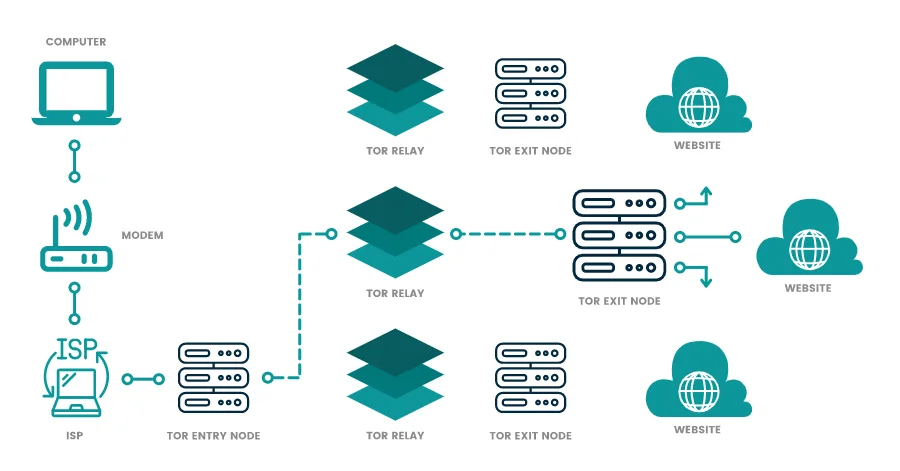
Nonetheless, despite all the flaws and vulnerabilities, the Tor browser is somewhat safe to use if you practice specific tips to enhance your security on the Tor browser.
Risks Associated with Tor Browser
There are some issues and risks associated with the Tor browser, and it is crucial to know about them to learn how vulnerable you might be.
The following mentioned below are some of the issues with using the Tor browser:
- Tor is vulnerable to exit nodes and malware attacks, so it doesn’t guarantee complete protection.
- Some network administrators have blocked access to the Tor browser.
- Tor browser only provides layered encryption instead of encrypting the entire data. It means encryption is only within the layers. Your data remains vulnerable and unprotected as it leaves Tor’s exit nodes to its destination.
- Using the Tor browser results in slow and sluggish connection speed. The traffic routes through several nodes, increasing loading time and decreasing speed.
- Your ISP can’t see your activity, but they can see that you’re using the Tor browser. As a result, they start throttling your connection and can even target you for surveillance.
- The exit nodes can log the contents of the request you made. They can modify the nodes or inject them with malware.
All these points signify that Tor is not safe to use. But practicing some protective measures or using a reliable VPN can reduce the dangers and enhance online privacy while using the Tor browser.
Note: not all VPNs do support Tor over VPN. Double encryption could be a nightmare if we talk about “Internet speed.” Your browsing experience will be slower than you ever imagined. A Compatible VPN with the Tor browser will solve both issues, your ISP can’t see if you are using TOR, and your browsing speed will be improved.
How to use Tor Safely – 7 Tips

As mentioned above, the flaws and severe privacy issues related to Tor. You need to get secure using Tor to access the deep and dark web. Here are some pro tips to avoid any mishaps while browsing.
1. Installing Tor Safely
As per the working mechanism, Tor established the connection first with ISP. This way, your ISP monitor and throttle your connection.
Furthermore, they put your IP in suspicious profile records. In simple, your ISP does know when you use the Tor network.
Before installing and using the Tor browser, VPN is crucial for safe and secure access.
- Install VPN First. Here is the compatible VPN with Tor
- Then, Click Here to download The Tor.
- Run the file to set up the Tor BROWSER.
- Select a destination folder.
- Click on “Install” and download the Tor browser.
Once completed, open the Tor browser and “set up” the circuit.
2. Always Enable a VPN
A compatible VPN is the best way to enhance your security on the Tor browser. A VPN encrypts all your traffic and replaces your IP address with a temporary one. This way, your ISP can’t detect which websites you’re visiting. They can only view the encrypted traffic from the VPN but can’t intercept it.
There are two ways to use a VPN to boost your security on the Tor browser:
- Tor Over VPN: The easiest way to connect to the Tor browser guarantees complete online protection. First, connect to the VPN and then route your traffic to the web via Tor. Your data becomes encrypted before it is routed and maximizes your online Privacy and security. However, it doesn’t protect you against malicious nodes.
- VPN Over Tor: It is a bit complicated to connect to the Tor browser and then manually configure the VPN. It protects against malicious nodes, but it isn’t recommended to use because of its connection complexity.
It is better to use Tor over VPN instead of VPN over Tor. Ensure you choose a reliable VPN provider that works efficiently with the Tor browser to enhance your Online Privacy.
3. Use Bridges
Network administrators ban the Tor traffic by blocking the entry nodes through their systems. You can connect to a bridge to get around these restrictions. They look like regular traffic and don’t reveal your connection to the Tor browser. Also, there is no complete list of bridges, so even if the ISP filters the connection to know the Tor relays, they can’t block them. In this way, they add an extra layer of anonymity and prevent getting caught while connected to the Tor browser.
There are no significant drawbacks to using Tor bridges. But connecting to a VPN is suggested first for better results and protection.
4. Use Antivirus Software
The dark web is a hub for illicit activities. If you use it for some legitimate purpose, hackers can trick you into downloading malware or spyware that can compromise your Privacy and even harm your other files. When you use the Tor browser to access the dark web, there are higher chances of becoming a target of malware or spyware.
To avoid such a thing from happening, run the best antivirus software. It scans and removes malware or viruses on your device, boosting your security levels.
5. Refrain From Torrenting
Tor Browser is not built for P2P file-sharing. The Tor exit nodes block the file-sharing traffic, and if you still download torrents, be prepared for slow speed. If you use Tor for downloading, you compromise your anonymity to avoid it.
Also, the BitTorrent client’s insecure design exposes your IP address to trackers and threatens your online anonymity.
6. Use Private Search Engines
Popular search engines like Google or Microsoft Edgework work as data collection tools. They collect and share your sensitive information, such as search queries and website visits. Thus, you should use the private search engine on Tor. Private search engines make your searches anonymous, hide the IP address, and prevent trackers and adware from spoiling your browsing experience.
However, Redefine Privacy says most privacy search engines have a shady logging policy and jurisdiction. They are not the best, but they are way better than Google.
7. Practice Safe Browsing Tips
You must follow some safe browsing tips that enhance your security when using the Tor browser. These tips include:
- Always check the URL of the browsing websites. Ensure that you use encrypted HTTPS websites instead of HTTP.
- Delete your cookies, local data, and temporary files that might contain some malicious codes.
- Configure your Tor browser settings and set your security level.
- Ensure that you’re always connected to a VPN compatible with Tor.
- Avoid using any suspicious social networking sites like Facebook or Twitter.
- Use a virtual identity that doesn’t include matching information from your real-world identity.
- Disable Flash and JavaScript because websites can track you from browsing activities without providing protection using the Tor browser.
- Update your system regularly.
How to Access the Dark Web on the Tor Browser
The Dark Web is the internet not indexed and used for criminal activities. The dark web is a private network where users’ IP address remains hidden. Thus, this makes it a secure network to carry out confidential business activities and commit illegal actions.
But besides the potential illegal uses, you can also use the dark web for several legitimate reasons. For instance, if you are a journalist or a whistleblower, you want to share confidential information by keeping your identity hidden.
The Tor browser allows access to .onion sites that best access the dark web securely. They aren’t like the regular domain name, and using such a domain makes it impossible for the site or the user to know from where the other party belongs. Using a VPN and connecting to the Tor browser for maximum privacy and protection is better.
Who uses the Tor Browser?
The purpose behind developing the Tor browser was to gain anonymity while surfing the web. People who hide or want to benefit from online anonymity use the Tor browser. Besides this, the Tor browser is used in the following situations:
- People who want to keep their activities confidential from ISPs, such as journalists or political activists. It routes the traffic in multiple layers, so; it isn’t easy to trace back to the original user. Thus, you can surf the web without leaving any digital footprints.
- Users who want to circumvent censorship, like people in China or Iran, benefit from Tor. Tor provides anonymity by hiding your IP address and getting around the firewalls to access the open web.
- Tor browser also serves as a gateway to the dark and the deep web.
- Law enforcement agencies who want to trace criminals use the Tor browser to gather their previous criminal records.
- People who are concerned about cyber spying. Tor’s onion routing method obscures your private details as the data passes through the open network. Thus, making it difficult for anyone to spy on your IP address.
When should I not use Tor?
Accessing the dark web has certain limitations, and there are specific activities you should avoid while using Tor:
- Torrenting or streaming content poses challenges on Tor. Many torrenting sites restrict access through Tor exit nodes, rendering peer-to-peer transfers impossible. Even if you configure your torrent client to work with the browser, Tor’s slow speeds make it less than ideal for downloading and seeding. Similarly, the browser’s speed is typically insufficient for smooth streaming.
- Logging into personal accounts while on Tor carries risks. By logging into a private account through Tor, you expose yourself to the potential disclosure of your identity. Furthermore, some websites consider Tor usage suspicious and may lock your account. Acquiring an encrypted email address exclusively for use with the Tor Browser, such as one provided by ProtonMail, is advisable.
- Using traceable financial information for payments is not recommended on the Tor browser. Although Tor can help protect your identity and location, it cannot prevent fraud or other financial crimes. Utilizing identifiable payment details within the browser increases the likelihood of exposing sensitive information to malicious individuals. Additionally, certain websites block Tor traffic from accessing their payment pages, potentially preventing you from completing your transaction.
Can I use Tor without a VPN?
Government authorities are actively preventing criminal activities on the Tor network due to its association with the dark web. As a result, regular usage of Tor can attract government surveillance.
Usually, your Internet Service Provider (ISP) can detect your connection to the Tor network if you aren’t using a VPN. This increases the chances of government authorities monitoring your online activities and targeting you for de-anonymization.
Without a VPN, Tor’s guard node can reveal your public IP address, exposing personal details such as your ISP and location. However, even with a VPN connection, you still face certain risks and vulnerabilities inherent to the Tor network. Nevertheless, a VPN can provide an additional layer of protection.
Best VPNs for Tor
1. ExpressVPN

- Network kill switch
- Leak protection
- AES 256-bit encryption
- Threat manager blocker
- Supports Mac, iOS, Android, Windows
- Supports up to 5 simultaneous device connections
- Automatic obfuscation
- No logs policy
- 24/7 live chat
ExpressVPN provides its own ‘onion’ site to ensure secure downloads. By signing up and installing the VPN app, you gain privacy protection right from the start. This is particularly beneficial if you reside in a country that restricts VPN usage or enforces strict censorship.
With its no-logs policy, it does not keep records or monitor your activities on the dark web. PricewaterhouseCoopers (PwC), a reputable audit firm, verified this commitment independently. Moreover, the TrustedServer Technology (RAM-only) ensures the servers wipe your data after every session to maintain anonymity.
Operating from the British Virgin Islands, the VPN is located outside the jurisdiction of data-sharing alliances such as the 5, 9, and 14 Eyes. This means that the company is not obligated to hand over your data to governmental agencies, which is helpful when using the Tor network.
With ExpressVPN, you can simply access Tor Browser and your preferred dark websites by creating Tor shortcuts directly on your app’s home screen. This convenience proves particularly valuable considering the often intricate nature of Onion URLs.
Furthermore, you can simultaneously protect your Tor activity on one device while engaging in activities like streaming, gaming, or torrenting on up to five other devices. ExpressVPN incorporates automatic obfuscation to overcome VPN blocks, such as Deep Packet Inspection (DPI). This feature automatically disguises VPN traffic as a regular connection when faced with tough firewalls or in countries with strict censorship.
Additionally, ExpressVPN offers frequent discounts and a 30-day money-back guarantee. If you are not satisfied, obtaining a refund is a simple process. We tried requesting a refund through their 24/7 live chat, and within 2 days, the money was back in our account.
2. Private Internet Access (PIA)
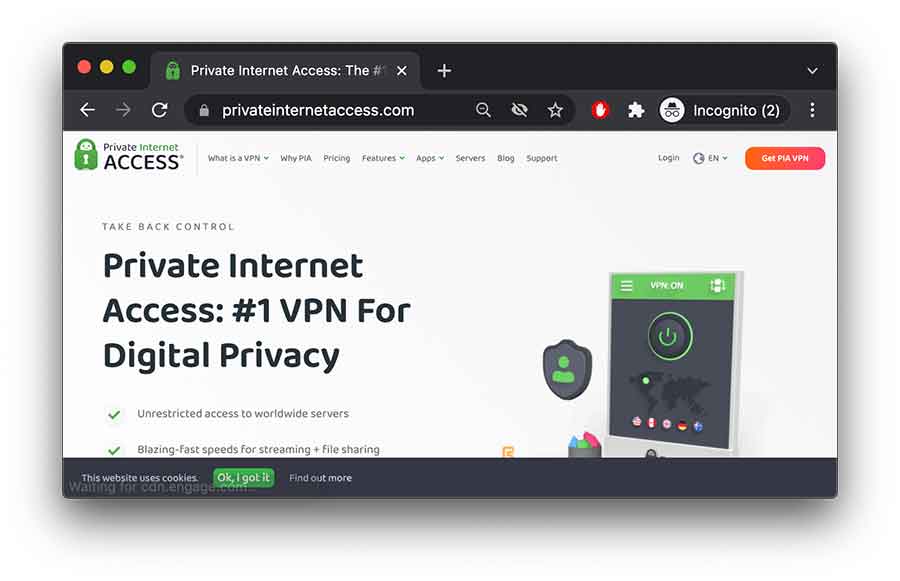
- 256-bit AES encryption
- IP/DNS Leak protection
- MACE ad/malware/tracker blocker
- Unlimited device connections
- No logs policy
- Automatic network kill switch
- Compatible with Windows, routers, macOS, Android, Linux, and iOS.
Private Internet Access (PIA) incorporates a comprehensive ad/tracker/malware blocker within its system. This feature alerts you to potential malicious links that could infect your device and effectively blocks bothersome pop-ups. Additionally, it demonstrates excellent effectiveness in ad-blocking on regular websites.
When it comes to Tor security, PIA offers a multitude of customization options. You have the flexibility to select between the OpenVPN and WireGuard protocols and choose your preferred encryption level (128-bit or 256-bit AES encryption). This allows you to strike the perfect balance between security and speed.
Furthermore, it provides two kill switch options, which prevent data leaks even when the VPN is turned off. Unlike many other VPNs, PIA supports unlimited connections on a single account. This means that while you browse Tor, other individuals in your household can also utilize the VPN.
With an expansive server network of 29,650 servers spanning 84 countries, it offers an extensive range of options for finding a fast and nearby connection for your Tor browsing needs. Despite being based in the US, it operates under a verified no-logs policy, which has been tested and verified in court. Even when government agencies made multiple demands for user data, PIA had no information to hand over.
3. ExtremeVPN

- Unlimited bandwidth
- Up to 10 devices support with a single account
- 256-bit military-grade encryption
- No logs policy
- Supports Windows, Android TV, Xbox, Apple, Chrome, PlayStation
- Internet kill switch
- 24/7 customer support
ExtremeVPN stands out as a highly secure VPN by offering a range of exceptional security features. Our assessment found its reliability outstanding across various aspects of its functionality. Notably, the encryption protocol left a strong impression on us.
The provider uses AES 256-bit encryption, a level of security that government agencies and the military commonly employ. When venturing into the depths of the dark web using the Tor browser, it is crucial to have a VPN that shields your identity from the prying eyes of the outside world.
ExtremeVPN effortlessly accomplishes this with its automatic kill switch, which ensures you are promptly disconnected from the internet if your VPN connection drops unexpectedly.
Additionally, the no-logs policy adds an extra layer of protection by ensuring that your activity logs are neither collected nor stored by their servers. It offers port forwarding support and a vast server network to enhance overall security while navigating the dark web.
These functionalities are designed to fortify the VPN’s security, making them invaluable tools when delving into the dark web. Furthermore, there is no need to worry much about the number of devices, as you connect up to 10 simultaneous connections.
With an extensive selection of servers exceeding 6,500 in 78 countries, you’ll be spoiled for choice when selecting a less congested server for better speed.
4. NordVPN

- Dedicated P2P servers
- Fast and secure downloading
- Automatic kill switch
- Split tunneling
- AES-256-bit encryption
- A strict no-log policy
- Dedicated IP address add-on
- 24/7 live support
NordVPN emerges as a top-notch VPN service. Its reputation is impressive, thanks to an expansive server network comprising over 5,200 servers across 60 countries. Fortunately, it also offers dedicated P2P servers explicitly designed for downloading and sharing P2P files.
These specialized servers can be found in America, Australia, Canada, France, Germany, and the UK.
NordVPN leverages advanced protocols like NordLynx, based on the WireGuard VPN protocol, accompanied by a double NAT setup that results in accelerated download speeds. To further enhance the dark web experience, the VPN features split tunneling, which enables you to route your traffic outside the VPN tunnel.
Regarding security, NordVPN takes robust measures to protect your torrent traffic. It will safeguard your data with AES-256-bit encryption, a kill switch, a double VPN, etc. Importantly, NordVPN adheres to a strict no-log policy, ensuring that no records of your activities are retained, thereby protecting your privacy. Also, its servers run on diskless RAM, meaning no data is stored locally, enabling you to browse anonymously.
5. Surfshark

- Optimized servers for P2P usage
- AES-256-bit encryption
- Camouflage mode
- No logs policy
- Unlimited bandwidth
- Automatic network kill switch
- MultiHop mode
- Unlimited simultaneous connections
- 24/7 customer support
If you frequently use Tor, Surfshark is one of your best VPN options. The provider offers an extensive network of 3200+ servers spread across 65 countries, which is useful when browsing geo-restricted regions. Additionally, Surfshark supports P2P connections which adds to your privacy and security.
Surfshark’s commitment to privacy and security is topped by its strict no-logs policy. The VPN is based on a safe jurisdiction making it a highly trusted provider for Tor browsing. It operates in the British Virgin Islands, where internet usage is not highly censored compared to other regions such as China.
Moreover, you’re confident that your data is in safe hands with AES 256-bit encryption. Therefore, the encryption protocol is robust and has been embraced by government agencies and the military.
You can also take advantage of the 30-day money-back guarantee. It allows you to request a refund within the first month if you are unsatisfied with its services.
Other ways to use Tor safely
While Tor is designed to provide privacy, it is not without vulnerabilities. To ensure maximum security while using the browser, we recommend following these precautions:
- Download Tor only from its official site. Hackers have been known to create fake Tor mirror sites that can infect your device with malware if downloaded accidentally. It is advisable never to obtain Tor from a third-party website.
- Install reliable antivirus and antimalware software. This helps safeguard your devices against cyber threats. Regularly update the software to protect against the latest hacks and viruses.
- Utilize a security-focused operating system (OS). TAILS is an example of such an OS, and we suggest running it from a removable drive. By doing so, it becomes challenging for hackers to identify your computer on the Tor network. Other private OS options include Qube, Whonix, and ZeusGuard.
- Use a trustworthy web search engine. Some search engines index Onion sites, allowing you to discover and research dark websites before visiting them. Some trustworthy search engines include DuckDuckGo, Startpage, search encrypt, and more.
- Verify every Onion URL before using it. The dark web contains realistic clone sites that pose significant cyber threats. Avoid using URLs you obtain from social media or forums. A reliable dark web search engine can assist you in finding genuine sites. Consider storing trusted sites in an encrypted notebook, such as Turtl.
- Keep your browser up to date. Running the most recent browser versions helps prevent bugs and vulnerabilities that could compromise your privacy and security.
- Disable location tracking. Turning off any location-tracking functionality on your device helps conceal your identity.
- Avoid using plug-ins. Browser extensions and add-ons can result in tracking through browser fingerprinting. Tor automatically blocks specific plug-ins, such as Flash. In the past, such plug-ins have been compromised to expose users’ real IP addresses.
- Refrain from changing the size of your Tor window. Modifying the window size can make it easier for cybercriminals to track you via browser fingerprinting.
- Cover your camera and microphone. This precaution prevents cybercriminals from collecting recordings if they gain control of your device. Although it may seem excessive, hacking into cameras is alarmingly simple.
- Exercise caution when opening files. Avoid accepting suspicious requests or clicking pop-ups. Also, refrain from downloading suspicious files from the dark web. Even if so, ensure you disconnect from the internet before opening it. This will prevent your actual IP address from being exposed.
- Use cryptocurrency for transactions. Cryptocurrencies provide extra anonymity and security when purchasing on the dark web.
Close all apps on your device, such as banking or streaming apps. Doing so eliminates the risk of prying eyes and accessing private information through these applications.
How to install the Tor browser on your devices?
We recommend installing the Tor browser from its official site to avoid security risks. Although Tor is unavailable on iOS, you can use the Open-source Onion browser as an alternative. Tor powers the browser and can be found on the App Store.
Installing Tor browser on Windows and Mac
You can install Tor on your Mac or Windows device using these steps:
- Download Tor: Visit the official Tor download page and choose the appropriate installer for your Windows or Mac operating system.
- Open the installation file: Once the download is complete, locate the file and open it. Choose your language preference and follow the guiding instructions provided by the installation wizard.
- Complete the installation: The wizard will help you if you use Windows. If you’re a Mac user, the wizard will prompt you to drag the Tor icon into the Applications folder.
- Configure Tor: If using a restricted connection, click the ‘Configure’ button. Follow the prompts to configure Tor depending on whether you’re on a proxy connection or Tor is censored in your location.
Installing Tor Browser on Android
Use these steps to download and install the Tor browser on your Android device:
- Visit Tor’s official website: Go to Tor’s official site. Navigate to the Downloads page and click on ‘Download for Android.’
- Follow the installation prompts: Click on ‘Go to Google Play’ and then ‘Install’ to initiate the app download on your device.
- Connect to Tor: Once the installation is complete, you can start browsing securely using Tor on your Android device.
Installing Tor Browser on Linux
The following steps will help you install the Tor browser on Linux:
- Download the Tor launcher: Visit the Tor download page on FlatHub and download the Linux launcher file.
- Install the launcher file: Locate the downloaded file, usually saved in the Downloads folder. Open the file to begin the installation process.
- Connect or configure Tor: Click on ‘Launch’ to start Tor. Choose ‘Connect’ to immediately begin browsing or ‘Configure’ if browsing from a network that blocks Tor. If you select ‘Configure’, you’ll be prompted to set up Tor for a censored location or configure it with a pluggable transport or proxy.
Tor is less safe on some mobile devices
The Tor browser is available as an Android application. If you are careful, using Tor on Android is just as safe as using it on a desktop. Although the alpha release can be easily downloaded and used, it carries the same risks as the desktop browser.
While iOS lacks an official Tor application, you can use the Onion Browser app to visit the Tor network on iOS if absolutely necessary. This app was developed by Mike Tigas, a lead developer for the Tor Browser, and is considered open-source.
However, it’s important to note that even when exercising caution, using Tor on an iOS gadget is not as secure as using it on other devices. The app does not allow complete disabling of JavaScript, compromising privacy as JavaScript can potentially share private data and store cookies in the browser.
So, if you want to use Tor on a smartphone, we recommend an Android device.
Can you be De-Anonymized on Tor?
There have long been suspicions that the FBI, National Security Agency (NSA), and other government authorities can de-anonymize Tor users. As a result, there have been rumors suggesting that Tor is a trap set by law enforcement to monitor individuals seeking online anonymity.
It’s important to note that the Onion network was initially created and developed by the US Navy and continues to receive substantial funding from the US government. While this fact doesn’t necessarily pose a problem, the ongoing collaboration between Tor developers and the US government, as highlighted in Yasher Levine’s book Surveillance Valley, raises concerns.
Despite Tor’s intended purpose of providing ultimate anonymity, several suspicions of de-anonymization have been reported.
In a 2017 court case, the FBI refused to reveal evidence of a potential Tor vulnerability used to uncover a suspect, ultimately leading to the case’s collapse. This incident shows that while the FBI can de-anonymize users, it cannot disclose its methods.
If a government agency were to disclose a vulnerability openly, Tor users would refrain from using the platform, making it ineffective for surveillance purposes. Additionally, it would be straightforward that the remaining traffic is state-affiliated.
Nevertheless, various email conversations between Tor developers and US intelligence agencies have been leaked in recent years. For instance, there is an instance where a Tor co-founder discusses with the US Department of Justice regarding collaborating with them, including mentioning the inclusion of ‘backdoors’ into the network.
De-anonymizing Tor Users: Research at Columbia University
Columbia University researchers have made advancements in traffic analysis attacks, enabling them to unveil the identities of up to 81% of Tor users by carefully examining router data.
NetFlow, a technology designed explicitly for gathering IP traffic information and monitoring network flow, is embedded within Cisco routing protocols. It facilitates traffic data collection as it enters and exits an interface.
Infiltrators can utilize these valuable insights obtained through NetFlow to conduct traffic analysis attacks, where they closely observe traffic patterns across various points within the Onion network.
By exploiting the capabilities of NetFlow, infiltrators can expose the original IP address associated with a user, thereby revealing their true identity. These findings further support that Tor users are susceptible to identification and de-anonymization.
Tor’s three layers of encryption and randomized IP address
At its core, Tor serves the purpose of ensuring online activity remains anonymous. It achieves this by employing techniques similar to those used by VPNs, which involve encrypting web traffic and altering the IP address associated with the user.
Unlike a VPN, Tor operates through a decentralized network of servers, offering a randomized connection to users. Consequently, the choice of server location is beyond the user’s control. To enhance security, Tor employs a mechanism where a new set of servers is assigned to route your data every ten minutes. This system ensures that each node within the network is aware of only the server.
Conclusion
Tor browser provides great online anonymity. But certain risks question Tor’s credibility and safety. Compromised Tor nodes, layered encryption, and slow internet speed makes Tor unreliable. But you can reduce these risks and enhance Tor’s security using a VPN, privacy search engines, antivirus software, and other safe browsing tips.
FAQs
The post How to Use Tor Safely? (7 Must-Do Tips) To Enhance Your Privacy While browsing appeared first on BeEncrypted.
]]>Deprecated: Using null as an array offset is deprecated, use an empty string instead in /var/www/staging.beencrypted.com/site/web/wp/wp-includes/class-wp-block-type-registry.php on line 168
Deprecated: Using null as an array offset is deprecated, use an empty string instead in /var/www/staging.beencrypted.com/site/web/wp/wp-includes/class-wp-block-type-registry.php on line 168
Deprecated: Using null as an array offset is deprecated, use an empty string instead in /var/www/staging.beencrypted.com/site/web/wp/wp-includes/class-wp-block-type-registry.php on line 168
Deprecated: Using null as an array offset is deprecated, use an empty string instead in /var/www/staging.beencrypted.com/site/web/wp/wp-includes/class-wp-block-type-registry.php on line 168
Deprecated: Using null as an array offset is deprecated, use an empty string instead in /var/www/staging.beencrypted.com/site/web/wp/wp-includes/class-wp-block-type-registry.php on line 168
Deprecated: Using null as an array offset is deprecated, use an empty string instead in /var/www/staging.beencrypted.com/site/web/wp/wp-includes/class-wp-block-type-registry.php on line 168
Deprecated: Using null as an array offset is deprecated, use an empty string instead in /var/www/staging.beencrypted.com/site/web/wp/wp-includes/class-wp-block-type-registry.php on line 168
Deprecated: Using null as an array offset is deprecated, use an empty string instead in /var/www/staging.beencrypted.com/site/web/wp/wp-includes/class-wp-block-type-registry.php on line 168
Deprecated: Using null as an array offset is deprecated, use an empty string instead in /var/www/staging.beencrypted.com/site/web/wp/wp-includes/class-wp-block-type-registry.php on line 168
Deprecated: Using null as an array offset is deprecated, use an empty string instead in /var/www/staging.beencrypted.com/site/web/wp/wp-includes/class-wp-block-type-registry.php on line 168
Deprecated: Using null as an array offset is deprecated, use an empty string instead in /var/www/staging.beencrypted.com/site/web/wp/wp-includes/class-wp-block-type-registry.php on line 168
Deprecated: Using null as an array offset is deprecated, use an empty string instead in /var/www/staging.beencrypted.com/site/web/wp/wp-includes/class-wp-block-type-registry.php on line 168
Deprecated: Using null as an array offset is deprecated, use an empty string instead in /var/www/staging.beencrypted.com/site/web/wp/wp-includes/class-wp-block-type-registry.php on line 168
Deprecated: Using null as an array offset is deprecated, use an empty string instead in /var/www/staging.beencrypted.com/site/web/wp/wp-includes/class-wp-block-type-registry.php on line 168
Deprecated: Using null as an array offset is deprecated, use an empty string instead in /var/www/staging.beencrypted.com/site/web/wp/wp-includes/class-wp-block-type-registry.php on line 168
Deprecated: Using null as an array offset is deprecated, use an empty string instead in /var/www/staging.beencrypted.com/site/web/wp/wp-includes/class-wp-block-type-registry.php on line 168
Deprecated: Using null as an array offset is deprecated, use an empty string instead in /var/www/staging.beencrypted.com/site/web/wp/wp-includes/class-wp-block-type-registry.php on line 168
Deprecated: Using null as an array offset is deprecated, use an empty string instead in /var/www/staging.beencrypted.com/site/web/wp/wp-includes/class-wp-block-type-registry.php on line 168
Deprecated: Using null as an array offset is deprecated, use an empty string instead in /var/www/staging.beencrypted.com/site/web/wp/wp-includes/class-wp-block-type-registry.php on line 168
Deprecated: Using null as an array offset is deprecated, use an empty string instead in /var/www/staging.beencrypted.com/site/web/wp/wp-includes/class-wp-block-type-registry.php on line 168
Deprecated: Using null as an array offset is deprecated, use an empty string instead in /var/www/staging.beencrypted.com/site/web/wp/wp-includes/class-wp-block-type-registry.php on line 168
Deprecated: Using null as an array offset is deprecated, use an empty string instead in /var/www/staging.beencrypted.com/site/web/wp/wp-includes/class-wp-block-type-registry.php on line 168
Deprecated: Using null as an array offset is deprecated, use an empty string instead in /var/www/staging.beencrypted.com/site/web/wp/wp-includes/class-wp-block-type-registry.php on line 168
Deprecated: Using null as an array offset is deprecated, use an empty string instead in /var/www/staging.beencrypted.com/site/web/wp/wp-includes/class-wp-block-type-registry.php on line 168
Deprecated: Using null as an array offset is deprecated, use an empty string instead in /var/www/staging.beencrypted.com/site/web/wp/wp-includes/class-wp-block-type-registry.php on line 168
Deprecated: Using null as an array offset is deprecated, use an empty string instead in /var/www/staging.beencrypted.com/site/web/wp/wp-includes/class-wp-block-type-registry.php on line 168
Deprecated: Using null as an array offset is deprecated, use an empty string instead in /var/www/staging.beencrypted.com/site/web/wp/wp-includes/class-wp-block-type-registry.php on line 168
Deprecated: Using null as an array offset is deprecated, use an empty string instead in /var/www/staging.beencrypted.com/site/web/wp/wp-includes/class-wp-block-type-registry.php on line 168
Deprecated: Using null as an array offset is deprecated, use an empty string instead in /var/www/staging.beencrypted.com/site/web/wp/wp-includes/class-wp-block-type-registry.php on line 168
Deprecated: Using null as an array offset is deprecated, use an empty string instead in /var/www/staging.beencrypted.com/site/web/wp/wp-includes/class-wp-block-type-registry.php on line 168
Deprecated: Using null as an array offset is deprecated, use an empty string instead in /var/www/staging.beencrypted.com/site/web/wp/wp-includes/class-wp-block-type-registry.php on line 168
Deprecated: Using null as an array offset is deprecated, use an empty string instead in /var/www/staging.beencrypted.com/site/web/wp/wp-includes/class-wp-block-type-registry.php on line 168
Deprecated: Using null as an array offset is deprecated, use an empty string instead in /var/www/staging.beencrypted.com/site/web/wp/wp-includes/class-wp-block-type-registry.php on line 168
Deprecated: Using null as an array offset is deprecated, use an empty string instead in /var/www/staging.beencrypted.com/site/web/wp/wp-includes/class-wp-block-type-registry.php on line 168
Deprecated: Using null as an array offset is deprecated, use an empty string instead in /var/www/staging.beencrypted.com/site/web/wp/wp-includes/class-wp-block-type-registry.php on line 168
Deprecated: Using null as an array offset is deprecated, use an empty string instead in /var/www/staging.beencrypted.com/site/web/wp/wp-includes/class-wp-block-type-registry.php on line 168
Deprecated: Using null as an array offset is deprecated, use an empty string instead in /var/www/staging.beencrypted.com/site/web/wp/wp-includes/class-wp-block-type-registry.php on line 168
Deprecated: Using null as an array offset is deprecated, use an empty string instead in /var/www/staging.beencrypted.com/site/web/wp/wp-includes/class-wp-block-type-registry.php on line 168
Deprecated: Using null as an array offset is deprecated, use an empty string instead in /var/www/staging.beencrypted.com/site/web/wp/wp-includes/class-wp-block-type-registry.php on line 168
Deprecated: Using null as an array offset is deprecated, use an empty string instead in /var/www/staging.beencrypted.com/site/web/wp/wp-includes/class-wp-block-type-registry.php on line 168
Deprecated: Using null as an array offset is deprecated, use an empty string instead in /var/www/staging.beencrypted.com/site/web/wp/wp-includes/class-wp-block-type-registry.php on line 168
Deprecated: Using null as an array offset is deprecated, use an empty string instead in /var/www/staging.beencrypted.com/site/web/wp/wp-includes/class-wp-block-type-registry.php on line 168
Deprecated: Using null as an array offset is deprecated, use an empty string instead in /var/www/staging.beencrypted.com/site/web/wp/wp-includes/class-wp-block-type-registry.php on line 168
Deprecated: Using null as an array offset is deprecated, use an empty string instead in /var/www/staging.beencrypted.com/site/web/wp/wp-includes/class-wp-block-type-registry.php on line 168
Deprecated: Using null as an array offset is deprecated, use an empty string instead in /var/www/staging.beencrypted.com/site/web/wp/wp-includes/class-wp-block-type-registry.php on line 168
Deprecated: Using null as an array offset is deprecated, use an empty string instead in /var/www/staging.beencrypted.com/site/web/wp/wp-includes/class-wp-block-type-registry.php on line 168
Deprecated: Using null as an array offset is deprecated, use an empty string instead in /var/www/staging.beencrypted.com/site/web/wp/wp-includes/class-wp-block-type-registry.php on line 168
Deprecated: Using null as an array offset is deprecated, use an empty string instead in /var/www/staging.beencrypted.com/site/web/wp/wp-includes/class-wp-block-type-registry.php on line 168
Deprecated: Using null as an array offset is deprecated, use an empty string instead in /var/www/staging.beencrypted.com/site/web/wp/wp-includes/class-wp-block-type-registry.php on line 168
Deprecated: Using null as an array offset is deprecated, use an empty string instead in /var/www/staging.beencrypted.com/site/web/wp/wp-includes/class-wp-block-type-registry.php on line 168
Deprecated: Using null as an array offset is deprecated, use an empty string instead in /var/www/staging.beencrypted.com/site/web/wp/wp-includes/class-wp-block-type-registry.php on line 168
Deprecated: Using null as an array offset is deprecated, use an empty string instead in /var/www/staging.beencrypted.com/site/web/wp/wp-includes/class-wp-block-type-registry.php on line 168
Deprecated: Using null as an array offset is deprecated, use an empty string instead in /var/www/staging.beencrypted.com/site/web/wp/wp-includes/class-wp-block-type-registry.php on line 168
Deprecated: Using null as an array offset is deprecated, use an empty string instead in /var/www/staging.beencrypted.com/site/web/wp/wp-includes/class-wp-block-type-registry.php on line 168
Deprecated: Using null as an array offset is deprecated, use an empty string instead in /var/www/staging.beencrypted.com/site/web/wp/wp-includes/class-wp-block-type-registry.php on line 168
Deprecated: Using null as an array offset is deprecated, use an empty string instead in /var/www/staging.beencrypted.com/site/web/wp/wp-includes/class-wp-block-type-registry.php on line 168
Deprecated: Using null as an array offset is deprecated, use an empty string instead in /var/www/staging.beencrypted.com/site/web/wp/wp-includes/class-wp-block-type-registry.php on line 168
Deprecated: Using null as an array offset is deprecated, use an empty string instead in /var/www/staging.beencrypted.com/site/web/wp/wp-includes/class-wp-block-type-registry.php on line 168
Deprecated: Using null as an array offset is deprecated, use an empty string instead in /var/www/staging.beencrypted.com/site/web/wp/wp-includes/class-wp-block-type-registry.php on line 168
Deprecated: Using null as an array offset is deprecated, use an empty string instead in /var/www/staging.beencrypted.com/site/web/wp/wp-includes/class-wp-block-type-registry.php on line 168
Deprecated: Using null as an array offset is deprecated, use an empty string instead in /var/www/staging.beencrypted.com/site/web/wp/wp-includes/class-wp-block-type-registry.php on line 168
Deprecated: Using null as an array offset is deprecated, use an empty string instead in /var/www/staging.beencrypted.com/site/web/wp/wp-includes/class-wp-block-type-registry.php on line 168
Deprecated: Using null as an array offset is deprecated, use an empty string instead in /var/www/staging.beencrypted.com/site/web/wp/wp-includes/class-wp-block-type-registry.php on line 168
Deprecated: Using null as an array offset is deprecated, use an empty string instead in /var/www/staging.beencrypted.com/site/web/wp/wp-includes/class-wp-block-type-registry.php on line 168
Deprecated: Using null as an array offset is deprecated, use an empty string instead in /var/www/staging.beencrypted.com/site/web/wp/wp-includes/class-wp-block-type-registry.php on line 168
Deprecated: Using null as an array offset is deprecated, use an empty string instead in /var/www/staging.beencrypted.com/site/web/wp/wp-includes/class-wp-block-type-registry.php on line 168
Deprecated: Using null as an array offset is deprecated, use an empty string instead in /var/www/staging.beencrypted.com/site/web/wp/wp-includes/class-wp-block-type-registry.php on line 168
Deprecated: Using null as an array offset is deprecated, use an empty string instead in /var/www/staging.beencrypted.com/site/web/wp/wp-includes/class-wp-block-type-registry.php on line 168
Deprecated: Using null as an array offset is deprecated, use an empty string instead in /var/www/staging.beencrypted.com/site/web/wp/wp-includes/class-wp-block-type-registry.php on line 168
Deprecated: Using null as an array offset is deprecated, use an empty string instead in /var/www/staging.beencrypted.com/site/web/wp/wp-includes/class-wp-block-type-registry.php on line 168
Deprecated: Using null as an array offset is deprecated, use an empty string instead in /var/www/staging.beencrypted.com/site/web/wp/wp-includes/class-wp-block-type-registry.php on line 168
Deprecated: Using null as an array offset is deprecated, use an empty string instead in /var/www/staging.beencrypted.com/site/web/wp/wp-includes/class-wp-block-type-registry.php on line 168
Deprecated: Using null as an array offset is deprecated, use an empty string instead in /var/www/staging.beencrypted.com/site/web/wp/wp-includes/class-wp-block-type-registry.php on line 168
Deprecated: Using null as an array offset is deprecated, use an empty string instead in /var/www/staging.beencrypted.com/site/web/wp/wp-includes/class-wp-block-type-registry.php on line 168
Deprecated: Using null as an array offset is deprecated, use an empty string instead in /var/www/staging.beencrypted.com/site/web/wp/wp-includes/class-wp-block-type-registry.php on line 168
Deprecated: Using null as an array offset is deprecated, use an empty string instead in /var/www/staging.beencrypted.com/site/web/wp/wp-includes/class-wp-block-type-registry.php on line 168
Deprecated: Using null as an array offset is deprecated, use an empty string instead in /var/www/staging.beencrypted.com/site/web/wp/wp-includes/class-wp-block-type-registry.php on line 168
Deprecated: Using null as an array offset is deprecated, use an empty string instead in /var/www/staging.beencrypted.com/site/web/wp/wp-includes/class-wp-block-type-registry.php on line 168
Deprecated: Using null as an array offset is deprecated, use an empty string instead in /var/www/staging.beencrypted.com/site/web/wp/wp-includes/class-wp-block-type-registry.php on line 168
Deprecated: Using null as an array offset is deprecated, use an empty string instead in /var/www/staging.beencrypted.com/site/web/wp/wp-includes/class-wp-block-type-registry.php on line 168
Deprecated: Using null as an array offset is deprecated, use an empty string instead in /var/www/staging.beencrypted.com/site/web/wp/wp-includes/class-wp-block-type-registry.php on line 168
Deprecated: Using null as an array offset is deprecated, use an empty string instead in /var/www/staging.beencrypted.com/site/web/wp/wp-includes/class-wp-block-type-registry.php on line 168
Deprecated: Using null as an array offset is deprecated, use an empty string instead in /var/www/staging.beencrypted.com/site/web/wp/wp-includes/class-wp-block-type-registry.php on line 168
Deprecated: Using null as an array offset is deprecated, use an empty string instead in /var/www/staging.beencrypted.com/site/web/wp/wp-includes/class-wp-block-type-registry.php on line 168
Deprecated: Using null as an array offset is deprecated, use an empty string instead in /var/www/staging.beencrypted.com/site/web/wp/wp-includes/class-wp-block-type-registry.php on line 168
Deprecated: Using null as an array offset is deprecated, use an empty string instead in /var/www/staging.beencrypted.com/site/web/wp/wp-includes/class-wp-block-type-registry.php on line 168
Deprecated: Using null as an array offset is deprecated, use an empty string instead in /var/www/staging.beencrypted.com/site/web/wp/wp-includes/class-wp-block-type-registry.php on line 168
Deprecated: Using null as an array offset is deprecated, use an empty string instead in /var/www/staging.beencrypted.com/site/web/wp/wp-includes/class-wp-block-type-registry.php on line 168
Deprecated: Using null as an array offset is deprecated, use an empty string instead in /var/www/staging.beencrypted.com/site/web/wp/wp-includes/class-wp-block-type-registry.php on line 168
Deprecated: Using null as an array offset is deprecated, use an empty string instead in /var/www/staging.beencrypted.com/site/web/wp/wp-includes/class-wp-block-type-registry.php on line 168
Deprecated: Using null as an array offset is deprecated, use an empty string instead in /var/www/staging.beencrypted.com/site/web/wp/wp-includes/class-wp-block-type-registry.php on line 168
Deprecated: Using null as an array offset is deprecated, use an empty string instead in /var/www/staging.beencrypted.com/site/web/wp/wp-includes/class-wp-block-type-registry.php on line 168
Deprecated: Using null as an array offset is deprecated, use an empty string instead in /var/www/staging.beencrypted.com/site/web/wp/wp-includes/class-wp-block-type-registry.php on line 168
Deprecated: Using null as an array offset is deprecated, use an empty string instead in /var/www/staging.beencrypted.com/site/web/wp/wp-includes/class-wp-block-type-registry.php on line 168
Deprecated: Using null as an array offset is deprecated, use an empty string instead in /var/www/staging.beencrypted.com/site/web/wp/wp-includes/class-wp-block-type-registry.php on line 168
Deprecated: Using null as an array offset is deprecated, use an empty string instead in /var/www/staging.beencrypted.com/site/web/wp/wp-includes/class-wp-block-type-registry.php on line 168
Deprecated: Using null as an array offset is deprecated, use an empty string instead in /var/www/staging.beencrypted.com/site/web/wp/wp-includes/class-wp-block-type-registry.php on line 168
Deprecated: Using null as an array offset is deprecated, use an empty string instead in /var/www/staging.beencrypted.com/site/web/wp/wp-includes/class-wp-block-type-registry.php on line 168
Deprecated: Using null as an array offset is deprecated, use an empty string instead in /var/www/staging.beencrypted.com/site/web/wp/wp-includes/class-wp-block-type-registry.php on line 168
Deprecated: Using null as an array offset is deprecated, use an empty string instead in /var/www/staging.beencrypted.com/site/web/wp/wp-includes/class-wp-block-type-registry.php on line 168
Deprecated: Using null as an array offset is deprecated, use an empty string instead in /var/www/staging.beencrypted.com/site/web/wp/wp-includes/class-wp-block-type-registry.php on line 168
Deprecated: Using null as an array offset is deprecated, use an empty string instead in /var/www/staging.beencrypted.com/site/web/wp/wp-includes/class-wp-block-type-registry.php on line 168
Deprecated: Using null as an array offset is deprecated, use an empty string instead in /var/www/staging.beencrypted.com/site/web/wp/wp-includes/class-wp-block-type-registry.php on line 168
Deprecated: Using null as an array offset is deprecated, use an empty string instead in /var/www/staging.beencrypted.com/site/web/wp/wp-includes/class-wp-block-type-registry.php on line 168
Deprecated: Using null as an array offset is deprecated, use an empty string instead in /var/www/staging.beencrypted.com/site/web/wp/wp-includes/class-wp-block-type-registry.php on line 168
Deprecated: Using null as an array offset is deprecated, use an empty string instead in /var/www/staging.beencrypted.com/site/web/wp/wp-includes/class-wp-block-type-registry.php on line 168
Deprecated: Using null as an array offset is deprecated, use an empty string instead in /var/www/staging.beencrypted.com/site/web/wp/wp-includes/class-wp-block-type-registry.php on line 168
Deprecated: Using null as an array offset is deprecated, use an empty string instead in /var/www/staging.beencrypted.com/site/web/wp/wp-includes/class-wp-block-type-registry.php on line 168
Deprecated: Using null as an array offset is deprecated, use an empty string instead in /var/www/staging.beencrypted.com/site/web/wp/wp-includes/class-wp-block-type-registry.php on line 168
Deprecated: Using null as an array offset is deprecated, use an empty string instead in /var/www/staging.beencrypted.com/site/web/wp/wp-includes/class-wp-block-type-registry.php on line 168
Deprecated: Using null as an array offset is deprecated, use an empty string instead in /var/www/staging.beencrypted.com/site/web/wp/wp-includes/class-wp-block-type-registry.php on line 168
Deprecated: Using null as an array offset is deprecated, use an empty string instead in /var/www/staging.beencrypted.com/site/web/wp/wp-includes/class-wp-block-type-registry.php on line 168
Deprecated: Using null as an array offset is deprecated, use an empty string instead in /var/www/staging.beencrypted.com/site/web/wp/wp-includes/class-wp-block-type-registry.php on line 168
Deprecated: Using null as an array offset is deprecated, use an empty string instead in /var/www/staging.beencrypted.com/site/web/wp/wp-includes/class-wp-block-type-registry.php on line 168
Deprecated: Using null as an array offset is deprecated, use an empty string instead in /var/www/staging.beencrypted.com/site/web/wp/wp-includes/class-wp-block-type-registry.php on line 168
Deprecated: Using null as an array offset is deprecated, use an empty string instead in /var/www/staging.beencrypted.com/site/web/wp/wp-includes/class-wp-block-type-registry.php on line 168
Deprecated: Using null as an array offset is deprecated, use an empty string instead in /var/www/staging.beencrypted.com/site/web/wp/wp-includes/class-wp-block-type-registry.php on line 168
Deprecated: Using null as an array offset is deprecated, use an empty string instead in /var/www/staging.beencrypted.com/site/web/wp/wp-includes/class-wp-block-type-registry.php on line 168
Deprecated: Using null as an array offset is deprecated, use an empty string instead in /var/www/staging.beencrypted.com/site/web/wp/wp-includes/class-wp-block-type-registry.php on line 168
Deprecated: Using null as an array offset is deprecated, use an empty string instead in /var/www/staging.beencrypted.com/site/web/wp/wp-includes/class-wp-block-type-registry.php on line 168
Deprecated: Using null as an array offset is deprecated, use an empty string instead in /var/www/staging.beencrypted.com/site/web/wp/wp-includes/class-wp-block-type-registry.php on line 168
Deprecated: Using null as an array offset is deprecated, use an empty string instead in /var/www/staging.beencrypted.com/site/web/wp/wp-includes/class-wp-block-type-registry.php on line 168
Deprecated: Using null as an array offset is deprecated, use an empty string instead in /var/www/staging.beencrypted.com/site/web/wp/wp-includes/class-wp-block-type-registry.php on line 168
Deprecated: Using null as an array offset is deprecated, use an empty string instead in /var/www/staging.beencrypted.com/site/web/wp/wp-includes/class-wp-block-type-registry.php on line 168
Deprecated: Using null as an array offset is deprecated, use an empty string instead in /var/www/staging.beencrypted.com/site/web/wp/wp-includes/class-wp-block-type-registry.php on line 168
Deprecated: Using null as an array offset is deprecated, use an empty string instead in /var/www/staging.beencrypted.com/site/web/wp/wp-includes/class-wp-block-type-registry.php on line 168
Deprecated: Using null as an array offset is deprecated, use an empty string instead in /var/www/staging.beencrypted.com/site/web/wp/wp-includes/class-wp-block-type-registry.php on line 168
Deprecated: Using null as an array offset is deprecated, use an empty string instead in /var/www/staging.beencrypted.com/site/web/wp/wp-includes/class-wp-block-type-registry.php on line 168
Deprecated: Using null as an array offset is deprecated, use an empty string instead in /var/www/staging.beencrypted.com/site/web/wp/wp-includes/class-wp-block-type-registry.php on line 168
Deprecated: Using null as an array offset is deprecated, use an empty string instead in /var/www/staging.beencrypted.com/site/web/wp/wp-includes/class-wp-block-type-registry.php on line 168
Deprecated: Using null as an array offset is deprecated, use an empty string instead in /var/www/staging.beencrypted.com/site/web/wp/wp-includes/class-wp-block-type-registry.php on line 168
Deprecated: Using null as an array offset is deprecated, use an empty string instead in /var/www/staging.beencrypted.com/site/web/wp/wp-includes/class-wp-block-type-registry.php on line 168
Deprecated: Using null as an array offset is deprecated, use an empty string instead in /var/www/staging.beencrypted.com/site/web/wp/wp-includes/class-wp-block-type-registry.php on line 168
Deprecated: Using null as an array offset is deprecated, use an empty string instead in /var/www/staging.beencrypted.com/site/web/wp/wp-includes/class-wp-block-type-registry.php on line 168
Deprecated: Using null as an array offset is deprecated, use an empty string instead in /var/www/staging.beencrypted.com/site/web/wp/wp-includes/class-wp-block-type-registry.php on line 168
Deprecated: Using null as an array offset is deprecated, use an empty string instead in /var/www/staging.beencrypted.com/site/web/wp/wp-includes/class-wp-block-type-registry.php on line 168
Deprecated: Using null as an array offset is deprecated, use an empty string instead in /var/www/staging.beencrypted.com/site/web/wp/wp-includes/class-wp-block-type-registry.php on line 168
Deprecated: Using null as an array offset is deprecated, use an empty string instead in /var/www/staging.beencrypted.com/site/web/wp/wp-includes/class-wp-block-type-registry.php on line 168
Deprecated: Using null as an array offset is deprecated, use an empty string instead in /var/www/staging.beencrypted.com/site/web/wp/wp-includes/class-wp-block-type-registry.php on line 168
Deprecated: Using null as an array offset is deprecated, use an empty string instead in /var/www/staging.beencrypted.com/site/web/wp/wp-includes/class-wp-block-type-registry.php on line 168
Deprecated: Using null as an array offset is deprecated, use an empty string instead in /var/www/staging.beencrypted.com/site/web/wp/wp-includes/class-wp-block-type-registry.php on line 168
Deprecated: Using null as an array offset is deprecated, use an empty string instead in /var/www/staging.beencrypted.com/site/web/wp/wp-includes/class-wp-block-type-registry.php on line 168
Deprecated: Using null as an array offset is deprecated, use an empty string instead in /var/www/staging.beencrypted.com/site/web/wp/wp-includes/class-wp-block-type-registry.php on line 168
Deprecated: Using null as an array offset is deprecated, use an empty string instead in /var/www/staging.beencrypted.com/site/web/wp/wp-includes/class-wp-block-type-registry.php on line 168
Deprecated: Using null as an array offset is deprecated, use an empty string instead in /var/www/staging.beencrypted.com/site/web/wp/wp-includes/class-wp-block-type-registry.php on line 168
Deprecated: Using null as an array offset is deprecated, use an empty string instead in /var/www/staging.beencrypted.com/site/web/wp/wp-includes/class-wp-block-type-registry.php on line 168
Deprecated: Using null as an array offset is deprecated, use an empty string instead in /var/www/staging.beencrypted.com/site/web/wp/wp-includes/class-wp-block-type-registry.php on line 168
Deprecated: Using null as an array offset is deprecated, use an empty string instead in /var/www/staging.beencrypted.com/site/web/wp/wp-includes/class-wp-block-type-registry.php on line 168
Deprecated: Using null as an array offset is deprecated, use an empty string instead in /var/www/staging.beencrypted.com/site/web/wp/wp-includes/class-wp-block-type-registry.php on line 168
Deprecated: Using null as an array offset is deprecated, use an empty string instead in /var/www/staging.beencrypted.com/site/web/wp/wp-includes/class-wp-block-type-registry.php on line 168
Deprecated: Using null as an array offset is deprecated, use an empty string instead in /var/www/staging.beencrypted.com/site/web/wp/wp-includes/class-wp-block-type-registry.php on line 168
Deprecated: Using null as an array offset is deprecated, use an empty string instead in /var/www/staging.beencrypted.com/site/web/wp/wp-includes/class-wp-block-type-registry.php on line 168
Deprecated: Using null as an array offset is deprecated, use an empty string instead in /var/www/staging.beencrypted.com/site/web/wp/wp-includes/class-wp-block-type-registry.php on line 168
Deprecated: Using null as an array offset is deprecated, use an empty string instead in /var/www/staging.beencrypted.com/site/web/wp/wp-includes/class-wp-block-type-registry.php on line 168
Deprecated: Using null as an array offset is deprecated, use an empty string instead in /var/www/staging.beencrypted.com/site/web/wp/wp-includes/class-wp-block-type-registry.php on line 168
Deprecated: Using null as an array offset is deprecated, use an empty string instead in /var/www/staging.beencrypted.com/site/web/wp/wp-includes/class-wp-block-type-registry.php on line 168
Deprecated: Using null as an array offset is deprecated, use an empty string instead in /var/www/staging.beencrypted.com/site/web/wp/wp-includes/class-wp-block-type-registry.php on line 168
Deprecated: Using null as an array offset is deprecated, use an empty string instead in /var/www/staging.beencrypted.com/site/web/wp/wp-includes/class-wp-block-type-registry.php on line 168
Deprecated: Using null as an array offset is deprecated, use an empty string instead in /var/www/staging.beencrypted.com/site/web/wp/wp-includes/class-wp-block-type-registry.php on line 168
Deprecated: Using null as an array offset is deprecated, use an empty string instead in /var/www/staging.beencrypted.com/site/web/wp/wp-includes/class-wp-block-type-registry.php on line 168
Deprecated: Using null as an array offset is deprecated, use an empty string instead in /var/www/staging.beencrypted.com/site/web/wp/wp-includes/class-wp-block-type-registry.php on line 168
Deprecated: Using null as an array offset is deprecated, use an empty string instead in /var/www/staging.beencrypted.com/site/web/wp/wp-includes/class-wp-block-type-registry.php on line 168
Deprecated: Using null as an array offset is deprecated, use an empty string instead in /var/www/staging.beencrypted.com/site/web/wp/wp-includes/class-wp-block-type-registry.php on line 168
Deprecated: Using null as an array offset is deprecated, use an empty string instead in /var/www/staging.beencrypted.com/site/web/wp/wp-includes/class-wp-block-type-registry.php on line 168
Deprecated: Using null as an array offset is deprecated, use an empty string instead in /var/www/staging.beencrypted.com/site/web/wp/wp-includes/class-wp-block-type-registry.php on line 168
Deprecated: Using null as an array offset is deprecated, use an empty string instead in /var/www/staging.beencrypted.com/site/web/wp/wp-includes/class-wp-block-type-registry.php on line 168
Deprecated: Using null as an array offset is deprecated, use an empty string instead in /var/www/staging.beencrypted.com/site/web/wp/wp-includes/class-wp-block-type-registry.php on line 168
Deprecated: Using null as an array offset is deprecated, use an empty string instead in /var/www/staging.beencrypted.com/site/web/wp/wp-includes/class-wp-block-type-registry.php on line 168
Deprecated: Using null as an array offset is deprecated, use an empty string instead in /var/www/staging.beencrypted.com/site/web/wp/wp-includes/class-wp-block-type-registry.php on line 168
Deprecated: Using null as an array offset is deprecated, use an empty string instead in /var/www/staging.beencrypted.com/site/web/wp/wp-includes/class-wp-block-type-registry.php on line 168
Deprecated: Using null as an array offset is deprecated, use an empty string instead in /var/www/staging.beencrypted.com/site/web/wp/wp-includes/class-wp-block-type-registry.php on line 168
Deprecated: Using null as an array offset is deprecated, use an empty string instead in /var/www/staging.beencrypted.com/site/web/wp/wp-includes/class-wp-block-type-registry.php on line 168
Deprecated: Using null as an array offset is deprecated, use an empty string instead in /var/www/staging.beencrypted.com/site/web/wp/wp-includes/class-wp-block-type-registry.php on line 168
Deprecated: Using null as an array offset is deprecated, use an empty string instead in /var/www/staging.beencrypted.com/site/web/wp/wp-includes/class-wp-block-type-registry.php on line 168
Deprecated: Using null as an array offset is deprecated, use an empty string instead in /var/www/staging.beencrypted.com/site/web/wp/wp-includes/class-wp-block-type-registry.php on line 168
Deprecated: Using null as an array offset is deprecated, use an empty string instead in /var/www/staging.beencrypted.com/site/web/wp/wp-includes/class-wp-block-type-registry.php on line 168
Deprecated: Using null as an array offset is deprecated, use an empty string instead in /var/www/staging.beencrypted.com/site/web/wp/wp-includes/class-wp-block-type-registry.php on line 168
Deprecated: Using null as an array offset is deprecated, use an empty string instead in /var/www/staging.beencrypted.com/site/web/wp/wp-includes/class-wp-block-type-registry.php on line 168
Deprecated: Using null as an array offset is deprecated, use an empty string instead in /var/www/staging.beencrypted.com/site/web/wp/wp-includes/class-wp-block-type-registry.php on line 168
Deprecated: Using null as an array offset is deprecated, use an empty string instead in /var/www/staging.beencrypted.com/site/web/wp/wp-includes/class-wp-block-type-registry.php on line 168
Deprecated: Using null as an array offset is deprecated, use an empty string instead in /var/www/staging.beencrypted.com/site/web/wp/wp-includes/class-wp-block-type-registry.php on line 168
Deprecated: Using null as an array offset is deprecated, use an empty string instead in /var/www/staging.beencrypted.com/site/web/wp/wp-includes/class-wp-block-type-registry.php on line 168
Deprecated: Using null as an array offset is deprecated, use an empty string instead in /var/www/staging.beencrypted.com/site/web/wp/wp-includes/class-wp-block-type-registry.php on line 168
Deprecated: Using null as an array offset is deprecated, use an empty string instead in /var/www/staging.beencrypted.com/site/web/wp/wp-includes/class-wp-block-type-registry.php on line 168
Deprecated: Using null as an array offset is deprecated, use an empty string instead in /var/www/staging.beencrypted.com/site/web/wp/wp-includes/class-wp-block-type-registry.php on line 168
Deprecated: Using null as an array offset is deprecated, use an empty string instead in /var/www/staging.beencrypted.com/site/web/wp/wp-includes/class-wp-block-type-registry.php on line 168
Deprecated: Using null as an array offset is deprecated, use an empty string instead in /var/www/staging.beencrypted.com/site/web/wp/wp-includes/class-wp-block-type-registry.php on line 168
Deprecated: Using null as an array offset is deprecated, use an empty string instead in /var/www/staging.beencrypted.com/site/web/wp/wp-includes/class-wp-block-type-registry.php on line 168
Deprecated: Using null as an array offset is deprecated, use an empty string instead in /var/www/staging.beencrypted.com/site/web/wp/wp-includes/class-wp-block-type-registry.php on line 168
Deprecated: Using null as an array offset is deprecated, use an empty string instead in /var/www/staging.beencrypted.com/site/web/wp/wp-includes/class-wp-block-type-registry.php on line 168
Deprecated: Using null as an array offset is deprecated, use an empty string instead in /var/www/staging.beencrypted.com/site/web/wp/wp-includes/class-wp-block-type-registry.php on line 168
Deprecated: Using null as an array offset is deprecated, use an empty string instead in /var/www/staging.beencrypted.com/site/web/wp/wp-includes/class-wp-block-type-registry.php on line 168
Deprecated: Using null as an array offset is deprecated, use an empty string instead in /var/www/staging.beencrypted.com/site/web/wp/wp-includes/class-wp-block-type-registry.php on line 168
Deprecated: Using null as an array offset is deprecated, use an empty string instead in /var/www/staging.beencrypted.com/site/web/wp/wp-includes/class-wp-block-type-registry.php on line 168
Deprecated: Using null as an array offset is deprecated, use an empty string instead in /var/www/staging.beencrypted.com/site/web/wp/wp-includes/class-wp-block-type-registry.php on line 168
Deprecated: Using null as an array offset is deprecated, use an empty string instead in /var/www/staging.beencrypted.com/site/web/wp/wp-includes/class-wp-block-type-registry.php on line 168
Deprecated: Using null as an array offset is deprecated, use an empty string instead in /var/www/staging.beencrypted.com/site/web/wp/wp-includes/class-wp-block-type-registry.php on line 168
Deprecated: Using null as an array offset is deprecated, use an empty string instead in /var/www/staging.beencrypted.com/site/web/wp/wp-includes/class-wp-block-type-registry.php on line 168
Deprecated: Using null as an array offset is deprecated, use an empty string instead in /var/www/staging.beencrypted.com/site/web/wp/wp-includes/class-wp-block-type-registry.php on line 168
Deprecated: Using null as an array offset is deprecated, use an empty string instead in /var/www/staging.beencrypted.com/site/web/wp/wp-includes/class-wp-block-type-registry.php on line 168
Deprecated: Using null as an array offset is deprecated, use an empty string instead in /var/www/staging.beencrypted.com/site/web/wp/wp-includes/class-wp-block-type-registry.php on line 168
Deprecated: Using null as an array offset is deprecated, use an empty string instead in /var/www/staging.beencrypted.com/site/web/wp/wp-includes/class-wp-block-type-registry.php on line 168
Deprecated: Using null as an array offset is deprecated, use an empty string instead in /var/www/staging.beencrypted.com/site/web/wp/wp-includes/class-wp-block-type-registry.php on line 168
Deprecated: Using null as an array offset is deprecated, use an empty string instead in /var/www/staging.beencrypted.com/site/web/wp/wp-includes/class-wp-block-type-registry.php on line 168
Deprecated: Using null as an array offset is deprecated, use an empty string instead in /var/www/staging.beencrypted.com/site/web/wp/wp-includes/class-wp-block-type-registry.php on line 168
Deprecated: Using null as an array offset is deprecated, use an empty string instead in /var/www/staging.beencrypted.com/site/web/wp/wp-includes/class-wp-block-type-registry.php on line 168
Deprecated: Using null as an array offset is deprecated, use an empty string instead in /var/www/staging.beencrypted.com/site/web/wp/wp-includes/class-wp-block-type-registry.php on line 168
Deprecated: Using null as an array offset is deprecated, use an empty string instead in /var/www/staging.beencrypted.com/site/web/wp/wp-includes/class-wp-block-type-registry.php on line 168
Deprecated: Using null as an array offset is deprecated, use an empty string instead in /var/www/staging.beencrypted.com/site/web/wp/wp-includes/class-wp-block-type-registry.php on line 168
Deprecated: Using null as an array offset is deprecated, use an empty string instead in /var/www/staging.beencrypted.com/site/web/wp/wp-includes/class-wp-block-type-registry.php on line 168
Deprecated: Using null as an array offset is deprecated, use an empty string instead in /var/www/staging.beencrypted.com/site/web/wp/wp-includes/class-wp-block-type-registry.php on line 168
Deprecated: Using null as an array offset is deprecated, use an empty string instead in /var/www/staging.beencrypted.com/site/web/wp/wp-includes/class-wp-block-type-registry.php on line 168
Deprecated: Using null as an array offset is deprecated, use an empty string instead in /var/www/staging.beencrypted.com/site/web/wp/wp-includes/class-wp-block-type-registry.php on line 168
Deprecated: Using null as an array offset is deprecated, use an empty string instead in /var/www/staging.beencrypted.com/site/web/wp/wp-includes/class-wp-block-type-registry.php on line 168
Deprecated: Using null as an array offset is deprecated, use an empty string instead in /var/www/staging.beencrypted.com/site/web/wp/wp-includes/class-wp-block-type-registry.php on line 168
Deprecated: Using null as an array offset is deprecated, use an empty string instead in /var/www/staging.beencrypted.com/site/web/wp/wp-includes/class-wp-block-type-registry.php on line 168
Deprecated: Using null as an array offset is deprecated, use an empty string instead in /var/www/staging.beencrypted.com/site/web/wp/wp-includes/class-wp-block-type-registry.php on line 168
Deprecated: Using null as an array offset is deprecated, use an empty string instead in /var/www/staging.beencrypted.com/site/web/wp/wp-includes/class-wp-block-type-registry.php on line 168
Deprecated: Using null as an array offset is deprecated, use an empty string instead in /var/www/staging.beencrypted.com/site/web/wp/wp-includes/class-wp-block-type-registry.php on line 168
Deprecated: Using null as an array offset is deprecated, use an empty string instead in /var/www/staging.beencrypted.com/site/web/wp/wp-includes/class-wp-block-type-registry.php on line 168
Deprecated: Using null as an array offset is deprecated, use an empty string instead in /var/www/staging.beencrypted.com/site/web/wp/wp-includes/class-wp-block-type-registry.php on line 168
Deprecated: Using null as an array offset is deprecated, use an empty string instead in /var/www/staging.beencrypted.com/site/web/wp/wp-includes/class-wp-block-type-registry.php on line 168
Deprecated: Using null as an array offset is deprecated, use an empty string instead in /var/www/staging.beencrypted.com/site/web/wp/wp-includes/class-wp-block-type-registry.php on line 168
Deprecated: Using null as an array offset is deprecated, use an empty string instead in /var/www/staging.beencrypted.com/site/web/wp/wp-includes/class-wp-block-type-registry.php on line 168
Deprecated: Using null as an array offset is deprecated, use an empty string instead in /var/www/staging.beencrypted.com/site/web/wp/wp-includes/class-wp-block-type-registry.php on line 168
Deprecated: Using null as an array offset is deprecated, use an empty string instead in /var/www/staging.beencrypted.com/site/web/wp/wp-includes/class-wp-block-type-registry.php on line 168
Deprecated: Using null as an array offset is deprecated, use an empty string instead in /var/www/staging.beencrypted.com/site/web/wp/wp-includes/class-wp-block-type-registry.php on line 168
Deprecated: Using null as an array offset is deprecated, use an empty string instead in /var/www/staging.beencrypted.com/site/web/wp/wp-includes/class-wp-block-type-registry.php on line 168
Deprecated: Using null as an array offset is deprecated, use an empty string instead in /var/www/staging.beencrypted.com/site/web/wp/wp-includes/class-wp-block-type-registry.php on line 168
Deprecated: Using null as an array offset is deprecated, use an empty string instead in /var/www/staging.beencrypted.com/site/web/wp/wp-includes/class-wp-block-type-registry.php on line 168
Deprecated: Using null as an array offset is deprecated, use an empty string instead in /var/www/staging.beencrypted.com/site/web/wp/wp-includes/class-wp-block-type-registry.php on line 168
Deprecated: Using null as an array offset is deprecated, use an empty string instead in /var/www/staging.beencrypted.com/site/web/wp/wp-includes/class-wp-block-type-registry.php on line 168
Deprecated: Using null as an array offset is deprecated, use an empty string instead in /var/www/staging.beencrypted.com/site/web/wp/wp-includes/class-wp-block-type-registry.php on line 168
Deprecated: Using null as an array offset is deprecated, use an empty string instead in /var/www/staging.beencrypted.com/site/web/wp/wp-includes/class-wp-block-type-registry.php on line 168
Deprecated: Using null as an array offset is deprecated, use an empty string instead in /var/www/staging.beencrypted.com/site/web/wp/wp-includes/class-wp-block-type-registry.php on line 168
Deprecated: Using null as an array offset is deprecated, use an empty string instead in /var/www/staging.beencrypted.com/site/web/wp/wp-includes/class-wp-block-type-registry.php on line 168
Deprecated: Using null as an array offset is deprecated, use an empty string instead in /var/www/staging.beencrypted.com/site/web/wp/wp-includes/class-wp-block-type-registry.php on line 168
Deprecated: Using null as an array offset is deprecated, use an empty string instead in /var/www/staging.beencrypted.com/site/web/wp/wp-includes/class-wp-block-type-registry.php on line 168
Deprecated: Using null as an array offset is deprecated, use an empty string instead in /var/www/staging.beencrypted.com/site/web/wp/wp-includes/class-wp-block-type-registry.php on line 168
Deprecated: Using null as an array offset is deprecated, use an empty string instead in /var/www/staging.beencrypted.com/site/web/wp/wp-includes/class-wp-block-type-registry.php on line 168
Deprecated: Using null as an array offset is deprecated, use an empty string instead in /var/www/staging.beencrypted.com/site/web/wp/wp-includes/class-wp-block-type-registry.php on line 168
Deprecated: Using null as an array offset is deprecated, use an empty string instead in /var/www/staging.beencrypted.com/site/web/wp/wp-includes/class-wp-block-type-registry.php on line 168
Deprecated: Using null as an array offset is deprecated, use an empty string instead in /var/www/staging.beencrypted.com/site/web/wp/wp-includes/class-wp-block-type-registry.php on line 168
Deprecated: Using null as an array offset is deprecated, use an empty string instead in /var/www/staging.beencrypted.com/site/web/wp/wp-includes/class-wp-block-type-registry.php on line 168
Deprecated: Using null as an array offset is deprecated, use an empty string instead in /var/www/staging.beencrypted.com/site/web/wp/wp-includes/class-wp-block-type-registry.php on line 168
Deprecated: Using null as an array offset is deprecated, use an empty string instead in /var/www/staging.beencrypted.com/site/web/wp/wp-includes/class-wp-block-type-registry.php on line 168
Deprecated: Using null as an array offset is deprecated, use an empty string instead in /var/www/staging.beencrypted.com/site/web/wp/wp-includes/class-wp-block-type-registry.php on line 168
Deprecated: Using null as an array offset is deprecated, use an empty string instead in /var/www/staging.beencrypted.com/site/web/wp/wp-includes/class-wp-block-type-registry.php on line 168
Deprecated: Using null as an array offset is deprecated, use an empty string instead in /var/www/staging.beencrypted.com/site/web/wp/wp-includes/class-wp-block-type-registry.php on line 168
Deprecated: Using null as an array offset is deprecated, use an empty string instead in /var/www/staging.beencrypted.com/site/web/wp/wp-includes/class-wp-block-type-registry.php on line 168
Deprecated: Using null as an array offset is deprecated, use an empty string instead in /var/www/staging.beencrypted.com/site/web/wp/wp-includes/class-wp-block-type-registry.php on line 168
Deprecated: Using null as an array offset is deprecated, use an empty string instead in /var/www/staging.beencrypted.com/site/web/wp/wp-includes/class-wp-block-type-registry.php on line 168
Deprecated: Using null as an array offset is deprecated, use an empty string instead in /var/www/staging.beencrypted.com/site/web/wp/wp-includes/class-wp-block-type-registry.php on line 168
Deprecated: Using null as an array offset is deprecated, use an empty string instead in /var/www/staging.beencrypted.com/site/web/wp/wp-includes/class-wp-block-type-registry.php on line 168
Deprecated: Using null as an array offset is deprecated, use an empty string instead in /var/www/staging.beencrypted.com/site/web/wp/wp-includes/class-wp-block-type-registry.php on line 168
Deprecated: Using null as an array offset is deprecated, use an empty string instead in /var/www/staging.beencrypted.com/site/web/wp/wp-includes/class-wp-block-type-registry.php on line 168
Deprecated: Using null as an array offset is deprecated, use an empty string instead in /var/www/staging.beencrypted.com/site/web/wp/wp-includes/class-wp-block-type-registry.php on line 168
Deprecated: Using null as an array offset is deprecated, use an empty string instead in /var/www/staging.beencrypted.com/site/web/wp/wp-includes/class-wp-block-type-registry.php on line 168
Deprecated: Using null as an array offset is deprecated, use an empty string instead in /var/www/staging.beencrypted.com/site/web/wp/wp-includes/class-wp-block-type-registry.php on line 168
Deprecated: Using null as an array offset is deprecated, use an empty string instead in /var/www/staging.beencrypted.com/site/web/wp/wp-includes/class-wp-block-type-registry.php on line 168
Deprecated: Using null as an array offset is deprecated, use an empty string instead in /var/www/staging.beencrypted.com/site/web/wp/wp-includes/class-wp-block-type-registry.php on line 168
Deprecated: Using null as an array offset is deprecated, use an empty string instead in /var/www/staging.beencrypted.com/site/web/wp/wp-includes/class-wp-block-type-registry.php on line 168
Deprecated: Using null as an array offset is deprecated, use an empty string instead in /var/www/staging.beencrypted.com/site/web/wp/wp-includes/class-wp-block-type-registry.php on line 168
Deprecated: Using null as an array offset is deprecated, use an empty string instead in /var/www/staging.beencrypted.com/site/web/wp/wp-includes/class-wp-block-type-registry.php on line 168
Deprecated: Using null as an array offset is deprecated, use an empty string instead in /var/www/staging.beencrypted.com/site/web/wp/wp-includes/class-wp-block-type-registry.php on line 168
Deprecated: Using null as an array offset is deprecated, use an empty string instead in /var/www/staging.beencrypted.com/site/web/wp/wp-includes/class-wp-block-type-registry.php on line 168
Deprecated: Using null as an array offset is deprecated, use an empty string instead in /var/www/staging.beencrypted.com/site/web/wp/wp-includes/class-wp-block-type-registry.php on line 168
Deprecated: Using null as an array offset is deprecated, use an empty string instead in /var/www/staging.beencrypted.com/site/web/wp/wp-includes/class-wp-block-type-registry.php on line 168
Deprecated: Using null as an array offset is deprecated, use an empty string instead in /var/www/staging.beencrypted.com/site/web/wp/wp-includes/class-wp-block-type-registry.php on line 168
Deprecated: Using null as an array offset is deprecated, use an empty string instead in /var/www/staging.beencrypted.com/site/web/wp/wp-includes/class-wp-block-type-registry.php on line 168
Deprecated: Using null as an array offset is deprecated, use an empty string instead in /var/www/staging.beencrypted.com/site/web/wp/wp-includes/class-wp-block-type-registry.php on line 168
Deprecated: Using null as an array offset is deprecated, use an empty string instead in /var/www/staging.beencrypted.com/site/web/wp/wp-includes/class-wp-block-type-registry.php on line 168
Deprecated: Using null as an array offset is deprecated, use an empty string instead in /var/www/staging.beencrypted.com/site/web/wp/wp-includes/class-wp-block-type-registry.php on line 168
Deprecated: Using null as an array offset is deprecated, use an empty string instead in /var/www/staging.beencrypted.com/site/web/wp/wp-includes/class-wp-block-type-registry.php on line 168
Deprecated: Using null as an array offset is deprecated, use an empty string instead in /var/www/staging.beencrypted.com/site/web/wp/wp-includes/class-wp-block-type-registry.php on line 168
Deprecated: Using null as an array offset is deprecated, use an empty string instead in /var/www/staging.beencrypted.com/site/web/wp/wp-includes/class-wp-block-type-registry.php on line 168
Deprecated: Using null as an array offset is deprecated, use an empty string instead in /var/www/staging.beencrypted.com/site/web/wp/wp-includes/class-wp-block-type-registry.php on line 168
Deprecated: Using null as an array offset is deprecated, use an empty string instead in /var/www/staging.beencrypted.com/site/web/wp/wp-includes/class-wp-block-type-registry.php on line 168
Deprecated: Using null as an array offset is deprecated, use an empty string instead in /var/www/staging.beencrypted.com/site/web/wp/wp-includes/class-wp-block-type-registry.php on line 168
Deprecated: Using null as an array offset is deprecated, use an empty string instead in /var/www/staging.beencrypted.com/site/web/wp/wp-includes/class-wp-block-type-registry.php on line 168
Deprecated: Using null as an array offset is deprecated, use an empty string instead in /var/www/staging.beencrypted.com/site/web/wp/wp-includes/class-wp-block-type-registry.php on line 168
Deprecated: Using null as an array offset is deprecated, use an empty string instead in /var/www/staging.beencrypted.com/site/web/wp/wp-includes/class-wp-block-type-registry.php on line 168
Deprecated: Using null as an array offset is deprecated, use an empty string instead in /var/www/staging.beencrypted.com/site/web/wp/wp-includes/class-wp-block-type-registry.php on line 168
Deprecated: Using null as an array offset is deprecated, use an empty string instead in /var/www/staging.beencrypted.com/site/web/wp/wp-includes/class-wp-block-type-registry.php on line 168
Deprecated: Using null as an array offset is deprecated, use an empty string instead in /var/www/staging.beencrypted.com/site/web/wp/wp-includes/class-wp-block-type-registry.php on line 168
Deprecated: Using null as an array offset is deprecated, use an empty string instead in /var/www/staging.beencrypted.com/site/web/wp/wp-includes/class-wp-block-type-registry.php on line 168
Deprecated: Using null as an array offset is deprecated, use an empty string instead in /var/www/staging.beencrypted.com/site/web/wp/wp-includes/class-wp-block-type-registry.php on line 168
Deprecated: Using null as an array offset is deprecated, use an empty string instead in /var/www/staging.beencrypted.com/site/web/wp/wp-includes/class-wp-block-type-registry.php on line 168
Deprecated: Using null as an array offset is deprecated, use an empty string instead in /var/www/staging.beencrypted.com/site/web/wp/wp-includes/class-wp-block-type-registry.php on line 168
Deprecated: Using null as an array offset is deprecated, use an empty string instead in /var/www/staging.beencrypted.com/site/web/wp/wp-includes/class-wp-block-type-registry.php on line 168
Deprecated: Using null as an array offset is deprecated, use an empty string instead in /var/www/staging.beencrypted.com/site/web/wp/wp-includes/class-wp-block-type-registry.php on line 168
Deprecated: Using null as an array offset is deprecated, use an empty string instead in /var/www/staging.beencrypted.com/site/web/wp/wp-includes/class-wp-block-type-registry.php on line 168
Deprecated: Using null as an array offset is deprecated, use an empty string instead in /var/www/staging.beencrypted.com/site/web/wp/wp-includes/class-wp-block-type-registry.php on line 168
Deprecated: Using null as an array offset is deprecated, use an empty string instead in /var/www/staging.beencrypted.com/site/web/wp/wp-includes/class-wp-block-type-registry.php on line 168
Deprecated: Using null as an array offset is deprecated, use an empty string instead in /var/www/staging.beencrypted.com/site/web/wp/wp-includes/class-wp-block-type-registry.php on line 168
Deprecated: Using null as an array offset is deprecated, use an empty string instead in /var/www/staging.beencrypted.com/site/web/wp/wp-includes/class-wp-block-type-registry.php on line 168
Deprecated: Using null as an array offset is deprecated, use an empty string instead in /var/www/staging.beencrypted.com/site/web/wp/wp-includes/class-wp-block-type-registry.php on line 168
Deprecated: Using null as an array offset is deprecated, use an empty string instead in /var/www/staging.beencrypted.com/site/web/wp/wp-includes/class-wp-block-type-registry.php on line 168
Deprecated: Using null as an array offset is deprecated, use an empty string instead in /var/www/staging.beencrypted.com/site/web/wp/wp-includes/class-wp-block-type-registry.php on line 168
Deprecated: Using null as an array offset is deprecated, use an empty string instead in /var/www/staging.beencrypted.com/site/web/wp/wp-includes/class-wp-block-type-registry.php on line 168
Deprecated: Using null as an array offset is deprecated, use an empty string instead in /var/www/staging.beencrypted.com/site/web/wp/wp-includes/class-wp-block-type-registry.php on line 168
Deprecated: Using null as an array offset is deprecated, use an empty string instead in /var/www/staging.beencrypted.com/site/web/wp/wp-includes/class-wp-block-type-registry.php on line 168
Deprecated: Using null as an array offset is deprecated, use an empty string instead in /var/www/staging.beencrypted.com/site/web/wp/wp-includes/class-wp-block-type-registry.php on line 168
Deprecated: Using null as an array offset is deprecated, use an empty string instead in /var/www/staging.beencrypted.com/site/web/wp/wp-includes/class-wp-block-type-registry.php on line 168
Deprecated: Using null as an array offset is deprecated, use an empty string instead in /var/www/staging.beencrypted.com/site/web/wp/wp-includes/class-wp-block-type-registry.php on line 168
Deprecated: Using null as an array offset is deprecated, use an empty string instead in /var/www/staging.beencrypted.com/site/web/wp/wp-includes/class-wp-block-type-registry.php on line 168
Deprecated: Using null as an array offset is deprecated, use an empty string instead in /var/www/staging.beencrypted.com/site/web/wp/wp-includes/class-wp-block-type-registry.php on line 168
Deprecated: Using null as an array offset is deprecated, use an empty string instead in /var/www/staging.beencrypted.com/site/web/wp/wp-includes/class-wp-block-type-registry.php on line 168
Deprecated: Using null as an array offset is deprecated, use an empty string instead in /var/www/staging.beencrypted.com/site/web/wp/wp-includes/class-wp-block-type-registry.php on line 168
Deprecated: Using null as an array offset is deprecated, use an empty string instead in /var/www/staging.beencrypted.com/site/web/wp/wp-includes/class-wp-block-type-registry.php on line 168
Deprecated: Using null as an array offset is deprecated, use an empty string instead in /var/www/staging.beencrypted.com/site/web/wp/wp-includes/class-wp-block-type-registry.php on line 168
Deprecated: Using null as an array offset is deprecated, use an empty string instead in /var/www/staging.beencrypted.com/site/web/wp/wp-includes/class-wp-block-type-registry.php on line 168
Deprecated: Using null as an array offset is deprecated, use an empty string instead in /var/www/staging.beencrypted.com/site/web/wp/wp-includes/class-wp-block-type-registry.php on line 168
Deprecated: Using null as an array offset is deprecated, use an empty string instead in /var/www/staging.beencrypted.com/site/web/wp/wp-includes/class-wp-block-type-registry.php on line 168
Deprecated: Using null as an array offset is deprecated, use an empty string instead in /var/www/staging.beencrypted.com/site/web/wp/wp-includes/class-wp-block-type-registry.php on line 168
Deprecated: Using null as an array offset is deprecated, use an empty string instead in /var/www/staging.beencrypted.com/site/web/wp/wp-includes/class-wp-block-type-registry.php on line 168
Deprecated: Using null as an array offset is deprecated, use an empty string instead in /var/www/staging.beencrypted.com/site/web/wp/wp-includes/class-wp-block-type-registry.php on line 168
Deprecated: Using null as an array offset is deprecated, use an empty string instead in /var/www/staging.beencrypted.com/site/web/wp/wp-includes/class-wp-block-type-registry.php on line 168
Deprecated: Using null as an array offset is deprecated, use an empty string instead in /var/www/staging.beencrypted.com/site/web/wp/wp-includes/class-wp-block-type-registry.php on line 168
Deprecated: Using null as an array offset is deprecated, use an empty string instead in /var/www/staging.beencrypted.com/site/web/wp/wp-includes/class-wp-block-type-registry.php on line 168
Deprecated: Using null as an array offset is deprecated, use an empty string instead in /var/www/staging.beencrypted.com/site/web/wp/wp-includes/class-wp-block-type-registry.php on line 168
Deprecated: Using null as an array offset is deprecated, use an empty string instead in /var/www/staging.beencrypted.com/site/web/wp/wp-includes/class-wp-block-type-registry.php on line 168
Deprecated: Using null as an array offset is deprecated, use an empty string instead in /var/www/staging.beencrypted.com/site/web/wp/wp-includes/class-wp-block-type-registry.php on line 168
Deprecated: Using null as an array offset is deprecated, use an empty string instead in /var/www/staging.beencrypted.com/site/web/wp/wp-includes/class-wp-block-type-registry.php on line 168
Deprecated: Using null as an array offset is deprecated, use an empty string instead in /var/www/staging.beencrypted.com/site/web/wp/wp-includes/class-wp-block-type-registry.php on line 168
Deprecated: Using null as an array offset is deprecated, use an empty string instead in /var/www/staging.beencrypted.com/site/web/wp/wp-includes/class-wp-block-type-registry.php on line 168
Deprecated: Using null as an array offset is deprecated, use an empty string instead in /var/www/staging.beencrypted.com/site/web/wp/wp-includes/class-wp-block-type-registry.php on line 168
Deprecated: Using null as an array offset is deprecated, use an empty string instead in /var/www/staging.beencrypted.com/site/web/wp/wp-includes/class-wp-block-type-registry.php on line 168
Deprecated: Using null as an array offset is deprecated, use an empty string instead in /var/www/staging.beencrypted.com/site/web/wp/wp-includes/class-wp-block-type-registry.php on line 168
Deprecated: Using null as an array offset is deprecated, use an empty string instead in /var/www/staging.beencrypted.com/site/web/wp/wp-includes/class-wp-block-type-registry.php on line 168
Deprecated: Using null as an array offset is deprecated, use an empty string instead in /var/www/staging.beencrypted.com/site/web/wp/wp-includes/class-wp-block-type-registry.php on line 168
Deprecated: Using null as an array offset is deprecated, use an empty string instead in /var/www/staging.beencrypted.com/site/web/wp/wp-includes/class-wp-block-type-registry.php on line 168
Deprecated: Using null as an array offset is deprecated, use an empty string instead in /var/www/staging.beencrypted.com/site/web/wp/wp-includes/class-wp-block-type-registry.php on line 168
Deprecated: Using null as an array offset is deprecated, use an empty string instead in /var/www/staging.beencrypted.com/site/web/wp/wp-includes/class-wp-block-type-registry.php on line 168
Deprecated: Using null as an array offset is deprecated, use an empty string instead in /var/www/staging.beencrypted.com/site/web/wp/wp-includes/class-wp-block-type-registry.php on line 168
Deprecated: Using null as an array offset is deprecated, use an empty string instead in /var/www/staging.beencrypted.com/site/web/wp/wp-includes/class-wp-block-type-registry.php on line 168
Deprecated: Using null as an array offset is deprecated, use an empty string instead in /var/www/staging.beencrypted.com/site/web/wp/wp-includes/class-wp-block-type-registry.php on line 168
Deprecated: Using null as an array offset is deprecated, use an empty string instead in /var/www/staging.beencrypted.com/site/web/wp/wp-includes/class-wp-block-type-registry.php on line 168
Deprecated: Using null as an array offset is deprecated, use an empty string instead in /var/www/staging.beencrypted.com/site/web/wp/wp-includes/class-wp-block-type-registry.php on line 168
Deprecated: Using null as an array offset is deprecated, use an empty string instead in /var/www/staging.beencrypted.com/site/web/wp/wp-includes/class-wp-block-type-registry.php on line 168
Deprecated: Using null as an array offset is deprecated, use an empty string instead in /var/www/staging.beencrypted.com/site/web/wp/wp-includes/class-wp-block-type-registry.php on line 168
Deprecated: Using null as an array offset is deprecated, use an empty string instead in /var/www/staging.beencrypted.com/site/web/wp/wp-includes/class-wp-block-type-registry.php on line 168
Deprecated: Using null as an array offset is deprecated, use an empty string instead in /var/www/staging.beencrypted.com/site/web/wp/wp-includes/class-wp-block-type-registry.php on line 168
Deprecated: Using null as an array offset is deprecated, use an empty string instead in /var/www/staging.beencrypted.com/site/web/wp/wp-includes/class-wp-block-type-registry.php on line 168
Deprecated: Using null as an array offset is deprecated, use an empty string instead in /var/www/staging.beencrypted.com/site/web/wp/wp-includes/class-wp-block-type-registry.php on line 168
Deprecated: Using null as an array offset is deprecated, use an empty string instead in /var/www/staging.beencrypted.com/site/web/wp/wp-includes/class-wp-block-type-registry.php on line 168
Deprecated: Using null as an array offset is deprecated, use an empty string instead in /var/www/staging.beencrypted.com/site/web/wp/wp-includes/class-wp-block-type-registry.php on line 168
Deprecated: Using null as an array offset is deprecated, use an empty string instead in /var/www/staging.beencrypted.com/site/web/wp/wp-includes/class-wp-block-type-registry.php on line 168
Deprecated: Using null as an array offset is deprecated, use an empty string instead in /var/www/staging.beencrypted.com/site/web/wp/wp-includes/class-wp-block-type-registry.php on line 168
Deprecated: Using null as an array offset is deprecated, use an empty string instead in /var/www/staging.beencrypted.com/site/web/wp/wp-includes/class-wp-block-type-registry.php on line 168
Deprecated: Using null as an array offset is deprecated, use an empty string instead in /var/www/staging.beencrypted.com/site/web/wp/wp-includes/class-wp-block-type-registry.php on line 168
Deprecated: Using null as an array offset is deprecated, use an empty string instead in /var/www/staging.beencrypted.com/site/web/wp/wp-includes/class-wp-block-type-registry.php on line 168
Deprecated: Using null as an array offset is deprecated, use an empty string instead in /var/www/staging.beencrypted.com/site/web/wp/wp-includes/class-wp-block-type-registry.php on line 168
Deprecated: Using null as an array offset is deprecated, use an empty string instead in /var/www/staging.beencrypted.com/site/web/wp/wp-includes/class-wp-block-type-registry.php on line 168
Deprecated: Using null as an array offset is deprecated, use an empty string instead in /var/www/staging.beencrypted.com/site/web/wp/wp-includes/class-wp-block-type-registry.php on line 168
Deprecated: Using null as an array offset is deprecated, use an empty string instead in /var/www/staging.beencrypted.com/site/web/wp/wp-includes/class-wp-block-type-registry.php on line 168
Browsing the internet without Google tracking has become essential because of growing security concerns. This is no hidden truth that Google knows a lot about your browsing habits. The search engine keeps tabs on everything you do while using its apps, services, and devices. Most of us don’t even realize how far Google’s track extends. […]
The post How Can Google Track You and How To Stop Google Tracking appeared first on BeEncrypted.
]]>Deprecated: Using null as an array offset is deprecated, use an empty string instead in /var/www/staging.beencrypted.com/site/web/wp/wp-includes/class-wp-block-type-registry.php on line 168
Deprecated: Using null as an array offset is deprecated, use an empty string instead in /var/www/staging.beencrypted.com/site/web/wp/wp-includes/class-wp-block-type-registry.php on line 168
Deprecated: Using null as an array offset is deprecated, use an empty string instead in /var/www/staging.beencrypted.com/site/web/wp/wp-includes/class-wp-block-type-registry.php on line 168
Deprecated: Using null as an array offset is deprecated, use an empty string instead in /var/www/staging.beencrypted.com/site/web/wp/wp-includes/class-wp-block-type-registry.php on line 168
Deprecated: Using null as an array offset is deprecated, use an empty string instead in /var/www/staging.beencrypted.com/site/web/wp/wp-includes/class-wp-block-type-registry.php on line 168
Deprecated: Using null as an array offset is deprecated, use an empty string instead in /var/www/staging.beencrypted.com/site/web/wp/wp-includes/class-wp-block-type-registry.php on line 168
Deprecated: Using null as an array offset is deprecated, use an empty string instead in /var/www/staging.beencrypted.com/site/web/wp/wp-includes/class-wp-block-type-registry.php on line 168
Deprecated: Using null as an array offset is deprecated, use an empty string instead in /var/www/staging.beencrypted.com/site/web/wp/wp-includes/class-wp-block-type-registry.php on line 168
Deprecated: Using null as an array offset is deprecated, use an empty string instead in /var/www/staging.beencrypted.com/site/web/wp/wp-includes/class-wp-block-type-registry.php on line 168
Deprecated: Using null as an array offset is deprecated, use an empty string instead in /var/www/staging.beencrypted.com/site/web/wp/wp-includes/class-wp-block-type-registry.php on line 168
Deprecated: Using null as an array offset is deprecated, use an empty string instead in /var/www/staging.beencrypted.com/site/web/wp/wp-includes/class-wp-block-type-registry.php on line 168
Deprecated: Using null as an array offset is deprecated, use an empty string instead in /var/www/staging.beencrypted.com/site/web/wp/wp-includes/class-wp-block-type-registry.php on line 168
Deprecated: Using null as an array offset is deprecated, use an empty string instead in /var/www/staging.beencrypted.com/site/web/wp/wp-includes/class-wp-block-type-registry.php on line 168
Deprecated: Using null as an array offset is deprecated, use an empty string instead in /var/www/staging.beencrypted.com/site/web/wp/wp-includes/class-wp-block-type-registry.php on line 168
Deprecated: Using null as an array offset is deprecated, use an empty string instead in /var/www/staging.beencrypted.com/site/web/wp/wp-includes/class-wp-block-type-registry.php on line 168
Deprecated: Using null as an array offset is deprecated, use an empty string instead in /var/www/staging.beencrypted.com/site/web/wp/wp-includes/class-wp-block-type-registry.php on line 168
Deprecated: Using null as an array offset is deprecated, use an empty string instead in /var/www/staging.beencrypted.com/site/web/wp/wp-includes/class-wp-block-type-registry.php on line 168
Deprecated: Using null as an array offset is deprecated, use an empty string instead in /var/www/staging.beencrypted.com/site/web/wp/wp-includes/class-wp-block-type-registry.php on line 168
Deprecated: Using null as an array offset is deprecated, use an empty string instead in /var/www/staging.beencrypted.com/site/web/wp/wp-includes/class-wp-block-type-registry.php on line 168
Deprecated: Using null as an array offset is deprecated, use an empty string instead in /var/www/staging.beencrypted.com/site/web/wp/wp-includes/class-wp-block-type-registry.php on line 168
Deprecated: Using null as an array offset is deprecated, use an empty string instead in /var/www/staging.beencrypted.com/site/web/wp/wp-includes/class-wp-block-type-registry.php on line 168
Deprecated: Using null as an array offset is deprecated, use an empty string instead in /var/www/staging.beencrypted.com/site/web/wp/wp-includes/class-wp-block-type-registry.php on line 168
Deprecated: Using null as an array offset is deprecated, use an empty string instead in /var/www/staging.beencrypted.com/site/web/wp/wp-includes/class-wp-block-type-registry.php on line 168
Deprecated: Using null as an array offset is deprecated, use an empty string instead in /var/www/staging.beencrypted.com/site/web/wp/wp-includes/class-wp-block-type-registry.php on line 168
Deprecated: Using null as an array offset is deprecated, use an empty string instead in /var/www/staging.beencrypted.com/site/web/wp/wp-includes/class-wp-block-type-registry.php on line 168
Deprecated: Using null as an array offset is deprecated, use an empty string instead in /var/www/staging.beencrypted.com/site/web/wp/wp-includes/class-wp-block-type-registry.php on line 168
Deprecated: Using null as an array offset is deprecated, use an empty string instead in /var/www/staging.beencrypted.com/site/web/wp/wp-includes/class-wp-block-type-registry.php on line 168
Deprecated: Using null as an array offset is deprecated, use an empty string instead in /var/www/staging.beencrypted.com/site/web/wp/wp-includes/class-wp-block-type-registry.php on line 168
Deprecated: Using null as an array offset is deprecated, use an empty string instead in /var/www/staging.beencrypted.com/site/web/wp/wp-includes/class-wp-block-type-registry.php on line 168
Deprecated: Using null as an array offset is deprecated, use an empty string instead in /var/www/staging.beencrypted.com/site/web/wp/wp-includes/class-wp-block-type-registry.php on line 168
Deprecated: Using null as an array offset is deprecated, use an empty string instead in /var/www/staging.beencrypted.com/site/web/wp/wp-includes/class-wp-block-type-registry.php on line 168
Deprecated: Using null as an array offset is deprecated, use an empty string instead in /var/www/staging.beencrypted.com/site/web/wp/wp-includes/class-wp-block-type-registry.php on line 168
Deprecated: Using null as an array offset is deprecated, use an empty string instead in /var/www/staging.beencrypted.com/site/web/wp/wp-includes/class-wp-block-type-registry.php on line 168
Deprecated: Using null as an array offset is deprecated, use an empty string instead in /var/www/staging.beencrypted.com/site/web/wp/wp-includes/class-wp-block-type-registry.php on line 168
Deprecated: Using null as an array offset is deprecated, use an empty string instead in /var/www/staging.beencrypted.com/site/web/wp/wp-includes/class-wp-block-type-registry.php on line 168
Deprecated: Using null as an array offset is deprecated, use an empty string instead in /var/www/staging.beencrypted.com/site/web/wp/wp-includes/class-wp-block-type-registry.php on line 168
Deprecated: Using null as an array offset is deprecated, use an empty string instead in /var/www/staging.beencrypted.com/site/web/wp/wp-includes/class-wp-block-type-registry.php on line 168
Deprecated: Using null as an array offset is deprecated, use an empty string instead in /var/www/staging.beencrypted.com/site/web/wp/wp-includes/class-wp-block-type-registry.php on line 168
Deprecated: Using null as an array offset is deprecated, use an empty string instead in /var/www/staging.beencrypted.com/site/web/wp/wp-includes/class-wp-block-type-registry.php on line 168
Deprecated: Using null as an array offset is deprecated, use an empty string instead in /var/www/staging.beencrypted.com/site/web/wp/wp-includes/class-wp-block-type-registry.php on line 168
Deprecated: Using null as an array offset is deprecated, use an empty string instead in /var/www/staging.beencrypted.com/site/web/wp/wp-includes/class-wp-block-type-registry.php on line 168
Deprecated: Using null as an array offset is deprecated, use an empty string instead in /var/www/staging.beencrypted.com/site/web/wp/wp-includes/class-wp-block-type-registry.php on line 168
Deprecated: Using null as an array offset is deprecated, use an empty string instead in /var/www/staging.beencrypted.com/site/web/wp/wp-includes/class-wp-block-type-registry.php on line 168
Deprecated: Using null as an array offset is deprecated, use an empty string instead in /var/www/staging.beencrypted.com/site/web/wp/wp-includes/class-wp-block-type-registry.php on line 168
Deprecated: Using null as an array offset is deprecated, use an empty string instead in /var/www/staging.beencrypted.com/site/web/wp/wp-includes/class-wp-block-type-registry.php on line 168
Deprecated: Using null as an array offset is deprecated, use an empty string instead in /var/www/staging.beencrypted.com/site/web/wp/wp-includes/class-wp-block-type-registry.php on line 168
Deprecated: Using null as an array offset is deprecated, use an empty string instead in /var/www/staging.beencrypted.com/site/web/wp/wp-includes/class-wp-block-type-registry.php on line 168
Deprecated: Using null as an array offset is deprecated, use an empty string instead in /var/www/staging.beencrypted.com/site/web/wp/wp-includes/class-wp-block-type-registry.php on line 168
Deprecated: Using null as an array offset is deprecated, use an empty string instead in /var/www/staging.beencrypted.com/site/web/wp/wp-includes/class-wp-block-type-registry.php on line 168
Deprecated: Using null as an array offset is deprecated, use an empty string instead in /var/www/staging.beencrypted.com/site/web/wp/wp-includes/class-wp-block-type-registry.php on line 168
Deprecated: Using null as an array offset is deprecated, use an empty string instead in /var/www/staging.beencrypted.com/site/web/wp/wp-includes/class-wp-block-type-registry.php on line 168
Deprecated: Using null as an array offset is deprecated, use an empty string instead in /var/www/staging.beencrypted.com/site/web/wp/wp-includes/class-wp-block-type-registry.php on line 168
Deprecated: Using null as an array offset is deprecated, use an empty string instead in /var/www/staging.beencrypted.com/site/web/wp/wp-includes/class-wp-block-type-registry.php on line 168
Deprecated: Using null as an array offset is deprecated, use an empty string instead in /var/www/staging.beencrypted.com/site/web/wp/wp-includes/class-wp-block-type-registry.php on line 168
Deprecated: Using null as an array offset is deprecated, use an empty string instead in /var/www/staging.beencrypted.com/site/web/wp/wp-includes/class-wp-block-type-registry.php on line 168
Deprecated: Using null as an array offset is deprecated, use an empty string instead in /var/www/staging.beencrypted.com/site/web/wp/wp-includes/class-wp-block-type-registry.php on line 168
Deprecated: Using null as an array offset is deprecated, use an empty string instead in /var/www/staging.beencrypted.com/site/web/wp/wp-includes/class-wp-block-type-registry.php on line 168
Deprecated: Using null as an array offset is deprecated, use an empty string instead in /var/www/staging.beencrypted.com/site/web/wp/wp-includes/class-wp-block-type-registry.php on line 168
Deprecated: Using null as an array offset is deprecated, use an empty string instead in /var/www/staging.beencrypted.com/site/web/wp/wp-includes/class-wp-block-type-registry.php on line 168
Deprecated: Using null as an array offset is deprecated, use an empty string instead in /var/www/staging.beencrypted.com/site/web/wp/wp-includes/class-wp-block-type-registry.php on line 168
Deprecated: Using null as an array offset is deprecated, use an empty string instead in /var/www/staging.beencrypted.com/site/web/wp/wp-includes/class-wp-block-type-registry.php on line 168
Deprecated: Using null as an array offset is deprecated, use an empty string instead in /var/www/staging.beencrypted.com/site/web/wp/wp-includes/class-wp-block-type-registry.php on line 168
Deprecated: Using null as an array offset is deprecated, use an empty string instead in /var/www/staging.beencrypted.com/site/web/wp/wp-includes/class-wp-block-type-registry.php on line 168
Deprecated: Using null as an array offset is deprecated, use an empty string instead in /var/www/staging.beencrypted.com/site/web/wp/wp-includes/class-wp-block-type-registry.php on line 168
Deprecated: Using null as an array offset is deprecated, use an empty string instead in /var/www/staging.beencrypted.com/site/web/wp/wp-includes/class-wp-block-type-registry.php on line 168
Deprecated: Using null as an array offset is deprecated, use an empty string instead in /var/www/staging.beencrypted.com/site/web/wp/wp-includes/class-wp-block-type-registry.php on line 168
Deprecated: Using null as an array offset is deprecated, use an empty string instead in /var/www/staging.beencrypted.com/site/web/wp/wp-includes/class-wp-block-type-registry.php on line 168
Deprecated: Using null as an array offset is deprecated, use an empty string instead in /var/www/staging.beencrypted.com/site/web/wp/wp-includes/class-wp-block-type-registry.php on line 168
Deprecated: Using null as an array offset is deprecated, use an empty string instead in /var/www/staging.beencrypted.com/site/web/wp/wp-includes/class-wp-block-type-registry.php on line 168
Deprecated: Using null as an array offset is deprecated, use an empty string instead in /var/www/staging.beencrypted.com/site/web/wp/wp-includes/class-wp-block-type-registry.php on line 168
Deprecated: Using null as an array offset is deprecated, use an empty string instead in /var/www/staging.beencrypted.com/site/web/wp/wp-includes/class-wp-block-type-registry.php on line 168
Deprecated: Using null as an array offset is deprecated, use an empty string instead in /var/www/staging.beencrypted.com/site/web/wp/wp-includes/class-wp-block-type-registry.php on line 168
Deprecated: Using null as an array offset is deprecated, use an empty string instead in /var/www/staging.beencrypted.com/site/web/wp/wp-includes/class-wp-block-type-registry.php on line 168
Deprecated: Using null as an array offset is deprecated, use an empty string instead in /var/www/staging.beencrypted.com/site/web/wp/wp-includes/class-wp-block-type-registry.php on line 168
Deprecated: Using null as an array offset is deprecated, use an empty string instead in /var/www/staging.beencrypted.com/site/web/wp/wp-includes/class-wp-block-type-registry.php on line 168
Deprecated: Using null as an array offset is deprecated, use an empty string instead in /var/www/staging.beencrypted.com/site/web/wp/wp-includes/class-wp-block-type-registry.php on line 168
Deprecated: Using null as an array offset is deprecated, use an empty string instead in /var/www/staging.beencrypted.com/site/web/wp/wp-includes/class-wp-block-type-registry.php on line 168
Deprecated: Using null as an array offset is deprecated, use an empty string instead in /var/www/staging.beencrypted.com/site/web/wp/wp-includes/class-wp-block-type-registry.php on line 168
Deprecated: Using null as an array offset is deprecated, use an empty string instead in /var/www/staging.beencrypted.com/site/web/wp/wp-includes/class-wp-block-type-registry.php on line 168
Deprecated: Using null as an array offset is deprecated, use an empty string instead in /var/www/staging.beencrypted.com/site/web/wp/wp-includes/class-wp-block-type-registry.php on line 168
Deprecated: Using null as an array offset is deprecated, use an empty string instead in /var/www/staging.beencrypted.com/site/web/wp/wp-includes/class-wp-block-type-registry.php on line 168
Deprecated: Using null as an array offset is deprecated, use an empty string instead in /var/www/staging.beencrypted.com/site/web/wp/wp-includes/class-wp-block-type-registry.php on line 168
Deprecated: Using null as an array offset is deprecated, use an empty string instead in /var/www/staging.beencrypted.com/site/web/wp/wp-includes/class-wp-block-type-registry.php on line 168
Deprecated: Using null as an array offset is deprecated, use an empty string instead in /var/www/staging.beencrypted.com/site/web/wp/wp-includes/class-wp-block-type-registry.php on line 168
Deprecated: Using null as an array offset is deprecated, use an empty string instead in /var/www/staging.beencrypted.com/site/web/wp/wp-includes/class-wp-block-type-registry.php on line 168
Deprecated: Using null as an array offset is deprecated, use an empty string instead in /var/www/staging.beencrypted.com/site/web/wp/wp-includes/class-wp-block-type-registry.php on line 168
Deprecated: Using null as an array offset is deprecated, use an empty string instead in /var/www/staging.beencrypted.com/site/web/wp/wp-includes/class-wp-block-type-registry.php on line 168
Deprecated: Using null as an array offset is deprecated, use an empty string instead in /var/www/staging.beencrypted.com/site/web/wp/wp-includes/class-wp-block-type-registry.php on line 168
Deprecated: Using null as an array offset is deprecated, use an empty string instead in /var/www/staging.beencrypted.com/site/web/wp/wp-includes/class-wp-block-type-registry.php on line 168
Deprecated: Using null as an array offset is deprecated, use an empty string instead in /var/www/staging.beencrypted.com/site/web/wp/wp-includes/class-wp-block-type-registry.php on line 168
Deprecated: Using null as an array offset is deprecated, use an empty string instead in /var/www/staging.beencrypted.com/site/web/wp/wp-includes/class-wp-block-type-registry.php on line 168
Deprecated: Using null as an array offset is deprecated, use an empty string instead in /var/www/staging.beencrypted.com/site/web/wp/wp-includes/class-wp-block-type-registry.php on line 168
Deprecated: Using null as an array offset is deprecated, use an empty string instead in /var/www/staging.beencrypted.com/site/web/wp/wp-includes/class-wp-block-type-registry.php on line 168
Deprecated: Using null as an array offset is deprecated, use an empty string instead in /var/www/staging.beencrypted.com/site/web/wp/wp-includes/class-wp-block-type-registry.php on line 168
Deprecated: Using null as an array offset is deprecated, use an empty string instead in /var/www/staging.beencrypted.com/site/web/wp/wp-includes/class-wp-block-type-registry.php on line 168
Deprecated: Using null as an array offset is deprecated, use an empty string instead in /var/www/staging.beencrypted.com/site/web/wp/wp-includes/class-wp-block-type-registry.php on line 168
Deprecated: Using null as an array offset is deprecated, use an empty string instead in /var/www/staging.beencrypted.com/site/web/wp/wp-includes/class-wp-block-type-registry.php on line 168
Deprecated: Using null as an array offset is deprecated, use an empty string instead in /var/www/staging.beencrypted.com/site/web/wp/wp-includes/class-wp-block-type-registry.php on line 168
Deprecated: Using null as an array offset is deprecated, use an empty string instead in /var/www/staging.beencrypted.com/site/web/wp/wp-includes/class-wp-block-type-registry.php on line 168
Deprecated: Using null as an array offset is deprecated, use an empty string instead in /var/www/staging.beencrypted.com/site/web/wp/wp-includes/class-wp-block-type-registry.php on line 168
Deprecated: Using null as an array offset is deprecated, use an empty string instead in /var/www/staging.beencrypted.com/site/web/wp/wp-includes/class-wp-block-type-registry.php on line 168
Deprecated: Using null as an array offset is deprecated, use an empty string instead in /var/www/staging.beencrypted.com/site/web/wp/wp-includes/class-wp-block-type-registry.php on line 168
Deprecated: Using null as an array offset is deprecated, use an empty string instead in /var/www/staging.beencrypted.com/site/web/wp/wp-includes/class-wp-block-type-registry.php on line 168
Deprecated: Using null as an array offset is deprecated, use an empty string instead in /var/www/staging.beencrypted.com/site/web/wp/wp-includes/class-wp-block-type-registry.php on line 168
Deprecated: Using null as an array offset is deprecated, use an empty string instead in /var/www/staging.beencrypted.com/site/web/wp/wp-includes/class-wp-block-type-registry.php on line 168
Deprecated: Using null as an array offset is deprecated, use an empty string instead in /var/www/staging.beencrypted.com/site/web/wp/wp-includes/class-wp-block-type-registry.php on line 168
Deprecated: Using null as an array offset is deprecated, use an empty string instead in /var/www/staging.beencrypted.com/site/web/wp/wp-includes/class-wp-block-type-registry.php on line 168
Deprecated: Using null as an array offset is deprecated, use an empty string instead in /var/www/staging.beencrypted.com/site/web/wp/wp-includes/class-wp-block-type-registry.php on line 168
Deprecated: Using null as an array offset is deprecated, use an empty string instead in /var/www/staging.beencrypted.com/site/web/wp/wp-includes/class-wp-block-type-registry.php on line 168
Deprecated: Using null as an array offset is deprecated, use an empty string instead in /var/www/staging.beencrypted.com/site/web/wp/wp-includes/class-wp-block-type-registry.php on line 168
Deprecated: Using null as an array offset is deprecated, use an empty string instead in /var/www/staging.beencrypted.com/site/web/wp/wp-includes/class-wp-block-type-registry.php on line 168
Deprecated: Using null as an array offset is deprecated, use an empty string instead in /var/www/staging.beencrypted.com/site/web/wp/wp-includes/class-wp-block-type-registry.php on line 168
Deprecated: Using null as an array offset is deprecated, use an empty string instead in /var/www/staging.beencrypted.com/site/web/wp/wp-includes/class-wp-block-type-registry.php on line 168
Deprecated: Using null as an array offset is deprecated, use an empty string instead in /var/www/staging.beencrypted.com/site/web/wp/wp-includes/class-wp-block-type-registry.php on line 168
Deprecated: Using null as an array offset is deprecated, use an empty string instead in /var/www/staging.beencrypted.com/site/web/wp/wp-includes/class-wp-block-type-registry.php on line 168
Deprecated: Using null as an array offset is deprecated, use an empty string instead in /var/www/staging.beencrypted.com/site/web/wp/wp-includes/class-wp-block-type-registry.php on line 168
Deprecated: Using null as an array offset is deprecated, use an empty string instead in /var/www/staging.beencrypted.com/site/web/wp/wp-includes/class-wp-block-type-registry.php on line 168
Deprecated: Using null as an array offset is deprecated, use an empty string instead in /var/www/staging.beencrypted.com/site/web/wp/wp-includes/class-wp-block-type-registry.php on line 168
Deprecated: Using null as an array offset is deprecated, use an empty string instead in /var/www/staging.beencrypted.com/site/web/wp/wp-includes/class-wp-block-type-registry.php on line 168
Deprecated: Using null as an array offset is deprecated, use an empty string instead in /var/www/staging.beencrypted.com/site/web/wp/wp-includes/class-wp-block-type-registry.php on line 168
Deprecated: Using null as an array offset is deprecated, use an empty string instead in /var/www/staging.beencrypted.com/site/web/wp/wp-includes/class-wp-block-type-registry.php on line 168
Deprecated: Using null as an array offset is deprecated, use an empty string instead in /var/www/staging.beencrypted.com/site/web/wp/wp-includes/class-wp-block-type-registry.php on line 168
Deprecated: Using null as an array offset is deprecated, use an empty string instead in /var/www/staging.beencrypted.com/site/web/wp/wp-includes/class-wp-block-type-registry.php on line 168
Deprecated: Using null as an array offset is deprecated, use an empty string instead in /var/www/staging.beencrypted.com/site/web/wp/wp-includes/class-wp-block-type-registry.php on line 168
Deprecated: Using null as an array offset is deprecated, use an empty string instead in /var/www/staging.beencrypted.com/site/web/wp/wp-includes/class-wp-block-type-registry.php on line 168
Deprecated: Using null as an array offset is deprecated, use an empty string instead in /var/www/staging.beencrypted.com/site/web/wp/wp-includes/class-wp-block-type-registry.php on line 168
Deprecated: Using null as an array offset is deprecated, use an empty string instead in /var/www/staging.beencrypted.com/site/web/wp/wp-includes/class-wp-block-type-registry.php on line 168
Deprecated: Using null as an array offset is deprecated, use an empty string instead in /var/www/staging.beencrypted.com/site/web/wp/wp-includes/class-wp-block-type-registry.php on line 168
Deprecated: Using null as an array offset is deprecated, use an empty string instead in /var/www/staging.beencrypted.com/site/web/wp/wp-includes/class-wp-block-type-registry.php on line 168
Deprecated: Using null as an array offset is deprecated, use an empty string instead in /var/www/staging.beencrypted.com/site/web/wp/wp-includes/class-wp-block-type-registry.php on line 168
Deprecated: Using null as an array offset is deprecated, use an empty string instead in /var/www/staging.beencrypted.com/site/web/wp/wp-includes/class-wp-block-type-registry.php on line 168
Deprecated: Using null as an array offset is deprecated, use an empty string instead in /var/www/staging.beencrypted.com/site/web/wp/wp-includes/class-wp-block-type-registry.php on line 168
Deprecated: Using null as an array offset is deprecated, use an empty string instead in /var/www/staging.beencrypted.com/site/web/wp/wp-includes/class-wp-block-type-registry.php on line 168
Deprecated: Using null as an array offset is deprecated, use an empty string instead in /var/www/staging.beencrypted.com/site/web/wp/wp-includes/class-wp-block-type-registry.php on line 168
Deprecated: Using null as an array offset is deprecated, use an empty string instead in /var/www/staging.beencrypted.com/site/web/wp/wp-includes/class-wp-block-type-registry.php on line 168
Deprecated: Using null as an array offset is deprecated, use an empty string instead in /var/www/staging.beencrypted.com/site/web/wp/wp-includes/class-wp-block-type-registry.php on line 168
Deprecated: Using null as an array offset is deprecated, use an empty string instead in /var/www/staging.beencrypted.com/site/web/wp/wp-includes/class-wp-block-type-registry.php on line 168
Deprecated: Using null as an array offset is deprecated, use an empty string instead in /var/www/staging.beencrypted.com/site/web/wp/wp-includes/class-wp-block-type-registry.php on line 168
Deprecated: Using null as an array offset is deprecated, use an empty string instead in /var/www/staging.beencrypted.com/site/web/wp/wp-includes/class-wp-block-type-registry.php on line 168
Deprecated: Using null as an array offset is deprecated, use an empty string instead in /var/www/staging.beencrypted.com/site/web/wp/wp-includes/class-wp-block-type-registry.php on line 168
Deprecated: Using null as an array offset is deprecated, use an empty string instead in /var/www/staging.beencrypted.com/site/web/wp/wp-includes/class-wp-block-type-registry.php on line 168
Deprecated: Using null as an array offset is deprecated, use an empty string instead in /var/www/staging.beencrypted.com/site/web/wp/wp-includes/class-wp-block-type-registry.php on line 168
Deprecated: Using null as an array offset is deprecated, use an empty string instead in /var/www/staging.beencrypted.com/site/web/wp/wp-includes/class-wp-block-type-registry.php on line 168
Deprecated: Using null as an array offset is deprecated, use an empty string instead in /var/www/staging.beencrypted.com/site/web/wp/wp-includes/class-wp-block-type-registry.php on line 168
Deprecated: Using null as an array offset is deprecated, use an empty string instead in /var/www/staging.beencrypted.com/site/web/wp/wp-includes/class-wp-block-type-registry.php on line 168
Deprecated: Using null as an array offset is deprecated, use an empty string instead in /var/www/staging.beencrypted.com/site/web/wp/wp-includes/class-wp-block-type-registry.php on line 168
Deprecated: Using null as an array offset is deprecated, use an empty string instead in /var/www/staging.beencrypted.com/site/web/wp/wp-includes/class-wp-block-type-registry.php on line 168
Deprecated: Using null as an array offset is deprecated, use an empty string instead in /var/www/staging.beencrypted.com/site/web/wp/wp-includes/class-wp-block-type-registry.php on line 168
Deprecated: Using null as an array offset is deprecated, use an empty string instead in /var/www/staging.beencrypted.com/site/web/wp/wp-includes/class-wp-block-type-registry.php on line 168
Deprecated: Using null as an array offset is deprecated, use an empty string instead in /var/www/staging.beencrypted.com/site/web/wp/wp-includes/class-wp-block-type-registry.php on line 168
Deprecated: Using null as an array offset is deprecated, use an empty string instead in /var/www/staging.beencrypted.com/site/web/wp/wp-includes/class-wp-block-type-registry.php on line 168
Deprecated: Using null as an array offset is deprecated, use an empty string instead in /var/www/staging.beencrypted.com/site/web/wp/wp-includes/class-wp-block-type-registry.php on line 168
Deprecated: Using null as an array offset is deprecated, use an empty string instead in /var/www/staging.beencrypted.com/site/web/wp/wp-includes/class-wp-block-type-registry.php on line 168
Deprecated: Using null as an array offset is deprecated, use an empty string instead in /var/www/staging.beencrypted.com/site/web/wp/wp-includes/class-wp-block-type-registry.php on line 168
Deprecated: Using null as an array offset is deprecated, use an empty string instead in /var/www/staging.beencrypted.com/site/web/wp/wp-includes/class-wp-block-type-registry.php on line 168
Deprecated: Using null as an array offset is deprecated, use an empty string instead in /var/www/staging.beencrypted.com/site/web/wp/wp-includes/class-wp-block-type-registry.php on line 168
Deprecated: Using null as an array offset is deprecated, use an empty string instead in /var/www/staging.beencrypted.com/site/web/wp/wp-includes/class-wp-block-type-registry.php on line 168
Deprecated: Using null as an array offset is deprecated, use an empty string instead in /var/www/staging.beencrypted.com/site/web/wp/wp-includes/class-wp-block-type-registry.php on line 168
Deprecated: Using null as an array offset is deprecated, use an empty string instead in /var/www/staging.beencrypted.com/site/web/wp/wp-includes/class-wp-block-type-registry.php on line 168
Deprecated: Using null as an array offset is deprecated, use an empty string instead in /var/www/staging.beencrypted.com/site/web/wp/wp-includes/class-wp-block-type-registry.php on line 168
Deprecated: Using null as an array offset is deprecated, use an empty string instead in /var/www/staging.beencrypted.com/site/web/wp/wp-includes/class-wp-block-type-registry.php on line 168
Deprecated: Using null as an array offset is deprecated, use an empty string instead in /var/www/staging.beencrypted.com/site/web/wp/wp-includes/class-wp-block-type-registry.php on line 168
Deprecated: Using null as an array offset is deprecated, use an empty string instead in /var/www/staging.beencrypted.com/site/web/wp/wp-includes/class-wp-block-type-registry.php on line 168
Deprecated: Using null as an array offset is deprecated, use an empty string instead in /var/www/staging.beencrypted.com/site/web/wp/wp-includes/class-wp-block-type-registry.php on line 168
Deprecated: Using null as an array offset is deprecated, use an empty string instead in /var/www/staging.beencrypted.com/site/web/wp/wp-includes/class-wp-block-type-registry.php on line 168
Deprecated: Using null as an array offset is deprecated, use an empty string instead in /var/www/staging.beencrypted.com/site/web/wp/wp-includes/class-wp-block-type-registry.php on line 168
Deprecated: Using null as an array offset is deprecated, use an empty string instead in /var/www/staging.beencrypted.com/site/web/wp/wp-includes/class-wp-block-type-registry.php on line 168
Deprecated: Using null as an array offset is deprecated, use an empty string instead in /var/www/staging.beencrypted.com/site/web/wp/wp-includes/class-wp-block-type-registry.php on line 168
Deprecated: Using null as an array offset is deprecated, use an empty string instead in /var/www/staging.beencrypted.com/site/web/wp/wp-includes/class-wp-block-type-registry.php on line 168
Deprecated: Using null as an array offset is deprecated, use an empty string instead in /var/www/staging.beencrypted.com/site/web/wp/wp-includes/class-wp-block-type-registry.php on line 168
Deprecated: Using null as an array offset is deprecated, use an empty string instead in /var/www/staging.beencrypted.com/site/web/wp/wp-includes/class-wp-block-type-registry.php on line 168
Deprecated: Using null as an array offset is deprecated, use an empty string instead in /var/www/staging.beencrypted.com/site/web/wp/wp-includes/class-wp-block-type-registry.php on line 168
Deprecated: Using null as an array offset is deprecated, use an empty string instead in /var/www/staging.beencrypted.com/site/web/wp/wp-includes/class-wp-block-type-registry.php on line 168
Deprecated: Using null as an array offset is deprecated, use an empty string instead in /var/www/staging.beencrypted.com/site/web/wp/wp-includes/class-wp-block-type-registry.php on line 168
Deprecated: Using null as an array offset is deprecated, use an empty string instead in /var/www/staging.beencrypted.com/site/web/wp/wp-includes/class-wp-block-type-registry.php on line 168
Deprecated: Using null as an array offset is deprecated, use an empty string instead in /var/www/staging.beencrypted.com/site/web/wp/wp-includes/class-wp-block-type-registry.php on line 168
Deprecated: Using null as an array offset is deprecated, use an empty string instead in /var/www/staging.beencrypted.com/site/web/wp/wp-includes/class-wp-block-type-registry.php on line 168
Deprecated: Using null as an array offset is deprecated, use an empty string instead in /var/www/staging.beencrypted.com/site/web/wp/wp-includes/class-wp-block-type-registry.php on line 168
Deprecated: Using null as an array offset is deprecated, use an empty string instead in /var/www/staging.beencrypted.com/site/web/wp/wp-includes/class-wp-block-type-registry.php on line 168
Deprecated: Using null as an array offset is deprecated, use an empty string instead in /var/www/staging.beencrypted.com/site/web/wp/wp-includes/class-wp-block-type-registry.php on line 168
Deprecated: Using null as an array offset is deprecated, use an empty string instead in /var/www/staging.beencrypted.com/site/web/wp/wp-includes/class-wp-block-type-registry.php on line 168
Deprecated: Using null as an array offset is deprecated, use an empty string instead in /var/www/staging.beencrypted.com/site/web/wp/wp-includes/class-wp-block-type-registry.php on line 168
Deprecated: Using null as an array offset is deprecated, use an empty string instead in /var/www/staging.beencrypted.com/site/web/wp/wp-includes/class-wp-block-type-registry.php on line 168
Deprecated: Using null as an array offset is deprecated, use an empty string instead in /var/www/staging.beencrypted.com/site/web/wp/wp-includes/class-wp-block-type-registry.php on line 168
Deprecated: Using null as an array offset is deprecated, use an empty string instead in /var/www/staging.beencrypted.com/site/web/wp/wp-includes/class-wp-block-type-registry.php on line 168
Deprecated: Using null as an array offset is deprecated, use an empty string instead in /var/www/staging.beencrypted.com/site/web/wp/wp-includes/class-wp-block-type-registry.php on line 168
Deprecated: Using null as an array offset is deprecated, use an empty string instead in /var/www/staging.beencrypted.com/site/web/wp/wp-includes/class-wp-block-type-registry.php on line 168
Deprecated: Using null as an array offset is deprecated, use an empty string instead in /var/www/staging.beencrypted.com/site/web/wp/wp-includes/class-wp-block-type-registry.php on line 168
Deprecated: Using null as an array offset is deprecated, use an empty string instead in /var/www/staging.beencrypted.com/site/web/wp/wp-includes/class-wp-block-type-registry.php on line 168
Deprecated: Using null as an array offset is deprecated, use an empty string instead in /var/www/staging.beencrypted.com/site/web/wp/wp-includes/class-wp-block-type-registry.php on line 168
Deprecated: Using null as an array offset is deprecated, use an empty string instead in /var/www/staging.beencrypted.com/site/web/wp/wp-includes/class-wp-block-type-registry.php on line 168
Deprecated: Using null as an array offset is deprecated, use an empty string instead in /var/www/staging.beencrypted.com/site/web/wp/wp-includes/class-wp-block-type-registry.php on line 168
Deprecated: Using null as an array offset is deprecated, use an empty string instead in /var/www/staging.beencrypted.com/site/web/wp/wp-includes/class-wp-block-type-registry.php on line 168
Deprecated: Using null as an array offset is deprecated, use an empty string instead in /var/www/staging.beencrypted.com/site/web/wp/wp-includes/class-wp-block-type-registry.php on line 168
Deprecated: Using null as an array offset is deprecated, use an empty string instead in /var/www/staging.beencrypted.com/site/web/wp/wp-includes/class-wp-block-type-registry.php on line 168
Deprecated: Using null as an array offset is deprecated, use an empty string instead in /var/www/staging.beencrypted.com/site/web/wp/wp-includes/class-wp-block-type-registry.php on line 168
Deprecated: Using null as an array offset is deprecated, use an empty string instead in /var/www/staging.beencrypted.com/site/web/wp/wp-includes/class-wp-block-type-registry.php on line 168
Deprecated: Using null as an array offset is deprecated, use an empty string instead in /var/www/staging.beencrypted.com/site/web/wp/wp-includes/class-wp-block-type-registry.php on line 168
Deprecated: Using null as an array offset is deprecated, use an empty string instead in /var/www/staging.beencrypted.com/site/web/wp/wp-includes/class-wp-block-type-registry.php on line 168
Deprecated: Using null as an array offset is deprecated, use an empty string instead in /var/www/staging.beencrypted.com/site/web/wp/wp-includes/class-wp-block-type-registry.php on line 168
Deprecated: Using null as an array offset is deprecated, use an empty string instead in /var/www/staging.beencrypted.com/site/web/wp/wp-includes/class-wp-block-type-registry.php on line 168
Deprecated: Using null as an array offset is deprecated, use an empty string instead in /var/www/staging.beencrypted.com/site/web/wp/wp-includes/class-wp-block-type-registry.php on line 168
Deprecated: Using null as an array offset is deprecated, use an empty string instead in /var/www/staging.beencrypted.com/site/web/wp/wp-includes/class-wp-block-type-registry.php on line 168
Deprecated: Using null as an array offset is deprecated, use an empty string instead in /var/www/staging.beencrypted.com/site/web/wp/wp-includes/class-wp-block-type-registry.php on line 168
Deprecated: Using null as an array offset is deprecated, use an empty string instead in /var/www/staging.beencrypted.com/site/web/wp/wp-includes/class-wp-block-type-registry.php on line 168
Deprecated: Using null as an array offset is deprecated, use an empty string instead in /var/www/staging.beencrypted.com/site/web/wp/wp-includes/class-wp-block-type-registry.php on line 168
Deprecated: Using null as an array offset is deprecated, use an empty string instead in /var/www/staging.beencrypted.com/site/web/wp/wp-includes/class-wp-block-type-registry.php on line 168
Deprecated: Using null as an array offset is deprecated, use an empty string instead in /var/www/staging.beencrypted.com/site/web/wp/wp-includes/class-wp-block-type-registry.php on line 168
Deprecated: Using null as an array offset is deprecated, use an empty string instead in /var/www/staging.beencrypted.com/site/web/wp/wp-includes/class-wp-block-type-registry.php on line 168
Deprecated: Using null as an array offset is deprecated, use an empty string instead in /var/www/staging.beencrypted.com/site/web/wp/wp-includes/class-wp-block-type-registry.php on line 168
Deprecated: Using null as an array offset is deprecated, use an empty string instead in /var/www/staging.beencrypted.com/site/web/wp/wp-includes/class-wp-block-type-registry.php on line 168
Deprecated: Using null as an array offset is deprecated, use an empty string instead in /var/www/staging.beencrypted.com/site/web/wp/wp-includes/class-wp-block-type-registry.php on line 168
Deprecated: Using null as an array offset is deprecated, use an empty string instead in /var/www/staging.beencrypted.com/site/web/wp/wp-includes/class-wp-block-type-registry.php on line 168
Deprecated: Using null as an array offset is deprecated, use an empty string instead in /var/www/staging.beencrypted.com/site/web/wp/wp-includes/class-wp-block-type-registry.php on line 168
Deprecated: Using null as an array offset is deprecated, use an empty string instead in /var/www/staging.beencrypted.com/site/web/wp/wp-includes/class-wp-block-type-registry.php on line 168
Deprecated: Using null as an array offset is deprecated, use an empty string instead in /var/www/staging.beencrypted.com/site/web/wp/wp-includes/class-wp-block-type-registry.php on line 168
Deprecated: Using null as an array offset is deprecated, use an empty string instead in /var/www/staging.beencrypted.com/site/web/wp/wp-includes/class-wp-block-type-registry.php on line 168
Deprecated: Using null as an array offset is deprecated, use an empty string instead in /var/www/staging.beencrypted.com/site/web/wp/wp-includes/class-wp-block-type-registry.php on line 168
Deprecated: Using null as an array offset is deprecated, use an empty string instead in /var/www/staging.beencrypted.com/site/web/wp/wp-includes/class-wp-block-type-registry.php on line 168
Deprecated: Using null as an array offset is deprecated, use an empty string instead in /var/www/staging.beencrypted.com/site/web/wp/wp-includes/class-wp-block-type-registry.php on line 168
Deprecated: Using null as an array offset is deprecated, use an empty string instead in /var/www/staging.beencrypted.com/site/web/wp/wp-includes/class-wp-block-type-registry.php on line 168
Deprecated: Using null as an array offset is deprecated, use an empty string instead in /var/www/staging.beencrypted.com/site/web/wp/wp-includes/class-wp-block-type-registry.php on line 168
Deprecated: Using null as an array offset is deprecated, use an empty string instead in /var/www/staging.beencrypted.com/site/web/wp/wp-includes/class-wp-block-type-registry.php on line 168
Deprecated: Using null as an array offset is deprecated, use an empty string instead in /var/www/staging.beencrypted.com/site/web/wp/wp-includes/class-wp-block-type-registry.php on line 168
Deprecated: Using null as an array offset is deprecated, use an empty string instead in /var/www/staging.beencrypted.com/site/web/wp/wp-includes/class-wp-block-type-registry.php on line 168
Deprecated: Using null as an array offset is deprecated, use an empty string instead in /var/www/staging.beencrypted.com/site/web/wp/wp-includes/class-wp-block-type-registry.php on line 168
Deprecated: Using null as an array offset is deprecated, use an empty string instead in /var/www/staging.beencrypted.com/site/web/wp/wp-includes/class-wp-block-type-registry.php on line 168
Deprecated: Using null as an array offset is deprecated, use an empty string instead in /var/www/staging.beencrypted.com/site/web/wp/wp-includes/class-wp-block-type-registry.php on line 168
Deprecated: Using null as an array offset is deprecated, use an empty string instead in /var/www/staging.beencrypted.com/site/web/wp/wp-includes/class-wp-block-type-registry.php on line 168
Deprecated: Using null as an array offset is deprecated, use an empty string instead in /var/www/staging.beencrypted.com/site/web/wp/wp-includes/class-wp-block-type-registry.php on line 168
Deprecated: Using null as an array offset is deprecated, use an empty string instead in /var/www/staging.beencrypted.com/site/web/wp/wp-includes/class-wp-block-type-registry.php on line 168
Deprecated: Using null as an array offset is deprecated, use an empty string instead in /var/www/staging.beencrypted.com/site/web/wp/wp-includes/class-wp-block-type-registry.php on line 168
Deprecated: Using null as an array offset is deprecated, use an empty string instead in /var/www/staging.beencrypted.com/site/web/wp/wp-includes/class-wp-block-type-registry.php on line 168
Deprecated: Using null as an array offset is deprecated, use an empty string instead in /var/www/staging.beencrypted.com/site/web/wp/wp-includes/class-wp-block-type-registry.php on line 168
Deprecated: Using null as an array offset is deprecated, use an empty string instead in /var/www/staging.beencrypted.com/site/web/wp/wp-includes/class-wp-block-type-registry.php on line 168
Deprecated: Using null as an array offset is deprecated, use an empty string instead in /var/www/staging.beencrypted.com/site/web/wp/wp-includes/class-wp-block-type-registry.php on line 168
Deprecated: Using null as an array offset is deprecated, use an empty string instead in /var/www/staging.beencrypted.com/site/web/wp/wp-includes/class-wp-block-type-registry.php on line 168
Deprecated: Using null as an array offset is deprecated, use an empty string instead in /var/www/staging.beencrypted.com/site/web/wp/wp-includes/class-wp-block-type-registry.php on line 168
Deprecated: Using null as an array offset is deprecated, use an empty string instead in /var/www/staging.beencrypted.com/site/web/wp/wp-includes/class-wp-block-type-registry.php on line 168
Deprecated: Using null as an array offset is deprecated, use an empty string instead in /var/www/staging.beencrypted.com/site/web/wp/wp-includes/class-wp-block-type-registry.php on line 168
Deprecated: Using null as an array offset is deprecated, use an empty string instead in /var/www/staging.beencrypted.com/site/web/wp/wp-includes/class-wp-block-type-registry.php on line 168
Deprecated: Using null as an array offset is deprecated, use an empty string instead in /var/www/staging.beencrypted.com/site/web/wp/wp-includes/class-wp-block-type-registry.php on line 168
Deprecated: Using null as an array offset is deprecated, use an empty string instead in /var/www/staging.beencrypted.com/site/web/wp/wp-includes/class-wp-block-type-registry.php on line 168
Deprecated: Using null as an array offset is deprecated, use an empty string instead in /var/www/staging.beencrypted.com/site/web/wp/wp-includes/class-wp-block-type-registry.php on line 168
Deprecated: Using null as an array offset is deprecated, use an empty string instead in /var/www/staging.beencrypted.com/site/web/wp/wp-includes/class-wp-block-type-registry.php on line 168
Deprecated: Using null as an array offset is deprecated, use an empty string instead in /var/www/staging.beencrypted.com/site/web/wp/wp-includes/class-wp-block-type-registry.php on line 168
Deprecated: Using null as an array offset is deprecated, use an empty string instead in /var/www/staging.beencrypted.com/site/web/wp/wp-includes/class-wp-block-type-registry.php on line 168
Deprecated: Using null as an array offset is deprecated, use an empty string instead in /var/www/staging.beencrypted.com/site/web/wp/wp-includes/class-wp-block-type-registry.php on line 168
Deprecated: Using null as an array offset is deprecated, use an empty string instead in /var/www/staging.beencrypted.com/site/web/wp/wp-includes/class-wp-block-type-registry.php on line 168
Deprecated: Using null as an array offset is deprecated, use an empty string instead in /var/www/staging.beencrypted.com/site/web/wp/wp-includes/class-wp-block-type-registry.php on line 168
Deprecated: Using null as an array offset is deprecated, use an empty string instead in /var/www/staging.beencrypted.com/site/web/wp/wp-includes/class-wp-block-type-registry.php on line 168
Deprecated: Using null as an array offset is deprecated, use an empty string instead in /var/www/staging.beencrypted.com/site/web/wp/wp-includes/class-wp-block-type-registry.php on line 168
Deprecated: Using null as an array offset is deprecated, use an empty string instead in /var/www/staging.beencrypted.com/site/web/wp/wp-includes/class-wp-block-type-registry.php on line 168
Deprecated: Using null as an array offset is deprecated, use an empty string instead in /var/www/staging.beencrypted.com/site/web/wp/wp-includes/class-wp-block-type-registry.php on line 168
Deprecated: Using null as an array offset is deprecated, use an empty string instead in /var/www/staging.beencrypted.com/site/web/wp/wp-includes/class-wp-block-type-registry.php on line 168
Deprecated: Using null as an array offset is deprecated, use an empty string instead in /var/www/staging.beencrypted.com/site/web/wp/wp-includes/class-wp-block-type-registry.php on line 168
Deprecated: Using null as an array offset is deprecated, use an empty string instead in /var/www/staging.beencrypted.com/site/web/wp/wp-includes/class-wp-block-type-registry.php on line 168
Deprecated: Using null as an array offset is deprecated, use an empty string instead in /var/www/staging.beencrypted.com/site/web/wp/wp-includes/class-wp-block-type-registry.php on line 168
Deprecated: Using null as an array offset is deprecated, use an empty string instead in /var/www/staging.beencrypted.com/site/web/wp/wp-includes/class-wp-block-type-registry.php on line 168
Deprecated: Using null as an array offset is deprecated, use an empty string instead in /var/www/staging.beencrypted.com/site/web/wp/wp-includes/class-wp-block-type-registry.php on line 168
Deprecated: Using null as an array offset is deprecated, use an empty string instead in /var/www/staging.beencrypted.com/site/web/wp/wp-includes/class-wp-block-type-registry.php on line 168
Deprecated: Using null as an array offset is deprecated, use an empty string instead in /var/www/staging.beencrypted.com/site/web/wp/wp-includes/class-wp-block-type-registry.php on line 168
Deprecated: Using null as an array offset is deprecated, use an empty string instead in /var/www/staging.beencrypted.com/site/web/wp/wp-includes/class-wp-block-type-registry.php on line 168
Deprecated: Using null as an array offset is deprecated, use an empty string instead in /var/www/staging.beencrypted.com/site/web/wp/wp-includes/class-wp-block-type-registry.php on line 168
Deprecated: Using null as an array offset is deprecated, use an empty string instead in /var/www/staging.beencrypted.com/site/web/wp/wp-includes/class-wp-block-type-registry.php on line 168
Deprecated: Using null as an array offset is deprecated, use an empty string instead in /var/www/staging.beencrypted.com/site/web/wp/wp-includes/class-wp-block-type-registry.php on line 168
Deprecated: Using null as an array offset is deprecated, use an empty string instead in /var/www/staging.beencrypted.com/site/web/wp/wp-includes/class-wp-block-type-registry.php on line 168
Deprecated: Using null as an array offset is deprecated, use an empty string instead in /var/www/staging.beencrypted.com/site/web/wp/wp-includes/class-wp-block-type-registry.php on line 168
Deprecated: Using null as an array offset is deprecated, use an empty string instead in /var/www/staging.beencrypted.com/site/web/wp/wp-includes/class-wp-block-type-registry.php on line 168
Deprecated: Using null as an array offset is deprecated, use an empty string instead in /var/www/staging.beencrypted.com/site/web/wp/wp-includes/class-wp-block-type-registry.php on line 168
Deprecated: Using null as an array offset is deprecated, use an empty string instead in /var/www/staging.beencrypted.com/site/web/wp/wp-includes/class-wp-block-type-registry.php on line 168
Deprecated: Using null as an array offset is deprecated, use an empty string instead in /var/www/staging.beencrypted.com/site/web/wp/wp-includes/class-wp-block-type-registry.php on line 168
Deprecated: Using null as an array offset is deprecated, use an empty string instead in /var/www/staging.beencrypted.com/site/web/wp/wp-includes/class-wp-block-type-registry.php on line 168
Deprecated: Using null as an array offset is deprecated, use an empty string instead in /var/www/staging.beencrypted.com/site/web/wp/wp-includes/class-wp-block-type-registry.php on line 168
Deprecated: Using null as an array offset is deprecated, use an empty string instead in /var/www/staging.beencrypted.com/site/web/wp/wp-includes/class-wp-block-type-registry.php on line 168
Deprecated: Using null as an array offset is deprecated, use an empty string instead in /var/www/staging.beencrypted.com/site/web/wp/wp-includes/class-wp-block-type-registry.php on line 168
Deprecated: Using null as an array offset is deprecated, use an empty string instead in /var/www/staging.beencrypted.com/site/web/wp/wp-includes/class-wp-block-type-registry.php on line 168
Deprecated: Using null as an array offset is deprecated, use an empty string instead in /var/www/staging.beencrypted.com/site/web/wp/wp-includes/class-wp-block-type-registry.php on line 168
Deprecated: Using null as an array offset is deprecated, use an empty string instead in /var/www/staging.beencrypted.com/site/web/wp/wp-includes/class-wp-block-type-registry.php on line 168
Deprecated: Using null as an array offset is deprecated, use an empty string instead in /var/www/staging.beencrypted.com/site/web/wp/wp-includes/class-wp-block-type-registry.php on line 168
Deprecated: Using null as an array offset is deprecated, use an empty string instead in /var/www/staging.beencrypted.com/site/web/wp/wp-includes/class-wp-block-type-registry.php on line 168
Deprecated: Using null as an array offset is deprecated, use an empty string instead in /var/www/staging.beencrypted.com/site/web/wp/wp-includes/class-wp-block-type-registry.php on line 168
Deprecated: Using null as an array offset is deprecated, use an empty string instead in /var/www/staging.beencrypted.com/site/web/wp/wp-includes/class-wp-block-type-registry.php on line 168
Deprecated: Using null as an array offset is deprecated, use an empty string instead in /var/www/staging.beencrypted.com/site/web/wp/wp-includes/class-wp-block-type-registry.php on line 168
Deprecated: Using null as an array offset is deprecated, use an empty string instead in /var/www/staging.beencrypted.com/site/web/wp/wp-includes/class-wp-block-type-registry.php on line 168
Deprecated: Using null as an array offset is deprecated, use an empty string instead in /var/www/staging.beencrypted.com/site/web/wp/wp-includes/class-wp-block-type-registry.php on line 168
Deprecated: Using null as an array offset is deprecated, use an empty string instead in /var/www/staging.beencrypted.com/site/web/wp/wp-includes/class-wp-block-type-registry.php on line 168
Deprecated: Using null as an array offset is deprecated, use an empty string instead in /var/www/staging.beencrypted.com/site/web/wp/wp-includes/class-wp-block-type-registry.php on line 168
Deprecated: Using null as an array offset is deprecated, use an empty string instead in /var/www/staging.beencrypted.com/site/web/wp/wp-includes/class-wp-block-type-registry.php on line 168
Deprecated: Using null as an array offset is deprecated, use an empty string instead in /var/www/staging.beencrypted.com/site/web/wp/wp-includes/class-wp-block-type-registry.php on line 168
Deprecated: Using null as an array offset is deprecated, use an empty string instead in /var/www/staging.beencrypted.com/site/web/wp/wp-includes/class-wp-block-type-registry.php on line 168
Deprecated: Using null as an array offset is deprecated, use an empty string instead in /var/www/staging.beencrypted.com/site/web/wp/wp-includes/class-wp-block-type-registry.php on line 168
Deprecated: Using null as an array offset is deprecated, use an empty string instead in /var/www/staging.beencrypted.com/site/web/wp/wp-includes/class-wp-block-type-registry.php on line 168
Deprecated: Using null as an array offset is deprecated, use an empty string instead in /var/www/staging.beencrypted.com/site/web/wp/wp-includes/class-wp-block-type-registry.php on line 168
Deprecated: Using null as an array offset is deprecated, use an empty string instead in /var/www/staging.beencrypted.com/site/web/wp/wp-includes/class-wp-block-type-registry.php on line 168
Deprecated: Using null as an array offset is deprecated, use an empty string instead in /var/www/staging.beencrypted.com/site/web/wp/wp-includes/class-wp-block-type-registry.php on line 168
Deprecated: Using null as an array offset is deprecated, use an empty string instead in /var/www/staging.beencrypted.com/site/web/wp/wp-includes/class-wp-block-type-registry.php on line 168
Deprecated: Using null as an array offset is deprecated, use an empty string instead in /var/www/staging.beencrypted.com/site/web/wp/wp-includes/class-wp-block-type-registry.php on line 168
Deprecated: Using null as an array offset is deprecated, use an empty string instead in /var/www/staging.beencrypted.com/site/web/wp/wp-includes/class-wp-block-type-registry.php on line 168
Deprecated: Using null as an array offset is deprecated, use an empty string instead in /var/www/staging.beencrypted.com/site/web/wp/wp-includes/class-wp-block-type-registry.php on line 168
Deprecated: Using null as an array offset is deprecated, use an empty string instead in /var/www/staging.beencrypted.com/site/web/wp/wp-includes/class-wp-block-type-registry.php on line 168
Deprecated: Using null as an array offset is deprecated, use an empty string instead in /var/www/staging.beencrypted.com/site/web/wp/wp-includes/class-wp-block-type-registry.php on line 168
Deprecated: Using null as an array offset is deprecated, use an empty string instead in /var/www/staging.beencrypted.com/site/web/wp/wp-includes/class-wp-block-type-registry.php on line 168
Deprecated: Using null as an array offset is deprecated, use an empty string instead in /var/www/staging.beencrypted.com/site/web/wp/wp-includes/class-wp-block-type-registry.php on line 168
Deprecated: Using null as an array offset is deprecated, use an empty string instead in /var/www/staging.beencrypted.com/site/web/wp/wp-includes/class-wp-block-type-registry.php on line 168
Deprecated: Using null as an array offset is deprecated, use an empty string instead in /var/www/staging.beencrypted.com/site/web/wp/wp-includes/class-wp-block-type-registry.php on line 168
Deprecated: Using null as an array offset is deprecated, use an empty string instead in /var/www/staging.beencrypted.com/site/web/wp/wp-includes/class-wp-block-type-registry.php on line 168
Deprecated: Using null as an array offset is deprecated, use an empty string instead in /var/www/staging.beencrypted.com/site/web/wp/wp-includes/class-wp-block-type-registry.php on line 168
Deprecated: Using null as an array offset is deprecated, use an empty string instead in /var/www/staging.beencrypted.com/site/web/wp/wp-includes/class-wp-block-type-registry.php on line 168
Deprecated: Using null as an array offset is deprecated, use an empty string instead in /var/www/staging.beencrypted.com/site/web/wp/wp-includes/class-wp-block-type-registry.php on line 168
Deprecated: Using null as an array offset is deprecated, use an empty string instead in /var/www/staging.beencrypted.com/site/web/wp/wp-includes/class-wp-block-type-registry.php on line 168
Deprecated: Using null as an array offset is deprecated, use an empty string instead in /var/www/staging.beencrypted.com/site/web/wp/wp-includes/class-wp-block-type-registry.php on line 168
Deprecated: Using null as an array offset is deprecated, use an empty string instead in /var/www/staging.beencrypted.com/site/web/wp/wp-includes/class-wp-block-type-registry.php on line 168
Deprecated: Using null as an array offset is deprecated, use an empty string instead in /var/www/staging.beencrypted.com/site/web/wp/wp-includes/class-wp-block-type-registry.php on line 168
Deprecated: Using null as an array offset is deprecated, use an empty string instead in /var/www/staging.beencrypted.com/site/web/wp/wp-includes/class-wp-block-type-registry.php on line 168
Deprecated: Using null as an array offset is deprecated, use an empty string instead in /var/www/staging.beencrypted.com/site/web/wp/wp-includes/class-wp-block-type-registry.php on line 168
Deprecated: Using null as an array offset is deprecated, use an empty string instead in /var/www/staging.beencrypted.com/site/web/wp/wp-includes/class-wp-block-type-registry.php on line 168
Deprecated: Using null as an array offset is deprecated, use an empty string instead in /var/www/staging.beencrypted.com/site/web/wp/wp-includes/class-wp-block-type-registry.php on line 168
Deprecated: Using null as an array offset is deprecated, use an empty string instead in /var/www/staging.beencrypted.com/site/web/wp/wp-includes/class-wp-block-type-registry.php on line 168
Deprecated: Using null as an array offset is deprecated, use an empty string instead in /var/www/staging.beencrypted.com/site/web/wp/wp-includes/class-wp-block-type-registry.php on line 168
Deprecated: Using null as an array offset is deprecated, use an empty string instead in /var/www/staging.beencrypted.com/site/web/wp/wp-includes/class-wp-block-type-registry.php on line 168
Deprecated: Using null as an array offset is deprecated, use an empty string instead in /var/www/staging.beencrypted.com/site/web/wp/wp-includes/class-wp-block-type-registry.php on line 168
Deprecated: Using null as an array offset is deprecated, use an empty string instead in /var/www/staging.beencrypted.com/site/web/wp/wp-includes/class-wp-block-type-registry.php on line 168
Deprecated: Using null as an array offset is deprecated, use an empty string instead in /var/www/staging.beencrypted.com/site/web/wp/wp-includes/class-wp-block-type-registry.php on line 168
Deprecated: Using null as an array offset is deprecated, use an empty string instead in /var/www/staging.beencrypted.com/site/web/wp/wp-includes/class-wp-block-type-registry.php on line 168
Deprecated: Using null as an array offset is deprecated, use an empty string instead in /var/www/staging.beencrypted.com/site/web/wp/wp-includes/class-wp-block-type-registry.php on line 168
Deprecated: Using null as an array offset is deprecated, use an empty string instead in /var/www/staging.beencrypted.com/site/web/wp/wp-includes/class-wp-block-type-registry.php on line 168
Deprecated: Using null as an array offset is deprecated, use an empty string instead in /var/www/staging.beencrypted.com/site/web/wp/wp-includes/class-wp-block-type-registry.php on line 168
Deprecated: Using null as an array offset is deprecated, use an empty string instead in /var/www/staging.beencrypted.com/site/web/wp/wp-includes/class-wp-block-type-registry.php on line 168
Deprecated: Using null as an array offset is deprecated, use an empty string instead in /var/www/staging.beencrypted.com/site/web/wp/wp-includes/class-wp-block-type-registry.php on line 168
Deprecated: Using null as an array offset is deprecated, use an empty string instead in /var/www/staging.beencrypted.com/site/web/wp/wp-includes/class-wp-block-type-registry.php on line 168
Deprecated: Using null as an array offset is deprecated, use an empty string instead in /var/www/staging.beencrypted.com/site/web/wp/wp-includes/class-wp-block-type-registry.php on line 168
Deprecated: Using null as an array offset is deprecated, use an empty string instead in /var/www/staging.beencrypted.com/site/web/wp/wp-includes/class-wp-block-type-registry.php on line 168
Deprecated: Using null as an array offset is deprecated, use an empty string instead in /var/www/staging.beencrypted.com/site/web/wp/wp-includes/class-wp-block-type-registry.php on line 168
Deprecated: Using null as an array offset is deprecated, use an empty string instead in /var/www/staging.beencrypted.com/site/web/wp/wp-includes/class-wp-block-type-registry.php on line 168
Deprecated: Using null as an array offset is deprecated, use an empty string instead in /var/www/staging.beencrypted.com/site/web/wp/wp-includes/class-wp-block-type-registry.php on line 168
Deprecated: Using null as an array offset is deprecated, use an empty string instead in /var/www/staging.beencrypted.com/site/web/wp/wp-includes/class-wp-block-type-registry.php on line 168
Deprecated: Using null as an array offset is deprecated, use an empty string instead in /var/www/staging.beencrypted.com/site/web/wp/wp-includes/class-wp-block-type-registry.php on line 168
Deprecated: Using null as an array offset is deprecated, use an empty string instead in /var/www/staging.beencrypted.com/site/web/wp/wp-includes/class-wp-block-type-registry.php on line 168
Deprecated: Using null as an array offset is deprecated, use an empty string instead in /var/www/staging.beencrypted.com/site/web/wp/wp-includes/class-wp-block-type-registry.php on line 168
Deprecated: Using null as an array offset is deprecated, use an empty string instead in /var/www/staging.beencrypted.com/site/web/wp/wp-includes/class-wp-block-type-registry.php on line 168
Deprecated: Using null as an array offset is deprecated, use an empty string instead in /var/www/staging.beencrypted.com/site/web/wp/wp-includes/class-wp-block-type-registry.php on line 168
Deprecated: Using null as an array offset is deprecated, use an empty string instead in /var/www/staging.beencrypted.com/site/web/wp/wp-includes/class-wp-block-type-registry.php on line 168
Deprecated: Using null as an array offset is deprecated, use an empty string instead in /var/www/staging.beencrypted.com/site/web/wp/wp-includes/class-wp-block-type-registry.php on line 168
Deprecated: Using null as an array offset is deprecated, use an empty string instead in /var/www/staging.beencrypted.com/site/web/wp/wp-includes/class-wp-block-type-registry.php on line 168
Deprecated: Using null as an array offset is deprecated, use an empty string instead in /var/www/staging.beencrypted.com/site/web/wp/wp-includes/class-wp-block-type-registry.php on line 168
Deprecated: Using null as an array offset is deprecated, use an empty string instead in /var/www/staging.beencrypted.com/site/web/wp/wp-includes/class-wp-block-type-registry.php on line 168
Deprecated: Using null as an array offset is deprecated, use an empty string instead in /var/www/staging.beencrypted.com/site/web/wp/wp-includes/class-wp-block-type-registry.php on line 168
Deprecated: Using null as an array offset is deprecated, use an empty string instead in /var/www/staging.beencrypted.com/site/web/wp/wp-includes/class-wp-block-type-registry.php on line 168
Deprecated: Using null as an array offset is deprecated, use an empty string instead in /var/www/staging.beencrypted.com/site/web/wp/wp-includes/class-wp-block-type-registry.php on line 168
Deprecated: Using null as an array offset is deprecated, use an empty string instead in /var/www/staging.beencrypted.com/site/web/wp/wp-includes/class-wp-block-type-registry.php on line 168
Deprecated: Using null as an array offset is deprecated, use an empty string instead in /var/www/staging.beencrypted.com/site/web/wp/wp-includes/class-wp-block-type-registry.php on line 168
Deprecated: Using null as an array offset is deprecated, use an empty string instead in /var/www/staging.beencrypted.com/site/web/wp/wp-includes/class-wp-block-type-registry.php on line 168
Deprecated: Using null as an array offset is deprecated, use an empty string instead in /var/www/staging.beencrypted.com/site/web/wp/wp-includes/class-wp-block-type-registry.php on line 168
Deprecated: Using null as an array offset is deprecated, use an empty string instead in /var/www/staging.beencrypted.com/site/web/wp/wp-includes/class-wp-block-type-registry.php on line 168
Deprecated: Using null as an array offset is deprecated, use an empty string instead in /var/www/staging.beencrypted.com/site/web/wp/wp-includes/class-wp-block-type-registry.php on line 168
Deprecated: Using null as an array offset is deprecated, use an empty string instead in /var/www/staging.beencrypted.com/site/web/wp/wp-includes/class-wp-block-type-registry.php on line 168
There are a few benefits of Google tracking. For instance, the tech giant collects information to enhance the performance of its tools and services so you can enjoy a more personalized experience. However, Google has been sued several times for sharing users’ data with third parties, increasing the urge to prevent Google tracking.
How can Google Track you
Google tracks your data and activities so they can target you with advertisements and improve your user experience. Though there are several ways Google uses to track you, the most common ones are as follows:
1. Google Searches
Google’s most popular tool is its search engine which gives the most relevant and trusted search results. But it is also the one that tracks and collects your data. The search engine uses cookies to track your browsing activities. The data collected by Google includes search results, browsing history, content you view, location data, interaction with other sites, and apps that use the Google platform.
The collected information is used to give you a more personalized user experience, improve the existing services, and create new ones.
2. Google Maps
Google Maps is another way through which Google tracks its users. A Google Timeline option on Google Maps tells about search activities, so the search giant knows about your search behavior from here. Besides this, it syncs images posted on Google Photos, giving Google more access to your data.
Mobile users who share their location details with others give Google another opportunity to track and gather their data. Google also collects your device’s GPS, IP address, cell towers, Wi-Fi access points, Bluetooth signals, and other sensor data to enjoy an accurate location reading. Also, Google shows ads and optimizes search results depending on your location.
3. Google Photos
Like Google Maps, Google also tracks your data via Google Photos. It is a cloud storage service that uploads files directly to the company’s database.
Google syncs all the image information across your device and keeps them updated. Once the images are uploaded to your account, they are automatically processed for facial and object recognition. This way, the information connected with your images is collected.
4. Google Assistant
The Google-powered AI virtual assistant tool lets you control your smartphone or home device through voice commands, voice searching, and voice-activated device controls. But in another aspect, it also tracks the users to improve the tool’s speech recognition performance.
When you use the AI tool, Google pays close attention to small details like language, the country you belong to, searches, and other account-related activities made through the tool.
No matter how helpful Google tracking can prove to the user. It always gives a sense of privacy abuse and needs to be stopped.
What does Google do with your Information?
Google knows you better than anyone else. The search engine collects your information through various means, including:
- IP address
- Email address
- Photos
- Information collected through Google services
- Browsing history
- Server log information
- Search queries
- Cookies
- Web browser
Google’s fundamental purpose for tracking a vast amount of information is to deliver relevant search results to users and to improve its products and services. Google collects information that remains anonymous and generally not shared with third parties. But, the collected data is used for marketing purposes that enable marketers to use the database without revealing the real identity of the end customer.
But with growing privacy concerns, many people are worried about how their data is monitored and shared and looking for steps to prevent it.
How to Prevent Google Tracking?- Seven Ways
To stop Google from tracking you is not an easy task, but there are a few things that everyone can do to limit the tech giant from tracking your online behavior. By controlling your Google account’s settings, you can easily prevent Google tracking. Below is a step-by-step guide to control Google from tracking you.
1. Turn Off Location Tracking
Turning off the location history will remove the tracebacks you’ve seen from the Google Maps Timeline feature that logs your location and data at a specific time. Turning off this setting prevents Google from recording your location markers associated with particular actions and stops collecting and storing information from searches and other related activities. Here are the steps that you need to follow to turn off location tracking:
- Open Google.com on your device and log into your Google account.
- In the right corner, click on the user icon and then choose the option that says Manage your Google Account.
- Click on Privacy & Personalization
- Tap on Things that you have done and places you have visited.
- Click on Location History and then open the Activity Controls option.
- Beneath the Location History option, tap on the option that reads Turn off.
- A new pop-up window will appear; scroll down to the bottom and click on Pause.
Pausing the location history will keep your location private and also other places where you go.
2. Delete Location History
Pausing location tracking prevents Google from storing new information; however, it won’t delete the data collected. If you want to delete that information, then follow the steps mentioned below:
- Open Google.com on your device and log into your Google account.
- After successfully logging into your account, click on the user icon on the right-hand side and select the option that says Manage your Google Account.
- Click on Privacy & Personalization
- Click on Things that you have done and places you have visited.
- Click on Location History and then open the Activity Controls option.
- Tap on the Manage History option at the bottom of the page. A map will appear with a timeline that shows all the places you’ve visited and the timeline of where you were at.
- If you want to delete the location for a specific date, click on the date in the timeline. The date will show up below the timeline. Tap the trash icon and click on Delete day in the new pop-up window.
- To delete your entire location history, click on the trash icon. A pop-up window will appear that says I understand and want to delete all location history.
- Mark, reads and clicks on Delete location history.
That’s it. Google from next time won’t be tracking your location history.
3. Control Web and App Activity
If you have a new account, Google keeps your web and app activity data for 18 months. All other previous data is wiped off automatically. If you don’t want Google to store any of your data, then there’s a way out. Follow the steps below to prevent Google from gathering and keeping your web and app activity data.
- Open Google.com on your device and log into your Google account.
- After successfully logging into your account, click on the user icon on the right-hand side and select the option that says Manage your Google Account.
- Click on Privacy & Personalization
- Click on Things that you have done and places you have visited.
- Click on Location History and then open the Activity Controls option.
- Under the Web & App Activity option, click on Turn off.
- In the pop-up window, tap on Pause.
- Click on the option that reads Got it.
That’s all. You can now browse the web without worrying that Google will track you.
4. Automatically Delete Activity and Location History
Google also allows the user to delete the activity and location history at certain intervals automatically. Here’s the step to automatically delete activity and location history.
- Open Google.com on your device and log into your Google account.
- Click on the user icon in the right corner and then choose the option that says Manage your Google Account.
- Click on Privacy & Personalization
- Tap on Things that you have done and places you have visited.
- Click on Location History and then open the Activity Controls option.
- Under the Auto-delete category, click on Choose an auto-delete option.
- Now, click on your desired timeframe from the Auto-delete activity option.
- Click on Next and then on Confirm.
This is how you can automatically delete the activity and location history and avoid the hassle of doing it manually.
5. Control Google Ads
Google collects information and later targets you with advertisements. Most people don’t know that they can even review and handle the various types of ads that Google shows you. By controlling Google, ads are one possible way to prevent Google tracking. Take advantage of this amazing convenience as you have to go to your Ad setting page and follow the steps below:
- At the bottom of the Activity Controls page, click on Ads.
- Turn off the option that says Ads Personalization.
You have now successfully disabled Google from showing personalized ads.
6. Do Privacy Checkups
If you are unsure which Google services are using what information, how much personal information is being shared, or how much information has been collected from search habits. To know the details about your data, simply use Google Privacy Checkup. It is a simple, easy-to-use tool that tells you what is being shared and where.
It is a handy tool that allows you to personalize your Google experience and ultimately prevents Google tracking.
7. Browse Privately
Google records your IP address, search terms, websites you visit, your interests, purchasing habits, and a lot more. It also uses tracking cookies to create digital profiles later shared by third parties who target you with ads. Though this provides good search results, it still violates privacy. Users need to switch to a private search engine instead of using a tech giant like Google.
The best private search engines maintain users’ privacy by not logging and tracking their data and activities. They provide relevant search results, a user-friendly interface, and various customization options.
Final thoughts
Google mainly tracks you via the searches you make and the services and apps you use that it offers, like Google Maps, Google Photos, and Google Assistant. The tech giant Google tracks your activities and even shares them with third parties to ensure a personalized user experience. By having control over your Account settings, one can prevent Google tracking. Still, if you’re unsatisfied and doubt Google, you can start using private search engines and enjoy an anonymous web browsing experience.
The post How Can Google Track You and How To Stop Google Tracking appeared first on BeEncrypted.
]]>Deprecated: Using null as an array offset is deprecated, use an empty string instead in /var/www/staging.beencrypted.com/site/web/wp/wp-includes/class-wp-block-type-registry.php on line 168
Deprecated: Using null as an array offset is deprecated, use an empty string instead in /var/www/staging.beencrypted.com/site/web/wp/wp-includes/class-wp-block-type-registry.php on line 168
Deprecated: Using null as an array offset is deprecated, use an empty string instead in /var/www/staging.beencrypted.com/site/web/wp/wp-includes/class-wp-block-type-registry.php on line 168
Deprecated: Using null as an array offset is deprecated, use an empty string instead in /var/www/staging.beencrypted.com/site/web/wp/wp-includes/class-wp-block-type-registry.php on line 168
Deprecated: Using null as an array offset is deprecated, use an empty string instead in /var/www/staging.beencrypted.com/site/web/wp/wp-includes/class-wp-block-type-registry.php on line 168
Deprecated: Using null as an array offset is deprecated, use an empty string instead in /var/www/staging.beencrypted.com/site/web/wp/wp-includes/class-wp-block-type-registry.php on line 168
Deprecated: Using null as an array offset is deprecated, use an empty string instead in /var/www/staging.beencrypted.com/site/web/wp/wp-includes/class-wp-block-type-registry.php on line 168
Deprecated: Using null as an array offset is deprecated, use an empty string instead in /var/www/staging.beencrypted.com/site/web/wp/wp-includes/class-wp-block-type-registry.php on line 168
Deprecated: Using null as an array offset is deprecated, use an empty string instead in /var/www/staging.beencrypted.com/site/web/wp/wp-includes/class-wp-block-type-registry.php on line 168
Deprecated: Using null as an array offset is deprecated, use an empty string instead in /var/www/staging.beencrypted.com/site/web/wp/wp-includes/class-wp-block-type-registry.php on line 168
Deprecated: Using null as an array offset is deprecated, use an empty string instead in /var/www/staging.beencrypted.com/site/web/wp/wp-includes/class-wp-block-type-registry.php on line 168
Deprecated: Using null as an array offset is deprecated, use an empty string instead in /var/www/staging.beencrypted.com/site/web/wp/wp-includes/class-wp-block-type-registry.php on line 168
Deprecated: Using null as an array offset is deprecated, use an empty string instead in /var/www/staging.beencrypted.com/site/web/wp/wp-includes/class-wp-block-type-registry.php on line 168
Deprecated: Using null as an array offset is deprecated, use an empty string instead in /var/www/staging.beencrypted.com/site/web/wp/wp-includes/class-wp-block-type-registry.php on line 168
Deprecated: Using null as an array offset is deprecated, use an empty string instead in /var/www/staging.beencrypted.com/site/web/wp/wp-includes/class-wp-block-type-registry.php on line 168
Deprecated: Using null as an array offset is deprecated, use an empty string instead in /var/www/staging.beencrypted.com/site/web/wp/wp-includes/class-wp-block-type-registry.php on line 168
Deprecated: Using null as an array offset is deprecated, use an empty string instead in /var/www/staging.beencrypted.com/site/web/wp/wp-includes/class-wp-block-type-registry.php on line 168
Deprecated: Using null as an array offset is deprecated, use an empty string instead in /var/www/staging.beencrypted.com/site/web/wp/wp-includes/class-wp-block-type-registry.php on line 168
Deprecated: Using null as an array offset is deprecated, use an empty string instead in /var/www/staging.beencrypted.com/site/web/wp/wp-includes/class-wp-block-type-registry.php on line 168
Deprecated: Using null as an array offset is deprecated, use an empty string instead in /var/www/staging.beencrypted.com/site/web/wp/wp-includes/class-wp-block-type-registry.php on line 168
Deprecated: Using null as an array offset is deprecated, use an empty string instead in /var/www/staging.beencrypted.com/site/web/wp/wp-includes/class-wp-block-type-registry.php on line 168
Deprecated: Using null as an array offset is deprecated, use an empty string instead in /var/www/staging.beencrypted.com/site/web/wp/wp-includes/class-wp-block-type-registry.php on line 168
Deprecated: Using null as an array offset is deprecated, use an empty string instead in /var/www/staging.beencrypted.com/site/web/wp/wp-includes/class-wp-block-type-registry.php on line 168
Deprecated: Using null as an array offset is deprecated, use an empty string instead in /var/www/staging.beencrypted.com/site/web/wp/wp-includes/class-wp-block-type-registry.php on line 168
Deprecated: Using null as an array offset is deprecated, use an empty string instead in /var/www/staging.beencrypted.com/site/web/wp/wp-includes/class-wp-block-type-registry.php on line 168
Deprecated: Using null as an array offset is deprecated, use an empty string instead in /var/www/staging.beencrypted.com/site/web/wp/wp-includes/class-wp-block-type-registry.php on line 168
Deprecated: Using null as an array offset is deprecated, use an empty string instead in /var/www/staging.beencrypted.com/site/web/wp/wp-includes/class-wp-block-type-registry.php on line 168
Deprecated: Using null as an array offset is deprecated, use an empty string instead in /var/www/staging.beencrypted.com/site/web/wp/wp-includes/class-wp-block-type-registry.php on line 168
Deprecated: Using null as an array offset is deprecated, use an empty string instead in /var/www/staging.beencrypted.com/site/web/wp/wp-includes/class-wp-block-type-registry.php on line 168
Deprecated: Using null as an array offset is deprecated, use an empty string instead in /var/www/staging.beencrypted.com/site/web/wp/wp-includes/class-wp-block-type-registry.php on line 168
Deprecated: Using null as an array offset is deprecated, use an empty string instead in /var/www/staging.beencrypted.com/site/web/wp/wp-includes/class-wp-block-type-registry.php on line 168
Deprecated: Using null as an array offset is deprecated, use an empty string instead in /var/www/staging.beencrypted.com/site/web/wp/wp-includes/class-wp-block-type-registry.php on line 168
Deprecated: Using null as an array offset is deprecated, use an empty string instead in /var/www/staging.beencrypted.com/site/web/wp/wp-includes/class-wp-block-type-registry.php on line 168
Deprecated: Using null as an array offset is deprecated, use an empty string instead in /var/www/staging.beencrypted.com/site/web/wp/wp-includes/class-wp-block-type-registry.php on line 168
Deprecated: Using null as an array offset is deprecated, use an empty string instead in /var/www/staging.beencrypted.com/site/web/wp/wp-includes/class-wp-block-type-registry.php on line 168
Deprecated: Using null as an array offset is deprecated, use an empty string instead in /var/www/staging.beencrypted.com/site/web/wp/wp-includes/class-wp-block-type-registry.php on line 168
Deprecated: Using null as an array offset is deprecated, use an empty string instead in /var/www/staging.beencrypted.com/site/web/wp/wp-includes/class-wp-block-type-registry.php on line 168
Deprecated: Using null as an array offset is deprecated, use an empty string instead in /var/www/staging.beencrypted.com/site/web/wp/wp-includes/class-wp-block-type-registry.php on line 168
Deprecated: Using null as an array offset is deprecated, use an empty string instead in /var/www/staging.beencrypted.com/site/web/wp/wp-includes/class-wp-block-type-registry.php on line 168
Deprecated: Using null as an array offset is deprecated, use an empty string instead in /var/www/staging.beencrypted.com/site/web/wp/wp-includes/class-wp-block-type-registry.php on line 168
Deprecated: Using null as an array offset is deprecated, use an empty string instead in /var/www/staging.beencrypted.com/site/web/wp/wp-includes/class-wp-block-type-registry.php on line 168
Deprecated: Using null as an array offset is deprecated, use an empty string instead in /var/www/staging.beencrypted.com/site/web/wp/wp-includes/class-wp-block-type-registry.php on line 168
Deprecated: Using null as an array offset is deprecated, use an empty string instead in /var/www/staging.beencrypted.com/site/web/wp/wp-includes/class-wp-block-type-registry.php on line 168
Deprecated: Using null as an array offset is deprecated, use an empty string instead in /var/www/staging.beencrypted.com/site/web/wp/wp-includes/class-wp-block-type-registry.php on line 168
Deprecated: Using null as an array offset is deprecated, use an empty string instead in /var/www/staging.beencrypted.com/site/web/wp/wp-includes/class-wp-block-type-registry.php on line 168
Deprecated: Using null as an array offset is deprecated, use an empty string instead in /var/www/staging.beencrypted.com/site/web/wp/wp-includes/class-wp-block-type-registry.php on line 168
Deprecated: Using null as an array offset is deprecated, use an empty string instead in /var/www/staging.beencrypted.com/site/web/wp/wp-includes/class-wp-block-type-registry.php on line 168
Deprecated: Using null as an array offset is deprecated, use an empty string instead in /var/www/staging.beencrypted.com/site/web/wp/wp-includes/class-wp-block-type-registry.php on line 168
Deprecated: Using null as an array offset is deprecated, use an empty string instead in /var/www/staging.beencrypted.com/site/web/wp/wp-includes/class-wp-block-type-registry.php on line 168
Deprecated: Using null as an array offset is deprecated, use an empty string instead in /var/www/staging.beencrypted.com/site/web/wp/wp-includes/class-wp-block-type-registry.php on line 168
Deprecated: Using null as an array offset is deprecated, use an empty string instead in /var/www/staging.beencrypted.com/site/web/wp/wp-includes/class-wp-block-type-registry.php on line 168
Deprecated: Using null as an array offset is deprecated, use an empty string instead in /var/www/staging.beencrypted.com/site/web/wp/wp-includes/class-wp-block-type-registry.php on line 168
Deprecated: Using null as an array offset is deprecated, use an empty string instead in /var/www/staging.beencrypted.com/site/web/wp/wp-includes/class-wp-block-type-registry.php on line 168
Deprecated: Using null as an array offset is deprecated, use an empty string instead in /var/www/staging.beencrypted.com/site/web/wp/wp-includes/class-wp-block-type-registry.php on line 168
Deprecated: Using null as an array offset is deprecated, use an empty string instead in /var/www/staging.beencrypted.com/site/web/wp/wp-includes/class-wp-block-type-registry.php on line 168
Deprecated: Using null as an array offset is deprecated, use an empty string instead in /var/www/staging.beencrypted.com/site/web/wp/wp-includes/class-wp-block-type-registry.php on line 168
Deprecated: Using null as an array offset is deprecated, use an empty string instead in /var/www/staging.beencrypted.com/site/web/wp/wp-includes/class-wp-block-type-registry.php on line 168
Deprecated: Using null as an array offset is deprecated, use an empty string instead in /var/www/staging.beencrypted.com/site/web/wp/wp-includes/class-wp-block-type-registry.php on line 168
Deprecated: Using null as an array offset is deprecated, use an empty string instead in /var/www/staging.beencrypted.com/site/web/wp/wp-includes/class-wp-block-type-registry.php on line 168
Deprecated: Using null as an array offset is deprecated, use an empty string instead in /var/www/staging.beencrypted.com/site/web/wp/wp-includes/class-wp-block-type-registry.php on line 168
Deprecated: Using null as an array offset is deprecated, use an empty string instead in /var/www/staging.beencrypted.com/site/web/wp/wp-includes/class-wp-block-type-registry.php on line 168
Deprecated: Using null as an array offset is deprecated, use an empty string instead in /var/www/staging.beencrypted.com/site/web/wp/wp-includes/class-wp-block-type-registry.php on line 168
Deprecated: Using null as an array offset is deprecated, use an empty string instead in /var/www/staging.beencrypted.com/site/web/wp/wp-includes/class-wp-block-type-registry.php on line 168
Deprecated: Using null as an array offset is deprecated, use an empty string instead in /var/www/staging.beencrypted.com/site/web/wp/wp-includes/class-wp-block-type-registry.php on line 168
Deprecated: Using null as an array offset is deprecated, use an empty string instead in /var/www/staging.beencrypted.com/site/web/wp/wp-includes/class-wp-block-type-registry.php on line 168
Deprecated: Using null as an array offset is deprecated, use an empty string instead in /var/www/staging.beencrypted.com/site/web/wp/wp-includes/class-wp-block-type-registry.php on line 168
Deprecated: Using null as an array offset is deprecated, use an empty string instead in /var/www/staging.beencrypted.com/site/web/wp/wp-includes/class-wp-block-type-registry.php on line 168
Deprecated: Using null as an array offset is deprecated, use an empty string instead in /var/www/staging.beencrypted.com/site/web/wp/wp-includes/class-wp-block-type-registry.php on line 168
Deprecated: Using null as an array offset is deprecated, use an empty string instead in /var/www/staging.beencrypted.com/site/web/wp/wp-includes/class-wp-block-type-registry.php on line 168
Deprecated: Using null as an array offset is deprecated, use an empty string instead in /var/www/staging.beencrypted.com/site/web/wp/wp-includes/class-wp-block-type-registry.php on line 168
Deprecated: Using null as an array offset is deprecated, use an empty string instead in /var/www/staging.beencrypted.com/site/web/wp/wp-includes/class-wp-block-type-registry.php on line 168
Deprecated: Using null as an array offset is deprecated, use an empty string instead in /var/www/staging.beencrypted.com/site/web/wp/wp-includes/class-wp-block-type-registry.php on line 168
Deprecated: Using null as an array offset is deprecated, use an empty string instead in /var/www/staging.beencrypted.com/site/web/wp/wp-includes/class-wp-block-type-registry.php on line 168
Deprecated: Using null as an array offset is deprecated, use an empty string instead in /var/www/staging.beencrypted.com/site/web/wp/wp-includes/class-wp-block-type-registry.php on line 168
Deprecated: Using null as an array offset is deprecated, use an empty string instead in /var/www/staging.beencrypted.com/site/web/wp/wp-includes/class-wp-block-type-registry.php on line 168
Deprecated: Using null as an array offset is deprecated, use an empty string instead in /var/www/staging.beencrypted.com/site/web/wp/wp-includes/class-wp-block-type-registry.php on line 168
Deprecated: Using null as an array offset is deprecated, use an empty string instead in /var/www/staging.beencrypted.com/site/web/wp/wp-includes/class-wp-block-type-registry.php on line 168
Deprecated: Using null as an array offset is deprecated, use an empty string instead in /var/www/staging.beencrypted.com/site/web/wp/wp-includes/class-wp-block-type-registry.php on line 168
Deprecated: Using null as an array offset is deprecated, use an empty string instead in /var/www/staging.beencrypted.com/site/web/wp/wp-includes/class-wp-block-type-registry.php on line 168
Deprecated: Using null as an array offset is deprecated, use an empty string instead in /var/www/staging.beencrypted.com/site/web/wp/wp-includes/class-wp-block-type-registry.php on line 168
Deprecated: Using null as an array offset is deprecated, use an empty string instead in /var/www/staging.beencrypted.com/site/web/wp/wp-includes/class-wp-block-type-registry.php on line 168
Deprecated: Using null as an array offset is deprecated, use an empty string instead in /var/www/staging.beencrypted.com/site/web/wp/wp-includes/class-wp-block-type-registry.php on line 168
Deprecated: Using null as an array offset is deprecated, use an empty string instead in /var/www/staging.beencrypted.com/site/web/wp/wp-includes/class-wp-block-type-registry.php on line 168
Deprecated: Using null as an array offset is deprecated, use an empty string instead in /var/www/staging.beencrypted.com/site/web/wp/wp-includes/class-wp-block-type-registry.php on line 168
Deprecated: Using null as an array offset is deprecated, use an empty string instead in /var/www/staging.beencrypted.com/site/web/wp/wp-includes/class-wp-block-type-registry.php on line 168
Deprecated: Using null as an array offset is deprecated, use an empty string instead in /var/www/staging.beencrypted.com/site/web/wp/wp-includes/class-wp-block-type-registry.php on line 168
Deprecated: Using null as an array offset is deprecated, use an empty string instead in /var/www/staging.beencrypted.com/site/web/wp/wp-includes/class-wp-block-type-registry.php on line 168
Deprecated: Using null as an array offset is deprecated, use an empty string instead in /var/www/staging.beencrypted.com/site/web/wp/wp-includes/class-wp-block-type-registry.php on line 168
Deprecated: Using null as an array offset is deprecated, use an empty string instead in /var/www/staging.beencrypted.com/site/web/wp/wp-includes/class-wp-block-type-registry.php on line 168
Deprecated: Using null as an array offset is deprecated, use an empty string instead in /var/www/staging.beencrypted.com/site/web/wp/wp-includes/class-wp-block-type-registry.php on line 168
Deprecated: Using null as an array offset is deprecated, use an empty string instead in /var/www/staging.beencrypted.com/site/web/wp/wp-includes/class-wp-block-type-registry.php on line 168
Deprecated: Using null as an array offset is deprecated, use an empty string instead in /var/www/staging.beencrypted.com/site/web/wp/wp-includes/class-wp-block-type-registry.php on line 168
Deprecated: Using null as an array offset is deprecated, use an empty string instead in /var/www/staging.beencrypted.com/site/web/wp/wp-includes/class-wp-block-type-registry.php on line 168
Deprecated: Using null as an array offset is deprecated, use an empty string instead in /var/www/staging.beencrypted.com/site/web/wp/wp-includes/class-wp-block-type-registry.php on line 168
Deprecated: Using null as an array offset is deprecated, use an empty string instead in /var/www/staging.beencrypted.com/site/web/wp/wp-includes/class-wp-block-type-registry.php on line 168
Deprecated: Using null as an array offset is deprecated, use an empty string instead in /var/www/staging.beencrypted.com/site/web/wp/wp-includes/class-wp-block-type-registry.php on line 168
Deprecated: Using null as an array offset is deprecated, use an empty string instead in /var/www/staging.beencrypted.com/site/web/wp/wp-includes/class-wp-block-type-registry.php on line 168
Deprecated: Using null as an array offset is deprecated, use an empty string instead in /var/www/staging.beencrypted.com/site/web/wp/wp-includes/class-wp-block-type-registry.php on line 168
Deprecated: Using null as an array offset is deprecated, use an empty string instead in /var/www/staging.beencrypted.com/site/web/wp/wp-includes/class-wp-block-type-registry.php on line 168
Deprecated: Using null as an array offset is deprecated, use an empty string instead in /var/www/staging.beencrypted.com/site/web/wp/wp-includes/class-wp-block-type-registry.php on line 168
Deprecated: Using null as an array offset is deprecated, use an empty string instead in /var/www/staging.beencrypted.com/site/web/wp/wp-includes/class-wp-block-type-registry.php on line 168
Deprecated: Using null as an array offset is deprecated, use an empty string instead in /var/www/staging.beencrypted.com/site/web/wp/wp-includes/class-wp-block-type-registry.php on line 168
Deprecated: Using null as an array offset is deprecated, use an empty string instead in /var/www/staging.beencrypted.com/site/web/wp/wp-includes/class-wp-block-type-registry.php on line 168
Deprecated: Using null as an array offset is deprecated, use an empty string instead in /var/www/staging.beencrypted.com/site/web/wp/wp-includes/class-wp-block-type-registry.php on line 168
Deprecated: Using null as an array offset is deprecated, use an empty string instead in /var/www/staging.beencrypted.com/site/web/wp/wp-includes/class-wp-block-type-registry.php on line 168
Deprecated: Using null as an array offset is deprecated, use an empty string instead in /var/www/staging.beencrypted.com/site/web/wp/wp-includes/class-wp-block-type-registry.php on line 168
Deprecated: Using null as an array offset is deprecated, use an empty string instead in /var/www/staging.beencrypted.com/site/web/wp/wp-includes/class-wp-block-type-registry.php on line 168
Deprecated: Using null as an array offset is deprecated, use an empty string instead in /var/www/staging.beencrypted.com/site/web/wp/wp-includes/class-wp-block-type-registry.php on line 168
Deprecated: Using null as an array offset is deprecated, use an empty string instead in /var/www/staging.beencrypted.com/site/web/wp/wp-includes/class-wp-block-type-registry.php on line 168
Deprecated: Using null as an array offset is deprecated, use an empty string instead in /var/www/staging.beencrypted.com/site/web/wp/wp-includes/class-wp-block-type-registry.php on line 168
Deprecated: Using null as an array offset is deprecated, use an empty string instead in /var/www/staging.beencrypted.com/site/web/wp/wp-includes/class-wp-block-type-registry.php on line 168
Deprecated: Using null as an array offset is deprecated, use an empty string instead in /var/www/staging.beencrypted.com/site/web/wp/wp-includes/class-wp-block-type-registry.php on line 168
Deprecated: Using null as an array offset is deprecated, use an empty string instead in /var/www/staging.beencrypted.com/site/web/wp/wp-includes/class-wp-block-type-registry.php on line 168
Deprecated: Using null as an array offset is deprecated, use an empty string instead in /var/www/staging.beencrypted.com/site/web/wp/wp-includes/class-wp-block-type-registry.php on line 168
Deprecated: Using null as an array offset is deprecated, use an empty string instead in /var/www/staging.beencrypted.com/site/web/wp/wp-includes/class-wp-block-type-registry.php on line 168
Deprecated: Using null as an array offset is deprecated, use an empty string instead in /var/www/staging.beencrypted.com/site/web/wp/wp-includes/class-wp-block-type-registry.php on line 168
Deprecated: Using null as an array offset is deprecated, use an empty string instead in /var/www/staging.beencrypted.com/site/web/wp/wp-includes/class-wp-block-type-registry.php on line 168
Deprecated: Using null as an array offset is deprecated, use an empty string instead in /var/www/staging.beencrypted.com/site/web/wp/wp-includes/class-wp-block-type-registry.php on line 168
Deprecated: Using null as an array offset is deprecated, use an empty string instead in /var/www/staging.beencrypted.com/site/web/wp/wp-includes/class-wp-block-type-registry.php on line 168
Deprecated: Using null as an array offset is deprecated, use an empty string instead in /var/www/staging.beencrypted.com/site/web/wp/wp-includes/class-wp-block-type-registry.php on line 168
Deprecated: Using null as an array offset is deprecated, use an empty string instead in /var/www/staging.beencrypted.com/site/web/wp/wp-includes/class-wp-block-type-registry.php on line 168
Deprecated: Using null as an array offset is deprecated, use an empty string instead in /var/www/staging.beencrypted.com/site/web/wp/wp-includes/class-wp-block-type-registry.php on line 168
Deprecated: Using null as an array offset is deprecated, use an empty string instead in /var/www/staging.beencrypted.com/site/web/wp/wp-includes/class-wp-block-type-registry.php on line 168
Deprecated: Using null as an array offset is deprecated, use an empty string instead in /var/www/staging.beencrypted.com/site/web/wp/wp-includes/class-wp-block-type-registry.php on line 168
Deprecated: Using null as an array offset is deprecated, use an empty string instead in /var/www/staging.beencrypted.com/site/web/wp/wp-includes/class-wp-block-type-registry.php on line 168
Deprecated: Using null as an array offset is deprecated, use an empty string instead in /var/www/staging.beencrypted.com/site/web/wp/wp-includes/class-wp-block-type-registry.php on line 168
Deprecated: Using null as an array offset is deprecated, use an empty string instead in /var/www/staging.beencrypted.com/site/web/wp/wp-includes/class-wp-block-type-registry.php on line 168
Deprecated: Using null as an array offset is deprecated, use an empty string instead in /var/www/staging.beencrypted.com/site/web/wp/wp-includes/class-wp-block-type-registry.php on line 168
Deprecated: Using null as an array offset is deprecated, use an empty string instead in /var/www/staging.beencrypted.com/site/web/wp/wp-includes/class-wp-block-type-registry.php on line 168
Deprecated: Using null as an array offset is deprecated, use an empty string instead in /var/www/staging.beencrypted.com/site/web/wp/wp-includes/class-wp-block-type-registry.php on line 168
Deprecated: Using null as an array offset is deprecated, use an empty string instead in /var/www/staging.beencrypted.com/site/web/wp/wp-includes/class-wp-block-type-registry.php on line 168
Deprecated: Using null as an array offset is deprecated, use an empty string instead in /var/www/staging.beencrypted.com/site/web/wp/wp-includes/class-wp-block-type-registry.php on line 168
Deprecated: Using null as an array offset is deprecated, use an empty string instead in /var/www/staging.beencrypted.com/site/web/wp/wp-includes/class-wp-block-type-registry.php on line 168
Deprecated: Using null as an array offset is deprecated, use an empty string instead in /var/www/staging.beencrypted.com/site/web/wp/wp-includes/class-wp-block-type-registry.php on line 168
Deprecated: Using null as an array offset is deprecated, use an empty string instead in /var/www/staging.beencrypted.com/site/web/wp/wp-includes/class-wp-block-type-registry.php on line 168
Deprecated: Using null as an array offset is deprecated, use an empty string instead in /var/www/staging.beencrypted.com/site/web/wp/wp-includes/class-wp-block-type-registry.php on line 168
Deprecated: Using null as an array offset is deprecated, use an empty string instead in /var/www/staging.beencrypted.com/site/web/wp/wp-includes/class-wp-block-type-registry.php on line 168
Deprecated: Using null as an array offset is deprecated, use an empty string instead in /var/www/staging.beencrypted.com/site/web/wp/wp-includes/class-wp-block-type-registry.php on line 168
Deprecated: Using null as an array offset is deprecated, use an empty string instead in /var/www/staging.beencrypted.com/site/web/wp/wp-includes/class-wp-block-type-registry.php on line 168
Deprecated: Using null as an array offset is deprecated, use an empty string instead in /var/www/staging.beencrypted.com/site/web/wp/wp-includes/class-wp-block-type-registry.php on line 168
Deprecated: Using null as an array offset is deprecated, use an empty string instead in /var/www/staging.beencrypted.com/site/web/wp/wp-includes/class-wp-block-type-registry.php on line 168
Deprecated: Using null as an array offset is deprecated, use an empty string instead in /var/www/staging.beencrypted.com/site/web/wp/wp-includes/class-wp-block-type-registry.php on line 168
Deprecated: Using null as an array offset is deprecated, use an empty string instead in /var/www/staging.beencrypted.com/site/web/wp/wp-includes/class-wp-block-type-registry.php on line 168
Deprecated: Using null as an array offset is deprecated, use an empty string instead in /var/www/staging.beencrypted.com/site/web/wp/wp-includes/class-wp-block-type-registry.php on line 168
Deprecated: Using null as an array offset is deprecated, use an empty string instead in /var/www/staging.beencrypted.com/site/web/wp/wp-includes/class-wp-block-type-registry.php on line 168
Deprecated: Using null as an array offset is deprecated, use an empty string instead in /var/www/staging.beencrypted.com/site/web/wp/wp-includes/class-wp-block-type-registry.php on line 168
Deprecated: Using null as an array offset is deprecated, use an empty string instead in /var/www/staging.beencrypted.com/site/web/wp/wp-includes/class-wp-block-type-registry.php on line 168
Deprecated: Using null as an array offset is deprecated, use an empty string instead in /var/www/staging.beencrypted.com/site/web/wp/wp-includes/class-wp-block-type-registry.php on line 168
Deprecated: Using null as an array offset is deprecated, use an empty string instead in /var/www/staging.beencrypted.com/site/web/wp/wp-includes/class-wp-block-type-registry.php on line 168
Deprecated: Using null as an array offset is deprecated, use an empty string instead in /var/www/staging.beencrypted.com/site/web/wp/wp-includes/class-wp-block-type-registry.php on line 168
Deprecated: Using null as an array offset is deprecated, use an empty string instead in /var/www/staging.beencrypted.com/site/web/wp/wp-includes/class-wp-block-type-registry.php on line 168
Deprecated: Using null as an array offset is deprecated, use an empty string instead in /var/www/staging.beencrypted.com/site/web/wp/wp-includes/class-wp-block-type-registry.php on line 168
Deprecated: Using null as an array offset is deprecated, use an empty string instead in /var/www/staging.beencrypted.com/site/web/wp/wp-includes/class-wp-block-type-registry.php on line 168
Deprecated: Using null as an array offset is deprecated, use an empty string instead in /var/www/staging.beencrypted.com/site/web/wp/wp-includes/class-wp-block-type-registry.php on line 168
Deprecated: Using null as an array offset is deprecated, use an empty string instead in /var/www/staging.beencrypted.com/site/web/wp/wp-includes/class-wp-block-type-registry.php on line 168
Deprecated: Using null as an array offset is deprecated, use an empty string instead in /var/www/staging.beencrypted.com/site/web/wp/wp-includes/class-wp-block-type-registry.php on line 168
Deprecated: Using null as an array offset is deprecated, use an empty string instead in /var/www/staging.beencrypted.com/site/web/wp/wp-includes/class-wp-block-type-registry.php on line 168
Deprecated: Using null as an array offset is deprecated, use an empty string instead in /var/www/staging.beencrypted.com/site/web/wp/wp-includes/class-wp-block-type-registry.php on line 168
Deprecated: Using null as an array offset is deprecated, use an empty string instead in /var/www/staging.beencrypted.com/site/web/wp/wp-includes/class-wp-block-type-registry.php on line 168
Deprecated: Using null as an array offset is deprecated, use an empty string instead in /var/www/staging.beencrypted.com/site/web/wp/wp-includes/class-wp-block-type-registry.php on line 168
Deprecated: Using null as an array offset is deprecated, use an empty string instead in /var/www/staging.beencrypted.com/site/web/wp/wp-includes/class-wp-block-type-registry.php on line 168
Deprecated: Using null as an array offset is deprecated, use an empty string instead in /var/www/staging.beencrypted.com/site/web/wp/wp-includes/class-wp-block-type-registry.php on line 168
Deprecated: Using null as an array offset is deprecated, use an empty string instead in /var/www/staging.beencrypted.com/site/web/wp/wp-includes/class-wp-block-type-registry.php on line 168
Deprecated: Using null as an array offset is deprecated, use an empty string instead in /var/www/staging.beencrypted.com/site/web/wp/wp-includes/class-wp-block-type-registry.php on line 168
Deprecated: Using null as an array offset is deprecated, use an empty string instead in /var/www/staging.beencrypted.com/site/web/wp/wp-includes/class-wp-block-type-registry.php on line 168
Deprecated: Using null as an array offset is deprecated, use an empty string instead in /var/www/staging.beencrypted.com/site/web/wp/wp-includes/class-wp-block-type-registry.php on line 168
Deprecated: Using null as an array offset is deprecated, use an empty string instead in /var/www/staging.beencrypted.com/site/web/wp/wp-includes/class-wp-block-type-registry.php on line 168
Deprecated: Using null as an array offset is deprecated, use an empty string instead in /var/www/staging.beencrypted.com/site/web/wp/wp-includes/class-wp-block-type-registry.php on line 168
Deprecated: Using null as an array offset is deprecated, use an empty string instead in /var/www/staging.beencrypted.com/site/web/wp/wp-includes/class-wp-block-type-registry.php on line 168
Deprecated: Using null as an array offset is deprecated, use an empty string instead in /var/www/staging.beencrypted.com/site/web/wp/wp-includes/class-wp-block-type-registry.php on line 168
Deprecated: Using null as an array offset is deprecated, use an empty string instead in /var/www/staging.beencrypted.com/site/web/wp/wp-includes/class-wp-block-type-registry.php on line 168
Deprecated: Using null as an array offset is deprecated, use an empty string instead in /var/www/staging.beencrypted.com/site/web/wp/wp-includes/class-wp-block-type-registry.php on line 168
Deprecated: Using null as an array offset is deprecated, use an empty string instead in /var/www/staging.beencrypted.com/site/web/wp/wp-includes/class-wp-block-type-registry.php on line 168
Deprecated: Using null as an array offset is deprecated, use an empty string instead in /var/www/staging.beencrypted.com/site/web/wp/wp-includes/class-wp-block-type-registry.php on line 168
Deprecated: Using null as an array offset is deprecated, use an empty string instead in /var/www/staging.beencrypted.com/site/web/wp/wp-includes/class-wp-block-type-registry.php on line 168
Deprecated: Using null as an array offset is deprecated, use an empty string instead in /var/www/staging.beencrypted.com/site/web/wp/wp-includes/class-wp-block-type-registry.php on line 168
Deprecated: Using null as an array offset is deprecated, use an empty string instead in /var/www/staging.beencrypted.com/site/web/wp/wp-includes/class-wp-block-type-registry.php on line 168
Deprecated: Using null as an array offset is deprecated, use an empty string instead in /var/www/staging.beencrypted.com/site/web/wp/wp-includes/class-wp-block-type-registry.php on line 168
Deprecated: Using null as an array offset is deprecated, use an empty string instead in /var/www/staging.beencrypted.com/site/web/wp/wp-includes/class-wp-block-type-registry.php on line 168
Deprecated: Using null as an array offset is deprecated, use an empty string instead in /var/www/staging.beencrypted.com/site/web/wp/wp-includes/class-wp-block-type-registry.php on line 168
Deprecated: Using null as an array offset is deprecated, use an empty string instead in /var/www/staging.beencrypted.com/site/web/wp/wp-includes/class-wp-block-type-registry.php on line 168
Deprecated: Using null as an array offset is deprecated, use an empty string instead in /var/www/staging.beencrypted.com/site/web/wp/wp-includes/class-wp-block-type-registry.php on line 168
Deprecated: Using null as an array offset is deprecated, use an empty string instead in /var/www/staging.beencrypted.com/site/web/wp/wp-includes/class-wp-block-type-registry.php on line 168
Deprecated: Using null as an array offset is deprecated, use an empty string instead in /var/www/staging.beencrypted.com/site/web/wp/wp-includes/class-wp-block-type-registry.php on line 168
Deprecated: Using null as an array offset is deprecated, use an empty string instead in /var/www/staging.beencrypted.com/site/web/wp/wp-includes/class-wp-block-type-registry.php on line 168
Deprecated: Using null as an array offset is deprecated, use an empty string instead in /var/www/staging.beencrypted.com/site/web/wp/wp-includes/class-wp-block-type-registry.php on line 168
Deprecated: Using null as an array offset is deprecated, use an empty string instead in /var/www/staging.beencrypted.com/site/web/wp/wp-includes/class-wp-block-type-registry.php on line 168
Deprecated: Using null as an array offset is deprecated, use an empty string instead in /var/www/staging.beencrypted.com/site/web/wp/wp-includes/class-wp-block-type-registry.php on line 168
Deprecated: Using null as an array offset is deprecated, use an empty string instead in /var/www/staging.beencrypted.com/site/web/wp/wp-includes/class-wp-block-type-registry.php on line 168
Deprecated: Using null as an array offset is deprecated, use an empty string instead in /var/www/staging.beencrypted.com/site/web/wp/wp-includes/class-wp-block-type-registry.php on line 168
Deprecated: Using null as an array offset is deprecated, use an empty string instead in /var/www/staging.beencrypted.com/site/web/wp/wp-includes/class-wp-block-type-registry.php on line 168
Deprecated: Using null as an array offset is deprecated, use an empty string instead in /var/www/staging.beencrypted.com/site/web/wp/wp-includes/class-wp-block-type-registry.php on line 168
Deprecated: Using null as an array offset is deprecated, use an empty string instead in /var/www/staging.beencrypted.com/site/web/wp/wp-includes/class-wp-block-type-registry.php on line 168
Deprecated: Using null as an array offset is deprecated, use an empty string instead in /var/www/staging.beencrypted.com/site/web/wp/wp-includes/class-wp-block-type-registry.php on line 168
Deprecated: Using null as an array offset is deprecated, use an empty string instead in /var/www/staging.beencrypted.com/site/web/wp/wp-includes/class-wp-block-type-registry.php on line 168
Deprecated: Using null as an array offset is deprecated, use an empty string instead in /var/www/staging.beencrypted.com/site/web/wp/wp-includes/class-wp-block-type-registry.php on line 168
Deprecated: Using null as an array offset is deprecated, use an empty string instead in /var/www/staging.beencrypted.com/site/web/wp/wp-includes/class-wp-block-type-registry.php on line 168
Deprecated: Using null as an array offset is deprecated, use an empty string instead in /var/www/staging.beencrypted.com/site/web/wp/wp-includes/class-wp-block-type-registry.php on line 168
Deprecated: Using null as an array offset is deprecated, use an empty string instead in /var/www/staging.beencrypted.com/site/web/wp/wp-includes/class-wp-block-type-registry.php on line 168
Deprecated: Using null as an array offset is deprecated, use an empty string instead in /var/www/staging.beencrypted.com/site/web/wp/wp-includes/class-wp-block-type-registry.php on line 168
Deprecated: Using null as an array offset is deprecated, use an empty string instead in /var/www/staging.beencrypted.com/site/web/wp/wp-includes/class-wp-block-type-registry.php on line 168
Deprecated: Using null as an array offset is deprecated, use an empty string instead in /var/www/staging.beencrypted.com/site/web/wp/wp-includes/class-wp-block-type-registry.php on line 168
Deprecated: Using null as an array offset is deprecated, use an empty string instead in /var/www/staging.beencrypted.com/site/web/wp/wp-includes/class-wp-block-type-registry.php on line 168
Deprecated: Using null as an array offset is deprecated, use an empty string instead in /var/www/staging.beencrypted.com/site/web/wp/wp-includes/class-wp-block-type-registry.php on line 168
Deprecated: Using null as an array offset is deprecated, use an empty string instead in /var/www/staging.beencrypted.com/site/web/wp/wp-includes/class-wp-block-type-registry.php on line 168
Deprecated: Using null as an array offset is deprecated, use an empty string instead in /var/www/staging.beencrypted.com/site/web/wp/wp-includes/class-wp-block-type-registry.php on line 168
Deprecated: Using null as an array offset is deprecated, use an empty string instead in /var/www/staging.beencrypted.com/site/web/wp/wp-includes/class-wp-block-type-registry.php on line 168
Deprecated: Using null as an array offset is deprecated, use an empty string instead in /var/www/staging.beencrypted.com/site/web/wp/wp-includes/class-wp-block-type-registry.php on line 168
Deprecated: Using null as an array offset is deprecated, use an empty string instead in /var/www/staging.beencrypted.com/site/web/wp/wp-includes/class-wp-block-type-registry.php on line 168
Deprecated: Using null as an array offset is deprecated, use an empty string instead in /var/www/staging.beencrypted.com/site/web/wp/wp-includes/class-wp-block-type-registry.php on line 168
Deprecated: Using null as an array offset is deprecated, use an empty string instead in /var/www/staging.beencrypted.com/site/web/wp/wp-includes/class-wp-block-type-registry.php on line 168
Deprecated: Using null as an array offset is deprecated, use an empty string instead in /var/www/staging.beencrypted.com/site/web/wp/wp-includes/class-wp-block-type-registry.php on line 168
Deprecated: Using null as an array offset is deprecated, use an empty string instead in /var/www/staging.beencrypted.com/site/web/wp/wp-includes/class-wp-block-type-registry.php on line 168
Deprecated: Using null as an array offset is deprecated, use an empty string instead in /var/www/staging.beencrypted.com/site/web/wp/wp-includes/class-wp-block-type-registry.php on line 168
Deprecated: Using null as an array offset is deprecated, use an empty string instead in /var/www/staging.beencrypted.com/site/web/wp/wp-includes/class-wp-block-type-registry.php on line 168
Deprecated: Using null as an array offset is deprecated, use an empty string instead in /var/www/staging.beencrypted.com/site/web/wp/wp-includes/class-wp-block-type-registry.php on line 168
Deprecated: Using null as an array offset is deprecated, use an empty string instead in /var/www/staging.beencrypted.com/site/web/wp/wp-includes/class-wp-block-type-registry.php on line 168
Deprecated: Using null as an array offset is deprecated, use an empty string instead in /var/www/staging.beencrypted.com/site/web/wp/wp-includes/class-wp-block-type-registry.php on line 168
Deprecated: Using null as an array offset is deprecated, use an empty string instead in /var/www/staging.beencrypted.com/site/web/wp/wp-includes/class-wp-block-type-registry.php on line 168
Deprecated: Using null as an array offset is deprecated, use an empty string instead in /var/www/staging.beencrypted.com/site/web/wp/wp-includes/class-wp-block-type-registry.php on line 168
Deprecated: Using null as an array offset is deprecated, use an empty string instead in /var/www/staging.beencrypted.com/site/web/wp/wp-includes/class-wp-block-type-registry.php on line 168
Deprecated: Using null as an array offset is deprecated, use an empty string instead in /var/www/staging.beencrypted.com/site/web/wp/wp-includes/class-wp-block-type-registry.php on line 168
Deprecated: Using null as an array offset is deprecated, use an empty string instead in /var/www/staging.beencrypted.com/site/web/wp/wp-includes/class-wp-block-type-registry.php on line 168
Deprecated: Using null as an array offset is deprecated, use an empty string instead in /var/www/staging.beencrypted.com/site/web/wp/wp-includes/class-wp-block-type-registry.php on line 168
Deprecated: Using null as an array offset is deprecated, use an empty string instead in /var/www/staging.beencrypted.com/site/web/wp/wp-includes/class-wp-block-type-registry.php on line 168
Deprecated: Using null as an array offset is deprecated, use an empty string instead in /var/www/staging.beencrypted.com/site/web/wp/wp-includes/class-wp-block-type-registry.php on line 168
Deprecated: Using null as an array offset is deprecated, use an empty string instead in /var/www/staging.beencrypted.com/site/web/wp/wp-includes/class-wp-block-type-registry.php on line 168
Deprecated: Using null as an array offset is deprecated, use an empty string instead in /var/www/staging.beencrypted.com/site/web/wp/wp-includes/class-wp-block-type-registry.php on line 168
Deprecated: Using null as an array offset is deprecated, use an empty string instead in /var/www/staging.beencrypted.com/site/web/wp/wp-includes/class-wp-block-type-registry.php on line 168
Deprecated: Using null as an array offset is deprecated, use an empty string instead in /var/www/staging.beencrypted.com/site/web/wp/wp-includes/class-wp-block-type-registry.php on line 168
Deprecated: Using null as an array offset is deprecated, use an empty string instead in /var/www/staging.beencrypted.com/site/web/wp/wp-includes/class-wp-block-type-registry.php on line 168
Deprecated: Using null as an array offset is deprecated, use an empty string instead in /var/www/staging.beencrypted.com/site/web/wp/wp-includes/class-wp-block-type-registry.php on line 168
Deprecated: Using null as an array offset is deprecated, use an empty string instead in /var/www/staging.beencrypted.com/site/web/wp/wp-includes/class-wp-block-type-registry.php on line 168
Deprecated: Using null as an array offset is deprecated, use an empty string instead in /var/www/staging.beencrypted.com/site/web/wp/wp-includes/class-wp-block-type-registry.php on line 168
Deprecated: Using null as an array offset is deprecated, use an empty string instead in /var/www/staging.beencrypted.com/site/web/wp/wp-includes/class-wp-block-type-registry.php on line 168
Deprecated: Using null as an array offset is deprecated, use an empty string instead in /var/www/staging.beencrypted.com/site/web/wp/wp-includes/class-wp-block-type-registry.php on line 168
Deprecated: Using null as an array offset is deprecated, use an empty string instead in /var/www/staging.beencrypted.com/site/web/wp/wp-includes/class-wp-block-type-registry.php on line 168
Deprecated: Using null as an array offset is deprecated, use an empty string instead in /var/www/staging.beencrypted.com/site/web/wp/wp-includes/class-wp-block-type-registry.php on line 168
Deprecated: Using null as an array offset is deprecated, use an empty string instead in /var/www/staging.beencrypted.com/site/web/wp/wp-includes/class-wp-block-type-registry.php on line 168
Deprecated: Using null as an array offset is deprecated, use an empty string instead in /var/www/staging.beencrypted.com/site/web/wp/wp-includes/class-wp-block-type-registry.php on line 168
Deprecated: Using null as an array offset is deprecated, use an empty string instead in /var/www/staging.beencrypted.com/site/web/wp/wp-includes/class-wp-block-type-registry.php on line 168
Deprecated: Using null as an array offset is deprecated, use an empty string instead in /var/www/staging.beencrypted.com/site/web/wp/wp-includes/class-wp-block-type-registry.php on line 168
Deprecated: Using null as an array offset is deprecated, use an empty string instead in /var/www/staging.beencrypted.com/site/web/wp/wp-includes/class-wp-block-type-registry.php on line 168
Deprecated: Using null as an array offset is deprecated, use an empty string instead in /var/www/staging.beencrypted.com/site/web/wp/wp-includes/class-wp-block-type-registry.php on line 168
Deprecated: Using null as an array offset is deprecated, use an empty string instead in /var/www/staging.beencrypted.com/site/web/wp/wp-includes/class-wp-block-type-registry.php on line 168
Deprecated: Using null as an array offset is deprecated, use an empty string instead in /var/www/staging.beencrypted.com/site/web/wp/wp-includes/class-wp-block-type-registry.php on line 168
Deprecated: Using null as an array offset is deprecated, use an empty string instead in /var/www/staging.beencrypted.com/site/web/wp/wp-includes/class-wp-block-type-registry.php on line 168
Deprecated: Using null as an array offset is deprecated, use an empty string instead in /var/www/staging.beencrypted.com/site/web/wp/wp-includes/class-wp-block-type-registry.php on line 168
Deprecated: Using null as an array offset is deprecated, use an empty string instead in /var/www/staging.beencrypted.com/site/web/wp/wp-includes/class-wp-block-type-registry.php on line 168
Deprecated: Using null as an array offset is deprecated, use an empty string instead in /var/www/staging.beencrypted.com/site/web/wp/wp-includes/class-wp-block-type-registry.php on line 168
Deprecated: Using null as an array offset is deprecated, use an empty string instead in /var/www/staging.beencrypted.com/site/web/wp/wp-includes/class-wp-block-type-registry.php on line 168
Deprecated: Using null as an array offset is deprecated, use an empty string instead in /var/www/staging.beencrypted.com/site/web/wp/wp-includes/class-wp-block-type-registry.php on line 168
Deprecated: Using null as an array offset is deprecated, use an empty string instead in /var/www/staging.beencrypted.com/site/web/wp/wp-includes/class-wp-block-type-registry.php on line 168
Deprecated: Using null as an array offset is deprecated, use an empty string instead in /var/www/staging.beencrypted.com/site/web/wp/wp-includes/class-wp-block-type-registry.php on line 168
Deprecated: Using null as an array offset is deprecated, use an empty string instead in /var/www/staging.beencrypted.com/site/web/wp/wp-includes/class-wp-block-type-registry.php on line 168
Deprecated: Using null as an array offset is deprecated, use an empty string instead in /var/www/staging.beencrypted.com/site/web/wp/wp-includes/class-wp-block-type-registry.php on line 168
Deprecated: Using null as an array offset is deprecated, use an empty string instead in /var/www/staging.beencrypted.com/site/web/wp/wp-includes/class-wp-block-type-registry.php on line 168
Deprecated: Using null as an array offset is deprecated, use an empty string instead in /var/www/staging.beencrypted.com/site/web/wp/wp-includes/class-wp-block-type-registry.php on line 168
Deprecated: Using null as an array offset is deprecated, use an empty string instead in /var/www/staging.beencrypted.com/site/web/wp/wp-includes/class-wp-block-type-registry.php on line 168
Deprecated: Using null as an array offset is deprecated, use an empty string instead in /var/www/staging.beencrypted.com/site/web/wp/wp-includes/class-wp-block-type-registry.php on line 168
Deprecated: Using null as an array offset is deprecated, use an empty string instead in /var/www/staging.beencrypted.com/site/web/wp/wp-includes/class-wp-block-type-registry.php on line 168
Deprecated: Using null as an array offset is deprecated, use an empty string instead in /var/www/staging.beencrypted.com/site/web/wp/wp-includes/class-wp-block-type-registry.php on line 168
Deprecated: Using null as an array offset is deprecated, use an empty string instead in /var/www/staging.beencrypted.com/site/web/wp/wp-includes/class-wp-block-type-registry.php on line 168
Deprecated: Using null as an array offset is deprecated, use an empty string instead in /var/www/staging.beencrypted.com/site/web/wp/wp-includes/class-wp-block-type-registry.php on line 168
Deprecated: Using null as an array offset is deprecated, use an empty string instead in /var/www/staging.beencrypted.com/site/web/wp/wp-includes/class-wp-block-type-registry.php on line 168
Deprecated: Using null as an array offset is deprecated, use an empty string instead in /var/www/staging.beencrypted.com/site/web/wp/wp-includes/class-wp-block-type-registry.php on line 168
Deprecated: Using null as an array offset is deprecated, use an empty string instead in /var/www/staging.beencrypted.com/site/web/wp/wp-includes/class-wp-block-type-registry.php on line 168
Deprecated: Using null as an array offset is deprecated, use an empty string instead in /var/www/staging.beencrypted.com/site/web/wp/wp-includes/class-wp-block-type-registry.php on line 168
Deprecated: Using null as an array offset is deprecated, use an empty string instead in /var/www/staging.beencrypted.com/site/web/wp/wp-includes/class-wp-block-type-registry.php on line 168
Deprecated: Using null as an array offset is deprecated, use an empty string instead in /var/www/staging.beencrypted.com/site/web/wp/wp-includes/class-wp-block-type-registry.php on line 168
Deprecated: Using null as an array offset is deprecated, use an empty string instead in /var/www/staging.beencrypted.com/site/web/wp/wp-includes/class-wp-block-type-registry.php on line 168
Deprecated: Using null as an array offset is deprecated, use an empty string instead in /var/www/staging.beencrypted.com/site/web/wp/wp-includes/class-wp-block-type-registry.php on line 168
Deprecated: Using null as an array offset is deprecated, use an empty string instead in /var/www/staging.beencrypted.com/site/web/wp/wp-includes/class-wp-block-type-registry.php on line 168
Deprecated: Using null as an array offset is deprecated, use an empty string instead in /var/www/staging.beencrypted.com/site/web/wp/wp-includes/class-wp-block-type-registry.php on line 168
Deprecated: Using null as an array offset is deprecated, use an empty string instead in /var/www/staging.beencrypted.com/site/web/wp/wp-includes/class-wp-block-type-registry.php on line 168
Deprecated: Using null as an array offset is deprecated, use an empty string instead in /var/www/staging.beencrypted.com/site/web/wp/wp-includes/class-wp-block-type-registry.php on line 168
Deprecated: Using null as an array offset is deprecated, use an empty string instead in /var/www/staging.beencrypted.com/site/web/wp/wp-includes/class-wp-block-type-registry.php on line 168
Deprecated: Using null as an array offset is deprecated, use an empty string instead in /var/www/staging.beencrypted.com/site/web/wp/wp-includes/class-wp-block-type-registry.php on line 168
Deprecated: Using null as an array offset is deprecated, use an empty string instead in /var/www/staging.beencrypted.com/site/web/wp/wp-includes/class-wp-block-type-registry.php on line 168
Deprecated: Using null as an array offset is deprecated, use an empty string instead in /var/www/staging.beencrypted.com/site/web/wp/wp-includes/class-wp-block-type-registry.php on line 168
Deprecated: Using null as an array offset is deprecated, use an empty string instead in /var/www/staging.beencrypted.com/site/web/wp/wp-includes/class-wp-block-type-registry.php on line 168
Deprecated: Using null as an array offset is deprecated, use an empty string instead in /var/www/staging.beencrypted.com/site/web/wp/wp-includes/class-wp-block-type-registry.php on line 168
Deprecated: Using null as an array offset is deprecated, use an empty string instead in /var/www/staging.beencrypted.com/site/web/wp/wp-includes/class-wp-block-type-registry.php on line 168
Deprecated: Using null as an array offset is deprecated, use an empty string instead in /var/www/staging.beencrypted.com/site/web/wp/wp-includes/class-wp-block-type-registry.php on line 168
Deprecated: Using null as an array offset is deprecated, use an empty string instead in /var/www/staging.beencrypted.com/site/web/wp/wp-includes/class-wp-block-type-registry.php on line 168
Deprecated: Using null as an array offset is deprecated, use an empty string instead in /var/www/staging.beencrypted.com/site/web/wp/wp-includes/class-wp-block-type-registry.php on line 168
Deprecated: Using null as an array offset is deprecated, use an empty string instead in /var/www/staging.beencrypted.com/site/web/wp/wp-includes/class-wp-block-type-registry.php on line 168
Deprecated: Using null as an array offset is deprecated, use an empty string instead in /var/www/staging.beencrypted.com/site/web/wp/wp-includes/class-wp-block-type-registry.php on line 168
Deprecated: Using null as an array offset is deprecated, use an empty string instead in /var/www/staging.beencrypted.com/site/web/wp/wp-includes/class-wp-block-type-registry.php on line 168
Deprecated: Using null as an array offset is deprecated, use an empty string instead in /var/www/staging.beencrypted.com/site/web/wp/wp-includes/class-wp-block-type-registry.php on line 168
Deprecated: Using null as an array offset is deprecated, use an empty string instead in /var/www/staging.beencrypted.com/site/web/wp/wp-includes/class-wp-block-type-registry.php on line 168
Deprecated: Using null as an array offset is deprecated, use an empty string instead in /var/www/staging.beencrypted.com/site/web/wp/wp-includes/class-wp-block-type-registry.php on line 168
Deprecated: Using null as an array offset is deprecated, use an empty string instead in /var/www/staging.beencrypted.com/site/web/wp/wp-includes/class-wp-block-type-registry.php on line 168
Deprecated: Using null as an array offset is deprecated, use an empty string instead in /var/www/staging.beencrypted.com/site/web/wp/wp-includes/class-wp-block-type-registry.php on line 168
Deprecated: Using null as an array offset is deprecated, use an empty string instead in /var/www/staging.beencrypted.com/site/web/wp/wp-includes/class-wp-block-type-registry.php on line 168
Deprecated: Using null as an array offset is deprecated, use an empty string instead in /var/www/staging.beencrypted.com/site/web/wp/wp-includes/class-wp-block-type-registry.php on line 168
Deprecated: Using null as an array offset is deprecated, use an empty string instead in /var/www/staging.beencrypted.com/site/web/wp/wp-includes/class-wp-block-type-registry.php on line 168
Deprecated: Using null as an array offset is deprecated, use an empty string instead in /var/www/staging.beencrypted.com/site/web/wp/wp-includes/class-wp-block-type-registry.php on line 168
Deprecated: Using null as an array offset is deprecated, use an empty string instead in /var/www/staging.beencrypted.com/site/web/wp/wp-includes/class-wp-block-type-registry.php on line 168
Deprecated: Using null as an array offset is deprecated, use an empty string instead in /var/www/staging.beencrypted.com/site/web/wp/wp-includes/class-wp-block-type-registry.php on line 168
Deprecated: Using null as an array offset is deprecated, use an empty string instead in /var/www/staging.beencrypted.com/site/web/wp/wp-includes/class-wp-block-type-registry.php on line 168
Deprecated: Using null as an array offset is deprecated, use an empty string instead in /var/www/staging.beencrypted.com/site/web/wp/wp-includes/class-wp-block-type-registry.php on line 168
Deprecated: Using null as an array offset is deprecated, use an empty string instead in /var/www/staging.beencrypted.com/site/web/wp/wp-includes/class-wp-block-type-registry.php on line 168
Deprecated: Using null as an array offset is deprecated, use an empty string instead in /var/www/staging.beencrypted.com/site/web/wp/wp-includes/class-wp-block-type-registry.php on line 168
Deprecated: Using null as an array offset is deprecated, use an empty string instead in /var/www/staging.beencrypted.com/site/web/wp/wp-includes/class-wp-block-type-registry.php on line 168
Deprecated: Using null as an array offset is deprecated, use an empty string instead in /var/www/staging.beencrypted.com/site/web/wp/wp-includes/class-wp-block-type-registry.php on line 168
Deprecated: Using null as an array offset is deprecated, use an empty string instead in /var/www/staging.beencrypted.com/site/web/wp/wp-includes/class-wp-block-type-registry.php on line 168
Deprecated: Using null as an array offset is deprecated, use an empty string instead in /var/www/staging.beencrypted.com/site/web/wp/wp-includes/class-wp-block-type-registry.php on line 168
Deprecated: Using null as an array offset is deprecated, use an empty string instead in /var/www/staging.beencrypted.com/site/web/wp/wp-includes/class-wp-block-type-registry.php on line 168
Deprecated: Using null as an array offset is deprecated, use an empty string instead in /var/www/staging.beencrypted.com/site/web/wp/wp-includes/class-wp-block-type-registry.php on line 168
Deprecated: Using null as an array offset is deprecated, use an empty string instead in /var/www/staging.beencrypted.com/site/web/wp/wp-includes/class-wp-block-type-registry.php on line 168
Deprecated: Using null as an array offset is deprecated, use an empty string instead in /var/www/staging.beencrypted.com/site/web/wp/wp-includes/class-wp-block-type-registry.php on line 168
Deprecated: Using null as an array offset is deprecated, use an empty string instead in /var/www/staging.beencrypted.com/site/web/wp/wp-includes/class-wp-block-type-registry.php on line 168
Deprecated: Using null as an array offset is deprecated, use an empty string instead in /var/www/staging.beencrypted.com/site/web/wp/wp-includes/class-wp-block-type-registry.php on line 168
Deprecated: Using null as an array offset is deprecated, use an empty string instead in /var/www/staging.beencrypted.com/site/web/wp/wp-includes/class-wp-block-type-registry.php on line 168
Deprecated: Using null as an array offset is deprecated, use an empty string instead in /var/www/staging.beencrypted.com/site/web/wp/wp-includes/class-wp-block-type-registry.php on line 168
Deprecated: Using null as an array offset is deprecated, use an empty string instead in /var/www/staging.beencrypted.com/site/web/wp/wp-includes/class-wp-block-type-registry.php on line 168
Deprecated: Using null as an array offset is deprecated, use an empty string instead in /var/www/staging.beencrypted.com/site/web/wp/wp-includes/class-wp-block-type-registry.php on line 168
Deprecated: Using null as an array offset is deprecated, use an empty string instead in /var/www/staging.beencrypted.com/site/web/wp/wp-includes/class-wp-block-type-registry.php on line 168
Deprecated: Using null as an array offset is deprecated, use an empty string instead in /var/www/staging.beencrypted.com/site/web/wp/wp-includes/class-wp-block-type-registry.php on line 168
Deprecated: Using null as an array offset is deprecated, use an empty string instead in /var/www/staging.beencrypted.com/site/web/wp/wp-includes/class-wp-block-type-registry.php on line 168
Deprecated: Using null as an array offset is deprecated, use an empty string instead in /var/www/staging.beencrypted.com/site/web/wp/wp-includes/class-wp-block-type-registry.php on line 168
Deprecated: Using null as an array offset is deprecated, use an empty string instead in /var/www/staging.beencrypted.com/site/web/wp/wp-includes/class-wp-block-type-registry.php on line 168
Deprecated: Using null as an array offset is deprecated, use an empty string instead in /var/www/staging.beencrypted.com/site/web/wp/wp-includes/class-wp-block-type-registry.php on line 168
Deprecated: Using null as an array offset is deprecated, use an empty string instead in /var/www/staging.beencrypted.com/site/web/wp/wp-includes/class-wp-block-type-registry.php on line 168
Deprecated: Using null as an array offset is deprecated, use an empty string instead in /var/www/staging.beencrypted.com/site/web/wp/wp-includes/class-wp-block-type-registry.php on line 168
Deprecated: Using null as an array offset is deprecated, use an empty string instead in /var/www/staging.beencrypted.com/site/web/wp/wp-includes/class-wp-block-type-registry.php on line 168
Deprecated: Using null as an array offset is deprecated, use an empty string instead in /var/www/staging.beencrypted.com/site/web/wp/wp-includes/class-wp-block-type-registry.php on line 168
Deprecated: Using null as an array offset is deprecated, use an empty string instead in /var/www/staging.beencrypted.com/site/web/wp/wp-includes/class-wp-block-type-registry.php on line 168
Deprecated: Using null as an array offset is deprecated, use an empty string instead in /var/www/staging.beencrypted.com/site/web/wp/wp-includes/class-wp-block-type-registry.php on line 168
Deprecated: Using null as an array offset is deprecated, use an empty string instead in /var/www/staging.beencrypted.com/site/web/wp/wp-includes/class-wp-block-type-registry.php on line 168
Deprecated: Using null as an array offset is deprecated, use an empty string instead in /var/www/staging.beencrypted.com/site/web/wp/wp-includes/class-wp-block-type-registry.php on line 168
Deprecated: Using null as an array offset is deprecated, use an empty string instead in /var/www/staging.beencrypted.com/site/web/wp/wp-includes/class-wp-block-type-registry.php on line 168
Deprecated: Using null as an array offset is deprecated, use an empty string instead in /var/www/staging.beencrypted.com/site/web/wp/wp-includes/class-wp-block-type-registry.php on line 168
Deprecated: Using null as an array offset is deprecated, use an empty string instead in /var/www/staging.beencrypted.com/site/web/wp/wp-includes/class-wp-block-type-registry.php on line 168
Deprecated: Using null as an array offset is deprecated, use an empty string instead in /var/www/staging.beencrypted.com/site/web/wp/wp-includes/class-wp-block-type-registry.php on line 168
Deprecated: Using null as an array offset is deprecated, use an empty string instead in /var/www/staging.beencrypted.com/site/web/wp/wp-includes/class-wp-block-type-registry.php on line 168
Deprecated: Using null as an array offset is deprecated, use an empty string instead in /var/www/staging.beencrypted.com/site/web/wp/wp-includes/class-wp-block-type-registry.php on line 168
Deprecated: Using null as an array offset is deprecated, use an empty string instead in /var/www/staging.beencrypted.com/site/web/wp/wp-includes/class-wp-block-type-registry.php on line 168
Deprecated: Using null as an array offset is deprecated, use an empty string instead in /var/www/staging.beencrypted.com/site/web/wp/wp-includes/class-wp-block-type-registry.php on line 168
Deprecated: Using null as an array offset is deprecated, use an empty string instead in /var/www/staging.beencrypted.com/site/web/wp/wp-includes/class-wp-block-type-registry.php on line 168
Deprecated: Using null as an array offset is deprecated, use an empty string instead in /var/www/staging.beencrypted.com/site/web/wp/wp-includes/class-wp-block-type-registry.php on line 168
Deprecated: Using null as an array offset is deprecated, use an empty string instead in /var/www/staging.beencrypted.com/site/web/wp/wp-includes/class-wp-block-type-registry.php on line 168
Deprecated: Using null as an array offset is deprecated, use an empty string instead in /var/www/staging.beencrypted.com/site/web/wp/wp-includes/class-wp-block-type-registry.php on line 168
Deprecated: Using null as an array offset is deprecated, use an empty string instead in /var/www/staging.beencrypted.com/site/web/wp/wp-includes/class-wp-block-type-registry.php on line 168
Deprecated: Using null as an array offset is deprecated, use an empty string instead in /var/www/staging.beencrypted.com/site/web/wp/wp-includes/class-wp-block-type-registry.php on line 168
Deprecated: Using null as an array offset is deprecated, use an empty string instead in /var/www/staging.beencrypted.com/site/web/wp/wp-includes/class-wp-block-type-registry.php on line 168
Deprecated: Using null as an array offset is deprecated, use an empty string instead in /var/www/staging.beencrypted.com/site/web/wp/wp-includes/class-wp-block-type-registry.php on line 168
Deprecated: Using null as an array offset is deprecated, use an empty string instead in /var/www/staging.beencrypted.com/site/web/wp/wp-includes/class-wp-block-type-registry.php on line 168
Deprecated: Using null as an array offset is deprecated, use an empty string instead in /var/www/staging.beencrypted.com/site/web/wp/wp-includes/class-wp-block-type-registry.php on line 168
Deprecated: Using null as an array offset is deprecated, use an empty string instead in /var/www/staging.beencrypted.com/site/web/wp/wp-includes/class-wp-block-type-registry.php on line 168
Deprecated: Using null as an array offset is deprecated, use an empty string instead in /var/www/staging.beencrypted.com/site/web/wp/wp-includes/class-wp-block-type-registry.php on line 168
Deprecated: Using null as an array offset is deprecated, use an empty string instead in /var/www/staging.beencrypted.com/site/web/wp/wp-includes/class-wp-block-type-registry.php on line 168
Deprecated: Using null as an array offset is deprecated, use an empty string instead in /var/www/staging.beencrypted.com/site/web/wp/wp-includes/class-wp-block-type-registry.php on line 168
Deprecated: Using null as an array offset is deprecated, use an empty string instead in /var/www/staging.beencrypted.com/site/web/wp/wp-includes/class-wp-block-type-registry.php on line 168
Deprecated: Using null as an array offset is deprecated, use an empty string instead in /var/www/staging.beencrypted.com/site/web/wp/wp-includes/class-wp-block-type-registry.php on line 168
Deprecated: Using null as an array offset is deprecated, use an empty string instead in /var/www/staging.beencrypted.com/site/web/wp/wp-includes/class-wp-block-type-registry.php on line 168
Deprecated: Using null as an array offset is deprecated, use an empty string instead in /var/www/staging.beencrypted.com/site/web/wp/wp-includes/class-wp-block-type-registry.php on line 168
Deprecated: Using null as an array offset is deprecated, use an empty string instead in /var/www/staging.beencrypted.com/site/web/wp/wp-includes/class-wp-block-type-registry.php on line 168
Deprecated: Using null as an array offset is deprecated, use an empty string instead in /var/www/staging.beencrypted.com/site/web/wp/wp-includes/class-wp-block-type-registry.php on line 168
Deprecated: Using null as an array offset is deprecated, use an empty string instead in /var/www/staging.beencrypted.com/site/web/wp/wp-includes/class-wp-block-type-registry.php on line 168
Deprecated: Using null as an array offset is deprecated, use an empty string instead in /var/www/staging.beencrypted.com/site/web/wp/wp-includes/class-wp-block-type-registry.php on line 168
Deprecated: Using null as an array offset is deprecated, use an empty string instead in /var/www/staging.beencrypted.com/site/web/wp/wp-includes/class-wp-block-type-registry.php on line 168
Deprecated: Using null as an array offset is deprecated, use an empty string instead in /var/www/staging.beencrypted.com/site/web/wp/wp-includes/class-wp-block-type-registry.php on line 168
Deprecated: Using null as an array offset is deprecated, use an empty string instead in /var/www/staging.beencrypted.com/site/web/wp/wp-includes/class-wp-block-type-registry.php on line 168
Deprecated: Using null as an array offset is deprecated, use an empty string instead in /var/www/staging.beencrypted.com/site/web/wp/wp-includes/class-wp-block-type-registry.php on line 168
Deprecated: Using null as an array offset is deprecated, use an empty string instead in /var/www/staging.beencrypted.com/site/web/wp/wp-includes/class-wp-block-type-registry.php on line 168
Deprecated: Using null as an array offset is deprecated, use an empty string instead in /var/www/staging.beencrypted.com/site/web/wp/wp-includes/class-wp-block-type-registry.php on line 168
Deprecated: Using null as an array offset is deprecated, use an empty string instead in /var/www/staging.beencrypted.com/site/web/wp/wp-includes/class-wp-block-type-registry.php on line 168
Deprecated: Using null as an array offset is deprecated, use an empty string instead in /var/www/staging.beencrypted.com/site/web/wp/wp-includes/class-wp-block-type-registry.php on line 168
Deprecated: Using null as an array offset is deprecated, use an empty string instead in /var/www/staging.beencrypted.com/site/web/wp/wp-includes/class-wp-block-type-registry.php on line 168
Deprecated: Using null as an array offset is deprecated, use an empty string instead in /var/www/staging.beencrypted.com/site/web/wp/wp-includes/class-wp-block-type-registry.php on line 168
Deprecated: Using null as an array offset is deprecated, use an empty string instead in /var/www/staging.beencrypted.com/site/web/wp/wp-includes/class-wp-block-type-registry.php on line 168
Deprecated: Using null as an array offset is deprecated, use an empty string instead in /var/www/staging.beencrypted.com/site/web/wp/wp-includes/class-wp-block-type-registry.php on line 168
Deprecated: Using null as an array offset is deprecated, use an empty string instead in /var/www/staging.beencrypted.com/site/web/wp/wp-includes/class-wp-block-type-registry.php on line 168
Deprecated: Using null as an array offset is deprecated, use an empty string instead in /var/www/staging.beencrypted.com/site/web/wp/wp-includes/class-wp-block-type-registry.php on line 168
Deprecated: Using null as an array offset is deprecated, use an empty string instead in /var/www/staging.beencrypted.com/site/web/wp/wp-includes/class-wp-block-type-registry.php on line 168
Deprecated: Using null as an array offset is deprecated, use an empty string instead in /var/www/staging.beencrypted.com/site/web/wp/wp-includes/class-wp-block-type-registry.php on line 168
Deprecated: Using null as an array offset is deprecated, use an empty string instead in /var/www/staging.beencrypted.com/site/web/wp/wp-includes/class-wp-block-type-registry.php on line 168
Deprecated: Using null as an array offset is deprecated, use an empty string instead in /var/www/staging.beencrypted.com/site/web/wp/wp-includes/class-wp-block-type-registry.php on line 168
Deprecated: Using null as an array offset is deprecated, use an empty string instead in /var/www/staging.beencrypted.com/site/web/wp/wp-includes/class-wp-block-type-registry.php on line 168
Deprecated: Using null as an array offset is deprecated, use an empty string instead in /var/www/staging.beencrypted.com/site/web/wp/wp-includes/class-wp-block-type-registry.php on line 168
Deprecated: Using null as an array offset is deprecated, use an empty string instead in /var/www/staging.beencrypted.com/site/web/wp/wp-includes/class-wp-block-type-registry.php on line 168
Deprecated: Using null as an array offset is deprecated, use an empty string instead in /var/www/staging.beencrypted.com/site/web/wp/wp-includes/class-wp-block-type-registry.php on line 168
Deprecated: Using null as an array offset is deprecated, use an empty string instead in /var/www/staging.beencrypted.com/site/web/wp/wp-includes/class-wp-block-type-registry.php on line 168
Deprecated: Using null as an array offset is deprecated, use an empty string instead in /var/www/staging.beencrypted.com/site/web/wp/wp-includes/class-wp-block-type-registry.php on line 168
Deprecated: Using null as an array offset is deprecated, use an empty string instead in /var/www/staging.beencrypted.com/site/web/wp/wp-includes/class-wp-block-type-registry.php on line 168
Deprecated: Using null as an array offset is deprecated, use an empty string instead in /var/www/staging.beencrypted.com/site/web/wp/wp-includes/class-wp-block-type-registry.php on line 168
Deprecated: Using null as an array offset is deprecated, use an empty string instead in /var/www/staging.beencrypted.com/site/web/wp/wp-includes/class-wp-block-type-registry.php on line 168
Deprecated: Using null as an array offset is deprecated, use an empty string instead in /var/www/staging.beencrypted.com/site/web/wp/wp-includes/class-wp-block-type-registry.php on line 168
Deprecated: Using null as an array offset is deprecated, use an empty string instead in /var/www/staging.beencrypted.com/site/web/wp/wp-includes/class-wp-block-type-registry.php on line 168
Deprecated: Using null as an array offset is deprecated, use an empty string instead in /var/www/staging.beencrypted.com/site/web/wp/wp-includes/class-wp-block-type-registry.php on line 168
Deprecated: Using null as an array offset is deprecated, use an empty string instead in /var/www/staging.beencrypted.com/site/web/wp/wp-includes/class-wp-block-type-registry.php on line 168
Deprecated: Using null as an array offset is deprecated, use an empty string instead in /var/www/staging.beencrypted.com/site/web/wp/wp-includes/class-wp-block-type-registry.php on line 168
Deprecated: Using null as an array offset is deprecated, use an empty string instead in /var/www/staging.beencrypted.com/site/web/wp/wp-includes/class-wp-block-type-registry.php on line 168
Deprecated: Using null as an array offset is deprecated, use an empty string instead in /var/www/staging.beencrypted.com/site/web/wp/wp-includes/class-wp-block-type-registry.php on line 168
Deprecated: Using null as an array offset is deprecated, use an empty string instead in /var/www/staging.beencrypted.com/site/web/wp/wp-includes/class-wp-block-type-registry.php on line 168
Deprecated: Using null as an array offset is deprecated, use an empty string instead in /var/www/staging.beencrypted.com/site/web/wp/wp-includes/class-wp-block-type-registry.php on line 168
Deprecated: Using null as an array offset is deprecated, use an empty string instead in /var/www/staging.beencrypted.com/site/web/wp/wp-includes/class-wp-block-type-registry.php on line 168
Deprecated: Using null as an array offset is deprecated, use an empty string instead in /var/www/staging.beencrypted.com/site/web/wp/wp-includes/class-wp-block-type-registry.php on line 168
Deprecated: Using null as an array offset is deprecated, use an empty string instead in /var/www/staging.beencrypted.com/site/web/wp/wp-includes/class-wp-block-type-registry.php on line 168
Deprecated: Using null as an array offset is deprecated, use an empty string instead in /var/www/staging.beencrypted.com/site/web/wp/wp-includes/class-wp-block-type-registry.php on line 168
Deprecated: Using null as an array offset is deprecated, use an empty string instead in /var/www/staging.beencrypted.com/site/web/wp/wp-includes/class-wp-block-type-registry.php on line 168
Deprecated: Using null as an array offset is deprecated, use an empty string instead in /var/www/staging.beencrypted.com/site/web/wp/wp-includes/class-wp-block-type-registry.php on line 168
Deprecated: Using null as an array offset is deprecated, use an empty string instead in /var/www/staging.beencrypted.com/site/web/wp/wp-includes/class-wp-block-type-registry.php on line 168
Deprecated: Using null as an array offset is deprecated, use an empty string instead in /var/www/staging.beencrypted.com/site/web/wp/wp-includes/class-wp-block-type-registry.php on line 168
Deprecated: Using null as an array offset is deprecated, use an empty string instead in /var/www/staging.beencrypted.com/site/web/wp/wp-includes/class-wp-block-type-registry.php on line 168
Deprecated: Using null as an array offset is deprecated, use an empty string instead in /var/www/staging.beencrypted.com/site/web/wp/wp-includes/class-wp-block-type-registry.php on line 168
Deprecated: Using null as an array offset is deprecated, use an empty string instead in /var/www/staging.beencrypted.com/site/web/wp/wp-includes/class-wp-block-type-registry.php on line 168
Deprecated: Using null as an array offset is deprecated, use an empty string instead in /var/www/staging.beencrypted.com/site/web/wp/wp-includes/class-wp-block-type-registry.php on line 168
Deprecated: Using null as an array offset is deprecated, use an empty string instead in /var/www/staging.beencrypted.com/site/web/wp/wp-includes/class-wp-block-type-registry.php on line 168
Deprecated: Using null as an array offset is deprecated, use an empty string instead in /var/www/staging.beencrypted.com/site/web/wp/wp-includes/class-wp-block-type-registry.php on line 168
Deprecated: Using null as an array offset is deprecated, use an empty string instead in /var/www/staging.beencrypted.com/site/web/wp/wp-includes/class-wp-block-type-registry.php on line 168
Deprecated: Using null as an array offset is deprecated, use an empty string instead in /var/www/staging.beencrypted.com/site/web/wp/wp-includes/class-wp-block-type-registry.php on line 168
Deprecated: Using null as an array offset is deprecated, use an empty string instead in /var/www/staging.beencrypted.com/site/web/wp/wp-includes/class-wp-block-type-registry.php on line 168
Deprecated: Using null as an array offset is deprecated, use an empty string instead in /var/www/staging.beencrypted.com/site/web/wp/wp-includes/class-wp-block-type-registry.php on line 168
Deprecated: Using null as an array offset is deprecated, use an empty string instead in /var/www/staging.beencrypted.com/site/web/wp/wp-includes/class-wp-block-type-registry.php on line 168
Deprecated: Using null as an array offset is deprecated, use an empty string instead in /var/www/staging.beencrypted.com/site/web/wp/wp-includes/class-wp-block-type-registry.php on line 168
Deprecated: Using null as an array offset is deprecated, use an empty string instead in /var/www/staging.beencrypted.com/site/web/wp/wp-includes/class-wp-block-type-registry.php on line 168
Deprecated: Using null as an array offset is deprecated, use an empty string instead in /var/www/staging.beencrypted.com/site/web/wp/wp-includes/class-wp-block-type-registry.php on line 168
Deprecated: Using null as an array offset is deprecated, use an empty string instead in /var/www/staging.beencrypted.com/site/web/wp/wp-includes/class-wp-block-type-registry.php on line 168
Deprecated: Using null as an array offset is deprecated, use an empty string instead in /var/www/staging.beencrypted.com/site/web/wp/wp-includes/class-wp-block-type-registry.php on line 168
Deprecated: Using null as an array offset is deprecated, use an empty string instead in /var/www/staging.beencrypted.com/site/web/wp/wp-includes/class-wp-block-type-registry.php on line 168
Deprecated: Using null as an array offset is deprecated, use an empty string instead in /var/www/staging.beencrypted.com/site/web/wp/wp-includes/class-wp-block-type-registry.php on line 168
Deprecated: Using null as an array offset is deprecated, use an empty string instead in /var/www/staging.beencrypted.com/site/web/wp/wp-includes/class-wp-block-type-registry.php on line 168
Deprecated: Using null as an array offset is deprecated, use an empty string instead in /var/www/staging.beencrypted.com/site/web/wp/wp-includes/class-wp-block-type-registry.php on line 168
Deprecated: Using null as an array offset is deprecated, use an empty string instead in /var/www/staging.beencrypted.com/site/web/wp/wp-includes/class-wp-block-type-registry.php on line 168
Deprecated: Using null as an array offset is deprecated, use an empty string instead in /var/www/staging.beencrypted.com/site/web/wp/wp-includes/class-wp-block-type-registry.php on line 168
Deprecated: Using null as an array offset is deprecated, use an empty string instead in /var/www/staging.beencrypted.com/site/web/wp/wp-includes/class-wp-block-type-registry.php on line 168
Deprecated: Using null as an array offset is deprecated, use an empty string instead in /var/www/staging.beencrypted.com/site/web/wp/wp-includes/class-wp-block-type-registry.php on line 168
Deprecated: Using null as an array offset is deprecated, use an empty string instead in /var/www/staging.beencrypted.com/site/web/wp/wp-includes/class-wp-block-type-registry.php on line 168
Deprecated: Using null as an array offset is deprecated, use an empty string instead in /var/www/staging.beencrypted.com/site/web/wp/wp-includes/class-wp-block-type-registry.php on line 168
Deprecated: Using null as an array offset is deprecated, use an empty string instead in /var/www/staging.beencrypted.com/site/web/wp/wp-includes/class-wp-block-type-registry.php on line 168
Deprecated: Using null as an array offset is deprecated, use an empty string instead in /var/www/staging.beencrypted.com/site/web/wp/wp-includes/class-wp-block-type-registry.php on line 168
Deprecated: Using null as an array offset is deprecated, use an empty string instead in /var/www/staging.beencrypted.com/site/web/wp/wp-includes/class-wp-block-type-registry.php on line 168
Deprecated: Using null as an array offset is deprecated, use an empty string instead in /var/www/staging.beencrypted.com/site/web/wp/wp-includes/class-wp-block-type-registry.php on line 168
Deprecated: Using null as an array offset is deprecated, use an empty string instead in /var/www/staging.beencrypted.com/site/web/wp/wp-includes/class-wp-block-type-registry.php on line 168
Deprecated: Using null as an array offset is deprecated, use an empty string instead in /var/www/staging.beencrypted.com/site/web/wp/wp-includes/class-wp-block-type-registry.php on line 168
Deprecated: Using null as an array offset is deprecated, use an empty string instead in /var/www/staging.beencrypted.com/site/web/wp/wp-includes/class-wp-block-type-registry.php on line 168
Deprecated: Using null as an array offset is deprecated, use an empty string instead in /var/www/staging.beencrypted.com/site/web/wp/wp-includes/class-wp-block-type-registry.php on line 168
Deprecated: Using null as an array offset is deprecated, use an empty string instead in /var/www/staging.beencrypted.com/site/web/wp/wp-includes/class-wp-block-type-registry.php on line 168
Deprecated: Using null as an array offset is deprecated, use an empty string instead in /var/www/staging.beencrypted.com/site/web/wp/wp-includes/class-wp-block-type-registry.php on line 168
Deprecated: Using null as an array offset is deprecated, use an empty string instead in /var/www/staging.beencrypted.com/site/web/wp/wp-includes/class-wp-block-type-registry.php on line 168
Deprecated: Using null as an array offset is deprecated, use an empty string instead in /var/www/staging.beencrypted.com/site/web/wp/wp-includes/class-wp-block-type-registry.php on line 168
Deprecated: Using null as an array offset is deprecated, use an empty string instead in /var/www/staging.beencrypted.com/site/web/wp/wp-includes/class-wp-block-type-registry.php on line 168
Deprecated: Using null as an array offset is deprecated, use an empty string instead in /var/www/staging.beencrypted.com/site/web/wp/wp-includes/class-wp-block-type-registry.php on line 168
Deprecated: Using null as an array offset is deprecated, use an empty string instead in /var/www/staging.beencrypted.com/site/web/wp/wp-includes/class-wp-block-type-registry.php on line 168
Deprecated: Using null as an array offset is deprecated, use an empty string instead in /var/www/staging.beencrypted.com/site/web/wp/wp-includes/class-wp-block-type-registry.php on line 168
Deprecated: Using null as an array offset is deprecated, use an empty string instead in /var/www/staging.beencrypted.com/site/web/wp/wp-includes/class-wp-block-type-registry.php on line 168
Deprecated: Using null as an array offset is deprecated, use an empty string instead in /var/www/staging.beencrypted.com/site/web/wp/wp-includes/class-wp-block-type-registry.php on line 168
Deprecated: Using null as an array offset is deprecated, use an empty string instead in /var/www/staging.beencrypted.com/site/web/wp/wp-includes/class-wp-block-type-registry.php on line 168
Deprecated: Using null as an array offset is deprecated, use an empty string instead in /var/www/staging.beencrypted.com/site/web/wp/wp-includes/class-wp-block-type-registry.php on line 168
Deprecated: Using null as an array offset is deprecated, use an empty string instead in /var/www/staging.beencrypted.com/site/web/wp/wp-includes/class-wp-block-type-registry.php on line 168
Deprecated: Using null as an array offset is deprecated, use an empty string instead in /var/www/staging.beencrypted.com/site/web/wp/wp-includes/class-wp-block-type-registry.php on line 168
Deprecated: Using null as an array offset is deprecated, use an empty string instead in /var/www/staging.beencrypted.com/site/web/wp/wp-includes/class-wp-block-type-registry.php on line 168
Deprecated: Using null as an array offset is deprecated, use an empty string instead in /var/www/staging.beencrypted.com/site/web/wp/wp-includes/class-wp-block-type-registry.php on line 168
Deprecated: Using null as an array offset is deprecated, use an empty string instead in /var/www/staging.beencrypted.com/site/web/wp/wp-includes/class-wp-block-type-registry.php on line 168
Deprecated: Using null as an array offset is deprecated, use an empty string instead in /var/www/staging.beencrypted.com/site/web/wp/wp-includes/class-wp-block-type-registry.php on line 168
Deprecated: Using null as an array offset is deprecated, use an empty string instead in /var/www/staging.beencrypted.com/site/web/wp/wp-includes/class-wp-block-type-registry.php on line 168
Deprecated: Using null as an array offset is deprecated, use an empty string instead in /var/www/staging.beencrypted.com/site/web/wp/wp-includes/class-wp-block-type-registry.php on line 168
Deprecated: Using null as an array offset is deprecated, use an empty string instead in /var/www/staging.beencrypted.com/site/web/wp/wp-includes/class-wp-block-type-registry.php on line 168
Deprecated: Using null as an array offset is deprecated, use an empty string instead in /var/www/staging.beencrypted.com/site/web/wp/wp-includes/class-wp-block-type-registry.php on line 168
Deprecated: Using null as an array offset is deprecated, use an empty string instead in /var/www/staging.beencrypted.com/site/web/wp/wp-includes/class-wp-block-type-registry.php on line 168
Deprecated: Using null as an array offset is deprecated, use an empty string instead in /var/www/staging.beencrypted.com/site/web/wp/wp-includes/class-wp-block-type-registry.php on line 168
Deprecated: Using null as an array offset is deprecated, use an empty string instead in /var/www/staging.beencrypted.com/site/web/wp/wp-includes/class-wp-block-type-registry.php on line 168
Deprecated: Using null as an array offset is deprecated, use an empty string instead in /var/www/staging.beencrypted.com/site/web/wp/wp-includes/class-wp-block-type-registry.php on line 168
Deprecated: Using null as an array offset is deprecated, use an empty string instead in /var/www/staging.beencrypted.com/site/web/wp/wp-includes/class-wp-block-type-registry.php on line 168
Deprecated: Using null as an array offset is deprecated, use an empty string instead in /var/www/staging.beencrypted.com/site/web/wp/wp-includes/class-wp-block-type-registry.php on line 168
Deprecated: Using null as an array offset is deprecated, use an empty string instead in /var/www/staging.beencrypted.com/site/web/wp/wp-includes/class-wp-block-type-registry.php on line 168
Deprecated: Using null as an array offset is deprecated, use an empty string instead in /var/www/staging.beencrypted.com/site/web/wp/wp-includes/class-wp-block-type-registry.php on line 168
Deprecated: Using null as an array offset is deprecated, use an empty string instead in /var/www/staging.beencrypted.com/site/web/wp/wp-includes/class-wp-block-type-registry.php on line 168
Deprecated: Using null as an array offset is deprecated, use an empty string instead in /var/www/staging.beencrypted.com/site/web/wp/wp-includes/class-wp-block-type-registry.php on line 168
Deprecated: Using null as an array offset is deprecated, use an empty string instead in /var/www/staging.beencrypted.com/site/web/wp/wp-includes/class-wp-block-type-registry.php on line 168
Deprecated: Using null as an array offset is deprecated, use an empty string instead in /var/www/staging.beencrypted.com/site/web/wp/wp-includes/class-wp-block-type-registry.php on line 168
Deprecated: Using null as an array offset is deprecated, use an empty string instead in /var/www/staging.beencrypted.com/site/web/wp/wp-includes/class-wp-block-type-registry.php on line 168
Deprecated: Using null as an array offset is deprecated, use an empty string instead in /var/www/staging.beencrypted.com/site/web/wp/wp-includes/class-wp-block-type-registry.php on line 168
Deprecated: Using null as an array offset is deprecated, use an empty string instead in /var/www/staging.beencrypted.com/site/web/wp/wp-includes/class-wp-block-type-registry.php on line 168
Deprecated: Using null as an array offset is deprecated, use an empty string instead in /var/www/staging.beencrypted.com/site/web/wp/wp-includes/class-wp-block-type-registry.php on line 168
Deprecated: Using null as an array offset is deprecated, use an empty string instead in /var/www/staging.beencrypted.com/site/web/wp/wp-includes/class-wp-block-type-registry.php on line 168
Deprecated: Using null as an array offset is deprecated, use an empty string instead in /var/www/staging.beencrypted.com/site/web/wp/wp-includes/class-wp-block-type-registry.php on line 168
Deprecated: Using null as an array offset is deprecated, use an empty string instead in /var/www/staging.beencrypted.com/site/web/wp/wp-includes/class-wp-block-type-registry.php on line 168
Deprecated: Using null as an array offset is deprecated, use an empty string instead in /var/www/staging.beencrypted.com/site/web/wp/wp-includes/class-wp-block-type-registry.php on line 168
Deprecated: Using null as an array offset is deprecated, use an empty string instead in /var/www/staging.beencrypted.com/site/web/wp/wp-includes/class-wp-block-type-registry.php on line 168
Deprecated: Using null as an array offset is deprecated, use an empty string instead in /var/www/staging.beencrypted.com/site/web/wp/wp-includes/class-wp-block-type-registry.php on line 168
Deprecated: Using null as an array offset is deprecated, use an empty string instead in /var/www/staging.beencrypted.com/site/web/wp/wp-includes/class-wp-block-type-registry.php on line 168
Deprecated: Using null as an array offset is deprecated, use an empty string instead in /var/www/staging.beencrypted.com/site/web/wp/wp-includes/class-wp-block-type-registry.php on line 168
Deprecated: Using null as an array offset is deprecated, use an empty string instead in /var/www/staging.beencrypted.com/site/web/wp/wp-includes/class-wp-block-type-registry.php on line 168
Deprecated: Using null as an array offset is deprecated, use an empty string instead in /var/www/staging.beencrypted.com/site/web/wp/wp-includes/class-wp-block-type-registry.php on line 168
Deprecated: Using null as an array offset is deprecated, use an empty string instead in /var/www/staging.beencrypted.com/site/web/wp/wp-includes/class-wp-block-type-registry.php on line 168
Deprecated: Using null as an array offset is deprecated, use an empty string instead in /var/www/staging.beencrypted.com/site/web/wp/wp-includes/class-wp-block-type-registry.php on line 168
Deprecated: Using null as an array offset is deprecated, use an empty string instead in /var/www/staging.beencrypted.com/site/web/wp/wp-includes/class-wp-block-type-registry.php on line 168
Deprecated: Using null as an array offset is deprecated, use an empty string instead in /var/www/staging.beencrypted.com/site/web/wp/wp-includes/class-wp-block-type-registry.php on line 168
Deprecated: Using null as an array offset is deprecated, use an empty string instead in /var/www/staging.beencrypted.com/site/web/wp/wp-includes/class-wp-block-type-registry.php on line 168
Deprecated: Using null as an array offset is deprecated, use an empty string instead in /var/www/staging.beencrypted.com/site/web/wp/wp-includes/class-wp-block-type-registry.php on line 168
Deprecated: Using null as an array offset is deprecated, use an empty string instead in /var/www/staging.beencrypted.com/site/web/wp/wp-includes/class-wp-block-type-registry.php on line 168
Deprecated: Using null as an array offset is deprecated, use an empty string instead in /var/www/staging.beencrypted.com/site/web/wp/wp-includes/class-wp-block-type-registry.php on line 168
Deprecated: Using null as an array offset is deprecated, use an empty string instead in /var/www/staging.beencrypted.com/site/web/wp/wp-includes/class-wp-block-type-registry.php on line 168
Deprecated: Using null as an array offset is deprecated, use an empty string instead in /var/www/staging.beencrypted.com/site/web/wp/wp-includes/class-wp-block-type-registry.php on line 168
Deprecated: Using null as an array offset is deprecated, use an empty string instead in /var/www/staging.beencrypted.com/site/web/wp/wp-includes/class-wp-block-type-registry.php on line 168
Deprecated: Using null as an array offset is deprecated, use an empty string instead in /var/www/staging.beencrypted.com/site/web/wp/wp-includes/class-wp-block-type-registry.php on line 168
Deprecated: Using null as an array offset is deprecated, use an empty string instead in /var/www/staging.beencrypted.com/site/web/wp/wp-includes/class-wp-block-type-registry.php on line 168
Deprecated: Using null as an array offset is deprecated, use an empty string instead in /var/www/staging.beencrypted.com/site/web/wp/wp-includes/class-wp-block-type-registry.php on line 168
Deprecated: Using null as an array offset is deprecated, use an empty string instead in /var/www/staging.beencrypted.com/site/web/wp/wp-includes/class-wp-block-type-registry.php on line 168
Deprecated: Using null as an array offset is deprecated, use an empty string instead in /var/www/staging.beencrypted.com/site/web/wp/wp-includes/class-wp-block-type-registry.php on line 168
Deprecated: Using null as an array offset is deprecated, use an empty string instead in /var/www/staging.beencrypted.com/site/web/wp/wp-includes/class-wp-block-type-registry.php on line 168
Deprecated: Using null as an array offset is deprecated, use an empty string instead in /var/www/staging.beencrypted.com/site/web/wp/wp-includes/class-wp-block-type-registry.php on line 168
Deprecated: Using null as an array offset is deprecated, use an empty string instead in /var/www/staging.beencrypted.com/site/web/wp/wp-includes/class-wp-block-type-registry.php on line 168
Deprecated: Using null as an array offset is deprecated, use an empty string instead in /var/www/staging.beencrypted.com/site/web/wp/wp-includes/class-wp-block-type-registry.php on line 168
Deprecated: Using null as an array offset is deprecated, use an empty string instead in /var/www/staging.beencrypted.com/site/web/wp/wp-includes/class-wp-block-type-registry.php on line 168
Deprecated: Using null as an array offset is deprecated, use an empty string instead in /var/www/staging.beencrypted.com/site/web/wp/wp-includes/class-wp-block-type-registry.php on line 168
Deprecated: Using null as an array offset is deprecated, use an empty string instead in /var/www/staging.beencrypted.com/site/web/wp/wp-includes/class-wp-block-type-registry.php on line 168
Deprecated: Using null as an array offset is deprecated, use an empty string instead in /var/www/staging.beencrypted.com/site/web/wp/wp-includes/class-wp-block-type-registry.php on line 168
Deprecated: Using null as an array offset is deprecated, use an empty string instead in /var/www/staging.beencrypted.com/site/web/wp/wp-includes/class-wp-block-type-registry.php on line 168
Deprecated: Using null as an array offset is deprecated, use an empty string instead in /var/www/staging.beencrypted.com/site/web/wp/wp-includes/class-wp-block-type-registry.php on line 168
Deprecated: Using null as an array offset is deprecated, use an empty string instead in /var/www/staging.beencrypted.com/site/web/wp/wp-includes/class-wp-block-type-registry.php on line 168
Deprecated: Using null as an array offset is deprecated, use an empty string instead in /var/www/staging.beencrypted.com/site/web/wp/wp-includes/class-wp-block-type-registry.php on line 168
Deprecated: Using null as an array offset is deprecated, use an empty string instead in /var/www/staging.beencrypted.com/site/web/wp/wp-includes/class-wp-block-type-registry.php on line 168
Deprecated: Using null as an array offset is deprecated, use an empty string instead in /var/www/staging.beencrypted.com/site/web/wp/wp-includes/class-wp-block-type-registry.php on line 168
Deprecated: Using null as an array offset is deprecated, use an empty string instead in /var/www/staging.beencrypted.com/site/web/wp/wp-includes/class-wp-block-type-registry.php on line 168
Deprecated: Using null as an array offset is deprecated, use an empty string instead in /var/www/staging.beencrypted.com/site/web/wp/wp-includes/class-wp-block-type-registry.php on line 168
Deprecated: Using null as an array offset is deprecated, use an empty string instead in /var/www/staging.beencrypted.com/site/web/wp/wp-includes/class-wp-block-type-registry.php on line 168
Deprecated: Using null as an array offset is deprecated, use an empty string instead in /var/www/staging.beencrypted.com/site/web/wp/wp-includes/class-wp-block-type-registry.php on line 168
Deprecated: Using null as an array offset is deprecated, use an empty string instead in /var/www/staging.beencrypted.com/site/web/wp/wp-includes/class-wp-block-type-registry.php on line 168
Deprecated: Using null as an array offset is deprecated, use an empty string instead in /var/www/staging.beencrypted.com/site/web/wp/wp-includes/class-wp-block-type-registry.php on line 168
Deprecated: Using null as an array offset is deprecated, use an empty string instead in /var/www/staging.beencrypted.com/site/web/wp/wp-includes/class-wp-block-type-registry.php on line 168
Deprecated: Using null as an array offset is deprecated, use an empty string instead in /var/www/staging.beencrypted.com/site/web/wp/wp-includes/class-wp-block-type-registry.php on line 168
Deprecated: Using null as an array offset is deprecated, use an empty string instead in /var/www/staging.beencrypted.com/site/web/wp/wp-includes/class-wp-block-type-registry.php on line 168
Deprecated: Using null as an array offset is deprecated, use an empty string instead in /var/www/staging.beencrypted.com/site/web/wp/wp-includes/class-wp-block-type-registry.php on line 168
Deprecated: Using null as an array offset is deprecated, use an empty string instead in /var/www/staging.beencrypted.com/site/web/wp/wp-includes/class-wp-block-type-registry.php on line 168
Deprecated: Using null as an array offset is deprecated, use an empty string instead in /var/www/staging.beencrypted.com/site/web/wp/wp-includes/class-wp-block-type-registry.php on line 168
Deprecated: Using null as an array offset is deprecated, use an empty string instead in /var/www/staging.beencrypted.com/site/web/wp/wp-includes/class-wp-block-type-registry.php on line 168
Deprecated: Using null as an array offset is deprecated, use an empty string instead in /var/www/staging.beencrypted.com/site/web/wp/wp-includes/class-wp-block-type-registry.php on line 168
Deprecated: Using null as an array offset is deprecated, use an empty string instead in /var/www/staging.beencrypted.com/site/web/wp/wp-includes/class-wp-block-type-registry.php on line 168
Deprecated: Using null as an array offset is deprecated, use an empty string instead in /var/www/staging.beencrypted.com/site/web/wp/wp-includes/class-wp-block-type-registry.php on line 168
Deprecated: Using null as an array offset is deprecated, use an empty string instead in /var/www/staging.beencrypted.com/site/web/wp/wp-includes/class-wp-block-type-registry.php on line 168
Deprecated: Using null as an array offset is deprecated, use an empty string instead in /var/www/staging.beencrypted.com/site/web/wp/wp-includes/class-wp-block-type-registry.php on line 168
Deprecated: Using null as an array offset is deprecated, use an empty string instead in /var/www/staging.beencrypted.com/site/web/wp/wp-includes/class-wp-block-type-registry.php on line 168
Deprecated: Using null as an array offset is deprecated, use an empty string instead in /var/www/staging.beencrypted.com/site/web/wp/wp-includes/class-wp-block-type-registry.php on line 168
Deprecated: Using null as an array offset is deprecated, use an empty string instead in /var/www/staging.beencrypted.com/site/web/wp/wp-includes/class-wp-block-type-registry.php on line 168
Deprecated: Using null as an array offset is deprecated, use an empty string instead in /var/www/staging.beencrypted.com/site/web/wp/wp-includes/class-wp-block-type-registry.php on line 168
Deprecated: Using null as an array offset is deprecated, use an empty string instead in /var/www/staging.beencrypted.com/site/web/wp/wp-includes/class-wp-block-type-registry.php on line 168
Deprecated: Using null as an array offset is deprecated, use an empty string instead in /var/www/staging.beencrypted.com/site/web/wp/wp-includes/class-wp-block-type-registry.php on line 168
Deprecated: Using null as an array offset is deprecated, use an empty string instead in /var/www/staging.beencrypted.com/site/web/wp/wp-includes/class-wp-block-type-registry.php on line 168
Deprecated: Using null as an array offset is deprecated, use an empty string instead in /var/www/staging.beencrypted.com/site/web/wp/wp-includes/class-wp-block-type-registry.php on line 168
Deprecated: Using null as an array offset is deprecated, use an empty string instead in /var/www/staging.beencrypted.com/site/web/wp/wp-includes/class-wp-block-type-registry.php on line 168
Deprecated: Using null as an array offset is deprecated, use an empty string instead in /var/www/staging.beencrypted.com/site/web/wp/wp-includes/class-wp-block-type-registry.php on line 168
Deprecated: Using null as an array offset is deprecated, use an empty string instead in /var/www/staging.beencrypted.com/site/web/wp/wp-includes/class-wp-block-type-registry.php on line 168
Deprecated: Using null as an array offset is deprecated, use an empty string instead in /var/www/staging.beencrypted.com/site/web/wp/wp-includes/class-wp-block-type-registry.php on line 168
Deprecated: Using null as an array offset is deprecated, use an empty string instead in /var/www/staging.beencrypted.com/site/web/wp/wp-includes/class-wp-block-type-registry.php on line 168
Deprecated: Using null as an array offset is deprecated, use an empty string instead in /var/www/staging.beencrypted.com/site/web/wp/wp-includes/class-wp-block-type-registry.php on line 168
Deprecated: Using null as an array offset is deprecated, use an empty string instead in /var/www/staging.beencrypted.com/site/web/wp/wp-includes/class-wp-block-type-registry.php on line 168
Deprecated: Using null as an array offset is deprecated, use an empty string instead in /var/www/staging.beencrypted.com/site/web/wp/wp-includes/class-wp-block-type-registry.php on line 168
Deprecated: Using null as an array offset is deprecated, use an empty string instead in /var/www/staging.beencrypted.com/site/web/wp/wp-includes/class-wp-block-type-registry.php on line 168
Deprecated: Using null as an array offset is deprecated, use an empty string instead in /var/www/staging.beencrypted.com/site/web/wp/wp-includes/class-wp-block-type-registry.php on line 168
Deprecated: Using null as an array offset is deprecated, use an empty string instead in /var/www/staging.beencrypted.com/site/web/wp/wp-includes/class-wp-block-type-registry.php on line 168
Deprecated: Using null as an array offset is deprecated, use an empty string instead in /var/www/staging.beencrypted.com/site/web/wp/wp-includes/class-wp-block-type-registry.php on line 168
Deprecated: Using null as an array offset is deprecated, use an empty string instead in /var/www/staging.beencrypted.com/site/web/wp/wp-includes/class-wp-block-type-registry.php on line 168
Deprecated: Using null as an array offset is deprecated, use an empty string instead in /var/www/staging.beencrypted.com/site/web/wp/wp-includes/class-wp-block-type-registry.php on line 168
Deprecated: Using null as an array offset is deprecated, use an empty string instead in /var/www/staging.beencrypted.com/site/web/wp/wp-includes/class-wp-block-type-registry.php on line 168
Deprecated: Using null as an array offset is deprecated, use an empty string instead in /var/www/staging.beencrypted.com/site/web/wp/wp-includes/class-wp-block-type-registry.php on line 168
Deprecated: Using null as an array offset is deprecated, use an empty string instead in /var/www/staging.beencrypted.com/site/web/wp/wp-includes/class-wp-block-type-registry.php on line 168
Deprecated: Using null as an array offset is deprecated, use an empty string instead in /var/www/staging.beencrypted.com/site/web/wp/wp-includes/class-wp-block-type-registry.php on line 168
Deprecated: Using null as an array offset is deprecated, use an empty string instead in /var/www/staging.beencrypted.com/site/web/wp/wp-includes/class-wp-block-type-registry.php on line 168
Deprecated: Using null as an array offset is deprecated, use an empty string instead in /var/www/staging.beencrypted.com/site/web/wp/wp-includes/class-wp-block-type-registry.php on line 168
Deprecated: Using null as an array offset is deprecated, use an empty string instead in /var/www/staging.beencrypted.com/site/web/wp/wp-includes/class-wp-block-type-registry.php on line 168
Deprecated: Using null as an array offset is deprecated, use an empty string instead in /var/www/staging.beencrypted.com/site/web/wp/wp-includes/class-wp-block-type-registry.php on line 168
Deprecated: Using null as an array offset is deprecated, use an empty string instead in /var/www/staging.beencrypted.com/site/web/wp/wp-includes/class-wp-block-type-registry.php on line 168
Deprecated: Using null as an array offset is deprecated, use an empty string instead in /var/www/staging.beencrypted.com/site/web/wp/wp-includes/class-wp-block-type-registry.php on line 168
Deprecated: Using null as an array offset is deprecated, use an empty string instead in /var/www/staging.beencrypted.com/site/web/wp/wp-includes/class-wp-block-type-registry.php on line 168
Deprecated: Using null as an array offset is deprecated, use an empty string instead in /var/www/staging.beencrypted.com/site/web/wp/wp-includes/class-wp-block-type-registry.php on line 168
Deprecated: Using null as an array offset is deprecated, use an empty string instead in /var/www/staging.beencrypted.com/site/web/wp/wp-includes/class-wp-block-type-registry.php on line 168
Deprecated: Using null as an array offset is deprecated, use an empty string instead in /var/www/staging.beencrypted.com/site/web/wp/wp-includes/class-wp-block-type-registry.php on line 168
Deprecated: Using null as an array offset is deprecated, use an empty string instead in /var/www/staging.beencrypted.com/site/web/wp/wp-includes/class-wp-block-type-registry.php on line 168
Deprecated: Using null as an array offset is deprecated, use an empty string instead in /var/www/staging.beencrypted.com/site/web/wp/wp-includes/class-wp-block-type-registry.php on line 168
Deprecated: Using null as an array offset is deprecated, use an empty string instead in /var/www/staging.beencrypted.com/site/web/wp/wp-includes/class-wp-block-type-registry.php on line 168
Deprecated: Using null as an array offset is deprecated, use an empty string instead in /var/www/staging.beencrypted.com/site/web/wp/wp-includes/class-wp-block-type-registry.php on line 168
Deprecated: Using null as an array offset is deprecated, use an empty string instead in /var/www/staging.beencrypted.com/site/web/wp/wp-includes/class-wp-block-type-registry.php on line 168
Deprecated: Using null as an array offset is deprecated, use an empty string instead in /var/www/staging.beencrypted.com/site/web/wp/wp-includes/class-wp-block-type-registry.php on line 168
Deprecated: Using null as an array offset is deprecated, use an empty string instead in /var/www/staging.beencrypted.com/site/web/wp/wp-includes/class-wp-block-type-registry.php on line 168
Deprecated: Using null as an array offset is deprecated, use an empty string instead in /var/www/staging.beencrypted.com/site/web/wp/wp-includes/class-wp-block-type-registry.php on line 168
Deprecated: Using null as an array offset is deprecated, use an empty string instead in /var/www/staging.beencrypted.com/site/web/wp/wp-includes/class-wp-block-type-registry.php on line 168
Deprecated: Using null as an array offset is deprecated, use an empty string instead in /var/www/staging.beencrypted.com/site/web/wp/wp-includes/class-wp-block-type-registry.php on line 168
Deprecated: Using null as an array offset is deprecated, use an empty string instead in /var/www/staging.beencrypted.com/site/web/wp/wp-includes/class-wp-block-type-registry.php on line 168
Deprecated: Using null as an array offset is deprecated, use an empty string instead in /var/www/staging.beencrypted.com/site/web/wp/wp-includes/class-wp-block-type-registry.php on line 168
Deprecated: Using null as an array offset is deprecated, use an empty string instead in /var/www/staging.beencrypted.com/site/web/wp/wp-includes/class-wp-block-type-registry.php on line 168
Deprecated: Using null as an array offset is deprecated, use an empty string instead in /var/www/staging.beencrypted.com/site/web/wp/wp-includes/class-wp-block-type-registry.php on line 168
Deprecated: Using null as an array offset is deprecated, use an empty string instead in /var/www/staging.beencrypted.com/site/web/wp/wp-includes/class-wp-block-type-registry.php on line 168
Deprecated: Using null as an array offset is deprecated, use an empty string instead in /var/www/staging.beencrypted.com/site/web/wp/wp-includes/class-wp-block-type-registry.php on line 168
Deprecated: Using null as an array offset is deprecated, use an empty string instead in /var/www/staging.beencrypted.com/site/web/wp/wp-includes/class-wp-block-type-registry.php on line 168
Deprecated: Using null as an array offset is deprecated, use an empty string instead in /var/www/staging.beencrypted.com/site/web/wp/wp-includes/class-wp-block-type-registry.php on line 168
Deprecated: Using null as an array offset is deprecated, use an empty string instead in /var/www/staging.beencrypted.com/site/web/wp/wp-includes/class-wp-block-type-registry.php on line 168
Deprecated: Using null as an array offset is deprecated, use an empty string instead in /var/www/staging.beencrypted.com/site/web/wp/wp-includes/class-wp-block-type-registry.php on line 168
Deprecated: Using null as an array offset is deprecated, use an empty string instead in /var/www/staging.beencrypted.com/site/web/wp/wp-includes/class-wp-block-type-registry.php on line 168
Deprecated: Using null as an array offset is deprecated, use an empty string instead in /var/www/staging.beencrypted.com/site/web/wp/wp-includes/class-wp-block-type-registry.php on line 168
Deprecated: Using null as an array offset is deprecated, use an empty string instead in /var/www/staging.beencrypted.com/site/web/wp/wp-includes/class-wp-block-type-registry.php on line 168
Deprecated: Using null as an array offset is deprecated, use an empty string instead in /var/www/staging.beencrypted.com/site/web/wp/wp-includes/class-wp-block-type-registry.php on line 168
Deprecated: Using null as an array offset is deprecated, use an empty string instead in /var/www/staging.beencrypted.com/site/web/wp/wp-includes/class-wp-block-type-registry.php on line 168
Deprecated: Using null as an array offset is deprecated, use an empty string instead in /var/www/staging.beencrypted.com/site/web/wp/wp-includes/class-wp-block-type-registry.php on line 168
Deprecated: Using null as an array offset is deprecated, use an empty string instead in /var/www/staging.beencrypted.com/site/web/wp/wp-includes/class-wp-block-type-registry.php on line 168
Deprecated: Using null as an array offset is deprecated, use an empty string instead in /var/www/staging.beencrypted.com/site/web/wp/wp-includes/class-wp-block-type-registry.php on line 168
Deprecated: Using null as an array offset is deprecated, use an empty string instead in /var/www/staging.beencrypted.com/site/web/wp/wp-includes/class-wp-block-type-registry.php on line 168
Deprecated: Using null as an array offset is deprecated, use an empty string instead in /var/www/staging.beencrypted.com/site/web/wp/wp-includes/class-wp-block-type-registry.php on line 168
Deprecated: Using null as an array offset is deprecated, use an empty string instead in /var/www/staging.beencrypted.com/site/web/wp/wp-includes/class-wp-block-type-registry.php on line 168
Deprecated: Using null as an array offset is deprecated, use an empty string instead in /var/www/staging.beencrypted.com/site/web/wp/wp-includes/class-wp-block-type-registry.php on line 168
Deprecated: Using null as an array offset is deprecated, use an empty string instead in /var/www/staging.beencrypted.com/site/web/wp/wp-includes/class-wp-block-type-registry.php on line 168
Deprecated: Using null as an array offset is deprecated, use an empty string instead in /var/www/staging.beencrypted.com/site/web/wp/wp-includes/class-wp-block-type-registry.php on line 168
Deprecated: Using null as an array offset is deprecated, use an empty string instead in /var/www/staging.beencrypted.com/site/web/wp/wp-includes/class-wp-block-type-registry.php on line 168
Deprecated: Using null as an array offset is deprecated, use an empty string instead in /var/www/staging.beencrypted.com/site/web/wp/wp-includes/class-wp-block-type-registry.php on line 168
Deprecated: Using null as an array offset is deprecated, use an empty string instead in /var/www/staging.beencrypted.com/site/web/wp/wp-includes/class-wp-block-type-registry.php on line 168
Deprecated: Using null as an array offset is deprecated, use an empty string instead in /var/www/staging.beencrypted.com/site/web/wp/wp-includes/class-wp-block-type-registry.php on line 168
Deprecated: Using null as an array offset is deprecated, use an empty string instead in /var/www/staging.beencrypted.com/site/web/wp/wp-includes/class-wp-block-type-registry.php on line 168
Deprecated: Using null as an array offset is deprecated, use an empty string instead in /var/www/staging.beencrypted.com/site/web/wp/wp-includes/class-wp-block-type-registry.php on line 168
Deprecated: Using null as an array offset is deprecated, use an empty string instead in /var/www/staging.beencrypted.com/site/web/wp/wp-includes/class-wp-block-type-registry.php on line 168
Deprecated: Using null as an array offset is deprecated, use an empty string instead in /var/www/staging.beencrypted.com/site/web/wp/wp-includes/class-wp-block-type-registry.php on line 168
Deprecated: Using null as an array offset is deprecated, use an empty string instead in /var/www/staging.beencrypted.com/site/web/wp/wp-includes/class-wp-block-type-registry.php on line 168
Deprecated: Using null as an array offset is deprecated, use an empty string instead in /var/www/staging.beencrypted.com/site/web/wp/wp-includes/class-wp-block-type-registry.php on line 168
Deprecated: Using null as an array offset is deprecated, use an empty string instead in /var/www/staging.beencrypted.com/site/web/wp/wp-includes/class-wp-block-type-registry.php on line 168
Deprecated: Using null as an array offset is deprecated, use an empty string instead in /var/www/staging.beencrypted.com/site/web/wp/wp-includes/class-wp-block-type-registry.php on line 168
Deprecated: Using null as an array offset is deprecated, use an empty string instead in /var/www/staging.beencrypted.com/site/web/wp/wp-includes/class-wp-block-type-registry.php on line 168
Deprecated: Using null as an array offset is deprecated, use an empty string instead in /var/www/staging.beencrypted.com/site/web/wp/wp-includes/class-wp-block-type-registry.php on line 168
Deprecated: Using null as an array offset is deprecated, use an empty string instead in /var/www/staging.beencrypted.com/site/web/wp/wp-includes/class-wp-block-type-registry.php on line 168
Deprecated: Using null as an array offset is deprecated, use an empty string instead in /var/www/staging.beencrypted.com/site/web/wp/wp-includes/class-wp-block-type-registry.php on line 168
Deprecated: Using null as an array offset is deprecated, use an empty string instead in /var/www/staging.beencrypted.com/site/web/wp/wp-includes/class-wp-block-type-registry.php on line 168
Deprecated: Using null as an array offset is deprecated, use an empty string instead in /var/www/staging.beencrypted.com/site/web/wp/wp-includes/class-wp-block-type-registry.php on line 168
Deprecated: Using null as an array offset is deprecated, use an empty string instead in /var/www/staging.beencrypted.com/site/web/wp/wp-includes/class-wp-block-type-registry.php on line 168
Deprecated: Using null as an array offset is deprecated, use an empty string instead in /var/www/staging.beencrypted.com/site/web/wp/wp-includes/class-wp-block-type-registry.php on line 168
Deprecated: Using null as an array offset is deprecated, use an empty string instead in /var/www/staging.beencrypted.com/site/web/wp/wp-includes/class-wp-block-type-registry.php on line 168
Deprecated: Using null as an array offset is deprecated, use an empty string instead in /var/www/staging.beencrypted.com/site/web/wp/wp-includes/class-wp-block-type-registry.php on line 168
Deprecated: Using null as an array offset is deprecated, use an empty string instead in /var/www/staging.beencrypted.com/site/web/wp/wp-includes/class-wp-block-type-registry.php on line 168
Deprecated: Using null as an array offset is deprecated, use an empty string instead in /var/www/staging.beencrypted.com/site/web/wp/wp-includes/class-wp-block-type-registry.php on line 168
Deprecated: Using null as an array offset is deprecated, use an empty string instead in /var/www/staging.beencrypted.com/site/web/wp/wp-includes/class-wp-block-type-registry.php on line 168
Deprecated: Using null as an array offset is deprecated, use an empty string instead in /var/www/staging.beencrypted.com/site/web/wp/wp-includes/class-wp-block-type-registry.php on line 168
Deprecated: Using null as an array offset is deprecated, use an empty string instead in /var/www/staging.beencrypted.com/site/web/wp/wp-includes/class-wp-block-type-registry.php on line 168
Deprecated: Using null as an array offset is deprecated, use an empty string instead in /var/www/staging.beencrypted.com/site/web/wp/wp-includes/class-wp-block-type-registry.php on line 168
Deprecated: Using null as an array offset is deprecated, use an empty string instead in /var/www/staging.beencrypted.com/site/web/wp/wp-includes/class-wp-block-type-registry.php on line 168
Deprecated: Using null as an array offset is deprecated, use an empty string instead in /var/www/staging.beencrypted.com/site/web/wp/wp-includes/class-wp-block-type-registry.php on line 168
Deprecated: Using null as an array offset is deprecated, use an empty string instead in /var/www/staging.beencrypted.com/site/web/wp/wp-includes/class-wp-block-type-registry.php on line 168
Deprecated: Using null as an array offset is deprecated, use an empty string instead in /var/www/staging.beencrypted.com/site/web/wp/wp-includes/class-wp-block-type-registry.php on line 168
Deprecated: Using null as an array offset is deprecated, use an empty string instead in /var/www/staging.beencrypted.com/site/web/wp/wp-includes/class-wp-block-type-registry.php on line 168
Deprecated: Using null as an array offset is deprecated, use an empty string instead in /var/www/staging.beencrypted.com/site/web/wp/wp-includes/class-wp-block-type-registry.php on line 168
Deprecated: Using null as an array offset is deprecated, use an empty string instead in /var/www/staging.beencrypted.com/site/web/wp/wp-includes/class-wp-block-type-registry.php on line 168
Deprecated: Using null as an array offset is deprecated, use an empty string instead in /var/www/staging.beencrypted.com/site/web/wp/wp-includes/class-wp-block-type-registry.php on line 168
Deprecated: Using null as an array offset is deprecated, use an empty string instead in /var/www/staging.beencrypted.com/site/web/wp/wp-includes/class-wp-block-type-registry.php on line 168
Deprecated: Using null as an array offset is deprecated, use an empty string instead in /var/www/staging.beencrypted.com/site/web/wp/wp-includes/class-wp-block-type-registry.php on line 168
Deprecated: Using null as an array offset is deprecated, use an empty string instead in /var/www/staging.beencrypted.com/site/web/wp/wp-includes/class-wp-block-type-registry.php on line 168
Deprecated: Using null as an array offset is deprecated, use an empty string instead in /var/www/staging.beencrypted.com/site/web/wp/wp-includes/class-wp-block-type-registry.php on line 168
Deprecated: Using null as an array offset is deprecated, use an empty string instead in /var/www/staging.beencrypted.com/site/web/wp/wp-includes/class-wp-block-type-registry.php on line 168
Deprecated: Using null as an array offset is deprecated, use an empty string instead in /var/www/staging.beencrypted.com/site/web/wp/wp-includes/class-wp-block-type-registry.php on line 168
Deprecated: Using null as an array offset is deprecated, use an empty string instead in /var/www/staging.beencrypted.com/site/web/wp/wp-includes/class-wp-block-type-registry.php on line 168
Deprecated: Using null as an array offset is deprecated, use an empty string instead in /var/www/staging.beencrypted.com/site/web/wp/wp-includes/class-wp-block-type-registry.php on line 168
Deprecated: Using null as an array offset is deprecated, use an empty string instead in /var/www/staging.beencrypted.com/site/web/wp/wp-includes/class-wp-block-type-registry.php on line 168
Deprecated: Using null as an array offset is deprecated, use an empty string instead in /var/www/staging.beencrypted.com/site/web/wp/wp-includes/class-wp-block-type-registry.php on line 168
Deprecated: Using null as an array offset is deprecated, use an empty string instead in /var/www/staging.beencrypted.com/site/web/wp/wp-includes/class-wp-block-type-registry.php on line 168
Deprecated: Using null as an array offset is deprecated, use an empty string instead in /var/www/staging.beencrypted.com/site/web/wp/wp-includes/class-wp-block-type-registry.php on line 168
Deprecated: Using null as an array offset is deprecated, use an empty string instead in /var/www/staging.beencrypted.com/site/web/wp/wp-includes/class-wp-block-type-registry.php on line 168
Deprecated: Using null as an array offset is deprecated, use an empty string instead in /var/www/staging.beencrypted.com/site/web/wp/wp-includes/class-wp-block-type-registry.php on line 168
Deprecated: Using null as an array offset is deprecated, use an empty string instead in /var/www/staging.beencrypted.com/site/web/wp/wp-includes/class-wp-block-type-registry.php on line 168
Deprecated: Using null as an array offset is deprecated, use an empty string instead in /var/www/staging.beencrypted.com/site/web/wp/wp-includes/class-wp-block-type-registry.php on line 168
Deprecated: Using null as an array offset is deprecated, use an empty string instead in /var/www/staging.beencrypted.com/site/web/wp/wp-includes/class-wp-block-type-registry.php on line 168
Deprecated: Using null as an array offset is deprecated, use an empty string instead in /var/www/staging.beencrypted.com/site/web/wp/wp-includes/class-wp-block-type-registry.php on line 168
Deprecated: Using null as an array offset is deprecated, use an empty string instead in /var/www/staging.beencrypted.com/site/web/wp/wp-includes/class-wp-block-type-registry.php on line 168
Deprecated: Using null as an array offset is deprecated, use an empty string instead in /var/www/staging.beencrypted.com/site/web/wp/wp-includes/class-wp-block-type-registry.php on line 168
Deprecated: Using null as an array offset is deprecated, use an empty string instead in /var/www/staging.beencrypted.com/site/web/wp/wp-includes/class-wp-block-type-registry.php on line 168
Deprecated: Using null as an array offset is deprecated, use an empty string instead in /var/www/staging.beencrypted.com/site/web/wp/wp-includes/class-wp-block-type-registry.php on line 168
Deprecated: Using null as an array offset is deprecated, use an empty string instead in /var/www/staging.beencrypted.com/site/web/wp/wp-includes/class-wp-block-type-registry.php on line 168
Deprecated: Using null as an array offset is deprecated, use an empty string instead in /var/www/staging.beencrypted.com/site/web/wp/wp-includes/class-wp-block-type-registry.php on line 168
Deprecated: Using null as an array offset is deprecated, use an empty string instead in /var/www/staging.beencrypted.com/site/web/wp/wp-includes/class-wp-block-type-registry.php on line 168
Deprecated: Using null as an array offset is deprecated, use an empty string instead in /var/www/staging.beencrypted.com/site/web/wp/wp-includes/class-wp-block-type-registry.php on line 168
Deprecated: Using null as an array offset is deprecated, use an empty string instead in /var/www/staging.beencrypted.com/site/web/wp/wp-includes/class-wp-block-type-registry.php on line 168
Deprecated: Using null as an array offset is deprecated, use an empty string instead in /var/www/staging.beencrypted.com/site/web/wp/wp-includes/class-wp-block-type-registry.php on line 168
Deprecated: Using null as an array offset is deprecated, use an empty string instead in /var/www/staging.beencrypted.com/site/web/wp/wp-includes/class-wp-block-type-registry.php on line 168
Deprecated: Using null as an array offset is deprecated, use an empty string instead in /var/www/staging.beencrypted.com/site/web/wp/wp-includes/class-wp-block-type-registry.php on line 168
Deprecated: Using null as an array offset is deprecated, use an empty string instead in /var/www/staging.beencrypted.com/site/web/wp/wp-includes/class-wp-block-type-registry.php on line 168
Deprecated: Using null as an array offset is deprecated, use an empty string instead in /var/www/staging.beencrypted.com/site/web/wp/wp-includes/class-wp-block-type-registry.php on line 168
Deprecated: Using null as an array offset is deprecated, use an empty string instead in /var/www/staging.beencrypted.com/site/web/wp/wp-includes/class-wp-block-type-registry.php on line 168
Deprecated: Using null as an array offset is deprecated, use an empty string instead in /var/www/staging.beencrypted.com/site/web/wp/wp-includes/class-wp-block-type-registry.php on line 168
Deprecated: Using null as an array offset is deprecated, use an empty string instead in /var/www/staging.beencrypted.com/site/web/wp/wp-includes/class-wp-block-type-registry.php on line 168
Deprecated: Using null as an array offset is deprecated, use an empty string instead in /var/www/staging.beencrypted.com/site/web/wp/wp-includes/class-wp-block-type-registry.php on line 168
Deprecated: Using null as an array offset is deprecated, use an empty string instead in /var/www/staging.beencrypted.com/site/web/wp/wp-includes/class-wp-block-type-registry.php on line 168
Deprecated: Using null as an array offset is deprecated, use an empty string instead in /var/www/staging.beencrypted.com/site/web/wp/wp-includes/class-wp-block-type-registry.php on line 168
Deprecated: Using null as an array offset is deprecated, use an empty string instead in /var/www/staging.beencrypted.com/site/web/wp/wp-includes/class-wp-block-type-registry.php on line 168
Deprecated: Using null as an array offset is deprecated, use an empty string instead in /var/www/staging.beencrypted.com/site/web/wp/wp-includes/class-wp-block-type-registry.php on line 168
Deprecated: Using null as an array offset is deprecated, use an empty string instead in /var/www/staging.beencrypted.com/site/web/wp/wp-includes/class-wp-block-type-registry.php on line 168
Deprecated: Using null as an array offset is deprecated, use an empty string instead in /var/www/staging.beencrypted.com/site/web/wp/wp-includes/class-wp-block-type-registry.php on line 168
Deprecated: Using null as an array offset is deprecated, use an empty string instead in /var/www/staging.beencrypted.com/site/web/wp/wp-includes/class-wp-block-type-registry.php on line 168
Deprecated: Using null as an array offset is deprecated, use an empty string instead in /var/www/staging.beencrypted.com/site/web/wp/wp-includes/class-wp-block-type-registry.php on line 168
Deprecated: Using null as an array offset is deprecated, use an empty string instead in /var/www/staging.beencrypted.com/site/web/wp/wp-includes/class-wp-block-type-registry.php on line 168
Deprecated: Using null as an array offset is deprecated, use an empty string instead in /var/www/staging.beencrypted.com/site/web/wp/wp-includes/class-wp-block-type-registry.php on line 168
Deprecated: Using null as an array offset is deprecated, use an empty string instead in /var/www/staging.beencrypted.com/site/web/wp/wp-includes/class-wp-block-type-registry.php on line 168
Deprecated: Using null as an array offset is deprecated, use an empty string instead in /var/www/staging.beencrypted.com/site/web/wp/wp-includes/class-wp-block-type-registry.php on line 168
Deprecated: Using null as an array offset is deprecated, use an empty string instead in /var/www/staging.beencrypted.com/site/web/wp/wp-includes/class-wp-block-type-registry.php on line 168
Deprecated: Using null as an array offset is deprecated, use an empty string instead in /var/www/staging.beencrypted.com/site/web/wp/wp-includes/class-wp-block-type-registry.php on line 168
Deprecated: Using null as an array offset is deprecated, use an empty string instead in /var/www/staging.beencrypted.com/site/web/wp/wp-includes/class-wp-block-type-registry.php on line 168
Deprecated: Using null as an array offset is deprecated, use an empty string instead in /var/www/staging.beencrypted.com/site/web/wp/wp-includes/class-wp-block-type-registry.php on line 168
Deprecated: Using null as an array offset is deprecated, use an empty string instead in /var/www/staging.beencrypted.com/site/web/wp/wp-includes/class-wp-block-type-registry.php on line 168
Deprecated: Using null as an array offset is deprecated, use an empty string instead in /var/www/staging.beencrypted.com/site/web/wp/wp-includes/class-wp-block-type-registry.php on line 168
Deprecated: Using null as an array offset is deprecated, use an empty string instead in /var/www/staging.beencrypted.com/site/web/wp/wp-includes/class-wp-block-type-registry.php on line 168
Deprecated: Using null as an array offset is deprecated, use an empty string instead in /var/www/staging.beencrypted.com/site/web/wp/wp-includes/class-wp-block-type-registry.php on line 168
Deprecated: Using null as an array offset is deprecated, use an empty string instead in /var/www/staging.beencrypted.com/site/web/wp/wp-includes/class-wp-block-type-registry.php on line 168
Deprecated: Using null as an array offset is deprecated, use an empty string instead in /var/www/staging.beencrypted.com/site/web/wp/wp-includes/class-wp-block-type-registry.php on line 168
Deprecated: Using null as an array offset is deprecated, use an empty string instead in /var/www/staging.beencrypted.com/site/web/wp/wp-includes/class-wp-block-type-registry.php on line 168
Deprecated: Using null as an array offset is deprecated, use an empty string instead in /var/www/staging.beencrypted.com/site/web/wp/wp-includes/class-wp-block-type-registry.php on line 168
Deprecated: Using null as an array offset is deprecated, use an empty string instead in /var/www/staging.beencrypted.com/site/web/wp/wp-includes/class-wp-block-type-registry.php on line 168
Deprecated: Using null as an array offset is deprecated, use an empty string instead in /var/www/staging.beencrypted.com/site/web/wp/wp-includes/class-wp-block-type-registry.php on line 168
Deprecated: Using null as an array offset is deprecated, use an empty string instead in /var/www/staging.beencrypted.com/site/web/wp/wp-includes/class-wp-block-type-registry.php on line 168
Deprecated: Using null as an array offset is deprecated, use an empty string instead in /var/www/staging.beencrypted.com/site/web/wp/wp-includes/class-wp-block-type-registry.php on line 168
Deprecated: Using null as an array offset is deprecated, use an empty string instead in /var/www/staging.beencrypted.com/site/web/wp/wp-includes/class-wp-block-type-registry.php on line 168
Deprecated: Using null as an array offset is deprecated, use an empty string instead in /var/www/staging.beencrypted.com/site/web/wp/wp-includes/class-wp-block-type-registry.php on line 168
Deprecated: Using null as an array offset is deprecated, use an empty string instead in /var/www/staging.beencrypted.com/site/web/wp/wp-includes/class-wp-block-type-registry.php on line 168
Deprecated: Using null as an array offset is deprecated, use an empty string instead in /var/www/staging.beencrypted.com/site/web/wp/wp-includes/class-wp-block-type-registry.php on line 168
Deprecated: Using null as an array offset is deprecated, use an empty string instead in /var/www/staging.beencrypted.com/site/web/wp/wp-includes/class-wp-block-type-registry.php on line 168
Deprecated: Using null as an array offset is deprecated, use an empty string instead in /var/www/staging.beencrypted.com/site/web/wp/wp-includes/class-wp-block-type-registry.php on line 168
Deprecated: Using null as an array offset is deprecated, use an empty string instead in /var/www/staging.beencrypted.com/site/web/wp/wp-includes/class-wp-block-type-registry.php on line 168
Deprecated: Using null as an array offset is deprecated, use an empty string instead in /var/www/staging.beencrypted.com/site/web/wp/wp-includes/class-wp-block-type-registry.php on line 168
Deprecated: Using null as an array offset is deprecated, use an empty string instead in /var/www/staging.beencrypted.com/site/web/wp/wp-includes/class-wp-block-type-registry.php on line 168
Deprecated: Using null as an array offset is deprecated, use an empty string instead in /var/www/staging.beencrypted.com/site/web/wp/wp-includes/class-wp-block-type-registry.php on line 168
Deprecated: Using null as an array offset is deprecated, use an empty string instead in /var/www/staging.beencrypted.com/site/web/wp/wp-includes/class-wp-block-type-registry.php on line 168
Deprecated: Using null as an array offset is deprecated, use an empty string instead in /var/www/staging.beencrypted.com/site/web/wp/wp-includes/class-wp-block-type-registry.php on line 168
Deprecated: Using null as an array offset is deprecated, use an empty string instead in /var/www/staging.beencrypted.com/site/web/wp/wp-includes/class-wp-block-type-registry.php on line 168
Deprecated: Using null as an array offset is deprecated, use an empty string instead in /var/www/staging.beencrypted.com/site/web/wp/wp-includes/class-wp-block-type-registry.php on line 168
Deprecated: Using null as an array offset is deprecated, use an empty string instead in /var/www/staging.beencrypted.com/site/web/wp/wp-includes/class-wp-block-type-registry.php on line 168
Deprecated: Using null as an array offset is deprecated, use an empty string instead in /var/www/staging.beencrypted.com/site/web/wp/wp-includes/class-wp-block-type-registry.php on line 168
Deprecated: Using null as an array offset is deprecated, use an empty string instead in /var/www/staging.beencrypted.com/site/web/wp/wp-includes/class-wp-block-type-registry.php on line 168
Deprecated: Using null as an array offset is deprecated, use an empty string instead in /var/www/staging.beencrypted.com/site/web/wp/wp-includes/class-wp-block-type-registry.php on line 168
Deprecated: Using null as an array offset is deprecated, use an empty string instead in /var/www/staging.beencrypted.com/site/web/wp/wp-includes/class-wp-block-type-registry.php on line 168
Deprecated: Using null as an array offset is deprecated, use an empty string instead in /var/www/staging.beencrypted.com/site/web/wp/wp-includes/class-wp-block-type-registry.php on line 168
Deprecated: Using null as an array offset is deprecated, use an empty string instead in /var/www/staging.beencrypted.com/site/web/wp/wp-includes/class-wp-block-type-registry.php on line 168
It is no news that online privacy and security have ceased to exist altogether. At one end, cybercriminals are ready to steal your information for selling in the dark web marketplaces. While that is illegal, the gross abuse of our privacy by the ISPs is thoroughly legal due to Trump’s Net Neutrality laws. So the […]
The post How To Browse the Internet Privately and Anonymously In 2023 appeared first on BeEncrypted.
]]>Deprecated: Using null as an array offset is deprecated, use an empty string instead in /var/www/staging.beencrypted.com/site/web/wp/wp-includes/class-wp-block-type-registry.php on line 168
Deprecated: Using null as an array offset is deprecated, use an empty string instead in /var/www/staging.beencrypted.com/site/web/wp/wp-includes/class-wp-block-type-registry.php on line 168
Deprecated: Using null as an array offset is deprecated, use an empty string instead in /var/www/staging.beencrypted.com/site/web/wp/wp-includes/class-wp-block-type-registry.php on line 168
Deprecated: Using null as an array offset is deprecated, use an empty string instead in /var/www/staging.beencrypted.com/site/web/wp/wp-includes/class-wp-block-type-registry.php on line 168
Deprecated: Using null as an array offset is deprecated, use an empty string instead in /var/www/staging.beencrypted.com/site/web/wp/wp-includes/class-wp-block-type-registry.php on line 168
Deprecated: Using null as an array offset is deprecated, use an empty string instead in /var/www/staging.beencrypted.com/site/web/wp/wp-includes/class-wp-block-type-registry.php on line 168
Deprecated: Using null as an array offset is deprecated, use an empty string instead in /var/www/staging.beencrypted.com/site/web/wp/wp-includes/class-wp-block-type-registry.php on line 168
Deprecated: Using null as an array offset is deprecated, use an empty string instead in /var/www/staging.beencrypted.com/site/web/wp/wp-includes/class-wp-block-type-registry.php on line 168
Deprecated: Using null as an array offset is deprecated, use an empty string instead in /var/www/staging.beencrypted.com/site/web/wp/wp-includes/class-wp-block-type-registry.php on line 168
Deprecated: Using null as an array offset is deprecated, use an empty string instead in /var/www/staging.beencrypted.com/site/web/wp/wp-includes/class-wp-block-type-registry.php on line 168
Deprecated: Using null as an array offset is deprecated, use an empty string instead in /var/www/staging.beencrypted.com/site/web/wp/wp-includes/class-wp-block-type-registry.php on line 168
Deprecated: Using null as an array offset is deprecated, use an empty string instead in /var/www/staging.beencrypted.com/site/web/wp/wp-includes/class-wp-block-type-registry.php on line 168
Deprecated: Using null as an array offset is deprecated, use an empty string instead in /var/www/staging.beencrypted.com/site/web/wp/wp-includes/class-wp-block-type-registry.php on line 168
Deprecated: Using null as an array offset is deprecated, use an empty string instead in /var/www/staging.beencrypted.com/site/web/wp/wp-includes/class-wp-block-type-registry.php on line 168
Deprecated: Using null as an array offset is deprecated, use an empty string instead in /var/www/staging.beencrypted.com/site/web/wp/wp-includes/class-wp-block-type-registry.php on line 168
Deprecated: Using null as an array offset is deprecated, use an empty string instead in /var/www/staging.beencrypted.com/site/web/wp/wp-includes/class-wp-block-type-registry.php on line 168
Deprecated: Using null as an array offset is deprecated, use an empty string instead in /var/www/staging.beencrypted.com/site/web/wp/wp-includes/class-wp-block-type-registry.php on line 168
Deprecated: Using null as an array offset is deprecated, use an empty string instead in /var/www/staging.beencrypted.com/site/web/wp/wp-includes/class-wp-block-type-registry.php on line 168
Deprecated: Using null as an array offset is deprecated, use an empty string instead in /var/www/staging.beencrypted.com/site/web/wp/wp-includes/class-wp-block-type-registry.php on line 168
Deprecated: Using null as an array offset is deprecated, use an empty string instead in /var/www/staging.beencrypted.com/site/web/wp/wp-includes/class-wp-block-type-registry.php on line 168
Deprecated: Using null as an array offset is deprecated, use an empty string instead in /var/www/staging.beencrypted.com/site/web/wp/wp-includes/class-wp-block-type-registry.php on line 168
Deprecated: Using null as an array offset is deprecated, use an empty string instead in /var/www/staging.beencrypted.com/site/web/wp/wp-includes/class-wp-block-type-registry.php on line 168
Deprecated: Using null as an array offset is deprecated, use an empty string instead in /var/www/staging.beencrypted.com/site/web/wp/wp-includes/class-wp-block-type-registry.php on line 168
Deprecated: Using null as an array offset is deprecated, use an empty string instead in /var/www/staging.beencrypted.com/site/web/wp/wp-includes/class-wp-block-type-registry.php on line 168
Deprecated: Using null as an array offset is deprecated, use an empty string instead in /var/www/staging.beencrypted.com/site/web/wp/wp-includes/class-wp-block-type-registry.php on line 168
Deprecated: Using null as an array offset is deprecated, use an empty string instead in /var/www/staging.beencrypted.com/site/web/wp/wp-includes/class-wp-block-type-registry.php on line 168
Deprecated: Using null as an array offset is deprecated, use an empty string instead in /var/www/staging.beencrypted.com/site/web/wp/wp-includes/class-wp-block-type-registry.php on line 168
Deprecated: Using null as an array offset is deprecated, use an empty string instead in /var/www/staging.beencrypted.com/site/web/wp/wp-includes/class-wp-block-type-registry.php on line 168
Deprecated: Using null as an array offset is deprecated, use an empty string instead in /var/www/staging.beencrypted.com/site/web/wp/wp-includes/class-wp-block-type-registry.php on line 168
Deprecated: Using null as an array offset is deprecated, use an empty string instead in /var/www/staging.beencrypted.com/site/web/wp/wp-includes/class-wp-block-type-registry.php on line 168
Deprecated: Using null as an array offset is deprecated, use an empty string instead in /var/www/staging.beencrypted.com/site/web/wp/wp-includes/class-wp-block-type-registry.php on line 168
Deprecated: Using null as an array offset is deprecated, use an empty string instead in /var/www/staging.beencrypted.com/site/web/wp/wp-includes/class-wp-block-type-registry.php on line 168
Deprecated: Using null as an array offset is deprecated, use an empty string instead in /var/www/staging.beencrypted.com/site/web/wp/wp-includes/class-wp-block-type-registry.php on line 168
Deprecated: Using null as an array offset is deprecated, use an empty string instead in /var/www/staging.beencrypted.com/site/web/wp/wp-includes/class-wp-block-type-registry.php on line 168
Deprecated: Using null as an array offset is deprecated, use an empty string instead in /var/www/staging.beencrypted.com/site/web/wp/wp-includes/class-wp-block-type-registry.php on line 168
Deprecated: Using null as an array offset is deprecated, use an empty string instead in /var/www/staging.beencrypted.com/site/web/wp/wp-includes/class-wp-block-type-registry.php on line 168
Deprecated: Using null as an array offset is deprecated, use an empty string instead in /var/www/staging.beencrypted.com/site/web/wp/wp-includes/class-wp-block-type-registry.php on line 168
Deprecated: Using null as an array offset is deprecated, use an empty string instead in /var/www/staging.beencrypted.com/site/web/wp/wp-includes/class-wp-block-type-registry.php on line 168
Deprecated: Using null as an array offset is deprecated, use an empty string instead in /var/www/staging.beencrypted.com/site/web/wp/wp-includes/class-wp-block-type-registry.php on line 168
Deprecated: Using null as an array offset is deprecated, use an empty string instead in /var/www/staging.beencrypted.com/site/web/wp/wp-includes/class-wp-block-type-registry.php on line 168
Deprecated: Using null as an array offset is deprecated, use an empty string instead in /var/www/staging.beencrypted.com/site/web/wp/wp-includes/class-wp-block-type-registry.php on line 168
Deprecated: Using null as an array offset is deprecated, use an empty string instead in /var/www/staging.beencrypted.com/site/web/wp/wp-includes/class-wp-block-type-registry.php on line 168
Deprecated: Using null as an array offset is deprecated, use an empty string instead in /var/www/staging.beencrypted.com/site/web/wp/wp-includes/class-wp-block-type-registry.php on line 168
Deprecated: Using null as an array offset is deprecated, use an empty string instead in /var/www/staging.beencrypted.com/site/web/wp/wp-includes/class-wp-block-type-registry.php on line 168
Deprecated: Using null as an array offset is deprecated, use an empty string instead in /var/www/staging.beencrypted.com/site/web/wp/wp-includes/class-wp-block-type-registry.php on line 168
Deprecated: Using null as an array offset is deprecated, use an empty string instead in /var/www/staging.beencrypted.com/site/web/wp/wp-includes/class-wp-block-type-registry.php on line 168
Deprecated: Using null as an array offset is deprecated, use an empty string instead in /var/www/staging.beencrypted.com/site/web/wp/wp-includes/class-wp-block-type-registry.php on line 168
Deprecated: Using null as an array offset is deprecated, use an empty string instead in /var/www/staging.beencrypted.com/site/web/wp/wp-includes/class-wp-block-type-registry.php on line 168
Deprecated: Using null as an array offset is deprecated, use an empty string instead in /var/www/staging.beencrypted.com/site/web/wp/wp-includes/class-wp-block-type-registry.php on line 168
Deprecated: Using null as an array offset is deprecated, use an empty string instead in /var/www/staging.beencrypted.com/site/web/wp/wp-includes/class-wp-block-type-registry.php on line 168
Deprecated: Using null as an array offset is deprecated, use an empty string instead in /var/www/staging.beencrypted.com/site/web/wp/wp-includes/class-wp-block-type-registry.php on line 168
Deprecated: Using null as an array offset is deprecated, use an empty string instead in /var/www/staging.beencrypted.com/site/web/wp/wp-includes/class-wp-block-type-registry.php on line 168
Deprecated: Using null as an array offset is deprecated, use an empty string instead in /var/www/staging.beencrypted.com/site/web/wp/wp-includes/class-wp-block-type-registry.php on line 168
Deprecated: Using null as an array offset is deprecated, use an empty string instead in /var/www/staging.beencrypted.com/site/web/wp/wp-includes/class-wp-block-type-registry.php on line 168
Deprecated: Using null as an array offset is deprecated, use an empty string instead in /var/www/staging.beencrypted.com/site/web/wp/wp-includes/class-wp-block-type-registry.php on line 168
Deprecated: Using null as an array offset is deprecated, use an empty string instead in /var/www/staging.beencrypted.com/site/web/wp/wp-includes/class-wp-block-type-registry.php on line 168
Deprecated: Using null as an array offset is deprecated, use an empty string instead in /var/www/staging.beencrypted.com/site/web/wp/wp-includes/class-wp-block-type-registry.php on line 168
Deprecated: Using null as an array offset is deprecated, use an empty string instead in /var/www/staging.beencrypted.com/site/web/wp/wp-includes/class-wp-block-type-registry.php on line 168
Deprecated: Using null as an array offset is deprecated, use an empty string instead in /var/www/staging.beencrypted.com/site/web/wp/wp-includes/class-wp-block-type-registry.php on line 168
Deprecated: Using null as an array offset is deprecated, use an empty string instead in /var/www/staging.beencrypted.com/site/web/wp/wp-includes/class-wp-block-type-registry.php on line 168
Deprecated: Using null as an array offset is deprecated, use an empty string instead in /var/www/staging.beencrypted.com/site/web/wp/wp-includes/class-wp-block-type-registry.php on line 168
Deprecated: Using null as an array offset is deprecated, use an empty string instead in /var/www/staging.beencrypted.com/site/web/wp/wp-includes/class-wp-block-type-registry.php on line 168
Deprecated: Using null as an array offset is deprecated, use an empty string instead in /var/www/staging.beencrypted.com/site/web/wp/wp-includes/class-wp-block-type-registry.php on line 168
Deprecated: Using null as an array offset is deprecated, use an empty string instead in /var/www/staging.beencrypted.com/site/web/wp/wp-includes/class-wp-block-type-registry.php on line 168
Deprecated: Using null as an array offset is deprecated, use an empty string instead in /var/www/staging.beencrypted.com/site/web/wp/wp-includes/class-wp-block-type-registry.php on line 168
Deprecated: Using null as an array offset is deprecated, use an empty string instead in /var/www/staging.beencrypted.com/site/web/wp/wp-includes/class-wp-block-type-registry.php on line 168
Deprecated: Using null as an array offset is deprecated, use an empty string instead in /var/www/staging.beencrypted.com/site/web/wp/wp-includes/class-wp-block-type-registry.php on line 168
Deprecated: Using null as an array offset is deprecated, use an empty string instead in /var/www/staging.beencrypted.com/site/web/wp/wp-includes/class-wp-block-type-registry.php on line 168
Deprecated: Using null as an array offset is deprecated, use an empty string instead in /var/www/staging.beencrypted.com/site/web/wp/wp-includes/class-wp-block-type-registry.php on line 168
Deprecated: Using null as an array offset is deprecated, use an empty string instead in /var/www/staging.beencrypted.com/site/web/wp/wp-includes/class-wp-block-type-registry.php on line 168
Deprecated: Using null as an array offset is deprecated, use an empty string instead in /var/www/staging.beencrypted.com/site/web/wp/wp-includes/class-wp-block-type-registry.php on line 168
Deprecated: Using null as an array offset is deprecated, use an empty string instead in /var/www/staging.beencrypted.com/site/web/wp/wp-includes/class-wp-block-type-registry.php on line 168
Deprecated: Using null as an array offset is deprecated, use an empty string instead in /var/www/staging.beencrypted.com/site/web/wp/wp-includes/class-wp-block-type-registry.php on line 168
Deprecated: Using null as an array offset is deprecated, use an empty string instead in /var/www/staging.beencrypted.com/site/web/wp/wp-includes/class-wp-block-type-registry.php on line 168
Deprecated: Using null as an array offset is deprecated, use an empty string instead in /var/www/staging.beencrypted.com/site/web/wp/wp-includes/class-wp-block-type-registry.php on line 168
Deprecated: Using null as an array offset is deprecated, use an empty string instead in /var/www/staging.beencrypted.com/site/web/wp/wp-includes/class-wp-block-type-registry.php on line 168
Deprecated: Using null as an array offset is deprecated, use an empty string instead in /var/www/staging.beencrypted.com/site/web/wp/wp-includes/class-wp-block-type-registry.php on line 168
Deprecated: Using null as an array offset is deprecated, use an empty string instead in /var/www/staging.beencrypted.com/site/web/wp/wp-includes/class-wp-block-type-registry.php on line 168
Deprecated: Using null as an array offset is deprecated, use an empty string instead in /var/www/staging.beencrypted.com/site/web/wp/wp-includes/class-wp-block-type-registry.php on line 168
Deprecated: Using null as an array offset is deprecated, use an empty string instead in /var/www/staging.beencrypted.com/site/web/wp/wp-includes/class-wp-block-type-registry.php on line 168
Deprecated: Using null as an array offset is deprecated, use an empty string instead in /var/www/staging.beencrypted.com/site/web/wp/wp-includes/class-wp-block-type-registry.php on line 168
Deprecated: Using null as an array offset is deprecated, use an empty string instead in /var/www/staging.beencrypted.com/site/web/wp/wp-includes/class-wp-block-type-registry.php on line 168
Deprecated: Using null as an array offset is deprecated, use an empty string instead in /var/www/staging.beencrypted.com/site/web/wp/wp-includes/class-wp-block-type-registry.php on line 168
Deprecated: Using null as an array offset is deprecated, use an empty string instead in /var/www/staging.beencrypted.com/site/web/wp/wp-includes/class-wp-block-type-registry.php on line 168
Deprecated: Using null as an array offset is deprecated, use an empty string instead in /var/www/staging.beencrypted.com/site/web/wp/wp-includes/class-wp-block-type-registry.php on line 168
Deprecated: Using null as an array offset is deprecated, use an empty string instead in /var/www/staging.beencrypted.com/site/web/wp/wp-includes/class-wp-block-type-registry.php on line 168
Deprecated: Using null as an array offset is deprecated, use an empty string instead in /var/www/staging.beencrypted.com/site/web/wp/wp-includes/class-wp-block-type-registry.php on line 168
Deprecated: Using null as an array offset is deprecated, use an empty string instead in /var/www/staging.beencrypted.com/site/web/wp/wp-includes/class-wp-block-type-registry.php on line 168
Deprecated: Using null as an array offset is deprecated, use an empty string instead in /var/www/staging.beencrypted.com/site/web/wp/wp-includes/class-wp-block-type-registry.php on line 168
Deprecated: Using null as an array offset is deprecated, use an empty string instead in /var/www/staging.beencrypted.com/site/web/wp/wp-includes/class-wp-block-type-registry.php on line 168
Deprecated: Using null as an array offset is deprecated, use an empty string instead in /var/www/staging.beencrypted.com/site/web/wp/wp-includes/class-wp-block-type-registry.php on line 168
Deprecated: Using null as an array offset is deprecated, use an empty string instead in /var/www/staging.beencrypted.com/site/web/wp/wp-includes/class-wp-block-type-registry.php on line 168
Deprecated: Using null as an array offset is deprecated, use an empty string instead in /var/www/staging.beencrypted.com/site/web/wp/wp-includes/class-wp-block-type-registry.php on line 168
Deprecated: Using null as an array offset is deprecated, use an empty string instead in /var/www/staging.beencrypted.com/site/web/wp/wp-includes/class-wp-block-type-registry.php on line 168
Deprecated: Using null as an array offset is deprecated, use an empty string instead in /var/www/staging.beencrypted.com/site/web/wp/wp-includes/class-wp-block-type-registry.php on line 168
Deprecated: Using null as an array offset is deprecated, use an empty string instead in /var/www/staging.beencrypted.com/site/web/wp/wp-includes/class-wp-block-type-registry.php on line 168
Deprecated: Using null as an array offset is deprecated, use an empty string instead in /var/www/staging.beencrypted.com/site/web/wp/wp-includes/class-wp-block-type-registry.php on line 168
Deprecated: Using null as an array offset is deprecated, use an empty string instead in /var/www/staging.beencrypted.com/site/web/wp/wp-includes/class-wp-block-type-registry.php on line 168
Deprecated: Using null as an array offset is deprecated, use an empty string instead in /var/www/staging.beencrypted.com/site/web/wp/wp-includes/class-wp-block-type-registry.php on line 168
Deprecated: Using null as an array offset is deprecated, use an empty string instead in /var/www/staging.beencrypted.com/site/web/wp/wp-includes/class-wp-block-type-registry.php on line 168
Deprecated: Using null as an array offset is deprecated, use an empty string instead in /var/www/staging.beencrypted.com/site/web/wp/wp-includes/class-wp-block-type-registry.php on line 168
Deprecated: Using null as an array offset is deprecated, use an empty string instead in /var/www/staging.beencrypted.com/site/web/wp/wp-includes/class-wp-block-type-registry.php on line 168
Deprecated: Using null as an array offset is deprecated, use an empty string instead in /var/www/staging.beencrypted.com/site/web/wp/wp-includes/class-wp-block-type-registry.php on line 168
Deprecated: Using null as an array offset is deprecated, use an empty string instead in /var/www/staging.beencrypted.com/site/web/wp/wp-includes/class-wp-block-type-registry.php on line 168
Deprecated: Using null as an array offset is deprecated, use an empty string instead in /var/www/staging.beencrypted.com/site/web/wp/wp-includes/class-wp-block-type-registry.php on line 168
Deprecated: Using null as an array offset is deprecated, use an empty string instead in /var/www/staging.beencrypted.com/site/web/wp/wp-includes/class-wp-block-type-registry.php on line 168
Deprecated: Using null as an array offset is deprecated, use an empty string instead in /var/www/staging.beencrypted.com/site/web/wp/wp-includes/class-wp-block-type-registry.php on line 168
Deprecated: Using null as an array offset is deprecated, use an empty string instead in /var/www/staging.beencrypted.com/site/web/wp/wp-includes/class-wp-block-type-registry.php on line 168
Deprecated: Using null as an array offset is deprecated, use an empty string instead in /var/www/staging.beencrypted.com/site/web/wp/wp-includes/class-wp-block-type-registry.php on line 168
Deprecated: Using null as an array offset is deprecated, use an empty string instead in /var/www/staging.beencrypted.com/site/web/wp/wp-includes/class-wp-block-type-registry.php on line 168
Deprecated: Using null as an array offset is deprecated, use an empty string instead in /var/www/staging.beencrypted.com/site/web/wp/wp-includes/class-wp-block-type-registry.php on line 168
Deprecated: Using null as an array offset is deprecated, use an empty string instead in /var/www/staging.beencrypted.com/site/web/wp/wp-includes/class-wp-block-type-registry.php on line 168
Deprecated: Using null as an array offset is deprecated, use an empty string instead in /var/www/staging.beencrypted.com/site/web/wp/wp-includes/class-wp-block-type-registry.php on line 168
Deprecated: Using null as an array offset is deprecated, use an empty string instead in /var/www/staging.beencrypted.com/site/web/wp/wp-includes/class-wp-block-type-registry.php on line 168
Deprecated: Using null as an array offset is deprecated, use an empty string instead in /var/www/staging.beencrypted.com/site/web/wp/wp-includes/class-wp-block-type-registry.php on line 168
Deprecated: Using null as an array offset is deprecated, use an empty string instead in /var/www/staging.beencrypted.com/site/web/wp/wp-includes/class-wp-block-type-registry.php on line 168
Deprecated: Using null as an array offset is deprecated, use an empty string instead in /var/www/staging.beencrypted.com/site/web/wp/wp-includes/class-wp-block-type-registry.php on line 168
Deprecated: Using null as an array offset is deprecated, use an empty string instead in /var/www/staging.beencrypted.com/site/web/wp/wp-includes/class-wp-block-type-registry.php on line 168
Deprecated: Using null as an array offset is deprecated, use an empty string instead in /var/www/staging.beencrypted.com/site/web/wp/wp-includes/class-wp-block-type-registry.php on line 168
Deprecated: Using null as an array offset is deprecated, use an empty string instead in /var/www/staging.beencrypted.com/site/web/wp/wp-includes/class-wp-block-type-registry.php on line 168
Deprecated: Using null as an array offset is deprecated, use an empty string instead in /var/www/staging.beencrypted.com/site/web/wp/wp-includes/class-wp-block-type-registry.php on line 168
Deprecated: Using null as an array offset is deprecated, use an empty string instead in /var/www/staging.beencrypted.com/site/web/wp/wp-includes/class-wp-block-type-registry.php on line 168
Deprecated: Using null as an array offset is deprecated, use an empty string instead in /var/www/staging.beencrypted.com/site/web/wp/wp-includes/class-wp-block-type-registry.php on line 168
Deprecated: Using null as an array offset is deprecated, use an empty string instead in /var/www/staging.beencrypted.com/site/web/wp/wp-includes/class-wp-block-type-registry.php on line 168
Deprecated: Using null as an array offset is deprecated, use an empty string instead in /var/www/staging.beencrypted.com/site/web/wp/wp-includes/class-wp-block-type-registry.php on line 168
Deprecated: Using null as an array offset is deprecated, use an empty string instead in /var/www/staging.beencrypted.com/site/web/wp/wp-includes/class-wp-block-type-registry.php on line 168
Deprecated: Using null as an array offset is deprecated, use an empty string instead in /var/www/staging.beencrypted.com/site/web/wp/wp-includes/class-wp-block-type-registry.php on line 168
Deprecated: Using null as an array offset is deprecated, use an empty string instead in /var/www/staging.beencrypted.com/site/web/wp/wp-includes/class-wp-block-type-registry.php on line 168
Deprecated: Using null as an array offset is deprecated, use an empty string instead in /var/www/staging.beencrypted.com/site/web/wp/wp-includes/class-wp-block-type-registry.php on line 168
Deprecated: Using null as an array offset is deprecated, use an empty string instead in /var/www/staging.beencrypted.com/site/web/wp/wp-includes/class-wp-block-type-registry.php on line 168
Deprecated: Using null as an array offset is deprecated, use an empty string instead in /var/www/staging.beencrypted.com/site/web/wp/wp-includes/class-wp-block-type-registry.php on line 168
Deprecated: Using null as an array offset is deprecated, use an empty string instead in /var/www/staging.beencrypted.com/site/web/wp/wp-includes/class-wp-block-type-registry.php on line 168
Deprecated: Using null as an array offset is deprecated, use an empty string instead in /var/www/staging.beencrypted.com/site/web/wp/wp-includes/class-wp-block-type-registry.php on line 168
Deprecated: Using null as an array offset is deprecated, use an empty string instead in /var/www/staging.beencrypted.com/site/web/wp/wp-includes/class-wp-block-type-registry.php on line 168
Deprecated: Using null as an array offset is deprecated, use an empty string instead in /var/www/staging.beencrypted.com/site/web/wp/wp-includes/class-wp-block-type-registry.php on line 168
Deprecated: Using null as an array offset is deprecated, use an empty string instead in /var/www/staging.beencrypted.com/site/web/wp/wp-includes/class-wp-block-type-registry.php on line 168
Deprecated: Using null as an array offset is deprecated, use an empty string instead in /var/www/staging.beencrypted.com/site/web/wp/wp-includes/class-wp-block-type-registry.php on line 168
Deprecated: Using null as an array offset is deprecated, use an empty string instead in /var/www/staging.beencrypted.com/site/web/wp/wp-includes/class-wp-block-type-registry.php on line 168
Deprecated: Using null as an array offset is deprecated, use an empty string instead in /var/www/staging.beencrypted.com/site/web/wp/wp-includes/class-wp-block-type-registry.php on line 168
Deprecated: Using null as an array offset is deprecated, use an empty string instead in /var/www/staging.beencrypted.com/site/web/wp/wp-includes/class-wp-block-type-registry.php on line 168
Deprecated: Using null as an array offset is deprecated, use an empty string instead in /var/www/staging.beencrypted.com/site/web/wp/wp-includes/class-wp-block-type-registry.php on line 168
Deprecated: Using null as an array offset is deprecated, use an empty string instead in /var/www/staging.beencrypted.com/site/web/wp/wp-includes/class-wp-block-type-registry.php on line 168
Deprecated: Using null as an array offset is deprecated, use an empty string instead in /var/www/staging.beencrypted.com/site/web/wp/wp-includes/class-wp-block-type-registry.php on line 168
Deprecated: Using null as an array offset is deprecated, use an empty string instead in /var/www/staging.beencrypted.com/site/web/wp/wp-includes/class-wp-block-type-registry.php on line 168
Deprecated: Using null as an array offset is deprecated, use an empty string instead in /var/www/staging.beencrypted.com/site/web/wp/wp-includes/class-wp-block-type-registry.php on line 168
Deprecated: Using null as an array offset is deprecated, use an empty string instead in /var/www/staging.beencrypted.com/site/web/wp/wp-includes/class-wp-block-type-registry.php on line 168
Deprecated: Using null as an array offset is deprecated, use an empty string instead in /var/www/staging.beencrypted.com/site/web/wp/wp-includes/class-wp-block-type-registry.php on line 168
Deprecated: Using null as an array offset is deprecated, use an empty string instead in /var/www/staging.beencrypted.com/site/web/wp/wp-includes/class-wp-block-type-registry.php on line 168
Deprecated: Using null as an array offset is deprecated, use an empty string instead in /var/www/staging.beencrypted.com/site/web/wp/wp-includes/class-wp-block-type-registry.php on line 168
Deprecated: Using null as an array offset is deprecated, use an empty string instead in /var/www/staging.beencrypted.com/site/web/wp/wp-includes/class-wp-block-type-registry.php on line 168
Deprecated: Using null as an array offset is deprecated, use an empty string instead in /var/www/staging.beencrypted.com/site/web/wp/wp-includes/class-wp-block-type-registry.php on line 168
Deprecated: Using null as an array offset is deprecated, use an empty string instead in /var/www/staging.beencrypted.com/site/web/wp/wp-includes/class-wp-block-type-registry.php on line 168
Deprecated: Using null as an array offset is deprecated, use an empty string instead in /var/www/staging.beencrypted.com/site/web/wp/wp-includes/class-wp-block-type-registry.php on line 168
Deprecated: Using null as an array offset is deprecated, use an empty string instead in /var/www/staging.beencrypted.com/site/web/wp/wp-includes/class-wp-block-type-registry.php on line 168
Deprecated: Using null as an array offset is deprecated, use an empty string instead in /var/www/staging.beencrypted.com/site/web/wp/wp-includes/class-wp-block-type-registry.php on line 168
Deprecated: Using null as an array offset is deprecated, use an empty string instead in /var/www/staging.beencrypted.com/site/web/wp/wp-includes/class-wp-block-type-registry.php on line 168
Deprecated: Using null as an array offset is deprecated, use an empty string instead in /var/www/staging.beencrypted.com/site/web/wp/wp-includes/class-wp-block-type-registry.php on line 168
Deprecated: Using null as an array offset is deprecated, use an empty string instead in /var/www/staging.beencrypted.com/site/web/wp/wp-includes/class-wp-block-type-registry.php on line 168
Deprecated: Using null as an array offset is deprecated, use an empty string instead in /var/www/staging.beencrypted.com/site/web/wp/wp-includes/class-wp-block-type-registry.php on line 168
Deprecated: Using null as an array offset is deprecated, use an empty string instead in /var/www/staging.beencrypted.com/site/web/wp/wp-includes/class-wp-block-type-registry.php on line 168
Deprecated: Using null as an array offset is deprecated, use an empty string instead in /var/www/staging.beencrypted.com/site/web/wp/wp-includes/class-wp-block-type-registry.php on line 168
Deprecated: Using null as an array offset is deprecated, use an empty string instead in /var/www/staging.beencrypted.com/site/web/wp/wp-includes/class-wp-block-type-registry.php on line 168
Deprecated: Using null as an array offset is deprecated, use an empty string instead in /var/www/staging.beencrypted.com/site/web/wp/wp-includes/class-wp-block-type-registry.php on line 168
Deprecated: Using null as an array offset is deprecated, use an empty string instead in /var/www/staging.beencrypted.com/site/web/wp/wp-includes/class-wp-block-type-registry.php on line 168
Deprecated: Using null as an array offset is deprecated, use an empty string instead in /var/www/staging.beencrypted.com/site/web/wp/wp-includes/class-wp-block-type-registry.php on line 168
Deprecated: Using null as an array offset is deprecated, use an empty string instead in /var/www/staging.beencrypted.com/site/web/wp/wp-includes/class-wp-block-type-registry.php on line 168
Deprecated: Using null as an array offset is deprecated, use an empty string instead in /var/www/staging.beencrypted.com/site/web/wp/wp-includes/class-wp-block-type-registry.php on line 168
Deprecated: Using null as an array offset is deprecated, use an empty string instead in /var/www/staging.beencrypted.com/site/web/wp/wp-includes/class-wp-block-type-registry.php on line 168
Deprecated: Using null as an array offset is deprecated, use an empty string instead in /var/www/staging.beencrypted.com/site/web/wp/wp-includes/class-wp-block-type-registry.php on line 168
Deprecated: Using null as an array offset is deprecated, use an empty string instead in /var/www/staging.beencrypted.com/site/web/wp/wp-includes/class-wp-block-type-registry.php on line 168
Deprecated: Using null as an array offset is deprecated, use an empty string instead in /var/www/staging.beencrypted.com/site/web/wp/wp-includes/class-wp-block-type-registry.php on line 168
Deprecated: Using null as an array offset is deprecated, use an empty string instead in /var/www/staging.beencrypted.com/site/web/wp/wp-includes/class-wp-block-type-registry.php on line 168
Deprecated: Using null as an array offset is deprecated, use an empty string instead in /var/www/staging.beencrypted.com/site/web/wp/wp-includes/class-wp-block-type-registry.php on line 168
Deprecated: Using null as an array offset is deprecated, use an empty string instead in /var/www/staging.beencrypted.com/site/web/wp/wp-includes/class-wp-block-type-registry.php on line 168
Deprecated: Using null as an array offset is deprecated, use an empty string instead in /var/www/staging.beencrypted.com/site/web/wp/wp-includes/class-wp-block-type-registry.php on line 168
Deprecated: Using null as an array offset is deprecated, use an empty string instead in /var/www/staging.beencrypted.com/site/web/wp/wp-includes/class-wp-block-type-registry.php on line 168
Deprecated: Using null as an array offset is deprecated, use an empty string instead in /var/www/staging.beencrypted.com/site/web/wp/wp-includes/class-wp-block-type-registry.php on line 168
Deprecated: Using null as an array offset is deprecated, use an empty string instead in /var/www/staging.beencrypted.com/site/web/wp/wp-includes/class-wp-block-type-registry.php on line 168
Deprecated: Using null as an array offset is deprecated, use an empty string instead in /var/www/staging.beencrypted.com/site/web/wp/wp-includes/class-wp-block-type-registry.php on line 168
Deprecated: Using null as an array offset is deprecated, use an empty string instead in /var/www/staging.beencrypted.com/site/web/wp/wp-includes/class-wp-block-type-registry.php on line 168
Deprecated: Using null as an array offset is deprecated, use an empty string instead in /var/www/staging.beencrypted.com/site/web/wp/wp-includes/class-wp-block-type-registry.php on line 168
Deprecated: Using null as an array offset is deprecated, use an empty string instead in /var/www/staging.beencrypted.com/site/web/wp/wp-includes/class-wp-block-type-registry.php on line 168
Deprecated: Using null as an array offset is deprecated, use an empty string instead in /var/www/staging.beencrypted.com/site/web/wp/wp-includes/class-wp-block-type-registry.php on line 168
Deprecated: Using null as an array offset is deprecated, use an empty string instead in /var/www/staging.beencrypted.com/site/web/wp/wp-includes/class-wp-block-type-registry.php on line 168
Deprecated: Using null as an array offset is deprecated, use an empty string instead in /var/www/staging.beencrypted.com/site/web/wp/wp-includes/class-wp-block-type-registry.php on line 168
Deprecated: Using null as an array offset is deprecated, use an empty string instead in /var/www/staging.beencrypted.com/site/web/wp/wp-includes/class-wp-block-type-registry.php on line 168
Deprecated: Using null as an array offset is deprecated, use an empty string instead in /var/www/staging.beencrypted.com/site/web/wp/wp-includes/class-wp-block-type-registry.php on line 168
Deprecated: Using null as an array offset is deprecated, use an empty string instead in /var/www/staging.beencrypted.com/site/web/wp/wp-includes/class-wp-block-type-registry.php on line 168
Deprecated: Using null as an array offset is deprecated, use an empty string instead in /var/www/staging.beencrypted.com/site/web/wp/wp-includes/class-wp-block-type-registry.php on line 168
Deprecated: Using null as an array offset is deprecated, use an empty string instead in /var/www/staging.beencrypted.com/site/web/wp/wp-includes/class-wp-block-type-registry.php on line 168
Deprecated: Using null as an array offset is deprecated, use an empty string instead in /var/www/staging.beencrypted.com/site/web/wp/wp-includes/class-wp-block-type-registry.php on line 168
Deprecated: Using null as an array offset is deprecated, use an empty string instead in /var/www/staging.beencrypted.com/site/web/wp/wp-includes/class-wp-block-type-registry.php on line 168
Deprecated: Using null as an array offset is deprecated, use an empty string instead in /var/www/staging.beencrypted.com/site/web/wp/wp-includes/class-wp-block-type-registry.php on line 168
Deprecated: Using null as an array offset is deprecated, use an empty string instead in /var/www/staging.beencrypted.com/site/web/wp/wp-includes/class-wp-block-type-registry.php on line 168
Deprecated: Using null as an array offset is deprecated, use an empty string instead in /var/www/staging.beencrypted.com/site/web/wp/wp-includes/class-wp-block-type-registry.php on line 168
Deprecated: Using null as an array offset is deprecated, use an empty string instead in /var/www/staging.beencrypted.com/site/web/wp/wp-includes/class-wp-block-type-registry.php on line 168
Deprecated: Using null as an array offset is deprecated, use an empty string instead in /var/www/staging.beencrypted.com/site/web/wp/wp-includes/class-wp-block-type-registry.php on line 168
Deprecated: Using null as an array offset is deprecated, use an empty string instead in /var/www/staging.beencrypted.com/site/web/wp/wp-includes/class-wp-block-type-registry.php on line 168
Deprecated: Using null as an array offset is deprecated, use an empty string instead in /var/www/staging.beencrypted.com/site/web/wp/wp-includes/class-wp-block-type-registry.php on line 168
Deprecated: Using null as an array offset is deprecated, use an empty string instead in /var/www/staging.beencrypted.com/site/web/wp/wp-includes/class-wp-block-type-registry.php on line 168
Deprecated: Using null as an array offset is deprecated, use an empty string instead in /var/www/staging.beencrypted.com/site/web/wp/wp-includes/class-wp-block-type-registry.php on line 168
Deprecated: Using null as an array offset is deprecated, use an empty string instead in /var/www/staging.beencrypted.com/site/web/wp/wp-includes/class-wp-block-type-registry.php on line 168
Deprecated: Using null as an array offset is deprecated, use an empty string instead in /var/www/staging.beencrypted.com/site/web/wp/wp-includes/class-wp-block-type-registry.php on line 168
Deprecated: Using null as an array offset is deprecated, use an empty string instead in /var/www/staging.beencrypted.com/site/web/wp/wp-includes/class-wp-block-type-registry.php on line 168
Deprecated: Using null as an array offset is deprecated, use an empty string instead in /var/www/staging.beencrypted.com/site/web/wp/wp-includes/class-wp-block-type-registry.php on line 168
Deprecated: Using null as an array offset is deprecated, use an empty string instead in /var/www/staging.beencrypted.com/site/web/wp/wp-includes/class-wp-block-type-registry.php on line 168
Deprecated: Using null as an array offset is deprecated, use an empty string instead in /var/www/staging.beencrypted.com/site/web/wp/wp-includes/class-wp-block-type-registry.php on line 168
Deprecated: Using null as an array offset is deprecated, use an empty string instead in /var/www/staging.beencrypted.com/site/web/wp/wp-includes/class-wp-block-type-registry.php on line 168
Deprecated: Using null as an array offset is deprecated, use an empty string instead in /var/www/staging.beencrypted.com/site/web/wp/wp-includes/class-wp-block-type-registry.php on line 168
Deprecated: Using null as an array offset is deprecated, use an empty string instead in /var/www/staging.beencrypted.com/site/web/wp/wp-includes/class-wp-block-type-registry.php on line 168
Deprecated: Using null as an array offset is deprecated, use an empty string instead in /var/www/staging.beencrypted.com/site/web/wp/wp-includes/class-wp-block-type-registry.php on line 168
Deprecated: Using null as an array offset is deprecated, use an empty string instead in /var/www/staging.beencrypted.com/site/web/wp/wp-includes/class-wp-block-type-registry.php on line 168
Deprecated: Using null as an array offset is deprecated, use an empty string instead in /var/www/staging.beencrypted.com/site/web/wp/wp-includes/class-wp-block-type-registry.php on line 168
Deprecated: Using null as an array offset is deprecated, use an empty string instead in /var/www/staging.beencrypted.com/site/web/wp/wp-includes/class-wp-block-type-registry.php on line 168
Deprecated: Using null as an array offset is deprecated, use an empty string instead in /var/www/staging.beencrypted.com/site/web/wp/wp-includes/class-wp-block-type-registry.php on line 168
Deprecated: Using null as an array offset is deprecated, use an empty string instead in /var/www/staging.beencrypted.com/site/web/wp/wp-includes/class-wp-block-type-registry.php on line 168
Deprecated: Using null as an array offset is deprecated, use an empty string instead in /var/www/staging.beencrypted.com/site/web/wp/wp-includes/class-wp-block-type-registry.php on line 168
Deprecated: Using null as an array offset is deprecated, use an empty string instead in /var/www/staging.beencrypted.com/site/web/wp/wp-includes/class-wp-block-type-registry.php on line 168
Deprecated: Using null as an array offset is deprecated, use an empty string instead in /var/www/staging.beencrypted.com/site/web/wp/wp-includes/class-wp-block-type-registry.php on line 168
Deprecated: Using null as an array offset is deprecated, use an empty string instead in /var/www/staging.beencrypted.com/site/web/wp/wp-includes/class-wp-block-type-registry.php on line 168
Deprecated: Using null as an array offset is deprecated, use an empty string instead in /var/www/staging.beencrypted.com/site/web/wp/wp-includes/class-wp-block-type-registry.php on line 168
Deprecated: Using null as an array offset is deprecated, use an empty string instead in /var/www/staging.beencrypted.com/site/web/wp/wp-includes/class-wp-block-type-registry.php on line 168
Deprecated: Using null as an array offset is deprecated, use an empty string instead in /var/www/staging.beencrypted.com/site/web/wp/wp-includes/class-wp-block-type-registry.php on line 168
Deprecated: Using null as an array offset is deprecated, use an empty string instead in /var/www/staging.beencrypted.com/site/web/wp/wp-includes/class-wp-block-type-registry.php on line 168
Deprecated: Using null as an array offset is deprecated, use an empty string instead in /var/www/staging.beencrypted.com/site/web/wp/wp-includes/class-wp-block-type-registry.php on line 168
Deprecated: Using null as an array offset is deprecated, use an empty string instead in /var/www/staging.beencrypted.com/site/web/wp/wp-includes/class-wp-block-type-registry.php on line 168
Deprecated: Using null as an array offset is deprecated, use an empty string instead in /var/www/staging.beencrypted.com/site/web/wp/wp-includes/class-wp-block-type-registry.php on line 168
Deprecated: Using null as an array offset is deprecated, use an empty string instead in /var/www/staging.beencrypted.com/site/web/wp/wp-includes/class-wp-block-type-registry.php on line 168
Deprecated: Using null as an array offset is deprecated, use an empty string instead in /var/www/staging.beencrypted.com/site/web/wp/wp-includes/class-wp-block-type-registry.php on line 168
Deprecated: Using null as an array offset is deprecated, use an empty string instead in /var/www/staging.beencrypted.com/site/web/wp/wp-includes/class-wp-block-type-registry.php on line 168
Deprecated: Using null as an array offset is deprecated, use an empty string instead in /var/www/staging.beencrypted.com/site/web/wp/wp-includes/class-wp-block-type-registry.php on line 168
Deprecated: Using null as an array offset is deprecated, use an empty string instead in /var/www/staging.beencrypted.com/site/web/wp/wp-includes/class-wp-block-type-registry.php on line 168
Deprecated: Using null as an array offset is deprecated, use an empty string instead in /var/www/staging.beencrypted.com/site/web/wp/wp-includes/class-wp-block-type-registry.php on line 168
Deprecated: Using null as an array offset is deprecated, use an empty string instead in /var/www/staging.beencrypted.com/site/web/wp/wp-includes/class-wp-block-type-registry.php on line 168
Deprecated: Using null as an array offset is deprecated, use an empty string instead in /var/www/staging.beencrypted.com/site/web/wp/wp-includes/class-wp-block-type-registry.php on line 168
Deprecated: Using null as an array offset is deprecated, use an empty string instead in /var/www/staging.beencrypted.com/site/web/wp/wp-includes/class-wp-block-type-registry.php on line 168
Deprecated: Using null as an array offset is deprecated, use an empty string instead in /var/www/staging.beencrypted.com/site/web/wp/wp-includes/class-wp-block-type-registry.php on line 168
Deprecated: Using null as an array offset is deprecated, use an empty string instead in /var/www/staging.beencrypted.com/site/web/wp/wp-includes/class-wp-block-type-registry.php on line 168
Deprecated: Using null as an array offset is deprecated, use an empty string instead in /var/www/staging.beencrypted.com/site/web/wp/wp-includes/class-wp-block-type-registry.php on line 168
Deprecated: Using null as an array offset is deprecated, use an empty string instead in /var/www/staging.beencrypted.com/site/web/wp/wp-includes/class-wp-block-type-registry.php on line 168
Deprecated: Using null as an array offset is deprecated, use an empty string instead in /var/www/staging.beencrypted.com/site/web/wp/wp-includes/class-wp-block-type-registry.php on line 168
Deprecated: Using null as an array offset is deprecated, use an empty string instead in /var/www/staging.beencrypted.com/site/web/wp/wp-includes/class-wp-block-type-registry.php on line 168
Deprecated: Using null as an array offset is deprecated, use an empty string instead in /var/www/staging.beencrypted.com/site/web/wp/wp-includes/class-wp-block-type-registry.php on line 168
Deprecated: Using null as an array offset is deprecated, use an empty string instead in /var/www/staging.beencrypted.com/site/web/wp/wp-includes/class-wp-block-type-registry.php on line 168
Deprecated: Using null as an array offset is deprecated, use an empty string instead in /var/www/staging.beencrypted.com/site/web/wp/wp-includes/class-wp-block-type-registry.php on line 168
Deprecated: Using null as an array offset is deprecated, use an empty string instead in /var/www/staging.beencrypted.com/site/web/wp/wp-includes/class-wp-block-type-registry.php on line 168
Deprecated: Using null as an array offset is deprecated, use an empty string instead in /var/www/staging.beencrypted.com/site/web/wp/wp-includes/class-wp-block-type-registry.php on line 168
Deprecated: Using null as an array offset is deprecated, use an empty string instead in /var/www/staging.beencrypted.com/site/web/wp/wp-includes/class-wp-block-type-registry.php on line 168
Deprecated: Using null as an array offset is deprecated, use an empty string instead in /var/www/staging.beencrypted.com/site/web/wp/wp-includes/class-wp-block-type-registry.php on line 168
Deprecated: Using null as an array offset is deprecated, use an empty string instead in /var/www/staging.beencrypted.com/site/web/wp/wp-includes/class-wp-block-type-registry.php on line 168
Deprecated: Using null as an array offset is deprecated, use an empty string instead in /var/www/staging.beencrypted.com/site/web/wp/wp-includes/class-wp-block-type-registry.php on line 168
Deprecated: Using null as an array offset is deprecated, use an empty string instead in /var/www/staging.beencrypted.com/site/web/wp/wp-includes/class-wp-block-type-registry.php on line 168
Deprecated: Using null as an array offset is deprecated, use an empty string instead in /var/www/staging.beencrypted.com/site/web/wp/wp-includes/class-wp-block-type-registry.php on line 168
Deprecated: Using null as an array offset is deprecated, use an empty string instead in /var/www/staging.beencrypted.com/site/web/wp/wp-includes/class-wp-block-type-registry.php on line 168
Deprecated: Using null as an array offset is deprecated, use an empty string instead in /var/www/staging.beencrypted.com/site/web/wp/wp-includes/class-wp-block-type-registry.php on line 168
Deprecated: Using null as an array offset is deprecated, use an empty string instead in /var/www/staging.beencrypted.com/site/web/wp/wp-includes/class-wp-block-type-registry.php on line 168
Deprecated: Using null as an array offset is deprecated, use an empty string instead in /var/www/staging.beencrypted.com/site/web/wp/wp-includes/class-wp-block-type-registry.php on line 168
Deprecated: Using null as an array offset is deprecated, use an empty string instead in /var/www/staging.beencrypted.com/site/web/wp/wp-includes/class-wp-block-type-registry.php on line 168
Deprecated: Using null as an array offset is deprecated, use an empty string instead in /var/www/staging.beencrypted.com/site/web/wp/wp-includes/class-wp-block-type-registry.php on line 168
Deprecated: Using null as an array offset is deprecated, use an empty string instead in /var/www/staging.beencrypted.com/site/web/wp/wp-includes/class-wp-block-type-registry.php on line 168
Deprecated: Using null as an array offset is deprecated, use an empty string instead in /var/www/staging.beencrypted.com/site/web/wp/wp-includes/class-wp-block-type-registry.php on line 168
Deprecated: Using null as an array offset is deprecated, use an empty string instead in /var/www/staging.beencrypted.com/site/web/wp/wp-includes/class-wp-block-type-registry.php on line 168
Deprecated: Using null as an array offset is deprecated, use an empty string instead in /var/www/staging.beencrypted.com/site/web/wp/wp-includes/class-wp-block-type-registry.php on line 168
Deprecated: Using null as an array offset is deprecated, use an empty string instead in /var/www/staging.beencrypted.com/site/web/wp/wp-includes/class-wp-block-type-registry.php on line 168
Deprecated: Using null as an array offset is deprecated, use an empty string instead in /var/www/staging.beencrypted.com/site/web/wp/wp-includes/class-wp-block-type-registry.php on line 168
Deprecated: Using null as an array offset is deprecated, use an empty string instead in /var/www/staging.beencrypted.com/site/web/wp/wp-includes/class-wp-block-type-registry.php on line 168
Deprecated: Using null as an array offset is deprecated, use an empty string instead in /var/www/staging.beencrypted.com/site/web/wp/wp-includes/class-wp-block-type-registry.php on line 168
Deprecated: Using null as an array offset is deprecated, use an empty string instead in /var/www/staging.beencrypted.com/site/web/wp/wp-includes/class-wp-block-type-registry.php on line 168
Deprecated: Using null as an array offset is deprecated, use an empty string instead in /var/www/staging.beencrypted.com/site/web/wp/wp-includes/class-wp-block-type-registry.php on line 168
Deprecated: Using null as an array offset is deprecated, use an empty string instead in /var/www/staging.beencrypted.com/site/web/wp/wp-includes/class-wp-block-type-registry.php on line 168
Deprecated: Using null as an array offset is deprecated, use an empty string instead in /var/www/staging.beencrypted.com/site/web/wp/wp-includes/class-wp-block-type-registry.php on line 168
Deprecated: Using null as an array offset is deprecated, use an empty string instead in /var/www/staging.beencrypted.com/site/web/wp/wp-includes/class-wp-block-type-registry.php on line 168
Deprecated: Using null as an array offset is deprecated, use an empty string instead in /var/www/staging.beencrypted.com/site/web/wp/wp-includes/class-wp-block-type-registry.php on line 168
Deprecated: Using null as an array offset is deprecated, use an empty string instead in /var/www/staging.beencrypted.com/site/web/wp/wp-includes/class-wp-block-type-registry.php on line 168
Deprecated: Using null as an array offset is deprecated, use an empty string instead in /var/www/staging.beencrypted.com/site/web/wp/wp-includes/class-wp-block-type-registry.php on line 168
Deprecated: Using null as an array offset is deprecated, use an empty string instead in /var/www/staging.beencrypted.com/site/web/wp/wp-includes/class-wp-block-type-registry.php on line 168
Deprecated: Using null as an array offset is deprecated, use an empty string instead in /var/www/staging.beencrypted.com/site/web/wp/wp-includes/class-wp-block-type-registry.php on line 168
Deprecated: Using null as an array offset is deprecated, use an empty string instead in /var/www/staging.beencrypted.com/site/web/wp/wp-includes/class-wp-block-type-registry.php on line 168
Deprecated: Using null as an array offset is deprecated, use an empty string instead in /var/www/staging.beencrypted.com/site/web/wp/wp-includes/class-wp-block-type-registry.php on line 168
Deprecated: Using null as an array offset is deprecated, use an empty string instead in /var/www/staging.beencrypted.com/site/web/wp/wp-includes/class-wp-block-type-registry.php on line 168
Deprecated: Using null as an array offset is deprecated, use an empty string instead in /var/www/staging.beencrypted.com/site/web/wp/wp-includes/class-wp-block-type-registry.php on line 168
Deprecated: Using null as an array offset is deprecated, use an empty string instead in /var/www/staging.beencrypted.com/site/web/wp/wp-includes/class-wp-block-type-registry.php on line 168
Deprecated: Using null as an array offset is deprecated, use an empty string instead in /var/www/staging.beencrypted.com/site/web/wp/wp-includes/class-wp-block-type-registry.php on line 168
Deprecated: Using null as an array offset is deprecated, use an empty string instead in /var/www/staging.beencrypted.com/site/web/wp/wp-includes/class-wp-block-type-registry.php on line 168
Deprecated: Using null as an array offset is deprecated, use an empty string instead in /var/www/staging.beencrypted.com/site/web/wp/wp-includes/class-wp-block-type-registry.php on line 168
Deprecated: Using null as an array offset is deprecated, use an empty string instead in /var/www/staging.beencrypted.com/site/web/wp/wp-includes/class-wp-block-type-registry.php on line 168
Deprecated: Using null as an array offset is deprecated, use an empty string instead in /var/www/staging.beencrypted.com/site/web/wp/wp-includes/class-wp-block-type-registry.php on line 168
Deprecated: Using null as an array offset is deprecated, use an empty string instead in /var/www/staging.beencrypted.com/site/web/wp/wp-includes/class-wp-block-type-registry.php on line 168
Deprecated: Using null as an array offset is deprecated, use an empty string instead in /var/www/staging.beencrypted.com/site/web/wp/wp-includes/class-wp-block-type-registry.php on line 168
Deprecated: Using null as an array offset is deprecated, use an empty string instead in /var/www/staging.beencrypted.com/site/web/wp/wp-includes/class-wp-block-type-registry.php on line 168
Deprecated: Using null as an array offset is deprecated, use an empty string instead in /var/www/staging.beencrypted.com/site/web/wp/wp-includes/class-wp-block-type-registry.php on line 168
Deprecated: Using null as an array offset is deprecated, use an empty string instead in /var/www/staging.beencrypted.com/site/web/wp/wp-includes/class-wp-block-type-registry.php on line 168
Deprecated: Using null as an array offset is deprecated, use an empty string instead in /var/www/staging.beencrypted.com/site/web/wp/wp-includes/class-wp-block-type-registry.php on line 168
Deprecated: Using null as an array offset is deprecated, use an empty string instead in /var/www/staging.beencrypted.com/site/web/wp/wp-includes/class-wp-block-type-registry.php on line 168
Deprecated: Using null as an array offset is deprecated, use an empty string instead in /var/www/staging.beencrypted.com/site/web/wp/wp-includes/class-wp-block-type-registry.php on line 168
Deprecated: Using null as an array offset is deprecated, use an empty string instead in /var/www/staging.beencrypted.com/site/web/wp/wp-includes/class-wp-block-type-registry.php on line 168
Deprecated: Using null as an array offset is deprecated, use an empty string instead in /var/www/staging.beencrypted.com/site/web/wp/wp-includes/class-wp-block-type-registry.php on line 168
Deprecated: Using null as an array offset is deprecated, use an empty string instead in /var/www/staging.beencrypted.com/site/web/wp/wp-includes/class-wp-block-type-registry.php on line 168
Deprecated: Using null as an array offset is deprecated, use an empty string instead in /var/www/staging.beencrypted.com/site/web/wp/wp-includes/class-wp-block-type-registry.php on line 168
Deprecated: Using null as an array offset is deprecated, use an empty string instead in /var/www/staging.beencrypted.com/site/web/wp/wp-includes/class-wp-block-type-registry.php on line 168
Deprecated: Using null as an array offset is deprecated, use an empty string instead in /var/www/staging.beencrypted.com/site/web/wp/wp-includes/class-wp-block-type-registry.php on line 168
Deprecated: Using null as an array offset is deprecated, use an empty string instead in /var/www/staging.beencrypted.com/site/web/wp/wp-includes/class-wp-block-type-registry.php on line 168
Deprecated: Using null as an array offset is deprecated, use an empty string instead in /var/www/staging.beencrypted.com/site/web/wp/wp-includes/class-wp-block-type-registry.php on line 168
Deprecated: Using null as an array offset is deprecated, use an empty string instead in /var/www/staging.beencrypted.com/site/web/wp/wp-includes/class-wp-block-type-registry.php on line 168
Deprecated: Using null as an array offset is deprecated, use an empty string instead in /var/www/staging.beencrypted.com/site/web/wp/wp-includes/class-wp-block-type-registry.php on line 168
Deprecated: Using null as an array offset is deprecated, use an empty string instead in /var/www/staging.beencrypted.com/site/web/wp/wp-includes/class-wp-block-type-registry.php on line 168
Deprecated: Using null as an array offset is deprecated, use an empty string instead in /var/www/staging.beencrypted.com/site/web/wp/wp-includes/class-wp-block-type-registry.php on line 168
Deprecated: Using null as an array offset is deprecated, use an empty string instead in /var/www/staging.beencrypted.com/site/web/wp/wp-includes/class-wp-block-type-registry.php on line 168
Deprecated: Using null as an array offset is deprecated, use an empty string instead in /var/www/staging.beencrypted.com/site/web/wp/wp-includes/class-wp-block-type-registry.php on line 168
Deprecated: Using null as an array offset is deprecated, use an empty string instead in /var/www/staging.beencrypted.com/site/web/wp/wp-includes/class-wp-block-type-registry.php on line 168
Deprecated: Using null as an array offset is deprecated, use an empty string instead in /var/www/staging.beencrypted.com/site/web/wp/wp-includes/class-wp-block-type-registry.php on line 168
Deprecated: Using null as an array offset is deprecated, use an empty string instead in /var/www/staging.beencrypted.com/site/web/wp/wp-includes/class-wp-block-type-registry.php on line 168
Deprecated: Using null as an array offset is deprecated, use an empty string instead in /var/www/staging.beencrypted.com/site/web/wp/wp-includes/class-wp-block-type-registry.php on line 168
Deprecated: Using null as an array offset is deprecated, use an empty string instead in /var/www/staging.beencrypted.com/site/web/wp/wp-includes/class-wp-block-type-registry.php on line 168
Deprecated: Using null as an array offset is deprecated, use an empty string instead in /var/www/staging.beencrypted.com/site/web/wp/wp-includes/class-wp-block-type-registry.php on line 168
Deprecated: Using null as an array offset is deprecated, use an empty string instead in /var/www/staging.beencrypted.com/site/web/wp/wp-includes/class-wp-block-type-registry.php on line 168
Deprecated: Using null as an array offset is deprecated, use an empty string instead in /var/www/staging.beencrypted.com/site/web/wp/wp-includes/class-wp-block-type-registry.php on line 168
Deprecated: Using null as an array offset is deprecated, use an empty string instead in /var/www/staging.beencrypted.com/site/web/wp/wp-includes/class-wp-block-type-registry.php on line 168
Deprecated: Using null as an array offset is deprecated, use an empty string instead in /var/www/staging.beencrypted.com/site/web/wp/wp-includes/class-wp-block-type-registry.php on line 168
Deprecated: Using null as an array offset is deprecated, use an empty string instead in /var/www/staging.beencrypted.com/site/web/wp/wp-includes/class-wp-block-type-registry.php on line 168
Deprecated: Using null as an array offset is deprecated, use an empty string instead in /var/www/staging.beencrypted.com/site/web/wp/wp-includes/class-wp-block-type-registry.php on line 168
Deprecated: Using null as an array offset is deprecated, use an empty string instead in /var/www/staging.beencrypted.com/site/web/wp/wp-includes/class-wp-block-type-registry.php on line 168
Deprecated: Using null as an array offset is deprecated, use an empty string instead in /var/www/staging.beencrypted.com/site/web/wp/wp-includes/class-wp-block-type-registry.php on line 168
Deprecated: Using null as an array offset is deprecated, use an empty string instead in /var/www/staging.beencrypted.com/site/web/wp/wp-includes/class-wp-block-type-registry.php on line 168
Deprecated: Using null as an array offset is deprecated, use an empty string instead in /var/www/staging.beencrypted.com/site/web/wp/wp-includes/class-wp-block-type-registry.php on line 168
Deprecated: Using null as an array offset is deprecated, use an empty string instead in /var/www/staging.beencrypted.com/site/web/wp/wp-includes/class-wp-block-type-registry.php on line 168
Deprecated: Using null as an array offset is deprecated, use an empty string instead in /var/www/staging.beencrypted.com/site/web/wp/wp-includes/class-wp-block-type-registry.php on line 168
Deprecated: Using null as an array offset is deprecated, use an empty string instead in /var/www/staging.beencrypted.com/site/web/wp/wp-includes/class-wp-block-type-registry.php on line 168
Deprecated: Using null as an array offset is deprecated, use an empty string instead in /var/www/staging.beencrypted.com/site/web/wp/wp-includes/class-wp-block-type-registry.php on line 168
Deprecated: Using null as an array offset is deprecated, use an empty string instead in /var/www/staging.beencrypted.com/site/web/wp/wp-includes/class-wp-block-type-registry.php on line 168
Deprecated: Using null as an array offset is deprecated, use an empty string instead in /var/www/staging.beencrypted.com/site/web/wp/wp-includes/class-wp-block-type-registry.php on line 168
Deprecated: Using null as an array offset is deprecated, use an empty string instead in /var/www/staging.beencrypted.com/site/web/wp/wp-includes/class-wp-block-type-registry.php on line 168
Deprecated: Using null as an array offset is deprecated, use an empty string instead in /var/www/staging.beencrypted.com/site/web/wp/wp-includes/class-wp-block-type-registry.php on line 168
Deprecated: Using null as an array offset is deprecated, use an empty string instead in /var/www/staging.beencrypted.com/site/web/wp/wp-includes/class-wp-block-type-registry.php on line 168
Deprecated: Using null as an array offset is deprecated, use an empty string instead in /var/www/staging.beencrypted.com/site/web/wp/wp-includes/class-wp-block-type-registry.php on line 168
Deprecated: Using null as an array offset is deprecated, use an empty string instead in /var/www/staging.beencrypted.com/site/web/wp/wp-includes/class-wp-block-type-registry.php on line 168
Deprecated: Using null as an array offset is deprecated, use an empty string instead in /var/www/staging.beencrypted.com/site/web/wp/wp-includes/class-wp-block-type-registry.php on line 168
Deprecated: Using null as an array offset is deprecated, use an empty string instead in /var/www/staging.beencrypted.com/site/web/wp/wp-includes/class-wp-block-type-registry.php on line 168
Deprecated: Using null as an array offset is deprecated, use an empty string instead in /var/www/staging.beencrypted.com/site/web/wp/wp-includes/class-wp-block-type-registry.php on line 168
Deprecated: Using null as an array offset is deprecated, use an empty string instead in /var/www/staging.beencrypted.com/site/web/wp/wp-includes/class-wp-block-type-registry.php on line 168
Deprecated: Using null as an array offset is deprecated, use an empty string instead in /var/www/staging.beencrypted.com/site/web/wp/wp-includes/class-wp-block-type-registry.php on line 168
Deprecated: Using null as an array offset is deprecated, use an empty string instead in /var/www/staging.beencrypted.com/site/web/wp/wp-includes/class-wp-block-type-registry.php on line 168
Deprecated: Using null as an array offset is deprecated, use an empty string instead in /var/www/staging.beencrypted.com/site/web/wp/wp-includes/class-wp-block-type-registry.php on line 168
Deprecated: Using null as an array offset is deprecated, use an empty string instead in /var/www/staging.beencrypted.com/site/web/wp/wp-includes/class-wp-block-type-registry.php on line 168
Deprecated: Using null as an array offset is deprecated, use an empty string instead in /var/www/staging.beencrypted.com/site/web/wp/wp-includes/class-wp-block-type-registry.php on line 168
Deprecated: Using null as an array offset is deprecated, use an empty string instead in /var/www/staging.beencrypted.com/site/web/wp/wp-includes/class-wp-block-type-registry.php on line 168
Deprecated: Using null as an array offset is deprecated, use an empty string instead in /var/www/staging.beencrypted.com/site/web/wp/wp-includes/class-wp-block-type-registry.php on line 168
Deprecated: Using null as an array offset is deprecated, use an empty string instead in /var/www/staging.beencrypted.com/site/web/wp/wp-includes/class-wp-block-type-registry.php on line 168
Deprecated: Using null as an array offset is deprecated, use an empty string instead in /var/www/staging.beencrypted.com/site/web/wp/wp-includes/class-wp-block-type-registry.php on line 168
Deprecated: Using null as an array offset is deprecated, use an empty string instead in /var/www/staging.beencrypted.com/site/web/wp/wp-includes/class-wp-block-type-registry.php on line 168
Deprecated: Using null as an array offset is deprecated, use an empty string instead in /var/www/staging.beencrypted.com/site/web/wp/wp-includes/class-wp-block-type-registry.php on line 168
Deprecated: Using null as an array offset is deprecated, use an empty string instead in /var/www/staging.beencrypted.com/site/web/wp/wp-includes/class-wp-block-type-registry.php on line 168
Deprecated: Using null as an array offset is deprecated, use an empty string instead in /var/www/staging.beencrypted.com/site/web/wp/wp-includes/class-wp-block-type-registry.php on line 168
Deprecated: Using null as an array offset is deprecated, use an empty string instead in /var/www/staging.beencrypted.com/site/web/wp/wp-includes/class-wp-block-type-registry.php on line 168
Deprecated: Using null as an array offset is deprecated, use an empty string instead in /var/www/staging.beencrypted.com/site/web/wp/wp-includes/class-wp-block-type-registry.php on line 168
Deprecated: Using null as an array offset is deprecated, use an empty string instead in /var/www/staging.beencrypted.com/site/web/wp/wp-includes/class-wp-block-type-registry.php on line 168
Deprecated: Using null as an array offset is deprecated, use an empty string instead in /var/www/staging.beencrypted.com/site/web/wp/wp-includes/class-wp-block-type-registry.php on line 168
Deprecated: Using null as an array offset is deprecated, use an empty string instead in /var/www/staging.beencrypted.com/site/web/wp/wp-includes/class-wp-block-type-registry.php on line 168
Deprecated: Using null as an array offset is deprecated, use an empty string instead in /var/www/staging.beencrypted.com/site/web/wp/wp-includes/class-wp-block-type-registry.php on line 168
Deprecated: Using null as an array offset is deprecated, use an empty string instead in /var/www/staging.beencrypted.com/site/web/wp/wp-includes/class-wp-block-type-registry.php on line 168
Deprecated: Using null as an array offset is deprecated, use an empty string instead in /var/www/staging.beencrypted.com/site/web/wp/wp-includes/class-wp-block-type-registry.php on line 168
Deprecated: Using null as an array offset is deprecated, use an empty string instead in /var/www/staging.beencrypted.com/site/web/wp/wp-includes/class-wp-block-type-registry.php on line 168
Deprecated: Using null as an array offset is deprecated, use an empty string instead in /var/www/staging.beencrypted.com/site/web/wp/wp-includes/class-wp-block-type-registry.php on line 168
Deprecated: Using null as an array offset is deprecated, use an empty string instead in /var/www/staging.beencrypted.com/site/web/wp/wp-includes/class-wp-block-type-registry.php on line 168
Deprecated: Using null as an array offset is deprecated, use an empty string instead in /var/www/staging.beencrypted.com/site/web/wp/wp-includes/class-wp-block-type-registry.php on line 168
Deprecated: Using null as an array offset is deprecated, use an empty string instead in /var/www/staging.beencrypted.com/site/web/wp/wp-includes/class-wp-block-type-registry.php on line 168
Deprecated: Using null as an array offset is deprecated, use an empty string instead in /var/www/staging.beencrypted.com/site/web/wp/wp-includes/class-wp-block-type-registry.php on line 168
Deprecated: Using null as an array offset is deprecated, use an empty string instead in /var/www/staging.beencrypted.com/site/web/wp/wp-includes/class-wp-block-type-registry.php on line 168
Deprecated: Using null as an array offset is deprecated, use an empty string instead in /var/www/staging.beencrypted.com/site/web/wp/wp-includes/class-wp-block-type-registry.php on line 168
Deprecated: Using null as an array offset is deprecated, use an empty string instead in /var/www/staging.beencrypted.com/site/web/wp/wp-includes/class-wp-block-type-registry.php on line 168
Deprecated: Using null as an array offset is deprecated, use an empty string instead in /var/www/staging.beencrypted.com/site/web/wp/wp-includes/class-wp-block-type-registry.php on line 168
Deprecated: Using null as an array offset is deprecated, use an empty string instead in /var/www/staging.beencrypted.com/site/web/wp/wp-includes/class-wp-block-type-registry.php on line 168
Deprecated: Using null as an array offset is deprecated, use an empty string instead in /var/www/staging.beencrypted.com/site/web/wp/wp-includes/class-wp-block-type-registry.php on line 168
Deprecated: Using null as an array offset is deprecated, use an empty string instead in /var/www/staging.beencrypted.com/site/web/wp/wp-includes/class-wp-block-type-registry.php on line 168
Deprecated: Using null as an array offset is deprecated, use an empty string instead in /var/www/staging.beencrypted.com/site/web/wp/wp-includes/class-wp-block-type-registry.php on line 168
Deprecated: Using null as an array offset is deprecated, use an empty string instead in /var/www/staging.beencrypted.com/site/web/wp/wp-includes/class-wp-block-type-registry.php on line 168
Deprecated: Using null as an array offset is deprecated, use an empty string instead in /var/www/staging.beencrypted.com/site/web/wp/wp-includes/class-wp-block-type-registry.php on line 168
Deprecated: Using null as an array offset is deprecated, use an empty string instead in /var/www/staging.beencrypted.com/site/web/wp/wp-includes/class-wp-block-type-registry.php on line 168
Deprecated: Using null as an array offset is deprecated, use an empty string instead in /var/www/staging.beencrypted.com/site/web/wp/wp-includes/class-wp-block-type-registry.php on line 168
Deprecated: Using null as an array offset is deprecated, use an empty string instead in /var/www/staging.beencrypted.com/site/web/wp/wp-includes/class-wp-block-type-registry.php on line 168
Deprecated: Using null as an array offset is deprecated, use an empty string instead in /var/www/staging.beencrypted.com/site/web/wp/wp-includes/class-wp-block-type-registry.php on line 168
Deprecated: Using null as an array offset is deprecated, use an empty string instead in /var/www/staging.beencrypted.com/site/web/wp/wp-includes/class-wp-block-type-registry.php on line 168
Deprecated: Using null as an array offset is deprecated, use an empty string instead in /var/www/staging.beencrypted.com/site/web/wp/wp-includes/class-wp-block-type-registry.php on line 168
Deprecated: Using null as an array offset is deprecated, use an empty string instead in /var/www/staging.beencrypted.com/site/web/wp/wp-includes/class-wp-block-type-registry.php on line 168
Deprecated: Using null as an array offset is deprecated, use an empty string instead in /var/www/staging.beencrypted.com/site/web/wp/wp-includes/class-wp-block-type-registry.php on line 168
Deprecated: Using null as an array offset is deprecated, use an empty string instead in /var/www/staging.beencrypted.com/site/web/wp/wp-includes/class-wp-block-type-registry.php on line 168
Deprecated: Using null as an array offset is deprecated, use an empty string instead in /var/www/staging.beencrypted.com/site/web/wp/wp-includes/class-wp-block-type-registry.php on line 168
Deprecated: Using null as an array offset is deprecated, use an empty string instead in /var/www/staging.beencrypted.com/site/web/wp/wp-includes/class-wp-block-type-registry.php on line 168
Deprecated: Using null as an array offset is deprecated, use an empty string instead in /var/www/staging.beencrypted.com/site/web/wp/wp-includes/class-wp-block-type-registry.php on line 168
Deprecated: Using null as an array offset is deprecated, use an empty string instead in /var/www/staging.beencrypted.com/site/web/wp/wp-includes/class-wp-block-type-registry.php on line 168
Deprecated: Using null as an array offset is deprecated, use an empty string instead in /var/www/staging.beencrypted.com/site/web/wp/wp-includes/class-wp-block-type-registry.php on line 168
Deprecated: Using null as an array offset is deprecated, use an empty string instead in /var/www/staging.beencrypted.com/site/web/wp/wp-includes/class-wp-block-type-registry.php on line 168
Deprecated: Using null as an array offset is deprecated, use an empty string instead in /var/www/staging.beencrypted.com/site/web/wp/wp-includes/class-wp-block-type-registry.php on line 168
Deprecated: Using null as an array offset is deprecated, use an empty string instead in /var/www/staging.beencrypted.com/site/web/wp/wp-includes/class-wp-block-type-registry.php on line 168
Deprecated: Using null as an array offset is deprecated, use an empty string instead in /var/www/staging.beencrypted.com/site/web/wp/wp-includes/class-wp-block-type-registry.php on line 168
Deprecated: Using null as an array offset is deprecated, use an empty string instead in /var/www/staging.beencrypted.com/site/web/wp/wp-includes/class-wp-block-type-registry.php on line 168
Deprecated: Using null as an array offset is deprecated, use an empty string instead in /var/www/staging.beencrypted.com/site/web/wp/wp-includes/class-wp-block-type-registry.php on line 168
Deprecated: Using null as an array offset is deprecated, use an empty string instead in /var/www/staging.beencrypted.com/site/web/wp/wp-includes/class-wp-block-type-registry.php on line 168
Deprecated: Using null as an array offset is deprecated, use an empty string instead in /var/www/staging.beencrypted.com/site/web/wp/wp-includes/class-wp-block-type-registry.php on line 168
Deprecated: Using null as an array offset is deprecated, use an empty string instead in /var/www/staging.beencrypted.com/site/web/wp/wp-includes/class-wp-block-type-registry.php on line 168
Deprecated: Using null as an array offset is deprecated, use an empty string instead in /var/www/staging.beencrypted.com/site/web/wp/wp-includes/class-wp-block-type-registry.php on line 168
Deprecated: Using null as an array offset is deprecated, use an empty string instead in /var/www/staging.beencrypted.com/site/web/wp/wp-includes/class-wp-block-type-registry.php on line 168
Deprecated: Using null as an array offset is deprecated, use an empty string instead in /var/www/staging.beencrypted.com/site/web/wp/wp-includes/class-wp-block-type-registry.php on line 168
Deprecated: Using null as an array offset is deprecated, use an empty string instead in /var/www/staging.beencrypted.com/site/web/wp/wp-includes/class-wp-block-type-registry.php on line 168
Deprecated: Using null as an array offset is deprecated, use an empty string instead in /var/www/staging.beencrypted.com/site/web/wp/wp-includes/class-wp-block-type-registry.php on line 168
Deprecated: Using null as an array offset is deprecated, use an empty string instead in /var/www/staging.beencrypted.com/site/web/wp/wp-includes/class-wp-block-type-registry.php on line 168
Deprecated: Using null as an array offset is deprecated, use an empty string instead in /var/www/staging.beencrypted.com/site/web/wp/wp-includes/class-wp-block-type-registry.php on line 168
Deprecated: Using null as an array offset is deprecated, use an empty string instead in /var/www/staging.beencrypted.com/site/web/wp/wp-includes/class-wp-block-type-registry.php on line 168
Deprecated: Using null as an array offset is deprecated, use an empty string instead in /var/www/staging.beencrypted.com/site/web/wp/wp-includes/class-wp-block-type-registry.php on line 168
Deprecated: Using null as an array offset is deprecated, use an empty string instead in /var/www/staging.beencrypted.com/site/web/wp/wp-includes/class-wp-block-type-registry.php on line 168
Deprecated: Using null as an array offset is deprecated, use an empty string instead in /var/www/staging.beencrypted.com/site/web/wp/wp-includes/class-wp-block-type-registry.php on line 168
Deprecated: Using null as an array offset is deprecated, use an empty string instead in /var/www/staging.beencrypted.com/site/web/wp/wp-includes/class-wp-block-type-registry.php on line 168
Deprecated: Using null as an array offset is deprecated, use an empty string instead in /var/www/staging.beencrypted.com/site/web/wp/wp-includes/class-wp-block-type-registry.php on line 168
Deprecated: Using null as an array offset is deprecated, use an empty string instead in /var/www/staging.beencrypted.com/site/web/wp/wp-includes/class-wp-block-type-registry.php on line 168
Deprecated: Using null as an array offset is deprecated, use an empty string instead in /var/www/staging.beencrypted.com/site/web/wp/wp-includes/class-wp-block-type-registry.php on line 168
Deprecated: Using null as an array offset is deprecated, use an empty string instead in /var/www/staging.beencrypted.com/site/web/wp/wp-includes/class-wp-block-type-registry.php on line 168
Deprecated: Using null as an array offset is deprecated, use an empty string instead in /var/www/staging.beencrypted.com/site/web/wp/wp-includes/class-wp-block-type-registry.php on line 168
Deprecated: Using null as an array offset is deprecated, use an empty string instead in /var/www/staging.beencrypted.com/site/web/wp/wp-includes/class-wp-block-type-registry.php on line 168
Deprecated: Using null as an array offset is deprecated, use an empty string instead in /var/www/staging.beencrypted.com/site/web/wp/wp-includes/class-wp-block-type-registry.php on line 168
Deprecated: Using null as an array offset is deprecated, use an empty string instead in /var/www/staging.beencrypted.com/site/web/wp/wp-includes/class-wp-block-type-registry.php on line 168
Deprecated: Using null as an array offset is deprecated, use an empty string instead in /var/www/staging.beencrypted.com/site/web/wp/wp-includes/class-wp-block-type-registry.php on line 168
Deprecated: Using null as an array offset is deprecated, use an empty string instead in /var/www/staging.beencrypted.com/site/web/wp/wp-includes/class-wp-block-type-registry.php on line 168
Deprecated: Using null as an array offset is deprecated, use an empty string instead in /var/www/staging.beencrypted.com/site/web/wp/wp-includes/class-wp-block-type-registry.php on line 168
Deprecated: Using null as an array offset is deprecated, use an empty string instead in /var/www/staging.beencrypted.com/site/web/wp/wp-includes/class-wp-block-type-registry.php on line 168
Deprecated: Using null as an array offset is deprecated, use an empty string instead in /var/www/staging.beencrypted.com/site/web/wp/wp-includes/class-wp-block-type-registry.php on line 168
Deprecated: Using null as an array offset is deprecated, use an empty string instead in /var/www/staging.beencrypted.com/site/web/wp/wp-includes/class-wp-block-type-registry.php on line 168
Deprecated: Using null as an array offset is deprecated, use an empty string instead in /var/www/staging.beencrypted.com/site/web/wp/wp-includes/class-wp-block-type-registry.php on line 168
Deprecated: Using null as an array offset is deprecated, use an empty string instead in /var/www/staging.beencrypted.com/site/web/wp/wp-includes/class-wp-block-type-registry.php on line 168
Deprecated: Using null as an array offset is deprecated, use an empty string instead in /var/www/staging.beencrypted.com/site/web/wp/wp-includes/class-wp-block-type-registry.php on line 168
Deprecated: Using null as an array offset is deprecated, use an empty string instead in /var/www/staging.beencrypted.com/site/web/wp/wp-includes/class-wp-block-type-registry.php on line 168
Deprecated: Using null as an array offset is deprecated, use an empty string instead in /var/www/staging.beencrypted.com/site/web/wp/wp-includes/class-wp-block-type-registry.php on line 168
Deprecated: Using null as an array offset is deprecated, use an empty string instead in /var/www/staging.beencrypted.com/site/web/wp/wp-includes/class-wp-block-type-registry.php on line 168
Deprecated: Using null as an array offset is deprecated, use an empty string instead in /var/www/staging.beencrypted.com/site/web/wp/wp-includes/class-wp-block-type-registry.php on line 168
Deprecated: Using null as an array offset is deprecated, use an empty string instead in /var/www/staging.beencrypted.com/site/web/wp/wp-includes/class-wp-block-type-registry.php on line 168
Deprecated: Using null as an array offset is deprecated, use an empty string instead in /var/www/staging.beencrypted.com/site/web/wp/wp-includes/class-wp-block-type-registry.php on line 168
Deprecated: Using null as an array offset is deprecated, use an empty string instead in /var/www/staging.beencrypted.com/site/web/wp/wp-includes/class-wp-block-type-registry.php on line 168
Deprecated: Using null as an array offset is deprecated, use an empty string instead in /var/www/staging.beencrypted.com/site/web/wp/wp-includes/class-wp-block-type-registry.php on line 168
Deprecated: Using null as an array offset is deprecated, use an empty string instead in /var/www/staging.beencrypted.com/site/web/wp/wp-includes/class-wp-block-type-registry.php on line 168
Deprecated: Using null as an array offset is deprecated, use an empty string instead in /var/www/staging.beencrypted.com/site/web/wp/wp-includes/class-wp-block-type-registry.php on line 168
Deprecated: Using null as an array offset is deprecated, use an empty string instead in /var/www/staging.beencrypted.com/site/web/wp/wp-includes/class-wp-block-type-registry.php on line 168
Deprecated: Using null as an array offset is deprecated, use an empty string instead in /var/www/staging.beencrypted.com/site/web/wp/wp-includes/class-wp-block-type-registry.php on line 168
Deprecated: Using null as an array offset is deprecated, use an empty string instead in /var/www/staging.beencrypted.com/site/web/wp/wp-includes/class-wp-block-type-registry.php on line 168
Deprecated: Using null as an array offset is deprecated, use an empty string instead in /var/www/staging.beencrypted.com/site/web/wp/wp-includes/class-wp-block-type-registry.php on line 168
Deprecated: Using null as an array offset is deprecated, use an empty string instead in /var/www/staging.beencrypted.com/site/web/wp/wp-includes/class-wp-block-type-registry.php on line 168
Deprecated: Using null as an array offset is deprecated, use an empty string instead in /var/www/staging.beencrypted.com/site/web/wp/wp-includes/class-wp-block-type-registry.php on line 168
Deprecated: Using null as an array offset is deprecated, use an empty string instead in /var/www/staging.beencrypted.com/site/web/wp/wp-includes/class-wp-block-type-registry.php on line 168
Deprecated: Using null as an array offset is deprecated, use an empty string instead in /var/www/staging.beencrypted.com/site/web/wp/wp-includes/class-wp-block-type-registry.php on line 168
Deprecated: Using null as an array offset is deprecated, use an empty string instead in /var/www/staging.beencrypted.com/site/web/wp/wp-includes/class-wp-block-type-registry.php on line 168
Deprecated: Using null as an array offset is deprecated, use an empty string instead in /var/www/staging.beencrypted.com/site/web/wp/wp-includes/class-wp-block-type-registry.php on line 168
Deprecated: Using null as an array offset is deprecated, use an empty string instead in /var/www/staging.beencrypted.com/site/web/wp/wp-includes/class-wp-block-type-registry.php on line 168
Deprecated: Using null as an array offset is deprecated, use an empty string instead in /var/www/staging.beencrypted.com/site/web/wp/wp-includes/class-wp-block-type-registry.php on line 168
Deprecated: Using null as an array offset is deprecated, use an empty string instead in /var/www/staging.beencrypted.com/site/web/wp/wp-includes/class-wp-block-type-registry.php on line 168
Deprecated: Using null as an array offset is deprecated, use an empty string instead in /var/www/staging.beencrypted.com/site/web/wp/wp-includes/class-wp-block-type-registry.php on line 168
Deprecated: Using null as an array offset is deprecated, use an empty string instead in /var/www/staging.beencrypted.com/site/web/wp/wp-includes/class-wp-block-type-registry.php on line 168
Deprecated: Using null as an array offset is deprecated, use an empty string instead in /var/www/staging.beencrypted.com/site/web/wp/wp-includes/class-wp-block-type-registry.php on line 168
Deprecated: Using null as an array offset is deprecated, use an empty string instead in /var/www/staging.beencrypted.com/site/web/wp/wp-includes/class-wp-block-type-registry.php on line 168
Deprecated: Using null as an array offset is deprecated, use an empty string instead in /var/www/staging.beencrypted.com/site/web/wp/wp-includes/class-wp-block-type-registry.php on line 168
Deprecated: Using null as an array offset is deprecated, use an empty string instead in /var/www/staging.beencrypted.com/site/web/wp/wp-includes/class-wp-block-type-registry.php on line 168
Deprecated: Using null as an array offset is deprecated, use an empty string instead in /var/www/staging.beencrypted.com/site/web/wp/wp-includes/class-wp-block-type-registry.php on line 168
Deprecated: Using null as an array offset is deprecated, use an empty string instead in /var/www/staging.beencrypted.com/site/web/wp/wp-includes/class-wp-block-type-registry.php on line 168
Deprecated: Using null as an array offset is deprecated, use an empty string instead in /var/www/staging.beencrypted.com/site/web/wp/wp-includes/class-wp-block-type-registry.php on line 168
Deprecated: Using null as an array offset is deprecated, use an empty string instead in /var/www/staging.beencrypted.com/site/web/wp/wp-includes/class-wp-block-type-registry.php on line 168
Deprecated: Using null as an array offset is deprecated, use an empty string instead in /var/www/staging.beencrypted.com/site/web/wp/wp-includes/class-wp-block-type-registry.php on line 168
Deprecated: Using null as an array offset is deprecated, use an empty string instead in /var/www/staging.beencrypted.com/site/web/wp/wp-includes/class-wp-block-type-registry.php on line 168
Deprecated: Using null as an array offset is deprecated, use an empty string instead in /var/www/staging.beencrypted.com/site/web/wp/wp-includes/class-wp-block-type-registry.php on line 168
Deprecated: Using null as an array offset is deprecated, use an empty string instead in /var/www/staging.beencrypted.com/site/web/wp/wp-includes/class-wp-block-type-registry.php on line 168
Deprecated: Using null as an array offset is deprecated, use an empty string instead in /var/www/staging.beencrypted.com/site/web/wp/wp-includes/class-wp-block-type-registry.php on line 168
Deprecated: Using null as an array offset is deprecated, use an empty string instead in /var/www/staging.beencrypted.com/site/web/wp/wp-includes/class-wp-block-type-registry.php on line 168
Deprecated: Using null as an array offset is deprecated, use an empty string instead in /var/www/staging.beencrypted.com/site/web/wp/wp-includes/class-wp-block-type-registry.php on line 168
Deprecated: Using null as an array offset is deprecated, use an empty string instead in /var/www/staging.beencrypted.com/site/web/wp/wp-includes/class-wp-block-type-registry.php on line 168
Deprecated: Using null as an array offset is deprecated, use an empty string instead in /var/www/staging.beencrypted.com/site/web/wp/wp-includes/class-wp-block-type-registry.php on line 168
Deprecated: Using null as an array offset is deprecated, use an empty string instead in /var/www/staging.beencrypted.com/site/web/wp/wp-includes/class-wp-block-type-registry.php on line 168
Deprecated: Using null as an array offset is deprecated, use an empty string instead in /var/www/staging.beencrypted.com/site/web/wp/wp-includes/class-wp-block-type-registry.php on line 168
Deprecated: Using null as an array offset is deprecated, use an empty string instead in /var/www/staging.beencrypted.com/site/web/wp/wp-includes/class-wp-block-type-registry.php on line 168
Deprecated: Using null as an array offset is deprecated, use an empty string instead in /var/www/staging.beencrypted.com/site/web/wp/wp-includes/class-wp-block-type-registry.php on line 168
Deprecated: Using null as an array offset is deprecated, use an empty string instead in /var/www/staging.beencrypted.com/site/web/wp/wp-includes/class-wp-block-type-registry.php on line 168
Deprecated: Using null as an array offset is deprecated, use an empty string instead in /var/www/staging.beencrypted.com/site/web/wp/wp-includes/class-wp-block-type-registry.php on line 168
Deprecated: Using null as an array offset is deprecated, use an empty string instead in /var/www/staging.beencrypted.com/site/web/wp/wp-includes/class-wp-block-type-registry.php on line 168
Deprecated: Using null as an array offset is deprecated, use an empty string instead in /var/www/staging.beencrypted.com/site/web/wp/wp-includes/class-wp-block-type-registry.php on line 168
Deprecated: Using null as an array offset is deprecated, use an empty string instead in /var/www/staging.beencrypted.com/site/web/wp/wp-includes/class-wp-block-type-registry.php on line 168
Deprecated: Using null as an array offset is deprecated, use an empty string instead in /var/www/staging.beencrypted.com/site/web/wp/wp-includes/class-wp-block-type-registry.php on line 168
Deprecated: Using null as an array offset is deprecated, use an empty string instead in /var/www/staging.beencrypted.com/site/web/wp/wp-includes/class-wp-block-type-registry.php on line 168
Deprecated: Using null as an array offset is deprecated, use an empty string instead in /var/www/staging.beencrypted.com/site/web/wp/wp-includes/class-wp-block-type-registry.php on line 168
Deprecated: Using null as an array offset is deprecated, use an empty string instead in /var/www/staging.beencrypted.com/site/web/wp/wp-includes/class-wp-block-type-registry.php on line 168
Deprecated: Using null as an array offset is deprecated, use an empty string instead in /var/www/staging.beencrypted.com/site/web/wp/wp-includes/class-wp-block-type-registry.php on line 168
Deprecated: Using null as an array offset is deprecated, use an empty string instead in /var/www/staging.beencrypted.com/site/web/wp/wp-includes/class-wp-block-type-registry.php on line 168
Deprecated: Using null as an array offset is deprecated, use an empty string instead in /var/www/staging.beencrypted.com/site/web/wp/wp-includes/class-wp-block-type-registry.php on line 168
Deprecated: Using null as an array offset is deprecated, use an empty string instead in /var/www/staging.beencrypted.com/site/web/wp/wp-includes/class-wp-block-type-registry.php on line 168
Deprecated: Using null as an array offset is deprecated, use an empty string instead in /var/www/staging.beencrypted.com/site/web/wp/wp-includes/class-wp-block-type-registry.php on line 168
Deprecated: Using null as an array offset is deprecated, use an empty string instead in /var/www/staging.beencrypted.com/site/web/wp/wp-includes/class-wp-block-type-registry.php on line 168
Deprecated: Using null as an array offset is deprecated, use an empty string instead in /var/www/staging.beencrypted.com/site/web/wp/wp-includes/class-wp-block-type-registry.php on line 168
Deprecated: Using null as an array offset is deprecated, use an empty string instead in /var/www/staging.beencrypted.com/site/web/wp/wp-includes/class-wp-block-type-registry.php on line 168
Deprecated: Using null as an array offset is deprecated, use an empty string instead in /var/www/staging.beencrypted.com/site/web/wp/wp-includes/class-wp-block-type-registry.php on line 168
Deprecated: Using null as an array offset is deprecated, use an empty string instead in /var/www/staging.beencrypted.com/site/web/wp/wp-includes/class-wp-block-type-registry.php on line 168
Deprecated: Using null as an array offset is deprecated, use an empty string instead in /var/www/staging.beencrypted.com/site/web/wp/wp-includes/class-wp-block-type-registry.php on line 168
Deprecated: Using null as an array offset is deprecated, use an empty string instead in /var/www/staging.beencrypted.com/site/web/wp/wp-includes/class-wp-block-type-registry.php on line 168
Deprecated: Using null as an array offset is deprecated, use an empty string instead in /var/www/staging.beencrypted.com/site/web/wp/wp-includes/class-wp-block-type-registry.php on line 168
Deprecated: Using null as an array offset is deprecated, use an empty string instead in /var/www/staging.beencrypted.com/site/web/wp/wp-includes/class-wp-block-type-registry.php on line 168
Deprecated: Using null as an array offset is deprecated, use an empty string instead in /var/www/staging.beencrypted.com/site/web/wp/wp-includes/class-wp-block-type-registry.php on line 168
Deprecated: Using null as an array offset is deprecated, use an empty string instead in /var/www/staging.beencrypted.com/site/web/wp/wp-includes/class-wp-block-type-registry.php on line 168
Deprecated: Using null as an array offset is deprecated, use an empty string instead in /var/www/staging.beencrypted.com/site/web/wp/wp-includes/class-wp-block-type-registry.php on line 168
Deprecated: Using null as an array offset is deprecated, use an empty string instead in /var/www/staging.beencrypted.com/site/web/wp/wp-includes/class-wp-block-type-registry.php on line 168
Deprecated: Using null as an array offset is deprecated, use an empty string instead in /var/www/staging.beencrypted.com/site/web/wp/wp-includes/class-wp-block-type-registry.php on line 168
Deprecated: Using null as an array offset is deprecated, use an empty string instead in /var/www/staging.beencrypted.com/site/web/wp/wp-includes/class-wp-block-type-registry.php on line 168
Deprecated: Using null as an array offset is deprecated, use an empty string instead in /var/www/staging.beencrypted.com/site/web/wp/wp-includes/class-wp-block-type-registry.php on line 168
Deprecated: Using null as an array offset is deprecated, use an empty string instead in /var/www/staging.beencrypted.com/site/web/wp/wp-includes/class-wp-block-type-registry.php on line 168
Deprecated: Using null as an array offset is deprecated, use an empty string instead in /var/www/staging.beencrypted.com/site/web/wp/wp-includes/class-wp-block-type-registry.php on line 168
Deprecated: Using null as an array offset is deprecated, use an empty string instead in /var/www/staging.beencrypted.com/site/web/wp/wp-includes/class-wp-block-type-registry.php on line 168
Deprecated: Using null as an array offset is deprecated, use an empty string instead in /var/www/staging.beencrypted.com/site/web/wp/wp-includes/class-wp-block-type-registry.php on line 168
Deprecated: Using null as an array offset is deprecated, use an empty string instead in /var/www/staging.beencrypted.com/site/web/wp/wp-includes/class-wp-block-type-registry.php on line 168
Deprecated: Using null as an array offset is deprecated, use an empty string instead in /var/www/staging.beencrypted.com/site/web/wp/wp-includes/class-wp-block-type-registry.php on line 168
Deprecated: Using null as an array offset is deprecated, use an empty string instead in /var/www/staging.beencrypted.com/site/web/wp/wp-includes/class-wp-block-type-registry.php on line 168
Deprecated: Using null as an array offset is deprecated, use an empty string instead in /var/www/staging.beencrypted.com/site/web/wp/wp-includes/class-wp-block-type-registry.php on line 168
Deprecated: Using null as an array offset is deprecated, use an empty string instead in /var/www/staging.beencrypted.com/site/web/wp/wp-includes/class-wp-block-type-registry.php on line 168
Deprecated: Using null as an array offset is deprecated, use an empty string instead in /var/www/staging.beencrypted.com/site/web/wp/wp-includes/class-wp-block-type-registry.php on line 168
Deprecated: Using null as an array offset is deprecated, use an empty string instead in /var/www/staging.beencrypted.com/site/web/wp/wp-includes/class-wp-block-type-registry.php on line 168
Deprecated: Using null as an array offset is deprecated, use an empty string instead in /var/www/staging.beencrypted.com/site/web/wp/wp-includes/class-wp-block-type-registry.php on line 168
Deprecated: Using null as an array offset is deprecated, use an empty string instead in /var/www/staging.beencrypted.com/site/web/wp/wp-includes/class-wp-block-type-registry.php on line 168
Deprecated: Using null as an array offset is deprecated, use an empty string instead in /var/www/staging.beencrypted.com/site/web/wp/wp-includes/class-wp-block-type-registry.php on line 168
Deprecated: Using null as an array offset is deprecated, use an empty string instead in /var/www/staging.beencrypted.com/site/web/wp/wp-includes/class-wp-block-type-registry.php on line 168
Deprecated: Using null as an array offset is deprecated, use an empty string instead in /var/www/staging.beencrypted.com/site/web/wp/wp-includes/class-wp-block-type-registry.php on line 168
Deprecated: Using null as an array offset is deprecated, use an empty string instead in /var/www/staging.beencrypted.com/site/web/wp/wp-includes/class-wp-block-type-registry.php on line 168
Deprecated: Using null as an array offset is deprecated, use an empty string instead in /var/www/staging.beencrypted.com/site/web/wp/wp-includes/class-wp-block-type-registry.php on line 168
Deprecated: Using null as an array offset is deprecated, use an empty string instead in /var/www/staging.beencrypted.com/site/web/wp/wp-includes/class-wp-block-type-registry.php on line 168
Deprecated: Using null as an array offset is deprecated, use an empty string instead in /var/www/staging.beencrypted.com/site/web/wp/wp-includes/class-wp-block-type-registry.php on line 168
Deprecated: Using null as an array offset is deprecated, use an empty string instead in /var/www/staging.beencrypted.com/site/web/wp/wp-includes/class-wp-block-type-registry.php on line 168
Deprecated: Using null as an array offset is deprecated, use an empty string instead in /var/www/staging.beencrypted.com/site/web/wp/wp-includes/class-wp-block-type-registry.php on line 168
Deprecated: Using null as an array offset is deprecated, use an empty string instead in /var/www/staging.beencrypted.com/site/web/wp/wp-includes/class-wp-block-type-registry.php on line 168
Deprecated: Using null as an array offset is deprecated, use an empty string instead in /var/www/staging.beencrypted.com/site/web/wp/wp-includes/class-wp-block-type-registry.php on line 168
Deprecated: Using null as an array offset is deprecated, use an empty string instead in /var/www/staging.beencrypted.com/site/web/wp/wp-includes/class-wp-block-type-registry.php on line 168
Deprecated: Using null as an array offset is deprecated, use an empty string instead in /var/www/staging.beencrypted.com/site/web/wp/wp-includes/class-wp-block-type-registry.php on line 168
Deprecated: Using null as an array offset is deprecated, use an empty string instead in /var/www/staging.beencrypted.com/site/web/wp/wp-includes/class-wp-block-type-registry.php on line 168
Deprecated: Using null as an array offset is deprecated, use an empty string instead in /var/www/staging.beencrypted.com/site/web/wp/wp-includes/class-wp-block-type-registry.php on line 168
Deprecated: Using null as an array offset is deprecated, use an empty string instead in /var/www/staging.beencrypted.com/site/web/wp/wp-includes/class-wp-block-type-registry.php on line 168
Deprecated: Using null as an array offset is deprecated, use an empty string instead in /var/www/staging.beencrypted.com/site/web/wp/wp-includes/class-wp-block-type-registry.php on line 168
Deprecated: Using null as an array offset is deprecated, use an empty string instead in /var/www/staging.beencrypted.com/site/web/wp/wp-includes/class-wp-block-type-registry.php on line 168
Deprecated: Using null as an array offset is deprecated, use an empty string instead in /var/www/staging.beencrypted.com/site/web/wp/wp-includes/class-wp-block-type-registry.php on line 168
Deprecated: Using null as an array offset is deprecated, use an empty string instead in /var/www/staging.beencrypted.com/site/web/wp/wp-includes/class-wp-block-type-registry.php on line 168
Deprecated: Using null as an array offset is deprecated, use an empty string instead in /var/www/staging.beencrypted.com/site/web/wp/wp-includes/class-wp-block-type-registry.php on line 168
Deprecated: Using null as an array offset is deprecated, use an empty string instead in /var/www/staging.beencrypted.com/site/web/wp/wp-includes/class-wp-block-type-registry.php on line 168
Deprecated: Using null as an array offset is deprecated, use an empty string instead in /var/www/staging.beencrypted.com/site/web/wp/wp-includes/class-wp-block-type-registry.php on line 168
Deprecated: Using null as an array offset is deprecated, use an empty string instead in /var/www/staging.beencrypted.com/site/web/wp/wp-includes/class-wp-block-type-registry.php on line 168
Deprecated: Using null as an array offset is deprecated, use an empty string instead in /var/www/staging.beencrypted.com/site/web/wp/wp-includes/class-wp-block-type-registry.php on line 168
Deprecated: Using null as an array offset is deprecated, use an empty string instead in /var/www/staging.beencrypted.com/site/web/wp/wp-includes/class-wp-block-type-registry.php on line 168
Deprecated: Using null as an array offset is deprecated, use an empty string instead in /var/www/staging.beencrypted.com/site/web/wp/wp-includes/class-wp-block-type-registry.php on line 168
Deprecated: Using null as an array offset is deprecated, use an empty string instead in /var/www/staging.beencrypted.com/site/web/wp/wp-includes/class-wp-block-type-registry.php on line 168
Deprecated: Using null as an array offset is deprecated, use an empty string instead in /var/www/staging.beencrypted.com/site/web/wp/wp-includes/class-wp-block-type-registry.php on line 168
Deprecated: Using null as an array offset is deprecated, use an empty string instead in /var/www/staging.beencrypted.com/site/web/wp/wp-includes/class-wp-block-type-registry.php on line 168
Deprecated: Using null as an array offset is deprecated, use an empty string instead in /var/www/staging.beencrypted.com/site/web/wp/wp-includes/class-wp-block-type-registry.php on line 168
Deprecated: Using null as an array offset is deprecated, use an empty string instead in /var/www/staging.beencrypted.com/site/web/wp/wp-includes/class-wp-block-type-registry.php on line 168
Deprecated: Using null as an array offset is deprecated, use an empty string instead in /var/www/staging.beencrypted.com/site/web/wp/wp-includes/class-wp-block-type-registry.php on line 168
Deprecated: Using null as an array offset is deprecated, use an empty string instead in /var/www/staging.beencrypted.com/site/web/wp/wp-includes/class-wp-block-type-registry.php on line 168
Deprecated: Using null as an array offset is deprecated, use an empty string instead in /var/www/staging.beencrypted.com/site/web/wp/wp-includes/class-wp-block-type-registry.php on line 168
Deprecated: Using null as an array offset is deprecated, use an empty string instead in /var/www/staging.beencrypted.com/site/web/wp/wp-includes/class-wp-block-type-registry.php on line 168
Deprecated: Using null as an array offset is deprecated, use an empty string instead in /var/www/staging.beencrypted.com/site/web/wp/wp-includes/class-wp-block-type-registry.php on line 168
Deprecated: Using null as an array offset is deprecated, use an empty string instead in /var/www/staging.beencrypted.com/site/web/wp/wp-includes/class-wp-block-type-registry.php on line 168
Deprecated: Using null as an array offset is deprecated, use an empty string instead in /var/www/staging.beencrypted.com/site/web/wp/wp-includes/class-wp-block-type-registry.php on line 168
Deprecated: Using null as an array offset is deprecated, use an empty string instead in /var/www/staging.beencrypted.com/site/web/wp/wp-includes/class-wp-block-type-registry.php on line 168
Deprecated: Using null as an array offset is deprecated, use an empty string instead in /var/www/staging.beencrypted.com/site/web/wp/wp-includes/class-wp-block-type-registry.php on line 168
Deprecated: Using null as an array offset is deprecated, use an empty string instead in /var/www/staging.beencrypted.com/site/web/wp/wp-includes/class-wp-block-type-registry.php on line 168
Deprecated: Using null as an array offset is deprecated, use an empty string instead in /var/www/staging.beencrypted.com/site/web/wp/wp-includes/class-wp-block-type-registry.php on line 168
Deprecated: Using null as an array offset is deprecated, use an empty string instead in /var/www/staging.beencrypted.com/site/web/wp/wp-includes/class-wp-block-type-registry.php on line 168
Deprecated: Using null as an array offset is deprecated, use an empty string instead in /var/www/staging.beencrypted.com/site/web/wp/wp-includes/class-wp-block-type-registry.php on line 168
Deprecated: Using null as an array offset is deprecated, use an empty string instead in /var/www/staging.beencrypted.com/site/web/wp/wp-includes/class-wp-block-type-registry.php on line 168
Deprecated: Using null as an array offset is deprecated, use an empty string instead in /var/www/staging.beencrypted.com/site/web/wp/wp-includes/class-wp-block-type-registry.php on line 168
Deprecated: Using null as an array offset is deprecated, use an empty string instead in /var/www/staging.beencrypted.com/site/web/wp/wp-includes/class-wp-block-type-registry.php on line 168
Deprecated: Using null as an array offset is deprecated, use an empty string instead in /var/www/staging.beencrypted.com/site/web/wp/wp-includes/class-wp-block-type-registry.php on line 168
Deprecated: Using null as an array offset is deprecated, use an empty string instead in /var/www/staging.beencrypted.com/site/web/wp/wp-includes/class-wp-block-type-registry.php on line 168
Deprecated: Using null as an array offset is deprecated, use an empty string instead in /var/www/staging.beencrypted.com/site/web/wp/wp-includes/class-wp-block-type-registry.php on line 168
Deprecated: Using null as an array offset is deprecated, use an empty string instead in /var/www/staging.beencrypted.com/site/web/wp/wp-includes/class-wp-block-type-registry.php on line 168
Deprecated: Using null as an array offset is deprecated, use an empty string instead in /var/www/staging.beencrypted.com/site/web/wp/wp-includes/class-wp-block-type-registry.php on line 168
Deprecated: Using null as an array offset is deprecated, use an empty string instead in /var/www/staging.beencrypted.com/site/web/wp/wp-includes/class-wp-block-type-registry.php on line 168
Deprecated: Using null as an array offset is deprecated, use an empty string instead in /var/www/staging.beencrypted.com/site/web/wp/wp-includes/class-wp-block-type-registry.php on line 168
Deprecated: Using null as an array offset is deprecated, use an empty string instead in /var/www/staging.beencrypted.com/site/web/wp/wp-includes/class-wp-block-type-registry.php on line 168
Deprecated: Using null as an array offset is deprecated, use an empty string instead in /var/www/staging.beencrypted.com/site/web/wp/wp-includes/class-wp-block-type-registry.php on line 168
Deprecated: Using null as an array offset is deprecated, use an empty string instead in /var/www/staging.beencrypted.com/site/web/wp/wp-includes/class-wp-block-type-registry.php on line 168
Deprecated: Using null as an array offset is deprecated, use an empty string instead in /var/www/staging.beencrypted.com/site/web/wp/wp-includes/class-wp-block-type-registry.php on line 168
Deprecated: Using null as an array offset is deprecated, use an empty string instead in /var/www/staging.beencrypted.com/site/web/wp/wp-includes/class-wp-block-type-registry.php on line 168
Deprecated: Using null as an array offset is deprecated, use an empty string instead in /var/www/staging.beencrypted.com/site/web/wp/wp-includes/class-wp-block-type-registry.php on line 168
Deprecated: Using null as an array offset is deprecated, use an empty string instead in /var/www/staging.beencrypted.com/site/web/wp/wp-includes/class-wp-block-type-registry.php on line 168
Deprecated: Using null as an array offset is deprecated, use an empty string instead in /var/www/staging.beencrypted.com/site/web/wp/wp-includes/class-wp-block-type-registry.php on line 168
Deprecated: Using null as an array offset is deprecated, use an empty string instead in /var/www/staging.beencrypted.com/site/web/wp/wp-includes/class-wp-block-type-registry.php on line 168
Deprecated: Using null as an array offset is deprecated, use an empty string instead in /var/www/staging.beencrypted.com/site/web/wp/wp-includes/class-wp-block-type-registry.php on line 168
Deprecated: Using null as an array offset is deprecated, use an empty string instead in /var/www/staging.beencrypted.com/site/web/wp/wp-includes/class-wp-block-type-registry.php on line 168
Deprecated: Using null as an array offset is deprecated, use an empty string instead in /var/www/staging.beencrypted.com/site/web/wp/wp-includes/class-wp-block-type-registry.php on line 168
Deprecated: Using null as an array offset is deprecated, use an empty string instead in /var/www/staging.beencrypted.com/site/web/wp/wp-includes/class-wp-block-type-registry.php on line 168
Deprecated: Using null as an array offset is deprecated, use an empty string instead in /var/www/staging.beencrypted.com/site/web/wp/wp-includes/class-wp-block-type-registry.php on line 168
Deprecated: Using null as an array offset is deprecated, use an empty string instead in /var/www/staging.beencrypted.com/site/web/wp/wp-includes/class-wp-block-type-registry.php on line 168
Deprecated: Using null as an array offset is deprecated, use an empty string instead in /var/www/staging.beencrypted.com/site/web/wp/wp-includes/class-wp-block-type-registry.php on line 168
Deprecated: Using null as an array offset is deprecated, use an empty string instead in /var/www/staging.beencrypted.com/site/web/wp/wp-includes/class-wp-block-type-registry.php on line 168
Deprecated: Using null as an array offset is deprecated, use an empty string instead in /var/www/staging.beencrypted.com/site/web/wp/wp-includes/class-wp-block-type-registry.php on line 168
Deprecated: Using null as an array offset is deprecated, use an empty string instead in /var/www/staging.beencrypted.com/site/web/wp/wp-includes/class-wp-block-type-registry.php on line 168
Deprecated: Using null as an array offset is deprecated, use an empty string instead in /var/www/staging.beencrypted.com/site/web/wp/wp-includes/class-wp-block-type-registry.php on line 168
Deprecated: Using null as an array offset is deprecated, use an empty string instead in /var/www/staging.beencrypted.com/site/web/wp/wp-includes/class-wp-block-type-registry.php on line 168
Deprecated: Using null as an array offset is deprecated, use an empty string instead in /var/www/staging.beencrypted.com/site/web/wp/wp-includes/class-wp-block-type-registry.php on line 168
Deprecated: Using null as an array offset is deprecated, use an empty string instead in /var/www/staging.beencrypted.com/site/web/wp/wp-includes/class-wp-block-type-registry.php on line 168
Deprecated: Using null as an array offset is deprecated, use an empty string instead in /var/www/staging.beencrypted.com/site/web/wp/wp-includes/class-wp-block-type-registry.php on line 168
Deprecated: Using null as an array offset is deprecated, use an empty string instead in /var/www/staging.beencrypted.com/site/web/wp/wp-includes/class-wp-block-type-registry.php on line 168
Deprecated: Using null as an array offset is deprecated, use an empty string instead in /var/www/staging.beencrypted.com/site/web/wp/wp-includes/class-wp-block-type-registry.php on line 168
Deprecated: Using null as an array offset is deprecated, use an empty string instead in /var/www/staging.beencrypted.com/site/web/wp/wp-includes/class-wp-block-type-registry.php on line 168
Deprecated: Using null as an array offset is deprecated, use an empty string instead in /var/www/staging.beencrypted.com/site/web/wp/wp-includes/class-wp-block-type-registry.php on line 168
Deprecated: Using null as an array offset is deprecated, use an empty string instead in /var/www/staging.beencrypted.com/site/web/wp/wp-includes/class-wp-block-type-registry.php on line 168
Deprecated: Using null as an array offset is deprecated, use an empty string instead in /var/www/staging.beencrypted.com/site/web/wp/wp-includes/class-wp-block-type-registry.php on line 168
Deprecated: Using null as an array offset is deprecated, use an empty string instead in /var/www/staging.beencrypted.com/site/web/wp/wp-includes/class-wp-block-type-registry.php on line 168
Deprecated: Using null as an array offset is deprecated, use an empty string instead in /var/www/staging.beencrypted.com/site/web/wp/wp-includes/class-wp-block-type-registry.php on line 168
Deprecated: Using null as an array offset is deprecated, use an empty string instead in /var/www/staging.beencrypted.com/site/web/wp/wp-includes/class-wp-block-type-registry.php on line 168
Deprecated: Using null as an array offset is deprecated, use an empty string instead in /var/www/staging.beencrypted.com/site/web/wp/wp-includes/class-wp-block-type-registry.php on line 168
Deprecated: Using null as an array offset is deprecated, use an empty string instead in /var/www/staging.beencrypted.com/site/web/wp/wp-includes/class-wp-block-type-registry.php on line 168
Deprecated: Using null as an array offset is deprecated, use an empty string instead in /var/www/staging.beencrypted.com/site/web/wp/wp-includes/class-wp-block-type-registry.php on line 168
Deprecated: Using null as an array offset is deprecated, use an empty string instead in /var/www/staging.beencrypted.com/site/web/wp/wp-includes/class-wp-block-type-registry.php on line 168
Deprecated: Using null as an array offset is deprecated, use an empty string instead in /var/www/staging.beencrypted.com/site/web/wp/wp-includes/class-wp-block-type-registry.php on line 168
Deprecated: Using null as an array offset is deprecated, use an empty string instead in /var/www/staging.beencrypted.com/site/web/wp/wp-includes/class-wp-block-type-registry.php on line 168
Deprecated: Using null as an array offset is deprecated, use an empty string instead in /var/www/staging.beencrypted.com/site/web/wp/wp-includes/class-wp-block-type-registry.php on line 168
Deprecated: Using null as an array offset is deprecated, use an empty string instead in /var/www/staging.beencrypted.com/site/web/wp/wp-includes/class-wp-block-type-registry.php on line 168
Deprecated: Using null as an array offset is deprecated, use an empty string instead in /var/www/staging.beencrypted.com/site/web/wp/wp-includes/class-wp-block-type-registry.php on line 168
Deprecated: Using null as an array offset is deprecated, use an empty string instead in /var/www/staging.beencrypted.com/site/web/wp/wp-includes/class-wp-block-type-registry.php on line 168
Deprecated: Using null as an array offset is deprecated, use an empty string instead in /var/www/staging.beencrypted.com/site/web/wp/wp-includes/class-wp-block-type-registry.php on line 168
Deprecated: Using null as an array offset is deprecated, use an empty string instead in /var/www/staging.beencrypted.com/site/web/wp/wp-includes/class-wp-block-type-registry.php on line 168
Deprecated: Using null as an array offset is deprecated, use an empty string instead in /var/www/staging.beencrypted.com/site/web/wp/wp-includes/class-wp-block-type-registry.php on line 168
Deprecated: Using null as an array offset is deprecated, use an empty string instead in /var/www/staging.beencrypted.com/site/web/wp/wp-includes/class-wp-block-type-registry.php on line 168
Deprecated: Using null as an array offset is deprecated, use an empty string instead in /var/www/staging.beencrypted.com/site/web/wp/wp-includes/class-wp-block-type-registry.php on line 168
Deprecated: Using null as an array offset is deprecated, use an empty string instead in /var/www/staging.beencrypted.com/site/web/wp/wp-includes/class-wp-block-type-registry.php on line 168
Deprecated: Using null as an array offset is deprecated, use an empty string instead in /var/www/staging.beencrypted.com/site/web/wp/wp-includes/class-wp-block-type-registry.php on line 168
Deprecated: Using null as an array offset is deprecated, use an empty string instead in /var/www/staging.beencrypted.com/site/web/wp/wp-includes/class-wp-block-type-registry.php on line 168
Deprecated: Using null as an array offset is deprecated, use an empty string instead in /var/www/staging.beencrypted.com/site/web/wp/wp-includes/class-wp-block-type-registry.php on line 168
Deprecated: Using null as an array offset is deprecated, use an empty string instead in /var/www/staging.beencrypted.com/site/web/wp/wp-includes/class-wp-block-type-registry.php on line 168
Deprecated: Using null as an array offset is deprecated, use an empty string instead in /var/www/staging.beencrypted.com/site/web/wp/wp-includes/class-wp-block-type-registry.php on line 168
Deprecated: Using null as an array offset is deprecated, use an empty string instead in /var/www/staging.beencrypted.com/site/web/wp/wp-includes/class-wp-block-type-registry.php on line 168
Deprecated: Using null as an array offset is deprecated, use an empty string instead in /var/www/staging.beencrypted.com/site/web/wp/wp-includes/class-wp-block-type-registry.php on line 168
Deprecated: Using null as an array offset is deprecated, use an empty string instead in /var/www/staging.beencrypted.com/site/web/wp/wp-includes/class-wp-block-type-registry.php on line 168
Deprecated: Using null as an array offset is deprecated, use an empty string instead in /var/www/staging.beencrypted.com/site/web/wp/wp-includes/class-wp-block-type-registry.php on line 168
Deprecated: Using null as an array offset is deprecated, use an empty string instead in /var/www/staging.beencrypted.com/site/web/wp/wp-includes/class-wp-block-type-registry.php on line 168
Deprecated: Using null as an array offset is deprecated, use an empty string instead in /var/www/staging.beencrypted.com/site/web/wp/wp-includes/class-wp-block-type-registry.php on line 168
Deprecated: Using null as an array offset is deprecated, use an empty string instead in /var/www/staging.beencrypted.com/site/web/wp/wp-includes/class-wp-block-type-registry.php on line 168
Deprecated: Using null as an array offset is deprecated, use an empty string instead in /var/www/staging.beencrypted.com/site/web/wp/wp-includes/class-wp-block-type-registry.php on line 168
Deprecated: Using null as an array offset is deprecated, use an empty string instead in /var/www/staging.beencrypted.com/site/web/wp/wp-includes/class-wp-block-type-registry.php on line 168
Deprecated: Using null as an array offset is deprecated, use an empty string instead in /var/www/staging.beencrypted.com/site/web/wp/wp-includes/class-wp-block-type-registry.php on line 168
Deprecated: Using null as an array offset is deprecated, use an empty string instead in /var/www/staging.beencrypted.com/site/web/wp/wp-includes/class-wp-block-type-registry.php on line 168
Deprecated: Using null as an array offset is deprecated, use an empty string instead in /var/www/staging.beencrypted.com/site/web/wp/wp-includes/class-wp-block-type-registry.php on line 168
Deprecated: Using null as an array offset is deprecated, use an empty string instead in /var/www/staging.beencrypted.com/site/web/wp/wp-includes/class-wp-block-type-registry.php on line 168
Deprecated: Using null as an array offset is deprecated, use an empty string instead in /var/www/staging.beencrypted.com/site/web/wp/wp-includes/class-wp-block-type-registry.php on line 168
Deprecated: Using null as an array offset is deprecated, use an empty string instead in /var/www/staging.beencrypted.com/site/web/wp/wp-includes/class-wp-block-type-registry.php on line 168
Deprecated: Using null as an array offset is deprecated, use an empty string instead in /var/www/staging.beencrypted.com/site/web/wp/wp-includes/class-wp-block-type-registry.php on line 168
Deprecated: Using null as an array offset is deprecated, use an empty string instead in /var/www/staging.beencrypted.com/site/web/wp/wp-includes/class-wp-block-type-registry.php on line 168
Deprecated: Using null as an array offset is deprecated, use an empty string instead in /var/www/staging.beencrypted.com/site/web/wp/wp-includes/class-wp-block-type-registry.php on line 168
Deprecated: Using null as an array offset is deprecated, use an empty string instead in /var/www/staging.beencrypted.com/site/web/wp/wp-includes/class-wp-block-type-registry.php on line 168
Deprecated: Using null as an array offset is deprecated, use an empty string instead in /var/www/staging.beencrypted.com/site/web/wp/wp-includes/class-wp-block-type-registry.php on line 168
Deprecated: Using null as an array offset is deprecated, use an empty string instead in /var/www/staging.beencrypted.com/site/web/wp/wp-includes/class-wp-block-type-registry.php on line 168
Deprecated: Using null as an array offset is deprecated, use an empty string instead in /var/www/staging.beencrypted.com/site/web/wp/wp-includes/class-wp-block-type-registry.php on line 168
Deprecated: Using null as an array offset is deprecated, use an empty string instead in /var/www/staging.beencrypted.com/site/web/wp/wp-includes/class-wp-block-type-registry.php on line 168
Deprecated: Using null as an array offset is deprecated, use an empty string instead in /var/www/staging.beencrypted.com/site/web/wp/wp-includes/class-wp-block-type-registry.php on line 168
Deprecated: Using null as an array offset is deprecated, use an empty string instead in /var/www/staging.beencrypted.com/site/web/wp/wp-includes/class-wp-block-type-registry.php on line 168
Deprecated: Using null as an array offset is deprecated, use an empty string instead in /var/www/staging.beencrypted.com/site/web/wp/wp-includes/class-wp-block-type-registry.php on line 168
Deprecated: Using null as an array offset is deprecated, use an empty string instead in /var/www/staging.beencrypted.com/site/web/wp/wp-includes/class-wp-block-type-registry.php on line 168
Deprecated: Using null as an array offset is deprecated, use an empty string instead in /var/www/staging.beencrypted.com/site/web/wp/wp-includes/class-wp-block-type-registry.php on line 168
Deprecated: Using null as an array offset is deprecated, use an empty string instead in /var/www/staging.beencrypted.com/site/web/wp/wp-includes/class-wp-block-type-registry.php on line 168
Deprecated: Using null as an array offset is deprecated, use an empty string instead in /var/www/staging.beencrypted.com/site/web/wp/wp-includes/class-wp-block-type-registry.php on line 168
Deprecated: Using null as an array offset is deprecated, use an empty string instead in /var/www/staging.beencrypted.com/site/web/wp/wp-includes/class-wp-block-type-registry.php on line 168
Deprecated: Using null as an array offset is deprecated, use an empty string instead in /var/www/staging.beencrypted.com/site/web/wp/wp-includes/class-wp-block-type-registry.php on line 168
Deprecated: Using null as an array offset is deprecated, use an empty string instead in /var/www/staging.beencrypted.com/site/web/wp/wp-includes/class-wp-block-type-registry.php on line 168
Deprecated: Using null as an array offset is deprecated, use an empty string instead in /var/www/staging.beencrypted.com/site/web/wp/wp-includes/class-wp-block-type-registry.php on line 168
Deprecated: Using null as an array offset is deprecated, use an empty string instead in /var/www/staging.beencrypted.com/site/web/wp/wp-includes/class-wp-block-type-registry.php on line 168
Deprecated: Using null as an array offset is deprecated, use an empty string instead in /var/www/staging.beencrypted.com/site/web/wp/wp-includes/class-wp-block-type-registry.php on line 168
Deprecated: Using null as an array offset is deprecated, use an empty string instead in /var/www/staging.beencrypted.com/site/web/wp/wp-includes/class-wp-block-type-registry.php on line 168
Deprecated: Using null as an array offset is deprecated, use an empty string instead in /var/www/staging.beencrypted.com/site/web/wp/wp-includes/class-wp-block-type-registry.php on line 168
Deprecated: Using null as an array offset is deprecated, use an empty string instead in /var/www/staging.beencrypted.com/site/web/wp/wp-includes/class-wp-block-type-registry.php on line 168
Deprecated: Using null as an array offset is deprecated, use an empty string instead in /var/www/staging.beencrypted.com/site/web/wp/wp-includes/class-wp-block-type-registry.php on line 168
Deprecated: Using null as an array offset is deprecated, use an empty string instead in /var/www/staging.beencrypted.com/site/web/wp/wp-includes/class-wp-block-type-registry.php on line 168
Deprecated: Using null as an array offset is deprecated, use an empty string instead in /var/www/staging.beencrypted.com/site/web/wp/wp-includes/class-wp-block-type-registry.php on line 168
Deprecated: Using null as an array offset is deprecated, use an empty string instead in /var/www/staging.beencrypted.com/site/web/wp/wp-includes/class-wp-block-type-registry.php on line 168
Deprecated: Using null as an array offset is deprecated, use an empty string instead in /var/www/staging.beencrypted.com/site/web/wp/wp-includes/class-wp-block-type-registry.php on line 168
Deprecated: Using null as an array offset is deprecated, use an empty string instead in /var/www/staging.beencrypted.com/site/web/wp/wp-includes/class-wp-block-type-registry.php on line 168
Deprecated: Using null as an array offset is deprecated, use an empty string instead in /var/www/staging.beencrypted.com/site/web/wp/wp-includes/class-wp-block-type-registry.php on line 168
Deprecated: Using null as an array offset is deprecated, use an empty string instead in /var/www/staging.beencrypted.com/site/web/wp/wp-includes/class-wp-block-type-registry.php on line 168
Deprecated: Using null as an array offset is deprecated, use an empty string instead in /var/www/staging.beencrypted.com/site/web/wp/wp-includes/class-wp-block-type-registry.php on line 168
Deprecated: Using null as an array offset is deprecated, use an empty string instead in /var/www/staging.beencrypted.com/site/web/wp/wp-includes/class-wp-block-type-registry.php on line 168
Deprecated: Using null as an array offset is deprecated, use an empty string instead in /var/www/staging.beencrypted.com/site/web/wp/wp-includes/class-wp-block-type-registry.php on line 168
Deprecated: Using null as an array offset is deprecated, use an empty string instead in /var/www/staging.beencrypted.com/site/web/wp/wp-includes/class-wp-block-type-registry.php on line 168
Deprecated: Using null as an array offset is deprecated, use an empty string instead in /var/www/staging.beencrypted.com/site/web/wp/wp-includes/class-wp-block-type-registry.php on line 168
Deprecated: Using null as an array offset is deprecated, use an empty string instead in /var/www/staging.beencrypted.com/site/web/wp/wp-includes/class-wp-block-type-registry.php on line 168
Deprecated: Using null as an array offset is deprecated, use an empty string instead in /var/www/staging.beencrypted.com/site/web/wp/wp-includes/class-wp-block-type-registry.php on line 168
Deprecated: Using null as an array offset is deprecated, use an empty string instead in /var/www/staging.beencrypted.com/site/web/wp/wp-includes/class-wp-block-type-registry.php on line 168
Deprecated: Using null as an array offset is deprecated, use an empty string instead in /var/www/staging.beencrypted.com/site/web/wp/wp-includes/class-wp-block-type-registry.php on line 168
Deprecated: Using null as an array offset is deprecated, use an empty string instead in /var/www/staging.beencrypted.com/site/web/wp/wp-includes/class-wp-block-type-registry.php on line 168
Deprecated: Using null as an array offset is deprecated, use an empty string instead in /var/www/staging.beencrypted.com/site/web/wp/wp-includes/class-wp-block-type-registry.php on line 168
Deprecated: Using null as an array offset is deprecated, use an empty string instead in /var/www/staging.beencrypted.com/site/web/wp/wp-includes/class-wp-block-type-registry.php on line 168
Deprecated: Using null as an array offset is deprecated, use an empty string instead in /var/www/staging.beencrypted.com/site/web/wp/wp-includes/class-wp-block-type-registry.php on line 168
Deprecated: Using null as an array offset is deprecated, use an empty string instead in /var/www/staging.beencrypted.com/site/web/wp/wp-includes/class-wp-block-type-registry.php on line 168
Deprecated: Using null as an array offset is deprecated, use an empty string instead in /var/www/staging.beencrypted.com/site/web/wp/wp-includes/class-wp-block-type-registry.php on line 168
Deprecated: Using null as an array offset is deprecated, use an empty string instead in /var/www/staging.beencrypted.com/site/web/wp/wp-includes/class-wp-block-type-registry.php on line 168
Deprecated: Using null as an array offset is deprecated, use an empty string instead in /var/www/staging.beencrypted.com/site/web/wp/wp-includes/class-wp-block-type-registry.php on line 168
Deprecated: Using null as an array offset is deprecated, use an empty string instead in /var/www/staging.beencrypted.com/site/web/wp/wp-includes/class-wp-block-type-registry.php on line 168
Deprecated: Using null as an array offset is deprecated, use an empty string instead in /var/www/staging.beencrypted.com/site/web/wp/wp-includes/class-wp-block-type-registry.php on line 168
Deprecated: Using null as an array offset is deprecated, use an empty string instead in /var/www/staging.beencrypted.com/site/web/wp/wp-includes/class-wp-block-type-registry.php on line 168
Deprecated: Using null as an array offset is deprecated, use an empty string instead in /var/www/staging.beencrypted.com/site/web/wp/wp-includes/class-wp-block-type-registry.php on line 168
Deprecated: Using null as an array offset is deprecated, use an empty string instead in /var/www/staging.beencrypted.com/site/web/wp/wp-includes/class-wp-block-type-registry.php on line 168
Deprecated: Using null as an array offset is deprecated, use an empty string instead in /var/www/staging.beencrypted.com/site/web/wp/wp-includes/class-wp-block-type-registry.php on line 168
Deprecated: Using null as an array offset is deprecated, use an empty string instead in /var/www/staging.beencrypted.com/site/web/wp/wp-includes/class-wp-block-type-registry.php on line 168
Deprecated: Using null as an array offset is deprecated, use an empty string instead in /var/www/staging.beencrypted.com/site/web/wp/wp-includes/class-wp-block-type-registry.php on line 168
Deprecated: Using null as an array offset is deprecated, use an empty string instead in /var/www/staging.beencrypted.com/site/web/wp/wp-includes/class-wp-block-type-registry.php on line 168
Deprecated: Using null as an array offset is deprecated, use an empty string instead in /var/www/staging.beencrypted.com/site/web/wp/wp-includes/class-wp-block-type-registry.php on line 168
Deprecated: Using null as an array offset is deprecated, use an empty string instead in /var/www/staging.beencrypted.com/site/web/wp/wp-includes/class-wp-block-type-registry.php on line 168
Deprecated: Using null as an array offset is deprecated, use an empty string instead in /var/www/staging.beencrypted.com/site/web/wp/wp-includes/class-wp-block-type-registry.php on line 168
Deprecated: Using null as an array offset is deprecated, use an empty string instead in /var/www/staging.beencrypted.com/site/web/wp/wp-includes/class-wp-block-type-registry.php on line 168
Deprecated: Using null as an array offset is deprecated, use an empty string instead in /var/www/staging.beencrypted.com/site/web/wp/wp-includes/class-wp-block-type-registry.php on line 168
Deprecated: Using null as an array offset is deprecated, use an empty string instead in /var/www/staging.beencrypted.com/site/web/wp/wp-includes/class-wp-block-type-registry.php on line 168
Deprecated: Using null as an array offset is deprecated, use an empty string instead in /var/www/staging.beencrypted.com/site/web/wp/wp-includes/class-wp-block-type-registry.php on line 168
Deprecated: Using null as an array offset is deprecated, use an empty string instead in /var/www/staging.beencrypted.com/site/web/wp/wp-includes/class-wp-block-type-registry.php on line 168
Deprecated: Using null as an array offset is deprecated, use an empty string instead in /var/www/staging.beencrypted.com/site/web/wp/wp-includes/class-wp-block-type-registry.php on line 168
Deprecated: Using null as an array offset is deprecated, use an empty string instead in /var/www/staging.beencrypted.com/site/web/wp/wp-includes/class-wp-block-type-registry.php on line 168
Deprecated: Using null as an array offset is deprecated, use an empty string instead in /var/www/staging.beencrypted.com/site/web/wp/wp-includes/class-wp-block-type-registry.php on line 168
Deprecated: Using null as an array offset is deprecated, use an empty string instead in /var/www/staging.beencrypted.com/site/web/wp/wp-includes/class-wp-block-type-registry.php on line 168
Deprecated: Using null as an array offset is deprecated, use an empty string instead in /var/www/staging.beencrypted.com/site/web/wp/wp-includes/class-wp-block-type-registry.php on line 168
Deprecated: Using null as an array offset is deprecated, use an empty string instead in /var/www/staging.beencrypted.com/site/web/wp/wp-includes/class-wp-block-type-registry.php on line 168
Deprecated: Using null as an array offset is deprecated, use an empty string instead in /var/www/staging.beencrypted.com/site/web/wp/wp-includes/class-wp-block-type-registry.php on line 168
Deprecated: Using null as an array offset is deprecated, use an empty string instead in /var/www/staging.beencrypted.com/site/web/wp/wp-includes/class-wp-block-type-registry.php on line 168
Deprecated: Using null as an array offset is deprecated, use an empty string instead in /var/www/staging.beencrypted.com/site/web/wp/wp-includes/class-wp-block-type-registry.php on line 168
Deprecated: Using null as an array offset is deprecated, use an empty string instead in /var/www/staging.beencrypted.com/site/web/wp/wp-includes/class-wp-block-type-registry.php on line 168
Deprecated: Using null as an array offset is deprecated, use an empty string instead in /var/www/staging.beencrypted.com/site/web/wp/wp-includes/class-wp-block-type-registry.php on line 168
Deprecated: Using null as an array offset is deprecated, use an empty string instead in /var/www/staging.beencrypted.com/site/web/wp/wp-includes/class-wp-block-type-registry.php on line 168
Deprecated: Using null as an array offset is deprecated, use an empty string instead in /var/www/staging.beencrypted.com/site/web/wp/wp-includes/class-wp-block-type-registry.php on line 168
Deprecated: Using null as an array offset is deprecated, use an empty string instead in /var/www/staging.beencrypted.com/site/web/wp/wp-includes/class-wp-block-type-registry.php on line 168
Deprecated: Using null as an array offset is deprecated, use an empty string instead in /var/www/staging.beencrypted.com/site/web/wp/wp-includes/class-wp-block-type-registry.php on line 168
Deprecated: Using null as an array offset is deprecated, use an empty string instead in /var/www/staging.beencrypted.com/site/web/wp/wp-includes/class-wp-block-type-registry.php on line 168
Deprecated: Using null as an array offset is deprecated, use an empty string instead in /var/www/staging.beencrypted.com/site/web/wp/wp-includes/class-wp-block-type-registry.php on line 168
Deprecated: Using null as an array offset is deprecated, use an empty string instead in /var/www/staging.beencrypted.com/site/web/wp/wp-includes/class-wp-block-type-registry.php on line 168
Deprecated: Using null as an array offset is deprecated, use an empty string instead in /var/www/staging.beencrypted.com/site/web/wp/wp-includes/class-wp-block-type-registry.php on line 168
Deprecated: Using null as an array offset is deprecated, use an empty string instead in /var/www/staging.beencrypted.com/site/web/wp/wp-includes/class-wp-block-type-registry.php on line 168
It is no news that online privacy and security have ceased to exist altogether. At one end, cybercriminals are ready to steal your information for selling in the dark web marketplaces. While that is illegal, the gross abuse of our privacy by the ISPs is thoroughly legal due to Trump’s Net Neutrality laws.
So the question remains, how to browse privately? Fortunately, there are several ways to help you achieve that. In this article, I will be sharing not one but ten ways you can use the internet without being detected. Let’s get started already. Shall we?
If you wish to stay anonymous and private while surfing the internet, the outlined tips below will help you.
VPNs help you remain secure and anonymous online. They ensure security and privacy by encrypting your data and carrying it within encrypted tunnels to eliminate any chances of data breaches. Apart from that, VPNs are known to conceal IP addresses by rerouting your network traffic through remote VPN servers.
How to be completely anonymous on the Internet
If you wish to stay anonymous and private while surfing the internet, the outlined tips below will help you.
VPNs help you remain secure and anonymous online. They ensure security and privacy by encrypting your data and carrying it within encrypted tunnels to eliminate any chances of data breaches. Apart from that, VPNs are known to conceal IP addresses by rerouting your network traffic through remote VPN servers.
1. Surf Anonymously with a VPN
You can securely browse the internet without being tracked with pseudo IP address and VN encryption. Some of the best VPNs that help remain anonymous online are:
- CyberGhost ensures security through robust AES-256-bit encryption and secure VPN protocols like WireGuard. It also has a strict no-long policy and DNS and IP leak protection.
- ExpressVPN promises security through a strict no-logs policy and a log audit. It uses AES encryption algorithms and secure protocols such as OpenVPN and Lightway.
- NordVPN is a Panama-based VPN provider that follows a strict no-log policy backed with a log audit report. For encryption, it uses secure algorithms and protocols such as its NordLynx.
- Surfshark: It is a secure VPN with a strict no-log policy and a log audit report based in the British Virgin Islands. It offers unlimited connections and secure encryption through the AES encryption algorithm.
Besides providing privacy and security, VPNs help bypass geo-restrictions and issues like ISP throttling. Moreover, these VPNs also allow unbound streaming on all sites, let alone Netflix, BBCiPlayer, or Amazon.
1. ExpressVPN
- 3000+ servers in 90+ countries
- AES-256 encryption
- 30 days money back guarantee
- Effective split tunneling
- Supports P2P connections
- DNS/IPv6 leak protection
- Lightway protocol
- Trusted server technology
- Tor over VPN
- Threat manager
ExpressVPN is a perfect anonymity tool that uses advanced technology to protect users’ privacy and security. The VPN has over 3000 servers across 94 countries, which will reroute your connection and mask your identity. Its extensive network and unique features make it easy to bypass censorship and unblock all popular streaming platforms. Moreover, the VPN does not record your browsing activities so that no one can trace back an internet activity to your device.
The provider offers adequate protection against IP, DNS, and WebRTC leaks to ensure no one can know your true identity when browsing. Further, it uses military-grade encryption technology that relies on AES 256-bit encryption and SHA-512 HMAC authentication, which makes your data unreadable to third parties. It supports OpenVPN, IKEv2, and its Lightway protocol, providing fast speed, robust security, less power consumption, and sustainable connectivity.
Additionally, it comes with an excellent automatic kill switch called ‘Network Lock,’ which prevents your device from making an unsecured internet connection when your VPN connection drops. Also it also supports P2P activities in all the servers and maintains reliable and consistent speeds capable of handling heavy games. Moreover, the VPN has a 30-day money-back guarantee to test it risk-free.
2. Private Internet Access (PIA)
- Split Tunneling feature
- Fully supports P2P
- No-logs policy
- Automatic Kill switch
- Unlimited simultaneous connections
- 30-day money-back guarantee
Private Internet Access (PIA) is one of the oldest VPNs in the industry, popular for its privacy-first policy. Besides privacy and security, the VPN allows you to bypass geographic restrictions and censorships anonymously to unblock websites and access your favorite content. The provider has a massive network of over 20,000 servers worldwide, more than the combined total of popular services like ExpressVPN, NordVPN, and Surfshark. The extensive server network means you have more options for rerouting your connection to maintain anonymity.
The VPN enforces a strict no-logs policy to cover your tracks and ensure no one can use your browsing records against you. It also encrypts your connection inside a secure tunnel with the dreaded AES-256 encryption protocol. Furthermore, it has a DNS/IPv6 leak protection feature that prevents sensitive information, such as your IP address, from being visible to other users.
The VPN’s WireGuard transmission protocol ensures fast and reliable connection speeds, which boosts performance. It also has an effective automatic kill switch that disconnects your device from the internet in case of VPN failure. PIA has a 30-day money-back guarantee makes it risk-free and allows unlimited simultaneous connections. Also, it has applications for all major devices and operating systems, including select routers.
3. NordVPN
- DoubleVPN
- Automatic Kill Switch
- Split Tunneling
- Dedicated IP
- Next-Generation Encryption
- Onion Over VPN
- SOCKS5 Proxy
- Dark Web Monitoring
- Threat Protection
- Meshnet
- Browser Proxy Extensions
NordVPN is registered in Panama, a country with friendly privacy laws. It has over 5500 servers in over 59 countries that reroute your connection and hide your identity. The VPN has a SmartPlay feature designed to bypass all geographic restrictions, including major streaming platforms such as Netflix, without detection. Besides being registered in a privacy-friendly country, the VPN enforces a strict no-logs policy, ensuring no one can trace your online activities.
Additionally, NordVPN uses state-of-the-art AES-256-GCM encryption with SHA2-384 authentication and 2048-bit Diffie-Hellman (DH) keys to protect your connection against interception. Furthermore, it has compelling leak protection features for DNS, IP, and WebRTC leaks. Also, you don’t have to worry about when VPN accidentally disconnects because the VPN has a customizable kill switch that helps to keep you anonymous.
Moreover, the VPN has P2P-optimized servers for those who want to torrent anonymously. Also, the double VPN feature preserves the integrity of your connection and data even when one server is compromised.
Moreover, it uses a proprietary NordLynx and industry-standard OpenVPN protocol, ensuring fast and consistent data transmission within the connection tunnel. The VPN has applications for all major devices and operating systems and a 30-day money-back guarantee.
4. Surfshark
- GPS spoof
- Clean Web
- Camouflage mode
- Multihop
- Device invisibility
- Two-factor authentication
- Perfect forward secrecy
- Auto Connect
- Tor over VPN
Surfshark is a fast and reliable VPN with over 3200 servers in 95 countries. The VPN protects your privacy and security by encrypting your data using the AES-256-bit algorithm and shields you against DNS/IPv6 leaks to mask your identity. Surfshark has super-fast connection speeds and powerful unblocking abilities to help you bypass geo-restrictions and unblock websites without detection.
Its CleanWeb feature blocks trackers, malware, and ads to ensure smooth streaming. Also, it comes with an excellent kill switch that prevents IP and DNS leaks when your VPN connection drops. The VPN has a camouflage mode that hides your VPN activities and a No borders mode that detects heavily censored regions to allocate you special servers.
It uses Wireguard and OpenVPN protocols to transmit your data safely at fast and consistent speeds. Additionally, the VPN supports a wide range of devices, including applications for Android and iOS users. The VPN supports unlimited simultaneous connection and has a 30-day money-back guarantee.
2. Turn on Private/Incognito Mode In the Regular Browser
Here are the steps you need to follow to turn on private mode on different browsers via different devices.
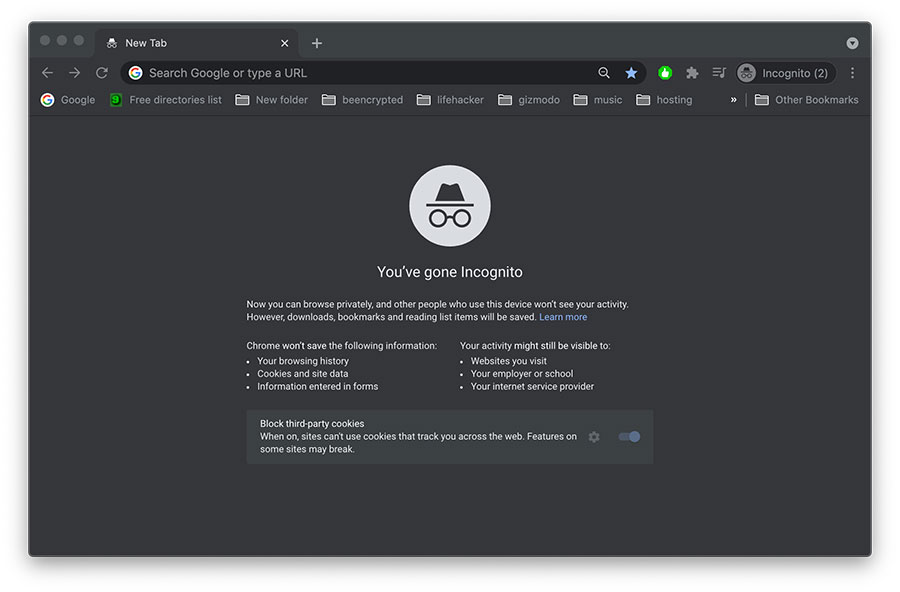
- Chrome: Click On “⋮”> New Incognito Window
- Firefox: Click On the “menu” Button> New Private Window
- Safari: Click On “File”> New Private Windows
- Opera: Click On “Menu”> New Private Window
- Firefox Android: Click On “Menu”> New Private Window
- Safari iPhone: Click On “ New Page” > Private > Done
- Chrome Android: Click On ⋮ > New Incognito Mode
- Microsoft Edge: Click On “Tools”> InPrivate Browsing
- Microsoft Edge Android: Tap on the “Tabs” icon > InPrivate
However, the private/incognito mode only provides surface-level security. Since the only advantage with private/incognito modes is that they delete history and cookies, their privacy is limited to your device. Once online, your data remains vulnerable to hacking and spying and susceptible to tracking. The only way you can achieve complete online security is through a VPN.
Is anonymous browsing and private browsing (Incognito mode) the same thing?
Private browsing is different from anonymous browsing. The only difference between private and normal browsing is that once you close the tabs, your browser deletes all the cookies and browsing history related to that session. You can easily activate it on your browser settings.
On the other hand, anonymous browsing is privacy and security centered. It requires a lot of effort, and you must use privacy enhancement tools like VPNs, among other technologies. Besides privacy enhancement tools, achieving total anonymity requires self-discipline and good browsing habits.
Is it possible to be completely anonymous?
It is impossible to gain complete anonymity. A database somewhere holds your personal information like your social security card, ID, and other methods to identify you. However, the tips discussed in this article can get you closer to your anonymity goal. They can also help you reduce the risks you face when browsing.
3. User private / Privacy browsers
Private browsers are another reliable method to browse the internet privately and anonymously. These browsers are designed to help you remain secure online by blocking trackers and hiding your IP address. Moreover, secure browsers also don’t log your data or store cookies.
Some of the best safe browsers are as follows:
- Brave: It ensures security by deleting your browser sessions automatically. Also, it uses HTTPS and script blockers for blocking malicious scripts and providing encryption.
- Tor Browser: It ensures anonymity by hiding IP addresses and hopping traffic through node-to-node, which prevents trackbacks. It also protects data with layered encryption.
- Epic Privacy Browser helps you remain anonymous by hiding IP addresses through encrypted proxy servers. Furthermore, it offers built-in protection against crypto mining, tracking, and scripting.
- Iridium: a chromium-based web browser, Iridium offers exceptional privacy and security features such as a default cookie blocker and no telemetry.
However, unlike a VPN, a slight drawback with these private browsers is that they only ensure privacy and security when you access the internet through them. While using applications, you remain vulnerable to tracking and hack attacks since the rest of your internet connection is not encrypted.
Privacy Online Vs. Anonymity
Privacy and anonymity have distinct meanings, but most people use them interchangeably. Privacy is keeping your personal data to yourself while monitoring and controlling who can access it. To achieve online privacy, applications and websites should allow users to browse without collecting identifiable information and browsing history. On the other hand, anonymity is the right to conceal your identity. Unlike privacy, you don’t need to cover your behavior. With anonymity, your online behavior is visible but cannot be traced back to you. For instance, a whistleblower releases information to the media while remaining anonymous.
How web tracking works
Web tracking is a technique used to collect customer data to study their browsing habits to understand them better. After learning the preferences and interests of the customers, they target them with personalized adverts.
Many websites today create customer profiles based on the customer’s browsing history, IP address, and a specific device address collected by websites. The profile is then used to give customers a personalized experience. Below are some of the methods websites use to track users.
- Canvas fingerprinting: Fingerprints are unique digital profiles containing information about your device, such as graphic cards and screen resolution. Websites use HTML 5 canvas elements to collect these details and create fingerprints to track users across the internet.
- Browser fingerprinting: Websites collect your browser’s unique identifiers and use them to create a profile that will be used to track you across the internet.
- Pixels: Tiny code snippets, often in the form of transparent images. Websites use them to gather information about your browsing behavior on the website.
- HTTP cookies: A small text file used to store data about a web visitor. They are then used to track users browsing activities.
- IP tracking: Websites can use your IP address to determine your location and target you with adverts and products relevant to that region.
4. Private Surfing Using a Proxy
Using a proxy server will gain some form of online anonymity. You send your information to the proxy server using a proxy server; this then sends it to the website. Doing this ensures websites only see the IP address of the proxy server and not your original address.
Proxy servers are unreliable because they do not offer the same level of protection encryption as VPNs. While websites will not view your actual IP address, a hacker can quickly detect your true identity in no time as they only act as a shield but do not encrypt your web traffic.
5. Make Use of A Secure Search Engine
Google and other search engines track and store your information to “provide better search results.” But this violates our privacy since Google also sells your personal information to advertisers, leading to target advertising. Since abandoning search engines is downright impossible, the best we can do is search anonymously and privately through secure search engines.
Private search engines don’t store your information or track your online activity. Moreover, these private search engines are designed to keep your searches safe. Some reliable private search engines are as follows:
- DuckDuckGo: A popular private search engine, it provides instant results without annoying ads. It doesn’t log your information or track your activity and has a transparent privacy policy.
- Searx: A free, open-source software search is a metasearch engine. It provides tailored results from Google, Yahoo, and other search engines while maintaining anonymity.
- MetGer: A metasearch engine, MetGer hides user IP addresses with a built-in proxy server. It also provides tailored results from Google and other search engines through anonymous requests ensuring security.
- Qwant: Privacy-centric search engine, Qwant ensures security by abstaining from trackers and cookies and doing its indexing. Moreover, it deletes user search history automatically after each session.
However, these search engines only ensure privacy and security within our searches while otherwise, your remain vulnerable. It therefore, best to use private search engines with a reliable VPN such as CyberGhost VPN, ExpressVPN, NordVPN, and SurfsahrkVPN.6. Use Privacy Extensions
Browser extensions help attain privacy and security within your regular browsers. These extensions eliminate tracking and monitoring to allow users a private browsing experience. Some of the best privacy extensions are as follows:
- NoScript: This free and open-source privacy extension protects users from malicious scripts, ads, and pop-ups. Moreover, it also stops users from falling victim to JavaScript exploits.
- Ghostery Ensures a cleaner, faster, and more secure browsing experience by blocking ads and stopping trackers.
- uBlock Origin: A free, open-source, cross-platform browser extension that ensures privacy and security by blocking ads and trackers.
- Adblock Plus: A free privacy browser extension, AdBlock Plus allows private browsing by blocking annoying ads, trackers, and malicious scripts. It also prevents users from visiting malicious websites.
While privacy extensions are a reliable source of helping users browse the web privately, their privacy is limited to browsers. Moreover, like a VPN, they also don’t encrypt your data, leaving it vulnerable to snooping. Therefore, for the ultimate private browsing experience, it is best to use a combination of a secure VPN and privacy extensions.
7. Manage Your Browser Privacy Settings
Giant companies like Facebook log user data and share collected information with ad companies. The company goes a step further to monitor your online activities even when you aren’t on their site. Although users change their privacy settings, they still see other ads. You can only tweak what appears on your feed but not block it completely. Besides this, Facebook keeps getting more helpful information from its customers.
Google also logs data but allows you to switch off ad personalization. However, this is not to say the ads will stop altogether, nor does it mean Google will stop gathering information on you. Overall, companies that depend on revenues from ad companies are likely to keep tracking your online activities, and you can do little or nothing to stop it unless you use a VPN.
8. Switch Off Your GPS
Even if you can browse anonymously, it’s alarming if anyone can track your location. Leaving your GPS turned on is like inviting hackers and other potential threats and vulnerabilities. Worst of all, most social media platforms often publicly share users’ exact locations, making it easy for hackers and surveillance teams to access such persons. Hence, endeavor to turn off your GPS at all times permanently.
9. Use HTTPS Websites
Many do not pay attention to the type of protocols used when browsing. There’s the HTTP protocol, and then there’s the HTTPS protocol. They are not the same thing.
HTTPS protocols ensure your data is secure in transit. Also, it protects your data from MITM, phishing, and other data breaches. Besides, it prevents intruders from installing malware that is harmful to users. Overall, HTTPS is a more secure protocol; therefore, ensure you use sites with the protocol.
10. Use Anti-Malware Software
Malware is bad for your device and undoubtedly bad for your privacy. They disrupt the operation, enable unauthorized access to your device, slow down your computer, and generally do much damage. But beyond these, the malware also steals sensitive data and compromises your privacy.
It’s essential to use anti-malware software to prevent malware such as worms, viruses, ransomware, spyware, and trojans from getting hold of your data. The software blocks and alerts you whenever malware tries to access your network and even prevents it from gaining access.
11. Don’t Forget to Log Out
Signing out of any social media platform or email account after use is essential. By logging out, you shut the door on hackers, preventing them from accessing your data and exposing your activities.
How to be completely anonymous on the internet?
Prevent WebRTC leaks
WebRTC is a communication protocol that enables peer-to-peer audio-visual communication from your browser. It facilitates voice and video calls through your browser. However, it leaks your IP address to the peer-to-peer network even when using some VPNs. Therefore, consider turning off WebRTC from your browser if you don’t use it to make online calls.
Conduct an anonymity test
When using a VPN, the only way to ensure it is not leaking your IP address is by conducting a leak test. You can use several online tools, such as Proxy6, to test for IP and DNS leaks. Remember, your IP address can be used to get your ISP, coordinates, and time zone, compromising your privacy.
Use a Random MAC address
The MAC address is used to identify your device in a network. Therefore, malicious actors can use it to track your browsing behavior or to target you with man-in-the-middle attacks. These attacks are rare, but randomizing your MAC address can protect you against them. To randomize your MAC address on Windows, go to settings, open Network and Internet, then click Wi-Fi. You will find an option that allows you to randomize your MAC address.
Use secure communication channels
You want your emails, chats, voice notes, and video calls to remain confidential without the possibility of interception or eavesdropping. Also, some documents we share online with colleagues, friends, and relatives are sensitive and harmful in the wrong hands. For these reasons, use secure communication channels like Telegram, which uses end-to-end encryption to secure your connection.
Additionally, send emails using secure domains like ProtonMail, Tutanota, or Mailfence. These domains use advanced encryption technologies to secure your email. They are also easy to use and integrate well with all major email clients.
Tweak your social media settings
The controversial topic of how social media companies collect and sell user data to data brokers is never-ending. But you can tweak your social media account settings to limit the data a social media application can collect from you. The process may not be straightforward, but you should avoid intrusive activities such as targeted ads, location tracking, and tracking requests. Generally, the less data you share, the more privacy you get.
Why should I browse anonymously?
While the internet is influential, not all users and websites have your best interests. It is full of cybercriminals and malicious websites waiting to monitor and track your browsing activities for surveillance or profit purposes. Browsing anonymously can protect you in the following ways.
- Avoiding data collection: Many websites use different technologies to collect your data, such as browsing history. The data is then used to profile you while others sell it to third-party data brokers.
- Avoiding targeted advertising: After using the data they collect to know your preferences, they target you with personalized adverts.
- Freedom of expression: Anonymity allows you to speak your mind without fearing backlash. Most whistleblowers use anonymity tools.
- Enhanced security: When browsing anonymously, attackers cannot monitor your browsing activities, making launching attacks difficult. Your data is also encrypted, so it is unreadable to them.
- Enhanced privacy: Privacy enhancement tools such as VPNs helps to encrypt your connection. Therefore, your ISP and government agencies cannot monitor your browsing activities or create a profile of your online behavior.
Comparing first-party and third-party tracking?
First-party tracking occurs on a single domain, aiming to improve the user experience and website performance. The website collects your personal information and uses it only to improve services. On the other hand, third-party tracking is where third parties inject cookies on a device through a first-party website’s code to collect your personal data. It feels invasive because users are not aware of its existence. Third-party tracking devices can monitor your activities across multiple domains. The invasive nature of third-party cookies has led to a push to remove them by consumers. For instance, Google Chrome plans to phase them out by 2024.
Conclusion
As businesses and humans become more aware and careful of falling prey to cyberattacks, many are finding unique ways of safeguarding their data, and so should you. By browsing the internet anonymously, you shift attention away from yourself, keeping your data and activities private and safe.
In this article, we have shared how to keep you anonymous online. Whichever method you choose to deploy, just as long as you browse anonymously, your online safety, privacy, and security are guaranteed. But above all, using a VPN is the best solution to remain anonymous over the web.
FAQs
The post How To Browse the Internet Privately and Anonymously In 2023 appeared first on BeEncrypted.
]]>Deprecated: Using null as an array offset is deprecated, use an empty string instead in /var/www/staging.beencrypted.com/site/web/wp/wp-includes/class-wp-block-type-registry.php on line 168
Deprecated: Using null as an array offset is deprecated, use an empty string instead in /var/www/staging.beencrypted.com/site/web/wp/wp-includes/class-wp-block-type-registry.php on line 168
Deprecated: Using null as an array offset is deprecated, use an empty string instead in /var/www/staging.beencrypted.com/site/web/wp/wp-includes/class-wp-block-type-registry.php on line 168
Deprecated: Using null as an array offset is deprecated, use an empty string instead in /var/www/staging.beencrypted.com/site/web/wp/wp-includes/class-wp-block-type-registry.php on line 168
Deprecated: Using null as an array offset is deprecated, use an empty string instead in /var/www/staging.beencrypted.com/site/web/wp/wp-includes/class-wp-block-type-registry.php on line 168
Deprecated: Using null as an array offset is deprecated, use an empty string instead in /var/www/staging.beencrypted.com/site/web/wp/wp-includes/class-wp-block-type-registry.php on line 168
Deprecated: Using null as an array offset is deprecated, use an empty string instead in /var/www/staging.beencrypted.com/site/web/wp/wp-includes/class-wp-block-type-registry.php on line 168
Deprecated: Using null as an array offset is deprecated, use an empty string instead in /var/www/staging.beencrypted.com/site/web/wp/wp-includes/class-wp-block-type-registry.php on line 168
Deprecated: Using null as an array offset is deprecated, use an empty string instead in /var/www/staging.beencrypted.com/site/web/wp/wp-includes/class-wp-block-type-registry.php on line 168
Deprecated: Using null as an array offset is deprecated, use an empty string instead in /var/www/staging.beencrypted.com/site/web/wp/wp-includes/class-wp-block-type-registry.php on line 168
Deprecated: Using null as an array offset is deprecated, use an empty string instead in /var/www/staging.beencrypted.com/site/web/wp/wp-includes/class-wp-block-type-registry.php on line 168
Deprecated: Using null as an array offset is deprecated, use an empty string instead in /var/www/staging.beencrypted.com/site/web/wp/wp-includes/class-wp-block-type-registry.php on line 168
Deprecated: Using null as an array offset is deprecated, use an empty string instead in /var/www/staging.beencrypted.com/site/web/wp/wp-includes/class-wp-block-type-registry.php on line 168
Deprecated: Using null as an array offset is deprecated, use an empty string instead in /var/www/staging.beencrypted.com/site/web/wp/wp-includes/class-wp-block-type-registry.php on line 168
Deprecated: Using null as an array offset is deprecated, use an empty string instead in /var/www/staging.beencrypted.com/site/web/wp/wp-includes/class-wp-block-type-registry.php on line 168
Deprecated: Using null as an array offset is deprecated, use an empty string instead in /var/www/staging.beencrypted.com/site/web/wp/wp-includes/class-wp-block-type-registry.php on line 168
Deprecated: Using null as an array offset is deprecated, use an empty string instead in /var/www/staging.beencrypted.com/site/web/wp/wp-includes/class-wp-block-type-registry.php on line 168
Deprecated: Using null as an array offset is deprecated, use an empty string instead in /var/www/staging.beencrypted.com/site/web/wp/wp-includes/class-wp-block-type-registry.php on line 168
Deprecated: Using null as an array offset is deprecated, use an empty string instead in /var/www/staging.beencrypted.com/site/web/wp/wp-includes/class-wp-block-type-registry.php on line 168
Deprecated: Using null as an array offset is deprecated, use an empty string instead in /var/www/staging.beencrypted.com/site/web/wp/wp-includes/class-wp-block-type-registry.php on line 168
Deprecated: Using null as an array offset is deprecated, use an empty string instead in /var/www/staging.beencrypted.com/site/web/wp/wp-includes/class-wp-block-type-registry.php on line 168
Deprecated: Using null as an array offset is deprecated, use an empty string instead in /var/www/staging.beencrypted.com/site/web/wp/wp-includes/class-wp-block-type-registry.php on line 168
Deprecated: Using null as an array offset is deprecated, use an empty string instead in /var/www/staging.beencrypted.com/site/web/wp/wp-includes/class-wp-block-type-registry.php on line 168
Deprecated: Using null as an array offset is deprecated, use an empty string instead in /var/www/staging.beencrypted.com/site/web/wp/wp-includes/class-wp-block-type-registry.php on line 168
Deprecated: Using null as an array offset is deprecated, use an empty string instead in /var/www/staging.beencrypted.com/site/web/wp/wp-includes/class-wp-block-type-registry.php on line 168
Deprecated: Using null as an array offset is deprecated, use an empty string instead in /var/www/staging.beencrypted.com/site/web/wp/wp-includes/class-wp-block-type-registry.php on line 168
Deprecated: Using null as an array offset is deprecated, use an empty string instead in /var/www/staging.beencrypted.com/site/web/wp/wp-includes/class-wp-block-type-registry.php on line 168
Deprecated: Using null as an array offset is deprecated, use an empty string instead in /var/www/staging.beencrypted.com/site/web/wp/wp-includes/class-wp-block-type-registry.php on line 168
Deprecated: Using null as an array offset is deprecated, use an empty string instead in /var/www/staging.beencrypted.com/site/web/wp/wp-includes/class-wp-block-type-registry.php on line 168
Deprecated: Using null as an array offset is deprecated, use an empty string instead in /var/www/staging.beencrypted.com/site/web/wp/wp-includes/class-wp-block-type-registry.php on line 168
Deprecated: Using null as an array offset is deprecated, use an empty string instead in /var/www/staging.beencrypted.com/site/web/wp/wp-includes/class-wp-block-type-registry.php on line 168
Deprecated: Using null as an array offset is deprecated, use an empty string instead in /var/www/staging.beencrypted.com/site/web/wp/wp-includes/class-wp-block-type-registry.php on line 168
Deprecated: Using null as an array offset is deprecated, use an empty string instead in /var/www/staging.beencrypted.com/site/web/wp/wp-includes/class-wp-block-type-registry.php on line 168
Deprecated: Using null as an array offset is deprecated, use an empty string instead in /var/www/staging.beencrypted.com/site/web/wp/wp-includes/class-wp-block-type-registry.php on line 168
Deprecated: Using null as an array offset is deprecated, use an empty string instead in /var/www/staging.beencrypted.com/site/web/wp/wp-includes/class-wp-block-type-registry.php on line 168
Deprecated: Using null as an array offset is deprecated, use an empty string instead in /var/www/staging.beencrypted.com/site/web/wp/wp-includes/class-wp-block-type-registry.php on line 168
Deprecated: Using null as an array offset is deprecated, use an empty string instead in /var/www/staging.beencrypted.com/site/web/wp/wp-includes/class-wp-block-type-registry.php on line 168
Deprecated: Using null as an array offset is deprecated, use an empty string instead in /var/www/staging.beencrypted.com/site/web/wp/wp-includes/class-wp-block-type-registry.php on line 168
Deprecated: Using null as an array offset is deprecated, use an empty string instead in /var/www/staging.beencrypted.com/site/web/wp/wp-includes/class-wp-block-type-registry.php on line 168
Deprecated: Using null as an array offset is deprecated, use an empty string instead in /var/www/staging.beencrypted.com/site/web/wp/wp-includes/class-wp-block-type-registry.php on line 168
Deprecated: Using null as an array offset is deprecated, use an empty string instead in /var/www/staging.beencrypted.com/site/web/wp/wp-includes/class-wp-block-type-registry.php on line 168
Deprecated: Using null as an array offset is deprecated, use an empty string instead in /var/www/staging.beencrypted.com/site/web/wp/wp-includes/class-wp-block-type-registry.php on line 168
Deprecated: Using null as an array offset is deprecated, use an empty string instead in /var/www/staging.beencrypted.com/site/web/wp/wp-includes/class-wp-block-type-registry.php on line 168
Deprecated: Using null as an array offset is deprecated, use an empty string instead in /var/www/staging.beencrypted.com/site/web/wp/wp-includes/class-wp-block-type-registry.php on line 168
Deprecated: Using null as an array offset is deprecated, use an empty string instead in /var/www/staging.beencrypted.com/site/web/wp/wp-includes/class-wp-block-type-registry.php on line 168
Deprecated: Using null as an array offset is deprecated, use an empty string instead in /var/www/staging.beencrypted.com/site/web/wp/wp-includes/class-wp-block-type-registry.php on line 168
Deprecated: Using null as an array offset is deprecated, use an empty string instead in /var/www/staging.beencrypted.com/site/web/wp/wp-includes/class-wp-block-type-registry.php on line 168
Deprecated: Using null as an array offset is deprecated, use an empty string instead in /var/www/staging.beencrypted.com/site/web/wp/wp-includes/class-wp-block-type-registry.php on line 168
Deprecated: Using null as an array offset is deprecated, use an empty string instead in /var/www/staging.beencrypted.com/site/web/wp/wp-includes/class-wp-block-type-registry.php on line 168
Deprecated: Using null as an array offset is deprecated, use an empty string instead in /var/www/staging.beencrypted.com/site/web/wp/wp-includes/class-wp-block-type-registry.php on line 168
Deprecated: Using null as an array offset is deprecated, use an empty string instead in /var/www/staging.beencrypted.com/site/web/wp/wp-includes/class-wp-block-type-registry.php on line 168
Deprecated: Using null as an array offset is deprecated, use an empty string instead in /var/www/staging.beencrypted.com/site/web/wp/wp-includes/class-wp-block-type-registry.php on line 168
Deprecated: Using null as an array offset is deprecated, use an empty string instead in /var/www/staging.beencrypted.com/site/web/wp/wp-includes/class-wp-block-type-registry.php on line 168
Deprecated: Using null as an array offset is deprecated, use an empty string instead in /var/www/staging.beencrypted.com/site/web/wp/wp-includes/class-wp-block-type-registry.php on line 168
Deprecated: Using null as an array offset is deprecated, use an empty string instead in /var/www/staging.beencrypted.com/site/web/wp/wp-includes/class-wp-block-type-registry.php on line 168
Deprecated: Using null as an array offset is deprecated, use an empty string instead in /var/www/staging.beencrypted.com/site/web/wp/wp-includes/class-wp-block-type-registry.php on line 168
Deprecated: Using null as an array offset is deprecated, use an empty string instead in /var/www/staging.beencrypted.com/site/web/wp/wp-includes/class-wp-block-type-registry.php on line 168
Deprecated: Using null as an array offset is deprecated, use an empty string instead in /var/www/staging.beencrypted.com/site/web/wp/wp-includes/class-wp-block-type-registry.php on line 168
Deprecated: Using null as an array offset is deprecated, use an empty string instead in /var/www/staging.beencrypted.com/site/web/wp/wp-includes/class-wp-block-type-registry.php on line 168
Deprecated: Using null as an array offset is deprecated, use an empty string instead in /var/www/staging.beencrypted.com/site/web/wp/wp-includes/class-wp-block-type-registry.php on line 168
Deprecated: Using null as an array offset is deprecated, use an empty string instead in /var/www/staging.beencrypted.com/site/web/wp/wp-includes/class-wp-block-type-registry.php on line 168
Deprecated: Using null as an array offset is deprecated, use an empty string instead in /var/www/staging.beencrypted.com/site/web/wp/wp-includes/class-wp-block-type-registry.php on line 168
Deprecated: Using null as an array offset is deprecated, use an empty string instead in /var/www/staging.beencrypted.com/site/web/wp/wp-includes/class-wp-block-type-registry.php on line 168
Deprecated: Using null as an array offset is deprecated, use an empty string instead in /var/www/staging.beencrypted.com/site/web/wp/wp-includes/class-wp-block-type-registry.php on line 168
Deprecated: Using null as an array offset is deprecated, use an empty string instead in /var/www/staging.beencrypted.com/site/web/wp/wp-includes/class-wp-block-type-registry.php on line 168
Deprecated: Using null as an array offset is deprecated, use an empty string instead in /var/www/staging.beencrypted.com/site/web/wp/wp-includes/class-wp-block-type-registry.php on line 168
Deprecated: Using null as an array offset is deprecated, use an empty string instead in /var/www/staging.beencrypted.com/site/web/wp/wp-includes/class-wp-block-type-registry.php on line 168
Deprecated: Using null as an array offset is deprecated, use an empty string instead in /var/www/staging.beencrypted.com/site/web/wp/wp-includes/class-wp-block-type-registry.php on line 168
Deprecated: Using null as an array offset is deprecated, use an empty string instead in /var/www/staging.beencrypted.com/site/web/wp/wp-includes/class-wp-block-type-registry.php on line 168
Deprecated: Using null as an array offset is deprecated, use an empty string instead in /var/www/staging.beencrypted.com/site/web/wp/wp-includes/class-wp-block-type-registry.php on line 168
Deprecated: Using null as an array offset is deprecated, use an empty string instead in /var/www/staging.beencrypted.com/site/web/wp/wp-includes/class-wp-block-type-registry.php on line 168
Deprecated: Using null as an array offset is deprecated, use an empty string instead in /var/www/staging.beencrypted.com/site/web/wp/wp-includes/class-wp-block-type-registry.php on line 168
Deprecated: Using null as an array offset is deprecated, use an empty string instead in /var/www/staging.beencrypted.com/site/web/wp/wp-includes/class-wp-block-type-registry.php on line 168
Deprecated: Using null as an array offset is deprecated, use an empty string instead in /var/www/staging.beencrypted.com/site/web/wp/wp-includes/class-wp-block-type-registry.php on line 168
Deprecated: Using null as an array offset is deprecated, use an empty string instead in /var/www/staging.beencrypted.com/site/web/wp/wp-includes/class-wp-block-type-registry.php on line 168
Deprecated: Using null as an array offset is deprecated, use an empty string instead in /var/www/staging.beencrypted.com/site/web/wp/wp-includes/class-wp-block-type-registry.php on line 168
Deprecated: Using null as an array offset is deprecated, use an empty string instead in /var/www/staging.beencrypted.com/site/web/wp/wp-includes/class-wp-block-type-registry.php on line 168
Deprecated: Using null as an array offset is deprecated, use an empty string instead in /var/www/staging.beencrypted.com/site/web/wp/wp-includes/class-wp-block-type-registry.php on line 168
Deprecated: Using null as an array offset is deprecated, use an empty string instead in /var/www/staging.beencrypted.com/site/web/wp/wp-includes/class-wp-block-type-registry.php on line 168
Deprecated: Using null as an array offset is deprecated, use an empty string instead in /var/www/staging.beencrypted.com/site/web/wp/wp-includes/class-wp-block-type-registry.php on line 168
Deprecated: Using null as an array offset is deprecated, use an empty string instead in /var/www/staging.beencrypted.com/site/web/wp/wp-includes/class-wp-block-type-registry.php on line 168
Deprecated: Using null as an array offset is deprecated, use an empty string instead in /var/www/staging.beencrypted.com/site/web/wp/wp-includes/class-wp-block-type-registry.php on line 168
Deprecated: Using null as an array offset is deprecated, use an empty string instead in /var/www/staging.beencrypted.com/site/web/wp/wp-includes/class-wp-block-type-registry.php on line 168
Deprecated: Using null as an array offset is deprecated, use an empty string instead in /var/www/staging.beencrypted.com/site/web/wp/wp-includes/class-wp-block-type-registry.php on line 168
Deprecated: Using null as an array offset is deprecated, use an empty string instead in /var/www/staging.beencrypted.com/site/web/wp/wp-includes/class-wp-block-type-registry.php on line 168
Deprecated: Using null as an array offset is deprecated, use an empty string instead in /var/www/staging.beencrypted.com/site/web/wp/wp-includes/class-wp-block-type-registry.php on line 168
Deprecated: Using null as an array offset is deprecated, use an empty string instead in /var/www/staging.beencrypted.com/site/web/wp/wp-includes/class-wp-block-type-registry.php on line 168
Deprecated: Using null as an array offset is deprecated, use an empty string instead in /var/www/staging.beencrypted.com/site/web/wp/wp-includes/class-wp-block-type-registry.php on line 168
Deprecated: Using null as an array offset is deprecated, use an empty string instead in /var/www/staging.beencrypted.com/site/web/wp/wp-includes/class-wp-block-type-registry.php on line 168
Deprecated: Using null as an array offset is deprecated, use an empty string instead in /var/www/staging.beencrypted.com/site/web/wp/wp-includes/class-wp-block-type-registry.php on line 168
Deprecated: Using null as an array offset is deprecated, use an empty string instead in /var/www/staging.beencrypted.com/site/web/wp/wp-includes/class-wp-block-type-registry.php on line 168
Deprecated: Using null as an array offset is deprecated, use an empty string instead in /var/www/staging.beencrypted.com/site/web/wp/wp-includes/class-wp-block-type-registry.php on line 168
Deprecated: Using null as an array offset is deprecated, use an empty string instead in /var/www/staging.beencrypted.com/site/web/wp/wp-includes/class-wp-block-type-registry.php on line 168
Deprecated: Using null as an array offset is deprecated, use an empty string instead in /var/www/staging.beencrypted.com/site/web/wp/wp-includes/class-wp-block-type-registry.php on line 168
Deprecated: Using null as an array offset is deprecated, use an empty string instead in /var/www/staging.beencrypted.com/site/web/wp/wp-includes/class-wp-block-type-registry.php on line 168
Deprecated: Using null as an array offset is deprecated, use an empty string instead in /var/www/staging.beencrypted.com/site/web/wp/wp-includes/class-wp-block-type-registry.php on line 168
Deprecated: Using null as an array offset is deprecated, use an empty string instead in /var/www/staging.beencrypted.com/site/web/wp/wp-includes/class-wp-block-type-registry.php on line 168
Deprecated: Using null as an array offset is deprecated, use an empty string instead in /var/www/staging.beencrypted.com/site/web/wp/wp-includes/class-wp-block-type-registry.php on line 168
Deprecated: Using null as an array offset is deprecated, use an empty string instead in /var/www/staging.beencrypted.com/site/web/wp/wp-includes/class-wp-block-type-registry.php on line 168
Deprecated: Using null as an array offset is deprecated, use an empty string instead in /var/www/staging.beencrypted.com/site/web/wp/wp-includes/class-wp-block-type-registry.php on line 168
Deprecated: Using null as an array offset is deprecated, use an empty string instead in /var/www/staging.beencrypted.com/site/web/wp/wp-includes/class-wp-block-type-registry.php on line 168
Deprecated: Using null as an array offset is deprecated, use an empty string instead in /var/www/staging.beencrypted.com/site/web/wp/wp-includes/class-wp-block-type-registry.php on line 168
Deprecated: Using null as an array offset is deprecated, use an empty string instead in /var/www/staging.beencrypted.com/site/web/wp/wp-includes/class-wp-block-type-registry.php on line 168
Deprecated: Using null as an array offset is deprecated, use an empty string instead in /var/www/staging.beencrypted.com/site/web/wp/wp-includes/class-wp-block-type-registry.php on line 168
Deprecated: Using null as an array offset is deprecated, use an empty string instead in /var/www/staging.beencrypted.com/site/web/wp/wp-includes/class-wp-block-type-registry.php on line 168
Deprecated: Using null as an array offset is deprecated, use an empty string instead in /var/www/staging.beencrypted.com/site/web/wp/wp-includes/class-wp-block-type-registry.php on line 168
Deprecated: Using null as an array offset is deprecated, use an empty string instead in /var/www/staging.beencrypted.com/site/web/wp/wp-includes/class-wp-block-type-registry.php on line 168
Deprecated: Using null as an array offset is deprecated, use an empty string instead in /var/www/staging.beencrypted.com/site/web/wp/wp-includes/class-wp-block-type-registry.php on line 168
Deprecated: Using null as an array offset is deprecated, use an empty string instead in /var/www/staging.beencrypted.com/site/web/wp/wp-includes/class-wp-block-type-registry.php on line 168
Deprecated: Using null as an array offset is deprecated, use an empty string instead in /var/www/staging.beencrypted.com/site/web/wp/wp-includes/class-wp-block-type-registry.php on line 168
Deprecated: Using null as an array offset is deprecated, use an empty string instead in /var/www/staging.beencrypted.com/site/web/wp/wp-includes/class-wp-block-type-registry.php on line 168
Deprecated: Using null as an array offset is deprecated, use an empty string instead in /var/www/staging.beencrypted.com/site/web/wp/wp-includes/class-wp-block-type-registry.php on line 168
Deprecated: Using null as an array offset is deprecated, use an empty string instead in /var/www/staging.beencrypted.com/site/web/wp/wp-includes/class-wp-block-type-registry.php on line 168
Deprecated: Using null as an array offset is deprecated, use an empty string instead in /var/www/staging.beencrypted.com/site/web/wp/wp-includes/class-wp-block-type-registry.php on line 168
Deprecated: Using null as an array offset is deprecated, use an empty string instead in /var/www/staging.beencrypted.com/site/web/wp/wp-includes/class-wp-block-type-registry.php on line 168
Deprecated: Using null as an array offset is deprecated, use an empty string instead in /var/www/staging.beencrypted.com/site/web/wp/wp-includes/class-wp-block-type-registry.php on line 168
Deprecated: Using null as an array offset is deprecated, use an empty string instead in /var/www/staging.beencrypted.com/site/web/wp/wp-includes/class-wp-block-type-registry.php on line 168
Deprecated: Using null as an array offset is deprecated, use an empty string instead in /var/www/staging.beencrypted.com/site/web/wp/wp-includes/class-wp-block-type-registry.php on line 168
Deprecated: Using null as an array offset is deprecated, use an empty string instead in /var/www/staging.beencrypted.com/site/web/wp/wp-includes/class-wp-block-type-registry.php on line 168
Deprecated: Using null as an array offset is deprecated, use an empty string instead in /var/www/staging.beencrypted.com/site/web/wp/wp-includes/class-wp-block-type-registry.php on line 168
Deprecated: Using null as an array offset is deprecated, use an empty string instead in /var/www/staging.beencrypted.com/site/web/wp/wp-includes/class-wp-block-type-registry.php on line 168
Deprecated: Using null as an array offset is deprecated, use an empty string instead in /var/www/staging.beencrypted.com/site/web/wp/wp-includes/class-wp-block-type-registry.php on line 168
Deprecated: Using null as an array offset is deprecated, use an empty string instead in /var/www/staging.beencrypted.com/site/web/wp/wp-includes/class-wp-block-type-registry.php on line 168
Deprecated: Using null as an array offset is deprecated, use an empty string instead in /var/www/staging.beencrypted.com/site/web/wp/wp-includes/class-wp-block-type-registry.php on line 168
Deprecated: Using null as an array offset is deprecated, use an empty string instead in /var/www/staging.beencrypted.com/site/web/wp/wp-includes/class-wp-block-type-registry.php on line 168
Deprecated: Using null as an array offset is deprecated, use an empty string instead in /var/www/staging.beencrypted.com/site/web/wp/wp-includes/class-wp-block-type-registry.php on line 168
Deprecated: Using null as an array offset is deprecated, use an empty string instead in /var/www/staging.beencrypted.com/site/web/wp/wp-includes/class-wp-block-type-registry.php on line 168
Deprecated: Using null as an array offset is deprecated, use an empty string instead in /var/www/staging.beencrypted.com/site/web/wp/wp-includes/class-wp-block-type-registry.php on line 168
Deprecated: Using null as an array offset is deprecated, use an empty string instead in /var/www/staging.beencrypted.com/site/web/wp/wp-includes/class-wp-block-type-registry.php on line 168
Deprecated: Using null as an array offset is deprecated, use an empty string instead in /var/www/staging.beencrypted.com/site/web/wp/wp-includes/class-wp-block-type-registry.php on line 168
Deprecated: Using null as an array offset is deprecated, use an empty string instead in /var/www/staging.beencrypted.com/site/web/wp/wp-includes/class-wp-block-type-registry.php on line 168
Deprecated: Using null as an array offset is deprecated, use an empty string instead in /var/www/staging.beencrypted.com/site/web/wp/wp-includes/class-wp-block-type-registry.php on line 168
Deprecated: Using null as an array offset is deprecated, use an empty string instead in /var/www/staging.beencrypted.com/site/web/wp/wp-includes/class-wp-block-type-registry.php on line 168
Deprecated: Using null as an array offset is deprecated, use an empty string instead in /var/www/staging.beencrypted.com/site/web/wp/wp-includes/class-wp-block-type-registry.php on line 168
Deprecated: Using null as an array offset is deprecated, use an empty string instead in /var/www/staging.beencrypted.com/site/web/wp/wp-includes/class-wp-block-type-registry.php on line 168
Deprecated: Using null as an array offset is deprecated, use an empty string instead in /var/www/staging.beencrypted.com/site/web/wp/wp-includes/class-wp-block-type-registry.php on line 168
Deprecated: Using null as an array offset is deprecated, use an empty string instead in /var/www/staging.beencrypted.com/site/web/wp/wp-includes/class-wp-block-type-registry.php on line 168
Deprecated: Using null as an array offset is deprecated, use an empty string instead in /var/www/staging.beencrypted.com/site/web/wp/wp-includes/class-wp-block-type-registry.php on line 168
Deprecated: Using null as an array offset is deprecated, use an empty string instead in /var/www/staging.beencrypted.com/site/web/wp/wp-includes/class-wp-block-type-registry.php on line 168
Deprecated: Using null as an array offset is deprecated, use an empty string instead in /var/www/staging.beencrypted.com/site/web/wp/wp-includes/class-wp-block-type-registry.php on line 168
Deprecated: Using null as an array offset is deprecated, use an empty string instead in /var/www/staging.beencrypted.com/site/web/wp/wp-includes/class-wp-block-type-registry.php on line 168
Deprecated: Using null as an array offset is deprecated, use an empty string instead in /var/www/staging.beencrypted.com/site/web/wp/wp-includes/class-wp-block-type-registry.php on line 168
Deprecated: Using null as an array offset is deprecated, use an empty string instead in /var/www/staging.beencrypted.com/site/web/wp/wp-includes/class-wp-block-type-registry.php on line 168
Deprecated: Using null as an array offset is deprecated, use an empty string instead in /var/www/staging.beencrypted.com/site/web/wp/wp-includes/class-wp-block-type-registry.php on line 168
Deprecated: Using null as an array offset is deprecated, use an empty string instead in /var/www/staging.beencrypted.com/site/web/wp/wp-includes/class-wp-block-type-registry.php on line 168
Deprecated: Using null as an array offset is deprecated, use an empty string instead in /var/www/staging.beencrypted.com/site/web/wp/wp-includes/class-wp-block-type-registry.php on line 168
Deprecated: Using null as an array offset is deprecated, use an empty string instead in /var/www/staging.beencrypted.com/site/web/wp/wp-includes/class-wp-block-type-registry.php on line 168
Deprecated: Using null as an array offset is deprecated, use an empty string instead in /var/www/staging.beencrypted.com/site/web/wp/wp-includes/class-wp-block-type-registry.php on line 168
Deprecated: Using null as an array offset is deprecated, use an empty string instead in /var/www/staging.beencrypted.com/site/web/wp/wp-includes/class-wp-block-type-registry.php on line 168
Deprecated: Using null as an array offset is deprecated, use an empty string instead in /var/www/staging.beencrypted.com/site/web/wp/wp-includes/class-wp-block-type-registry.php on line 168
Deprecated: Using null as an array offset is deprecated, use an empty string instead in /var/www/staging.beencrypted.com/site/web/wp/wp-includes/class-wp-block-type-registry.php on line 168
Deprecated: Using null as an array offset is deprecated, use an empty string instead in /var/www/staging.beencrypted.com/site/web/wp/wp-includes/class-wp-block-type-registry.php on line 168
Deprecated: Using null as an array offset is deprecated, use an empty string instead in /var/www/staging.beencrypted.com/site/web/wp/wp-includes/class-wp-block-type-registry.php on line 168
Deprecated: Using null as an array offset is deprecated, use an empty string instead in /var/www/staging.beencrypted.com/site/web/wp/wp-includes/class-wp-block-type-registry.php on line 168
Deprecated: Using null as an array offset is deprecated, use an empty string instead in /var/www/staging.beencrypted.com/site/web/wp/wp-includes/class-wp-block-type-registry.php on line 168
Deprecated: Using null as an array offset is deprecated, use an empty string instead in /var/www/staging.beencrypted.com/site/web/wp/wp-includes/class-wp-block-type-registry.php on line 168
Deprecated: Using null as an array offset is deprecated, use an empty string instead in /var/www/staging.beencrypted.com/site/web/wp/wp-includes/class-wp-block-type-registry.php on line 168
Deprecated: Using null as an array offset is deprecated, use an empty string instead in /var/www/staging.beencrypted.com/site/web/wp/wp-includes/class-wp-block-type-registry.php on line 168
Deprecated: Using null as an array offset is deprecated, use an empty string instead in /var/www/staging.beencrypted.com/site/web/wp/wp-includes/class-wp-block-type-registry.php on line 168
Deprecated: Using null as an array offset is deprecated, use an empty string instead in /var/www/staging.beencrypted.com/site/web/wp/wp-includes/class-wp-block-type-registry.php on line 168
Deprecated: Using null as an array offset is deprecated, use an empty string instead in /var/www/staging.beencrypted.com/site/web/wp/wp-includes/class-wp-block-type-registry.php on line 168
Deprecated: Using null as an array offset is deprecated, use an empty string instead in /var/www/staging.beencrypted.com/site/web/wp/wp-includes/class-wp-block-type-registry.php on line 168
Deprecated: Using null as an array offset is deprecated, use an empty string instead in /var/www/staging.beencrypted.com/site/web/wp/wp-includes/class-wp-block-type-registry.php on line 168
Deprecated: Using null as an array offset is deprecated, use an empty string instead in /var/www/staging.beencrypted.com/site/web/wp/wp-includes/class-wp-block-type-registry.php on line 168
Deprecated: Using null as an array offset is deprecated, use an empty string instead in /var/www/staging.beencrypted.com/site/web/wp/wp-includes/class-wp-block-type-registry.php on line 168
Deprecated: Using null as an array offset is deprecated, use an empty string instead in /var/www/staging.beencrypted.com/site/web/wp/wp-includes/class-wp-block-type-registry.php on line 168
Deprecated: Using null as an array offset is deprecated, use an empty string instead in /var/www/staging.beencrypted.com/site/web/wp/wp-includes/class-wp-block-type-registry.php on line 168
Deprecated: Using null as an array offset is deprecated, use an empty string instead in /var/www/staging.beencrypted.com/site/web/wp/wp-includes/class-wp-block-type-registry.php on line 168
Deprecated: Using null as an array offset is deprecated, use an empty string instead in /var/www/staging.beencrypted.com/site/web/wp/wp-includes/class-wp-block-type-registry.php on line 168
Deprecated: Using null as an array offset is deprecated, use an empty string instead in /var/www/staging.beencrypted.com/site/web/wp/wp-includes/class-wp-block-type-registry.php on line 168
Deprecated: Using null as an array offset is deprecated, use an empty string instead in /var/www/staging.beencrypted.com/site/web/wp/wp-includes/class-wp-block-type-registry.php on line 168
Deprecated: Using null as an array offset is deprecated, use an empty string instead in /var/www/staging.beencrypted.com/site/web/wp/wp-includes/class-wp-block-type-registry.php on line 168
Deprecated: Using null as an array offset is deprecated, use an empty string instead in /var/www/staging.beencrypted.com/site/web/wp/wp-includes/class-wp-block-type-registry.php on line 168
Deprecated: Using null as an array offset is deprecated, use an empty string instead in /var/www/staging.beencrypted.com/site/web/wp/wp-includes/class-wp-block-type-registry.php on line 168
Deprecated: Using null as an array offset is deprecated, use an empty string instead in /var/www/staging.beencrypted.com/site/web/wp/wp-includes/class-wp-block-type-registry.php on line 168
Deprecated: Using null as an array offset is deprecated, use an empty string instead in /var/www/staging.beencrypted.com/site/web/wp/wp-includes/class-wp-block-type-registry.php on line 168
Deprecated: Using null as an array offset is deprecated, use an empty string instead in /var/www/staging.beencrypted.com/site/web/wp/wp-includes/class-wp-block-type-registry.php on line 168
Deprecated: Using null as an array offset is deprecated, use an empty string instead in /var/www/staging.beencrypted.com/site/web/wp/wp-includes/class-wp-block-type-registry.php on line 168
Deprecated: Using null as an array offset is deprecated, use an empty string instead in /var/www/staging.beencrypted.com/site/web/wp/wp-includes/class-wp-block-type-registry.php on line 168
Deprecated: Using null as an array offset is deprecated, use an empty string instead in /var/www/staging.beencrypted.com/site/web/wp/wp-includes/class-wp-block-type-registry.php on line 168
Deprecated: Using null as an array offset is deprecated, use an empty string instead in /var/www/staging.beencrypted.com/site/web/wp/wp-includes/class-wp-block-type-registry.php on line 168
Deprecated: Using null as an array offset is deprecated, use an empty string instead in /var/www/staging.beencrypted.com/site/web/wp/wp-includes/class-wp-block-type-registry.php on line 168
Deprecated: Using null as an array offset is deprecated, use an empty string instead in /var/www/staging.beencrypted.com/site/web/wp/wp-includes/class-wp-block-type-registry.php on line 168
Deprecated: Using null as an array offset is deprecated, use an empty string instead in /var/www/staging.beencrypted.com/site/web/wp/wp-includes/class-wp-block-type-registry.php on line 168
Deprecated: Using null as an array offset is deprecated, use an empty string instead in /var/www/staging.beencrypted.com/site/web/wp/wp-includes/class-wp-block-type-registry.php on line 168
Deprecated: Using null as an array offset is deprecated, use an empty string instead in /var/www/staging.beencrypted.com/site/web/wp/wp-includes/class-wp-block-type-registry.php on line 168
Deprecated: Using null as an array offset is deprecated, use an empty string instead in /var/www/staging.beencrypted.com/site/web/wp/wp-includes/class-wp-block-type-registry.php on line 168
Deprecated: Using null as an array offset is deprecated, use an empty string instead in /var/www/staging.beencrypted.com/site/web/wp/wp-includes/class-wp-block-type-registry.php on line 168
Deprecated: Using null as an array offset is deprecated, use an empty string instead in /var/www/staging.beencrypted.com/site/web/wp/wp-includes/class-wp-block-type-registry.php on line 168
Deprecated: Using null as an array offset is deprecated, use an empty string instead in /var/www/staging.beencrypted.com/site/web/wp/wp-includes/class-wp-block-type-registry.php on line 168
Deprecated: Using null as an array offset is deprecated, use an empty string instead in /var/www/staging.beencrypted.com/site/web/wp/wp-includes/class-wp-block-type-registry.php on line 168
Deprecated: Using null as an array offset is deprecated, use an empty string instead in /var/www/staging.beencrypted.com/site/web/wp/wp-includes/class-wp-block-type-registry.php on line 168
Deprecated: Using null as an array offset is deprecated, use an empty string instead in /var/www/staging.beencrypted.com/site/web/wp/wp-includes/class-wp-block-type-registry.php on line 168
Deprecated: Using null as an array offset is deprecated, use an empty string instead in /var/www/staging.beencrypted.com/site/web/wp/wp-includes/class-wp-block-type-registry.php on line 168
Deprecated: Using null as an array offset is deprecated, use an empty string instead in /var/www/staging.beencrypted.com/site/web/wp/wp-includes/class-wp-block-type-registry.php on line 168
Deprecated: Using null as an array offset is deprecated, use an empty string instead in /var/www/staging.beencrypted.com/site/web/wp/wp-includes/class-wp-block-type-registry.php on line 168
Deprecated: Using null as an array offset is deprecated, use an empty string instead in /var/www/staging.beencrypted.com/site/web/wp/wp-includes/class-wp-block-type-registry.php on line 168
Deprecated: Using null as an array offset is deprecated, use an empty string instead in /var/www/staging.beencrypted.com/site/web/wp/wp-includes/class-wp-block-type-registry.php on line 168
Deprecated: Using null as an array offset is deprecated, use an empty string instead in /var/www/staging.beencrypted.com/site/web/wp/wp-includes/class-wp-block-type-registry.php on line 168
Deprecated: Using null as an array offset is deprecated, use an empty string instead in /var/www/staging.beencrypted.com/site/web/wp/wp-includes/class-wp-block-type-registry.php on line 168
Deprecated: Using null as an array offset is deprecated, use an empty string instead in /var/www/staging.beencrypted.com/site/web/wp/wp-includes/class-wp-block-type-registry.php on line 168
Deprecated: Using null as an array offset is deprecated, use an empty string instead in /var/www/staging.beencrypted.com/site/web/wp/wp-includes/class-wp-block-type-registry.php on line 168
Deprecated: Using null as an array offset is deprecated, use an empty string instead in /var/www/staging.beencrypted.com/site/web/wp/wp-includes/class-wp-block-type-registry.php on line 168
Deprecated: Using null as an array offset is deprecated, use an empty string instead in /var/www/staging.beencrypted.com/site/web/wp/wp-includes/class-wp-block-type-registry.php on line 168
Deprecated: Using null as an array offset is deprecated, use an empty string instead in /var/www/staging.beencrypted.com/site/web/wp/wp-includes/class-wp-block-type-registry.php on line 168
Deprecated: Using null as an array offset is deprecated, use an empty string instead in /var/www/staging.beencrypted.com/site/web/wp/wp-includes/class-wp-block-type-registry.php on line 168
Deprecated: Using null as an array offset is deprecated, use an empty string instead in /var/www/staging.beencrypted.com/site/web/wp/wp-includes/class-wp-block-type-registry.php on line 168
Deprecated: Using null as an array offset is deprecated, use an empty string instead in /var/www/staging.beencrypted.com/site/web/wp/wp-includes/class-wp-block-type-registry.php on line 168
Deprecated: Using null as an array offset is deprecated, use an empty string instead in /var/www/staging.beencrypted.com/site/web/wp/wp-includes/class-wp-block-type-registry.php on line 168
Deprecated: Using null as an array offset is deprecated, use an empty string instead in /var/www/staging.beencrypted.com/site/web/wp/wp-includes/class-wp-block-type-registry.php on line 168
Deprecated: Using null as an array offset is deprecated, use an empty string instead in /var/www/staging.beencrypted.com/site/web/wp/wp-includes/class-wp-block-type-registry.php on line 168
Deprecated: Using null as an array offset is deprecated, use an empty string instead in /var/www/staging.beencrypted.com/site/web/wp/wp-includes/class-wp-block-type-registry.php on line 168
Deprecated: Using null as an array offset is deprecated, use an empty string instead in /var/www/staging.beencrypted.com/site/web/wp/wp-includes/class-wp-block-type-registry.php on line 168
Deprecated: Using null as an array offset is deprecated, use an empty string instead in /var/www/staging.beencrypted.com/site/web/wp/wp-includes/class-wp-block-type-registry.php on line 168
Deprecated: Using null as an array offset is deprecated, use an empty string instead in /var/www/staging.beencrypted.com/site/web/wp/wp-includes/class-wp-block-type-registry.php on line 168
Deprecated: Using null as an array offset is deprecated, use an empty string instead in /var/www/staging.beencrypted.com/site/web/wp/wp-includes/class-wp-block-type-registry.php on line 168
Deprecated: Using null as an array offset is deprecated, use an empty string instead in /var/www/staging.beencrypted.com/site/web/wp/wp-includes/class-wp-block-type-registry.php on line 168
Deprecated: Using null as an array offset is deprecated, use an empty string instead in /var/www/staging.beencrypted.com/site/web/wp/wp-includes/class-wp-block-type-registry.php on line 168
Deprecated: Using null as an array offset is deprecated, use an empty string instead in /var/www/staging.beencrypted.com/site/web/wp/wp-includes/class-wp-block-type-registry.php on line 168
Deprecated: Using null as an array offset is deprecated, use an empty string instead in /var/www/staging.beencrypted.com/site/web/wp/wp-includes/class-wp-block-type-registry.php on line 168
Deprecated: Using null as an array offset is deprecated, use an empty string instead in /var/www/staging.beencrypted.com/site/web/wp/wp-includes/class-wp-block-type-registry.php on line 168
Deprecated: Using null as an array offset is deprecated, use an empty string instead in /var/www/staging.beencrypted.com/site/web/wp/wp-includes/class-wp-block-type-registry.php on line 168
Deprecated: Using null as an array offset is deprecated, use an empty string instead in /var/www/staging.beencrypted.com/site/web/wp/wp-includes/class-wp-block-type-registry.php on line 168
Deprecated: Using null as an array offset is deprecated, use an empty string instead in /var/www/staging.beencrypted.com/site/web/wp/wp-includes/class-wp-block-type-registry.php on line 168
Deprecated: Using null as an array offset is deprecated, use an empty string instead in /var/www/staging.beencrypted.com/site/web/wp/wp-includes/class-wp-block-type-registry.php on line 168
Deprecated: Using null as an array offset is deprecated, use an empty string instead in /var/www/staging.beencrypted.com/site/web/wp/wp-includes/class-wp-block-type-registry.php on line 168
Deprecated: Using null as an array offset is deprecated, use an empty string instead in /var/www/staging.beencrypted.com/site/web/wp/wp-includes/class-wp-block-type-registry.php on line 168
Deprecated: Using null as an array offset is deprecated, use an empty string instead in /var/www/staging.beencrypted.com/site/web/wp/wp-includes/class-wp-block-type-registry.php on line 168
Deprecated: Using null as an array offset is deprecated, use an empty string instead in /var/www/staging.beencrypted.com/site/web/wp/wp-includes/class-wp-block-type-registry.php on line 168
Deprecated: Using null as an array offset is deprecated, use an empty string instead in /var/www/staging.beencrypted.com/site/web/wp/wp-includes/class-wp-block-type-registry.php on line 168
Deprecated: Using null as an array offset is deprecated, use an empty string instead in /var/www/staging.beencrypted.com/site/web/wp/wp-includes/class-wp-block-type-registry.php on line 168
Deprecated: Using null as an array offset is deprecated, use an empty string instead in /var/www/staging.beencrypted.com/site/web/wp/wp-includes/class-wp-block-type-registry.php on line 168
Deprecated: Using null as an array offset is deprecated, use an empty string instead in /var/www/staging.beencrypted.com/site/web/wp/wp-includes/class-wp-block-type-registry.php on line 168
Deprecated: Using null as an array offset is deprecated, use an empty string instead in /var/www/staging.beencrypted.com/site/web/wp/wp-includes/class-wp-block-type-registry.php on line 168
Deprecated: Using null as an array offset is deprecated, use an empty string instead in /var/www/staging.beencrypted.com/site/web/wp/wp-includes/class-wp-block-type-registry.php on line 168
Deprecated: Using null as an array offset is deprecated, use an empty string instead in /var/www/staging.beencrypted.com/site/web/wp/wp-includes/class-wp-block-type-registry.php on line 168
Deprecated: Using null as an array offset is deprecated, use an empty string instead in /var/www/staging.beencrypted.com/site/web/wp/wp-includes/class-wp-block-type-registry.php on line 168
Deprecated: Using null as an array offset is deprecated, use an empty string instead in /var/www/staging.beencrypted.com/site/web/wp/wp-includes/class-wp-block-type-registry.php on line 168
Deprecated: Using null as an array offset is deprecated, use an empty string instead in /var/www/staging.beencrypted.com/site/web/wp/wp-includes/class-wp-block-type-registry.php on line 168
Deprecated: Using null as an array offset is deprecated, use an empty string instead in /var/www/staging.beencrypted.com/site/web/wp/wp-includes/class-wp-block-type-registry.php on line 168
Deprecated: Using null as an array offset is deprecated, use an empty string instead in /var/www/staging.beencrypted.com/site/web/wp/wp-includes/class-wp-block-type-registry.php on line 168
Deprecated: Using null as an array offset is deprecated, use an empty string instead in /var/www/staging.beencrypted.com/site/web/wp/wp-includes/class-wp-block-type-registry.php on line 168
Deprecated: Using null as an array offset is deprecated, use an empty string instead in /var/www/staging.beencrypted.com/site/web/wp/wp-includes/class-wp-block-type-registry.php on line 168
Deprecated: Using null as an array offset is deprecated, use an empty string instead in /var/www/staging.beencrypted.com/site/web/wp/wp-includes/class-wp-block-type-registry.php on line 168
Deprecated: Using null as an array offset is deprecated, use an empty string instead in /var/www/staging.beencrypted.com/site/web/wp/wp-includes/class-wp-block-type-registry.php on line 168
Deprecated: Using null as an array offset is deprecated, use an empty string instead in /var/www/staging.beencrypted.com/site/web/wp/wp-includes/class-wp-block-type-registry.php on line 168
Deprecated: Using null as an array offset is deprecated, use an empty string instead in /var/www/staging.beencrypted.com/site/web/wp/wp-includes/class-wp-block-type-registry.php on line 168
Deprecated: Using null as an array offset is deprecated, use an empty string instead in /var/www/staging.beencrypted.com/site/web/wp/wp-includes/class-wp-block-type-registry.php on line 168
Deprecated: Using null as an array offset is deprecated, use an empty string instead in /var/www/staging.beencrypted.com/site/web/wp/wp-includes/class-wp-block-type-registry.php on line 168
Deprecated: Using null as an array offset is deprecated, use an empty string instead in /var/www/staging.beencrypted.com/site/web/wp/wp-includes/class-wp-block-type-registry.php on line 168
Deprecated: Using null as an array offset is deprecated, use an empty string instead in /var/www/staging.beencrypted.com/site/web/wp/wp-includes/class-wp-block-type-registry.php on line 168
Deprecated: Using null as an array offset is deprecated, use an empty string instead in /var/www/staging.beencrypted.com/site/web/wp/wp-includes/class-wp-block-type-registry.php on line 168
Deprecated: Using null as an array offset is deprecated, use an empty string instead in /var/www/staging.beencrypted.com/site/web/wp/wp-includes/class-wp-block-type-registry.php on line 168
Deprecated: Using null as an array offset is deprecated, use an empty string instead in /var/www/staging.beencrypted.com/site/web/wp/wp-includes/class-wp-block-type-registry.php on line 168
Deprecated: Using null as an array offset is deprecated, use an empty string instead in /var/www/staging.beencrypted.com/site/web/wp/wp-includes/class-wp-block-type-registry.php on line 168
Deprecated: Using null as an array offset is deprecated, use an empty string instead in /var/www/staging.beencrypted.com/site/web/wp/wp-includes/class-wp-block-type-registry.php on line 168
Deprecated: Using null as an array offset is deprecated, use an empty string instead in /var/www/staging.beencrypted.com/site/web/wp/wp-includes/class-wp-block-type-registry.php on line 168
Deprecated: Using null as an array offset is deprecated, use an empty string instead in /var/www/staging.beencrypted.com/site/web/wp/wp-includes/class-wp-block-type-registry.php on line 168
Deprecated: Using null as an array offset is deprecated, use an empty string instead in /var/www/staging.beencrypted.com/site/web/wp/wp-includes/class-wp-block-type-registry.php on line 168
Deprecated: Using null as an array offset is deprecated, use an empty string instead in /var/www/staging.beencrypted.com/site/web/wp/wp-includes/class-wp-block-type-registry.php on line 168
Deprecated: Using null as an array offset is deprecated, use an empty string instead in /var/www/staging.beencrypted.com/site/web/wp/wp-includes/class-wp-block-type-registry.php on line 168
Deprecated: Using null as an array offset is deprecated, use an empty string instead in /var/www/staging.beencrypted.com/site/web/wp/wp-includes/class-wp-block-type-registry.php on line 168
Deprecated: Using null as an array offset is deprecated, use an empty string instead in /var/www/staging.beencrypted.com/site/web/wp/wp-includes/class-wp-block-type-registry.php on line 168
Deprecated: Using null as an array offset is deprecated, use an empty string instead in /var/www/staging.beencrypted.com/site/web/wp/wp-includes/class-wp-block-type-registry.php on line 168
Deprecated: Using null as an array offset is deprecated, use an empty string instead in /var/www/staging.beencrypted.com/site/web/wp/wp-includes/class-wp-block-type-registry.php on line 168
Deprecated: Using null as an array offset is deprecated, use an empty string instead in /var/www/staging.beencrypted.com/site/web/wp/wp-includes/class-wp-block-type-registry.php on line 168
Deprecated: Using null as an array offset is deprecated, use an empty string instead in /var/www/staging.beencrypted.com/site/web/wp/wp-includes/class-wp-block-type-registry.php on line 168
Deprecated: Using null as an array offset is deprecated, use an empty string instead in /var/www/staging.beencrypted.com/site/web/wp/wp-includes/class-wp-block-type-registry.php on line 168
Deprecated: Using null as an array offset is deprecated, use an empty string instead in /var/www/staging.beencrypted.com/site/web/wp/wp-includes/class-wp-block-type-registry.php on line 168
Deprecated: Using null as an array offset is deprecated, use an empty string instead in /var/www/staging.beencrypted.com/site/web/wp/wp-includes/class-wp-block-type-registry.php on line 168
Deprecated: Using null as an array offset is deprecated, use an empty string instead in /var/www/staging.beencrypted.com/site/web/wp/wp-includes/class-wp-block-type-registry.php on line 168
Deprecated: Using null as an array offset is deprecated, use an empty string instead in /var/www/staging.beencrypted.com/site/web/wp/wp-includes/class-wp-block-type-registry.php on line 168
Deprecated: Using null as an array offset is deprecated, use an empty string instead in /var/www/staging.beencrypted.com/site/web/wp/wp-includes/class-wp-block-type-registry.php on line 168
Deprecated: Using null as an array offset is deprecated, use an empty string instead in /var/www/staging.beencrypted.com/site/web/wp/wp-includes/class-wp-block-type-registry.php on line 168
Deprecated: Using null as an array offset is deprecated, use an empty string instead in /var/www/staging.beencrypted.com/site/web/wp/wp-includes/class-wp-block-type-registry.php on line 168
Deprecated: Using null as an array offset is deprecated, use an empty string instead in /var/www/staging.beencrypted.com/site/web/wp/wp-includes/class-wp-block-type-registry.php on line 168
Deprecated: Using null as an array offset is deprecated, use an empty string instead in /var/www/staging.beencrypted.com/site/web/wp/wp-includes/class-wp-block-type-registry.php on line 168
Deprecated: Using null as an array offset is deprecated, use an empty string instead in /var/www/staging.beencrypted.com/site/web/wp/wp-includes/class-wp-block-type-registry.php on line 168
Deprecated: Using null as an array offset is deprecated, use an empty string instead in /var/www/staging.beencrypted.com/site/web/wp/wp-includes/class-wp-block-type-registry.php on line 168
Deprecated: Using null as an array offset is deprecated, use an empty string instead in /var/www/staging.beencrypted.com/site/web/wp/wp-includes/class-wp-block-type-registry.php on line 168
Deprecated: Using null as an array offset is deprecated, use an empty string instead in /var/www/staging.beencrypted.com/site/web/wp/wp-includes/class-wp-block-type-registry.php on line 168
Deprecated: Using null as an array offset is deprecated, use an empty string instead in /var/www/staging.beencrypted.com/site/web/wp/wp-includes/class-wp-block-type-registry.php on line 168
Deprecated: Using null as an array offset is deprecated, use an empty string instead in /var/www/staging.beencrypted.com/site/web/wp/wp-includes/class-wp-block-type-registry.php on line 168
Deprecated: Using null as an array offset is deprecated, use an empty string instead in /var/www/staging.beencrypted.com/site/web/wp/wp-includes/class-wp-block-type-registry.php on line 168
Deprecated: Using null as an array offset is deprecated, use an empty string instead in /var/www/staging.beencrypted.com/site/web/wp/wp-includes/class-wp-block-type-registry.php on line 168
Deprecated: Using null as an array offset is deprecated, use an empty string instead in /var/www/staging.beencrypted.com/site/web/wp/wp-includes/class-wp-block-type-registry.php on line 168
Deprecated: Using null as an array offset is deprecated, use an empty string instead in /var/www/staging.beencrypted.com/site/web/wp/wp-includes/class-wp-block-type-registry.php on line 168
Deprecated: Using null as an array offset is deprecated, use an empty string instead in /var/www/staging.beencrypted.com/site/web/wp/wp-includes/class-wp-block-type-registry.php on line 168
Deprecated: Using null as an array offset is deprecated, use an empty string instead in /var/www/staging.beencrypted.com/site/web/wp/wp-includes/class-wp-block-type-registry.php on line 168
Deprecated: Using null as an array offset is deprecated, use an empty string instead in /var/www/staging.beencrypted.com/site/web/wp/wp-includes/class-wp-block-type-registry.php on line 168
Deprecated: Using null as an array offset is deprecated, use an empty string instead in /var/www/staging.beencrypted.com/site/web/wp/wp-includes/class-wp-block-type-registry.php on line 168
Deprecated: Using null as an array offset is deprecated, use an empty string instead in /var/www/staging.beencrypted.com/site/web/wp/wp-includes/class-wp-block-type-registry.php on line 168
Deprecated: Using null as an array offset is deprecated, use an empty string instead in /var/www/staging.beencrypted.com/site/web/wp/wp-includes/class-wp-block-type-registry.php on line 168
Deprecated: Using null as an array offset is deprecated, use an empty string instead in /var/www/staging.beencrypted.com/site/web/wp/wp-includes/class-wp-block-type-registry.php on line 168
Deprecated: Using null as an array offset is deprecated, use an empty string instead in /var/www/staging.beencrypted.com/site/web/wp/wp-includes/class-wp-block-type-registry.php on line 168
Deprecated: Using null as an array offset is deprecated, use an empty string instead in /var/www/staging.beencrypted.com/site/web/wp/wp-includes/class-wp-block-type-registry.php on line 168
Deprecated: Using null as an array offset is deprecated, use an empty string instead in /var/www/staging.beencrypted.com/site/web/wp/wp-includes/class-wp-block-type-registry.php on line 168
Deprecated: Using null as an array offset is deprecated, use an empty string instead in /var/www/staging.beencrypted.com/site/web/wp/wp-includes/class-wp-block-type-registry.php on line 168
Deprecated: Using null as an array offset is deprecated, use an empty string instead in /var/www/staging.beencrypted.com/site/web/wp/wp-includes/class-wp-block-type-registry.php on line 168
Deprecated: Using null as an array offset is deprecated, use an empty string instead in /var/www/staging.beencrypted.com/site/web/wp/wp-includes/class-wp-block-type-registry.php on line 168
Deprecated: Using null as an array offset is deprecated, use an empty string instead in /var/www/staging.beencrypted.com/site/web/wp/wp-includes/class-wp-block-type-registry.php on line 168
Deprecated: Using null as an array offset is deprecated, use an empty string instead in /var/www/staging.beencrypted.com/site/web/wp/wp-includes/class-wp-block-type-registry.php on line 168
Deprecated: Using null as an array offset is deprecated, use an empty string instead in /var/www/staging.beencrypted.com/site/web/wp/wp-includes/class-wp-block-type-registry.php on line 168
Deprecated: Using null as an array offset is deprecated, use an empty string instead in /var/www/staging.beencrypted.com/site/web/wp/wp-includes/class-wp-block-type-registry.php on line 168
Deprecated: Using null as an array offset is deprecated, use an empty string instead in /var/www/staging.beencrypted.com/site/web/wp/wp-includes/class-wp-block-type-registry.php on line 168
Deprecated: Using null as an array offset is deprecated, use an empty string instead in /var/www/staging.beencrypted.com/site/web/wp/wp-includes/class-wp-block-type-registry.php on line 168
Deprecated: Using null as an array offset is deprecated, use an empty string instead in /var/www/staging.beencrypted.com/site/web/wp/wp-includes/class-wp-block-type-registry.php on line 168
Deprecated: Using null as an array offset is deprecated, use an empty string instead in /var/www/staging.beencrypted.com/site/web/wp/wp-includes/class-wp-block-type-registry.php on line 168
Deprecated: Using null as an array offset is deprecated, use an empty string instead in /var/www/staging.beencrypted.com/site/web/wp/wp-includes/class-wp-block-type-registry.php on line 168
Deprecated: Using null as an array offset is deprecated, use an empty string instead in /var/www/staging.beencrypted.com/site/web/wp/wp-includes/class-wp-block-type-registry.php on line 168
Deprecated: Using null as an array offset is deprecated, use an empty string instead in /var/www/staging.beencrypted.com/site/web/wp/wp-includes/class-wp-block-type-registry.php on line 168
Deprecated: Using null as an array offset is deprecated, use an empty string instead in /var/www/staging.beencrypted.com/site/web/wp/wp-includes/class-wp-block-type-registry.php on line 168
Deprecated: Using null as an array offset is deprecated, use an empty string instead in /var/www/staging.beencrypted.com/site/web/wp/wp-includes/class-wp-block-type-registry.php on line 168
Deprecated: Using null as an array offset is deprecated, use an empty string instead in /var/www/staging.beencrypted.com/site/web/wp/wp-includes/class-wp-block-type-registry.php on line 168
Deprecated: Using null as an array offset is deprecated, use an empty string instead in /var/www/staging.beencrypted.com/site/web/wp/wp-includes/class-wp-block-type-registry.php on line 168
Deprecated: Using null as an array offset is deprecated, use an empty string instead in /var/www/staging.beencrypted.com/site/web/wp/wp-includes/class-wp-block-type-registry.php on line 168
Deprecated: Using null as an array offset is deprecated, use an empty string instead in /var/www/staging.beencrypted.com/site/web/wp/wp-includes/class-wp-block-type-registry.php on line 168
Deprecated: Using null as an array offset is deprecated, use an empty string instead in /var/www/staging.beencrypted.com/site/web/wp/wp-includes/class-wp-block-type-registry.php on line 168
Deprecated: Using null as an array offset is deprecated, use an empty string instead in /var/www/staging.beencrypted.com/site/web/wp/wp-includes/class-wp-block-type-registry.php on line 168
Deprecated: Using null as an array offset is deprecated, use an empty string instead in /var/www/staging.beencrypted.com/site/web/wp/wp-includes/class-wp-block-type-registry.php on line 168
Deprecated: Using null as an array offset is deprecated, use an empty string instead in /var/www/staging.beencrypted.com/site/web/wp/wp-includes/class-wp-block-type-registry.php on line 168
Deprecated: Using null as an array offset is deprecated, use an empty string instead in /var/www/staging.beencrypted.com/site/web/wp/wp-includes/class-wp-block-type-registry.php on line 168
Deprecated: Using null as an array offset is deprecated, use an empty string instead in /var/www/staging.beencrypted.com/site/web/wp/wp-includes/class-wp-block-type-registry.php on line 168
Deprecated: Using null as an array offset is deprecated, use an empty string instead in /var/www/staging.beencrypted.com/site/web/wp/wp-includes/class-wp-block-type-registry.php on line 168
Deprecated: Using null as an array offset is deprecated, use an empty string instead in /var/www/staging.beencrypted.com/site/web/wp/wp-includes/class-wp-block-type-registry.php on line 168
Deprecated: Using null as an array offset is deprecated, use an empty string instead in /var/www/staging.beencrypted.com/site/web/wp/wp-includes/class-wp-block-type-registry.php on line 168
Deprecated: Using null as an array offset is deprecated, use an empty string instead in /var/www/staging.beencrypted.com/site/web/wp/wp-includes/class-wp-block-type-registry.php on line 168
Deprecated: Using null as an array offset is deprecated, use an empty string instead in /var/www/staging.beencrypted.com/site/web/wp/wp-includes/class-wp-block-type-registry.php on line 168
Deprecated: Using null as an array offset is deprecated, use an empty string instead in /var/www/staging.beencrypted.com/site/web/wp/wp-includes/class-wp-block-type-registry.php on line 168
Deprecated: Using null as an array offset is deprecated, use an empty string instead in /var/www/staging.beencrypted.com/site/web/wp/wp-includes/class-wp-block-type-registry.php on line 168
Deprecated: Using null as an array offset is deprecated, use an empty string instead in /var/www/staging.beencrypted.com/site/web/wp/wp-includes/class-wp-block-type-registry.php on line 168
Deprecated: Using null as an array offset is deprecated, use an empty string instead in /var/www/staging.beencrypted.com/site/web/wp/wp-includes/class-wp-block-type-registry.php on line 168
Deprecated: Using null as an array offset is deprecated, use an empty string instead in /var/www/staging.beencrypted.com/site/web/wp/wp-includes/class-wp-block-type-registry.php on line 168
Deprecated: Using null as an array offset is deprecated, use an empty string instead in /var/www/staging.beencrypted.com/site/web/wp/wp-includes/class-wp-block-type-registry.php on line 168
Deprecated: Using null as an array offset is deprecated, use an empty string instead in /var/www/staging.beencrypted.com/site/web/wp/wp-includes/class-wp-block-type-registry.php on line 168
Deprecated: Using null as an array offset is deprecated, use an empty string instead in /var/www/staging.beencrypted.com/site/web/wp/wp-includes/class-wp-block-type-registry.php on line 168
Deprecated: Using null as an array offset is deprecated, use an empty string instead in /var/www/staging.beencrypted.com/site/web/wp/wp-includes/class-wp-block-type-registry.php on line 168
Deprecated: Using null as an array offset is deprecated, use an empty string instead in /var/www/staging.beencrypted.com/site/web/wp/wp-includes/class-wp-block-type-registry.php on line 168
Deprecated: Using null as an array offset is deprecated, use an empty string instead in /var/www/staging.beencrypted.com/site/web/wp/wp-includes/class-wp-block-type-registry.php on line 168
Deprecated: Using null as an array offset is deprecated, use an empty string instead in /var/www/staging.beencrypted.com/site/web/wp/wp-includes/class-wp-block-type-registry.php on line 168
Deprecated: Using null as an array offset is deprecated, use an empty string instead in /var/www/staging.beencrypted.com/site/web/wp/wp-includes/class-wp-block-type-registry.php on line 168
Deprecated: Using null as an array offset is deprecated, use an empty string instead in /var/www/staging.beencrypted.com/site/web/wp/wp-includes/class-wp-block-type-registry.php on line 168
Deprecated: Using null as an array offset is deprecated, use an empty string instead in /var/www/staging.beencrypted.com/site/web/wp/wp-includes/class-wp-block-type-registry.php on line 168
Deprecated: Using null as an array offset is deprecated, use an empty string instead in /var/www/staging.beencrypted.com/site/web/wp/wp-includes/class-wp-block-type-registry.php on line 168
Deprecated: Using null as an array offset is deprecated, use an empty string instead in /var/www/staging.beencrypted.com/site/web/wp/wp-includes/class-wp-block-type-registry.php on line 168
Deprecated: Using null as an array offset is deprecated, use an empty string instead in /var/www/staging.beencrypted.com/site/web/wp/wp-includes/class-wp-block-type-registry.php on line 168
Deprecated: Using null as an array offset is deprecated, use an empty string instead in /var/www/staging.beencrypted.com/site/web/wp/wp-includes/class-wp-block-type-registry.php on line 168
Deprecated: Using null as an array offset is deprecated, use an empty string instead in /var/www/staging.beencrypted.com/site/web/wp/wp-includes/class-wp-block-type-registry.php on line 168
Deprecated: Using null as an array offset is deprecated, use an empty string instead in /var/www/staging.beencrypted.com/site/web/wp/wp-includes/class-wp-block-type-registry.php on line 168
Deprecated: Using null as an array offset is deprecated, use an empty string instead in /var/www/staging.beencrypted.com/site/web/wp/wp-includes/class-wp-block-type-registry.php on line 168
Deprecated: Using null as an array offset is deprecated, use an empty string instead in /var/www/staging.beencrypted.com/site/web/wp/wp-includes/class-wp-block-type-registry.php on line 168
Deprecated: Using null as an array offset is deprecated, use an empty string instead in /var/www/staging.beencrypted.com/site/web/wp/wp-includes/class-wp-block-type-registry.php on line 168
Deprecated: Using null as an array offset is deprecated, use an empty string instead in /var/www/staging.beencrypted.com/site/web/wp/wp-includes/class-wp-block-type-registry.php on line 168
Deprecated: Using null as an array offset is deprecated, use an empty string instead in /var/www/staging.beencrypted.com/site/web/wp/wp-includes/class-wp-block-type-registry.php on line 168
Deprecated: Using null as an array offset is deprecated, use an empty string instead in /var/www/staging.beencrypted.com/site/web/wp/wp-includes/class-wp-block-type-registry.php on line 168
Deprecated: Using null as an array offset is deprecated, use an empty string instead in /var/www/staging.beencrypted.com/site/web/wp/wp-includes/class-wp-block-type-registry.php on line 168
Deprecated: Using null as an array offset is deprecated, use an empty string instead in /var/www/staging.beencrypted.com/site/web/wp/wp-includes/class-wp-block-type-registry.php on line 168
Deprecated: Using null as an array offset is deprecated, use an empty string instead in /var/www/staging.beencrypted.com/site/web/wp/wp-includes/class-wp-block-type-registry.php on line 168
Deprecated: Using null as an array offset is deprecated, use an empty string instead in /var/www/staging.beencrypted.com/site/web/wp/wp-includes/class-wp-block-type-registry.php on line 168
Deprecated: Using null as an array offset is deprecated, use an empty string instead in /var/www/staging.beencrypted.com/site/web/wp/wp-includes/class-wp-block-type-registry.php on line 168
Deprecated: Using null as an array offset is deprecated, use an empty string instead in /var/www/staging.beencrypted.com/site/web/wp/wp-includes/class-wp-block-type-registry.php on line 168
Deprecated: Using null as an array offset is deprecated, use an empty string instead in /var/www/staging.beencrypted.com/site/web/wp/wp-includes/class-wp-block-type-registry.php on line 168
Deprecated: Using null as an array offset is deprecated, use an empty string instead in /var/www/staging.beencrypted.com/site/web/wp/wp-includes/class-wp-block-type-registry.php on line 168
Deprecated: Using null as an array offset is deprecated, use an empty string instead in /var/www/staging.beencrypted.com/site/web/wp/wp-includes/class-wp-block-type-registry.php on line 168
Deprecated: Using null as an array offset is deprecated, use an empty string instead in /var/www/staging.beencrypted.com/site/web/wp/wp-includes/class-wp-block-type-registry.php on line 168
Deprecated: Using null as an array offset is deprecated, use an empty string instead in /var/www/staging.beencrypted.com/site/web/wp/wp-includes/class-wp-block-type-registry.php on line 168
Deprecated: Using null as an array offset is deprecated, use an empty string instead in /var/www/staging.beencrypted.com/site/web/wp/wp-includes/class-wp-block-type-registry.php on line 168
Deprecated: Using null as an array offset is deprecated, use an empty string instead in /var/www/staging.beencrypted.com/site/web/wp/wp-includes/class-wp-block-type-registry.php on line 168
Deprecated: Using null as an array offset is deprecated, use an empty string instead in /var/www/staging.beencrypted.com/site/web/wp/wp-includes/class-wp-block-type-registry.php on line 168
Deprecated: Using null as an array offset is deprecated, use an empty string instead in /var/www/staging.beencrypted.com/site/web/wp/wp-includes/class-wp-block-type-registry.php on line 168
Deprecated: Using null as an array offset is deprecated, use an empty string instead in /var/www/staging.beencrypted.com/site/web/wp/wp-includes/class-wp-block-type-registry.php on line 168
Deprecated: Using null as an array offset is deprecated, use an empty string instead in /var/www/staging.beencrypted.com/site/web/wp/wp-includes/class-wp-block-type-registry.php on line 168
Deprecated: Using null as an array offset is deprecated, use an empty string instead in /var/www/staging.beencrypted.com/site/web/wp/wp-includes/class-wp-block-type-registry.php on line 168
Deprecated: Using null as an array offset is deprecated, use an empty string instead in /var/www/staging.beencrypted.com/site/web/wp/wp-includes/class-wp-block-type-registry.php on line 168
Deprecated: Using null as an array offset is deprecated, use an empty string instead in /var/www/staging.beencrypted.com/site/web/wp/wp-includes/class-wp-block-type-registry.php on line 168
Deprecated: Using null as an array offset is deprecated, use an empty string instead in /var/www/staging.beencrypted.com/site/web/wp/wp-includes/class-wp-block-type-registry.php on line 168
Deprecated: Using null as an array offset is deprecated, use an empty string instead in /var/www/staging.beencrypted.com/site/web/wp/wp-includes/class-wp-block-type-registry.php on line 168
Deprecated: Using null as an array offset is deprecated, use an empty string instead in /var/www/staging.beencrypted.com/site/web/wp/wp-includes/class-wp-block-type-registry.php on line 168
Deprecated: Using null as an array offset is deprecated, use an empty string instead in /var/www/staging.beencrypted.com/site/web/wp/wp-includes/class-wp-block-type-registry.php on line 168
Deprecated: Using null as an array offset is deprecated, use an empty string instead in /var/www/staging.beencrypted.com/site/web/wp/wp-includes/class-wp-block-type-registry.php on line 168
Deprecated: Using null as an array offset is deprecated, use an empty string instead in /var/www/staging.beencrypted.com/site/web/wp/wp-includes/class-wp-block-type-registry.php on line 168
Deprecated: Using null as an array offset is deprecated, use an empty string instead in /var/www/staging.beencrypted.com/site/web/wp/wp-includes/class-wp-block-type-registry.php on line 168
Deprecated: Using null as an array offset is deprecated, use an empty string instead in /var/www/staging.beencrypted.com/site/web/wp/wp-includes/class-wp-block-type-registry.php on line 168
Deprecated: Using null as an array offset is deprecated, use an empty string instead in /var/www/staging.beencrypted.com/site/web/wp/wp-includes/class-wp-block-type-registry.php on line 168
Deprecated: Using null as an array offset is deprecated, use an empty string instead in /var/www/staging.beencrypted.com/site/web/wp/wp-includes/class-wp-block-type-registry.php on line 168
Deprecated: Using null as an array offset is deprecated, use an empty string instead in /var/www/staging.beencrypted.com/site/web/wp/wp-includes/class-wp-block-type-registry.php on line 168
Deprecated: Using null as an array offset is deprecated, use an empty string instead in /var/www/staging.beencrypted.com/site/web/wp/wp-includes/class-wp-block-type-registry.php on line 168
Deprecated: Using null as an array offset is deprecated, use an empty string instead in /var/www/staging.beencrypted.com/site/web/wp/wp-includes/class-wp-block-type-registry.php on line 168
Deprecated: Using null as an array offset is deprecated, use an empty string instead in /var/www/staging.beencrypted.com/site/web/wp/wp-includes/class-wp-block-type-registry.php on line 168
Deprecated: Using null as an array offset is deprecated, use an empty string instead in /var/www/staging.beencrypted.com/site/web/wp/wp-includes/class-wp-block-type-registry.php on line 168
Deprecated: Using null as an array offset is deprecated, use an empty string instead in /var/www/staging.beencrypted.com/site/web/wp/wp-includes/class-wp-block-type-registry.php on line 168
Deprecated: Using null as an array offset is deprecated, use an empty string instead in /var/www/staging.beencrypted.com/site/web/wp/wp-includes/class-wp-block-type-registry.php on line 168
Deprecated: Using null as an array offset is deprecated, use an empty string instead in /var/www/staging.beencrypted.com/site/web/wp/wp-includes/class-wp-block-type-registry.php on line 168
Deprecated: Using null as an array offset is deprecated, use an empty string instead in /var/www/staging.beencrypted.com/site/web/wp/wp-includes/class-wp-block-type-registry.php on line 168
Deprecated: Using null as an array offset is deprecated, use an empty string instead in /var/www/staging.beencrypted.com/site/web/wp/wp-includes/class-wp-block-type-registry.php on line 168
Deprecated: Using null as an array offset is deprecated, use an empty string instead in /var/www/staging.beencrypted.com/site/web/wp/wp-includes/class-wp-block-type-registry.php on line 168
Deprecated: Using null as an array offset is deprecated, use an empty string instead in /var/www/staging.beencrypted.com/site/web/wp/wp-includes/class-wp-block-type-registry.php on line 168
Deprecated: Using null as an array offset is deprecated, use an empty string instead in /var/www/staging.beencrypted.com/site/web/wp/wp-includes/class-wp-block-type-registry.php on line 168
Deprecated: Using null as an array offset is deprecated, use an empty string instead in /var/www/staging.beencrypted.com/site/web/wp/wp-includes/class-wp-block-type-registry.php on line 168
Deprecated: Using null as an array offset is deprecated, use an empty string instead in /var/www/staging.beencrypted.com/site/web/wp/wp-includes/class-wp-block-type-registry.php on line 168
Deprecated: Using null as an array offset is deprecated, use an empty string instead in /var/www/staging.beencrypted.com/site/web/wp/wp-includes/class-wp-block-type-registry.php on line 168
Deprecated: Using null as an array offset is deprecated, use an empty string instead in /var/www/staging.beencrypted.com/site/web/wp/wp-includes/class-wp-block-type-registry.php on line 168
Deprecated: Using null as an array offset is deprecated, use an empty string instead in /var/www/staging.beencrypted.com/site/web/wp/wp-includes/class-wp-block-type-registry.php on line 168
Deprecated: Using null as an array offset is deprecated, use an empty string instead in /var/www/staging.beencrypted.com/site/web/wp/wp-includes/class-wp-block-type-registry.php on line 168
Deprecated: Using null as an array offset is deprecated, use an empty string instead in /var/www/staging.beencrypted.com/site/web/wp/wp-includes/class-wp-block-type-registry.php on line 168
Deprecated: Using null as an array offset is deprecated, use an empty string instead in /var/www/staging.beencrypted.com/site/web/wp/wp-includes/class-wp-block-type-registry.php on line 168
Deprecated: Using null as an array offset is deprecated, use an empty string instead in /var/www/staging.beencrypted.com/site/web/wp/wp-includes/class-wp-block-type-registry.php on line 168
Deprecated: Using null as an array offset is deprecated, use an empty string instead in /var/www/staging.beencrypted.com/site/web/wp/wp-includes/class-wp-block-type-registry.php on line 168
Deprecated: Using null as an array offset is deprecated, use an empty string instead in /var/www/staging.beencrypted.com/site/web/wp/wp-includes/class-wp-block-type-registry.php on line 168
Deprecated: Using null as an array offset is deprecated, use an empty string instead in /var/www/staging.beencrypted.com/site/web/wp/wp-includes/class-wp-block-type-registry.php on line 168
Deprecated: Using null as an array offset is deprecated, use an empty string instead in /var/www/staging.beencrypted.com/site/web/wp/wp-includes/class-wp-block-type-registry.php on line 168
Deprecated: Using null as an array offset is deprecated, use an empty string instead in /var/www/staging.beencrypted.com/site/web/wp/wp-includes/class-wp-block-type-registry.php on line 168
Deprecated: Using null as an array offset is deprecated, use an empty string instead in /var/www/staging.beencrypted.com/site/web/wp/wp-includes/class-wp-block-type-registry.php on line 168
Deprecated: Using null as an array offset is deprecated, use an empty string instead in /var/www/staging.beencrypted.com/site/web/wp/wp-includes/class-wp-block-type-registry.php on line 168
Deprecated: Using null as an array offset is deprecated, use an empty string instead in /var/www/staging.beencrypted.com/site/web/wp/wp-includes/class-wp-block-type-registry.php on line 168
Deprecated: Using null as an array offset is deprecated, use an empty string instead in /var/www/staging.beencrypted.com/site/web/wp/wp-includes/class-wp-block-type-registry.php on line 168
Deprecated: Using null as an array offset is deprecated, use an empty string instead in /var/www/staging.beencrypted.com/site/web/wp/wp-includes/class-wp-block-type-registry.php on line 168
Deprecated: Using null as an array offset is deprecated, use an empty string instead in /var/www/staging.beencrypted.com/site/web/wp/wp-includes/class-wp-block-type-registry.php on line 168
Deprecated: Using null as an array offset is deprecated, use an empty string instead in /var/www/staging.beencrypted.com/site/web/wp/wp-includes/class-wp-block-type-registry.php on line 168
Deprecated: Using null as an array offset is deprecated, use an empty string instead in /var/www/staging.beencrypted.com/site/web/wp/wp-includes/class-wp-block-type-registry.php on line 168
Deprecated: Using null as an array offset is deprecated, use an empty string instead in /var/www/staging.beencrypted.com/site/web/wp/wp-includes/class-wp-block-type-registry.php on line 168
Deprecated: Using null as an array offset is deprecated, use an empty string instead in /var/www/staging.beencrypted.com/site/web/wp/wp-includes/class-wp-block-type-registry.php on line 168
Deprecated: Using null as an array offset is deprecated, use an empty string instead in /var/www/staging.beencrypted.com/site/web/wp/wp-includes/class-wp-block-type-registry.php on line 168
Deprecated: Using null as an array offset is deprecated, use an empty string instead in /var/www/staging.beencrypted.com/site/web/wp/wp-includes/class-wp-block-type-registry.php on line 168
Deprecated: Using null as an array offset is deprecated, use an empty string instead in /var/www/staging.beencrypted.com/site/web/wp/wp-includes/class-wp-block-type-registry.php on line 168
Deprecated: Using null as an array offset is deprecated, use an empty string instead in /var/www/staging.beencrypted.com/site/web/wp/wp-includes/class-wp-block-type-registry.php on line 168
Deprecated: Using null as an array offset is deprecated, use an empty string instead in /var/www/staging.beencrypted.com/site/web/wp/wp-includes/class-wp-block-type-registry.php on line 168
Deprecated: Using null as an array offset is deprecated, use an empty string instead in /var/www/staging.beencrypted.com/site/web/wp/wp-includes/class-wp-block-type-registry.php on line 168
Deprecated: Using null as an array offset is deprecated, use an empty string instead in /var/www/staging.beencrypted.com/site/web/wp/wp-includes/class-wp-block-type-registry.php on line 168
Deprecated: Using null as an array offset is deprecated, use an empty string instead in /var/www/staging.beencrypted.com/site/web/wp/wp-includes/class-wp-block-type-registry.php on line 168
Deprecated: Using null as an array offset is deprecated, use an empty string instead in /var/www/staging.beencrypted.com/site/web/wp/wp-includes/class-wp-block-type-registry.php on line 168
Deprecated: Using null as an array offset is deprecated, use an empty string instead in /var/www/staging.beencrypted.com/site/web/wp/wp-includes/class-wp-block-type-registry.php on line 168
Deprecated: Using null as an array offset is deprecated, use an empty string instead in /var/www/staging.beencrypted.com/site/web/wp/wp-includes/class-wp-block-type-registry.php on line 168
Deprecated: Using null as an array offset is deprecated, use an empty string instead in /var/www/staging.beencrypted.com/site/web/wp/wp-includes/class-wp-block-type-registry.php on line 168
Deprecated: Using null as an array offset is deprecated, use an empty string instead in /var/www/staging.beencrypted.com/site/web/wp/wp-includes/class-wp-block-type-registry.php on line 168
Deprecated: Using null as an array offset is deprecated, use an empty string instead in /var/www/staging.beencrypted.com/site/web/wp/wp-includes/class-wp-block-type-registry.php on line 168
Deprecated: Using null as an array offset is deprecated, use an empty string instead in /var/www/staging.beencrypted.com/site/web/wp/wp-includes/class-wp-block-type-registry.php on line 168
Deprecated: Using null as an array offset is deprecated, use an empty string instead in /var/www/staging.beencrypted.com/site/web/wp/wp-includes/class-wp-block-type-registry.php on line 168
Deprecated: Using null as an array offset is deprecated, use an empty string instead in /var/www/staging.beencrypted.com/site/web/wp/wp-includes/class-wp-block-type-registry.php on line 168
Deprecated: Using null as an array offset is deprecated, use an empty string instead in /var/www/staging.beencrypted.com/site/web/wp/wp-includes/class-wp-block-type-registry.php on line 168
Deprecated: Using null as an array offset is deprecated, use an empty string instead in /var/www/staging.beencrypted.com/site/web/wp/wp-includes/class-wp-block-type-registry.php on line 168
Deprecated: Using null as an array offset is deprecated, use an empty string instead in /var/www/staging.beencrypted.com/site/web/wp/wp-includes/class-wp-block-type-registry.php on line 168
Deprecated: Using null as an array offset is deprecated, use an empty string instead in /var/www/staging.beencrypted.com/site/web/wp/wp-includes/class-wp-block-type-registry.php on line 168
Deprecated: Using null as an array offset is deprecated, use an empty string instead in /var/www/staging.beencrypted.com/site/web/wp/wp-includes/class-wp-block-type-registry.php on line 168
Deprecated: Using null as an array offset is deprecated, use an empty string instead in /var/www/staging.beencrypted.com/site/web/wp/wp-includes/class-wp-block-type-registry.php on line 168
Deprecated: Using null as an array offset is deprecated, use an empty string instead in /var/www/staging.beencrypted.com/site/web/wp/wp-includes/class-wp-block-type-registry.php on line 168
Deprecated: Using null as an array offset is deprecated, use an empty string instead in /var/www/staging.beencrypted.com/site/web/wp/wp-includes/class-wp-block-type-registry.php on line 168
Deprecated: Using null as an array offset is deprecated, use an empty string instead in /var/www/staging.beencrypted.com/site/web/wp/wp-includes/class-wp-block-type-registry.php on line 168
Deprecated: Using null as an array offset is deprecated, use an empty string instead in /var/www/staging.beencrypted.com/site/web/wp/wp-includes/class-wp-block-type-registry.php on line 168
Deprecated: Using null as an array offset is deprecated, use an empty string instead in /var/www/staging.beencrypted.com/site/web/wp/wp-includes/class-wp-block-type-registry.php on line 168
Deprecated: Using null as an array offset is deprecated, use an empty string instead in /var/www/staging.beencrypted.com/site/web/wp/wp-includes/class-wp-block-type-registry.php on line 168
Deprecated: Using null as an array offset is deprecated, use an empty string instead in /var/www/staging.beencrypted.com/site/web/wp/wp-includes/class-wp-block-type-registry.php on line 168
Deprecated: Using null as an array offset is deprecated, use an empty string instead in /var/www/staging.beencrypted.com/site/web/wp/wp-includes/class-wp-block-type-registry.php on line 168
Deprecated: Using null as an array offset is deprecated, use an empty string instead in /var/www/staging.beencrypted.com/site/web/wp/wp-includes/class-wp-block-type-registry.php on line 168
Deprecated: Using null as an array offset is deprecated, use an empty string instead in /var/www/staging.beencrypted.com/site/web/wp/wp-includes/class-wp-block-type-registry.php on line 168
Deprecated: Using null as an array offset is deprecated, use an empty string instead in /var/www/staging.beencrypted.com/site/web/wp/wp-includes/class-wp-block-type-registry.php on line 168
Deprecated: Using null as an array offset is deprecated, use an empty string instead in /var/www/staging.beencrypted.com/site/web/wp/wp-includes/class-wp-block-type-registry.php on line 168
Deprecated: Using null as an array offset is deprecated, use an empty string instead in /var/www/staging.beencrypted.com/site/web/wp/wp-includes/class-wp-block-type-registry.php on line 168
Deprecated: Using null as an array offset is deprecated, use an empty string instead in /var/www/staging.beencrypted.com/site/web/wp/wp-includes/class-wp-block-type-registry.php on line 168
Deprecated: Using null as an array offset is deprecated, use an empty string instead in /var/www/staging.beencrypted.com/site/web/wp/wp-includes/class-wp-block-type-registry.php on line 168
Deprecated: Using null as an array offset is deprecated, use an empty string instead in /var/www/staging.beencrypted.com/site/web/wp/wp-includes/class-wp-block-type-registry.php on line 168
Deprecated: Using null as an array offset is deprecated, use an empty string instead in /var/www/staging.beencrypted.com/site/web/wp/wp-includes/class-wp-block-type-registry.php on line 168
Deprecated: Using null as an array offset is deprecated, use an empty string instead in /var/www/staging.beencrypted.com/site/web/wp/wp-includes/class-wp-block-type-registry.php on line 168
Deprecated: Using null as an array offset is deprecated, use an empty string instead in /var/www/staging.beencrypted.com/site/web/wp/wp-includes/class-wp-block-type-registry.php on line 168
Deprecated: Using null as an array offset is deprecated, use an empty string instead in /var/www/staging.beencrypted.com/site/web/wp/wp-includes/class-wp-block-type-registry.php on line 168
Deprecated: Using null as an array offset is deprecated, use an empty string instead in /var/www/staging.beencrypted.com/site/web/wp/wp-includes/class-wp-block-type-registry.php on line 168
Deprecated: Using null as an array offset is deprecated, use an empty string instead in /var/www/staging.beencrypted.com/site/web/wp/wp-includes/class-wp-block-type-registry.php on line 168
Deprecated: Using null as an array offset is deprecated, use an empty string instead in /var/www/staging.beencrypted.com/site/web/wp/wp-includes/class-wp-block-type-registry.php on line 168
Deprecated: Using null as an array offset is deprecated, use an empty string instead in /var/www/staging.beencrypted.com/site/web/wp/wp-includes/class-wp-block-type-registry.php on line 168
Deprecated: Using null as an array offset is deprecated, use an empty string instead in /var/www/staging.beencrypted.com/site/web/wp/wp-includes/class-wp-block-type-registry.php on line 168
Deprecated: Using null as an array offset is deprecated, use an empty string instead in /var/www/staging.beencrypted.com/site/web/wp/wp-includes/class-wp-block-type-registry.php on line 168
Deprecated: Using null as an array offset is deprecated, use an empty string instead in /var/www/staging.beencrypted.com/site/web/wp/wp-includes/class-wp-block-type-registry.php on line 168
Deprecated: Using null as an array offset is deprecated, use an empty string instead in /var/www/staging.beencrypted.com/site/web/wp/wp-includes/class-wp-block-type-registry.php on line 168
Deprecated: Using null as an array offset is deprecated, use an empty string instead in /var/www/staging.beencrypted.com/site/web/wp/wp-includes/class-wp-block-type-registry.php on line 168
Deprecated: Using null as an array offset is deprecated, use an empty string instead in /var/www/staging.beencrypted.com/site/web/wp/wp-includes/class-wp-block-type-registry.php on line 168
Deprecated: Using null as an array offset is deprecated, use an empty string instead in /var/www/staging.beencrypted.com/site/web/wp/wp-includes/class-wp-block-type-registry.php on line 168
Deprecated: Using null as an array offset is deprecated, use an empty string instead in /var/www/staging.beencrypted.com/site/web/wp/wp-includes/class-wp-block-type-registry.php on line 168
Deprecated: Using null as an array offset is deprecated, use an empty string instead in /var/www/staging.beencrypted.com/site/web/wp/wp-includes/class-wp-block-type-registry.php on line 168
Deprecated: Using null as an array offset is deprecated, use an empty string instead in /var/www/staging.beencrypted.com/site/web/wp/wp-includes/class-wp-block-type-registry.php on line 168
Deprecated: Using null as an array offset is deprecated, use an empty string instead in /var/www/staging.beencrypted.com/site/web/wp/wp-includes/class-wp-block-type-registry.php on line 168
Deprecated: Using null as an array offset is deprecated, use an empty string instead in /var/www/staging.beencrypted.com/site/web/wp/wp-includes/class-wp-block-type-registry.php on line 168
Deprecated: Using null as an array offset is deprecated, use an empty string instead in /var/www/staging.beencrypted.com/site/web/wp/wp-includes/class-wp-block-type-registry.php on line 168
Deprecated: Using null as an array offset is deprecated, use an empty string instead in /var/www/staging.beencrypted.com/site/web/wp/wp-includes/class-wp-block-type-registry.php on line 168
Deprecated: Using null as an array offset is deprecated, use an empty string instead in /var/www/staging.beencrypted.com/site/web/wp/wp-includes/class-wp-block-type-registry.php on line 168
Deprecated: Using null as an array offset is deprecated, use an empty string instead in /var/www/staging.beencrypted.com/site/web/wp/wp-includes/class-wp-block-type-registry.php on line 168
Deprecated: Using null as an array offset is deprecated, use an empty string instead in /var/www/staging.beencrypted.com/site/web/wp/wp-includes/class-wp-block-type-registry.php on line 168
Deprecated: Using null as an array offset is deprecated, use an empty string instead in /var/www/staging.beencrypted.com/site/web/wp/wp-includes/class-wp-block-type-registry.php on line 168
Deprecated: Using null as an array offset is deprecated, use an empty string instead in /var/www/staging.beencrypted.com/site/web/wp/wp-includes/class-wp-block-type-registry.php on line 168
Deprecated: Using null as an array offset is deprecated, use an empty string instead in /var/www/staging.beencrypted.com/site/web/wp/wp-includes/class-wp-block-type-registry.php on line 168
Deprecated: Using null as an array offset is deprecated, use an empty string instead in /var/www/staging.beencrypted.com/site/web/wp/wp-includes/class-wp-block-type-registry.php on line 168
Deprecated: Using null as an array offset is deprecated, use an empty string instead in /var/www/staging.beencrypted.com/site/web/wp/wp-includes/class-wp-block-type-registry.php on line 168
Deprecated: Using null as an array offset is deprecated, use an empty string instead in /var/www/staging.beencrypted.com/site/web/wp/wp-includes/class-wp-block-type-registry.php on line 168
Deprecated: Using null as an array offset is deprecated, use an empty string instead in /var/www/staging.beencrypted.com/site/web/wp/wp-includes/class-wp-block-type-registry.php on line 168
Deprecated: Using null as an array offset is deprecated, use an empty string instead in /var/www/staging.beencrypted.com/site/web/wp/wp-includes/class-wp-block-type-registry.php on line 168
Deprecated: Using null as an array offset is deprecated, use an empty string instead in /var/www/staging.beencrypted.com/site/web/wp/wp-includes/class-wp-block-type-registry.php on line 168
Deprecated: Using null as an array offset is deprecated, use an empty string instead in /var/www/staging.beencrypted.com/site/web/wp/wp-includes/class-wp-block-type-registry.php on line 168
Deprecated: Using null as an array offset is deprecated, use an empty string instead in /var/www/staging.beencrypted.com/site/web/wp/wp-includes/class-wp-block-type-registry.php on line 168
Deprecated: Using null as an array offset is deprecated, use an empty string instead in /var/www/staging.beencrypted.com/site/web/wp/wp-includes/class-wp-block-type-registry.php on line 168
Deprecated: Using null as an array offset is deprecated, use an empty string instead in /var/www/staging.beencrypted.com/site/web/wp/wp-includes/class-wp-block-type-registry.php on line 168
Deprecated: Using null as an array offset is deprecated, use an empty string instead in /var/www/staging.beencrypted.com/site/web/wp/wp-includes/class-wp-block-type-registry.php on line 168
Deprecated: Using null as an array offset is deprecated, use an empty string instead in /var/www/staging.beencrypted.com/site/web/wp/wp-includes/class-wp-block-type-registry.php on line 168
Deprecated: Using null as an array offset is deprecated, use an empty string instead in /var/www/staging.beencrypted.com/site/web/wp/wp-includes/class-wp-block-type-registry.php on line 168
Deprecated: Using null as an array offset is deprecated, use an empty string instead in /var/www/staging.beencrypted.com/site/web/wp/wp-includes/class-wp-block-type-registry.php on line 168
Deprecated: Using null as an array offset is deprecated, use an empty string instead in /var/www/staging.beencrypted.com/site/web/wp/wp-includes/class-wp-block-type-registry.php on line 168
Deprecated: Using null as an array offset is deprecated, use an empty string instead in /var/www/staging.beencrypted.com/site/web/wp/wp-includes/class-wp-block-type-registry.php on line 168
Deprecated: Using null as an array offset is deprecated, use an empty string instead in /var/www/staging.beencrypted.com/site/web/wp/wp-includes/class-wp-block-type-registry.php on line 168
Deprecated: Using null as an array offset is deprecated, use an empty string instead in /var/www/staging.beencrypted.com/site/web/wp/wp-includes/class-wp-block-type-registry.php on line 168
Deprecated: Using null as an array offset is deprecated, use an empty string instead in /var/www/staging.beencrypted.com/site/web/wp/wp-includes/class-wp-block-type-registry.php on line 168
Deprecated: Using null as an array offset is deprecated, use an empty string instead in /var/www/staging.beencrypted.com/site/web/wp/wp-includes/class-wp-block-type-registry.php on line 168
Deprecated: Using null as an array offset is deprecated, use an empty string instead in /var/www/staging.beencrypted.com/site/web/wp/wp-includes/class-wp-block-type-registry.php on line 168
Deprecated: Using null as an array offset is deprecated, use an empty string instead in /var/www/staging.beencrypted.com/site/web/wp/wp-includes/class-wp-block-type-registry.php on line 168
Deprecated: Using null as an array offset is deprecated, use an empty string instead in /var/www/staging.beencrypted.com/site/web/wp/wp-includes/class-wp-block-type-registry.php on line 168
Deprecated: Using null as an array offset is deprecated, use an empty string instead in /var/www/staging.beencrypted.com/site/web/wp/wp-includes/class-wp-block-type-registry.php on line 168
Deprecated: Using null as an array offset is deprecated, use an empty string instead in /var/www/staging.beencrypted.com/site/web/wp/wp-includes/class-wp-block-type-registry.php on line 168
Deprecated: Using null as an array offset is deprecated, use an empty string instead in /var/www/staging.beencrypted.com/site/web/wp/wp-includes/class-wp-block-type-registry.php on line 168
Deprecated: Using null as an array offset is deprecated, use an empty string instead in /var/www/staging.beencrypted.com/site/web/wp/wp-includes/class-wp-block-type-registry.php on line 168
Deprecated: Using null as an array offset is deprecated, use an empty string instead in /var/www/staging.beencrypted.com/site/web/wp/wp-includes/class-wp-block-type-registry.php on line 168
Deprecated: Using null as an array offset is deprecated, use an empty string instead in /var/www/staging.beencrypted.com/site/web/wp/wp-includes/class-wp-block-type-registry.php on line 168
Deprecated: Using null as an array offset is deprecated, use an empty string instead in /var/www/staging.beencrypted.com/site/web/wp/wp-includes/class-wp-block-type-registry.php on line 168
Deprecated: Using null as an array offset is deprecated, use an empty string instead in /var/www/staging.beencrypted.com/site/web/wp/wp-includes/class-wp-block-type-registry.php on line 168
Deprecated: Using null as an array offset is deprecated, use an empty string instead in /var/www/staging.beencrypted.com/site/web/wp/wp-includes/class-wp-block-type-registry.php on line 168
Deprecated: Using null as an array offset is deprecated, use an empty string instead in /var/www/staging.beencrypted.com/site/web/wp/wp-includes/class-wp-block-type-registry.php on line 168
Deprecated: Using null as an array offset is deprecated, use an empty string instead in /var/www/staging.beencrypted.com/site/web/wp/wp-includes/class-wp-block-type-registry.php on line 168
Deprecated: Using null as an array offset is deprecated, use an empty string instead in /var/www/staging.beencrypted.com/site/web/wp/wp-includes/class-wp-block-type-registry.php on line 168
The pop-up ads are intrusive, ruin your browsing experience, and increase loads on the hardware. They are even the biggest source of income for some people and hence are known to install malware and spyware on your device and risk your digital safety. Start using ad-blockers to keep your browsing activities safe and stop these […]
The post Best Free Ad-Blockers to Remove Intrusive Pop-Up Ads In 2024 appeared first on BeEncrypted.
]]>Deprecated: Using null as an array offset is deprecated, use an empty string instead in /var/www/staging.beencrypted.com/site/web/wp/wp-includes/class-wp-block-type-registry.php on line 168
Deprecated: Using null as an array offset is deprecated, use an empty string instead in /var/www/staging.beencrypted.com/site/web/wp/wp-includes/class-wp-block-type-registry.php on line 168
Deprecated: Using null as an array offset is deprecated, use an empty string instead in /var/www/staging.beencrypted.com/site/web/wp/wp-includes/class-wp-block-type-registry.php on line 168
Deprecated: Using null as an array offset is deprecated, use an empty string instead in /var/www/staging.beencrypted.com/site/web/wp/wp-includes/class-wp-block-type-registry.php on line 168
Deprecated: Using null as an array offset is deprecated, use an empty string instead in /var/www/staging.beencrypted.com/site/web/wp/wp-includes/class-wp-block-type-registry.php on line 168
Deprecated: Using null as an array offset is deprecated, use an empty string instead in /var/www/staging.beencrypted.com/site/web/wp/wp-includes/class-wp-block-type-registry.php on line 168
Deprecated: Using null as an array offset is deprecated, use an empty string instead in /var/www/staging.beencrypted.com/site/web/wp/wp-includes/class-wp-block-type-registry.php on line 168
Deprecated: Using null as an array offset is deprecated, use an empty string instead in /var/www/staging.beencrypted.com/site/web/wp/wp-includes/class-wp-block-type-registry.php on line 168
Deprecated: Using null as an array offset is deprecated, use an empty string instead in /var/www/staging.beencrypted.com/site/web/wp/wp-includes/class-wp-block-type-registry.php on line 168
Deprecated: Using null as an array offset is deprecated, use an empty string instead in /var/www/staging.beencrypted.com/site/web/wp/wp-includes/class-wp-block-type-registry.php on line 168
Deprecated: Using null as an array offset is deprecated, use an empty string instead in /var/www/staging.beencrypted.com/site/web/wp/wp-includes/class-wp-block-type-registry.php on line 168
Deprecated: Using null as an array offset is deprecated, use an empty string instead in /var/www/staging.beencrypted.com/site/web/wp/wp-includes/class-wp-block-type-registry.php on line 168
Deprecated: Using null as an array offset is deprecated, use an empty string instead in /var/www/staging.beencrypted.com/site/web/wp/wp-includes/class-wp-block-type-registry.php on line 168
Deprecated: Using null as an array offset is deprecated, use an empty string instead in /var/www/staging.beencrypted.com/site/web/wp/wp-includes/class-wp-block-type-registry.php on line 168
Deprecated: Using null as an array offset is deprecated, use an empty string instead in /var/www/staging.beencrypted.com/site/web/wp/wp-includes/class-wp-block-type-registry.php on line 168
Deprecated: Using null as an array offset is deprecated, use an empty string instead in /var/www/staging.beencrypted.com/site/web/wp/wp-includes/class-wp-block-type-registry.php on line 168
Deprecated: Using null as an array offset is deprecated, use an empty string instead in /var/www/staging.beencrypted.com/site/web/wp/wp-includes/class-wp-block-type-registry.php on line 168
Deprecated: Using null as an array offset is deprecated, use an empty string instead in /var/www/staging.beencrypted.com/site/web/wp/wp-includes/class-wp-block-type-registry.php on line 168
Deprecated: Using null as an array offset is deprecated, use an empty string instead in /var/www/staging.beencrypted.com/site/web/wp/wp-includes/class-wp-block-type-registry.php on line 168
Deprecated: Using null as an array offset is deprecated, use an empty string instead in /var/www/staging.beencrypted.com/site/web/wp/wp-includes/class-wp-block-type-registry.php on line 168
Deprecated: Using null as an array offset is deprecated, use an empty string instead in /var/www/staging.beencrypted.com/site/web/wp/wp-includes/class-wp-block-type-registry.php on line 168
Deprecated: Using null as an array offset is deprecated, use an empty string instead in /var/www/staging.beencrypted.com/site/web/wp/wp-includes/class-wp-block-type-registry.php on line 168
Deprecated: Using null as an array offset is deprecated, use an empty string instead in /var/www/staging.beencrypted.com/site/web/wp/wp-includes/class-wp-block-type-registry.php on line 168
Deprecated: Using null as an array offset is deprecated, use an empty string instead in /var/www/staging.beencrypted.com/site/web/wp/wp-includes/class-wp-block-type-registry.php on line 168
Deprecated: Using null as an array offset is deprecated, use an empty string instead in /var/www/staging.beencrypted.com/site/web/wp/wp-includes/class-wp-block-type-registry.php on line 168
Deprecated: Using null as an array offset is deprecated, use an empty string instead in /var/www/staging.beencrypted.com/site/web/wp/wp-includes/class-wp-block-type-registry.php on line 168
Deprecated: Using null as an array offset is deprecated, use an empty string instead in /var/www/staging.beencrypted.com/site/web/wp/wp-includes/class-wp-block-type-registry.php on line 168
Deprecated: Using null as an array offset is deprecated, use an empty string instead in /var/www/staging.beencrypted.com/site/web/wp/wp-includes/class-wp-block-type-registry.php on line 168
Deprecated: Using null as an array offset is deprecated, use an empty string instead in /var/www/staging.beencrypted.com/site/web/wp/wp-includes/class-wp-block-type-registry.php on line 168
Deprecated: Using null as an array offset is deprecated, use an empty string instead in /var/www/staging.beencrypted.com/site/web/wp/wp-includes/class-wp-block-type-registry.php on line 168
Deprecated: Using null as an array offset is deprecated, use an empty string instead in /var/www/staging.beencrypted.com/site/web/wp/wp-includes/class-wp-block-type-registry.php on line 168
Deprecated: Using null as an array offset is deprecated, use an empty string instead in /var/www/staging.beencrypted.com/site/web/wp/wp-includes/class-wp-block-type-registry.php on line 168
Deprecated: Using null as an array offset is deprecated, use an empty string instead in /var/www/staging.beencrypted.com/site/web/wp/wp-includes/class-wp-block-type-registry.php on line 168
Deprecated: Using null as an array offset is deprecated, use an empty string instead in /var/www/staging.beencrypted.com/site/web/wp/wp-includes/class-wp-block-type-registry.php on line 168
Deprecated: Using null as an array offset is deprecated, use an empty string instead in /var/www/staging.beencrypted.com/site/web/wp/wp-includes/class-wp-block-type-registry.php on line 168
Deprecated: Using null as an array offset is deprecated, use an empty string instead in /var/www/staging.beencrypted.com/site/web/wp/wp-includes/class-wp-block-type-registry.php on line 168
Deprecated: Using null as an array offset is deprecated, use an empty string instead in /var/www/staging.beencrypted.com/site/web/wp/wp-includes/class-wp-block-type-registry.php on line 168
Deprecated: Using null as an array offset is deprecated, use an empty string instead in /var/www/staging.beencrypted.com/site/web/wp/wp-includes/class-wp-block-type-registry.php on line 168
Deprecated: Using null as an array offset is deprecated, use an empty string instead in /var/www/staging.beencrypted.com/site/web/wp/wp-includes/class-wp-block-type-registry.php on line 168
Deprecated: Using null as an array offset is deprecated, use an empty string instead in /var/www/staging.beencrypted.com/site/web/wp/wp-includes/class-wp-block-type-registry.php on line 168
Deprecated: Using null as an array offset is deprecated, use an empty string instead in /var/www/staging.beencrypted.com/site/web/wp/wp-includes/class-wp-block-type-registry.php on line 168
Deprecated: Using null as an array offset is deprecated, use an empty string instead in /var/www/staging.beencrypted.com/site/web/wp/wp-includes/class-wp-block-type-registry.php on line 168
Deprecated: Using null as an array offset is deprecated, use an empty string instead in /var/www/staging.beencrypted.com/site/web/wp/wp-includes/class-wp-block-type-registry.php on line 168
Deprecated: Using null as an array offset is deprecated, use an empty string instead in /var/www/staging.beencrypted.com/site/web/wp/wp-includes/class-wp-block-type-registry.php on line 168
Deprecated: Using null as an array offset is deprecated, use an empty string instead in /var/www/staging.beencrypted.com/site/web/wp/wp-includes/class-wp-block-type-registry.php on line 168
Deprecated: Using null as an array offset is deprecated, use an empty string instead in /var/www/staging.beencrypted.com/site/web/wp/wp-includes/class-wp-block-type-registry.php on line 168
Deprecated: Using null as an array offset is deprecated, use an empty string instead in /var/www/staging.beencrypted.com/site/web/wp/wp-includes/class-wp-block-type-registry.php on line 168
Deprecated: Using null as an array offset is deprecated, use an empty string instead in /var/www/staging.beencrypted.com/site/web/wp/wp-includes/class-wp-block-type-registry.php on line 168
Deprecated: Using null as an array offset is deprecated, use an empty string instead in /var/www/staging.beencrypted.com/site/web/wp/wp-includes/class-wp-block-type-registry.php on line 168
Deprecated: Using null as an array offset is deprecated, use an empty string instead in /var/www/staging.beencrypted.com/site/web/wp/wp-includes/class-wp-block-type-registry.php on line 168
Deprecated: Using null as an array offset is deprecated, use an empty string instead in /var/www/staging.beencrypted.com/site/web/wp/wp-includes/class-wp-block-type-registry.php on line 168
Deprecated: Using null as an array offset is deprecated, use an empty string instead in /var/www/staging.beencrypted.com/site/web/wp/wp-includes/class-wp-block-type-registry.php on line 168
Deprecated: Using null as an array offset is deprecated, use an empty string instead in /var/www/staging.beencrypted.com/site/web/wp/wp-includes/class-wp-block-type-registry.php on line 168
Deprecated: Using null as an array offset is deprecated, use an empty string instead in /var/www/staging.beencrypted.com/site/web/wp/wp-includes/class-wp-block-type-registry.php on line 168
Deprecated: Using null as an array offset is deprecated, use an empty string instead in /var/www/staging.beencrypted.com/site/web/wp/wp-includes/class-wp-block-type-registry.php on line 168
Deprecated: Using null as an array offset is deprecated, use an empty string instead in /var/www/staging.beencrypted.com/site/web/wp/wp-includes/class-wp-block-type-registry.php on line 168
Deprecated: Using null as an array offset is deprecated, use an empty string instead in /var/www/staging.beencrypted.com/site/web/wp/wp-includes/class-wp-block-type-registry.php on line 168
Deprecated: Using null as an array offset is deprecated, use an empty string instead in /var/www/staging.beencrypted.com/site/web/wp/wp-includes/class-wp-block-type-registry.php on line 168
Deprecated: Using null as an array offset is deprecated, use an empty string instead in /var/www/staging.beencrypted.com/site/web/wp/wp-includes/class-wp-block-type-registry.php on line 168
Deprecated: Using null as an array offset is deprecated, use an empty string instead in /var/www/staging.beencrypted.com/site/web/wp/wp-includes/class-wp-block-type-registry.php on line 168
Deprecated: Using null as an array offset is deprecated, use an empty string instead in /var/www/staging.beencrypted.com/site/web/wp/wp-includes/class-wp-block-type-registry.php on line 168
Deprecated: Using null as an array offset is deprecated, use an empty string instead in /var/www/staging.beencrypted.com/site/web/wp/wp-includes/class-wp-block-type-registry.php on line 168
Deprecated: Using null as an array offset is deprecated, use an empty string instead in /var/www/staging.beencrypted.com/site/web/wp/wp-includes/class-wp-block-type-registry.php on line 168
Deprecated: Using null as an array offset is deprecated, use an empty string instead in /var/www/staging.beencrypted.com/site/web/wp/wp-includes/class-wp-block-type-registry.php on line 168
Deprecated: Using null as an array offset is deprecated, use an empty string instead in /var/www/staging.beencrypted.com/site/web/wp/wp-includes/class-wp-block-type-registry.php on line 168
Deprecated: Using null as an array offset is deprecated, use an empty string instead in /var/www/staging.beencrypted.com/site/web/wp/wp-includes/class-wp-block-type-registry.php on line 168
Deprecated: Using null as an array offset is deprecated, use an empty string instead in /var/www/staging.beencrypted.com/site/web/wp/wp-includes/class-wp-block-type-registry.php on line 168
Deprecated: Using null as an array offset is deprecated, use an empty string instead in /var/www/staging.beencrypted.com/site/web/wp/wp-includes/class-wp-block-type-registry.php on line 168
Deprecated: Using null as an array offset is deprecated, use an empty string instead in /var/www/staging.beencrypted.com/site/web/wp/wp-includes/class-wp-block-type-registry.php on line 168
Deprecated: Using null as an array offset is deprecated, use an empty string instead in /var/www/staging.beencrypted.com/site/web/wp/wp-includes/class-wp-block-type-registry.php on line 168
Deprecated: Using null as an array offset is deprecated, use an empty string instead in /var/www/staging.beencrypted.com/site/web/wp/wp-includes/class-wp-block-type-registry.php on line 168
Deprecated: Using null as an array offset is deprecated, use an empty string instead in /var/www/staging.beencrypted.com/site/web/wp/wp-includes/class-wp-block-type-registry.php on line 168
Deprecated: Using null as an array offset is deprecated, use an empty string instead in /var/www/staging.beencrypted.com/site/web/wp/wp-includes/class-wp-block-type-registry.php on line 168
Deprecated: Using null as an array offset is deprecated, use an empty string instead in /var/www/staging.beencrypted.com/site/web/wp/wp-includes/class-wp-block-type-registry.php on line 168
Deprecated: Using null as an array offset is deprecated, use an empty string instead in /var/www/staging.beencrypted.com/site/web/wp/wp-includes/class-wp-block-type-registry.php on line 168
Deprecated: Using null as an array offset is deprecated, use an empty string instead in /var/www/staging.beencrypted.com/site/web/wp/wp-includes/class-wp-block-type-registry.php on line 168
Deprecated: Using null as an array offset is deprecated, use an empty string instead in /var/www/staging.beencrypted.com/site/web/wp/wp-includes/class-wp-block-type-registry.php on line 168
Deprecated: Using null as an array offset is deprecated, use an empty string instead in /var/www/staging.beencrypted.com/site/web/wp/wp-includes/class-wp-block-type-registry.php on line 168
Deprecated: Using null as an array offset is deprecated, use an empty string instead in /var/www/staging.beencrypted.com/site/web/wp/wp-includes/class-wp-block-type-registry.php on line 168
Deprecated: Using null as an array offset is deprecated, use an empty string instead in /var/www/staging.beencrypted.com/site/web/wp/wp-includes/class-wp-block-type-registry.php on line 168
Deprecated: Using null as an array offset is deprecated, use an empty string instead in /var/www/staging.beencrypted.com/site/web/wp/wp-includes/class-wp-block-type-registry.php on line 168
Deprecated: Using null as an array offset is deprecated, use an empty string instead in /var/www/staging.beencrypted.com/site/web/wp/wp-includes/class-wp-block-type-registry.php on line 168
Deprecated: Using null as an array offset is deprecated, use an empty string instead in /var/www/staging.beencrypted.com/site/web/wp/wp-includes/class-wp-block-type-registry.php on line 168
Deprecated: Using null as an array offset is deprecated, use an empty string instead in /var/www/staging.beencrypted.com/site/web/wp/wp-includes/class-wp-block-type-registry.php on line 168
Deprecated: Using null as an array offset is deprecated, use an empty string instead in /var/www/staging.beencrypted.com/site/web/wp/wp-includes/class-wp-block-type-registry.php on line 168
Deprecated: Using null as an array offset is deprecated, use an empty string instead in /var/www/staging.beencrypted.com/site/web/wp/wp-includes/class-wp-block-type-registry.php on line 168
Deprecated: Using null as an array offset is deprecated, use an empty string instead in /var/www/staging.beencrypted.com/site/web/wp/wp-includes/class-wp-block-type-registry.php on line 168
Deprecated: Using null as an array offset is deprecated, use an empty string instead in /var/www/staging.beencrypted.com/site/web/wp/wp-includes/class-wp-block-type-registry.php on line 168
Deprecated: Using null as an array offset is deprecated, use an empty string instead in /var/www/staging.beencrypted.com/site/web/wp/wp-includes/class-wp-block-type-registry.php on line 168
Deprecated: Using null as an array offset is deprecated, use an empty string instead in /var/www/staging.beencrypted.com/site/web/wp/wp-includes/class-wp-block-type-registry.php on line 168
Deprecated: Using null as an array offset is deprecated, use an empty string instead in /var/www/staging.beencrypted.com/site/web/wp/wp-includes/class-wp-block-type-registry.php on line 168
Deprecated: Using null as an array offset is deprecated, use an empty string instead in /var/www/staging.beencrypted.com/site/web/wp/wp-includes/class-wp-block-type-registry.php on line 168
Deprecated: Using null as an array offset is deprecated, use an empty string instead in /var/www/staging.beencrypted.com/site/web/wp/wp-includes/class-wp-block-type-registry.php on line 168
Deprecated: Using null as an array offset is deprecated, use an empty string instead in /var/www/staging.beencrypted.com/site/web/wp/wp-includes/class-wp-block-type-registry.php on line 168
Deprecated: Using null as an array offset is deprecated, use an empty string instead in /var/www/staging.beencrypted.com/site/web/wp/wp-includes/class-wp-block-type-registry.php on line 168
Deprecated: Using null as an array offset is deprecated, use an empty string instead in /var/www/staging.beencrypted.com/site/web/wp/wp-includes/class-wp-block-type-registry.php on line 168
Deprecated: Using null as an array offset is deprecated, use an empty string instead in /var/www/staging.beencrypted.com/site/web/wp/wp-includes/class-wp-block-type-registry.php on line 168
Deprecated: Using null as an array offset is deprecated, use an empty string instead in /var/www/staging.beencrypted.com/site/web/wp/wp-includes/class-wp-block-type-registry.php on line 168
Deprecated: Using null as an array offset is deprecated, use an empty string instead in /var/www/staging.beencrypted.com/site/web/wp/wp-includes/class-wp-block-type-registry.php on line 168
Deprecated: Using null as an array offset is deprecated, use an empty string instead in /var/www/staging.beencrypted.com/site/web/wp/wp-includes/class-wp-block-type-registry.php on line 168
Deprecated: Using null as an array offset is deprecated, use an empty string instead in /var/www/staging.beencrypted.com/site/web/wp/wp-includes/class-wp-block-type-registry.php on line 168
Deprecated: Using null as an array offset is deprecated, use an empty string instead in /var/www/staging.beencrypted.com/site/web/wp/wp-includes/class-wp-block-type-registry.php on line 168
Deprecated: Using null as an array offset is deprecated, use an empty string instead in /var/www/staging.beencrypted.com/site/web/wp/wp-includes/class-wp-block-type-registry.php on line 168
Deprecated: Using null as an array offset is deprecated, use an empty string instead in /var/www/staging.beencrypted.com/site/web/wp/wp-includes/class-wp-block-type-registry.php on line 168
Deprecated: Using null as an array offset is deprecated, use an empty string instead in /var/www/staging.beencrypted.com/site/web/wp/wp-includes/class-wp-block-type-registry.php on line 168
Deprecated: Using null as an array offset is deprecated, use an empty string instead in /var/www/staging.beencrypted.com/site/web/wp/wp-includes/class-wp-block-type-registry.php on line 168
Deprecated: Using null as an array offset is deprecated, use an empty string instead in /var/www/staging.beencrypted.com/site/web/wp/wp-includes/class-wp-block-type-registry.php on line 168
Deprecated: Using null as an array offset is deprecated, use an empty string instead in /var/www/staging.beencrypted.com/site/web/wp/wp-includes/class-wp-block-type-registry.php on line 168
Deprecated: Using null as an array offset is deprecated, use an empty string instead in /var/www/staging.beencrypted.com/site/web/wp/wp-includes/class-wp-block-type-registry.php on line 168
Deprecated: Using null as an array offset is deprecated, use an empty string instead in /var/www/staging.beencrypted.com/site/web/wp/wp-includes/class-wp-block-type-registry.php on line 168
Deprecated: Using null as an array offset is deprecated, use an empty string instead in /var/www/staging.beencrypted.com/site/web/wp/wp-includes/class-wp-block-type-registry.php on line 168
Deprecated: Using null as an array offset is deprecated, use an empty string instead in /var/www/staging.beencrypted.com/site/web/wp/wp-includes/class-wp-block-type-registry.php on line 168
Deprecated: Using null as an array offset is deprecated, use an empty string instead in /var/www/staging.beencrypted.com/site/web/wp/wp-includes/class-wp-block-type-registry.php on line 168
Deprecated: Using null as an array offset is deprecated, use an empty string instead in /var/www/staging.beencrypted.com/site/web/wp/wp-includes/class-wp-block-type-registry.php on line 168
Deprecated: Using null as an array offset is deprecated, use an empty string instead in /var/www/staging.beencrypted.com/site/web/wp/wp-includes/class-wp-block-type-registry.php on line 168
Deprecated: Using null as an array offset is deprecated, use an empty string instead in /var/www/staging.beencrypted.com/site/web/wp/wp-includes/class-wp-block-type-registry.php on line 168
Deprecated: Using null as an array offset is deprecated, use an empty string instead in /var/www/staging.beencrypted.com/site/web/wp/wp-includes/class-wp-block-type-registry.php on line 168
Deprecated: Using null as an array offset is deprecated, use an empty string instead in /var/www/staging.beencrypted.com/site/web/wp/wp-includes/class-wp-block-type-registry.php on line 168
Deprecated: Using null as an array offset is deprecated, use an empty string instead in /var/www/staging.beencrypted.com/site/web/wp/wp-includes/class-wp-block-type-registry.php on line 168
Deprecated: Using null as an array offset is deprecated, use an empty string instead in /var/www/staging.beencrypted.com/site/web/wp/wp-includes/class-wp-block-type-registry.php on line 168
Deprecated: Using null as an array offset is deprecated, use an empty string instead in /var/www/staging.beencrypted.com/site/web/wp/wp-includes/class-wp-block-type-registry.php on line 168
Deprecated: Using null as an array offset is deprecated, use an empty string instead in /var/www/staging.beencrypted.com/site/web/wp/wp-includes/class-wp-block-type-registry.php on line 168
Deprecated: Using null as an array offset is deprecated, use an empty string instead in /var/www/staging.beencrypted.com/site/web/wp/wp-includes/class-wp-block-type-registry.php on line 168
Deprecated: Using null as an array offset is deprecated, use an empty string instead in /var/www/staging.beencrypted.com/site/web/wp/wp-includes/class-wp-block-type-registry.php on line 168
Deprecated: Using null as an array offset is deprecated, use an empty string instead in /var/www/staging.beencrypted.com/site/web/wp/wp-includes/class-wp-block-type-registry.php on line 168
Deprecated: Using null as an array offset is deprecated, use an empty string instead in /var/www/staging.beencrypted.com/site/web/wp/wp-includes/class-wp-block-type-registry.php on line 168
Deprecated: Using null as an array offset is deprecated, use an empty string instead in /var/www/staging.beencrypted.com/site/web/wp/wp-includes/class-wp-block-type-registry.php on line 168
Deprecated: Using null as an array offset is deprecated, use an empty string instead in /var/www/staging.beencrypted.com/site/web/wp/wp-includes/class-wp-block-type-registry.php on line 168
Deprecated: Using null as an array offset is deprecated, use an empty string instead in /var/www/staging.beencrypted.com/site/web/wp/wp-includes/class-wp-block-type-registry.php on line 168
Deprecated: Using null as an array offset is deprecated, use an empty string instead in /var/www/staging.beencrypted.com/site/web/wp/wp-includes/class-wp-block-type-registry.php on line 168
Deprecated: Using null as an array offset is deprecated, use an empty string instead in /var/www/staging.beencrypted.com/site/web/wp/wp-includes/class-wp-block-type-registry.php on line 168
Deprecated: Using null as an array offset is deprecated, use an empty string instead in /var/www/staging.beencrypted.com/site/web/wp/wp-includes/class-wp-block-type-registry.php on line 168
Deprecated: Using null as an array offset is deprecated, use an empty string instead in /var/www/staging.beencrypted.com/site/web/wp/wp-includes/class-wp-block-type-registry.php on line 168
Deprecated: Using null as an array offset is deprecated, use an empty string instead in /var/www/staging.beencrypted.com/site/web/wp/wp-includes/class-wp-block-type-registry.php on line 168
Deprecated: Using null as an array offset is deprecated, use an empty string instead in /var/www/staging.beencrypted.com/site/web/wp/wp-includes/class-wp-block-type-registry.php on line 168
Deprecated: Using null as an array offset is deprecated, use an empty string instead in /var/www/staging.beencrypted.com/site/web/wp/wp-includes/class-wp-block-type-registry.php on line 168
Deprecated: Using null as an array offset is deprecated, use an empty string instead in /var/www/staging.beencrypted.com/site/web/wp/wp-includes/class-wp-block-type-registry.php on line 168
Deprecated: Using null as an array offset is deprecated, use an empty string instead in /var/www/staging.beencrypted.com/site/web/wp/wp-includes/class-wp-block-type-registry.php on line 168
Deprecated: Using null as an array offset is deprecated, use an empty string instead in /var/www/staging.beencrypted.com/site/web/wp/wp-includes/class-wp-block-type-registry.php on line 168
Deprecated: Using null as an array offset is deprecated, use an empty string instead in /var/www/staging.beencrypted.com/site/web/wp/wp-includes/class-wp-block-type-registry.php on line 168
Deprecated: Using null as an array offset is deprecated, use an empty string instead in /var/www/staging.beencrypted.com/site/web/wp/wp-includes/class-wp-block-type-registry.php on line 168
Deprecated: Using null as an array offset is deprecated, use an empty string instead in /var/www/staging.beencrypted.com/site/web/wp/wp-includes/class-wp-block-type-registry.php on line 168
Deprecated: Using null as an array offset is deprecated, use an empty string instead in /var/www/staging.beencrypted.com/site/web/wp/wp-includes/class-wp-block-type-registry.php on line 168
Deprecated: Using null as an array offset is deprecated, use an empty string instead in /var/www/staging.beencrypted.com/site/web/wp/wp-includes/class-wp-block-type-registry.php on line 168
Deprecated: Using null as an array offset is deprecated, use an empty string instead in /var/www/staging.beencrypted.com/site/web/wp/wp-includes/class-wp-block-type-registry.php on line 168
Deprecated: Using null as an array offset is deprecated, use an empty string instead in /var/www/staging.beencrypted.com/site/web/wp/wp-includes/class-wp-block-type-registry.php on line 168
Deprecated: Using null as an array offset is deprecated, use an empty string instead in /var/www/staging.beencrypted.com/site/web/wp/wp-includes/class-wp-block-type-registry.php on line 168
Deprecated: Using null as an array offset is deprecated, use an empty string instead in /var/www/staging.beencrypted.com/site/web/wp/wp-includes/class-wp-block-type-registry.php on line 168
Deprecated: Using null as an array offset is deprecated, use an empty string instead in /var/www/staging.beencrypted.com/site/web/wp/wp-includes/class-wp-block-type-registry.php on line 168
Deprecated: Using null as an array offset is deprecated, use an empty string instead in /var/www/staging.beencrypted.com/site/web/wp/wp-includes/class-wp-block-type-registry.php on line 168
Deprecated: Using null as an array offset is deprecated, use an empty string instead in /var/www/staging.beencrypted.com/site/web/wp/wp-includes/class-wp-block-type-registry.php on line 168
Deprecated: Using null as an array offset is deprecated, use an empty string instead in /var/www/staging.beencrypted.com/site/web/wp/wp-includes/class-wp-block-type-registry.php on line 168
Deprecated: Using null as an array offset is deprecated, use an empty string instead in /var/www/staging.beencrypted.com/site/web/wp/wp-includes/class-wp-block-type-registry.php on line 168
Deprecated: Using null as an array offset is deprecated, use an empty string instead in /var/www/staging.beencrypted.com/site/web/wp/wp-includes/class-wp-block-type-registry.php on line 168
Deprecated: Using null as an array offset is deprecated, use an empty string instead in /var/www/staging.beencrypted.com/site/web/wp/wp-includes/class-wp-block-type-registry.php on line 168
Deprecated: Using null as an array offset is deprecated, use an empty string instead in /var/www/staging.beencrypted.com/site/web/wp/wp-includes/class-wp-block-type-registry.php on line 168
Deprecated: Using null as an array offset is deprecated, use an empty string instead in /var/www/staging.beencrypted.com/site/web/wp/wp-includes/class-wp-block-type-registry.php on line 168
Deprecated: Using null as an array offset is deprecated, use an empty string instead in /var/www/staging.beencrypted.com/site/web/wp/wp-includes/class-wp-block-type-registry.php on line 168
Deprecated: Using null as an array offset is deprecated, use an empty string instead in /var/www/staging.beencrypted.com/site/web/wp/wp-includes/class-wp-block-type-registry.php on line 168
Deprecated: Using null as an array offset is deprecated, use an empty string instead in /var/www/staging.beencrypted.com/site/web/wp/wp-includes/class-wp-block-type-registry.php on line 168
Deprecated: Using null as an array offset is deprecated, use an empty string instead in /var/www/staging.beencrypted.com/site/web/wp/wp-includes/class-wp-block-type-registry.php on line 168
Deprecated: Using null as an array offset is deprecated, use an empty string instead in /var/www/staging.beencrypted.com/site/web/wp/wp-includes/class-wp-block-type-registry.php on line 168
Deprecated: Using null as an array offset is deprecated, use an empty string instead in /var/www/staging.beencrypted.com/site/web/wp/wp-includes/class-wp-block-type-registry.php on line 168
Deprecated: Using null as an array offset is deprecated, use an empty string instead in /var/www/staging.beencrypted.com/site/web/wp/wp-includes/class-wp-block-type-registry.php on line 168
Deprecated: Using null as an array offset is deprecated, use an empty string instead in /var/www/staging.beencrypted.com/site/web/wp/wp-includes/class-wp-block-type-registry.php on line 168
Deprecated: Using null as an array offset is deprecated, use an empty string instead in /var/www/staging.beencrypted.com/site/web/wp/wp-includes/class-wp-block-type-registry.php on line 168
Deprecated: Using null as an array offset is deprecated, use an empty string instead in /var/www/staging.beencrypted.com/site/web/wp/wp-includes/class-wp-block-type-registry.php on line 168
Deprecated: Using null as an array offset is deprecated, use an empty string instead in /var/www/staging.beencrypted.com/site/web/wp/wp-includes/class-wp-block-type-registry.php on line 168
Deprecated: Using null as an array offset is deprecated, use an empty string instead in /var/www/staging.beencrypted.com/site/web/wp/wp-includes/class-wp-block-type-registry.php on line 168
Deprecated: Using null as an array offset is deprecated, use an empty string instead in /var/www/staging.beencrypted.com/site/web/wp/wp-includes/class-wp-block-type-registry.php on line 168
Deprecated: Using null as an array offset is deprecated, use an empty string instead in /var/www/staging.beencrypted.com/site/web/wp/wp-includes/class-wp-block-type-registry.php on line 168
Deprecated: Using null as an array offset is deprecated, use an empty string instead in /var/www/staging.beencrypted.com/site/web/wp/wp-includes/class-wp-block-type-registry.php on line 168
Deprecated: Using null as an array offset is deprecated, use an empty string instead in /var/www/staging.beencrypted.com/site/web/wp/wp-includes/class-wp-block-type-registry.php on line 168
Deprecated: Using null as an array offset is deprecated, use an empty string instead in /var/www/staging.beencrypted.com/site/web/wp/wp-includes/class-wp-block-type-registry.php on line 168
Deprecated: Using null as an array offset is deprecated, use an empty string instead in /var/www/staging.beencrypted.com/site/web/wp/wp-includes/class-wp-block-type-registry.php on line 168
Deprecated: Using null as an array offset is deprecated, use an empty string instead in /var/www/staging.beencrypted.com/site/web/wp/wp-includes/class-wp-block-type-registry.php on line 168
Deprecated: Using null as an array offset is deprecated, use an empty string instead in /var/www/staging.beencrypted.com/site/web/wp/wp-includes/class-wp-block-type-registry.php on line 168
Deprecated: Using null as an array offset is deprecated, use an empty string instead in /var/www/staging.beencrypted.com/site/web/wp/wp-includes/class-wp-block-type-registry.php on line 168
Deprecated: Using null as an array offset is deprecated, use an empty string instead in /var/www/staging.beencrypted.com/site/web/wp/wp-includes/class-wp-block-type-registry.php on line 168
Deprecated: Using null as an array offset is deprecated, use an empty string instead in /var/www/staging.beencrypted.com/site/web/wp/wp-includes/class-wp-block-type-registry.php on line 168
Deprecated: Using null as an array offset is deprecated, use an empty string instead in /var/www/staging.beencrypted.com/site/web/wp/wp-includes/class-wp-block-type-registry.php on line 168
Deprecated: Using null as an array offset is deprecated, use an empty string instead in /var/www/staging.beencrypted.com/site/web/wp/wp-includes/class-wp-block-type-registry.php on line 168
Deprecated: Using null as an array offset is deprecated, use an empty string instead in /var/www/staging.beencrypted.com/site/web/wp/wp-includes/class-wp-block-type-registry.php on line 168
Deprecated: Using null as an array offset is deprecated, use an empty string instead in /var/www/staging.beencrypted.com/site/web/wp/wp-includes/class-wp-block-type-registry.php on line 168
Deprecated: Using null as an array offset is deprecated, use an empty string instead in /var/www/staging.beencrypted.com/site/web/wp/wp-includes/class-wp-block-type-registry.php on line 168
Deprecated: Using null as an array offset is deprecated, use an empty string instead in /var/www/staging.beencrypted.com/site/web/wp/wp-includes/class-wp-block-type-registry.php on line 168
Deprecated: Using null as an array offset is deprecated, use an empty string instead in /var/www/staging.beencrypted.com/site/web/wp/wp-includes/class-wp-block-type-registry.php on line 168
Deprecated: Using null as an array offset is deprecated, use an empty string instead in /var/www/staging.beencrypted.com/site/web/wp/wp-includes/class-wp-block-type-registry.php on line 168
Deprecated: Using null as an array offset is deprecated, use an empty string instead in /var/www/staging.beencrypted.com/site/web/wp/wp-includes/class-wp-block-type-registry.php on line 168
Deprecated: Using null as an array offset is deprecated, use an empty string instead in /var/www/staging.beencrypted.com/site/web/wp/wp-includes/class-wp-block-type-registry.php on line 168
Deprecated: Using null as an array offset is deprecated, use an empty string instead in /var/www/staging.beencrypted.com/site/web/wp/wp-includes/class-wp-block-type-registry.php on line 168
Deprecated: Using null as an array offset is deprecated, use an empty string instead in /var/www/staging.beencrypted.com/site/web/wp/wp-includes/class-wp-block-type-registry.php on line 168
Deprecated: Using null as an array offset is deprecated, use an empty string instead in /var/www/staging.beencrypted.com/site/web/wp/wp-includes/class-wp-block-type-registry.php on line 168
Deprecated: Using null as an array offset is deprecated, use an empty string instead in /var/www/staging.beencrypted.com/site/web/wp/wp-includes/class-wp-block-type-registry.php on line 168
Deprecated: Using null as an array offset is deprecated, use an empty string instead in /var/www/staging.beencrypted.com/site/web/wp/wp-includes/class-wp-block-type-registry.php on line 168
Deprecated: Using null as an array offset is deprecated, use an empty string instead in /var/www/staging.beencrypted.com/site/web/wp/wp-includes/class-wp-block-type-registry.php on line 168
Deprecated: Using null as an array offset is deprecated, use an empty string instead in /var/www/staging.beencrypted.com/site/web/wp/wp-includes/class-wp-block-type-registry.php on line 168
Deprecated: Using null as an array offset is deprecated, use an empty string instead in /var/www/staging.beencrypted.com/site/web/wp/wp-includes/class-wp-block-type-registry.php on line 168
Deprecated: Using null as an array offset is deprecated, use an empty string instead in /var/www/staging.beencrypted.com/site/web/wp/wp-includes/class-wp-block-type-registry.php on line 168
Deprecated: Using null as an array offset is deprecated, use an empty string instead in /var/www/staging.beencrypted.com/site/web/wp/wp-includes/class-wp-block-type-registry.php on line 168
Deprecated: Using null as an array offset is deprecated, use an empty string instead in /var/www/staging.beencrypted.com/site/web/wp/wp-includes/class-wp-block-type-registry.php on line 168
Deprecated: Using null as an array offset is deprecated, use an empty string instead in /var/www/staging.beencrypted.com/site/web/wp/wp-includes/class-wp-block-type-registry.php on line 168
Deprecated: Using null as an array offset is deprecated, use an empty string instead in /var/www/staging.beencrypted.com/site/web/wp/wp-includes/class-wp-block-type-registry.php on line 168
Deprecated: Using null as an array offset is deprecated, use an empty string instead in /var/www/staging.beencrypted.com/site/web/wp/wp-includes/class-wp-block-type-registry.php on line 168
Deprecated: Using null as an array offset is deprecated, use an empty string instead in /var/www/staging.beencrypted.com/site/web/wp/wp-includes/class-wp-block-type-registry.php on line 168
Deprecated: Using null as an array offset is deprecated, use an empty string instead in /var/www/staging.beencrypted.com/site/web/wp/wp-includes/class-wp-block-type-registry.php on line 168
Deprecated: Using null as an array offset is deprecated, use an empty string instead in /var/www/staging.beencrypted.com/site/web/wp/wp-includes/class-wp-block-type-registry.php on line 168
Deprecated: Using null as an array offset is deprecated, use an empty string instead in /var/www/staging.beencrypted.com/site/web/wp/wp-includes/class-wp-block-type-registry.php on line 168
Deprecated: Using null as an array offset is deprecated, use an empty string instead in /var/www/staging.beencrypted.com/site/web/wp/wp-includes/class-wp-block-type-registry.php on line 168
Deprecated: Using null as an array offset is deprecated, use an empty string instead in /var/www/staging.beencrypted.com/site/web/wp/wp-includes/class-wp-block-type-registry.php on line 168
Deprecated: Using null as an array offset is deprecated, use an empty string instead in /var/www/staging.beencrypted.com/site/web/wp/wp-includes/class-wp-block-type-registry.php on line 168
Deprecated: Using null as an array offset is deprecated, use an empty string instead in /var/www/staging.beencrypted.com/site/web/wp/wp-includes/class-wp-block-type-registry.php on line 168
Deprecated: Using null as an array offset is deprecated, use an empty string instead in /var/www/staging.beencrypted.com/site/web/wp/wp-includes/class-wp-block-type-registry.php on line 168
Deprecated: Using null as an array offset is deprecated, use an empty string instead in /var/www/staging.beencrypted.com/site/web/wp/wp-includes/class-wp-block-type-registry.php on line 168
Deprecated: Using null as an array offset is deprecated, use an empty string instead in /var/www/staging.beencrypted.com/site/web/wp/wp-includes/class-wp-block-type-registry.php on line 168
Deprecated: Using null as an array offset is deprecated, use an empty string instead in /var/www/staging.beencrypted.com/site/web/wp/wp-includes/class-wp-block-type-registry.php on line 168
Deprecated: Using null as an array offset is deprecated, use an empty string instead in /var/www/staging.beencrypted.com/site/web/wp/wp-includes/class-wp-block-type-registry.php on line 168
Deprecated: Using null as an array offset is deprecated, use an empty string instead in /var/www/staging.beencrypted.com/site/web/wp/wp-includes/class-wp-block-type-registry.php on line 168
Deprecated: Using null as an array offset is deprecated, use an empty string instead in /var/www/staging.beencrypted.com/site/web/wp/wp-includes/class-wp-block-type-registry.php on line 168
Deprecated: Using null as an array offset is deprecated, use an empty string instead in /var/www/staging.beencrypted.com/site/web/wp/wp-includes/class-wp-block-type-registry.php on line 168
Deprecated: Using null as an array offset is deprecated, use an empty string instead in /var/www/staging.beencrypted.com/site/web/wp/wp-includes/class-wp-block-type-registry.php on line 168
Deprecated: Using null as an array offset is deprecated, use an empty string instead in /var/www/staging.beencrypted.com/site/web/wp/wp-includes/class-wp-block-type-registry.php on line 168
Deprecated: Using null as an array offset is deprecated, use an empty string instead in /var/www/staging.beencrypted.com/site/web/wp/wp-includes/class-wp-block-type-registry.php on line 168
Deprecated: Using null as an array offset is deprecated, use an empty string instead in /var/www/staging.beencrypted.com/site/web/wp/wp-includes/class-wp-block-type-registry.php on line 168
Deprecated: Using null as an array offset is deprecated, use an empty string instead in /var/www/staging.beencrypted.com/site/web/wp/wp-includes/class-wp-block-type-registry.php on line 168
Deprecated: Using null as an array offset is deprecated, use an empty string instead in /var/www/staging.beencrypted.com/site/web/wp/wp-includes/class-wp-block-type-registry.php on line 168
Deprecated: Using null as an array offset is deprecated, use an empty string instead in /var/www/staging.beencrypted.com/site/web/wp/wp-includes/class-wp-block-type-registry.php on line 168
Deprecated: Using null as an array offset is deprecated, use an empty string instead in /var/www/staging.beencrypted.com/site/web/wp/wp-includes/class-wp-block-type-registry.php on line 168
Deprecated: Using null as an array offset is deprecated, use an empty string instead in /var/www/staging.beencrypted.com/site/web/wp/wp-includes/class-wp-block-type-registry.php on line 168
Deprecated: Using null as an array offset is deprecated, use an empty string instead in /var/www/staging.beencrypted.com/site/web/wp/wp-includes/class-wp-block-type-registry.php on line 168
Deprecated: Using null as an array offset is deprecated, use an empty string instead in /var/www/staging.beencrypted.com/site/web/wp/wp-includes/class-wp-block-type-registry.php on line 168
Deprecated: Using null as an array offset is deprecated, use an empty string instead in /var/www/staging.beencrypted.com/site/web/wp/wp-includes/class-wp-block-type-registry.php on line 168
Deprecated: Using null as an array offset is deprecated, use an empty string instead in /var/www/staging.beencrypted.com/site/web/wp/wp-includes/class-wp-block-type-registry.php on line 168
Deprecated: Using null as an array offset is deprecated, use an empty string instead in /var/www/staging.beencrypted.com/site/web/wp/wp-includes/class-wp-block-type-registry.php on line 168
Deprecated: Using null as an array offset is deprecated, use an empty string instead in /var/www/staging.beencrypted.com/site/web/wp/wp-includes/class-wp-block-type-registry.php on line 168
Deprecated: Using null as an array offset is deprecated, use an empty string instead in /var/www/staging.beencrypted.com/site/web/wp/wp-includes/class-wp-block-type-registry.php on line 168
Deprecated: Using null as an array offset is deprecated, use an empty string instead in /var/www/staging.beencrypted.com/site/web/wp/wp-includes/class-wp-block-type-registry.php on line 168
Deprecated: Using null as an array offset is deprecated, use an empty string instead in /var/www/staging.beencrypted.com/site/web/wp/wp-includes/class-wp-block-type-registry.php on line 168
Deprecated: Using null as an array offset is deprecated, use an empty string instead in /var/www/staging.beencrypted.com/site/web/wp/wp-includes/class-wp-block-type-registry.php on line 168
Deprecated: Using null as an array offset is deprecated, use an empty string instead in /var/www/staging.beencrypted.com/site/web/wp/wp-includes/class-wp-block-type-registry.php on line 168
Deprecated: Using null as an array offset is deprecated, use an empty string instead in /var/www/staging.beencrypted.com/site/web/wp/wp-includes/class-wp-block-type-registry.php on line 168
Deprecated: Using null as an array offset is deprecated, use an empty string instead in /var/www/staging.beencrypted.com/site/web/wp/wp-includes/class-wp-block-type-registry.php on line 168
Deprecated: Using null as an array offset is deprecated, use an empty string instead in /var/www/staging.beencrypted.com/site/web/wp/wp-includes/class-wp-block-type-registry.php on line 168
Deprecated: Using null as an array offset is deprecated, use an empty string instead in /var/www/staging.beencrypted.com/site/web/wp/wp-includes/class-wp-block-type-registry.php on line 168
Deprecated: Using null as an array offset is deprecated, use an empty string instead in /var/www/staging.beencrypted.com/site/web/wp/wp-includes/class-wp-block-type-registry.php on line 168
Deprecated: Using null as an array offset is deprecated, use an empty string instead in /var/www/staging.beencrypted.com/site/web/wp/wp-includes/class-wp-block-type-registry.php on line 168
Deprecated: Using null as an array offset is deprecated, use an empty string instead in /var/www/staging.beencrypted.com/site/web/wp/wp-includes/class-wp-block-type-registry.php on line 168
Deprecated: Using null as an array offset is deprecated, use an empty string instead in /var/www/staging.beencrypted.com/site/web/wp/wp-includes/class-wp-block-type-registry.php on line 168
Deprecated: Using null as an array offset is deprecated, use an empty string instead in /var/www/staging.beencrypted.com/site/web/wp/wp-includes/class-wp-block-type-registry.php on line 168
Deprecated: Using null as an array offset is deprecated, use an empty string instead in /var/www/staging.beencrypted.com/site/web/wp/wp-includes/class-wp-block-type-registry.php on line 168
Deprecated: Using null as an array offset is deprecated, use an empty string instead in /var/www/staging.beencrypted.com/site/web/wp/wp-includes/class-wp-block-type-registry.php on line 168
Deprecated: Using null as an array offset is deprecated, use an empty string instead in /var/www/staging.beencrypted.com/site/web/wp/wp-includes/class-wp-block-type-registry.php on line 168
Deprecated: Using null as an array offset is deprecated, use an empty string instead in /var/www/staging.beencrypted.com/site/web/wp/wp-includes/class-wp-block-type-registry.php on line 168
Deprecated: Using null as an array offset is deprecated, use an empty string instead in /var/www/staging.beencrypted.com/site/web/wp/wp-includes/class-wp-block-type-registry.php on line 168
Deprecated: Using null as an array offset is deprecated, use an empty string instead in /var/www/staging.beencrypted.com/site/web/wp/wp-includes/class-wp-block-type-registry.php on line 168
Deprecated: Using null as an array offset is deprecated, use an empty string instead in /var/www/staging.beencrypted.com/site/web/wp/wp-includes/class-wp-block-type-registry.php on line 168
Deprecated: Using null as an array offset is deprecated, use an empty string instead in /var/www/staging.beencrypted.com/site/web/wp/wp-includes/class-wp-block-type-registry.php on line 168
Deprecated: Using null as an array offset is deprecated, use an empty string instead in /var/www/staging.beencrypted.com/site/web/wp/wp-includes/class-wp-block-type-registry.php on line 168
Deprecated: Using null as an array offset is deprecated, use an empty string instead in /var/www/staging.beencrypted.com/site/web/wp/wp-includes/class-wp-block-type-registry.php on line 168
Deprecated: Using null as an array offset is deprecated, use an empty string instead in /var/www/staging.beencrypted.com/site/web/wp/wp-includes/class-wp-block-type-registry.php on line 168
Deprecated: Using null as an array offset is deprecated, use an empty string instead in /var/www/staging.beencrypted.com/site/web/wp/wp-includes/class-wp-block-type-registry.php on line 168
Deprecated: Using null as an array offset is deprecated, use an empty string instead in /var/www/staging.beencrypted.com/site/web/wp/wp-includes/class-wp-block-type-registry.php on line 168
Deprecated: Using null as an array offset is deprecated, use an empty string instead in /var/www/staging.beencrypted.com/site/web/wp/wp-includes/class-wp-block-type-registry.php on line 168
Deprecated: Using null as an array offset is deprecated, use an empty string instead in /var/www/staging.beencrypted.com/site/web/wp/wp-includes/class-wp-block-type-registry.php on line 168
Deprecated: Using null as an array offset is deprecated, use an empty string instead in /var/www/staging.beencrypted.com/site/web/wp/wp-includes/class-wp-block-type-registry.php on line 168
Deprecated: Using null as an array offset is deprecated, use an empty string instead in /var/www/staging.beencrypted.com/site/web/wp/wp-includes/class-wp-block-type-registry.php on line 168
Deprecated: Using null as an array offset is deprecated, use an empty string instead in /var/www/staging.beencrypted.com/site/web/wp/wp-includes/class-wp-block-type-registry.php on line 168
Deprecated: Using null as an array offset is deprecated, use an empty string instead in /var/www/staging.beencrypted.com/site/web/wp/wp-includes/class-wp-block-type-registry.php on line 168
Deprecated: Using null as an array offset is deprecated, use an empty string instead in /var/www/staging.beencrypted.com/site/web/wp/wp-includes/class-wp-block-type-registry.php on line 168
Deprecated: Using null as an array offset is deprecated, use an empty string instead in /var/www/staging.beencrypted.com/site/web/wp/wp-includes/class-wp-block-type-registry.php on line 168
Deprecated: Using null as an array offset is deprecated, use an empty string instead in /var/www/staging.beencrypted.com/site/web/wp/wp-includes/class-wp-block-type-registry.php on line 168
Deprecated: Using null as an array offset is deprecated, use an empty string instead in /var/www/staging.beencrypted.com/site/web/wp/wp-includes/class-wp-block-type-registry.php on line 168
Deprecated: Using null as an array offset is deprecated, use an empty string instead in /var/www/staging.beencrypted.com/site/web/wp/wp-includes/class-wp-block-type-registry.php on line 168
Deprecated: Using null as an array offset is deprecated, use an empty string instead in /var/www/staging.beencrypted.com/site/web/wp/wp-includes/class-wp-block-type-registry.php on line 168
Deprecated: Using null as an array offset is deprecated, use an empty string instead in /var/www/staging.beencrypted.com/site/web/wp/wp-includes/class-wp-block-type-registry.php on line 168
Deprecated: Using null as an array offset is deprecated, use an empty string instead in /var/www/staging.beencrypted.com/site/web/wp/wp-includes/class-wp-block-type-registry.php on line 168
Deprecated: Using null as an array offset is deprecated, use an empty string instead in /var/www/staging.beencrypted.com/site/web/wp/wp-includes/class-wp-block-type-registry.php on line 168
Deprecated: Using null as an array offset is deprecated, use an empty string instead in /var/www/staging.beencrypted.com/site/web/wp/wp-includes/class-wp-block-type-registry.php on line 168
Deprecated: Using null as an array offset is deprecated, use an empty string instead in /var/www/staging.beencrypted.com/site/web/wp/wp-includes/class-wp-block-type-registry.php on line 168
Deprecated: Using null as an array offset is deprecated, use an empty string instead in /var/www/staging.beencrypted.com/site/web/wp/wp-includes/class-wp-block-type-registry.php on line 168
Deprecated: Using null as an array offset is deprecated, use an empty string instead in /var/www/staging.beencrypted.com/site/web/wp/wp-includes/class-wp-block-type-registry.php on line 168
Deprecated: Using null as an array offset is deprecated, use an empty string instead in /var/www/staging.beencrypted.com/site/web/wp/wp-includes/class-wp-block-type-registry.php on line 168
Deprecated: Using null as an array offset is deprecated, use an empty string instead in /var/www/staging.beencrypted.com/site/web/wp/wp-includes/class-wp-block-type-registry.php on line 168
Deprecated: Using null as an array offset is deprecated, use an empty string instead in /var/www/staging.beencrypted.com/site/web/wp/wp-includes/class-wp-block-type-registry.php on line 168
Deprecated: Using null as an array offset is deprecated, use an empty string instead in /var/www/staging.beencrypted.com/site/web/wp/wp-includes/class-wp-block-type-registry.php on line 168
Deprecated: Using null as an array offset is deprecated, use an empty string instead in /var/www/staging.beencrypted.com/site/web/wp/wp-includes/class-wp-block-type-registry.php on line 168
Deprecated: Using null as an array offset is deprecated, use an empty string instead in /var/www/staging.beencrypted.com/site/web/wp/wp-includes/class-wp-block-type-registry.php on line 168
Deprecated: Using null as an array offset is deprecated, use an empty string instead in /var/www/staging.beencrypted.com/site/web/wp/wp-includes/class-wp-block-type-registry.php on line 168
Deprecated: Using null as an array offset is deprecated, use an empty string instead in /var/www/staging.beencrypted.com/site/web/wp/wp-includes/class-wp-block-type-registry.php on line 168
Deprecated: Using null as an array offset is deprecated, use an empty string instead in /var/www/staging.beencrypted.com/site/web/wp/wp-includes/class-wp-block-type-registry.php on line 168
Deprecated: Using null as an array offset is deprecated, use an empty string instead in /var/www/staging.beencrypted.com/site/web/wp/wp-includes/class-wp-block-type-registry.php on line 168
Deprecated: Using null as an array offset is deprecated, use an empty string instead in /var/www/staging.beencrypted.com/site/web/wp/wp-includes/class-wp-block-type-registry.php on line 168
Deprecated: Using null as an array offset is deprecated, use an empty string instead in /var/www/staging.beencrypted.com/site/web/wp/wp-includes/class-wp-block-type-registry.php on line 168
Deprecated: Using null as an array offset is deprecated, use an empty string instead in /var/www/staging.beencrypted.com/site/web/wp/wp-includes/class-wp-block-type-registry.php on line 168
Deprecated: Using null as an array offset is deprecated, use an empty string instead in /var/www/staging.beencrypted.com/site/web/wp/wp-includes/class-wp-block-type-registry.php on line 168
Deprecated: Using null as an array offset is deprecated, use an empty string instead in /var/www/staging.beencrypted.com/site/web/wp/wp-includes/class-wp-block-type-registry.php on line 168
Deprecated: Using null as an array offset is deprecated, use an empty string instead in /var/www/staging.beencrypted.com/site/web/wp/wp-includes/class-wp-block-type-registry.php on line 168
Deprecated: Using null as an array offset is deprecated, use an empty string instead in /var/www/staging.beencrypted.com/site/web/wp/wp-includes/class-wp-block-type-registry.php on line 168
Deprecated: Using null as an array offset is deprecated, use an empty string instead in /var/www/staging.beencrypted.com/site/web/wp/wp-includes/class-wp-block-type-registry.php on line 168
Deprecated: Using null as an array offset is deprecated, use an empty string instead in /var/www/staging.beencrypted.com/site/web/wp/wp-includes/class-wp-block-type-registry.php on line 168
Deprecated: Using null as an array offset is deprecated, use an empty string instead in /var/www/staging.beencrypted.com/site/web/wp/wp-includes/class-wp-block-type-registry.php on line 168
Deprecated: Using null as an array offset is deprecated, use an empty string instead in /var/www/staging.beencrypted.com/site/web/wp/wp-includes/class-wp-block-type-registry.php on line 168
Deprecated: Using null as an array offset is deprecated, use an empty string instead in /var/www/staging.beencrypted.com/site/web/wp/wp-includes/class-wp-block-type-registry.php on line 168
Deprecated: Using null as an array offset is deprecated, use an empty string instead in /var/www/staging.beencrypted.com/site/web/wp/wp-includes/class-wp-block-type-registry.php on line 168
Deprecated: Using null as an array offset is deprecated, use an empty string instead in /var/www/staging.beencrypted.com/site/web/wp/wp-includes/class-wp-block-type-registry.php on line 168
Deprecated: Using null as an array offset is deprecated, use an empty string instead in /var/www/staging.beencrypted.com/site/web/wp/wp-includes/class-wp-block-type-registry.php on line 168
Deprecated: Using null as an array offset is deprecated, use an empty string instead in /var/www/staging.beencrypted.com/site/web/wp/wp-includes/class-wp-block-type-registry.php on line 168
Deprecated: Using null as an array offset is deprecated, use an empty string instead in /var/www/staging.beencrypted.com/site/web/wp/wp-includes/class-wp-block-type-registry.php on line 168
Deprecated: Using null as an array offset is deprecated, use an empty string instead in /var/www/staging.beencrypted.com/site/web/wp/wp-includes/class-wp-block-type-registry.php on line 168
Deprecated: Using null as an array offset is deprecated, use an empty string instead in /var/www/staging.beencrypted.com/site/web/wp/wp-includes/class-wp-block-type-registry.php on line 168
Deprecated: Using null as an array offset is deprecated, use an empty string instead in /var/www/staging.beencrypted.com/site/web/wp/wp-includes/class-wp-block-type-registry.php on line 168
Deprecated: Using null as an array offset is deprecated, use an empty string instead in /var/www/staging.beencrypted.com/site/web/wp/wp-includes/class-wp-block-type-registry.php on line 168
Deprecated: Using null as an array offset is deprecated, use an empty string instead in /var/www/staging.beencrypted.com/site/web/wp/wp-includes/class-wp-block-type-registry.php on line 168
Deprecated: Using null as an array offset is deprecated, use an empty string instead in /var/www/staging.beencrypted.com/site/web/wp/wp-includes/class-wp-block-type-registry.php on line 168
Deprecated: Using null as an array offset is deprecated, use an empty string instead in /var/www/staging.beencrypted.com/site/web/wp/wp-includes/class-wp-block-type-registry.php on line 168
Deprecated: Using null as an array offset is deprecated, use an empty string instead in /var/www/staging.beencrypted.com/site/web/wp/wp-includes/class-wp-block-type-registry.php on line 168
Deprecated: Using null as an array offset is deprecated, use an empty string instead in /var/www/staging.beencrypted.com/site/web/wp/wp-includes/class-wp-block-type-registry.php on line 168
Deprecated: Using null as an array offset is deprecated, use an empty string instead in /var/www/staging.beencrypted.com/site/web/wp/wp-includes/class-wp-block-type-registry.php on line 168
Deprecated: Using null as an array offset is deprecated, use an empty string instead in /var/www/staging.beencrypted.com/site/web/wp/wp-includes/class-wp-block-type-registry.php on line 168
Deprecated: Using null as an array offset is deprecated, use an empty string instead in /var/www/staging.beencrypted.com/site/web/wp/wp-includes/class-wp-block-type-registry.php on line 168
Deprecated: Using null as an array offset is deprecated, use an empty string instead in /var/www/staging.beencrypted.com/site/web/wp/wp-includes/class-wp-block-type-registry.php on line 168
Deprecated: Using null as an array offset is deprecated, use an empty string instead in /var/www/staging.beencrypted.com/site/web/wp/wp-includes/class-wp-block-type-registry.php on line 168
Deprecated: Using null as an array offset is deprecated, use an empty string instead in /var/www/staging.beencrypted.com/site/web/wp/wp-includes/class-wp-block-type-registry.php on line 168
Deprecated: Using null as an array offset is deprecated, use an empty string instead in /var/www/staging.beencrypted.com/site/web/wp/wp-includes/class-wp-block-type-registry.php on line 168
Deprecated: Using null as an array offset is deprecated, use an empty string instead in /var/www/staging.beencrypted.com/site/web/wp/wp-includes/class-wp-block-type-registry.php on line 168
Deprecated: Using null as an array offset is deprecated, use an empty string instead in /var/www/staging.beencrypted.com/site/web/wp/wp-includes/class-wp-block-type-registry.php on line 168
Deprecated: Using null as an array offset is deprecated, use an empty string instead in /var/www/staging.beencrypted.com/site/web/wp/wp-includes/class-wp-block-type-registry.php on line 168
Deprecated: Using null as an array offset is deprecated, use an empty string instead in /var/www/staging.beencrypted.com/site/web/wp/wp-includes/class-wp-block-type-registry.php on line 168
Deprecated: Using null as an array offset is deprecated, use an empty string instead in /var/www/staging.beencrypted.com/site/web/wp/wp-includes/class-wp-block-type-registry.php on line 168
Deprecated: Using null as an array offset is deprecated, use an empty string instead in /var/www/staging.beencrypted.com/site/web/wp/wp-includes/class-wp-block-type-registry.php on line 168
Deprecated: Using null as an array offset is deprecated, use an empty string instead in /var/www/staging.beencrypted.com/site/web/wp/wp-includes/class-wp-block-type-registry.php on line 168
Deprecated: Using null as an array offset is deprecated, use an empty string instead in /var/www/staging.beencrypted.com/site/web/wp/wp-includes/class-wp-block-type-registry.php on line 168
Deprecated: Using null as an array offset is deprecated, use an empty string instead in /var/www/staging.beencrypted.com/site/web/wp/wp-includes/class-wp-block-type-registry.php on line 168
Deprecated: Using null as an array offset is deprecated, use an empty string instead in /var/www/staging.beencrypted.com/site/web/wp/wp-includes/class-wp-block-type-registry.php on line 168
Deprecated: Using null as an array offset is deprecated, use an empty string instead in /var/www/staging.beencrypted.com/site/web/wp/wp-includes/class-wp-block-type-registry.php on line 168
Deprecated: Using null as an array offset is deprecated, use an empty string instead in /var/www/staging.beencrypted.com/site/web/wp/wp-includes/class-wp-block-type-registry.php on line 168
Deprecated: Using null as an array offset is deprecated, use an empty string instead in /var/www/staging.beencrypted.com/site/web/wp/wp-includes/class-wp-block-type-registry.php on line 168
Deprecated: Using null as an array offset is deprecated, use an empty string instead in /var/www/staging.beencrypted.com/site/web/wp/wp-includes/class-wp-block-type-registry.php on line 168
Deprecated: Using null as an array offset is deprecated, use an empty string instead in /var/www/staging.beencrypted.com/site/web/wp/wp-includes/class-wp-block-type-registry.php on line 168
Deprecated: Using null as an array offset is deprecated, use an empty string instead in /var/www/staging.beencrypted.com/site/web/wp/wp-includes/class-wp-block-type-registry.php on line 168
Deprecated: Using null as an array offset is deprecated, use an empty string instead in /var/www/staging.beencrypted.com/site/web/wp/wp-includes/class-wp-block-type-registry.php on line 168
Deprecated: Using null as an array offset is deprecated, use an empty string instead in /var/www/staging.beencrypted.com/site/web/wp/wp-includes/class-wp-block-type-registry.php on line 168
Deprecated: Using null as an array offset is deprecated, use an empty string instead in /var/www/staging.beencrypted.com/site/web/wp/wp-includes/class-wp-block-type-registry.php on line 168
Deprecated: Using null as an array offset is deprecated, use an empty string instead in /var/www/staging.beencrypted.com/site/web/wp/wp-includes/class-wp-block-type-registry.php on line 168
Deprecated: Using null as an array offset is deprecated, use an empty string instead in /var/www/staging.beencrypted.com/site/web/wp/wp-includes/class-wp-block-type-registry.php on line 168
Deprecated: Using null as an array offset is deprecated, use an empty string instead in /var/www/staging.beencrypted.com/site/web/wp/wp-includes/class-wp-block-type-registry.php on line 168
Deprecated: Using null as an array offset is deprecated, use an empty string instead in /var/www/staging.beencrypted.com/site/web/wp/wp-includes/class-wp-block-type-registry.php on line 168
Deprecated: Using null as an array offset is deprecated, use an empty string instead in /var/www/staging.beencrypted.com/site/web/wp/wp-includes/class-wp-block-type-registry.php on line 168
Deprecated: Using null as an array offset is deprecated, use an empty string instead in /var/www/staging.beencrypted.com/site/web/wp/wp-includes/class-wp-block-type-registry.php on line 168
Deprecated: Using null as an array offset is deprecated, use an empty string instead in /var/www/staging.beencrypted.com/site/web/wp/wp-includes/class-wp-block-type-registry.php on line 168
Deprecated: Using null as an array offset is deprecated, use an empty string instead in /var/www/staging.beencrypted.com/site/web/wp/wp-includes/class-wp-block-type-registry.php on line 168
Deprecated: Using null as an array offset is deprecated, use an empty string instead in /var/www/staging.beencrypted.com/site/web/wp/wp-includes/class-wp-block-type-registry.php on line 168
Deprecated: Using null as an array offset is deprecated, use an empty string instead in /var/www/staging.beencrypted.com/site/web/wp/wp-includes/class-wp-block-type-registry.php on line 168
Deprecated: Using null as an array offset is deprecated, use an empty string instead in /var/www/staging.beencrypted.com/site/web/wp/wp-includes/class-wp-block-type-registry.php on line 168
Deprecated: Using null as an array offset is deprecated, use an empty string instead in /var/www/staging.beencrypted.com/site/web/wp/wp-includes/class-wp-block-type-registry.php on line 168
Deprecated: Using null as an array offset is deprecated, use an empty string instead in /var/www/staging.beencrypted.com/site/web/wp/wp-includes/class-wp-block-type-registry.php on line 168
Deprecated: Using null as an array offset is deprecated, use an empty string instead in /var/www/staging.beencrypted.com/site/web/wp/wp-includes/class-wp-block-type-registry.php on line 168
Deprecated: Using null as an array offset is deprecated, use an empty string instead in /var/www/staging.beencrypted.com/site/web/wp/wp-includes/class-wp-block-type-registry.php on line 168
Deprecated: Using null as an array offset is deprecated, use an empty string instead in /var/www/staging.beencrypted.com/site/web/wp/wp-includes/class-wp-block-type-registry.php on line 168
Deprecated: Using null as an array offset is deprecated, use an empty string instead in /var/www/staging.beencrypted.com/site/web/wp/wp-includes/class-wp-block-type-registry.php on line 168
Deprecated: Using null as an array offset is deprecated, use an empty string instead in /var/www/staging.beencrypted.com/site/web/wp/wp-includes/class-wp-block-type-registry.php on line 168
Deprecated: Using null as an array offset is deprecated, use an empty string instead in /var/www/staging.beencrypted.com/site/web/wp/wp-includes/class-wp-block-type-registry.php on line 168
Deprecated: Using null as an array offset is deprecated, use an empty string instead in /var/www/staging.beencrypted.com/site/web/wp/wp-includes/class-wp-block-type-registry.php on line 168
Deprecated: Using null as an array offset is deprecated, use an empty string instead in /var/www/staging.beencrypted.com/site/web/wp/wp-includes/class-wp-block-type-registry.php on line 168
Deprecated: Using null as an array offset is deprecated, use an empty string instead in /var/www/staging.beencrypted.com/site/web/wp/wp-includes/class-wp-block-type-registry.php on line 168
Deprecated: Using null as an array offset is deprecated, use an empty string instead in /var/www/staging.beencrypted.com/site/web/wp/wp-includes/class-wp-block-type-registry.php on line 168
Deprecated: Using null as an array offset is deprecated, use an empty string instead in /var/www/staging.beencrypted.com/site/web/wp/wp-includes/class-wp-block-type-registry.php on line 168
Deprecated: Using null as an array offset is deprecated, use an empty string instead in /var/www/staging.beencrypted.com/site/web/wp/wp-includes/class-wp-block-type-registry.php on line 168
Deprecated: Using null as an array offset is deprecated, use an empty string instead in /var/www/staging.beencrypted.com/site/web/wp/wp-includes/class-wp-block-type-registry.php on line 168
Deprecated: Using null as an array offset is deprecated, use an empty string instead in /var/www/staging.beencrypted.com/site/web/wp/wp-includes/class-wp-block-type-registry.php on line 168
Deprecated: Using null as an array offset is deprecated, use an empty string instead in /var/www/staging.beencrypted.com/site/web/wp/wp-includes/class-wp-block-type-registry.php on line 168
Deprecated: Using null as an array offset is deprecated, use an empty string instead in /var/www/staging.beencrypted.com/site/web/wp/wp-includes/class-wp-block-type-registry.php on line 168
Deprecated: Using null as an array offset is deprecated, use an empty string instead in /var/www/staging.beencrypted.com/site/web/wp/wp-includes/class-wp-block-type-registry.php on line 168
Deprecated: Using null as an array offset is deprecated, use an empty string instead in /var/www/staging.beencrypted.com/site/web/wp/wp-includes/class-wp-block-type-registry.php on line 168
Deprecated: Using null as an array offset is deprecated, use an empty string instead in /var/www/staging.beencrypted.com/site/web/wp/wp-includes/class-wp-block-type-registry.php on line 168
Deprecated: Using null as an array offset is deprecated, use an empty string instead in /var/www/staging.beencrypted.com/site/web/wp/wp-includes/class-wp-block-type-registry.php on line 168
Deprecated: Using null as an array offset is deprecated, use an empty string instead in /var/www/staging.beencrypted.com/site/web/wp/wp-includes/class-wp-block-type-registry.php on line 168
Deprecated: Using null as an array offset is deprecated, use an empty string instead in /var/www/staging.beencrypted.com/site/web/wp/wp-includes/class-wp-block-type-registry.php on line 168
Deprecated: Using null as an array offset is deprecated, use an empty string instead in /var/www/staging.beencrypted.com/site/web/wp/wp-includes/class-wp-block-type-registry.php on line 168
Deprecated: Using null as an array offset is deprecated, use an empty string instead in /var/www/staging.beencrypted.com/site/web/wp/wp-includes/class-wp-block-type-registry.php on line 168
Deprecated: Using null as an array offset is deprecated, use an empty string instead in /var/www/staging.beencrypted.com/site/web/wp/wp-includes/class-wp-block-type-registry.php on line 168
Deprecated: Using null as an array offset is deprecated, use an empty string instead in /var/www/staging.beencrypted.com/site/web/wp/wp-includes/class-wp-block-type-registry.php on line 168
Deprecated: Using null as an array offset is deprecated, use an empty string instead in /var/www/staging.beencrypted.com/site/web/wp/wp-includes/class-wp-block-type-registry.php on line 168
Deprecated: Using null as an array offset is deprecated, use an empty string instead in /var/www/staging.beencrypted.com/site/web/wp/wp-includes/class-wp-block-type-registry.php on line 168
Deprecated: Using null as an array offset is deprecated, use an empty string instead in /var/www/staging.beencrypted.com/site/web/wp/wp-includes/class-wp-block-type-registry.php on line 168
Deprecated: Using null as an array offset is deprecated, use an empty string instead in /var/www/staging.beencrypted.com/site/web/wp/wp-includes/class-wp-block-type-registry.php on line 168
Deprecated: Using null as an array offset is deprecated, use an empty string instead in /var/www/staging.beencrypted.com/site/web/wp/wp-includes/class-wp-block-type-registry.php on line 168
Deprecated: Using null as an array offset is deprecated, use an empty string instead in /var/www/staging.beencrypted.com/site/web/wp/wp-includes/class-wp-block-type-registry.php on line 168
Deprecated: Using null as an array offset is deprecated, use an empty string instead in /var/www/staging.beencrypted.com/site/web/wp/wp-includes/class-wp-block-type-registry.php on line 168
Deprecated: Using null as an array offset is deprecated, use an empty string instead in /var/www/staging.beencrypted.com/site/web/wp/wp-includes/class-wp-block-type-registry.php on line 168
Deprecated: Using null as an array offset is deprecated, use an empty string instead in /var/www/staging.beencrypted.com/site/web/wp/wp-includes/class-wp-block-type-registry.php on line 168
Deprecated: Using null as an array offset is deprecated, use an empty string instead in /var/www/staging.beencrypted.com/site/web/wp/wp-includes/class-wp-block-type-registry.php on line 168
Deprecated: Using null as an array offset is deprecated, use an empty string instead in /var/www/staging.beencrypted.com/site/web/wp/wp-includes/class-wp-block-type-registry.php on line 168
Deprecated: Using null as an array offset is deprecated, use an empty string instead in /var/www/staging.beencrypted.com/site/web/wp/wp-includes/class-wp-block-type-registry.php on line 168
Deprecated: Using null as an array offset is deprecated, use an empty string instead in /var/www/staging.beencrypted.com/site/web/wp/wp-includes/class-wp-block-type-registry.php on line 168
Deprecated: Using null as an array offset is deprecated, use an empty string instead in /var/www/staging.beencrypted.com/site/web/wp/wp-includes/class-wp-block-type-registry.php on line 168
Deprecated: Using null as an array offset is deprecated, use an empty string instead in /var/www/staging.beencrypted.com/site/web/wp/wp-includes/class-wp-block-type-registry.php on line 168
Deprecated: Using null as an array offset is deprecated, use an empty string instead in /var/www/staging.beencrypted.com/site/web/wp/wp-includes/class-wp-block-type-registry.php on line 168
Deprecated: Using null as an array offset is deprecated, use an empty string instead in /var/www/staging.beencrypted.com/site/web/wp/wp-includes/class-wp-block-type-registry.php on line 168
Deprecated: Using null as an array offset is deprecated, use an empty string instead in /var/www/staging.beencrypted.com/site/web/wp/wp-includes/class-wp-block-type-registry.php on line 168
Deprecated: Using null as an array offset is deprecated, use an empty string instead in /var/www/staging.beencrypted.com/site/web/wp/wp-includes/class-wp-block-type-registry.php on line 168
Deprecated: Using null as an array offset is deprecated, use an empty string instead in /var/www/staging.beencrypted.com/site/web/wp/wp-includes/class-wp-block-type-registry.php on line 168
Deprecated: Using null as an array offset is deprecated, use an empty string instead in /var/www/staging.beencrypted.com/site/web/wp/wp-includes/class-wp-block-type-registry.php on line 168
Deprecated: Using null as an array offset is deprecated, use an empty string instead in /var/www/staging.beencrypted.com/site/web/wp/wp-includes/class-wp-block-type-registry.php on line 168
Deprecated: Using null as an array offset is deprecated, use an empty string instead in /var/www/staging.beencrypted.com/site/web/wp/wp-includes/class-wp-block-type-registry.php on line 168
Deprecated: Using null as an array offset is deprecated, use an empty string instead in /var/www/staging.beencrypted.com/site/web/wp/wp-includes/class-wp-block-type-registry.php on line 168
Deprecated: Using null as an array offset is deprecated, use an empty string instead in /var/www/staging.beencrypted.com/site/web/wp/wp-includes/class-wp-block-type-registry.php on line 168
Deprecated: Using null as an array offset is deprecated, use an empty string instead in /var/www/staging.beencrypted.com/site/web/wp/wp-includes/class-wp-block-type-registry.php on line 168
Deprecated: Using null as an array offset is deprecated, use an empty string instead in /var/www/staging.beencrypted.com/site/web/wp/wp-includes/class-wp-block-type-registry.php on line 168
Deprecated: Using null as an array offset is deprecated, use an empty string instead in /var/www/staging.beencrypted.com/site/web/wp/wp-includes/class-wp-block-type-registry.php on line 168
Deprecated: Using null as an array offset is deprecated, use an empty string instead in /var/www/staging.beencrypted.com/site/web/wp/wp-includes/class-wp-block-type-registry.php on line 168
Deprecated: Using null as an array offset is deprecated, use an empty string instead in /var/www/staging.beencrypted.com/site/web/wp/wp-includes/class-wp-block-type-registry.php on line 168
Deprecated: Using null as an array offset is deprecated, use an empty string instead in /var/www/staging.beencrypted.com/site/web/wp/wp-includes/class-wp-block-type-registry.php on line 168
Deprecated: Using null as an array offset is deprecated, use an empty string instead in /var/www/staging.beencrypted.com/site/web/wp/wp-includes/class-wp-block-type-registry.php on line 168
Deprecated: Using null as an array offset is deprecated, use an empty string instead in /var/www/staging.beencrypted.com/site/web/wp/wp-includes/class-wp-block-type-registry.php on line 168
Deprecated: Using null as an array offset is deprecated, use an empty string instead in /var/www/staging.beencrypted.com/site/web/wp/wp-includes/class-wp-block-type-registry.php on line 168
Deprecated: Using null as an array offset is deprecated, use an empty string instead in /var/www/staging.beencrypted.com/site/web/wp/wp-includes/class-wp-block-type-registry.php on line 168
Deprecated: Using null as an array offset is deprecated, use an empty string instead in /var/www/staging.beencrypted.com/site/web/wp/wp-includes/class-wp-block-type-registry.php on line 168
Deprecated: Using null as an array offset is deprecated, use an empty string instead in /var/www/staging.beencrypted.com/site/web/wp/wp-includes/class-wp-block-type-registry.php on line 168
Deprecated: Using null as an array offset is deprecated, use an empty string instead in /var/www/staging.beencrypted.com/site/web/wp/wp-includes/class-wp-block-type-registry.php on line 168
Deprecated: Using null as an array offset is deprecated, use an empty string instead in /var/www/staging.beencrypted.com/site/web/wp/wp-includes/class-wp-block-type-registry.php on line 168
Deprecated: Using null as an array offset is deprecated, use an empty string instead in /var/www/staging.beencrypted.com/site/web/wp/wp-includes/class-wp-block-type-registry.php on line 168
Deprecated: Using null as an array offset is deprecated, use an empty string instead in /var/www/staging.beencrypted.com/site/web/wp/wp-includes/class-wp-block-type-registry.php on line 168
Deprecated: Using null as an array offset is deprecated, use an empty string instead in /var/www/staging.beencrypted.com/site/web/wp/wp-includes/class-wp-block-type-registry.php on line 168
Deprecated: Using null as an array offset is deprecated, use an empty string instead in /var/www/staging.beencrypted.com/site/web/wp/wp-includes/class-wp-block-type-registry.php on line 168
Deprecated: Using null as an array offset is deprecated, use an empty string instead in /var/www/staging.beencrypted.com/site/web/wp/wp-includes/class-wp-block-type-registry.php on line 168
Deprecated: Using null as an array offset is deprecated, use an empty string instead in /var/www/staging.beencrypted.com/site/web/wp/wp-includes/class-wp-block-type-registry.php on line 168
Deprecated: Using null as an array offset is deprecated, use an empty string instead in /var/www/staging.beencrypted.com/site/web/wp/wp-includes/class-wp-block-type-registry.php on line 168
Deprecated: Using null as an array offset is deprecated, use an empty string instead in /var/www/staging.beencrypted.com/site/web/wp/wp-includes/class-wp-block-type-registry.php on line 168
Deprecated: Using null as an array offset is deprecated, use an empty string instead in /var/www/staging.beencrypted.com/site/web/wp/wp-includes/class-wp-block-type-registry.php on line 168
Deprecated: Using null as an array offset is deprecated, use an empty string instead in /var/www/staging.beencrypted.com/site/web/wp/wp-includes/class-wp-block-type-registry.php on line 168
Deprecated: Using null as an array offset is deprecated, use an empty string instead in /var/www/staging.beencrypted.com/site/web/wp/wp-includes/class-wp-block-type-registry.php on line 168
Deprecated: Using null as an array offset is deprecated, use an empty string instead in /var/www/staging.beencrypted.com/site/web/wp/wp-includes/class-wp-block-type-registry.php on line 168
Deprecated: Using null as an array offset is deprecated, use an empty string instead in /var/www/staging.beencrypted.com/site/web/wp/wp-includes/class-wp-block-type-registry.php on line 168
Deprecated: Using null as an array offset is deprecated, use an empty string instead in /var/www/staging.beencrypted.com/site/web/wp/wp-includes/class-wp-block-type-registry.php on line 168
Deprecated: Using null as an array offset is deprecated, use an empty string instead in /var/www/staging.beencrypted.com/site/web/wp/wp-includes/class-wp-block-type-registry.php on line 168
Deprecated: Using null as an array offset is deprecated, use an empty string instead in /var/www/staging.beencrypted.com/site/web/wp/wp-includes/class-wp-block-type-registry.php on line 168
Deprecated: Using null as an array offset is deprecated, use an empty string instead in /var/www/staging.beencrypted.com/site/web/wp/wp-includes/class-wp-block-type-registry.php on line 168
Deprecated: Using null as an array offset is deprecated, use an empty string instead in /var/www/staging.beencrypted.com/site/web/wp/wp-includes/class-wp-block-type-registry.php on line 168
Deprecated: Using null as an array offset is deprecated, use an empty string instead in /var/www/staging.beencrypted.com/site/web/wp/wp-includes/class-wp-block-type-registry.php on line 168
Deprecated: Using null as an array offset is deprecated, use an empty string instead in /var/www/staging.beencrypted.com/site/web/wp/wp-includes/class-wp-block-type-registry.php on line 168
Deprecated: Using null as an array offset is deprecated, use an empty string instead in /var/www/staging.beencrypted.com/site/web/wp/wp-includes/class-wp-block-type-registry.php on line 168
Deprecated: Using null as an array offset is deprecated, use an empty string instead in /var/www/staging.beencrypted.com/site/web/wp/wp-includes/class-wp-block-type-registry.php on line 168
Deprecated: Using null as an array offset is deprecated, use an empty string instead in /var/www/staging.beencrypted.com/site/web/wp/wp-includes/class-wp-block-type-registry.php on line 168
Deprecated: Using null as an array offset is deprecated, use an empty string instead in /var/www/staging.beencrypted.com/site/web/wp/wp-includes/class-wp-block-type-registry.php on line 168
Deprecated: Using null as an array offset is deprecated, use an empty string instead in /var/www/staging.beencrypted.com/site/web/wp/wp-includes/class-wp-block-type-registry.php on line 168
Deprecated: Using null as an array offset is deprecated, use an empty string instead in /var/www/staging.beencrypted.com/site/web/wp/wp-includes/class-wp-block-type-registry.php on line 168
Deprecated: Using null as an array offset is deprecated, use an empty string instead in /var/www/staging.beencrypted.com/site/web/wp/wp-includes/class-wp-block-type-registry.php on line 168
Deprecated: Using null as an array offset is deprecated, use an empty string instead in /var/www/staging.beencrypted.com/site/web/wp/wp-includes/class-wp-block-type-registry.php on line 168
Deprecated: Using null as an array offset is deprecated, use an empty string instead in /var/www/staging.beencrypted.com/site/web/wp/wp-includes/class-wp-block-type-registry.php on line 168
Deprecated: Using null as an array offset is deprecated, use an empty string instead in /var/www/staging.beencrypted.com/site/web/wp/wp-includes/class-wp-block-type-registry.php on line 168
Deprecated: Using null as an array offset is deprecated, use an empty string instead in /var/www/staging.beencrypted.com/site/web/wp/wp-includes/class-wp-block-type-registry.php on line 168
Deprecated: Using null as an array offset is deprecated, use an empty string instead in /var/www/staging.beencrypted.com/site/web/wp/wp-includes/class-wp-block-type-registry.php on line 168
Deprecated: Using null as an array offset is deprecated, use an empty string instead in /var/www/staging.beencrypted.com/site/web/wp/wp-includes/class-wp-block-type-registry.php on line 168
Deprecated: Using null as an array offset is deprecated, use an empty string instead in /var/www/staging.beencrypted.com/site/web/wp/wp-includes/class-wp-block-type-registry.php on line 168
Deprecated: Using null as an array offset is deprecated, use an empty string instead in /var/www/staging.beencrypted.com/site/web/wp/wp-includes/class-wp-block-type-registry.php on line 168
Deprecated: Using null as an array offset is deprecated, use an empty string instead in /var/www/staging.beencrypted.com/site/web/wp/wp-includes/class-wp-block-type-registry.php on line 168
Deprecated: Using null as an array offset is deprecated, use an empty string instead in /var/www/staging.beencrypted.com/site/web/wp/wp-includes/class-wp-block-type-registry.php on line 168
Deprecated: Using null as an array offset is deprecated, use an empty string instead in /var/www/staging.beencrypted.com/site/web/wp/wp-includes/class-wp-block-type-registry.php on line 168
Deprecated: Using null as an array offset is deprecated, use an empty string instead in /var/www/staging.beencrypted.com/site/web/wp/wp-includes/class-wp-block-type-registry.php on line 168
Deprecated: Using null as an array offset is deprecated, use an empty string instead in /var/www/staging.beencrypted.com/site/web/wp/wp-includes/class-wp-block-type-registry.php on line 168
Deprecated: Using null as an array offset is deprecated, use an empty string instead in /var/www/staging.beencrypted.com/site/web/wp/wp-includes/class-wp-block-type-registry.php on line 168
Deprecated: Using null as an array offset is deprecated, use an empty string instead in /var/www/staging.beencrypted.com/site/web/wp/wp-includes/class-wp-block-type-registry.php on line 168
Deprecated: Using null as an array offset is deprecated, use an empty string instead in /var/www/staging.beencrypted.com/site/web/wp/wp-includes/class-wp-block-type-registry.php on line 168
Deprecated: Using null as an array offset is deprecated, use an empty string instead in /var/www/staging.beencrypted.com/site/web/wp/wp-includes/class-wp-block-type-registry.php on line 168
Deprecated: Using null as an array offset is deprecated, use an empty string instead in /var/www/staging.beencrypted.com/site/web/wp/wp-includes/class-wp-block-type-registry.php on line 168
Deprecated: Using null as an array offset is deprecated, use an empty string instead in /var/www/staging.beencrypted.com/site/web/wp/wp-includes/class-wp-block-type-registry.php on line 168
Deprecated: Using null as an array offset is deprecated, use an empty string instead in /var/www/staging.beencrypted.com/site/web/wp/wp-includes/class-wp-block-type-registry.php on line 168
Deprecated: Using null as an array offset is deprecated, use an empty string instead in /var/www/staging.beencrypted.com/site/web/wp/wp-includes/class-wp-block-type-registry.php on line 168
Deprecated: Using null as an array offset is deprecated, use an empty string instead in /var/www/staging.beencrypted.com/site/web/wp/wp-includes/class-wp-block-type-registry.php on line 168
Deprecated: Using null as an array offset is deprecated, use an empty string instead in /var/www/staging.beencrypted.com/site/web/wp/wp-includes/class-wp-block-type-registry.php on line 168
Deprecated: Using null as an array offset is deprecated, use an empty string instead in /var/www/staging.beencrypted.com/site/web/wp/wp-includes/class-wp-block-type-registry.php on line 168
Deprecated: Using null as an array offset is deprecated, use an empty string instead in /var/www/staging.beencrypted.com/site/web/wp/wp-includes/class-wp-block-type-registry.php on line 168
Deprecated: Using null as an array offset is deprecated, use an empty string instead in /var/www/staging.beencrypted.com/site/web/wp/wp-includes/class-wp-block-type-registry.php on line 168
Deprecated: Using null as an array offset is deprecated, use an empty string instead in /var/www/staging.beencrypted.com/site/web/wp/wp-includes/class-wp-block-type-registry.php on line 168
Deprecated: Using null as an array offset is deprecated, use an empty string instead in /var/www/staging.beencrypted.com/site/web/wp/wp-includes/class-wp-block-type-registry.php on line 168
Deprecated: Using null as an array offset is deprecated, use an empty string instead in /var/www/staging.beencrypted.com/site/web/wp/wp-includes/class-wp-block-type-registry.php on line 168
Deprecated: Using null as an array offset is deprecated, use an empty string instead in /var/www/staging.beencrypted.com/site/web/wp/wp-includes/class-wp-block-type-registry.php on line 168
Deprecated: Using null as an array offset is deprecated, use an empty string instead in /var/www/staging.beencrypted.com/site/web/wp/wp-includes/class-wp-block-type-registry.php on line 168
Deprecated: Using null as an array offset is deprecated, use an empty string instead in /var/www/staging.beencrypted.com/site/web/wp/wp-includes/class-wp-block-type-registry.php on line 168
Deprecated: Using null as an array offset is deprecated, use an empty string instead in /var/www/staging.beencrypted.com/site/web/wp/wp-includes/class-wp-block-type-registry.php on line 168
Deprecated: Using null as an array offset is deprecated, use an empty string instead in /var/www/staging.beencrypted.com/site/web/wp/wp-includes/class-wp-block-type-registry.php on line 168
Deprecated: Using null as an array offset is deprecated, use an empty string instead in /var/www/staging.beencrypted.com/site/web/wp/wp-includes/class-wp-block-type-registry.php on line 168
Deprecated: Using null as an array offset is deprecated, use an empty string instead in /var/www/staging.beencrypted.com/site/web/wp/wp-includes/class-wp-block-type-registry.php on line 168
Deprecated: Using null as an array offset is deprecated, use an empty string instead in /var/www/staging.beencrypted.com/site/web/wp/wp-includes/class-wp-block-type-registry.php on line 168
Deprecated: Using null as an array offset is deprecated, use an empty string instead in /var/www/staging.beencrypted.com/site/web/wp/wp-includes/class-wp-block-type-registry.php on line 168
Deprecated: Using null as an array offset is deprecated, use an empty string instead in /var/www/staging.beencrypted.com/site/web/wp/wp-includes/class-wp-block-type-registry.php on line 168
Deprecated: Using null as an array offset is deprecated, use an empty string instead in /var/www/staging.beencrypted.com/site/web/wp/wp-includes/class-wp-block-type-registry.php on line 168
Deprecated: Using null as an array offset is deprecated, use an empty string instead in /var/www/staging.beencrypted.com/site/web/wp/wp-includes/class-wp-block-type-registry.php on line 168
Deprecated: Using null as an array offset is deprecated, use an empty string instead in /var/www/staging.beencrypted.com/site/web/wp/wp-includes/class-wp-block-type-registry.php on line 168
Deprecated: Using null as an array offset is deprecated, use an empty string instead in /var/www/staging.beencrypted.com/site/web/wp/wp-includes/class-wp-block-type-registry.php on line 168
Deprecated: Using null as an array offset is deprecated, use an empty string instead in /var/www/staging.beencrypted.com/site/web/wp/wp-includes/class-wp-block-type-registry.php on line 168
Deprecated: Using null as an array offset is deprecated, use an empty string instead in /var/www/staging.beencrypted.com/site/web/wp/wp-includes/class-wp-block-type-registry.php on line 168
Deprecated: Using null as an array offset is deprecated, use an empty string instead in /var/www/staging.beencrypted.com/site/web/wp/wp-includes/class-wp-block-type-registry.php on line 168
Deprecated: Using null as an array offset is deprecated, use an empty string instead in /var/www/staging.beencrypted.com/site/web/wp/wp-includes/class-wp-block-type-registry.php on line 168
Deprecated: Using null as an array offset is deprecated, use an empty string instead in /var/www/staging.beencrypted.com/site/web/wp/wp-includes/class-wp-block-type-registry.php on line 168
Deprecated: Using null as an array offset is deprecated, use an empty string instead in /var/www/staging.beencrypted.com/site/web/wp/wp-includes/class-wp-block-type-registry.php on line 168
Deprecated: Using null as an array offset is deprecated, use an empty string instead in /var/www/staging.beencrypted.com/site/web/wp/wp-includes/class-wp-block-type-registry.php on line 168
Deprecated: Using null as an array offset is deprecated, use an empty string instead in /var/www/staging.beencrypted.com/site/web/wp/wp-includes/class-wp-block-type-registry.php on line 168
Deprecated: Using null as an array offset is deprecated, use an empty string instead in /var/www/staging.beencrypted.com/site/web/wp/wp-includes/class-wp-block-type-registry.php on line 168
Deprecated: Using null as an array offset is deprecated, use an empty string instead in /var/www/staging.beencrypted.com/site/web/wp/wp-includes/class-wp-block-type-registry.php on line 168
Deprecated: Using null as an array offset is deprecated, use an empty string instead in /var/www/staging.beencrypted.com/site/web/wp/wp-includes/class-wp-block-type-registry.php on line 168
Deprecated: Using null as an array offset is deprecated, use an empty string instead in /var/www/staging.beencrypted.com/site/web/wp/wp-includes/class-wp-block-type-registry.php on line 168
Deprecated: Using null as an array offset is deprecated, use an empty string instead in /var/www/staging.beencrypted.com/site/web/wp/wp-includes/class-wp-block-type-registry.php on line 168
Deprecated: Using null as an array offset is deprecated, use an empty string instead in /var/www/staging.beencrypted.com/site/web/wp/wp-includes/class-wp-block-type-registry.php on line 168
Deprecated: Using null as an array offset is deprecated, use an empty string instead in /var/www/staging.beencrypted.com/site/web/wp/wp-includes/class-wp-block-type-registry.php on line 168
Deprecated: Using null as an array offset is deprecated, use an empty string instead in /var/www/staging.beencrypted.com/site/web/wp/wp-includes/class-wp-block-type-registry.php on line 168
Deprecated: Using null as an array offset is deprecated, use an empty string instead in /var/www/staging.beencrypted.com/site/web/wp/wp-includes/class-wp-block-type-registry.php on line 168
Deprecated: Using null as an array offset is deprecated, use an empty string instead in /var/www/staging.beencrypted.com/site/web/wp/wp-includes/class-wp-block-type-registry.php on line 168
Deprecated: Using null as an array offset is deprecated, use an empty string instead in /var/www/staging.beencrypted.com/site/web/wp/wp-includes/class-wp-block-type-registry.php on line 168
Deprecated: Using null as an array offset is deprecated, use an empty string instead in /var/www/staging.beencrypted.com/site/web/wp/wp-includes/class-wp-block-type-registry.php on line 168
Deprecated: Using null as an array offset is deprecated, use an empty string instead in /var/www/staging.beencrypted.com/site/web/wp/wp-includes/class-wp-block-type-registry.php on line 168
Deprecated: Using null as an array offset is deprecated, use an empty string instead in /var/www/staging.beencrypted.com/site/web/wp/wp-includes/class-wp-block-type-registry.php on line 168
Deprecated: Using null as an array offset is deprecated, use an empty string instead in /var/www/staging.beencrypted.com/site/web/wp/wp-includes/class-wp-block-type-registry.php on line 168
Deprecated: Using null as an array offset is deprecated, use an empty string instead in /var/www/staging.beencrypted.com/site/web/wp/wp-includes/class-wp-block-type-registry.php on line 168
Deprecated: Using null as an array offset is deprecated, use an empty string instead in /var/www/staging.beencrypted.com/site/web/wp/wp-includes/class-wp-block-type-registry.php on line 168
Deprecated: Using null as an array offset is deprecated, use an empty string instead in /var/www/staging.beencrypted.com/site/web/wp/wp-includes/class-wp-block-type-registry.php on line 168
Deprecated: Using null as an array offset is deprecated, use an empty string instead in /var/www/staging.beencrypted.com/site/web/wp/wp-includes/class-wp-block-type-registry.php on line 168
Deprecated: Using null as an array offset is deprecated, use an empty string instead in /var/www/staging.beencrypted.com/site/web/wp/wp-includes/class-wp-block-type-registry.php on line 168
Deprecated: Using null as an array offset is deprecated, use an empty string instead in /var/www/staging.beencrypted.com/site/web/wp/wp-includes/class-wp-block-type-registry.php on line 168
Deprecated: Using null as an array offset is deprecated, use an empty string instead in /var/www/staging.beencrypted.com/site/web/wp/wp-includes/class-wp-block-type-registry.php on line 168
Deprecated: Using null as an array offset is deprecated, use an empty string instead in /var/www/staging.beencrypted.com/site/web/wp/wp-includes/class-wp-block-type-registry.php on line 168
Deprecated: Using null as an array offset is deprecated, use an empty string instead in /var/www/staging.beencrypted.com/site/web/wp/wp-includes/class-wp-block-type-registry.php on line 168
Deprecated: Using null as an array offset is deprecated, use an empty string instead in /var/www/staging.beencrypted.com/site/web/wp/wp-includes/class-wp-block-type-registry.php on line 168
Deprecated: Using null as an array offset is deprecated, use an empty string instead in /var/www/staging.beencrypted.com/site/web/wp/wp-includes/class-wp-block-type-registry.php on line 168
The pop-up ads are intrusive, ruin your browsing experience, and increase loads on the hardware. They are even the biggest source of income for some people and hence are known to install malware and spyware on your device and risk your digital safety. Start using ad-blockers to keep your browsing activities safe and stop these pop-ups from annoying you.
Using reliable and free ad blockers is the perfect and obvious solution to removing unwanted web ads. Most ad blockers come as a premium product, but there are quite a few free ad blockers that you can use without investing. However, be careful when choosing the free ad blockers, as most of them collect and sell your data or work as a source to deploy malware, tracker, and virus on your device.
10 best free Ad-Blockers
By using the ad-blocker, you can prevent ads that create hurdles while browsing the web and protect your privacy. After hours of testing and research, below is a quick list of the ten best free ad-blockers that help in improving your privacy and browsing speeds:
1. AdLock
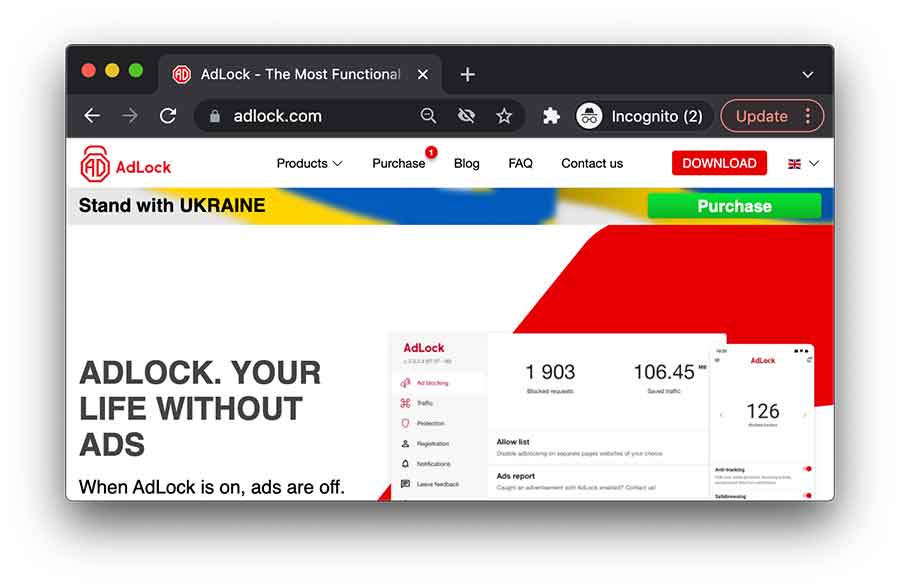
- Website URL: adlock.com
- Filters HTTPS connections
- Blocks ads from videos
- Saves battery power
- Numerous add-on features
- Functions of Android, Apple, and Windows devices
AdLock is the best free ad-blocker that allows users to use it as a standalone app on their device or as a browser extension. It is among the most comprehensive ad-blocking software that blocks pop-up ads, video ads, and cryptomining ads that might collect your personal information and ruin your browsing experience. With AdLock, you can browse apps, instant messages, and games without seeing any ads.
The ad blocker filters the HTTPS connections and blocks the harmful links and websites you attempt to access. Besides blocking ads, it hides your identity and traces bugs and spyware to maintain your online presence. It doesn’t load unnecessary work and saves battery power and mobile data. It filters the incoming internet traffic and controls the usage of different applications.
The software is easy to use and install. You only need to download it on your device and start using it. It is available for Android, iOS, MacOS, and Windows platforms. Though it doesn’t have a free version, you can buy the pro version and avail yourself of the 30-day money-back guarantee offer.
Overall, this ad-blocker is reliable and performs exceptionally well in blocking ads, but there’s only one thing that the users don’t like about AdLock. It doesn’t offer a live chat feature, and the users can’t get an instant reply to their queries.
2. AdBlock

- Website URL: getadblock.com
- Blocks ads from social media sites
- Totally free
- Blocks third-party trackers
- Various customizable features
- Compatible with Android, iOS, Chrome, Edge, Firefox, and Safari
AdBlock is a lightweight best free ad-blocker that wipes out advertisements, including banners, pop-ups, and video ads. It also prevents ads from tracking and interrupting your browsing experience on Facebook, Twitch, and YouTube. The ad-blocker also improves your page load speed and enables you to enjoy a faster internet speed. Firstly, it’s light in weight and thus won’t consume much of the bandwidth. Also, it stops the ads from downloading and gives your browser a speed boost.
The most impressive thing about AdBlock is that it uses a set of rules called the Cryptocurrency Mining Protection List that tells where to block ads and trackers on the websites. The filter list is enabled by default, and you can use it to protect your device from websites that utilize your computer resources to mine for cryptocurrency. Moreover, the ad-blocker allows you to save from malware and other malicious advertisements. Apart from this, AdBlock comes with various customization options in the settings menu. You can configure the settings as per need and enhance your browsing experience.
It is a great ad-blocker with various customizable options, and you can easily download and use it on your Android and iOS devices for free. You can even use it as a browser extension on Chrome, Microsoft Edge, Firefox, and Safari browser. But as compared to other ad-blockers, AdBlock lacks other advanced features.
3. AdGuard
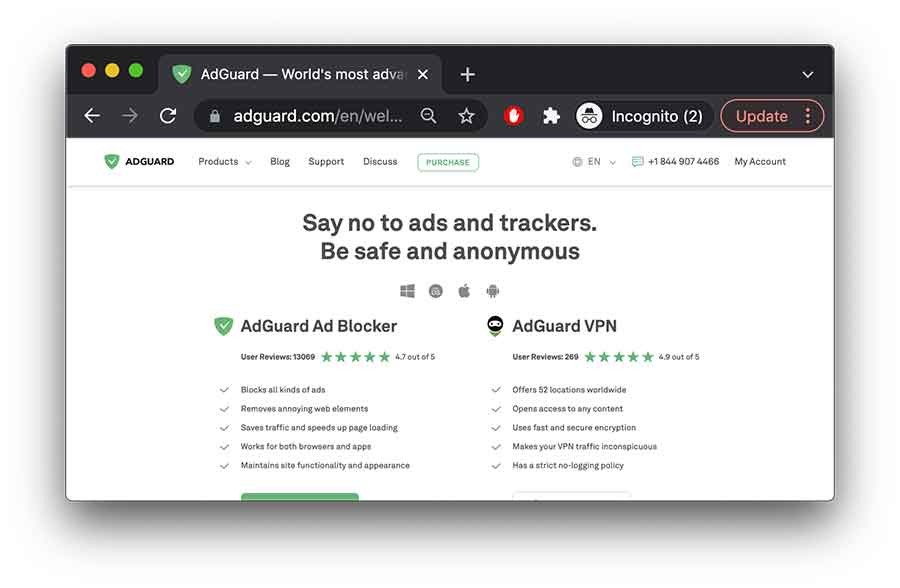
- Website URL: adguard.com/en/welcome.html
- Works for both apps and browsers
- Hides your activities from trackers
- Improves page loading speed
- Parental control
- Compatible with Android, iOS, macOS, and Windows
Another best ad blocker that you can consider using is AdGuard. It efficiently blocks every type of ad, from banners to pop-ups and video ads, and ensures an uninterrupted surfing experience. When tested so, the ad blocked lived up to all its claims. The software uses unnoticeable background filters along with cosmetic processing, due to which you see only clean pages when the content shows up on the screen.
The ad blocker comes with various adjustable features that make it a perfect option for maintaining a high level of security and privacy on the web. For example, you can use the anti-phishing and anti-malware features and enjoy secure browsing. It scans every page against the database for harmful and malicious content and blocks them. Also, the software blocks third-party cookies and other trackers that secretly spy on your browsing activities.
With AdGuard ad-blocker, you can even protect your children from online threats. It has a parental control feature that blocks access to inappropriate websites and deletes obscene materials from search results. It also allows you to create a customizable blocklist to ensure your kids’ safe web browsing experience. Another impressive feature of AdGuard is that it offers a VPN that allows you to hide your online identity and browse more safely.
However, the VPN product doesn’t come for free, nor does the ad-blocker itself. But you can always benefit from the 60-day money-back guarantee offer and test the service on all major operating systems and devices.
4. AdBlocker Ultimate

- Website URL: adblockultimate.net
- Blocks all types of ads
- Ghost Mode
- Prevent trackers
- Stay safe from online threats
- Works with Android, iOS, Windows, and browser extensions
Another best ad-blocker that’s also open-source is AdBlocker Ultimate which blocks intrusive pop-ups, banners, and video ads in Windows-based apps and browsers. It is one of the most popular ad-blocking software that even blocks ads and trackers while you’re surfing social networking sites like Facebook and YouTube.
The software is easy to use and download. Like other reliable ad-blockers, it also offers features that maintain security and ensure an excellent user experience. Moreover, it has an impressive ghost mode feature that makes your online presence invisible and leaves no room for trackers to track your activities. It also allows you to block access to malicious domains that can make you a phishing or malware attack victim. You can configure the settings and enable the dark mode to reduce the pressure on your eyes with a dark interface.
It works with browsers and desktop-based apps, including Android and iOS platforms. The browser comes with two different subscription plans. One is for personal use and allows up to three device connections, while the other is for family use and 12 device connections. However, if you’re hesitant about investing in a premium plan, you can use it for free by availing of the 30-day money-back guarantee offer.
5. Ghostery
- Website URL: www.ghostery.com
- Stop trackers
- Speed up web pages
- Shows zero ads
- Forensic tracker analysis
- Works on all browsers and mobile apps
Another best free ad-blocker that ensures an ad-free browsing experience is Ghostery. It blocks ads and trackers on all or selected websites. The smarter ad-blocking feature automatically boosts and optimizes the page loading speed. Using it as a browser extension keeps you informed and updated about the companies tracking you by listing the trackers on every website you visit.
Ghostery even offers a custom blocking feature by which you can decide when and what to block. Another best thing about this ad-blocker is that it removes the data points that can identify you and risk your digital privacy. Since it’s open-source, you can easily find the transparency report on GitHub and satisfy yourself with its credibility.
The ad-blocker has an excellent customer support team. If you experience any problems, you can contact the support team by submitting a tracker. It also has a resourceful FAQ section that answers many of your questions.
6. AdFender
- Website URL: adfender.com
- Blocks all types of ads
- Improves speed
- Remove profiling cookies
- Prevent trackers from data mining
- Works on Windows and other supported browsers
AdFender also ranks as the best free ad-blocker that you can consider using. It blocks ads and stops certain information from getting leaked to the web servers. It also filters out various types of content and saves much of your bandwidth which enhances the page loading and browsing speeds.
The ad blocker comes with several advanced features that boost your online security. Like, it uses the man-in-the-middle attack approach to filter secure HTTPS connections and prevent you from accessing any malicious sites. Also, the AdFender anonymizer is another excellent feature of the software.
It protects users from hackers and other snooping eyes while using a public Wi-Fi network at a cafe or coffee shop. The anonymizer routes your data traffic via the Tor network and prevents anyone from viewing your location or the websites you visit. This fantastic feature makes you more anonymous and private on the web and is rarely found in any other ad blocker.
AdFender ensures a good user experience on Windows, Chrome, Firefox, Opera, and Microsoft Edge. You can use the free trial if you first want to try out the ad-blocker features. However, the ad-blocker does not support other popular platforms like Android, iOS, and MacOS, disappointing users.
7. uBlock Origin
- Website URL: ublockorigin.com
- Blocks all ads, even from social media sites
- Open source and free to use
- Allows whitelisting
- Protects from tracking
- Supports various browsers
uBlock Origin is an efficient ad blocker you can use as a browser extension, not a standalone app. It is a reliable pop-up adware blocker that helps eliminate annoying and unwanted banner and video ads. Though it has limited customizable features, whatever it offers is enough to enjoy a secure browsing experience.
The ad-blocker comes with an EasyList filter that automatically removes unwanted content from the web page without impacting your browsing speeds. It also blocks cookies that might collect data related to your browsing history, and later, you become a victim of targeted advertisements. Another impressive feature of this ad-blocker is the supplementary filter list that deletes web bugs and tracking scripts and protects your data from stealing.
The ad blocker is free and easy to use. You need to download the extension on Chrome, Firefox, Mac, and Safari and enhance your user experience.
8.AdBlock Plus
- Website URL: adblockplus.org
- Free and open source
- Disable tracking on mobile devices
- Loads the web pages faster
- Prevents from malvertising
- Works on Android and other supported browsers
AdBlock Plus is also a free ad-blocker that allows users to get rid of flashing banners, pop-ups, and video ads and ensures a secure web browsing experience. By blocking out these ads, this ad-blocker saves bandwidth and helps in improving the web page loading speed. With this ad-blocker, you can even avoid online tracking and malware from infecting your device and maintain your online security.
AdBlock Plus lacks customizable features. It doesn’t mean this makes it less, anyhow. By default, it blocks ads depending on the browser’s language settings. You even create your list to block any specific types of ads.
The ad-blocker works exceptionally well on Android, Chrome, Edge, Firefox, Safari, and Yandex browser. However, it earns revenue through the Acceptable Ads initiative meaning you’ll see non-intrusive ads managed by an independent committee, and many users don’t like this.
9. Ad Muncher

- Website URL: www.admuncher.com
- Offers free and paid plans
- Blocks third-party tracking systems
- Comes as a software app instead of an extension
- Blocks all types of ads
- Works on all popular browsers
Ad Muncher is yet another best ad-blocker that offers a free and premium plan. You can even buy the pro version and browse the web without worrying about pop-up ads and trackers, but the free version is enough to ensure an ad-free browsing experience if you don’t have a budget. You can virtually block ads on all browsers, but you need to install it on your device since it comes as an app and not a browser extension.
The ad-blocker works exceptionally well on Chrome, Firefox, Opera, Safari, Netscape, Flock, and Maxthon. It kills all unwanted pop-up and video ads and filters out the background, plugins, and wallpapers among the contents of the web pages. Also, it saves bandwidth and speeds up the page loading speed.
10. 1Blocker
- Website URL: 1blocker.com
- Block intrusive ads and sneaky trackers
- Improves speeds
- Advanced customization
- Whitelist synchronization
- Works only on iOS and Mac devices
If you’re looking for the best free ad-blocker for your Apple device, you should try using 1Blocker. You can download it from the Apple App Store and block all unwanted ads that ruin your browsing experience. It even prevents you from third-party trackers and boosts your digital privacy.
The ad-blocker offers customization features like creating custom rules to block any URL or hide any website element by CSS. However, the only thing users don’t like about 1Blocker is that it isn’t available for any other device or platform.
Is Ad-Blocker safe to use?
Marketing companies rely significantly on online advertisements to reach the right target audience. They collect information about your browsing activities, likes, dislikes, and preferences via cookies, trackers, and browsers and later target you with personalized ads. The most concerning part of this process is that all this happens without your consent.
The ads on your screen are annoying as they cover the content, are repeated several times and are even malicious. All this puts your privacy at stake. The best way to prevent this situation is to use a legitimate ad-blocker. Using the best ad-blocker is an efficient way to block out ads and browse the web without getting interrupted. Moreover, an ad-blocker is safe to use in many ways:
- It saves your bandwidth and improves browsing speed.
- Some ad-blockers even protect from malware and spyware and thus ensure a safe and secure browsing experience.
- The ad blockers come with customizable options that will enhance your overall user experience.
- It stops trackers from collecting your personal information.
All the points above clarify that there’s no harm in using an ad-blocker. You only care about using an ad-blocker that’s well-reputed and reliable. Make sure you make the right choice because otherwise, you can put your safety at risk.
What is the best free Ad-Blocker
An ad-blocker has become an essential tool that blocks intrusive and malicious ads and ensures a safe and secure web browsing experience. All the ad-blockers mentioned above are reliable to use in one way or the other. But the best among them is AdBlock. It filters out annoying ads, improves page loading and browsing speeds, and protects your online identity. It offers impressive customizable features that provide various levels of protection. Moreover, besides blocking adware, it also helps prevent malware and other malicious ads. Also, it is among the very few ad-blockers that protect from cryptocurrency mining.
Other than AdBlock, AdGuard and AdFender also ensure the best user experience. Both of them are feature-packed and provide excellent functionality. AdGuard has an added VPN feature that increases your digital privacy and offers other benefits.
Final thoughts
The unwanted pop-up or banner ads on your screen are intrusive and can expose your private data to third-party companies and hackers without your knowledge. Hence, it’s high time to take action against these advertisements. The best possible way is to use the best free ad-blockers and enjoy anonymous browsing without being disturbed by adware. So, choose those that fit your requirements and start blocking ads from your web pages now.
The post Best Free Ad-Blockers to Remove Intrusive Pop-Up Ads In 2024 appeared first on BeEncrypted.
]]>Deprecated: Using null as an array offset is deprecated, use an empty string instead in /var/www/staging.beencrypted.com/site/web/wp/wp-includes/class-wp-block-type-registry.php on line 168
Deprecated: Using null as an array offset is deprecated, use an empty string instead in /var/www/staging.beencrypted.com/site/web/wp/wp-includes/class-wp-block-type-registry.php on line 168
Deprecated: Using null as an array offset is deprecated, use an empty string instead in /var/www/staging.beencrypted.com/site/web/wp/wp-includes/class-wp-block-type-registry.php on line 168
Deprecated: Using null as an array offset is deprecated, use an empty string instead in /var/www/staging.beencrypted.com/site/web/wp/wp-includes/class-wp-block-type-registry.php on line 168
Deprecated: Using null as an array offset is deprecated, use an empty string instead in /var/www/staging.beencrypted.com/site/web/wp/wp-includes/class-wp-block-type-registry.php on line 168
Deprecated: Using null as an array offset is deprecated, use an empty string instead in /var/www/staging.beencrypted.com/site/web/wp/wp-includes/class-wp-block-type-registry.php on line 168
Deprecated: Using null as an array offset is deprecated, use an empty string instead in /var/www/staging.beencrypted.com/site/web/wp/wp-includes/class-wp-block-type-registry.php on line 168
Deprecated: Using null as an array offset is deprecated, use an empty string instead in /var/www/staging.beencrypted.com/site/web/wp/wp-includes/class-wp-block-type-registry.php on line 168
Deprecated: Using null as an array offset is deprecated, use an empty string instead in /var/www/staging.beencrypted.com/site/web/wp/wp-includes/class-wp-block-type-registry.php on line 168
Deprecated: Using null as an array offset is deprecated, use an empty string instead in /var/www/staging.beencrypted.com/site/web/wp/wp-includes/class-wp-block-type-registry.php on line 168
Deprecated: Using null as an array offset is deprecated, use an empty string instead in /var/www/staging.beencrypted.com/site/web/wp/wp-includes/class-wp-block-type-registry.php on line 168
Deprecated: Using null as an array offset is deprecated, use an empty string instead in /var/www/staging.beencrypted.com/site/web/wp/wp-includes/class-wp-block-type-registry.php on line 168
Deprecated: Using null as an array offset is deprecated, use an empty string instead in /var/www/staging.beencrypted.com/site/web/wp/wp-includes/class-wp-block-type-registry.php on line 168
Deprecated: Using null as an array offset is deprecated, use an empty string instead in /var/www/staging.beencrypted.com/site/web/wp/wp-includes/class-wp-block-type-registry.php on line 168
Deprecated: Using null as an array offset is deprecated, use an empty string instead in /var/www/staging.beencrypted.com/site/web/wp/wp-includes/class-wp-block-type-registry.php on line 168
Deprecated: Using null as an array offset is deprecated, use an empty string instead in /var/www/staging.beencrypted.com/site/web/wp/wp-includes/class-wp-block-type-registry.php on line 168
Deprecated: Using null as an array offset is deprecated, use an empty string instead in /var/www/staging.beencrypted.com/site/web/wp/wp-includes/class-wp-block-type-registry.php on line 168
Deprecated: Using null as an array offset is deprecated, use an empty string instead in /var/www/staging.beencrypted.com/site/web/wp/wp-includes/class-wp-block-type-registry.php on line 168
Deprecated: Using null as an array offset is deprecated, use an empty string instead in /var/www/staging.beencrypted.com/site/web/wp/wp-includes/class-wp-block-type-registry.php on line 168
Deprecated: Using null as an array offset is deprecated, use an empty string instead in /var/www/staging.beencrypted.com/site/web/wp/wp-includes/class-wp-block-type-registry.php on line 168
Deprecated: Using null as an array offset is deprecated, use an empty string instead in /var/www/staging.beencrypted.com/site/web/wp/wp-includes/class-wp-block-type-registry.php on line 168
Deprecated: Using null as an array offset is deprecated, use an empty string instead in /var/www/staging.beencrypted.com/site/web/wp/wp-includes/class-wp-block-type-registry.php on line 168
Deprecated: Using null as an array offset is deprecated, use an empty string instead in /var/www/staging.beencrypted.com/site/web/wp/wp-includes/class-wp-block-type-registry.php on line 168
Deprecated: Using null as an array offset is deprecated, use an empty string instead in /var/www/staging.beencrypted.com/site/web/wp/wp-includes/class-wp-block-type-registry.php on line 168
Deprecated: Using null as an array offset is deprecated, use an empty string instead in /var/www/staging.beencrypted.com/site/web/wp/wp-includes/class-wp-block-type-registry.php on line 168
Deprecated: Using null as an array offset is deprecated, use an empty string instead in /var/www/staging.beencrypted.com/site/web/wp/wp-includes/class-wp-block-type-registry.php on line 168
Deprecated: Using null as an array offset is deprecated, use an empty string instead in /var/www/staging.beencrypted.com/site/web/wp/wp-includes/class-wp-block-type-registry.php on line 168
Deprecated: Using null as an array offset is deprecated, use an empty string instead in /var/www/staging.beencrypted.com/site/web/wp/wp-includes/class-wp-block-type-registry.php on line 168
Deprecated: Using null as an array offset is deprecated, use an empty string instead in /var/www/staging.beencrypted.com/site/web/wp/wp-includes/class-wp-block-type-registry.php on line 168
Deprecated: Using null as an array offset is deprecated, use an empty string instead in /var/www/staging.beencrypted.com/site/web/wp/wp-includes/class-wp-block-type-registry.php on line 168
Deprecated: Using null as an array offset is deprecated, use an empty string instead in /var/www/staging.beencrypted.com/site/web/wp/wp-includes/class-wp-block-type-registry.php on line 168
Deprecated: Using null as an array offset is deprecated, use an empty string instead in /var/www/staging.beencrypted.com/site/web/wp/wp-includes/class-wp-block-type-registry.php on line 168
Deprecated: Using null as an array offset is deprecated, use an empty string instead in /var/www/staging.beencrypted.com/site/web/wp/wp-includes/class-wp-block-type-registry.php on line 168
Deprecated: Using null as an array offset is deprecated, use an empty string instead in /var/www/staging.beencrypted.com/site/web/wp/wp-includes/class-wp-block-type-registry.php on line 168
Deprecated: Using null as an array offset is deprecated, use an empty string instead in /var/www/staging.beencrypted.com/site/web/wp/wp-includes/class-wp-block-type-registry.php on line 168
Deprecated: Using null as an array offset is deprecated, use an empty string instead in /var/www/staging.beencrypted.com/site/web/wp/wp-includes/class-wp-block-type-registry.php on line 168
Deprecated: Using null as an array offset is deprecated, use an empty string instead in /var/www/staging.beencrypted.com/site/web/wp/wp-includes/class-wp-block-type-registry.php on line 168
Deprecated: Using null as an array offset is deprecated, use an empty string instead in /var/www/staging.beencrypted.com/site/web/wp/wp-includes/class-wp-block-type-registry.php on line 168
Deprecated: Using null as an array offset is deprecated, use an empty string instead in /var/www/staging.beencrypted.com/site/web/wp/wp-includes/class-wp-block-type-registry.php on line 168
Deprecated: Using null as an array offset is deprecated, use an empty string instead in /var/www/staging.beencrypted.com/site/web/wp/wp-includes/class-wp-block-type-registry.php on line 168
Deprecated: Using null as an array offset is deprecated, use an empty string instead in /var/www/staging.beencrypted.com/site/web/wp/wp-includes/class-wp-block-type-registry.php on line 168
Deprecated: Using null as an array offset is deprecated, use an empty string instead in /var/www/staging.beencrypted.com/site/web/wp/wp-includes/class-wp-block-type-registry.php on line 168
Deprecated: Using null as an array offset is deprecated, use an empty string instead in /var/www/staging.beencrypted.com/site/web/wp/wp-includes/class-wp-block-type-registry.php on line 168
Deprecated: Using null as an array offset is deprecated, use an empty string instead in /var/www/staging.beencrypted.com/site/web/wp/wp-includes/class-wp-block-type-registry.php on line 168
Deprecated: Using null as an array offset is deprecated, use an empty string instead in /var/www/staging.beencrypted.com/site/web/wp/wp-includes/class-wp-block-type-registry.php on line 168
Deprecated: Using null as an array offset is deprecated, use an empty string instead in /var/www/staging.beencrypted.com/site/web/wp/wp-includes/class-wp-block-type-registry.php on line 168
Deprecated: Using null as an array offset is deprecated, use an empty string instead in /var/www/staging.beencrypted.com/site/web/wp/wp-includes/class-wp-block-type-registry.php on line 168
Deprecated: Using null as an array offset is deprecated, use an empty string instead in /var/www/staging.beencrypted.com/site/web/wp/wp-includes/class-wp-block-type-registry.php on line 168
Deprecated: Using null as an array offset is deprecated, use an empty string instead in /var/www/staging.beencrypted.com/site/web/wp/wp-includes/class-wp-block-type-registry.php on line 168
Deprecated: Using null as an array offset is deprecated, use an empty string instead in /var/www/staging.beencrypted.com/site/web/wp/wp-includes/class-wp-block-type-registry.php on line 168
Deprecated: Using null as an array offset is deprecated, use an empty string instead in /var/www/staging.beencrypted.com/site/web/wp/wp-includes/class-wp-block-type-registry.php on line 168
Deprecated: Using null as an array offset is deprecated, use an empty string instead in /var/www/staging.beencrypted.com/site/web/wp/wp-includes/class-wp-block-type-registry.php on line 168
Deprecated: Using null as an array offset is deprecated, use an empty string instead in /var/www/staging.beencrypted.com/site/web/wp/wp-includes/class-wp-block-type-registry.php on line 168
Deprecated: Using null as an array offset is deprecated, use an empty string instead in /var/www/staging.beencrypted.com/site/web/wp/wp-includes/class-wp-block-type-registry.php on line 168
Deprecated: Using null as an array offset is deprecated, use an empty string instead in /var/www/staging.beencrypted.com/site/web/wp/wp-includes/class-wp-block-type-registry.php on line 168
Deprecated: Using null as an array offset is deprecated, use an empty string instead in /var/www/staging.beencrypted.com/site/web/wp/wp-includes/class-wp-block-type-registry.php on line 168
Deprecated: Using null as an array offset is deprecated, use an empty string instead in /var/www/staging.beencrypted.com/site/web/wp/wp-includes/class-wp-block-type-registry.php on line 168
Deprecated: Using null as an array offset is deprecated, use an empty string instead in /var/www/staging.beencrypted.com/site/web/wp/wp-includes/class-wp-block-type-registry.php on line 168
Deprecated: Using null as an array offset is deprecated, use an empty string instead in /var/www/staging.beencrypted.com/site/web/wp/wp-includes/class-wp-block-type-registry.php on line 168
Deprecated: Using null as an array offset is deprecated, use an empty string instead in /var/www/staging.beencrypted.com/site/web/wp/wp-includes/class-wp-block-type-registry.php on line 168
Deprecated: Using null as an array offset is deprecated, use an empty string instead in /var/www/staging.beencrypted.com/site/web/wp/wp-includes/class-wp-block-type-registry.php on line 168
Deprecated: Using null as an array offset is deprecated, use an empty string instead in /var/www/staging.beencrypted.com/site/web/wp/wp-includes/class-wp-block-type-registry.php on line 168
Deprecated: Using null as an array offset is deprecated, use an empty string instead in /var/www/staging.beencrypted.com/site/web/wp/wp-includes/class-wp-block-type-registry.php on line 168
Deprecated: Using null as an array offset is deprecated, use an empty string instead in /var/www/staging.beencrypted.com/site/web/wp/wp-includes/class-wp-block-type-registry.php on line 168
Deprecated: Using null as an array offset is deprecated, use an empty string instead in /var/www/staging.beencrypted.com/site/web/wp/wp-includes/class-wp-block-type-registry.php on line 168
Deprecated: Using null as an array offset is deprecated, use an empty string instead in /var/www/staging.beencrypted.com/site/web/wp/wp-includes/class-wp-block-type-registry.php on line 168
Deprecated: Using null as an array offset is deprecated, use an empty string instead in /var/www/staging.beencrypted.com/site/web/wp/wp-includes/class-wp-block-type-registry.php on line 168
Deprecated: Using null as an array offset is deprecated, use an empty string instead in /var/www/staging.beencrypted.com/site/web/wp/wp-includes/class-wp-block-type-registry.php on line 168
Deprecated: Using null as an array offset is deprecated, use an empty string instead in /var/www/staging.beencrypted.com/site/web/wp/wp-includes/class-wp-block-type-registry.php on line 168
Deprecated: Using null as an array offset is deprecated, use an empty string instead in /var/www/staging.beencrypted.com/site/web/wp/wp-includes/class-wp-block-type-registry.php on line 168
Deprecated: Using null as an array offset is deprecated, use an empty string instead in /var/www/staging.beencrypted.com/site/web/wp/wp-includes/class-wp-block-type-registry.php on line 168
Deprecated: Using null as an array offset is deprecated, use an empty string instead in /var/www/staging.beencrypted.com/site/web/wp/wp-includes/class-wp-block-type-registry.php on line 168
Deprecated: Using null as an array offset is deprecated, use an empty string instead in /var/www/staging.beencrypted.com/site/web/wp/wp-includes/class-wp-block-type-registry.php on line 168
Deprecated: Using null as an array offset is deprecated, use an empty string instead in /var/www/staging.beencrypted.com/site/web/wp/wp-includes/class-wp-block-type-registry.php on line 168
Deprecated: Using null as an array offset is deprecated, use an empty string instead in /var/www/staging.beencrypted.com/site/web/wp/wp-includes/class-wp-block-type-registry.php on line 168
Deprecated: Using null as an array offset is deprecated, use an empty string instead in /var/www/staging.beencrypted.com/site/web/wp/wp-includes/class-wp-block-type-registry.php on line 168
Deprecated: Using null as an array offset is deprecated, use an empty string instead in /var/www/staging.beencrypted.com/site/web/wp/wp-includes/class-wp-block-type-registry.php on line 168
Deprecated: Using null as an array offset is deprecated, use an empty string instead in /var/www/staging.beencrypted.com/site/web/wp/wp-includes/class-wp-block-type-registry.php on line 168
Deprecated: Using null as an array offset is deprecated, use an empty string instead in /var/www/staging.beencrypted.com/site/web/wp/wp-includes/class-wp-block-type-registry.php on line 168
Deprecated: Using null as an array offset is deprecated, use an empty string instead in /var/www/staging.beencrypted.com/site/web/wp/wp-includes/class-wp-block-type-registry.php on line 168
Deprecated: Using null as an array offset is deprecated, use an empty string instead in /var/www/staging.beencrypted.com/site/web/wp/wp-includes/class-wp-block-type-registry.php on line 168
Deprecated: Using null as an array offset is deprecated, use an empty string instead in /var/www/staging.beencrypted.com/site/web/wp/wp-includes/class-wp-block-type-registry.php on line 168
Deprecated: Using null as an array offset is deprecated, use an empty string instead in /var/www/staging.beencrypted.com/site/web/wp/wp-includes/class-wp-block-type-registry.php on line 168
Deprecated: Using null as an array offset is deprecated, use an empty string instead in /var/www/staging.beencrypted.com/site/web/wp/wp-includes/class-wp-block-type-registry.php on line 168
Deprecated: Using null as an array offset is deprecated, use an empty string instead in /var/www/staging.beencrypted.com/site/web/wp/wp-includes/class-wp-block-type-registry.php on line 168
Deprecated: Using null as an array offset is deprecated, use an empty string instead in /var/www/staging.beencrypted.com/site/web/wp/wp-includes/class-wp-block-type-registry.php on line 168
Deprecated: Using null as an array offset is deprecated, use an empty string instead in /var/www/staging.beencrypted.com/site/web/wp/wp-includes/class-wp-block-type-registry.php on line 168
Deprecated: Using null as an array offset is deprecated, use an empty string instead in /var/www/staging.beencrypted.com/site/web/wp/wp-includes/class-wp-block-type-registry.php on line 168
Deprecated: Using null as an array offset is deprecated, use an empty string instead in /var/www/staging.beencrypted.com/site/web/wp/wp-includes/class-wp-block-type-registry.php on line 168
Deprecated: Using null as an array offset is deprecated, use an empty string instead in /var/www/staging.beencrypted.com/site/web/wp/wp-includes/class-wp-block-type-registry.php on line 168
Deprecated: Using null as an array offset is deprecated, use an empty string instead in /var/www/staging.beencrypted.com/site/web/wp/wp-includes/class-wp-block-type-registry.php on line 168
Deprecated: Using null as an array offset is deprecated, use an empty string instead in /var/www/staging.beencrypted.com/site/web/wp/wp-includes/class-wp-block-type-registry.php on line 168
Deprecated: Using null as an array offset is deprecated, use an empty string instead in /var/www/staging.beencrypted.com/site/web/wp/wp-includes/class-wp-block-type-registry.php on line 168
Deprecated: Using null as an array offset is deprecated, use an empty string instead in /var/www/staging.beencrypted.com/site/web/wp/wp-includes/class-wp-block-type-registry.php on line 168
Deprecated: Using null as an array offset is deprecated, use an empty string instead in /var/www/staging.beencrypted.com/site/web/wp/wp-includes/class-wp-block-type-registry.php on line 168
Deprecated: Using null as an array offset is deprecated, use an empty string instead in /var/www/staging.beencrypted.com/site/web/wp/wp-includes/class-wp-block-type-registry.php on line 168
Deprecated: Using null as an array offset is deprecated, use an empty string instead in /var/www/staging.beencrypted.com/site/web/wp/wp-includes/class-wp-block-type-registry.php on line 168
Deprecated: Using null as an array offset is deprecated, use an empty string instead in /var/www/staging.beencrypted.com/site/web/wp/wp-includes/class-wp-block-type-registry.php on line 168
Deprecated: Using null as an array offset is deprecated, use an empty string instead in /var/www/staging.beencrypted.com/site/web/wp/wp-includes/class-wp-block-type-registry.php on line 168
Deprecated: Using null as an array offset is deprecated, use an empty string instead in /var/www/staging.beencrypted.com/site/web/wp/wp-includes/class-wp-block-type-registry.php on line 168
Deprecated: Using null as an array offset is deprecated, use an empty string instead in /var/www/staging.beencrypted.com/site/web/wp/wp-includes/class-wp-block-type-registry.php on line 168
Deprecated: Using null as an array offset is deprecated, use an empty string instead in /var/www/staging.beencrypted.com/site/web/wp/wp-includes/class-wp-block-type-registry.php on line 168
Deprecated: Using null as an array offset is deprecated, use an empty string instead in /var/www/staging.beencrypted.com/site/web/wp/wp-includes/class-wp-block-type-registry.php on line 168
Deprecated: Using null as an array offset is deprecated, use an empty string instead in /var/www/staging.beencrypted.com/site/web/wp/wp-includes/class-wp-block-type-registry.php on line 168
Deprecated: Using null as an array offset is deprecated, use an empty string instead in /var/www/staging.beencrypted.com/site/web/wp/wp-includes/class-wp-block-type-registry.php on line 168
Deprecated: Using null as an array offset is deprecated, use an empty string instead in /var/www/staging.beencrypted.com/site/web/wp/wp-includes/class-wp-block-type-registry.php on line 168
Deprecated: Using null as an array offset is deprecated, use an empty string instead in /var/www/staging.beencrypted.com/site/web/wp/wp-includes/class-wp-block-type-registry.php on line 168
Deprecated: Using null as an array offset is deprecated, use an empty string instead in /var/www/staging.beencrypted.com/site/web/wp/wp-includes/class-wp-block-type-registry.php on line 168
Deprecated: Using null as an array offset is deprecated, use an empty string instead in /var/www/staging.beencrypted.com/site/web/wp/wp-includes/class-wp-block-type-registry.php on line 168
Deprecated: Using null as an array offset is deprecated, use an empty string instead in /var/www/staging.beencrypted.com/site/web/wp/wp-includes/class-wp-block-type-registry.php on line 168
Deprecated: Using null as an array offset is deprecated, use an empty string instead in /var/www/staging.beencrypted.com/site/web/wp/wp-includes/class-wp-block-type-registry.php on line 168
Deprecated: Using null as an array offset is deprecated, use an empty string instead in /var/www/staging.beencrypted.com/site/web/wp/wp-includes/class-wp-block-type-registry.php on line 168
Deprecated: Using null as an array offset is deprecated, use an empty string instead in /var/www/staging.beencrypted.com/site/web/wp/wp-includes/class-wp-block-type-registry.php on line 168
Deprecated: Using null as an array offset is deprecated, use an empty string instead in /var/www/staging.beencrypted.com/site/web/wp/wp-includes/class-wp-block-type-registry.php on line 168
Deprecated: Using null as an array offset is deprecated, use an empty string instead in /var/www/staging.beencrypted.com/site/web/wp/wp-includes/class-wp-block-type-registry.php on line 168
Deprecated: Using null as an array offset is deprecated, use an empty string instead in /var/www/staging.beencrypted.com/site/web/wp/wp-includes/class-wp-block-type-registry.php on line 168
Deprecated: Using null as an array offset is deprecated, use an empty string instead in /var/www/staging.beencrypted.com/site/web/wp/wp-includes/class-wp-block-type-registry.php on line 168
Deprecated: Using null as an array offset is deprecated, use an empty string instead in /var/www/staging.beencrypted.com/site/web/wp/wp-includes/class-wp-block-type-registry.php on line 168
Deprecated: Using null as an array offset is deprecated, use an empty string instead in /var/www/staging.beencrypted.com/site/web/wp/wp-includes/class-wp-block-type-registry.php on line 168
Deprecated: Using null as an array offset is deprecated, use an empty string instead in /var/www/staging.beencrypted.com/site/web/wp/wp-includes/class-wp-block-type-registry.php on line 168
Deprecated: Using null as an array offset is deprecated, use an empty string instead in /var/www/staging.beencrypted.com/site/web/wp/wp-includes/class-wp-block-type-registry.php on line 168
Deprecated: Using null as an array offset is deprecated, use an empty string instead in /var/www/staging.beencrypted.com/site/web/wp/wp-includes/class-wp-block-type-registry.php on line 168
Deprecated: Using null as an array offset is deprecated, use an empty string instead in /var/www/staging.beencrypted.com/site/web/wp/wp-includes/class-wp-block-type-registry.php on line 168
Deprecated: Using null as an array offset is deprecated, use an empty string instead in /var/www/staging.beencrypted.com/site/web/wp/wp-includes/class-wp-block-type-registry.php on line 168
Deprecated: Using null as an array offset is deprecated, use an empty string instead in /var/www/staging.beencrypted.com/site/web/wp/wp-includes/class-wp-block-type-registry.php on line 168
Deprecated: Using null as an array offset is deprecated, use an empty string instead in /var/www/staging.beencrypted.com/site/web/wp/wp-includes/class-wp-block-type-registry.php on line 168
Deprecated: Using null as an array offset is deprecated, use an empty string instead in /var/www/staging.beencrypted.com/site/web/wp/wp-includes/class-wp-block-type-registry.php on line 168
Deprecated: Using null as an array offset is deprecated, use an empty string instead in /var/www/staging.beencrypted.com/site/web/wp/wp-includes/class-wp-block-type-registry.php on line 168
Deprecated: Using null as an array offset is deprecated, use an empty string instead in /var/www/staging.beencrypted.com/site/web/wp/wp-includes/class-wp-block-type-registry.php on line 168
Deprecated: Using null as an array offset is deprecated, use an empty string instead in /var/www/staging.beencrypted.com/site/web/wp/wp-includes/class-wp-block-type-registry.php on line 168
Deprecated: Using null as an array offset is deprecated, use an empty string instead in /var/www/staging.beencrypted.com/site/web/wp/wp-includes/class-wp-block-type-registry.php on line 168
Deprecated: Using null as an array offset is deprecated, use an empty string instead in /var/www/staging.beencrypted.com/site/web/wp/wp-includes/class-wp-block-type-registry.php on line 168
Deprecated: Using null as an array offset is deprecated, use an empty string instead in /var/www/staging.beencrypted.com/site/web/wp/wp-includes/class-wp-block-type-registry.php on line 168
Deprecated: Using null as an array offset is deprecated, use an empty string instead in /var/www/staging.beencrypted.com/site/web/wp/wp-includes/class-wp-block-type-registry.php on line 168
Deprecated: Using null as an array offset is deprecated, use an empty string instead in /var/www/staging.beencrypted.com/site/web/wp/wp-includes/class-wp-block-type-registry.php on line 168
Deprecated: Using null as an array offset is deprecated, use an empty string instead in /var/www/staging.beencrypted.com/site/web/wp/wp-includes/class-wp-block-type-registry.php on line 168
Deprecated: Using null as an array offset is deprecated, use an empty string instead in /var/www/staging.beencrypted.com/site/web/wp/wp-includes/class-wp-block-type-registry.php on line 168
Deprecated: Using null as an array offset is deprecated, use an empty string instead in /var/www/staging.beencrypted.com/site/web/wp/wp-includes/class-wp-block-type-registry.php on line 168
Deprecated: Using null as an array offset is deprecated, use an empty string instead in /var/www/staging.beencrypted.com/site/web/wp/wp-includes/class-wp-block-type-registry.php on line 168
Deprecated: Using null as an array offset is deprecated, use an empty string instead in /var/www/staging.beencrypted.com/site/web/wp/wp-includes/class-wp-block-type-registry.php on line 168
Deprecated: Using null as an array offset is deprecated, use an empty string instead in /var/www/staging.beencrypted.com/site/web/wp/wp-includes/class-wp-block-type-registry.php on line 168
Deprecated: Using null as an array offset is deprecated, use an empty string instead in /var/www/staging.beencrypted.com/site/web/wp/wp-includes/class-wp-block-type-registry.php on line 168
Deprecated: Using null as an array offset is deprecated, use an empty string instead in /var/www/staging.beencrypted.com/site/web/wp/wp-includes/class-wp-block-type-registry.php on line 168
Deprecated: Using null as an array offset is deprecated, use an empty string instead in /var/www/staging.beencrypted.com/site/web/wp/wp-includes/class-wp-block-type-registry.php on line 168
Deprecated: Using null as an array offset is deprecated, use an empty string instead in /var/www/staging.beencrypted.com/site/web/wp/wp-includes/class-wp-block-type-registry.php on line 168
Deprecated: Using null as an array offset is deprecated, use an empty string instead in /var/www/staging.beencrypted.com/site/web/wp/wp-includes/class-wp-block-type-registry.php on line 168
Deprecated: Using null as an array offset is deprecated, use an empty string instead in /var/www/staging.beencrypted.com/site/web/wp/wp-includes/class-wp-block-type-registry.php on line 168
Deprecated: Using null as an array offset is deprecated, use an empty string instead in /var/www/staging.beencrypted.com/site/web/wp/wp-includes/class-wp-block-type-registry.php on line 168
Deprecated: Using null as an array offset is deprecated, use an empty string instead in /var/www/staging.beencrypted.com/site/web/wp/wp-includes/class-wp-block-type-registry.php on line 168
Deprecated: Using null as an array offset is deprecated, use an empty string instead in /var/www/staging.beencrypted.com/site/web/wp/wp-includes/class-wp-block-type-registry.php on line 168
Deprecated: Using null as an array offset is deprecated, use an empty string instead in /var/www/staging.beencrypted.com/site/web/wp/wp-includes/class-wp-block-type-registry.php on line 168
Deprecated: Using null as an array offset is deprecated, use an empty string instead in /var/www/staging.beencrypted.com/site/web/wp/wp-includes/class-wp-block-type-registry.php on line 168
Deprecated: Using null as an array offset is deprecated, use an empty string instead in /var/www/staging.beencrypted.com/site/web/wp/wp-includes/class-wp-block-type-registry.php on line 168
Deprecated: Using null as an array offset is deprecated, use an empty string instead in /var/www/staging.beencrypted.com/site/web/wp/wp-includes/class-wp-block-type-registry.php on line 168
Deprecated: Using null as an array offset is deprecated, use an empty string instead in /var/www/staging.beencrypted.com/site/web/wp/wp-includes/class-wp-block-type-registry.php on line 168
Deprecated: Using null as an array offset is deprecated, use an empty string instead in /var/www/staging.beencrypted.com/site/web/wp/wp-includes/class-wp-block-type-registry.php on line 168
Deprecated: Using null as an array offset is deprecated, use an empty string instead in /var/www/staging.beencrypted.com/site/web/wp/wp-includes/class-wp-block-type-registry.php on line 168
Deprecated: Using null as an array offset is deprecated, use an empty string instead in /var/www/staging.beencrypted.com/site/web/wp/wp-includes/class-wp-block-type-registry.php on line 168
Deprecated: Using null as an array offset is deprecated, use an empty string instead in /var/www/staging.beencrypted.com/site/web/wp/wp-includes/class-wp-block-type-registry.php on line 168
Deprecated: Using null as an array offset is deprecated, use an empty string instead in /var/www/staging.beencrypted.com/site/web/wp/wp-includes/class-wp-block-type-registry.php on line 168
Deprecated: Using null as an array offset is deprecated, use an empty string instead in /var/www/staging.beencrypted.com/site/web/wp/wp-includes/class-wp-block-type-registry.php on line 168
Deprecated: Using null as an array offset is deprecated, use an empty string instead in /var/www/staging.beencrypted.com/site/web/wp/wp-includes/class-wp-block-type-registry.php on line 168
Deprecated: Using null as an array offset is deprecated, use an empty string instead in /var/www/staging.beencrypted.com/site/web/wp/wp-includes/class-wp-block-type-registry.php on line 168
Deprecated: Using null as an array offset is deprecated, use an empty string instead in /var/www/staging.beencrypted.com/site/web/wp/wp-includes/class-wp-block-type-registry.php on line 168
Deprecated: Using null as an array offset is deprecated, use an empty string instead in /var/www/staging.beencrypted.com/site/web/wp/wp-includes/class-wp-block-type-registry.php on line 168
Deprecated: Using null as an array offset is deprecated, use an empty string instead in /var/www/staging.beencrypted.com/site/web/wp/wp-includes/class-wp-block-type-registry.php on line 168
Deprecated: Using null as an array offset is deprecated, use an empty string instead in /var/www/staging.beencrypted.com/site/web/wp/wp-includes/class-wp-block-type-registry.php on line 168
Deprecated: Using null as an array offset is deprecated, use an empty string instead in /var/www/staging.beencrypted.com/site/web/wp/wp-includes/class-wp-block-type-registry.php on line 168
Deprecated: Using null as an array offset is deprecated, use an empty string instead in /var/www/staging.beencrypted.com/site/web/wp/wp-includes/class-wp-block-type-registry.php on line 168
Deprecated: Using null as an array offset is deprecated, use an empty string instead in /var/www/staging.beencrypted.com/site/web/wp/wp-includes/class-wp-block-type-registry.php on line 168
Deprecated: Using null as an array offset is deprecated, use an empty string instead in /var/www/staging.beencrypted.com/site/web/wp/wp-includes/class-wp-block-type-registry.php on line 168
Deprecated: Using null as an array offset is deprecated, use an empty string instead in /var/www/staging.beencrypted.com/site/web/wp/wp-includes/class-wp-block-type-registry.php on line 168
Deprecated: Using null as an array offset is deprecated, use an empty string instead in /var/www/staging.beencrypted.com/site/web/wp/wp-includes/class-wp-block-type-registry.php on line 168
Deprecated: Using null as an array offset is deprecated, use an empty string instead in /var/www/staging.beencrypted.com/site/web/wp/wp-includes/class-wp-block-type-registry.php on line 168
Deprecated: Using null as an array offset is deprecated, use an empty string instead in /var/www/staging.beencrypted.com/site/web/wp/wp-includes/class-wp-block-type-registry.php on line 168
Deprecated: Using null as an array offset is deprecated, use an empty string instead in /var/www/staging.beencrypted.com/site/web/wp/wp-includes/class-wp-block-type-registry.php on line 168
Deprecated: Using null as an array offset is deprecated, use an empty string instead in /var/www/staging.beencrypted.com/site/web/wp/wp-includes/class-wp-block-type-registry.php on line 168
Deprecated: Using null as an array offset is deprecated, use an empty string instead in /var/www/staging.beencrypted.com/site/web/wp/wp-includes/class-wp-block-type-registry.php on line 168
Deprecated: Using null as an array offset is deprecated, use an empty string instead in /var/www/staging.beencrypted.com/site/web/wp/wp-includes/class-wp-block-type-registry.php on line 168
Deprecated: Using null as an array offset is deprecated, use an empty string instead in /var/www/staging.beencrypted.com/site/web/wp/wp-includes/class-wp-block-type-registry.php on line 168
Deprecated: Using null as an array offset is deprecated, use an empty string instead in /var/www/staging.beencrypted.com/site/web/wp/wp-includes/class-wp-block-type-registry.php on line 168
Deprecated: Using null as an array offset is deprecated, use an empty string instead in /var/www/staging.beencrypted.com/site/web/wp/wp-includes/class-wp-block-type-registry.php on line 168
Deprecated: Using null as an array offset is deprecated, use an empty string instead in /var/www/staging.beencrypted.com/site/web/wp/wp-includes/class-wp-block-type-registry.php on line 168
Deprecated: Using null as an array offset is deprecated, use an empty string instead in /var/www/staging.beencrypted.com/site/web/wp/wp-includes/class-wp-block-type-registry.php on line 168
Deprecated: Using null as an array offset is deprecated, use an empty string instead in /var/www/staging.beencrypted.com/site/web/wp/wp-includes/class-wp-block-type-registry.php on line 168
Deprecated: Using null as an array offset is deprecated, use an empty string instead in /var/www/staging.beencrypted.com/site/web/wp/wp-includes/class-wp-block-type-registry.php on line 168
Deprecated: Using null as an array offset is deprecated, use an empty string instead in /var/www/staging.beencrypted.com/site/web/wp/wp-includes/class-wp-block-type-registry.php on line 168
Deprecated: Using null as an array offset is deprecated, use an empty string instead in /var/www/staging.beencrypted.com/site/web/wp/wp-includes/class-wp-block-type-registry.php on line 168
Deprecated: Using null as an array offset is deprecated, use an empty string instead in /var/www/staging.beencrypted.com/site/web/wp/wp-includes/class-wp-block-type-registry.php on line 168
Deprecated: Using null as an array offset is deprecated, use an empty string instead in /var/www/staging.beencrypted.com/site/web/wp/wp-includes/class-wp-block-type-registry.php on line 168
Deprecated: Using null as an array offset is deprecated, use an empty string instead in /var/www/staging.beencrypted.com/site/web/wp/wp-includes/class-wp-block-type-registry.php on line 168
Deprecated: Using null as an array offset is deprecated, use an empty string instead in /var/www/staging.beencrypted.com/site/web/wp/wp-includes/class-wp-block-type-registry.php on line 168
Deprecated: Using null as an array offset is deprecated, use an empty string instead in /var/www/staging.beencrypted.com/site/web/wp/wp-includes/class-wp-block-type-registry.php on line 168
Deprecated: Using null as an array offset is deprecated, use an empty string instead in /var/www/staging.beencrypted.com/site/web/wp/wp-includes/class-wp-block-type-registry.php on line 168
Deprecated: Using null as an array offset is deprecated, use an empty string instead in /var/www/staging.beencrypted.com/site/web/wp/wp-includes/class-wp-block-type-registry.php on line 168
Deprecated: Using null as an array offset is deprecated, use an empty string instead in /var/www/staging.beencrypted.com/site/web/wp/wp-includes/class-wp-block-type-registry.php on line 168
Deprecated: Using null as an array offset is deprecated, use an empty string instead in /var/www/staging.beencrypted.com/site/web/wp/wp-includes/class-wp-block-type-registry.php on line 168
Deprecated: Using null as an array offset is deprecated, use an empty string instead in /var/www/staging.beencrypted.com/site/web/wp/wp-includes/class-wp-block-type-registry.php on line 168
Deprecated: Using null as an array offset is deprecated, use an empty string instead in /var/www/staging.beencrypted.com/site/web/wp/wp-includes/class-wp-block-type-registry.php on line 168
Deprecated: Using null as an array offset is deprecated, use an empty string instead in /var/www/staging.beencrypted.com/site/web/wp/wp-includes/class-wp-block-type-registry.php on line 168
Deprecated: Using null as an array offset is deprecated, use an empty string instead in /var/www/staging.beencrypted.com/site/web/wp/wp-includes/class-wp-block-type-registry.php on line 168
Deprecated: Using null as an array offset is deprecated, use an empty string instead in /var/www/staging.beencrypted.com/site/web/wp/wp-includes/class-wp-block-type-registry.php on line 168
Deprecated: Using null as an array offset is deprecated, use an empty string instead in /var/www/staging.beencrypted.com/site/web/wp/wp-includes/class-wp-block-type-registry.php on line 168
Deprecated: Using null as an array offset is deprecated, use an empty string instead in /var/www/staging.beencrypted.com/site/web/wp/wp-includes/class-wp-block-type-registry.php on line 168
Deprecated: Using null as an array offset is deprecated, use an empty string instead in /var/www/staging.beencrypted.com/site/web/wp/wp-includes/class-wp-block-type-registry.php on line 168
Deprecated: Using null as an array offset is deprecated, use an empty string instead in /var/www/staging.beencrypted.com/site/web/wp/wp-includes/class-wp-block-type-registry.php on line 168
Deprecated: Using null as an array offset is deprecated, use an empty string instead in /var/www/staging.beencrypted.com/site/web/wp/wp-includes/class-wp-block-type-registry.php on line 168
Deprecated: Using null as an array offset is deprecated, use an empty string instead in /var/www/staging.beencrypted.com/site/web/wp/wp-includes/class-wp-block-type-registry.php on line 168
Deprecated: Using null as an array offset is deprecated, use an empty string instead in /var/www/staging.beencrypted.com/site/web/wp/wp-includes/class-wp-block-type-registry.php on line 168
Deprecated: Using null as an array offset is deprecated, use an empty string instead in /var/www/staging.beencrypted.com/site/web/wp/wp-includes/class-wp-block-type-registry.php on line 168
Deprecated: Using null as an array offset is deprecated, use an empty string instead in /var/www/staging.beencrypted.com/site/web/wp/wp-includes/class-wp-block-type-registry.php on line 168
Deprecated: Using null as an array offset is deprecated, use an empty string instead in /var/www/staging.beencrypted.com/site/web/wp/wp-includes/class-wp-block-type-registry.php on line 168
Deprecated: Using null as an array offset is deprecated, use an empty string instead in /var/www/staging.beencrypted.com/site/web/wp/wp-includes/class-wp-block-type-registry.php on line 168
Deprecated: Using null as an array offset is deprecated, use an empty string instead in /var/www/staging.beencrypted.com/site/web/wp/wp-includes/class-wp-block-type-registry.php on line 168
Deprecated: Using null as an array offset is deprecated, use an empty string instead in /var/www/staging.beencrypted.com/site/web/wp/wp-includes/class-wp-block-type-registry.php on line 168
Deprecated: Using null as an array offset is deprecated, use an empty string instead in /var/www/staging.beencrypted.com/site/web/wp/wp-includes/class-wp-block-type-registry.php on line 168
Deprecated: Using null as an array offset is deprecated, use an empty string instead in /var/www/staging.beencrypted.com/site/web/wp/wp-includes/class-wp-block-type-registry.php on line 168
Deprecated: Using null as an array offset is deprecated, use an empty string instead in /var/www/staging.beencrypted.com/site/web/wp/wp-includes/class-wp-block-type-registry.php on line 168
Deprecated: Using null as an array offset is deprecated, use an empty string instead in /var/www/staging.beencrypted.com/site/web/wp/wp-includes/class-wp-block-type-registry.php on line 168
Deprecated: Using null as an array offset is deprecated, use an empty string instead in /var/www/staging.beencrypted.com/site/web/wp/wp-includes/class-wp-block-type-registry.php on line 168
Deprecated: Using null as an array offset is deprecated, use an empty string instead in /var/www/staging.beencrypted.com/site/web/wp/wp-includes/class-wp-block-type-registry.php on line 168
Deprecated: Using null as an array offset is deprecated, use an empty string instead in /var/www/staging.beencrypted.com/site/web/wp/wp-includes/class-wp-block-type-registry.php on line 168
Deprecated: Using null as an array offset is deprecated, use an empty string instead in /var/www/staging.beencrypted.com/site/web/wp/wp-includes/class-wp-block-type-registry.php on line 168
Deprecated: Using null as an array offset is deprecated, use an empty string instead in /var/www/staging.beencrypted.com/site/web/wp/wp-includes/class-wp-block-type-registry.php on line 168
Deprecated: Using null as an array offset is deprecated, use an empty string instead in /var/www/staging.beencrypted.com/site/web/wp/wp-includes/class-wp-block-type-registry.php on line 168
Deprecated: Using null as an array offset is deprecated, use an empty string instead in /var/www/staging.beencrypted.com/site/web/wp/wp-includes/class-wp-block-type-registry.php on line 168
Deprecated: Using null as an array offset is deprecated, use an empty string instead in /var/www/staging.beencrypted.com/site/web/wp/wp-includes/class-wp-block-type-registry.php on line 168
Deprecated: Using null as an array offset is deprecated, use an empty string instead in /var/www/staging.beencrypted.com/site/web/wp/wp-includes/class-wp-block-type-registry.php on line 168
Deprecated: Using null as an array offset is deprecated, use an empty string instead in /var/www/staging.beencrypted.com/site/web/wp/wp-includes/class-wp-block-type-registry.php on line 168
Deprecated: Using null as an array offset is deprecated, use an empty string instead in /var/www/staging.beencrypted.com/site/web/wp/wp-includes/class-wp-block-type-registry.php on line 168
It can be hard to hide your browsing history and activities from your internet service provider (ISP). They keep track of all the websites you visit and can see everything you do online. However, it is not at all hard to hide your tracks if you know what to do. ISP tracking is a way […]
The post How To Hide Browsing History and Activity From ISP – A Complete Guide appeared first on BeEncrypted.
]]>Deprecated: Using null as an array offset is deprecated, use an empty string instead in /var/www/staging.beencrypted.com/site/web/wp/wp-includes/class-wp-block-type-registry.php on line 168
Deprecated: Using null as an array offset is deprecated, use an empty string instead in /var/www/staging.beencrypted.com/site/web/wp/wp-includes/class-wp-block-type-registry.php on line 168
Deprecated: Using null as an array offset is deprecated, use an empty string instead in /var/www/staging.beencrypted.com/site/web/wp/wp-includes/class-wp-block-type-registry.php on line 168
Deprecated: Using null as an array offset is deprecated, use an empty string instead in /var/www/staging.beencrypted.com/site/web/wp/wp-includes/class-wp-block-type-registry.php on line 168
Deprecated: Using null as an array offset is deprecated, use an empty string instead in /var/www/staging.beencrypted.com/site/web/wp/wp-includes/class-wp-block-type-registry.php on line 168
Deprecated: Using null as an array offset is deprecated, use an empty string instead in /var/www/staging.beencrypted.com/site/web/wp/wp-includes/class-wp-block-type-registry.php on line 168
Deprecated: Using null as an array offset is deprecated, use an empty string instead in /var/www/staging.beencrypted.com/site/web/wp/wp-includes/class-wp-block-type-registry.php on line 168
Deprecated: Using null as an array offset is deprecated, use an empty string instead in /var/www/staging.beencrypted.com/site/web/wp/wp-includes/class-wp-block-type-registry.php on line 168
Deprecated: Using null as an array offset is deprecated, use an empty string instead in /var/www/staging.beencrypted.com/site/web/wp/wp-includes/class-wp-block-type-registry.php on line 168
Deprecated: Using null as an array offset is deprecated, use an empty string instead in /var/www/staging.beencrypted.com/site/web/wp/wp-includes/class-wp-block-type-registry.php on line 168
Deprecated: Using null as an array offset is deprecated, use an empty string instead in /var/www/staging.beencrypted.com/site/web/wp/wp-includes/class-wp-block-type-registry.php on line 168
Deprecated: Using null as an array offset is deprecated, use an empty string instead in /var/www/staging.beencrypted.com/site/web/wp/wp-includes/class-wp-block-type-registry.php on line 168
Deprecated: Using null as an array offset is deprecated, use an empty string instead in /var/www/staging.beencrypted.com/site/web/wp/wp-includes/class-wp-block-type-registry.php on line 168
Deprecated: Using null as an array offset is deprecated, use an empty string instead in /var/www/staging.beencrypted.com/site/web/wp/wp-includes/class-wp-block-type-registry.php on line 168
Deprecated: Using null as an array offset is deprecated, use an empty string instead in /var/www/staging.beencrypted.com/site/web/wp/wp-includes/class-wp-block-type-registry.php on line 168
Deprecated: Using null as an array offset is deprecated, use an empty string instead in /var/www/staging.beencrypted.com/site/web/wp/wp-includes/class-wp-block-type-registry.php on line 168
Deprecated: Using null as an array offset is deprecated, use an empty string instead in /var/www/staging.beencrypted.com/site/web/wp/wp-includes/class-wp-block-type-registry.php on line 168
Deprecated: Using null as an array offset is deprecated, use an empty string instead in /var/www/staging.beencrypted.com/site/web/wp/wp-includes/class-wp-block-type-registry.php on line 168
Deprecated: Using null as an array offset is deprecated, use an empty string instead in /var/www/staging.beencrypted.com/site/web/wp/wp-includes/class-wp-block-type-registry.php on line 168
Deprecated: Using null as an array offset is deprecated, use an empty string instead in /var/www/staging.beencrypted.com/site/web/wp/wp-includes/class-wp-block-type-registry.php on line 168
Deprecated: Using null as an array offset is deprecated, use an empty string instead in /var/www/staging.beencrypted.com/site/web/wp/wp-includes/class-wp-block-type-registry.php on line 168
Deprecated: Using null as an array offset is deprecated, use an empty string instead in /var/www/staging.beencrypted.com/site/web/wp/wp-includes/class-wp-block-type-registry.php on line 168
Deprecated: Using null as an array offset is deprecated, use an empty string instead in /var/www/staging.beencrypted.com/site/web/wp/wp-includes/class-wp-block-type-registry.php on line 168
Deprecated: Using null as an array offset is deprecated, use an empty string instead in /var/www/staging.beencrypted.com/site/web/wp/wp-includes/class-wp-block-type-registry.php on line 168
Deprecated: Using null as an array offset is deprecated, use an empty string instead in /var/www/staging.beencrypted.com/site/web/wp/wp-includes/class-wp-block-type-registry.php on line 168
Deprecated: Using null as an array offset is deprecated, use an empty string instead in /var/www/staging.beencrypted.com/site/web/wp/wp-includes/class-wp-block-type-registry.php on line 168
Deprecated: Using null as an array offset is deprecated, use an empty string instead in /var/www/staging.beencrypted.com/site/web/wp/wp-includes/class-wp-block-type-registry.php on line 168
Deprecated: Using null as an array offset is deprecated, use an empty string instead in /var/www/staging.beencrypted.com/site/web/wp/wp-includes/class-wp-block-type-registry.php on line 168
Deprecated: Using null as an array offset is deprecated, use an empty string instead in /var/www/staging.beencrypted.com/site/web/wp/wp-includes/class-wp-block-type-registry.php on line 168
Deprecated: Using null as an array offset is deprecated, use an empty string instead in /var/www/staging.beencrypted.com/site/web/wp/wp-includes/class-wp-block-type-registry.php on line 168
Deprecated: Using null as an array offset is deprecated, use an empty string instead in /var/www/staging.beencrypted.com/site/web/wp/wp-includes/class-wp-block-type-registry.php on line 168
Deprecated: Using null as an array offset is deprecated, use an empty string instead in /var/www/staging.beencrypted.com/site/web/wp/wp-includes/class-wp-block-type-registry.php on line 168
Deprecated: Using null as an array offset is deprecated, use an empty string instead in /var/www/staging.beencrypted.com/site/web/wp/wp-includes/class-wp-block-type-registry.php on line 168
Deprecated: Using null as an array offset is deprecated, use an empty string instead in /var/www/staging.beencrypted.com/site/web/wp/wp-includes/class-wp-block-type-registry.php on line 168
Deprecated: Using null as an array offset is deprecated, use an empty string instead in /var/www/staging.beencrypted.com/site/web/wp/wp-includes/class-wp-block-type-registry.php on line 168
Deprecated: Using null as an array offset is deprecated, use an empty string instead in /var/www/staging.beencrypted.com/site/web/wp/wp-includes/class-wp-block-type-registry.php on line 168
Deprecated: Using null as an array offset is deprecated, use an empty string instead in /var/www/staging.beencrypted.com/site/web/wp/wp-includes/class-wp-block-type-registry.php on line 168
Deprecated: Using null as an array offset is deprecated, use an empty string instead in /var/www/staging.beencrypted.com/site/web/wp/wp-includes/class-wp-block-type-registry.php on line 168
Deprecated: Using null as an array offset is deprecated, use an empty string instead in /var/www/staging.beencrypted.com/site/web/wp/wp-includes/class-wp-block-type-registry.php on line 168
Deprecated: Using null as an array offset is deprecated, use an empty string instead in /var/www/staging.beencrypted.com/site/web/wp/wp-includes/class-wp-block-type-registry.php on line 168
Deprecated: Using null as an array offset is deprecated, use an empty string instead in /var/www/staging.beencrypted.com/site/web/wp/wp-includes/class-wp-block-type-registry.php on line 168
Deprecated: Using null as an array offset is deprecated, use an empty string instead in /var/www/staging.beencrypted.com/site/web/wp/wp-includes/class-wp-block-type-registry.php on line 168
Deprecated: Using null as an array offset is deprecated, use an empty string instead in /var/www/staging.beencrypted.com/site/web/wp/wp-includes/class-wp-block-type-registry.php on line 168
Deprecated: Using null as an array offset is deprecated, use an empty string instead in /var/www/staging.beencrypted.com/site/web/wp/wp-includes/class-wp-block-type-registry.php on line 168
Deprecated: Using null as an array offset is deprecated, use an empty string instead in /var/www/staging.beencrypted.com/site/web/wp/wp-includes/class-wp-block-type-registry.php on line 168
Deprecated: Using null as an array offset is deprecated, use an empty string instead in /var/www/staging.beencrypted.com/site/web/wp/wp-includes/class-wp-block-type-registry.php on line 168
Deprecated: Using null as an array offset is deprecated, use an empty string instead in /var/www/staging.beencrypted.com/site/web/wp/wp-includes/class-wp-block-type-registry.php on line 168
Deprecated: Using null as an array offset is deprecated, use an empty string instead in /var/www/staging.beencrypted.com/site/web/wp/wp-includes/class-wp-block-type-registry.php on line 168
Deprecated: Using null as an array offset is deprecated, use an empty string instead in /var/www/staging.beencrypted.com/site/web/wp/wp-includes/class-wp-block-type-registry.php on line 168
Deprecated: Using null as an array offset is deprecated, use an empty string instead in /var/www/staging.beencrypted.com/site/web/wp/wp-includes/class-wp-block-type-registry.php on line 168
Deprecated: Using null as an array offset is deprecated, use an empty string instead in /var/www/staging.beencrypted.com/site/web/wp/wp-includes/class-wp-block-type-registry.php on line 168
Deprecated: Using null as an array offset is deprecated, use an empty string instead in /var/www/staging.beencrypted.com/site/web/wp/wp-includes/class-wp-block-type-registry.php on line 168
Deprecated: Using null as an array offset is deprecated, use an empty string instead in /var/www/staging.beencrypted.com/site/web/wp/wp-includes/class-wp-block-type-registry.php on line 168
Deprecated: Using null as an array offset is deprecated, use an empty string instead in /var/www/staging.beencrypted.com/site/web/wp/wp-includes/class-wp-block-type-registry.php on line 168
Deprecated: Using null as an array offset is deprecated, use an empty string instead in /var/www/staging.beencrypted.com/site/web/wp/wp-includes/class-wp-block-type-registry.php on line 168
Deprecated: Using null as an array offset is deprecated, use an empty string instead in /var/www/staging.beencrypted.com/site/web/wp/wp-includes/class-wp-block-type-registry.php on line 168
Deprecated: Using null as an array offset is deprecated, use an empty string instead in /var/www/staging.beencrypted.com/site/web/wp/wp-includes/class-wp-block-type-registry.php on line 168
Deprecated: Using null as an array offset is deprecated, use an empty string instead in /var/www/staging.beencrypted.com/site/web/wp/wp-includes/class-wp-block-type-registry.php on line 168
Deprecated: Using null as an array offset is deprecated, use an empty string instead in /var/www/staging.beencrypted.com/site/web/wp/wp-includes/class-wp-block-type-registry.php on line 168
Deprecated: Using null as an array offset is deprecated, use an empty string instead in /var/www/staging.beencrypted.com/site/web/wp/wp-includes/class-wp-block-type-registry.php on line 168
Deprecated: Using null as an array offset is deprecated, use an empty string instead in /var/www/staging.beencrypted.com/site/web/wp/wp-includes/class-wp-block-type-registry.php on line 168
Deprecated: Using null as an array offset is deprecated, use an empty string instead in /var/www/staging.beencrypted.com/site/web/wp/wp-includes/class-wp-block-type-registry.php on line 168
Deprecated: Using null as an array offset is deprecated, use an empty string instead in /var/www/staging.beencrypted.com/site/web/wp/wp-includes/class-wp-block-type-registry.php on line 168
Deprecated: Using null as an array offset is deprecated, use an empty string instead in /var/www/staging.beencrypted.com/site/web/wp/wp-includes/class-wp-block-type-registry.php on line 168
Deprecated: Using null as an array offset is deprecated, use an empty string instead in /var/www/staging.beencrypted.com/site/web/wp/wp-includes/class-wp-block-type-registry.php on line 168
Deprecated: Using null as an array offset is deprecated, use an empty string instead in /var/www/staging.beencrypted.com/site/web/wp/wp-includes/class-wp-block-type-registry.php on line 168
Deprecated: Using null as an array offset is deprecated, use an empty string instead in /var/www/staging.beencrypted.com/site/web/wp/wp-includes/class-wp-block-type-registry.php on line 168
Deprecated: Using null as an array offset is deprecated, use an empty string instead in /var/www/staging.beencrypted.com/site/web/wp/wp-includes/class-wp-block-type-registry.php on line 168
Deprecated: Using null as an array offset is deprecated, use an empty string instead in /var/www/staging.beencrypted.com/site/web/wp/wp-includes/class-wp-block-type-registry.php on line 168
Deprecated: Using null as an array offset is deprecated, use an empty string instead in /var/www/staging.beencrypted.com/site/web/wp/wp-includes/class-wp-block-type-registry.php on line 168
Deprecated: Using null as an array offset is deprecated, use an empty string instead in /var/www/staging.beencrypted.com/site/web/wp/wp-includes/class-wp-block-type-registry.php on line 168
Deprecated: Using null as an array offset is deprecated, use an empty string instead in /var/www/staging.beencrypted.com/site/web/wp/wp-includes/class-wp-block-type-registry.php on line 168
Deprecated: Using null as an array offset is deprecated, use an empty string instead in /var/www/staging.beencrypted.com/site/web/wp/wp-includes/class-wp-block-type-registry.php on line 168
Deprecated: Using null as an array offset is deprecated, use an empty string instead in /var/www/staging.beencrypted.com/site/web/wp/wp-includes/class-wp-block-type-registry.php on line 168
Deprecated: Using null as an array offset is deprecated, use an empty string instead in /var/www/staging.beencrypted.com/site/web/wp/wp-includes/class-wp-block-type-registry.php on line 168
Deprecated: Using null as an array offset is deprecated, use an empty string instead in /var/www/staging.beencrypted.com/site/web/wp/wp-includes/class-wp-block-type-registry.php on line 168
Deprecated: Using null as an array offset is deprecated, use an empty string instead in /var/www/staging.beencrypted.com/site/web/wp/wp-includes/class-wp-block-type-registry.php on line 168
Deprecated: Using null as an array offset is deprecated, use an empty string instead in /var/www/staging.beencrypted.com/site/web/wp/wp-includes/class-wp-block-type-registry.php on line 168
Deprecated: Using null as an array offset is deprecated, use an empty string instead in /var/www/staging.beencrypted.com/site/web/wp/wp-includes/class-wp-block-type-registry.php on line 168
Deprecated: Using null as an array offset is deprecated, use an empty string instead in /var/www/staging.beencrypted.com/site/web/wp/wp-includes/class-wp-block-type-registry.php on line 168
Deprecated: Using null as an array offset is deprecated, use an empty string instead in /var/www/staging.beencrypted.com/site/web/wp/wp-includes/class-wp-block-type-registry.php on line 168
Deprecated: Using null as an array offset is deprecated, use an empty string instead in /var/www/staging.beencrypted.com/site/web/wp/wp-includes/class-wp-block-type-registry.php on line 168
Deprecated: Using null as an array offset is deprecated, use an empty string instead in /var/www/staging.beencrypted.com/site/web/wp/wp-includes/class-wp-block-type-registry.php on line 168
Deprecated: Using null as an array offset is deprecated, use an empty string instead in /var/www/staging.beencrypted.com/site/web/wp/wp-includes/class-wp-block-type-registry.php on line 168
Deprecated: Using null as an array offset is deprecated, use an empty string instead in /var/www/staging.beencrypted.com/site/web/wp/wp-includes/class-wp-block-type-registry.php on line 168
Deprecated: Using null as an array offset is deprecated, use an empty string instead in /var/www/staging.beencrypted.com/site/web/wp/wp-includes/class-wp-block-type-registry.php on line 168
Deprecated: Using null as an array offset is deprecated, use an empty string instead in /var/www/staging.beencrypted.com/site/web/wp/wp-includes/class-wp-block-type-registry.php on line 168
Deprecated: Using null as an array offset is deprecated, use an empty string instead in /var/www/staging.beencrypted.com/site/web/wp/wp-includes/class-wp-block-type-registry.php on line 168
Deprecated: Using null as an array offset is deprecated, use an empty string instead in /var/www/staging.beencrypted.com/site/web/wp/wp-includes/class-wp-block-type-registry.php on line 168
Deprecated: Using null as an array offset is deprecated, use an empty string instead in /var/www/staging.beencrypted.com/site/web/wp/wp-includes/class-wp-block-type-registry.php on line 168
Deprecated: Using null as an array offset is deprecated, use an empty string instead in /var/www/staging.beencrypted.com/site/web/wp/wp-includes/class-wp-block-type-registry.php on line 168
Deprecated: Using null as an array offset is deprecated, use an empty string instead in /var/www/staging.beencrypted.com/site/web/wp/wp-includes/class-wp-block-type-registry.php on line 168
Deprecated: Using null as an array offset is deprecated, use an empty string instead in /var/www/staging.beencrypted.com/site/web/wp/wp-includes/class-wp-block-type-registry.php on line 168
Deprecated: Using null as an array offset is deprecated, use an empty string instead in /var/www/staging.beencrypted.com/site/web/wp/wp-includes/class-wp-block-type-registry.php on line 168
Deprecated: Using null as an array offset is deprecated, use an empty string instead in /var/www/staging.beencrypted.com/site/web/wp/wp-includes/class-wp-block-type-registry.php on line 168
Deprecated: Using null as an array offset is deprecated, use an empty string instead in /var/www/staging.beencrypted.com/site/web/wp/wp-includes/class-wp-block-type-registry.php on line 168
Deprecated: Using null as an array offset is deprecated, use an empty string instead in /var/www/staging.beencrypted.com/site/web/wp/wp-includes/class-wp-block-type-registry.php on line 168
Deprecated: Using null as an array offset is deprecated, use an empty string instead in /var/www/staging.beencrypted.com/site/web/wp/wp-includes/class-wp-block-type-registry.php on line 168
Deprecated: Using null as an array offset is deprecated, use an empty string instead in /var/www/staging.beencrypted.com/site/web/wp/wp-includes/class-wp-block-type-registry.php on line 168
Deprecated: Using null as an array offset is deprecated, use an empty string instead in /var/www/staging.beencrypted.com/site/web/wp/wp-includes/class-wp-block-type-registry.php on line 168
Deprecated: Using null as an array offset is deprecated, use an empty string instead in /var/www/staging.beencrypted.com/site/web/wp/wp-includes/class-wp-block-type-registry.php on line 168
Deprecated: Using null as an array offset is deprecated, use an empty string instead in /var/www/staging.beencrypted.com/site/web/wp/wp-includes/class-wp-block-type-registry.php on line 168
Deprecated: Using null as an array offset is deprecated, use an empty string instead in /var/www/staging.beencrypted.com/site/web/wp/wp-includes/class-wp-block-type-registry.php on line 168
Deprecated: Using null as an array offset is deprecated, use an empty string instead in /var/www/staging.beencrypted.com/site/web/wp/wp-includes/class-wp-block-type-registry.php on line 168
Deprecated: Using null as an array offset is deprecated, use an empty string instead in /var/www/staging.beencrypted.com/site/web/wp/wp-includes/class-wp-block-type-registry.php on line 168
Deprecated: Using null as an array offset is deprecated, use an empty string instead in /var/www/staging.beencrypted.com/site/web/wp/wp-includes/class-wp-block-type-registry.php on line 168
Deprecated: Using null as an array offset is deprecated, use an empty string instead in /var/www/staging.beencrypted.com/site/web/wp/wp-includes/class-wp-block-type-registry.php on line 168
Deprecated: Using null as an array offset is deprecated, use an empty string instead in /var/www/staging.beencrypted.com/site/web/wp/wp-includes/class-wp-block-type-registry.php on line 168
Deprecated: Using null as an array offset is deprecated, use an empty string instead in /var/www/staging.beencrypted.com/site/web/wp/wp-includes/class-wp-block-type-registry.php on line 168
Deprecated: Using null as an array offset is deprecated, use an empty string instead in /var/www/staging.beencrypted.com/site/web/wp/wp-includes/class-wp-block-type-registry.php on line 168
Deprecated: Using null as an array offset is deprecated, use an empty string instead in /var/www/staging.beencrypted.com/site/web/wp/wp-includes/class-wp-block-type-registry.php on line 168
Deprecated: Using null as an array offset is deprecated, use an empty string instead in /var/www/staging.beencrypted.com/site/web/wp/wp-includes/class-wp-block-type-registry.php on line 168
Deprecated: Using null as an array offset is deprecated, use an empty string instead in /var/www/staging.beencrypted.com/site/web/wp/wp-includes/class-wp-block-type-registry.php on line 168
Deprecated: Using null as an array offset is deprecated, use an empty string instead in /var/www/staging.beencrypted.com/site/web/wp/wp-includes/class-wp-block-type-registry.php on line 168
Deprecated: Using null as an array offset is deprecated, use an empty string instead in /var/www/staging.beencrypted.com/site/web/wp/wp-includes/class-wp-block-type-registry.php on line 168
Deprecated: Using null as an array offset is deprecated, use an empty string instead in /var/www/staging.beencrypted.com/site/web/wp/wp-includes/class-wp-block-type-registry.php on line 168
Deprecated: Using null as an array offset is deprecated, use an empty string instead in /var/www/staging.beencrypted.com/site/web/wp/wp-includes/class-wp-block-type-registry.php on line 168
Deprecated: Using null as an array offset is deprecated, use an empty string instead in /var/www/staging.beencrypted.com/site/web/wp/wp-includes/class-wp-block-type-registry.php on line 168
Deprecated: Using null as an array offset is deprecated, use an empty string instead in /var/www/staging.beencrypted.com/site/web/wp/wp-includes/class-wp-block-type-registry.php on line 168
Deprecated: Using null as an array offset is deprecated, use an empty string instead in /var/www/staging.beencrypted.com/site/web/wp/wp-includes/class-wp-block-type-registry.php on line 168
Deprecated: Using null as an array offset is deprecated, use an empty string instead in /var/www/staging.beencrypted.com/site/web/wp/wp-includes/class-wp-block-type-registry.php on line 168
Deprecated: Using null as an array offset is deprecated, use an empty string instead in /var/www/staging.beencrypted.com/site/web/wp/wp-includes/class-wp-block-type-registry.php on line 168
Deprecated: Using null as an array offset is deprecated, use an empty string instead in /var/www/staging.beencrypted.com/site/web/wp/wp-includes/class-wp-block-type-registry.php on line 168
Deprecated: Using null as an array offset is deprecated, use an empty string instead in /var/www/staging.beencrypted.com/site/web/wp/wp-includes/class-wp-block-type-registry.php on line 168
Deprecated: Using null as an array offset is deprecated, use an empty string instead in /var/www/staging.beencrypted.com/site/web/wp/wp-includes/class-wp-block-type-registry.php on line 168
Deprecated: Using null as an array offset is deprecated, use an empty string instead in /var/www/staging.beencrypted.com/site/web/wp/wp-includes/class-wp-block-type-registry.php on line 168
Deprecated: Using null as an array offset is deprecated, use an empty string instead in /var/www/staging.beencrypted.com/site/web/wp/wp-includes/class-wp-block-type-registry.php on line 168
Deprecated: Using null as an array offset is deprecated, use an empty string instead in /var/www/staging.beencrypted.com/site/web/wp/wp-includes/class-wp-block-type-registry.php on line 168
Deprecated: Using null as an array offset is deprecated, use an empty string instead in /var/www/staging.beencrypted.com/site/web/wp/wp-includes/class-wp-block-type-registry.php on line 168
Deprecated: Using null as an array offset is deprecated, use an empty string instead in /var/www/staging.beencrypted.com/site/web/wp/wp-includes/class-wp-block-type-registry.php on line 168
Deprecated: Using null as an array offset is deprecated, use an empty string instead in /var/www/staging.beencrypted.com/site/web/wp/wp-includes/class-wp-block-type-registry.php on line 168
Deprecated: Using null as an array offset is deprecated, use an empty string instead in /var/www/staging.beencrypted.com/site/web/wp/wp-includes/class-wp-block-type-registry.php on line 168
Deprecated: Using null as an array offset is deprecated, use an empty string instead in /var/www/staging.beencrypted.com/site/web/wp/wp-includes/class-wp-block-type-registry.php on line 168
Deprecated: Using null as an array offset is deprecated, use an empty string instead in /var/www/staging.beencrypted.com/site/web/wp/wp-includes/class-wp-block-type-registry.php on line 168
Deprecated: Using null as an array offset is deprecated, use an empty string instead in /var/www/staging.beencrypted.com/site/web/wp/wp-includes/class-wp-block-type-registry.php on line 168
Deprecated: Using null as an array offset is deprecated, use an empty string instead in /var/www/staging.beencrypted.com/site/web/wp/wp-includes/class-wp-block-type-registry.php on line 168
Deprecated: Using null as an array offset is deprecated, use an empty string instead in /var/www/staging.beencrypted.com/site/web/wp/wp-includes/class-wp-block-type-registry.php on line 168
Deprecated: Using null as an array offset is deprecated, use an empty string instead in /var/www/staging.beencrypted.com/site/web/wp/wp-includes/class-wp-block-type-registry.php on line 168
Deprecated: Using null as an array offset is deprecated, use an empty string instead in /var/www/staging.beencrypted.com/site/web/wp/wp-includes/class-wp-block-type-registry.php on line 168
Deprecated: Using null as an array offset is deprecated, use an empty string instead in /var/www/staging.beencrypted.com/site/web/wp/wp-includes/class-wp-block-type-registry.php on line 168
Deprecated: Using null as an array offset is deprecated, use an empty string instead in /var/www/staging.beencrypted.com/site/web/wp/wp-includes/class-wp-block-type-registry.php on line 168
Deprecated: Using null as an array offset is deprecated, use an empty string instead in /var/www/staging.beencrypted.com/site/web/wp/wp-includes/class-wp-block-type-registry.php on line 168
Deprecated: Using null as an array offset is deprecated, use an empty string instead in /var/www/staging.beencrypted.com/site/web/wp/wp-includes/class-wp-block-type-registry.php on line 168
Deprecated: Using null as an array offset is deprecated, use an empty string instead in /var/www/staging.beencrypted.com/site/web/wp/wp-includes/class-wp-block-type-registry.php on line 168
Deprecated: Using null as an array offset is deprecated, use an empty string instead in /var/www/staging.beencrypted.com/site/web/wp/wp-includes/class-wp-block-type-registry.php on line 168
Deprecated: Using null as an array offset is deprecated, use an empty string instead in /var/www/staging.beencrypted.com/site/web/wp/wp-includes/class-wp-block-type-registry.php on line 168
Deprecated: Using null as an array offset is deprecated, use an empty string instead in /var/www/staging.beencrypted.com/site/web/wp/wp-includes/class-wp-block-type-registry.php on line 168
Deprecated: Using null as an array offset is deprecated, use an empty string instead in /var/www/staging.beencrypted.com/site/web/wp/wp-includes/class-wp-block-type-registry.php on line 168
Deprecated: Using null as an array offset is deprecated, use an empty string instead in /var/www/staging.beencrypted.com/site/web/wp/wp-includes/class-wp-block-type-registry.php on line 168
Deprecated: Using null as an array offset is deprecated, use an empty string instead in /var/www/staging.beencrypted.com/site/web/wp/wp-includes/class-wp-block-type-registry.php on line 168
Deprecated: Using null as an array offset is deprecated, use an empty string instead in /var/www/staging.beencrypted.com/site/web/wp/wp-includes/class-wp-block-type-registry.php on line 168
Deprecated: Using null as an array offset is deprecated, use an empty string instead in /var/www/staging.beencrypted.com/site/web/wp/wp-includes/class-wp-block-type-registry.php on line 168
Deprecated: Using null as an array offset is deprecated, use an empty string instead in /var/www/staging.beencrypted.com/site/web/wp/wp-includes/class-wp-block-type-registry.php on line 168
Deprecated: Using null as an array offset is deprecated, use an empty string instead in /var/www/staging.beencrypted.com/site/web/wp/wp-includes/class-wp-block-type-registry.php on line 168
Deprecated: Using null as an array offset is deprecated, use an empty string instead in /var/www/staging.beencrypted.com/site/web/wp/wp-includes/class-wp-block-type-registry.php on line 168
Deprecated: Using null as an array offset is deprecated, use an empty string instead in /var/www/staging.beencrypted.com/site/web/wp/wp-includes/class-wp-block-type-registry.php on line 168
Deprecated: Using null as an array offset is deprecated, use an empty string instead in /var/www/staging.beencrypted.com/site/web/wp/wp-includes/class-wp-block-type-registry.php on line 168
Deprecated: Using null as an array offset is deprecated, use an empty string instead in /var/www/staging.beencrypted.com/site/web/wp/wp-includes/class-wp-block-type-registry.php on line 168
Deprecated: Using null as an array offset is deprecated, use an empty string instead in /var/www/staging.beencrypted.com/site/web/wp/wp-includes/class-wp-block-type-registry.php on line 168
Deprecated: Using null as an array offset is deprecated, use an empty string instead in /var/www/staging.beencrypted.com/site/web/wp/wp-includes/class-wp-block-type-registry.php on line 168
Deprecated: Using null as an array offset is deprecated, use an empty string instead in /var/www/staging.beencrypted.com/site/web/wp/wp-includes/class-wp-block-type-registry.php on line 168
Deprecated: Using null as an array offset is deprecated, use an empty string instead in /var/www/staging.beencrypted.com/site/web/wp/wp-includes/class-wp-block-type-registry.php on line 168
Deprecated: Using null as an array offset is deprecated, use an empty string instead in /var/www/staging.beencrypted.com/site/web/wp/wp-includes/class-wp-block-type-registry.php on line 168
Deprecated: Using null as an array offset is deprecated, use an empty string instead in /var/www/staging.beencrypted.com/site/web/wp/wp-includes/class-wp-block-type-registry.php on line 168
Deprecated: Using null as an array offset is deprecated, use an empty string instead in /var/www/staging.beencrypted.com/site/web/wp/wp-includes/class-wp-block-type-registry.php on line 168
Deprecated: Using null as an array offset is deprecated, use an empty string instead in /var/www/staging.beencrypted.com/site/web/wp/wp-includes/class-wp-block-type-registry.php on line 168
Deprecated: Using null as an array offset is deprecated, use an empty string instead in /var/www/staging.beencrypted.com/site/web/wp/wp-includes/class-wp-block-type-registry.php on line 168
Deprecated: Using null as an array offset is deprecated, use an empty string instead in /var/www/staging.beencrypted.com/site/web/wp/wp-includes/class-wp-block-type-registry.php on line 168
Deprecated: Using null as an array offset is deprecated, use an empty string instead in /var/www/staging.beencrypted.com/site/web/wp/wp-includes/class-wp-block-type-registry.php on line 168
Deprecated: Using null as an array offset is deprecated, use an empty string instead in /var/www/staging.beencrypted.com/site/web/wp/wp-includes/class-wp-block-type-registry.php on line 168
Deprecated: Using null as an array offset is deprecated, use an empty string instead in /var/www/staging.beencrypted.com/site/web/wp/wp-includes/class-wp-block-type-registry.php on line 168
Deprecated: Using null as an array offset is deprecated, use an empty string instead in /var/www/staging.beencrypted.com/site/web/wp/wp-includes/class-wp-block-type-registry.php on line 168
Deprecated: Using null as an array offset is deprecated, use an empty string instead in /var/www/staging.beencrypted.com/site/web/wp/wp-includes/class-wp-block-type-registry.php on line 168
Deprecated: Using null as an array offset is deprecated, use an empty string instead in /var/www/staging.beencrypted.com/site/web/wp/wp-includes/class-wp-block-type-registry.php on line 168
Deprecated: Using null as an array offset is deprecated, use an empty string instead in /var/www/staging.beencrypted.com/site/web/wp/wp-includes/class-wp-block-type-registry.php on line 168
Deprecated: Using null as an array offset is deprecated, use an empty string instead in /var/www/staging.beencrypted.com/site/web/wp/wp-includes/class-wp-block-type-registry.php on line 168
Deprecated: Using null as an array offset is deprecated, use an empty string instead in /var/www/staging.beencrypted.com/site/web/wp/wp-includes/class-wp-block-type-registry.php on line 168
Deprecated: Using null as an array offset is deprecated, use an empty string instead in /var/www/staging.beencrypted.com/site/web/wp/wp-includes/class-wp-block-type-registry.php on line 168
Deprecated: Using null as an array offset is deprecated, use an empty string instead in /var/www/staging.beencrypted.com/site/web/wp/wp-includes/class-wp-block-type-registry.php on line 168
Deprecated: Using null as an array offset is deprecated, use an empty string instead in /var/www/staging.beencrypted.com/site/web/wp/wp-includes/class-wp-block-type-registry.php on line 168
Deprecated: Using null as an array offset is deprecated, use an empty string instead in /var/www/staging.beencrypted.com/site/web/wp/wp-includes/class-wp-block-type-registry.php on line 168
Deprecated: Using null as an array offset is deprecated, use an empty string instead in /var/www/staging.beencrypted.com/site/web/wp/wp-includes/class-wp-block-type-registry.php on line 168
Deprecated: Using null as an array offset is deprecated, use an empty string instead in /var/www/staging.beencrypted.com/site/web/wp/wp-includes/class-wp-block-type-registry.php on line 168
Deprecated: Using null as an array offset is deprecated, use an empty string instead in /var/www/staging.beencrypted.com/site/web/wp/wp-includes/class-wp-block-type-registry.php on line 168
Deprecated: Using null as an array offset is deprecated, use an empty string instead in /var/www/staging.beencrypted.com/site/web/wp/wp-includes/class-wp-block-type-registry.php on line 168
Deprecated: Using null as an array offset is deprecated, use an empty string instead in /var/www/staging.beencrypted.com/site/web/wp/wp-includes/class-wp-block-type-registry.php on line 168
Deprecated: Using null as an array offset is deprecated, use an empty string instead in /var/www/staging.beencrypted.com/site/web/wp/wp-includes/class-wp-block-type-registry.php on line 168
Deprecated: Using null as an array offset is deprecated, use an empty string instead in /var/www/staging.beencrypted.com/site/web/wp/wp-includes/class-wp-block-type-registry.php on line 168
Deprecated: Using null as an array offset is deprecated, use an empty string instead in /var/www/staging.beencrypted.com/site/web/wp/wp-includes/class-wp-block-type-registry.php on line 168
Deprecated: Using null as an array offset is deprecated, use an empty string instead in /var/www/staging.beencrypted.com/site/web/wp/wp-includes/class-wp-block-type-registry.php on line 168
Deprecated: Using null as an array offset is deprecated, use an empty string instead in /var/www/staging.beencrypted.com/site/web/wp/wp-includes/class-wp-block-type-registry.php on line 168
Deprecated: Using null as an array offset is deprecated, use an empty string instead in /var/www/staging.beencrypted.com/site/web/wp/wp-includes/class-wp-block-type-registry.php on line 168
Deprecated: Using null as an array offset is deprecated, use an empty string instead in /var/www/staging.beencrypted.com/site/web/wp/wp-includes/class-wp-block-type-registry.php on line 168
Deprecated: Using null as an array offset is deprecated, use an empty string instead in /var/www/staging.beencrypted.com/site/web/wp/wp-includes/class-wp-block-type-registry.php on line 168
Deprecated: Using null as an array offset is deprecated, use an empty string instead in /var/www/staging.beencrypted.com/site/web/wp/wp-includes/class-wp-block-type-registry.php on line 168
Deprecated: Using null as an array offset is deprecated, use an empty string instead in /var/www/staging.beencrypted.com/site/web/wp/wp-includes/class-wp-block-type-registry.php on line 168
Deprecated: Using null as an array offset is deprecated, use an empty string instead in /var/www/staging.beencrypted.com/site/web/wp/wp-includes/class-wp-block-type-registry.php on line 168
Deprecated: Using null as an array offset is deprecated, use an empty string instead in /var/www/staging.beencrypted.com/site/web/wp/wp-includes/class-wp-block-type-registry.php on line 168
Deprecated: Using null as an array offset is deprecated, use an empty string instead in /var/www/staging.beencrypted.com/site/web/wp/wp-includes/class-wp-block-type-registry.php on line 168
Deprecated: Using null as an array offset is deprecated, use an empty string instead in /var/www/staging.beencrypted.com/site/web/wp/wp-includes/class-wp-block-type-registry.php on line 168
Deprecated: Using null as an array offset is deprecated, use an empty string instead in /var/www/staging.beencrypted.com/site/web/wp/wp-includes/class-wp-block-type-registry.php on line 168
Deprecated: Using null as an array offset is deprecated, use an empty string instead in /var/www/staging.beencrypted.com/site/web/wp/wp-includes/class-wp-block-type-registry.php on line 168
Deprecated: Using null as an array offset is deprecated, use an empty string instead in /var/www/staging.beencrypted.com/site/web/wp/wp-includes/class-wp-block-type-registry.php on line 168
Deprecated: Using null as an array offset is deprecated, use an empty string instead in /var/www/staging.beencrypted.com/site/web/wp/wp-includes/class-wp-block-type-registry.php on line 168
Deprecated: Using null as an array offset is deprecated, use an empty string instead in /var/www/staging.beencrypted.com/site/web/wp/wp-includes/class-wp-block-type-registry.php on line 168
Deprecated: Using null as an array offset is deprecated, use an empty string instead in /var/www/staging.beencrypted.com/site/web/wp/wp-includes/class-wp-block-type-registry.php on line 168
Deprecated: Using null as an array offset is deprecated, use an empty string instead in /var/www/staging.beencrypted.com/site/web/wp/wp-includes/class-wp-block-type-registry.php on line 168
Deprecated: Using null as an array offset is deprecated, use an empty string instead in /var/www/staging.beencrypted.com/site/web/wp/wp-includes/class-wp-block-type-registry.php on line 168
Deprecated: Using null as an array offset is deprecated, use an empty string instead in /var/www/staging.beencrypted.com/site/web/wp/wp-includes/class-wp-block-type-registry.php on line 168
Deprecated: Using null as an array offset is deprecated, use an empty string instead in /var/www/staging.beencrypted.com/site/web/wp/wp-includes/class-wp-block-type-registry.php on line 168
Deprecated: Using null as an array offset is deprecated, use an empty string instead in /var/www/staging.beencrypted.com/site/web/wp/wp-includes/class-wp-block-type-registry.php on line 168
Deprecated: Using null as an array offset is deprecated, use an empty string instead in /var/www/staging.beencrypted.com/site/web/wp/wp-includes/class-wp-block-type-registry.php on line 168
Deprecated: Using null as an array offset is deprecated, use an empty string instead in /var/www/staging.beencrypted.com/site/web/wp/wp-includes/class-wp-block-type-registry.php on line 168
Deprecated: Using null as an array offset is deprecated, use an empty string instead in /var/www/staging.beencrypted.com/site/web/wp/wp-includes/class-wp-block-type-registry.php on line 168
Deprecated: Using null as an array offset is deprecated, use an empty string instead in /var/www/staging.beencrypted.com/site/web/wp/wp-includes/class-wp-block-type-registry.php on line 168
Deprecated: Using null as an array offset is deprecated, use an empty string instead in /var/www/staging.beencrypted.com/site/web/wp/wp-includes/class-wp-block-type-registry.php on line 168
Deprecated: Using null as an array offset is deprecated, use an empty string instead in /var/www/staging.beencrypted.com/site/web/wp/wp-includes/class-wp-block-type-registry.php on line 168
Deprecated: Using null as an array offset is deprecated, use an empty string instead in /var/www/staging.beencrypted.com/site/web/wp/wp-includes/class-wp-block-type-registry.php on line 168
Deprecated: Using null as an array offset is deprecated, use an empty string instead in /var/www/staging.beencrypted.com/site/web/wp/wp-includes/class-wp-block-type-registry.php on line 168
Deprecated: Using null as an array offset is deprecated, use an empty string instead in /var/www/staging.beencrypted.com/site/web/wp/wp-includes/class-wp-block-type-registry.php on line 168
Deprecated: Using null as an array offset is deprecated, use an empty string instead in /var/www/staging.beencrypted.com/site/web/wp/wp-includes/class-wp-block-type-registry.php on line 168
Deprecated: Using null as an array offset is deprecated, use an empty string instead in /var/www/staging.beencrypted.com/site/web/wp/wp-includes/class-wp-block-type-registry.php on line 168
Deprecated: Using null as an array offset is deprecated, use an empty string instead in /var/www/staging.beencrypted.com/site/web/wp/wp-includes/class-wp-block-type-registry.php on line 168
Deprecated: Using null as an array offset is deprecated, use an empty string instead in /var/www/staging.beencrypted.com/site/web/wp/wp-includes/class-wp-block-type-registry.php on line 168
Deprecated: Using null as an array offset is deprecated, use an empty string instead in /var/www/staging.beencrypted.com/site/web/wp/wp-includes/class-wp-block-type-registry.php on line 168
Deprecated: Using null as an array offset is deprecated, use an empty string instead in /var/www/staging.beencrypted.com/site/web/wp/wp-includes/class-wp-block-type-registry.php on line 168
Deprecated: Using null as an array offset is deprecated, use an empty string instead in /var/www/staging.beencrypted.com/site/web/wp/wp-includes/class-wp-block-type-registry.php on line 168
Deprecated: Using null as an array offset is deprecated, use an empty string instead in /var/www/staging.beencrypted.com/site/web/wp/wp-includes/class-wp-block-type-registry.php on line 168
Deprecated: Using null as an array offset is deprecated, use an empty string instead in /var/www/staging.beencrypted.com/site/web/wp/wp-includes/class-wp-block-type-registry.php on line 168
Deprecated: Using null as an array offset is deprecated, use an empty string instead in /var/www/staging.beencrypted.com/site/web/wp/wp-includes/class-wp-block-type-registry.php on line 168
Deprecated: Using null as an array offset is deprecated, use an empty string instead in /var/www/staging.beencrypted.com/site/web/wp/wp-includes/class-wp-block-type-registry.php on line 168
Deprecated: Using null as an array offset is deprecated, use an empty string instead in /var/www/staging.beencrypted.com/site/web/wp/wp-includes/class-wp-block-type-registry.php on line 168
Deprecated: Using null as an array offset is deprecated, use an empty string instead in /var/www/staging.beencrypted.com/site/web/wp/wp-includes/class-wp-block-type-registry.php on line 168
Deprecated: Using null as an array offset is deprecated, use an empty string instead in /var/www/staging.beencrypted.com/site/web/wp/wp-includes/class-wp-block-type-registry.php on line 168
Deprecated: Using null as an array offset is deprecated, use an empty string instead in /var/www/staging.beencrypted.com/site/web/wp/wp-includes/class-wp-block-type-registry.php on line 168
Deprecated: Using null as an array offset is deprecated, use an empty string instead in /var/www/staging.beencrypted.com/site/web/wp/wp-includes/class-wp-block-type-registry.php on line 168
Deprecated: Using null as an array offset is deprecated, use an empty string instead in /var/www/staging.beencrypted.com/site/web/wp/wp-includes/class-wp-block-type-registry.php on line 168
Deprecated: Using null as an array offset is deprecated, use an empty string instead in /var/www/staging.beencrypted.com/site/web/wp/wp-includes/class-wp-block-type-registry.php on line 168
Deprecated: Using null as an array offset is deprecated, use an empty string instead in /var/www/staging.beencrypted.com/site/web/wp/wp-includes/class-wp-block-type-registry.php on line 168
Deprecated: Using null as an array offset is deprecated, use an empty string instead in /var/www/staging.beencrypted.com/site/web/wp/wp-includes/class-wp-block-type-registry.php on line 168
Deprecated: Using null as an array offset is deprecated, use an empty string instead in /var/www/staging.beencrypted.com/site/web/wp/wp-includes/class-wp-block-type-registry.php on line 168
Deprecated: Using null as an array offset is deprecated, use an empty string instead in /var/www/staging.beencrypted.com/site/web/wp/wp-includes/class-wp-block-type-registry.php on line 168
Deprecated: Using null as an array offset is deprecated, use an empty string instead in /var/www/staging.beencrypted.com/site/web/wp/wp-includes/class-wp-block-type-registry.php on line 168
Deprecated: Using null as an array offset is deprecated, use an empty string instead in /var/www/staging.beencrypted.com/site/web/wp/wp-includes/class-wp-block-type-registry.php on line 168
Deprecated: Using null as an array offset is deprecated, use an empty string instead in /var/www/staging.beencrypted.com/site/web/wp/wp-includes/class-wp-block-type-registry.php on line 168
Deprecated: Using null as an array offset is deprecated, use an empty string instead in /var/www/staging.beencrypted.com/site/web/wp/wp-includes/class-wp-block-type-registry.php on line 168
Deprecated: Using null as an array offset is deprecated, use an empty string instead in /var/www/staging.beencrypted.com/site/web/wp/wp-includes/class-wp-block-type-registry.php on line 168
Deprecated: Using null as an array offset is deprecated, use an empty string instead in /var/www/staging.beencrypted.com/site/web/wp/wp-includes/class-wp-block-type-registry.php on line 168
Deprecated: Using null as an array offset is deprecated, use an empty string instead in /var/www/staging.beencrypted.com/site/web/wp/wp-includes/class-wp-block-type-registry.php on line 168
Deprecated: Using null as an array offset is deprecated, use an empty string instead in /var/www/staging.beencrypted.com/site/web/wp/wp-includes/class-wp-block-type-registry.php on line 168
Deprecated: Using null as an array offset is deprecated, use an empty string instead in /var/www/staging.beencrypted.com/site/web/wp/wp-includes/class-wp-block-type-registry.php on line 168
Deprecated: Using null as an array offset is deprecated, use an empty string instead in /var/www/staging.beencrypted.com/site/web/wp/wp-includes/class-wp-block-type-registry.php on line 168
It can be hard to hide your browsing history and activities from your internet service provider (ISP). They keep track of all the websites you visit and can see everything you do online. However, it is not at all hard to hide your tracks if you know what to do.
ISP tracking is a way for companies to collect data about what their customers are doing online. This data can be used to sell ads, target users with specific content, or even track and store user behavior. While some people may not mind this type of tracking, others may find it invasive or worrying. Thankfully, there are ways to hide your browsing history and activities from your ISP if you want to keep them secret.
In this article, we will discuss how to hide your browsing history and activities from your ISP using a few simple steps.
What data ISP can see
After all of this: FCC Privacy Rules, ISP can now sell your data to any advertising company they want. Well, the following are things they collect from you and why they do so.
- Browsing history and activities: They will sell your browsing history to advertising companies to target you with relevant ads like Google or Facebook already do.
- Personnel Detailed: They can now store and provide personal information such as email addresses, phone numbers, payment data, security numbers, and other logs.
- Internet Devices: will give you a device already configured with their spying software.
- Cookies Injection: Can inject hidden and untraceable cookies into the browser and retrieve data.
If you think as I’m feeling right now, yeah, that’s bullshit. Bad news for USA Guys!
How to Hide Browsing History from ISP
There are many tools and combinations of toolsets you can use to hide your digital fingerprinting and hide your identity while browsing. but here are the top 3 best ways you can use to hide your activities from ISP.
- VPN – by using a VPN service
- Tor browser – by browsing through the Tor network
- Private search engines – by searching through private server based engines
1. Use VPN
VPN (Virtual Private Network) is a technology that helps hide your browsing history and activities from your ISP. When you connect to a VPN, your traffic is routed through a secure server before it reaches the internet. This means that your ISP cannot see which websites you are visiting or what you are doing online.
VPNs are a great way to keep your browsing history and activities private from your ISP. They are also a great way to protect your privacy online, more generally. VPNs can be used to hide your IP address, which can help protect your identity and prevent tracking. They can also be used to access blocked websites and content.
If you are looking for a way to hide your browsing history and activities from your ISP, VPN is a great place to start.
NordVPN: its top-ranked VPN provider, 5000+ servers, all security features, works with Netflix, Torrenting, Tor, and ISP throttling – 30-day Free trial www.nordvpn.com
Surfhark: It’s excellent with Netflix and torrenting, can bypass ISP throttling, and has great privacy features. 3500+ servers and come with a 30-day free trial www.surfshark.com

CyberGhost: it offers 7500+ servers worldwide, works with torrenting and Netflix, and provides excellent privacy features. 30-day Free trial available www.cyberghost.com
2. Tor Browser
Tor Browser is a web browser that uses the Tor network to hide your browsing history and activities from your ISP. When you connect to the Tor network, your traffic is routed through a series of secure servers before it reaches the internet. This means that your ISP cannot see which websites you are visiting or what you are doing online.
It is also a great way to protect your privacy online more generally. Tor Browser can be used to hide your IP address, which can help protect your identity and prevent tracking. It can also be used to access blocked websites and content.
3. Private Search Engines
Private search engines are a great way to hide your browsing history and activities from your ISP. When you use a private search engine, your traffic is not routed through any servers. This means that your ISP cannot see which websites you are visiting or what you are doing online.
There are a number of different private search engines that you can use to hide your browsing history and activities from your ISP. Some of the most popular private search engines include DuckDuckGo, StartPage, and Ixquick.
Private search engines are a great way to keep your browsing history and activities private from your ISP. If you are looking for a way to hide your browsing history and activities from your ISP, using a private search engine is a good place.
how to hide browser history from wifi owner
If you are using a public wifi network, there is a good chance that the owner of the network can see your browsing history and activities. This is because public wifi networks are not encrypted, which means that the network owner can see everything you do online.
There are a few ways to hide your browsing history and activities from a public wifi network owner. As we discussed above, one way is to use a VPN. When you connect to a VPN, your traffic is routed through a secure server before it reaches the internet. This means that the network owner cannot see which websites you are visiting or what you are doing online.
Another way to hide your browsing history and activities from a public wifi network owner is to hide your IP address. You can hide your IP address by using a private search engine. When using a private search engine, your traffic is not routed through any servers. This means that the owner of the network cannot see which websites you are visiting or what you are doing online.
Final words
Anti-privacy bills in the USA and surveillance laws in other countries create privacy urgency. VPN is a complete solution with free and paid options to hide browsing history.
However, to remain calm and confirm security, you should select reliable VPNs available at low prices and have trial periods. By doing so, you can test everything before making the final decision.
FAQs
The post How To Hide Browsing History and Activity From ISP – A Complete Guide appeared first on BeEncrypted.
]]>